
Sales and Marketing Tools for B2B Teams
The only sales and marketing tools you need in 2026 to build a lean, high-converting revenue stack.

Content Marketer
.avif)
Content Marketer



.svg)


TL;DR
- Your ideal 2026 revenue stack should include 4–7 integrated tools, anchored by a CRM like Salesforce, HubSpot, or Zoho, eliminating data silos between marketing and sales.
- For marketing, use up to 3 tools: a marketing automation platform (HubSpot, Marketo, ActiveCampaign), an attribution solution (Dreamdata, Factors.ai, Marketo Measure), and an ABM or intent platform (6sense, Demandbase).
- Sales teams need just 2 tools: a sales intelligence platform (ZoomInfo, Apollo, LinkedIn Sales Navigator) to identify decision-makers, and a sales engagement tool (Klenty, Salesloft, Outreach) to automate outreach and accelerate deal flow.
- AI is already embedded in most leading tools, Factors.ai, Salesforce, Klenty, ZoomInfo, Outreach, but is only valuable when the data is clean, connected, and centralized in your CRM.
- Cut stack bloat through consolidation, not addition, run a tool audit, identify overlapping capabilities, and prioritize platforms that cover multiple use cases without sacrificing usability or adoption.
The average B2B marketing team uses 8 tools. Sales uses another 8. Add in your CRM, marketing automation, attribution, intent data, sales engagement, and call intelligence, and you've got 16 marketing and sales tools that are supposed to work together.
Here's the problem: most don't. Attribution lives in one place, and deal data in another. No one can say which touchpoints actually moved the pipeline. Marketing and sales aren't misaligned; their systems are.
You want to cut your stack without breaking everything, but don't know how.
And in this blog, we show you exactly that: the categories of tools you need, how they connect, and how to choose what stays and what goes.
So what exactly are marketing and sales tools?
Marketing tools like automation platforms, analytics and attribution systems, and ABM tools generate and nurture demand. Sales tools like CRMs, sales intelligence platforms, and sequencing tools convert that demand into revenue.
Simple on paper, but only 11% of companies have effective hand-offs between the two, according to Influ2's 2025 Sales-Marketing Alignment Report. The problem? Most treat these as separate systems with different owners and dashboards.
The fix isn't more tools. It's building one revenue stack connected to your CRM, where both teams see the same accounts, signals, and data.
What is a revenue stack? (and how many tools should be in it)
A revenue stack is the minimum set of sales and marketing tools needed to create pipeline, move deals forward, and prove which efforts impact revenue, with the CRM as the single source of truth.
You can decide whether a tool belongs in your revenue stack by checking if it does at least one of these three core jobs:
- Create pipeline by capturing and qualifying demand
- Move deals forward through sales engagement and execution
- Prove revenue impact through attribution and ABM
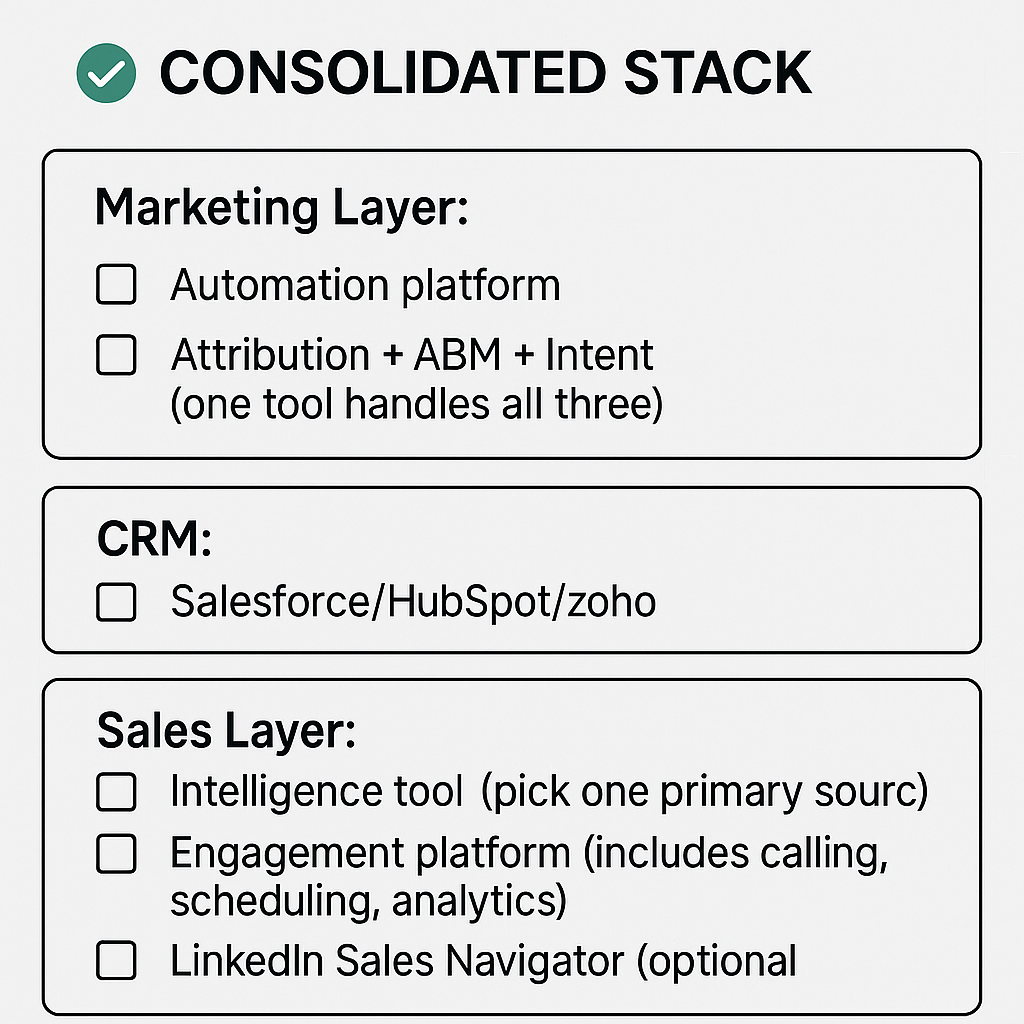
In practice, most revenue stacks include 4–7 tools spread across marketing, sales, and CRM.
Here’s how this usually plays out.
On the marketing side, teams typically use up to three tools to handle demand generation, attribution, and intent.
- An automation platform for campaigns and lead scoring
- An attribution tool to track what drives revenue
- An ABM or intent platform to identify high-intent accounts
The CRM sits at the center, bringing marketing and sales data together so pipeline and deals are tracked in one place.
On the sales side, teams usually rely on two tools to convert leads and move deals forward.
- A sales intelligence tool for contact and account data
- A sales engagement platform for outreach and follow-ups
{{INLINE_MOFU}}
Types of B2B marketing tools
For marketing tools, there are only three jobs that actually matter:
- Generate demand through campaigns: Ads, emails, nurture sequences that create consistent interest
- Measure which efforts drive closed deals: Full-funnel attribution that ties activity to revenue
- Identify high-intent accounts: Surface which prospects are ready to buy right now
And the tools to get these jobs done are:
Marketing automation platforms
Marketing automation platforms capture leads, run nurture campaigns, and score prospects, all while syncing with your CRM.
What to look for:
- Multichannel automation: Email, ads, LinkedIn, SMS in one workflow
- Clean CRM integration: No broken routing or duplicate leads
- Revenue reporting: Ties activity to pipeline, not just MQLs
1. HubSpot Marketing Hub
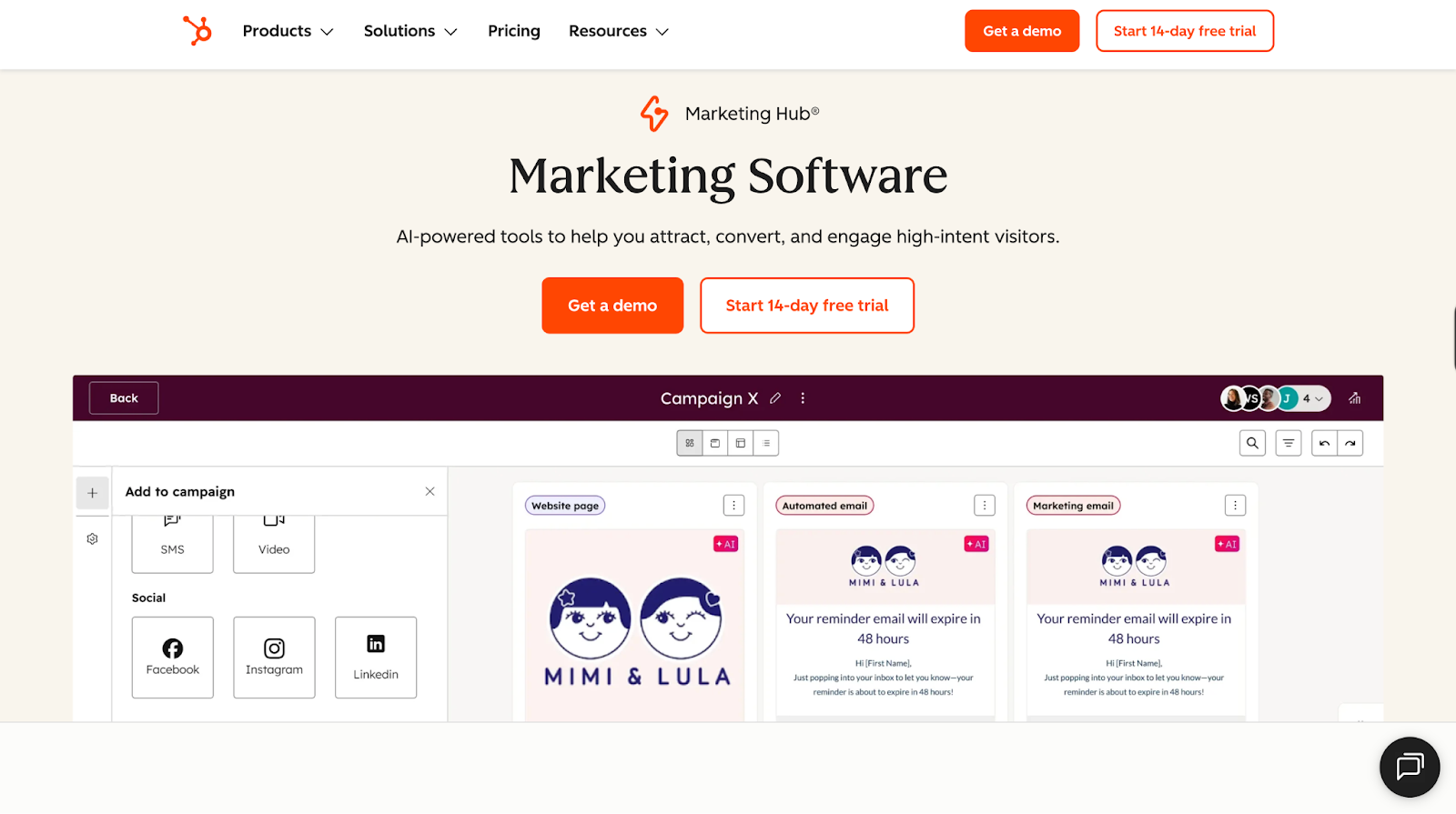
Best for: Small-to-mid-market companies looking for an easy-to-manage automation platform.
Pros:
- Built-in CRM, perfect for HubSpot CRM users
- Intuitive workflows to fast-track campaign launches from months to days
- Low learning curve and fast time-to-value
- Plug-and-play automations, great for companies without a dedicated ops person
Cons:
- Costs rise quickly once you cross 10K contacts ($800+)
- Paywalls for basic features like conditional logic and snippet limits
- Advanced customization, reporting and AI features require add-ons that can reach ~$3,200/month
Bottom Line: Choose this if you value speed and simplicity over deep customization. Budget accordingly because costs climb fast as you grow.
2. Adobe Marketo Engage
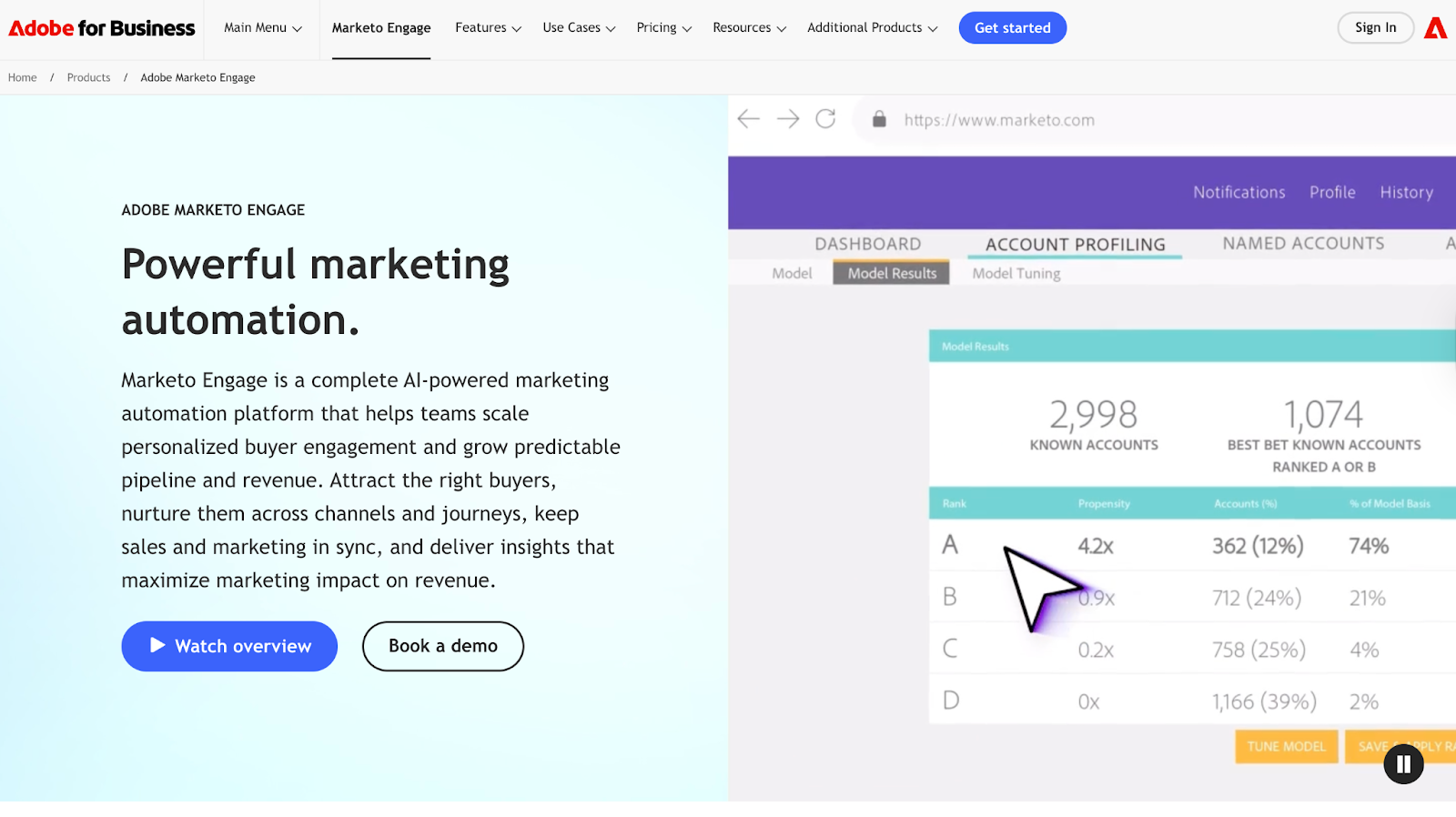
Best for: Enterprise teams with dedicated marketing ops that need advanced workflows and logic.
Pros:
- Powerful segmentation to run highly personalized, multi-step campaigns
- Built for complex use cases across regions, teams, and channels
- Predictive personalization that helps improve engagement at scale
- Works seamlessly with Salesforce and broader Adobe ecosystem
Cons:
- Steep learning curve, but very powerful and flexible once you get past it
- Need Marketo specialists to get the most out of the tool
- Clunky and outdated UX
- Overkill for teams under 50
Bottom Line: Only choose this if you have someone in-house who knows Marketo inside and out. Without dedicated resources, you're paying for features you can't use.
3. ActiveCampaign
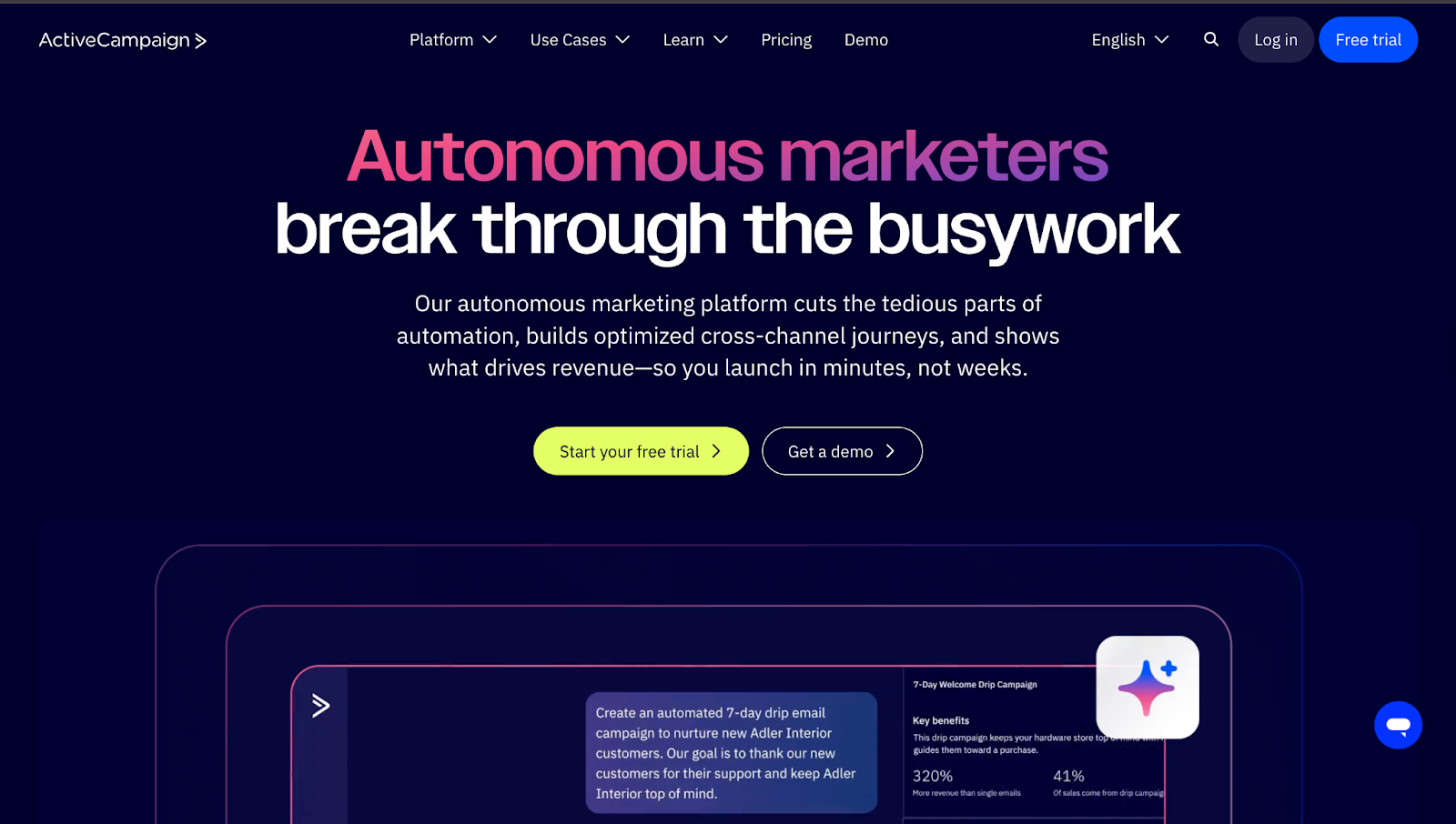
Best for: Budget-conscious startups and growth-stage teams looking for marketing automation with decent CRM features.
Pros:
- Easy to use visual and AI-powered automation builder
- Best for email marketing with a solid deliverability rate of 94.2%
- Great onboarding and support (not paid like HubSpot)
- Integrates with over 1,000+ tools
Cons:
- Limited CRM and CMS depth
- Doesn't offer account-level reporting or advanced attribution
- No sales features like booking links, scheduling, etc.
Bottom Line: Great starter platform for tight budgets, but plan your migration strategy upfront. You'll likely need to upgrade within 18-24 months.
Marketing Attribution Tools
59.4% of B2B teams use marketing attribution tools to end the sales vs. marketing blame game. How? Marketing attribution maps the full buyer journey to show which channels, campaigns, and touchpoints actually influence closed deals, giving both teams clarity on what works.
What to look for:
- Multi-touch attribution: Credit every touchpoint in the journey, not just first or last click
- Account-level visibility: Track all 6-10 stakeholders in the B2B buying committee, not just one lead record
- Automated integration: Clean data from CRM, ads, web, and marketing automation without manual work
4. Adobe Marketo Measure
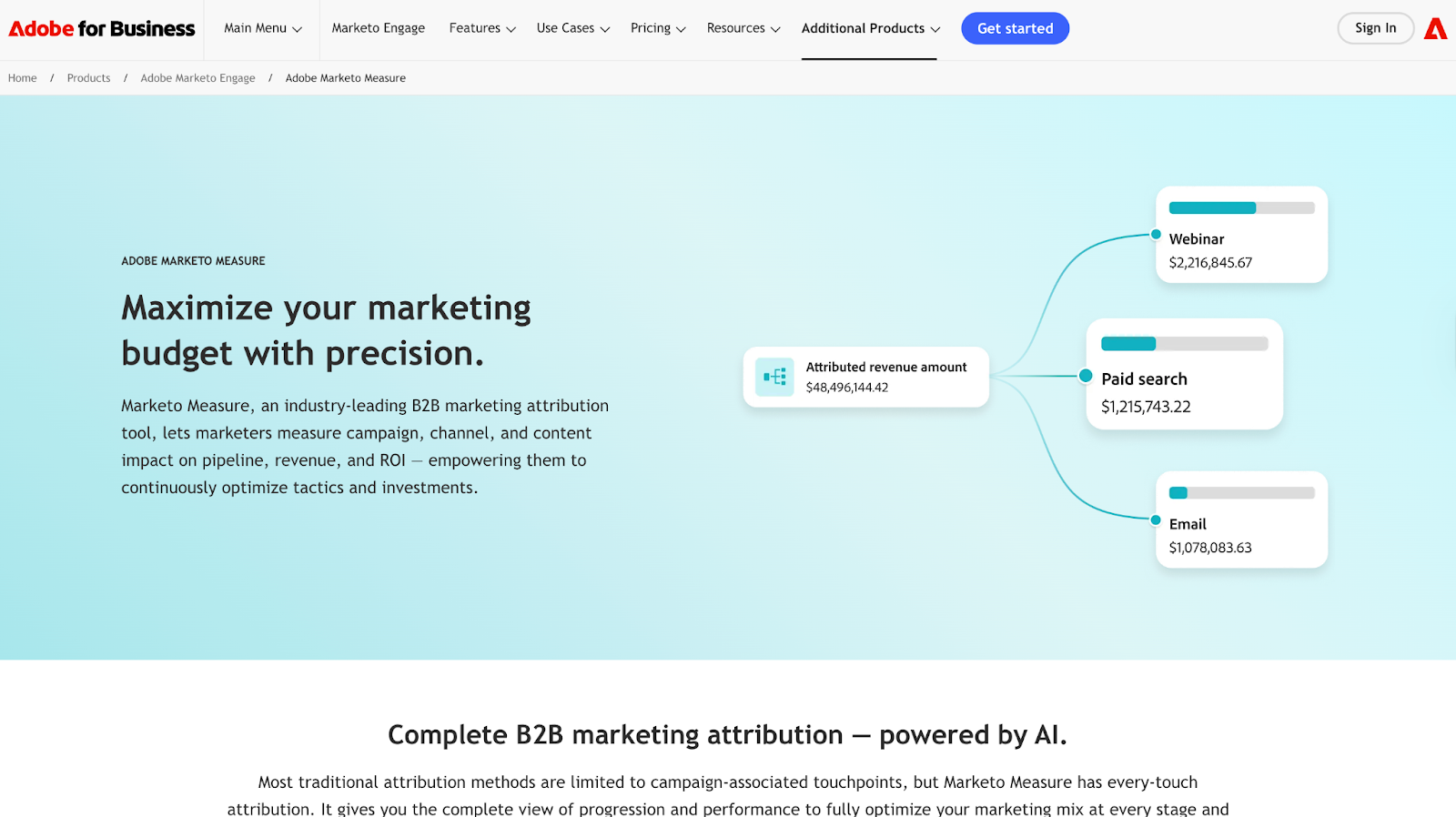
Best for: Enterprise teams already deep in the Marketo/Adobe stack.
Pros:
- Solid multi-touch attribution
- Tracks online + offline touchpoints across the funnel
- Deep Salesforce integration
- Excellent onboarding and customer support
Cons:
- Enterprise-heavy tool with a steep learning curve
- Manual cost entry for ad channels outside Google/Bing/Facebook
- No full-session journey visibility without the Amazon Redshift add-on
Bottom Line: Only worth it if you're committed to the Marketo ecosystem, otherwise you're paying enterprise prices for workflows that still require manual setup.
5. Dreamdata
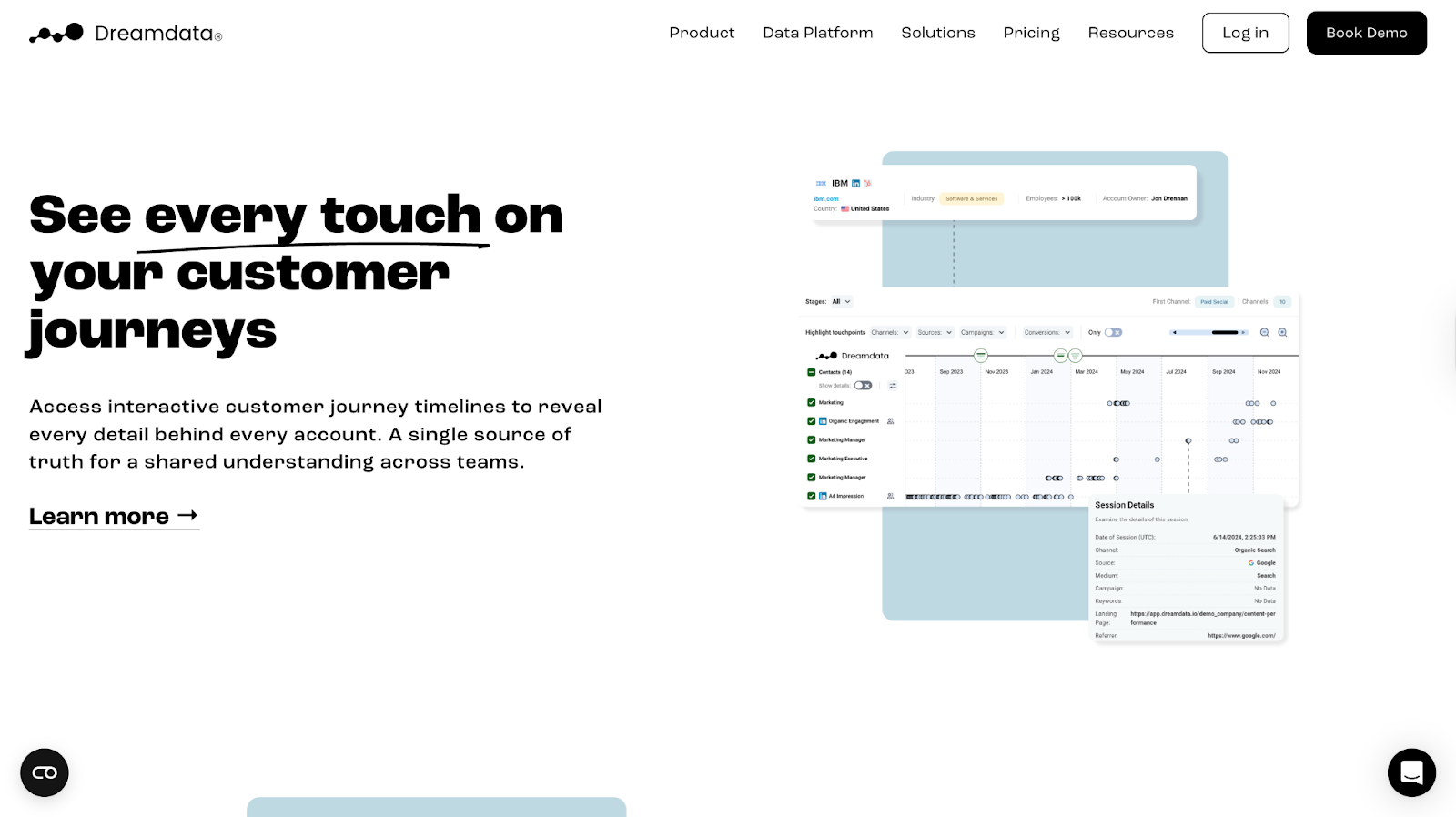
Best for: Mid-market teams that need revenue-linked account journeys without enterprise complexity.
Pros:
- Deep account-level visibility with journey maps and timelines
- Strong multi-source stitching across ads, web, and CRM
- Seamless LinkedIn ad data capture via CAPI integration
- Clean CRM syncing with HubSpot, Pipedrive and Salesforce
Cons:
- 5-10 seat caps per tier, teams outgrow it fast
- Limited reporting flexibility for complex RevOps questions
- UI feels dated compared to newer attribution tools
Bottom Line: Solid mid-market pick for account journey clarity, but you'll feel the limits as the team scales.
💡Also Read: Factors Vs DreamData and Factors Vs Marketo Engage (Bizible)
6. Factors.ai
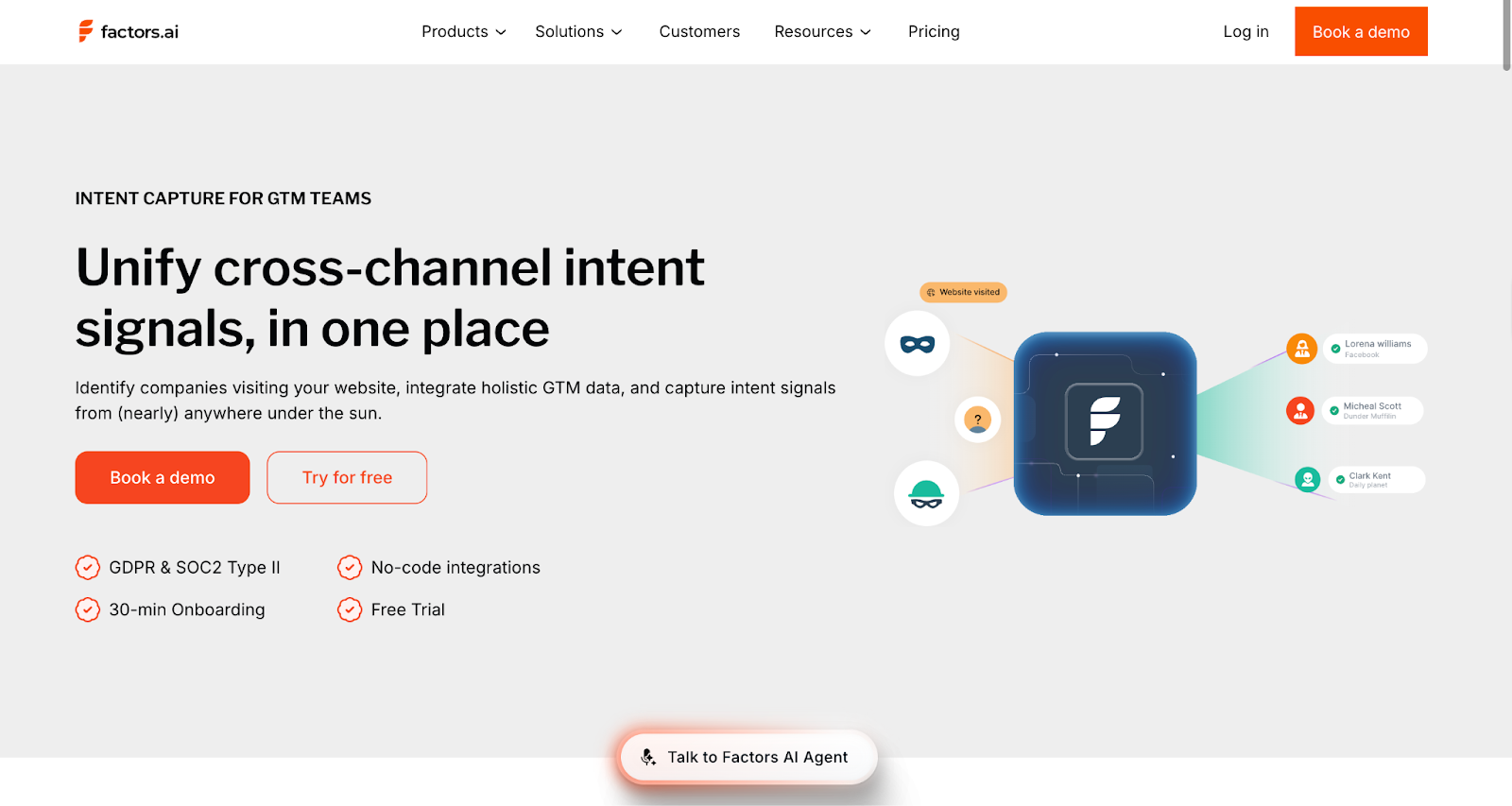
Best for: High-growth B2B teams needing attribution + account intelligence without enterprise complexity.
Pros:
- Unlimited seats, perfect for high-growth teams
- Endless custom user stage models to segment leads
- Dedicated support on all plans, unlike Dreamdata
- More out-of-the-box integration options compared to Marketo Measure (9 vs 6)
- Onboarding in less than 30 minutes
- Larger IP database than Demandbase (4.6M vs 3.6M)
- LinkedIn AdPilot shows which companies saw ads and returned
- Doesn't deanonymize individual contacts
Cons:
- Doesn't integrate with Microsoft Dynamics 365
- There's a learning curve for custom reporting and advanced setup
- Doesn't deanonymize individual contacts
Bottom Line: Great for teams looking to cut stack bloat. Attribution + account intelligence + ABM in one tool. Expect a light learning curve as you scale into custom reporting.
💡Also Read: How Squadcast used Factors to reduce prospecting time by 25% using Factors.ai's account intelligence
ABM Tools
ABM tools identify which accounts are in-market right now, so sales stops playing eeny-meeny-miny-mo with leads who downloaded a PDF versus those checking pricing three times.
ABM-aligned companies grow revenue by 208% and increase profits 27% over three years.
What to look for:
- Account identification and intent signals: Who's in-market and what they're researching
- Cross-channel orchestration: Run LinkedIn, email, display ads, and direct mail from one place
- Shared account intelligence: Everyone sees the same signals and buying behaviors
7. 6sense
Best for: Enterprise GTM teams with strong RevOps support managing 200+ accounts per SDR.
Pros:
- Identifies accounts to prioritize from large lists
- Strong Salesforce fit once configured
- Catches early intent like competitor spikes or category interest
Cons:
- Needs a dedicated RevOps owner
- Data accuracy issues (stale contacts, false positives)
- Weak EMEA coverage
Bottom Line: Best for complex enterprise sales. Smaller teams struggle to get value, and it becomes shelfware.
8. Demandbase

Best for: Enterprise teams running heavy paid ads targeting full buying committees.
Pros:
- Strong account-level ad targeting across buying groups
- Hands-on support
- Integrates with Salesforce, HubSpot, Marketo, LinkedIn
- ABM + light sales intelligence in one
Cons:
- Intent signals need manual validation
- Limited segmentation
- Outdated UX
Bottom Line: Works well for big-budget ads. Less useful for outbound sales teams.
The CRM: Where marketing and sales data connect
Without a shared CRM, marketing can't prove ROI, and sales can't see buying signals. 90% of executives say unified customer data is critical; it's the difference between aligned teams and constant firefighting.
Your CRM is that single source of truth. Marketing tracks engagement and attribution. Sales logs calls and moves deals. Both teams work from the same data.
What to look for:
- Bi-directional sync: Marketing pushes leads in, sales pushes deal data back out
- Full-funnel visibility: Track from first touch to closed revenue in one system
- Automatic logging: Emails, calls, meetings, and campaign activity captured without manual entry
9. Salesforce
Best for: Enterprise GTM teams with complex processes and a Salesforce-centric revenue stack.
Pros:
- Highly customizable for intricate workflows
- Strong enterprise-grade security and governance
- Integrates well with tools across the revenue stack
- Deep automation + strong reporting with cross-team visibility
Cons:
- Requires a dedicated ops/admin owner
- Expensive as you scale modules and seats
- Steep learning curve for non-technical users
Bottom line: Strong choice for teams with ops support, heavy customization needs, and cross-visibility requirements. Lean teams may struggle with the overhead.
10. HubSpot CRM
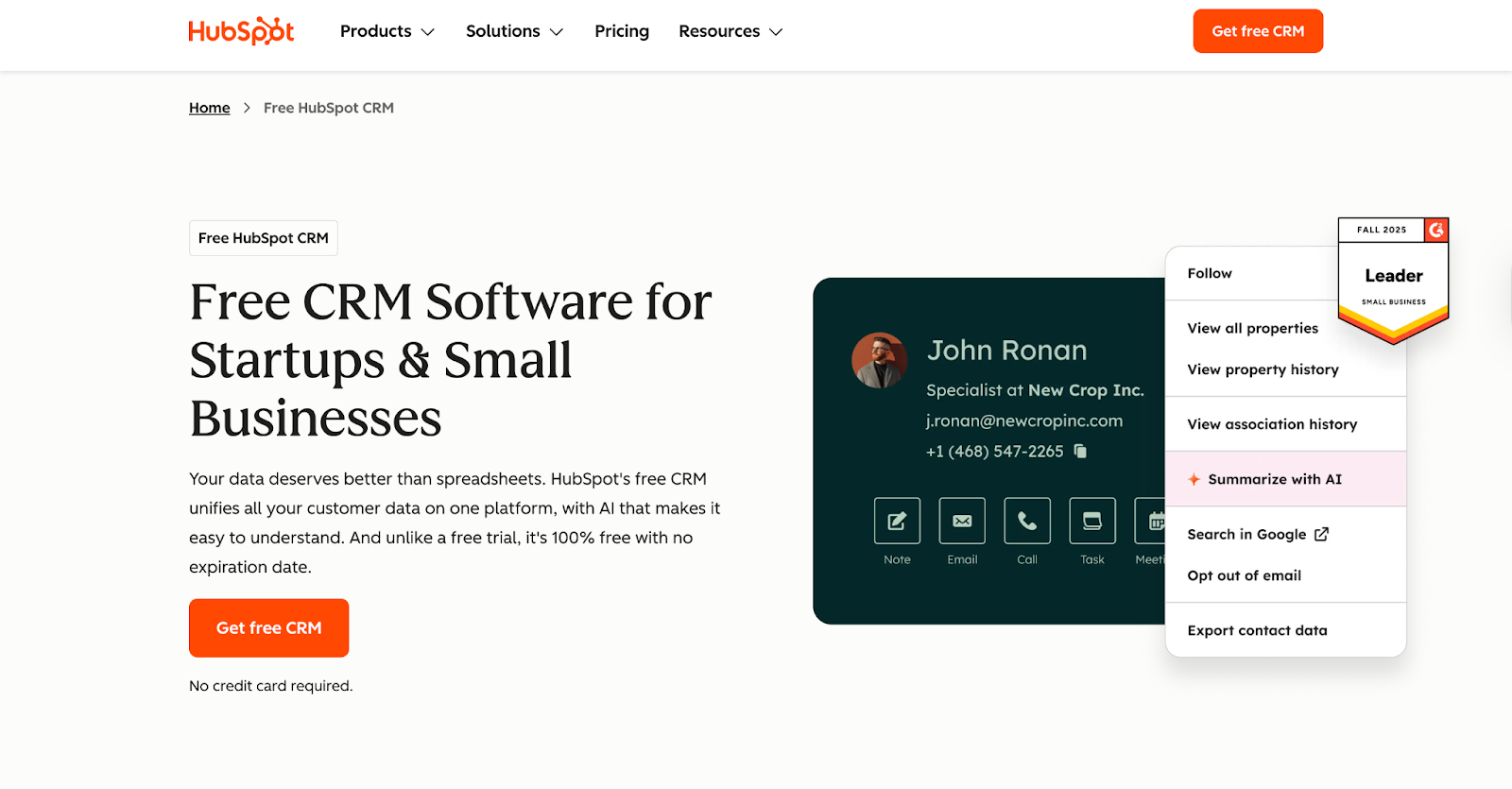
Best for: Small–mid GTM teams who want fast adoption, tight marketing alignment, and minimal admin support.
Pros:
- Sales + Marketing data in one system, lifecycle clarity without stitching tools
- Integrates well with tools already in your revenue stack (Outreach, Gong, Factors, Marketo, etc.)
- Easy to set up, less dependence on RevOps
- Works well for simple pipelines and straightforward GTM motions
Cons:
- Less flexible data model than Salesforce
- Annual contracts, cancellation is cumbersome
- Advanced reporting and automation sit behind higher tiers
Bottom line: Perfect for basic CRM + marketing flows, but not ideal if you need heavy customization, deep reporting, or complex workflows.
11. Zoho CRM
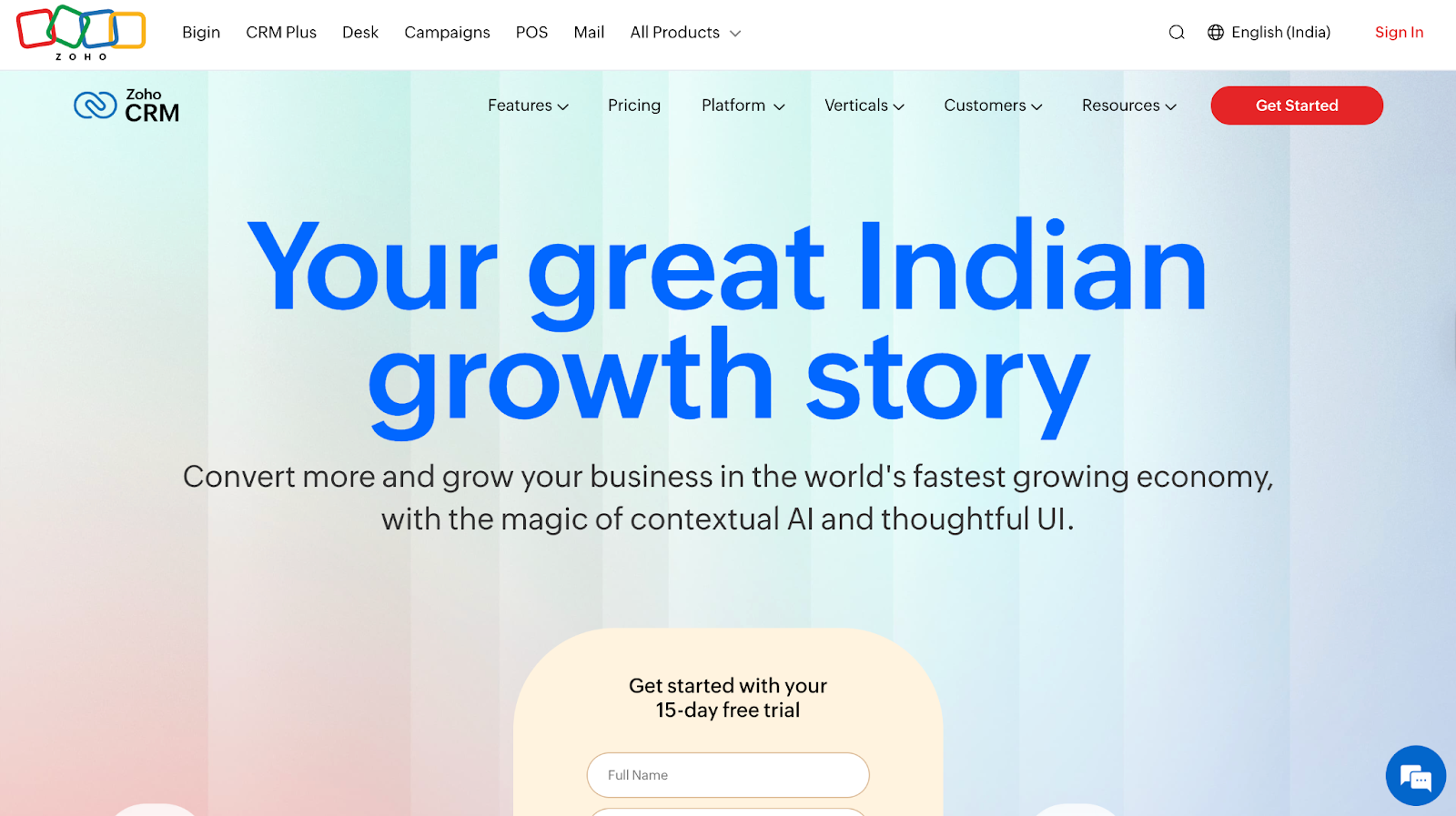
Best for: Budget-conscious, sales-driven teams that need CRM + ops + support in one place, and have basic ops/admin help for setup and upkeep.
Pros:
- CRM + email marketing + support desk + basic workflows in one suite
- Highly customizable for ops-heavy teams
- Low per-seat cost compared to HubSpot (good for scaling)
- Integrates with common GTM tools (LinkedIn Sales Navigator, Zapier, Slack, Google, Factors, Outreach, Gong)
Cons:
- Clunky UI, steeper learning curve
- Reporting and automation often need custom work
- Requires ongoing ops/admin ownership
Bottom line: Works well for custom ops setups, not the best if you need a simple, rep-friendly CRM.
Types of B2B Sales Tools
Once leads get qualified, it’s the sales team’s job to move them toward conversions. At this stage, they mainly focus on three jobs:
- Track every deal in one place: A CRM that stores contacts, conversations, and opportunities.
- Find the right people inside each account: Sales intelligence that identifies decision-makers and champions.
- Reach them efficiently: Engagement tools that automate outreach, schedule meetings, and reduce friction.
And the tools to get these jobs done are:
Sales Intelligence Tools
ABM shows which accounts are ready. Sales intelligence tools show who to contact within those accounts, along with their roles, seniority, buying authority, and engagement signals.
Two people from the same account may see your content, but only one is checking pricing or has decision-making power. Sales intelligence tools make that clear, so reps don't waste time.
What to look for:
- Fresh, accurate data: 70%+ verified contacts with weekly updates, stale data means bounced emails and dead calls
- Complete contact profiles: Direct dials, emails, LinkedIn URLs, roles, and job changes
- Account structure visibility: Org charts and buying committees to navigate multi-stakeholder deals
12. LinkedIn Sales Navigator
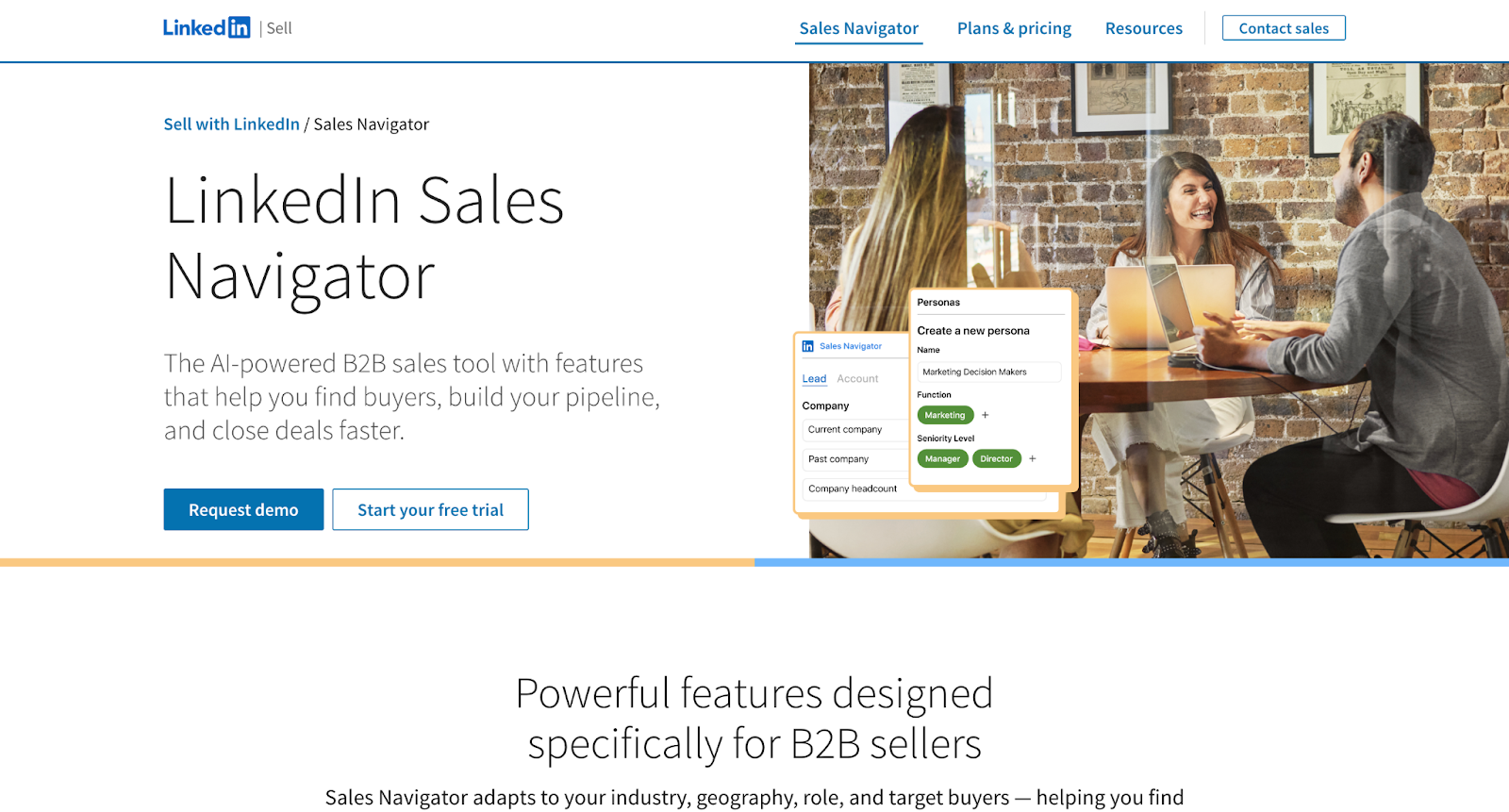
Best for: Teams doing high-volume LinkedIn outreach or social selling
Pros
- Advanced filters for B2B prospecting (function, growth signals, Boolean)
- Real-time signals (job changes, role updates, company news)
- Great for identifying decision-makers and mapping org structures
- Integrates with major CRMs (Salesforce, HubSpot, Zoho)
Cons
- Scraping/export automations carry real account-ban risk
- Native exports are limited, third-party tools needed
- High per-seat cost
Bottom line: Perfect for targeting and intelligence inside LinkedIn, but you’ll still need another tool for verified emails and mobile numbers.
13. ZoomInfo
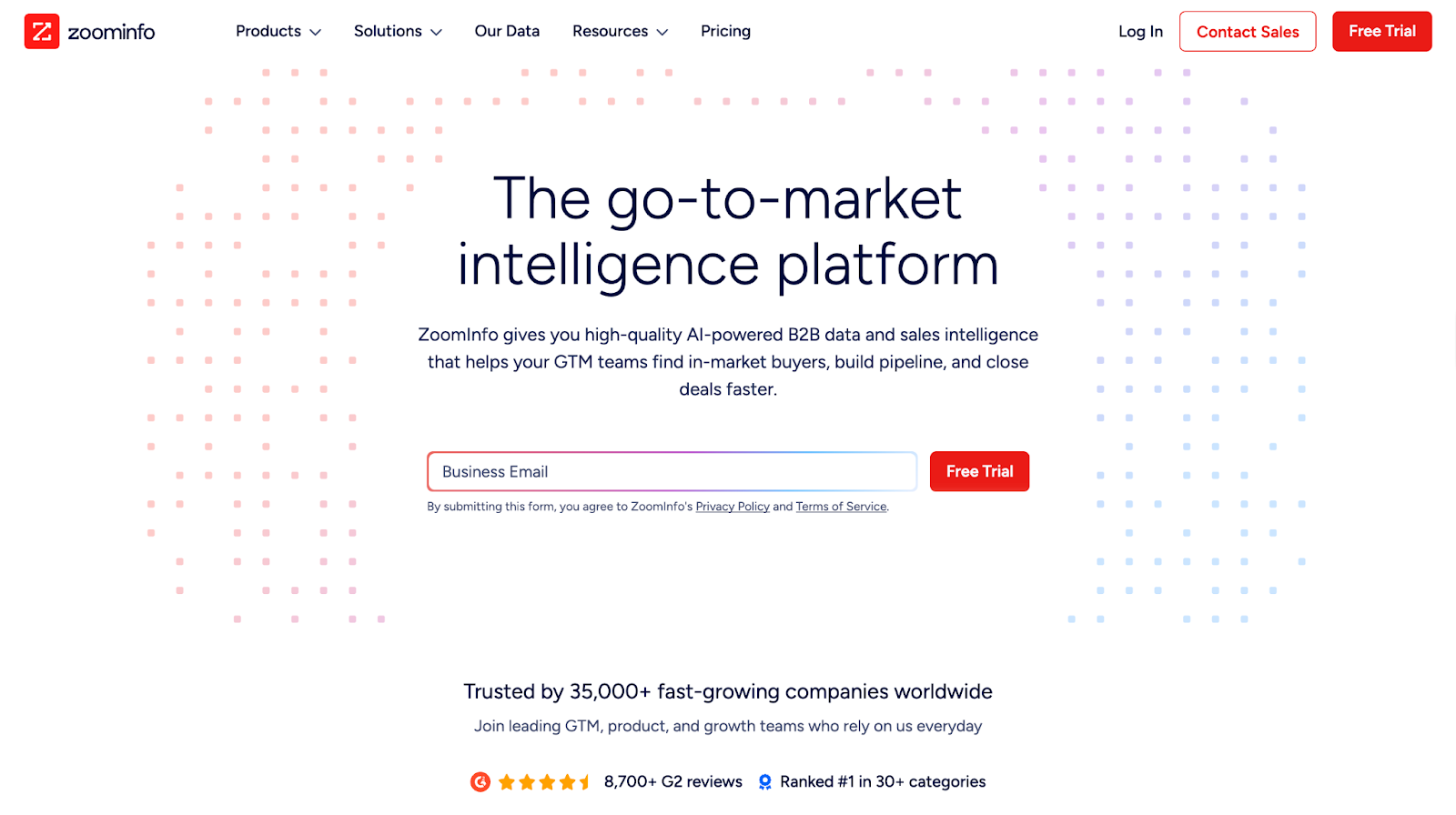
Best for: US outbound teams needing comprehensive contact data and org charts
Pros
- 85% data accuracy
- Fast enrichment and one-click CRM pushes
- Deep contact & account coverage - direct dials, verified emails, buying-committee visibility
- Strong intent signals and internal buying triggers that help prioritize in-market accounts
- Highest hit-rate for US tech + mid-market/enterprise personas
Cons
- Very expensive compared to Apollo, and Lusha
- EMEA/APAC data coverage is weaker and less reliable than US
Bottom line: Industry leader for data depth and accuracy. Expensive but worth it for teams doing serious outbound at scale.
14. Apollo
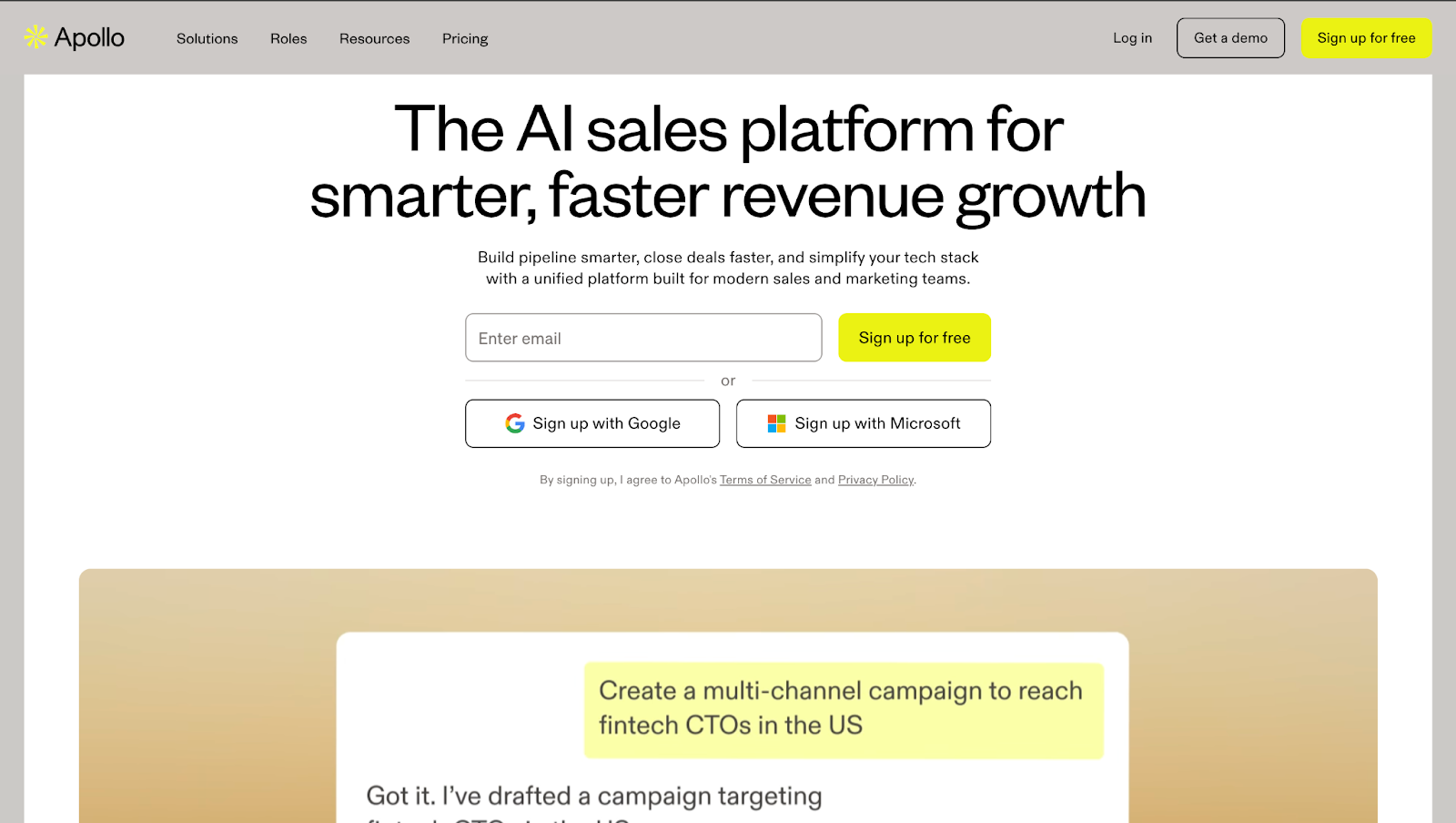
Best for: Budget-conscious GTM teams that want broad contact coverage, built-in outreach, and solid data without enterprise-tool overhead.
Pros:
- 210M+ contacts, 35M+ companies (70–80% accuracy)
- Strong value for price, ZoomInfo-like depth at lower cost
- Easy CRM integrations (HubSpot, Salesforce, Zoho, Pipedrive)
- Prospecting + sequencing in one platform across all paid plans
Cons:
- Phone/mobile accuracy weaker compared to ZoomInfo
- Data freshness varies, some roles outdated
- Daily send limits on lower-tier plans
Bottom line: ZoomInfo-level depth at a more competitive pricing. Expect 10–15% lower accuracy but 40–50% cost savings.
You can also pair Apollo with Factors.ai to identify and score in-market accounts first, then pull contact details for faster, higher-quality outreach.
Sales Engagement Tools
Sales engagement tools handle the repetitive work (sequences, follow-ups, meeting scheduling, next-step suggestions) so reps can focus on selling, not admin.
What to look for:
- Multichannel sequencing: Email, LinkedIn, calls, SMS, and follow-ups from one place
- Built-in calling + meetings: Native dialer with recordings and frictionless scheduling
- Personalization at scale: Dynamic fields and clear reply/meeting metrics
15. Klenty
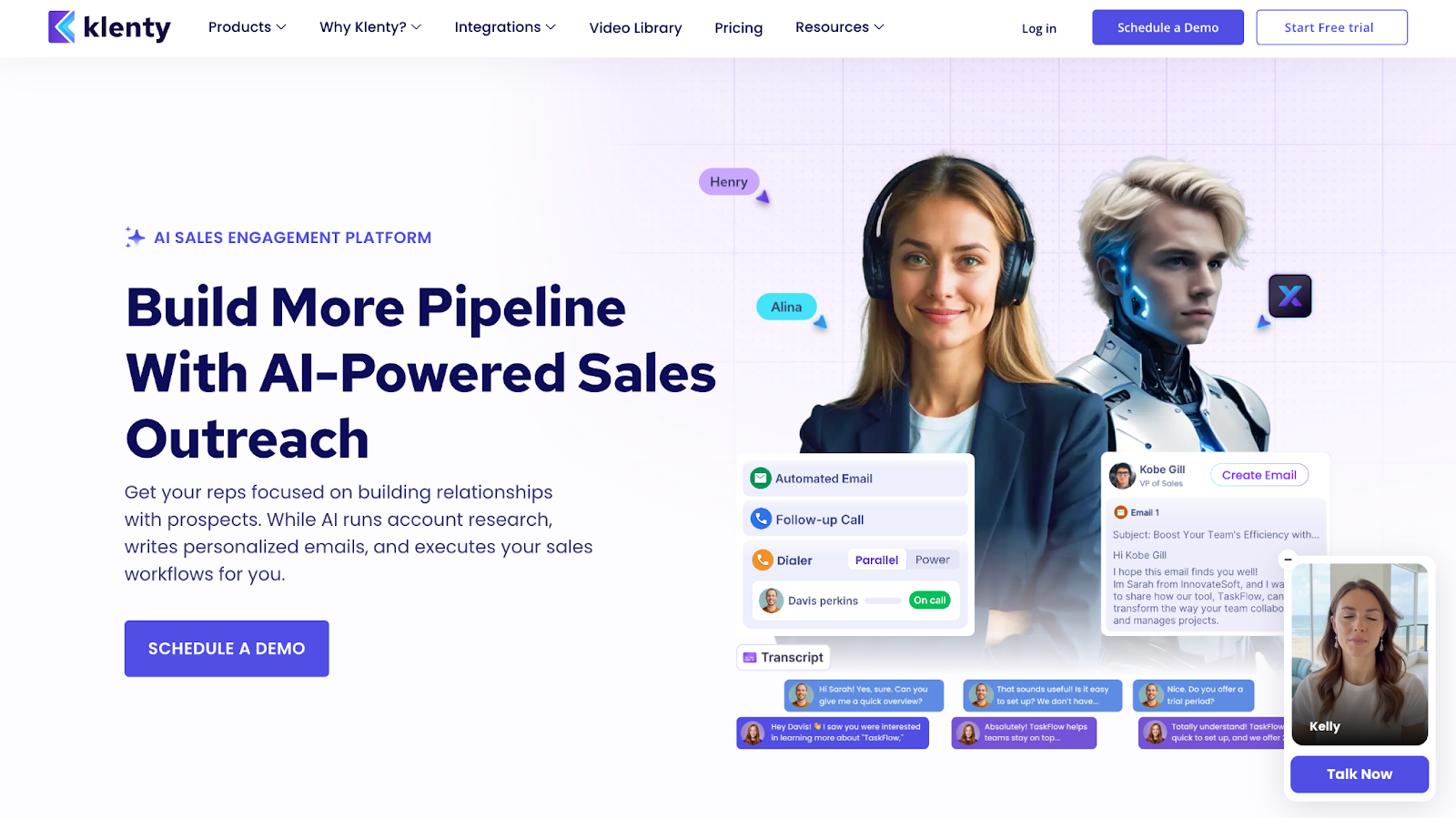
Best for: Small–mid sales teams that want fast, email-first outreach, smooth CRM syncing, and minimal setup.
Pros
- Lightweight to operate, no admin or training needed
- Strong email sequencing with high-volume support
- Built-in deliverability boosters (random send intervals, mailbox rotation)
- Smooth CRM integrations (HubSpot, Salesforce, Pipedrive, Zoho)
Cons
- Limited LinkedIn automation
- Paywalled features on lower plans
- Less customization than bigger platforms
Bottom line: A fast, no-friction outreach tool for email-first teams. Great for simple, high-volume execution, not the choice if LinkedIn or deep customization matters.
💡Case study: Klenty increased conversion rate by 34% using Factors.ai's intent data for sequence triggering.
16. Salesloft
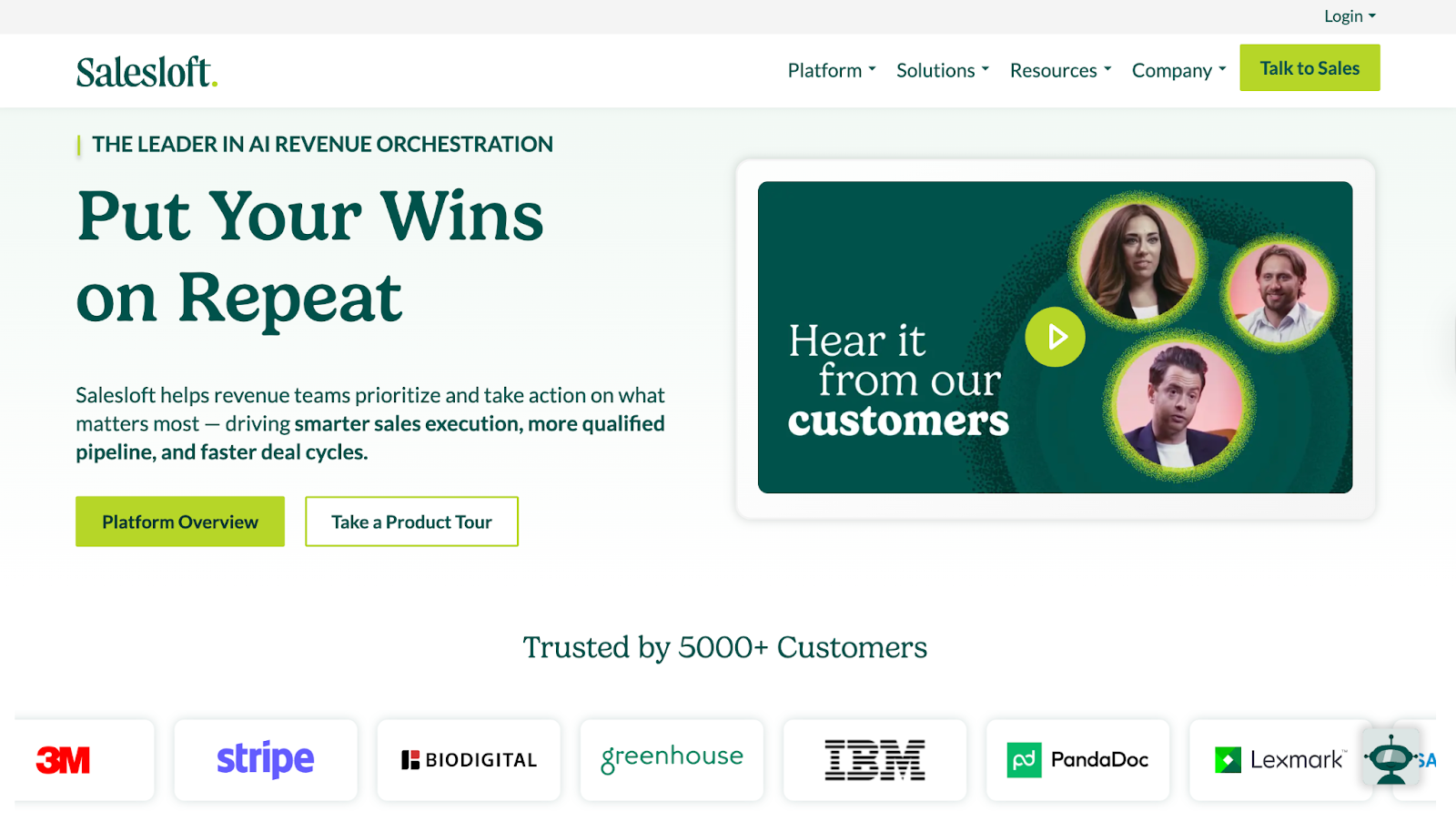
Best for: Mid to large sales teams running multichannel outreach who need deep Salesforce integration, deep reporting and analytics
Pros
- Powerful multichannel cadences across email, calls, LinkedIn
- Deep Salesforce integration with reliable bi-directional syncing
- Strong analytics, activity dashboards, and AI-driven task prioritization
- Conversation intelligence and deal insights for pipeline visibility
Cons
- Steep learning curve for new users
- Higher cost than most alternatives
- UI can feel heavy or cluttered for simple outreach needs
Bottom line: Strong for pipeline visibility and deep CRM integration. Skip if you need lightweight tools or tight budgets.
17. Outreach
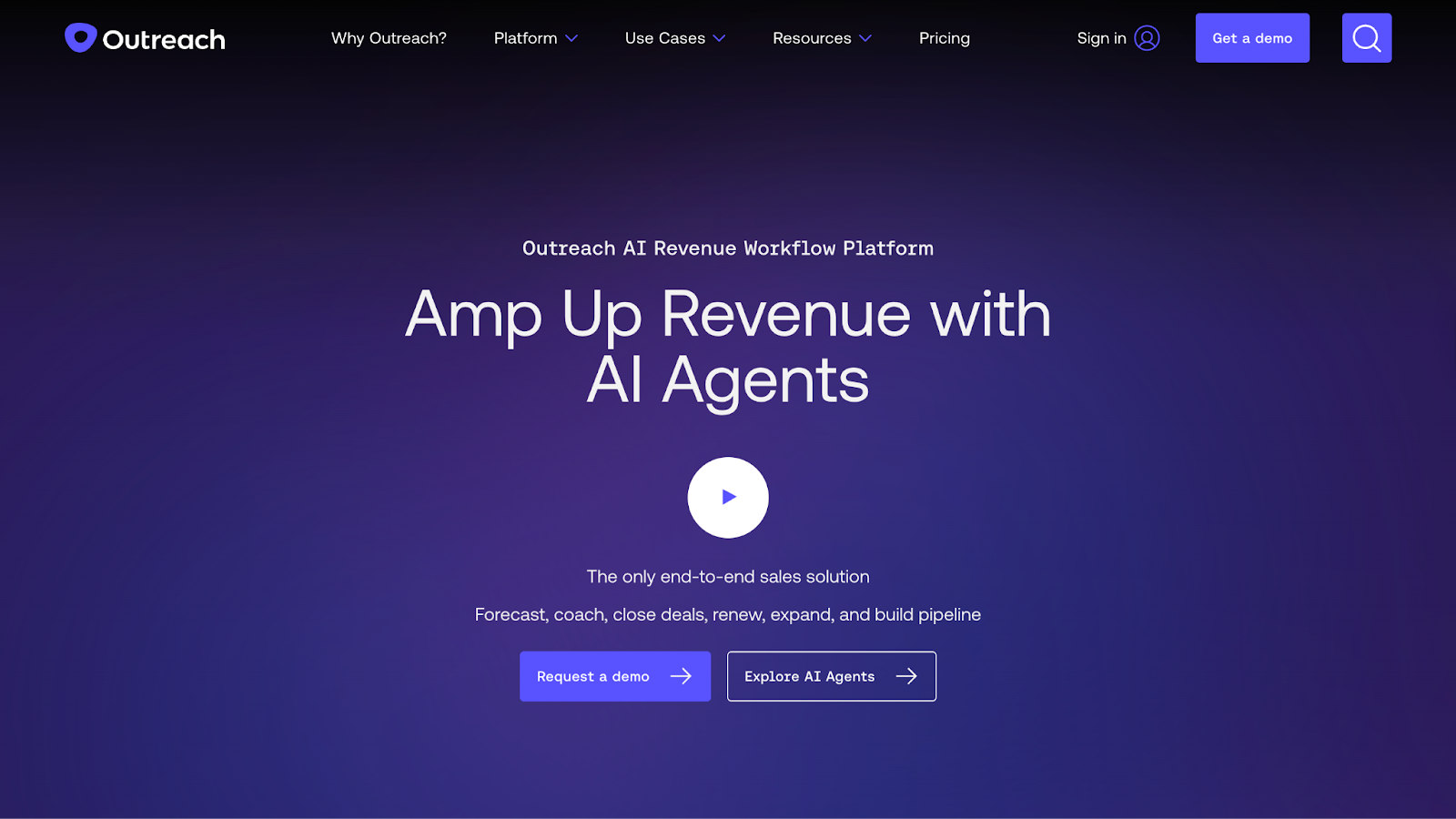
Best for: Enterprise teams that need deep visibility into pipeline activity and one system to manage outreach, calls, and deal tracking.
Pros
- Clear visibility from lead handoff to closed deal
- Outreach + conversation intelligence + revenue forecasting in one tool
- Great option for enterprise teams
- Handles high-volume outreach without breaking down
Cons
- Overly complicated UI
- Unresponsive customer support
- Limited automation flexibility
Bottom line: Best for enterprise teams needing forecasting and conversation intelligence in one platform. Too heavy for lean teams with under 50 reps.
💡Also Read: How Klenty increased their conversion rate by 34% with Factors.ai
Consolidation opportunities: How to cut your stack from 16 to 6 tools
AI Sales Tools: Do you need them?
Searches for ‘AI sales tools’ and ‘sales AI tools’ are exploding. Threads list 70 plus options. But here’s the thing: You probably already have AI.
Look at what you already have:
- HubSpot / Marketo → AI lead scoring, send-time optimization
- Factors.ai / Dreamdata → ML-driven conversion prediction + account scoring
- Klenty / Salesloft → AI email writing, call summaries, next-step suggestions
- Salesforce → forecasting, opportunity scoring, pipeline health
- Outreach / Gong → AI deal insights, risk detection, talk-track breakdowns
- ZoomInfo → intent scoring + predictive buyer signals
- Apollo → AI research + AI scoring baked in
But none of it is useful in isolation. Unless every tool is integrated with your CRM, you only get a partial picture or end up spending time shuttling between multiple tools. AI is only as good as the data it’s fed.
How to choose the right marketing and sales tools?
Choosing the right sales and marketing in 2026 can be quite overwhelming. You open one blog and find 47 "best tools" lists. G2 shows 4.7 stars, but reviews say "great for enterprises, terrible for teams under 50." Three hours later: 23 tabs open, zero decisions made.
If that sounds like a day in your life, here’s how you can evaluate what belongs in your revenue stack:
1. Start with the gap, not the category
Ask: "What's actually breaking in our funnel?" Map the tool to your buyer journey. If prospects drop off after initial engagement, you need nurture automation. If sales can't tell who's serious, you need intent signals.
2. Integration with your CRM
No tool is worth buying if it doesn't sync cleanly with your CRM. Broken integrations create more problems than they solve. Check for native integrations first, not just ‘API available.’
3. User experience
Let your team decide. Take free trials to gauge ease of use. If reps won't use it, it's wasted budget.
4. Security and AI transparency
Ask: Where does the data come from? Does the AI learn from your closed deals or generic patterns? For sales intelligence tools, verify 70%+ data accuracy.
5. Pricing and contract terms
Calculate total cost: seat licenses, onboarding, training, and admin time. Before signing, confirm you can scale or cancel mid-contract.
Next Steps: Your 3-Step Stack Audit
Step 1: Map your current sales and marketing tools against the revenue stack
List every tool you're paying for. Which category does it serve? Look for functional overlaps. For example, if you have 2 tools doing attribution, you've found bloat.
Step 2: Look for consolidation opportunities
- Paying for attribution + ABM separately? Consolidate to one platform (like Factors.ai)
- Have ZoomInfo and Lusha? Choose one that offers deeper intelligence
- Using multiple engagement tools? Pick one that includes calling, sequencing, and scheduling
Step 3: Test before you cut
Run free trials for at least a month on new tools before replacing the older ones. If adoption sticks and data flows cleanly to your CRM, make the switch.
And that's how you build a sales and marketing tool stack that does more with less.
Start here: Try Factors.ai free to consolidate attribution + ABM + intent in one platform.
FAQs for Marketing and Sales Tools
1. What are marketing and sales tools?
Marketing and sales tools are platforms that generate demand, nurture leads, and convert customers. They include SaaS marketing tools, CRMs, ABM platforms, sales intelligence tools, and sales engagement software.
2. What are AI sales tools?
AI sales tools (also called sales AI tools) use artificial intelligence or machine learning to automate sales tasks like lead scoring, content generation, call/email assistance, and account research. Unlike normal automation that uses if-then clauses, AI learns from past wins to figure out the next best steps.
3. How is machine learning used in sales?
Machine learning automates a variety of sales tasks, including churn prediction, lead scoring, forecasting accuracy, and deal health scoring. These tools gauge buyer behavior and historical performance to determine the best way forward to move deals across the pipeline.
4. What are the best AI tools for sales?
The best sales AI tools depend on your tech stack, CRM, team size, and workflows. Pick based on the biggest gap in your funnel, whether that's assistants/copilots, predictive forecasting, or prospecting tools.
5. What are business development tools?
Business development tools (also called sales development tools) help teams find new opportunities and reach out to them. This includes prospecting platforms, sales intelligence tools, meeting-scheduling software, proposal tools, and LinkedIn-based outreach tools.
6. What are SaaS marketing tools?
SaaS marketing tools are platforms designed to help software companies attract, engage, and convert customers through digital channels like email, content, SEO, and paid advertising.

See how Factors can 2x your ROI
Boost your LinkedIn ROI in no time using data-driven insights



.avif)



See Factors in action.
Schedule a personalized demo or sign up to get started for free
LinkedIn Marketing Partner
GDPR & SOC2 Type II

.svg)



.avif)

