.svg)


Dummies Guide to Google Ads Management
Whether you are a seasoned marketer or a small business owner dipping your toes into digital advertising, understanding how to utilize Google Ads Management effectively can transform your marketing efforts and drive substantial growth.
This guide aims to provide a thorough understanding of Google Ads, from the basics to advanced strategies, ensuring you have the knowledge to create, manage, and optimize your campaigns effectively.
Did you know?
In 2020, Alphabet generated almost $183 billion in revenue. Of that, $147 billion — over 80% — came from Google's ads business, according to the company's 2020 annual report.
What are Google Ads?
Google Ads, formerly known as Google AdWords, is Google's online advertising platform that allows businesses to create ads that appear on Google's search engine and other Google properties. It operates on a pay-per-click (PPC) model, meaning you pay each time someone clicks on your ad. This model ensures you only pay for site visits, making it a cost-effective way to drive traffic.

Source: https://en.wikipedia.org/wiki/Google_Ads
Here’s how Google Ads Management works
Google Ads Management works through an auction system where advertisers bid on keywords. These keywords trigger their ads to appear in Google's search results or on Google's network sites. The ads' positions are determined by the bid amount and the ad's quality score based on the ad's relevance, the expected click-through rate (CTR), and the landing page experience. This system ensures that users see relevant ads, and advertisers get a fair chance to reach their audience.
Types of Google Ads
Google Ads Management has several types of ad campaigns, each designed to meet specific marketing goals:
- Search Ads:
Text ads appear on Google's search engine results pages (SERPs) when users search for specific keywords.
- Display Ads:
Visual ads appear on websites within Google's Display Network, which includes millions of websites and apps.
- Video Ads:
Ads that appear on YouTube and across Google's video partner sites.
- Shopping Ads:
Ads that showcase products and appear in Google Shopping and search results.
- App Ads:
Ads promoting app installs and engagement appear across Google Search, Play Store, YouTube, and the Display Network.
Setting Up Your Google Ads Management Account
- Creating a Google Ads ManagementAccount
To get started with Google Ads, you need to create an account. Visit the Google Ads homepage and sign up using your Google account. You will be guided through a step-by-step process to set up your account, including selecting your advertising goals, such as driving website traffic, increasing sales, or generating leads.
- Setting Up Billing Information
After creating your account, you need to set up your billing information. Google Ads offers several payment options, including credit/debit cards, bank transfers, and PayPal. Choose the method that suits your business, and ensure your billing details are accurate to avoid any disruptions in your campaigns.
- Navigating the Google Ads Management Dashboard
The Google Ads Management dashboard is your central hub for managing your campaigns. It can be overwhelming initially, but familiarizing yourself with the key sections will help. The dashboard includes tabs for campaigns, ad groups, ads, keywords, and more. You can customize the dashboard to display the metrics and reports that are most relevant to your goals.
Keyword Research
Keywords are the foundation of any successful Google Ads Management campaign. Conducting thorough keyword research helps you understand what terms your potential customers are searching for and allows you to target those searches with your ads. Effective keyword research ensures that your ads reach the right audience, improving the likelihood of conversions.
Several tools can assist with keyword research:
- Google Keyword Planner: This free tool from Google provides insights into keyword search volume, competition, and potential cost per click.
- SEMrush: A comprehensive SEO tool that offers in-depth keyword analysis, competitor research, and more.
- Ahrefs: Known for its robust backlink analysis, Ahrefs also provides powerful keyword research tools.
When selecting keywords, consider relevance, search volume, and competition. Focus on long-tail keywords, which are more specific and less competitive, making it easier to achieve higher rankings. Additionally, use negative keywords to exclude terms that are irrelevant to your business, ensuring that your ads are shown only to your target audience.
Creating Your First Campaign
Types of Campaigns
The first thing to do is understand the various campaigns that are there. Google Ads Management offers various campaign types to suit different marketing objectives:
- Search Campaigns: Ideal for businesses looking to capture intent-driven traffic from users actively searching for their products or services.
- Display Campaigns: Perfect for building brand awareness by displaying visual ads across Google's vast network.
- Video Campaigns: Effective for engaging users with compelling video content on YouTube and partner sites.
- Shopping Campaigns: Designed for e-commerce businesses to showcase products directly in the search results.
- App Campaigns: Tailored to promote mobile apps across multiple platforms.
Setting Campaign Goals
Before creating your campaign, define clear objectives. Are you aiming to drive website traffic, generate leads, increase sales, or boost brand awareness? Your campaign goals will guide your strategy, budget allocation, and performance metrics.
Budgeting and Bidding Strategies
Determine your budget based on your overall marketing strategy and financial capacity. Google Ads Management allows you to set daily budgets and adjust them as needed. Choose a bidding strategy that aligns with your goals:
- Manual CPC (Cost-Per-Click): You set the maximum amount you will pay per click.
- Automated Bidding: Google adjusts your bids to achieve the best results based on your goals (e.g., maximizing clicks, conversions, or impression share).
Writing Effective Ad Copy
Elements of a Good Ad
A successful ad comprises several key elements:
- Headline: Catchy and relevant, capturing the user's attention.
- Description: Clear and concise, highlighting the benefits and features of your product or service.
- URL: Display a user-friendly URL that indicates where the user will land.
Tips for Writing Compelling Ad Copy
Crafting compelling ad copy requires understanding your audience's needs and pain points. Use action-oriented language, incorporate keywords naturally, and emphasize unique selling propositions (USPs). Ensure your ad copy is aligned with your landing page content to maintain consistency and relevance.
A/B Testing Your Ads
A/B testing involves creating multiple versions of your ads to see which performs better. Test different headlines, descriptions, and calls-to-action (CTAs). Analyze the results and refine your ad copy based on performance metrics to continually optimize your campaigns.
Setting Up Ad Extensions
What Are Ad Extensions?
Ad extensions are additional information that expand your ad, providing more value to users. They can improve your ad's visibility, CTR, and overall performance.
Types of Ad Extensions
Google Ads Management offers various ad extensions, including:
- Sitelink Extensions: Links to specific pages on your website.
- Callout Extensions: Highlight additional features or offers.
- Structured Snippets: Provide specific information about your products or services.
- Call Extensions: Include a phone number for direct contact.
- Location Extensions: Show your business address and link to Google Maps.
How to Implement Ad Extensions in Your Campaigns
To add ad extensions, navigate to the "Ads & extensions" tab in your Google Ads Management dashboard and select "Extensions." Choose the type of extension you want to add and fill in the required details. Ad extensions are a simple way to enhance your ads and provide more information to potential customers.
Targeting Your Audience
Importance of Audience Targeting
Precise audience targeting ensures that your ads reach the right people at the right time, maximizing the effectiveness of your campaigns. It helps you focus your budget on users more likely to convert, improving your return on investment (ROI).
Types of Audience Targeting
Google Ads Management offers several targeting options:
- Demographic Targeting: Target users based on age, gender, parental status, and household income.
- Geographic Targeting: Focus on specific locations, such as countries, cities, or a radius around a particular area.
- Device Targeting: Target users based on their device (desktop, mobile, tablet).
Setting Up Audience Targeting in Google Ads
To set up audience targeting, go to the "Audiences" section on your Google Ads Management Dashboard. Select the campaign you want to edit and choose the relevant targeting options. You can create custom audiences or use Google's predefined audience segments based on interests, behaviors, and past interactions.
Monitoring and Optimizing Your Campaigns
Tracking Performance Metrics
Monitoring your campaign performance is crucial for identifying areas of improvement and ensuring your ads are achieving your goals. Key metrics to track include:
- Click-Through Rate (CTR): The percentage of users who clicked on your ad after seeing it.
- Cost-Per-Click (CPC): The average cost you pay for each click on your ad.
- Conversion Rate: The percentage of users who completed a desired action (e.g., purchase, sign-up) after clicking on your ad.
Using Google Analytics with Google Ads
Integrating Google Analytics with Google Ads Management provides deeper insights into user behavior on your website. Link your Google Ads Management account to Google Analytics to track conversions, analyze user paths, and measure the effectiveness of your campaigns. This integration helps you make data-driven decisions to optimize your ads and improve performance. On average, businesses make $2 in revenue for every $1 they spend on Google Ads, showcasing the platform's effectiveness in generating returns on investment.
Tips for Optimizing Your Campaigns
To maximize your campaign's success, consider the following optimization strategies:
- Regularly Review and Adjust Bids: Monitor your bidding strategies and adjust bids based on performance.
- Refine Keywords and Ad Copy: Continuously update and test your keywords and ad copy to ensure they remain relevant and practical.
- Optimize Landing Pages: Ensure your landing pages are aligned with your ads and provide a seamless user experience.
- Use Negative Keywords: Regularly update your negative keyword list to filter out irrelevant traffic.
- Test Different Ad Formats: Experiment with various ad formats and extensions to see which performs best.
- Leverage Ad Scheduling: Schedule your ads to show during peak times when your target audience is most active.
- Focus on Quality Score: Improve your ad relevance, CTR, and landing page experience to boost your quality score and lower your CPC.
Advanced Google Ads Management Strategies
Remarketing Campaigns
Remarketing involves targeting users who have previously interacted with your website or app. By showing tailored ads to these users, you can increase the chances of conversion as they are already familiar with your brand.
- Setting Up Remarketing: Create remarketing lists in Google Ads Management or Google Analytics, segmenting users based on their behavior (e.g., visited a product page, abandoned cart).
- Creating Remarketing Ads: Design personalized ads that address your remarketing lists' specific interests and behaviors.
- Monitoring and Optimizing: Track the performance of your remarketing campaigns and adjust your strategies based on the results.
Using Google Ads Management Scripts for Automation
Google Ads Management scripts allow you to automate various tasks, saving time and improving efficiency. Scripts can help with bid adjustments, reporting, and making changes across multiple accounts.
- Getting Started with Scripts: Access your Google Ads Management account's "Bulk Actions" section and choose "Scripts." You can use pre-built scripts or create custom ones based on your needs.
- Common Scripts: Utilize scripts for tasks such as pausing low-performing ads, adjusting bids based on performance, and generating custom reports.
- Testing and Implementing: Test your scripts in a sandbox environment before implementing them in your live campaigns to ensure they work correctly.
Leveraging Google Ads’ AI and Machine Learning Features
Google Ads Management offers several AI and machine learning features designed to enhance campaign performance:
- Smart Bidding: Automated bidding strategies that use machine learning to optimize for conversions or conversion value in every auction.
- Responsive Search Ads: Ads that dynamically adjust their headlines and descriptions based on user queries and performance data.
- Dynamic Search Ads: Ads that automatically generate ad headlines and landing pages based on the content of your website.
Common Mistakes to Avoid
Overlooking Negative Keywords
Negative keywords prevent your ads from showing for irrelevant searches, saving your budget for more valuable clicks. Regularly review and update your negative keyword list to exclude terms unrelated to your business.
Ignoring Mobile Optimization
With an increasing number of users accessing the internet via mobile devices, it's crucial to ensure your ads and landing pages are mobile-friendly. Optimize your ad formats, bidding strategies, and website design to provide a seamless mobile experience.
Poor Ad Copy and Landing Page Mismatch
Consistency between your ad copy and landing page content is essential for user satisfaction and high conversion rates. Ensure your ads deliver on their promises by directing users to relevant, high-quality landing pages.
Google Ads is a powerful platform for businesses to reach potential customers through targeted advertising.
1. Understanding Google Ads: Operates on a pay-per-click (PPC) model with ad placement based on bid amount and ad quality score.
2. Types of Ads: Includes Search Ads, Display Ads, Video Ads, Shopping Ads, and App Ads for varied campaign objectives.
3. Setting Up an Account: Create an account, set up billing, and navigate the dashboard to manage campaigns.
4. Campaign Creation: Define goals, select keywords, craft ad copy, and set budgets to launch campaigns.
5. Optimization: Monitor performance, adjust bids, refine keywords, and improve ad quality for better ROI.
Tools like Factors.ai can optimize efforts by providing insights into campaign performance and audience engagement.
In a nutshell
Google Ads Management is a versatile and powerful tool for businesses looking to enhance their online presence and drive targeted traffic. By understanding the platform's intricacies, from setting up your account to creating and optimizing campaigns, you can maximize your advertising efforts and achieve your marketing goals.
Continually experiment with different strategies, test new features, and refine your approach based on data and performance insights. Staying adaptable and innovative will help you stay ahead of the competition and achieve sustained success with Google Ads.

Top LinkedIn Agencies in Middle East
As the world's largest professional network, LinkedIn boasts over 830 million members globally, with a substantial and rapidly expanding user base in the Middle East. This platform transcends traditional social media by cultivating a professional environment where businesses and individuals can connect, network, and grow.
LinkedIn allows companies to maintain business continuity, engage with customers, and recruit talent despite physical constraints. It provides professionals opportunities to stay connected, share insights, and pursue career advancements in a rapidly changing job market.

Here’s why LinkedIn is a valued social media channel in the Middle East
LinkedIn's features, such as job postings, professional groups, and thought leadership content, align perfectly with the Middle East’s focus on economic diversification and innovation. As businesses and professionals navigate the new normal, LinkedIn stands out as a critical tool for sustaining and enhancing professional growth and business development in a digitally driven world.
In the Middle East, LinkedIn's importance is amplified due to the region's scale of economic activities and entrepreneurial spirit. The platform fosters knowledge sharing and collaboration across borders, contributing to a more integrated, growth-oriented, innovative business environment. Professionals in the UAE, Saudi Arabia, and other Gulf Cooperation Council (GCC) countries use LinkedIn to stay abreast of industry trends, engage in thought leadership, and explore new business opportunities. This regional vision is reflected in business partnerships, such as the India-GCC Business Partnership, which includes a database of over 1.8 billion people, offering both parties a vast customer base and market potential.
- Economic Growth:
The Middle East is experiencing rapid economic diversification and digital transformation, making LinkedIn an essential tool for business growth and professional networking.
- Professional Development:
Professionals in the UAE, Saudi Arabia, and other GCC countries use LinkedIn to stay ahead of industry trends, engage in thought leadership, and explore new business opportunities.
- Strategic Partnerships:
The platform facilitates knowledge sharing and collaboration across borders, fostering a more integrated and innovative business environment.
LinkedIn for Business
LinkedIn allows companies to establish a formidable online presence, share industry insights, and engage with a targeted audience. Through LinkedIn, businesses can showcase their products and services to an extensive professional network, boosting brand awareness and nurturing customer relationships. LinkedIn's advanced advertising solutions also allow precise targeting, ensuring marketing efforts reach the most relevant and high-value prospects.
TL;DR
LinkedIn is an indispensable platform for business growth and professional networking in the Middle East, mainly due to its alignment with the region's economic diversification and digital transformation goals. Professionals and businesses in the UAE, Saudi Arabia, and other GCC countries use LinkedIn for industry insights, networking, and exploring business opportunities. LinkedIn marketing strategically uses the platform for brand awareness, lead generation, and targeted advertising. Top LinkedIn marketing agencies in the Middle East, such as Nexa Digital, Ubrik Media, Prism Digital, Red Berries, and Spider Works, offer specialized services to enhance LinkedIn presence and engagement. Partnering with these agencies ensures businesses leverage LinkedIn’s full potential, driving growth and maximizing ROI.
But wait, what is LinkedIn Marketing?
LinkedIn marketing refers to the strategic use of LinkedIn as a platform for promoting a business, building brand awareness, and engaging with a professional audience. As a powerful tool in digital marketing, LinkedIn marketing includes a range of activities designed to exploit the platform's unique capabilities fully.
Key components of LinkedIn marketing through LinkedIn agencies in the Middle East:
- Profile Optimization
Ensuring personal and company profiles are professionally crafted to reflect brand identity and key messages. A well-optimized profile is a digital business card, making a solid first impression and enhancing credibility.
- Content Marketing
Creating and sharing valuable content, such as articles, posts, and videos, that engages the audience and establishes thought leadership. Consistent and relevant content keeps the audience engaged, drives traffic, and positions the business as an industry leader.
- Advertising Campaigns
Utilizing LinkedIn's targeted advertising options, including Sponsored Content, Sponsored InMail, and Text Ads, to reach specific professional demographics. These campaigns ensure that marketing efforts reach the right audience, maximizing ROI.
- Networking and Engagement
Building connections with industry professionals, participating in groups, and engaging with followers to foster relationships and drive business conversations. Active engagement helps build a robust professional network and opens doors for collaboration and business opportunities.
- Lead Generation
LinkedIn's tools and features, such as Lead Gen Forms and Sales Navigator, can be used to identify and connect with potential business leads. Effective lead generation strategies convert connections into customers, driving business growth.
LinkedIn’s popularity across different industries and sectors
- Technology & IT
Professionals and companies in IT and tech use LinkedIn to hire top talent, share innovations, and network with global tech communities.
Benefits: LinkedIn helps these companies stay at the forefront of industry developments and connect with key influencers.
- Oil & Gas
Given the Middle East's significant role in the oil and gas sector, LinkedIn is vital for networking opportunities, recruitment, and business development.
Benefits: Companies can engage with a global audience, highlight their contributions, and attract skilled professionals.
- Education
Universities and educational institutions use LinkedIn for outreach, alumni networking, and promoting educational programs.
Benefits: LinkedIn facilitates connections with prospective students, alumni, and academic peers, enhancing the institution's visibility and reputation.
- Healthcare and Pharmaceuticals
Professionals use LinkedIn to stay updated with industry advancements, share research, and connect with peers.
Benefits: The platform supports professional development and collaboration, driving innovation and sharing best practices.
- Finance and Banking
This sector utilizes LinkedIn for insights into market trends, recruitment, and establishing thought leadership through industry-related content.
Benefits: LinkedIn enables finance professionals to network with industry leaders, stay informed about financial news, and enhance their professional profiles.
Criteria for selecting top LinkedIn agencies in the Middle East
- Experience and Expertise
- Years in Operation
Agencies with a longer track record often possess extensive knowledge and experience in LinkedIn marketing. Longevity indicates stability and a proven ability to adapt to the dynamic media world.
- Specialization in LinkedIn Marketing
Agencies specializing in LinkedIn marketing demonstrate a deeper understanding of the platform's nuances. Unlike general digital marketing agencies, these specialists can provide more targeted and effective strategies.
- Client Portfolio
- Types and Sizes of Clients Served
A diverse client portfolio, including businesses of various sizes and industries, showcases the agency’s ability to cater to different needs. This versatility indicates adaptability and a broad skill set.
- Case Studies and Success Stories
Success stories and case studies provide evidence of an agency's impact and capabilities. They offer insights into the agency’s strategic approach, creativity, and effectiveness in achieving client goals.
- Range of Services
- Content Creation
Agencies proficient in content creation can develop engaging articles, posts, videos, and graphics tailored to the target audience. High-quality content is essential for building a strong LinkedIn presence and driving engagement.
- Ad Campaign Management
Effective LinkedIn ad campaigns require strategic planning, precise targeting, and continuous optimization. Agencies skilled in ad campaign management can maximize ROI and reach the desired audience.
- Profile Optimization
Ensuring client profiles are polished, professional, and optimized for visibility and engagement is crucial. Optimized profiles enhance credibility and attract more business opportunities.
- Lead Generation
Agencies with robust lead generation strategies and tools can help clients identify and nurture leads efficiently. Effective lead generation is critical for business growth and sales success.
- Reputation and Reviews
- Client Testimonials
Positive feedback from satisfied clients highlights an agency’s competence and reliability. Testimonials demonstrate the agency’s ability to deliver results and maintain strong client relationships.
- Industry Awards and Recognitions
Awards and recognitions validate an agency's capabilities and standing within the marketing community. These accolades are a testament to the agency’s excellence and industry leadership.
Why partner with a specialized LinkedIn marketing agency?
- Expertise and Experience: Specialized agencies deeply understand LinkedIn's unique features and can craft strategies specifically designed for professional networking and B2B marketing.
- Targeted Campaigns: These agencies can create highly targeted ad campaigns, ensuring your marketing efforts reach the most relevant and high-value prospects.
- Content Optimization: They provide expert content creation and profile optimization services that enhance your brand's visibility and credibility on LinkedIn.
- Lead Generation: With advanced tools and techniques, these agencies can effectively identify and nurture leads, driving business growth.
Here’s a list of the Top LinkedIn Agencies in the Middle East
- Location: Dubai, UAE
- Background: Established in 2005, Nexa is a leading digital marketing agency headquartered in Dubai, with additional offices in New York and Manchester. Nexa has gained recognition as a top provider of digital marketing solutions in the Middle East, particularly excelling in strategic LinkedIn marketing initiatives.
- Key Services
- LinkedIn Marketing
- Content Creation
- SEO and SEM
- Lead Generation
- Notable Clients and Case Studies: Nexa has collaborated with major brands such as Audi, Aramex, and Bosch. Their campaigns have significantly improved brand engagement and lead generation through targeted LinkedIn strategies.
- USPs:
- Nexa is a Diamond-tier HubSpot Partner, showcasing its proficiency in inbound marketing techniques, including LinkedIn marketing.
- It is also recognized as a Google Premier Partner, underscoring its expertise in Google Ads campaigns that complement LinkedIn's strategies.
- Nexa's LinkedIn marketing strategies are carefully data-driven, ensuring optimal results and ROI for clients.
- Industries: B2B Marketing, Education, Automotive, Healthcare, Hospitality, Real Estate, E-commerce.
- Location: Dubai, UAE
- Background: Ubrik Media was established to help businesses navigate the digital world effectively. The agency has grown to become a leader in digital marketing in Dubai, with a strong emphasis on results.
- Key Services:
- LinkedIn marketing and advertising
- Generation of traffic and leads
- Converting leads into customers
- Quantifying ROI for marketing activities
- Pacing with global market trends
- Increase in competition
- Retention of existing customers
- USP:
- Comprehensive digital marketing solutions with a focus on LinkedIn
- Proven track record of delivering high ROI by helping over 200+ brand
- Industries: Education & Direct Manufacturers.
- Location: Dubai, UAE
- Background: Founded over a decade ago, Prism Digital has consistently ranked among Dubai's top digital marketing agencies. They pride themselves on staying ahead of digital trends and delivering creative, result-driven campaigns.
- Key Services:
- LinkedIn marketing and advertising
- SEO and content marketing
- Social media marketing
- Web design and development
- Email marketing
- Notable Clients and Case Studies: Prism Digital has handled LinkedIn marketing for major UAE-based clients, significantly increasing their engagement and inquiries.
- USPs:
- Award-winning digital marketing strategies
- Expertise in leveraging LinkedIn for B2B marketing
- Strong focus on creative and innovative solutions
- Helps connect directly with industry decision-makers
- Industries: Hospitality, Real Estate, Pharmaceuticals.
- Location: Dubai, UAE
- Background: Red Berries was established in 2004 and has evolved from a creative agency into a full-service digital marketing firm. It is known for its customized and innovative digital marketing strategies.
- Key Services:
- LinkedIn marketing and advertising
- SEO and SEM
- Ad campaigns
- Content marketing
- Notable Clients and Case Studies: Red Berries has implemented successful LinkedIn campaigns for clients in multiple sectors, driving significant engagement and brand recognition improvements.
- USPs:
- Customized LinkedIn advertising plans
- Experts to help you
- Extensive experience in managing LinkedIn advertising campaigns
- Industries: Real Estate, Pharmaceuticals, Hospitality.
- Location: Dubai, UAE
- Background: SpiderWorks has established itself as a top LinkedIn marketing agency in Dubai. They focus on creating and managing effective LinkedIn marketing strategies that drive business growth.
- Key Services:
- LinkedIn marketing and advertising
- Content creation and management
- SEO strategy
- Analytics and optimization
- Notable Clients and Case Studies: SpiderWorks has successfully executed LinkedIn campaigns for clients in various sectors, leading to enhanced brand authority and increased lead generation.
- USPs:
- Precision targeting with LinkedIn marketing and outreach campaigns
- Expertise in crafting compelling LinkedIn content and building connections
- A data-driven approach to continuous improvement using consistent analysis and refinement
- Industries: Real Estate, Hospitality, Finance.
Selecting the right LinkedIn marketing agency can be crucial for businesses aiming to maximize their online presence and drive growth. That said, the necessity of partnering with a specialized LinkedIn marketing agency cannot be overstated. These agencies enable businesses and professionals to leverage LinkedIn's vast capabilities with precision and expertise. Companies can optimize outcomes and maximize return on investment (ROI) by prioritizing data-driven strategies.
Here’s how you can take a pick
Conducting thorough research into an agency's background, client portfolio, and industry recognition is the first step to making an informed decision. Here are some steps to consider:
- Review Client Portfolios: Look at the types and sizes of clients the agency has served. A diverse portfolio indicates the agency’s capability to cater to different needs.
- Examine Case Studies: Success stories and case studies provide insight into the agency’s strategies and their effectiveness in achieving client goals.
- Check Testimonials: Positive feedback from satisfied clients highlights the agency’s competence and reliability.
- Evaluate Industry Recognition: Awards and recognitions validate an agency's capabilities and standing within the marketing community.
Agencies specializing in LinkedIn marketing offer tailored services that maximize the platform's potential, from profile optimization to targeted advertising and lead generation.
LinkedIn remains a vital conduit for professional development and business innovation as the region participates in digital transformation.
While these agencies will help you up your LinkedIn game, we at Factors are launching LinkedIn AdPilot. This tool will help you unlock the power of data-driven insights to precisely target the correct accounts and rapidly enhance your LinkedIn ROI. Don’t just take our word for it; join our beta program today and discover how AdPilot can revolutionize your marketing strategy.
LinkedIn has become a key platform for B2B marketing in the Middle East, aligning with the region's economic diversification and digital transformation.
1. Leading Agencies: Nexa Digital, Ubrik Media, Prism Digital, Red Berries, and SpiderWorks.
2. Services Offered: Profile enhancement, content marketing, and targeted advertising.
3. Strategic Benefits: Effective engagement with professional audiences, enhanced brand visibility, and business growth in the competitive Middle Eastern market.
Partnering with specialized agencies can optimize LinkedIn strategies and drive success in this region.

Top 5 B2B Data Enrichment Tools to Boost Data Accuracy
When it comes to B2B marketing and sales, data accuracy is your secret weapon. Think of it as the magic ingredient that makes your strategies sizzle, your sales soar, and your business decisions spot-on. In a market where staying ahead means everything, having the right data at your fingertips is key—and that’s where B2B data enrichment tools come in.
These tools are like superheroes for your data, taking basic, raw information and transforming it into powerful, actionable insights. They gather, validate, and update your data, ensuring you’re always familiar with the freshest and most relevant details about your prospects and clients. By pulling in data from various sources, these tools give you a 360-degree view of your potential customers, helping you understand what makes them tick.
TL;DR
- Data enrichment tools enhance B2B marketing and sales by transforming raw data into actionable insights, leading to more effective strategies.
- These tools clean, validate, and update data, ensuring it is accurate, comprehensive, and relevant, which leads to more informed decision-making.
- Popular Tools for B2B Data Enrichment:
- Factors.AI – Offers real-time updates, firmographic and technographic insights, and CRM integration.
- Clearbit – Provides access to over 85 data points and integrates with Salesforce, Marketo, and HubSpot.
- ZoomInfo – Uses AI and machine learning for accurate data, with tailored solutions for sales and marketing.
- InsideView – Provides detailed market intelligence and CRM integration.
- Lusha – Focuses on accurate contact information with an easy-to-use interface.
Why does data enrichment matter so much?
Raw data is often messy—it can be inaccurate, duplicated, or missing crucial details. That’s where data enrichment steps in, cleaning up the mess and filling in the gaps. The result? A pristine dataset that drives smarter strategies and uncovers golden opportunities.

With enriched data, you can slice and dice your audience like a pro, crafting marketing messages that hit the bullseye and sales pitches that speak directly to each prospect. You’ll be able to create campaigns that truly resonate, boosting engagement and conversions. Plus, your sales team can zero in on the hottest leads, making the most of every opportunity.
The bottom line is that B2B data enrichment tools are game-changers. They ensure your data is top-notch, giving you the insights you need to supercharge your marketing and sales efforts. By using these tools, you’ll make smarter decisions, fine-tune your strategies, and watch your business thrive.
Benefits of B2B Data Enrichment Tools
- Improved Customer Segmentation:
- Accurate Data: Enriched data allows for precise customer segmentation, enabling businesses to classify their audience based on specific attributes.
- Tailored Marketing Efforts: With better segmentation, marketing campaigns can be more personalized, addressing each segment's unique needs and preferences.
- Increased Relevance: Targeted messages resonate more with recipients, leading to higher engagement and conversion rates.
- Enhanced Sales Productivity:
- Salesforce Study Insights: According to a Salesforce study, businesses that utilize data enrichment tools experience a 28% increase in sales productivity.
- Streamlined Processes: Thanks to enriched data, sales teams spend less time searching for information and more time engaging with prospects.
- Better Lead Scoring: Accurate data helps identify high-quality leads, allowing sales teams to focus on prospects with the highest potential.
- Higher Marketing ROI:
- Marketing Efficiency: The same Salesforce study highlights a 25% rise in marketing ROI for businesses using data enrichment tools.
- Optimized Campaigns: Enriched data helps design marketing strategies that are more likely to succeed, reducing wasteful spending.
- Improved Targeting: Accurate customer data ensures marketing efforts reach the right audience, enhancing the return on investment.
- Reduced Bounce Rates:
- Accurate Contact Information: Data enrichment tools ensure up-to-date contact information, significantly lowering the chances of emails bouncing.
- Enhanced Deliverability: Clean and accurate data improve email deliverability rates, ensuring marketing messages reach their intended recipients.
- Higher Engagement: Email campaigns with valid contact details are more effective, leading to better engagement metrics.
- Effective Email Campaigns:
- Up-to-date Information: Enriched data keeps contact details current, enhancing the relevance and timeliness of email content.
- Personalized Content: Accurate data enables personalized email marketing, increasing the likelihood of positive responses.
- Better Metrics: Enhanced data quality leads to improved open and click-through rates, making email campaigns more successful.
- Comprehensive Customer Profiles:
- 360-Degree View: Data enrichment provides a complete view of customers, integrating various data points to build comprehensive profiles.
- Informed Decision-Making: Businesses can make better-informed decisions regarding product development and marketing strategies with detailed customer insights.
- Customer Relationship Management: Enriched data helps maintain strong customer relationships by better understanding their needs and preferences.
- Competitive Advantage:
- Market Insights: Enriched data offers valuable insights into market trends and competitor activities.
- Strategic Planning: Businesses can leverage these insights to devise strategic plans that outperform competitors.
- Proactive Approach: Accurate and timely data allows businesses to anticipate market changes and respond proactively.
Using B2B data enrichment tools, businesses can significantly enhance their operational efficiency, marketing effectiveness, and overall market competitiveness.
Key Features of Effective B2B Data Enrichment Tools
Effective B2B data enrichment tools offer several key features that enhance their utility and efficiency:
- Real-time Data Updating:
- Ensures Data is Always Current: Real-time updates guarantee the information is always up-to-date, reducing the risk of using outdated or incorrect data. This is critical for maintaining accurate customer profiles and making informed business decisions.
- Enhanced Decision Making: Access to the latest data enables businesses to make timely and more accurate decisions, improving overall strategy and operations.
- Integration with CRM Systems:
- Seamless Integration: These tools integrate effortlessly with popular CRM systems like Salesforce and HubSpot, ensuring that enriched data is readily accessible within existing workflows.
- Improved Data Consistency: Integration ensures that all team members have access to the same updated information, which promotes consistency and accuracy across the organization.
- Efficiency and Automation: This feature streamlines processes by automating data entry and updates, freeing up time for sales and marketing teams to focus on strategic activities.
- Customizable Data Fields:
- Tailored to Specific Needs: Customizable fields allow businesses to define and prioritize the data points most relevant to their needs and industry requirements.
- Enhanced Data Relevance: Ensures that the data collected and enriched aligns perfectly with the business objectives, enhancing its relevance and usability.
- Scalability: As business needs evolve, the ability to customize data fields ensures that the tool can scale and adapt to changing requirements without major overhauls.
- Comprehensive Data Sources:
- Diverse Data Inputs: Effective tools pull data from various sources, including social media, financial records, and public databases, ensuring a holistic view of each customer or prospect.
- Increased Data Accuracy: Combining multiple data sources reduces the likelihood of errors and enhances the overall accuracy of the information.
- Data Compliance and Security:
- User-Friendly Interface:
- Ease of Use: The tool's user-friendly interface ensures that all team members can use it efficiently, regardless of their technical expertise.
- Reduced Training Time: An intuitive design reduces the time and resources required for training, enabling quicker adoption and usage.
Popular B2B Data Enrichment Tools
When it comes to enhancing B2B data, several B2B Data Enrichment tools stand out due to their robust features and reliability. Here are some of the most popular options:
- Factors AI

Factors.AI uses AI-driven analytics to improve B2B data quality by offering actionable insights and predictive analytics, helping businesses make informed decisions and refine their data strategies.
- Extensive Data Coverage: Factors.AI provides comprehensive data enrichment by offering detailed firmographic, technographic, and behavioral insights to enhance your B2B data.
- Real-Time Updates: The platform ensures your data is continuously updated with real-time information, keeping your insights accurate and relevant.
- Integration Capabilities: Factors.ai integrates smoothly with popular CRM and marketing automation tools like Salesforce and HubSpot, allowing seamless data synchronization.
- Customizable Insights: Factors.ai offers customizable analytics and reporting features, enabling businesses to tailor data views and insights to their specific needs.
- Pricing: Pricing information for Factors.ai is available upon request, with options designed to cater to various business requirements.
- Clearbit

Clearbit provides B2B data enrichment solutions that integrate seamlessly with CRM and marketing systems. These solutions deliver enriched customer profiles and real-time insights to enhance targeted outreach and lead quality.
- Extensive Data Coverage: Clearbit offers access to over 85 data points, including firmographics, technographics, and social profiles.
- Real-Time Updates: The tool provides real-time data enrichment, ensuring your information is always current.
- Integration Capabilities: Clearbit integrates seamlessly with platforms like Salesforce, Marketo, and HubSpot.
- Pricing: Plans start at $99/month for basic features.
- ZoomInfo

ZoomInfo offers B2B data enrichment through its extensive database and advanced AI capabilities, helping businesses identify key prospects, improve lead quality, and streamline sales and marketing efforts.
- Detailed Company Profiles: ZoomInfo offers in-depth company and contact information, including revenue, employee count, and key decision-makers.
- AI and Machine Learning: Utilizes advanced AI and machine learning algorithms to provide accurate and up-to-date data.
- Sales and Marketing Intelligence: Tailored solutions for sales and marketing teams to identify and connect with potential leads.
- Pricing: Pricing is customized based on the size and needs of the business.
- InsideView

InsideView, now part of Demandbase, InsideView delivers powerful B2B data enrichment tools that gather and analyze market intelligence, aiding businesses in understanding their target audience and refining their sales and marketing strategies.
- Comprehensive Market Intelligence: InsideView provides a deep market understanding with detailed industry data, news, and trends.
- CRM Integration: Seamlessly integrates with major CRM systems like Salesforce, Microsoft Dynamics, and SugarCRM.
- Targeted Prospecting: Helps businesses identify and target the right prospects with precise market segmentation.
- Pricing: Offers a free version with limited features; premium plans start at $99/month.
- Lusha

Lusha focuses on B2B data enrichment by providing accurate contact information and company insights, enhancing lead generation and sales prospecting with its user-friendly platform and extensive database.
- Contact Information Accuracy: Lusha specializes in providing highly accurate contact information, including email addresses and phone numbers.
- User-Friendly Interface: Easy-to-use interface that simplifies the data enrichment process.
- Browser Extension: Offers a browser extension for quick access to data while browsing LinkedIn or company websites.
- Pricing: Free plan available; premium plans start at $75/month.
How to Choose the Right B2B Data Enrichment Tool

According to a study by Dun & Bradstreet, businesses that leverage data enrichment experience a 28% increase in lead conversion. That is why, when selecting a data enrichment tool, consider the following factors:
- Business Needs: Align the tool's capabilities with your specific requirements. Identify the data type to enrich and ensure the tool meets these needs. For example, if you focus on improving sales and marketing data, look for tools specializing in those areas. Understanding your goals will help narrow down your choices and ensure the tool adds value to your operations.
- Data Sources and Accuracy: Ensure the tool sources data from reliable and accurate databases. High-quality data sources are crucial for effective data enrichment. Verify the credibility of the data providers and check for consistency and accuracy in the data they supply. According to a report by Experian, 75% of companies believe that inaccurate data impacts their ability to deliver an excellent customer experience.
- Integration Capabilities: Check if the tool integrates seamlessly with your existing CRM and other systems. Smooth integration is essential for maintaining workflow efficiency and ensuring data consistency across platforms. Tools that offer robust API support or native integrations with popular CRMs like Salesforce, HubSpot, or Microsoft Dynamics can significantly streamline your processes.
- Pricing: Evaluate the cost in relation to the features offered. It's important to balance your budget with the tool's capabilities. Consider the ROI by assessing how the tool's features can drive your business objectives. Some tools offer tiered pricing models or custom quotes based on your specific needs, which can be advantageous for growing businesses.
- User Experience and Support: Assess the tool’s user interface and the quality of customer support. A user-friendly interface can significantly reduce the learning curve, while responsive customer support can help resolve issues promptly, ensuring minimal disruption to your business.
Implementation and Best Practices
An article by Forbes mentions that data-driven businesses are 23 times more likely to acquire customers and 19 times more likely to be profitable. That is why, implementing a B2B data enrichment tool involves several crucial steps to ensure optimal performance and accuracy. Here’s a detailed guide:
- Integration:
- Connect the Tool with Your CRM: Ensure seamless integration between the data enrichment tool and your CRM system. This connection allows for automatic data updates and minimizes manual data entry.
- Integration with Other Data Management Systems: In addition to the CRM, integrate the tool with other relevant data management systems, such as marketing automation platforms and sales tools, to streamline data flow and maintain consistency.
- Utilize API Integrations: Use API integrations to facilitate real-time data updates. This ensures that your system always has the most current and accurate information.
- Data Mapping:
- Customize Data Fields: Tailor the data fields within the tool to match your specific business requirements. This customization helps capture relevant data points crucial for your operations.
- Standardize Data Formats: Ensure that all data is standardized to avoid inconsistencies. This includes formats for phone numbers, addresses, and other critical data fields.
- Create Data Mapping Templates: Develop templates for data mapping to simplify the process and ensure consistency across different datasets.
- Ongoing Maintenance:
- Regular Data Updates: Schedule regular updates to your data to keep it accurate and relevant. This can be automated to ensure consistency and reduce manual efforts.
- Data Cleaning: Periodically clean your data to remove duplicates, correct errors, and update outdated information. This helps in maintaining the overall health of your database.
- Monitor Data Quality: Implement monitoring tools to track data quality. This includes checking the data's accuracy, completeness, and relevance.
- Best Practices:
- Define Clear Objectives: Before implementation, clearly define your goal with the data enrichment tool. This will help you select the right tool and set measurable goals.
- Involve Key Stakeholders: Engage stakeholders from different departments to ensure the tool meets cross-functional needs.
- Continuous Training: Provide ongoing training to your team on how to use the tool effectively. This includes regular updates on new features and best practices.
- Measure ROI: Continuously measure the tool's return on investment (ROI) to ensure it delivers value. Use metrics such as data accuracy improvements and time saved in data management.
Implementing a B2B data enrichment tool effectively can significantly enhance data quality and overall business efficiency.
Top B2B Data Enrichment Tools
Data enrichment tools help businesses transform basic information into comprehensive insights, leading to more effective targeting and decision-making in B2B marketing and sales.
1. Top Platforms: Factors.AI, Clearbit, ZoomInfo, InsideView, and Lusha.
2. Key Features:
- Factors.AI: AI-driven analytics, firmographic and technographic insights, real-time updates, and seamless CRM integration.
- Clearbit: 85+ data points for customer profiles, smooth integrations with platforms like Salesforce, Marketo, and HubSpot.
- ZoomInfo: AI and machine learning-powered, accurate and up-to-date data, tailored for sales and marketing teams.
- InsideView: Detailed market intelligence, industry trends, and CRM integration.
- Lusha: Accurate contact information, user-friendly interface, and lead generation focus.
3. Strategic Benefits:
- Improve targeting and segmentation with enhanced data accuracy.
- Optimize marketing and sales efforts with real-time data updates.
- Leverage AI-driven insights to drive better decision-making and campaign performance.
Implementing these data enrichment tools helps refine marketing strategies, boost lead generation, and support data-driven sales efforts for enhanced ROI.
In a nutshell
B2B data enrichment tools are essential for maintaining data accuracy and driving effective marketing and sales strategies. By enriching data, businesses can gain deeper insights into their target audience, enabling more personalized and effective marketing campaigns. Accurate data helps identify potential leads, understand customer needs, and enhance customer relationships.
Data enrichment tools continue to play a crucial role in helping businesses stay competitive. These tools are continually updated to incorporate new data sources and advanced analytics, ensuring businesses have the most relevant and up-to-date information. Staying ahead in the competitive market requires choosing the right tool that fits your business needs and goals.
Select a tool that offers comprehensive data coverage, ease of integration, and scalability. Implement best practices such as regular data audits, data cleansing, and adherence to data privacy regulations to ensure data quality. Utilize insights from data enrichment to refine marketing strategies, improve customer targeting, and increase sales efficiency.
By following these steps and best practices, businesses can leverage data enrichment tools to their fullest potential, ensuring accurate and actionable data that drives informed decision-making.
.webp)
Leverage Engagement Scoring To Drive B2B Marketing Performance
Traditional metrics such as sourcing and influence metrics, while valuable, have their limitations, often leaving a gap in understanding accurate marketing performance.
This is where engagement scoring emerges as a game changer.
Engagement Scoring Unveiled
Engagement scoring is the systematic process of assessing and quantifying customer interactions with your brand. Engagement scoring goes beyond merely counting clicks or page views; it delves deep into the quality, timing, and relevance of these actions. These interactions encompass a broad spectrum, from ad views, web sessions, content downloads, email engagement, social media activity, event attendance, and more.
The Growing Significance of Engagement
The days of bombarding potential customers with generic messaging are long gone. In an era where buyers have a plethora of options and information at their fingertips, understanding their preferences, intent, and fitment is indispensable. Engagement scoring becomes the compass that guides you through this complex landscape.
Filling in the Gaps Left by Sourcing and Influence Metrics
Sourcing metrics primarily focus on quantifying the revenue that marketing has directly sourced. For example, sourcing metrics, such as win rates, deal sizes, and revenue lift, do not tell you anything about the lead's level of interest or intent.
Influence metrics, on the other hand, aim to measure the impact of marketing on the decision-making process of potential clients. Influence metrics, such as social media following and website traffic, can give you some indication of a lead's influence, but they do not tell you how engaged they are with your product or service.
These traditional metrics are often rooted in a binary understanding sourced or not sourced, influenced or not influenced.

Engagement scoring steps in to offer a more nuanced perspective. It recognizes that the buyer's journey is not linear but a complex web of interactions and engagements. Every click, download, or event attendance provides a piece of the puzzle. Instead of classifying potential clients into rigid categories, engagement scoring paints a dynamic picture that captures their level of interest, the stage in their decision-making process, and their responsiveness to marketing efforts. Moreover, engagement scoring can enhance your ability to focus marketing efforts on prospects who are most likely to convert, ultimately boosting conversion rates and ROI.
The Significance of Engagement in B2B Marketing
Picture the modern-day B2B business as a bustling marketplace. The traditional approach to B2B marketing can be likened to standing in this marketplace, megaphone in hand, and shouting generic messages to anyone who will listen. In the past, such an approach might have yielded some results, but the dynamics of B2B marketing have undergone a profound transformation.
Engagement scoring is the need of the hour, especially because it places buyers at the forefront of the strategy.
The Evolution of Buyer Behavior
Buyer behavior is no longer a linear journey. Gone are the days when prospects would embark on a clear, predictable path from awareness to consideration and finally, decision. Instead, today's B2B buyers navigate a labyrinth of choices, resources, and options. It's akin to a journey through a maze, where every turn presents new choices, challenges, and opportunities.

Buyers in the B2B space research extensively, gathering information from various sources, and often remain anonymous for longer periods. They interact with your brand, your competitors, and a lot of content across different platforms. In this convoluted landscape, their level of engagement with your brand becomes insightful.
The Power of Engagement in Driving Revenue Growth
By now, we understand that engagement isn't just a buzzword; it's an important strategy that determines marketing success. Engaged prospects and customers are those who have shown genuine interest in your offerings, interacted with your content, and actively participated in your marketing initiatives. They are the ones who click through your emails, download your resources, attend your webinars, and seek out your solutions.
But why does this matter?
Engaged prospects are more than just passive observers; they are active participants in their buying journey. They have moved beyond the initial stages of awareness and consideration and are now evaluating their options, inching closer to the decision phase. This readiness to engage signifies their receptiveness to your brand's messaging and an increased likelihood of conversion.
The Basics of Engagement Scoring
Now that we've established the role of engagement in B2B marketing, let’s dive into the mechanics of engagement scoring. This fundamental concept acts as the compass guiding your efforts in nurturing prospects and driving revenue growth.
At its core, engagement scoring is a method of assigning values to various interactions prospects and customers have with your brand. These values reflect the depth and significance of each engagement. By systematically calculating these scores, you gain insight into where a prospect stands in their journey and how to tailor your marketing strategies accordingly.
The Components of Engagement Scoring
- Interaction Tracking
Every action a prospect takes, from opening an email to downloading a resource, attending a webinar, or visiting your website, is considered an interaction. Each interaction carries its weight in the scoring system, with some being more indicative of intent and engagement than others.
- Scoring Rules
Your engagement scoring system is governed by a set of predefined rules. These rules dictate how many points are assigned to each type of interaction. For instance, opening an email might earn a prospect a few points, while attending a live product demonstration could carry a much higher score.
- Engagement Tiers
Engagement scoring often employs a tiered structure. Prospects start in the lower tiers, and as they accumulate more points, they progress upward. Each tier corresponds to a certain level of engagement and readiness to make a purchase.

Types of Engagement Metrics in Scoring
- Explicit Engagement Metrics
These metrics are based on direct actions taken by prospects. Examples include downloading a whitepaper, signing up for a newsletter, or requesting a demo. These actions indicate a clear interest in your offerings and are typically assigned higher scores.
- Implicit Engagement Metrics
These metrics gauge engagement without prospects taking direct actions. Metrics like email open rates, website visits, or social media interactions are implicit signals that suggest prospects are interested in your content and brand.
- Behavior-Based Metrics
Behavior-based metrics are more advanced and analyze the patterns and sequences of interactions. For example, if a prospect follows a specific sequence of webinars and downloads, it can signal a deeper level of engagement and intent.
Setting Up an Effective Engagement Scoring System
To harness the potential of engagement scoring, consider these best practices
1. Alignment with Buyer Journey
Tailor your engagement scoring system to align with your buyer's journey. Assign higher scores to interactions that typically indicate prospects are advancing through the stages of awareness, consideration, and decision-making.
2. Regular Review and Adjustment
Your scoring system isn't set in stone. Regularly review the rules and criteria. As prospect behavior evolves, ensure your scoring system evolves with it.
3. Collaboration Across Teams
Collaboration between your marketing and sales teams is crucial. Your sales team's insights can help fine-tune your scoring system to ensure it accurately reflects the prospects' readiness for a sales conversation.
4. Scoring Automation
Implement automation tools to streamline the scoring process. Many marketing automation platforms offer built-in engagement scoring capabilities that can simplify the task.
5. Progressive Profiling
Use progressive profiling to gather additional information about prospects as they engage more deeply. This enables more accurate scoring and customization of your nurturing strategies.
6. Data Privacy and Compliance
Be mindful of data privacy regulations when collecting and using prospect data for scoring. Ensure compliance with relevant laws and regulations.

Understanding the basics of engagement scoring is the first step in unlocking its potential. In the next part of this series, we'll explore advanced strategies and real-life examples of how engagement scoring can be a game changer in B2B marketing.
Let’s Understand with a Case Study Uni
Uni is a B2B SaaS company that provides a platform for businesses to manage their sales and collections pipeline. They were facing a challenge in identifying and prioritizing high-intent leads. They were using a traditional lead scoring model based on demographic data and website visits, but this was not giving them accurate results.
Uni decided to implement an engagement scoring model. They used a variety of data points to calculate their engagement score, including
- Number of page views
- Time spent on the website
- Number of downloads
- Free trial signups
- Email opens and clicks
- Product usage
Uni then used its engagement score to segment its leads and prioritize its sales efforts. They focused on reaching out to high-engagement leads first, and they offered them personalized outreach based on their interests and stage in the sales funnel.
As a result of implementing engagement scoring, Uni saw a 4X increase in customers and a significant increase in sales efficiency.
The Game-Changing Potential of Engagement Scoring
In the previous sections, we’ve understood the transformative power of engagement scoring in B2B marketing, we've covered the importance of engagement, its significance, and the core components of scoring. Now, let's explore how engagement scoring can truly revolutionize your marketing strategies and elevate your campaigns to new heights.
A Shift from Traditional Metrics
Engagement scoring represents a paradigm shift in the way we measure the effectiveness of marketing efforts. Traditional metrics like click-through rates, open rates, or the number of leads generated provide limited insights into prospect intent and readiness for a sales conversation. Engagement scoring, on the other hand, allows you to delve deeper into each prospect's journey and quantify their level of interest.
Benefits of Lead Prioritization
One of the game-changing aspects of engagement scoring is its ability to prioritize leads effectively. No longer will your sales team waste time chasing cold leads or prospects who are not yet ready to make a purchasing decision. With a well-structured scoring system, your sales team can focus their efforts on prospects who have demonstrated high levels of engagement and are more likely to convert.
Segmentation for Personalization
Effective engagement scoring enables advanced segmentation. By categorizing your prospects based on their scores, you can tailor your content and message to each group. For instance, highly engaged prospects can receive content that delves into the finer details of your offerings, while those in the early stages of engagement might receive introductory material. This level of personalization enhances the overall customer experience and drives better results.
Enhanced Content Targeting
Engagement scoring also amplifies your content-targeting efforts. You can precisely target prospects based on their scores, ensuring that they receive content that resonates with their level of interest and position in the buyer's journey. As prospects move up the engagement tiers, they receive increasingly relevant content, nurturing them towards a buying decision.
Conversion Rate Optimization
Scoring allows for more accurate lead nurturing and follow-up strategies. You can determine the most appropriate moment to transition a prospect from marketing to sales. By doing so, you increase the chances of converting high-scoring leads into paying customers, ultimately optimizing your conversion rates.
Real-Life Benefits of Engagement Scoring
To illustrate the real-life benefits of engagement scoring, consider the example of Company X, a B2B software provider. Company X implemented an engagement scoring system that factored in various interactions, from email opens to webinar attendance and document downloads. By prioritizing highly engaged leads, the sales team saw a significant increase in conversion rates. They were now speaking to prospects who were not only aware of the product but had also shown genuine interest. The result? A boost in revenue and shortened sales cycles.
In this age of data-driven marketing, engagement scoring stands out as a game changer, offering unparalleled insights into prospect behavior and intent. As we continue our exploration of engagement scoring in the next part of this series, we'll delve into advanced strategies for implementation and share more success stories from the B2B marketing landscape. Stay tuned for more insights on how engagement scoring can redefine your marketing efforts.
Implementing Engagement Scoring A Strategic Approach
Now that we've established the potential of engagement scoring to revolutionize your B2B marketing, it's time to roll up our sleeves and discuss how you can successfully implement this game-changing tool. In this section, we'll provide you with actionable strategies, recommendations, and tips for a smooth integration of engagement scoring into your marketing strategy.
1. Define Your Objectives and Goals
The first step in implementing engagement scoring is to clearly define your objectives. What do you aim to achieve with this system? Are you primarily looking to prioritize leads for the sales team, or do you want to improve personalization and content targeting? By setting specific goals, you can tailor your engagement scoring system to meet your unique needs effectively.
2. Choose the Right Engagement Metrics
Selecting the right engagement metrics is a critical step in implementing scoring effectively. While the choice of metrics depends on your specific business and goals, some metrics commonly used in engagement scoring include
- Email Interactions
Metrics as email opens, click-through rates, and response rates provide insights into a prospect's interest and responsiveness to your messages.
- Web Behavior
Monitor website visits, page views, and time spent on your site. Analyze which pages or content attract the most attention.
- Content Engagement
Track the consumption of your content, such as whitepapers, ebooks, and case studies. Determine which assets resonate most with your audience.
- Social Media Engagement
Evaluate interactions on your social media profiles, such as likes, shares, and comments. These actions indicate engagement with your brand.
- Event Participation
Measure engagement with webinars, seminars, and events. Attendance and participation reflect a prospect's willingness to invest time in your offerings.
3. Define Scoring Criteria
Once you've identified your goals and metrics, it's time to create a scoring system. Establish clear criteria for assigning scores to various interactions. Define how points will be awarded for each action and determine the threshold at which a lead is considered highly engaged. This step requires collaboration between your marketing and sales teams to ensure alignment on lead qualification.
4. Leverage Automation Tools
Effective engagement scoring often involves the processing of a large volume of data. To manage this efficiently, leverage marketing automation and customer relationship management (CRM) tools. These technologies can automate the tracking of prospect interactions and calculate scores in real time. Automation tools such as those we have at Factors, also allow for seamless integration with your sales team's workflow.
5. Monitor and Adjust
Engagement scoring is not a one-and-done process. It requires continuous monitoring and adjustment. Regularly review your scoring criteria and metrics to ensure they remain aligned with your goals and reflect the changing behavior of your prospects. The flexibility to make real-time adjustments is one of the advantages of an automated scoring system.
Overcoming Common Challenges
As with any new strategy, engagement scoring may present challenges. Here's how to address some common ones
- Data Accuracy
Ensure data accuracy by regularly cleaning your contact database. Implement data validation tools to minimize errors.
- Scalability
As your marketing efforts grow, you'll need to scale your engagement scoring system. Regularly review and update your scoring model to accommodate new metrics and actions.
- Sales Alignment
Collaboration between marketing and sales is crucial. Hold regular meetings to align strategies and ensure a smooth lead handover process.
- Data Privacy Compliance
Be aware of data privacy regulations like GDPR or CCPA. Ensure that your engagement scoring practices are compliant.
- Scoring Model Complexity
Keep your scoring model simple and easy to understand. Complex models may confuse teams and hinder adoption.
Implementing engagement scoring successfully requires a well-defined strategy, the right metrics, and a commitment to overcoming challenges. By aligning your efforts with your business objectives and prospect behaviors, you can harness the full game-changing potential of engagement scoring in B2B marketing.
Unlocking Business Potential with Engagement Scoring
Prioritization and Personalization
One of the central benefits of engagement scoring is its role in lead prioritization. No longer do you need to guess which leads are most likely to convert; the data guides your decision-making process. This results in more effective lead nurturing and a streamlined handover to the sales team. Additionally, engagement scoring enables the personalization of content and messaging, enhancing the prospect's experience and boosting your chances of success.
Embracing the Change
Now, more than ever, marketing professionals, CMOs, and CXOs need to adapt and innovate. The dynamic B2B marketing landscape demands a shift towards more data-driven, personalized, and effective strategies. Engagement scoring is not just a tool; it's a mindset that can set your marketing efforts apart.
Explore and Implement
All in all, the future of B2B marketing is about understanding your audience on a deeper level, using data to drive strategies, and elevating your marketing game. Engagement scoring is your key to unlocking this potential. By doing so, you'll not only stay ahead of the competition but also lead the way in this ever-evolving marketing landscape. It's time to redefine your marketing playbook and harness the game-changing power of engagement scoring.
Onward to a brighter, more engaging future!
Engagement Scoring: Measuring Interest & Intent
Engagement scoring quantifies customer interactions to assess their interest and intent, going beyond traditional sourcing and influence metrics.
Why Engagement Scoring Matters
- Identifies High-Intent Prospects: Prioritizes leads based on meaningful interactions.
- Enhances Personalization: Tailors marketing strategies to audience behavior.
- Boosts Conversions: Focuses efforts on engaged prospects for better results.
Key Engagement Indicators
- Ad Views & Web Sessions: Tracks initial brand interest.
- Content Downloads: Measures deeper engagement.
- Email Interaction: Assesses communication effectiveness.
- Event Attendance: Signals strong brand interest.
By leveraging engagement scoring, businesses can optimize marketing performance, allocate resources efficiently, and drive higher ROI.

Top 10 Albacross Alternatives and Competitors in 2025
Albacross is a well-established B2B marketing data platform that leverages advanced intent data to identify and capitalize on hidden opportunities from website traffic.
From initial customer awareness to decision-making stages, Albacross provides comprehensive insights. It equips businesses with the knowledge to identify potential buyers and engage them based on their preferences.

So, why look for an Albacross alternative?
While Albacross has its benefits, no tool is without its limitations. Here’s why users consider Albacross alternatives:
Diverse Business Sizes and Budgetary Constraints
Scenario:
Small and medium-sized enterprises (SMEs) may find Albacross pricing plans aligned with their needs. However, for some, the cost may become a limiting factor as their operations scale.
Consideration:
Businesses, especially those in early or mid-stages, may seek alternatives with more cost-effective options without compromising on essential features. Exploring alternatives allows them to find a solution that aligns with their financial parameters.
Need for Comprehensive Data Sources
Scenario:
Businesses requiring a comprehensive understanding of their B2B target market may evaluate the depth of data sources provided by Albacross.
Consideration:
Some enterprises may seek alternatives offering an even broader range of data sources beyond traditional website-centric approaches. This exploration ensures a more holistic view of potential clients and enhances overall market understanding.
Customization and Interface PreferencesScenario:
As businesses mature, their requirements for customization options in interface design and reporting may evolve.
Consideration:
Enterprises may explore alternatives that provide more flexibility in customizing interfaces and reporting structures. A desire for tailored solutions prompts businesses to seek alternatives that align more closely with their evolving preferences.
Integration Challenges with Existing Tools
Scenario:
Seamless integration with existing tools, especially CRMs, is crucial for efficient workflow management.
Consideration:
Businesses might explore alternatives if they encounter challenges with integration, seeking solutions that offer native integrations or smoother connectivity with their current tech stack. The aim is to optimize workflows and ensure a cohesive operation of different tools.
Scalability and Features for Growing Businesses
Scenario:
Growing enterprises may outgrow the functionalities of their current solution, necessitating more advanced features.
Consideration:
Businesses in expansion mode may look for alternatives that not only match their current needs but also offer scalability and advanced features. This forward-thinking approach ensures that the chosen solution can accommodate evolving business requirements.
{{INLINE_CTA_A}}
User Experience and Ease of Onboarding
Scenario:
The user experience, including interface intuitiveness and ease of onboarding, significantly impacts the overall efficiency of teams.
Consideration:
Enterprises may explore alternatives if user feedback indicates concerns about the user interface, navigation challenges, or a steep learning curve. This consideration aims to enhance overall user satisfaction and streamline the adoption of the chosen solution.
Unique Data Privacy and Compliance Requirements
Scenario:
Businesses operating in regions with stringent data privacy regulations may scrutinize how well a solution aligns with these requirements.
Consideration:
Exploring alternatives allows enterprises to find solutions that not only meet their visitor identification needs but also adhere to specific data privacy and compliance standards, ensuring a secure and legally sound operation.
Factors to consider in the alternative
Data Accuracy and Coverage
Evaluate the alternative's ability to provide accurate and comprehensive data on website visitors. The precision of identifying companies, coupled with a broad coverage of industries and regions, contributes to the effectiveness of lead generation efforts.
Integration Capabilities
Assess the alternative's integration capabilities with existing tools, such as CRM systems and marketing automation platforms. Seamless integration enhances workflow efficiency and ensures a cohesive approach to lead management.
Personalization Features
Consider whether the alternative offers personalization features that enable businesses to tailor their website content based on visitor profiles. This enhances the user experience and increases the effectiveness of targeted marketing efforts.
Pricing Structure
Analyze the pricing structure of the alternative, taking into account the scalability of plans and the value offered in relation to the cost. Businesses should seek a solution that aligns with their budget constraints while delivering the necessary features.
Ease of Use and Interface
Evaluate the user interface and overall ease of use of the alternative. An intuitive platform with clear navigation and visual cues enhances user adoption and maximizes the utility of the chosen solution.
Customer Support and Success
Consider the level of customer support and success services provided by the alternative. Responsive and knowledgeable support can significantly impact the user experience and the successful implementation of the chosen solution.
Analytics and Reporting
Examine the analytics and reporting capabilities of the alternative. The depth and granularity of insights into website visitor behavior, lead generation effectiveness, and ROI contribute to informed decision-making.
Scalability
Assess whether the alternative can scale alongside the growth of the business. A solution that accommodates evolving needs and increasing data volumes ensures long-term viability.
Strategic Partnerships
Explore whether the alternative has strategic partnerships with influential platforms such as LinkedIn and G2. Such partnerships can enhance data extraction capabilities and provide a broader and more holistic view beyond traditional website-centric approaches.
User Reviews and Testimonials
Consider the feedback from other businesses that have used the alternative. User reviews and testimonials provide valuable insights into the real-world experiences of businesses similar to yours.
{{INLINE_CTA_A}}
Here are some tools we’ll compare today
- Clearbit
- Factors. AI
- Lead Forensics
- Leadfeeder
- Visitor Queue
- Pearl Diver
- Koala
- Leadinfo
- Happierleads
- Leadlander
Before we start off, here’s a little about Albacross

Albacross Features
Account Identification
Identify anonymous accounts, including firmographics and visitor intent.
Personalization
Integrate with personalization tools like Optimizely and VWO, enable customized website content based on visitor profiles.
Display Ads
Launch and monitor display ads within the platform, collaborating with renowned publicists.

Albacross Limitations
- Limited interface and reporting:
Reviews find Albacross to have a limited app interface in terms of insights and customizations.

- Integration Issues:
Potential challenges with integrations, especially with CRMs like Salesforce, requiring workarounds like Zapier.

Albacross Pricing
- Free 14-day trial plan
- Self-Service Plan: €79 per month.
- Identify up to 100 companies.
- CRM integrations and LinkedIn ads integration.
- Growth Plan:
- Unlimited identification of companies
- API integrations
- Dedicated Customer Success support
- User Onboarding

Clearbit

Clearbit Features
- Target Accounts:
Comprehensive B2B Target Market builder for creating an audience of potential purchasing companies.
- Intent Revelation and Pipeline Conversion:
Assists in understanding anonymous website visitors, revealing buying intent and facilitating conversion into leads and customers.
- Verified B2B Contact Database:
Access to a global B2B contact database with over 30 million verified contacts, ensuring wide reach and deliverable B2B contact data.
- Seamless Integration with HubSpot:
Integration with HubSpot for easy data export, deduplication, and streamlined prospecting.
Clearbit Limitations
- Pricing:
Some users find pricing relatively high, posing challenges for early to mid-stage startups.


- Performance Issues:
Occasional lag or unexpected closures were reported, impacting overall reliability and user experience.


Clearbit Pricing
- Free Plan: $0.
- 25 credits monthly for site traffic identification.
- Limited credits for enriching domains, emails, and finding email addresses.
- Growth Plan: $50 to $275.
- Credit tiers range from 125 to 1,000 monthly.
- Discover more leads, unveil visitors, and build prospect lists in HubSpot.
- Enterprise Plan
- Customized; organizations should contact the sales team for specific requirements and pricing details.

Factors AI

Factors.AI Features
- Account Identification:
Partners with 6sense and Clearbit for industry-leading IP data, identifying up to 64% of anonymous companies with firmographics, enrichment, and alerts.

- Account Timelines & Scoring:
Provides end-to-end account-level timelines across the customer journey through integration with campaigns, websites, and CRM data. Factors also supports cross channel accounts scoring by tracking engagement across website, LinkedIn, and G2 touchpoints.
- Advanced Analytics:
ABM analytics, path analysis, and multi-touch attribution for unified reporting, aggregate user behavior, and optimizing resource allocations.
Factors.AI Limitations
- User Interface Enhancement:
User interface could benefit from increased intuitiveness, clearer navigation, and visual cues for a more user-friendly experience.

- Limited Integration Options:
At the time of writing, Factors offers relatively fewer native integrations as compared to other alternatives. To solve for this, Factors will push data back into nearly any other platform using Webhooks (Zapier, Make.com, etc)
{{CTA_BANNER}}
Factors.AI Pricing
- Factors offers a free plan for up to a certain number of accounts identifies per month
- Learn more about pricing here: factors.ai/pricing
{{INLINE_CTA_A}}
Lead Forensics

Lead Forensics Features
- Visitor Tracking:
Tracks and records activities of companies and individuals visiting a business website. Provides detailed insights into browsing behavior, and specific pages viewed, and identifies key contacts within visiting companies.
- Contact Information:
Reveals contact details of accounts visiting your website, empowering businesses to initiate contact with potential leads who have demonstrated interest.
- Lead Scoring:
Utilizes an effective lead scoring system based on visitor behavior, enabling businesses to prioritize efforts on high-converting leads.
- Integration Capabilities:
Seamlessly integrates with CRM systems and marketing automation tools for efficient lead management.
- Real-time Alerts:
Provides real-time notifications when high-potential leads are identified, enabling prompt engagement.
- Detailed Analytics:
Offers in-depth analytics and reporting on website visitor patterns, lead generation effectiveness, and ROI from marketing initiatives.

Lead Forensics Limitations
- Unintuitive UI:
Faces criticism for an unintuitive user interface, with concerns about complicated functionality in ad-hoc analysis, dashboards, and filters.

- Navigation Challenges Across Multiple Domains:
Users report glitches during the transition between accounts for each domain, occasionally requiring a complete log-out/log-in to address issues.

- Pricing Concerns:
Potential concern regarding cost alignment with the budget constraints of smaller businesses, posing a challenge for those seeking more budget-friendly options.

Lead Forensics Pricing
- Essential Plan:
- Tailored for small to medium-sized businesses.
- Identifies businesses visiting the website.
- Provides business contact details, uncovers keywords driving traffic, and access to the Lead Manager portal.
- Automate Plan:
- For enterprise businesses.
- Includes all Essential Plan features.
- Advanced integration capabilities into CRM systems.
- Fully customizable workflows using 'The Orchestrator' technology.
- 'Fuzzy Matching' algorithm for clean data maintenance.
Learn more about Lead Forensics pricing.
Leadfeeder

Leadfeeder Features
- Company Identification:
Identifies companies visiting the website, providing valuable insights into potential leads.
- Page View Information:
Accesses detailed information about the pages viewed by visiting companies.
- Source Tracking:
Offers insights into how companies found the company’s website.
- Integration with CRM and Marketing Platforms:
Seamless integration with popular CRM and marketing platforms for efficient utilization of visitor data in sales and marketing efforts.
- Customizable Email Digests:
Provides customizable email digests for convenient and personalized information delivery.
- Real-time Notifications:
Sends real-time notifications to ensure timely engagement with potential leads.
Leadfeeder Limitations
- Pricing:
While Leadfeeder offers a few more features, it may be a more expensive tool, especially for teams early in their ABM journey.
- Lead History:
Leadfeeder offers only up to 30 days of lead history, which may be limiting for companies with longer sales cycles. Albacross extends history to up to 90 days.
- Website Personalization:
Albacross offers website personalization features through integration with VWO and Google Optimize, allowing A/B testing based on the nature of accounts visiting the website.
Leadfeeder Pricing
- Free Plan
- €0 with no time limit.
- Unlimited users.
- Data from the last 7 days only.
- Maximum 100 identified companies.
- Paid Plan (Starting at €139 per month, billed annually)
- For sales and marketing teams.
- Pricing is based on identified companies.
- Unlimited visits data storage.
- Unlimited users.

Further readings:
{{INLINE_CTA_A}}
Visitor Queue

Visitor Queue Features
- Website Visitor Identification:
Identifies companies visiting a website, offering insights into visitor behavior.
- Lead Generation:
Assists in identifying potential leads by providing contact information and browsing behavior details of website visitors.
- Audience Understanding:
Provides a better understanding of the audience by tracking and analyzing visitor data, including company names and browsing activities.
- Tailored Marketing and Sales Strategies:
Enables businesses to tailor marketing and sales strategies by providing insights to attract and convert potential customers.
- Improved Business Performance:
Helps turn website visitors into potential customers, contributing to improved overall business performance and customer acquisition.
Visitor Queue Pricing
- 100 Unique Companies / Month
- $31/month when paid annually.
- All features included.
- Add website personalization for $159 more a month.
- 300 Unique Companies / Month:
- $71/month when paid annually
- All features included.
- Add website personalization for $159 more a month.
- 500 Unique Companies / Month
- $87/month when paid annually
- All features included.
- Add website personalization for $159 more a month.
- 1000 Unique Companies / Month
- $151/month when paid annually
- All features included.
- Add website personalization for $159 more a month.
- 2000 Unique Companies / Month
- $239/month when paid annually
- All features included.
- Add website personalization for $159 more a month.

Visitor Queue Limitations
- Limited Details on Actual User Data:
Identifying specific details, especially for big companies with hundreds of employees, can be challenging. However, the information is still useful for reaching out to existing contacts and making a memorable impression.

- Lack of Automation and Message Templates:
The platform lacks automation features and predefined message templates. Users express a desire for the ability to automate post-visit outreach, such as creating algorithms for customized messages based on user journeys and roles within the visiting companies.

Pearl Diver
Pearl Diver Features
- Anonymous Website Visitor Identification:
Enables identification of anonymous website traffic, providing insights on the company name, industry, location, and online behavior.
- Opportunity Generation and Audience Segmentation:
Helps generate opportunities and segment audiences for improved targeting and precise sales and marketing strategies.
- Direct Integration:
Offers direct integration with various marketing and sales platforms through Zapier, ensuring seamless audience management and enhancing efficiency in the sales cycle.
- Automated Workflow:
Integrates audiences into marketing and sales services through Zapier or exports them to email as CSV files to supercharge marketing activities.
- Opportunity Management and Real-Time Notifications:
Offers visibility to fast-track deals, spot buying signals, and know when existing customers are back in the market through advanced tracking and real-time notifications.
Pearl Diver Pricing
- Launch:
- From just 19c per opportunity identified.
- $387 per month.
- Includes up to 2 websites and 2,000 identified web visits.
- Rise:
- From just 15c per opportunity identified.
- $917 per month.
- Includes up to 5 websites and 6,000 identified web visits.
- Scale:
- From just 15c per opportunity identified.
- $1,818 per month.
- Includes up to 10 websites and 12,000 identified web visits.

Pearl Diver Limitations
- Limited Geographic Coverage:
Currently only US-based, limiting data capture for businesses primarily operating in Australia and other countries.

- Manual Data Download Process:
Requires daily manual data downloads to Excel, with potential inconvenience. However, there are indications of ongoing efforts to introduce an API setup.

- Onboarding Process Challenges:
The onboarding process is reported to be not clean, potentially causing challenges for users during the initial stages of using the platform.

{{INLINE_CTA_A}}
Koala

Koala Features
- Discover Prospects from Website Traffic:
Identifies website visitors, converting traffic into actionable leads by revealing companies researching documents, checking pricing pages, and expressing purchase intent.
- Real-time Intent Signal Detection:
Automatically detects key intent signals, indicating visitors' readiness to make a purchase, allowing prompt engagement with prospects to prevent leads from slipping away.
- Strategic Account List Building:
Effortlessly segments lead by company attributes from various data sources, enabling the creation of strategic account lists to focus efforts on the most promising leads in real-time.
- User Behavior Analysis:
Provides insights into meaningful actions taken by website visitors, facilitating a deeper understanding of user behavior to provide relevant and genuinely helpful content.
- Seamless Integration with Existing Tools:
Seamlessly integrates with favorite sales and enrichment tools, providing powerful insights about prospects and target accounts.
- Turn Visitors into Pipeline:
Enables companies to turn website visitors into pipeline opportunities, potentially increasing pipeline creation, saving research time, and driving more sales.
- Free Plan Available:
Offers a generous free plan for startups finding Product-Market Fit (PMF), allowing companies to get started in minutes and discover prospects already on their site.
Koala Pricing
- Free
- $0
- For startups finding Product-Market Fit (PMF).
- 3 seats included, users can unlock more by referral
- 250 accounts included, unlock more by referral
- 10k events/ mo
- Team
- $175/mo
- For sales teams with up to 5 reps.
- 3 seats included then $15 user/mo.
- 1,000 accounts included, then $15/mo per 250
- 500k events/mo then $45/mo per 100k
- Business
- For this plan, organizations can contact Koala’s support team for details on the pricing
- Designed for larger teams, ranging from about 5 to 100s of sales representatives
- Custom discounts are also available for the business plan in regards to the number of users, koala accounts and events per month

Koala Limitations
- Weekly Reporting System:
The platform lacks a robust reporting system, which could enhance the user experience by providing regular and consistent insights.

Leadinfo

Leadinfo Features
- Lead Capture Forms:
Sales and marketing teams can create personalized lead gen forms using visitor information, increasing the likelihood of positive responses and lead conversions.
- Track Browsing Activity:
Tracks visitors' journeys through the website, allowing sales and marketing teams to determine visitors' intent and qualify them as potential leads.
- Intuitive Layout:
Leadinfo's inbox-type layout provides an intuitive view of every website visitor, similar to viewing emails. This layout simplifies the tool for teams to get accustomed to its functionality.
- Integrations:
Leadinfo currently offers 60+ integrations including Asana, Discord, Freshworks, Insightly, HubSpot, Zoho, and Slack, among others.
Leadinfo Pricing
The pricing model for Leadinfo is based on the total number of monthly unique visitors to your website. As a user, you can feed your data to their pricing page to determine the cost.

Leadinfo Limitations
- Integration Development:
The integration could be further developed to enhance functionality, particularly in implementing automation, especially from a marketing perspective. This improvement would enable seamless execution of marketing strategies for better results.

- Pricing:
Leadinfo is considered quite pricey. While the free demo period grants access to all features, some features are disabled upon account creation, requiring a significant increase in payment.

- Incomplete Prospect Coverage:
Leadinfo may not capture all smaller prospects or clients, potentially limiting its coverage and effectiveness for businesses dealing with a diverse range of prospects.

{{INLINE_CTA_A}}
Happierleads

Happierleads Features
- Prospector:
Identifies prospects based on Ideal Customer Profile (ICP) criteria, providing details such as direct-dial phone numbers, updated business emails, job titles, and more for over 60 million businesses.
- Segment & Qualify:
Allows sales and marketing teams to segment accounts and leads based on ICP using various behavioral and demographic filters. Happierleads assigns scores to each account based on website activity, simplifying the identification of high-fit, high-intent accounts.
- Email Outreach:
Offers an internal email campaigning and outreach tool, enabling sales and marketing teams to work on prospecting and outreach without exporting their data elsewhere.
- Integrations:
Happierleads offers integrations such as Zapier, HubSpot, Fullstory.
Happierleads Pricing
- Free Trial
- $0 for 7 days
- Includes 300 credits
- 5 users
- 1 mailbox
- Basic
- $120 per month (billed yearly)
- Includes 1000 credits/mo
- 10 users
- 5 mailboxes
- Unlimited data storage
- Integrations & automation, and more.
- Pro
- $799 per month (billed yearly)
- Includes unlimited credits
- Unlimited users
- 20 mailboxes
- AI email personalization
- Advanced API access, and more.
- Enterprise
- Customized plan for advanced features (contact sales)

Happierleads Limitations
- Identification Limitation:
Happierleads identifies the company but not the individual accessing the information. Reaching the right person in large organizations can be challenging.

- Journey Visibility:
Limited visibility into potential customers' journeys. Clicking through a set of cards to see activity makes it less intuitive. Export options are overwhelming, and crucial info like visit time and page details may be lost.

- Engagement Analytics:
Room to grow in engagement analytics. More detailed information on actual interactions on the site, such as specific CTAs clicked, time spent on pages, or scrolling behavior, would be beneficial.

Leadlander

Leadlander Features
- B2B Website Visitor Identification:
Focuses on identifying company-based website visitors, providing insights into the audience visiting business websites.
- Verified Contacts:
Offers verified contact profiles, including name, email, title, and other key data points, for employees at companies visiting your website, facilitating actionable connections.
- Analytics and Reporting:
Delivers specific details about each website visitor, turning anonymous visitors into actionable contacts. Provides insights into customer journeys, connections to conversions, and intent data.
- Sales Integration:
Seamless integration with popular platforms like Salesforce, Mailchimp, HubSpot, and Slack, streamlining the sales process for maximum effectiveness.
- Unrivaled Support:
Dedicated and responsive service and support to maximize the return on investment for users.
- Easy-to-Use Interface:
Real-time delivery of actionable data through customized reports, alerts, and online access for convenient utilization.
- Intent and Company Data:
Provides intent data to reveal individual prospects and their information, along with access to key contacts at prospect companies.
Leadlander Limitations
- Integration Limitations:
Some users face challenges integrating Leadlander with certain platforms, limiting the utility of collected data.
- Data Accuracy:
While providing accurate tracking data, some users report issues with the accuracy of metrics, such as the count of unique visitors.
- User Interface:
Users, particularly those with limited technical experience, find Leadlander's interface challenging to navigate and understand.
- Technical Support:
Issues with the quality and availability of technical support have been reported, making it challenging to get assistance when needed.
- Cost:
While cost-effective, some users find Leadlander expensive for businesses with limited budgets.

Leadlander Pricing
- Small Business Plan
- $900/year or $89/month
- Up to 100 leads per month
- One tracked domain
- Access to the contact network
- unlimited user accounts
- 12 months of stored data
- Unlimited Plan
- Contact for pricing or start a free trial
- Unlimited leads
- Unlimited domains
- Unlimited user accounts
- Includes access to the contact network
- 12 months of stored data
- Dedicated account manager
- API access, and more

Top 10 Albacross Alternatives for B2B Marketing Data & Lead Generation
1. Leadfeeder: Tracks website visitors, provides behavioral insights, and integrates with CRM platforms.
2. Clearbit: Real-time data enrichment to enhance visitor understanding and marketing personalization.
3. Factors.ai: AI-driven analytics and account intelligence for targeted marketing and improved ROI.
4. Lead Forensics: Identifies anonymous website visitors and optimizes lead conversion.
5. Visitor Queue: Captures business details and user data of website visitors for outreach.
6. CANDDi: Offers individual-level visitor identification and company insights.
7. Demandbase: ABM-focused tool for identifying, engaging, and converting target accounts.
8. RollWorks: Provides ABM and advertising solutions with advanced buyer insights.
9. 6sense: AI-powered platform predicting buyer intent and enabling personalized marketing.
10. ZoomInfo: Comprehensive B2B contact database for lead generation and market research.
Choosing the Right Alternative
- Key considerations include data accuracy, integrations, customization, scalability, and pricing to match business needs and optimize B2B marketing strategies.
In summary
Albacross is a known solution in revenue acceleration, leveraging advanced intent data. However, diverse business needs and budget considerations drive the exploration of alternatives.
Here are the Top 10 Albacross Alternatives for B2B Marketing Data & Lead Generation
- Leadfeeder: Tracks website visitors, provides behavioral insights, and integrates with CRM platforms.
- Clearbit: Real-time data enrichment to enhance visitor understanding and marketing personalization.
- Factors.ai: AI-driven analytics and account intelligence for targeted marketing and improved ROI.
- Lead Forensics: Identifies anonymous website visitors and optimizes lead conversion.
- Visitor Queue: Captures business details and user data of website visitors for outreach.
- CANDDi: Offers individual-level visitor identification and company insights.
- Demandbase: ABM-focused tool for identifying, engaging, and converting target accounts.
- RollWorks: Provides ABM and advertising solutions with advanced buyer insights.
- 6sense: AI-powered platform predicting buyer intent and enabling personalized marketing.
- ZoomInfo: Comprehensive B2B contact database for lead generation and market research.
Choosing the Right Alternative - Key considerations include data accuracy, integrations, customization, scalability, and pricing to match business needs and optimize B2B marketing strategies.
While Albacross remains robust, businesses must align their choice with specific requirements, ensuring a seamless journey toward revenue acceleration in the evolving landscape.
{{INLINE_CTA_A}}

Factors.ai vs Common Room: Choosing What Works for Your GTM Motion
If you’ve landed on this page, I want to start by saying hello!
Look, I know you’re probably torn between Factors.ai and Common Room.
Maybe you’ve got five tabs open. Maybe you’ve said the words “signal orchestration” so many times that you deserve an honorary RevOps badge.
We’ve been there (okay, not really, but it sounds nice).
Both platforms promise intent data, AI workflows, and GTM clarity. Both sound smart. Both have cool websites. But when you start unpacking how they actually work, it’s like comparing a telescope to a microscope.
One zooms out: Mapping every account signal, sales motion, ad touch, and funnel stage in one unified view (Heyyyy, Factors).
The other zooms in: Spotting individual conversations and social signals happening across developer and community channels (Hi, CommonRoom).
So the real question is: What kind of GTM are you running?
This guide breaks it down across 7 things that actually matter:
- What do they help you do?
- How much do they cost?
- Can you trust them with data?
- Will your team actually use it?
- Can you prove pipeline or just vibes?
TL;DR
- Factors connects the full GTM funnel with account-level orchestration, AI automation, and predictive account scoring.
- Common Room excels at person-level visibility, especially in product- and community-led GTM strategies.
- Factors offers stronger support, enterprise security, and deep integrations for complex RevOps.
- Common Room keeps setup lightweight, pricing transparent, and real-time signal tracking central.
Factors.ai vs Common Room: Features and Functionality
Both Factors.ai and Common Room help GTM teams uncover intent, automate engagement, and guide sales with AI. But their approach to data, identity, and orchestration follows two very distinct philosophies.
Here’s a quick overview before we look deeper.
Factors.ai Features and Functionality

Factors.ai is designed for teams that want a connected GTM workflow from signal to revenue. It collects data from multiple touchpoints, aligns it under a single account view, and uses AI agents to automate what happens next.
Key capabilities include:
- Unified GTM Visibility
Combines signals from the website, ads, CRM, and product activity into Account 360, creating a single source of truth for sales and marketing. - AI-Powered Agents
Support the team through real-time alerts, research automation, buying group identification, and closed-lost reactivation. - Multi-Source Intent Detection
Gathers intent from first-, second-, and third-party data while highlighting milestone actions that move buyers through the funnel. - Journey Tracking
Maps every buyer interaction in chronological order, giving a clear picture of how deals progress. - Smart Enrichment and Scoring
Enriches accounts through trusted data providers and scores them by ICP fit and engagement strength.
The platform gives teams both visibility and activation in one motion. Basically, everything you need to identify, engage, and measure in one place.
Common Room Features and Functionality
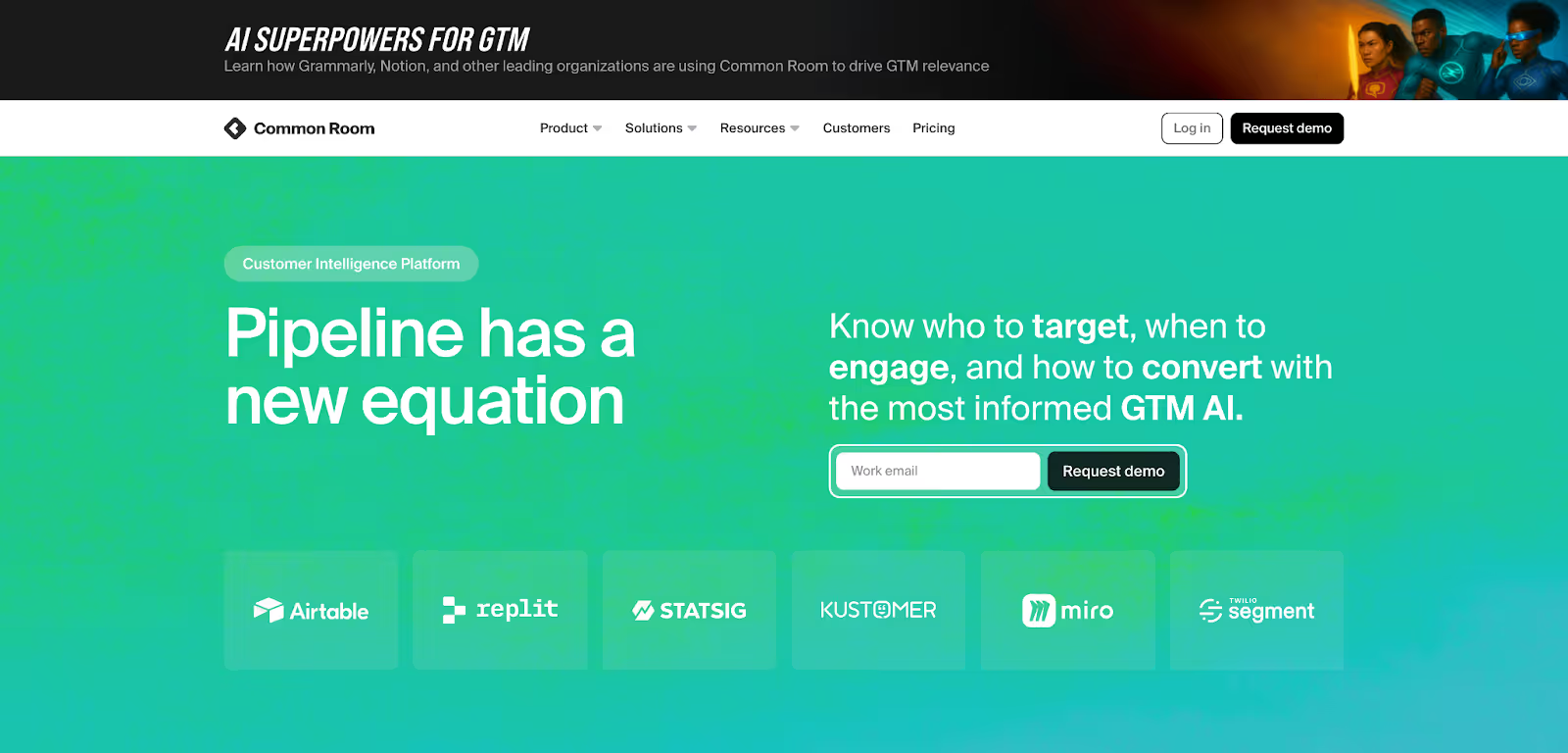
Common Room focuses on person-level insight and community-driven signals. It’s built to help GTM teams connect digital activity from across platforms and turn it into actionable intelligence.
Key capabilities include:
- Person360™ Enrichment
Resolves identities using data from emails, social platforms, product usage, and community forums. - Wide Signal Coverage
Captures first-party data from your website and product, second-party data from platforms like GitHub or Slack, and third-party intent from public sources. - Custom Scoring
Offers transparent, adjustable scoring at both the contact and account levels. - RoomieAI™ Agents
Assist with signal summarization, research, and outbound personalization. - Real-Time Dashboards
Surface active individuals and their engagement context without needing static reports.
This system focuses more on individual behavior and social intent, helping teams see who’s active and what’s happening in real time.
Verdict on Features
Common Room provides strong person-level visibility, especially for teams that track engagement across product and community channels.
Factors.ai delivers a broader, full-funnel approach where every channel, account, and signal connects under one GTM framework. It helps teams move from scattered insights to a single, orchestrated motion.
Factors vs Common Room: Pricing
When GTM teams compare platforms, pricing usually says a lot more than just the number. It shows how each product is built to grow, scale, and fit into your existing motion.
Factors.ai follows a usage-and-seat-based model that expands with your team.
Common Room uses a tiered pricing approach where each plan unlocks a new set of capabilities.
Factors Pricing
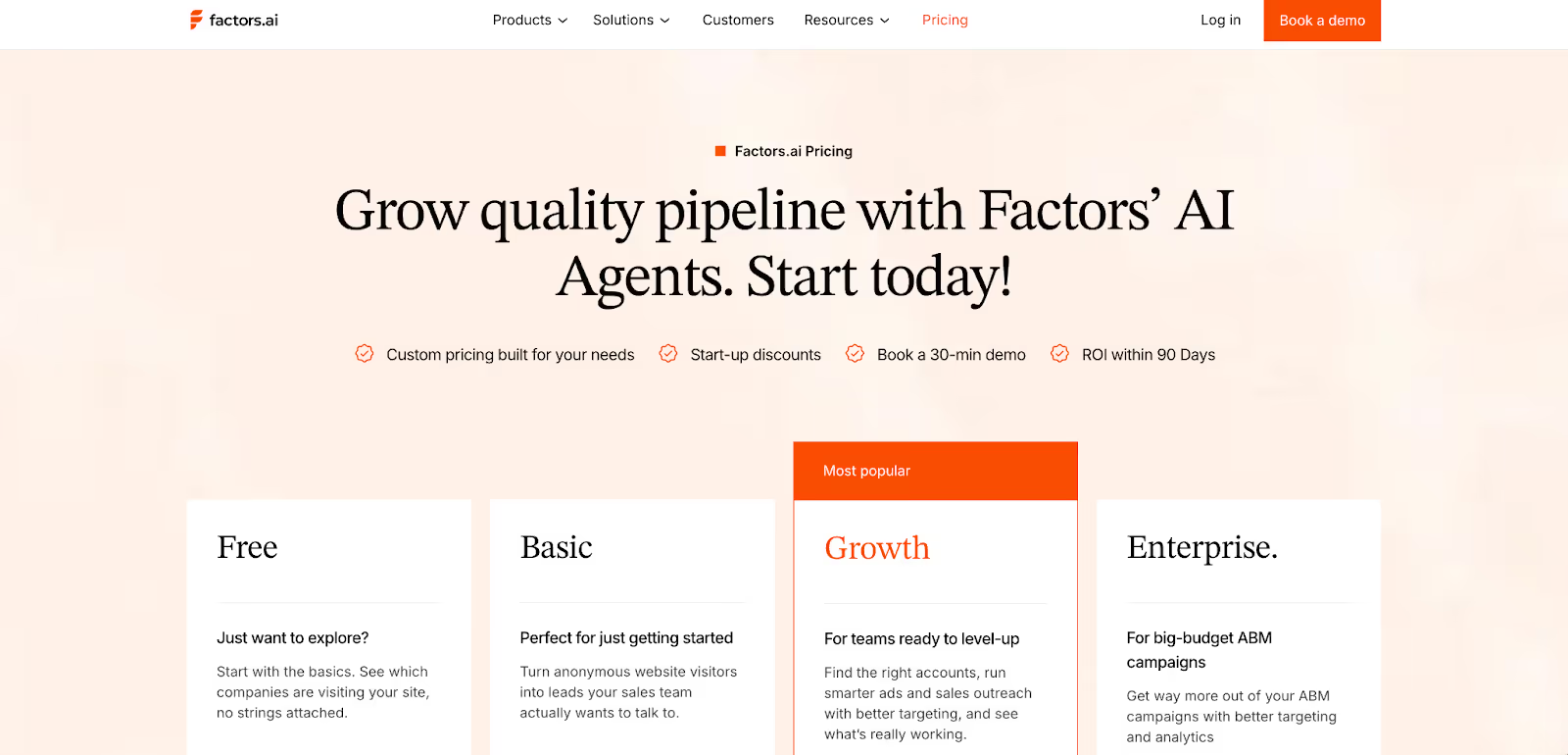
Factors.ai is designed to fit different stages of GTM maturity.
Each plan adds more automation, analytics, and orchestration tools as your pipeline grows.
Plans include:
- Free Plan
- Identify up to 200 companies per month
- Includes 3 seats
- Basic dashboards and visitor tracking
- Slack and Microsoft Teams integration
- Basic Plan
- Identify 3,000 companies per month
- Includes 5 seats
- Adds LinkedIn intent signals and GTM dashboards
- Connects with HubSpot, Salesforce, and Google Search Console
- Growth Plan
- Identify 8,000 companies per month
- Includes 10 seats
- Adds ABM analytics, account scoring, workflow automation, and a dedicated CSM
- Enterprise Plan
Optional GTM Engineering Services
For teams that don’t have in-house RevOps, Factors.ai provides an add-on service layer for $4,000 setup and $300 per month.
This includes:
- Custom ICP modeling and GTM playbook design.
- Setup of enrichment, alert, and ad activation workflows.
- SDR enablement through post-meeting alerts, closed-lost reactivation, and buying group mapping.
- Ongoing reviews, optimization, and documentation of the GTM process.
GTM engineering services help teams operationalize Factors.ai faster and keep GTM workflows running smoothly without heavy internal effort.
For more details on pricing, visit Factors.ai's pricing page.
Common Room Pricing
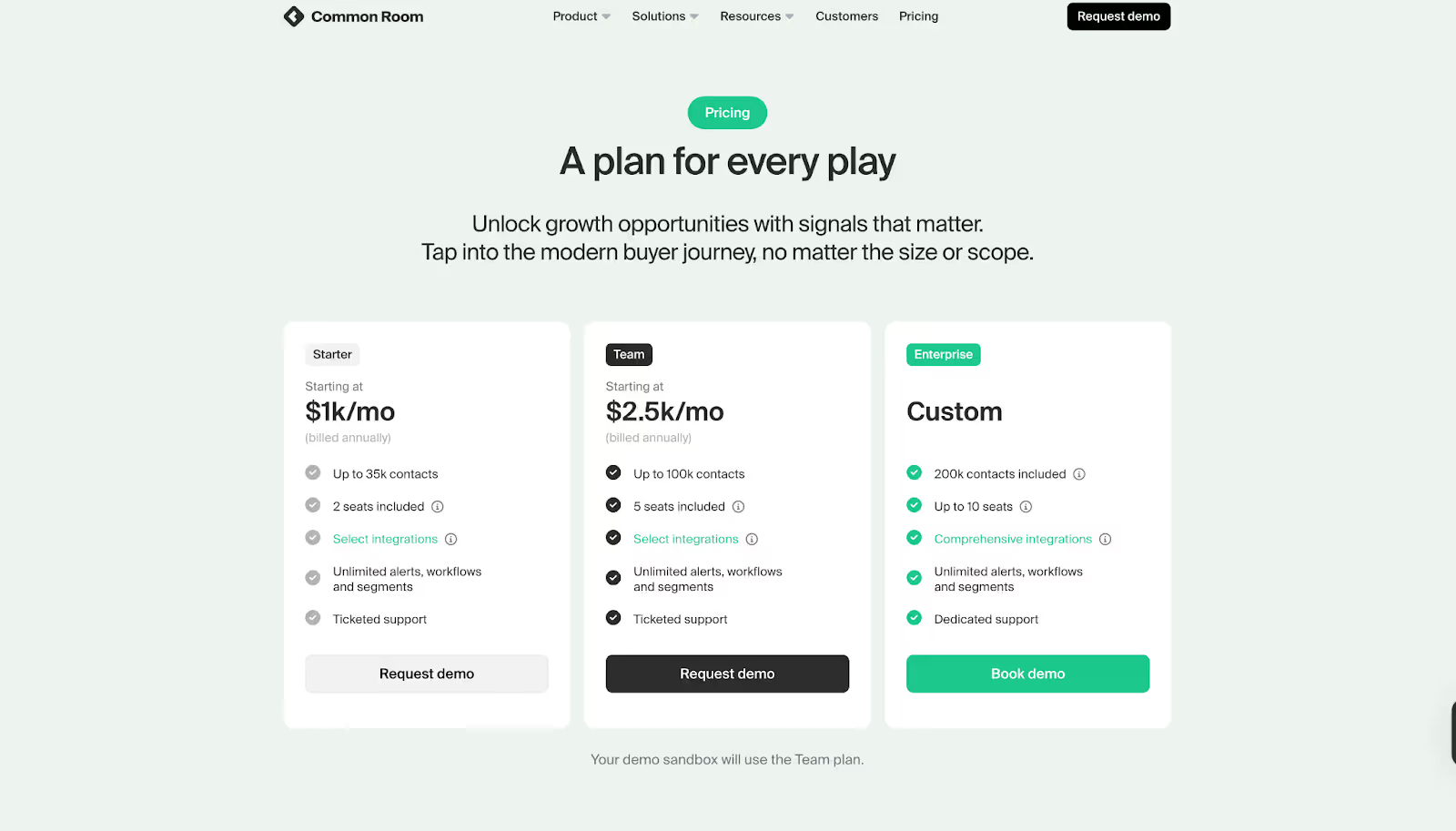
Common Room keeps its pricing simple and upfront. Each plan adds new automation and signal depth as you move up.
Plans include:
- Starter - $1,000 per month (billed annually)
- Person360 enrichment
- Core signal tracking
- CRM integration
- Team - $2,500 per month (billed annually)
- Adds RoomieAI automation
- Expands data sources and integration options
- Enterprise - Custom Pricing
- Built for large teams
- Includes compliance support and advanced customization
The structure makes it easier for smaller teams to forecast budgets and choose the level of data access they need.
The Verdict
Common Room’s pricing keeps things simple, helping teams plan their annual spend with clear tiers.
Factors.ai focuses on scalability, giving teams more flexibility and depth as they grow.
Its optional GTM services make a big difference for companies that want help setting up complete workflows instead of managing them alone.
If you’re comparing pricing models across tools, our breakdowns of ZoomInfo pricing and Cognism pricing can help you understand how leading intent and enrichment platforms price their offerings.
Factors vs Common Room: Analytics & Reporting
Analytics tell you how well your GTM system actually works. It’s the difference between seeing activity and understanding what drives results.
Both platforms offer strong visibility, but they look at data in different ways.
Factors Analytics and Reporting
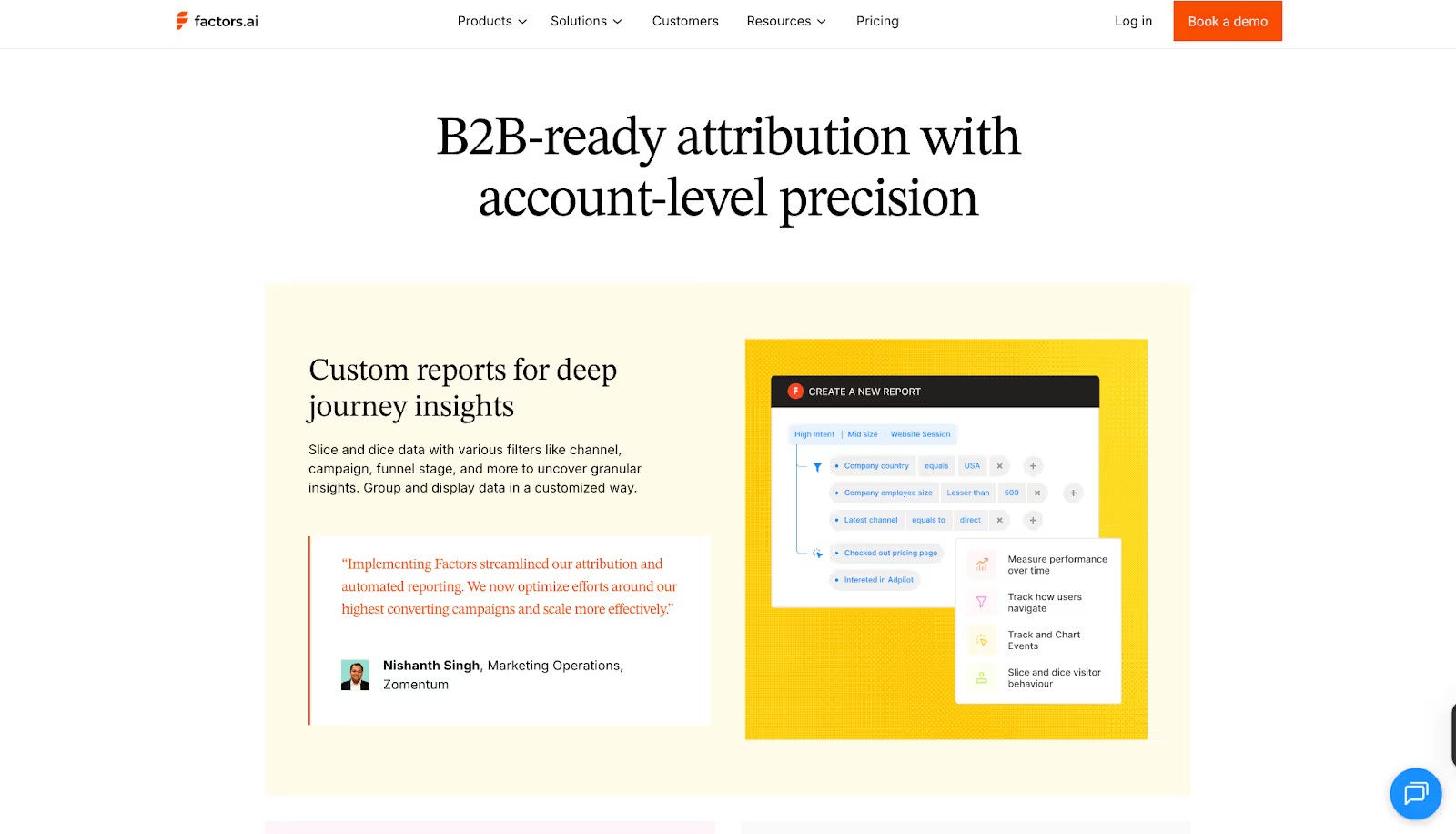
Factors.ai connects marketing and sales activity into one narrative. Instead of tracking replies or traffic alone, it shows which actions actually move deals forward.
Key elements include:
- Multi-touch Attribution
Links every click, ad view, and CRM update to revenue outcomes.
Helps teams understand which campaigns or channels contribute the most. - Funnel Stage Analytics
Monitors each stage from MQL to Closed Won, helping teams spot what accelerates deals and what slows them down. - Customer Journey Timelines
Organizes all touchpoints like website visits, ad engagement, product usage, and CRM activity, in a single chronological view. - Custom Dashboards
Teams can filter by geography, product, or ICP segment and build reports around what matters most. - Drop-off and Bottleneck Insights
Visualizes where leads stop progressing, making it easier to fix weak points in the funnel.
The reporting feels built for RevOps and GTM leaders who need clear cause-and-effect visibility, not just numbers.
To dig deeper into attribution strategies, see our explainer on multi-touch attribution models and how they can reshape B2B measurement.
Common Room Analytics and Reporting
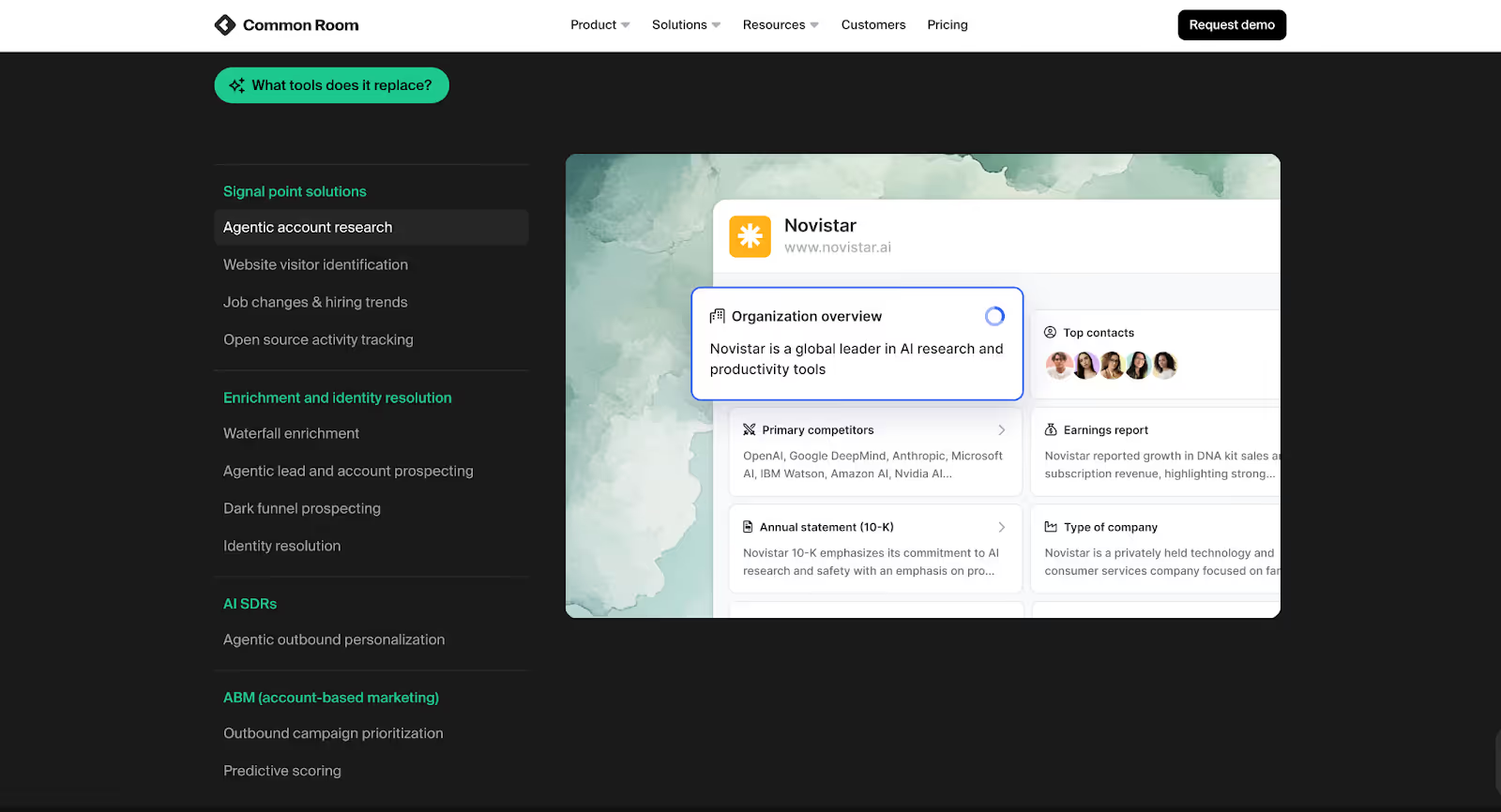
Common Room focuses more on individual and community-level engagement. It helps teams understand who’s active, what they’re doing, and where momentum is building.
Key elements include:
- Real-time Engagement Data
Surfaces live activity from people interacting with your product, website, or community. - Person-Level Insights
Combines identity data and behavioral context to show how specific individuals are engaging. - Dynamic Dashboards
Always up to date and visually centered around active users rather than static reports. - AI Summaries
RoomieAI summarizes large sets of engagement data to highlight trends or opportunities.
Common Room’s analytics are centered on immediacy and depth at the person level, giving sales and marketing a pulse on active engagement.
The Verdict
Common Room gives detailed visibility into human engagement and signal activity. It’s great for understanding who’s showing interest right now and how they interact across channels.
Factors.ai focuses on the full funnel like linking awareness, engagement, and revenue into one continuous picture. It’s more suited to teams that need measurable insights tied directly to pipeline and growth.
Factors vs Common Room: Ad Activation & Integrations
Ad activation decides how quickly GTM teams can turn intent into engagement.
While both tools connect with key marketing platforms, their approach to activation and data flow works differently.
Factors Ad Activation and Integrations
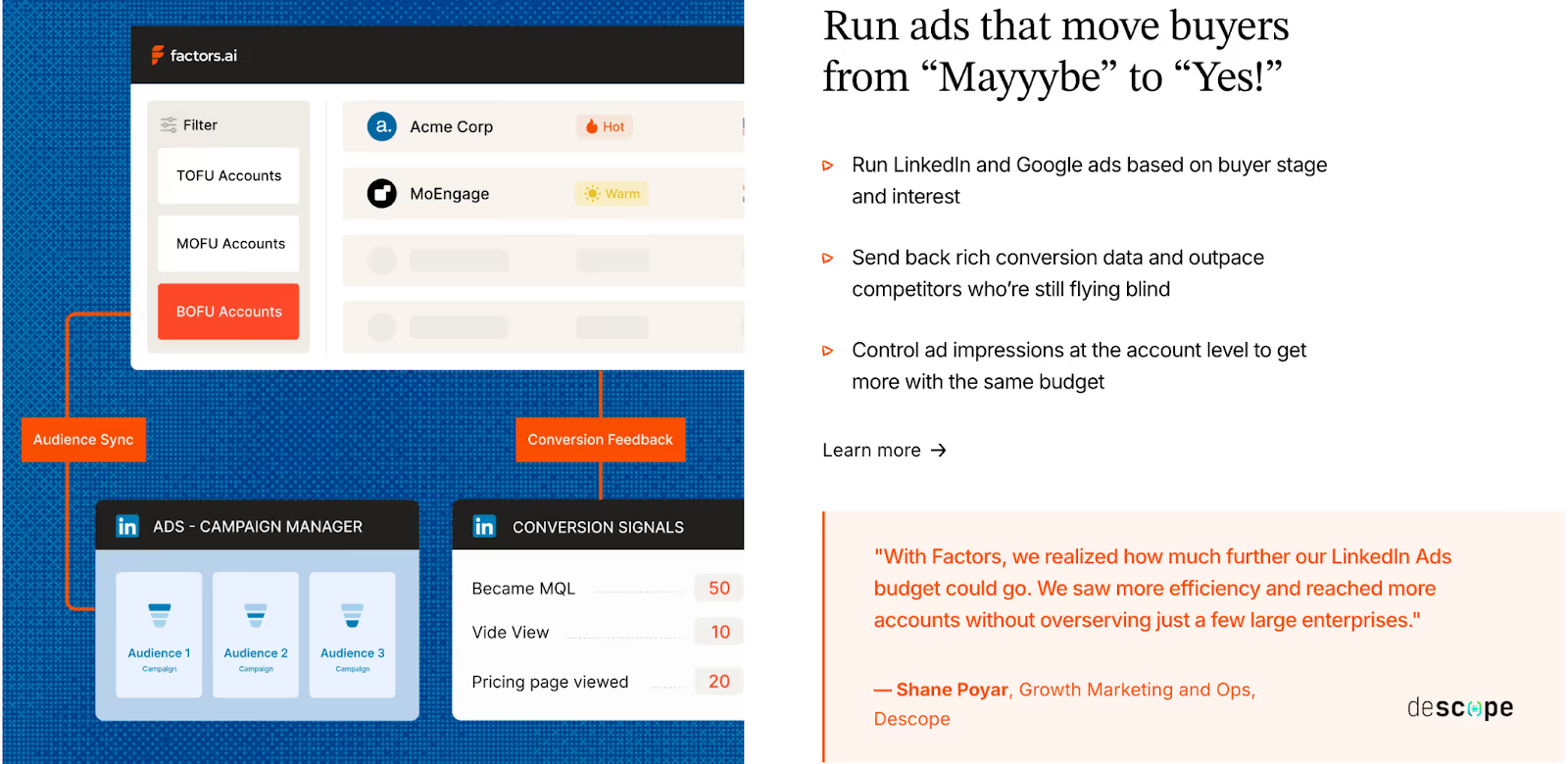
Factors.ai treats ad activation as a natural extension of GTM automation. It connects marketing and sales data to ad platforms so teams can engage the right accounts at the right time.
Key capabilities include:
- LinkedIn and Google Ads Sync
Builds dynamic audiences that refresh automatically based on recent engagement or buying intent. - Conversion Feedback Loops
Sends post-engagement data from CRM and SDR activity back into ad platforms, improving targeting precision. - Multi-Signal Retargeting
Retargets accounts that show activity across G2, CRM, product, or website signals, not just ads. - Google CAPI Integration
Shares conversion data directly with Google Ads for better campaign optimization. - Cross-Platform Integrations
Connects with Salesforce, HubSpot, Marketo, Segment, and G2, keeping all GTM workflows unified.
The Factors.ai integrations make it easier to move from data collection to activation without switching between multiple tools.
Common Room Ad Activation and Integrations
Common Room connects with a wide range of sales, marketing, and communication platforms, but its focus is more on signal and identity management than ad orchestration.
Key capabilities include:
- Platform Integrations
Works with CRMs like Salesforce and HubSpot, MAPs like Marketo and Pardot, and SE tools like Outreach and Apollo. - Community and Social Integrations
Links with Slack, Gong, and community forums to capture real-time intent and engagement. - Ad Automation
Limited to indirect activation through Zapier, primarily for workflows rather than campaign syncs.
This setup gives GTM teams a strong signal network but relies on external tools for paid activation.
The Verdict
Common Room integrates deeply with community, CRM, and communication tools, helping teams capture signals from many sources.
Factors.ai builds on those signals with direct ad integrations, allowing real-time audience targeting and retargeting through LinkedIn and Google Ads. The difference lies in how complete the activation loop is: one gathers the signals, the other turns them into action.
Also, read Improving LinkedIn ads targeting using Audience Builder.
Factors vs Common Room: Onboarding & Support
How well a platform supports your team during onboarding often decides how quickly you start seeing results.
Both Factors.ai and Common Room offer guided experiences, but they focus on different parts of the journey.
Factors Onboarding and Support
Factors.ai treats onboarding as a partnership. Instead of a generic setup, it aligns each workflow and alert with how the GTM team actually operates.
What it includes:
- Tailored Setup
Onboarding begins with understanding your ICP, funnel stages, and existing workflows. The platform is configured around those details. - Dedicated Slack Channel
Teams get direct access to a success manager and GTM engineers, allowing faster problem-solving and collaboration. - Weekly Review Calls
Regular check-ins help teams fine-tune performance, track adoption, and uncover new ways to use the platform. - Optional GTM Engineering Services
As mentioned earlier in the pricing section, Factors.ai offers a dedicated service layer for teams that need support beyond standard onboarding.
This includes:
- ICP modeling and GTM playbook design
- Setup of enrichment, alerts, and ad workflows
- SDR enablement for post-meeting follow-ups and closed-lost reactivation
- Ongoing review and optimization
The goal is to leave teams with a GTM system that runs smoothly and stays dependable over time.
Common Room Onboarding and Support
Common Room focuses on quick activation and education.
Its onboarding experience is straightforward and built to get teams using the product early.
What it includes:
- Guided Onboarding
Step-by-step walkthroughs help teams set up data sources, connections, and signal tracking. - Platform Demos and Support
Live sessions introduce features like Person360, RoomieAI, and dashboards. - Assisted Setup
Teams receive guidance on configuration and integrations. - Help Center and Resources
Documentation, articles, and community support help users solve smaller issues on their own.
This structure makes onboarding smooth for most teams, though it stays focused on product familiarity rather than long-term GTM optimization.
The Verdict
Common Room keeps onboarding simple, emphasizing product setup and signal tracking.
Factors.ai builds a deeper partnership during onboarding, guiding teams through alignment, automation, and RevOps design.
Both make adoption easy, but Factors.ai extends support further into strategy and ongoing performance improvement.
Factors vs Common Room: Compliance & Security
Data security and privacy are major parts of any GTM platform evaluation.
Most companies today, especially in mid-market and enterprise segments, look closely at how tools handle compliance before they even begin a pilot.
Factors.ai Compliance and Security

Factors.ai maintains enterprise-grade certifications and privacy standards. Its structure and documentation are built for companies that handle sensitive data across multiple regions.
Key measures include:
- Regulatory Compliance
Fully compliant with GDPR and CCPA, meeting both European and US privacy standards. - Certifications
Holds SOC 2 Type II and ISO 27001, covering infrastructure, data management, and operational controls. - Privacy-First Approach
Uses behavioral and firmographic enrichment responsibly, with full transparency in how signals are processed. - Data Agreements
Offers signed DPAs for customers who require formal documentation during vendor assessments.
These measures make Factors.ai suitable for teams that must pass detailed security reviews before implementation.
Common Room Compliance and Security
Common Room also maintains strong data governance, especially around person-level identity resolution.
It’s designed for teams that rely on deep enrichment while staying within global compliance frameworks.
Key measures include:
- Compliance Frameworks
Adheres to GDPR and CCPA, ensuring data privacy for both individual and business-level signals. - SOC 2 Certification
Certified for both Type 1 and Type 2 audits. - Identity Data Protection
Focused on keeping Person360 and Prospector enrichment processes secure. - Transparency
Public documentation covers data use, though specific policies around enrichment partnerships are limited.
The setup provides strong compliance for identity-driven operations and aligns with standard SaaS privacy requirements.
Factors vs Common Room: The Verdict
Common Room focuses on keeping person-level data safe and compliant with major regulations.
Factors.ai goes broader, combining full-system security certifications with formal documentation and enterprise-level data transparency.
Both platforms are well covered, but Factors.ai’s added certifications make it easier for larger teams to clear procurement checks.
Factors vs Common Room: Which one to choose when?
If you’ve reached this point, you already know both platforms have strong foundations.
Factors.ai and Common Room help GTM teams understand intent, act faster, and make smarter decisions. But they’re built around two very different ways of thinking.
Throughout this breakdown, we’ve seen where each one shines, from functionality to support.
Now let’s piece it all together to help you make a better decision.
When Factors Fits Best
If your GTM motion depends on connecting multiple systems like ads, CRM, product analytics, website behavior, and attribution, Factors.ai gives you that full, account-level picture. It works especially well for teams that run ABM, rely on signal-based GTM, and need a system that unifies intent, activation, and measurement.
It works well for:
- B2B SaaS and enterprise teams running ABM or multi-threaded deal cycles who need to understand which accounts are engaging, where, and why
- RevOps and growth teams that want complete visibility from first touch to closed/won, including account journeys, deal influence, and pipeline lift
- Teams that prioritize accurate intent detection from website, CRM, G2, LinkedIn, Google, and email signals (instead of guessing who’s ‘ready’)
- Companies that need certification-ready security and compliance for procurement (SOC 2 Type II, GDPR, SSO, audit logs, role-based access, and data governance)
- Teams that prefer guided onboarding and hands-on support, including implementation, custom dashboards, ABM workflows, and ongoing account reviews
What makes Factors stand out is the continuity and intelligence of the system. Once it’s set up, it operates as a connected GTM engine where:
- every signal enriches the account profile
- every journey is stitched and attributed
- every spike in intent triggers alerts, audiences, and playbooks
- every team (marketing, sales, RevOps) works from the same source of truth
The result: a GTM motion where ads, content, sales plays, and product insights all talk to each other, while your team focuses on execution instead of manual reporting.
When Common Room Fits Best
Common Room suits teams that live close to their communities, users, and conversations.
It’s ideal for:
- Teams running person-level ABM strategies
- Companies relying heavily on community or social engagement data
- Sales and marketing teams that value real-time identity insights over complex attribution models
- Fast-moving teams that prefer simple onboarding and visual dashboards
It’s focused on people, understanding who’s engaging, where they come from, and what they care about.
In a Nutshell…
After going through every chapter, one thing becomes clear: both platforms solve the same problem in their own way.
What really matters is how your team works and what kind of GTM system you’re trying to build.
Factors feels more like a foundation. It brings everything together, from data to execution, so your GTM motion keeps running without gaps.
Common Room focuses on people and conversations, giving you visibility into who’s active and how they’re engaging.
If your team wants structure, deep analytics, and a connected setup that keeps improving over time, Factors.ai aligns well with that direction.
If your focus is on fast-moving engagement and signal-based outreach, Common Room gives you the visibility to act quickly.
Both can create impact, it simply depends on where your team is today and how you plan to grow next.
If you liked this, you might also like the comparison of top Common Room alternatives to see how others stack up across features and pricing.
FAQs for Factors vs Common Room: Explore Factors as a Common Room Alternative
1. Which GTM teams benefit most from Factors.ai?
B2B SaaS, RevOps, and data-driven marketing teams that need connected systems for attribution, automation, and revenue tracking.
2. What makes Common Room better for community-led GTM?
Its focus on social, community, and product signals, combined with real-time dashboards, makes it ideal for fast-moving, person-focused teams.
3. How do the pricing models differ?
Factors.ai scales with usage and seats, offering flexibility and deeper orchestration tools. Common Room uses fixed tiers, starting at $1,000/month, with simpler forecasting.
4. Do both platforms offer ad campaign integration?
Factors.ai integrates natively with LinkedIn and Google Ads for audience sync and conversion feedback. Common Room supports limited automation via Zapier.
5. Which platform offers stronger onboarding support?
Factors.ai provides white-glove onboarding, GTM playbook setup, and ongoing engineering support. Common Room focuses on product walkthroughs and quick activation.