.svg)
Fix pipeline pains. Solve GTM puzzles. And read strategic brain dump.

.jpg)
On-Page SEO for B2B: Guide to SEO Content, Titles, URLs & Structure
If you ask ten marketers what ‘SEO-friendly’ means, you’ll get ten different answers.
Somewhere along the way, the term got reduced to checklists, plugins, and green dots in SEO tools. That’s part of the picture, but it’s no longer the point.
When I think about anything that’s supposed to be SEO-friendly, I think about clarity.
SEO-friendly content today is something that:
- Answers a real question someone is searching for
- Does so clearly, without forcing the reader to work for it
- Helps the reader decide what to do next
- Adds value to their existing knowledge
Search engines have grown up. They no longer reward pages simply because keywords appear in the right places. They reward pages that demonstrate understanding of the topic, the search intent, and the target audience.
TL;DR
- Strong on-page content prioritizes relevance, readability, and direct answers, especially in B2B, where buyer roles vary and time is limited.
- Titles, URLs, and meta descriptions shape first impressions, set expectations, and guide the right users to your content. Precision is non-negotiable.
- Technical SEO removes friction, enabling access, but rankings come from structure, keyword alignment, and problem-solving clarity.
- Look beyond sessions, track repeat visits, internal shares, and buyer engagement to understand real SEO impact.
Here are a few key points to remember about SEO-friendly content
- SEO-friendly is about intent, not tricks
Breaking News: Nobody wakes up thinking, “Omgggg, I want to consume SEO content today.” They’re just trying to solve something.
In B2B, that usually sounds like:
- Why isn’t this blog ranking?
- What exactly do I need to fix on this page?
- Is this worth updating, or should we rewrite it?
An SEO-friendly page makes the answer obvious. It doesn’t bury the lede. It doesn’t ramble for the sake of word count. It respects the reader’s time.
I’ve worked on sites where traffic increased simply because we rewrote pages to be more direct, same topic, exact keywords, and clear structure. No new backlinks. No technical overhaul. Just better alignment with intent.
- Content clarity matters now more than ever
Clarity has become a ranking signal, even if Google doesn’t call it that explicitly.
Clear pages:
- Use straightforward language
- Break complex ideas into sections
- Make it easy to scan before committing to read
This matters because modern buyers don’t read the way we read textbooks back in the day. They skim, jump, scroll, and return later. If your content only makes sense when read top to bottom in one sitting, it’s working against how people actually behave.
SEO-friendly content meets readers where they are, half-focused, slightly distracted, and trying to get an answer fast.
- Buyer relevance is the B2B differentiator
This is where B2B SEO diverges sharply from generic advice.
Your audience isn’t a single person. It’s often:
- A marketer researching
- A manager validating
- A leader deciding
Each of them lands on your page with different expectations. SEO-friendly content acknowledges that by:
- Framing the problem clearly
- Providing depth where it matters
- Avoiding filler content
Long sales cycles mean your content may influence decisions weeks or months later. That’s why SEO in B2B is rarely about instant conversions. It’s about being helpful at the exact moment someone needs clarity.
On-Page SEO vs On-Page Technical SEO
This is one of those distinctions that sounds obvious once you understand it, but causes endless confusion in practice. I’ve seen teams argue about SEO priorities for weeks simply because they were talking about two different things without realizing it.
So let’s draw a clean line.
What does on-page SEO actually cover?
On-page SEO is everything you intentionally design on a page to help both search engines and readers understand it.
That includes:
- Page titles and meta descriptions
- URLs and slug structure
- Content quality, depth, and structure
- Header tags (H1, H2, H3…)
- Internal linking and anchor text
This is the layer where meaning lives. It’s where you decide what the page is about, who it’s for, and how clearly that comes across.
When people talk about an on-page SEO checklist, this is usually what they mean.
What does on-page technical SEO focus on?
On-page technical SEO deals with whether a page can be accessed, rendered, and understood properly by search engines.
This includes:
- Page speed and performance
- Mobile responsiveness
- Indexability and crawl signals
- Canonical tags
- Clean HTML and basic technical hygiene
This layer doesn’t create meaning. It removes friction.
If technical SEO is broken, great content struggles to surface. If technical SEO is solid, content has a fair shot.
Here’s why B2B teams get this balance wrong
I see this all the time in B2B companies… when a site underperforms in search.
The instinctive response is to:
- Run a technical audit
- Fix dozens of low-impact warnings
- Chase perfect performance scores
Meanwhile, the actual pages:
- Don’t clearly answer search intent
- Bury important information halfway down
- Use vague language that sounds impressive internally but unclear externally
The result? A technically sound site that still doesn’t rank for the queries that matter.
I’ve worked on B2B blogs where rankings improved after we rewrote headlines, restructured sections, and clarified positioning, without touching the technical setup at all.
But here’s how you should think about priorities
If you’re early in your SEO journey, prioritize in this order:
- Content clarity and intent alignment
- Page structure and internal linking
- Basic technical hygiene
Technical SEO supports on-page SEO. It doesn’t replace it.
Once the foundation is strong, technical improvements compound results. But without clear content and structure, technical fixes rarely move the needle on their own.
SEO Page Titles: Best Practices (that still work)
If I had to pick one on-page SEO element that punches far above its weight, it’s the page title.
You can have solid content, clean URLs, and decent internal links, but if your title doesn’t earn the click, none of that matters. The title is your first impression in search results… and in B2B, first impressions decide whether someone even gives you a chance.
What is an SEO title? And why does an SEO title matter so much?
An SEO page title (often called a title tag) is the clickable headline that appears in Google search results and in the browser tab.
It serves two audiences at once:
- Search engines use it to understand what the page is about
- Humans use it to decide whether to click
It’s not a creative writing exercise… it’s a relevance signal.
So, what do the best SEO titles have in common?
Across hundreds of B2B pages I’ve worked on, the best SEO title formats consistently share a few traits.
- Clear keyword placement
Your primary keyword should appear naturally, preferably toward the beginning. This helps with relevance and visibility, especially on a mobile where titles get cut off. - Clarity over cleverness
Internal teams love clever titles. Searchers don’t. If someone can’t immediately tell what the page offers, they move on. - A reason to click
The title should hint at value: a checklist, a comparison, a framework, or a specific outcome.
For example:
Strong B2B title:
On-Page SEO Checklist for B2B: Titles, URLs, Content & More
Weak B2B title:
The Ultimate Guide to On-Page SEO You’ll Ever Need
One tells you exactly what you’ll get. The other sounds impressive but says very little.
How long should an SEO page title be?
The practical limit is around 50–60 characters. Anything longer risks truncation in search results.
This is where prioritization matters. Don’t try to cram everything in. Choose clarity over completeness.
If the title gets cut off, you lose context, and often the click.
Here are some common SEO title mistakes
These show up even on well-funded B2B sites:
- Duplicate titles across multiple pages
- Over-optimized titles stuffed with variations
- Titles written for internal decks, not search behavior
- Missing differentiation between similar pages
Another subtle issue: Titles that make sense only if you already know the product. Searchers don’t have that context yet. How will they search for the fifth feature from your third product launch?
SEO Descriptions: What Matters (and what doesn’t)
Meta descriptions don’t get nearly as much attention as titles, and that’s partly because they don’t directly affect rankings. But in practice, they decide who clicks and who doesn’t. And in B2B, that distinction matters a lot more than raw traffic.
What is an SEO description?
An SEO description is the short summary that appears below your page title in search results.
If the title earns the glance, the description earns the click.
Search engines don’t use meta descriptions as a ranking signal. People do. That’s why understanding what is SEO description is still very relevant in modern on-page SEO.
What SEO descriptions are actually responsible for
Think of your meta description as a filter.
A good one:
- Confirms relevance for the searcher
- Sets expectations for what the page contains
- Discourages the wrong clicks
That last part is especially important in B2B. You don’t want everyone clicking. You want the right people clicking, those who are actually looking for what you’re offering.
I’ve seen pages lose conversions after a traffic spike simply because the description promised something the page didn’t deliver.
How to write SEO descriptions that work in B2B?
Strong SEO description copy usually has three elements:
- Intent alignment
The description mirrors the language and urgency of the query. If someone is looking for a checklist, say it’s a checklist. If they’re looking for an explanation, make that clear. - Context and scope
Let readers know what’s included. B2B buyers don’t want surprises after clicking. - Subtle qualification
Phrases like “for B2B marketers,” “for SaaS teams,” or “for growing companies” help filter your audience naturally.
Example:
A complete on-page SEO checklist for B2B marketers covering titles, URLs, content structure, internal linking, and technical fixes.
It’s clear, specific, and sets the right expectations.
So, how long should SEO descriptions be?
Aim for 140–155 characters. Shorter is fine if the message is clear. Trying to fill every character often leads to fluff. Precision beats length here.
Why does Google (sometimes) rewrite your descriptions?
This confuses a lot of people.
Google rewrites meta descriptions when:
- They don’t match the query being searched
- They’re too generic or vague
- They repeat content from other pages
- The on-page copy offers a clearer summary
Don’t think of this as a penalty, take it as feedback.
When I see frequent rewrites, I usually revisit to see whether the:
- Description reflects actual page content
- Page is trying to rank for too many intents
- Description sounds like marketing copy instead of an explanation
What doesn’t matter as much as people think…
- Keyword stuffing in descriptions
- Writing ‘catchy’ copy at the cost of clarity
- Trying to rank using meta descriptions
Descriptions don’t need to impress… they need to reassure people (and Google) that something valuable lies on the other end.
SEO-Friendly URLs: Structure, Length, and Keywords
URLs are one of those things people set once and then forget about. That’s fine when they’re done well. When they’re not, they quietly undermine everything else you’re doing with on-page SEO.
An SEO-friendly url should make sense to three audiences at once: search engines, humans, and future you.
What makes a URL SEO-friendly?
At its core, an SEO-friendly URL is:
- Easy to read
- Easy to understand
- Clearly connected to the page topic
You should be able to look at the URL and know what the page is about without opening it.
If that’s not true, it’s worth fixing.
URL structure best practices
These are the rules I follow almost obsessively:
- Keep it short and descriptive
Long URLs with unnecessary words dilute meaning and make search results look messy. - Use lowercase letters
Consistency matters, and lowercase avoids duplication issues. - Separate words with hyphens
Hyphens are easier to read and preferred by search engines. - Avoid parameters and IDs for content pages
They add no value for users and often create indexing issues. - Include keywords naturally
If your page targets ‘on-page SEO checklist,’ the URL should reflect that.
Example:
- Good: /blog/on-page-SEO-checklist
- Bad: /blog/2025/SEO-post-final-v3
Why URLs matter more than you think
URLs influence:
- Click-through rates from search
- Trust at first glance
- Internal linking clarity
- Shareability across teams
In B2B especially, links get shared internally in Slack, emails, and docs. Clean URLs feel intentional. Messy ones feel like drafts.
I’ve seen buyers hesitate simply because a link looked confusing or temporary. That hesitation compounds.
URL conventions for B2B content
Consistency helps both users and search engines.
Some patterns that work well:
- Blogs: /blog/topic-name
- Guides: /guides/topic-name
- Comparison pages: /compare/product-a-vs-product-b
- Resources: /resources/topic-name
Once these conventions are in place, your site becomes easier to navigate and easier to scale.
When to change an existing URL
Changing URLs should be done carefully, but avoiding it forever isn’t the answer either.
Consider updating a URL when:
- It’s clearly not descriptive
- It contains dates or versioning
- It no longer reflects the page focus
Always use proper redirects. The goal is improvement, not disruption.
Content for SEO: How to Write Pages That Rank and Convert
This is where most on-page SEO advice becomes vague or contradictory. You’ll hear things like “write for humans” or “create high-quality content” and be left wondering what that actually looks like when you’re staring at a blank doc.
Here’s how I think about content for SEO, especially in B2B.
SEO content works when it helps someone move from confusion to clarity. Conversion happens when that clarity builds trust.
- SEO-based content vs content that actually helps
A lot of SEO based content technically checks the right boxes:
- Keywords are present
- Word count looks healthy
- Headings exist
And yet, it doesn’t perform.
Why? Because it was written to satisfy an algorithm instead of a person.
Content that ranks and converts usually does a few things well:
- It frames the problem immediately
- It answers questions in a logical sequence
- It anticipates follow-up doubts
- It doesn’t make the reader work to understand the point
When someone lands on your page from search, they’re asking, “Am I in the right place?” Your content needs to answer that within seconds.
- Start with the problem, not the explanation
One mistake I see often in SEO blog writing is starting with definitions and background before acknowledging why the reader is there.
In B2B, the reader usually arrives with context. They don’t need a lecture. They need help.
Strong content SEO usually opens by:
- Naming the exact problem
- Acknowledging the frustration
- Setting expectations for what the page will cover
Once the reader feels understood, they’re far more likely to stay for the explanation.
- Structure matters as much as substance
Great content loses impact if it’s hard to navigate.
I structure SEO content assuming:
- The first read is a skim
- The second read is selective
- The third read is intentional
That’s why structure matters:
- Clear section headers
- Short paragraphs
- Bullet points where appropriate
- Visual breaks between ideas
This point is really just about respecting how people actually read.
- Writing for SEO and humans at the same time
The tension between SEO and content is often overstated.
When you:
- Answer the query clearly
- Use natural language
- Cover the topic comprehensively
- Organize information logically
You end up with content that search engines understand and humans appreciate.
That overlap is where the best B2B content lives.
Also, remember that conversion is NOT always a form fill
In B2B SEO, conversion often looks like:
- Someone bookmarking the page
- Sharing it internally
- Returning later to a different page
- Trusting your brand a little more than before
Not every page needs a CTA screaming for attention. Some pages exist to do quiet persuasion. That still counts.
SEO Keyword Optimization Without Keyword Stuffing
This is the section where many first-time SEO writers get nervous. Keywords feel technical, rigid, and easy to mess up. And honestly, a few years ago, that fear was justified.
Today, SEO keyword optimization is far more strategic and far less mechanical.
Here’s how keyword optimization actually works now
Modern keyword optimization starts before you write a single sentence.
The real work happens when you decide:
- What this page is about
- Which query it should rank for
- What related concepts naturally belong on the page
That’s why every strong page needs:
- One primary keyword
- A set of secondary and semantic keywords
- A clear scope so the page doesn’t try to do everything at once
In this case, the primary keyword is on-page SEO checklist. Everything else supports that idea.
So, where should keywords appear naturally?
You don’t need to force keywords everywhere. You do need to place them where meaning is formed.
Natural keyword placement includes:
- The page title
- The H1
- One or two H2s (wherever relevant)
- The opening section
- Body copy where it fits logically
- Internal link anchor text
If you’re writing clearly, most of this happens on its own.
When I see someone asking “how many times should I use the keyword,” it’s usually a sign the content doesn’t have a strong structure yet.
Primary vs Secondary Keywords
Primary keywords define the page.
Secondary keywords:
- Add context
- Capture variations
- Help search engines understand depth
For example, phrases like SEO-friendly content, SEO page title, or SEO blog writing naturally belong in a guide like this. They don’t need to be forced into every paragraph. They just need to appear where they make sense.
Is the concept of keyword density outdated?
Keyword density was useful when search engines relied heavily on repetition to infer relevance. That’s no longer the case.
Today, excessive repetition:
- Hurts readability
- Feels unnatural
- Signals low-quality writing
Search engines look at context, phrasing, and topic coverage. If you explain something well, the keywords tend to appear organically.
SEO Tagging: Best Practices
SEO tagging is one of those areas where small mistakes quietly add up. Individually, they seem harmless. Collectively, they make pages harder to read, harder to navigate, and harder for search engines to interpret.
Good tagging creates structure. Bad tagging creates friction.
- Header tags to create a clear content hierarchy
Let’s start with the basics.
Every page should have:
- One H1 that clearly states what the page is about
- H2s that break the page into logical sections
- H3s (and beyond) that support those sections where needed
This hierarchy helps:
- Readers understand the flow at a glance
- Search engines map the structure of the page
A common mistake I still see is using headers for visual styling rather than structure. Headers aren’t there to make text bigger. They’re there to organize meaning.
- Proper H1 usage
Your H1 should closely mirror your page title, but it doesn’t need to be identical.
It should:
- Contain the primary keyword
- Clearly describe the page topic
- Appear only once
Multiple H1s dilute focus and confuse both readers and crawlers.
- Image tagging and alt text
Images add value when they explain, illustrate, or break monotony. From an SEO perspective, they also need context.
Alt text should:
- Describe what’s in the image
- Explain its relevance to the content
- Be written for accessibility first
Stuffing keywords into alt text doesn’t help. Clear descriptions do.
I often think of alt text as explaining the image to someone who can’t see it. That mindset keeps it honest.
- Link tagging and anchor text
Links are another area where tagging matters more than people realize.
Good anchor text:
- Describes what the reader will find
- Fits naturally into the sentence
- Avoids vague phrases like ‘click here’
Anchor text gives search engines context and helps users decide whether to follow the link. Poor anchor choices break flow and reduce trust.
- External links and credibility
Linking out to relevant, credible sources signals depth and context. It also helps readers explore further without you needing to explain everything from scratch.
What matters:
- Relevance to the topic
- Natural placement
- A reasonable balance
External links don’t weaken your page… instead they strengthen it.
Here’s why poor tagging hurts more than you think
When tagging is inconsistent:
- Readers struggle to skim
- Search engines struggle to understand relationships
- Accessibility suffers
Good SEO tagging best practices improve usability first, and obviously, rankings benefit as a result.
Internal Linking for On-Page SEO
Internal linking rarely gets the credit it deserves. It doesn’t feel flashy, and it doesn’t come with instant gratification. But over time, it shapes how both readers and search engines experience your site.
Internal links also help turn isolated B2B blog posts into a connected system.
Why do internal links matter for on-page SEO?
Internal links help with three big things:
- Discovery: Search engines find and crawl more of your content
- Context: Pages understand how they relate to each other
- Navigation: Readers move naturally from one topic to the next
Without internal links, even great content can feel like a dead end.
I’ve seen sites with hundreds of solid blogs where most of them barely got traffic simply because nothing pointed to them.
How do internal links influence rankings?
Internal links pass relevance and authority across your site. When a strong page links to another relevant page, it’s effectively saying, “This matters too.”
That signal compounds over time.
The key is relevance. Random links don’t help. Contextual links do.
Best practices for internal linking
These are the rules I follow consistently:
- Link contextually within the content
Links placed naturally inside paragraphs perform better than lists dumped at the bottom. - Use descriptive anchor text
Anchor text should tell readers what they’ll find. Vague phrases don’t add value. - Link with intent
Each link should have a reason, supporting a point, expanding an idea, or guiding the reader forward. - Avoid over-linking
More links aren’t better. Clear links are.
Topic clusters make internal linking easier
One of the simplest ways to improve internal linking is to think in clusters.
For example:
- A core page on on-page SEO
- Supporting pages on titles, content, technical SEO, and measurement
Each page links back to the core topic and to related subtopics. Over time, this builds authority around a theme instead of spreading it thin.
Internal linking for B2B buyer journeys
Internal links also guide buyers across stages:
- Awareness content links to deeper explanations
- Educational pages link to comparison or evaluation content
- Decision-stage pages link back to supporting proof
Just know that internal linking is about helping someone learn at their own pace, not pushing them to empty their pockets.
On-Page Technical SEO Checklist (Quick Wins)
Technical SEO has a reputation for being overwhelming.
Excruciatingly long audits, scary terminology, endless ‘errors’ that don’t always translate to impact.
For most teams, that overwhelm leads to one of two outcomes: ignoring technical SEO entirely or obsessing over every minor warning.
Neither helps.
This section is about on-page technical SEO quick wins, the things that genuinely affect how your content performs and how people experience your site.
- Page speed: Fast enough beats perfect
Page speed matters because humans notice it. If a page takes too long to load, people bounce. That behavior feeds back into how search engines evaluate usefulness.
What’s worth checking:
- Does the page load quickly on mobile?
- Are images unnecessarily large?
- Are scripts delaying visible content?
What’s usually not worth stressing over:
- Chasing a perfect PageSpeed score
- Micro-optimizations that don’t change real load time
I’ve seen pages rank and convert just fine with ‘average’ scores because they felt fast to users. That’s the bar.
- Mobile friendliness is non-negotiable
Most B2B research still happens on laptops, but discovery often starts on phones.
Your page should:
- Be readable without zooming
- Have tap-friendly links
- Avoid layout shifts that make reading annoying
If someone opens your page on mobile and immediately closes it, that’s a signal you can’t afford to ignore.
- Indexability: Can Google actually find this page?
This sounds basic, but it trips teams up more often than you’d expect.
Double-check:
- The page isn’t blocked by robots.txt
- The page isn’t marked “noindex” accidentally
- The canonical tag points to the correct version
I’ve seen entire content hubs fail simply because pages weren’t indexable. No amount of optimization helps if search engines can’t access the page.
- Canonicals: Keeping signals clean
Canonical tags tell search engines which version of a page should be treated as the primary one.
They matter when:
- Similar pages exist
- Parameters create multiple URLs
- Content overlaps across sections
Incorrect canonicals quietly drain rankings by splitting authority. Correct ones consolidate it.
What’s noise for most B2B sites
Most B2B teams don’t need to:
- Fix every minor HTML validation issue
- Obsess over edge-case crawl warnings
- Rebuild pages for marginal performance gains
Technical SEO should remove friction, not create anxiety.
How to Validate SEO-Friendly Content
Validation is the step most teams rush through. A page gets written, a plugin gives a green signal, and it’s published. Weeks later, when performance is underwhelming, everyone wonders what went wrong.
Validating SEO-friendly content needs both tools and human judgment. One without the other leads to blind spots.
Here are some points to keep in mind while validating SEO-friendly content:
- Using an SEO-friendly content checker responsibly
An SEO-friendly content checker is useful for catching obvious issues:
- Missing title or meta description
- Overly-long titles
- Broken links
- Header structure problems
- Keyword absence in key locations
These tools are good for hygiene. They are not good at assessing clarity, relevance, or usefulness.
I treat them like spellcheck… It’s helpful, but not decisive.
- Your tools might not solve for EVERYTHING
Tools struggle with:
- Intent mismatch
- Over-explaining obvious things
- Talking past the reader
- Sounding generic or templated
A tool won’t tell you if a paragraph feels unnecessary or if a section answers the wrong question. Only a human can do that.
- Use SEO keyword generators early in the process
This helps with:
- Understanding how people phrase problems
- Spotting variations and related terms
- Avoiding missing obvious angles
It shouldn’t dictate structure or copy. Strategy comes first. Automation supports it.
Here’s a pre-publish validation checklist I actually use
Before hitting publish, I review the page with these questions:
- Does the opening clearly state what the page covers?
- Is the primary keyword present naturally in key places?
- Can someone skim this and still understand the main points?
- Do the headers flow logically?
- Are there clear internal links to related content?
- Does the page feel complete, not padded?
If I hesitate on any of these, I revise.
Measuring On-Page SEO Impact in B2B (Beyond Traffic)
This is where on-page SEO either earns respect or gets dismissed as ‘just traffic.’
If the only thing you measure is sessions and rankings, SEO will always feel disconnected from business impact, especially in B2B, where buying journeys are long, messy, and rarely linear.
I’ve learned this the hard way… I’ve seen blogs ranking #1, bringing in thousands of visits, and doing absolutely nothing for pipeline. What’s more, I’ve also seen quiet pages with modest traffic consistently show up in deal journeys months later.
Now, the difference is not always the content, it’s how success was measured.
Here’s why traffic and rankings aren’t enough
Traffic tells you all about visibility. Rankings tell you positioning. Neither tells you value.
In B2B, a single relevant visitor can matter more than a hundred irrelevant ones. Someone researching seriously may:
- Visit once
- Leave
- Return weeks later
- Influence a decision internally without ever filling a form
If you only look at surface-level metrics, you miss all of that.
Metrics that actually matter for on-page SEO in B2B
Here’s what I pay attention to instead.
- Engaged visits
Time on page, scroll depth, repeat visits. These indicate whether the content is genuinely useful. - ICP-fit traffic
Are the right companies and roles visiting these pages? Volume without fit is noise. - Content-assisted journeys
Which pages show up before demo requests, contact forms, or sales conversations? - Return behavior
Pages that people come back to are doing more than ranking, they’re building trust.
So, how does on-page SEO contribute to pipeline?
SEO rarely closes deals on its own.
But what it does exceptionally well is:
- Educate early
- Validate mid-journey
- Support decisions quietly
That influence shows up over time, not instantly.
When teams start looking at SEO pages as part of buyer journeys instead of standalone assets, the conversation changes. Suddenly, updates, rewrites, and internal linking feel worth the effort.
Connecting SEO to revenue influence
This is where tools like Factors.ai change the game.
Instead of asking:
- “Did this blog convert?”
You can ask:
- “Which companies read this before entering pipeline?”
- “Which pages consistently show up in influenced deals?”
- “How does organic content support other channels?”
This shift from channel metrics to buyer behavior, makes SEO measurable in a way leadership understands.
In a Nutshell
The traditional view of on-page SEO, defined by checklists, tools, and surface-level optimizations… no longer holds weight in modern B2B strategy.
This guide looked at SEO as a clarity-first discipline, where the real performance drivers are clear content, aligned search intent, and meaningful structure. We broke down the anatomy of SEO-friendly pages: precise titles that earn the click, meta descriptions that filter the right audience, URLs that signal relevance, and body content that helps readers solve real problems.
Importantly, it challenged the overreliance on technical audits and green lights, advocating human-first validation and iterative refinement.
We learnt how to optimize keyword placement without stuffing, write for distracted buyers who skim and scroll, and use internal linking to support deeper engagement. The guide also drew a difference between on-page SEO and technical SEO, urging teams to focus first on clarity before chasing performance scores. In B2B, where buying journeys are long and conversions are rarely linear, SEO must be measured by influence, not just rankings. The approach highlighted in this blog connects search performance to buyer behavior, where every click, revisit, and internal share carries weight.
FAQs for On-Page SEO Checklist
Q. What is included in an on-page SEO checklist?
A solid on-page SEO checklist covers everything you can control directly on a page. That includes:
- Page titles and meta descriptions
- SEO-friendly URLs
- Content structure and clarity
- Keyword placement and optimization
- Header tags (H1–H6)
- Internal links
- Image alt text
- Basic on-page technical signals like indexability and mobile usability
If a checklist skips content clarity or internal linking and focuses only on tools and tags, it’s incomplete.
Q. How often should you update on-page SEO?
For most B2B sites:
- Core pages (guides, product pages, high-intent blogs): review every 3–6 months
- Supporting blogs: review annually or when rankings drop
I usually revisit pages when:
- Search intent shifts
- Competitors start outranking us
- The content feels outdated or overly verbose
On-page SEO is not a one-time task. It compounds when maintained.
Q. Is on-page SEO still relevant with AI search?
Yes…arguably more than before.
AI-driven search still depends on:
- Clear structure
- Explicit answers
- Well-organized content
- Strong topic relevance
Pages that are vague, bloated, or poorly structured are harder for AI systems to summarize or reference. Clean on-page SEO improves discoverability across traditional search and AI-powered experiences.
Q. How long does on-page SEO take to show results?
It depends on your site authority, competition, and consistency, but broadly:
- Engagement improvements: a few weeks
- Ranking movement: 1–3 months
- Business impact: 3–6 months
In B2B, patience matters. SEO influence often shows up indirectly before it shows up directly.
Q. What’s the difference between SEO content and regular content?
Regular content focuses on expression. SEO content focuses on discovery and clarity.
SEO content:
- Answers a specific query
- Uses structure intentionally
- Anticipates follow-up questions
- Is designed to be found, not just read
The best SEO content doesn’t feel optimized. It feels helpful.

What is Lift Analysis?
You know that moment when you launch a campaign, open the dashboard, stare at the numbers, and immediately question every life choice that got you here? Yeah… same.
Fifteen form fills are cute and all. But were they driven by your ads, or were they just bored interns downloading stuff for sport?
Meanwhile, your traffic report is yodeling its heart out… and your pipeline is weeping in silence.
ALL this because in B2B, buyers don’t convert… they wander 🧑🦯 They lurk, bookmark, discuss with teammates, revisit your pricing page at 2 am… and maybe three fiscal quarters later, they finally ask for a demo.
So if all you’re tracking is clicks, you’re basically reading newspaper horoscopes and calling it ✨analytics✨.
But then comes lift analysis… it measures impact… it doesn’t ask, “did this campaign run?” but “did this campaign matter?”
Whether you're running ads on LinkedIn or Google, lift analysis helps you identify which campaigns actually drive pipeline and which ones just burn budget.
In this blog, we’re breaking down how B2B lift analysis works, how to set it up without summoning your entire RevOps team into a mess, and why high-performing GTM teams treat it like a mandatory filter before they scale anything.
Ufff… that’s a lot, so let’s get started.
TL;DR
- Lift analysis isolates real campaign impact by comparing performance between those who saw your ads and those who didn’t.
- It’s ideal for B2B, where decision cycles are long, involve multiple stakeholders, and attribution often misfires.
- Key metrics include conversion lift, incremental leads, and pipeline impact (not just clicks or CTRs.)
- Platforms like Factors’ AdPilot help automate testing, prevent data contamination, and visualize which campaigns are worth scaling.
What is lift analysis? (and why you should care)
Lift analysis helps you understand the actual impact of your marketing campaigns by comparing behavior between two groups of people:
- One group sees your ads (test group)
- The other does not (control group)
This comparison shows the extent of change resulting from the campaign. In other words, it gives you the true incremental effect of your marketing.
In B2B, this becomes even more crucial because your buyer journey isn’t linear, and surface-level metrics like clicks and impressions often reveal veryyy little… basically, it’s a group project where only 2 out of 6 people are actually doing any work.
Lift analysis allows you to answer questions like:
- “How many opportunities did we gain because of this campaign?”
- “Are leads from this channel more likely to move to the next stage?”
- “What portion of the pipeline was influenced directly by ad exposure?”
Side-note: You can FINALLY stop asking “Did people click or not???”
The idea is simple… find out what effect your campaigns have on business outcomes.
How does lift analysis differ from traditional attribution?
Most attribution models assign credit to marketing touchpoints based on timing or position in the journey. For example, first-touch attribution assigns full credit to the first interaction, while multi-touch attribution allocates credit across multiple interactions.
This approach doesn’t always reveal whether a campaign was truly useful. Some interactions would have happened even without a campaign running in the background.
But lift analysis shifts the focus.
It asks a more fundamental question: what would the results look like if no one saw the campaign? You get a clear benchmark by comparing the test and control groups.
For example:
- If the control group generated 100 leads
- And your test group generated 140 leads
Then 40 leads were added because of your campaign. That’s a 40% ‘lift’.
Again… this method works particularly well in B2B, where customers see ads, get outbound emails, and visit your site over extended periods. Attribution often struggles to connect the dots correctly, especially when interactions span days or weeks.
Lift analysis doesn’t try to split credit among channels; instead, it zeroes in on what changed because you spent money and ran the campaign. It simplifies measurement and keeps your focus on impact (instead of touchpoint tracking errors).
Traditional Attribution vs. Lift Analysis
How to run a lift analysis?
1. Start with a clear hypothesis
Before spending a single dollar, define:
- What you want to lift (demos, SQLs, trials…)
- Where you expect to see the lift (top/mid/bottom funnel)
- What success looks like
Example:
“Accounts exposed to our LinkedIn retargeting should generate 20% more SQLs within 30 days.”
A simple hypothesis upfront saves you from running a test you can’t use later.
2. Setting up a valid test and control design for B2B campaigns
Your lift analysis is only as good as your test design. Without a solid design, it becomes difficult to trust the results.
Start by defining two groups:
- Test - sees ads
- Control - absolutely does NOT
These groups should be similar in all ways except for exposure to your campaign. They should share characteristics like company size, industry, or region. This often means creating audience lists at the account or firm level.
For example:
If you are targeting 1,000 accounts on LinkedIn, you might expose 500 to your campaign and keep 500 as a control group
Note: Avoid overlap. If someone in your control group is accidentally served one of your ads, the data becomes blurry. This is especially important when running campaigns across multiple platforms like Google and LinkedIn.
Note 2.0: Ensure your sample size is large enough to show meaningful differences
With a properly designed test-and-control framework, you can validate that the lift is meaningful and actionable rather than just random fluctuation.
3. Run your campaign long enough (B2B ≠ D2C)
B2B conversions take time (A LOT of it). People don’t click today and book a demo tomorrow.
Use this as your guide:
- Top funnel: 2–4 weeks
- Mid funnel: 4–6 weeks
- Bottom funnel: your full sales cycle
A short test might feel efficient, but it won’t tell the real story.
4. Measure beyond vanity metrics
Look deeper than CTR.
Track things like:
- Faster opportunity progression
- Higher-quality SQLs
- Better ACVs
- More buying-committee engagement
- Dormant accounts waking up
If all you measure is clicks, your lift test won’t have much to say.
5. Tie lift to real business outcomes
Your exposed vs. control comparison should map directly to revenue movement:
- Pipeline created
- Demo requests
- SQLs
- Opportunity creation
- Win rates
- Revenue
For example:
“Exposed group generated 31% more opportunities and moved to SQL 22% faster.”
That’s the kind of data that will make your CMO smile like this… 😀
6. Reallocate budgets based on lift
This is the part most teams say they’ll do and then… don’t. But it’s where lift analysis actually pays off.
Use your lift results to make cleaner, bolder decisions:
- High spend + low lift:- cut, pause, or rethink your offer. Something isn’t landing.
- Low spend + high lift:- scale confidently. You’ve found a pocket of efficiency.
- Moderate lift:- experiment with creative, sequencing, or audience refinement to unlock more impact.
The goal is NOT to optimize for cheaper clicks or prettier dashboards. It’s to shift money toward the campaigns that move accounts closer to revenue… and away from the ones that only look busy.
7. Use lift to fix funnels and messaging
Lift results don’t just show what worked… they show why.
Examples:
- Strong demo lift? → messaging is landing, scale it.
- Strong mid-funnel lift but no SQLs? → check your hand-off to sales.
- No lift at all? → revisit audience, creative, offer, or channel-stage fit.
Lift tells you exactly where the blockage is.
8. Build lift analysis into quarterly planning
This is what separates mature GTM teams from the rest.
Use lift insights to:
- Decide which channels belong at ToFu/MoFu/BoFu
- Build better sequencing (awareness → engagement → intent)
- Forecast expected outcomes
- Set better budgets
- Refresh messaging
Over time, lift tests create your team’s version of “GTM instinct,” but backed by data.
9. Use automation tools (like AdPilot) to turn insights into action
Instead of manually stitching exposed vs. control data:
- Auto-create test groups
- Track exposure across channels
- Isolate audiences
- Measure incremental conversions
- Suggest budget shifts
- Visualise lift clearly
With this, you’ll spend less time wrestling spreadsheets and more time optimising (you can thank me later… or get me Vietnamese iced coffee NOW).
10. Rinse, repeat, refine
Lift analysis isn’t a “run it once and forget about it” thing. Your market shifts, your messaging evolves, your product matures, and all of that affects how your campaigns perform.
So your lift will change too.
The teams that win are the ones that treat lift analysis like an ongoing habit, not a quarterly chore. Run it consistently, compare results over time, and use those patterns to make sharper, faster decisions.
That’s where the compounding returns kick in.
Key metrics and calculations
Once your test and control groups are set up, you can begin calculating how much value your campaign truly added. Again, the idea is to isolate incremental performance as results that wouldn’t have happened without the campaign.
- Conversion Rate Lift
Shows the difference in conversion performance between test and control groups. It gives you a baseline sense of effectiveness.
Formula:
Lift % = (Test Conversion Rate - Control Conversion Rate) / Control Conversion Rate × 100
Quick Example:
- Test group: 6% conversion
- Control group: 4% conversion
- Conversion lift: 50%
This difference reflects actual influence and is beneficial when conversions lead to revenue-generating conversations like demos or consultations.
- Incremental Conversions
This metric shows the number of leads, sign-ups, or actions that happened due to the campaign itself.
Example:
- Test group: 120 leads
- Control group: 80 leads
- Incremental leads: 40
Incremental conversions help you understand volume impact and how it affects upper/mid-funnel goals.
- Pipeline Impact
For most teams, success is defined by pipeline impact, especially how it grows with different campaigns.
Example:
- 40 incremental leads
- 25% lead-to-opportunity conversion rate
- $10,000 average opportunity value
Pipeline lift:
40×0.25×$10,000 = $100,000 added to pipeline
Tracking this metric over time helps justify campaign budgets and shape future experiments.
Common pitfalls in lift analysis (and how you can avoid them)
Even well-constructed lift studies can go wrong if certain issues are overlooked.
- Small sample size
Tiny samples create fake confidence. A 30% lift means nothing if it came from five accounts. Always check whether your exposed and control groups are big enough to reflect real buying behavior. If not, your results are just telling stories that might never come true.
- Contamination between groups
If your control group accidentally sees your ads (via retargeting, broad targeting, or overlapping campaigns), the whole test collapses. Map out every channel touching your audience and tighten exclusions so your control group stays truly untouched.
- Missing context
Lift (and life) doesn’t exist in a vacuum. A new competitor entered the market? Quarter-end discounts running? Major product launch? All of these can inflate or suppress lift. Annotate your test window with surrounding activity so you don’t over- or under-credit your campaigns.
- Short test windows
B2B buying cycles are slow and dramatic. If your usual lead-to-demo cycle is 30–45 days, a 10-day test will only capture… nothing. Set your test duration based on your actual CRM conversion timelines to measure the full journey from exposure to opportunity.
- Focusing only on top-level metrics
Also, lift doesn’t always show up at the top of the funnel. Sometimes it shows up as cleaner SQLs, faster deal velocity, or higher win rates. Track mid- and bottom-funnel behaviors as well, because that’s where the real revenue impact lies.
Using lift analysis to optimize your campaigns and budget
The real work begins once you’ve run your first test and have clear lift results. Think of those results as directional signals… they tell you where to invest more, where to cut back, and where to experiment next.
Here’s how to turn those signals into action:
1. Double down where lift is strongest
If a segment, channel, or creative theme shows meaningful lift (demo requests, SQLs, pipeline velocity), increase investment there. This is how you scale efficiently, not emotionally.
2. Fix what’s underperforming
Low lift doesn’t always mean “kill the campaign.” It usually tells you what to fix:
- Wrong audience
- Weak offer
- Creative not resonating
- Mismatch between channel and funnel stage
Lift results show you where the leak is, not just that a leak exists.
3. Compare channels using the same lens
Raw metrics (CTR, CPC, impressions) won’t tell you which platform is working. But lift will.
Example:
- LinkedIn → higher incremental demo lift
- Google → higher incremental pipeline value
This helps you plan channel roles and sequencing instead of treating all channels the same.
4. Build smarter sequencing
If awareness campaigns show strong top-funnel lift but weak SQL lift, don’t scrap them… pair them with stronger mid-funnel nurture. Lift helps you see what stage each campaign actually impacts.
5. Use lift to improve hand-offs
If your exposed group engages heavily but doesn’t progress to SQL, your issue isn’t ads. It’s the sales follow-up or qualification process. Lift highlights operational gaps you’d never catch through attribution alone.
6. Inform quarterly planning
Lift results help you:
- Predict which channels will drive next quarter’s pipeline
- Set realistic targets
- Decide budget splits
- Update ICP or audience logic
- Refresh messaging based on what actually converts
This is how revenue teams get out of “random acts of marketing.”
7. Turn lift into a continuous loop
Teams that optimise regularly outperform teams that optimise reactively. Run lift tests across new segments, new creatives, and new funnel stages. Over time, you build your own internal ‘GTM playbook’ based on real data from your brand, not generic marketing wisdom.
Applying lift analysis to LinkedIn Ads
LinkedIn helps you speak directly to people in specific roles, industries, or companies, and decision makers.
Here's how you can use lift analysis for LinkedIn Ads:
- Start with a segmented audience, based on intent, demographics, industry, interest groups, etc.
- Split those accounts into test and control groups
- Run sponsored content, lead gen forms, or other ad formats to the test group only
- Track outcomes such as form fills, demo requests, or high-intent page visits, and ad views that led to pipeline.
You can use LinkedIn’s built-in reporting and your CRM and website data together to track lifts in performance. For example, compare how many opportunities came from companies that saw ads versus those that didn’t.
Don’t launch another LinkedIn campaign without keeping these in mind:
- LinkedIn can be expensive, so measure what your spending actually does from the get-go
- Ensure your CRM connects campaign exposure with pipeline actions
- Watch out for people who see LinkedIn ads and later visit your site without clicking. Then, use the LinkedIn Insight tag to capture that view-through behavior
Wait, our LinkedIn AdPilot can help scale your ads, here’s how…
LinkedIn AdPilot helps you:
- Build dynamic, real-time ICP audiences
- Control impression pacing and creative reach
- Understand true pipeline influence, even for view-through conversions
“With Factors, our LinkedIn Ads went from a guessing game to a laser-focused strategy.”
- Riley Timmins, Director of Marketing at Cacheflow
Applying lift analysis to Google Ads
Whether you’re running Display, Search, or YouTube ads, you can use lift analysis to measure effectiveness.
Here’s how you can use lift analysis for Google Ads:
- Use conversion lift testing (where available) or geo-based experiments
- Pick a region and audience segment to serve ads to
- Hold back ads from a similar segment to serve as your control
Google lets you compare conversion results between exposed and non-exposed groups.
A few tips for your Google Ad campaigns:
- Ensure your tracking catches form fills or calls from higher-level interactions, not just easy-to-attribute clicks
- Use a consistent conversion window that matches your normal sales cycle
- Build segments based on firmographics if possible, not just generic remarketing groups
Once the test is complete, compare your performance metrics. This shows exactly how much of your conversion or pipeline growth came from advertising with Google platforms. You can then make smarter decisions about where to allocate budgets and which types of campaigns drive real value for B2B buyers.
Wait, our Google AdPilot can also help scale your Google Ads, here’s how…
Google AdPilot ensures:
- Search and display budgets are better directed toward ICP-fit accounts
- Google algorithms are trained with more conversion and account-level data
- Funnel-level metrics track what really matters: revenue from the right accounts
Both platforms were built for revenue-focused marketers who want no guesswork and no wasted spend.
“Before AdPilot, nearly 50% of our Google Ads spend went to non-ICP accounts. That meant wasted budget and poor conversion signals back to Google. With AdPilot, we can focus only on our ICP accounts, the ones most likely to convert, and feed Google the right data to optimize for high-value deals."
- Mansi Peswani, Demand Generation Lead at Factors.ai
👉 Explore how marketing teams use Factors AdPilot to strengthen their channel ROI and prove real impact: Book a demo →
In a nutshell
Lift analysis helps you go beyond surface-level metrics and uncover the actual business impact of your B2B campaigns. For companies running LinkedIn Ads or Google campaigns, it’s a smarter way to know whether what you’re doing is creating real pipeline, or just clicks.
If you're looking to:
- Validate your spend across different platforms,
- Connect your campaigns to meaningful revenue outcomes, and
- Fine-tune your channel mix with real incremental data,
... it’s time to add lift analysis to your stack.
But tracking and optimizing multi-channel results is only half the story. The right platform can take that insight and turn it into action, automatically.
FAQs for lift analysis
Q. What is lift analysis in marketing?
Lift analysis measures the incremental impact of a marketing campaign by comparing performance between two groups: those exposed to the campaign (test group) and those who weren’t (control group). This helps you understand the true effect of your efforts beyond what would have happened anyway.
Q. How is lift analysis different from traditional attribution?
Traditional attribution models credit conversions based on touchpoints, like last-click or multi-touch. Lift analysis goes further by comparing outcomes between exposed and non-exposed audiences, giving you a clearer picture of what the campaign actually drove.
Q. Can you use lift analysis for B2B marketing?
Yes. Despite longer sales cycles and complex buying teams, lift analysis works well in B2B. It helps isolate the real impact of campaigns across stages like engagement, lead generation, and pipeline outcomes.
Q. How do I apply lift analysis to LinkedIn Ads or Google AdPilot?
For LinkedIn: build test and control groups using matched audiences and measure outcomes like conversions or qualified leads. For Google AdPilot: use conversion lift testing or account-based geo-experiments to run similar comparisons.
Q. What metrics should I track in a lift analysis?
Focus on conversion rate lift, incremental conversions, average deal value, and even pipeline impact. In B2B, metrics like ROAS uplift, deal velocity, and pipeline growth matter most.
Q. What are common mistakes in lift analysis?
The most common ones include poorly matched control groups, too few data points, cross-channel contamination, and stopping the test too early, especially if your sales cycle spans weeks or months.
Account-Based Marketing Attribution: How to Actually Know What’s Working
If you’ve ever run an ABM campaign and thought, “Okay… but which part of this beautiful Franken-strategy actually moved the needle?” Welcome to the club.
ABM sometimes feels like assembling a carefully crafted monster in the lab. Stitching together channels, touchpoints, and personalized plays, hoping the whole thing comes to life exactly the way you imagined. You flip the switches, monitor every spark… and then wait to see which part actually moved the account. (Happens more often than we admit.)
So today, we’re unpacking ABM attribution, the part everyone talks about but secretly hopes someone else will figure out.
Let’s talk about it, candidly, casually, and with just enough humor to make ABM data feel slightly less intimidating (because let’s be honest, attribution could use a little personality).
Before we dive in, let’s ground ourselves with the basics.
TL;DR
- ABM attribution connects all touchpoints across an account so you can see what actually influenced the pipeline and revenue.
- The biggest blockers are messy data, invisible offline touches, and disconnected tools.
- A strong setup requires sales and marketing alignment, clean account-level tracking, the right model, and ongoing iteration.
- Factors.ai closes the attribution gap with account identification, multi-touch tracking, offline visibility, and clear revenue reporting.
What is ABM (Account-Based Marketing)?
Think of Account-Based Marketing like booking VIP meetings instead of handing out flyers in a crowded street. You’re not trying to reach everyone, but you’re focusing on the accounts that actually matter.
- You zero in on high-value companies.
- You customize every touch so it feels intentional.
- You loop sales in from the very beginning.
- And you measure progress by how deeply the account engages and not by how many random leads fill out a form.
If you’re exploring the tech side of ABM, here’s a quick breakdown of the top ABM tools teams use to run and scale these programs effectively.
And what is attribution?
That’s simply the art of figuring out which marketing activities influenced a conversion, opportunity, or deal.
Combine the two, and you get ABM attribution.
ABM attribution is nothing but connecting all the dots across an entire account to understand what sparked interest, what nurtured it, and what ultimately nudged it into revenue territory.
This shift from volume metrics to account-level impact is exactly what separates ABM from traditional demand generation. This is something we’ve unpacked in detail in our ABM vs Demand Generation article.
Great. Now let’s dig deeper.
What ABM attribution actually is (Explained without jargons)
Accounts aren’t single people. They’re messy, cross-functional buying committees with different motives and attention spans. You might have:
- A VP skimming your ROI guide
- A senior manager lurking on your product pages at 2 a.m.
- A champion forwarding your case study internally
- A procurement person reading the fine print
- A C-level exec who finally joins the demo
And all of them contribute to the deal.
ABM attribution is the process of stitching all of those cross-channel, cross-person interactions together and saying, “Here’s how this account moved. Here’s what influenced it. Let’s do more of that.”
Without this, ABM is just… vibes. But with it, ABM becomes a strategy.
Why ABM attribution matters (a lot more than people admit)
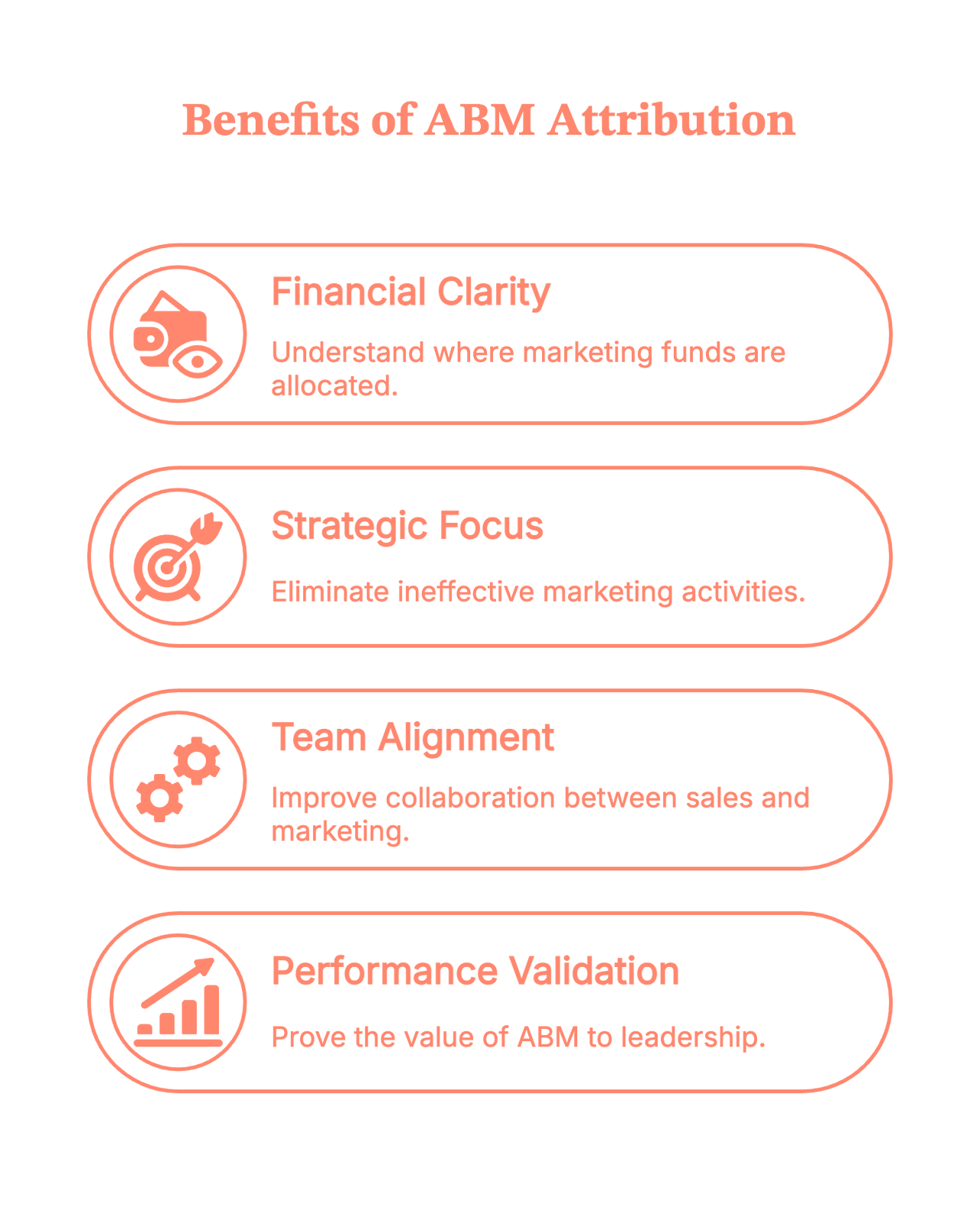
1. You finally know where your money is actually going
ABM campaigns are… not cheap. Personalization takes time, tools, and very patient marketers. Attribution keeps everyone honest.
2. You stop doing “random acts of marketing”
Without attribution, everything seems to be working. With attribution, you see what’s actually working.
3. Sales and marketing stop arguing (well, mostly)
Shared account-level insights = fewer “marketing didn’t bring quality leads” conversations.
4. You can prove ABM works to leadership
And yes, we know this is often half the battle.
What the Community says (because Reddit always has opinions)
Spend five minutes scrolling through marketing Reddit, and you’ll notice a theme: everyone loves the idea of ABM… right up until someone asks how to measure it.
A few familiar takes pop up again and again:
- “Show ROI at the account level or leadership won’t buy in.”
- “ABM is great, but without attribution it’s just fancy targeting.”
- “Half my ABM wins happen offline. Hard to track, but essential.”
- And the crowd favorite: “Attribution is where ABM goes from vibes to revenue.”
In short, the community isn’t anti-ABM; they’re just tired of running programs they can’t prove. Attribution is what turns enthusiasm into confidence.
The real-world challenges of ABM attribution (a.k.a. why it feels hard)
ABM attribution sounds great in theory… until you try to map every touchpoint across an entire buying committee and realize the journey is anything but neat.
So let’s look at the real friction points. The stuff that actually slows teams down when they try to make attribution work in the wild.
Many of these challenges arise because ABM fundamentally differs from the traditional funnel. This breakdown of ABM vs Traditional Marketing shows why the attribution process ends up so different.
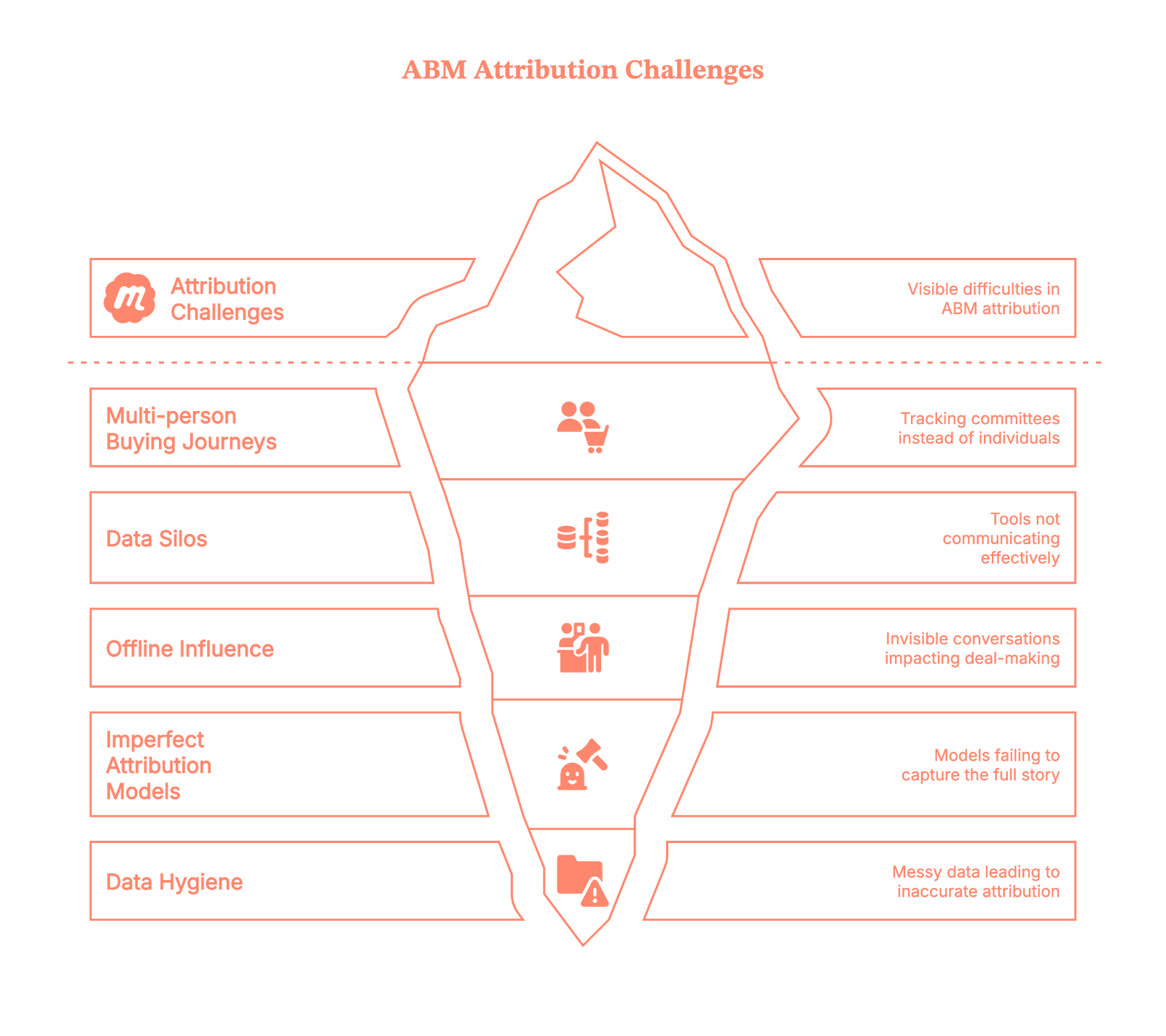
Challenge 1: Multi-person, multi-touch buying journeys
In ABM, you’re not tracking one person; instead, you’re tracking a committee. Touchpoints pile up fast. They are in the form of:
- LinkedIn ads
- Website visits
- Email nurturing
- SDR outreach
- Events
- Offline conversations (yes, these still happen!)
And with all this, attribution becomes tricky. Because…
- The journey isn’t linear.
- People engage anonymously.
- Not every touch gets logged.
- And buyers jump in and out depending on their role.
Challenge 2: Tools don’t speak the same language
Your ABM tool has data.
Your CRM has different data.
Your website analytics has other data.
Your sales reps store half the truth in their inboxes.
Everything is fragmented, and stitching it together feels like assembling IKEA furniture without instructions.
Challenge 3: Offline influence is invisible
Conversations at events, personal outreach, referrals, internal champions… these are often the real deal-makers.
But guess what?
None of that naturally shows up in your attribution reports.
Challenge 4: Attribution models are imperfect
First-touch? Too simplistic.
Last-touch? Doesn’t tell the full story.
Multi-touch? Great… until someone asks who gets how much credit.
W-shaped? U-shaped? Time decay? Weighted? Custom models?
It’s easy to get stuck in “model paralysis.”
Challenge 5: Data hygiene, the Achilles’ heel
Incorrect contact mapping, missing UTM parameters, untracked sessions, and inconsistent naming are the usual chaos.
If the data is messy, the attribution is messy.
How to implement ABM attribution without losing your mind
Alright, challenges aside. Here’s the part where we go from theory to “you can actually do this.”
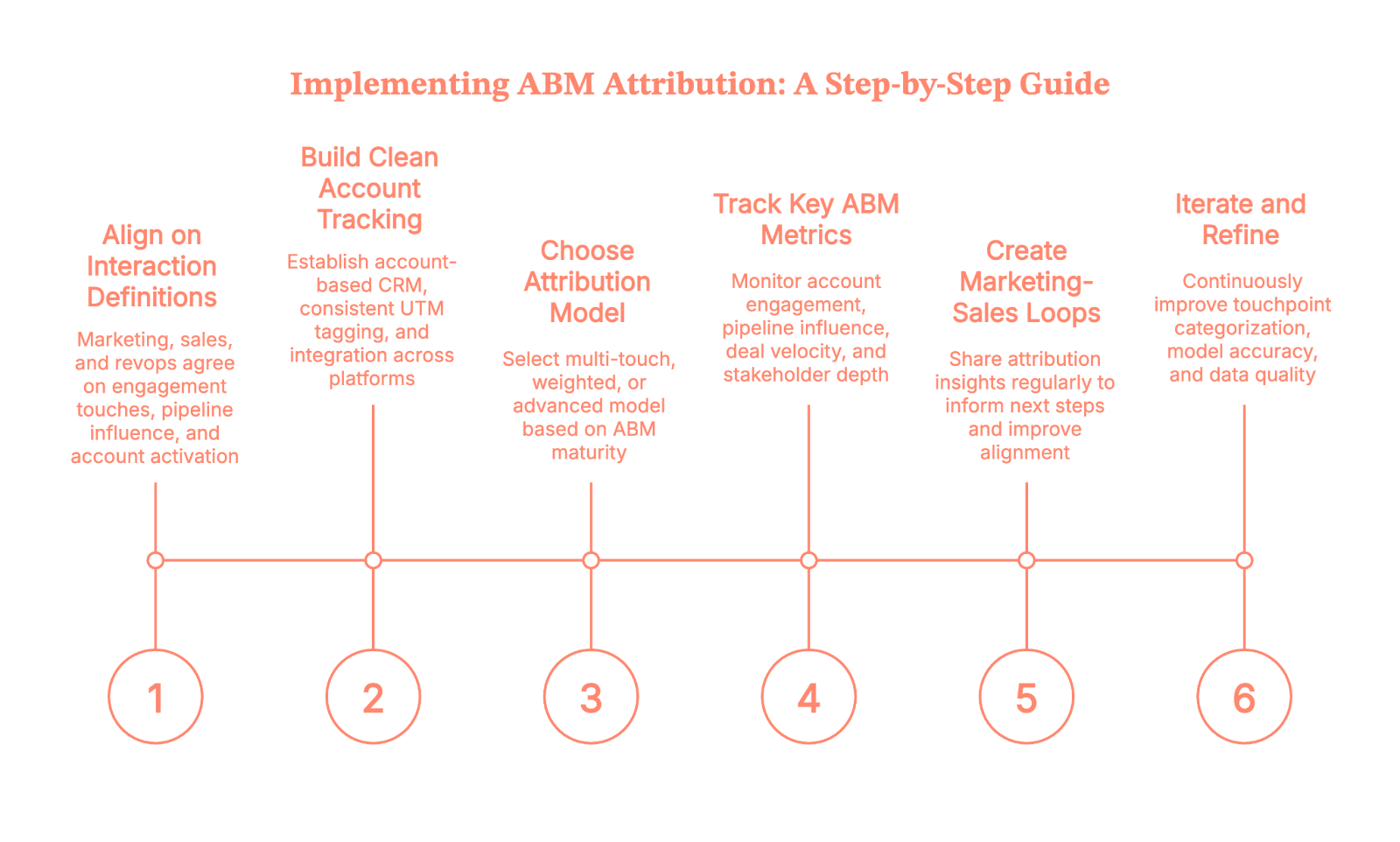
Let’s walk through it step-by-step.
Step 1: Align on what counts as a meaningful interaction
Before you build dashboards, get marketing, sales, and revops aligned on the following:
- What counts as an “engagement touch”
- Which interactions matter at different stages
- What is considered an “influenced pipeline”
- When an account is deemed “activated”
This avoids future “that’s not what I meant” arguments.
Step 2: Build clean account-level tracking
This is foundational. You’ll want:
- An account-based view (not just leads)
- Proper CRM structure
- Consistent UTM tagging
- Integration across ABM platform, CRM, and analytics tools
Think of this as cleaning your kitchen before you start cooking, annoying, but absolutely necessary.
Step 3: Pick an attribution model that matches your ABM maturity
- If you’re starting out, use simple multi-touch.
- If you’re scaling, then use weighted or custom models that account for key ABM engagement moments.
- If you’re advanced, then layer in predictive or machine-learning models to identify influence patterns automatically.
Yes, you can always switch later. Attribution models aren’t set in stone. As data volume, signal quality, and closed-won insights improve, more advanced models simply become more accurate.
Step 4: Track the right ABM Metrics (Not just “leads”)
ABM attribution isn’t about counting people. It’s about understanding accounts. Track:
- Account engagement score
- Pipeline created or influenced
- Deal velocity
- Stakeholder depth (how many people engaged)
- Stage progression tied to marketing/sales activities
- High-intent behaviors (e.g., pricing page visits)
These tell a truer story.
Step 5: Create loops between marketing & sales
Share attribution insights fortnightly or monthly:
- “Here are the touches that influenced the latest deals.”
- “Here’s what triggered conversions in high-value accounts.”
- “Here’s where deals stalled and why.”
When attribution informs next steps, you’ve built a real ABM engine.
Step 6: Iterate like you mean it
It won’t be perfect the first time.
Or the second.
Or the fifth.
But each iteration will sharpen:
- Touchpoints categorization
- Model accuracy
- Data quality
- Sales-marketing alignment
- Personalization strategies
Consistency wins this game.
As you put these steps into practice, pairing attribution with strong execution matters. These 6 ABM tactics to drive conversions can guide what to prioritize in your activation plan.
Where many ABM teams get stuck: The attribution gap
Even with all the right intentions, most ABM teams encounter one frustrating wall: THE ATTRIBUTION GAP.
It’s the uncomfortable space between “we know engagement is happening” and “we can prove it influenced revenue.” Gaps often come from:
- Anonymous website activity
- Multi-touch journeys
- Offline influence
- Data silos
- Untracked channels
- CRM inconsistencies
This is where technology makes or breaks your ABM strategy.
And yes, this is exactly where Factors.ai steps in.
How Factors.ai helps close the ABM attribution gap for B2B teams
Let’s get practical. Factors isn’t just another analytics dashboard; it’s specifically built to solve the attribution problems ABM teams struggle with most.
Here’s how it bridges those gaps:
1. Account-level website analytics (Even for anonymous website visitors)
Factors.ai offers one of the strongest account-level website visitor identification in the market, with coverage reaching up to 75%. It uses a waterfall enrichment setup that pulls from four different data sources, so the insights aren’t just broad… they’re accurate.
Once an account is identified, Factors layers in geo-location and job-title triangulation, which helps surface more than 30% of the actual individuals behind those visits.
In other words, you finally get to see:
- Which companies are showing up
- What pages they’re exploring
- How often do they return
- Which actions signal real intent
All those previously “invisible” touches?
They start showing up loud and clear.
2. Cross-channel, multi-touch attribution (Done automatically)
Factors pulls together data from all your channels, like:
- Paid ads
- Organic traffic
- Events
- LinkedIn engagement
- SDR outreach
- CRM activity
…and creates a unified timeline for each account.
No more stitching data manually.
No more channel blind spots.
Only multi-touch attribution.
3. Offline + Sales touch tracking
Factors doesn’t just capture digital activity; it brings your offline and sales motions into a single view.
With Account 360, all those scattered signals finally land in one place: CRM updates, SDR outreach, meeting notes, LinkedIn interactions, G2 intent, and website engagement all roll up into a unified account timeline.
The result?
You see the full story of how an account interacts with your brand, across both marketing and sales touchpoints.
4. Custom attribution models built for ABM
Instead of forcing you into standard models like last touch or first touch, Factors lets you:
- Use multi-touch
- Create weighted models
- Focus on intent-heavy touches
- Build ABM-specific attribution logic
You can finally choose a model that reflects how your buyers actually buy.
5. Clear pipeline influence & revenue reporting
Factors shows exactly how an account moved from early engagement to opportunity to closed-won. With this, you get clean, defensible reports that leadership actually understands.
6. Insights that actually drive ABM strategy
Factors highlights the signals that matter the most:
- High-intent accounts
- Content that moved deals
- Channels that consistently kickstart meetings
- Patterns across closed-won accounts
So your next ABM campaign isn’t just creative, it’s informed by data.
Read more about this on Using Factors.ai for targeted ABM
ABM attribution doesn’t have to be scary
Yes, attribution is messy.
Yes, ABM multiplies that mess.
And yes, you’ll probably question your life choices once or twice while implementing it.
But once your system is in place?
You stop guessing.
You start learning.
You start predicting.
And your ABM program stops being an experiment and becomes a repeatable revenue engine. The right tools (like Factors.ai) make the journey 10× smoother.
So take the first step, build your foundation, and let your attribution framework evolve from there. Your future ABM programs will thank you.
So to summarise
Account-Based Marketing (ABM) attribution helps B2B teams understand which marketing and sales touchpoints truly influence pipeline, opportunity creation, and revenue at the account level. It connects every interaction across a buying committee, like ads, website visits, content consumption, SDR outreach, events, and even offline conversations, to reveal how an account actually progresses.
Because ABM journeys involve multiple stakeholders, disconnected tools, messy CRM data, and untracked touches, most teams face a real attribution gap. Building a reliable ABM attribution engine requires clean account-level tracking, sales–marketing alignment, the right attribution model, and ongoing data hygiene.
Platforms like Factors.ai close the visibility gap by identifying anonymous accounts, stitching multi-touch journeys automatically, capturing offline influence, and providing clear revenue reporting. The result? A repeatable, insight-driven ABM engine that makes your future programs more effective.
FAQs on Account-Based Marketing attribution
Q1. How do you measure attribution in an ABM campaign?
You measure ABM attribution by mapping every marketing + sales touchpoint at the account level (not at the lead level). This includes website activity, ads, emails, SDR touches, events, and offline conversations. Then you apply an attribution model, like multi-touch, weighted, or custom, to understand which interactions influenced pipeline, opportunity creation, or revenue.
Q2. What makes ABM attribution so difficult for B2B teams?
Most teams struggle because buying journeys span multiple people, tools don’t sync data cleanly, offline influence rarely gets captured, and CRM hygiene is inconsistent. ABM multiplies complexity because each account generates dozens of interactions across different roles and channels.
Q3. Which attribution model works best for ABM programs?
Multi-touch is the most common starting point because it spreads credit across the journey. As ABM maturity increases, teams shift to weighted models that give more value to high-intent touches (e.g., demo page visits, sales meetings), or custom models tailored to their buying cycle.
Q4. How do you track anonymous account activity in ABM attribution?
Most companies rely on layers of website visitor identification and enrichment. Tools like Factors.ai use multi-source waterfall enrichment to identify up to 75% of accounts and surface likely individuals using geo and job-title triangulation. This converts anonymous website traffic into attribution-ready account data.
Q5. How do you include offline and sales touches in ABM attribution?
You need a unified account timeline that blends CRM notes, SDR outreach, meetings, events, referrals, and marketing activity. Without this, you’ll see only half the picture. Platforms like Factors.ai pull these signals into a single Account 360 view so offline influence is fully attributed.

Organic SEO Agency: Services, Strategy, and How to Choose the Right Partner for B2B Growth
If you run a B2B company, you’ve probably had this exact moment:
The traffic chart is up and to the right. Someone drops a “🚀” in Slack. And then a very calm, solemn voice from leadership asks:
“Cool… but did this make us any money?”
Translation:
“Is SEO actually driving revenue, or is it just the business equivalent of a participation trophy?”
That question is exactly why choosing the right organic SEO agency matters more than ever.
Look… we all know that SEO is NOT about flexing rankings in a deck like it’s 2016. It lives at the intersection of how buyers actually research, how demand gets created, and how long B2B sales cycles really take (read: longer than a Succession episode, shorter than an entire season).
This really loooong blog breaks down what an organic SEO agency actually does, how organic SEO works in a B2B context, how to evaluate SEO services without getting sold a golden dream, and how to measure results (in a way leadership doesn’t side-eye).
TL;DR
- Organic SEO for B2B is about influencing pipeline across the buyer journey. Buyers show up at different stages, and SEO supports those moments quietly and consistently.
- Strong organic SEO agencies build systems that compound over time. This includes technical foundations, deep content, smart internal linking, and continuous optimization rather than one-off tasks.
- SEO measurement needs to move past raw traffic. The real signals are ICP-fit engagement, topic-level performance, and how organic search supports revenue across multiple touchpoints.
- Choosing the right partner comes down to clarity and credibility. Look for operational transparency, strategic alignment, and real experience with complex B2B buying journeys.
What is an organic SEO agency?
Let’s start with this (^) basiiiic question… the one everyone asks but rarely gets a straight answer to.
At its simplest, an organic SEO agency helps your business show up in search results without paying for every click. Say goodbye to ads and bidding wars. It’s just your website appearing when the right people are actively looking for answers, solutions, or vendors like you.
Now, if you’ve ever typed something like what is an SEO company or SEO company meaning into Google, you were probably trying to figure out one thing:
“Is this actually useful for my business, or just another buzzy buzzword?”
Good question.
Here’s what an organic SEO agency actually does…
An organic search engine optimization company focuses on helping your website earn visibility, not rent it.
That usually means working across four big areas:
- Making your site search-friendly
So search engines can crawl it, understand it, and rank it properly. - Matching real search intent
Creating pages that answer what your buyers are actually searching for, not what a keyword tool says looks ‘good’. - Structuring content clearly
Pages that are easy to read, easy to navigate, and easy for search engines to interpret. - Building long-term trust
Through depth, consistency, and authority, not hacks or shortcuts.
The end goal is not ‘more traffic’ in isolation. It is the right traffic, showing up at the right moments.
And what do SEO services really mean?
When someone asks this question, they are usually expecting a checklist, but it’s really just about building a system that works over time.
Today, SEO services typically cover:
- Technical site health
- Content relevance and depth
- Page structure and internal linking
- Search intent alignment
- Ongoing optimization and measurement
A good organic SEO agency is not a one-time fixer. It is a long-term growth partner that helps your site stay discoverable as search behavior, algorithms, and competition evolve.
So, how is organic SEO different from paid growth?
Here’s where most confusion creeps in.
Organic SEO is about earning attention over time. Paid ads are about buying attention instantly.
An organic SEO agency does not manage ad budgets, bid on keywords, or promise immediate spikes. Instead, it improves how your site performs in search results, in the long-term.
That is why SEO feels slow at first, but impactful later. Once it starts working, it keeps working, even when you are not actively spending.
How Organic SEO Works for B2B Companies
If you’ve worked in B2B long enough, you already know this:
People don’t wake up, Google a product, and book a demo five minutes later.
B2B deals rarely close in a single session. Buyers read, leave, share links internally, come back weeks later, and repeat the process (and this goes on for months).
And that’s exactly why organic SEO works so well for B2B (when it’s done right). B2B buyers use search long before they are ready to talk to sales.
They search when:
- Something feels broken in their process
- A stakeholder asks an unexpected question
- A tool stops scaling
- A budget conversation is coming up
- All of the above
The three search stages that matter in B2B
Understanding these three search stages is key to knowing how SEO drives value.
- Problem-aware searches
These are early, exploratory searches. Buyers are trying to name or understand a challenge. They are not looking for vendors yet. - Solution-aware searches
The buyer is now evaluating approaches, frameworks, or tool categories. They are comparing ways to solve the problem. - Vendor-aware searches
This is where brand names, comparisons, alternatives, and pricing-related queries show up.
Strong organic SEO strategies cover all three stages. Weak ones obsess only over the last (and that’s why they fail).
How does SEO fit into these loooong B2B buying cycles
Organic SEO supports it by:
- Giving buyers something useful at each stage of the buyer journey
- Building familiarity before a sales conversation begins
- Creating multiple touchpoints across the journey
By the time someone fills out a form, they have often interacted with your content more than once... SEO helps make those interactions happen naturally.
Now, let’s look at SEO as a pipeline influence channel
Here’s where many teams misunderstand SEO.
Organic search may not always ‘convert’ in a visible way. Instead, it:
- Improves lead quality
- Shortens sales cycles
- Increases confidence during buying decisions
- Supports deals that close later
For B2B companies, organic SEO is all about consistent pipeline influence.
When done well, it becomes one of the most reliable sources that bring in educated, high-intent buyers over time.
SEO Agencies… What are their core organic SEO services?
Now… this is usually where things get fuzzy.
You ask an agency what their organic SEO services include, and suddenly you are staring at a 40-item list that sounds impressive but explains nothing.
So… let’s slow it down and break this into real, understandable pieces.
These are the core services most quality SEO services are built on, especially for B2B companies.
- Technical site audit and optimization
This is the foundation. If this is weak, everything else is likely to fall apart.
Technical SEO focuses on whether search engines can access, understand, and trust your site. This includes:
- Crawling and indexing issues
- Page speed and performance
- Mobile usability
- Core Web Vitals
- URL structure and site architecture
- Schema and structured data
You rarely see technical SEO working, but when it’s broken… you’ll know (because you’ll see your growth stall).
- Keyword research and intent clustering
Modern SEO does not chase single keywords anymore.
Instead, organic search agencies group related searches into intent-based clusters. These clusters reflect how buyers actually think and search.
This approach helps:
- Build topical depth
- Avoid thin or repetitive content
- Capture multiple variations of buyer intent
For B2B, clustering is especially important because searches are nuanced and rarely transactional on the first visit.
- Topical authority building
Topical authority is about depth (not only volume)... think thought leadership?!
Instead of publishing disconnected blogs, organic SEO agencies build interconnected content around specific themes that matter to your buyers.
This signals two things:
- To search engines: your site understands this topic deeply
- To buyers: your brand knows what it’s talking about
Authority compounds over time, which is why SEO rewards consistency.
- Long-form content creation
B2B buyers don’t just skim, smile and throw a ton of dollars at you. They read, compare, and validate.
Long-form content supports this behavior by:
- Answering complex questions fully
- Supporting internal stakeholder discussions
- Reducing friction in later sales conversations
This includes guides, comparisons, frameworks, and educational resources designed for decision-makers.
- On-page optimization and internal linking
On-page SEO ensures that:
- Pages are structured logically
- Headings guide the reader
- Internal links connect related ideas
- Important pages receive enough visibility
Good internal linking also helps search engines understand which pages matter most.
- SERP experience optimization
Organic SEO services now include optimizing for (hey, AI!):
- Featured snippets
- FAQ results
- Rich snippets
- AI-friendly formatting
The goal is visibility and clarity before someone even clicks.
- Organic search engine optimization management
If I had a dollar for everytime I said this to someone… let me just say I would be sipping on piña coladas in Hawaii (and not writing this 3500-word blog).
SEO is NOT a one-time setup.
Algorithms shift. Competitors publish. Buyer language evolves. Boom… everything’s changed suddenly.
Ongoing SEO management includes:
- Updating existing content
- Monitoring performance trends
- Improving pages that plateau
- Expanding into new topic areas
- Reporting and performance tracking
At this stage, reporting typically focuses on:
- Traffic quality
- Engagement patterns
- Content performance by topic
Revenue and attribution come later, and we’ll cover that in depth in a separate section.
- Organic SEO consultant vs full-service agency
An organic SEO consultant is usually best for:
- Strategy
- Audits
- One-time guidance
A full-service organic SEO agency handles execution, content production, optimization, and ongoing management.
Both have their place. And the right choice depends on internal bandwidth and growth goals.
Organic SEO Agency vs Paid Search Agency
At some point in my life, I’ve heard almost every B2B team asks this question:
“Should we invest more in SEO, or just put the money into ads?”
It’s a fair question. And the honest answer is rarely one or the other.
Look, paid search is immediate. You turn it on, traffic appears. You turn it off, traffic disappears. Paid also gives you control. You can test messaging quickly, scale spend, and target very specific queries.
Organic SEO takes longer to show results, but once it gains traction, it keeps working in the background. Pages continue to rank, content continues to attract buyers, and visibility does not vanish the moment budgets pause. Organic SEO gives you compounding value. Each piece of content builds on the last. Authority strengthens. Marginal cost decreases over time.
For B2B companies with long sales cycles, this compounding effect matters.
PS: This difference is why SEO often feels frustrating early and invaluable later.
Organic SEO Agency vs Paid Search Agency
Here’s why B2B teams eventually (could) need both
Organic SEO and paid search serve different jobs.
Paid search is great for:
- New product launches
- Short-term campaigns
- Testing positioning
- Capturing immediate demand
Organic SEO is better for:
- Sustained demand capture
- Educating buyers early
- Supporting long research cycles
- Reducing long-term acquisition costs
This is why many teams look for agencies that understand both channels, even if execution is split across partners.
Benefits of Hiring an Organic Search Agency for B2B
By now, the question (hopefully) shifts from “What does an organic SEO agency do?” to “Is this actually worth it for a B2B business like ours?”
This is where the answer becomes clear as the water in Similan Islands (Thailand).
- Creates a scalable, non-paid pipeline
One of the biggest advantages of working with an organic search agency is that the output scales without scaling spend.
Every page you publish, optimize, and strengthen becomes a long-term asset. Over time, your site attracts demand without needing a bigger budget to maintain the same level of visibility.
- Attracts higher-intent buyers
Organic search traffic tends to be more intentional.
These visitors are actively researching, comparing, and seeking to understand a specific topic. They are not passively scrolling or reacting to an ad… they are looking for answers.
That intent shows up later in:
- Better sales conversations
- Higher-quality leads
- More informed buyers
An experienced organic SEO company knows how to capture this intent and align it with your ICP.
- Supports long and complex buying cycles
B2B decisions involve multiple stakeholders and repeated touchpoints.
Organic SEO supports this reality by:
- Giving buyers something useful at every stage
- Creating content that can be shared internally
- Reinforcing credibility over time
Instead of pushing for immediate conversion, SEO supports the decision-making process itself.
- Strengthens sales enablement without sounding salesy
Strong SEO content does double duty.
It attracts new buyers and supports existing sales conversations. Sales teams often send SEO-driven pages to prospects because they explain concepts clearly and objectively.
- Builds brand authority in your category
Appearing consistently for relevant searches builds familiarity and trust.
Over time, buyers begin to associate your brand with expertise in a specific area. This authority is difficult to replicate with short-term campaigns.
For B2B companies trying to own a category or narrative, this visibility is invaluable.
- Reduces long-term customer acquisition costs
While SEO takes time upfront, its marginal cost decreases as performance improves.
Once content ranks and authority builds, acquisition costs stabilize or even drop. This is one of the key reasons mature B2B companies continue to invest in organic SEO.
- Captures demand 24/7
SEO does not clock out.
Your content works when your team is offline, across time zones, and throughout long research cycles. It meets buyers where they are, whenever they are ready.
That always-on presence is one of the most underrated benefits of organic SEO.
How to Choose the Right Organic SEO Company
Choosing an organic SEO company depends on who understands how your business actually grows. The wrong choice usually looks fine on paper and shows up six months later.
Here’s how to evaluate organic SEO companies properly, step by step.
- Look for real B2B experience
A good organic SEO company should understand:
- Long B2B buying cycles
- Multiple stakeholders per deal
- Non-linear customer journeys
- High-consideration searches
Ask what types of companies they’ve worked with. If all examples are ecommerce or local businesses, that’s a mismatch for most B2B teams.
- Ask how they map SEO to pipeline
Traffic alone is a weak success metric, especially in B2B.
A strong organic search agency should be able to explain:
- Which content attracts ICP-level visitors
- How SEO supports mid-funnel and late-funnel activity
- How organic traffic influences deals over time
If reporting stops at sessions and rankings, you won’t get answers when leadership asks more complicated questions.
- Evaluate their operational rigor
SEO is execution-heavy… you really have to build content muscles, engines, banks and whatnot.
Look for clarity on:
- How content is planned, reviewed, and published
- How technical issues are prioritized and fixed
- How updates and optimizations are handled over time
Vague processes often lead to inconsistent output and stalled momentum.
- Check their technical depth
You don’t need an agency that only ‘does technical SEO,’ but you do need one that understands it deeply.
Ask how they handle:
- Site architecture decisions
- Page performance issues
- Indexing and crawl challenges
- Migrations or major site changes
- Understand their approach to experimentation
Search behavior and algorithms change constantly.
Strong organic SEO companies:
- Test content formats and structures
- Monitor what stalls and what accelerates
- Update pages based on performance data
SEO works best when it is treated as an evolving system, not a fixed checklist (like I said above).
- Get clarity on timelines and expectations
SEO is a long-term investment, but that doesn’t mean ‘wait and watch.’
A good SEO company should set expectations around:
- Early traction signals
- Medium-term performance indicators
- Long-term outcomes
If someone guarantees rankings or immediate results, that’s usually a red flag 🔴 (because I couldn’t find the flag emoji).
- Ask about collaboration and communication
SEO touches content, product, marketing, and sometimes engineering.
Make sure the agency:
- Communicates clearly
- Shares progress regularly
- Is comfortable collaborating with internal teams
SEO breaks down when ownership is unclear.
- Review how they report progress
Reporting should help you make decisions, while you fill up your slides.
Look for reporting that covers:
- Content performance by topic
- Engagement patterns
- Search visibility trends
- Clear next steps
The best agencies explain what the data means (the analysis bit).
Results-Based SEO: What You Should Actually Measure
Talking of reporting… at least one person asks this (as they should):
“So… what are we measuring, exactly?”
This is where results-based SEO comes in. (And also where many SEO programs quietly fall apart). Because SEO absolutely delivers results… but the problem is, many teams measure the wrong metrics.
Why traditional SEO metrics fall short in B2B
Rankings, impressions, and traffic are easy to report, but they are also incomplete.
A page can:
- Influence a deal without converting
- Be read by multiple stakeholders
- Support sales conversations months later
If you only measure last-click conversions, you miss most of SEO’s impact.
Results-based SEO shifts the focus from surface-level metrics to business signals.
The core metrics that actually matter
A modern, results-driven SEO program looks at performance through multiple lenses.
- Growth in qualified organic traffic
- Traffic from ICP-fit companies
- Visitors landing on high-intent pages
- Engagement depth, not just sessions
This tells you whether SEO is attracting the right audience.
- Performance of keyword and topic clusters
Single keywords fluctuate, but topic clusters often show momentum.
Measuring cluster-level performance helps teams understand:
- Which themes are gaining authority
- Where coverage is thin
- What content needs expansion or updating
This is far more stable than tracking individual rankings.
- New ICP accounts landing on the site
In B2B, accounts matter more than anonymous users.
Results-based SEO looks at:
- Which target accounts are visiting organically
- Which pages they engage with
- How often they return
This connects SEO activity to account-based strategies.
- Organic-influenced pipeline
SEO often supports deals rather than initiating them.
Strong measurement captures:
- Deals where organic search was part of the journey
- Pages viewed before demo or contact events
- Content that appears repeatedly across won deals
This reframes SEO as a pipeline contributor, not just a traffic source.
- Deal acceleration and sales efficiency
SEO can shorten buying cycles.
Educational content helps buyers:
- Understand problems faster
- Align internally
- Ask better questions
When measured properly, this shows up as faster deal progression and higher close confidence.
- Multi-touch revenue contribution
Results-based SEO looks at:
- How organic search works alongside paid, outbound, and events
- Assisted conversions across channels
- Revenue influenced, not just attributed
This is especially important for longer B2B sales cycles.
Rankings still matter. They help diagnose visibility and competitiveness. But rankings alone do not answer leadership’s fundamental question:
“Is this helping us grow???”
Results-based SEO exists to answer that question clearly and credibly.
What B2B Teams Get Wrong About SEO Measurement
Most B2B teams don’t fail at SEO because of bad content or weak keywords.
They fail at measurement.
And so, SEO ends up underfunded, questioned, or deprioritized, not because it is ineffective, but because its impact is misunderstood or invisible in the way teams track performance.
Here are the most common mistakes.
- Treating SEO as a first-click or last-click channel
This is the biggest one.
SEO rarely works as a clean first-click or last-click channel in B2B. Buyers might:
- Discover you through an organic article
- Come back later via direct or paid
- Convert after a sales conversation
If you only credit the final touch, SEO disappears from the story.
In reality, SEO often introduces the problem, frames the solution, or builds trust early. That influence matters, even if it is not the final click.
- Ignoring mid-funnel behavior
Many teams measure SEO only at the top or bottom of the funnel.
What gets ignored is the middle:
- Which pages do buyers read after landing
- How deeply they engage
- What content do they revisit
Mid-funnel behavior is where SEO does a lot of its real work, especially in B2B, where education and validation take time.
- Keeping SEO data separate from CRM data
SEO tools live in one place. CRM data lives in another. And your sanity… well, it’s lying in the corner.
When these systems do not talk to each other:
- SEO looks disconnected from revenue
- Sales has no visibility into content influence
- Marketing cannot defend long-term investments
This separation makes SEO look like a traffic channel rather than a growth channel.
- Overlooking assisted conversions
Not every piece of content is meant to convert.
Some pages:
- Answer objections
- Clarify concepts
- Support internal alignment
When assisted conversions are ignored, these pages look “low performing,” even though they play a critical role in closing deals.
- Expecting linear journeys in a non-linear world
For the 99th time in this article, I’m going to say that B2B Buyers jump between devices, channels, and timelines. They loop back, pause, and restart.
Measurement frameworks that assume a straight line from search to conversion will always undercount SEO’s role.
- Running SEO without experimentation or governance
SEO is often treated as a background activity.
Pages are published, rankings are checked, and little else happens.
Without:
- Clear hypotheses
- Ongoing experimentation
- Regular reviews and updates
SEO becomes static. And static SEO slowly loses ground, even if it once performed well.
- Reporting activity instead of insight
Traffic charts are easy to generate. Insight is harder.
SEO reporting should answer questions like:
- What is working and why
- What is stalling and why
- What should change next
Without this layer of interpretation, SEO reports fail to earn trust.
How Factors.ai Supports SEO Performance Tracking
One of the biggest reasons SEO feels ‘hard to prove’ in B2B is not because SEO is unclear, but because most analytics stacks were not built for long, multi-touch journeys.
This is where Factors.ai fits in.
Instead of treating organic search as a top-of-funnel traffic source, Factors.ai helps teams understand how SEO contributes to revenue.
- Seeing organic search beyond sessions and clicks
Traditional SEO tools tell you what happened on the website.
Factors.ai focuses on what happened after.
It helps teams see:
- Which organic pages are visited by real ICP accounts
- How often do those accounts return
- What content appears across multiple touchpoints
This moves SEO analysis from “how many people came” to “who came and why that matters.”
- Connecting content to pipeline influence
Not all content is meant to convert. Some content educates, some validates, and some accelerates decisions.
Factors.ai helps identify:
- Which pages show up in closed-won journeys
- Which topics consistently influence opportunities
- Which content supports deal progression
This makes it easier to invest in content that actually helps revenue teams.
- Understanding account journeys, not isolated visits
B2B buying happens at the account level, and with Factors.ai, teams can analyze:
- Page paths taken by target accounts
- Repeated engagement patterns
- Content consumed across stages
This helps SEO and content teams design journeys intentionally, rather than publishing in isolation.
- Measuring assisted and incremental impact
Factors.ai supports (because SEO rarely works in silo):
- Multi-touch attribution across organic, paid, outbound, and direct
- Visibility into assisted conversions
- Incrementality analysis to understand true lift
This gives leadership a more honest view of SEO’s contribution.
- Bringing SEO and paid search into the same conversation
SEO and paid search often live in different dashboards.
Factors.ai allows teams to:
- Compare organic and paid performance side-by-side
- Understand how organic visibility improves paid efficiency
- See combined impact on pipeline and revenue
This is especially useful for teams managing blended marketing and SEO services strategies.
- Turning SEO data into decisions
Most importantly, Factors.ai helps teams answer questions like:
- Which topics should we double down on
- Which pages need updating or expansion
- Where is SEO influencing deals but not getting credit
Instead of static reports, SEO becomes a data-driven input for decision-making.
Pricing Models: What Organic SEO Services Cost
There is no single price for organic SEO services, and that’s not a dodge. The cost depends on scope, ambition, and how seriously a company takes SEO as a growth channel.
That said, most organic SEO agencies price their work using a few standard models.
Understanding these helps you evaluate proposals without getting lost in line items.
- Monthly retainer model
This is the most common pricing structure for ongoing SEO.
Under a retainer, an organic SEO company provides continuous support across:
- Technical optimization
- Content planning and creation
- On-page improvements
- Ongoing optimization and reporting
Typical range for B2B:
Mid-market B2B companies often invest anywhere from moderate to high five figures monthly, depending on scale and competitiveness.
P.S: This model works best when SEO is treated as a long-term program rather than a short-term experiment.
- Project-based pricing
Some companies start with a defined scope.
Common project-based engagements include:
- Technical SEO audits
- Site migrations
- Keyword and content strategy development
- Content refresh initiatives
This model is useful when:
- You need a specific outcome
- Internal teams will execute later
- SEO maturity is still developing
The limitation is that SEO impact often plateaus without ongoing work.
- Hybrid pricing models
Hybrid models combine a lower monthly retainer with specific projects layered on top.
This is common when:
- Strategy and guidance are ongoing
- Content or technical work is phased
- Internal teams handle part of execution
For B2B teams with some in-house capability, this can be a flexible option.
- Performance-based or results-based SEO
Some agencies offer results-based SEO pricing, where fees are tied to outcomes.
While appealing on paper, this model requires careful definition of:
- What counts as a result
- How attribution is handled
- What are the excluded external factors
True performance-based SEO is complex because revenue impact is often multi-touch and delayed.
Small agencies vs Enterprise SEO companies
Smaller organic SEO agencies may focus on execution volume and affordability.
Enterprise SEO companies typically charge more because they offer:
- Strategic depth
- Cross-team collaboration
- Advanced analytics integration
- Scalable content operations
Neither is inherently better. The right choice depends on growth goals and internal resources.
Best Practices for Working with an Organic SEO Consultant / Agency
Hiring an organic SEO consultant or agency is only half the equation. The other half is how you work together… because SEO fails more often due to poor collaboration than poor strategy.
Here’s how you can get the most value from an organic SEO consultant / Agency:
- Treat SEO as a program, not a task
SEO is not something you ‘finish.’
The teams that see results treat SEO as an ongoing program with:
- Clear goals
- Regular reviews
- Continuous iteration
If SEO is treated as a side project, it will behave like one.
- Align on outcomes early
Before work begins, align on:
- What success looks like
- Which metrics matter at each stage
- What will change if something is not working
This avoids the classic situation where marketing celebrates traffic and leadership asks about revenue… and everyone’s just staring at each other.
- Create clear ownership and workflows
SEO touches multiple teams, so get answers to these questions beforehand:
- Who approves content
- Who owns technical fixes
- How feedback is shared
- How delays are handled
Clear ownership will prevent SEO from stalling due to internal bottlenecks.
- Give consultants access to context, not just tools
An organic SEO consultant performs best when they understand:
- Your ICP and sales motion
- Deal sizes and buying cycles
- Common objections and questions
- Competitive positioning
SEO improves dramatically when it reflects real customer conversations.
- Commit to regular check-ins
Set up monthly or fortnightly check-ins, they help:
- Review what’s working
- Spot early warning signs
- Adjust priorities
- Keep momentum steady
Long gaps often lead to misalignment and wasted effort.
- Encourage experimentation and updates
Search behavior changes, content ages, Google releases its seventh Core Update in the year…
Strong SEO programs:
- Refresh existing pages
- Test new formats
- Expand winning topics
- Retire underperforming content
Progress comes from iteration, not perfection.
- Avoid the ‘set it and forget it’ trap (PLEASE)
Publishing content and walking away is one of the fastest ways to stall growth.
SEO improves when teams:
- Revisit pages regularly
- Improve clarity and depth
- Adapt to new intent signals
Consistency compounds.
Checklist: Evaluating Organic Search Engine Optimization Companies
When you are comparing organic search engine optimization companies, conversations can start to sound the same very quickly.
Everyone promises growth, shows charts, and says they are ✨StRaTeGiC✨.
This checklist helps you cut riiight through that and evaluate agencies on what actually matters for B2B SEO.
Use it as a reference during pitches, demos, or internal discussions.
- Technical expertise
Confirm that the agency can confidently handle:
- Site architecture and crawlability
- Indexing and rendering issues
- Page performance and Core Web Vitals
- Schema and structured data
- Migrations and major site changes
Technical blind spots often limit SEO long before content does.
- Content depth and quality
Ask how the agency approaches:
- Topic selection and prioritization
- Content depth for complex B2B subjects
- Editorial standards and review processes
- Content updates and refresh cycles
High-performing SEO content is rarely thin or generic.
- Industry and business familiarity
Strong organic SEO companies understand:
- Your buyer personas and ICP
- Typical deal sizes and sales cycles
- Common objections and decision criteria
SEO works best when it mirrors how your buyers actually think and search.
- Measurement and analytics maturity
Look for clarity on:
- How success is defined
- How SEO is connected to pipeline or revenue
- How assisted conversions are handled
- How insights are communicated
If reporting stops at traffic and rankings, you will struggle to defend SEO internally.
- Tools and technology stack
Ask what tools the agency uses for:
- Keyword research and monitoring
- Technical audits
- Content performance analysis
- Reporting and insights
Tools alone don’t create results, but weak tooling limits visibility.
- Transparency and communication
Evaluate how clearly the agency explains:
- What they are doing and why
- What is working and what is not
- What will change next
Good SEO partners educate as much as they execute.
- Case studies and references
Look beyond metrics and fancy decks.
Strong case studies explain:
- The problem being solved
- The strategy used
- The constraints involve
- The outcomes achieved
References should reflect situations similar to yours.
- Contract clarity and expectations
Before signing, confirm:
- Scope and deliverables
- Timelines and milestones
- Review and exit terms
- Ownership of content and assets
Clear contracts protect both sides.
FAQs for Choosing an Organic SEO Agency
Q. What does an organic SEO agency do?
An organic SEO agency helps businesses grow visibility and demand from unpaid search results. This includes improving site health, creating and optimizing content around real buyer intent, and strengthening long-term search performance so the right audiences find you naturally over time.
For B2B companies, the focus is usually on attracting high-intent visitors and supporting longer buying journeys rather than driving instant conversions.
Q. What is the meaning of SEO services?
SEO services refer to the set of activities that improve how a website performs in organic search. This typically includes technical optimization, keyword and topic research, content creation, on-page optimization, internal linking, and ongoing performance monitoring.
SEO services are most effective when they are aligned with buyer education and revenue influence, not just traffic growth.
Q. How long does organic SEO take for B2B companies?
Organic SEO is a long-term investment.
Most B2B companies start seeing early traction within three to six months, such as improved visibility, engagement, or content performance. Meaningful pipeline influence usually takes longer, especially in competitive categories.
The exact timeline depends on your starting point, competition, and consistency of execution.
Q. What’s the difference between an SEO company and an SEO consultant?
An SEO company typically provides end-to-end execution, including strategy, content creation, technical work, and ongoing optimization.
An SEO consultant usually focuses on strategy, audits, or advisory work and may not execute day-to-day tasks.
B2B teams with limited internal bandwidth often benefit more from a full-service organic SEO agency.
Q. How do organic SEO companies measure success?
Modern organic SEO companies measure success using a mix of indicators, including qualified traffic growth, topic-level performance, engagement depth, account-level behavior, and organic influence on pipeline or revenue.
Rankings and traffic are still tracked, but they are treated as signals rather than final outcomes.
Q. What is results-based SEO?
Results-based SEO is an approach that focuses on business outcomes rather than surface metrics. Instead of optimizing only for rankings or visits, it looks at how SEO contributes to qualified leads, pipeline influence, deal acceleration, and revenue over time.
In B2B, this approach is more realistic because buying journeys are multi-touch and non-linear.
Q. Why is organic SEO important for enterprise B2B brands?
For enterprise B2B brands, organic SEO supports long buying cycles, builds category authority, reduces dependency on paid media, and captures demand continuously.
It also helps align marketing, sales, and leadership around a shared understanding of how buyers research and make decisions.
Q. How does organic search differ from paid search in B2B?
Organic search compounds over time and supports education-heavy buying journeys. Paid search delivers immediate visibility but stops working when spend stops.
In B2B, organic search often influences decisions early and mid-funnel, while paid search is used to capture active demand or support specific campaigns. Most mature teams use both together.

How to Increase Traffic to Your Blog: Practical Ways for Organic Growth
You know when you’ve spent hours writing a blog, hit “publish,” refreshed Google Analytics, and all you got was… crickets for blog traffic?
I know it too. A little too well.
So often, even the best-written blog gets barely any views. As a writer and marketer, it’s frustrating, demotivating, and really dampens your desire to do your best.
The truth is, blogs often don’t get much traffic because it takes more than great content. It takes a strategy.
If you want to increase traffic to your blog, without burning out, here’s what you need:
- Smart SEO (Search)
- Consistent, helpful content (Supply)
- Deliberate distribution (Demand)
No magical hack. No ‘publish 100 posts in a weekend.’
Just a short, realistic playbook with blog traffic tips that work.
Let’s break it down.
TL;DR:
- The three pillars of organic traffic growth: SEO. Consistent helpful content. Deliberate distribution.
- SEO basics for quick initial movement: long-tail keywords, match intent, robust on-page SEO, and strong internal linking.
- Realistically, your fastest move will come if you update and republish existing posts, then add internal links to newer content.
- Don’t wait for Google to pick up. Promote your content in communities, use one relevant social channel, and build an email list early.
- Pick 3–5 tactics and commit for 90 days. Blog traffic is a marathon, not a sprint.
Why Traffic from Existing Blog Posts is Still Low
Before jumping into tactics, how about a quick diagnosis?
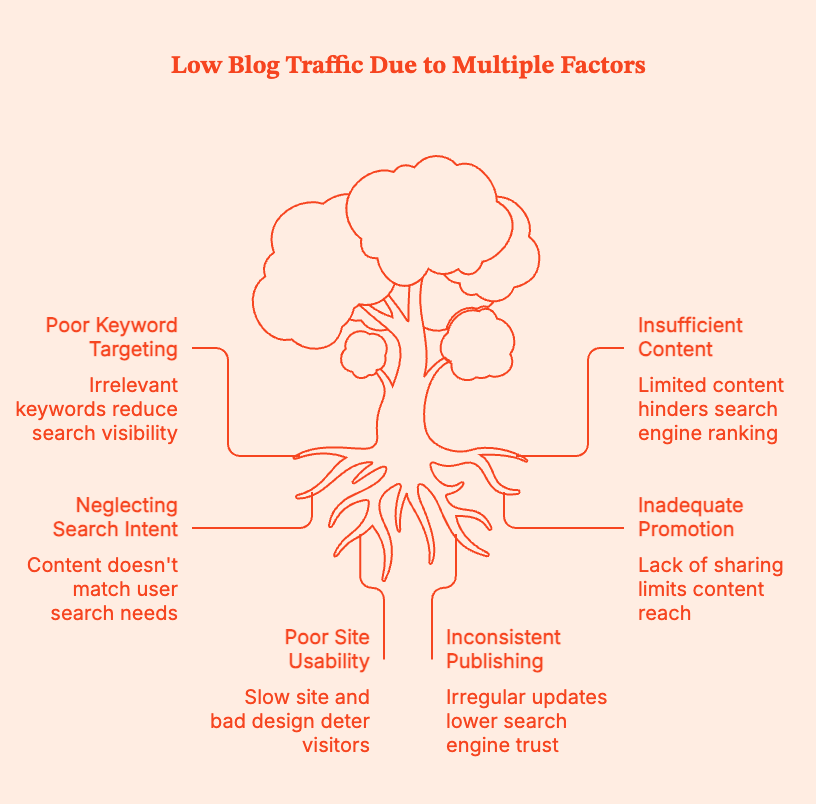
The four main sources of blog traffic
Most of your traffic will come from:
1. Organic / search traffic
This includes visitors coming from Google or other search engines.
If organic traffic is low, it means that:
- you aren't targeting the right keywords (and missing your target audience).
- you don't have enough content for Google to rank posts.
- your keyword research doesn't match what people mean when they type queries.
2. Social traffic
This includes visitors coming from platforms like Instagram, Pinterest, X/Twitter, LinkedIn, or Facebook.
If social traffic is low, it means that:
- no one is resharing your content.
- you're not using the right platforms for your industry/niche.
- you're posting content that isn't getting people's attention.
3. Referral traffic
This includes traffic from third-party websites like guest posts, links in other blogs, Reddit threads, Quora answers, Pinterest pins, directories, and so on.
If referral traffic is low, it means that:
- no other websites are placing links to your content.
- you might not be targeting the right guest posts or collaborations.
4. Direct traffic
This includes views from people who actually type in your URL, click a bookmark, or come from sources GA can’t quite identify (can even email/app traffic).
If direct traffic is low, it means:
- your blog is not a go-to resource.
- your email list is small and infrequently used.
If your traffic is low, the root cause is usually one (or more) of these:
Pro-Tip: Use a combination of Google Analytics + Google Search Console to see where traffic is coming from and what's working. Google Analytics shows where traffic is currently coming from, and Google Search Console tells you what queries you're already showing up for and where you're actually winning.
Pro-Tip II: Don’t fix everything. Fix only the bottleneck. For instance,
- If you have low organic traffic, focus on keyword research + SEO.
- If you have decent impressions but low clicks, focus on titles, meta, and search intent.
- If you have a few posts that do well, update and internally link them as much as possible.
...you get the drift.
How to increase traffic to your blog with valuable blog content (and more)
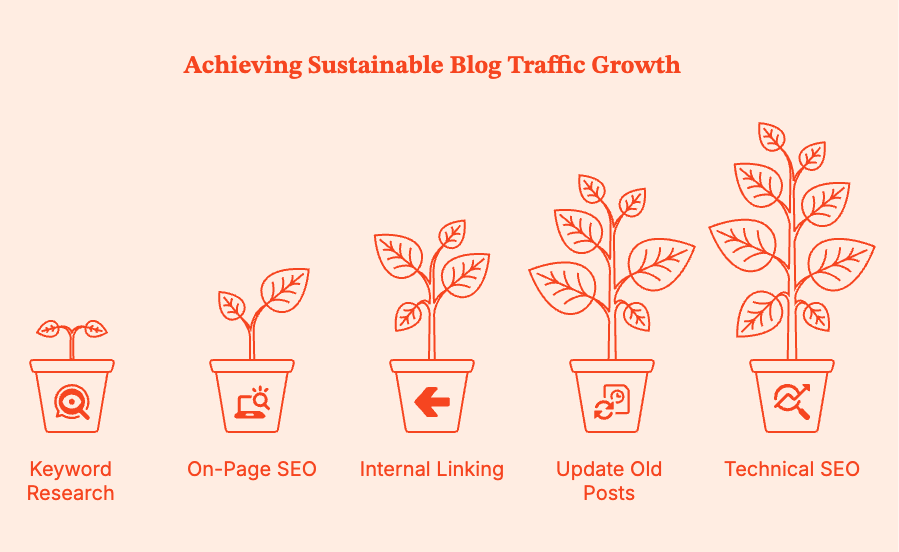
To increase blog traffic, consider mounting your strategy on these three pillars:
Pillar 1: SEO: Get Found in Search
Search engine optimization (SEO), once implemented properly, delivers active, sustainable, month-on-month growth. It takes off the slowest, but consistently gets you more blog traffic once it does.
It's like growing an apple tree: for a few months, nothing is happening. Then one day you have all the apples.
- Do basic keyword research
The secret to good keyword research: look for the overlap between what people search for and what you can actually rank for.
If you're just starting to create high-quality content, don't target keywords that are:
- too competitive (dominated by big players)
- too vague ("my thoughts on...)
Instead, target low-competition, long-tail keywords where small blogs can win. Go on intent-driven searches with:
- clear problems
- defined audiences
- less competition
- higher conversion potential
Example:❌ “How to start a blog”
✅ “How to start a vegan baking blog for beginners"
You can rank much faster for long-tail queries, as readers searching for them know exactly what they are looking for. Also, Google rewards relevant content over vague, "cover everyone you can" targeting.
Tools to help you find these keywords:
Free:
- Google Keyword Planner (broad search volumes)
- Google Suggest/Autocomplete (real-time user queries)
- Google "People Also Ask" (intent goldmine)
- AnswerThePublic (question-based keywords)
Affordable:
- LowFruits (excellent for spotting weak SERPs)
- Keywords Everywhere (cheap, fast insights)
Premium:
- Ahrefs
- Semrush
- Optimize each post for on-page SEO
Fundamentally, your on-page SEO tells Google: “Here’s exactly what this post is about, and here’s why it satisfies the searcher’s intent.”
Use your target keyword naturally in your blogs in the:
- Blog Post Title (H1)
- URL slug
- First 100 to 150 words
- 1 to 2 H2s
- Image alt text
- Meta description
Closely match search intent:
- Internal links & updating old posts
Internally link your web pages and blog posts. Start by asking:
- Which of my posts are getting the most traffic?
- Which new posts need more authority?
Then, link from high-authority posts → to newer or weaker posts.
This will accelerate each page's rank value, help Google understand your site structure, and improve session depth (keep people reading for longer).
Update and republish old posts
Google loves fresh content. So update your older blogs with new data, trends, and user expectations. Here are a few ideas:
- Add recent statistics.
- Replace outdated quotes and screenshots.
- Tighten up intros and conclusions; align them closer with search intent.
- Add newer internal links.
- Improve formatting and readability.
- Address “People Also Ask” questions.
- Technical basics
Make sure your web pages respect the reader's time and sanity. A quick checklist for your website:
- Loads fast (use Google PageSpeed Insights).
- Works on mobile (most people read from mobile devices).
- Has readable fonts (no 12pt elegant script).
- Uses simple navigation.
- Uses optimized images (smaller files, loads faster).
- Doesn’t drown readers in pop-ups (intrusive UX sucks).
Technical SEO is essential housekeeping. Remember that while a clean home doesn’t win the award, a messy one disqualifies you instantly.
This might also help: B2B SEO Checklist: What To Do Before Starting B2B SEO
Pillar 2: Content & consistency
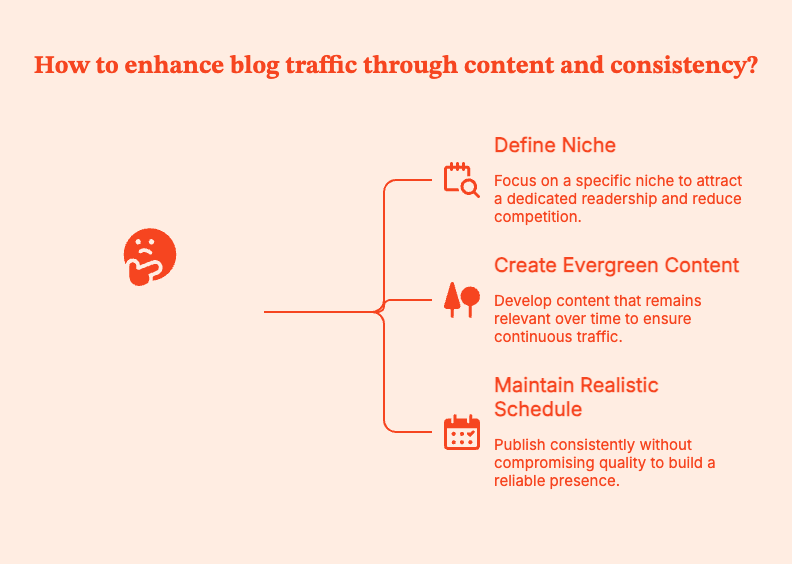
SEO brings people in for the first time. Good content keeps them coming back, and it's the returning users that deliver long-term traffic to your blog. It's cliche but true: content is king.
- Pick a clear niche and readership
Contrary to popular opinion, the best move is not to start writing for everyone. The brand that puts out a recipe this week, a productivity tip the next, and a personal finance piece after that... doesn't get recognized.
When you write for everyone, no one knows it’s for them. These blogs don't make readers think "This is exactly what I’ve been looking for.”
To do so, clearly define your niche and your readership. What do they want to see/read?
Be more specific. Instead of a generic "food blog", try “A dairy-free weeknight cooking blog for busy parents”.
Benefits of writing in a well-defined niche:
- Less competition to rank for keywords.
- Easier to build a distinct brand identity.
- Quicker community building, the right readers know your value.
- Returning users. When people know what you're good at, they'll come back for more of it.
Pro-Tip: Have a look at which keyword themes work best (according to data)
- Publish helpful, evergreen content
This is the kind of content that quietly performs for months or even years after you publish it. People keep coming back, long after you publish it. Often, guides, tutorials, checklists, resource lists, and troubleshooting posts fall under this category.
This is content that readers bookmark because they'll need it again.
Quick tips on creating evergreen content:
- Do deep research. Take one question and answer it completely.
- Be specific to build trust. Use screenshots, examples, and reliable anecdotes.
- Add practical steps that readers can start taking as soon as they finish reading your piece.
- Readers skim first, read second. Go heavy on H2s, short paragraphs, bullets, and visual anchors to help them stay.
- Be realistic about your publishing schedule
You need to publish consistently, but don't put out bad content to meet a calendar.
A sustainable schedule, especially if you're starting out, is
- 2–3 strong posts per week.
- Aim for 30 solid posts in about 3 months.
Pillar 3: Distribution
Published your content? You're only half done.
SEO is a long game. Distribution is about getting traffic today.
- Share in the right communities
Communities comprise people already interested in the topic you're writing about. Reddit, niche Facebook groups, industry forums, and Discord groups can get you readers in the hundreds, sometimes even thousands.
But you have to participate first and promote second. Don't just drop your link without context. You'll get ignored or even banned.
Instead, show up consistently to answer questions, contribute insights, and be a real human. That's when people want to read what you post.
- Harness social platforms that suit your niche
Every platform will not work for every niche. So choose ones where your readers spend most of their time.
- Pinterest: Great for visual niches (travel, food, decor, DIY, beauty, parenting).
- Instagram: Great for lifestyle, wellness, travel, and visual storytelling.
- LinkedIn: Ideal for business, marketing, careers, and thought leadership.
- X/Twitter: Works best for tech, entrepreneurship, and innovative ideas.
Pick the most relevant platform and understand everything about establishing visibility, connection, and directing people to your blog.
- Use Quora and Q&A sites for referral traffic
People are literally on Quora to find answers to their questions. Your blogs can be those answers.
Find questions around which you have expertise. Write thoughtful, specific answers, and link to a relevant blog post only if it directly adds value.
If you're lucky, these answers can even rank on Google and push consistent referral traffic for years. Think of this as SEO with fewer gatekeepers.
- Build an email list early
An email list shifts less often than search and social media platforms. So build one.
Quick steps:
- Create one lead magnet, like a checklist, cheat sheet, or mini guide.
- Build a short welcome sequence. This could be 2–3 emails that introduce who you are and how you want to add value.
- Send a mini newsletter with every new published post.
Email lists drive repeat traffic, establish trust amidst readers/users/customers, and ease them into future products and partnerships.
Advanced Traffic Boosters: Optional but Powerful
Once you have SEO + strong content + consistent distribution in place, try layering in a couple of more advanced tactics to accelerate growth.
- Guest posts & collaborations
Guest posts will give you backlinks, which improve your authority with Google. They also get your content in front of a whole different audience, build credibility, and start gathering trust.
Target relevant newsletters, third-party blogs, podcasts, and joint webinars.
- Repurpose your content
Repurpose each blog post into a YouTube video, TikTok or Reels snippets, an Instagram carousel, a podcast episode, slides for LinkedIn, and a downloadable resource.
Convert the same idea to different formats and attract wider reach. Multiply your content without multiplying your workload.
- Paid promotion
Nothing big. Put $20–$50 behind a cornerstone post or a lead magnet to kickstart traffic and email growth.
Paid traffic isn't required per se, but it does help remedy the "slow start" problem most new blogs will face.
How Long Does it Take to See Real Traffic?
Don't fall for comforting lies like “30 days to 100K pageviews.”
For most blogs relying on SEO, meaningful traffic usually takes 4–12 months of consistent work.
Only 1.74% of newly published pages rank in the top 10 within a year. 72.9% of pages in Google’s top 10 are more than 3 years old. Source
So it's normal if your blog feels slow to pick up traffic. Don't panic.
A realistic time for your blog traffic:
Instead of obsessing over daily traffic, focus on:
- Consistently adding high-quality, search-focused content to your site.
- Connecting related posts so Google (and humans) can discover more of your content.
- Choosing realistic, long-tail topics your blog can actually rank for.
- Nudging your audience back to your blog when you publish something new.
- Showing up where your readers hang out.
90-day blog traffic plan: A quick, practical playbook
Consider this playbook, you’ll usually see movement within 60–90 days:
At every step, remember to measure the ROI of your B2B content. Factors.ai takes content analytics seriously with extensive breakdowns + filters, custom dimensions + KPIs, and content groups.
You can get granular insight into your assets, such as answers to questions like “What geographies are consuming most of my work?”, “Is my blog being read more frequently on a phone or on a desktop? Should I optimize accordingly?”, “What campaigns, channels, and sources is web traffic originating from? “What about my SEO efforts and organic traffic?”.
How about a demo to see what Factors can really do?
Bottomline: Don't panic. Don't rush. Strategize.
Blog traffic flows from focus rather than frenzy. To keep your trajectory consistent upward, implement closely-aligned SEO (so the right people can find the content), build helpful, well-structured content, and distribute content across the right channels.
In gaining organic traffic, don't count on "overnight" success because it doesn't really exist. Dig into the archives of successful blogs, and you'll find years of steady publishing, updating old posts, and showing up even when traffic was low.
Pick three to five tactics from this guide that fit your time, your skills, and your niche. Commit to them for the next 90 days. Publish consistently. Promote decidedly. Keep updating what is already written.
In blogging as in life, momentum beats miracles.
Summary
If you’re wondering how to increase traffic to your blog in 2025, the answer is three pillars that compound over time: SEO (Search), content consistency (Value), and distribution (Reach).
Start by finding where your blog traffic is coming from by using Google Analytics and Google Search Console. Do not target keywords that are too competitive, publish without matching search intent, neglect internal links, or rely on Google alone without content promotion.
For SEO, key in on low-competition, long-tail keywords. Write blogs that match intent, and master on-page basics: titles, headings, intro, meta description, image alt text. Link every new post to older relevant posts, and update older posts to link forward. Update and republish old content.
For content, pick a clear niche and write posts that solve real problems with examples and clear steps. Aim for a realistic publishing schedule.
For distribution, share your posts in the right communities without spamming. Post on at least one social platform that fits your niche. Answer relevant questions on Quora/Reddit, and start an email list early.
Expect traffic growth over months, not days. Build a 90-day plan to publish optimized content, improve internal links, and promote deliberately on the right channels.
Frequently Asked Questions on How to increase traffic to your blog
Q. How long does it take to start getting traffic to a new blog?
On average, blogs see early traffic in 1 to 3 months, usually from social media platforms, relevant communities, and long-tail queries. Consistent search traffic usually shows up between 6 and 12 months with consistent publishing and optimization.
Pro Tip: Pick one long-tail keyword per post. Aim for 8 solid posts a month for the first 90 days.
Q. What is the fastest way to increase traffic to your blog?
If you want to increase blog traffic quickly:
- Update posts you already have (better title, stronger intro, clearer structure, more internal links).
- Re-promote them after updating.
Pro-Tip: Open Google Search Console, filter for queries where you rank positions 8 to 20. Rewrite the title/meta description to improve clicks.
Q. How many blog posts do I need before I’ll see real traffic?
There is no one number. But generally blogs see initial traction after publishing 20 to 30 high-quality posts, especially if they target low-competition keywords.
Pro-Tip: Create a “cluster” of 1 pillar post + 6 to 10 supporting posts. Then, interlink them. It'll help Google understand your topics and authority.
Q. Is SEO or social media more important for blog traffic?
SEO is best for long-term traffic. Social media platforms are best to ignite short-term interest. Treat social as a distribution for your best posts.
Pro-Tip: Allocate most of your weekly effort into keyword-targeted posts and internal linking. This will keep traffic coming even when you are offline.
Q. Do I need to post every day to grow my blog traffic?
Daily posting is optional and often unsustainable. Target 1 to 3 strong posts per week, and use the rest of the time to update one older post and add 5 to 7 internal links.
Q. How can I increase blog traffic for free (without ads)?
The Holy Trifecta is long-tail SEO + internal linking + community distribution (Reddit/forums/Facebook groups) + email list.
Pro-Tip: For every new post, share in one relevant community, answer one related Quora/Reddit question, and email your list.
Q. Does guest posting still work to get blog traffic in 2025?
Yes, but only if you publish on websites with a relevant audience. You also have to write on topics that naturally lead readers back to your blog.
Pro-Tip: Pitch one specific post idea to the third-party site. In the article to be published, include a link to a relevant resource on your site (a checklist or hub page).
Q. How can I use Pinterest to drive traffic to your blog?
It's best to treat Pinterest like a search engine. Use keyworded pin titles/descriptions + consistent publishing + fresh creative.
Pro-Tip: Craft 3 to 5 pin designs per blog post, schedule them over a few weeks, and link each pin to a post with strong visuals and clear headings.
How to Use LinkedIn to Build Trust With 13-Person Buying Committees
B2B buying committees have undergone a generational reset. Who influences decisions, how they research, and what they expect from vendors has shifted, and marketing strategies need to catch up.
According to Forrester's State of Business Buying 2024 Report, the typical B2B buying committee for enterprise deals now involves 13 stakeholders, and that number is growing. While size matters, the transformation is more than just a numbers game. The generational makeup of these committees changes entirely how purchasing decisions are made, what criteria matter most, and where trust is established.
Millennials and Gen Z now account for 64-71% of B2B buyers, according to Forrester. In deals worth more than $1 million, 67% of buyers come from these two cohorts. This demographic transition matters because these generations have very different expectations of vendors and conduct research in ways no previous generation has.
So how do you build authentic trust with a committee of 13 stakeholders spanning multiple generations, each with distinct values, research behaviors, and decision criteria? The answer is LinkedIn.
Gen Z and Millennials want the real deal
Trust has always mattered in B2B relationships, but for Millennials and Gen Z, it's become the defining, decisive factor. These generations don't just evaluate vendors on product features and pricing; they also assess alignment with their personal and professional values.
The data reveals a striking pattern: 86% of Gen Z are more likely to buy from a company that supports social causes. A national survey by BBMG and GlobeScan found that Gen Z does not trust businesses to act in the best interests of society.
This skepticism extends directly into B2B purchasing. Research shows that 63% of Gen Z consumers would abandon a brand they felt was not authentic or trustworthy, compared to 53-59% of older age groups. The message is clear: authenticity and trustworthiness drive loyalty for younger buyers.
For Millennials, the emphasis shifts slightly but remains values-driven. Research comparing shopping preferences shows that Millennials prioritize brand reputation more strongly than Gen Z, and they place significantly higher importance on sustainability considerations. As one study notes, Millennials approach shopping, valuing transparency, sustainability, and reliability.
These aren't superficial preferences. They change everything about how purchasing decisions are made. Corporate platitudes? Hard pass. Millennials and Gen Z have grown up in an apocalyptic, burning world, and want the world to be better.
How modern buyers form preferences
Understanding when and how buying committees form their vendor preferences is vital in order to build real, genuine trust. The data reveals an uncomfortable reality for traditional B2B marketing, though: by the time vendors enter formal consideration, the decision is already made. If you’re not the chosen one (before you even know they were looking), you’re cooked.
According to Forrester's 2024 Buyers' Journey Survey, 92% of B2B buyers start their journey with at least one vendor in mind. Even more striking: 81% already have a preferred vendor when they first make contact, and 85% have defined their requirements before raising their hand. And scarier still, according to Hubspot’s 2025 State of Sales Report, 71% of buyers prefer independent research over talking to sales.
This means the critical trust-building phase happens during the dark funnel. This is not when Darth Vader does the research, rather it’s independent research, consulting peers, and forming opinions without consulting the actual vendor.
Those kids out there on their newfangled LLMs, ‘doing their own research’, and making decisions based entirely on information accessible online and vibes.
The research phase has also evolved beyond what you want potential clients to see on your website. 67.4% of Gen Z rely on online reviews when researching a product, and 66% will avoid a product if reviews are outdated or insufficient. 80% of Gen Z trust online reviews as much as personal recommendations, making those case studies ineffective if your online reviews are less than glowing.
For B2B marketers, this creates a quandary. You have to get your peeps to trust you before they signal buying intent. Luckily, there's a platform where professional buyers conduct research, evaluate vendors, and form preferences. That platform is LinkedIn.
Why LinkedIn solves the multi-stakeholder issue
LinkedIn's evolution from professional-networking-and-Bitcoin-bro to the place where all professionals hang out makes it the ideal platform for building trust with today's complex buying committees.
- It hooks you up with real, actual, people
LinkedIn provides access to actual decision-makers by role, function, and seniority. Unlike account-based marketing that targets companies broadly, LinkedIn enables precise engagement with the CFO concerned about ROI, the VP of IT evaluating integration complexity, and the Director of Marketing assessing user adoption. And, it does this all at the same time, with messaging tailored to everyone’s specific concerns.
According to our analysis of over 100 B2B companies, 71.9% of marketers agree that leads from LinkedIn ads align more closely with their ideal customer profile and are more likely to be senior-level decision-makers compared to other channels. When you're trying to influence a 13-person buying committee, this precision becomes essential.
- Building trust from and to every level
Younger buyers trust authentic voices over corporate messaging. Research shows that Gen Z and Millennials trust influencers and peers more than traditional advertisements. They seek unfiltered experiences and genuine expertise. In B2B contexts, this translates to executive thought leadership (but you can’t call it that, because that’s corporate-speak).
Data from our benchmark analysis shows that 53% of B2B marketers now amplify organic posts with Thought Leader Ads, recognizing that perspectives from real people like founders, executives, and subject matter experts build credibility that branded content cannot.
These ads showcase posts from individuals rather than companies, creating the authentic, human connection that younger buyers demand. And this can happen across the entire workforce; while the CEO connects with other CEOs, all staff can be ambassadors for their employer. Everyone from the receptionist through to the CFO is important to create genuine, positive, and authentic connections.
- The multiplicative effect: LinkedIn makes everything better
LinkedIn's power extends beyond direct engagement on the platform itself. Our analysis of cross-channel attribution reveals that accounts exposed to LinkedIn ads demonstrate remarkably higher conversion rates across all marketing channels:
- 46% higher paid search conversion rates (up to 69% in top-performing campaigns)
- 43% improvement in meeting-to-deal conversion for SDR outbound when accounts saw LinkedIn ads first
- 112% lift in conversion rates from website content pages for accounts exposed to LinkedIn ads
This multiplicative effect is because brand recognition and trust built on LinkedIn make every subsequent touchpoint more effective. When a Gen Z procurement manager sees your paid search ad after engaging with your executive's thought leadership on LinkedIn, they're not encountering a stranger. They already feel like they know you, and more importantly, they trust you.
- The 95-5 rule: You don’t know most of your future customers exist
The LinkedIn B2B Institute's research established a critical insight: only 5% of your target market is actively in-market at any given time. The other 95% are out-of-market but will eventually (hopefully) buy. For complex enterprise deals with 13-person committees, the buying window might be 12-18 months away.
But we know that for many buyers, the first you’ll know about their interest in your product is when they request a demo. If you’re waiting for a bat signal sent to your desk, you’ve already missed out. Instead, you must build what behavioral scientists call "mental availability": you’ve already got to be in their minds when they enter the market.
LinkedIn enables you to do these two important things:
- Broad-reach content that builds mental availability with the 95% through brand awareness campaigns, executive thought leadership, and educational content. Basically, putting you on their radar
- Precision targeting to capture the 5% showing intent through retargeting, account-based campaigns, and lead generation
This Swiss-army-knife platform solves all the issues that CMOs lose sleep over: building long-term brand equity while hitting short-term pipeline targets (no more crying over pipeline targets).
How to make LinkedIn work for you
For B2B organizations navigating the complexity of modern buying committees, several principles should guide your LinkedIn strategy.
- Invest in authentic voices. Corporate content alone isn’t going to build the trust that buyers want. Empower executives and subject matter experts to share genuine perspectives. It’s also OK if the perspectives acknowledge industry challenges or go against a more traditional narrative. Be authentic. Be brave.
- With 13 stakeholders involved in average enterprise deals, your LinkedIn strategy must reach and influence multiple people.
- Prioritize brand building over lead capture. When 81% of buyers have a preferred vendor before formal evaluation, the leverage point is mental availability. The data shows top performers are allocating 31.3% of LinkedIn spend to brand awareness and engagement.
- Embrace format diversity. Single image ads declined from 61.2% to 53.3% of spend while video ads (+4.7pp), Document Ads (+4.3pp), and Connected TV (12.6X growth) captured budget. Millennials and Gen Z acknowledge we all learn in different ways; not everyone likes long-form blogs, or TikTok videos, so there has to be a mix.
- Measure trust indicators, not just conversion metrics. Cost-per-lead optimization misses the strategic value of trust-building. Track metrics like cost per ICP account engaged, cross-channel lift effects, and customer lifetime value to understand the full impact of trust-first marketing.
Trust and authenticity hit different
The expansion of buying committees to 13 stakeholders, combined with the generational shift toward values-driven decision-making, has changed the B2B landscape. Trust and authenticity are vital if you want to build trust.
LinkedIn is the platform where professional buyers research, evaluate, and form preferences. This makes it indispensable for trust-building at scale. As one marketing leader observed, B2B marketers surveyed indicate that 56.4% will increase their LinkedIn budgets by more than 10% in 2026. Whatever is going on, it’s working for them.
Have you got rizz? Is your business keeping it real? Or are you letting your competitors take your customers while you are still stuck on AdWords?
If you love stats and information that’ll bring you revenue, you should download the Benchmark Report, now.
.jpg)
B2B Marketers Are Moving Budgets to LinkedIn (and You Should Too)
There's a mass exodus happening in B2B marketing, and it's not just people fleeing yet another meeting that could have been an email.
Between Q3 2024 and Q3 2025, B2B companies increased their LinkedIn ad budgets by 31.7% while Google ad spending limped along with a measly 6% growth. That's five times the difference in growth rates. This isn't a test. This isn't a trend. This is a serious pivot at the executive level.
If you're still allocating your marketing budget like it's 2024, it’s time to have a serious chat. It’s not me, it’s you. Something needs to change.
The traditional channels are crashing out
What worked ten years ago doesn’t work today. What worked five years ago doesn’t work today. Increasingly, what worked one year ago doesn’t work today. The world is changing, and you’re sitting there, watching it spin on by, sipping your matcha latte and falling further behind.
We surveyed 125+ US-focused marketing leaders, and analysed data from 100+ B2B companies. Our LinkedIn Benchmarks Report gives intriguing insights into modern marketing, what works, and what is swiftly failing.
Organic traffic is tanking
While the aggregate numbers show a modest 1.7% growth in organic traffic, dig deeper, and you'll find the median organization actually experienced a -1.25% decline. Companies with 50K+ monthly traffic saw 67% of them losing ground.
Google's 2024-2025 algorithm updates basically carpet-bombed enterprise sites relying on historical domain authority. If you'd been coasting along as an established website, you're probably feeling the pain right now.
Paid search is having a full-blown meltdown
The paid search numbers are rough:
- Median paid search traffic change: -39%
- Aggregate conversion rate change: -8%
- Median CPC increase: 24%
- Companies with declining conversion rates: 65%
You're paying more, for less traffic, that converts at lower rates. That's a channel in crisis. According to our analysis of over 100 B2B companies, paid search is suffering on all fronts. Higher competition and more automated bidding and LLM’s impact on buyer behaviour are eating away at effectiveness and increasing costs.
Gated content is closing its gates (on you)
Gated content was the best strategy for the longest time; high-quality leads liked the valuable resources and the ROI was outstanding. But like newspapers in the time of social media, the relevance and impact is waning.
- Webinar registrations are down 12.7%
- eBook downloads among established programs have dropped by 5%
- Report downloads have fallen 26.3%
Now that B2B buyers can just ask ChatGPT for cliffnotes, your long and detailed gated whitepaper suddenly looks a lot less appealing. It sucks, we know.
The only demand gen action showing resilience? Demo requests, up 9.5%. But according to Forrester, 81% of buyers have a preferred vendor at first contact, and 85% have already established purchase requirements before reaching out. That demo request is a tick-boxing exercise because all the research is already done.
The great budget migration: Where the budget's actually going
LinkedIn's share of the digital marketing budget jumped from 31.3% to 37.6% in just one year. Google's share? Dropped from 68.7% to 62.4%. That's a 6.3 percentage point swing. In marketing budget terms, that's a massive shift.
68.3% of companies increased their overall digital marketing budgets, but they're specifically pouring that new money into LinkedIn at a rate 5X higher than Google. This isn't incremental optimization. This is systematic reallocation based on proven ROI.
But wait, there's more: The brand awareness revolution
Here's where things get really interesting. CMOs aren't just shifting budgets to LinkedIn. They're fundamentally changing how they advertise on the platform.
Campaign objectives focused on brand awareness or engagement jumped from 17.5% to 31.3% of LinkedIn spend. Meanwhile, lead generation objectives plummeted from 53.9% to 39.4%.
But wait, aren't we all supposed to be focused on leads and pipeline?
Here's why this change makes perfect sense: when 92% of buyers start their journey with a vendor already in mind, the battle is won or lost during the brand awareness phase. HubSpot's 2025 State of Marketing Report found that 92% of all marketers plan to maintain or increase their investments in brand awareness in 2025. The smart money knows that direct response lead gen on LinkedIn increasingly captures only in-market buyers who've already formed their preferences.
The real strategic leverage? Top-of-funnel brand investment. Because if you aren’t on that preferred vendor list, your goose is cooked, and you’ve missed out.
The ROI case that makes CFOs actually happy
Traditional channels are failing and everyone's moving to LinkedIn (like rats deserting a sinking ship). But does LinkedIn actually work?
Here are some numbers that’ll make your CFO's eyes light up.
LinkedIn vs. Google: The head-to-head showdown
Based on analysis of our Factors.ai customer data:
- Median ROAS: LinkedIn 1.8x vs. Google 1.25x (44% advantage for LinkedIn)
- Cost per ICP account engaged: LinkedIn $257 vs. Google $560 (LinkedIn wins at half the cost)
- Cost per qualified meeting: LinkedIn has a 23% cost advantage
- Average Contract Value: LinkedIn-sourced deals close at 28.6% higher ACV
Read that last one again. Not only are you paying less to acquire customers on LinkedIn, but those customers are worth 28.6% more. It’s like ordering a single-scoop ice cream and getting a double-scoop for free, because you know the guy behind the counter.
The multiplicative effect: LinkedIn makes everything else better
Every cook knows how to make meals taste better. The multiplicative effect in the kitchen is butter. The addition of butter makes everything better. Burnt? Scrape it off and add butter. Flavourless? Stir through some butter. Tastes too healthy? Butter.
LinkedIn is like butter. It takes everything to the next level.
- ICP accounts that saw LinkedIn ads convert from paid search at 46% higher rates (up to 69% higher in top-performing campaigns)
- 43% improvement in meeting-to-deal conversion for SDR outbound when accounts saw LinkedIn ads first
- 112% lift in conversion rates from website content pages for accounts exposed to LinkedIn ads
Think about what this means: LinkedIn isn't just driving direct conversions. It's making your entire marketing stack more effective. Your paid search? Better. Your content marketing? Better. Your SDR team's cold outreach? Suddenly, not so cold anymore. Toasty warm, really.
LinkedIn is not just a brand awareness platform. It’s your full-stack marketing butter.
The quality advantage: Not all leads are created equal
Let's talk about something that traditional metrics miss: lead quality.
71.9% of B2B marketers agree that leads from LinkedIn ads align more closely with their ICP and are more likely to be senior-level decision-makers compared to other channels. When you can target the actual CFO, VP of IT, and Director of Marketing (not just cross your fingers and hope that your ad reaches them) you fundamentally change the game.
LinkedIn's professional graph gives you access to real buying committees. And with 13 stakeholders involved in the average B2B deal, you need to influence the entire committee, not just your champion. LinkedIn makes that possible at scale.
How to make the shift (without screwing it up)
If you’re ready to take the plunge on LinkedIn, how do you do it? Here's how you can actually execute this budget reallocation without looking like you're panic-pivoting:
1. Start with the brand, not the leads
I know this feels counterintuitive, but trust the data. The top performers are allocating 31.3% of their LinkedIn spend to brand awareness and engagement. This is because 81% of buyers have a preferred vendor before formal evaluation even begins.
You can't capture demand you didn't create awareness for. Build mental availability with the 95% of your market that's out of market right now, and you'll be on the shortlist when they're ready to buy.
2. Diversify your creative formats
Here's what the smart marketers are doing:
- Video ads: Up from 11.9% to 16.6% of spend (+4.7pp). LinkedIn's platform data shows video gets five times the engagement compared to static posts.
- Document ads: Up from 6.4% to 10.7% of spend (+4.3pp). These enable native content consumption without requiring landing page visits.
- Connected TV: Exploded from 0.5% to 6.3% of spend, a massive 12.6X increase.
Stop putting all your eggs in the single-image ad basket. Diversification is the key.
3. Embrace automated bidding (yes, really)
Automated bidding adoption jumped from 27.6% to 37.5% among bottom-of-funnel campaigns. This signals something important: LinkedIn's algorithms have gotten smart enough that you can trust them.
But here's the critical part: automated bidding only works if you're feeding it quality conversion signals. LinkedIn's Conversions API (CAPI) customers see a 20% reduction in cost per acquisition and a 31% increase in attributed conversions. Set this up before you scale your spend.
4. Think beyond the LinkedIn feed
The best marketers are expanding their LinkedIn presence across multiple touchpoints:
- Offsite delivery: Up from 12.9% to 16.7% of spend
- Connected TV partnerships with Paramount, Roku, and NBCUniversal
- Thought Leader Ads to amplify executive content.
Your buyers aren't just on LinkedIn during work hours. They're at home streaming TV, reading articles, and consuming content across the web. Meet them there with consistent messaging.
5. Measure what actually matters
Stop obsessing over click-through rates and start tracking:
- Cost per ICP account engaged
- Multi-touch attribution across your entire funnel
- Pipeline contribution by channel
- Revenue attribution (not just lead attribution)
In-platform metrics like CTR and CPC don't tell the full story. Funnel benchmarks provide a clearer picture of how LinkedIn ads drive pipeline creation and revenue generation.
The bottom line: Adapt or get left behind
Here's what it comes down to: 56.4% of B2B marketers plan to increase their LinkedIn budgets by more than 10% in 2026. It’s the great migration.
The buyers have changed how they research and purchase. Traditional channels are under pressure. And LinkedIn has evolved from "that place where recruiters and Bitcoin bros spam you" to a sophisticated B2B marketing machine that delivers measurable ROI.
The companies winning in B2B today aren't the ones with the best funnel optimization or the trickiest growth hacks. They're the ones who recognized that the buyer's journey is no longer linear, that brand awareness drives vendor shortlisting, and that being present where decision-makers actually spend their time is worth more than clever conversion rate optimization.
So the question isn't whether you should shift your budget to LinkedIn. The question is: are you going to lead this shift, or are you going to lag while your competitors capture the market?
If you're still allocating less than 30% of your digital budget to LinkedIn while your competitors are at 40%+, you've got work to do. Factors.ai can help.
Factors.ai vs Instantly.ai: Choosing the Right GTM Platform for Your Team
Cold outreach is back… like Mario Kart back.
Teams are firing off emails like they just unlocked Rainbow Road, switching domains, dodging spam filters, and hoping their open rates don’t banana-peel themselves into oblivion.
But… here’s what everyone’s thinking (and no one is saying):
Hitting ‘send’ is all about speed… even my 2-year-old nephew can do it. But building revenue is ✨strategy ✨
Which is why GTM usually gets narrowed down to two very different players:
Factors.ai… the strategic driver who actually looks at the map, reads the signals, and doesn’t fall off the track every 30 seconds.
Instantly.ai… the turbo-boost kart spamming mushrooms to hit as many inboxes as possible.
This blog breaks down what each platform really does, so you don’t choose a speed boost when what you needed was… well, steering.
PS: By the end, you’ll know which one fits your needs, not just your budget (ok, maybe a little bit of that, too).
TL;DR
- Instantly.ai is built for cold email scale, enabling quick outreach with automated sequences, warm-up tools, and lead enrichment.
- Factors.ai connects your full GTM motion, offering real-time account insights, ad activation, funnel tracking, and multi-touch attribution.
- Instantly focuses on activity metrics like opens and replies, while Factors.ai maps buying signals across the funnel to improve conversion.
- Choose Instantly.ai for speed and simplicity, or Factors.ai for strategy, automation, and scalable revenue operations.
Factors.ai vs Instantly: Functionality & Core Features
When comparing Instantly.ai and Factors.ai, it’s easy to assume they solve the same problem: helping you find and convert leads. But what each platform means by “lead generation” is very different.
Factors.ai acts as a full GTM control center. Instead of focusing only on outreach, it helps you understand which accounts are showing intent, how they move through your funnel, and when to reach out. Its AI Agents map buying groups, send alerts when activity spikes, and even connect ad and CRM data for a more cohesive view.
Instantly.ai, in contrast, works as a sales engagement engine. It’s built to send, warm, and manage outreach campaigns at scale. Teams use it to automate email sequences, maintain deliverability, and pull data from a large lead database. It even lets you install a pixel to identify companies visiting your website, a feature that adds a hint of intelligence to traditional cold emailing.
Here’s a closer look at how their core functions differ:
Factors.ai Functionality & Core Features
Factors.ai is one platform to unify marketing and sales motion.
Every signal, from ads and website visits to CRM data, feeds into a single Account360 view. This means you can see who’s engaging, where they’re coming from, and how their behavior changes as they move through your funnel.
Its AI Agents handle the heavy lifting:
- Sending alerts when high-intent actions happen.
- Mapping buying groups so reps know who’s involved in the deal.
- Connecting ads, CRM, and analytics data to show which campaigns actually move accounts.
- Keeping every part of your GTM system synced, so nothing gets lost between marketing and sales.
It’s designed to help teams not only find leads but build repeatable GTM motion that grows with time.
Instantly.ai Functionality & Core Features
Instantly.ai is all about outreach speed.
It’s built for teams that rely on cold email as their main channel by giving them tools to manage multiple inboxes, schedule campaigns, and track open and reply rates without the setup complexity of enterprise GTM systems.
Teams can:
- Send campaigns at scale across multiple email accounts.
- Warm inboxes automatically to protect deliverability.
- Pull leads from its internal database or upload their own.
- Identify companies visiting their website and feed them into new campaigns.
It’s a smart, lightweight platform that helps outbound teams keep their pipelines full through consistent outreach.
Factors.ai vs Instantly.ai: Core functionality in a snapshot
Both tools improve how teams find and connect with prospects, but they’re built for different motions.
Factors.ai helps you understand more and convert smarter.
Instantly.ai helps you send more and reach faster.
If your team is all about outreach, Instantly.ai gives you a quick, scalable setup.
If you want to connect your entire GTM journey, from signals to sales, Factors.ai brings it all under one roof.
If you liked the Account360 idea, check out our page on Account360/account intelligence to see how unified account views actually work.
Factors.ai vs Instantly.ai: Pricing Plans
When it comes to choosing a GTM or outreach tool, pricing often decides how quickly teams can start and how far they can scale.
Both Factors.ai and Instantly.ai offer flexible pricing, but very different goals shape their models.
Factors.ai scales around data depth, automation, and team seats, which is a great fit for GTM teams that want to grow smarter as their funnel matures.
Instantly.ai prices around email volume and contact uploads, which is great for teams who live in their inbox and want to send more, faster.
Here’s how both compare:
Factors.ai Pricing
Factors.ai is built to grow with you.
Each plan adds more automation, analytics, and orchestration, helping teams start small and build up to advanced GTM systems.
Plans include:
- Free Plan: Identify up to 200 companies per month with 3 seats, basic dashboards, and Slack integration.
- Basic Plan: 3,000 companies per month, 5 seats, LinkedIn intent signals, GTM dashboards, and CRM integrations.
- Growth Plan (most popular): 8,000 companies per month, 10 seats, ABM analytics, account scoring, workflow automation, and a dedicated CSM.
- Enterprise Plan: Unlimited identification, up to 25 seats, predictive scoring, AdPilot for Google and LinkedIn, and advanced analytics.
Optional GTM Engineering Services
For teams without in-house RevOps, Factors.ai provides setup and GTM optimization at an additional cost.
It covers:
- ICP modeling and GTM playbook design.
- Enrichment, alert, and ad activation workflows.
- SDR enablement and closed-lost reactivation.
- Ongoing GTM review and documentation.
This service helps teams operationalize Factors.ai quickly without adding extra internal work.
Instantly.ai Pricing
Instantly.ai has moved to a credit-based pricing model that combines outreach, lead enrichment, and AI automation, making it more flexible for teams of all sizes.
Plans include:
- Growth - $42.3/month: 1,500–2,000 credits, access to 450M+ B2B leads, AI email writer, enrichment tools, and CRM export.
- Supersonic - $87.3/month: 5,000–7,500 credits with everything in Growth plus higher limits.
- Hyper Credits - $177.3/month: 10K–200K credits with advanced capacity and scalability.
- Enterprise - Custom plan: 200K+ credits, dedicated manager, and private Slack support.
All plans include unlimited inboxes, warm-up, advanced scheduling, analytics, and API/webhook integrations.
This model focuses on flexibility and automation, making it ideal for teams looking to scale outreach while leveraging AI for better prospecting and personalization.
Factors.ai vs Instantly.ai: Pricing in a snapshot
Both platforms are affordable in their own way, but they serve very different goals.
Factors.ai fits better for teams that plan to scale their GTM motion by connecting data, automating signals, and running campaigns across channels.
Instantly.ai is built for small to mid-sized teams that care about high-volume outreach and want fast results without complex onboarding.
If your success depends on sending more, Instantly.ai is a fast start, but if it depends on connecting more, Factors.ai grows with you.
Factors.ai vs Instantly.ai: Lead Identification & Outreach Automation
How Factors.ai Handles Lead Identification and Outreach
Factors.ai brings everything together for teams that want more than just outreach.
It connects signals from your website, ads, and CRM to show which accounts are active and how close they are to buying.
Here’s what it helps you do:
- Identify high-intent accounts across all channels.
- Build complete profiles using Account360.
- Get real-time alerts when target accounts revisit key pages or show renewed interest.
- Enable your reps to act immediately with context and data.
- Keep campaigns aligned with your funnel stages, not just inbox activity.
Every action your buyer takes gets connected, helping your team move from awareness to engagement without missing a beat.
How Instantly.ai Handles Lead Identification and Outreach
Instantly.ai is built for teams that live in their inboxes.
Its tools help find leads, send campaigns, and manage email engagement from one place.
Here’s what it offers:
- Detects visitors on your website using a tracking pixel.
- Enriches visitors with company and job details.
- Lets you upload leads and build lists from its database.
- Sends personalized cold email sequences automatically.
- Keeps inboxes healthy through email warm-up and reputation management.
It’s straightforward and quick to set up, making it ideal for teams who want to scale outreach fast.
Factors.ai vs Instantly.ai: Lead Identification and Outreach in a snapshot
Both tools make it easier to find and engage leads, but their strengths lie in different areas.
Factors.ai is a better fit for GTM teams that want full visibility into who’s engaging, why they’re active, and what to do next.
Instantly.ai works well for teams focused on high-volume email campaigns.
If your team measures success by the number of emails sent, Instantly.ai fits the bill.
If success for you means turning intent into qualified opportunities, Factors.ai brings everything together.
If you’re using outreach heavily, this post on CRM workflow automation shows how to turn replies and alerts into reliable pipeline motion.
Factors.ai vs Instantly.ai: Intent, Funnel, and Account Scoring
How Factors.ai Handles Intent and Funnel Scoring
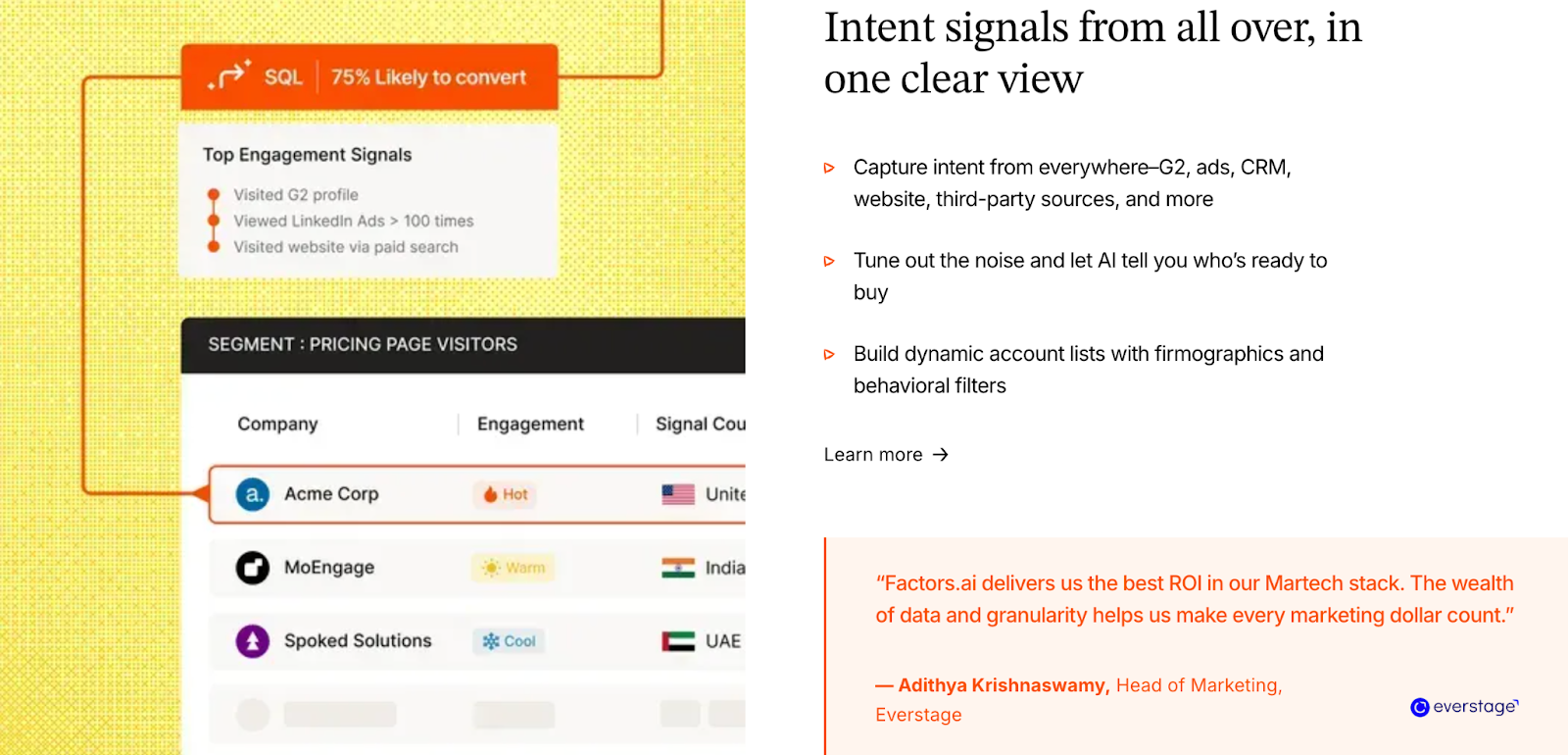
Factors.ai turns data into direction.
It doesn’t stop at knowing who visited and helps you understand why they’re engaging and how close they are to buying.
Here’s how it supports the process:
- Tracks multi-source intent, from ads, product, CRM, and website actions.
- Scores accounts dynamically based on ICP fit and engagement strength.
- Maps buying groups to identify decision-makers and influencers.
- Visualizes funnel movement using Milestones to show where leads progress or drop off.
- Surfaces next-best actions so sales and marketing teams stay focused on what converts.
Every step of the buyer journey is traceable, giving teams confidence in their outreach timing and strategy.
How Instantly.ai Handles Intent and Funnel Scoring
Instantly.ai stays centered around outbound email campaigns.
Its intent data comes mainly from:
- Email activity (opens, clicks, and replies).
- Website visitor tracking through its pixel.
- Basic engagement stats for uploaded contact lists.
It’s strong for teams who care about outreach performance metrics and not deep funnel progression. However, it doesn’t offer funnel analytics or multi-signal scoring. That means teams must rely on external tools or manual tracking to see which prospects are closer to converting.
Factors.ai vs Instantly.ai: Intent and Funnel Scoring in a snapshot
Both platforms surface intent, but the depth is very different.
Factors.ai helps teams understand why they’re active and where they are in the funnel.
Instantly.ai helps teams understand who’s active now and how outreach is performing.
If your focus is volume and visibility, Instantly.ai gives you what you need.
If your focus is strategy and precision, Factors.ai gives you everything you need to act at the right moment.
📚 Also read: Top Intent Data Platforms
Factors.ai vs Instantly.ai: Ad Activation and Multi-Channel Engagement
How Factors.ai Handles Ad Activation and Engagement
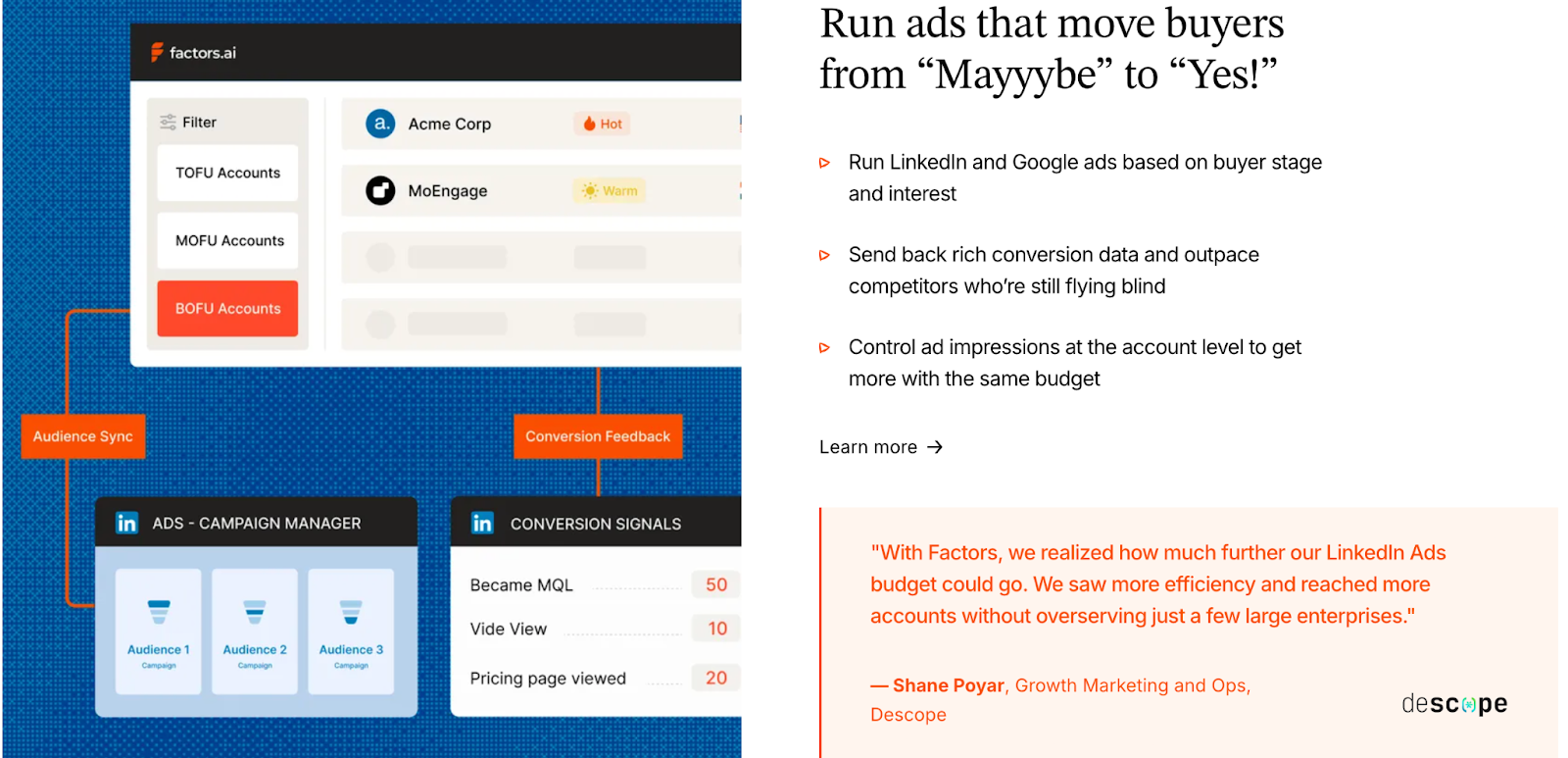
Factors.ai treats advertising as a growth system, not just a spend channel.
Its AdPilot suite, for both LinkedIn Ads and Google Ads, helps teams get the most out of every campaign by combining precision, automation, and analytics.
With LinkedIn AdPilot, you can:
- Build audience lists based on real buying intent instead of static targeting.
- Keep audiences auto-updated so ads reach active and in-market accounts.
- Maintain account-level impression control, ensuring the same few accounts don’t absorb your entire budget.
- Show more ads to sales-ready accounts, staying visible while they evaluate options.
- Understand what’s working with view-through attribution, showing how LinkedIn Ads contribute to website visits, demo bookings, and closed deals.
- Compare LinkedIn’s performance with other ad platforms to see true ROI.
- Sync conversions back into LinkedIn through CAPI, improving optimization automatically.
Proven Results from GTM Teams Using AdPilot:
- 5x increase in ad budget efficiency.
- 30% more deals attributed to LinkedIn Ads.
- 60% boost in pipeline generation.
With Google AdPilot, you can:
- Run campaigns with buyer-stage targeting so each ad matches where the account is in the funnel.
- Send conversion feedback directly to Google Ads for smarter bidding.
- Sync audiences daily and remove irrelevant accounts to keep spend focused.
Why it matters:
Ad budgets often drain on inactive or unfit accounts. AdPilot changes that by using live intent signals and enrichment to guide who sees what. The result is a connected GTM ecosystem where marketing doesn’t waste and sales always sees movement.
How Instantly.ai Handles Ad Activation and Engagement
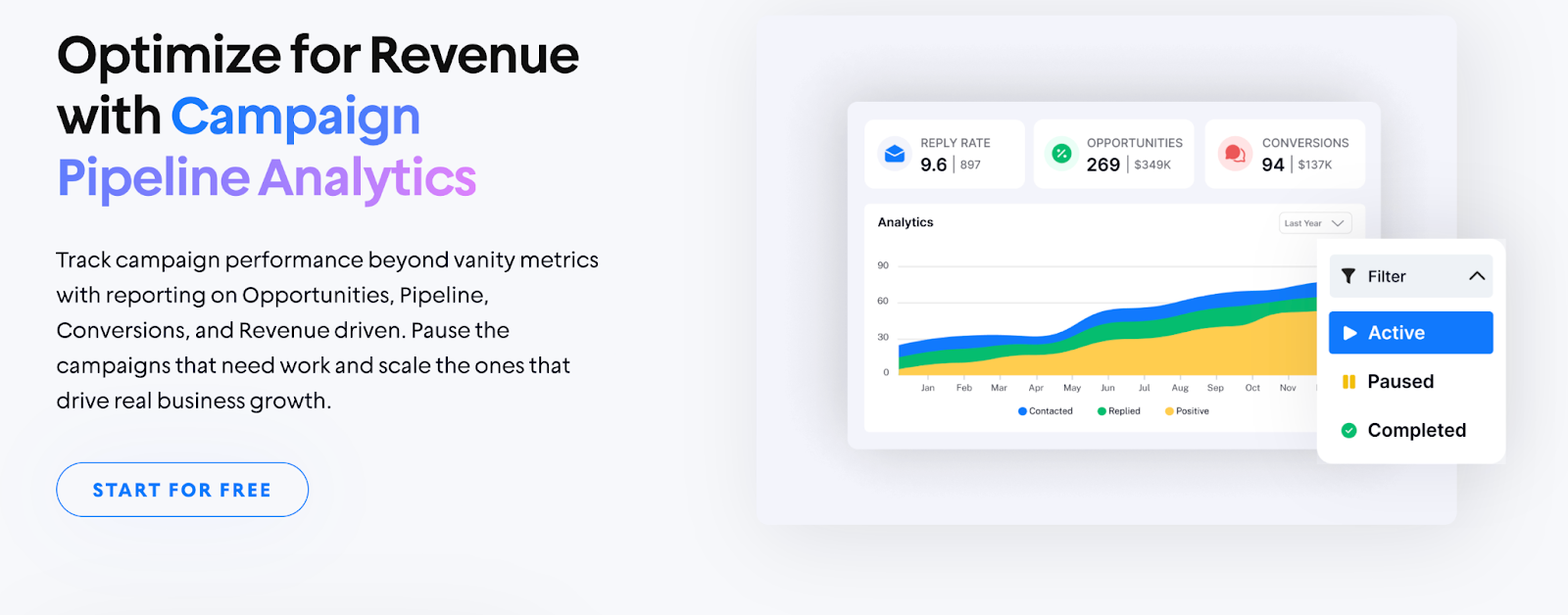
Instantly.ai focuses on what it does best: email.
The platform helps teams manage large-scale outreach through multiple inboxes and automated sequences.
Here’s what it offers:
- Personalized email campaigns with unlimited accounts.
- Email warm-up tools to protect deliverability.
- Basic performance insights such as open rates, click rates, and reply tracking.
- Option to connect to LinkedIn Ads using Zapier, though not as a core feature.
While this setup works well for outbound engagement, it doesn’t expand into paid channels or multi-platform targeting.
Instantly.ai’s focus remains on keeping outreach consistent and efficient, rather than aligning ads with broader GTM motions.
Factors.ai vs Instantly.ai: Ad Activation and Engagement in a snapshot
Both tools aim to reach the right audience, but they do it in entirely different ways.
Factors.ai helps teams orchestrate a complete GTM system, turning signals from multiple sources into ad campaigns that convert.
Instantly.ai is built for direct outreach and speed by helping teams scale email campaigns quickly.
If your strategy revolves around outreach volume, Instantly.ai gives you the basics to run fast.
If your strategy relies on precision, pipeline visibility, and smarter ad spending, Factors.ai’s LinkedIn and Google AdPilot make every ad dollar count.
Factors.ai vs Instantly.ai: Analytics, Reporting, and Funnel Insights
How Factors.ai Handles Analytics and Reporting
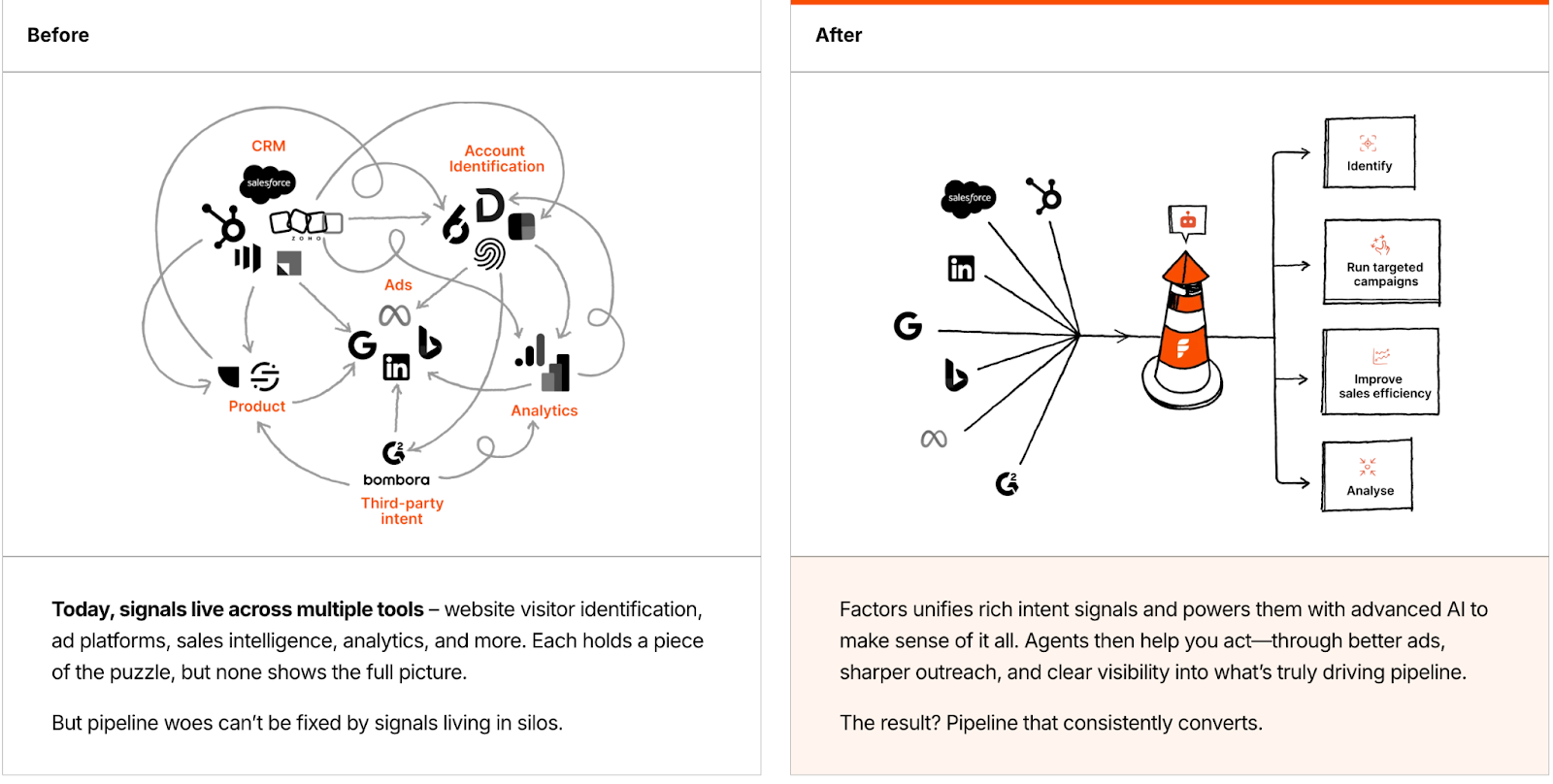
Factors.ai helps teams see the story behind their data by helping them measure engagement and connecting it to revenue.
Here’s what it delivers:
- Full-funnel analytics through Milestones that map each conversion stage.
- Multi-touch attribution to connect every ad, visit, and campaign to final revenue.
- Customer journey timelines that show the exact path an account followed.
- Drop-off detection to spot where prospects lose interest and why.
- Segmentation reports by industry, geography, and ICP fit.
- Pipeline influence metrics showing which channels create the strongest deals.
With everything unified in Account360, marketing and sales teams don’t need to guess which campaigns work as they can see it clearly and act on it.
How Instantly.ai Handles Analytics and Reporting
Instantly.ai focuses on helping teams monitor email performance quickly.
Its reports keep outreach campaigns on track and maintain deliverability health.
Key reporting areas include:
- Open rate and reply tracking for each sequence.
- Click and bounce-rate monitoring.
- Deliverability analytics for connected inboxes.
- Basic lead-source visibility through website visitor tracking.
It’s enough for teams running high-volume campaigns who need daily performance metrics.
However, it doesn’t track how engagement translates into deals or pipeline.
Factors vs Instantly.ai: Analytics, Reporting, and Funnel Insights in a snapshot
Both tools offer valuable insights, but their goals are different.
Factors.ai gives you the bigger picture by showing what’s working, what isn’t, and how every effort ties back to pipeline growth.
Instantly.ai helps you stay efficient with campaign-level analytics for cold outreach.
If you want to monitor email engagement, Instantly.ai keeps it simple… but if you want to understand and improve the entire revenue journey, Factors.ai gives you the clarity and control to do it.
For hands-on reporting ideas, check attribution reporting: what you can learn from marketing attribution reports.
Factors.ai vs Instantly.ai: Onboarding, Support, and Customer Experience
How Factors.ai Handles Onboarding and Support
With Factors.ai, teams get a structured partnership.
The onboarding experience is designed to match your GTM maturity and goals, not just walk you through features.
Here’s what it includes:
- A dedicated onboarding team to help design your GTM setup.
- Slack communication for quick answers and ongoing support.
- Weekly strategy calls to align your analytics, campaigns, and funnel tracking.
- GTM Engineering Services for teams who need deeper support with RevOps design, alert setup, and enrichment workflows.
The idea is simple: your team should never be left figuring things out alone.
From the first setup call to ongoing optimization, Factors.ai operates more like a GTM partner than a tool.
How Instantly.ai Handles Onboarding and Support
Instantly.ai takes a quick-start approach.
You sign up, connect your inbox, upload your contacts, and launch your first campaign, often within minutes.
What you get:
- Guided onboarding screens that walk you through setup.
- Email and chat support for troubleshooting or deliverability questions.
- Access to help articles and resources for campaign optimization.
- Dedicated support only for top-tier plans.
This setup works well for smaller teams or founders who prefer autonomy and speed over long onboarding cycles.
Factors.ai vs Instantly.ai: Onboarding and Support in a snapshot
Both tools offer strong support, but the experience feels different depending on your team’s size and style.
Factors.ai offers a more hands-on, consultative experience which is ideal for GTM teams that value strategy, precision, and collaboration.
Instantly.ai makes it easy for anyone to start fast and learn as they go. It’s built for users who want a self-serve, low-touch approach.
If you’re looking for a quick setup, Instantly.ai fits right in.
If you want a platform that grows with your process and provides steady guidance, Factors.ai keeps you covered from day one.
Factors.ai vs Instantly.ai: Security and Compliance
How Factors.ai Handles Security and Compliance
Factors.ai prioritizes security at every stage of the GTM process.
From intent data to customer analytics, every piece of information stays protected under verified frameworks.
Security highlights:
- Certified with ISO 27001 and SOC II Type 2, ensuring high-level operational and data security standards.
- Fully GDPR and CCPA compliant, meaning user data is handled lawfully and transparently.
- Encryption in storage and transit, protecting information from unauthorized access.
- Access control and audit trails for all internal and client accounts.
- Regular compliance audits and clearly published documentation.
For enterprise clients, this provides a sense of reliability that every process is built on privacy and security.
How Instantly.ai Handles Security and Compliance
Instantly.ai takes a simpler approach. It manages customer data responsibly but doesn’t highlight deep compliance details or certifications on its website.
What’s available:
- A general privacy policy covering how user data is collected, stored, and used.
- Basic access control for team members and shared accounts.
- Secure hosting on recognized cloud providers.
For small and mid-sized businesses focused on cold outreach, this level of protection works fine. However, large enterprises with strict compliance requirements might find the lack of public documentation limiting.
Factors.ai vs Instantly.ai: What to choose when?
Both platforms treat user data with care, but their approaches differ in depth.
Factors.ai operates at a higher standard, meeting the security expectations of enterprise-grade clients and regulated industries.
Instantly.ai provides the essential layer of privacy control suitable for fast-moving sales teams.
If you need lightweight data protection for outreach, Instantly.ai holds up.
If your organization needs verified certifications, global compliance, and transparent handling, Factors.ai is the safer long-term bet.
If compliance matters, we explain visitor privacy best practices in website visitor identification privacy, which is handy for outreach teams using pixels.
Factors.ai vs Instantly.ai: Which Platform Fits Your GTM Motion Best
When you look at both platforms side by side, it’s clear they aim to solve different parts of the GTM puzzle.
Factors.ai, on the other hand, builds around precision by connecting data, intent, and automation to help teams understand where growth really comes from.
Instantly.ai builds around speed and volume by helping teams send more emails, track replies, and find quick opportunities.
Both approaches have their place. The right one depends on how your team works and what success looks like for you.
Instantly.ai: Ideal For Teams That Want Quick Outreach and Fast Execution
Instantly.ai is perfect for smaller GTM or sales-led teams who rely heavily on outbound motion.
It gives you:
- A fast way to identify website visitors and turn them into email prospects.
- Scalable cold-email outreach with multiple inboxes.
- Built-in warm-up and deliverability tools.
- Basic reporting that keeps track of open and reply rates.
It’s simple, efficient, and designed for teams that want to act immediately.
If your focus is on direct, high-volume outreach rather than long-term orchestration, it’s a good place to start.
Factors.ai: Built for Teams That Want Visibility, Control, and Growth
Factors.ai takes a broader view of GTM, one where every touchpoint connects.
It helps you:
- Identify high-intent accounts and map their full journey.
- Build and run intent-driven campaigns on LinkedIn and Google through AdPilot.
- Track funnel progress with Milestones and Account360 analytics.
- Get real-time alerts when buying signals appear.
- Access dedicated onboarding and GTM engineering support when needed.
The platform gives structure to everything a growth team does, from awareness to conversion with analytics and automation guiding every step.
It’s a longer-term investment that pays off with clarity and consistency.
Which tool to choose?
If you’re:
- A growing GTM team that wants one system for analytics, orchestration, and activation, Factors.ai gives you the foundation to scale confidently.
- A lean sales team looking for outreach tools and quick results, Instantly.ai keeps things simple.
In short, both tools help you move forward, but they do it at different speeds and depths.
One helps you start fast.
The other helps you go far.
In a nutshell…
The GTM stack is no longer just about sending more emails, it’s about sending the right signals at the right time. In this detailed comparison, we explore how Factors.ai and Instantly.ai serve distinct GTM strategies. Instantly.ai is purpose-built for outbound speed. It enables high-volume cold outreach with inbox warm-up, campaign automation, and lead enrichment, making it a powerful tool for sales-led teams focused on velocity.
In contrast, Factors.ai supports a more connected, strategic motion. It identifies high-intent accounts, maps buyer journeys, activates dynamic audiences on ad platforms, and ties performance to pipeline through funnel analytics and attribution. Its approach is not just to track activity, but to turn signals into synchronized marketing and sales execution.
This blog breaks down each platform’s strengths across lead identification, automation, funnel scoring, ad engagement, analytics, and compliance. You’ll also get clarity on pricing, support models, and who each platform is best suited for.
If your team thrives on quick execution and inbox activity, Instantly.ai fits the need. But if you're scaling a GTM motion that demands cross-channel coordination, signal-based targeting, and real pipeline clarity, Factors.ai offers the infrastructure to grow with precision.
FAQs for Factors.ai vs Instantly.ai
1. What’s the main difference between Instantly.ai and Factors.ai?
Instantly.ai is optimized for high-volume cold outreach, while Factors.ai is designed to orchestrate full-funnel GTM strategies with account intelligence and automation.
2. Which platform is better for cold email campaigns?
Instantly.ai excels at cold outreach, offering inbox warm-up, email automation, and lead sourcing from a large database.
3. Does Factors.ai support paid media campaigns?
Yes, Factors.ai integrates with LinkedIn Ads and Google Ads via AdPilot, allowing teams to launch intent-driven campaigns with automated audience sync and revenue attribution.
4. Can these platforms work together?
They serve different GTM layers, outreach vs. orchestration, and could be used in tandem, though teams may prefer an integrated solution to avoid duplication.
5. Is Factors.ai suitable for small teams?
Yes. With a free tier and scalable plans, small GTM teams can start light and expand usage as their motion matures.
6. What kind of support does each platform offer?
Factors.ai provides hands-on onboarding and GTM engineering support. Instantly.ai offers fast, self-serve setup with additional support on premium tiers.
_%20Which%20ABM%20platform%20should%20your%20team%20choose_.jpg)
Factors.ai vs. RollWorks (AdRoll ABM): Which ABM platform should your team choose?
At some point in every GTM team’s life, the ads stop ‘ad-ing’...
Okay, let me zoom in to this exact scenario: you’re pumping budget into campaigns, your targeting looks right, your retargeting is retarget-ing… and still, pipeline feels like that one colleague who shows up TWO hours late with a matcha, zero explanation, and a smug smile.
So naturally, the question becomes:
“Is our execution broken, or is our system holding us back? Or is the world just ending?”
And that’s usually when three names enter the chat: Factors.ai, RollWorks (AdRoll ABM), and the Lord.
On the surface, both (minus the Lord) claim to do the same thing: help B2B teams capture intent, run ABM programs, and reach the right accounts.
But anyone who’s actually run a GTM motion knows that the similarity stops at the homepage hero banner.
Factors.ai is built like a GTM command center. It pulls signals from every corner of your funnel, connects the dots, and helps teams act on the exact moments that move deals forward.
RollWorks is built like it wants your brand everywhere your buyers hang out… and gives you the knobs, switches, and dashboards to make that happen.
One platform optimizes reach; the other prioritizes revenue.
If your team is evaluating which platform fits your goals, this comparison breaks down how both stack up on features, pricing, analytics, activation, automation, and long-term growth.
Let’s get straiiight into it.
Factors.ai vs RollWorks: Functionality & Core Difference
When teams compare Factors.ai and RollWorks (AdRoll ABM), the first thing that stands out is how differently both define go-to-market success.
At a glance, they seem similar as both talk about accounts, ads, and pipeline. But what they focus on day to day tells two different stories.
Factors.ai is built around orchestration. It doesn’t stop at visibility. It brings together intent signals, journey tracking, and automation so GTM teams can connect every stage of the funnel, from who’s showing interest to what’s driving revenue.
RollWorks (AdRoll ABM) is built around advertising. It helps marketing teams find and reach target accounts across display, LinkedIn, and web ads. Everything in RollWorks connects back to visibility, showing your brand in front of the right buyers and measuring how that reach turns into engagement.
In short, RollWorks helps you reach the right people. Factors.ai helps you move them through the funnel.
What Factors.ai Brings to the Table
Factors.ai acts like a full GTM engine. Instead of stopping at advertising or audience building, it connects data across channels, showing which accounts are active, which ones are heating up, and how each interaction drives revenue.
Core strengths:
- Multi-source intent signals from web, CRM, ads, and G2
- Account360 + Customer Journey timelines that show every action chronologically
- AI agents for account research, scoring, buying-group mapping, and alerts
- Real-time audience sync across LinkedIn and Google Ads
- Funnel analytics with Milestones to track MQL to revenue progression
- Optional GTM engineering services for setup and optimization
Teams use Factors.ai when they want one system to handle everything from detection to activation.
What RollWorks brings to the table
RollWorks keeps its focus tight on ABM and advertising.
It helps teams find the right accounts, run campaigns across channels, and measure lift, essentially acting as a unified ad control center for B2B.
Core strengths:
- Account identification using website traffic and intent partners
- Multi-channel campaign activation (LinkedIn, web, display)
- Account scoring and prioritization to rank targets
- Offers a native G2 Buyer Intent integration
- Reporting that connects ad exposure to pipeline lift
For teams that live in advertising dashboards and need to prove ad performance, RollWorks provides a straightforward way to tie spend to reach and engagement.
Factors.ai vs RollWords: Core difference in a snapshot
If your GTM strategy centers on ads and account reach, RollWorks makes it easy to identify and engage target audiences.
If your GTM motion covers signals, scoring, orchestration, and analytics, Factors.ai goes further, helping teams build a connected, measurable system around every buyer touchpoint.
Factors.ai vs RollWorks (AdRoll ABM): Pricing
Pricing in GTM tools is often the first filter teams look at, but what really matters is what you unlock at each level.
Some platforms charge for reach and ad volume, others for depth and orchestration.
RollWorks (AdRoll ABM) and Factors.ai fall into those two different camps.
Let’s look at how the models work and what each one is built to deliver.
Factors.ai Pricing
Factors.ai is designed to grow alongside your GTM maturity.
It starts simple by identifying companies and tracking journeys and expands into complete orchestration and analytics as your pipeline scales.
Plans include:
Free Plan
- Identify up to 200 companies per month
- 3 seats included
- Basic dashboards, visitor tracking, and Slack integration
Basic Plan
- Identify 3,000 companies per month
- 5 seats included
- Adds LinkedIn intent signals, GTM dashboards, and integrations (HubSpot, Salesforce, Google Search Console)
Growth Plan
- Identify 8,000 companies per month
- 10 seats included
- Adds ABM analytics, account scoring, workflow automation, and a dedicated CSM
Enterprise Plan
- Unlimited identified companies
- Up to 25 seats
- Adds predictive scoring, AdPilot for LinkedIn and Google, white-glove onboarding, and advanced analytics.
Optional GTM Engineering Services
For teams without in-house RevOps, Factors.ai offers an optional services layer, it includes:
- Custom ICP modeling and GTM playbook design
- Setup of enrichment, alert, and ad activation workflows
- SDR enablement with post-meeting alerts and buying group mapping
- Ongoing review and optimization of GTM performance
This helps teams operationalize faster and keep systems running smoothly without relying heavily on internal tech resources.
RollWorks (AdRoll ABM) Pricing
RollWorks doesn’t publish standard plans.
Pricing is custom and quote-based, typically structured around ad spend, account volume, and selected features.
Costs can vary depending on:
- Monthly ad budget and channels (LinkedIn, display, web retargeting)
- Number of accounts targeted and campaign types
- Feature access, such as G2 intent integration or advanced attribution
- Support level under the broader NextRoll/AdRoll ecosystem
Most RollWorks users report that pricing grows with ad volume rather than team size.
This means smaller GTM teams may find it accessible initially, but scaling ad reach quickly increases total spend.
Factors.ai vs Rollworks: Pricing in a snapshot
Factors.ai gives teams a tiered path to scale their GTM system. It adds automation, analytics, and orchestration features as your pipeline grows, without depending on ad budgets.
RollWorks, meanwhile, works best for teams that live in advertising dashboards and are comfortable managing spend directly through campaigns. Its value ties closely to ad volume and engagement reach.
If your goal is to maximize ad reach with flexible spend, RollWorks fits that model.
If you’re looking for predictable growth and full-funnel control, Factors.ai provides clearer long-term value.
Factors.ai vs RollWorks (AdRoll ABM): Account Identification & Intent Signals
Every GTM platform talks about “intent,” but how they capture and use it makes all the difference.
Some tools focus on visibility like finding who’s engaging and where. Others go a step further combining multiple intent sources to show why that account is ready to buy and what stage of the funnel they’re in.
That’s exactly where Factors.ai and RollWorks (AdRoll ABM) start to differ.
How Factors.ai manages Account Identification & Intent Signals
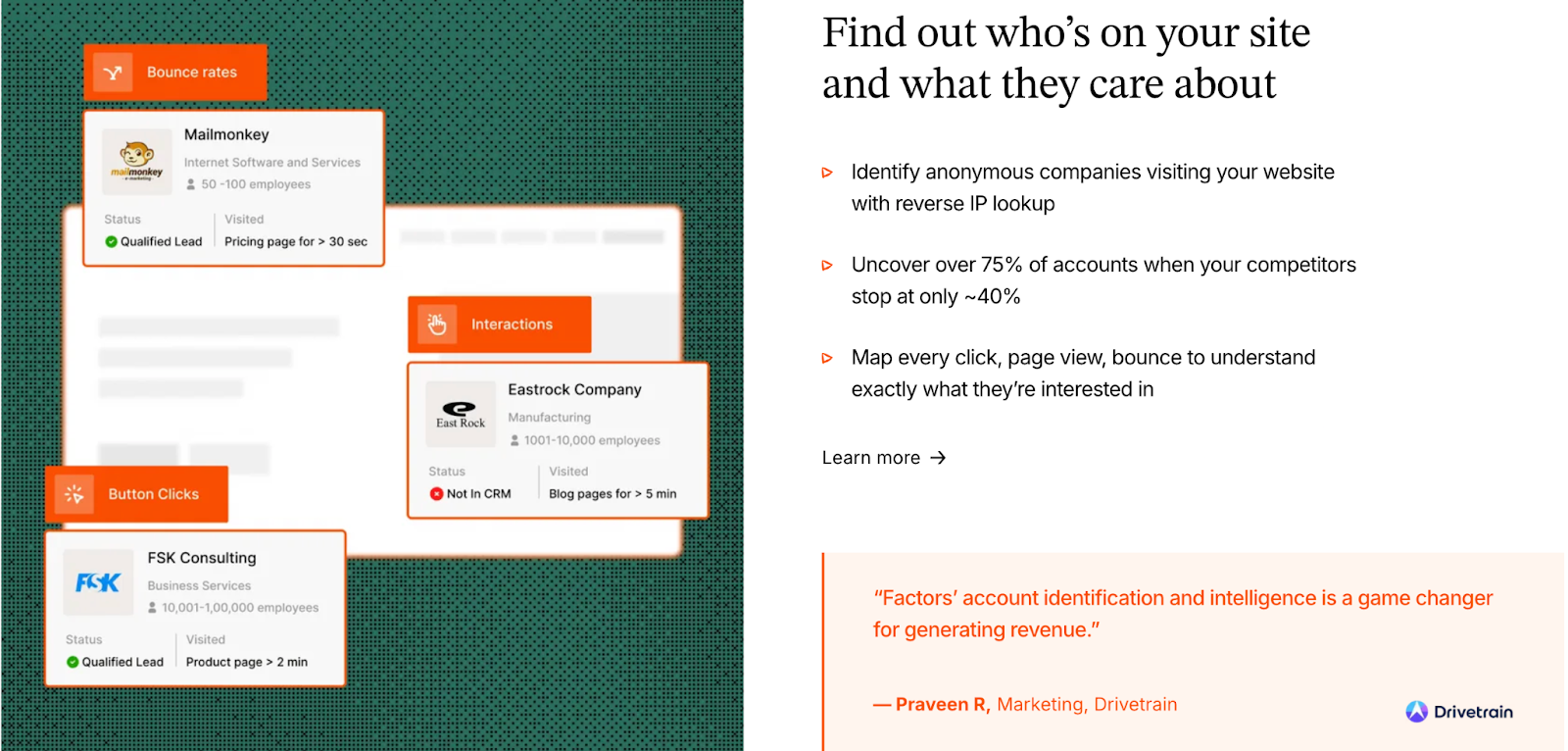
Factors.ai’s identification process focuses on context, not just visibility.
It connects multiple data sources like your website, CRM, product, and ad campaigns into one unified Account 360 view.
How it works:
- Sequential enrichment ensures coverage of up to 75% of website visitors.
- AI Agents map and score accounts by ICP fit, activity level, and funnel position.
- Milestones show when an account transitions from awareness to readiness, based on key triggers like pricing page visits or repeat demo interactions.
- G2 intent is layered in to highlight buying-stage behaviors, such as competitor research or category comparisons.
This gives GTM teams a clear answer to three questions:
Who’s showing intent? What’s driving it? And what should we do next?
How RollWorks manages Account Identification & Intent Signals
RollWorks focuses more on signal detection and ad targeting.
It uses its own tracking system to identify accounts visiting your website and combines that with intent data from third-party partners and G2.
How it works:
- Tracks on-site behavior like page views and form fills.
- Merges it with intent topics from external providers.
- Builds audience lists around those accounts to activate ad campaigns.
- Uses G2 data to add an extra layer of validation for targeting precision.
The intent layer in RollWorks mainly serves to power audience expansion and ad efficiency, helping you direct ad budgets toward accounts that are already showing interest.
Verdict on Intent Capabilities
Both platforms detect and use intent, but for different outcomes.
- Factors.ai turns intent into action, using it to decide what to do next.
- RollWorks turns intent into ad reach, using it to decide who to target.
If your goal is to refine ad audiences and improve reach, RollWorks does it well.
If your goal is to understand buyer readiness, prioritize outreach, and align teams around real engagement, Factors.ai goes deeper.
Factors.ai vs RollWorks (AdRoll ABM): Customer Journey & Scoring
Understanding intent is one thing, but turning that intent into a clear buyer journey and measurable funnel progression is what separates a marketing platform from a real GTM system.
Both Factors.ai and RollWorks (AdRoll ABM) offer ways to visualize engagement and score accounts, but the depth and purpose of that data differ.
Factors.ai builds a continuous, stage-based view of every account, showing where they stand and what action is driving them forward.
RollWorks focuses on identifying engagement spikes for campaign targeting.
How Factors.ai Tracks the Customer Journey and Scoring
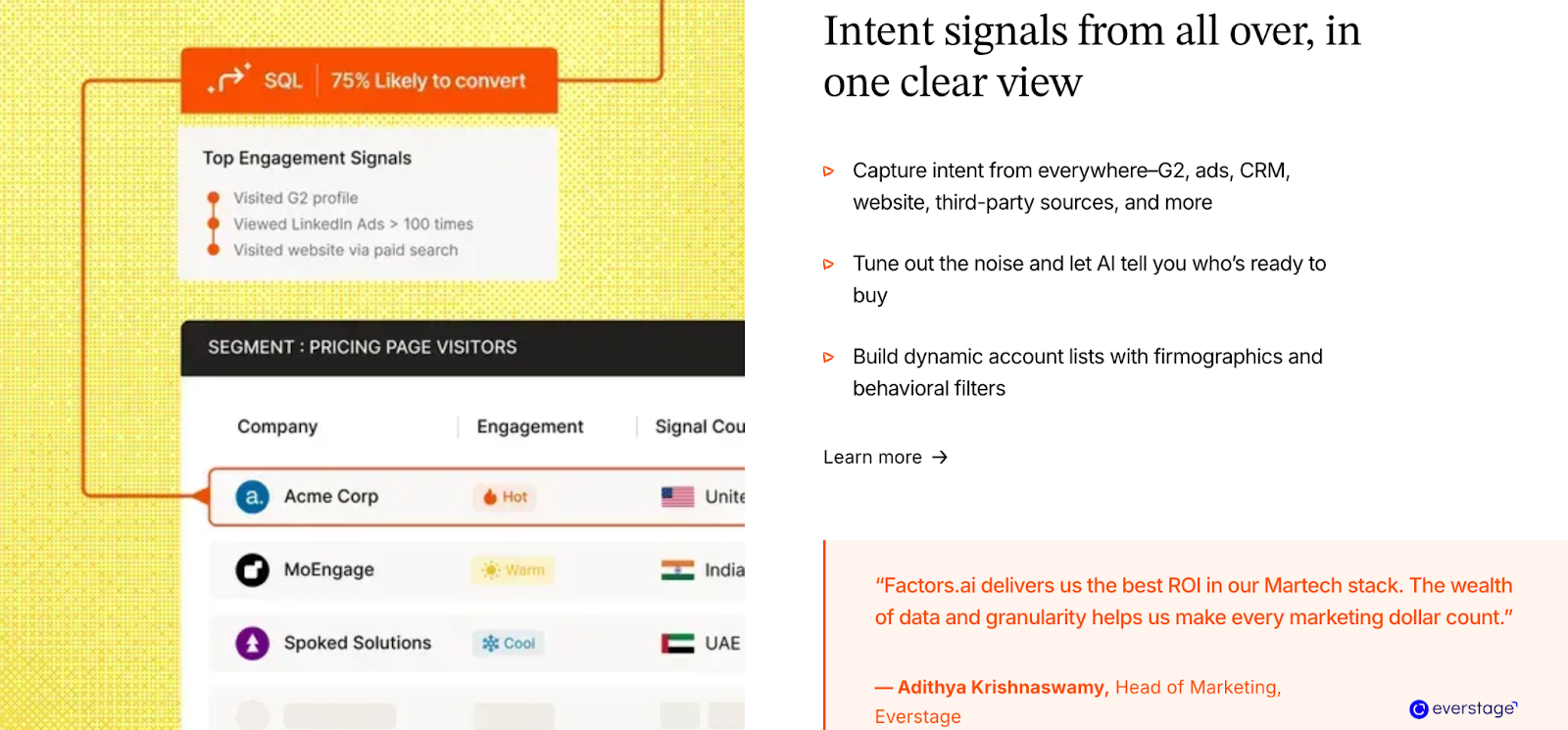
Factors.ai’s journey tracking is built around its Account 360 system.
Instead of showing isolated metrics, it aligns every touchpoint, from a first ad click to CRM updates and product logins, into one continuous narrative.
How it works:
- Every company visit, campaign interaction, and sales touch gets added to a chronological timeline.
- Milestones categorize actions by funnel stage (awareness, interest, decision, conversion).
- Scores are automatically updated based on behavior intensity and recency.
- These insights trigger alerts for SDRs and marketers, so follow-ups always happen at the right time.
It gives teams visibility along with the clarity on why an account is active and what it’s ready for next.
How RollWorks Tracks the Customer Journey and Scoring
RollWorks focuses on audience activity rather than full-funnel tracking.
Its account timelines show ad impressions, clicks, and website visits, giving marketing teams a quick sense of which accounts are interacting most.
How it works:
- Each account is assigned a score based on ad interactions and engagement history.
- The system updates those lists automatically for ongoing campaigns.
- Marketers can export prioritized account lists to run focused outreach.
While useful for ad-level optimization, this view is more campaign-centric than funnel-centric.
It helps teams adjust ads and segments, but not necessarily connect actions to revenue outcomes.
Factors.ai vs Rollworks: Customer journey & scoring in a snapshot
If your priority is to visualize who’s engaging and how often, RollWorks provides a clear top-of-funnel picture that works well for ad-driven GTM teams.
If you want to map the entire buying path and measure what moves accounts forward, Factors.ai gives that full-funnel clarity, turning data into direction.
Want to deep dive into customer behavior? You’ll also enjoy our blog on Stages of the Customer Journey. It breaks down how prospects actually move through awareness, consideration, and decision stages.
Factors.ai vs RollWorks (AdRoll ABM): Ad Activation & Audience Targeting
Reaching the right account at the right moment is where GTM and advertising finally meet.
Both RollWorks (AdRoll ABM) and Factors.ai help teams act on intent signals, but they do it in very different ways.
RollWorks leans toward ad-driven ABM, while Factors.ai focuses on dynamic orchestration across ad platforms and funnel stages.
Let’s see how both handle ad activation and audience targeting.
How Factors.ai manages Ad Activation & Audience Targeting
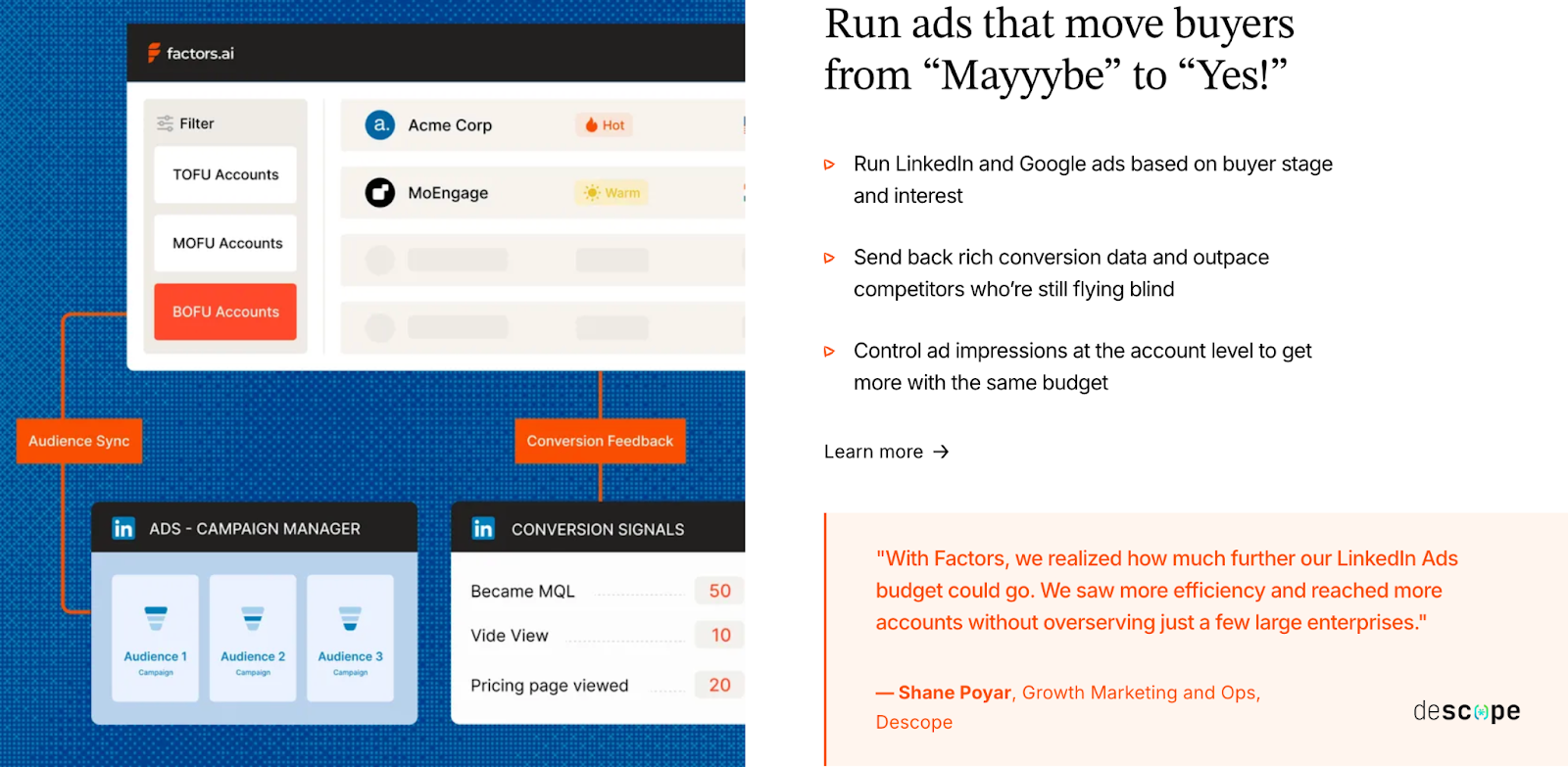
Factors.ai treats ad activation as a natural extension of GTM orchestration.
Instead of running ads in isolation, it connects engagement data, funnel stages, and account readiness into how ads are shown and who sees them.
How it works:
- Dynamic Audience Sync: Automatically updates audiences in LinkedIn and Google based on live signals from website, CRM, and product.
- Google CAPI: Sends enriched conversion signals, helping Google optimize ad delivery for high-value accounts.
- Buyer-Stage Campaigns: Delivers personalized ad sequences depending on whether an account is in awareness, evaluation, or decision stage.
- Budget Efficiency: Continuous refresh keeps campaigns from overserving cold accounts and ensures ad spend stays focused on those ready to engage.
This way, every ad aligns with where an account stands, making awareness more meaningful and conversion faster.
How RollWorks manages Ad Activation & Audience Targeting
RollWorks was built from the ground up for account-based advertising.
It simplifies ad targeting by allowing teams to upload account lists or use RollWorks-identified audiences directly in ad campaigns.
How it works:
- Native Ad Integrations: Pushes lists to LinkedIn Campaign Manager and other ad networks.
- Audience Expansion: Uses 3rd-party intent data to find similar accounts and increase reach.
- Campaign Reporting: Tracks ad impressions, clicks, and conversions tied to target accounts.
- Retargeting: Offers retargeting across web and social channels to keep your brand in front of active prospects.
While it gives solid control over ad visibility and reach, the workflow stays within the advertising ecosystem.
It’s built for scale, not necessarily for connecting every engagement back to the sales motion.
Factors.ai vs Rollworks: Ad activation & audience targeting in a snapshot
If your GTM team is focused on maximizing ad exposure and reach, RollWorks delivers with its ad-first design and strong retargeting capabilities.
If your goal is to make ads part of a larger GTM system, where campaigns respond to live signals and feed back into analytics, Factors.ai gives you that agility and clarity.
RollWorks focuses on reach; Factors.ai focuses on relevance.
Factors.ai vs RollWorks (AdRoll ABM): AI Agents & GTM Engineering
This is where automation becomes the real differentiator.
While many platforms talk about “AI-powered” insights, only a few actually use AI to run tasks your team would typically handle manually, like researching accounts, mapping buying groups, or sending alerts when deals heat up.
In this area, Factors.ai takes a clear lead.
RollWorks (AdRoll ABM), while strong in ads and ABM targeting, doesn’t yet extend AI capabilities into workflow automation or GTM execution.
How Factors.ai Uses AI Agents & GTM Engineering
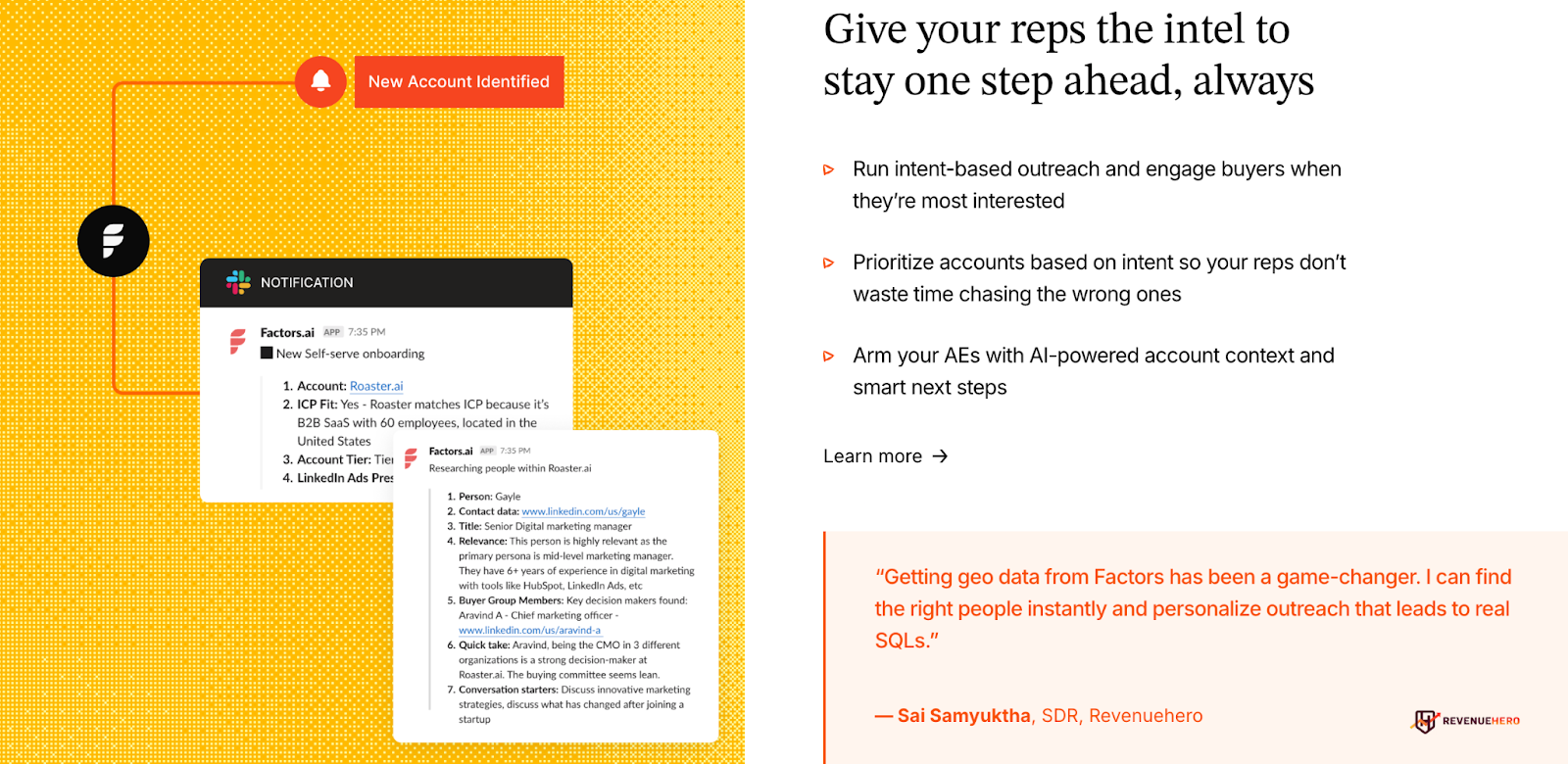
Factors.ai doesn’t limit AI to analytics and builds it into how teams actually work.
The platform’s agents are trained to take real actions across your funnel instead of just surfacing insights.
Here’s what they do:
- Real-Time Alerts: Let your team know when a high-intent action happens, like someone revisiting your pricing page or watching a demo again.
- Buying Group Mapping: Finds additional decision-makers linked to your top accounts, helping reps connect faster.
- Account Research: Summarizes account activity, recent signals, and ICP fit so SDRs always know where to focus.
- Closed-Lost Deal Revival: Flags reactivated accounts and suggests personalized re-entry points.
- Post-Meeting Tracking: Watches follow-up behavior to ensure warm leads don’t go cold after demos.
Together, these agents act as an always-on GTM assistant, helping teams stay proactive instead of reactive.
How RollWorks Uses AI Agents & GTM Engineering
RollWorks doesn’t currently offer native AI agents or a GTM engineering equivalent.
Its automation revolves around ad management and audience refreshes, not end-to-end workflow execution.
You can:
- Receive email or CRM-based alerts when account engagement spikes.
- Automate audience updates for ad targeting.
- Sync account activity into your CRM for tracking and reporting.
These features help maintain campaign efficiency but don’t automate the deeper operational side of GTM like lead scoring, enrichment, or multi-threaded outreach.
Factors.ai vs Rollworks: AI agents and GTM engineering in a snapshot
If your team’s workflow relies heavily on advertising and audience targeting, RollWorks provides what you need to keep campaigns running smoothly.
But if you want your GTM motion to run like a well-oiled system, where AI actually supports sales and marketing with live insights, alerts, and workflow execution, Factors.ai is built for that.
If you’re excited by AI’s role in sales and marketing, check out AI-Powered Sales Intelligence: A B2B Guide. It explains how automation can supercharge your GTM execution.
Factors.ai vs RollWorks (AdRoll ABM): Analytics & Reporting
Every GTM team wants to know one thing: what’s actually working?
But answering that question depends on how deeply your analytics can connect marketing activity, engagement, and revenue.
Both RollWorks (AdRoll ABM) and Factors.ai offer visibility into performance, but the kind of insights they deliver are very different.
RollWorks gives you a clear view of ad reach and campaign lift.
Factors.ai connects every touchpoint, from ads to CRM, to show how each move shapes your pipeline.
How Factors.ai Tracks Analytics and does Reporting
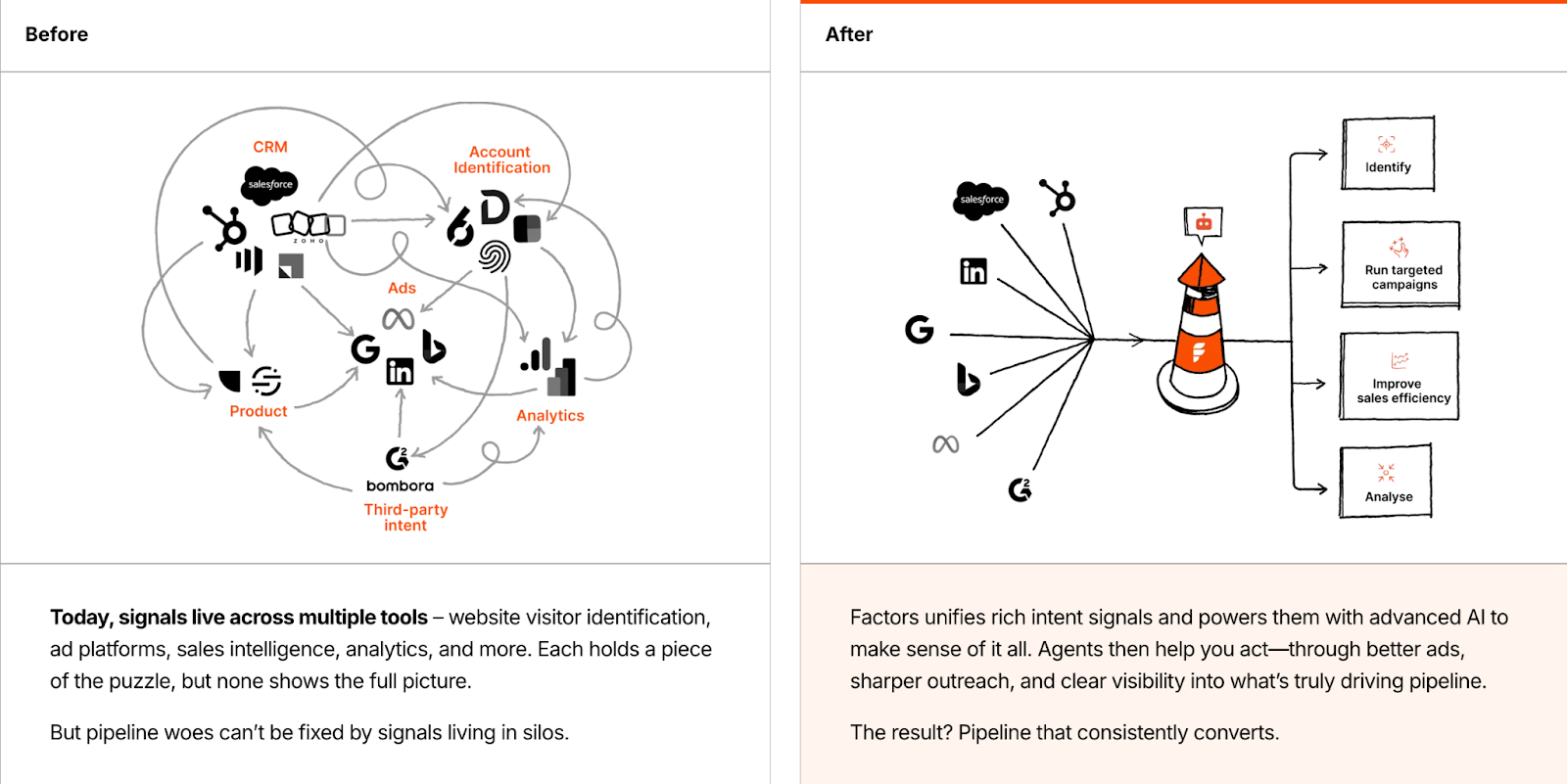
Factors.ai was built to connect marketing, sales, and product touchpoints into one flow.
It reports activity while also helping teams understand how each action contributes to revenue.
Key analytics layers include:
- Multi-Touch Attribution: Tracks how accounts move from first click to deal closure.
- Milestones: Helps diagnose where leads convert or drop off in the funnel.
- Account360 View: Combines ad, web, CRM, and product data to tell the full story of each account’s journey.
- Segmentation Reports: Compare performance across industries, regions, or campaign types.
- AI Highlights: Agents flag insights like sudden drop-offs or accounts showing faster progression than average.
This means your analytics go beyond “what happened” and start answering “why it happened,” helping teams double down on what’s working and fix what’s not.
How RollWorks Tracks Analytics and does Reporting
RollWorks’ analytics stay closely tied to advertising performance.
It helps teams understand how ad campaigns are performing in terms of visibility and engagement, but the insights stop at the top of the funnel.
Here’s what you get:
- Ad and Campaign Metrics: Track impressions, clicks, and conversions.
- Audience Lift Reports: Show which segments are responding best to campaigns.
- Engagement Scoring: Highlights the most active accounts based on ad interactions.
- Pipeline Influence Metrics: Estimates how ad exposure correlates with pipeline movement.
While these reports give a solid sense of campaign effectiveness, they’re primarily designed for ad teams rather than full GTM teams looking to connect marketing actions to revenue outcomes.
Factors.ai vs Rollwords: Analytics and reporting in a snapshot
If your focus is ad optimization like improving click-through rates, reach, and awareness, RollWorks gives you that precision.
But if your team needs a single system that shows how engagement translates into qualified opportunities and revenue, Factors.ai gives you that full-funnel clarity.
RollWorks reports performance, and Factors.ai proves impact.
Factors.ai vs RollWorks (AdRoll ABM): Onboarding & Support
A GTM tool is only as good as how quickly your team can put it to work.
You can have the best platform in the world, but without the right setup and ongoing guidance, it’ll stay underused.
That’s where onboarding and support come in, and Factors.ai and RollWorks (AdRoll ABM) take two very different routes here.
RollWorks offers a structured onboarding program through its parent company, AdRoll… while Factors.ai provides a more personal, partnership-driven approach with its own GTM experts.
How Factors.ai Onboards Clients and Handles Support
Factors.ai approaches onboarding like a partnership rather than a handoff.
The goal is not just to help teams get started but to help them operationalize GTM workflows that actually drive pipeline.
Here’s how onboarding typically flows:
- A dedicated CSM and GTM engineer align the setup to your ICP, funnel stages, and internal tools.
- All communication happens through a shared Slack channel, so your team gets quick responses and ongoing feedback.
- Weekly strategy sessions are held to review adoption, troubleshoot workflows, and suggest new plays based on data.
- Optional GTM Engineering Services add another layer of support for RevOps, enrichment setup, and continuous optimization.
The result is that setup doesn’t end when the dashboard goes live as the platform evolves alongside your GTM motion.
How RollWorks Onboards Clients and Handles Support
RollWorks takes a more traditional onboarding route. Since it’s part of AdRoll’s larger ecosystem, teams are onboarded through structured success programs.
What you get:
- Guided onboarding led by a Success Manager.
- Email support and help documentation for self-service needs.
- Regular check-ins to ensure campaign setup and account health.
- Assistance focused mainly on ad activation, audience segmentation, and campaign reporting.
This setup works well for marketing teams focused on ad campaigns and top-of-funnel performance.
However, it’s less hands-on when it comes to GTM workflow design or multi-channel alignment.
Factors.ai vs RollWorks: Onboarding and support in a snapshot
If your team needs ad-level support with clear steps and limited setup time, RollWorks provides a straightforward process.
But if you’re looking for a more collaborative setup, one where the platform grows with your GTM motion and has dedicated experts helping you optimize every step, Factors.ai brings more depth and consistency.
RollWorks supports your ads, and Factors.ai supports your system.
Want to make your GTM setup smoother? Our Ideal Customer Profile (ICP) Guide walks you through building the perfect fit model before onboarding any tool.
Factors.ai vs RollWorks (AdRoll ABM): Compliance & Security
When GTM data includes website visitors, CRM records, and product usage, compliance becomes a necessity.
Modern GTM and ABM teams work with sensitive information every day, and how a platform handles that data decides whether it can scale across larger enterprises.
RollWorks (AdRoll ABM) and Factors.ai both address security, but the depth and transparency of their compliance frameworks are not on the same level.
RollWorks inherits security practices from its parent company, AdRoll, while Factors.ai has built compliance into its foundation with certifications and audit-backed systems.
How Factors.ai Handles Compliance and Security
Factors.ai takes a proactive approach to compliance and data protection.
The platform is built to meet global standards and undergoes external audits to ensure the highest levels of data integrity.
Key highlights:
- SOC 2 Type II and ISO 27001 certified: Ensures data confidentiality, integrity, and availability.
- GDPR and CCPA compliant: Protects user and customer data under EU and California regulations.
- Privacy-First Enrichment: Uses verified data sources without relying on invasive fingerprinting methods.
- Signed DPAs: Available for all enterprise clients that require legal validation of data handling.
This makes Factors.ai enterprise-ready from day one, enabling faster procurement approvals and smoother security reviews, especially for teams selling into regulated sectors.
How RollWorks Handles Compliance and Security
RollWorks operates under NextRoll’s broader compliance framework.
While this provides a strong security foundation, the details specific to RollWorks aren’t as openly documented.
What’s available:
- GDPR and CCPA compliance through NextRoll’s privacy center.
- Data collection policies outlining how user data is processed for ad targeting.
- Encryption and access control at the infrastructure level.
However, certifications like SOC 2 Type II or ISO 27001 are not explicitly listed under the RollWorks brand, and most compliance details are shared under the parent company’s name.
That means enterprise teams may need additional documentation or approvals when going through vendor security checks.
Factors.ai vs RollWorks: Compliance and security in a snapshot
Both platforms maintain data security and privacy standards, but Factors.ai brings more clarity and confidence for enterprise GTM teams.
Its certifications, transparent documentation, and privacy-first enrichment make it a safer choice for organizations that handle large volumes of customer data.
RollWorks covers the basics well under its parent framework but lacks the same level of independence and visibility.
If you’re scaling in industries where compliance scrutiny is high, Factors.ai keeps you ready from the start.
If compliance is top of mind, you’ll love our take on Website Visitor Identification Privacy which showcases how to stay transparent while scaling your GTM operations.
Factors.ai vs RollWorks (AdRoll ABM): Which tool to choose when?
Both Factors.ai and RollWorks (AdRoll ABM) help GTM teams move faster, but they do it in very different ways.
RollWorks focuses on advertising and account-based reach. Factors.ai focuses on connecting every signal across the funnel to build consistent, measurable growth.
Here’s how to decide which one fits your goals better.
When Factors.ai Fits Best
Factors.ai suits teams that want to build a connected, measurable GTM system.
It brings marketing, sales, and product signals together, so you can see what’s working, what’s not, and where to act next.
It’s designed for teams that want to:
- Combine AI insights with daily workflows.
- Understand how different actions lead to qualified pipeline.
- Automate repetitive GTM tasks like alerts, enrichment, and outreach.
- Maintain compliance while scaling across enterprise environments.
It helps teams replace scattered workflows with one clear motion for revenue growth.
When RollWorks Fits Best
RollWorks works well for teams that want to grow awareness through advertising and run large-scale ABM campaigns.
It’s ideal for marketers who:
- Want to push ads across multiple platforms.
- Need clear visibility into impressions and engagement lift.
- Already have other tools for analytics and revenue tracking.
It’s built for scale, helping teams that rely heavily on ads reach the right audience quickly.
FAQs for Factors.ai vs Rollworks (AdRoll ABM)
Q. What is the main difference between Factors.ai and RollWorks?
The core difference lies in focus. Factors.ai is designed as a full GTM orchestration platform that connects intent, analytics, automation, and revenue tracking across the funnel. RollWorks centers on account-based advertising, helping teams reach and retarget target accounts through ads while measuring engagement and lift.
Q. Is Factors.ai an alternative to RollWorks for ABM?
Yes, but they solve different problems. RollWorks works well when ABM is mostly ad-driven. Factors.ai fits teams that want ABM to connect directly with sales activity, funnel progression, and revenue outcomes rather than stopping at impressions and clicks.
Q. Which platform is better for full-funnel GTM analytics?
Factors.ai. It tracks buyer journeys from first touch to closed revenue using account timelines, milestone tracking, and multi-touch attribution. RollWorks focuses mainly on campaign engagement and ad influence rather than end-to-end funnel visibility.
Q. Does RollWorks support intent data and account identification?
Yes. RollWorks identifies accounts using website engagement, third-party intent providers, and G2 Buyer Intent. These signals are primarily used to improve ad targeting and audience segmentation rather than sales prioritization or workflow automation.
Q. How does pricing differ between Factors.ai and RollWorks?
Factors.ai offers tiered plans, including a free option, based on usage and seats. RollWorks uses custom, quote-based pricing that typically scales with ad spend, account volume, and selected features. Teams scaling paid media often see costs rise with campaign reach.
Q. Does either platform offer AI-driven automation?
Factors.ai does. It includes AI agents that handle account research, scoring, buying group mapping, real-time alerts, and re-engagement signals. RollWorks does not currently offer AI agents beyond automation related to ads and audience updates.
Q. Which tool is better for B2B teams focused on revenue impact?
Factors.ai is better suited for revenue-focused GTM teams that want to understand which actions move deals forward and automate follow-ups at the right moments. RollWorks fits teams prioritizing awareness, reach, and ad performance as their primary GTM motion.
GTM Engineering Trends 2026: What the Fastest-Growing Teams Are Doing
There’s a typical (and an oddly familiar) rhythm to a B2B setup:
- An SDR is on Slack asking why yesterday’s demo request never reached Salesforce.
- A rep is confused about why an email sequence sent the wrong opening message.
- Marketing is trying to understand which campaign drove yesterday’s spike in traffic.
- Sales says an account is showing intent, but no one knows where that signal came from.
Everyone is busy, but nothing feels coordinated. These problems are minor on their own, but cumulatively, they slow down the entire revenue engine.
That’s the gap GTM Engineering fills. It connects your tools, data, and workflows so all the activities run in sync. It is just like an automated traffic system that keeps everything moving instead of humans directing the traffic by hand.
SDRs used to handle most of this through manual research and outreach. But that doesn’t match how quickly or non-linearly buyers move today. Today, B2B buyers respond better to contextual outreach that meets them halfway through their buying journeys. This is why high-growth teams are bringing in the best GTM Engineers before adding more SDRs to their sales team. They believe in opting for one strong builder who can set up workflows that dozens of reps can optimize on.
And that’s exactly what Factors.ai delivers. It unifies signals from ads, product usage, website activity, and the CRM, then turns them into actions your workflows can run automatically.
TL;DR
• GTM Engineering is now the backbone of high-growth teams. It connects tools, data, and workflows so revenue scales without adding more headcount.
• Signal-based selling is replacing cold outbound. Unified data, AI workflows, and smart LinkedIn automation make your GTM motion faster and more accurate.
• Buyer journeys are now non-linear and multi-threaded, which means clean signals and shared systems matter more than ever. Teams that consolidate their stacks see better alignment and lower CAC.
• The winning GTM stack for 2026 is simple. One clean CRM, one signal layer, one outbound engine, and one ads layer working together with tight workflows and strong AI automation.
Why GTM Engineering is Critical for Revenue
Talk to any B2B sales team today, and they’ll unanimously agree: acquiring customers is getting more expensive. The 2025 Benchmarkit report backs this up. Companies are now spending about $2 in Sales and Marketing to earn $1 of new ARR, a 14% jump from 2024.
The buying cycle isn’t helping either. Intent shows up across channels, SDRs chase spikes, content teams build for micro segments, and ad budgets shift overnight. It feels like solving a jigsaw puzzle that keeps changing shape.
The same report also points out a 10% higher blended CAC ratio than in 2022, which means teams are spending more to earn each dollar of revenue. The only sustainable way to reverse that trend is to rely more on automation and less on headcount. Adding more sales reps won’t fix the math.
Leaders see this clearly. That’s why efficiency is a top priority for 2026. They want clean handoffs, faster reactions to signals, and workflows that don’t need constant babysitting. GTM Engineering gives them that path. It connects tools and signals, turns scattered behavior into clear actions, and helps teams grow without adding more seats.
Related read: Top GTM engineering tools
Trend 1: Signal-Based Selling Replaces Traditional Outbound
When was the last time you replied to a cold message? My guess is you’d have ignored most of them because either their timing was off or they didn’t match your discovery journey. Your prospects respond the same way. They skip your messages because they didn’t match their intent.
But what if you could ride shotgun on their buying journey? Instead of guessing, you react to what they actually do. For example:
- Someone visits your pricing page.
- Someone reads three articles back-to-back.
- Someone compares you with a competitor.
- Someone clicks a LinkedIn ad but doesn’t fill out a form.
These moments show you who is warming up. That’s the core of signal-based outreach. GTM Engineering makes it possible by pulling these signals together, adding context, qualifying them, and triggering the right action at the right moment.
ClearFeed learned this firsthand. Their team struggled with anonymous traffic, false positives, and SDRs reaching out without knowing which accounts were truly evaluating them. They needed a clearer view of the buyer’s journey, so they brought Factors.ai into their GTM engine.
Once they did, they finally saw real signals, like pricing visits, repeat content sessions, and team-level activity. Their sales assistants stopped volume-based outreach and started acting on behavior, giving them a real competitive advantage. Meetings went up, and the entire outbound motion felt sharper and more human.
Related read: Website visitor to warm outbound play using GTM engineering services.
Trend 2: Unified GTM Data Infrastructure Becomes the Default
Apart from the outreach problem, ClearFeed also struggled with scattered data. Ads, website analytics, and CRM details were spread across different systems. Their demand gen team worked with partial information, and marketers had to optimize campaigns without a full view of the account journey.
They aren’t alone. Most B2B stacks still run in silos, but that's starting to change. Teams are pulling all their GTM data closer to the CRM so ad data, web intent, product usage, and attribution sit in one place. The result is simple: cleaner data, faster cycles, better targeting, and lower CAC. The stack doesn’t shrink. It just behaves like one system instead of ten AI tools stitched together. Once everything lives in one place, you finally get real data activation that sends enriched, real-time intent data into every system that needs it.
ClearFeed did the same. They consolidated their data through Factors.ai. Website activity was mapped to accounts, firmographic and behavioral data were enriched and unified inside the CRM, and LinkedIn AdPilot tied ad spend directly to pipeline.
Trend 3: AI Workflows Automate Most of The Daily Go-to-Market Tasks
Follow-ups, enrichment checks, quick research, sorting priorities, refreshing audiences, managing exclusions, sending multi-touch messages. Notice how these tiny tasks steal hours of your GTM team’s time?
AI workflows now handle this layer. They take care of the repetitive work, so your team can focus on what matters. Once you set the logic and strategy, the system takes over: follow-ups, filtering low-quality leads, logging research spikes, and sending the right personalized message all happen automatically.
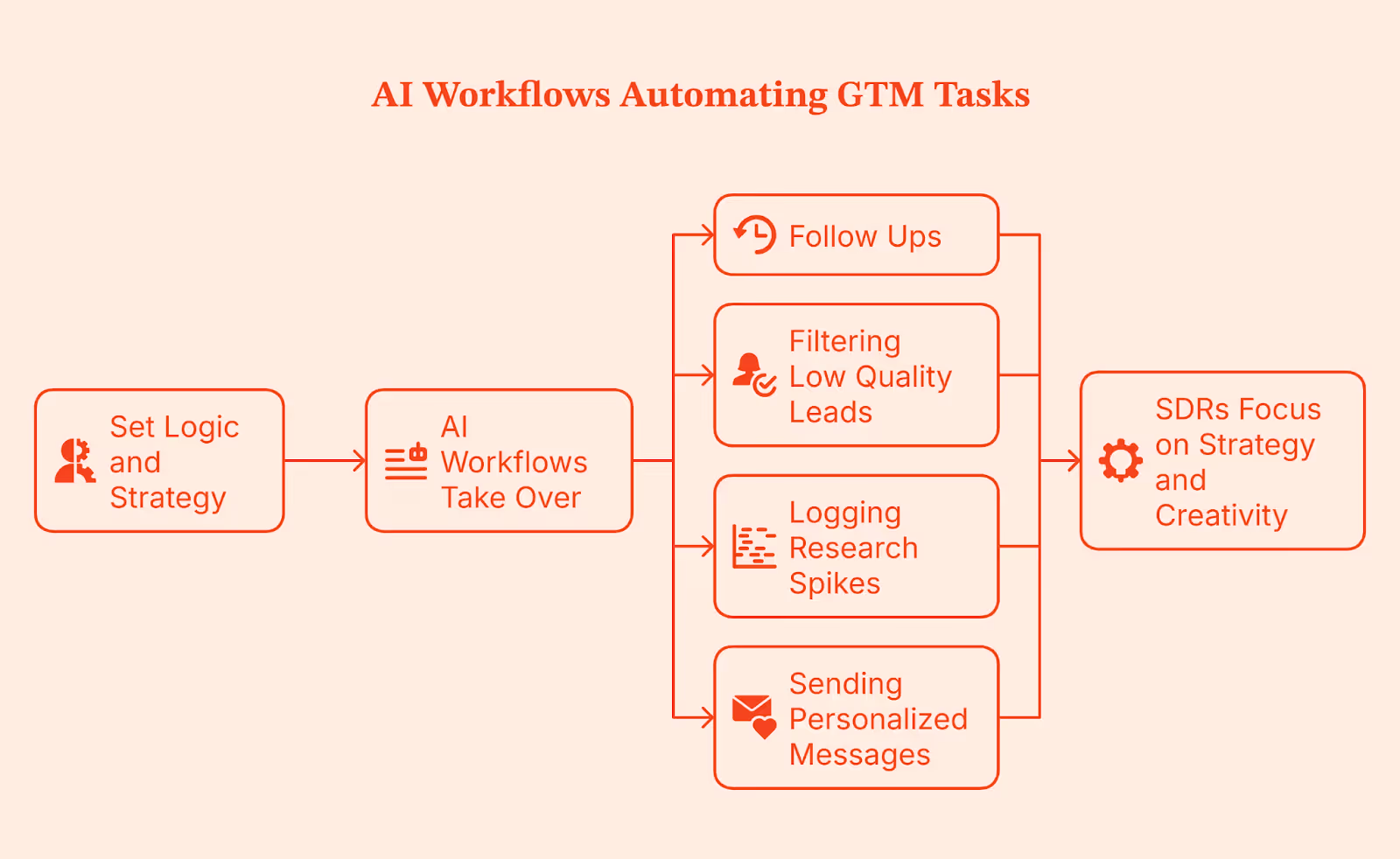
This gives your SDRs room to think. They spend less time clicking through small tasks and more time focusing on strategy and creativity. This is the same layer many teams now call AI SDR or agentic outbound, where automated agents handle research, prioritization, and first-touch tasks so humans can focus on the conversations that actually require judgment.
Trend 4: Marketing and Sales Systems Finally Converge
Raise your hand ✋ if you’ve seen this play out in your organization: Marketing calls an account warm, sales checks their tools, and sees nothing. Both sides are convinced they’re right because they’re looking at different dashboards and different definitions. This misalignment is caused by disconnected systems.
In 2026, GTM teams are moving toward shared dashboards, shared definitions, and shared signals. Website intent, ad clicks, and CRM updates show up for everyone at the same time. Data quality shifts too. It’s no longer a reactive cleanup task. Guardrails, routing rules, and automation keep the CRM clean from the start.
When this happens, the whole revenue operations motion feels lighter. Marketing, Demand-gen, and Sales teams operate from the same source of truth, handoffs become smoother, and the old back-and-forth disappears.
Trend 5: LinkedIn Ad Automation Emerges as the GTM Engine
There’s no debating it: LinkedIn keeps outperforming Google in B2B, and it has become the backbone of most GTM stacks. The catch is that LinkedIn ads can get too expensive too fast. Read more about this on our B2B LinkedIn Ads Benchmark Report.
This is why companies are layering their LinkedIn with AI tools like LinkedIn AdPilot. AdPilot uses the intent and engagement signals from your GTM systems to keep your LinkedIn audiences updated, so your ads run on live data instead of static lists. It does this by pulling in real engagement signals such as pricing page visits, content sessions, and account-level activity, then updating your LinkedIn audiences as those accounts heat up.
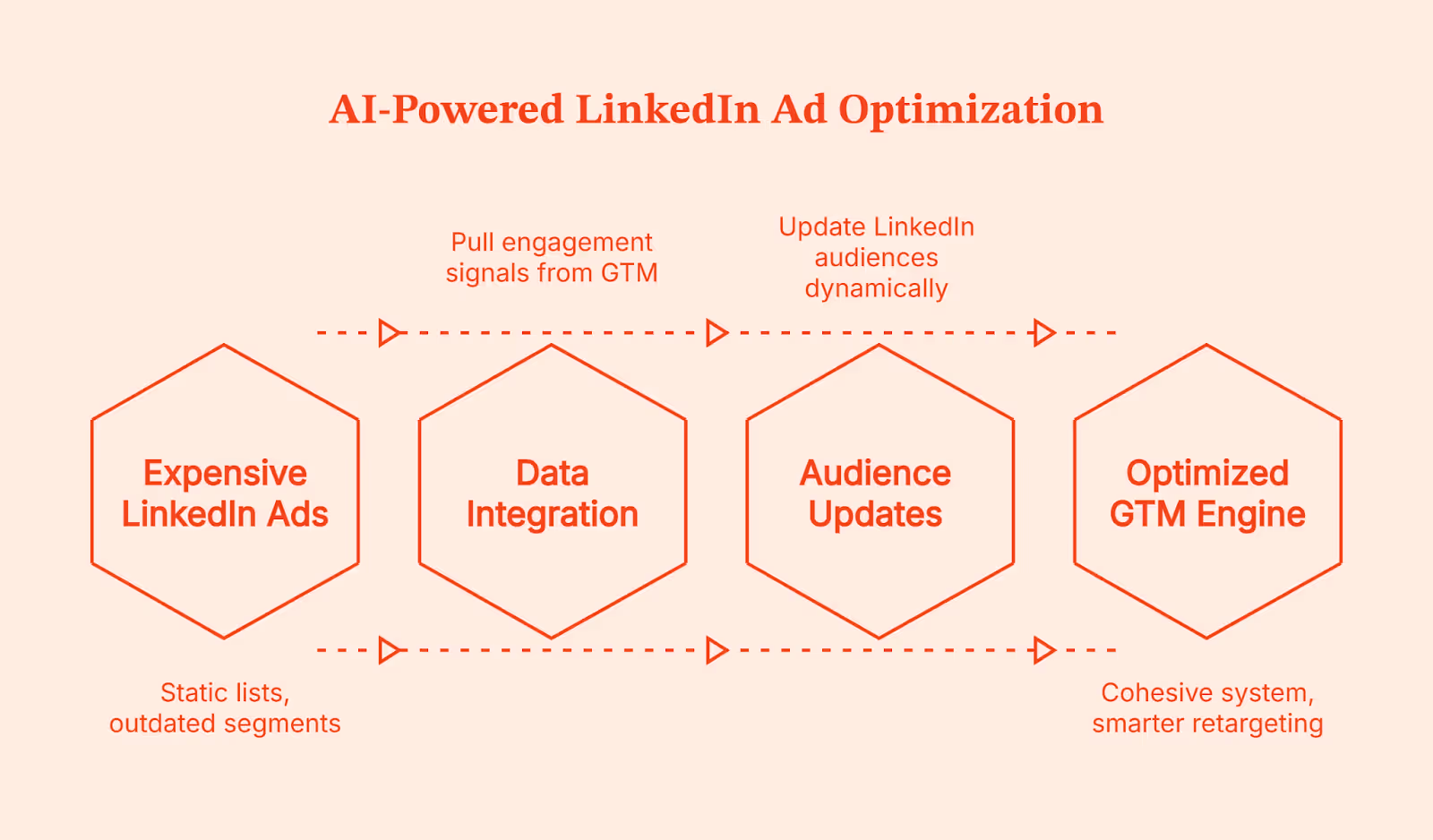
Running LinkedIn as one connected GTM engine gives you the upper hand with clear advantages:
- Audiences refresh automatically, so you don’t spend on outdated segments.
- You avoid burning your ad budget by showing the same ad to the same person repeatedly.
- Your CRM stays in sync through clean server-side tracking.
- Retargeting becomes smarter with real intent signals.
This makes your paid, organic, and outbound finally behave like one cohesive system.
Trend 6: Buyer Journeys Become Nonlinear and Multi-Threaded
That new client you signed on yesterday? They didn’t follow a sales funnel. Someone found you on LinkedIn. Another checked a blog. Someone else saw your name in a Slack thread. They might’ve even searched for you on Google, got curious, and showed up at a webinar without ever talking to your team.
Same company. Multiple people with multiple marketing touchpoints. That’s how most B2B buying happens now.
People jump between channels based on what they need. They ask colleagues, check communities, click ads, browse your site, and read emails. No single person carries the deal. Stakeholders step in and out as they learn, compare, and validate, and some stay invisible until the very end.
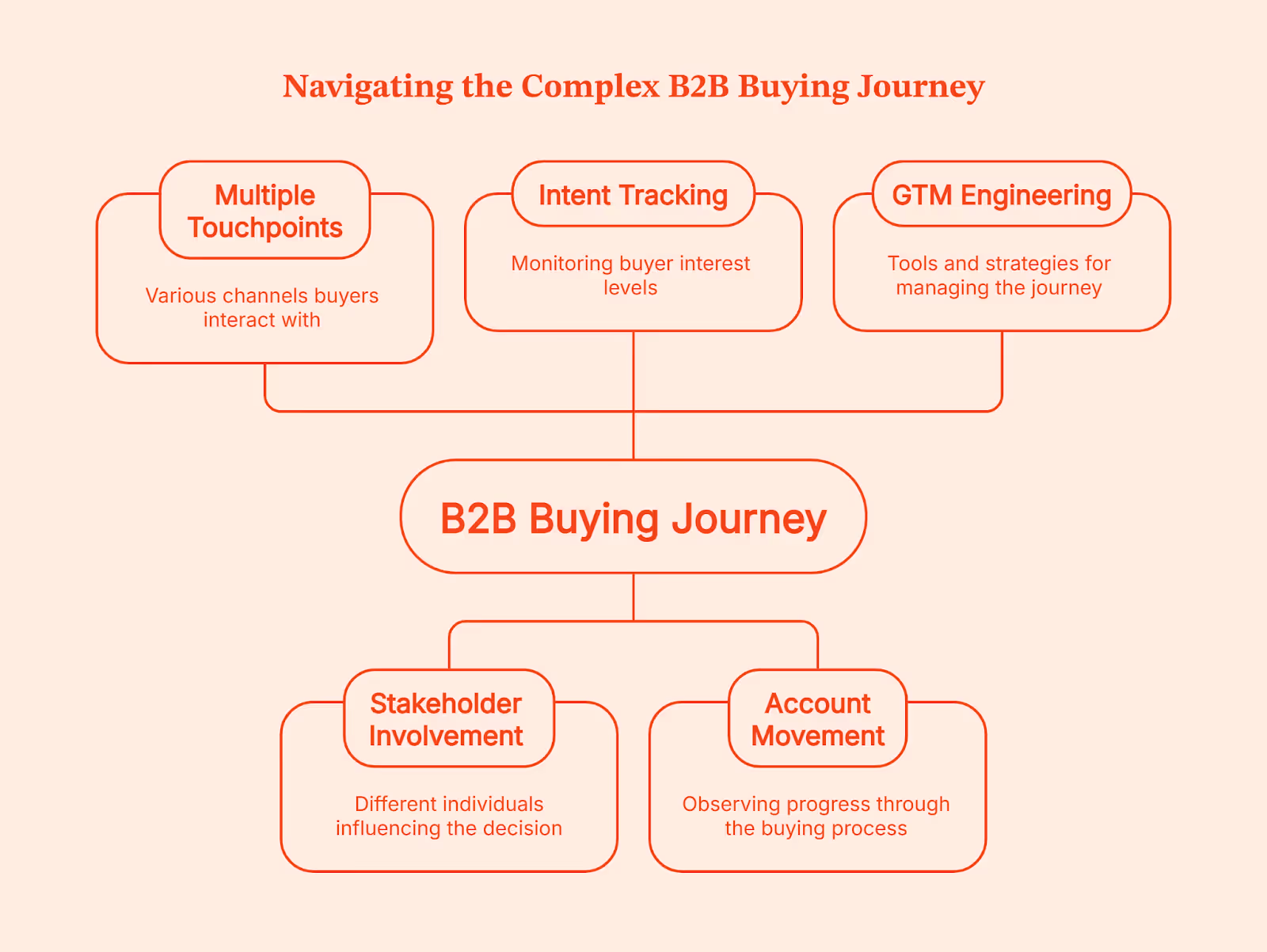
The challenge lies in connecting each touchpoint so you can see how an account is moving. This is where GTM Engineering helps. You see when intent rises, when it drops, who joins the process, and what triggered the next step. And once you have the full picture, multi-threaded selling becomes far easier and more predictable.
Trend 7: GTM Teams Shift from Tools to Platforms
Think about how you shop. If you can grab groceries, baby clothes, a new hoodie, and school supplies in one Walmart visit, you are not driving to Williams Sonoma for pots, Carter’s for onesies, Zara for fashion, and Staples for stationery. One place simply makes life easier.
GTM teams want that same experience.
Right now, most stacks look like five different stores on opposite ends of town. One tool gives you analytics. Another handles outreach. A third manages intent. A fourth stores contacts. A fifth tries to glue everything together. By the time you click through all of them, your buyer has already taken three new steps you did not see.
Teams are tired of that. They are trimming their tech stacks and cutting tools that only do one tiny job. No one wants ten vendors with ten logins and ten different versions of ‘what’s really happening’.
Platforms are winning because they bring analytics, activation, and signals into one place. You get the full picture and the action in the same view without the patchwork. Your teams spend less time managing tools and more time moving revenue. That is the shift happening across modern GTM teams, and it is only speeding up.
Trend 8: CAC Reduction Through Workflow Automation
A missed follow-up, a slow reaction, the wrong account in sequence, a campaign running longer than it should. These slip-ups look small, but they slowly inflate your customer acquisition cost. You see the same pattern in most GTM teams.
Scrut faced it firsthand: Too many tools, scattered data, no clear view of how buyers engaged. The gaps slowed everything down and created the kind of waste that makes acquisition more expensive than it should be.
Workflow automation fixes this. It follows the same idea as Toyota’s Just-in-Time system: remove waste, keep work moving, and let the system carry the load so people can focus on work that actually matters.
Time to touch goes down because the GTM system reacts the moment a qualified buyer shows up. Signal-based campaigns waste less budget because they only engage accounts that are warming up. Auto prioritization removes guesswork and lifts performance. All of this reduces CAC without adding headcount.
And with boards tracking CAC more closely than ever, cleaner workflows are no longer optional. They’re the only way to run a GTM engine that doesn’t leak time, budget, or opportunities.
Related read: GTM engineering vs RevOps
The GTM Engineering Stack for 2026
Instead of adding more tools to your GTM stack, focus on a small set that works well together. Think of this stack as your GTM development environment, where signals, activation layers, and automation run side by side instead of pulling teams in different directions.
Here’s a stack most high-performing teams are moving toward:
Once these layers start working in sync, your GTM motion feels like an ecosystem instead of a bunch of tools bolted together.
How Factors.ai Enables GTM Engineering Services
By now, you know a strong GTM engine depends on three things: clean data, reliable signals, and workflows that move without friction. Factors.ai supports this foundation by designing and running GTM engineering services that ensure every part of your stack sees the same data and reacts at the right moment.
Here’s how it fits into the system.
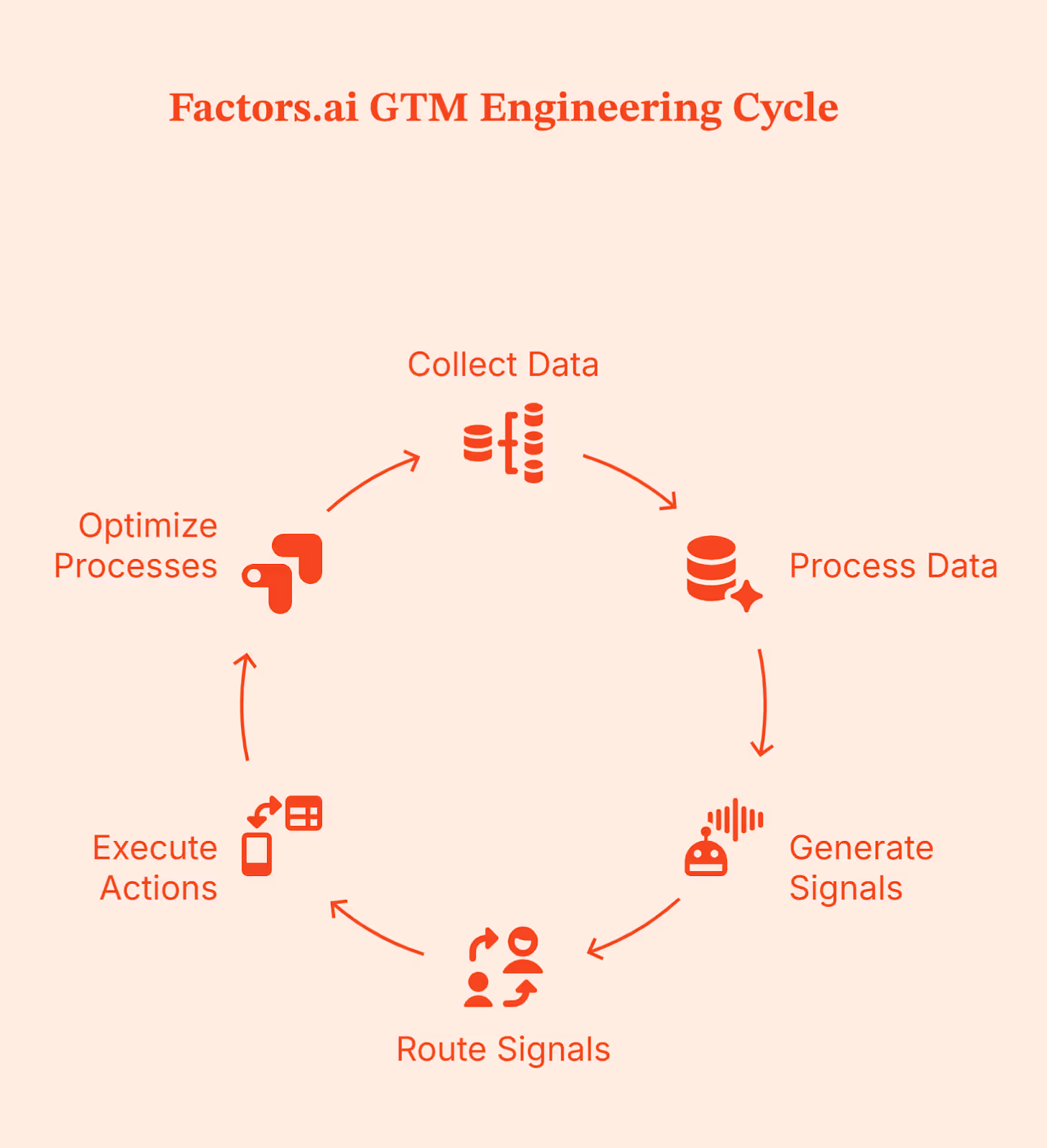
End-to-end workflow automation
Factors’ GTM engineering team builds and runs the workflows that connect your CRM, intent signals, outreach tools, and ad platforms. Instead of your ops team managing integrations and scripts, Factors handles the setup so your sales and marketing teams can act on clean signals automatically.
Signal-led insights and alerts
Factors helps you understand real buyer activity into clear signals your team can act on. When an account shows intent, your reps see why it matters and what to do next, with follow-ups triggered automatically across email, LinkedIn, or CRM tasks.
Personalized outreach at scale
Outreach is triggered by behavior. Factors sets up workflows that send the right message through the right channel based on what an account is actually doing, without your team needing to manage it manually.
AI-assisted research and prioritization
Factors uses AI to enrich accounts, summarize activity, and highlight which accounts deserve attention first. Sales reps get full context quickly so they spend less time researching and more time having meaningful conversations.
Works with your existing tools
Factors integrates with the tools you already use, like LinkedIn Ads, your CRM, email platforms, Slack, and enrichment tools. Data flows smoothly between systems so your GTM stack works like one connected platform.
A delivery model that fits your team
You can choose how you work with Factors. Either the team builds everything and hands it over to you, or they stay involved to maintain and improve workflows as your GTM motion evolves.
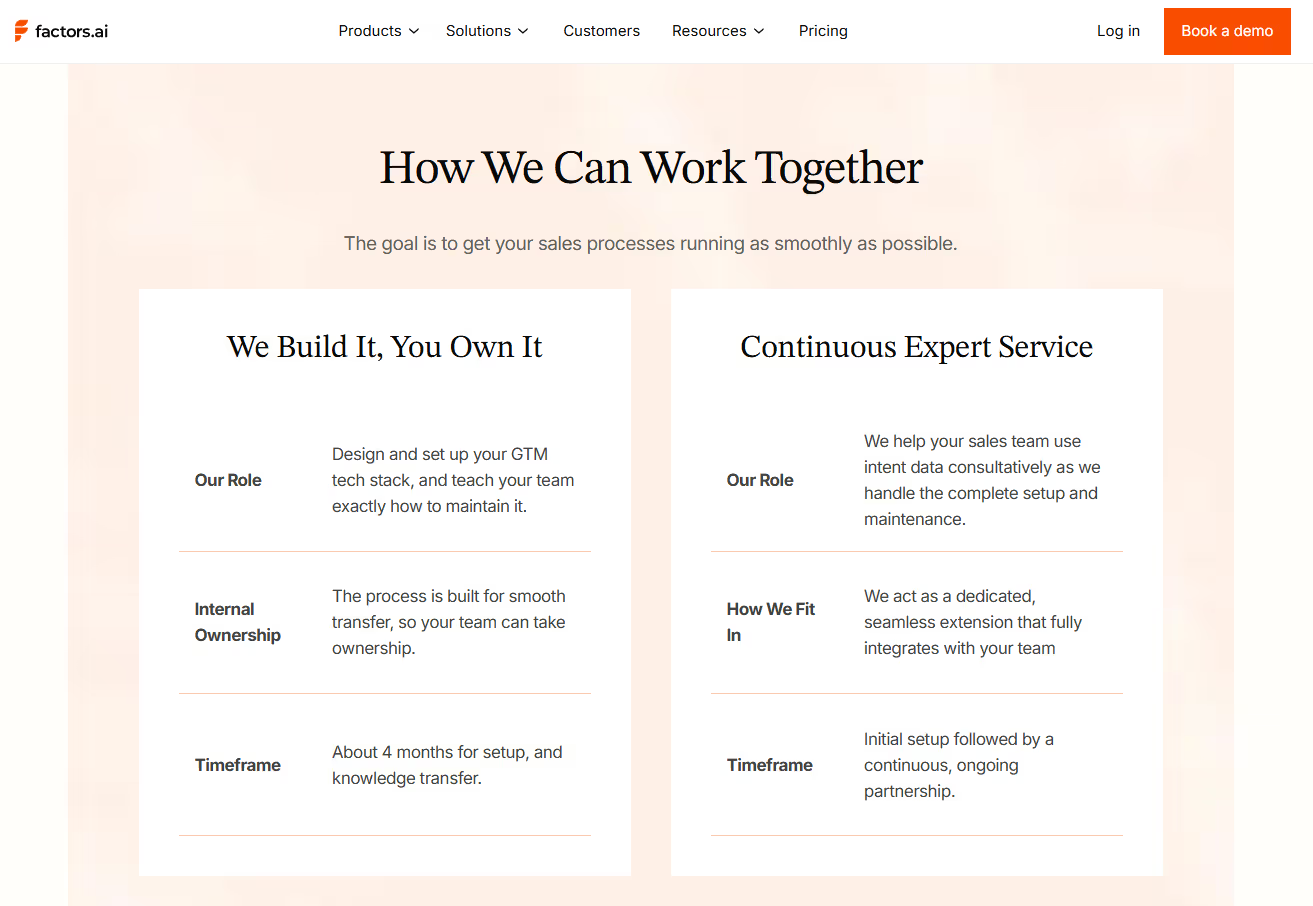
This turns Factors.ai into your GTM system of action, where accurate data drives immediate execution across ads, outreach, and CRM workflows.
Factors.ai doesn’t replace your team. It simply makes their work easier by bringing signals together and automating the steps reps shouldn’t be doing manually.
Final Recommendations
If you’re updating your GTM engine for 2026, start here. These moves consistently outperform everything else.
Step 1: Start signal-based selling early
To make outreach easier by following real buyer behavior instead of guessing.
Step 2: Unify your GTM data
To pull signals, CRM, ads, and product data into one place so that your teams see the same information consistently.
Step 3: Use AI agents for repeatable work
Let the system handle follow-ups, enrichment, and prioritization so reps can focus on real conversations.
Step 4: Build a GTM Engineering function
Instead of populating your team, opt for one strong builder who understands data and automation and reshapes the entire engine.
Step 5: Tighten your revenue stack
Choose tools that work well together and maintain data hygiene as it moves downstream.
Step 6: Invest in LinkedIn automation
LinkedIn is still the strongest B2B demand gen channel. Automation keeps spend efficient and targeting aligned with real intent.
FAQs on GTM Engineering Trends
Is GTM Engineering replacing SDR teams in 2026?
Not entirely. GTM Engineering reduces the need for heavy outbound headcount by automating research, prioritization, and early touchpoints. SDRs still matter, but their work becomes more strategic.
Which technical skills does a GTM Engineer need?
Strong workflow design, automation logic, CRM mastery, API familiarity, basic data modelling, and a good understanding of how revenue teams operate day to day.
How can small teams start with GTM Engineering?
Begin with the essentials. Unify your data, set up simple automated workflows, use low-code integrations, and start capturing intent signals. You do not need a full team on day one.
What’s the difference between a GTM Engineer and Rev Ops?
A GTM Engineer connects data, tools, and signals into workflows that run the GTM motion. RevOps handles reporting, forecasting, and process consistency. One engineers the system; the other operates it.
What channels work best for GTM Engineering?
LinkedIn for targeted reach, intent-based outbound sales for warm conversations, and AI-supported nurturing for mid-funnel engagement.
How does GTM Engineering impact CAC?
It cuts waste by speeding up reactions, improving prioritization, and reducing manual work. When the system moves faster, your cost to acquire a customer naturally drops.
Factors.ai vs Common Room: Choosing What Works for Your GTM Motion
If you’ve landed on this page, I want to start by saying hello!
Look, I know you’re probably torn between Factors.ai and Common Room.
Maybe you’ve got five tabs open. Maybe you’ve said the words “signal orchestration” so many times that you deserve an honorary RevOps badge.
We’ve been there (okay, not really, but it sounds nice).
Both platforms promise intent data, AI workflows, and GTM clarity. Both sound smart. Both have cool websites. But when you start unpacking how they actually work, it’s like comparing a telescope to a microscope.
One zooms out: Mapping every account signal, sales motion, ad touch, and funnel stage in one unified view (Heyyyy, Factors).
The other zooms in: Spotting individual conversations and social signals happening across developer and community channels (Hi, CommonRoom).
So the real question is: What kind of GTM are you running?
This guide breaks it down across 7 things that actually matter:
- What do they help you do?
- How much do they cost?
- Can you trust them with data?
- Will your team actually use it?
- Can you prove pipeline or just vibes?
TL;DR
- Factors connects the full GTM funnel with account-level orchestration, AI automation, and predictive account scoring.
- Common Room excels at person-level visibility, especially in product- and community-led GTM strategies.
- Factors offers stronger support, enterprise security, and deep integrations for complex RevOps.
- Common Room keeps setup lightweight, pricing transparent, and real-time signal tracking central.
Factors.ai vs Common Room: Features and Functionality
Both Factors.ai and Common Room help GTM teams uncover intent, automate engagement, and guide sales with AI. But their approach to data, identity, and orchestration follows two very distinct philosophies.
Here’s a quick overview before we look deeper.
Factors.ai Features and Functionality
Factors.ai is designed for teams that want a connected GTM workflow from signal to revenue. It collects data from multiple touchpoints, aligns it under a single account view, and uses AI agents to automate what happens next.
Key capabilities include:
- Unified GTM Visibility
Combines signals from the website, ads, CRM, and product activity into Account 360, creating a single source of truth for sales and marketing. - AI-Powered Agents
Support the team through real-time alerts, research automation, buying group identification, and closed-lost reactivation. - Multi-Source Intent Detection
Gathers intent from first-, second-, and third-party data while highlighting milestone actions that move buyers through the funnel. - Journey Tracking
Maps every buyer interaction in chronological order, giving a clear picture of how deals progress. - Smart Enrichment and Scoring
Enriches accounts through trusted data providers and scores them by ICP fit and engagement strength.
The platform gives teams both visibility and activation in one motion. Basically, everything you need to identify, engage, and measure in one place.
Common Room Features and Functionality
Common Room focuses on person-level insight and community-driven signals. It’s built to help GTM teams connect digital activity from across platforms and turn it into actionable intelligence.
Key capabilities include:
- Person360™ Enrichment
Resolves identities using data from emails, social platforms, product usage, and community forums. - Wide Signal Coverage
Captures first-party data from your website and product, second-party data from platforms like GitHub or Slack, and third-party intent from public sources. - Custom Scoring
Offers transparent, adjustable scoring at both the contact and account levels. - RoomieAI™ Agents
Assist with signal summarization, research, and outbound personalization. - Real-Time Dashboards
Surface active individuals and their engagement context without needing static reports.
This system focuses more on individual behavior and social intent, helping teams see who’s active and what’s happening in real time.
Verdict on Features
Common Room provides strong person-level visibility, especially for teams that track engagement across product and community channels.
Factors.ai delivers a broader, full-funnel approach where every channel, account, and signal connects under one GTM framework. It helps teams move from scattered insights to a single, orchestrated motion.
Factors vs Common Room: Pricing
When GTM teams compare platforms, pricing usually says a lot more than just the number. It shows how each product is built to grow, scale, and fit into your existing motion.
Factors.ai follows a usage-and-seat-based model that expands with your team.
Common Room uses a tiered pricing approach where each plan unlocks a new set of capabilities.
Factors Pricing
Factors.ai is designed to fit different stages of GTM maturity.
Each plan adds more automation, analytics, and orchestration tools as your pipeline grows.
Plans include:
- Free Plan
- Identify up to 200 companies per month
- Includes 3 seats
- Basic dashboards and visitor tracking
- Slack and Microsoft Teams integration
- Basic Plan
- Identify 3,000 companies per month
- Includes 5 seats
- Adds LinkedIn intent signals and GTM dashboards
- Connects with HubSpot, Salesforce, and Google Search Console
- Growth Plan
- Identify 8,000 companies per month
- Includes 10 seats
- Adds ABM analytics, account scoring, workflow automation, and a dedicated CSM
- Enterprise Plan
Optional GTM Engineering Services
For teams that don’t have in-house RevOps, Factors.ai provides an add-on service layer for $4,000 setup and $300 per month.
This includes:
- Custom ICP modeling and GTM playbook design.
- Setup of enrichment, alert, and ad activation workflows.
- SDR enablement through post-meeting alerts, closed-lost reactivation, and buying group mapping.
- Ongoing reviews, optimization, and documentation of the GTM process.
GTM engineering services help teams operationalize Factors.ai faster and keep GTM workflows running smoothly without heavy internal effort.
For more details on pricing, visit Factors.ai's pricing page.
Common Room Pricing
Common Room keeps its pricing simple and upfront. Each plan adds new automation and signal depth as you move up.
Plans include:
- Starter - $1,000 per month (billed annually)
- Person360 enrichment
- Core signal tracking
- CRM integration
- Team - $2,500 per month (billed annually)
- Adds RoomieAI automation
- Expands data sources and integration options
- Enterprise - Custom Pricing
- Built for large teams
- Includes compliance support and advanced customization
The structure makes it easier for smaller teams to forecast budgets and choose the level of data access they need.
The Verdict
Common Room’s pricing keeps things simple, helping teams plan their annual spend with clear tiers.
Factors.ai focuses on scalability, giving teams more flexibility and depth as they grow.
Its optional GTM services make a big difference for companies that want help setting up complete workflows instead of managing them alone.
If you’re comparing pricing models across tools, our breakdowns of ZoomInfo pricing and Cognism pricing can help you understand how leading intent and enrichment platforms price their offerings.
Factors vs Common Room: Analytics & Reporting
Analytics tell you how well your GTM system actually works. It’s the difference between seeing activity and understanding what drives results.
Both platforms offer strong visibility, but they look at data in different ways.
Factors Analytics and Reporting
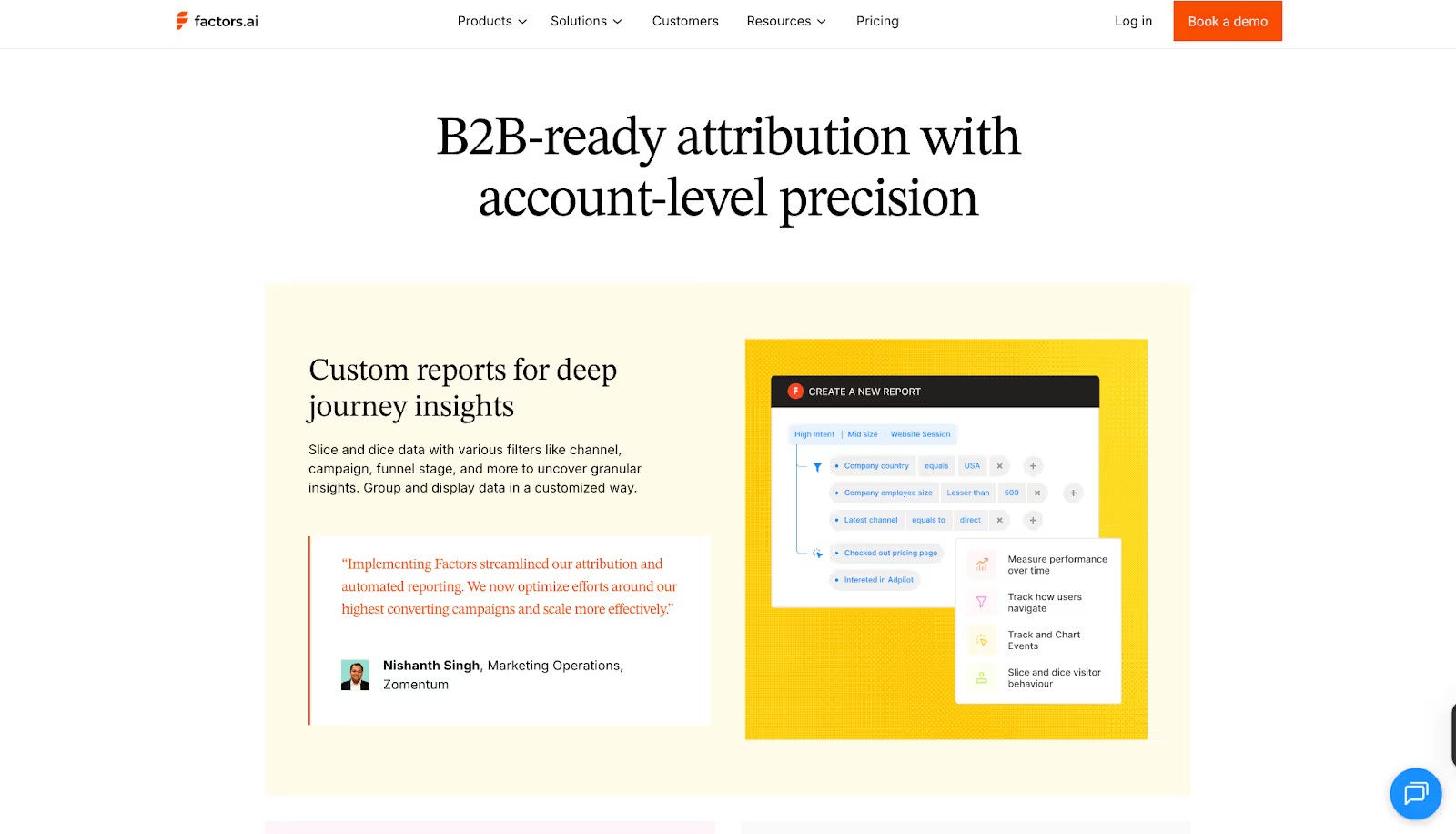
Factors.ai connects marketing and sales activity into one narrative. Instead of tracking replies or traffic alone, it shows which actions actually move deals forward.
Key elements include:
- Multi-touch Attribution
Links every click, ad view, and CRM update to revenue outcomes.
Helps teams understand which campaigns or channels contribute the most. - Funnel Stage Analytics
Monitors each stage from MQL to Closed Won, helping teams spot what accelerates deals and what slows them down. - Customer Journey Timelines
Organizes all touchpoints like website visits, ad engagement, product usage, and CRM activity, in a single chronological view. - Custom Dashboards
Teams can filter by geography, product, or ICP segment and build reports around what matters most. - Drop-off and Bottleneck Insights
Visualizes where leads stop progressing, making it easier to fix weak points in the funnel.
The reporting feels built for RevOps and GTM leaders who need clear cause-and-effect visibility, not just numbers.
To dig deeper into attribution strategies, see our explainer on multi-touch attribution models and how they can reshape B2B measurement.
Common Room Analytics and Reporting
Common Room focuses more on individual and community-level engagement. It helps teams understand who’s active, what they’re doing, and where momentum is building.
Key elements include:
- Real-time Engagement Data
Surfaces live activity from people interacting with your product, website, or community. - Person-Level Insights
Combines identity data and behavioral context to show how specific individuals are engaging. - Dynamic Dashboards
Always up to date and visually centered around active users rather than static reports. - AI Summaries
RoomieAI summarizes large sets of engagement data to highlight trends or opportunities.
Common Room’s analytics are centered on immediacy and depth at the person level, giving sales and marketing a pulse on active engagement.
The Verdict
Common Room gives detailed visibility into human engagement and signal activity. It’s great for understanding who’s showing interest right now and how they interact across channels.
Factors.ai focuses on the full funnel like linking awareness, engagement, and revenue into one continuous picture. It’s more suited to teams that need measurable insights tied directly to pipeline and growth.
Factors vs Common Room: Ad Activation & Integrations
Ad activation decides how quickly GTM teams can turn intent into engagement.
While both tools connect with key marketing platforms, their approach to activation and data flow works differently.
Factors Ad Activation and Integrations
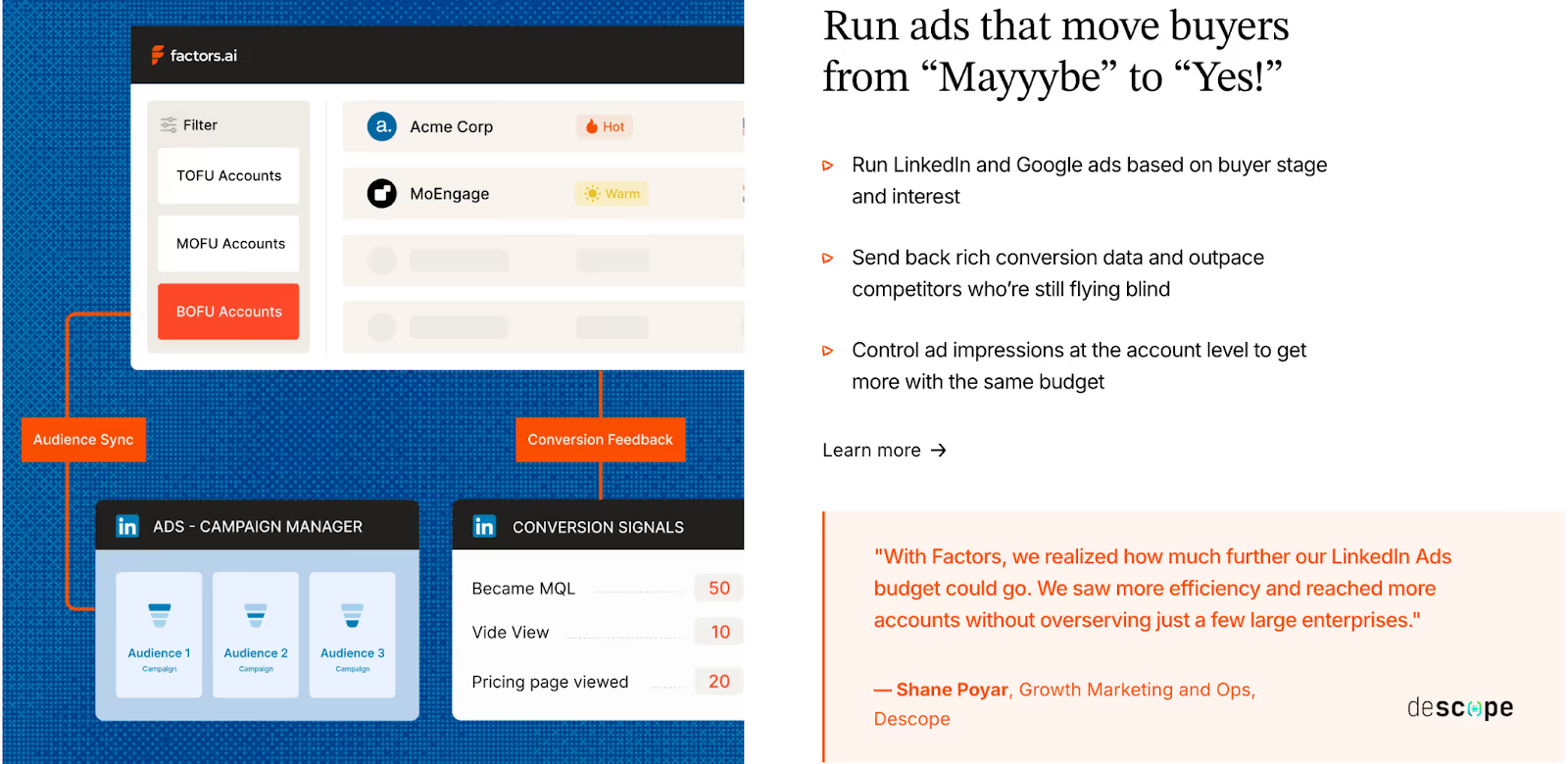
Factors.ai treats ad activation as a natural extension of GTM automation. It connects marketing and sales data to ad platforms so teams can engage the right accounts at the right time.
Key capabilities include:
- LinkedIn and Google Ads Sync
Builds dynamic audiences that refresh automatically based on recent engagement or buying intent. - Conversion Feedback Loops
Sends post-engagement data from CRM and SDR activity back into ad platforms, improving targeting precision. - Multi-Signal Retargeting
Retargets accounts that show activity across G2, CRM, product, or website signals, not just ads. - Google CAPI Integration
Shares conversion data directly with Google Ads for better campaign optimization. - Cross-Platform Integrations
Connects with Salesforce, HubSpot, Marketo, Segment, and G2, keeping all GTM workflows unified.
The Factors.ai integrations make it easier to move from data collection to activation without switching between multiple tools.
Common Room Ad Activation and Integrations
Common Room connects with a wide range of sales, marketing, and communication platforms, but its focus is more on signal and identity management than ad orchestration.
Key capabilities include:
- Platform Integrations
Works with CRMs like Salesforce and HubSpot, MAPs like Marketo and Pardot, and SE tools like Outreach and Apollo. - Community and Social Integrations
Links with Slack, Gong, and community forums to capture real-time intent and engagement. - Ad Automation
Limited to indirect activation through Zapier, primarily for workflows rather than campaign syncs.
This setup gives GTM teams a strong signal network but relies on external tools for paid activation.
The Verdict
Common Room integrates deeply with community, CRM, and communication tools, helping teams capture signals from many sources.
Factors.ai builds on those signals with direct ad integrations, allowing real-time audience targeting and retargeting through LinkedIn and Google Ads. The difference lies in how complete the activation loop is: one gathers the signals, the other turns them into action.
Also, read Improving LinkedIn ads targeting using Audience Builder.
Factors vs Common Room: Onboarding & Support
How well a platform supports your team during onboarding often decides how quickly you start seeing results.
Both Factors.ai and Common Room offer guided experiences, but they focus on different parts of the journey.
Factors Onboarding and Support
Factors.ai treats onboarding as a partnership. Instead of a generic setup, it aligns each workflow and alert with how the GTM team actually operates.
What it includes:
- Tailored Setup
Onboarding begins with understanding your ICP, funnel stages, and existing workflows. The platform is configured around those details. - Dedicated Slack Channel
Teams get direct access to a success manager and GTM engineers, allowing faster problem-solving and collaboration. - Weekly Review Calls
Regular check-ins help teams fine-tune performance, track adoption, and uncover new ways to use the platform. - Optional GTM Engineering Services
As mentioned earlier in the pricing section, Factors.ai offers a dedicated service layer for teams that need support beyond standard onboarding.
This includes:
- ICP modeling and GTM playbook design
- Setup of enrichment, alerts, and ad workflows
- SDR enablement for post-meeting follow-ups and closed-lost reactivation
- Ongoing review and optimization
The goal is to leave teams with a GTM system that runs smoothly and stays dependable over time.
Common Room Onboarding and Support
Common Room focuses on quick activation and education.
Its onboarding experience is straightforward and built to get teams using the product early.
What it includes:
- Guided Onboarding
Step-by-step walkthroughs help teams set up data sources, connections, and signal tracking. - Platform Demos and Support
Live sessions introduce features like Person360, RoomieAI, and dashboards. - Assisted Setup
Teams receive guidance on configuration and integrations. - Help Center and Resources
Documentation, articles, and community support help users solve smaller issues on their own.
This structure makes onboarding smooth for most teams, though it stays focused on product familiarity rather than long-term GTM optimization.
The Verdict
Common Room keeps onboarding simple, emphasizing product setup and signal tracking.
Factors.ai builds a deeper partnership during onboarding, guiding teams through alignment, automation, and RevOps design.
Both make adoption easy, but Factors.ai extends support further into strategy and ongoing performance improvement.
Factors vs Common Room: Compliance & Security
Data security and privacy are major parts of any GTM platform evaluation.
Most companies today, especially in mid-market and enterprise segments, look closely at how tools handle compliance before they even begin a pilot.
Factors.ai Compliance and Security
Factors.ai maintains enterprise-grade certifications and privacy standards. Its structure and documentation are built for companies that handle sensitive data across multiple regions.
Key measures include:
- Regulatory Compliance
Fully compliant with GDPR and CCPA, meeting both European and US privacy standards. - Certifications
Holds SOC 2 Type II and ISO 27001, covering infrastructure, data management, and operational controls. - Privacy-First Approach
Uses behavioral and firmographic enrichment responsibly, with full transparency in how signals are processed. - Data Agreements
Offers signed DPAs for customers who require formal documentation during vendor assessments.
These measures make Factors.ai suitable for teams that must pass detailed security reviews before implementation.
Common Room Compliance and Security
Common Room also maintains strong data governance, especially around person-level identity resolution.
It’s designed for teams that rely on deep enrichment while staying within global compliance frameworks.
Key measures include:
- Compliance Frameworks
Adheres to GDPR and CCPA, ensuring data privacy for both individual and business-level signals. - SOC 2 Certification
Certified for both Type 1 and Type 2 audits. - Identity Data Protection
Focused on keeping Person360 and Prospector enrichment processes secure. - Transparency
Public documentation covers data use, though specific policies around enrichment partnerships are limited.
The setup provides strong compliance for identity-driven operations and aligns with standard SaaS privacy requirements.
Factors vs Common Room: The Verdict
Common Room focuses on keeping person-level data safe and compliant with major regulations.
Factors.ai goes broader, combining full-system security certifications with formal documentation and enterprise-level data transparency.
Both platforms are well covered, but Factors.ai’s added certifications make it easier for larger teams to clear procurement checks.
Factors vs Common Room: Which one to choose when?
If you’ve reached this point, you already know both platforms have strong foundations.
Factors.ai and Common Room help GTM teams understand intent, act faster, and make smarter decisions. But they’re built around two very different ways of thinking.
Throughout this breakdown, we’ve seen where each one shines, from functionality to support.
Now let’s piece it all together to help you make a better decision.
When Factors Fits Best
If your GTM motion depends on connecting multiple systems like ads, CRM, product analytics, website behavior, and attribution, Factors.ai gives you that full, account-level picture. It works especially well for teams that run ABM, rely on signal-based GTM, and need a system that unifies intent, activation, and measurement.
It works well for:
- B2B SaaS and enterprise teams running ABM or multi-threaded deal cycles who need to understand which accounts are engaging, where, and why
- RevOps and growth teams that want complete visibility from first touch to closed/won, including account journeys, deal influence, and pipeline lift
- Teams that prioritize accurate intent detection from website, CRM, G2, LinkedIn, Google, and email signals (instead of guessing who’s ‘ready’)
- Companies that need certification-ready security and compliance for procurement (SOC 2 Type II, GDPR, SSO, audit logs, role-based access, and data governance)
- Teams that prefer guided onboarding and hands-on support, including implementation, custom dashboards, ABM workflows, and ongoing account reviews
What makes Factors stand out is the continuity and intelligence of the system. Once it’s set up, it operates as a connected GTM engine where:
- every signal enriches the account profile
- every journey is stitched and attributed
- every spike in intent triggers alerts, audiences, and playbooks
- every team (marketing, sales, RevOps) works from the same source of truth
The result: a GTM motion where ads, content, sales plays, and product insights all talk to each other, while your team focuses on execution instead of manual reporting.
When Common Room Fits Best
Common Room suits teams that live close to their communities, users, and conversations.
It’s ideal for:
- Teams running person-level ABM strategies
- Companies relying heavily on community or social engagement data
- Sales and marketing teams that value real-time identity insights over complex attribution models
- Fast-moving teams that prefer simple onboarding and visual dashboards
It’s focused on people, understanding who’s engaging, where they come from, and what they care about.
In a Nutshell…
After going through every chapter, one thing becomes clear: both platforms solve the same problem in their own way.
What really matters is how your team works and what kind of GTM system you’re trying to build.
Factors feels more like a foundation. It brings everything together, from data to execution, so your GTM motion keeps running without gaps.
Common Room focuses on people and conversations, giving you visibility into who’s active and how they’re engaging.
If your team wants structure, deep analytics, and a connected setup that keeps improving over time, Factors.ai aligns well with that direction.
If your focus is on fast-moving engagement and signal-based outreach, Common Room gives you the visibility to act quickly.
Both can create impact, it simply depends on where your team is today and how you plan to grow next.
If you liked this, you might also like the comparison of top Common Room alternatives to see how others stack up across features and pricing.
FAQs for Factors vs Common Room: Explore Factors as a Common Room Alternative
1. Which GTM teams benefit most from Factors.ai?
B2B SaaS, RevOps, and data-driven marketing teams that need connected systems for attribution, automation, and revenue tracking.
2. What makes Common Room better for community-led GTM?
Its focus on social, community, and product signals, combined with real-time dashboards, makes it ideal for fast-moving, person-focused teams.
3. How do the pricing models differ?
Factors.ai scales with usage and seats, offering flexibility and deeper orchestration tools. Common Room uses fixed tiers, starting at $1,000/month, with simpler forecasting.
4. Do both platforms offer ad campaign integration?
Factors.ai integrates natively with LinkedIn and Google Ads for audience sync and conversion feedback. Common Room supports limited automation via Zapier.
5. Which platform offers stronger onboarding support?
Factors.ai provides white-glove onboarding, GTM playbook setup, and ongoing engineering support. Common Room focuses on product walkthroughs and quick activation.
Best AI Tools for LinkedIn Advertising
Running B2B ads on LinkedIn can feel a bit like buying airport snacks. You know you’ll find what you need, but the price can make you wince. The good news is you don’t have to work that way. When you pair LinkedIn’s Campaign Manager with tools that predict intent, improve creatives, and tie everything back to your CRM, things start to fall into place. And you can finally see which ads are bringing in real pipeline among all the clicks.
The tricky part is figuring out which tools are worth adding to your stack in the first place. There are plenty out there, but only a few genuinely make LinkedIn ads easier, smarter, and more affordable. Let’s look at the ones that do.
TL;DR
- Use LinkedIn’s native AI for faster setup, audience forecasting, and campaign optimization.
- Add external AI tools to enhance creative testing, automation, and analytics.
- Track performance beyond clicks by connecting LinkedIn ad data to your CRM and revenue pipeline.
- Combine AI efficiency with human insight to stay strategic, authentic, and ROI-focused.
How LinkedIn’s Native AI & Automation Features Work
LinkedIn has been incorporating more AI into Campaign Manager, making it an absolute time-saver. Its newer feature, ‘Accelerate’, can build a full campaign in minutes. You simply drop in your landing page, and it drafts your ICP, audience filters, and even provides starting creatives.
Its forecasting feature also helps you gauge expected reach, engagement, and conversions before you launch. Kind of like checking the route before you start a long drive. You get a rough idea of the traffic ahead, how long it might take, and whether the trip is worth making in the first place.
But once you use Campaign Manager long enough, you start to see the gaps. It handles setup and basic optimization well, but it won’t dig deep into creative testing, intent scoring, or revenue-level analytics. That’s why most B2B teams pair it with external tools. LinkedIn handles the buying. The rest of your stack fills in everything it misses.
Key Capabilities to Look for in LinkedIn AI Tools
With the basics covered, the next step is knowing which capabilities to look for. Campaign Manager handles the essentials, but the tools you add should cover the areas it falls short on.
- Predictive Targeting
LinkedIn gives you broad forecasting, but it doesn’t highlight which accounts are warming up in real time. Predictive targeting fills that gap by spotting companies that are more likely to convert based on intent signals and past engagement. This keeps your spend focused on high-fit prospects instead of wasting impressions on low-intent audiences.
- Creative Optimization
To A/B test your ads, you need different versions of your ad copy, visuals, and formats. AI tools handle this at scale, which means you learn faster, refresh creatives sooner, and avoid running ads that lose steam halfway through the campaign.
- Analytics & performance forecasting
A strong AI tool should forecast ROI before launch and compare audiences, budgets, and placements with more clarity. Once the campaign goes live, it should highlight what’s performing best so you can adjust spend fast and make smarter decisions.
- Automation and integration
Your tools should connect smoothly with your CRM, scheduler, and analytics setup. This helps you to track leads through the funnel, retarget with precision, and link ad performance directly to revenue.
For B2B teams running multi-touch or ABM campaigns, these capabilities form the base for scalable, data-driven advertising.
Top 6 AI Tools for LinkedIn Advertising
Now that you know what to look for, here are six powerful tools that actually cover those gaps and make LinkedIn ads easier to run.
1. LinkedIn Campaign Manager (Native LinkedIn Ads Platform)
LinkedIn Campaign Manager is an AI powered in-built platform for running ads directly on LinkedIn. It lets you set up audiences, budgets, and ad formats while using AI trained on first party data to target by job title, company size, or industry. The built in forecasting feature uses predictive models to estimate results before launch, which makes planning far more accurate. It’s not the most flexible creative tool, but the AI driven targeting and delivery make it reliable, precise, and easy to manage.
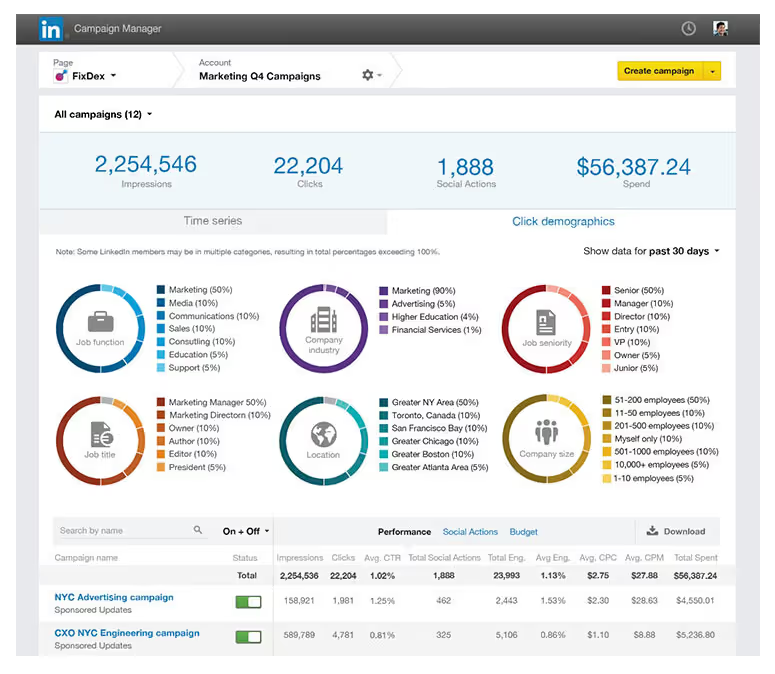
Use it for: Running accurate, data-backed campaigns.
Why it helps B2B marketers: Access to LinkedIn’s clean, verified audience data.
Pros: Trusted targeting, accurate forecasting, smooth setup.
Cons: Limited creative flexibility and automation.
Ideal for: B2B teams focused on efficiency and accuracy within LinkedIn.
Pricing: No platform fee; pay per click, impression, or send.
2. Taplio
Taplio is an AI copywriting tool used for personal branding and content growth on LinkedIn. It helps you write LinkedIn posts, discover topics, build engagement, and fine-tune your voice. These insights then feed into better ad messaging when you promote that content. It’s not built for campaign management typically, but it’s perfect for shaping authentic content that later converts well in paid formats.
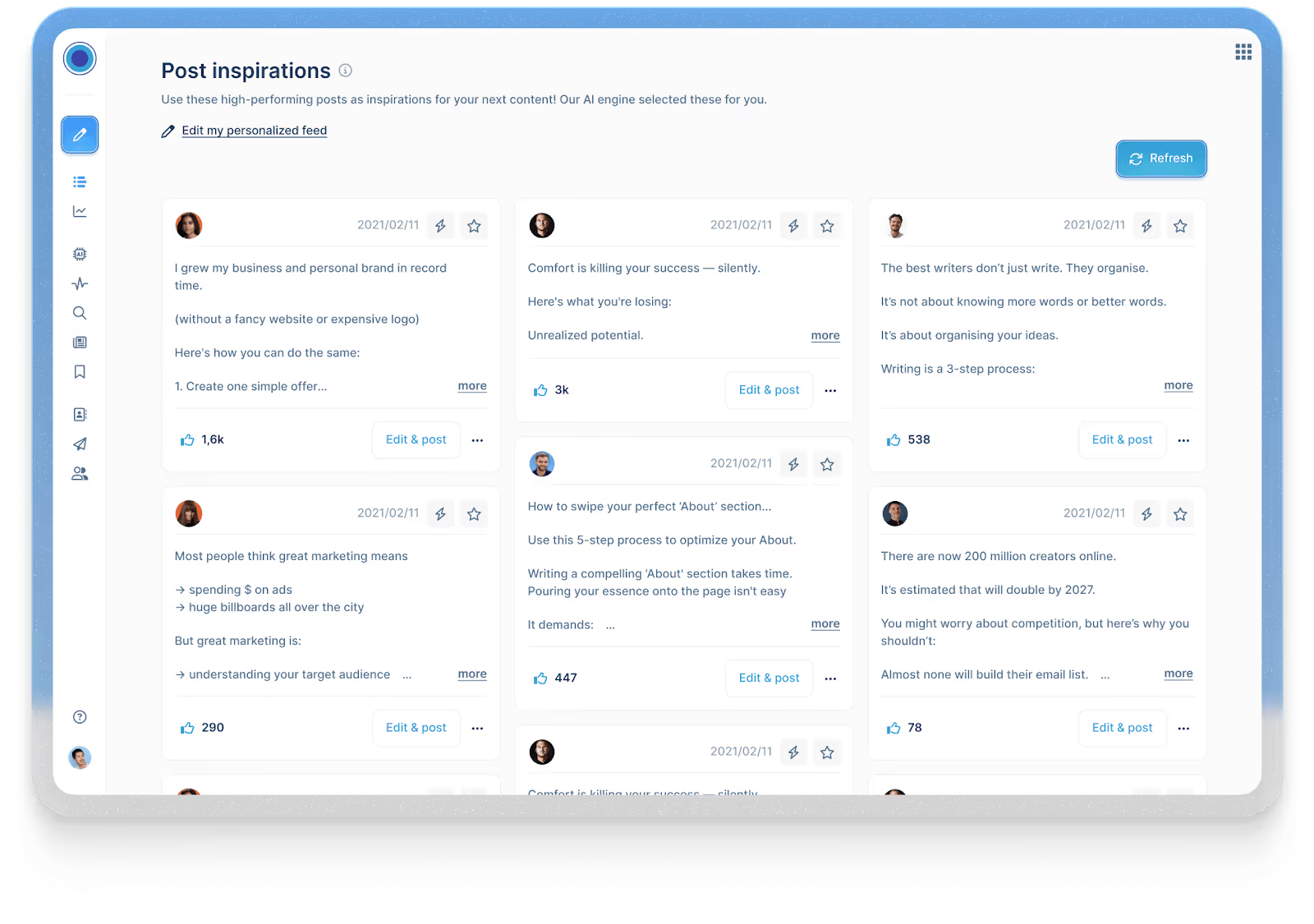
Use it for: Testing and refining content before promoting it.
Why it helps B2B marketers: Helps you shape a personal brand that drives trust and better ad performance.
Pros: Great for tone, topic discovery, and post consistency.
Cons: Doesn’t manage paid campaigns.
Ideal for: Founders, consultants, or marketing leaders using content-led growth.
Pricing: Starts at $39/month with a free trial.
3. Predis.ai
Predis.ai focuses on the creative side of LinkedIn ad production. Enter a product brief or link, and it generates publish-ready ad variations with high-quality images, video, headlines, and call-to-actions. You can edit, remix, and test quickly to see what resonates with each audience. It’s ideal for small teams that want to experiment and scale creative output without adding design support.
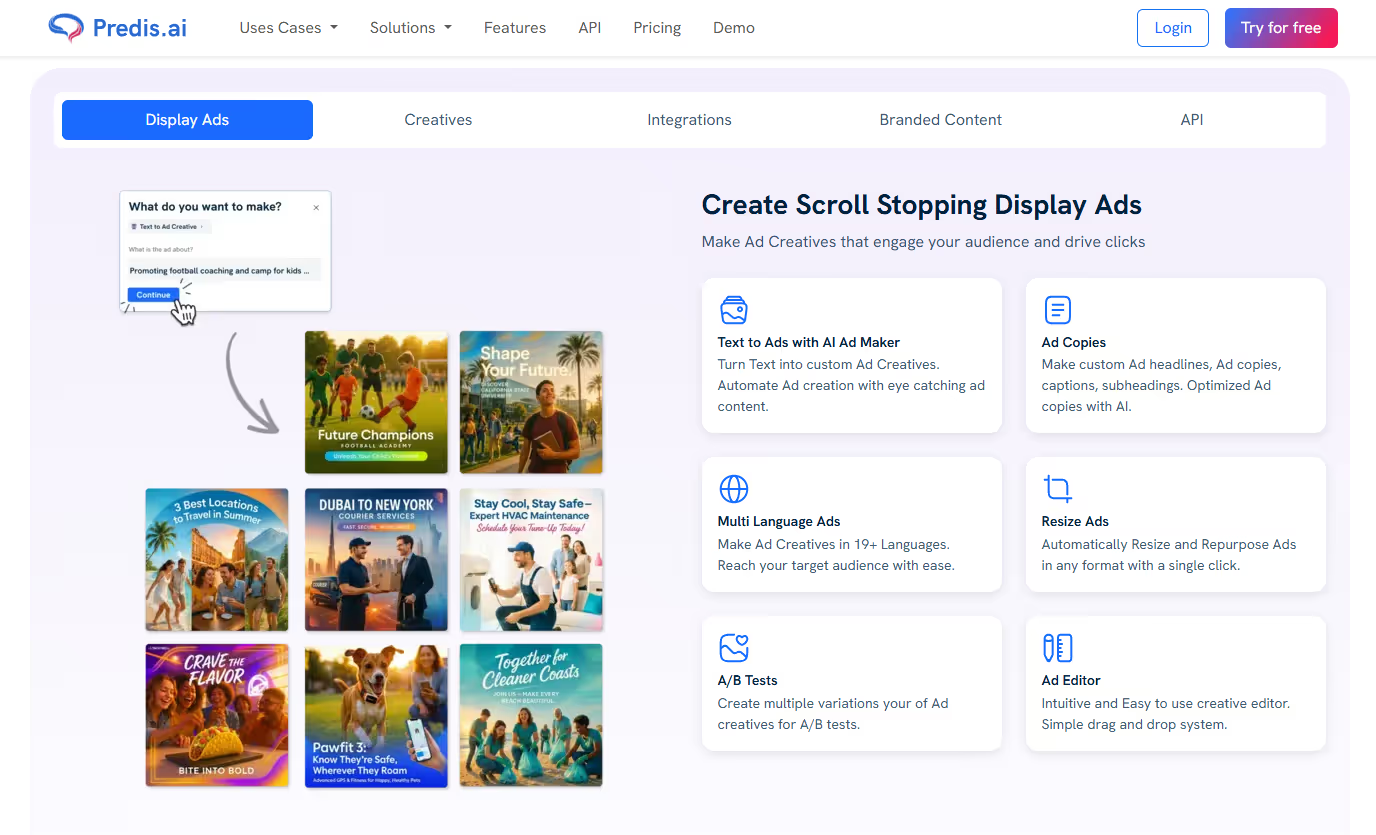
Use it for: Creating and testing ad creatives in bulk.
Why it helps B2B marketers: Speeds up creative testing and personalization.
Pros: Fast, flexible, and built for experimentation.
Cons: Templates can feel repetitive if unedited.
Ideal for: Lean teams managing multiple campaigns.
Pricing: Starts at $19 with a free trial.
4. Supergrow.ai
Supergrow connects your organic content, paid campaigns, and outreach into one steady flow. It repurposes LinkedIn posts into LinkedIn ads, automates engagement, and keeps your brand voice consistent across company and personal pages. This makes it especially useful for account-based marketers who want to make their organic and paid ads work together, so outreach feels more natural.
Use it for: Running connected organic and paid campaigns.
Why it helps B2B marketers: Keeps content, outreach, and ads aligned for ABM impact.
Pros: Smooth automation, consistent brand voice, strong for ABM.
Cons: Limited analytics and not a full ad manager.
Ideal for: B2B teams mixing engagement, retargeting, and outreach.
Pricing: Starts at $19/month with a free trial.
5. Hypotenuse AI
Hypotenuse’s LinkedIn Ad Generator helps marketers write ad copy. It creates multiple ad variations based on your topic, tone, and target audience, helping you find the best-performing message. Since it’s fast and simple, it gives marketers an easy way to test ideas and scale campaigns without sacrificing quality or getting stuck in long, time-consuming writing cycles.
Use it for: Generating high-performing LinkedIn ad copy quickly and efficiently.
Why it helps B2B marketers: Delivers ready-to-run ad variations tailored for your audience.
Pros: Fast, intuitive, easy to refine tone and keywords.
Cons: Limited to copy generation; no design or analytics tools.
Ideal for: Marketers or small teams who want quality LinkedIn ads without manual writing.
Pricing: Starts at $29/month with a free trial.
6. Factors’ LinkedIn AdPilot
AdPilot takes a data first approach to LinkedIn advertising. It builds smarter audiences by using your intent and engagement signals, then keeps them fresh with SmartReach, which updates your LinkedIn audiences automatically as new accounts show interest. You can also control how often each account sees your ads, so your budget doesn’t get stuck on a handful of big companies.
AdPilot also gives you deeper visibility into impact. With view through attribution and Factors’ analytics layer, you can see which campaigns influenced pipeline even when people never click your ads. The result is cleaner targeting, more efficient spend, and a clearer sense of what’s actually working so you can scale with confidence.
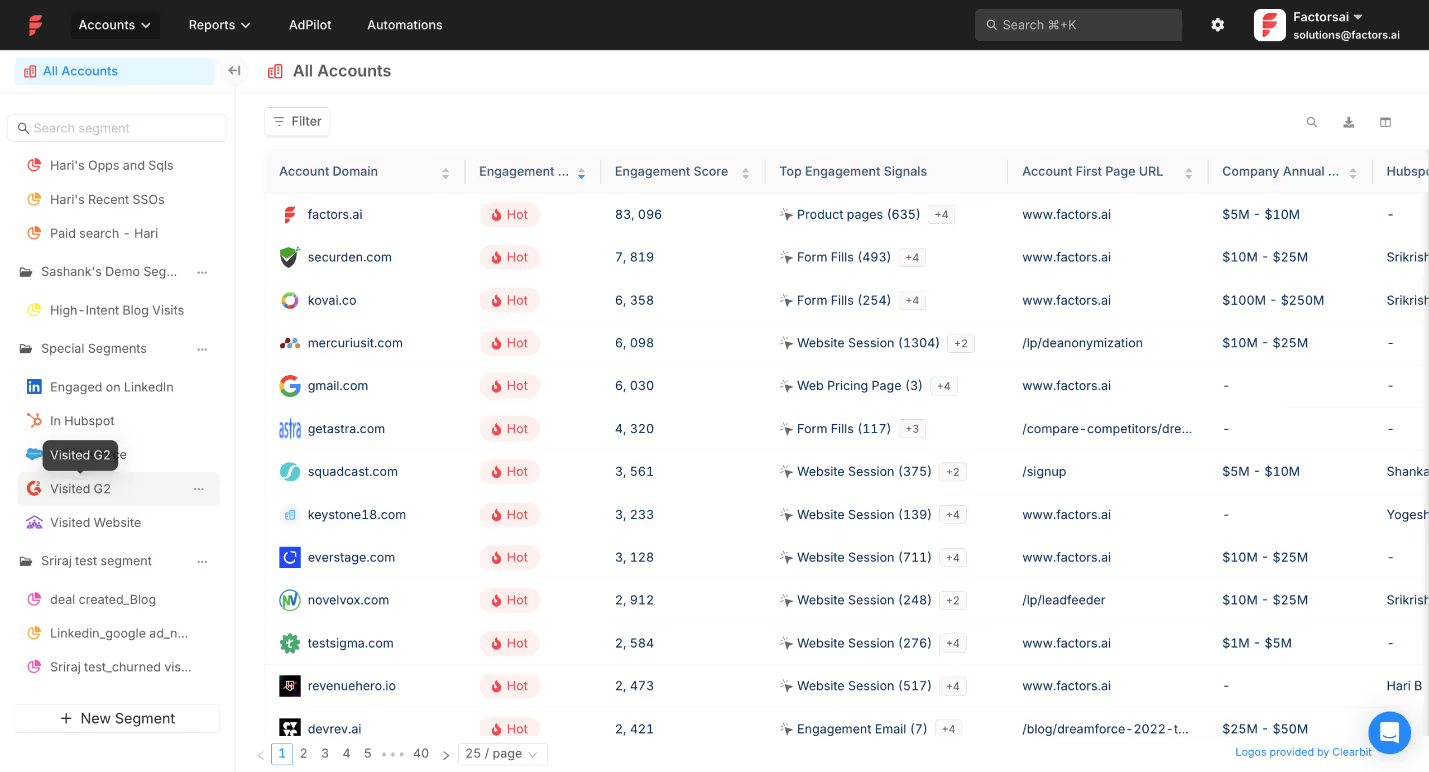
Use it for: Running data-driven campaigns that optimize automatically.
Why it helps B2B marketers: Links ad data with pipeline outcomes for measurable ROI.
Pros: Predictive insights, advanced targeting, automated optimization.
Cons: Needs clean data setup
Ideal for: Demand-gen and growth teams focused on ROI.
Pricing: Custom, based on company size and data volume.
Quick Comparison of Top AI Tools for LinkedIn Ads
How to Integrate LinkedIn AdPilot into Your AI-Driven Workflow
In an AI-driven ad stack, AdPilot’s role is simple. It takes your intent and engagement signals and turns them into smarter targeting, cleaner spend, and clearer measurement on LinkedIn. It does not create ads. It makes the ads you already run reach the right accounts with far better efficiency.
Here’s how to integrate AdPilot into a B2B workflow:
1. Connect your CRM and website data to Factors
Start by enabling the data flow. Once your CRM and website activity sync into Factors, AdPilot can see which accounts are active, engaged, or showing intent.
2. Enable account identification and scoring
Factors maps anonymous visitors to companies and scores them based on engagement levels. This creates the intent signals that AdPilot uses to build and update audiences.
3. Sync qualified accounts into AdPilot
AdPilot pulls Hot, Warm, or newly active accounts directly from these signals and prepares them as ready to use LinkedIn audiences. No manual CSV uploads.
4. Set account level frequency caps and targeting rules
You decide how often each account should see your ads. AdPilot enforces these limits and helps spread your budget across more of your ICP.
5. Push dynamic audiences into LinkedIn
AdPilot syncs these audiences into LinkedIn Campaign Manager so your targeting stays aligned with real time account behavior. As engagement shifts, the audience updates automatically.
6. Feed campaign performance back into your revenue systems
AdPilot passes view throughs, conversions, and influence signals into Factors’ attribution layer, which then syncs into your CRM. This closes the loop so you can see which campaigns moved deals.
Teams using it are already seeing the difference. How? Let’s see these real-life examples:
- Descope:
Descope, a security platform focused on passwordless authentication, had healthy traffic but uneven reach across their target accounts. A few large companies were soaking up most of the budget, which meant a big part of their ICP rarely saw their ads.
How AdPilot helped
With AdPilot, they capped impressions per account, synced high intent accounts into LinkedIn automatically, and spread their spend more evenly across their ICP.
The impact
Once this data loop fed back into their reporting, Descope saw a 25% llift in LinkedIn Ads ROI. Their case study walks through the full setup.
- Hey Digital:
Hey Digital is a performance agency that relies heavily on attribution clarity to optimize client spend. Click tracking alone wasn’t giving them the full picture on LinkedIn.
How AdPilot helped
After adopting AdPilot, they started capturing view through conversions, syncing dynamic audiences, and using those insights to adjust spend and tighten targeting.
The Impact
With cleaner signals and smarter allocation, they saw a 35% boost in LinkedIn performance.Their case study breaks down exactly how they ran it.
Both adopted AdPilot for different reasons, and their results tell a clear story.
💡Want to see how AdPilot works in your own setup? Explore it with a free trial.
Measuring Success: Metrics and Predictive Audiences
When you’re running LinkedIn ads for B2B, clicks and impressions tell you what happened on the surface. But the real story lies in knowing what happened after someone clicked i.e. the lead quality, the conversations that follow, and the deals that actually move forward.
The metrics that help you understand this are:
- Cost per lead (CPL). How much you’re paying for a high quality lead, not just a form fill.
- Lead quality. How many of those leads turn into meetings or pipeline.
- Account engagement. How often target accounts interact with your content or brand.
- Conversions. Demo requests, signups, or other key actions.
- Pipeline velocity. How quickly leads move from first touch to opportunity.
For Example: Let’s say you’re running a LinkedIn campaign targeting HR leaders in mid-sized tech firms. You test two ad versions: one focused on retention benefits, the other on employee engagement. Each lead that interacts with either ad automatically syncs to your CRM (like HubSpot or Salesforce) through a connector like Factors. Inside the CRM, Factors’ attribution layer shows which campaigns and creatives influenced those leads, along with the touchpoints that moved them forward. That makes it easy to compare which version pulled in better qualified leads and how quickly they progressed through the pipeline. AdPilot then uses these signals to refine targeting and shift your spend toward audiences that look more like your top converters..
Best Practices & Pitfalls for Using AI Tools in LinkedIn Ads
AI can make LinkedIn ads faster and smarter, but it still needs a clear plan and a bit of human judgment. Here’s how to get the most out of it and what to watch out for:
Future Trends: What’s Next for LinkedIn AI Tools in B2B
Artificial Intelligence is becoming a core part of LinkedIn advertising, and the next wave is all about smarter targeting and faster creative. Predictive and generative AI will work side by side. Predictive models will read first-party and intent signals to spot high-converting audiences, while generative tools will create personalized ads and videos for those audiences at scale.
LinkedIn is also building more AI directly into Campaign Manager. Expect stronger measurement, clearer attribution, and better visibility into how ads influence pipeline and revenue.
Privacy regulations will keep tightening, which means first-party audience data will be preferred and used more carefully. You’ll see more transparency, stricter compliance, and a bigger focus on data governance across platforms.
For B2B teams, being future-ready means investing in clean data, solid CRM integrations, and workflows that stay compliant while saving time. The next phase of LinkedIn marketing will reward marketers who pair creativity with ethical, data-driven precision.
FAQs
Q: What are AI tools for LinkedIn advertising?
They are platforms that help you plan, create, and optimize LinkedIn ads using data and automation to improve targeting, content creation, and performance.
Q: How do I choose the right LinkedIn AI tools for my B2B campaign?
Choose tools that match your goals, whether it is creative testing, right audience targeting, or pipeline tracking, and make sure they integrate with your CRM or analytics setup.
Q: Can I use LinkedIn’s native AI only (without external tools)?
Yes, you can. LinkedIn’s built-in AI assistance supports forecasting, targeting, and optimization for LinkedIn ads, though external tools offer deeper insights and flexibility.
Q: How much budget should I allocate when using these tools?
Start with a small test budget that allows you to experiment with multiple creatives or audiences. Then scale based on what brings warm leads or revenue, not just engagement.
Q: Are there risks when using AI for LinkedIn ads?
The main risks are relying too heavily on automation and overlooking privacy compliance. Always review your linkedin messaging manually and stay updated with LinkedIn’s advertising policies.
Q: How does LinkedIn AdPilot differ from other LinkedIn AI tools?
AdPilot connects your LinkedIn ad performance directly to your CRM and revenue data, helping you see which campaigns drive real business results.