
Good Reads
Fix pipeline pains. Solve GTM puzzles. Read strategic brain dump.
Written for marketers who want real solutions to a leaking pipeline (and their dark circles).
Want to read more from us?


I’m looking for…
Factors.ai vs. Dreamdata: Pricing, Features & Reviews
Compare Factors and Dreamdata for pricing, features, and reviews. Make an informed decision for your business analytics needs with this comparison.

Factors.ai vs. Dreamdata: Pricing, features & reviews
Marketing analytics. Revenue attribution. Customer Journey mapping. Three invaluable use-cases, two all-encompassing alternatives, and one right choice for B2B marketers.
The following blog comments on two powerful off-the-shelf B2B attribution and analytics platforms, Factors and Dreamdata, to determine why the former may be a better fit. We elaborate on key benefits and exclusives that Factors provide, which ultimately lends itself to being the preferred B2B marketing attribution and analytics solution.

Dreamdata Vs. Factors.ai: Common features and use-cases
When it comes down to it, both Factors and Dreamdata are proficient B2B attribution and marketing analytics tools. Before we pick apart some differences, let’s highlight some similarities between the two solutions:
Multi-touch Attribution
For a marketer, multi-touch attribution forms the bridge between prospects’ marketing touchpoints and deal won revenue. The purpose of marketing attribution is to help teams optimize their resource allocation and eliminate poor marketing spend. But for an attribution solution to be truly effective, it ought to be functional, adaptable and intuitive. Both Factors and Dreamdata are equipped with powerful multi-touch attribution modeling that’s capable of assigning value to touchpoint data across the funnel based on revenue impact.


Marketing analytics
Factors and Dreamdata are versatile solutions built upon strong analytical foundations. Both B2B marketing solutions make use of performance analytics and real time event reporting to fulfill your business's tracking and analytical requirements . This would include tracking and reporting essential site metrics, paid campaigns, organic metrics and more.


Customer success
Customer success management is a crucial component of onboarding, troubleshooting, and deriving the most value from a tool. Both Factors and Dreamdata have both received high praise for their customer service in the onboarding processes and dedicated support for a pleasant experience. What must be noted is that unlike Dreamdata, Factors.ai provides dedicated support across all its plans — not only high tier ones.


Dreamdata vs Factors.ai: Pricing & Plans
Let's get down to brass tacks. First, we discuss the difference in pricing between Factors and Dreamdata. Your martech investment decision should revolve around one thing: ROI. Ideally, you’re looking for a cost-effective solution that doesn’t compromise on its service value.
Here are 4 reasons why Factors is the most cost-effective Dreamdata alternative:
- Economical plans with Factors: As of today, Dreamdata’s paid plans start at $999/month. This is more expensive than even Factors’s higher tier growth plans ($799/month). Accordingly, Factors is generally better-suited to SME start-ups looking for a wider range of features.
- User seat limitation: Dreamdata has restricted user seats per tier. Starting with 5 seats, all the way up to 10 for their highest tier business plan. Factors have no user seat limitation for all tiers.
- Limited stage models: Dreamdata offers limited user stage models, which is a filter that allows users to segment their customers or leads. Alternatively, Factors can create endless custom user stage models.
- Dedicated support: Dreamdata’s dedicated support and onboarding is only available in their highest business tier plan. Factors.ai has no such restrictions. It offers the following benefits across all pricing plans and tiers:
- End-to-end onboarding support
- Dedicated customer success manager
- Connected slack channel
In conclusion, we believe that Factors’ pricing plans are more cost-effective and accessible to that of Dreamdata’s. Despite this, Dreamdata does offer basic website analytics for free. While we don’t do this, we do offer a free 14-day trial of our entire platform.
{{INLINE_BOFU}}
Why B2B Marketers Love Factors.ai
This section highlights a catalog of features that cannot be found using Dreamdata and are exclusive to Factors’ users:
#1. AI-powered “Explain”
Explain is a one of it's kind AI tool that empowers marketers with automated insights into what's helping and hurting conversions. And the best part? The conversion goal is 100% flexible: demos, MQLs, newsletter downloads, web sessions, or any other touchpoint you're interested in optimizing.
Factors will then run thousands of funnel queries and rank the insights using artificial intelligence before neatly presenting them to you. These insights will be separated into columns that show positive (above average conversion rate) and negative (below average conversion rate) ratings. Each column lists different combinations of conversion paths that can be further broken down into sub insights that show even more conversion paths.

#2. Account Intelligence
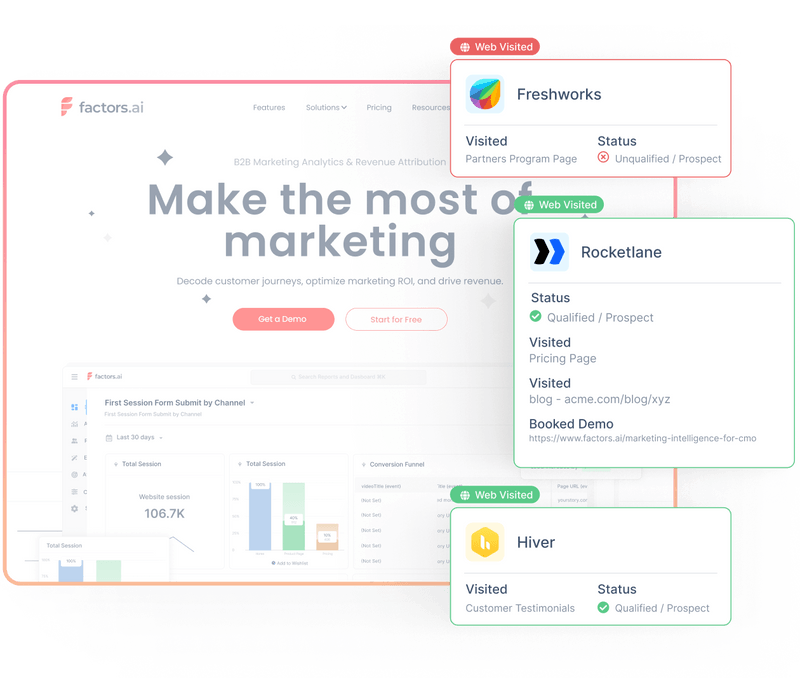
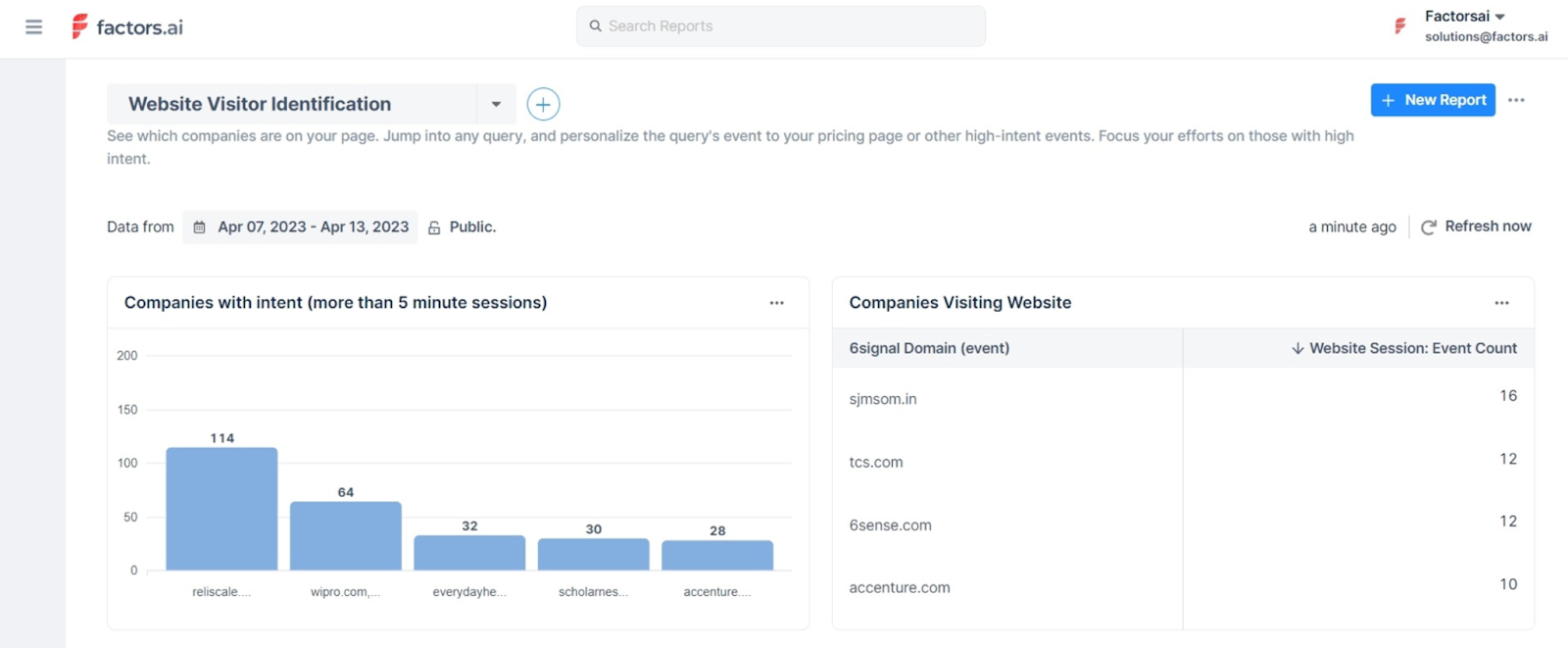
Factors partners with industry-leading data partners to provide IP-based account deanonymization. In short, this means that users can discover high-intent companies engaging with the website, product reviews, or ads — but are yet to convert. This in turn empowers efficient marketing and intent-based sales outreach.
#3. Slack and Email alerts
This nifty feature allows users to configure automated alerts that keep users up to date with their KPIs’ progress or regression over a predefined interval. Users can pick from several default KPI or use their custom built ones and apply filters for specific insights. Once this is done, users can configure a criteria for triggering the alert which can be for example, an increase or decrease by 10%. Factors will then send alerts to your slack and/or email once every interval that you select, with the last interval period serving as the comparison for your new insights.
.png)
#4. Path analysis
The path analysis feature in Factors presents a complete overview of the entire event journey and the number of prospects in the form of something akin to a tree data structure. This feature breaks down specified events into a number of steps, both of which are configurable, and will display the number of prospects within each unique event path.
.png)
#5. Auto button click tracking
Another feature exclusive to Factors in this comparison is the automatic button click tracking. As the name implies, this feature and as complicated as it is code-wise, requires no developer dependency to set up. And can ironically start tracking button clicks with the click of a button. It also displays the total number of clicks right next to each button click.
And this concludes our comparison. If you want to substantiate these claims and are interested in learning more about Factors.ai. Feel free to schedule a personalized demo.
When comparing Factors.ai and Dreamdata, Factors.ai stands out as the more cost-effective and flexible solution.
1. Pricing: Factors.ai starts at just $399/month, significantly more affordable than Dreamdata's $999/month starting price.
2. User Seats: Unlike Dreamdata, which limits user seats per tier, Factors.ai offers unlimited user seats across all plans.
3. Customization: Factors.ai allows for customizable user stage models, whereas Dreamdata has more limited segmentation options.
4. Support: Factors.ai provides dedicated support and onboarding for all pricing tiers, while Dreamdata reserves these services for its highest-tier plan.
Both platforms offer multi-touch attribution and marketing analytics, but Factors.ai’s flexible features and affordable pricing make it a preferred choice for B2B marketers looking for comprehensive, scalable analytics solutions.
.avif)
Factors.ai vs Albacross: Which alternative is best for B2B teams?
See how Factors.ai compares to Albacross on features, Albacross pricing, integrations, security, and support. Find the best Albacross alternative for B2B teams.
.avif)
If you’re here, you’re past the ‘what is visitor ID?’ phase. Now, the real question is what happens after an account shows up, do you just wave, or do you score it, alert the right rep, sync the right audience, and prove it moved pipeline?
Two names on your shortlist: Factors and Albacross. Both can spot who’s at the door. This guide is about what follows: who you let in, who you call, and how you show it was all worth it.
Written for CMOs, RevOps, and demand leaders, this is a clean, side-by-side read that mirrors how buying actually happens. We’ll cover parameters like: what each platform can identify, prioritize, activate, measure, and support, and what that means for total cost and speed to value.
| Feature | Factors | Albacross |
|---|---|---|
| Website Visitor Identification | Identifies upto 75% accounts through sequential enrichment, powered by 6sense, Clearbit, Demandbase and Snitcher | Native IP-based |
| Intent Signal Sources | Website, CRM, Product, G2, Ads | Website visits; Bombora (optional) |
| Customer Journey Timeline | ✅ Full buyer journey view across channels | ❌ |
| Account Scoring | Custom scoring; predictive scoring (upcoming) | Basic grouping |
| Feature-level Interest Mapping | ✅ 'Interest Groups' to track feature-specific behavior | ❌ |
| AI Automation | 10+ GTM AI Agents included out-of-the-box | Clay-based AI agents |
| Buying Committee Mapping | ✅ Account Map Agent identifies and groups stakeholders | ❌ |
| Outreach Readiness | Outreach-ready segments auto-synced to Smartlead, SalesRobot, HeyReach | Personalized LinkedIn/email outreach via Clay |
| GTM Orchestration | Multi-touch, cross-functional orchestration from awareness to conversion | Limited |
| Account 360 | ✅ Unified view of every sales & marketing touchpoint | ❌ |
| AI Alerts | ✅ Real-time, high-context alerts (form drop-offs, post-demo activity, reactivation) | ❌ |
| Slack/MS Teams Alerts | ✅ Instant notifications for high-intent actions | ❌ |
| Multi-threading & Buying Group ID | ✅ Detects & engages multiple stakeholders per account | ❌ |
This section looks at what the tools actually do once a visitor is identified. We’ll examine signal coverage, scoring logic, buying-group visibility, automation, and how well each product turns raw activity into clear next steps for sales and marketing.
Factors.ai
Factors.ai goes beyond basic IP-based visitor identification. It acts as a signal-based GTM engine that doesn’t just tell you who’s knocking on your door, but equips you to decide what to do next, at what time, and through which channel, automatically.
Here’s how:
1. Multi-source Account Identification
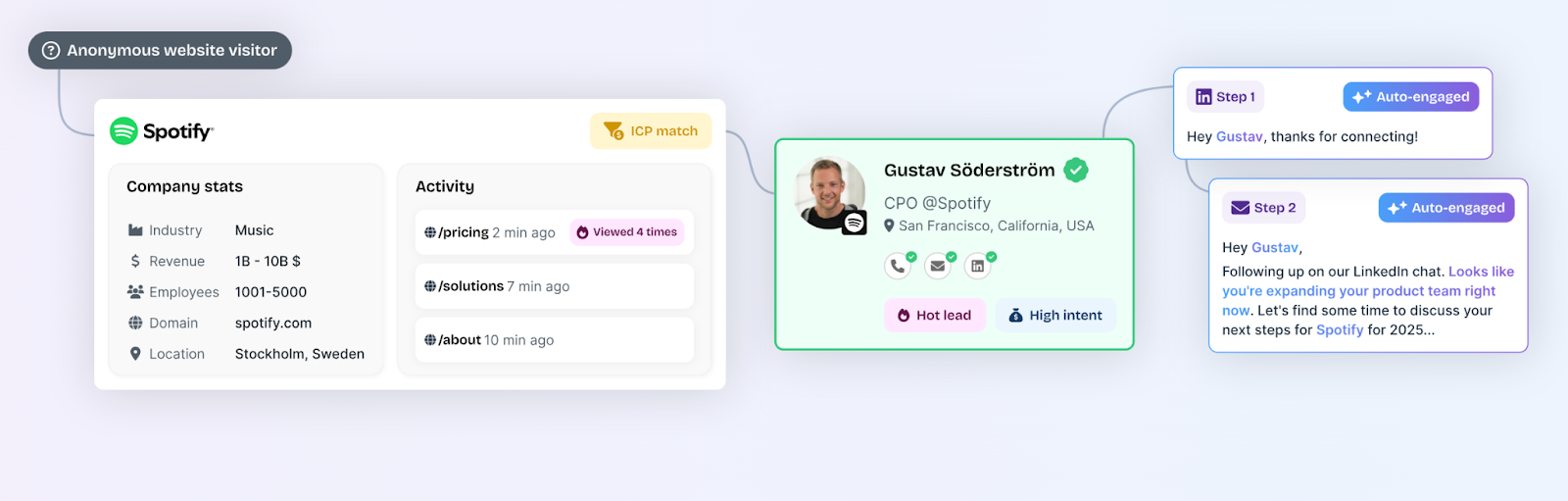
Instead of relying on a single data source, Factors uses a sequential enrichment model that combines Clearbit, Snitcher, Demandbase, and 6sense to match anonymous web traffic to known accounts. This increases match rates up to 75%, compared to the 8–10% typically covered by person-level tools.
2. Signal Collection Across All Buyer Touchpoints
While Albacross relies primarily on website visits and optional Bombora integrations, Factors captures a much broader range of intent signals:
- 1st party: Website sessions, CRM interactions, product usage
- 2nd party: LinkedIn ad views, Google ad clicks, G2 page visits
- 3rd party: Uploaded lists, job changes, funding signals
This helps teams avoid acting on isolated behavior and instead respond to real buyer momentum.
3. Intent-based Segmentation and Scoring
Factors enables:
- Custom scoring models: Align scoring logic with your ICP, buying stages, or fit/intent models
- Predictive scoring: Estimate conversion likelihood based on behavioral history
- Account & Contact Scoring: Prioritize outreach with scores based on ICP fit, funnel stage, and intent intensity
- Interest groups: See which features or products each account is most interested in, and route accordingly
This isn’t a static lead list. It’s a live pipeline of ranked opportunities with real business context.
4. Full Customer Journey Timeline
Every known (or inferred) touchpoint, from ad impression to product sign-up, is plotted in a customer journey view. SDRs and AEs no longer piece together fragmented behaviors. They see the narrative clearly and can tailor outreach without guesswork.
Beyond individual journeys, Factors offers Account 360, a unified, sortable view of every sales and marketing touchpoint for an account. From ads and content engagement to CRM and sales outreach, GTM teams can align on a single source of truth, ensuring no high-intent account slips through the cracks.
5. Embedded AI Agents for Scale
Factors comes with prebuilt GTM agents:
- Website Visitor Identification Agent
- Contact Relevance Agent
- Account Tiering & Contact Tiering Agents
- Account Map Agent (buying group detection)
- Meeting Assist Agent (post-meeting tracking)
- Closed Lost Account Alert Agent
- AI Alerts: Real-time, high-context alerts for form drop-offs, closed-lost reactivation, or post-demo activity
- AI-Driven Contact Insights: Surface the right contacts in every account and generate personalized outreach insights
- Multi-threading & Buying Group Identification: Engage multiple decision-makers to reduce deal risk
- Slack/MS Teams Alerts: Instant notifications for key intent actions like demo page visits or pricing page revisits
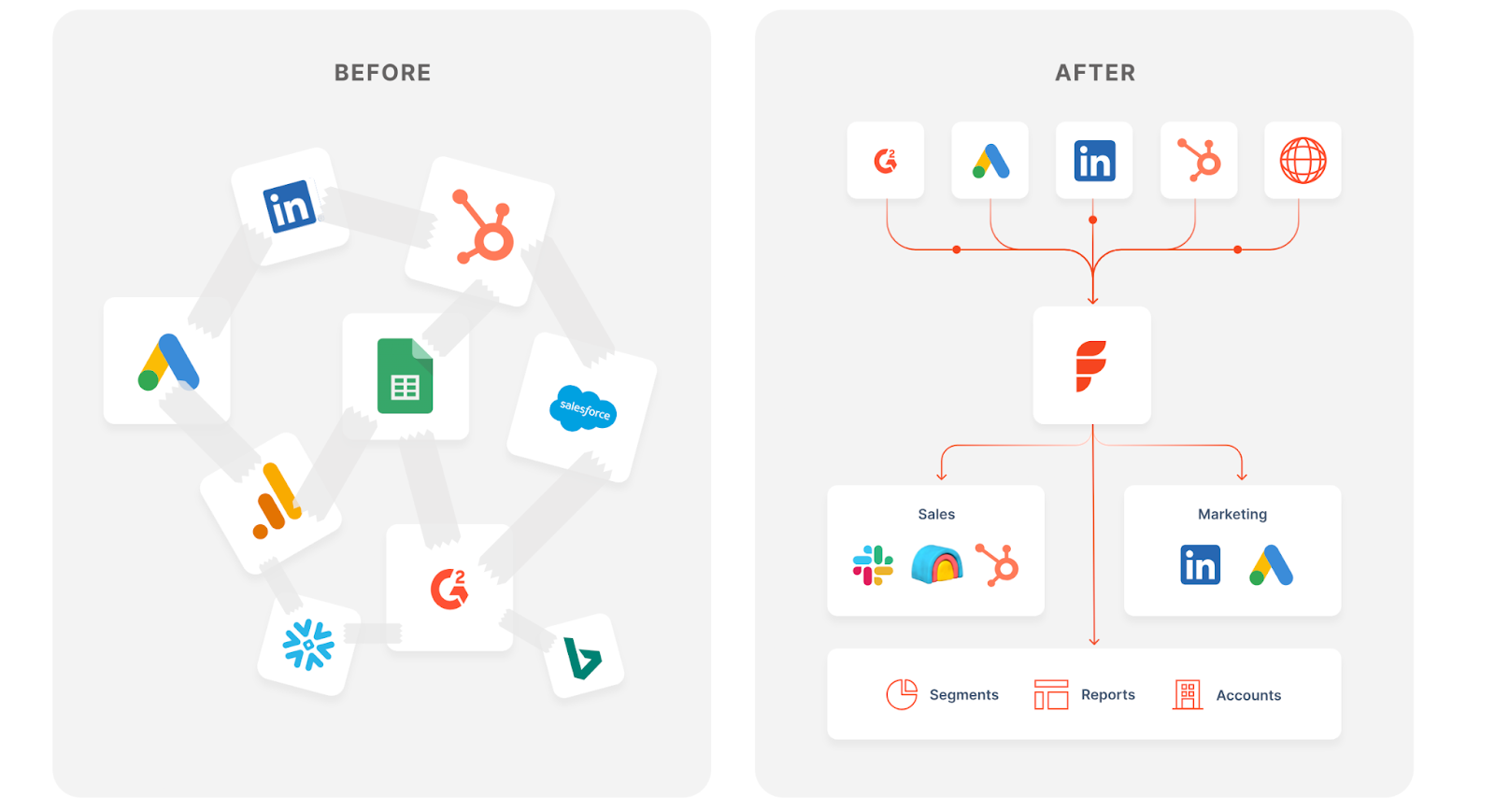
What happens after the meeting is just as important as getting one. Factors’ AI agents make sure reps know exactly when and why to follow up, without any guesswork and missed timing.
Albacross
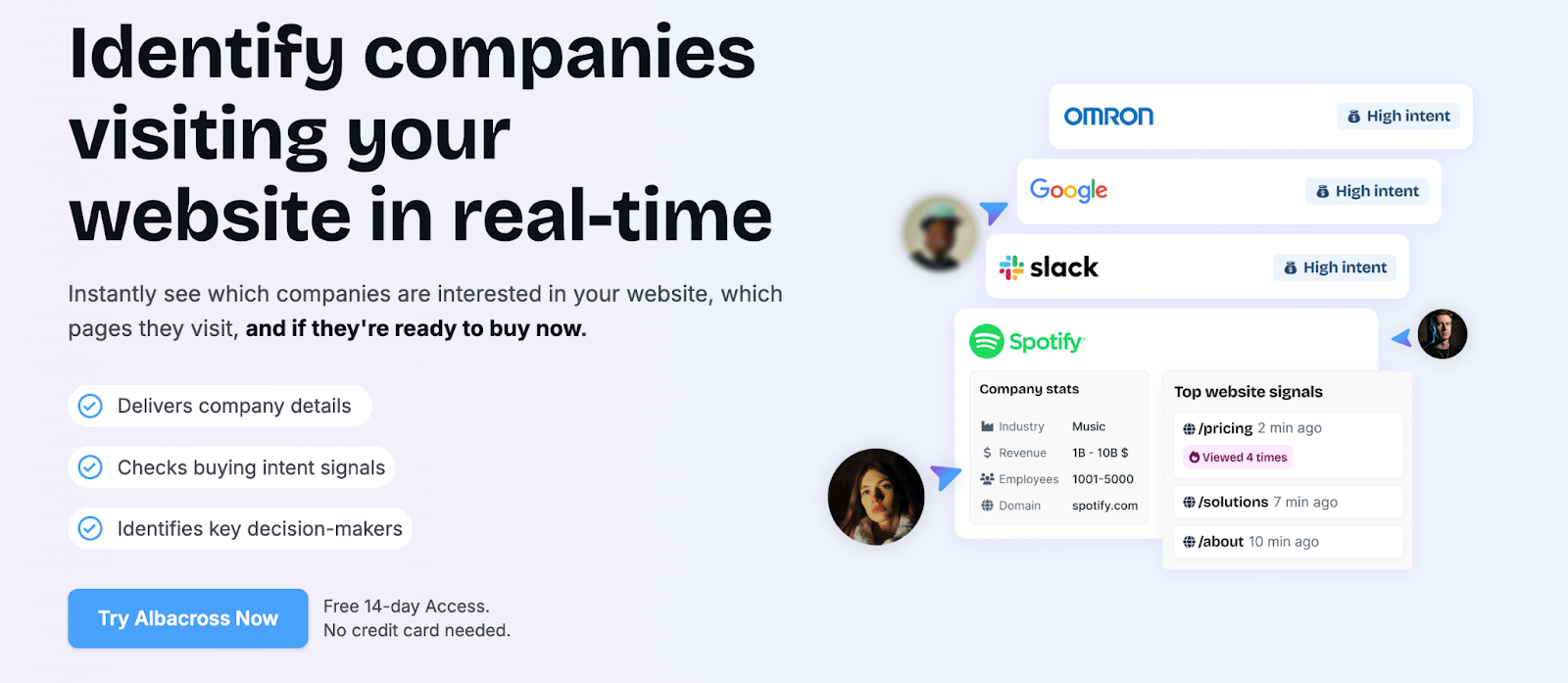
Albacross is a strong starter tool for teams primarily focused on top-of-funnel lead generation. It offers:
- Native website visitor identification
- Personalized outreach triggers for LinkedIn and email
- AI agents via Clay integrations for enrichment and messaging
Here’s what’s missing:
- Product-level behavioral segmentation
- Predictive or custom account scoring
- Contact tiering and intent-based routing
- Deeper GTM workflows to influence mid-to-bottom funnel
It’s well-suited for capturing interest but requires additional tools and manual effort to operationalize that interest.
Factors and Albacross: Pricing
| Pricing point | Factors | Albacross |
|---|---|---|
| Billing model | Plan + usage (companies identified/month) and seats; Free + paid tiers | Per-user/month; annual or monthly; annual shows “Save 20%” |
| Entry price | Not listed publicly on page; 14-day trial for paid tiers; Free plan available (200 companies/mo) | €79/user/month (annual) Starter |
| - | Growth is the most popular; includes CSM and white-glove onboarding | €127/user/month Professional |
| Top tier | Enterprise with advanced analytics, Milestones, AdPilot, custom integrations | €159/user/month Organization |
| Included credits/allowances | Monthly companies identified allowance (3k Basic / 8k Growth / custom Enterprise) and seat caps (5/10/25) | Email/phone/export credits per seat/year; “unlimited visitors identified” callout |
| Trial | 14-day trial for paid plans; Free plan with limited usage | Free trial on Starter/Professional (CTA on page) |
| Service layer | CSM + white-glove onboarding at Growth/Enterprise; defined review cadence | Dedicated CSM at Organization tier |
| Done-for-you option | GTM Engineering Services: $4,000 setup + $300/mo (optional) | - |
Here we focus on what you’ll pay and what you’ll get. We’ll unpack license structure, usage allowances, service levels, trials, and the likely add-ons teams end up buying, so you can judge total cost of ownership with eyes open.
Factors
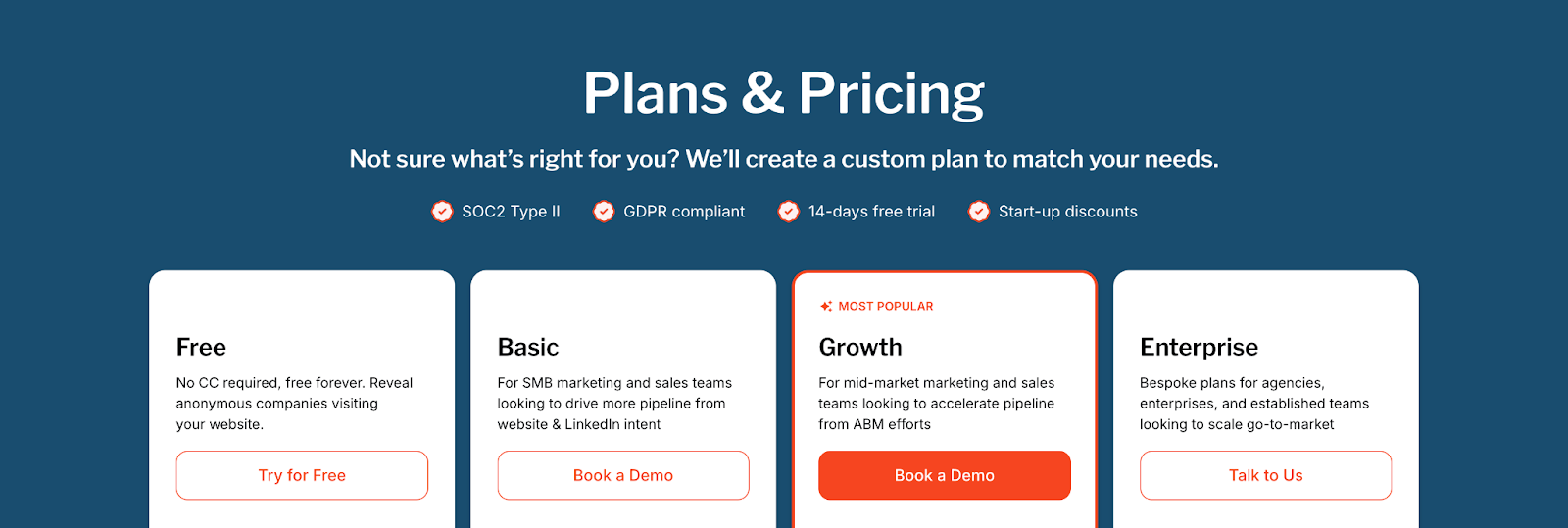
- Free
- 200 companies identified/month
- Up to 3 seats
- Starter dashboards, up to 5 segments, 20 custom reports, 1 real-time Slack/Teams alert, 1-month data retention
- Basic
- 3,000 companies identified/month
- Up to 5 seats
- Adds segmentation scale, LinkedIn intent signals, CSV import/export, advanced dashboards & web analytics, GTM workflows, helpdesk/email support
- Growth (most popular)
- 8,000 companies identified/month
- Up to 10 seats
- Adds ABM analytics, account scoring, LinkedIn attribution, G2 intent & attribution, Interest Groups, workflow automation/data sync, Dedicated CSM and up to 10 active alerts
- Growth/Enterprise tiers include white-glove onboarding and CSM cadence per the customer support grid.
- Enterprise
- Custom companies identified/month
- Up to 25 seats baseline (higher on request)
- Adds Predictive Account Scoring, AdPilot, Journey Milestones, 3rd-party intent uploads, white-glove onboarding, up to 300 custom reports, and broader integrations
- Trial & discounts: Paid plans include a 14-day trial; start-up discounts are advertised on the pricing page (screenshot). The April deck also references a 14-day trial.
What you actually pay for (and what it replaces)
Factors, platform value baked into the license
- Multi-source account identification & enrichment (sequential enrichment) vs. buying separate IP/firmographic tools.
- Attribution, ABM analytics, LinkedIn & Google audience sync, Slack/MS Teams alerts included in higher tiers, reduces the need for extra reporting, CDP list sync, and alerting tools.
- Service layer: Growth and Enterprise include white-glove onboarding and a dedicated CSM with defined review cadence, which materially lowers internal RevOps lift.
Optional GTM Engineering Services (Factors)
For teams that want done-for-you orchestration, Factors also offers GTM engineering services. And the scope covers stack audit, workflow design, enrichment, routing, alerts, CRM updates, and precision retargeting.
Albacross
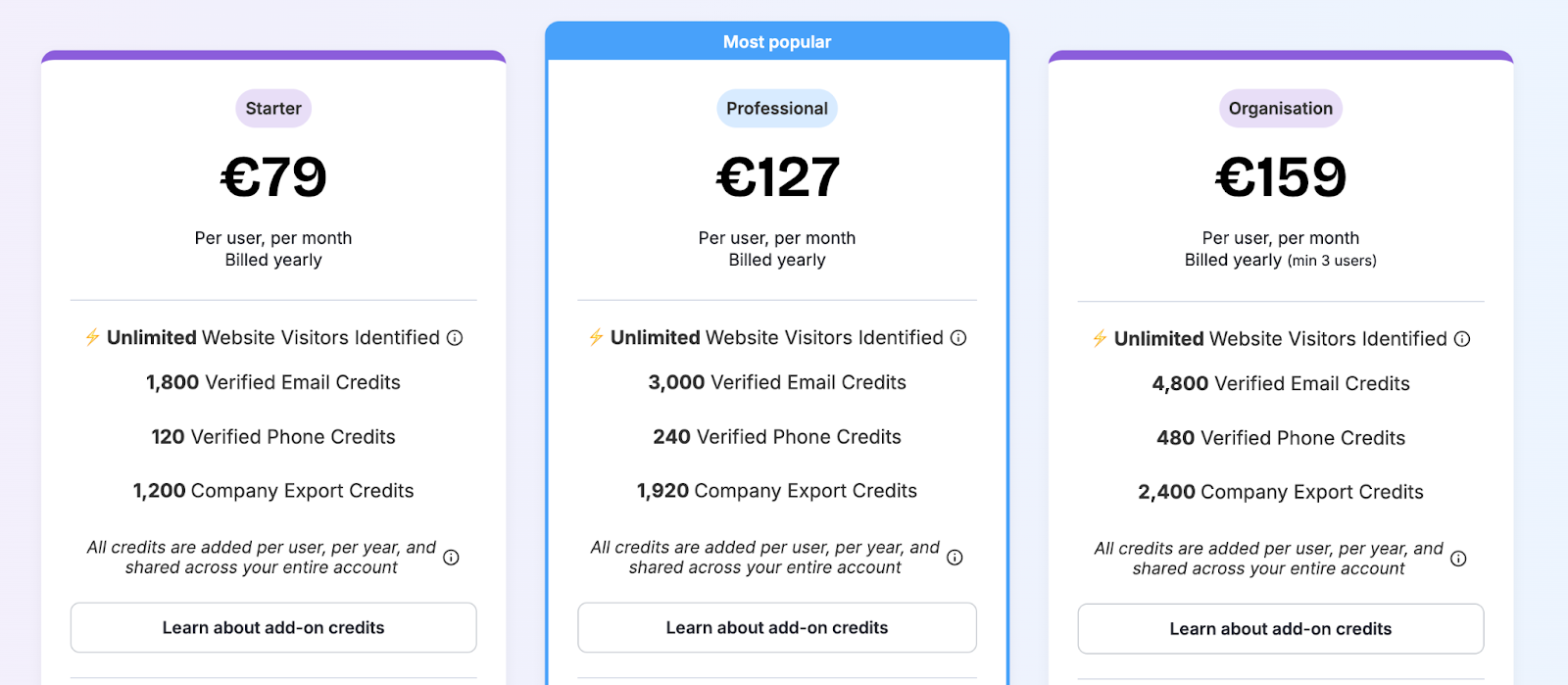
- Starter
- €79/user/month (billed yearly)
- Unlimited website visitors identified
- Credits per seat/year: 1,800 verified email, 120 verified phone, 1,200 company export
- Self-serve setup with a Start Free Trial CTA
- Professional
- €127/user/month (billed yearly)
- Unlimited website visitors identified
- Credits per seat/year: 3,000 verified email, 240 verified phone, 1,920 company export
- Start Free Trial CTA
- Organization
- €159/user/month (billed yearly)
- Unlimited website visitors identified
- Credits per seat/year: 4,800 verified email, 480 verified phone, 2,400 company export
- Book a Demo CTA
Factors and Albacross: Compliance and Security
| Item | Factors | Albacross |
|---|---|---|
| GDPR / CCPA | ✅ | ✅ |
| SOC 2 Type II | ✅ | Not publicly listed |
| ISO 27001 | ✅ | Not publicly listed |
| DPA & privacy docs | ✅ | ✅ |
| Enrichment governance | Waterfall model with push/pull rules into CRM/ads | Basic controls |
| Fit | Mid-market & enterprise, security-driven teams | SMBs and lean teams |
This chapter reviews certifications, privacy controls, data processing terms, enrichment governance, and audit readiness, everything your security and legal teams will ask during procurement.
Factors
1. Industry Certifications
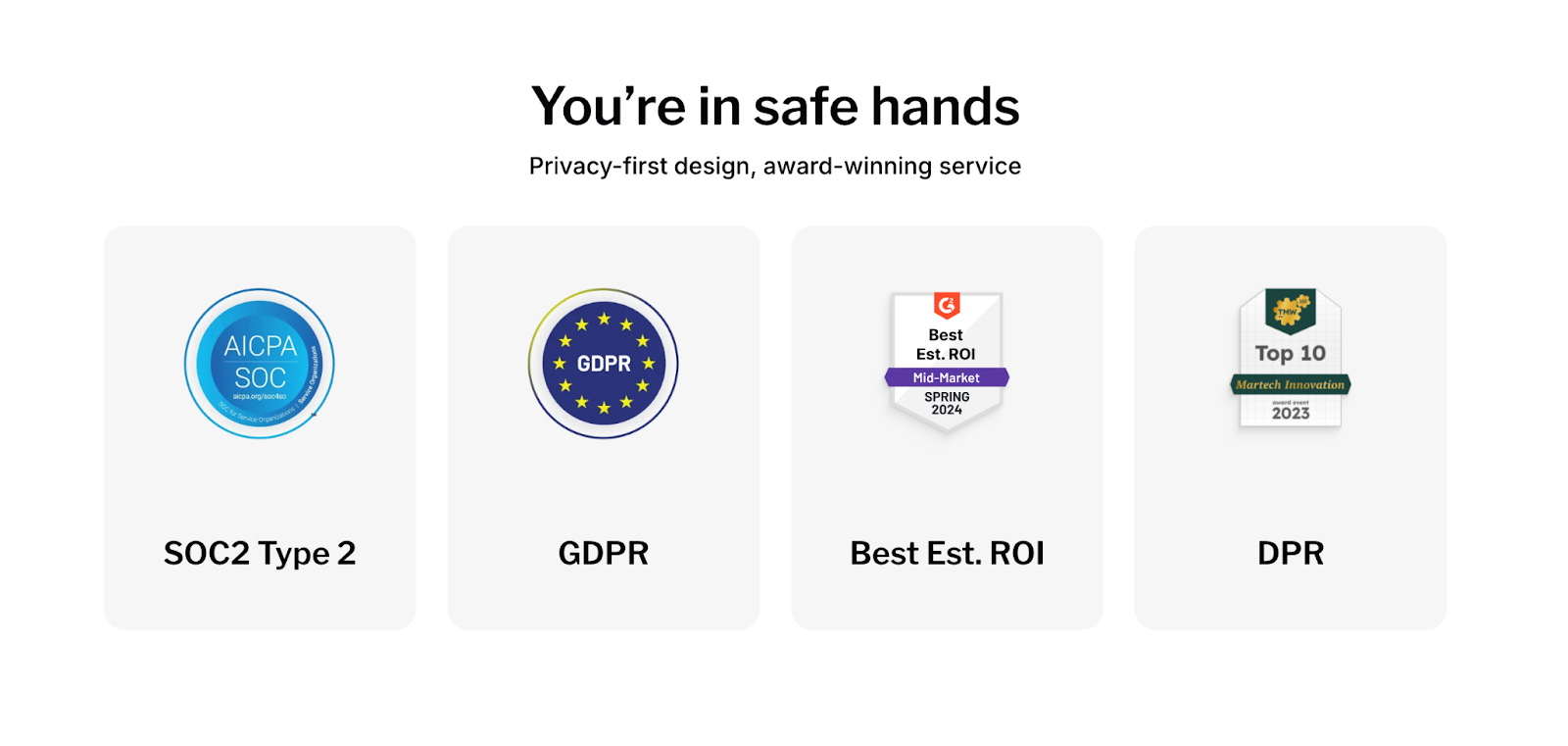
- SOC 2 Type II
- ISO 27001
- GDPR Compliant
- CCPA Compliant
These standards cover everything from internal data governance to how customer data is processed and encrypted across systems. SOC 2 and ISO 27001, in particular, are gold standards for mid-market and enterprise vendors.
2. Data Processing & Legal Infrastructure
Factors offers dedicated, transparent documentation:
- Privacy Policy
- Data Processing Agreement
- Terms & Conditions
It also maintains detailed records of how contact enrichment, cross-channel tracking, and outbound campaigns stay compliant with evolving privacy laws, including when syncing contact data from providers like Clay, Apollo, or Smartlead.
3. Waterfall Enrichment Model with Governance
Unlike tools that enrich data directly or solely via third-party APIs, Factors uses a governed, sequential enrichment model that blends signals from multiple sources while maintaining control of how, when, and what gets pushed into your CRM or ad systems.
Albacross
Albacross is GDPR and CCPA compliant, which allows it to operate across both EU and U.S. markets with the basic requirements for tracking, cookie management, and personal data handling.
However, what’s less clear:
- No mention of SOC 2 Type II or ISO 27001 certifications
- Limited visibility into infrastructure security, audit logging, or encryption practices
- No publicly available details on independent security audits or attestations
This level of compliance is sufficient for smaller organizations or teams in less-regulated industries. But for security-conscious enterprises or procurement departments, the lack of deeper certifications and transparency may raise a few concerns during vendor evaluation.
Factors vs Albacross: Onboarding and Support
| Item | Factors | Albacross |
|---|---|---|
| Onboarding style | White-glove on Growth+ | Self-serve by default |
| Dedicated CSM | Growth+ | Organization tier |
| Shared Slack/Teams channel | ✅ | |
| Cadence | Weekly/bi-weekly on higher tiers | As needed |
| Done-for-you GTM services | Optional setup + managed service | |
| Best fit | Teams wanting co-ownership and faster time-to-value | Small teams testing ID |
Great software still needs a smooth rollout. We’ll compare implementation effort, success coverage, support channels, cadence of check-ins, and optional services that shorten time to value and reduce RevOps lift.
Factors
Factors approaches implementation as more than just software setup; it’s treated like a joint GTM initiative. From onboarding to weekly optimizations, the platform supports teams across adoption with:
- White-glove onboarding (included in Growth and higher plans)
- Stack audit: Reviewing your CRM, MAP, ad tools, and data sources
- GTM design: Aligning workflows with your ICP, SDR motion, and sales plays
- Agent configuration: Deploying AI agents for enrichment, alerts, and research
- Campaign setup: Syncing audiences, ad workflows, and lead routing rules
Unlike some competitors, this is not restricted only to top-tier enterprise plans, but it does start from the Growth plan and above.
- Dedicated CSM + Slack channel (Growth and higher plans)
- A dedicated customer success manager
- Shared Slack channel for quick coordination
- Weekly or bi-weekly review meetings, depending on tier
- Progress trackers for agent rollouts, campaign launches, and milestones
For base-plan customers, onboarding and support are more lightweight (documentation + help desk). But once on Growth or higher tiers, teams get true co-ownership with structured onboarding and hands-on success management.
3. GTM Engineering Services (Optional)
Factors becomes an extension of your team, owning everything from enrichment flows to Slack alerts, retargeting logic, CRM updates, and reporting. The GTM services team also sets up workflows for post-meeting engagement tracking, ensuring your reps are alerted when an account re-engages after a demo, and closed-lost revival triggers, so you can re-enter the conversation when the timing is right. You get a ready-to-run GTM engine without adding headcount.
Albacross
Albacross’s onboarding is largely self-serve, with help desk support and documentation. A dedicated CSM is only available on the top-tier “Organization” plan.
This works fine for small teams testing the waters, but it doesn’t offer structured setup for things like:
- CRM syncing logic
- Lead scoring models
- Intent signal routing
- Outreach workflows
Alerts are available through Slack and Microsoft Teams integrations, but customization is limited compared to competitors like Factors (e.g., tailored workflows, layered intent triggers, or advanced routing). Their Clay-powered AI agents also require manual configuration, and customer support tends to be more reactive than strategic.
For growing or complex teams, the lack of co-ownership often results in underutilized features or time-consuming integrations.
Factors and Albacross: Analytics and Attribution
| Capability | Factors | Albacross |
|---|---|---|
| Multi-touch attribution (ads → revenue) | ✅ | |
| Funnel coverage (awareness → closed-won) | Full funnel | Top-funnel |
| Ad performance & ad-view credit | Deep LinkedIn/ Google analytics | Limited |
| Segment/geo ROI | ✅ | Limited |
| Drop-off & stage analytics | Milestones | |
| G2 intent in attribution | Integrated with alerts & attribution | Basic integration |
| CRM revenue sync | Native push-pull with attribution views | Limited |
Budget decisions need proof, not guesses. This chapter evaluates how each product connects channels and content to pipeline and revenue, the depth of funnel reporting, and the quality of insights teams can act on.
Factors
Factors brings full-funnel visibility under one roof. No stitching together dashboards from five different tools. No guessing which LinkedIn ad touched that $90k deal.
Here’s what you get:
1. Multi-touch Attribution
- Attribute pipeline and revenue back to ads (LinkedIn, Google, Meta), emails, organic content, G2, and website behavior
- Track hand-raisers and non-converting visitors, side-by-side
- Break down attribution by channel, campaign, segment, geography, or buying stage
2. Full-Funnel Visibility
From first touch → demo → signup → closed-won:
- See which accounts moved, where they stalled, and what reignited interest
- Measure deal velocity, win rates, and influence at every stage
- Identify drop-off points across awareness, engagement, and conversion
3. Campaign Intelligence
- Analyze campaign performance across LinkedIn, Google, and Bing Ads
- Feed conversion data back into ad platforms to optimize audience performance
- Identify paid search keywords that result in pipeline, not just clicks
- Map how specific LinkedIn ads influenced deals, using ad-view + conversion attribution
4. Channel ROI Reporting
- Know exactly how each segment or region performs
- Spot low-converting traffic sources and optimize them
- Map attribution across SDRs, content, and events
5. Milestones
Milestones let you analyze progression from one funnel stage to the next (e.g., MQL → SQL). You can see which actions and content drive movement, where drop-offs happen, and validate new GTM experiments. It’s a powerful way to prioritize winning plays and tailor messaging to each stage.
Combined with Account 360 and Customer Journey Timelines, Milestones give teams the clearest view yet of what’s working across the funnel.
This is real-time, deal-level intelligence, not top-line vanity metrics.
Albacross
Albacross does offer solid reporting for:
- Website traffic and account-level activity
- Outreach performance (email, LinkedIn)
- G2 Buyer Intent integrations
- Lead grouping and segmentation
But the platform does not offer:
- Full-funnel tracking from first touch to closed deal
- Multi-channel attribution to understand marketing’s true influence
- Integration depth to connect CRM revenue data with ad performance
- Native reporting around paid campaign ROI or organic content influence
It’s a good start for teams that want top-of-funnel visibility, but it doesn’t cover the analytics needed to optimize pipeline conversion or attribute budget impact.
{{INLINE_BOFU}}
Factors and Albacross: Ad Activation and Retargeting
| Capability | Factors | Albacross |
|---|---|---|
| LinkedIn audience sync | ✅ (buyer-stage & multi-signal) | ✅ |
| Google Ads sync / CAPI | ✅ | ❌ |
| Retarget high-intent search on LinkedIn | ✅ | NA |
| Account-level impression pacing | ✅ | NA |
| Conversion feedback into ad platforms | ✅ | NA |
| Multi-signal audience rules | Website, ads, CRM, product, G2, geo/persona | Website-centric |
| Ad-to-pipeline attribution | Deal-level attribution | Basic |
Running ABM ads without tight targeting is like shouting into the void. And retargeting without buyer context is just expensive stalking. If you're investing in paid media, especially on high-cost platforms like LinkedIn, you need to make every impression count.
Factors and Albacross both enable LinkedIn audience sync. But there’s more to it. We’ll assess audience syncs, frequency control, retargeting options, search-to-social handoffs, and the feedback loops that keep spend efficient.
Factors
With Factors, paid media isn’t a sidecar. It sits inside an always-on GTM engine where signals, segments, and spend continuously inform each other.
- Precision audience syncs
Auto-updating audiences built from website visits, ad engagement, G2 intent, product usage, CRM activity, buying stage, geography, persona, and custom firmographics. Segments refresh in real time, so a cohort like “Mid-Funnel APAC SaaS Decision Makers” never goes stale. - Retargeting paid-search visitors on LinkedIn
- Identify accounts clicking high-intent search keywords in Google.
- Auto-sync those accounts to LinkedIn retargeting.
- Reinforce purchase intent without paying for cold impressions.
Result: Google captures demand at the top; LinkedIn advances it mid-funnel.
- Impression pacing & budget control
Account-level frequency management to:
- Prevent overexposure and waste,
- Increase visibility for high-intent accounts, and
- Dial down spend on disengaged accounts.
This raises efficiency per dollar while keeping priority accounts warm.
- Conversion feedback loops
Every form-fill, demo, or sign-up feeds back into the system to:
- Auto-adjust LinkedIn targeting,
- Reallocate budget across audience segments, and
- Attribute ad views to deals and recognized revenue.
Outcome: lower CPA, faster cycles, and no blind spots.
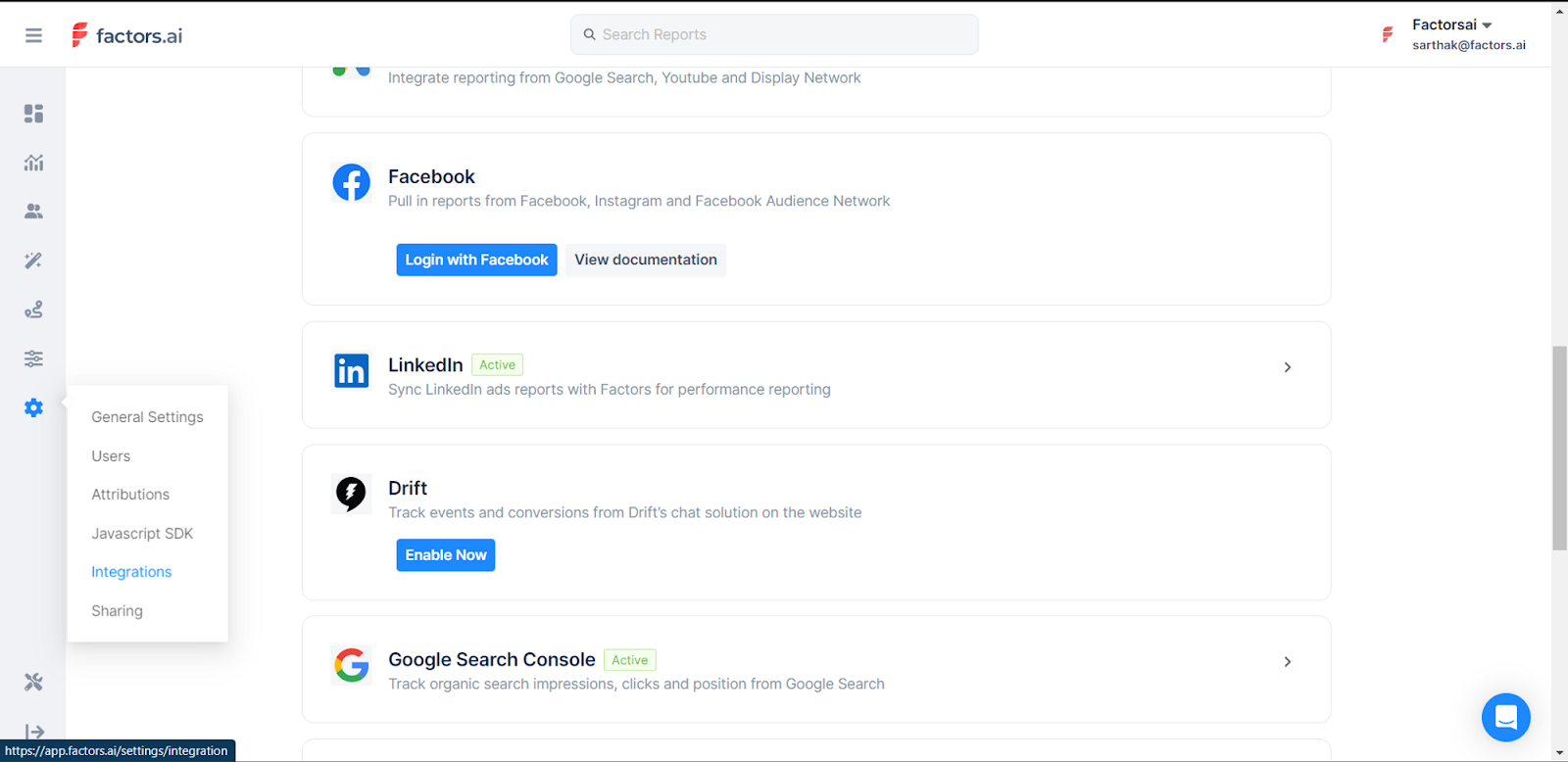
- Official LinkedIn Partner
Certified partnership enables deeper API access, including ad-view attribution, critical in B2B where conversions often occur off-platform. - Google CAPI (Conversions API)
Sends richer conversion signals to Google Ads by combining click-level data, firmographics, and engagement scoring, so optimization favors high-value accounts, not low-quality leads. - Google Audience Sync
Run precise targeting on Google Ads: retarget only ICP-fit accounts, suppress job seekers and competitors, expand into costly keywords with control, and keep lists fresh with daily automated updates. - Dynamic Ad Activation
Real-time audience syncing to both LinkedIn and Google Ads (“Dynamic Ad Activation”) powers budget-efficient targeting, in-funnel retargeting, and accurate ABM, without manual CSV uploads.
Albacross
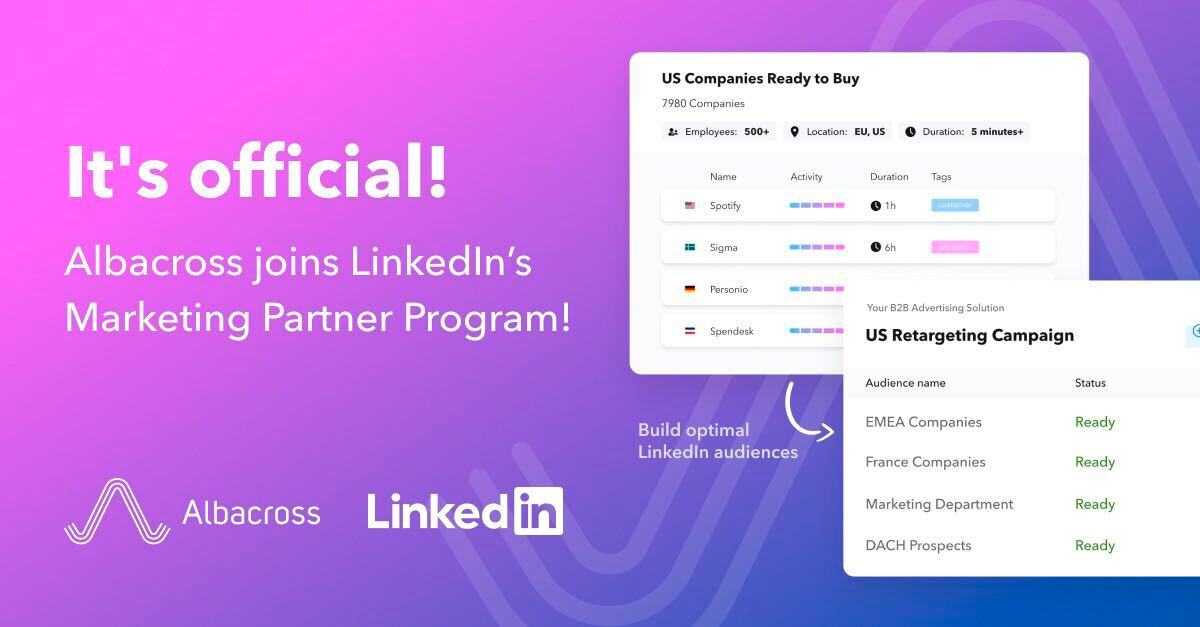
- LinkedIn audience sync (LinkedIn Marketing Partner) for visitor retargeting.
- Current scope: Emphasis on LinkedIn; Google Ads sync is noted as coming soon in shared materials. No native impression pacing, paid-search retargeting, or conversion-fed optimization highlighted.
Factors and Albacross: Which visitor tracking and GTM platform should you choose?
| Parameter | Factors | Albacross |
|---|---|---|
| Website Visitor Identification | 75%+ match via multi-source enrichment | Native |
| Intent Signal Sources | Website, ads, CRM, product, G2, CSVs, and more | Website + Bombora |
| Scoring & Segmentation | Custom & predictive scoring + buying intent tiers | Basic grouping |
| AI Automation Agents | 10+ prebuilt GTM agents | Via Clay only |
| Ads & Retargeting | LinkedIn + Google + Paid Search retargeting, auto-optimization | LinkedIn only (basic) |
| Attribution & Analytics | Multi-touch, full-funnel attribution & ROI tracking | Basic reporting |
| Compliance | SOC 2, ISO 27001, GDPR, CCPA | GDPR |
| Onboarding & Support | White-glove onboarding, CSM, Slack support | Self-serve unless top-tier |
| Pricing | From $5K/year + GTM services option | From €79/month |
| Account 360 | Full account-level engagement history | ❌ |
| Milestones | Funnel-stage analytics for progression & drop-off insights | ❌ |
| Ideal For | Revenue-driven teams scaling outbound & paid media | Early-stage, lead-gen-focused teams |
At a glance, both products help you uncover and engage anonymous website traffic. The difference shows up in what happens after identification, prioritization, activation, and proof of impact.
This wrap-up ties capability, price, security, support, analytics, and ads into a practical buying decision. Use it to align the choice with your goals, team capacity, and the outcomes you need this quarter and beyond.
When to choose Factors
You’re building a revenue system that reacts to intent in real time and proves pipeline impact.
- High-intent account identification (match rates reported up to ~75% vs. 8–10% for person-level tools).
- Multi-source signals across product, ads, G2, CRM, and web.
- Buying-committee mapping, contact tiering, and predictive scoring.
- Paid media controls: dynamic audiences, account-level frequency, and ad ROI attribution.
- Hands-on onboarding, weekly success cadence, and optional GTM Engineering Services.
- Full-funnel attribution, from first touch to closed revenue.
- Enterprise-grade compliance: SOC 2 Type II, ISO 27001, GDPR, CCPA.
- Tool consolidation across identification, orchestration, analytics, and activation.
Bottom line: Factors functions as a GTM control center, not just an ID widget.
When to choose Albacross
You want a lean, budget-friendly entry into visitor identification and basic outreach.
- Simple website visitor ID with page-level visibility.
- Primary focus on top-of-funnel engagement.
- Light process overhead, no complex orchestration required.
- Triggers for LinkedIn/email; deeper workflows can be added via third-party tools.
- Clear per-seat pricing for teams optimizing cost.
Bottom line: Albacross is a starting point for ID-led programs with minimal setup.
That said, if your next questions are:
- “Which campaigns actually drove the deal?”
- “How do we scale intent-based ads without waste?”
- “Who on the buying committee should we engage next?”
- “Why did this account cool off, and how do we re-ignite it?”
you’ll get more complete answers from Factors.
If you're in the market for a website visitor identification tool, both options can help. If you're in the market for a true revenue engine, Factors is the platform that will grow with your GTM motion, not just track it.
Turn visitor Identification into pipeline.
See how Factors compares as an Albacross alternative, along with how we score accounts, alert reps, sync LinkedIn and Google, and tie back to your revenue (the only stuff that matters!).
Book a demo with Factors.
Factors.ai vs Dealfront: A Comparison of Go-to-Market Platforms
Explore the differences between Dealfront and Factors.ai, two top lead generation platforms. Discover why Factors is the best choice for scalable, privacy-focused marketing solutions.
TL;DR
- Dealfront and Factors.ai are AI-powered platforms for optimizing B2B marketing and sales, but they differ significantly in focus and target markets.
- Dealfront specializes in lead generation, sales intelligence, and compliance for European businesses, while Factors emphasizes marketing analytics, multi-touch attribution, and campaign performance across global markets.
- Dealfront excels in lead generation and European data compliance, ideal for businesses targeting the European market.
- Factors.ai focuses on multi-touch attribution and campaign optimization, making it suitable ABM for global marketing teams.
- Dealfront is best for European sales teams; Factors offers broader, AI-driven marketing insights with flexible pricing.
- Businesses should choose Dealfront for compliance and lead generation, and Factors for optimizing marketing ROI and customer journeys globally.
When it comes to optimizing B2B marketing and sales processes, two platforms that stand out are Dealfront and Factors.
Both offer sophisticated AI-powered tools for lead generation, marketing insights, and customer profiling, but they differ significantly in their core offerings, target markets, and strengths.
In this blog, we will explore the key features of both platforms, compare their strengths and weaknesses, and evaluate why, in some instances, Factors might be a more compelling choice than Dealfront for businesses looking for versatile alternatives.
About Dealfront

Dealfront, formerly known as Echobot and Leadfeeder, emerged in 2023 as a unified Go-To-Market (GTM) platform following the merger of two major players in European sales and marketing intelligence. The platform is particularly strong in helping companies generate leads and close deals across diverse European markets. Its deep integration of European data, languages, and culture, combined with advanced AI, sets Dealfront apart for European businesses.

Key Features of Dealfront:
- Lead Generation: Dealfront combines Echobot's sales intelligence with Leadfeeder's web visitor tracking abilities. This helps companies identify and qualify high-quality leads from website traffic while offering real-time insights into customer behavior.
- Localized Data: Dealfront's standout feature is its localized data and AI-driven insights. Specifically, it’s built to navigate Europe’s fragmented market regulations, languages, and compliance standards, giving sales and marketing teams tailored, country-specific data and insights. This makes Dealfront highly attractive to businesses targeting multiple European regions. Its AI is trained to understand local nuances in languages and regulations, enabling more accurate and compliant lead-generation efforts, especially in countries with complex data protection laws like Germany.
Core Features of Dealfront:
- Discover: Dealfront helps companies identify their total addressable market by offering data on potential European prospects. It centralizes vast amounts of data from different sources into one actionable platform.
- Qualify: Dealfront helps sales teams assess their quality by evaluating fit and engagement metrics once potential leads are discovered.
- Convert: This stage focuses on helping users convert leads into paying customers using visitor tracking and behavioral analysis tools.
- Optimize: Dealfront continuously optimizes lead qualification and conversion processes after converting leads, making customer profiles more dynamic and reflective of real-time behavior.
Why Dealfront Stands Out:
- Compliance and Data Sensitivity: Its algorithms are designed to meet stringent GDPR requirements, particularly for businesses operating in highly regulated industries.
- Integration Capabilities: Dealfront offers seamless integration with CRMs like HubSpot, Salesforce, and other marketing automation platforms. This provides easy workflows for lead nurturing.
- Europe-Specific Insights: Unlike many global competitors, Dealfront provides granular European data with language-specific insights that are invaluable for regional targeting.
About Factors

Factors.ai is a robust, AI-powered platform designed to help marketing and sales teams drive data-driven decisions. Factors take a broader approach, focusing on the optimization of marketing campaigns through insights gained from customer journeys, which helps in multi-touch attribution and customer behavior analysis.
Where Dealfront emphasizes lead generation and conversion through localized insights, Factors dives deep into performance analytics and marketing automation. It assists businesses in understanding the full impact of their campaigns, tracking engagement across multiple channels, and giving detailed insights into attribution, pipeline generation, and conversion metrics.
Key Features of Factors:

- Multi-Touch Attribution: Factors allows businesses to measure the impact of every marketing activity, from awareness to purchase, helping them identify which channels drive the most value.
- Journey Mapping: The platform provides a comprehensive view of the customer journey across all touchpoints, enabling marketing teams to optimize their strategies based on real-time data.
- Sales and Marketing Alignment: Factors enable teams to track the entire funnel, ensuring that marketing efforts are closely aligned with sales outcomes. This makes it easier to optimize resources for the most impactful activities.
Why Choose Factors?

- Holistic Campaign Tracking: Factors focuses on helping companies optimize their entire marketing funnel, from awareness to purchase, by providing detailed insights on campaign performance and customer journeys.
- AI-Powered Insights: The platform uses AI to provide advanced attribution models and real-time insights, helping marketing teams make more informed decisions about budget allocation and resource prioritization.
- Flexible Integrations: Factors integrates with several leading CRMs and marketing platforms, providing seamless data flows between tools and improving marketing efforts' effectiveness.
Dealfront vs. Factors: A Detailed Comparison
When evaluating Dealfront and Factors, it’s essential to consider their distinct strengths and how they align with specific business needs. Below, we compare them across several key categories:
1. Target Market and Use Cases
- Dealfront is optimized for businesses operating primarily in European markets, focusing on sales intelligence, lead generation, and conversion. Companies looking to expand in Europe will benefit from its localized data and compliance with GDPR.
- Factors are more suited for global companies that require in-depth marketing performance analysis and campaign optimization. Its strength lies in tracking the entire customer journey and offering multi-touch attribution models. If your business is focused on refining marketing campaigns across various touchpoints and improving conversion rates globally, Factors provides a more holistic view.
2. Core Strengths
- Dealfront excels in lead generation and conversion optimization, especially for companies targeting European markets. Its powerful algorithms are specifically designed to handle the nuances of local languages, regulations, and compliance standards. Integrating web visitor tracking and sales intelligence lets companies discover and qualify leads in real-time.
- Factors are built for multi-touch attribution and campaign performance tracking. It helps businesses understand which marketing strategies drive conversions and provides deep insights into customer behavior across all channels. If your goal is to optimize marketing spend and improve the efficiency of campaigns, Factor is a strong contender.
3. Compliance and Data Sensitivity
- Dealfront is a go-to choice for businesses that prioritize data protection and compliance. Built specifically to navigate European data regulations, it offers extensive safeguards, including full GDPR compliance. This is crucial for companies operating in industries where data privacy is a top concern.
- Factors also offers compliance features but is more focused on campaign tracking and performance. It’s designed to work across a wide variety of markets and industries, though it may not offer the same level of region-specific compliance features as Deal Front.
4. Integration and Usability
- Dealfront offers seamless integration with leading CRM platforms, including HubSpot and Salesforce. This makes it easier for companies to incorporate the platform into their existing workflows and provides actionable insights for both sales and marketing teams.
- Factors also offer extensive integration options with CRM and marketing automation platforms but focus more on syncing marketing data and performance metrics. It’s an ideal tool for marketing teams to track attribution across multiple channels.
5. Pricing and Flexibility
- Dealfront tends to be priced at a premium due to its extensive features and compliance capabilities, particularly for businesses targeting European markets.
- Factors offer competitive pricing for businesses looking for advanced marketing analytics and performance tracking. Its pricing models are often more flexible, making it accessible for small and medium enterprises (SMEs) and larger companies.
| Feature | Dealfront | Factors |
| Primary Focus | Lead generation, sales intelligence, European market data | Marketing performance analytics, multi-touch attribution |
| Geographical Focus | Primarily Europe (with strong compliance for GDPR) | Global focus, applicable to multiple regions and markets |
| Lead Generation | Yes, strong capabilities via visitor tracking and behavioral insights | Limited focus on lead generation, more focused on customer journey analysis |
| Sales Intelligence | Advanced sales intelligence tools designed for European markets | Limited direct sales intelligence, focus on marketing impact |
| Multi-Touch Attribution | Basic, primarily focused on lead qualification and tracking | Advanced, tracks full customer journeys across multiple touchpoints |
| Campaign Optimization | Some features for optimizing sales pipelines and lead conversion | Strong focus on marketing campaign optimization, AI-powered insights |
| Integration Capabilities | Deep integration with CRMs like HubSpot, Salesforce, and marketing automation tools | Integrates with CRM, marketing automation, and analytics platforms |
| Compliance | Tailored for European data privacy laws (GDPR) | General compliance with global data protection standards |
| Data Insights | Localized data insights specific to European markets | Broader insights across channels, more focused on campaign performance |
| Customer Journey Mapping | Limited focus, mainly lead tracking | Comprehensive journey mapping across multiple channels |
| Pricing | Premium, tailored for large enterprises and European businesses | Flexible pricing, more accessible for SMEs and global companies |
| Ideal For | Businesses targeting European markets with a focus on lead generation and compliance | Businesses looking to optimize marketing strategies, track multi-channel attribution and improve ROI |
| Strengths | Localization, compliance, sales intelligence, lead tracking | AI-powered marketing insights, multi-touch attribution, campaign analysis |
| Weaknesses | Limited to European market focus, higher cost for non-European businesses | Lacks deep sales intelligence and lead generation tools compared to Dealfront |
| Best For | European sales teams focused on local market data | Global marketing teams optimizing campaign performance and customer journeys |
{{INLINE_BOFU}}
Dealfront Alternatives: Why Consider Factors?
While Dealfront has established itself as a leader in European sales and marketing intelligence, there are several reasons why businesses might consider switching to or incorporating Factors as an alternative:
- Broader Use Cases: Factors is better suited for companies that need insights into marketing performance and customer behavior across multiple channels. Its AI-powered tools offer detailed insights into campaign effectiveness, making it easier to optimize marketing efforts.
- Global Reach: While Dealfront is highly specialized for European markets, Factors offers a more global perspective, with features that apply to businesses across various regions and industries.
- Advanced Attribution Models: Factors' multi-touch attribution capabilities allow businesses to track the full impact of their marketing efforts, providing a more comprehensive view of the customer journey than Dealfront.
- Cost-Effective: For businesses focused on optimizing marketing spend and improving ROI, Factors offers a more affordable and flexible solution than Dealfront.
Both platforms offer powerful tools for analytics and lead generation, but cater to different priorities.
1. Platform Strengths: Dealfront excels in visitor insights and CRM integrations; Factors focuses on behavioral analytics and privacy compliance.
2. Key Differentiators: Emphasis on data handling, feature depth, and compliance capabilities.
3. Strategic Considerations: Selection depends on your business's need for granular behavior tracking vs. comprehensive lead visibility.
Understanding your go-to-market goals helps determine whether Factors or Dealfront is the better fit.
In a Nutshell
When choosing between Dealfront and Factors, the decision largely depends on your business's needs. If your primary goal is generating leads and closing deals in European markets, Dealfront’s specialized data, localized insights, and compliance with European regulations make it a powerful tool.
However, if your focus is on optimizing marketing campaigns, tracking customer journeys across multiple touchpoints, and gaining deep insights into marketing performance, Factors is a compelling alternative. Its AI-driven approach to attribution and performance tracking makes it an excellent choice for businesses looking to enhance their marketing strategy globally.
Overall, Factors stands out for its flexibility, ease of use, and focus on delivering actionable insights for marketing teams, making it a strong alternative to Dealfront, especially for businesses looking to optimize their marketing ROI.
Also Read: 5 Leadfeeder Alternatives for Website Visitor Identification
_%2520Which%2520ABM%2520platform%2520should%2520your%2520team%2520choose_.avif)
Factors.ai vs. RollWorks (AdRoll ABM): Which ABM platform should your team choose?
Compare Factors.ai and RollWorks for GTM success. Discover how each platform handles ads, automation, analytics, and pricing to fuel pipeline growth.
At some point in every GTM team’s life, the ads stop ‘ad-ing’...
Okay, let me zoom in to this exact scenario: you’re pumping budget into campaigns, your targeting looks right, your retargeting is retarget-ing… and still, pipeline feels like that one colleague who shows up TWO hours late with a matcha, zero explanation, and a smug smile.
So naturally, the question becomes:
“Is our execution broken, or is our system holding us back? Or is the world just ending?”
And that’s usually when three names enter the chat: Factors.ai, RollWorks (AdRoll ABM), and the Lord.
On the surface, both (minus the Lord) claim to do the same thing: help B2B teams capture intent, run ABM programs, and reach the right accounts.
But anyone who’s actually run a GTM motion knows that the similarity stops at the homepage hero banner.
Factors.ai is built like a GTM command center. It pulls signals from every corner of your funnel, connects the dots, and helps teams act on the exact moments that move deals forward.
RollWorks is built like it wants your brand everywhere your buyers hang out… and gives you the knobs, switches, and dashboards to make that happen.
One platform optimizes reach; the other prioritizes revenue.
If your team is evaluating which platform fits your goals, this comparison breaks down how both stack up on features, pricing, analytics, activation, automation, and long-term growth.
Let’s get straiiight into it.
Factors.ai vs RollWorks: Functionality & Core Difference
When teams compare Factors.ai and RollWorks (AdRoll ABM), the first thing that stands out is how differently both define go-to-market success.
At a glance, they seem similar as both talk about accounts, ads, and pipeline. But what they focus on day to day tells two different stories.
Factors.ai is built around orchestration. It doesn’t stop at visibility. It brings together intent signals, journey tracking, and automation so GTM teams can connect every stage of the funnel, from who’s showing interest to what’s driving revenue.
RollWorks (AdRoll ABM) is built around advertising. It helps marketing teams find and reach target accounts across display, LinkedIn, and web ads. Everything in RollWorks connects back to visibility, showing your brand in front of the right buyers and measuring how that reach turns into engagement.
In short, RollWorks helps you reach the right people. Factors.ai helps you move them through the funnel.
| Feature | Factors.ai | RollWorks (AdRoll ABM) |
|---|---|---|
| Platform Focus | AI-powered demand generation and GTM orchestration | Account-based marketing and cross-channel advertising |
| Primary Motion | Multi-signal intent → scoring → activation → attribution | Audience targeting → ads → reach and lift tracking |
| Core Strength | AI agents, Account360, funnel analytics, GTM automation | Ad audience segmentation, campaign orchestration, reach measurement |
| Best For | GTM teams wanting full-funnel visibility and pipeline growth | B2B marketers running ABM and performance campaigns |
| Outcome | Connects website, CRM, ads, and outreach into one GTM system | Expands account reach and tracks engagement lift |
What Factors.ai Brings to the Table
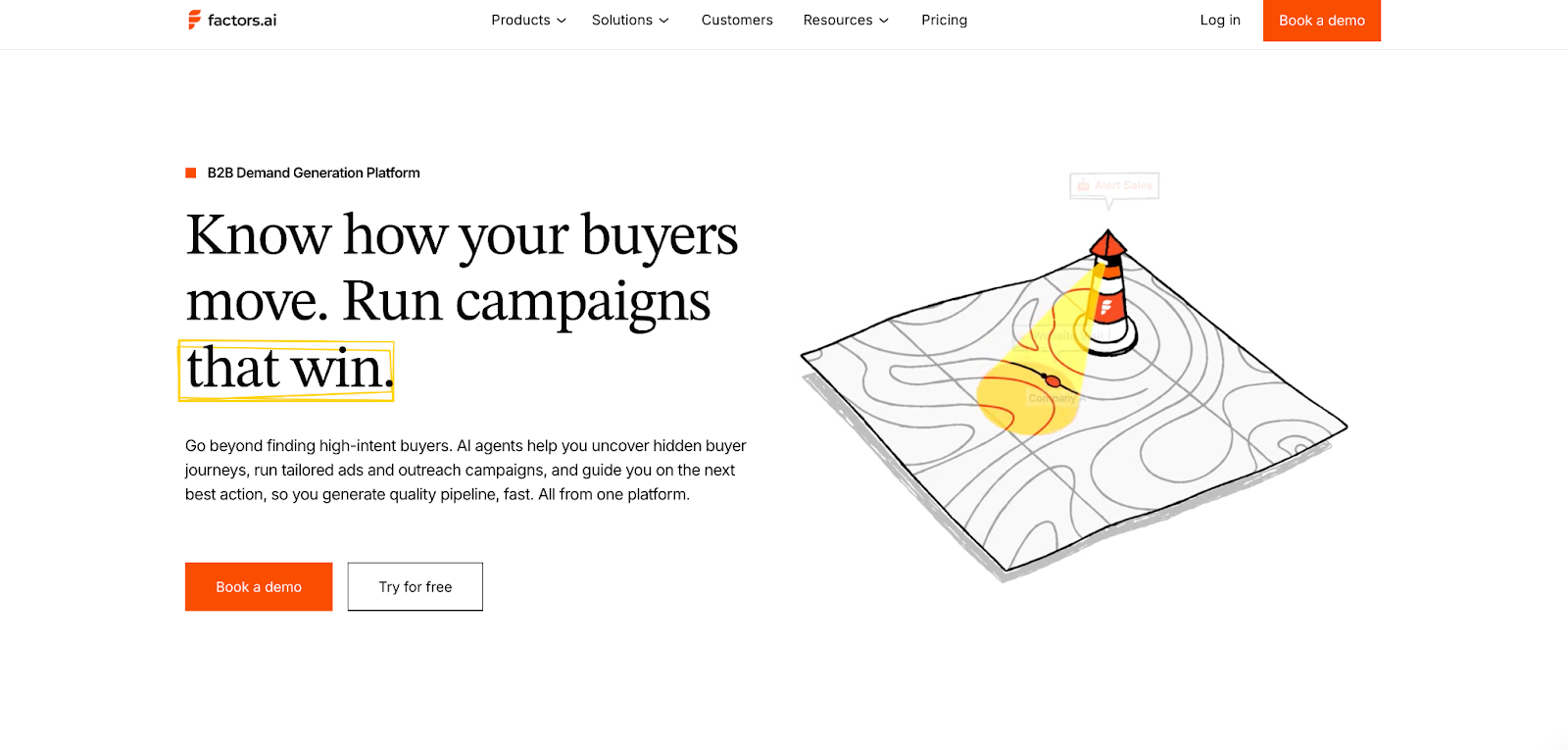
Factors.ai acts like a full GTM engine. Instead of stopping at advertising or audience building, it connects data across channels, showing which accounts are active, which ones are heating up, and how each interaction drives revenue.
Core strengths:
- Multi-source intent signals from web, CRM, ads, and G2
- Account360 + Customer Journey timelines that show every action chronologically
- AI agents for account research, scoring, buying-group mapping, and alerts
- Real-time audience sync across LinkedIn and Google Ads
- Funnel analytics with Milestones to track MQL to revenue progression
- Optional GTM engineering services for setup and optimization
Teams use Factors.ai when they want one system to handle everything from detection to activation.
What RollWorks brings to the table
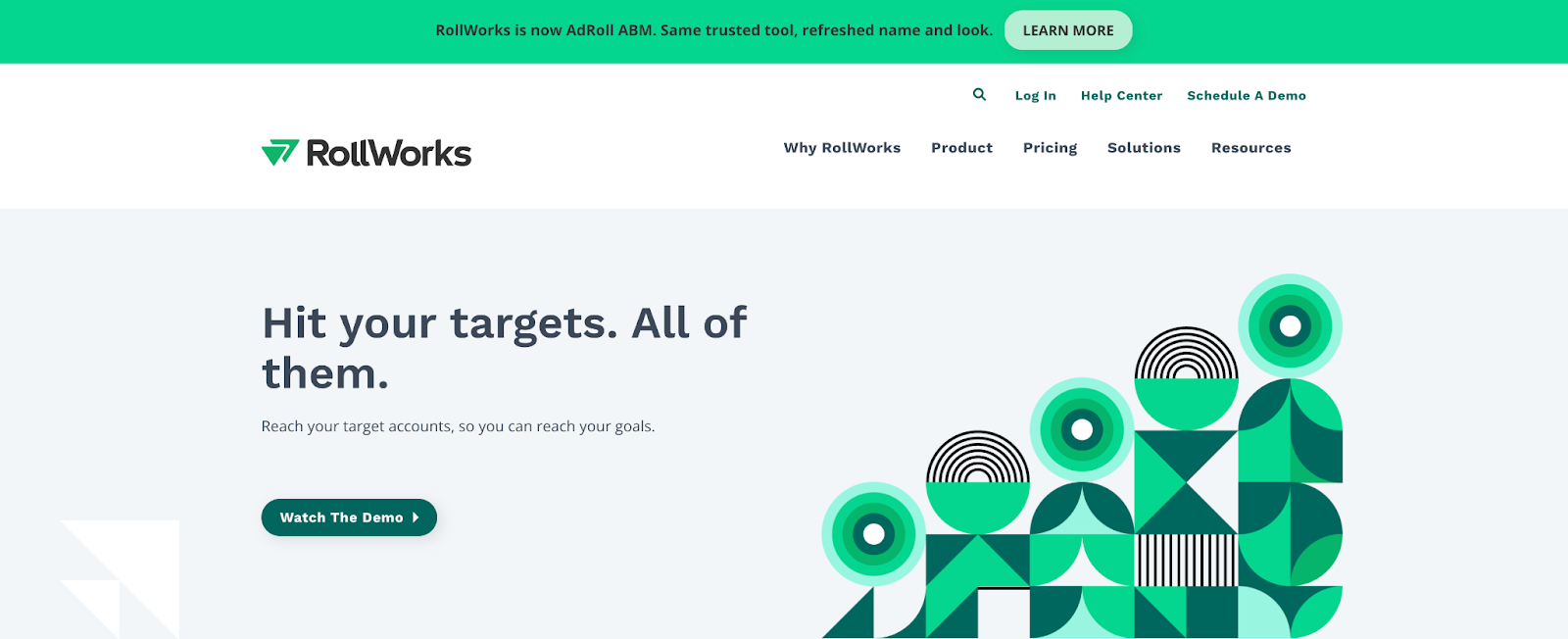
RollWorks keeps its focus tight on ABM and advertising.
It helps teams find the right accounts, run campaigns across channels, and measure lift, essentially acting as a unified ad control center for B2B.
Core strengths:
- Account identification using website traffic and intent partners
- Multi-channel campaign activation (LinkedIn, web, display)
- Account scoring and prioritization to rank targets
- Offers a native G2 Buyer Intent integration
- Reporting that connects ad exposure to pipeline lift
For teams that live in advertising dashboards and need to prove ad performance, RollWorks provides a straightforward way to tie spend to reach and engagement.
Factors.ai vs RollWords: Core difference in a snapshot
If your GTM strategy centers on ads and account reach, RollWorks makes it easy to identify and engage target audiences.
If your GTM motion covers signals, scoring, orchestration, and analytics, Factors.ai goes further, helping teams build a connected, measurable system around every buyer touchpoint.
Factors.ai vs RollWorks (AdRoll ABM): Pricing
Pricing in GTM tools is often the first filter teams look at, but what really matters is what you unlock at each level.
Some platforms charge for reach and ad volume, others for depth and orchestration.
RollWorks (AdRoll ABM) and Factors.ai fall into those two different camps.
Let’s look at how the models work and what each one is built to deliver.
| Plan Details | Factors.ai | RollWorks (AdRoll ABM) |
|---|---|---|
| Model | Annual, usage- and seat-based plans | Custom, quote-based pricing |
| Starting Price | Free tier available; Book a Demo to know the pricing for each plan | No public plans; pricing varies by ad spend and features |
| Free Plan / Trial | Yes, free plan for smaller teams (200 companies/month) | None |
| Focus | Full-funnel GTM orchestration, AI automation, LinkedIn and Google ads optimization and analytics | ABM audience targeting, ads, and performance reporting |
| Support | Optional GTM Engineering Services | Account manager for paid plans under NextRoll/AdRoll’s support system |
Factors.ai Pricing

Factors.ai is designed to grow alongside your GTM maturity.
It starts simple by identifying companies and tracking journeys and expands into complete orchestration and analytics as your pipeline scales.
Plans include:
Free Plan
- Identify up to 200 companies per month
- 3 seats included
- Basic dashboards, visitor tracking, and Slack integration
Basic Plan
- Identify 3,000 companies per month
- 5 seats included
- Adds LinkedIn intent signals, GTM dashboards, and integrations (HubSpot, Salesforce, Google Search Console)
Growth Plan
- Identify 8,000 companies per month
- 10 seats included
- Adds ABM analytics, account scoring, workflow automation, and a dedicated CSM
Enterprise Plan
- Unlimited identified companies
- Up to 25 seats
- Adds predictive scoring, AdPilot for LinkedIn and Google, white-glove onboarding, and advanced analytics.
Optional GTM Engineering Services
For teams without in-house RevOps, Factors.ai offers an optional services layer, it includes:
- Custom ICP modeling and GTM playbook design
- Setup of enrichment, alert, and ad activation workflows
- SDR enablement with post-meeting alerts and buying group mapping
- Ongoing review and optimization of GTM performance
This helps teams operationalize faster and keep systems running smoothly without relying heavily on internal tech resources.
RollWorks (AdRoll ABM) Pricing
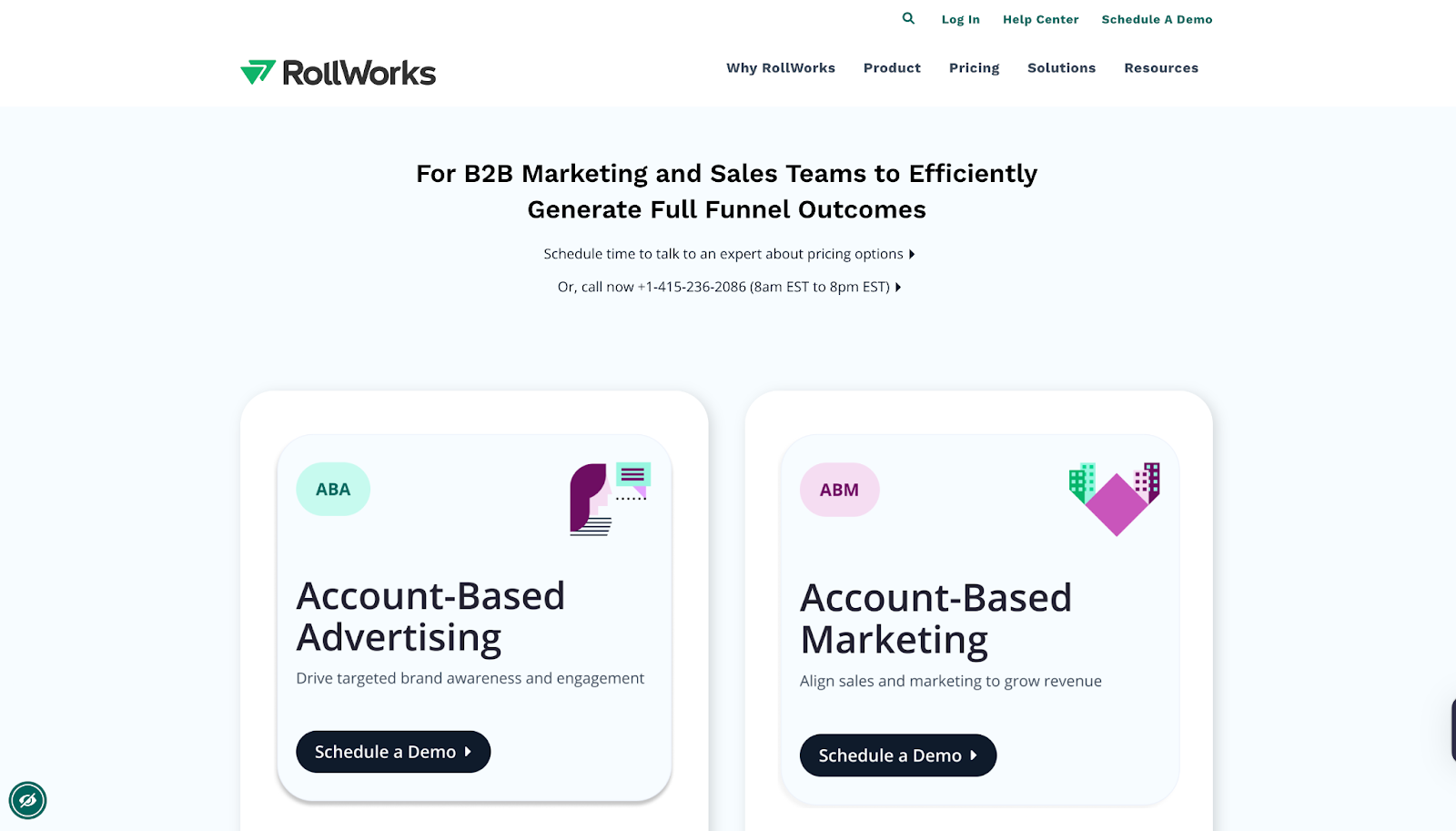
RollWorks doesn’t publish standard plans.
Pricing is custom and quote-based, typically structured around ad spend, account volume, and selected features.
Costs can vary depending on:
- Monthly ad budget and channels (LinkedIn, display, web retargeting)
- Number of accounts targeted and campaign types
- Feature access, such as G2 intent integration or advanced attribution
- Support level under the broader NextRoll/AdRoll ecosystem
Most RollWorks users report that pricing grows with ad volume rather than team size.
This means smaller GTM teams may find it accessible initially, but scaling ad reach quickly increases total spend.
Factors.ai vs Rollworks: Pricing in a snapshot
Factors.ai gives teams a tiered path to scale their GTM system. It adds automation, analytics, and orchestration features as your pipeline grows, without depending on ad budgets.
RollWorks, meanwhile, works best for teams that live in advertising dashboards and are comfortable managing spend directly through campaigns. Its value ties closely to ad volume and engagement reach.
If your goal is to maximize ad reach with flexible spend, RollWorks fits that model.
If you’re looking for predictable growth and full-funnel control, Factors.ai provides clearer long-term value.
Factors.ai vs RollWorks (AdRoll ABM): Account Identification & Intent Signals
Every GTM platform talks about “intent,” but how they capture and use it makes all the difference.
Some tools focus on visibility like finding who’s engaging and where. Others go a step further combining multiple intent sources to show why that account is ready to buy and what stage of the funnel they’re in.
That’s exactly where Factors.ai and RollWorks (AdRoll ABM) start to differ.
| Capability | Factors.ai | RollWorks (AdRoll ABM) |
|---|---|---|
| Account Identification | Identifies high-intent accounts using multi-source enrichment (6sense, Clearbit, Demandbase, Snitcher) with Account 360 views | Identifies anonymous visitors and builds account lists from website traffic and engagement data |
| Intent Signal Sources | Combines 1st-, 2nd-, and 3rd-party intent signals: - Website visits, CRM activity, product usage - Ad platform performance and G2 data - Uploaded custom signals via CSV | Uses 1st-party (site activity) and 3rd-party (intent partners + G2 Buyer Intent) data to identify interest and prioritize outreach |
| G2 Buyer Intent | Official G2 integration partner; pulls 10+ signals (category views, pricing comparisons, grid views, etc.) | G2 Buyer Intent supported through API integration |
| Intent Use Case | Intent signals normalized and scored using Milestones + AI Agents to prioritize accounts based on funnel stage | Intent signals used to refine ad targeting and audience segmentation |
How Factors.ai manages Account Identification & Intent Signals
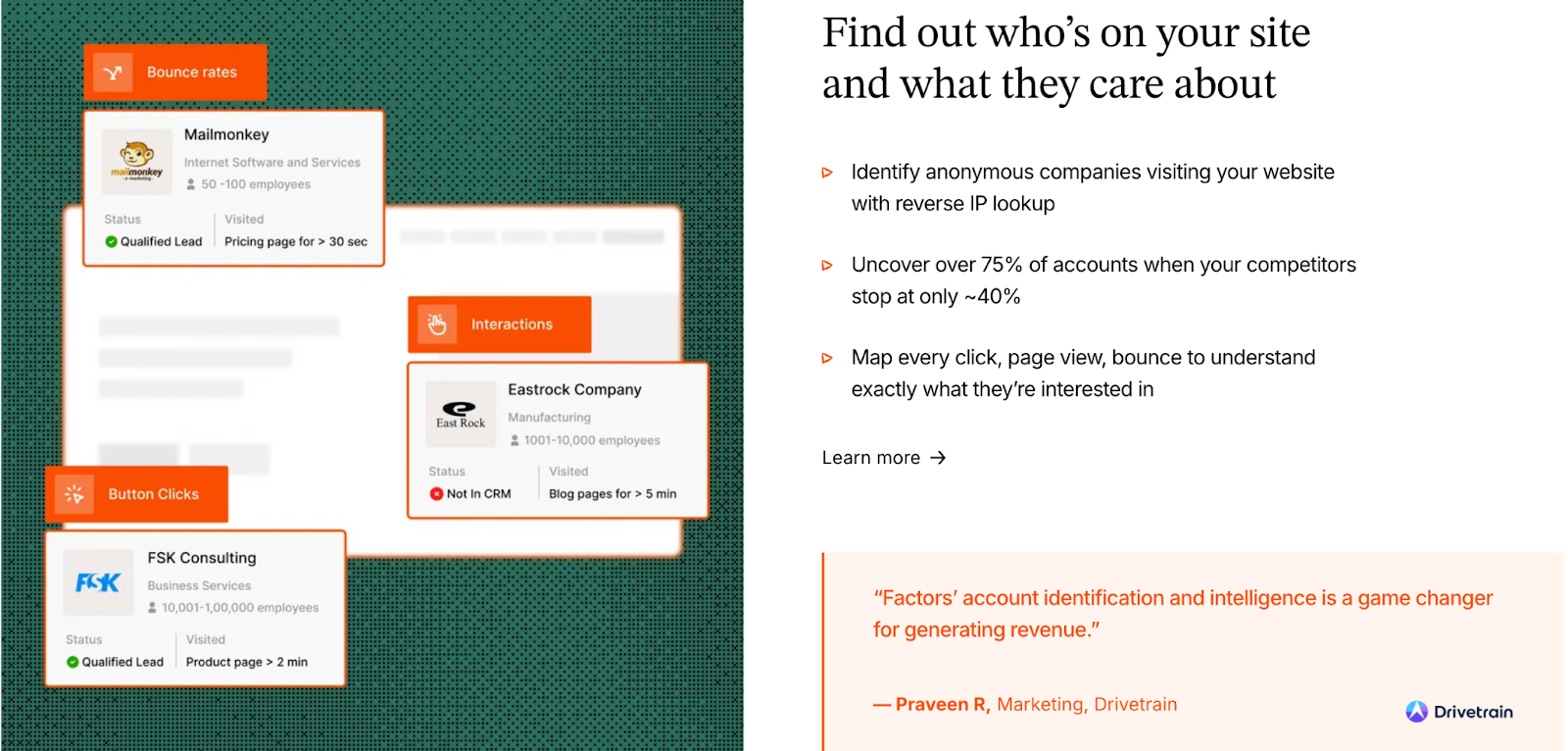
Factors.ai’s identification process focuses on context, not just visibility.
It connects multiple data sources like your website, CRM, product, and ad campaigns into one unified Account 360 view.
How it works:
- Sequential enrichment ensures coverage of up to 75% of website visitors.
- AI Agents map and score accounts by ICP fit, activity level, and funnel position.
- Milestones show when an account transitions from awareness to readiness, based on key triggers like pricing page visits or repeat demo interactions.
- G2 intent is layered in to highlight buying-stage behaviors, such as competitor research or category comparisons.
This gives GTM teams a clear answer to three questions:
Who’s showing intent? What’s driving it? And what should we do next?
How RollWorks manages Account Identification & Intent Signals
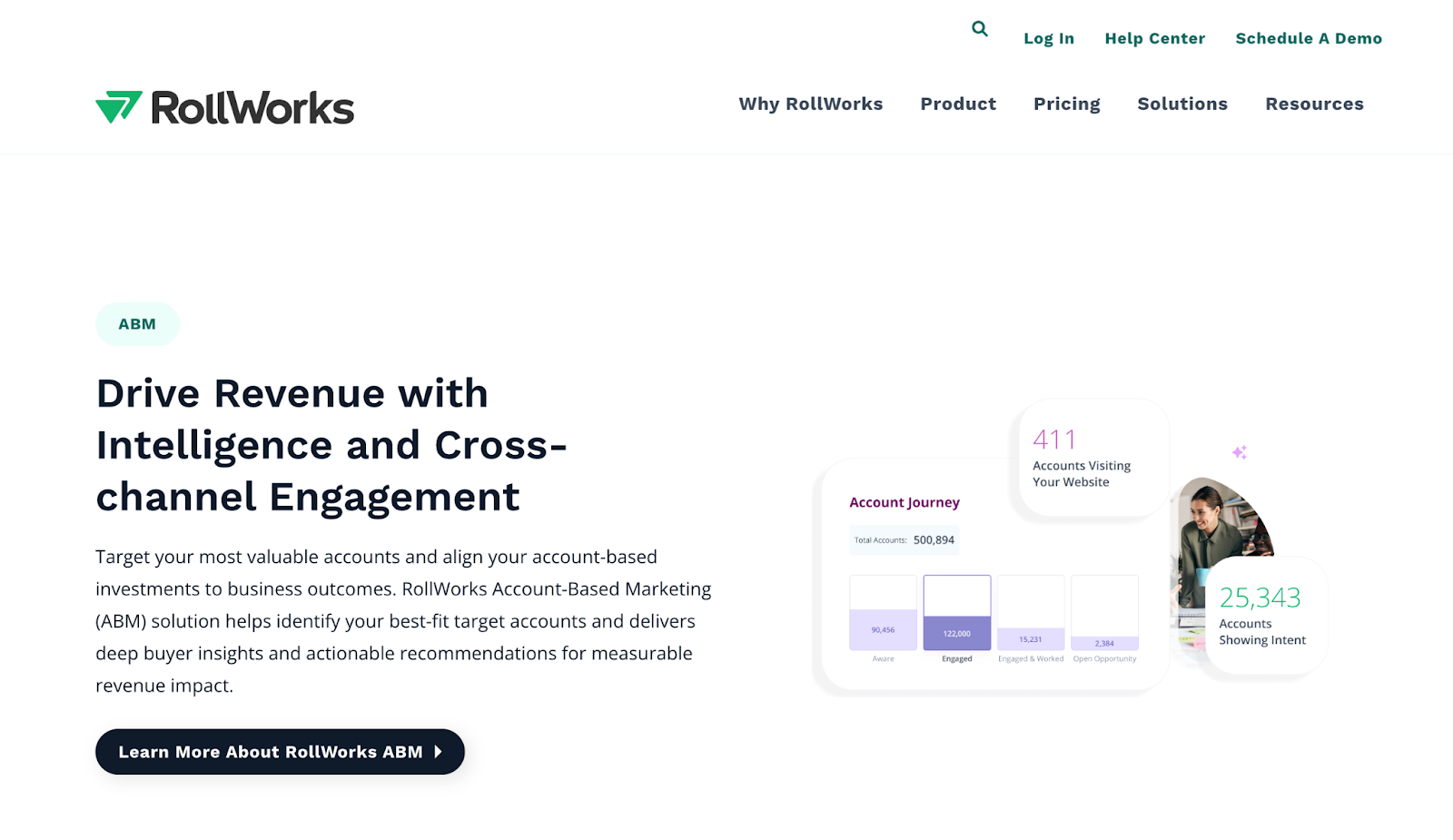
RollWorks focuses more on signal detection and ad targeting.
It uses its own tracking system to identify accounts visiting your website and combines that with intent data from third-party partners and G2.
How it works:
- Tracks on-site behavior like page views and form fills.
- Merges it with intent topics from external providers.
- Builds audience lists around those accounts to activate ad campaigns.
- Uses G2 data to add an extra layer of validation for targeting precision.
The intent layer in RollWorks mainly serves to power audience expansion and ad efficiency, helping you direct ad budgets toward accounts that are already showing interest.
Verdict on Intent Capabilities
Both platforms detect and use intent, but for different outcomes.
- Factors.ai turns intent into action, using it to decide what to do next.
- RollWorks turns intent into ad reach, using it to decide who to target.
If your goal is to refine ad audiences and improve reach, RollWorks does it well.
If your goal is to understand buyer readiness, prioritize outreach, and align teams around real engagement, Factors.ai goes deeper.
{{INLINE_BOFU}}
Factors.ai vs RollWorks (AdRoll ABM): Customer Journey & Scoring
Understanding intent is one thing, but turning that intent into a clear buyer journey and measurable funnel progression is what separates a marketing platform from a real GTM system.
Both Factors.ai and RollWorks (AdRoll ABM) offer ways to visualize engagement and score accounts, but the depth and purpose of that data differ.
Factors.ai builds a continuous, stage-based view of every account, showing where they stand and what action is driving them forward.
RollWorks focuses on identifying engagement spikes for campaign targeting.
| Capability | Factors.ai | RollWorks (AdRoll ABM) |
|---|---|---|
| Customer Journey View | Account 360 + Customer Journey Timelines: Tracks website, ads, CRM, and product activity in order of engagement | Account timelines focused on ad activation and audience lists |
| Account & Contact Scoring | AI-driven scoring that combines ICP fit, engagement, and intent intensity; integrated with Milestones for funnel tracking | ML-based scoring to rank target accounts and prioritize outreach |
| Funnel Analytics | Milestones reveal what actions move accounts (MQL → SQL → Opportunity) and where drop-offs occur | Campaign and audience-based reporting showing engagement lift |
| Personalization | Journey data feeds directly into workflows and alerts for tailored outreach | Audience-based personalization for ad retargeting and messaging |
How Factors.ai Tracks the Customer Journey and Scoring
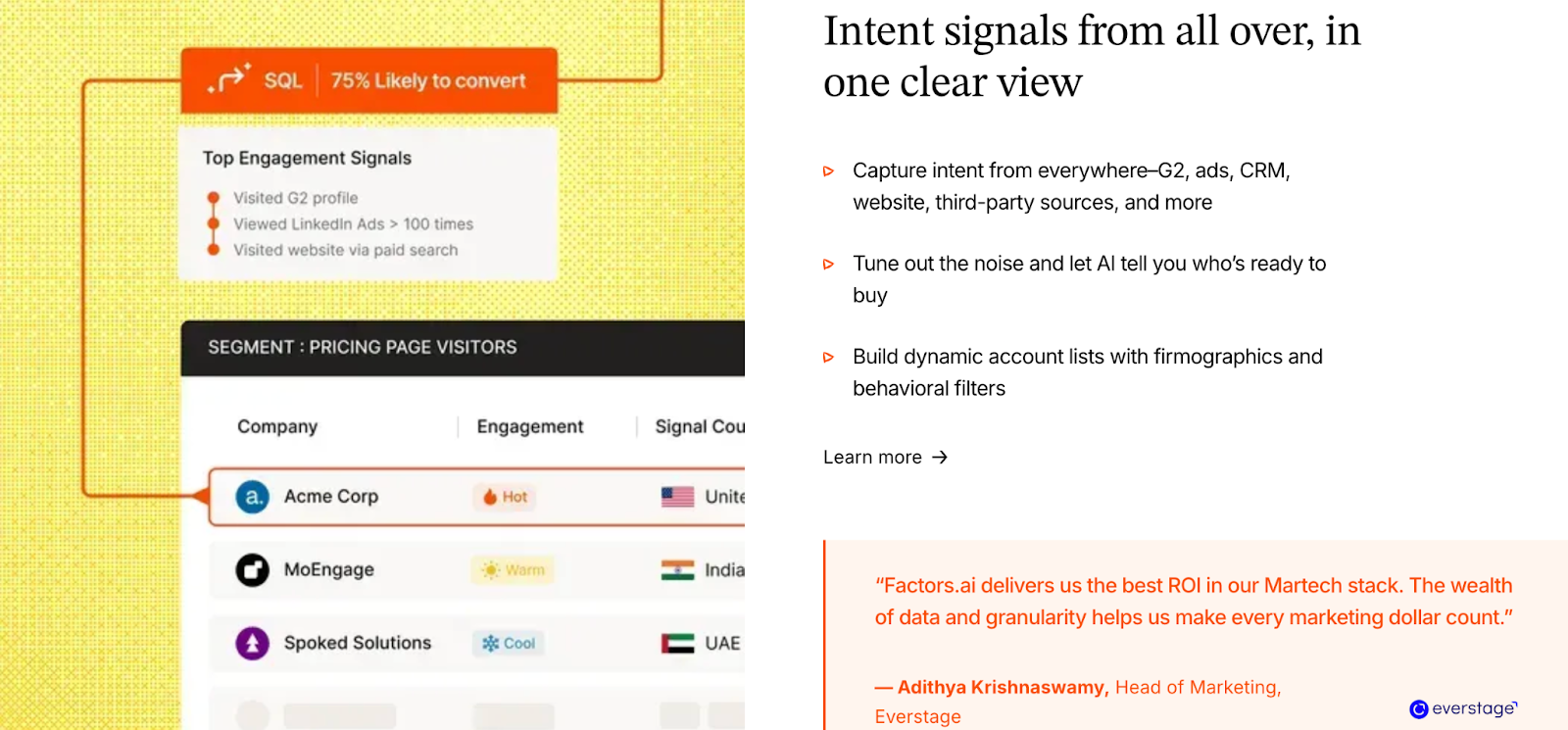
Factors.ai’s journey tracking is built around its Account 360 system.
Instead of showing isolated metrics, it aligns every touchpoint, from a first ad click to CRM updates and product logins, into one continuous narrative.
How it works:
- Every company visit, campaign interaction, and sales touch gets added to a chronological timeline.
- Milestones categorize actions by funnel stage (awareness, interest, decision, conversion).
- Scores are automatically updated based on behavior intensity and recency.
- These insights trigger alerts for SDRs and marketers, so follow-ups always happen at the right time.
It gives teams visibility along with the clarity on why an account is active and what it’s ready for next.
How RollWorks Tracks the Customer Journey and Scoring
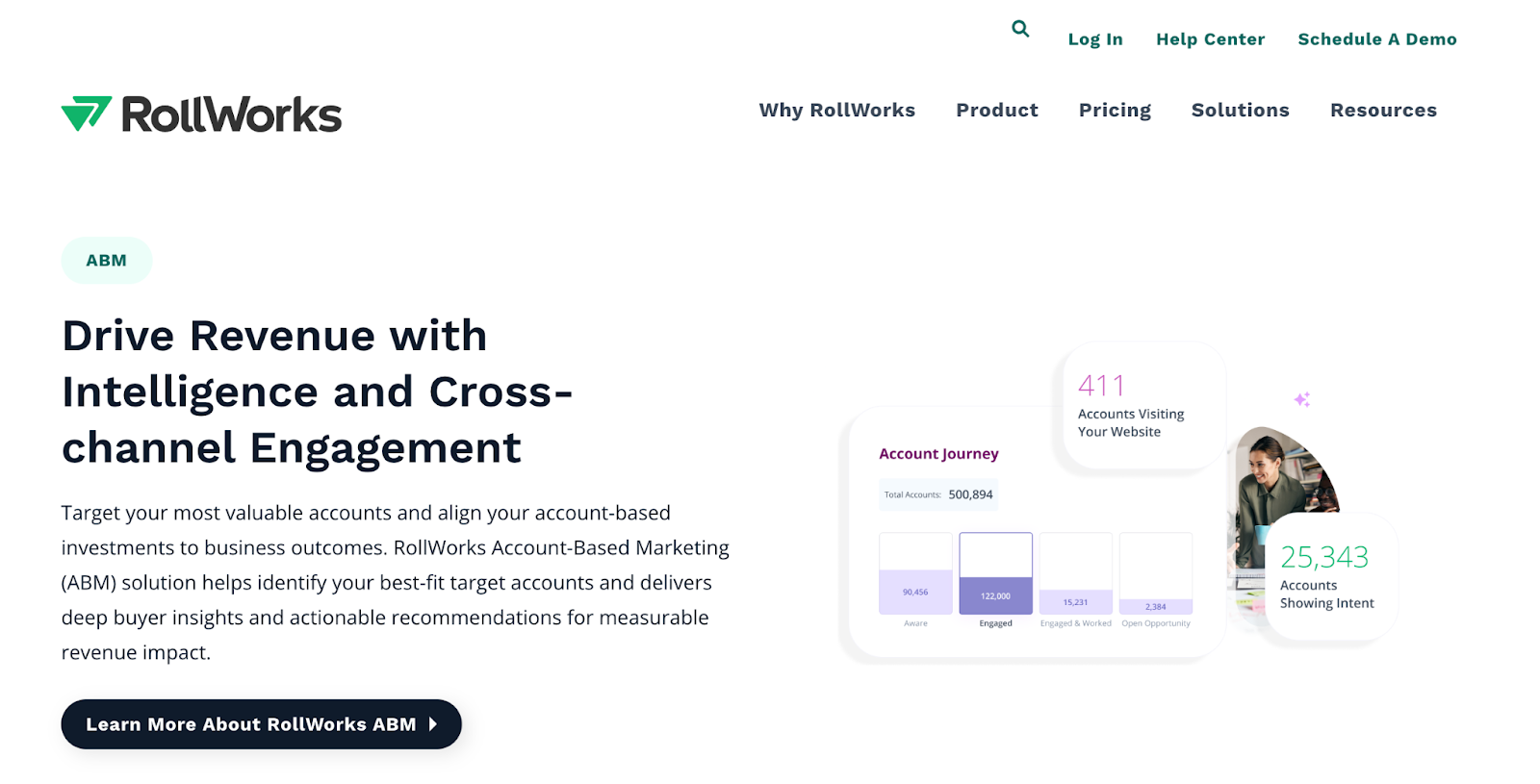
RollWorks focuses on audience activity rather than full-funnel tracking.
Its account timelines show ad impressions, clicks, and website visits, giving marketing teams a quick sense of which accounts are interacting most.
How it works:
- Each account is assigned a score based on ad interactions and engagement history.
- The system updates those lists automatically for ongoing campaigns.
- Marketers can export prioritized account lists to run focused outreach.
While useful for ad-level optimization, this view is more campaign-centric than funnel-centric.
It helps teams adjust ads and segments, but not necessarily connect actions to revenue outcomes.
Factors.ai vs Rollworks: Customer journey & scoring in a snapshot
If your priority is to visualize who’s engaging and how often, RollWorks provides a clear top-of-funnel picture that works well for ad-driven GTM teams.
If you want to map the entire buying path and measure what moves accounts forward, Factors.ai gives that full-funnel clarity, turning data into direction.
Want to deep dive into customer behavior? You’ll also enjoy our blog on Stages of the Customer Journey. It breaks down how prospects actually move through awareness, consideration, and decision stages.
Factors.ai vs RollWorks (AdRoll ABM): Ad Activation & Audience Targeting
Reaching the right account at the right moment is where GTM and advertising finally meet.
Both RollWorks (AdRoll ABM) and Factors.ai help teams act on intent signals, but they do it in very different ways.
RollWorks leans toward ad-driven ABM, while Factors.ai focuses on dynamic orchestration across ad platforms and funnel stages.
Let’s see how both handle ad activation and audience targeting.
| Feature | Factors.ai | RollWorks (AdRoll ABM) |
|---|---|---|
| LinkedIn Ads | Dynamic audience sync for precise ABM targeting; real-time refresh based on engagement level and funnel stage; official LinkedIn Partner | Syncs audiences to LinkedIn Campaign Manager for activation |
| Google Ads | Google CAPI for improved conversion optimization; daily audience syncs; stage-based campaigns for tailored messaging | Does not integrate with Google Ads directly; ads run through the AdRoll ecosystem. |
| Dynamic Audience Updates | Yes, real-time sync ensures only active, in-market accounts are targeted | Manual or scheduled audience refresh |
| Conversion Feedback Loops | Feeds conversion and engagement data back into ad platforms for better optimization | Conversion tracking available through their AdRoll ecosystem |
| Focus | Multi-channel ad orchestration (LinkedIn + Google + Bing + Meta) | Cross-channel advertising centered on audience retargeting and ABM awareness |
How Factors.ai manages Ad Activation & Audience Targeting
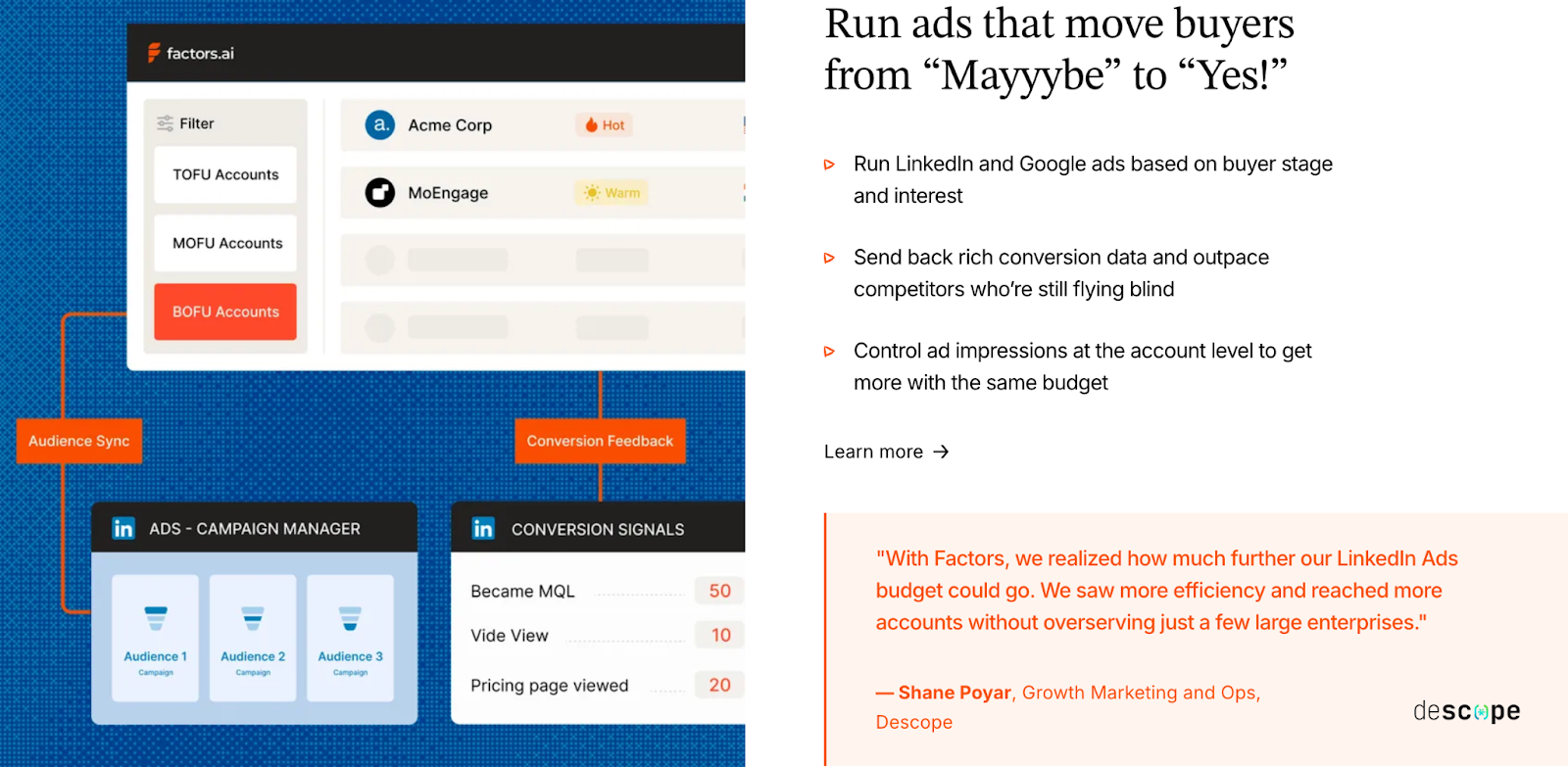
Factors.ai treats ad activation as a natural extension of GTM orchestration.
Instead of running ads in isolation, it connects engagement data, funnel stages, and account readiness into how ads are shown and who sees them.
How it works:
- Dynamic Audience Sync: Automatically updates audiences in LinkedIn and Google based on live signals from website, CRM, and product.
- Google CAPI: Sends enriched conversion signals, helping Google optimize ad delivery for high-value accounts.
- Buyer-Stage Campaigns: Delivers personalized ad sequences depending on whether an account is in awareness, evaluation, or decision stage.
- Budget Efficiency: Continuous refresh keeps campaigns from overserving cold accounts and ensures ad spend stays focused on those ready to engage.
This way, every ad aligns with where an account stands, making awareness more meaningful and conversion faster.
How RollWorks manages Ad Activation & Audience Targeting
RollWorks was built from the ground up for account-based advertising.
It simplifies ad targeting by allowing teams to upload account lists or use RollWorks-identified audiences directly in ad campaigns.
How it works:
- Native Ad Integrations: Pushes lists to LinkedIn Campaign Manager and other ad networks.
- Audience Expansion: Uses 3rd-party intent data to find similar accounts and increase reach.
- Campaign Reporting: Tracks ad impressions, clicks, and conversions tied to target accounts.
- Retargeting: Offers retargeting across web and social channels to keep your brand in front of active prospects.
While it gives solid control over ad visibility and reach, the workflow stays within the advertising ecosystem.
It’s built for scale, not necessarily for connecting every engagement back to the sales motion.
Factors.ai vs Rollworks: Ad activation & audience targeting in a snapshot
If your GTM team is focused on maximizing ad exposure and reach, RollWorks delivers with its ad-first design and strong retargeting capabilities.
If your goal is to make ads part of a larger GTM system, where campaigns respond to live signals and feed back into analytics, Factors.ai gives you that agility and clarity.
RollWorks focuses on reach; Factors.ai focuses on relevance.
Factors.ai vs RollWorks (AdRoll ABM): AI Agents & GTM Engineering
This is where automation becomes the real differentiator.
While many platforms talk about “AI-powered” insights, only a few actually use AI to run tasks your team would typically handle manually, like researching accounts, mapping buying groups, or sending alerts when deals heat up.
In this area, Factors.ai takes a clear lead.
RollWorks (AdRoll ABM), while strong in ads and ABM targeting, doesn’t yet extend AI capabilities into workflow automation or GTM execution.
| Feature | Factors.ai | RollWorks (AdRoll ABM) |
|---|---|---|
| AI Agents / Automation Layer | Built-in GTM Engineering + AI Agents for research, alerts, and engagement | No native AI agent system |
| Real-Time Alerts | Instant notifications for pricing visits, demo replays, form drop-offs, and post-meeting activity (via Slack) | Alerts for account activity spikes via RollWorks’ interface and CRM |
| Buying Group Mapping | Automatically identifies stakeholders and suggests next contacts for multi-threaded outreach | Not available |
| Closed-Lost Revival | Detects re-engagement from previously lost deals and alerts reps for follow-up | Not available |
| Post-Meeting Tracking | Tracks engagement after calls or demos to signal deal movement | Not available |
| GTM Engineering Services | Optional layer for ICP modeling, workflow setup, SDR enablement, and GTM optimization | No equivalent services offered |
How Factors.ai Uses AI Agents & GTM Engineering
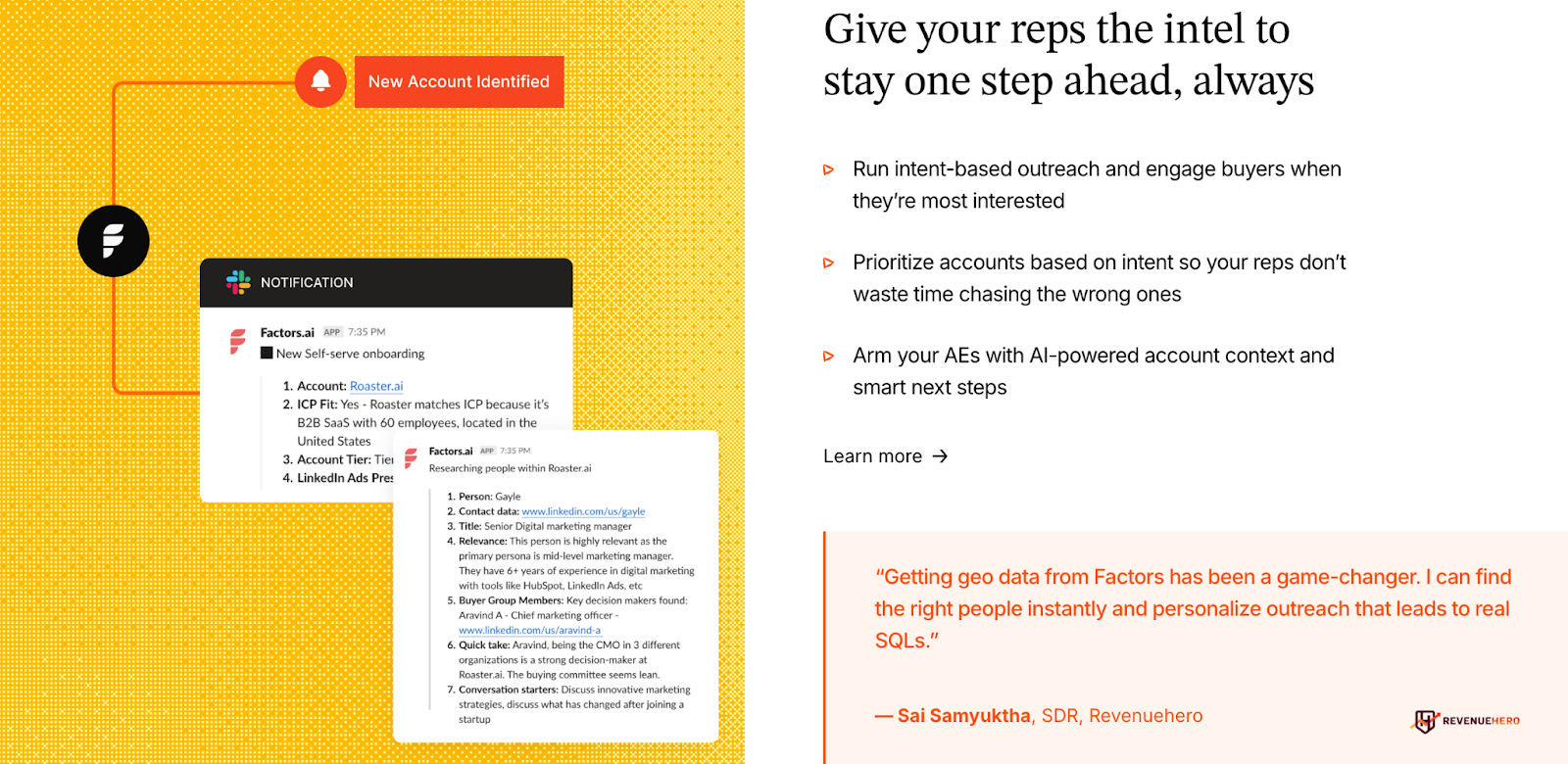
Factors.ai doesn’t limit AI to analytics and builds it into how teams actually work.
The platform’s agents are trained to take real actions across your funnel instead of just surfacing insights.
Here’s what they do:
- Real-Time Alerts: Let your team know when a high-intent action happens, like someone revisiting your pricing page or watching a demo again.
- Buying Group Mapping: Finds additional decision-makers linked to your top accounts, helping reps connect faster.
- Account Research: Summarizes account activity, recent signals, and ICP fit so SDRs always know where to focus.
- Closed-Lost Deal Revival: Flags reactivated accounts and suggests personalized re-entry points.
- Post-Meeting Tracking: Watches follow-up behavior to ensure warm leads don’t go cold after demos.
Together, these agents act as an always-on GTM assistant, helping teams stay proactive instead of reactive.
How RollWorks Uses AI Agents & GTM Engineering
RollWorks doesn’t currently offer native AI agents or a GTM engineering equivalent.
Its automation revolves around ad management and audience refreshes, not end-to-end workflow execution.
You can:
- Receive email or CRM-based alerts when account engagement spikes.
- Automate audience updates for ad targeting.
- Sync account activity into your CRM for tracking and reporting.
These features help maintain campaign efficiency but don’t automate the deeper operational side of GTM like lead scoring, enrichment, or multi-threaded outreach.
Factors.ai vs Rollworks: AI agents and GTM engineering in a snapshot
If your team’s workflow relies heavily on advertising and audience targeting, RollWorks provides what you need to keep campaigns running smoothly.
But if you want your GTM motion to run like a well-oiled system, where AI actually supports sales and marketing with live insights, alerts, and workflow execution, Factors.ai is built for that.
If you’re excited by AI’s role in sales and marketing, check out AI-Powered Sales Intelligence: A B2B Guide. It explains how automation can supercharge your GTM execution.
Factors.ai vs RollWorks (AdRoll ABM): Analytics & Reporting
Every GTM team wants to know one thing: what’s actually working?
But answering that question depends on how deeply your analytics can connect marketing activity, engagement, and revenue.
Both RollWorks (AdRoll ABM) and Factors.ai offer visibility into performance, but the kind of insights they deliver are very different.
RollWorks gives you a clear view of ad reach and campaign lift.
Factors.ai connects every touchpoint, from ads to CRM, to show how each move shapes your pipeline.
| Capability | Factors.ai | RollWorks (AdRoll ABM) |
|---|---|---|
| Analytics Focus | Full-funnel visibility, from first touch to closed revenue | Ad performance and campaign engagement |
| Attribution Model | Multi-touch attribution with Account360 view | Provides influence reporting and engagement analytics |
| Funnel Insights | Milestones show drop-offs and stage movements (MQL → SQL → Opportunity) | Audience engagement and lift metrics |
| Custom Dashboards | Segment-level dashboards across channel, geography, and ICP | Standard ad dashboards for campaign metrics |
| AI Insights | AI Agents highlight anomalies and key performance patterns | Not available |
How Factors.ai Tracks Analytics and does Reporting
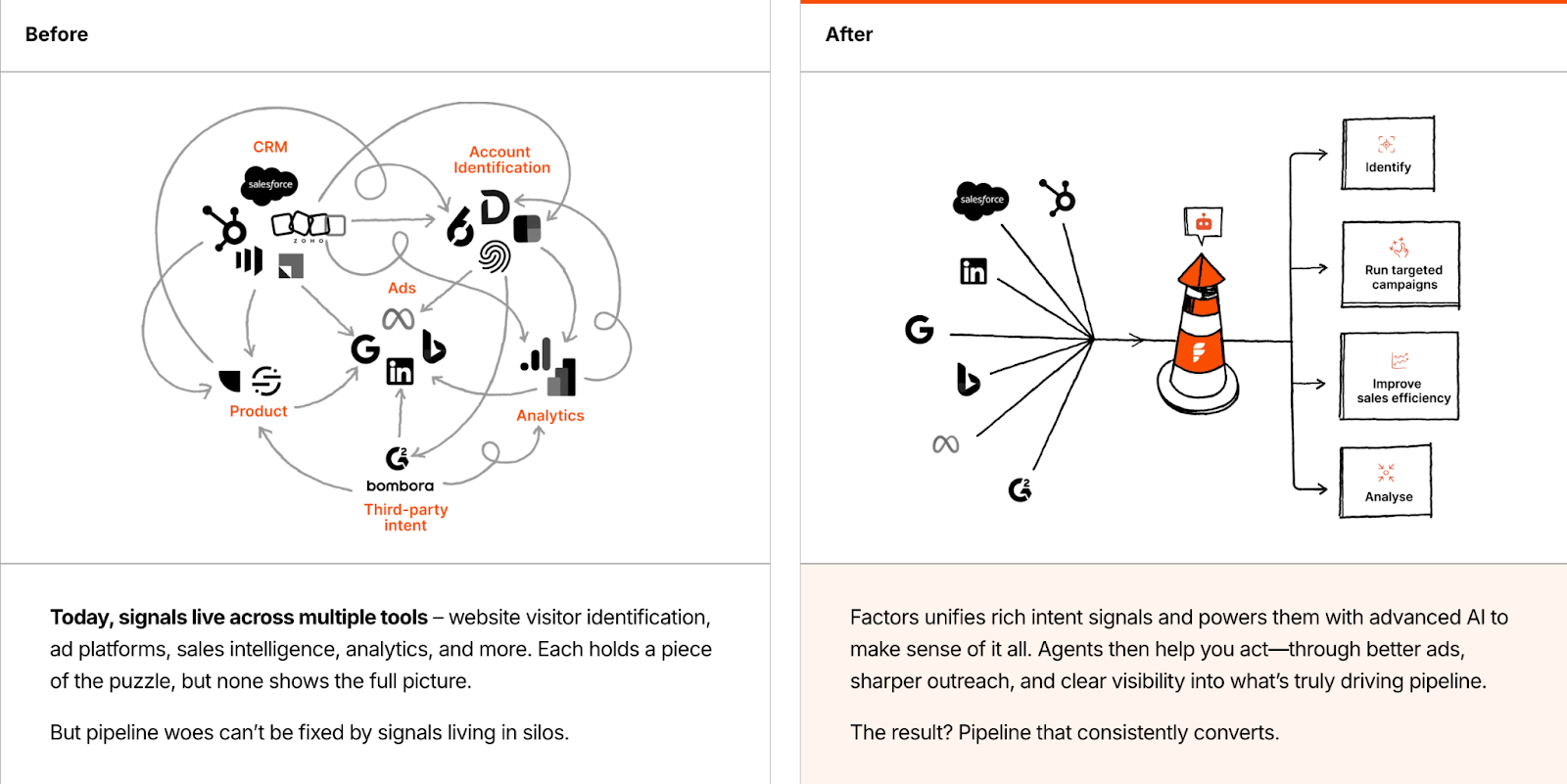
Factors.ai was built to connect marketing, sales, and product touchpoints into one flow.
It reports activity while also helping teams understand how each action contributes to revenue.
Key analytics layers include:
- Multi-Touch Attribution: Tracks how accounts move from first click to deal closure.
- Milestones: Helps diagnose where leads convert or drop off in the funnel.
- Account360 View: Combines ad, web, CRM, and product data to tell the full story of each account’s journey.
- Segmentation Reports: Compare performance across industries, regions, or campaign types.
- AI Highlights: Agents flag insights like sudden drop-offs or accounts showing faster progression than average.
This means your analytics go beyond “what happened” and start answering “why it happened,” helping teams double down on what’s working and fix what’s not.
How RollWorks Tracks Analytics and does Reporting
RollWorks’ analytics stay closely tied to advertising performance.
It helps teams understand how ad campaigns are performing in terms of visibility and engagement, but the insights stop at the top of the funnel.
Here’s what you get:
- Ad and Campaign Metrics: Track impressions, clicks, and conversions.
- Audience Lift Reports: Show which segments are responding best to campaigns.
- Engagement Scoring: Highlights the most active accounts based on ad interactions.
- Pipeline Influence Metrics: Estimates how ad exposure correlates with pipeline movement.
While these reports give a solid sense of campaign effectiveness, they’re primarily designed for ad teams rather than full GTM teams looking to connect marketing actions to revenue outcomes.
Factors.ai vs Rollwords: Analytics and reporting in a snapshot
If your focus is ad optimization like improving click-through rates, reach, and awareness, RollWorks gives you that precision.
But if your team needs a single system that shows how engagement translates into qualified opportunities and revenue, Factors.ai gives you that full-funnel clarity.
RollWorks reports performance, and Factors.ai proves impact.
Factors.ai vs RollWorks (AdRoll ABM): Onboarding & Support
A GTM tool is only as good as how quickly your team can put it to work.
You can have the best platform in the world, but without the right setup and ongoing guidance, it’ll stay underused.
That’s where onboarding and support come in, and Factors.ai and RollWorks (AdRoll ABM) take two very different routes here.
RollWorks offers a structured onboarding program through its parent company, AdRoll… while Factors.ai provides a more personal, partnership-driven approach with its own GTM experts.
| Area | Factors.ai | RollWorks (AdRoll ABM) |
|---|---|---|
| Onboarding Type | White-glove onboarding tailored to ICP and GTM setup | Structured onboarding under NextRoll/AdRoll’s success program |
| Timeline | Fast setup, typically within weeks | Takes several weeks, depending on setup complexity |
| Dedicated CSM | Included in all paid plans | Available for enterprise customers |
| Communication | Dedicated Slack channel for direct communication with the CSM and GTM engineers | Email and scheduled success meetings |
| Support Scope | Weekly GTM reviews, optimization sessions, and optional GTM Engineering Services | Product walkthroughs, campaign setup help, and account health checks |
How Factors.ai Onboards Clients and Handles Support
Factors.ai approaches onboarding like a partnership rather than a handoff.
The goal is not just to help teams get started but to help them operationalize GTM workflows that actually drive pipeline.
Here’s how onboarding typically flows:
- A dedicated CSM and GTM engineer align the setup to your ICP, funnel stages, and internal tools.
- All communication happens through a shared Slack channel, so your team gets quick responses and ongoing feedback.
- Weekly strategy sessions are held to review adoption, troubleshoot workflows, and suggest new plays based on data.
- Optional GTM Engineering Services add another layer of support for RevOps, enrichment setup, and continuous optimization.
The result is that setup doesn’t end when the dashboard goes live as the platform evolves alongside your GTM motion.
How RollWorks Onboards Clients and Handles Support
RollWorks takes a more traditional onboarding route. Since it’s part of AdRoll’s larger ecosystem, teams are onboarded through structured success programs.
What you get:
- Guided onboarding led by a Success Manager.
- Email support and help documentation for self-service needs.
- Regular check-ins to ensure campaign setup and account health.
- Assistance focused mainly on ad activation, audience segmentation, and campaign reporting.
This setup works well for marketing teams focused on ad campaigns and top-of-funnel performance.
However, it’s less hands-on when it comes to GTM workflow design or multi-channel alignment.
Factors.ai vs RollWorks: Onboarding and support in a snapshot
If your team needs ad-level support with clear steps and limited setup time, RollWorks provides a straightforward process.
But if you’re looking for a more collaborative setup, one where the platform grows with your GTM motion and has dedicated experts helping you optimize every step, Factors.ai brings more depth and consistency.
RollWorks supports your ads, and Factors.ai supports your system.
Want to make your GTM setup smoother? Our Ideal Customer Profile (ICP) Guide walks you through building the perfect fit model before onboarding any tool.
Factors.ai vs RollWorks (AdRoll ABM): Compliance & Security
When GTM data includes website visitors, CRM records, and product usage, compliance becomes a necessity.
Modern GTM and ABM teams work with sensitive information every day, and how a platform handles that data decides whether it can scale across larger enterprises.
RollWorks (AdRoll ABM) and Factors.ai both address security, but the depth and transparency of their compliance frameworks are not on the same level.
RollWorks inherits security practices from its parent company, AdRoll, while Factors.ai has built compliance into its foundation with certifications and audit-backed systems.
| Area | Factors.ai | RollWorks (AdRoll ABM) |
|---|---|---|
| **GDPR Compliance** | Yes | Yes (via AdRoll/NextRoll policies) |
| **CCPA Compliance** | Yes | Yes |
| **SOC 2 Type II** | Yes | Not publicly listed (AdRoll parent documentation mentions data security standards) |
| **ISO 27001** | Yes | Not specified |
| **Data Privacy Documentation** | Publicly available | Available under NextRoll privacy center |
| **Data Processing Agreements (DPAs)** | Available to all enterprise customers | Available upon request |
| **Transparency** | Clear documentation of data usage, enrichment practices, and retention | Limited visibility at the RollWorks level; relies on AdRoll policies |
How Factors.ai Handles Compliance and Security

Factors.ai takes a proactive approach to compliance and data protection.
The platform is built to meet global standards and undergoes external audits to ensure the highest levels of data integrity.
Key highlights:
- SOC 2 Type II and ISO 27001 certified: Ensures data confidentiality, integrity, and availability.
- GDPR and CCPA compliant: Protects user and customer data under EU and California regulations.
- Privacy-First Enrichment: Uses verified data sources without relying on invasive fingerprinting methods.
- Signed DPAs: Available for all enterprise clients that require legal validation of data handling.
This makes Factors.ai enterprise-ready from day one, enabling faster procurement approvals and smoother security reviews, especially for teams selling into regulated sectors.
How RollWorks Handles Compliance and Security
RollWorks operates under NextRoll’s broader compliance framework.
While this provides a strong security foundation, the details specific to RollWorks aren’t as openly documented.
What’s available:
- GDPR and CCPA compliance through NextRoll’s privacy center.
- Data collection policies outlining how user data is processed for ad targeting.
- Encryption and access control at the infrastructure level.
However, certifications like SOC 2 Type II or ISO 27001 are not explicitly listed under the RollWorks brand, and most compliance details are shared under the parent company’s name.
That means enterprise teams may need additional documentation or approvals when going through vendor security checks.
Factors.ai vs RollWorks: Compliance and security in a snapshot
Both platforms maintain data security and privacy standards, but Factors.ai brings more clarity and confidence for enterprise GTM teams.
Its certifications, transparent documentation, and privacy-first enrichment make it a safer choice for organizations that handle large volumes of customer data.
RollWorks covers the basics well under its parent framework but lacks the same level of independence and visibility.
If you’re scaling in industries where compliance scrutiny is high, Factors.ai keeps you ready from the start.
If compliance is top of mind, you’ll love our take on Website Visitor Identification Privacy which showcases how to stay transparent while scaling your GTM operations.
Factors.ai vs RollWorks (AdRoll ABM): Which tool to choose when?
Both Factors.ai and RollWorks (AdRoll ABM) help GTM teams move faster, but they do it in very different ways.
RollWorks focuses on advertising and account-based reach. Factors.ai focuses on connecting every signal across the funnel to build consistent, measurable growth.
Here’s how to decide which one fits your goals better.
| If you want to… | Choose |
|---|---|
| Run large-scale ABM and advertising campaigns | RollWorks |
| Track where every lead comes from and how it moves through the funnel | Factors.ai |
| Focus on ad impressions and audience reach | RollWorks |
| Use signals from web, CRM, ads, and product to drive conversions | Factors.ai |
| Automate GTM workflows with AI support | Factors.ai |
| Keep ads and campaigns simple and centralized | RollWorks |
| Get full-funnel reporting and milestone analytics | Factors.ai |
| Follow a structured onboarding process | RollWorks |
| Work with a team that collaborates through Slack and weekly GTM reviews | Factors.ai |
| Meet enterprise security and compliance standards easily | Factors.ai |
When Factors.ai Fits Best
Factors.ai suits teams that want to build a connected, measurable GTM system.
It brings marketing, sales, and product signals together, so you can see what’s working, what’s not, and where to act next.
It’s designed for teams that want to:
- Combine AI insights with daily workflows.
- Understand how different actions lead to qualified pipeline.
- Automate repetitive GTM tasks like alerts, enrichment, and outreach.
- Maintain compliance while scaling across enterprise environments.
It helps teams replace scattered workflows with one clear motion for revenue growth.
When RollWorks Fits Best
RollWorks works well for teams that want to grow awareness through advertising and run large-scale ABM campaigns.
It’s ideal for marketers who:
- Want to push ads across multiple platforms.
- Need clear visibility into impressions and engagement lift.
- Already have other tools for analytics and revenue tracking.
It’s built for scale, helping teams that rely heavily on ads reach the right audience quickly.
FAQs for Factors.ai vs Rollworks (AdRoll ABM)
Q. What is the main difference between Factors.ai and RollWorks?
The core difference lies in focus. Factors.ai is designed as a full GTM orchestration platform that connects intent, analytics, automation, and revenue tracking across the funnel. RollWorks centers on account-based advertising, helping teams reach and retarget target accounts through ads while measuring engagement and lift.
Q. Is Factors.ai an alternative to RollWorks for ABM?
Yes, but they solve different problems. RollWorks works well when ABM is mostly ad-driven. Factors.ai fits teams that want ABM to connect directly with sales activity, funnel progression, and revenue outcomes rather than stopping at impressions and clicks.
Q. Which platform is better for full-funnel GTM analytics?
Factors.ai. It tracks buyer journeys from first touch to closed revenue using account timelines, milestone tracking, and multi-touch attribution. RollWorks focuses mainly on campaign engagement and ad influence rather than end-to-end funnel visibility.
Q. Does RollWorks support intent data and account identification?
Yes. RollWorks identifies accounts using website engagement, third-party intent providers, and G2 Buyer Intent. These signals are primarily used to improve ad targeting and audience segmentation rather than sales prioritization or workflow automation.
Q. How does pricing differ between Factors.ai and RollWorks?
Factors.ai offers tiered plans, including a free option, based on usage and seats. RollWorks uses custom, quote-based pricing that typically scales with ad spend, account volume, and selected features. Teams scaling paid media often see costs rise with campaign reach.
Q. Does either platform offer AI-driven automation?
Factors.ai does. It includes AI agents that handle account research, scoring, buying group mapping, real-time alerts, and re-engagement signals. RollWorks does not currently offer AI agents beyond automation related to ads and audience updates.
Q. Which tool is better for B2B teams focused on revenue impact?
Factors.ai is better suited for revenue-focused GTM teams that want to understand which actions move deals forward and automate follow-ups at the right moments. RollWorks fits teams prioritizing awareness, reach, and ad performance as their primary GTM motion.
.avif)
Factors.ai vs HockeyStack: Which ABM platform wins?
Compare Factors.ai vs HockeyStack across features, pricing, analytics, AI, and GTM automation. Discover which ABM platform better supports B2B teams.
Choosing the right intent data or ABM platform is never as straightforward as it seems. On the surface, tools often look alike: overlapping features, similar promises, familiar dashboards.
But if you’ve ever sat in a pipeline meeting, you know the real question is about momentum.
- How are the current channels contributing to lead generation?
- How seamlessly can they move from anonymous visitor to active opportunity?
- How confidently can they prove which efforts are driving the real pipeline?
That’s the lens through which we’ll look at HockeyStack and Factors. Two strong platforms, both aiming to give revenue teams more clarity and control. The details of how they help you get there, that’s where the difference reveals itself.
Factors vs HockeyStack: Features and Functionalities
When teams evaluate platforms like HockeyStack and Factors, the first question is always the same: Can this tool actually give me a complete picture of my accounts and how they buy? The strength of a GTM intelligence platform isn’t just about collecting data, but in how that data can be stitched together to tell a useful story.
| Feature | Factors | HockeyStack |
|---|---|---|
| Account Identification | Bundled with platform | Needs separate license/add-ons |
| Data Sources | 1st, 2nd & 3rd party | 1st & 3rd party |
| Journey Timelines | ✅ | ✅ |
| Segmentation | Account events, multi-touchpoint filtering | User actions/properties with filters |
| Custom Scoring | Weighted signals, hot/warm/ice tiers, 180-day history | Offers predictive account scoring using intent, behavioral and firmographic signals |
Both HockeyStack and Factors deliver on the essentials: account identification, journey timelines, segmentation, and scoring, but the depth of what you can do with these capabilities is where things get interesting.
Factors Features and Functionalities
- Bundled account identification
No separate license needed, intent data is available out of the box. Makes it easier to get teams aligned without extra add-ons. - Richer data foundation
Goes beyond 1st and 3rd party signals by bringing in 2nd party data too. That additional layer means a fuller picture of the buying committee. - Advanced scoring with time-weighted signals
Allows you to not only score accounts, but weigh actions differently and define tiers (hot, warm, ice) across longer cycles, up to 180 days. Perfect for complex, enterprise sales where interest builds slowly. - Multi-touchpoint segmentation
Instead of just filtering based on actions, you can group accounts by the full range of interactions across channels. Makes it easier to answer questions like: “Which accounts engaged with both LinkedIn ads and webinar content before booking a demo?”
Why This Matters for Teams
- Marketing leaders can use these capabilities to understand which campaigns are shaping real opportunities, and prove it with journey timelines.
- SDRs and AEs can prioritize outreach based on weighted scores, so they don’t waste time chasing accounts that are cooling off.
- RevOps teams optimize spend and reallocate budget where intent is actually converting.
HockeyStack Features and Functionalities
- Account intelligence powered by 1st & 3rd party data
Gives GTM teams visibility into who’s engaging and from where. Great for building top-of-funnel awareness and spotting early intent. - Granular segmentation tools
Filters across dashboards, goals, and properties allow analysts to cut data in multiple ways. For a data-heavy team, this flexibility is powerful. - Custom scoring options
Lets you define what intent looks like by combining firmographic data with behavior signals. Ideal if you want a scoring model tailored to your ICP. - Journey timelines
Clear visual paths of how accounts interact across touchpoints. A good starting point for mapping patterns of buying behavior.

Factors vs HockeyStack: Pricing & Accessibility
Pricing is often one of the first things revenue teams evaluate when considering a GTM platform. Beyond cost, pricing structures reveal how well a tool scales with a team’s growth and usage needs. The right structure ensures that as your GTM operations expand, the platform continues to deliver value without creating friction.
| Feature | Factors | HockeyStack | Implications |
|---|---|---|---|
| Pricing Model | Usage + seat-based, tiered | Quote-based, not publicly listed | Factors offers pricing during the demo; HockeyStack requires direct consultation. |
| Entry-Level Plan | Free forever (explore site visitors, basic traffic, Slack/MS Teams alerts) | Paid only (~$2,200/month) | Factors allows teams to start with zero financial risk. |
| Scalability | Clear tiers from Free → Enterprise, expanding accounts, seats, and features | Unknown, quote-based | Factors supports predictable growth; HockeyStack may need negotiation for larger teams. |
| Reporting & Customization Limits | 50 → unlimited reports depending on plan | Not specified | Factors provides clear reporting capacity; HockeyStack may require confirmation. |
| Advanced GTM Features | Growth & Enterprise plans include ABM analytics, account scoring, ad sync, and predictive insights | Limited public info | Factors bundles advanced GTM functionality natively; HockeyStack may need integrations. |
| Integrations | Expands with tiers: CRM, ad platforms, Slack/MS Teams | Core CRM integrations (HubSpot, Salesforce) | Factors supports a broader tech stack; HockeyStack may need workarounds for complex workflows. |
Factors Pricing
Factors organizes its plans around usage, seats, and feature depth, letting teams start small and scale effectively:
- Free Plan
- Designed for exploration: start tracking which companies visit your website
- Analyze basic website traffic
- Set up Slack/MS Teams alerts
- Basic Plan
- Everything under Free, plus:
- Unmask over 75% of companies visiting your website
- Segment accounts using firmographic & behavioral filters
- Track how LinkedIn Ads influence accounts
- Rule-based alerts & workflows to improve sales efficiency
- Build up to 50 reports to monitor key metrics
- Sync data to your CRM
- Everything under Free, plus:
- Growth Plan
- Everything under Basic, plus:
- Complete visibility over the buyer journey
- Custom account scoring and engagement tracking
- Understand how G2 impacts the buyer journey
- Custom agentic alerts & workflows for scaled outreach
- Advanced ABM analytics to track campaign performance
- Everything under Basic, plus:
- Enterprise Plan
- Everything under Growth, plus:
- Predictive account scoring for prioritization
- Increase LinkedIn Ads ROI with impression control & conversion feedback
- Dynamically sync audiences to Google and LinkedIn Ads
- Get high-quality leads from Google Ads with enhanced conversions
- Analyze account behavior across different buyer stages
- Combine 1st, 2nd, and 3rd party data for richer intelligence
- Everything under Growth, plus:
This tiered setup allows teams to pick the plan that matches their current operations while keeping future scalability in mind.
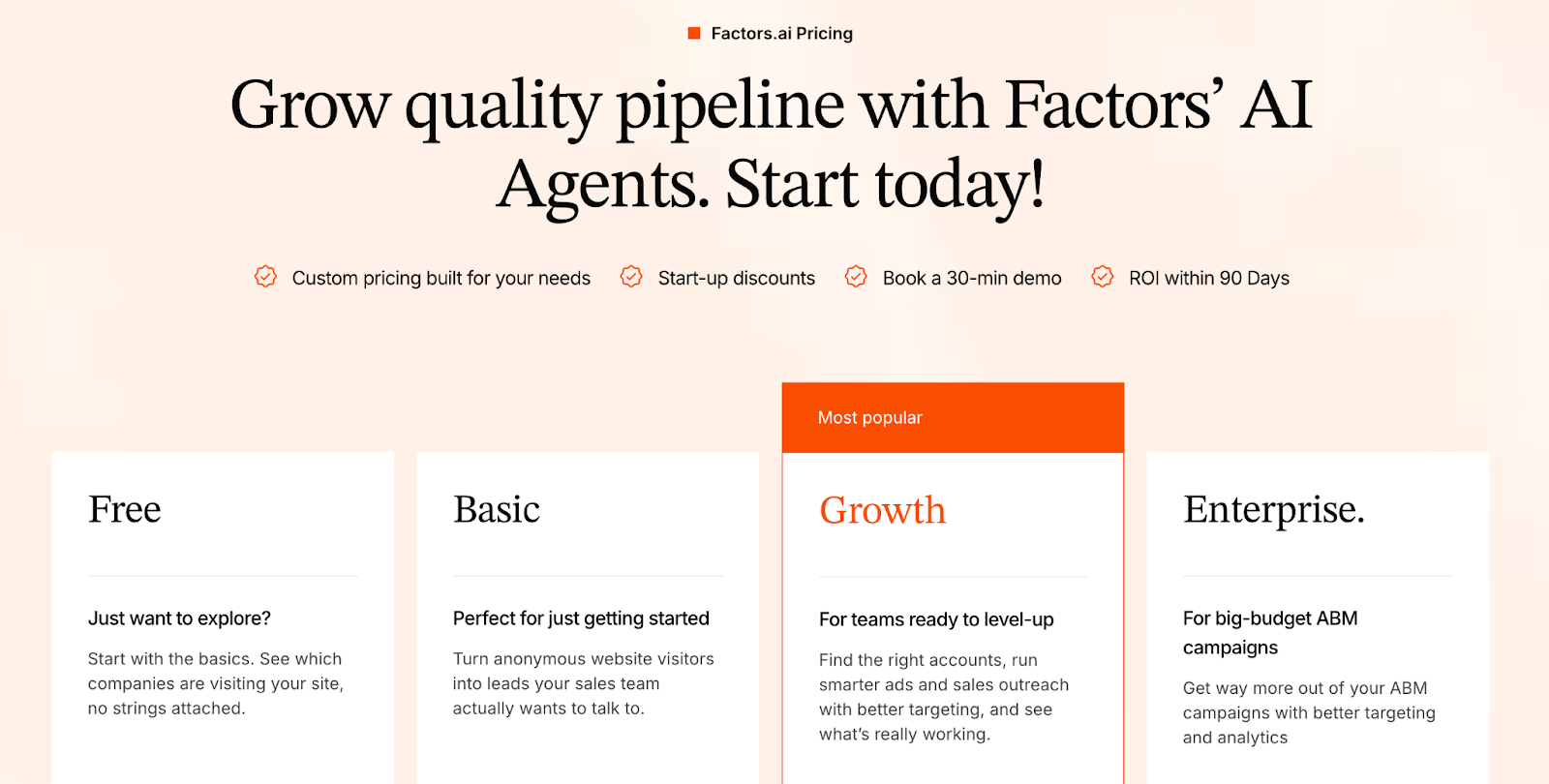
HockeyStack Pricing
HockeyStack's pricing is more straightforward, but it lacks transparency in public disclosure. Based on G2:
- Starting price: ~$2,200/month
- No official breakdown of tiers, seats, or usage limits available on their website
While the starting price is visible, teams may need to contact HockeyStack for detailed quotes, making upfront budgeting less precise compared to Factors’s tiered, transparent model.
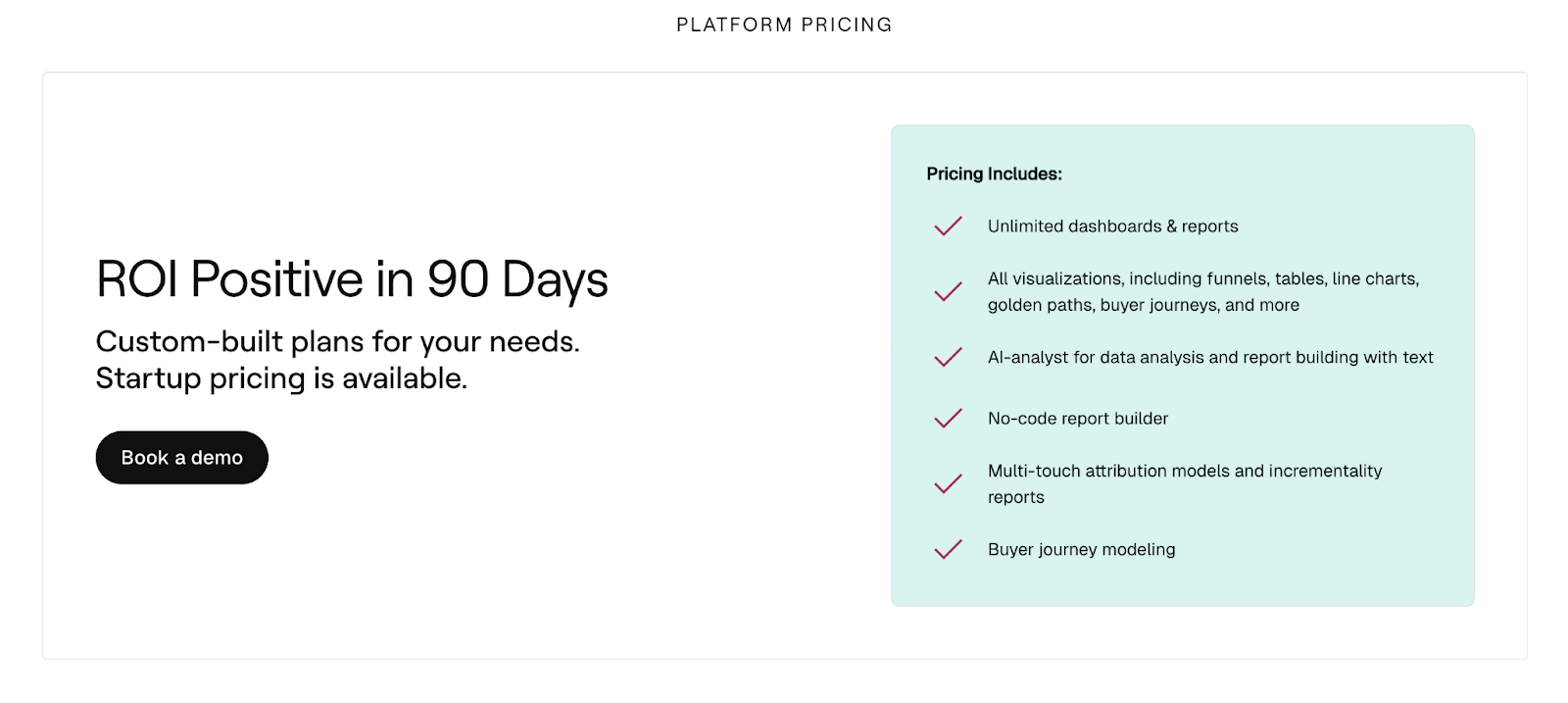
Key Takeaways
- Factors offers transparent, tiered pricing.
- HockeyStack has a clear starting cost, but limited publicly available detail makes future budgeting less predictable.
- Teams looking for scalable GTM features bundled with their plan may find Factors easier to plan around and grow with.
Factors vs HockeyStack: Analytics and Reporting
Revenue teams face a flood of data every day, but what really matters are the insights that guide action. Knowing which campaigns to invest in, spotting accounts that are ready to engage, and understanding where the pipeline is slipping through the cracks, these are the questions that drive results.
Both HockeyStack and Factors market themselves as highly customizable, but the way teams use those analytics is what makes the difference.
| Feature | Factors | HockeyStack |
|---|---|---|
| Custom Dashboards | ✅ Fully customizable | ✅ Highly customizable |
| Segmentation Options | ✅ Advanced (accounts, users, multi-touch) | ✅ Strong (filters at multiple levels) |
| Journey Timelines | ✅ | ✅ |
| Account Scoring in Analytics | Built-in scoring with weighted signals | Manual setup |
| Multi-touch Attribution | Deep pipeline-linked attribution | Limited to channel-level attribution; lacks full revenue linkage. |
| Data Retention Window | Free plan: retained for 1 month. Paid plans: retained for the length of your subscription, and after cancellation your data is kept for 90 days before permanent deletion. | As per publicly available information, you can store website data forever, without data retention limits. |
Factors Analytics and Reporting
- Completely customizable dashboards: Tailored to each team (demand gen, RevOps, sales), without feeling overly complex.
- Advanced segmentation: Goes beyond user-level to include account events, multi-touch journeys, and firmographics.
- Custom account scoring baked in: You’re not just reporting for the sake of it, you’re ranking accounts based on intent signals, CRM activity, and weighted scoring models (hot, warm, cold, etc).
- Multi-touch attribution made practical: Instead of just showing that ads or emails “influenced pipeline,” Factors can break down how much weight each touchpoint carried.
- Data retention & depth: Up to 180 days of signal history, giving marketers a longer look-back window to analyze nurture effectiveness.
Why This Matters for Teams
- RevOps can move from generic dashboards to actionable playbooks, e.g., “These 20 accounts just hit a hot score, route them to SDRs this week.”
- CMOs can defend budget allocation with segment-level comparisons: “Content syndication delivered twice the pipeline efficiency of paid search.”
- Sales leaders can view account timelines without needing an analyst to re-pull data weekly.
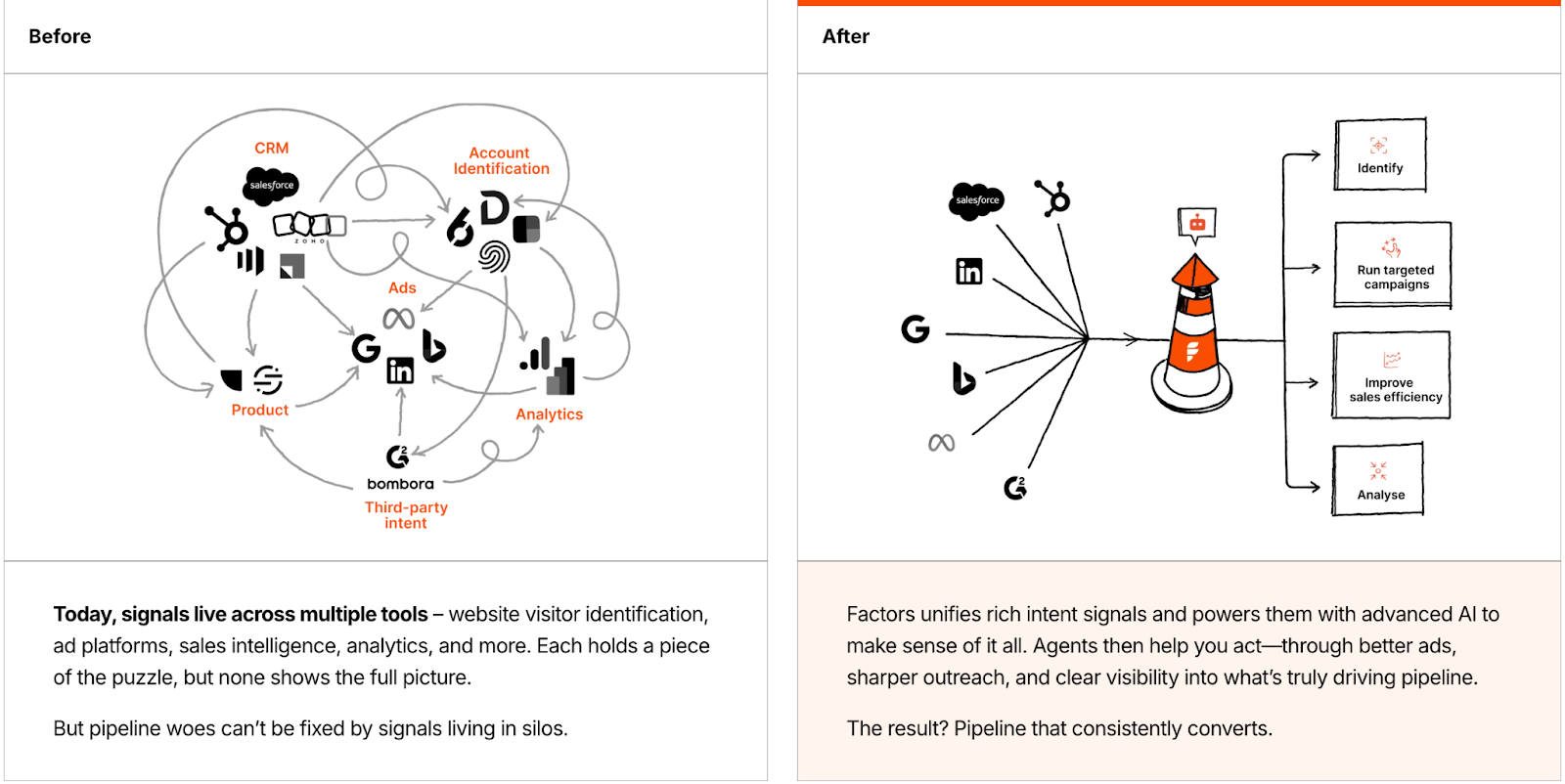
HockeyStack Analytics and Reporting
- Highly customizable views: Teams can configure dashboards and slice data however they like.
- Segmentation power: Multiple levels of filtering (global, column, breakdown, dashboard, and goal filters) allow deep dives into user actions and properties.
- Journey timelines: A visual way to see how accounts moved across touchpoints before reaching key milestones.
- ABM & funnel reporting: Useful for comparing channel and segment performance.
For data-savvy teams, HockeyStack analytics and reporting provides a wide canvas to work with. But this flexibility often means you need ops muscle to structure insights that are useful for sales and marketing leadership.

{{INLINE_BOFU}}
Factors vs HockeyStack: Workflows and Integrations
Dashboards and insights are only as good as the actions they drive. For GTM teams, that means one thing: the ability to operationalize insights inside the tools they already live in, Salesforce, HubSpot, Slack, LinkedIn, outreach platforms, and so on.
| Feature | Factors | HockeyStack |
|---|---|---|
| CRM Sync (HubSpot, Salesforce) | ✅ | ✅ |
| Marketing Automation Data | ✅ Via CRM + enrichment | ✅ HubSpot-focused |
| Enrichment | Built-in (Apollo) | Custom setups |
| Sales Engagement Integrations | ✅ (HeyReach, SmartLead, etc) | ❌ |
| Custom Workflows (Webhooks) | ✅ Flexible | Limited |
| Alerts | Slack | Slack |
Both HockeyStack and Factors connect the dots here, but their approaches open up slightly different possibilities.
Factors Workflows and Integrations
- CRM contact and deal updates: Syncs with Salesforce and HubSpot just like HockeyStack.
- Built-in enrichment: Leverages Apollo to add context around accounts, so reps aren’t starting cold.
- Sales engagement integrations: Connects with HeyReach, SmartLead, and other outreach tools, moving beyond CRM into the sales execution layer.
- Custom workflows with webhooks: Teams can create automated triggers, e.g., “If an account score hits Hot, add them to a SmartLead sequence and notify the AE in Slack.”
- Multi-channel alerts: Notifications can go to Slack and Microsoft Teams, ensuring sales doesn’t miss signals.
Why This Matters for Teams
- Marketers can directly push audiences into ad platforms or nurture workflows instead of manually exporting CSVs.
- Sales teams get alerts where they already work (Slack, Teams) and can jump into action faster.
- RevOps gains the flexibility to stitch Factors into a broader stack without needing one-off connectors or custom dev time.
HockeyStack Workflows and Integrations
- CRM syncs: Updates contacts, companies, and deals directly inside HubSpot and Salesforce.
- Marketing automation hooks: Pulls form fills, campaign data, and meeting activity from HubSpot into reporting views.
- Sales data sync: Maps account, contact, lead, and deal objects to keep CRM clean and usable.
- Custom enrichment: Lets teams bring in firmographic and intent data for advanced segmentation.
For teams who rely heavily on Salesforce or HubSpot, HockeyStack does a solid job of bridging insights back into the CRM without requiring constant exports.
At this point, it’s clear: HockeyStack helps with CRM alignment, while Factors extends workflows into the broader GTM stack, including enrichment, outreach, and flexible automation.
Factors vs HockeyStack: AI & Automation
Every GTM team has more signals, more data, and more campaigns than they can realistically handle. That’s where AI enters: to actively help teams prioritize, plan, and execute. Both HockeyStack and Factors lean into AI, but the philosophy and scope of what you can automate are very different.
| Feature | Factors | HockeyStack |
|---|---|---|
| AI Analyst / Assistant | ✅ Marketing Copilot (chat-based, coming soon) | ✅ Campaign optimization and insights |
| AI Agents (customizable) | ✅ Create task-specific GTM Agents | ❌ |
| GTM Engineering (AI + GTM services) | ✅ Turn intent into revenue with real-time alerts, deal revival, and multi-threading | ❌ |
| Enrichment via AI | ✅ (auto-enrich accounts with Apollo + intent signals) | Limited |
| Outreach Automation | ✅ Push hot accounts into sales engagement tools | ❌ |
| Scope of AI | Analysis + execution (with services) | Analysis-focused |
Factors’ AI & Automation
Where Factors pulls ahead is in pushing AI beyond analysis into execution. Its platform introduces AI Agents and GTM Engineering, programmable teammates that analyze signals and actively take action across the GTM motion.
Some real-world ways Factors’s AI helps teams:
- Account Research at Scale: Surfaces key contacts and buying group details automatically, instead of manual LinkedIn or Apollo searches.
- Signal-to-Action Routing: When a target account shows intent, an AI Agent enriches the data, scores it, and pushes it into outreach sequences via HeyReach or SmartLead.
- Custom Playbooks: Teams can build Agents to track specific conditions, e.g., “watch competitor-engaged accounts, pull key contacts, and send to SDR Slack channel.”
- Outreach Automation: Hot accounts can be auto-routed into cadences, ensuring no opportunity goes cold.
- Marketing Copilot (coming soon): A conversational assistant that answers questions like, “Which channels drove pipeline last quarter?” instantly.
GTM Engineering takes this even further by combining AI Agents with GTM services:
- AI-powered alerts notify reps in real-time when an account is ready to talk.
- They enrich buying groups and multi-thread deals automatically.
- They revive closed-lost opportunities and track post-meeting engagement to guide follow-ups.
Together, AI Agents and GTM Engineering position Factors not just as a co-pilot, but as an operator that actively drives deals forward.
Why This Matters for Teams
- Marketing teams save hours by letting AI handle enrichment, scoring, and activation, instead of manually curating lists or analyzing reports.
- Sales teams get proactive guidance on which accounts to chase and why, with timely nudges for outreach and follow-ups.
- Leadership gains visibility into which AI-driven activities are actually driving pipeline, without requiring analysts to crunch numbers every week.
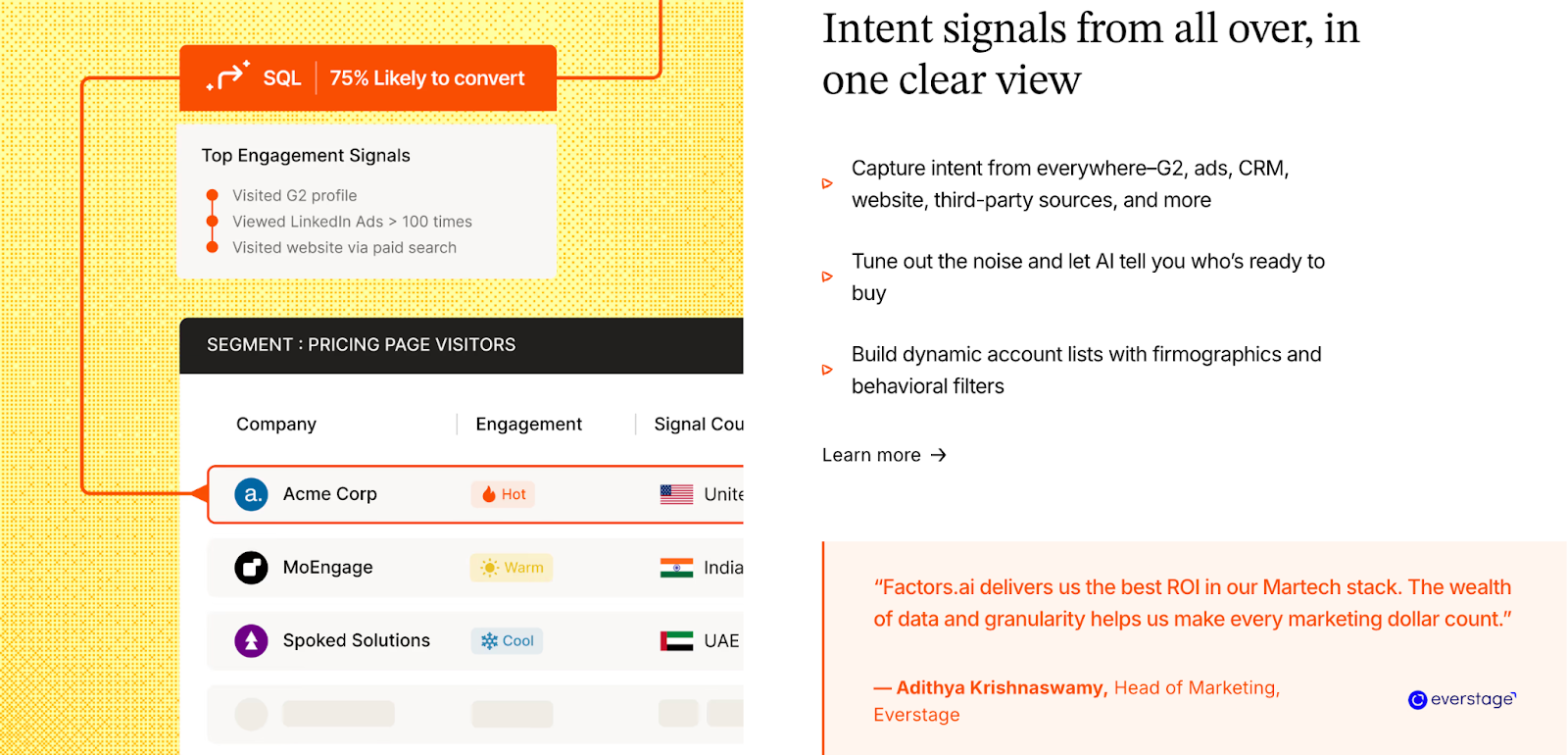
HockeyStack’s AI & Automation
HockeyStack introduces Odin, its AI analyst, designed to make insights faster and more accessible. Odin sits closer to the analysis layer, giving revenue teams quicker answers without needing to through dashboards.
Here’s how Odin helps:
- Campaign Diagnostics: Summarizes which channels are performing well and where conversions are lagging.
- Performance Recommendations: Offers suggestions on targeting, bidding, and budget allocation based on historical campaign performance.
- Faster Reporting: Condenses key takeaways into digestible insights for marketers and sales leaders who don’t want to build complex reports.
For marketers, this reduces dependency on manual reporting. For non-technical users, it lowers the barrier to accessing campaign insights.
In short: HockeyStack helps you see smarter, surfacing insights and recommendations, while Factors helps you act faster, with AI-driven automation and GTM Engineering that turn intent into revenue.
Factors vs HockeyStack: Ads Activation
B2B marketing is about making sure every dollar spent is moving real accounts closer to pipeline. Attribution, syncing, and activation are the levers that decide whether campaigns are just impressions, or actual revenue drivers. Both HockeyStack and Factors recognize this, but the level of depth and orchestration sets them apart.
| Feature | Factors | HockeyStack |
|---|---|---|
| LinkedIn Audience Sync | ✅ | ✅ |
| LinkedIn Conversion API | ✅ | Not publicly specified / feature not clearly listed |
| LinkedIn Frequency Pacing | ✅ | Not publicly specified / feature not clearly listed |
| View-Through Attribution | ✅ | ✅ |
| Google Ads Activation | Part of Google AdPilot, include Google CAPI and Audience Sync | Coming soon |
| Google Enhanced Conversions | ✅ | Not publicly specified / feature not clearly listed |
| Cross-channel sequence / outreach coordination | Yes: combining ads + outreach + account intelligence + sales alerts to drive orchestration. | Yes: orchestration of email, ads, CRM, chat; workflow triggers across channels. |
Factors’ Ad Activation
Factors positions itself as the platform where ad spend directly connects to pipeline, with broader channel coverage and tighter orchestration.
Key capabilities:
- LinkedIn AdPilot: Ad Intelligence for B2B Marketers
Through LinkedIn AdPilot, marketers can orchestrate ads with precision using:- Conversion API (CAPI): Captures server-side and offline conversions that typically slip through native tracking, giving you a complete and accurate view of ROI.
- Impression & Frequency Control: Automatically balances ad delivery across your top accounts so no single account gets overserved, reducing fatigue and wasted spend.
Together, these capabilities help GTM teams move beyond CTRs and optimize for pipeline impact, not just clicks.
💡See how Hey Digital increased their LinkedIn Ads ROI by 35% with AdPilot
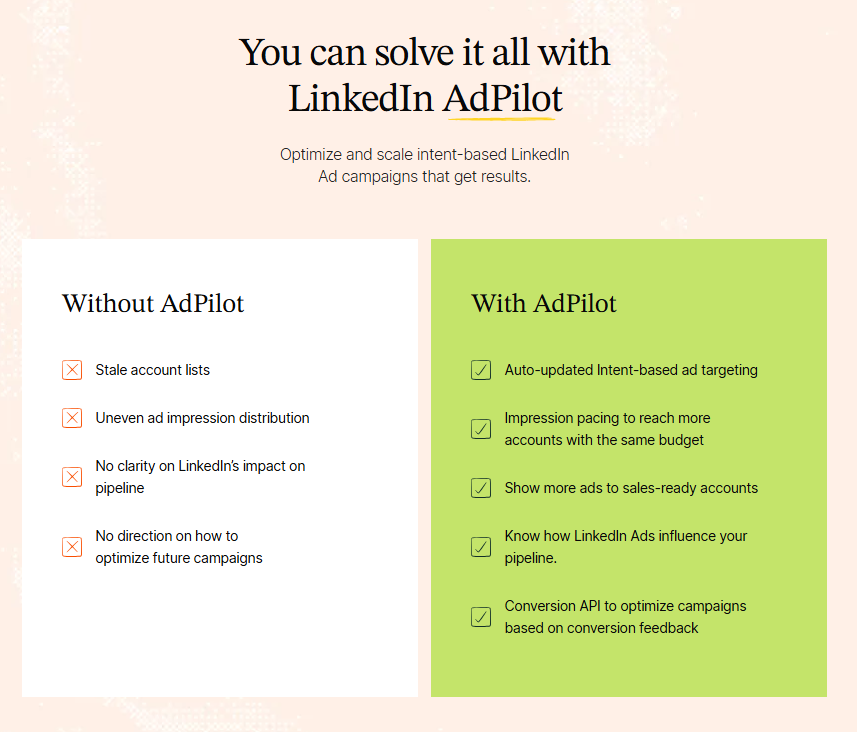
- Google AdPilot
The same intelligence is being extended to Google Ads, bringing B2B precision to the world’s largest ad network.- Audience Sync: Push high-intent accounts from Factors directly into Google Ads for laser-focused targeting.
- Google CAPI Integration: Feed conversion and pipeline data back into Google’s algorithm to train it on what actually drives revenue.
Once live, this will enable full-funnel orchestration across LinkedIn and Google, giving marketers a single, connected view of ad performance and pipeline influence.
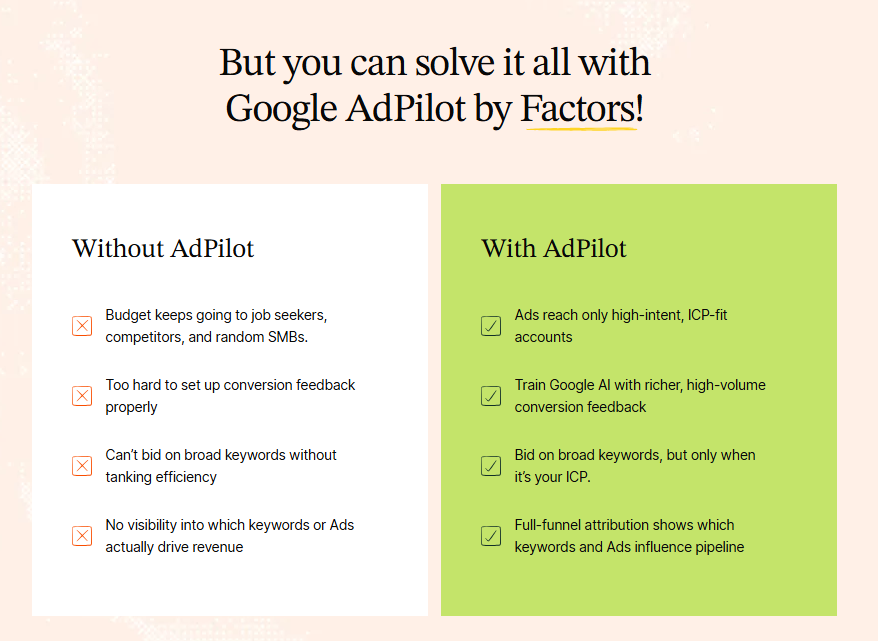
- Cross-Channel Orchestration
Factors connects ad interactions with every other engagement signal, webinar attendance, SDR outreach, content engagement, website visits, giving teams a unified view of account journeys.
You can finally see how ad exposure, sales touchpoints, and content interactions compound to move an account from awareness to revenue. - Pipeline Attribution, Not Vanity Metrics
Factors ties every ad campaign to pipeline and revenue outcomes, not surface-level metrics.
- Each ad’s influence is mapped across MQLs, SQLs, opportunities, and closed deals, giving GTM and RevOps teams a clear view into which campaigns accelerate revenue and which ones just drive noise.
- Because it sits on top of account-level intelligence, every ad decision is backed by buying-group behavior, not guesswork.
Why This Matters for Teams
- Demand Gen Managers: Can prove ROI by tying spend directly to influenced pipeline, not just impressions.
- Campaign Ops: Control ad exposure and budget efficiency with tools like frequency pacing.
- RevOps & CMOs: Confidently connect ad spend across LinkedIn and Google to revenue outcomes.
HockeyStack’s Ad Activation
HockeyStack brings ad performance into the GTM picture with a clear focus on LinkedIn.
Key strengths:
- LinkedIn Audience Sync: Retarget the right accounts to keep buying committees warm.
- Offline Conversions → LinkedIn: Push CRM or offline signals back into LinkedIn for better campaign optimization.
- View-Through Attribution: See which ads influenced accounts even without direct clicks.
- Google Ads Activation (coming soon): Expansion is on the horizon, but currently not live.
For teams heavily dependent on LinkedIn, HockeyStack covers the essentials. But beyond LinkedIn, orchestration still feels limited.
TL;DR: HockeyStack gets you started with LinkedIn-focused ad measurement and syncs. Factors extends into true multi-channel orchestration, with deeper LinkedIn controls, pipeline-linked reporting, and Google Ads integrations on the horizon.
Factors vs HockeyStack: GTM Workflows & Automation
Collecting insights is only half the battle. The real power lies in how quickly those insights can be acted upon across your GTM stack. This is where automation makes or breaks efficiency.
| Feature | Factors | HockeyStack |
|---|---|---|
| CRM Sync (HubSpot & Salesforce) | ✅ | ✅ |
| Marketing Automation Data | ✅ (HubSpot + Apollo enrichment) | ✅ (HubSpot forms, meetings, campaigns) |
| Sales Engagement Workflows | ✅ (HeyReach, SmartLead, etc.) | ❌ |
| Custom Workflows with Webhooks | ✅ | ❌ |
| Cross-object Sync | ✅ | ✅ |
| Automated Account Prioritization | Advanced (intent-based scoring + routing) | Basic segmentation |
Factors’ GTM Workflows & Automation
- CRM Integration: Syncs contacts and deals with HubSpot and Salesforce, but also adds Apollo-based account enrichment for deeper firmographic context.
- Sales Engagement Workflows: Goes beyond CRM, with connections to HeyReach, SmartLead, and similar tools, allowing outreach automation directly from insights.
- Custom Workflows with Webhooks: Offers flexibility to push insights into any tool in your stack, not just the big CRMs.
- Account Prioritization: Uses intent signals and custom scoring to automatically route accounts into the right sequences or cadences.
Why This Matters for Teams
- Marketing Ops: Reduce the burden of manual list uploads and sync mismatches.
- Sales Teams: Get enriched account views and ready-to-action outreach flows without toggling across systems.
- Revenue Leaders: Ensure every high-intent account is engaged quickly and consistently.
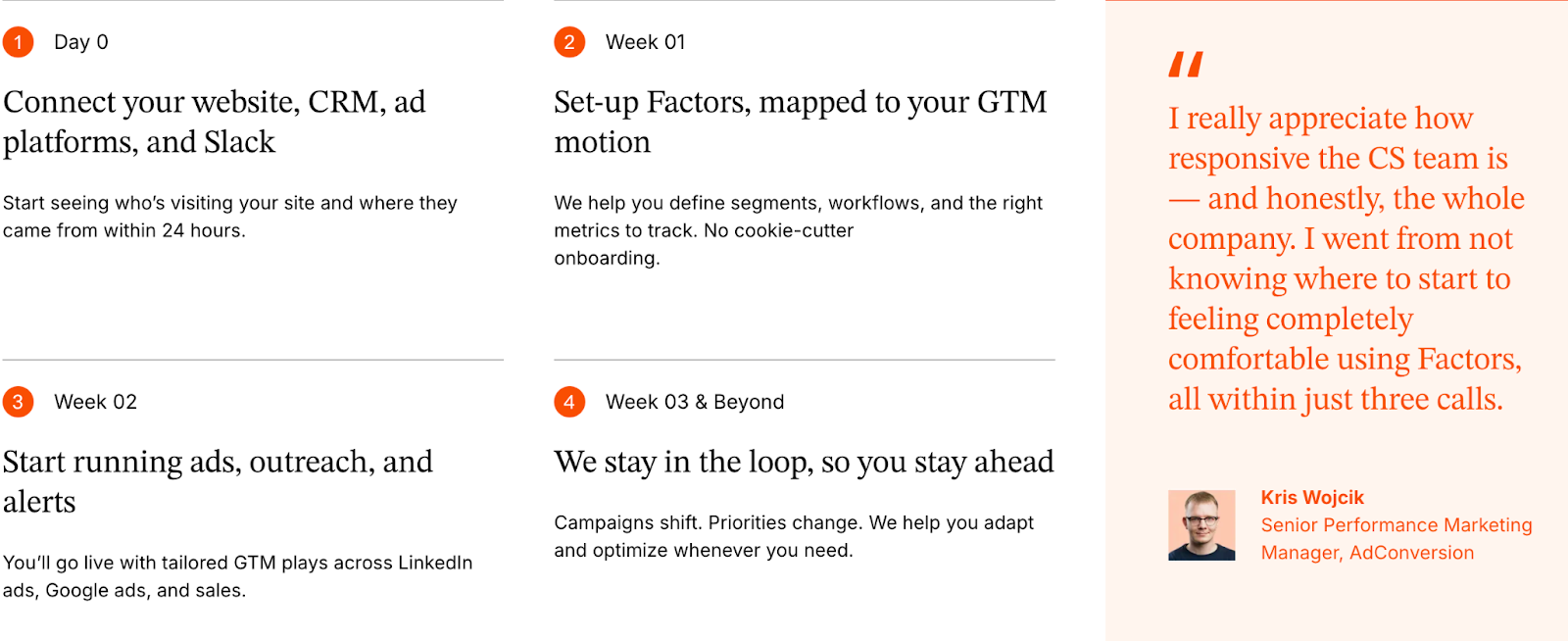
HockeyStack’s GTM Workflows & Automation
- CRM Updates: Automatically updates HubSpot and Salesforce with contact, company, and deal-level information.
- Data Enrichment: Pulls in marketing automation data like forms, meetings, and campaigns to enrich records.
- Custom Segmentation: Supports segmentation with CRM properties, which makes it easier to prioritize accounts.
- Cross-object Sync: Can sync sales data across Accounts, Contacts, Leads, and Deals, keeping revenue data clean.
HockeyStack ensures your CRM stays up to date. Factors extends that foundation, letting you automate the entire GTM motion, from enriched account insights to immediate outreach.
Factors vs HockeyStack: Security and Compliance
When evaluating GTM platforms, flashy features and AI capabilities usually grab the spotlight. But for enterprise teams, the conversation often circles back to a quieter, yet non-negotiable topic: trust. With sensitive customer data flowing through these platforms, security and compliance standards can make or break vendor selection.
| Feature | Factors | HockeyStack |
|---|---|---|
| SOC 2 Type 2 | ✅ | ✅ |
| ISO 27001 | ✅ | ❌ |
| GDPR/CCPA/CPRA | ✅ | ✅ |
Factors’ Security and Compliance
Factors has certifications and practices that resonate with larger organizations, especially those with global footprints.
Here’s what stands out:
- ISO 27001 Certification: A gold standard in information security management, recognized globally and often required by enterprises.
- SOC 2 Type 2: Like HockeyStack, Factors is independently audited for security, availability, and confidentiality.
- CCPA and GDPR: Full compliance with international and regional privacy frameworks.
- Enterprise-grade Governance: Security isn’t just a certification badge, Factors backs it with processes like continuous monitoring, documented policies, and dedicated security reviews for clients.
For companies where IT, legal, and procurement teams scrutinize every vendor, this level of security posture isn’t just a formality, it smooths the buying process and builds long-term confidence.

HockeyStack’s Security and Compliance
HockeyStack takes care of core compliance frameworks expected by most SaaS buyers:
- SOC 2 Type 2 Certification: Ensures controls around security, availability, and confidentiality are audited and validated.
- GDPR, CPRA, and CCPA: Compliance with major privacy regulations in the EU and California, covering data rights and consent management.
- Operational Safeguards: Includes processes for data handling, breach management, and regular audits.
For teams that want baseline enterprise security and proof of regulatory alignment, HockeyStack checks the right boxes.

Factors vs HockeyStack: Onboarding and Support
Success with a GTM platform comes from how quickly your team can put its features to work and the quality of support you have along the way. A platform that looks powerful on paper but takes months to implement, or leaves you stranded after sign-up, will never deliver its promised ROI.
| Feature | Factors | HockeyStack |
|---|---|---|
| Self-serve setup | ✅ | ✅ |
| Assisted guidance | ✅ | ✅ |
| Dedicated CSM | ✅ | Not publicly specified |
| Dedicated Slack channel | ✅ | Not publicly specified |
| Weekly strategy meetings | ✅ | Not publicly specified |
Factors’ Onboarding and Support
Factors takes a different tack, leaning into deeply guided onboarding and ongoing support. For growing SaaS and enterprise teams, this often feels less like “buying a tool” and more like bringing in a partner. Their approach includes:
- White-glove onboarding: A dedicated Customer Success Manager (CSM) works closely with your team to configure integrations, map workflows, and ensure data is flowing correctly.
- Dedicated Slack channel: Direct line of communication with the Factors team, ensuring quick responses and real-time collaboration.
- Weekly meetings: Regular check-ins to align progress, answer questions, and adjust strategies.
- Long-term partnership: Beyond initial setup, Factors positions itself as an extension of your GTM team, proactively suggesting improvements and helping scale use cases.
For companies where internal resources are stretched thin, or where the stakes of data-driven GTM are high, this level of hands-on involvement reduces the friction of adoption and speeds up time-to-value.
HockeyStack’s Onboarding and Support
HockeyStack positions itself as relatively straightforward to set up. Their onboarding is built around:
- Self-serve setup with documentation and product guidance.
- Assisted guidance from the HockeyStack team for customers who need help beyond self-service.
- Ongoing support to troubleshoot or advise when teams hit roadblocks.
This model works well for companies with in-house technical resources who prefer to configure and test tools themselves. It also gives autonomy to GTM teams that want to move quickly without waiting on vendor-driven timelines.
Factors vs HockeyStack: Which tool should you choose?
Choosing between HockeyStack and Factors ultimately comes down to the depth of your GTM motion and how your team plans to scale.
Factors is designed for teams that want to go beyond measurement and actively drive pipeline. The platform not only consolidates multi-touch data and offers deeper intelligence with 1st, 2nd, and 3rd party signals, but also bundles account identification natively, automates workflows across CRM and sales engagement tools, and introduces AI Agents and GTM Engineering to turn insights into action. Its tiered pricing, from Free to Enterprise, makes it easy to start small and scale predictably, while white-glove onboarding ensures adoption happens quickly and smoothly.
HockeyStack, on the other hand, is a solid platform for teams focused on analytics, journey views, and actionable insights within a familiar CRM environment. It’s relatively straightforward to adopt and works well for smaller teams or those with strong internal ops resources. The starting price of ~$2,200/month gives clarity on upfront costs, but future scaling may require direct consultation with the HockeyStack team.
Where HockeyStack helps teams see, Factors helps them act, all while providing transparency and flexibility in both functionality and cost.
So, if your priority is…
| Priority | HockeyStack | Factors |
|---|---|---|
| Unified GTM analytics | ✅ | ✅ |
| Out-of-the-box account ID | ❌ (add-on) | ✅ |
| Multi-party data enrichment | 1st & 3rd party | 1st, 2nd & 3rd party |
| Ads activation & orchestration | LinkedIn-focused | Multi-channel (LinkedIn + Google) |
| Sales engagement workflows | ❌ | ✅ |
| AI agents for GTM | ❌ | ✅ |
| White-glove onboarding & support | ❌ | ✅ |
| Transparent, scalable pricing | Quote-based | Free → Enterprise tiered |
So, basically...
Choosing Factors as a HockeyStack alternative is about enabling real pipeline impact. Both platforms offer GTM analytics, segmentation, and journey mapping. However, their core philosophies diverge sharply: HockeyStack centers on flexible data views and CRM alignment, while Factors pushes beyond analysis to orchestrate outreach, ad activation, and automated GTM workflows.
Factors comes bundled with account identification, tiered pricing, and integrated AI Agents that trigger actions, not just reports. It combines 1st, 2nd, and 3rd party data with time-weighted scoring and offers native support for LinkedIn and Google ad orchestration. With a built-in enrichment layer and deep integrations into sales engagement tools, Factors turns GTM signals into scalable motion.
By contrast, HockeyStack excels for teams that prefer a self-directed, analytics-heavy setup. Its dashboards and segmentation are highly customizable, though deeper actions often require manual effort or internal ops bandwidth. Pricing starts higher, and expansion paths are less transparent.
In short, if your goal is to activate, not just analyze, your GTM data, Factors provides the tooling, automation, and scalability to execute with clarity and control.

Factors.ai vs Madison Logic: Which ABM Tool Fits Your B2B Team?
Explore Factors.ai as a Madison Logic alternative. Compare them across intent data, ABM features, pricing, integrations, ads, and analytics to choose the right GTM platform.
If you’ve worked in B2B marketing long enough, you’ve probably sat through that meeting.
The one where marketing says, “Traffic is up.”
Sales says, “Cool, but none of these accounts are replying.”
Someone shares a dashboard. Someone else shares another dashboard.
And by the end of it, everyone agrees to “revisit attribution next quarter.”
I’ve been in those rooms… more times than I’d like to admit.
Intent signals are everywhere today. Website visits, LinkedIn clicks, content downloads, review site activity. The problem isn’t access to data anymore. The problem is figuring out which signals actually mean something… and which ones are just noise wearing a KPI costume.
That’s exactly where platforms like Factors.ai and Madison Logic enter the conversation.
On the surface, they both promise smarter account-based marketing. Identify in-market accounts. Activate campaigns. Prove impact. Tie marketing to revenue. The usual wishlist.
But once you get past the feature lists and sales decks, you realize they’re built for very different kinds of GTM teams, with very different definitions of “what good looks like.”
In this comparison, I’m breaking down how Factors.ai and Madison Logic differ across functionality, pricing, integrations, intent intelligence, activation, analytics, and support, not in theory, but in how they actually show up inside real GTM workflows.
If you’re trying to decide which platform fits your team, your maturity, and your tolerance for duct-taped dashboards… this one’s for you.
Factors.ai vs Madison Logic: Functionality and Features
For most B2B marketers, the real difference between ABM platforms comes down to how much they can actually do: how well they connect intent, engagement, and action.
Both Factors.ai and Madison Logic help teams identify in-market accounts and engage them across channels, but the way they deliver those capabilities reflects two very different philosophies.
Let’s compare their core GTM functionalities side by side.
Factors.ai vs Madison Logic: Functionality and Features Comparison Table
| Feature | Factors.ai | Madison Logic |
|---|---|---|
| Account Identification / Deanonymization | Identifies up to 75% of website accounts through sequential enrichment and behavioral data; builds a unified Account360 view combining web, ad, and CRM touchpoints. | Uses ML ABM Web Analytics to identify visiting companies before form-fill; prioritizes them through ML Insights for campaign targeting. |
| Intent Signal Sources | Combines first-party (site, product, CRM), second-party (ad platforms, G2), and third-party (CSV uploads) data, scored by AI to show real buying intent. | ML Insights aggregates three intent categories: historical performance, install base, and B2B research activity (per 2024 materials). |
| Customer Journey Timeline View | Displays every action in order across web visits, ad clicks, CRM updates, and product usage, creating a clear journey map for each account. | Not available. |
| Account Scoring | AI-based scoring ranks accounts based on ICP fit, intent intensity, and funnel-stage progression. | Offers “Journey Acceleration Measurement” for pipeline visibility, but without detailed scoring or journey tracking. |
| Analytics & Reporting | Milestones track funnel progression across campaigns, segments, and revenue impact with customizable dashboards. | ML Measurement provides campaign-level performance and pipeline influence visibility. |
| G2 Buyer Intent | Official G2 partner integration; pulls 10+ buyer signals for account scoring and campaign activation. | Not available. |
| LinkedIn Ads Activation | Dynamic LinkedIn AdPilot syncs audiences in real time for precise ABM targeting and retargeting. | Native ABM Social Advertising integrated with LinkedIn Ads. |
| Google Ads Activation | Google AdPilot sends conversion signals via CAPI, syncs ICP-fit audiences daily, and activates funnel-specific campaigns. | Not available. |
| GTM Engineering | AI Agents assist reps by pulling account research, alerting on high-intent behaviors, mapping buying groups, and automating GTM workflows. | Not available. |
| Slack Alerts | Real-time AI Alerts notify teams about demo revisits, pricing page views, and post-demo browsing activity. | Not available. |
Factors.ai’s Functionality and Features
Factors.ai is designed to function as a single GTM command center.
Its strength lies in how it combines account identification, scoring, analytics, and activation under one workflow. The system captures signals across web, CRM, and product interactions, enriching them with external intent data to create a complete account story.
Key capabilities include:
- Account360 to unify engagement data across every channel.
- AI-powered scoring that identifies high-intent, sales-ready accounts.
- Dynamic ad activation via LinkedIn and Google AdPilot.
- Milestones analytics to connect top-of-funnel engagement with pipeline outcomes.
- Real-time AI alerts that prompt timely follow-ups.
For teams seeking both intelligence and activation within one ecosystem, Factors.ai offers an integrated, AI-led experience built for precision and speed.
Madison Logic’s Functionality and Features
Madison Logic has a long-standing presence in the ABM market and remains best known for its multi-channel activation network. Its ML Insights system provides intent-based targeting data that feeds campaigns across display, LinkedIn, and content syndication.
Key capabilities include:
- Account identification through web analytics tied to ML Insights.
- Multi-source intent data combining historical, install, and research signals.
- Cross-channel activation for display, LinkedIn, and other digital touchpoints.
- Pipeline visibility via ML Measurement for engagement and influence tracking.
Madison Logic’s strength lies in its broad ad reach and established ABM ecosystem, though it focuses more on activation scale than on deep analytics or automation.
Factors.ai vs Madison Logic: Verdict on Functionality and Features
Both platforms deliver strong account-based marketing capabilities, but their focus differs.
Factors.ai emphasizes intelligence, automation, and connected data. It gives GTM teams an integrated platform where AI-driven insights lead directly to measurable actions across LinkedIn, Google, and CRM.
Madison Logic focuses on reach and activation, providing a strong multi-channel foundation for teams running large-scale ABM campaigns. It’s effective for advertising breadth but less advanced in automation and journey analytics.
In short:
Factors.ai = Unified GTM intelligence and automation for modern B2B teams.
Madison Logic = Established ABM activation network for large-scale campaign reach.
Factors.ai vs Madison Logic: Pricing
Pricing often reflects more than just numbers and shows how a platform scales with your team.
Factors.ai and Madison Logic take two very different paths here.
While one builds transparency and flexibility into its plans, the other tailors its pricing entirely around enterprise campaigns.
Factors.ai vs Madison Logic: Pricing Comparison Table
| Aspect | Factors.ai | Madison Logic |
|---|---|---|
| Model Type | Usage- and seat-based subscription with defined tiers. | Custom pricing for enterprise ABM programs. |
| Transparency | Four public tiers with detailed inclusions. | Pricing not disclosed publicly. |
| Free Plan | Available, includes company tracking, dashboards, and Slack integration. | Not offered. |
| Scalability | Grows through usage and seat upgrades. | Scales through managed campaign budgets. |
| Billing Basis | Monthly or annual subscription. | Spend-based or project-based. |
Factors.ai Pricing
Factors.ai follows a structured, usage-based model designed to grow with your GTM maturity.
Its tiered pricing makes it easy for teams to start small, explore key capabilities, and then expand into deeper analytics and automation without migrating platforms.
Here’s a closer look at each tier:
- Free Plan:
Identify up to 200 companies per month, with 3 seats. Includes company tracking, customer journey timelines, and starter dashboards. Integrates with Slack, and basic website tracking. - Basic Plan:
Identifies 3,000 companies per month with up to 5 seats. Adds LinkedIn intent signals, advanced GTM dashboards, GTM workflows, and helpdesk support. Integrates with major ad and CRM platforms like Google Ads, LinkedIn, Facebook, Bing, HubSpot, and Salesforce. - Growth Plan (Most Popular):
Identifies 8,000 companies per month with up to 10 seats. Adds ABM analytics, LinkedIn attribution, account scoring, G2 intent signals, workflow automation, and a dedicated CSM. Integrates with full HubSpot and Salesforce access, Marketo, G2, and Drift. - Enterprise Plan:
Unlimited company identification with up to 25 seats. Adds predictive account scoring, 50 segments, Milestones analytics, Google and LinkedIn AdPilot, white-glove onboarding, and 300 custom reports. Integrations expand to Segment, Rudderstack, and other custom systems.
This tiered framework gives Factors.ai the advantage of clarity and control, teams always know what they’re paying for and can easily align pricing with their growth stage.
Madison Logic Pricing
Madison Logic takes a custom pricing approach tailored for enterprise ABM execution.
Instead of tiered plans, pricing is determined through sales engagement based on factors like campaign size, ad channels, target regions, and audience volume.
Typical pricing characteristics include:
- No public plans or free trial options.
- Spend-based billing tied to ad campaigns or media budgets.
- Custom quotes that include activation, content syndication, and measurement as bundled services.
- Enterprise focus which is designed for companies running global, full-funnel ABM programs across display, LinkedIn, and content networks.
This structure gives Madison Logic’s enterprise clients flexibility to build large, managed campaigns but limits accessibility for smaller or self-serve teams.
Factors.ai vs Madison Logic: Verdict on Pricing
Both platforms approach pricing with different philosophies aligned to their core audiences.
Factors.ai provides clear, structured tiers for companies that want to scale predictably. Its transparent inclusions and usage-based model make it practical for growing GTM teams that value visibility and control.
Madison Logic positions itself as a service-driven enterprise solution. Its pricing flexibility suits large-scale, high-budget ABM initiatives, but the lack of transparency makes early comparison challenging for mid-market teams.
In short:
Factors.ai = Transparent, tiered pricing that scales with your growth.
Madison Logic = Custom, enterprise pricing built around managed ABM campaigns.
Before you pick a plan, this ABM platform pricing guide helps compare tiered vs enterprise pricing models.
Factors.ai vs Madison Logic: CRM and Data Integrations
How well a GTM platform connects with the rest of your marketing and sales stack defines its real value.
Both Factors.ai and Madison Logic integrate with popular CRMs and MAPs, but the depth of those integrations, and what you can actually do with the synced data, varies significantly.
Factors.ai CRM and Data Integration Comparison Table
| Aspect | Factors.ai | Madison Logic |
|---|---|---|
| CRM Integrations | Native integrations with HubSpot, Salesforce, and Marketo (full bi-directional sync). | Connects with Salesforce, Marketo, and HubSpot for CRM and campaign data alignment. |
| MAP / CDP Integrations | Connects with Segment, Rudderstack, Drift, G2, and other enrichment sources. | Integrates with Adobe Experience Cloud, Marketo, and Convertr for campaign activation and measurement. |
| Ad Platform Integrations | Google Ads, LinkedIn Ads, Facebook Ads, Bing Ads, and Google Search Console. | Display, LinkedIn, and CTV integrations for campaign orchestration. |
| Data Flow | Real-time, two-way data sync between CRM, Ad, and Analytics systems. | One-way data flow from CRM to campaign activation tools. |
| Use Case Focus | Centralized data for AI scoring, Milestones analytics, and Account360 reporting. | Data primarily supports campaign targeting and measurement. |
Factors.ai’s CRM and Data Integration
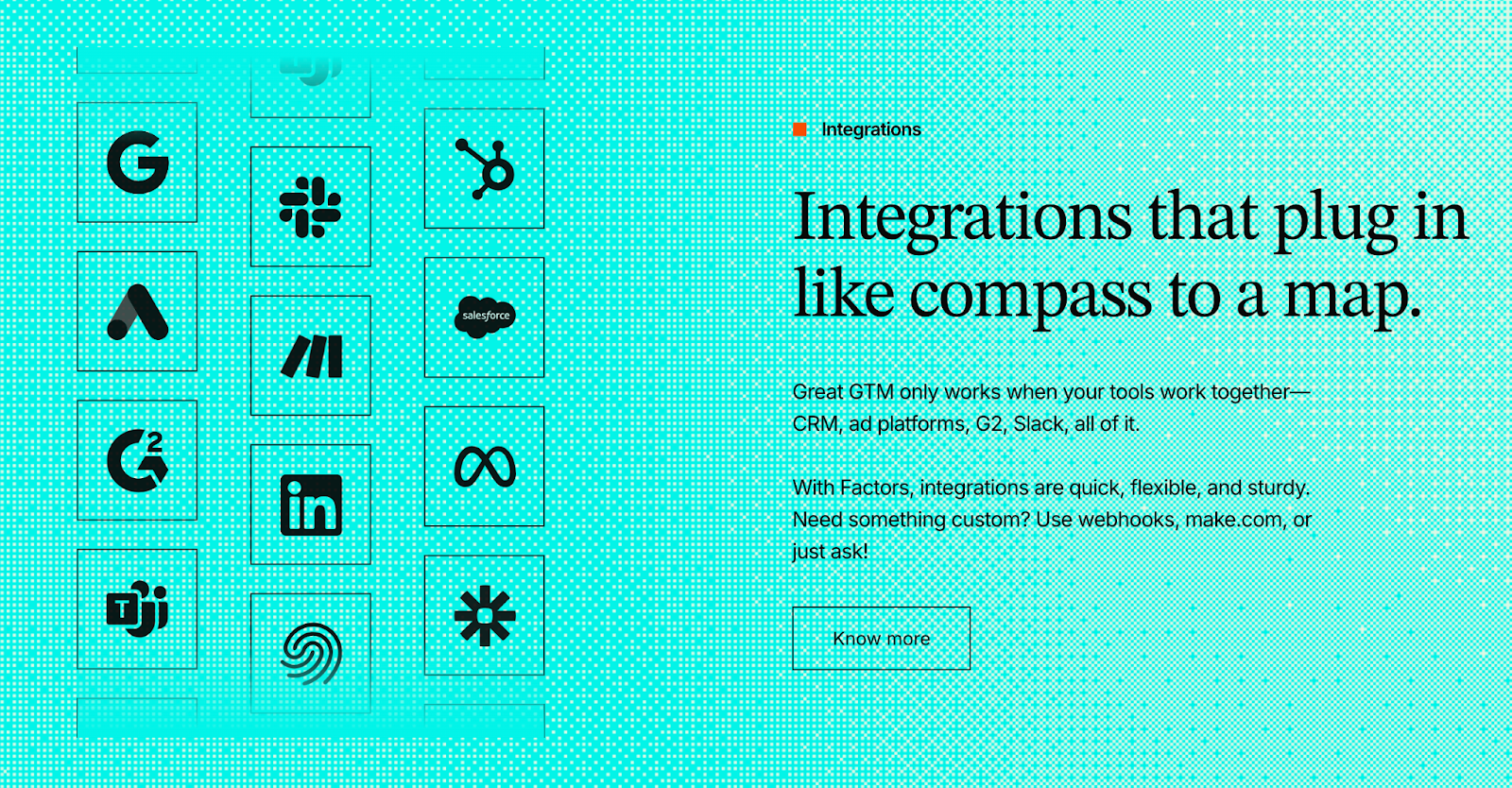
Factors.ai was built to unify the GTM stack, not just connect to it.
Its integrations go beyond basic data sync and enable automation, analytics, and cross-platform orchestration.
With real-time bi-directional syncing, all signals from ads, CRM, and web are aligned into a single view through Account360 and Milestones analytics.
Key integration highlights:
- Deep CRM sync: Full integration with HubSpot, Salesforce, and Marketo for both account and deal-level data.
- Cross-channel connectivity: Ad platforms (LinkedIn, Google, Facebook, Bing) and analytics tools (Search Console, G2, Drift).
- MAP/CDP compatibility: Segment and Rudderstack integrations for data enrichment and custom workflows.
- Real-time sync: Two-way updates between marketing, sales, and analytics pipelines.
- Automation-ready architecture: Enables AI Agents to act on CRM changes instantly, from triggering alerts to updating campaigns.
This ecosystem helps GTM teams keep all data, signals, and workflows connected, ensuring marketing and sales always operate on the same insights.
Madison Logic’s CRM and Data Integration
Madison Logic integrates effectively with enterprise-level systems but focuses mainly on campaign alignment and measurement.
Its integrations are designed to connect CRM and marketing data to support its multi-channel activation model rather than unified analytics.
Notable integration traits:
- CRM compatibility: Works with Salesforce, HubSpot, and Marketo to bring in audience and campaign data.
- MAP/Ad alignment: Integrates with platforms like Adobe Experience Cloud and Convertr for activating content syndication and display campaigns.
- Targeting focus: Pulls company data to power ABM lists and custom audiences across display and LinkedIn Ads.
- One-way sync: Data generally moves from CRM or MAP into activation tools for targeting, with limited feedback loops back into the CRM.
While the integrations serve campaign execution well, they lack the analytical and automation depth that GTM teams increasingly expect from unified platforms.
Factors,ai vs Madison Logic: Verdict on CRM and Data Integrations
Both tools integrate with key CRM and marketing platforms, but they serve different operational purposes.
Factors.ai acts as a central data hub, merging inputs from CRM, ads, and analytics to fuel intelligence and automation. Its two-way sync allows teams to use data for both activation and measurement, reducing silos across GTM functions.
Madison Logic connects with similar systems but uses the data primarily for ad targeting and campaign execution, not for dynamic analytics or automation.
In short:
Factors.ai = Deep, bi-directional integrations designed for unified GTM intelligence.
Madison Logic = Practical CRM connectivity built for ABM campaign execution.
{{INLINE_BOFU}}
Factors.ai vs Madison Logic: Intent Data and Account Intelligence
Intent data is the foundation of any modern GTM strategy.
It helps teams understand which accounts are in-market, what they’re researching, and when they’re most likely to convert.
Both Factors.ai and Madison Logic use intent signals to drive engagement, but the way they collect, analyze, and act on this data differs in depth and flexibility.
Factors.ai vs Madison Logic: Intent Data and Account Intelligence Comparison Table
| Aspect | Factors.ai | Madison Logic |
|---|---|---|
| Intent Signal Sources | Combines first-party (website, CRM, product), second-party (ad platforms, G2), and third-party (CSV uploads) data with AI-driven scoring. | ML Insights aggregates three sources: historical performance, install base, and B2B research data. |
| Signal Scoring | Rank accounts by ICP fit, signal strength, and funnel stage. | Prioritizes accounts within ML Insights based on engagement activity. |
| Buying Group Mapping | Identifies buying groups and shared engagement within an account. | Not mentioned or detailed. |
| Actionability | Intent signals trigger real-time alerts, campaign activation, and CRM updates. | Signals inform campaign targeting and content delivery. |
| Data Freshness | Near real-time updates across web, CRM, and ad systems. | Updates depend on aggregated third-party data intervals. |
| Third-Party Signals (G2) | Official G2 partner with 10+ integrated buyer intent signals. | No G2 or external marketplace data listed. |
Factors.ai’s Intent Data and Account Intelligence
Factors.ai approaches intent data as a connected ecosystem rather than a data feed.
It blends behavioral, engagement, and firmographic signals from across the funnel, then enriches them with external data sources for higher accuracy and actionability.
Key strengths in intent intelligence include:
- Multi-source intent capture: Pulls from website, CRM, ads, and review platforms like G2.
- AI scoring: AI Agents continuously assess signal strength and account readiness.
- Buying group identification: Maps multiple stakeholders interacting from the same company.
- Real-time automation: Triggers alerts, audience updates, or SDR notifications instantly when intent crosses a defined threshold.
- Milestones integration: Links intent to funnel movement, showing which actions advance deals.
This gives GTM teams not just visibility into who’s active, but also insight into how close they are to conversion.
Madison Logic’s Intent Data and Account Intelligence
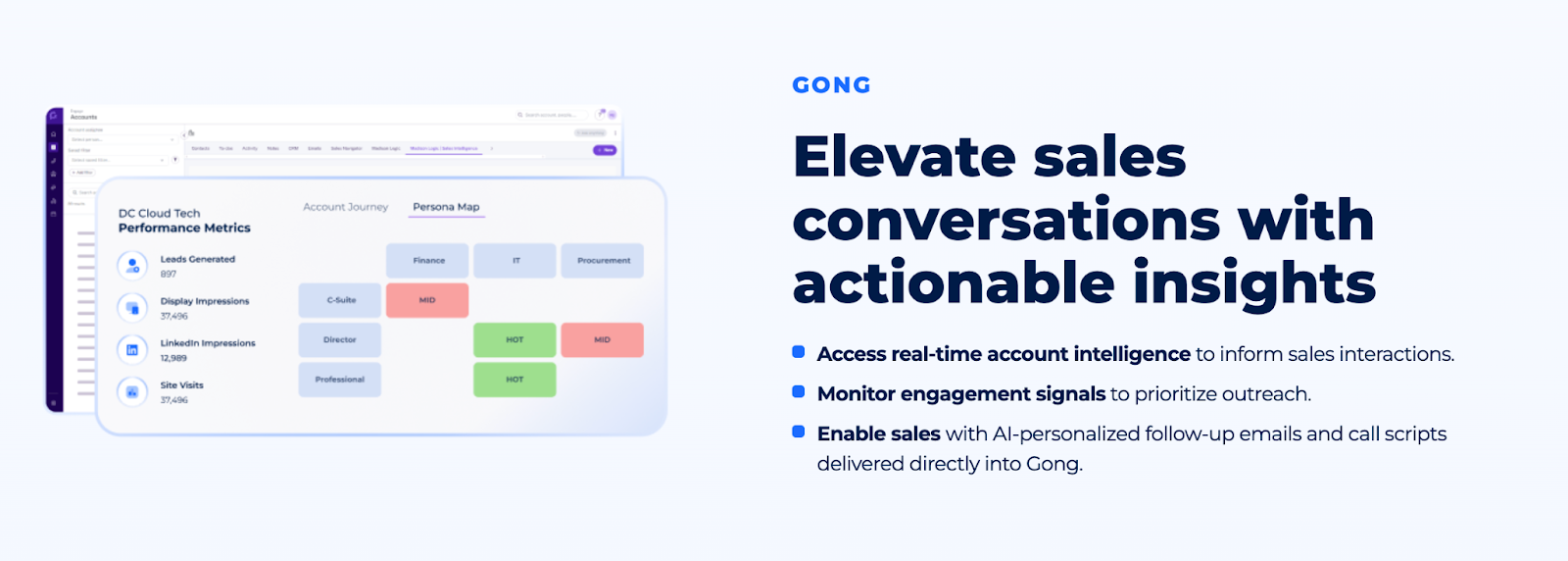
Madison Logic centers its intent capabilities around ML Insights, a proprietary dataset designed to identify in-market accounts and guide ABM targeting.
It combines three data sources including historical performance, install base, and B2B research activity, to determine which accounts are showing relevant buying signals.
Notable features include:
- Historical engagement analysis to find repeat or lookalike accounts.
- Intent-based prioritization for display, LinkedIn, and content syndication campaigns.
- Integration with CRM data for refining audience segments and optimizing campaign targeting.
- ML Measurement for correlating intent data with pipeline influence and deal velocity.
While ML Insights offers broad coverage across industries, it focuses more on reach and campaign readiness than on depth of behavioral intelligence.
Factors.ai vs Madison Logic: Verdict on Intent Data & Account Intelligence
Both platforms give GTM teams the ability to act on buying intent, but they differ in how actionable and dynamic that intelligence is.
Factors.ai provides real-time, AI-driven intent intelligence, combining first-party data with external signals like G2, mapping buying groups, and connecting everything back to pipeline analytics. It turns signals into immediate next steps through alerts and automations.
Madison Logic focuses on aggregated market intent through ML Insights, which works well for large-scale campaigns but offers limited visibility into individual account journeys or multi-contact engagement patterns.
In short:
Factors.ai = Real-time, multi-source intent intelligence designed for activation and analytics.
Madison Logic = Aggregated market intent data optimized for ABM targeting.
If intent is the core of this comparison, you’ll love our post on Buyer Intent for ABM as it shows how to turn signals into sales-ready actions.
Factors.ai vs Madison Logic: Ad Activation and Orchestration
Even the best intent data means little if it doesn’t translate into effective activation.
That’s why the ability to sync audiences, launch contextual ads, and orchestrate campaigns across multiple platforms has become a defining feature of modern GTM stacks.
Both Factors.ai and Madison Logic offer ad activation features, but their depth, automation, and cross-platform coordination vary sharply.
Factors.ai vs Madison Logic: Ad Activation and Orchestration Comparison Table
| Aspect | Factors.ai | Madison Logic |
|---|---|---|
| LinkedIn Ads Activation | LinkedIn AdPilot dynamically syncs audiences based on intent and funnel stage. | Native ABM Social Advertising with LinkedIn Ads integration. |
| Google Ads Activation | Google AdPilot sends enriched conversion data via CAPI and refreshes audiences daily. | Not available. |
| Audience Sync Frequency | Real-time sync with dynamic segmentation and suppression for inactive accounts. | Periodic updates aligned with campaign cycles. |
| Ad Personalization | Buyer-stage campaigns, impression pacing, and automated message sequencing. | Static audience lists and creative rotation based on campaign setup. |
| Orchestration | Combines AI Agents, GTM workflows, and cross-platform triggers for unified execution. | Limited orchestration; primarily campaign-based activation. |
Factors.ai Ad Activation and Orchestration
Factors.ai brings intelligence to ad orchestration through its integrated AdPilot suite, built specifically for performance-driven B2B campaigns.
Rather than simply syncing audiences, it uses intent signals and funnel movement to dynamically adjust ad delivery, ensuring that every impression counts.
Core activation strengths include:
- LinkedIn AdPilot: Automatically refreshes audiences using real-time intent data. Ensures only high-intent accounts see active campaigns.
- Google AdPilot: Sends conversion signals through Google CAPI, optimizing bids for ICP-fit accounts and suppressing irrelevant clicks.
- Buyer-stage campaigns: Tailors ad creatives and delivery based on funnel stages across awareness, consideration, or decision.
- Cross-platform orchestration: Triggers ad, CRM, and Slack actions from the same AI workflows, creating a continuous GTM loop.
- Impression pacing control: Prevents ad fatigue by distributing impressions evenly across targeted accounts.
The result is a smarter, leaner ad strategy and reduces waste and converts intent into measurable pipeline growth.
Madison Logic’s Ad Activation and Orchestration
Madison Logic is widely recognized for its multi-channel activation network, covering display, LinkedIn, CTV, audio, and content syndication.
Its platform allows B2B marketers to deliver targeted campaigns at scale, especially for enterprise audiences.
Key ad activation capabilities include:
- Native LinkedIn integration for audience-based ABM campaigns.
- Display and content syndication channels for broader reach and retargeting.
- Campaign-level targeting powered by ML Insights intent data.
- Cross-channel measurement through ML Measurement for engagement and ROI tracking.
- Manual orchestration: Campaign updates and targeting refinements are primarily handled via platform setup rather than automation.
Madison Logic’s model works well for large marketing teams running broad ABM programs, though its orchestration layer remains less dynamic compared to AI-driven systems like Factors.ai.
Factors.ai vs Madison Logic: Verdict on Ad Activation and Orchestration
Both platforms excel in different aspects of ad activation, but their approaches reflect two distinct mindsets.
Factors.ai focuses on precision and automation, activating ads only when intent is high, refreshing audiences in real time, and linking campaign performance directly to revenue. Its AdPilot suite brings measurable efficiency to both LinkedIn and Google Ads.
Madison Logic shines in reach and diversity, offering multi-channel exposure across display, CTV, and content networks. However, its orchestration remains manual, and campaign optimization depends more on scale than on signal-based automation.
In short:
Factors.ai = Dynamic, AI-led ad activation with real-time optimization.
Madison Logic = Multi-channel ABM execution built for enterprise reach.
Running LinkedIn campaigns? Here’s a hands-on guide to LinkedIn ads strategy for B2B SaaS which is great for deciding whether native activation (Madison Logic) or AdPilot-style syncs fit you.
Factors.ai vs Madison Logic: Analytics, Measurement and Reporting
For B2B marketers, understanding what actually drives pipeline is just as important as generating it.
That’s where analytics and reporting make the difference between guessing and scaling.
Both Factors.ai and Madison Logic provide performance insights, but their approaches: one unified and intelligent, the other campaign-focused which reflects the broader philosophy of each platform.
Factors.ai vs Madison Logic: Analytics, Measurement and Reporting Comparison Table
| Aspect | Factors.ai | Madison Logic |
|---|---|---|
| Attribution Type | Multi-touch attribution with funnel progression and channel-level analysis. | Engagement and pipeline influence tracking via ML Measurement. |
| Reporting Scope | End-to-end visibility, from account visits to revenue contribution. | Campaign-level metrics focused on impressions, clicks, and influence. |
| Customization | 100–300 custom reports depending on plan tier. | Standard dashboards with predefined KPIs. |
| Dashboards | Interactive, real-time dashboards showing customer journeys, funnel movement, and ROI. | Campaign-centric dashboards showing engagement and ad performance. |
| Funnel Analytics | Milestones track movement from awareness to conversion. | Provides deal velocity and campaign reach metrics. |
| Data Integration | Combines CRM, ad, and product data for unified pipeline analytics. | Pulls from campaign and CRM data for influence measurement. |
Factors.ai’s Analytics, Measurement and Reporting
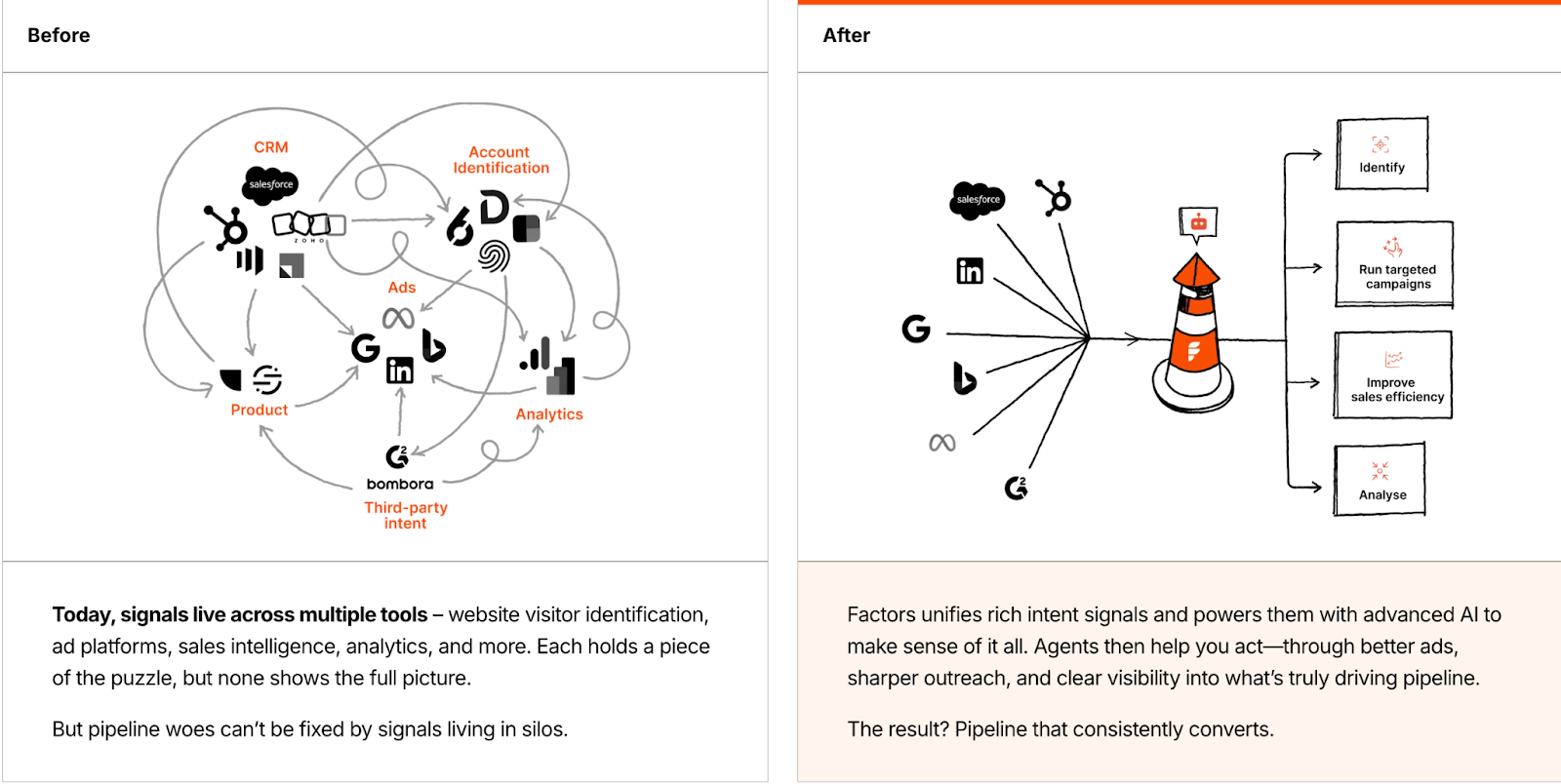
Factors.ai approaches analytics as the core of GTM intelligence, connecting every marketing and sales signal into a single measurement framework.
Its analytics layer isn’t just about visualizing metrics; it’s designed to explain why deals move, where engagement happens, and how campaigns influence revenue.
Key strengths in analytics and measurement:
- Milestones analytics: Tracks how accounts move through different funnel stages and attributes every touchpoint that contributed to progress.
- Multi-touch attribution: Measures ROI across campaigns, ads, and CRM activities to identify high-performing channels.
- Custom dashboards: Offers up to 300 customizable reports, segmented by account type, intent level, or sales stage.
- Account360 visibility: Combines CRM, ad, and web data to show the full customer journey, from first touch to closed deal.
- Revenue linkage: Connects marketing actions directly to pipeline outcomes for clear, defensible ROI.
With Factors.ai, teams move from reporting on activities to proving outcomes, shifting analytics from “what happened” to “what worked.”
Madison Logic’s Analytics, Measurement and Reporting
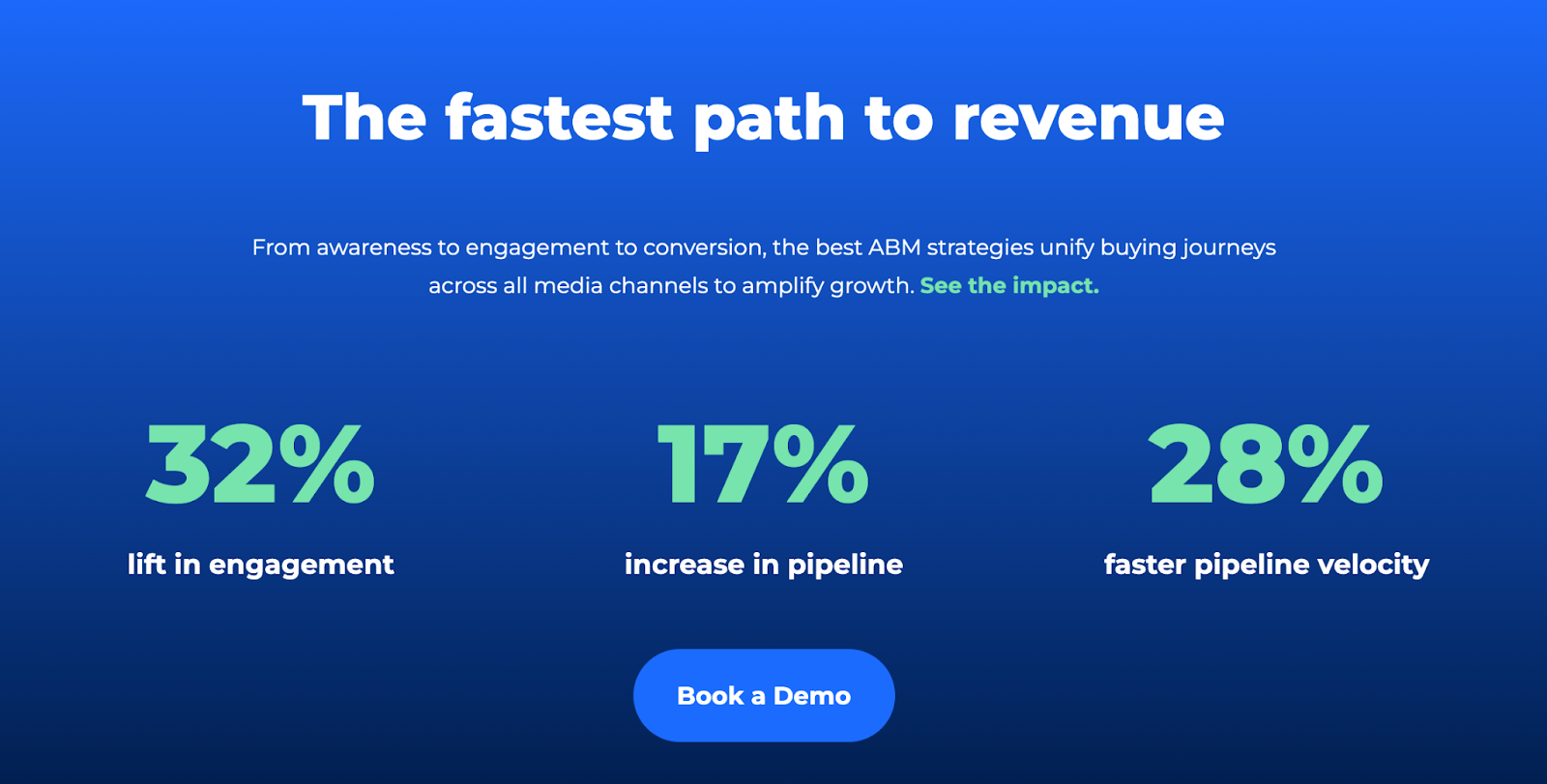
Madison Logic focuses its measurement framework on campaign performance and pipeline influence through its ML Measurement product.
It’s designed for marketers running large, multi-channel ABM campaigns who need visibility into reach, engagement, and deal velocity.
Key analytics capabilities include:
- Campaign performance reporting across display, LinkedIn, and content syndication channels.
- Pipeline influence analysis, showing which campaigns contributed to deal acceleration.
- Engagement scoring for tracking content consumption and ad interaction.
- ROI snapshots comparing media spend to influenced revenue.
- Standard dashboards for evaluating reach, click-throughs, and conversion impact.
While these insights help enterprises gauge overall ABM success, Madison Logic’s analytics lean toward post-campaign summaries rather than real-time performance optimization.
Factors.ai vs Madison Logic: Verdict on Analytics, Measurement, and Reporting
Both platforms aim to quantify marketing impact, but at different levels of sophistication.
Factors.ai delivers a complete measurement ecosystem, connecting every campaign, ad, and CRM touchpoint into one analytical view. Its multi-touch attribution, Milestones framework, and custom reporting make it ideal for teams focused on pipeline accuracy and continuous optimization.
Madison Logic provides solid campaign-level visibility, particularly valuable for enterprise marketers tracking cross-channel engagement and media performance. However, its insights remain top-level which is better for measuring impact than diagnosing it.
In short:
Factors.ai = Full-funnel analytics that link engagement directly to revenue.
Madison Logic = Campaign-level measurement suited for large-scale ABM visibility.
Factors.ai vs Madison Logic: Support, Onboarding and Ease of Setup
A powerful platform is only as good as its implementation.
For marketing and sales teams, smooth onboarding and responsive support determine how fast they can go from setup to measurable results.
Both Factors.ai and Madison Logic support enterprise customers, but their post-sale experiences differ in accessibility, personalization, and speed.
Factors.ai vs Madison Logic: Support, Onboarding and Ease of Setup Comparison Table
| Aspect | Factors.ai | Madison Logic |
|---|---|---|
| Onboarding Type | White-glove onboarding with dedicated setup assistance. | Enterprise onboarding handled through managed services. |
| Support Access | Dedicated Slack channel, CSM, and email/helpdesk support. | Email and customer portal; limited mention of dedicated CSM support. |
| Setup Time | Fast setup with guided integration (usually within days). | Varies by campaign scope and enterprise configuration. |
| Ease of Use | Intuitive dashboard and no-code automation setup. | Complex for small teams due to custom configurations. |
| Ongoing Support | Weekly GTM review calls and proactive campaign optimization. | Reactive support via tickets or account management for enterprise customers. |
Factors.ai’s Approach Support, Onboarding and Ease of Setup
Factors.ai prioritizes accessibility and hand-holding from the very start.
Its onboarding experience is built for speed and confidence, ensuring that teams can see data flowing within days of setup.
Key highlights:
- White-glove onboarding: Dedicated specialists assist with platform setup, integrations, and initial configuration.
- Dedicated CSM: Every account, especially at Growth and Enterprise tiers, gets a customer success manager who ensures goals are met and progress tracked.
- Support channels: Live Slack communication, helpdesk, and email support ensure real-time responses.
- Weekly GTM syncs: Teams receive ongoing performance reviews and recommendations to improve campaign strategy.
- Ease of setup: Most integrations (HubSpot, Salesforce, Google Ads, LinkedIn) are plug-and-play, requiring minimal technical input.
This hands-on approach means even non-technical GTM teams can go live quickly and receive continuous optimization guidance, not just troubleshooting.
Madison Logic’s Support, Onboarding and Ease of Setup
Madison Logic provides onboarding that’s tailored for large enterprise ABM programs.
Its process involves working directly with campaign managers and strategists to configure targeting, creative, and measurement, making it suitable for organizations with defined internal marketing operations.
Notable support characteristics:
- Managed onboarding: The Madison Logic team typically handles campaign setup and alignment rather than a self-service model.
- Enterprise support model: Assistance is often routed through account managers and ticket-based systems.
- Setup complexity: Because campaigns are customized for scale, implementation may take longer and require alignment with multiple departments.
- Performance reviews: Enterprise clients receive periodic reports, but ongoing strategic feedback isn’t always continuous.
While the experience is professional and enterprise-grade, it caters to structured marketing departments with dedicated staff which is less suited for agile teams needing faster self-service setups.
Factors.ai vs Madison Logic: Verdict on Support, Onboarding and Ease of Setup
Both platforms deliver credible enterprise support, but their approaches cater to different customer needs.
Factors.ai provides fast, collaborative onboarding that helps teams start quickly and stay aligned through ongoing reviews. Its human-led yet agile support experience suits both scaling startups and large GTM teams.
Madison Logic, by contrast, offers a traditional enterprise support model focused on managed campaign delivery. It’s reliable for big organizations but less flexible for smaller teams that prefer direct, self-driven access.
In short:
Factors.ai = Fast, guided onboarding and responsive, hands-on support.
Madison Logic = Structured, enterprise-managed onboarding suited for large ABM teams.
Factors.ai vs Madison Logic: Security and Compliance
When handling sensitive customer and campaign data, security is a foundation of trust.
Both Factors.ai and Madison Logic take compliance seriously, offering enterprise-grade safeguards, but their depth and transparency differ in a few important ways.
Factors.ai vs Madison Logic: Security and Compliance Comparison Table
| Aspect | Factors.ai | Madison Logic |
|---|---|---|
| Compliance Standards | ISO 27001, SOC 2 Type II, GDPR, CCPA. | SOC 2 Type II, GDPR, CCPA, CASL. |
| Hosting Infrastructure | Hosted on Google Cloud Platform (GCP), SOC 1, 2, 3 compliant. | Hosted on enterprise-grade data centers (details not publicly listed). |
| Data Encryption | AES-256 encryption for data at rest; TLS and SHA-2 encryption for data in transit. | Encrypted data storage and transmission; limited technical detail available. |
| Access Control | Role-based access via IAM, 2FA authentication, and logged access trails. | Standard user-based access permissions; less transparency around internal controls. |
| Incident Response | Dedicated Data Protection Officer (DPO) and documented recovery policy. | Managed internally with enterprise escalation; no public incident policy. |
| Data Retention | Encrypted backups maintained for one year after service termination. | Not clearly specified. |
Factors.ai’s Security and Compliance

Factors.ai treats data security as an integral part of its infrastructure.
Hosted on Google Cloud Platform (GCP), it inherits GCP’s SOC-certified environment while adding multiple internal security layers to ensure customer data stays private, encrypted, and auditable.
Key security practices include:
- Data encryption: All customer data is encrypted both in transit (TLS, SHA-2) and at rest (AES-256).
- Access controls: Role-based permissions, multi-factor authentication, and IP-based access restrictions.
- Organizational security: Every employee signs confidentiality agreements and undergoes ongoing security training.
- Incident management: A clear policy led by a Data Protection Officer (DPO), with immediate reporting and recovery protocols.
- Backup and disaster recovery: Frequent snapshots stored in multiple geographic locations within the US.
- International data protection: Adheres to EU SCCs with technical and organizational safeguards for cross-border data transfers.
The platform’s transparency is another strength: its public Security Policy outlines all compliance practices and certifications, giving customers full visibility into how their data is protected.
Madison Logic’s Security and Compliance
Madison Logic maintains a strong compliance posture, with certifications and privacy adherence built around enterprise advertising standards.
The company is SOC 2 Type II, GDPR, CCPA, and CASL compliant, ensuring that personal and campaign data meets international privacy expectations.
Security framework highlights:
- Data center compliance: Operates on enterprise-grade hosting with SOC and ISO certifications.
- Privacy coverage: Fully aligned with GDPR and CCPA regulations for data processing and opt-out handling.
- Ad data protection: Uses secure protocols to protect audience and campaign data shared across display and LinkedIn networks.
- Access controls: Standard authentication and limited user permissions to safeguard platform use.
- Data processing agreements: Available to customers upon request, detailing data handling and storage practices.
While Madison Logic provides the expected security for an enterprise ABM platform, it offers fewer publicly available details about technical controls or encryption methods compared to Factors.ai’s transparent documentation.
Factors.ai vs Madison Logic: Verdict on Security and Compliance
Both platforms comply with leading global standards, but their approaches to transparency and depth differ.
Factors.ai stands out with its publicly documented, multi-layered security framework, SOC and ISO certifications, and clear data protection processes. Its encryption, backup, and compliance structure make it ideal for teams with strict data governance requirements.
Madison Logic offers robust enterprise compliance, ensuring legal and privacy adherence across campaigns, but keeps its internal processes largely behind closed documentation. It’s reliable for large-scale marketing operations but less open in its technical transparency.
In short:
Factors.ai = Transparent, multi-layered security framework with public compliance visibility.
Madison Logic = Enterprise-grade compliance with limited public technical disclosure.
If privacy and compliance are priorities, this article explores website visitor identification privacy and how to remain compliant while doing ABM.
Factors.ai vs Madison Logic: Overall Verdict and Recommendation
Both Factors.ai and Madison Logic empower B2B marketers to reach and engage their target accounts, but their strengths lie in very different areas.
Where Madison Logic emphasizes large-scale, managed ABM campaigns across multiple ad channels, Factors.ai focuses on intelligent, connected GTM execution, turning every insight into measurable action.
Factors.ai vs Madison Logic: Quick Comparison Recap
| Category | Best Performer | Reason |
|---|---|---|
| Intent & Intelligence | Factors.ai | Multi-source AI scoring and buying group mapping. |
| Ad Activation | Factors.ai | Dynamic audience sync via LinkedIn and Google AdPilot. |
| Analytics & Attribution | Factors.ai | Milestones analytics and full-funnel ROI tracking. |
| Integrations | Factors.ai | Real-time, bi-directional sync with CRM and MAPs. |
| Support & Setup | Factors.ai | Fast onboarding, dedicated CSM, proactive guidance. |
| Reach & Channels | Madison Logic | Broader ABM activation across display and syndication. |
| Enterprise Fit | Madison Logic | Tailored for large-scale managed campaigns. |
- Choose Factors.ai if you want a unified GTM platform that connects intent, analytics, and activation which is perfect for teams that value agility, automation, and transparency.
- Choose Madison Logic if you prioritize ABM reach, managed execution, and multi-channel advertising at enterprise scale.
In the end, Madison Logic helps you reach your market,
but Factors.ai helps you understand it and convert it.
If this comparison helped, you may also like these related deep dives:
- Factors vs ZoomInfo - compare account intelligence approaches.
- Factors vs Dreamdata - deeper look at analytics + attribution differences.
FAQs for Factors.ai vs Madison Logic
Q. What is the main difference between Factors.ai and Madison Logic?
The biggest difference comes down to how intelligence turns into action.
Factors.ai focuses on real-time intent intelligence, automation, and full-funnel analytics that directly trigger ads, alerts, and workflows.
Madison Logic, on the other hand, is built around large-scale ABM activation, helping enterprises reach target accounts across multiple paid channels with managed execution.
Q. Which platform is better for intent-based B2B marketing?
If you want real-time, first-party-led intent data that updates as accounts move through your funnel, Factors.ai is the stronger fit.
If your priority is aggregated market intent to power broad ABM campaigns across display and content networks, Madison Logic is better aligned to that use case.
Q. Does Factors.ai support both LinkedIn Ads and Google Ads?
Yes. Factors.ai supports both LinkedIn and Google Ads through its AdPilot suite.
Audiences sync dynamically based on intent and funnel stage, and Google conversion signals are sent via CAPI to improve bid optimization and reduce wasted spend.
Madison Logic primarily supports LinkedIn Ads along with display, CTV, and content syndication channels, but does not offer Google Ads activation.
Q. Can Madison Logic replace a GTM analytics or attribution tool?
Not entirely. Madison Logic provides campaign-level measurement and pipeline influence tracking, which works well for reporting on ABM performance at scale.
However, it does not offer deep multi-touch attribution, journey timelines, or CRM-linked funnel analytics the way Factors.ai does.
Q. Which platform is better for small or mid-sized B2B teams?
Factors.ai is generally better suited for startups and mid-market teams because of:
- Transparent, tiered pricing
- A free plan to get started
- Faster onboarding and self-serve workflows
Madison Logic is more appropriate for large enterprise teams with established ABM budgets and managed campaign requirements.
Q. Does Factors.ai integrate deeply with CRM systems?
Yes. Factors.ai offers bi-directional integrations with HubSpot, Salesforce, and Marketo.
This means CRM updates, deal stages, and account activity flow both ways, enabling real-time scoring, alerts, and analytics.
Madison Logic integrates with similar CRMs, but data typically flows one way to support campaign targeting rather than closed-loop GTM analytics.
Q. How does each platform handle buying groups and multiple stakeholders?
Factors.ai actively identifies buying groups by mapping multiple contacts engaging from the same account and tracking their shared journey.
Madison Logic focuses more on account-level intent and targeting, with less visibility into individual stakeholders or buying group dynamics.
Q. Is Factors.ai suitable for enterprise teams?
Yes. Factors.ai offers an Enterprise plan with:
- Unlimited account identification
- Predictive scoring
- Advanced Milestones analytics
- White-glove onboarding
- Custom reporting at scale
It’s especially useful for enterprise teams that want automation, attribution clarity, and tighter sales-marketing alignment, not just media execution.
Q. Which platform is easier to implement and go live with?
Factors.ai typically goes live within days, thanks to plug-and-play integrations and guided onboarding.
Madison Logic’s setup timeline varies depending on campaign scope and often involves longer coordination cycles across teams and regions.
Q. Does either platform offer a free trial or free plan?
Factors.ai offers a free plan, allowing teams to track companies, view journeys, and integrate Slack before upgrading.
Madison Logic does not offer a free plan or public trial.
Q. How do Factors.ai and Madison Logic compare on data security and compliance?
Both platforms are enterprise-grade and compliant with major regulations like GDPR and CCPA.
Factors.ai stands out for its publicly documented security practices, ISO 27001 and SOC 2 Type II certifications, and detailed encryption policies.
Madison Logic is SOC 2 Type II compliant but provides fewer publicly available technical details.
Q. Which platform should I choose for my GTM strategy?
Choose Factors.ai if you want:
- Real-time intent intelligence
- Automation across ads, CRM, and workflows
- Clear attribution from engagement to revenue
Choose Madison Logic if you want:
- Broad ABM reach across multiple paid channels
- Managed enterprise campaign execution
- A strong activation network at scale
Both are solid platforms, the right choice depends on whether you value precision and insight or reach and scale.

Factors.ai vs Marketo Measure: Which B2B Marketing Attribution Platform Should You Choose?
Explore Factors.ai as a Marketo Measure alternative. Compare them across intent data, ABM features, pricing, integrations, ads, and analytics to choose the right marketing attribution platform.
At some point, every B2B marketing team hits this moment.
You’ve got dashboards open. Attribution models lined up. Reports showing exactly which campaigns touched which deals. And yet, in your GTM review, someone still asks the same uncomfortable question:
“Okayyy, but what do we do next?”
I’ve sat in enough of those calls to know that attribution alone doesn’t solve the problem. It explains the past beautifully, but it rarely helps teams move faster in the present.
That’s the real difference between Marketo Measure and Factors.ai.
Marketo Measure, formerly Bizible, is one of the most respected names in multi-touch attribution. It’s built to answer a critical question for marketing teams: where did revenue influence come from? And it does that job extremely well, especially in complex enterprise setups.
Factors.ai comes at the problem from a different angle. It assumes attribution is just the starting point. What teams actually need is a system that connects signals, accounts, campaigns, and pipeline movement, and then helps them act on that context automatically.
This comparison looks at how both platforms stack up across functionality, analytics, pricing, activation, automation, support, and compliance. More importantly, it looks at which tool fits how modern GTM teams actually work today, across ads, CRM, intent, and revenue operations.
If your goal is clean attribution reporting, the answer may be straightforward.
If your goal is momentum, fewer handoffs, and faster execution, the differences get more interesting.
Factors.ai vs Marketo Measure: Functionality and Features
Most teams don’t struggle to collect data anymore (thankfully). They struggle to connect it. (Why don’t these struggles ever end?!)
Website visits live in one tool. CRM activity lives in another. Ads sit somewhere else entirely. By the time you try to stitch it all together, the moment to act has already passed. That context matters when comparing Marketo Measure and Factors.ai, because they’re solving very different problems under the same umbrella-ella-ella!
Factors.ai vs Marketo Measure: Functionality and Features Comparison Table
| Aspect | Factors.ai | Marketo Measure (Bizible) |
|---|---|---|
| Core Purpose | End-to-end GTM platform combining analytics, activation, and AI automation. | Multi-touch attribution and marketing influence measurement. |
| Primary Strength | Unified customer journey tracking with account-level insights and activation. | Deep attribution models across online and offline touchpoints. |
| Intent & Signal Tracking | Uses 1st, 2nd, and 3rd-party intent signals with AI-based engagement scoring. | Relies on campaign tagging and CRM data for attribution. |
| Customer Journey View | Offers detailed chronological “Customer Journey Timelines” for each account. | Provides attribution paths but lacks a chronological journey timeline. |
| Engagement Scoring | ICP fit, funnel stage, and intent intensity scoring for prioritization. | Attribution scoring only, not account-level engagement or intent scoring. |
| Activation Capabilities | Real-time ad activation via LinkedIn and Google AdPilot. | Tracking-focused; no ad or campaign activation built-in. |
| Automation | AI Agents automate data enrichment, alerts, and GTM workflows. | Manual setup and tagging required for campaign tracking. |
Factors.ai’s Functionality and Features
Factors.ai takes a broader view of marketing functionality. It combines analytics, intent intelligence, campaign activation, and GTM automation into one connected ecosystem.
Key highlights:
- Identifies up to 75% of visiting accounts through sequential enrichment.
- Captures and connects signals across the website, ads, CRM, and product usage.
- Builds Account 360 views with full-funnel visibility.
- Provides Milestones to track how accounts move through awareness, engagement, and conversion.
- Activates audiences dynamically on LinkedIn and Google via AdPilot.
- Uses AI Agents to automate buying-group mapping, follow-up triggers, and account research.
Factors.ai functions as a GTM hub, bringing together what attribution tools track and what marketing teams need to act on.
What I like about Factors.ai’s feature set is that it assumes GTM is messy by default. Accounts don’t move in straight lines. Buying groups show up late. Intent spikes and cools off unpredictably. Instead of forcing teams to interpret attribution reports manually, it pulls those signals into one place and makes them usable.
When you see an account identified, you’re also seeing how engaged they are, where they sit in the funnel, and what should happen next. That shift from visibility to usability is the core design difference here.
Marketo Functionality and Features
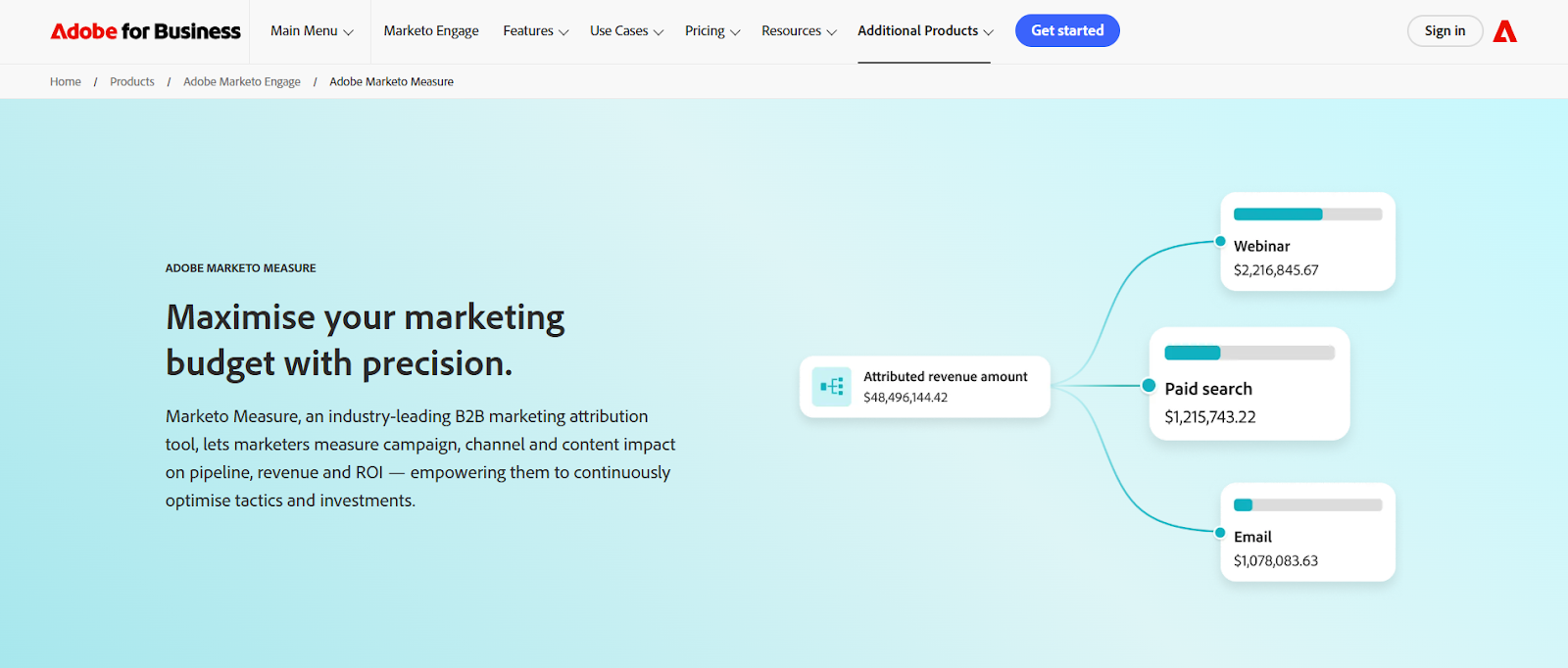
Marketo Measure (formerly Bizible) is built around attribution intelligence.
It helps marketing teams trace every lead, ad, and interaction back to its contribution to revenue.
Key highlights:
- Tracks online and offline campaign touchpoints across the full buyer journey.
- Uses customizable attribution models (W-Shaped, U-Shaped, Full Path, and custom setups).
- Syncs with CRMs like Salesforce and marketing automation platforms through Adobe Experience Cloud.
- Leverages Attribution AI for predictive attribution and model optimization.
- Integrates with BI tools for advanced visualization and data exports.
Marketo Measure gives teams precise reporting on where revenue influence comes from.
Its design favors enterprise setups that already have complex data pipelines and defined marketing ops processes.
I’d say, Marketo Measure does well when attribution itself is the job to be done. For marketing ops teams responsible for proving influence to leadership, its depth is a real strength. But it also assumes that activation, prioritisation, and follow-up will happen somewhere else. That separation works well in mature enterprise environments with dedicated ops layers already in place.
Factors.ai vs Marketo Measure: Verdict on Functionality & Features
Marketo Measure excels at attribution depth and precision, ideal for marketing ops teams focused solely on proving influence.
Factors.ai extends beyond tracking, connecting insights to execution with automation, scoring, and activation built-in.
In short:
Marketo Measure = Granular attribution for complex marketing ecosystems.
Factors.ai = All-in-one GTM automation built around intent and revenue visibility.
Want a look at how unified account intelligence actually works? See Account360 / account intelligence, our hub for full-funnel visibility.
Factors.ai vs Marketo Measure: Pricing and Plans
Pricing models often reflect how a product is expected to be used.
Some platforms assume long procurement cycles, bundled contracts, and heavy upfront planning. Others are designed to be adopted gradually by teams who want to see value before committing deeply. That mindset difference is evident when you look at how Factors.ai and Marketo Measure approach pricing.
Factors.ai vs Marketo Measure: Pricing Comparison Table
| Aspect | Factors.ai | Marketo Measure (Bizible) |
|---|---|---|
| Model Type | Usage- and seat-based pricing across four tiers. | Custom enterprise pricing through Adobe’s sales team. |
| Free Tier | Available, up to 200 companies identified per month, with basic dashboards and integrations. | No free tier available. |
| Paid Plans | Basic, Growth, and Enterprise, each adding more capacity, analytics depth, and automation. | No public plans; pricing is quoted based on organization size and Adobe bundle. |
| GTM Engineering Services | Add-on plans, offering workflow automation, GTM setup, and campaign integration help. | Not available. Implementation handled through Adobe support. |
| Transparency | Plan structure and inclusions are clearly listed and easy to compare. | Pricing and inclusions are disclosed only after consultation. |
| Value Focus | Flexible for growing GTM teams; scalable with usage. | Built for large enterprises that already use Marketo or Adobe. |
Factors.ai’s Pricing

Factors.ai keeps its pricing straightforward.
Every plan is built to help teams grow into the platform instead of out of it.
Here’s how it scales:
- Free Plan: Up to 200 companies/month, with journey tracking, starter dashboards, and Slack integration.
- Basic Plan: 3,000 companies/month, with LinkedIn intent signals, GTM workflows, and CRM integrations.
- Growth Plan: 8,000 companies/month, with ABM analytics, G2 intent, and a dedicated CSM.
- Enterprise Plan: Unlimited accounts, predictive scoring, AdPilot integrations, and advanced onboarding.
For teams that need deeper operational help, GTM Engineering Services can be added.
These include hands-on assistance with campaign automation, custom workflows, and GTM system integration, handled by Factors.ai’s in-house engineers.
It’s designed for teams that want to move fast without juggling multiple tools or agencies.
This structure works particularly well for teams that want to experiment with GTM workflows, prove impact, and then scale usage without renegotiating contracts every quarter.
The goal is simple: clear pricing, complete control, and quick setup without long procurement cycles.
Marketo Measure’s Pricing
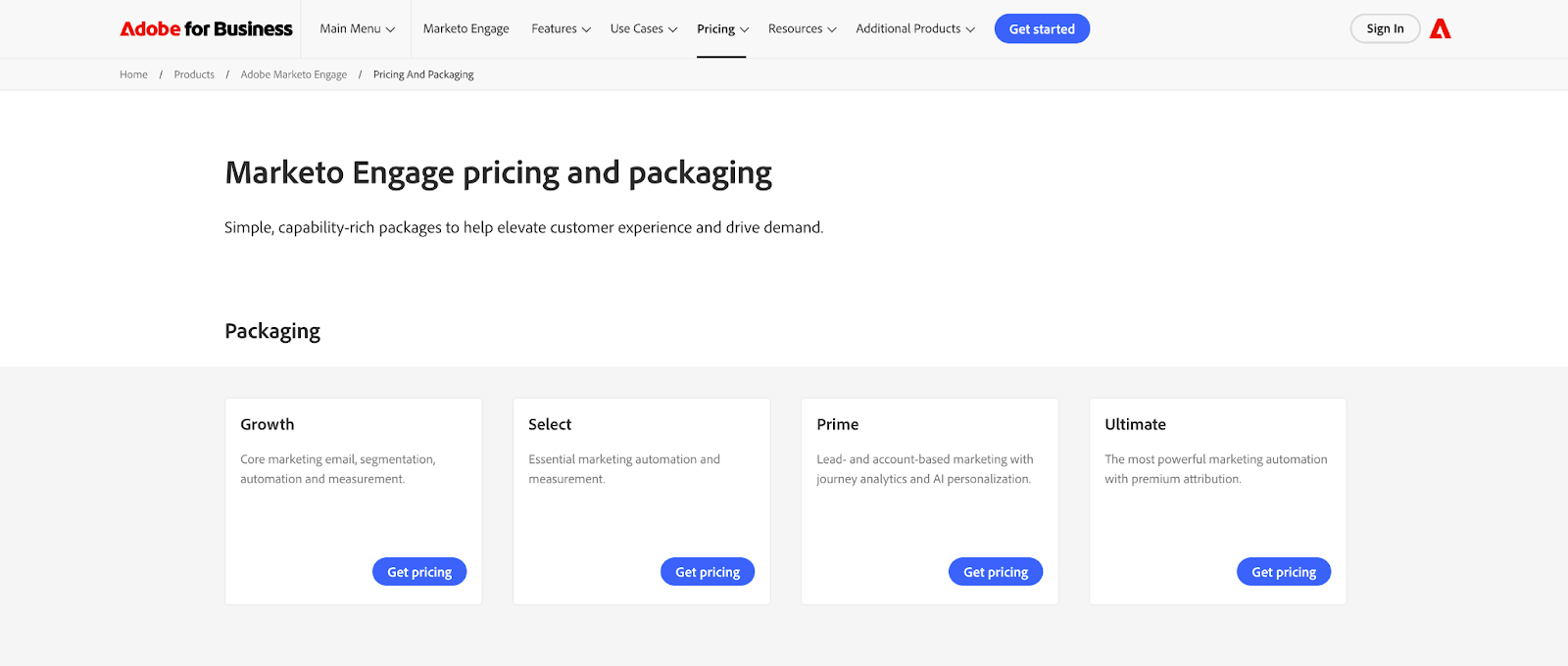
Marketo Measure is now offered as part of the Adobe Marketo Engage Ultimate package, it’s no longer available as a standalone solution.
This means businesses looking for advanced attribution will need to invest in the full Marketo Engage suite, which combines automation, lead management, journey analytics, and premium attribution.
Here’s how that plays out in practice:
- Pricing isn’t listed publicly and is shared only through Adobe’s sales team.
- The Ultimate plan includes premium attribution, predictive audiences, and advanced journey analytics.
- Other plans like Growth, Select, and Prime, do not include Marketo Measure.
- Implementation is handled through Adobe’s enterprise onboarding process, often with partner assistance.
- The platform is best suited for established organizations already using other Adobe Experience Cloud products.
It’s a strong enterprise option, but one that requires a broader product commitment.
Teams focused primarily on attribution or GTM measurement may find the bundled approach less flexible.
For teams already invested in Adobe’s ecosystem, this bundling can make sense. For teams evaluating attribution as a standalone need, the commitment can feel heavier than the problem they’re trying to solve.
Factors.ai vs Marketo Measure: Verdict on Pricing and Plans
Factors.ai takes a more modular route.
Its transparent tier structure lets teams choose exactly what they need, from free starter plans to advanced enterprise tiers.
Add-on GTM Engineering Services give teams hands-on help for automation and workflow setup, something most SaaS tools leave out.
Marketo Measure, as part of the Adobe Marketo Engage Ultimate plan, brings high-end attribution capabilities but ties them to a full-suite contract.
It works best for large enterprises already deep within the Adobe ecosystem.
In short:
Factors.ai = Transparent pricing, flexible growth, and optional GTM setup support.
Marketo Measure = Advanced attribution available only through Adobe’s enterprise suite.
Before deciding budgets, this ABM platform pricing guide shows how seat-based and usage-based models stack up.
Factors.ai vs Marketo Measure: Analytics and Reporting
Understanding what’s working is as important as running the campaign itself. Strong analytics tell you what happened, why it happened, and what to do next.
Both Factors.ai and Marketo Measure focus on visibility and insight, but they approach it differently. Marketo Measure centers on attribution accuracy.
Factors.ai connects attribution with buyer behavior, funnel progression, and intent, giving GTM teams a fuller picture of performance.
Factors.ai vs Marketo Measure: Analytics and Reporting Comparison Table
| Aspect | Factors.ai | Marketo Measure (Bizible) |
|---|---|---|
| Core Focus | Full-funnel analytics that link campaigns, accounts, and revenue. | Multi-touch attribution showing which campaigns influenced deals. |
| Attribution Models | Supports multi-touch and milestone-based analytics. | Customizable models (U-Shaped, W-Shaped, Full Path, Custom). |
| Data Scope | Website, CRM, product, and ad performance data in one place. | Marketing and CRM data across online and offline campaigns. |
| Customer Journey View | Visual journey timelines showing each account’s engagement path. | Attribution paths shown in reports, but no chronological journey view. |
| Custom Reporting | Up to 300 customizable dashboards and reports. | Advanced reporting via Adobe dashboards and BI tools. |
| Ease of Use | No-code dashboards; reports can be customized by marketing teams directly. | Requires deeper setup and data modeling experience. |
| Real-Time Insights | Live funnel progression through “Milestones.” | Delayed data refreshes based on CRM sync cycles. |
Factors.ai Analytics and Reporting
Factors.ai builds its analytics around clarity and context.
It doesn’t just measure campaigns and connects them to the entire customer journey.
Key strengths:
- Milestones track how accounts move from first visit to deal closure.
- Account360 gives a complete view of every touchpoint including web, ads, CRM, and product.
- Multi-touch attribution links conversions to both intent and engagement depth.
- Custom dashboards let marketers compare segments, campaigns, and channels in a few clicks.
- Real-time data ensures decisions aren’t made on yesterday’s numbers.
What makes it stand out is the mix of context + speed. Teams get reports but what makes it great is that they also get clarity on which signals are worth acting on right now.
One thing GTM teams appreciate here is not having to wait for end-of-week reports. When milestones get updated in real time, it changes how quickly teams can react. You’re no longer debating whether a signal matters. You’re acting while it still does.
Marketo Measure’s Analytics and Reporting
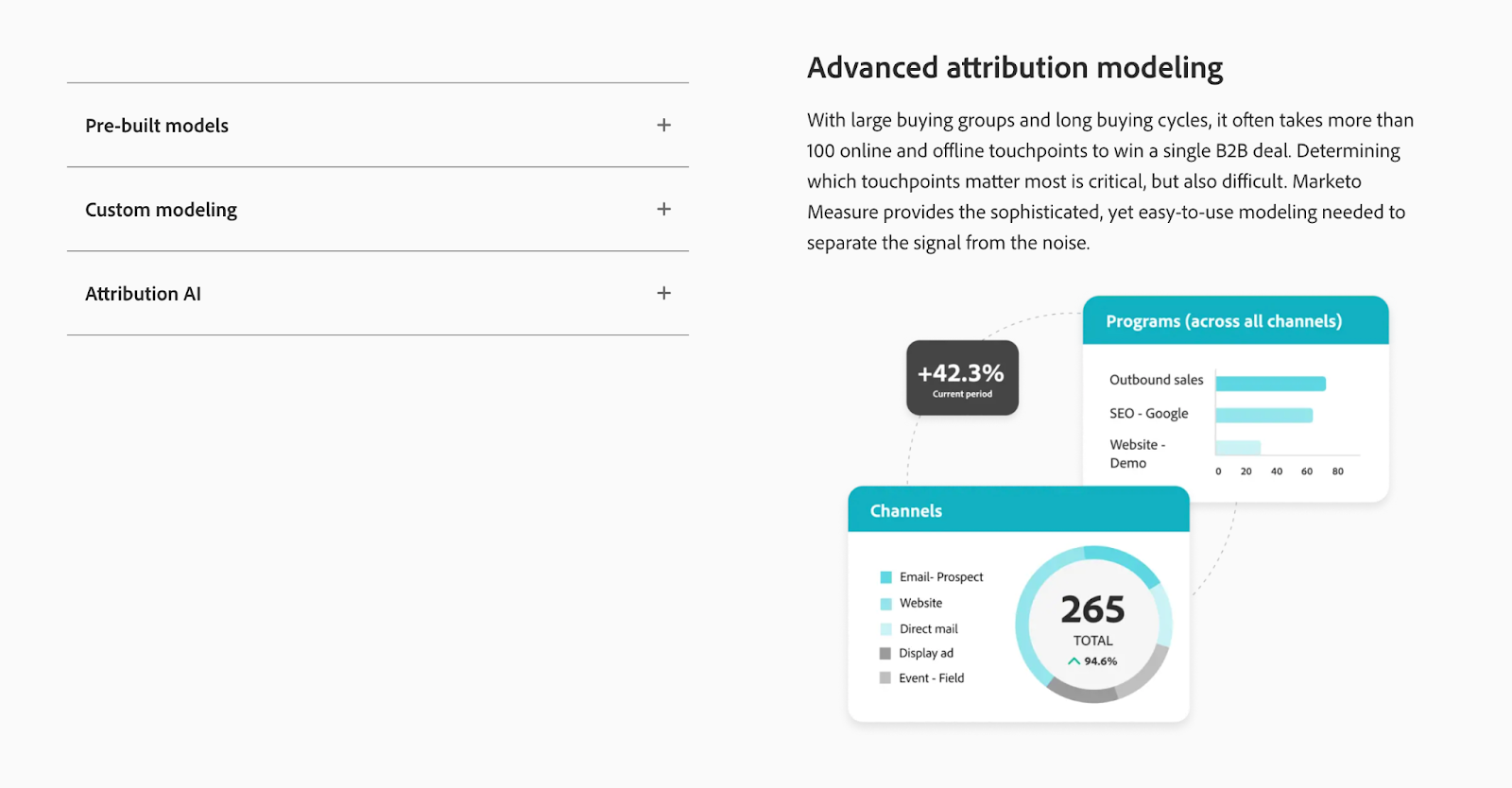
Marketo Measure is designed for teams that specialize in attribution.
It breaks down every marketing touchpoint and maps it to pipeline and revenue contribution.
Core capabilities include:
- Custom attribution models like U-Shaped, W-Shaped, and Full Path.
- Integration with CRM and ad platforms for campaign-level insights.
- Attribution AI for predictive modeling and advanced influence tracking.
- Rich dashboard visualizations through Adobe Analytics and BI tools.
- Offline campaign tracking through CRM data sync.
While it offers precise attribution, setting up and maintaining reports can be complex, especially for teams without dedicated data specialists. It just requires more planning, more setup, and more specialised ownership to keep everything running smoothly.
Factors.ai vs Marketo Measure: Verdict on Analytics and Reporting
Marketo Measure provides unmatched attribution accuracy for enterprise teams that need every touchpoint accounted for.
It’s ideal for marketers deeply invested in proving revenue impact through structured models.
Factors.ai, meanwhile, takes analytics beyond attribution.
It connects performance data, engagement behavior, and funnel outcomes in one interface, helping teams not just analyze but act.
In short:
Factors.ai = Real-time funnel analytics with actionable insights.
Marketo Measure = Enterprise-grade attribution for structured reporting teams.
For real examples of actionable dashboards, check attribution reporting: what you can learn from marketing attribution reports.
{{INLINE_BOFU}}
Factors.ai vs Marketo Measure: Ad Activation and Campaign Sync
Running ads is easy.
Running ads that convert the right audience at the right time, that’s where most teams struggle.
By the time audiences refresh, intent has shifted. Accounts that should be suppressed keep seeing ads. Accounts that are suddenly active don’t get picked up in time. This is where execution capabilities start to matter more than reporting depth.
Factors.ai and Marketo Measure both work with campaign data, but their focus is entirely different.
Marketo Measure helps you track ad performance.
Factors.ai helps you optimize and activate ads in real time based on live intent signals.
Factors.ai vs Marketo Measure: Ad Activation and Campaign Sync Comparison
| Aspect | Factors.ai | Marketo Measure (Bizible) |
|---|---|---|
| Ad Activation | Dynamic ad activation for LinkedIn and Google through AdPilot. | Not supported; focuses on tracking ad influence, not activation. |
| Audience Sync | Real-time sync between CRM, product, and ad platforms. | Manual updates through CRM and Adobe integrations. |
| Optimization | Uses conversion feedback and Google CAPI to refine targeting. | Measures campaign impact post-conversion. |
| Campaign Automation | Builds buyer-stage campaigns and refreshes audiences automatically. | No automation; reporting-driven only. |
| Data Feedback Loop | Sends live conversion and engagement data to optimize ad delivery. | Data used only for attribution and pipeline reporting. |
| Integration Depth | Native integrations with LinkedIn, Google, Facebook, Bing, and Drift. | Ad data flows through Adobe Experience Platform or CRM syncs. |
Factors.ai’s Ad Activation and Campaign Sync
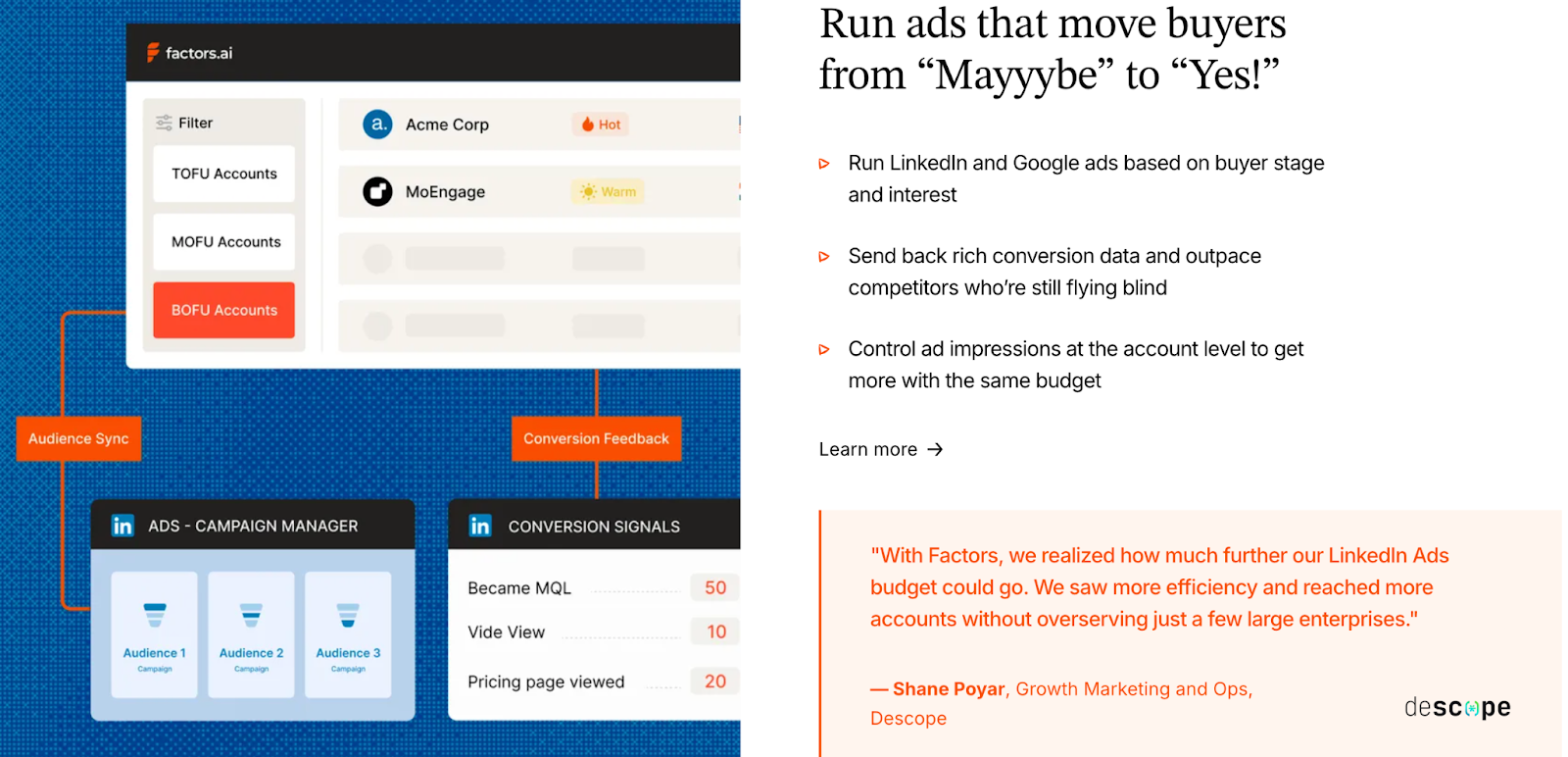
Factors.ai helps marketing teams move from passive tracking to active optimization.
Its advertising features are designed to make every dollar count by focusing spend on genuine buying intent.
Highlights:
- LinkedIn AdPilot: Runs intent-based LinkedIn ads automatically, adjusting to account activity and funnel stage.
- Google AdPilot: Uses Google CAPI to send conversion data back for smarter targeting and reduced wasted spend.
- Buyer-stage campaigns: Creates ad sets based on where accounts sit in the funnel, awareness, consideration, or decision.
- Audience sync: Updates audiences daily across CRM, website, and ad platforms to keep targeting precise.
- Suppression lists: Removes inactive or irrelevant accounts automatically to prevent budget leaks.
These capabilities make Factors.ai stand out for teams that want their advertising tied directly to engagement signals (not guesswork). This is especially useful for teams running always-on LinkedIn or Google programs, where manual audience updates quietly eat up time and budget.
Marketo Measure’s Ad Activation and Campaign Sync
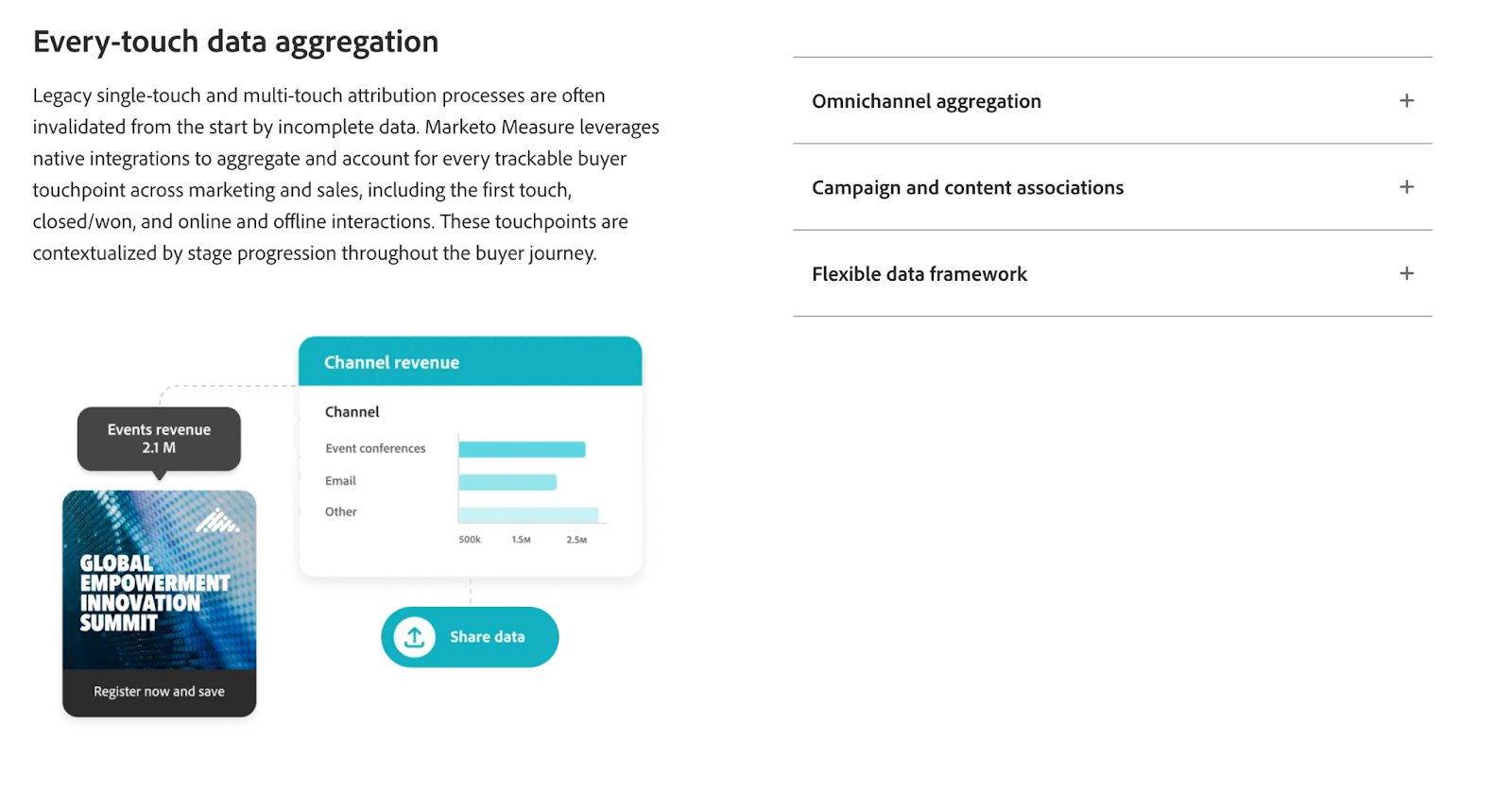
Marketo Measure stays on the measurement side of ads.
It’s designed to record what happened, not to manage or optimize campaigns.
Core features:
- Tracks ad impressions, clicks, and downstream conversions via CRM.
- Integrates ad data from LinkedIn, Google, and other paid channels into attribution reports.
- Measures campaign influence on pipeline and closed deals.
- Uses Attribution AI for model-based performance analysis.
- No audience sync or ad automation built into the tool.
This works well for teams that already have ad management handled elsewhere and want precise post-campaign reporting. However, for teams seeking real-time optimization or automated workflows, it offers limited operational flexibility.
Factors.ai vs Marketo Measure: Verdict on Ad Activation and Campaign Sync
Marketo Measure gives you clean post-campaign insights which is great for understanding how ads contributed to deals.
But it doesn’t help manage or automate campaigns.
Factors.ai, on the other hand, closes that loop.
It runs, refreshes, and optimizes campaigns dynamically based on live buyer intent.
For marketing teams looking to connect their ad data with actual outcomes, it turns campaign management into a growth engine.
In short:
Factors.ai = Real-time ad activation with conversion feedback loops.
Marketo Measure = Post-campaign attribution and influence tracking.
Factors.ai vs Marketo Measure: GTM Services and Automation
Modern GTM teams need data along with systems that act on it. Automation has become the difference between teams that keep up and those that lead.
That’s exactly where the gap widens between Factors.ai and Marketo Measure.
Marketo focuses on data-driven reporting, while Factors.ai helps teams put that data to work through automation, AI agents, and dedicated GTM engineering support.
Factors.ai vs Marketo Measure: GTM Services and Automation Comparison Table
| Aspect | Factors.ai | Marketo Measure (Bizible) |
|---|---|---|
| Automation Depth | AI-driven workflows that trigger follow-ups, alerts, and campaigns automatically. | Limited automation; focused on data collection and attribution. |
| AI Agents | Assist GTM teams with account research, buying-group mapping, and reactivation of closed-lost deals. | Not available. |
| Sales Alerts | Sends contextual alerts via Slack for high-intent actions. | No built-in alert system. |
| Workflow Support | Custom automations handled through GTM Engineering Services. | Manual setup through Adobe workflows or internal ops teams. |
| Human + AI Support | Offers guided GTM automation support through in-house engineers. | Relies on Adobe’s general support and documentation. |
| Outcome Focus | Turns data into next steps like campaign adjustments, account follow-ups, and workflow triggers. | Uses data for analysis and historical reporting. |
Factors.ai’s GTM Services and Automation

Factors.ai gives GTM teams a complete operating system for demand generation.
Instead of stopping at analytics, it brings automation directly into the execution layer.
Key highlights:
- AI Agents: Research accounts, identify decision-makers, and even revive lost deals based on new intent data.
- GTM Engineering Services: Available from $4,000 setup + $300/month, providing expert help to automate workflows, manage integrations, and connect tools seamlessly.
- Sales Alerts: Deliver real-time insights on high-value account activity, like demo revisits, pricing views, or post-meeting engagement.
- Workflow Automations: Sync with CRM, ad platforms, and communication tools to trigger the right actions automatically.
- Full GTM Loop: Aligns marketing and sales through automation, ensuring no opportunity is missed due to delays or data gaps.
The combination of automation and human support makes it a true operational partner for GTM teams.
The GTM Engineering Services matter more than they might seem on paper. For teams without dedicated RevOps or automation specialists, having engineers who understand GTM workflows reduces time-to-value dramatically.
Marketo Measure’s GTM Services and Automation
Marketo Measure focuses on visibility and attribution rather than automation.
It provides accurate data, but how that data gets used is up to the teams managing it.
Key points:
- Offers reporting and analytics through Adobe’s ecosystem.
- No built-in workflow or automation layer for GTM execution.
- Relies on integrations with Marketo Engage or third-party tools for campaign follow-ups.
- No AI features or account intelligence tools included.
- Ideal for organizations that already have in-house teams managing GTM operations manually.
It’s a powerful data solution, but not an operational one. Most automation has to be built around it, not within it.
In environments where ops teams are already staffed and workflows are well defined, this separation works. For lean teams, it can feel like one more system that needs to be managed rather than one that helps manage work.
Factors.ai vs Marketo Measure: Verdict on GTM Services & Automation
Marketo Measure gives GTM teams strong visibility but limited motion.
It tells you what happened, but not what to do next.
Factors.ai goes a step further.
It uses automation, AI agents, and GTM engineering expertise to help teams act on insights the moment they appear.
For growing marketing and sales teams, that means faster response times and higher conversion efficiency.
In short:
Factors.ai = Action-oriented GTM automation powered by AI and human support.
Marketo Measure = Data visibility without execution capabilities.
Factors.ai vs Marketo Measure: Support and Ease of Use
What truly defines a platform’s value is how seamlessly teams can use it and the level of support available to them.
The difference between a tool that works and one that stays in use often comes down to setup, guidance, and responsiveness.
Here’s how Factors.ai and Marketo Measure compare when it comes to getting started and staying supported.
Factors.ai vs Marketo Measure: Support and Ease of Use Comparison
| Aspect | Factors.ai | Marketo Measure (Bizible) |
|---|---|---|
| Onboarding | Guided onboarding with white-glove setup, hands-on support, and weekly syncs. | Onboarding through Adobe’s enterprise support; process varies by client. |
| Ease of Setup | Integrations and tracking configured within days. | Longer setup cycles; requires technical alignment with Adobe systems. |
| Customer Success | Dedicated CSM for Growth and Enterprise plans. | General Adobe support and documentation. |
| Support Channels | Slack, helpdesk, and email; direct communication with GTM engineers available. | Adobe support portal and account manager (for enterprise). |
| Learning Curve | Simple, no-code dashboards designed for GTM and marketing teams. | Steeper; requires familiarity with attribution models and Adobe workflows. |
| Ongoing Guidance | GTM Engineering Services assist with continuous automation and optimization. | Periodic support tickets and managed help through Adobe service teams. |
Factors.ai’s Support and Ease of Use
Factors.ai builds support into the product experience itself.
Its team focuses on helping customers not just use the platform, but master it.
Key highlights:
- White-glove onboarding ensures integrations and data pipelines are configured properly from day one.
- Dedicated Customer Success Managers guide Growth and Enterprise clients through onboarding and campaign alignment.
- Slack-based support gives teams direct access to quick responses without ticket delays.
- Weekly syncs help review progress, optimize dashboards, and suggest GTM improvements.
- GTM Engineering Services continue beyond setup, offering custom automation and optimization for teams that want hands-on help.
The combination of accessibility, communication, and expertise makes setup feel collaborative and not technical. And having Slack access and regular syncs changes how problems get solved. Instead of logging tickets, teams iterate together, which keeps momentum high during rollout.
Marketo Measure’s Support and Ease of Use
Marketo Measure offers enterprise-level support under Adobe’s ecosystem.
The experience largely depends on the client’s existing Adobe setup and service agreements.
Key points:
- Onboarding typically handled by Adobe or certified partners.
- Setup often takes longer due to dependencies on CRM, MAP, and internal systems.
- Support managed through the Adobe portal or account managers.
- Documentation is detailed but geared toward data and marketing ops specialists.
- Users without prior experience in attribution modeling or Adobe tools may find the learning curve steep.
The system is stable once implemented but less intuitive for day-to-day users who aren’t deeply technical.
Factors.ai vs Marketo Measure: Verdict on Support and Ease of Use
Marketo Measure provides structured support for large enterprises used to working with Adobe tools.
It’s thorough but slower to implement and less flexible for smaller or mid-market teams.
Factors.ai focuses on accessibility and partnership.
Between direct Slack channels, weekly reviews, and GTM engineering help, it feels more like an extension of your team than a vendor.
In short:
Factors.ai = Guided onboarding and responsive, human-centered support.
Marketo Measure = Enterprise support designed for larger, process-heavy teams.
For lean teams preferring self-serve setups, the website visitor identification implementation guide walks you through configuration basics.
Factors.ai vs Marketo Measure: Security and Compliance
Protecting marketing data is about building trust. Every interaction and conversion contains sensitive details, so robust compliance is essential for reliable analytics.
Both Factors.ai and Marketo Measure handle enterprise-level data, but their approaches to transparency and certification differ.
Factors.ai vs Marketo Measure: Security and Compliance Comparison Table
| Aspect | Factors.ai | Marketo Measure (Bizible) |
|---|---|---|
| Certifications | ISO 27001, SOC 2 Type II, GDPR, and CCPA compliant. | GDPR compliant (as listed on official documentation). |
| Hosting Infrastructure | Hosted on Google Cloud Platform (GCP), SOC 1, 2, and 3 certified. | Hosted on Adobe’s cloud infrastructure integrated with Experience Platform. |
| Data Encryption | AES-256 encryption for data at rest, TLS encryption for data in transit. | Standard encryption protocols through Adobe infrastructure. |
| Access Control | Role-based access with IAM permissions and 2FA for all production access. | Controlled via Adobe’s centralized user management system. |
| Data Isolation | Logical separation of customer data within GCP instances. | Managed within Adobe Experience Cloud’s multi-tenant setup. |
| Incident Management | Defined response process led by Data Protection Officer; frequent backups and geo-redundant storage. | Managed under Adobe’s global incident response policy. |
Factors.ai’s Security and Compliance

Factors.ai takes a transparent and proactive approach to data protection.
Security is built into every part of the product, from data hosting to employee access.
Key details:
- Hosted securely on Google Cloud Platform, with full compliance to SOC 1, SOC 2, and SOC 3 standards.
- Uses AES-256 encryption for stored data and TLS encryption for data in transit.
- Enforces role-based access with two-factor authentication across its infrastructure.
- Data is logically isolated between clients, ensuring no overlap or shared visibility.
- Regular manual and automated audits assess risks and maintain integrity.
- Incident management protocols ensure immediate action, data backup, and communication in case of any breach attempt.
Compliance goes beyond the basics, too.
Factors.ai aligns with GDPR, CCPA, and international privacy regulations, offering clients clear documentation and Data Processing Agreements on request.
For teams handling sensitive CRM or behavioral data, it provides the assurance of enterprise-grade reliability with startup-level responsiveness.
Marketo Measure’s Security and Compliance
Marketo Measure benefits from Adobe’s established security ecosystem.
Data is processed and stored within the Adobe Experience Platform, which maintains strong compliance standards globally.
Notable points:
- Listed as GDPR compliant on its official documentation.
- Inherits Adobe’s enterprise-grade security and privacy infrastructure.
- Access control managed through Adobe’s identity and permission systems.
- Incident response and compliance handled at the Adobe corporate level.
- No separate public documentation for Marketo Measure’s standalone security practices.
While secure by association, visibility into tool-specific compliance details is limited.
Most assurance comes through Adobe’s overarching certifications rather than Marketo Measure’s individual framework.
Factors.ai vs Marketo Measure: Verdict on Security and Compliance
Marketo Measure operates under Adobe’s secure environment, which ensures global standards are met, but offers less transparency on the product’s individual compliance details.
Factors.ai, on the other hand, documents every layer of its security practice, from encryption to incident response.
Its certifications, transparency, and client-level data controls make it easier for businesses to assess and trust their compliance posture directly.
In short:
Factors.ai = Transparent, certified, and independently audited for security and privacy.
Marketo Measure = Enterprise-grade protection within Adobe’s ecosystem, but less tool-specific visibility.
Factors.ai vs Marketo Measure: Overall Verdict & Recommendation
Both Factors.ai and Marketo Measure serve marketing teams that want clarity on what drives growth.
They’re built for different goals: one focuses on attribution precision, the other on complete GTM orchestration.
Marketo Measure remains one of the strongest options for detailed attribution modeling.
It helps marketing teams trace every touchpoint’s influence on pipeline, especially in complex enterprise setups.
But beyond attribution, it offers little to help teams move faster or automate their next steps.
Factors.ai, on the other hand, combines that analytical depth with action.
It helps GTM teams connect insights with engagement, run intent-driven campaigns, and use automation to convert data into movement.
The experience feels integrated like analytics, ads, signals, and follow-ups all connected in one place.
Factors.ai vs Marketo Measure: Quick Recap
| Category | Best Fit | Reason |
|---|---|---|
| Functionality & Features | Factors.ai | Broader GTM coverage: identification, activation, analytics, and automation. |
| Pricing & Value | Factors.ai | Transparent tiered pricing with optional GTM Engineering Services. |
| Analytics & Reporting | Marketo Measure | Advanced attribution models for enterprise-level tracking. |
| Ad Activation | Factors.ai | Real-time campaign sync and optimization through AdPilot. |
| GTM Automation | Factors.ai | AI agents and workflow automation that act on live intent data. |
| Support & Ease of Use | Factors.ai | Guided onboarding, CSM support, and Slack communication. |
| Security & Compliance | Factors.ai | Full transparency with ISO 27001, SOC 2 Type II, GDPR, and CCPA compliance. |
When to choose Factors.ai
- Brings all GTM functions, from intent detection to campaign automation, under one system.
- Offers transparent pricing with optional GTM Engineering Services starting at $1,000/month.
- Provides AI agents and automation for real-time execution, not just data collection.
- Maintains strong, documented compliance and security standards.
- Gives teams hands-on onboarding and continuous optimization support.
It’s best suited for modern B2B teams that want to move quickly, work efficiently, and make decisions backed by real signals.
When to choose Marketo Measure
- Built for marketing operations teams deeply focused on attribution accuracy.
- Works best for large enterprises already using Adobe Experience Cloud or Marketo Engage.
- Offers advanced multi-touch attribution modeling and reporting capabilities.
It’s a solid choice for organizations that already have automation and campaign management tools in place and primarily need visibility into attribution.
FAQs: Factors.ai vs Marketo Measure
Q. Can Factors.ai replace Marketo Measure?
For many modern B2B GTM teams, yes.
If your primary need is multi-touch attribution reporting alone, Marketo Measure is a strong, specialised solution. But if you want attribution plus account identification, intent signals, funnel visibility, ad activation, and automation in one system, Factors.ai is designed to replace the need for a standalone attribution tool.
Factors.ai covers attribution while also helping teams act on insights in real time, something Marketo Measure does not support natively.
Q. Does Factors.ai offer multi-touch attribution like Marketo Measure?
Yes. Factors.ai supports multi-touch attribution and milestone-based analytics across the full funnel.
The difference is that Factors.ai doesn’t stop at reporting influence. It connects attribution data with account engagement, intent strength, and funnel stage, so teams can prioritise and activate accounts instead of just analysing past performance.
Q. What makes Factors.ai different from traditional attribution tools?
Traditional attribution tools focus on explaining what happened.
Factors.ai focuses on what should happen next.
In addition to attribution, Factors.ai identifies accounts, tracks intent signals across channels, scores engagement, syncs audiences, activates ads, and automates GTM workflows. This makes it a full GTM execution platform rather than just a measurement layer.
Q. Is Factors.ai better suited for SMBs or enterprise teams?
Factors.ai works across both, but it’s especially effective for lean GTM teams and scaling B2B companies.
SMBs benefit from transparent pricing, faster setup, and built-in automation without needing large ops teams.
Enterprise teams benefit from account-level visibility, intent-driven activation, GTM Engineering Services, and enterprise-grade security and compliance.
Q. Do I need Marketo or Adobe products to use Factors.ai?
No.
Factors.ai works independently and integrates with CRMs, ad platforms, and data tools without requiring Adobe Experience Cloud or Marketo Engage. This makes it easier to adopt without committing to a bundled enterprise ecosystem.
Q. Can Factors.ai activate LinkedIn and Google ads directly?
Yes.
Factors.ai includes LinkedIn AdPilot and Google AdPilot, which allow teams to run and optimise ads based on live intent signals, funnel stage, and account engagement.
Unlike attribution-only tools, Factors.ai closes the loop by using conversion and engagement data to refine targeting and reduce wasted ad spend.
Q. How does Factors.ai handle account identification compared to attribution tools?
Factors.ai identifies up to 75% of visiting accounts through sequential enrichment and links them across website activity, ads, CRM, and product usage.
Most attribution tools rely heavily on existing CRM data and campaign tagging, which limits visibility into anonymous or early-stage account behaviour.
Q. Is Factors.ai difficult to set up compared to Marketo Measure?
No. Factors.ai is designed for faster, more straightforward implementation.
Most teams are live within days, not months. Setup includes guided onboarding, no-code dashboards, and optional GTM Engineering Services for teams that want hands-on help with workflows, integrations, and automation.
Q. Does Factors.ai support sales teams as well as marketing?
Yes.
Factors.ai is built for full GTM alignment, not just marketing analytics. Sales teams benefit from account timelines, engagement scoring, intent alerts, and Slack notifications that highlight when accounts are ready for follow-up.
Q. When should a team choose Marketo Measure instead of Factors.ai?
Marketo Measure is best suited for large enterprises that:
- Are already deeply invested in Adobe Experience Cloud
- Have dedicated marketing ops and data teams
- Primarily need advanced attribution modeling for reporting and revenue influence analysis
If your GTM strategy requires execution, automation, and activation alongside analytics, Factors.ai is the more complete solution.
Factors.ai vs Influ2: Which ABM Tool Should You Choose?
Explore Factors.ai as an Influ2 alternative. Compare them across intent data, ABM features, pricing, integrations, ads, and analytics to choose the right ABM tool platform.
Finding the ‘right’ demand generation platform usually starts with a demo and ends with a headache.
I’ve seen this play out way too often. Someone on the team says, “We need better intent data.” Another person says, “We just need cleaner attribution.” A third says, “Sales wants visibility into who’s actually engaging.” And suddenly you’re evaluating tools that sound similar on paper but solve very different problems in reality.
That’s exactly where the comparison between Factors.ai and Influ2 sits.
Both platforms help GTM teams move closer to revenue. Both talk about intent, pipeline, and alignment. But they come from fundamentally different starting points. One is built around understanding accounts and orchestrating the entire GTM motion. The other is built around reaching specific people and proving ad influence with precision.
If you’re running modern B2B demand gen, especially across ads, CRM, sales workflows, and revenue reporting, this distinction matters more than most teams realize.
In this guide, I break down how Factors.ai and Influ2 actually work across functionality, pricing, identification, intent, ad activation, analytics, support, and security. The goal is simple. Help you figure out which platform fits how your GTM engine really runs, not how it looks in a slide deck.
Factors vs Influ2: Functionality and Core Capabilities
One question I always ask when evaluating GTM tools is simple: how many tabs do I still need open after I log in?
Some platforms solve one very specific problem extremely well. Others try to act as the connective tissue across marketing, sales, and revenue. Neither approach is wrong. But confusing one for the other is where teams get stuck.
In an ecosystem like the one we’re in today… filled with ad-tech and GTM platforms, the real difference lies in how much of the demand-generation process a tool can handle end-to-end.
Both Factors.ai and Influ2 aim to help marketing and sales teams drive more revenue from intent data and targeted outreach, but the way they approach that goal is very different.
Factors.ai works as a complete GTM orchestration system that connects analytics, automation, and activation.
Influ2, in contrast, focuses on precision advertising at the contact level, showing the right message to the right person across multiple channels.
This section is all about scope. Are you looking for a system that helps you execute a specific motion with precision, or a platform that helps you see, measure, and run your entire GTM strategy in one place?
Functionality and Core Capabilities Comparison
| Aspect | Factors.ai | Influ2 |
|---|---|---|
| Core Focus | Full-funnel GTM orchestration: account identification, journey tracking, campaign activation, and automation. | Contact-level advertising and engagement tracking for CRM-synced audiences. |
| Primary Use Case | Demand generation and revenue growth through unified account insights, automation, and analytics. | Advertising directly to known contacts to prove ad influence on revenue. |
| Platform Scope | Multi-layered: identification, scoring, analytics, ad activation, AI automation, and GTM services. | Focused: ad targeting, engagement analytics, and contact-level reporting. |
| Ideal Users | GTM and revenue teams looking for a connected system that turns insights into action. | Marketing teams running highly targeted ABM or sales-assisted ad programs. |
Factors.ai’s Functionality and Core Capabilities

Factors.ai goes beyond traditional analytics by giving GTM teams an integrated workspace where every part of the demand-generation process connects.
What stands out here is that this setup mirrors how real GTM teams work. Signals do not live in isolation. Website visits, ad clicks, CRM updates, and product usage all influence how accounts move forward. Having these stitched together in one timeline saves hours of manual interpretation and removes a lot of guesswork between marketing and sales.
With platforms like Factors.ai by their side… teams go from reactive follow-ups to proactive outreach simply because everyone is finally looking at the same account story.
Key capabilities:
- Account 360: a unified timeline that brings together website activity, ad engagement, CRM data, and product usage in one view.
- Milestones: funnel analytics that show how accounts move from awareness to revenue.
- AI Agents: tools that analyze data, surface buying signals, and alert sales when an account is ready for outreach.
- Dynamic Ad Activation: automated campaign updates through Google CAPI and LinkedIn AdPilot, ensuring ads reach only active, in-market accounts.
- GTM Engineering Services: optional add-on support that helps teams automate workflows and integrate tools efficiently.
The result is a system that doesn’t just report performance but actively shapes it to help teams identify, engage, and convert high-intent accounts within one connected environment.
Influ2’s Functionality and Core Capabilities
Influ2 takes a more focused route by centering everything around people. Its strength lies in showing ads to named contacts already in your CRM and then tracking their exact interactions with each campaign.
Now, this model works best when your target universe is already defined. You know who the buyers are, you trust your CRM data, and your priority is making sure specific people see specific messages at the right time.
For teams running tight ABM or sales-assisted advertising, this kind of clarity can be useful. Sales conversations also become easier when reps can see exactly which ads a prospect engaged with before a call.
Key capabilities:
- Contact-Level Targeting: sync CRM contacts directly and serve ads only to those specific individuals.
- Ad Engagement Tracking: see who viewed or clicked an ad and how often.
- Journey Mapping for Ads: align ad messaging to buyer stages and personalize creatives accordingly.
- Sales Notifications: alert sales reps when targeted contacts engage with an ad.
- Revenue Attribution: connect ad exposure data with pipeline and closed-won deals to prove ROI.
It’s a precise system that works best when you already know your audience and want to reach them consistently across digital channels.
Factors vs Influ2: Verdict on Functionality and Core Capabilities
Both platforms deliver results but cater to different needs.
Influ2 is a sharp, contact-level tool that gives you visibility into who engaged with your ads and how they moved through the funnel.
Factors.ai is built for teams that need more than visibility and brings together data, automation, and execution to manage the entire GTM process in one place.
In short:
Factors.ai = Full-funnel orchestration for scalable revenue growth.
Influ2 = Targeted advertising for known contacts and ABM programs.
Factors vs Influ2: Pricing and Plans
Some platforms optimize for flexibility and self-serve growth. Others optimize for enterprise deals and bespoke contracts. Neither is inherently better, but it does affect how quickly teams can get started and how confidently they can plan ahead.
While both Factors.ai and Influ2 focus on measurable marketing outcomes, their pricing models work very differently.
Factors.ai follows a clear usage-based structure with multiple tiers designed for growth.
Influ2, on the other hand, doesn’t publish its pricing, requiring a sales call for every quote.
Pricing and Plans Comparison
| Aspect | Factors.ai | Influ2 |
|---|---|---|
| Model Type | Usage- and seat-based model across four tiers (Free, Basic, Growth, Enterprise). | Custom pricing available only through sales consultation. |
| Free Tier | Available and gives up to 200 identified companies per month, basic integrations, and dashboards. | No free tier or public trial listed. |
| Paid Plans | Basic, Growth, and Enterprise tiers scale by company volume, seats, and integrations. | Pricing depends on ad volume, contact lists, and CRM connections. |
| Add-On Services | GTM Engineering Services starting at $4,000 setup + $300/month, offering automation and workflow support. | Campaign guidance and CSM support included with enterprise contracts. |
| Transparency | Pricing model and plan inclusions are published in detail. | Pricing shared only after demo and requirement review. |
| Value Focus | Scales easily for startups and enterprise GTM teams alike. | Suited for mature marketing teams running contact-level ABM campaigns. |
Factors.ai Pricing and Plans
Factors.ai is built to be flexible and upfront.
Its pricing scales based on usage and team size, allowing companies to start small and expand as their GTM activities grow.
What I like about this structure is that teams can actually grow into the platform. You can start with identification and journeys, then layer on scoring, ABM analytics, and ad activation as your GTM motion matures. The optional GTM engineering support also removes a common bottleneck I see, where great tools fail simply because no one has the time to wire everything correctly.
Here’s how it breaks down:
- Free Plan: For small teams exploring account identification and journey tracking.
- Basic Plan: Adds LinkedIn intent signals, GTM workflows, and CRM integrations.
- Growth Plan: Includes ABM analytics, account scoring, and G2 intent signals with a dedicated CSM.
- Enterprise Plan: Offers unlimited company tracking, predictive scoring, and premium integrations like Google and LinkedIn AdPilot.
For teams that want hands-on technical help, GTM Engineering Services can be added at an additional cost.
This gives teams direct engineering support for workflow automation, advanced integrations, and data management which is something most software tools charge separately through agencies or consultants.
Influ2 Pricing and Plans
Influ2 takes a traditional enterprise pricing route.
Its pricing isn’t listed publicly, and quotes are provided only after understanding the client’s campaign goals, ad budget, and audience size.
This approach makes sense for organizations already committed to large ad budgets and defined ABM programs. The trade-off is predictability. Without public pricing, it’s harder for teams to benchmark or plan experiments without going through a full sales cycle.
Factors vs Influ2: Verdict on Pricing and Plans
Factors.ai offers clarity and flexibility which is the kind of pricing structure that allows teams to grow at their own pace.
Its optional GTM Engineering Services add value for companies that need both software and setup guidance without hiring external partners.
Influ2 focuses on custom enterprise contracts tailored to ad spend and CRM scope.
That’s ideal for teams with established budgets but less suited for those wanting straightforward, self-serve onboarding.
In short:
Factors.ai = Transparent, scalable, and supported by optional GTM setup services.
Influ2 = Custom enterprise pricing designed for established ABM programs.
Factors vs Influ2: Account and Contact Identification
You probably already know this but… the strength of any GTM or advertising platform starts with how accurately it can identify who’s engaging with your brand.
For B2B teams, that accuracy can mean the difference between wasted ad spend and real pipeline growth.
Factors.ai and Influ2 both excel in identification, but they approach it from different angles.
Factors.ai focuses on recognizing accounts and mapping every signal tied to them, while Influ2 focuses on contacts, showing ads directly to known individuals synced from your CRM.
Account and Contact Identification Comparison
| Aspect | Factors.ai | Influ2 |
|---|---|---|
| Identification Type | Account-level identification and enrichment using 1st, 2nd, and 3rd party signals. | Contact-level identification synced directly from CRM databases. |
| Data Sources | Website behavior, CRM activity, product data, and ad interactions. | CRM contact lists and engagement data from ad platforms. |
| Scope | Identifies high-intent accounts, maps associated contacts, and connects all activities into Account 360\. | Targets named contacts and maps their ad views, clicks, and engagement history. |
| Signal Strength | Multi-signal enrichment combining firmographic, behavioral, and intent data. | Engagement-based intent from ads viewed or clicked by named contacts. |
| Outcome | Gives a clear view of which accounts are in-market and who within them is active. | Helps sales teams know which individuals interacted with specific ads. |
Factors.ai Account and Contact Identification
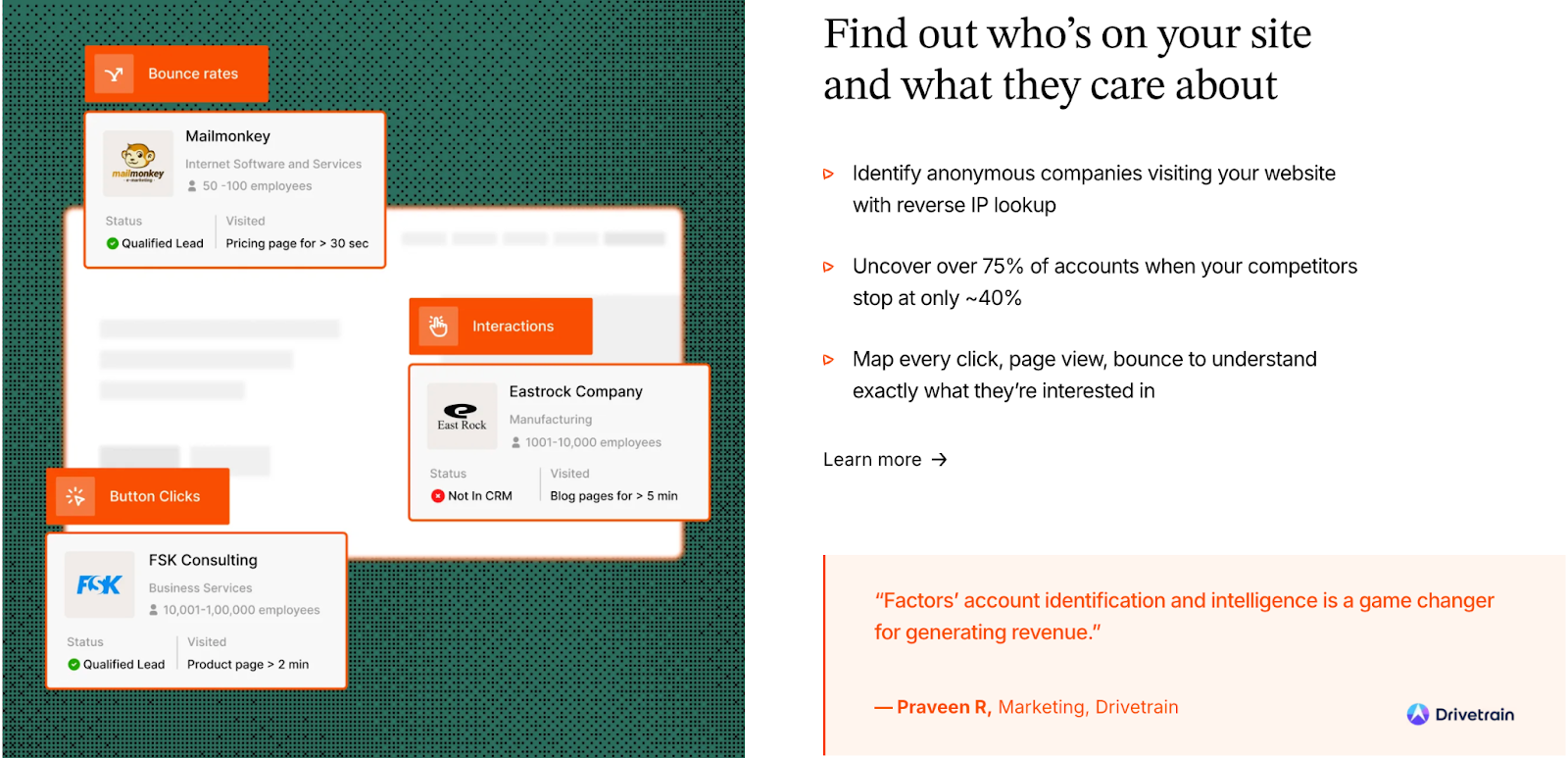
Factors.ai builds identification around the concept of the account journey. Instead of relying on single-source data, it enriches signals across multiple layers like web, CRM, product, and ad performance to build a detailed picture of buying intent.
The strength here is coverage and context. Identification is not treated as a one-time event but as an evolving account journey. Signals accumulate over time, across channels, and across people within the same organization. That’s what allows teams to move beyond “someone from this company visited” to “this account is actively evaluating.”
Key capabilities:
- Sequential Enrichment: uses multiple signals to match anonymous traffic with company data.
- Account 360: creates a unified profile for each account, combining all interactions across touchpoints.
- Multi-Signal Intent Mapping: pulls in first-party (site), second-party (ads, G2), and third-party (uploads) data.
- Contact Insights via AI Agents: surfaces decision-makers, recent actions, and context for outreach.
- Funnel Positioning: helps teams see where each account stands in the buying process.
This approach gives GTM teams visibility into both who is showing intent and how far they’ve moved toward conversion.
Influ2 Account and Contact Identification
Influ2 works from the opposite direction, starting with named contacts already known to your team. Its strength lies in precision targeting rather than broad discovery.
What I’m saying is… Influ2 does not try to discover new accounts. It assumes discovery has already happened. Its value comes from making sure known contacts are consistently reached and their engagement is fully visible. For focused ABM motions, that clarity can be a huge win.
Key capabilities:
- CRM Sync: imports contacts directly from Salesforce, HubSpot, or other CRMs.
- Person-Level Targeting: delivers ads specifically to those individuals, not just companies or roles.
- Contact-Level Identification: maps ad engagement (views, clicks) to each contact’s profile.
- Sales Notifications: alerts reps when targeted contacts interact with ads.
- Audience Refresh: keeps lists up to date as contacts are added or removed from campaigns.
This makes Influ2 especially effective for ABM programs focused on known accounts and warm prospects. It doesn’t uncover new leads but ensures your message reaches the right people consistently.
Factors vs Influ2: Verdict on Account and Contact Identification
Influ2 delivers precision through contact-level targeting, making it ideal for teams running focused ABM or sales-assisted campaigns.
It gives visibility into who exactly engaged with your ads and when.
Factors.ai, meanwhile, offers a broader view, identifying not only the accounts visiting your site but also mapping all interactions leading to intent.
It connects individual behaviors back to the larger buying group, giving teams both discovery and context.
In short:
Factors.ai = Account-level visibility that connects every signal across the funnel.
Influ2 = Contact-level precision built for targeted advertising programs.
{{INLINE_BOFU}}
Factors vs Influ2: Intent Signals and Buyer Insights
Intent is one of the most overused words in GTM. Everyone claims to have it. Very few platforms explain what they actually do with it.
What matters here is how signals are interpreted and whether they help teams act earlier and with more confidence.
For GTM teams, it’s not enough to know who visited a page as they need to know why, when, and how close that visitor is to taking action.
Both Factors.ai and Influ2 focus on intent, but they do it differently.
Factors.ai gathers intent from multiple layers like website behavior, CRM activity, ads, and product engagement to show the full account picture.
Influ2, on the other hand, tracks intent at the individual level, measuring who among your known contacts is responding to ads and how that maps to revenue.
Intent Signals and Buyer Insights Comparison
| Aspect | Factors.ai | Influ2 |
|---|---|---|
| Intent Source | 1st, 2nd, and 3rd party data including web, CRM, product, and ad engagement. | Contact-level ad engagement data (views, clicks, conversions). |
| Depth of Signals | Multi-signal insights combining account activity, buying-group behavior, and pipeline movement. | Contact-level engagement metrics focused on ad interaction. |
| Buying-Group Mapping | Detects multiple stakeholders within an account and ties their behavior to a single journey. | Focused on individual contact interactions rather than group behavior. |
| Signal Interpretation | Converts signals into account scores using ICP fit, funnel stage, and engagement intensity. | Uses ad engagement data to show interest and potential buying readiness. |
| Outcome | Builds a clear picture of which accounts are active, their buying stage, and priority level. | Helps sales and marketing know which specific contacts are showing interest. |
Factors.ai Intent Signals and Buyer Insights
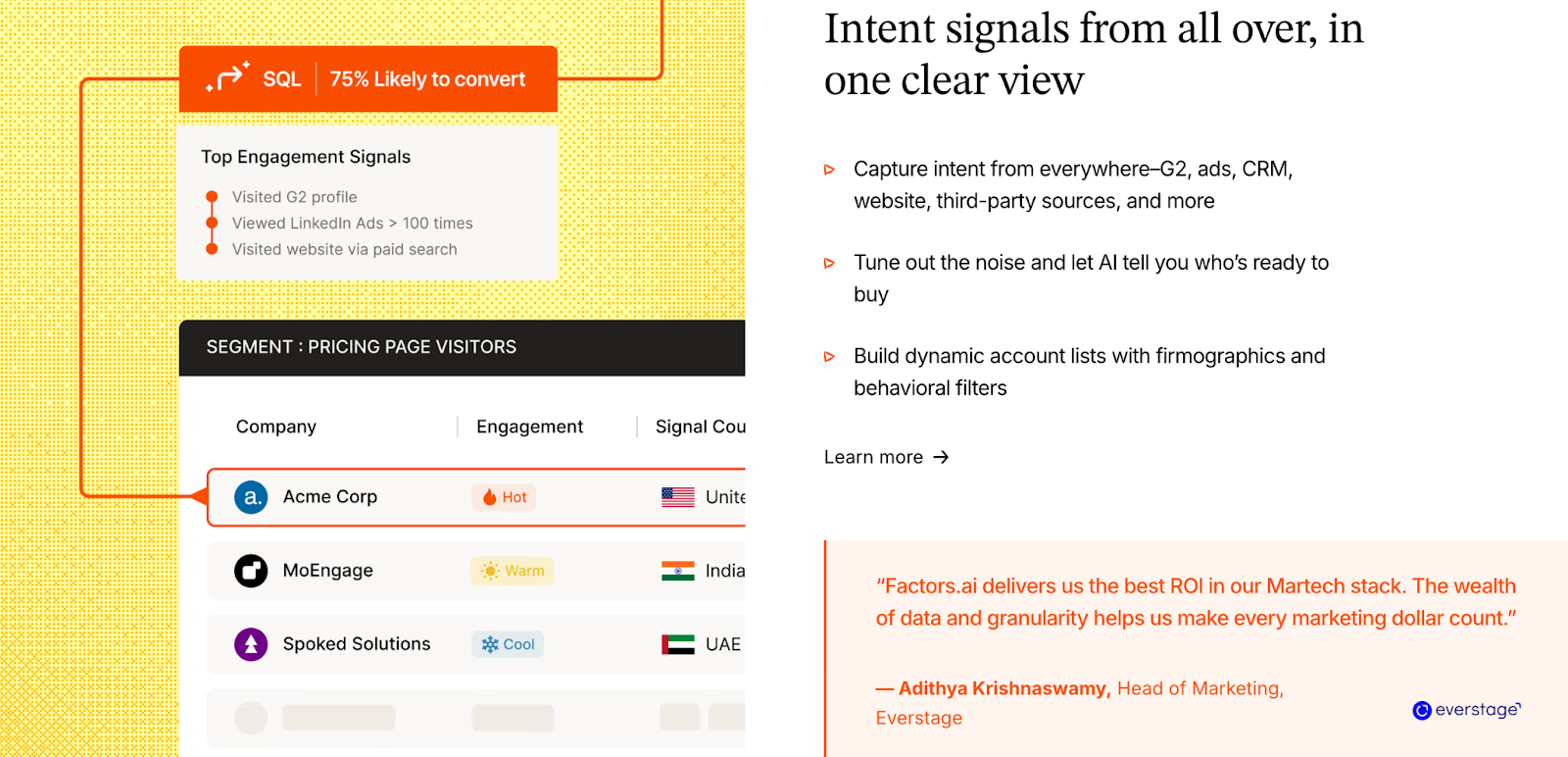
Factors.ai looks at intent as a connected system rather than a single activity. It combines signals from across your tech stack to give both marketing and sales a shared understanding of where each account stands.
AND because intent is pulled from multiple systems, it reflects real buying behavior rather than isolated actions. This helps teams prioritize accounts before they raise their hand, which is often where the biggest revenue opportunities sit.
Key capabilities:
- Multi-Layered Intent Tracking: combines web visits, CRM updates, ad engagement, and product usage.
- Buying-Group Detection: identifies multiple stakeholders interacting with your brand from the same company.
- Intent Scoring: ranks accounts by fit, funnel position, and level of activity.
- Milestones: shows when an account crosses key engagement thresholds, like demo requests or product revisits.
- AI-Powered Insights: surfaces patterns automatically, helping teams prioritize the next best action.
This approach gives GTM teams the clarity to act on intent early, not just react after conversion.
Influ2 Intent Signals and Buyer Insights
Influ2 focuses on intent that comes directly from advertising engagement. It measures who saw your ads, how often they interacted, and whether that engagement led to any downstream activity.
This model gives clean, defensible signals tied directly to advertising engagement. When your goal is proving ad influence and supporting sales conversations, that level of precision is extremely useful.
Key capabilities:
- Contact-Level Intent Tracking: tracks ad views, clicks, and post-ad engagement for specific individuals.
- Engagement Scoring: highlights contacts most responsive to your campaigns.
- Journey Mapping for Ads: aligns ad messaging with buyer stages to personalize outreach.
- Sales Notifications: alerts sales reps when a contact shows repeated engagement or conversion activity.
- Attribution Visibility: connects ad interactions to CRM data to show impact on pipeline or closed deals.
It gives marketing and sales a strong signal of personal interest which is a useful tool when targeting decision-makers already on your radar.
Factors vs Influ2: Verdict on Intent Signals and Buyer Insights
Influ2 delivers highly specific intent tied to individuals, making it ideal for account-based programs where contact lists are well-defined.
It tells you exactly who engaged with which campaign.
Factors.ai expands the scope to show not just who engaged, but what that engagement means at the account level.
By connecting multiple data sources and mapping collective buying behavior, it gives teams a clearer, actionable view of the full funnel.
In short:
Factors.ai = Multi-signal intent visibility across accounts and buying groups.
Influ2 = Contact-level intent focused on ad engagement accuracy.
Want a playbook? Read how to turn intent into demos in our intent-to-insight guide.
Factors vs Influ2: Ad Activation and Campaign Management
Ad activation is where strategy meets execution like this… 🤝.
(This is also where many teams lose efficiency due to manual audience updates and outdated targeting.)
Automation versus control is the CORE tension here.
The right tool helps you adapt, ensuring ads reach the right audience at the right time with minimal manual effort.
Both Factors.ai and Influ2 are strong in this space, but their focus differs.
Factors.ai drives campaign activation using AI, funnel data, and audience automation, while Influ2 emphasizes direct, contact-level ad delivery for precision targeting.
Ad Activation and Campaign Management Comparison
| Aspect | Factors.ai | Influ2 |
|---|---|---|
| Ad Channels | LinkedIn and Google (native integrations via AdPilot and CAPI). | LinkedIn, Google, Meta, Bing, and Amazon. |
| Activation Logic | Dynamic audience syncs based on intent and funnel stage. | CRM-based audience targeting using named contacts. |
| Automation | Automated campaigns triggered by real-time account behavior and milestones. | Manually controlled campaigns with pre-synced CRM contact lists. |
| Audience Updates | Daily refresh and audience suppression to prevent wasted spend. | Periodic CRM syncs to update audience lists. |
| Optimization Focus | AI-powered optimization for high-intent accounts and stage-based ad delivery. | Engagement-driven optimization based on contact-level ad performance. |
Factors.ai Ad Activation and Campaign Management
Factors.ai automates activation through intent-driven logic that syncs directly with your ad platforms.
Instead of broad targeting, it creates audiences dynamically based on who’s showing buying intent and where they are in the funnel.
Here, the biggest benefit I’ve seen is reduced waste. When audiences refresh automatically based on real intent and funnel movement, ads stay relevant without daily babysitting.
Key capabilities:
- LinkedIn AdPilot: activates and refreshes LinkedIn campaigns automatically based on account signals.
- Google AdPilot: pushes enhanced conversion signals using Google CAPI to optimize for pipeline-ready accounts.
- Buyer-Stage Campaigns: adapts ad creative and targeting as accounts move through awareness, consideration, and decision stage.
- Audience Suppression: removes inactive or irrelevant accounts to save ad spend.
- Real-Time Data Sync: updates audiences daily to ensure accuracy and freshness.
This setup means your ad campaigns stay relevant without needing constant manual updates.
It’s especially useful for teams running multi-stage GTM campaigns who want to align paid media with real-time intent.
Influ2 Ad Activation and Campaign Management
Influ2 treats ad activation at the person level.
It connects directly to your CRM, takes the list of named contacts, and serves ads only to those specific individuals across major ad networks.
This approach offers more direct control and broader channel reach. It works best when teams are comfortable managing defined contact lists and want visibility into every impression served.
Key capabilities:
- CRM-Based Targeting: syncs contacts from Salesforce, HubSpot, or Marketo to build precise audience lists.
- Cross-Channel Reach: runs campaigns across LinkedIn, Google, Meta, Bing, and Amazon.
- Personalized Ads: allows creative variations tailored to roles or funnel stages.
- Engagement Reporting: tracks which contacts viewed or clicked an ad, giving clear attribution.
- Sales Notifications: alerts reps when key contacts interact with campaigns.
This method ensures your ads only reach the people who matter most, helping reduce wasted impressions and improving sales alignment.
However, it requires pre-defined contact lists and doesn’t automate ad refreshes based on live intent signals like Factors.ai does.
Factors vs Influ2: Verdict on Ad Activation & Campaign Management
Influ2 delivers outstanding precision at the individual level, ideal for targeted ABM efforts where your contact list is clearly defined.
It shines in reach and control, especially across multiple ad networks.
Factors.ai, however, takes activation a step further.
By automating campaigns around real-time intent and funnel stages, it helps teams continuously optimize ad spend while keeping audiences current.
In short:
Factors.ai = Intent-based, automated ad orchestration that scales with your GTM funnel.
Influ2 = Contact-level targeting for high-precision, cross-channel advertising.
Factors vs Influ2: Analytics, Reporting and Revenue Attribution
Analytics should answer one question clearly: what actually moved revenue forward?
Clicks and impressions are easy to count. Understanding influence across a long B2B buying cycle is not. And for GTM and marketing teams… collecting data is never the end goal, interpreting it is.
The real impact of analytics comes from how clearly a platform connects engagement, conversion, and revenue.
Both Factors.ai and Influ2 offer strong visibility into performance, but their analytics depth and focus differ.
Factors.ai gives a holistic, full-funnel view linking every touchpoint to revenue, while Influ2 focuses more on tracking how ads influence known contacts and opportunities.
Analytics, Reporting and Revenue Attribution Comparison
| Aspect | Factors.ai | Influ2 |
|---|---|---|
| Analytics Scope | Full-funnel view combining website, CRM, ad, and product data. | Focused on ad performance and contact-level engagement. |
| Revenue Attribution | Funnel milestone analytics, pipeline influence, and closed-won attribution. | Ad influence tracking from contact engagement to revenue impact. |
| Granularity | Account-level journey analytics with multi-touch tracking. | Contact-level analytics centered on ad interactions. |
| Dashboards & Customization | 10–300 custom reports depending on plan tier; supports role-based dashboards. | Campaign and engagement dashboards, limited customization. |
| Cross-Channel Insights | Compares ad, website, and CRM performance together. | Primarily ad-channel performance metrics. |
Factors.ai Analytics, Reporting and Revenue Attribution
Factors.ai brings structure and visibility to GTM performance by tracking every touchpoint across the customer journey. Having marketing and sales look at the same revenue story changes conversations (and builds friendships that seemed impossible #IYKYK). Attribution stops being defensive and starts becoming strategic.
Factors.ai’s analytics map behavior from first visit to deal closure.
Key capabilities:
- Milestones: tracks key funnel movements such as demo requests, proposal sent, or deal won.
- Attribution Models: identifies which campaigns or channels contributed most to pipeline creation.
- Account 360: consolidates engagement data into a single view that connects marketing and sales outcomes.
- Custom Reporting: allows users to build dashboards that reflect revenue contribution by channel, region, or campaign type.
- Cross-Channel View: integrates website analytics, CRM data, and ad performance to offer a unified perspective.
Together, these features help teams see what’s driving pipeline growth and not just where clicks are coming from.
Influ2 Analytics, Reporting and Revenue Attribution
Influ2 delivers analytics designed to prove the influence of advertising on sales outcomes.
It connects ad impressions and clicks with named contacts in the CRM, helping teams validate whether campaigns actually drive engagement and revenue.
This is useful for validating ad spend in ABM programs. Sales teams appreciate seeing tangible proof of engagement before outreach.
Key capabilities:
- Contact-Level Attribution: measures which ads specific contacts viewed or engaged with.
- Campaign Impact Reporting: shows how ad exposure influenced opportunity creation or pipeline velocity.
- Engagement Frequency Tracking: monitors how often contacts interacted with your ads and what stage they were in when they did.
- ROI Metrics: highlights which ad campaigns influenced closed-won deals.
- Sales Insights: provides data sales teams can use for more relevant outreach.
This type of reporting helps prove the real-world value of targeted advertising, especially in ABM setups where direct attribution matters most.
Factors vs Influ2: Verdict on Analytics, Reporting & Revenue Attribution
Influ2 gives clarity at the contact level.
It’s well-suited for organizations that want to measure exactly how advertising engagement influences pipeline and closed-won deals.
Factors.ai takes a broader approach, connecting all signals including web, ads, CRM, and product, into one cohesive revenue picture.
It helps marketing and sales teams understand which channels drive actual business outcomes, not just engagement.
In short:
Factors.ai = Complete, full-funnel analytics linking engagement to revenue.
Influ2 = Contact-level visibility focused on ad influence and ROI validation.
For attribution detail, our types of attribution models guide explains when to use each model.
Factors vs Influ2: Support, Onboarding and Services
Ever seen a building without pillars? Ummm… exactly. The right platform is only as effective as the support behind it (AKA pillars).
Smooth onboarding and reliable assistance can turn complex setups into steady operations.
Both Factors.ai and Influ2 provide customer support, but Factors.ai takes it further by offering hands-on GTM engineering services which is something that most platforms leave entirely to the customer.
Support, Onboarding and Services Comparison
| Aspect | Factors.ai | Influ2 |
|---|---|---|
| Onboarding Process | White-glove onboarding with guided setup for integrations, workflows, and campaigns. | Assisted onboarding through a customer success team during setup. |
| Dedicated Support | Dedicated CSM, weekly GTM review calls, and direct Slack channel for faster response. | CSM support available for campaign guidance and troubleshooting. |
| Technical Assistance | GTM Engineering Services (optional) for workflow automation and advanced setup. | No dedicated engineering support; handled via CSM and email tickets. |
| Knowledge Resources | Documentation library, in-platform walkthroughs, and email support. | Resource center with documentation and case studies. |
| Availability | Priority support for Growth and Enterprise users, email support for others. | Support available via email and CSM communication. |
Factors.ai Support, Onboarding and Services
Factors.ai focuses on long-term partnership rather than simple onboarding. Every plan includes structured setup support, but the experience becomes more personalized as you move up tiers.
The engineering support here closes a reeeeaaaal gap. Many teams don’t want another agency. They want the platform itself to help them operationalize GTM ideas quickly.
Key highlights:
- White-Glove Onboarding: guided setup for integrations, dashboards, and ad automation.
- Dedicated CSM: available for ongoing check-ins, optimization, and progress tracking.
- Slack Channel Access: ensures fast communication and real-time feedback.
- Weekly GTM Reviews: collaborative sessions to align campaign insights and next steps.
- GTM Engineering Services: available as an add-on for deeper operational support, includes workflow automation, data synchronization, and reporting assistance.
For companies that want both software and execution help under one roof, this model provides exceptional value.
Influ2 Support, Onboarding and Services
Influ2 offers a straightforward customer success experience that centers around campaign performance and ad optimization. Most support activities happen through its CSM team, which guides users during setup and continues providing help as campaigns evolve.
This model works well for teams with internal resources or agency partners who already handle execution.
Key highlights:
- CSM-Led Onboarding: includes training, campaign setup guidance, and best practices.
- Strategic Check-Ins: periodic reviews to discuss performance metrics.
- Email & Ticket Support: available for troubleshooting and platform queries.
- Educational Resources: includes case studies, product blogs, and a help center.
The process is reliable and personal, but it lacks the deeper operational support that Factors.ai provides through its engineering services.
Verdict on Support, Onboarding and Services
Influ2 offers dependable customer success support with guidance that keeps campaigns on track.
It’s built for teams that already have internal technical resources or agency partners.
Factors.ai adds more depth to the experience.
With structured onboarding, proactive communication, and optional GTM engineering services, it ensures that every team (technical or not) can get the most from the platform.
In short:
Factors.ai = Strategic onboarding with hands-on GTM and engineering support.
Influ2 = Reliable customer success model focused on campaign guidance.
Factors vs Influ2: Security and Compliance
Security conversations usually surface late in the buying process, but they often decide the final outcome (and that kinda sucks). Especially for enterprise GTM teams handling CRM and ad data.
In B2B software (and in life), trust depends on how safely a platform handles customer data.
Security and compliance defines whether a product can support large-scale, data-driven operations with confidence.
Both Factors.ai and Influ2 maintain strong protection standards, though Factors.ai strengthens its position with wider certifications and enterprise-focused controls.
Security and Compliance Comparison
| Aspect | Factors.ai | Influ2 |
|---|---|---|
| Certifications | ISO 27001, SOC II Type 2, GDPR, and CCPA compliant. | SOC 2 Type II, GDPR, and CCPA compliant. |
| Data Hosting | Hosted on Google Cloud Platform (SOC 1, 2, 3 compliant). | Hosted on secure, compliant infrastructure with standard encryption. |
| Data Encryption | AES-256 encryption at rest and TLS-secured data in transit. | AES-256 encryption for data storage and transfer. |
| Access Controls | Role-based permissions, 2FA, and segregated environments for customer data. | Restricted employee access, internal review processes, and audit logging. |
| Incident Management | Documented incident response plan with 24/7 monitoring. | Internal security monitoring and real-time alerts. |
| Backup & Recovery | Frequent snapshots and geographically distributed backups. | Daily backups and restoration within 24 hours. |
| Privacy Regulations | Full compliance with GDPR and CCPA; privacy terms detailed publicly. | GDPR and CCPA compliance listed in Trust Center. |
Factors.ai Security and Compliance
Factors.ai treats data protection as a fundamental part of its platform architecture.
Its operations follow strict compliance standards designed to meet enterprise security needs.
Key measures include:
- ISO 27001 and SOC II Type 2 certification: ensures data confidentiality, integrity, and operational control.
- Secure Infrastructure: hosted on Google Cloud’s SOC-certified environment with restricted physical and digital access.
- Data Encryption: AES-256 for data at rest and TLS-secured transmission with SHA-2 compliant cipher suites.
- Access Control: limited to authorized personnel through role-based access and 2FA.
- Disaster Recovery: multiple backups stored across locations to ensure business continuity.
For teams handling sensitive CRM and marketing data, these layers provide enterprise-grade reliability and peace of mind.
Influ2’s Security and Compliance

Influ2 maintains strong security standards aligned with modern SaaS best practices.
It focuses on safeguarding user data through encryption, limited access, and compliance with major privacy regulations.
Key measures include:
- SOC 2 Type II Certification: validates internal controls and data management processes.
- GDPR & CCPA Compliance: ensures responsible handling of customer data across regions.
- Data Encryption: AES-256 encryption for stored and transmitted data.
- Access Restriction: internal teams have limited access to customer data with audit logging in place.
- Backup Systems: daily automated backups with recovery protocols to minimize data loss.
While its security framework covers all essential requirements, it doesn’t extend into certifications like ISO 27001 or offer public documentation of advanced data management policies like Factors.ai does.
Factors vs Influ2: Verdict on Security and Compliance
Influ2 provides a strong, compliant security setup suitable for most mid-market and enterprise organizations.
It follows best practices and maintains solid encryption and monitoring standards.
Factors.ai builds on those foundations with additional certifications, advanced infrastructure control, and publicly available compliance documentation.
It’s structured to support enterprise teams that require audited, verifiable data protection standards.
In short:
Factors.ai = Enterprise-grade compliance with ISO and SOC II certifications.
Influ2 = Strong foundational security built on SOC 2 and GDPR compliance.
Factors vs Influ2: Which tool to choose when?
Both Factors.ai and Influ2 help B2B teams reach the same goal: turning engagement into revenue. But the way they get there is very different.
Influ2 is built for precision. It’s ideal for marketers who already know their target contacts and want to reach them with ads that can be directly tied to engagement and revenue.
Its biggest strength lies in visibility and showing how advertising connects to specific people and opportunities.
It fits well with teams that already have mature ABM programs and defined account lists.
Factors.ai is built for scale and connection.
It brings together everything that happens across marketing and sales, from identifying high-intent accounts to activating ads and measuring what drives growth.
Its integrated approach, supported by analytics, automation, and optional GTM services, makes it a stronger choice for teams that want their systems and workflows to work together.
To put it simply:
- Influ2 helps you reach the right people.
- Factors.ai helps you grow pipeline.
FAQs for Factors.ai vs Influ2
Q. What is the main difference between Factors.ai and Influ2?
The biggest difference lies in scope. Factors.ai is designed to connect and run your entire GTM motion, from account identification and intent tracking to ad activation and revenue analytics. Influ2 focuses primarily on contact-level advertising, helping teams show ads to known individuals and track how those ads influence pipeline and revenue.
Q. Is Influ2 an alternative to Factors.ai?
Influ2 can be an alternative if your primary goal is advertising to known contacts within defined ABM programs. If your GTM strategy requires account discovery, multi-signal intent, funnel visibility, and automated activation across stages, Factors.ai is built to support that broader motion rather than just advertising execution.
Q. Which platform is better for account-based marketing?
Both platforms support ABM, but in different ways. Influ2 works well for highly targeted ABM campaigns where contacts are already known and synced from CRM. Factors.ai supports ABM at scale by identifying high-intent accounts, mapping buying-group behavior, and automating campaigns as accounts move through the funnel.
Q. Does Influ2 help identify new accounts or buyers?
No. Influ2 does not focus on discovering new accounts. It operates on CRM-synced contact lists and is designed to engage people you already know. Factors.ai, on the other hand, helps identify in-market accounts using website, ad, CRM, and product signals, even before contacts are fully known.
Q. How do Factors.ai and Influ2 differ in intent data?
Influ2 tracks intent primarily through ad engagement at the individual level, such as views, clicks, and conversions. Factors.ai combines multiple intent sources, including website behavior, CRM activity, ad interactions, and product usage, to build a more complete picture of account-level buying readiness.
Q. Which platform offers better ad automation?
Factors.ai offers deeper automation by dynamically syncing audiences and triggering campaigns based on real-time intent and funnel movement. Influ2 offers precise ad delivery to named contacts but relies more on manually defined CRM lists rather than intent-driven automation.
Q. Is Factors.ai suitable for smaller or growing GTM teams?
Yes. Factors.ai offers a free plan and usage-based tiers that allow teams to start small and scale gradually. Its pricing structure and optional GTM engineering support make it accessible for startups, mid-market teams, and enterprise organizations alike.
Q. Does Influ2 provide revenue attribution?
Yes. Influ2 provides contact-level attribution that shows how ad exposure influenced opportunities and closed-won deals. Factors.ai goes further by offering full-funnel attribution that connects ads, website activity, CRM movement, and revenue across the entire account journey.
Q. Which platform is better for sales alignment?
Both improve sales alignment, but in different ways. Influ2 helps sales teams see which specific contacts engaged with ads. Factors.ai helps sales understand which accounts are in-market, where they sit in the funnel, and which signals suggest outreach is timely.
Q. How should GTM teams choose between Factors.ai and Influ2?
Teams should start by looking at how their GTM engine actually operates. If advertising to known contacts and proving ad influence is the priority, Influ2 is a strong fit. If the goal is to connect intent, activation, analytics, and revenue across the full GTM lifecycle, Factors.ai offers a more comprehensive solution.
.avif)
Factors.ai vs Lead Forensics: Which alternative is best for B2B teams?
Compare Factors.ai and Lead Forensics across features, pricing, integrations, security, and support. See why Factors is the top lead forensics alternative for advanced GTM execution and analytics.
If you’re reading this, chances are you’ve asked yourself: “Who’s actually visiting my website, and how do I do something about it?” That’s the problem tools like Lead Forensics were built to solve. They show you the businesses landing on your site and what they looked at. Helpful, yes, but in today’s revenue game, visitor visibility alone doesn’t win deals.
This guide explores Factors as a Lead Forensics alternative for B2B teams evaluating visitor identification and demand generation platforms. It highlights what each product does well, where their limitations lie, and which option best aligns with your current stage of growth.
Lead Forensics delivers on its promise of clear visitor visibility, making it a strong fit for teams testing outbound plays. But for companies that need to not only identify traffic but also enrich, score, activate, and attribute it back to pipeline, Factors positions itself as an end-to-end B2B demand generation platform.
In the sections ahead, we’ll compare both platforms across features, pricing, compliance, onboarding, analytics, and ad activation, giving you the clarity to pick the right fit for your GTM motion.
Factors vs Lead Forensics: Features and Functionality
| Feature | Factors | Lead Forensics |
|---|---|---|
| Primary Goal | End-to-end demand generation: identify, prioritize, activate, and attribute | Identify anonymous website visitors and generate contactable leads |
| Strengths | Multi-source intent signals, account scoring, ad activation, attribution | Simple dashboards, visitor visibility, CRM integrations, easy outbound starter |
| Ideal Team Profile | Revenue teams needing full-funnel GTM execution and ROI accountability | Early-stage teams testing outbound flows, focusing on top-of-funnel visibility |
| Activation | Native sync with LinkedIn & Google Ads in real time | Manual exports or Zapier for ads |
| Analytics | Full-funnel attribution, conversion paths, drop-off diagnostics | Visitor counts, page-level insights |
| Support Model | CSM + Slack/MS Teams, white-glove onboarding, optional GTM Engineering | Dedicated CSM, phone/email/chat, knowledge base |
Most tools in this category stop at showing you a company name and a list of page visits. That’s the baseline. What actually moves the needle is what you can do with that information, and how far the platform can take you beyond basic visibility.
Factors.ai
Factors is an end-to-end B2B demand generation platform. Beyond visitor identification, it consolidates multiple intent signals and integrates them into GTM workflows.
Now, moving to visitor identification, Factors not only tells you who’s visiting your site; it stitches that data together with signals from your CRM, ad platforms, product usage, review sites, and more, then turns it into action. Whether that means scoring accounts, triggering timely outreach, syncing LinkedIn audiences, or enriching contacts, every step is unified and real-time.
Key Features:
- Account Identification & Intent
- Visitor Identification: Identify up to 75% of anonymous visitors using sequential enrichment from providers like 6sense, Clearbit, and Demandbase.
- Custom Intent Models: Combine website activity, CRM stages, product usage, ad clicks, and even G2 intent signals to create precise buying intent models.
- Account & Contact Scoring: Prioritize outreach based on scores that reflect ICP fit, funnel stage, and intent intensity.
- Multi-threading & Buying Group Identification: Map and engage multiple decision-makers to avoid single-threaded risks.
- Analytics & Attribution
- Milestones: Funnel stage analytics to pinpoint the content, actions, and campaigns driving progression from MQL to SQL and beyond.
- Customer Journey Timelines: See every action a buyer has taken across web, ads, product, and CRM in order.
- Account 360: A unified, sortable view of every sales and marketing touchpoint, ads, content engagement, and sales outreach.
- AI-Powered GTM Execution
- AI Agents: Surface the most relevant contacts, score them, and generate sales-ready outreach insights automatically.
- AI Alerts: Real-time, high-context alerts for form-fill drop-offs, post-demo browsing, and other high-intent actions.
- GTM Engineering: AI Agents and GTM services that turn intent into revenue, from real-time alerts to closed-lost reactivation and post-meeting engagement tracking.
- AI Agents: Surface the most relevant contacts, score them, and generate sales-ready outreach insights automatically.
- Ad Activation & Retargeting
- Dynamic Ad Activation: Sync audiences to LinkedIn and Google Ads in real time for budget-efficient targeting and precise ABM campaigns.
- Google Audience Sync: Retarget ICP-fit accounts, suppress irrelevant clicks, and run buyer-stage–specific campaigns with automated updates.
- Google CAPI: Send richer conversion signals to Google Ads using combined click-level data, firmographics, and engagement scoring.
- Collaboration & Alerts
- Slack/MS Teams Alerts: Receive instant notifications for actions like demo page visits or pricing page revisits.
- Automated Workflows: Push buying signals directly to Slack, your CRM, ad audiences, and outreach tools for instant follow-up.
- Factors shifts your GTM team from reactive to orchestrated, moving seamlessly from 'unknown visit' to 'qualified meeting' without manual list building or human bottlenecks.
Lead Forensics
Now, Lead Forensics. It focuses on a clear, singular motion: take anonymous visits and turn them into named companies your team can contact. It uses reverse IP lookup as its core identification method, then layers in contact data from its internal database to give sales teams a starting point. For organizations that want a straightforward “see who’s on the site and reach out” workflow, it delivers exactly that.
Here’s what that looks like:
- Identify website visitors via reverse IP lookup and match them against Lead Forensics’ proprietary contact database
- Access company profiles with basic firmographic details like industry, size, and location
- View page-by-page visit history to understand what content a visitor engaged with
- Export identified companies and contacts into CRM or email tools for manual follow-up
- Trigger simple outreach workflows based on visit activity (e.g., assign to a rep, send a templated email)
For teams where speed and simplicity matter more than multi-source enrichment, cross-channel orchestration, or advanced intent modeling, Lead Forensics can be an effective fit. But for revenue teams aiming to build a fully integrated, signal-to-action pipeline, its capabilities may feel more like a starting point than a complete engine.
Factors vs Lead Forensics: Pricing
| Criteria | Factors | Lead Forensics |
|---|---|---|
| Plan Tiers | Free, Basic, Growth, Enterprise | Essential, Automate |
| Pricing Transparency | Fully detailed with feature breakdowns | Quote-based, not listed publicly |
| Entry-Level Option | Free forever plan (200 IDs/month, 3 seats) | Paid only |
| Usage Basis | Company IDs/month + seats + features | Feature bundles by tier |
| Enterprise Features | Predictive scoring, ABM analytics, AdPilot, custom integrations | CRM integration, workflows, orchestrator |
| Custom Reports | 10 → 300 reports depending on tier | Not highlighted |
| Onboarding | From basic onboarding to white-glove setup | Not detailed in pricing page |
Pricing models in B2B intent data and account intelligence platforms often determine not just affordability but also scalability for teams at different stages of growth. Both Factors and Lead Forensics structure their pricing to address the needs of smaller businesses and enterprises, but they do so in very different ways.
Factors Pricing
Factors follows a usage- and seat-based model, offering four clear tiers with detailed inclusions:
- Free
- 200 companies identified/month
- Up to 3 seats
- Core features: company identification, customer journey timelines, starter dashboards, up to 5 segments, 10 custom reports, 1 month data retention
- Integrations with Slack, MS Teams, and website tracking
- Basic
- 3,000 companies identified/month
- Up to 5 seats
- Includes Free plan features plus: LinkedIn intent signals, CSV imports, advanced GTM dashboards, up to 10 segments, 30 custom reports, GTM workflows, email/helpdesk support
- Integrations: Ad platforms (Google, LinkedIn, Facebook, Bing), Google Search Console, HubSpot (contacts + deals), Salesforce (accounts + opportunities)
- Growth (most popular)
- 8,000 companies identified/month
- Up to 10 seats
- Adds ABM analytics, account scoring, LinkedIn attribution, G2 intent signals, workflow automations, 100 custom reports, dedicated CSM
- Integrations expand to HubSpot (full), Salesforce (full), Marketo, G2, Drift
- Enterprise
- Unlimited companies identified/month
- Up to 25 seats
- Adds up to 50 segments, predictive account scoring, Google AdPilot (coming soon), LinkedIn AdPilot, journey milestones, white-glove onboarding, up to 300 custom reports
- Integrations expand further to Segment, Rudderstack, and custom integrations
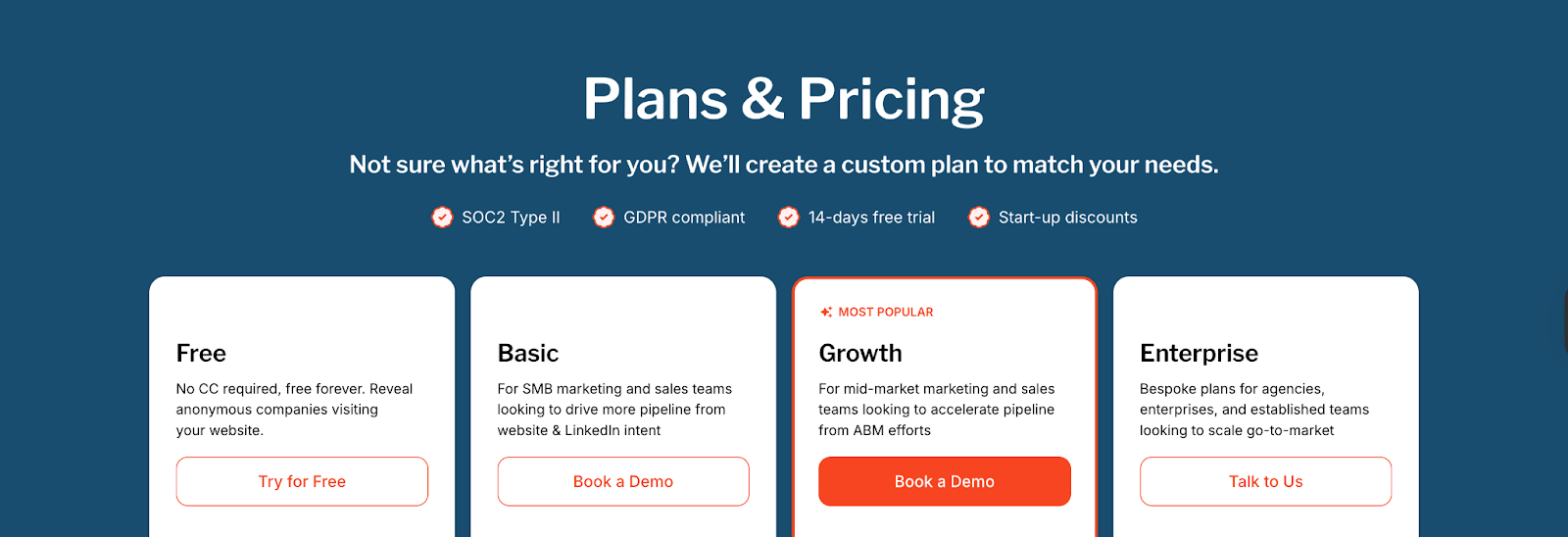
Every Factors plan is transparent about usage limits, integrations, and reporting capacity, which helps businesses estimate ROI against team size and pipeline goals.
Lead Forensics Pricing
Lead Forensics keeps its pricing simple with two plans:
- Plan 1: Essential (for SMBs)
Includes core capabilities like:- Seeing which businesses visit your website
- Obtaining business contact details for identified prospects
- Keyword-level traffic insights
- Access to Lead Manager portal
- Plan 2: Automate (for enterprises)
Builds on Essential by adding:- Advanced CRM integrations
- Fully customizable workflows
- ‘The Orchestrator’ technology to automate sequences
- ‘Fuzzy Matching’ algorithms for cleaner data
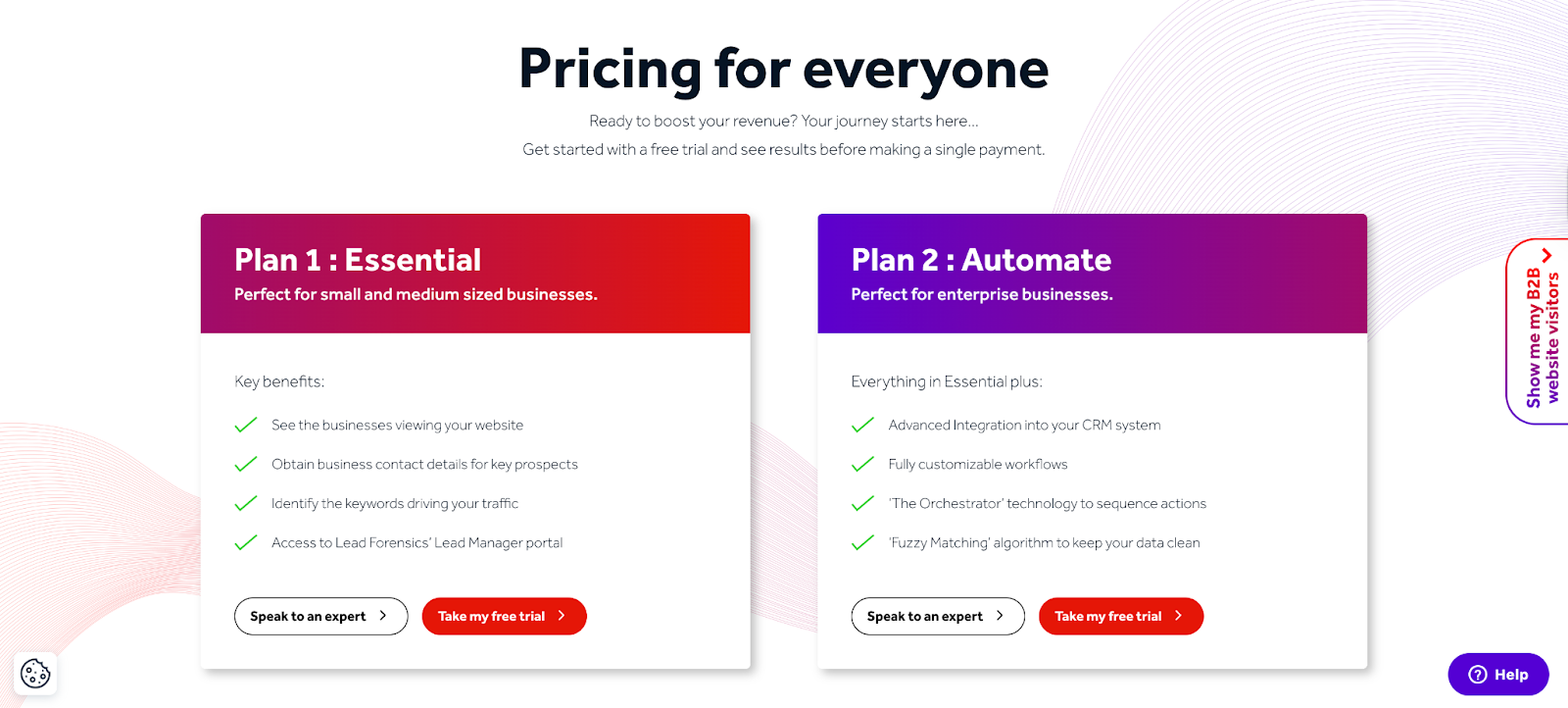
Lead Forensics does not publicly list its pricing in dollar terms, requiring prospects to ‘speak to an expert’ for a quote. The plans are structured less around usage (companies identified, seats, or reports) and more around functionality tiers.
Points to Note
- Lead Forensics positions itself as simplicity-first: two plans, a rich database, and enterprise-capable functionality, but doesn’t reveal pricing, which can challenge budgeting.
- Factors leans into transparency and clarity. The tiered structure helps teams match cost to growth precisely, starting from zero. It also layers in advanced features earlier, especially ABM and attribution, making it easier to scale thoughtfully.
Factors vs Lead Forensics: Compliance and Security
| Compliance Area | Factors | Lead Forensics |
|---|---|---|
| GDPR | ✅ | ✅ |
| CCPA | ✅ | ❌ |
| ISO 27001 | ✅ | ✅ |
| SOC 2 Type 2 | ✅ | ❌ |
| Privacy-First Enrichment | ✅ Non-invasive, secure | ❌ Not transparent |
Factors
- ISO 27001
- SOC 2 Type 2
- GDPR and CCPA compliance
- Privacy-first enrichment practices
- Signed DPAs and security documentation on request
Lead Forensics
Lead Forensics is ISO 27001 and GDPR compliant, but doesn’t currently offer SOC 2 Type 2 or transparent details on data enrichment methods. That might not matter to some teams, but for regulated industries or larger deal cycles, it can be a red flag
{{INLINE_BOFU}}
Factors vs Lead Forensics: Onboarding and Support
| Criteria | Factors | Lead Forensics |
|---|---|---|
| Onboarding | White-glove onboarding; structured by plan (1 session in Free/Basic, bi-weekly reviews in Growth, weekly reviews in Enterprise) | Standard onboarding; setup of tracking and dashboards |
| Customer Success Manager | Dedicated CSM for Growth and Enterprise; involved in GTM workflows and strategy alignment | Dedicated CSM for onboarding and adoption, primarily tool-focused |
| Review Cadence | Bi-weekly (Growth) and weekly (Enterprise) success calls; performance reviews included | Not publicly specified; support as needed |
| Support Channels | Email, helpdesk, on-call support (Enterprise), dedicated Slack/MS Teams channel | Live chat in portal, phone, email, helpdesk, knowledge base, documentation |
| Additional Services | Optional GTM Engineering Services: workflow design, integrations, RevOps consulting, system documentation | Support focused on technical implementation; no advanced GTM workflow services |
Adopting an account intelligence or ABM platform is not just a product decision, it’s a process commitment. The depth and quality of onboarding, along with the level of customer support, often determine how quickly teams realize value from their investment.
Factors
Factors delivers white-glove onboarding and consultative support that extends beyond tool training into building a scalable GTM motion. Depending on the plan, customers receive:
- A dedicated Slack channel for real-time collaboration with the Factors team
- Regular strategy reviews with a Customer Success Manager (bi-weekly for Growth plans, weekly for Enterprise)
- Custom GTM playbooks tailored to ICP fit, funnel stages, and sales processes
- Hands-on workflow design covering ad activation, enrichment flows, sales alerts, and journey orchestration
- Optional GTM Engineering Services, where Factors acts as an extension of your RevOps function, implementing workflows, integrations, and system documentation across your GTM stack
- Pre-built workflows for real-time Slack/MS Teams alerts, closed-lost re-engagement, decision-maker surfacing, SDR research summaries, and multi-threaded account signals
This structured approach ensures teams don’t just learn how to use the platform but also embed ABM and RevOps best practices directly into their operations.
Lead Forensics
Lead Forensics provides a more traditional onboarding model that helps teams get the platform up and running quickly. Their offering includes:
- A dedicated Customer Success Manager to guide customers through setup and adoption
- Assistance with JavaScript tracking setup and CRM/marketing integrations, including HubSpot, Salesforce, and Zapier
- Multiple support channels, including live chat within the portal, phone, email, and access to a knowledge base with documentation for self-service
While this model covers the essentials of implementation and integration, the onboarding is primarily focused on platform access and functionality rather than GTM strategy design or advanced workflow orchestration.
Factors vs Lead Forensics: Analytics and Attribution
Factors
Factors is designed as more than a visitor tracking platform, it’s an all-in-one demand generation platform.
Factors also provides account-level, multi-touch attribution, full-funnel analytics that connect engagement to outcomes.
Key capabilities include:
- Unified account timelines: Stitch together every touchpoint, from anonymous website visit to closed-won deal, into a single journey.
- Multi-channel performance breakdowns: Attribute pipeline influence across Google Ads, LinkedIn, G2, organic traffic, and other sources.
- Funnel progression analysis: Track movement from MQLs through SQLs to opportunities and revenue, with visibility into conversion rates at each stage.
- Segmentation: Analyze performance by geography, ICP, vertical, or persona to uncover what resonates with different segments.
- Path-to-conversion mapping: See the sequences that lead to deals (e.g., ad engagement → demo request → nurture email → opportunity).
- Drop-off analysis: Identify where high-fit accounts are stalling or disengaging, and trigger re-engagement workflows.
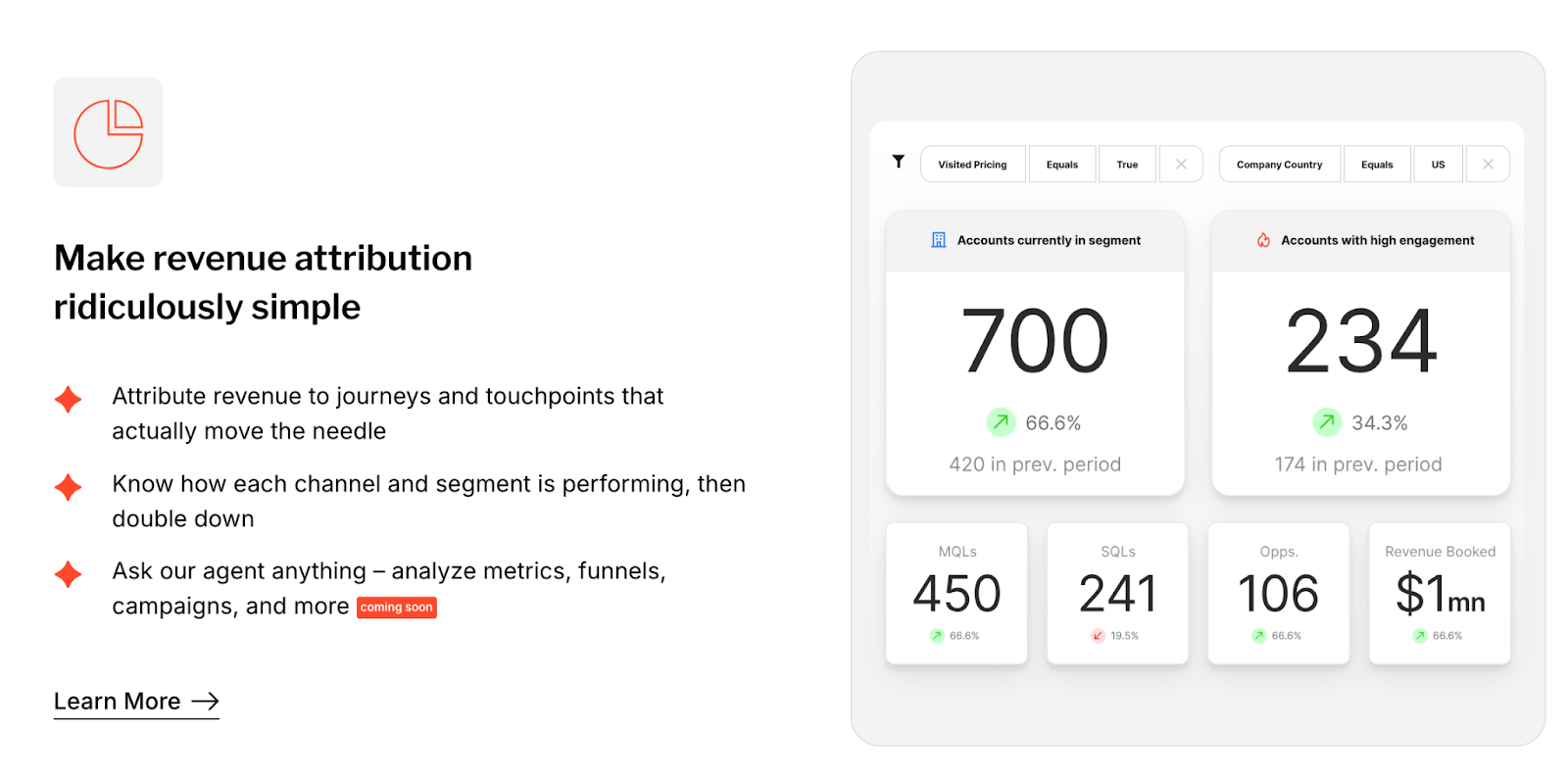
For revenue-driven teams, this results in multi-touch attribution, funnel visibility, and diagnostic insights that tie marketing and sales actions back to pipeline.
Lead Forensics
Lead Forensics focuses on website visitor identification and engagement visibility. Its analytics provide clarity into who is visiting and what content is being consumed. Available capabilities include:
- Identifying anonymous visitors through reverse IP lookup
- Tracking which pages were viewed and for how long
- Monitoring visitor activity trends through built-in dashboards
- Exporting visitor data to CRMs or BI tools for further reporting
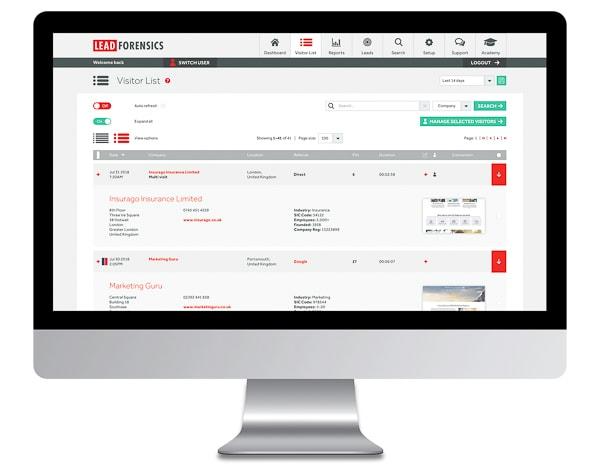
This makes it effective for understanding content engagement and top-of-funnel lead generation. However, Lead Forensics does not extend into funnel analytics or revenue attribution. It does not natively connect visits to pipeline creation, track multi-touch journeys, or diagnose conversion bottlenecks.
All in all, Lead Forensics provides visibility into visitor activity and content engagement, which suits teams focused on lead identification. However, Factors extends this visibility into attribution and revenue impact, giving teams the ability to measure and optimize across the full funnel.
Factors vs Lead Forensics: Ad Activation and Retargeting
| Criteria | Factors | Lead Forensics |
|---|---|---|
| LinkedIn Audience Sync | Native, real-time sync by stage and behavior | Not available (manual CSV export/Zapier only) |
| Google Ads Retargeting | Retarget accounts by paid search terms | Not available natively |
| Ad Frequency Control | Control impressions per account to reduce skew | Not available |
| Feedback Loop to Platforms | Conversion data fed back to optimize targeting | Not available |
| Stage-Based Segmentation | Sync audiences by funnel stage, product interest, or CRM logic | Not available |
Visitor intent data only creates value if it can be activated. This is where the two platforms take very different approaches.
Factors
Factors integrates intent and engagement signals directly into ad platforms, turning insights into targeted campaigns. With Factors, you can:
- Sync high-fit audiences to LinkedIn in real time, dynamically updating based on intent signals
- Retarget Google visitors who engaged with key search terms
- Control ad impression frequency by account to reduce waste and increase relevance
- Feed conversion and engagement data back into ad platforms to continuously refine targeting and improve ROAS
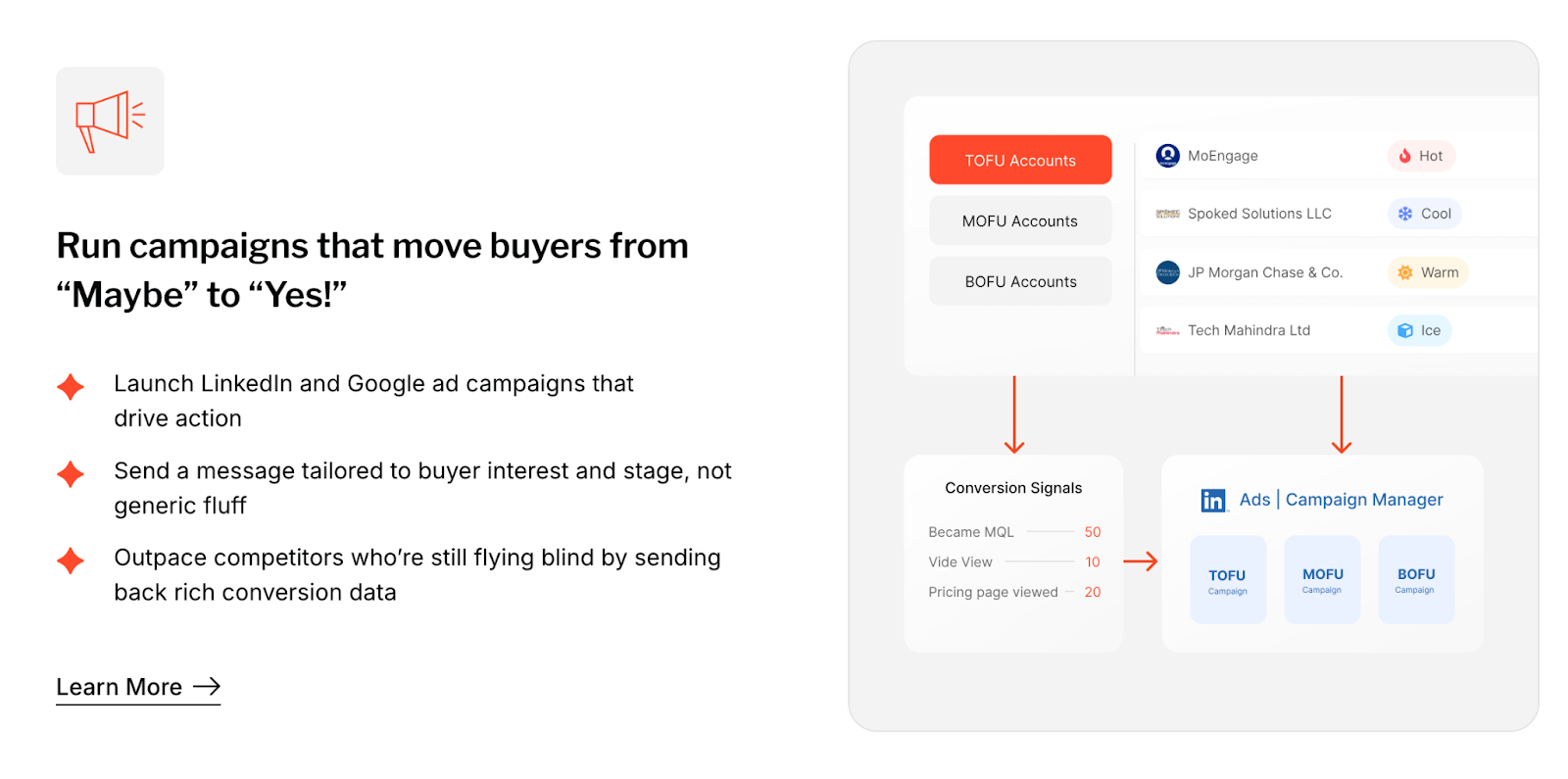
This approach transforms account intelligence into a working GTM engine, ensuring that ad spend is tightly aligned to buyer activity and funnel stage.
Lead Forensics
By contrast, does not offer native ad platform integrations. Teams can export visitor data via CSV and upload it manually to LinkedIn or Google Ads, or use third-party connectors like Zapier to set up basic automations. However, these methods do not provide real-time sync, buyer-stage segmentation, or campaign feedback loops.
Factors vs Lead Forensics: Which B2B website visitor identification platform should you choose?
| Best For | Factors | Lead Forensics |
|---|---|---|
| Primary Goal | End-to-end demand generation: identify, prioritize, activate, and attribute | Identify anonymous website visitors and generate contactable leads |
| Strengths | Multi-source intent signals, account scoring, ad activation, attribution | Simple dashboards, visitor visibility, CRM integrations, easy outbound starter |
| Ideal Team Profile | Revenue teams needing full-funnel GTM execution and ROI accountability | Early-stage teams testing outbound flows, focusing on top-of-funnel visibility |
| Activation | Native sync with LinkedIn & Google Ads in real time | Manual exports or Zapier for ads |
| Analytics | Full-funnel attribution, conversion paths, drop-off diagnostics | Visitor counts, page-level insights |
| Support Model | CSM + Slack/MS Teams, white-glove onboarding, optional GTM Engineering | Dedicated CSM, phone/email/chat, knowledge base |
Both platforms can identify anonymous visitors, the real difference is what happens next.
Factors
Factors extends visitor identification into a complete go-to-market execution. It enables teams to:
- Identify up to 75% of visitors using waterfall enrichment combined with third-party intent signals
- Score, enrich, and prioritize accounts in real time based on ICP fit and engagement
- Automatically activate high-fit audiences on LinkedIn and Google Ads, no manual list uploads
- Access full-funnel attribution dashboards, from MQLs to closed-won revenue
- Get real-time Slack/MS Teams alerts for SDRs, ensuring timely follow-up
- Leverage AI-powered GTM agents, custom playbooks, and optional workflow engineering services to execute at scale
Lead Forensics
Lead Forensics is well-suited for teams focused on early-stage outreach and visibility. It provides:
- Reverse IP-based visitor identification with matched company and contact data
- Firmographic insights and page-level visit tracking
- Integrations with CRMs and marketing tools for exporting visitor data
- Easy-to-use dashboards, ideal for teams piloting outbound workflows
- Support through a dedicated Customer Success Manager, live chat, email, phone, and documentation
Lead Forensics is a good choice for website visitor tracking and early prospecting. But if your team wants to connect visitor identification to ABM campaigns, full-funnel analytics, ad activation, and revenue attribution, Factors delivers a complete solution.
It’s not just a tool, it’s an end-to-end B2B demand generation platform that unifies data, workflows, and outcomes.
See why leading B2B teams think Factors is the best Lead Forensics alternative. Schedule your demo today.
.avif)
Factors.ai vs Happierleads: Which alternative is best for B2B teams?
See how Factors.ai compares to Happierleads on features, Happierleads pricing, integrations, security, and support. Find the best Happierleads alternative for B2B teams.
This guide explores Factors.ai as a Happierleads alternative for B2B teams evaluating visitor identification and signal-driven GTM platforms. It highlights what each product does well, where their limitations lie, and which option best matches your stage of growth.
You’ll find side-by-side detail on four areas buyers like you care about most:
- Functionality & Features: what you can actually do day to day
- Pricing: plan structure and what’s included at each tier
- Compliance & Security: certifications and data handling
- Onboarding & Support: how quickly you can get value and the help you’ll receive
The comparisons are based on product pages, plan screenshots, and other publicly available materials shared in this document. Capabilities and pricing can change; use this as a starting point for a vendor conversation and a proof-of-value plan.
If you need a quick takeaway: Happierleads is geared toward identifying visitors and launching outreach fast, while Factors aims to turn buying signals into coordinated campaigns and measurable pipeline.
Factors.ai vs Happierleads: Functionality and Features
| Feature | Factors | Happierleads |
|---|---|---|
| Website visitor identification | Sequential enrichment via multiple data vendors (6sense, Clearbit, etc.) | Pixel-based tracking |
| Account match accuracy | Up to 75% with geo, firmographic, and role filters | No numerical accuracy percentage anywhere officially |
| Contact-level intel | AI agents identify and tier contacts based on buying relevance | Includes complete email outreach, CRM/ Zapier, real-time alerts, and engagement tools. |
| Intent signal sources | 1st-party (web, product, CRM), 2nd-party (ads, G2), 3rd-party (CSV) | Tracks individual visits, engagement for follow-up |
| Customer journey timelines | Available across website, CRM, ads, and product data | Not available |
| Account scoring & prioritization | Real-time based on engagement, ICP, and external signals | Pixel tracking plus lead scoring, and event tracking. |
| AI agents for outreach & insights | Included with ability to auto-research accounts and alert SDRs | Built-in email automation, segmentation, and real-time outreach exist, though not mentioned as "AI agents" |
| Multi-threading & buying group map | Auto-identification and grouping by role and influence | Not available |
| Ad platform integrations | LinkedIn & Google (native), with real-time audience sync | Not available |
| Sales enablement alerts | Slack/MS Teams alerts based on geo, activity, and funnel stage | Offers real-time notifications of visitors and outreach triggers |
Visitor identification platforms have become a staple in modern B2B marketing stacks. They promise the ability to see ‘who’s on your site,’ but the real question for growth-minded teams is: what happens next?
Some solutions stop at visibility, leaving it to your sales and marketing teams to figure out the rest. Others combine identification with intelligence, automation, and activation, helping you not only recognize potential buyers but also engage them at the right moment, through the right channels.
Factors
Factors falls firmly into the second category. It’s a B2B demand generation and GTM orchestration platform designed to turn intent signals into revenue, all within a single system. Using a combination of AI Agents and integrated workflows, Factors enables teams to:
- Account & Contact Scoring
Prioritize the highest-potential accounts with scores based on ICP fit, funnel stage, and engagement intensity, ensuring sales efforts focus on the right targets. - Customer Journey Timelines
View every interaction, across website, ads, product usage, and CRM, in chronological order to understand true buyer behavior. - AI-Driven Contact Insights
Leverage AI agents to surface relevant contacts within each account, provide tailored outreach insights, and track deal momentum. - Dynamic Ad Activation
Sync target account audiences to LinkedIn and Google Ads in real time for efficient targeting, in-funnel retargeting, and precise ABM execution. - GTM Engineering
Pair automation with strategic services to operationalize your intent data, from real-time SDR alerts and buying group mapping to closed-lost reactivation and post-meeting engagement tracking. - Milestones & Funnel Analytics
Identify which actions and content drive progression between funnel stages, uncover drop-off points, and validate GTM experiments with data. - Account 360 View
Unify every touchpoint, from marketing engagement to sales activity, in one sortable account view, enabling GTM alignment and precision targeting. - AI Alerts
Receive contextual, real-time alerts for moments that matter, such as form-fill drop-offs, security document views, or demo revisit activity. - Advanced Google Ads Capabilities
From Google CAPI integration for richer conversion signals to audience syncing that ensures only ICP-fit accounts see your ads, Factors makes your ad spend work harder. - Real-time Slack/MS Teams Notifications
Instantly notify sales teams when accounts perform high-intent actions. - Multi-threading & Buying Group Identification
Identify and engage multiple decision-makers to avoid deal risk and shorten sales cycles.
This level of orchestration makes Factors particularly suited for teams ready to scale ABM and outbound motions without drowning in manual work.
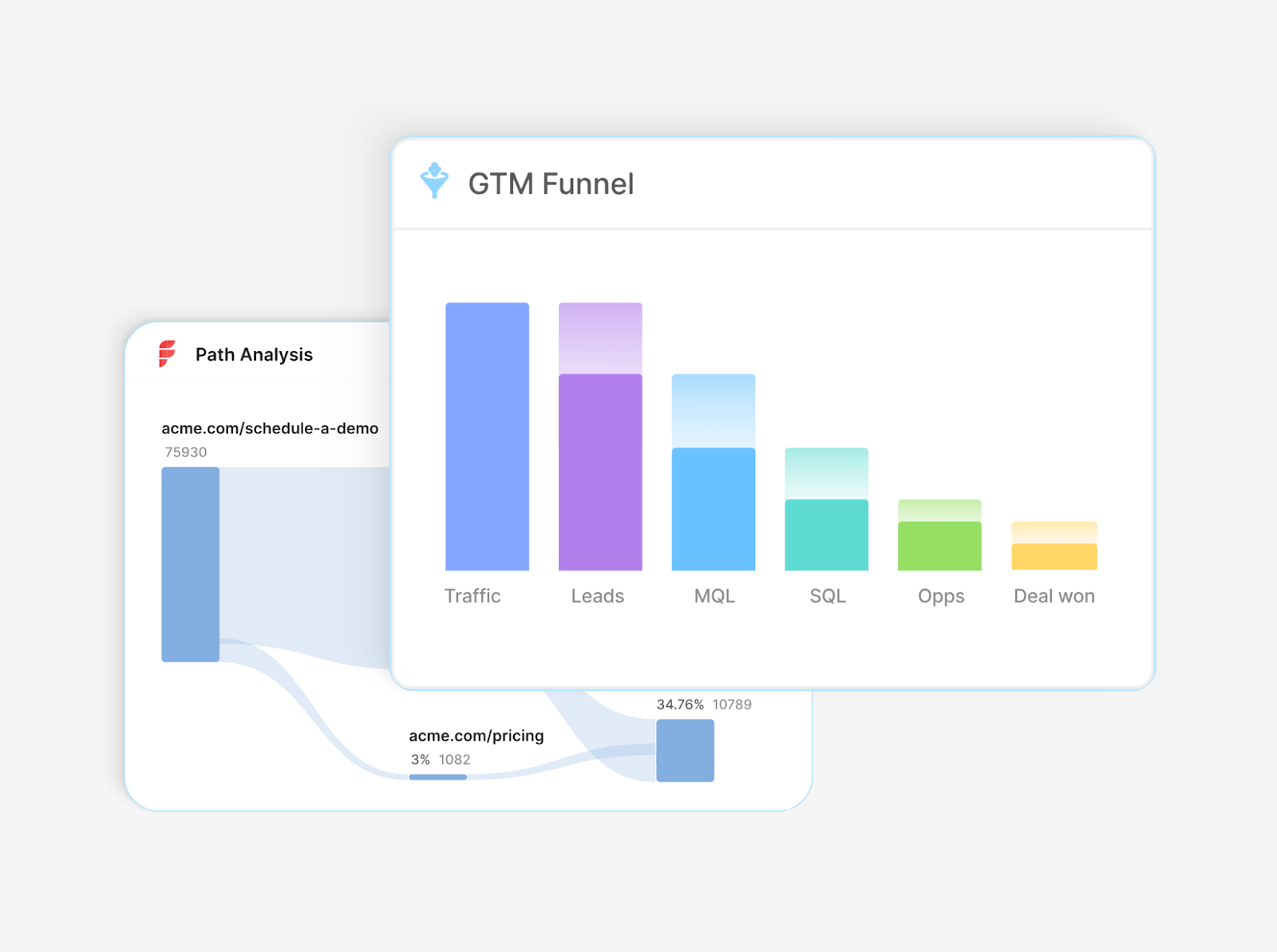
Happierleads
Happierleads, on the other hand, offers a more streamlined, visitor-focused workflow. It’s built to help teams quickly identify who’s visiting their website and initiate outreach. The platform’s process is straightforward:
- Install the tracking pixel
Add a pixel to your site in a few clicks. - See your visitors
Identify the companies visiting and learn more about them. - Set up your campaign
Use Happierleads’ native tools to create and automate email outreach. - Meet with your leads
Book demos or connect directly with identified prospects.
This approach gives users an immediate way to connect website visits to outreach activities. For companies looking for a simple, direct method to capture and contact leads, this can be effective. However, it does not extend into more advanced areas such as multi-channel ad audience activation, complete customer journey mapping, or deep GTM automation.
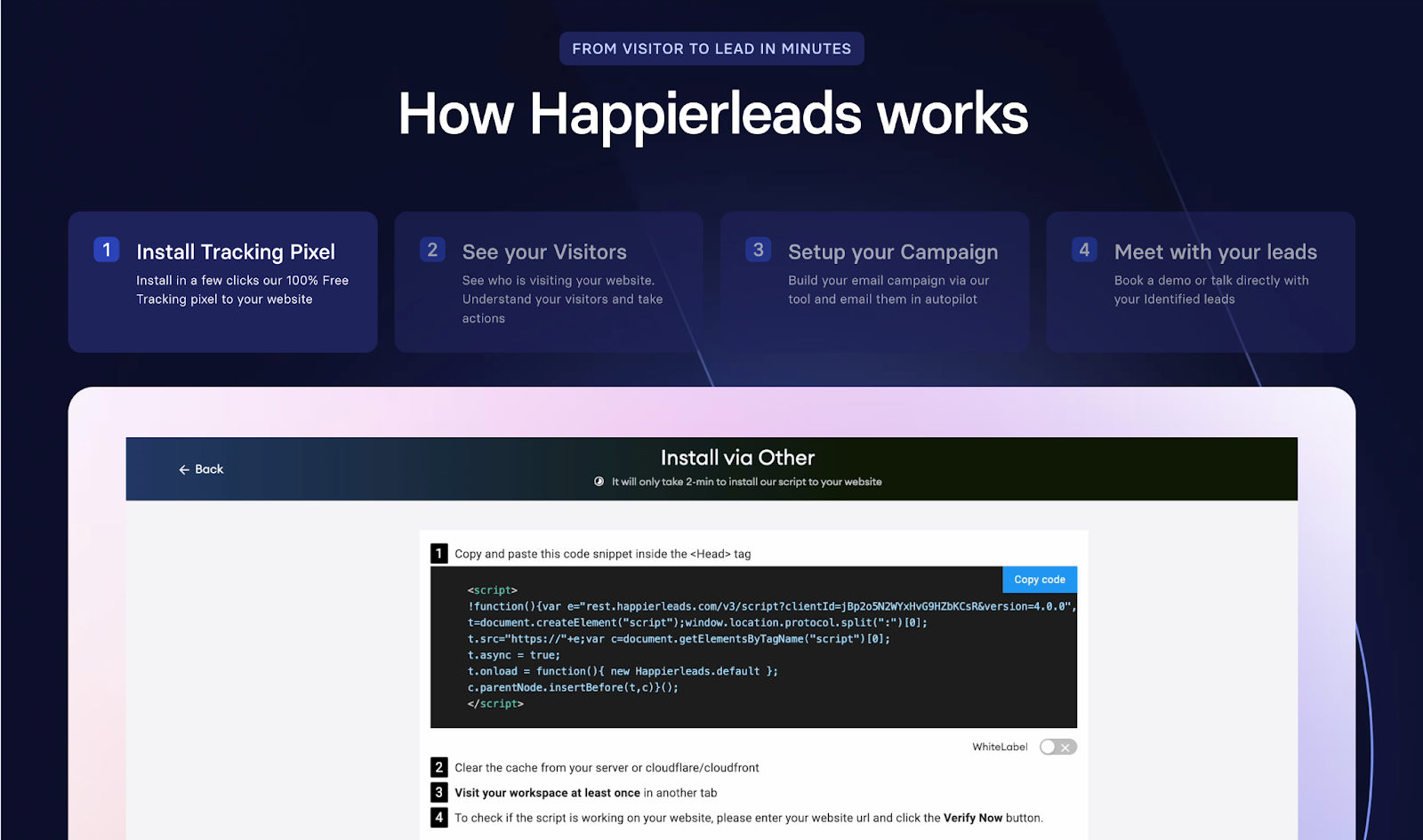
Factors vs Happierleads: Pricing
| Aspect | Factors | Happierleads |
|---|---|---|
| Entry-level option | Free tier (200 companies/month, 3 seats) | Free tier (150 credits/month, 1 website, unlimited users) |
| SMB Plan | Basic ($ — 3,000 companies, LinkedIn intent, CRM light integration) | Business ($99/mo — 300 credits, CRM + email campaigns) |
| Mid-market Plan | Growth (8,000 companies, ABM analytics, G2 intent, AdPilot, CSM) | Agencies ($949/mo — unlimited websites, API, whitelabel) |
| Enterprise Plan | Enterprise (custom usage, predictive scoring, Google AdPilot, 3rd-party intent, custom integrations) | Custom pricing — custom integrations, training, priority support |
| CRM integrations | HubSpot, Salesforce, Marketo, Drift (full integration at higher tiers) | Native CRM integrations at Business tier and above |
| Ad platform integrations | LinkedIn, Google, Bing, Facebook (native) | ❌ Not available |
| G2 Buyer Intent | ✅ (native integration) | ❌ Not available |
| White-glove onboarding | ✅ (Enterprise) | ✅ (Custom plan only) |
When evaluating pricing, it’s important to look beyond the monthly or annual subscription cost and consider the value generated per dollar spent. A tool that consolidates multiple workflows, reduces manual effort, and drives measurable pipeline impact can often deliver a stronger return than a lower-cost option with limited scope.
Factors Pricing Plans
1. Free Plan – For early-stage teams
- 200 companies identified/month
- Up to 3 seats
- Company identification
- Customer journey timelines
- Starter GTM dashboards
- Up to 5 segments
- Up to 20 custom reports
- 1 real-time Slack/MS Teams alert
- 1-month data retention
- Integrations: Website, Slack, MS Teams
2. Basic Plan – For SMB teams
- 3,000 companies identified/month
- Up to 5 seats
- Everything in Free, plus:
- Up to 10 segments
- LinkedIn intent signals
- CSV imports & exports
- Advanced dashboards & website analytics
- Custom metrics & KPIs
- Global exclusion rules
- GTM workflows
- Email & helpdesk support
- Up to 50 custom reports
- Up to 2 active Slack/MS Teams alerts
- Integrations: Google, LinkedIn, Facebook, Bing, HubSpot, Salesforce (Accounts/Opportunities), Zapier/Make
3. Growth Plan (Most Popular) – For mid-market teams
- 8,000 companies identified/month
- Up to 10 seats
- Everything in Basic, plus:
- ABM analytics
- Account scoring
- Up to 20 segments
- LinkedIn AdPilot
- G2 intent signals + attribution
- Segment insights & interest groups
- Workflow automation & data sync
- Dedicated CSM
- Up to 100 custom reports
- Up to 10 Slack/MS Teams alerts
- Integrations: HubSpot (full), Salesforce (full), Marketo, G2, Drift
4. Enterprise Plan – For large enterprises
- Custom companies identified/month
- Up to 25 seats
- Everything in Growth, plus:
- Up to 50 segments
- Predictive account scoring
- Google AdPilot (coming soon)
- Journey milestones
- 3rd-party intent upload
- White-glove onboarding support
- Up to 300 custom reports
- Up to 15 Slack/MS Teams alerts
- Integrations: Segment, Rudderstack, custom integrations
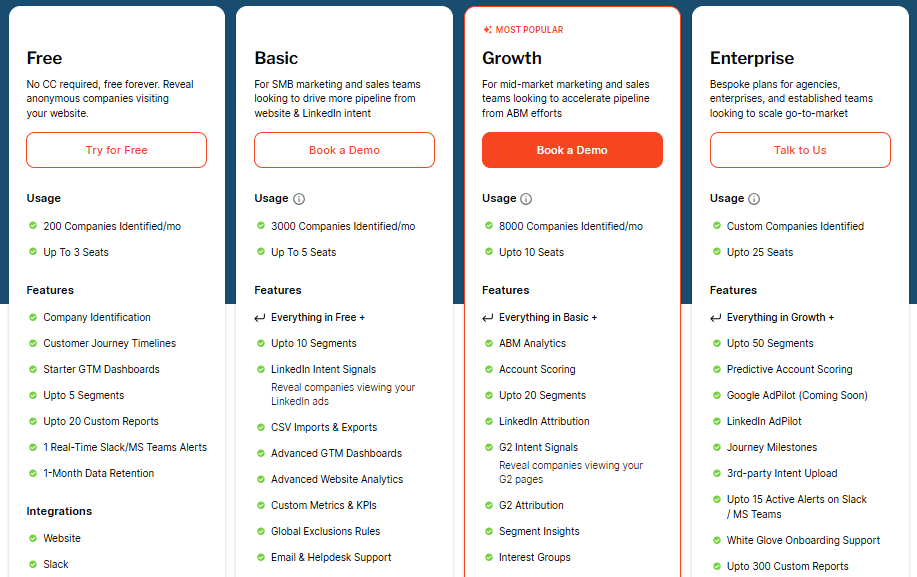
Visit Factors' pricing page to know more about different plans and their specifications.
Happierleads Pricing Plans
1. Free Plan – Entry-level
- $0/month (no credit card required)
- 150 credits/month
- 1 website
- Unlimited users
- Personal identification (US)
- Company identification (EU)
2. Business Plan – For SMBs
- $99/month (discounted from $199)
- Everything in Free, plus:
- 300 credits
- Visitor qualification
- CRM integrations
- Email campaign engagement
- AI summary
- Email verifications
- Integrations & exports
3. Agencies Plan – For marketing agencies
- $949/month (discounted from $999)
- Everything in Business, plus:
- 10,000 credits
- Unlimited websites
- Full white label
- Full API access
- Resell without restrictions
- Custom branding
- Personalized onboarding
4. Custom Plan – For advanced needs
- Pricing on request
- Everything in Agencies, plus:
- Unlimited websites
- Training options
- Build custom integrations
- Priority support
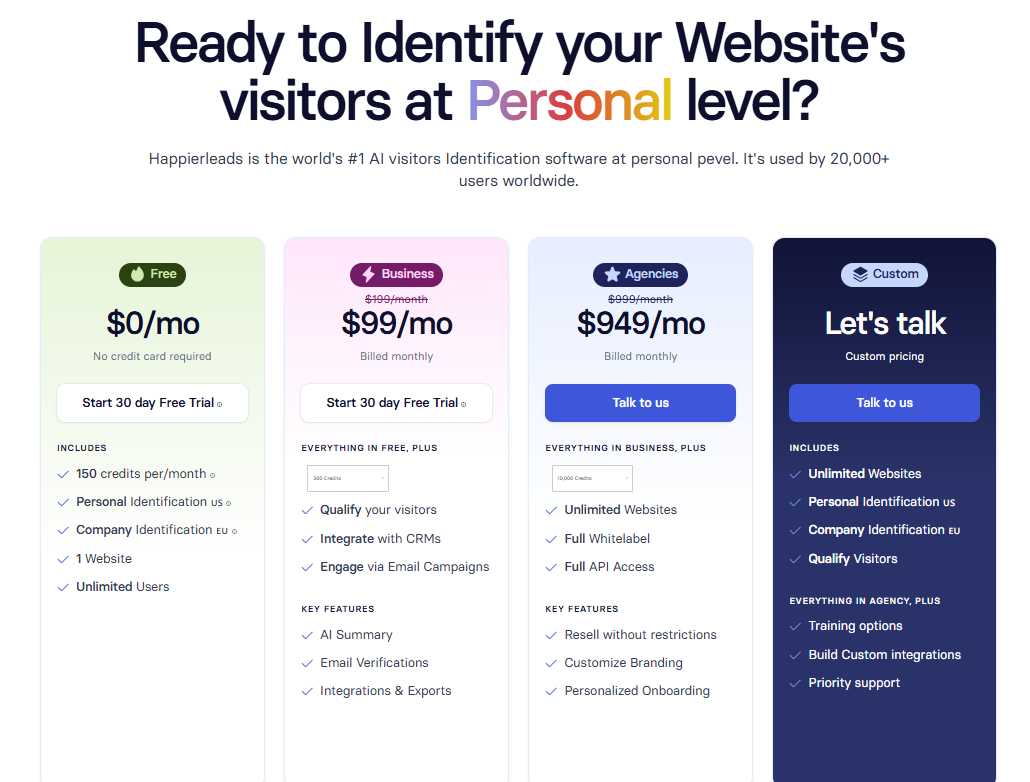
Factors vs Happierleads: Compliance and Security
| Compliance Area | Factors | Happierleads |
|---|---|---|
| GDPR Compliant | ✅ | ✅ |
| CCPA Compliant | ✅ | ✅ |
| ISO 27001 Certification | ✅ | ❌ |
| SOC 2 Type I & II | ✅ | ❌ |
| Signed Data Processing Agreement | ✅ | ❌ |
| Privacy-first enrichment | ✅ Firmographic & behavioral signals, no invasive tracking | ❌ Primarily pixel/cookie-based |
For B2B SaaS companies, especially those serving mid-market and enterprise clients, data privacy and platform security are not optional. They influence procurement timelines, customer trust, and the overall viability of a solution in regulated industries.
Factors
- GDPR Compliant
- ISO 27001 Certified
- SOC 2 Type I and Type II Certified
The platform also offers:
- Signed Data Processing Agreements (DPAs)
- Transparent terms and security documentation
- Privacy-first enrichment workflows that avoid invasive user fingerprinting or sketchy data sources
This becomes especially critical when activating campaigns across LinkedIn or syncing enriched contacts into CRMs. You need a partner that respects your customers’ data and meets the standards of your customers.

Happierleads
Happierleads offers basic compliance: they are GDPR and CCPA aligned. But there’s no public mention of SOC 2 or ISO certification, nor clarity on data sources, fingerprinting methods, or platform architecture. For many teams, this introduces unnecessary risk.
{{INLINE_BOFU}}
Factors vs Happierleads: Onboarding and Support
| Support Area | Factors (for reference) | Happierleads |
|---|---|---|
| Free onboarding | Limited (Free tier support) | ❌ |
| Dedicated CSM | ✅ From Growth tier onwards | ✅ From Business tier onwards |
| Personalized onboarding | ✅ Enterprise | ✅ From Agencies plan |
| Training options | ✅ Enterprise + GTM Services | ✅ Custom plan |
| Custom integrations support | ✅ Enterprise + GTM Services | ✅ Custom plan |
| Priority support | ✅ Enterprise | ✅ Custom plan |
A platform’s value isn’t just in its feature set, it also depends on how quickly and effectively your team can put it to use. Both Factors and Happierleads include onboarding support, but they differ in scope, depth, and the type of assistance provided after initial setup.
Factors
Factors focuses on building internal capability and aligning processes across marketing, sales, and operations. Support depth scales with pricing tiers:
- Free & Basic plans:
- Email & helpdesk support
- Starter dashboards and analytics setup
- Slack/MS Teams alerts (1 in Free, up to 2 in Basic)
- Growth plan:
- Everything in Basic, plus:
- Dedicated Customer Success Manager (CSM)
- Up to 10 active Slack/MS Teams alerts
- Workflow automations and data sync guidance
- Enterprise plan:
- Everything in Growth, plus:
- White-glove onboarding support
- Expanded Slack/MS Teams alerts (up to 15)
- Up to 300 custom reports
- Access to predictive scoring and journey milestones ensures deeper consultative setup
For companies seeking hands-on partnership, Factors also offers GTM Engineering Services (outside the standard tiers). This includes ICP definition, multi-channel activation setup, workflow automation, and ongoing optimization, effectively serving as an extension of your RevOps team.
This tiered approach ensures smaller teams can start quickly, while mid-market and enterprise organizations receive the consultative support required to operationalize GTM at scale.
Happierleads
Happierleads offers a more streamlined onboarding process that gets teams operational quickly for its core use cases. This typically includes:
- Dedicated CSM during setup to guide initial configuration
- Pixel installation support to enable visitor tracking
- Native CRM integration setup to sync visitor data into your existing sales tools
- Walkthrough of traffic reports to help teams interpret early visitor data
While this ensures fast activation for visitor identification and email outreach, Happierleads does not include a consultative RevOps layer, sales enablement support, or downstream integrations with ad platforms.Happierleads also offers onboarding in its higher tiers (Agencies and Custom). The support model is primarily geared toward platform configuration, such as setting up CRM integrations, customizing branding, or enabling whitelabel features. For fast-scaling teams looking to align multi-channel GTM activities, this difference can be meaningful.
Factors vs Happierleads: Analytics & Attribution
| Capability | Factors | Happierleads |
|---|---|---|
| Campaign-level attribution | ✅ Multi-touch journey and ROI visibility | ❌ |
| Funnel stage analytics | ✅ Tracks MQL → SQL → Opp → Deal | ❌ |
| Channel comparison & impact | ✅ Full-funnel insights across paid, organic, G2, etc. | ❌ |
| Account-level reporting | ✅ Engagement, revenue, pipeline by segment | ❌ |
| Drop-off & bottleneck detection | ✅ Identifies points of churn, inactivity, and loss | ❌ |
| Conversion path visualization | ✅ Know which touchpoints contributed to the deal | ❌ |
| Custom dashboarding | ✅ Segments by geo, funnel, campaign, ICP | ❌ |
Understanding who is visiting your website is valuable, but for many teams, the real impact comes from understanding why they’re there, how they arrived, and what actions ultimately drive them to convert. This is where analytics and attribution capabilities play a central role.
Factors
Factors combines engagement tracking with revenue attribution, providing a connected view of every stage in the buyer’s journey. Every interaction, across web, ads, CRM, and product, is stitched into a single, unified timeline. With this, teams can:
- Attribute pipeline and revenue to specific channels such as LinkedIn, Google, organic search, referrals, and G2.
- Analyze account performance by geography, segment, deal stage, or product line.
- Measure campaign influence over time using multi-touch attribution.
- Visualize conversion paths to identify which sequences of actions lead to deals.
- Identify bottlenecks by spotting drop-offs or friction points in the funnel.
- Compare performance across dimensions like:
- Accounts exposed to LinkedIn ads vs those that weren’t
- Accounts targeted via Google Ads vs cold traffic
- Organic visitors from different content sources
- Accounts engaging on G2 vs standard inbound leads
This level of insight enables marketing and revenue teams to optimize budgets, refine targeting, and scale high-performing plays with confidence.
Happierleads
Happierleads focuses primarily on visitor identification and engagement through outreach. Its analytics capabilities are designed to give GTM teams fast access to who is on their site and what they’re doing. Typical features include:
- Reporting on identified visitors with firmographic and technographic details
- Basic activity tracking (visits, page views, repeat sessions) within the platform
- Viewing visitor data by company, industry, and visit frequency
- Integrations with CRM and automation tools (such as HubSpot or via Zapier) to push leads into outbound or nurture sequences
For teams just starting with account-based marketing or those prioritizing quick visitor visibility, this lightweight reporting can be valuable. While it does not extend to advanced areas like multi-channel attribution, journey mapping, or deep revenue connection, it serves as a straightforward way to convert anonymous traffic into actionable contacts and route them into sales and marketing workflows.
Factors vs Happierleads: Ad Activation & Retargeting
| Capability | Factors | Happierleads |
|---|---|---|
| LinkedIn Ads integration | ✅ Official Partner, native audience sync | ❌ |
| Google Ads integration | ✅ Retargeting + Google CAPI feedback | ❌ |
| Dynamic audience updates | ✅ Based on real-time intent & buyer stage | ❌ |
| Ad impression control | ✅ Budget pacing per account | ❌ |
| Retargeting based on G2 & website data | ✅ Cross-platform journey-based targeting | ❌ |
| Multi-channel activation workflows | ✅ Ads, outreach, alerts — all triggered from one engine | ❌ |
In modern demand generation, identifying high-fit accounts is only the first step. The next, and often most critical, step is activation: reaching those accounts with the right message, at the right time, through the right channels. This is where the differences between Factors and Happierleads become most apparent.
Factors
Factors pairs account intelligence with native advertising integrations, turning intent signals into coordinated, multi-channel campaigns. As an official partner for both LinkedIn and G2, the platform offers capabilities such as:
- Dynamic LinkedIn audience creation and updates based on funnel stage, geography, ICP match, or ad engagement.
- Cross-channel retargeting for accounts that interact with Google Ads, landing pages, or even G2 competitor profiles.
- Conversion feedback loops, when SDRs mark a lead as high quality, Factors automatically signals LinkedIn to serve more ads to similar profiles.
- Impression and budget control to prioritize high-intent accounts and reduce spend on low-value traffic.
By continuously refreshing and optimizing audiences, Factors ensures that ad dollars are spent on accounts already demonstrating buying interest, rather than on static ABM lists that can quickly become outdated.
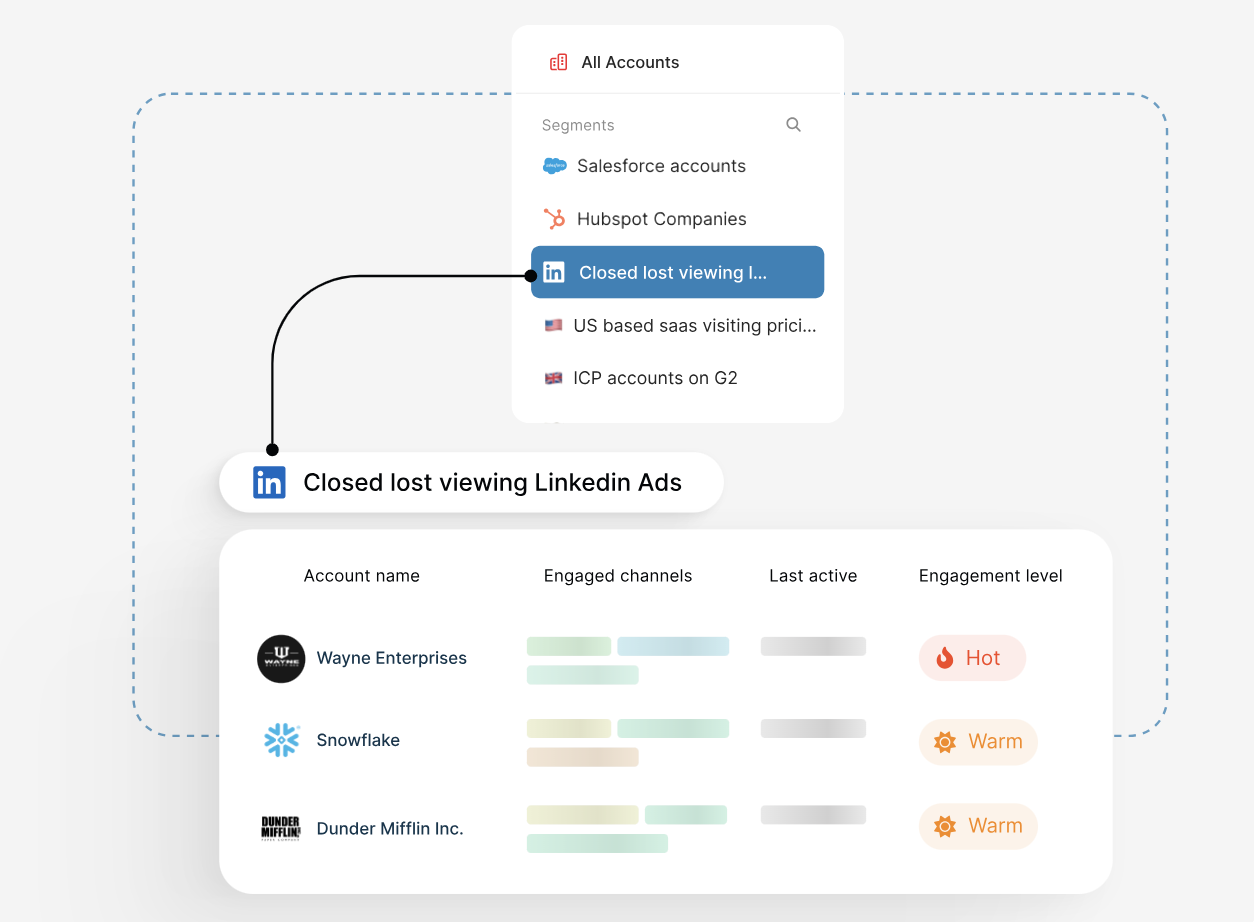
Happierleads
Happierleads focuses primarily on visitor identification and outreach. It does not currently offer ad platform integrations, meaning:
- No native audience syncing to LinkedIn or Google Ads.
- No dynamic audience updates based on buyer behavior.
- No impression control or automated budget allocation.
- No feedback loops from sales activity into ad targeting.
For teams investing heavily in paid media, the absence of these capabilities can lead to fragmented GTM execution, higher ad waste, and more manual coordination between marketing and sales.
Factors vs Happierleads: Which visitor tracking and GTM platform should you choose?
| If You Want To... | Choose |
|---|---|
| Identify website visitors with basic enrichment | Happierleads |
| Activate and convert high-intent accounts | Factors |
| Orchestrate ads, sales, and signals in one place | Factors |
| Score accounts and surface the right contacts | Factors |
| See which campaigns and touchpoints drive revenue | Factors |
| Run ABM ads based on real-time buyer behavior | Factors |
| Scale without hiring an in-house GTM ops team | Factors + GTM Services |
If you’re comparing Factors and Happierleads, you’re likely trying to solve one of two problems:
- You want to know who’s visiting your site.
- You want to turn that insight into revenue.
Happierleads can help with the first. It gives you firmographic data tied to site visits, and in some cases, associated contacts. But it doesn’t go further, there’s no scoring, no CRM logic, and no buying signals from ads, G2, or product usage. Automation is limited to email outreach and basic segmentation, without broader GTM or multi-channel activation capabilities.
Happierleads may be the right choice if you’re only looking to identify who has visited.
But if your real problem is:
- Missed buying windows
- Wasted ad spend
- Low outbound conversions
- No visibility into pipeline sources
- A disconnected GTM motion
…then Factors is a better Happierleads alternative for you.
It identifies high-intent accounts. It scores and prioritizes them. It syncs them to your ad platforms. It alerts your reps. It helps you multi-thread deals. It even enables you to prove what’s working across the funnel. Most importantly, it scales your GTM system, not just your lead list.
Whether you’re a marketing leader trying to double pipeline without doubling headcount, or a RevOps lead trying to consolidate tools and workflows, Factors turns noisy signals into pipeline-driving action.
Looking to know more about what Factors has in store for you? Book a demo, and let us walk you through it.
Factors.ai vs BambooBox: Which alternative is best for B2B teams?
Compare Factors.ai and Bamboobox across features, pricing, analytics, and ads. Explore Factors as a Bamboobox alternative to see which ABM tool fits your growth goals.
ABM platforms can look the same from the outside, kind of like shampoo bottles in the supermarket. The label says ‘strengthens and smooths,’ but one leaves you shiny, the other leaves you tangled.
And look, if you’re here, you already know what ABM should look like: less guesswork, more qualified pipeline, and campaigns that reach the right accounts before the RFP goes live.
What’s harder is deciding which platform can take you there without duct-taping tools, chasing down sales reps for follow-ups, or losing budget visibility once ads go live. Basically, what will leave you with strong and shiny results.
This guide breaks down Factors vs BambooBox across the parameters that matter.
Each chapter compares the platforms, from identification and orchestration to ad activation and attribution, so your decision isn’t based on “who says what on LinkedIn” but on what moves your revenue motion forward, right now.
If you’re evaluating ABM tools with real budget and bandwidth on the line, you’ll want the full view. Let’s get into it.
Factors.ai vs BambooBox: Features and Functionality
Choose the platform that helps your team
(a) See more of the right accounts,
(b) Move from signal to action without spreadsheet gymnastics, and (c) arm sellers with the context to start better conversations.
Below is a clear, parameter-by-parameter view of how Factors and BambooBox handle identification, intent, orchestration, seller enablement, analytics, and ads.
Factors Features and Functionality
- Identification & Intent
- Visitor Identification: Identify up to 75% of anonymous visitors with sequential enrichment across 6sense, Clearbit, and Demandbase (plus additional providers when available). Once an account is identified, user geo-location and job title triangulation can likely pinpoint more than 30% of the individual visitors.
- Custom Intent Models: Blend website activity, CRM stages, product usage, ad clicks, and G2 intent to create precise buying-intent models that refresh continuously.
- Orchestration & Workflows
- Automated Workflows: Push qualified signals straight to Slack/MS Teams, your CRM, ad audiences, and outreach tools—no manual list building.
- AI Aler ts: Real-time, high-context notifications for events like form-fill drop-offs, demo/pricing page revisits, and post-meeting browsing.
- Seller Intelligence & GTM Services
- AI Agents: Find the best contacts, score them, and auto-generate sales-ready talking points and next steps.
- GTM Engineering (optional): Get hands-on help setting up agents and workflows that turn buyer signals into meetings, think real-time routing, closed-lost reactivation, and post-meeting engagement tracking.
- Scoring, Buying Groups & Multi-threading
- Account & Contact Scoring: Prioritize by ICP fit, funnel stage, and intent intensity.
- Multi-threading & Buying Group Identification: Spotlight decision-makers and influencers to reduce single-threaded risk.
- Journeys, Analytics & Milestones
- Customer Journey Timelines: A chronological log of every action across web, ads, product, and CRM to plan smarter, data-backed outreach.
- Milestones: Funnel-stage analytics that reveal which content, actions, and campaigns move accounts from MQL → SQL → opportunity.
- Unified Views & Collaboration
- Account 360: One sortable view of every touch—ad impressions, content engagement, sales outreach, product signals—so reps and marketers work from the same reality.
- Slack/MS Teams Alerts: Instant notifications to the right owner when high-intent activity happens.
Ad Activation & Feedback Loops
- LinkedIn AdPilot
LinkedIn AdPilot helps B2B marketers skip the guesswork and run efficient, high-converting ads, built on real buyer intent. It connects your CRM, website, and ad data to help you target smarter, spend wiser, and prove real ROI.
Key features:
- Audience Sync: Build and auto-update LinkedIn audiences using ICP-fit and intent data. Say goodbye to manual CSV uploads.
- Smart Reach: Prevent ad budget skew by controlling impressions per account, reach more of your target list without overserving a few big names.
- True ROI: Go beyond clicks to measure how LinkedIn ads actually influence pipeline, demos, and deal closures.
- LinkedIn CAPI: Sync online and offline conversions directly to LinkedIn to train its algorithm with richer, privacy-safe data.
- Company Intelligence: See which accounts viewed or engaged with your ads, and how that engagement impacted other channels.
- Google AdPilot
Google AdPilot helps B2B marketers cut wasted spend and make Google Ads work like a revenue engine. It syncs ICP-fit audiences, feeds smarter conversion signals back to Google, and ties every click to pipeline impact — turning guesswork into measurable ROI.
Key features:
- Audience Sync: Auto-refreshes ICP-fit and intent-based audiences for precise targeting and smarter remarketing.
- Conversion Feedback: Sends weighted conversion values through Google CAPI so the algorithm learns what high-value leads look like.
- Multi-Touch Tracking: Captures every GCLID across decision-makers for 3× better optimization feedback.
- Analytics: See which accounts engage, what they search for, and how ads influence pipeline, all in one dashboard.
Net effect: Factors moves your GTM motion from reactive to orchestrated, turning an unknown visit into a qualified meeting with fewer handoffs and no “who owns this?” confusion.

BambooBox Features and Functionality
- Identification & Intent
- Account Identification: Bamboobox enables the identification of visiting companies.
- Signal Coverage: Pulls first, second, and third-party data from website/CRM and major ad platforms.
- Orchestration & Sales Support
- Real-time Alerts: Slack/MS Teams alerting is not highlighted in public materials.
- Real-time Alerts: Slack/MS Teams alerting is not highlighted in public materials.
- Scoring, Buying Groups & Journeys
- Engagement Views: Account engagement and buyer-journey reporting.
- Buying Groups: Detailed buying-group mapping and contact tiering are not described.
- Ad Activation
- LinkedIn: Signal-based audience building with ad-view attribution to connect exposure to accounts.
- Google Ads: Targeted ABM features are slated to be released soon.
Integrations & Data
- Ecosystem: Connectors for HubSpot, Salesforce, Zoho, Salesloft, Marketo; media integrations for LinkedIn and Google.
- Unified View: A single, sortable account timeline across web, ads, product, and CRM is not specified.
Factors vs BambooBox: Pricing
| Aspect | [Factors](http://Factors.ai) | BambooBox |
|---|---|---|
| Pricing model | Published tiers; usage- and seat-based | Quote-based (contact sales) |
| Tiers | Free, Basic, Growth, Enterprise | Not publicly listed |
| Identified companies/month | 200 (Free), 3,000 (Basic), 8,000 (Growth), Unlimited (Enterprise) | Not public |
| Seats included | 3 (Free), 5 (Basic), 10 (Growth), 25 (Enterprise) | Not public |
| Reporting limits | 10 (Free), 30 (Basic), 100 (Growth), 300 (Enterprise) custom reports | Not public |
| Key inclusions | Journey timelines, GTM dashboards, workflows, scoring, LinkedIn attribution, G2 intent, AdPilot (tier-based) | ABM orchestration; specifics not public |
| Integrations | Slack/Teams, ad platforms, GSC, HubSpot, Salesforce; expands to Marketo, G2, Drift, Segment, RudderStack, custom (by tier) | HubSpot, Salesforce, Zoho, Salesloft, Marketo; LinkedIn & Google |
| Support | Email/helpdesk (Basic), CSM (Growth), white-glove onboarding (Enterprise) | Not public |
| Budget predictability | High, clear caps and upgrade paths | Requires vendor quote and scoping |
Pricing should be easy to forecast, scale with your usage and seats, and map cleanly to value, identified companies, activated audiences, and seller coverage. Here’s how both platforms approach it.
Factors Pricing
Free
- 200 companies identified/month
- Up to 3 seats
- Includes: company identification, customer journey timelines, starter dashboards, up to 5 segments, 20 custom reports, 1 month data retention
- Integrations: Slack, Microsoft Teams, website tracking
Basic
- 3,000 companies identified/month
- Up to 5 seats
- Includes Free, plus LinkedIn intent signals, CSV imports, advanced GTM dashboards, up to 10 segments, 50 custom reports, GTM workflows, email/helpdesk support
- Integrations: Ad platforms (Google, LinkedIn, Facebook, Bing), Google Search Console, HubSpot (contacts + deals), Salesforce (accounts + opportunities)
Growth (most popular)
- 8,000 companies identified/month
- Up to 10 seats
- Adds: ABM analytics, account scoring, LinkedIn attribution, G2 intent signals, workflow automations, 100 custom reports, dedicated CSM
- Integrations expand to: HubSpot (full), Salesforce (full), Marketo, G2, Drift
Enterprise
- Unlimited companies identified/month
- Up to 25 seats
- Adds: up to 50 segments, predictive account scoring, Google AdPilot (coming soon), LinkedIn AdPilot, journey milestones, white-glove onboarding, up to 300 custom reports
- Integrations expand to: Segment, RudderStack, and custom integrations
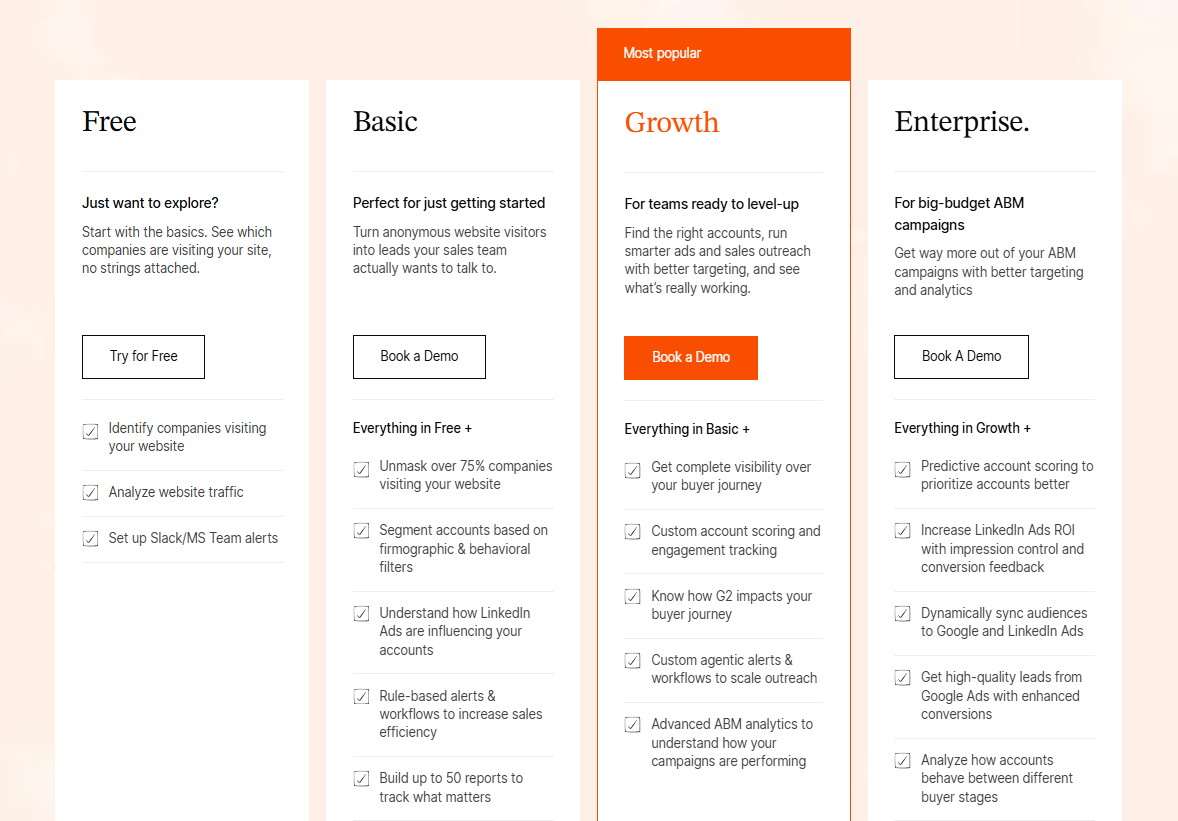
BambooBox Pricing
- Model: Quote-based pricing.
- Packaging: Aligned to ABM orchestration; specific caps (identified companies, seats, reports, segments) are not publicly listed.
- Budgeting note: Forecasting total cost typically requires a scoping call. Expect price to vary by traffic volume, users, integrations, and support level.
Factors vs BambooBox: Compliance & Security
| Area | [Factors](http://Factors.ai) | BambooBox |
|---|---|---|
| Independent audits | ISO 27001; SOC 2 Type II | AICPA/SOC reference mentioned |
| Privacy laws | GDPR, CCPA support with DPA | GDPR indicated |
| Encryption | In transit and at rest | In transit and at rest (assumed; not fully detailed) |
| Data governance | Retention controls, subprocessor list, data minimization | Retention/governance not publicly detailed |
| Access control | RBAC; SSO options; audit trails | Not publicly detailed |
| User rights (GDPR/CCPA) | Export, correction, deletion workflows | Not publicly detailed |
| Residency options | Available on enterprise scope | Not publicly detailed |
You’re evaluating more than just features when you invest in platforms like Factors or BambooBox. You’re trusting a system with customer and go-to-market data. Look for proven audits and laws covered, transparent data handling, and admin controls that keep the right people in and everything else out.
Factors Compliance and Security
- Certifications, audits, and laws
- ISO 27001 certified information security program
- SOC 2 Type II attestation
- Alignment with GDPR and CCPA requirements, including a standard Data Processing Addendum on request
- Access and administration
- Role-based access control (RBAC) for marketing, sales, and admin roles
- Single Sign-On (SSO) options for enterprise teams
- Audit trails across key actions (segment changes, workflow edits, exports)
- Least-privilege defaults and periodic access reviews
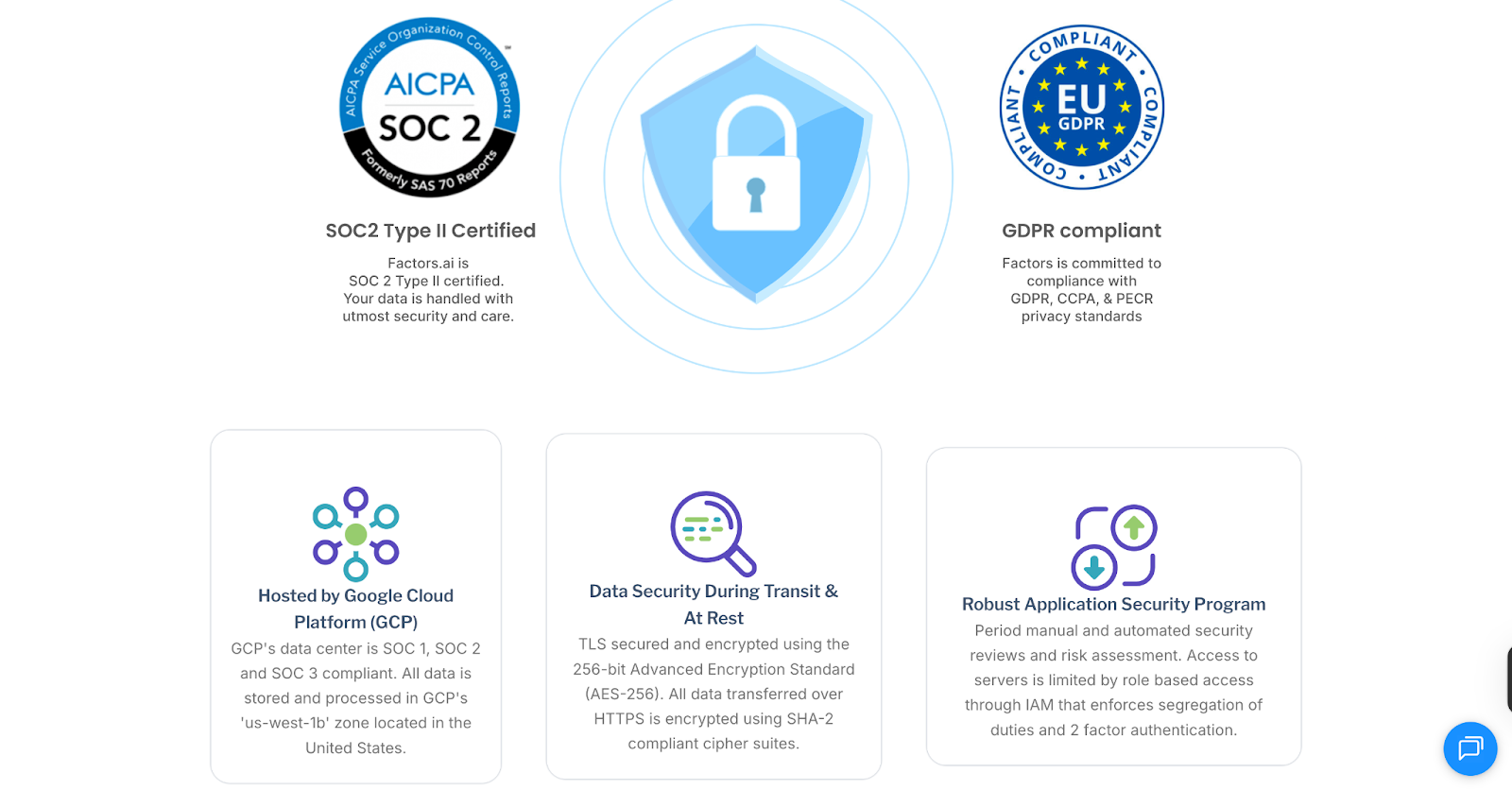
BambooBox Compliance and Security
Certifications, audits, and laws
- Public materials indicate GDPR alignment
- References to AICPA standards (typically the umbrella for SOC reports)
Data handling and governance
- Encryption expected in transit and at rest
- Data retention, subprocessor disclosures, and minimization settings are not publicly detailed
Access and administration
- RBAC and SSO are not publicly detailed
- Admin logs/audit trails are not specified in public materials
Customer commitments
- GDPR-aligned practices are indicated; scope and process specifics are not publicly detailed
If you need to pass a vendor risk review quickly, Factors publishes more of the controls buyers ask for, audits, privacy coverage, admin guardrails, and documentation your security team can evaluate without guesswork.
{{INLINE_BOFU}}
Factors vs BambooBox: Onboarding and Support
| Area | Factors | BambooBox |
|---|---|---|
| Onboarding ownership | Guided 0-30-60-90 plan; vendor-led setup across data, segments, alerts, and ads | Standard onboarding; specifics not publicly detailed |
| Data & tracking setup | Assisted install for site tracking; CRM/MAP, ads, G2, and data pipes | CRM/MAP and ads connections; Bombora ID |
| Segmentation & scoring | ICP rules, buyer-stage segments, account/contact scoring, buying-group setup | Engagement/journey views; buying-group logic not described |
| Seller workflows | Slack/Teams alerts (pricing, drop-offs, post-demo), geo-routing, closed-lost reactivation | Not highlighted in public materials |
| Ad activation | LinkedIn & Google audience syncs; stage-aware retargeting; frequency control | LinkedIn audiences + ad-view attribution; Google ABM “coming soon” |
| Dashboards & milestones | ABM analytics, journey milestones, Account 360 timelines | Buyer-journey reporting |
| Enablement | Role-based training, office hours, recorded playbooks | Standard training expected; details not public |
| Support channels | Shared Slack/Teams + email/helpdesk | Standard support mentioned; channels not specified |
| CSM & reviews | Named CSM (from Growth); weekly/bi-weekly reviews by plan | Not publicly specified |
| Optional services | GTM Engineering to build/maintain agents, alerts, and ad programs | Not publicly specified |
You want fast lift without burning your RevOps time. Look for (a) who sets up the stack, (b) how your sellers get trained, and (c) what rhythm of check-ins keeps the system improving.
Factors Onboarding and Support
Onboarding program
- Data connections: guided setup for CRM/MAP (HubSpot, Salesforce, Marketo, etc.), ad platforms (LinkedIn, Google, Bing, Meta), G2 (if used), and data pipes (Segment/RudderStack on Enterprise).
- Tracking & enrichment: help installing website tracking and configuring multi-provider enrichment for higher match rates.
- Segmentation & scoring: ICP rules, buyer-stage segments, account/contact scoring, and buying-group settings.
- Workflows & alerts: Slack/MS Teams alerts for pricing page, form drop-offs, post-demo activity, geo-routing, and closed-lost reactivation.
- Ad activation: LinkedIn and Google audience syncs, stage-aware retargeting, frequency control, and suppression.
- Dashboards & milestones: ABM analytics, journey milestones, and “Account 360” timelines tailored to your funnel.
- Enablement: role-based training for SDRs/AEs/Marketing; office hours and recorded playbooks.
Support & success cadence
- Channels: shared Slack + email/helpdesk.
- People: a dedicated CSM from Growth tier upward, with weekly or bi-weekly reviews by plan.
- What gets reviewed: alert → meeting conversion, audience reach vs. impression skew, segment health, and pipeline attribution.
Optional GTM Engineering
- For teams that want hands-on lift, Factors can build and maintain agents, alerts, and playbooks (e.g., post-meeting tracking, no-show revival, geo-based owner routing), and tune ad activation. Useful when bandwidth is tight or you want Day-1 best practices.
BambooBox Onboarding and Support
Onboarding program
- Scope: connects CRM/MAP and ad platforms, sets up Bombora-based visitor ID, and enables buyer-journey views.
- Segmentation & scoring: engagement and journey reporting available; buying-group setup and contact tiering are not described in public materials.
- Ad activation: LinkedIn audience creation and ad-view attribution.
- Enablement: standard training and documentation are expected; public details are limited.
Support & success cadence
- Channels: their website mentions standard support; support tiers, CSM assignment, and review cadence aren’t publicly specified.
- Ongoing guidance: without published details, planning a recurring optimization rhythm typically requires scoping the program with their team.
Factors vs BambooBox: Analytics and Attribution
| Capability | [Factors](http://Factors.ai) | BambooBox |
|---|---|---|
| Stage analytics | Milestones from visitor → revenue; conversion, velocity, and drop-off by segment | Buyer-journey reporting; stage specifics less detailed |
| Account-based roll-ups | Full account view across people and touches | Account engagement views |
| Ad influence | LinkedIn views/clicks tied to journeys; diagnose pre-meeting impact | LinkedIn ad-view attribution available |
| Lift and assists | Segment-level lift and assisted impact to guide budgets | Not publicly detailed |
| ROI by segment | Compare by industry, size, geo, stage, and intent | High-level audience insights |
| Journey timelines | Chronological, drillable timelines across web, ads, product, CRM | Journey view; unified timeline not specified |
| Path analysis | Identify sequences that lead to meetings/deals | Not publicly detailed |
| Google Ads loop | Richer feedback via Google integrations and CAPI plans | ABM for Google Ads marked as coming soon |
| Reporting scale | Generous custom reports and saved views by tier | Not publicly listed |
You need more than just good-looking graphs, right? Your analytics layer should answer three things:
- Which accounts are moving and why,
- Which channels and campaigns deserve more budget, and
- How activity turns into meetings, opportunities, and revenue.
Factors Analytics and Attribution
Funnel and stage analysis
- Milestones: Track movement from visitor → MQL → SQL → opportunity → closed, and see which pages, assets, and campaigns push accounts over each line.
- Stage conversion and velocity: Compare conversion rates and time-to-next-stage by segment (industry, company size, geo, tier).
Account-based attribution
- Account-level view: Roll up all people and touches for an account to show true impact on pipeline.
- Ad exposure + engagement: Tie LinkedIn ad views, clicks, and on-site behavior to the account’s journey; see pre-meeting influence, not just last-clicks.
- Assists and lift: Break out assisted impact so content and channels that warm accounts get credit.
Channel and campaign ROI
- Budget reallocation cues: Spot over-delivery to a handful of accounts and shift impressions or bids to under-reached yet high-fit segments.
- Segmented performance: Compare ROI by buying stage, industry, and intent level to decide where to double down.
- Report library: Build tailored views (lead source hygiene, stage-by-stage drop-off, paid social influence, search-to-social retargeting), with generous custom report limits by tier.
Journey timelines and diagnostics
- Customer Journey Timelines: A chronological view of ads, web, product, and sales touches, useful for win reviews and coaching.
- Drill-downs without exports: Click from a spike in a dashboard straight into the segment, accounts, and sessions behind it.
- Pathing: See typical sequences that lead to meetings or deals, then replicate those paths with audiences and alerts.
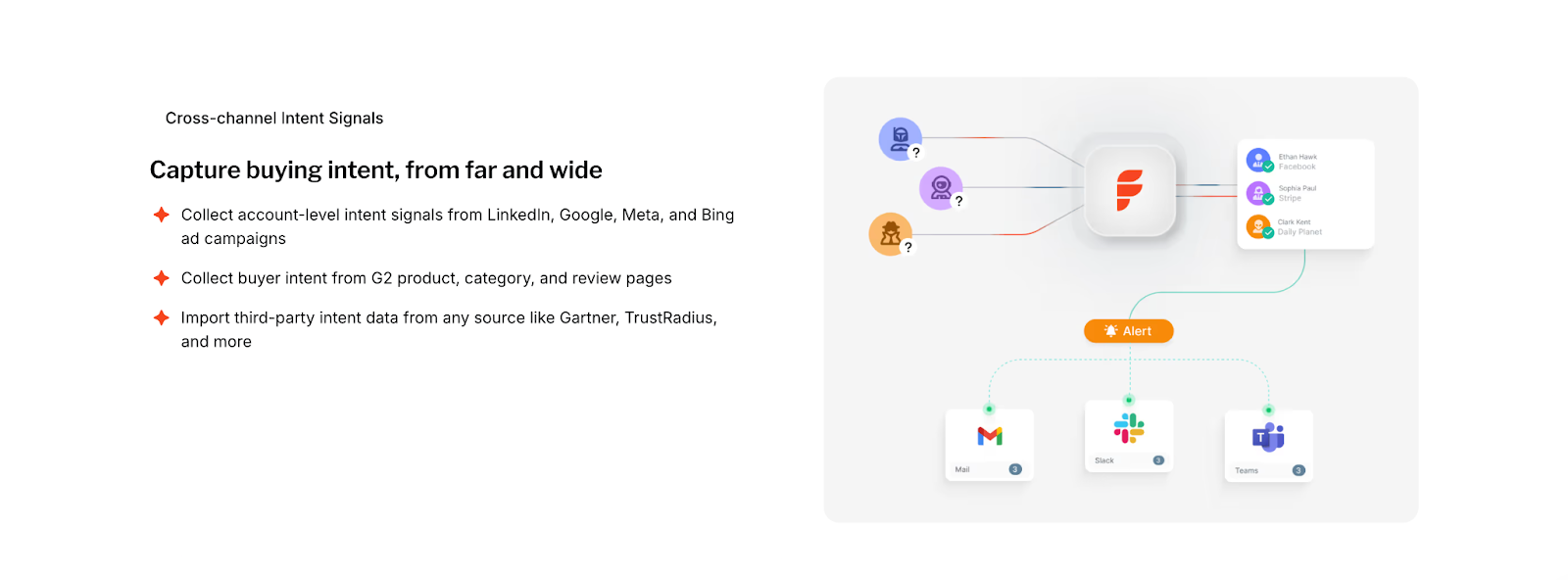
BambooBox Analytics and Attribution
Journey and engagement
- Buyer-journey reporting: View account engagement over time and track how audiences respond to programs.
- Ad connection: LinkedIn ad-view attribution links exposure to accounts to show whether target companies were reached.
Channel and attribution
- High-level reporting: Campaign and audience insights are available; detailed lift and assisted impact are not publicly documented.
Practical notes
- Teams often pair BambooBox journey reporting with separate BI or analytics tools to unpack assisted value, segment-level lift, and budget reallocation decisions.
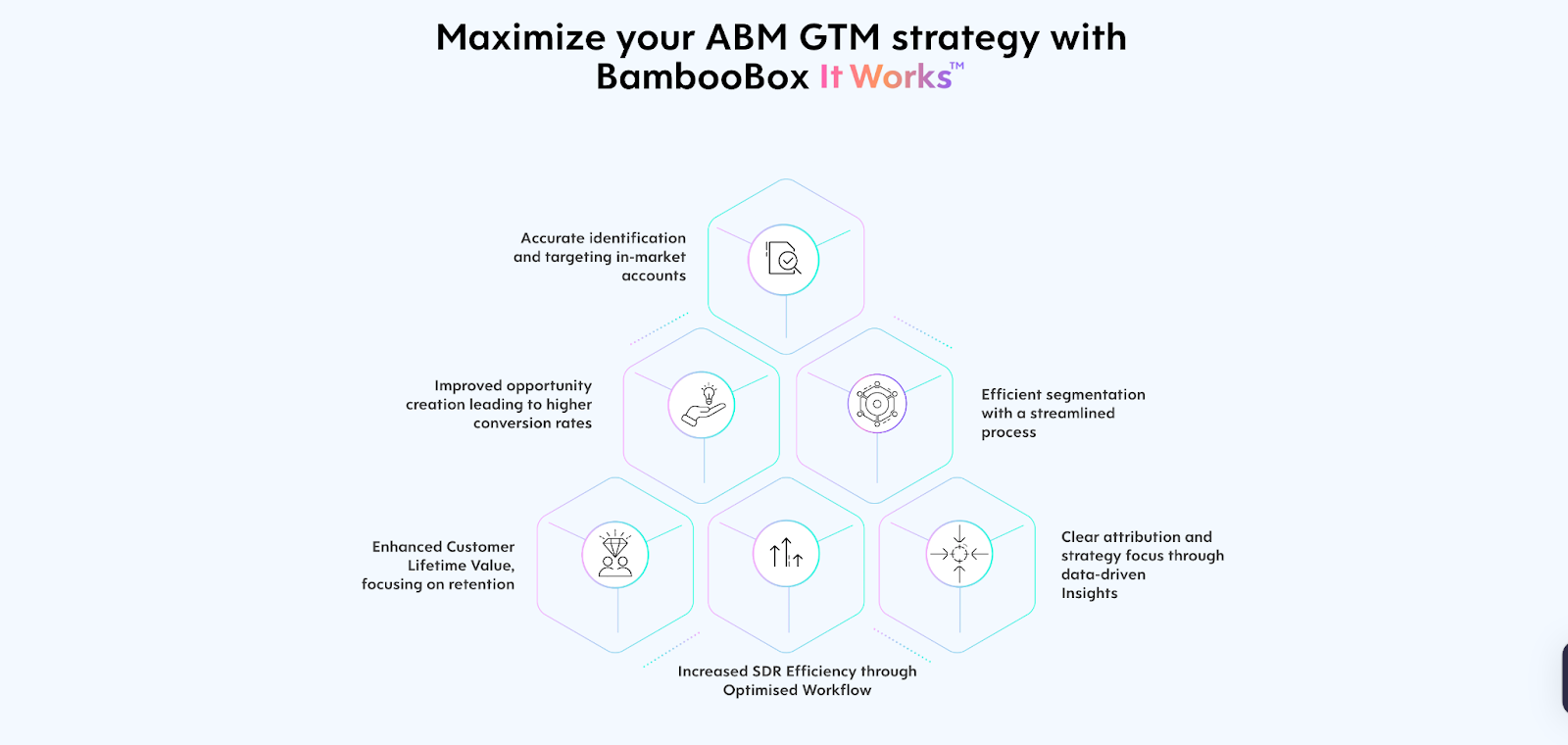
Factors vs BambooBox: Ad Activation and Retargeting
| Area | Factors | BambooBox |
|---|---|---|
| Audience sync | Real-time sync to LinkedIn and Google Ads; stage-aware, intent-driven segments | LinkedIn audiences; Google Ads ABM coming soon |
| Retargeting depth | Search-to-social, page/UTM-based retargeting, CRM-stage triggers | LinkedIn retargeting from account signals; depth not widely detailed |
| Suppression | Auto-suppress customers, open opps, closed-lost; rules update daily | Not publicly detailed |
| Frequency control | Per-account frequency and impression pacing to reduce skew | Not publicly detailed |
| Measurement | LinkedIn view/click attribution mapped to journeys and milestones | LinkedIn ad-view attribution supported |
| Google feedback | Google CAPI to pass enriched conversions for smarter bidding | Google optimization features pending |
| Playbooks | Warm-up before SDR, post-meeting nurture, closed-lost revival, search-to-social | Account list activation, basic content follow-up |
This is where signal turns into reach. You want audiences that refresh themselves, controls that stop waste, and feedback loops that teach the ad platforms who to find next. Below is how each product handles audience building, optimization, and measurement.
Factors Ad Activation and Retargeting
- Audience building & sync
- Dynamic Ad Activation: Build and auto-sync audiences to LinkedIn and Google Ads in real time based on ICP fit, intent intensity, buyer stage, recent pages viewed, campaign engagement, and CRM milestones.
- Google Audience Sync: Retarget high-fit accounts, suppress low-fit or active pipeline, and run stage-specific programs (e.g., post-demo nurture) with automated updates.
- Cross-channel retargeting: Create audiences on LinkedIn from search intent (keywords, pages, UTM patterns) captured on your site to follow up paid-search interest with targeted social.
- Optimization controls
- Frequency & impression pacing: Reduce skew by capping exposure per account and redistributing impressions to under-reached but qualified segments.
- Granular filters: Layer firmographics, geo, tech stack, intent score, and recency windows to keep budgets tight.
- Automatic suppression: Exclude current customers, open opps, and closed-lost with rules that update daily.
- Measurement & feedback loops
- LinkedIn attribution: See which accounts viewed, clicked, and later converted, then compare reach and cost by segment and stage.
- Google CAPI (server-side signals): Send richer conversion events back to Google, click-level details blended with firmographics and engagement scoring, to improve bidding and lower CPA over time.
- Journey lift: Tie ad exposure to milestone movement (e.g., MQL → SQL) so budget follows what actually progresses deals.
- Playbook examples
- Warm-up before SDR: If an account crosses a scoring threshold, add it to a low-frequency LinkedIn sequence for 7 days before sales touches.
- Post-meeting nurture: Auto-sync attendees + colleagues to a short, content-led sequence; suppress if they book a follow-up.
- Closed-lost revival: Re-add accounts when fresh intent reappears; cap frequency and stop as soon as sales re-engages.
- Search-to-social bridge: Anyone who hit solution pages from branded/non-branded search joins a LinkedIn audience mapped to that keyword theme.
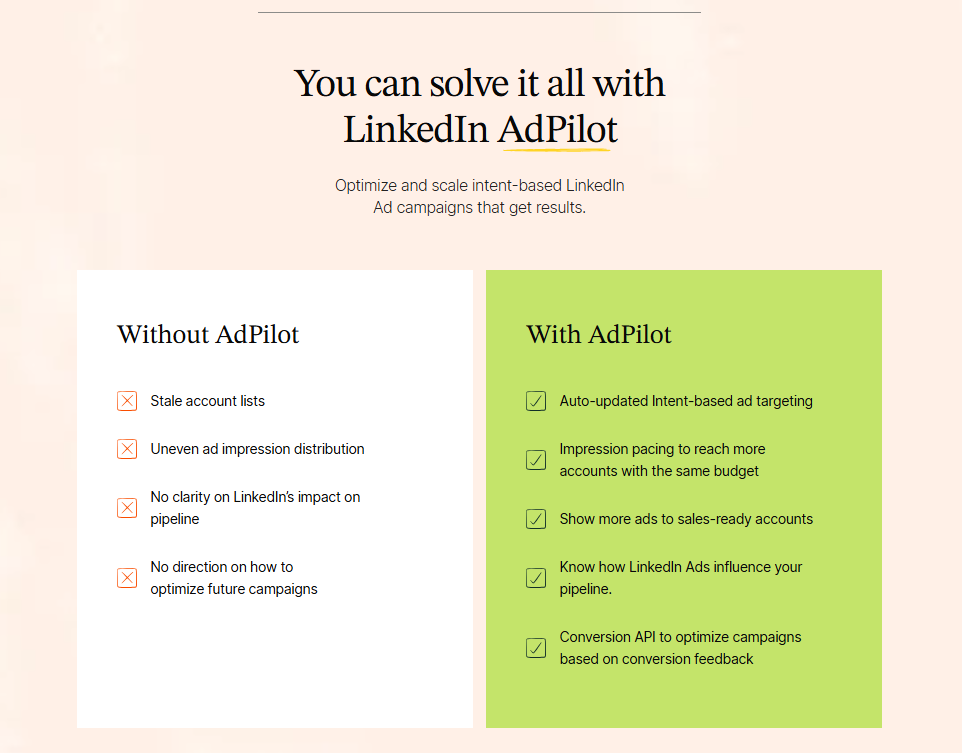
BambooBox Ad Activation and Retargeting
- Audience building & sync
- LinkedIn audiences: Build audiences based on account signals and target lists; the product supports ad-view attribution to confirm exposure among target companies.
- Optimization controls
- Suppression/frequency: Not widely detailed in public information.
- Measurement & feedback loops
- Ad-view attribution (LinkedIn): Connects account exposure to down-funnel engagement in the platform’s journey views.
- Search feedback loops: Not publicly detailed; Google-side optimization features are pending.
- Playbook examples
- Account list activation: Launch LinkedIn campaigns against strategic account lists and monitor exposure via ad-view attribution.
- Content follow-up: Use engagement signals to refresh audiences; deeper stage-based automations may require additional tooling.
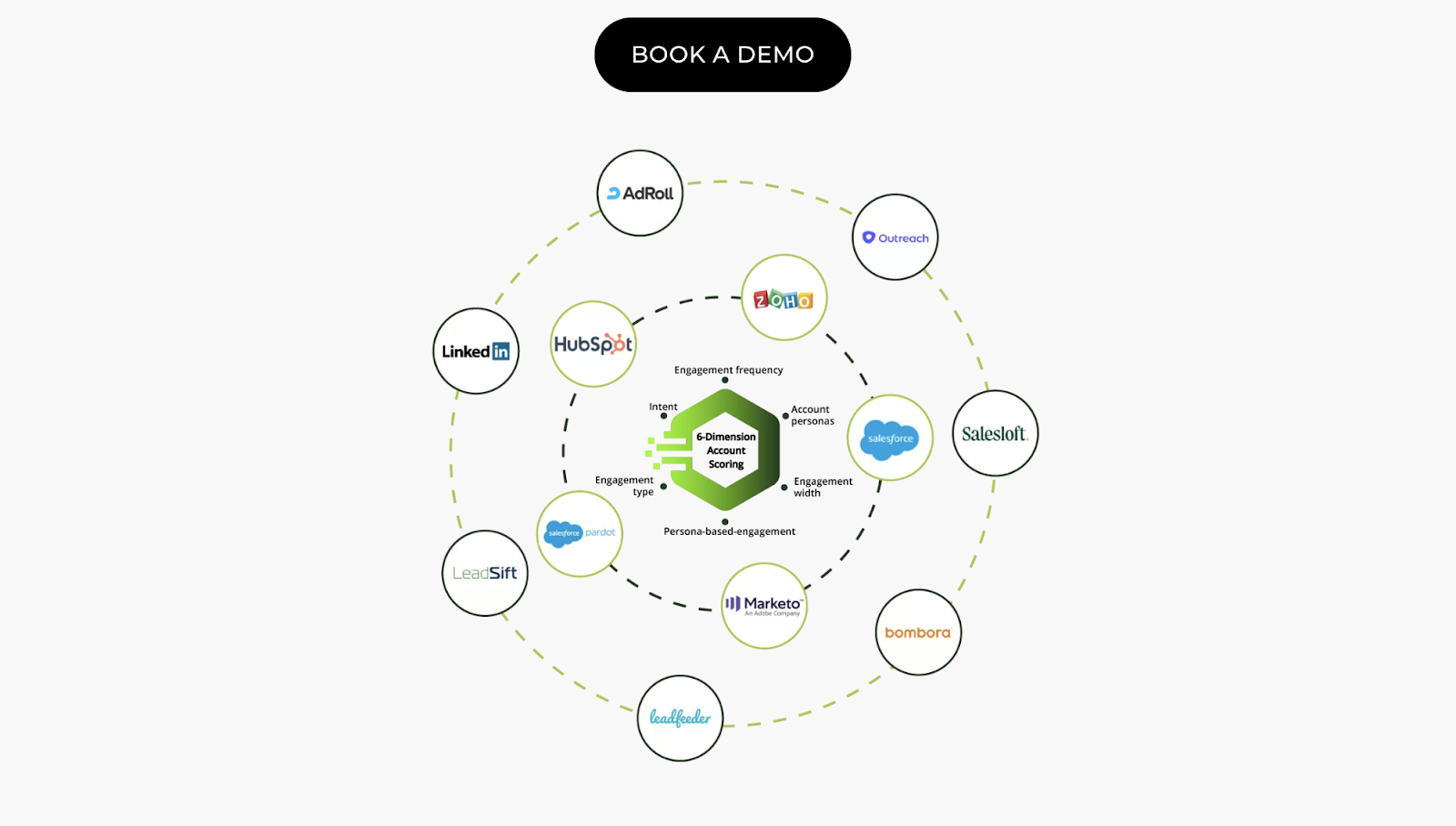
Factors vs BambooBox: Which visitor tracking and GTM platform should you choose?
| Decision Area | Factors | BambooBox |
|---|---|---|
| Primary fit | Teams seeking higher account coverage, faster sales activation, and full-funnel proof | Teams starting ABM with Bombora ID and LinkedIn audiences |
| Identification | Sequential enrichment across multiple providers; higher match rates | Bombora-based account identification |
| Orchestration for sales | AI Agents, Account 360, Slack/Teams high-context alerts, closed-lost and post-meeting playbooks | AI email personalization; alerting and buying-group setup not widely detailed |
| Ad activation | Real-time audience sync to LinkedIn & Google; stage-aware retargeting; suppression and frequency controls; Google CAPI signals | LinkedIn audiences + ad-view attribution; Google ABM coming soon |
| Analytics & proof | Milestones, account-level attribution, journey timelines, segment-level lift | Buyer-journey reporting; lift/assist not widely detailed |
| Services & time to value | Optional GTM Engineering to build/maintain agents, alerts, and playbooks | Services not publicly detailed; plan via scoping |
| Pricing posture | Published tiers; usage/seat clarity for ROI modeling | Quote-based; caps and limits not public |
Both tools aim to turn buying signals into meetings and measurable revenue. Your pick should match how mature your GTM motion is today, and how quickly you want to scale identification, orchestration, and proof.
BambooBox
Pick BambooBox if you want a lighter ABM start with Bombora-based identification, G2 hooks, and LinkedIn audience building with ad-view attribution. It offers engagement and buyer-journey views and native AI email copy for personalization. Pricing is quote-based, and Google Ads ABM is marked as coming soon in public materials. If your team is early in ABM and primarily focused on LinkedIn activation, this can be a fit while you validate your motion.
What this feels like day-to-day: clear account lists to target on LinkedIn and high-level journey reporting; deeper sales alerting, buying-group mapping, and frequency controls may require extra tools or services.
Factors as a BambooBox Alternative
Choose Factors if you want one motion from coverage → activation → proof. It lifts account match rates with sequential enrichment, scores and routes accounts in real time, and gives sellers context through AI Agents and Account 360 timelines. Dynamic audience syncs to LinkedIn and Google keep budgets focused, while Milestones show which pages, ads, and touches push deals forward. Add GTM Engineering if you need hands-on setup and ongoing playbook tuning. The tiered, transparent pricing makes it easier to model payback against traffic and team size.
What this feels like day to day: fewer manual lists, faster hand-offs to the right rep, tighter ad targeting with less skew, and cleaner attribution when budget questions come up.
Ready to see how Factors turns signals into meetings?
If your team is juggling spreadsheets, stale audiences, or one-size-fits-all outreach, let’s fix that. Book a demo with Factors to see how you can:
- Identify up to 75% of high-fit visitors
- Sync real-time audiences to LinkedIn and Google
- Arm sellers with AI-powered contact picks and talking points
- Prove what’s actually moving deals, ad clicks, G2 views, or pricing page visits
Ditch the guesswork and endless list fatigue. And get faster handoffs and a cleaner pipeline.
FAQs for Factors vs Bamboobox
1. What’s the main difference between Factors and Bamboobox?
The key difference lies in depth and automation.
- Factors combines visitor identification, multi-source intent, CRM orchestration, ad activation, and analytics in one platform. It automates workflows and gives full-funnel visibility from first touch to closed deal.
- Bamboobox, on the other hand, focuses on early-stage ABM orchestration with Bombora-powered intent data and basic LinkedIn audience targeting.
If you’re running pilot ABM campaigns, Bamboobox is a good start. If you’re scaling pipeline and need precision, analytics, and automation, Factors fits better.
2. Which platform offers better visitor identification accuracy?
Factors identifies up to 75% of visiting accounts and can map 30% of person-level contacts through sequential enrichment using providers like 6sense, Clearbit, and Demandbase.
Bamboobox relies on Bombora for company-level identification, which is effective but less comprehensive for multi-source coverage and real-time enrichment.
3. How do Factors and Bamboobox handle ad activation and retargeting?
- Factors integrates directly with LinkedIn and Google Ads, syncing intent-based audiences in real time. It includes frequency control, suppression rules, and conversion feedback via Google CAPI and LinkedIn CAPI, helping teams optimize spend and track ROI at the account level.
- Bamboobox supports LinkedIn audience creation and ad-view attribution but does not yet offer Google Ads activation or advanced pacing controls.
4. Which tool offers stronger analytics and attribution capabilities?
Factors leads here with multi-touch attribution, funnel-stage analytics, and lift measurement. It connects ads, web, product, and CRM data to show how each touchpoint moves accounts toward revenue.
Bamboobox provides buyer-journey reporting and high-level campaign insights but doesn’t yet include assisted-impact analysis or stage-based ROI comparisons.
5. How do Factors and Bamboobox compare on pricing?
- Factors has transparent pricing starting at $399/month, with clear tiers (Free, Basic, Growth, Enterprise) and a 14-day trial. Each tier scales with identified accounts, users, and integrations.
- Bamboobox uses quote-based pricing, customized per client, with details not publicly available. Teams typically need a scoping call to estimate total cost.
6. Are Factors and Bamboobox compliant with data privacy and security standards?
Yes, both platforms follow major global standards, but the depth differs:
- Factors is SOC 2 Type II, ISO 27001, GDPR, and CCPA compliant, offering role-based access control, SSO, and detailed audit trails.
- Bamboobox lists ISO 27001 and GDPR alignment, but specifics on access control and audit reporting aren’t publicly documented.
7. How is onboarding and customer support different between the two?
- Factors offers white-glove onboarding, a dedicated CSM, shared Slack access, and ongoing reviews to optimize signals, audiences, and campaigns.
- Bamboobox provides standard onboarding, but details on support cadence, success reviews, or technical assistance aren’t publicly specified.
8. Which platform is better suited for scaling ABM programs?
If your goal is to scale ABM beyond pilot campaigns, Factors is the stronger choice. It unifies data across systems, automates sales and marketing handoffs, and provides actionable analytics for optimization.
Bamboobox works well for teams just starting out with LinkedIn-based ABM and looking for a simple orchestration layer.
9. Is Factors a good alternative to Bamboobox for enterprise teams?
Yes. Factors offers broader coverage, richer analytics, and deeper integrations across CRM, G2, LinkedIn, and Google Ads. It’s designed for mid-market and enterprise GTM teams that need predictable pricing, proven compliance, and measurable ROI.

Top 10 Dreamdata Alternatives and Competitors to Look For in 2026
Learn about the top 10 Dreamdata alternatives in 2026. We explore each tool’s features, reviews, and pricing to help you choose the right attribution tool.

TL;DR
- Factors.ai – Excellent for B2B teams wanting full-funnel multi-touch attribution, ABM analytics, predictive scoring, GTM intelligence services and real-time journey tracking, all with no-code setup.
- HockeyStack – Strong choice for marketers who need visual funnels, CRM-based segmentation, and simple implementation.
- Marketo Measure (Bizible) – Best for large enterprises seeking advanced attribution inside Adobe’s ecosystem, with flexible modeling options.
- Ruler Analytics – Practical for teams that need a mix of predictive analytics, marketing mix modeling, and transparent visitor-level tracking.
Dreamdata helps analyze marketing expenditure, measure ROI and optimize campaigns to maximize marketing efforts. Some of the key features of Dreamdata are
- Digital analytics
- Revenue analytics
- Performance attribution
- Customer journey mapping
The tool easily integrates with marketing automation and CRM platforms. However, even with all these benefits, it also has some drawbacks.
In this article, we will evaluate the limitations of the tool and also highlight the best 7 Dreamdata alternatives that businesses can consider. We will discuss key features, customer reviews, and pricing of each alternative.
Let's dive in.
Why are marketers looking for Dreamdata alternatives
Upon evaluating customer reviews on platforms like G2, Capterra, and Trustradius, we find that Dreamdata
- Is difficult to set up
- Has a steep learning curve for users
- Does not have an intuitive UI
- Can’t gather granular insights on campaigns

Dreamdata is priced higher than its competitors. Also, the available features are very limited in their free version.
All the above factors have led users to look for an efficient alternative.
Read on to learn about the best Dreamdata alternatives and how to choose the right one for your business.
{{INLINE_CTA_A}}
An overview of Dreamdata alternatives and competitors
-1.avif)
Top 10 Dreamdata alternatives
Here are some Dreamdata alternatives that you can check out for your business’s analytics and attribution needs:
1. Factors.ai
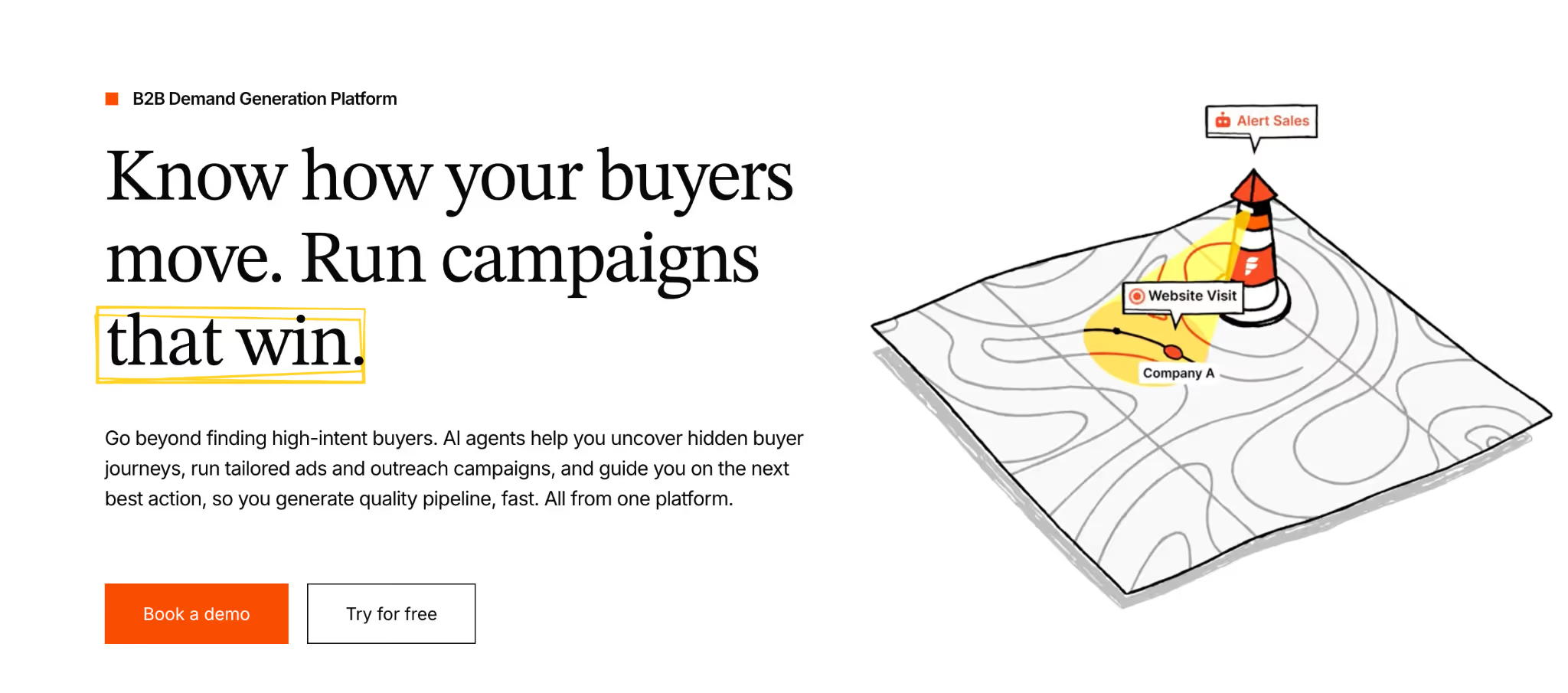
First in the list of Dreamdata alternatives is Factors. It is an AI-powered B2B Demand Generation Platform that offers marketing analytics and attribution services specifically designed for B2B marketers.
The tool is easy to implement with itRule Analyticss no-code capability. Once set up, Factors can automatically track all events on the website and also offers retroactive data capturing.
Factors allows easy and no-code integration with CRM, Clearbit, Google Search Console, LinkedIn, Google Ads and other necessary tools. These integrations help centralize customer data and provide actionable insights across departments. Factors also allows users to create customizable dashboards, which help them visualize customer data at a glance.
Also, Factors has a dedicated customer success management team to attend to each business’s unique requirements and objectives.

Key features
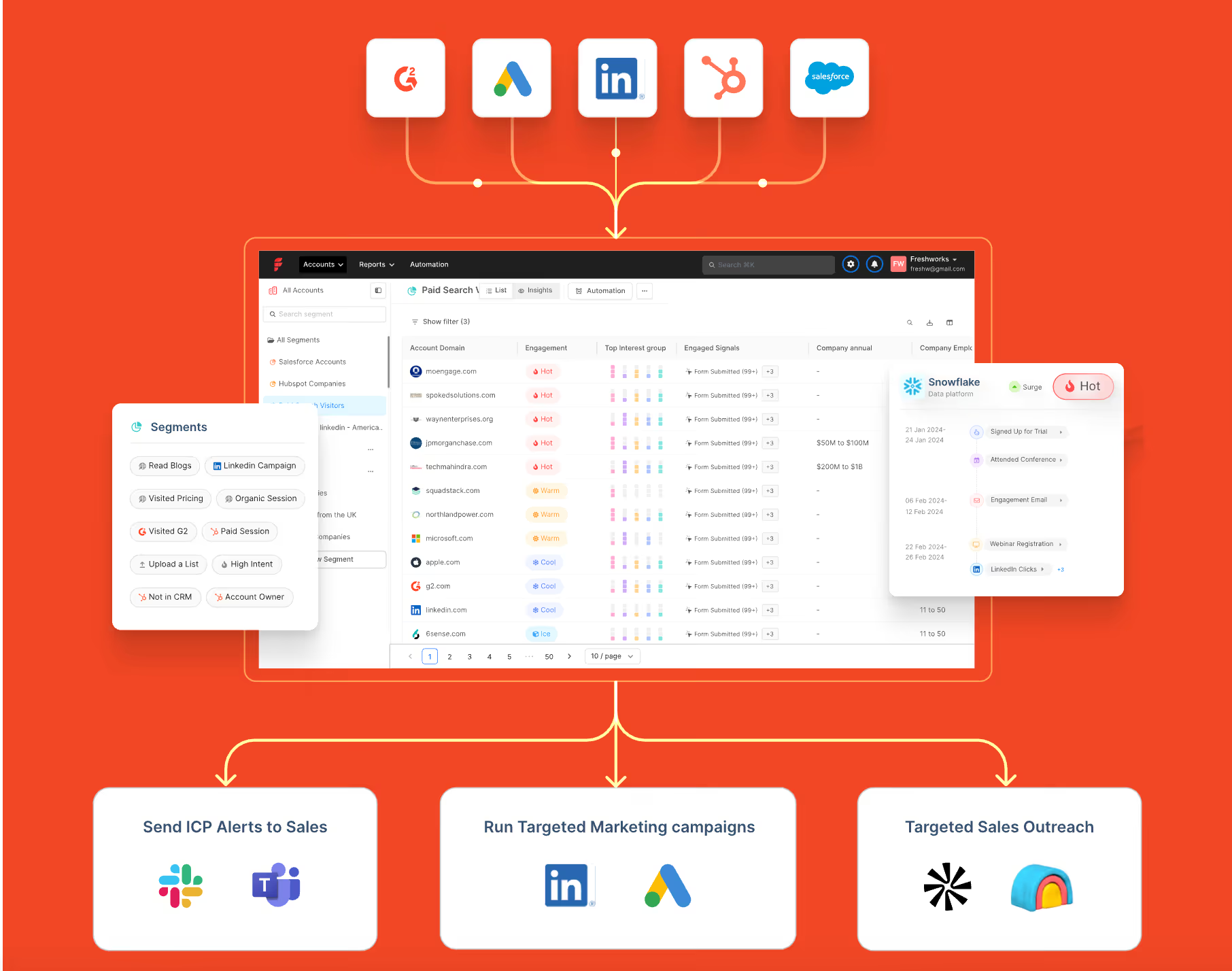
Account Identification
This feature enables teams to identify anonymous accounts across website, ad impressions and product reviews. It helps understand where the visitors are coming from and analyze details like revenue range to segment their target customers.
Full-funnel multi-touch attribution for tracking revenue
If you only track last-click conversions, you’re flying half-blind. Most of your buyer’s journey, the ads that warmed them up, the content that earned trust, the SDR touch that nudged them forward, never gets credit. With Factors’ multi-touch attribution (7+ attribution models to match your sales cycle), you’ll capture every touch across ads, website, and CRM, then drill into each stage of your funnel to see what actually drives revenue.
Result: You finally get a clear attribution to real pipeline and revenue, so you can double down on what actually works.
View-through attribution for LinkedIn
Clicks only tell you who raised their hand last. The quiet stuff, the LinkedIn and display impressions that warmed up your accounts, rarely gets credit.
That’s where view-through attribution earns its keep.
We stitch ad views to web sessions and CRM activity so every touch lives on one timeline. Dial in lookback windows and model weights to fit your ICP and buying cycle.
Result: Attribution to real pipeline and revenue, so you can fund what actually works.
Check our LinkedIn Adpilot page to read more around identifying the true ROI of LinkedIn Ads.
Custom reports for deep buyer journey insights
This lets you slice and dice performance with filters for channel, campaign, audience, geo, and funnel stage, so patterns jump out fast. Group results by account, segment, or persona and display them exactly how you want (tables, charts, cohorts). Build the precise view you need to uncover granular drivers of awareness, velocity, and revenue, and share it with the team in a click.
Result: You get fast, shareable insight into the granular drivers of awareness, velocity, and revenue, so you can scale what works.
Run intent-driven ABM across LinkedIn & Google and measure using ABM analytics
Identify in-market ICP accounts by unifying signals from your marketing stack. Auto-build and refresh account lists, then launch hyper-targeted campaigns across LinkedIn and Google Ads.
Use predictive scoring and impression control to prioritize sales-ready accounts and stretch budget further. Feed back high-quality, value-weighted conversions so the platforms optimize for pipeline, not just clicks. Measure every view, click, and CRM touch with deep ABM analytics to prove lift by stage and revenue.
Result: Tighter targeting, smarter spend, and measurable impact on the deals that matter.
For a practical walkthrough, take a look at running targeted ABM campaigns on Google and LinkedIn
GTM engineering and sales intelligence services
GTM Engineering services by Factors is a fully managed service that turns intent signals into revenue, fast. We wire your stack so high-intent visitors trigger real-time alerts, automatic enrichment, and ready-to-send outreach.
Custom ‘agents’ (Website Visitor Identification, Contact Relevance, Account/Contact Tiering, Meeting Assist, Closed-Lost Alerts) prioritize the best next action for your reps. With up to 75% account identification and Apollo-verified contacts, your team gets clean data and context in minutes.
Result: Fewer manual tasks, more meetings per rep, and a clear lift in pipeline, without extra headcount.
Book a demo to see it live on your data.
Read our latest blog on website visitor identification to warm outbound play using GTM engineering services.
2. HockeyStack

HockeyStack is another Dreamdata competitor that provides attribution solutions. The tool is intuitive and easy to implement.
In addition to attribution, HockeyStack also offers a range of functionalities that help marketers;
- Visualize customer journeys with funnels.
- Optimize Ideal Customer Profile (ICP) by using CRM properties like companies and contacts to segment metrics.
- Collect customer feedback through surveys.

Key features
- Revenue Attribution:
By attributing revenue to each aspect of marketing, HockeyStack can help understand which channels or campaigns bring more ROI. As a result, it enables marketers to prioritize and focus their efforts and drive more conversions.
- Funnel Analytics:
This powerful feature from HockeyStack allows users to visualize different sales stages in detail. Marketers can understand how their customers move down the sales funnel and improve the stages that are not performing well.
- Account-Level Journey:
HockeyStack tracks customers' pre- and post-conversion journeys with touchpoints, including website visits and demo calls. It also visualizes the account journey showing the different journey stages and the actions users take at each stage. Therefore, it enables marketers to understand the customer journey comprehensively.
Pricing
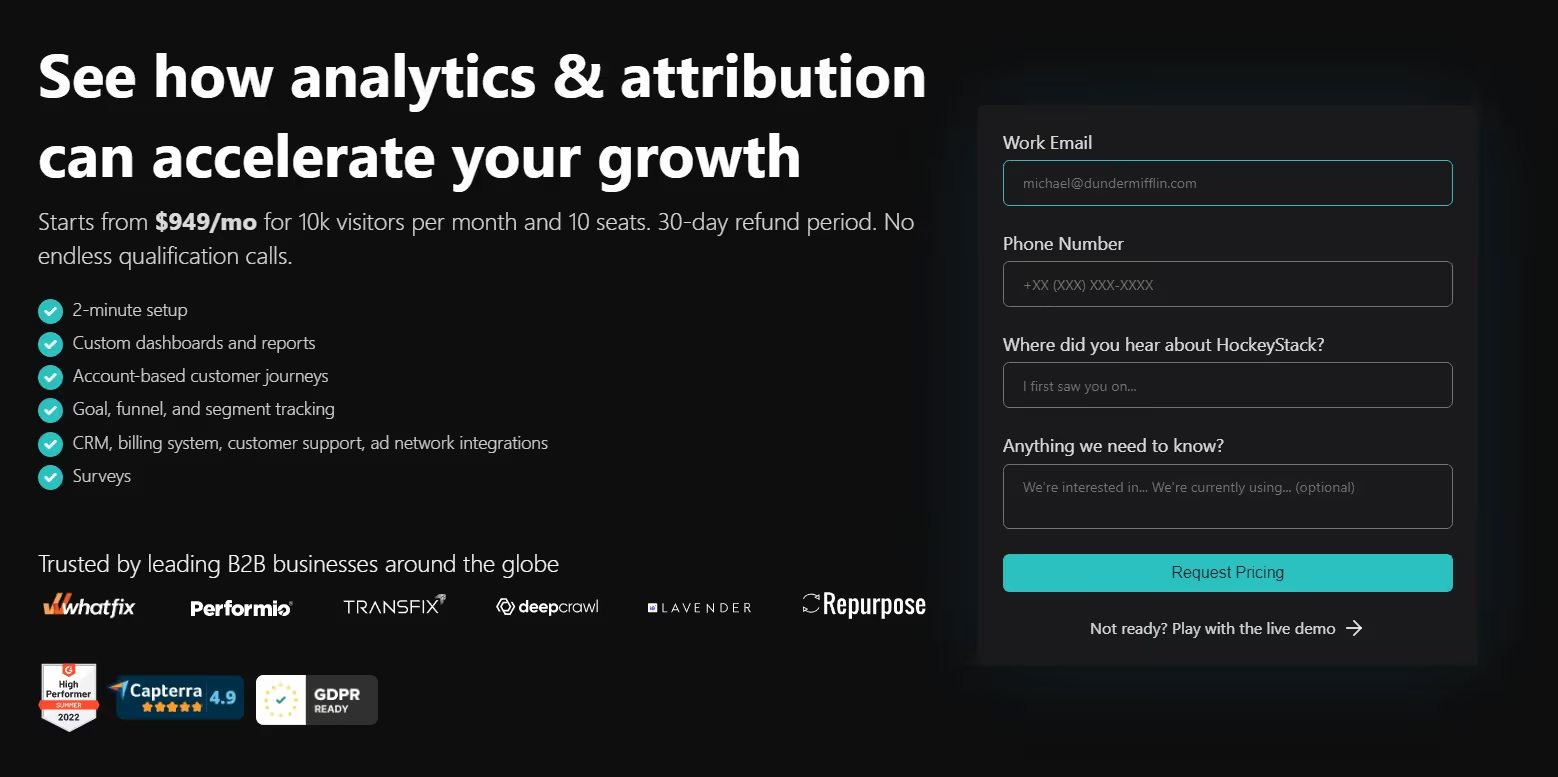
HockeyStack’s pricing starts from $949 per month. Book a demo with their team to get a detailed quote for your needs. HockeyStack also has a live demo that gives you a sneak peek into the platform.
3. Marketo Measure (Bizible )

Bizible or Marketo Measure is Adobe's attribution solution. It has a touchpoint-based data model that can collect data at each touchpoint, offering insights into the customer journey. This allows marketers to identify the high-performing touchpoints at each stage and improve those not performing well.
Even Though the tool has all these features and benefits, it is difficult to set up and has limited integration capabilities.
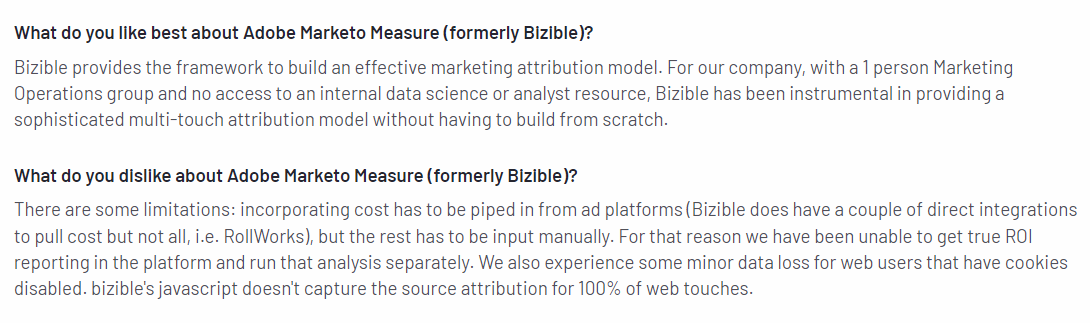
Key features
- Attribution:
This feature enables marketers to leverage attribution models that align with their business goals. It helps attribute revenue to influential campaigns and boost conversion rates. The fact that Bizible can run multiple attribution models in parallel makes it stand out from the rest.
- Intuitive Dashboards:
Bizible’s dashboard reports insights on marketing KPIs in a highly visual and intuitive format. The KPIs include ROI, pipeline velocity, marketing expenditure, and more. As a result, marketers can easily understand the campaigns' effectiveness and optimize them.
Pricing
The pricing details of Bizible are available upon request.
4. Rule Analytics
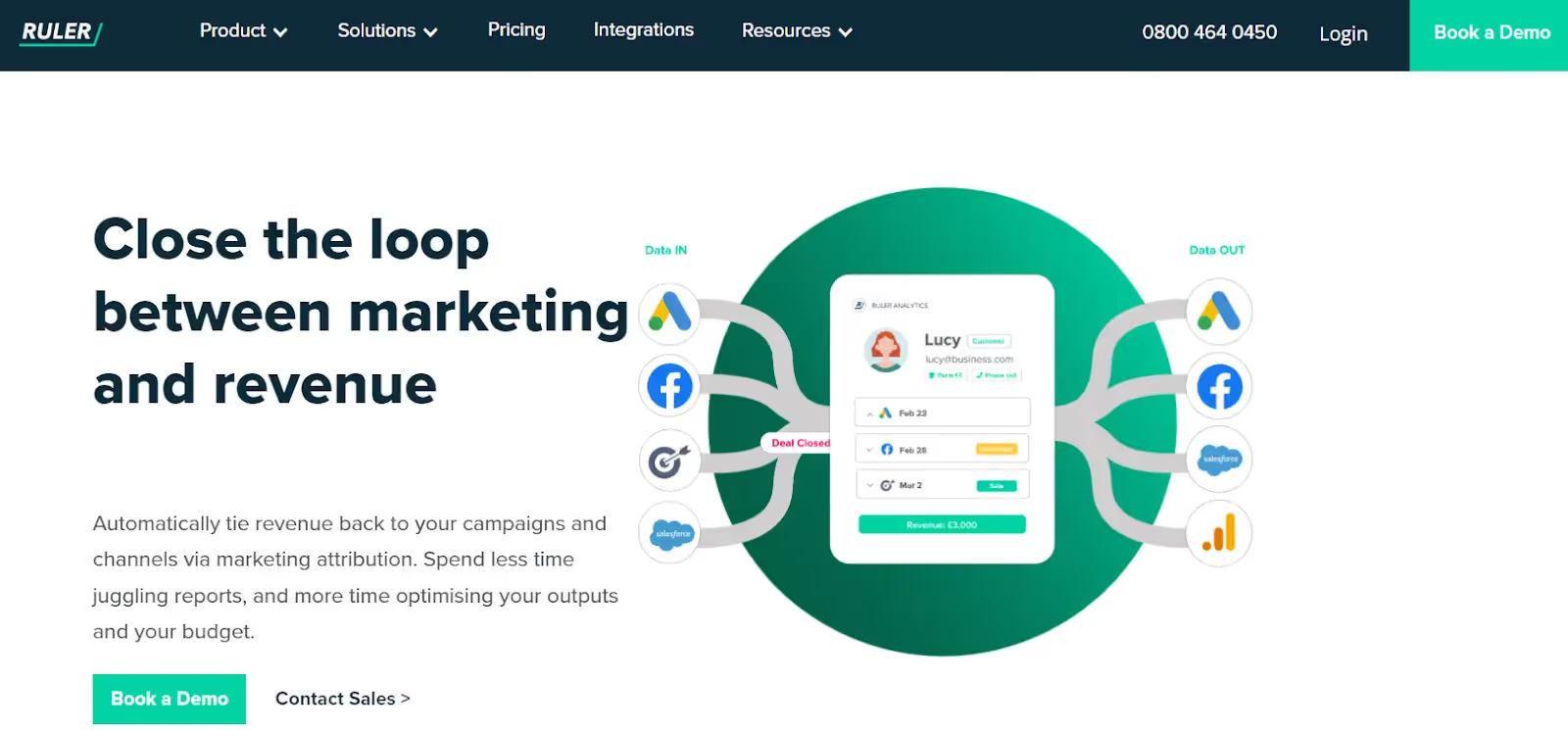
Ruler Analytics is a marketing attribution tool that tracks online and offline touchpoints. Its attribution feature automatically links revenue with channels and campaigns.
On top of customer journey tracking, Ruler Analytics also delivers insights into how quality leads behave. This further helps marketers optimize their campaigns and target high-quality leads.
The tool is intuitive, easy to set up, and provides good customer support. Also, Ruler Analytics allows users to leverage various attribution models to build reports on all essential data.

Key features
- Marketing Attribution:
Ruler Analytics’s attribution feature automatically attributes revenue to the most influential touchpoints. They track all visitor touchpoints, match leads to marketing data, and attribute revenue to appropriate campaigns.
- Predictive Analytics:
The feature uses statistical modeling and machine learning to analyze historical data and forecast business outcomes. It can interpret and make sense of the sales and marketing data and identify patterns and trends. This helps marketers optimize marketing strategies to yield better results.
- Marketing Mix Modelling (MMM):
This feature uses statistical modeling to understand how marketing activities impact sales results. It also makes marketing reporting easier and provides view-through attribution.
Pricing
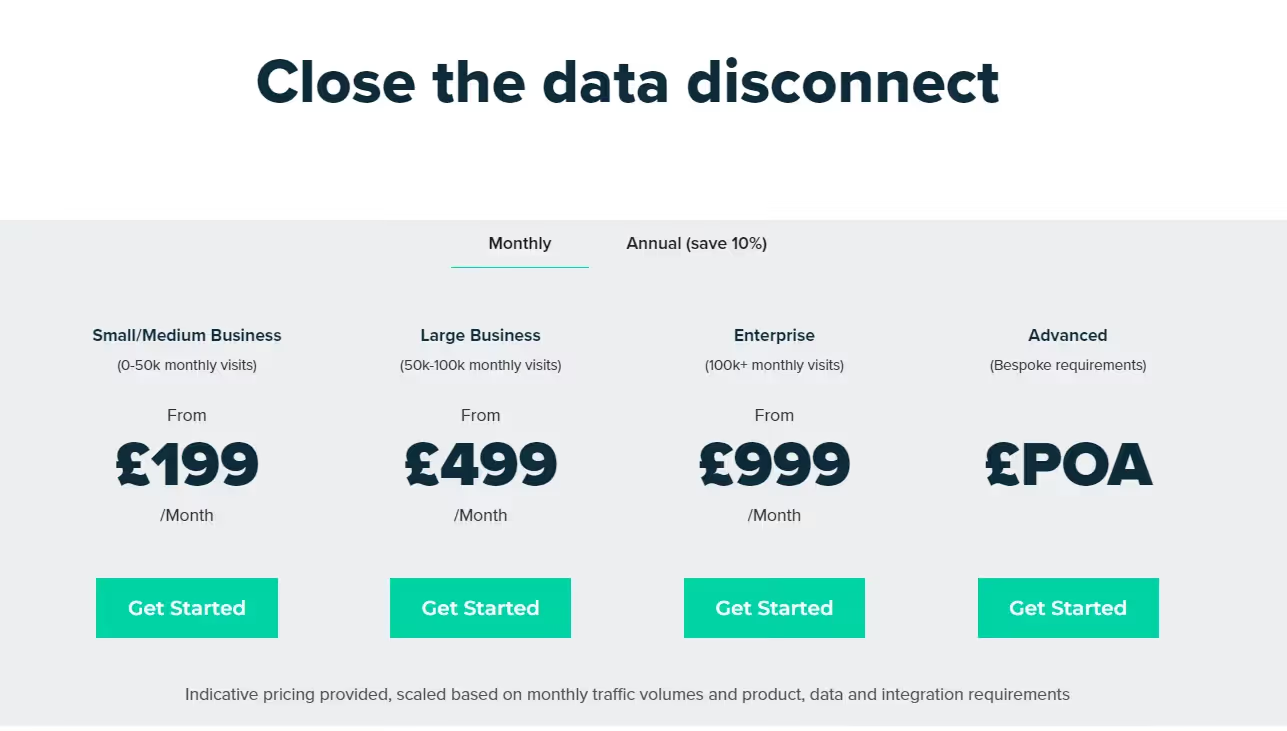
Ruler Analytics’ pricing plans are as follows.
- Small/Medium Business - £199 per month (0 - 50K visits)
- Large Business - £499 per month (50K - 100K visits)
- Enterprise - £999 per month (100K+ visits)
It also has an Advanced plan with pricing available upon request (POA).
{{INLINE_CTA_A}}
5. Singular
Singular is another marketing platform that provides attribution solutions. With singular, marketers can
- Measure and report on all channels
- Analyze ROI by combining attribution with cost aggregation
- Track and analyze the customer journey
- Monitor a single-managed pipeline for analysis-ready marketing data.
Its open integration framework enables marketers to measure performance across apps, web, SMS, referrals, email, and TV. The tool is easy to set up and delivers robust support for server-side integrations.
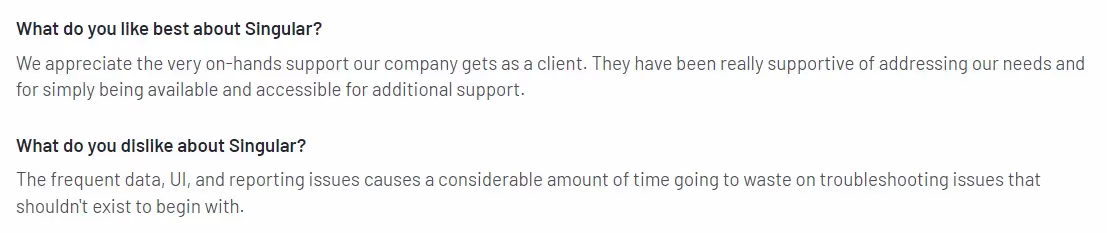
Key features
- Mobile Attribution:
It offers marketers a complete view of ROI and performance and analyzes the impact of every dollar spent. It allows marketers to set up attribution settings for each channel. The feature can prioritize touchpoints based on their impact on the users' decision to install or engage with the app. The attribution methods include multi-touch, UTM tracking, and website-to-app attribution forwarding.
- SKAdNetwork Attribution:
This is specifically for improving ad performances on iOS devices. This feature helps marketers save time and effort by automating the conversion value decoding process. In addition, it provides more accurate insights into ad performance on SKAN.
- Cross-Device Attribution:
This feature can track and analyze user engagement and acquisition across multiple devices. These devices can be desktops, smartphones, or tablets. Thus, this feature gives marketers a comprehensive view of customers' journeys and interactions.
Pricing

Singular offers a free version and a free trial for their paid plans. Contact their team for details on plans - Growth and Enterprise.
6. Full Circle Insights

Full Circle Insights is another marketing analytics and attribution platform that can help optimize marketing efforts. The tool is built on the Salesforce App Cloud, ensuring seamless integration between the two platforms.
It provides various features, including funnel metrics, camping attribution, and performance reporting. It also offers customizable dashboards and reports to meet each business's unique needs and goals.
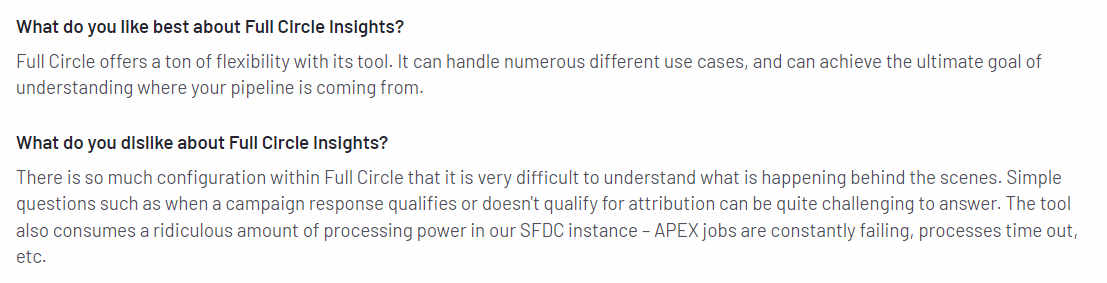
Key features
- Pipeline analysis:
This feature helps users identify influential touchpoints at each stage of the customer journey. In addition, the tool’s detailed reporting enables businesses to optimize and improve their marketing efforts with ease.
- Out-of-the-box Attribution Models:
Marketers can choose from various attribution models and customize them to track and analyze their GTM efforts. This helps marketers make data-driven decisions for allocating marketing resources.
Pricing
Full Circle Insights’ pricing plans are not transparent. Contact their team to get more details.
7. LeadsRx
LeadsRx is a SaaS platform that provides attribution solutions. It helps marketers and agencies measure the performance of their marketing efforts.
LeadsRx can track and measure the impact of touchpoints across multiple channels (online & offline). It enables marketers to understand how each channel drives conversion and revenue and optimize their campaigns accordingly to maximize ROI.
It has a responsive and intuitive UI and gives excellent customer support. And it also enables easy set-up.

Key features
- Radio and Television Attribution:
LeadsRx is able to attribute radio and television along with other marketing channels. Its flexible attribution window allows users to change the period from hours to seconds. Additionally, the tool also allows users to monitor decay curves and arbitrate station overlap.
- Attribution for Podcast, Audio Streaming, and Video Streaming Advertising:
LeadsRx supports multi-touch attribution for all audio and video streaming platforms. It also provides insights into how well podcast ads perform and helps optimize them to improve ROAS. LeadsRx is the first-ever marketing analytics company to measure real-time podcast ad performance.
Pricing
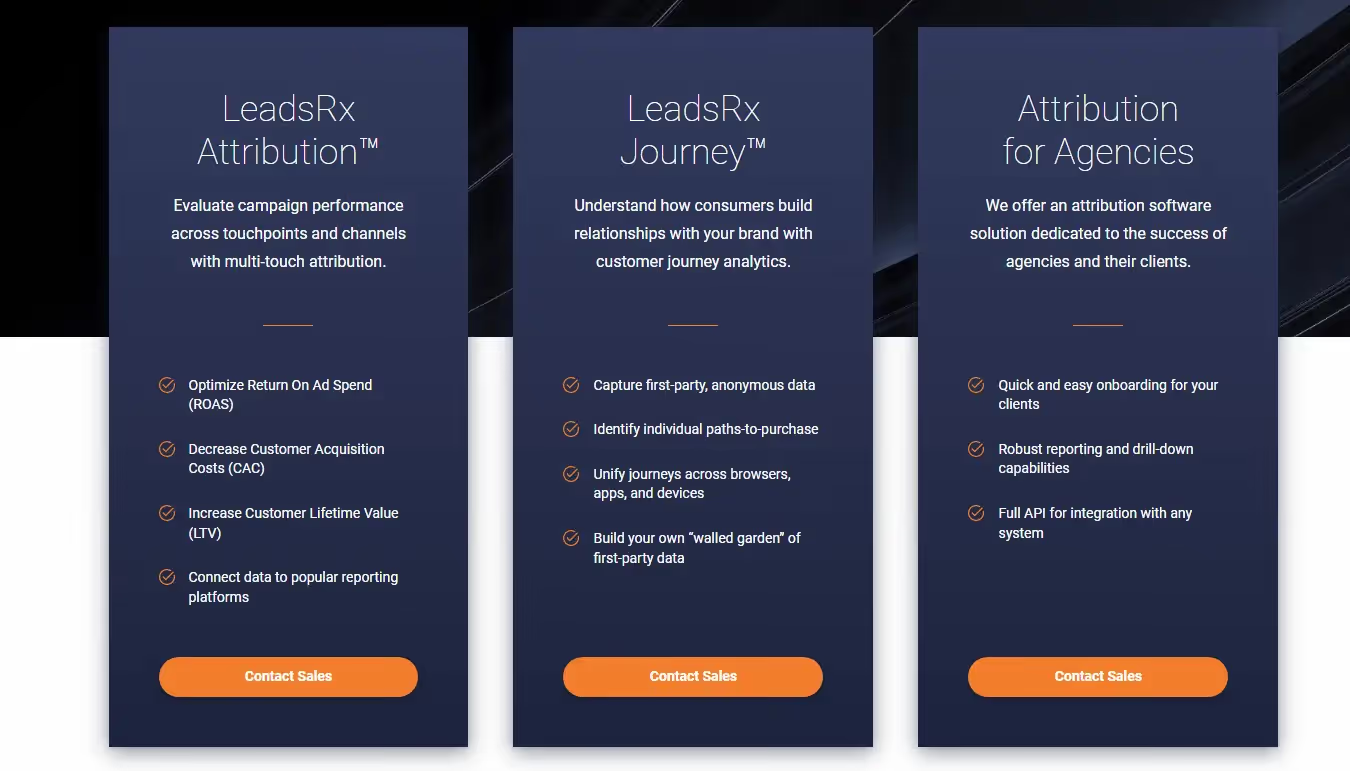
Contact the LeadsRX team for details.
8. Improvado
Improvado is a marketing and sales intelligence platform that automates data integration, reporting, and insights, with AI agents to help teams monitor KPIs and simplify analytics.
It centralizes data from marketing sources and produces analysis-ready, cross-channel reporting for your business intelligence tools.
Improvado reviews
G2 reviewers commonly highlight ease of use, ease of connecting new APIs and seamless integrations.
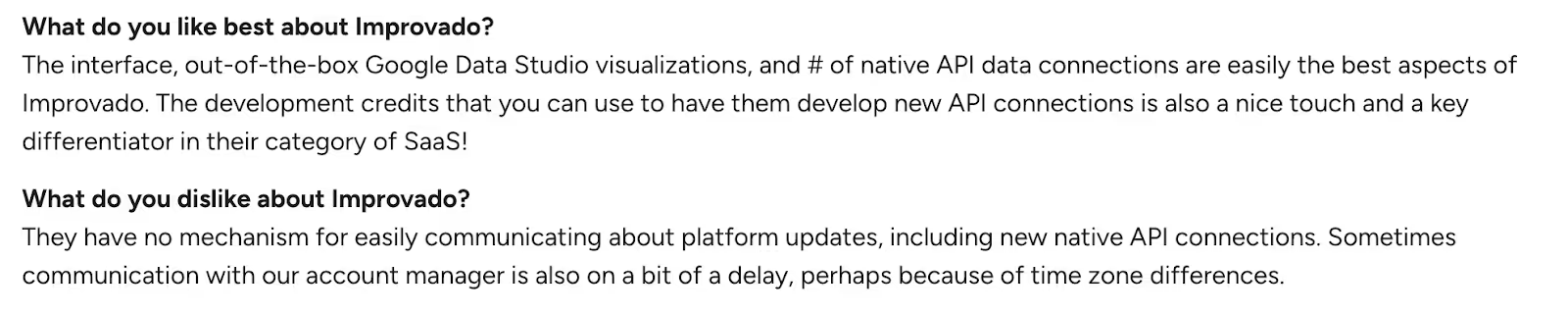
Key features
Unified Marketing Data Pipeline:
Centralize data from ad, analytics, eCommerce, and other sources, then pipe it to your sales/marketing tools stack (e.g., Tableau, Looker) with automated connectors.
Data Harmonization & AI Insights + Governance:
Generate analysis-ready cross-channel reports, get automated AI insights, and operate under SOC 2, HIPAA, and CCPA compliance (data transformation guidance included).
Pricing
Public pricing is unavailable.
9. CaliberMind
CaliberMind is a B2B GTM intelligence and multi-touch attribution platform that unifies marketing and sales data, tracks buyer touchpoints, and ties programs to revenue so teams can prove what’s working.
It offers engagement-driven funnels, customizable attribution models, and role-ready insights, with native connectors for systems like Salesforce, HubSpot, and Marketo.
CaliberMind reviews
Users describe CaliberMind as powerful for attribution and data unification, and frequently call out helpful customer support.
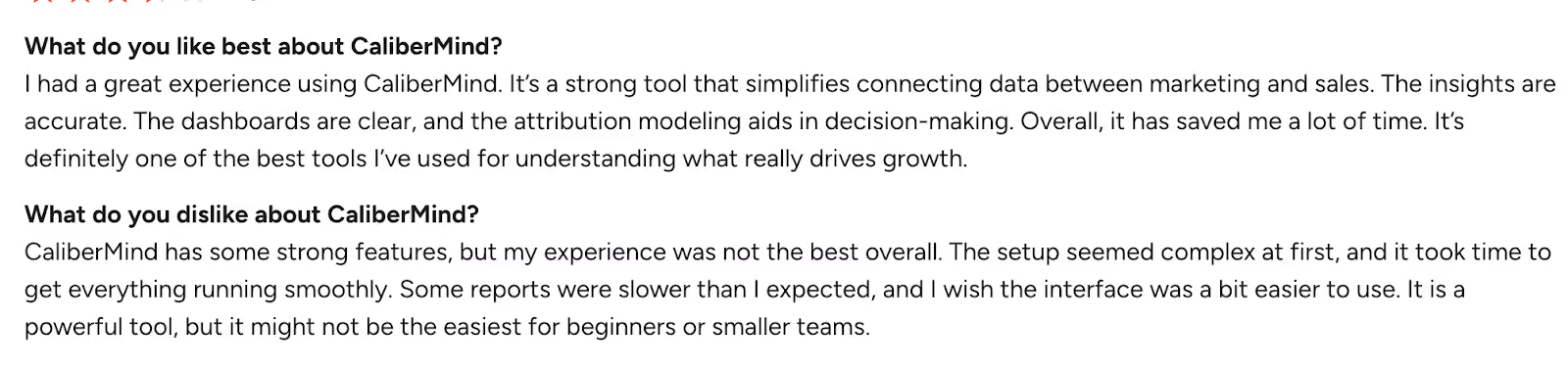
Source: G2
Key features
Multi-Touch Attribution:
Build and compare models (e.g., W-shaped, chain-based, even-weighted) side-by-side to reflect your real buyer journey and explain marketing’s impact.
Unified data warehouse & data pipeline:
Every plan includes an enterprise-grade unified data warehouse, an end-to-end data pipeline for consolidation, and full-funnel tracking.
Pricing
Public pricing is unavailable.
10. Funnel
Funnel is a marketing data hub that collects, prepares, and delivers marketing and sales data so teams can analyze performance and build reliable reporting. It pulls data from multiple sources into one place, standardizes metrics and dimensions, and routes analysis-ready data to your tech stack.
Funnel Reviews
Users often highlight Funnel’s easy-to-use interface and how it streamlines multi-source reporting.

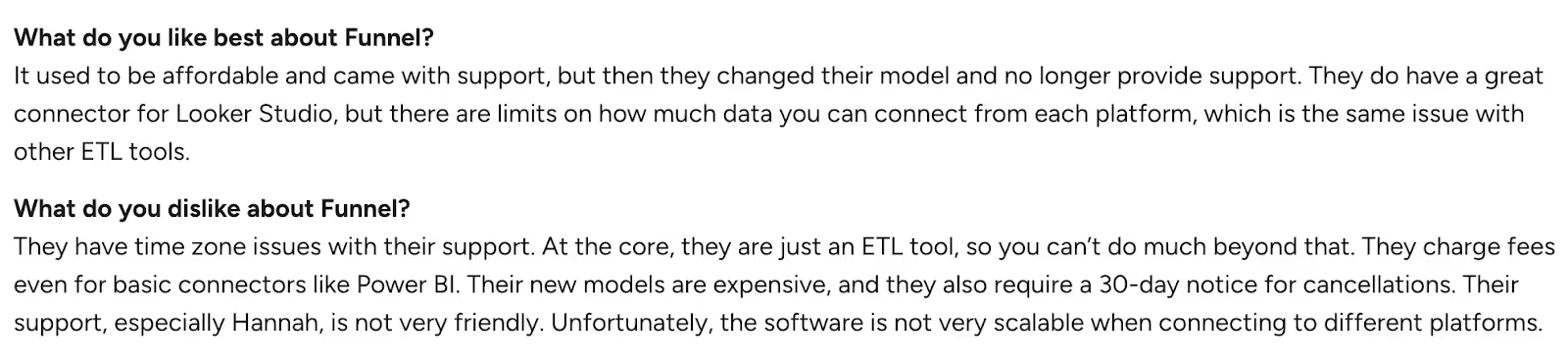
Source: G2
Pricing
Public pricing is unavailable.
Best Dreamdata Alternatives and Competitors: Smarter Attribution Tools That Drive Revenue
If you’re swimming in B2B data but still guessing which touchpoints create pipeline, you’re not alone. Dreamdata is a solid entry point for attribution, yet many teams hit the same walls: steep setup, premium price, and limited drill-down when you need granular answers.
Good news: you’ve got options.
The above 10 standout tools make attribution clearer, faster, and more actionable, so your team can spend less time stitching spreadsheets and more time accelerating revenue.
Why these shine: They lean into usability, deeper analytics, and clear ROI visibility, without the hair-pulling setup.
Top Leadfeeder Alternatives
Businesses seeking cost-effective and feature-rich website visitor identification tools can explore various alternatives.
1. Leading Alternatives: Factors.ai for advanced analytics and attribution, Visitor Queue for affordability and effective lead tracking.
2. Key Features: Pricing flexibility, seamless integrations, high data accuracy, and real-time visitor insights.
3. Decision Factors: Evaluate based on budget, integration needs, and business-specific requirements.
Selecting the right platform enhances lead generation, improves marketing efficiency, and drives better conversion rates.
How to pick your best-fit
Match the platform to your reality:
- GTM architecture: Where does your data live today (and tomorrow)?
- Data maturity: Do you need plug-and-play or deep modeling control?
- Reporting expectations: Board-ready attribution? Ops-level diagnostics? Both?
Do this next:
- Shortlist 3 vendors that match your stack reality today, not your wishlist tomorrow.
- Run a 30–45 day pilot with the same campaigns and conversion definitions.
- Score on four things: model fit (touchpoint accuracy), time-to-value, CRM cleanliness, and exec readability.
- Back-test against closed-won to sanity-check lift, not just clicks.
Remember, attribution isn’t the finish line, repeatable revenue is.
{{INLINE_CTA_A}}
Dreamdata is a popular B2B revenue attribution platform that helps businesses analyze marketing spend, measure ROI, and fine-tune campaigns. However, many marketers have pointed out its complex setup, steep learning curve, and limited functionality in the free version as significant hurdles.
This has prompted businesses to seek more agile and user-friendly alternatives that offer intuitive interfaces, faster implementation, and deeper analytics out of the box.
Factors.ai stands out as a top contender—offering:
- No-code integrations with CRM and marketing tools,
- Automatic event tracking, and
- Retroactive data capture, all in one seamless platform.
Other strong alternatives to consider include:
- HockeyStack – for rapid insights and flexible dashboards,
- Demandbase One – great for ABM-focused attribution,
- Constant Contact Advanced Automation – simple automation with robust support,
- HubSpot Marketing Hub – all-in-one with a strong CRM backbone,
- Salesforce Marketing Cloud Account Engagement – ideal for enterprise-level marketing teams,
- Usermaven – a privacy-friendly, lightweight analytics solution.
Whether you're a startup or an enterprise, choosing the right attribution tool depends on your goals, team size, and technical requirements. Tools like Factors.ai are helping bridge the gap between ease of use and powerful analytics, making revenue attribution more accessible than ever.

Factors. ai vs Bizible: Pricing, Integration, Features and More
B2B business teams use tools like Bizible and Factors.Ai to understand marketing data. Compare their features to find the right fit for your business.
Marketing today looks nothing like it did just a few years ago. You need to keep an eye on numerous campaigns on various channels, understand where your users are coming from, what drives them, possibilities of churn, and endless optimizations. For tasks like these, companies can’t help but rely on B2B marketing tools like Factors.ai and Bizible.
Well-known in the marketing space, both of these tools come with a variety of capabilities and functionalities for analytics, attribution, personalization, and optimization to help B2B firms make better-informed marketing decisions.
But how do you know which one’s right for you?
The following blog delves into the features offered by them and a comparative analysis of their respective strengths and weaknesses in the marketing analytics field. Curious how one of these tools can become part of your marketing arsenal? In this article, we’re covering everything from the features to pricing, integrations and even reviews for both Bizible and Factors!
About Bizible
Bizible (now Marketo Measure) is a widely-used attribution tool aimed at providing B2B and B2C marketers with insights on their customer journey and revenue impact. It does so with strong touchpoint tracking and attribution modeling.
Bizible Integrations
The Adobe Marketo Measure (previously Bizible) extends its functionality to seamlessly integrate other tools to collect information on web source, medium, keyword, cookies, visitor behavior. Using this you can optimise your marketing strategies accordingly. Here are some of the tools that are supported by Bizible:
- Microsoft Dynamics CRM (for custom objects, pre-built CRM reports, templates and dashboards)
- Marketo Engage
- WordPress
- Salesforce Sales Cloud
- HubSpot Marketing Hub
Bizible Features
- Dedicated A/B testing integration, lets you track the revenue impact of your Optimizely and VWO site experiment. These experiments can provide insight to your marketing team to help optimize their campaigns and improve ROI.There are a few types of Marketo Measure A/B reports available to customers, which enable reporting on A/B Test results regarding leads, contacts, and opportunities.
- Dedicated Boomerang stage feature was designed to enhance visibility into the customer's journey, particularly for customers with extended sales cycles. Marketers are empowered by this feature to establish touchpoints at every stage transition throughout the Opportunity journey. For example, it captures scenarios where a contact progresses from MQL to SAL and subsequently returns to the MQL stage. This is known as the boomerang stage, or when contacts "re-enter the MQL stage" or "re-MQL." The Boomerang Stage feature seamlessly integrates with the Marketo Measure Custom Stages, working together to enhance the functionality.
- Multi-currency Compatibility which allows users to switch between different currencies for their reported spend and sales revenue. Currently, this feature covers these two metrics.
{{INLINE_BOFU}}
About Factors. ai
A compelling alternative to Bizible, Factors. ai comes into the picture as an AI-fueled marketing analytics and attribution platform that works with SME and mid-market B2B companies like Razorpay, Chargebee and Clickhouse. Not only does Factors.ai offer robust attribution capabilities, but it also provides a user-friendly interface and intuitive reporting tools. The platform is divided into 4 broad categories:
- Marketing and website analytics
- Marketing attribution
- Journeys analytics
- Account identification.
Factors. ai Integrations
Factors has the ability to connect with advertising platforms, customer relationship management (CRM) systems, and customer data platforms (CDPs). Consequently, it can be used to track user actions across various touch points on a website, analyze campaign information, and even gather data from events recorded in the CRM. This comprehensive integration enables holistic analysis and reporting of data.
Factors. ai Features
Factors.ai comes bundled with unique features that aid attribution.
- User/account timeline: showcases all touchpoints for all users across their conversion journey over a span of time presented neatly on a timeline graph. This feature helps businesses identify valuable touchpoint data for all its users that can pinpoint every single step of every user’s conversion journey.
- Customizable Stage Transitions: With this feature, users can track and optimize the customer journey by defining and customizing stage transitions that align with your unique sales cycles, allowing for granular analysis of each stage.
- User-Friendly Interface: Users can enjoy a seamless and intuitive platform that makes it easy to navigate, visualize data, and access actionable insights, ensuring effortless usage for marketers of all skill levels.
- Cross-Channel Analysis: It is also possible to analyze the performance of your marketing efforts across multiple channels, such as digital advertising, social media, email marketing, and more, to understand the synergistic effects and optimize cross-channel strategies.
How do the two compare?
Here is a table comparing the features that Bizible and Factors. ai come with:

In the next few paragraphs we will look at their strengths and weaknesses when pitted against each other with respect to integrations, attribution, onboarding and implementation, reporting quality, pricing, and privacy and compliance.
1. Integration
There are some points to consider when comparing the integration features of their tools. First off, the tools that these apps integrate with, do not completely overlap. For instance, Factors. ai does not integrate with Microsoft Dynamics Integration- Bizible does, and Bizible does not integrate with CDPs, which Factors. ai does. Second, Factors. Ai offers out-of-the-box integrations while Bizible comes with high developer dependency for tasks such as tracking HubSpot landing pages or integrating with LinkedIn.
Bizible can integrate with a wide range of applications and platforms. These popular apps span across CRM, CMS, marketing automation, email marketing, advertising platforms, web and sales analytic tools. Some of these commonly used platforms are Marketo, Google Ads, WordPress, MailChimp, Outreach and SalesLoft.
Factors. Ai can also integrate with similar ad platforms, CRMs, and CDPs. CDP helps improve data quality, identify new audiences, and connect behavioral data. At the moment, Factors can integrate with third-party CDPs like Segment.
2. Attribution
B2B marketing attribution is like detective work for marketers, uncovering the hidden fingerprints of success. It's an process that delves deep into the influence of various marketing touchpoints on coveted conversion goals, such as demos, pipeline growth, and revenue generation. The process involves employing a variety of multi-touch attribution models to evaluate and quantify the contribution of each marketing touchpoint towards achieving these objectives.
Factors. ai and Bizible both offer marketing attribution capabilities. They share a few similarities and differences.
Channels and Subchannels
Marketing Channels serve the purpose of categorizing and organizing your marketing activities for convenient reporting in both the Marketo Measure ROI Dashboard and your CRM system. Bizible offers 40 custom channels, which can be customized and renamed according to your organization's preferences. The Marketing Channel represents the broadest level of classification, encompassing various Subchannels. These Subchannels can be viewed as the specific "type" of source through which your leads are generated. Examples of Marketing Channels include Paid Search, Organic Search, Display, and Paid Social. Subchannels play a significant role in indicating the specific version or variation of the Marketing Channel used to attract leads.
Currently, Bizible offers 40 custom channels and 200 subchannels. Channels and subchannels in Bizible attribution categorize and organize marketing touchpoints, providing insights into the performance of different marketing sources. This helps marketers understand the effectiveness of various channels and subchannels in driving conversions and revenue, informing decision-making and optimization strategies.
A business growing at a fast pace might opt for more channels to avoid chances of narrowing attribution and analytics. Factors.ai attribution does not specifically use the terminology of ‘channels’ and ‘subchannels’ in the same way as Bizible. Instead, Factors.ai focuses on integrating various data sources, such as ad platforms, CRMs, and CDPs, to provide a holistic view of marketing performance and customer journeys. It analyzes the impact of different touchpoints and events across the customer journey, offering comprehensive insights into marketing effectiveness and revenue attribution.
Attribution models: Factors.ai has the capability to create attribution reports at both company and user levels, can track both website and non-website events, and has a customized dashboard that collects and visualizes all crucial data in one place. Factors.ai also delivers 9 attribution models that include influence, time-decay, U-shaped and W-shaped.
Bizible offers 6 different attribution models that can help marketers decide what touchpoints are impactful in the customer journey. These are Lead creation, First-touch, U- shaped, W- shaped, Full- Path, and the Custom model.
Attribution model funnels and metrics:
Bizible and Factors. ai both provide a range of metrics and filters to analyze attribution models and measure marketing performance. Here are some of the key metrics and filters offered:
- Revenue Attribution: Measures the revenue generated by each touchpoint or marketing source, providing insights into their contribution to the bottom line.
- Conversion Attribution: Determines the contribution of each touchpoint to conversion events, allowing you to understand which marketing efforts are driving conversions.
- Touchpoint Influence: Measures the influence of a specific touchpoint on conversions or revenue, providing a granular view of individual touchpoint performance.
These platforms also allow filters like:
- Time-based Filters: Can be used to analyze attribution data within specific time frames, such as daily, weekly, monthly, or custom date ranges.
- Revenue Range Filters: You can set filters to analyze attribution data within specific revenue ranges, allowing you to focus on different tiers of revenue generation.
The difference between the two lies in Factors’ AI- driven approach to provide attribution models. With this information, you can dynamically allocate credit to marketing touchpoints based on their actual impact on revenue and conversions, and also forecast future performance by availing predictive analytics. Factors. ai also emphasizes seamless integration with CRM systems and marketing platforms.
3. Onboarding and Implementation
Setting up Bizible requires some level of dependency on developers. You might also require technical support from your development team for processes like creating a custom model. As per reviews on g2, the onboarding process can take a few months to fully complete. On the whole, Bizible works as a solid attribution tool, but reviewers often report problems with the onboarding and implementation.
Factors offers a quicker onboarding process of under 30 minutes, without requiring heavy-duty technical assistance. Factors’ tracking script can be set up directly or through Google Tag Manager in only a few minutes. Find out more about the process here. In case you're facing any difficulties, you can also get in touch with Factors' customer support team available round the clock.
4. Analytics/Reporting
Bizible has a wide selection of drill-through data. You can access marketing reports on the revenue by channel, closed revenue, contacts created, opportunities created, closed deals etc. It provides snapshots of CRM at any point in time and the distribution of records across opportunity stages.
Factors.ai can also extract and analyze relevant data points to give you a comprehensive overview of your customer relationships and interactions.The snapshot provided by Factors.ai may include key CRM metrics and visualizations, such as pipeline value, conversion rates, sales velocity, lead distribution, and performance trends. This enables you to have a holistic view of your CRM data and track the progress of your sales and marketing activities.
Bizible and Factors.ai both give you the option to visualize marketing data the way you want. If you connect to a business intelligence (BI) platform, you can present data with more flexible visual options. Standard metrics like bounce rates and monthly visitors are available on both Factors and Bizible, when integrated with data analytics platforms.
5. Pricing
Bizible's pricing information is not available on their website. That said, according to reviews online, Bizible is 5% and 6% more expensive than the average attribution production, for small and mid sized businesses respectively.

This is not very convenient for SMEs and startups. However, according to GetApp, Bizible scores high with 4.8 out of 5 stars on the value of money rating. They allow a maximum of 25 users per plan. It is important to note that this number can vary with lower plans.
Factors. ai pricing is geared to cater to startups and SMEs. Their high tier growth plan is more affordable for these businesses and comes with customer support and functionality. They also offer specific plans that are purpose-built for your business’s unique analytical and attribution requirements. They also allow unlimited users per plan.
What is the right option for you?
Ultimately, the choice between Bizible and Factors.ai depends on your specific requirements and priorities. Bizible may be a good fit if you prioritize strong touchpoint tracking and existing integrations with tools like Microsoft Dynamics CRM and Marketo Engage. Furthermore, Bizible pricing is considered appropriately priced by users. On the other hand, Factors.ai offers AI-driven attribution models, customization options, and a user-friendly interface, making it a compelling option for those seeking a more agile and appropriate solution for startups and SMEs.
Consider your business's needs, budget, and desired features to determine which platform aligns best with your goals and will empower your marketing team to make better-informed decisions. The choice between the two depends on the specific requirements, the importance placed on factors such as AI-driven attribution, customization, predictive analytics, and user interface. Evaluating these differences can help determine which platform better aligns with your organization's marketing measurement requirements in terms of attribution modeling and the depth of integration needed. If you’re interested in seeing how Factors.ai could align with your business, schedule a personalized demo here.
Wondering how Factors fares against other top analytics tools? Here are some quick reads:
![Dreamdata vs. Hockeystack [2026]: Features, Pricing, Reviews & More](https://cdn.prod.website-files.com/6898fdb2a8e6d57199082db3/698c58225ed710c98ab5fdfb_63fc6752c3a6b98068b7594f_Dreamdata%2520vs%2520HockeyStack.avif)
Dreamdata vs. Hockeystack [2026]: Features, Pricing, Reviews & More
Compare Dreamdata vs HockeyStack by features, pricing, reviews, and more. Find the best B2B marketing attribution tool for you
It’s no secret that the B2B SaaS funnel involves several touchpoints across campaigns, website, offline events, and CRM. Given that customer journeys are complex and nonlinear, measuring and optimizing marketing’s impact on revenue may seem like a daunting task. To solve for this, there’s been an influx of plug and play B2B marketing attribution and analytics tools in recent years.
While there’s no shortage of marketing attribution tools out there, each solution has its own unique set of features, strengths, and limitations. This blog compares two popular B2B marketing attribution tools — Dreamdata and Hockeystack — to help readers decide which solution may be better suited to their needs.
Note that this blog won’t cover the basics of what marketing attribution is. Instead, you can find a wide range of resources on marketing attribution here:
- A Comprehensive Guide To Marketing Attribution
- B2B Marketing Attribution
- Challenges With B2B Attribution (And How To Get Over Them)
About Dreamdata
Dreamdata is a Denmark-based B2B revenue attribution platform that works to connect and crunch revenue related data across the customer journey. At a high level, much like any other competent marketing analytics tool, Dreamdata helps teams identify what GTM effort drives revenue, where to cut costs, and how to scale the right campaigns.
As following sections highlight, Dreamdata provides a robust analytics suite, a wide-range of integrations, and a strong customer success experience. That being said, the platform seems to fall short when it comes to implementation, custom reporting and dashboarding, and ease of use. Each of these features and limitations are covered in detail below.
About HockeyStack
HockeyStack is a B2B analytics and attribution platform that helps teams track data across campaigns, website, and CRM to measure marketing ROI, view account-based intent signals, and improve budget allocation.
HockeyStack claims a rapid implementation process and customizable dashboards. That being said, HockeyStack offers fewer integrations and limited granularity when it comes to reporting. Again, each of these features and shortcomings are highlighted in detail below.
Dreamdata vs. HockeyStack: Key Features
Both Dreamdata and HockeyStack are effective marketing attribution tools in their own right — but no product is perfect. The next couple of sections examine key features, strengths and limitations of each solution. Naturally, there’s bound to be significant overlap; but the devil is in the details. After covering a few key common features, we explore where each platform outperforms the other.
#1 Tracking & Analytics:
As most analytics solutions do, both Dreamdata and Hockeystack unify marketing and revenue data under one roof. Both tools also provide a wide range of analytics capabilities to help teams make well-informed decisions across campaigns, website, content, and more.
Both solutions employ javascript codes that are added to a website to track visitor interactions and engagement. They can measure standard website performance metrics like pageviews, scroll depth, clicks, form submissions, and more at an account and user level. In turn, teams can gauge customer behavior and learn how different content and webpages influence pipeline by cohort.
Dreamdata and HockeyStack also integrate with ad platforms, marketing automation platforms, and CRMs to consolidate campaign metrics, offline events, and revenue metrics. This helps marketing teams monitor their efforts and understand what’s helping or hurting bottom line conversions. Note that Dreamdata currently provides a wider range of integrations than HockeyStack — more on this later.
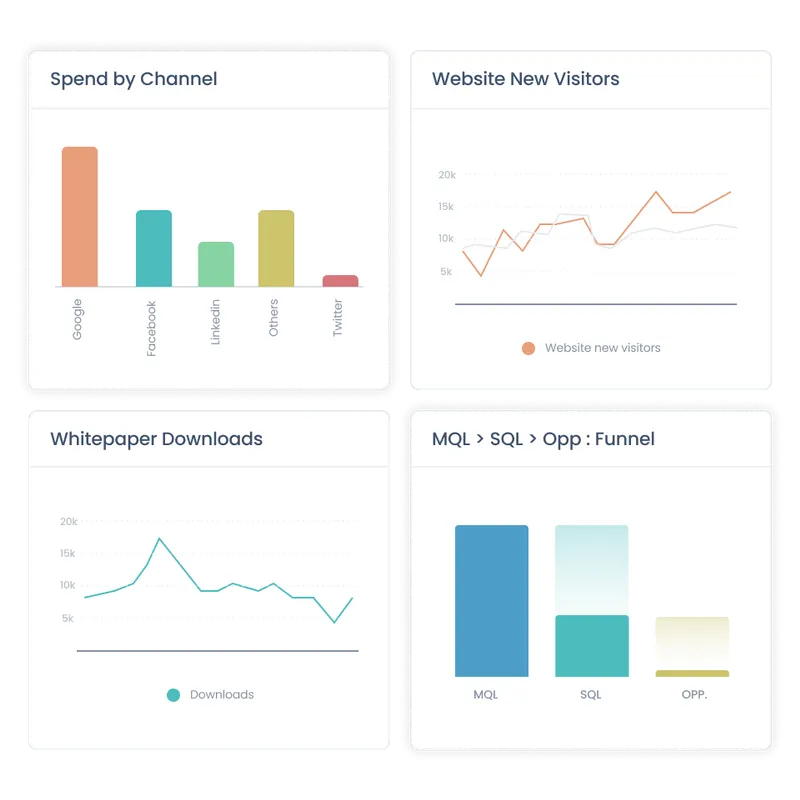
#2 Multi-touch attribution
Attribution analysis is at the core of Dreamdata and Hockeystack. Unsurprisingly, both solutions do a good job of measuring performance across marketing activities and attributing each touchpoint back to revenue.
They can stitch and credit measurable touchpoints across channels, campaigns, website, and offline events (from CRM) based on their influence on pipeline. Using a range of multi-touch attribution models, marketing teams can quantify their impact on revenue from first-touch to deal won at an account level. Here are a few use-cases multi-touch attribution on Dreamdata and Hockeystack can solve for:
- Measuring ROAS across ad campaigns
- Attributing revenue back to marketing channels
- Tracking the impact of organic social and SEO efforts
- Learning which content and channels drive bottom-line metrics
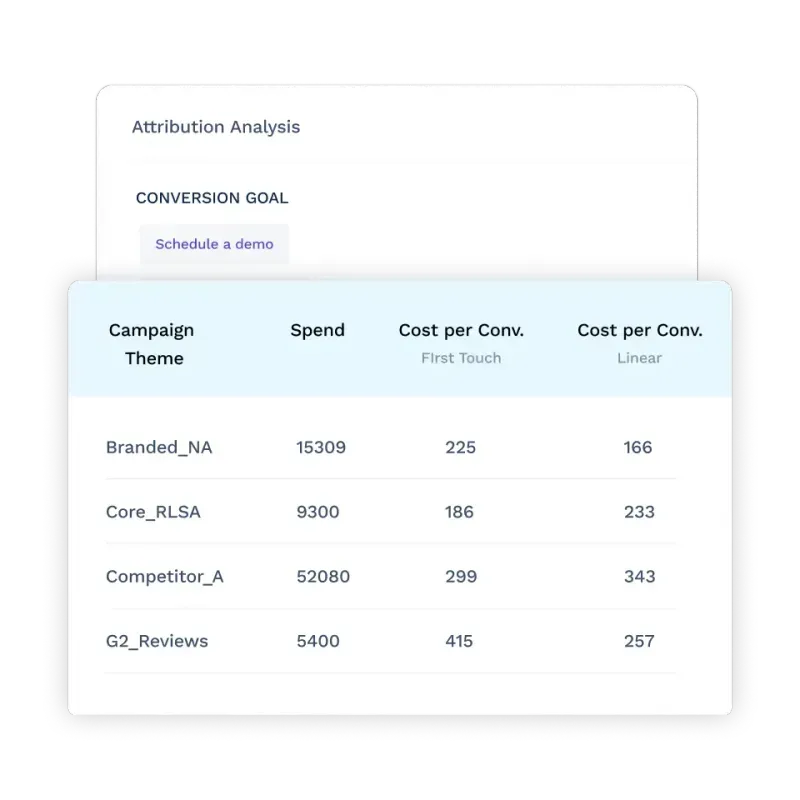
#3 Journeys
Journeys analytics is a relatively recent feature that’s not as common amongst other marketing analytics and attribution tools. That being said, both Dreamdata and HockeyStack offer variants of journey analytics.
In short, journey analytics helps teams visualize complex, non-linear customer journeys by mapping each stakeholder’s touch-points at an account level. Why is this helpful? It provides an intuitive timeline of profiles, behavior, and intent across each account within the pipeline. This information may in turn be used to personalize further marketing efforts, optimize retargeting campaigns, customize sales pitches, and identify buying patterns.
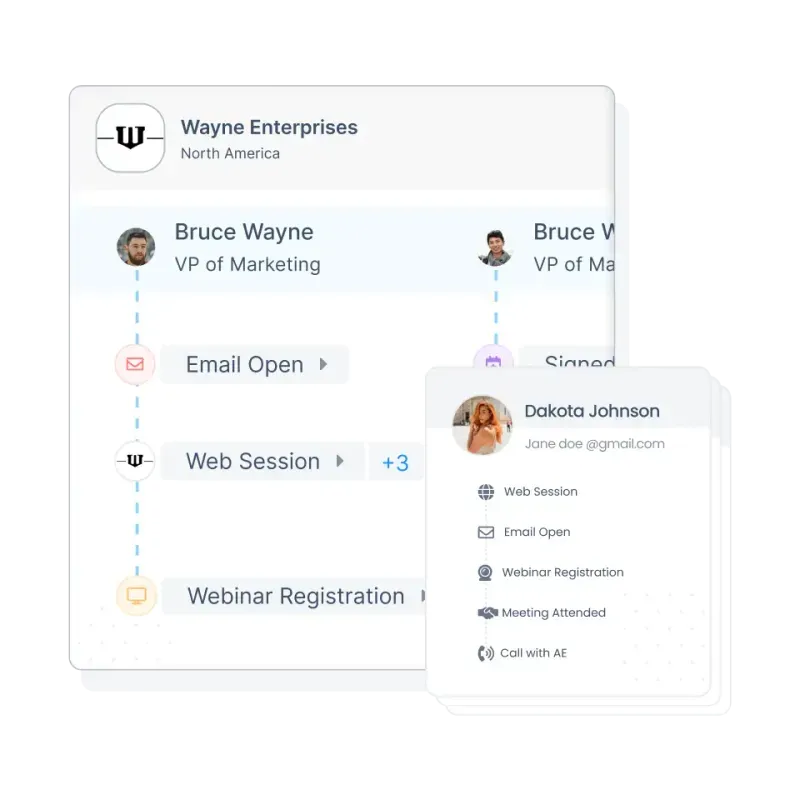
HockeyStack and Dreamdata work well for all three features covered above. Still, both tools have their own strengths and limitations. The following section highlights stand-out reasons why users may prefer one over the other.
{{INLINE_BOFU}}
What Dreamdata Does Better
1. Out-of-the-box Integrations
Dreamdata offers a wider range of out-of-the-box integrations as compared to HockeyStack. While both solutions provide integrations with the most popular ad platforms, CRMs, MAPs, and CDPs, Dreamdata goes the extra mile to cater to relatively niche platforms and data warehouses as well.
Key integrations supported by Dreamdata and HockeyStack*: HubSpot, SalesForce, Google Ads, Facebook Ads, Linkedin Ads, Marketo, Pardot, Intercom, Segment
Key integrations supported by Dreamdata but not HockeyStack*: Zoho, G2, Zapier, Outreach, AdRoll, Google Data Studio, BigQuery
*based on HockeyStack website
Pro Tip: Note that in case Dreamdata and HockeyStack doesn’t support an integration for a specific platform, both tools offer custom integrations as per demand.
2. Detailed & Granular Reporting
Although this isn’t necessarily a drawback with HockeyStack, users have complained about its lack of granularity. Reviews compare HockeyStack’s reporting capabilities to that of Google Analytics (GA4) — decent, but not detailed enough. Given that Dreamdata is a relatively mature product, their reporting capabilities provide deeper insights across conversion rates, customer lifetime value, and revenue attribution, and more.

3. Customer Success
B2B analytics and attributions platforms are complex. While tools are becoming increasingly intuitive, it’s important for non-technical users to have easy access to timely, effective CSM. Fortunately, Dreamdata seems to support robust customer success servicing. This is especially valuable since Dreamdata’s implementation is reportedly an involved process.

4. Templatized Reporting + UI
This is a double edged sword. Dreamdata delivers a structured, non-customizable dashboard and event framework that offers little room for flexibility. Dashboards are broadly grouped into the following categories: Engagement, Content, Performance, Journeys and Revenue.
On one hand, this may be beneficial to smaller SaaS teams with limited technical resources as it’s likely to cater to most of their analytics and reporting needs.
However, as the business starts to scale, its requirements may include custom dashboards and events that are company-specific. At this point, Dreamdata’s templatized reporting may be a drawback.
Although reviews suggest that Dreamdata involves a steep learning curve, it’s fair to assume that its UI is a step ahead of HockeyStack. HockeyStack is a relatively younger product and users tend to find the platform a little rough around the edges. That being said, reviews also suggest that they’re showing quick improvement. It’s likely only a matter of time before both platforms are on par with each other.

What HockeyStack Does Better
1. Implementation
HockeyStack makes strong claims about its rapid implementation process, suggesting that users can onboard and get started in a matter of minutes. This is in stark contrast to Dreamdata, which, as a more sophisticated tool, requires an involved, drawn-out implementation process. HockeyStack’s intuitive onboarding is a big advantage to smaller teams that don’t have the resources for dedicated onboarding or maintenance support.

2. Custom Dashboards
Dreamdata’s platform focuses on solving the most common SaaS use-cases. As a result, the platform tends to be relatively less flexible. HockeyStack, on the other hand, promotes far more customizations across events, reports, dashboards, and visualizations. HockeyStack provides the option of preconfigured templates, but lets users build reports from scratch as well. While granularity may be lacking when compared to Dreamdata, this ability for flexible dashboarding may be helpful for teams looking for tailor-made, high-level reports.

3. Funnels, Surveys & Impression Tracking
Along with the key analytics and attribution features discussed, HockeyStack provides a few features that Dreamdata doesn't.
The most valuable of these features is probably Funnels. Funnels is a powerful analytics technique that helps users graphically visualize different stages of the sales cycle. These stages can be configured by users to, for example, see how website visitors are progressing from the home page, to the pricing page, and to a blog before scheduling a demo.
Surveys is another feature that, as the name suggests, allows users to create surveys for self attribution. Finally, Linkedin Impression Tracking is another nifty feature that enables users to identify companies viewing Linkedin campaigns.
Dreamdata vs. HockeyStack: Pricing
[December 2023 Update]: Both HockeyStack and Dreamdata have revised pricing since this article was published. While HockeyStack have increased their starting price, Dreamdata have decreased theirs. Here's an updated rundown of pricing:
- Dreamdata pricing now starts at $599/mo for up to 30,000 MTUs
- HockeyStack pricing now starts at $1399/mo for up to 10,000 monthly visitors


[Pricing as of February 2023]
- Dreamdata’s paid plans start at $999/month for 10 seats and up to 10,000 MTUs
- HockeyStack’s paid plans start at $949/month for 10 seats and up to 10,000 monthly visitors
- HockeyStack offers a 14-day free trial
- Dreamdata offers a free web analytics tool as an alternative to Google Analytics
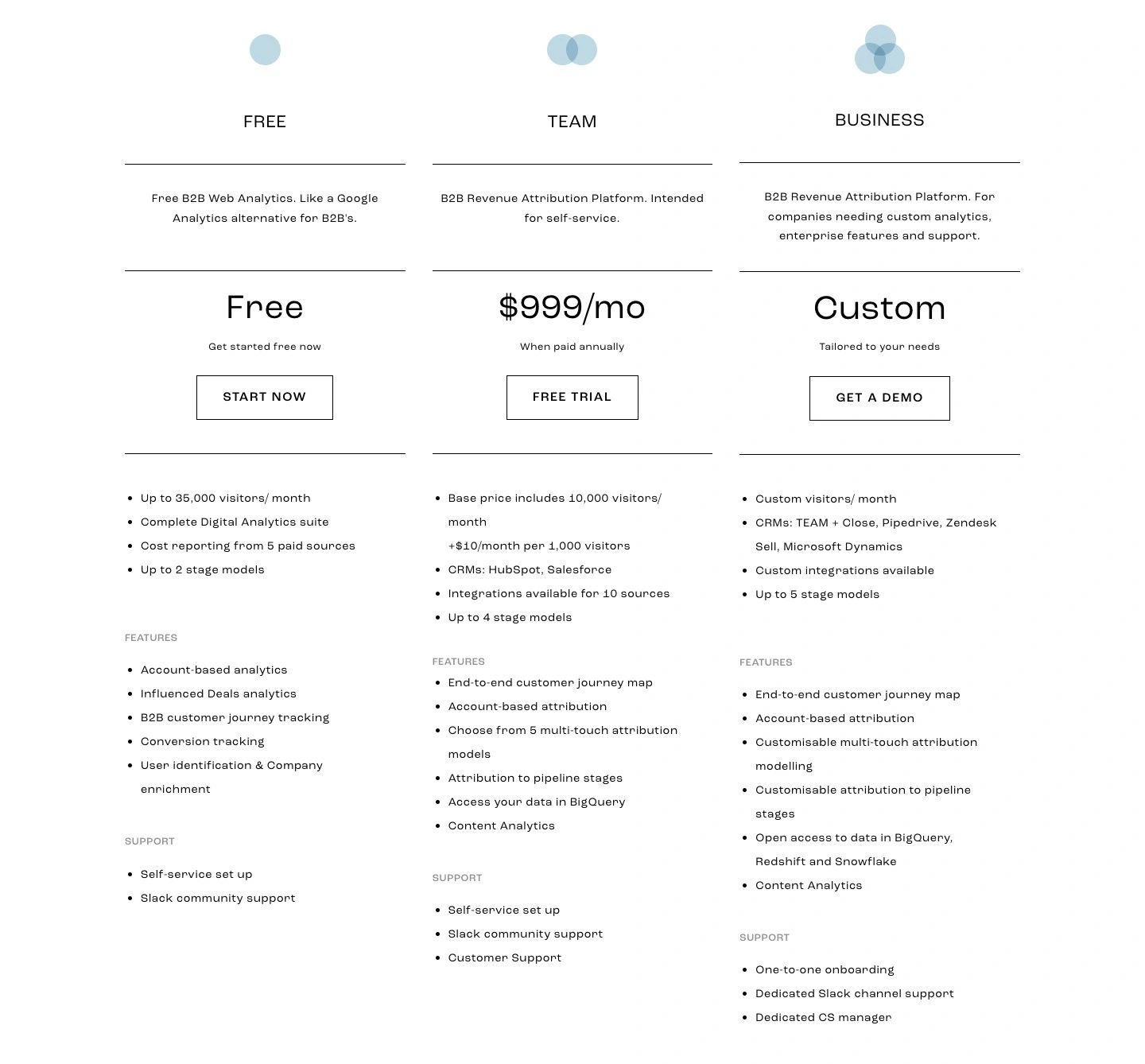
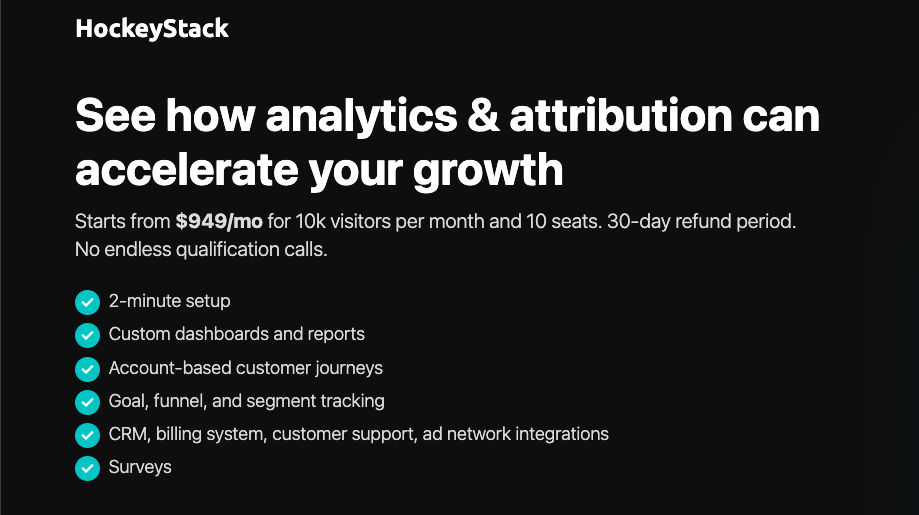
Still On The Fence About What B2B Attribution Tool To Go With?
And there you have it. A breakdown of Dreamdata and HockeyStack, and the reasons why one could be a better fit for you over the other. Still On The Fence About What B2B Attribution Tool To Go With? Here are a few reasons why you might want to consider Factors as well:
- Rapid, no-code integrations across ad platforms, CRM, MAP, and more
- Granular, end-to-end analytics, attribution, and journeys across ad campaigns, website content, offline events, organic content, and more
- Fully customizable events, properties, dimensions, and dashboard
- Dedicated customer success management
- Funnels, path analysis and website tracking
And…
- Website visitor identification
- AI-fueled conversion insights
- Real-time Slack alerts
- Cost-effective analytics pricing plans starting at $399/month
Dreamdata vs. HockeyStack – both are powerful B2B marketing attribution platforms, but they cater to different needs:
- Dreamdata is known for its advanced multi-touch attribution and deep third-party integrations, making it ideal for larger teams navigating long, complex sales cycles. However, it comes with a steeper learning curve, longer setup time, and limited dashboard customization.
- HockeyStack, on the other hand, is built for speed and flexibility. It offers quick implementation, highly customizable dashboards, funnel visualization, and even cookieless tracking, making it perfect for agile marketing teams needing fast, actionable insights.
Pricing Snapshot:
- Dreamdata: Starts at $999/month.
- HockeyStack: Offers a free tier, with paid plans starting at $99/month.
Enter Factors.ai – a game-changing platform that merges the best of both worlds. It combines multi-touch attribution, account intelligence, and workflow automation into a seamless experience. With Factors.ai, marketing teams can gain comprehensive insights, streamline operations, and drive revenue-focused decision-making with ease.
.avif)
Leverage Engagement Scoring To Drive B2B Marketing Performance
Traditional metrics like sourcing and influence have limits, leaving a gap in understanding marketing performance. Engagement scoring is a game changer
Traditional metrics such as sourcing and influence metrics, while valuable, have their limitations, often leaving a gap in understanding accurate marketing performance.
This is where engagement scoring emerges as a game changer.
Engagement Scoring Unveiled
Engagement scoring is the systematic process of assessing and quantifying customer interactions with your brand. Engagement scoring goes beyond merely counting clicks or page views; it delves deep into the quality, timing, and relevance of these actions. These interactions encompass a broad spectrum, from ad views, web sessions, content downloads, email engagement, social media activity, event attendance, and more.
The Growing Significance of Engagement
The days of bombarding potential customers with generic messaging are long gone. In an era where buyers have a plethora of options and information at their fingertips, understanding their preferences, intent, and fitment is indispensable. Engagement scoring becomes the compass that guides you through this complex landscape.
Filling in the Gaps Left by Sourcing and Influence Metrics
Sourcing metrics primarily focus on quantifying the revenue that marketing has directly sourced. For example, sourcing metrics, such as win rates, deal sizes, and revenue lift, do not tell you anything about the lead's level of interest or intent.
Influence metrics, on the other hand, aim to measure the impact of marketing on the decision-making process of potential clients. Influence metrics, such as social media following and website traffic, can give you some indication of a lead's influence, but they do not tell you how engaged they are with your product or service.
These traditional metrics are often rooted in a binary understanding sourced or not sourced, influenced or not influenced.
Engagement scoring steps in to offer a more nuanced perspective. It recognizes that the buyer's journey is not linear but a complex web of interactions and engagements. Every click, download, or event attendance provides a piece of the puzzle. Instead of classifying potential clients into rigid categories, engagement scoring paints a dynamic picture that captures their level of interest, the stage in their decision-making process, and their responsiveness to marketing efforts. Moreover, engagement scoring can enhance your ability to focus marketing efforts on prospects who are most likely to convert, ultimately boosting conversion rates and ROI.
{{INLINE_TOFU}}
The Significance of Engagement in B2B Marketing
Picture the modern-day B2B business as a bustling marketplace. The traditional approach to B2B marketing can be likened to standing in this marketplace, megaphone in hand, and shouting generic messages to anyone who will listen. In the past, such an approach might have yielded some results, but the dynamics of B2B marketing have undergone a profound transformation.
Engagement scoring is the need of the hour, especially because it places buyers at the forefront of the strategy.
The Evolution of Buyer Behavior
Buyer behavior is no longer a linear journey. Gone are the days when prospects would embark on a clear, predictable path from awareness to consideration and finally, decision. Instead, today's B2B buyers navigate a labyrinth of choices, resources, and options. It's akin to a journey through a maze, where every turn presents new choices, challenges, and opportunities.

Buyers in the B2B space research extensively, gathering information from various sources, and often remain anonymous for longer periods. They interact with your brand, your competitors, and a lot of content across different platforms. In this convoluted landscape, their level of engagement with your brand becomes insightful.
The Power of Engagement in Driving Revenue Growth
By now, we understand that engagement isn't just a buzzword; it's an important strategy that determines marketing success. Engaged prospects and customers are those who have shown genuine interest in your offerings, interacted with your content, and actively participated in your marketing initiatives. They are the ones who click through your emails, download your resources, attend your webinars, and seek out your solutions.
But why does this matter?
Engaged prospects are more than just passive observers; they are active participants in their buying journey. They have moved beyond the initial stages of awareness and consideration and are now evaluating their options, inching closer to the decision phase. This readiness to engage signifies their receptiveness to your brand's messaging and an increased likelihood of conversion.
The Basics of Engagement Scoring
Now that we've established the role of engagement in B2B marketing, let’s dive into the mechanics of engagement scoring. This fundamental concept acts as the compass guiding your efforts in nurturing prospects and driving revenue growth.
At its core, engagement scoring is a method of assigning values to various interactions prospects and customers have with your brand. These values reflect the depth and significance of each engagement. By systematically calculating these scores, you gain insight into where a prospect stands in their journey and how to tailor your marketing strategies accordingly.
The Components of Engagement Scoring
- Interaction Tracking
Every action a prospect takes, from opening an email to downloading a resource, attending a webinar, or visiting your website, is considered an interaction. Each interaction carries its weight in the scoring system, with some being more indicative of intent and engagement than others.
- Scoring Rules
Your engagement scoring system is governed by a set of predefined rules. These rules dictate how many points are assigned to each type of interaction. For instance, opening an email might earn a prospect a few points, while attending a live product demonstration could carry a much higher score.
- Engagement Tiers
Engagement scoring often employs a tiered structure. Prospects start in the lower tiers, and as they accumulate more points, they progress upward. Each tier corresponds to a certain level of engagement and readiness to make a purchase.
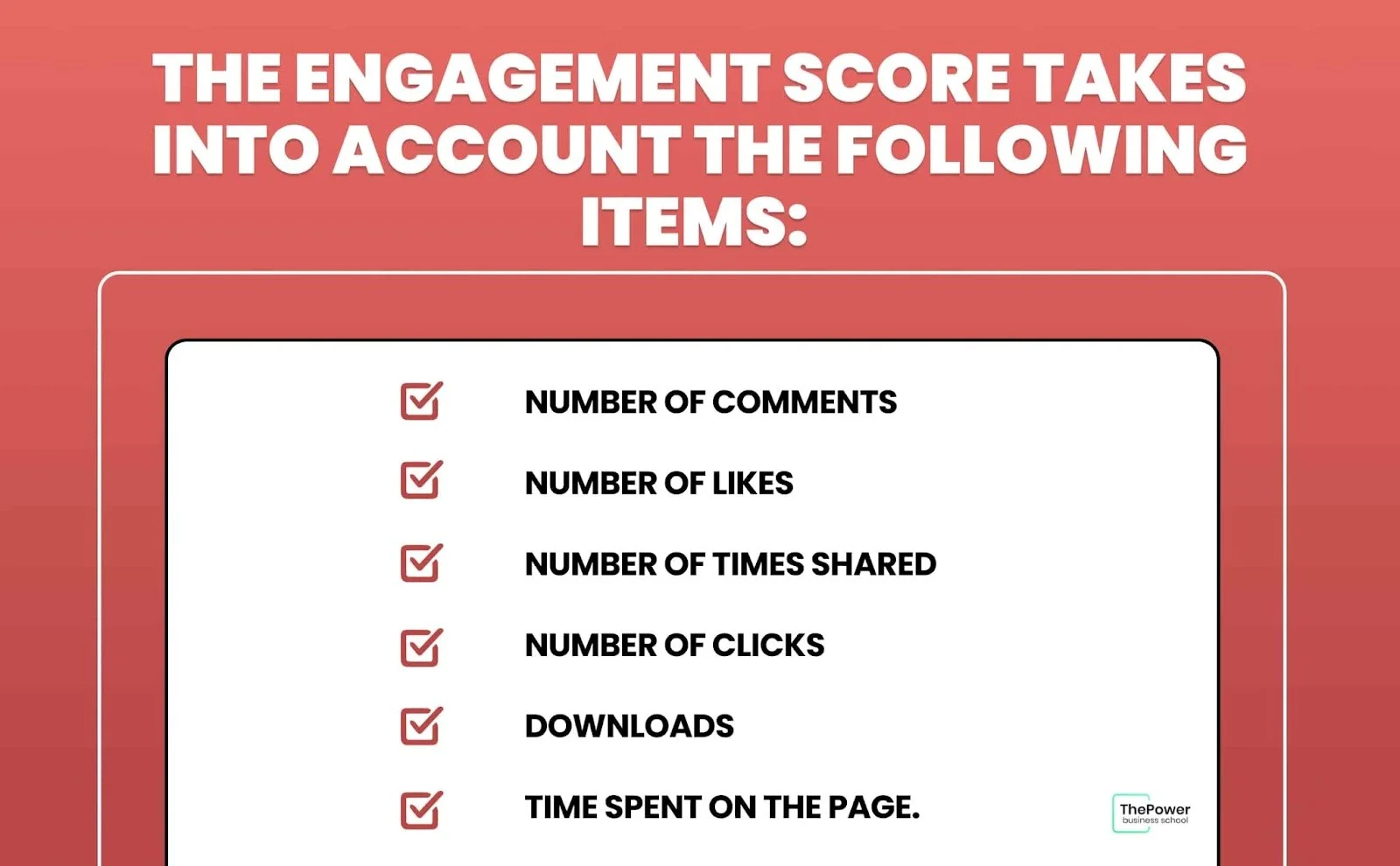
Types of Engagement Metrics in Scoring
- Explicit Engagement Metrics
These metrics are based on direct actions taken by prospects. Examples include downloading a whitepaper, signing up for a newsletter, or requesting a demo. These actions indicate a clear interest in your offerings and are typically assigned higher scores.
- Implicit Engagement Metrics
These metrics gauge engagement without prospects taking direct actions. Metrics like email open rates, website visits, or social media interactions are implicit signals that suggest prospects are interested in your content and brand.
- Behavior-Based Metrics
Behavior-based metrics are more advanced and analyze the patterns and sequences of interactions. For example, if a prospect follows a specific sequence of webinars and downloads, it can signal a deeper level of engagement and intent.
Setting Up an Effective Engagement Scoring System
To harness the potential of engagement scoring, consider these best practices
1. Alignment with Buyer Journey
Tailor your engagement scoring system to align with your buyer's journey. Assign higher scores to interactions that typically indicate prospects are advancing through the stages of awareness, consideration, and decision-making.
2. Regular Review and Adjustment
Your scoring system isn't set in stone. Regularly review the rules and criteria. As prospect behavior evolves, ensure your scoring system evolves with it.
3. Collaboration Across Teams
Collaboration between your marketing and sales teams is crucial. Your sales team's insights can help fine-tune your scoring system to ensure it accurately reflects the prospects' readiness for a sales conversation.
4. Scoring Automation
Implement automation tools to streamline the scoring process. Many marketing automation platforms offer built-in engagement scoring capabilities that can simplify the task.
5. Progressive Profiling
Use progressive profiling to gather additional information about prospects as they engage more deeply. This enables more accurate scoring and customization of your nurturing strategies.
6. Data Privacy and Compliance
Be mindful of data privacy regulations when collecting and using prospect data for scoring. Ensure compliance with relevant laws and regulations.
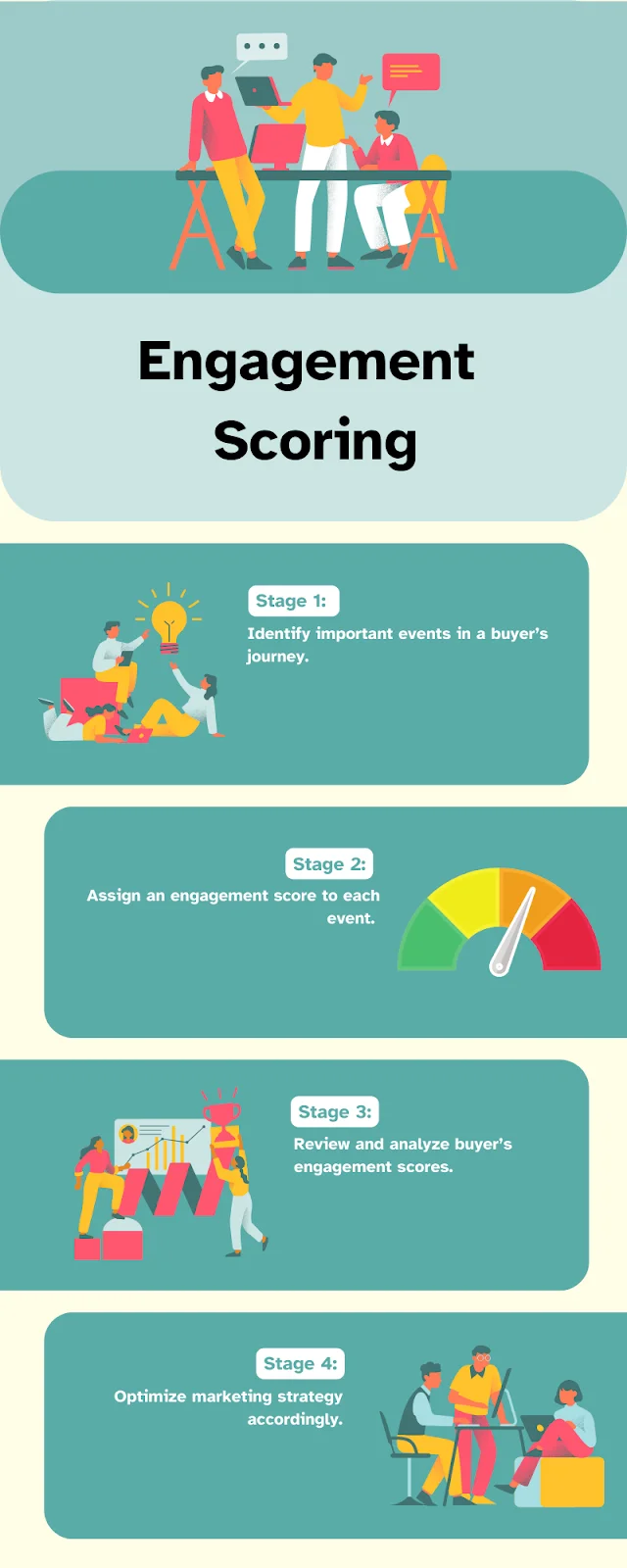
Understanding the basics of engagement scoring is the first step in unlocking its potential. In the next part of this series, we'll explore advanced strategies and real-life examples of how engagement scoring can be a game changer in B2B marketing.
Let’s Understand with a Case Study Uni
Uni is a B2B SaaS company that provides a platform for businesses to manage their sales and collections pipeline. They were facing a challenge in identifying and prioritizing high-intent leads. They were using a traditional lead scoring model based on demographic data and website visits, but this was not giving them accurate results.
Uni decided to implement an engagement scoring model. They used a variety of data points to calculate their engagement score, including
- Number of page views
- Time spent on the website
- Number of downloads
- Free trial signups
- Email opens and clicks
- Product usage
Uni then used its engagement score to segment its leads and prioritize its sales efforts. They focused on reaching out to high-engagement leads first, and they offered them personalized outreach based on their interests and stage in the sales funnel.
As a result of implementing engagement scoring, Uni saw a 4X increase in customers and a significant increase in sales efficiency.
The Game-Changing Potential of Engagement Scoring
In the previous sections, we’ve understood the transformative power of engagement scoring in B2B marketing, we've covered the importance of engagement, its significance, and the core components of scoring. Now, let's explore how engagement scoring can truly revolutionize your marketing strategies and elevate your campaigns to new heights.
A Shift from Traditional Metrics
Engagement scoring represents a paradigm shift in the way we measure the effectiveness of marketing efforts. Traditional metrics like click-through rates, open rates, or the number of leads generated provide limited insights into prospect intent and readiness for a sales conversation. Engagement scoring, on the other hand, allows you to delve deeper into each prospect's journey and quantify their level of interest.
Benefits of Lead Prioritization
One of the game-changing aspects of engagement scoring is its ability to prioritize leads effectively. No longer will your sales team waste time chasing cold leads or prospects who are not yet ready to make a purchasing decision. With a well-structured scoring system, your sales team can focus their efforts on prospects who have demonstrated high levels of engagement and are more likely to convert.
Segmentation for Personalization
Effective engagement scoring enables advanced segmentation. By categorizing your prospects based on their scores, you can tailor your content and message to each group. For instance, highly engaged prospects can receive content that delves into the finer details of your offerings, while those in the early stages of engagement might receive introductory material. This level of personalization enhances the overall customer experience and drives better results.
Enhanced Content Targeting
Engagement scoring also amplifies your content-targeting efforts. You can precisely target prospects based on their scores, ensuring that they receive content that resonates with their level of interest and position in the buyer's journey. As prospects move up the engagement tiers, they receive increasingly relevant content, nurturing them towards a buying decision.
Conversion Rate Optimization
Scoring allows for more accurate lead nurturing and follow-up strategies. You can determine the most appropriate moment to transition a prospect from marketing to sales. By doing so, you increase the chances of converting high-scoring leads into paying customers, ultimately optimizing your conversion rates.
Real-Life Benefits of Engagement Scoring
To illustrate the real-life benefits of engagement scoring, consider the example of Company X, a B2B software provider. Company X implemented an engagement scoring system that factored in various interactions, from email opens to webinar attendance and document downloads. By prioritizing highly engaged leads, the sales team saw a significant increase in conversion rates. They were now speaking to prospects who were not only aware of the product but had also shown genuine interest. The result? A boost in revenue and shortened sales cycles.
In this age of data-driven marketing, engagement scoring stands out as a game changer, offering unparalleled insights into prospect behavior and intent. As we continue our exploration of engagement scoring in the next part of this series, we'll delve into advanced strategies for implementation and share more success stories from the B2B marketing landscape. Stay tuned for more insights on how engagement scoring can redefine your marketing efforts.
Implementing Engagement Scoring A Strategic Approach
Now that we've established the potential of engagement scoring to revolutionize your B2B marketing, it's time to roll up our sleeves and discuss how you can successfully implement this game-changing tool. In this section, we'll provide you with actionable strategies, recommendations, and tips for a smooth integration of engagement scoring into your marketing strategy.
1. Define Your Objectives and Goals
The first step in implementing engagement scoring is to clearly define your objectives. What do you aim to achieve with this system? Are you primarily looking to prioritize leads for the sales team, or do you want to improve personalization and content targeting? By setting specific goals, you can tailor your engagement scoring system to meet your unique needs effectively.
2. Choose the Right Engagement Metrics
Selecting the right engagement metrics is a critical step in implementing scoring effectively. While the choice of metrics depends on your specific business and goals, some metrics commonly used in engagement scoring include
- Email Interactions
Metrics as email opens, click-through rates, and response rates provide insights into a prospect's interest and responsiveness to your messages.
- Web Behavior
Monitor website visits, page views, and time spent on your site. Analyze which pages or content attract the most attention.
- Content Engagement
Track the consumption of your content, such as whitepapers, ebooks, and case studies. Determine which assets resonate most with your audience.
- Social Media Engagement
Evaluate interactions on your social media profiles, such as likes, shares, and comments. These actions indicate engagement with your brand.
- Event Participation
Measure engagement with webinars, seminars, and events. Attendance and participation reflect a prospect's willingness to invest time in your offerings.
3. Define Scoring Criteria
Once you've identified your goals and metrics, it's time to create a scoring system. Establish clear criteria for assigning scores to various interactions. Define how points will be awarded for each action and determine the threshold at which a lead is considered highly engaged. This step requires collaboration between your marketing and sales teams to ensure alignment on lead qualification.
4. Leverage Automation Tools
Effective engagement scoring often involves the processing of a large volume of data. To manage this efficiently, leverage marketing automation and customer relationship management (CRM) tools. These technologies can automate the tracking of prospect interactions and calculate scores in real time. Automation tools such as those we have at Factors, also allow for seamless integration with your sales team's workflow.
5. Monitor and Adjust
Engagement scoring is not a one-and-done process. It requires continuous monitoring and adjustment. Regularly review your scoring criteria and metrics to ensure they remain aligned with your goals and reflect the changing behavior of your prospects. The flexibility to make real-time adjustments is one of the advantages of an automated scoring system.
Overcoming Common Challenges
As with any new strategy, engagement scoring may present challenges. Here's how to address some common ones
- Data Accuracy
Ensure data accuracy by regularly cleaning your contact database. Implement data validation tools to minimize errors.
- Scalability
As your marketing efforts grow, you'll need to scale your engagement scoring system. Regularly review and update your scoring model to accommodate new metrics and actions.
- Sales Alignment
Collaboration between marketing and sales is crucial. Hold regular meetings to align strategies and ensure a smooth lead handover process.
- Data Privacy Compliance
Be aware of data privacy regulations like GDPR or CCPA. Ensure that your engagement scoring practices are compliant.
- Scoring Model Complexity
Keep your scoring model simple and easy to understand. Complex models may confuse teams and hinder adoption.
Implementing engagement scoring successfully requires a well-defined strategy, the right metrics, and a commitment to overcoming challenges. By aligning your efforts with your business objectives and prospect behaviors, you can harness the full game-changing potential of engagement scoring in B2B marketing.
Unlocking Business Potential with Engagement Scoring
Prioritization and Personalization
One of the central benefits of engagement scoring is its role in lead prioritization. No longer do you need to guess which leads are most likely to convert; the data guides your decision-making process. This results in more effective lead nurturing and a streamlined handover to the sales team. Additionally, engagement scoring enables the personalization of content and messaging, enhancing the prospect's experience and boosting your chances of success.
Embracing the Change
Now, more than ever, marketing professionals, CMOs, and CXOs need to adapt and innovate. The dynamic B2B marketing landscape demands a shift towards more data-driven, personalized, and effective strategies. Engagement scoring is not just a tool; it's a mindset that can set your marketing efforts apart.
Explore and Implement
All in all, the future of B2B marketing is about understanding your audience on a deeper level, using data to drive strategies, and elevating your marketing game. Engagement scoring is your key to unlocking this potential. By doing so, you'll not only stay ahead of the competition but also lead the way in this ever-evolving marketing landscape. It's time to redefine your marketing playbook and harness the game-changing power of engagement scoring.
Onward to a brighter, more engaging future!
Engagement Scoring: Measuring Interest & Intent
Engagement scoring quantifies customer interactions to assess their interest and intent, going beyond traditional sourcing and influence metrics.
Why Engagement Scoring Matters
- Identifies High-Intent Prospects: Prioritizes leads based on meaningful interactions.
- Enhances Personalization: Tailors marketing strategies to audience behavior.
- Boosts Conversions: Focuses efforts on engaged prospects for better results.
Key Engagement Indicators
- Ad Views & Web Sessions: Tracks initial brand interest.
- Content Downloads: Measures deeper engagement.
- Email Interaction: Assesses communication effectiveness.
- Event Attendance: Signals strong brand interest.
By leveraging engagement scoring, businesses can optimize marketing performance, allocate resources efficiently, and drive higher ROI.
Dummies Guide to Google Ads Management In 2026
Learn Google Ads management with our comprehensive guide for beginners. From setting up campaigns to optimizing ads for maximum ROI, this tutorial simplifies Google Ads for everyone.
Whether you are a seasoned marketer or a small business owner dipping your toes into digital advertising, understanding how to utilize Google Ads Management effectively can transform your marketing efforts and drive substantial growth.
This guide aims to provide a thorough understanding of Google Ads, from the basics to advanced strategies, ensuring you have the knowledge to create, manage, and optimize your campaigns effectively.
Did you know?
In 2020, Alphabet generated almost $183 billion in revenue. Of that, $147 billion — over 80% — came from Google's ads business, according to the company's 2020 annual report.
What are Google Ads?
Google Ads, formerly known as Google AdWords, is Google's online advertising platform that allows businesses to create ads that appear on Google's search engine and other Google properties. It operates on a pay-per-click (PPC) model, meaning you pay each time someone clicks on your ad. This model ensures you only pay for site visits, making it a cost-effective way to drive traffic.

Source: https://en.wikipedia.org/wiki/Google_Ads
Here’s how Google Ads Management works
Google Ads Management works through an auction system where advertisers bid on keywords. These keywords trigger their ads to appear in Google's search results or on Google's network sites. The ads' positions are determined by the bid amount and the ad's quality score based on the ad's relevance, the expected click-through rate (CTR), and the landing page experience. This system ensures that users see relevant ads, and advertisers get a fair chance to reach their audience.
Types of Google Ads
Google Ads Management has several types of ad campaigns, each designed to meet specific marketing goals:
- Search Ads:
Text ads appear on Google's search engine results pages (SERPs) when users search for specific keywords.
- Display Ads:
Visual ads appear on websites within Google's Display Network, which includes millions of websites and apps.
- Video Ads:
Ads that appear on YouTube and across Google's video partner sites.
- Shopping Ads:
Ads that showcase products and appear in Google Shopping and search results.
- App Ads:
Ads promoting app installs and engagement appear across Google Search, Play Store, YouTube, and the Display Network.
{{INLINE_TOFU}}
Setting Up Your Google Ads Management Account
- Creating a Google Ads ManagementAccount
To get started with Google Ads, you need to create an account. Visit the Google Ads homepage and sign up using your Google account. You will be guided through a step-by-step process to set up your account, including selecting your advertising goals, such as driving website traffic, increasing sales, or generating leads.
- Setting Up Billing Information
After creating your account, you need to set up your billing information. Google Ads offers several payment options, including credit/debit cards, bank transfers, and PayPal. Choose the method that suits your business, and ensure your billing details are accurate to avoid any disruptions in your campaigns.
- Navigating the Google Ads Management Dashboard
The Google Ads Management dashboard is your central hub for managing your campaigns. It can be overwhelming initially, but familiarizing yourself with the key sections will help. The dashboard includes tabs for campaigns, ad groups, ads, keywords, and more. You can customize the dashboard to display the metrics and reports that are most relevant to your goals.
Keyword Research
Keywords are the foundation of any successful Google Ads Management campaign. Conducting thorough keyword research helps you understand what terms your potential customers are searching for and allows you to target those searches with your ads. Effective keyword research ensures that your ads reach the right audience, improving the likelihood of conversions.
Several tools can assist with keyword research:
- Google Keyword Planner: This free tool from Google provides insights into keyword search volume, competition, and potential cost per click.
- SEMrush: A comprehensive SEO tool that offers in-depth keyword analysis, competitor research, and more.
- Ahrefs: Known for its robust backlink analysis, Ahrefs also provides powerful keyword research tools.
When selecting keywords, consider relevance, search volume, and competition. Focus on long-tail keywords, which are more specific and less competitive, making it easier to achieve higher rankings. Additionally, use negative keywords to exclude terms that are irrelevant to your business, ensuring that your ads are shown only to your target audience.
Creating Your First Campaign
Types of Campaigns
The first thing to do is understand the various campaigns that are there. Google Ads Management offers various campaign types to suit different marketing objectives:
- Search Campaigns: Ideal for businesses looking to capture intent-driven traffic from users actively searching for their products or services.
- Display Campaigns: Perfect for building brand awareness by displaying visual ads across Google's vast network.
- Video Campaigns: Effective for engaging users with compelling video content on YouTube and partner sites.
- Shopping Campaigns: Designed for e-commerce businesses to showcase products directly in the search results.
- App Campaigns: Tailored to promote mobile apps across multiple platforms.
Setting Campaign Goals
Before creating your campaign, define clear objectives. Are you aiming to drive website traffic, generate leads, increase sales, or boost brand awareness? Your campaign goals will guide your strategy, budget allocation, and performance metrics.
Budgeting and Bidding Strategies
Determine your budget based on your overall marketing strategy and financial capacity. Google Ads Management allows you to set daily budgets and adjust them as needed. Choose a bidding strategy that aligns with your goals:
- Manual CPC (Cost-Per-Click): You set the maximum amount you will pay per click.
- Automated Bidding: Google adjusts your bids to achieve the best results based on your goals (e.g., maximizing clicks, conversions, or impression share).
Writing Effective Ad Copy
Elements of a Good Ad
A successful ad comprises several key elements:
- Headline: Catchy and relevant, capturing the user's attention.
- Description: Clear and concise, highlighting the benefits and features of your product or service.
- URL: Display a user-friendly URL that indicates where the user will land.
Tips for Writing Compelling Ad Copy
Crafting compelling ad copy requires understanding your audience's needs and pain points. Use action-oriented language, incorporate keywords naturally, and emphasize unique selling propositions (USPs). Ensure your ad copy is aligned with your landing page content to maintain consistency and relevance.
A/B Testing Your Ads
A/B testing involves creating multiple versions of your ads to see which performs better. Test different headlines, descriptions, and calls-to-action (CTAs). Analyze the results and refine your ad copy based on performance metrics to continually optimize your campaigns.
Setting Up Ad Extensions
What Are Ad Extensions?
Ad extensions are additional information that expand your ad, providing more value to users. They can improve your ad's visibility, CTR, and overall performance.
Types of Ad Extensions
Google Ads Management offers various ad extensions, including:
- Sitelink Extensions: Links to specific pages on your website.
- Callout Extensions: Highlight additional features or offers.
- Structured Snippets: Provide specific information about your products or services.
- Call Extensions: Include a phone number for direct contact.
- Location Extensions: Show your business address and link to Google Maps.
How to Implement Ad Extensions in Your Campaigns
To add ad extensions, navigate to the "Ads & extensions" tab in your Google Ads Management dashboard and select "Extensions." Choose the type of extension you want to add and fill in the required details. Ad extensions are a simple way to enhance your ads and provide more information to potential customers.
Targeting Your Audience
Importance of Audience Targeting
Precise audience targeting ensures that your ads reach the right people at the right time, maximizing the effectiveness of your campaigns. It helps you focus your budget on users more likely to convert, improving your return on investment (ROI).
Types of Audience Targeting
Google Ads Management offers several targeting options:
- Demographic Targeting: Target users based on age, gender, parental status, and household income.
- Geographic Targeting: Focus on specific locations, such as countries, cities, or a radius around a particular area.
- Device Targeting: Target users based on their device (desktop, mobile, tablet).
Setting Up Audience Targeting in Google Ads
To set up audience targeting, go to the "Audiences" section on your Google Ads Management Dashboard. Select the campaign you want to edit and choose the relevant targeting options. You can create custom audiences or use Google's predefined audience segments based on interests, behaviors, and past interactions.
Monitoring and Optimizing Your Campaigns
Tracking Performance Metrics
Monitoring your campaign performance is crucial for identifying areas of improvement and ensuring your ads are achieving your goals. Key metrics to track include:
- Click-Through Rate (CTR): The percentage of users who clicked on your ad after seeing it.
- Cost-Per-Click (CPC): The average cost you pay for each click on your ad.
- Conversion Rate: The percentage of users who completed a desired action (e.g., purchase, sign-up) after clicking on your ad.
Using Google Analytics with Google Ads
Integrating Google Analytics with Google Ads Management provides deeper insights into user behavior on your website. Link your Google Ads Management account to Google Analytics to track conversions, analyze user paths, and measure the effectiveness of your campaigns. This integration helps you make data-driven decisions to optimize your ads and improve performance. On average, businesses make $2 in revenue for every $1 they spend on Google Ads, showcasing the platform's effectiveness in generating returns on investment.
Tips for Optimizing Your Campaigns
To maximize your campaign's success, consider the following optimization strategies:
- Regularly Review and Adjust Bids: Monitor your bidding strategies and adjust bids based on performance.
- Refine Keywords and Ad Copy: Continuously update and test your keywords and ad copy to ensure they remain relevant and practical.
- Optimize Landing Pages: Ensure your landing pages are aligned with your ads and provide a seamless user experience.
- Use Negative Keywords: Regularly update your negative keyword list to filter out irrelevant traffic.
- Test Different Ad Formats: Experiment with various ad formats and extensions to see which performs best.
- Leverage Ad Scheduling: Schedule your ads to show during peak times when your target audience is most active.
- Focus on Quality Score: Improve your ad relevance, CTR, and landing page experience to boost your quality score and lower your CPC.
Advanced Google Ads Management Strategies
Remarketing Campaigns
Remarketing involves targeting users who have previously interacted with your website or app. By showing tailored ads to these users, you can increase the chances of conversion as they are already familiar with your brand.
- Setting Up Remarketing: Create remarketing lists in Google Ads Management or Google Analytics, segmenting users based on their behavior (e.g., visited a product page, abandoned cart).
- Creating Remarketing Ads: Design personalized ads that address your remarketing lists' specific interests and behaviors.
- Monitoring and Optimizing: Track the performance of your remarketing campaigns and adjust your strategies based on the results.
Using Google Ads Management Scripts for Automation
Google Ads Management scripts allow you to automate various tasks, saving time and improving efficiency. Scripts can help with bid adjustments, reporting, and making changes across multiple accounts.
- Getting Started with Scripts: Access your Google Ads Management account's "Bulk Actions" section and choose "Scripts." You can use pre-built scripts or create custom ones based on your needs.
- Common Scripts: Utilize scripts for tasks such as pausing low-performing ads, adjusting bids based on performance, and generating custom reports.
- Testing and Implementing: Test your scripts in a sandbox environment before implementing them in your live campaigns to ensure they work correctly.
Leveraging Google Ads’ AI and Machine Learning Features
Google Ads Management offers several AI and machine learning features designed to enhance campaign performance:
- Smart Bidding: Automated bidding strategies that use machine learning to optimize for conversions or conversion value in every auction.
- Responsive Search Ads: Ads that dynamically adjust their headlines and descriptions based on user queries and performance data.
- Dynamic Search Ads: Ads that automatically generate ad headlines and landing pages based on the content of your website.
Common Mistakes to Avoid
Overlooking Negative Keywords
Negative keywords prevent your ads from showing for irrelevant searches, saving your budget for more valuable clicks. Regularly review and update your negative keyword list to exclude terms unrelated to your business.
Ignoring Mobile Optimization
With an increasing number of users accessing the internet via mobile devices, it's crucial to ensure your ads and landing pages are mobile-friendly. Optimize your ad formats, bidding strategies, and website design to provide a seamless mobile experience.
Poor Ad Copy and Landing Page Mismatch
Consistency between your ad copy and landing page content is essential for user satisfaction and high conversion rates. Ensure your ads deliver on their promises by directing users to relevant, high-quality landing pages.
Google Ads is a powerful platform for businesses to reach potential customers through targeted advertising.
1. Understanding Google Ads: Operates on a pay-per-click (PPC) model with ad placement based on bid amount and ad quality score.
2. Types of Ads: Includes Search Ads, Display Ads, Video Ads, Shopping Ads, and App Ads for varied campaign objectives.
3. Setting Up an Account: Create an account, set up billing, and navigate the dashboard to manage campaigns.
4. Campaign Creation: Define goals, select keywords, craft ad copy, and set budgets to launch campaigns.
5. Optimization: Monitor performance, adjust bids, refine keywords, and improve ad quality for better ROI.
Tools like Factors.ai can optimize efforts by providing insights into campaign performance and audience engagement.
In a nutshell
Google Ads Management is a versatile and powerful tool for businesses looking to enhance their online presence and drive targeted traffic. By understanding the platform's intricacies, from setting up your account to creating and optimizing campaigns, you can maximize your advertising efforts and achieve your marketing goals.
Continually experiment with different strategies, test new features, and refine your approach based on data and performance insights. Staying adaptable and innovative will help you stay ahead of the competition and achieve sustained success with Google Ads.
Factors.ai X Snitcher Partnership
Discover how the Snitcher and Factors.ai integration helps B2B teams identify up to 65% of anonymous website visitors, enrich firmographic data, and drive smarter sales and marketing decisions.
B2B teams invest heavily in driving website traffic, yet a large portion of that traffic remains anonymous, making it difficult to convert interest into pipeline. To help solve this, Factors.ai has partnered with Snitcher, a leading website visitor identification platform.
The result? A seamless, privacy-first integration that uncovers up to 65% of previously anonymous visitors, enabling more targeted outreach, sharper ABM, and measurable revenue impact.
By combining Snitcher’s real-time IP-based identification with Factors.ai’s advanced analytics and GTM activation capabilities, users can now go beyond just tracking traffic, they can understand and act on it.
Why Snitcher?
Snitcher stands out among website visitor identification solutions for several reasons:
- Higher match rates: Snitcher provides superior IP-to-company mapping accuracy with rich firmographic data.
- Minimal setup: No complicated implementation. Everything works out of the box within Factors.ai.
- Proven performance: One of the top-rated tools in its category on G2.
Factors integrates with Snitcher in two ways. First, through a built-in connection that lets you access Snitcher data directly within Factors, no separate Snitcher subscription needed. Second, if you already have a Snitcher account, you can connect it via API to bring your data into Factors seamlessly.
How It Works
Snitcher identifies companies visiting your website using IP intelligence, and Factors.ai enriches that data with behavioral analytics, attribution insights, and automation features. Together, they unlock several key capabilities:
1. Identify High-Intent Accounts
With Snitcher integrated, Factors.ai can now identify up to 65% of anonymous website traffic, far more than what traditional lead forms capture. This allows sales and marketing teams to understand which companies are showing interest, what pages they’re engaging with, and where they are in the buyer journey.
2. Access Rich Firmographic Data
Each identified account comes with detailed company-level attributes such as industry, employee count, and geography. Factors.ai overlays this with behavioral data, like time spent on pricing pages, engagement with content, or navigation patterns, making it easier to prioritize outreach and tailor messaging. You can also set up Slack or email alerts to notify your team when high-value accounts visit key sections of your site.
3. Track Complete Customer Journeys
Once a visitor is identified, Factors.ai generates a timeline of their journey, connecting web activity, campaign touchpoints, and CRM interactions. This provides a clear view of how accounts progress through the funnel, informing both marketing strategy and sales conversations.
Privacy-First by Design
It’s important to note: Factors.ai does not identify individual users, emails, or phone numbers. The integration is fully GDPR-compliant and only provides company-level data unless a visitor explicitly submits personal information through a form.
Use Cases Across Teams
Demand Generation
Demand gen teams often struggle to identify warm accounts without relying on gated content. With Snitcher’s identification layered into Factors.ai’s analytics, you can finally see which companies are engaging and retarget them effectively. This helps you shift from broad, generic campaigns to focused efforts with higher ROI.
Content Marketing
Understanding who consumes your content is critical to improving it. This integration reveals which accounts are reading your blogs, watching videos, or exploring case studies, enabling you to map content engagement to funnel progression and tie content performance to pipeline impact.
Product Marketing
Product marketers can see how different accounts interact with key pages like pricing, features, and integrations. By segmenting engagement by company size or industry, you can fine-tune messaging, improve positioning, and build use-case-driven narratives that resonate with target segments.
Sales Enablement
Sales teams benefit from real-time visibility into which companies are visiting demo or case study pages. This allows them to focus outreach on already-interested prospects with contextual firmographic and behavioral insights that make conversations timely and relevant.
{{INLINE_TOFU}}
Unlocking a New Layer of Account Intelligence
The Snitcher x Factors.ai integration offers a powerful way for B2B companies to turn anonymous visits into revenue-generating insights. Whether you’re optimizing marketing campaigns, sharpening sales outreach, or aligning your GTM motion, this partnership enables smarter decisions at every step of the funnel.
To see how this integration can enhance your ABM strategy, get in touch with our team today.
Frequently Asked Questions (FAQs)
Do I need a separate Snitcher account?
No. All capabilities are embedded directly within Factors.ai. Existing Snitcher users can integrate their account via API.
Can I use this with any Factors.ai plan?
Yes. The integration is available with Basic, Growth, and Enterprise plans.
Where can I get help enabling this integration?
Reach out to our team and we’ll walk you through the setup, no need for an additional Snitcher license.
%2520(2).avif)
Top 5 Demandbase Alternatives and Competitors to Boost ABM in 2026
Discover the best Demandbase alternatives to supercharge your marketing efforts in 2026

When you think of an ABM platform, Demandbase naturally comes to mind. Demandbase (also known as Demandbase One) has been around since 2007 and has served 10,000+ customers after its launch.
But is it the right fit for your business? Get your answer as you scroll through our article and learn about the 5 Demandbase alternatives currently in the market ⬇️
Why look for a Demandbase alternative?
Demandbase offers a range of features such as:
- Account Identification: Identify high-potential accounts visiting your website or showing buying intent signals online.
- Account Targeting: Tailor marketing campaigns to specific accounts based on firmographics, technographics, and buying behaviors. (e.g., industry, technology used, website activity)
- Multiple Journeys: Create and manage personalized marketing journeys for different account segments based on product lines, business units, or other factors.
- Campaign Influence Metrics: Track and measure the impact of marketing campaigns on account progression within the sales funnel.
However, according to reviews across sites like G2, Capterra, and TrustRadius, users have stated that the setup process is tricky and the UI is outdated:


If you’re an SMB looking for an ABM platform, let’s examine what you must consider when making the purchase.
{{INLINE_CTA_A}}
4 Factors to consider when looking for a Demandbase alternative
Cost-effective: Users have found that Demandbase's pricing is steep compared to other products that offer similar features. Find a tool that provides the best bang for your buck.
Easy to use: Choose a tool with an intuitive user interface that doesn’t have a deep learning curve. This will save you time and help you make the most of the tool.
Intent signals from relevant sources: Remember, there is such a thing as “too many signals.” make sure you have the right data from channels that most contribute to revenue impact.
LinkedIn ads ROI: If you’re running LinkedIn ads, you must ensure you’re making the most of your ad budget.
Top 5 Demandbase alternatives
Want to find the right tool and boost your marketing ROI? We’ve done the heavy lifting and compiled a list of the six best Demandbase alternatives you can consider:
- Factors.ai

Factors.ai is an ABM and marketing attribution platform that helps marketers streamline their GTM efforts and optimize their marketing spend. We offer multiple features like:
- Factors can pull intent signals from LinkedIn and G2, which gives greater visibility into high-intent accounts considering your solution. Plus, you can unify all your account-level data from multiple sources.
- Our account and engagement scoring features allow you to assign a value to every interaction an ICP account has with your website. You can now prioritize accounts with high scores to close deals faster.
- Our segment insights feature lets you understand how different user segments resonate with your product.
- Factors can also help you personalize your cold outreach based on intent data, thereby taking your sales strategy to the next level.
- Use Factors to create custom workflow automations to simplify your business processes across multiple CRMs
- Our new AdPilot feature can improve the way you run LinkedIn ads and help you get 2x ROI from your ad campaigns
Why Factors is a good alternative to Demandbase
- Demandbase doesn’t have many features that showcase the impact of paid marketing compared to Factors.
- Our IP database includes 4.6 billion companies, whereas Demandbase has 3.6 billion.
- You cannot conduct segment-wise analysis on Demandbase
- LinkedIn AdPilot gives a complete overview of how LinkedIn plays a role in generating revenue, a feature currently missing in Demandbase
Limitations
- Factors doesn’t offer deanonymization at a contact level
Pricing

💡Learn more about our pricing here
{{INLINE_CTA_A}}
- Albacross

Albacross is a well-established B2B marketing data platform that leverages advanced intent data to identify and capitalize on hidden opportunities from website traffic.
- Website Visitors: Turn website traffic into companies and capture accounts in the buying window
- IP Enrich API: Apply real-time buyer intelligence across your technology stack
- Account-Based Marketing: Target key accounts with customized ads on 90% of ad space globally
- Buying Signals: You can combine Bombora’s powerful intent signals with Albacross to uncover the buyer journey
Why Albacross is a good alternative to Demandbase
Albacross has contact enrichment within the same platform, so there would be no requirement to integrate with multiple enrichment tools
💡Also read: Top 10 Albacross Alternatives
Limitations
- Albacross doesn't allow custom engagement scoring
- The platform doesn’t include LinkedIn view-through attribution
Pricing

- Rollworks

RollWorks is an Account-Based Platform with ABM and advertising solutions that allow marketers to deeply understand their buyers and attribute revenue to marketing initiatives such as display ads, social ads, and triggered emails.
Why Rollworks is a good alternative to Demandbase
Users have reported that it is a far more feasible solution than Demandbase, with a cost of $975 per month.
Limitations
Customers have mentioned that running LinkedIn ad campaigns with Rollworks can get tedious, and they face issues when showing ads to the right accounts

Pricing
Rollworks doesn’t mention its pricing on its website. They have separate plans for Account-based marketing and Account-based advertising.
{{INLINE_CTA_A}}
- Recotap
Recotap is an AI-driven Account-Based Marketing (ABM) platform that helps B2B Marketers run targeted ABM campaigns at scale. They break their offering into 3 categories:
- Data Hub: Account level, Contact level, Technographics, or Intent data. You'll find it all here
- Engagement Hub: Engage your accounts across multiple channels with personalized content
- Insights Hub: Let our AI crunch data from ads, emails, CRM, website visits & more to provide the right insights
Why Recotap is a good alternative to Demandbase
- Recotap is a better platform for brands aiming to leverage LinkedIn for ABM
- It is a cost-effective solution
Limitations
- Limited reporting options
- It doesn’t integrate with G2

Pricing
Recotap doesn’t have its pricing on its website, but they offer 3 pricing tiers (Starter, Growth, Enterprise)
- Common Room

Why Common Room is a good alternative to Demandbase
- Common Room focuses heavily on community management and engagement, a feature currently unavailable in Demandbase
- If you prioritize a seamless and intuitive user experience, Common Room might offer a more straightforward approach compared to Demandbase
- Common Room offers flexible pricing plans that might be more suitable for smaller businesses or startups compared to Demandbase
Limitations
- Common Room cannot derive intent signals from G2
- It’s a relatively newer product, so many features are still under development
- Engagement scoring feature isn’t as advanced as other tools on this list
Pricing

Choose the best Demandbase alternative
Streamlining sales and marketing alignment is a cakewalk when you have the right ABM platform. You must invest in a solution that helps you make the most of your marketing effort without burning a hole in your pockets.Sign up for a free trial today to understand how Factors allows you to leverage intent signals and accurately measure the impact of your marketing campaigns.
{{INLINE_CTA_A}}
Top 5 ABM Alternatives
Account-Based Marketing (ABM) platforms help businesses target high-value accounts with precision and personalized strategies, enhancing efficiency and ROI.
1. Top Platforms: Factors.ai, 6sense, Terminus, RollWorks, and Albacross.
2. Key Features:
- Factors.ai: Intent signal capture from platforms like LinkedIn and G2, multi-platform account-level data integration.
- 6sense: AI-driven predictive analytics, buyer intent insights, personalized marketing campaigns.
- Terminus: Multi-channel engagement (digital ads, email, web personalization), robust analytics.
- RollWorks: Salesforce integration, data synchronization, key account identification.
- Albacross: Website visitor insights, tailored marketing efforts, lead generation.
3. Strategic Benefits:
- Identify high-intent accounts and prioritize them for outreach.
- Enhance marketing efforts through personalized, data-driven strategies.
- Leverage integrated platforms for seamless campaign execution and performance optimization.
Implementing these ABM tools helps streamline targeting, optimize marketing spend, and drive conversions effectively for long-term business


We don’t just write about demand gen. We deliver it.
Our AI Agents help you uncover high-intent accounts, run campaigns that actually convert, and keep your GTM motion in sync.
1000+ GTM teams have already scaled their pipeline with Factors.
*Includes built-in peace of mind. And fewer late-night funnel audits.

.svg)










.png)