Good Reads
Fix pipeline pains. Solve GTM puzzles. Read strategic brain dump.
Written for marketers who want real solutions to a leaking pipeline (and their dark circles).
Want to read more from us?


I’m looking for…

Account-Based Marketing (ABM): The Complete 2026 Guide
Account-Based Marketing (ABM) is a B2B strategy that treats each high-value account as a market of one. Learn the 3 types of ABM, real examples, and how to build an ABM program in 2026.

TL;DR
- Account-Based Marketing (ABM) is a B2B strategy that treats each high-value account as a 'market of one,' focusing sales and marketing resources on a defined list of target companies.
- There are 3 types of ABM. They are One-to-One (deep personalization, ~10–50 accounts), One-to-Few (clustered, 50–200), One-to-Many (programmatic, 200+).
- Why does ABM work? Higher win rates, larger deals, shorter cycles for engaged accounts, but only when sales and marketing share the same target list.
- ABM strategy can be used for High-ACV deals, enterprise/mid-market buyers, long sales cycles, TAM under ~5,000 accounts.
- What kills ABM programs: Tool bloat, fake sales-marketing alignment, and 'ABM' that's really demand gen with the same message for everyone.
- Time to ROI: Plan for 6–9 months before meaningful pipeline impact; 9–12 for full ROI.
The ideal scenario for every business is to sell to high-intent customers and not waste time on unqualified leads. This is achievable through ABM - Account-Based Marketing.
ABM helps weed out companies that do not fit a business's ICP (Ideal Customer Profile). Doing so ensures that the efforts of marketing and sales teams align to convert best-fit customers.
According to Forrester's 2025 ABM benchmark, 87% of B2B marketing teams now run an ABM program of some kind, up from 54% five years ago, making ABM one of the dominant B2B go-to-market strategies in 2026.
What is ABM?
Account-Based Marketing (ABM) is a B2B marketing strategy that treats each high-value account as a 'market of one', this means concentrating sales and marketing resources on a defined list of target companies and personalizing every touchpoint to the decision-makers within them. Account Based Marketing strategy focuses on a specific set of target accounts to build awareness and engagement amongst them and eventually convert them into customers. Unlike traditional lead-based marketing, that treats every account the same way, ABM flips the funnel. ABM identifies the accounts most likely to drive revenue first, then build campaigns specifically for them.
What does ABM stand for?
ABM stands for Account-Based Marketing — a B2B marketing approach that focuses on a defined list of target accounts rather than individual leads. You'll also see it called ABM marketing, account-based marketing strategy, or key account marketing. They all refer to the same thing.
ABM vs. Traditional Marketing: What's the Difference?
The simplest way to understand ABM is to compare it to traditional B2B lead generation:
ABM doesn't replace traditional marketing — most successful B2B teams run both. ABM concentrates resources on the 50–200 accounts most likely to drive revenue, while inbound continues filling the broader top of funnel.
Types of ABM
There are broadly 3 ways to execute ABM: One-to-One, One-to-Few, and One-to-Many. For each type, we have listed the top engagement programs & metrics used for tracking

1. One-to-One ABM
In this highly customized approach, the engagement is focused on a small set of accounts (Average: 39, Median: 14)* with the highest revenue potential. Existing customers are mostly targeted here (~80%).
Engagement Programs
- One-on-one Meetings, Workshops, Lunch and Learn Meetings to build relationships
- Highly personalized content via emails, advertisements, and dedicated microsites
- Extensive and consistent research on account for gathering actionable insights
Key ABM Metrics
- Pipeline
- Revenue
- Number of Target Accounts engaged meaningfully (showed high intent such as demo request).
- Number of Accounts where a specific Persona (say VP, Finance) has been engaged.
2. One-to-Few (or Sales Addressable Market)
In this approach, the engagement is performed in a segmented fashion by grouping accounts with similar characteristics. The average number of accounts in this list is 177, with a median of 50*. Both new and existing accounts are targeted here at an equal share.
Engagement Programs
- One-on-one Meetings, roadshows, and virtual events
- Digital advertising, custom email campaigns, and microsites with segment-specific communication
- Tailored outreach campaigns
Key ABM Metrics
- Pipeline
- Revenue
- Number of Target accounts engaged meaningfully.
- Average Number of Contacts Engaged within a Target Account.
- Number of Accounts where a specific Persona has been engaged.
3. One-to-Many (or Total Addressable Market)
In this approach, the engagement takes place at a larger scale, with hundreds to thousands of accounts having the lowest revenue potential. The focus is greater on new customers (70%) than on existing ones (30%).
Engagement Programs
- Virtual events and roadshows
- Targeted demand-generation campaigns with lower customization levels
Key ABM Metrics
- Pipeline
- Revenue
- Number of Leads from ICP.
- Number of ICP accounts engaged.
- Number of Touchpoints from ICP Accounts.
- Average Number of contacts engaged within a Target Account.
- Number of Accounts where a specific Persona has been engaged.
How ABM Reshapes the Sales Function
In ABM, sales reps don't work whatever lead arrived last — they work a shared, named list of target accounts agreed with marketing. The day-to-day looks different:
- SDRs prospect named accounts only, with research-led outreach (not high-volume cold).
- AEs receive only ABM-qualified accounts that have shown engagement signals across channels.
- CSMs participate in expansion ABM — running 1-to-1 plays inside existing customer accounts.
- Sales-marketing standups review the target list weekly: which accounts moved to engaged, which stalled, which need an executive touch.
The biggest cultural change: sales stops asking 'how many leads did marketing send?' and starts asking 'how many target accounts are engaged this quarter?'
Benefits and Trade-offs of Account-Based Marketing (ABM)
Benefits of ABM
1. Personalized marketing at the account level
Account-based marketing focuses on providing personalized campaigns that directly address the pain points of high-value accounts. This personalization helps empathize with the prospects and show that the business understands their challenges and can provide valid solutions.
2. Build and nurture executive-level relationships
ABM also involves engaging prospects with customized messages at each stage of the sales cycle. By engaging with them at every stage, businesses can build a deep understanding of their needs and challenges and provide more personalized solutions. By doing so, businesses can build strong and credible relationships with their prospects.
3. Tighter sales-marketing alignment
With ABM, the marketing initiative will be more targeted and purposeful for the sales team to align directly with marketing goals. By doing so, both teams can keep each other accountable for their specific goals.
4. Higher ROI vs. traditional B2B marketing
ABM focuses on a set of high-value accounts that meet your ICP criteria rather than focusing on a broader audience. By targeting these high-value accounts with personalized campaigns, ABM can reduce the overall marketing cost and increase the likelihood of converting these accounts into paying customers. Therefore, the ROI of ABM campaigns is higher than traditional marketing campaigns that focus on a wider audience.
5. Larger average deal size and higher win rates
Because ABM concentrates resources on accounts most likely to convert and engages decision-makers throughout the buying committee, programs typically see larger average contract values and stronger win rates compared to broad-based demand gen.
Trade-offs to consider
- ABM requires significant investment and 6–9 months of patience before results.
- Identifying decision-makers within large accounts is hard without intent data.
- ABM does NOT replace lead generation — it complements it.
Account-Based Marketing Examples
Here are three real ABM programs that delivered measurable revenue impact:
1. GumGum's personalized 'T-Mac Book' for T-Mobile
GumGum wanted T-Mobile as a customer. Instead of cold outreach, they created a custom comic book featuring T-Mobile's CEO as a superhero, mailed it to key decision-makers, and won the deal.
Outcome: Deal closed; the campaign became a textbook 1-to-1 ABM example.
2. Snowflake's 'Data Cloud Tour' for enterprise accounts
Snowflake ran in-person executive briefings for ~100 named enterprise accounts, paired with personalized landing pages and dedicated SDR outreach.
Outcome: Significant pipeline acceleration in target segments and shorter sales cycles for engaged accounts.
3. Factors.ai customers using account intelligence to convert anonymous traffic
B2B teams using Factors identify which target accounts are visiting their website (even without a form fill), prioritize them based on engagement signals, and trigger personalized SDR outreach.
Outcome: Customers report 2–5x improvement in pipeline from existing website traffic.
Every successful ABM example combines (1) a tight target account list; (2) personalization that goes beyond first name; (3) sales-marketing coordination on a shared account list.
Is ABM the right marketing strategy for you?

Even though ABM has been trending for some time now and many organizations have seen success using it, you should always take a step back and analyze where your business stands before moving forward. Here's a small checklist for you:
Annual Contract Value (ACV)
Since ABM involves a significant investment, calculate the ACV for your target accounts and determine the resulting ROI. Then ask yourself, is it worth the effort?
In case you're at crossroads and have only 3-4 high-value accounts, you can also follow a mixed approach wherein you adopt ABM for those accounts and other strategies like Demand Gen for others.
Total Addressable Market (TAM)
Your TAM is the revenue opportunity available for your product in the entire market. If you have a small TAM, ABM might be a good fit since you can easily personalize your engagement strategy for the target accounts.
In case you have a large TAM, consider using ABM. You will need to put in more effort to narrow down target accounts and, thereafter, create personalized engagement strategies.
Established vs. New Product Category
Similarly, if you have a product in a new category for which the initial demand is bound to be low, ABM will be a good strategy for you.
You can identify the key accounts and engage with them with tailored programs. In case your product belongs to an established category, you can still use ABM to target the top 15-20 accounts generating the most revenue for you.
SMB vs. Mid Market vs. Enterprise
If your target market is SMB, Inbound marketing rather than ABM might be a better fit for you. It is based on the assumption that the ROI from this market for ABM is lower.
If your target market is Mid-Market, ABM can be considered for high-revenue potential accounts while using Inbound as one of the primary channels.
If your target market is an Enterprise, you should definitely adopt a highly tailored ABM plan for each account in the target list. Converted accounts should be given equal focus to improve retention rates and advocacy.
You may experiment with ABM and then scale based on your results. However, the key to ABM is patience. It may take a significant amount of resources, both in terms of time and people, before you actually see the results (depending on your sales cycle). Therefore, it is worth gauging all metrics before beginning with ABM.
Introduction to ABM Platforms
Account Based Marketing (ABM) platforms are tools that help businesses run focused marketing campaigns. They help identify, engage, and convert important accounts through tailored marketing.
ABM technology has grown from simple targeting tools to advanced platforms using artificial intelligence. Since 2004, these platforms have added features like intent data analysis and predictive analytics.
In today's B2B marketing, ABM platforms automate account selection, customize content delivery, and track campaign success. These tools shift the focus from individual leads to high-value accounts. According to Forrester's 2025 ABM benchmark, 87% of B2B marketing teams now run an ABM program of some kind, making these platforms vital for effective marketing.
Understanding ABM Platform Capabilities
Modern ABM platforms have key features that are crucial for effective account-based marketing. These main features include:
Core Features:
- Identifying and targeting accounts
- Managing campaigns across channels
- Personalization tools
- Monitoring intent data
- Tools for analytics and reporting
Integration Capabilities:
- CRM systems (like Salesforce, HubSpot)
- Marketing automation tools
- Analytics platforms
- Content management systems
AI and Machine Learning Components:
- Predictive scoring of accounts
- Automated personalization
- Behavioral analysis
- Processing intent signals
- Algorithms for prioritizing accounts
These features combine to form a complete ABM technology stack that supports advanced marketing strategies
Key Features to Look for in ABM Platforms
When you evaluate ABM platforms in 2026, look for these key features:
Account Identification and Selection
- AI account scoring
- Firmographic and technographic data analysis
- Custom ICP modeling
Cross-Channel Orchestration
- Unified campaign management across channels
- Automated workflow triggers
- Multi-touch attribution tracking
Personalization Capabilities
- Dynamic content customization
- Account-specific messaging
- Real-time personalization
Analytics and Reporting
- Account engagement metrics
- ROI tracking and reporting
- Custom dashboards
Intent Data Integration
- Third-party intent data
- Behavioral tracking
- Predictive analytics
CRM Integration
- Two-way sync with major CRMs
- Automated data enrichment
- Real-time lead routing
These features ensure effective ABM campaign management and clear results.
Implementing an ABM Platform
To implement an ABM platform well, follow a clear plan:
Choosing the Right Platform
- Check if it fits with your current tools
- Look at your team's skills and resources
- Make a list of vendors that meet your needs
- Try out demos and test the platforms
Best Practices for Implementation
- Begin with a small test program
- Set clear goals for success
- Plan the rollout in stages
- Write down the steps and workflows
Common Challenges
- Issues with data quality and consistency
- Problems syncing with CRM systems
- Resistance from users
- Limited technical resources
Training and Adoption
- Create clear training guides.
- Hold regular training sessions.
- Find platform champions within your team.
- Set up ways to get user feedback.
- Track how people use the platform and fix any issues.
Take your time and use enough resources for a smooth implementation. Rushing can lead to poor use and lower returns.
Common ABM Challenges (and How to Avoid Them)
Most ABM programs that fail share the same five issues:
1. ABM that's really demand gen in disguise. If every account on your target list sees the same email and the same ad, you're not running ABM — you're running better-segmented demand gen.
Fix: Build at least 3 personalization tiers (1-to-1, 1-to-few, 1-to-many) with distinct messaging for each.
2. Tool stack bloat. Teams often buy a CDP, an ABM platform, intent data, and a chat tool, .then can't get them to talk.
Fix: Start with one source of truth (usually your CRM) and add tools only when you've outgrown what you have.
3. Sales and marketing aren't actually aligned. Marketing builds an ICP list; sales works whatever lead came in last.
Fix: Co-create the target account list, agree on engagement-stage definitions, and review accounts together weekly.
4. Hard-to-reach decision-makers. Senior buyers don't fill out forms.
Fix: Use anonymous-visitor identification (e.g., reverse-IP + 1st-party data) so you know which target accounts are researching you, even before they convert.
5. Vanity metrics over revenue metrics. Reporting 'engaged accounts' without tracking pipeline impact.
Fix: Tie every ABM metric back to qualified pipeline, opportunity created, and closed-won revenue.
What B2B Marketers Are Actually Saying About ABM
We analyzed Reddit threads (r/b2bmarketing, r/ABM), LinkedIn discussions, and community forums to surface the unfiltered view on ABM in 2026. Here's what practitioners actually say:
Where the community sees real wins:
- Trigger-based personalization (responding to specific buying signals, not just firmographics) — consistently named the most effective tactic.
- Sales and marketing finally working from the same target list — cited as the underrated, biggest cultural shift.
- Higher win rates on engaged accounts — community-reported figures often line up with vendor claims.
Where the community is skeptical:
- 'Most ABM programs are just demand gen with extra steps.' If every target account sees the same campaign, it isn't ABM.
- 'Tool bloat is killing ROI.' Buying a CDP + ABM platform + intent data + chatbot before fixing alignment is a recurring mistake.
- 'Stop telling sales reps to do ABM without training them.' SDR enablement is consistently underfunded.
The under-discussed pain point: scaling personalization. One-to-one ABM works; one-to-many ABM works at the platform level. The middle (one-to-few) is where most teams stall, too many accounts to write custom emails, too few to justify automation.
Measuring Success with ABM Platforms
To measure ABM platform success, focus on these key metrics:
Key Performance Indicators (KPIs)
- Account engagement scores
- Pipeline velocity
- Deal size and win rates
- Marketing-qualified accounts (MQAs)
- Sales acceptance rates
ROI Measurement
- Cost per acquired account
- Customer lifetime value (CLV)
- Campaign ROI by account tier
- Resource use efficiency
Account Engagement Metrics
- Website visit frequency
- Content consumption patterns
- Event participation
- Email response rates
- Social media interactions
Attribution Models
- Multi-touch attribution
- First-touch vs. last-touch
- Account-based attribution
- Cross-channel impact analysis
Track these metrics regularly and adjust strategies based on data. ABM success often takes 6-9 months to show significant results, so maintain consistent measurement and reporting. For more on measuring success, check our Funnel Conversion Optimization page.
Cost Considerations and ROI
Most ABM platforms use these pricing models:
- Annual Subscription: Costs depend on accounts, users, or features.
- Usage-Based: Charges rely on engagement or data use.
- Tiered Pricing: Offers different features at various prices.
Total Cost of Ownership includes:
- Platform subscription fees
- Implementation costs
- Training expenses
- Integration with existing tools
- Ongoing maintenance
ROI Calculation Methods:
- Account engagement rates
- Pipeline speed
- Deal size growth
- Customer lifetime value
- Revenue influenced by marketing
Budget Planning Tips:
- Start with a pilot program
- Consider hidden costs
- Plan for growth
- Set aside funds for training,
- Include integration costs
Most companies see positive ROI within 6-9 months, with average returns of 25-50% reported by successful programs.
4 Steps to Streamline Your ABM Efforts
ABM is all about connecting with the right buyer at the right time with the right message. You can increase the efficiency of your ABM efforts by following a few steps.
- Gather your data sources for a complete view of account activity from the visitor's very first interaction. It will enable you to make decisions on account-level customizations.
- Prepare a list of target accounts based on revenue potential and intent data.
- Develop a concise engagement plan (content, ad communication) for all the accounts/segments. While planning, consider how advanced the account is in the buyer funnel.
- Measure and analyze the impact of ABM on your KPIs and plan the next steps based on the results.
Account-Based Marketing (ABM): A Strategic Approach
ABM focuses on high-intent accounts, aligning sales and marketing efforts for targeted engagement and higher conversions.
1. Core Strategy: Identifies and prioritizes high-value accounts, delivering personalized campaigns to drive engagement.
2. Ideal Use Cases: Best suited for enterprise sales, expanding within existing accounts, and converting key prospects.
3. Key Requirements: Strong sales-marketing alignment and ABM tools for tracking, organization, and execution.
4. Business Impact: Enhances demand generation, increases brand awareness, and boosts profitability by focusing resources on the most promising opportunities.
Implementing ABM ensures efficient marketing spend, maximized conversions, and sustained revenue growth.
Frequently Asked Questions About ABM
Q1. What is meant by account-based marketing?
Account-Based Marketing (ABM) is a B2B marketing strategy in which sales and marketing teams work from a shared list of high-value target accounts and run personalized campaigns for each, instead of generating leads at scale.
Q2. What is an example of account-based marketing?
A classic example: a SaaS company identifies 50 enterprise accounts in their ICP, builds a custom landing page for each company, runs LinkedIn ads targeting the buying committee, and has SDRs send personalized outreach referencing each account's specific business goals.
Q3. What are the 3 types of account-based marketing?
There are three: One-to-One (Strategic ABM) for the highest-value accounts (10–50 accounts, deep personalization), One-to-Few (ABM Lite) for clusters of similar accounts (50–200), and One-to-Many (Programmatic ABM) which uses automation to scale across hundreds or thousands.
Q4. Is ABM the same as B2B marketing?
No. B2B marketing is a category; ABM is a specific strategy within it. ABM is best-suited for B2B companies selling to a defined set of high-value accounts, particularly with long sales cycles and high ACV.
Q5. How is ABM different from inbound marketing?
Inbound attracts a wide audience and converts the interested ones; ABM identifies the accounts you want, then orchestrates outreach to them. Most modern B2B teams run both — inbound for top of funnel, ABM for high-priority accounts.
Q6. How long does ABM take to show results?
Most programs see meaningful pipeline impact in 6–9 months, with full ROI typically in 9–12 months. ABM is not a quick-win channel.
Q7. What's the average ROI of ABM?
Reported returns vary widely; ITSMA found 80%+ of ABM marketers say ABM delivers higher ROI than other strategies, with successful programs reporting 25–50% returns and individual campaigns occasionally hitting 300–450%.
Q8. Do I need an ABM platform to do ABM?
No, you can pilot ABM with a CRM, LinkedIn, and a target account list. ABM platforms become valuable once you scale beyond ~50 accounts and need automated personalization, intent signals, and orchestrated reporting. But if you are looking for a ABM tool to begin your ABM program, Factors.ai might be a right fit for you to start your ABM function.
Conclusion
This brings us to the end of this article. It's quite easy to get lost in the discussion of what ABM is, its various advantages, and its benefits. The key objective of ABM is to show that you empathize with your target audience's pain points and provide a solution that alleviates their pain.
ABM analytics software such as Factors can help you identify various high-intent accounts visiting your website. It can also track their journey on the website and provide insights into how they engage with the content. Sales teams can use this information to tailor email campaigns, sales calls, and other efforts to target those accounts individually and improve engagement and conversions.
How Factors fits into the ABM stack: Factors is an account intelligence and analytics platform built for B2B teams running ABM. It (1) identifies anonymous companies visiting your website without requiring a form fill, (2) scores accounts based on engagement across web, ads, CRM, and intent data, and (3) triggers SDR outreach the moment a target account shows buying intent. Teams use it alongside their CRM (Salesforce, HubSpot) and ABM advertising tools (LinkedIn Ads, 6sense, Demandbase) to close the loop between web traffic and pipeline.
Engage with high-profile accounts regularly as they progress through the buyer journey. Monitor your metrics and optimize your ABM efforts based on the revenue generated. Continuously engaging and putting effort into building meaningful relationships with your visitors and leads will make your ABM strategy more effective and efficient.

What is a Lead in Marketing?
Learn what a lead in marketing is, how to define MQLs and SQLs, and why lead generation, scoring, and qualification are critical to driving B2B sales.
.avif)
Picture this.
Someone reads your blog, downloads your checklist, signs up for your webinar, and finally gives you their email.
You, meanwhile, do a polite corporate twerk because your pipeline just moved from “send help” to “okay, maybe it’s not thaaat bad, we’re fine.”
Now… the person who caused this little wiggle is a ‘lead’.
Come… let’s get into it.
Sooo, what really is a lead in marketing?
A lead in marketing is a person or organization that has shown interest in your product or service by interacting with your marketing efforts and, crucially, providing contact information.
Basically, leads are just strangers who’ve inched close enough to say, “Okay, fiiiine, tell me more,” which in B2B is basically a love confession. And since 45% of marketers are still wrestling with lead gen like it's an HIIT workout from Chloe Ting, getting this right matters (A LOT).
Here's what makes someone a lead:
- They've moved beyond being anonymous website traffic
- They've engaged with your brand in some meaningful way
- You have a way to reach them (email, phone number, LinkedIn profile)
- They're not yet an active sales opportunity
Think of leads as the bridge between awareness and conversion. They know you exist, they've shown interest, but they haven't committed to buying yet.
A few quick examples:
- Someone downloads your ebook after filling out a form
- A visitor signs up for your weekly newsletter
- A potential customer requests a product demo
- Someone attends your webinar and leaves their email
- A prospect fills out a ‘contact us’ form asking for more information
The key difference between a lead and random website traffic is the level of intentionality and identifiability (is that a word?!).
When someone becomes a lead, they've deliberately chosen to engage with you and share their information, and I think that’s beautiful.
Why do leads matter?
To make it more obvious than it is… marketing exists to turn attention into revenue. Leads enable that transformation.
According to recent research, 85% of marketers say lead generation was their top measure in 2024, and for good reason. Without a steady flow of qualified leads, your sales team has nothing to work with. Your CRM sits empty. Your revenue forecasts become guesswork.
Here's where leads fit in a basic funnel:
Visitor -> Lead -> MQL -> SQL -> Opportunity -> Customer
- Visitor: Someone browsing your website, reading your blog, or seeing your ad. Anonymous.
- Lead: They've shown interest and given you their contact info. Identified.
- Marketing Qualified Lead (MQL): Marketing has vetted them as a good fit worth nurturing.
- Sales Qualified Lead (SQL): Sales has confirmed they're ready for a direct conversation.
- Opportunity: An active deal in your pipeline with a potential revenue value.
- Customer: They've signed the contract and made a purchase.
Different CRMs and organizations might label these stages differently. HubSpot calls them lifecycle stages. Salesforce uses lead status fields. But the concept remains consistent: leads are the top of your revenue engine, and everything downstream depends on the quality and volume of leads flowing through.
Not every lead will become a customer, and that's fine. Understanding how leads fit into your customer journey helps you set realistic expectations. The goal is to generate enough high-quality leads that your sales team can focus their time where it counts.
Types of leads
Not all leads are the same… some are barely interested, while others are sitting with signed blank cheques (okay, that’s a bit much, but you get it). But knowing the difference between the two helps you prioritize your time and resources effectively.
- Cold or unqualified leads
These are leads with very minimal demonstrated intent. Maybe they downloaded a top-of-funnel resource, subscribed to your blog, or were added to your database through a list purchase. They know your name, but they're not actively looking to buy.
Cold leads need education and nurturing before they're ready for sales outreach. Pushing them too hard too soon can backfire.
- Information-qualified or engaged leads
These people have interacted with your brand multiple times. They've opened several emails, visited key pages on your website, maybe even attended a webinar or two. They're showing interest but haven't crossed the threshold into serious buying intent yet.
This is where your nurture campaigns come in. Keep them warm with valuable content, case studies, and social proof until they're ready to take the next step.
- Marketing Qualified Leads (MQLs)
An MQL is a lead that marketing has identified as having enough interest and fit to potentially become a customer. They've met certain criteria based on their behavior and profile, things like pages visited, content downloaded, company size, industry, and job title.
Lead generation is the third most important metric used when measuring the effectiveness of content marketing strategies, and MQLs represent the output of those efforts.
For example, your MQL criteria might be:
- Works at a company with 50+ employees
- Downloaded two or more resources
- Visited your pricing page
- Opened at least three nurture emails in the past month
Again, the specific definition will vary by company, but the goal is the same: separate leads who are worth sales' time from those who aren't ready yet.
If you want to understand the full distinction between MQLs and SQLs, check out our detailed guide on MQL vs SQL.
- Sales Qualified Leads (SQLs)
An SQL is a lead that sales has vetted and confirmed as ready for direct outreach. They've shown strong purchase intent through actions like requesting a demo, asking for pricing, or directly reaching out to your sales team.
SQLs are hot. They're actively evaluating solutions, comparing vendors, and making buying decisions. This is when your sales team needs to move fast, because your competitors are probably in their inbox too.
Other lead types worth knowing
- Product Qualified Leads (PQLs): Common in SaaS, these are leads whose behavior in a free trial or freemium product indicates they're likely to convert to paid. For example, someone using key features regularly or hitting usage limits.
- Service Qualified Leads: Leads who've indicated to your customer service team that they're interested in becoming a paying customer, perhaps during a support interaction or consultation.
Basically… you can call the stages whatever you want, just ensure everyone knows what they actually mean and when a lead should go to the next one.
Marketing Leads vs Sales Leads vs Prospects vs Contacts (so, everything vs everything)
Here's where things get confusing. Teams use these terms interchangeably, but they actually mean different things, and mixing them up leads to miscommunication and missed opportunities.
Let's clarify:
- Contact: Any person in your database. They might be a lead, a customer, a partner, or just someone who signed up for your newsletter three years ago and never engaged again. Contact is the broadest category.
- Lead (marketing lead): A contact who has shown some level of interest in your product or service. They've engaged with your marketing, given you their information, and are being tracked as a potential customer.
- Prospect: A lead that fits your ideal customer profile and is being actively worked by sales. They're qualified enough that someone is spending time trying to move them toward a deal. Not all leads become prospects.
- Sales lead / SQL: A lead that sales has qualified as ready for direct sales engagement. They've shown strong intent and meet the criteria for a sales conversation.
The progression typically looks like this:
Contact → Lead → Prospect → Sales Lead / SQL → Opportunity → Customer
Different organizations define these stages differently. Some use ‘prospect’ and ‘sales lead’ interchangeably. Others have entirely different naming conventions. But what matters most is that your marketing and sales teams agree on the definitions and use them consistently.
Segmented email campaigns drive 30% more opens and 50% higher click rates than non-targeted batches, which is why proper lead categorization matters so much for effective nurturing and outreach.
How marketing generates leads (and what 'lead marketing' means)
Lead generation, sometimes called lead marketing, is the set of strategies and tactics used to attract and capture leads. The basic exchange is simple: you offer something valuable (content, tools, insights), and in return, people give you their contact information and permission to follow up.
Here are the most common ways marketing teams generate leads:
- Content & SEO: Publishing blogs, guides, whitepapers, and case studies that attract organic traffic. When visitors find value in your content, they're more likely to subscribe or download gated resources.
- Paid ads and landing pages: Running targeted ads on Google, LinkedIn, Facebook, or other platforms that drive traffic to dedicated landing pages with clear calls-to-action.
- Social media & webinars: Building an audience through social content and hosting events where attendees register with their contact information. Multi-channel marketing campaigns achieve a 31% lower average cost per lead than single-channel outreach.
- Email marketing & nurturing flows: Once someone becomes a lead, email sequences help keep them engaged and move them toward a purchase decision.
- Lead magnets: Downloadable resources, like ebooks, templates, checklists, or tools, that require an email address to access.
The quality of leads matters more than ‘raw’ volume. You can generate thousands of leads through aggressive tactics, but if they're the wrong fit or have low intent, your sales team will waste time chasing people who'll never buy.
Read more on building targeted strategies in our guide on how to build your ideal customer profile.
This is where lead scoring comes in.
Lead quality, lead scoring, and the handoff to sales
Not all leads are worth the same amount of effort. Lead scoring helps you prioritize by assigning points based on fit (do they match your ICP?) and behavior (are they showing buying intent?).
A basic lead scoring model might look like this:
Fit criteria (who they are):
- Company size matches ICP: +20 points
- Job title is decision-maker: +15 points
- Industry matches target: +10 points
Behavior criteria (what they've done):
- Visited pricing page: +20 points
- Downloaded case study: +10 points
- Attended webinar: +15 points
- Opened 3+ emails: +5 points
When a lead hits a certain threshold, say 60 points, they become an MQL and enter a nurturing track. If they cross 80 points, they become an SQL and get routed directly to sales.
Marketing and sales need to agree on:
- What qualifies as an MQL
- What qualifies as an SQL
- When and how the handoff happens
- SLAs around follow-up time (e.g., sales must contact SQLs within 24 hours)
Without clear definitions and processes, leads fall through the cracks. Marketing thinks they're sending quality leads, sales thinks they're getting garbage, and nobody's happy. If your teams need better alignment, our post on B2B sales and marketing alignment can help.
This is why internal documentation matters. Write down your lead stages, scoring criteria, and handoff processes. Share them with everyone. Update them regularly based on what's working.
'The lead market': Buying and selling leads (yes, that’s a thing)
When people talk about ‘the lead market,’ they're usually referring to the industry built around generating, buying, and selling leads.
Here's how it works: specialized companies generate large volumes of leads through content, ads, or other tactics, then sell those leads to businesses. You might pay per lead, per qualified lead, or through a subscription model.
The appeal is obvious: instant access to a list of potential customers without doing the work yourself.
But there are big downsides to that:
- Lower quality: Purchased leads often have weak intent or poor fit
- Consent issues: Many leads don't remember signing up or didn't agree to hear from your company specifically
- Competition: The same lead might be sold to multiple companies simultaneously
- Wasted budget: Low conversion rates mean expensive cost-per-acquisition
Most of us prefer permission-based, inbound lead generation. When someone comes to you organically, learns about your solution, and voluntarily gives you their information, they're much more likely to convert than someone whose email address was scraped from a list.
But but but… there are exceptions.
I’ll take the liberty of taking a non-B2B example here. In some industries (insurance, home services, financial services), lead buying is still common and can work if you have a strong follow-up process. But for most B2B SaaS and professional services companies, building your own lead generation engine delivers better long-term results.
Common misconceptions (straight from real marketers like you and me)
If you've ever scrolled through marketing forums or Slack communities, you'll see the same confusions pop up again (and again.)
- Myth: Any email address = a lead
Reality: An email address alone doesn't make someone a lead. If they haven't shown interest in your specific product or given you permission to contact them about it, you're just spamming. A real lead has context, they know who you are and why you're reaching out.
- Myth: Marketing leads and sales leads are the same thing everywhere
Reality: Every company defines these stages differently. What HubSpot calls an MQL might be what Salesforce calls a qualified lead. What matters is that your organization has clear, documented definitions that everyone uses consistently.
- Myth: Buying a list is the same as generating leads
Reality: Purchasing a list gives you contacts, not leads. Without prior engagement or expressed interest, those people haven't raised their hand for your specific solution. Conversion rates from purchased lists are typically far lower than from organically generated leads.
In a nutshell
A lead in marketing is someone who has shown interest in your product or service and provided contact information. They're not customers yet, but they're not strangers either. They sit at the critical inflection point where marketing hands off to sales, where awareness transforms into action.
Understanding the different types of leads (cold, warm, MQL, SQL) helps you prioritize resources and personalize your approach. Building a clear lead qualification process, complete with scoring criteria and agreed-upon definitions, ensures marketing and sales work together instead of against each other.
Only 18% of marketers felt that their outbound lead generation efforts provided valuable leads, which means the future belongs to teams who can attract, qualify, and convert leads through inbound strategies, not interruptive tactics.
Your next step? Write down your team's definition of a lead, MQL, and SQL. Share it with marketing and sales. Make sure everyone's speaking the same language. Because when your teams are aligned on what a lead actually is, everything else, nurturing, scoring, handoffs, revenue gets a whole lot easier.
For more on turning your lead generation process into a predictable revenue engine, explore our content on lead scoring models and how Factors helps identify website visitors.
PS: 'Marketing Lead' (person) vs 'Marketing Lead' (job title)
Quick note on terminology: when people search for ‘marketing lead,’ they might mean two completely different things.
- Marketing lead (person): A potential customer who has shown interest in your product. This is what we've been talking about throughout this article.
- Marketing Lead (job title): A manager or senior role that oversees marketing campaigns and teams responsible for generating and converting leads. Think Marketing Lead, Product Marketing Lead, or Demand Generation Lead.
Throughout this article, when we say ‘marketing lead,’ we're talking about the potential customer, not the job title. Just wanted to clear that up before anyone gets confused.
FAQs for what is a lead in marketing?
Q. What is a lead in marketing?
A lead in marketing is a person or organisation that has shown interest in your product or service, usually by interacting with your marketing and providing some contact information (for example, filling out a form or signing up for a newsletter).
Q. What is a marketing lead vs a sales lead?
A marketing lead is someone who has engaged with marketing activities and is being nurtured, while a sales lead (or SQL) has shown stronger intent and has been qualified by sales as ready for a direct sales conversation.
Q. What is a marketing qualified lead (MQL)?
A marketing qualified lead is a lead that meets agreed criteria (fit + behaviour) suggesting they're more likely than others to become a customer, so marketing passes them to sales for follow-up.
Q. What is the difference between a lead, contact, prospect, and opportunity?
A contact is anyone in your database; a lead is a contact who has shown interest; a prospect is a lead that fits your ideal customer profile and is being actively worked on; an opportunity is a qualified deal in progress with potential revenue.
Q. How do marketers generate leads?
Common lead generation tactics include content and SEO, paid ads to landing pages, webinars, events, email campaigns, and lead magnets (like ebooks or templates) offered in exchange for contact details.
Q. When does a lead become a customer?
A lead becomes a customer when they've agreed to purchase, and a transaction is completed; in many CRMs, this is when an opportunity is marked 'closed-won,' and the contact moves into a customer lifecycle stage.
Q. What is 'the lead market'?
'The lead market' usually refers to the ecosystem of companies and platforms that specialise in generating, buying, and selling leads (e.g., lead-gen agencies or affiliate networks), rather than the leads themselves.
What Are Impressions on LinkedIn? Types, Benchmarks & Tips (2026)
What are impressions on LinkedIn? Learn the 3 types (organic, paid, viral), what a good number looks like in 2026, and how to track & increase them.
TL;DR
- LinkedIn impressions are the total number of times your content (posts, articles, or ads) appears on someone's screen — regardless of whether they click or engage.
- There are 3 types: organic (free, algorithm-driven), paid (sponsored campaigns), and viral (from shares and re-engagement).
- Impressions ≠ reach. One person seeing your post 3 times = 3 impressions but only 1 unique reach.
- In 2026, the average LinkedIn post receives around 811 impressions. Personal posts typically get 1,000–5,000.
- To increase impressions: post consistently, use visuals, engage in the first hour, and optimize your profile.
LinkedIn impressions are the total number of times your content like your posts, articles, or ads, that appears on someone's screen, regardless of whether they engage with it. Each time your content is displayed in a user's feed, it counts as one impression. If one person sees your post three times, that's three impressions.
Impressions are one of LinkedIn's core analytics metrics, and understanding them is essential for measuring content visibility, refining your strategy, and growing your professional presence on the platform.
💡Did you know? LinkedIn pages that are active, receive 5x the page views.
What does an impression mean on LinkedIn?
Impressions on LinkedIn refer to the number of times a post has been viewed by other users. Essentially, it quantifies the visibility of an entity's presence on the platform. Each time someone sees your profile, encounters a post you've shared, or comes across an update you've made, it contributes to your impression count.
To put it simply, imagine you're attending a professional conference. As you mingle with other attendees, exchange business cards, and engage in conversations, you're leaving an impression on those you interact with. Similarly, on LinkedIn, each time someone encounters your content or profile, it's akin to leaving a digital footprint—a mark that signifies your presence and relevance within the professional community.
How Does LinkedIn Count Impressions?
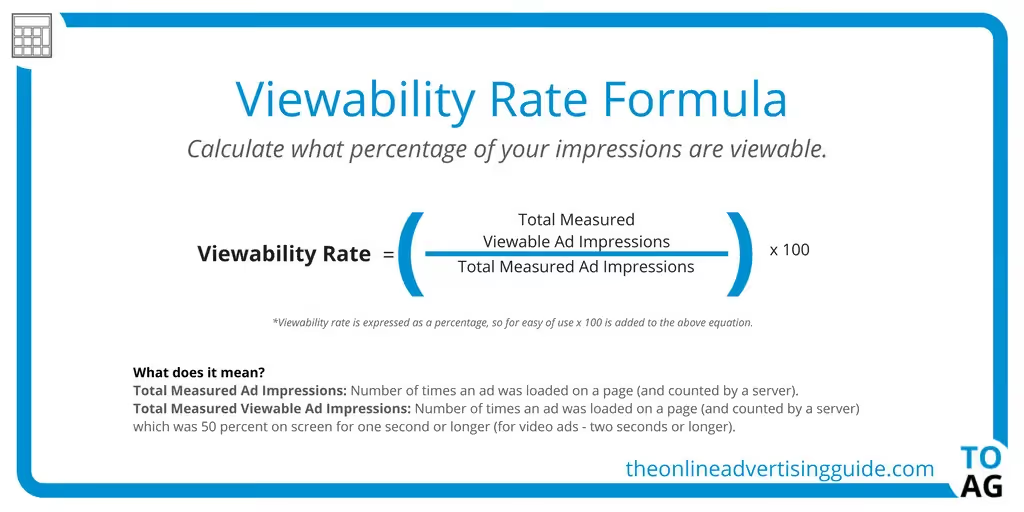
LinkedIn counts an impression when at least 50% of your content is visible on a user's screen for at least 1 second. This is the technical threshold — your post doesn't need to be fully read or engaged with to count as an impression.
Key rules to understand:
- Repeat views count: If the same person sees your post 5 times, that's 5 impressions (but only 1 unique reach).
- Self-views may count: Scrolling through your own posts on your profile can inflate your impression count — a common source of confusion.
- No engagement required: Scrolling past your content in the feed counts, even without a like, comment, or click.
- Threshold: LinkedIn uses the 0.3–1 second visibility rule (at least 50% of the post visible) to register an impression.
Impressions vs Views vs Reach on LinkedIn
These three metrics are often confused, but they measure different things:
- Impressions: The total number of times your content appeared on any screen. One person seeing your post 3 times = 3 impressions.
- Reach (Members Reached): The number of unique users who saw your content. One person seeing your post 3 times = 1 reach.
- Views: Typically refers to engagement-level visibility — for articles and videos, a view means someone actively clicked or watched. For posts, LinkedIn often uses 'views' and 'impressions' interchangeably in analytics.
Quick example: You publish a post. It appears on 500 screens (some people see it twice). That's 500 impressions, 400 members reached, and maybe 50 actual article views or link clicks.
Which metric matters most? Use impressions for brand awareness tracking, reach for audience growth, and engagement rate (clicks/comments/shares ÷ impressions) for content quality.
What Is a Good Number of Impressions on LinkedIn?
There's no universal "good" number — it depends on your network size and content type. Here are 2026 benchmarks based on industry data:
By follower count:
- 500–1,000 connections: 300–500 impressions per post is strong
- 1,000–5,000 connections: 500–2,000 impressions per post
- 5,000–10,000 connections: 800–5,000 impressions per post
- 10,000+ connections: 2,000–10,000+ impressions per post
General benchmarks:
- Average post: 500–3,000 impressions
- High-performing post: 5,000–20,000 impressions
- Viral post: 50,000+ impressions
The average LinkedIn post in 2024 received around 811 impressions, up from ~696 in 2023. However, impressions alone don't tell the full story — a post with 500 impressions and 50 meaningful comments is more valuable than one with 10,000 impressions and zero engagement.
The Significance of LinkedIn Impressions
Now that we understand what impressions entail, let's explore why they matter. Impressions serve as a key metric for gauging the reach and impact of your activities on LinkedIn. They offer valuable insights into how effectively your content resonates with your target audience and how visible your profile is within the platform's ecosystem.
Consider this scenario: you're a marketing professional aiming to promote your expertise in digital advertising. Through strategic content creation and engagement on LinkedIn, you share insightful posts, participate in relevant discussions, and optimize your profile for maximum visibility. As a result, your impression count steadily increases, indicating that more individuals are viewing your content and becoming aware of your expertise in the field.
Decoding LinkedIn Impressions: Types and Measurement
Impressions on LinkedIn can be categorized into three types: organic, paid and viral impressions. Organic impressions occur naturally, without any monetary investment, when your content appears in the feeds of other users based on factors such as relevance, engagement, and connections. On the other hand, paid impressions result from sponsored content campaigns where you allocate budget to promote your posts to a broader audience.
Organic Impressions
Organic impressions on LinkedIn refer to the number of times your content is displayed naturally in the feeds of other users, without any paid promotion or advertising. These impressions occur based on factors such as relevance, engagement, and connections, and they reflect genuine interest from your audience.
Benefits of Organic Impressions:
Authenticity and Trustworthiness
Organic impressions are perceived as more authentic and trustworthy by LinkedIn users. Since they occur naturally without any paid promotion, they reflect genuine interest from your audience, which can enhance your credibility and reputation on the platform.
Cost-Effectiveness
Unlike paid impressions, which require monetary investment, organic impressions are obtained without spending advertising dollars. This makes them a cost-effective way to increase visibility and engagement on LinkedIn, especially for individuals and businesses operating on limited budgets.
💡Did you know? 77% marketers agree that they achieve the best organic results from LinkedIn.
Long-Term Sustainability:
Building organic reach through consistent content creation and engagement fosters long-term sustainability on LinkedIn. By cultivating genuine relationships with your audience and providing value through your content, you can create a loyal following that continues to engage with your posts over time.
Community Building:
Organic impressions facilitate the organic growth of your professional network and community on LinkedIn. By connecting with like-minded individuals, participating in group discussions, and sharing valuable insights, you can foster meaningful relationships and establish yourself as a thought leader within your industry.
Limitations with Organic Impressions:
Limited Reach
One of the primary drawbacks of organic impressions is their limited reach compared to paid impressions. Since organic content relies on the platform's algorithms to determine visibility, it may not reach as wide an audience as paid content, especially if your network is relatively small or your content lacks virality.
Time-Intensive
Building organic reach on LinkedIn requires time, effort, and consistency. You need to invest significant resources into content creation, engagement, and relationship building to generate meaningful results. For individuals and businesses seeking quick visibility or immediate results, this time-intensive nature of organic growth can be a disadvantage.
Algorithm Dependency
Organic impressions are subject to the whims of LinkedIn's algorithm, which determines the visibility of your content based on various factors such as relevance, engagement, and recency. Changes to the algorithm or fluctuations in user behavior can impact the reach and effectiveness of your organic content, leading to unpredictability in your results.
Limited Targeting Options
Unlike paid impressions, which offer sophisticated targeting options to reach specific demographics, organic impressions provide limited control over audience segmentation. While you can optimize your content for relevance and engagement, you may not always reach your desired audience segments organically.
Paid Impressions
Paid impressions on LinkedIn refer to the number of times your content is displayed as a result of paid advertising campaigns or sponsored content promotions. Unlike organic impressions, which occur naturally without monetary investment, paid impressions are achieved through allocating advertising budget to promote your posts, updates, or profile to a targeted audience.
Benefits of Paid Impressions
Expanded Reach
Paid impressions offer the advantage of reaching a broader audience beyond your organic network. By investing in sponsored content campaigns, you can target specific demographics, industries, job titles, and interests, thereby increasing the visibility and exposure of your content to potential leads and prospects.
Immediate Visibility
Unlike organic impressions, which rely on gradual growth and algorithmic factors, paid impressions offer immediate visibility and results. By allocating a budget to promote your content, you can ensure that it appears prominently in the feeds of your target audience, generating instant visibility and engagement.
Enhanced Targeting Options
Paid impressions provide advanced targeting options that allow you to tailor your content to specific audience segments. Whether you're targeting decision-makers in a particular industry or professionals with specific job titles, paid advertising offers precise control over who sees your content, maximizing its relevance and effectiveness.
Measurable ROI
Paid impressions provide robust analytics and tracking tools that enable you to measure the return on investment (ROI) of your advertising campaigns accurately. From click-through rates and engagement metrics to conversion tracking and lead generation, paid advertising offers transparent insights into the performance and effectiveness of your content.
Limitations of Paid Impressions:
Cost
As you may have guessed, the primary disadvantage of paid impressions is the associated cost. Running sponsored content campaigns requires a financial investment, which may be prohibitive for individuals or businesses operating on limited budgets. Additionally, the cost of paid advertising can escalate quickly, especially for competitive industries or target demographics.
Ad Fatigue
Paid impressions run the risk of audience fatigue and ad saturation, especially if your content appears overly promotional or lacks relevance to the target audience. To avoid ad fatigue, advertisers need to constantly refresh their creative assets, optimize targeting parameters, and monitor campaign performance to maintain audience engagement and interest.
Ad Blocking
With the rise of ad-blocking software and privacy concerns among internet users, paid impressions face the challenge of reaching audiences who actively block or ignore advertising content. Advertisers need to employ strategies such as native advertising, influencer partnerships, and engaging content formats to overcome ad blocking and capture audience attention effectively.
Competition and Saturation
Paid impressions operate within a competitive space where advertisers vie for the attention of the same target audience. As a result, achieving standout visibility and engagement can be challenging, especially in saturated markets or highly competitive industries. Advertisers need to differentiate their content, offer compelling value propositions, and continually optimize their campaigns to remain competitive and effective.

Viral Impressions
Viral impressions on LinkedIn refer to the number of times your content is displayed as a result of being shared by others within the platform. Essentially, when your post gains traction and is shared beyond your immediate network, it reaches a wider audience, contributing to viral impressions.
Benefits of Viral Impressions
Increased Visibility
Viral impressions amplify the reach of your content, exposing it to a larger audience than your organic network. This heightened visibility can lead to greater brand awareness and recognition among LinkedIn users.
Enhanced Engagement
When your post resonates with a broader audience, it's more likely to garner likes, comments, and shares, fostering community engagement and relationship-building. Viral content tends to spark conversations and interactions among users, leading to higher engagement rates.
Extended Reach
Viral impressions enable your content to transcend the boundaries of your immediate network, reaching users who may not have discovered your profile or posts otherwise. This expanded reach creates opportunities to connect with new leads, prospects, and industry influencers.
Limitations of Viral Impressions:
Limited Control
While viral content can significantly boost your visibility, it also entails relinquishing control over how your content is perceived and shared. Once a post goes viral, it may attract attention from a diverse range of users, including those who may misinterpret or misrepresent your message.
Risk of Backlash
Viral content is susceptible to scrutiny and criticism, especially when it touches upon controversial topics or sensitive issues. In some cases, a post that goes viral may attract negative feedback or backlash from certain segments of the audience, potentially damaging your reputation or brand image.
Short-Term Impact
While viral content can generate a surge in impressions and engagement, its effects may be short-lived. Once the initial hype subsides, the visibility and momentum of the post may decline rapidly, leading to a temporary spike in metrics followed by a return to baseline levels.
Key Factors That Affect LinkedIn Impressions in 2026
LinkedIn's algorithm has evolved significantly. Here are the main factors determining how many impressions your content gets:
- Content quality and relevance: LinkedIn prioritizes content that provides genuine value to your target audience over engagement-bait.
- The Golden Hour: Engagement in the first 60 minutes after posting heavily influences how far LinkedIn distributes your content. Early likes, comments, and shares signal quality.
- Content format: Document carousels and native video tend to earn higher impressions than text-only posts. LinkedIn favors content that keeps users on the platform.
- Posting frequency: Posting more often increases total impressions but may reduce per-post impressions. LinkedIn's 2026 algorithm appears to cap distribution for accounts posting multiple times daily.
- Network size and engagement history: Larger, more engaged networks naturally generate more impressions.
- Dwell time: How long people stop and read your post matters more than ever — LinkedIn uses this as a quality signal.
How to Check Your Impressions on LinkedIn (Step-by-Step)
Method 1: Individual Post Analytics
- Go to your LinkedIn feed or profile's Activity section.
- Find the post you want to check.
- Below the post, click on the impressions/views count (e.g., '1,234 impressions').
- This opens detailed analytics: impressions, reactions, comments, reposts, and demographics of who viewed it.
Method 2: Profile-Level Analytics
- Go to your LinkedIn profile.
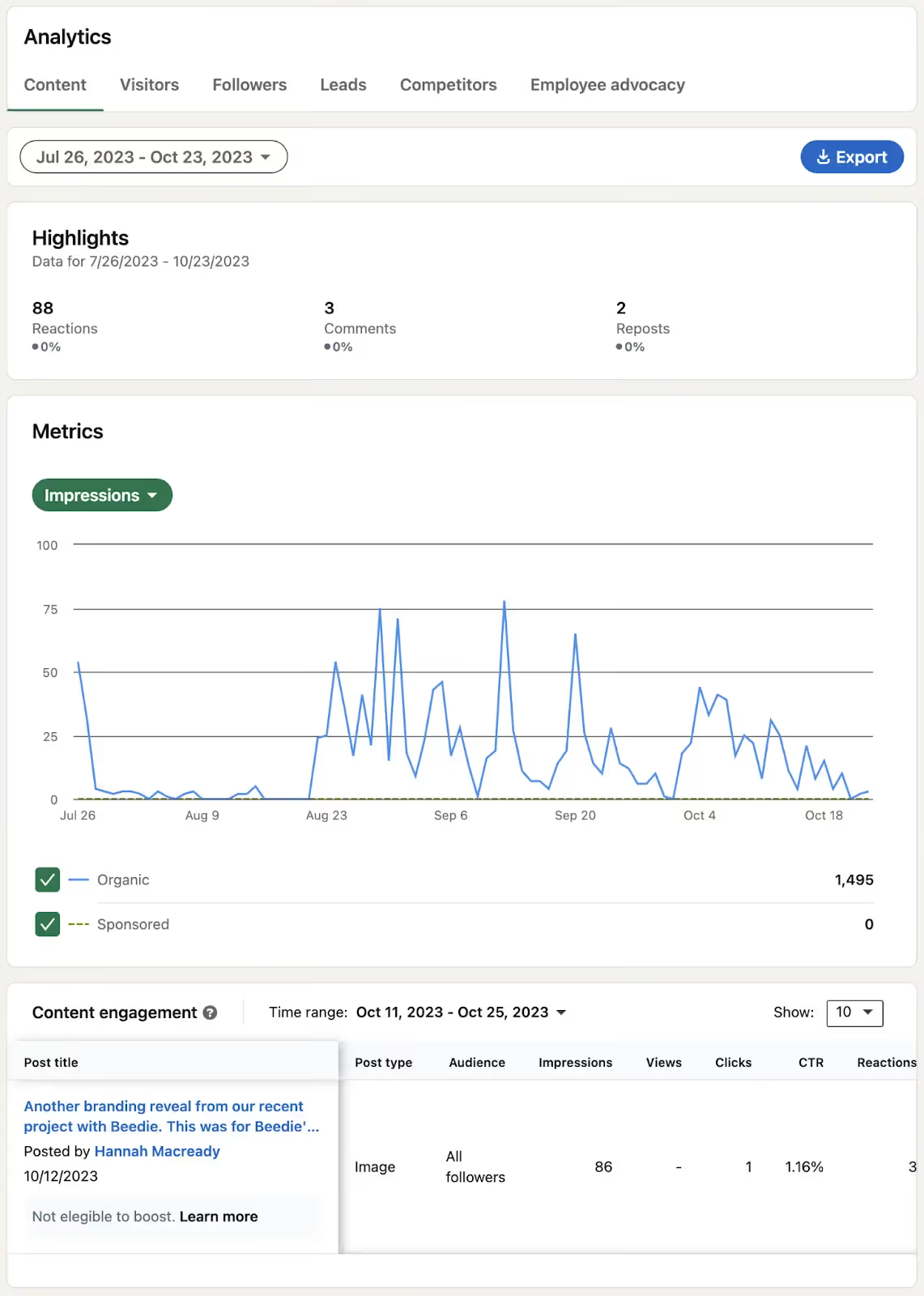
- Click on Analytics (visible below your profile header).
- Select Content to see impression trends across all your posts over time.
Method 3: Company Page Analytics
- Navigate to your Company Page.
- Click Analytics → Content.
- View impressions, clicks, and engagement for all company posts.
Method 4: Third-Party Tools
For deeper insights, tools like Factors.ai can track LinkedIn impressions alongside website analytics, providing a unified view of how LinkedIn content drives business outcomes.
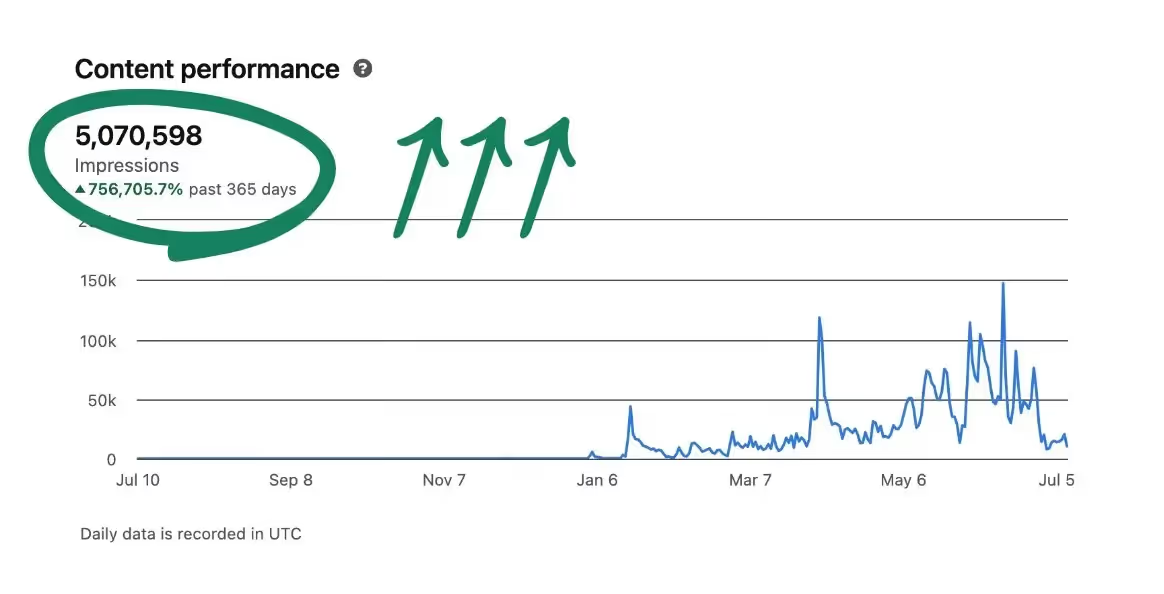
Strategies for Maximizing LinkedIn Impressions
Now that we've established the importance of impressions on LinkedIn, let's delve into actionable strategies for maximizing your impact on the platform:
Craft Compelling Content
Focus on creating high-quality, relevant content that addresses the interests and needs of your target audience. Whether it's sharing industry insights, offering actionable tips, or sharing personal anecdotes, compelling content is key to capturing audience attention and driving engagement.
Post Consistently
Maintaining an active presence on the platform increases the likelihood of your posts being seen by your connections and followers. Posting regularly also signals to the LinkedIn algorithm that you are an engaged user, potentially leading to higher placement in feed rankings and increased exposure to a broader audience. By staying active and consistent with your posting schedule, you can enhance your visibility, build credibility, and attract more engagement on LinkedIn.
💡Did you know? Posting on LinkedIn on a weekly basis brings in twice the engagement.
Optimize Visuals
Incorporate visually appealing elements such as images, videos, and infographics into your posts to enhance their appeal and encourage interaction. Visual content tends to attract more attention and elicit higher levels of engagement from LinkedIn users.
💡 Did you know? Posts with images tend to garner twice as much engagement compared to those without visuals. Moreover, larger images boast a 38% higher click-through rate, making them more effective in capturing audience attention and driving interaction.
Engage Authentically
Cultivate genuine interactions with your connections by liking, commenting, and sharing their content. Authentic engagement not only fosters meaningful relationships but also increases the likelihood of your content being reciprocated and shared within your network.
Utilize Hashtags
Leverage relevant hashtags to increase the discoverability of your content and expand its reach beyond your immediate network. By including industry-specific hashtags and trending topics in your posts, you can connect with a wider audience and enhance your visibility on LinkedIn.
Join Groups and Communities
Participate in LinkedIn groups and communities relevant to your industry or interests to connect with like-minded professionals and expand your network. Engaging in group discussions, sharing valuable insights, and offering support can help increase your visibility and establish your credibility within the community.
Consider Paid Promotion
Explore LinkedIn's advertising platform to amplify your reach and target specific demographics with sponsored content campaigns. While organic reach is valuable, paid promotion can provide an additional boost to your visibility and help you reach a broader audience.
Understanding the nuances of impressions on LinkedIn is essential for maximizing your presence and impact on the platform. Whether through organic or paid impressions, the goal remains the same: to increase visibility, engagement, and ultimately achieve your professional objectives. By leveraging the strengths of each approach and adopting a strategic approach to content creation, engagement, and advertising, you can effectively enhance your reach, build meaningful relationships, and establish yourself as a credible authority within your niche.
That said, one point to note is that success on LinkedIn is not just about the quantity of impressions, but the quality of interactions and relationships fostered along the way.
As you continue to refine your approach and adapt to the ever-evolving social media algorithm, we hope this article helps you in your journey of growth on LinkedIn.
What Real Users Say About LinkedIn Impressions
Community discussions on Reddit and LinkedIn itself reveal common frustrations and insights about impressions:
The self-view debate: Many users report that LinkedIn counts your own views when scrolling through your profile's activity. As one Reddit user noted: "Impressions count when you view your own posts. Even on your own personal page, your impressions double the longer you scroll through your posts."
Impressions vs. members reached confusion: A frequent complaint is the large gap between impressions and members reached. The explanation: impressions count repeat views, while members reached counts unique users. If 100 people see your post and 20 of them see it twice, that's 120 impressions but only 100 members reached.
The vanity metric argument: Some professionals dismiss impressions as a vanity metric. The reality is more nuanced — impressions are a leading indicator. Without impressions, you can't get engagement. But impressions without engagement signal that your content is being seen but not resonating.
The 2026 impression decline: Many creators report impressions dropping 30–50% year-over-year despite growing follower counts. LinkedIn's algorithm now favors relevance-based distribution over connection-based distribution, meaning smaller but more targeted audiences.
Frequently Asked Questions
Do LinkedIn impressions really mean anything?
Yes. Impressions measure content visibility — how many times your post was shown in feeds. While they don't measure engagement quality, they're the foundation metric: without impressions, there's zero chance of getting likes, comments, or leads. Track impressions alongside engagement rate for the full picture.
What does 500 impressions mean on LinkedIn?
It means your post appeared on screens 500 times. For accounts with 500–1,000 connections, that's solid performance. For accounts with 10,000+ connections, 500 impressions would suggest the content underperformed or was posted at a poor time.
Is 1,000 impressions on LinkedIn good?
For most personal profiles, 1,000 impressions is a strong result — it's above the average of ~811 impressions per post. Company pages typically aim higher (5,000–10,000+) due to larger follower bases.
What is the difference between impressions and members reached?
Impressions count total displays (including repeat views by the same person). Members reached counts unique users. If 100 people each see your post twice, that's 200 impressions but 100 members reached.
Is engagement or impressions more important?
It depends on your goal. Impressions are best for measuring brand awareness and content distribution. Engagement (likes, comments, shares) measures how well your content resonates. For most professionals, a high engagement rate relative to impressions is more valuable than raw impression count.
Why are my LinkedIn impressions so low?
Common causes include: posting at off-peak times, low engagement in the first hour (missing the 'golden hour'), small network size, text-only content (visuals perform better), or posting too frequently (LinkedIn may throttle distribution).
Maximize Your LinkedIn Impressions for Greater Visibility
First things first, what does an impression mean on LinkedIn?
Understanding LinkedIn impressions is key to improving engagement and expanding your reach.
Here's a breakdown of the three types:
1. Organic Impressions: Unpaid views that reflect genuine interest in your content.
2. Paid Impressions: Views generated from sponsored posts, helping you target specific audiences.
3. Viral Impressions: Occur when your content is shared widely, extending beyond your immediate network.
Tracking impressions through LinkedIn analytics or third-party tools allows you to measure content performance and refine your strategy. To boost impressions, focus on consistent posting, compelling visuals, and strategic hashtag use - ensuring your content reaches the right audience and drives engagement.
May the LinkedIn impressions be with you!
Related Reads:
![How Can Visitor Tracking Help Marketing Teams? [Hint: It’s Not Just for ABM]](https://cdn.prod.website-files.com/6898fdb2a8e6d57199082db3/698c668c2b75176d163c6781_644aede80eb8d6ae93e18286_How%2520Can%2520Visitor%2520Tracking%2520Help%2520Marketing%2520Teams.avif)
How Can Visitor Tracking Help Marketing Teams? [Hint: It’s Not Just for ABM]
De-anonymization, customer journey mapping, and more. Discover the top 7 ways how you can use visitor tracking to enhance your marketing campaigns.

Understanding your target audiences have never been more critical. But at the same time, it has become harder to achieve that.
As you may well know, more and more users are opting to browse anonymously. Also, with users rejecting cookies, it has become harder to keep track of the visitors' sources. Though visitors like the content your website offers, they don't want to be identified.
This means that visitor tracking efficiency at the user level has become obsolete.
Now, this raises the question.
How can you understand your target audience if you can't even track your website's visitors?
Is there an alternative way to keep track of the visitors? Yes, there is. Visitor tracking at an account level.
It helps marketers gain valuable information about their website's visitors without compromising the users' anonymity.
In this blog, we will discuss
- Why marketers need to know their visitors,
- The legal aspect of visitor tracking,
- Its benefits,
- and how Factors can help.
Why do marketers need to know who's visiting the website?
Consider this. You are a CMO at an enterprise providing software solutions for large businesses. You and your marketing team have worked round the clock to implement an actionable marketing campaign. Together, you have pushed SEO-focused blogs, eBooks, guides, newsletters, and other offline campaigns.
Finally, after six months, it's time to analyze the results.
The traffic has risen, the bounce rate has lowered, and the ranking has climbed. But above all these positives, you found the conversion rate to be the same.
On average, out of the 100 visitors, only three fill out forms or sign up for demos/newsletters.
Even after everything, you couldn't convert any more than earlier.
The thought of submitting the report to the CEO and stakeholders is frustrating. The more frustrating part will be explaining why there is such a low number of conversions.
If only you could know why. Yeah, sure, it might be because your campaign didn't attract the intended audience. But how can you say that without knowing who your visitors are?
Exactly!
This is where visitor identification comes into play.
By tracking visitors at an account level, you can identify the companies your users come from. Along with that, you get to know more about these companies, including their industry, the number of employees, and their revenue range.
So when considering our example, you will be able to pinpoint users from large businesses. Furthermore, you can tailor your marketing efforts and effectively communicate with them.
There are three major benefits of visitor identification:
- Allows marketing teams to plan campaigns and sales outreach by analyzing individual companies.
- Company-level visitor identification allows real-time engagement through website and chatbot personalization.
- Allows measurement of inbound marketing efforts like Ad campaigns, content marketing, etc.
So, which metric should you track to focus more on conversion?
The metrics like website traffic, number of clicks, etc., have proven to be vanity metrics. What you want is quality leads; for that, the metric to focus on is Qualified Traffic.
We define Qualified traffic as the percentage of website visitors who meet your ICP criteria, specified by your company-level attributes such as industry, revenue range, number of employees, etc.
When considering our example, the qualified traffic will be the percentage of visitors who belong to large businesses. [Keep in mind that we only added the type of business for examples purpose]
But...Is visitor tracking even legal?
In short, yes, it's legal.
As per the data protection laws such as GDPR and CCPA, every website operator must obtain consent from their users before collecting and processing data. Also, they must provide clear and transparent information about the data collected and how they will use it. Therefore, as long as everyone complies with these laws, visitor tracking is considered legal.
With that said, de-anonymization tools do not track or identify individual users. Instead, it simply identifies the companies the visitors belong to. This is achieved by analyzing the IP addresses and other data from the visitors' web browsers.
And by tracking and analyzing the users' website activities, you can get valuable information about the interests and needs of a prospective company.
Consider the same example from the previous section. You are the CMO of an enterprise providing software solutions to large businesses. Using marketing analytics tools like Factors, you have tracked your website's visitors. They were mostly from large businesses, more specifically from the healthcare industry.
So, considering this, you can create a customized marketing strategy targeted at the healthcare industry, like ebooks, blogs, ad campaigns, etc., on regulatory software solutions and how they can help healthcare companies comply with regulations.
Furthermore, this should help you convert more traffic and identify how to get more visitors from these companies in the first place.
How visitor tracking can be the secret ingredient to better marketing efforts

As we discussed, visitor tracking is an invaluable part of marketing teams. It provides insights into your website visitor's behavior, which helps you make sound decisions & improve your marketing efforts.
Let's see how it can make your marketing campaigns better.
Sheds light on the entire customer journey
Companies cannot collect their visitor's data without their consent. Also, nowadays, almost all users prefer to browse anonymously. They are reluctant to share details like email IDs and phone numbers and often choose to decline third-party cookies. This makes it harder for marketers to track their target customer's journey.
By combining de-anonymization technology with an advanced web analytics platform, marketers can identify the accounts the visitors belong to, even if they browse anonymously. Thereby enabling marketers to
- Identify the qualified traffic sources [Initial contact]
- Understand user behaviors within a website [Customer path]
- Connect conversions to all prior interactions[Final contact]
You can also determine the effectiveness of offline campaigns with visitor tracking. For example, consider an offline event you organized. Representatives from multiple companies interacted with you during the event. And they have shown interest in your product/service.
You upload the information about these attendees, including the companies, into the CRM. And now, by using de-anonymization, you can keep track of users from those companies who visit your website. Thus, enabling you to analyze the impact of the offline event quickly.
Metrics such as an increase in website visitors from target accounts and an increase in engagement (time on site, number of pages viewed) can serve as early indicators of the performance of offline campaigns.
Allows you to identify which pieces of content resonate with your audience
Visitor tracking allows you to track how people use your website.
You can see which pages your audience visits, the time they spend on each page, and their path within the website. Thus, it enables you to understand the type of content your audience wants and determine low-performing web pages.
Leveraging these information, you can make your content more appealing and relevant to your target audience. This can attract more qualified traffic, improve engagement, and increase conversion opportunities.
Consider our example. You see that your users have gone through a series of blogs. More specifically, blogs focusing on the use of regulatory software in healthcare. So, as a marketer, your best move to convert them now will be to focus on that particular niche. Provide case studies or success stories of your business in the healthcare industry, which could build trust in your business, thus, helping with conversion.
Helps improve your buyer personas with visitor information

The buyer persona is a crucial part to consider for marketing teams. It provides a better understanding of your target audience, including their pain points and goal. Moreover, with a good buyer persona, you can align your marketing effort to improve customer satisfaction.
What visitor tracking can help you with is taking the guesswork out of the way. When creating a buyer persona, there is no room for guesswork. With that said, visitor tracking can help you create a data-driven buyer persona. The following are some crucial data it can provide you with.
- The type of business
- The industry
- The employee range
- The location
- The revenue range
Furthermore, it can provide insight into the prospect's behavior and journey within the website.
Consider the same example. During the early stage of your growth, you focused on the buyer persona of B2B businesses in the IT industry with revenue greater than $100 million.
However, as you take a closer look with the help of deanonymization, you find a new section of your visitors. They are from the Healthcare industry, searching for regulatory software solutions, and have a revenue ranging between $5 - $25 million.
Combining this with the visitors' location, content consumption pattern, and conversion trends, you can now create an additional customer persona to expand into.
Lets you embrace the power of retargeting

By combining visitor tracking data with CRM data, companies can create focused marketing campaigns directed at accounts based on their buyer journey. And retargeting would be more effective as you will be targeting accounts already aware of your business.
In a B2B context, retargeting can effectively increase conversions and return on investment (ROI). In addition, research shows that retargeted ads have a higher click-through rate (CTR) than other digital ads, primarily because of brand familiarity.
Though retargeting specific individuals is possible, it's limiting in a B2B context. In a B2B business, multiple stakeholders are involved in the buying decision. Hence it will be a more effective strategy to track the accounts from a specific business. This way, you can understand the high-intent pages they are visiting and engage with the entire buying committee from these accounts on platforms like Linkedin.
So, when considering our example, once you know the companies your visitors are coming from, you can run targeted ads on social media platforms like LinkedIn to your relevant buyer personas and increase your CTR and conversions.
Paves the way for account-based marketing
By identifying the online behavior and preferences of specific accounts on your website, you can customize future marketing campaigns for higher effectiveness.
Now consider our example. Visitors from healthcare companies are showing interest in information security. So, when creating marketing campaigns for these companies, consider emphasizing security and compliance. This way, you can appeal to their pain points and concerns and enhance the effectiveness of your marketing campaigns.
You can further personalize your campaigns depending on the prospect's stage in their buying journey.
For example, suppose the users are looking into top-of-the-funnel topics. In that case, you can target LinkedIn ads with topics like "10 Ways Regulatory Software Can Boost Efficiency in the Healthcare Sector". And for those looking into the bottom-of-the-funnel topics, you can drive ads with pricing plans and discounts.
Thus, website visitor tracking ultimately paves for account-based marketing.
Guides your optimization efforts
Visitor tracking helps provide insight into the customer journey. We have already discussed this. You can know how the users interact, what they interact with, how long they stay, etc.

By analyzing this data, you can identify and remove areas of friction in the customer journey.
For example, consider a landing page for a software solution. Let's say you found the bounce rate for that particular web page from Google Analytics to be 75. The score is high and not good, so obviously, your next step will be to update this page.
But is it viable? You don't know for sure that all the visitors coming to that web page are your target audience. No, not with Google Analytics. You can't.
This is where de-anonymization comes in. You can filter out the visitors to this page according to your required parameters. Since, in the example, we consider large businesses to be the target audience, we can add revenue range and the number of employees to filter out the rest.
Now with only the target audience, you see that the bounce rate of the landing page is 50, which is good. This also means that the landing page is working for your intended users. So, there is no reason to update this anymore.
And the only reason for the bounce rate to increase was the visit of users from small and medium businesses. Thus, website visitor tracking helps you understand your website performance and lets you know whether it needs optimization or not.
Also, by understanding which sources drive qualified traffic, you can improve your existing marketing strategies and make them more targeted.
Helps you curate specialized offers
Suppose the visitor tracking data shows several companies in a particular niche repeatedly visiting your website. In that case, providing special offers catering to those companies can help them make decisions faster.
Consider our example. You are seeing a high percentage of visitors from the Healthcare vector visiting specific landing pages. In that case, you can create a specialized offer with those features for that industry. And these target offers can increase the likelihood of converting a customer.
Your offers could be discounts, free trials, or even a bundle offer.
Track your website's visitors with Factors
Factors is a unified platform that provides robust capabilities for analyzing marketing and revenue data, with powerful integrations across campaigns, web, CRM, chatbot, and more.
Our platform offers a range of features to help marketers and businesses gain insight into website visitor behavior. Also, with Factors,
- You can easily track the overall traffic to your website,
- Filter out the qualified traffic from them.
- And the de-anonymization feature helps identify the companies your visitors are from and further helps map the customer journey of these visitors.
The crux of defining a targeted marketing campaign is to understand the customers. You need to know who they are, their steps before converting, and more. Thus, helping you focus on qualified traffic to increase lead generation and conversions.
Get in touch with our team for a demo, or sign up here for free and use Factors to get the most out of visitor tracking and elevate your marketing efforts.
Bonus FAQs
Can Google Analytics track individual users?
Yes, in a way.
If your website includes a login system, Google Analytics can track individual users using its User ID tracking feature. But you have to assign each user by yourself, which is time-consuming and laborious.
How can I use visitor tracking for lead generation?
Visitor tracking enables you to gain valuable information about your website's visitors. You can understand
- Where your visitors are from,
- How they interact with your website,
- The type of content they are interested in,
- Their journey within the website,
- Which pages are driving conversions, and more.
By using this information, you can create more relevant content and run marketing campaigns that are more targeted. This can help generate more leads and increase opportunities for conversions.

From Website Visitor to Warm Outbound Play: How to Use GTM Engineering Services for Intent-Driven Outreach
Learn how to turn anonymous website traffic into sales pipeline using visitor identification, intent data, and GTM engineering workflows, powered by Factors.ai.

TL;DR
- Visitor ID + Intent Data = Real Pipeline: Identify ICP-fit companies visiting your site using reverse IP and intent filters, even if they don’t fill out a form.
- GTM Engineering Automates Everything: From enrichment to outbound handoff, custom workflows eliminate manual busywork and trigger timely outreach.
- Prioritization Drives Focus: Accounts are tiered by fit and intent, allowing reps to focus efforts where they matter most, not just on who clicks first.
- Human Touch, AI Assist: AI-generated summaries and contact bundles give reps the context they need to personalize without guesswork or delay.
Let’s be honest: traffic and MQLs don’t pay the bills. Pipeline and revenue do.
Here’s the truth: your best prospects are probably already on your website. They’re comparing features, peeking at pricing, and reading that one blog you’re weirdly proud of. But only ~3% of visitors fill out a form. The other 97%? Anonymous..unless you can identify the company, recognize buying intent, and trigger smart outreach automatically.
This article shows you how to do exactly that with website visitor identification, intent data, and a layer of GTM engineering that turns signals into ready-to-send outbound and, ultimately, qualified conversations.
We’ll keep it practical, human, and zero-fluff. (Coffee optional. Results, not.)
And yes, we’ll show how Factors does the heavy lifting, tooling, data, and workflows included.
TL;DR: This is the fastest way to build pipeline without ballooning ad budgets or headcount.
But first, the basics.
What is intent data?
Intent data is any signal that shows a buyer might be researching your category or solution. There are four types of intent data:
- Zero-party: They tell you directly (e.g., a demo form).
- First-party: You observe it on your assets (e.g., web sessions, page views, clicks).
- Second-party: Another company’s first-party data (e.g., G2 page visits, LinkedIn Ads views).
- Third-party: Aggregated across many sites (e.g., Bombora-type data).
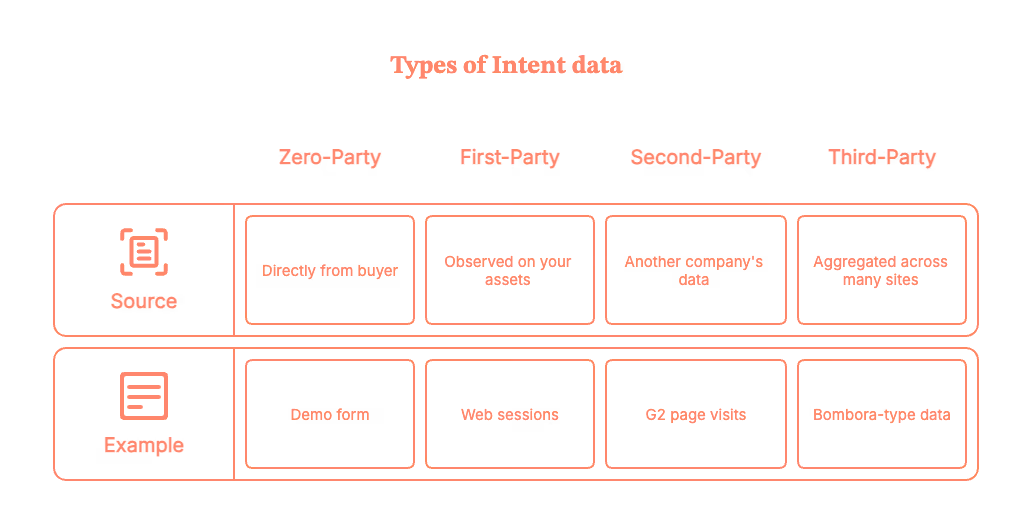
Why it matters: Studies suggest buyers are ~57% through their journey before they talk to sales. You need to engage earlier, when intent shows up, not when a form arrives.
What is website visitor identification?
It’s how you de-anonymize company-level traffic on your site (without personal PII). Tools like Factors.ai use industry-leading reverse IP technology and enrichment to reveal who’s on your site (company, industry, size, tech, etc.) and what they’re doing (pages, sessions, engagement depth).
Factors.ai offers best-in-class coverage for website visitor identification. It identifies more than 75% of anonymous website visitors using sequential waterfall enrichment.
What is GTM engineering?
GTM engineering is the missing link between knowing who’s interested and acting on it in real time. It’s the setup of automated workflows (with AI where helpful) that connect your data sources, website, ad platforms, CRM, Apollo, Slack, and more, to trigger instant, contextual outbound plays.
With Factors’ GTM Engineering services, you don’t just get software; you get a managed system that:
- Detects intent signals in real time
- Identifies which companies are visiting your site
- Enriches contact data automatically via Clay and Apollo
- Scores and prioritizes accounts (AI-enabled predictive scoring included)
- Sends ready-to-act Slack alerts and email drafts to SDRs/Sales in minutes (not next Tuesday).
- Automate outreach via LinkedIn InMails, calls, and emails
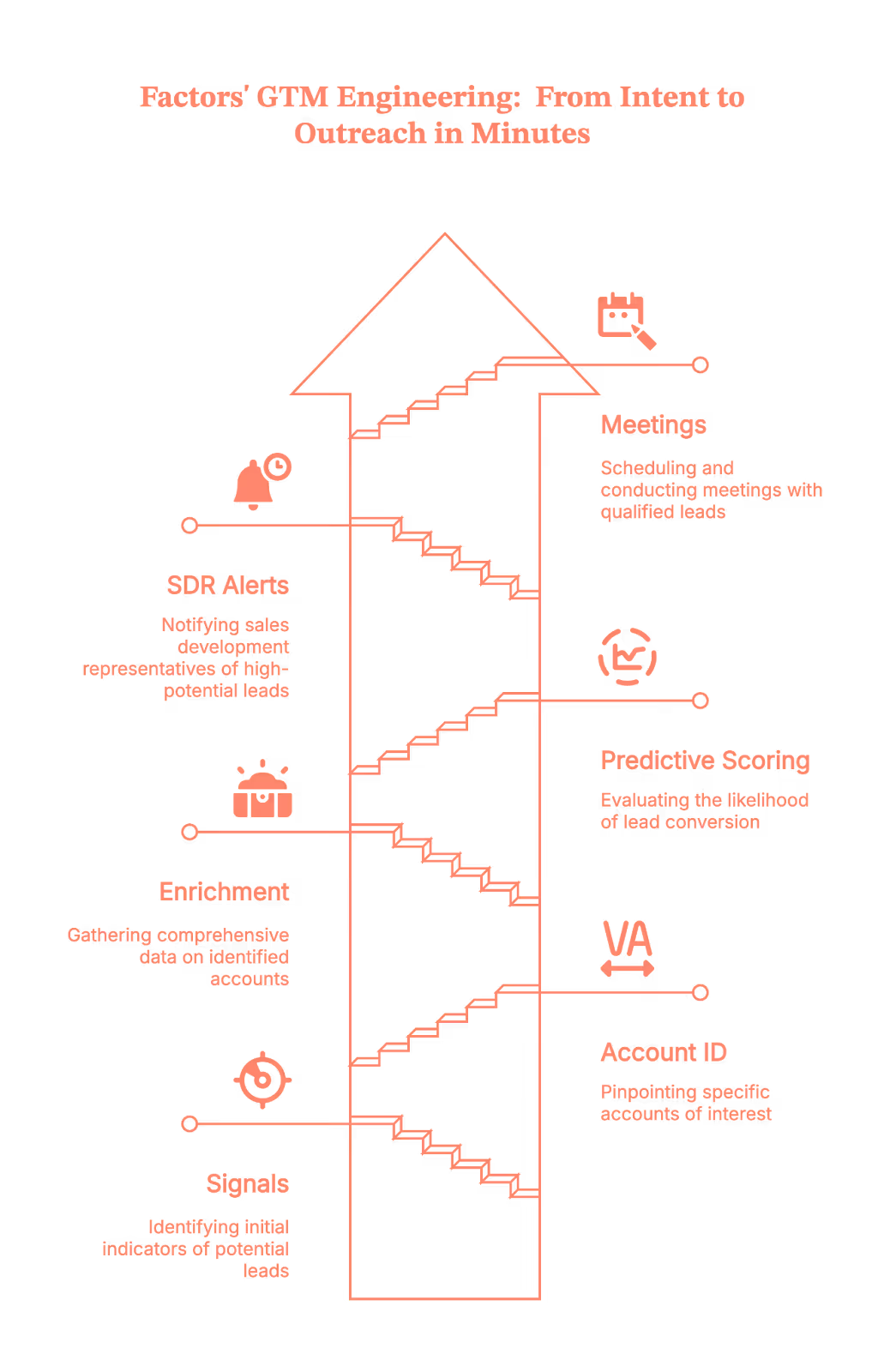
Okay, but why does this matter now? Because everyone’s doing it (Just kidding)
- Speed wins. Buyers do a lot of research before talking to sales. If you reach out first (and with context), you're more likely to make the shortlist.
- Efficiency is everything. Ad budgets are tight; headcount isn’t infinite. Intent + automation = more meetings per rep, with less chaos.
- Sales teams need clarity, not ‘heads-up’ pings. A good alert says who, why now, who to contact, and what to say. (Not ‘someone from Acme visited lol.’)
The 5-Step Playbook to Turn Visitors into Warm Outbound Play (Run this today)
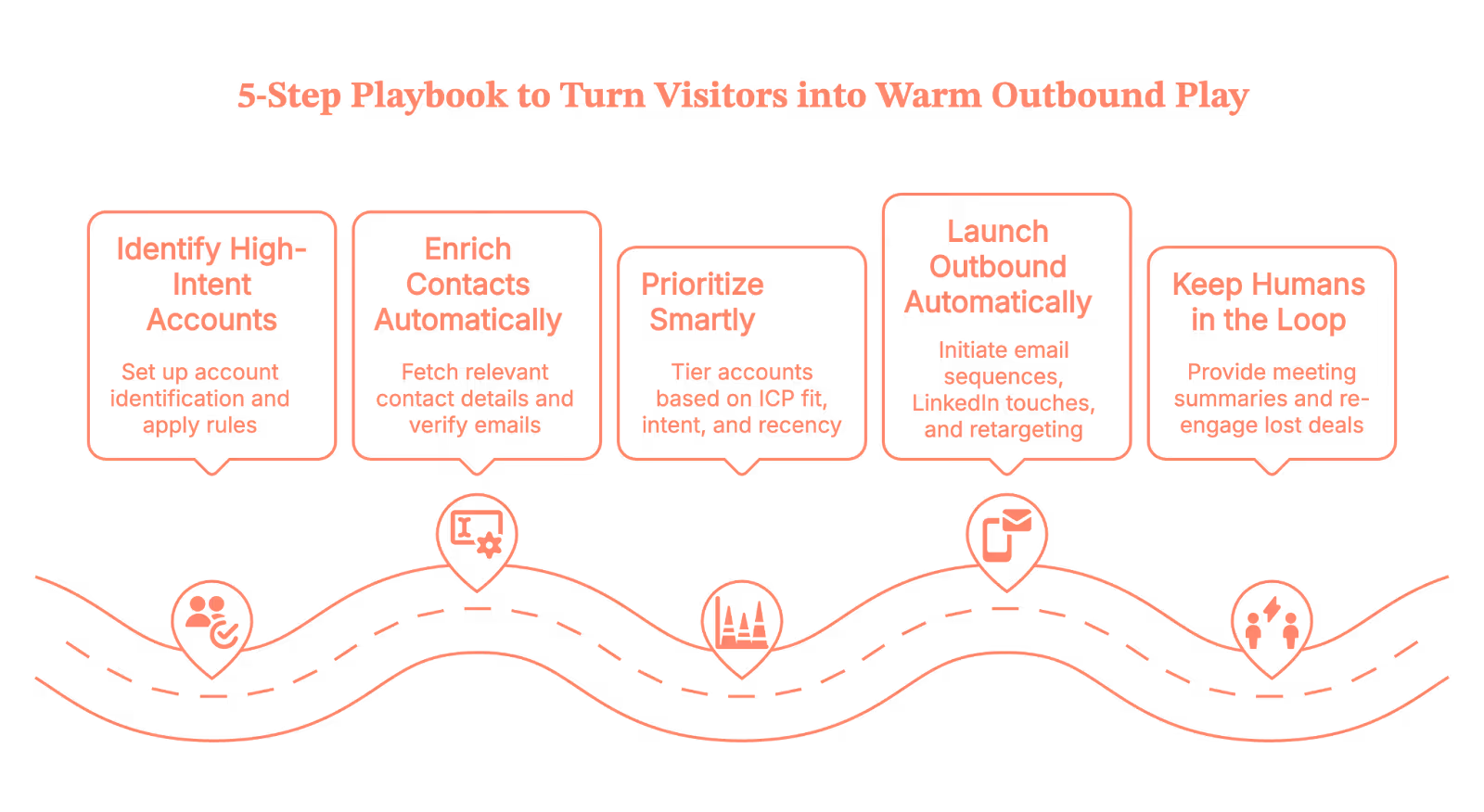
1) Identify high-intent accounts (with Factors)
Set up account identification on your site so you see company, industry, size, location, and what they did (pricing page, comparison page, sessions, etc.). Then add simple rules:
- ICP fit: e.g., Software/IT/Education, US/Canada, 50–500 employees
- Intent filters: e.g., ‘viewed pricing or product pages for ≥60 seconds,’ ‘multiple sessions in 24 hours,’ or ‘visited competitor comparison’
Pro tip: Start with two high-yield streams:
- High-intent ICP (net-new)
- Closed-lost/churned revisits (exclude super-recent losses so you don’t look clingy)
When an account matches, Factors fires real-time alerts and links directly to the account’s journey (so reps see context in one click).
(Because ‘context switching across 12 tabs’ isn’t a growth strategy.)
2) Enrich contacts automatically (this is where GTM engineering shines)
Identifying the company is half the job. The other half is finding the right people with verified emails, without sending SDRs on a copy-paste safari.
Here’s the flow your GTM engineering layer runs behind the scenes:
- Trigger: A Factors alert hits your orchestration tool (Make.com, Zapier, or Clay).
- Journey pull: Fetch last-30-day activity from Factors (pages, sessions, ad touches) into a working sheet.
- Apollo enrichment: Call Apollo to fetch relevant titles/regions/seniority; capture work emails and verification status.
- CRM hygiene: Check HubSpot/Salesforce for duplicates; tag new/existing; write updates.
- Prep the alert: Bundle the journey + top contacts so Slack shows reps who to email first (and why).
Net result: Your team gets verified contacts from the right account, in minutes, without manual chasing.
3) Prioritize smartly (so reps take the next best action)
Not every account deserves a same-day call. Use lightweight tiering so your team focuses on impact, not volume:
- ICP Fit: Expected ACV, win rate, segment (SMB/MM/ENT)
- Intent: Page depth, frequency, topics (pricing/competitor pages > ‘what is’ blogs)
- Recency: Last activity (fresh beats stale)
- Engagement: Channels and content they cared about (ad → landing page ≠ casual blog skim)
Factors’ Account Tiering and Contact Relevance agents do this automatically, grouping buying committees, ranking contacts, and even generating ‘why this person’ reasons.
Tier 1 goes to Sales now; Tier 2 gets Sales + Marketing; Tier 3 goes into the nurture phase.
(Think of it as ‘do the clever things first.’)
4) Launch outbound automatically (without being creepy)
Once you have account + contacts + context, GTM engineering fires multichannel plays:
- Email sequences (via Apollo or Smartlead), personalized to the topic/page cluster
- LinkedIn touches (connection requests and light interactions via tools like HeyReach/Trigify)
- Precision retargeting (show the right creative to live ICP visitors)
- Slack alerts so reps can jump in when Tier 1 accounts are active
Messaging rule of thumb: reference adjacent, observable signals (‘teams like yours comparing X/Y often ask about…’) instead of ‘we saw you on the pricing page at 3:17 pm.’(Because… yikes.)
5) Keep humans in the loop, then measure like a hawk
Automation should tee up great conversations, not replace them.
- Meeting Assist: AEs get pre-meeting summaries (firmographics, interest areas, pre/post-visit pages) for tailored follow-ups.
- Closed-lost re-engage: If a lost deal resurfaces, reps get the journey + refreshed contacts (and a reason to re-open the thread).
- Daily digest: Leadership sees which regions and tiers are heating up.
Track the entire intent funnel, not just opens:
- Identified → ICP → Enriched → Assigned → Contacted → Replied → SQL → Demo → Opp → Closed-Won/Lost
- Compare tiers, personas, channels, and sequences. Tweak filters (who we target) and copy (what we say) each week.
A 3-minute micro-play (to show how this feels)
Let’s say a closed-lost account, ‘Acme Corp’, revisits your pricing page (You feel that little heartbeat spike, right?)
Here’s how that moment turns into a meeting, automatically:
- Trigger (instant): Factors spots the visit and tags it as a Closed-Lost Revisit, no manual digging, no delays.
- Collect & Enrich (under the hood): Make.com flow pulls the last 30 days of journey data from Factors, then calls Apollo to fetch role-relevant, verified marketing and sales contacts. Duplicates get checked against your CRM, so records stay clean.
- AI Assist (context you can use): OpenAI summarizes the journey (top pages, themes) and prioritizes contacts by geo, title, and seniority, so reps know exactly who to hit first.
- Slack Handoff (minutes later): Your SDR receives a ready-to-act card with the next best step already included.
- Action (human, fast): The rep tweaks a line or two and hits send. Warm, informed, and perfectly timed.
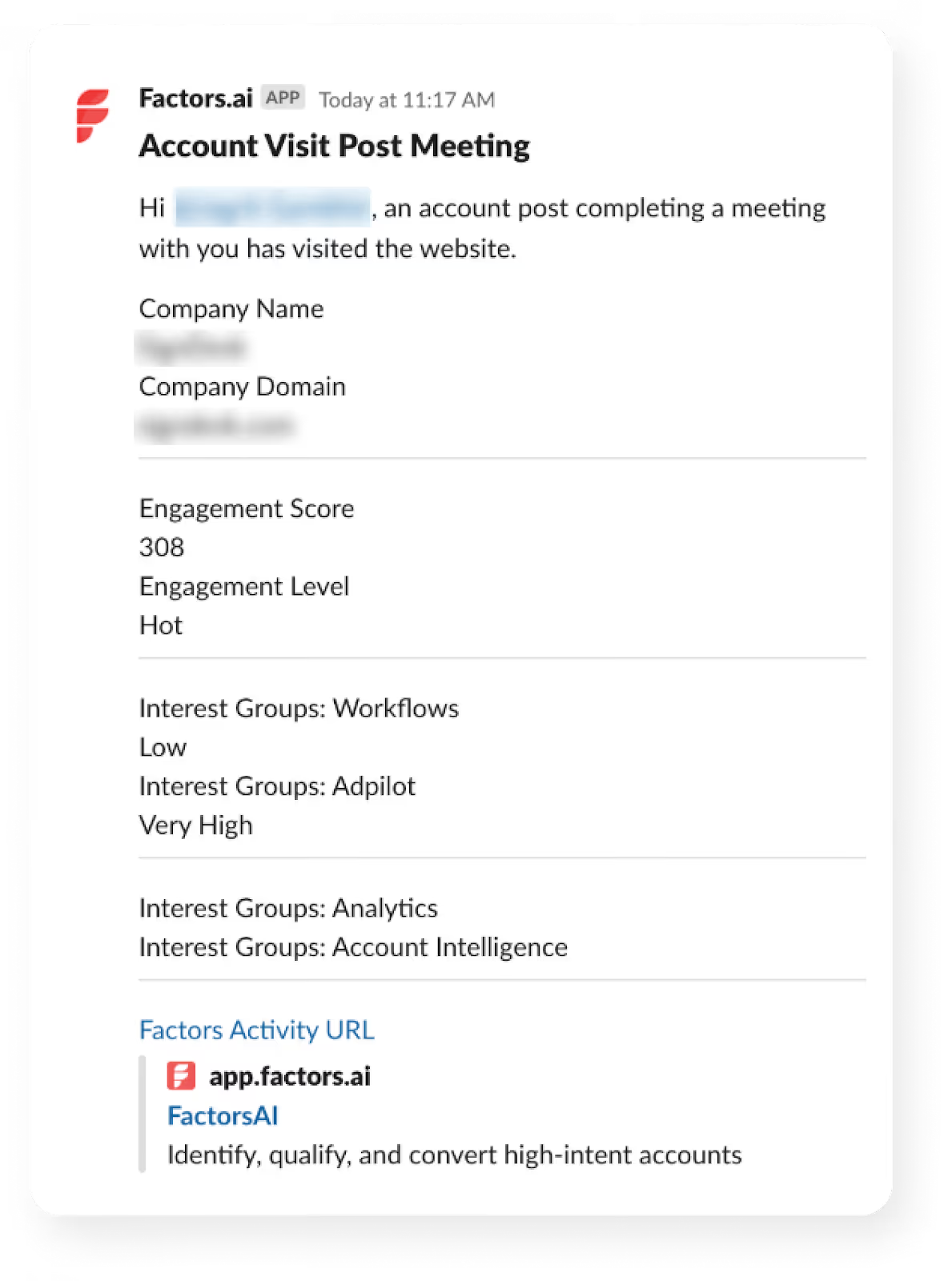
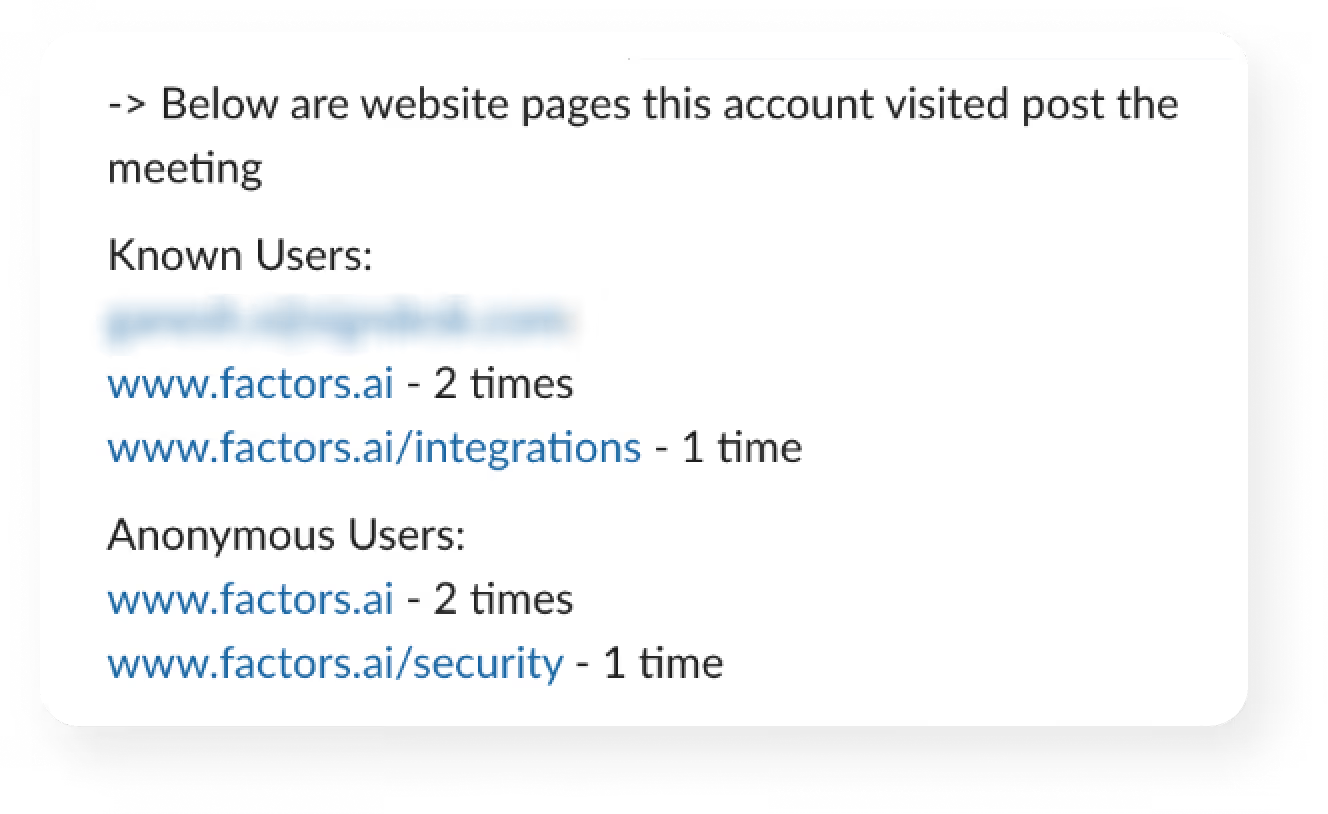
Ready to catch the next one?
Why teams pick Factors.ai for intent-driven outbound
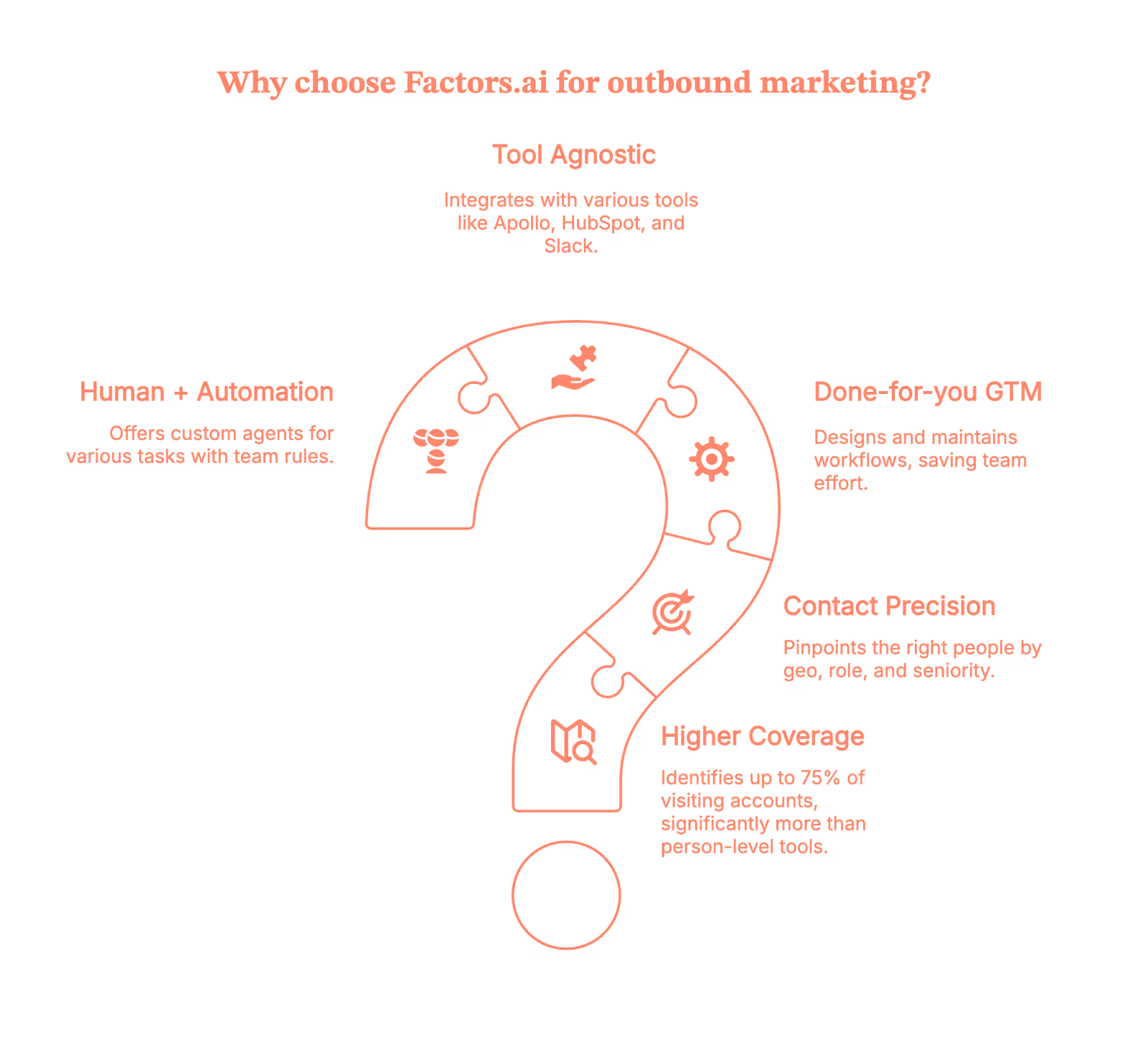
- Higher coverage: Identify up to 75% of visiting accounts (vs 8–10% person-level tools).
- Contact-level precision: Pinpoint the right people by geo, role, seniority, and buying group using user geo + job title triangulation.
- Done-for-you GTM engineering: We design, build, and maintain the workflows, so you don’t.
- Tool-agnostic, outcome-first: Use Factors with Apollo, HubSpot/Salesforce, Slack, Make/Zapier/Clay, Google Sheets, and your ad stack.
- Human + automation: Custom agents for Account Qualification, Contact Relevance, Account Tiering, Account Mapping, Meeting Assist, and Closed-Lost Alerts, with your team’s rules baked in.
(Short version: fewer ‘busywork’ pings, more booked meetings.)
Now, your move
If you’ve got traffic but not enough conversations, you don’t need ‘more leads.’ You need to activate the intent you already have, and do it automatically.
Factors identifies who’s on your site, uses GTM engineering to enrich and prioritize accounts, and delivers ready-to-send outreach to your reps in minutes.
Book a demo, and we’ll show you your high-intent accounts, the exact contacts to reach, and the workflows that make outbound feel (almost) effortless.
You’re closer to your next best deal than you think. Let’s go get it.
Quick FAQ on GTM engineering services from Factors.ai (because your team will ask)
Q. Will this spam Slack?
A. No, alerts are filtered by ICP + intent + tier. Everything else goes to a digest.
Q. Are the emails any good?
A. We use context from buyer journeys and your rules to generate short, human drafts. Reps keep the voice; automation kills the busywork.
Q. What if our ops team is small?
A. That’s why GTM engineering services exist. We build and maintain the flows; you enjoy the pipeline.
Top 11 RB2B Alternatives
Find the top 11 RB2B alternatives for effective B2B marketing and lead management. Learn how Factors.ai can enhance your strategy with predictive analytics and seamless integrations.
TL;DR
- RB2B is a popular B2B marketing and sales platform, offering AI-driven analytics, CRM integration, lead scoring, and automation tools.
- However, it may not meet all business needs due to cost, complexity, or limited functionality for some users.
- Reasons to consider alternatives include changing business needs, better cost efficiency, enhanced functionality, improved user experience, superior customer support, and quicker innovation.
- When selecting an alternative, consider business goals, essential features, ease of use, scalability, system integration, customer support, pricing, security, and user reviews.
- Compare features, pros, cons, and pricing for Factors, Clearbit, Kwanzoo, Lead Forensics, Hubspot Sales Hub, 6sense Revenue AI for Marketing, Constant Contact Advance automation and CRM platform, Apollo AI, Dealfront, 6sense Revenue AI™ for Sales, ZoomInfo Sales, to see what best fits your business needs.
- Free trials and demos are recommended to test usability and ensure the platform meets your needs.
Success in B2B marketing hinges on the right tools and platforms. That said, platforms such as RB2B have become indispensable for businesses looking to enhance their strategies, streamline lead management, and strengthen connections with target accounts. They offer a wide range of features—from automated marketing and integrated CRM systems to advanced analytics and AI insights—all aimed at boosting growth and efficiency.
Choosing the right B2B platform can be overwhelming with so many options out there. Each platform has its strengths, weaknesses, and pricing models, so businesses must assess their needs and budgets carefully before deciding. To help navigate this complexity, we've put together a list of the top 10 alternatives to RB2B. Each option is detailed with an overview, key features, pros, cons, and pricing, along with our insights.
Whether you're a small business looking for scalable solutions or a large enterprise needing advanced personalization and integration capabilities, this blog will give you the clarity to choose the perfect platform.
Let’s Learn More About RB2B

Overview:
RB2B is a comprehensive B2B sales and marketing platform designed to enhance lead management and account-based marketing (ABM). Leveraging advanced AI, it offers real-time analytics, CRM integration, and powerful automation tools to streamline workflows and improve customer engagement. The platform is ideal for businesses seeking to optimize their sales strategies and boost ROI through data-driven decisions.
Key Features:
- AI-Powered Analytics: Advanced insights for data-driven decisions.
- CRM Integration: Seamless connection with existing systems.
- Lead Scoring: Prioritizes high-value prospects.
- Account-Based Marketing (ABM): Tailored strategies for target accounts.
- Automation Tools: Streamlines marketing and sales processes.
Pros:

- Comprehensive Analytics: Deep insights into customer behavior and trends.
- Strong CRM Integration: Enhances data management and customer tracking.
- Effective ABM: Personalized marketing strategies improve engagement.
- Automation: Reduces manual tasks, saving time and resources.
Cons:

- Complex Setup: Initial setup can be time-consuming and requires expertise.
- Learning Curve: Some users may find the platform challenging to master.
- Cost: Premium features may be costly for small businesses.
Pricing:
RB2B offers customized pricing plans based on business size and needs. Detailed pricing information is available upon request from the RB2B website.
Here’s Why You Need An RB2B Alternative
While RB2B may be a popular choice among businesses for their B2B needs, there are several reasons why you might consider exploring alternatives:
- Evolving Business Needs:
As businesses grow, their needs often evolve, and they may require different or more advanced tools than those provided by a single platform like RB2B.
- Cost Efficiency:
Some B2B platforms can be expensive, and if a company isn’t using all the features, they might seek a more affordable option. Alternative platforms might indeed offer more tailored features at a lower cost.
- Enhanced Functionality:
B2B platforms vary widely in the features they offer. If a business needs specific tools or enhanced capabilities that RB2B lacks, seeking alternatives is logical.
- User Experience:
User experience is crucial in the effectiveness of any software. If RB2B is difficult to use, switching to a more user-friendly platform could indeed boost productivity.
- Better Customer Support:
Customer support quality can differ significantly between platforms. If RB2B’s support is lacking, moving to a platform with better support is a reasonable consideration.
- Innovation and Updates:
Some platforms are quicker to adopt new technologies and features. If RB2B is slow to innovate, businesses might look for alternatives that offer more up-to-date solutions.
Exploring RB2B alternatives allows you to find a solution that better fits your current and future needs, ensuring your business stays agile, cost-efficient, and ahead of the competition.
{{INLINE_CTA_A}}
Things to Keep in Mind While Choosing the Perfect RB2B Alternative
- Business Needs and Objectives:
Clearly define your business goals and what you need from a B2B platform. Whether it's lead generation, customer relationship management, or advanced analytics, ensure the platform aligns with your objectives.
- Features and Capabilities:
Compare the features offered by different platforms. Look for features that are essential to your operations, such as CRM integration, automated marketing, AI-driven insights, and customization options.
- Ease of Use:
The platform should have an intuitive interface that your team can quickly learn and navigate. A steep learning curve can lead to reduced productivity and increased training costs.
- Scalability:
Choose a platform that can grow with your business. It should be able to handle increasing amounts of data and users without compromising performance.
- Integration with Existing Systems:
Ensure the platform can seamlessly integrate with your current systems, such as CRM, ERP, and other marketing tools. This will help in creating a unified workflow and reduce data silos.
- Customer Support and Training:
Reliable customer support is crucial, especially during the initial setup and onboarding phase. Check if the platform offers comprehensive training resources and responsive support.
- Pricing and Budget:
Evaluate the pricing models of different platforms and ensure they fit within your budget. Consider not just the initial cost but also any ongoing expenses, such as subscription fees and additional charges for premium features.
- Security and Compliance:
Data security is paramount in B2B transactions. Ensure the platform complies with industry standards and regulations, such as GDPR, and offers robust security measures to protect your data.
- User Reviews and Case Studies:
Look for reviews from similar businesses. Case studies can provide insights into how the platform has helped other companies achieve their goals.
- Trial Periods and Demos:
Take advantage of free trials and demos to get a hands-on platform experience. This will help you assess its usability and fit for your business needs.
Whether you're a small business looking for scalable solutions or a large enterprise needing advanced personalization and integration capabilities, keeping these factors in mind will help you choose the perfect RB2B alternative.
Here are the best RB2B alternatives:
1. Factors.ai

Overview
Factors is a AI ABM and data-driven marketing analytics platform designed to help businesses optimize their marketing strategies and drive revenue growth. By leveraging advanced AI and machine learning algorithms, Factors enables marketers to analyze campaign performance, customer journeys, and conversion paths in real-time. The platform integrates seamlessly with various data sources, providing actionable insights that empower marketing teams to make informed decisions and maximize ROI.

Key Features
- Customer Journey Mapping: Visualizes customer journeys across different touchpoints to identify key conversion paths.
- Campaign Performance Analytics: Offers in-depth analysis of marketing campaigns, helping to optimize performance and ROI.
- Multi-Touch Attribution: Tracks and attributes conversions to multiple touchpoints in the customer journey, providing a holistic view of marketing effectiveness.
- Data Integration: Integrates with various data sources such as CRM, ad platforms, and analytics tools to provide a unified view of marketing performance.
- AI-Powered Insights: Utilizes AI to generate insights and recommendations for improving marketing strategies.
- Custom Dashboards: Allows users to create and customize dashboards for monitoring key metrics and KPIs.
Here’s why Factors is a strong RB2B alternative:

- Comprehensive Analytics: Provides detailed insights into customer behavior and campaign performance, enabling data-driven decision-making.
- User-Friendly Interface: The platform is intuitive and easy to navigate, making it accessible to marketers of all skill levels.
- Seamless Integrations: Easily integrates with a wide range of tools and platforms, ensuring smooth data flow and analysis.
- Actionable Insights: AI-driven recommendations help marketers quickly identify opportunities for improvement.
- Customizable Dashboards: Allows for flexibility in reporting, with dashboards tailored to specific business needs.

Cons
- Limited Customization: Some users find the customization options for reports and dashboards to be limited.
- Complex Setup: Initial setup and integration can be complex and may require technical support.
- Learning Curve: While the interface is user-friendly, fully understanding and utilizing all features may take some time.
- Pricing: The platform can be expensive for small businesses or startups with limited budgets.

Pricing
Factors offers custom pricing based on the needs of the business. Prospective customers can request a demo and a tailored pricing plan directly from Factors. For more details, visit Factors Pricing.
Concluding Statement
Factors is a powerful tool for businesses to enhance their marketing analytics and drive growth through data-driven insights. Its AI-powered capabilities and comprehensive analytics make it particularly well-suited for organizations seeking to optimize their marketing strategies and understand customer behavior in depth. While the platform may have a steep learning curve and require some technical setup, its robust features, and seamless integrations make it a valuable asset for marketers aiming to maximize ROI.
{{INLINE_CTA_A}}
2. Clearbit

Overview
Clearbit Enrichment adds over 100 data points on a company, its technology, and its employees to every record in your database, helping you convert leads into customers faster. It integrates smoothly with HubSpot to streamline and enhance your workflows, ensuring you capture valuable leads by providing the context needed to score, route, and accelerate the buyer's journey. Clearbit allows for shorter forms by auto-filling known fields, thus boosting conversions. It leverages a reliable source of business data, optimized with machine learning and quality assurance, applicable to all companies with a web presence, not just the Fortune 500. Additionally, Clearbit Reveal identifies companies visiting your website and syncs this enriched information directly to HubSpot.
Key Features
- Data Availability
- Contact Data Availability: Extensive access to contact information.
- Company Data Availability: Comprehensive company data access.
- Industry Research Availability: Provides industry-specific research data.
- Data Accuracy
- Contact Data Accuracy: High level of accuracy in contact information.
- Company Data Accuracy: Reliable accuracy in company data.
- Features
- Lead Builder: Facilitates the creation of detailed lead profiles.
- Integration with CRM/Marketing Automation: Seamlessly integrates with CRM and marketing tools.
- Data Cleaning/Enrichment: Enhances and purifies existing data.
- Search: Advanced search capabilities.
- News/People Alerts: Alerts on relevant news and updates.
- Reporting: Comprehensive reporting features.
- Platform
- Internationalization: Supports global usage.
- Performance and Reliability: Ensures high performance and dependability.
- APIs: Provides robust APIs for integration.
- Lead Intelligence
- Lead Enrichment: Enriches lead data with extensive information.

Here’s why Clearbit is a good RB2B alternative:
- User-friendly interface.
- High accuracy in finding company owners' and senior executives' details.
- Enhances sales and marketing by identifying website visitors.
- Integrates effectively with HubSpot and Google Analytics.
- Provides additional channels for SDR teams to analyze outbound campaigns.

Cons
- Recent UX changes have made some features, like the visitor report, harder to use.
- Credit-based system can be confusing.
- Some data enrichment titles are not useful for all audiences.

Pricing
Pricing information for Clearbit is provided by the vendor or available from public sources. Final cost negotiations should be conducted directly with Clearbit.

Concluding Statement
Clearbit is a robust tool for lead enrichment and data integration, enhancing sales and marketing processes with accurate and comprehensive company and contact data. It is user-friendly and integrates well with platforms like HubSpot, despite some recent UX changes and the somewhat confusing credit system. Overall, Clearbit is a valuable asset for businesses looking to optimize lead generation and customer engagement.
3. Kwanzoo

Overview
Kwanzoo is a cutting-edge platform that offers comprehensive solutions for B2B marketers looking to streamline their account-based marketing (ABM) and demand generation efforts. Kwanzoo’s approach combines multichannel engagement, dynamic personalization, and advanced data analytics, helping businesses drive more meaningful interactions with their target accounts. With a robust suite of tools designed to enhance campaign performance and accelerate sales pipelines, Kwanzoo has positioned itself as a strong alternative to Factors for businesses aiming to optimize their B2B marketing strategies.
Key Features
- Account-Based Marketing (ABM)
- Focuses heavily on ABM strategies.
- Engages high-value accounts with personalized and targeted marketing efforts.
- Supports multichannel marketing for broader reach.
- Data-Driven Personalization
- Utilizes real-time data analytics.
- Helps craft highly personalized marketing content based on user behaviors.
- Improves engagement and conversion rates through tailored messaging.
- Omnichannel Support
- Integrates with multiple marketing channels like display ads, email, and mobile.
- Provides seamless interactions across different customer touchpoints.
- Ensures consistent messaging and engagement across platforms.
- Lead Nurturing
- Offers advanced lead nurturing capabilities.
- Ensures continuous engagement of leads throughout the sales funnel.
- Delivers relevant content to move leads closer to conversion.
- A/B Testing
- Allows A/B testing for creative content.
- Helps marketers optimize campaigns for better performance and results.
- Enables data-driven decisions on content effectiveness.
- CRM and Marketing Automation Integration
- Integrates with major CRM and marketing automation platforms, including Salesforce, Eloqua, and Marketo.
- Ensures smoother workflows and unified marketing efforts.
- Facilitates better collaboration between marketing and sales teams.
Here’s why Lead Forensics is a good RB2B alternative:
- Strong focus on ABM and personalized, data-driven marketing.
- Ensures consistent omnichannel engagement.
- Seamless integration with major CRMs and marketing automation platforms.
- Advanced A/B testing for continuous campaign optimization.

Cons
- Complex setup with a steep learning curve.
- Limited features for smaller businesses.
- Customization options for reporting and dashboards may be less flexible.

Pricing
Kwanzoo offers custom pricing plans based on the specific needs of businesses. The pricing varies depending on factors like the scale of ABM campaigns, the number of target accounts, and additional integrations. It’s best to contact Kwanzoo directly for a tailored quote that fits your marketing requirements.

Concluding Statement
Kwanzoo presents a powerful and feature-rich platform for B2B marketers who need to enhance their account-based marketing and lead nurturing efforts. Its advanced personalization and omnichannel engagement capabilities make it an excellent alternative to Factors, especially for companies targeting high-value accounts with customized campaigns. However, it’s important to consider the complexity of setup and that smaller businesses may not fully leverage all the platform’s functionalities. Overall, Kwanzoo remains a competitive option in the B2B marketing space, particularly for larger enterprises.
{{INLINE_CTA_A}}
4. Lead Forensics

Overview
Lead Forensics empowers businesses to engage with B2B website visitors in real time, capitalizing on moments when visitors are most engaged. This tool identifies who your website visitors are, their origin, their interests, and their stage within your sales pipeline. It enables quick routing of opportunities to account managers, facilitating valuable and meaningful conversations. Established in 2009, Lead Forensics operates globally with over 60,000 users and more than 400 dedicated SaaS specialists. The platform boasts an extensive matched IP database, identifying millions of IP addresses and B2B contacts. This data undergoes rigorous cleansing and verification, ensuring the highest quality and volume of matched B2B website visitors, presented in an intuitive dashboard with detailed reporting.
Key Features
- Lead Intelligence
- Provides detailed insights on leads at the account level.
- Comprehensive lead analysis and management.
- Effective segmentation and account identification.
- Marketing Campaigns
- Supports media attribution and customization.
- Utilizes natural language processing (NLP) for advanced features.
- Offers real-time intent alerts.
- Data Availability
- Extensive contact data availability.
- Access to offline data.
- Platform Additional Functionality
- Integrations with other tools.
- Topic customization capabilities.

Here’s why Lead Forensics is a good RB2B alternative:
- Real-time visibility of website visits with detailed visitor information.
- Ability to categorize leads and add different statuses for efficient targeting.
- Trigger reports ensure appropriate team members follow up on relevant leads.
- Access to company data helps in creating highly targeted marketing campaigns.
- Excellent account management support with regular check-ins.

Cons
- Desire for further integration with Salesforce.
- Users feel there are many tools within the platform that they do not fully utilize due to time constraints.

Pricing
Lead Forensics offers two pricing plans. One is the Essential plan which is perfect for small and medium sized businesses, while the other is the Automate plan, perfect for enterprise businesses. You can get your free trial, expert advise, as well as custom quote from Lead Forensic’s website itself.
Concluding Statement
Lead Forensics is a powerful tool for B2B companies seeking to engage with website visitors in real time. Its ability to provide detailed insights into visitors and their behaviors, combined with robust lead management and segmentation features, makes it a valuable asset for optimizing marketing and sales efforts. Although there is room for improvement in integrations and tool utilization, the platform's comprehensive data quality and excellent support make it a reliable choice for enhancing B2B website visitor intelligence.
5. HubSpot Sales Hub

Overview
HubSpot Sales Hub is a comprehensive and user-friendly sales CRM that integrates sales engagement tools, CPQ functionality, and advanced sales analytics. Built on the HubSpot CRM platform, it unifies customer data, tools, and teams to create a single source of truth, enhancing sales rep efficiency. Utilizing the full CRM platform provides richer insights, warmer leads, and aligned enablement materials, allowing reps to operate at maximum efficiency. The platform's extensive ecosystem of app and solutions partners ensures an exceptional end-to-end customer experience. HubSpot Sales Hub is designed to scale your company without adding complexity, offering all the necessary tools for business growth.
Key Features
- Sales Force Automation
- Automates sales tasks to streamline processes.
- Contact & Account Management
- Manages customer and account information efficiently.
- Opportunity & Pipeline Management
- Tracks and manages sales opportunities and pipeline stages.
- Task / Activity Management
- Organizes and tracks sales tasks and activities.
- Territory & Quota Management
- Manages sales territories and quotas effectively.
- Desktop Integration
- Integrates with desktop applications for seamless workflow.
- Marketing Automation
- Automates marketing tasks to enhance lead generation.
- Email Marketing
- Facilitates email marketing campaigns.
- Campaign Management
- Manages and tracks marketing campaigns.
- Lead Management
- Tracks and nurtures leads throughout the sales cycle.
- Marketing ROI Analytics
- Analyzes marketing return on investment.
- Customer Support
- Provides robust case management for customer support.
- Mobile & Social
- Offers social collaboration features and mobile user support.
- Reporting & Analytics
- Provides detailed reporting, dashboards, and forecasting.

Here’s why HubSpot Sales Hub is a good RB2B alternative:

- HubSpot is user-friendly and intuitive, making it easy to manage pipelines and organize outbound processes.
- Seamless integration with other tools, such as Trellus, enhances workflow efficiency.
- Robust lead management features support effective tracking and nurturing of leads.
- Extensive training resources and responsive customer support help users get the most out of HubSpot.
- Highly customizable and quick to implement, offering flexibility to suit various business needs.
- Accessible for visually impaired users, with good compatibility with screen reading software.

Cons

- There is a steep learning curve for some users, particularly when adapting to new workflows.
- Certain features that might be essential for specific workflows are missing.
- Users have reported occasional email issues that need addressing.
- The cost is higher compared to some competitors, which may be a consideration for budget-conscious businesses.
- Adapting to account-based outreach approaches can be challenging with the current setup.

Pricing
There are two pricing plans available. The first one is the Sales Hub Professional plan which starts at $90/mo/seat. The second plan is the Sales Hub Enterprise plan which starts at $150/mo/seat. For detailed pricing information, please refer to the HubSpot Sales Hub pricing page.
Concluding Statement
HubSpot Sales Hub is a robust and flexible CRM solution that enhances sales processes with powerful tools and seamless integrations. While there may be a learning curve and higher costs, the platform's ease of use, extensive features, and excellent customer support make it a valuable investment for growing teams. HubSpot Sales Hub enables businesses to scale efficiently and effectively, providing a solid foundation for sustained growth.
6. 6sense Revenue AI for Marketing

Overview
6sense transforms how organizations manage and convert pipeline to revenue. Their Revenue AI captures anonymous buying signals, identifies optimal accounts, and recommends tailored channels and messages to enhance revenue performance. By eliminating guesswork and streamlining sales efforts, 6sense empowers teams to improve pipeline quality, accelerate sales velocity, increase conversion rates, and predictably grow revenue. Learn more at 6sense.com.
Key Features
- Lead Intelligence
- Provides detailed insights on leads and accounts.
- Enables predictive scoring and effective lead management.
- Marketing Distribution
- Facilitates personalized messaging and website personalization.
- Supports digital advertising and comprehensive campaign planning.
- Platform Additional Functionality
- Integrates with major platforms including ad networks, buyer intent data sources, marketing automation, and CRM systems.

Here’s why HubSpot Sales Hub is a good RB2B alternative:

- Utilizes powerful intent data for targeted marketing efforts.
- User-friendly interface for ease of use.
- Effective audience targeting and solution effectiveness.
- Strong customer support and extensive integrations.

Cons

- Potential for inaccuracies in data.
- Complexity in managing multiple creatives in campaigns.
- Issues with data quality and slow performance at times.
Pricing
Pricing information is customized and not publicly available. Interested parties must contact 6sense for detailed pricing.
Concluding Statement
6sense Revenue AI for Marketing stands out for its ability to leverage intent data effectively in driving account-based marketing strategies. It offers robust features for lead intelligence, personalized marketing campaigns, and seamless integrations with major platforms. While it commands a premium price and faces challenges with data accuracy and integration limitations, 6sense remains a leading choice for organizations aiming to implement successful account-based revenue strategies.
7. Constant Contact Advanced Automation & CRM Platform

Overview
Constant Contact offers powerful digital marketing tools tailored for small businesses, focusing on simplifying and enhancing digital marketing efforts. Whether it's driving sales, expanding customer bases, or engaging audiences, Constant Contact aims to foster strong connections and deliver impactful results.
- Grow your audience: Quickly build your email list using landing pages, social media lead ads, and more.
- Deepen customer relationships: Engage with customers via text, email, or social media—all from a single platform—to drive better engagement and outcomes.
- Simplify social media: Manage social posts and ads effortlessly to boost awareness, generate leads, and foster growth.
- Sync with existing apps: Seamlessly integrate with your current digital tools to accelerate business growth and online sales.
Key Features
- Reporting & Analytics: Provides basic reporting and web analytics.
- Email Marketing: Create, personalize, and send outbound emails, manage email deliverability, and automate responses.
- Online Marketing: Includes mobile-optimized landing pages, forms, and tools for lead management, segmentation, scoring, nurturing, and online behavior tracking.
- Automated Alerts and Tasks: Automate alerts and tasks to streamline workflows.
Here’s why Constant Contact is a good RB2B alternative:

- Easy to use interface, especially for email marketing.
- Excellent customer support.
- Robust automation features.
- Simplifies the creation of marketing materials.

Cons
- Some template issues were reported.
- Occasional missing or limited features.
- Initial learning curve for new users.
- Issues with email functionality.

Pricing
Constant Contact offers three pricing plans:
- Lite: Starting at ₹990/month (price varies based on number of contacts).
- Standard: Starting at ₹2,888/month (price varies based on number of contacts).
- Premium: Starting at ₹6,600/month (price varies based on number of contacts). For detailed pricing information, visit Constant Contact Pricing.
Concluding Statement
Constant Contact Advanced Automation & CRM Platform is an essential tool for small businesses looking to streamline and amplify their digital marketing efforts. It excels in simplifying email marketing, offering robust automation capabilities, and providing excellent customer support. While there are occasional template issues and a learning curve for new users, the platform's adaptability and integration with tools like Canva make it a versatile choice for enhancing marketing strategies and customer engagement.
{{INLINE_CTA_A}}
8. Apollo.io

Overview
Apollo.io is a comprehensive sales intelligence platform designed to assist in prospecting, engaging, and driving revenue growth. It provides tools for discovering new customers, connecting with contacts, and establishing effective go-to-market strategies. With a robust B2B database containing over 275 million contacts and 73 million companies, Apollo.io ensures teams have access to accurate and extensive data. The platform also offers an Engagement Suite to scale outbound activities and sequences efficiently, along with an Intelligence Engine that provides recommendations and analytics to optimize sales processes.
Key Features
- Data Availability
- Extensive availability of contact, company, and industry research data.
- Data Accuracy
- Ensures high accuracy in both contact and company data.
- Features
- Comprehensive search capabilities.
- Tools for lead intelligence, validation, enrichment, and analysis.
- Browser extension for seamless integration.
- Integrated workflows and task management.
- Email tracking and automation.
- CRM integration for enhanced workflow management.
- AI-driven automation and lead prioritization.

Here’s why Apollo.io is a good RB2B alternative:

- Organizational tools and powerful filters facilitate precise audience targeting.
- Simplifies the creation of sequences and touchpoints across multiple channels.
- Offers a range of features that enhance overall sales effectiveness.

Cons

- Some inaccuracies in phone numbers were sourced from online data.
- Issues with email deliverability and occasional bans from email providers like MS Outlook.

Pricing
Apollo.io offers four pricing plans ranging from a free plan to $119 per month for the Organization plan, accommodating different user needs and budgets. A free trial option is also available.
Concluding Statement
Apollo.io stands out as a versatile sales intelligence platform that empowers businesses to streamline their sales efforts effectively. With its vast database, powerful engagement tools, and AI-driven insights, Apollo.io supports organizations of all sizes in maximizing their outreach and conversion efforts. While it excels in organizing and targeting leads, improvements in data accuracy and email deliverability would enhance its overall utility for sales and marketing professionals.
9. Dealfront (formerly Echobot & Leadfeeder)

Overview
Dealfront is a comprehensive Go-to-Market Platform designed to empower sales and marketing teams with the tools needed to attract leads and close deals effectively.
Born from the merger of Germany’s Echobot and Finland’s Leadfeeder, Dealfront leverages advanced algorithms and data insights that surpass traditional tools, all while adhering to Europe’s stringent regulations. By integrating sales and marketing processes into a unified platform, Dealfront creates a perpetual optimization cycle that enhances accuracy, provides real-time Ideal Customer Profiles (ICPs), and converts more leads into successful deals.
Key Features
- Data Availability
- Extensive availability of contact, company, and industry research data.
- Data Accuracy
- High accuracy in both contact and company data.
- Features
- Lead Builder: Constructs detailed lead profiles.
- Integration to CRM/Marketing Automation: Seamlessly integrates with existing systems.
- Data Cleaning/Enrichment: Enhances data quality.
- Data Segmentation/Filtering: Allows for precise data organization.
- Search: Advanced search functionalities.
- News/People Alerts: Provides timely alerts on relevant updates.
- Platform
- Internationalization: Supports global operations.
- User, Role, and Access Management: Ensures secure and efficient platform usage.
- Performance and Reliability: Offers robust performance and reliability.
- APIs: Facilitates extensive integration capabilities.

Here’s why Dealfront is a good RB2B alternative:
- Easy setup with valuable insights on website leads.
- Helps map user journeys and optimize website performance.
- Provides detailed source information on website visits.
- Useful filters and labeling for focused information.
- No additional costs for adding extra users, enhancing team collaboration.

Cons

- Lack of automatic integration with certain tools like Brevo.
- Manual setup for integrations can be time-consuming.
- Potential for errors in manual configurations.

Pricing
Dealfront offers flexible pricing packages tailored to specific business needs. For detailed pricing information, visit Dealfront Pricing.
Concluding Statement
Dealfront (formerly Echobot & Leadfeeder) stands out as a robust Go-to-Market Platform that integrates essential sales and marketing functionalities into a single, cohesive solution. Despite some limitations in automatic integrations, its strong API capabilities and comprehensive data insights make it a valuable asset for businesses looking to optimize their lead generation and conversion processes effectively.
Also Read: Leadfeeder (Dealfront) Vs. Factors: Compare Pricing and Features
10. 6sense Revenue AI™ for Sales

Overview
6sense Revenue AI™ for Sales provides a centralized digital platform where sellers can quickly gather account and buying team intelligence. It emphasizes insights into the “Dark Funnel,” where a significant portion of B2B research happens anonymously, ensuring sellers can capitalize on potential deals they might otherwise miss. The platform offers direct access to recommended actions, persona mapping, detailed people and company profiles, a Chrome extension, prioritization dashboards, and alerts.
Key Features
- Data Availability
- Comprehensive availability of contact and company data.
- Access to industry-specific research.
- Data Accuracy
- High accuracy in contact and company data.
- Features
- Lead Builder for creating detailed lead profiles.
- Seamless integration with CRM and marketing automation tools.
- Data cleaning, enrichment, and segmentation/filtering capabilities.
- Advanced search functionalities and real-time alerts.
- Robust reporting capabilities.
- Platform
- User, role, and access management features.
- Reliable performance with detailed reporting and dashboards.

Here’s why 6sense Revenue AI for Sales is a good RB2B alternative:

- Provides visibility into new accounts through 6QA.
- Offers detailed intelligence on each account.
- User-friendly UI with seamless implementation.
- Excellent customer support and training from dedicated CSMs.

Cons

- Persona Map functionality may sometimes lack accurate contact information.
- Issues with synchronization of sales activities, affecting reporting accuracy and adoption rates.

Pricing
6sense Revenue AI™ for Sales offers customized packages tailored to specific features and enterprise needs. It includes unlimited insights into technology, company, and leads, along with features like custom alerts, saved filters, CSV exports, Salesforce & HubSpot integration, and dedicated success management.
Concluding Statement
6sense Revenue AI™ for Sales stands out as a powerful tool for B2B sales teams aiming to enhance their prospecting and sales efforts with deep account and buying team intelligence. While it offers robust features and reliable performance, improvements in persona mapping accuracy and better enablement training for new interfaces would further elevate its effectiveness. Overall, it is a comprehensive solution suited for teams of all sizes looking to optimize their sales processes through advanced data insights and streamlined workflows.
Also Read: 6Sense+Factors Visitor Identification & Account Analytics
11. ZoomInfo Sales

Overview
ZoomInfo Sales is a comprehensive go-to-market platform designed for B2B companies. It features a vast, accurate, and frequently updated database of insights, intelligence, and purchasing intent data about companies and contacts. The platform enhances this intelligence with tools like conversation intelligence (Chorus), sales engagement (Engage), and data orchestration (RingLead), facilitating better prospect and customer engagement. By integrating these tools with your existing systems, ZoomInfo Sales equips your go-to-market teams to close more deals efficiently.
Key Features
- Data Availability
- Comprehensive access to contact and company data.
- Industry-specific research data availability.
- Data Accuracy
- High accuracy in contact and company data.
- Features
- Lead Builder for creating detailed lead profiles.
- Integration with CRM and marketing automation platforms.
- Data cleaning and enrichment capabilities.
- Advanced data segmentation and filtering.
- Powerful search functionalities.
- News and people alerts.
- Detailed reporting features.
- Platform
- High performance and reliability.
- Analytics for deeper insights.
- Import/export functionalities.
- Lead monitoring capabilities.

Here’s why ZoomInfo Sales is a good RB2B alternative:

- User-friendly interface with easy access and implementation.
- Seamless integration with centralized CRM platforms.
- Comprehensive filtering options and strategic filters.
- Regular updates with new and useful features.

Cons

- Inconsistent performance of the Chrome pop-out extension.
- Limited support and occasional delays in resolving issues.
- Data accuracy can vary, requiring verification.
- Limitations in mobile app functionalities.

Pricing
Custom pricing is available upon inquiry with ZoomInfo Sales.
Concluding Statement
ZoomInfo Sales stands out as a robust solution for B2B companies aiming to streamline their sales processes and improve customer engagement. With its extensive database and integrated tools, it empowers teams to access accurate data, enhance targeting capabilities, and achieve higher sales effectiveness. While facing challenges like occasional technical issues and data accuracy concerns, ZoomInfo Sales continues to innovate and provide valuable features that support business growth and efficiency.
How can Factors help?
Factors is an advanced B2B sales and marketing platform that leverages cutting-edge AI technology to provide actionable insights and optimize lead management. Here’s how Factors stands out:
- Advanced AI-Driven Insights
Factors uses artificial intelligence to analyze massive datasets, uncover hidden patterns, and predict future trends. This allows businesses to make data-driven decisions and refine their strategies based on actionable insights.
- Enhanced Lead Scoring
The platform offers sophisticated lead scoring algorithms that evaluate lead quality more accurately. By assessing various factors such as engagement, behavior, and fit, Factors helps prioritize high-value prospects, ensuring sales teams focus their efforts on the most promising opportunities.
- Integration and Automation
Factors seamlessly integrates with existing CRM systems and marketing tools, streamlining workflows and automating repetitive tasks. This integration enhances efficiency by reducing manual data entry and ensuring that all systems are aligned.
- Personalized Marketing Campaigns
The platform provides tools for creating highly personalized marketing campaigns based on deep customer insights. This personalization increases the effectiveness of marketing efforts and improves customer engagement.
- Real-Time Analytics
Factors delivers real-time analytics and reporting, enabling businesses to track the performance of their campaigns and make quick adjustments as needed. This ensures that marketing strategies remain effective and responsive to changing market conditions.
- Scalability
Whether you're a small business or a large enterprise, Factors scales to meet your needs. Its flexible features and robust infrastructure support businesses of all sizes, adapting to varying demands and complexities.
- LinkedIn AdPilot
Factors has launched LinkedIn AdPilot, a platform that enables marketers to double down on their LinkedIn ROI. AdPilot’s capabilities such as Smart Reach, Audience Builder, Campaign Automation, View-Through Attribution, and Factors’ CAPI integration enable markteres to up their LinkedIn Ads game.
- G2 Intent
With G2 Intent integration, Factors provides insights into potential customers' buying intent. This feature allows businesses to identify and target prospects actively researching similar solutions, enhancing the precision and timing of marketing efforts.
- Account Intelligence and Analytics
Factors offers comprehensive account intelligence and analytics, giving businesses a deeper insight into their target accounts. This includes insights into account behavior, engagement levels, and key decision-makers, enabling more effective account-based marketing strategies.
Find the best RB2B alternative today
Choosing the right RB2B alternative can significantly impact your business's ability to attract, engage, and convert leads. Each of the alternatives listed above offers unique features and benefits, catering to different business needs and budgets. By evaluating these options based on their key features, pros, cons, and pricing, you can make an informed decision that aligns with your company's goals and growth strategy. Whether you're looking for advanced ABM capabilities, robust marketing automation, or comprehensive sales intelligence, there's a solution out there that can help you succeed in the competitive B2B landscape.
Ready to transform your B2B sales and marketing strategy with cutting-edge technology? Request a demo today and see how Factors.ai can help!
FAQs on RB2B Alternatives
Q1. How does the RB2B tool identify anonymous website visitors?
RB2B uses a proprietary publisher network and a massive database of "hashed" identities. When a user visits your site, the RB2B tool cross-references their browser cookies and IP address against this network to match them to a LinkedIn profile. In 2026, it is specifically optimized for US-based traffic
Q2. Is the RB2B tool legal and GDPR compliant?
The RB2B tool is primarily designed for the U.S. market and complies with CCPA by using publicly available and permissioned data. However, for GDPR (Europe), it sits in a “gray area.” Most legal experts on Reddit suggest that while RB2B doesn't store PII (Personally Identifiable Information) directly in a way that violates the letter of the law, you should use "Legitimate Interest" disclosures in your privacy policy if you plan to use it for EU visitors.
Q3. RB2B vs Apollo vs Clearbit: Which tool is better for visitor intent?
Users are constantly looking for the best stack and wondering if RB2B replaces their current tools.
- Apollo is best for finding new leads (outbound).
- Clearbit is best for enriching existing data within your CRM.
- RB2B is good for first-party intent, seeing exactly which specific human is on your site right now.
A better alternative is Factors.ai, which is GDPR compliant. You can use Factors.ai to get up to 75% coverage on website visitor identification. Factors.ai uses Geo and job-title-level triangulation to identify the person who likely visited your website.
Q4. What is the RB2B pricing for the Pro plan in 2026?
As of early 2026, the RB2B tool offers a tiered structure:
- Free Plan: Provides company-level identification only (who is visiting, not the specific person).
- Starter ($79/mo): Person-level ID but no direct email access.
- Pro Plan ($149+/mo): This is the “sweet spot” that opens business emails and direct CRM integrations (HubSpot/Salesforce). Prices scale based on your monthly resolutions (matched visitors).
Q5. How accurate is the data from the RB2B tool?
With the rise of VPNs and privacy-first browsers, people are skeptical of data quality.
Feedback from a sub-reddit r/sales suggests that while the RB2B tool is incredibly fast (often sending a Slack notification within seconds of a visit), it is not 100% perfect. Users report that about 1 in 5 matches might be a “stale” profile or someone using a shared IP.
What Are The Two Types Of Remarketing You Can Use on Google Display Ads?
Learn the key differences between standard and dynamic remarketing in Google Display Ads. Find out which strategy best suits your B2B marketing goals and how to maximize ad effectiveness for increased conversions.
TL;DR
- Remarketing through Google Display Ads helps you reconnect with past website visitors. There are two key types of Google Display Ads remarketing: standard and dynamic.
- Standard remarketing uses pre-defined ads to boost brand awareness and encourage actions, making it ideal for promoting offers to a broad audience.
- Dynamic remarketing personalizes ads based on user behavior, showcasing specific products or services that users have previously shown interest in. This targeted approach increases engagement and conversion rates.
- By selecting the right remarketing strategy and following best practices, businesses can enhance their Google Display Ads campaigns and drive more conversions.
In B2B marketing, reconnecting with potential clients who have previously visited your website is crucial. It enhances the advertising efforts by targeting the right audience. And the most effective way to do this is through remarketing.
Remarketing with Google Display Ads lets you strategically position your ads in front of past visitors. You can bring them back to your website, strengthen your connection, and improve your conversions.
There are two types of remarketing strategies used on Google Display Ads: standard remarketing and dynamic remarketing. Each serves distinct purposes and aligns with specific business goals.
This blog post will explore the key differences between standard and dynamic remarketing and help you determine which approach best fits your business strategy.
Also, check out Google Ads for SaaS.
Google Ads Standard Remarketing
Standard remarketing uses pre-defined ad variations to target users who have previously visited your website. This method is ideal for increasing brand awareness and prompting users to complete specific actions.
How Do You Set Up Standard Remarketing Ads?
To set up standard remarketing ads:
- Install the Google remarketing tag on your website.
- When someone visits your website, a small piece of code, known as a ‘cookie,’ is placed on their device's browser.
This enables you to advertise your products or services to previous visitors as they browse other sites within the extensive Google Display Network.

How Does a Standard Remarketing Ad Work?
Imagine, a user visits your website, explores the features page, and leaves without signing up for a demo. Here is what happens.
- A cookie is added to their device.
- As users browse other websites within the Google Display Network, such as YouTube and Gmail, they are shown remarketing ads about your products/services.
This targeted reminder can encourage the user to return and complete the action they initially skipped.
What Are The Benefits of Standard Google Ads Remarketing?
Standard remarketing in Google Ads offers several benefits for B2B marketers, including:
1. Easy Setup and Broad Targeting
Standard remarketing is simple to implement without complex configurations. It allows you to quickly target all past website visitors, regardless of which specific pages they visited.
2. Expanded Audience Reach and Increased Brand Awareness
By re-engaging potential customers who have shown interest in your offerings, you can expand your audience reach. Consistent exposure to these ads ensures your brand remains top-of-mind for your target audience.
3. Diverse Ad Formats
You can choose from various ad formats, such as text, image, or video ads to capture your audience's attention effectively.
Read more: Benefits of Google Ads.
What Are The Disadvantages of Standard Remarketing?
1. Lack of Audience Relevance
Standard remarketing targets all website visitors, including those who have already converted or made a purchase. This can result in showing irrelevant ads to existing customers.
2. Wasted Ad Spend
By displaying ads to all website visitors, including those who have already become customers, standard remarketing can lead to a wasted ad budget due to targeting the wrong audience segment.
These are the two main disadvantages of using a standard remarketing strategy.
Also, read our article on B2B Google Ads Strategy for 2026.
Dynamic Remarketing Google Ads
Dynamic remarketing goes further by leveraging user behavior data on your site to deliver personalized ads. It is particularly effective for targeting users interested in specific products or services. This customized approach makes the ads more relevant, increasing the chances of re-engaging visitors and driving conversions.
How Do You Set Up Dynamic Remarketing Ads?
- To set dynamic remarketing ads, install the Google remarketing tag on your website.
- Assign dynamic values to key website events, such as the products viewed or e-books downloaded, and visitors' specific actions, like filling out forms or requesting demos.
- Map these events throughout the customer journey and assign dynamic values accordingly.
- Create a feed in Google Ads that includes details such as product descriptions, pricing, and relevant identifiers.
- Google Ads will use this data to retarget users with personalized ads based on their previous interactions with your site, enhancing engagement and driving conversions.
This strategy allows B2B marketers to precisely re-engage potential customers, improving ad performance and ROI.
How Does A Dynamic Remarketing Ad Work?
Imagine you have a company that provides two main services: Traffic De-Anonymization and Intent Capture. When someone visits your website, you track their interactions with these services.
- You assign dynamic values to different key events on your site, like when users:
- View information about Traffic De-Anonymization (e.g., which pages they visit, what products or features they look at).
- Check out the details for Intent Capture.
- These "dynamic values" are essentially data points that help you personalize the ads based on what the user interacts with.
- Each key event, like visiting the Traffic De-Anonymization page, is tagged with specific values unique to that service, such as details about pricing, benefits, or features. When a user who looked at these services leaves your website without taking further action (like signing up for a demo), you can use dynamic remarketing ads to re-engage them.
- The ad content will be tailored specifically to the services they showed interest in, which helps make the ads much more relevant and effective at getting them back to your website to complete the desired action.
- Dynamic values allow you to create more specific, targeted ads. These ads show potential customers the exact services they previously engaged with, making it more likely they’ll convert (e.g., request a demo, make a purchase, etc.).
What Are The Benefits of Dynamic Remarketing Ads?
Dynamic remarketing in Google Ads offers several advantages in B2B marketing.
1. Higher Ad Relevance For Users
Dynamic remarketing shows ads featuring products or services that users have already expressed interest in, enhancing ad relevance and personalization.
2. Improved Engagement
Highly relevant ads lead to better engagement, as users are more likely to click on ads tailored to their behavior.
3. Higher Conversion Rates
Since dynamic remarketing targets high-intent users who are further along in the buying process, conversion rates will be higher compared to standard remarketing.
Disadvantages of Dynamic Remarketing Ads
1. Complex Set-Up Process
Setting up dynamic remarketing ads can be complicated. It requires configuring multiple components, including a detailed product feed, accurate dynamic value assignment, and user behavior tracking, which demands significant time and resources.
2. Risks of Incorrect Value Assignment
Incorrectly assigning dynamic values can lead to ad campaigns that fail to deliver the desired results, reducing the effectiveness of your marketing efforts.
3. Ad Fatigue
Repeated exposure to similar dynamic ads can cause ad fatigue, making the audience to desensitized and less responsive over time.
Also, read the guide to Google Ads management.
Standard Remarketing Vs. Dynamic Remarketing in Google Ads
Here's a comparison table highlighting the differences between standard and dynamic remarketing ads in Google Ads.
How To Choose The Right Remarketing Strategy For Your Business?
When choosing between standard and dynamic remarketing for Google Ads, weighing the pros and cons is important. Standard remarketing is effective for building brand awareness and encouraging broad audience engagement, but it may lead to wasted ad spend by targeting users who have already converted. On the other hand, dynamic remarketing offers highly personalized ads, increasing relevance and conversion rates, but requires a more complex setup and can lead to ad fatigue if users are overexposed.
Ultimately, standard remarketing is best for increasing general visibility, while dynamic remarketing works well for high-intent users interested in specific products or services.
Also, read how to do a Google Ads audit.
FAQs on Remarketing on Google Display Ads
Q1. What are the key differences between standard and dynamic remarketing in Google Display Ads?
Standard remarketing uses predefined ads to target all past website visitors, aiming to increase brand awareness. Dynamic remarketing, however, delivers personalized ads based on user's previous interactions with your site, making it more suitable for targeting high-intent users and increasing conversions.
Q2. When should I use standard remarketing over dynamic remarketing?
Standard remarketing is ideal for increasing brand awareness and targeting a broad audience. It works best for businesses that want to promote general offers or discounts to all past visitors, regardless of specific products they viewed.
Q3. What are the pros and cons of using dynamic remarketing?
Dynamic remarketing offers higher ad relevance, improved engagement, and better conversion rates by personalizing ads based on user behavior. However, it has a more complex setup, requires detailed tracking and feed management, and can lead to ad fatigue if users are repeatedly exposed to similar ads.

What are Lead Magnets?
Want to skyrocket your marketing efforts? Learn all about lead magnets, how to identify scope, & create them. Steps to ensure your lead magnet delivers.
What are Lead Magnets?
Lead Magnets are ‘gated’ content pieces that are created with the aim of providing useful information to users in exchange for their contact details (Email IDs/Mobile Nos). Content pieces such as newsletters, guides, white papers and other informational documents are used for this purpose.
The captured leads are then nurtured through customized email sequences in order to improve funnel progression and conversion rates.
Here’s a classic example of a lead magnet:
Let’s say you’re browsing a business website that provides sales intelligence to other companies. Just as you reach the middle of the page, you see a link to an insightful and informational guide. To access it, you click on the Call-To-Action button ‘Download Now’, which then triggers a popup asking for your email ID. Upon successfully entering the ID, you’d have access to the guide while the marketing team at the other end would add your ID to a mailing list for the purpose of nurturing.
Why Don’t We Give All Content For Free?
To answer this question, let’s analyze the pros and cons of not having any gated content on the website:
- Pros:
- High Accessibility: With no form in place, users will be able to access content without filling any form, thus reducing drop-offs
- Helps with SEO: If you’re not gating content, it means it lies in its full form on the website. This helps improve SEO score through strategic keyword placement within the content.
- Better Content Tracking: Since the content is not gated, metrics such as session time duration, page time, bounce rate and so on can be calculated to gauge the effectiveness of the content
- Cons:
- No Leads Acquired: The contact details of the user reading the content will not be known. Thus, the nurturing process cannot take place.
- Losing out to competitors: It is highly likely some other competitors will be using gated content with structured nurturing sequences and could end up winning a customer even though their content may not have had a similar impact.
Thus, while the accessibility and visibility of your brand increases with ungated content, you lose out on leads which other competitors may be able to capture.
Mixed Gating Strategy - Intent Driven
A mixed gating strategy involves using both gated and ungated policies based on the type of content.
When your focus is on improving the top funnel such as website visits, content that indicates low intent can be ungated. For example, a document on ‘What is Marketing Analytics?’ would be considered low intent since the vast majority of the users would be in the exploration phase and not ready for a sales call yet . This helps in avoiding the generation of leads with low quality who are not in the buying process yet thus allowing Sales Reps. to focus on high quality leads.
When you’re focusing on generating high intent leads, gated content can be utilized. For example, a guide on ROI analysis . Since such content indicates high intent, you can expect the lead volume to be low and the quality to be high.
A good way to connect the two gating policies would be re-marketing campaigns. All users who have visited the ungated content can be re-targeted with promotions for high intent gated content. Leads generated from these campaigns can be then expected to have higher quality in terms of conversion rates.
Account Level Tracking - Isn’t It Sufficient?
Many businesses that have adopted account-based marketing would argue that a mere visit to the website on any of the content pages would be enough to create a user profile with details such as location, company of the user, etc via IP address identification tools. This would seem to solve the gated/ungated content conundrum.
However, there are two points to be considered here. One, most IP address tools are not 100% accurate leading to missing or sometimes even wrong data. Two, even if you have been able to correctly identify the user’s location and company, how would you go about contacting them? It could be a marketing specialist belonging to a large corporation with 10K+ employees or a software engineer of a mid-sized company. Either way, with no email address, there would be no way to determine who read your content.
Thus, account level tracking gives limited understanding of who is reading your content, but is not enough to get contact information that can be used for customized nurturing sequences.
Finally, it’s important to focus on the content quality and the value it adds to the readers. There should be a strong enough reason for a user to submit their Email ID in exchange for the content. Good quality content will leave a lasting impression on the reader and aid towards brand recall.
How to Identify Website Visitors While Respecting Privacy
Get practical guidance on website visitor identification that respects privacy. Learn the difference between personal and company-level identification, and discover why company-level tracking is the smarter choice for B2B businesses.

TL;DR
- You can track website visitors by identifying individuals or companies, but company-level tracking is safer and privacy-compliant.
- It avoids legal risks, complies with GDPR, and helps in B2B by targeting multiple stakeholders within a company.
- To implement this ethically, use clear cookie notices, transparent privacy policies, and provide easy opt-out options.
- Ethical tracking builds trust, ensuring compliance and long-term success in B2B marketing.
I’ve been reflecting on website visitor tracking and identification, especially with all the privacy concerns swirling around. If you’re trying to figure out who’s visiting your website in a legal and ethical way, here’s what you should know.
Two Approaches to Website Visitor Identification
There are two main methods companies use to track website visitors:
- Personal Identification: Collecting details like names, emails, and LinkedIn profiles.
- Company Identification: Identifying the company a visitor works for without collecting personal data.
The first approach is legally questionable. Privacy laws, like GDPR, haven’t explicitly addressed it yet, leaving it in a gray area. On the other hand, identifying companies is much safer. Since no personal data is collected, you can avoid concerns with GDPR, CCPA, and other privacy laws, both now and in the future, regardless of the region.
Why I Recommend Sticking to Company-Level Tracking
Knowing exactly who’s visiting your website might sound appealing, but here’s why I believe company-level tracking is the smarter choice:
- You’ll engage with multiple people at the company anyway.
- You avoid privacy and legal challenges.
- It future-proofs your business against evolving privacy laws.
How to Implement Website Visitor Tracking Ethically
To ensure your tracking practices are both effective and compliant, follow these steps:
1. Use Proper Cookie Practices
Don't try to sneak your tracking cookies in as "essential"
- Label your tracking cookies as marketing cookies and let visitors opt-out.
- Avoid IP tracking, as it doesn’t provide an opt-out option for users.
- Stick with cookies—users are familiar with them, and regulations around cookies are clearer.
2. Be Transparent About Your Tracking
Make it clear what you’re doing by providing:
- A detailed terms of use page for your website.
- A cookie notice that explains how you use tracking cookies.
- A privacy policy that outlines your practices clearly.
3. Make Data Access and Deletion Easy
Set up a dedicated privacy@yourcompany.com email or a simple form for requests.
Allow users to view or delete their data without unnecessary hurdles.
4. Filter Out Small Businesses
Exclude companies with fewer than five employees to avoid inadvertently identifying individuals at very small businesses.
Also, read Implementing website visitor identification a detailed guide.
Should You Use Person-Level Identification?
If you're thinking about using tools that identify individual visitors, you need to weigh some factors:
- How many visitors can you accurately identify?
- How accurate is the data?
- Is it worth the privacy risks?
In most cases, company-level tracking is sufficient. It allows you to see which businesses are interested in your product and reach out to the right people through appropriate channels.
How Factors Ensures Privacy and Security
Factors takes your privacy & security very seriously.
- SOC Type II and GDPR compliant.
- Customer data hosted on Google Cloud Platform (GCP).
- Comprehensive Privacy Policy and Data Processing Policy.
Identifying site visitors can boost marketing performance, when done responsibly.
1. Best Practices: Anonymize data, secure user consent, and apply compliant tracking methods.
2. Compliance Focus: Align with privacy laws like GDPR and CCPA to protect user rights.
3. Strategic Benefits: Gain behavioral insights without compromising trust or legal standing.
Ethical visitor identification enhances targeting while preserving data integrity and user confidence.
Bottom Line
Here’s the bottom line: you want to know who’s interested in your product without crossing any lines. Focus on identifying companies, be transparent about your tracking practices, and give people control over their data.
It’s not just about staying compliant, it’s about building trust. And in B2B, trust is everything.
If you have any questions, feel free to reach out. I’m always happy to discuss how to balance effective marketing with respecting privacy.
%2520(1).avif)
Top 8 UnifyGTM Alternatives & Competitors for 2026
UnifyGTM costs $1,460–$1,740/mo and takes 1+ week to onboard. Compare 8 cheaper, faster UnifyGTM alternatives — Clay, Apollo, Warmly, 6sense, SyncGTM, Factors AI, ZoomInfo, Common Room — by features, pricing, and best fit.

TL;DR
- UnifyGTM is a signal-based B2B GTM platform priced at $1,460–$1,740/mo — strong on AI agents and intent triggers, weak on price and onboarding speed (1+ week to first value).
- Top 3 alternatives by use case: Clay (deepest enrichment, 100+ providers), Warmly (real-time visitor ID + signals), Apollo.io (budget all-in-one with free tier).
- Best for marketing attribution + ABM: Factors AI — LinkedIn AdPilot, multi-touch attribution, and account journey analytics that signal-only tools lack.
- Best for enterprise ABM: 6sense; Best mid-market all-in-one: SyncGTM ($99/mo); Best for SDR teams: MarketBetter.ai.
- Cheapest path off UnifyGTM: Apollo.io free tier or Salesforge ($48/mo).
Signal-based GTM has gone from 2024 buzzword to 2026 standard — and UnifyGTM helped define the category. But at $1,460–$1,740/mo with a 1+ week onboarding ramp, UnifyGTM isn't the right fit for every team. Reddit threads in r/gtmengineering describe it as 'the closest to what the form should exist' — great vision, slow time-to-value.
If you're evaluating UnifyGTM and want to compare it against Clay, Apollo, Warmly, 6sense, SyncGTM, Factors AI, ZoomInfo, or Common Room, this guide breaks down the eight best UnifyGTM alternatives in 2026 by features, pricing, and best fit.
About Unify: Pros, Cons, and Pricing
UnifyGTM is a signal-based B2B GTM platform that automates 'warm outbound' — surfacing in-market accounts via intent signals and engaging them through AI agents and multi-channel sequences. It's known for high-profile customer outcomes (Perplexity reportedly generated $1.7M in pipeline within 3 months) and is widely respected on Reddit's r/gtmengineering as 'the closest to what the form should exist' for buyer-intent tools.

Where UnifyGTM tends to fall short:
- Time to first value: 1+ week of onboarding before signals start firing
- Pricing: $1,460–$1,740/mo entry point excludes SMBs
- Data provider stack: narrower than Clay (100+ providers) or SyncGTM (50+)
- CRM depth: integration is functional, not industry-leading
Key features:
- Intent signals from multiple sources such as website, G2 with CRM integration
- Contact database of 120M contacts
- Auto-personalized sales email sequences based on intent data
- Use intent, enrichment, and CRM data to build audiences and trigger playbooks.
UnifyGTM Pricing (2026):
- Pro: $1,460/mo — includes intent signals, basic CRM sync, core AI agents
- Premium: $1,740/mo — adds custom playbooks, advanced enrichment, priority support
- Enterprise: Custom pricing
No free trial or self-serve plan. The $1,460+/mo entry makes UnifyGTM costly for SMBs.
G2 reviews highlight:


{{INLINE_CTA_A}}
What to look for in a UnifyGTM alternative
1. Customizable Reporting & Dashboards
Tailoring reports to specific go-to-market (GTM) metrics and key performance indicators (KPIs) is essential. A platform that offers real-time updates and automated data visualization allows marketers to track performance effortlessly ensuring timely adjustments to strategy.
2. Cross-Channel Attribution
Advanced algorithms that help prioritize potential customers are invaluable for targeting the right leads. Platforms with support for account-based marketing (ABM) that offer robust scoring models make it easier for teams to focus on high-value accounts.
3. Campaign Automation & Management
A tool that automates workflows for launching, managing, and optimizing campaigns, along with built-in collaboration tools for campaign planning, can save time and improve coordination across teams.
4. Funnel Analysis
The ability to break down customer funnels into detailed stages helps marketers identify drop-off points and optimization opportunities. Ideally, the platform should allow customization of funnel stages to match unique GTM strategies.
5. Audience Segmentation
Platforms with advanced segmentation options based on behavioral data, demographics, firmographics, or custom attributes enable personalized targeting. The ability to create dynamic, real-time segments ensures that marketing efforts are always relevant.
6. LinkedIn intent data
LinkedIn is the place to B2B for most of your ICP. Thus, LinkedIn plays a crucial role in generating revenue for your org. Choose a tool that gives you LinkedIn intent data so you can make smarter decisions with your ad campaigns.
Quick Comparison: 8 UnifyGTM Alternatives at a Glance
ToolBest ForStarting PriceSignals SourceFree TierFactors AIMarketing attribution + ABMCustom (from $999/mo)Website, CRM, MAP, LinkedIn, G2Yes (limited)ClayDeepest enrichment$149/mo100+ providers, custom workflowsFree trial6senseEnterprise ABMCustom ($50k+/yr)Native intent + 3rd-partyNoApollo.ioBudget all-in-one$0 / $49/mo265M-contact DB + intentYesWarmlyReal-time visitor ID$700/moWebsite + intent signalsYes (500 visitors)SyncGTMMid-market workflow$99/moWaterfall enrichment (50+ providers)TrialZoomInfo SalesEnterprise dataCustomNative + BomboraNoCommon RoomCommunity / dev signals$999/moDiscord, LinkedIn, GitHubYes
Top 8 UnifyGTM alternatives for signal-based marketing
1. Factors.ai

Factors AI is a B2B marketing analytics and attribution platform that identifies anonymous website visitors, consolidates intent signals across LinkedIn / G2 / website / CRM / MAP, and ties them to pipeline impact.
Why Factors is a good UnifyGTM alternative:
- Only solution on this list with LinkedIn AdPilot — a one-stop solution to improve LinkedIn ad ROI
- Multi-touch attribution and account journey analytics that signal-only tools (UnifyGTM, Warmly) lack
- Custom workflow automations between CRMs and MAPs without tool-switching
Limitations:
- Doesn't offer person-level contact information unless integrated with tools like Apollo or Bombora
- Smaller native contact database than Apollo or ZoomInfo
Pricing: Custom, with self-serve plans starting from $999/mo. Free tier available with limited features.
Best for: B2B marketing and RevOps teams that want signal-based GTM plus attribution and ABM analytics in one platform.
{{INLINE_CTA_A}}
2. Clay
Clay is a data-enrichment and workflow platform that integrates 100+ data providers to surface, score, and route signals through customizable AI agents. It's the most-named UnifyGTM alternative on Reddit and Perplexity in 2026.
Why Clay is a good UnifyGTM alternative:
- Waterfall enrichment across 100+ providers (vs UnifyGTM's narrower stack)
- AI agents for research, qualification, and personalization
- More flexible than UnifyGTM — build any signal-driven workflow without engineering
Limitations:
- Steeper learning curve than UnifyGTM
- Pricing scales with credits used — can exceed UnifyGTM at high volume
Pricing: Starter $149/mo, Pro $349/mo, custom Enterprise.
Best for: RevOps and growth teams that want maximum data flexibility and custom enrichment workflows.
3. 6sense
6sense is an AI-powered ABM platform with native intent signals, predictive scoring, and account orchestration — the enterprise standard for signal-based GTM.
Why 6sense is a good UnifyGTM alternative:
- Predictive AI for in-market account identification (broader than UnifyGTM's intent triggers)
- Mature ABM orchestration including programmatic ad targeting
- Enterprise integrations across Salesforce, HubSpot, and major MAPs
Limitations:
- Custom enterprise pricing — typically $50k+/yr; not for SMBs
- Heavier implementation than UnifyGTM
Pricing: Custom (typically $50k–$120k/yr based on revenue and seats).
Best for: Enterprise ABM teams that need predictive intent + programmatic ad orchestration.
4. Apollo.io

Apollo is a sales intelligence and engagement platform with over 265 million contacts. It provides access to rich buyer data, analytical insights, and automated personalized outreach workflows.
Why Apollo is a good UnifyGTM alternative:
- Better quality prospect data than UnifyGTM's contact database
- Cost-effective compared to UnifyGTM ($49/mo Basic vs $1,460/mo Pro)
- Generous free tier including limited credits and email outreach
Limitations:
- Difficult to navigate the platform due to the vast range of features
- Reporting features can be improved
Pricing: Free / Basic $49/mo / Professional $79/mo / Organization $119/mo / Enterprise custom.
Best for: Budget-conscious SDR / outbound teams that want a single platform for prospecting, enrichment, and engagement.
5. Warmly

Warmly is a sales orchestration platform built for sales and marketing teams looking to unlock their website's revenue potential through real-time visitor identification and intent signals.
Why Warmly is a good UnifyGTM alternative:
- Great for sales teams to reach out to ready-to-buy accounts in real time
- Identifies accounts and contacts visiting your website
- Free tier covers up to 500 visitors/mo
Limitations:
- Doesn't offer LinkedIn or G2 intent data
- Pricing is higher than other tools offering similar features at scale
Pricing: Free (500 visitors) / Business $700/mo / Pro $1,250/mo / Enterprise custom.
Best for: Sales teams that want real-time visitor identification + signal-based outreach orchestration.
💡Also read: Top 10 Warmly.AI Alternatives | Compare Pros, Cons & Pricing
6. ZoomInfo Sales

ZoomInfo Sales pairs a comprehensive B2B contact database with sales workflow tools — email automation, engagement tracking, and CRM integration — in one enterprise platform.
Why ZoomInfo is a good UnifyGTM alternative:
- Beyond just data, ZoomInfo integrates with sales workflows, offering tools like email automation and engagement tracking
- Extensive contact database — a feature gap in UnifyGTM
- Native + Bombora intent data layered on top
Limitations:
- UnifyGTM is a better fit for signal-based marketing since ZoomInfo's prime focus is on lead management
- No automated outreach based on intent triggers — a feature UnifyGTM has
Pricing: Custom (typically $15k–$30k+/yr). See our detailed breakdown: ZoomInfo Pricing, Alternatives & Overview
Best for: Enterprise sales teams that need a massive contact database plus integrated workflow tools.
{{INLINE_CTA_A}}
7. Lusha

Lusha is an AI-powered sales tool that allows businesses to enrich, qualify, and reach out to high-intent prospects and close deals faster.
Why Lusha is a good UnifyGTM alternative:
- Access to high-quality contact data (email, phone)
- Chrome extension that scrapes contact data from LinkedIn and other sources
- Self-serve onboarding — productive in hours, not weeks
Limitations:
- Limited intent data from LinkedIn vs. dedicated intent platforms
- According to multiple reviews, costlier than other tools that offer similar features at scale
Pricing: Free (5 credits) / Pro $29/mo / Premium $51/mo / Scale custom.
Best for: SDRs who need fast contact enrichment and a Chrome-extension prospecting workflow.
8. Common Room

Common Room is a customer intelligence and community engagement platform that consolidates and analyzes signals from Discord, GitHub, LinkedIn, and other digital touchpoints — strongest for dev-focused and community-led GTM.
Why Common Room is a good UnifyGTM alternative:
- Common Room offers signals for Dev teams, a feature unavailable in UnifyGTM
- Intent signals from Discord, LinkedIn, GitHub, and YouTube
- Strong community-led GTM workflows
Limitations:
- Common Room doesn't offer a contact database
- Steeper learning curve than other tools in the space
Pricing: Free / Team $999/mo / Enterprise custom.
Best for: Dev tool / community-led GTM teams that need to track and act on signals from Discord, GitHub, and LinkedIn.
💡Also read: Top 7 Common Room Alternatives for Signal Detection & GTM Strategy
FlowStateGTM (Newer entrant to watch)
FlowStateGTM is a 2025-launched UnifyGTM competitor founded by SK Karanam, focused on signal-based outbound automation with a leaner UI than UnifyGTM. While newer and less proven, it's the most frequently compared head-to-head with UnifyGTM in late-2025/2026 buyer searches.
Why teams evaluate FlowStateGTM vs UnifyGTM:
- Lighter onboarding than UnifyGTM's 1+ week ramp
- Lower entry pricing
- Similar AI-agent + signal-trigger architecture
Limitations:
- Newer product — less battle-tested at scale
- Smaller integration ecosystem than UnifyGTM
Pricing: Custom — contact for current tiers.
Best for: Teams that want UnifyGTM's architecture without the onboarding tax — if you can tolerate a younger product.
{{INLINE_CTA_A}}
Why Factors takes the win
Unlike most of the tools mentioned above, Factors allows you to extract signals from multiple sources, such as your website, CRMs, MAPs, LinkedIn, and G2. You can consolidate these signals and gauge how each channel contributes to revenue.
You can also use our advanced report-building capabilities to track the buyer journey and analyze account engagement at every stage of the funnel.
Book a demo today to learn more about how Factors can empower your signal-based GTM motion.
FAQs about UnifyGTM Alternatives
What is UnifyGTM?
UnifyGTM is an AI-powered B2B GTM platform that uses intent signals, AI agents, and multi-channel sequences to automate outbound. It's known for the 'warm outbound' workflow — surfacing in-market accounts and engaging them automatically.
How much does UnifyGTM cost?
UnifyGTM starts at $1,460/mo (Pro) and goes up to $1,740/mo (Premium), with custom Enterprise pricing. There is no free tier or self-serve plan.
What are UnifyGTM's main limitations?
The most-cited complaints on Reddit and G2 are: (1) 1+ week onboarding before first value, (2) pricing is too high for SMBs, (3) limited CRM integration depth, (4) narrow data-provider stack vs Clay or SyncGTM.
How does UnifyGTM compare to Clay?
Clay is broader and cheaper for enrichment ($149/mo vs $1,460+/mo) and integrates 100+ data providers; UnifyGTM is more vertically integrated and includes AI-agent outbound out of the box. Choose Clay if you want maximum data flexibility; UnifyGTM if you want a turnkey signal-to-outbound system.
How does UnifyGTM compare to Apollo.io?
Apollo is cheaper ($49/mo entry vs $1,460+/mo), has a 265M-contact database, and includes outreach. UnifyGTM has stronger native intent signals and AI-agent automation. Apollo wins on price and data scale; UnifyGTM wins on signal sophistication.
Does UnifyGTM offer a free trial?
No — UnifyGTM does not currently offer a free trial or free tier. Demo-driven sales motion only.
What is the cheapest UnifyGTM alternative?
Apollo.io's free tier and Salesforge ($48/mo) are the cheapest entry points. SyncGTM ($99/mo) and Clay ($149/mo) offer the best price-to-feature ratio against UnifyGTM's $1,460+/mo.
Is FlowStateGTM a viable UnifyGTM alternative?
FlowStateGTM is a newer (2025) competitor with similar architecture but a lighter onboarding ramp and lower entry pricing. Less battle-tested at scale than UnifyGTM — evaluate carefully if you're an enterprise buyer.
Best UnifyGTM Alternatives for Signal-Based GTM
Looking for UnifyGTM alternatives to enhance your GTM strategy? Several tools offer better reporting, intent data, and automation — often at a fraction of UnifyGTM's $1,460+/mo price.
1. Factors AI: Marketing attribution + ABM with LinkedIn AdPilot
2. Clay: Deepest data enrichment (100+ providers)
3. 6sense: Enterprise ABM with predictive intent
4. Apollo.io: Budget all-in-one with 265M contacts
5. Warmly: Real-time visitor ID + revenue orchestration
6. SyncGTM: Mid-market workflow at $99/mo
7. ZoomInfo Sales: Enterprise data + multichannel workflows
8. Common Room: Dev / community signals (Discord, GitHub)
Factors AI stands out by consolidating multi-channel signals and tying them to attributed pipeline. If you need deeper insights and better attribution than UnifyGTM offers, these alternatives are scalable, cheaper, and faster to onboard.
{{INLINE_CTA_A}}

8 Essential Website Visitor Identification Metrics In 2026
Learn the 8 crucial metrics for measuring website visitor identification success, from engagement scoring to conversion tracking.
TL;DR
- Focus on identifying actual companies, not ISPs, and prioritize traffic that matches your Ideal Customer Profile (ICP).
- Analyze traffic by segments like industry, company size, and engagement to ensure you’re attracting the right audience.
- Track re-engagement opportunities like closed-lost accounts or returning prospects.
- Use engagement tiers and trend analysis to prioritize high-value leads and refine strategies for better conversions.
After working with hundreds of B2B companies on website visitor identification strategies, I have noticed a pattern: most teams track too few metrics and, most often, not the right ones. Let me share what I've learned about the metrics that actually matter.
1. Quality of Identification
First things first: you need to know if your website visitor identification solution is actually working. But here's the catch - it’s not just about how much of your traffic is being identified. Let me break this down into what you should be measuring:
- Raw identification rate: What percentage of total traffic is being identified?
- Clean identification rate: What percentage of that identified traffic is actual companies, not ISPs like Verizon or AT&T?
Why does this matter? If your solution tells you it's identifying 50% of your traffic, but half of those are ISPs like Verizon or AT&T, you're only getting 25% useful data. You want the end company, not the internet service provider they use.
2. Traffic Quality by Segment
Here’s where things get interesting. Don’t just focus on overall numbers—break down your identified traffic by:
- Industry
- Employee range (company size)
- Average time on site per segment
- Average pages viewed per segment
This segmentation helps you understand if you're attracting the right audience. For instance, are you mainly getting SMB traffic when you're targeting enterprises? Are mid-market companies spending more time on your site than enterprise ones? These insights are invaluable for fine-tuning your marketing strategy.
3. Qualified Traffic Metrics
Here's something that often gets overlooked: the difference between identified traffic and qualified traffic. Let me give you an example:
Say you're identifying 30% of your website traffic - sounds impressive, right? But if only 5% of that traffic matches your Ideal Customer Profile (ICP), the other 25% is just noise. I see this often when companies focus on high identification rates without assessing traffic quality.
For instance, if a significant portion of your traffic comes from universities, but your product isn’t tailored for the education sector, that data won’t drive meaningful results. Identification without relevance doesn’t help your bottom line.
4. Target Account Engagement
For those running ABM programs, you need to track:
- Percentage of target accounts identified on the website
- Engagement levels of those target accounts.
- Trends in target account visits over time to identify patterns and growth.
See how website visitor identification enhances ABM strategies by engaging high-intent accounts in our guide: Why Website Visitor Identification is Critical for ABM Success.
5. The ‘Second Chance’ Metrics
This is my favorite set of metrics because they’re often overlooked gems. Keep an eye on:
- Closed-lost accounts that become active again.
- Dropped pipeline opportunities returning to your website.
- Previous demo requests that are showing new engagement.
These are your second-chance opportunities. If an account you lost last quarter is now spending time on your pricing page, that’s a signal you can’t afford to miss.
6. Conversion Rate Comparisons
Here’s where you demonstrate the value of your identification efforts. Focus on tracking:
- Conversion rates from website visits to inbound inquiries, comparing qualified vs. unqualified traffic.
- Conversion rates by employee range and industry to spot patterns and refine targeting.
For example, I’ve seen qualified traffic convert at 12% while unqualified traffic lags at 2%. This kind of data makes a strong case for investing in more targeted marketing strategies.
7. Engagement Levels
Don't treat all identified accounts equally. I recommend creating a four-tier classification:
- Hot (highly engaged)
- Warm (showing interest)
- Cool (minimal engagement)
- Ice (single touch)
This helps you prioritize follow-ups and assess the quality of your identified traffic. For example, hot accounts might average 3+ page views per visit, while ice accounts bounce after viewing just one page.
8. Trend Analysis
Finally, don't view these metrics in isolation. Track how they evolve over time to uncover meaningful insights:
- Month-over-month changes in identification rates.
- Trends in traffic quality among identified accounts.
- Shifts in engagement patterns across different segments.
This ongoing analysis helps you spot opportunities, adjust strategies, and stay ahead of changes.
Making This Actionable
Here's how to put this into practice:
- Start by setting up proper tracking for all these metrics (Factors makes it easier)
- Create a weekly or monthly dashboard to monitor trends over time.
- Set benchmarks for each metric based on your first month's data.
- Review and adjust your targets quarterly to align with evolving goals and insights.
Wrapping Up
The key isn't just collecting this data - it's using it to make better decisions. For example, if you see qualified traffic converting at 6x the rate of unqualified traffic, it’s time to double down on targeted campaigns. If closed-lost accounts are returning to your site, it’s your signal to re-engage.
Remember, the goal of tracking these metrics isn’t to create pretty charts—it’s to uncover the signals that help you convert the right traffic into revenue.
Do you have thoughts on these metrics or others? Let’s discuss them on Linkedin.
Related Reads: Website Visitor Identification, Intent Scoring & LinkedIn Ads
Explore more about website visitor identification, intent scoring, and LinkedIn Ads with these guides:
Website Visitor Identification
- How Website Visitor Identification Works – Understanding how it helps track anonymous visitors.
- Website Visitor Identification & Privacy – Compliance with GDPR, CCPA, and data security.
- How to Choose a Website Visitor Identification Tool – Comparing tools to find the right fit.
- Implementation Guide – Steps to set up visitor identification.
CRM & ROI Optimization
- Integrating Website Visitor Identification with CRM – Connecting visitor insights with sales and marketing.
- ROI of Website Visitor Identification – Measuring impact and justifying investment.
- Website Visitor Identification for ABM – How it supports Account-Based Marketing.
Intent Scoring & LinkedIn Ads
- Intent Scoring Using Website Visitor Identification – Ranking accounts based on website activity.
- Using LinkedIn Ads for B2B Intent Targeting – Aligning ad strategy with buyer intent.
Website Visitor Identification: Detailed Implementation Guide
Expert tips on how to implement and roll out website visitor identification to improve Sales & Marketing outcomes.
TL;DR
- Focus on specific channels, regions, and high-intent pages to identify ~1,000 high-value accounts.
- Segment accounts, run LinkedIn campaigns, and pass the top 10% engaged accounts to SDRs for outreach.
- Track metrics, update intent signals, and avoid duplicate data for smooth sales and marketing alignment.
- Assess account identification, engagement, and pipeline impact before scaling campaigns and SDR efforts.
The important thing about implementing website visitor identification software is not just about buying and installing the software. It's about fundamentally changing your go-to-market strategy. When done right, website visitor identification tools enable you to shift to a more targeted account-based approach with intent-based outreach and campaigns. But how do you implement them effectively? Let me walk you through it.
Choosing the right website visitor identification tool requires balancing accuracy, integrations, privacy compliance, and scalability. Learn how to do this right by reading our guide on How to Choose the Right Website Visitor Identification Tool.
How to Start Small and Scale Big with Website Visitor Identification
When you first implement visitor identification on your website, the sheer volume of data can feel overwhelming. Imagine having 50,000 visitors and suddenly getting information about 30,000 companies – it's like drinking from a firehose. Instead, I recommend limiting your initial scope in three key areas:
- Channel Focus: Pick one marketing channel (such as LinkedIn) and one sales channel (typically one SDR).
- Geographic Focus: Limit your efforts to a specific region, such as North America, to streamline execution.
- Page Focus: Initially track only high-intent pages like pricing, demo requests, and other conversion-focused pages.
Understand how website visitor identification technology tracks and identifies anonymous traffic to improve marketing and sales efforts. Dive into the details in our guide: How Does Website Visitor Identification Technology Work?.
Why This Approach Works
By starting small, you can effectively identify approximately 1,000 high-intent accounts and monitor their website activity within your target market. This manageable scope allows your marketing and sales teams to execute strategies effectively without becoming overwhelmed by data.
The Three-Month Plan to Implement Website Visitor Identification
Month 1: Setup and Segmentation
Start by segmenting your identified accounts based on industry or employee size ranges. Why? Because your value proposition likely varies across these segments. Create customized LinkedIn campaigns with messaging that addresses each segment's specific needs and pain points.
Don't forget about your paid search landing pages. These visitors are particularly valuable because they've actively searched for relevant keywords before landing on your site. Use this search intent data to further refine your LinkedIn campaign targeting.
Month 2-3: Campaign Execution and Sales Integration
Run your LinkedIn campaigns for at least a quarter. During this time, you'll notice some accounts showing increased engagement by returning to your website multiple times. This is when you bring in the sales muscle.
Select the top 10% most engaged accounts (about 100 from your initial 1,000) and hand them over to your SDR. But here's the crucial part – don't let your SDR cut corners. They should:
- Research the full buying group within each company
- Conduct detailed account research to understand their needs.
- Craft highly personalized outreach messages tailored to each account.
Intent scoring starts with website visitor identification, helping you prioritize high-intent accounts based on real engagement. Learn how it works in our guide: Intent Scoring via Website Visitor Identification.
CRM Integration: The Foundation of Success
Your CRM integration strategy needs to handle both new and existing accounts effectively. Here's how:
For New Accounts:
- Create company records with "Website Visitor Identification" as the source
- Track key metrics like pages viewed, number of visits, and total time spent
- Pull relevant contacts from tools like Apollo for sales outreach.
For Existing Accounts:
- Update intent signals without duplicating records
- Track the first and last dates of identified intent
- Log anonymous browsing activity, focusing on product pages and case studies
- Expand the contact list to include the full buying group
Special Considerations:
- For accounts with an assigned Account Executive (AE), route intent alerts directly to them.
- For unassigned accounts, use a round-robin distribution to assign them to SDRs.
- Implement governance policies to prevent conflicting outreach efforts.
How to Measure Success After Three Months
After three months, assess your implementation by evaluating performance across the entire funnel. Key metrics to track include:
- Number of accounts identified.
- LinkedIn campaign engagement rates.
- Inbound inquiries from target accounts.
- SDR meeting booking rates.
- Overall pipeline contribution.
Once you’ve proven success with this focused approach, consider scaling up by:
- Expanding the number of accounts tracked on your website.
- Increasing your LinkedIn campaign reach.
- Growing the involvement of your SDR team.
Integrating Website Visitor Identification Software into Your Strategy
Website visitor identification software is just one piece of the puzzle. The real value comes from integrating it into a systematic go-to-market approach. Start small, take a methodical approach, and prioritize quality over quantity. While this measured process may feel slow initially, it is the most reliable way to achieve successful implementation and create long-term value.
The key is to view this not as a simple software implementation but as a catalyst for significantly improving your go-to-market strategy. When implemented correctly, it allows you to shift from broad-based marketing to targeted, intent-driven engagement that delivers measurable results.
Identifying website visitors helps businesses understand user behavior and tailor marketing efforts effectively.
1. Core Process: Integrate tools to track and analyze visitor interactions in real-time.
2. Key Advantages: Boost lead generation, personalize experiences, and uncover audience preferences.
3. Compliance Focus: Ensure data accuracy while aligning with privacy regulations like GDPR and CCPA.
Proper implementation transforms anonymous traffic into actionable insights, driving smarter marketing decisions.

Why Website Visitor Identification is Critical for ABM Success
Discover how website visitor identification helps prioritize high-value accounts, measure ABM success, and refine your strategy with actionable insights.
TL;DR
- Website visitor identification helps prioritize high-engagement accounts, measure campaign success, and allocate resources effectively in ABM.
- It can be used to build data-driven ABM lists by analyzing historical engagement and firmographics.
- It bridges the gap in tracking hard-to-measure ABM channels like ads and organic content.
- Focus on top-engaged accounts to drive smarter, more effective ABM strategies.
Let's talk about something that comes up in almost every conversation we have with B2B marketing leaders: the role of website visitor identification in Account-Based Marketing (ABM). After working with hundreds of companies on their ABM programs, we've noticed there are two distinct scenarios businesses typically face —and website visitor identification plays a critical but unique role in each.
The Two ABM Scenarios You'll Face
Scenario 1: Your Target Account List is Set in Stone
You've got your 1,000 target accounts locked and loaded in your CRM. Sales and marketing are aligned, and the accounts are set—now it’s all about execution. You might assume visitor identification isn't crucial at this stage - but let me explain why it's a game changer.
First, it shows whether your campaigns are working. For example, let's say you're running two different sales sequences:
- Sequence A with 100 accounts
- Sequence B with another 100 accounts
Visitor identification helps you see which sequence drives more companies back to your website. The one with better engagement? That’s your winner.
The same applies to all your marketing campaigns - LinkedIn, content syndication, or anything else you're running. Your first priority is to know whether you’re capturing mindshare with these companies. Are they remembering you enough to come back to your website?
Here’s where it gets even more interesting. Even with a fixed list of 1,000 accounts, you shouldn’t treat them all equally. This is where smart prioritization makes a difference:
- Which 100 accounts are showing the most engagement?
- Where should your sales team focus their limited bandwidth?
- How should you allocate your marketing budget effectively(e.g., LinkedIn ads, dinner events)?
You want to pour fuel on the fire where there's already heat - focusing on the accounts that are actively engaging and in the buying cycle.
Scenario 2: Building Your ABM List from Scratch
This can be more challenging. Say you have a total addressable market of 10,000 companies, but you need to narrow it down to 1,000 accounts for your ABM program this quarter. This is where website visitor identification software, like Factors, becomes your secret weapon.
Instead of guessing, you can analyze historical website engagement patterns to identify your most promising accounts—those that have consistently shown interest in your solutions. Take it a step further by combining this data with non-website insights to create a truly data-driven ABM list that ensures your focus is on the right accounts.
Why Visitor Identification is the Missing Piece in ABM
Here's something crucial that many people miss: most ABM channels aren't directly trackable. Think about it:
- Brand advertising
- Display ads
- Organic LinkedIn content
- Gifting programs
- Customer referral initiatives
These channels rarely drive direct clicks to your website. Instead, people:
- See your brand repeatedly.
- Remember you over time.
- Visit your website later when they're ready.
This is why website visitor identification becomes the linchpin of ABM measurement. It's often the only reliable way to track the effectiveness of your ABM programs, as most other channels are inherently difficult to measure.
Making This Actionable for Your Team
Based on my experience, here's how to make the most of visitor identification in your ABM strategy:
- For Fixed Account Lists:some text
- Track campaigns separately for different account segments.
- Implement a scoring system to measure engagement levels.
- Define clear thresholds to trigger accelerated sales outreach.
- Use engagement data to review and reallocate your marketing spend.
- For Building Account Lists:some text
- Analyze 3–6 months of historical website engagement.
- Combine this data with firmographic and intent signals.
- Create tiered account lists based on engagement levels.
- Focus your initial ABM efforts on the most engaged tier.
The Bottom Line
Whether you're working with a fixed account list or building one from scratch, website visitor identification isn't just another tool in your ABM stack - it's the foundation for measuring success and making smart resource allocation decisions.
In B2B, especially with ABM, the path to purchase is rarely linear. Prospects engage with your brand across multiple channels long before filling out a form. The ability to track and measure these interactions through website visitor identification isn’t just a nice to have—it’s essential for modern ABM success.
Have thoughts on this? I'd love to hear how you measure ABM success in your organization. Let’s connect on LinkedIn and keep the conversation going.
Want to get the most out of website visitor identification, intent scoring, and LinkedIn Ads? Check out these essential guides:
Website Visitor Identification 101
- How Website Visitor Identification Works – The fundamentals of uncovering anonymous website visitors.
- Key Metrics for Website Visitor Identification – What to track and how to measure effectiveness.
- Privacy & Compliance in Website Visitor Identification – Everything you need to know about GDPR, CCPA, and data security.
- Choosing the Right Website Visitor Identification Tool – A comparison guide to help you decide.
- Step-by-Step Implementation Guide – How to set up visitor identification on your website.
Turning Visitor Insights into Business Growth
- Integrating Website Visitor Identification with Your CRM – Sync visitor insights with your CRM for smarter sales process.
- Measuring the ROI of Website Visitor Identification – How to justify and optimize your investment.
Advanced Strategies: Intent Scoring & LinkedIn Ads
- How Intent Scoring Works with Website Visitor Identification – Prioritize accounts based on engagement signals.
- Using LinkedIn Ads to Target B2B Buyer Intent – Improve ad performance with intent-driven targeting.

The B2B Sales Funnel Unveiled: Insights & Best Practices
Understand B2B Sales Funnel with Valuable Insights and Best Practices. Boost your Sales Strategy and Drive Success in the B2B Landscape.

Understanding the B2B Sales Funnel
When it comes to B2B marketing, qualifying your sales leads is not an easy job. Given the several steps involved in a B2B customer journey, visualizing each one as a funnel can be insightful (and actionable). It identifies what’s helping and hurting conversion rates along a prospect’s journey to becoming a customer. Which in turn, helps optimize the journey and improve conversion rates.
What is a B2B Sales Funnel?
A B2B sales funnel is a visual model that illustrates a prospect’s journey. The funnel graphically represents the proportion of prospects present in all stages. It can also represent customer engagement and break down each interaction from first-touch to deal-won. Here’s why a B2B funnel differs from a B2C funnel:
* Unlike in B2C, a B2B prospect is composed of several decision-makers who would have to greenlight an investment.
* The sales cycle in B2B is considerably longer than a B2C one. This is not only because of the layers of approval required but also the meticulous research, review, and demos, and larger contract values.
* In a B2B endeavor, customer retention and the need to build a long-term relationship with clients are critical for long term success. Hence, brand building is placed on a pedestal for B2B customer engagement.

Breaking Down the Stages of the Funnel
Several terms exist for the different stages of the funnels. Functionally, however, most of them are relatively synonyms. For the sake of simplicity, a B2B sales funnel can be divided into 3 levels:
1. Top of Funnel (ToFu)
2. Middle of Funnel (MoFu)
3. Bottom of Funnel (BoFu)
Picture of funnel broken in three parts; top middle bottom. On the left of the funnel write down what is buyer intent?
On the right side of the funnel; list down the marketing efforts commonly used at that stage; like top stage is content marketing and blogs.
When guiding your users through the funnel, there are several you can use to assess whether you’re doing it successfully. These metrics can help you evaluate past performance, predict future trends and optimize your current efforts. Some of these are click- through- rate, conversion, content shares and SEO metrics. Analytics software like Factors and Google Analytics can be used according to your campaign goals, content channels and campaigns.
Top of sales funnel
The top of funnel level deals with the awareness and interest stage in a prospect’s journey. The objective of this stage is to consistently bring in fresh, new traffic. At this stage, prospects may not be entirely aware of the problem you’re solving. From a B2B standpoint, this not only involves your advertising, but is heavily centered around content marketing, educational content creation, & building a strong organic presence.
B2B prospects commonly require significant nurturing before going further down the funnel. For example, a company like Salesforce revolves their content strategy around CRM among other things educating prospects on all things CRM related and more.
Common top-of-the-funnel marketing touchpoints include:
- Blogs
- Podcasts
- E-Books
- Webinars
And key top-of-the-funnel metrics to track include:
- Number of site visits
- Web session duration
- Bounce rate
- Keyword rankings
- CTR
- Mail open rate


Middle of Sales Funnel
"This level of the funnel corresponds with the engagement stage of a prospect’s journey. After creating awareness and defining the problem, prospects would now evaluate their solutions. At this stage, you would need to build your brand authority and elucidate how your solution is the superior option." - says Milosz Krasinski, Managing Director at Chilli Fruit Web Consulting.
The approach to marketing changes at this level. Here, content becomes increasingly brand-oriented and employs lead magnets or gated content to bolster your brand authority. This can also be ensured by hosting webinars, events, and live-demos. MoFu blogs also tend to be more product heavy as opposed to industry-specific.
Common middle-of-the-funnel touchpoints include:
- Comparison articles
- Retargeted ads
- Product reviews
- Trial sign-ups
Bottom of Sales Funnel
Not to be confused with the expression “being at the bottom of the barrel”. The bottom of the funnel is a crucial stage in the buyer’s journey. It’s where you would ultimately want to guide all your prospects towards. It is known as the conversion stage because at this stage prospects make a purchasing decision and possibly convert into customers.
It must be noted that bottom of funnel prospects can vary depending on your conversion goal. It could even include prospects that sign up for a demo, make an account, mail a product query, or anything that expresses high engagement with the brand or product. Based on historical trends, you could identify which conversion goal is conducive to a prospect becoming an MQL, an SAL, or an SQL.
At this level, the sales team starts to get involved. It’s the combined effort of sales and marketing that ultimately onboard customers through promotional offers and strategies. Considering the B2B sales cycle, this is still a long, arduous process. The bottom of the funnel also helps form the ideal client profile which serves in identifying target accounts with ABM (account-based marketing).

How to Guide Users through the Sales Funnel
The core objective of the funnel is to help guide potential B2B customers through the process, without spending too much or overdoing it and driving them away from making a purchase. However, once you have identified what stage your customers are at- what next? It is important to take advantage of this new information to adapt your content to target your customers better.
Along each stage of the sales funnel, content must be curated to drive up customer engagement. And the type of content that customers expect differs at different stages of the funnel. Let’s look at how buyer intent differs across the three stages of the funnel:
1. Top of the funnel: The customer has arrived at your ad because there is a problem that they are facing. Present your content in a way that recognises their problem through educational webinars, blog posts and social media.
2. Middle of the funnel: Remember that at this point, your customer is still looking for a solution. This is when you build trust through content marketing campaigns, blog posts. You want them to be assured of the quality of your product and have faith in you.
3. Bottom of the funnel: In this last stage, make them aware that others before them have achieved the same goal with their products. Use testimonials, product USPs and case studies to drive your point home.
Flipping the Funnel: An Alternate Way
Instead of using the conventional B2B funnel, Binnet and Field suggest flipping the funnel. This means to think of the funnel as ‘in market’ and ‘out market’ buyers. Instead of looking at your B2B customer journey as a funnel that has a narrower customer base at each stage, focus on different aspects like ‘activation’ or ‘branding’ at the in market and out market stages respectively. Find out more about this alternate perspective here.
In Conclusion…
The stages of a B2B marketing funnel are diverse. Each stage adopts different types of content strategy, tactics, interactions, and analytics. This makes it all the more essential to compartmentalize efforts into an organized funnel, making the process disciplined.
The funnel not only keeps track of your prospects at each level but also identifies different pain points that limit prospects from moving down the funnel. Measuring your funnel helps distinguish your leads better too, which can be quite useful given that 79% of MQL are never converted to sales.
From a B2B angle, the funnel highlights the importance of efforts like SEO, building domain authority for TOFU and long-form product heavy blogs for MOFU, etc. Given the nature of B2B prospects, all these factors contribute to the movement down the funnel.
Understanding LinkedIn Ads CTR
Want higher ROI from LinkedIn Ads? Learn the industry-standard CTR benchmarks, why your ads might be underperforming, and actionable strategies to optimize your targeting and creative for better engagement. Learn effective strategies to improve the average CTR for LinkedIn ads, manage budgets, and discover how Factors.ai enhances ad performance.
TL;DR
- Click-Through Rate (CTR) measures the percentage of people who click your ad after seeing it. It's calculated as (Clicks / Impressions) * 100.
- High CTR indicates strong ad engagement, leading to better ROI. Low CTR may suggest your ad isn’t resonating with your audience, wasting ad spend.
- Optimizing CTR on LinkedIn is crucial due to high ad costs. A better CTR can reduce your cost-per-click (CPC) as LinkedIn rewards engaging ads with lower costs and better placements.
- Average LinkedIn Ads CTR ranges between 0.44% - 0.65%, varying by ad format and industry. Sponsored Content typically sees higher CTRs, while Text Ads are lower.
- Factors that influence CTR include, audience targeting, ad copy and creatives, ad formats, ad placement and frequency.
- LinkedIn ads CTR can be optimized by A/B testing ads, improving targeting, refining ad copy/ visuals and budget measurement.
- While running LinkedIn ads, some common mistakes are ignoring audience feedback, mobile optimization, ad fatigue, and setting unrealistic expectations for CTR improvements.
With over 900 million members worldwide, LinkedIn offers businesses a unique opportunity to target a highly professional and engaged audience through its advertising options. However, running successful LinkedIn Ads campaigns requires more than just setting up an ad and letting it run. One of the most critical metrics to monitor and optimize is the Click-Through Rate (CTR).
In this blog, we’ll explore the average CTR for LinkedIn ads, the factors influencing it, and how to optimize your campaigns for better performance, all while considering your budget.
What is CTR in LinkedIn Ads?
CTR, or Click-Through Rate, is a key performance indicator in digital marketing that measures the percentage of people who click on your ad after seeing it. In simple terms, it tells you how effectively your ad attracts clicks from your target audience. For LinkedIn Ads, CTR is calculated as the Number of Clicks on the Ad divided by the Number of Impressions multiplied by 100. Understanding and optimizing CTR in LinkedIn Ads is crucial because it directly affects your campaign’s cost efficiency and effectiveness.

Source: https://www.socialmediaexaminer.com/how-to-analyze-linkedin-ad-performance/
LinkedIn Ads CTR as a Performance Metric
CTR is more than just a number; it’s a reflection of how well your ad resonates with your target audience. A high CTR means that a more significant percentage of people who see your ad are interested enough to click on it, which can lead to higher engagement rates, more conversions, and ultimately a better return on investment (ROI) for your ad spend. On the other hand, a low CTR could show that your ad is not capturing your audience's attention, which can result in wasted ad spend and lower overall campaign performance.
Why CTR is Crucial for LinkedIn Ads?
Optimizing CTR is especially important on LinkedIn, where advertising costs can be relatively high compared to other platforms. LinkedIn Ads operates on a bidding system where advertisers bid for ad placements. A higher CTR can lower your cost-per-click (CPC) because LinkedIn’s algorithm favors more engaging ads, rewarding them with better placements and lower costs. Therefore, by improving your CTR, you’re not only increasing your ad’s effectiveness but also potentially reducing your overall advertising costs.
Understanding the Average CTR for LinkedIn Ads
Industry Benchmarks
When evaluating your LinkedIn Ads CTR, it’s essential to have a benchmark against which to compare.
According to industry data, the average CTR for LinkedIn Ads typically ranges between 0.44% and 0.65% across all industries. However, this range can vary significantly depending on industry, ad format, and targeting strategy. For instance:
- Sponsored Content: These often see a higher CTR, averaging around 0.44%. These ads appear directly in the LinkedIn feed, making them more engaging.
- Text and dynamic Ads tend to have lower CTRs, averaging 0.024%. As they appear in less prominent positions on the page, they are more likely to be overlooked.
- Message Ads: These ads generally see higher engagement, with an average CTR of about 3.2%, depending on the quality and relevance of the content.
Also Read: Types of LinkedIn Ads
How Industry and Audience Impact CTR
The industry you’re targeting plays a significant role in determining your average CTR. For example, industries like technology, marketing, and education often see higher CTRs due to their audience’s familiarity with online platforms and digital content. On the other hand, industries like manufacturing or heavy industry may experience lower CTRs due to a less digitally engaged audience.

Additionally, the demographic and professional characteristics of your target audience on LinkedIn can influence CTR. Ads targeting senior-level executives may have lower CTRs compared to those targeting mid-level professionals simply because decision-makers are often more selective in the content they engage with.
Impact of Ad Formats on CTR
The format of your LinkedIn ad is another critical factor affecting CTR. As mentioned earlier, Sponsored Content tends to generate higher CTRs because it blends seamlessly into the LinkedIn feed, making it more likely to be seen and clicked. Text Ads, while cheaper, often have lower CTRs due to their less prominent placement. Message Ads, however, can capture attention more effectively, leading to higher CTRs, provided the content is engaging and relevant.
Factors Affecting CTR on LinkedIn Ads

Target Audience
One of the most significant factors influencing your LinkedIn Ads CTR is the accuracy of your audience targeting. LinkedIn offers various targeting options, including job title, company size, industry, skills, etc. However, even with these tools, it’s easy to either over-target (too narrow) or under-target (too broad), which can negatively impact your CTR.
- Over-Targeting: When your audience is too narrow, your ads might not get enough impressions, leading to a lower CTR due to a lack of visibility.
- Under-targeting: When your audience is too broad, your ad may be shown to people who are not genuinely interested, leading to lower engagement and a reduced CTR.
To optimize your CTR, it’s crucial to find the sweet spot in targeting: broad enough to reach a substantial audience but specific enough to engage the right people.
Ad Copy and Creative
The quality of your ad copy and creative elements plays a crucial role in attracting clicks. A well-crafted ad that speaks directly to your target audience's needs and pain points is more likely to achieve a higher CTR. Here are some tips:
- Compelling Headlines: Use attention-grabbing headlines that highlight the value proposition.
- Clear Call-to-Action (CTA): A strong CTA guides the audience on what to do next, increasing the likelihood of clicks.
- Engaging Visuals: Use high-quality images or videos that resonate with your audience and support your message.

Ad Format
As discussed earlier, the choice of ad format can significantly impact CTR. For example, if your goal is to drive high engagement, Sponsored Content or Video Ads may be more effective than Text Ads. Understanding the strengths and weaknesses of each ad format is essential in choosing the right one for your campaign goals.
Ad Placement and Frequency
Where and how often your ad is shown also influences its CTR. LinkedIn’s ad placement options allow you to position your ad in various locations on the platform, each with different visibility levels. Advertisements in the LinkedIn feed (Sponsored Content) generally perform better than those in sidebars or footers (Text Ads).
- Ad Frequency: This refers to the number of times your ad is shown to the same user. While repeated exposure can reinforce your message, too much repetition can lead to ad fatigue, where users start ignoring your ad, thus lowering your CTR. It’s important to monitor and adjust ad frequency to balance visibility and engagement.
Optimizing Your LinkedIn Ads for Better CTR
A/B Testing
One of the most effective strategies for improving your LinkedIn Ads CTR is A/B testing. This involves creating multiple versions of your ad with slight variations in elements such as headline, copy, image, or CTA, and then testing them to see which version performs better.
- Headline Testing: Experiment with different headlines to see which ones capture the most attention.
- Visual Testing: Try using different images or videos to determine which visuals resonate most with your audience.
- CTA Testing: Test different CTAs to determine which ones are most effective in driving clicks.
You can gradually improve your CTR and overall campaign performance by systematically testing and refining your ads.

Improving Targeting
Improving your audience targeting can have a significant impact on CTR. Use LinkedIn’s advanced targeting options to reach the most relevant audience segments. Consider using:
- Lookalike Audiences: These audiences share characteristics similar to those of your existing customers or high-value leads. Targeting lookalike audiences can help you reach new users more likely to engage with your ads.
- Retargeting: This involves showing ads to users who have previously interacted with your brand, such as visiting your website or engaging with your content on LinkedIn. Retargeting can significantly boost CTR as these users are already familiar with your brand.
Enhancing Ad Copy and Visuals
Investing time in crafting high-quality ad copy and visuals is essential for improving CTR. Here are some additional tips:
- Use Emotional Triggers: Ads that evoke emotions (e.g., curiosity, excitement, urgency) are likelier to be clicked.
- Personalization: Tailor your ad content to address different audience segments' specific needs and interests.
- Consistency: Ensure your ad copy and visuals are consistent with your brand’s tone and messaging.
Monitoring and Adjusting Budgets
Effective budget management is crucial for optimizing your LinkedIn Ads CTR. While a higher budget can increase your ad’s reach, spending more to get better results is not always necessary. The key is to allocate your budget strategically and adjust it based on performance data.
- Start with a Test Budget: Begin with a smaller budget to test different ad creatives, formats, and targeting options. This allows you to gather data on what works best before scaling up.
- Monitor Spend vs. Performance: Regularly review how your budget is being spent in relation to your CTR and other key metrics. If certain ads or targeting options are delivering a lower CTR, consider reallocating your budget to higher-performing ads.
- Dynamic Budget Allocation: Consider using LinkedIn’s budget optimization tools, such as automated bidding, which can help you dynamically allocate your budget to maximize CTR and other desired outcomes.
Common Mistakes to Avoid When Trying to Improve CTR
Ignoring Audience Feedback
One of the most common mistakes advertisers make is not listening to their audience. Negative feedback, such as low engagement or high bounce rates, is a clear signal that something in your ad is not resonating. Ignoring this feedback can result in wasted budget and poor campaign performance. Regularly monitor user comments, engagement metrics, and CTR to make necessary adjustments.
Overlooking Mobile Optimization
With a significant portion of LinkedIn users accessing the platform via mobile devices, failing to optimize your ads for mobile can severely impact your CTR. Ensure that your ad creatives, landing pages, and CTAs are mobile-friendly to provide a seamless user experience and maximize clicks from mobile users.
Neglecting to Update or Refresh Ads
Ads can become stale over time, especially if they are shown to the same audience repeatedly. This can lead to ad fatigue, where your audience starts to ignore your ads, resulting in a lower CTR. Regularly updating your ad creatives and experimenting with new formats can keep your campaigns fresh and engaging.
Setting Unrealistic Expectations
While aiming for a high CTR is essential, setting unrealistic expectations can lead to disappointment and misguided strategy adjustments. LinkedIn is a unique platform; average CTRs may vary from other digital advertising channels. Focus on gradual improvements and optimizing for your specific audience and industry.
The Role of Factors in Optimizing LinkedIn Ads Performance
Factors is a cutting-edge marketing analytics platform designed to help businesses make data-driven decisions. By leveraging advanced AI and machine learning algorithms, Factors provides in-depth insights into your marketing campaigns, including LinkedIn Ads, helping you optimize performance and improve key metrics such as CTR.
How Factors Enhances LinkedIn Ads Performance
- Comprehensive Analytics: Factors offers comprehensive analytics that go beyond basic metrics. It tracks user behavior, engagement patterns, and conversion pathways, providing a deeper understanding of how your LinkedIn Ads are performing and where improvements can be made.
- Predictive Insights: The platform uses predictive analytics to forecast CTR trends and potential outcomes based on historical data. This allows you to proactively adjust your campaigns to optimize performance and budget allocation.
- Automated Reporting: Factors simplifies the reporting process by automatically generating detailed reports on your LinkedIn Ads campaigns. These reports highlight key performance indicators (KPIs), including CTR, and provide actionable insights to improve future campaigns.
- A/B Testing Optimization: With Factors, you can easily manage and analyze A/B tests across multiple LinkedIn Ads campaigns. The platform’s AI-driven insights help identify the best-performing ad variations, allowing you to optimize CTR more effectively.
- Customizable Dashboards: The platform offers customizable dashboards that allow you to track CTR and other important metrics in real-time. This real-time monitoring enables you to make quick adjustments to your campaigns, ensuring that your ads remain effective and engaging.
Introducing LinkedIn AdPilot by Factors
We at Factors recently introduced AdPilot, a platform designed to streamline the process of managing and optimizing your LinkedIn Ads. Performance Tracking:
- Simplifies the process of list-building across platforms like Apollo and Zoominfo.
- Ensures you don't miss out on high-intent accounts by integrating data from multiple tools.
- Centralizes and syncs your data across platforms for more accurate audience creation.
- Enables precise targeting on LinkedIn, reducing manual effort and increasing efficiency.

- Helps balance ad impressions across all accounts, preventing overexposure to the top 10% of companies.
- Ensures every account in your audience list gets a fair chance to see your ads.
- Increases the potential for revenue by optimizing ad distribution.
- Provides control over ad frequency, allowing for more strategic ad placements.

- Allows targeting of high-intent and in-market buyers rather than broad, uninterested audiences.
- Utilizes intent-based impression control to optimize ad budget allocation.
- Ensures ads are shown to prospects who are more likely to convert, improving ROI.
- Reduces wastage of ad spend by focusing on relevant, interested audiences.

- Offers view-through attribution to track how target accounts interact with your ads and website.
- Provides a detailed view of LinkedIn’s impact on revenue generation, beyond just ad clicks.
- Helps prove the value of LinkedIn ads to leadership with accurate ROI metrics.
- Bridges the gap between ad clicks and actual revenue, showing the full customer journey.

- Enhances ad campaign optimization by sending conversion data back to LinkedIn Campaign Manager.
- Reduces reliance on guesswork in scaling successful ad campaigns.
- Integrates seamlessly with LinkedIn as a Marketing Partner, improving reporting and insights.
- Enables more effective A/B testing by providing accurate performance data for future campaigns.

With Factors’ AdPilot, marketers can double down on their LinkedIn Ads ROI.
Boost Your LinkedIn Ad Performance with Higher CTR
Click-Through Rate (CTR) measures the percentage of viewers who click on your LinkedIn ad, indicating audience engagement and potential ROI.
- Understanding LinkedIn Ads CTR: Calculated as (Clicks / Impressions) * 100, with industry benchmarks ranging from 0.44% to 0.65%.
- Ad Performance: Sponsored Content typically has higher CTRs, while Text Ads see lower engagement.
- Key Influencing Factors: Targeting, ad copy, creatives, format, placement, and frequency.
- Optimization Strategies: A/B test ads, refine targeting, enhance copy and visuals, and manage budgets effectively.
By continuously improving these aspects, businesses can increase engagement, maximize conversions, and drive better advertising results.
In a nutshell
Optimizing the CTR of your LinkedIn Ads is a critical step toward achieving better campaign performance and maximizing your return on investment. You can get the best out of your LinkedIn ads by understanding the factors influencing CTR, such as audience targeting, ad copy, and ad format, and utilizing tools like our LinkedIn A\dPilot. Get a first-hand experience of LinkedIn AdPilot here.
FAQs on LinkedIn Ads CTR
Q1. Is a 0.5% CTR actually "good" for B2B SaaS?
A 0.5% CTR for Sponsored Content is the industry baseline. If you're hitting 0.8%+, you've officially cracked the code for that specific audience segment. Stop chasing high numbers for the sake of it. A 0.6% CTR from actual decision-makers is worth 10x more than a 2% CTR from "fat-finger" clicks. Focus on intent, not just volume!
Q2. Why is my CTR through the roof, but my conversions are nonexistent?
This is a classic "Vibe Gap." Your ad promised a specific solution, but your landing page didn’t deliver the goods. You’re likely over-promising in the ad. If your CTA is "Get the Guide" but the page is a "Book a Demo" form, users will bounce. Match the offer to the click, or you're just burning cash.
Q3. Does showing my ad to the same person 10 times actually help?
No, it’s the fastest way to kill your ROI. Once your "Frequency" metric climbs above 3.0, "Banner Blindness" sets in, and your CTR will tank. If they haven't clicked after 3 views, they aren't going to. Swap your creative every 2 weeks to stay fresh. (Nobody likes a stage-five clinger!)
But if you still want to show more ads to your enterprise target accounts, who practically run your revenue engine, it's time to consider the Smart Reach feature of LinkedIn Adpilot by Factors.ai. By setting the frequency caps on LinkedIn ads, you practically control the number of times an ad can be served to a target account.
Q4. Should I go all-in on Video Ads or stick to Single Images?
Single Image Ads are the undisputed kings for driving website traffic. Video Ads are best for brand storytelling and building "warm" retargeting pools. Want immediate clicks? Use Single Images. Want to build a brand vibe? Use Video. Don't swap their jobs and expect the same results.
Q5. Is there a "secret" to lowering my CPC without touching my budget?
The secret is your Relevance Score. LinkedIn rewards high-CTR ads with lower costs because it proves your content isn't annoying its users. High CTR is your "Preferred Member" discount. If people click, LinkedIn makes it cheaper for you to show up. Optimize for the click to save on the spend.
Q6. What is a good CTR for LinkedIn Ads?
A good CTR for LinkedIn Ads is typically anything above 0.60% for Sponsored Content. While the platform average sits between 0.44% and 0.65%, reaching the "good" territory (0.6% to 1.0%) indicates that your creative is hitting the right pain points for your specific professional audience.

Understanding Multi-Touch Attribution Models
Discover multi-touch attribution models, their types, and how Factors builds adequate attribution for accurate insights, helping you optimize your marketing strategy.
TL;DR
- Multi-touch attribution assigns credit for conversions across multiple touchpoints, allowing businesses to identify the most effective channels and interactions.
- The Linear Attribution Model assigns equal credit to every touchpoint in the customer journey.
- Time Decay Attribution gives more credit to recent touchpoints, emphasizing interactions closer to the conversion.
- U-shaped attribution places higher credit on the first and last interactions, with reduced weight on mid-journey touchpoints.
- W-shaped attribution assigns credit to the first interaction, a lead creation point, and the final touchpoint, with some credit to other interactions.
- Factors enables brands to build and analyze these models, offering data-driven insights for more effective marketing strategies.
- Multi-touch attribution helps marketers understand each touchpoint's impact, improving budget allocation and strategic planning.
Life is full of mysteries - like 'What does the fox say?' and 'Who gets credit for this campaign's leads?' Thanks to multi-touch attribution, at least one of those questions finally has an answer! More often than not, customer journeys span multiple channels and devices, and attributing conversions to the right touchpoints has become more critical than ever.
The days of single-touch attribution have almost disappeared as more organizations realize the importance of understanding a customer's journey before purchasing. Enter the multi-touch attribution model, a data-driven approach to assigning credit across all touchpoints that contribute to a conversion.
This blog will explore a clear path toward a well-rounded understanding of multi-touch attribution.
What is Multi-Touch Attribution?
Multi-touch attribution (MTA) distributes credit for conversions across multiple customer interactions with a brand before completing a desired action, such as a purchase or sign-up. Unlike single-touch models, which assign credit solely to the first or last interaction, multi-touch attribution acknowledges that each touchpoint may guide a customer toward conversion.
Old models like last-click or first-click attribution don't capture the whole customer journey. Last-click gives all credit to the final step before a sale, often overvaluing activities like paid search. First-click focuses only on initial awareness, ignoring later interactions that help make the sale.
Changes in consumer behavior and technology have led to the development of new attribution methods. Customers now engage with brands across many devices and channels. Businesses need better ways to track these interactions. Modern MTA solutions use advanced analytics and machine learning to analyze customer data, offering useful insights for marketing improvement.
By using MTA, businesses can:
- Measure how well each channel performs
- Allocate marketing budgets more effectively.
- Understand customer journey patterns.
- Make decisions based on data.
- Improve ROI across campaigns.
Multi-touch attribution is not just a data model; it’s a mindset shift. It recognizes that customers no longer have a linear path to purchase. A potential buyer might interact with an email campaign, engage with social media ads, and click on a Google search ad before finally converting. Assigning credit to each of these touchpoints, rather than just the last one, helps brands understand the total value of their marketing efforts.
Why is Multi-Touch Attribution Important?
Customer journeys are complex and non-linear. Traditional single-touch models oversimplify this journey and may result in inaccurate credit assignments, leading to:
- Misallocation of Budget: If only the last touchpoint receives credit, you might prioritize channels that close conversions, even if other channels contribute heavily to the customer journey.
- Unoptimized Marketing Mix: By understanding the contribution of each touchpoint, marketers can gain insights to optimize campaigns.
- Limited Insight on Customer Behavior: Multi-touch attribution helps marketers understand how different channels and content types influence customers at various funnel stages.
Multi-touch attribution provides insights into the buyer journey and allows brands to optimize each stage, ensuring that no touchpoint goes unnoticed.
Types of Multi-Touch Attribution Models

Different multi-touch attribution models distribute credit in various ways. The choice of model depends on the nature of your business, sales cycle, and marketing strategy. Here are the main types:
1. Linear Attribution Model
The Linear Attribution Model treats every interaction equally, distributing credit across all touchpoints contributing to a conversion. In a linear model, if a customer’s journey includes four touchpoints, each will receive 25% of the credit.

When to Use It
The linear model is useful when:
- You want a simple view of the customer journey.
- Each touchpoint plays a consistent role in moving prospects through the funnel.
- Your goal is to assess the overall influence of each channel rather than prioritize one over the other.
Strengths and Weaknesses
- Strengths: Simple, easy to understand, and provides a balanced view of the customer journey. It’s beneficial for campaigns with several smaller, interdependent touchpoints.
- Weaknesses: Overemphasizes touchpoints that may not significantly impact conversion, as each touchpoint gets equal weight regardless of its influence.
2. Time Decay Attribution Model
In the Time Decay Attribution Model, credit is distributed based on the proximity of each touchpoint to the conversion event. The closer the interaction is to the conversion, the more weight it receives. For example, a touchpoint that happened two days before a purchase would get more credit than one that occurred a month prior.
When to Use It
Time decay is ideal when:
- Your sales cycle is relatively short, and recent touchpoints are crucial in driving conversions.
- You have a specific nurturing process where late-stage interactions are more influential in closing the sale.
- Your business wants to emphasize the impact of interactions that push a customer toward conversion.
Strengths and Weaknesses
- Strengths: Better reflects the role of closing touchpoints, particularly in shorter sales cycles.
- Weaknesses: Can under-credit early touchpoints, which may have initially captured the customer’s attention and set the stage for conversion.
3. U-Shaped (Position-Based) Attribution Model
The U-Shaped Attribution Model places the most weight on the first and last touchpoints while giving less credit to interactions that occur in between. Typically, 40% of the credit goes to the first interaction, another 40% to the final touchpoint, and the remaining 20% is equally divided among middle interactions. This model emphasizes the importance of initial awareness and the final conversion push.

When to Use It
The U-shaped model is useful for:
- Campaigns where initial engagement and final conversion activities, such as e-commerce or subscription services, are crucial.
- Understanding the impact of top-funnel and bottom-funnel activities in a funnel with distinct awareness and conversion stages.
- When the beginning and end of the journey are more critical than mid-funnel nurturing steps.
Strengths and Weaknesses
- Strengths: It recognizes the unique importance of introducing the brand and converting the lead, capturing the critical stages of awareness and decision-making.
- Weaknesses: It undervalues mid-funnel interactions that help nurture leads through consideration and interest phases.
4. W-Shaped Attribution Model
The W-Shaped Attribution Model expands on the U-shaped model by placing significant weight on three key touchpoints: the first interaction, a mid-funnel lead conversion point, and the final interaction. Each touchpoint typically receives 30% of the credit, with the remaining 10% spread among any other touchpoints in between.

When to Use It
The W-shaped model is well-suited for:
- B2B businesses with complex customer journeys and distinct sales stages (e.g., initial awareness, lead qualification, and final purchase).
- Journeys where lead qualification or a specific milestone interaction (like a demo or trial sign-up) is pivotal.
- Brands that want to give appropriate credit to the customer journey's early, middle, and closing stages.
Strengths and Weaknesses
- Strengths: Provides a balanced approach for longer, more intricate sales cycles, particularly in B2B, where multiple stages are equally influential.
- Weaknesses: It may need to be more complex or weighted for simpler sales cycles, especially where a single touchpoint drives most of the conversion.
5. Full-Path Attribution Model
The full-path model extends W-shaped attribution by also considering opportunity creation, making it particularly useful for B2B companies with complex sales cycles.
6. Custom Attribution Models
For businesses with unique customer journeys, custom attribution models use machine learning and historical data to assign credit based on actual customer behavior. These models offer the highest level of accuracy but require advanced analytics capabilities.
Choosing the right attribution model is essential for extracting meaningful insights from your marketing data. Many businesses test multiple models before settling on the one that best represents their customer journey.
Why Do You Need to Implement Multi-Touch Attribution?
Multi-touch attribution (MTA) ensures you accurately measure how different marketing efforts contribute to conversions. Here’s why it’s essential:
1. More Accurate Performance Measurement
MTA assigns value to each touchpoint in the customer journey, giving a realistic view of how different channels work together. Instead of over-crediting a single step, you understand which interactions truly influence conversions.
2. Better Budget Allocation
Without attribution, marketing budgets are often spent on channels that seem to perform well in isolation but may not actually drive conversions. MTA helps identify which campaigns bring the highest ROI so you can allocate resources more effectively.
3. Improved Customer Insights
By tracking how prospects engage with your brand across multiple touchpoints, MTA helps you understand customer behavior. Do they convert after a webinar? Do they engage more with organic content before clicking a paid ad? These insights refine your marketing strategy.
4. Aligning Marketing and Sales Efforts
Sales and marketing teams often struggle with misaligned goals. MTA bridges the gap by showing how marketing influences pipeline growth, helping sales teams follow up with leads more strategically.
5. Enhancing Personalization and Retargeting
With deeper insights into customer journeys, you can personalize marketing messages at different stages. MTA helps optimize retargeting efforts by showing which interactions push leads closer to a purchase.
6. Adapting to Changing Consumer Behavior
Consumers now interact with brands across multiple platforms—desktop, mobile, social media, email, and offline channels. MTA helps businesses adapt by providing a holistic view of all touchpoints instead of relying on outdated single-touch attribution models.
Without multi-touch attribution, businesses risk making marketing decisions based on incomplete data. Implementing MTA leads to smarter investments, better customer experiences, and higher conversion rates.
How to Implement Multi-Touch Attribution?
Here’s how to set up multi-touch attribution step by step.
Step 1: Identify Customer Touchpoints
List all digital and offline touchpoints that contribute to the buyer’s journey. This includes:
- Social media ads
- Organic search clicks
- Blog visits
- Email campaigns
- Webinars or events
- Retargeting ads
- Direct website visits
Step 2: Set Up Tracking & Data Collection
To track touchpoints, use:
- Google Analytics 4 (for website + ads tracking)
- UTM Parameters (to tag marketing campaigns)
- Customer Data Platform (CDP) (for cross-channel tracking)
- CRM systems (for sales data integration)
Step 3: Choose the Right Attribution Model
Pick a model that matches your business goals and customer behavior. If unsure, start with:
- Time Decay for long sales cycles
- U-Shaped for lead generation
- Data-Driven for AI-based optimization
Step 4: Integrate Your Tech Stack
- Ensure seamless data flow between your analytics tools, CRM, and marketing platforms.
- Use API connections to share data across tools.
Step 5: Data Accuracy and Consistency
- Standardize data collection methods to prevent inconsistencies.
- Poor data hygiene can lead to inaccurate attribution and misleading insights
Step 6: Analyze and Optimize
Regularly review attribution reports and adjust marketing efforts accordingly. Measure:
- Conversion rates per touchpoint
- ROI per channel
- Lead-to-sale time improvements
Shift budgets toward high-performing channels and refine messaging based on customer interactions.
Building a Multi-Touch Attribution Model with Factors
With all the different multi-touch attribution models available, the question remains: how can brands build a model that provides accurate, actionable insights without overwhelming complexity? Factors offers a solution by simplifying the complex process of multi-touch attribution. Here’s how Factors assists marketers:
- Data Integration
Factors connects to various data sources, aggregating touchpoints across channels. This includes data from ad platforms, CRM systems, and analytics tools, enabling a holistic view of the customer journey.
- Pre-Built Attribution Models
The platform provides customizable multi-touch attribution models, making it easy for marketers to select a model that best suits their needs. Factors offers linear, time decay, and custom algorithmic models.
- Visualization and Reporting
Factors turns raw data into visual insights, allowing marketers to see how different touchpoints contribute to conversions. This is crucial for presenting data to stakeholders and adjusting campaigns based on real-time insights.
- Machine Learning Capabilities
For brands looking to implement algorithmic models, Factors leverages machine learning to predict channel effectiveness. This allows for more accurate credit distribution based on data-driven insights.
- Real-Time Attribution Analysis
Factors provides real-time updates, allowing marketers to make informed decisions on the fly. This ensures that marketing efforts are continually optimized based on the latest customer interactions.
Factors Use Case: Building a Multi-Touch Attribution Model
Imagine a mid-market software company partnering with Factors to streamline its attribution process. This company needs help understanding the ROI of individual campaigns, relying on a last-touch attribution model that credits only the final touchpoint. As a result, channels like social media, which primarily influence the early stages of the customer journey, are undervalued.
Now, suppose the company adopts Factors’ multi-touch attribution model. They can now see how each channel contributes at different customer journey stages. Social media ads, previously deemed ineffective, would be recognized as key drivers of lead nurturing in the early stages. By leveraging a W-shaped attribution model, the company can allocate credit across initial, mid-funnel, and final interactions, showcasing the role of each channel in driving conversions.
Results with Factors:
- Enhanced Budget Allocation: With a clearer understanding of social media’s impact on early-stage awareness, the company can confidently invest more in this channel.
- Optimized Campaign Performance: Real-time data from Factors enables the company to adjust campaigns dynamically, improving conversion rates over time.
- Improved Client Reporting: Factors’ visual reports make highlighting the value of each touchpoint easier, helping clients appreciate the benefits of a multi-touch attribution approach.
Other Multi-Touch Attribution Softwares
Choosing the right multi-touch attribution software can significantly impact how accurately you track marketing performance. Here are five top solutions, each with unique features to help businesses optimize their attribution strategies.
1. Ruler Analytics

Features:
- Call tracking integration – Tracks phone calls as touchpoints within the attribution model.
- Offline conversion tracking – Captures lead-to-sale attribution, including form submissions and store visits.
- Marketing-to-sales data syncing – Automatically updates CRM with marketing attribution data.
- Lead scoring insights – Assigns value to leads based on multi-touch interactions.
- Dynamic UTM tracking – Helps optimize campaigns based on real-time attribution data.
Pricing:
Public pricing is not available.
2. Wicked Reports

Features:
- Shopify and WooCommerce integrations – Native support for e-commerce platforms.
- First-party data collection – Helps mitigate the impact of cookie tracking restrictions.
- Subscription-based revenue tracking – Ideal for SaaS and membership-based businesses.
- Facebook and Google Ads integration – Pulls real-time ad data for better campaign analysis.
- Cohort-based analysis – Groups customers by acquisition date to track long-term value.
Pricing:
Paid plan starts at $500/month.
3. Adobe Analytics

Features:
- Advanced AI-driven attribution: Uses Adobe Sensei to adjust attribution weights based on real-time data dynamically.
- Algorithmic attribution modeling: Applies machine learning to determine the actual impact of each marketing touchpoint.
- Customer journey analysis: Provides a visual representation of how users interact with different channels before making a conversion.
- Custom attribution models: Allow businesses to tailor credit distribution based on their unique sales cycles.
- Offline and online data integration: Enables seamless tracking of in-store, call center, and digital interactions.
Pricing:
Pricing details are not available.
4. Google Analytics 4 (GA4)

Features:
- Event-based tracking – Moves beyond sessions and pageviews for a granular analysis of user actions.
- Privacy-focused attribution – Adapts to cookie-less browsing and GDPR compliance.
- Predictive analytics – Uses AI to forecast customer actions and trends.
- Multi-channel funnel insights – Shows the entire customer journey across digital touchpoints.
- Attribution export capability – Enables deeper analysis in BI tools like BigQuery.
Pricing:
Pricing is not publicly disclosed.
To learn more, refer to this curated list of the best marketing attribution tools
Tips to Implement and Optimize Multi-Touch Attribution
By following best practices and optimization strategies, you can ensure your attribution model delivers accurate insights and helps improve marketing performance. Here’s how to get the most out of multi-touch attribution:
1. Prioritize Data Quality
Multi-touch attribution is only as good as the data feeding into it. Poor data quality, such as duplicate records, missing information, or inconsistent tracking, can lead to misleading insights. To maintain data integrity:
- Standardize data formats across all marketing and analytics tools.
- Remove duplicate leads and incorrect entries on a regular basis.
- Use clear tracking parameters, such as UTM tags, for every campaign.
- Conduct frequent data audits to catch errors early.
Without clean data, even the best attribution model will provide inaccurate results.
2. Choose the Right Attribution Model for Your Goals
Not all attribution models are suitable for every business. Some models work better for brand awareness campaigns, while others are ideal for conversion-focused strategies.
- If your goal is brand awareness, consider linear attribution to distribute credit equally across touchpoints.
- If you have a long sales cycle, time decay attribution may be more suitable, as it prioritizes interactions closer to conversion.
- If you want to balance early and late-stage interactions, a U-shaped model might be the best fit.
- For complex B2B sales funnels, custom attribution models powered by AI provide the most accurate insights.
Regularly test and refine your attribution model to ensure it aligns with your marketing objectives.
3. Ensure Cross-Channel Integration
Modern customer journeys span multiple platforms, including social media, email, paid ads, organic search, and even offline interactions. To capture a holistic view of attribution:
- Use a centralized data platform (such as a CDP) to merge data from different sources.
- Ensure all marketing tools are connected, including Google Analytics, CRM systems, and ad platforms.
- Implement cross-device tracking to link customer interactions across mobile devices, desktops, and tablets.
- Track offline conversions (e.g., phone calls, in-person sales) and integrate them into your attribution model.
By having all your data in one place, you can create a more accurate and actionable attribution strategy.
4. Automate Attribution Analysis
Manually analyzing attribution data is time-consuming and prone to human error. Automation helps you process large datasets quickly and uncover insights faster.
- Use AI-powered attribution tools to identify patterns in customer behavior.
- Automate reporting dashboards to track key attribution metrics in real-time.
- Leverage predictive analytics to forecast which channels will drive future conversions.
Automation allows marketing teams to spend less time crunching numbers and more time optimizing campaigns.
5. Regularly Test and Optimize Attribution Models
Attribution models should evolve as customer behavior changes. Conduct regular A/B tests to validate the accuracy of your model and adjust your approach based on performance.
- Compare different attribution models to see which one provides the most actionable insights.
- Run controlled experiments (e.g., turning off a specific marketing channel for a short period) to measure its actual impact.
- Adjust credit distribution based on new customer journey trends and insights.
An outdated attribution model can lead to misallocated budgets and missed opportunities, so constant testing is crucial.
6. Train Your Team on Attribution Principles
Attribution is only effective if your team understands how to interpret and apply the data. Many marketers struggle with attribution simply because they lack the necessary training.
- Educate your team on how attribution models work and how they impact decision-making.
- Develop clear guidelines for analyzing attribution reports.
- Hold regular training sessions to keep everyone updated on new tools and methodologies.
When everyone on your team understands attribution, they can make smarter, data-driven marketing decisions.
7. Align Attribution with Business Goals
Multi-touch attribution should not be viewed in isolation—it needs to be aligned with broader business objectives.
- Define key performance indicators (KPIs) that align with company goals (e.g., cost per acquisition, ROI, customer lifetime value).
- Use attribution insights to inform budgeting decisions and optimize ad spend.
- Ensure leadership teams understand attribution data, so they can make informed strategic decisions.
Attribution should serve as a roadmap for optimizing marketing efforts, not just a reporting tool.
8. Stay Up to Date with Industry Changes
Attribution is constantly evolving due to advancements in AI, changes in privacy regulations, and shifts in consumer behavior. Staying up to date ensures your attribution strategy remains effective.
- Follow industry trends on AI-driven attribution and cookie-less tracking.
- Adapt to privacy regulations (such as GDPR and CCPA) by using first-party data strategies.
- Experiment with new tools, such as Google Analytics 4, which continues to evolve.
By staying ahead of industry changes, you can future-proof your attribution strategy and maintain marketing efficiency.
Also, read this guide on common challenges in marketing attribution and solutions to overcome them.
Multi-touch attribution distributes credit across all interactions in a buyer’s journey, offering a holistic view of conversion paths.
1. Attribution Models: Linear, time decay, U-shaped, and W-shaped models assign credit differently across touchpoints.
2. Platform Capabilities: Factors enables custom attribution modeling and in-depth analysis for each channel’s impact.
3. Strategic Benefits: Identify high-performing channels, allocate budgets effectively, and refine marketing strategies.
Adopting multi-touch attribution empowers marketers to make informed decisions and drive more efficient, impactful campaigns.
In a Nutshell
Multi-touch attribution has become essential for understanding the modern customer journey. By accurately attributing value across multiple touchpoints, businesses can gain clarity on what works and what doesn’t, ensuring that every marketing dollar is well spent.
Using a platform like Factors makes building and analyzing a multi-touch attribution model accessible, even for those without extensive technical expertise. Whether you’re just starting with multi-touch attribution or looking to refine your current model, Factors’s tools, data integrations, and machine-learning capabilities offer a powerful way to gain insights, drive performance, and justify marketing investments.
With the right multi-touch attribution model, your brand can go beyond basic metrics and dive into actionable insights, ensuring every channel, ad, and interaction truly counts.
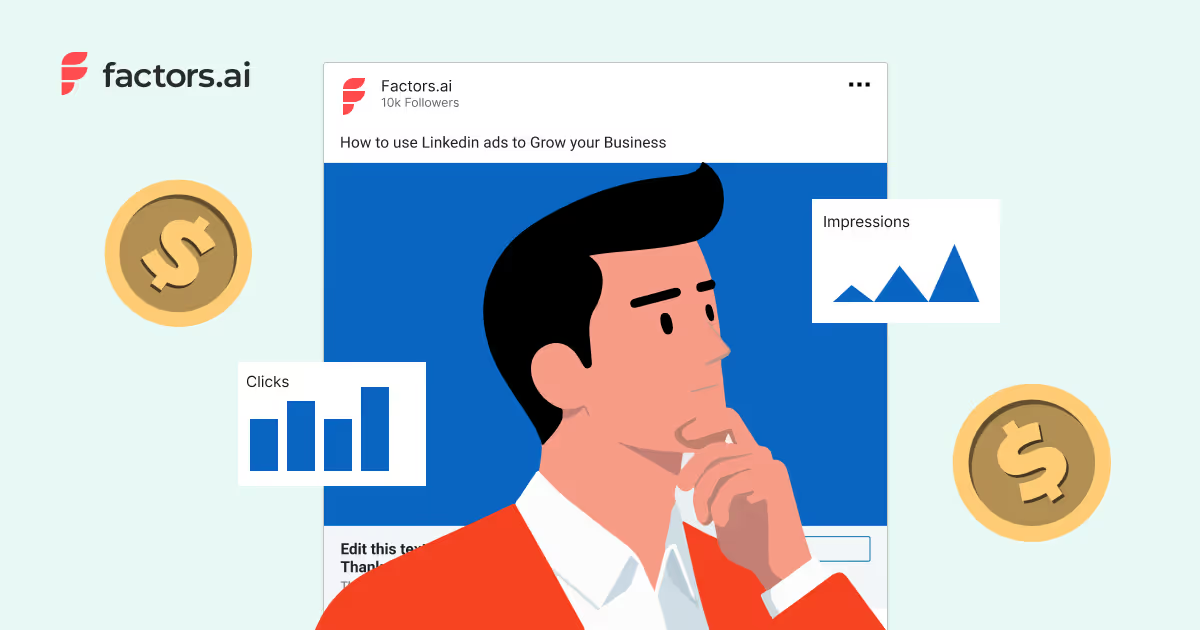
Understanding LinkedIn Ads Budget
Mastering LinkedIn Ads budgeting is key to cost efficiency, targeted reach, and ROI. Understand minimum budgets and set an ideal one aligned with your business goals, audience, and ad formats. Learn to set and optimize your LinkedIn Ads budget effectively. Discover tips, strategies, and how Factors.ai can enhance LinkedIn ad performance and ROI.
TL;DR
- Align your LinkedIn Ads budget with clear objectives (brand awareness vs. lead gen) to ensure every dollar spent drives measurable impact.
- Start with a modest test budget ($10–$20/day) to gather performance data before scaling spend on high-converting creatives.
- Understand minimum budgets and set an ideal one aligned with your business goals, audience, and ad formats.
- Optimize spending with A/B testing, high-performing creatives, and LinkedIn’s targeting features. Use real-time tracking (like Factors AdPilot) to pivot spend toward high-intent prospects and avoid draining the budget on underperforming ads.
- Regularly adjust your budget based on KPIs, seasonal trends, and market shifts. Avoid common pitfalls like underestimating budget needs, ignoring performance data, and skipping ad testing.
LinkedIn Ads have become a pivotal component of B2B marketing strategies, allowing businesses to target professionals and decision-makers in various industries. However, a crucial aspect of running successful LinkedIn ad campaigns is setting and managing an appropriate budget. In this blog, we will explore the importance of budgeting for LinkedIn Ads, understand the concept of a minimum budget, determine how to set an ideal budget and see how tools like Factors can enhance budget management.
Why Budgeting Matters for LinkedIn Ads
Budgeting is an essential part of any digital marketing strategy. Businesses may need a well-defined budget, leading to suboptimal results. Here are a few reasons why budgeting is crucial for LinkedIn Ads:
- Cost Efficiency
A defined budget helps manage costs effectively and prevents overspending. It ensures that money is spent wisely and the campaign stays within financial limits. LinkedIn Ads tend to be more expensive than other social media platforms, so efficient budget management is vital for achieving a good return on investment (ROI).
- Targeted Reach
LinkedIn offers robust targeting options, allowing businesses to reach specific audiences. A proper budget ensures that the ads reach the intended audience prematurely without running out of funds. Effective budgeting allows for sustained engagement with potential leads and customers.
- Better ROI Tracking
With a clear budget, tracking the return on investment (ROI) is easier. Businesses can measure the effectiveness of their ad campaigns and adjust their strategies accordingly. Tracking ROI helps in understanding which campaigns are performing well and which need adjustments, ensuring optimal use of the marketing budget.
- LinkedIn Ads Minimum Budget
Understanding the concept of a minimum budget for LinkedIn Ads is essential. LinkedIn Ads are generally more expensive than other social media platforms but offer high-quality leads. Businesses should consider a minimum budget for sufficient data collection and optimization to get meaningful results.
LinkedIn Ads Minimum Budget
Understanding the minimum budget required for LinkedIn Ads is essential for initiating successful campaigns. Several factors influence the minimum budget:
- Industry Benchmarks
Different industries have varying cost-per-click (CPC) and cost-per-impression (CPM) rates. For instance, the technology sector might have higher CPC rates than the education sector. Understanding these benchmarks helps in setting realistic budget expectations.
- Competitive Landscape
The level of competition in your industry can significantly impact the budget. High competition usually leads to higher ad costs. Analyzing competitors' ad strategies can provide insights into necessary budget allocations.
- Campaign Objectives
The campaign's goals, whether brand awareness, lead generation, or engagement, will determine the budget. Lead generation campaigns typically require higher budgets. Clear objectives help allocate the budget effectively to different aspects of the campaign.
Determining Your LinkedIn Ads Budget
Setting the right budget for LinkedIn Ads involves several key considerations:
- Business Goals and Objectives
Clearly define what you aim to achieve with your LinkedIn Ads. Whether your goals are increasing brand visibility, generating leads, or driving website traffic, your goals will shape your budget. For instance, brand awareness campaigns have budget requirements that are different from lead generation campaigns.
- Audience Targeting Specifics
LinkedIn offers advanced targeting options based on job titles, industries, company sizes, etc. The more specific your targeting, the higher the cost, but it will ensure that your ads reach the most relevant audience. Effective targeting can lead to higher engagement rates and better conversion.
- Ad Formats and Their Costs
Different ad formats have varying costs. Sponsored Content and Sponsored InMail are typically more expensive than Text Ads.
- Sponsored Content: These ads appear directly in the LinkedIn feed and are ideal for content promotion. Costs typically range from $6 to $9 per click.
- Sponsored InMail: This format delivers personalized messages to LinkedIn users' inboxes. The average cost is around $0.60 to $1 per message sent.
- Text Ads: These simple ads appear on the sidebar and cost approximately $2 to $4 per click.
- Dynamic Ads: These are personalized ads that adjust based on user data. The cost can vary but generally between $3 and $6 per click.
Choose the format that aligns with your campaign objectives and budget. Understanding the costs associated with each format helps planners plan the budget efficiently.
- Recommended Starting Budget
For new advertisers, LinkedIn suggests starting with a budget of at least $10 to $20 per day to test ad performance effectively. This initial budget allows for adequate data collection and optimization.
How much does LinkedIn advertising cost per 1000 impressions?
Around 16% of businesses spend less than $3.00 per 1000 impressions, while 26% pay more than $20.00.
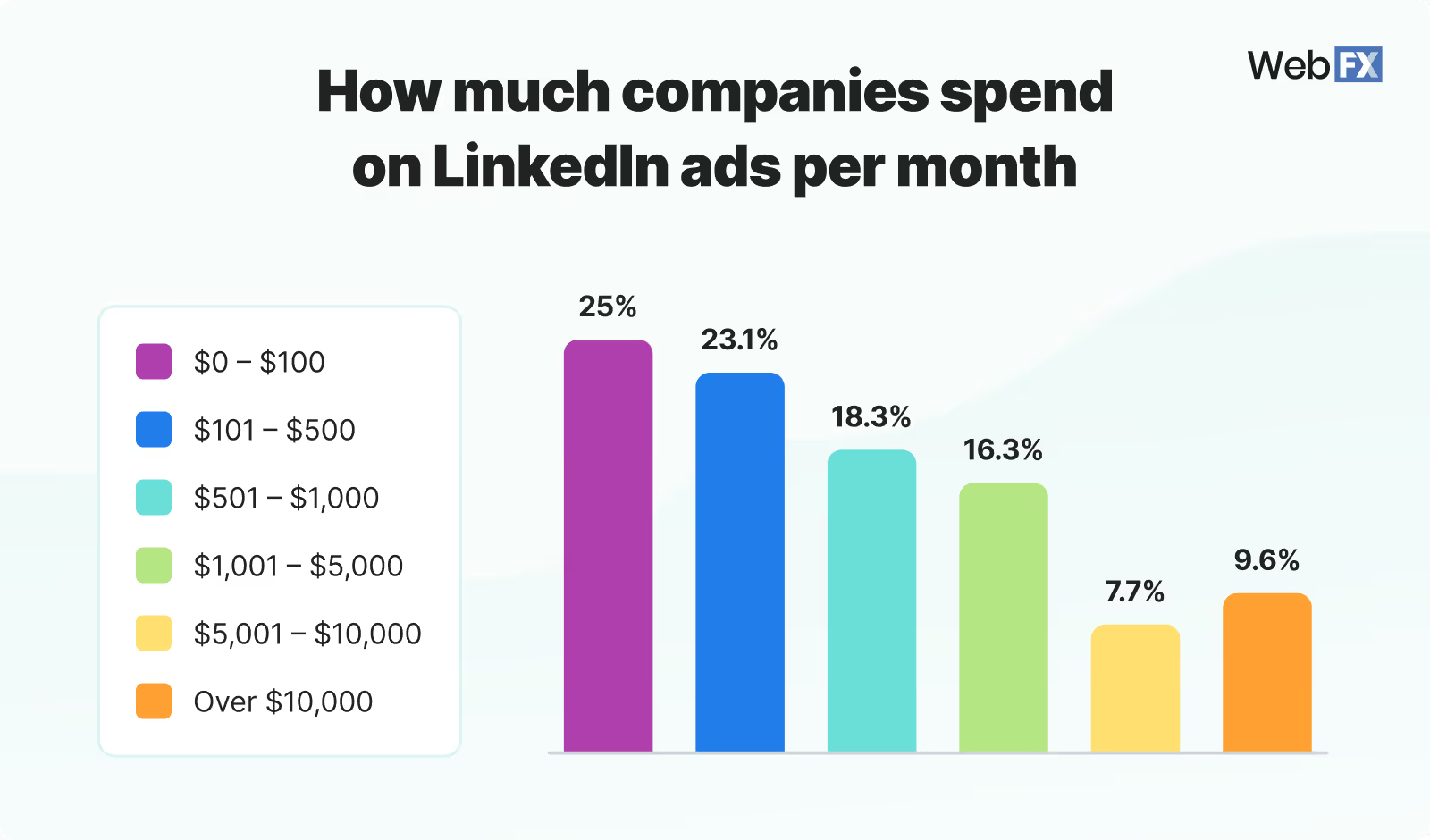
Historical Performance Data and Benchmarks
Analyze past campaigns to understand what worked and what didn’t. Use this data to set realistic budget expectations and benchmarks. Historical data provides insights into optimal budget allocations and potential adjustments for future campaigns.
Starting with a modest budget for testing campaigns can provide insights and data necessary to refine strategies and optimize spending.
Ideal Budget Range for LinkedIn Ads
Paul Fairbrother, an advertising specialist from Facebook and Instagram, said the ideal budget for LinkedIn advertising is approximately $5k a month. However, this budget can vary based on the business size and the industry. Here are some typical budget ranges:
- Small Businesses
A monthly budget of $2,000 to $5,000 for small businesses can be adequate for initial testing and gaining insights. This budget allows for targeted campaigns and data collection to refine future strategies.
- Medium-Sized Businesses
Medium-sized businesses might allocate $10,000 to $20,000 monthly to ensure broader reach and better optimization. This budget range supports more extensive campaigns and detailed audience targeting.
- Large Enterprises
Large enterprises with extensive marketing goals may invest $50,000 or more, monthly for comprehensive campaigns. Higher budgets enable large-scale campaigns, advanced targeting, and continuous optimization.
Due to their competitive nature, businesses in the technology and finance sectors often have higher budgets. Successful campaigns with budgets ranging from $10,000 to $50,000 monthly have achieved significant ROI through targeted strategies and continuous optimization.
Maximizing Your LinkedIn Ads Budget
To get the most out of your LinkedIn ads budget, consider these optimization tips:
- A/B Testing and Optimization
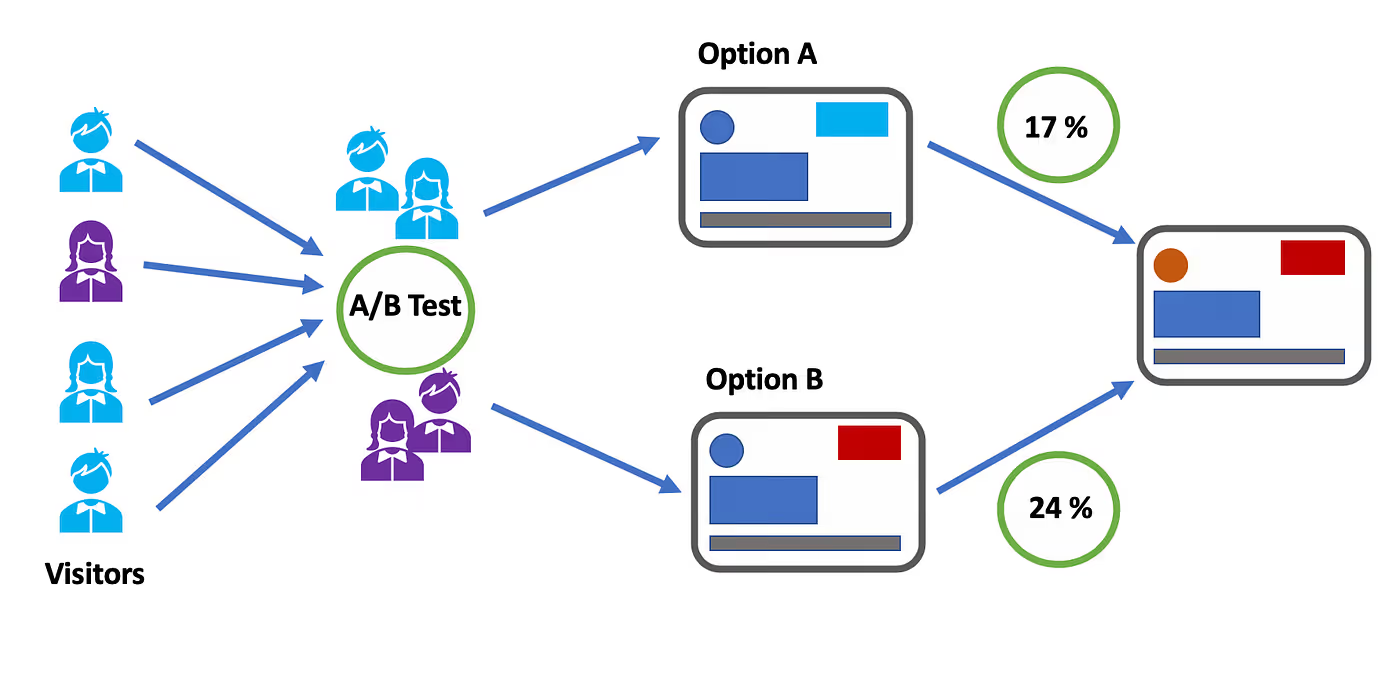
Test different ad creatives, headlines, and calls-to-action (CTAs) to identify what works best. Use the data to optimize your campaigns for better performance. A/B testing helps understand audience preferences and refine ad strategies.
- Focusing on High-Performing Ad Creatives
Allocate more budget to ad creatives that generate higher engagement and conversions. Pause or adjust underperforming ads. This approach ensures the budget is used efficiently to drive the best results.
- Leveraging LinkedIn’s Targeting Features Effectively
Use LinkedIn’s advanced targeting options to reach the most relevant audience. Use LinkedIn’s Matched Audiences feature to retarget website visitors or upload email lists. Effective targeting maximizes the budget's impact by reaching potential customers more accurately.
Balancing Quality and Quantity of Leads
Focus on generating high-quality leads rather than a large number of leads. High-quality leads are more likely to convert and provide better ROI. Prioritize quality over quantity to ensure long-term success and efficient budget use.
Factors.AI: Enhancing LinkedIn Ads Budget Management
Factors is a powerful tool that helps companies optimize their LinkedIn ads integration budget through advanced analytics and automation. Here’s how Factors.AI can enhance budget management:
- Advanced Analytics and Insights
Factors.AI provides detailed analytics and insights into ad performance. It helps businesses understand which ad creatives, targeting options, and strategies are most effective, enabling better budget allocation. Advanced analytics allow for data-driven decisions, ensuring optimal budget use.
- Predictive Modeling

Factors.AI uses predictive modeling to forecast campaign performance and budget needs. This helps businesses plan their budgets more accurately and allocate funds where they will have the most impact. Predictive modeling reduces the risk of overspending and enhances campaign efficiency.
- Real-Time Monitoring and Adjustments
With real-time monitoring, Factors allows businesses to track ad performance continuously. It provides automated recommendations for budget adjustments based on performance data, ensuring optimal spending. Real-time monitoring helps quickly address any issues and optimize budget allocation.
- Automated Reporting
Factors generate automated reports that track key performance indicators (KPIs) such as cost per click (CPC), cost per lead (CPL), and conversion rates. These reports help businesses stay informed about their budget utilization and make data-driven decisions. Automated reporting simplifies the process of tracking and analyzing campaign performance.
Monitoring and Adjusting Your LinkedIn Ads Budget
Continuous monitoring and adjustment are crucial for maximizing the effectiveness of your LinkedIn ads budget. Here’s how to approach it:
Key Performance Indicators (KPIs) to Track
- Cost Per Click (CPC): This measure measures the cost incurred for each click on your ad. Tracking CPC helps you understand the efficiency of your ad spend.
- Cost Per Lead (CPL): Calculates the cost of acquiring a lead through your ad. Monitoring CPL provides insights into the cost-effectiveness of lead generation efforts.
- Conversion Rates: Tracks the percentage of ad clicks that result in conversions. Higher conversion rates indicate better ad performance and effective targeting.
Strategies for Budget Adjustments
- Performance-Based Adjustments: Allocate more budget to high-performing campaigns and ad creatives. Reduce or pause spending on underperforming ads. This strategy ensures that the budget is used efficiently to maximize ROI.
- Seasonal Adjustments: Adjust your budget based on seasonal trends and industry events. For example, increase spending during peak business seasons or industry conferences. Seasonal adjustments help capitalize on high-traffic periods.
Data-Driven Decision Making

Data-driven decision-making can significantly enhance the effectiveness of your LinkedIn Ads budget. Businesses can make informed decisions about budget allocations by relying on analytics and insights from tools like Factors. This approach ensures that every dollar spent contributes to achieving the marketing objectives.
Common Mistakes to Avoid with LinkedIn Ads Budget
Avoiding common pitfalls can save your budget and improve campaign performance. Here are some mistakes to watch out for:
- Underestimating the Budget Needed for Effective Reach
A higher budget is necessary to ensure the reach and effectiveness of your ads. Ensure your budget allows for sufficient impressions and engagement.
- Ignoring Performance Data and Insights
Failing to analyze and act on performance data can lead to wasted budgets. Use analytics tools like Factors to gain insights and optimize your campaigns.
- Neglecting the Importance of Ad Testing and Optimization
Regular testing and optimization are essential for improving ad performance. Continuously test different elements of your ads and refine them based on the results to ensure optimal performance and effective budget utilization.
- Focusing Solely on Clicks Rather than Quality Leads
Prioritizing click volume over the quality of leads can lead to wasted spend. Ensure that your budget is focused on attracting high-quality leads who are more likely to convert.
- Not Adjusting for Seasonality and Market Changes
Failing to adjust your budget based on seasonal trends or market changes can result in missed opportunities or overspending. Stay flexible and adapt your budget according to market conditions and seasonal trends.
- Overlooking the Importance of Clear Goals
Without clear campaign goals, it’s challenging to allocate the budget effectively. Ensure your objectives are well-defined and align your budget to meet these goals.
How Factors’ latest LinkedIn AdPilot launch can help:
One of the biggest challenges when managing LinkedIn Ads budgets is ensuring that your investment leads to measurable ROI while optimizing campaign performance. This is where Factors’ LinkedIn AdPilot comes into play.
- By offering features like Audience Builder, AdPilot allows you to target the right accounts more efficiently, ensuring your budget is spent on high-intent prospects rather than being spread thin across less relevant audiences.
- AdPilot’s Smart Reach prevents over-serving ads to large companies and under-serving them to smaller ones, maximizing your budget's reach and effectiveness.
- Our Campaign Automation capability enhances performance by directing your ad spend toward prospects who are in-market and ready to engage, leading to higher conversion rates.
- View-through Attribution provides a clearer picture of how your ads influence buyer behavior, allowing you to justify your LinkedIn ad spend with concrete data.
- With Factors’ LinkedIn CAPI integration, you can refine your campaigns based on real-time insights, ensuring your budget always works towards better ROI.
In essence, AdPilot optimizes your LinkedIn Ads budget and drives superior campaign performance, leading to more efficient resource use and stronger returns.
Optimize Your LinkedIn Ads Budget for Maximum ROI
Budgeting is essential for running successful LinkedIn ad campaigns. Businesses should define clear objectives, understand industry benchmarks, and allocate budgets based on campaign goals and audience targeting. LinkedIn’s minimum budget requirements vary by industry, competition, and ad format, influencing cost efficiency and ROI.
Optimizing ad spend involves A/B testing, prioritizing high-performing creatives, and leveraging LinkedIn’s targeting features. Use tools to help with real-time monitoring, predictive analytics, and automated reporting to refine budget allocation. Continuous budget adjustments based on KPIs, seasonal trends, and performance insights help improve performance. Avoiding pitfalls such as underestimating budget needs, ignoring performance data, and failing to test ads helps businesses achieve better lead quality and higher conversions.
Ready to optimize your LinkedIn Ads budget and achieve exceptional results? Transform your LinkedIn Ads strategy and maximize your ROI with Factors.AI.
FAQs on LinkedIn Ads Budget
Q1. Is a $2,000 monthly budget enough for LinkedIn Ads?
For small businesses, yes, it’s a solid starting point for testing and data collection. However, don't expect enterprise-level results; use this phase to refine your audience targeting before scaling up. This budget only works if you are hyper-focused on a niche audience rather than targeting all your audiences
Q2. Why are my LinkedIn Ad costs so much higher than Facebook?
LinkedIn provides access to professional intent and B2B decision-makers, which carries a premium price tag. You are paying for the quality of the data (job titles, company size) rather than just broad impressions. Keep that perspective when looking at your CPL.
Q3. Should I prioritize clicks or leads in my budget?
Always prioritize quality leads (CPL). High click volume is just vanity if those clicks don’t convert into meaningful sales conversations. I’d rather have 10 leads that turn into demos than 1,000 clicks from people who weren't looking to buy.
Q4. How often should I adjust my LinkedIn ad budget?
Review your KPIs (CPC, CPL, Conversion Rate) weekly. Make data-driven pivots based on performance, but give campaigns at least 7 days to exit the “learning phase” before making drastic changes. Don't tinker daily. You'll drive the algorithm crazy (and waste your own time, too).
Q5. How do I handle seasonality in my budget?
Increase your budget during your peak industry months or around major events/conferences where your audience is most active. Conversely, dial it back during known “slow” periods for your sector. Be proactive, not reactive. If you know August is dead for your industry, don't wait until the month is over to notice your budget was wasted.

Top 9 Types of Attribution Models for You to Try in 2026
Compare the 9 marketing attribution models, from first-touch to data-driven. See how different attribution model works, when to use it, and which model fits your B2B sales cycle.
TL;DR
- Marketing attribution is a framework for assigning credit to the various touchpoints, such as ads, social media, or webinars, that a customer interacts with before converting.
- It helps businesses identify which marketing channels drive ROI, allowing for smarter budget allocation and a deeper understanding of the customer journey.
- Single-Touch: Credits one interaction (e.g., First-Touch or Last-Touch). Best for short, simple sales cycles.
- Multi-Touch: Distributes credit across the entire journey (e.g., Linear, U-Shaped, W-Shaped). Best for complex B2B sales.
- Data-Driven: Uses algorithms to assign credit based on actual statistical impact. Highly accurate, but requires large conversion volumes.
- No model is perfect. For B2B, multi-touch models are recommended to capture the nuances of long sales cycles, while data-driven models are the "north star" for businesses with sufficient data.
Think about spending a lot on marketing but not knowing which efforts actually lead to sales. Many marketers face this problem when trying to improve strategies and justify spending. Marketing attribution models can help. They show the journey from first contact to final sale, highlighting the role of each step.
Attribution modeling is a key approach to measuring marketing performance, especially in the complex, long sales cycles typical of B2B contexts. It provides a framework for assigning credit to various interactions throughout the customer journey, helping businesses identify which touchpoints contribute most to conversions. While no attribution model is perfect, each offers different levels of usefulness depending on the context. In B2B marketing, where customer interactions are numerous and extended over time, the right attribution model offers invaluable insights into which channels drive sign-ups and what content influences conversions, allowing businesses to better understand and optimize their marketing strategies.
Today, customers connect with brands in many ways, using different platforms and devices. Knowing their journey is more important than ever. Marketing attribution models give you a clear way to examine this journey. They help you spot key steps and adjust your strategies.
This guide will cover the top 9 marketing attribution models. Each one has its own strengths and uses. By learning about them, you can pick the one that fits your business goals and customer journey. Whether you are experienced or new to marketing, understanding these models is vital for boosting ROI and growing your business.
Attribution models are frameworks used in marketing to assign credit for conversions to different touchpoints in a customer's journey. They help marketers determine which channels, campaigns, and interactions contribute most to a desired outcome — such as a sign-up, demo request, or purchase. The two main categories are single-touch models (crediting one interaction) and multi-touch models (distributing credit across multiple interactions).
How Attribution Models Benefit Your B2B Marketing?
Here's how your business benefits from using marketing attribution models:
1. Smarter Budget Allocation: Identify high-performing touchpoints and channels to invest your marketing budget where it matters most.
2. Deeper Customer Journey Insights: Understand how customers engage across different channels and which interactions influence their decisions.
3. Personalized Marketing: Use insights from attribution data to tailor messages, improve the customer experience, and build stronger brand loyalty.
4. Data-Driven Decision Making: Evaluate the effectiveness of each channel to optimize current campaigns and plan future strategies more effectively.
5. Improved Team Collaboration: Align marketing and sales with a shared view of customer interactions, helping both teams work toward common goals.
6. Increased ROI and Efficiency: Focus on strategies that drive results, reduce waste, and improve overall marketing performance.
In summary, marketing attribution models are vital tools for businesses aiming to refine their marketing strategies and achieve lasting success.
What are attribution models?
Attribution models are frameworks that help analyze the customer journey and assign credit to the various touchpoints prior to the conversion. The method for assigning the credit is different for each attribution model depending on either the position of the touchpoint in the customer journey or a data-driven estimation of the significance of that touchpoint.
Additionally, businesses may need to configure these attribution models to suit their unique circumstances - such as considering an attribution window of, say, 60 days or 365 days depending on their sales cycle or performing the attribution analysis at a contact or opportunity, or account level depending on their sales motion.
With the help of these models, marketers are able to identify channels and tactics that drive more conversions and revenue, driving higher ROI for the business.
The following are some of the main reasons why attribution modeling is important.
- They provide insight into channels and campaigns that drive conversions and revenue
- They help plan and distribute spending to the right marketing channels
- Also, they help us identify the most influential channels and campaigns for each stage of the marketing and sales funnel.
There are different types of attribution model available for marketers, and we will dive into each in the coming sections.
Categories of Attribution Models
Before delving into how some of the most popular attribution models work, it's worth understanding the mechanics of attribution modeling. A general categorization of attribution models would include two types. They are -
- Rule-based attribution models
- Data-driven attribution models.
1. Rule-based attribution models
These models use predetermined rules for assigning attribution credits to touchpoints. These pre-defined rules determine the weightage or credit for a touchpoint primarily based on its position in the customer journey. Hence, these models are also called Position based Attribution Models.
In addition to the position, you can also define custom logic to assign differential weights based on the seniority of the customer representative involved in the touchpoint (say Director and above gets higher weight) as well as the amount of effort expended by the buyer in that interaction (attending a webinar required higher effort from a buyer than clicking on a paid search ad).
2. Data-driven attribution models
These models assign attribution credits to touchpoints based on an algorithmic estimation of the significance of that touchpoint in converting the customer. Some of the popular algorithmic techniques are Markov Chain models and Shapely value-based models. Whilst data-driven attribution is seen as the north star of Multi-Touch Attribution, they are also more expensive to compute, require a large volume of conversions and touchpoints not to be biased, and are harder to debug.
Whilst each approach has its own pros and cons, a combination of these models may be leveraged to identify marketing leakage and improve ROI.
What are the different types of attribution models?
Single-Touch attribution models
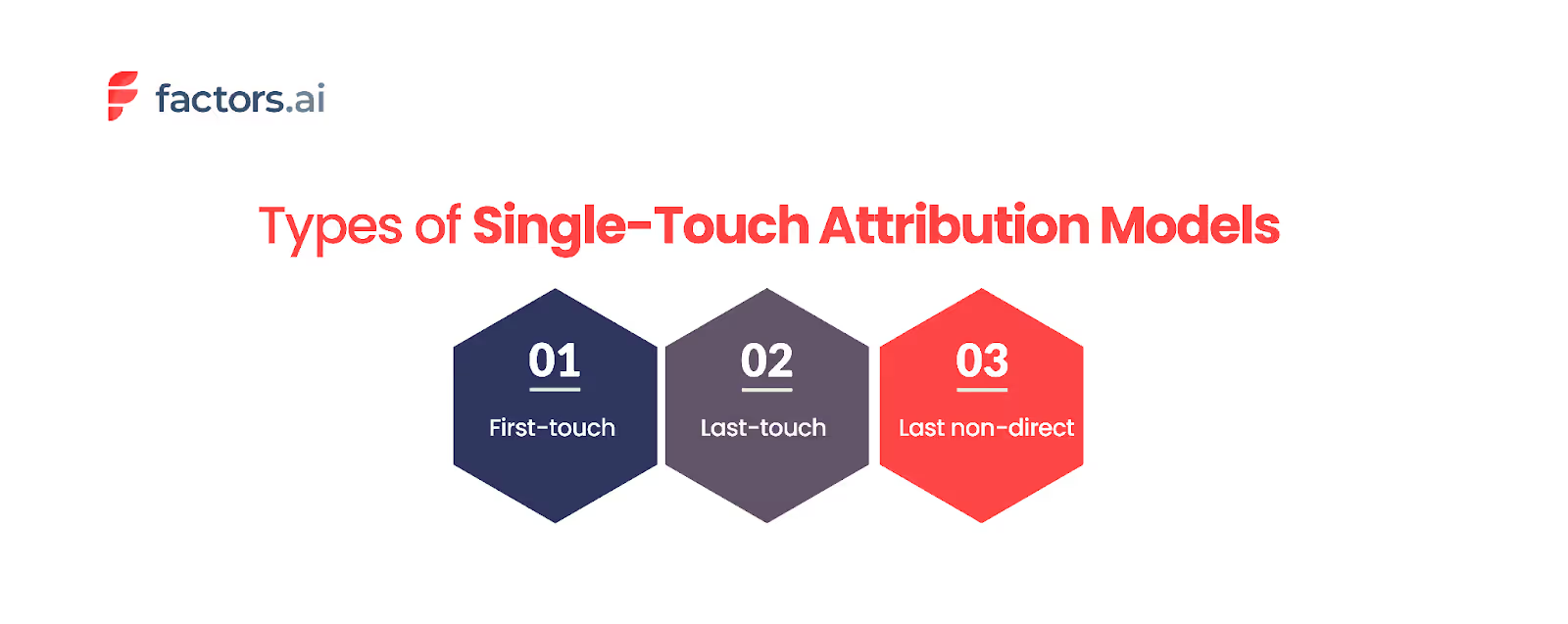
Single-touch attribution models are among the most straightforward approaches used to evaluate marketing performance. These models focus on one touchpoint in the customer journey and assign all credit for the conversion to that one. While straightforward, these models might only sometimes provide a complete picture, especially in scenarios involving complex sales cycles.
Some of the most common types of single-touch attribution models include:
1. First-Touch Attribution
The first-touch attribution model assigns full credit to the initial interaction that brought the customer into the marketing funnel. This model is particularly useful for businesses with simple, transactional sales processes, such as SaaS sign-ups. By understanding which initial touchpoints are most effective at attracting prospects, marketers can better focus their efforts on top-of-the-funnel activities.
However, the limitation of first-touch attribution becomes apparent in longer sales cycles. For example, if a potential customer interacts with a brand through a blog post, attends a webinar, and finally makes a purchase, first-touch attribution would credit only the initial blog post. This approach overlooks the influence of subsequent interactions that may have been crucial in nurturing the prospect through the funnel.
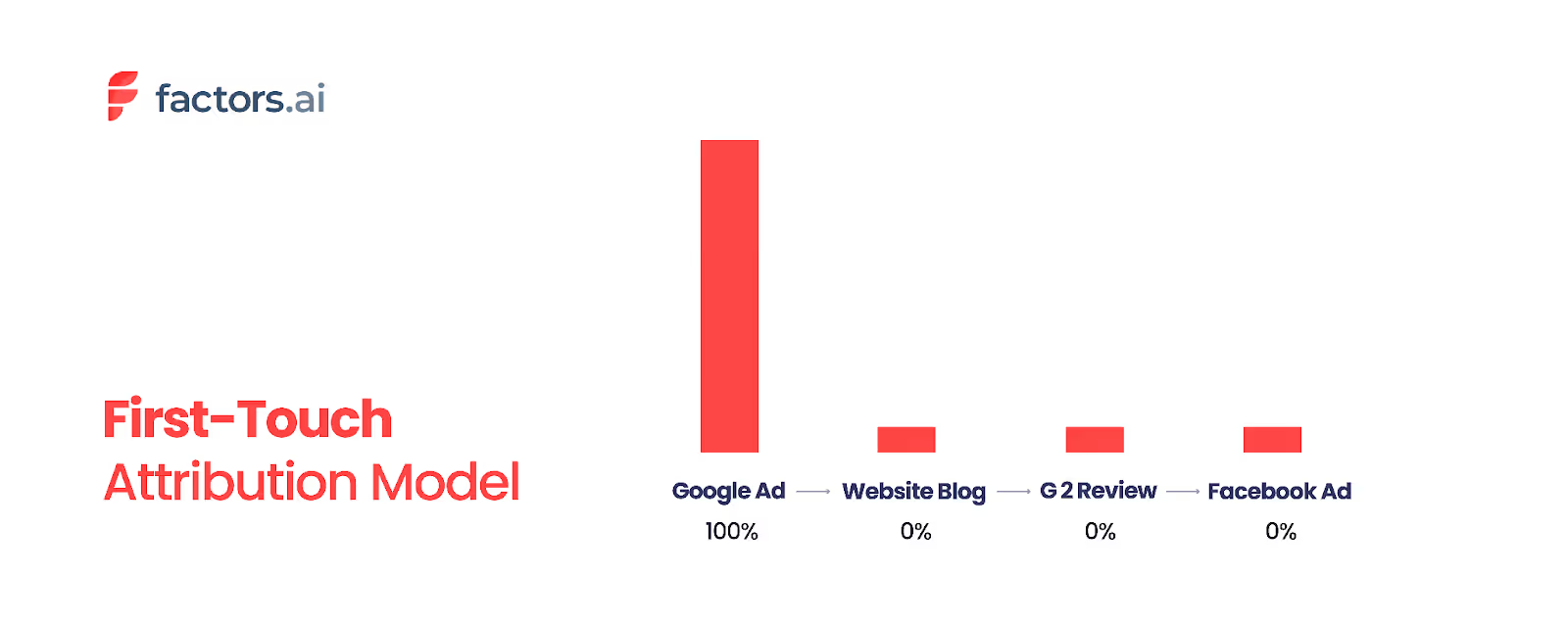
Key benefits:
- Ideal for campaigns focused on lead generation and brand discovery.
- Helps you evaluate which channels introduce the most prospects.
- Misses the influence of nurturing and closing interactions.
- Works best for businesses with short sales cycles or fewer touchpoints.
2. Last-Touch Attribution
Conversely, the last-touch attribution model gives full credit to the final interaction before the conversion occurs. This model is beneficial when trying to identify what specifically triggered the conversion. For instance, if you want to determine whether a blog post, a LinkedIn ad, or a webinar was the last factor that led a prospect to book a meeting, last-touch attribution can provide clarity.
While last-touch attribution can offer valuable insights into what ultimately led to a conversion, it has drawbacks. This model can skew results by ignoring the role of earlier touchpoints. For example, in a long B2B sales cycle, if a prospect finally signs a contract after several months of interaction, attributing the entire credit to the final step—such as a contract-signing tool like DocuSign—may not accurately reflect the contributions of earlier interactions. This can lead to an incomplete understanding of the marketing efforts that influenced the final decision.
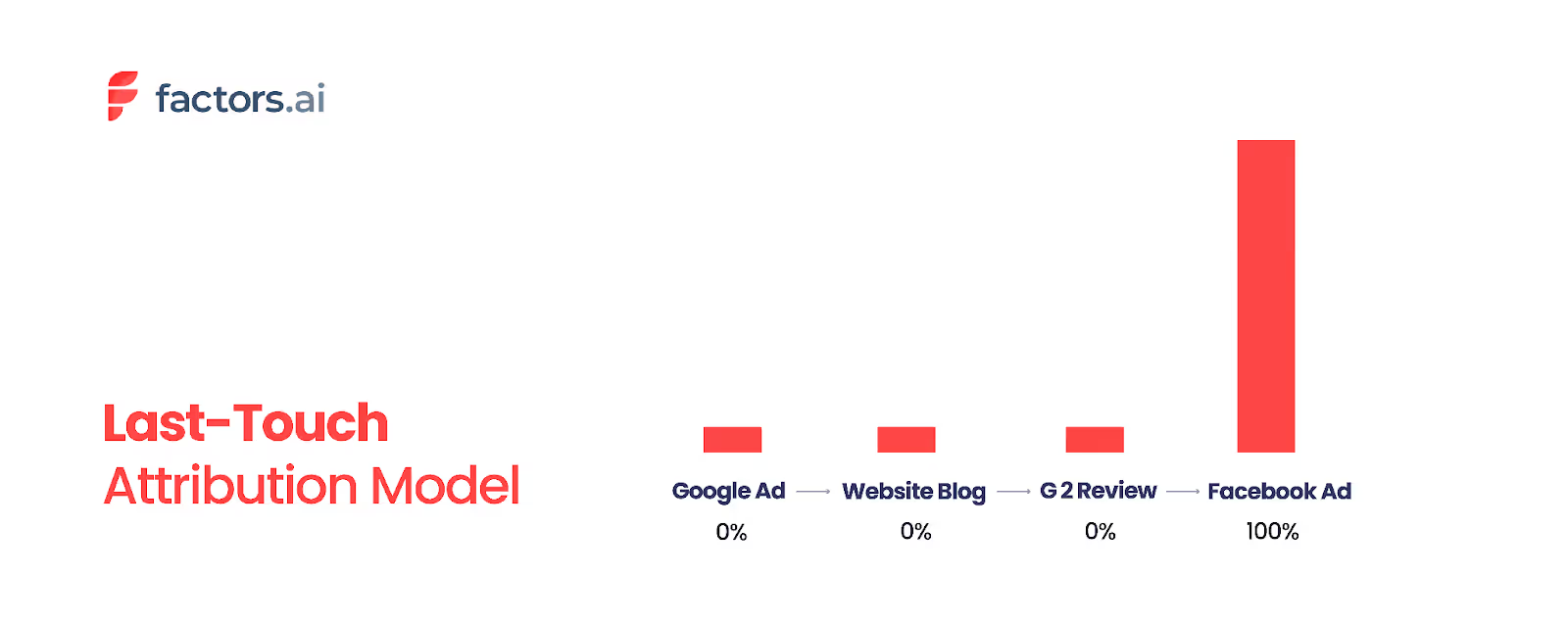
Key benefits:
- Good for identifying conversion-focused channels like retargeting or email.
- Simplifies reporting and is easy to implement using most analytics tools.
- Ignores the impact of earlier touchpoints that shaped intent.
- Often leads to over-investment in bottom-funnel efforts.
3. Last Non-Direct Touch Attribution
This model assigns 100% attribution credit to the last non-direct touchpoint. A non-direct touchpoint is an interaction that is guided by a specific source the business sets up (like an ad, email campaign, newsletter, etc.).
When your website traffic doesn't come from a known source, they are considered direct traffic (traffic that came from prospects directly entering the company URL into the browser, for example).
Let's assume that a lead interacted with your brand 5 times, each touchpoint is as given below.
- Touchpoint 1 - Prospect clicks on a PPC ad
- Touchpoint 2 - Prospect arrives at your site's landing page
- Touchpoint 3 - Prospect subscribes to your newsletter
- Touchpoint 4 - A week later, your prospect clicks on a newsletter campaign
- Touchpoint 5 - Prospect directly visits the website and initiates a free trial before purchasing a subscription
Touchpoints 1, 2, 3, 4, and 5 constitute all the prospect's interactions with your brand that led to them purchasing your product. Keep in mind that, in reality, businesses deal with numerous prospects interacting with several touchpoints, making the process of mapping the customer journey far more convoluted.
So if we consider the above-given example, this model would assign 100% sales credit to touchpoint 4 or the newsletter campaign clicked on, as that was the last non-direct source before the sale. This model assumes that every interaction is a consequence of the non-direct campaign, hence making it the most influential.
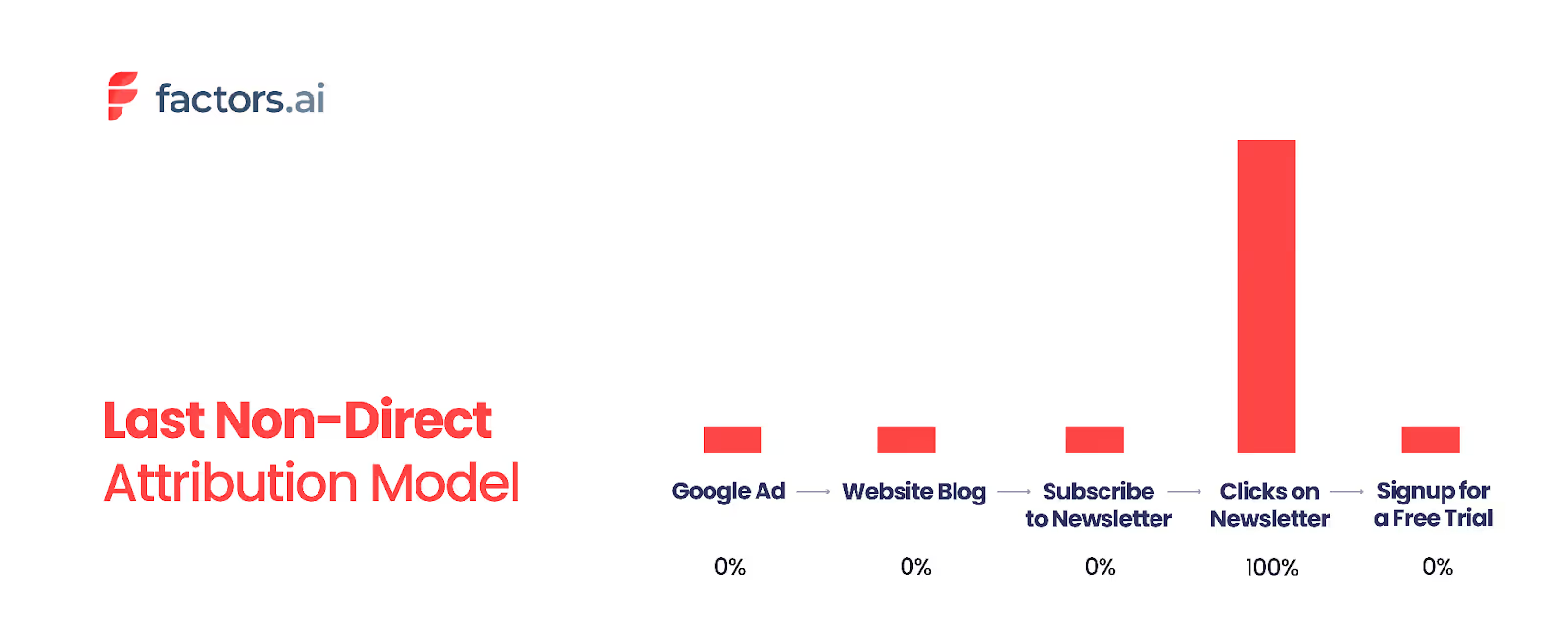
Key benefits:
- Useful for identifying the performance of non-branded campaigns (e.g., PPC, referral).
- Reduces bias from loyal repeat visitors or brand-aware customers.
- Often used in tools like Google Analytics for more realistic insights.
- Still ignores multiple other influential touchpoints.
4. Last AdWords Click Attribution
This model credits the last interaction with a Google Ads campaign before conversion. It's designed to help marketers optimize their paid search investments.
Let's say a customer journey looks like this:
- Clicks a Facebook ad
- Visits via organic search
- Clicks a Google ad
- Converts
Last AdWords Click Attribution will assign 100% of the credit to Step 3 (Google ad click) — ignoring the earlier touchpoints.
Key benefits:
- Highlights which specific search campaigns drive conversions.
- Helps maximize ROI from PPC spend.
- Ignores contributions from organic search, social, or email.
- Can lead to siloed decision-making if used alone.
Is Single-Touch attribution an INEFFECTIVE model?
Many businesses and marketing aficionados are of the opinion that single-touch attribution is not an effective model on its own. It is often considered to be a one-dimensional approach that fails to faithfully represent a customer's conversion journey down the funnel.
As we have discussed, while single-touch models may have their own relevant use cases (like for products with shorter sales cycles), it may not be as effective in identifying the most influential touch-point in a B2B customer journey.
If big data in marketing has proved anything, it's that customer journeys can be non-linear, sophisticated paths spanning several channels and mediums. Assigning 100% of the credit to a single touchpoint will rarely be sufficient.
Multi-Touch Attribution Models
To address the limitations of single-touch models, multi-touch attribution models distribute credit across multiple touchpoints in the customer journey. These models offer a more nuanced view of how various interactions contribute to conversions, making them particularly useful for complex sales processes.
5. Linear Attribution

The linear attribution model assigns equal credit to every touchpoint the customer interacts with along their journey. This approach highlights the importance of each interaction, providing a balanced view of how various touchpoints contribute to the final conversion. In a B2B context, where a customer may engage with a company through several channels before making a purchase, linear attribution helps ensure that no single interaction is undervalued.
However, linear attribution can also have its drawbacks. By giving equal weight to all touchpoints, this model may overvalue less significant interactions and fail to capture the varying levels of influence each touchpoint has on the conversion. For example, if a customer interacts with a blog post, attends a webinar, and then downloads a white paper before making a purchase, linear attribution would attribute equal credit to each of these touchpoints, potentially overlooking the unique impact of each interaction.
Key benefits:
- Provides a balanced, equal-weight view of all touchpoints in the journey.
- Helps identify the strengths and weaknesses of each channel for budget decisions.
- May overvalue less significant interactions.
- Best suited for businesses wanting a holistic, unbiased starting point.
6. U-Shaped Attribution
The U-shaped attribution model provides more weight to the first interaction and the touchpoint that leads to conversion while giving less credit to intermediate interactions. This model strikes a balance between acknowledging the importance of initial engagement and recognizing the significance of conversion-driving touchpoints. For B2B businesses with longer sales cycles, the U-shaped model can offer valuable insights into which early touchpoints attract prospects and which final touchpoints are crucial in closing the deal.
The U-shaped model is particularly useful when you want to understand the relative importance of initial and final touchpoints. However, it may not fully account for the influence of touchpoints in between, which can also play a crucial role in nurturing the prospect through the sales funnel.
Consider four touchpoints: Ad, Blog, Review, and Retargeting campaign. With U-shaped attribution, 40% of the credits will be assigned to the first and last touchpoints each. The two touchpoints in-between will receive only 10% each as they are deemed less influential to the conversion decision.
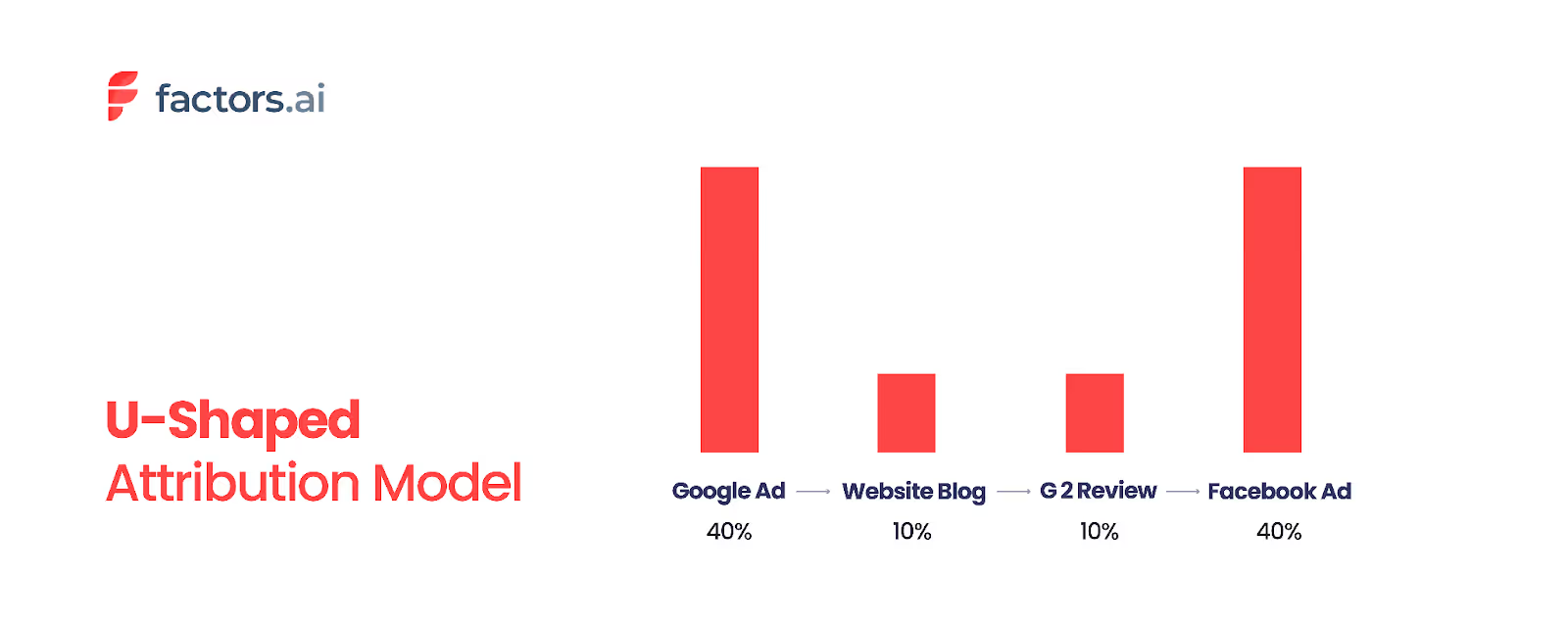
Key benefits:
- Balances the value of initial awareness and final action.
- Great for mid-length customer journeys with 3–6 touchpoints.
- It can be customized depending on your funnel structure.
- Doesn't consider lead qualification or deeper CRM stages.
7. W-Shaped Attribution
The W-shaped attribution model adds more granularity by assigning credit to the first touch, the lead conversion touch, and the final deal-closure touchpoints. This model is designed to provide a comprehensive view of the customer journey, capturing the influence of key stages along the way. In a B2B setting, where a prospect's journey may include various touchpoints such as content downloads, webinars, and sales meetings, the W-shaped model ensures that significant interactions at each stage receive appropriate credit.
While the W-shaped model offers a detailed view of the customer journey, it can also be complex to implement and interpret. The model's emphasis on multiple key touchpoints may lead to a more detailed understanding of the customer journey but may require more sophisticated tracking and analysis.
If there are 5 touchpoints in total, the first, middle (lead generation), and last touchpoints will be given 30% each and the rest only 5%.
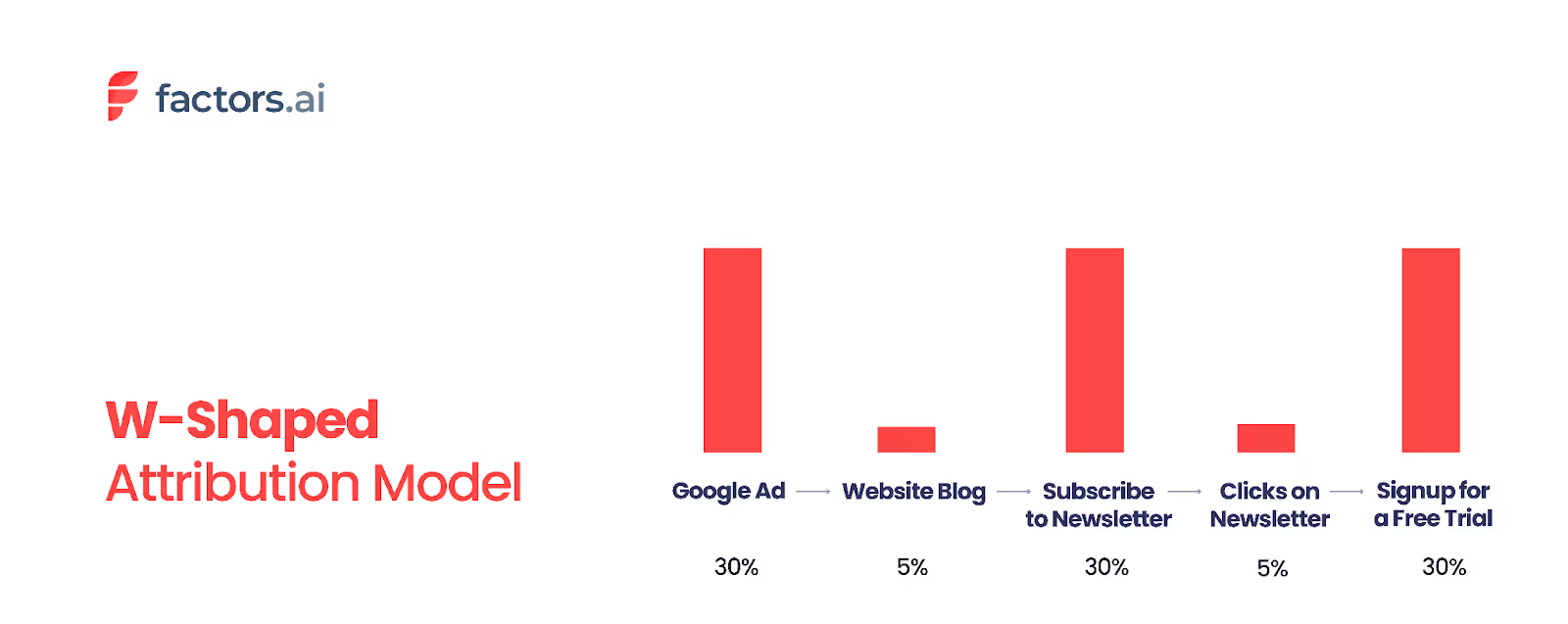
8. Time-Decay Attribution
The time-decay attribution model assigns more credit to touchpoints closer to the conversion event, assuming that later-stage interactions significantly impact the final decision. This model recognizes that earlier interactions are essential but less influential than those closer to the conversion point.
The time-decay model can help identify which touchpoints are most influential in the final stages of the customer journey. For instance, if a lead interacts with various marketing channels over several months, the time-decay model would attribute more credit to the interactions that happen closer to the conversion date while still acknowledging the role of earlier touchpoints.
However, it may undervalue early interactions that played a crucial role in initial engagement. By focusing more on recent touchpoints, this model may not fully capture the cumulative impact of the entire customer journey.
Using our four touchpoint example, a time decay model would assign attribution credits in this manner: 5% for the advert, 15% for the blog, 20% for the reviews page, and 60% for the retargeting campaign.
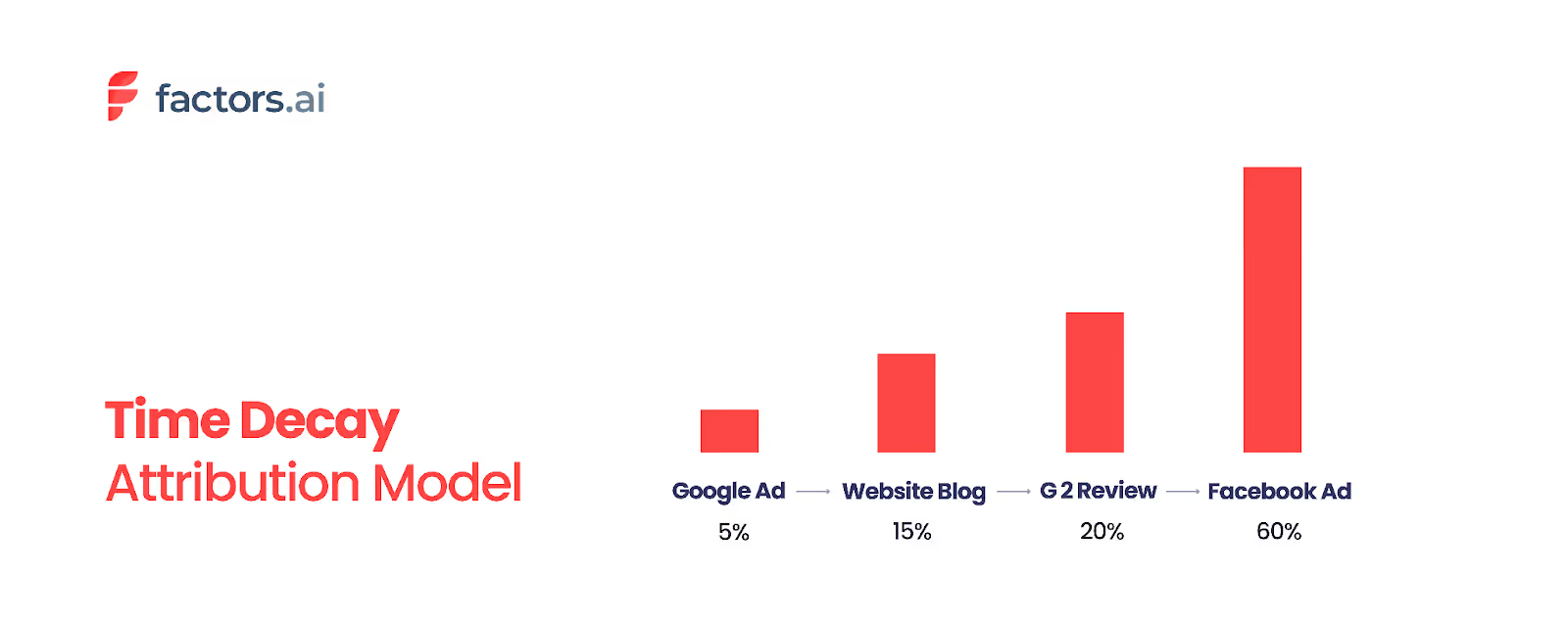
9. Lead Conversion Touch Attribution
This model attributes full credit to the touchpoint that converted a visitor into a lead, such as filling out a form or subscribing. It's especially relevant for lead generation campaigns. It credits multiple touchpoints across the buyer journey, not just one.
It's commonly used by marketing and demand gen teams to understand what activities helped generate leads, even if those leads haven't converted to customers yet.
For instance, consider this user journey:
- Clicks a LinkedIn ad → No lead
- Downloads a whitepaper from organic search → Still not a lead
- Clicks a retargeting ad → Fills out a demo form → Becomes a lead
- Sales calls and closes the deal
Lead Conversion Touch Attribution would distribute credit across Steps 1–3 (touchpoints before lead conversion) but exclude Step 4, since it happens after lead creation.
10. Data-Driven Attribution
Data-driven attribution uses machine learning algorithms — such as Markov Chain models and Shapley value analysis — to analyze both converting and non-converting paths and assign credit based on each touchpoint's actual statistical impact on conversion probability.
Unlike rule-based models that use predetermined weights, data-driven models learn from your actual customer data to determine how much credit each touchpoint deserves. Google Analytics 4 uses this as its default attribution model.
Key benefits:
- Most objective and accurate approach — based on real data, not assumptions
- Adapts automatically as customer behavior changes
- Default model in GA4, making it accessible to most marketers
- Requires a large volume of conversions (typically 300+ per month) to be reliable
- Best suited for businesses with sufficient data and multi-channel marketing strategies
Influence Attribution
Influence attribution, or custom attribution, is a flexible approach that assigns credit to all touchpoints that have influenced the deal. This model allows marketers to analyze the impact of different channels and interactions on the final conversion, providing a comprehensive view of how various touchpoints contribute to the customer journey.
While influence attribution offers valuable insights into channel impact and the relative effectiveness of different marketing efforts, it carries the risk of double-counting revenue. By assigning credit to all touchpoints involved in the conversion process, this model may attribute more value to each touchpoint than is warranted, potentially leading to inflated performance metrics.
Choosing the Right Attribution Model
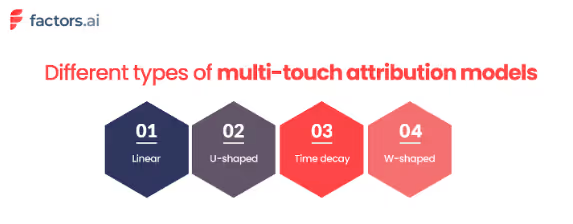
Selecting the right attribution model depends on several factors, including the complexity of your business, the length of your sales cycle, and the specific insights you want to gain. Here are some key considerations to keep in mind:
- Business Complexity and Sales Cycle Length
Single-touch models may provide sufficient insights for simple, transactional businesses. For more complex B2B sales processes, multi-touch and time-decay models offer a more detailed understanding of how various touchpoints contribute to conversions.
- Key Insights
Determine what questions you want to answer. Are you interested in understanding what drives initial sign-ups, or do you need to know which touchpoints are most effective in closing deals?
- Ease of Implementation
Choose a practical and feasible model for your marketing and sales teams to implement. While multi-touch models provide more detailed insights, they may require more sophisticated tracking and analysis.
- Goals and Metrics
Adapt your attribution model based on whether your goal is to track revenue, measure the effectiveness of touchpoints, or evaluate overall marketing performance.
What Real Marketers Say About Attribution Models
Based on discussions across marketing communities (Reddit, HubSpot Community, and marketing forums), here's what practitioners actually experience:
The consensus: Most B2B marketers recommend starting with a multi-touch model (U-shaped or time-decay) rather than single-touch, because B2B sales cycles involve too many interactions for first-touch or last-touch to provide useful insights.
The practical challenge: Data-driven attribution sounds ideal but requires significant conversion volume. As one marketer noted: "Start simple, iterate, and test. Good data connections make a good attribution model."
The emerging trend: Many teams are combining attribution models with self-reported attribution ("How did you hear about us?") and Marketing Mix Modeling (MMM) to get a fuller picture — especially as privacy changes limit cookie-based tracking.
Common advice: Don't obsess over finding the "perfect" model. Use attribution as a directional signal, not absolute truth, and revisit your model quarterly.
Attribution Model Comparison Table
Limitations of Attribution Models
Single-touch attribution models (like first-touch, last-touch, and list non-direct touch) are simple to implement but have several disadvantages. They oversimplify the customer journey by assigning credit to a single touchpoint, ignoring the contributions of other touchpoints. Similarly, these models also neglect the aggregate effect of multiple touchpoints over time. What results is inaccurate credit allocation, because the model disregards individual customer behavior and other factors.
On the other hand, multi-touch attribution models are definitely more complex because they work with complicated algorithms and technology. This often requires expert knowledge and pro- marketing knowledge of marketing software. The impressions from data can be misleading because of shortcomings like wrong assumptions and wrong weightage assigned to each marketing activity. To add on, while multi-touch attribution models are efficient for data- rich digital marketing campaigns, they are not equipped to measure external factors like word-of-mouth, seasonality or pricing.
Like single touch attribution models, multi-touch attribution models can also miss out on giving the full picture. Linear attribution models assume that all touchpoints have equal influence on customer behavior, which is not always the case. U-shaped, W-shaped and Time-Decay models run the risk of oversimplifying the customer journey since they assign more credit only to some touchpoints, while neglecting others. This could cost the model some valuable insights and paint an incomplete picture. The time-decay attribution model considers the recency of the customers close to the conversion event, but it can still overlook the significance of earlier touchpoints.
Attribution in a Privacy-First World
As cookie deprecation, iOS privacy updates, and regulations like GDPR reshape digital marketing, traditional attribution models face new challenges. Here are key concepts to understand:
Cross-Device Attribution tracks customer interactions across multiple devices (mobile, desktop, tablet) to provide a unified view of the customer journey. This is especially important in B2B where decision-makers research on multiple devices.
Cookieless Attribution uses alternatives to third-party cookies — such as first-party data, server-side tracking, and probabilistic matching — to maintain attribution accuracy in a privacy-first environment.
View-Through Attribution credits conversions to ad impressions that were seen but not clicked. This is valuable for display and video campaigns where brand awareness drives later conversions.
Many B2B marketers are also exploring Marketing Mix Modeling (MMM) and incrementality testing as complementary approaches that don't rely on individual user tracking.
5 Marketing Attribution Tools For 2026
To use marketing attribution models well, you need the right marketing attribution tools to gather and analyze data from different channels. These tools help you understand the customer journey and improve your marketing strategies.
1. Factors.ai
Factors.ai is an AI ABM and attribution platform. Factors capture intent signals and automate tasks, with no-code integrations and strong support. It's useful for businesses wanting to simplify their attribution without needing technical skills.
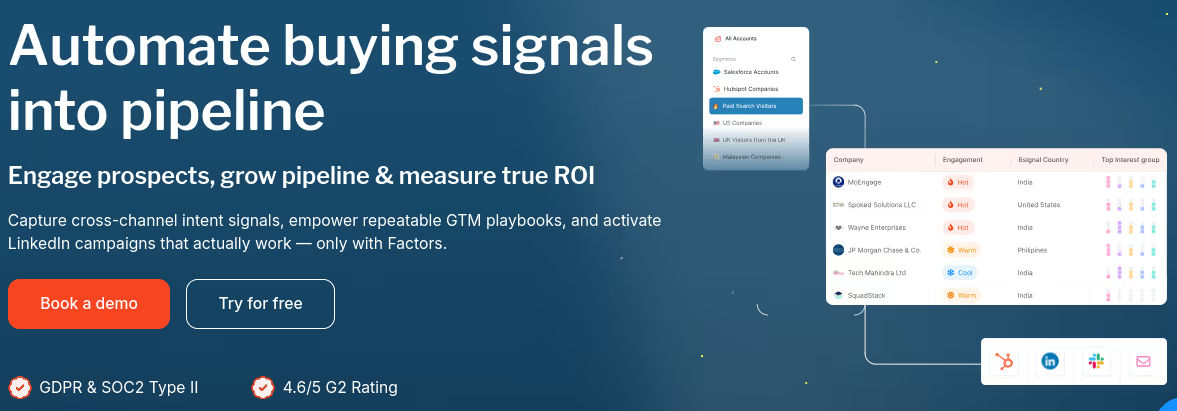
Features:
- Multi-touch attribution with easy setup.
- Lead scoring and buyer journey mapping.
- No-code integrations with CRMs and ad platforms.
- Intent signal tracking from anonymous and known users.
- Automated reports and insights.
- It has a free version. The paid plan starts at $399 per month.
2. Google Analytics
It is a common choice. It shows where traffic comes from and how users behave. It supports basic models like Last Click and Linear Attribution, making it good for businesses new to attribution analysis.
Features:
- Supports Last Click, Linear, and Time Decay attribution models.
- Real-time website traffic monitoring.
- Integration with Google Ads and Search Console.
- Funnel and goal tracking capabilities.
- Free and accessible for businesses of all sizes.
- Public pricing is not available.
3. Adobe Analytics
It offers advanced modeling, including multi-channel analysis and data-driven insights. It's ideal for large businesses needing detailed analytics across many touchpoints.
Features:
- Multi-channel and cross-device tracking.
- Custom attribution modeling and segmentation.
- Predictive analytics using AI and machine learning.
- Real-time data visualization and reporting.
- Seamless integration with Adobe Experience Cloud.
- Pricing details are not available.
4. LeadsRx
LeadsRx focuses on multi-touch attribution and customer journey analytics. It provides a clear view of how different channels lead to conversions. It's great for businesses wanting to understand the full customer journey.
Features:
- Unified view of marketing channels and conversions.
- Cross-device and cross-domain tracking.
- Integration with CRM, ad, and marketing automation tools.
- Real-time attribution and performance reports.
- Clean, visual journey mapping interface.
- Paid plan details are not publicly disclosed.
5. Wicked Reports
Wicked Reports specializes in revenue-focused marketing attribution, particularly for e-commerce and subscription-based businesses. It helps marketers link marketing activities to actual sales, focusing on long-term ROI.
Features:
- Tracks full customer journeys with multi-touch attribution models.
- Measures true ROI using customer lifetime value (CLTV) tracking.
- Offers detailed attribution for email, paid, and organic channels.
- Integrates with platforms like Shopify, Klaviyo, Google Ads, and Facebook Ads.
- Provides cohort-based analysis to track marketing effectiveness over time.
- Paid plan starts at $500/month.
Choosing the right tool depends on your business size, budget, and specific needs. Look at these tools based on their features, pricing, and integration abilities to ensure they fit your marketing goals and data setup.
Also, read this guide on common challenges in B2B attribution and their solution.
Takeaway
Needless to say, all attribution models are not appropriate for all use cases. Different attribution models aid different types of marketing campaigns and can reveal different insights into the customer journey.
In the end, a lot of the use cases for these types of attribution models are subjective. The decision to opt for a specific model can be based on several reasons spanning from the nature of your product to the extent of your brand equity. It may also vary based on the specific kind of insight you want to achieve.
More often than not, you will find yourself using more than just one model with several stipulations and custom values for each variant. Fortunately, the progressive ingenuity of AI and constant innovations around attribution modeling will render your experience less of a trial by fire and more of an intuitive, insightful practice.
Leveraging the right marketing analytics platform will be the first step in deciding the attribution model required for your company/business. As we said, it's best to rely on more than one model to improve your desired results. And for that, you will need an expert team, like Factors, that understands your requirements and guides you in leveraging the right techniques.
With Factors.ai, you can easily track the effectiveness of your campaigns and content, identify which channels are driving the most conversions, and optimize your marketing efforts for maximum results. The tool also offers a user-friendly interface and customizable dashboards, making it easy for you to access and interpret your data.
Interested? Sign up here for a FREE trial, or contact our team to get a Free consultation now. Here is the contact email for your reference - solutions@factors.ai
FAQs on Marketing Attribution
Q1. How do I choose the right attribution model for my business?
In order to choose the right attribution model, you will need to know the target market, the target audiences, and so on. And once you have everything set, consider the following.
- Define your business goals. The attribution model you select must align with your business goals. Is it sign-ups? Leads? SQLs? Or just organic traffic.
- Once you have defined the goal, understand the types of attribution models and how each model allocates credits to the touchpoints.
- Evaluate the data you have to get an idea of the current touchpoints where your business is driving conversions [goals].
- Test out different models to see which is more effective.
- And finally, constantly review the results and update the models according to the business needs.
Q2. How do attribution models help find the gap in the customer journey?
As we discussed earlier in the blog, each attribution model provides insights into your customers' touchpoints with your business. Which itself gives the different paths each customer has taken to reach your service.
Thereby helping you understand the customer journey and find the touchpoints you missed during your initial marketing campaign.
Q3. How do attribution models help in improving the conversion rate?
Attribution models help improve the conversion rate by identifying which touchpoints in the customer journey are most effective in driving conversions.
They enable data-driven decisions helping businesses optimize their marketing budget and allocate resources efficiently to boost conversion rates.
Q4. What is the most accurate attribution model?
Data-driven (algorithmic) attribution is generally considered the most accurate because it uses machine learning to analyze actual conversion data rather than relying on predetermined rules. However, it requires a large dataset (300+ monthly conversions) to work reliably. For businesses with smaller datasets, a W-shaped or U-shaped model provides a balanced and practical alternative.
Q5. What are the four main types of attribution?
The four main types are: (1) First-touch attribution — credits the initial interaction, (2) Last-touch attribution — credits the final interaction before conversion, (3) Multi-touch attribution — distributes credit across multiple touchpoints (including linear, U-shaped, and W-shaped variants), and (4) Data-driven attribution — uses algorithms to assign credit based on actual conversion data.
Q6. What is the difference between single-touch and multi-touch attribution?
Single-touch attribution assigns 100% credit to one touchpoint (either the first or last interaction). Multi-touch attribution distributes credit across multiple touchpoints throughout the customer journey, providing a more complete picture of which channels contribute to conversions. Multi-touch is generally preferred for B2B marketing with longer sales cycles.
Q7. How does Google Analytics 4 handle attribution?
GA4 uses data-driven attribution as its default model. It analyzes both converting and non-converting paths using machine learning to assign credit to each touchpoint based on its actual impact on conversion probability. GA4 replaced the older last-click default used in Universal Analytics.

We don’t just write about demand gen. We deliver it.
Our AI Agents help you uncover high-intent accounts, run campaigns that actually convert, and keep your GTM motion in sync.
1000+ GTM teams have already scaled their pipeline with Factors.
*Includes built-in peace of mind. And fewer late-night funnel audits.

.svg)