
Good Reads
Fix pipeline pains. Solve GTM puzzles. Read strategic brain dump.
Written for marketers who want real solutions to a leaking pipeline (and their dark circles).
Want to read more from us?


I’m looking for…
Website Traffic Analysis Tools: How to Check & Compare (Free + Paid)
Compare the best website traffic analysis tools, free & paid. Learn how to check website traffic, estimate competitors, and pick the right traffic tool.

If someone told you there's a kind of traffic you'd actually want more of, you'd want it to be website traffic, not the kind that traps you on a highway because some fool decided to block a lane.

Whether you're tracking your own site's performance or a competitor's, these tools give you that 'hindsight is 20/20 clarity' without waiting for a mishap to occur.
The curveball? There are approximately 20 bajillion traffic tools out there (okay, maybe not that many, but close). So, how do you pick the right one without getting lost in a rabbit hole?
Grab your coffee (or third espresso of the day, no judgment), and let's break down everything you need to know about website traffic analysis tools, free traffic checkers, and how to actually check website traffic without losing your mind.
TL;DR
- Web traffic = the visitors coming to your site, measured in sessions, users, and pageviews. It tells you how people find you and what they do once they land.
- Check your own traffic (exact data):
- Google Analytics (GA4): Tracks every session, conversion, and user journey.
- Google Search Console (GSC): Focuses on organic search queries and rankings.
- Check competitor or other sites (estimated data):
- Similarweb: Best for benchmarking and domain traffic analysis.
- Semrush Traffic Analytics: Great for source breakdown and audience overlap.
- Ahrefs Traffic Checker: Ideal for search traffic insights.
- SE Ranking: Solid free traffic checker with trends and country data.
- For deeper behavior insights (free):
- Microsoft Clarity: 100% free heatmaps, session recordings, and rage-click tracking — no traffic caps
- VWO / Hotjar / Crazy Egg: Paid behavior tools with A/B testing and advanced segmentation
- For B2B teams:
- Factors: Identifies anonymous visitors, connects them to real companies, and enriches traffic data with firmographics and buying intent.
- Factors: Identifies anonymous visitors, connects them to real companies, and enriches traffic data with firmographics and buying intent.
- How to compare website traffic:
- Use Similarweb's Compare feature or cross-check SE Ranking + Ahrefs for any two domains side-by-side
- Quick tip: Free tools give you accuracy for your own site; paid ones give you estimates for any site.
- Pro move: Combine GA4 + GSC for owned insights, and one estimation tool (like Similarweb or Ahrefs) for market intelligence.
What is Web Traffic and its essential elements?
Before we jump into tools and tactics, let's make sure we're all speaking the same language. Because 'web traffic' sounds straightforward until someone asks, 'Wait, are sessions and pageviews the same?'
Think of web traffic as the different types of people who show up to your (digital) party.

Each one has a different personality. But unlike a real party, you get way more data than just a headcount.
- Sessions are visits. Every time someone lands on your site, that's a session. One person can rack up multiple sessions if they keep coming back (either because your content is that good, or they keep forgetting what they read five minutes ago).
- Users (or unique visitors) track individual people. If Bob visits your site three times today, that's three sessions but one user. Bob's obsessed with you.
- Pageviews count every single page someone loads. If Bob clicks through five pages in one session, you've got five pageviews. It's like counting how many rooms Bob wandered into at your party.
- Traffic sources are how people found you. Organic search folks are the researchers who Googled their way here. Paid ad visitors are the impulse clickers (your ad worked, yay!). Social media traffic? They're the scrollers who got interested. Referral traffic comes from the networkers who followed a recommendation. Direct visitors typed your URL like they had it memorized. Email campaign people are the ones who actually read their inboxes.
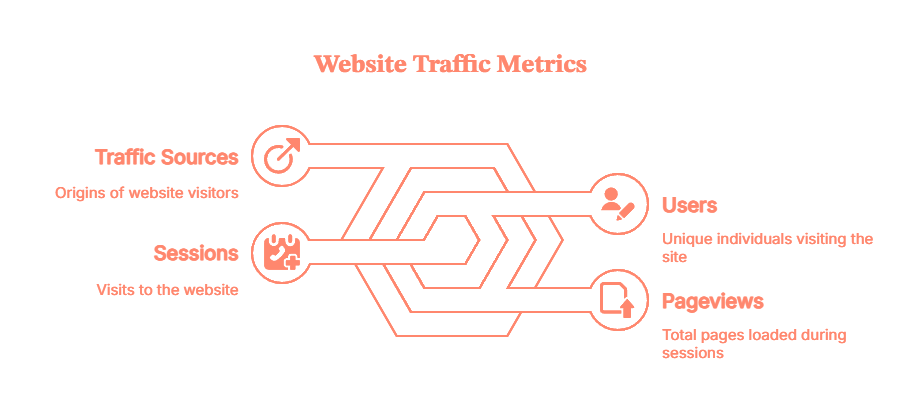
- Knowing your sources and reviewing your traffic reports is how you figure out which marketing channels are actually pulling their weight versus which ones are just there, eating snacks and contributing nothing.
Key web traffic metrics at a glance:
MetricWhat It MeasuresWhy It MattersSessionsTotal visits to your siteOverall traffic volumeUsers (Unique Visitors)Individual people visitingTrue audience sizePageviewsTotal pages loadedContent engagement depthBounce Rate% who leave after 1 pageContent relevance signalSession DurationAverage time spent on siteEngagement qualityTraffic SourcesWhere visitors come fromChannel effectivenessConversion Rate% completing a desired actionBusiness impactPages per SessionAvg pages viewed per visitSite stickiness
How to Check Website Traffic (Free vs Paid)
Now that we've got the basics down, let's talk about how to check website traffic. Checking it is like seeing your actual report card. Checking a competitor's? That's like hearing through the grapevine that they "did pretty well", useful intel, but not the full picture.
Your own site? Use Google Analytics (GA4). It's free, tracks everything from first click to final conversion, and gives you exact numbers. Google Search Console (GSC) is GA4's nerdy sibling, it focuses on organic search and shows which queries bring people from Google. For deeper insights such as identifying anonymous visitors, their behavior and intent, Factors plugs right in, especially for B2B folks.
Someone else's site? That's where estimated traffic tools come in. Similarweb, Semrush, Ahrefs, and SE Ranking use browser extensions, web crawlers, and some algorithms to estimate any domain's traffic. They give you a ballpark figure. Think of it like the difference between the top speed on your speedometer and what the cop's radar clocks you at.
{{INLINE_MOFU}}
Best Free Website Traffic Checker Tools (Quick Reference)
If you just need a fast, no-login traffic estimate for any domain, these free website traffic checkers are your go-to:
ToolWhat It ChecksFree Tier LimitsBest ForSE Ranking Traffic CheckerAny domainUnlimited lookupsQuick estimates + 6-month trendsAhrefs Traffic CheckerAny domain1 free check/domainOrganic traffic estimatesSimilarwebAny domain1 month of dataSource breakdown & benchmarkingBacklinko Traffic CheckerAny domainUnlimitedFast top-level estimatesGoogle Search ConsoleYour site onlyUnlimitedExact search performance dataGoogle Analytics (GA4)Your site onlyUnlimitedFull traffic + conversion data
💡 Pro tip from the community: No single free tool gives perfect competitor numbers. Cross-reference SE Ranking, Ahrefs, and Similarweb to spot consistent patterns — trust the trend, not the exact count.
How to Check Website Traffic (Step-by-Step)
Check Your Own Website Traffic (Exact Data)
Using Google Analytics 4:
- Go to analytics.google.com
- Select your property
- Navigate to Reports → Acquisition → Traffic Acquisition
- Set your date range (top right)
- View sessions, users, and channel breakdown
Using Google Search Console:
- Go to search.google.com/search-console
- Select your property
- Click Performance → Search Results
- View total clicks, impressions, CTR, and top queries
How to Check Competitor Website Traffic (Estimated Data)
Using SE Ranking (Free):
- Go to seranking.com/website-traffic-checker.html
- Enter a competitor's domain (e.g., competitor.com)
- View estimated monthly visits, top pages, and traffic trend
Using Similarweb (Free Tier):
- Go to similarweb.com
- Enter the domain in the search bar
- View traffic overview: visits, traffic sources, geography, and engagement
Using Ahrefs (Free Check):
- Go to ahrefs.com/traffic-checker
- Enter a domain
- View estimated organic traffic, top keywords, and traffic value
⚠️ Accuracy note: Competitor traffic figures are estimates based on panels and crawl data, not exact server logs. Use them for directional insights and trend analysis, not precise budgeting decisions. Cross-reference 2-3 tools for more reliable benchmarks.
How to Compare Traffic Between Two Websites
Comparing traffic between your site and a competitor's helps you benchmark performance and identify gaps. Here's how to do it with free tools:
Using Similarweb (Free):
- Go to similarweb.com
- Enter your domain, then click 'Compare'
- Add a competitor's domain
- View side-by-side: monthly visits, traffic sources, geography, and engagement metrics
Using SE Ranking (Free):
- Go to seranking.com/website-traffic-checker.html
- Check your domain — note the monthly visits and trend
- Repeat for your competitor's domain
- Compare the 6-month trend charts side-by-side
What to look for when comparing:
- Is the gap widening or narrowing over time?
- Which traffic sources does your competitor rely on that you don't?
- Which of their top pages drive the most traffic? (Similarweb shows this)
- Are they growing in specific geographies you're not targeting?
Best Website Traffic Analysis Tools (Quick Picks)
Let's understand each tool better, as per your use case.
For Your Own Site:
- Google Analytics (GA4) - Best for complete traffic tracking (Free)
- Acts as your command center for website analytics
- Tracks in real time:
- Visitors
- Sessions
- Conversions
- User journeys
- Shows:
- Traffic sources
- Top converting pages
- How users navigate your site
- Limitation: requires tracking code installation, can't be used to analyze competitor sites
- Google Search Console (GSC) - Best for organic search traffic & queries (Free)
- Tracks your performance in Google Search
- Shows:
- Keywords that trigger impressions
- Page rankings
- Click-through rates
- Focused entirely on search performance
- Completely free tool
- Essential if SEO is part of your strategy
- Microsoft Clarity — Best free heatmap & session recording tool (Free)
- 100% free with no traffic caps or paywalls
- Shows heatmaps, session recordings, scroll depth, and rage clicks
- Answers key questions like: where do users click? where do they drop off?
- Works alongside GA4 — Clarity handles behavior visualization, GA4 handles volume metrics
- One-click Google Analytics integration
- Limitation: no traffic volume metrics — use it alongside GA4, not instead of it
For Competitor Websites or Any Other Domain:
This is where things get fun. Domain traffic analysis lets you estimate traffic for any website, even ones you don't own. It's like standing outside a competitor's store to count how many people walk in. Use it when sizing up competitors, vetting potential partners, or getting a rough idea on the amount of traffic they claim to get.
- Similarweb - Best for domain traffic analysis & benchmarking (Freemium)
- Industry standard for checking any site's traffic
- Enter a domain to see:
- Monthly visits
- Traffic sources
- Top-referring sites
- Audience geography
- Engagement metrics
- Data pulled from browser extensions, web crawlers, and public sources
- Free version offers limited historical data (a teaser, not the full picture)
- Paid plans unlock:
- Up to 6 months of historical data
- Deeper data splits
- Industry benchmarks
- Semrush Traffic Analytics - Best for competitor traffic breakdown (Paid, starts ~$130/mo)
- Estimates domain traffic and breaks it down by source:
- Organic
- Paid
- Direct
- Referral
- Social
- Provides insights on:
- Subdomains
- Top-performing pages
- Audience overlap (other sites your target audience visits)
- Uses clickstream data and machine learning to generate estimates. Part of Semrush's broader SEO toolkit, a natural add-on if you already use it for keyword research or backlink analysis
- Ahrefs Site Explorer / Traffic Checker - Best for search traffic estimates (Freemium)
- Focuses entirely on organic search performance
- Enter a domain to see:
- Monthly organic traffic
- Top keywords
- Traffic by country
- Historical trends
- Uses its own web crawler (second-largest after Google) and clickstream panels for data
- Free version offers a preview of available insights
- Full access starts at $129/month, worth it if SEO is a key growth driver
- SE Ranking Website Traffic Checker - Best free traffic checker with trends (Free + Paid)
- Provides estimated monthly visitors, a six-month trend chart, and country-level breakdown, no signup needed
- Strong free offering for a zero-cost tool
- Paid version includes:
- More historical data
- Integration with SE Ranking's full SEO platform
- Free tier is sufficient for most users
- VWO / Heatmap Tools - Best for qualitative behavior (Paid, various pricing)
- Tools like VWO, Hotjar, and Crazy Egg don't measure traffic volume
- They show visitor behavior through:
- Heatmaps
- Session recordings
- Click maps
- Help answer key questions like:
- Why do people drop off at checkout?
- Where do they get confused?
- Reveal the "why" behind the numbers
- Best used alongside GA4 for a complete view: combining quantitative and qualitative insights
Accuracy caveats:
With these tools estimates can swing a couple of standard deviations, especially for sites with lesser direct traffic, as well as strong brand searches, or niche audiences. It's like guessing jelly beans in a jar, close, but not exact. If a tool says your competitor gets 100,000 monthly visits, the real number might be 70,000 to 130,000. So plan and tread accordingly.
Feature-by-Feature Comparison of Website Traffic Analysis Tools
Alright, let's get nerdy. Here's a side-by-side comparison of the top traffic analysis tools, broken down by the features that actually matter.
ToolBest ForOwn Site?Competitor Sites?Free Tier?Pricing (Paid)Google Analytics (GA4)Full traffic + behavior tracking✅ Yes❌ No✅ FreeFreeGoogle Search ConsoleOrganic search performance✅ Yes❌ No✅ FreeFreeSimilarwebDomain benchmarking + source breakdown✅ Yes✅ Yes✅ LimitedFrom ~$125/moSemrush Traffic AnalyticsCompetitor deep-dives + audience overlap✅ Yes✅ Yes⚠️ Very limitedFrom $130/moAhrefsOrganic traffic estimates + keyword data✅ Yes✅ Yes✅ Free checkerFrom $129/moSE RankingQuick traffic estimates + trend charts✅ Yes✅ Yes✅ Free checkerFrom $65/moHotjar / VWO / Crazy EggBehavior: heatmaps, session recordings✅ Yes❌ No✅ Hotjar free tierFrom $32–$99/moMicrosoft ClarityFree heatmaps + session recordings✅ Yes❌ No✅ 100% FreeFreeFactorsB2B anonymous visitor identification + intent✅ Yes❌ No✅ Free trialCustom pricing
If you're a solo founder, freelancer, or small business, start with the free stack: GA4, GSC, and SE Ranking's free traffic checker. If you're in a competitive market and need regular competitor intel, invest in Similarweb or Semrush. If SEO is your primary growth lever (and honestly, it probably should be), Ahrefs is worth the subscription. And if you're optimizing for conversions, add Microsoft Clarity (free!) or Hotjar/VWO to visualize the user journey. Don't overthink it, pick one, start using it, and adjust as you learn what you actually need.
Which Website Traffic Analysis Tools Should YOU Use? (By Business Type)
There's no one-size-fits-all answer. Here's what actually works per use case:
🧑💻 Solo Founders, Freelancers & Small Businesses
- GA4 + GSC for your own site (free, exact data)
- SE Ranking free checker for occasional competitor checks
- Skip the $100+/mo tools until you're running consistent competitor analysis
🛒 eCommerce & DTC Brands
- GA4 (with ecommerce tracking enabled) for conversion funnels
- Hotjar or Microsoft Clarity (free) for heatmaps and checkout drop-off analysis
- Similarweb for market benchmarking and audience overlap
🏢 B2B SaaS & Enterprise Teams
- GA4 + GSC as your analytics foundation
- Factors for identifying anonymous company visitors and connecting traffic to pipeline
- Semrush or Ahrefs for competitor organic traffic tracking
📈 SEO-First Companies & Content Teams
- GSC as your primary ranking and query data source
- Ahrefs for organic traffic estimates + keyword gap analysis
- SE Ranking as a more affordable Ahrefs alternative
🏪 Agencies Managing Multiple Clients
- GA4 + GSC per client property
- Semrush for multi-domain competitive analysis
- Looker Studio to consolidate reporting across clients
What Real Users Say About Website Traffic Tools (Community Insights)
Beyond the feature sheets and marketing copy, here's what practitioners actually say about these tools in the wild:
On accuracy:
"There is no single perfect free tool that gives you definitive traffic numbers for sites you don't own. Cross-reference SE Ranking, Ahrefs, and Similarweb to spot consistent patterns — trust the trend, not the exact count."
On GA4 vs. third-party tools:
"GA4 + GSC is the gold standard for your own site. For competitor sites, you're always working with estimates — just treat the numbers as directional, not gospel."
On getting more from free tools:
"Use free trials strategically for one-time audits rather than committing to a $130/mo plan you'll barely use. Most of what you need for quarterly competitor checks can be done in a 7-day trial."
The consensus best practice:
Most experienced SEOs and marketers triangulate across 2-3 tools rather than relying on any single source. If SimilarWeb, Ahrefs, and SE Ranking all show a competitor declining, that's a meaningful signal — even if the exact numbers differ.
Tools the community loves (and why):
- GA4 + GSC — universally trusted because it's your own first-party data
- SimilarWeb free tier — best for quick benchmarking without a login
- Microsoft Clarity — completely free heatmaps and session recordings; no reason not to use it
- SE Ranking free checker — solid trend data without needing an account
- Ahrefs free traffic checker — quick organic traffic estimate for any domain
How Factors Can Help Track and Convert Anonymous Website Traffic
Most B2B websites sing the same sad song: tons of traffic, little visibility. You're spending on ads, content, and SEO, but have no clue which companies are visiting or what they're doing once they arrive.
Traditional website traffic analysis tools that might stop at "10,000 visitors last month from organic search." Factors flips this script. It identifies anonymous accounts on your site using reverse IP lookup and rich firmographic data (company name, size, industry, and location). In short, it turns invisible visitors into qualified accounts you can actually act on.
Here's what makes Factors stand out:
- Identify anonymous visitors: Uses a waterfall model (6sense, Clearbit, Demandbase, and Snitcher) to match up to 75% of anonymous traffic to real companies, e.g., instead of "Someone from San Francisco," you see "Acme Corp, 500+ employees, SaaS, visited your pricing page three times."
- Track behavior and intent: See how companies interact with your site through pages viewed, clicks, time spent, and buying intent. It helps your marketing and sales team spot who's just browsing and who's ready to buy.
- Enrich traffic with context: Connects website activity to outcomes revealing which campaigns drive high-quality visits, what content resonates, and which channels deserve more investment.

If you're a B2B marketer tired of watching traffic disappear into the void, Factors helps you see who's visiting, what they care about, and when to reach out, turning anonymous traffic into actual pipeline.
💡Understand intent scoring via website visitor identification better
In Short
Website traffic analysis tools aren't just about counting visitors, they help you understand who's coming, why they're there, and what makes them stay. Whether you're growing an eCommerce store, running an SEO campaign, or analyzing competitors, the right mix of tools can turn raw data into real strategy. Start simple with free options, level up as your needs grow, and remember to perform an audit regularly as traffic isn't the goal, what you learn from it is.
FAQs for Website Traffic Analysis Tools
Q. What is web traffic?
Web traffic is the volume of users and sessions that visit a website. Main metrics include users (unique visitors), sessions (visits), and pageviews (pages loaded). Traffic sources show where visitors come from, while engagement metrics show if they actually stuck around or bounced immediately.
Q. How do I check a website's overall traffic?
For the site you own, use Google Analytics (GA4) and Google Search Console for exact data. For competitors, try SE Ranking, Ahrefs, or Similarweb for solid traffic estimates.
Q. Can I check a competitor's traffic?
Yes, through tools like Similarweb, Semrush, Ahrefs, and SE Ranking. They estimate traffic using data panels and browser extensions. Expect variance, it's accurate enough for competitive strategy and benchmarking. Don't bet your budget on a single tool's estimate, cross-reference when you can.
Q. What's the difference between a "website traffic checker" and a "website traffic analysis tool"?
A traffic checker gives you a quick snapshot of monthly visits, usually free with minimal detail. An analysis tool offers deeper reporting: historical trends, channel breakdowns, page-level metrics, user behavior. Checkers are for speed, analysis tools are for depth.
Q. How does Factors help with tracking and converting anonymous website traffic?
Factors goes beyond counting visitors, it tells you who they are. It identifies anonymous companies visiting your site using reverse IP lookup and firmographic data, revealing details like company name, size, industry, and intent. Perfect for B2B teams who want to turn traffic insights into qualified leads and pipeline.
Q. Are free traffic checkers accurate?
Free checkers provide useful directional data but can deviate from real metrics for competitor sites. They're like weather forecasts, close enough to help you plan, but not perfect. Use them for trends and relative performance, not as absolute truth. Cross-referencing multiple tools helps improve accuracy.
Q. How often should I review my website traffic data?
For most businesses, a weekly check of key metrics (sessions, top pages, channel breakdown) is sufficient, with a deeper monthly review for trend analysis and a quarterly audit for content strategy decisions. If you're running active campaigns or A/B tests, check daily. Set up automated reports in GA4 so the data comes to you rather than requiring manual logins.
Q. Which website traffic analysis tools are GDPR-compliant or privacy-friendly?
If data privacy is a concern (especially in the EU), consider: Matomo (self-hosted, full data ownership), Plausible (cookie-free, EU-hosted, open source), or Microsoft Clarity (GDPR-compliant, free). Google Analytics 4 can be made compliant with proper consent mode configuration, but requires careful setup. Avoid relying solely on GA4 if you're in a privacy-sensitive industry without consulting a data compliance expert.
Q. What is the most accurate free website traffic checker?
For your own site, Google Analytics 4 is the most accurate — it uses your actual server-side data, not estimates. For competitor sites, no free tool gives exact numbers. SE Ranking's free checker and Ahrefs' free traffic checker are generally well-regarded for directional accuracy. Cross-referencing 2–3 tools and focusing on trends rather than exact counts gives you the most reliable picture.

Best Free AI Tools for Marketing
Discover the best free AI tools and free LLMs for marketing. Learn how to automate, analyze, and create smarter with Factors.ai.

TL;DR
- Free AI tools are essential for marketing workflows across content, design, analytics, and automation.
- Key tool categories: Language/LLMs, Design AI, Social Automation, Analytics, CRM, and Chatbots.
- Top free tool examples include: Copy.ai, Notion AI, Canva Magic Studio, Buffer, Google Trends, Factors.ai, HubSpot Free CRM.
- Best free LLMs for marketers: Mistral 7B, Llama 3, Gemini 1.5 free tier, Hugging Face Spaces.
- What to look for: scalable free tiers, strong data privacy, integrations (APIs, Zapier), and active documentation.
- Common pitfalls: free-tier limitations, data privacy risks, disconnected workflows, and poor AI oversight.
- Best practices: introduce AI one workflow at a time, maintain human editing, ensure clean data, and measure everything.
- Future trends: multimodal free LLMs, autonomous AI agents, open-source innovation, and human-AI co-pilot workflows.
Remember when "AI in marketing" felt like science fiction?
Cut to now, and how the turn tables...
Now, artificial intelligence and large language models (LLMs) are table stakes for every marketer. AI is taking on everything from research to predicting campaign ROI to even code generation (yes, sometimes we need that too).
A survey found that 82% of respondents using AI tools report using them for marketing. For daily users, the average reported weekly time saved was 14 hours.
If you're a marketer, then you need to get on board with AI, especially free AI tools for marketing.
Not every free tool or free version of a paid tool can create marketing magic. But the ones listed in this article certainly can.
When used well, they allow lean startups to test, iterate, and scale ideas without going broke. You can prototype campaigns, generate visuals, and even run customer insights.
Pro-Tip: Most of these tools work at their best when you connect them to your data, strategy, and tech stack. Solutions like Factors.ai (fantastic free version available) can help do that, and turn scattered AI inputs into actionable insights.
Types of Free AI Tools Marketers Should Know
Not all free AI tools are created equal. Some will change your life. Others will ruin your day (or quarter). To start sifting, it's important to understand the categories of free AI tools.
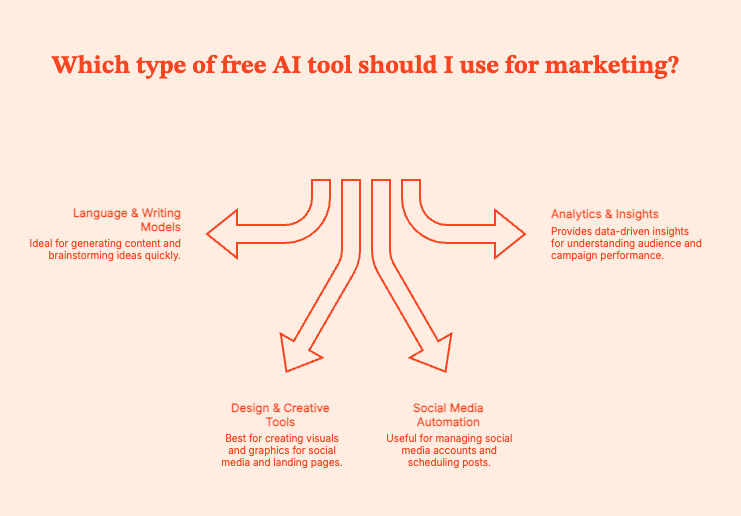
Language & Writing Models
These tools use large language models to help write everything from headlines, landing pages and long-form content (you need a human editor, though). A similarly sized model can even write emails in a specific voice. They can generate human like text, but still need your final sign-off.
If you need content support for multiple languages, filter for tools with multilingual and multimodal capabilities.
Common uses:
- Brainstorming ideas in seconds.
- Turning vague thoughts into structured content.
- Banishing writer’s block with ruthless efficiency.
Top free options:
Copy.ai, Jasper (free tier), Writesonic, Notion AI, SlateHQ
Design & Creative Tools
Can't draw a circle in PowerPoint? Proprietary models to the rescue!
These tools can generate visuals like banners, product shots, thumbnails, and ad creatives. You need a human designer to run final edits, but they'll be able to do much more in the same time.
Common uses:
- Social media graphics.
- Product visuals for landing pages.
Top free options:
Canva Magic Studio, Fotor AI, Adobe Firefly Free, Leonardo.ai
Social Media Automation
Social platforms move too fast. And some of us are old. These AI agents can step in (and stay young enough to keep up, unlike the rest of us).
AI tools can generate captions, schedule content, analyze engagement, and replicate a full social team. You will have to edit the captions.
Common uses:
- Consistent posting without burnout.
- Idea generation for captions and hooks.
- Basic analytics.
Top free options:
Buffer AI Assist, Later, Hootsuite Free
Analytics & Insights
These tools highlight what your audience wants, which keywords to target, and if/how/where your marketing efforts are paying off.
You'll get numbers that make sense. Or at least, numbers that explain why last week’s campaign flopped.
Common uses:
- Keyword exploration and trend hunting.
- Understanding customer intent.
- Revenue attribution, performance insights, and campaign ROI.
Top free options:
Google Trends, ChatGPT (free), Factors.ai
Pro-Tip: These tools will have to provide enhanced data security, as they will handle sensitive data (often internal team essentials). Double-check before using.
Pro-Tip II: No matter which tool you use, do not forget to account for the differences between B2B marketing funnels and B2C marketing funnels.
What to Look for in a Free AI Tool (and a Free LLM)
Every day, there’s a new “must-try” AI app promising to revolutionize your marketing, your workflow, and possibly your karma, at this point.
But not every free AI tool deserves space in your stack. A good free AI tool should fit into your marketing world, not disrupt it. The ones that do should meet the following conditions:
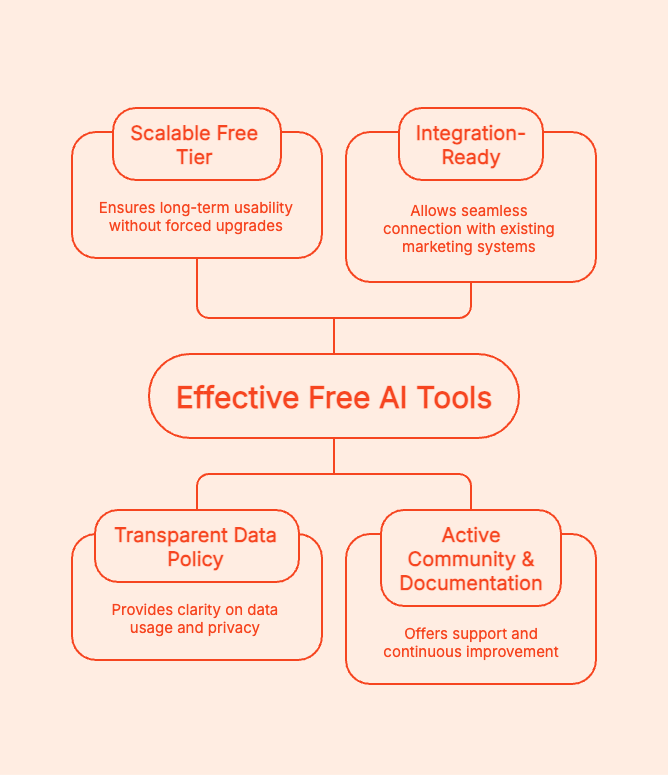
Scalable Free Tier: Does the “free” part last long enough to actually be useful, or does it expire faster than the can of chilli you bought after closing time? The right tools are ones where upgrading is a choice, not a hostage situation.
Transparent Data Policy: Does the tool use your campaign data to train its language models? Read the fine print (READ it). You should know exactly how these commercial models store, share, or reuse your data.
Integration-Ready: The tool should integrate with your CRM, analytics, and ad platforms. Ask for APIs, Zapier connectors, or built-in integrations. For instance, if it plugs into with Factors.ai, you can measure real ROI instead of “vibes.”
Active Community & Documentation: Dating's hard enough. Your tool should not also ghost you. Verify that it has an active user base, regular updates, and clear documentation. The best free tools are constantly improving based on user feedback.
For LLMs
Stay with me; it'll get a little nerdy:
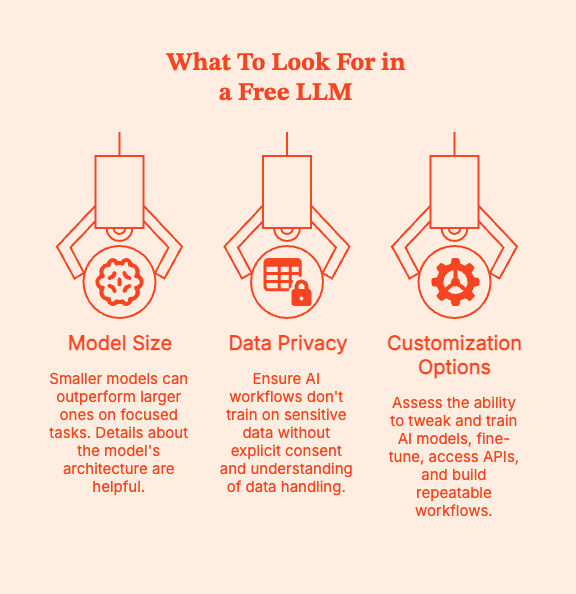
- Model Size vs. Performance Trade-offs
Certain smaller, efficient models, like Mistral 7B, can outperform giants on specific, focused tasks. If you can, get some details about the model's architecture.
- Data Privacy
Your AI workflows should not be trained on your customer list or confidential strategy deck unless you’re 100% sure how that data is handled.
- Customization Options
Can you tweak and train AI models for your brand? Can you fine-tune, gain API access, or use lightweight model hosting? Can you build repeatable workflows or automations?
{{INLINE_MOFU}}
The Best Free AI Tools for Marketing (Competence + Cost Savings)
Free AI tools will act as your intern, fellow strategist, and design assistant. You need to know which tools are worth your time, and this list can help. Start here.
Pro Tip: Before you peruse this list, have a look at the Complete Guide to Customer Journey Stages for Maximum Retention. Then, map these tools onto different stages of a marketing journey: awareness, engagement, conversion.
Pro Tip II: Be guarded with your data in the open-source LLM space. Everyone is trying to train their models, but your customers’ information is not up for grabs.
Content Generation & Copywriting
These tools will help you create robust outlines and optimize content for SEO value + engagement.
- SlateHQ: Slate is a content engineering and content refresh platform with which you can build customised workflows to automate your entire content lifecycle.
- Copy.ai : This is your brainstorming buddy.. Use it for rapid content ideation: ad hooks, blog outlines, and email subject lines.
- Notion AI: Already using Notion? This is for you. The AI agent summarizes meetings, generates blog drafts, or refines to-do lists right where your work already exists.
- Jasper (Free Trial): Jasper is built for structured, scalable workflows. It also comes with fairly competent templates for ads, landing pages, and SEO blog posts.
- Writesonic: Can produce perfectly usable drafts for blog posts, landing pages, and ads. I also like the integrated “SEO mode” that optimizes the content as you write it.
Pro tip: Use AI to research and build drafts. You still need to write, even if your tool has multilingual capabilities.
Visuals & Design
Photoshop is hard. These tools are easier with their AI wizardry.
- Canva Magic Studio: A wonderland for non-designers. It can draft captions, create custom visuals, and brand everything with your chosen fonts and colors.
- Leonardo.ai : Find the right prompt ("futuristic B2B dashboard mockup with pastel gradients") and it will deliver stunning product visuals and creative concepts.
- Adobe Firefly Free: Ideal for enterprise-grade, copyright-safe image generation. It integrates with Photoshop and Express.
- Fotor AI: Marketers, check this one out for handling background removal, headshots, and social posts.
Reality check: AI visuals can be beautiful, but you're still responsible for its brand consistency.
Social Media & Outreach
For marketers who live in 17 time zones at once. These tools will help make social posting feel less like a chore.
- Buffer AI Assist: This language model drafts captions, suggests hashtags, and auto-schedules content.
- HubSpot Free CRM + AI Writer: You can do a lot with this one: manage leads, generate outreach messages, and see insights in the same dashboard. Great for matching content creation with customer insights
Bonus Read (for extra research): HubSpot Analytics Vs. Factors.ai – Features, Limitations, Integrations & More
- Hootsuite Free: You can use the free plan to schedule, monitor engagement, and even generate post ideas. Again, single dashboard.
Market Research & Insights
You need an AI engine's superhuman analytical capabilities to understand the modern customer. It will help with finding trends, understanding audiences, and identifying what's worth the investment.
- Google Trends: The most well-known free tool out there. See trending topics, shifts with season and location-based demands.
- Factors.ai Free: Use the free version to connect your campaign data with other data banks (ads, web analytics, CRM). Zero in on the efforts that actually drive revenue.
- AnswerThePublic: Find what real people are searching for, and what to really prioritize when building SEO-friendly content.
Pro tip: Ideally, use all 3 together: Google Trends to research trends, AnswerThePublic to find the right questions, and Factors for performance.
Customer Engagement & Chatbots
Customer conversations are now 24/7. No one is waiting until Monday to get their answer. They'll cancel their account or just leave. These AI tools can help brands stay responsive without losing your weekends (or minds).
- ChatGPT (Free): Great for brainstorming, scripting, or building quick responses. Train it well and it can be a chatbot + co-strategist.
- Poe by Quora: Users can switch between different AI models like GPT, Claude, and Llama from one interface. Use it to compare tone, style, and output quality.
- Hugging Face Spaces: Curious marketers, this is your playground of open-source models and experiments. Test out free LLMs before they hit the mainstream.
Free Marketing Tools for Startups
Startups run on caffeine, ambition, and free tools. When you're wearing twelve hats, answering Slack at 2 am, and trying to prove ROI, you don't need another paid tool.
So, consider these tools to automate the busywork, measure what is working, and grow faster + smarter.
CRM & Automation
- HubSpot Free CRM: Manage contacts, deals, and even trigger basic email sequences. You can get a polished customer pipeline without hiring a sales team.
Bonus Read: 9 AI Sales Strategies for Small Business Growth (2025)
- MailerLite: Minimalist. Elegant. Automate emails, landing pages, and newsletters, especially for product launches and community building.
- Brevo (formerly Sendinblue): Use this to set up your marketing command center: email, SMS, and automation workflows. The free plan lets you send 300 emails per day.
Pro tip: Use one AI copy tool to write email sequences. Once they are sent, feed engagement data back into Factors to see which messages convert.
Analytics & Measurement
Your insights need to go far beyond "the number of clicks has increased".
- Google Analytics: A reliable, battle-tested tool for understanding web traffic, user behavior, and conversion funnels. You can see where your audience is coming from and how they interact with your assets.
- Factors Free Tier: Google Analytics tells you what happened, Factors tells you why. It will connect CRM data, ad campaigns, and website activity to find the highest ROI drivers.
Bonus Read: Factors Vs. Google Analytics (GA4)
Social Media Management
Staying on top of social media is hard. Get some help from these tools:
- Buffer (Free Plan): Schedule posts across platforms, study engagement analytics, and get drafts of captions that don't sound bot-generated.
- Later (Free Plan): Highly recommended for Instagram and LinkedIn scheduling. Use the drag-and-drop visual planner to design your grid and plan a visual narrative.
Putting It All Together
Try connecting these free tools through Factors to build a marketing stack from scratch:
- Create content with AI tools (Copy.ai, Canva, Jasper).
- Distribute via Buffer, MailerLite, or HubSpot Free.
- Track engagement with Google Analytics.
- Analyze conversion and ROI inside Factors
Within days, you’ll know which campaigns attract and identify your ideal customers (ICP), which messages convert, and which ones need rework. All for free.
Pro-Tip: Get clear on the difference between the ICP vs. Buyer persona before crafting any marketing strategy.
Understanding Free LLMs (Large Language Models) in Marketing
What exactly is an LLM, and why should marketers care?
The LLM or Large Language Model is an AI engine trained on massive text datasets to understand and generate human-like language (not human language, big difference). These models power ChatGPT, Jasper, and most AI tools that interact with human users in natural language.
For marketers, LLMs can work as a very informed and competent assistant who can write drafts, brainstorm ideas, sum up reports, analyze customer tone and sentiment, personalize outreach/ad copy, and a lot more.
These models do the grunt work and first-layer thinking/research. Humans come in with strategy, creativity, and nuance.
Best Free & Open-Source LLMs
- Mistral 7B : Lightweight, insanely efficient, great for marketing copy or summaries.
- Meta’s Llama 3: Great for creative writing, analysis, and chat-based interaction. Now has better safety filters and multilingual support.
- Google Gemini 1.5 (Free API Tier): Great for experimenting with multimodal inputs (text + image). Use it for campaign ideation, performance summaries, and trend analysis.
- Hugging Face Models & Spaces: Test hundreds of LLMs for everything from summarization, tone adjustment, ad generation, to audience sentiment analysis.
Pros & Cons
Pros:
- You get access to powerful models without paying a dime. Test your workflows or build proof of concepts.
- Most open models can be fine-tuned for brand tone or audience preferences.
- Updates, extensions, and new features often come faster than in closed systems.
Cons:
- Free tiers may throttle response times or limit the complexity of tasks.
- Free LLMs often forget deep context in conversations unless your prompting stays smart.
- Many free APIs or demo store queries should not be exposed to sensitive campaign data.
Real-World Use Case: Build a Smart Feedback Loop
- Use Mistral 7B or Llama 3 to build ad copy variations for your new product launch.
- Run those campaigns across social and search.
- Feed the engagement and conversion data back into Factors.ai.
- Factors immediately highlights which copy works.
- Scale what converts.
- Repeat.
That’s the magic loop: Create → Launch → Measure → Optimize → Repeat.
Common Pitfalls When Using Free Tools
Be warned. Sometimes, free tools can hide more fine print than a SaaS contract written by lawyers on espresso. Here's what to watch out for before letting free tools run amok on your data.
- Free ≠ Limitless
Free tools are usually better for testing rather than running 24x7 operational marketing stacks. You'll hit credit caps, features locked behind paywalls, and data throttling after a certain amount of use.
This is the business model. Free tiers get you hooked, then you are nudged to upgrade.
Use these tools strategically. Test fast, validate workflows, and get out. “Free forever” is rarely scalable.
- Data Privacy Gaps
If you're not paying for a product, it's because you are the product.
Many free AI tools log prompts, store customer data, or use your content to train their models. They're great for brainstorming, but not recommended for uploading documents for client proposals or campaign briefs.
Look closely at the tool's data retention policy. Does it let you opt out of training data collection? Is there any enterprise-level encryption or compliance (GDPR, SOC 2)?
Keep your prompts generic and never enter any sensitive or proprietary data unless the tool assures data privacy.
- Disjointed Workflows
It doesn't matter if you have twenty tools at hand if they do not "talk" to each other.
What often happens is that users create content and long context tasks in one platform, design edits it in another, social posts stay in Buffer, analytics are confined to Google, and no one really knows where your CRM data is.
As a result, you get disconnected data, duplicated work, and infinite copy-paste hell.
Get your tools to communicate, or you cannot pin down which campaigns drive which leads, or how an ad actually performs.
Pro-Tip: You can align your tools with Factors. Use it as a marketing command center to connect CRM, ads, analytics, and AI content into one unified dashboard.
Best Practices for AI-Powered Marketing
AI-powered marketing only works when you play smart, strategic, and most importantly, sane. These best practices will get you there.
- One Workflow at a Time
Don’t “AI-enable” your entire marketing operation overnight.
Pick one bottleneck (blog ideation, ad copy testing, or email generation). Introduce AI here first.
Monitor any changes: Does it save time? Does quality remain consistent?
If you see improvement, expand the tool's function.
Move on to the next workflow. Repeat.
It's like leg day. Consistency counts.
- Human Oversight at Every Stage
AI can mimic creativity, but it will never be the real thing. Your audience will spot soulless automation and scroll right past it. AI can generate drafts, but human editors need to come in to check:
- Tone and emotion
- Context and accuracy
- Brand alignment
- Feed Clean Data
AI is only as smart as the data it is trained on. Feed clean prompts, inputs, and datasets, or outputs will suffer. Clean data = better answers.
Check:
- if CRM fields are consistent
- if tracking tags are applied correctly
- if you're feeding the AI tool real audience insights
Structured inputs ensure that your AI tool can surface patterns and recommendations, providing real-world value.
- Measure Everything
You have to measure results to improve performance. If your AI tools are scattered across platforms, that can be tricky. Again, Factors can help by connecting your ads, CRM, and analytics data in a single UI.
Future Trends in AI & LLM Marketing Tools
AI tools have long moved beyond being a fancier version of a typewriter or Google. It is set to collaborate, anticipate, and adapt to human needs, and you need to use every one of its abilities to your advantage.
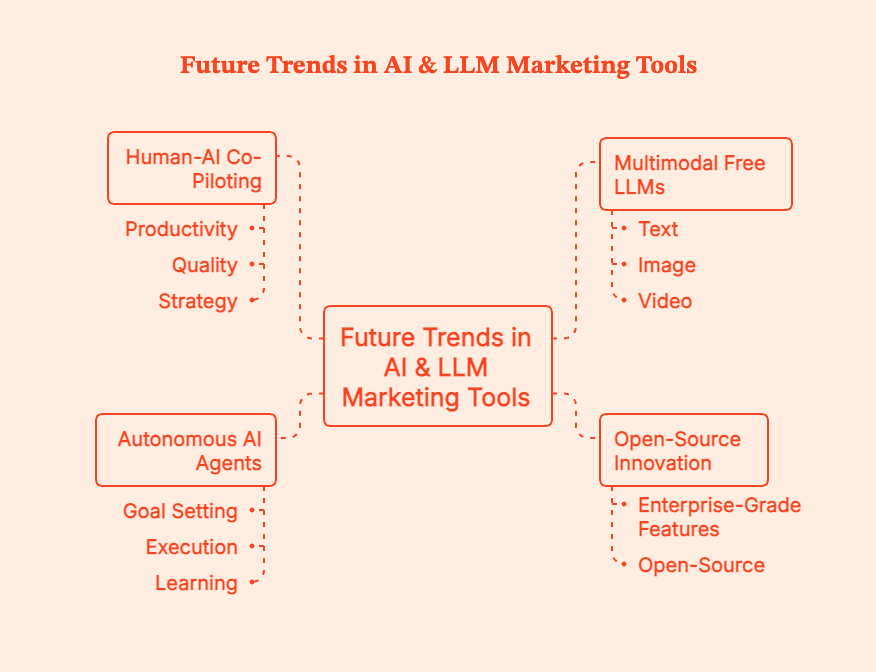
Here's how AI is set to change economic and creative landscapes globally:
- Multimodal Free LLMs (Text + Image + Video)
LLMs can now generate spoken audio, images, video, emojis, GIFs, and maybe even holograms are on the way. To use them optimally, marketers need to master multimodal inputs. For instance, marketers can use AI tools to run sentiment analysis of past customer interviews for deeper insights.
- Open-Source Innovation & Enterprise-Grade Free Tiers
Increasingly, even the free tier of many AI tools comes with enterprise-grade features, sufficient for operations at most early to mid-stage startups. Many of these are open-source and completely free of cost.
Anticipate an increase in the number of smaller, efficient LLMs you can experiment with.
- The Rise of Autonomous “AI Agents” Running Marketing Workflows
You set the goals. AI agents execute, learn, and improve.
Gartner predicts that at least 15% of day-to-day work decisions will be made autonomously through agentic AI by 2028, up from 0% in 2024. However, the same study also states that around 40% of agentic AI-driven projects will be cancelled if they do not show requisite value.
So, don't go all in. Tread cautiously.
- Human-AI Co-Piloting Becomes the Norm
AI does not replace humans. It augments us.
AI is an incredible co-pilot, built to do repetitive tasks while we delve into strategy, emotion, and insight.
A study found that: Humans in human-AI teams experienced 73% greater productivity per worker and produced higher-quality ad copy, while human-human teams produced higher-quality images, suggesting AI agents require fine-tuning for multimodal workflows.
Use AI tools to draft text, conceptualize visuals, and analyze sentiment. You refine, contextualize, and personalize it for humans.
Free AI tools for marketing have become one of the most accessible superpowers in any team's toolkit. Generate ad copy, design visuals, analyze customer behaviour, and test campaign ideas while spending zero dollars.
However, do not delude yourself: the brainwork is still all you.
Free AI models will make you faster, sharper, and more creative than ever.
Factors.ai will help you understand which content actually moves revenue.
Together, they will turn marketing chaos into insight and speed into impact.
Ready when you are.
FAQs for Best Free AI Tools for Marketing
Q. What is the difference between free AI tools and paid ones?
Free tools help you experiment; paid tools help you scale. Most free AI tools can get some real work done, like draft content, generate visuals, schedule posts, and analyze trends.
But paid tiers unlock features like higher usage limits, faster processing, advanced integrations, wider collaboration features, and improved privacy.
Q. Can startups rely only on free tools?
Yes, many do.
Early-stage teams can even run entire marketing operations on free CRMs, free AI models, free analytics, and free scheduling tools.
But free tools are mostly useful for testing strategy. Paid tools help execute that strategy at scale.
Q. Are free LLMs effective for content quality?
Yes. Open-source models like Llama 3 and Mistral 7B can help you create blog outlines, short-form copy, summaries, brainstorming, ad variations, and social captions
Q. How can Factors.ai enhance free AI workflows?
Free AI tools help create content, and Factors helps you measure how that content actually performs. Users can, for instance,
- connect their AI-generated content & campaigns to actual conversions.
- monitor which ad variations perform best.
- map revenue back to channels, ads, and creatives.
- track ICP engagement and pipeline impact.
- get unified, AI-powered analytics on their efforts.
Q. When should I upgrade from free to paid?
Upgrade when free starts costing you more than it saves. Make the shift when:
- you’re hitting usage caps every week.
- your team needs collaboration + sharing features.
- you need advanced integrations (CRM, ads, analytics).
- you want to scan paid channels or outbound.
Use AI to Make Yourself Irreplaceable
Free AI tools for marketing have become one of the most accessible superpowers in any team's toolkit. Generate ad copy, design visuals, analyze customer behavior, and test campaign ideas while spending zero dollars.
However, do not delude yourself: the brainwork is still all you.
Free AI models will make you faster, sharper, and more creative than ever.
Factors.ai will help you understand which content actually moves revenue.
Together, they will turn marketing chaos into insight and speed into impact.
Ready when you are.
Summary
Artificial intelligence has become foundational to modern marketing, with free AI tools enabling businesses to create content, design visuals, automate posting, and analyze performance without spending.
Major categories include language and writing models (Copy.ai, Jasper free, Writesonic), design tools (Canva Magic Studio, Adobe Firefly Free), social media automation (Buffer, Hootsuite Free), and analytics platforms (Google Trends, Factors.ai). There are also CRM and automation tools like HubSpot Free CRM, MailerLite, and Brevo.
The best free LLMs for marketing workflows include Mistral 7B, Llama 3, Gemini 1.5, and models available on Hugging Face.
Choosing the right AI tool requires evaluating scalability, data privacy, integrations, and community support. Marketers should avoid pitfalls such as data leakage, free-tier limits, and fragmented workflows.
Best practices include introducing AI to one workflow at a time, maintaining human oversight, feeding clean data, and measuring outcomes consistently. As AI evolves, marketers will benefit from multimodal LLMs, autonomous AI agents, and deeper human-AI collaboration.

Factors.ai vs Vector
See Factors.ai as a Vector alternative. Compare both across features, pricing, use-cases, GTM visibility, ad activation, CRM integration, and funnel analytics.
.avif)
TL;DR
- Targeting Approach: Vector identifies individual visitors for ad targeting; Factors.ai builds a complete picture of buying groups, intent strength, and engagement across your funnel.
- Ad Activation: Vector supports manual syncs for LinkedIn, Google, and Meta; Factors.ai automates ad campaigns using real-time signals and feedback loops via AdPilot.
- Analytics & Attribution: Factors.ai links engagement to revenue with Milestones, Account360, and multi-touch attribution. Vector provides surface-level visitor and ad performance insights.
- Best Fit: Choose Vector for quick setup and contact-level targeting. Choose Factors.ai if you want a connected GTM system with automation, funnel clarity, and sales-ready alerts.
Most marketing dashboards tell you who visited your website. Very few tell you what to do about it.
I’ve been in enough GTM review calls to know how this usually goes. Someone pulls up traffic numbers. Someone else asks if those visits are ‘good traffic.’ Sales asks if any of those visitors are actually worth calling. And the room goes quiet because… we don’t really know.
This is exactly where tools like Vector and Factors.ai come into the picture.
Both promise to turn anonymous website activity into something actionable. Both talk about intent, identification, and better targeting. But under the hood, they solve very different problems and are built for very different kinds of teams.
Vector zooms in on people. It helps you see the real humans behind your website visits and turn them into usable audiences fast.
Factors.ai takes those insights a little further. It connects website intent with ads, CRM data, and sales activity, so you can see how interest actually moves through your funnel and into revenue.
If you’re trying to decide which one fits your GTM setup, this guide walks through how each platform works, where they genuinely shine, and where their limits start to show.
Factors.ai vs Vector: Functionality and Features
When comparing Factors.ai and Vector, the difference begins with how each platform defines visibility and action.
When I evaluate tools like this, I ask one simple question first:
Does this give me insight, or does it give me work?
Some platforms surface data and expect you to figure out the next step. Others are designed to guide action across marketing and sales. That distinction shows up very quickly when you look at how Factors.ai and Vector handle visibility and activation.
Look, both are built to help marketing teams understand who’s engaging with their brand, but the depth of their insights, automation, and impact on the GTM funnel set them apart.
Let’s take a closer look at their core functionalities.
Feature Comparison
| Feature | Factors.ai | Vector |
|---|---|---|
| Visitor / Contact Identification | Identifies high-intent accounts and contacts using multi-signal enrichment. Creates a unified Account360 view combining CRM, ad, and website interactions. | Focuses on contact-level identification, revealing the individuals behind website visits and sending them directly to Slack or CRM. |
| Intent Signals & Scope | Tracks 1st, 2nd, and 3rd party intent signals, combining website, ad, CRM, and external data sources. Milestones show how engagement moves across the funnel. | Captures intent at the contact level, identifying visitors showing buying behavior and enriching data even before they reach your site. |
| Ad Activation & Audience Sync | Enables dynamic activation for LinkedIn and Google through AdPilot. Audiences refresh automatically and target only active, in-market accounts. | Helps build ad audiences using identified contacts. Supports activation across LinkedIn, Google, and Meta, but relies on manual setup. |
| Analytics & Funnel Insights | Offers Milestones analytics, funnel progression tracking, and unified reporting through Account360. | Provides visitor engagement analytics and contact-level insights but lacks detailed funnel analysis or buying-group visibility. |
| Account & Contact Scoring | Scores accounts and buying groups by intent, ICP fit, and engagement level. Identifies stakeholders and their influence in the deal cycle. | Focuses on individuals rather than accounts. Scoring at the account or group level is not detailed in public materials. |
| Alerts & Real-Time Enablement | Sends AI Alerts when key actions occur like demo revisits, form-dropoffs, or closed-lost deal activity. | Sends basic Slack notifications when ICP visitors are identified. |
If your GTM motion is still very marketing-led, contact-level visibility can be a huge upgrade. But once sales, revenue ops, and leadership start asking deeper questions about pipeline quality and deal momentum, surface-level insights are no longer enough.
Factors.ai’s Functionality and Features
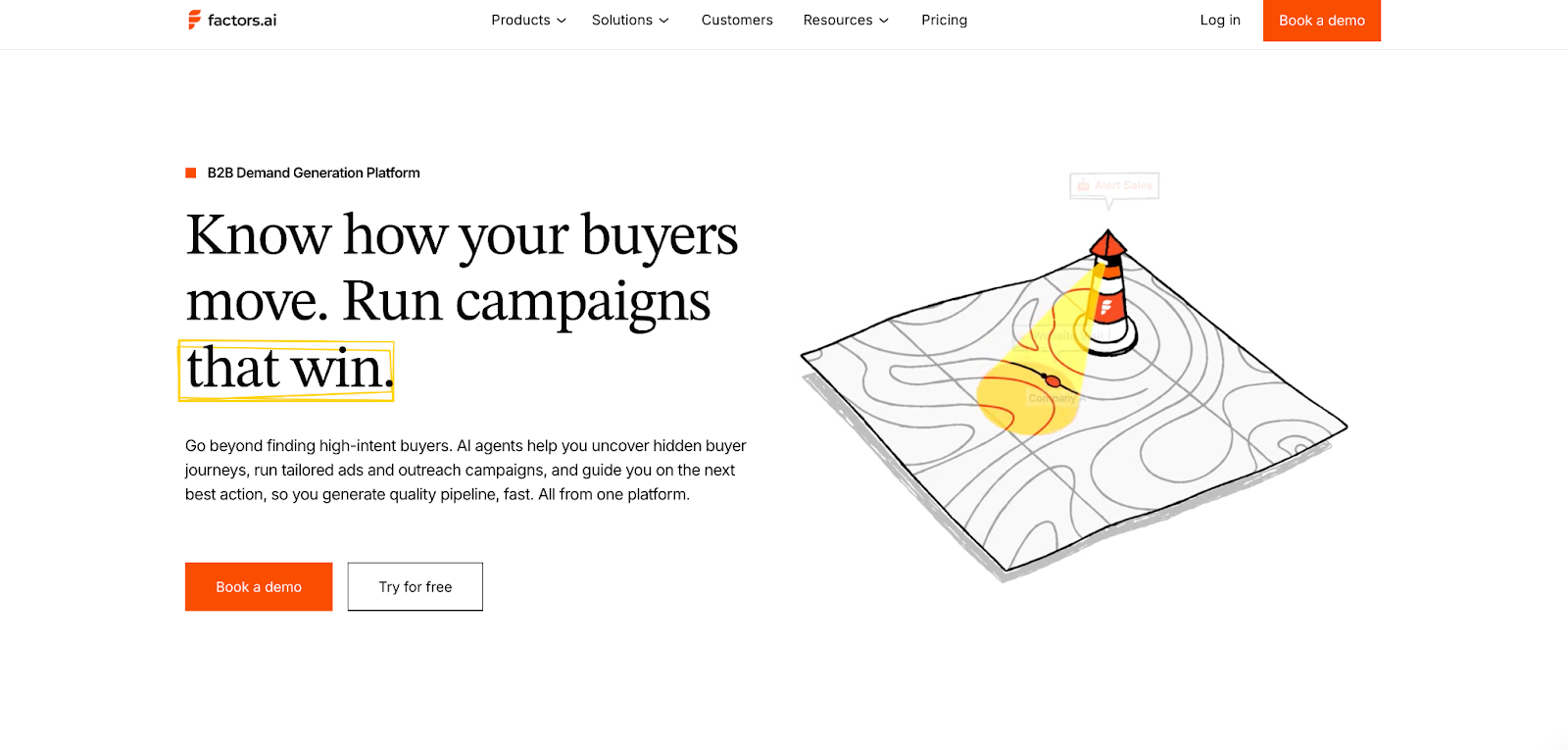
Factors.ai focuses on visibility that drives action.
It brings account and contact intelligence into one ecosystem, showing who is engaging, how they’re progressing, and when it’s time to act.
Key capabilities include:
- Identifying both known and anonymous visitors through enriched data signals.
- Tracking engagement across ads, CRM, and website journeys.
- Scoring accounts and contacts based on intent, fit, and funnel stage.
- Activating campaigns automatically through LinkedIn and Google AdPilot.
- Delivering actionable alerts that guide sales outreach at the right time.
Every feature works toward a single goal, helping GTM teams connect marketing performance to actual revenue movement.
What stands out about Factors.ai is that it treats intent as ‘something that evolves’. A pricing page visit after a demo means something very different from the same visit at the top of the funnel. Factors doesn’t just capture that activity, it contextualises it across the entire account journey.
Vector’s Functionality and Features
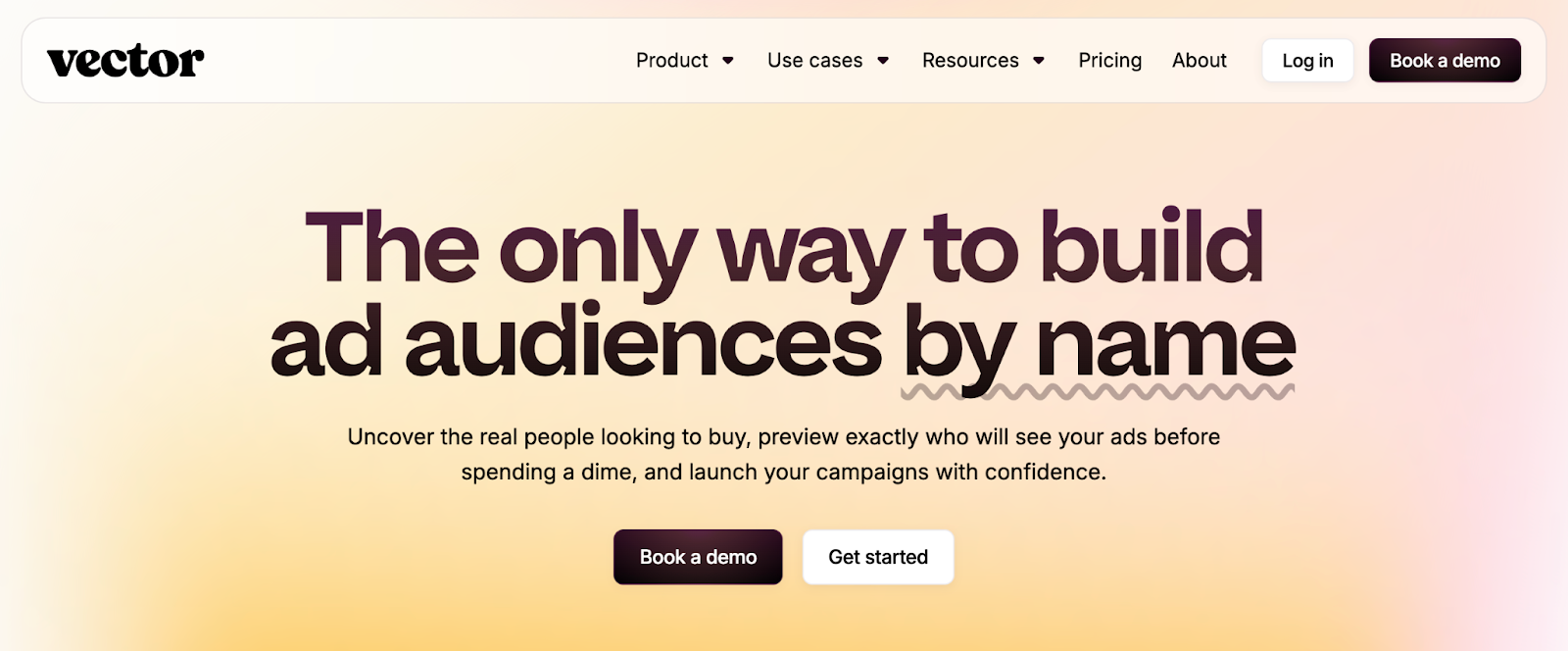
Vector defines its value through contact-level precision.
It helps marketers uncover the real people visiting their website, convert anonymous traffic into named contacts, and create highly targeted ad audiences.
Key capabilities include:
- Contact-level website identification and enrichment.
- Audience building for ad platforms like LinkedIn, Google, and Meta.
- Slack notifications when key visitors match ICP filters.
- Focused engagement analytics for tracking visitor behavior.
While Vector excels at revealing who’s behind your website traffic, its scope remains limited to identification and targeting. The absence of deeper analytics, scoring, or automation means GTM teams may still need multiple tools to close the intelligence gap.
Vector might be useful in moments where speed matters. When teams want quick answers to “who is on our site right now?” and “can we reach them with ads immediately?”, its contact-level focus delivers fast wins without a steep setup curve.
Factors.AI vs Vector: Verdict on Functionality & Features
Both tools help marketing teams uncover intent and act on engagement.
However, Factors.ai offers a more complete view, combining identification, analytics, scoring, and activation within one platform.
It not only reveals who is engaging but also connects every touchpoint to why and what’s next.
In short:
Factors.ai = Unified GTM functionality built for revenue action.
Vector = Contact-level precision focused on audience targeting.
If you’ve ever wondered who’s really visiting your website before they fill out a form, you’ll love this detailed guide on how to identify website visitors.
Factors.ai vs Vector: Pricing
Pricing pages often reveal more about a product’s philosophy than its feature list. Some tools optimize for simplicity and quick adoption. Others are built to grow alongside complex GTM teams. You can see that difference clearly in how Vector and Factors.ai structure their plans.
While Vector focuses on straightforward, contact-based tiers for marketers starting with lead identification, Factors.ai uses a structured usage and seat-based model that scales with growing GTM operations.
Here’s how both compare.
Pricing Comparison
| Aspect | Factors.ai | Vector |
|---|---|---|
| Model Type | Usage- and seat-based subscription with clear tiered inclusions. | Contact-based pricing with fixed monthly tiers. |
| Transparency | Public tier details available. | Pricing for “Target” plan available, rest on request. |
| Free Plan | Yes, includes basic company identification and dashboards. | Not available. |
| Starting Price | Contact for pricing. | Starts at $399/month for 2,500 identified visitors. |
| Enterprise Plan | Includes predictive scoring, AdPilot access, and custom integrations. | $3,000/month (annual commitment) for 25 audiences. |
| Scalability | Scales with company size, seats, and identified accounts. | Scales by visitor volume and ad audiences. |
Factors.ai’s Pricing

Factors.ai uses a transparent, tier-based model that adapts as teams grow.
Its plans are designed to fit GTM teams at every stage, from small marketing operations to large enterprises running advanced automation.
The four tiers include:
- Free Plan: 200 identified companies/month, up to 3 seats, starter dashboards, Slack integration.
- Basic Plan: 3,000 companies/month, 5 seats, LinkedIn intent signals, GTM dashboards, HubSpot/Salesforce integrations.
- Growth Plan: 8,000 companies/month, 10 seats, ABM analytics, LinkedIn attribution, G2 intent signals, and workflow automation.
- Enterprise Plan: Unlimited identification, predictive account scoring, Google and LinkedIn AdPilot, Milestones analytics, and dedicated onboarding support.
The model keeps pricing flexible as teams pay for usage and access, not inflated bundles.
It’s straightforward, scalable, and designed for predictability.
Factors’ structure offers predictability. As teams add more motion like ABM, multi-channel attribution, or paid activation, pricing scales with usage rather than forcing an early jump into enterprise-only bundles.
Vector’s Pricing
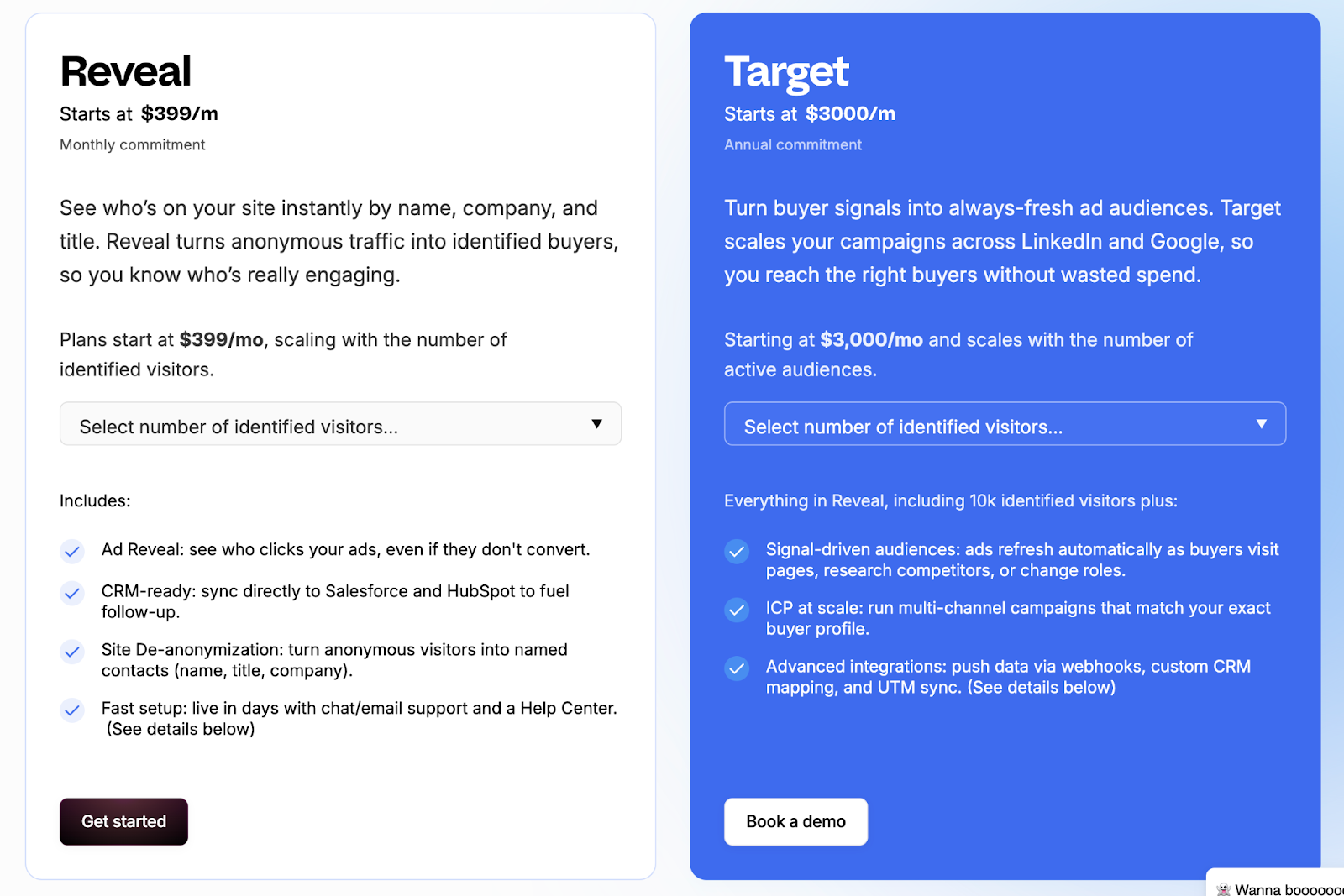
Vector offers simple, contact-focused pricing aimed at marketing teams that prioritize identification and ad targeting.
Its plans are designed for quick onboarding and smaller-scale usage, with fixed limits based on visitor volume and audience count.
The main pricing tiers are:
- Reveal Plan: Starts at $399/month for up to 2,500 identified visitors.
- Target Plan: Starts at $3,000/month (annual commitment) for 25 audiences, offering more precision in targeting and campaign setup.
The structure works well for lean marketing teams looking to turn traffic into named leads without investing in broader analytics or automation systems.
However, it lacks the scalability or flexibility that GTM teams need as they expand.
Vector’s pricing makes sense if identification and audience creation are your primary goals. For lean teams running focused campaigns, fixed tiers can be easier to justify than flexible, usage-based models.
Factors.ai vs Vector: Verdict on Pricing
Both pricing models serve their intended users well.
Vector offers accessible pricing for teams focused on contact-level insights and ad targeting. It’s straightforward but limited in growth potential.
Factors.ai, meanwhile, provides a scalable structure that grows with your GTM maturity, from initial experimentation to enterprise-level orchestration.
It’s transparent, flexible, and built for teams that expect long-term expansion.
In short:
Factors.ai = Tiered, scalable pricing designed for evolving GTM teams.
Vector = Simple contact-based pricing suited for smaller marketing setups.
Before choosing a plan, this ABM platform pricing guide helps you evaluate usage-based vs seat-based models with real examples.
{{INLINE_BOFU}}
Factors.ai vs Vectors: CRM and Integrations
How well a platform connects with your existing tools decides how useful it really is.
Marketing and sales teams work faster when data moves freely between systems, from ads to CRM to analytics.
That’s where the difference between Factors.ai and Vector becomes clear.
CRM and Integration Comparison
| Aspect | Factors.ai | Vector |
|---|---|---|
| CRM Integration | Deep two-way sync with HubSpot, Salesforce, and other CRMs. | Connects with Salesforce and HubSpot for contact syncing. |
| Ad Platforms | Direct integrations with Google, LinkedIn, Facebook, and Bing for activation and reporting. | Supports LinkedIn, Google, and Meta audience syncs. |
| MAP/CDP | Works with Marketo, Segment, and Rudderstack for advanced data flow. | Integrates with MAPs and CDPs, though details are limited. |
| Collaboration Tools | Slack and Microsoft Teams integration for AI Alerts and internal notifications. | Sends Slack notifications when ICP visitors are detected. |
| API & Webhooks | Custom integrations and webhook automations supported. | API support available for select workflows. |
Factors.ai’s CRM and Integrations
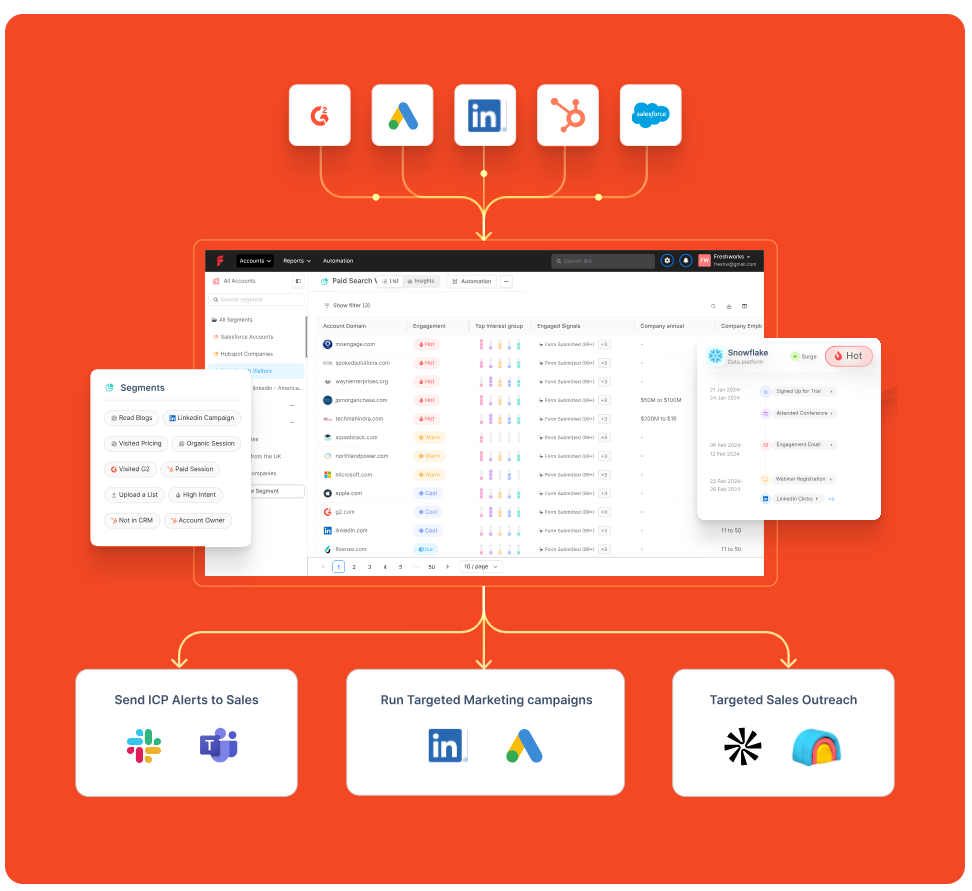
Factors.ai is built to fit neatly into a team’s existing tech stack.
It doesn’t stop at connecting with CRMs and brings together ad data, website activity, and intent signals into one connected view.
Teams can:
- Sync leads and account data directly from HubSpot or Salesforce.
- Track ad campaign results from Google, LinkedIn, and Facebook.
- Use webhooks to push alerts or automate follow-up actions.
- Keep sales teams in the loop with Slack notifications.
One thing GTM teams often underestimate is how much time context switching costs. When website data, CRM updates, and ad performance are managed in different tools, alignment slows. Factors.ai reduces that friction by pulling everything into one operating layer. It saves time and gives both marketing and sales a single source of truth.
Vector’s CRM and Integrations
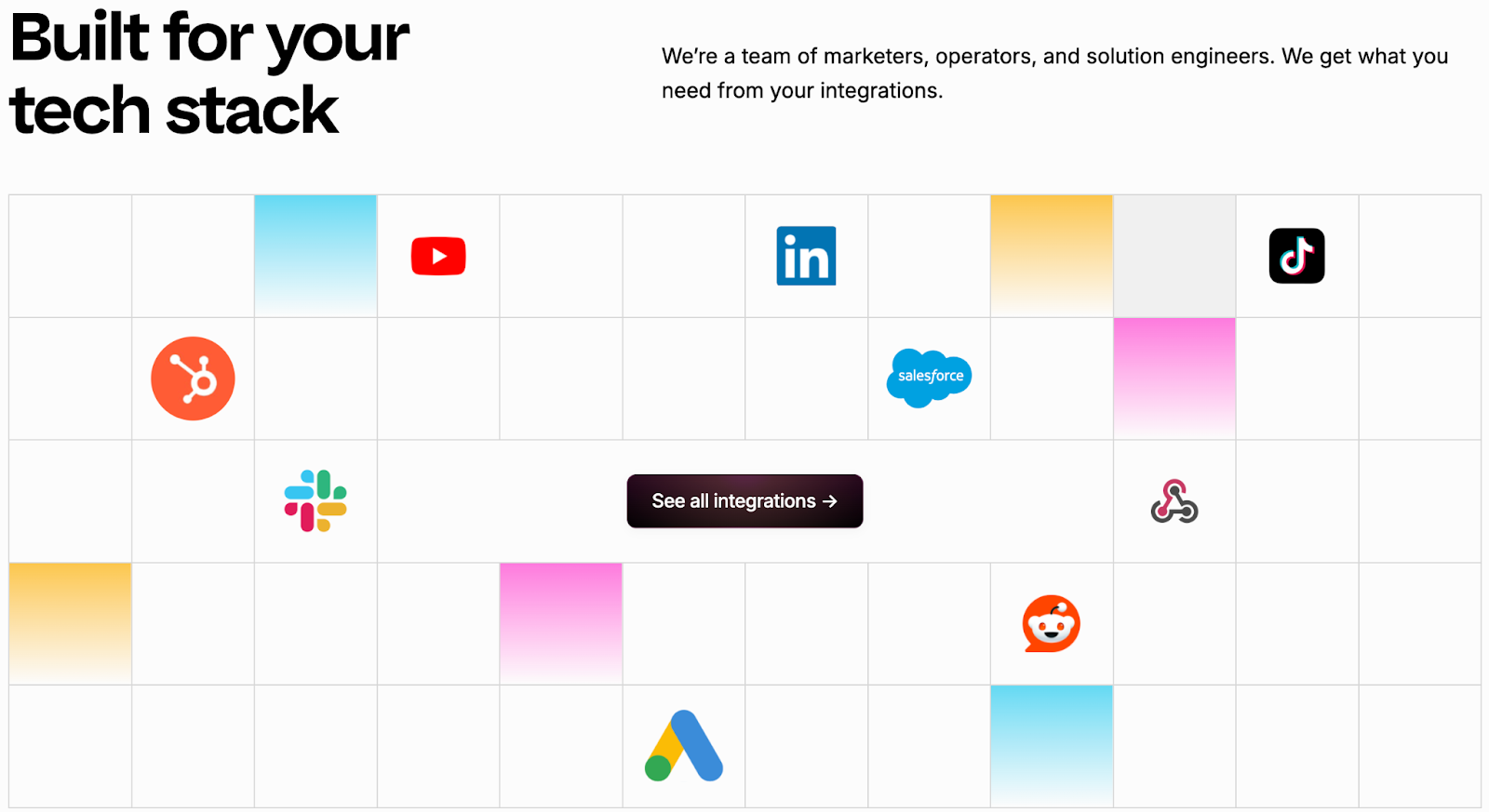
Vector keeps its integrations simple and focused on contact-based data.
Its strength lies in connecting identified visitors and contact lists with popular marketing and ad platforms.
Marketers can:
- Sync identified contacts into Salesforce or HubSpot.
- Build LinkedIn and Google ad audiences using real visitor data.
- Get quick Slack alerts when an ICP visitor appears on the site.
The integrations work well for audience building and outreach, but they stop short of deep analytics or closed-loop measurement. Teams may still need extra tools to connect data between campaigns and revenue.
Factors.ai vs Vector: CRM and Integrations
Both tools connect with core marketing systems, but their focus is different.
Vector helps marketers transfer identified contacts into ads and CRMs quickly.
It’s simple and effective for top-of-funnel targeting.
Factors.ai goes deeper. It connects every tool, syncs real-time intent data, and lets teams act on insights without juggling multiple platforms.
That makes it a better fit for teams that want every part of their funnel including marketing, sales, and analytics, working in sync.
In short:
Factors.ai = Seamless, connected GTM integrations.
Vector = Straightforward contact syncs for ad targeting.
Factors.ai vs Vector: Intent Intelligence and Identification
Knowing who’s interested is one thing. Knowing how serious they are and what stage they’re in is what separates average marketing tools from real GTM intelligence.
Both Vector and Factors.ai help teams identify intent, but they look at it from two different levels.
Vector focuses on people.
Factors.ai looks at the entire buying group behind an account.
Intent and Identification Comparison
| Aspect | Factors.ai | Vector |
|---|---|---|
| Intent Type | Tracks 1st, 2nd, and 3rd party signals. | Focuses mainly on contact-level behavior. |
| Data Depth | Combines web, ad, CRM, and product data to build a complete journey. | Reveals who visited your site and enriches data with basic engagement info. |
| Buying-Group Visibility | Maps multiple decision-makers and their activity. | Identifies individual contacts only. |
| AI Scoring | Scores accounts by intent strength and ICP fit. | No AI scoring model publicly mentioned. |
| Funnel Tracking | Shows progression with Milestones, from awareness to conversion. | Basic engagement view, no funnel-level tracking. |
Factors.ai’s Intent Intelligence and Identification
Factors.ai doesn’t just detect intent and reads the full story behind it.
Its system captures signals from your website, ads, CRM, and product touchpoints, then connects them to the right accounts.
Here’s what makes it stand out:
- Tracks how buying interest builds across different channels.
- Scores accounts based on intent strength and engagement type.
- Identifies multiple people within an account to uncover buying groups.
- Uses Milestones to show how each interaction moves an account closer to revenue.
For marketing and sales teams, this means less guessing and more focused outreach.
Instead of reacting to clicks, they can act on clear buying intent from real accounts that are ready to engage.
Vector’s Intent Intelligence and Identification
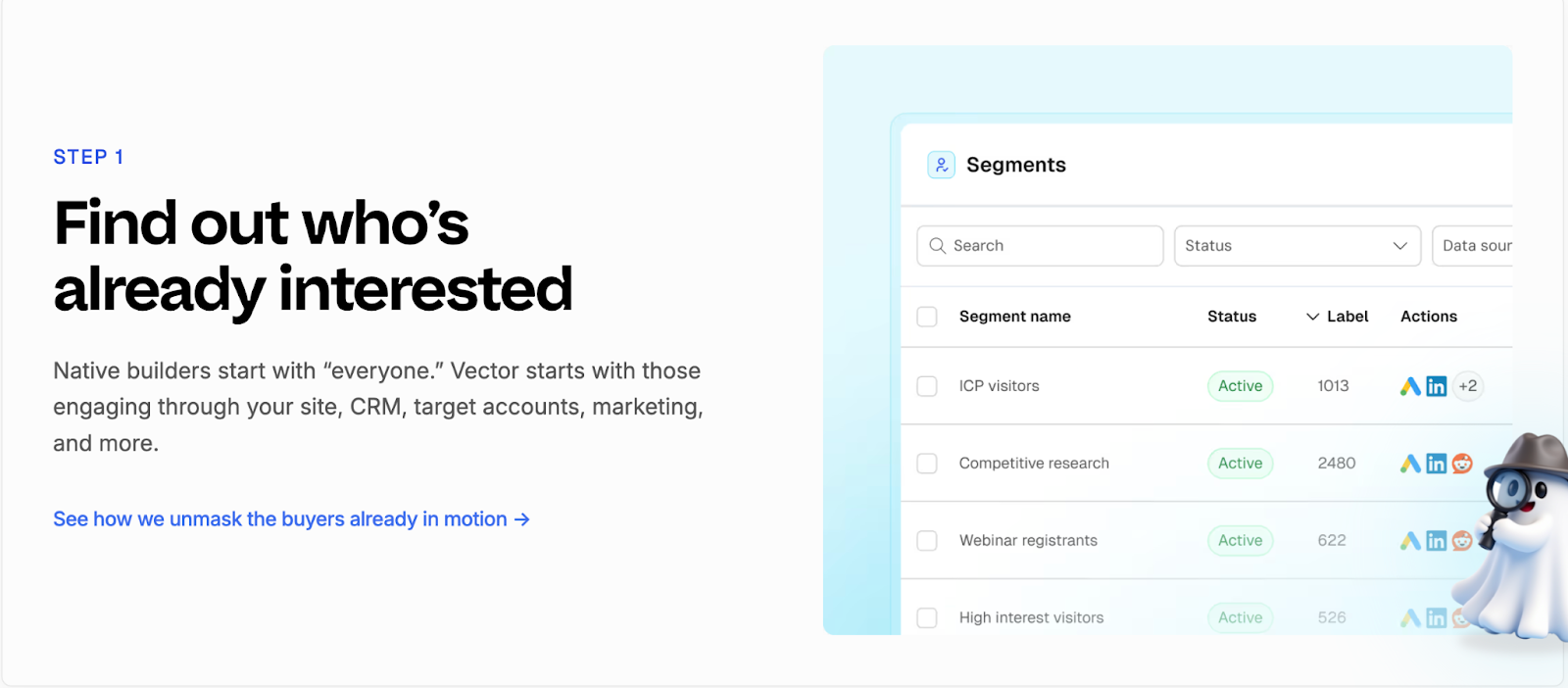
Vector focuses on identifying the individuals behind website traffic.
It turns anonymous visitors into named contacts, complete with company and role details, so marketers can reach out faster.
Its strength lies in contact-level clarity. Teams can see exactly who visited their pages, which content they viewed, and how often they returned.
Vector also enriches this data with off-site intent signals to identify relevant contacts earlier in their research journey.
While this precision helps create targeted ad audiences, the scope ends there. Vector doesn’t map the larger buying group or track multi-channel engagement, which limits visibility into how intent turns into actual pipeline movement.
Factors.ai vs Vector: Verdict on Intent Intelligence & Identification
Vector shines in helping marketers uncover individual leads quickly. It’s a strong fit for teams that prioritize contact-level targeting and ad activation.
Factors.ai, however, delivers a broader picture, connecting people, accounts, and signals into one view. Its ability to track every step of a buying journey gives GTM teams a clear advantage when aligning marketing and sales.
In short:
Factors.ai = Full-funnel intent intelligence built around buying groups.
Vector = Contact-level insights for faster audience targeting.
If account prioritization interests you, check this practical account scoring guide to learn how AI-based scoring works across GTM stacks.
Factors.ai vs Vector: Ad Activation and Audience Targeting
Once you’ve identified the right audience, the next step is making sure your ads reach them when they’re most likely to respond.
Both Factors.ai and Vector handle this well, though in very different ways.
Vector focuses on contact-level targeting and manual precision.
Factors.ai focuses on automation and smart activation that adapts in real time.
Ad Activation and Audience Targeting Comparison
| Aspect | Factors.ai | Vector |
|---|---|---|
| Ad Channels | LinkedIn and Google Ads with AdPilot; supports audience sync and conversion feedback. | LinkedIn, Google, and Meta. |
| Audience Updates | Automatically refreshes audience lists based on engagement and funnel stage. | Manual or scheduled updates depending on the plan. |
| Campaign Automation | Dynamic ad activation using real-time intent data. | Audience setup is supported, but activation is manual. |
| Budget Optimization | Uses conversion API data to focus spend on high-intent accounts. | Helps reduce waste by targeting visitors showing contact-level intent. |
| Funnel Alignment | Creates stage-specific campaigns for awareness, consideration, and decision. | No native feature for funnel-based ad sequencing. |
Factors.ai’s Ad Activation and Audience Targeting
Factors.ai brings automation and accuracy together to simplify ad activation.
It ensures every campaign is aligned with live intent data and optimized automatically for performance.
Key highlights:
- Syncs audiences from CRM, website, or product data.
- Keeps lists updated daily with the latest engagement signals.
- Builds funnel-specific campaigns for better alignment.
- Sends conversion data back to Google and LinkedIn for ongoing optimization.
Every part of the process is designed to save time and make marketing spend more predictable.
Teams can focus on strategy instead of manually updating lists or tracking conversions across tools.
Vector’s Ad Activation and Audience Targeting
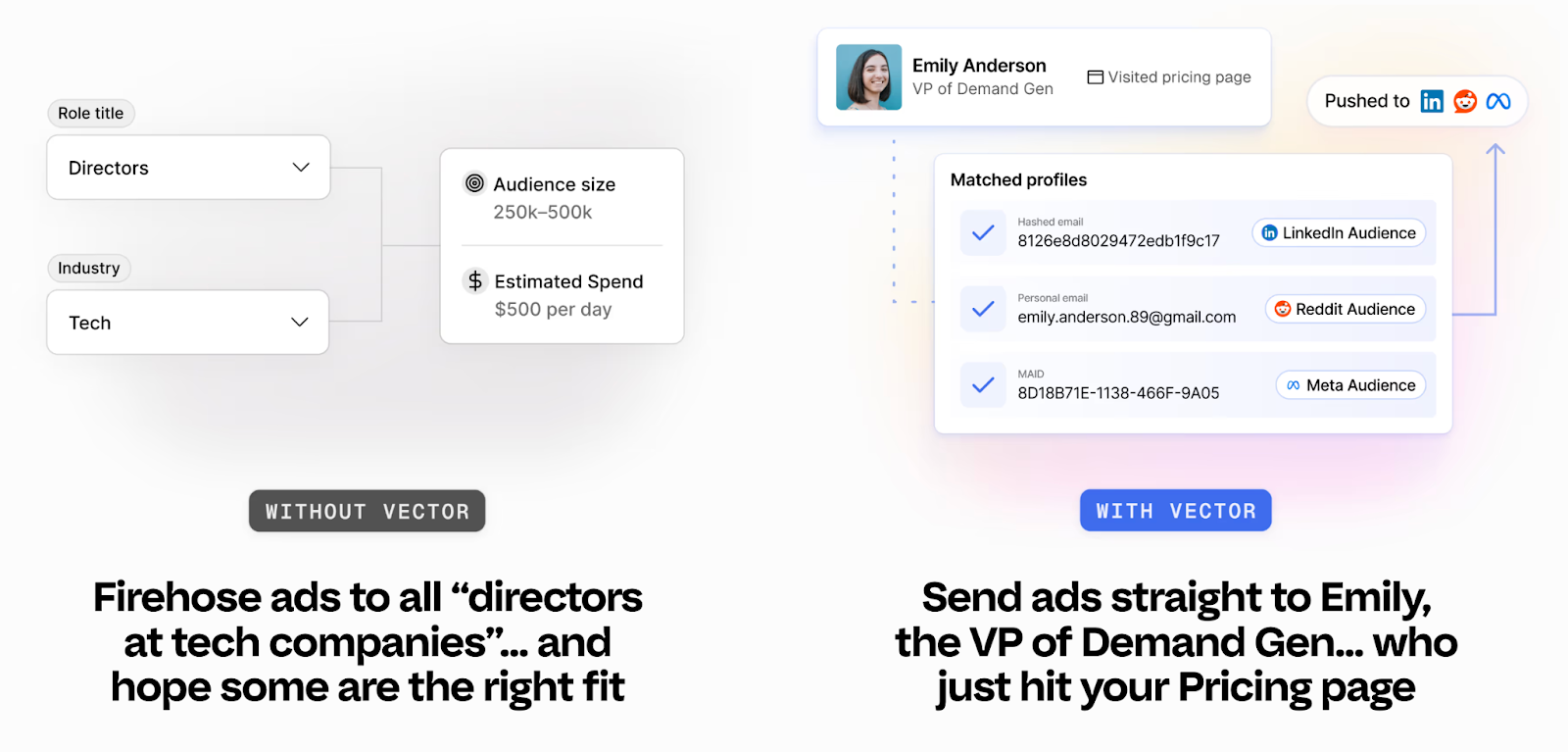
Vector takes a more hands-on route to audience activation.
It’s built for marketers who prefer direct control over targeting and ad execution.
Notable capabilities:
- Creates precise audience lists using contact-level identification.
- Syncs audiences to LinkedIn, Google, and Meta quickly.
- Targets visitors showing specific behavioral or intent patterns.
- Reduces wasted ad spend by focusing on verified, high-value contacts.
Vector’s audience controls are reliable and easy to use, especially for teams that prefer working directly inside ad platforms.
The only limitation is its manual workflow as marketers need to update audiences and optimize pacing on their own, which can slow down execution at scale.
Factors.ai vs Vector: Verdict on Ad Activation and Audience Targeting
Vector gives marketers accuracy and control.
It’s well suited for smaller or mid-size teams running targeted, hands-on campaigns.
Factors.ai, on the other hand, brings automation to every part of the process, from identifying active accounts to refreshing audiences and syncing conversion data.
It helps teams run smarter campaigns with less manual effort.
In short:
Factors.ai = Automated ad activation with live intent and funnel targeting.
Vector = Manual control for teams focused on contact-level precision.
Factors.ai vs Vector: Analytics and Funnel Insights
Once campaigns are live, the real work begins, understanding what’s driving results.
Analytics turn actions into clarity. Without them, you’re just guessing which campaigns work and which ones don’t.
Both Vector and Factors.ai offer reporting tools, but they serve very different needs.
Vector helps you see engagement at the contact level.
Factors.ai helps you connect every touchpoint to actual revenue.
Analytics and Funnel Insights Comparison
| Aspect | Factors.ai | Vector |
|---|---|---|
| Data Scope | Tracks full-funnel data across website, ads, CRM, and product usage. | Focuses on visitor and contact engagement metrics. |
| Funnel Tracking | Milestones show progression through awareness, engagement, and conversion. | No funnel-level tracking or conversion mapping. |
| Attribution | Multi-touch attribution connecting campaigns to revenue outcomes. | Limited to engagement-based reporting. |
| Visualization | Account360 dashboards visualize all touchpoints for each account. | Engagement dashboards for contact activity and ad performance. |
| Custom Reports | Supports up to 300 custom reports on higher tiers. | Basic reports on contact behavior and ad results. |
Factors.ai’s Analytics and Funnel Insights
Factors.ai treats analytics as the backbone of demand generation.
It measures clicks or impressions but goes beyond that and maps how accounts actually move through the funnel and contribute to the pipeline.
Key features include:
- Milestones: Tracks how accounts progress from interest to opportunity.
- Account360: Brings all engagement data into one dashboard for complete visibility.
- Multi-touch attribution: Connects campaigns to revenue with proof of impact.
- Segment-level analysis: Lets teams compare channels, campaigns, and cohorts easily.
- Custom dashboards: Helps different teams like marketing, sales, leadership see the metrics that matter most.
This depth helps GTM teams understand why things work, not just what worked.
It connects marketing effort directly to business outcomes, making optimization more strategic and measurable.
Vector’s Analytics and Funnel Insights
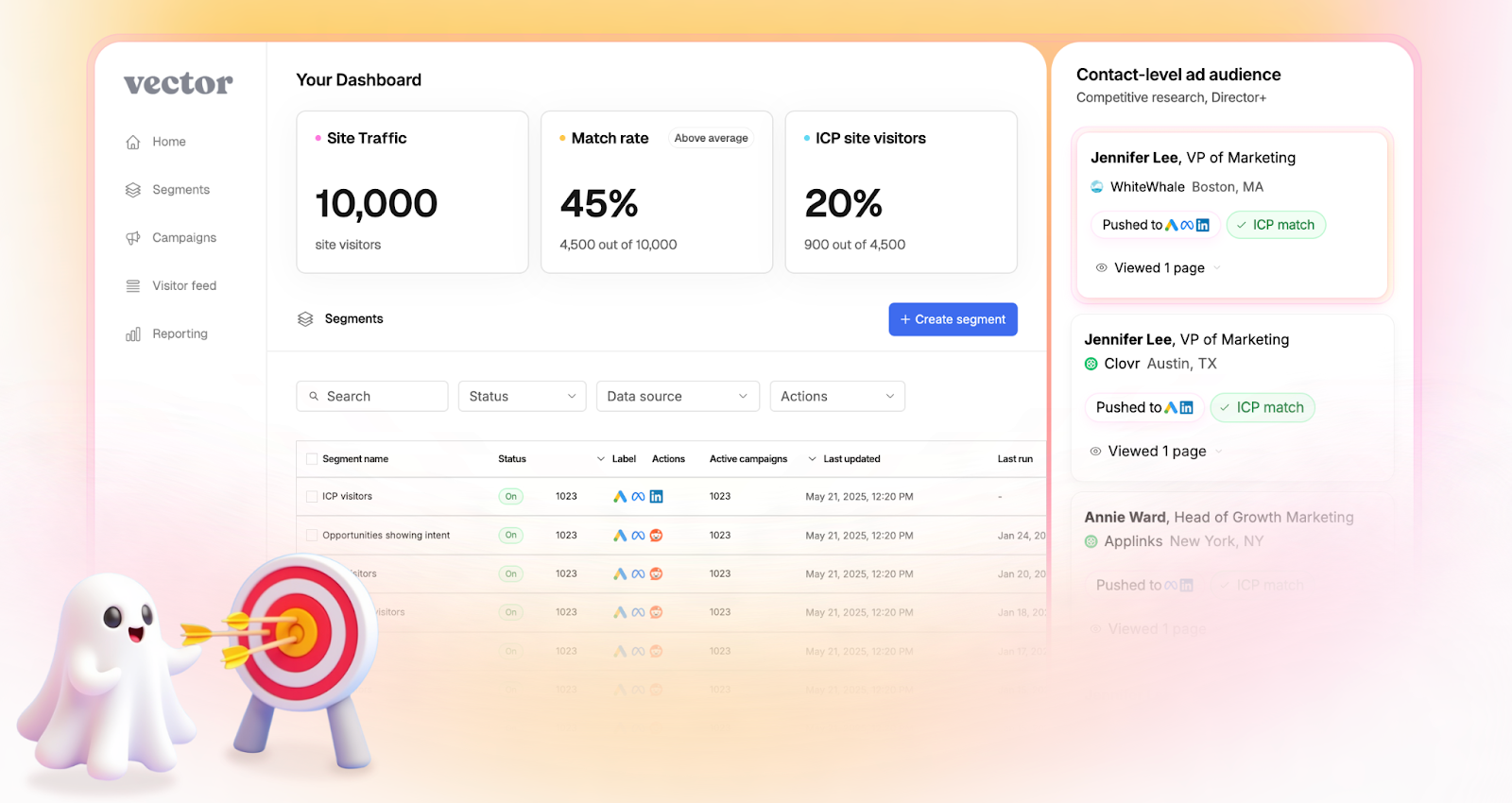
Vector keeps its analytics focused on engagement clarity.
Its reports help marketers understand who’s interacting with their site and how those visitors behave before conversion.
Notable analytics capabilities:
- Tracks visitor sessions and engagement by page or campaign.
- Shows top-performing audiences for ad targeting.
- Provides metrics for impressions, clicks, and return visits.
- Highlights which ICP visitors are most active.
This focus gives teams a straightforward view of campaign traction and audience quality.
However, it stops short of full-funnel insights as once leads are passed to sales or move into CRM, tracking becomes disconnected.
Factors.ai vs Vector: Verdict on Analytics & Funnel Insights
Vector delivers clear engagement analytics that help marketers understand visitor behavior.
It’s simple, fast, and fits teams that want to optimize ads and audiences without deep analytics setup.
Factors.ai, in comparison, brings end-to-end visibility.
Its analytics link marketing data, sales activity, and revenue outcomes in one place, giving teams the clarity to scale intelligently.
In short:
Factors.ai = Full-funnel analytics with revenue attribution.
Vector = Engagement insights focused on contact activity.
If you want to know how to connect CRM and ad systems efficiently, this CRM workflow automation guide walks through live examples.
Factors.ai vs Vector: Alerts and Real-Time Sales Enablement
Timing often decides whether interest turns into a sale.
When a potential customer revisits your site, downloads a resource, or reopens a demo page, that moment can be the difference between engagement and a lost deal.
That’s why real-time alerts and enablement tools matter.
They keep sales teams connected to buyer activity the instant it happens.
Both Vector and Factors.ai include alerting features, but their depth and context differ.
Alerts and Real-time Sales Enablement Comparison
| Aspect | Factors.ai | Vector |
|---|---|---|
| Notification Type | AI-powered, contextual alerts. | Basic notifications based on visitor activity. |
| Delivery Channels | Slack, email. | Slack. |
| Context in Alerts | Includes who, what, and why for e.g., form drop-offs, post-demo revisits, deal activity. | Identifies the visitor and page visited. |
| Sales Readiness Signals | Highlights intent level and funnel stage. | Shows contact interest without stage mapping. |
| Automation | Triggers workflows for follow-ups or campaign retargeting. | Manual response needed. |
Factors.ai’s Alerts & Real-Time Sales Enablement
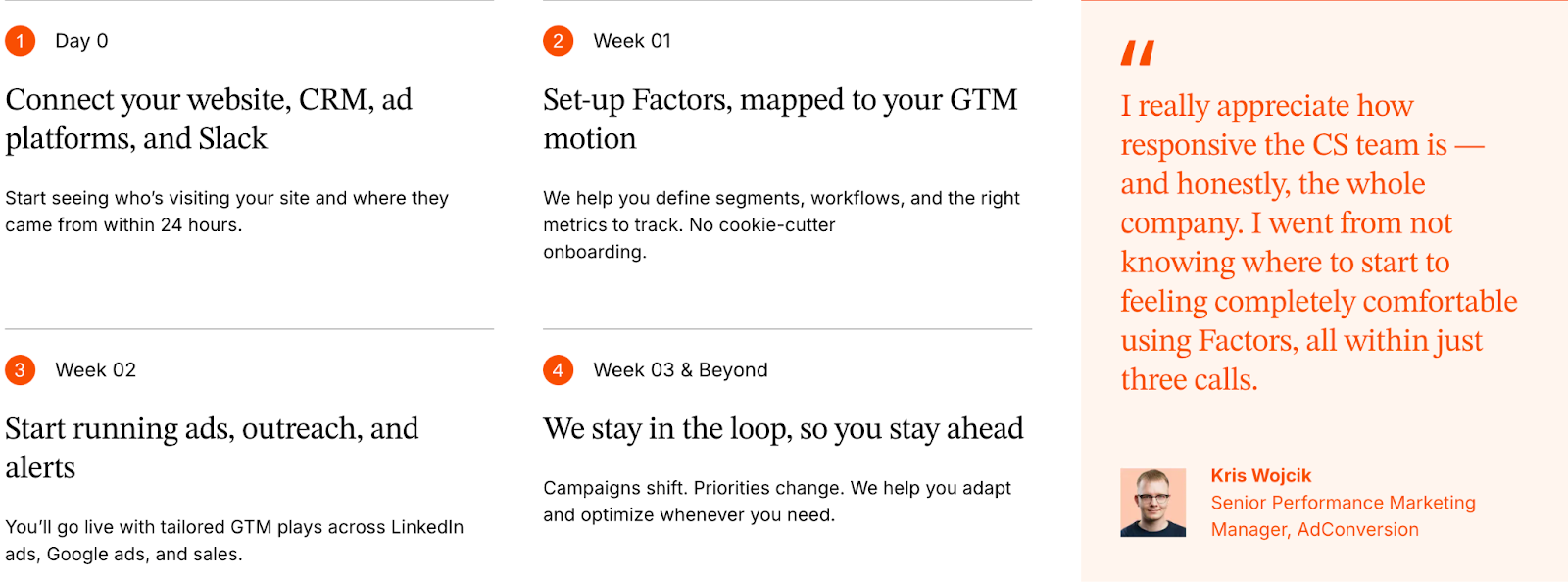
Factors.ai builds alerts around action, not just activity.
Each alert is tied to context that helps sales teams understand why a lead is engaging and how to respond.
Key features include:
- Sends instant notifications for high-value actions such as demo page revisits or pricing views.
- Shows full context like who the contact is, what they did, and how engaged their account is.
- Helps teams prioritize follow-ups by highlighting the funnel stage and buying intent.
- Triggers workflows, like adding the lead to retargeting campaigns or notifying account owners instantly.
These alerts work like a live bridge between marketing signals and sales motion.
Instead of waiting for weekly reports, teams act while interest is still fresh.
Vector’s Alerts & Real-Time Sales Enablement
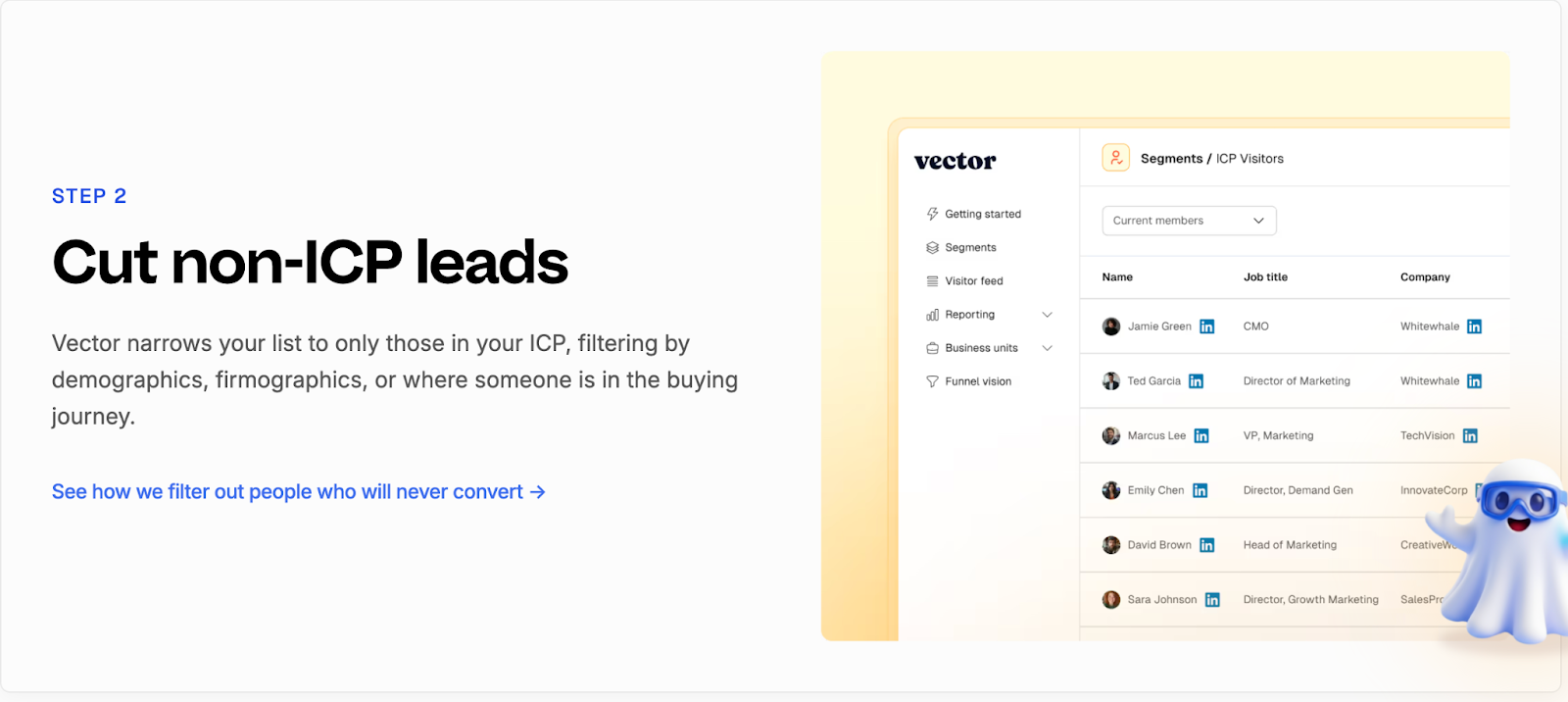
Vector keeps its alerting simple and focused on visibility.
It helps teams stay informed when an ICP visitor lands on key pages or returns to the site.
Its capabilities include:
- Sends notifications to Slack when a qualified visitor is identified.
- Shares basic visitor information such as company, role, and page viewed.
- Helps sales reps spot potential opportunities earlier.
- Encourages quick outreach to active visitors.
The simplicity works for teams that want instant awareness but don’t need deeper analytics or automation.
However, alerts in Vector stop at “who” and “where.”
The “why,” or what to do next, still relies on manual interpretation.
Factors.ai vs Vector: Verdict on Alerts & Sales Enablement
Vector provides quick visibility into visitor activity, which is helpful for smaller teams that rely on manual follow-ups.
It’s simple, direct, and easy to set up.
Factors.ai, however, connects each alert to real buying intent.
By combining context, automation, and funnel insight, it turns notifications into guided actions for sales teams.
In short:
Factors.ai = Smart alerts that drive timely, informed outreach.
Vector = Simple activity alerts for faster awareness.
Factors.ai vs Vector: Support and Ease of Use
As much a platform’s value is in its features, it’s also in how quickly teams can get started and how smoothly they can use it day to day.
Support, onboarding, and usability decide whether a tool feels like an asset or another burden to manage.
Both Factors.ai and Vector are designed for marketing teams, but their approaches to setup and support differ.
Support and Ease of Use Comparison
| Aspect | Factors.ai | Vector |
|---|---|---|
| **Onboarding** | Guided onboarding with setup assistance and training. | Quick setup using pixel-based installation. |
| **Ease of Setup** | Integrations and tracking can be enabled within days. | Instant setup for identification features. |
| **Support Access** | Slack, helpdesk, and dedicated CSM support for higher tiers. | Email and Slack-based assistance. |
| **Learning Curve** | Streamlined dashboard with guided walkthroughs. | Simple UI but limited in-depth guidance. |
| **Ongoing Assistance** | Weekly GTM syncs and campaign reviews. | Self-serve help and basic troubleshooting. |
Factors.ai’s Support and Ease of Use
Factors.ai puts strong emphasis on collaboration during onboarding.
It’s built to help GTM teams get up and running quickly, without needing heavy technical support.
Key highlights:
- Step-by-step onboarding with guidance from product specialists.
- Dedicated customer success manager for Growth and Enterprise plans.
- Direct Slack support for quick queries or troubleshooting.
- Regular sync sessions to review campaigns and performance.
- Easy-to-use dashboard that feels intuitive even for new users.
This structure helps teams start fast and grow confidently, especially when multiple departments are involved.
Vector’s Support and Ease of Use
Vector focuses on simplicity and speed.
Its setup is lightweight, making it easy for teams to start identifying visitors and syncing data almost immediately.
Main strengths include:
- Quick installation using a single website pixel.
- Straightforward dashboard for visitor insights and contact lists.
- Slack and email-based support for basic assistance.
- Fast adoption for small teams with limited technical involvement.
While Vector is easy to set up, its support model is more self-directed.
Larger teams may need to rely on internal resources when troubleshooting or scaling integrations.
Factors.ai vs Vector: Verdict on Support & Ease of Use
Vector wins on simplicity as it’s fast to install and easy to understand, especially for smaller teams.
It’s the kind of setup you can complete in a day and start seeing results soon after.
Factors.ai, on the other hand, provides more structure and partnership.
Its dedicated support, guided onboarding, and ongoing collaboration make it a better fit for teams that want long-term reliability and shared growth.
In short:
Factors.ai = Guided onboarding and hands-on support for scalable teams.
Vector = Quick setup and simple workflows for smaller teams.
For teams evaluating vendor security frameworks, see analytics and attribution, which outlines how Factors.ai handles certification and data governance.
Factors.ai vs Vector: Security and Compliance
Data security is one of those things teams rarely think about until something goes wrong.
But when you’re handling customer information, CRM data, and campaign insights, security is a requirement.
Both Factors.ai and Vector take security seriously.
Each has built safeguards into their systems, though the level of transparency and certification differs.
Security and Compliance Comparison
| Aspect | Factors.ai | Vector |
|---|---|---|
| Certifications | ISO 27001, SOC 2 Type II, GDPR, CCPA compliant. | GDPR compliant; third-party audit by Aikido Security. |
| Hosting | Google Cloud Platform (SOC 1, 2, 3 compliant data centers). | Hosted in the EU on Google Cloud and Fly.io. |
| Data Encryption | AES-256 encryption at rest and TLS encryption in transit. | AES-256 encryption at rest and TLS-secured data transfer. |
| Access Control | Role-based permissions, two-factor authentication, and logged access trails. | Access restricted to whitelisted IPs and authorized personnel. |
| Incident Response | Formal response plan led by a Data Protection Officer. | Internal incident response and recovery policy. |
| Data Location | Stored and processed in GCP’s US zones. | Stored and processed in EU regions. |
Factors.ai’s Security and Compliance

Factors.ai maintains enterprise-grade security standards built around transparency and control.
Its infrastructure, hosted on Google Cloud Platform, is backed by industry certifications and strong internal policies.
Key security practices:
- Encrypts all customer data both in transit and at rest.
- Uses strict access management through IAM roles and two-factor authentication.
- Follows a defined incident response and recovery plan led by a Data Protection Officer.
- Backs up customer data regularly in multiple geographic locations.
- Adheres to GDPR and CCPA frameworks with full documentation available.
The result is a clear, auditable security model.
Customers know where their data is stored, who can access it, and how it’s protected.
Vector’s Security and Compliance
Vector follows secure data practices designed to align with global privacy regulations, including the GDPR, CCPA, CASL, PIPEDA, LGPD, POPIA, and PDPA.
The platform emphasizes transparency and accountability, particularly for teams handling customer data responsibly.
Key measures include:
- Preparing for SOC 2 Type 2 compliance, reflecting commitment to high security and operational standards.
- Supporting GDPR compliance and offering Data Processing Agreements (DPA) to customers upon request.
- Operating with strong privacy safeguards across multiple regions, while being transparent about its U.S.-based infrastructure.
- Using industry-standard encryption and security controls (specific encryption standards are not publicly detailed).
Vector’s privacy framework shows an active effort to meet major international data-protection laws.
Factors.ai vs Vector: Verdict on Security & Compliance
Both tools handle data responsibly and maintain solid privacy standards.
Vector aligns with major frameworks like GDPR and CCPA, offers DPAs on request, and is preparing for SOC 2 Type 2 compliance. While its infrastructure is primarily U.S.-based and lighter on certifications, its transparency and privacy focus make it reliable for teams needing straightforward compliance.
Factors.ai adds stronger credentials with global certifications, defined access controls, and incident management which is ideal for organizations seeking enterprise-level assurance.
In short:
- Factors.ai = Certified and enterprise-ready.
- Vector = Transparent and GDPR-aligned, but lighter on formal proof.
Factors.ai vs Vector: Overall Verdict and Recommendations
Both Factors.ai and Vector solve one of marketing’s toughest problems: understanding who’s engaging and how to act on it.
But they take very different routes to get there.
Vector is built for precision at the contact level.
Factors.ai is built for visibility across the entire buying journey.
Factors.ai vs Vector: Comparison Recap
| Category | Best Fit | Reason |
|---|---|---|
| Intent & Identification | Factors.ai | Combines account, contact, and signal-based intent for full-funnel clarity. |
| Ad Activation | Factors.ai | Automates campaign syncs and optimizations across LinkedIn and Google. |
| Analytics & Reporting | Factors.ai | Tracks complete funnel performance and connects activity to revenue. |
| Alerts & Enablement | Factors.ai | Sends context-rich alerts that drive real-time sales actions. |
| Support & Ease of Use | Vector | Simple setup and easy adoption for small marketing teams. |
| Security & Compliance | Factors.ai | Backed by ISO, SOC, and GDPR certifications. |
| Pricing | Depends on scale | Vector suits lean budgets; Factors.ai scales with growing GTM teams. |
Why You’d Choose Factors.ai
- Brings everything like intent, analytics, and activation, into one connected system.
- Automates campaigns and alerts, reducing manual work for GTM teams.
- Tracks performance from first engagement to closed revenue.
- Offers structured onboarding, deep integrations, and strong data protection.
It’s best suited for teams that want to grow with data, not just react to it.
Why You’d Choose Vector
- Helps identify real people visiting your website.
- Builds accurate, ready-to-use audiences for ad platforms.
- Simple, quick setup that delivers results fast.
- Works well for small teams focused on contact-level targeting.
It’s a strong fit for marketers who want actionable insights without the need for complex setup or analytics depth.
FAQs for Factors.ai vs Vector
Q. What is the main difference between Factors.ai and Vector?
The biggest difference lies in scope.
Vector focuses on identifying individual people behind website visits and turning them into usable ad audiences. Factors.ai looks at the entire account journey, connecting website intent with ads, CRM activity, sales engagement, and revenue outcomes in one unified view.
Q. Is Factors.ai only meant for large enterprise teams?
No. Factors.ai is built to scale, but it’s not limited to enterprises.
Smaller and mid-size B2B teams often start with basic identification and dashboards, then grow into features like account scoring, attribution, and automated ad activation as their GTM motion matures.
Q. Is Vector a replacement for a full GTM analytics platform?
Not really.
Vector works well as an identification and audience-building tool, especially at the top of the funnel. Most teams using Vector alongside CRMs and ad platforms still rely on additional tools for funnel analytics, attribution, and revenue tracking.
Q. Which tool is better for account-based marketing (ABM)?
Factors.ai is better suited for ABM.
It tracks buying groups, scores accounts by intent and fit, and shows how engagement progresses across the funnel. Vector operates primarily at the contact level and doesn’t offer native account-level or buying-group visibility.
Q. Can both tools identify anonymous website visitors?
Yes, but in different ways.
Vector focuses on converting anonymous visits into named contacts. Factors.ai identifies anonymous visitors at the account level first, then enriches them with intent, engagement, and CRM context to guide next actions.
Q. Does Factors.ai support ad activation and automation?
Yes.
Factors.ai includes AdPilot, which automatically syncs audiences to LinkedIn and Google, refreshes them based on live intent signals, and sends conversion data back to ad platforms for optimization. Vector supports audience sync but relies more on manual activation.
Q. Which platform offers better analytics and reporting?
Factors.ai offers deeper analytics.
It provides full-funnel visibility, Milestones tracking, multi-touch attribution, and Account360 dashboards that connect marketing activity directly to revenue. Vector’s analytics are focused on engagement and visitor activity rather than pipeline outcomes.
Q. Is Vector easier to set up than Factors.ai?
Yes, generally.
Vector’s setup is lightweight and fast, usually involving a simple pixel installation. Factors.ai takes slightly longer to implement but offers guided onboarding and deeper integrations that support long-term GTM workflows.
Q. How do alerts differ between Factors.ai and Vector?
Vector sends basic alerts when an ICP visitor is identified.
Factors.ai sends context-rich, AI-powered alerts that include intent level, funnel stage, and recommended actions, helping sales teams prioritize outreach more effectively.
Q. Which tool should I choose if my team is just starting with intent data?
If your goal is quick visibility into who’s visiting your site and building targeted ad audiences, Vector is a strong starting point.
If you’re planning to align marketing, sales, and revenue data into one system as you grow, Factors.ai offers a more future-ready foundation.

Factors.ai vs Warmly: Which B2B GTM Platform Fits Your Playbook?
Compare Factors and Warmly, two leading B2B visitor identification platforms, across features, pricing, analytics, and support to find the best fit for your sales motion
If you’ve been exploring AI tools for GTM automation, you’ve probably crossed paths with Factors and Warmly. On the surface, they look like twins, both promise real-time intent, AI agents, and faster pipelines. But dig deeper, and you’ll see one’s a finely built ship, the other’s just spotting ripples on the surface.
Factors.ai is built to tame the Kraken; it brings your website, ads, CRM, and analytics into one coordinated crew. Every signal, every campaign, every touchpoint sails in sync. Warmly’s the lookout in the crow’s nest, fast to spot intent, quick to shout ‘Hey, there’s movement!’ before rowing to the next account.
Both useful, just different missions. One helps you chart a course. The other helps you chase waves.
In this guide, we’ll compare how each handles functionality, pricing, analytics, ad activation, support, and compliance, so you can decide which ship actually gets your GTM where it’s meant to go.
Factors.ai vs Warmly: Functionality & Features
When you look at Factors and Warmly, both seem to help GTM teams spot intent and automate engagement with AI. But under the surface, their focus and depth are quite different.
Let’s start with a quick overview.
| Feature | Factors | Warmly |
|---|---|---|
| Platform Type | Full-funnel GTM and demand generation platform powered by AI agents | Real-time revenue orchestration platform with person-level intent |
| Best For | B2B SaaS and enterprise teams that want unified visibility and coordination across the entire funnel | Fast-moving sales and marketing teams focused on immediate, high-intent outreach |
| Visitor Identification | 75%+ visitor coverage using layered enrichment from providers like Snitcher, Demandbase, Clearbit, and 6sense. Includes 30% person-level ID. | 60% account-level and 15% person-level identification using Clearbit, Demandbase, Bombora, and Immagnify. |
| Intent Signals | Combines first-, second-, and third-party signals, such as website engagement, ad interactions, and CRM activity, scored by AI based on ICP fit, funnel stage, and intent intensity. | Aggregates first-, second-, and third-party intent signals such as web activity, LinkedIn triggers, and competitor site visits |
| Scoring System | AI enabled preditive account scoring, custom scoring, Refer https://www.factors.ai/clp/warmly | AI lead scoring. |
| AI Agents | AI Agents handle everything from account research and scoring to buying group mapping and real-time alerts. They identify high-intent accounts, revive closed-lost deals, track post-meeting activity, and send timely Slack or Teams alerts to help reps engage when interest peaks. | Support Marketing Ops, Demand Gen, SDR outreach, and sales co-piloting. |
| Real Time Alerts | Engagement managed through real-time AI alerts on Slack and Microsoft Teams, helping reps follow up when visitors show intent. | Warmly AI Chat qualifies visitors, answers questions, shares resources, and books meetings. |
| Integrations | Integrates with leading CRM, CDP, MAP, and ad platforms, including Salesforce, HubSpot, Google Ads, LinkedIn Ads, and G2, ensuring data, campaigns, and signals flow seamlessly across the GTM stack. | Slack, Salesforce, HubSpot, LinkedIn Ads, Google Ads, and marketing tools. |
Factors.ai Features and Functionality
Factors goes beyond showing who’s interested and helps your team understand why and what to do next.
Key capabilities include:
- Unified View of Every Account (Account 360)
- Connects website, ad, CRM, and product data into one sortable view of every account.
- Tracks every touchpoint, from first visit to closed deal, ensuring no high-intent account slips through the cracks.
- Aligns marketing, sales, and RevOps with a single source of truth for all GTM activity.
- High Coverage Identification
- Identifies 75%+ of anonymous visitors through waterfall enrichment across Snitcher, 6sense, Demandbase, and Clearbit.
- Tracks intent signals across stages and syncs them directly with CRMs and ad platforms.
- AI Agents That Do the Work
- Handle account research, buying group mapping, post-meeting tracking, and closed-lost reactivation automatically.
- Send real-time Slack or Teams alerts for key actions like form-fill drop-offs or demo revisits.
- Surface the right contacts within each account and provide personalized outreach insights, so reps always know who to engage and when.
- Cross-Platform Activation with AdPilot
- Integrates seamlessly with HubSpot, Salesforce, LinkedIn Ads, Google Ads, and G2.
- AdPilot automates retargeting and audience syncs, optimizing campaigns using CRM and engagement data.
- Includes Google CAPI and Audience Sync for high-precision targeting, budget efficiency, and buyer-stage-specific campaigns.
- Keeps audiences fresh with daily automated updates, ensuring your ads always reach in-market accounts.
- Advanced Account & Contact Scoring
- AI prioritizes outreach by scoring accounts and contacts based on ICP fit, funnel stage, and engagement intensity.
- Helps GTM teams focus on high-potential opportunities instead of low-value leads.
Together, these capabilities turn intent data into coordinated action, helping GTM teams build pipeline more efficiently.
Warmly Features and Functionality
Warmly focuses on helping reps connect with buyers while they’re still active. It’s built around real-time engagement and person-level signals.
- Multi-Layered Intent System
- First-party data from website behavior and visits.
- Second-party data from LinkedIn (funding, job changes).
- Third-party data from competitor or keyword-based interactions.
- Warmly AI Chat
- Engages visitors automatically.
- Qualifies, shares resources, and can book meetings instantly.
- AI Agents Across the Funnel
- Marketing Ops for targeting and routing.
- Demand Gen for campaigns.
- SDR and Co-Pilot agents for automated lead engagement.
- Integrated Workflow
- Connects with HubSpot, Salesforce, Slack, LinkedIn Ads, and Google Ads.
- Keeps reps informed with real-time Slack updates.
Warmly helps teams stay quick and responsive when new interest appears, keeping outreach personal and timely.
Factors.ai vs Warmly: Who wins on the feature front?
Warmly does a great job for teams that rely on instant engagement. The person-level data and AI Chat make it ideal for fast outbound and SDR-heavy setups.
Factors.ai, on the other hand, offers a deeper system for GTM teams that want to connect the dots across their entire funnel. It not only spots intent but also structures how your team acts on it.
In short:
- Warmly helps you respond faster, but with a partial view.
- Factors helps you scale smarter and see the full picture.
Factors.ai vs Warmly: Pricing Comparison
Both platforms take very different routes when it comes to pricing. Factors focuses on scalability across tiers, while Warmly builds its model around AI Agents designed for specific GTM goals.
Let’s look at them side by side.
| Plan Details | Factors.ai | Warmly |
|---|---|---|
| Pricing Model | Usage + seat-based | Agent-based annual pricing |
| Starting Price | Contact for pricing | Starts at $16,000/year |
| Free Plan | Yes, 200 companies/month, 3 seats | Not available |
| Top Tier | Enterprise, unlimited companies, 25 seats | Marketing Ops Agent, $25,000/year |
| Plan Types | Free, Basic, Growth, Enterprise | Nurture Agent, Inbound Agent, Marketing Ops Agent |
| Support | White Glove onboarding with dedicated CSM, Slack channel, weekly syncs | Real-time Slack support |
| Add-ons | GTM Engineering Services | Add-on AI SDR & Inbound Caller options |
Factors.ai Pricing
Factors follows a structured plan that grows with your GTM needs. It doesn’t limit value to one function but expands across the funnel as your operations scale.
Here’s how it’s set up:
- Free Plan
- Identify up to 200 companies/month
- Includes dashboards, visitor tracking, Slack integration
- Basic Plan
- 3,000 companies/month
- Adds LinkedIn intent signals, GTM dashboards, and ad integrations
- Connects to HubSpot, Salesforce, and Google Search Console
- Growth Plan (Most Popular)
- 8,000 companies/month
- Includes ABM analytics, account scoring, G2 intent data, workflow automation, and a dedicated CSM
- Enterprise Plan
- Unlimited companies and up to 25 seats
- Predictive scoring, AdPilot for Google and LinkedIn, advanced segmentation, and white-glove onboarding
What makes it valuable
- Consolidates multiple tools (visitor ID, attribution, enrichment, ad activation) into one.
- Expands naturally as the team scales and no need to stack point tools.
- GTM Engineering Services can design and automate your entire RevOps setup.
Warmly Pricing
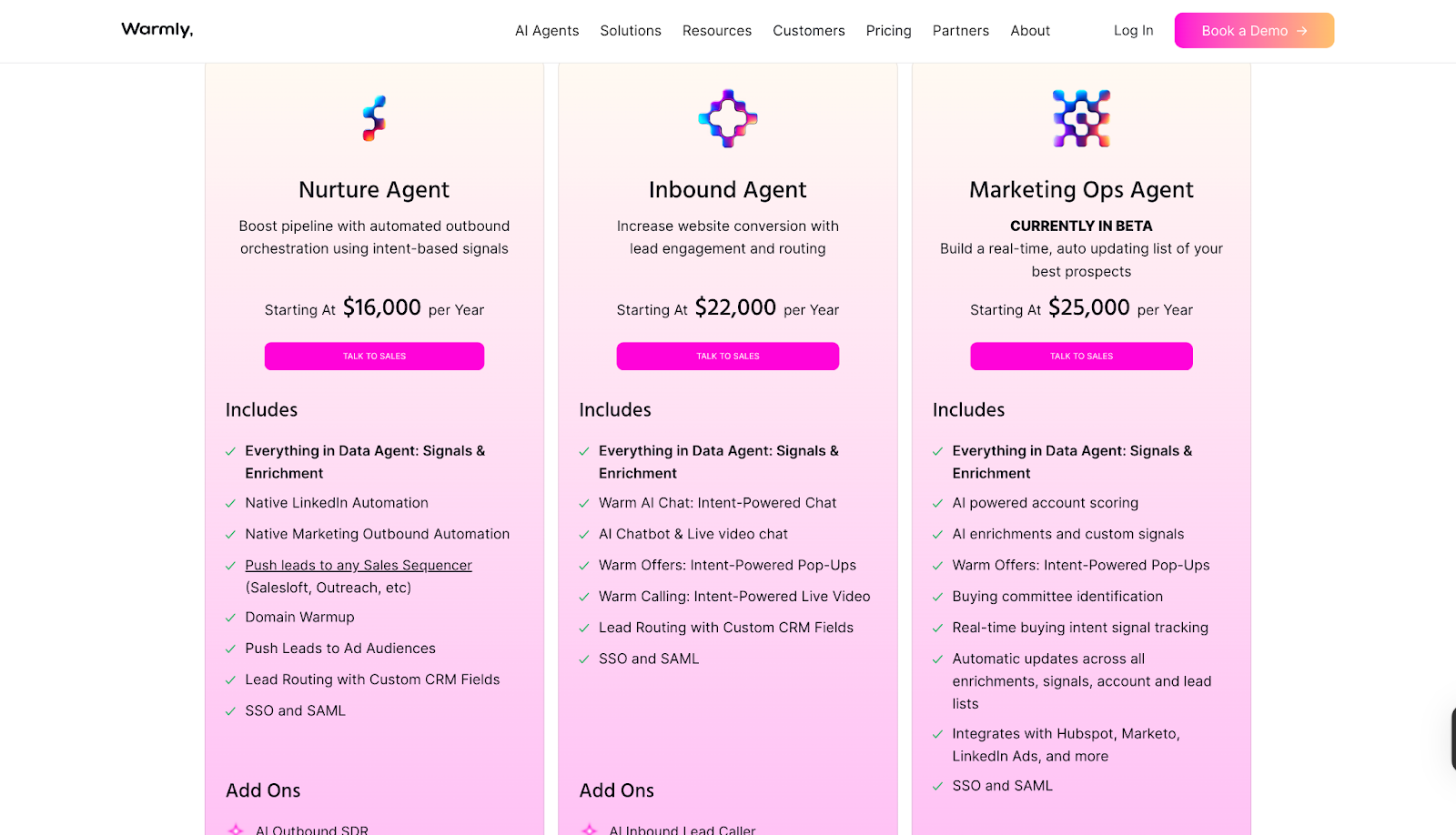
Warmly’s pricing revolves around AI Agents, each designed for a specific motion like outbound, inbound, or marketing operations.
Available Agents:
- Nurture Agent – $16,000/year
- Built for outbound orchestration using intent-based signals
- Includes:
- Native LinkedIn and marketing automation
- Domain warmup
- Lead routing with custom CRM fields
- Push leads to ad audiences or sales sequencers
- SSO and SAML
- Add-on: AI Outbound SDR
- Inbound Agent – $22,000/year
- Designed to increase conversion through engagement and routing
- Includes:
- Warm AI Chat for intent-based conversations
- AI chatbot and live video chat
- Intent-powered pop-ups and calls
- Lead routing with CRM sync
- SSO and SAML
- Add-on: AI Inbound Lead Caller
- Marketing Ops Agent – $25,000/year (Beta)
- Focused on enrichment, scoring, and real-time signal tracking
- Includes:
- AI-powered account scoring and custom signals
- Buying committee identification
- Real-time updates across all signals
- Integrations with HubSpot, Marketo, and LinkedIn Ads
- SSO and SAML
Warmly’s model gives you flexibility to pick only what you need, but it can get expensive as your team grows across multiple functions.
Factors.ai vs Warmly: Who wins on the pricing front?
Warmly offers clear options for teams that want AI Agents focused on specific goals. The annual structure makes sense for dedicated use cases like inbound engagement or outbound automation.
Factors, on the other hand, gives you an all-in-one foundation that grows with your GTM system. Its tiered pricing covers a broader set of needs like analytics, orchestration, and automation without having to buy separate modules.
In short:
- Warmly works well if you want targeted AI Agents for one motion at a time.
- Factors makes more sense if you want one scalable platform to power your full GTM stack.
Factors.ai vs Warmly: Analytics and Attribution
Spotting interest is one thing. Knowing which actions actually turn into revenue is another.
That’s where analytics and attribution become the real test of how strong your GTM platform actually is.
Here’s how Factors and Warmly stack up.
| Capability | Factors | Warmly |
|---|---|---|
| Multi-touch Attribution | Tracks every touchpoint from first visit to closed revenue | Not available |
| Funnel Analytics | Covers MQL → SQL → Opportunity → Closed Won | Limited engagement analytics |
| Journey Timelines | Unified across ads, CRM, website, and product | Not offered |
| Signal Insights | Multi-source: web, G2, CRM, ad, and product activity | Focused on person-level behavior |
| Dashboard Customization | Custom reports, milestones, and Account 360 views | Basic engagement stats (entry/exit, referrals) |
| Drop-off Detection | Visual funnel drop-off and bottleneck tracking | Not specified |
| AI Analytics | AI-driven querying and insights (in development) | Not mentioned |
| Lift Analysis | Measures campaign lift and performance impact across channels to validate GTM effectiveness | Not available |
Factors.ai Analytics and Attribution
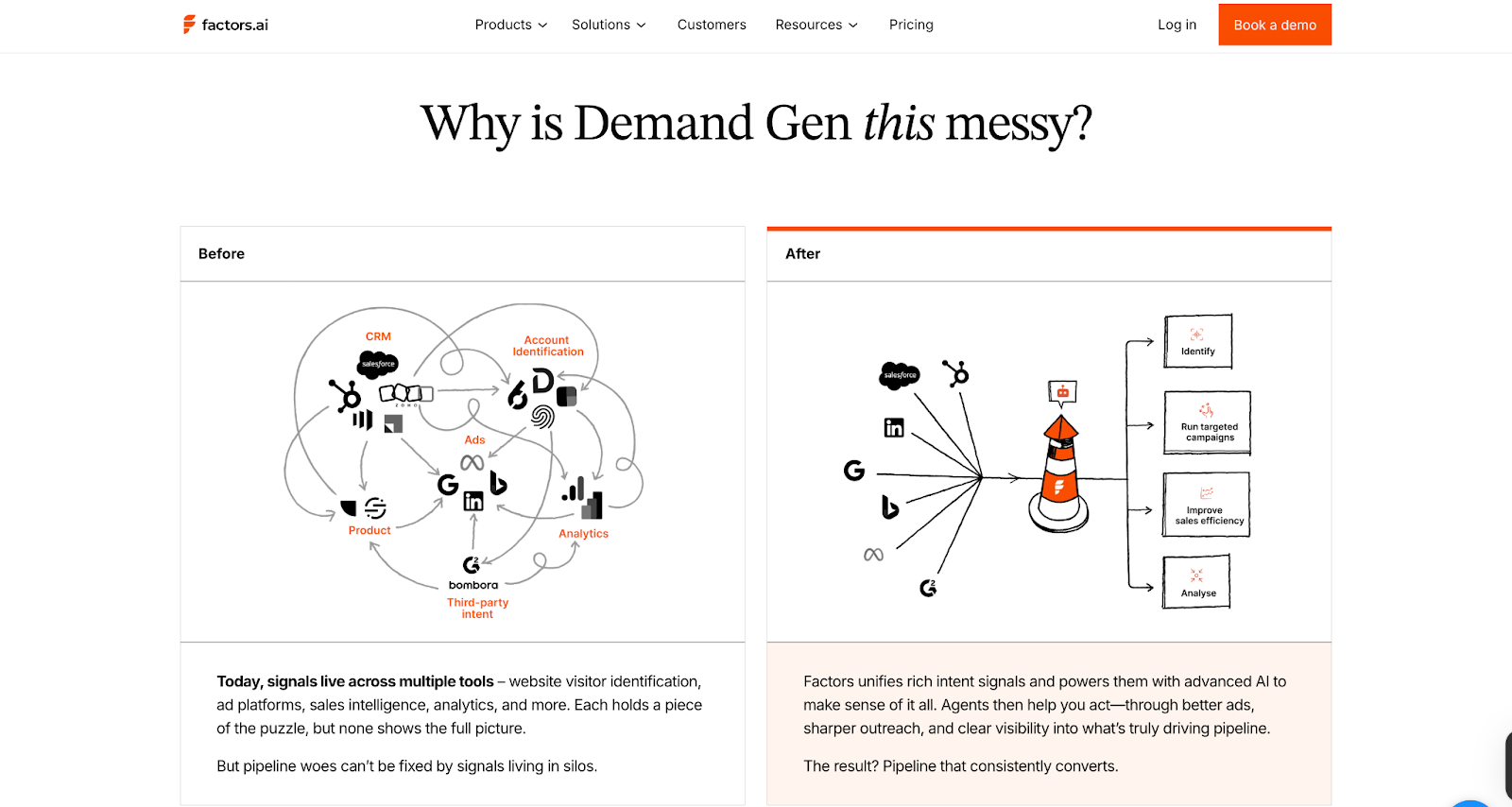
Factors gives your team a complete view of how marketing and sales activity turns into revenue. Every ad click, website visit, or CRM update gets connected in one continuous line, from awareness to closed deal.
Key analytics capabilities include:
- Multi-touch Attribution
- Tracks influence from first touch to final conversion.
- Answers questions like “Which campaign actually created pipeline?”
- Funnel Stage Analytics
- Visualizes the full path from MQL to Closed Won.
- Highlights which campaigns push deals forward and where drop-offs happen.
- Customer Journey Timelines
- Combines web, CRM, ad, and product data into one chronological view.
- Helps GTM teams see the full story behind every opportunity.
- Segmented Dashboards
- Filter by geography, persona, or product line.
- Compare how different audiences move through the funnel.
- Drop-off & Bottleneck Detection
- Automatically flags friction points.
- Helps RevOps and GTM leaders refine campaigns faster.
Together, these features make analytics actionable. You don’t just see activity; you can measure what’s really driving revenue.
If you want to understand the different ways attribution works and which model fits your stack, we also explain multi-touch approaches in our guide to understanding multi-touch attribution models.
Warmly Analytics and Attribution
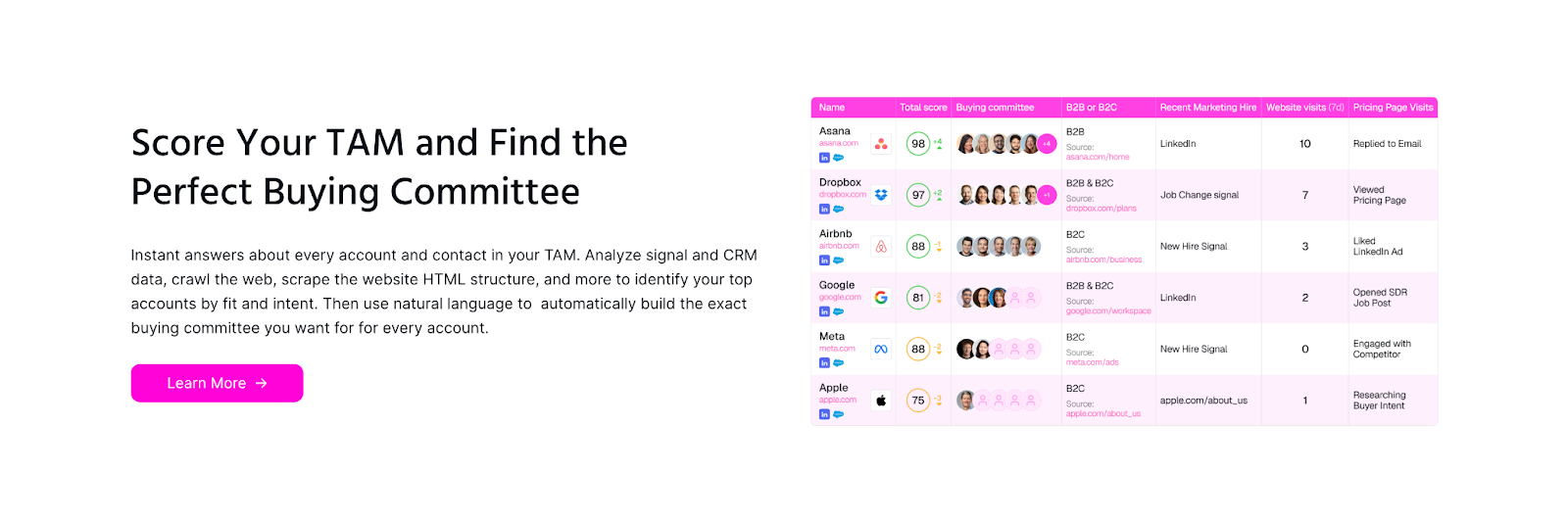
Warmly focuses on engagement visibility rather than deep attribution. It highlights how prospects interact with your content and website but doesn’t connect those signals back to the entire sales funnel.
What it offers:
- Engagement Reports
- Track visitor activity, entry and exit stats, and referrer data.
- Intent Insights
- Show which visitors are most active and which campaigns are attracting them.
- Signal Highlights
- Identify high-value interactions such as LinkedIn clicks or return visits.
These analytics give sales teams a quick pulse on engagement but lack the full context needed to trace ROI across campaigns or channels.
Verdict on Analytics & Attribution
Warmly gives a surface-level view of visitor activity. It’s helpful for understanding which prospects are active right now, especially when combined with its real-time chat and AI engagement.
Factors gives the complete story. It connects every signal, from anonymous visits to deal closure, and helps GTM teams tie activity back to revenue. The insights go deeper, helping you understand what’s working and what needs improvement.
In short:
- Warmly gives visibility.
- Factors gives clarity and accountability.
{{INLINE_BOFU}}
Factors.ai vs Warmly: Ad Activation & Retargeting
Intent signals are only useful if your team can act on them fast.
Both Factors and Warmly help you activate audiences, but the depth of automation and targeting accuracy makes a big difference in how your GTM motion performs.
Here’s how they compare.
| Feature | Factors | Warmly |
|---|---|---|
| LinkedIn Ads Integration | Native sync for intent-based campaigns through LinkedIn AdPilot, enabling auto-updated audiences, impression pacing, and revenue attribution. | Integrates with LinkedIn Ads for rep engagement based on ad clicks |
| Google Ads Integration | Native with CAPI, daily audience sync, and buyer-stage targeting | Listed under integrations, no details on targeting or automation |
| Audience Refresh | Automated updates based on ICP fit and funnel stage | Not specified |
| Ad Retargeting | Multi-signal retargeting across G2, web, and CRM data | Focused on visitors from LinkedIn campaigns |
| Conversion Feedback | Real-time conversion loops between SDR activity and ad platforms | Not mentioned |
| Impression Control | Budget pacing by account | Not available |
Factors.ai Ad Activation and Retargeting
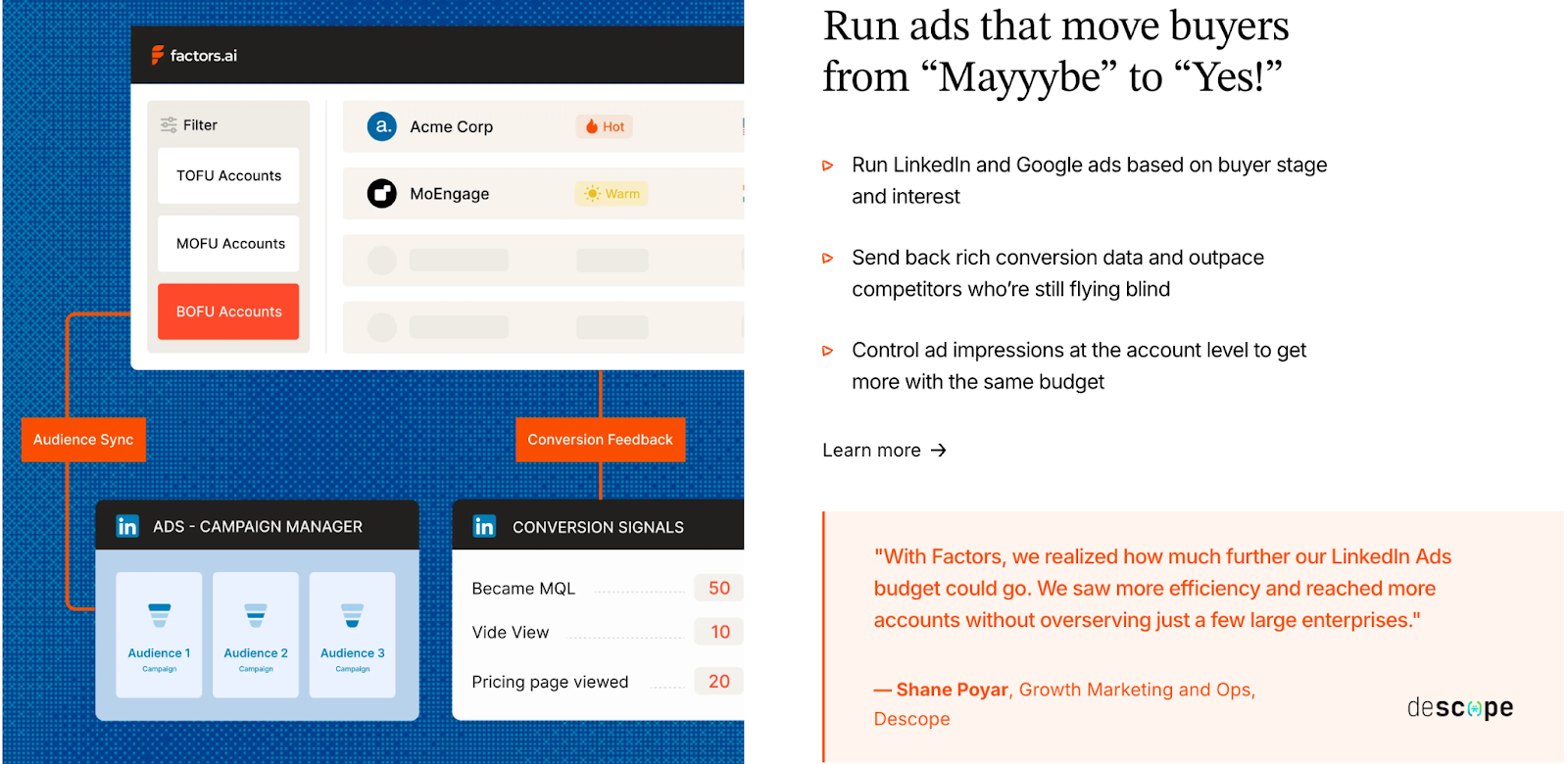
Factors approaches advertising as part of the GTM cycle, not a separate activity. The goal is to help your team reach the right accounts the moment intent appears.
Key ad capabilities include:
- Dynamic Audience Syncs
- Automatically build and refresh audiences on LinkedIn and Google based on buying intent, ICP match, or funnel stage.
- Automatically build and refresh audiences on LinkedIn and Google based on buying intent, ICP match, or funnel stage.
- Smart Retargeting
- Target accounts showing signals from multiple sources such as G2, website activity, CRM updates, or product usage.
- Ensures your ads reach the right companies at the right time.
- Conversion Feedback Loops
- When an SDR marks a lead as qualified, that data feeds back into ad platforms.
- Helps ad algorithms optimize toward accounts that actually convert.
- Google CAPI Integration
- Sends richer conversion data to Google for smarter bidding and lower wasted spend.
- Budget & Frequency Controls
- Manage impressions at the account level to avoid overserving ads to the same group.
With these features, Factors closes the gap between marketing and sales activation. It helps you spend smarter, retarget better, and turn intent into impact faster.
Warmly Ad Activation and Retargeting
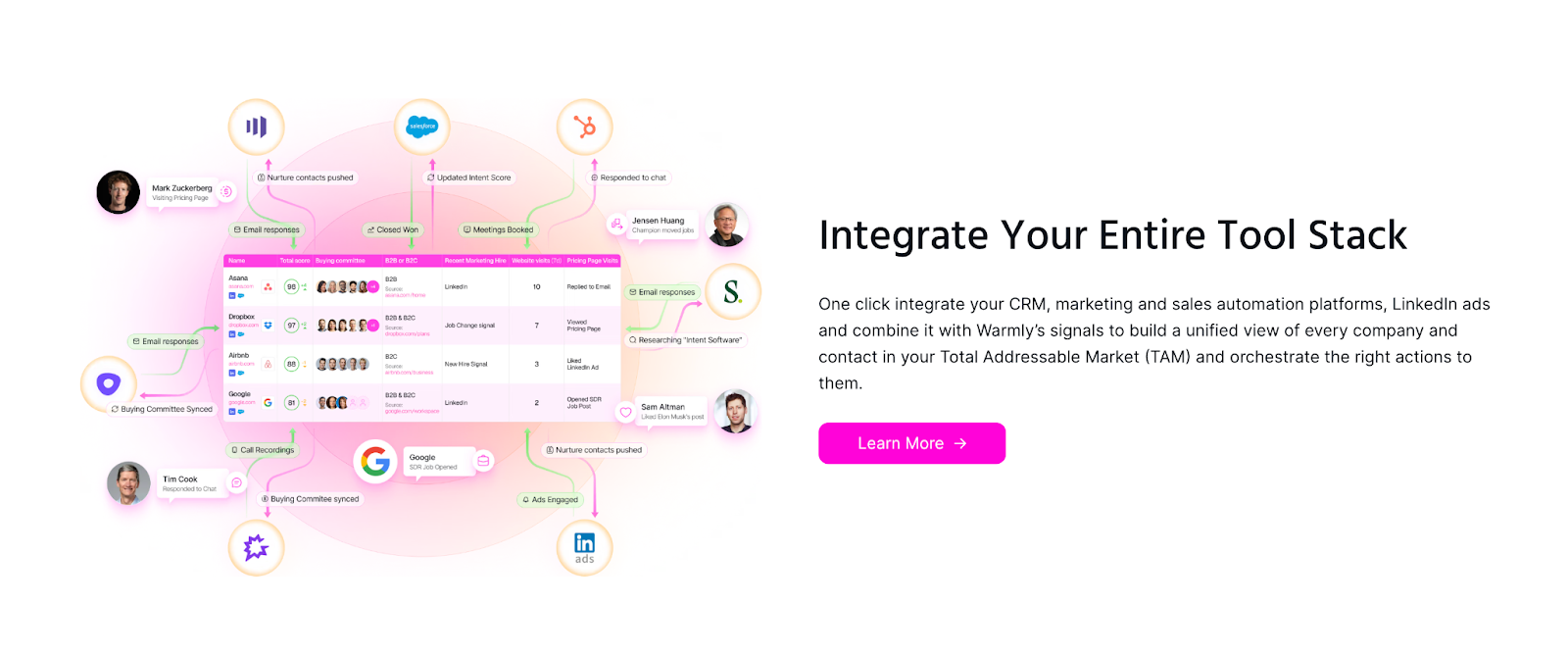
Warmly includes ad integrations but focuses mainly on real-time rep engagement rather than automated ad orchestration.
Capabilities include:
- LinkedIn Ads Integration
- Allows sales reps to see which ads visitors interacted with and engage those prospects directly.
- Keeps outreach more contextual for SDRs.
- Google Ads Integration
- Listed under marketing integrations, but there are no public details on how it handles audience updates or optimization.
Warmly’s ad setup works best for teams that want visibility into ad-driven visitors but prefer manual control over ad campaigns.
Verdict on Ad Activation & Retargeting
Warmly connects sales teams closer to ad-driven visitors, helping reps act quickly when someone engages. It’s effective for teams that prioritize immediate outreach.
Factors connects ad engagement with your full GTM motion. It automates audience syncs, optimizes spend through conversion feedback, and ensures ads reach only active, in-market accounts.
In short:
- Warmly helps you react faster.
- Factors helps you orchestrate smarter.
Factors.ai vs Warmly: Onboarding & Support
The quality of onboarding decides how quickly the system becomes useful for the team. Both Factors and Warmly help new users get started, but their styles and level of involvement are quite different.
| Area | Factors | Warmly |
|---|---|---|
| Onboarding Style | White-glove setup tailored to ICP and GTM workflows | Quick setup focused on instant activation |
| Dedicated CSM | Included on higher plans | Support via Slack |
| Slack Channel | Used for direct collaboration and daily assistance | Used for support and notifications |
| Strategy Reviews | Weekly calls for workflow optimization | Not listed |
| Setup Assistance | Includes GTM playbooks, enrichment, and automation setup | Not specified |
| Timeline | Customized for each plan | Not published |
Factors.ai Onboarding and Support
Factors builds its onboarding around your existing GTM motion. The process is detailed but smooth, designed to fit your team’s structure rather than forcing you into a predefined setup.
Here’s what it includes:
- Personalized Configuration
The onboarding starts with your ICP, funnel stages, and current processes. Each workflow, signal, and alert is mapped to how your team already operates. - Dedicated Slack Channel
A direct line connects you with your customer success manager and GTM engineers. It’s continuous support like quick answers, shared feedback, and real collaboration. - Weekly Reviews
Regular check-ins help align usage with results. These sessions track adoption, troubleshoot bottlenecks, and refine how the team uses the platform week by week. - Optional GTM Engineering Services
For teams that don’t have in-house RevOps, Factors provides an add-on service layer.
This includes:- Custom ICP modeling and GTM playbook design.
- Setup of enrichment, alert, and ad activation workflows.
- SDR enablement through post-meeting alerts, closed-lost reactivation, and buying group mapping.
- Ongoing reviews, optimization, and documentation of the GTM process.
Together, these services make onboarding feel more like partnership. The goal is to help teams set up a system that continues to perform smoothly over time.
Warmly Onboarding and Support
Warmly takes a simpler route. It aims to minimize friction and help teams start using the platform right away.
What it offers:
- Fast Setup
Connects with Slack, CRMs, and ad platforms in a few minutes. The system begins showing visitor activity immediately. - Real-Time Support
Help is available through Slack for integration or feature-related questions. - Smooth Experience
The process feels intuitive and doesn’t require training sessions or structured onboarding. It’s ideal for smaller teams or those comfortable learning by doing.
Verdict
Warmly prioritizes speed and ease. Teams can start using it almost instantly without waiting for setup cycles.
Factors provides a deeper onboarding process that’s hands-on and strategic. The white-glove support and optional GTM services turn the setup period into a foundation-building phase for the whole GTM motion.
Factors.ai vs Warmly: Compliance and Security
When GTM platforms deal with buyer data, privacy and compliance become just as important as performance. Most mid-market and enterprise teams look closely at how tools handle security certifications and data governance before moving forward with a deal.
Both Factors and Warmly maintain strong data protection frameworks, but their scope and documentation vary.
| Area | Factors | Warmly |
|---|---|---|
| GDPR Compliance | Yes | Yes |
| CCPA Compliance | Yes | Yes |
| SOC 2 Type II | Certified | Certified |
| ISO 27001 | Certified | Not mentioned |
| EU Data Act Alignment | Not specified | Yes |
| Data Processing Agreement (DPA) | Available | Not listed |
| Privacy Policy Transparency | Detailed on data usage and enrichment methods | Limited detail on enrichment sources |
Factors Compliance and Security
Factors has built its platform to meet enterprise-level data and privacy requirements. Its certifications and practices are designed to clear procurement checks quickly and keep data handling transparent.
Key measures include:
- Global Standards
Fully compliant with GDPR and CCPA, meeting both EU and US privacy laws. - Certifications
Holds ISO 27001 and SOC 2 Type II, ensuring secure management of customer data and system operations. - Privacy-First Enrichment
Uses firmographic and behavioral signals responsibly, avoiding invasive identification methods. - Data Agreements
Provides signed Data Processing Agreements (DPAs) for customers who require documented data handling assurance.
These layers of certification and clarity make Factors suitable for teams working with enterprise clients or regulated industries where compliance is a deciding factor.
Warmly Compliance and Security
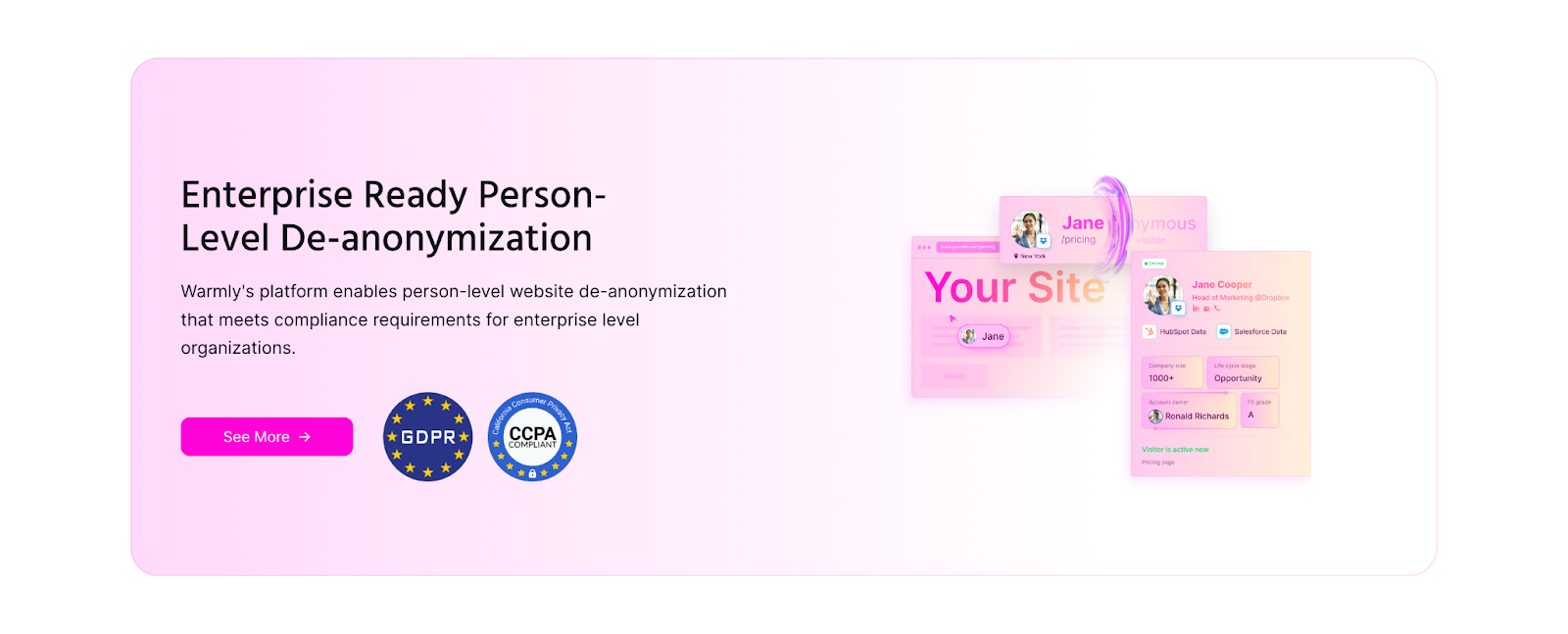
Warmly also follows recognized data protection standards and keeps its compliance aligned with major frameworks.
Key measures include:
- Privacy Coverage
Adheres to GDPR, CCPA, and the EU Data Act, giving users control over their information. - SOC 2 Certification
Audited for security and data management standards. - Data Transparency
Provides general visibility into how intent data is enriched but does not publish a dedicated DPA or detailed enrichment policy.
Warmly’s compliance setup fits well for modern SaaS teams that handle sales and marketing data responsibly, though it offers fewer public details on the structure of its data governance.
Verdict
Both platforms meet key privacy standards and are safe for use in regulated environments.
Factors’s wider certification coverage and published data agreements make it stronger for companies that undergo detailed vendor reviews. Warmly covers the essentials and aligns with major regulations, which is suitable for teams that want privacy assurance without complex legal layers.
Factors.ai vs Warmly: Which tool to choose when?
Both Factors and Warmly help GTM teams move faster with AI. They make it easier to identify intent, automate workflows, and connect marketing with sales. But as we’ve seen across the chapters, the two platforms are designed with different priorities in mind.
Here’s a short recap before we wrap up.
| Area | Factors | Warmly |
|---|---|---|
| Platform Focus | Multi-source GTM orchestration and analytics | Real-time revenue orchestration and AI-led engagement |
| Best Fit For | Teams that need a connected GTM system with analytics, attribution, and automation | Teams that focus on quick prospecting and direct AI engagement |
| Pricing Model | Tiered usage and seat-based plans | Annual pricing for individual AI Agents |
| Analytics & Attribution | Full-funnel visibility and multi-touch attribution | Engagement-level insights |
| Ad Activation | Deep integrations with LinkedIn and Google Ads, including conversion feedback | Ad integrations for real-time rep engagement |
| Support | Structured onboarding, weekly reviews, and GTM Engineering Services | Quick setup with Slack-based assistance |
| Compliance | ISO 27001, SOC 2 Type II, GDPR, and CCPA certified | GDPR, CCPA, EU Data Act, and SOC 2 certified |
When Factors Makes Sense
Factors fits teams that want their entire GTM motion connected. It brings together website, CRM, ad, and product data, then uses AI to help sales and marketing work from the same source of truth.
It’s especially suited for:
- B2B SaaS and enterprise teams managing complex funnels.
- RevOps leaders who need visibility across multiple channels.
- Marketing teams running ABM campaigns across LinkedIn and Google who need better targeting and ROI visibility.
- Companies that rely on multi-touch attribution to prove ROI.
- Teams that want guided onboarding and long-term support.
- Businesses that must meet strict compliance requirements before procurement.
Factors works best when the goal is scale, not just more leads, but a cleaner and more predictable pipeline.
When Warmly Makes Sense
Warmly focuses on person-level intent and immediate engagement. It’s fast to deploy and built around AI Agents that automate outreach, nurture inbound visitors, and help SDRs personalize their approach.
It’s well suited for:
- Small to mid-sized B2B teams that want instant activity visibility.
- Startups that need to automate early-stage prospecting.
- Teams running heavy outbound campaigns through LinkedIn and email.
- Companies that prefer plug-and-play onboarding without customization.
Warmly works well when the priority is quick activation and real-time connection with prospects.
Factors.ai and Warmly cater to different GTM strategies. Factors.ai, priced from $399/month, integrates marketing and sales with features like buyer journey analytics, multi-touch attribution, and ad platform integrations (LinkedIn, Google, Facebook, Bing). It’s ideal for teams seeking a comprehensive approach with account scoring, segmentation, and workflow automation. In contrast, Warmly focuses on sales automation with real-time engagement tools like AI-powered chatbots and intent data enrichment. Starting at $700/month, it excels in on-site lead engagement but lacks deep marketing analytics. If you prioritize sales outreach, Warmly is the choice, while Factors.ai offers a more integrated marketing-sales solution.
In a nutshell…
Both platforms help GTM teams make smarter use of intent, but they serve different operating styles.
Warmly delivers speed and immediate visibility for sales-led teams.
Factors brings long-term clarity, automation, and structure for data-driven GTM functions that want to scale reliably.
If your team needs a full-funnel system that tracks, analyzes, and activates every signal, Factors aligns better with that journey.
If you want to keep things lightweight and focus on faster prospecting, Warmly fits that direction.
And if you’d like to explore other options beyond Warmly, check out this in-depth comparison of top Warmly-AI alternatives.
.avif)
Factors.ai X ReachInbox: Boost B2B Engagement
Discover how Factors’ intent targeting and ReachInbox’s email deliverability work together to ensure your outreach reaches high-intent accounts’ primary inboxes, driving conversions.
TL;DR
- High-Intent Targeting (Factors): Using intent signals, it identifies and prioritizes accounts with genuine interest, helping marketers focus on high-potential leads.
- Enhanced Deliverability (ReachInbox): Ensures emails reach primary inboxes and avoids spam with optimized deliverability techniques like AI-driven warm-ups and inbox placement strategies.
- Synergy: Together, they help target relevant accounts and ensure messages are seen, increasing engagement and conversion rates.
- Data-Driven Refinement: Analytics from both tools enable ongoing campaign optimization and refinement.
- Implementation: Integrate Factors, tailor messages with ReachInbox, monitor performance, and adjust strategies based on real-time data feedback.
Capturing audience attention and driving conversions requires more than broad marketing tactics; it demands precise, data-driven strategies. This is especially crucial for account-based marketing (ABM), where personalization and targeted outreach are key differentiators.
By combining Factors' powerful intent targeting with ReachInbox's advanced email deliverability tools, businesses gain a dual advantage. Factors identifies high-intent accounts primed for engagement, while ReachInbox ensures emails reach these prospects' primary inboxes, not spam. This integration doesn't just streamline outreach - it significantly boosts the potential for meaningful connections and higher conversions.
Understanding Factors: Identifying and Prioritizing High-Intent Accounts
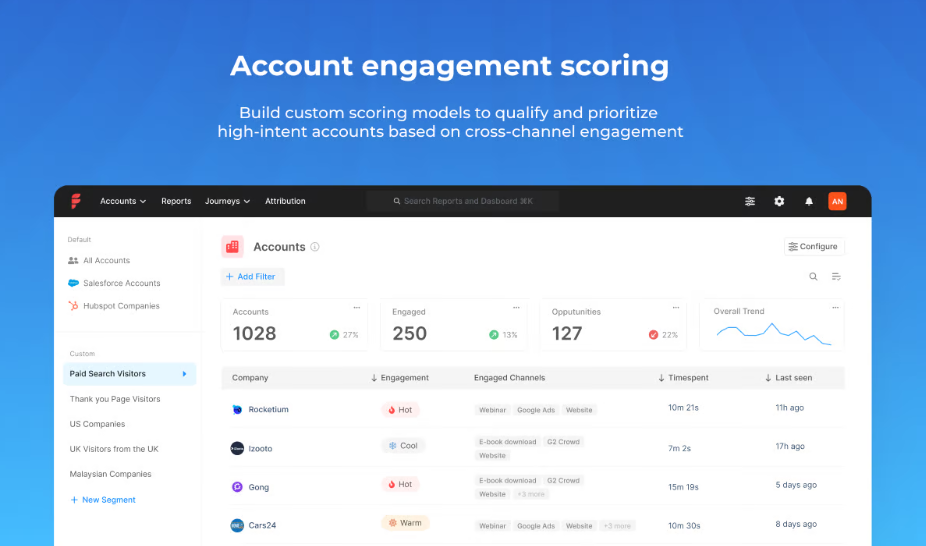
Factors is an account intelligence platform that leverages data and artificial intelligence to provide deep insights into customer intent and engagement. Its main goal is to help businesses focus on genuine interest accounts, allowing marketers and sales teams to use their resources effectively.

Key Features of Factors
- Intent Analysis: Through sophisticated algorithms, Factors tracks online behavior and intent signals, such as content engagement, search activities, and social media interactions. By analyzing these signals, Factors identifies accounts actively seeking solutions similar to what the business offers. This helps create a targeted list of high-potential accounts, enabling teams to direct their marketing efforts where they’ll have the most impact.
- Account and Engagement Scoring Factors ranks accounts based on intent, engagement, and potential revenue, helping sales teams prioritize their outreach. This feature ensures that high-potential accounts receive attention first, improving the chances of conversion.
- Customized Campaigns: With Factors, teams can personalize their campaigns based on each account’s specific behavior and engagement history. This is critical for account-based marketing, where relevance and personalization are crucial in success. Factors’ insights help marketers craft tailored messages that resonate with each account’s needs and pain points.
- Segment Insights: Factors’ segments insights provide a detailed view into how target account groups perform across different metrics and channels. It enables GTM teams to segment their audience and measure performance at a granular level, ensuring that efforts are effectively reaching and influencing the desired accounts. Users can conduct lift analysis, segment comparisons, and track engagement across various marketing touchpoints, all tailored to their business goals. This approach enhances organizational alignment, helping sales and marketing teams make data-driven decisions.
- Workflows: Workflows automate repetitive GTM tasks across CRM, LinkedIn, and email outreach platforms. This feature integrates directly with sales and marketing tools, allowing for seamless CRM updates, targeted ad syncing, and real-time alerts. Workflows streamline processes, enabling GTM teams to focus on strategic activities and achieve better ROI with faster, data-driven responses.
These capabilities make Factors an invaluable tool for identifying high-quality leads. However, the effectiveness of these insights hinges on ensuring that messages reach the intended audience’s inbox, and that’s exactly where ReachInbox comes in.
ReachInbox.ai - Your Ultimate Growth Partner for Cold Email Outreach

After identifying high-intent accounts, the next challenge is getting your message to these prospects—directly into their primary inboxes. ReachInbox addresses this challenge by optimizing email deliverability, ensuring that outreach efforts reach recipients rather than getting lost in spam filters.
Key Features of ReachInbox
- Simple and Intuitive UI: ReachInbox offers a user-friendly interface designed to streamline the cold emailing process, whether you're experienced or new to the practice. The platform ensures ease of use without the need for extensive learning.
- AI-Powered Email Warm-Up: A notable feature of ReachInbox is its AI-driven email warm-up tool, which simulates natural email behaviors to gradually build a sender's reputation. This reduces the chances of emails being flagged as spam, especially important for new email domains or accounts.
- Inbox Placement Optimization: ReachInbox employs data-driven techniques to help improve inbox placement rates. By analyzing past email campaigns, it suggests adjustments to subject lines, sender addresses, and content formatting, optimizing the chances of emails landing in the primary inbox.
- Personalization through AI: With ReachInbox, marketers can leverage AI-generated personalized content to enhance engagement. This functionality allows for more tailored emails, from greetings to call-to-action statements, increasing the likelihood of a response.
- Comprehensive Analytics and Reporting: ReachInbox provides detailed insights into email performance, including open rates, click-through rates, and bounce rates. These metrics offer valuable feedback to refine future campaigns and improve overall outreach strategies.
- Unified Management with Onebox: ReachInbox’s Onebox system allows teams to manage multiple accounts from a single dashboard, improving efficiency and consistency across campaigns.
- Team Collaboration: ReachInbox offers a My Workspace feature, allowing teams to collaborate seamlessly without additional costs. This feature enables users to add as many team members as needed, fostering collaboration within a single workspace.
- Flexible Pricing: ReachInbox provides a three-tier pricing structure with monthly or annual plans that cater to different needs, from startups to professionals. The platform also offers up to 9 months of free access, which can lead to significant savings.
Exclusively for Factors.ai users exploring the platform, ReachInbox offers a free 30-minute strategy call with cold email experts. The call provides actionable insights and tips for improving outreach.
ReachInbox is designed to be accessible and cost-effective while offering pricing flexibility. By collaborating with Factors.ai, ReachInbox complements Factors’ lead generation capabilities, ensuring that emails are more likely to reach high-intent accounts and fostering better engagement opportunities.
Better Together: Here's how the combination of Factors and ReachInbox help you
Combining the strengths of Factors and ReachInbox provides a “better together” solution that addresses two critical challenges in ABM and lead generation - identifying the right audience and ensuring they receive the message. Here’s how these platforms work together to create a seamless, effective outreach strategy:
- Targeted Audience Identification (Factors): Factors pin points accounts most likely to engage based on intent signals, saving teams from wasting resources on low-potential leads. With a prioritized list of high-intent accounts, marketers know exactly where to focus their efforts.
- Enhanced Deliverability (ReachInbox): Once the high-value accounts are identified, ReachInbox ensures that messages reach the intended recipients by optimizing deliverability and avoiding spam filters. This step is crucial as it guarantees visibility for outreach campaigns.
- Increased Conversion Rates: Factors and ReachInbox improve conversion rates by ensuring that only high-intent accounts are targeted and that outreach messages are delivered directly to these accounts. By reaching the right audience in the right way, businesses see better results and can optimize their marketing and sales resources.
- Data-Driven Refinement: ReachInbox's analytics and Factors' insights allow teams to refine their outreach strategies continuously. Marketers can adjust their approach by analyzing engagement metrics and intent signals, making each successive campaign more effective.
- Brand Trust and Credibility: When businesses only reach out to genuinely interested accounts and deliver relevant, personalized content, they build a positive reputation. Factors and ReachInbox together enable this by ensuring that messages are targeted to the right people and received in a manner that promotes trust.
How to Implement Factors and ReachInbox in Your GTM Strategy
To implement this “better together” solution, follow these practical steps:
- Set Up and Configure Factors: Begin by integrating Factors with your CRM and other data sources to capture intent signals. This setup will give you a prioritized list of accounts based on engagement, intent, and potential value.
- Create Tailored Campaigns in ReachInbox: Using Factors' list of high-intent accounts, craft personalized email campaigns within ReachInbox. Leverage its AI-driven personalization features to customize messaging for each account, ensuring relevance and resonance.
- Monitor Performance and Optimize: Use ReachInbox’s analytics dashboard to track key metrics such as open rates, clicks, and responses. Cross-reference these with Factors’ engagement signals to assess campaign effectiveness and refine your approach.
- Leverage Feedback Loops: Regularly review both Factors’ intent data and ReachInbox’s deliverability insights to improve targeting and messaging strategies. By constantly adjusting your campaigns based on real-time data, you can enhance both conversion rates and customer satisfaction.
{{INLINE_TOFU}}
In a Nutshell
Reaching the right audience is only half the battle—ensuring they see your message is equally critical. The integration of Factors and ReachInbox.ai provides businesses with a powerful, dual-purpose solution that improves lead quality and email deliverability. By identifying high-intent accounts and guaranteeing that messages reach primary inboxes, this partnership enables teams to maximize the effectiveness of their outreach campaigns, drive conversions, and build long-term brand trust.
For businesses aiming to make a significant impact with their outreach efforts, Factors X ReachInbox offers a comprehensive and highly effective strategy. This 'better together' approach is more than just a toolset - it’s the road to smarter, more impactful engagement.
FAQs
- How does Factors help businesses with intent targeting?
Factors leverages data and AI to identify high-intent accounts by tracking signals like content engagement and search activities. This enables sales and marketing teams to focus on leads that show genuine interest.
- What role does ReachInbox play in email outreach?
ReachInbox improves email deliverability by ensuring messages reach recipients' primary inboxes instead of spam. It uses AI-driven warm-ups, inbox placement optimization, and personalized content for better engagement rates.
- Can Factors and ReachInbox be used together for better outreach?
Yes, integrating Factors and ReachInbox creates a powerful outreach solution by combining intent targeting with optimized email deliverability, increasing the chances of converting high-intent accounts.
- What are the main features of ReachInbox?
ReachInbox offers AI-powered email warm-up, inbox placement optimization, personalized messaging, and detailed performance analytics to ensure emails reach the target audience effectively.
- How can I implement Factors and ReachInbox in my strategy?
Start by using Factors to identify high-intent accounts, then create personalized campaigns with ReachInbox. Monitor results and refine strategies based on performance insights for maximum impact.
.avif)
Factors.ai vs ZoomInfo Pros and Cons: Detailed Comparison
Compare Factors vs ZoomInfo with a detailed look at their pros and cons. Explore features, pricing, integrations, and use cases to make the right choice.

TL;DR
- Factors tracks marketing and sales performance, connects multi-channel attribution, and provides actionable ROI insights to optimize strategies.
- ZoomInfo offers a vast contact database, enriched company insights, and tools for high-volume sales outreach, ideal for enterprise scalability.
- ZoomInfo excels in reliable contact discovery, detailed company data, and supporting large-scale sales development efforts.
- Factors stands out with advanced campaign analysis, seamless CRM integration, and superior LinkedIn ad performance tracking.
Looking to choose between Factors and ZoomInfo? While these tools seem similar at first glance, they are quite different tools that are designed to solve different problems. Let’s break down what each tool does best so you can figure out which one aligns more effectively with your team’s goals and priorities.
The Big Picture: What Sets Factors and ZoomInfo Apart
ZoomInfo is a massive contact database, making it an essential tool for finding people's contact information and gathering company-specific information. Do you have a target account? ZoomInfo will tell you who works there, their role, contact details, and key company information, like the company’s tech stack and growth signals.
Factors, on the other hand, focuses on understanding how your marketing and sales efforts are performing. It's not just another analytics tool - it connects all your marketing channels like LinkedIn, email, ads, and website interactions into one platform. Unlike traditional analytics tool, this lets you see which combination of touchpoints drives revenue, helping you refine your sales and marketing strategies.
Also read: A guide to marketing attribution.
{{INLINE_CTA_A}}
Who Uses Each Tool? Target Users and Teams That Benefit Most
Factors is ideal for mid-sized and enterprise companies with 51 to 1,000+ employees. These teams focus on making data-driven decisions and gaining deep insights into their marketing and sales performance. General use cases include:
- SaaS companies analyzing which marketing channels drive enterprise deals.
- Technology companies optimizing for LinkedIn ads and email campaigns to see how they work together to convert high-value accounts.
- Enterprise marketing teams tracking and improving multi-channel attribution and aligning sales and marketing efforts.
ZoomInfo is most effective for large enterprise companies and sales teams that need access to reliable contact data at scale. It is especially valuable for:
- Sales development teams (SDRs) with 100+ members managing high-volume outreach to thousands of prospects.
- Businesses expanding into new markets where extensive contact data and company insights are critical.
The Technical Details That Matter: Key Features You Need to Know
API Access: Seamless Integration or Limited Flexibility?
API access is a critical feature that often gets overlooked. With Factors, you get API access is provided by default. This means you can:
- Automatically sync account engagement data with your CRM.
- Build custom dashboards that combine data from multiple sources.
- Create automated workflows based on account behavior.
- Pull data into your own data warehouse for custom analysis.
ZoomInfo only gives API access to their enterprise customers. So if you're not on their top tier plan, you’ll likely manually export data or copy-paste contact information. It's time-consuming and not fun if you're trying to build automated workflows.
{{INLINE_CTA_A}}
Working with LinkedIn
If LinkedIn is a big part of your marketing strategy, here's something interesting: Factors has much deeper LinkedIn integration than ZoomInfo. This is because ZoomInfo competes with some of LinkedIn's products (like Sales Navigator), while Factors functions more like a partner to LinkedIn.
Now, what does this mean in practice? With Factors, you can:
- Track which target accounts are engaging with your LinkedIn ads. Read more about this on Factors and LinkedIn integration.
- See how LinkedIn campaigns influence deals alongside other channels.
- Get better matching between LinkedIn data and your CRM data.
- Control the frequency of ads shown to each target account.
- Understand which LinkedIn ad formats work best for different account segments.
- Measure the true ROI of your LinkedIn spend, and not just platform metrics.
Playing Nice with Other Tools
ZoomInfo operates like a ‘walled garden.’ It has got features like call recording and sales engagement within its ecosystem. It's great if you want everything from one tool, but it can have limited flexibility.
Factors takes the opposite approach. Need to use different contact databases for different regions? No problem. Want to keep using your current sales engagement platform? Go for it. Here's what that flexibility looks like in practice:
- Use ZoomInfo for North American contacts but another provider for the European region.
- Keep using your preferred sales engagement tool while tracking all activities with Factors
- Mix and match tools for different teams or regions without breaking your analytics.
- Add or remove tools seamlessly, keeping your marketing and sales data intact.
{{INLINE_CTA_A}}
The Data Story: When to Choose Factors vs ZoomInfo
ZoomInfo's Strength
- It offers a huge database with over 200+ million business contacts.
- Boasts a 90% accuracy rate, especially strong in North America.
- A dedicated research team constantly updates data.
- Ideal for finding decision-makers in target accounts.
- Provides technographic and firmographic data.
- Displays org charts and reporting relationships.
- Tracks company news and updates.
Factors' Approach
- It focuses less on contact data and more on understanding behavior.
- Really good at identifying who's visiting your website and their engagement.
- Particularly strong in tech and SaaS industries.
- Shows you the full journey of accounts that convert.
- Tracks engagement across multiple channels, including:some text
- Website visits and specific page views
- Email opens and clicks
- LinkedIn Ad impressions and clicks
- Form submissions and downloads
- Sales touches and meetings
- Product usage signals
- Connects this engagement data directly to revenue outcomes.
Real-World Use Cases: When to Choose Factors vs ZoomInfo
When to Choose Factors
Factors is ideal for businesses facing complex attribution, marketing optimization challenges, or the need for tighter sales and marketing alignment.
- Attribution Gets Complexsome text
- You're running multi-channel ABM campaigns.
- Multiple teams are involved in engaging each account.
- Sales cycles are long and include many touchpoints.
- You need to demonstrate how marketing contributes to revenue.
- Marketing Spend Needs Justificationsome text
- You're investing heavily in LinkedIn or other platforms.
- Budget decisions need solid ROI data.
- Marketing channels are competing for resources.
- You need to optimize spend across regions or account segments.
- Sales and Marketing Alignment is Crucialsome text
- Teams require shared visibility into engagement data.
- Marketing needs to prove its influence on deals.
- Sales teams need insights into marketing interactions.
- You want to coordinate outreach effectively across multiple channels.
{{INLINE_CTA_A}}
When to Choose ZoomInfo
ZoomInfo is best for businesses focused on scaling sales outreach, enriching CRM data, or conducting high-volume contact discovery.
- Contact Discovery is a Prioritysome text
- Sales teams need to find the right people quickly.
- You’re expanding into new markets and need reliable contact data.
- Account research is a regular part of your workflow.
- You require org charts and reporting relationships for decision-makers.
- Data Enrichment is Essentialsome text
- Your CRM data needs cleaning and updating.
- You want to segment accounts by technographics or firmographics.
- Keeping company information current is critical.
- You need to track job changes and organizational shifts.
- Sales Development at Scalesome text
- Large SDR teams require dependable, accurate data.
- You’re conducting high-volume outreach to thousands of prospects.
- Territory planning depends on precise and up-to-date data.
- Growth signals like funding rounds or hiring trends need tracking.
Pricing Comparison
Factors’ Pricing Approach
Factors offers a free plan to help businesses get started, which includes:
- Identification of up to 200 accounts monthly.
- 5,000 monthly visitor tracking.
- Basic attribution features.
For paid plans, pricing scales are based on:
- The number of accounts tracked.
- Traffic volume.
- Feature requirements.
Key advantages of Factors’ pricing:
- Monthly billing is available for flexibility.
- No hidden fees or surprise costs.
- Designed to work well for smaller budgets.
ZoomInfo's Pricing Model
ZoomInfo operates on a custom quote system. Pricing depends on several factors, including:
- Number of user licenses.
- Amount of contact credits needed.
- Access to specific features.
- Contract length (annual contracts required).
- Credit-based system for data exports.
Key points about ZoomInfo’s pricing:
- Typically more expensive, reflecting its focus on enterprise clients.
- Designed for larger budgets and high-scale sales operations.
Also, check ZoomInfo pricing and alternatives for more information.
The Support Experience
Factors’ Support
Factors offers personalized and customer-focused support:
- Highly rated on G2 for customer satisfaction.
- Provides 24/7 chat support with quick response times.
- Dedicated Customer Success Manager (CSM) to build custom workflows.
- Ongoing training and regular check-ins.
- Assistance with setup, integration, and custom reports.
ZoomInfo’s Support
ZoomInfo provides a more formal, structured support process:
- Extensive training resources and larger support teams.
- Includes documentation, guides, video tutorials, and regular webinars.
- Primarily tailored for enterprise clients.
{{INLINE_CTA_A}}
Integration Capabilities: How Factors and ZoomInfo Work with Your Stack
Factors Integrations
Factors seamlessly integrates with a wide range of platforms:
- CRM systems (e.g., Salesforce, HubSpot).
- Marketing automation platforms.
- Ad platforms (Google, LinkedIn, Facebook).
- Sales engagement tools.
- Custom applications via API access.
- Data warehouses and BI tools.
- Web analytics platforms.
ZoomInfo Integrations
ZoomInfo offers integrations but is more limited in scope:
- Native CRM integrations.
- Its own sales engagement platform.
- Chrome extension and email integration.
- Built-in dialer and mobile app.
- Marketing automation sync.
- API access is restricted to enterprise customers.
Factors and ZoomInfo each offer unique advantages for businesses aiming to optimize B2B marketing.
1. Platform Strengths: ZoomInfo provides vast contact databases and company insights for large-scale outreach; Factors tracks marketing and sales performance with multi-channel attribution.
2. Key Features: Factors offers actionable ROI insights and enhanced LinkedIn ad performance; ZoomInfo supports enterprise scalability and extensive prospecting.
3. Strategic Fit: ZoomInfo suits enterprises, while Factors is designed for mid-to-large businesses seeking data-driven decision-making.
Select the platform that aligns with your business size, goals, and need for performance optimization.
Bottom Line
Here's what it comes down to: if you're trying to understand your marketing performance, track revenue, and keep flexibility in your tech stack, Factors is probably your best bet. You'll get better insights into what's actually driving deals, especially if you're running complex, multi-channel campaigns.
If your focus is scaling sales outreach, finding decision-makers, and enriching contact data for large teams, ZoomInfo is the better choice. It delivers reliable, up-to-date contact information to support enterprise-level sales efforts.
Both tools solve different problems. Focus on your team’s priorities—marketing performance or sales enablement, and pick the one that fits your strategy.
{{INLINE_CTA_A}}

A Partnership for High-Performance Demand Gen Teams: Factors.AI X TripleDart Partnership
Discover how Factors.ai and TripleDart are redefining B2B demand generation. From smarter ABM execution and automated outreach to true ROI measurement with AdPilot and LinkedIn CAPI, this partnership helps GTM teams run high-performing campaigns and drive qualified pipeline.
Modern B2B marketing doesn’t live in silos. The buyers you’re targeting don’t move in linear funnels, and your GTM team shouldn’t be working with disconnected tools and disjointed strategies.
That’s where this partnership comes in.
TripleDart, a performance-driven B2B growth team, and Factors.ai, an all-in-one B2B demand generation platform, have joined forces to bring marketing and revenue teams a smarter way to run campaigns, reach the right accounts, and measure what actually drives pipeline.
This partnership combines TripleDart’s campaign execution expertise with Factors’ AdPilot, Google ABM, and AI-powered insights to help teams:
- Identify high-intent accounts in real time
- Run ABM campaigns across LinkedIn and Google Ads
- Automate outreach based on buying behavior
- Attribute pipeline to real revenue signals, not just clicks
Better Together: Here’s what this partnership unlocks
The TripleDart × Factors.ai partnership is more than a tech + agency arrangement, it’s a tightly aligned collaboration where both teams work as an extension of your GTM motion.
By combining capabilities, the partnership enables:
- Smarter Execution
TripleDart uses real-time buyer signals from Factors.ai to plan, build, and run ABM campaigns with greater precision. - Always-On Campaign Orchestration
With Factors' AdPilot and CRM integrations, accounts move seamlessly between awareness, consideration, and decision-stage campaigns, across both LinkedIn and Google Ads. - Performance Attribution Without the Gaps
Factors’ view-through attribution and LinkedIn CAPI integration ensures even non-click interactions are measured, so you never lose visibility on what’s working. - One Team. One Platform. One Outcome.
From audience targeting to campaign setup to pipeline attribution, both teams are working together to help you generate more qualified pipeline, faster.
Exclusive access to AdPilot: Run better ads for LinkedIn
TripleDart clients now get access to Factors’ Growth Plan and AdPilot, a powerful suite of features designed to improve targeting, efficiency, and ROI on paid campaigns.
Here’s how AdPilot helps orchestrate high-performing B2B campaigns:
1. Audience Builder
Use Audience Builder to target the accounts that matter most:
- Discover and qualify anonymous accounts interacting with your brand
- Segment high-intent accounts based on engagement across channels
- Seamlessly sync target accounts with your LinkedIn and Google Ads audiences
“Factors’ Audience Sync allowed us to tailor LinkedIn Ads to each stage of the customer journey. Awareness-stage users received educational content, while engaged users got personalized, actionable insights, ensuring precise targeting and effective engagement.”
- Shane Poyar, Growth and Mark Ops Manager at Descope
2. Smart Reach
Prevent uneven ad distribution with greater control over your budget:
- Maximize reach per dollar by managing impressions and clicks per account
- Ensure balanced exposure across target accounts
- Reduce waste from over-served audiences
3. Campaign Automation
Let buying signals drive execution:
- Use intent signals from sources like G2, your CRM, and website to trigger campaigns
- Reallocate impressions dynamically to priority accounts
- Accelerate deal closures by expanding reach when engagement is high
4. True ROI with View-Through Attribution + LinkedIn CAPI
Only 0.5% of your audience will click or fill out a form. But that doesn’t mean the other 99.5% didn’t see your ad.
- Measure LinkedIn’s influence through view-through attribution
- Feed complete conversion data into LinkedIn via Conversion API
- Bypass third-party cookies and track performance with first-party accuracy
AdPilot in Action
Case Study: Descope
Descope is a no-code, drag-and-drop platform for customer authentication and identity management. It enables enterprises and SMBs to customize user journeys with a product-led and sales-assist GTM approach.
The Challenge:
Their key challenge was long sales cycles with limited visibility into buyer journeys. They struggled to track user activity across platforms, identify key touchpoints, and focus efforts on what worked.
- Lack of visibility:
Descope wanted an understanding of users visiting their website, docs, and engaging off-platform on G2 or LinkedIn. - Manual ad targeting:
Reliance on manual list uploads led to missed engagement opportunities. In addition to this, their targeting also suffered due to a lack of real-time actions. - Wasted ad spend:
92% of accounts saw fewer than 100 ad impressions per month, while a few large accounts consumed most of the budget. - Fragmented reporting:
Descope’s team relied on spreadsheets and agencies for reporting, which slowed processes and limited insights.
The Solution:
Descope integrated Factors into their product-led and sales-assist strategy, driving key improvements:
- Full buyer journey visibility:
Sales teams now track account behavior and receive alerts when prospects show high intent. - Smarter ad targeting:
Factors’ Audience Sync tailored LinkedIn Ads to each customer journey stage, delivering relevant content and driving engagement. - Optimized ad spend:
Smart Reach helped distribute ~140k (25%) ad impressions across more accounts. - Clear channel performance insights:
Descope discovered LinkedIn Ads' impact beyond clicks, unlocking new opportunities. - First-party data adoption:
With the LinkedIn Conversions API (CAPI), Descope moved away from 3rd-party cookies to engage genuinely interested users.
➡️ Learn how you can boost your LinkedIn Ads ROI. Get in touch with us and Book a Demo!
{{INLINE_TOFU}}
We’ve got Google ABM, too
In addition to LinkedIn, Factors also enables ABM precision across Google Ads:
- Run targeted Google Display Ads for mid- and bottom-funnel engagement
- Sync high-intent accounts from your CRM, website, and G2 directly into Google
- Retarget accounts with messaging tailored to their buying stage
TripleDart uses this to orchestrate cohesive, cross-channel ABM campaigns that drive higher engagement and conversions.
Final Word: We’ve built this partnership for pipeline growth
TripleDart X Factors.ai is an integrated partnership that helps GTM teams:
- Eliminate guesswork
- Align paid campaigns with actual buyer behavior
- Optimize every stage of the journey, from discovery to closed-won
- Scale with a unified strategy and platform
If you're ready to build a high-performing demand generation engine that runs smarter, not harder, this partnership gives you everything you need to succeed.
Let’s run campaigns that convert, and build a GTM that performs.
Factors.ai+ Segment: Easy and instant analytics to drive growth
Factors.ai & Segment integration provides simple & immediate analytics to help businesses grow. Learn how to streamline your data analysis to drive results.

We are excited to announce our integration with Segment, further enabling companies to easily instrument user interactions across platforms and push different types of customer data, from any 3rd party source in realtime to FactorsAI.
FactorsAI provides advanced and intuitive analytics for marketers and product managers, to help drive growth. With FactorsAI you get immediate insights to optimize marketing campaigns, improve conversions and understand user behaviours that drive feature adoption and retention.
A good analytics setup requires detailed tracking of user actions like page views, Signups, AddedToCart with different attributes. The quality of insights on user behaviour shown by FactorsAI is dependent on the level of detail in tracking. With Segment integration this is a one time setup and you could send the same events to other tools for marketing automation, CRM etc.
Further with Segment integration, you can send data from different data sources like email, livechat which will send events like Email Delivered, Email Clicked, Live Chat Started etc. These additional events are useful when analyzing user conversions and by using Segment it can be done without the need to write custom code to hit our API’s.
Segment can perform all data collection tasks for FactorsAI. It can capture all the data that FactorsAI needs and sends it directly to FactorsAI in the right format, all in real-time. So, if you are on segment, you can now start getting insights on how to grow your customer base in no time.
To integrate with Segment, follow the steps here. Happy Analyzing!
This integration streamlines data flow and boosts marketing precision.
1. Key Feature: Instantly track user interactions across platforms via Segment.
2. Analytics Advantage: Access real-time insights for faster, smarter decisions.
3. Strategic Benefits: Improve targeting, optimize campaigns, and enhance customer understanding.
Combining Factors.ai with Segment empowers teams with seamless, data-driven marketing performance.

Factors.ai vs UnifyGTM: Finding What Actually Works for Your GTM Motion
Read about Factors.ai as a UnifyGTM alternative and compare them across features, pricing, automation, analytics, and sales-marketing alignment in detail.
TL;DR
- UnifyGTM prioritizes speed and outbound automation, ideal for sales-led teams needing quick action on buyer intent.
- Factors.ai offers broader visibility and automation across the funnel, aligning marketing, sales, and product around shared signals.
- Analytics & Attribution: Factors.ai supports full-funnel reporting; UnifyGTM stays focused on outreach metrics.
- Decision Criteria: Choose UnifyGTM for simple, outbound-first motions; choose Factors.ai if GTM orchestration, insight, and growth scalability are priorities.
If you’ve spent even a few months inside a GTM team, you know this feeling a little too well.
You’re staring at five dashboards. Website traffic is up. LinkedIn clicks look decent. Sales says conversations feel ‘warmer.’ CRM data is… questionable. And when someone asks the simplest question… what actually moved pipeline this month? The answer is usually a pause, followed by extensive guessing (and silent cries in the shower).
I’ve sat through enough of these reviews to know that the problem isn’t effort. It’s fragmentation. Signals live everywhere, tools don’t talk, and teams end up reacting instead of operating with clarity.
This is where platforms such as Factors.ai and UnifyGTM enter the conversation.
Both promise to help GTM teams spot buying intent faster and act on it before interest fades. Both aim to reduce manual work and keep sales and marketing aligned. But they’re built for very different GTM realities.
UnifyGTM is designed for speed. It helps sales teams quickly respond to warm signals and keep outbound moving with minimal setup.
Factors.ai takes a broader view. It connects intent, ads, CRM activity, and funnel movement so teams can understand not just who showed interest, but what actually pushed deals forward.
If you’re deciding between the two, this guide breaks down how each platform works in practice, from features and pricing to automation, analytics, and long-term scalability, so you can choose what fits your GTM motion today, not just what sounds good on a landing page.
Factors.ai vs UnifyGTM: Functionality and Features
Most GTM teams don’t realize something’s missing until outbound is technically “working,” but results still feel inconsistent. Leads come in, emails go out, meetings happen… and yet it’s hard to explain why one account converted and another went cold.
That gap between activity and understanding is usually where tooling starts to matter… and also where Factors.ai and UnifyGTM come into play.
Both focus on turning intent signals into action, but their approaches differ in scale and depth.
Let’s look at how they compare.
Factors.ai vs UnifyGTM: Functionality and Features Comparison Table
| Feature | Factors.ai | UnifyGTM |
|---|---|---|
| Intent Signals | 1st-party: Website, CRM, product usage 2nd-party: LinkedIn, Google, Bing, Meta Ads, G2 3rd-party: CSV uploads | Tracks 1st and 3rd-party intent data |
| Account Identification | Identifies up to 75% of website visitors using multi-source enrichment (6sense, Clearbit, Demandbase, Snitcher) | Uses Clearbit, 6sense, Demandbase, and Snitcher for account-level identification |
| Customer Journey Timeline | Full chronological journey view | Not available |
| Account & Engagement Scoring | AI-based account scoring by ICP fit, funnel stage, and engagement | Account and engagement scoring available |
| Analytics & Reporting | Full-funnel analytics with multi-channel attribution | Basic attribution focused on sales outreach |
| G2 Buyer Intent | Official G2 integration with 10+ signals including category, pricing, and grid report views | Limited to competitor and profile views |
| Alerts | AI Alerts via Slack for real-time buyer intent | Slack alerts for new leads, audience entries, and job changes |
One thing I’ve noticed across teams is that feature lists look similar on paper, but daily usage feels very different. The real question isn’t how many signals a tool tracks; it’s whether those signals actually help someone decide what to do next.
Factors.ai Functionality and Features
Factors.ai helps teams bring every GTM signal into one connected system.
It gives a clear view of how accounts interact across the website, ads, and CRM so teams can see where engagement is building and where it slows down.
What makes it stand out:
- Multi-Source Intent Capture
Gathers first-, second-, and third-party data from multiple channels to show which accounts are actively exploring your brand. - Account 360 View
Combines all buyer actions like visits, ad clicks, and CRM updates into one clear view of the account journey. This is especially helpful during deal reviews. Instead of relying on memory or notes, you can literally walk through how an account engaged over time, what they clicked, what they ignored, and where momentum picked up. - AI-Powered Workflows
Uses integrations like Zapier and Make to automate enrichment, outreach triggers, and campaign updates. - Funnel Analytics
Tracks how leads move through every stage and helps teams identify what drives progress or causes drop-offs. - Real-Time Alerts
Sends context-rich notifications on Slack or Teams when accounts revisit pricing, demo, or other key pages.
Teams that operate across ads, inbound, outbound, and product usually feel the biggest shift here. Once everyone is looking at the same story, alignment stops being a meeting topic and starts becoming the default.
That said, B2B teams that rely on Factors.ai tend to get better alignment between marketing, product, and sales since all activity is tracked and interpreted in one place.
UnifyGTM Functionality and Features
UnifyGTM focuses on helping sales teams act fast when an opportunity appears.
Its strength lies in identifying high-intent accounts quickly and automating the first outreach before interest cools down.
How it helps teams:
- Intent-Led Prospecting
Collects 25+ intent signals from CRM, website, and email engagement to find accounts showing buying behavior. - Automated Outbound
Launches prebuilt email sequences when accounts meet engagement thresholds. For teams without RevOps support or time to build custom workflows, this kind of built-in automation removes friction. - Smart Snippets
Creates short AI-generated copy for personalized email messages. - Managed Mailboxes
Maintains sender domains and deliverability scores to support reliable outbound performance. - Champion Tracking
Alerts teams when key users change roles, enabling timely follow-up.
For small and mid-sized teams that prioritize speed and consistent outreach, UnifyGTM offers a direct and easy way to stay in touch with active prospects.
Factors.ai vs UnifyGTM: Verdict on Functionality and Features
Both platforms help GTM teams use intent signals more effectively, but they focus on different goals.
Factors.ai helps you see the entire story from the first signal to the outcome without juggling multiple tools.
UnifyGTM helps you react quickly to interest and manage outbound at scale.
Your choice depends on what your team needs most right now: faster execution or stronger alignment between marketing and sales.
📑 To understand the mechanics of turning anonymous activity into usable leads, read our explainer on identifying anonymous website visitors. If you want to see how those signals drive ABM plays, our guide on buyer intent for ABM explains how intent is prioritized and acted on.
Factors.ai vs UnifyGTM: Pricing
Pricing looks simple on the surface, but what you actually get inside each plan plays a big role in how quickly a team can activate intent, run campaigns, and prove revenue impact.
Both platforms take different routes:
- Factors.ai scales by usage, seats, and feature depth
- UnifyGTM prices based on credits, users, and mailbox management
Factors.ai vs UnitfyGTM: Pricing Comparison Table
| Plan Details | Factors.ai | UnifyGTM |
|---|---|---|
| Model | Annual plans with usage- and seat-based tiers | Monthly subscription based on credits, users, and mailboxes |
| Starting Price | Free plan available. For paid plans, contact the Factors.ai team | Begins at $1,740/month (billed annually) |
| Free Plan / Trial | Yes, free plan with 200 identified companies/month | No free plan or trial |
| Focus | Full-funnel GTM orchestration with tracking, activation, and analytics | Signal-based outbound and mailbox-managed outreach |
| Support | Optional GTM Engineering Services add-on | Slack support + Growth Consultant based on plan |
Factors.ai Pricing
Factors.ai is designed to grow with the team using it.
Each plan adds more depth, from identification and tracking to orchestration and advanced analytics.
It works well for teams that want to start simple and keep adding layers as their GTM motion expands.
Plans include:
Free Plan
- Identify up to 200 companies per month.
- Includes 3 seats.
- Basic dashboards and visitor tracking.
- Slack and Microsoft Teams integration.
Basic Plan
- Identify 3,000 companies per month.
- Includes 5 seats.
- Adds LinkedIn intent signals and GTM dashboards.
- Connects with HubSpot, Salesforce, and Google Search Console.
Growth Plan
- Identify 8,000 companies per month.
- Includes 10 seats.
- Adds ABM analytics, account scoring, workflow automation, and a dedicated CSM.
Enterprise Plan
- Identify unlimited companies with up to 25 seats.
- Adds predictive scoring, AdPilot for LinkedIn and Google, white-glove onboarding, and advanced analytics.
Optional GTM Engineering Services
For teams without in-house RevOps, Factors.ai provides an additional setup and operations layer at an additional cost.
It includes:
- Custom ICP modeling and GTM playbook design.
- Set up enrichment, alert, and ad activation workflows.
- SDR enablement with post-meeting alerts and closed-lost deal reactivation.
- Ongoing review and optimization of GTM processes.
These services help teams operationalize the platform quickly and maintain consistent performance without adding internal load.
UnifyGTM Pricing
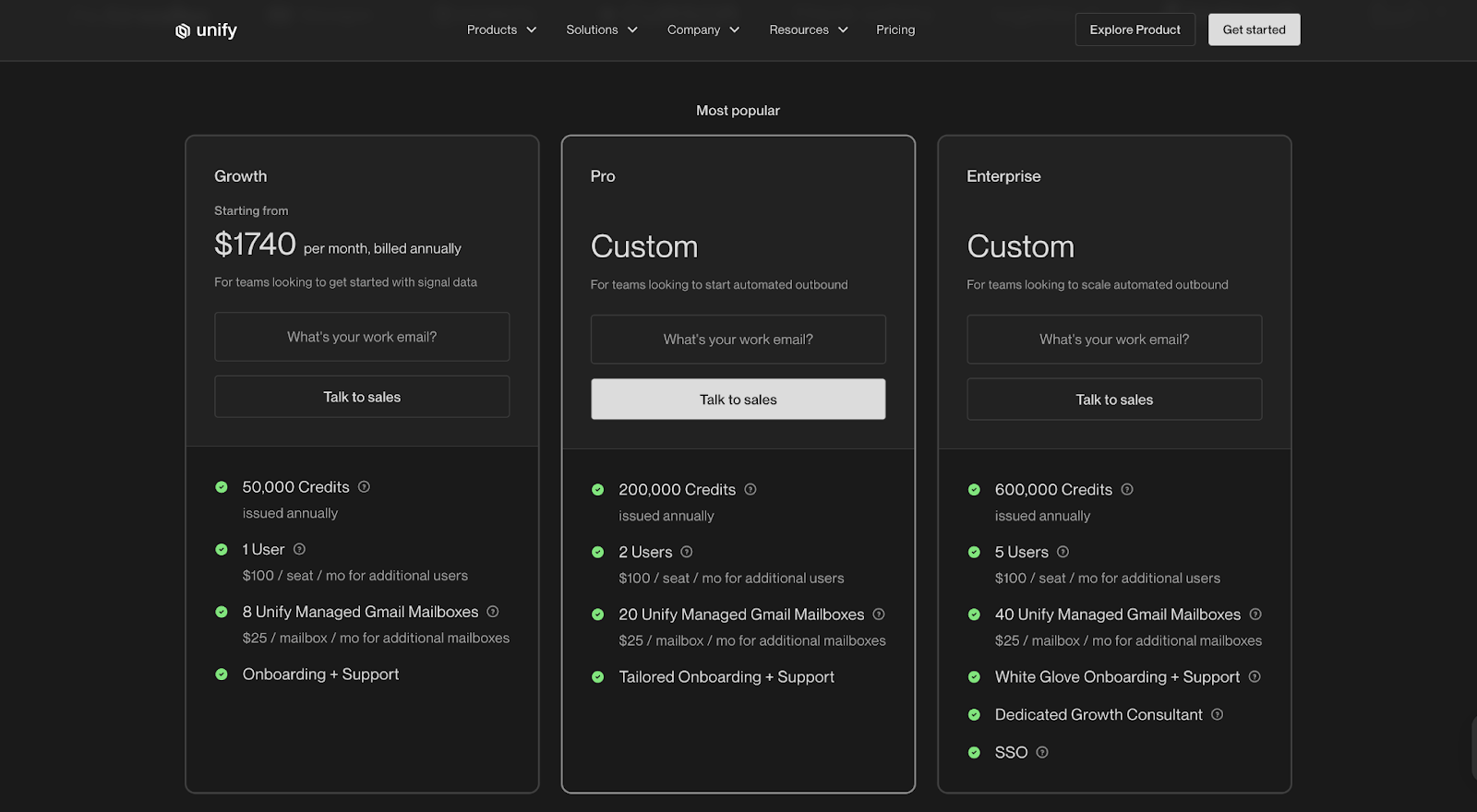
UnifyGTM has three paid plans, all billed annually. Pricing scales based on credits issued, number of users, and managed mailboxes.
Growth - $1,740/month
- 50,000 credits per year
- 1 user included (additional users $100/mo each)
- 8 managed Gmail mailboxes ($25/mailbox/month for more)
- Onboarding + support
Pro - Custom Pricing
- 200,000 credits per year
- 2 users
- 20 managed Gmail mailboxes
- Tailored onboarding + support
Enterprise - Custom Pricing
- 600,000 credits per year
- 5 users
- 40 managed Gmail mailboxes
- White-glove onboarding
- Dedicated Growth Consultant
- SSO
No free plan, no trial, and features stay mostly consistent across plans, the jump is in volume and support.
Factors.ai vs UnifyGTM: Verdict on Pricing
UnifyGTM is easier to step into if a team only needs warm outbound, buying signal detection, and inbox management. Factors.ai becomes more valuable as a GTM motion expands into multi-channel intent, scoring, ads, and funnel analytics.
If the priority is faster outbound with a predictable monthly cost, UnifyGTM fits that mold.
If the goal is to build a connected, scalable GTM system with deeper analytics, automation, and support, Factors.ai grows into that role over time.
📑 If you’re benchmarking cost models across the intent/ enrichment space, our pricing breakdowns like ZoomInfo pricing and Cognism pricing are useful for understanding where value shifts as teams grow.
{{INLINE_BOFU}}
Factors.ai vs UnifyGTM: AI Agents and Automation
Every modern GTM platform claims to be powered by AI, but what matters is how much of that intelligence actually helps teams day to day.
Both Factors.ai and UnifyGTM use automation to reduce manual work, yet the way they use it, and what it’s applied to, feels very different.
Factors.ai vs UnifyGTM: AI Agents and Automation Comparison Table
| Capability | Factors.ai | UnifyGTM |
|---|---|---|
| Purpose | Automates GTM workflows across marketing, sales, and analytics | Automates outbound qualification and prospecting |
| Scope | Covers account research, scoring, enrichment, alerts, and follow-ups | Focused on AI-led lead discovery and message creation |
| Customization | Supports workflow automation through Zapier, Make, and native integrations | Provides predefined workflows for outreach and qualification |
| Action Triggers | Uses multi-signal inputs (web, ads, CRM, G2) to recommend and trigger next steps | Triggers based on outbound intent signals like engagement or job change |
| Output | Sends actionable alerts, updates CRM, and refines audiences for ad platforms | Sends messages, builds outreach lists, and runs automated sequences |
Factors.ai’s AI Agents and Automation
Factors.ai uses automation to keep GTM activities connected and consistent.
Instead of focusing on a single task like sending outreach, it helps teams build a flow where every buyer signal creates an action, whether that’s an alert, a workflow update, or a change in audience targeting.
Here’s how it supports automation across the funnel:
- Account Research and Enrichment
The system automatically finds key decision-makers, enriches data, and adds new contacts when signals meet ICP criteria. - Scoring and Prioritization
Accounts are scored based on fit, funnel stage, and engagement intensity so reps can focus on what matters most. - Real-Time Alerts
Notifies teams instantly when a company revisits the demo or pricing page, drops off a form, or reactivates after a gap. - Closed-Lost Reactivation
Flags accounts that return to the site after being marked closed-lost, helping SDRs re-engage quickly. - Cross-Team Sync
Connects sales and marketing systems so any activity on one side instantly updates the other, keeping follow-ups timely and relevant.
Automation in Factors.ai feels less like an add-on and more like an operating rhythm, something that runs quietly in the background to make sure no opportunity slips through.
UnifyGTM’s AI Agents and Automation
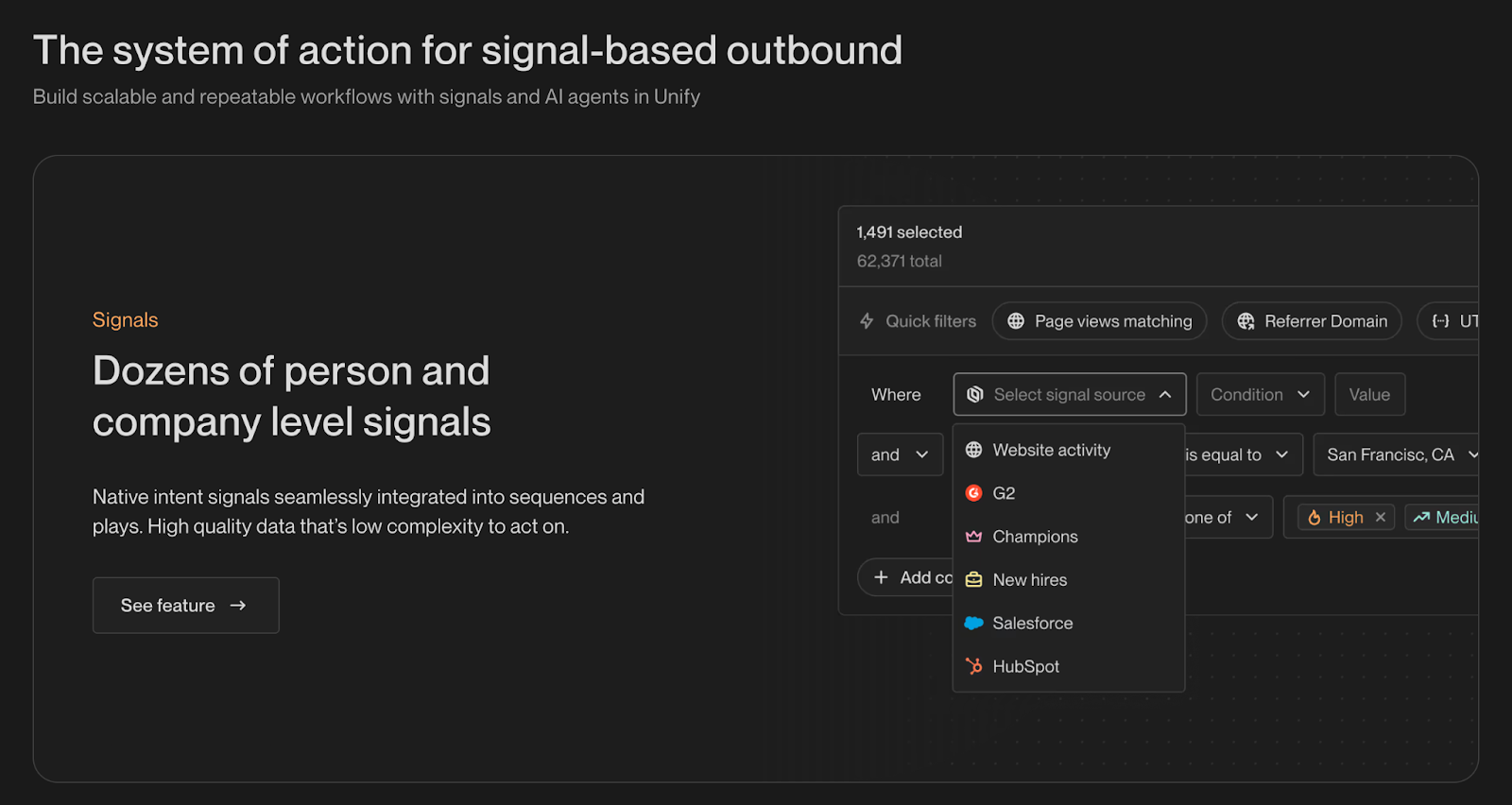
UnifyGTM takes a narrower but faster approach.
Its automation centers around outbound qualification and messaging, helping sales teams act right when a signal appears.
How it works in practice:
- AI Agent Qualification
Flags new leads when specific intent signals appear, like website visits or LinkedIn activity. - Smart Snippets
Writes short, context-aware email or message templates so reps can personalize faster. - Sequence Triggers
Automatically adds leads to campaigns when they meet defined criteria, reducing manual setup. - Activity Monitoring
Tracks replies and engagement, updating lists and priorities for the team.
UnifyGTM’s automation is simple and quick to use, providing outbound teams with speed without additional setup.
Factors.ai vs UnifyGTM: Verdict on AI Agents and Automation
Both platforms save time, but the impact depends on how your GTM team operates.
UnifyGTM helps sales teams move quickly and keep outreach running without much setup.
Factors.ai focuses on building lasting workflows that connect signals, actions, and follow-ups across the funnel.
If you want automation that simplifies outbound, UnifyGTM fits better.
If you need automation that strengthens how your whole GTM engine runs, Factors.ai does more of the heavy lifting.
Factors.ai vs UnifyGTM: Integrations and Ecosystem
No GTM platform works alone.
The real value shows up when it connects with the systems your team already uses, such as CRM, ads, analytics, or data enrichment tools.
Both Factors.ai and UnifyGTM offer integrations that enable these connections, but the depth and purpose of those integrations differ significantly.
Factors.ai vs UnifyGTM: Integrations & Ecosystem Comparison Table
| Integration Type | Factors.ai | UnifyGTM |
|---|---|---|
| CRM | HubSpot, Salesforce, Zoho, Apollo, LeadSquared | HubSpot and Salesforce |
| Marketing Automation | Marketo, HubSpot Marketing, Mailchimp | Limited, focused on outbound platforms |
| Ad Platforms | LinkedIn, Google, Meta, Bing | Not supported |
| CDP / Data Pipelines | Segment, Rudderstack | Segment only |
| Communication & Alerts | Slack, Microsoft Teams | Slack |
| API & Workflow Tools | Zapier, Make, Webhooks | Predefined workflows |
| G2 Integration | Native partnership with G2 for intent data | Pulls competitor and profile view data |
| Other Tools | Drift, Google Search Console, Clearbit, 6sense, Demandbase | Clearbit, 6sense, Demandbase, Snitcher |
Factors.ai Integrations and Ecosystem
Factors.ai is designed to plug into every major touchpoint in your go-to-market workflow.
Each integration serves a specific goal, whether that’s identifying anonymous visitors, syncing CRM updates, or activating ad audiences in real time.
How the ecosystem works:
- CRM Alignment
Keeps HubSpot, Salesforce, and other CRMs updated automatically, ensuring every activity is reflected in your deal pipeline. - Ad Platform Activation
Connects directly with LinkedIn, Google, Meta, and Bing to refresh audiences daily based on account engagement and buyer stages. - CDP and Data Streams
Integrates with Segment and Rudderstack, allowing enrichment and activity data to flow across marketing and analytics tools. - Communication Integrations
Sends high-context alerts to Slack and Microsoft Teams, keeping sales and marketing aligned in real time. - Workflow Automation
Works with Zapier, Make, and custom webhooks so teams can automate sequences without heavy coding.
With these integrations, Factors.ai evolves from a standalone platform into a unified control center that synchronizes all your GTM tools.
UnifyGTM Integrations and Ecosystem
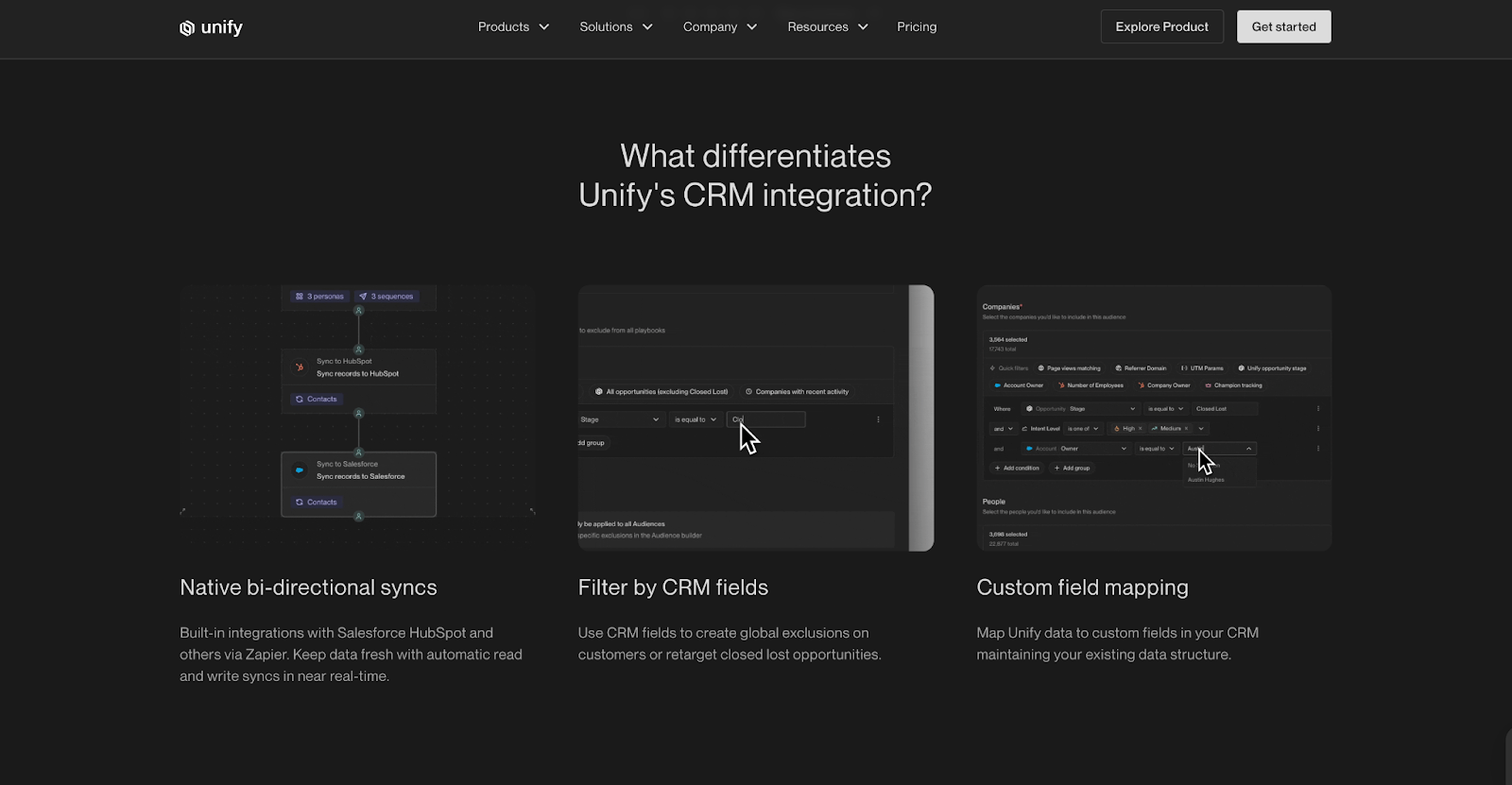
UnifyGTM takes a simpler route. Its integrations are built to support outbound workflows rather than full-funnel orchestration.
How it connects:
- CRM Sync
Works with HubSpot and Salesforce to keep prospect and deal data updated. - Data Providers
Uses Clearbit, 6sense, Demandbase, and Snitcher for account identification and enrichment. - Slack Alerts
Sends lead and job change notifications directly to Slack, helping sales respond faster. - Segment Connection
Allows basic data movement into other tools but without deep audience or event-level control.
UnifyGTM’s integration list is shorter, but it fits teams focused on outbound intent and lead-level execution.
Factors.ai vs UnifyGTM: Verdict on Integrations
Integrations shape how a GTM platform feels in day-to-day use.
UnifyGTM connects enough tools to keep outbound running smoothly, with an emphasis on speed and simplicity.
Factors.ai connects the entire GTM stack, including marketing, sales, ads, and analytics, giving teams one flow of data and action.
If your team runs a few core tools and just needs quick syncs, UnifyGTM will do the job.
If your stack spans multiple systems and you want them all to work as one, Factors.ai builds that bridge.
📑 If you want practical advice on connecting ads and intent signals, check the pieces on making LinkedIn Ads work for intent-based marketing and our analysis of whether Google Ads are worth it for B2B, so you can align integration choices with campaign goals.
Factors.ai vs UnifyGTM: Analytics and Reporting
Once everything is connected, the next question for any GTM team is simple: can you actually measure what’s working?
It’s one thing to capture signals and automate actions, but turning those activities into insights is what separates data from decisions.
Both Factors.ai and UnifyGTM offer reporting, but their focus areas differ significantly.
Let’s look at how each platform helps you track, measure, and interpret GTM performance.
Factors.ai vs UnifyGTM: Analytics and Reporting Comparison Table
| Capability | Factors.ai | UnifyGTM |
|---|---|---|
| Analytics Depth | Full-funnel analytics and attribution | Basic attribution for sales outreach |
| Data Sources | Web, ads, CRM, product usage, and G2 signals | Website and CRM-based data |
| Visualization | Account-level timelines, milestone tracking, and funnel views | Simple dashboards showing outreach and reply rates |
| Attribution Type | Multi-touch attribution with pipeline and revenue mapping | Basic first-touch visibility |
| Segmentation | Filter by ICP, region, product, or campaign | Limited segmentation options |
| Journey Tracking | Tracks every touchpoint chronologically | No timeline view |
| Reporting Output | Dashboards, custom reports, Slack summaries | Outreach metrics and activity logs |
Factors.ai Analytics and Reporting
Factors.ai gives teams a clear view of how every campaign, channel, and account contributes to pipeline growth.
It brings together analytics from ads, CRM, website, and product usage, helping you see the entire customer journey in one place.
Key capabilities include:
- Full-Funnel Analytics
Tracks movement from awareness to closed-won and highlights where accounts drop off or accelerate. - Attribution and Pipeline Mapping
Connects activities like ad clicks or demo visits directly to pipeline and revenue outcomes. - Customer Journey Timelines
Shows how each account engages over time, with every visit, form fill, and ad interaction lined up chronologically. - Segmentation and Comparison
Breaks performance by ICP, geography, or campaign type to spot patterns and strengths. - Custom Dashboards
Lets teams create tailored reports for marketing, sales, or RevOps to focus on their key metrics.
Rather than flooding teams with data, Factors.ai highlights the cause and effect behind GTM results, helping decisions happen faster and with greater confidence.
UnifyGTM Analytics and Reporting
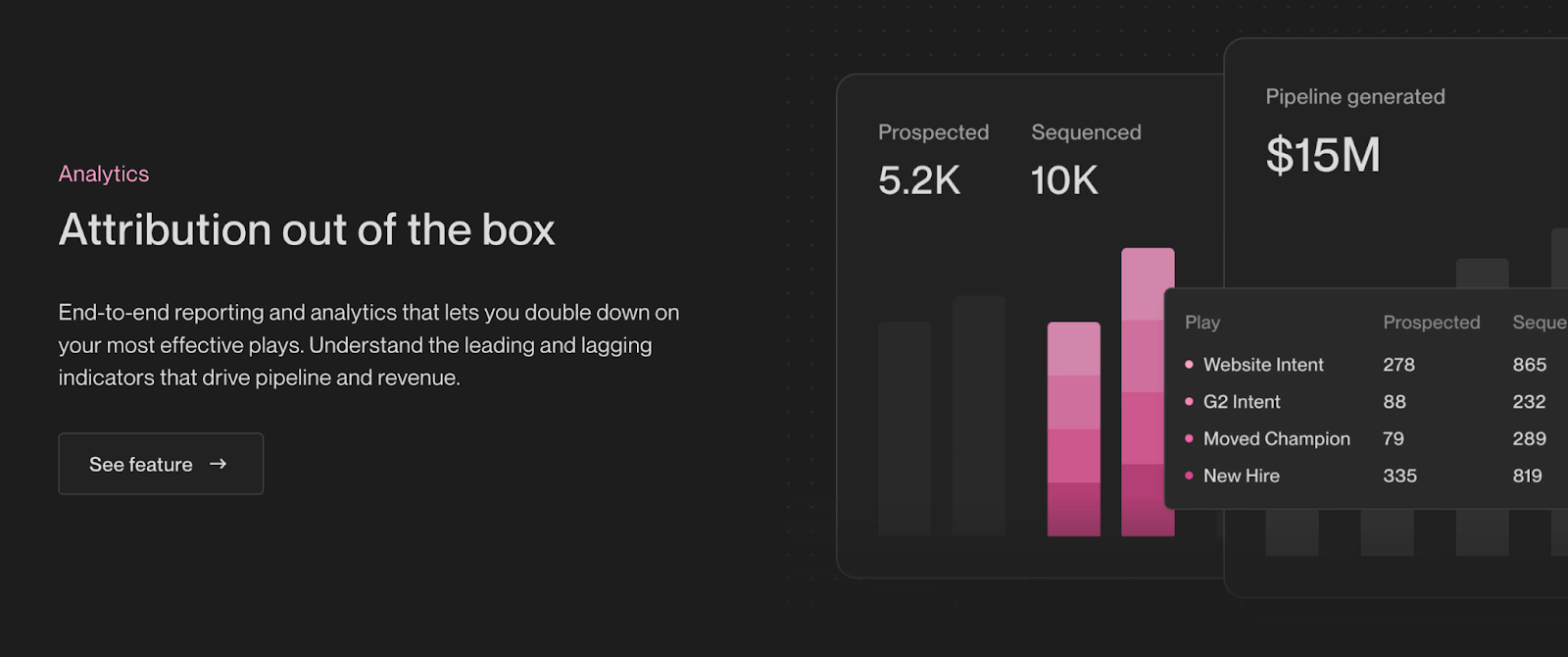
UnifyGTM stays closer to its outbound roots.
Its analytics center on sales performance and prospect engagement rather than cross-channel measurement.
Key capabilities include:
- Campaign-Level Reporting
Tracks outreach performance, reply rates, and engagement over time. - Lead Tracking
Shows which leads responded, which dropped off, and how activity changes week to week. - Basic Attribution
Connects outreach actions to new meetings or pipeline creation. - Engagement Overviews
Highlights the number of active leads, sent messages, and response quality.
For small sales teams, this level of visibility is enough to keep daily outreach aligned.
It’s built for clarity, ideal when your workflow runs mainly on outbound activity.
Factors.ai vs UnifyGTM: Verdict on Analytics and Reporting
Both tools report on activity, but they serve different purposes.
UnifyGTM shows what’s happening in outreach and who’s responding.
Factors.ai shows where momentum builds across the funnel and what’s truly driving revenue.
If your team measures success by meetings booked and engagement rates, UnifyGTM offers the basics without extra setup.
If you measure by deal flow, campaign impact, and ROI across multiple touchpoints, Factors.ai gives you that visibility end to end.
Factors.ai vs UnifyGTM: Onboarding and Support
A GTM platform is only as strong as its setup.
Even the most advanced tools can lose impact if your team struggles to configure them or doesn’t get proper guidance in the first few weeks.
Both Factors.ai and UnifyGTM provide onboarding support, but their approaches reflect the types of teams they serve.
Factors.ai vs UnifyGTM: Onboarding and Support Comparison Table
| Area | Factors.ai | UnifyGTM |
|---|---|---|
| Onboarding Type | White-glove onboarding tailored to each company’s ICP and GTM goals | Quick setup guided by a Growth Consultant |
| Support Channel | Dedicated Slack channel with direct access to the CSM | Slack channel for communication |
| Customer Success Manager | Included in all paid plans | Available through Growth Consultant meetings |
| Frequency of Support | Weekly review meetings and continuous Slack communication | Ongoing assistance through Slack |
| Additional Setup Services | Optional GTM Engineering Services for ICP design, workflow setup, and optimization | Setup guidance during onboarding |
| Documentation & Resources | Complete documentation and recorded sessions for internal team handover | Help guides and direct support via Slack |
Factors.ai Onboarding and Support
Factors.ai treats onboarding as a partnership.
Each setup begins with a detailed review of your ICP, funnel stages, and campaign objectives.
The goal is to ensure the platform fits the way your GTM team already operates instead of forcing a new structure.
What onboarding looks like:
- A dedicated Customer Success Manager helps design the setup plan.
- The team provides Slack access for real-time collaboration and troubleshooting.
- Weekly review calls focus on adoption, analytics, and optimization.
- Full documentation and recordings are shared for easy internal training.
Teams can also add GTM Engineering Services for deeper operational help from setting up enrichment and alerts to automating ad audience syncs.
As mentioned earlier, this service is useful for companies without dedicated RevOps support.
The goal is to make sure the platform doesn’t just go live but becomes part of the daily GTM rhythm.
UnifyGTM Onboarding and Support
UnifyGTM takes a faster route. Its setup process focuses on helping teams start prospecting quickly rather than on long-term workflow building.
What onboarding includes:
- Direct guidance from a Growth Consultant who walks the team through configuration.
- Slack support for any questions that come up during or after setup.
- Regular check-ins to review performance and answer queries.
The process is straightforward and light, which suits smaller sales teams or founders who want to start outreach immediately.
It’s less about long-term customization and more about ensuring the system works smoothly from day one.
Factors.ai vs UnifyGTM: Verdict on Onboarding and Support
Both platforms provide hands-on onboarding, but the experience depends on how complex your GTM motion is.
UnifyGTM makes setup fast and functional, ideal for small teams that need to move quickly.
Factors.ai invests more in long-term enablement, ensuring every part of your GTM workflow is aligned and optimized over time.
If your team values a guided setup and structured ongoing support, Factors.ai offers that foundation.
If your priority is quick deployment and steady help through Slack, UnifyGTM keeps it simple.
📑 If you want to prepare your team before committing to either model, our guides on how to build marketing workflows and the step-by-step process to turn signals into sales conversations help you estimate the internal effort required for adoption.
Factors.ai vs UnifyGTM: Compliance and Security
For any GTM platform handling customer or intent data is part of trust.
Whether you’re tracking website visitors, syncing CRM data, or running ad audiences, your platform needs to keep every interaction compliant and protected.
Both Factors.ai and UnifyGTM follow data privacy standards, but their certifications and documentation differ based on the scale of companies they serve.
Factors.ai vs UnifyGTM: Compliance and Security Comparsion Table
| Compliance Area | Factors.ai | UnifyGTM |
|---|---|---|
| Certifications | ISO 27001, SOC II Type 1 and 2 | SOC 2 compliant |
| Data Privacy Laws | GDPR and CCPA compliant | GDPR and CCPA aligned |
| Data Handling Transparency | Full documentation and signed DPA available | Basic privacy documentation on website |
| Data Enrichment Practices | Privacy-first enrichment using approved third-party data providers | Uses enrichment partners like Clearbit and Demandbase |
| Enterprise Readiness | Meets procurement and compliance checks for mid-market and enterprise accounts | Suitable for SMB and mid-market GTM teams |
Factors.ai Compliance and Security
Factors.ai operates with enterprise-grade security standards.
It holds both ISO 27001 and SOC 2 Type II certifications, covering data storage and process controls. This level of compliance means the platform can pass strict security reviews for enterprise clients without friction.
How it protects data:
- Follows GDPR and CCPA frameworks for data collection and processing.
- Uses a privacy-first enrichment model, ensuring all account data is sourced through verified providers.
- Provides Data Processing Agreements (DPAs) for customers that require formal documentation.
- Maintains regular audits to keep compliance status active and up to date.
For teams working with large datasets, especially those selling to regulated industries, this level of compliance helps shorten procurement cycles and builds trust faster.
UnifyGTM Compliance and Security
UnifyGTM aligns with key privacy frameworks like GDPR and CCPA and maintains SOC 2 compliance, ensuring data handling follows accepted security standards.
What’s covered:
- Data stored and processed through encrypted channels.
- Enrichment powered by Clearbit, Demandbase, and Snitcher within GDPR-aligned policies.
- Clear privacy documentation available on its website for customer reference.
While it doesn’t currently list ISO certification or DPA options, the existing compliance coverage is well-suited for startups and small teams managing outbound data responsibly.
Factors.ai vs UnifyGTM: Verdict on Compliance and Security
Both platforms meet essential data privacy standards, but their depth reflects their audience.
UnifyGTM covers all fundamental security needs for SMB and mid-market clients.
Factors.ai extends those standards to meet enterprise-level compliance requirements, offering more documentation and certification coverage.
If your organization needs strict audits and formal data agreements, Factors.ai is already prepared for that process.
If your focus is on outbound automation with secure data handling, UnifyGTM provides the level of compliance most small GTM teams need.
Factors.ai vs UnifyGTM: Which tool to choose when?
Both Factors.ai and UnifyGTM are built around one shared idea: helping GTM teams act faster on real buying signals.
Where they differ is in how far they go and how deeply they connect the dots.
UnifyGTM is a great choice for teams that live and breathe outbound. It helps you catch intent quickly, reach out faster, and keep engagement consistent. If your motion is sales-led and you value simplicity and speed, it gives you everything you need to stay in front of warm prospects without a heavy setup.
Factors.ai, on the other hand, fits teams that see GTM as a system, not just a series of campaigns. It ties together every layer like signals, outreach, ads, scoring, and analytics, so every touchpoint feels connected and measurable. If your goal is to scale with structure and visibility, it helps you build a foundation that keeps improving over time.
In simple terms:
- UnifyGTM keeps your outbound running smoothly.
- Factors.ai keeps your entire GTM motion aligned and measurable.
Both can bring results; the right choice depends on where your team is today and how you plan to grow next.
📑 If you’re still exploring alternatives before deciding, our roundup of UnifyGTM competitors and alternatives is a handy next stop to compare how other tools balance speed vs. system-level GTM capabilities.
FAQs for Factors.ai vs UnifyGTM
Q. What is the main difference between Factors.ai and UnifyGTM?
The biggest difference comes down to scope. UnifyGTM is designed to help sales teams act quickly on buying signals through outbound. Factors.ai looks at the entire GTM motion, intent, ads, CRM activity, scoring, and attribution, so teams can understand what’s actually driving pipeline and revenue.
Q. Is Factors.ai better suited for marketing teams or sales teams?
Factors.ai is built for cross-functional GTM teams. Marketing, sales, RevOps, and even product teams use the same data and timelines, which reduces handoffs and guesswork. It’s especially useful when multiple teams influence the buying journey.
Q. When does UnifyGTM make more sense than Factors.ai?
UnifyGTM is a strong fit for sales-led teams that prioritize fast outbound execution. If your primary goal is to spot intent quickly and launch outreach without heavy setup or analytics overhead, UnifyGTM keeps things simple and efficient.
Q. Does Factors.ai replace tools like CRMs or ad platforms?
No. Factors.ai is designed to connect and orchestrate your existing tools. It works alongside CRMs like HubSpot or Salesforce and ad platforms like LinkedIn and Google to unify data, trigger workflows, and improve decision-making.
Q. Can UnifyGTM handle multi-channel GTM strategies?
UnifyGTM focuses mainly on outbound and sales activity. While it tracks website and CRM signals, it doesn’t offer deep support for ad activation, full-funnel attribution, or multi-channel journey analysis.
Q. How do both tools handle buyer intent data?
Both platforms track intent, but in different ways. UnifyGTM uses intent signals primarily to trigger outreach. Factors.ai combines first-, second-, and third-party intent signals and maps them across the funnel, helping teams see patterns rather than isolated actions.
Q. Which platform is better for account-based marketing (ABM)?
Factors.ai is better suited for ABM programs because it supports account-level journeys, scoring, audience activation for ads, and revenue attribution. UnifyGTM can support ABM-style outbound, but it doesn’t offer full ABM analytics or orchestration.
Q. Is Factors.ai too complex for smaller teams?
Not necessarily. Many teams start with just identification and tracking, then expand into scoring, automation, and analytics as they grow. The platform is modular, so you don’t have to use everything from day one.
Q. Does UnifyGTM offer a free trial?
No. UnifyGTM does not currently offer a free plan or trial. Pricing starts with paid annual plans based on credits, users, and managed mailboxes.
Q. Does Factors.ai offer a free plan?
Yes. Factors.ai offers a free plan that allows teams to identify up to 200 companies per month, making it easier to test account identification and basic tracking before upgrading.
Q. How do the platforms differ in analytics and attribution?
Factors.ai provides full-funnel analytics and multi-touch attribution, connecting GTM activity directly to pipeline and revenue. UnifyGTM offers more basic reporting focused on outreach performance and engagement.
Q. Which tool is more enterprise-ready?
Factors.ai is more suitable for enterprise and regulated environments, with certifications like ISO 27001 and SOC II Type 2, plus detailed documentation and DPAs. UnifyGTM meets core compliance needs but is better aligned with SMB and mid-market teams.
Q. How should I choose between Factors.ai and UnifyGTM?
Start by looking at how your GTM team operates today. If speed and outbound execution are your top priorities, UnifyGTM is a solid choice. If you need visibility across channels, tighter alignment between teams, and clearer revenue attribution, Factors.ai offers a more scalable foundation.
.avif)
Factors vs. Triblio (Foundry ABM)
Compare Foundry ABM and Factors.ai to discover key features, strengths, and use cases. Learn which platform is best for Account-Based Marketing or advanced marketing analytics in this detailed analysis.
TL;DR
- Foundry ABM (formerly Triblio) is an Account-Based Marketing platform that integrates account-targeted ads, personalized web experiences, and sales insights.
- It’s ideal for mid-to-large B2B companies running complex multi-channel campaigns aimed at engaging high-value accounts, with a strong emphasis on intent data and sales alignment.
- Factors.ai, by contrast, is a marketing analytics and attribution platform focused on multi-touch attribution and customer journey mapping.
- It’s best suited for B2B marketers tracking ROI across channels and gaining AI-driven insights to optimize campaign performance.
- Foundry ABM is designed for ABM execution, while Factors.ai specializes in in-depth marketing performance analysis.
- Your choice hinges on whether your primary goal is campaign orchestration (Foundry ABM) or understanding and enhancing marketing ROI (Factors.ai).
Choosing the appropriate platform is key, whether you're focused on targeting high-value accounts or enhancing multi-channel engagement within your Account-Based Marketing (ABM) strategies. Two notable options in this space are Foundry ABM and Factors—each offering distinct capabilities that cater to different marketing objectives.
Before diving into a comparison of their ABM features, it's essential to understand each platform's core purpose. Foundry ABM (formerly Triblio) is crafted for businesses implementing ABM strategies, offering a comprehensive suite for personalized, multi-channel engagement. In contrast, Factors initially focused on marketing analytics and attribution, equipping businesses with insights to understand campaign performance and make informed adjustments.
This article will explore each platform's key features, strengths, use cases, and pricing structures.
Overview of Foundry ABM

Foundry ABM, previously known as Triblio, is crafted to help companies engage high-value accounts through a unified marketing approach. It integrates account-based advertising, web personalization, and sales activation to deliver personalized experiences, optimizing account engagement across multiple channels.
Core Features:
1. Account-Based Advertising: Foundry ABM enables highly targeted advertising by aligning ads with specific accounts, leveraging intent and behavioral data to identify key decision-makers within targeted accounts, and ensuring only relevant stakeholders see the ads.
2. Web Personalization: Foundry ABM allows for account-specific web experiences by tailoring content based on account-level data, ensuring each target account encounters content relevant to its current stage in the buyer’s journey.
3. Sales Activation: The platform enhances sales and marketing alignment by equipping sales teams with insights into account activity, enabling them to focus on accounts most likely to convert.
4. Campaign Orchestration: Foundry ABM enables marketers to design and execute multi-channel campaigns across advertising, email, web, and other channels, providing a consistent experience for target accounts throughout the buyer journey.
5. Intent Data Integration: The platform leverages intent data from third-party sources, helping marketers prioritize accounts based on buying intent allowing for more precise targeting and efficient resource allocation.

Strengths:
- Comprehensive ABM Capabilities: Foundry ABM is an all-in-one platform that merges advertising, web personalization, and sales activation into a cohesive ABM strategy.
- Robust Integrations: It integrates with major CRMs like Salesforce and marketing automation tools like HubSpot and Marketo, streamlining workflows.
- Data-Driven Targeting: The use of intent data focuses marketing efforts on accounts most likely to convert.
- Multi-Channel Campaign Management: Foundry ABM's ability to orchestrate multi-channel ABM campaigns is ideal for B2B marketers prioritizing high-value accounts.
Weaknesses:
- Complexity: Its extensive features and capabilities may overwhelm smaller teams or those new to ABM.
- Pricing: Foundry ABM's pricing can be high, making it more suited to mid-sized to large enterprises with established marketing and sales teams.


Overview of Factors.ai
Factors.ai is a marketing analytics and attribution platform tailored to provide B2B marketers with deep insights into their campaigns' performance. It aims to help businesses assess the effectiveness of their marketing efforts through tools for multi-touch attribution, customer journey mapping, and behavioral analysis.

Core Features:
- Attribution Modeling: Factors.ai excels in multi-touch attribution, enabling marketers to track the impact of various touchpoints along the customer journey. This helps businesses discern which marketing activities drive conversions and identify channels that deliver the highest ROI.
- Customer Journey Mapping: The platform visually represents the customer journey, allowing marketers to analyze how leads navigate through the funnel and pinpoint the most influential touchpoints for conversions.
- AI-Driven Insights: Utilizing artificial intelligence, Factors.ai automatically identifies underperforming campaigns and highlights opportunities for improvement. This minimizes the manual effort required for data analysis and empowers marketers to make data-driven decisions quickly.
- Predictive Analytics: The platform's capabilities allow marketers to forecast future performance based on historical data, facilitating effective campaign planning and resource allocation.
- Collaboration Features: Factors.ai includes built-in tools that enhance collaboration among marketing teams for data analysis and campaign planning, making it particularly beneficial for larger teams coordinating across different regions or business units.

Strengths:
● Deep Insights into Marketing Performance: Factors.ai delivers detailed insights into how various channels and touchpoints contribute to overall marketing success.
● AI-Driven Automation: The platform's AI capabilities streamline marketing data analysis, enabling marketers to focus on strategy and execution.
● Predictive Capabilities: Factors.ai aids marketers in forecasting future campaign performance, optimizing resource allocation accordingly.
Weaknesses:
● Narrower Focus: While Factors.ai is a robust analytics tool, it lacks the comprehensive account-based marketing capabilities that Foundry ABM offers.
● Complex for Smaller Teams: Similar to Foundry ABM, Factors.ai can be intricate, particularly for teams lacking a dedicated data analyst or marketing operations specialist.

| Feature/Criteria | Foundry ABM (Triblio) | Factors.ai |
| Primary Focus | Account-Based Marketing (ABM) | Marketing Analytics & Attribution |
| Key Use Case | Targeting high-value accounts, personalizing multi-channel experiences | Analyzing marketing performance, tracking multi-touch attribution |
| Target Audience | Mid-size to large enterprises with established marketing and sales teams | B2B marketers focused on understanding ROI and customer journeys |
| Campaign Execution | Full multi-channel campaign orchestration across web, ads, email, etc. | Limited to analytics and attribution; no direct campaign execution |
| Personalization | Web personalization based on account-level data | Limited personalization features; primarily focused on analytics |
| Sales Alignment | Provides insights to sales teams to focus on high-priority accounts | No specific sales alignment features |
| Attribution Modeling | Basic attribution for ABM campaigns | Multi-touch attribution with in-depth tracking |
| AI-Driven Insights | Not focused on AI insights | AI-powered insights for marketing performance improvement |
| Intent Data | Yes, integrates intent data to prioritize accounts | No intent data capabilities |
| Predictive Analytics | Limited predictive capabilities for account behavior | Advanced predictive analytics for future campaign performance |
| Pricing | Higher cost, suited for enterprises | More flexible pricing, can be adopted by SMBs and enterprises |
| Integration Capabilities | Strong integrations with Salesforce, HubSpot, Marketo | Limited integrations, primarily focused on analytics platforms |
| Ease of Use | Steeper learning curve, especially for small teams | Easier to adopt but requires some expertise in data analysis |
{{INLINE_BOFU}}
When to Choose Foundry ABM
You should consider Foundry ABM if:
● You require multi-channel campaign orchestration that includes personalized web experiences and targeted ads.
● Your marketing team collaborates closely with sales, and you need tools that activate sales and provide insights into account activity.
● Intent data is critical to your account targeting strategy, and you want to leverage third-party data to prioritize accounts based on buying signals.
Use Cases for Foundry ABM:
● A large B2B enterprise looking to personalize its marketing efforts for high-value accounts.
● A mid-sized business aiming to scale its ABM program and integrate its marketing and sales efforts.
● A marketing team seeking a platform capable of managing complex, multi-channel campaigns across web, ads, and email.
When to Choose Factors.ai
You should choose Factors.ai if:
● Your primary focus is marketing analytics and attribution, and you need to track campaign performance across multiple channels.
● You want to map out the customer journey and gain deep insights into which touchpoints drive conversions.
● Your team needs AI-driven insights to identify underperforming campaigns and optimize future marketing strategies quickly.
● Predictive analytics is important for your marketing planning, and you want a platform that can forecast future performance based on historical data.
Use Cases for Factors.ai:
● Your primary focus is marketing analytics and attribution, and you need to track campaign performance across multiple channels.
● You want to map out the customer journey and gain deep insights into which touchpoints drive conversions.
● Your team needs AI-driven insights to identify underperforming campaigns and optimize future marketing strategies quickly.
● Predictive analytics is important for your marketing planning, and you want a platform that can forecast future performance based on historical data.
In a Nutshell
Foundry ABM (Triblio) and Factors.ai serve different yet complementary roles in the marketing technology stack. Foundry ABM is a powerful ABM platform, ideal for companies focusing on personalized account-based campaigns, while Factors.ai excels in marketing analytics, attribution, and journey mapping.
Foundry ABM is the way to go if your goal is to drive personalized engagement with high-value accounts. Conversely, if your business needs to optimize marketing performance and understand which touchpoints lead to conversions, Factors.ai provides the necessary tools for detailed analysis.
Both platforms cater to B2B marketers, but the choice depends on your team’s needs—ABM execution vs. analytics and attribution.

Factors.ai vs Instantly.ai: Choosing the Right GTM Platform for Your Team
Learn what a lead in marketing is, how to define MQLs and SQLs, and why lead generation, scoring, and qualification are critical to driving B2B sales.
TL;DR
- Instantly.ai is built for cold email scale, enabling quick outreach with automated sequences, warm-up tools, and lead enrichment.
- Factors.ai connects your full GTM motion, offering real-time account insights, ad activation, funnel tracking, and multi-touch attribution.
- Instantly focuses on activity metrics like opens and replies, while Factors.ai maps buying signals across the funnel to improve conversion.
- Choose Instantly.ai for speed and simplicity, or Factors.ai for strategy, automation, and scalable revenue operations.
Cold outreach is back… like Mario Kart back.
Teams are firing off emails like they just unlocked Rainbow Road, switching domains, dodging spam filters, and hoping their open rates don’t banana-peel themselves into oblivion.
But… here’s what everyone’s thinking (and no one is saying):
Hitting ‘send’ is all about speed… even my 2-year-old nephew can do it. But building revenue is ✨strategy ✨
Which is why GTM usually gets narrowed down to two very different players:
Factors.ai… the strategic driver who actually looks at the map, reads the signals, and doesn’t fall off the track every 30 seconds.
Instantly.ai… the turbo-boost kart spamming mushrooms to hit as many inboxes as possible.
This blog breaks down what each platform really does, so you don’t choose a speed boost when what you needed was… well, steering.
PS: By the end, you’ll know which one fits your needs, not just your budget (ok, maybe a little bit of that, too).
Factors.ai vs Instantly: Functionality & Core Features
When comparing Instantly.ai and Factors.ai, it’s easy to assume they solve the same problem: helping you find and convert leads. But what each platform means by “lead generation” is very different.
Factors.ai acts as a full GTM control center. Instead of focusing only on outreach, it helps you understand which accounts are showing intent, how they move through your funnel, and when to reach out. Its AI Agents map buying groups, send alerts when activity spikes, and even connect ad and CRM data for a more cohesive view.
Instantly.ai, in contrast, works as a sales engagement engine. It’s built to send, warm, and manage outreach campaigns at scale. Teams use it to automate email sequences, maintain deliverability, and pull data from a large lead database. It even lets you install a pixel to identify companies visiting your website, a feature that adds a hint of intelligence to traditional cold emailing.
Here’s a closer look at how their core functions differ:
| Feature | Factors.ai | Instantly.ai |
|---|---|---|
| Core Purpose | Orchestrates the full GTM process, from identifying intent signals to activating campaigns and measuring outcomes. | Automates cold email outreach, manages deliverability, and identifies website visitors for targeted follow-ups. |
| Primary Focus | Tracking, analyzing, and engaging high-intent accounts across multiple channels. | Sending and scaling personalized cold emails. |
| Lead Identification | Uses multi-source enrichment and Account360 to reveal account-level and contact-level insights. | Uses a website pixel to identify anonymous company visits (and enriches US-based data for job titles and emails). |
| Automation Scope | Automates GTM workflows like alerts, buying-group mapping, ad activation, and funnel tracking. | Automates outreach workflows (sending, follow-ups, inbox warm-up). |
| Scalability | Designed for GTM teams managing multi-channel, full-funnel engagement. | Designed for teams running high-volume outbound. |
| Goal | Help GTM teams convert signals into revenue. | Help sales teams reach more inboxes. |
Factors.ai Functionality & Core Features
Factors.ai is one platform to unify marketing and sales motion.
Every signal, from ads and website visits to CRM data, feeds into a single Account360 view. This means you can see who’s engaging, where they’re coming from, and how their behavior changes as they move through your funnel.
Its AI Agents handle the heavy lifting:
- Sending alerts when high-intent actions happen.
- Mapping buying groups so reps know who’s involved in the deal.
- Connecting ads, CRM, and analytics data to show which campaigns actually move accounts.
- Keeping every part of your GTM system synced, so nothing gets lost between marketing and sales.
It’s designed to help teams not only find leads but build repeatable GTM motion that grows with time.
Instantly.ai Functionality & Core Features
Instantly.ai is all about outreach speed.
It’s built for teams that rely on cold email as their main channel by giving them tools to manage multiple inboxes, schedule campaigns, and track open and reply rates without the setup complexity of enterprise GTM systems.
Teams can:
- Send campaigns at scale across multiple email accounts.
- Warm inboxes automatically to protect deliverability.
- Pull leads from its internal database or upload their own.
- Identify companies visiting their website and feed them into new campaigns.
It’s a smart, lightweight platform that helps outbound teams keep their pipelines full through consistent outreach.
Factors.ai vs Instantly.ai: Core functionality in a snapshot
Both tools improve how teams find and connect with prospects, but they’re built for different motions.
Factors.ai helps you understand more and convert smarter.
Instantly.ai helps you send more and reach faster.
If your team is all about outreach, Instantly.ai gives you a quick, scalable setup.
If you want to connect your entire GTM journey, from signals to sales, Factors.ai brings it all under one roof.
If you liked the Account360 idea, check out our page on Account360/account intelligence to see how unified account views actually work.
Factors.ai vs Instantly.ai: Pricing Plans
When it comes to choosing a GTM or outreach tool, pricing often decides how quickly teams can start and how far they can scale.
Both Factors.ai and Instantly.ai offer flexible pricing, but very different goals shape their models.
Factors.ai scales around data depth, automation, and team seats, which is a great fit for GTM teams that want to grow smarter as their funnel matures.
Instantly.ai prices around email volume and contact uploads, which is great for teams who live in their inbox and want to send more, faster.
Here’s how both compare:
| Feature | Factors.ai | Instantly.ai |
|---|---|---|
| Model | Annual plans with usage- and seat-based tiers. | Monthly subscription based on contact uploads and emails sent. |
| Starting Price | Free plan available; you need to contact support team for pricing | Growth plan starts at $37/month. |
| Free Plan / Trial | Free tier for small teams (200 companies/month). | No permanent free plan; offers paid tiers only. |
| Focus | Full-funnel GTM automation, analytics, and account orchestration. | Email deliverability, inbox warm-up, and outreach automation. |
| Support | Optional GTM Engineering Services for teams that need extra implementation help. | Premium support available in higher plans; standard email support otherwise. |
Factors.ai Pricing
Factors.ai is built to grow with you.
Each plan adds more automation, analytics, and orchestration, helping teams start small and build up to advanced GTM systems.
Plans include:
- Free Plan: Identify up to 200 companies per month with 3 seats, basic dashboards, and Slack integration.
- Basic Plan: 3,000 companies per month, 5 seats, LinkedIn intent signals, GTM dashboards, and CRM integrations.
- Growth Plan (most popular): 8,000 companies per month, 10 seats, ABM analytics, account scoring, workflow automation, and a dedicated CSM.
- Enterprise Plan: Unlimited identification, up to 25 seats, predictive scoring, AdPilot for Google and LinkedIn, and advanced analytics.
Optional GTM Engineering Services
For teams without in-house RevOps, Factors.ai provides setup and GTM optimization at an additional cost.
It covers:
- ICP modeling and GTM playbook design.
- Enrichment, alert, and ad activation workflows.
- SDR enablement and closed-lost reactivation.
- Ongoing GTM review and documentation.
This service helps teams operationalize Factors.ai quickly without adding extra internal work.
Instantly.ai Pricing
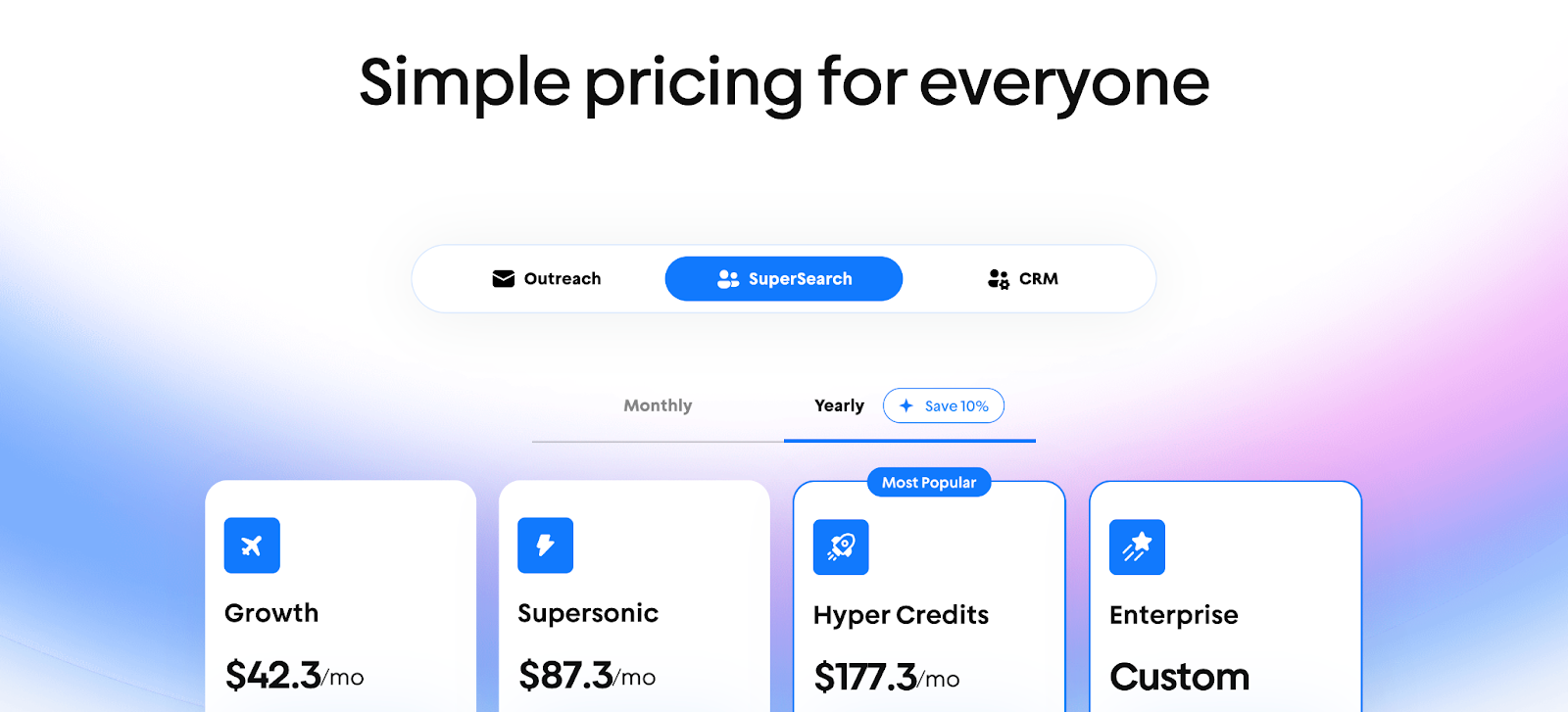
Instantly.ai has moved to a credit-based pricing model that combines outreach, lead enrichment, and AI automation, making it more flexible for teams of all sizes.
Plans include:
- Growth - $42.3/month: 1,500–2,000 credits, access to 450M+ B2B leads, AI email writer, enrichment tools, and CRM export.
- Supersonic - $87.3/month: 5,000–7,500 credits with everything in Growth plus higher limits.
- Hyper Credits - $177.3/month: 10K–200K credits with advanced capacity and scalability.
- Enterprise - Custom plan: 200K+ credits, dedicated manager, and private Slack support.
All plans include unlimited inboxes, warm-up, advanced scheduling, analytics, and API/webhook integrations.
This model focuses on flexibility and automation, making it ideal for teams looking to scale outreach while leveraging AI for better prospecting and personalization.
Factors.ai vs Instantly.ai: Pricing in a snapshot
Both platforms are affordable in their own way, but they serve very different goals.
Factors.ai fits better for teams that plan to scale their GTM motion by connecting data, automating signals, and running campaigns across channels.
Instantly.ai is built for small to mid-sized teams that care about high-volume outreach and want fast results without complex onboarding.
If your success depends on sending more, Instantly.ai is a fast start, but if it depends on connecting more, Factors.ai grows with you.
{{INLINE_BOFU}}
Factors.ai vs Instantly.ai: Lead Identification & Outreach Automation
| Feature | Factors.ai | Instantly.ai |
|---|---|---|
| Lead Identification | Uses data from multiple sources like website, ads, CRM, and product to identify high-intent accounts. Builds Account360 profiles with contact insights. | Uses a tracking pixel to detect company visits and enriches details like job titles and business emails for US-based traffic. |
| Outreach Automation | Runs automated GTM workflows with AI Agents for alerts, buying-group mapping, and post-meeting tracking. | Offers a campaign builder for cold emails, multiple inbox management, and automated follow-ups. |
| Engagement Channels | Covers multiple channels including LinkedIn, Google Ads, CRM, and product touchpoints. | Focused mainly on email outreach with deliverability and inbox tools. |
| Sales Enablement | Alerts reps in real time when target accounts take action. Surfaces decision-makers automatically. | Combines outreach replies into a single inbox called “Unibox” for easier follow-up. |
| Ideal Team | Marketing and sales teams looking for coordinated GTM execution. | Outbound teams focused on volume-based prospecting. |
How Factors.ai Handles Lead Identification and Outreach
Factors.ai brings everything together for teams that want more than just outreach.
It connects signals from your website, ads, and CRM to show which accounts are active and how close they are to buying.
Here’s what it helps you do:
- Identify high-intent accounts across all channels.
- Build complete profiles using Account360.
- Get real-time alerts when target accounts revisit key pages or show renewed interest.
- Enable your reps to act immediately with context and data.
- Keep campaigns aligned with your funnel stages, not just inbox activity.
Every action your buyer takes gets connected, helping your team move from awareness to engagement without missing a beat.
How Instantly.ai Handles Lead Identification and Outreach
Instantly.ai is built for teams that live in their inboxes.
Its tools help find leads, send campaigns, and manage email engagement from one place.
Here’s what it offers:
- Detects visitors on your website using a tracking pixel.
- Enriches visitors with company and job details.
- Lets you upload leads and build lists from its database.
- Sends personalized cold email sequences automatically.
- Keeps inboxes healthy through email warm-up and reputation management.
It’s straightforward and quick to set up, making it ideal for teams who want to scale outreach fast.
Factors.ai vs Instantly.ai: Lead Identification and Outreach in a snapshot
Both tools make it easier to find and engage leads, but their strengths lie in different areas.
Factors.ai is a better fit for GTM teams that want full visibility into who’s engaging, why they’re active, and what to do next.
Instantly.ai works well for teams focused on high-volume email campaigns.
If your team measures success by the number of emails sent, Instantly.ai fits the bill.
If success for you means turning intent into qualified opportunities, Factors.ai brings everything together.
If you’re using outreach heavily, this post on CRM workflow automation shows how to turn replies and alerts into reliable pipeline motion.
Factors.ai vs Instantly.ai: Intent, Funnel, and Account Scoring
| Feature | Factors.ai | Instantly.ai |
|---|---|---|
| Intent Detection | Tracks first-, second-, and third-party intent signals like website visits, CRM data, ad activity, and product usage, all tied together in Account360. | Focuses more on email activity and website visitor detection. Tracks visits, engagement, and responses, but without broader funnel context. |
| Funnel Analytics | Uses Milestones to show movement across stages (MQL → SQL → Opportunity → Closed Won). Highlights what actions or content drive progression. | Tracks basic campaign metrics like opens, clicks, and replies. No clear funnel analytics or conversion mapping. |
| Account Scoring | AI-based scoring that combines ICP fit, engagement intensity, and intent signals. Prioritizes outreach for sales and marketing alignment. | Offers filtering tools for contact and lead qualification but doesn’t feature advanced scoring or AI ranking. |
| Buying-Group Mapping | Identifies multiple stakeholders involved in a deal and links their activity within an account. | Focused on individual contacts rather than full buying groups. |
| GTM Insights | Uses funnel data to help teams focus on revenue-driving actions, not just engagement. | Designed for activity tracking, mainly at the outreach level. |
How Factors.ai Handles Intent and Funnel Scoring
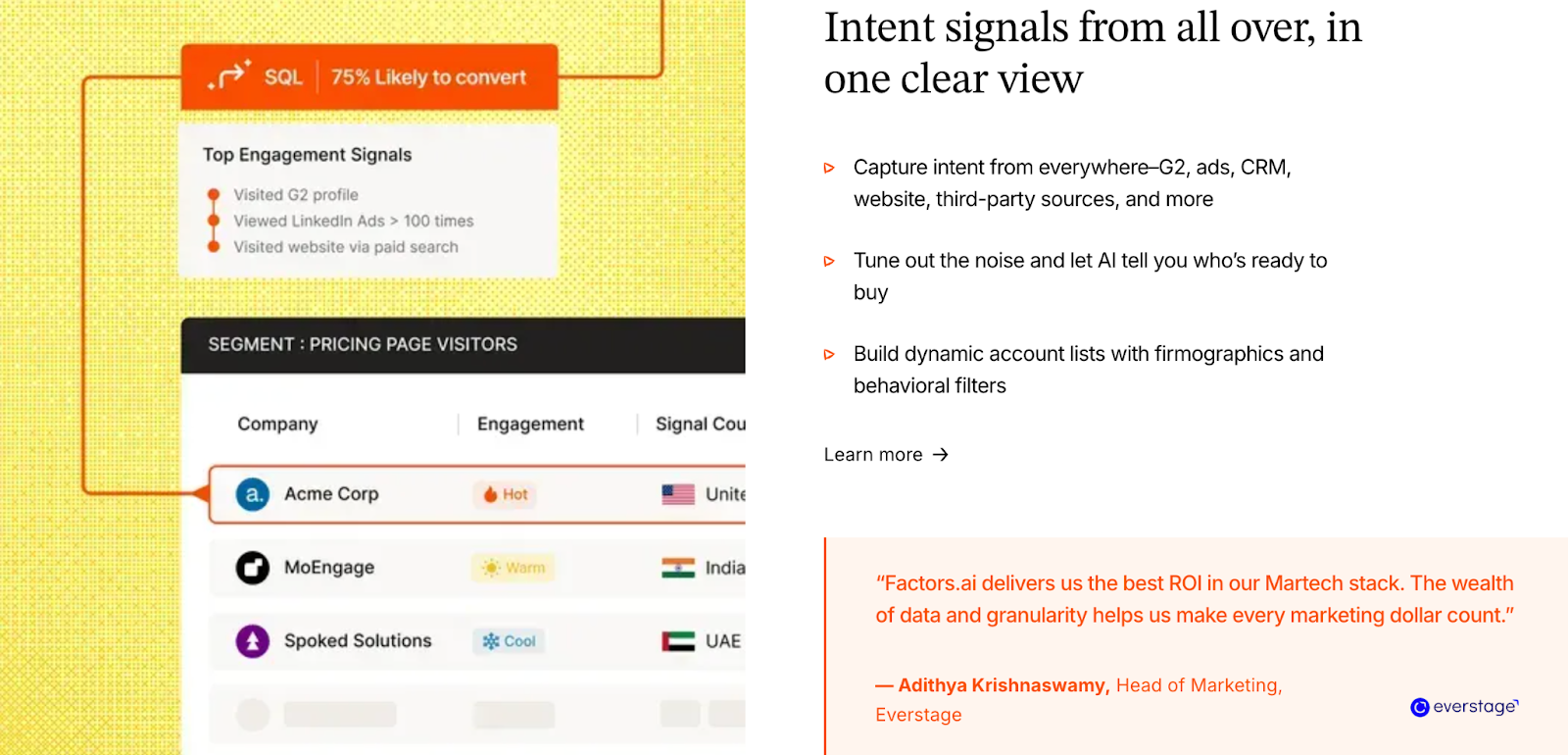
Factors.ai turns data into direction.
It doesn’t stop at knowing who visited and helps you understand why they’re engaging and how close they are to buying.
Here’s how it supports the process:
- Tracks multi-source intent, from ads, product, CRM, and website actions.
- Scores accounts dynamically based on ICP fit and engagement strength.
- Maps buying groups to identify decision-makers and influencers.
- Visualizes funnel movement using Milestones to show where leads progress or drop off.
- Surfaces next-best actions so sales and marketing teams stay focused on what converts.
Every step of the buyer journey is traceable, giving teams confidence in their outreach timing and strategy.
How Instantly.ai Handles Intent and Funnel Scoring
Instantly.ai stays centered around outbound email campaigns.
Its intent data comes mainly from:
- Email activity (opens, clicks, and replies).
- Website visitor tracking through its pixel.
- Basic engagement stats for uploaded contact lists.
It’s strong for teams who care about outreach performance metrics and not deep funnel progression. However, it doesn’t offer funnel analytics or multi-signal scoring. That means teams must rely on external tools or manual tracking to see which prospects are closer to converting.
Factors.ai vs Instantly.ai: Intent and Funnel Scoring in a snapshot
Both platforms surface intent, but the depth is very different.
Factors.ai helps teams understand why they’re active and where they are in the funnel.
Instantly.ai helps teams understand who’s active now and how outreach is performing.
If your focus is volume and visibility, Instantly.ai gives you what you need.
If your focus is strategy and precision, Factors.ai gives you everything you need to act at the right moment.
📚 Also read: Top Intent Data Platforms
Factors.ai vs Instantly.ai: Ad Activation and Multi-Channel Engagement
| Feature | Factors.ai | Instantly.ai |
|---|---|---|
| Ad Platform Integrations | Integrates natively with LinkedIn Ads and Google Ads through AdPilot. Offers audience sync, conversion feedback, and buyer-stage targeting. | Focused mainly on email outreach. Can connect to LinkedIn Ads via Zapier, but no native ad platform integration. |
| LinkedIn AdPilot | Helps teams build and auto-sync intent-based audience lists, balance ad impressions, and track how LinkedIn Ads contribute to revenue. | Not available. |
| Google AdPilot | Uses conversion feedback loops and audience sync to help Google optimize for high-value accounts and reduce wasted spend. | Not available. |
| Audience Control | Automatically updates audiences to include new active accounts and control impression frequency to avoid overexposure. | Focused only on email list uploads. |
| Attribution Visibility | Tracks how LinkedIn and Google campaigns influence the pipeline using view-through and conversion data. | Limited to email engagement metrics like opens, clicks, and replies. |
| Goal | Drive revenue through multi-channel engagement like ads, CRM, and website data unified. | Drive volume through direct email outreach. |
How Factors.ai Handles Ad Activation and Engagement
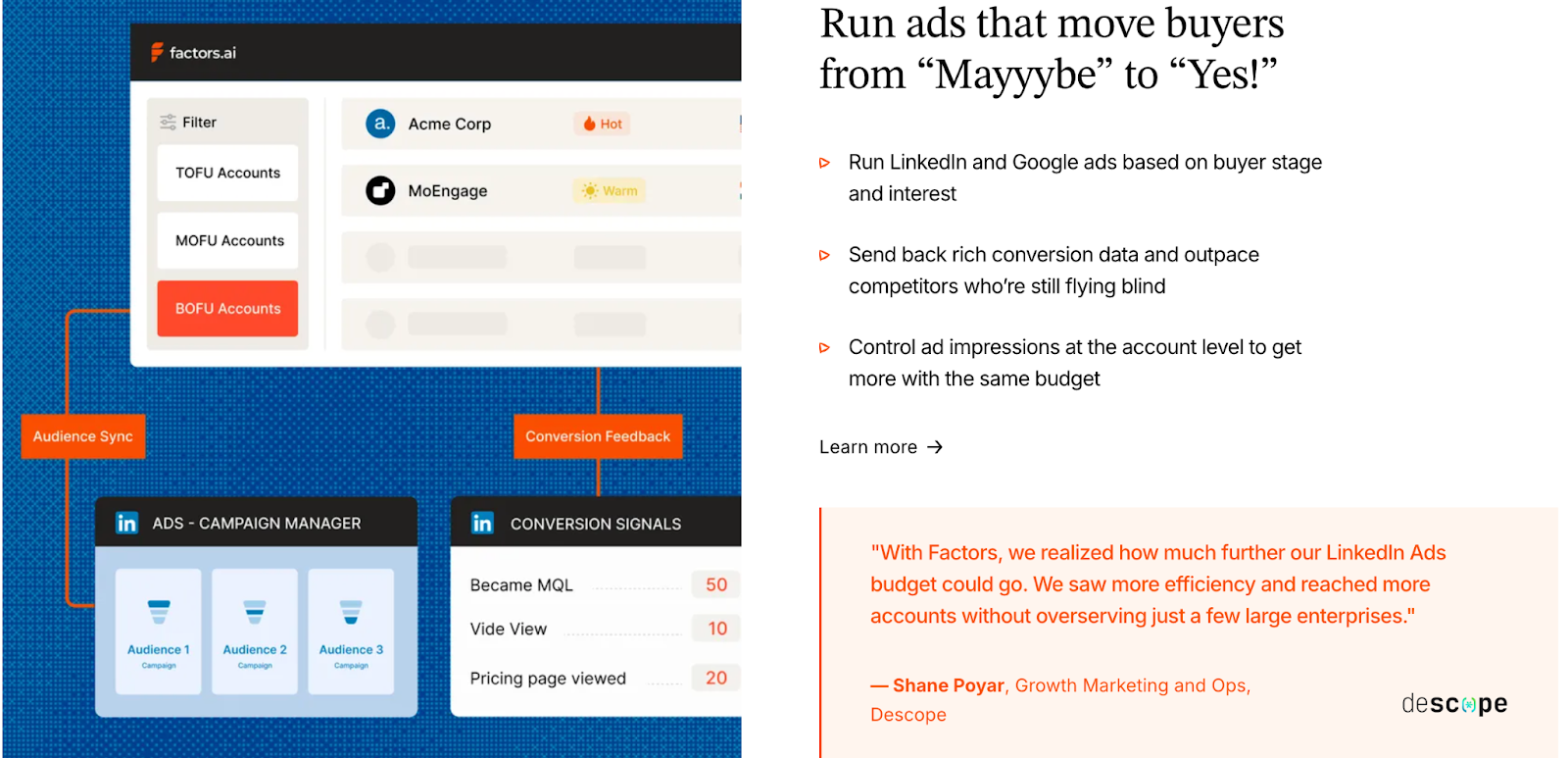
Factors.ai treats advertising as a growth system, not just a spend channel.
Its AdPilot suite, for both LinkedIn Ads and Google Ads, helps teams get the most out of every campaign by combining precision, automation, and analytics.
With LinkedIn AdPilot, you can:
- Build audience lists based on real buying intent instead of static targeting.
- Keep audiences auto-updated so ads reach active and in-market accounts.
- Maintain account-level impression control, ensuring the same few accounts don’t absorb your entire budget.
- Show more ads to sales-ready accounts, staying visible while they evaluate options.
- Understand what’s working with view-through attribution, showing how LinkedIn Ads contribute to website visits, demo bookings, and closed deals.
- Compare LinkedIn’s performance with other ad platforms to see true ROI.
- Sync conversions back into LinkedIn through CAPI, improving optimization automatically.
Proven Results from GTM Teams Using AdPilot:
- 5x increase in ad budget efficiency.
- 30% more deals attributed to LinkedIn Ads.
- 60% boost in pipeline generation.
With Google AdPilot, you can:
- Run campaigns with buyer-stage targeting so each ad matches where the account is in the funnel.
- Send conversion feedback directly to Google Ads for smarter bidding.
- Sync audiences daily and remove irrelevant accounts to keep spend focused.
Why it matters:
Ad budgets often drain on inactive or unfit accounts. AdPilot changes that by using live intent signals and enrichment to guide who sees what. The result is a connected GTM ecosystem where marketing doesn’t waste and sales always sees movement.
How Instantly.ai Handles Ad Activation and Engagement
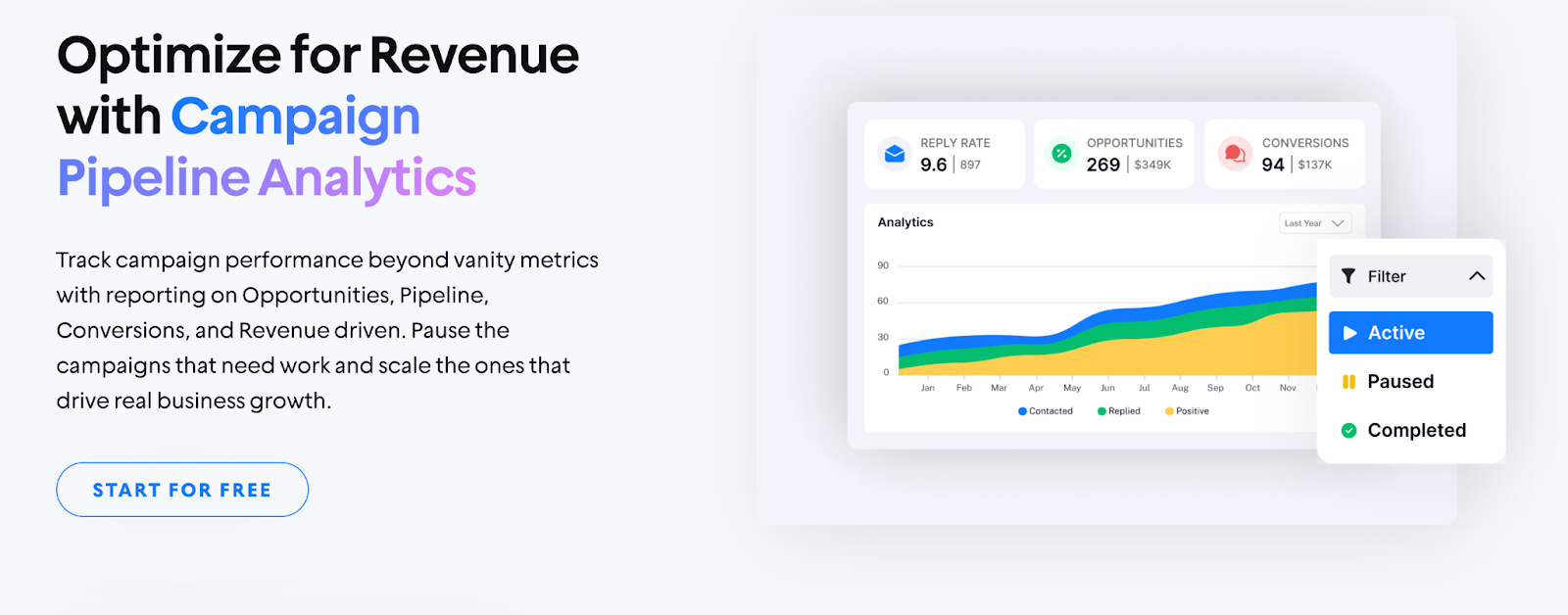
Instantly.ai focuses on what it does best: email.
The platform helps teams manage large-scale outreach through multiple inboxes and automated sequences.
Here’s what it offers:
- Personalized email campaigns with unlimited accounts.
- Email warm-up tools to protect deliverability.
- Basic performance insights such as open rates, click rates, and reply tracking.
- Option to connect to LinkedIn Ads using Zapier, though not as a core feature.
While this setup works well for outbound engagement, it doesn’t expand into paid channels or multi-platform targeting.
Instantly.ai’s focus remains on keeping outreach consistent and efficient, rather than aligning ads with broader GTM motions.
Factors.ai vs Instantly.ai: Ad Activation and Engagement in a snapshot
Both tools aim to reach the right audience, but they do it in entirely different ways.
Factors.ai helps teams orchestrate a complete GTM system, turning signals from multiple sources into ad campaigns that convert.
Instantly.ai is built for direct outreach and speed by helping teams scale email campaigns quickly.
If your strategy revolves around outreach volume, Instantly.ai gives you the basics to run fast.
If your strategy relies on precision, pipeline visibility, and smarter ad spending, Factors.ai’s LinkedIn and Google AdPilot make every ad dollar count.
Factors.ai vs Instantly.ai: Analytics, Reporting, and Funnel Insights
| Feature | Factors.ai | Instantly.ai |
|---|---|---|
| Analytics Depth | Full-funnel analytics through Milestones and Account360. Tracks every stage from first visit to closed revenue. | Focuses on outreach analytics like open rates, clicks, and replies. |
| Funnel Visibility | Visualizes buyer movement across stages like MQL, SQL, Opportunity, and Won. Identifies drop-offs and highlights what drives conversions. | Provides campaign-level stats but doesn’t connect engagement to the larger funnel. |
| Attribution & Influence | Multi-touch attribution links campaigns, ads, and outreach to real pipeline outcomes. | Measures reply performance but doesn’t offer attribution or revenue tracking. |
| Segmentation & Insights | Breaks down performance by industry, persona, location, or funnel stage. | Basic segmentation options for lists and sequences. |
| Decision Support | Surfaces insights on which signals and campaigns drive the highest-value deals. | Focused on optimizing subject lines and outreach timing. |
How Factors.ai Handles Analytics and Reporting
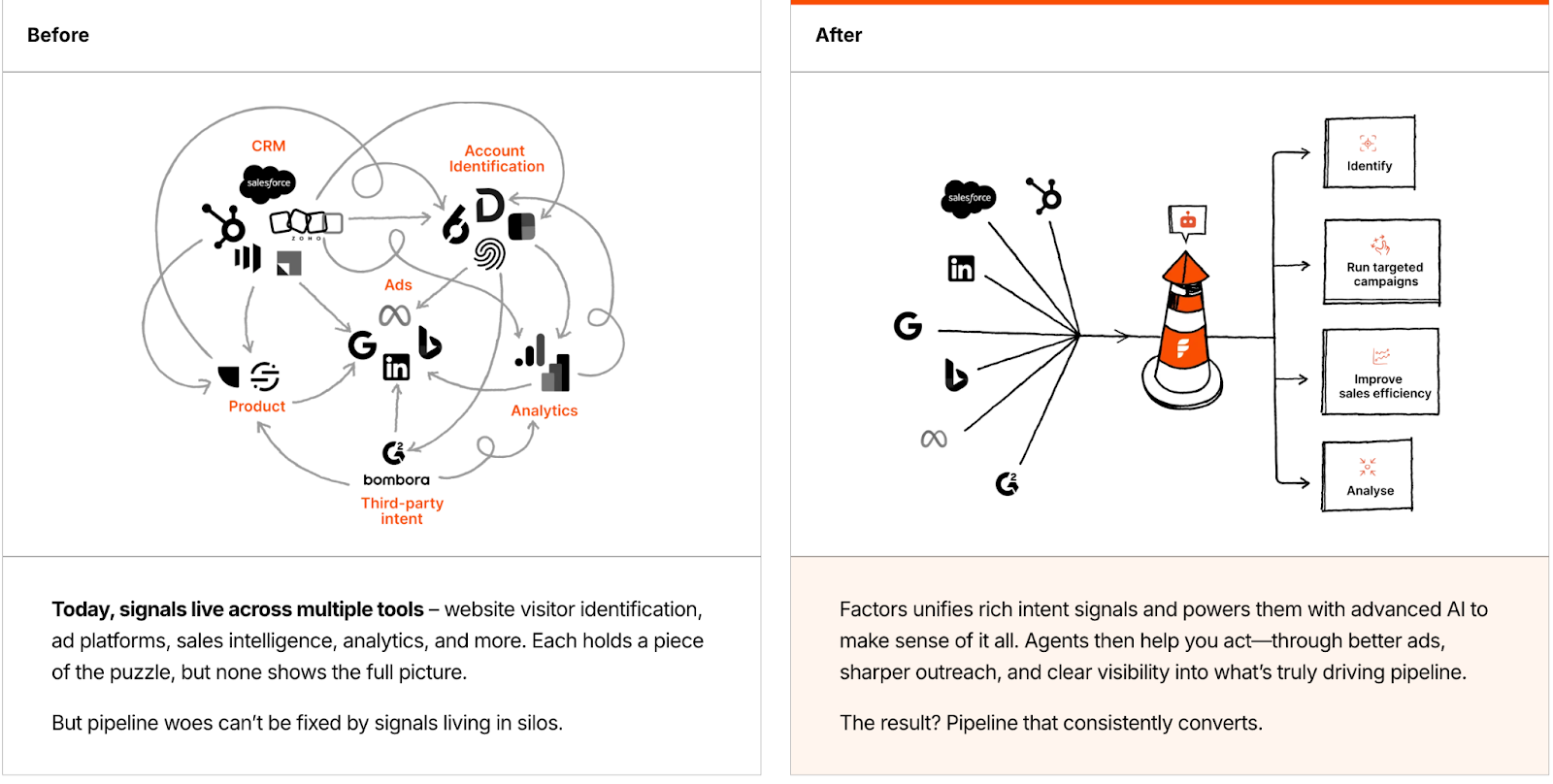
Factors.ai helps teams see the story behind their data by helping them measure engagement and connecting it to revenue.
Here’s what it delivers:
- Full-funnel analytics through Milestones that map each conversion stage.
- Multi-touch attribution to connect every ad, visit, and campaign to final revenue.
- Customer journey timelines that show the exact path an account followed.
- Drop-off detection to spot where prospects lose interest and why.
- Segmentation reports by industry, geography, and ICP fit.
- Pipeline influence metrics showing which channels create the strongest deals.
With everything unified in Account360, marketing and sales teams don’t need to guess which campaigns work as they can see it clearly and act on it.
How Instantly.ai Handles Analytics and Reporting
Instantly.ai focuses on helping teams monitor email performance quickly.
Its reports keep outreach campaigns on track and maintain deliverability health.
Key reporting areas include:
- Open rate and reply tracking for each sequence.
- Click and bounce-rate monitoring.
- Deliverability analytics for connected inboxes.
- Basic lead-source visibility through website visitor tracking.
It’s enough for teams running high-volume campaigns who need daily performance metrics.
However, it doesn’t track how engagement translates into deals or pipeline.
Factors vs Instantly.ai: Analytics, Reporting, and Funnel Insights in a snapshot
Both tools offer valuable insights, but their goals are different.
Factors.ai gives you the bigger picture by showing what’s working, what isn’t, and how every effort ties back to pipeline growth.
Instantly.ai helps you stay efficient with campaign-level analytics for cold outreach.
If you want to monitor email engagement, Instantly.ai keeps it simple… but if you want to understand and improve the entire revenue journey, Factors.ai gives you the clarity and control to do it.
For hands-on reporting ideas, check attribution reporting: what you can learn from marketing attribution reports.
Factors.ai vs Instantly.ai: Onboarding, Support, and Customer Experience
| Feature | Factors.ai | Instantly.ai |
|---|---|---|
| Onboarding Type | Personalized onboarding with a dedicated team. Includes setup help, Slack communication, and weekly check-ins. | Simple self-serve setup. Guides users to connect inboxes, upload leads, and start campaigns right away. |
| Support Model | Dedicated Slack channel, Customer Success Manager (CSM), and strategy sessions included in most plans. | Email and chat support for general users. Premium and Enterprise plans include a dedicated success manager. |
| Training & Enablement | Optional GTM Engineering Services to help design workflows, alerts, and GTM playbooks. | Product tutorials and documentation for campaign setup. |
| Implementation Time | Setup and optimization guided by the team; scales with GTM complexity. | Instant access after signup; setup takes a few minutes. |
| Experience | Feels like an extension of your GTM team, offering collaboration and ongoing strategy refinement. | Built for independent users who prefer self-management and fast launches. |
How Factors.ai Handles Onboarding and Support
With Factors.ai, teams get a structured partnership.
The onboarding experience is designed to match your GTM maturity and goals, not just walk you through features.
Here’s what it includes:
- A dedicated onboarding team to help design your GTM setup.
- Slack communication for quick answers and ongoing support.
- Weekly strategy calls to align your analytics, campaigns, and funnel tracking.
- GTM Engineering Services for teams who need deeper support with RevOps design, alert setup, and enrichment workflows.
The idea is simple: your team should never be left figuring things out alone.
From the first setup call to ongoing optimization, Factors.ai operates more like a GTM partner than a tool.
How Instantly.ai Handles Onboarding and Support
Instantly.ai takes a quick-start approach.
You sign up, connect your inbox, upload your contacts, and launch your first campaign, often within minutes.
What you get:
- Guided onboarding screens that walk you through setup.
- Email and chat support for troubleshooting or deliverability questions.
- Access to help articles and resources for campaign optimization.
- Dedicated support only for top-tier plans.
This setup works well for smaller teams or founders who prefer autonomy and speed over long onboarding cycles.
Factors.ai vs Instantly.ai: Onboarding and Support in a snapshot
Both tools offer strong support, but the experience feels different depending on your team’s size and style.
Factors.ai offers a more hands-on, consultative experience which is ideal for GTM teams that value strategy, precision, and collaboration.
Instantly.ai makes it easy for anyone to start fast and learn as they go. It’s built for users who want a self-serve, low-touch approach.
If you’re looking for a quick setup, Instantly.ai fits right in.
If you want a platform that grows with your process and provides steady guidance, Factors.ai keeps you covered from day one.
Factors.ai vs Instantly.ai: Security and Compliance
| Feature | Factors.ai | Instantly.ai |
|---|---|---|
| Certifications | ISO 27001, SOC II Type 2 certified. Fully compliant with GDPR and CCPA regulations. | No public mention of certifications or audits. |
| Data Protection | Encryption at rest and in transit. Access control for all user accounts. | Basic user-level access and database security mentioned in general terms. |
| Privacy Standards | Data handling follows global privacy laws (GDPR, CCPA). Users can request deletion, export, and modification of data. | Adheres to general privacy policies for customer data but without detailed documentation. |
| Compliance Transparency | Publicly available compliance and data protection policies. Security details are part of documentation and client onboarding. | Security page not available on the current website; privacy policy outlines basic measures. |
| Confidence Level for Enterprises | High. Designed for enterprise-grade data integrity and global compliance audits. | Moderate. Sufficient for small and mid-sized sales teams, not primarily built for enterprise use. |
How Factors.ai Handles Security and Compliance
Factors.ai prioritizes security at every stage of the GTM process.
From intent data to customer analytics, every piece of information stays protected under verified frameworks.
Security highlights:
- Certified with ISO 27001 and SOC II Type 2, ensuring high-level operational and data security standards.
- Fully GDPR and CCPA compliant, meaning user data is handled lawfully and transparently.
- Encryption in storage and transit, protecting information from unauthorized access.
- Access control and audit trails for all internal and client accounts.
- Regular compliance audits and clearly published documentation.
For enterprise clients, this provides a sense of reliability that every process is built on privacy and security.
How Instantly.ai Handles Security and Compliance
Instantly.ai takes a simpler approach. It manages customer data responsibly but doesn’t highlight deep compliance details or certifications on its website.
What’s available:
- A general privacy policy covering how user data is collected, stored, and used.
- Basic access control for team members and shared accounts.
- Secure hosting on recognized cloud providers.
For small and mid-sized businesses focused on cold outreach, this level of protection works fine. However, large enterprises with strict compliance requirements might find the lack of public documentation limiting.
Factors.ai vs Instantly.ai: What to choose when?
Both platforms treat user data with care, but their approaches differ in depth.
Factors.ai operates at a higher standard, meeting the security expectations of enterprise-grade clients and regulated industries.
Instantly.ai provides the essential layer of privacy control suitable for fast-moving sales teams.
If you need lightweight data protection for outreach, Instantly.ai holds up.
If your organization needs verified certifications, global compliance, and transparent handling, Factors.ai is the safer long-term bet.
If compliance matters, we explain visitor privacy best practices in website visitor identification privacy, which is handy for outreach teams using pixels.
Factors.ai vs Instantly.ai: Which Platform Fits Your GTM Motion Best
When you look at both platforms side by side, it’s clear they aim to solve different parts of the GTM puzzle.
Factors.ai, on the other hand, builds around precision by connecting data, intent, and automation to help teams understand where growth really comes from.
Instantly.ai builds around speed and volume by helping teams send more emails, track replies, and find quick opportunities.
Both approaches have their place. The right one depends on how your team works and what success looks like for you.
Instantly.ai: Ideal For Teams That Want Quick Outreach and Fast Execution
Instantly.ai is perfect for smaller GTM or sales-led teams who rely heavily on outbound motion.
It gives you:
- A fast way to identify website visitors and turn them into email prospects.
- Scalable cold-email outreach with multiple inboxes.
- Built-in warm-up and deliverability tools.
- Basic reporting that keeps track of open and reply rates.
It’s simple, efficient, and designed for teams that want to act immediately.
If your focus is on direct, high-volume outreach rather than long-term orchestration, it’s a good place to start.
Factors.ai: Built for Teams That Want Visibility, Control, and Growth
Factors.ai takes a broader view of GTM, one where every touchpoint connects.
It helps you:
- Identify high-intent accounts and map their full journey.
- Build and run intent-driven campaigns on LinkedIn and Google through AdPilot.
- Track funnel progress with Milestones and Account360 analytics.
- Get real-time alerts when buying signals appear.
- Access dedicated onboarding and GTM engineering support when needed.
The platform gives structure to everything a growth team does, from awareness to conversion with analytics and automation guiding every step.
It’s a longer-term investment that pays off with clarity and consistency.
Which tool to choose?
If you’re:
- A growing GTM team that wants one system for analytics, orchestration, and activation, Factors.ai gives you the foundation to scale confidently.
- A lean sales team looking for outreach tools and quick results, Instantly.ai keeps things simple.
In short, both tools help you move forward, but they do it at different speeds and depths.
One helps you start fast.
The other helps you go far.
In a nutshell…
The GTM stack is no longer just about sending more emails, it’s about sending the right signals at the right time. In this detailed comparison, we explore how Factors.ai and Instantly.ai serve distinct GTM strategies. Instantly.ai is purpose-built for outbound speed. It enables high-volume cold outreach with inbox warm-up, campaign automation, and lead enrichment, making it a powerful tool for sales-led teams focused on velocity.
In contrast, Factors.ai supports a more connected, strategic motion. It identifies high-intent accounts, maps buyer journeys, activates dynamic audiences on ad platforms, and ties performance to pipeline through funnel analytics and attribution. Its approach is not just to track activity, but to turn signals into synchronized marketing and sales execution.
This blog breaks down each platform’s strengths across lead identification, automation, funnel scoring, ad engagement, analytics, and compliance. You’ll also get clarity on pricing, support models, and who each platform is best suited for.
If your team thrives on quick execution and inbox activity, Instantly.ai fits the need. But if you're scaling a GTM motion that demands cross-channel coordination, signal-based targeting, and real pipeline clarity, Factors.ai offers the infrastructure to grow with precision.
FAQs for Factors.ai vs Instantly.ai
1. What’s the main difference between Instantly.ai and Factors.ai?
Instantly.ai is optimized for high-volume cold outreach, while Factors.ai is designed to orchestrate full-funnel GTM strategies with account intelligence and automation.
2. Which platform is better for cold email campaigns?
Instantly.ai excels at cold outreach, offering inbox warm-up, email automation, and lead sourcing from a large database.
3. Does Factors.ai support paid media campaigns?
Yes, Factors.ai integrates with LinkedIn Ads and Google Ads via AdPilot, allowing teams to launch intent-driven campaigns with automated audience sync and revenue attribution.
4. Can these platforms work together?
They serve different GTM layers, outreach vs. orchestration, and could be used in tandem, though teams may prefer an integrated solution to avoid duplication.
5. Is Factors.ai suitable for small teams?
Yes. With a free tier and scalable plans, small GTM teams can start light and expand usage as their motion matures.
6. What kind of support does each platform offer?
Factors.ai provides hands-on onboarding and GTM engineering support. Instantly.ai offers fast, self-serve setup with additional support on premium tiers.

Factors.ai vs. LeadMagic: Which Tool is Right for Your Business?
Discover the differences between Factors.ai and LeadMagic in our comprehensive comparison.
TL;DR
- Factors.ai is an account-based marketing tool ideal for larger enterprises focused on comprehensive analytics and customer engagement.
- It offers advanced account identification, multi-touch attribution, and path analysis, making it suitable for businesses with established CRM systems.
- In contrast, LeadMagic is a lead identification and data enrichment platform best suited for startups and small to medium-sized businesses.
- It provides real-time data on website visitors, has a user-friendly interface, and operates on a pay-as-you-go pricing model, allowing cost-effective lead generation without significant upfront investment.
- The choice between Factors and LeadMagic depends on your business size, marketing goals, and budget.
Most businesses today need robust strategies for lead generation and customer engagement. With an increasing emphasis on data-driven marketing, selecting the right tools can significantly impact a company's success. Two prominent platforms, Factors.ai and LeadMagic, have emerged to cater to this demand, offering unique features and capabilities tailored to different marketing needs. This blog will explore their functionalities, strengths, weaknesses, and pricing to help you determine which solution aligns best with your business goals.
Overview of Factors.ai

Factors.ai focuses primarily on account-based marketing. It aims to provide businesses with a comprehensive understanding of customer behavior and enhance the effectiveness of marketing strategies. The platform integrates seamlessly with various customer relationship management (CRM) systems, allowing businesses to gather insights essential for nurturing leads and driving conversions.
Key Features of Factors.ai

- Advanced Account Identification: Factors.ai leverages enterprise-level IP data integration to identify anonymous visitors to your website. This means that the platform can often determine the company it represents even if users do not fill out a form or provide their information. By offering insights on up to 64% of these anonymous visitors, Factors.ai equips marketing teams with valuable data that helps refine targeting strategies.
- Multi-Touch Attribution: Understanding how different marketing channels contribute to conversions is crucial for any marketing team. Factors.ai excels in multi-touch attribution, providing detailed insights into the various touchpoints along the customer journey. This feature enables businesses to evaluate the most effective marketing efforts and adjust their strategies accordingly.
- Account & Engagement Scoring: This feature gives marketers a comprehensive view of account activity and engagement. By combining firmographic and technographic data with real-time engagement signals such as content downloads, email opens, and webinar attendance, businesses can effectively prioritize high-value accounts. Engagement scoring tracks interactions over time, allowing marketers to identify critical moments like leadership changes or funding announcements that influence decision-making, enabling timely and tailored outreach efforts.
- LinkedIn AdPilot: AdPilot helps marketers enhance ROI on their LinkedIn campaigns, aiming to increase ROI by 2X. It provides a cost-effective and efficient solution for audience targeting and campaign management.
- Comprehensive Analytics: The platform aggregates data from multiple sources, including CRMs and ad networks, to present a unified view of account performance. This feature allows for better alignment between sales and marketing teams, leading to more effective collaboration.
- Segments: Segment Insights offers an advanced approach to analyzing customer data. By breaking down interactions within precisely defined customer groups, marketers gain actionable insights to tailor campaigns. This segmentation empowers businesses to refine messaging and enhance conversion rates effectively.
- Workflows: Factors.ai’s Workflow Automations streamline routine tasks like data collection and lead nurturing. This feature allows teams to focus on strategic initiatives by automating repetitive processes, boosting operational efficiency, and enabling faster decision-making.
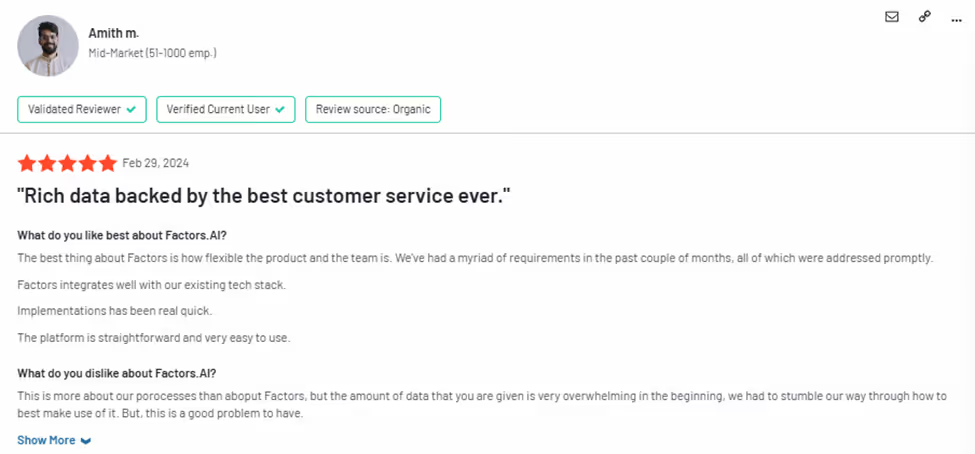
Limitations of Factors.ai
Despite its powerful features, Factors.ai has some limitations. It doesn't offer contact-level data, only account-level data. However, it's possible to integrate it with contact databases like Apollo.
{{INLINE_CTA_A}}
Overview of LeadMagic

LeadMagic, focuses on lead identification and data enrichment. It is particularly suited for small to medium-sized businesses looking to enhance their lead generation efforts without incurring high costs. LeadMagic is recognized for its pay-as-you-go model, making it a flexible option for companies with varying outreach needs.
Key Features of LeadMagic
- Real-Time Data Enrichment: LeadMagic provides real-time data on website visitors, ensuring businesses can access accurate contact information, including email addresses and phone numbers. This capability is vital for sales teams reaching out quickly to potential leads.
- User-Friendly Interface: One of LeadMagic's standout features is its user-friendly onboarding process. Many users appreciate the straightforward setup, which allows them to start generating leads and enriching data without extensive training or support.
- Flexible Pricing Model: The pay-as-you-go pricing model allows businesses to pay only for the data they need. This flexibility appeals to companies that want to control costs while ensuring they have access to high-quality leads. It helps businesses avoid the financial commitment that often comes with monthly subscriptions.
- Company Finder Tool: LeadMagic's company finder tool enables users to identify target companies based on specific criteria, such as industry and company size. This feature helps streamline the prospecting process, allowing sales teams to focus on high-potential leads.

Limitations of LeadMagic
While LeadMagic excels in many areas, it is not without its challenges. Some users have reported difficulties distinguishing between valuable leads and bot traffic, affecting the quality of outreach efforts. Additionally, while it offers robust data enrichment capabilities, it may not provide the same level of in-depth analytics or attribution that Factors.ai does.

Feature Comparison: Factors.ai vs. LeadMagic
1. Account-Based Marketing (ABM) Capabilities
Factors.ai is tailored for companies that prioritize account-based marketing strategies. It offers advanced analytics and insights into account engagement, making it ideal for organizations that need to track the effectiveness of their marketing campaigns over time. The multi-touch attribution feature enables marketers to evaluate the impact of various touchpoints on conversions, allowing for better resource allocation.
In contrast, LeadMagic focuses more on lead identification and data enrichment[3] . While it provides valuable insights, it needs the comprehensive ABM features that Factors.ai offers. LeadMagic is best suited for businesses that need to identify and engage leads quickly but may not require extensive tracking of account engagement.
2. Ease of Use
LeadMagic is often praised for its ease of use. Users appreciate the intuitive interface and quick setup process, which makes it accessible even for those without extensive technical expertise. This user-friendly design allows businesses to focus on generating leads without getting bogged down in complicated processes.
Factors.ai, while powerful, has a more complex interface that may require additional training for new users. The platform's extensive feature set can be overwhelming at first, making it less ideal for businesses looking for a straightforward solution.
3. Data Accuracy and Enrichment
LeadMagic is recognized for its high-quality data and real-time enrichment capabilities. Users frequently commend the platform for its accuracy in delivering contact information and ensuring that leads are current. This quality is crucial for businesses that rely on timely outreach to convert leads into customers.
Factors.ai also provides robust data capabilities through enterprise-level IP data integration. However, its strengths lie more in account-level insights and analytics than individual lead enrichment. While it offers high-quality data, its primary focus is understanding account engagement rather than just identifying leads.
4. Pricing
Factors.ai starts at $149 per month, which provides access to its full suite of features, including advanced analytics and ABM capabilities. This pricing structure is ideal for larger organizations leveraging the extensive features for their marketing strategies.

LeadMagic's pay-as-you-go model is particularly appealing for small to medium-sized businesses. This flexibility allows companies to manage their expenses more effectively, especially if their outreach needs fluctuate. Businesses can pay for specific services like lead identification and data enrichment, making it a cost-effective solution.

{{INLINE_CTA_A}}
Use Cases: When to Choose Factors.ai or LeadMagic
Factors.ai Use Cases
- Large Enterprises with Complex ABM Needs: Companies with extensive marketing and sales teams that rely heavily on account-based strategies will benefit from Factors.ai's comprehensive analytics and multi-touch attribution. This capability allows them to optimize their marketing efforts effectively.
- Businesses Seeking In-Depth Customer Insights: For organizations prioritizing understanding customer behavior and engagement over time, Factors.ai provides valuable insights that inform future marketing strategies. Its account timelines and path analysis features can help businesses tailor their messaging to meet customer needs.
- Organizations with Established CRM Systems: Businesses that have already implemented CRM systems can seamlessly integrate Factors.ai, leveraging existing data to enhance their marketing efforts further.
LeadMagic Use Cases
- Startups and Small Businesses: Startups and small businesses that require affordable lead generation solutions will find LeadMagic's pay-as-you-go model attractive. This flexibility allows them to scale their outreach efforts without incurring high costs.
- Sales Teams Needing Quick Data: Sales teams that require rapid access to accurate contact information will benefit from LeadMagic's real-time data enrichment capabilities. The user-friendly interface allows them to identify and reach out to leads quickly.
- Companies Focused on Lead Identification: Organizations looking for a straightforward lead identification and enrichment solution will find LeadMagic's features aligned with their needs. Its company finder tool can assist in targeting specific industries or company sizes.
In a Nutshell
When choosing Factors.ai and LeadMagic, the decision ultimately hinges on your business needs. Factors.ai is a robust tool designed for organizations prioritizing account-based marketing and requiring in-depth analytics to drive their strategies. Its advanced features cater well to larger enterprises with complex marketing structures.
On the other hand, LeadMagic provides a flexible, cost-effective solution that is ideal for startups and small businesses. Its user-friendly interface and real-time data enrichment capabilities make it a solid choice for sales teams focused on lead generation.
Both platforms have unique strengths and limitations, and evaluating your organization's marketing goals, budget, and team capabilities will help you make the right choice. By understanding the nuances of each tool, you can enhance your lead-generation strategies and drive greater success in your marketing efforts.
Also read, Factors vs Zoominfo: Pros and Cons.
{{INLINE_CTA_A}}
.avif)
Factors.ai vs Gojiberry: Best AI GTM Tool for Scalable Revenue
Read about Factors.ai as a Gojiberry alternative. Compare them across pricing, features, automation, and analytics to find the right AI GTM platform for your team’s goals and channel strategy.
TL;DR
- Gojiberry is ideal for LinkedIn-centric sales teams needing fast, affordable outreach automation. It’s built for startups and outbound-heavy workflows with minimal setup.
- Factors.ai delivers multi-source intent capture, full-funnel analytics, ad activation, and enterprise-ready compliance, best for scaling teams needing structure and visibility across GTM.
- Analytics is where they split: Gojiberry tracks replies and leads; Factors.ai attributes pipeline to campaigns, stages, and signals.
- Choose Gojiberry if your GTM motion lives in LinkedIn DMs.
- Choose Factors.ai if you want to operationalize a full-stack GTM engine.
If you’ve ever been in a GTM meeting where five dashboards are open, three people are talking at once, and someone says,
“Okay but… what actually moved pipeline this month?”… you already know where this is going.
Website traffic is up.
LinkedIn replies look decent.
Sales says conversations feel “warmer.”
CRM data is… let’s not talk about the CRM.
And yet, nobody can confidently answer whether any of this activity will turn into revenue, or if we’re all just professionally busy (and traumatized).
This is usually the moment teams start Googling things like “AI GTM tools”, “intent data platforms”, or “something that makes this mess make sense.”
That’s where Factors.ai and Gojiberry tend to show up in the same shortlist.
At first glance, they feel similar. Both talk about intent. Both use AI agents. Both promise to help your GTM team move faster and catch buying signals before competitors do. On paper, it looks like you’re choosing between two flavours of the same solution… except one sounds like an exotic ice-cream flavour… (I’m obviously talking about Factors.ai… what did you think?!)
Okay, let’s get back… now, once you get past the landing pages and into how these tools actually work day-to-day, the difference becomes pretty obvious.
Gojiberry is built for LinkedIn-led outbound. It monitors signals such as role changes, funding announcements, and competitor engagement, then helps sales teams jump into conversations while the lead is still scrolling.
Factors.ai looks at the chaos and says, “Cool, but buyers don’t live on one channel.” It pulls intent from your website, ads, CRM, product usage, and platforms like G2, then connects all of it into one journey… so marketing, sales, and RevOps are finally looking at the same story.
So this isn’t really a debate about which tool is ‘better.’
It’s about whether your GTM motion is:
- starting conversations fast, or
- building a system that turns signals into predictable revenue
If you’re trying to decide between Factors.ai and Gojiberry, this guide breaks down how they actually behave in the wild… what they’re great at, where they stop helping, and which kind of GTM team they’re built for. Get the full ‘scoop’ here (or a double-scoop?).
Let’s get into it.
Factors.ai vs Gojiberry: Functionality and Features
When evaluating GTM platforms, the first question most teams ask is: what can this tool actually do for me? On the surface, both Factors.ai and Gojiberry are intent-led tools, but their depth of functionality reveals very different approaches.
Most intent-led platforms stop at visibility. They’ll tell you who’s out there, but the heavy lifting of turning those signals into pipeline still falls on your team. The real differentiator is not just what you see, but what you can do once you’ve seen it. This is where Factors.ai and Gojiberry diverge.
Factors.ai vs Gojiberry: Functionality and Features Comparison Table
| Feature | Factors.ai | Gojiberry |
|---|---|---|
| Website Visitor Identification | ✅ Up to 75% via multi-source enrichment | ❌ Not available |
| LinkedIn Intent Signals | ✅ (via integrations & G2/product data) | ✅ Native (10+ LinkedIn signals) |
| Customer Journey Timelines | ✅ Unified across ads, CRM, web, product | ❌ Not available |
| AI Agents | Research, scoring, outreach insights, multi-threading | AI-led lead discovery & LinkedIn outreach |
| Ad Platform Integrations | ✅ LinkedIn & Google Ads native sync | ❌ LinkedIn only (outreach, not ads) |
| Slack Alerts | ✅ High-context signals | ✅ New lead alerts |
| Buying Group Identification | ✅ Auto-mapping & multi-threading | ❌ Not available |
Factors.ai Functionality and Features
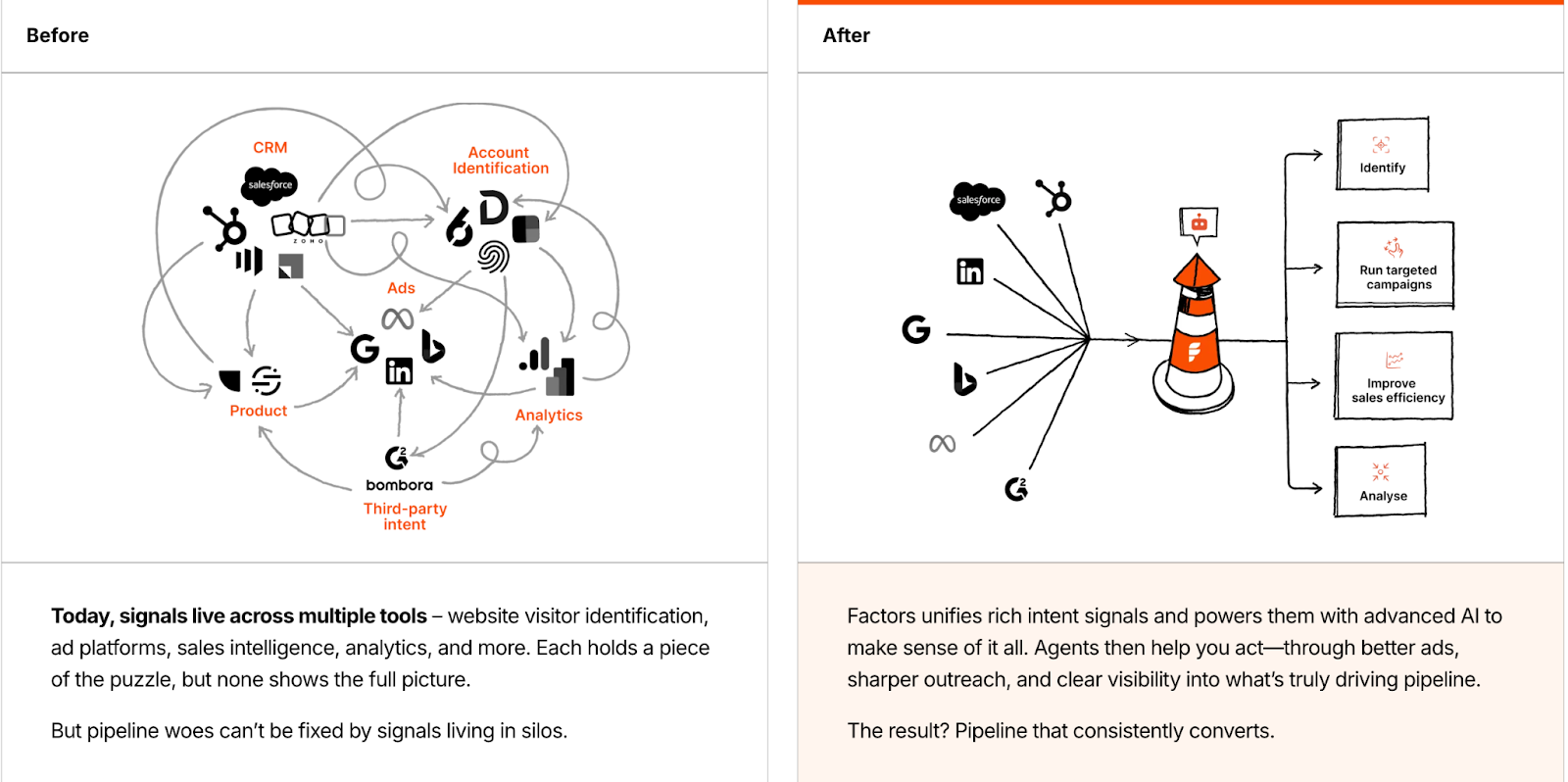
Factors.ai positions itself as more than just a signal-capturing tool, it’s an orchestration engine. Instead of feeding you raw data, it structures the entire buyer journey and enables activation at every step.
Key capabilities include:
- Multi-Source Intent Capture: Pulls data from website visits, ad clicks, CRM stages, product usage, and review platforms like G2.
- Visitor Identification: Identifies up to 75% of anonymous visitors using multi-source enrichment (Clearbit, 6sense, Demandbase, etc.).
- Customer Journey Timelines: Creates unified timelines that map every touchpoint across channels into a single, coherent story.
- AI-Powered Agents: Handle account scoring, surface buying groups, suggest next best actions, and even support multi-threaded outreach strategies.
- Ad Platform Integrations: Native sync with LinkedIn and Google Ads lets you activate intent signals in real time.
- Real-Time Alerts: Sends high-context Slack notifications for critical moments (e.g., demo revisit, pricing page view, form drop-off).
In short, Factors.ai highlights your warmest leads and guides you on the following steps to maximize their potential.
Gojiberry Functionality and Features
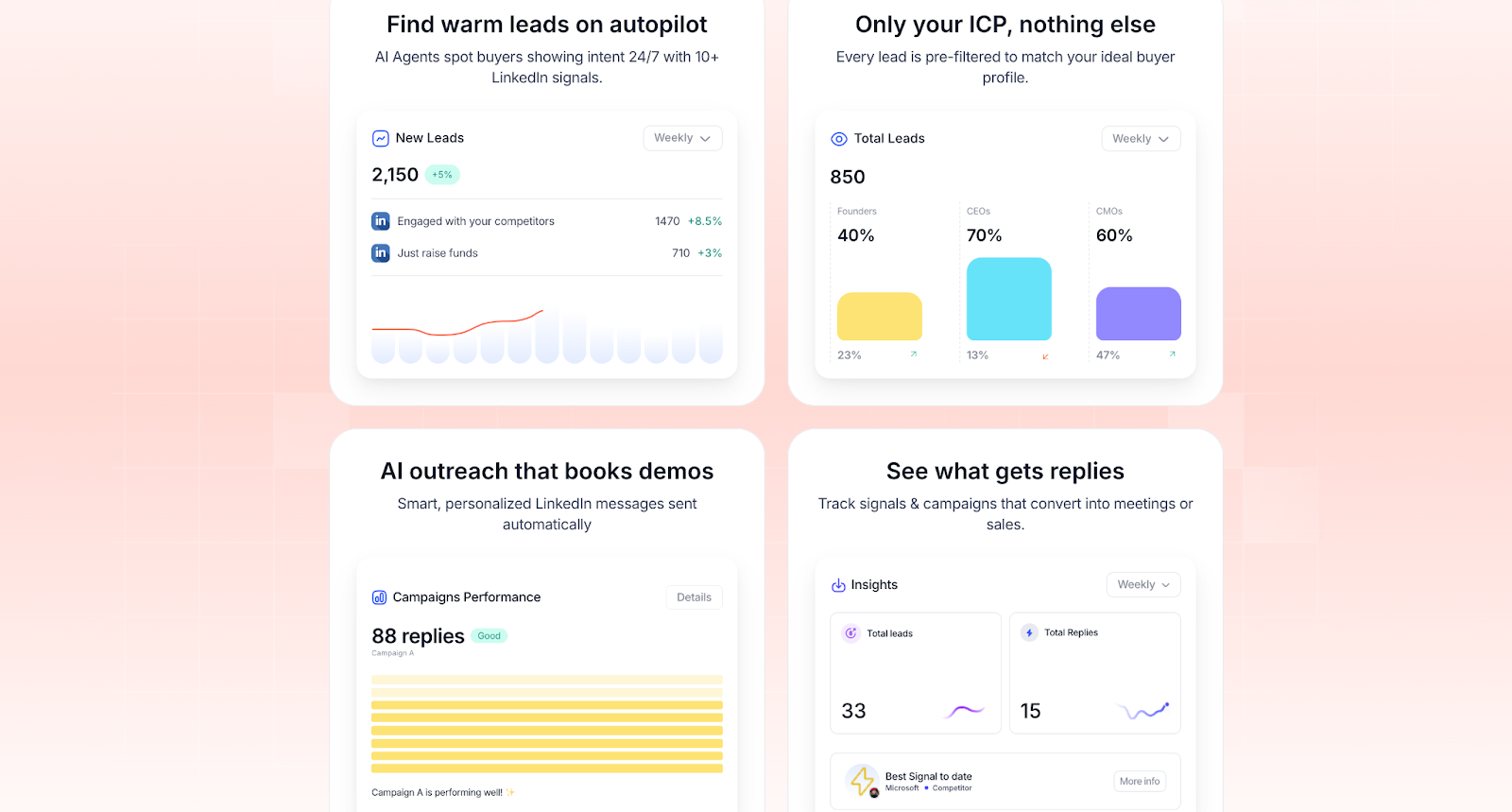
Gojiberry takes a narrower, but highly focused approach. Instead of multi-channel orchestration, it goes deep into LinkedIn as the single source of truth for GTM signals.
Key capabilities include:
- LinkedIn Signal Tracking: Monitors 10+ LinkedIn intent signals such as competitor engagement, funding rounds, new roles, and content interactions.
- Always-On AI Agents: Run 24/7 to spot new leads that match your ICP and surface them before competitors do.
- Automated Outreach: Launches personalized LinkedIn campaigns at scale, reducing manual prospecting effort.
- Performance Metrics: Provides weekly counts of new leads, reply rates, and campaign-level results.
- Integrations: Syncs with Slack for real-time notifications and connects with CRMs like HubSpot and Pipedrive.
Where Factors.ai orchestrates multiple channels, Gojiberry specializes in making LinkedIn-led outbound as efficient as possible.
Factors.ai vs Gojiberry: Verdict on Functionality and Features
Gojiberry shines when your GTM motion is LinkedIn-first and you need a fast, efficient way to identify warm prospects and automate outreach. It’s focused, lightweight, and designed for outbound-heavy teams.
Factors.ai, on the other hand, extends far beyond lead discovery. By combining multi-source intent signals, unified customer journeys, and AI-driven orchestration, it functions as a true GTM command center. Instead of just finding leads, it equips your team to nurture, activate, and convert them across the funnel.
In short:
- Gojiberry = LinkedIn discovery & outreach tool.
- Factors.ai = full-funnel GTM orchestration platform.
Factors.ai vs Gojiberry: Pricing
Pricing is often where teams start their evaluation, but it’s also where many make the mistake of comparing numbers instead of value per dollar. A lower monthly fee doesn’t necessarily translate into cost efficiency if the tool requires you to buy multiple add-ons or still leaves gaps in your GTM motion.
Both Factors.ai and Gojiberry take very different approaches to pricing, reflective of the problems they aim to solve.
Factors.ai vs Gojiberry: Pricing Comparison Table
| Plan Features | Factors.ai | Gojiberry |
|---|---|---|
| Starting Price | $416/month (annual) | $99/month per seat |
| Free Trial | 14-day (paid plans) | Start free |
| Pricing Model | Platform-based, replaces multiple point tools | Seat-based, focused on LinkedIn |
| Visitor Identification | ✅ Included | ❌ |
| Contact Enrichment | ✅ Via Apollo, ZoomInfo, Clay | ✅ 100 verified emails/month |
| CRM Sync & Account Scoring | ✅ Native | ❌ Limited (basic scoring only) |
| AI Agents | ✅ Multi-source, multi-function | ✅ For lead discovery & LinkedIn outreach |
| Ad Activation | ✅ LinkedIn + Google Ads | ❌ Outreach only |
| Full-Funnel Analytics | ✅ Included | ❌ |
| GTM Setup & Workflow Design | ✅ Via GTM Engineering Services | ❌ |
| Dedicated CSM | ✅ Standard | ✅ Elite plan only |
| SLA Guarantee | ❌ | ✅ Elite plan only |
Factors.ai Pricing
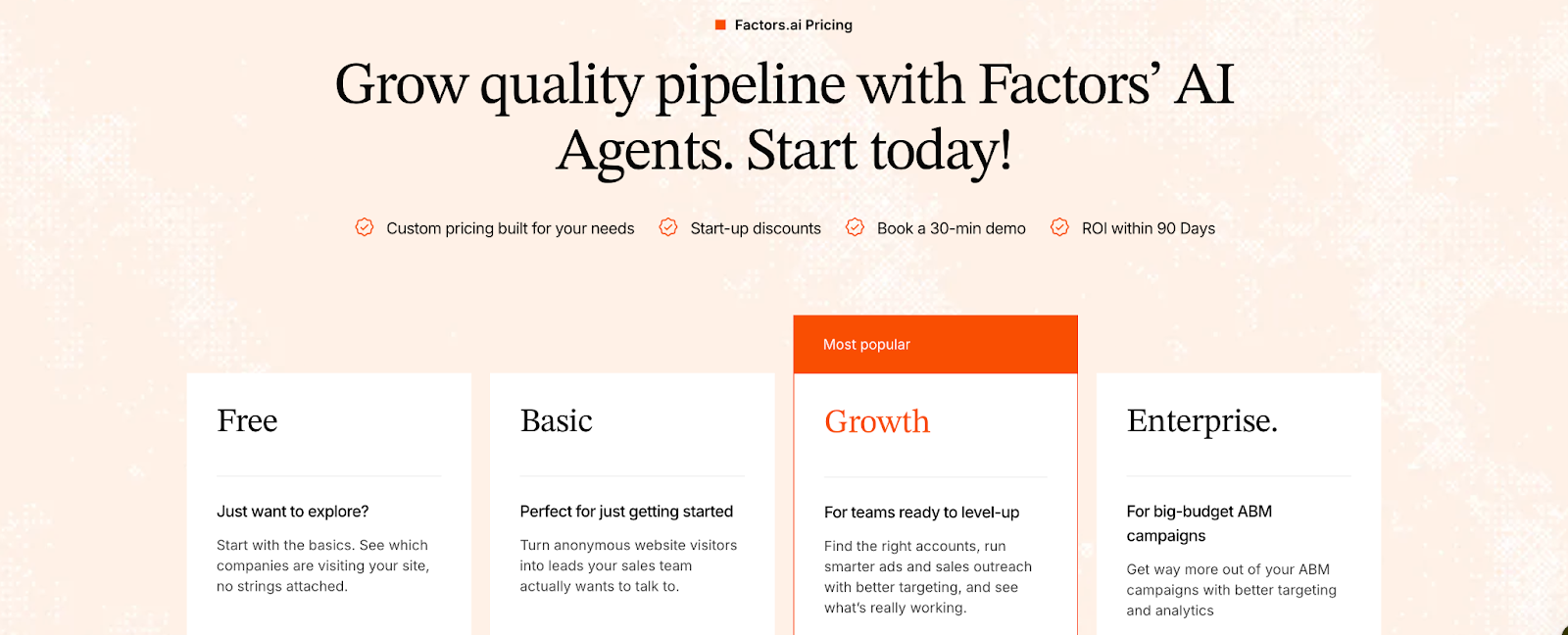
Factors.ai is not just another point tool; it is a platform, and that philosophy is reflected in its pricing.
- Factors.ai offers a free plan with limited features.
- Moving on, even the base package includes capabilities that typically require multiple point tools stitched together:
- Visitor identification with up to 75%+ accuracy using waterfall enrichment (Clearbit, 6sense, Demandbase).
- Contact enrichment via integrations (Apollo, ZoomInfo, Clay).
- CRM sync & account scoring based on ICP fit, funnel stage, and engagement intensity.
- AI agents that research accounts, surface contacts, generate outreach insights, and support multi-threading.
- Slack alerts triggered by high-intent actions.
- Native ad activation on LinkedIn and Google Ads (with audience sync and conversion feedback).
- Full-funnel analytics & attribution dashboards to tie activity to pipeline and revenue.
- Optional GTM Engineering Services
For teams with limited RevOps bandwidth, Factors offers a service layer at an additional cost. This includes:- Custom ICP modeling and playbook design.
- Set up enrichment, alerts, and ad activation workflows.
- SDR enablement: post-meeting alerts, closed-lost reactivation, and buying group mapping.
- Ongoing reviews, optimization, and documentation of the GTM motion.
Takeaway: While Factors.ai’s entry point is higher, the scope is significantly broader. Instead of buying a visitor ID tool, a LinkedIn retargeting tool, a separate attribution platform, and an enrichment service, you get it all in one system. The additional GTM Engineering Services make Factors not just a tool, but an extension of your team.
Read more about the pricing tiers.
Gojiberry Pricing
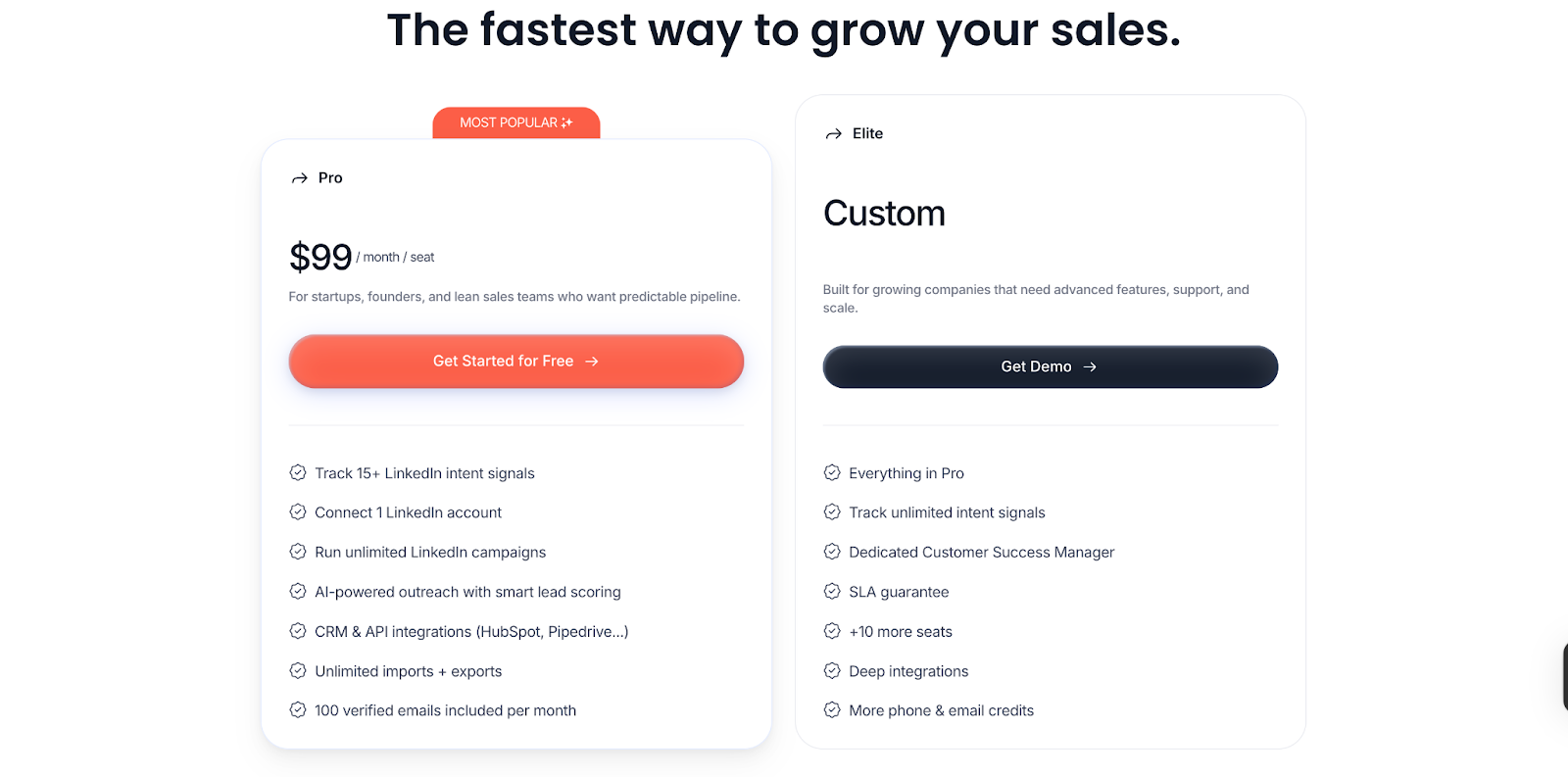
Gojiberry keeps things straightforward with a seat-based model.
- Pro Plan - $99/month per seat
Designed for startups, founders, and lean sales teams looking for predictable pipeline through LinkedIn-led outbound. It includes:- Tracking of 15+ LinkedIn intent signals (e.g., funding rounds, competitor engagement, role changes, event activity).
- Connection of one LinkedIn account.
- Running of unlimited LinkedIn campaigns.
- AI-powered outreach with basic lead scoring.
- CRM & API integrations (HubSpot, Pipedrive, etc.).
- 100 verified emails included per month.
- Elite Plan - Custom Pricing
Built for scaling teams needing more seats and deeper integrations. It includes everything in Pro, plus:- Tracking of unlimited intent signals.
- A dedicated Customer Success Manager (CSM).
- SLA guarantees for support and uptime.
- Support for +10 additional seats.
- Deeper integrations across the stack.
- Higher volumes of phone and email credits.
Takeaway: Gojiberry’s pricing is attractive to small teams looking for affordability and ease of entry. But its value is tied closely to LinkedIn-based workflows. If your GTM play relies on multi-channel activation (ads, website, CRM, product signals), you’ll need to supplement it with additional tools.
Factors.ai vd Gojiberry: Verdict on Pricing
If you’re an early-stage startup or a lean sales team, Gojiberry offers a low-cost, low-barrier entry into AI-driven LinkedIn outreach. For $99/month per seat, you can uncover warm signals and start conversations quickly.
But if you’re evaluating true cost vs. value, Factors.ai offers more ROI at scale. At $416/month, you consolidate multiple workflows, visitor ID, enrichment, ad sync, analytics, and attribution, into one platform. Plus, with GTM Engineering Services, you’re not just buying software; you’re investing in an operating system for revenue.
In short:
- Gojiberry = affordable outreach assistant.
- Factors.ai = GTM platform that scales with you.
{{INLINE_BOFU}}
Factors.ai vs Gojiberry: Analytics and Attribution
Seeing who’s engaging is one thing. Proving which efforts actually drive pipeline and revenue is another. This is where Factors.ai and Gojiberry diverge sharply.
Factors.ai vs Gojiberry: Analytics and Attribution Comparison Table
| Capability | Factors.ai | Gojiberry |
|---|---|---|
| Multi-Touch Attribution | ✅ From first click to closed revenue | ❌ Not available |
| Funnel Stage Analytics | ✅ MQL → SQL → Opp → Closed Won | ❌ |
| Customer Journey Timelines | ✅ Unified across web, ads, CRM, product | ❌ |
| Campaign Reply Tracking | ✅ (plus revenue attribution) | ✅ Replies & meetings |
| Signal-Level Insights | ✅ Across multi-source intent | ✅ LinkedIn-only |
| Segmentation & Dashboards | ✅ Geo, ICP, product, persona | ❌ |
| Drop-Off & Bottleneck Detection | ✅ Visualized in funnel views | ❌ |
| AI-Powered Querying | ✅ (upcoming) | ❌ |
Factors.ai Analytics and Attribution
Factors.ai was built from the ground up as a full-funnel analytics and attribution platform. Instead of stopping at replies or meetings booked, it connects every touchpoint to pipeline outcomes.
Key analytics capabilities include:
- Multi-Touch Attribution
- Stitch together interactions across web, ads, product usage, CRM, and G2.
- Attribute pipeline and revenue back to specific channels and campaigns.
- Answer questions like: “Did LinkedIn or Google Ads influence this deal more?”
- Funnel Stage Analytics
- Track movement from MQL → SQL → Opportunity → Closed Won.
- Identify which campaigns or signals accelerate progression, and where drop-offs happen.
- Customer Journey Timelines
- Unified, chronological view of every action an account has taken.
- See how anonymous visits, ad clicks, demos, and nurture campaigns map into deals.
- Segmentation & Custom Dashboards
- Break down performance by geography, ICP fit, industry, product line, or segment.
- Compare campaigns across personas or buyer stages.
- Drop-Off & Bottleneck Detection
- Visualize where accounts fall out of the funnel.
- Spot “silent churn” signals like demo visits with no follow-up.
- AI-Powered Insights (coming soon)
- Ask natural language questions like: “Which campaign influenced the most revenue last quarter?” without digging through dashboards.
With Factors, analytics aren’t just about visibility, they’re about actionable GTM strategy.
Gojiberry Analytics and Attribution
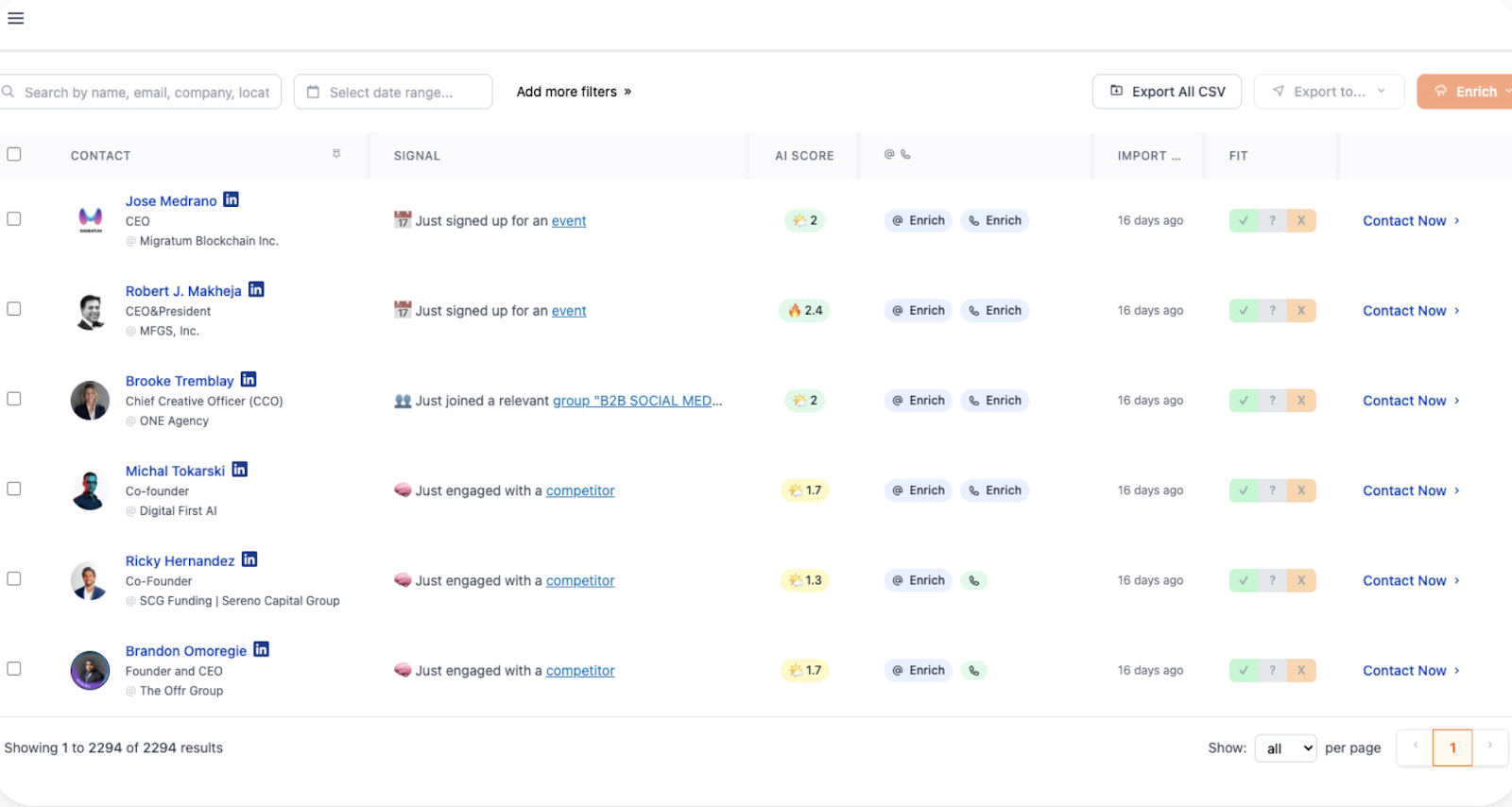
Gojiberry’s analytics stay close to its core use case: LinkedIn-led outreach. The platform is optimized to show you which signals and campaigns generated responses, and how your outreach is performing week over week.
Key analytics capabilities include:
- Campaign Performance Metrics
- Reply rates broken down by campaign (e.g., Campaign A: 18%, Campaign B: 27%).
- Weekly counts of leads generated and replies received.
- Signal-Level Insights
- See which LinkedIn triggers (competitor engagement, new funding, new roles, etc.) yielded the most conversations.
- Spot top-performing signals like “Engaged with your competitors” or “Recently raised funds.”
- Basic CRM/Slack Integration Reporting
- Track which signals or campaigns convert into meetings.
- Push lead data into CRM tools for follow-up.
- Real-Time Alerts
- Notifications in Slack when new warm leads are uncovered, with basic context about the signal.
In other words, Gojiberry tells you:
- “This signal is working.”
- “This campaign got replies.”
- “Here are the warm leads to follow up with.”
But what it doesn’t do is tie those interactions to broader GTM outcomes. You won’t see multi-touch attribution, funnel progression, or which channels (beyond LinkedIn) contribute to revenue.
Factors.ai vs Gojiberry: Verdict on Analytics & Attribution
Gojiberry does its job well: it shows you which LinkedIn signals get the most replies, which campaigns are working, and when new warm leads appear. That’s useful for small teams focused on direct outbound outreach.
But if you’re a GTM team looking to justify spend, optimize campaigns, and scale pipeline predictably, Factors.ai is in another league. It gives you the ability to prove which touchpoints created revenue, not just which messages got replies.
In short:
- Gojiberry = outreach analytics.
- Factors.ai = revenue analytics.
Factors.ai vs Gojiberry: Ad Activation and Retargeting
Intent signals are only half the battle. The real question is: how quickly and effectively can your team act on those signals? That’s where the differences between Factors.ai and Gojiberry become clearest.
Factors.ai vs Gojiberry: Ad Activation and Retargeting Comparison Table
| Feature | Factors.ai | Gojiberry |
|---|---|---|
| LinkedIn Ads Integration | ✅ Native sync + buyer-stage targeting | ❌ Outreach only |
| Google Ads Integration | ✅ Retargeting + Google CAPI feedback | ❌ |
| Dynamic Audience Updates | ✅ Real-time, multi-signal | ❌ |
| Conversion Feedback Loops | ✅ From SDR inputs to ad platforms | ❌ |
| Impression Control | ✅ Budget pacing by account | ❌ |
| Retargeting Based on G2/Product Signals | ✅ Included | ❌ |
| Outreach Automation | ✅ Via AI agents & integrations | ✅ LinkedIn-native |
Factors.ai Ad Activation and Retargeting
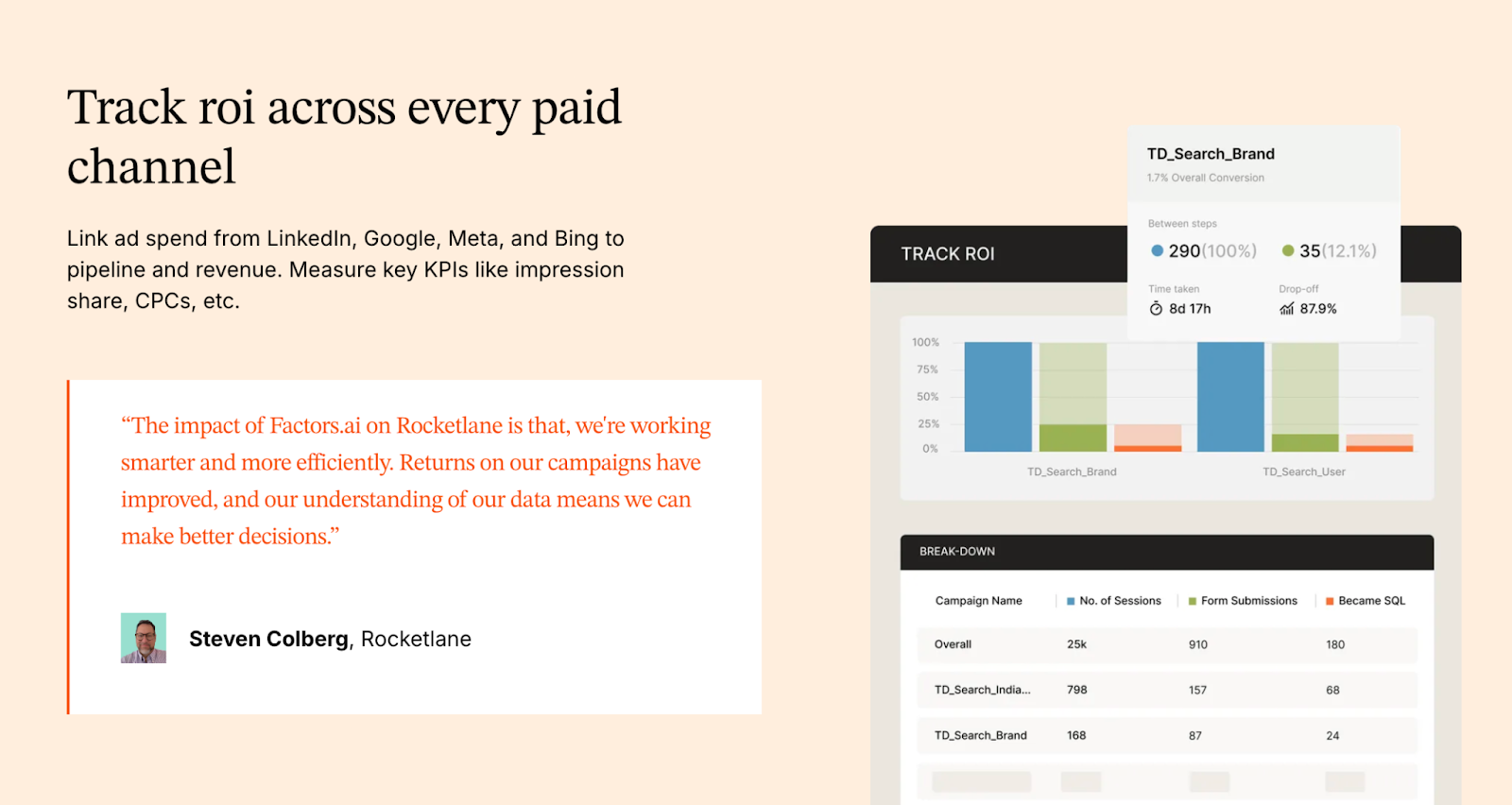
Factors.ai, on the other hand, treats ad activation as a core GTM motion. The platform is an official partner for LinkedIn and Google, which means it doesn’t just tell you who’s ready to buy, it helps you reach them instantly with the right ads.
Key ad activation capabilities include:
- Real-Time LinkedIn Audience Syncs
- Automatically build and refresh audiences based on ICP fit, funnel stage, or recent engagement.
- Keep ad campaigns aligned with buying signals, no more manual CSV uploads.
- Google Ads Integration
- Retarget accounts who’ve clicked high-value terms, visited competitor pages, or engaged with your site.
- Feed conversion data back to Google via CAPI, making every ad impression smarter.
- Conversion Feedback Loops
- If your SDRs mark a lead as high-quality, Factors sends that feedback into LinkedIn and Google Ads.
- This ensures platforms optimize toward the accounts most likely to convert.
- Impression & Budget Control
- Control ad frequency at the account level.
- Avoid overserving a handful of accounts while starving others.
- Cross-Signal Retargeting
- Retarget not just website visitors, but also accounts showing intent via G2, product usage, or CRM activity.
This creates a closed-loop system: intent signals → dynamic audiences → optimized ads → enriched pipeline.
Gojiberry Ad Activation

Gojiberry is designed around LinkedIn outreach automation, not paid media orchestration. Its activation layer is focused on:
- AI-Powered LinkedIn Messaging
- Automatically sends personalized LinkedIn messages to warm leads.
- Templates can be customized, but the workflow is largely centered around direct outreach.
- Slack Notifications
- When new warm leads are discovered, teams get real-time alerts in Slack.
- This ensures SDRs can jump into outreach quickly.
- Basic Campaign Tracking
- Performance measured in reply rates and lead responses.
What Gojiberry does not provide:
- No integration with LinkedIn Ads or Google Ads for audience targeting.
- No dynamic audience syncs.
- No ability to retarget based on multi-source signals (website visits, CRM stage, G2 engagement).
- No feedback loops from sales activity back into ad platforms.
In short, Gojiberry’s “activation” is outreach-only. It’s effective for teams running heavy outbound on LinkedIn, but it doesn’t extend into paid media channels.
Factors.ai vs Gojiberry: Onboarding and Support
A tool is only as effective as your team’s ability to use it. Onboarding and ongoing support are what determine whether software turns into real pipeline impact or just another unused subscription.
Here again, Factors.ai and Gojiberry take very different approaches.
Factors.ai vs Gojiberry: Onboarding and Support Comparison Table
| Area | Factors.ai | Gojiberry |
|---|---|---|
| Onboarding Type | White-glove, ICP-specific GTM design | Quick setup, LinkedIn + Slack integration |
| Dedicated CSM | ✅ Included in all plans | ✅ Elite plan only |
| Slack Channel | ✅ Always-on collaboration | ✅ Alerts only |
| Weekly Reviews | ✅ Included | ❌ |
| GTM Playbook Setup | ✅ Via GTM Engineering Services | ❌ |
| Workflow Automation | ✅ SDR alerts, enrichment, ad syncs | ❌ |
| RevOps Consultation | ✅ Included in GTM services | ❌ |
| SLA Guarantee | ❌ | ✅ Elite plan only |
Factors.ai Onboarding and Support
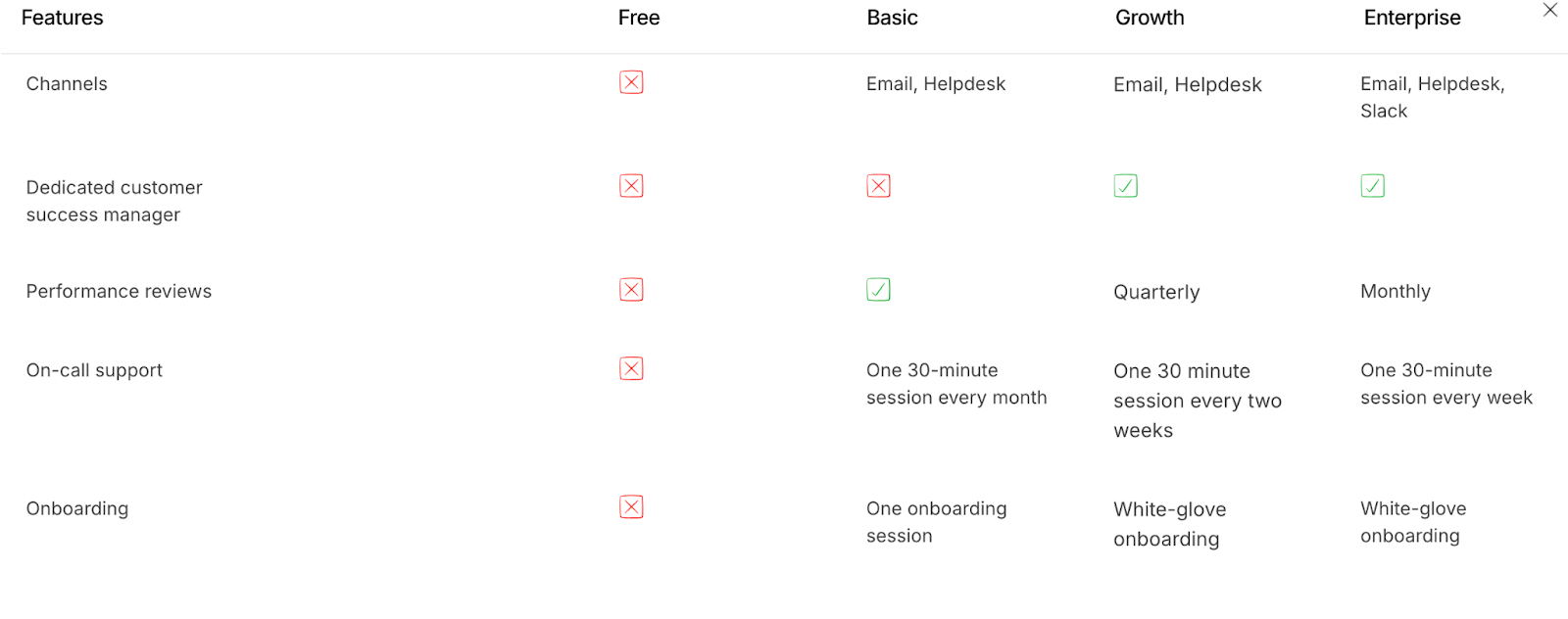
Factors.ai takes a very different approach. Instead of a plug-and-play install, the onboarding is positioned as a partnership to build your GTM motion (can vary based on plans).
Here’s what you get:
- White-Glove Onboarding
- Setup is tailored to your ICP, funnel stages, and sales/marketing workflows.
- No cookie-cutter playbooks; the onboarding aligns Factors to your GTM strategy.
- Dedicated Slack Channel
- Customers get a direct line to their CSM and solutions engineers via Slack.
- This means real-time troubleshooting and collaboration, not waiting for tickets to be resolved.
- Weekly Strategy Reviews
- Regular syncs to review adoption, optimize workflows, and align analytics with business outcomes.
- Goes beyond product training, it’s about pipeline generation strategy.
- GTM Engineering Services (Optional)
- For teams short on RevOps bandwidth, Factors offers services at $4,000 setup + $300/month.
- Includes:
- Automated enrichment flows.
- Ad audience syncs for LinkedIn & Google.
- Real-time SDR alerts (e.g., demo revisits, form drop-offs).
- Closed-lost reactivation workflows.
- Buying group mapping and multi-threading setups.
- Full documentation and handover so your internal team can eventually run independently.
The result is a support model that’s not just about getting the tool working, but about operationalizing a revenue system.
Gojiberry Onboarding and Support
Gojiberry is designed to get you up and running quickly, with minimal friction. The onboarding process is straightforward:
- Simple Account Setup
- Create an account in seconds, connect your LinkedIn profile, and start tracking signals.
- Create an account in seconds, connect your LinkedIn profile, and start tracking signals.
- Quick Activation
- Pick the intent signals you want AI agents to monitor (e.g., funding rounds, new roles, competitor engagement).
- Launch your first LinkedIn outreach campaigns almost immediately.
- Slack Alerts for Warm Leads
- Once configured, your team gets daily Slack notifications with newly discovered warm leads.
In terms of support, Gojiberry provides:
- CRM & API integrations with tools like HubSpot and Pipedrive.
- Email and support documentation for basic setup assistance.
- A dedicated Customer Success Manager (CSM) available only on the Elite plan, along with SLA guarantees for larger customers.
The trade-off? While Gojiberry is fast to set up, the support is primarily tactical. It helps you connect the tool and interpret signal reports, but doesn’t go deep into GTM workflows, sales enablement, or long-term strategy.
Factors.ai vs Gojiberry: Verdict on Onboarding and Support
If you want to start sending LinkedIn messages tomorrow, Gojiberry makes onboarding effortless. Within minutes, you can be tracking signals and automating outreach. For small teams or outbound-heavy founders, this speed is a real advantage.
But if your team needs end-to-end GTM orchestration, Factors.ai is the safer bet. Its onboarding is not just about installing software, it’s about building a sustainable motion. With Slack collaboration, weekly strategy calls, and optional GTM engineering, Factors.ai acts less like a vendor and more like an extension of your GTM team.
In short:
- Gojiberry = fast, tactical onboarding.
- Factors.ai = strategic, long-term GTM partnership.
Factors.ai vs Gojiberry: Compliance and Security
For modern B2B SaaS companies, compliance is not optional. If you’re selling into mid-market or enterprise accounts, your buyers’ procurement teams will scrutinize your data policies, certifications, and security practices before signing a deal.
This is an area where the differences between Factors.ai and Gojiberry become especially clear.
Factors.ai vs Gojiberry: Compliance and Security Comparison Table
| Compliance Area | Factors.ai | Gojiberry |
|---|---|---|
| GDPR Compliant | ✅ | ✅ |
| CCPA Compliant | ✅ | ✅ |
| ISO 27001 Certified | ✅ | ❌ |
| SOC 2 Type II | ✅ | ❌ |
| Privacy-First Enrichment | ✅ Documented practices | ❌ Not much light on it |
| Signed DPA | ✅ Available | ❌ Not available |
Factors.ai Compliance and Security

Factors.ai, by contrast, positions security as a foundational pillar of the platform. For GTM teams selling into enterprise accounts, this assurance is crucial.
Key compliance highlights:
- GDPR & CCPA Compliant
- Ensures compliance with both EU and US data privacy standards.
- Ensures compliance with both EU and US data privacy standards.
- ISO 27001 Certified
- Globally recognized standard for information security management.
- Globally recognized standard for information security management.
- SOC 2 Type II Certified
- Validates the platform’s security, availability, and confidentiality practices via third-party audit.
- Validates the platform’s security, availability, and confidentiality practices via third-party audit.
- Privacy-First Enrichment
- Uses firmographic and behavioral data without invasive user fingerprinting or non-transparent enrichment methods.
- Uses firmographic and behavioral data without invasive user fingerprinting or non-transparent enrichment methods.
- Data Processing Agreements (DPAs)
- Available for customers who require legal documentation for data handling.
This makes Factors.ai not just safe for enterprise buyers, but also procurement-ready. Security reviews that might delay smaller tools often get cleared faster when certifications like SOC 2 and ISO 27001 are already in place.
Gojiberry Compliance and Security
Gojiberry’s website highlights product capabilities, pricing, and integrations, but there’s very little publicly available information about its compliance framework or certifications. Based on what’s shared:
- GDPR and CCPA Alignment
- Gojiberry states alignment with GDPR, ensuring basic data privacy for European users.
- It also mentions compliance with the CCPA, which gives California residents rights over their personal data.
- No Published Certifications
- Gojiberry provides some visibility into data enrichment methods (public sources and third-party services) and outlines security controls (encryption, firewalls, anomaly detection).
- However, it does not disclose storage locations or list industry certifications like SOC 2 or ISO 27001.
- Data Handling Transparency
- Limited visibility into how lead data is enriched or how AI agents process intent signals.
- No publicly available DPA (Data Processing Agreement).
Implication: For smaller startups or early-stage sales teams, this may not be a deal-breaker. But for regulated industries (finance, healthcare, enterprise SaaS), the lack of certifications could raise red flags in security reviews and slow down procurement cycles.
Factors.ai vs Gojiberry: Verdict on Compliance and Security
Gojiberry covers the basics for GDPR compliance, which may be sufficient for smaller startups or founder-led teams experimenting with LinkedIn outreach. But it lacks the certifications and transparency required by enterprise buyers.
Factors.ai, on the other hand, checks every compliance box, from GDPR and CCPA to SOC 2 Type II and ISO 27001. For GTM teams targeting mid-market or enterprise customers, this level of security isn’t just a nice-to-have; it’s table stakes.
In short:
- Gojiberry = startup-friendly, minimal compliance.
- Factors.ai = enterprise-grade security, procurement-ready.
Factors.ai vs Gojiberry: When to choose what?
Both Factors.ai and Gojiberry are AI-powered GTM tools designed to make revenue teams faster, smarter, and more effective. But while they may appear to solve the same problem at a glance, the reality is that they’re optimized for very different GTM motions.
When to Choose What
| If You Want To… | Choose |
|---|---|
| Identify warm leads from LinkedIn signals | Gojiberry |
| Automate LinkedIn outreach with AI messages | Gojiberry |
| Run fast, affordable outbound as a startup | Gojiberry |
| Capture multi-source intent (web, ads, CRM, product, G2) | Factors.ai |
| Attribute pipeline to specific campaigns and channels | Factors.ai |
| Sync audiences directly into LinkedIn & Google Ads | Factors.ai |
| Detect drop-offs and optimize the funnel | Factors.ai |
| Build a secure, enterprise-ready GTM motion | Factors.ai |
| Outsource RevOps setup and workflow automation | Factors.ai |
When Factors.ai Makes Sense
Factors.ai is a better fit if your GTM team is:
- Multi-channel and scaling: You need intent signals from multiple sources (website, ads, CRM, product usage, G2) stitched into one view.
- Focused on revenue, not just replies: You want to connect signals and campaigns directly to pipeline and closed-won deals.
- Running paid media: With LinkedIn and Google Ads integrations, you can activate dynamic audiences in real time and optimize spend.
- Enterprise or mid-market facing: Security certifications (SOC 2, ISO 27001, GDPR, CCPA) make procurement frictionless.
- Resource-constrained on RevOps: With GTM Engineering Services, you can outsource playbook design, workflow automation, and analytics setup.
For scaling GTM teams, Factors.ai is more than just a tool. It’s a GTM operating system, one that identifies, scores, activates, and attributes accounts across the funnel.
When Gojiberry Makes Sense
Gojiberry is a great fit if your team is:
- Small and outbound-heavy: Founders, SDRs, and lean sales teams looking to maximize LinkedIn prospecting.
- Focused on LinkedIn-led workflows: If most of your GTM strategy relies on LinkedIn signals like role changes, funding announcements, and competitor engagement.
- Looking for affordability: At $99/seat/month, Gojiberry makes AI-driven warm lead discovery accessible without a heavy investment.
- Needing quick setup: You can be up and running with LinkedIn outreach campaigns within a day.
For these teams, Gojiberry is an efficient outreach assistant; it finds warm LinkedIn leads and automates messages to help book meetings faster.
In a Nutshell
If you’re an early-stage founder or SDR team whose GTM strategy is almost entirely LinkedIn-driven, Gojiberry is a cost-effective way to find warm leads and automate outreach. It’s lightweight, affordable, and gets you moving fast.
But if you’re looking to scale pipeline predictably, with multi-channel orchestration, enterprise-grade security, and full-funnel analytics, Factors.ai is the clear choice. It doesn’t just help you find leads, it helps you build a connected GTM system that turns signals into revenue.
In short:
- Gojiberry = outreach assistant.
- Factors.ai = revenue engine.
FAQs for Factors vs Gojiberry
Q. What is the main difference between Factors.ai and Gojiberry?
The biggest difference is scope. Gojiberry is built for LinkedIn-led outbound and focuses on spotting warm signals and automating outreach quickly. Factors.ai is designed as a full-funnel GTM platform that unifies intent from your website, ads, CRM, product usage, and third-party sources, then helps you activate and measure that intent across the entire revenue journey.
Q. Is Gojiberry only useful for LinkedIn outreach?
Yes, and that’s intentional. Gojiberry is optimized for LinkedIn workflows, tracking role changes, funding updates, competitor engagement, and content interactions, then turning those signals into outreach. If LinkedIn is the core of your GTM strategy, Gojiberry fits naturally. It’s not built for paid ads, website intent, or multi-channel attribution.
Q. Can Factors.ai replace multiple GTM tools?
In many cases, yes. Factors.ai combines visitor identification, enrichment, account scoring, ad audience sync, attribution, and analytics into one platform. Teams often use it instead of stitching together separate tools for intent data, retargeting, enrichment, and attribution.
Q. Which platform is better for early-stage startups?
Gojiberry is often a better fit for early-stage or founder-led teams running outbound-heavy motions. It’s affordable, quick to set up, and helps teams start conversations fast without a complex RevOps setup. Factors.ai tends to make more sense once teams start scaling and need tighter alignment across sales, marketing, and analytics.
Q. Does Factors.ai support LinkedIn and Google Ads?
Yes. Factors.ai is an official partner for both LinkedIn and Google Ads. It allows real-time audience syncs, conversion feedback loops, and retargeting based on multi-source intent signals, not just website visits.
Q. Can Gojiberry run paid ad campaigns?
No. Gojiberry focuses on outreach automation, not paid media. It does not sync audiences to LinkedIn Ads or Google Ads and does not support retargeting or ad optimization workflows.
Q. How does attribution differ between Factors.ai and Gojiberry?
Gojiberry tracks outreach performance through replies, meetings, and campaign-level engagement. Factors.ai offers full multi-touch attribution, connecting interactions across web, ads, CRM, product, and third-party platforms to pipeline and revenue.
Q. Is Factors.ai suitable for enterprise and mid-market teams?
Yes. Factors.ai is designed for teams selling into mid-market and enterprise accounts. It supports complex GTM motions, multi-channel activation, and enterprise security requirements like SOC 2 Type II and ISO 27001.
Q. What kind of onboarding can I expect with each platform?
Gojiberry offers fast, lightweight onboarding so teams can start outreach quickly. Factors.ai provides white-glove onboarding, Slack-based collaboration, weekly strategy reviews, and optional GTM engineering services to help teams operationalize their GTM motion.
Q. Do both platforms support CRM integrations?
Yes. Both integrate with CRMs like HubSpot and Pipedrive. Factors.ai offers deeper native CRM sync, account scoring, and funnel-stage analytics, while Gojiberry focuses on pushing discovered leads and outreach activity into the CRM.
Q. Which platform should I choose if my GTM strategy evolves over time?
If you expect your GTM motion to stay LinkedIn-first and outbound-heavy, Gojiberry works well. If you expect to add paid media, inbound intent, product-led signals, or need stronger attribution and analytics as you scale, Factors.ai is built to grow with that complexity.

Factors.ai vs Fibbler: Which GTM Platform Aligns With Your Growth Motion?
See Factors.ai as a Fibbler alternative across GTM features, pricing, CRM integration, and analytics. Discover which platform best fits your sales and marketing goals.
TL;DR
- Factors.ai offers full-funnel GTM automation, including AI-based orchestration, multi-source intent signals, and real-time ad activation across LinkedIn and Google.
- Fibbler provides fast LinkedIn visibility with campaign-level attribution and CRM syncing, ideal for small teams focused on top-of-funnel clarity.
- Factors.ai excels at integration and analytics depth, connecting every buyer touchpoint, from web to revenue, with precision.
- Fibbler prioritizes simplicity and speed, making it a suitable choice for agile teams centered on LinkedIn-driven outreach.
If you’ve spent even one reporting cycle staring at LinkedIn Ads… wondering why your ‘high-intent audience’ is acting like they’re on a plane circling the Bermuda Triangle… congratulations, you’re officially a ‘modern’ marketer.
And you’ve probably seen Fibbler’s pink lion telling you that your gut won’t save you in the next reporting call. (He’s right, by the way. He’s loud, but he’s right.)
That’s where the showdown begins: Factors.ai vs Fibbler.
One platform (Factors.ai) gives you the full safari of your buyer journey… footprints, tracks, watering holes, everything.
The other (obviously, Fibbler) shows you exactly which companies are poking your LinkedIn ads… bold, fast, and surprisingly adorable for something named after fibbing.
In this blog, we’ll see what each tool actually does so you can decide whether you need full-funnel clarity… or a pink lion yelling “DO BETTER” at your dashboard.
Factors.ai vs Fibbler: Functionality & Features
When evaluating GTM platforms, the first question most teams ask is simple, what can this tool actually do for our pipeline?
On the surface, both tools aim to help marketing and sales teams identify intent, connect engagement to revenue, and accelerate conversion.
But the depth of functionality reveals how differently they execute that promise.
If you are looking to switch from Fibbler, you might be interested in reading Fibbler alternatives and competitors blog.
Factors.ai vs Fibbler: Feature Comparison
Factors.ai’s Features and Functionality
Factors.ai was designed to go beyond visibility and deliver activation.
It connects intent signals from multiple sources like website activity, ad engagement, CRM data, product usage, and third-party platforms like G2, to create a single, coherent view of the buyer journey.
Our AI Agents automate critical GTM functions such as account scoring, next-best-action recommendations, audience updates, and sales alerts. Instead of requiring separate tools for analytics, enrichment, and ad retargeting, Factors.ai consolidates them within one ecosystem.
Core capabilities include:
- Multi-source intent capture that merges website, CRM, and ad-platform signals.
- Account360 journeys that show every touchpoint in sequence.
- AI-driven orchestration to automate campaign and sales workflows.
- Dynamic ad activation across LinkedIn and Google, updated in real time.
- Real-time alerts for high-intent account engagement.
For GTM teams, this translates to more than visibility as it enables continuous motion from insight to execution.
Fibbler’s Features and Functionality
Fibbler focuses tightly on LinkedIn-based visibility.
Its core strength lies in showing which companies engage with your ads and organic posts, then linking those engagements to existing CRM accounts for pipeline tracking.
The platform offers native integrations with HubSpot and Salesforce, making it straightforward for marketing teams to push insights into sales workflows.
While its analytics reveal which campaigns drive awareness and responses, the scope remains limited to LinkedIn data. It doesn’t extend into multi-channel intent detection or automated campaign orchestration, which can restrict its role to top-of-funnel visibility rather than full-funnel execution.
Fibbler’s simplicity and quick setup make it appealing for lean teams or early-stage companies prioritizing LinkedIn outreach and ad-performance clarity.
Factors.ai vs Fibbler: Verdict on Features
Both tools enable GTM teams to connect engagement data with pipeline performance, but they differ in reach.
Factors.ai delivers an integrated, full-funnel experience including identifying, scoring, activating, and analyzing accounts across multiple data sources and channels. It’s built for organizations that want their intent insights to power coordinated marketing and sales action.
Fibbler provides fast, focused visibility into LinkedIn campaign impact. It’s best suited for teams whose GTM motion revolves primarily around LinkedIn ads and organic engagement, though it lacks multi-source depth and orchestration.
In short:
Factors.ai = Full-fledged ABM platform + LinkedIn Ads optimization (for mid-market companies)
Fibbler = LinkedIn visibility and attribution tool (for small / early stage teams)
If you want to compare LinkedIn-focused tools with full-stack platforms, this RollWorks alternatives roundup gives a good perspective on reach vs. intelligence.
Factors.ai vs Fibbler: Pricing
Pricing is often one of the first factors GTM teams consider when evaluating tools, but it’s also one of the easiest to misjudge.
A lower monthly rate doesn’t always equal higher value, especially if the platform’s capabilities are narrow or if you need to purchase additional tools to fill functional gaps.
Both platforms take different approaches to pricing, reflecting the scale of problems they’re designed to solve.
Factors.ai vs Fibbler: Pricing Comparison
Factors.ai’s Pricing
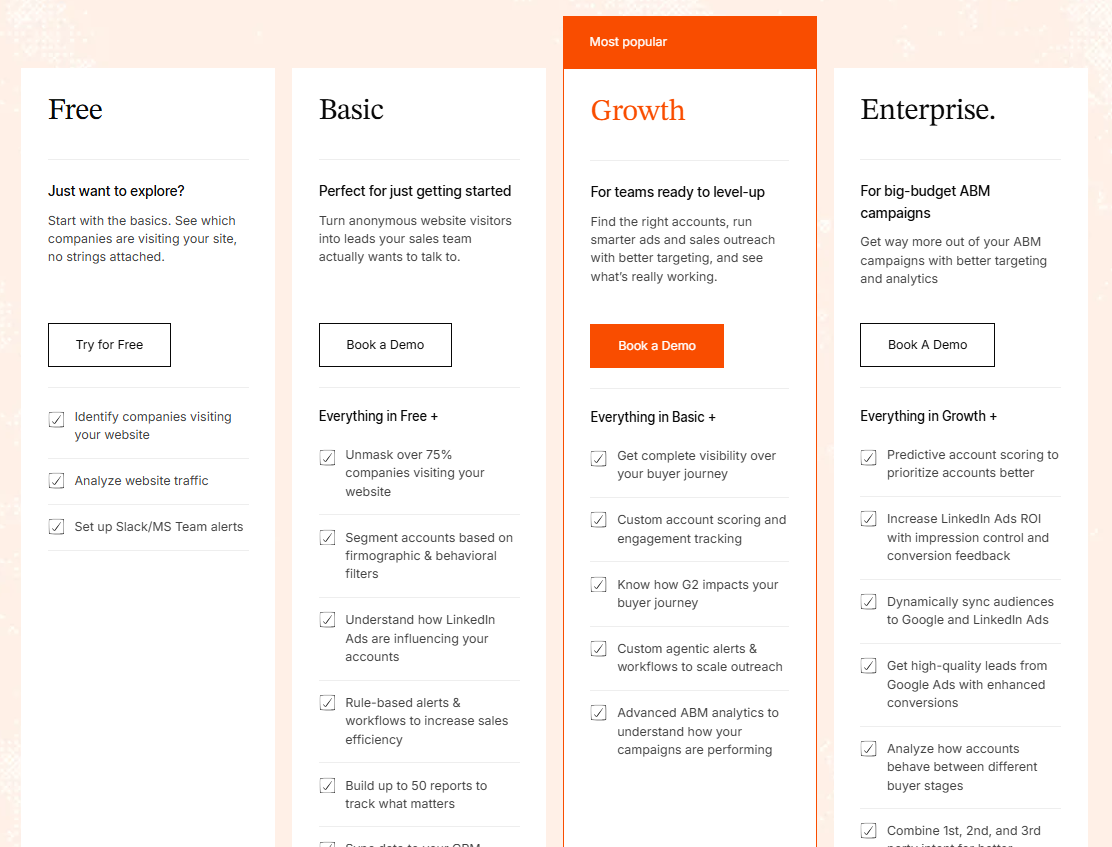
Factors’ Pricing scales with how much of your GTM motion you want Factors.ai to automate and connect, not how many people log in.
Each tier unlocks progressively more automation, integrations, and analytics, turning the platform into a consolidated GTM ecosystem rather than a standalone point tool.
Key inclusions across tiers:
- Visitor identification powered by waterfall enrichment (Clearbit, 6sense, Demandbase, etc.)
- Contact enrichment through integrations with Apollo, ZoomInfo, and Clay
- CRM synchronization and intelligent account scoring
- Native ad activation with LinkedIn and Google Ads
- Full-funnel analytics mapping every interaction to revenue outcomes
For teams with limited RevOps bandwidth, GTM Engineering Services deliver additional value:
- Custom ICP modeling and GTM playbook setup
- Automated enrichment and alert workflows
- SDR enablement and buying-group mapping
- Ongoing workflow optimization and documentation
The higher entry point reflects Factors.ai’s role as a multi-function platform that replaces several tools, offering better long-term ROI for scaling GTM teams.
Fibbler’s Pricing
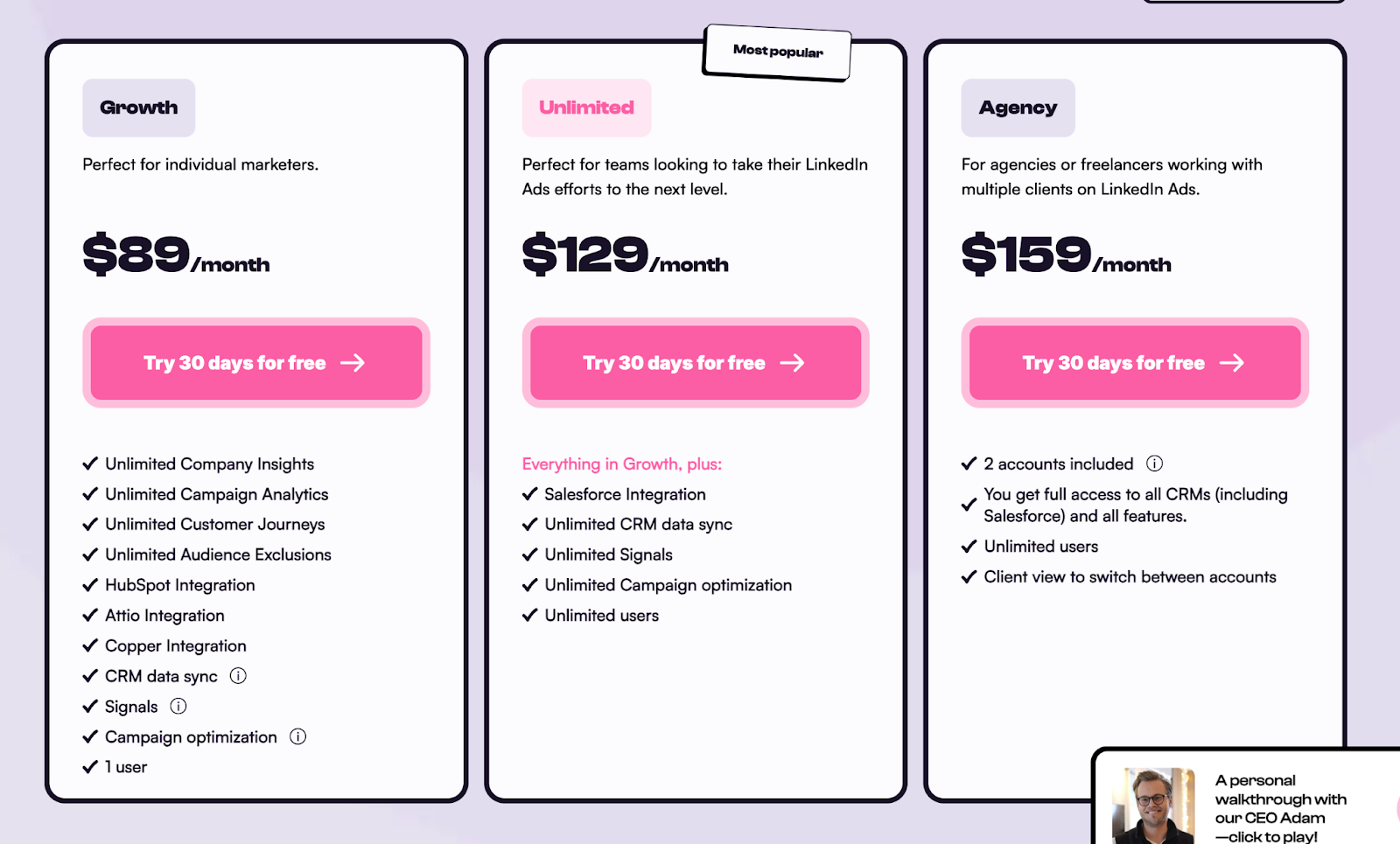
Fibbler takes a simpler, per-seat pricing model, built for straightforward predictability and accessibility.
It’s structured to help lean GTM teams and agencies adopt intent-led workflows quickly, without requiring extensive setup or multiple tiers.
Key pricing structure and inclusions:
- Growth Plan - $89/month: Designed for individual marketers and small teams who need to track LinkedIn ad and organic engagement.
- Unlimited Plan - $129/month: Unlocks greater engagement tracking and data volume; supports multiple campaigns and integrations.
- Agency Plan - $159/month: Tailored for agencies managing multiple clients, offering expanded limits and additional flexibility.
Additional highlights:
- Free trial available across plans for risk-free testing.
- Simple onboarding and quick setup without implementation costs.
- Email support for basic troubleshooting and assistance.
While Fibbler’s affordability is attractive, its feature scope remains focused on LinkedIn visibility and CRM mapping. For teams requiring multi-channel intent tracking or deeper analytics, additional tools may still be necessary.
Factors.ai vs Fibbler: Verdict on Pricing
Both platforms align their pricing with their intended audience.
Factors.ai is priced for teams seeking comprehensive GTM orchestration.
It consolidates multiple tools like enrichment, analytics, ads, and alerts, under one system. Though its entry cost is higher, the long-term efficiency and scalability deliver stronger ROI for teams operating across multiple channels.
Fibbler offers accessible, seat-based pricing suitable for smaller or LinkedIn-first teams.
Its simplicity makes it easy to adopt, though it may require supplementary tools as GTM motions expand beyond LinkedIn engagement.
In short:
Factors.ai = Broader value and long-term ROI through all-in-one GTM automation.
Fibbler = Affordable visibility tool for LinkedIn-led teams.
{{INLINE_BOFU}}
Factors.ai vs Fibbler: CRM Integration and Pipeline Mapping
A GTM platform’s real value often depends on how seamlessly it integrates with existing systems, especially the CRM.
It’s not enough to identify engaged accounts; teams need to map that data directly into their revenue processes, track progression through the funnel, and measure conversion outcomes.
Here’s how both platforms compare when it comes to CRM connectivity and pipeline visibility.
Factors.ai vs Fibbler: CRM Integration and Pipeline Mapping Comparison
Factors.ai’s CRM Integration and Pipeline Mapping
Factors.ai treats CRM integration as a foundational component of its platform.
Rather than functioning as a stand-alone analytics layer, it embeds itself into your existing marketing and sales stack to deliver unified pipeline visibility.
Key integration and pipeline capabilities include:
- Native integrations with HubSpot, Salesforce, and Marketo for bidirectional data sync.
- Account360 view, combining data from web visits, ad clicks, CRM stages, and product usage into one journey.
- Milestones analytics to visualize funnel progression from MQL to Closed Won.
- Multi-source enrichment (via Clearbit, 6sense, Demandbase) for deeper firmographic context.
- Automated CRM alerts that notify reps when an account crosses a key funnel threshold or exhibits buying intent.
The result is a system that connects marketing and sales insights in real time, transforming engagement signals into measurable revenue movement.
Fibbler’s CRM Integration and Pipeline Mapping
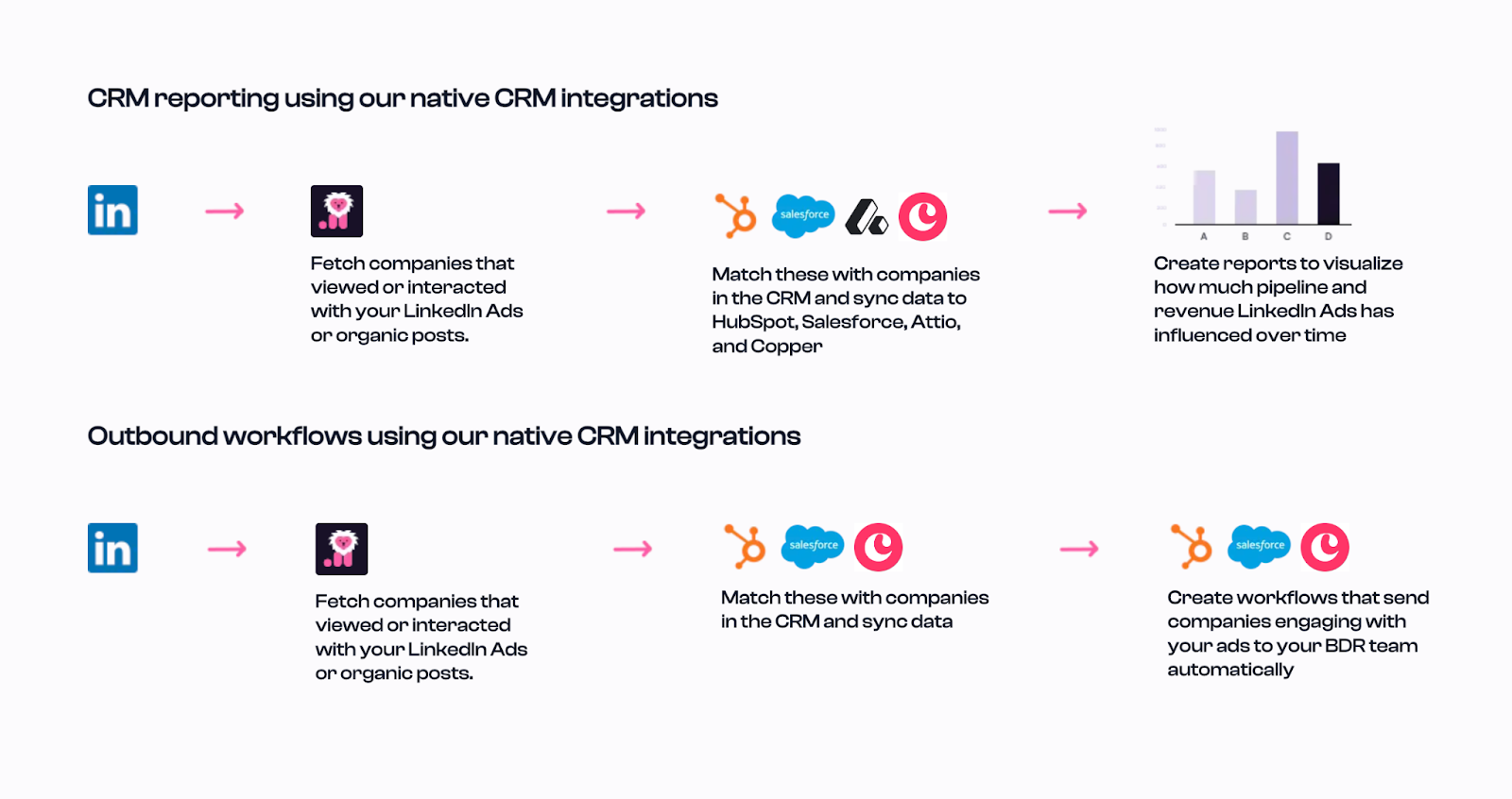
Fibbler provides straightforward CRM integration designed for teams focused primarily on LinkedIn campaign attribution.
It connects directly to HubSpot and Salesforce to sync account-level data, helping teams trace ad engagement back to pipeline.
Key CRM and mapping features include:
- Native integrations with major CRMs (HubSpot, Salesforce).
- Ad-to-pipeline mapping, enabling teams to see how LinkedIn engagements align with CRM opportunities.
- Zapier connectivity for syncing engagement data into other systems.
- Quick setup process, allowing teams to start visualizing LinkedIn performance within minutes.
- Attribution insights that clarify how ad spend influences lead creation and deal stages.
While the workflow is efficient for LinkedIn-driven GTM motions, Fibbler’s CRM integration is designed more for top-of-funnel visibility than for full-funnel journey analytics.
Factors.ai vs Fibbler: Verdict on CRM Integration and Pipeline Mapping
Both platforms bring CRM integration to the forefront, but the scope and depth of their execution differ significantly.
Factors.ai acts as an extension of your GTM ecosystem, merging signals from multiple sources and enriching them to provide a complete, revenue-linked picture. It sends data to the CRM but more importantly it contextualizes it, helping teams see exactly where each account stands in the funnel and what actions drive progression.
Fibbler, meanwhile, offers an efficient and fast way to connect LinkedIn engagement to pipeline outcomes. It’s practical for smaller teams looking to attribute ad performance but lacks the unified, multi-channel visibility and analytics depth that Factors.ai delivers.
In short:
Factors.ai = End-to-end CRM alignment and full-funnel visibility.
Fibbler = Streamlined LinkedIn-to-CRM attribution.
Planning a CRM rollout with account-level signals? This implementation piece on website visitor identification implementation guide shows how to get pixel and CRM data flowing together.
Factors.ai vs Fibbler: Intent, Signals and Ad Activation
Intent signals are the foundation of every effective GTM motion.
Recognizing when an account is demonstrating buying intent, and activating that signal through the right ad or outreach, can determine how efficiently your team converts awareness into revenue.
While both platforms help marketers identify engagement opportunities, their depth of intent detection and campaign activation capabilities differ considerably.
Factors.ai vs Fibbler: Intent Signals and Ad Activation Comparison
Factors.ai’s Intent, Signals and Ad Activation
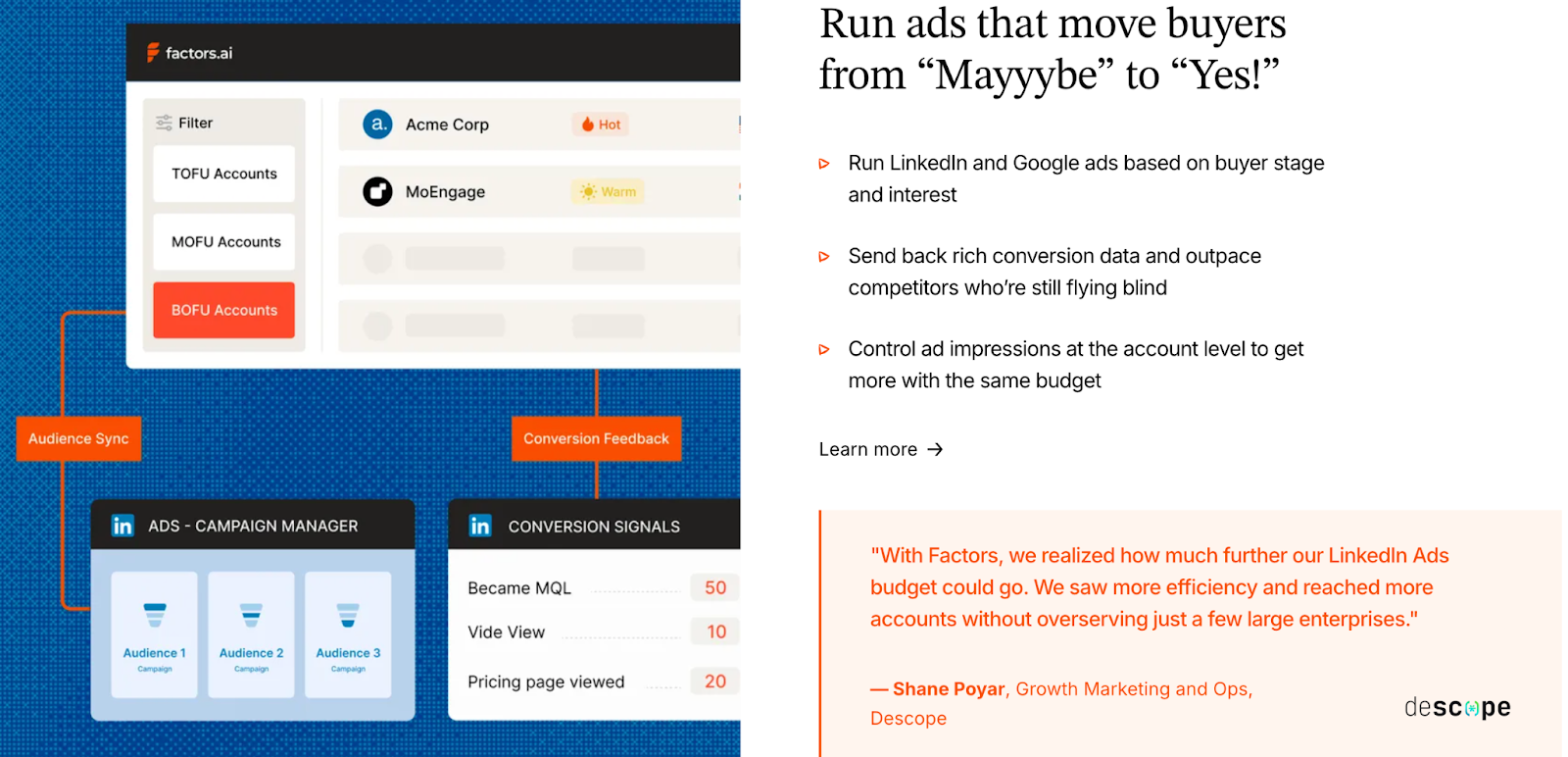
Factors.ai brings a sophisticated, multi-channel system for intent detection and ad activation. The platform captures signals from your website, CRM, product, and review platforms like G2, and aligns them under one intelligence layer powered by AI Agents.
Key capabilities include:
- Multi-source intent detection: Merges website visits, CRM activity, ad engagement, and third-party signals.
- AI-powered scoring: Prioritizes accounts based on engagement intensity and buying behavior.
- Buying-group identification: Detects multiple stakeholders involved in an account’s journey.
- Dynamic audience sync: Automatically updates ad audiences across LinkedIn and Google based on engagement and funnel progression.
- Conversion feedback loops: Feeds sales and CRM outcomes back to ad platforms to optimize performance.
LinkedIn AdPilot is a major differentiator. It helps marketers:
- Run intent-based, auto-updated ad campaigns that stay aligned with live buyer signals.
- Control impression pacing to avoid wasting budget on over-served accounts.
- Gain view-through attribution to track how LinkedIn Ads influence pipeline, not just clicks.
- Use conversion API (CAPI) to sync outcomes from CRM back into LinkedIn for smarter optimization.
Similarly, Google AdPilot brings the same intelligence to Google Ads, scaling campaigns with dynamic audience sync and enhanced conversion feedback.
Together, these tools transform Factors.ai from an analytics layer into an activation engine, ensuring every signal is acted upon in real time.
Fibbler’s Intent, Signals and Ad Activation
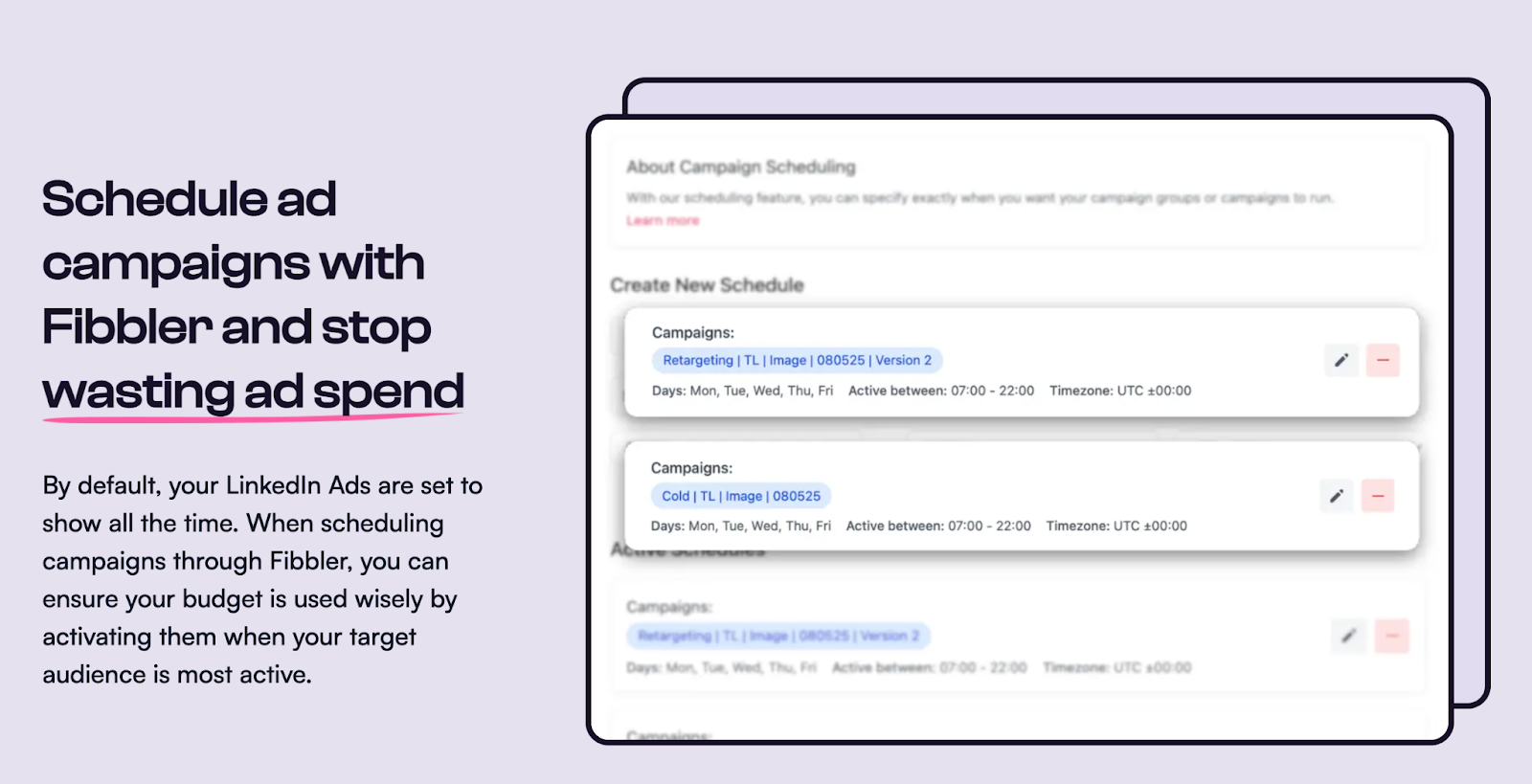
Fibbler takes a more channel-specific approach, concentrating on LinkedIn-driven intent and ad engagement.
It helps marketers monitor how companies interact with ads and organic content, translating that activity into actionable insights for sales and marketing.
Key capabilities include:
- LinkedIn signal tracking: Tracks ad impressions, clicks, and engagements at the company level.
- Ad performance reporting: Shows which campaigns drive the most engagement or responses.
- Campaign scheduling and impression control: Enables teams to manage ad delivery frequency for improved reach and pacing.
- CRM and Slack integrations: Pushes lists of engaged accounts directly to sales teams for timely outreach.
- Simple automation: Allows marketers to act on LinkedIn engagement quickly through integrated workflows.
While this approach offers visibility into campaign impact, it remains confined to LinkedIn’s environment.
Fibbler does not currently support cross-platform audience sync, conversion feedback loops, or intent-based ad automation like Factors.ai’s AdPilots provide.
Factors.ai vs Fibbler: Verdict on Intent, Signals & Ad Activation
Both platforms help teams leverage engagement data for smarter outreach, but the range of activation differs dramatically.
Factors.ai captures multi-source intent and immediately operationalizes it through LinkedIn AdPilot and Google AdPilot, ensuring every dollar spent on ads is optimized for real buying signals. Its AI-driven orchestration connects insights, actions, and outcomes within one continuous workflow.
Fibbler delivers valuable LinkedIn visibility and simplifies ad management for smaller teams focused on that channel. However, its lack of native ad orchestration tools like AdPilot limits its potential for multi-channel scaling.
In short:
Factors.ai = Intent-led, multi-channel ad activation with LinkedIn and Google AdPilot.
Fibbler = LinkedIn engagement visibility and basic ad management.
Factors.ai vs Fibbler: Analytics and Reporting
Understanding who’s engaging is one part of the GTM equation.
The real challenge is measuring which campaigns, channels, and touchpoints are actually driving pipeline and revenue.
Both platforms offer visibility into engagement, but their analytics depth and attribution frameworks cater to very different levels of GTM maturity.
Factors.ai vs Fibbler: Analytics and Reporting Comparison
Factors.ai’s Analytics and Reporting
Factors.ai was built as an analytics-first GTM platform, designed not just to track engagement, but to explain how engagement turns into revenue.
Its analytics engine unifies marketing, sales, and product data to deliver a clear, measurable view of what drives business outcomes.
Key analytics and attribution capabilities include:
- Multi-touch attribution: Connects every touchpoint, from first click to closed deal, across channels like web, ads, CRM, and G2.
- Funnel milestone analytics: Visualizes conversion at each stage (MQL → SQL → Opportunity → Closed Won).
- Account360 customer journeys: Displays unified timelines of all account activities and touchpoints.
- Custom dashboards: Allow teams to slice performance by geography, persona, or campaign type.
- AI-powered insights: Factors’ AI Agents can summarize data, surface anomalies, and answer performance queries through natural language.
Additionally, the LinkedIn AdPilot and Google AdPilot layers enrich analytics with campaign-level precision:
- AdPilot attribution: Measures the true impact of impressions, clicks, and view-through engagements on pipeline and revenue.
- Cross-channel benchmarking: Compares LinkedIn and Google Ads performance within the same reporting framework.
- Conversion optimization: Feeds CRM and SDR outcomes back into ad platforms for smarter targeting and budget allocation.
With these capabilities, Factors.ai transforms data visibility into data intelligence, helping GTM teams prove ROI, not just track activity.
Fibbler’s Analytics and Reporting
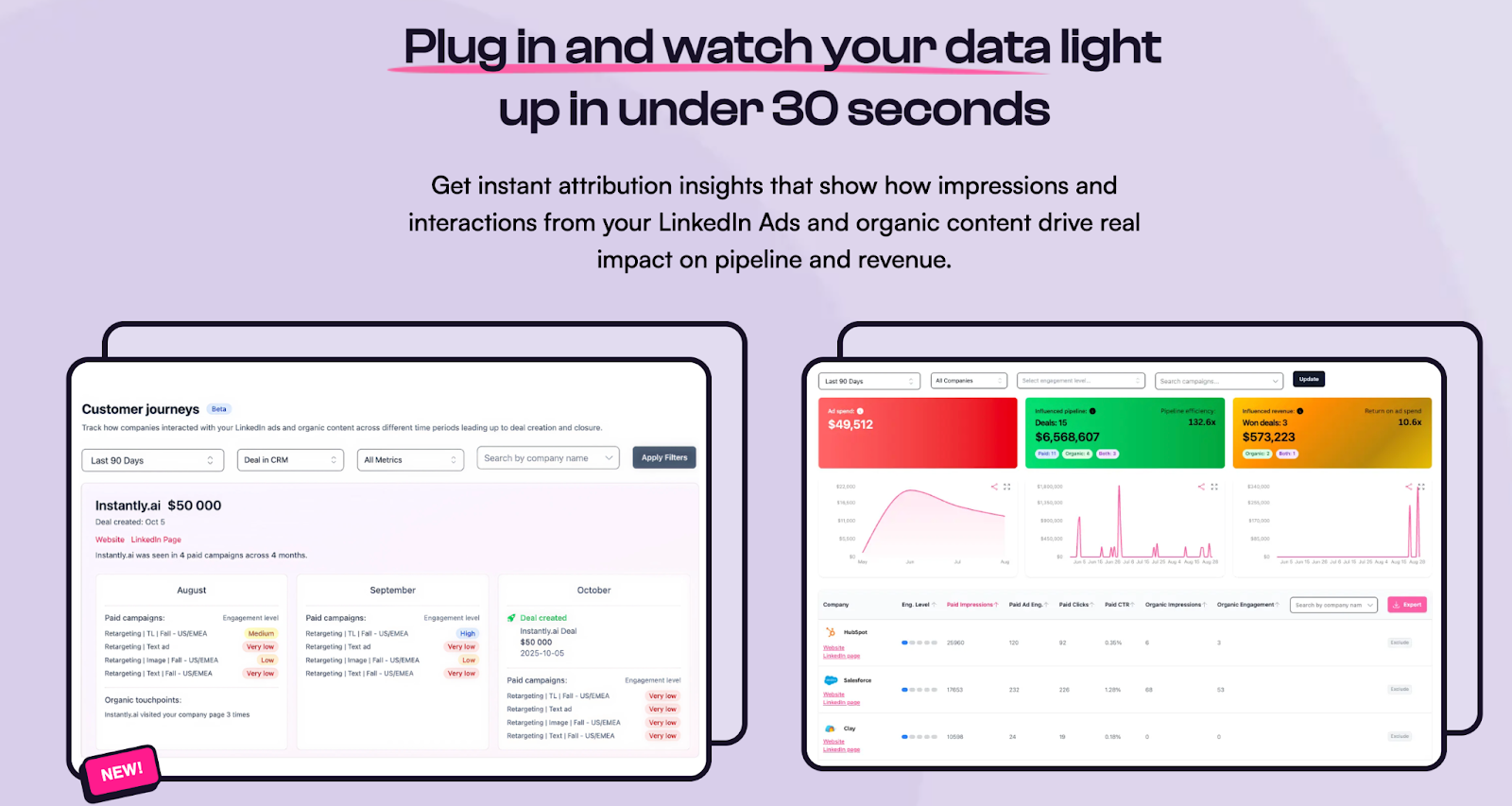
Fibbler provides campaign-focused analytics centered on LinkedIn engagement.
Its reporting features are designed for marketers who want to understand which LinkedIn campaigns generate the most traction and how those engagements translate into CRM opportunities.
Key analytics features include:
- LinkedIn performance dashboards: Show impressions, clicks, and engagement rates by campaign.
- Engagement-to-pipeline visibility: Maps ad interactions to CRM records, offering clear attribution for LinkedIn-driven deals.
- Company-level activity tracking: Displays engagement history for each company identified in LinkedIn campaigns.
- Basic CRM reporting: Connects engagement metrics to lead and deal creation.
- Slack notifications: Alerts teams when new warm companies engage with ads or posts.
While these insights help marketers evaluate campaign performance, they’re limited to the LinkedIn environment.
Fibbler’s analytics don’t extend into cross-channel attribution or multi-touch analysis, which means it offers visibility rather than comprehensive performance measurement.
Factors.ai vs Fibbler: Verdict on Analytics & Reporting
Both platforms bring analytics to the GTM process but differ in purpose and depth.
Factors.ai functions as a complete attribution and analytics platform by connecting every stage of the funnel, every campaign, and every signal to measurable pipeline impact.
Its AdPilot integrations make LinkedIn and Google Ads not just visible, but quantifiable, allowing teams to optimize spend and justify ROI with confidence.
Fibbler, in comparison, focuses on channel-specific performance insights, providing clarity on how LinkedIn Ads influence engagement and leads.
For teams that operate primarily within LinkedIn, this visibility is valuable, but for multi-channel orchestration and revenue attribution, Factors.ai stands apart.
In short:
Factors.ai = Full-funnel attribution and AI-driven analytics across all GTM channels.
Fibbler = Focused LinkedIn engagement and attribution reporting.
If attribution and funnel clarity are top of mind, start with types of attribution models as it’s a short, practical explainer for choosing the right model.
Factors.ai vs Fibbler: Onboarding and Support
The effectiveness of any GTM platform depends not only on its features but also on how easily teams can start using it.
Onboarding and support often decide whether a product becomes part of the team’s daily process or stays unused after purchase.
Both platforms are designed to make setup simple, but they differ in how they help customers learn, implement, and grow.
Factors.ai vs Fibbler: Support & Onboarding Comparison
Factors.ai’s Onboarding and Support
Factors.ai provides a structured and collaborative onboarding experience.
Each new customer is guided through setup based on their ICP, funnel stages, and goals. The onboarding process is handled by a dedicated team that helps connect integrations, build reports, and configure alerts.
Key elements of its support approach include:
- White-glove onboarding aligned with the customer’s GTM structure.
- Dedicated Customer Success Manager (CSM) who supports setup, training, and ongoing adoption.
- Slack channel access for direct and real-time communication with the support team.
- Regular review calls to assess platform usage and identify optimization opportunities.
- GTM Engineering Services for customers who prefer help with automation, workflow setup, and enrichment.
- Comprehensive documentation and training to help teams become independent after onboarding.
This combination of proactive communication, hands-on implementation, and structured follow-up ensures customers can adapt the platform quickly and use it effectively across their GTM stack.
Fibbler’s Onboarding and Support
Fibbler follows a more streamlined and independent onboarding model.
Its setup is simple and designed for teams that want to start using the platform with minimal assistance. The process involves connecting LinkedIn and CRM accounts, after which data begins syncing automatically.
Support is offered primarily through documentation and email communication. The goal is to make it easy for small teams or early-stage companies to go live without waiting for scheduled implementation.
Key support features include:
- Quick setup with guided steps for integration.
- Email-based support for technical or setup-related queries.
- Help documentation that outlines how to connect tools and interpret engagement data.
- Free trial access to explore features before committing.
- Minimal learning curve that enables new users to become productive quickly.
Fibbler’s model focuses on speed and accessibility, which works well for smaller teams that prefer independence and don’t require structured onboarding or consultation.
Factors.ai vs Fibbler: Verdict on Onboarding and Support
Both platforms simplify the process of getting started, but their support depth reflects the kind of users they serve.
Factors.ai offers a guided onboarding experience built for growing GTM teams that value detailed setup, strategy alignment, and ongoing partnership. Its dedicated success managers, regular reviews, and optional GTM Engineering Services make it suitable for companies that view onboarding as part of their long-term revenue strategy.
Fibbler prioritizes quick activation and ease of use. It works well for teams that prefer self-service and need minimal assistance, especially those focused on LinkedIn engagement and straightforward integration.
In short:
Factors.ai = Structured onboarding with dedicated support for scalable GTM teams.
Fibbler = Quick, self-serve setup for smaller, agile teams.
Factors.ai vs Fibbler: Compliance & Security
When it comes to GTM and analytics platforms, data security and compliance are non-negotiable.
Customers need to trust that their information, especially CRM and engagement data, is stored and handled safely.
Both Factors.ai and Fibbler take security seriously, but they differ in the scale, certification, and maturity of their compliance programs.
Factors.ai vs Fibbler: Compliance & Security Comparison
Factors.ai’s Compliance & Security
Factors.ai runs a comprehensive security and compliance framework designed for enterprise-level data protection.
The platform leverages Google Cloud’s secure infrastructure and adds its own organizational and application-level controls to safeguard data.
Key aspects of its security model include:
- SOC 2 Type II and ISO 27001 compliance through GCP infrastructure.
- AES-256 encryption for data at rest and TLS/HTTPS encryption for data in transit.
- Strict IAM-based access control with segregation of duties and multi-factor authentication.
- Regular security reviews and penetration assessments.
- Dedicated Data Protection Officer and formal incident response plan for any breach or anomaly.
- Disaster recovery and backup strategy across multiple US locations to maintain uptime and data durability.
- Employee confidentiality training and continuous monitoring of access logs.
Factors.ai also implements supplementary safeguards for international data transfers under EU Standard Contractual Clauses.
Its compliance maturity, infrastructure redundancy, and transparent documentation make it well-aligned with enterprise and regulated industries.
Fibbler’s Compliance & Security
Fibbler maintains a simpler, EU-based compliance structure aimed at transparency and user control.
Its infrastructure is hosted on Google Cloud and Fly.io within European regions, ensuring data never leaves the EEA.
Core elements of its security framework include:
- GDPR compliance with a completed Transfer Impact Assessment (TIA) for EU data processing.
- AES-256 encryption at rest and TLS encryption for data in transit.
- SOC 2 Type II and ISO 27001-certified infrastructure through Google Cloud and Fly.io.
- Strict access control with IP whitelisting, minimal permission access, and regular audits.
- Third-party audit by Aikido Security, validating infrastructure and code security.
- Internal incident response policy with daily backups and 24-hour recovery capability.
- Clear data-handling principles, ensuring no personal data is processed except account emails.
- GDPR-aligned DPA and NDA documents available for customers requiring vendor-vetting.
Fibbler’s security design emphasizes simplicity and transparency, making it suitable for smaller teams or European customers who prefer EU-only data residency and minimal data processing.
Factors.ai vs Fibbler: Compliance & Security
Both platforms demonstrate strong commitments to data protection, but they differ in scale and certification maturity.
Factors.ai follows a comprehensive, globally recognized security model. With SOC 2 Type II and ISO 27001 compliance, formal incident management, and advanced encryption standards, it provides the assurance larger organizations typically require. Its additional safeguards for EU-US transfers further reinforce its reliability for international operations.
Fibbler offers robust protection for its size, maintaining strict GDPR compliance and a transparent EU-based hosting structure. While it lacks formal SOC or ISO certification, its Aikido Security audit, encryption standards, and limited data processing practices make it a responsible and trustworthy choice for European customers.
In short:
Factors.ai = Enterprise-grade compliance (SOC 2, ISO 27001, GDPR) with global certifications and cross-region safeguards.
Fibbler = GDPR-aligned EU-based security framework built on transparency and control.
If data residency or privacy is a key decision factor, read website visitor identification privacy to understand compliant visitor tracking practices.
Factors.ai vs Fibbler: What to choose when?
Both platforms help GTM teams connect engagement data with pipeline outcomes, but they serve different audiences and levels of operational maturity.
The right choice depends on whether your team needs a specialized tool for LinkedIn visibility or a complete system for demand generation and revenue analytics.
Factors.ai vs Fibbler Comparison: When to choose what
Factors.ai vs Fibbler: The final verdict
Selecting the right go-to-market tool can determine how efficiently your marketing and sales teams translate engagement into pipeline momentum. This comparison between Factors.ai and Fibbler unpacks the essential differences across performance, pricing, integrations, and execution.
Factors.ai functions as a full-stack GTM system with AI-powered automation, cross-channel intent mapping, CRM integration, and predictive ad activation through LinkedIn and Google. Built for multi-team coordination, it helps organizations align signals, strategy, and spend into measurable outcomes, especially across complex buyer journeys.
Fibbler, by contrast, delivers focused visibility into LinkedIn engagement. It's fast to set up, easy to adopt, and helps lean teams understand which companies interact with their campaigns. However, it lacks deeper orchestration features and remains confined to single-channel insights.
Whether your team needs tactical clarity on LinkedIn or a complete GTM orchestration layer depends on your growth stage, campaign breadth, and analytics needs. This guide brings clarity so you can choose the tool that keeps your pipeline moving forward.
Side note: Think of Factors.ai as the GTM platform that quietly gets things done… and Fibbler as the pink lion who shows up, roars, and points at who clicked your ad.
In short:
Factors.ai = End-to-end GTM orchestration platform built for growth.
Fibbler = Lightweight, LinkedIn-focused visibility tool for smaller teams.
FAQs for Factors.ai vs Fibbler
1. What’s the real difference between Factors.ai and Fibbler?
Factors.ai is a full GTM platform that connects ads, web data, CRM, product signals, and intent sources, then activates them through AI-driven orchestration. Fibbler focuses on LinkedIn visibility, letting you see which companies interact with your ads and posts.
2. Who should choose Factors.ai?
Teams that need multi-channel intent, attribution, automated ad activation, and CRM alignment. If your GTM motion includes LinkedIn + Google + website + CRM signals, Factors.ai gives you the complete view.
3. Who should choose Fibbler?
Smaller or LinkedIn-first teams that mainly want quick visibility into which companies are engaging with their ads and posts.
4. Does Fibbler track anything outside LinkedIn?
No. Fibbler’s attribution, engagement data, and CRM mapping are limited to LinkedIn Ads and organic content.
5. Does Factors.ai automate ads?
Yes. LinkedIn AdPilot and Google AdPilot dynamically sync audiences, control impressions, send conversion signals back to ad platforms, and run intent-based campaigns automatically.
6. Which platform integrates better with CRMs?
Factors.ai, It supports HubSpot, Salesforce, Marketo, CDPs, MAPs, and more, with bi-directional syncing, Milestones reporting, and Account360. Fibbler integrates with HubSpot and Salesforce for LinkedIn-to-pipeline attribution.
7. Which platform is easier to set up?
Fibbler is plug-and-play. Factors.ai includes white-glove onboarding with a dedicated CSM, workflow design, and RevOps support.
8. Is Fibbler GDPR compliant?
Yes. Fibbler hosts all data within the EU and operates under GDPR standards.
9. Is Factors.ai enterprise-ready from a compliance standpoint?
Yes. Factors.ai aligns with SOC 2 Type II, ISO 27001 (via GCP), and GDPR, with advanced security controls suitable for larger organizations.
10. If I rely heavily on LinkedIn Ads, which tool is better?
If you want visibility only, choose Fibbler. If you want visibility plus activation, attribution, and automated audience syncs, choose Factors.ai
11. If my team wants deeper funnel analytics, which platform should we pick?
Factors.ai. It provides funnel milestones, multi-touch attribution, buying-group mapping, and full customer journeys.
12. Do both tools require additional setup or external tools?
Fibbler: No, very minimalFactors.ai: Setup is guided and includes custom workflows, but replaces multiple tools in your stack.
Factors.ai vs. Lead Forensics: Which Lead Generation Tool is Best for Your Business?
Compare Factors with Lead Forensics in visitor tracking, analytics, and pricing. Discover why Factors.ai is the better choice for B2B marketing insights.
TL;DR
- Both Factors and Lead Forensics are valuable tools for B2B marketing, but they cater to different aspects of the GTM strategy.
- While Lead Forensics is primarily focused on visitor identification and basic lead generation, Factors goes far beyond with a holistic approach, offering advanced analytics, intent signals, attribution tracking, and features that support the entire GTM team.
- Factors not only provides more accurate data but also integrates seamlessly with platforms like LinkedIn, G2, and more, delivering greater value through its broad functionality and flexible pricing.
- For businesses seeking a comprehensive, data-driven solution that empowers all functions of the GTM team, Factors is the superior choice, offering far more than just visitor identification.
When choosing the right lead generation and visitor tracking platform, businesses often compare popular tools like Lead Forensics and Factors.ai. Both platforms aim to help companies identify and track website visitors to convert them into leads, but their approaches differ significantly.
In this blog, we will compare Lead Forensics vs. Factors and highlight why Factors.ai stands out as the superior, more comprehensive alternative, and provide a detailed feature comparison to help you choose the best solution for your entire GTM team.
Compare: Lead Forensics vs. Factors
| Feature | Lead Forensics | Factors |
| Visitor Identification | Identifies companies visiting websites | Provides anonymized visitor insights |
| Behavioral Analytics | Basic visitor tracking | In-depth behavioral and journey analysis |
| Real-Time Alerts | Yes, with instant notifications on their website | Yes, based on visitor activity, users get notified on Slack and MS Teams |
| Data Privacy Compliance | Uses IP tracking, which may raise privacy concerns | Fully GDPR-compliant, anonymized data |
| AI-Powered Insights | No | Yes, with predictive analytics |
| Lead Scoring | Yes, based on visitor behavior | Yes, with AI-based scoring |
| CRM Integration | Yes, it integrates with major CRMs | Yes, it integrates with major CRMs |
| Scalability | Suitable for larger enterprises | Ideal for businesses of all sizes |
| Pricing | Variable costing based on website traffic | More flexible and affordable pricing. Has free, $399, $999, and custom plans. |
Overview of Lead Forensics

Lead Forensics is a widely used B2B lead generation platform that helps businesses identify anonymous website visitors and provides actionable insights. By tracking website visitors and associating them with company details, Lead Forensics allows businesses to reach out to potential customers more efficiently.
Key Features of Lead Forensics:

- Website Visitor Identification: Identifies companies visiting your website and provides detailed data, including company size and revenue.
- Real-Time Notifications: Sends instant alerts when a high-value prospect visits your site, enabling sales teams to act quickly.
- Detailed Analytics: Offers insights into visitor behavior, which helps sales and marketing teams tailor their outreach efforts.
- CRM Integration: Seamlessly integrates with popular CRMs like Salesforce to manage and track leads effectively.
- Lead Scoring: Allows businesses to rank leads based on the likelihood of conversion, prioritizing efforts for high-potential prospects.
{{INLINE_BOFU}}
Overview of Factors

Factors is a marketing analytics platform designed to help businesses understand customer behavior, generate qualified leads, and optimize their marketing strategies. Unlike Lead Forensics, which focuses mainly on visitor identification, Factors provides deeper insights into the entire customer journey by using behavioral analytics and machine learning.
Key Features of Factors:
- Sales Intelligence (SI): Delivers actionable insights by identifying high-intent prospects, enabling GTM teams to focus on the most promising leads.
- LinkedIn Ads Integration: Seamlessly integrates with LinkedIn Ads, allowing businesses to optimize their ABM campaigns and reach the right audience with precision targeting.
- Account-Based Marketing (ABM): Empowers GTM teams to execute highly effective ABM strategies by providing detailed account-level insights and engagement tracking.
- Web De-anonymization: Uncovers anonymous website visitors, giving marketing and sales teams the ability to identify and engage potential customers early in the buying journey.
- Scalability: Built to support your business as it grows, providing flexible, scalable solutions that cater to companies of all sizes.
Detailed Feature Comparison
1. Visitor Identification and Tracking
Lead Forensics excels at identifying companies behind website traffic by matching IP addresses to businesses. This feature is handy for B2B companies focused on targeting specific industries or companies. It allows businesses to know which companies are visiting their site but may raise privacy concerns as it uses IP-based tracking.
Factors, by contrast, focuses on behavioral analytics. It provides anonymized insights into user behavior across multiple touchpoints, enabling businesses to understand how customers engage with their websites, emails, or social media content. Factors' use of anonymized data complies with stringent privacy regulations like GDPR, making it more suitable for businesses that prioritize data protection.
2. Data Privacy and Compliance
Data privacy is increasingly becoming crucial when choosing a lead generation platform. Lead Forensics operates by identifying companies using IP addresses, which could raise issues in regions with strict data protection laws, such as Europe under GDPR.
In contrast, Factors focuses on privacy-conscious data collection. Using anonymized behavioral data ensures compliance with strict privacy regulations like GDPR and CCPA, making it a safer choice for businesses that operate globally or in heavily regulated industries.
3. Customization and Personalization
Lead Forensics allows customization, such as setting up lead scoring and CRM integration. Still, its core focus remains on identifying website visitors and providing data to sales teams for outreach.

On the other hand, Factors goes beyond visitor identification by offering AI-powered personalization. It enables businesses to customize their marketing strategies based on in-depth behavioral data, making Factors a better fit for companies looking to deliver personalized marketing experiences and improve engagement with potential customers.
4. Ease of Use and Implementation
While Lead Forensics is highly practical, its setup process can be more complex. Some users find it challenging to configure visitor tracking correctly, and the interface is often considered less intuitive.
Factors offers a more user-friendly experience with a simple interface and easy-to-implement features. It also provides excellent onboarding and support services, ensuring businesses can quickly get up and running without extensive technical expertise.
5. Pricing and Scalability
Both platforms offer custom pricing based on the specific needs of the business. However, Lead Forensics is generally considered more expensive, especially for smaller companies or startups, while Factors is regarded as a more affordable and scalable solution. Its flexible pricing structure makes it an attractive choice for companies of all sizes, from small startups to large enterprises.

Why Factors Is the Best Lead Forensics Alternative
While Lead Forensics has been a popular choice for B2B lead generation, Factors offers a more modern, scalable, and privacy-conscious solution that aligns with today’s businesses' needs.
Here are a few reasons why Factors stands out as the best alternative to Lead Forensics:
1. Account-Based Marketing
Unlike Lead Forensics, which primarily identifies website visitors, Factors offers in-depth insights tailored for Account-Based Marketing (ABM). It tracks the entire account journey across multiple touchpoints, enabling businesses to understand how key accounts engage with their brand, which content resonates with decision-makers, and where ABM strategies can be optimized. This holistic view empowers GTM teams to drive more targeted and personalized outreach.
2. Data Privacy and Compliance
Data privacy is critical in today’s regulatory landscape. Factors' focus on GDPR-compliant, anonymized data ensures that businesses can continue to gain valuable insights while complying with data protection laws. This makes Factors a safer and more sustainable choice for businesses operating in regions with stringent privacy regulations.
3. Account Scoring
One of Factors’ key differentiators is using AI and machine learning to provide predictive insights. This allows businesses to identify high-potential leads, forecast customer behavior, and optimize marketing strategies based on real-time data. Lead Forensics lacks this advanced AI-driven capability.
4. Cost-Effective and Scalable
Factorsi offers more flexibility for businesses looking for an affordable, scalable solution. While Lead Forensics can be prohibitively expensive for small and medium-sized businesses, Factorsi provides a pricing structure that scales as the business grows, making it a more accessible solution for companies of all sizes.
5. Customer-Centric Support
Factors has a reputation for providing excellent customer support, with dedicated success teams that help businesses get the most out of the platform. This ensures a smoother onboarding process and ongoing support, which Lead Forensics users have sometimes found lacking.
This comparison highlights the differences between Factors.ai and Lead Forensics. While Lead Forensics specializes in identifying website visitors, Factors.ai provides a comprehensive suite with behavioral analytics, AI-powered insights, and strong ABM capabilities. Factors.ai's holistic approach supports both marketing and sales teams, enabling better collaboration and more effective go-to-market strategies.
In a Nutshell
When comparing Lead Forensics and Factors, both platforms offer valuable lead generation and visitor tracking features. Lead Forensics is a robust tool for identifying website visitors, particularly for B2B companies focusing on outbound sales. However, it comes with potential privacy concerns and higher costs and lacks the advanced AI-driven insights offered by Factors.
Factors, on the other hand, provides a more comprehensive solution by focusing on behavioral analytics, AI-powered insights, and data privacy. Its scalable, cost-effective pricing structure and strong focus on compliance and personalized marketing make it the best alternative to Lead Forensics.
Ultimately, if you are looking for a lead generation tool that combines deep behavioral insights, AI-driven analytics, and a privacy-conscious approach, Factors is the superior choice for your business.
Factors.ai Vs. Google Analytics (GA4)
Factors and Google Analytics GA4 are two popular analytics tools. Read our detailed comparison to find out which one is the best for your business in 2022.

GA4: End Of The Road For Google Analytics?
Over the last decade, Google Analytics has dominated the marketing analytics space. This uncontested reign can be attributed to a couple of key reasons: One, GA is free. And two, GA maintains a monopoly over historical data for an enormous install base. While the former isn’t likely to change, the introduction of GA4 is set to crush 10+ years of backward compatible data for millions of websites — including yours.
By breaking history and forcing a migration from Universal Analytics to GA4, Google Analytics loses an important advantage. This, coupled with a host of issues around UI, functionality, and privacy has resulted in a dramatic turn in tides. If users are going to lose out on their historical data by next year anyway, there’s little incentive for them to stay — especially when the best Google Analytics alternatives are readily available.
“We will begin sunsetting Universal Analytics — the previous generation of GA — next year. All standard UA properties will stop processing hits new hits on July 1st, 2023” - GA Support
“GA4 feels like a huge step backwards. Tons of functionality in the previous version is missing or replaced with smart “insights” — which always goes wrong. A good time to move on to something better” - Hacker News
With this in mind, The following article compares Google Analytics (specifically, GA4) with Factors to demonstrate why, now more than ever, the latter is better suited for B2B marketing analytics, web analytics & CRO, multi-touch attribution, and more.
____________________________________________________________________________________________
Data Integration
To be of any value, B2B marketing analytics requires substantial data from a wide range of sources. This includes granular metrics across all your ad campaigns (Google, Bing, Facebook, Linkedin, Capterra, etc.), website, and CRM (HubSpot/Salesforce) events. Ideally, this body of information is unified under one platform to ensure normalized data and alignment across demand gen teams. So how does Factors compare with Google Analytics when it comes to data integration? Here’s the rundown:
Ad Campaign Metrics
Google Analytics can report basic traffic data from most commonly used social platforms — Google Ads, Facebook/Meta, Linkedin, etc. Integrating non-Google sources, however, is significantly more challenging on GA. It requires the construction of custom campaigns using URL builders (read: a time-consuming, laborious chore). Factors, on the other hand, deliver immediate no-code integrations.
The real issue with GA, however, is that it cannot pull metrics that matter from any source that isn’t Google Ads. Commonly tracked figures like impressions, engagement, click-through rates, etc cannot be reported, let alone linked with website or CRM data. This is a headache for users looking to consolidate all their marketing efforts under one roof. Factors solves for this by automatically pulling granular metrics across the board.

{{INLINE_BOFU}}
CRM Integration
This is another big point for Factors. Unlike GA, Factors provides robust integrations with HubSpot, Salesforce, and soon, Leadsquared. The implications of this are significant. Marketers will have the ability to connect the entire customer journey from first touch to deal won. In turn, marketers can determine exactly how their efforts across ad campaigns, web content, and offline events are contributing to larger business objectives like pipeline and revenue. This is simply not possible on Google Analytics as it does not integrate with any CRM whatsoever.

Third-party Integrations
Another reason Factors has the edge over Google Analytics is third-party integrations. Factors integrates with the likes of Clearbit Reveal (Deanonymization), Segment (CDP), Drift (Chatbot), and more to ensure an actionable web + marketing analytics experience. Again, this is impossible on Google analytics because GA4 does not integrate with third-party platforms. Consequently, this affects the quality of customer journey insights. Even with sophisticated manual analysis, the data derived from Google Analytics is likely to remain superficial at best. In later sections, we’ll explore the implications of this issue in detail.
___________________________________________________________________________________________
Implementation & Onboarding
So far, we’ve established that data integration (including third-party) makes more sense with Factors. Next, let’s examine how the two marketing analytics tools compare with regards to implementation and onboarding. For context, if you’re currently using Universal Analytics, you either have to upgrade to GA4 by next summer (June 2023) or find a GA alternative like Factors.
What does it take to upgrade to GA4?
12-steps. That’s right. It requires 12 steps before you can upgrade from Universal Analytics to GA4. What’s more? As previously mentioned, integrating with non-Google ad platforms needs elaborate orchestration with custom campaign URL/UTM builders. Additionally, GA4 requires users to manually tag each event they want to track. In short, this means significant labor effort, engineer dependency, and time-spent waiting for incomplete datasets.

What does it take to set-up Factors.ai?
Maybe about 30-min. In fact, it’s probably closer to 10 with Google Tag Manager. Simply place the superlight SDK onto your website and integrate (no-code!) with your ads platforms, CRM, CDP, Chatbot, and more. Before you know it, all your marketing + web data will begin pouring into a single, normalized platform. Easy as pie.

____________________________________________________________________________________________
B2B Marketing Analytics
Now, let’s discuss functionality. Here’s how Factors compares to Google Analytics when it comes to core use-cases of a B2B marketing analytics tool.
Right off the top, it should be noted that GA isn’t built for B2B marketing analytics. It struggles to support tracking for journeys that involve several months, touch-points, and stakeholders. Unfortunately, these are the precise characteristics of a standard B2B sales cycle. Customers often experience countless (well, on average, 7) touchpoints — both online and offline — across ads, emails, webinars, blogs, web sessions, etc before converting. These touchpoints can occur within a window of one week, one month, or sometimes, even longer than one full year. Unlike Factors, GA4 isn't designed to analyze or attribute lengthy, sporadic interactions for B2B marketers.
Additionally, and as previously mentioned, GA is unable to track and measure granular campaign or event metrics from non-Google platforms. Since B2B marketers target (and retarget) marketing efforts to their audience across several channels, it’s nearly impossible to consolidate these figures on GA alone.
Factors eliminates this data silos issue for marketers and demand gen folk with the help of aforementioned third-party integrations. Once data has been collected, Factors delivers an end-to-end marketing analytics suite that’s tailor-made for B2B teams.
This includes web analytics, funnels, custom events and KPIs, multi-touch attribution and more. Let’s explore why Factors has the edge over GA across these use-cases.

Data Accuracy, Marketing Funnels,
Revenue Attribution, & More
At its core, Google Analytics is a website analytics service. And to be fair, GA does a half decent job at it, especially for a free tool. That being said, there are significant limitations with GA that Factors solves for:
Data Accuracy
Certain web metrics are not precise on GA. Let’s say a lead lands on a blog on your website. Before they can start to read the article, their doorbell rings and they leave to answer with the blog page open on their laptop. The lead returns in about 8 minutes, clicks out of the blog to schedule a demo. Google Analytics would inaccurately assume that the blog played a massive role in this conversion because of the significant (8 min) time spent on page. In reality, however, the lead did not scroll even a little to read the rest of the piece. Factors solves for such issues by tracking granular details like cursor activity and scroll depth percent to ensure your data, and the insights derived from that data, is as accurate as can be.

Marketing Funnels
On GA4, you’re limited to page-to-page funnels. That is, GA4 only considers funnels wherein each webpage is a separate step. As such, GA4 struggles to track multi-session engagement. Let alone a funnel across ads, web, and CRM. Funnels on GA may only be used to reliably measure drop-offs and conversions that occur in the length of a single web session (Eg: Blog -> Pricing -> Schedule Demo in one web session). Additionally, event funnels are not supported on GA4. Hence, if you’d like to track how specific website content is contributing to MQLs, leads, & revenue, GA4 won't suffice.

Customer Journey + Revenue Attribution
As previously mentioned, GA does not integrate with CRMs like HubSpot, SalesForce, or Leadsquared. This severely impedes cogent customer journey analysis and revenue attribution. Without laying the entire map from ads, offline efforts, web sessions, and CRM events, you are left with an incomplete picture of what’s driving revenue and pipeline. Consequently, this affects data-driven decision making, which ultimately results in suboptimal marketing strategy and ROI. It is not feasible to derive end-to-end marketing insights into what’s working and what’s not with Google Analytics. While GA might be able to track the source of traffic, it cannot determine the cause.

Usability - UI and UX
What’s surprising is that even with these significant drawbacks, users complain about GA4’s useability. It can be overkill — unintuitive, excessive, and far too technical — for marketers looking for basic reports. And completely irrelevant to marketers looking to dig deeper into their data. Let’s let twitter expand upon this…
Website owners, is it just me or is the new GA4 just HORRIBLE? It's like it's designed only for retail sites or something, very hard to get the basic info that I used to rely on... Think I'll switch back! Awful!
Trevor Long (@trevorlong)
I usually can find my way round any piece of software quickly. But Google Analytics 4 is making me cry...I've never seen a tool upgrade that made simple things sooo complicated :face_palm: Non-tech business owners were already struggling to use it. But now they have NO chance.
Gill Andrews (@StoriesWithGill)
1. The UX of Google products in general suck
2. GA4 is a new level of suckiness
3. I get the feeling Google doesn't have a UX team and/or never tests the usability of their products
4. If you are not a monopoly you would never be able to get away with this
Tom Kasperski (@TomKaz)
Factors is simple by design. Users go from onboarding to creating powerful (and basic) marketing reports in a matter of minutes.

Now Is The Best Time to Switch Over From Google Analytics To Factors.ai
And there you have it. A non-exhaustive set of reasons as to why Factors.ai makes far more sense for B2B marketers over Google Analytics. With the imminent arrival of GA4 (and the consequent break in years of historical data), now is the best time to make the move to Factors.
Google Analytics 4 vs. the Alternatives: Why Marketers Are Looking Elsewhere
Google Analytics 4 (GA4) is a reset. It drops over a decade of data from Universal Analytics, creating a major gap for teams that rely on long-term performance trends. On top of that, GA4’s clunky UI, limited out-of-the-box reports, and tough integrations, especially with non-Google tools, make the shift more frustrating than freeing.
Enter Factors. It’s designed for B2B teams looking for clear, cross-channel visibility without wrestling with code or incomplete data. With plug-and-play integrations across ad platforms and CRMs, privacy-safe tracking, and advanced multi-touch attribution baked in, Factors helps marketers stop guessing and start making decisions with context.

Factors.ai vs Visitor Queue: Which Visitor Identification Tool Fits Your B2B Team?
Explore Factors.ai as a Visitor Queue alternative. Compare them across capabilities, pricing, support, GTM readiness, scoring, automation, and visitor insight.
Here’s the uncomfortable truth: GTM teams have plenty of data, but not enough clarity.
Visits happen, intent trickles in, and yet decisions still feel reactive because no one’s sure which signals actually mean something.
Tools like Visitor Queue and Factors.ai step in at this exact moment… after the visit, before the chaos (thankfully). While both surface buyer signals, they’re designed for very different ways of running GTM.
Visitor Queue focuses on identification. It tells you which companies showed up.
Factors.ai goes a step further. It helps teams identify intent and activate it… turning those signals into alerts, workflows, audiences, and follow-ups that actually move deals forward.
This guide breaks down where each platform shines, where each one stops short, and how to tell which one actually fits your GTM motion, not just your curiosity about website traffic.
Factors vs Visitor Queue: Functionality and Core Capabilities
| Feature | Factors.ai | Visitor Queue |
|---|---|---|
| Core Purpose | Full-funnel GTM orchestration with account identification, journey mapping, scoring, alerts, and AI-driven automation. | Website visitor identification with firmographics, contact data, and website personalization software. |
| Identification Type | IP-based company identification from website traffic (75%+ coverage), enriched and activated using CRM, ad, and engagement signals | IP-based company identification with key contact details. |
| Journey Depth | Factors.ai captures account-level intent across multiple channels (not just your website).Factors.ai brings together website activity, ad engagement (LinkedIn, Google), CRM signals, and downstream funnel events into a single account view. | Visitor Queue’s intent is limited to website visits alone. |
| Scoring | Built-in account and predictive account scoring. | No native scoring. |
| Automation | AI Agents and GTM engineering support. | Not available. |
| Sales Alerts | Real-time AI-based, contextual alerts. | Real-time alerts for new website visitors. |
Factors.ai Functionality and Core Capabilities
Factors.ai is designed to connect different parts of the revenue engine, enabling GTM teams to work from a single, consistent view. It identifies more than 75% accounts visiting your websites, enabling you to identify high-intent accounts, capture activity across channels, and turn that data into actions that help both sales and marketing teams stay aligned.
Key strengths include:
- Identifies accounts the website, so you can tie in intent across channels
- Combines website, ad, product, and CRM touchpoints
- Generates account scores using intent and ICP fit
- Sends alerts when an account shows meaningful movement
- Supports teams with AI Agents for research, buyer discovery, and follow-ups
- Creates complete journey timelines that show how accounts progress
- LinkedIn AdPilot connects LinkedIn Ads data with account-level engagement and CRM outcomes.Account-level ad visibility
See which companies viewed, clicked, or engaged with LinkedIn ads. - View-through attribution
Track accounts influenced by ads even if they didn’t click. - Account-based reporting
Measure pipeline and revenue influenced by LinkedIn Ads. - Audience performance insights
Understand which audiences actually move deals forward. - Ad exposure control
Reduce wasted impressions on low-intent or already-converted accounts.
- LinkedIn AdPilot connects LinkedIn Ads data with account-level engagement and CRM outcomes.Account-level ad visibility
- Google AdPilot ties Google Ads engagement to accounts and downstream funnel events something standard Google Ads reporting can’t do on its own.
- Account-level attribution for Google Ads
See which companies engaged with search or display ads. - Keyword-to-pipeline visibility
Understand which keywords drive qualified accounts, not just traffic. - Cross-channel attribution
Measure how Google Ads assist conversions alongside LinkedIn, website, and CRM signals. - Spend efficiency insights
Identify keywords and campaigns driving low-quality or irrelevant accounts.
- Account-level attribution for Google Ads
This structure helps teams that want a single place to track and act on GTM activity.
Visitor Queue Functionality and Core Capabilities
Visitor Queue concentrates on showing which companies are landing on a website.
It is built to give fast visibility without complicating the setup. Teams can quickly see firmographic information, pages viewed, engagement time, and available contacts.
Its main strengths include:
- Tracks companies using IP-based identification
- Shows pages visited and on-site behavior in real time
- Surfaces key contacts from each visiting company
- Sends alerts when new companies appear
- Keeps configuration simple with a tracking snippet
- Works well for smaller teams looking for quick insights
This makes Visitor Queue suitable for teams that want immediate clarity on website visitors without requiring a larger GTM framework.
Factors.ai vs Visitor Queue: Verdict on Functionality and Core Capabilities
Both platforms help teams understand who is engaging with their website.
Factors.ai expands this into a full GTM system with cross-channel visibility, scoring, alerts, and automation.
Visitor Queue stays lightweight, giving teams an easy way to see who is landing on their site and personalize accordingly.
Both approaches are valid.
Teams simply choose based on whether they need basic visitor clarity or full-funnel GTM insight and activation.
Curious how account journeys look in practice? Read our Account Scoring Guide to see scoring and timeline examples that drive prioritization.
Factors vs Visitor Queue: Pricing & Plans
| Feature | Factors.ai | Visitor Queue |
|---|---|---|
| Pricing Model | Usage and seat based | Volume based (lead count) |
| Entry-Level Access | Free tier (200 identified accounts, 3 seats) | Paid plans only |
| Plan Structure | Four tiers: Free, Basic, Growth, Enterprise | Tiered pricing from $39 to $2,299 per month |
| What Scales the Price | Identified companies, seats, features, integrations | Number of identified leads |
| Advanced Features | Available in Growth + Enterprise (CSM, scoring, AdPilot tools, automation) | Personalization, alerts, contact data |
| Support Level | Includes CSM, onboarding, Slack channel in higher tiers | Email and basic support, unlimited users |
Factors.ai Pricing
Factors.ai structures its pricing around usage and team size, which helps companies adopt it at their own pace.
The platform offers four clearly defined tiers that scale in capability:
- Free for early teams that want to validate their GTM visibility
- Basic for teams that need intent signals, dashboards, and simple workflows
- Growth with deeper analytics, scoring, G2 intent, advanced integrations, and a dedicated CSM
- Enterprise with predictive scoring, AdPilot tools, Milestones, white-glove onboarding, and higher limits
Pricing varies based on the number of accounts identified each month and the number of seats required.
Teams also have the option to add GTM engineering support if they need operational help running automations, building segments, or optimizing journeys.
This structure gives companies room to start small and expand gradually as their GTM operations mature.
Visitor Queue Pricing
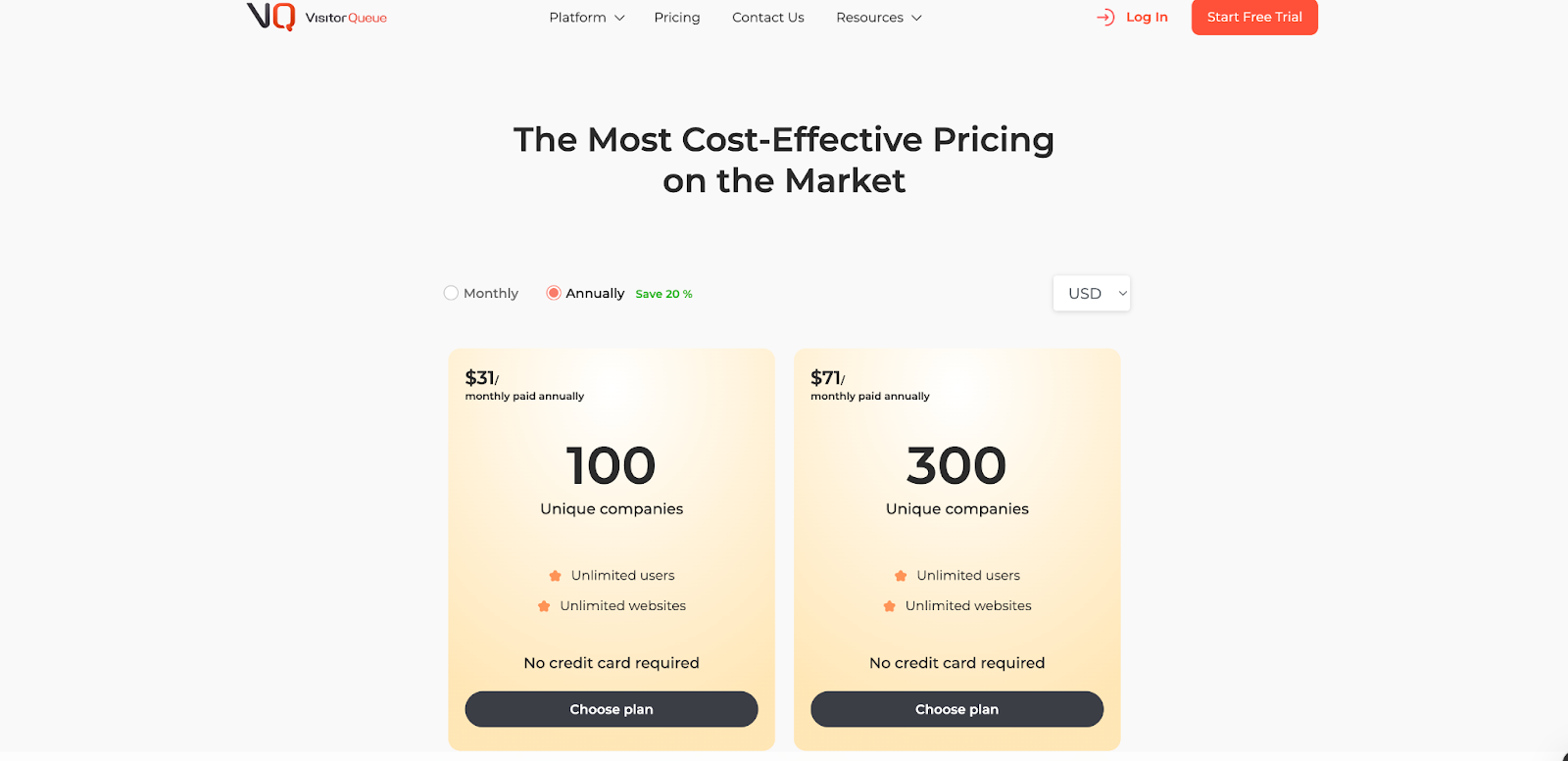
Visitor Queue keeps its pricing simple.
Plans increase based on how many leads a team expects to receive each month, ranging from $31 to $1000/month.
The structure is easy to understand and works well for smaller teams that want predictable monthly costs tied to visitor volume.
Key points about their model:
- All tiers include unlimited users
- Pricing is tied directly to the number of identified leads
- Higher tiers include more leads and contact data
- No complex onboarding or multi-tier support layers
It’s built for teams that want clear, predictable pricing without additional components like automations or advanced analytics.
Factors vs Visitor Queue: Verdict on Pricing
Both platforms keep their models transparent, but they are designed for different needs.
Visitor Queue is suitable for teams that only require visitor identification and want a predictable monthly price tied to lead volume.
Factors.ai fits teams that want pricing tied to business growth, features, and deeper GTM operations, with the option to expand into advanced analytics, scoring, and activation as needed.
Both pricing models make sense for the audiences they serve.
Want to compare pricing approaches across vendors? Our ABM Platform Pricing Guide breaks down common models and what you actually get at each tier.
{{INLINE_BOFU}}
Factors vs Visitor Queue: Account Identification and Customer Journey Visibility
| Feature | Factors.ai | Visitor Queue |
|---|---|---|
| What it identifies | Account-related contacts using multiple signals (web, CRM, ads, product) | Companies visiting the website using IP data and firmographic enrichment |
| Level of view | Account-level journey across channels | Session-level website journey for each visiting company |
| Journey details | Shows every touchpoint in order: ads, pages, forms, CRM activity, product events | Shows pages viewed, time on site, source, and company/contact details |
| Context depth | Connects website behavior with campaign data, sales activity, and product usage | Focused on on-site behavior with basic enrichment |
| Prioritization layer | Uses intent and engagement to score accounts and place them into GTM stages (early research, high-intent, sales-ready, reactivated). | No native scoring; lists are used as-is |
Factors.ai Account Identification and Customer Journey Visibility
For identification and journeys, Factors.ai is built for GTM teams that need more than just “who visited.” With over 75% account identification coverage from website traffic, it enables teams to reliably map engagement across channels and understand how accounts progress over time.
It focuses on:
- Website-based account identification with multi-signal enrichment
- Website visits
- CRM records
- Ad platform activity
- Product usage
- Account 360 view
- All key interactions stacked into a single timeline for each account
- Includes marketing, sales, and product touchpoints
- Customer Journey Timelines
- Shows the order of events: ad view → website visit → form fill → demo → renewal or expansion
- Shows the order of events: ad view → website visit → form fill → demo → renewal or expansion
- Contextual depth
- Helps sales and marketing see not just who visited, but what they did before and after
- Helps sales and marketing see not just who visited, but what they did before and after
- Built-in prioritization
- Identification feeds directly into scoring and funnel stage, so teams know which accounts are further along
This makes Factors.ai suitable when you want to see how accounts move across channels, not just on your website.
Visitor Queue Account Identification and Customer Journey Visibility
Visitor Queue keeps things focused on website traffic.
It focuses on:
- Real-time company identification
- Uses IP-based tracking to match companies
- Adds firmographic data like size, industry, and location
- On-site journey view
- Pages visited
- Time spent on each page
- Referral source
- Contact enrichment
- Surfaces key contacts and social profiles where available
- Surfaces key contacts and social profiles where available
- Simple journey context
- Lets teams see what a visiting company did during a visit, in one place
- Lets teams see what a visiting company did during a visit, in one place
- Easy starting point
- Good for teams that mainly want to know “who was on the site today?” and “what did they look at?”
It is a practical fit for smaller teams or those who only care about website session insight rather than cross-channel journeys.
Factors.ai vs Visitor Queue: Verdict on Account Identification and Customer Journey Visibility
Both tools help you move beyond anonymous traffic.
- Visitor Queue gives a clear, simple view of which companies visited your site and what they did during that visit. It does that one job well, with minimal setup.
- Factors.ai goes deeper, connecting website visits with campaigns, CRM activity, and product usage, then arranging all of it into account-level journeys that can feed scoring and GTM workflows.
It is not about better or worse here, but about scope:
- Choose Visitor Queue if you mainly want website visitor identification and quick lead lists.
- Choose Factors.ai if you want account journeys that stretch across web, ads, CRM, and product, and plan to use that view to drive GTM decisions.
Factors.ai vs Visitor Queue: Account Scoring and Prioritization
| Feature | Factors.ai | Visitor Queue |
|---|---|---|
| Scoring System | Built-in account and contact scoring based on ICP fit, funnel stage, and intent signals | No native scoring system |
| Prioritization Method | Scores are used to prioritize accounts for sales and marketing actions | Users manually analyze visitor data or export it for scoring elsewhere |
| Signals Used | Website interactions, ad engagement, CRM activity, product usage, and third-party intent | Website visit data + basic firmographic enrichment |
| Use Case | Helps GTM teams quickly decide who to act on and why | Works as an intelligence layer that teams use to manually prioritize leads |
Factors.ai Account Scoring and Prioritization
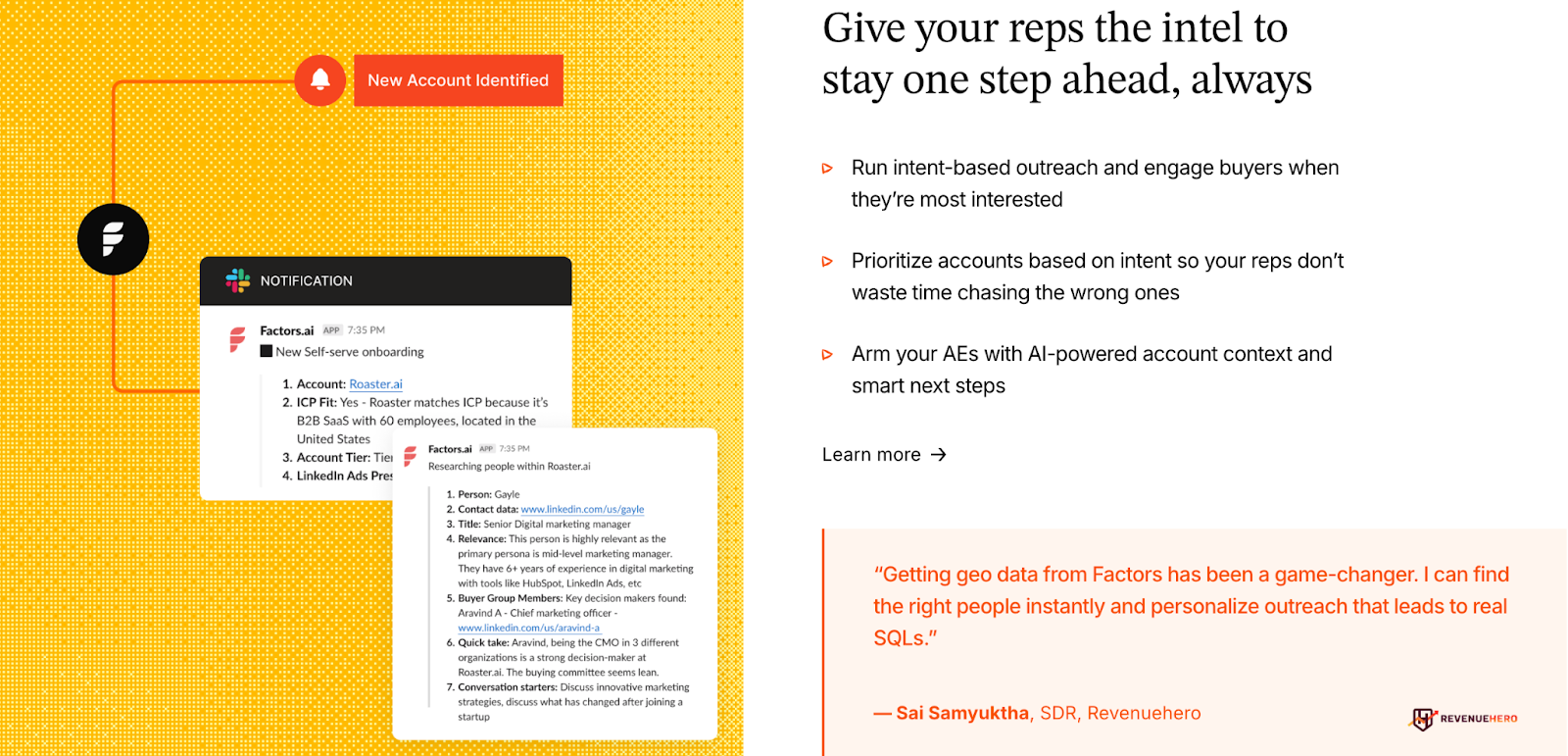
Factors.ai uses predictive account scoring and contact scoring to help teams focus on the right companies at the right time.
Scoring sits directly on top of identification and journey data, so it reflects real movement across the funnel.
Scoring is driven by:
- ICP matching (firmographic fit)
- Website and product behaviors
- Ad views and clicks
- CRM interactions
- Funnel progression
- Third-party intent (e.g., G2, Bombora)
This system maps into:
- Alerts when a score crosses a threshold
- Prioritized account lists for SDRs and sellers
- Workflow triggers to nurture or follow upfollow-up at key moments
Teams using Factors.ai don’t have to build scoring rules from scratch. They get a prioritized pipeline view automatically that aligns with their GTM motion.
Visitor Queue Account Scoring and Prioritization
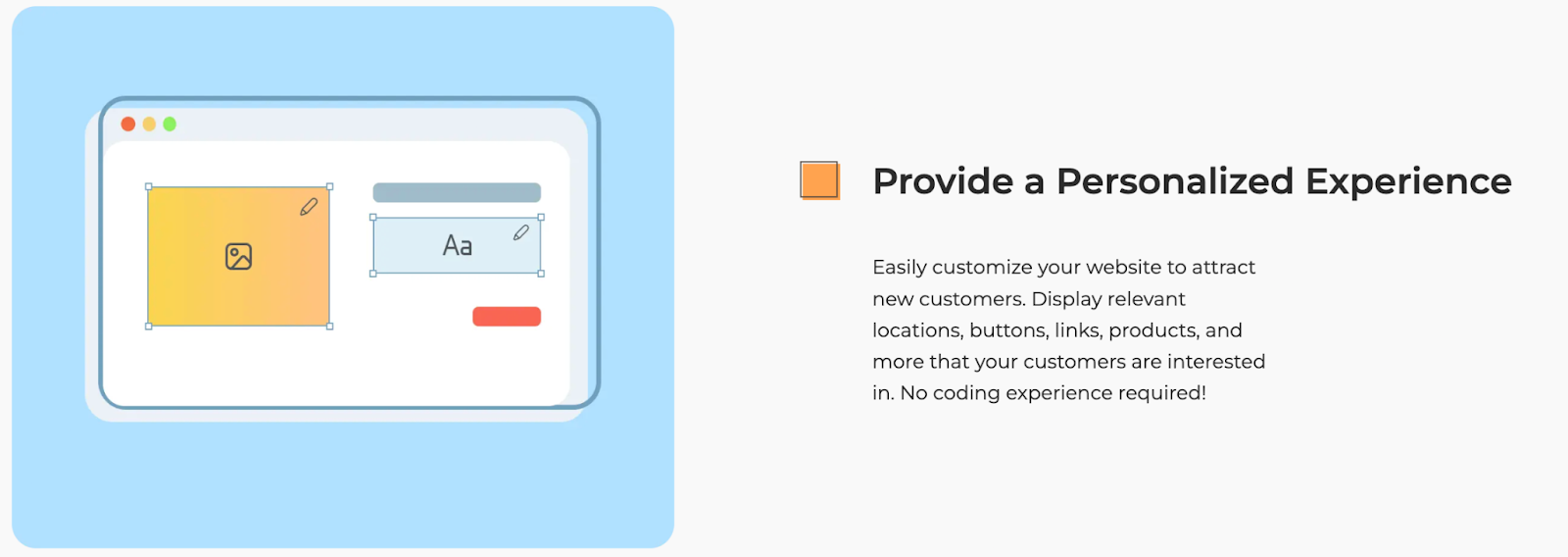
Visitor Queue does not include a built-in scoring layer.
It surfaces:
- Companies that visited your website
- Firmographic data
- Key contacts and available identifiers
- On-site behavior like pages visited and time spent
Teams can export this data or connect it to tools like Salesforce or HubSpot to assign lead scores manually.
For small teams, this can be enough. For growing operations, it usually requires an added layer of scoring logic somewhere else.
Factors.ai vs Visitor Queue: Verdict on Scoring and Prioritization
Factors.ai puts prioritization at the heart of its GTM workflow.
It collects multi-touch signals, uses them to calculate scores, then drives action across marketing automation and sales outreach.
Visitor Queue keeps things simple and leaves scoring decisions to the user.
It offers useful intelligence but no baked-in way to turn it into a prioritized pipeline without extra work.
Your choice depends on how quickly and efficiently your GTM team needs to move from "insight" to "action."
Factors.ai vs Visitor Queue: Alerts, Signals and Sales Enablement
| Feature | Factors.ai | Visitor Queue |
|---|---|---|
| Alert Triggers | Based on score changes, buyer signals, journey milestones, deal activity | Triggered by new sessions from identified companies |
| Context Provided | Includes reason for alert (e.g. post-demo activity, form interactions, closed-lost reactivation) | Provides company info, website behavior, and available contacts |
| Delivery Channels | Slack and Microsoft Teams with structured account context | Slack notifications with basic visit details |
| Sales Enablement | Alerts include explanation of why the time is right to engage and what changed | Alerts indicate that a visitor arrived but don’t suggest why or what to do next |
| Automation Potential | Alerts feed into playbooks and workflows | Manual follow-up needed unless built externally |
Factors.ai Alerts, Signals and Sales Enablement
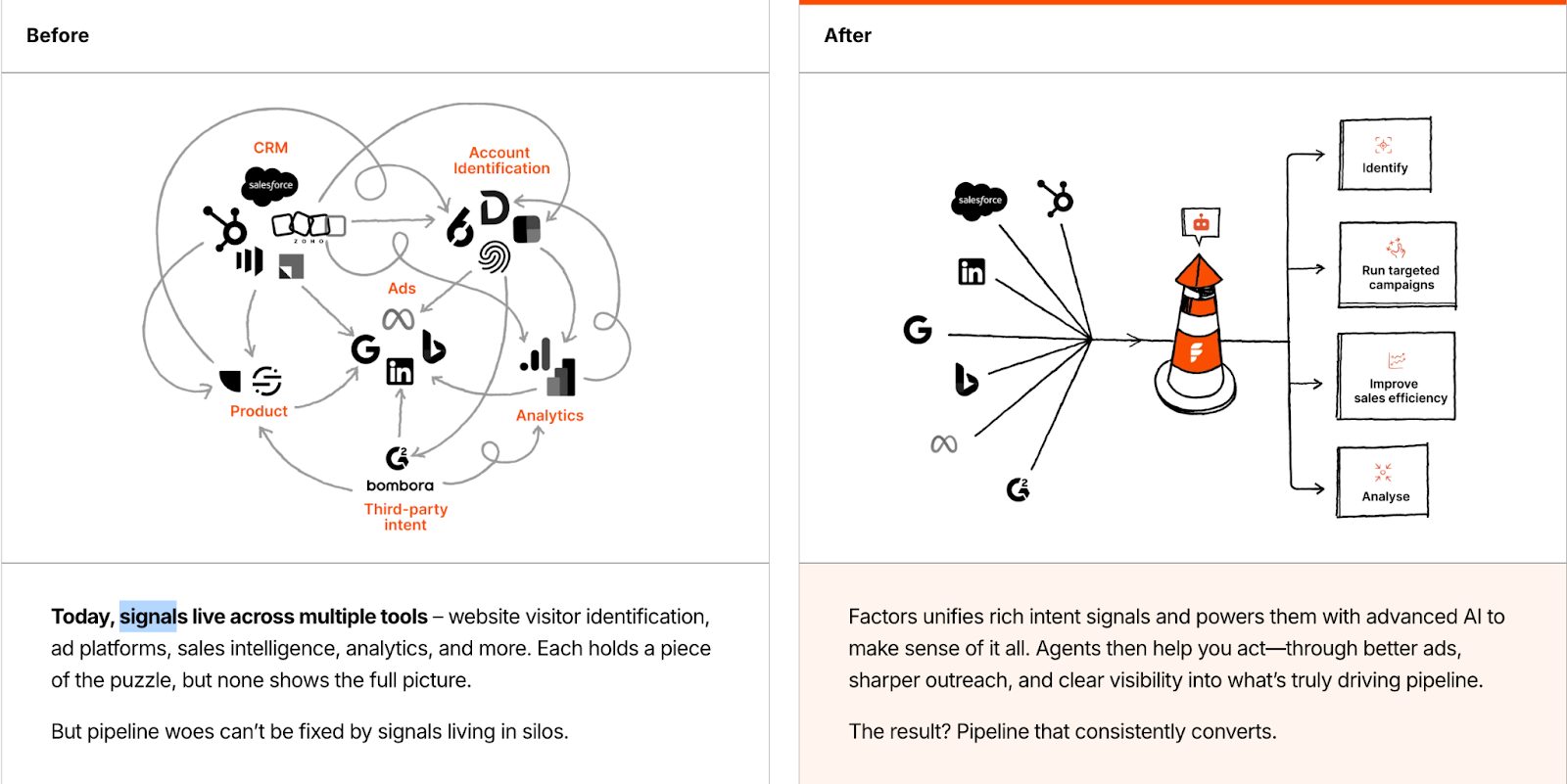
Factors.ai sends context-rich signals that help sales and marketing take the right next step, instead of sending just alerts.
Teams use alert styles like:
- Post-demo browsing: an account continues researching after the meeting
- Closed-lost activity: buyers revisiting after a paused deal
- Form-drop-offs: users who started but did not complete a conversion
- High-intent movement: sudden score increases or stage progression
Each alert contains:
- What happened
- Why it matters
- Account and contact details
- A path to take next
Delivered via Slack or Teams, these signals prompt action across teams with clarity and timing in mind.
Visitor Queue Alerts, Signals and Sales Enablement

Visitor Queue alerts are straightforward and helpful for smaller sales or marketing teams.
- Alerts trigger when a new company visits the site and matches the criteria
- Teams receive company profiles and contact details (where available)
- Delivered directly into Slack for quick awareness
This approach works well when teams want to instantly know which companies were on the site that day.
While there's no context beyond the visit itself, it offers a fast way to mobilize manual outreach.
Factors.ai vs Visitor Queue: Verdict on Alerts & Enablement
Both platforms help teams spot buying interest.
Visitor Queue alerts show who came to the site, what pages they viewed, and how to reach them. They function as early signals for manual outreach.
Factors.ai builds alerts into the broader GTM motion, using scores and intent milestones to detect meaningful buyer activity across channels, not just the website.
Choosing between them depends on your motion:
- If you just need to catch visitors and act fast, Visitor Queue alerts get the job done.
- If you need a reasoned signal that says what's happening, why it matters, and what you should do next, Factors.ai brings more depth to the table.
Factors.ai vs Visitor Queue: AI Agents and Automation
| Feature | Factors.ai | Visitor Queue |
|---|---|---|
| Automation Capabilities | AI Agents that support research, buying group mapping, alerts, meeting follow-ups, and deal revival | No built-in automation features |
| GTM Engineering | Offers done-for-you automation setup, workflow configuration, and ongoing support | Not available |
| Type of Work Automated | Reps get automatically enriched insights, pipeline nudges, and data-driven guidance | Manual work required for enrichment, prioritization, and outreach |
| Operational Lift | Reduces time spent in CRM and research tools | Teams handle analysis and action manually |
| Ideal Team Fit | GTM teams needing operational leverage and process automation | Teams that are okay with basic lead visibility without automated next steps |
Factors.ai AI Agents and Automation
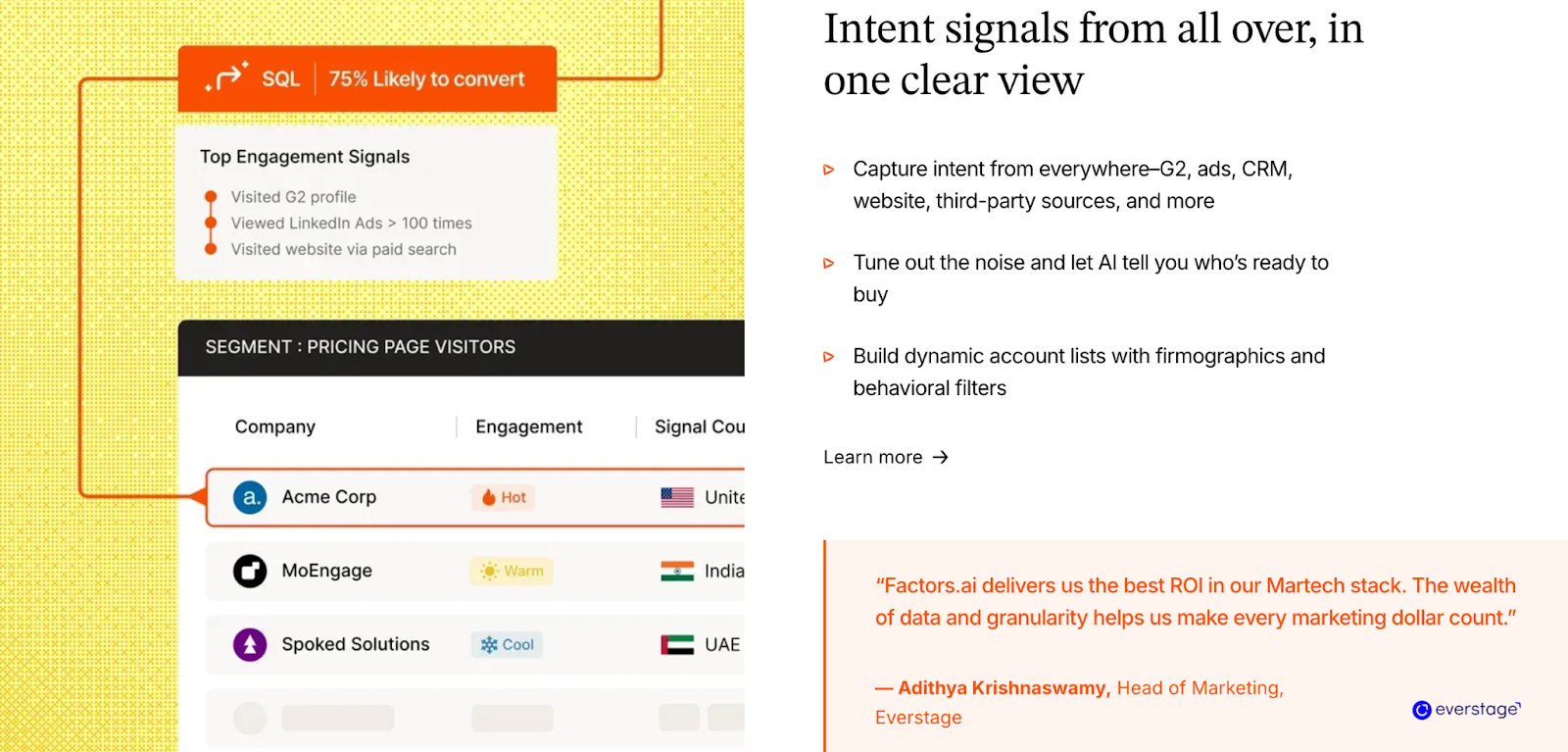
Factors.ai adds AI automation to traditional revenue intelligence.
It offers AI Agents and GTM engineering services that help your team:
- Enrich account and contact data instantly
- Discover active buyers within an account
- Surface post-meeting activity that signals next-step readiness
- Revive closed-lost opportunities when intent resurfaces
- Stay ahead of activity without checking multiple systems
GTM Engineering ensures that workflows, scoring, alerts, and playbooks are all implemented correctly and optimized over time, without additional internal setup.
Visitor Queue AI Agents and Automation
Visitor Queue does not include automation.
It surfaces:
- New companies visiting the site
- Firmographic and contact info
- Browsing behavior
From there, teams must:
- Transfer insights into their CRM
- Determine who is worth follow-up
- Research decision-makers
- Build workflows manually if they want repeatable motion
It suits teams with a simple motion or those already relying on manual or separate tools to automate processes.
Factors.ai vs Visitor Queue: Verdict on AI Agents and Automation
This chapter highlights the clearest difference between the two tools.
Visitor Queue offers fast visibility, leaving decisions and execution to the user. It's lightweight and works best in simpler setups.
Factors.ai combines intelligence with action. AI Agents automatically surface insights, run follow-ups, and remove operational friction which is all supported by a team that helps with implementation.
If your revenue operation needs to scale without adding headcount, Factors.ai delivers that leverage.
If your motion is more basic and you’re fine with manual next steps, Visitor Queue meets that need well.
Factors.ai vs Visitor Queue: Integrations and GTM Fit
| Feature | Factors.ai | Visitor Queue |
|---|---|---|
| CRM Integrations | Salesforce, HubSpot (full), Marketo, Microsoft Dynamics, and more | Salesforce, HubSpot, via native and Zapier |
| Ad Platform Integrations | LinkedIn, Google Ads, Facebook, Bing, G2 | None (natively), exports can be used to build lists manually |
| Data & CDP Integrations | Segment, Rudderstack, Reverse ETL tools | API and Zapier-based custom workflows |
| Workflow & G2 Support | Webhooks, Zapier, Make, Slack, Teams automation | Slack alerts and usage through Zapier |
| Depth of Sync | Bidirectional, with real-time updates and multi-touch data movement | Mostly one-way export, with data available for CRM or CSV download |
Factors.ai Integrations and GTM Fit
Factors.ai supports deep, bidirectional integrations that connect your CRM, MAP, ad platforms, and engagement tools.
This system-level integration ensures your GTM team always sees the latest activity in the context of their role.
Notable integration points include:
- CRM sync that pulls and pushes account, opportunity, and campaign data
- Ad platform connectivity for audience activation, suppression, and attribution
- CDP and reverse ETL support for unified data pipelines
- Workflow integration via webhooks, Zapier, Make, and Slack
- G2, Marketo, HubSpot, Drift, and Snowflake support in higher tiers
This setup helps your GTM stack act like it’s connected by default, without heavy internal plumbing.
Visitor Queue Integrations and GTM Fit
Visitor Queue keeps things focused on essential connections.
It offers:
- Out-of-the-box data sync with Salesforce and HubSpot
- A Zapier integration that supports pushing data into hundreds of tools
- API access for custom workflows
- Slack notifications for alerts on new leads
It supports enough integration depth for teams that only need visitor detail and lead enrichment inside their CRM or outbound motion.
That makes it effective for smaller GTM teams that don’t run connected multi-channel motions yet.
Factors.ai vs Visitor Queue: Verdict on Integrations and GTM Fit
Visitor Queue integrates where it counts, CRM, Slack, Zapier, and avoids scope creep.
It’s practical and quick to connect when all you need is identification data in your CRM.
Factors.ai connects deeply across all major GTM tools and pushes updates both ways.
That makes it better suited for teams that want unified account visibility, automated activation in ad platforms, and scoring frameworks that depend on real-time data sync.
If your revenue workflows span multiple tools and channels, Factors.ai builds the connective tissue for you.
If your GTM team only needs insights from website visitors in CRM, Visitor Queue keeps it simple and efficient.
Factors.ai vs Visitor Queue: Onboarding and Support
| Feature | Factors.ai | Visitor Queue |
|---|---|---|
| Setup Time | Guided onboarding with platform specialists | Simple setup through a tracking script |
| Team Enablement | Dedicated Customer Success Manager (CSM), weekly alignment calls | Email support with access to a knowledge base |
| Collaboration Channels | Private Slack group, ongoing strategy and workflow support | Slack alert integrations but no dedicated Slack workspace |
| Service Layer | GTM Engineering Services available for advanced setup and operations | No services layer offered |
| Learning & Follow-up | Structured onboarding + ongoing GTM check-ins | Self-guided setup after initial install |
Factors.ai Onboarding and Support
Factors.ai puts a service layer behind the software.
Every customer gets onboarding support from a dedicated CSM team, which includes:
- Account configuration
- Data pipeline setup
- Scoring rules and workflows aligned with their GTM motion
- Weekly checkpoints to measure ROI and optimize processes
- Slack support for direct troubleshooting and campaign guidance
For teams that want someone to own the operational lift, GTM Engineering Services can also handle advanced workflows, data flows, automation setup, and intent-based campaign routing.
This level of support is designed for teams seeking a mix of platform ownership and strategic alignment.
Visitor Queue Onboarding and Support
Visitor Queue is built with simplicity in mind, and the support model reflects that.
After signing up, teams:
- Install a tracking script on their website
- Connect their CRM (if needed)
- Start seeing identified companies immediately
Support is available via email, help documentation, and dedicated customer support.
Teams manage their own setup and workflows, which works well when the goal is visibility, not multi-channel GTM orchestration.
Visitor Queue also scales to unlimited users across all plans, making it easy to share with sales and marketing without extra cost or complexity.
Factors.ai vs Visitor Queue: Verdict on Onboarding and Support
Factors.ai delivers a high-touch experience for GTM teams that expect strategic and technical guidance alongside the platform.
That includes full CRM and scoring setup, ongoing sync checks, and direct access to the support team.
Visitor Queue is lightweight: install, integrate, and go.
It asks less upfront and keeps the path light, but also offer additional support beyond setup assistance.
If you want quick visibility without heavy lifting, Visitor Queue fits well.
If your GTM strategy needs more than a tool and you benefit from expert support to run it, Factors.ai carries that weight for you.
Factors.ai vs Visitor Queue: Security and Compliance
| Feature | Factors.ai | Visitor Queue |
|---|---|---|
| Data Standards | SOC II Type 2, ISO 27001, GDPR, CCPA compliant | GDPR and CCPA compliant |
| Data Storage | Hosted on secure cloud infrastructure (GCP) with encryption at rest and in transit | Data stored securely with IP-based visitor data enriched for firmographics |
| Certifications | Independent audits support enterprise security posture | No certifications beyond compliance claims visible |
| Data Risk Posture | Full logical isolation and access control across multi-tenant infrastructure | Visitor-level tracking, no behavioral aggregation beyond session scope |
| Compliance Fit | Suitable for enterprise customers with high-security procurement checks | Best suited for teams with lightweight data and limited regulatory risk |
Factors.ai Security and Compliance
Security in Factors.ai draws from globally recognized compliance frameworks.
Platform practices include:
- SOC II Type 2 and ISO 27001 certification
- Secure data hosting through Google Cloud Platform
- AES-256 encryption at rest and enforced encryption in transit
- Role-based access control, multi-factor authentication, and internal logging
- Strict access provisioning for production environments
- Regular audits and incident management processes
- Long-term secure retention and backup policies
For enterprise GTM teams, this means procurement and infosec checks can be passed confidently and quickly.
Visitor Queue Security and Compliance
Visitor Queue is designed to process firmographic and session data. It follows:
- GDPR and CCPA compliance guidelines
- Standard cloud-based infrastructure protections
- Encrypted transfer and secure storage of visitor activity
- No processing of personal PII beyond available contact enrichment
It works well for teams with limited compliance exposure or those building early-stage GTM programs where regulatory requirements aren’t as stringent.
Factors.ai vs Visitor Queue: Verdict on Security and Compliance
Both platforms take security seriously, but the depth differs.
Visitor Queue maintains core compliance practices suited to small and mid-sized teams that mostly enrich visitor data and want peace of mind.
Factors.ai extends this into enterprise-grade territory. Certifications, strict access policies, log management, and full lifecycle data protection make it suitable for larger GTM teams with serious audit requirements.
If your organization demands SOC II/ISO validation and thorough data protections, Factors.ai covers that standard.
For simpler compliance needs, Visitor Queue offers enough to stay aligned without adding complexity.
If compliance matters to procurement, learn more about best practices for visitor data and privacy in Website Visitor Identification Privacy.
Factors.ai vs Visitor Queue: What to choose when?
| Feature | Factors.ai | Visitor Queue |
|---|---|---|
| Platform Scope | Full GTM orchestration: identification, journey mapping, scoring, alerts, automation, reporting | Visitor-level identification and website behavior insights |
| Who It Suits | GTM teams with multi-channel motions and automation needs | Teams wanting quick clarity on who visited their website |
| Depth of Insights | Cross-channel touchpoints and actionable signals tied to funnel progression | Website-only insights with basic enrichment |
| Operational Assist | AI Agents + GTM Engineering for ongoing setup and guidance | Self-serve setup, manual operational work |
| Pricing Fit | Scales based on usage and maturity, backed by onboarding and support layers | Predictable lead-count pricing for lightweight needs |
Factors.ai vs Visitor Queue: Final Verdict
Both platforms help marketing and sales teams understand who’s showing interest, but they serve different motions and maturity levels.
Visitor Queue helps you uncover the companies already on your website.
It delivers fast visibility and basic personalization with minimal friction.
If your focus right now is identifying visitors and passing that information along to sales, it’s a clean and accessible match.
Factors.ai builds on that foundation and extends into full-funnel GTM orchestration.
It identifies accounts, scores them based on real behavior and ICP match, surfaces buying signals, activates campaigns, and provides guided insights, supported by AI and real human assistance.
Teams that want clarity and action, built into one system, will find Factors.ai offers more room to scale as the GTM motion matures.
FAQs for Factors.ai vs Visitor Queue
Q. What is the main difference between Visitor Queue and Factors.ai?
The biggest difference is scope.
Visitor Queue focuses on identifying companies that visit your website and showing basic on-site behaviour.
Factors.ai goes beyond identification and connects website activity with ads, CRM data, product usage, scoring, alerts, and automation across the full GTM funnel.
If you only want to know who visited, Visitor Queue does that well. If you want to know what that visit means and what to do next, Factors.ai is built for that.
Q. Is Factors.ai a good alternative to Visitor Queue?
Yes, Factors.ai is a strong alternative to Visitor Queue, especially for teams whose GTM motion goes beyond basic website visitor visibility.
If you’ve outgrown simply knowing which companies visited your site and want to understand how that interest connects to ads, CRM activity, product usage, and pipeline movement, Factors.ai offers that broader context. It brings scoring, prioritisation, alerts, and workflows into one system, reducing the need to manually stitch insights together across tools.
Visitor Queue works well for teams that only need quick visitor identification. Factors.ai is better suited for teams that want to turn those visits into coordinated GTM action across channels.
Q. Is Visitor Queue a good alternative to Factors.ai?
Visitor Queue can be a good alternative for teams with simpler GTM needs.
If your main goal is visibility into website visitors and you’re comfortable handling prioritisation and follow-ups manually, Visitor Queue is often sufficient.
Factors.ai is better suited when your GTM motion spans multiple channels and you want signals, scoring, and workflows handled inside one system rather than stitched together manually.
Q. Which tool is better for small or early-stage teams?
For early-stage teams that want fast setup and quick answers, Visitor Queue is often the easier starting point. It requires minimal configuration and delivers immediate visibility into website visitors.
Factors.ai also offers a free tier, but it’s typically more valuable once a team starts running ads, managing a CRM actively, or coordinating between marketing and sales.
Q. Does Visitor Queue offer account scoring or prioritisation?
No. Visitor Queue does not include built-in account or contact scoring.
Teams usually review visitor data manually or export it into a CRM or another tool to apply scoring logic.
Factors.ai includes native scoring based on ICP fit, intent signals, funnel stage, and multi-channel activity, helping teams prioritise accounts automatically.
Q. Can Factors.ai replace multiple GTM tools?
For many teams, yes.
Factors.ai can reduce reliance on separate tools for visitor identification, intent tracking, scoring, alerting, and basic GTM workflows by consolidating those functions into one platform.
That said, it’s designed to connect with your existing CRM, ad platforms, and CDP rather than replace them entirely.
Q. How do alerts differ between Visitor Queue and Factors.ai?
Visitor Queue alerts notify teams when a new company visits the website and share basic visit details.
Factors.ai alerts are contextual. They explain why an alert triggered, such as post-demo activity, score changes, closed-lost reactivation, or funnel movement, and often suggest the next best action.
Q. Does Visitor Queue support automation or AI agents?
No. Visitor Queue does not include automation or AI-driven workflows.
All enrichment, prioritisation, and follow-up actions are handled manually or through external tools.
Factors.ai includes AI Agents and GTM Engineering support to automate research, buyer mapping, alerts, follow-ups, and deal revival workflows.
Q. Which platform is better for sales teams?
It depends on how sales works in your organisation.
If sales wants daily visibility into who visited the site, Visitor Queue does the job.
If sales wants clear signals on who to call, when, and why, Factors.ai provides more guidance through scoring, alerts, and journey context.
Q. How do the pricing models compare?
Visitor Queue uses a volume-based pricing model, where costs increase based on the number of identified leads. It’s predictable and easy to understand.
Factors.ai pricing scales based on usage, features, and team size, with options to grow into advanced analytics, automation, and support as GTM complexity increases.
Q. Which tool is more suitable for enterprise teams?
Factors.ai is generally more suitable for enterprise GTM teams due to its:
- SOC II and ISO certifications
- Multi-channel data integration
- Scoring and automation capabilities
- Dedicated onboarding and support layers
Visitor Queue is better suited for SMBs or teams with lighter compliance and operational requirements.
Q. Can I use Visitor Queue and Factors.ai together?
Technically, yes. But for most teams, it’s unnecessary overlap.
Factors.ai already includes visitor identification as part of a broader GTM system, so teams usually choose one or the other based on how much orchestration they need.
Q. How do I decide which platform is right for my team?
Ask yourself three questions:
- Do we only need to know who visited, or do we need to know what to do next?
- Are we running multi-channel campaigns that need shared context?
- Do we want manual control or automated GTM workflows?
Your answers will usually make the choice clear.

Factors.ai vs Common Room: Choosing What Works for Your GTM Motion
Explore Factors.ai as a Common Room alternative across features, pricing, analytics, and support to find the right GTM tool for your RevOps or marketing team.
TL;DR
- Factors.ai connects the full GTM funnel with account-level orchestration, AI automation, and predictive account scoring.
- Common Room excels at person-level visibility, especially in product- and community-led GTM strategies.
- Factors offers stronger support, enterprise security, and deep integrations for complex RevOps.
- Common Room keeps setup lightweight, pricing transparent, and real-time signal tracking central.
If you’ve landed on this page, I want to start by saying hello!
Look, I know you’re probably torn between Factors.ai and Common Room.
Maybe you’ve got five tabs open. Maybe you’ve said the words “signal orchestration” so many times that you deserve an honorary RevOps badge.
We’ve been there (okay, not really, but it sounds nice).
Both platforms promise intent data, AI workflows, and GTM clarity. Both sound smart. Both have cool websites. But when you start unpacking how they actually work, it’s like comparing a telescope to a microscope.
One zooms out: Mapping every account signal, sales motion, ad touch, and funnel stage in one unified view (Heyyyy, Factors).
The other zooms in: Spotting individual conversations and social signals happening across developer and community channels (Hi, CommonRoom).
So the real question is: What kind of GTM are you running?
This guide breaks it down across 7 things that actually matter:
- What do they help you do?
- How much do they cost?
- Can you trust them with data?
- Will your team actually use it?
- Can you prove pipeline or just vibes?
Factors.ai vs Common Room: Features and Functionality
Both Factors.ai and Common Room help GTM teams uncover intent, automate engagement, and guide sales with AI. But their approach to data, identity, and orchestration follows two very distinct philosophies.
Here’s a quick overview before we look deeper.
| Feature | Factors.ai | Common Room |
|---|---|---|
| Account Identification | 75%+ visitor coverage through multi-source enrichment unified in Account 360 | Person360™ for AI-driven identity resolution using signals from product, social, and community data |
| Intent Signals | 1P (website, CRM, product), 2P (ad platforms, G2), 3P (external data, CSV | 1P (website, product), 2P (forums, LinkedIn, GitHub, Slack, Discord), 3P (news, job changes) |
| Customer Journey View | Chronological timeline of buyer actions across web, ads, CRM, and product | Real-time dashboard with signals and identities, but no chronological view |
| Scoring System | AI-enabled predictive accounts scoring, custom scoring based on ICP fit, funnel stage, and engagement intensity | Customizable contextual scoring for both contacts and accounts |
| Analytics | Funnel-stage analytics through Milestones, with drop-off and channel performance reports | Real-time dashboards that show live engagement signals |
| AI Assistants / Agents | GTM Engineering Agents for alerts, research, buying group mapping, and follow-up tracking | RoomieAI™ for signal summarization, research, and personalized snippets |
| Contact Enrichment | AI-driven Contact Insights to surface key decision-makers and personalization cues | Person360™ and Prospector for identity enrichment and new contacts |
Factors.ai Features and Functionality
Factors.ai is designed for teams that want a connected GTM workflow from signal to revenue. It collects data from multiple touchpoints, aligns it under a single account view, and uses AI agents to automate what happens next.
Key capabilities include:
- Unified GTM Visibility
Combines signals from the website, ads, CRM, and product activity into Account 360, creating a single source of truth for sales and marketing. - AI-Powered Agents
Support the team through real-time alerts, research automation, buying group identification, and closed-lost reactivation. - Multi-Source Intent Detection
Gathers intent from first-, second-, and third-party data while highlighting milestone actions that move buyers through the funnel. - Journey Tracking
Maps every buyer interaction in chronological order, giving a clear picture of how deals progress. - Smart Enrichment and Scoring
Enriches accounts through trusted data providers and scores them by ICP fit and engagement strength.
The platform gives teams both visibility and activation in one motion. Basically, everything you need to identify, engage, and measure in one place.
Common Room Features and Functionality
Common Room focuses on person-level insight and community-driven signals. It’s built to help GTM teams connect digital activity from across platforms and turn it into actionable intelligence.
Key capabilities include:
- Person360™ Enrichment
Resolves identities using data from emails, social platforms, product usage, and community forums. - Wide Signal Coverage
Captures first-party data from your website and product, second-party data from platforms like GitHub or Slack, and third-party intent from public sources. - Custom Scoring
Offers transparent, adjustable scoring at both the contact and account levels. - RoomieAI™ Agents
Assist with signal summarization, research, and outbound personalization. - Real-Time Dashboards
Surface active individuals and their engagement context without needing static reports.
This system focuses more on individual behavior and social intent, helping teams see who’s active and what’s happening in real time.
Verdict on Features
Common Room provides strong person-level visibility, especially for teams that track engagement across product and community channels.
Factors.ai delivers a broader, full-funnel approach where every channel, account, and signal connects under one GTM framework. It helps teams move from scattered insights to a single, orchestrated motion.
Factors vs Common Room: Pricing
When GTM teams compare platforms, pricing usually says a lot more than just the number. It shows how each product is built to grow, scale, and fit into your existing motion.
Factors.ai follows a usage-and-seat-based model that expands with your team.
Common Room uses a tiered pricing approach where each plan unlocks a new set of capabilities.
| Plan Details | Factors.ai | Common Room |
|---|---|---|
| Model | Usage + seat-based pricing | Fixed annual tiers |
| Starting Price | Contact for pricing | Starts at $1,000 per month (billed annually) |
| Free Plan | Available with limited features | Not listed |
| Tiers | Free, Basic, Growth, Enterprise | Starter, Team, Enterprise |
| Seats | 3 to 25, depending on plan | Not specified |
| Integrations | Expands with plan (HubSpot, Salesforce, Marketo, G2, Drift) | Core CRM and MAP integrations |
| Support | Dedicated CSM, weekly syncs, Slack collaboration | Guided onboarding and expert assistance |
| Add-on Services | GTM Engineering Services | None mentioned |
Factors Pricing
Factors.ai is designed to fit different stages of GTM maturity.
Each plan adds more automation, analytics, and orchestration tools as your pipeline grows.
Plans include:
- Free Plan
- Identify up to 200 companies per month
- Includes 3 seats
- Basic dashboards and visitor tracking
- Slack and Microsoft Teams integration
- Basic Plan
- Identify 3,000 companies per month
- Includes 5 seats
- Adds LinkedIn intent signals and GTM dashboards
- Connects with HubSpot, Salesforce, and Google Search Console
- Growth Plan
- Identify 8,000 companies per month
- Includes 10 seats
- Adds ABM analytics, account scoring, workflow automation, and a dedicated CSM
- Enterprise Plan
Optional GTM Engineering Services
For teams that don’t have in-house RevOps, Factors.ai provides an add-on service layer for $4,000 setup and $300 per month.
This includes:
- Custom ICP modeling and GTM playbook design.
- Setup of enrichment, alert, and ad activation workflows.
- SDR enablement through post-meeting alerts, closed-lost reactivation, and buying group mapping.
- Ongoing reviews, optimization, and documentation of the GTM process.
GTM engineering services help teams operationalize Factors.ai faster and keep GTM workflows running smoothly without heavy internal effort.
For more details on pricing, visit Factors.ai's pricing page.
Common Room Pricing
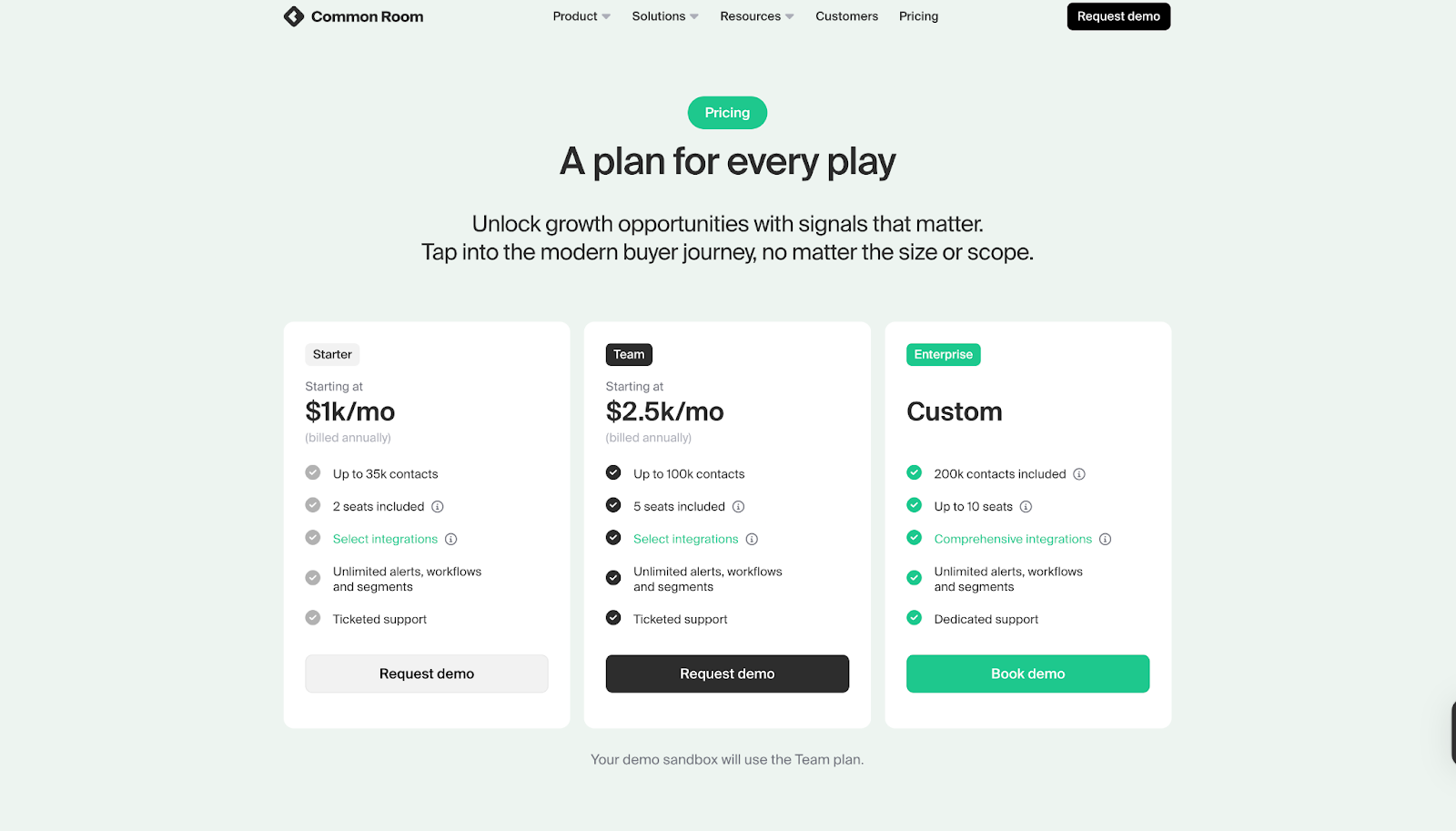
Common Room keeps its pricing simple and upfront. Each plan adds new automation and signal depth as you move up.
Plans include:
- Starter - $1,000 per month (billed annually)
- Person360 enrichment
- Core signal tracking
- CRM integration
- Team - $2,500 per month (billed annually)
- Adds RoomieAI automation
- Expands data sources and integration options
- Enterprise - Custom Pricing
- Built for large teams
- Includes compliance support and advanced customization
The structure makes it easier for smaller teams to forecast budgets and choose the level of data access they need.
The Verdict
Common Room’s pricing keeps things simple, helping teams plan their annual spend with clear tiers.
Factors.ai focuses on scalability, giving teams more flexibility and depth as they grow.
Its optional GTM services make a big difference for companies that want help setting up complete workflows instead of managing them alone.
If you’re comparing pricing models across tools, our breakdowns of ZoomInfo pricing and Cognism pricing can help you understand how leading intent and enrichment platforms price their offerings.
{{INLINE_BOFU}}
Factors vs Common Room: Analytics & Reporting
Analytics tell you how well your GTM system actually works. It’s the difference between seeing activity and understanding what drives results.
Both platforms offer strong visibility, but they look at data in different ways.
| Capability | Factors.ai | Common Room |
|---|---|---|
| Analytics Type | Full-funnel visibility with campaign and channel attribution | Real-time person-level insights and engagement data |
| Funnel Tracking | Tracks stages from MQL to Closed Won | Focuses on live engagement signals |
| Customer Journey | Chronological timelines across web, CRM, ads, and product | Integrated dashboards with active contact signals |
| Attribution | Multi-touch revenue attribution from first click to deal close | Engagement-based tracking without funnel attribution |
| Reporting Tools | Milestones, segment insights, and custom dashboards | Real-time dashboards with individual and signal-level data |
| Drop-off Detection | Visual funnel breakdowns to spot where deals slow down | Not specified |
| AI Insights | AI-supported analytics for deeper GTM questions | AI summarization through RoomieAI |
Factors Analytics and Reporting
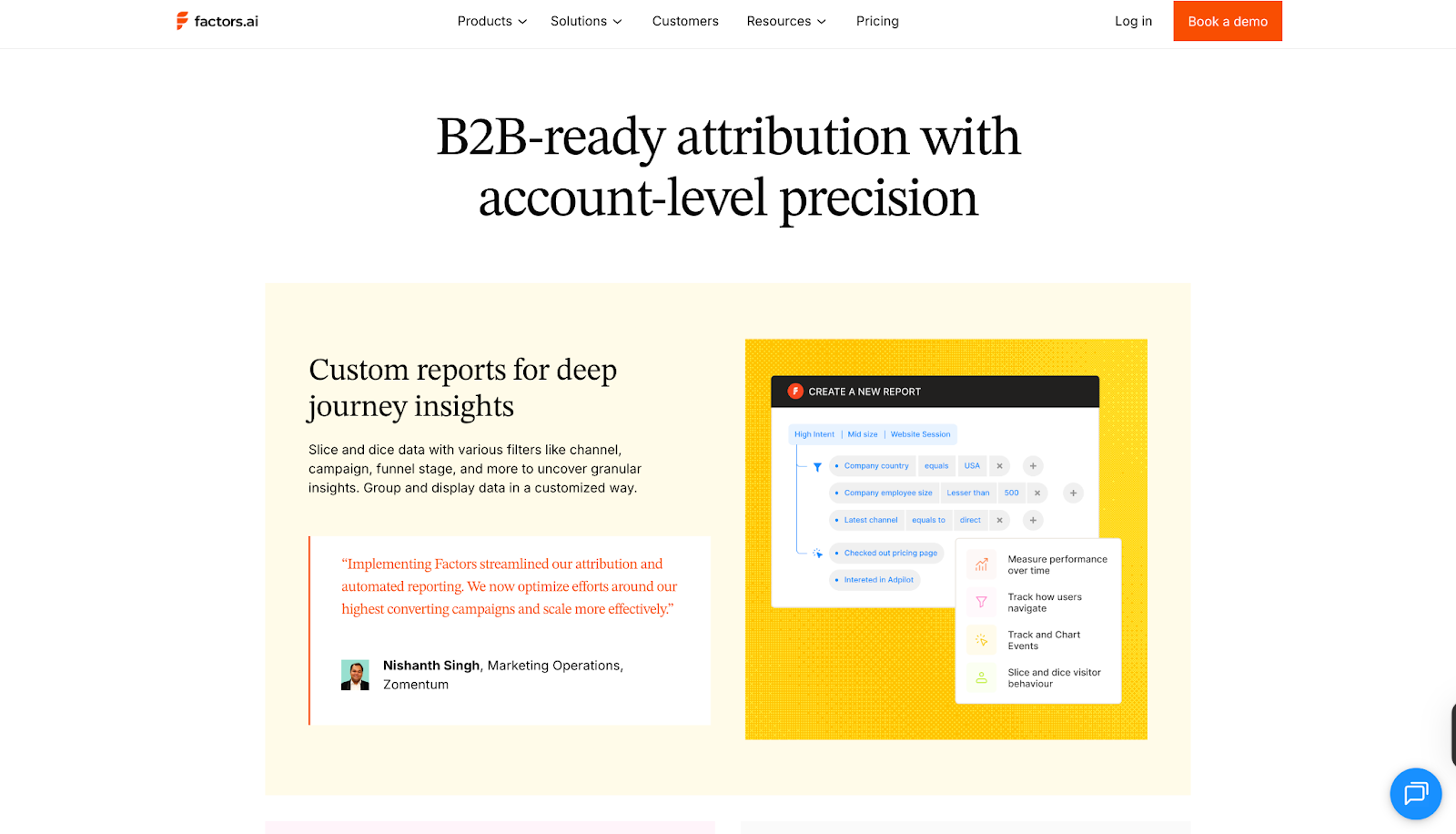
Factors.ai connects marketing and sales activity into one narrative. Instead of tracking replies or traffic alone, it shows which actions actually move deals forward.
Key elements include:
- Multi-touch Attribution
Links every click, ad view, and CRM update to revenue outcomes.
Helps teams understand which campaigns or channels contribute the most. - Funnel Stage Analytics
Monitors each stage from MQL to Closed Won, helping teams spot what accelerates deals and what slows them down. - Customer Journey Timelines
Organizes all touchpoints like website visits, ad engagement, product usage, and CRM activity, in a single chronological view. - Custom Dashboards
Teams can filter by geography, product, or ICP segment and build reports around what matters most. - Drop-off and Bottleneck Insights
Visualizes where leads stop progressing, making it easier to fix weak points in the funnel.
The reporting feels built for RevOps and GTM leaders who need clear cause-and-effect visibility, not just numbers.
To dig deeper into attribution strategies, see our explainer on multi-touch attribution models and how they can reshape B2B measurement.
Common Room Analytics and Reporting
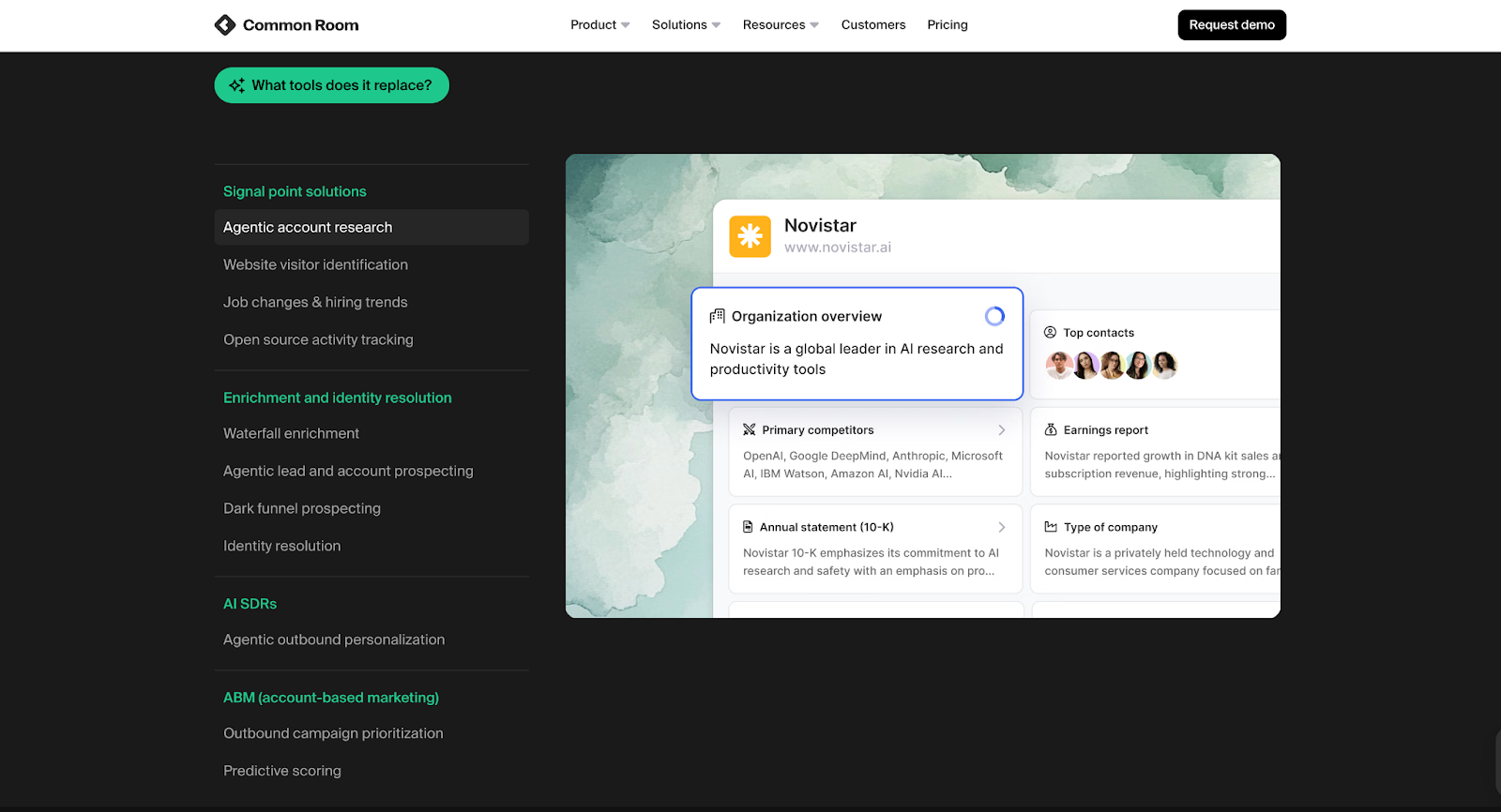
Common Room focuses more on individual and community-level engagement. It helps teams understand who’s active, what they’re doing, and where momentum is building.
Key elements include:
- Real-time Engagement Data
Surfaces live activity from people interacting with your product, website, or community. - Person-Level Insights
Combines identity data and behavioral context to show how specific individuals are engaging. - Dynamic Dashboards
Always up to date and visually centered around active users rather than static reports. - AI Summaries
RoomieAI summarizes large sets of engagement data to highlight trends or opportunities.
Common Room’s analytics are centered on immediacy and depth at the person level, giving sales and marketing a pulse on active engagement.
The Verdict
Common Room gives detailed visibility into human engagement and signal activity. It’s great for understanding who’s showing interest right now and how they interact across channels.
Factors.ai focuses on the full funnel like linking awareness, engagement, and revenue into one continuous picture. It’s more suited to teams that need measurable insights tied directly to pipeline and growth.
Factors vs Common Room: Ad Activation & Integrations
Ad activation decides how quickly GTM teams can turn intent into engagement.
While both tools connect with key marketing platforms, their approach to activation and data flow works differently.
| Feature | Factors.ai | Common Room |
|---|---|---|
| LinkedIn Ads Integration | Official LinkedIn Certified Marketing Partner with native campaign sync and optimization | Connects indirectly through Zapier automation |
| Google Ads Integration | Native connection with Google CAPI and audience sync | Not available |
| Audience Updates | Automated audience refreshes based on ICP fit and funnel stage | Not specified |
| Conversion Feedback | Sends SDR and CRM feedback to ad platforms for smarter targeting | Not listed |
| Ad Retargeting | Uses multi-source signals including web, G2, CRM, and product activity | Focused on engagement data, not ad-based retargeting |
| Integrations | Deep integrations across CRM, CDP, MAP, and Ad platforms (Salesforce, HubSpot, Marketo, G2, Drift) | 50+ integrations across CRMs, MAPs, SE tools, and community platforms |
Factors Ad Activation and Integrations
Factors.ai treats ad activation as a natural extension of GTM automation. It connects marketing and sales data to ad platforms so teams can engage the right accounts at the right time.
Key capabilities include:
- LinkedIn and Google Ads Sync
Builds dynamic audiences that refresh automatically based on recent engagement or buying intent. - Conversion Feedback Loops
Sends post-engagement data from CRM and SDR activity back into ad platforms, improving targeting precision. - Multi-Signal Retargeting
Retargets accounts that show activity across G2, CRM, product, or website signals, not just ads. - Google CAPI Integration
Shares conversion data directly with Google Ads for better campaign optimization. - Cross-Platform Integrations
Connects with Salesforce, HubSpot, Marketo, Segment, and G2, keeping all GTM workflows unified.
The Factors.ai integrations make it easier to move from data collection to activation without switching between multiple tools.
Common Room Ad Activation and Integrations
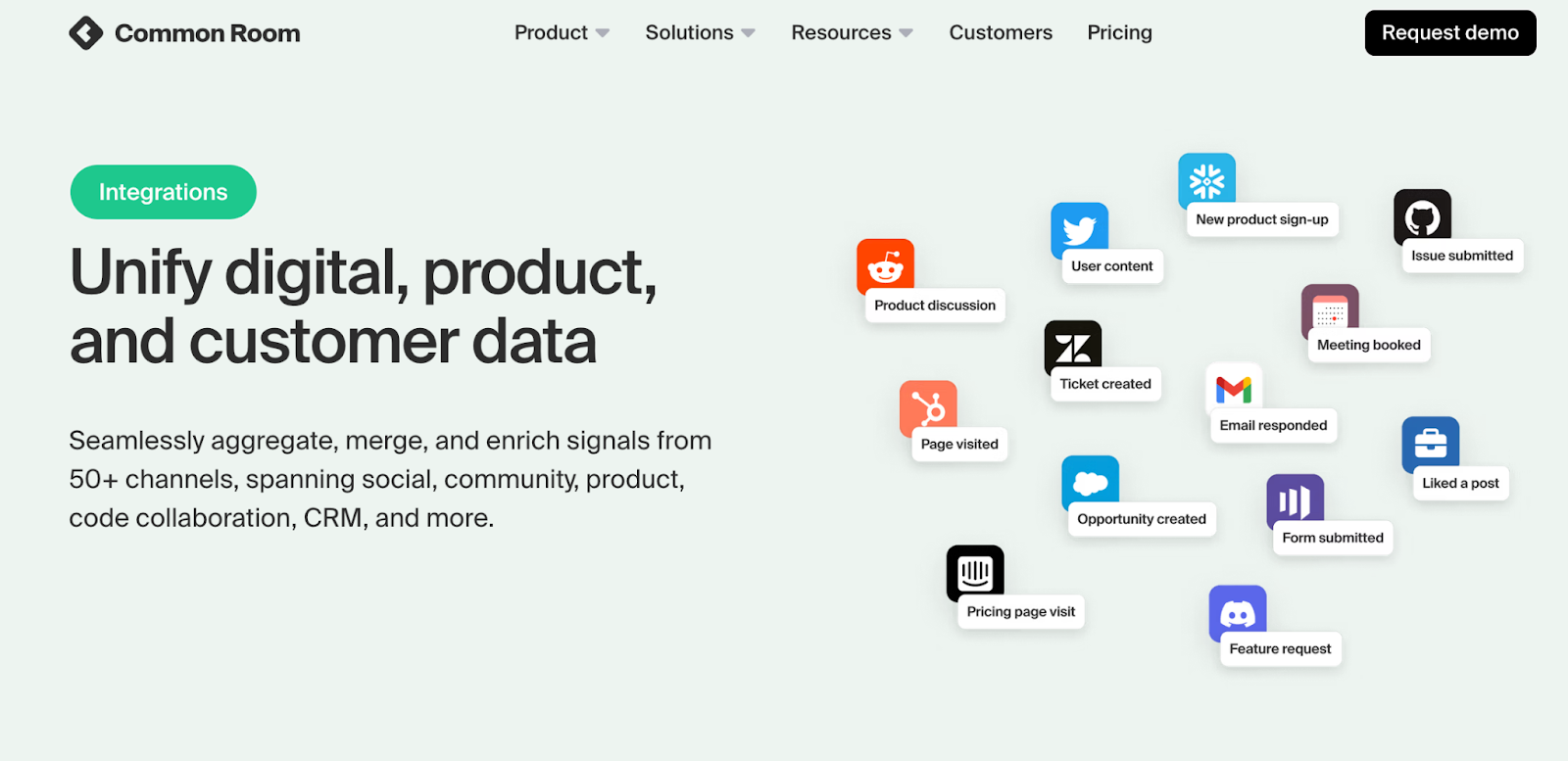
Common Room connects with a wide range of sales, marketing, and communication platforms, but its focus is more on signal and identity management than ad orchestration.
Key capabilities include:
- Platform Integrations
Works with CRMs like Salesforce and HubSpot, MAPs like Marketo and Pardot, and SE tools like Outreach and Apollo. - Community and Social Integrations
Links with Slack, Gong, and community forums to capture real-time intent and engagement. - Ad Automation
Limited to indirect activation through Zapier, primarily for workflows rather than campaign syncs.
This setup gives GTM teams a strong signal network but relies on external tools for paid activation.
The Verdict
Common Room integrates deeply with community, CRM, and communication tools, helping teams capture signals from many sources.
Factors.ai builds on those signals with direct ad integrations, allowing real-time audience targeting and retargeting through LinkedIn and Google Ads. The difference lies in how complete the activation loop is: one gathers the signals, the other turns them into action.
Also, read Improving LinkedIn ads targeting using Audience Builder.
Factors vs Common Room: Onboarding & Support
How well a platform supports your team during onboarding often decides how quickly you start seeing results.
Both Factors.ai and Common Room offer guided experiences, but they focus on different parts of the journey.
| Area | Factors.ai | Common Room |
|---|---|---|
| Onboarding Style | White-glove onboarding designed around ICP and GTM workflows | Guided onboarding with platform demos |
| Dedicated CSM | Included on higher plans | Available on paid tiers |
| Slack Channel | Used for real-time collaboration and daily assistance | Used for updates and support notifications |
| Weekly Reviews | Regular meetings to optimize usage and performance | Not specified |
| Setup Assistance | Includes playbook design, enrichment, and automation setup | Covers standard configuration and user training |
| Additional Services | Optional GTM Engineering Services | None mentioned |
Factors Onboarding and Support
Factors.ai treats onboarding as a partnership. Instead of a generic setup, it aligns each workflow and alert with how the GTM team actually operates.
What it includes:
- Tailored Setup
Onboarding begins with understanding your ICP, funnel stages, and existing workflows. The platform is configured around those details. - Dedicated Slack Channel
Teams get direct access to a success manager and GTM engineers, allowing faster problem-solving and collaboration. - Weekly Review Calls
Regular check-ins help teams fine-tune performance, track adoption, and uncover new ways to use the platform. - Optional GTM Engineering Services
As mentioned earlier in the pricing section, Factors.ai offers a dedicated service layer for teams that need support beyond standard onboarding.
This includes:
- ICP modeling and GTM playbook design
- Setup of enrichment, alerts, and ad workflows
- SDR enablement for post-meeting follow-ups and closed-lost reactivation
- Ongoing review and optimization
The goal is to leave teams with a GTM system that runs smoothly and stays dependable over time.
Common Room Onboarding and Support
Common Room focuses on quick activation and education.
Its onboarding experience is straightforward and built to get teams using the product early.
What it includes:
- Guided Onboarding
Step-by-step walkthroughs help teams set up data sources, connections, and signal tracking. - Platform Demos and Support
Live sessions introduce features like Person360, RoomieAI, and dashboards. - Assisted Setup
Teams receive guidance on configuration and integrations. - Help Center and Resources
Documentation, articles, and community support help users solve smaller issues on their own.
This structure makes onboarding smooth for most teams, though it stays focused on product familiarity rather than long-term GTM optimization.
The Verdict
Common Room keeps onboarding simple, emphasizing product setup and signal tracking.
Factors.ai builds a deeper partnership during onboarding, guiding teams through alignment, automation, and RevOps design.
Both make adoption easy, but Factors.ai extends support further into strategy and ongoing performance improvement.
Factors vs Common Room: Compliance & Security
Data security and privacy are major parts of any GTM platform evaluation.
Most companies today, especially in mid-market and enterprise segments, look closely at how tools handle compliance before they even begin a pilot.
| Area | Factors.ai | Common Room |
|---|---|---|
| GDPR Compliance | Yes | Yes |
| CCPA Compliance | Yes | Yes |
| SOC 2 Certification | Type II | Type 1 and Type 2 |
| ISO 27001 | Certified | Not listed |
| Data Transparency | Clear policies on enrichment and processing | Focused on identity data handling through Person360 |
| Data Processing Agreement (DPA) | Available on request | Not mentioned |
| Security Scope | Covers platform access, storage, and integrations | Covers identity data, enrichment, and workflow automations |
Factors.ai Compliance and Security
Factors.ai maintains enterprise-grade certifications and privacy standards. Its structure and documentation are built for companies that handle sensitive data across multiple regions.
Key measures include:
- Regulatory Compliance
Fully compliant with GDPR and CCPA, meeting both European and US privacy standards. - Certifications
Holds SOC 2 Type II and ISO 27001, covering infrastructure, data management, and operational controls. - Privacy-First Approach
Uses behavioral and firmographic enrichment responsibly, with full transparency in how signals are processed. - Data Agreements
Offers signed DPAs for customers who require formal documentation during vendor assessments.
These measures make Factors.ai suitable for teams that must pass detailed security reviews before implementation.
Common Room Compliance and Security
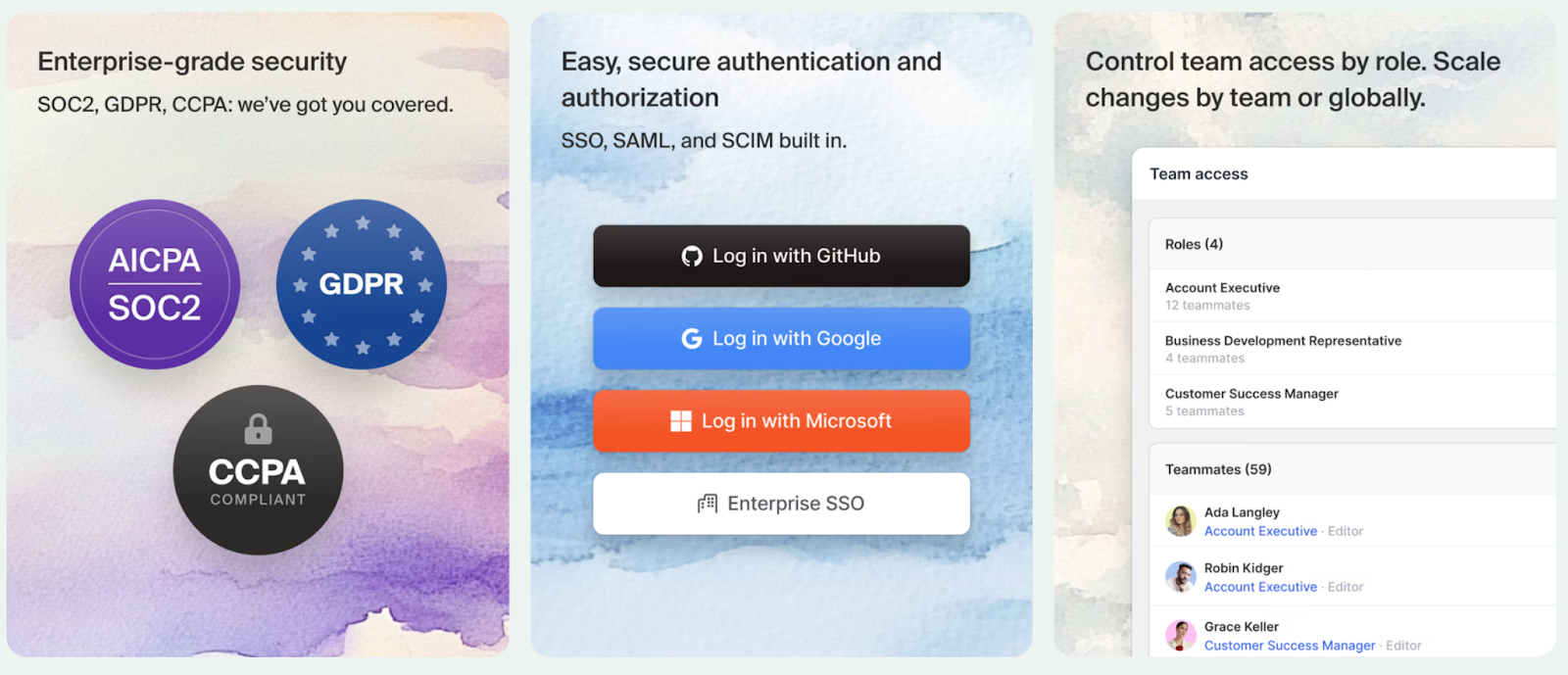
Common Room also maintains strong data governance, especially around person-level identity resolution.
It’s designed for teams that rely on deep enrichment while staying within global compliance frameworks.
Key measures include:
- Compliance Frameworks
Adheres to GDPR and CCPA, ensuring data privacy for both individual and business-level signals. - SOC 2 Certification
Certified for both Type 1 and Type 2 audits. - Identity Data Protection
Focused on keeping Person360 and Prospector enrichment processes secure. - Transparency
Public documentation covers data use, though specific policies around enrichment partnerships are limited.
The setup provides strong compliance for identity-driven operations and aligns with standard SaaS privacy requirements.
Factors vs Common Room: The Verdict
Common Room focuses on keeping person-level data safe and compliant with major regulations.
Factors.ai goes broader, combining full-system security certifications with formal documentation and enterprise-level data transparency.
Both platforms are well covered, but Factors.ai’s added certifications make it easier for larger teams to clear procurement checks.
Factors vs Common Room: Which one to choose when?
If you’ve reached this point, you already know both platforms have strong foundations.
Factors.ai and Common Room help GTM teams understand intent, act faster, and make smarter decisions. But they’re built around two very different ways of thinking.
Throughout this breakdown, we’ve seen where each one shines, from functionality to support.
Now let’s piece it all together to help you make a better decision.
| Area | Factors.ai | Common Room |
|---|---|---|
| Platform Focus | Unified GTM orchestration and analytics across the full funnel | AI-powered person-level GTM intelligence and identity resolution |
| Best Fit For | Teams that need connected visibility from intent to revenue | Teams that rely on product, community, and social signals |
| Pricing Model | Usage and seat-based, scales with GTM maturity | Fixed annual plans based on tier |
| Analytics | Multi-touch attribution and funnel diagnostics | Real-time person-level engagement analytics |
| Ad Activation | Direct integrations with LinkedIn and Google Ads | Ad activation through third-party connectors |
| Support Experience | White-glove onboarding, weekly reviews, and GTM Engineering Services | Guided setup with platform demos and documentation |
| Compliance | ISO 27001, SOC 2 Type II, GDPR, and CCPA certified | SOC 2 Type I & II, GDPR, and CCPA compliant |
When Factors Fits Best
If your GTM motion depends on connecting multiple systems like ads, CRM, product analytics, website behavior, and attribution, Factors.ai gives you that full, account-level picture. It works especially well for teams that run ABM, rely on signal-based GTM, and need a system that unifies intent, activation, and measurement.
It works well for:
- B2B SaaS and enterprise teams running ABM or multi-threaded deal cycles who need to understand which accounts are engaging, where, and why
- RevOps and growth teams that want complete visibility from first touch to closed/won, including account journeys, deal influence, and pipeline lift
- Teams that prioritize accurate intent detection from website, CRM, G2, LinkedIn, Google, and email signals (instead of guessing who’s ‘ready’)
- Companies that need certification-ready security and compliance for procurement (SOC 2 Type II, GDPR, SSO, audit logs, role-based access, and data governance)
- Teams that prefer guided onboarding and hands-on support, including implementation, custom dashboards, ABM workflows, and ongoing account reviews
What makes Factors stand out is the continuity and intelligence of the system. Once it’s set up, it operates as a connected GTM engine where:
- every signal enriches the account profile
- every journey is stitched and attributed
- every spike in intent triggers alerts, audiences, and playbooks
- every team (marketing, sales, RevOps) works from the same source of truth
The result: a GTM motion where ads, content, sales plays, and product insights all talk to each other, while your team focuses on execution instead of manual reporting.
When Common Room Fits Best
Common Room suits teams that live close to their communities, users, and conversations.
It’s ideal for:
- Teams running person-level ABM strategies
- Companies relying heavily on community or social engagement data
- Sales and marketing teams that value real-time identity insights over complex attribution models
- Fast-moving teams that prefer simple onboarding and visual dashboards
It’s focused on people, understanding who’s engaging, where they come from, and what they care about.
In a Nutshell…
After going through every chapter, one thing becomes clear: both platforms solve the same problem in their own way.
What really matters is how your team works and what kind of GTM system you’re trying to build.
Factors feels more like a foundation. It brings everything together, from data to execution, so your GTM motion keeps running without gaps.
Common Room focuses on people and conversations, giving you visibility into who’s active and how they’re engaging.
If your team wants structure, deep analytics, and a connected setup that keeps improving over time, Factors.ai aligns well with that direction.
If your focus is on fast-moving engagement and signal-based outreach, Common Room gives you the visibility to act quickly.
Both can create impact, it simply depends on where your team is today and how you plan to grow next.
If you liked this, you might also like the comparison of top Common Room alternatives to see how others stack up across features and pricing.
FAQs for Factors vs Common Room: Explore Factors as a Common Room Alternative
1. Which GTM teams benefit most from Factors.ai?
B2B SaaS, RevOps, and data-driven marketing teams that need connected systems for attribution, automation, and revenue tracking.
2. What makes Common Room better for community-led GTM?
Its focus on social, community, and product signals, combined with real-time dashboards, makes it ideal for fast-moving, person-focused teams.
3. How do the pricing models differ?
Factors.ai scales with usage and seats, offering flexibility and deeper orchestration tools. Common Room uses fixed tiers, starting at $1,000/month, with simpler forecasting.
4. Do both platforms offer ad campaign integration?
Factors.ai integrates natively with LinkedIn and Google Ads for audience sync and conversion feedback. Common Room supports limited automation via Zapier.
5. Which platform offers stronger onboarding support?
Factors.ai provides white-glove onboarding, GTM playbook setup, and ongoing engineering support. Common Room focuses on product walkthroughs and quick activation.


We don’t just write about demand gen. We deliver it.
Our AI Agents help you uncover high-intent accounts, run campaigns that actually convert, and keep your GTM motion in sync.
1000+ GTM teams have already scaled their pipeline with Factors.
*Includes built-in peace of mind. And fewer late-night funnel audits.

.svg)










.png)