
Good Reads
Fix pipeline pains. Solve GTM puzzles. Read strategic brain dump.
Written for marketers who want real solutions to a leaking pipeline (and their dark circles).
Want to read more from us?


I’m looking for…

How to Fix Declining Paid Search Performance And Stop Marketing From Crashing Out
Struggling with plummeting paid search results? Learn why traffic, conversions, and CPCs are shifting, and how 100+ B2B teams are turning it around with smarter strategy.

TL;DR
- Search traffic is down (but not dead). Top-funnel traffic has shifted to AI tools like ChatGPT, cutting volume but concentrating buyer intent.
- Conversion rates dropped because buyers already know who they want. Most B2B buyers have vendors in mind before they ever search.
- Your paid search fails when it ignores brand. Brand-driven demand fuels better conversion. LinkedIn awareness campaigns now shape paid search outcomes.
- Winning teams measure pipeline, not MQLs. The smartest marketers focus on closed-won deals and account-level signals, not form fills.
Your paid search dashboard stats resemble a control panel in a disaster movie. There’s lots of warning lights flashing, alarms are incessantly dinging in your ear, and everything is going downward, fast. Houston, we have a problem.
Traffic down 25%. Conversion rates down 20%. Cost per click up 24%. And your performance marketing manager is in your office explaining that it's "definitely not their fault," and "the algorithm just changed," and "maybe we need a bigger budget?"
Cool. Cool cool cool.
Here's what's actually happening: paid search isn't broken. The world around it has changed. And if you keep trying to fix modern problems with an old playbook, you're going to keep bleeding budget while your competitors figure out what’s working, and move forward.
Our report, with data from 100+ B2B marketing teams, paints a pretty grim picture. But it also reveals exactly what separates the winners from the losers. It's not about bid strategies, keyword match types, or any of the tactical nonsense marketing influencers are ranting about.
But How Bad Is Paid Search Really?
Let's get real about the scale of the problem.
Paid search traffic grew just 4.9% overall, but that number masks uneasy waters underneath. The median change in paid search traffic was -25.2%. The bottom quartile saw declines of -58.9%.
Companies at the 25th percentile lost nearly 60% of their paid search traffic year-over-year.
But wait, there's more.
65% of companies analyzed are showing declining conversion rates from paid search. The aggregate conversion rate dropped 8%. The median conversion rate change was -20%.
Oh, and cost per click increased by a median of 24%.
So you're paying more, getting less traffic, and that traffic is converting at lower rates. It's the perfect storm of paid search pain.
If you're experiencing this, you're not alone. You're not bad at your job. The game has just changed. And the sooner you accept that, the sooner you can fix it.
Why This Is Happening (It's Not Google's Fault)
Three shifts are converging to break paid search as we knew it:
1. LLMs Ate Your Top-of-Funnel Traffic
89% of B2B buyers now use generative AI in their purchasing process, according to Forrester research.
Think about what that means for search behavior. All those informational queries that used to drive traffic? "What is account-based marketing?" "How to choose marketing automation software?" "Best practices for demand generation."
They're gone. Not to a competitor. To ChatGPT.
Buyers aren't Googling for education anymore. They're using LLMs to get synthesized answers, comparison tables, and decision frameworks without ever clicking a search result.
The searches that remain are high-intent, vendor-specific queries. Which is actually good news, except there are way fewer of them. That explains the drop in traffic.
2. Buyers Decided Before They Searched
According to Forrester, 92% of B2B buyers start their journey with at least one vendor in mind. 41% have already selected their preferred vendor before formal evaluation even begins.
This fundamentally breaks the paid search model.
Traditional paid search assumes you're catching buyers during their research phase. You show up for "marketing analytics software," they click, they learn about you, et voilà, they convert.
But if 92% already have a vendor in mind when they start searching, you're not educating. You're validating. They've already formed preferences through LinkedIn, peer recommendations, G2 reviews, and conversations with their favorite bot.
By the time they search, the game is largely over.
3. The Algorithm Optimized for the Wrong Thing
Google's machine learning has gotten really, really good at finding people who will click your ads. Unfortunately, "people who click ads" and "people who buy your B2B product" are only a small crossover on a Venn diagram.
Google optimizes for engagement. You care about revenue. That misalignment creates expensive traffic that doesn't convert.
Your CPC goes up (because, competition), your volume goes down (because, LLMs), and your conversion rate tanks (because the traffic quality deteriorated).
Fun times.
{{INLINE_TOFU}}
Fix #1: Accept Lower Volume and Optimize for Quality
Sorry, but you're not getting that traffic back.
The informational searches are gone. They moved to LLM platforms, and they're not coming back. Stop trying to recapture 2023 traffic levels. It's not happening.
Instead, optimize aggressively for the high-intent traffic that remains.
This means:
- Shift budget from broad match to exact match and phrase match
- Focus on branded searches and high-intent keywords (pricing, demo, vs competitor, etc.)
- Ruthlessly cut keywords that drive traffic but not pipeline
- Accept that your traffic graphs will look sad (but your pipeline graphs won't, so, chill)
The top quartile companies in the benchmark data saw paid search traffic growth of 44.8%, while the median was -25.2%. What separates them? They're not chasing volume. They're chasing accounts that convert.
Fix #2: Build Brand Before You Buy Search
Here's the stat that changes everything: ICP accounts exposed to LinkedIn ads show 46% higher paid search conversion rates.
Your paid search performance isn't just about your paid search strategy. It's about whether buyers already know who you are when they search.
The fix:
- Allocate 30-40% of your paid budget to LinkedIn brand awareness campaigns
- Target your exact ICP with thought leadership, not just ads
- Build mental availability so when buyers do search, they already recognize you
- Measure the lift in search conversion rates for accounts exposed to brand campaigns
Search isn't dead. But search as a standalone demand generation engine? That's over. Search is now a capture mechanism for buyers who were influenced elsewhere.
Fix #3: Retarget High-Intent Search Visitors on LinkedIn
Analysis shows that 14.3% of paid search leads originally started their journey on LinkedIn. But here's what's more interesting: traffic converts at significantly higher rates.
Flip this insight around. If LinkedIn makes search traffic better, use search traffic to identify accounts for LinkedIn retargeting.
The workflow:
- Someone from Acme Corp visits your website via paid search
- They check out your pricing page and product features
- They leave without converting (as most do)
- You capture them as a matched audience in LinkedIn
- You retarget them with account-specific messaging, including other stakeholders at Acme Corp
This is where the magic happens. You're not just retargeting the individual who searched. You're using that search intent signal to unlock the entire buying committee at that account.
Fix #4: Stop Measuring MQLs, Start Measuring Pipeline
If you're still judging paid search success on cost per lead or MQL volume, you're measuring the wrong thing.
The traffic quality has changed. The buyer journey has changed. Your success metrics need to change too.
What to measure instead:
- Cost per demo booked (demos are up 17.4% median, this is what actually matters)
- Cost per pipeline generated
- Cost per closed-won deal
- Conversion rate from visit to opportunity (not visit to form fill)
When you shift to pipeline metrics, you'll make very different decisions. You'll stop celebrating 1,000 leads that go nowhere. You'll start optimizing for 50 accounts that turn into real deals.
Demo requests are growing (9.5% overall, 17.4% median) even as search traffic declines. That's because bottom-funnel intent is actually fine. It's just concentrated among fewer, higher-quality prospects.
Fix #5: Combine Search with Account Intelligence
Here's where modern paid search diverges from traditional paid search: you need to know which accounts are searching, not just how many people.
Traditional search tracking tells you:
- 500 people visited from paid search
- 50 filled out a form
- 10% conversion rate
Account-level search tracking tells you:
- 87 ICP accounts visited from paid search
- 12 are in active deals in your CRM
- 23 are showing intent across multiple channels
- 8 are competitors (exclude these obviously)
- 44 are net-new, high-fit accounts worth pursuing
That second view changes everything about how you optimize.
When you identify that an account from your tier-1 target list just visited your pricing page via search, you can:
- Alert the account owner in your CRM
- Add them to a LinkedIn retargeting campaign
- Suppress them from expensive keyword campaigns
- Track their full journey across channels
This is the difference between search as a lead generation tool and search as an account intelligence signal.
Fix #6: Embrace Branded Search, Even If It Feels Weird
Branded search feels like cheating. They already know who you are! Why pay for that click?
Because 92% of buyers start with a vendor already in mind. If you're not showing up at the top for your own brand terms, you're losing deals to competitors who bid on your brand.
More importantly, branded search volume is one of the few search metrics that's still growing for successful companies. It's a lagging indicator of your brand work paying off.
The fix:
- Own all your branded terms (obviously)
- Bid on competitor brand terms strategically
- Create brand + problem combination terms ("Company Name analytics," "Company Name attribution")
- Use branded campaigns to control the message and landing page experience
Your branded search performance tells you whether all your other marketing is working. If branded search is declining, you have a brand awareness problem, not a search problem.
Fix #7: Reduce Friction for High-Intent Visitors
This one's simple but most companies still screw it up.
If someone searches for "your product demo" or "your product pricing," don't make them fill out a form to see basic information. Don't make them wait for a BDR to call them. Don't send them to a generic landing page.
Give them exactly what they searched for, immediately. There is almost nothing as annoying as being directed to fill out a form or being sent to some random page when you’ve asked a specific question. Don’t gate keep, don’t send customers on a merry-go-round.
The companies in the top quartile (28% conversion rate growth) are winning because they removed friction for high-intent visitors. The companies in the bottom quartile (-43% conversion rate decline) are still trying to "capture" leads.
High-intent search visitors don't need to be captured. They need to be served what they asked for in the first place.
Search Isn't Dead, But It's Different
Paid search performance is declining for 65% of companies. Traffic is down. Conversion rates are down. Costs are up.
But the top quartile is seeing 44.8% traffic growth and 28% conversion rate improvement. The difference isn't luck. It's strategy.
The winners are:
- Accepting lower volume at the top of the funnel and instead optimizing for quality
- Building a brand on LinkedIn to lift search performance (46% higher conversion rates)
- Using search as an account intelligence signal, not just a lead source
- Measuring pipeline and revenue, not MQLs
- Combining search with retargeting and account-based plays
- Reducing friction for high-intent visitors
- Owning their brand terms and controlling their narrative
The losers are:
- Chasing 2023 traffic levels that aren't coming back
- Running search in isolation from brand investment
- Measuring form fills instead of pipeline
- Treating all traffic equally instead of prioritizing ICP accounts
- Adding friction in the name of "lead capture"
Paid search isn't broken. But if you're still running it the way you did three years ago, you're going to keep seeing performance decline.
The fix isn't more budget. It's a completely different approach that acknowledges how buyers actually research and make decisions in 2025.
If you want to see which ICP accounts are visiting from paid search and track their complete journey across channels, Factors.ai provides account-level analytics that turns paid search from a lead gen tool into an account intelligence signal, helping you identify high-intent accounts and orchestrate the right follow-up across LinkedIn, sales outreach, and more.
Your move.
FAQs for Fixing Declining Paid Search Performance
Q. Why is paid search performance declining across B2B teams?
Because buyer behavior has shifted dramatically, informational queries now go to AI tools, not search engines, and most buyers choose vendors before they even search.
Q. Is Google’s algorithm to blame for poor conversion rates?
Not entirely. Google's algorithm favors engagement, not revenue. It’s optimized to find clickers, not buyers, making traffic more expensive and less qualified.
Q. Should I stop investing in paid search?
No, but you should radically change your approach. Focus on high-intent keywords, integrate brand campaigns, and use account-level data to drive smarter follow-up.
Q. What metrics should I use instead of MQLs?
Track cost per demo, cost per pipeline, and conversion rates to opportunity. These metrics align better with revenue and signal real buyer intent.
Q. How does LinkedIn improve paid search performance?
Accounts exposed to LinkedIn branding convert 46% better via paid search. Building brand familiarity raises your odds when buyers search with intent.

How to Choose The Best Sales Intelligence Tool in 2026?
Looking for the best sales intelligence tool? Learn how to choose the right platform for better lead targeting, engagement, and decision-making.

TL;DR
- Sales intelligence tools improve lead targeting, engagement, and decision-making.
- Different types serve various needs, from data enrichment to predictive analytics.
- Key selection factors include data accuracy, integrations, analytics, and usability.
- Implementation requires team training, data migration, and clear success metrics.
- Measuring ROI involves tracking lead quality, conversion rates, and sales cycle efficiency.
- Future-proofing ensures adaptability to emerging AI and compliance trends.
- Choosing the right tool means balancing features, costs, and vendor support.
Understanding Sales Intelligence Tools
Sales intelligence tools are now essential for sales teams. They change how businesses learn and connect with potential customers. These tools gather and analyze data to help salespeople make smart choices.
The sales intelligence market is booming, with predictions pointing to a whopping $9 billion by 2034. But it's not just about big numbers. This surge highlights a significant shift in how companies tackle sales.
Sales intelligence tools collect data about prospects, companies, and market trends. They offer real-time insights into buyer behavior, company news, and industry changes. This helps sales teams find and focus on the best leads. For instance, Factors.ai's Account Intelligence provides insights into conversion rates and user journeys, enabling better decision-making.
By the end of 2025, sales intelligence will have grown with the help of artificial intelligence and machine learning. These tools now offer predictive analytics and smart lead scoring. They can study communication patterns, predict buying intentions, and suggest next steps for sales reps.
The true benefit is in removing guesswork from sales. Sales teams can base their decisions on solid data, leading to better conversion rates and quicker sales. This proactive approach is key to staying ahead in today's fast-paced market.
Types of Sales Intelligence Solutions
At their heart, Sales Intelligence tools perform three key tasks: gathering crucial customer data, analyzing buying patterns, and dishing out actionable insights. Picture this: It's like having a crystal ball that tells you exactly when a prospect is ready to make a purchase. That's the magic of top-notch sales intelligence.
Modern sales tools come in different types, each meeting specific sales needs. Data enrichment tools fill in missing details about prospects and companies, saving time on research. They gather data from many sources to create complete customer profiles, similar to what Factors.ai's Workflow Automation offers.
Predictive analytics platforms use AI to predict future buying habits and find patterns in past data. These tools help sales teams focus on leads likely to convert, making resource use better.
Lead scoring tools rank prospects based on their chance to buy, considering factors like company size and recent actions. This helps sales teams target the best opportunities first, as seen in Factors.ai's Intent Capture.
Competitive intelligence tools track competitor moves, price changes, and market positions. This helps sales teams position their offers better and handle objections well.
Customer engagement tools track how prospects interact with your content, emails, and website. They give insights into buyer behavior and help tailor sales approaches for better outcomes.
Each type meets different needs, and many companies use a mix of these tools for a complete sales intelligence setup. And the perks? Sales teams using these tools report up to a 35% increase in close rates and much shorter sales cycles.
{{INLINE_TOFU}}
Key Features to Consider While Buying Sales Intelligence Tools in 2026
Choosing the right sales intelligence tool in 2025 is like picking out your dream car—there are some features you can't compromise on. First and foremost, start with data quality and coverage. Ensure the tool gives accurate, current information for your target markets and industries.
Next on the list is how well the tool integrates with what you're already using. Your sales intelligence tool should get along with your current tech setup, especially your CRM. Whether you're using Salesforce, HubSpot, or another system, smooth integration is a time-saver and helps avoid those pesky data silos. For example, our Integrations page outlines how Factors.ai connects seamlessly with popular CRM systems.
Next, look for strong analytics and reporting features. They should offer customizable dashboards and real-time insights to track sales performance, pipeline health, and team productivity.
The user interface is important. A simple, straightforward design helps your sales team use the tool quickly and often. Mobile access is essential—sales reps need data on the go.
AI and machine learning features make modern tools stand out. Seek out predictive lead scoring, automated data enrichment, and smart recommendations to improve decision-making.
Don't forget about compliance and security. With data privacy laws tightening up, it's crucial your tool comes equipped with built-in compliance features to keep everything above board.
The best features match your specific needs. Avoid being distracted by flashy features that don't support your main business goals.
Top Sales Intelligence Tools in 2026
A few standout tools are really making waves. Thanks to its massive B2B database and smart AI insights, ZoomInfo is still a big player. And if you're all about building professional connections, LinkedIn Sales Navigator is still your go-to.
Here are a few other stars worth mentioning:
- Factors.ai: The only Sales Intelligence platform that deeply connects LinkedIn advertising with Web Analytics, CRM, Marketing Automation, and other tools in the GTM stack. It’s the one sales intelligence tool you need to run connected campaigns across your entire GTM stack.
- 6sense: It's all about predictive analytics and nailing account-based marketing.
- Cognism: Gets a thumbs up for its GDPR-compliant data and the ability to verify mobile numbers.
- Apollo.io: It is loved for its all-in-one platform that mixes prospecting with engagement tools.
Prices can vary quite a bit:
- For basic tools, you’re looking at around $50-100 per user each month.
- Mid-range options bump up to $150-300 per user monthly.
- If you’re going for enterprise-level, expect custom pricing, often starting at $500 per user.
When it comes to user feedback, ZoomInfo (4.4/5), Apollo.io (4.8/5), and Cognism (4.6/5) consistently get high ratings. But remember, the best tool for you really depends on what your team needs, how big it is, and what your budget is.
Selection Framework For Choosing The Best Sales Intelligence Platform
Start by assessing your business needs—document specific problems, workflow issues, and growth goals that the tool should address. Consider team size, sales processes, and current technology.
Think about the budget beyond the initial cost. Include implementation, training, and customization expenses. Some vendors charge per user, while others base pricing on database size or features.
Scalability is essential for growing businesses. Ensure the tool can handle more data, users, and complex workflows without issues. Check if you can easily upgrade plans or add features.
Security and compliance are key. Verify the vendor's data protection measures, especially if you work in regulated industries. Look for SOC 2 compliance, GDPR adherence, and regular security checks.
For vendor evaluation, consider their reputation, financial stability, and customer support. Ask for references from similar companies in your industry. Review their product roadmap to ensure it aligns with your long-term needs.
Best Practices To Implement Sales Intelligence Tool
To successfully implement a sales intelligence tool, follow a strategic approach. Begin with thorough team training. Create training modules for each role and offer hands-on practice. Appoint power users to help their colleagues during the transition.
For data migration, plan how to move customer information without disrupting daily work. Clean and standardize data before migration to ensure accuracy in the new system.
Integrate the tool with your current tech setup. Work closely with your IT team and the vendor's support to connect it with your CRM, marketing tools, and other key platforms.
Set clear performance metrics from the start. Define success, whether it's less research time, higher conversion rates, or better lead quality. These benchmarks will help you measure the tool's impact.
Implement a change management plan to address resistance and ensure adoption. Regular check-ins, progress tracking, and celebrating early wins can help maintain momentum. Create feedback channels for team members to report issues or suggest improvements.
Measuring ROI For Your Sales Intelligence Tool
To measure the return on investment for your sales intelligence tool, use a clear approach focused on specific metrics. Track key performance indicators like reduced research time per lead, increased contact accuracy, and improved conversion rates.
Regularly compare the tool's total cost (including subscription, training, and maintenance) against revenue gains. Consider both direct benefits (increased sales) and indirect benefits (time saved, improved team efficiency).
Define success metrics that match your business goals:
- Improvement in lead quality
- Shorter sales cycle
- Growth in average deal size
- Number of new opportunities
- Response rates to outreach
For long-term value, watch trends over quarters and years. Consider:
- Changes in customer lifetime value
- Sales team retention
- Market penetration
- Database growth and quality
- Pipeline speed
Some benefits may take time to appear. Set realistic timeframes for different metrics and adjust expectations based on your industry's typical sales cycles.
The Checklist For Choosing The Best Sales Intelligence Tool
Staying ahead means choosing a sales intelligence tool that can adapt to future challenges. Consider these key aspects for long-term success:
Emerging Trends
- AI-driven predictive analytics become standard
- Integration of voice and natural language processing
- Real-time intent data capture
- Stronger privacy compliance features
Scalability Considerations
- Flexible user limits
- Expandable data storage
- API call capacity
- Potential for use across departments
Innovation Roadmap
- Vendor's product development schedule
- Upcoming feature releases
- Integration with new technologies
- Investment in research and development
Vendor Partnership Evaluation
- Financial health
- Position in the market
- A track record of customer success
- Adaptation to market changes
- Growth in support infrastructure
Choose vendors who commit to innovation while staying stable. Look for those with clear upgrade plans and a history of adapting to market changes. The right partner should be transparent about their development plans and willing to include customer feedback in their evolution.
Choosing the right sales intelligence tool needs a clear plan. Here's how to decide:
Comparison Checklist
- Check if the features meet your must-have needs.
- Compare pricing and total costs.
- Look at how well it works with your current tools.
- Check security and compliance.
- Evaluate vendor support quality.
Pilot Program Guidelines
- Try it for 30 days with a small team.
- Test key features in real situations.
- See if it meets your expectations.
- Get feedback from users.
- Note any technical issues and how long they take to fix.
Contract Negotiation Tips
- Lock in pricing for several years.
- Ensure free training and onboarding.
- Include performance guarantees.
- Set clear exit terms.
- Negotiate flexible user licenses.
Implementation Timeline
- Plan a phased rollout.
- Set achievable milestones.
- Allow extra time for surprises.
- Plan for data transfer.
- Schedule team training.
Remember, the best tool isn't always the priciest or most feature-packed – it's the one that fits your organization's needs and growth plans best.
Conclusion and Next Steps
Choosing the right sales intelligence tool isn’t just about ticking off features or comparing price tags—it’s about giving your sales process a real boost. By 2025, with AI and machine learning getting even smarter, these tools aren’t just nice-to-haves—they’re must-haves if you want to stay ahead of the game.
So, how do you pick the perfect one? It’s all about finding a tool that fits your unique needs, meshes well with what you already use, and shows a clear return on investment. Whether you’re a startup just dipping your toes into lead generation or a big company needing deep market insights, there’s a tool out there just for you.
Here’s your action plan:
- Jot down the features you can’t live without.
- Set a budget that makes sense.
- Book demos with your top three picks.
- Gather feedback from your team.
- Kick things off with a pilot program.
The world of sales intelligence is always changing, but making a smart choice now sets your team up for success down the road. Take your time—find the tool that’s just right for your organization’s needs. For more insights on enhancing your sales strategies, explore Factors for B2B Sales and Intent-Based Outreach.

How to do B2B account scoring
Learn how to effectively score B2B accounts and prioritize sales efforts with Factors.ai's comprehensive guide. Improve your sales pipeline today!

The following blog is an overview of account scoring. It goes over the basic steps in creating a scoring scheme as well as the various functions of an ICP (Ideal Client Profile). It also distinguishes account scoring from ABM (Account-Based Marketing) and assesses how lead scoring and account scoring deal with different B2B clients.
Catch our previous piece on lead scoring models explained here!
What is account scoring, and how is it different from account based marketing?
You might have heard that account scoring is somewhat analogous to ABM (Account-Based Marketing). This isn’t far from the truth. Think of account scoring more as a means to improving ABM. In that sense, they are consubstantial. ABM is a broader approach to marketing that targets key accounts or accounts that are most likely to convert and generate the most revenue. This is based on using an ICP (Ideal Client Profiles) which states the attributes of those target accounts. ABM also deals with compartmentalizing those key accounts, designing the method of engagement, and collaborating with other departments.
Meanwhile, account scoring is a method of ranking and sorting your target accounts based on a scoring scheme. Just like in ABM, account scoring uses an ICP as a filter to identify your target accounts. By scoring your target accounts you can better ascertain the value of organizations, on which you can expend your limited resources on. Account scoring is comprehensive with its scoring schemes by prioritizing unique attributes of target accounts.
Steps to create account scoring:
1) Ideal Client Profile: Your ICP in account scoring has two functions. The first is to use your ICP to make target accounts or rather filter out a range of target accounts before scoring them. The second function of ICP acts like an explicit scoring model as in lead scoring. This means using your ICP as a benchmark while scoring organizational traits, like the size of the company, ACV, location, etc. This becomes an inevitable part of your scoring scheme.
2) Creating a Scoring Scheme: A scoring scheme is nothing but the basis of assigning a score to a target account. As mentioned in the previous step, your ICP has the role of designing your explicit scoring. With that sorted, you can establish some implicit scoring criteria. Such as rewarding points based on email engagement, content download, and web analytics. For example, an organization visiting a review page could earn 3 points, while traffic generated through PPC could earn 7 points. The value of certain touch points and engagements can be determined by using a revenue attribution tool.
3) Customisation: A scoring scheme is never linear. All elements within a scheme might not apply to every organization. Different organizations and stakeholders might have different uses for your services and different valuations for their touch points. Hence, it is important to measure the relative impact of the scoring scheme on your target accounts. It is also crucial to revise your ICP, rearrange their permutations, create several ICPs, and compare them.
{{INLINE_TOFU}}
Account scoring vs lead scoring
One could argue that both these scoring methods are somewhat similar. Both their scoring models have an implicit and explicit element to them. So, is it just a matter of what they’re called? The most important distinction here is that account scoring deals with organizations while lead scoring deals with individual leads.
Account scoring views a client as an organization with several decision makers involved. While lead scoring is better suited for dealing with a single decision maker. This is why lead scoring is the better choice for clients with a lower ACV, this implies a low level of decision making involved, with only one or few decision makers. And because of its individualistic nature, lead scoring has a stronger emphasis on engagement.
Account scoring on the other hand is better suited for high ACV organizations with more decision makers. This necessitates the need to create key accounts for an organization rather than scrutinizing an individual lead. It also works better with ABM and account-based engagements. The use of ICP has more prominence in organizations and takes the number of stakeholders and ACV into account.

How to Choose the Right Website Visitor Identification Tool
Insider tips on picking the right website visitor identification tool: learn about data accuracy, cost control through filtering, and must-have features.

TL;DR
- Choose a tool with reliable data sources and high accuracy for visitor identification.
- Focus on high-intent pages and regions to manage costs effectively.
- Ensure the tool integrates with your CRM, ads, and sales tools for actionable insights.
- Pick a vendor that offers strong support and privacy-focused solutions.
I’m often asked about website visitor identification tools. At Factors, we’ve worked with nearly every player in this space—6Sense, Clearbit, Snitcher, Bombora, Demandbase, and more. Through this experience, I’ve learned what truly matters when choosing the right solution. Here’s what you should focus on.
Start with the Data
The first question to ask is: Where does their data come from? Some vendors build their own datasets, while others rely on partners. This is critical because the quality of their data directly impacts how accurate their website visitor identification will be. At Factors, we work with multiple providers to ensure the best possible results—but no matter which tool you choose, make sure you fully understand their data sources.
To understand how visitor identification works and how it uncovers anonymous website traffic, check out our in-depth guide How Does Website Visitor Identification Technology Work?.
Evaluate Accuracy and Identification Rates
You need to know two key things:
- What percentage of your traffic can they identify?
- How accurate is that identification?
For example, if you get 500 visitors and the tool identifies 100 companies, that’s great—but how many of those 100 are actually correct? Don’t hesitate to ask vendors for their accuracy reports and test results. After all, this is your time and money at stake.
Find out the key metrics that measure the effectiveness of visitor identification. Read more about this on Website Visitor Identification Metrics: What to Track
{{INLINE_TOFU}}
Ensure Technical Compatibility
The tool must integrate seamlessly with your website. Look for:
- Lightweight JavaScript that loads asynchronously to avoid slowing down your site.
- Use of first-party cookies instead of local storage or third-party cookies.
- Minimal impact on website performance.
Use Smart Filtering to Control Costs
Here's something people often miss: you probably don't need to identify every single visitor. If you're getting 100,000 visitors, identifying all of them could cost a ton of money.
Focus on high-value traffic by narrowing your scope to:
- High-intent pages (like pricing, case studies, and demo requests)
- Regions that align with your go-to-market strategy
- Other criteria that are specific to your business goals.
This ensures you’re investing in data that matters while keeping costs under control.
Look for Reporting and Segmentation Features
Raw data isn't enough; you need tools that can turn it into actionable insights. Ensure the solution allows you to:
- Create detailed reports based on visitor behavior.
- Segment traffic (e.g., companies that viewed the pricing page 3+ times in 10 days).
- Integrate website visitor data with CRM data to refine segments (e.g., accounts lost last quarter).
Making the Data Useful
Visitor identification data is only valuable if you can use it across your tools. Ensure the solution integrates with the following:
- Google Ads and LinkedIn Ads or targeted campaigns.
- Sales tools like Apollo or Outreach
- Your CRM (Salesforce, HubSpot) to align marketing and sales efforts.
Don't Forget About Vendor Support
Here's what most people miss: website visitor identification isn't just a tool you buy - it's a shift in how you do business. Choose a vendor that provides:
- Help with setup and onboarding.
- Best practices from other customers’ success stories.
- Ongoing support and guidance to maximize your results.
Final Thoughts
You need a vendor who'll help you succeed with the whole program, not just sell you some software.
I've seen companies get this right and wrong, and the difference usually comes down to thinking through these points carefully. Take your time, ask tough questions, and make sure you're getting what you actually need.
Also read, Privacy and Legal Compliance in Website Visitor Identification to ensure compliance with GDPR, CCPA, and best practices for data privacy.

How to Build ABM Marketing Campaigns: 8-Step Guide
Learn how to build effective ABM marketing campaigns with our step-by-step guide. It covers team alignment, account selection, and solutions to common challenges.
TL;DR
- ABM marketing campaigns focus on high-value B2B accounts using personalized, multichannel strategies rather than broad lead generation.
- Align sales and marketing teams with shared goals, clear metrics, and a well-defined Ideal Customer Profile (ICP).
- Segment accounts by revenue potential and prioritize quality to maximize impact.
- Conduct thorough account research and tailor your value proposition to each account’s specific needs and decision-makers.
- Begin with a pilot campaign, utilizing essential ABM tools to track engagement and conversions.
- Continuously measure, optimize, and scale your approach based on real data.
- Avoid common pitfalls like skipping research, over-investing in technology too soon, or neglecting personalized outreach.
Are you struggling to succeed with traditional B2B marketing? Many companies invest heavily in broad campaigns but see little interest from key accounts. This approach often wastes resources and causes teams to work at cross purposes, missing revenue targets. Sales and marketing may end up with different goals, and important prospects can slip away.
ABM marketing campaign is the right solution. By focusing on a select group of high-potential accounts and creating tailored experiences, ABM aligns your teams and boosts ROI. This step-by-step guide will show you how to build your first ABM marketing campaign from team alignment and account selection to campaign execution and measurement, so you can win the accounts that drive real growth.
What are ABM Marketing Campaigns in B2B?
ABM marketing campaigns focus on a B2B strategy where sales and marketing teams collaborate to target a select group of high-value accounts. Instead of aiming for many leads, ABM targets companies that fit your ideal customer profile (ICP) and have high revenue potential. Each account is treated as its own market, with tailored outreach and content for decision-makers within that organization.
This approach builds stronger relationships, increases engagement, and provides measurable ROI. According to IDG, 96% of B2B marketers use ABM strategies, and 87% report increased ROI. ABM is particularly effective for businesses with long sales cycles, complex deals, and multiple stakeholders in purchasing decisions.
{{INLINE_CTA_A}}
Is Your Business Ready for ABM Marketing Campaigns?
Before starting ABM marketing campaigns, assess the following checklist to see if your business is ready.
- B2B Focus: ABM is ideal for B2B companies, especially those selling complex solutions where multiple stakeholders are involved in buying decisions.
- Long Sales Cycles: If your average sales cycle is 6 months or more, ABM helps nurture relationships and drive engagement over time.
- High Contract Values: ABM is best suited when deal sizes exceed $30,000, making the time and resource investment worthwhile.
- Narrow Target Market: Works well if you’re targeting a specific list of accounts (typically < 1,000 companies) rather than casting a wide net.
- Cross-Functional Buy-In: Success in ABM depends on alignment between sales and marketing. Both teams must be committed and collaborative.
- Ideal Customer Profile (ICP): You should have a well-defined ICP with clarity on industries, roles, company size, and pain points.
- Dedicated ABM Resources: Ensure you have a team or designated individuals to run account-specific campaigns, track performance, and adjust strategies.
- Tailored Messaging & Value Proposition: Be ready to customize messaging and content for different personas, roles, or industries.
- Aligned Technology Stack: Having tools like CRM, intent data platforms, and analytics helps streamline targeting and measurement.
How to Build ABM Marketing Campaigns?
Building a successful Account-Based Marketing (ABM) campaign requires a structured, strategic approach. By following these 8 steps, you can create campaigns that effectively engage high-value accounts, align sales and marketing teams, and ultimately drive revenue growth.
Step 1: Aligning Teams and Setting Clear ABM Goals
Before launching any ABM marketing campaign, aligning both your sales and marketing teams is essential for success. This ensures that everyone is working towards the same goals with a shared understanding of the target audience and messaging.
Actionable Tips:
- Set Shared KPIs: Define common objectives such as pipeline growth, engagement rates, or closed deals, which both teams will work toward.
- Regular Communication: Hold joint meetings regularly to review progress and share insights, ensuring alignment at every stage of the campaign.
- Collaborative Goal Setting: Involve both teams in setting ABM goals to foster ownership and accountability.
Bonus Tip: Use project management tools (like Asana or Monday.com) to keep everyone on the same page and track progress in real-time.
Step 2: Defining Your Ideal Customer Profile (ICP) and Account Segmentation
The next step is to define your Ideal Customer Profile (ICP) - the types of companies that would benefit the most from your solution. This is essential for targeting the right accounts with tailored marketing efforts.
Actionable Tips:
- Analyze Existing Customers: Look at your best customers to identify patterns that define your ICP (industry, company size, location, etc.).
- Segment Accounts: Once you've defined your ICP, segment your accounts based on attributes such as industry, revenue size, and decision-making process to create highly targeted campaigns.
- Buyer Persona Development: Create detailed buyer personas for each key decision-maker within the target accounts.
Bonus Tip: Use AI-powered tools like predictive analytics to identify potential high-value accounts that may not be obvious initially.
Step 3: Building and Qualifying Your Target Account List
With your ICP and segmentation in place, you now need to create a list of accounts to target. This list should be qualified and relevant to your business’s current goals.
Actionable Tips:
- Use Data Enrichment: Leverage third-party data providers to enrich your target account list and gather critical insights.
- Create a Tiered Account List: Group accounts into different tiers (e.g., high, medium, and low priority) based on potential value and readiness to buy.
- Sales and Marketing Collaboration: Ensure that both sales and marketing teams are involved in refining and qualifying the account list for better targeting.
Bonus Tip: Use lead-scoring models to prioritize accounts based on factors such as engagement level, firmographics, and past interactions.
Step 4: Deep Account Research and Value Proposition Mapping
In an ABM marketing campaign, personalized messaging is critical. Therefore, understanding each target account’s pain points, goals, and unique challenges is essential.
Actionable Tips:
- Conduct Account-Specific Research: Review publicly available data, news, and social media to gather insights on each account’s needs and challenges.
- Map Out Custom Value Propositions: Develop tailored messaging for each account, aligning your offering with their specific business challenges and goals.
- Involve Sales: Sales teams, being on the front lines, can provide invaluable insights into accounts’ pain points and needs.
Bonus Tip: Use intent data to identify accounts showing interest in topics relevant to your product or service to refine your value propositions.
{{INLINE_CTA_A}}
Step 5: Crafting Your Multichannel ABM Playbook
Your ABM strategy should leverage a variety of marketing channels to engage target accounts, from email and social media to paid ads and direct mail. A multichannel playbook ensures consistent messaging across all touchpoints.
Actionable Tips:
- Define Engagement Channels: Select the most effective channels based on your target accounts’ behavior, such as LinkedIn for B2B targeting, or retargeting ads on websites.
- Tailor Messaging by Channel: Customize your messaging to suit the channel (e.g., personalized emails, LinkedIn InMail messages, or content-targeted ads).
- Coordinate Efforts: Ensure that both marketing and sales teams are aligned on messaging and outreach across all channels.
Bonus Tip: Experiment with video content or webinars to create more engaging, personalized experiences for high-value accounts.
Step 6: Selecting the Right ABM Tools and Technology Stack
ABM campaigns require specialized tools and technology to automate tasks, track engagement, and measure results. Selecting the right tech stack will streamline the process and enhance campaign performance.
Actionable Tips:
- CRM Integration: Choose the right ABM marketing tools that integrate seamlessly with your CRM to keep track of all interactions and account engagement.
- Marketing Automation Tools: Leverage marketing automation platforms to manage and execute targeted campaigns at scale.
- Analytics and Reporting: Use tools that provide in-depth analytics to measure the performance of your ABM campaigns and make data-driven decisions.
Bonus Tip: Invest in AI and machine learning-based tools for smarter lead scoring and segmentation, as well as predictive analytics to anticipate account behavior.
Step 7: Launching and Managing Your ABM Pilot Campaign
Once everything is in place, it's time to launch your pilot campaign. A small-scale pilot allows you to test your strategy before scaling it across your entire target list.
Actionable Tips:
- Set Clear Metrics for Success: Define key metrics such as engagement rates, pipeline growth, and conversion rates before launching.
- Test Different Approaches: Try out different types of content, messaging, and channels to see what resonates best with your target accounts.
- Regular Monitoring: Track the performance of the pilot campaign in real-time and make adjustments based on feedback.
Bonus Tip: Use A/B testing for emails, ads, and landing pages to fine-tune your approach and maximize engagement.
Step 8: Measuring, Optimizing, and Scaling Your ABM Efforts
After the pilot campaign, measure your results, optimize based on the learnings, and then scale your efforts to include more accounts or expand across multiple regions.
Actionable Tips:
- Review Key Metrics: Analyze metrics such as engagement rates, pipeline acceleration, and deal velocity to gauge the success of the campaign.
- Optimize Based on Insights: Use data from the pilot campaign to refine your messaging, targeting, and approach for better results.
- Scale Gradually: Expand your ABM efforts by adding more high-value accounts or increasing your outreach efforts once your pilot shows successful results.
Bonus Tip: Create a feedback loop where sales teams provide input on lead quality and conversion, allowing marketing to fine-tune targeting strategies.
By following these steps, you’ll be able to create a focused, data-driven ABM campaign that not only engages the right accounts but also aligns sales and marketing efforts for maximum impact.
{{INLINE_CTA_A}}
Common Pitfalls in ABM Marketing Campaigns and How to Avoid Them
Here's a breakdown of commonly faced challenges in implementing ABM marketing campaigns and how to effectively address them:
1. Treating ABM as a Simple Lead Generation Effort
ABM campaign isn’t just about gathering leads; it's a strategic approach to targeting high-value accounts and creating personalized experiences to drive long-term relationships.
Solution: Shift from a lead generation mindset to one of engagement and nurturing. ABM requires a personalized, high-touch strategy where marketing and sales teams collaborate to address the specific needs of target accounts..
2. Creating Wish Lists Without Intent Data
Many teams make the mistake of building a list of target accounts based on vague assumptions or hopes, without considering intent data or signals that indicate a true potential for engagement.
Solution: Use intent data, such as online activity, search behavior, and interactions with your brand, to build a list of accounts that are showing signs of interest or readiness to engage.
3. Skipping In-Depth Account Research
Insufficient research can lead to generic, irrelevant messaging that fails to connect with the target accounts, reducing the chances of success.
Solution: Invest time in understanding the specific needs, pain points, and business context of each target account. Use tools like account profiling, social listening, and stakeholder mapping to gather relevant insights.
4. Not Aligning Sales and Marketing on Goals
If sales and marketing teams are not aligned, there can be confusion about what qualifies as a lead or a successful outcome, leading to wasted effort and missed opportunities.
Solution: Establish joint goals and KPIs that reflect both sales and marketing objectives. These should include metrics such as pipeline growth, engagement, and revenue generation, ensuring that both teams are working toward the same end goals.
5. Failing to Personalize Outreach
Generic outreach that lacks personalization is a major stumbling block for ABM marketing campaigns, leading to disengaged or uninterested prospects.
Solution: Ensure that every touchpoint is personalized based on the account’s needs, challenges, and preferences. Tailor your messaging, content, and engagement strategies to each account’s specific situation.
6. Not Tracking Engagement at the Account Level
Without proper tracking, it's difficult to understand how engaged target accounts are, leading to missed opportunities or wasted efforts on accounts that aren’t showing real interest.
Solution: Implement account-level tracking to measure engagement across all touchpoints and channels. Use tools like CRM systems, marketing automation, and analytics platforms to gather insights on account behavior.
By avoiding these common pitfalls and following a more strategic, data-driven approach, you can improve the effectiveness of your ABM campaigns, maximize your resources, and achieve measurable success in building meaningful relationships with high-value accounts.
Launch Your ABM Marketing Campaign With Factors
Starting your first ABM marketing campaign is a significant step for any B2B company aiming to win important accounts and boost revenue. Follow a clear plan: align your team, define your ideal customer, research accounts deeply, and launch a focused pilot.
Start small, focus on key metrics, and grow carefully. With the right tools, clear goals, and a willingness to learn, you can fully benefit from ABM campaigns and build stronger, more profitable customer relationships. Begin your ABM marketing campaign today and lead your market.
Factors is a revenue attribution and ABM analytics platform built to help growth teams finally get clarity on what’s working, and what’s not.
- We bring together everything you need to plan, execute, and measure high-intent, high-conversion ABM campaigns:
- Website de-anonymization to reveal which accounts are actually visiting (and which ones bounced off your pricing page)
- Advanced account analytics to track influence, deal acceleration, and pipeline contribution across campaigns
- Sales alerts and Slack notifications the moment your ICP accounts show intent
- Privacy-compliant tracking without cookies or hacks
No guesswork. No silos. Just clean, actionable visibility from first touch to closed won.
Join growth-stage and enterprise teams already using Factors to cut through the noise and run ABM the way it should be: precise, efficient, and revenue-focused.
9 Best Heap Alternatives: Key Features, Pricing, and More
Discover the top heap alternatives. We compare each tool’s key features, pricing, and more to find the perfect solution for your data-driven business needs.

Marketing analytics tools have become an integral part of B2B companies. Analytics tools help marketers understand how their target audience interacts with the website, various campaigns, and other touchpoints across the customer journey.
Advanced analytics tools can track and analyze granular metrics such as website engagement and omni-channel conversion. This, in turn, helps teams reduce friction and optimize marketing ROI by scaling campaigns and initiatives that drive results. One such tool is Heap analytics.

Heap is a digital analytics platform that automatically captures and tracks user interactions on a website or app. The tool provides many features, including automatic event tracking, retroactive data capture, and real-time reporting.
But like every other tool, Heap comes with its limitations.
We evaluated the customer reviews and found that poor customer support, insufficient data integrations, and a steep learning curve are some of its most prominent limitations.
This blog will discuss the limitations of Heap and list some comprehensive alternatives for you to choose from. Let us evaluate each alternative, its features, customer reviews, and more in detail below.
Why do users look for a Heap alternative?
To better understand a tool’s pros and cons, customer reviews are the best place to start. We have analyzed review platforms such as G2, Capterra, and Trustradius and found the following about Heap.
1. Poor customer support
Customer support is at the heart of great customer experience. Quick, relevant responses and solutions help users get the most out of the product. Unfortunately, according to reviews, customers find Heap's customer support to be lacking.

{{INLINE_CTA_A}}
2. Manual implementation
There are several cons to manually implementing a marketing analytics tool. Two downsides are a higher risk of errors and increased time consumption.

3. Heap has limited analytics functionality
While Heap is great at what it does, its overall functionality seems to be limited as compared to other alternatives. This results in skewed analysis and misleading insights.


4. Poor data integrations
Limited integration can lead to siloed data and inconsistent reporting across platforms and departments. Heap offers relatively few integrations as compared to other alternatives in the market. This results in the inability to accurately measure and analyze the success of marketing performance.

5. Steep learning curve
The usability of the tool can critically impact the tool’s user adoption and engagement. As you can see from the review given below, the user praises the functionality of the tool but, at the same time, disliked the complexity.


6. Very expensive
Expensive marketing analytics tools put a strain on businesses’ budgets, making it difficult to invest in all necessary tools for them to grow.

The above customer reviews provide an overview of Heap’s limitations. These limitations have led marketers to look for an alternative that best fits their business.
Top 9 Heap alternatives
We have conducted thorough research and compiled a list of analytics tools that best fit as Heap alternatives. Go through each tool to see which is the right choice for you.
1. Factors.ai
Factors.ai is a marketing analytics tool that is purpose-built for B2B companies. Factors helps B2B teams optimize GTM efforts across campaigns, website, and offline events.
It is easy to use and implement and offers no-code integrations with ad platforms, CRMs, MAPs, and CDPs
Its dashboard is intuitive and customizable, helping users to include all crucial customer data in one place. This lets users easily track and analyze all data and generate insights to optimize campaigns.
Factors can help demand generation teams -
- Understand each stage of the customer journey
- Track funnel performance at each stage
- And identify factors that help drive conversion
It can automatically track and analyze content performance and provide insight into what’s working and what’s not.
Key features
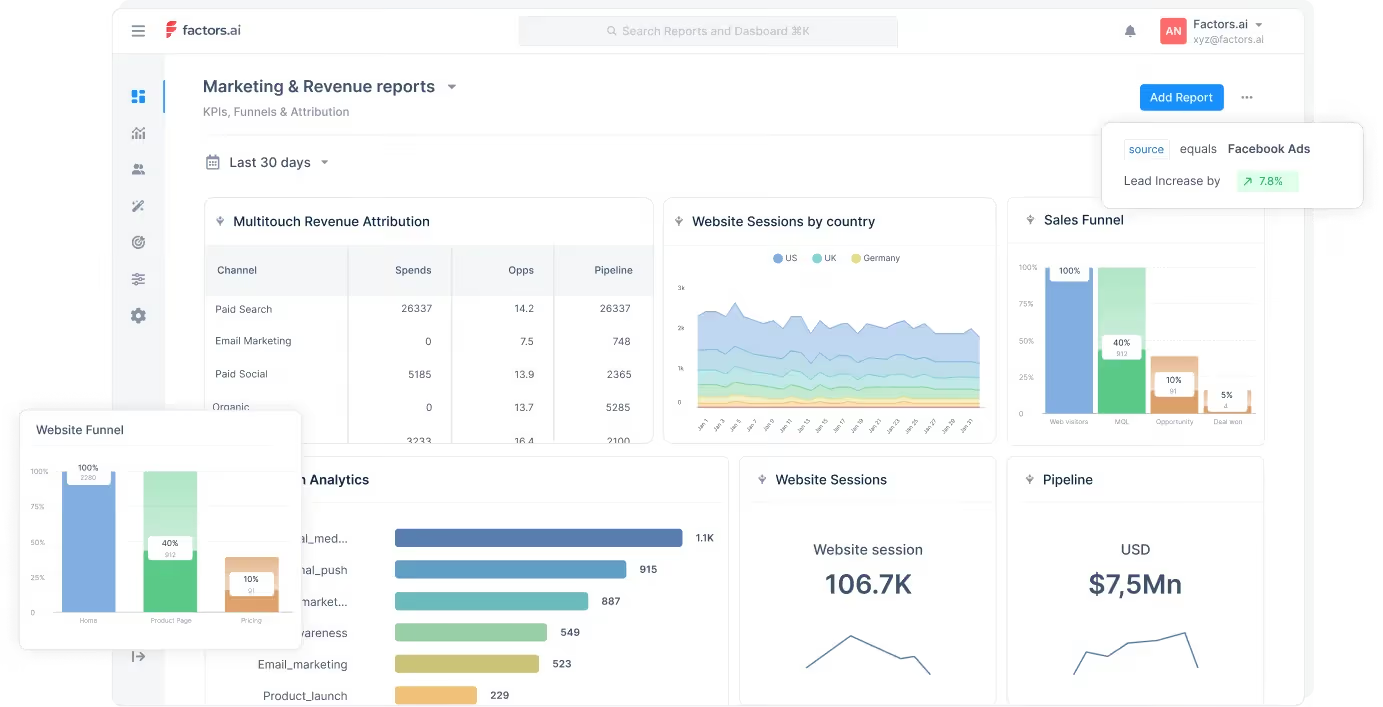
1. Event tracking
Factors can automatically track events online and offline. Offline events may include meetings, sales calls, and webinars, which tools like Heap don’t track. Factors also offers retroactive data capturing.
2. User Segmentation
The level of segmentation depends on the customer data available in the tool. With robust integrations with CRM software, Factors can collect more data than other tools and provide efficient user segmentation.
3. User Timeline
The feature helps track and visualize all user interactions and engagements with the website. Factors can track offline touchpoints and incorporate them to provide a detailed timeline on both the user-level and account-level.
4. AI-Powered Insights
The ‘Explain’ feature of Factors uses AI technology to identify the elements that are working in favor of a defined goal and those that aren’t.
5. Multi-Touch Attribution
Factors allows marketers to compare and choose between attribution models that best fit their business. Also, marketers can attribute conversion to the most influential channels by tracking and analyzing all essential touchpoints
6. Account Identification
Factors empowers IP-lookup to identify anonymous companies visiting your website You can get insights into high-intent accounts including where they come from, the industry, and the revenue range, and can use the information to segment qualified traffic from the rest.
7. Path Analysis
Visualize the customer journey at account-level and identify the influential path throughout the journey. With Factors, you can keep track of customers who convert and understand their customer journey in depth.
Integrations
- Hubspot
- Facebook Ads
- LinkedIn Ads
- Google Ads
- Salesforce
- Segment
- Bing Ads
- Rudderstack
- Marketo
- 6Sense
- Clearbit
- Leadsquared
- Drift
- Google Search Console
- Slack
- Google spreadsheet
Customer reviews
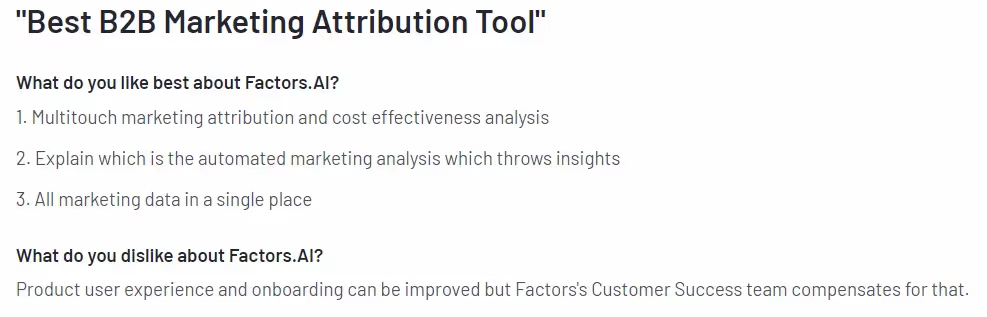
Pricing
Factors provides 3 services and the pricing plans are as follows.
Analytics & Attribution
- Starter plan for Early-Stage team – $399 per month.
- Growth plan for High-Growth Marketers – $799 per month.
- Custom and Agency – Contact for a quote.
{{INLINE_CTA_A}}
2. Plausible Analytics
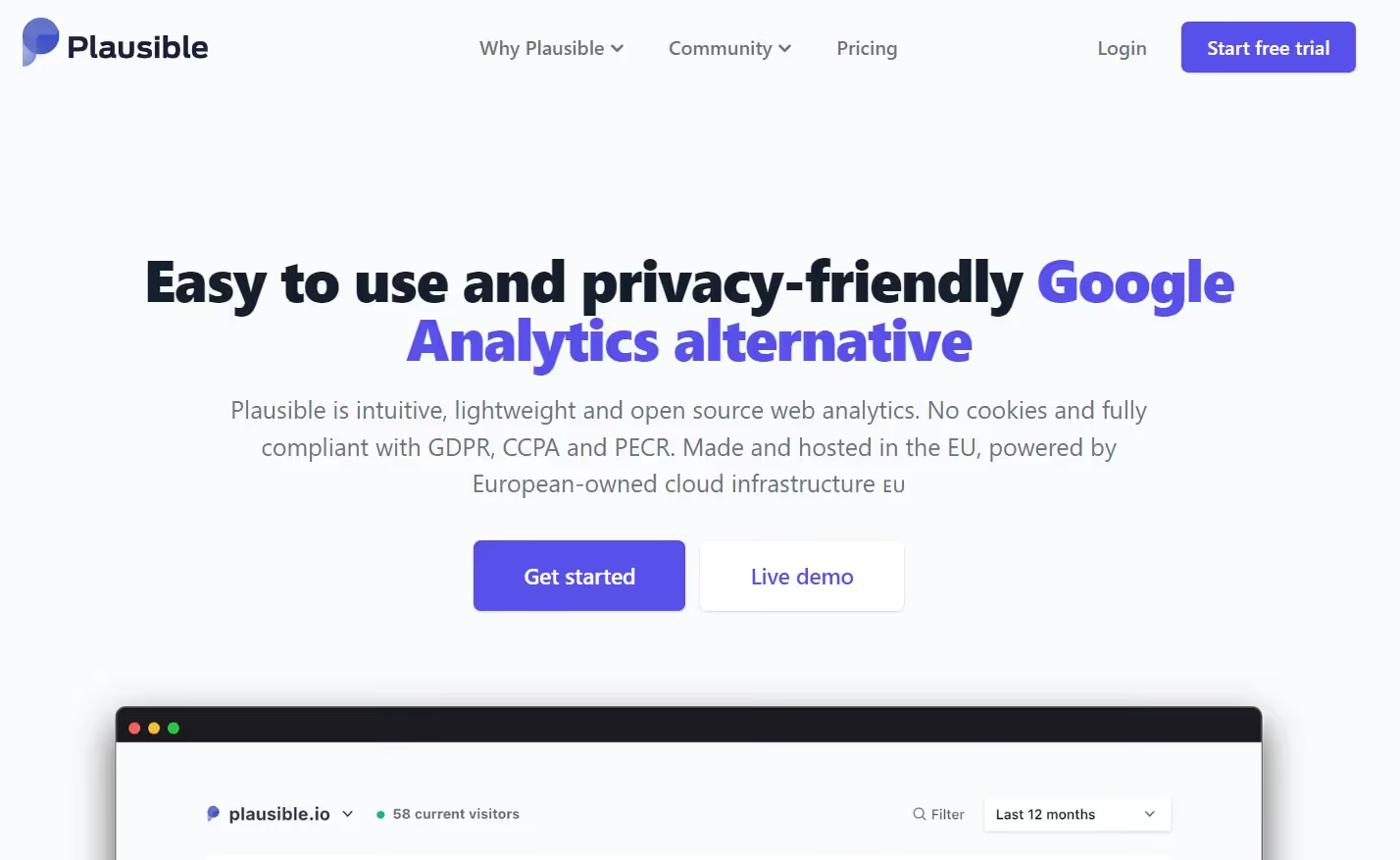
Plausible Analytics is a cookieless, open-source web analytics tool. The tool’s script size is smaller than 1KB, ensuring that website loading time remains the same.
The tool is easy to use and complies with GDPR, CCPA, and PECR privacy laws. It provides a range of features to help facilitate web analytics, which we discuss in the next section.
Key features
1. Traffic Segmentation
The feature enables marketers to segment their visitors with metrics like country, region, city, and entry and exit pages. This allows marketers to understand their visitors and content performance better. Marketers can also create custom events to track and collect the necessary information.
2. Shareable Dashboard
In Plausible Analytics, the dashboard and reports are set to private by default. It also allows users to share the dashboards with the team to facilitate collaboration across departments.
3. Email and Slack Notifications
Get real-time notifications through email and Slack channels about changes in website traffic. Notifications can be set to weekly or monthly and shared with multiple recipients.
Integrations
- Bubble.io
- Carrd
- Hubspot
- Google Data Studio
- Google Search Console
Customer review

Pricing

The tool provides a free trial, and the paid plans start from just $9 per month for 10K visitors. Furthermore, users can get a 2-month free subscription if they bill annually.
3. Matomo (Piwik)
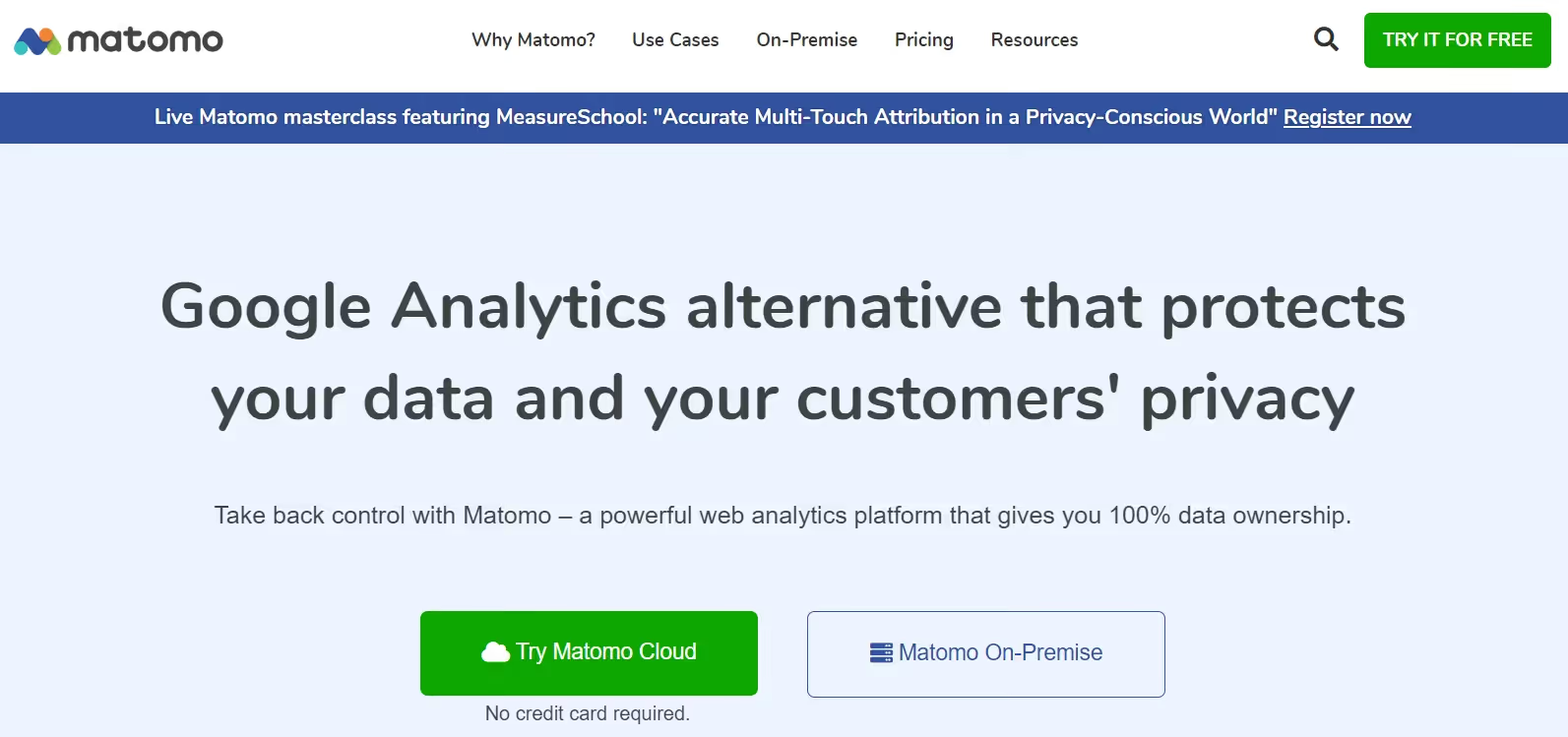
Matomo, formerly Piwik, is third on the list of our Heap alternatives. The tool is one of the leading open-source web analytics platforms available in the market.
The tool focuses on providing pristine customer privacy and complete data ownership. It provides 2 different hosting options, cloud-based and on-premise. While the cloud option makes installation hassle-free, the on-premise option offers more flexibility.
The tool is easy to use and allows users to create custom dashboards, reports, and widgets to suit their needs.
Key features
1. Multi-Touch Attribution
Matomo provides marketing attribution solutions that enable marketers to identify the channels or campaigns that drive more conversions.
2. Event tracking
This feature enables marketers to understand visitor behavior within the website. Marketers can also create custom events to analyze visitor behavior and identify hush-quality leads.
3. Custom Reports
This feature allows marketers to generate reports including all essential metrics they want to track and get valuable insights.
Integrations
- WordPress
- Magento
- MailChimp
- WooCommerce
Customer review

Pricing

The On-Premise hosting is free. Users can download and host it on their servers. A drawback of the on-premise version is that its features are limited, and the users will have to pay additional fees for each feature.
For Cloud, the pricing starts from $23 per month for 50K traffic.
{{INLINE_CTA_A}}
4. Amplitude
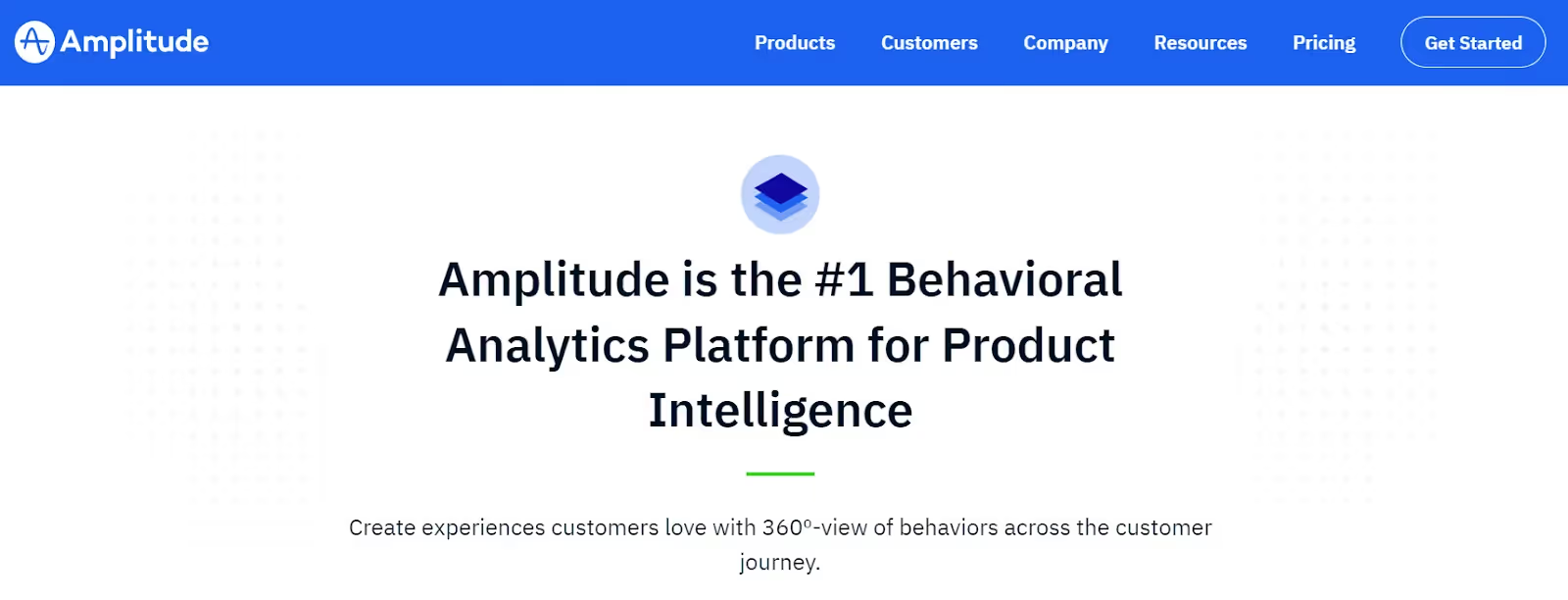
Amplitude is a digital analytics platform providing product analytics and web analytics. Though it offers both services, the tool is primarily used for product analytics.
It provides a range of features that help businesses keep track of key metrics like user retention, conversion rates, etc. Amplitude also allows marketers to create cohorts and track performance across different campaigns. Amplitude enables easy setup of funnels and conversion charts.
Key features
1. User Profiling
This feature offers detailed information about individual users, such as behavior, demographic, and more. Marketers can leverage this information to create more personalized campaigns and increase the likelihood of conversions.
2. Website Analytics
With Amplitude, businesses can track all user interactions and understand how they engage with their products. These insights help marketers identify the content and campaigns that resonate with the users and contribute to conversion.
3. User Survey
Amplitude provides a survey option to gather real-time feedback from users. Marketers can use this feedback to optimize their websites and improve customer experience.
Integrations
- Segment
- Slack
- Salesforce
- Optimizely
Customer review

Pricing

Amplitude offers a free Starter plan with limited features. Details about the paid plans Growth and Enterprise are available upon request.
5. Mixpanel
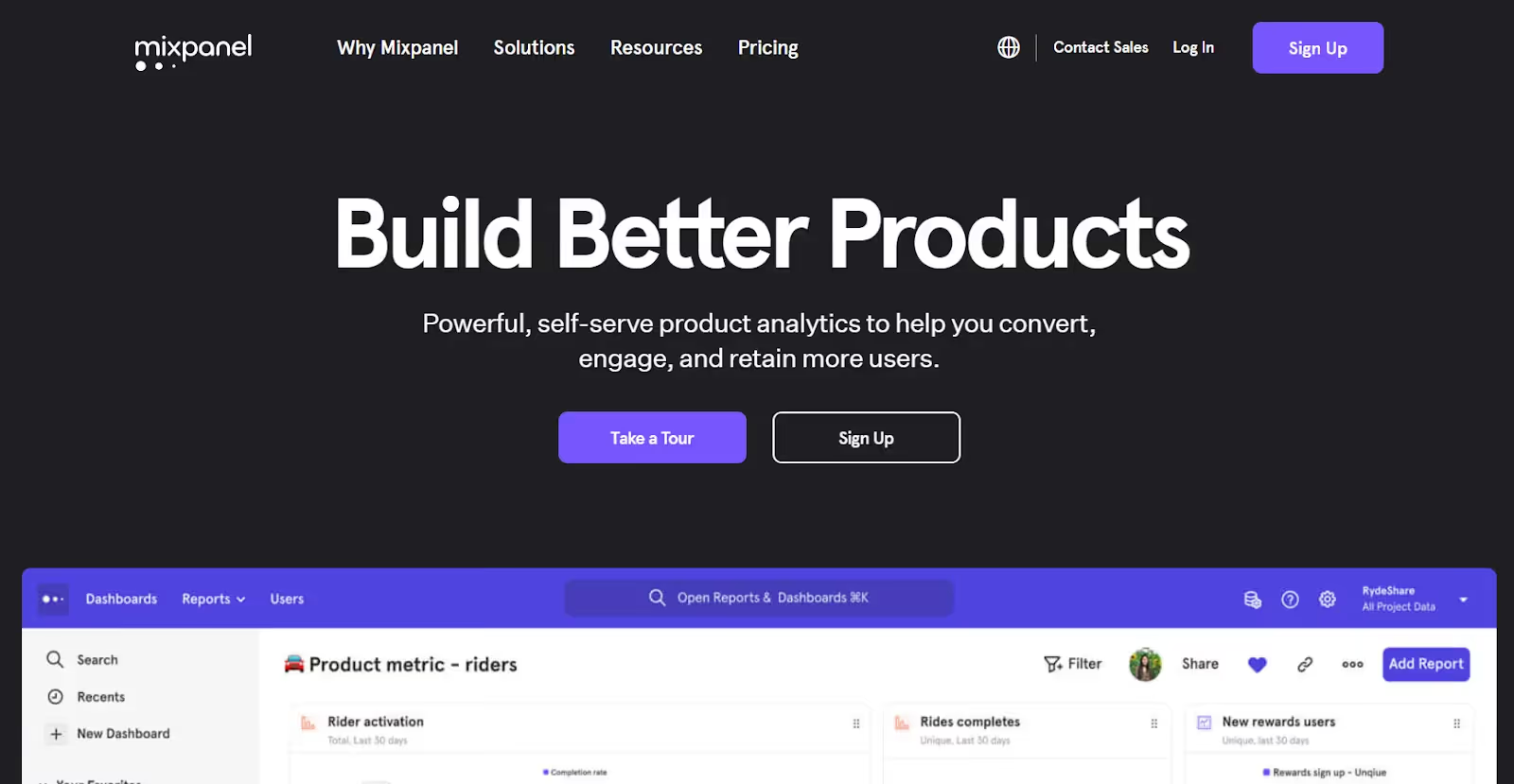
Mixpanel is another analytics tool like Heap and Amplitude. The tool’s primary focus is on product analytics. It can track and analyze customer interactions across different platforms. This helps businesses optimize their products and improve their customer experience.
It offers both coded and codeless implementation depending on the user’s preference. According to their website, it takes a minimum of 30 minutes to implement the tool. Also, you will need the help of some tech experts to implement the coded version.
Key feature
1. Behavioral Analytics
The feature allows user segmentation based on users’ behavior and interactions with the product. The feature further provides data that help marketers personalize their campaigns to drive conversion.
2. Custom Alerts
Get alerts in real-time when defined goals are reached. For example, you can set alerts to get notified whenever a visitor turns into a lead or whenever there is a decrease in traffic. By doing so, marketers can analyze their data and find the factors that are causing these changes.
3. Data Export
Mixpanel allows you to export its data to other tools. Therefore marketers can combine Mixpanel data with other analytics tools' data to get a complete picture of their users’ behavior and preferences.
Integrations
- Google Cloud
- Salesforce
- Zendesk
- Slack
- Hubspot
Customer review

Pricing

The tool offers a free version for 20M events per month. There are two paid plans.
- Growth - starting from $20 up to 300M events per month
- Enterprise - starting from $1667 for 1B + events per month
Contact the Mixpanel team for more details about their plans.
6. Google Analytics

Google Analytics is a website analytics tool that businesses can use to track and analyze their website traffic and user behavior. There is another version specifically for enterprises as well - Google Analytics 360.
Users can add GA's code to their website to get insights into how visitors interact with your website. The key metrics provided by GA include;
- Page views
- Bounce rate
- Session duration
- Conversion rate
With GA, users can learn about visitors' demographics, behavior, and traffic sources. This information can be used to optimize the website and campaigns to improve performance.
Key Note: GA-4, the latest version of Google Analytics, has replaced the previous Universal Analytics.
Key features
1. Real-Time Analytics Data
The tool provides real-time data on website traffic. The data includes but is not limited to, the number of visitors, their location, and the pages they view. Businesses can use this data to better understand the sources that generate high-intent visitors and how they engage.
2. eCommerce Tracking
GA provides features for eCommerce businesses allowing them to keep track of sales and revenue.
3. Custom Reporting
Track the metrics that matter most with custom reports and dashboards. In doing so, marketers can quickly and easily access and analyze the data and make decisions on improving the website and marketing campaigns.
Integrations
- Salesforce
- Zoho
- Hubspot
- Mailchimp
- Campaign Monitor
Customer review

Pricing

Although Google Analytics is free for businesses, Google Analytics 360 is paid and the pricing starts at $150,000 per year.
{{INLINE_CTA_A}}
7. Kissmetrics

Kissmetrics is an analytics tool that helps track and analyze user behavior on websites and mobile apps. The tool provides data into how users interact with their site, which includes;
- Pages users visit
- Sessions per page
- Actions users take
Marketers can use this information to make data-driven decisions on improving user engagement, conversion rates, and overall user experience.
Key features
1. Customer Segmentation
With Kissmetrics, businesses can group users based on shared characteristics. This enables marketers to create targeted campaigns for each segment and improves user engagement.
2. Cohort Analysis
This feature helps track and analyze user behavior by cohorts and identify trends and patterns. For example, it could help businesses determine whether users signed in a particular month will continue to the next month.
3. A/B Testing
Test and compare pages and choose the one that performs better. Therefore the feature helps marketers optimize the user experience and improve conversion rates.
Integrations
- Hubspot
- Magento Go
- Marketo
- Optimizely
- Convert
- Mailchimp
Customer review

Pricing

The pricing plan of Kissmetrics is as follows:
- Silver - $299 per month for 10K visitors
- Gold - $499 per month for 25K visitors
They also offer a custom option. Contact the Kissmetrics team for more information.
8. Contentsquare

Contentsquare is a digital analytics platform that helps businesses understand customer interaction with the website and app. The tool can track and analyze customer behavior and provide information about customer engagement.
By analyzing user behavior and engagement data, the tool helps marketers optimize their websites or apps and improves user experience and drives business growth. In addition, it offers an intuitive user interface and can be used by businesses of all sizes and industries.
Key feature
1. Consumer Behavior
The tool tracks all user interactions and micro-gestures to understand what visitors are doing and why they are doing it. These can help align future marketing efforts with customer needs and goals, improving user experience and conversion rates.
2. Surface Insights
This feature helps pinpoint issues faced by users at any stage of the customer journey. It also helps identify the root problems through session replays and quantify their impact on the brand.
Integrations
- Salesforce
- Google Analytics
- Adobe Analytics
- InMoment
- AWS
Customer review

Pricing

The tool does not provide information about their pricing plans. Contact the Contentsquare team for more details.
{{INLINE_CTA_A}}
9. FullStory

The last in the list of Heap alternatives is FullStory.
FullStory is a digital analytics tool that helps understand user interactions on websites, apps, or digital products.
The tool's conversion report pinpoints user friction and quantifies its impact on KPIs. FullStory also allows a customizable dashboard to visualize all key metrics at a glance.
Key features
1. Funnel Conversions
Automatically tracks all user interactions to see how customers move down the sales funnel. It also helps identify areas of high engagement and areas where users drop off.
2. Website Analytics
Track all key metrics in real-time to understand how your users interact with the website or app. The metrics can include engagement time, clicks, scrolls, and more. It analyzes these metrics and reveals opportunities to improve your efforts.
Integrations
- Salesforce
- Google Analytics
- Optimizely
- Google Optimize
- Olark
Customer review

Pricing

FullStory offers three paid plans
- Enterprise
- Advanced
- Business
The details of the plans are available upon request.
FullStory also provides a 14-day free trial.
Top Product Analytics Tools
Product analytics tools help businesses optimize user experiences and improve product performance by providing in-depth insights into user behavior.
1. Top Platforms: Amplitude, Mixpanel, FullStory, Pendo, and PostHog.
2. Key Features:
- Amplitude: Advanced segmentation, funnel analysis, retention tracking, and powerful data analysis tools.
- Mixpanel: Custom event tracking, detailed funnel analysis, and insights into user engagement across web and mobile platforms.
- FullStory: Session replay, heatmaps, and conversion funnels for understanding user behavior.
- Pendo: Product analytics combined with user feedback and in-app messaging, feature usage tracking, and NPS surveys.
- PostHog: Autocapture, session replay, visual event labeling, feature flags, and surveys with an open-source approach.
3. Strategic Benefits:
- Gain deeper insights into user behavior and product engagement.
- Improve product adoption and customer retention through enhanced data analysis.
- Streamline decision-making with real-time analytics and user feedback integration.
Implementing product analytics tools helps businesses optimize user experiences, refine product strategies, and drive greater product performance.
Takeaway
To conclude, if you are looking for a Heap alternative, there are several options available. The tool you select will depend on your business requirements and goal.
For example, if you are looking to improve your digital product’s performance and user experience, then consider tools like Mixpanel and Amplitude. On the other hand, if you want to improve your marketing efforts, then consider tools like Factors.ai, Google Analytics, and Matomo.
Make use of the free trials offered by each tool to see which is the best fit for your business.
{{INLINE_CTA_A}}

How To Build Your Ideal Customer Profile In 15 Steps For 2026
Learn how to create and implement an effective Ideal Customer Profile (ICP) for ICP marketing success. Follow our proven 15-step framework.
TL;DR
- Develop a clear Ideal Customer Profile for B2B marketing success.
- ICP marketing enables targeting of high-value accounts, accelerates sales, and improves lead quality.
- Analyze top customers, collect data from all teams, and identify firmographic, technographic, and behavioral traits.
- Regularly update your ICP using customer feedback and market shifts.
- Align sales and marketing with your ICP for efficient resource use and better ROI.
Struggling to find the right leads or dealing with a sales pipeline filled with unsuitable accounts? You're not alone. Investing time and money in the wrong prospects can hinder growth and frustrate your teams. The solution lies in crafting an Ideal Customer Profile (ICP) that clearly identifies the companies that will benefit most from your solution. By focusing on these high-value targets, you can increase conversions, shorten sales cycles, and improve your marketing ROI.
In this guide, let’s see how to build an ideal customer profile for your ICP Marketing.
Why ICP Marketing is Critical for B2B Success?
Identifying and targeting the right leads remains a significant challenge for many B2B organizations. Sales pipelines are often filled with accounts that are not a strong fit, leading to wasted time, misaligned efforts, and reduced ROI. This is where ICP marketing becomes essential. A clearly defined Ideal Customer Profile helps you focus resources on companies that are most likely to benefit from your solution.
Here’s why it’s critical:
- Filters out poor-fit leads: Ensures your marketing and sales teams engage only with accounts that align with your value proposition.
- Improves sales team efficiency: Enables sales representatives to concentrate on accounts with a higher probability of conversion.
- Enhances conversion rates: Targeted messaging and outreach resonate more with companies that match your ICP criteria.
- Reduces sales cycle length: Engaging well-aligned prospects leads to quicker decision-making and faster closures.
- Maximizes marketing ROI: Resources are directed toward initiatives with higher chances of success and measurable outcomes.
- Drives internal alignment: Ensures sales, marketing, product, and customer success teams are focused on the same high-value customer segments.
15 Steps to Build an Ideal Customer Profile for ICP Marketing
Here are the 15 proven steps to build your ideal customer profile for ICP marketing:
Step 1: Analyze Your Best Existing Customers
Begin by examining your current customers to identify those who bring the most value. Focus on those with the highest revenue, longest retention, or strongest support for your brand. Identify patterns in their industry, company size, location, and buying habits. These top customers illustrate what makes an ideal fit for your business. Use metrics like revenue and deal size, along with feedback from customer interviews, to create a clear profile. This foundation guides the next steps in your marketing strategy.
Step 2: Gather and Validate Data Across Teams
Collect data from all relevant teams, including sales, marketing, and customer support. Validate this information to ensure accuracy and consistency. This comprehensive data collection helps in understanding the full scope of your ideal customer, providing a solid base for your ICP marketing.
Step 3: Identify Key Firmographic Attributes
Determine the firmographic attributes that define your ideal customer, such as industry, company size, and location. These characteristics help in narrowing down the list of potential high-value targets, ensuring your marketing efforts are focused and effective.
Step 4: Map Technographic and Environmental Factors
Understand the technology stack and environmental factors that influence your ideal customer's operations. This knowledge allows you to tailor your solutions to meet their specific needs and challenges, enhancing your value proposition.
Step 5: Understand Customer Buying Processes
Gain insights into the buying processes of your target companies. Knowing how decisions are made and who the key decision-makers are will help you align your sales and marketing strategies to effectively engage with these accounts.
Step 6: Pinpoint Pain Points and Business Goals
Identify the main challenges your target companies face and the business outcomes they seek. Look beyond obvious issues to uncover what hinders their growth, efficiency, or profits. Use customer interviews, support tickets, and sales feedback to spot common problems. Then, connect these issues to the goals your solution addresses, like cutting costs, boosting revenue, or streamlining workflow. This clarity ensures your marketing speaks directly to what matters most to your ideal customers.
Step 7: Conduct Deep-Dive Customer Interviews
Engage with your ideal customers to uncover insights that data alone cannot provide. Ask about their decision-making processes, daily challenges, and reasons for choosing your solution. Focus on their motivations, frustrations, and desired outcomes. These conversations reveal patterns in needs and actions, helping you refine your ICP marketing plan. Aim for at least ten interviews to identify common themes and validate your assumptions, ensuring your ICP is grounded in real customer experiences.
Step 8: Segment and Prioritize Target Accounts
After gathering insights, group potential customers into segments based on shared traits like industry, company size, or growth stage. Prioritize these segments by assessing which ones best match your marketing goals and offer the most value. Use criteria like revenue potential, likelihood to buy, and strategic fit. This focused method ensures your marketing and sales teams use resources effectively, leading to better conversion rates and long-term growth.
Step 9: Build Empathy Maps for Decision Makers
Empathy maps help you understand what decision-makers in your target accounts think, feel, say, and do during the buying process. By mapping their motivations, frustrations, and daily challenges, you learn about their real needs and concerns. This helps you create messages and content that connect on a personal level, boosting your chances of engagement. Use interviews, surveys, and feedback to make accurate empathy maps, ensuring your marketing efforts are relevant and effective.
Step 10: Document and Visualize Your ICP
After gathering insights, organize your Ideal Customer Profile in a clear document. Use tables, charts, or visuals to show key traits like industry, company size, location, pain points, and buying processes. Visualizing your ICP helps marketing and sales teams understand and use the profile easily. This clarity ensures everyone targets the same high-value accounts and tailors outreach well, leading to better alignment and consistent results in your B2B organization.
Step 11: Integrate ICP Insights into Marketing and Sales
Once you have your ICP, use these insights in every part of your marketing and sales. Shape your messages, campaigns, and outreach to meet the needs and goals of your ideal customers. Use the ICP to guide content creation, ad targeting, and sales pitches. This helps your teams focus on high-potential accounts, improving lead quality and conversion rates. Consistent use of ICP insights aligns efforts and boosts your B2B marketing impact.
Step 12: Develop Lead Scoring Based on ICP Fit
Lead scoring helps you focus on prospects that match your Ideal Customer Profile (ICP). Assign points to leads based on how well they fit your ideal company type, technology use, and behavior. This way, your sales team can concentrate on valuable accounts and avoid spending time on poor-fit leads. Review and update your scoring model regularly as you collect more data. By incorporating ICP-based lead scoring into your CRM, you streamline qualification, boost conversion rates, and enhance your B2B marketing and sales efforts.
Step 13: Test, Measure, and Refine Your ICP
After creating your ICP, test it in real-world campaigns. Track key metrics like lead conversion rates, sales cycle length, and customer lifetime value. This will show how well your ICP matches actual results. Gather feedback from your sales and marketing teams about lead quality and account fit. Use these insights to adjust your ICP criteria, ensuring it stays relevant as your market and offerings change. Continuous refinement keeps your ICP marketing strategy effective and competitive.
Step 14: Align Sales and Marketing Around the ICP
To maximize the benefits of ICP marketing, sales and marketing must work together. Share your ICP documents with both teams and use them for planning campaigns, qualifying leads, and outreach. Hold regular meetings to review results and gather feedback. When both teams focus on the same ideal accounts, you reduce wasted effort, improve lead quality, and create a seamless buyer journey. This approach accelerates pipeline growth and increases revenue.
Step 15: Keep Your ICP Dynamic and Evolving
Your ICP should evolve over time. As markets and industries shift and your business grows, update your ICP regularly. Analyze new customer data, review lost deals, and gather feedback from sales and marketing to identify emerging trends. This ongoing update keeps your ICP relevant and effective for targeting important accounts. By keeping your ICP dynamic, you can quickly adapt to market changes, stay aligned across teams, and continue to achieve strong results from your ICP marketing efforts.
{{INLINE_TOFU}}
Common Mistakes to Avoid in ICP Marketing
Creating an Ideal Customer Profile is a foundational step in B2B marketing, but it’s easy to get it wrong if you're not careful. Avoiding these common mistakes can help ensure your ICP stays accurate, relevant, and actionable.
1. Confusing ICP with Buyer Personas: While both are important, they serve different purposes. An ICP focuses on company-level characteristics such as industry, size, and technology stack. A buyer persona, on the other hand, zeroes in on the individual decision-makers within those companies. Mixing the two can dilute your targeting efforts and lead to misaligned messaging.
2. Using Assumptions Instead of Data: Building your ICP on assumptions or anecdotal evidence can misguide your strategy. Instead, base your profile on hard data pulled from CRM systems, sales reports, closed-won deals, and customer interviews. This ensures you're targeting companies that have already shown a proven fit.
3. Failing to Keep the ICP Updated: Markets shift, products evolve, and customer needs change. If your ICP remains static, it can quickly become outdated. Set a regular review schedule, quarterly or biannually, to update your ICP based on new insights and performance data.
4. Excluding Cross-Functional Input: Relying solely on the marketing team to build the ICP can result in blind spots. Sales, customer success, and product teams have valuable frontline insights into customer behavior, objections, and usage patterns. Their input is critical to creating a well-rounded ICP.
5. Copying Competitors’ ICPs: Your ICP should reflect your unique value proposition and go-to-market strategy. Copying what your competitors are doing might seem efficient, but it can lead you to target the wrong types of companies. Focus on who benefits most from your solution, not just who’s buying similar products elsewhere.
6. Over-Specifying or Over-Generalizing: Being too narrow can limit your total addressable market and stifle growth, while being too broad makes it difficult to prioritize leads. Strike a balance by identifying key non-negotiables and flexible qualifiers based on customer success patterns.
Avoiding these pitfalls helps ensure your ICP serves as a strong foundation for your entire go-to-market motion, from lead generation to sales enablement and customer retention.
Enhance Your ICP Marketing with Actionable Steps
A strong Ideal Customer Profile is key to successful ICP marketing and sales. By following these 15 steps, you ensure your ICP is data-driven, actionable, and aligned with your business goals. This clarity helps your teams target, engage, and convert the right accounts, boosting ROI and shortening sales cycles. Remember, an ICP evolves as your market and customers change. With a solid ICP, your marketing efforts become more focused, efficient, and effective.
HockeyStack Pricing, Overview & Comparison
Researching HockeyStack pricing? See current reported starting costs, plan details, pros and cons, reviews, and the best HockeyStack alternatives for B2B teams.

Looking into HockeyStack pricing? Here’s what you should know: HockeyStack no longer shows public dollar amounts on its pricing page, so most buyers have to book a demo for an exact quote. Based on current third-party sources including comparison and review pages from Usermaven, Docket, and SalesHive, reported starting prices range from about $1,399/month for the base GTM Intelligence tier to roughly $2,200/month for higher-tier access and add-ons. In this guide, we’ll break down what HockeyStack does, what its plans include, who it’s best for, and which alternatives are worth comparing before you buy.
What does HockeyStack do?
HockeyStack is a B2B revenue analytics and attribution platform built for go-to-market teams. It pulls together data from your website, CRM, ad channels, and sales tools so you can understand which campaigns, touchpoints, and accounts actually influence pipeline and revenue. Its core use cases include multi-touch attribution, buyer journey analytics, account-level reporting, account scoring, and AI-assisted GTM analysis.
HockeyStack Pricing
HockeyStack now uses a quote-based pricing model, so exact plan pricing is not published on its website. However, current third-party sources consistently place the reported entry point around $1,399/month for smaller-volume access, while some comparison sites cite pricing closer to $2,200/month depending on tier, feature access, and tracked-user volume.
Reported pricing snapshot
TierReported starting priceWhat it typically includesGTM Intelligence~$1,399/moMulti-touch attribution, reporting, Odin AI analyst, scoring, audience sync, enrichmentGTM Execution / expanded access~$2,200/mo+Everything in GTM Intelligence plus broader AI agents, workflow automation, and custom setup optionsEnterpriseCustom quoteHigher tracked-user volumes, custom support, security reviews, and contract-specific terms
What actually affects your quote
- Monthly tracked users or visitor volume
- Number of seats
- Data history requirements
- AI agent and workflow needs
- Contract length and onboarding scope
The key takeaway: HockeyStack pricing is best understood as premium, quote-driven B2B attribution pricing rather than transparent self-serve SaaS pricing.
Is HockeyStack worth the price?
HockeyStack is usually worth the price for B2B teams with complex attribution needs, longer sales cycles, and enough pipeline value to justify a premium analytics platform. It tends to be a stronger fit for mid-market and enterprise GTM teams that need account-level visibility, AI-assisted analysis, and multi-touch reporting in one place.
It may be harder to justify if you are an early-stage company, have a low average contract value, or mainly want simple web analytics with transparent self-serve pricing. In those cases, lower-cost alternatives can often cover the essentials with less setup effort.
{{INLINE_CTA_A}}
HockeyStack reviews: what users like and dislike
Public reviews and comparison pages paint a fairly consistent picture of HockeyStack.
What users like
- Strong multi-touch attribution and buyer journey visibility
- Flexible dashboards and no-code reporting for GTM teams
- Helpful onboarding and responsive customer success
- Useful account intelligence and AI-assisted analysis
Common complaints
- Pricing is not transparent before the sales process
- The platform can have a learning curve for smaller teams
- Setup can take time if your CRM and ad data need cleanup
- Some buyers want clearer data export and API expectations
Overall, HockeyStack tends to score well with mature B2B revenue teams, but smaller teams often question whether the complexity and pricing are justified.
Best HockeyStack alternatives of 2026
If your top priority is pricing transparency, Dreamdata and Factors.ai are usually the most natural starting points. To know more about the alternatives, check out Hockeystack alternatives and competitors for B2B marketers blog.
HockeyStack Comparison: Why Factors.ai Over HockeyStack
HockeyStack is great at what it does. It provides robust attribution functionality, a wide range of customizations and integrations, and well-reviewed customer support. That being said, when compared to a similarly priced attribution product like Factors, HockeyStack seems to fall short in terms of features, usability, and cost-effectiveness.
Accordingly, here are three reasons why Factors may make more sense for you:
1. Product features
In addition to the standard attribution and analytics features shared by both solutions, Factors delivers a wide range of features to help GTM teams refine customer journeys and drive conversions. Mainly:
1. LinkedIn and G2 Intent signals: While both tools offer IP-based account identification, Factors captures intent signals across website, LinkedIn impressions, AND G2 engagement. This means that you can identify anonymous accounts and track their cross-channel engagement more holistically.

In addition, Factors integrates with MAPs, LinkedIn, and more via Webhooks to activate trigger-based actions. This includes automated LinkedIn matched audience list building, automated mail sequence activation based on engagement and intent signals & more.
{{INLINE_CTA_A}}
2. Path analysis for aggregated customer journey mapping

3. Account scoring Factors empower tailor-made account scoring configurations based on engagement across website, LinkedIn impressions, and G2 so teams can qualify and prioritize high-intent accounts accurately.

4. Anomaly detection and real-time alerts via mail, Slack or MS Teams

2. Usability
Factors and HockeyStack are both among the most customizable B2B attribution solutions out there. The ability to customize KPIs, properties, dashboards, and events is extremely valuable for teams looking to tailor their reporting for their business-specific requirements.
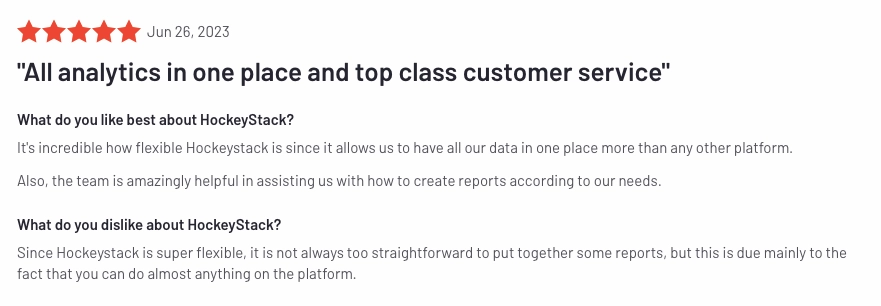
That being said, users find Factors to be user-friendly and conducive to self-service. Fortunately, both solutions provide comprehensive onboarding support and customer success management, so you should still be able to derive great value from either one. Still, user experience and product usability is something to keep in mind when making a purchase decision.
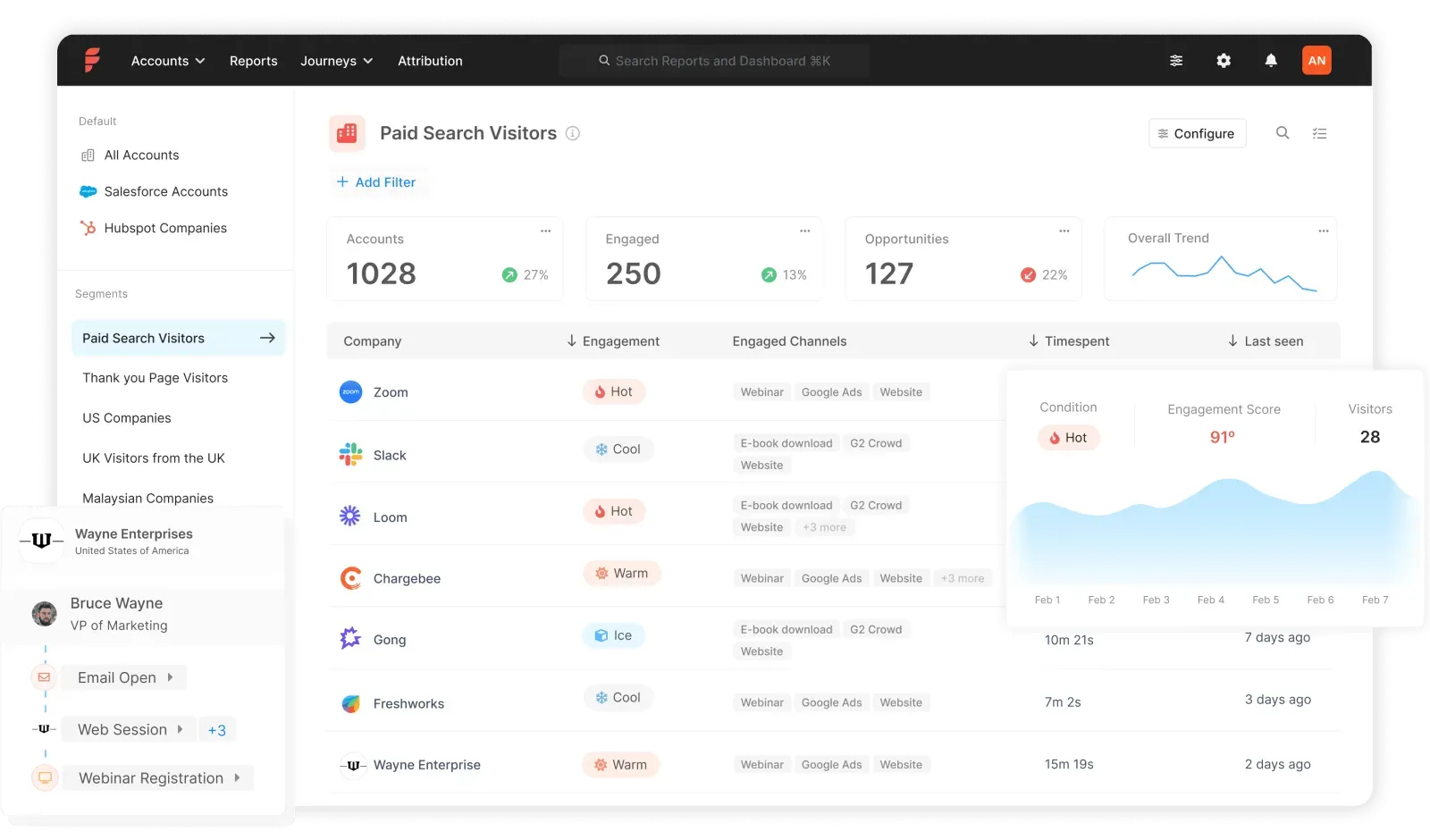
3. Cost-effectiveness
Finally, we arrive at cost. While HockeyStack plans start at $950 [As of Dec 2023, HockeyStack pricing has been revised to $1399/mo] for up to 10,000 monthly visitors, Factors offers a much lower barrier to entry with paid plans starting as low as $99/mo. Moreover, Factors provides a free plan to get you started with our basic offerings.
Learn more about Factors pricing here: www.factors.ai/pricing
Overall, Factors is the more cost-effective option for early-stage teams looking to start out their marketing analytics and attribution journey. Given the additional features discussed above, it's more bang for your buck than other alternatives, including HockeyStack.
Looking to see if Factors would make the right fit for your attribution needs? Book a demo with us today!
{{INLINE_CTA_A}}
FAQs about HockeyStack pricing
Does HockeyStack show pricing on its website?
No. HockeyStack currently uses a quote-based sales process, so buyers usually need a demo to get an exact price.
What are the disadvantages of HockeyStack?
The most common drawbacks are pricing opacity, setup complexity, and a learning curve for smaller teams.
What companies use HockeyStack?
HockeyStack is mainly used by B2B SaaS and revenue teams that need attribution, buyer journey analytics, and account-level GTM reporting.
What are the best HockeyStack alternatives?
The most common alternatives include Factors.ai, Dreamdata, CaliberMind, and Adobe Marketo Measure, depending on your budget and use case.
Final verdict
HockeyStack is a strong option for B2B teams that need serious attribution, buyer journey analytics, and account-level GTM intelligence. The main tradeoff is pricing opacity: you can estimate the range from third-party sources, but you will still need a demo for an exact quote. If you want premium functionality and can support the setup effort, HockeyStack can make sense. If you want faster onboarding or clearer pricing, it is smart to compare it against alternatives like Factors.ai and Dreamdata before making a decision.
%2520Work.%2520And%2520What%2520Marketers%2520Should%2520Actually%2520Know.avif)
How Large Language Models (LLMs) Work. And What Marketers Should Actually Know
Learn how Large Language Models function and discover practical LLM use cases. From sentiment analysis to "digital twins", that will turn your AI from a toy into a teammate.

TL;DR
- LLMs predict, they don't "think": These models are statistical engines that guess the most likely next piece of a sentence based on patterns they learned from massive amounts of data.
- The "secret sauce" is context: Using Transformers and Self-Attention, LLMs can analyze every word in your prompt at once to understand the specific meaning behind your request.
- Prompting is the new coding: To get high-quality results, you need a structured framework like COSTAR, providing context, objectives, and clear constraints rather than just generic "write a blog" commands.
- Marketers are the orchestrators: While the AI handles the heavy lifting of data analysis and drafting, humans remain essential for the strategic nuance, fact-checking, and final brand "soul".
Imagine you’re at your desk, coffee in hand, staring at a blank content brief that’s due in 30 minutes (we’ve all been there). You open up a Large Language Model (LLM) like ChatGPT or Claude, and bam, you get a usable first draft.
It feels like magic, doesn't it? Spoiler alert: It’s not.
There’s solid math, smart engineering, and (surprise!) human psychology under the hood. Understanding how LLMs work isn’t just nerd talk; it’s how you get reliable results when you ask for that perfect paragraph or a catchy ad headline.
In this article, I’m breaking down the complex, geeky, and technical process into a friendly, usable blog. Ready? Let’s go.
Why understanding ‘how LLMs work’ actually matters
For us marketers, understanding the "how" isn't about becoming a data scientist (thank goodness, because I still struggle with advanced Excel formulas). It’s about predictability and control.
When you understand the mechanics, you stop treating LLMs like magic and start treating them like a highly sophisticated statistical engine. This shift helps you:
- Debug bad outputs: Instead of getting frustrated when a prompt fails, you’ll know exactly which "lever" to pull to fix it.
- Scale your creativity: You’ll find ways to automate the boring stuff (like content repurposing) while keeping the human "soul" in your brand.
- Future-proof your career: In 2026, the best marketers aren't the ones who write the fastest; they’re the ones who orchestrate the best AI workflows.
And before you ask the next question... Will AI take my job? No, they won’t. Please read more about this in the article "Will AI replace marketers?"
So…what is an LLM, anyway?
So, a Large Language Model (LLM) is a type of artificial intelligence trained on massive amounts of text data (books, articles, websites) to predict the next word in a sequence, but because it’s learned patterns at scale, it can generate coherent responses, answer questions, translate languages, summarize content, and more.
Imagine the autocomplete on your phone. You type "How are," and it suggests "you." An LLM does the same thing, but it has read roughly 10% of the entire internet to do it. It doesn't "know" facts the way a human does; it calculates the statistical probability of which word (or part of a word) should come next based on the patterns it learned during training.
The term “large” refers to two things:
- Lots of data it learned from, and
- Lots of parameters, like the internal knobs the model uses to make decisions about language.
{{INLINE_TOFU}}
How does an LLM actually work?
When you type a prompt into an LLM, it doesn't just "think" and reply. It goes through a very specific, multi-step assembly line.
Step 1: The training phase
Training an LLM involves feeding it text so it can learn language patterns. These models use an architecture called a transformer, with an attention mechanism that helps the model figure out which words matter most in a sentence, no matter where they are.
Step 2:Tokenization (The shredder)
The model can’t read "sentences." It breaks your text into smaller chunks called tokens. A token can be a whole word, a prefix like ‘un-’, or even just a few letters.
Fun fact: This is why LLMs sometimes struggle with spelling words backwards; they see the "token" as a single unit, not a collection of individual letters.
Step 3: Embeddings (The map)
Each token is turned into a list of numbers called an embedding. These numbers act like coordinates on a massive, multi-dimensional map. Words with similar meanings (like "marketing" and "advertising") are placed close together on this map, while unrelated words (like "marketing" and "elephant") are miles apart.

Step 4: The transformer & self-attention (The context king)
This is the "secret sauce." Most modern LLMs use a Transformer architecture. The "Self-Attention" mechanism allows the model to look at every word in your prompt simultaneously and decide which ones are most important for the context.
For example, if you say "The bank was closed because of the flood," the model knows you mean a river bank, not a place where you keep your money, because it pays attention to the word "flood".
Step 5: The prediction
Finally, the model looks at all that context and predicts the next token. It doesn't just pick one; it creates a list of likely candidates with percentages attached.
"B2B marketing is..."
- ...crucial (40%)
- ...evolving (30%)
- ...hard (10%)
It picks one (usually the most likely, but sometimes a slightly "random" one to stay creative) and repeats the process until the answer is done.
Step 6: Prompting (This is where we come in)
Your prompt acts like instructions for the model; the clearer you make them, the better the output will be. LLMs don’t inherently understand goals; they follow patterns you specify. So instead of “write a blog,” you get better results with “write a 600-word blog about X with subtitles and examples.”
In simple terms, think of it like digital clay; you’re the one who has to mold it into something useful.
Popular LLM Tools that marketers can use today
Now that we’ve got the science sorted, let’s talk shop.
Different LLMs are best at different things. If you only use one tool, you’re like a chef with only a microwave. Sure, you can make dinner, but it won't be a masterpiece.
Here is the "dream team" of tools that B2B marketers are actually using:
The "Big Three":
- ChatGPT (OpenAI): Now powered by GPT-5.1, it is surprisingly flexible for everything from brainstorming LinkedIn posts to analyzing a screenshot of your funnel to find where you're losing users.
- Claude (Anthropic): Claude feels more "human" and is the gold standard for technical accuracy and clean, well-documented code. It uses a feature called Artifacts to let you build interactive interfaces or documents right in the sidebar.
- Gemini (Google): It lives inside your Google Docs and Sheets, making it the best choice for teams who need real-time search data to validate their content.
The Specialists:
- Perplexity: Think of it as a search engine that talks back. It is essential for product discovery and research because it cites its sources as it goes, no more wondering if the AI just made up a statistic.
- Jasper: Built specifically for high-volume marketing teams. It can learn your specific Brand Voice by scanning your website, ensuring your blog posts actually sound like you and not a generic robot.
- Surfer SEO: The Search General. It doesn't just write; it uses NLP (Natural Language Processing) to tell you exactly which keywords and headings you need to outrank your competitors.
The "Wait, AI does that?" tools
- Clay: It allows you to build custom ICP filters and enrichment workflows that turn a static list into a living, breathing lead engine.
- Synthesia: It lets you produce high-quality videos without a camera or crew, making it perfect for scaling personalized sales demos.
- ElevenLabs: Need to turn a blog post into a podcast? It generates natural, studio-quality audio in seconds.
- Zapier AI Agents: You describe a workflow (like "summarize new leads in Slack"), and it builds the automation for you, connecting tools that never used to speak the same language.
Looking for more alternatives to your Clay tool? Read this blog on Clay alternatives for GTM teams to know more.
LLM use cases for marketers: What can you do with LLMs?
If you’re only using LLMs to "write a blog post about SEO," you’re using the sharpest knife from Japan to open a bag of chips. It’ll get the job done, sure, but you’re missing out on its capabilities. In 2026, the coolest B2B teams are using these models for tasks that would have taken a human team weeks to finish.
Here’s how B2B teams are actually using them in 2026:
- The "Vibe Check" at Scale (Sentiment Analysis): Imagine feeding 500 G2 reviews or 1,000 Slack community messages into an LLM. Instead of reading them one by one (ouch), you ask the model to "Identify the top three things people hate about our onboarding". It acts like a high-speed detective, spotting patterns in seconds that a human might miss after their third cup of coffee.
- The "Digital Twin" (Synthetic Personas): Ever wish you could interview your ICP (Ideal Customer Profile) at 2 AM? You can. Create a synthetic persona by giving the LLM your customer data. Ask it: "You are a CTO at a mid-market SaaS company. What part of this landing page makes you want to close the tab?" (Warning: It might be brutally honest).
- The Content Shape-Shifter (Intelligent Repurposing): Don't just copy and paste. Give the LLM a 45-minute webinar transcript and tell it to "Extract five spicy takes for LinkedIn, three 'how-to' points for a newsletter, and one executive summary for a C-suite email". It’s like having a content chef who can turn one giant turkey into a seven-course meal.
- "Spy vs. Spy" (Sales Enablement): Feed the model your competitor's latest feature announcement. Ask it to "Generate a 'Battle Card' for our sales team, highlighting exactly where our product still wins". It turns dry technical updates into ammunition for your next discovery call.
- The Anti-Groupthink Partner: Stuck in a creative rut? Ask the LLM to "Give me 10 marketing campaign ideas for a cloud security product, but make them themed around 1920s noir detective novels". Most will be weird, but one might just be the creative spark you needed to stand out in a sea of corporate blue.
Now that we know what these models can do, let's talk about the "control" you use to drive them.
Master the prompt: The marketer’s "code."
Ever prompted ChatGPT for a "blog post" and received something that read like a toaster's instruction manual?
We’ve all been there, staring at a screen, wondering why the magic feels so... beige.
To get those high-tier, "wow-I-can-actually-use-this" outputs, you need to move past the "Hey AI, write an SEO blog" stage. You need a framework.
The COSTAR framework
- C - Context: Who are we and what’s the backstory?. If you don’t tell the LLM you’re a scrappy B2B fintech startup, it might assume you’re a 100-year-old insurance firm (and write like one).
- O - Objective: What is the actual mission?. Instead of "write an email," try "Write an email to re-engage leads who ghosted us after the demo".
- S - Style: What's the vibe?. Do you want "High-energy startup" or "Trusted industry veteran"? (Pick one, or it might try to be both, which is just awkward) .
- T - Tone: This is the emotional quality. For a budget-related email, you’d want to be empathetic to their constraints, not sounding like a pushy car salesman.
- A - Audience: Who are we talking to?. Writing for an Operations Manager is a world away from writing for a Gen Z TikTok creator. Use the language they actually speak.
- R - Response: What should the final product look like?. Tell it to "Use bullet points and keep it under 150 words" so you don’t get a sprawling essay you have to hack apart later.
Pro-Tip: Treat the LLM Like a Junior Intern. Stop thinking of the LLM as an all-knowing God and start treating it like a very smart, very literal junior intern. If you wouldn't give a vague instruction to a human intern, don't give it to the LLM.
Few-Shot Prompting: This is just a fancy way of saying "Give it examples". Show it a paragraph you actually like, and say, "Write like this".
The Second Draft: Don't be afraid to give feedback! If the first version is too "corporate," tell it: "This is great, but make it 20% punchier and remove the word 'leverage'".
The community POV ( What you all loveee..AKA: Reddit)
I decided to "scrape" (mentally, mostly) what the community is actually saying about all this. On subreddits like r/DigitalMarketing and r/PromptEngineering, these things are clear:
- Prompt Engineering is becoming "Workflow Engineering": Redditors are moving away from single prompts and toward building "chains" of actions. So, this might be a better time to master prompt engineering to get “Wow, I can use these kinds of results.”
- The "Human-in-the-Loop" is non-negotiable: The general consensus? AI is great at the first 80%, but that last 20% (the fact-checking, the specific brand wit, the strategic nuance) still requires a human brain. So, again, for the last time, here is your answer to the 1B$ question: AI won’t replace marketers.
- Specialization is key: General models are great, but the real "gold" lies in small, specialized models trained on industry-specific data. So, it is time to build your own MCPs.
Don't just use LLMs; understand them
The "black box" of AI feels a lot less like a spooky mystery once you realize it’s just a glorified pattern-matching machine on speed. (It doesn’t “know” things, it’s just very good at sounding like it does.)
By getting cozy with tokens, transformers, and the art of structured prompts, you’re doing something big. You’re moving from being a passive observer to an active orchestrator of your marketing engine.
Because at the end of the day, the LLM isn't the marketer, you are. It doesn't have your gut instinct, your specific brand wit, or your deep understanding of why your customers actually buy.
It’s simply the most powerful pen you’ve ever held. It’s time to stop poking the box and start driving the machine. Now, go write something legendary.
FAQs on how LLMs work
Q1. Will LLMs eventually replace my entire marketing team?
No. (Breathe a sigh of relief).
It won't replace marketers, but it will absolutely replace marketers who refuse to use it. LLMs are incredible at the first 80%, the research, the drafting, the data-crunching, but they lack the "soul". They don’t have your gut instinct, your specific brand wit, or that weirdly specific understanding of why your customers actually buy. You are the orchestrator; the AI is just the (very fast) violin.
Q2. If an LLM doesn't actually 'know' things, how can I trust it?
You shouldn't, at least not blindly! (Psst! This is why fact-checking is still in your job description.)
Remember, an LLM is a statistical engine, not a database of facts. It calculates the probability of the next word. If you ask it for an obscure statistic, it might "hallucinate" a number that sounds right but is total fiction. Always treat its output like a first draft from a very confident, very sleep-deprived intern.
Q3. What’s the secret to making my AI-written content not look like... well, AI?
Stop giving it boring instructions! If you ask for a "blog post on SEO," you’re going to get "In the ever-evolving landscape of digital marketing..." (cringe). Use the COSTAR framework to give it a personality. Tell it to "be punchy," "avoid corporate jargon," or "write like a witty professor". Better yet, use Few-Shot Prompting: show it a paragraph you’ve actually written and tell it, "Copy this vibe".
Q4. Is it better to use one 'big' LLM or a bunch of small ones?
In 2026, the trend is moving toward specialization. While the "Big Three" (ChatGPT, Claude, Gemini) are great for general tasks, the real gold lies in specialized tools trained on specific data. For example, use Surfer SEO for search optimization or Jasper for keeping your brand voice consistent at scale. It’s about building a "workflow" where each tool handles what it’s best at, rather than asking one bot to do everything.
Q5. What is a 'token' and why should I care?
Think of tokens as the currency of AI. The model doesn't read words; it shreds them into chunks called tokens. This matters to you because most LLMs have a "context window”, a limit on how many tokens they can "remember" at one time. If you feed it a 100-page whitepaper and then ask a question about the first page, it might have already "forgotten" the beginning. Understanding tokens helps you keep your prompts concise and effective.

How Factors.AI Enhances Website Analytics With Custom Domains
Discover how Factors.AI revolutionizes website analytics with custom domains. Unlock advanced insights and optimize your online presence for better growth.
Custom domains: the importance and implementation of custom tracking domains
A whopping 43% of internet users worldwide use ad-blockers (The Global State of Digital 2022). Combine this with the number of users with privacy-shields, and we find that nearly HALF the internet enforces a barrier against personalized-advertising and unsolicited data sharing. No doubt, this is a step in the right direction for secure internet usage. But an inadvertent consequence of ad blockers is that it also affects privacy-first marketers and the quality of their marketing analytics. Despite being a first-party platform with GDPR, CCPA, PECR & SOC2 II compliance, Factors.ai tends to get caught in the crossfire. Of course, in cases where users decline to accept cookies, tracking cannot and should not take place. But due to the way in which ad blockers work, first-party website visitor data is unintentionally blocked, even in cases where the visitor accepts cookies. This ultimately leads to incomplete website data, which in turn leads to incomplete analytics, insights, and marketing decisions.
To overcome this issue, Factors.ai has introduced Custom Tracking Domain. The following article discusses the challenge posed by ad-blockers to B2B marketers, especially those from developer-focused organizations. It also highlights the benefit of Custom Tracking Domain in tracking 100% of permitting visitors across the domain.
The challenge with ad-blockers for B2B marketers
The website is at the heart of B2B SaaS marketing. Virtually every B2B marketing effort — ad campaigns, social media, SEO, webinars and events — is executed with the objective of driving high-intent website traffic to capture leads through demo forms or sign ups. It’s safe to say that tracking and optimizing website performance — which buttons, pages, and content is converting — is of great significance to marketers. This analysis requires a lot of, if not all, relevant visitor data. As previously mentioned, the tracking of a website visitor is usually limited by Ad blockers & Privacy-shields.
Here’s how:
When a website (say, acme.com) is opened, the ad blocker identifies all the SDKs that are being loaded in the background. If the ad blocker detects that the website is attempting to access an external, server-side SDK, say from domain “sdk.factors.ai” as opposed to “sdk.factors.acme.com”, it will misconstrue and block the SDK from making the network call. This results in an inability to track the user, even though the external SDK is unrelated to ads or malicious data mining. Given how popular ad blockers are, it’s safe to assume that a significant proportion of visitor data is blocked from being tracked. And as aforementioned, missing data tends to lead to suboptimal analysis and decision making.
The challenge is exacerbated for Dev-focused organizations
It’s well documented that a significant proportion of professionals utilize ad-blockers. Even the most conservative estimates find that 5-6% of customer success professionals use ad-blockers, more than 10% of marketing and sales professionals use ad-blockers, while as much as 55% of developers/engineers use blockers. This essentially means that, without a solution in place, organizations that market to developers are missing out on an entire quarter of user data for their marketing analysis and insights.
Ad-blocker usage by professional role (Stack Overflow Developer Survey Results)
- Customer Success: 5-6%
- Sales/Marketing: 10-12%
- Developers/Engineers: 50-55%
What makes this all the more perilous is that, in the case of B2B SaaS deals, developers are often the most enterprising, high-intent leads and decision makers. This is more reason to ensure you’re tracking their website behavior comprehensively.
What is a custom domain?
In simple terms, custom tracking domain bypasses misguided ad blockers by routing the tracking calls through the first party domain as opposed to an external domain.
That is, instead of the client-SDK (client tracking code) making a call on the Factors.ai domain (sdk.xyz.factors.ai), it will make a call on the client's own domain (factors.asdk.xyz.com). This redirects the ad blocker to enable the network call and permit visitor data (sessions, clicks, time-spent, etc) to be tracked with ease.
Ultimately custom domains open up a new world of analysis that was previously impossible due to missing data. Not only does this improve the quantity of data available (by revealing ad blocker users) for analysis, but the quality of data as well. This is because the most enterprising, high-intent users in B2B SaaS – developers, engineers, and other technical professionals – have a skewed propensity to employ ad blockers and privacy-shields. Using a Custom Tracking Domain with Factors empowers deep insight into the users you care most about.
How to implement a custom domain?
As Factors.ai is a well known analytics solution, it can get categorized under “tracking” by most adblockers. As previously mentioned, this results in the ad blocker blocking API calls that rely on our external domain (api.factors.ai/track). To solve for this, users can use custom domains (faisdkapi.customerdomain/track). Here’s the two-step implementation process:
Step 1: Add a DNS entry pointing https://faisdkapi.customerdomain.com to our IP.
Step 2: Use a modified script (which uses customer domain) on the website.
.png)
Note: Management of SSL certificate (for HTTPs of customer domain) is automatically configured from our end. Don’t worry about it!
Final result
Before implementation of custom domain, Factors would use https://api.factors.ai/track for tracking. After implementation Factors would use the customer provided domain for tracking, (EG: https://faisdkapi.customerdomain.com/track)
{{INLINE_TOFU}}
Does a custom domain affect your website?
Absolutely not. As a custom domain is a subdomain only, it has no effect on your original website. Page load time, SEO, downtime, and all other functions remain unaffected. Again, note that rather than impacting xyz.com, a custom domain will work on something like factors.xyz.com.
We highly recommend customers to set up custom domains to ensure they collect 100% of privacy-compliant traffic from visitors – regardless of whether or not they use ad-blockers. Learn more about capturing 100% of website data on Factors.ai. Schedule a demo here.

How Does Website Visitor Identification Technology Work?
Learn how website visitor identification reveals anonymous traffic, enhances sales and marketing workflows, and ensures GDPR compliance for your business.
TL;DR
- Website visitor identification reveals which companies visit your site by analyzing IP addresses and engagement data.
- It turns anonymous traffic into actionable insights, helping B2B teams focus on high-intent accounts.
- The technology integrates seamlessly with sales and marketing workflows for targeted outreach.
- It ensures compliance with GDPR and privacy laws, protecting user data while boosting ROI.
Let me explain how website visitor identification works and why it’s such a game-changer for B2B companies. It’s a technology that reveals which companies are visiting your website by analyzing IP addresses and digital footprints—even if visitors don’t fill out any forms. By matching anonymous traffic with company databases, it provides valuable details like company name, size, industry, and engagement patterns.
This is incredibly powerful because it can identify up to 50% of the anonymous visitors on your website, turning what would otherwise be lost traffic into qualified sales leads. You can also evaluate how successful this strategy can be by evaluating these 8 Essential Website Visitor Identification Metrics.
Here’s how it works: there are two main sources for this data.
- The first is publisher networks, where users provide an email ID to access content.
- The second is email service providers, which map IP addresses to business domains based on email engagement.
As I often say, 'This technology isn’t just about basic analytics—it’s about delivering actionable insights. It helps sales and marketing teams focus on high-intent accounts. Instead of just looking at generic traffic data, you’ll know which organizations are genuinely interested in your products or services. That clarity allows you to take targeted, personalized actions that drive real results.'
This is how you go from just collecting data to turning it into meaningful revenue opportunities.
Website visitor id plays a crucial role in intent scoring. Visiting high intent pages like product and pricing pages are one of the first and strongest buying intent signal. Read more about this on Intent scoring via website visitor identification.
The Technology Behind Visitor Identification: A Deep Dive
Let me break down how website visitor identification works. It’s powered by two key data sources:
1. Publisher Networks
Think of the magazines and content syndication platforms you’ve likely come across, where users provide their email IDs to access content. Here’s how it works:
- When a user gives their email ID, it gets tied to a cookie.
- That cookie data is collected across thousands of websites.
- Through cookie-sharing systems, other websites can recognize the domain or even link cookies back to email IDs.
A good example here is Bombora. They started with a large publisher network to collect third-party intent data and then used that foundation to launch their visitor identification solution.
2. Email Service Providers
This one is all about leveraging email engagement. When users open or click links in emails, their activity helps map IP addresses to specific email IDs.
- Platforms like Apollo use this approach effectively.
- They handle millions of daily emails, which gives them the data to launch visitor identification services.
Why This Matters
Here’s the catch: each of these data sources maps only part of the market. Nobody has 100% coverage. That’s where Factors takes a different approach.
We work with 4 to 5 visitor identification solutions in what we call a waterfall model. This setup combines multiple data sources to ensure unmatched reach in identifying companies from your website traffic. As I like to say, it’s about filling in the gaps others leave behind.
The Critical Importance of Visitor Identification
Let’s talk about when website visitor identification becomes essential. It really depends on your business model and growth stage. Here’s how it plays out:
For SMB-focused businesses primarily relying on search advertising, visitor identification might not feel like a top priority at first. If your strategy is capturing high-intent leads through search ads, you’re already tapping into interested buyers.
But here’s the challenge: as your search ad budgets grow, they’ll start becoming less efficient and more expensive. That’s when visitor identification begins to make a real difference. It’s particularly crucial when you:
- Start moving upmarket to target larger accounts.
- Invest in word-of-mouth marketing to drive inbound interest.
- Engage in brand advertising to build awareness.
- Need to measure marketing channels that are otherwise hard to track.
Visitor identification is essential for running successful ABM campaigns as it can be used to build data-driven ABM lists by analyzing historical engagement and firmographics.
As I like to say, “These channels are very hard to measure. The beauty of visitor identification is that no matter how people hear about you—whether through word of mouth, ads, or referrals—they usually end up on your homepage or searching for you online. If they’re interested, they’ll visit your website.”
That’s why visitor identification is so powerful. It helps you complete the loop on otherwise unmeasurable B2B marketing and advertising efforts, turning anonymous interest into actionable insights. However, we know that to justify the investment, businesses need to measure and maximize ROI on Website visitor identification software based on their growth stage and objectives.
{{INLINE_TOFU}}
Key Components and Workflow Integration
The success of visitor identification technology lies in how well it integrates with your workflows. Intent data is not worth anything unless you're able to act on it. Taking action usually happens in two ways:
- Running marketing campaigns targeted at identified accounts.
- Enabling sales outreach to those companies.
While marketing campaigns are relatively simple to execute using CRM-to-LinkedIn integrations, sales workflows can be more complex. Every sales team works differently, and their preferences vary. Some might use:
- Slack alerts to stay updated in real-time.
- Google Sheets for tracking accounts.
- HubSpot tasks for structured follow-ups.
- CRM notes to document interactions.
- Email notifications for quick updates.
At Factors, we recognize that no two teams work the same way. That’s why we address these varying needs by offering:
- Native capabilities to create complex workflows tailored to your business.
- A dedicated customer success team that helps design customized workflows using tools like Make or Zapier.
- Flexibility to integrate seamlessly with your existing processes so your team doesn’t have to change the way they work.
The goal isn’t just to provide data—it’s to ensure your team can use it effectively, whether for marketing or sales, without disrupting their workflows.
Check out, Integrate Website Visitor ID with Your CRM: Complete Guide to know more about seamlessly integrating your CRM with website visitor id tool.
Types of Information Collected
Website visitor identification technology collects and processes four main categories of data:
Company-Level Data:
- Organization name
- Domain information
- Company size
- Annual revenue
- Corporate hierarchy
Firmographic Information:
- Industry sector
- Technologies used
- Market segment
- Company maturity
- Funding status
Engagement Metrics:
- Pages viewed
- Time spent on site
- Button clicks
- Form interactions
- Download activities
- Return visits frequency
Geographic Data:
- Country location
- Regional office details
- Time zone
- Network provider
- Connection type
Operating Website Visitor Identification Within Legal Boundaries
Website visitor identification must comply with strict legal frameworks to protect user privacy and ensure compliance. For example, under GDPR regulations, businesses can only collect company-level data—not individual user information—without explicit consent.
Best Practices for Compliance:
- Maintain transparent privacy policies that clearly explain data usage.
- Use cookie consent banners to obtain user approval.
- Store data on GDPR-compliant servers to meet regional regulations.
- Establish regular data purging schedules to avoid retaining unnecessary information.
- Document all data processing activities for accountability and audits.
Here’s a practical example: if a pharmaceutical company visits your website, you can identify their organization but cannot track individual employee details unless explicit permission is granted. This approach keeps you compliant while still delivering valuable business intelligence.
Key Legal Considerations:
- Data storage location: Ensure servers meet regional requirements.
- Data transfer regulations: Follow cross-border data-sharing rules.
- User consent management: Respect consent preferences and ensure opt-out options.
- Right to be forgotten requests: Implement processes to delete user data upon request.
- Data breach protocols: Set up notification systems to comply with breach reporting laws.
To stay compliant, organizations must regularly audit their visitor identification systems to align with evolving privacy regulations and standards. By following these practices, you can ensure legal compliance while leveraging visitor identification effectively.
Benefits for Business
Website visitor identification transforms anonymous traffic into actionable business intelligence, offering significant advantages for B2B organizations. By choosing the right visitor identification tool, your business can convert traffic into sales pipeline.
Here's how businesses benefit:
Lead Generation Opportunities:
- Instantly identifies high-intent accounts visiting your website
- Converts anonymous traffic into qualified leads
- Enables proactive outreach to interested companies
Sales Pipeline Enhancement:
- Provides real-time alerts when target accounts visit
- Reveals visitor engagement patterns and interests
- Helps prioritize sales efforts based on visitor behavior
Marketing Strategy Optimization:
- Tracks campaign effectiveness through visitor identification
- Enables content personalization based on visitor profiles
- Measures content engagement at a company level
ROI Measurement:
- Quantifies website traffic value
- Tracks conversion paths from visit to sale
- Demonstrates marketing campaign effectiveness
- Shows which channels drive quality traffic
This technology typically delivers 2-3x better conversion rates than traditional lead generation methods, making it a valuable tool for modern B2B companies.
Turning Anonymous Traffic into Actionable Insights
Website visitor identification is a B2B technology that reveals which companies visit your website by analyzing IP addresses and digital footprints. By matching anonymous traffic with company databases, it provides details like company name, industry, and engagement patterns, turning unknown visitors into actionable leads.
Powered by publisher networks and email service providers, it helps sales and marketing teams identify high-intent accounts. The technology integrates seamlessly with workflows to optimize campaigns and enable targeted outreach. Operating within legal boundaries, it ensures compliance with GDPR and other regulations while providing significant lead generation, sales, and marketing benefits.
With Factors, you can go beyond just identifying visitors. Our platform integrates seamlessly with your workflows, enabling targeted outreach, optimized marketing campaigns, and real-time insights into high-intent accounts. By leveraging data from multiple sources in a waterfall model, Factors ensures unmatched accuracy and reach.
Website visitor identification technology helps B2B teams uncover the identities behind anonymous traffic by analyzing IP addresses and digital footprints. This data is matched with company databases to reveal firmographic details like company name, size, and industry—turning unknown visitors into high-value leads.
The technology often pulls data from publisher networks and email service providers, allowing businesses to spot high-intent accounts and tailor their outreach accordingly. This not only sharpens targeting but also boosts alignment between sales and marketing teams.
Factors.ai amplifies these capabilities by offering real-time insights, seamless CRM and marketing tool integrations, and built-in GDPR compliance. The result? Anonymous website visits become actionable opportunities that drive conversions and revenue.
Heap vs Mixpanel: Which One Should Your SaaS Choose in 2026?
Heap vs Mixpanel - A broad comparison to help you decide which analytics tool is the best for your SaaS in 2026
Several analytical solutions are available for B2B marketers to track and analyze data for their businesses. Two of the most popular choices are Heap and Mixpanel. Though both tools share significant similarities, they also distinguish themselves with unique features and capabilities.
In this article, we introduce both tools, explain how they are set up, and share key features and limitations to help you make an informed purchase decision.
Without any delay, let’s delve into it.
What is Heap?
Heap is a unique digital analytics platform that automatically captures customers’ interactions, analyzes them, and generates actionable insights to improve customer experience, retention, and conversions.
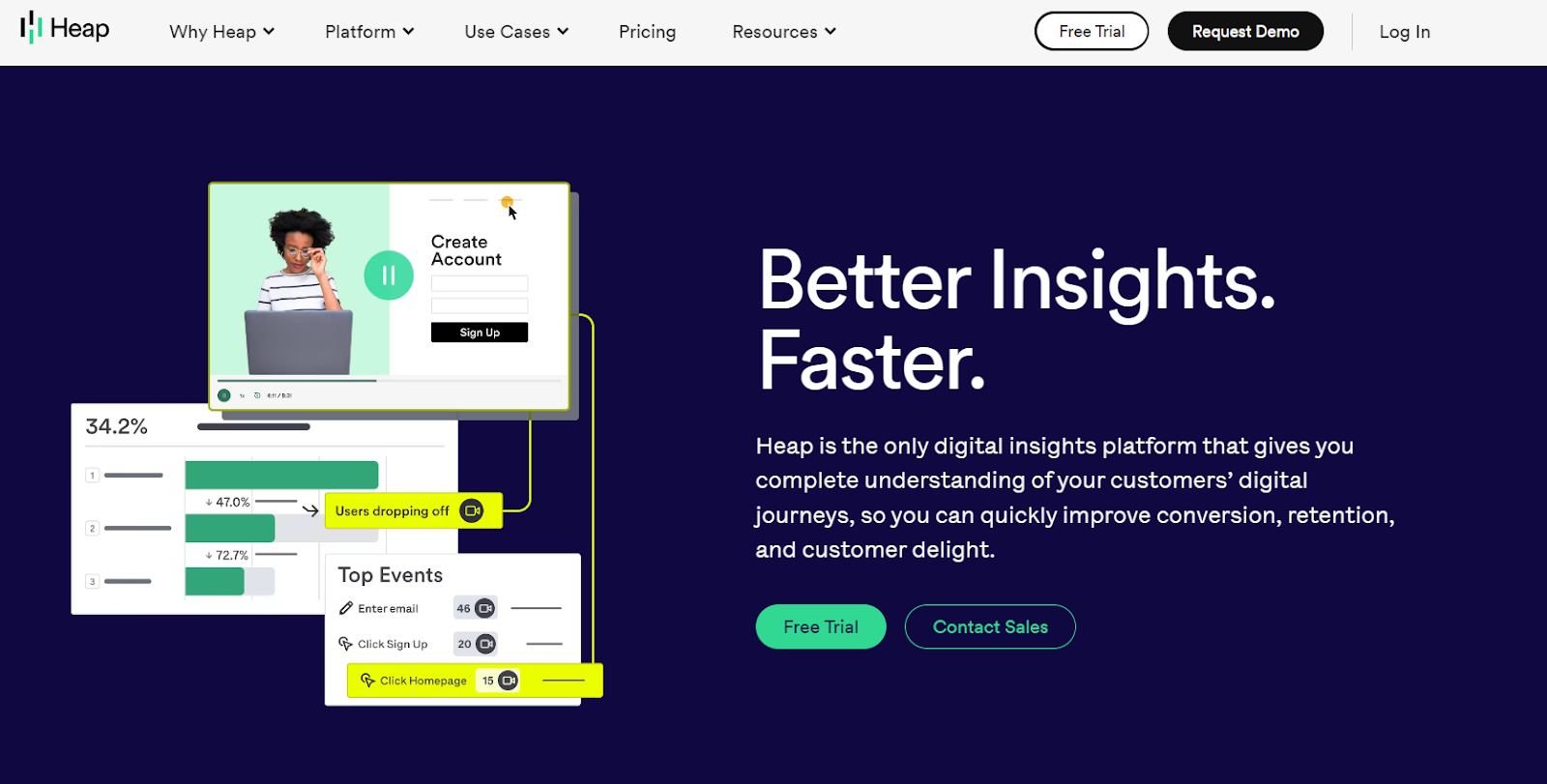
Heap can track user interactions on websites and mobile apps, allowing businesses to analyze their customer's behaviors and generate data-driven insights.
The tool has a wide range of features, including automatic event tracking, retroactive data capture, and real-time reporting. Heap also allows businesses to segment their data by users, sessions, and events, making it easier to identify trends and patterns.
Heap’s key features include
- Customer 360 analytics captures all user interactions and actions on your website and/or mobile app and sends data to your data warehouse to get a comprehensive understanding of the customers' journeys.
- Funnel optimization helps remove friction and optimize the customer journey to increase conversion rates.
- Intuitive dashboards help track your critical business metrics and coordinate insights-driven action across the organization.
- Integrates with 50+ sources/websites ranging from CRM and attribution platforms to marketing automation and user onboarding & adoption platforms.
- Usage Tracking/Analytics, allows detailed tracking and analysis of users' interactions within your website and/or mobile app.
What is Mixpanel?
Mixpanel is a product analytics platform that helps businesses improve user experience by tracking and analyzing user interactions with their website or mobile app
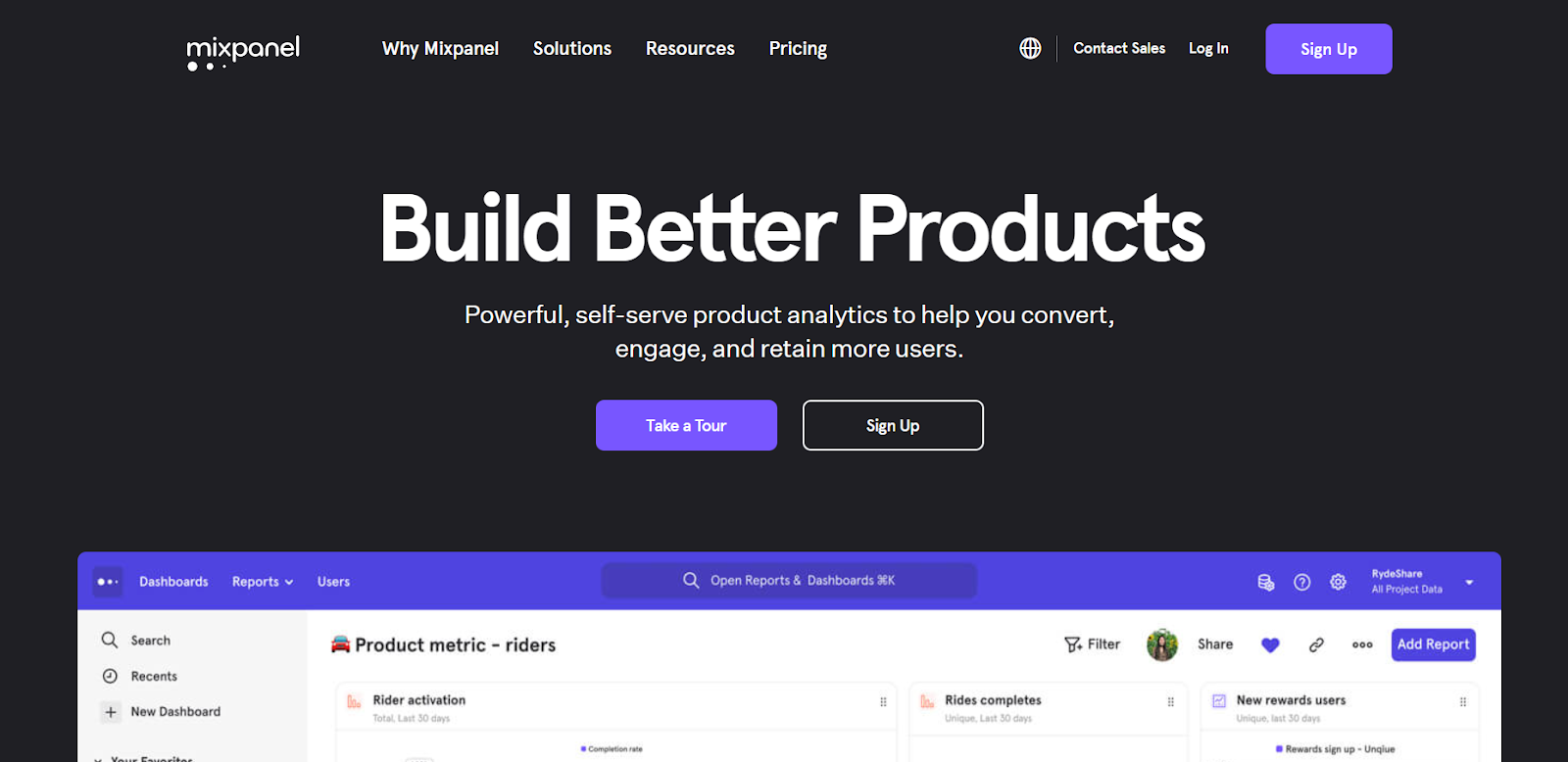
Mixpanel equips businesses with insightful reports surrounding user interactions, monitoring the growth of key user cohorts and even comparing current trends with earlier ones.
The tool also illustrates the user flow within your website/mobile app, discovering the paths taken by users before they make a purchase. Moreover, the flow helps businesses locate friction in the user journey.
Some of the key features of Mixpanels are
- KPI monitoring, keeping track of the status of previously identified performance measurements.
- Data integration, integrating or connecting with different sources/apps for analysis and dashboard preparation
- Customer journey mapping, visualizing every interaction made by the user with the business
- Funnel analysis, mapping the user flow to a set of funnel steps that results in conversion [achieve desired results in general]
- Customer segmentation, segmenting users based on attributes, cohorts or actions to uncover engagement drivers.
Getting started with Heap
Heap is easy to implement as it does not require extensive coding, removing the dependency on software developers.
To set Heap up, you need to sign up for an account, add a tracking code to your website, and adjust your settings. The time taken to complete the set-up process may vary depending on the complexity of your website and the type of data you want to track.
Also, after the installation, Heap will automatically track data retroactively.
{{INLINE_BOFU}}
Setting up Mixpanel
As for the time needed for implementation, the Mixpanel team assures that the entire process will take less than 15 minutes, but it depends on the complexity of the website and the tech stack used. They are also providing codeless implementation by partnering with Freshpaint, in which case, they say the time taken will stretch to 30 minutes.
The tool's main downside is its lack of codeless automation for retroactive tracking, but recently, they have partnered with Freshpaint to allow users to choose between codeless or coded tracking.
Heap vs Mixpanel: Deep Dive
Heap and Mixpanel are both popular digital analytics tools with unique features and capabilities. So it's essential to understand their key differences before deciding which is the best fit for your business needs.
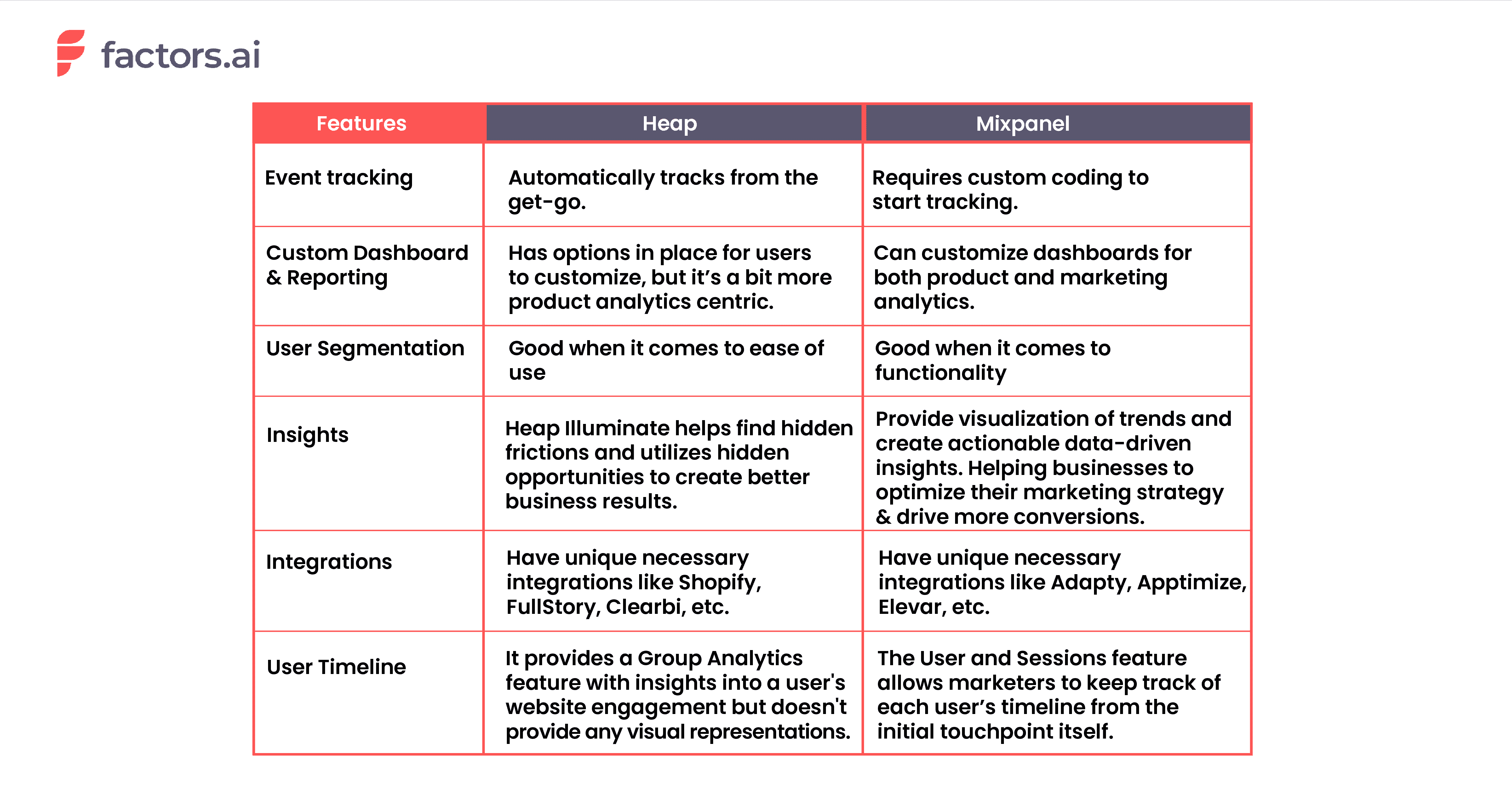
1. How Event Tracking Works in Heap vs. Mixpanel
The capability to monitor events, such as individual user actions like button clicks, form submissions, page views, etc., and is an essential feature for all marketing analytics tool. Luckily both Heap and Mixpanel provides this functionality. The only difference is that Heap automatically tracks them, while Mixpanel requires you to instrument custom code on the website to start tracking events.
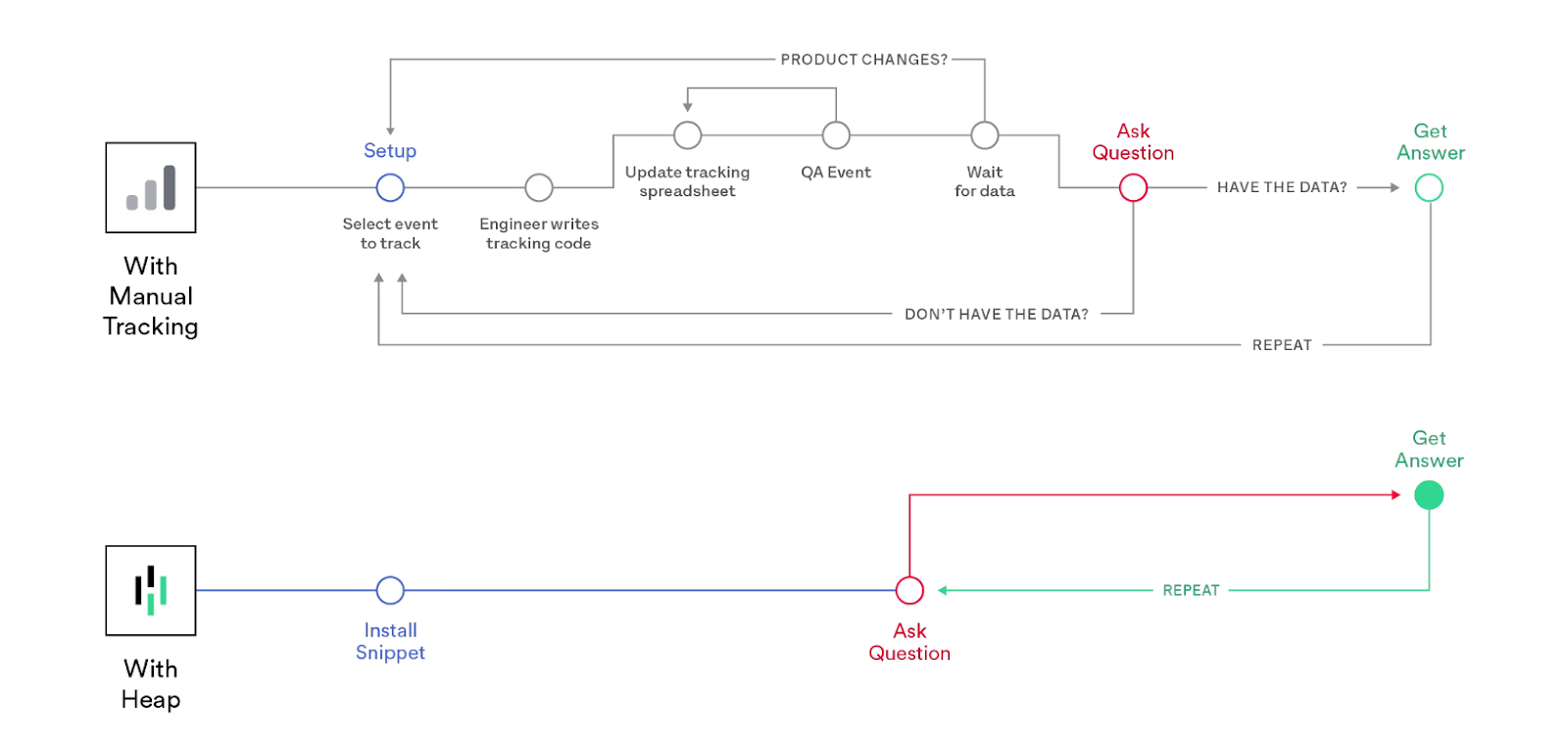
Even though Heap tracks events automatically throughout the website, they also deliver a custom option for users to manually track and enrich their dataset with flexible APIs that capture clients and server-side events.
As for Mixpanel, like Heap, a tracking code must be installed on the website or mobile app. Once that's done, businesses can set up events to track. This can be done using the Mixpanel JavaScript library, which provides a simple way to track events and send data to Mixpanel.
Mixpanel's wide-range of APIs offers businesses an alternate approach to tracking events across servers, mobile apps, and other sources.
But the real problem with event tracking is when it comes to tracking non-website events.
Marketing is not just about the things that happen on the website. In a typical B2B customer journey, touchpoints such as webinars, gated content, meetings, sales calls, field events, and so on play a crucial role in moving the customer down the funnel. This function is absent in both of the tools, which limits their applicability in a B2B context.
This is where marketing analytics tools like Factors come into play. The tool can help businesses track both website and non-website events and overcome the said limitation.
2. Custom Dashboards and Reporting
A good dashboard requires the ability to customize dashboards with the data you want to track. This helps to provide an overall insight without jumping tabs.
Dashboards in Mixpanel and Heap are customizable, and users can create multiple ones for the KPIs you want to track. They provide options for filtering charts, categorizing dashboards, and so on.
Following are examples of how each of their dashboards looks like.
Heap:
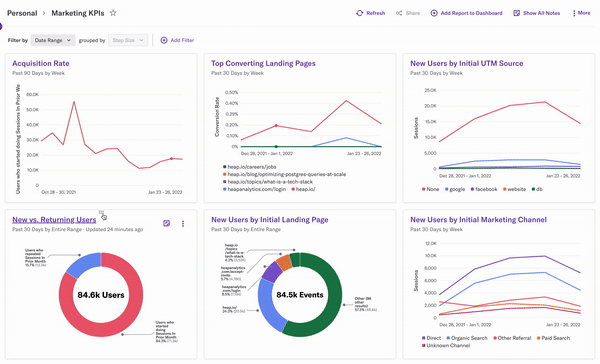
Mixpanel:
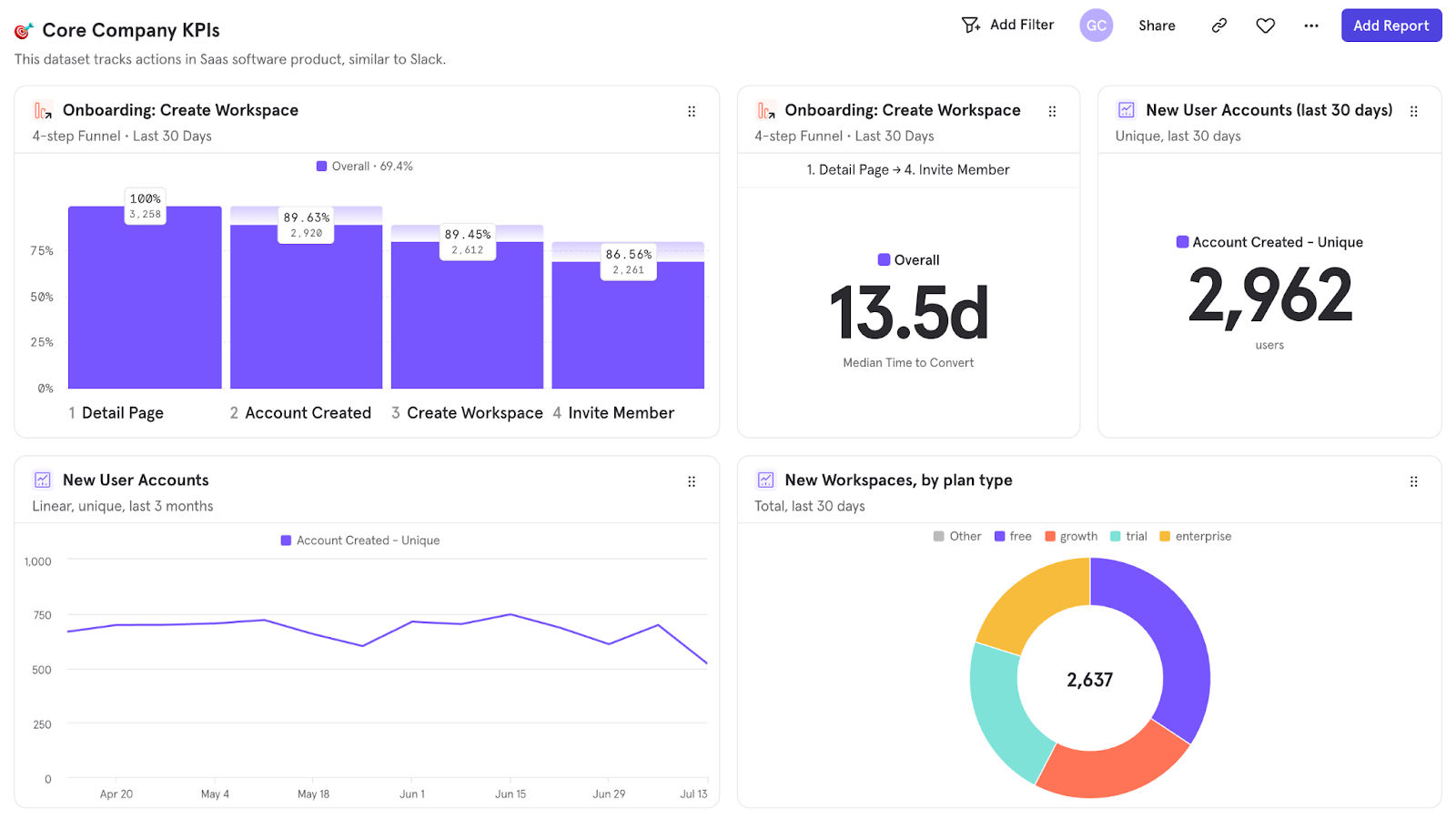
But even though both tools make these arguments, the most common issues related to them are their slow customer support, the requirement for basic technical knowledge for usage, their limited documentation, etc.
According to reviews on platforms like G2, TrustRadius, and Capterra, when it comes to dashboarding and reporting, the users have found
- The dashboard’s functionality to be limiting as they can’t add certain types of reports,
- The intuitive UI is found to be confusing and not so easy to use.
- Creation of dashboards to be time-consuming.
- There is a lack of more explicit filters in the dashboard
The above-mentioned are a few of the many suggestions and cons in their users’ reviews.
While both Heap and Mixpanel are working to address their limitations, there are other options available in the market that may also meet the needs of users. Factors is one such example.

Factors provide visualization of every bit of information, data-driven insights, and emphasizes any fluctuations or changes from the ordinary, and all are available within a single dashboard.
3. User Segmentation
Both Heap and Mixpanel offer user segmentation features that allow businesses to group users based on their characteristics and behavior. However, this feature's functionality and ease of use differs between the tools.
Based on Functionality
Heap's Segments feature allows businesses to create custom segments based on events, properties, and time. On top of that, it also allows businesses to track user behavior retroactively.
On the other hand, Mixpanel's segmentation feature allows businesses to segment data by user, session, and event; and create custom reports and dashboards. And based on the segments, the tool allows businesses to conduct A/B testing and in-app messaging as well.
Based on Ease of Use
Heap's Segments feature is comparatively simple, with a dedicated "Segments" option that makes creating and managing segments easy.
Whereas in Mixpanel, its user segmentation feature is also easy to use though it may take some time to learn how to navigate through the different options to undertake cohort analysis and custom segmentation.
The crucial aspect to keep in mind is that the ability to segment users relies on the data that the analytics tool has about them. Unfortunately, Heap and Mixpanel lack robust integrations with CRM systems to bring in CRM data for segmentation.
Though both platforms have integration with HubSpot (or, equivalently, Salesforce) for the purpose, Heap only pulls in two data sets from Hubspot, Email Interactions and Contact Properties. And, Mixpanel's integration with Hubspot is even more limiting and only syncs user properties with none of the CRM event objects.
But both platforms do not provide options for other valuable data sets such as Company Properties, Deal Properties, and Deal Progression, as well as Events recorded in CRM such as Form Submissions, List Additions, Sales Calls, and Meetings, which are critical for B2B companies.
However, Factors excels in this regard as it supports CRM integration with HubSpot and Salesforce and can help B2B businesses in tracking contact, account, and opportunity properties as well as all events, campaigns, and activities recorded in the CRM.
4. Insights
This is a unique feature Mixpanel has over Heap. The main focus of this feature is to visualize trends and compositions in the acquired data. It allows users to analyze events and user profiles, compare current data with previous data, create custom events, and more.
Using the insight feature, a business can track and analyze the performance of different UTM sources and identify which source generates more conversions or any desired results. This would further help businesses optimize their marketing strategy and drive more conversions.
In insights, the metrics calculated across the entire time period will be visualized in simple bar graphs, stacked bar graphs, or pie charts. Following is an example of the pie chart.
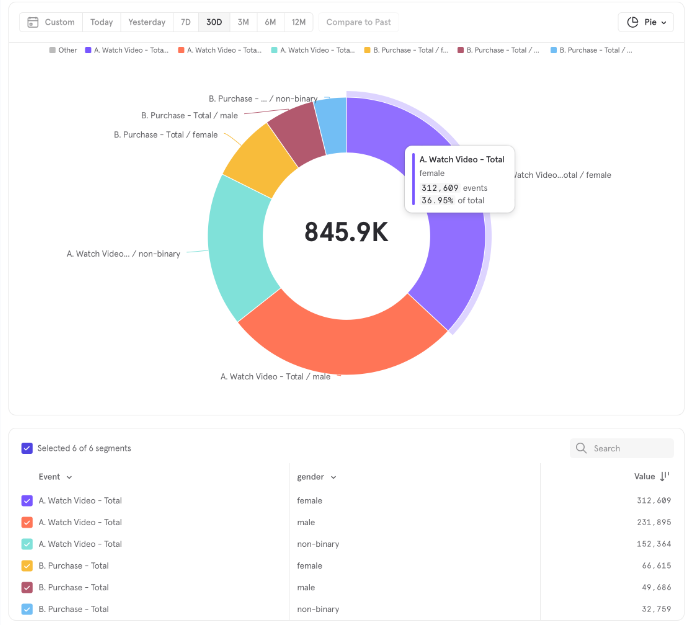
And for the metrics calculated for segmented time, the feature uses a line chart or stacked line chart for visualization. The following is a stacked line graph for reference.

On the other hand, Heap has the Illuminate feature. It utilizes a data science layer to analyze a dataset and automatically identifies insights that lead to significant business results, even for events that weren't tracked previously. Also, the tool can uncover insights that would be missed by other tools, leading to better business results.
Though this feature is limited compared to Mixpanel's Insights, it helps businesses to find hidden opportunities and frictions and understand whether the user behavior is hurting or helping with conversions.

5. Integrations
Heap and Mixpanel offer integration capabilities with over 50 tools, allowing businesses to combine data from different sources.
The Heap Connect in Heap allows businesses to bring user data into data warehouses such as Snowflake and Redshift.
Mixpanel allows integration with tools like AWS, Google Cloud, and Microsoft Azure.
Though they both provide integration with common sources like Zendesk, HubSpot, Salesforce, and Segment, the tools also provide some unique integrations as well.
Some unique integrations with Heap are
- Shopify
- FullStory
- Clearbit
- RedShift
- Eloqua
Some unique integrations with Mixpanel are
- Slack
- Adapty
- Apptimize
- Elevar
- Microsoft Azure
6. User Timeline
A user timeline refers to the visual representation of a specific user’s actions and behavior over time within and outside a website. It shows each user’s visits to a website, downloads, engagement with emails, and other activities in touchpoints. It is essential to gain insights into the user’s interests, preferences, and behavior, which further helps marketers customize their campaigns.
The Group Analytics feature is the closest thing Mixpanel has to a user timeline. Though it doesn’t necessarily provide a timeline, the feature enables marketers to track each target account’s engagement within the website. It also allows marketers to identify upsell opportunities and churn risks.

Heap, however, has a User & Session View feature that enables marketers to see granular, user-level data on how each user interacts with the website/app. It also presents a list of users in reverse chronological order based on their most recent activities.
The timeline of this activity can be adjusted from the last 7 days to the date the user first interacted with the website/app.

Both Heap’s and Mixpanel’s features do not account for offline touchpoints of the users/accounts or provide an extensive view of the user timeline.
So if you are looking for a tool that can empower businesses with a detailed account of each user’s timeline and engagement with the website, then Factors would be a good choice.
With Factors.ai, a business can get an account-level timeline as well as user-level timelines through deanonymization. Also, the tool brings in all key touchpoints, including meetings, calls, web data, app data, etc., whereas the others [Heap and Mixpanel] focus only on the web and app data.
Following is a view of the account-level timeline in Factors.

Following is a view of the user-level timeline in Factors.
Heap vs Mixpanel: Pricing
The pricing plans of these tools differ based on the features that come with each plan.
Given below is the pricing plan of Heap. And from it, you can see that there is a lack of transparency in the plans, and you have to contact them to get an idea of the overall expenditure.
On top of the free plan, they also allow a “7-day free trial”.
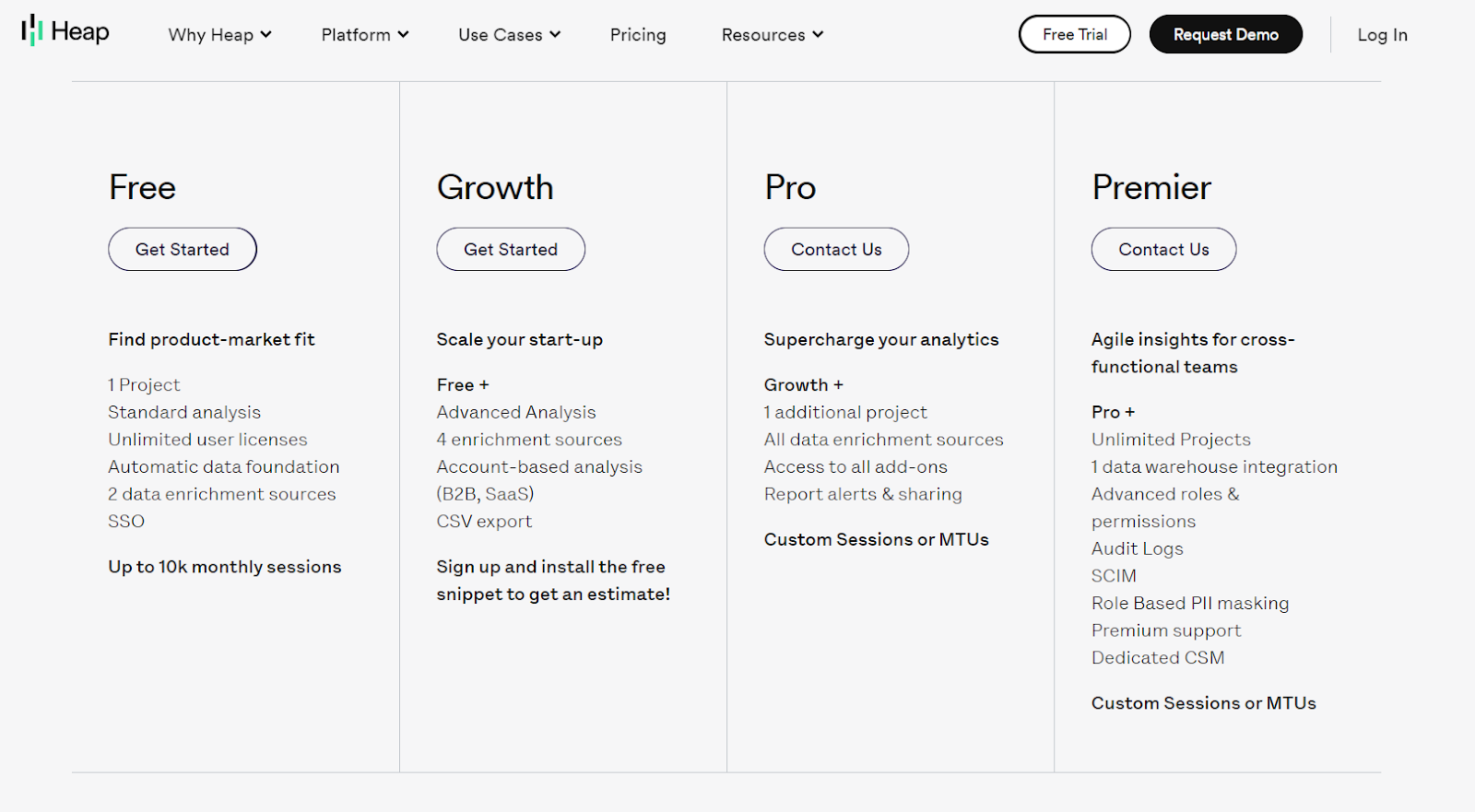
Mixpanel provides a free option with limited features and a pricing of $25 per month for the basic plan. But like Heap, Mixpanel also requires prospects to contact the team to upgrade the plan and get estimated pricing for their enterprise plan.
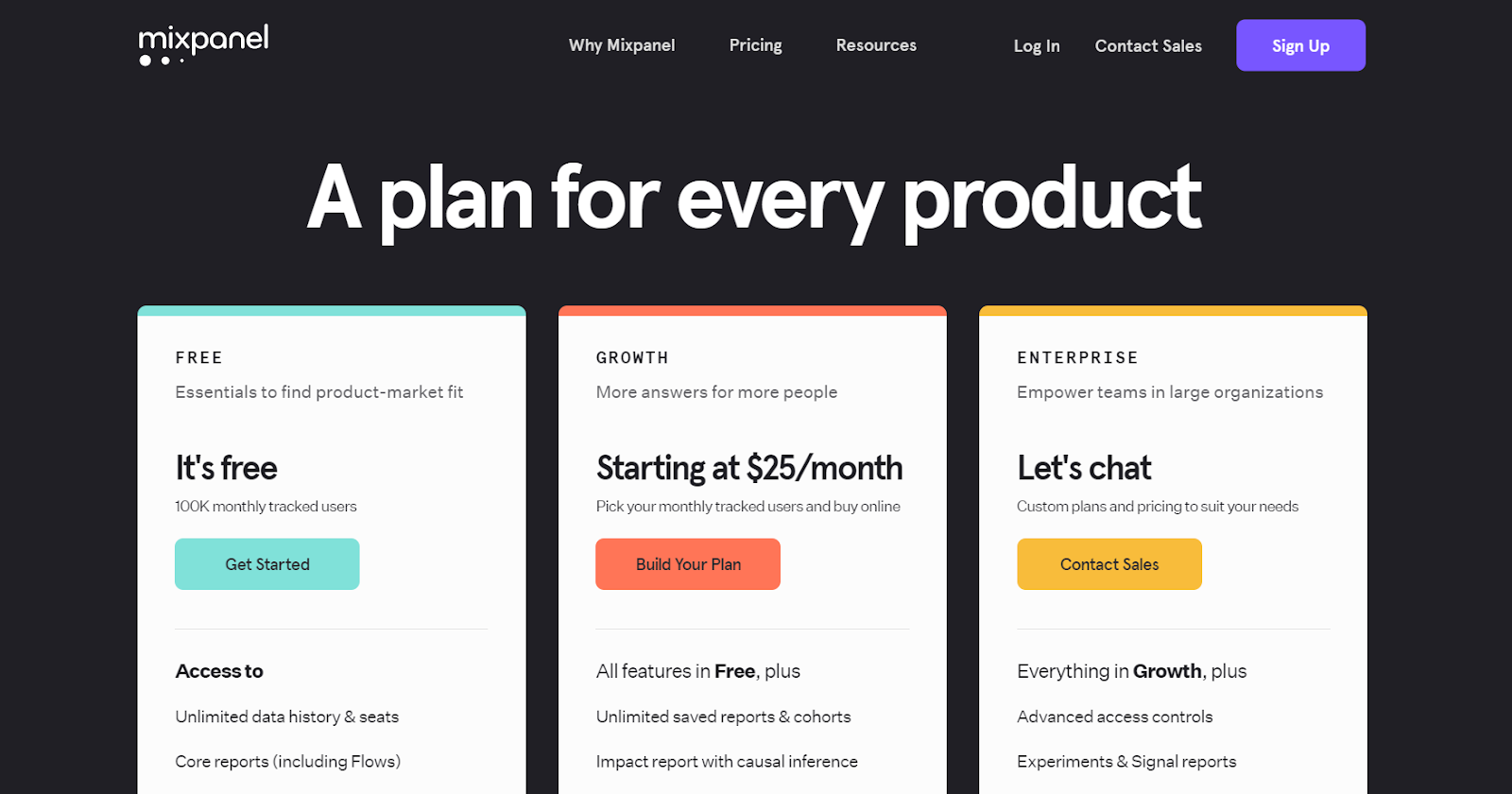
Recap
Heap and Mixpanel are both great analytics platforms with their own pros and cons. To give you an overview of both tools’ strengths and weaknesses, please take a look at the following tables.
Heap: Pros and Cons
Pros
- Automatic retroactive tracking
- Customizable dashboard
- Rapid implementation [codeless]
- Provide necessary integrations
- Can create custom segments based on different metrics
Cons
- Does not provide deeper insights into trends compared to Mixpanel’s Insight feature.
- Though the dashboard is customizable, it is more product analytics oriented.
Mixpanel: Pros and Cons
Pros
- Can track both event-level, and user-level data
- The insights feature helps visualize trends and compositions in data
- Provide necessary integrations
- Allows customization of dashboards
- Can compute retroactive tracking
Cons
- Requires dedicated developers to implement.
- Even though they allow codeless implementation with Freshpaint, the implementation can consume more time.
- Has intuitive dashboards but is complex from a marketing point of view.
- Doesn’t have automatic retroactive tracking.
- Since it requires codes, continuous tag maintenance is required.
Limitations of Heap and Mixpanel
Both these tools provide options for both product and marketing analytics. But at the present day, these tools are best used and known for product analytics. And so, the features they both provide tends to focus more on the product. It means a marketing professional trying to use these tools will need help getting around the tool.
Also, non-website event tracking is absent in both tools, which limits the data acquired surrounding a business’s users. Considering that every insight made by these tools is based on these data, it’s safe to say that they are not the perfect fit for marketing analytics.
Top Digital Analytics Platforms
Digital analytics platforms help businesses track user behavior, optimize customer experiences, and drive data-driven decisions.
1. Top Platforms: Heap, Mixpanel, and Factors.ai.
2. Key Features:
- Heap: Automatic event tracking, intuitive dashboards, over 50 integrations.
- Mixpanel: Manual event tracking, granular user behavior analysis, trend visualization.
- Factors.ai: Combines automatic event tracking and in-depth analysis, seamless integrations.
3. Strategic Benefits:
- Heap: Quick implementation, retroactive data analysis.
- Mixpanel: Detailed user insights and performance monitoring.
- Factors.ai: Comprehensive solution, easy-to-use, robust analytics without complexities.
Implementing these platforms provides powerful insights, enhances user behavior tracking, and supports smarter business decisions.
Still on the Fence? Complete Your Analytics Stack with Factors
In conclusion, Heap and Mixpanel are both popular analytics tools that provide businesses with powerful features for tracking and measuring user interactions and behavior. They both offer a wide range of features, helping businesses with event tracking, event reports, identifying UTM sources, and more.
Heap and Mixpanel are known for focusing on products rather than marketing analytics. So, it's worth considering other options that may better align with your business needs and goals, particularly when it comes to marketing analytics.
Factors is a marketing analytics tool built for B2B and SaaS marketers with a focus on account-based analytics and robust CRM integrations. The tool is purpose-built for marketers and has an advanced multi-touch attribution feature at an account level covering website and offline touchpoints.
Its UI is simple and easy to use, and it takes about 15-20 minutes to set it up. You can sign up for FREE and learn how Factors can transform your marketing operations.
FAQs
1. What data does Heap collect?
Heap collects user interactions and user behavior data on a website or mobile app. It includes data on events such as button clicks, form submissions, page views, and user properties such as device type and location.
2. Where does Heap io store data?
The collected data is stored on secure cloud-based servers. Heap also uses Heap connect to connect with data warehouses like Redshift and snowflake for the purpose too.
3. What is the use of Mixpanel?
The primary use of Mixpanel is to track and measure user interactions and user behaviors on a website or mobile app. It allows businesses to understand how customers engage with their products/services and generate actionable insights to improve their UX.
4. Does Mixpanel require coding?
Yes, it does require coding, which is, in fact, a downside of using Mixpanel. You will need tech support to create/write codes that can help track events. However, recently, Mixpanel has partnered with Freshpaint to make the codeless implementation available for their users.
A Guide to Intent Data Platforms: Features, Benefits & Best Tools In 2026
Learn how intent data platforms help B2B companies capture buying signals, improve targeting, and drive pipeline growth. Know more about the benefits, key features, and top tools to drive smarter outreach.
TL;DR
- Focus on Active Buyers: Only 5% of B2B prospects are in-market—intent data helps identify and prioritize them.
- Types of Intent Data Matter: First-party (owned), second-party (partnered), and third-party (external) data serve different use cases and levels of accuracy.
- Top Platform Features: Look for AI analytics, real-time scoring, CRM integrations, and privacy compliance for maximum utility.
- Implementation Strategy: Define goals, choose the right provider, train teams, segment data effectively, and track KPIs to optimize success.
Imagine this: Your sales and marketing teams spend months chasing leads, only to realize most of them were never interested in buying.
Sounds frustrating, right?
Traditional lead generation methods rely on guesswork, leading to wasted time, effort, and budget.
Here’s the hard truth—only 5% of B2B buyers are actively in-market at any given time. That means 95% of your outreach may be falling on deaf ears.
This is where intent data platforms change the game. Tracking real-time buyer signals helps you focus on high-intent accounts—those actively searching for solutions like yours.
In this guide, we’ll explore how intent data works, its benefits, and how to choose the right platform for your business.
What is Intent Data & Why is It Important?
Intent data refers to the digital signals and behavioral insights that indicate a prospect’s interest in a specific product, service, or topic. These signals come from various online activities, such as:
- Search queries related to your industry.
- Website visits to competitor pages or solution-related content.
- Content downloads like whitepapers and eBooks.
- Social media engagement with industry topics.
- Event participation, such as webinars or conferences.
When collected and analyzed, intent data helps businesses understand who is actively researching their solutions and how far along they are in the buying journey. Instead of reaching out to cold prospects, sales and marketing teams can prioritize leads who are already in-market and ready to engage.
Buyers are silently researching, comparing vendors, and evaluating options before they ever fill out a form or book a demo. Intent data helps businesses:
- Identify high-intent prospects before competitors do.
- Deliver personalized content based on what buyers are searching for.
- Shorten the sales cycle by engaging prospects at the right time.
- Improve marketing you can move away from mass outreach and guesswork and shift towards a more data-driven, personalized approach to engaging potential buyers.
What are the types of Intent Data?
Intent data platforms gather various types of data to understand buyer behavior. Here are the main types:
1. First-Party Intent Data (Owned Data)
First-party intent data is collected directly from your digital assets—your website, emails, CRM, and product interactions. Since it comes from your platforms, it’s highly reliable and accurate.
Examples:
- Website visits and page views (e.g., a prospect frequently visits your pricing page)
- Blog and content engagement (e.g., downloading an eBook or webinar registration)
- Email interactions (e.g., high email open and click-through rates)
- Product usage data (e.g., free trial or demo activity)
2. Second-Party Intent Data (Partnered Data)
Second-party intent data is someone else's first-party data shared through partnerships. This data is typically acquired from trusted publishers, review sites, or industry networks that collect user intent signals.
Examples:
- Leads who engage with sponsored content on industry websites.
- Users reading product comparison reviews on G2, Capterra, or TrustRadius. Read more about this on Turn G2 Buyer Intent into Revenue with Factors.ai.
- Shared audience insights from strategic partners (e.g., co-marketing efforts)
3. Third-Party Intent Data (External Data)
Third-party intent data is collected from a wide range of external sources across the web. This data is gathered by intent data providers who monitor millions of online activities to identify companies that are researching specific topics.
Examples:
- Searches for industry-related keywords across the internet.
- Engagement with content on multiple third-party websites.
- Activity on B2B forums and LinkedIn discussions. To know how to gather this using Factors.ai, read our article on LinkedIn Intent Data.
- Participation in industry events and webinars.
{{INLINE_MOFU}}
What Are The Key Components of Intent Data Platforms?
Intent data platforms have key parts that provide useful insights. They find patterns, predict behavior, and group audiences by their actions. Now, let’s break down the essential elements every intent data platform should have.
1. Advanced Data Collection Methods
A strong intent data platform gathers information from multiple sources to track buyer behavior accurately. The best platforms collect and aggregate:
- Website activity (page views, session duration, content downloads)
- Search behavior (keywords related to your product or industry)
- Third-party signals (activity on review sites, forums, and publications). Read more about this on B2B Intent Signals.
- Social engagement (interactions on LinkedIn, Twitter, and other platforms)
- Ad engagement (clicks, impressions, and retargeting behavior)
Why It Matters?
- Provides a comprehensive picture of buyer intent across different channels.
- Helps identify prospects before they even engage with your brand.
- Allows for early-stage targeting when prospects begin their research.
2. AI-Driven Analytics and Processing
Once the platform collects data, AI and machine learning algorithms analyze user behavior patterns to identify intent-driven accounts. The best platforms use:
- Natural Language Processing (NLP): Understands content consumption patterns.
- Predictive Scoring Models: Assigns scores based on engagement level.
- Behavioral Pattern Recognition: Detects trends and buying readiness.
- Competitive Intelligence: Identifies prospects engaging with competitor content.
Why It Matters?
- Eliminates guesswork by providing data-driven insights.
- Prioritizes high-intent accounts most likely to convert.
- Helps predict future buying behavior before a prospect reaches out.
3. Seamless CRM and Marketing Automation Integration
Intent data is only valuable if it can be easily used by your sales and marketing teams. A strong platform integrates smoothly with:
- CRM systems (Salesforce, HubSpot, Microsoft Dynamics, etc.)
- Marketing automation tools (Marketo, Pardot, Eloqua, etc.)
- ABM platforms (Demandbase, 6sense, Terminus, etc.)
- Sales engagement tools (Outreach, Salesloft, LinkedIn Sales Navigator, etc.)
Why It Matters?
- Ensures sales and marketing teams work with real-time data.
- Automates lead nurturing and personalized outreach.
- Reduces manual effort and improves data accuracy.
4. Real-Time Alerts & Lead Scoring
Not all leads are equally valuable. The best intent data platforms offer real-time alerts when a high-intent prospect engages with relevant content, along with lead scoring to prioritize outreach.
- Real-time notifications when a prospect engages with high-value content.
- Custom intent scoring models based on engagement levels.
- Segmentation tools to categorize leads by industry, company size, and behavior.
Why It Matters?
- Helps sales teams strike when the interest is high.
- Ensures marketing efforts focus on the best-fit leads.
- Improves efficiency by avoiding cold outreach.
5. Robust Reporting and Data Visualization
Data is only useful if it’s easy to understand. Intent data platforms offer dashboards and reports that provide clear insights into:
- Which accounts are surging in intent activity
- Which marketing channels drive the most engagement
- How intent data impacts pipeline growth and revenue.
- What content or keywords trigger the most interest
Why It Matters?
- Provides a clear, data-backed strategy for sales and marketing.
- Helps refine targeting and optimize future campaigns.
- Ensures executives and stakeholders see the impact of intent data.
6. Privacy-First Data Compliance
With increasing data privacy regulations (GDPR, CCPA, etc.), intent data platforms must ensure ethical data collection and usage. Look for platforms that:
- Follow strict data privacy regulations (GDPR, CCPA, etc.)
- Use consent-based tracking methods.
- Offer data anonymization and encryption for security.
- Provide clear data source transparency.
Why It Matters?
- Reduces legal risks and ensures compliance with regulations.
- Builds trust with prospects and protects brand reputation.
- Ensures long-term sustainability of intent data usage.
What are the Benefits of Intent Data Platforms?
Intent data platforms offer several key benefits that change how businesses handle marketing and sales. Here are the main advantages:
1. Enhanced Lead Generation
Intent data helps you identify accounts that are actively researching solutions like yours. Instead of relying on cold outreach, you engage high-intent prospects who are already showing buying signals.
2. Improved Customer Targeting
By tracking which content, keywords, and topics prospects engage with, intent data platforms help businesses craft hyper-personalized marketing campaigns that resonate with potential buyers. For example, Factor’s Account Intelligence helps in segmenting and scoring accounts effectively.
3. Better ROI on Marketing Campaigns
Traditional marketing casts a wide net, but intent data refines targeting so that ad spend, content efforts, and email campaigns focus on high-intent buyers. This reduces wasted budget and maximizes return on investment (ROI).
4. Sales and Marketing Alignment
Intent data platforms connect sales and marketing teams by sharing insights about prospect behavior, creating a unified view of the customer journey, and enabling coordinated follow-up actions.
5. Shorter Sales Cycle
Intent data reveals which stage of the buyer’s journey a prospect is in. Instead of spending months nurturing cold leads, sales teams can engage with buyers who are actively considering a purchase.
6. Higher Customer Retention
Intent data isn’t just for new customer acquisition—it also helps with customer retention. By monitoring customer activity and engagement, businesses can identify signs of churn before it happens.
7. Smarter Account-Based Marketing
Intent data supercharges ABM campaigns by helping businesses focus on high-value accounts and actively researching solutions. Instead of relying on static account lists, ABM teams get real-time insights into account engagement.
These benefits lead to a more efficient, data-driven approach to B2B marketing and sales, resulting in higher conversion rates and better customer relationships.
How to Choose the Right Intent Data Platform?
When you choose an intent data platform, consider key factors to make the right choice. Here’s a step-by-step guide to help you choose the best intent data platform for your business:
1. Define Your Business Goals and Use Cases
Before evaluating platforms, identify why you need intent data and how you plan to use it. Different businesses have different priorities:
- Lead generation – Identify accounts actively searching for solutions like yours.
- Account-based marketing (ABM) – Prioritize high-intent accounts for personalized campaigns.
- Sales enablement – Equip sales teams with insights into buying signals.
- Competitive intelligence – Track when prospects engage with competitors.
- Customer retention – Identify customers at risk of churning and re-engage them.
2. Assess the Type and Source of Intent Data
Not all intent data is created equal. The accuracy and reliability of insights depend on where the data comes from. Look for platforms that provide a mix of first-party, second-party, and third-party intent data:
Pro Tip: Platforms that rely only on third-party data can be less accurate due to privacy restrictions and outdated cookies. Look for first-party and second-party data capabilities to future-proof your strategy.
3. Evaluate Data Accuracy and Freshness
Some platforms update intent signals daily or weekly, while others provide real-time insights. Ensure the platform filters out false positives and bot traffic to maintain accuracy. Look for an Intent data platform that offers:
- Real-time or frequently updated data to ensure relevance.
- Machine learning-driven intent scoring to filter noise.
- Granular insights on company-level and contact-level engagement.
Pro Tip: Avoid platforms that only offer vague industry-level insights without account-level details. You need to know which companies are actively researching your solution—not just general trends.
4. Check Integration with Your Tech Stack
Your intent data platform should seamlessly integrate with your existing tools, such as:
- CRM (Salesforce, HubSpot, Microsoft Dynamics, etc.)
- Marketing automation (Marketo, Pardot, HubSpot, etc.)
- Advertising platforms (LinkedIn, Google Ads, Demandbase, etc.)
- Sales intelligence tools (ZoomInfo, Apollo.io, Clearbit, etc.)
Pro Tip: Ask vendors for API documentation and integration case studies to confirm compatibility with your tools.
5. Prioritize Privacy Compliance and Ethical Data Sourcing
With GDPR, CCPA, and other privacy laws tightening, you must ensure your intent data platform is ethically sourced and legally compliant.
Pro Tip: If a platform doesn’t clearly disclose how it sources its data, it’s a red flag. Choose vendors that are transparent about their data collection methods.
6. Compare Pricing and ROI Potential
Look for an intent data platform with the following:
- Transparent pricing with no hidden fees.
- Flexible plans that scale with your business needs.
- Trial or demo options to test the platform before committing.
Pro Tip: The cheapest platform isn’t always the best—focus on ROI potential rather than just upfront cost.
7. Look for Strong Reporting and Visualization Features
A good intent data platform should offer clear, actionable insights through dashboards and reports. Look for:
- Real-time dashboards with engagement trends.
- Account scoring and segmentation for better targeting.
- Campaign performance tracking to measure marketing effectiveness.
Before deciding, request demos from several providers and involve key people from sales, marketing, and IT. This ensures the platform meets all needs and aligns with your goals and budget.
5 Best Intent Data Platforms
Choosing the right intent data platform is critical for optimizing lead generation and improving sales conversions. Here are five top intent data platforms that offer advanced capabilities:
1. Factors.ai – AI-Driven Intent Data for Smarter B2B Targeting

Key Features:
- Intent Capture: Uncover up to 64% of anonymous website visitors through advanced IP resolution, merging behavioral signals from your website, CRM, marketing tools, LinkedIn activity, and G2 interactions into a single, actionable view.
- Workflow Automation: Streamline repetitive processes across your CRM and marketing automation stack, freeing your team to focus on high-impact, strategic initiatives rather than manual tasks.
- Account Intelligence: Leverage advanced segmentation and scoring driven by firmographic and engagement data to surface high-potential accounts and prioritize outreach with precision.
- LinkedIn AdPilot: Maximize LinkedIn ad performance with smart capabilities like frequency capping, view-through attribution, and direct Conversion API (CAPI) integration for deeper campaign visibility.
Refer to this pricing page to learn about advanced plans.
2. Bombora – Industry-Leading Third-Party Intent Data

Key Features:
- Extensive third-party intent data from 5,000+ publishers.
- Company Surge® scoring to rank intent strength.
- Seamless integration with ABM platforms like Demandbase and 6sense.
- Advanced analytics for campaign optimization.
- Public pricing is not available.
3. 6Sense – AI-Powered Predictive Intelligence

Key Features:
- AI-driven account identification and prioritization.
- Multi-touch attribution and predictive analytics.
- Real-time engagement tracking and insights.
- CRM and MAP integrations for a unified sales and marketing approach.
- Public pricing is not available.
4. Demandbase – Comprehensive ABM & Intent Data Platform

Key Features:
- AI-powered account-based advertising and personalization.
- Integration with Salesforce, HubSpot, and Marketo.
- Deep analytics on website visitor behavior and content consumption.
- Account intelligence for precise lead targeting.
- Public pricing is not disclosed.
5. Clearbit – Real-Time Intent & Enrichment Data

Key Features:
- Real-time firmographic and technographic data enrichment.
- Visitor intelligence for identifying anonymous website traffic.
- Intent-based lead scoring for better conversion rates.
- Integration with CRMs like HubSpot and Salesforce.
- Pricing is not publicly disclosed.
Best Practices to Implement an Intent Data Platform
Implementing an intent data platform needs careful planning. Follow these steps for the best outcome:
1. Define Clear Goals and Use Cases
Before integrating an intent data platform, ask yourself:
- What business objectives do we aim to achieve with intent data?
- How will marketing, sales, and customer success teams use this data?
- What KPIs will measure success?
Some of the common use cases are:
- Account-Based Marketing (ABM).
- Lead Scoring & Prioritization.
- Sales Enablement.
- Personalized Content Strategy.
2. Choose the Right Intent Data Platform
Selecting the best intent data provider is key to implementation success. Consider:
- Type of Intent Data.
- Data Accuracy & Freshness.
- Integration Capabilities.
- Compliance & Privacy.
3. Set Up Data Collection & Segmentation Rules
Intent data is only useful if it’s well-organized and structured. Setting up segmentation rules helps refine targeting and outreach. Here’s how you do it:
- Segment by Buying Stage.
- Prioritize High-Intent Accounts.
- Use Custom Scoring Models.
- Filter Out Irrelevant Traffic.
4. Train Teams for Data-Driven Decision-Making
For successful implementation, marketing, sales, and customer success teams must know how to interpret and act on intent signals. Some of the key training areas are:
- Understanding buyer signals and their meaning.
- Using intent insights for relevant conversations.
- Differentiating between casual browsers and serious buyers.
- Understanding ROI metrics related to intent-driven campaigns.
5. Develop Intent-Driven Marketing and Sales Strategies
Marketing Strategies:
- Target prospects with relevant content based on their interests.
- Offer blog posts, whitepapers, and case studies aligned with intent topics.
- Run LinkedIn ads and display ads for high-intent accounts.
Sales Strategies:
- Focus on accounts showing strong buying intent.
- Engage prospects at the moment they’re actively researching.
- Address prospect needs based on their search behavior.
6. Monitor Performance and Optimize
Tracking the impact of intent data ensures you refine strategies for better results. Some of the key metrics to measure are:
- Lead Conversion Rates.
- Sales Cycle Length.
- Marketing ROI.
- Customer Engagement.
As we move forward, intent data platforms will offer deeper insights while keeping privacy a priority. Organizations that adapt to these trends will be better positioned to use intent data for an edge in the digital world.
How to Evaluate the Success of Intent Data Platforms?
Measuring the effectiveness of an intent data platform is crucial to ensure you're getting the most value from your investment. Here’s how you can track and measure success:
1. Key Performance Indicators (KPIs)
KPIs help determine if your intent data platform is improving marketing and sales efforts. Track these essential metrics:
- Lead Conversion Rates – Are more intent-driven leads turning into customers?
- Sales Cycle Acceleration – Is the platform helping close deals faster?
- Marketing-Qualified Accounts (MQAs) – How many high-intent accounts move through your pipeline?
- Sales-Accepted Leads (SALs) – Are sales teams engaging more with intent-identified leads?
2. ROI Tracking
To justify your investment, measure how much revenue intent data contributes to your business. Calculate:
- Revenue Influenced by Intent Data – How many deals originated from intent signals?
- Customer Acquisition Cost (CAC) – Are you spending less to acquire high-intent customers?
- Pipeline Growth – Has the volume of qualified leads increased?
- Marketing Spend Efficiency – Are campaigns more cost-effective with intent targeting?
3. Performance Metrics
Beyond the financial impact, assess the operational success with:
- Content Engagement – Are intent-identified accounts consuming more content?
- Account Engagement Scores – How frequently are high-intent accounts interacting with your brand?
- Email Open and Response Rates – Are personalized outreach efforts performing better?
- Website Traffic from Target Accounts – Are high-intent accounts visiting your site more often?
By consistently tracking these metrics, businesses can fine-tune their intent data strategy, improve lead quality, and maximize revenue impact.
Intent Data Platforms: What to Know and How to Choose
B2B sales and marketing teams often spend months pursuing leads that never had purchase intent in the first place. Intent data platforms flip this equation by identifying which accounts are actively researching solutions, allowing businesses to prioritize high-interest prospects with precise, personalized engagement. This guide demystifies how intent data works, the distinctions between first-, second-, and third-party data, and which core platform features truly move the needle—like real-time alerts, predictive scoring, and seamless CRM integration.
For organizations ready to shift from guesswork to precision targeting, the guide offers a clear path to implementation, from defining goals to measuring ROI. Privacy, data accuracy, and integration flexibility emerge as non-negotiable factors. Whether the objective is account-based marketing, competitive monitoring, or churn prevention, intent data becomes the difference between outreach and meaningful engagement.
%2520(1).avif)
The Beginner’s Guide to Account-Based Selling (Tips for 2026)
Learn about Account-Based Selling (ABS). Understand how to target customers, personalize messaging, lower acquisition costs & more

TL;DR;
- Account-Based Selling (ABS) treats each company as a unique market, focusing on multiple stakeholders. It's ideal for B2B with complex sales cycles
- Benefits of ABS include greater control over your sales pipelines, personalized messaging, lower acquisition costs, and aligning sales and marketing teams
- Tools like Factors enhance ABS with account intelligence, journey mapping, and attribution
- Assess resources, tech, market, differentiation, and executive buy-in to determine if ABS fits
- ABS offers a more informed, strategic approach vs. hunch-based calling or generic pitching
Cold calls that lead nowhere. Generic pitches that fall flat. And data overload with no clear strategy. We’ve all been there.
But what if you could truly know your target customers, connect with them on a human level and win their business with precision and care?
That’s Account-Based Selling (ABS).
In this guide, we'll explore ABS and why it's reshaping sales, especially for new SaaS companies. We'll also look at account intelligence tools like Factors that are making this targeted approach possible.
Sound good? Let's dive in.
What Is Account-Based Selling?
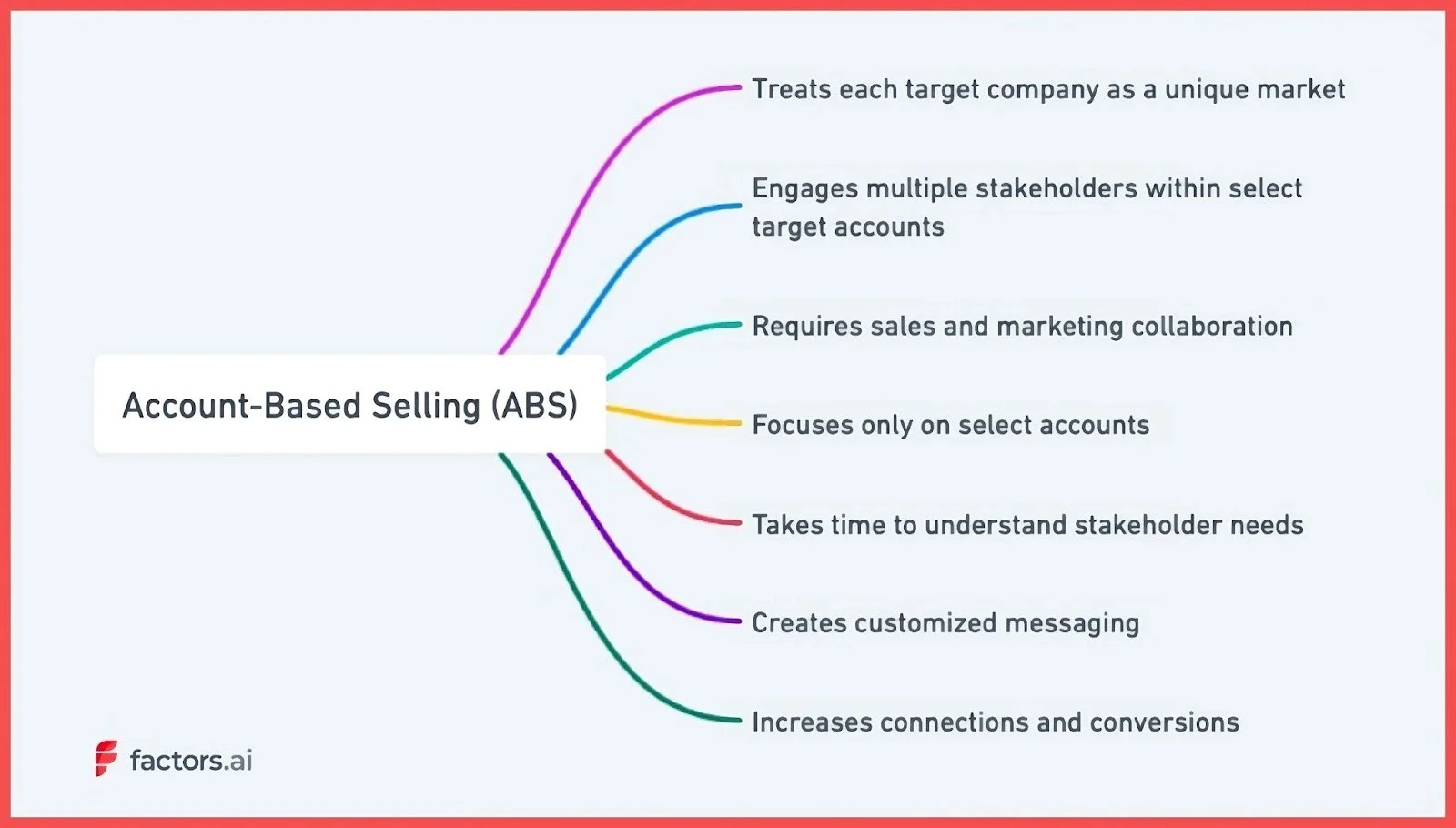
Account-based selling (ABS) and account-based marketing (ABM) are quite similar.
The main difference—ABS focuses on sales while ABM focuses on marketing.
Account-based selling treats each target company as a unique market. Unlike traditional sales methods that focus on individual leads, ABS focuses on an entire account or business. This means you consider all the possible stakeholders and decision-makers when performing outreach and creating your messaging.
Here's how ABS works:
- Sales and marketing select target accounts that fit the ideal customer profile. This process is called account scoring. These are the companies most likely to benefit from the offering.
- Buyer personas are created to understand the various stakeholders' needs within each account.
- Personalized content is then developed to appeal to the interests of each stakeholder.
- Sales representatives conduct personalized outreach to each stakeholder using tailored content.
- The goal is to nurture and guide stakeholders through the buyer's journey by resonating with their specific needs and interests.
ABS takes time to understand stakeholder needs and creates customized messaging. It's like tailoring a bespoke suit, instead of a premade piece.
Let’s consider Trello—a project management tool. Suppose they want to target mid-sized companies since those have fewer employees managing multiple functions—a project management tool is perfect. Within those companies, they would create and send the project managers content about efficiency, the IT staff content about integration, and the executives content about ROI.
This approach, while more intensive, talks directly to the audience and covers a broad range of pain points. The more stakeholders learn about your product, the easier it becomes to get your target accounts to adopt your products.
But is it only applicable to B2B or would ABS also work for B2C businesses?
Is Account-Based Selling Better Suited to B2B or B2C?
Account-based selling is a more targeted and meticulous approach to selling.
You need time and resources to understand an account’s needs, who the buyer is, what are the pain points, and how the product can be tailored to satisfy those needs.
The B2C market may not be the right fit for such a high-commitment approach to sales. Let’s look at how ABS suits B2B vs B2C.
| B2B Approach | B2C Approach | |
|---|---|---|
| Decision Makers | Multiple stakeholders influencing the buying process | Individual consumers based on personal interests/needs |
| Product Complexity | Complex, customized solutions | Simpler, off-the-shelf offerings |
| Relationship Focus | Long-term relationships, recurring revenue | One-time transactions |
| Sales Cycle Length | A longer, more patient approach focused on penetrating accounts | Shorter, quick attention-grabbing |
| Financial Commitment and Risk | High financial commitment and risk, consultative experience | Smaller-ticket items, lower financial commitment |
| Approach | Tailored, consultative, trust-building | Mass marketing, product-focused |
Account-Based Selling for B2B
B2B involves higher commitment and longer sales cycles including multiple decision makers.
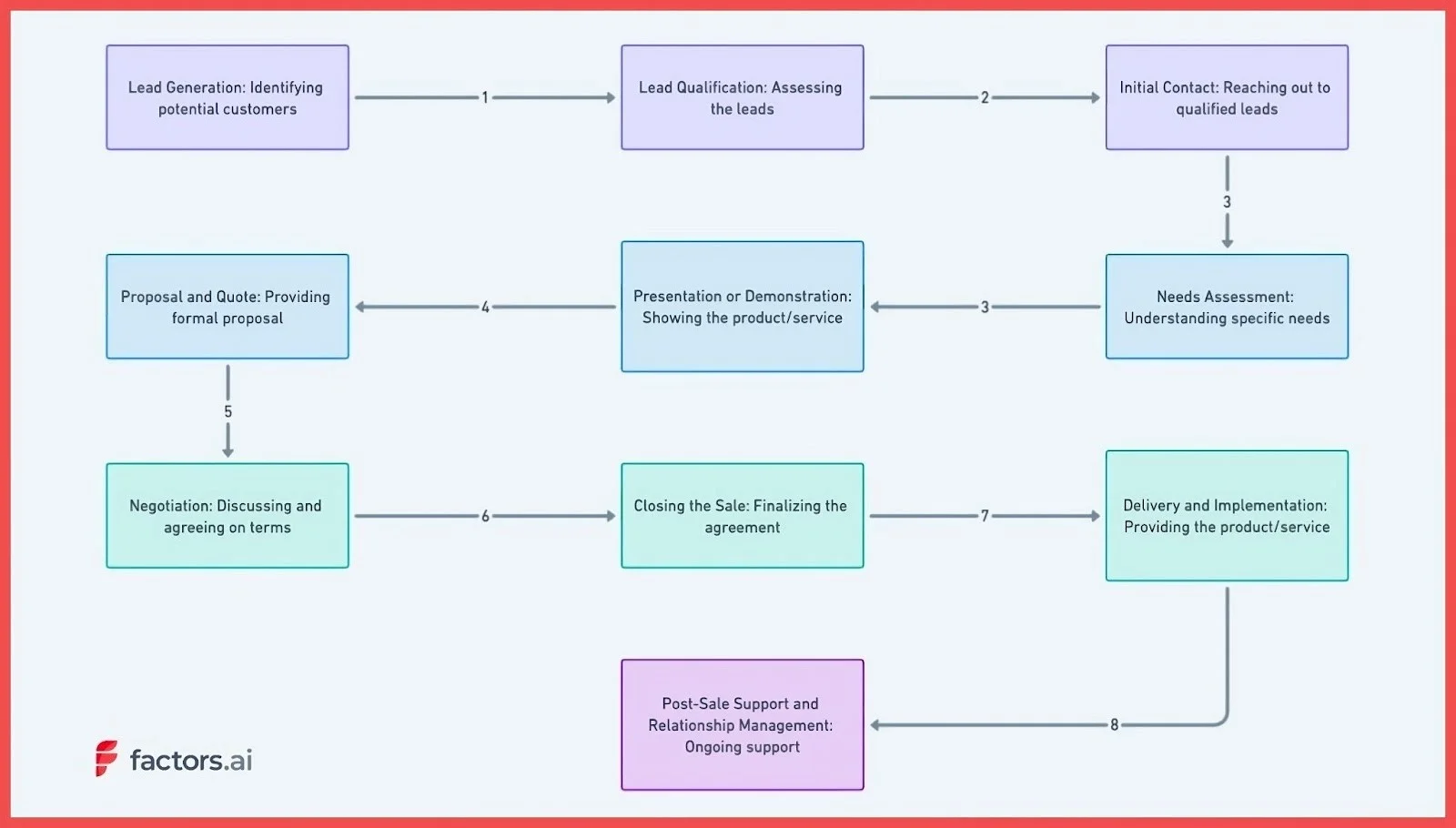
- Deals with multiple decision-makers and stakeholders within an organization who influence the buying process. ABS allows sales teams to identify each stakeholder, understand their specific interests and pain points, and tailor messaging to resonate with each person.
- Products and services tend to be highly complex and customized. ABS enables sales reps to take time to deeply understand a client's unique business challenges and craft tailored solutions.
- The focus is on long-term customer relationships versus one-time transactions. Account-based selling nurtures relationships over months or years and emphasizes recurring revenue versus individual sales.
- Sales cycles are longer due to multiple stakeholders and complex products. It is a patient approach focused on carefully penetrating accounts versus rapid product pushing.
- Purchases involve high financial commitment and risk for the client. This approach builds trust to provide a consultative experience and gives clients confidence in major decisions.
However, this complex B2B buyer journey also translates to higher revenue per client compared to a B2C audience.
Account-Based Selling for B2C
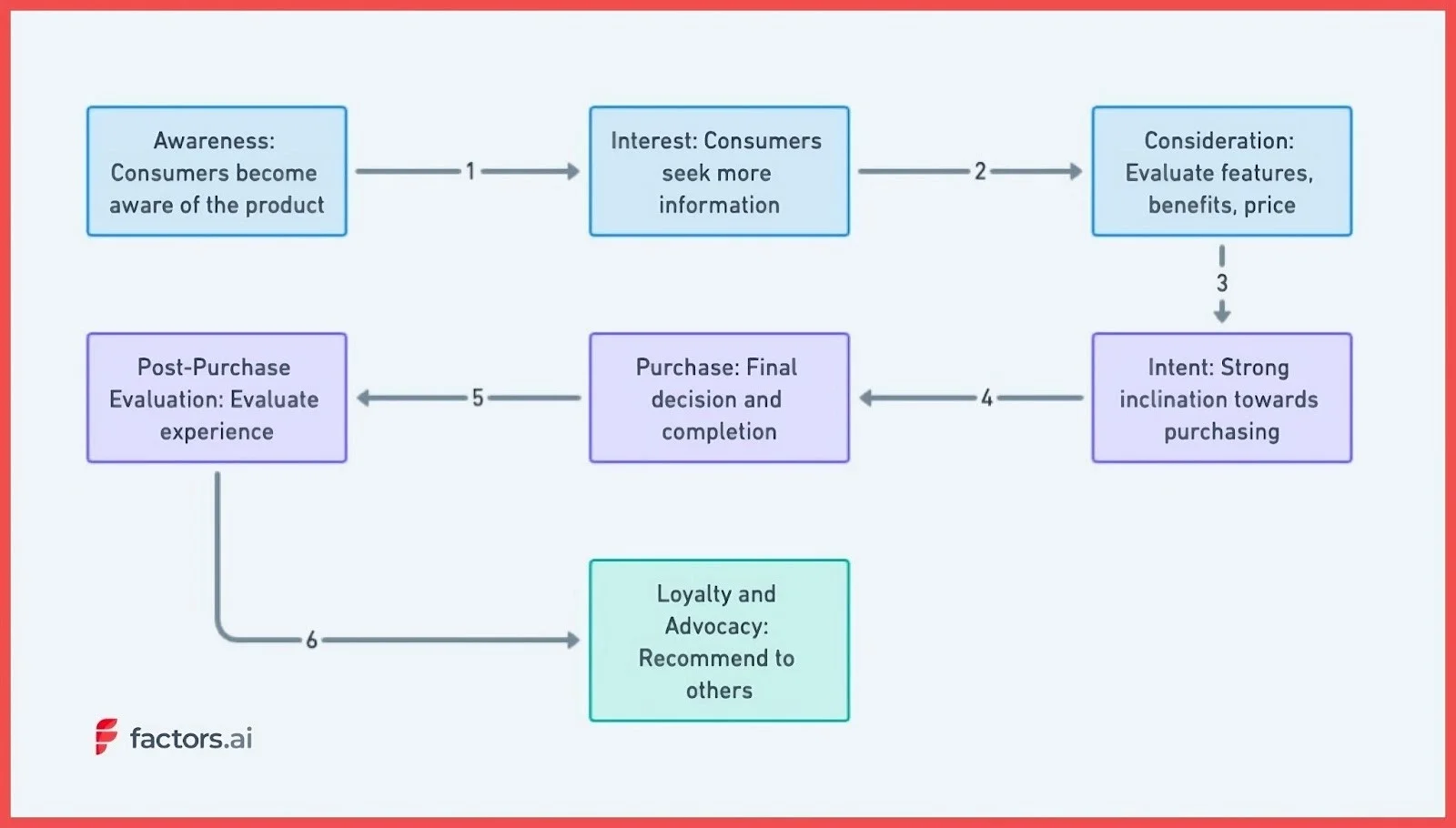
B2C is a numbers game—the more people see your product, the more conversions you have. You can always go deeper within a niche and personalize content for your users. But the ROI on that effort would be much lower than B2B. Here’s why:
- Individual consumers make purchases based on personal interests/needs versus organizational fit. A mass marketing, product-focused approach may resonate more than account-based selling.
- Products tend to be simpler, off-the-shelf offerings requiring little customization or explanation of features/benefits. Less need for a highly tailored, consultative sales approach.
- The focus is on one-time transactions versus building relationships and recurring purchases over time. Account-based selling is inefficient when one sale is the primary goal.
- Sales cycles are typically much shorter and involve little risk for the buyer. Quickly grab attention versus meticulously building account awareness over an extended period.
- Purchases are smaller-ticket items involving lower financial commitment. There’s less need to build a case for purchase through account-based selling techniques.
Because of the higher commitment and upfront cost, ABS may not make financial sense for B2C businesses.
{{INLINE_TOFU}}
Benefits of Account-Based Selling
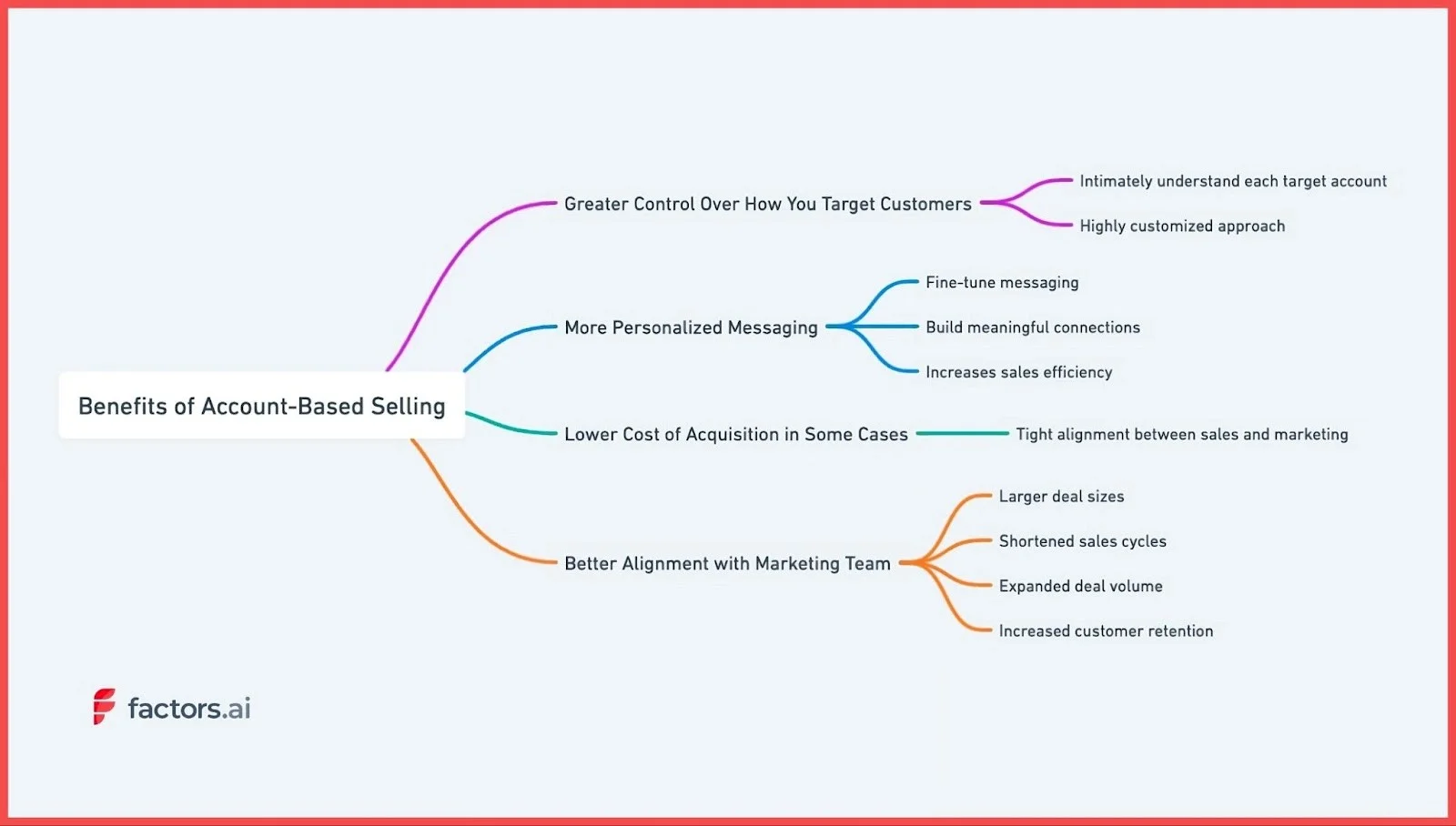
Account-based selling represents a seismic shift in how many organizations approach sales and marketing. This approach offers several key advantages.
1. Greater Control Over How You Target Customers
Account-based selling allows sales teams to intimately understand each target account. Treating each account as a unique market, your sales reps can dive deep into the specific needs, challenges, and decision-making dynamics within each organization.
For example, a software company selling to hospitals may devote resources to understanding the typical procurement cycles, IT infrastructure, and patient billing workarounds within a large healthcare system. Equipped with this insight, the sales team can craft resonating proposals for each stakeholder group within the hospital.
2. More Personalized Messaging
This ability to fine-tune messaging also fosters greater personalization. Because sales have rich buyer personas for each decision-maker within an account, they can speak directly to individual priorities and pain points. Instead of generic messaging, account-based selling enables highly personalized outreach.
This personalization, in turn, helps build meaningful connections and increases sales efficiency. Sales teams no longer waste time cold calling or emailing broad prospect lists. Every communication is targeted and purposeful. Consequently, sales cycles are often shorter, and conversion rates are higher with account-based selling.
3. Can Lower Cost of Acquisition
Account-based selling also fosters tight alignment between sales and marketing teams. Marketing gains critical insights from sales on customer needs that inform campaigns and content creation. And sales leverages marketing outreach to penetrate and engage target accounts. This unified strategy amplifies results and ensures both teams are working toward the same goals.
When a company leverages ABS, every dollar spent on advertising and content creation is targeted to a single entity. You’re more likely to convert your account with this approach here compared to using a mass appeal approach.
Also, because you’re targeting a very small set of untapped users, the advertising costs are likely to be lower than your traditional marketing. And with that, you reduce your acquisition costs over time.
4. Better Alignment with Marketing Team
While account-based selling requires more upfront research and coordination, the payoff can be huge. Companies report larger deal sizes, shortened sales cycles, expanded deal volume, and increased customer retention from the approach.
And this is one of the few strategies where the marketing and sales teams have to collaborate to create successful strategies. You will notice this based on the roles in an ABM team.
For instance, if you’re targeting a mid-sized B2B company, your marketing team can identify all the pages and resources visitors from the target account have consumed. With that data, the sales team can create sales collateral like battle cards and pitch decks that better speak to the pain points of the client.
Account-based selling could very well represent the future of B2B sales and marketing for organizations selling complex, high-value solutions. But is this the right approach for your business?
How to Decide if Account-Based Selling Is For You?
Account-based selling can be a highly effective sales strategy but requires careful evaluation to determine if it aligns with your organization's resources, market landscape, and overall objectives.
When assessing the viability, here are some of the key factors to analyze:
1. Sales Team Expertise and Bandwidth
Implementing ABS requires sales reps with the skills to thoroughly research target accounts, craft customized messaging, and build relationships wiith multiple stakeholders.
Assess whether your team is ready for this shift or if extensive training is needed. Also evaluate if reps have the bandwidth to dedicate time to fewer, high-value accounts.
2. Investment in Technology
Account-based selling relies heavily on technology to coordinate account data, optimize touchpoints, and track progress. Your tech stack needs robust integration, analytics, and automation capabilities to enable a streamlined ABS workflow.
If current systems are lacking, you may want to look for better tools. Tools like Factors can be instrumental in this process. It provides user journey mapping to understand the customer's path and identify key touchpoints. They can also help you understand your audience better through account intelligence and custom reporting features.
3. Understanding Your Total Addressable Market
ABS works best when tightly focused on a clearly defined market segment. Carefully analyze your TAM to identify niche opportunities and pockets of high-value accounts to pursue. Take a selective and strategic approach to mapping your target accounts.
Suppose you have created a plugin for Shopify store owners that costs $10/month. In this case, it may make more sense to reach as many stores as possible instead of targeting one. That’s because the maximum revenue will be $10/month. Unless you have higher, more expensive tiers, ABS may simply end up requiring too many resources for negligible returns.
But flip the script with higher pricing— say $2500/month—and you now have every reason to identify target accounts from your existing website visitors, double down on creating targeted messaging, and make your marketing as personalized as possible.
4. Competitive Differentiation
In saturated markets, ABS can help differentiate you, but analyze whether your product/service offers enough unique value in the eyes of your chosen accounts. Talk to prospects and gauge interest levels and identify areas where you can provide superior solutions.
The more you understand about your product from your prospects and customers, the better it is for your marketing messaging. Through these demo calls, you could even find multiple use cases that you never really thought of!
5. Executive Buy-In and Patience
Gaining access to and winning over executive-level decision-makers takes time. Ensure leadership understands the longer sales cycles required for ABS success. Sustained commitment to chosen accounts is vital.
The integration of advanced analytics tools like Factors, with its relevant features such as account intelligence, user journey mapping, and marketing attribution, can help you gain deeper insights and improve your ABS processes.
Account-based selling brings strategic focus to sales. But it requires organizational realignment, thorough market analysis, and executive patience. So you may want to consider these points when making your decision about ABS.
Ready to Take the Obvious Next Step in B2B Sales?
Look, I get it. Traditional sales feel comfortable. It's what we've always done—call a lot of prospects, pitch to anyone who will listen, cross your fingers, and hope something sticks.
But that scattershot approach is starting to feel outdated. Sales have evolved, and it's time to get strategic and targeted, especially if you’re in the B2B space.
Account-based selling helps you play a winning game.
You research accounts, understand their needs, and craft tailored solutions—making your approach about quality over quantity—finding the right fit instead of throwing spaghetti at the wall.
And tools like Factors make this process so much smoother. You get the intel and insights you need to map accounts, attribute success, and turn sales into a science.
ABS is already here. So why keep playing by the old rules? Book a call with Factors to start your account-based selling journey today.
Account-Based Selling (ABS) is a strategic B2B methodology that treats each target company as a unique market, focusing on engaging multiple stakeholders within the organization. Unlike traditional sales methods that prioritize individual leads, ABS emphasizes personalized outreach and messaging tailored to the specific needs and challenges of each account.
This approach fosters deeper relationships, aligns sales and marketing efforts, and often leads to shorter sales cycles and higher conversion rates. Tools like Factors.ai enhance ABS by providing valuable account intelligence, journey mapping, and multi-touch attribution, enabling sales teams to engage more effectively with high-value accounts.
.avif)
Guide to Customer Segmentation: How to Get Started in 2026
Discover the top 7 customer segmentation tools of 2025. Expert reviews & tips to help you pick the best for targeted marketing.

In today's hyper-competitive SAAS landscape, generic marketing approaches are becoming a silent killer. They drain budgets, weaken engagement, and often miss the mark entirely, leaving SAAS marketers frustrated and puzzled.
The days where you could cast a wide net and expect results are over.
The primary challenge?
Connecting with diverse audiences who have varied needs and interests.
Think of your last campaign. Did it resonate with all your potential customers? Or did some feel it was too general or irrelevant?
If you’re nodding, you’re not alone.
The aftermath?
Lost potential sales, dwindling engagement rates, and plummeting ROI. And as the SAAS industry grows more crowded, these challenges only intensify.
This is where Customer Segmentation becomes your lifeline. By breaking your audience into distinct, manageable groups based on their behaviors, needs, and preferences, you can tailor your marketing messages with pinpoint precision.
The 2023 toolkit for segmentation is powerful, leveraging AI and advanced analytics to make this process seamless and hyper-accurate. With this guide, you'll get a comprehensive view of how to harness these tools, ensuring you’re not just another voice in the crowd, but the voice your potential customers need and want to hear.
Forge ahead and redefine your SAAS marketing strategy. Dive into this guide, and empower yourself to communicate effectively, resonate deeply, and drive conversions like never before.
The future of your SAAS marketing starts with understanding and implementing advanced customer segmentation.
Let's embark on this journey together.
What is Customer Segmentation?
Customer Segmentation, at its core, is the practice of dividing a company's target audience into distinct groups based on shared characteristics. These characteristics can range from demographic data, such as age or income, to behavioral traits and purchasing patterns.
The ultimate goal of this segmentation is to tailor marketing and sales strategies to resonate deeply with each specific group, optimizing engagement, and conversion rates. In the SAAS world, understanding these segments means better product positioning, more relevant communication, and ultimately, a more successful marketing strategy.
If you've ever felt the need to fine-tune your messaging to appeal to different users' unique needs, you're already recognizing the importance of customer segmentation.
Reasons You Need to Know Why Customer Segmentation is Important?
In today's saturated SAAS marketplace, having a top-tier product isn't enough. It's about delivering the right message to the right audience at the right time. Without a deep understanding of why customer segmentation is crucial, even the most compelling marketing campaigns can fall flat. Not only are you risking financial resources on misaligned efforts, but you're also potentially alienating the very customers you aim to attract.
Personalized Engagement
One-size-fits-all messages rarely captivate. Segmentation allows for tailored communication that speaks directly to an individual's needs and pain points.
Enhanced ROI
By targeting segments more likely to convert, you optimize your marketing budget, ensuring every dollar spent yields a better return.
Improved Product Development
Understanding specific customer groups can guide product enhancements, ensuring you meet genuine market needs.
Increased Customer Loyalty
When customers feel understood and catered to, they're more likely to stay loyal to your brand.
Better Data Utilization
Segmentation makes sense of the vast amounts of data SAAS companies collect, transforming it into actionable insights.
In a world where consumers are bombarded with endless marketing messages, standing out requires a deep, nuanced understanding of your audience. My method, which delves into the intricacies of customer segmentation, positions you at the forefront of this understanding. Adopting this approach not only gives your SAAS company a competitive edge but also paves the way for sustained growth and success.
Step-by-Step Instructions to Start Customer Segmentation
Embarking on the journey of customer segmentation may seem daunting, but with the right steps, it becomes a systematic and enlightening process. We've developed a unique process that prioritizes understanding, actionable insights, and practical application. This method not only segments your audience but also offers a road map to engage them effectively.
Steps to Start Customer Segmentation
- Data Collection: Amass and organize all available customer data.
- Segmentation Strategy: Define the criteria for segmenting your customers.
- Analytical Adventure: Dive deep into analytics to identify patterns and behaviors.
- Persona Painting: Create vivid, detailed personas for each segment.
- Tailored Tactics: Develop marketing strategies tailored to each segment.
With these steps as your guide, you're set to navigate the nuances of customer segmentation with confidence. We'll dive deeper into the first three steps below, ensuring you have a firm grasp on the foundation before we tackle the full tutorial.
Step 1: Data Collection
To segment effectively, you need a wealth of data. Begin by collecting all available customer data from diverse sources - CRMs, sales records, customer feedback, website analytics, and social media insights. Ensure that this data is organized, cleaned, and stored in an easily accessible format. The more comprehensive and accurate your data, the more insightful your segmentation will be.
Step 2: Segmentation Strategy
Before diving into the data, outline the criteria you'll use to segment your customers. Will it be demographic, based on age or location? Behavioral, reflecting usage patterns? Or psychographic, considering lifestyles and attitudes? A combination of criteria often provides the most nuanced insights. Establish clear categories and ensure they align with your broader business objectives.
Step 3: Analytical Adventure
With your data in place and your criteria set, it's time to plunge into the analytics. Use tools like Google Analytics, customer journey analysis, and even AI-powered segmentation tools to uncover patterns and behaviors within your data. This step will highlight groups within your customer base and offer initial insights into their preferences and pain points. Remember, the goal is to unearth actionable insights that guide your subsequent strategies.
With a foundation in understanding the initial steps, you're poised to dive into the intricacies of persona creation and tailored strategies, which we'll tackle in the next segment of our tutorial.
Step 4: Tailored Tactics
In the vast realm of segmented marketing, it's crucial to craft strategies that resonate with each unique group. Consider the varied preferences, needs, and behaviors of your segments. Are they driven by educational content, or do they gravitate towards interactive engagement? Maybe they respond best to personalized offers or consistent community interactions? Delve into these intricacies, ensuring that each tactic not only addresses their primary needs but also aligns seamlessly with your overarching business vision.
Step 5: Persona Painting
As you transition from data to actionable strategies, it's essential to humanize and understand your segments deeply. Picture them: Are they young tech-savvy professionals, or are they seasoned experts in their field? Maybe they're budget-conscious startup founders or luxury-chasing corporate leaders? Flesh out these images, painting vivid personas that not only encapsulate their demographic details but also breathe life into their aspirations, pain points, and motivations. Such detailed portraits act as the foundation for any targeted engagement, ensuring genuine resonance with your audience.
Key Practices For Successfully Segmenting your Audience using your CRM & Email Marketing Tool
Diving into the vast sea of customer data can be overwhelming. When blending the capabilities of a CRM with an email marketing tool, certain subtleties can elevate your segmentation game, making it sharper and more impactful. Here are a few insights to enhance your approach:
Data Hygiene
An oft-overlooked aspect is the cleanliness of your data. Regularly scrub your CRM data to remove duplicates, correct errors, and update outdated information. Ensure to create a email marketing checklist so you follow all the action points and maintain accurate data.
Behavioral Triggers
Beyond the static data points, your CRM can provide insights into customer behaviors and patterns. When these behaviors (like a recent purchase or product inquiry) trigger specific email campaigns, it amplifies the relevancy of your communication, making your audience feel genuinely understood.
Segmented Feedback Loop
As you deploy segmented email campaigns, establish a mechanism to loop this feedback directly back into your CRM. Whether it's tracking open rates, click-through rates, or direct responses, integrating this feedback refines your understanding of each segment and paves the way for more personalized future engagements.
Marrying the power of a CRM with an email marketing tool isn't just about the tools themselves but about the strategies that bring their combined capabilities to life. These additional insights ensure that you're always one step ahead, resonating deeply and effectively with your diverse audience.
Taking it to the Next Level: How frequently should you segment your audience?
The dynamic nature of markets and customer preferences means that segmentation isn't a one-time task. As your business evolves and as customer behaviors shift, so too should your segmentation strategies. But how often should you revisit these segments?
Quarterly Check-ins
A general best practice is to assess your audience segments every quarter. This timeline often aligns with typical business review cycles and allows for adjustments based on seasonal trends, product launches, or market changes.
After Major Business Events
If your business undergoes significant changes - such as launching a new product, entering a new market, or undergoing a merger - it's prudent to re-evaluate your segments. These events can attract new types of customers or alter the behavior of existing ones.
Continual Data Monitoring
While formal re-segmentation might happen quarterly or bi-annually, always have an eye on your CRM and email metrics. Anomalies or sudden shifts can indicate changes in customer behavior, signifying a need for segment adjustments.
In the ever-changing world of digital marketing, flexibility and adaptability are key. While this tutorial provides a solid foundation, true mastery comes from continuously refining your approach, staying attuned to your audience's pulse, and being ready to pivot your strategies based on newfound insights.
{{INLINE_TOFU}}
To Sum Up and My Experience with Customer Segmentation
Navigating the intricate web of customer segmentation might seem daunting, but with the right approach and tools, it's a game-changer for any SAAS marketer. Throughout this tutorial, I've delved deep into the nuts and bolts of effective segmentation, intertwining it seamlessly with a robust email marketing strategy.
Drawing from my own experience, I've witnessed firsthand the transformational power of adept segmentation within the context of an email marketing strategy. From crafting razor-sharp messaging to achieving unprecedented engagement rates, the benefits are manifold. My journey through countless campaigns and iterative refinements has refined this art, and the results have always underscored the importance of truly understanding your audience.
If there's one thing I'd like you to take away, it's this: Customer segmentation isn't just a strategy; it's a commitment to genuinely connecting with your audience. And when done right, it not only elevates your email marketing efforts but also fosters lasting relationships built on trust, relevance, and value.
Here's to forging deeper, more meaningful connections with your audience!
How to Integrate Website Visitor ID with Your CRM: Complete Guide
Learn how to properly integrate website visitor identification with your CRM. Expert guide covering new vs existing accounts, contact strategies, and common pitfalls to avoid.
TL;DR
- Decide if the integration targets new companies, existing accounts, or both.
- Capture essential data for new companies and update records for existing ones.
- Use company data for marketing and validated contacts for sales workflows.
- Ensure clean data, avoid duplicates, and automate thoughtfully for effective insights.
Let's talk about something that sounds simple but can get surprisingly complex: integrating website visitor identification with your CRM. After helping hundreds of companies set this up, we’ve learned there are a few right ways and about a dozen wrong ways to do it. Here's everything you need to know to do it right.
The First Big Decision: What Are You Trying to Accomplish?
Before you write a single line of integration code, you need to answer two fundamental questions:
- Are you focusing on identifying new companies, or do you also want to enrich existing accounts with visitor intelligence?
- Is this integration primarily for marketing automation, or are you building a sales workflow?
Let me walk you through why these questions matter and how to handle each scenario.
Handling New vs. Existing Companies
Here's a common scenario: Your CRM has 5,000 accounts. Your visitor identification software spots 1,000 companies on your website. 500 are already in your CRM, and 500 are new. You need different strategies for each group.
For New Companies (Not in Your CRM):
Capture essential information, including:
- Company name
- Source (set as ‘website visitor identification’)
- First visit date
- Pages viewed
- Time spent on site
- Session count
- Key page visits (product pages, pricing, case studies)
For Existing Companies:
Avoid creating duplicate records (trust me, bad CRM hygiene will come back to haunt you). Instead:
- Update existing records with new intent data
- Track first and last visit dates
- Log anonymous browsing activity
- Record key page visits
- Update total time spent and session counts
{{INLINE_TOFU}}
The Contact Strategy Dilemma
This is where things get interesting. Do you just need company records, or do you need contacts too? It depends on your use case:
For Marketing-Only Use Cases:
- Company name is often sufficient.
- Push accounts to LinkedIn for targeted advertising.
- Less complexity in integration.
For Sales Use Cases:
Don't just hand over company names to your sales team. Instead:
- Automatically fetch relevant contacts from tools like Apollo.
- Validate email addresses (using tools like NeverBounce).
- Add validated contacts to the CRM for immediate sales action.
Special Cases That Trip People Up
For Companies You've Engaged Before:
- Don't just focus on the original contact instead build out the full buying group.
- Include colleagues and decision-makers for better sales activation.
For Active Deals:
- Check if there's an existing deal in the CRM.
- Prevent random SDR outreach if there's an active opportunity.
- Route intent data as alerts to the assigned Account Executive (AE).
- Create tasks in your CRM (like HubSpot) for the right AE.
For Unassigned Accounts:
- Implement round-robin assignment to SDRs.
- Enable prospecting workflows.
- Maintain clean territory management.
Implementation Best Practices for CRM Integration
To ensure seamless integration between your CRM and website visitor identification tool, follow these best practices:
- Set Up Data Flow Rules
- Define what data should be created vs. updated in your CRM.
- Establish clear field mapping to maintain consistency.
- Document your update triggers to ensure accuracy and transparency.
- Establish Governance
- Create rules for who can contact specific accounts to avoid conflicts.
- Set up territory management to streamline account ownership.
- Define escalation paths for handling intent signals or high-priority accounts.
- Automate Wisely
- Begin with manual processes to validate your integration rules.
- Automate in phases as processes are refined.
- Keep human oversight for critical decisions and exceptions.
Common Pitfalls to Avoid
- Duplicate Creation
- Always check for existing records before creating new ones
- Use robust matching logic
- Consider fuzzy matching for company names
- Over-Automation
- Don't automatically create tasks for every website visit.
- Set meaningful thresholds for task creation.
- Consider intent scoring to prioritize high-value accounts.
- Poor Data Hygiene
- Regularly clean up stale data to maintain accuracy.
- Assign clear ownership of records to avoid overlaps.
- Use consistent naming conventions for better organization.
Finally
The key to successful CRM integration isn't just about pushing data - it's about creating actionable intelligence. Your sales team shouldn't have to dig through data to figure out what to do next. The integration should tell them: "Here's a qualified company, here are the right contacts, and here's what they're interested in."
Remember: The goal isn't just to collect data - it's to make your sales team more effective and your marketing more precise. Every integration decision should serve that end goal.
Have you integrated visitor identification with your CRM? I'd love to hear about your experiences and challenges over on Linkedin.
Explore related topics to better understand website visitor identification, intent scoring, and LinkedIn ad targeting:
Website Visitor Identification
- How Website Visitor Identification Works – An overview of visitor identification technology.
- Website Visitor Identification Metrics – Key performance indicators to track.
- Website Visitor Identification and Privacy – Compliance with GDPR, CCPA, and other regulations.
- Choosing a Website Visitor Identification Tool – What to consider when selecting a tool.
- Implementation Guide for Website Visitor Identification – Steps to integrate visitor identification on your site.
Using Visitor Data for Sales and Marketing
- Website Visitor Identification for ABM – How visitor identification supports account-based marketing.
- ROI of Website Visitor Identification – Measuring the business impact of visitor identification.
Intent Scoring and LinkedIn Ads
- Intent Scoring via Website Visitor Identification – How to rank and prioritize high-intent accounts.
- Targeting B2B Audiences with LinkedIn Ads – Improving LinkedIn ad performance with visitor data.

Zapier vs Make vs n8n: Which Workflow Automation Tool Fits GTM Engineering Best?
Compare Zapier, Make and n8n for GTM engineering workflows — pros, cons, and use-cases to help marketing & ops teams pick the right automation tool.

TL;DR
- Zapier, Make, and n8n all solve GTM and sales automation problems, but they’re built for very different use cases.
- Zapier is best for simple, high-speed automations with minimal setup. Make supports more complex, multi-step workflows where visibility and control matter. n8n is designed for autonomy, complex logic, and flexibility at scale.
- Choosing the best tool depends on your team structure, workflow complexity, signal volume, cost sensitivity, and how much control you need over your GTM automation.
Every growing GTM team eventually hits this wall. Automations break mid-workflow; simple tasks require complex workarounds; your team spends more time maintaining workflows than doing their actual job; what worked for 50 leads isn't working for 500… The signs are everywhere: you have outgrown your current GTM system.
So you start looking for something better and quickly narrow it down to three names that keep coming up everywhere: Zapier, Make, and n8n.
So, you go online to figure out which one fits your needs, and find this:

Fair enough. But what does that actually mean for you?
So you scroll a bit more and find another take.

Okay… still vague and doesn’t address your concerns. You find one opinion that says, “It depends on your use case.”:
And this:
You keep digging, and now you’re seeing completely opposite opinions:
Zapier is useless or the best thing to ever happen to GTM teams
Make is the only serious option, or it’s a joke.
n8n is either overkill or the best thing ever, depending on who you ask.
At this point, you are ready to… give up!
You started this search looking for clarity. Somehow, you’re more confused than when you began. Here’s the thing: These answers aren’t wrong. They just don’t reflect where your GTM system actually is today. Or why you are looking for a replacement in the first place.
This guide exists for that exact moment.
Instead of hot takes, I’ll break Zapier, Make, and n8n down based on:
- How do GTM workflows run (practically)?
- What fits your current GTM motion?
- What breaks as volume grows?
- Where does control start to matter?
- And why most teams don’t really ‘switch’ tools so much as they evolve how they use them.
If you’re trying to decide what makes sense for your GTM system today, this guide will help you make that call with confidence.
Quick Overview for GTM Engineering: Zapier, Make, and n8n at a Glance
Zapier, Make, and n8n all do the same thing, which is: connecting automation tools, moving data, and automating repetitive tasks. But once you start using them for your GTM workflows, they feel very different.
But if I had to see these three from a bird’s eye view, it’d be this:
- Zapier is best for small to mid-sized GTM teams that need quick, no-friction automation. It’s commonly used for simple automated workflows, such as form submissions to CRM updates, basic lead notifications, and early-stage marketing efforts tied to Go-to-Market experiments.
- Make works well for RevOps and growth teams that have outgrown basic automations. It’s typically used for workflows with branching logic, conditional routing, and multi-step data handling, like lead enrichment checks or multi-tool handoffs that need more control but not full engineering support.
- n8n is suited for technical GTM or growth engineering teams that want full ownership. It’s often used for high-volume workflows, custom integrations, self-hosted setups, and advanced pipelines like large-scale enrichment, programmatic SEO, or bespoke activation logic where control and cost at scale matter most.
At a glance, the distinction is simple. Which one works best depends less on features and more on how your GTM system is built and how much complexity you’re ready to manage.
Key Comparison Factors of Zapier vs Make vs n8n for GTM Engineering
(How I evaluated automation tools for real GTM systems)
If you look up automation comparisons, most of them jump straight into features.
That’s usually where things go wrong.
When automation is so closely tied to revenue, feature lists don’t tell you much. What matters is how systems behave under pressure:
- When signal volume spikes.
- When routing logic gets messy.
- When one small change eventually breaks three workflows downstream.
So before comparing any automation tools, I took a step back and asked a simpler question: What actually causes GTM automation to fail in practice?
Trying to test every possible workflow wasn’t realistic. A single end-to-end GTM flow signals, enrichment, routing, CRM writes, alerts, and re-tries can take hours to design and validate. Doing that across multiple tools would take weeks (and if you are anything like me, you know this is not a feasible option).
Instead, I focused on the failure points I’ve seen in real Go-to-Market setups, where systems gradually fall out of alignment.
That’s how these six practical points became my framework for evaluation:
- Ease of use and learning curve
This was the first thing I looked at because ease of ownership is important.
It’s great if someone can build an initial workflow quickly. But in a B2B setup, dynamics change quickly. It’s critical that your team can understand these workflows at a later stage, pick them up from their last drop, change them safely, and fix them when something goes wrong. GTM automation lives longer than most people expect, and complexity compounds quickly across core sales processes.
- Integration ecosystem and connectors
Next came coverage.
Every missing connection creates friction, especially when GTM teams rely on niche tools alongside mainstream platforms. It adds to setup time, maintenance work, and cognitive load. As GTM tech stacks grow, the ability to integrate with existing automation tools cleanly and reliably is as important as convenience.
- Flexibility and customization
This is where most systems start to strain.
High-volume go-to-market workflows are rarely linear. They branch. They check conditions. They retry. They fail and recover. Any automation layer needs to handle that without becoming a mess to manage.
Flexibility matters only if your workflows reflect how revenue really flows.
- Pricing and scalability
This one hides in plain sight.
Automation often looks affordable at low volume. But when signals grow, costs rise exponentially. Evaluating pricing without considering scale creates a false sense of security and leads to poor automation investments over time.
So, it is equally important to consider your tool’s cost-effectiveness when workflows run hundreds or thousands of times a day.
- Data control, security, and hosting
Where data lives and how it moves matters more than it used to.
As GTM systems touch more sensitive data and internal tools, control and compliance stop being abstract concerns. Even teams that start with simple setups often run into these questions later.
- Team structure and skill level required
This is the factor most people overlook.
Some systems work best when non-technical teams can operate independently. Others assume technical expertise and ongoing ownership. Neither is better by default. Problems show up when the tool expects a different team structure than the one you actually have.
These are the lenses I’ll use in the sections that follow to help you decide which tool is ideal for your organization.
{{INLINE_BOFU}}
When to Use Zapier (Best for simplicity and speed)
Zapier is like ordering a driverless, pre-programmed car when you just need to get somewhere quickly. You don’t need to worry about the engine or plan the route. You trust the system to handle the basics and get moving fast.
In GTM terms, Zapier works best when workflows are mostly straightforward, even if they include some light decision-making along the way. You connect tools, define a trigger, add actions, and you’re live. For small to mid-sized GTM teams, that speed matters.
Zapier isn’t limited to a single straight line anymore. Features like multi-step Zaps, Filters, and Paths let teams add basic conditional logic. For example, you can route leads differently based on form inputs, firmographic fields, or deal stages. Webhooks allow data to move in and out of tools that aren’t natively supported, and Code by Zapier makes it possible to run small JavaScript or Python snippets when needed.
That said, the logic stays intentionally constrained. Paths work well for simple if-this-then-that decisions, but once workflows start branching deeply or looping, they become harder to reason about. Zapier prioritizes approachability over architectural control.
Why teams choose it
- Fastest way to get automation into production
- Large integration library covering the most common GTM tools
- Multi-step workflows with Filters and Paths for basic logic
- Very low learning curve for non-technical business users
Where it fits best
- Mostly linear workflows with light conditional routing
- Low to moderate signal volume
- Early GTM setups, operational glue, or quick experiments
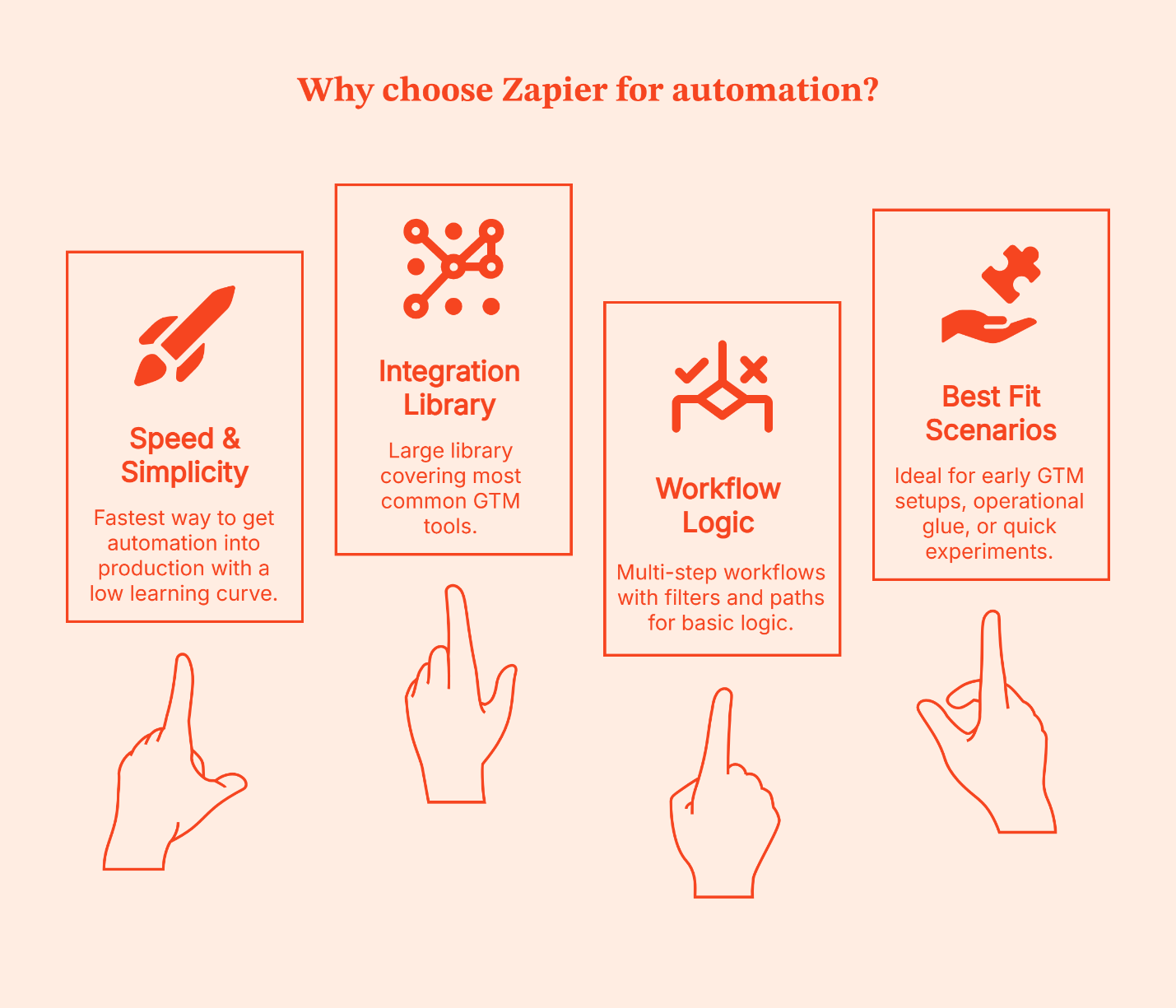
I’ve seen Zapier work best in two situations:
- Early-stage teams that want momentum, and
- Established teams that are testing new ideas.
It’s especially useful for proving whether a workflow is worth investing in before involving engineering or committing to a more complex system.
The disadvantage is the same as that of a driverless car.
- You get speed and convenience, but limited control.
- Once workflows grow deeper, volumes increase, or logic starts to resemble a decision tree, Zapier feels restrictive.
When to Use Make (Balance of power and usability)
If Zapier is a driverless, pre-programmed car, Make is like driving yourself with dynamic GPS and extra controls on the dashboard. You’re still moving at a good clip, but now you can take smarter turns, handle detours, and adjust mid-route without needing a mechanic. Ideal for teams that still want visibility and speed but also want to choose the route.
Make gives you a visual workflow canvas where you can see how data flows, plug in conditions, branch paths, and bring different tools together with clarity. It still avoids full coding, but it doesn’t force you into oversimplified logic either.
Make is preferred by GTM teams that want control without taking on full engineering complexity. If your workflows need more than a straight line – like lookup checks, enrichment steps, conditional assignments, or parallel actions – Make lets you build those in a way that’s easier to reason about.
It also brings some helpful, modern features into play:
- Visual builder with drag-and-drop logic: This lets you literally see each step of the journey
- Agentic automation: It can handle tasks with more autonomy (once rules are defined)
- AI-assisted steps: Useful for handling things like text manipulation or classification
- Prebuilt integration capabilities across GTM and analytics tools: Lets you weave them together without code
- Modular architectures: It makes scaling workflows less messy (like reusable subflows)
Why teams prefer it
- More control than basic automation tools, without needing a developer for every change
- Clear visual flow that helps teams understand and debug logic
- Strong support for branching, iteration, and table-style data operations
Where it fits best
- Workflows with conditional paths and multi-step logic
- Routing and enrichment sequences that require decisions mid-flow
- Ops teams that want visibility into how data moves and transforms
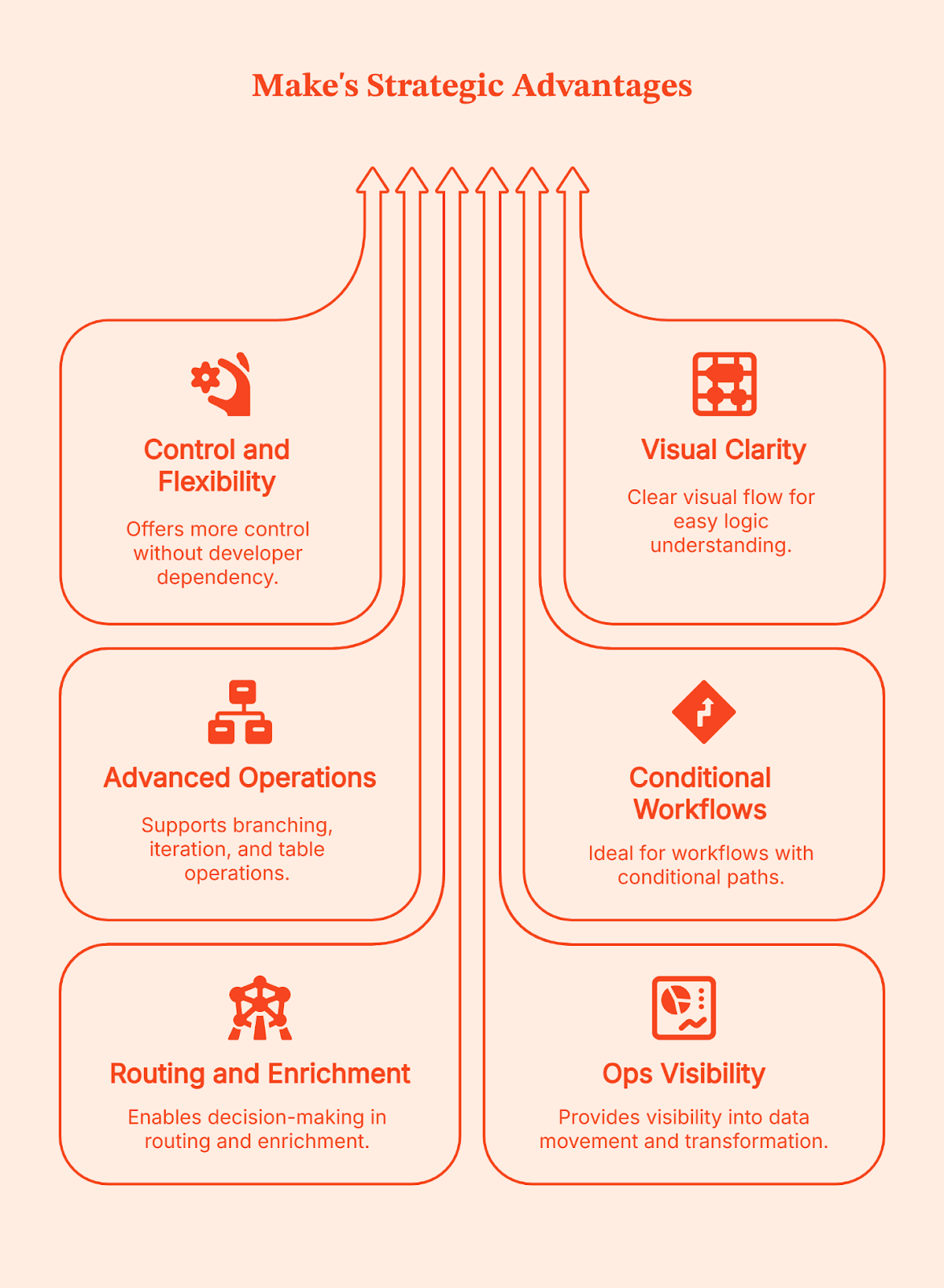
I’ve seen Make become a go-to choice for teams when Zapier starts feeling like a good start but not a long-term solution. Make gives you more control than basic no-code tools, but doesn’t demand full engineering ownership. If your team wants power without committing to building and maintaining everything from scratch, this is often the right balance.
Simply put: Make is your BFF if your routing moves beyond ‘if this then that,’ to ‘if this, do X; if that, do something else; and log everything along the way.’ This is usually the ceiling for non-technical ops teams before engineering needs to step in.
When to Use n8n (Best for custom, scalable, and self-hosted workflows)
Forget about pre-programmed cars or even driving a car yourself. With n8n, you build your own vehicle from the ground up. You get to choose the engine, the route system, and how it all runs. It gives you full ownership over how your automation works, how it’s hosted, and how far it can scale.
n8n works best once your GTM workflows go beyond basic tool connections. It gives you the control to reshape data, add complex and detailed logic, build custom integrations, or control how and where automations run. You don’t opt for n8n because it’s simple. You choose it when you want complete control to handle complexity on your own terms.
Here’s what n8n brings to the table:
- Low-code workflow builder: It lets you script logic when visual tools aren’t enough
- Native support for custom integrations: It lets you connect directly to APIs when ready-made connectors don’t exist or don’t go far enough
- Self-hosting options: You control where data lives and how it’s managed, great for compliance, sensitive data, and internal systems
- Advanced data transformation logic: Lets you handle loops, branches, and complex flows without creative workarounds
- Execution control and error handling: Let's you retry, audit, and manage workflows as systems, not one-off tasks
Why teams choose n8n
- Full control over complex workflows beyond basic connectors
- Ability to write and customize logic when visual tools fall short
- Self-hosting for data privacy, compliance, and cost control
- Support for building custom integrations that don’t exist out-of-the-box
- Designed for automation that runs as core infrastructure, not a side tool
- Built for teams that care about reliability, scale, and execution control
Where it fits best
- High-volume workflows that run day in and day out
- Custom GTM pipelines that link internal systems, warehouses, CRM, CMS, analytics, and activation systems
- Teams with engineering capacity or dedicated Go-to-Market engineers who can maintain and evolve these workflows
- Setups where data privacy, hosting control, and compliance matter
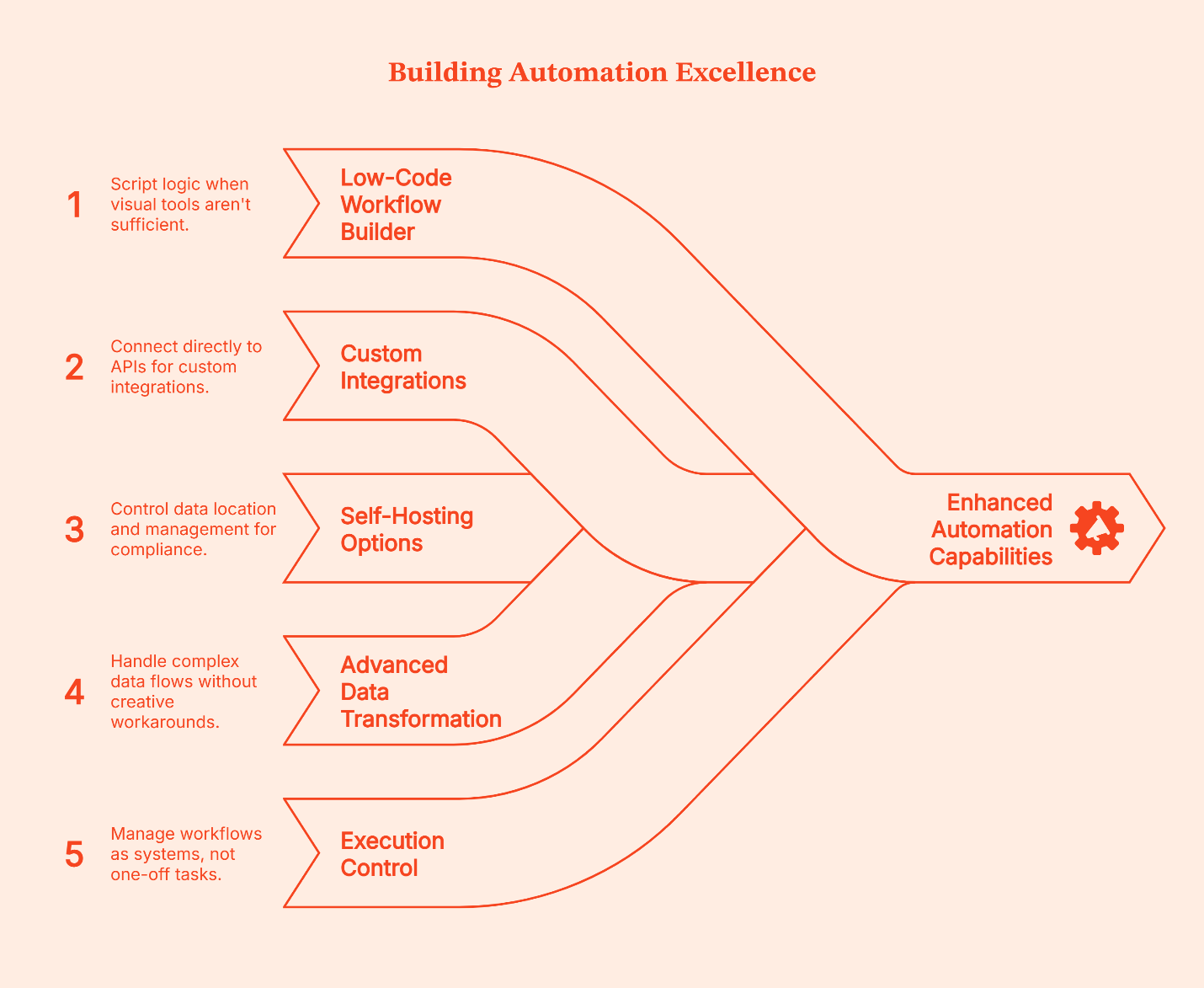
Self-hosting is often the deciding factor here:
- Usually, cloud-hosting is enough, but for teams dealing with sensitive data, stricter compliance requirements, and owning where data lives (which means better control, less convenience), self-hosting is the only choice.
- You’re in charge of uptime, security, and maintenance.
The tradeoff is also obvious:
- You get power and control, but you also own the vehicle. You’re responsible for infra, updates, and reliability.
- It matters less who can use it on day one and more who can maintain it six months later, especially given the steeper learning curve.
For teams with the skill and appetite for that level of ownership, it’s often worth it.
GTM Engineering Workflow Examples (What these tools are actually used for)
Instead of talking about these automation platforms in abstract terms, it helps to see how teams use them practically in the real world.
A Zapier-style workflow
Let’s say a lead submits a form. This is how a typical Zapier workflow handles it:
- Step 1: Zapier creates or updates the contact in the CRM.
- Step 2: The same trigger sends a transactional or welcome email.
- Step 3: The contact is tagged or logged for reporting.
- Step 4: The workflow is completed.
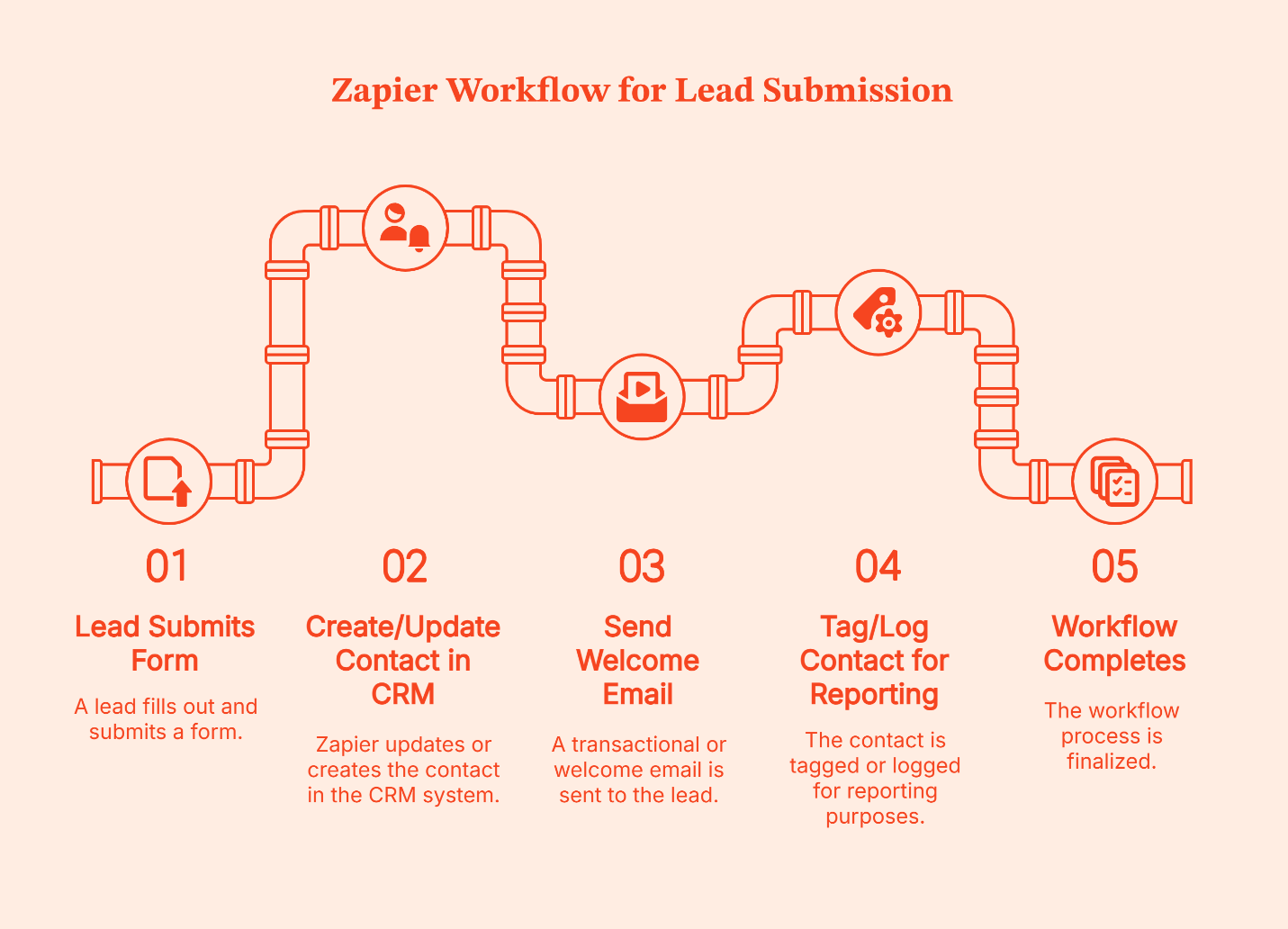
Zapier treats this like a lightweight pipe. Data enters at one end, flows through a few clear steps, and exits at the other.
If something goes wrong, say the CRM step fails or an email tool times out, the usual response isn’t to build elaborate recovery logic. Instead, teams open the Zap, fix the step, and re-enable it. The pipe gets adjusted, and the flow resumes.
That’s how Zapier is designed. It’s a trade-off Zapier makes intentionally to keep setup fast and workflows easy to maintain.
A Make-style workflow
Let’s take the same example: a new lead submits a form.
Here’s how that typically looks in Make:
- Step 1: The form submission creates or updates a CRM record.
- Step 2: That record moves to an enrichment step inside the same pipeline.
- Step 3: The returned data is evaluated before anything else happens.
- Step 4: The workflow branches based on what it finds.
- If required fields are present, the lead is scored or routed to sales.
- If data is missing or incomplete, the lead is held back or sent down a different path.
- Step 5: Notifications fire only after these checks are complete.
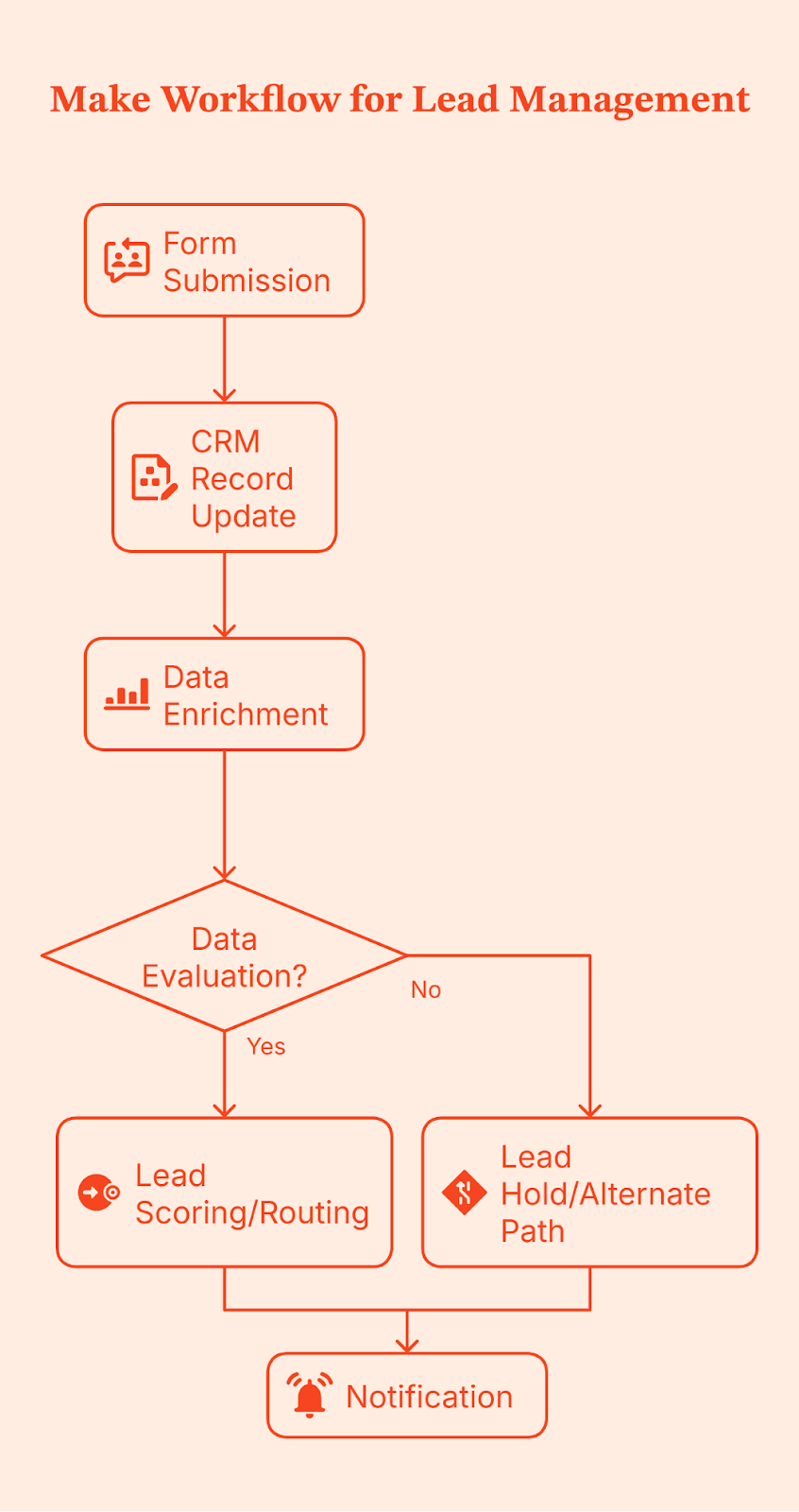
Notice the difference in execution control? Make doesn’t just move data from one place to another; it gives teams control over branching, filtering, and transformation logic before data is routed downstream.
Because this logic is modeled visually, it’s easier to see where things break, adjust conditions, and handle edge cases without rewriting the entire workflow. This becomes especially valuable as volume increases and sales cycles grow more complex, making data quality issues harder to ignore.
An n8n-style workflow
When you use n8n, you design the full workflow in advance.
That includes:
- What triggers the workflow (a form submission, webhook, schedule, etc.)?
- Every validation, check, branch, retry, and fallback
- What happens when something fails halfway through?
- Where is the data written, and when should it NOT be written?
- How is the execution state handled?
In most setups, this workflow is also self-hosted, so the team controls where it runs, how it’s monitored, and how execution is handled.
Once this is designed and deployed, every time a lead submits a form, n8n runs that exact flow from top to bottom.
Let’s use the same form submission as an example.
- Step 1: A lead submits a form, which triggers the workflow.
- Step 2: The incoming data is validated and normalized. Required fields are checked. Formats are cleaned.
- Step 3: Enrichment runs, often across multiple sources, with explicit handling for missing or partial data.
- Step 4: The workflow evaluates outcomes.
- If enrichment succeeds, the lead moves forward.
- If not, it follows a defined fallback path instead of blindly continuing.
- Step 5: Updates are written deliberately to one or more systems, such as a CRM and an internal database, only after upstream checks pass.
- Step 6: Execution state is tracked so failures can retry or resume instead of restarting the entire flow.
- Step 7: Notifications and analytics updates take place at the end, once the system knows the workflow was completed correctly.
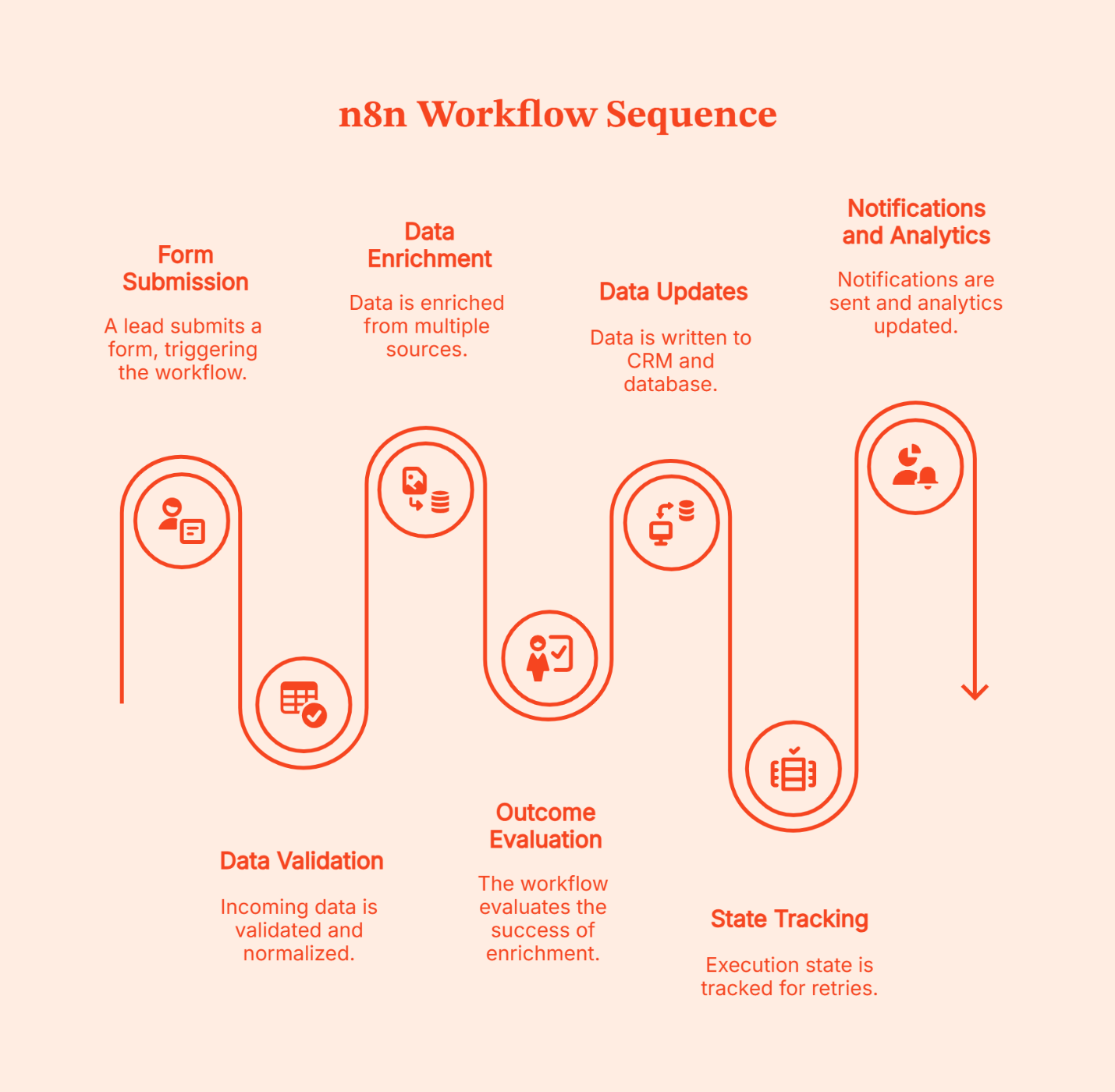
The complexity of the design is a chosen tradeoff for intentional control. That’s why n8n workflows are better known as infrastructures instead of automations.
Decision Matrix: How to Choose the Right Automation Layer for Your B2B Marketing Stack
| Your context | Zapier | Make | n8n |
|---|---|---|---|
| Team size | Small to mid-sized teams | Mid-sized GTM or RevOps teams | Larger teams or dedicated GTM engineering |
| Who builds workflows | Marketing or Ops, no engineering help | Ops-led, occasional technical support | Engineers or technical GTM teams |
| Technical comfort | Low | Medium | High |
| Workflow complexity | Simple, mostly linear flows with clean and light conditions | Branching logic, multi-step workflows | Custom, system-level, and complex workflows |
| Signal volume | Low to moderate | Moderate | High |
| Data transformation needs | Minimal | Moderate (conditions, scoring, validation) | Heavy (custom logic, pipelines, retries) |
| Integration needs | Common SaaS tools | Common + some custom API work | Any system via APIs or custom nodes |
| Cost sensitivity at scale | Can get expensive as volume grows (task-based pricing) | More predictable with careful design (operations/credits model) | Often cheapest at scale if self-hosted; cloud version priced per workflow execution, not per action |
| Data control & compliance | Cloud-hosted, limited control | Cloud-hosted with some enterprise options | Full control with self-hosting |
| Best used when | Speed and simplicity matter most | You need control without full engineering | You need ownership, scale, and flexibility |
A quick reminder: Most teams don’t stick with one tool forever or switch automation overnight. Instead, the common practice is to layer them. Simple workflows stay where they already work; New or more complex ones get built elsewhere. Ideally, teams pilot tools using free or low-cost tiers, identify where friction arises, and standardize only after patterns are clear. Hybrid setups make the most sense and are usually the most practical way to evolve GTM systems without breaking what already works.
Implementation and Governance Tips for GTM Automation
GTM issues arise from unclear ownership, undocumented workflows, and changes no one remembers making. Following a structured framework upfront to avoid these issues saves a lot of clean-ups later.
Here’s how to put GTM automation in place without losing control as things scale.
<Add a line here saying here are the tips for doing XYZ>
- Start with naming and documentation
Name workflows like you’re explaining them to someone new on day one. Add a short note on what triggers them, which systems they touch, and what ‘done’ actually means. Once workflows span CRM, enrichment, ads, and internal tools, memory stops working.
- Be clear about ownership
One person building everything doesn’t work at scale. But neither does letting everyone create automations on their own. Assign clear ownership and define key responsibilities about who can build workflows, who checks changes, and who fixes things when something breaks. This matters even more when you’re using both cloud tools and self-hosted systems.
- Version and test before changing live flows
GTM workflows age fast. When something needs updating, don’t tweak it live. Clone it. Test it with sample data. Then roll it out. Treat changes like system updates, not quick edits made in a hurry.
- Keep an eye on cost and usage
It is easy to lose sight of rising automation costs. Keep an eye on how often workflows run, how many steps they execute, and which ones drive most of the usage. It helps you control spend and design smarter flows early.
- Audit data flows regularly
Know where data enters, where it’s transformed, and where it ends up. This is especially important if you handle sensitive data or self-host anything. A simple check every few months saves bigger problems later.
FAQs for Zapier vs Make vs n8n
Q. Is a no-code tool like Zapier enough for enterprise-level GTM workflows?
It can work for simple, well-defined workflows, but most enterprise teams outgrow it as volume, logic, and data control needs increase.
Q. When does it make sense to self-host with n8n instead of using cloud-hosted Zapier or Make?
Self-hosting makes sense when data control, compliance, or cost at high volume matters more than setup convenience.
Q. How steep is the learning curve for Make compared to n8n or Zapier?
Zapier is the easiest, Make takes some learning but stays visual, and n8n usually requires technical comfort or engineering support.
Q. Can we start with Zapier and migrate to n8n later without too much disruption?
Yes. Most teams don’t migrate everything at once. They keep simple workflows on Zapier and move complex ones gradually.
Q. What are the typical cost implications as workflows scale?
Zapier charges per task, Make charges per operation, and n8n charges per execution or infrastructure, which changes the math at scale.
Q. Which tool handles complex branching and arrays better?
Make is strong with visual branching and iterators, n8n handles complex logic and error paths well, and Zapier relies on Paths or Code for advanced cases.
Q. Which is cheaper at scale for GTM workflows?
Self-hosted n8n is usually cheapest at high volume, while Zapier and Make are easier early but cost more as usage grows.
%2520(1).avif)
GTM Metrics: 10 Go-to-Market KPIs B2B Teams Track in 2026
The GTM (go-to-market) metrics modern B2B and SaaS teams track in 2026 — including CAC, NRR, Rule of 40, and CAC payback — with formulas, benchmarks, and FAQs.

TL;DR:
- GTM metrics are the KPIs B2B and SaaS teams use to measure how efficiently their go-to-market motion converts spend and effort into revenue.
- The 10 foundational metrics: CAC, CPL, Sales Cycle Length, Conversion Rate, CLTV, Churn Rate, Customer Retention Rate, NPS, Revenue Growth Rate, Market Penetration Rate.
- The 5 modern operator-grade metrics: NRR (>100%), GRR (>85%), Rule of 40, CAC Payback (<18 months), GTM Efficiency Ratio (>0.75).
- Group your dashboards by Acquisition / Retention / Efficiency — board members and CFOs read GTM data in this structure.
Whether you’re launching a new product or planning to expand in a new market, a great GTM strategy is your key to success.
However, a strategy is only as good as the metrics used to measure it. Tracking the right GTM metrics can provide actionable insights into customer acquisition, retention, and overall business growth.
In this guide, we’ll explore the top GTM metrics you should track, explain why they matter, and provide actionable examples to help you apply these insights.
GTM Metrics: Go-to-Market, Not Google Tag Manager
The acronym “GTM” has two meanings — and they’re often confused. Google Tag Manager (GTM) is a tag-management tool used for analytics and event tracking. Go-to-Market (GTM) is the strategy a company uses to bring a product to market and grow revenue. This guide covers Go-to-Market metrics — the KPIs your revenue, marketing, sales, and CS teams use to measure how efficiently your business turns market opportunity into pipeline and ARR.
What Is a Go-to-Market (GTM) Strategy?
A go-to-market (GTM) strategy is the structured plan a company uses to introduce a product to a market, reach target customers, and grow revenue efficiently. It spans five pillars: product analysis, product messaging, sales proposition, marketing strategy, and sales strategy.
Modern GTM strategies are also defined by their motion — the dominant way the company acquires customers. The seven common GTM motions are inbound, outbound, product-led, channel-led, event-led, community-led, and ecosystem-led. Each motion has different metric benchmarks. A product-led GTM measures activation and expansion; an outbound GTM measures meetings booked and SDR productivity.
GTM metrics measure the efficiency of whichever motion you’ve chosen — and tell you when to invest, optimize, or pivot.
Why Are GTM Metrics Important?
GTM metrics are critical because they provide quantifiable insights into how well your GTM strategy is performing. These metrics allow businesses to:
- Identify areas for improvement in marketing, sales, and distribution.
- Align cross-functional teams with shared goals and performance indicators.
- Predict future performance and make informed decisions.
- Justify investments and budget allocations based on data-driven insights.
Tracking these metrics ensures that your GTM strategy is on the right path and helps you pivot when necessary.
Top 10 GTM Metrics by Category
Acquisition & Sales Efficiency
1. Customer Acquisition Cost (CAC)
CAC measures the cost of acquiring a new customer. It includes all marketing and sales expenses divided by the number of new customers acquired during a specific period. A high CAC can indicate inefficiencies in your GTM strategy, while a low CAC suggests that you’re acquiring customers cost-effectively.
Suppose your marketing expenses for Q1 were $100,000, and your sales expenses were $50,000, totaling $150,000. If you acquired 300 new customers in Q1, your CAC would be $500. By tracking this, you can evaluate whether your acquisition channels are efficient or need optimization.
Benchmark: B2B SaaS median blended CAC ranges $1,000–$5,000 per customer; enterprise deals 5–10× higher (Source: First Page Sage 2024 B2B CAC report; ProfitWell SaaS benchmarks).
2. Cost Per Lead (CPL)
CPL measures the cost of generating a new lead. It’s a vital metric for understanding the efficiency of your marketing efforts. A high CPL might suggest that your marketing channels are not cost-effective, while a low CPL indicates efficient lead generation.
If you spend $10,000 on a campaign that generates 500 leads, your CPL is $20. You can allocate your budget to the most efficient sources by comparing CPL across different channels.
Benchmark: B2B SaaS CPL averages $50–$200 across paid channels; outbound-heavy and ABM motions land higher (Source: HubSpot State of Marketing; First Page Sage CPL benchmarks).
3. Sales Cycle Length
The sales cycle length measures the time it takes to convert a lead into a paying customer. A shorter sales cycle means you’re efficiently moving prospects through the pipeline, while a longer cycle may indicate friction points in your process.
Track the average time from the first interaction (e.g., demo request) to the closed sale. If the average sales cycle is 60 days, but top competitors close within 30 days, you should refine your sales approach.
Benchmark: B2B SaaS median sales cycle is ~84 days; enterprise deals average 6+ months (Source: HubSpot Sales Trends Report; CSO Insights).
4. Conversion Rate
The conversion rate measures the percentage of leads or prospects that convert into paying customers. This metric is essential because it directly impacts revenue and highlights the effectiveness of your GTM strategy.
If you generate 1,000 leads from a campaign and convert 100 into customers, your conversion rate is 10%. Analyzing conversion rates at different stages of the funnel can help you identify bottlenecks and improve your process.
Benchmark: B2B SaaS lead-to-customer conversion averages 2–5%; product-led motions can reach 10%+ (Source: HubSpot State of Marketing; OpenView 2024 PLG Index).
Retention & Customer Value
5. Customer Lifetime Value (CLTV)
CLTV estimates the total revenue a customer will generate during their relationship with your company. Compared to CAC, it gives insight into the profitability of your GTM strategy. A higher CLTV suggests that customers find value in your product, leading to longer relationships and more revenue.
If a customer spends $200 monthly for 24 months, the CLTV is $4,800. If your CAC is $500, your customer is providing nearly 10× return on your acquisition cost, signaling a healthy business model.
Benchmark: Healthy LTV:CAC ratio is 3:1 or higher; below 1:1 indicates an unsustainable acquisition motion (Source: David Skok / For Entrepreneurs SaaS Metrics 2.0; Bessemer State of the Cloud).
6. Churn Rate
The churn rate measures the percentage of customers who stop using your product or service during a given period. A high churn rate can indicate problems with product-market fit, customer satisfaction, or customer support. Reducing churn should be a priority in any GTM strategy.
If you start with 1,000 customers in January and lose 100 by the end of the month, your churn rate is 10%. By tracking churn, you can implement strategies to improve retention, such as personalized onboarding or enhanced customer support.
Benchmark: Best-in-class monthly logo churn < 1%; healthy < 2%; concerning > 5% (Source: Recurly Research SaaS churn benchmarks; ChartMogul SaaS Benchmarks Report).
7. Customer Retention Rate
The retention rate measures the percentage of customers who continue to use your product over time. A high retention rate indicates customer satisfaction and loyalty, while a low rate may signal that your product or service isn’t meeting customer needs.
If you have 1,000 customers at the start of the month and 950 by the end, your retention rate is 95%. Tracking this metric helps you identify patterns and implement strategies to retain customers, such as loyalty programs or regular check-ins.
Benchmark: Best-in-class annual logo retention > 95%; healthy > 85% (Source: KeyBanc Capital Markets SaaS Survey; ChartMogul SaaS Benchmarks).
8. Net Promoter Score (NPS)
NPS measures customer loyalty and satisfaction by asking customers how likely they are to recommend your product or service to others. A high NPS indicates strong customer advocacy, while a low score suggests room for improvement in your product or customer experience.
After a customer purchases, send out an NPS survey. If your score is below industry benchmarks, you may need to re-evaluate your GTM strategy, focusing on enhancing customer satisfaction and loyalty.
Benchmark: B2B SaaS median NPS is ~36; world-class teams hit 50+ (Source: Retently 2024 NPS Benchmarks; Bain & Company NPS data).
Growth & Market Position
9. Revenue Growth Rate
The revenue growth rate is a key indicator of your company’s financial health and the effectiveness of your GTM strategy. It shows how quickly your revenue increases over time, which is crucial for long-term sustainability.
If your revenue grew from $1 million to $1.2 million in a year, your growth rate is 20%. Analyzing this metric alongside other GTM metrics can help identify the drivers behind your revenue growth.
Benchmark: Public SaaS median YoY growth is 18–25%; growth-stage private companies target 40%+ (Source: Bessemer State of the Cloud 2024; Meritech Public SaaS Index).
10. Market Penetration Rate
This metric measures the percentage of your target market that you’ve captured. Understanding how well your product is performing in the market and how much growth potential remains is essential.
If you’re targeting a market of 100,000 potential customers and have acquired 10,000, your penetration rate is 10%. Tracking this over time helps you assess the effectiveness of your GTM strategy and identify new growth opportunities.
Benchmark: 10% penetration is a strong early indicator; 25%+ signals category leadership (Source: Gartner B2B Buying & Selling Benchmarks; McKinsey B2B Pulse).
{{INLINE_TOFU}}
5 Modern GTM Metrics Every Operator Should Add
The 10 metrics above are foundational. The metrics below separate competent operators from elite ones — and they’re what board members, VCs, and CFOs increasingly ask for.
11. Net Revenue Retention (NRR)
Formula: ((Starting MRR + Expansion − Downgrades − Churn) / Starting MRR) × 100
Benchmark: Best-in-class SaaS > 120%; healthy > 100%; concerning < 90%.
NRR measures how much existing customer revenue grows or shrinks over time, ignoring new logos. It’s the single most predictive metric of long-term SaaS efficiency.
12. Gross Retention Rate (GRR)
Formula: ((Starting MRR − Downgrades − Churn) / Starting MRR) × 100
Benchmark: Best-in-class > 95%; healthy > 85%.
Unlike NRR, GRR ignores expansion — exposing pure churn risk.
13. Rule of 40
Formula: Revenue Growth Rate (%) + Profit Margin (%)
Benchmark: >= 40 indicates a balanced growth/profitability profile that public markets reward.
The single most cited efficiency benchmark in modern SaaS investing.
14. CAC Payback Period
Formula: CAC / Monthly Gross Profit per Customer
Benchmark: Best-in-class < 12 months; healthy < 18 months; concerning > 24 months.
How quickly each new customer pays back what it cost to acquire them — a survival-level metric for any growth-stage company.
15. GTM Efficiency Ratio (Magic Number)
Formula: Net New ARR (quarter) / S&M Spend (prior quarter)
Benchmark: >= 0.75 indicates efficient growth; 1.0+ is elite; < 0.5 means S&M is over-spent.
Used by ICONIQ Growth and most B2B SaaS boards as the headline efficiency metric.
How to Effectively Track GTM Metrics
Now that you know the top GTM metrics to track, let’s discuss how to track them effectively:
- Set Clear Goals: Begin by defining what success looks like for each metric. For example, if your goal is to reduce CAC, determine a specific target, such as lowering CAC by 15% within six months.
- Use the Right Tools: Build a layered measurement stack: (a) Web/event analytics — Google Analytics 4, Mixpanel, Amplitude. (b) CRM — Salesforce, HubSpot, Pipedrive — for pipeline and conversion. (c) Attribution & GTM analytics — Factors, Bizible, Dreamdata — to connect marketing spend to revenue. (d) SaaS metrics & board reporting — ChartMogul, ProfitWell, Maxio — for NRR, GRR, Rule of 40, and CAC payback. (e) Visualization — Looker, Tableau, Sigma — for dashboards.
- Regular Reporting: Real-time for leading indicators (pipeline, MQLs, conversion); weekly for funnel pacing; monthly for retention and CAC payback; quarterly for board-level efficiency metrics (Rule of 40, NRR).
- Focus on Actionable Insights: Metrics alone won’t drive success. You need to derive actionable insights from them. For instance, if your churn rate is high, look into customer feedback to understand why and implement changes accordingly.
- Align Metrics with Business Objectives: Ensure the GTM metrics align with your business goals. For example, if your objective is to grow market share, focus on metrics like market penetration rate and revenue growth.
GTM Metrics FAQ
- What are GTM metrics? GTM (go-to-market) metrics are the KPIs that measure how efficiently a company brings a product to market and converts that effort into revenue. They span acquisition (CAC, CPL, conversion rate), retention (CLTV, churn, NRR, GRR), and efficiency (Rule of 40, CAC payback, GTM efficiency ratio).
- What are the 5 pillars of a GTM strategy? The five common pillars are: (1) Product analysis — what you’re selling and why it wins; (2) Product messaging — how you describe value; (3) Sales proposition — pricing, packaging, segmentation; (4) Marketing strategy — channels and demand generation; (5) Sales strategy — motion, capacity, and pipeline targets. Metrics align to each pillar.
- What are the 7 GTM motions? Inbound, outbound, product-led, channel/partner, event-led, community-led, and ecosystem-led. Each motion has its own efficiency profile — CAC, sales cycle, and conversion benchmarks vary materially across them.
- What’s the difference between GTM metrics and GTM KPIs? KPIs are a subset of metrics — the small set that directly tracks strategic objectives. CAC is a metric; “reduce CAC by 20% in two quarters” is a KPI. Most boards review 5–8 KPIs out of dozens of underlying metrics.
- How often should GTM metrics be reviewed? Real-time dashboards for leading indicators (pipeline, MQLs, conversion). Weekly for funnel and pacing. Monthly for retention and CAC payback. Quarterly for Rule of 40, NRR, and board-level reporting.
- What’s a healthy NRR for B2B SaaS? Best-in-class teams report > 120%, healthy is > 100%, concerning is < 90%. NRR is the single most predictive metric of long-term SaaS efficiency because it isolates expansion and churn from new-logo growth.
Measure your GTM efforts with Factors
Tracking the right GTM metrics is crucial for the success of your Go-to-Market strategy. By focusing on metrics like CAC, CLTV, churn rate, and conversion rates, you can gain valuable insights into your strategy’s effectiveness and make data-driven decisions to optimize performance.
Remember, metrics are not just numbers; they are the pulse of your business. Regularly tracking and analyzing these GTM metrics will help you stay ahead of the competition, drive growth, and ultimately achieve your business objectives.
Book a demo to find out how Factors can help you effectively streamline your GTM strategy.
Key Takeaways
- GTM metrics ≠ Google Tag Manager metrics. This guide covers go-to-market metrics — the KPIs that measure revenue efficiency.
- Foundational 10: CAC, CPL, Sales Cycle Length, Conversion Rate, CLTV, Churn, Retention, NPS, Revenue Growth, Market Penetration.
- Modern 5: NRR, GRR, Rule of 40, CAC Payback, GTM Efficiency Ratio (Magic Number) — the metrics boards and CFOs ask for.
- Group dashboards by Acquisition / Retention / Efficiency for clarity in board decks and revenue reviews.
- Match metrics to motion: product-led GTM measures activation; outbound GTM measures SDR productivity. Don’t track the wrong metric for your motion.
- Cadence matters: real-time for leading indicators; weekly for funnel; monthly for retention; quarterly for efficiency.


We don’t just write about demand gen. We deliver it.
Our AI Agents help you uncover high-intent accounts, run campaigns that actually convert, and keep your GTM motion in sync.
1000+ GTM teams have already scaled their pipeline with Factors.
*Includes built-in peace of mind. And fewer late-night funnel audits.

.svg)










.png)