

Good Reads
Fix pipeline pains. Solve GTM puzzles. Read strategic brain dump.
Written for marketers who want real solutions to a leaking pipeline (and their dark circles).
Want to read more from us?


I’m looking for…
.avif)
Google Ads Conversion Tracking: Setup Guide (2026)
Learn how to set up Google Ads conversion tracking in 2026, with step-by-step instructions for GTM, enhanced conversions, and server-side tracking.

TL;DR
- Conversion tracking measures valuable actions (purchases, sign-ups, calls) after users interact with your Google Ads — it’s a free tool included in every account.
- Set up tracking in three steps: define your conversion action, install the Google Tag (via GTM or directly), and test with Google Tag Assistant.
- Enhanced conversions use hashed first-party data to improve tracking accuracy in a privacy-first world — enable them for better data.
- Use server-side tracking (sGTM) for maximum accuracy if your campaigns justify the setup effort.
- Don’t forget Consent Mode if you serve EU/UK users — it recovers up to 65% of lost conversion journeys.
- Common mistakes: wrong tag placement, no conversion values, ignoring privacy setup, and duplicate conversions.
Running ads on Google is an efficient way of attracting more potential customers. However, spending hundreds of dollars experimenting with different types of Google Ads without knowing if they drive sales or sign-ups can be frustrating. Conversion tracking is the solution to this problem.
Conversion tracking in Google Ads shows where your money goes. It gives you information about users’ actions after engaging with your ads. With conversion tracking, you will know which campaigns drive the most sales, inquiries, or sign-ups.
This blog will guide you through the steps to set up conversion tracking and maximize returns on your Google Ads spend.
What is Conversion Tracking in Google Ads?
When a potential customer performs an action, such as filling out a form, signing up for a demo, or signing up for a free trial, it is called a ‘conversion’ for your Google Ads.
Conversion Tracking is a feature in Google Ads that tracks and measures these actions after users engage with the ads.
By setting up Conversion Tracking, you can monitor the effectiveness of the ads and identify keywords and campaigns that are performing well. It allows you to allocate your budget more effectively and optimize campaigns for better performance.
Key Terms for Google Ads Conversion Tracking
Before setting up conversion tracking in Google Ads, you must familiarize yourself with key terms and concepts related to the process. Understanding these terms will help you correctly set up and interpret your conversion data.
Here’s a breakdown of the essential terms you should know:
1. Conversion Action
A conversion action is any specific action you want to track and measure on your website, app, or through your ads. Examples include purchases, sign-ups, form submissions, or phone calls. When you set up conversion tracking, you’re defining what constitutes a conversion for your business.
2. Conversion Tracking Tag
The conversion tracking tag is a small piece of JavaScript code you place on your website to track user interactions (conversions). For this, you need two codes. They are:
- Global Site Tag (gtag.js): This code should be on every website page.
- Event Snippet: A specific code placed on the page where the conversion action occurs, such as a website’s ‘Thank You’ page.
3. Conversion Value
Conversion value is the monetary value you assign to a conversion action. For example, if a customer purchases a product for $100, the conversion value would be $100. It helps you measure your ad campaigns’ return on investment (ROI).
4. Conversion Window
The conversion window is the period after a user clicks on your ad during which Google attributes a conversion to that click. For example, if you set the conversion window to 20 days and a user clicks on your ad but completes the purchase 15 days later, Google will attribute the conversion to the original ad click. Google Ads allows you to define this window, typically ranging from 1 to 90 days.
5. Attribution Model
The attribution model assigns conversion credit to different touchpoints in the user’s journey. Standard attribution models are:
- The Last Click Model: Gives all the credit for a conversion to the last ad clicked before the conversion.
- The First Click Model: Credits the first ad clicked by the user.
- The Linear Model: Distributes credit equally across all touchpoints.
- The Time Decay Model: Gives more credit to ads clicked closer to the conversion time.
- The Position-Based Model: Credits 40% to the first and last interactions and distributes the remaining 20% evenly among the other interactions.
6. Tracking Template
A tracking template is a URL you can apply at the account, campaign, or ad group level to track additional information about ad clicks. It uses URL parameters in Google Ads to track metrics like ad campaigns or keyword-level performance.
7. Smart Bidding
Smart bidding is a set of automated bid strategies in Google Ads that use machine learning to optimize for conversions based on conversion data. Common smart bidding strategies include:
- Target CPA (Cost per Acquisition) sets bids to achieve a target cost per conversion.
- Target ROAS (Return on Ad Spend) sets bids to achieve a target return on ad spend.
- Maximize Conversions that automatically sets bids to get the most conversions for your budget.
8. Conversion Rate
The conversion rate is the percentage of visitors who complete a desired action (conversion) after clicking on your ad. The Conversion Rate formula is:
Conversion Rate = (Total Conversions / Total Clicks) × 100
This metric helps you evaluate your ads’ effectiveness to drive meaningful actions.
9. Cross-Device Conversions
Cross-device conversions happen on a device different from the one originally used to click on the ad. For example, if a user clicks on an ad on their phone and purchases on a desktop, Google Ads will count this as a cross-device conversion.
10. Lead Tracking
Lead tracking is the process of monitoring actions that result in lead generation, such as form submissions, sign-ups, or contact requests. When setting up conversion tracking for leads, you’ll typically set up a conversion action for these specific activities.
11. Google Tag Manager (GTM)
Google Tag Manager is a tool that allows you to manage and deploy marketing tags (including conversion tracking codes) on your website without modifying the website code directly. It simplifies the process of adding and updating tags.
12. View-Through Conversions (VTC)
View-through conversions occur when a user sees an ad but doesn’t click on it. If the user later visits your website and completes a conversion action, Google counts it as a view-through conversion. It measures the influence of ads that users view but don’t click.
If you want more information about Google Ads, check out our Google Ads Quality Score Analysis blog.
{{INLINE_TOFU}}
Types of Conversions You Can Track in Google Ads
Google Ads can track several conversions based on the user’s actions on your website, app, or other platforms.

Here are the key types of conversions you can track:
1. Website Conversions
These track users’ actions after clicking on your ad and visiting your website. The actions can include purchases, sign-ups, lead form submissions, e-book downloads, and page views.
2. App Conversions
These are for mobile apps and track actions within the app after a user’s ad interaction. The interactions can be a user installing your app after clicking on your ad or when a user performs specific actions within the app, like completing a registration or making an in-app purchase.
3. Phone Call Conversions
These conversions track phone calls made by users after interacting with your ads. The conversion action can be a user clicking on a phone number in your mobile ad and calling your business directly or when a user clicks a phone number listed on your website.
4. Offline Conversions
Import offline conversions from your CRM to track offline interactions and sales linked to your ad campaigns. For example, a user may visit your store and purchase after clicking on an ad, or a sale may occur over the phone due to an online ad interaction.
5. Custom Conversions
You can also define custom conversions to track specific actions that matter to your business. Track when users click on particular buttons on your website.
6. Local Actions
These conversions are related to physical locations. You can track users’ interaction with your ad, whether they visit your store or get directions to your physical store from maps mentioned in the ad.
7. Video Conversions
Video conversions track actions from users who interact with your video ads. These can include video views and engagement with the video, such as clicking on CTAs or interacting with features like overlays or end screens during or after they watch your video.
Why is Conversion Tracking Important?
If you run ads on Google, you might continuously monitor your campaigns’ clicks and impressions. These metrics are essential, but you also need more information about what happens after users click on your ads.
To learn about campaign performance, you need to set up Conversion Tracking. It is one of the most essential steps for your B2B Google Ads strategy.
Conversion tracking helps you:
1. Optimize Ad Campaigns and Measure ROI
With Conversion data, you can optimize your ads for the best ROI. By identifying the keywords and ads generating conversions, you can adjust your bids, targeting, and budgets accordingly.
For example, you can increase bids on top-performing keywords or pause underperforming ads. It helps you reallocate your budget to more effective ads.
2. Leverage Conversion Based Bidding Strategies
Google Ads’ platform offers automated bidding strategies, such as Target CPA (Cost Per Acquisition) and Target ROAS (Return on Ad Spend), that optimize bids based on conversion data. These strategies automatically adjust bids to help you achieve your desired cost-per-conversion.
3. Refine Targeting Based on Conversion Data
With Conversion Tracking data, you can identify the demographic groups (age, gender, location), devices, and time of day that bring maximum conversions.
Here’s how.
- You can target these demographics more aggressively using refined targeting options.
- If your audience converts more on mobile devices, you can focus your efforts on mobile-targeted campaigns.
- If conversions peak during weekends or certain hours of the day, you can schedule your ads to run only at those times.
4. Optimize Landing Pages and Conversion Funnels
Conversion Data reveals where your potential customers drop off in the conversion funnel. For example, if users click your ad but don’t convert on the landing page, it indicates that the landing page isn’t compelling enough or that there’s a barrier preventing conversions.
Conduct A/B testing on your landing pages to see which elements improve conversions. Optimizing the user experience on your landing page can boost conversion rates and overall ad performance.
Prerequisites for Setting Up Conversion Tracking in Google Ads
Before you start, ensure the following.
- You have a Google Ads account. To know more about the platform, read this article on Google Ads Management.
- You can edit your website’s code or work with a developer who can.
- Google Tag Manager is set up for your website.
How to Set Up Conversion Tracking in Google Ads: The Three Key Steps
1. Set up Your Conversion Action
- Sign in to your Google Ads account.
- Click on Goals>Conversions. Here, you’ll set up and manage your conversion actions.
- In the Conversions tab, click the + button to create a new conversion action.
- Choose the type of Conversion you want to track. Google Ads gives you different types of conversion actions to track. Choose the one that fits your business needs.

- Choose a descriptive name for your conversion (e.g., ‘Lead Form Submission’ or ‘Product Purchase’).
- Select the Conversion Category. Choose the category that best fits the action you are tracking, such as:some text
- Sales: Purchases, etc.
- Leads: Form submissions, appointments, requests for quotes, etc.
- Set the Conversion Value. You can assign a value to your conversion, which could be a fixed value (e.g., $50 for each lead) or dynamic (e.g., using the value of a product sold). This helps you measure the ROI.
- Decide if you want to count every conversion (useful for purchases) or just one conversion per user (useful for lead generation).
- Set the Conversion Window. You can set this to anywhere from 1 to 90 days.
- Choose an attribution model that suits your needs.
2. Install the Google Tag
- After configuring your conversion action, Google Ads will provide you with a Global Site Tag (gtag.js). This is the base tracking code that should be placed on every website page.
- You will also get an Event Snippet (specific to the conversion action you’re tracking, e.g., ‘Purchase’ or ‘Form Submission’).
- Place this Event Snippet on the page where the conversion happens (like the Thank You or Confirmation page).
- You can implement the tag directly into your website’s HTML or use Google Tag Manager (GTM) to manage tags on your site.
3. Test Your Conversion Tracking
- Google Tag Assistant (a browser extension) can help verify that your tags are firing correctly on your website.
- Perform a test conversion (e.g., submit a form or complete a purchase) and check Google Ads to see if the conversion is recorded correctly.
- It might take a few hours for conversions to appear in your Google Ads account, so allow some time for data to populate.

What Are Enhanced Conversions in Google Ads?
Enhanced conversions improve the accuracy of your conversion tracking by supplementing your existing tags with hashed first-party customer data — such as email addresses, phone numbers, or names — that users provide on your website.
When a user completes a conversion, this hashed data is sent to Google and matched against signed-in Google accounts. This helps recover conversions that might otherwise be lost due to cookie restrictions, ad blockers, or cross-device behavior.
Why Enhanced Conversions Matter in 2026
With third-party cookies being phased out and privacy regulations tightening, enhanced conversions have become essential for maintaining tracking accuracy. Google reports that advertisers using enhanced conversions see an average improvement of 5% in reported conversions.
How to Enable Enhanced Conversions
- Go to Goals > Conversions in Google Ads
- Select the conversion action you want to enhance
- Under “Enhanced conversions,” toggle it on
- Choose your implementation method: Google Tag, GTM, or Google Ads API
- Configure which customer data fields to collect (email is most common)
Enhanced conversions work alongside your existing conversion tracking — they don’t replace it.
Importing Conversions From GA4 to Google Ads
Instead of setting up conversion tracking natively in Google Ads, you can import key events from Google Analytics 4 (GA4). This approach is useful when:
- You already have GA4 events configured for your website
- You want a single source of truth for conversion definitions
- You need more granular control over event parameters
How to Import GA4 Conversions
- Ensure your Google Ads and GA4 accounts are linked
- In Google Ads, go to Goals > Conversions > + New conversion action
- Select Import > Google Analytics 4 properties
- Choose the GA4 key events you want to import as conversions
- Configure the conversion settings (value, counting method, attribution)
Note: There may be slight differences in conversion numbers between GA4 and Google Ads due to different attribution models and counting methods.
Server-Side Tracking vs. Client-Side Tracking
Traditional Google Ads conversion tracking uses client-side tags — JavaScript code running in the user’s browser. While effective, this approach faces challenges from ad blockers, browser privacy features, and cookie restrictions.
Server-side tracking (using server-side Google Tag Manager or sGTM) routes conversion data through your own server before sending it to Google. This approach offers several advantages:
When to Use Server-Side Tracking
- High-value B2B campaigns where every conversion matters
- Privacy-regulated industries (healthcare, finance)
- Sites with high ad-blocker usage among the target audience
- When you need maximum tracking accuracy for smart bidding strategies
For most businesses starting out, client-side tracking with GTM is sufficient. Consider server-side tracking as your campaigns scale and accuracy becomes critical.
Consent Mode and Privacy Compliance
If your website serves users in the EU, UK, or other privacy-regulated regions, you need to implement Google’s Consent Mode alongside your conversion tracking.
Consent Mode adjusts how Google tags behave based on users’ cookie consent choices:
- When consent is granted: Tags function normally, collecting full conversion data
- When consent is denied: Tags send cookieless pings to Google, which uses conversion modeling to estimate missed conversions
How to Set Up Consent Mode
- Implement a consent management platform (CMP) on your website
- Add the consent mode snippet before your Google tags
- Configure your CMP to communicate consent status to Google tags
- Google will automatically adjust tracking behavior based on user consent
Google reports that Consent Mode can recover up to 65% of ad-click-to-conversion journeys that would otherwise be lost when cookies are declined.
Common Google Ads Conversion Tracking Mistakes to Avoid
Setting up conversion tracking can involve pitfalls. Here are the most common mistakes to watch out for:
- Installing tags on the wrong page — The event snippet should go on the conversion confirmation page (e.g., thank-you page), not the form page itself
- Counting page views instead of actual actions — Tracking every page load as a conversion inflates your numbers and misleads smart bidding
- Duplicate conversions firing — If your tag fires multiple times per conversion, set the counting method to “One” for leads or implement deduplication logic
- Not assigning conversion values — Without values, you can’t calculate ROAS or use value-based bidding strategies effectively
- Ignoring consent and privacy setup — Failing to implement Consent Mode in regions with privacy laws (GDPR, CCPA) can lead to significant data gaps
- Using the wrong attribution model — Data-driven attribution is now the recommended default; last-click attribution undervalues upper-funnel campaigns
- Not testing tags before launching — Always verify tag firing with Google Tag Assistant or GTM Preview mode before going live
- Forgetting cross-domain tracking — If your conversion journey spans multiple domains (e.g., checkout on a different domain), configure cross-domain tracking to avoid losing conversion data
Key Considerations for B2B Conversion Tracking
If you run Google Ads for SaaS (B2B) or other B2B businesses, consider the following.
1. Longer Sales Cycle
B2B purchases often involve longer sales cycles, meaning conversions may not always be immediate. By tracking actions such as content downloads, form submissions, or demo requests, you can better identify engaged prospects.
2. Multiple Decision Makers
B2B decisions often involve multiple stakeholders, so be sure to track actions that show interest at various stages of the decision-making process (e.g., webinars, proposals, etc.).
3. Offline Conversions
In many cases, B2B sales may occur offline (e.g., over the phone or in person), so importing offline conversions into Google Ads can be valuable for tracking the entire customer journey.
By understanding and tracking these key B2B conversion actions, you can gain a more comprehensive view of your Google Ads campaigns’ performance and optimize them for better lead generation.
What Real Users Say About Google Ads Conversion Tracking
Based on discussions from PPC professionals on Reddit and marketing forums:
On accuracy:
“In terms of raw accuracy, Google Ads native conversion tracking tends to be the most direct and reliable for ad optimization.” — r/PPC
On setup approach:
“GTM is my go-to when it comes to anything conversion tracking. You can create event listeners so it gets as detailed as you want.” — r/PPC
On improving accuracy:
“Look into server-side tracking. That’s what we use, and it’s definitely more accurate. It also securely bypasses ad blockers.” — r/googleads
Common frustrations from the community:
- Google frequently changes the conversion setup UI, making older tutorials outdated
- Privacy changes (iOS, cookie deprecation) have made tracking less reliable without enhanced conversions
- Platform-specific setups (Shopify, WordPress, Ghost) often require workarounds
Pro tip from the community: Start with native Google Ads tracking + GTM for most businesses. Move to server-side tracking when campaign budgets justify the extra setup effort.
Improve Conversion Tracking With Factors
Our team at Factors is developing a new feature to enhance ad targeting through Google’s Conversions API (CAPI) and help B2B marketers run more effective Google Ads campaigns.
Currently, HubSpot deals can be sent as feedback to Google, allowing the platform to learn from past conversions. What if you can include MQLs (Marketing Qualified Leads) and SQLs (Sales Qualified Leads)? This would enable Google to target users similar to these prospects and further improve your campaign effectiveness. By assigning conversion values to MQLs and SQLs, Google will better understand their relative importance, resulting in more precise targeting.
For example, imagine 120 companies visit your website. Out of that, 20 become MQLs, 15 become SQLs, and 2 convert into customers with deal values of $10,000 each. Currently, Google Ads can receive data about these two closed deals, indicating a total conversion value of $20,000. This helps Google target audiences with similar characteristics.
Our goal is to provide more granular feedback to Google. Instead of only sending data on closed deals, Factors will help you send data on the 20 MQLs and 15 SQLs, allowing Google to target users similar to these prospects and make your ad campaigns even more effective.
This feature will be rolled out soon—stay tuned.
Is Google Ads Conversion Tracking Essential for ROI?
Running Google Ads without conversion tracking can lead to wasted ad spend.
Key benefits include:
- Better Optimization: Understand which ads drive valuable actions.
- Data-Driven Bidding: Improve ROAS with smart bidding strategies.
- User Behavior Insights: Track purchases, sign-ups, or form submissions.
However, challenges like incorrect tag setup, attribution confusion, and data delays may impact accuracy. While conversion tracking is crucial for campaign success, proper implementation is key. Tools like Google Tag Manager and GA4 help streamline tracking for better ad performance.
FAQs on Google Ads Conversion Tracking
1. What is conversion tracking in Google Ads?
Conversion tracking in Google Ads allows you to measure users’ actions after interacting with your ads, such as lead form submissions, sign-ups, or phone calls. It helps you understand which campaigns drive valuable results so you can optimize your ad spend for better ROI.
2. How do I set up conversion tracking in Google Ads?
To set up conversion tracking, define your conversion action (e.g., purchases or form submissions), install the Google Ads tracking tags (Global Site Tag and Event Snippet) on your website, and select an appropriate attribution model. Then, monitor and test your conversion data to ensure accuracy.
3. What types of conversions can I track in Google Ads?
You can track several types of conversions in Google Ads, including website actions (purchases, form submissions), app installs, phone calls, offline conversions (sales tracked via CRM), and video interactions. In B2B, it’s also important to track longer sales cycles and offline activities like webinars, mixers, etc.
4. What should you do first to set up conversion tracking?
The first step in setting up conversion tracking in Google Ads is to define your conversion action. It means deciding what specific actions you want to track, such as purchases, form submissions, phone calls, or app installs.
5. Is Google Ads conversion tracking free?
Yes, Google Ads conversion tracking is a completely free tool included with every Google Ads account. There is no additional cost to set up or use conversion tracking. The only cost involved is your regular Google Ads advertising spend. Google provides the tracking tags, reporting dashboards, and attribution modeling at no extra charge.
6. What is a good conversion rate in Google Ads?
The average Google Ads conversion rate across all industries is approximately 4.40% for Search and 0.57% for Display. However, ‘good’ varies significantly by industry:
- B2B: 2-5% is typical; 5%+ is strong
- E-commerce: 1-3% is average; 3%+ is above average
- SaaS/Software: 2-5% for free trials; 1-2% for paid signups
- Lead generation: 3-6% for form submissions
Rather than chasing an industry benchmark, focus on improving your own conversion rate over time through A/B testing, landing page optimization, and refined audience targeting.
7. How do I track phone call conversions in Google Ads?
Google Ads offers three ways to track call conversions:
- Calls from ads: Track calls made directly from call extensions or call-only ads. Google automatically tracks these when you enable call reporting.
- Calls to a number on your website: Google provides a forwarding number that replaces your phone number for ad visitors, tracking calls and their duration.
- Click-to-call on mobile: Track when mobile users tap your phone number on your website after clicking an ad.
To count a call as a conversion, you can set a minimum call duration threshold (e.g., 60 seconds) to filter out non-meaningful calls.
8. How do I test if my Google Ads conversion tracking is working?
Follow these steps to verify your tracking is set up correctly:
- Use Google Tag Assistant: Install the browser extension and navigate to your conversion page to see which tags fire and flag errors.
- GTM Preview Mode: If using Google Tag Manager, enter Preview mode to see exactly which tags fire on each interaction.
- Perform a test conversion: Complete the action yourself and check if it appears in Google Ads under Goals > Conversions within 24-48 hours.
- Check conversion status: In Google Ads, verify the status shows “Recording” (not “Unverified” or “No recent conversions”).
- Use Real-Time reports in GA4: If linked, check GA4 Real-Time report to confirm events fire as expected.

How to Implement Multi-Touch Attribution?
Learn how to implement multi-touch attribution models and the available options to implement for your business marketing.

TL;DR
- Build Around Real Journeys: Map out actual customer paths across digital and offline touchpoints for a full-funnel view.
- Unify and Enrich Your Data: Combine CRM, ad, and behavioral data with identity resolution to ensure attribution accuracy.
- Choose the Right Setup: Pick between software tools (like Factors or Adobe Analytics) for ease, or go custom for flexibility and control.
- Align Teams and Act on Insights: Ensure marketing, sales, and finance speak the same data language to drive coordinated strategy.
Imagine spending thousands on marketing, only to wonder which efforts actually boost sales. Many businesses face this problem. Without clarity, marketing budgets can be wasted, leading to poor strategies and lost chances. Traditional single-touch methods, like first-touch or last-touch, often fail to show the full customer journey. These models can mislead you into thinking only one interaction led to a purchase, ignoring the many touchpoints that truly guide a customer to buy.
Multi-touch attribution solves these problems. It looks at each interaction a customer has with your brand, giving a full view of the customer journey. This approach shows which touchpoints help most with conversions, allowing you to spend your marketing budget wisely and improve your strategies for better results.
Multi-touch attribution is more than a tool; it's a strategic edge. It helps you find hidden insights in your marketing data, showing the real impact of each channel and interaction. This knowledge lets you make smart decisions, ensuring every dollar spent on marketing supports your business goals.
In this guide, we'll look at multi-touch attribution, its models, and how to use it to boost your marketing. By the end, you'll know how to change your marketing strategy, increase ROI, and grow your business.
How to Implement Multi-Touch Attribution Models?
Implementing multi-touch attribution models is about building a strong foundation with accurate data, seamless integration, and actionable insights. Here's a step-by-step guide to help you do it right:
Step 1: Map Out the Customer Journey
Start by creating a journey map for different types of customers—first-time buyers, repeat customers, enterprise clients, etc. Each group may follow a different path and interact with different channels.
For example:
- A first-time buyer may discover your brand through a Google Ad, read blog content, sign up for a newsletter, and later purchase through an email link.
- An enterprise lead might go through a webinar, a sales demo, and multiple email touchpoints before converting.
Why it matters: MTA only works when it’s grounded in how your actual customers behave, not just how you think they behave.
Tip: Involve your sales and customer support teams in this step. They often hear pain points and behaviors that don’t show up in digital data.
Step 2: Collect Data Across All Channels
Besides tracking website clicks and email opens, also think about:
- In-app activity: If you offer a product trial, in-product actions are key touchpoints.
- Call tracking: Use tools like CallRail to track phone calls triggered by marketing efforts.
- Offline events: Add QR codes or unique URLs to printed materials, or use CRM inputs from sales reps who attend trade shows.
Avoid this pitfall: Not all interactions happen digitally. For example, a decision-maker might hear about you from a peer at a conference, then visit your site days later. Without context or offline input, that first critical interaction is invisible.
Step 3: Centralize the Data
Go beyond just combining data and focus on identity resolution. This means stitching together multiple sessions and touchpoints across devices and platforms into a single user or account.
Example: A user may click on a mobile Facebook ad, then return later via desktop to sign up. If your system doesn’t recognize them as the same person, your attribution will be off.
Some of the helpful tools are:
- CDPs like Segment, RudderStack
- Identity graphs or user ID mapping techniques
- Data lakes with transformation tools like dbt or Fivetran for cleaning and unifying data
This step requires ongoing maintenance. Data changes, platforms update, and what worked a year ago may need tweaking.
Step 4: Choose the Right Attribution Model
In addition to the basic models, consider when to use:
- Algorithmic / Data-Driven Attribution: Best when you have a large volume of clean data. These models adjust dynamically based on what’s actually influencing conversions.
- Hybrid Models: Some companies blend models—for instance, using time-decay for paid channels and linear for organic ones.
Considerations:
- Are your conversions typically fast or slow? Time decay works better for short cycles.
- Do you need to justify upper-funnel investment? U-shaped or W-shaped models are better at recognizing awareness and nurturing phases.
Step 5: Visualize and Analyze the Data
Don’t just build dashboards—build dashboards with intent. Ask:
- What decisions should this report help someone make?
- Who is using this data—marketers, executives, sales, and product managers?
- What’s the ideal update frequency (daily, weekly, monthly)?
Here are some of the common dashboards to create:
- Campaign-level performance with attributed conversions
- Channel comparison with assisted vs. direct conversions
- Funnel breakdown by segment (e.g., paid search vs. organic)
Pro tip: Build a ‘conversion path explorer’ where you can view common paths customers take before buying.
Step 6: Test, Iterate, and Improve
Expand testing beyond attribution models. You can also:
- Test attribution windows: A 7-day vs. 30-day window may significantly change how value is distributed.
- Run holdout tests: Remove a channel temporarily to measure actual lift.
- Compare attribution results to sales outcomes: Do attributed “top channels” align with what your sales team sees in practice?
Why this matters: Attribution isn’t a truth machine. It’s a model—and like any model, it needs validation and adjustment to be trusted.
Step 7: Align Teams and Train Users
Attribution is often seen as a marketing-only task, but it affects the entire go-to-market motion. Involve:
- Sales teams: Help them understand how attribution supports lead quality and pipeline visibility.
- Finance: Attribution improves forecasting and budgeting accuracy.
- Executives: Share clear summaries that show how attribution connects spend to revenue.
Onboarding tip: When introducing MTA, start with small use cases. For example: “We used attribution data to shift 20% of our ad spend to LinkedIn, which improved lead quality by 15%.” Small wins help build trust and momentum.
{{INLINE_MOFU}}
Options for Implementing Multi-Touch Attribution Models
When you implement multi-touch attribution, you have two main options: use software solutions or do it yourself. Each option has its pros and cons.
1. Using Software Solutions
One of the most common ways to implement multi-touch attribution is through dedicated software platforms. These tools are designed to simplify the entire process, handling everything from data collection and integration to analysis and reporting.
With a software solution, you get access to pre-built attribution models like linear, time decay, U-shaped, and more. These platforms often come with clean dashboards, automated reporting, and built-in integrations with popular marketing analytics tools. This is ideal for teams who want fast, reliable insights without needing deep technical skills.
Benefits:
- Saves time by automating data processing and model setup
- Reduces the need for coding or in-house technical expertise
- Offers real-time insights through intuitive dashboards
- Helps standardize reporting across channels
- Often includes features for predictive modeling and budget optimization
Considerations:
- Can be expensive, especially for enterprise-level tools
- May offer limited flexibility if your attribution needs are highly specific
- Some platforms may lock you into proprietary ecosystems or data structures
- You rely on a vendor for updates, accuracy, and ongoing support
If ease of use and speed to value are top priorities, software platforms like Factors.ai, Adobe Analytics, or HubSpot Attribution can be strong options, especially for mid-to-large teams looking to scale efficiently.
2. Building a Custom (DIY) Attribution System
Alternatively, if your organization has access to a skilled technical team, you may choose to build your own multi-touch attribution system. This route offers the most flexibility, allowing you to customize every layer—from how data is collected and structured to how touchpoints are scored and reported.
This approach is especially appealing to businesses with unique sales cycles, complex customer journeys, or specific attribution needs that standard software might not support.
Benefits:
- Fully customizable to your business goals and data sources
- You have complete control over model logic, thresholds, and reporting formats
- It can be more cost-effective long-term if you already have an in-house data infrastructure
- No platform fees or limitations on data access
Considerations:
- High upfront development effort and longer implementation timelines
- Requires ongoing maintenance, version control, and data quality checks
- In-house teams need expertise in data engineering, analytics, and possibly machine learning
- Scalability can be an issue without the right architecture
For a custom setup, you’ll typically need to use tools like Google BigQuery, Snowflake, or AWS Redshift for data warehousing, paired with BI tools like Looker, Power BI, or Tableau for visualization and analysis. You’ll also need to stitch together data from CRM systems, ad platforms, web analytics tools, and offline sources.
Which Option Is Right for You?
Choosing between a software solution and a DIY approach comes down to three key factors:
1. Budget: Can you afford a software license, or would it make more sense to build internally?
2. Customization Needs: Do off-the-shelf models meet your requirements, or do you need more control?
3. Internal Resources: Do you have a team capable of building and managing a data-driven system?
If you're just starting out or want a quicker path to insights, software solutions offer a low-friction entry point. If you're aiming for long-term control and have the resources, a custom-built system could be worth the investment.
Both paths can lead to powerful marketing attribution; what matters most is choosing the one that aligns with your business goals and growth stage.
Check out this guide on common challenges and their solutions in B2B marketing attribution.
Implementing Multi-Touch Attribution for Smarter, Data-Driven Growth
Using multi-touch attribution is essential for businesses that want to improve their marketing and get the best return on investment. Unlike single-touch models, which only credit one interaction, multi-touch attribution gives a full view of the customer journey. This helps marketers know which interactions really lead to sales.
To set up multi-touch attribution, businesses need to collect, integrate, and visualize data. They can gather data using JavaScript tracking, UTM codes, and APIs to see how customers interact across different channels. By putting this data into one system, like a CRM or data warehouse, businesses make sure it's ready to analyze. Visualization tools then help find patterns and insights for better decision-making.
In summary, multi-touch attribution is a strong marketing tool that, when done right, gives valuable insights into the customer journey. It helps marketers make smart choices, use budgets wisely, and achieve better results. As marketing keeps changing, using multi-touch attribution will be key to staying ahead and growing. By adopting this method, businesses can meet and exceed their marketing goals.

How to Grow Organic Traffic Without Social Media
Read about how you can increase organic traffic to your website, right from SEO fundamentals to content systems that build traffic without social channels.
.avif)
TL;DR
- Craft content around real queries and urgent problems your audience is actively searching for, not generic personas.
- Every page should serve one purpose: educate, solve a problem, compare options, or drive action. Intent mismatch kills rankings and conversions.
- Build around intent-driven keyword research, internal linking, strong on-page structure, technical reliability, and relevant backlinks that compound.
- Distribution without social is a system: internal links, backlinks, email, partner ecosystems, directories, and search itself.
- Use tools like Factors.ai to connect organic traffic with account-level behavior, uncover high-converting content, and refine your strategy based on business impact, not vanity metrics.
Relying on social media to drive traffic is a bit like filling a leaky bucket.
You keep pouring effort in. Posts, comments, reshares, “just one more push.” Traffic comes in… and then drains out the moment you stop… oops.
I’ve LIVED this cycle. Published a really well-written B2B blog, shared it on LinkedIn, enjoyed a brief spike, moved on. A month later, the page is basically invisible unless I go shout about it again… but this time, no one’s listening.
That said, organic traffic generation works very differently.
It’s closer to building a subway line than running ads on a billboard. Painfully slow to set up. But once it’s running, people keep showing up… whether or not you’re actively promoting it.
Someone searches, finds your page, reads, and returns. And sometimes they convert months later.
No algorithm mood swings and heavy-lifting by your social team… and no pressure to turn every idea into content confetti.
This guide is for B2B teams who want to grow organic traffic to their website without leaning on social media at all. We’ll focus on how people actually search, how B2B intent really works, and how to build content and SEO systems that compound over time.
If you’ve ever asked yourself:
- How do I increase blog traffic without posting every time?
- How do I get organic search results that bring serious buyers, not random clicks?
- How do I build traffic that doesn’t disappear the moment I stop promoting it?
You’re in the right place.
The no-social rule: What changes when LinkedIn and other social channels are off the table?
The second you stop relying on social media, three things become non-negotiable.
1) You need more capture than reach
Social is reach. SEO is capture. You are not trying to interrupt people. You are trying to show up when they are already searching.
2) Your content has to rank on its own
No publish, post, spike, disappear cycle. Every page should be built to win clicks from Google even if nobody shares it.
3) Your distribution becomes quiet but powerful
Without social, your amplification comes from:
- Internal linking: your site becomes your distribution engine
- Backlinks: other sites become your distribution engine
- Email: your list becomes your distribution engine
- Partner ecosystems and directories: existing demand streams you can plug into
This guide is built around these systems.
Understand your target audience to build B2B traffic
If I had to point to the single biggest reason most blogs never see sustained organic traffic, it would be this: they were written for an imaginary audience.
Not real buyers. Not real search behaviour. Just a vague idea of “B2B marketers” or “founders” or “decision-makers”.
Organic traffic generation only works when your content matches how real people think, search, and make decisions. SEO is not about tricking search engines. It is about understanding humans well enough that search engines trust your site to answer their questions.
Before keywords. Before content calendars. Before optimization. You need clarity on who you are writing for.
Go beyond personas, focus on problems people actually Google
Traditional buyer personas are a decent starting point. They include things like job title, company size, industry, and responsibilities. It’s all useful, but a tad incomplete.
What drives organic traffic is not who someone is. It is what they are trying to solve at a specific moment.
I always start with three simple questions:
- What is frustrating them enough to search for help?
- What outcome are they hoping for when they click a result?
- What would make them trust an answer enough to keep reading?
For example, someone searching for how to increase blog traffic is rarely doing it for fun. They are most likely under pressure. A LOT of it… traffic is as flat as a pancake… leads are down (and how)... wait for it… someone internally has asked dreadful questions.
Now, THAT emotional context matters… your content should acknowledge it, not talk past it.
| Jobs-to-be-done thinking for SEO content One framework that works extremely well for B2B SEO is the jobs-to-be-done framework. Instead of asking ‘What content should we write?’, ask:
|
- Search intent mapping
Search intent is the reason two pages can target the same keyword and get wildly different results.
Someone searching for ‘organic traffic generation’ could be looking for:
- A definition
- A step-by-step guide
- Tools
- Proof it actually works
If your page does not match the dominant intent behind the query, rankings will always be unstable.
I like to map intent into four broad buckets:
- Educational: Learning the basics
- Problem-solving: Fixing something specific
- Comparative: Evaluating tools or approaches
- Transactional: Ready to act or invest
Each piece of content should clearly serve one primary intent.
This also helps you avoid one of the most common mistakes I see: writing blog posts that read like sales pages while targeting informational keywords. Search engines see the mismatch immediately.
- Use real data to validate who your audience actually is
Your assumptions about your audience are often wrong, but data can fix that, and guide you home (and towards more traffic).
Two places I always look at, before planning content:
- Google Search Console to see what queries are already bringing impressions and clicks
- Existing page performance to understand what content attracts the right kind of visitors
Search Console is especially powerful for organic traffic generation because it shows you:
- Queries where you are ranking on page two or three
- Keywords where impressions are high but clicks are low
- Pages that are close to breaking into the top positions
These are not some random keywords; they’re signals that tell you what your audience is already associating your site with.
From there, you can cluster keywords by intent and pain point instead of chasing disconnected terms.
- Clustering audiences and keywords together
Strong SEO strategies connect personas and keywords, not treat them separately.
For example:
- Founders searching for website traffic generation care about scalability and cost
- Content managers searching for increase blog traffic care about output and performance
- Marketing leaders searching for targeted traffic that converts care about ROI and pipeline
Same topic with different angles and different intent.
When your content reflects these nuances, you attract fewer irrelevant clicks and more readers who stay, scroll, and come back.
That is how organic traffic to a website becomes meaningful traffic.
Once you understand your audience at this level, keyword research stops feeling overwhelming. It becomes directional.
And that is exactly where we go next.
{{INLINE_TOFU}}
Keyword research: The backbone of organic search success
Most people think keyword research is about finding high-volume terms and sprinkling them into blog posts.
And that exact mindset is why SO many sites get traffic that never converts.
Good keyword research is about understanding how your audience thinks, what they type when they are stuck, and which searches signal real intent… which in turn will bring the numbers.
Once you see it that way, organic traffic generation becomes a lot less mysterious.
- Start with how people actually search
Look, nobody wakes up thinking, “Today I will search for organic traffic generation.”
They search for things like:
- How to increase blog traffic
- Why website traffic is dropping
- How to get organic search results
- Best organic traffic checker
These queries are messy, emotional, and practical, reflecting real, scary problems.
Your job during keyword research is to reverse-engineer those moments.
PS: I usually begin by writing down questions I have personally Googled at work. If you have ever opened a tab mid-meeting to quietly search for an answer, that is a keyword worth paying attention to.
- Primary keywords vs long-tail keywords
Primary keywords give your site direction. Long-tail keywords give it depth.
A primary keyword like organic traffic generation tells search engines what the page is broadly about. Long-tail keywords capture specific use cases and intent.
Examples:
- organic traffic to website
- how to get blog traffic
- how to increase traffic on blog
- website traffic generation for B2B
Long-tail keywords tend to have lower volume, but they convert better because the intent is clearer. Someone searching for how to get blog traffic is usually responsible for performance, not browsing casually.
A single well-written page can rank for dozens of these variations if it genuinely answers the topic in depth.
- Use organic traffic checker tools to benchmark reality
Before planning new content, you need to know where you stand.
An organic traffic checker helps you understand:
- How much traffic your site currently gets from search
- Which pages drive that traffic
- Which keywords are already associated with your domain
Tools like Ahrefs, SEMrush, and Google Search Console all serve different purposes here.
Search Console is especially useful because it shows you:
- Queries you are already appearing for
- Pages with high impressions but low clicks
- Keywords where you are ranking just outside page one
These are your low-hanging opportunities. You do not need new content to win them. You need better alignment and depth.
- Prioritize keywords by intent (not just volume)
One of the biggest mistakes I see is teams prioritizing keywords based on search volume alone.
Say it with me… high volume DOES NOT equal high value.
When I evaluate a keyword, I look at:
- What problem does this query indicate?
- Is the searcher early, mid, or late in their journey?
- Could this search realistically lead to a business conversation?
For example, increase blog traffic may have lower volume than generic SEO terms, but it attracts people who are accountable for results.
That is targeted traffic that converts.
Volume matters, but intent decides whether the traffic is worth building.
- Build topic clusters around real B2B pain points
Keyword research should never result in a list of disconnected blog ideas.
Instead, think in clusters.
A core topic like organic traffic generation can support:
- A foundational guide explaining the concept
- Tactical posts on how to increase blog traffic
- Tool-focused content around organic traffic checker platforms
- Advanced posts on scaling website traffic generation
Each piece reinforces the others through internal linking and shared relevance.
Search engines reward this structure because it signals authority. Readers appreciate it because it answers follow-up questions naturally.
This is how you build traffic instead of chasing it one post at a time.
Once keyword research is done right, on-page SEO becomes much easier. You are no longer forcing keywords into content. You are structuring content around how people already search.
That brings us to the next layer: on-page SEO essentials.
On-page SEO essentials for B2B websites
On-page SEO is the part everyone claims they have covered… title tag, check. meta description, check. headers, check. (Wohoo!)
And yet, when you look closely, most pages are technically optimized but strategically weak. They are optimized for search engines in isolation, not for how B2B buyers (who are ALSO humans) read, scan, and decide.
Strong on-page SEO connects three things at once:
- What the search engine needs to understand the page
- What the reader expects when they land
- What action do you want them to take next
Use this checklist for every page you want to rank without relying on promotion.
Page basics
|
Creating high-value content that attracts organic traffic
Most B2B teams are not struggling to create content (or are we?!). We are struggling to create content that earns attention without being pushed.
High-value content is the difference between pages that rank briefly and pages that become permanent entry points to your site.
I have seen this play out many times. Two blogs target the same keyword. One ranks for a few weeks and disappears. The other keeps climbing slowly and then refuses to move (🧿putting this here, just in case). The difference is almost always depth, clarity, and usefulness.
So… how do you do this?
- Content that wins without promotion
If your plan relies on posting, your content probably has:
- A weak title that does not earn clicks in search
- A shallow answer that does not satisfy intent
- No internal links to pull readers deeper
To make content succeed without social media:
- Confirm intent in the first 3 lines
- Add FAQ sections that mirror what people type into Google
- Include templates, examples, and step-by-step sections people bookmark
- Build internal links so your site does the distribution work
2. Evergreen content vs moment-based content
If your goal is organic traffic generation, evergreen content should be your foundation.
Evergreen content answers questions that remain relevant:
- How to increase blog traffic
- How to get organic search results
- Website traffic generation strategies
- How to build traffic for B2B sites
Moment-based content depends on timing, trends, or announcements. It can work for brand awareness, but it rarely drives long-term organic traffic.
A healthy content strategy uses moments to support evergreen pieces, not replace them.
- Write like the reader is trying to fix something today
Search-driven readers are impatient.
They are not here to admire your writing style. They are here because something is not working.
When I write for organic search, I imagine someone reading the article with ten tabs open and a deadline looming. Every section needs to earn its place.
High-performing content usually does three things quickly:
- Confirms the reader is in the right place
- Explains the problem clearly
- Offers a structured path forward
If your introduction takes too long to get to the point, people leave. If your content avoids specifics, people do not trust it.
- Go deeper than the top results, not wider
Ranking content does not try to cover everything. It tries to cover the right things well.
Before writing, study the top-ranking pages for your target keyword:
- What do they explain well?
- Where do they stop short?
- What questions do they avoid?
Your job is not to rewrite what already exists, but to extend it.
This might mean:
- Adding real-world examples
- Explaining trade-offs honestly
- Showing how things break in practice
- Connecting steps into a system
Search engines reward content that resolves the searcher’s problem fully.
- Content formats that perform consistently in organic search
Some formats naturally perform better, and in B2B, these include:
- Long-form guides that act as reference material
- Detailed how-to posts with clear steps
- FAQ-driven content that mirrors search queries
- Templates, checklists, and frameworks
These formats work because they reduce effort for the reader. They make progress feel achievable.
A well-written checklist can outperform a beautifully written opinion piece simply because it is more useful in the moment.
- Internal structure matters more than length
Length alone does not make content valuable. Structure does.
Strong organic content:
- Uses clear headings
- Breaks complex ideas into steps
- Uses bullets sparingly but intentionally
- Makes it easy to scan and return to later
I often revisit my own posts months later. If I cannot quickly find what I am looking for, I rewrite them. Readers behave the same way.
- Build internal links as you write, not after
As you write, ask:
- What should someone read before this?
- What should they read after this?
Link to supporting articles naturally. This builds topical authority and keeps readers moving through your site.
Internal linking is one of the easiest ways to increase blog traffic without publishing more content.
- Update content like a product, not a campaign
Organic traffic generation improves dramatically when content is treated as an asset, not a one-time publish.
High-performing pages should be:
- Reviewed quarterly
- Expanded as search behaviour changes
- Updated with new examples and insights
Search engines notice freshness when it adds value. Readers do too.
When content improves over time, rankings stabilize and traffic becomes predictable.
Once you have content that deserves to rank, the next challenge is earning trust beyond your own site.
That is where link building and off-page SEO come in.
Link building and off-page SEO that works without social
If on-page SEO is what you control, off-page SEO is what you earn.
Links are still one of the strongest signals search engines use to decide whether your content deserves to rank. Not all links, though. Context matters. Relevance matters. Intent matters.
The good news is you do not need a massive social following to build strong backlinks. In B2B, some of the most effective link-building strategies work quietly in the background.
- Think relevance first (not domain authority)
One of the most common mistakes I see is chasing links from high-domain-authority sites without first checking whether the audience actually overlaps.
A contextual backlink from a niche industry blog often does more for rankings than a generic link from a large publication.
Ask these questions before pursuing a link:
- Does this site speak to the same audience?
- Would someone realistically click this link and read my content?
- Does the surrounding content support the topic?
Search engines are very good at understanding context. A relevant link in a meaningful paragraph beats a random mention every time.
- Guest posting that drive value
Guest posting still works when it is done properly.
The goal is not to place links everywhere. The goal is to contribute something genuinely useful to a publication your audience already trusts.
Effective guest posts usually:
- Address a specific pain point the host site’s audience has
- Go deeper than your own blog post on the topic
- Link back to a relevant resource naturally, not forcefully
When done right, guest posting drives both referral traffic and long-term SEO value.
I have seen guest posts continue to send qualified traffic years after publication because they solved a real problem and were well-linked internally on the host site.
- Earned mentions through expertise
You do not need to pitch yourself aggressively to get mentioned.
Platforms like HARO and Qwoted allow you to contribute insights to journalists and editors looking for expert input.
This works especially well in B2B when you:
- Answer with specificity
- Share real examples
- Avoid generic commentary
Even a single high-quality mention from a respected publication can significantly improve your site’s perceived authority.
- Partnerships that naturally create links
Some of the best backlinks come from partnerships that already exist.
Think about:
- Integration partners
- Agencies you collaborate with
- Tools you genuinely use and recommend
- Events or communities you contribute to
These relationships often result in:
- Resource page links
- Case study mentions
- Co-authored content
These links are stable because they are rooted in real collaboration, not one-off tactics.
- Monitor your backlink profile like you monitor traffic
Backlinks should be reviewed regularly, not set and forgotten.
An organic traffic checker tool often shows backlink growth alongside traffic trends. This helps you understand:
- Which links correlate with ranking improvements
- Which content attracts links naturally
- Where gaps exist in your off-page presence
Tools like Ahrefs and Google Search Console can surface new backlinks and alert you to issues.
If your organic traffic plateaus despite strong content, off-page signals are often the missing piece.
- Avoid shortcuts that hurt more than they help
It is tempting to buy links or join private networks. In the short term, it might even work.
In the long term, it rarely does.
Search engines reward consistency and credibility. A slow, steady backlink profile built through real contributions is far more sustainable than quick wins that trigger penalties later.
Once off-page signals start supporting your content, search engines become more confident in sending traffic your way.
The final layer that determines whether that traffic actually arrives smoothly is technical SEO.
Technical SEO: Make search engines love your site
Technical SEO is not about impressing search engines with clever tricks. It is about removing friction.
If search engines struggle to crawl your site, understand its structure, or load its pages efficiently, everything else you do works harder than it needs to. Content quality cannot compensate for technical confusion.
I have seen beautifully written blogs fail simply because they sat on slow pages, broken internal links, or messy site architecture. Fixing those basics often unlocks growth faster than publishing new content.
- Crawlability comes first
Search engines need to access your pages reliably. If they cannot crawl your site properly, they cannot rank it.
Start by checking:
- Are important pages blocked by robots.txt?
- Are there broken internal links leading to dead ends?
- Are you accidentally noindexing pages that should rank?
Tools like Google Search Console show crawl errors, indexing issues, and pages that are excluded from search results. This should be your first stop.
If a page is not indexed, it does not exist for organic traffic generation.
- Site structure that makes sense to humans and crawlers
Your site structure should feel intuitive.
A good rule of thumb is this: if a new visitor cannot guess where to find something, search engines will struggle too.
Strong structures usually follow:
- Clear top-level categories
- Logical subcategories
- Minimal depth for important pages
For blogs, avoid burying content under multiple folders. Important articles should be reachable within a few clicks from the homepage.
Clear structure helps search engines understand topic relationships and helps users move naturally across your site.
- Page speed is not optional anymore
Slow pages kill organic traffic quietly.
If your site takes too long to load, users leave. When users leave quickly, search engines notice.
Focus on:
- Image compression
- Clean code and scripts
- Reliable hosting
- Mobile performance
Page speed is especially important for informational content because users arrive with intent. Delays feel unnecessary and frustrating.
- Mobile experience matters even for B2B
Many B2B teams still assume their audience is desktop-first. That assumption is outdated.
People search on phones between meetings, during commutes, and while multitasking. If your site is hard to read or interact with on mobile, you lose that traffic.
Check:
- Font sizes and spacing
- Tap targets and navigation
- Page layout on smaller screens
Mobile usability issues show up clearly inside Search Console. Treat them as traffic leaks, not cosmetic problems.
- Canonicalization and duplicate content control
Duplicate content confuses search engines. Canonical tags clarify which version of a page should rank.
This matters when:
- The same content appears under multiple URLs
- Parameters create duplicate versions of pages
- Pagination splits content across URLs
- Clear canonicalization consolidates ranking signals instead of diluting them.
- XML sitemaps that reflect reality
Your XML sitemap should include:
- Pages you want indexed
- Clean, canonical URLs
- Updated content
It should not include:
- Redirected pages
- Noindex pages
- Low-value or thin content
Think of the sitemap as a priority list, not a dump of every URL.
- Structured data that adds clarity
Structured data helps search engines understand what your content represents.
For B2B blogs, useful schema types include:
- Article schema
- FAQ schema
- Breadcrumb schema
Schema does not guarantee better rankings, but it improves how your pages are interpreted and displayed. Over time, this can increase click-through rates and visibility.
- Run regular technical audits
Technical SEO is not a one-time task.
I recommend running audits quarterly using tools like Screaming Frog alongside Search Console data.
Audits help you catch:
- Broken links
- Redirect chains
- Duplicate titles and descriptions
- Indexing inconsistencies
Small technical issues accumulate quietly. Regular reviews keep your organic traffic system healthy.
Once the technical foundation is solid, traffic growth becomes measurable and predictable. Which brings us to the next step: tracking what actually works and optimizing continuously.
Measuring, tracking, and optimizing organic traffic
If organic traffic generation is a long-term game, measurement is how you avoid playing it blind.
I have seen teams publish consistently for months, feel busy, feel productive, and still not know whether anything is actually working. Traffic goes up slightly. Rankings fluctuate. No one is sure what to double down on.
Measurement is not about staring at dashboards daily. It is about knowing what to look at, why it matters, and what action it should trigger.
Here’s how I break it down.
Organic traffic metrics that actually matter…
| Metric | What it tells you | Why it matters for organic traffic | What to do when it changes |
|---|---|---|---|
| Organic sessions | How many visits you get from search engines | Baseline indicator of organic traffic to website | If flat or declining, review content freshness and technical issues |
| Impressions | How often your pages appear in search results | Visibility before clicks | High impressions with low clicks usually means weak titles or mismatched intent |
| Clicks | How many users choose your result | Relevance and appeal of your page | Low clicks suggest title or meta description issues |
| Average position | Where your pages rank for queries | Ranking progress and stability | Pages ranking between 6–15 are optimization opportunities |
| Engagement time | How long users stay on your page | Content usefulness | Low engagement suggests shallow or misaligned content |
| Conversions | Leads, demos, sign-ups from organic traffic | Business impact | High traffic with low conversions signals intent mismatch |
| Assisted conversions | Organic’s influence on later conversions | True value of organic traffic generation | Use this to justify SEO investment internally |
Tools to track organic traffic properly
| Tool | Best used for | What to monitor regularly |
|---|---|---|
| Google Analytics 4 | Behaviour and conversions |
|
| Google Search Console | Search visibility and queries |
|
| SEO platforms | Keyword and competitor tracking |
|
| Organic traffic checker tools | Benchmarking and audits |
|
GA4 tells you what people do after they land. Search Console tells you why they landed in the first place. You need both.
A quick way to tell if you’re accidentally dependent on social
Look at your traffic pattern.
If your blog traffic spikes only when you post it and flatlines after, you are still social-dependent.
If traffic is steady week after week, even when you do nothing, that is organic working as intended.
How often to review and optimize
| Frequency | What to review | Typical actions |
|---|---|---|
| Weekly | Top landing pages | Spot sudden drops or spikes |
| Monthly | Keyword rankings and impressions | Refresh titles, improve sections, add internal links |
| Quarterly | Content performance | Expand winning pages, prune weak ones |
| Bi-annually | Full SEO audit | Technical fixes, site structure updates |
Organic traffic grows through iteration, not one-time publishing.
Optimization actions that move the needle
When a page underperforms, the fix is rarely “write more content.” It is usually one of these:
- Rewrite the title to match search intent more closely
- Expand a section that users are scrolling past too quickly
- Add internal links from stronger pages
- Improve clarity with examples or steps
- Update outdated screenshots, stats, or tools
Small, focused improvements compound faster than constant new publishing.
| Traffic, impressions, and rankings are feedback. They tell you what your audience wants more of and what they are ignoring. Once measurement is clear, you can start connecting organic traffic to revenue instead of treating it as a content vanity metric. That connection is exactly where the next section goes. |
Integrating Factors.ai into your organic growth strategy
Most SEO reporting stops at traffic… how many sessions? How many clicks? Maybe… which blogs rank on page one?
And then comes this deafening silence when someone asks, “Okay, but which of this actually mattered for revenue?”
I have been in that meeting, and it is never fun. 0/10 recommend.
Organic traffic generation becomes significantly more powerful when you stop treating visitors as anonymous and start understanding who is engaging and what that engagement leads to. This is where intent data changes the role SEO plays inside a B2B team.
Here’s why organic traffic data alone is not enough
Traditional SEO tools tell you:
- What keywords you rank for
- How much traffic a page gets
- Whether rankings are going up or down
What they do not tell you is:
- Which accounts are reading your content
- Which pages show up repeatedly in buyer journeys
- Which organic visits correlate with pipeline or closed deals
So teams end up optimizing for volume instead of value.
You might increase blog traffic and still attract the wrong audience. Or worse, attract the right audience and never realize it.
How to turn organic visits into intent signals?
This is where Factors.ai walks in.
Instead of looking at SEO in isolation, you can connect organic traffic to:
- Account-level behaviour
- Page engagement across sessions
- Downstream actions like demo views or conversions
This changes how you prioritize content.
A blog with moderate traffic that consistently attracts high-fit accounts suddenly matters more than a high-traffic post that never influences buying decisions.
Using intent data to refine keyword and content strategy
When you combine SEO data with intent signals, patterns emerge quickly.
You can start answering questions like:
- Which keywords bring in decision-makers, not just readers?
- Which topics appear early in successful buyer journeys?
- Which pages are often viewed before high-intent actions?
This feedback loop improves keyword research dramatically.
Instead of guessing which organic traffic to build, you double down on topics that already attract targeted traffic that converts.
| A practical workflow that actually scales Here is what a clean, repeatable workflow looks like in practice:
|
| A 90-day plan to grow organic traffic without social media If you want something you can actually follow, here’s a no-drama plan. Days 1 – 15: Fix the foundation
|
Let’s generate sustainable website traffic
Growing organic traffic without social media is not about rejecting distribution channels. It is about not being dependent on them.
When organic traffic generation works, your website stops being a brochure and starts behaving like infrastructure. People discover it on their own. Content keeps getting read long after it is published. Traffic builds even when you are not actively promoting anything.
What makes this sustainable is not any single tactic. It is the system.
You start by understanding who your audience actually is and how they search. You do keyword research based on intent, not volume. You build content that solves real problems thoroughly. You support it with clean on-page SEO, strong internal linking, relevant backlinks, and a technically sound site.
Then you measure what matters, refine what works, and stop guessing.
When intent data is layered in, organic traffic stops being anonymous. You begin to see which topics attract the right accounts, which pages influence decisions, and where SEO contributes to revenue, not just visits.
That is the shift most teams miss.
If you are starting today, here is what I would do first:
- Audit your existing content and identify pages close to ranking well
- Pick one core problem your audience keeps searching for
- Build one genuinely excellent guide around it
- Optimize it properly and link to it intentionally
- Track performance monthly and improve it continuously
You do not need to publish more but you sure need to publish better (and treat what you publish like an asset).
Organic traffic rewards patience, clarity, and usefulness. It is slower than social. It is quieter than paid. And it compounds in ways most channels never do.
If you want traffic that shows up consistently, without reminders, without algorithms, and without burnout, this is the path.
And once it is built, it keeps working whether you are online or not.
FAQs for How to generate organic traffic without social media
Q. What is organic traffic and why does it matter for B2B?
Organic traffic refers to visitors who land on your website through unpaid search results on platforms like Google. For B2B companies, organic traffic matters because it captures demand from people actively researching problems, solutions, or vendors. Unlike social or paid traffic, organic traffic compounds over time and often attracts higher-intent buyers.
Q.1 How long does it take to see results from organic traffic efforts?
Organic traffic generation is not instant. In most B2B cases, early movement appears within 8–12 weeks, with more consistent growth showing between 4–6 months. Timelines depend on competition, site authority, technical health, and content quality. Pages that target long-tail keywords often show results faster.
Q.2 Can I really grow organic traffic without social media?
Yes. Organic traffic to a website comes from search behaviour, not social distribution. While social media can accelerate early visibility, it is not required for ranking. Strong keyword research, high-quality content, proper on-page SEO, internal linking, and backlinks are enough to build sustainable website traffic generation without social platforms.
Q.3 Is blog traffic the only type of organic traffic?
No. Blog traffic is only one part of organic traffic. Organic visits can also come from:
- Product and solution pages
- Resource hubs and guides
- Comparison pages
- FAQ and glossary pages
Any page that ranks in organic search contributes to overall organic traffic.
Q.4 How do I check my organic traffic accurately?
You can use tools like Google Search Console to track impressions, clicks, and average rankings, and Google Analytics to measure organic sessions, engagement, and conversions. SEO platforms and organic traffic checker tools can help with benchmarking, keyword tracking, and competitive analysis.
Q.5 How do I increase blog traffic without publishing constantly?
To increase blog traffic sustainably, focus on:
- Updating and expanding existing high-performing posts
- Improving internal linking across related content
- Aligning content more closely with search intent
- Optimizing titles and meta descriptions for clicks
Refreshing strong content often delivers better results than publishing new posts frequently.
Q.6 How do I know if my organic traffic is actually converting?
Track conversions and assisted conversions from organic sessions inside your analytics setup. Look beyond raw traffic numbers and analyze whether organic visitors engage with key pages, return to the site, or influence downstream actions like demos or inquiries.
Q.7 Can organic traffic help generate high-quality leads?
Yes. When content is aligned with buyer intent and real pain points, organic traffic often produces higher-quality leads than many outbound or paid channels. Search-driven visitors are actively seeking solutions, which makes them more likely to convert when the content matches their needs.
Q.8 What should I prioritize if I am not using LinkedIn or Twitter at all?
If social media is off the table, prioritize:
- Search intent–driven keyword research
- High-quality evergreen content
- Strong internal linking across your site
- Backlinks from relevant industry sites
- Technical SEO that removes crawl and speed issues
These elements allow your website to attract traffic independently.
Q.9 How do I distribute content if I’m not posting it on social media?
Without social media, distribution happens through:
- Internal linking from existing high-traffic pages
- Backlinks from guest posts, partnerships, and resource pages
- Email newsletters and customer communications
- Search engines surfacing your content for relevant queries
In this model, your website and search rankings do the distribution work.
Q.10 Does organic traffic grow slower without social media?
Yes, initial growth is slower without social media. However, organic traffic built through search compounds over time. While social traffic spikes and drops, organic traffic tends to stabilize and grow steadily once pages rank.
Q.11 What type of content performs best without social promotion?
Content that performs best without social media includes:
- Step-by-step how-to guides
- Problem-solving content targeting long-tail queries
- Comparison and evaluation pages
- Templates, checklists, and frameworks
- FAQ-driven content that mirrors real search queries
- These formats are designed to be discovered through search, not feeds.
- Can a new website grow organic traffic without a social following?
- Yes, but expectations matter. New websites should focus on:
- Low-competition, high-intent long-tail keywords
- Narrow topic clusters instead of broad coverage
- Technical SEO from day one
- Early backlinks from niche or partner sites
Growth will be gradual, but it is possible without building a social audience first.
Q.12 How do I get backlinks if I don’t have a social presence?
Backlinks do not require a social following. They come from:
- Guest posting on relevant industry blogs
- Being included in tool roundups and resource lists
- Partner and integration page
- PR platforms like journalist request networks
- Co-created content with other companies
- Relevance and usefulness matter more than visibility.
Q.13 Is email a replacement for social media in organic traffic strategies?
Email does not replace organic traffic, but it complements it. Email helps you:
- Re-engage readers who found you through search
- Drive repeat visits to high-value content
- Support new pages while they are still ranking
- SEO brings people in. Email helps them come back.
Q.14 How do I know if my site is still dependent on social media?
Check your analytics. If traffic spikes only when you post and drops immediately after, your site is social-dependent. If traffic stays consistent week over week regardless of posting, organic traffic is doing its job.
Q.15 What metrics matter most when growing traffic without social media?
When growing organic traffic without social, focus on:
- Organic sessions and impressions
- Click-through rate from search results
- Average ranking positions
- Engagement and scroll depth
- Conversions and assisted conversions from organic visits
Vanity metrics like social shares become irrelevant in this model.
Q.16 Should I stop using social media entirely if SEO is my focus?
Not necessarily. Social media can still support brand awareness and early visibility. But your growth strategy should not collapse if social reach drops. SEO ensures your traffic engine keeps running regardless of platform changes.

How To Set Up Your Webinars For Success
Learn how to set up your webinars successfully with Factors.ai's comprehensive guide. Discover the best practices & strategies for engaging your audience.

Webinars are a great way to communicate with business prospects. They empower you to demonstrate value to hundreds of people whilst sitting in the most remote parts of the world. They enable you to deliver memorable presentations from all across the globe without leaving your desk.
But how should you go about hosting a webinar that, in addition to adding value to your audience, converts them into paying customers?
Let’s go step-by-step and list the key stages of planning a successful webinar:
1. Topic and Audiences:
The very first step towards executing a successful webinar is to identify a topic — and the right target audience for it. Pick a topic that adds value to your target market and makes attendance worth their time. Perform extensive market research to truly understand the challenges and interests of your audience. Needless to say, you should only choose a topic you and your company are proficient in. In the case of Factors.ai, for example, this might be presentations related to marketing analytics, multi-touch attribution, etc.
2. Communication and Promotion Channels:
Once you’ve set your topic and identified your target audience, it’s important to make a concise communication plan for the same. This would involve shortlisting channels to be activated for promotions, content buckets/themes, and a timeline of when you plan to engage the audiences. Here’s an example:
Channels: Social Media (FB, LinkedIn), Google Ads, Email, Slack Communities, etc
Content Theme: Brand of Speaker, Virtual Summit, Value proposition, etc
Timeline: Ads to be run from N-30 till the webinar date, Customized Email sequences to be sent to website subscribers on N-20, N-10, N-7 and so on.
Key metrics for measuring performance will depend on the type of channel. For instance, in the case of Social Media, link clicks and CTRs will be good metrics. For emails, metrics like open rates and click through rates may be better suited.
3. Pricing and Offers:
If you plan to monetize your webinar, a pricing model that changes based on the promotion channels may be employed (the reason being user intent).
For example, while promoting a business webinar, a user browsing Facebook (lower intent) may need more convincing than a user browsing LinkedIn (higher intent), given the latter is a business platform. This is where price fluctuation will convert even low intent users into webinar registrants. You may look to promote the entry fee for the webinar on Facebook at 10-12$ while promoting the same on LinkedIn at 18-20$.
Another variation that may be added to the webinar are offers. If you have a product/service that would be promoted before/during the course of the webinar, create a custom offer just for webinar promotions. This way, you will also be able to better measure the performance of the webinar
For email sequences to already subscribed users, specific offers (based on their profiles and funnel stage) can be created to improve attendance and pipeline velocity.
{{INLINE_TOFU}}
4. Creatives and Targeting:
The quality of your creative copies and designs will make or break the performance of your online promotions. The best way to approach this is to create a custom copy and design for each set of audiences to increase viewer connect. If this proves to be resource-heavy, you could experiment with 2-3 creative variations to see what works best.
Always take note of these learnings and implement the best practices for future webinars. It’s generally best practice to highlight the webinar takeaways as well as details about date and venue.
5. Landing Page or Lead Generation Form?
It's now time to decide how and where a user will be able express interest for your webinar. There are two ways to go about this:
A) Lead Generation Ads
These simple in-line forms open instantly when an ad is clicked without taking users to a separate page. Users can fill in the required fields and move on.
Pros:
i) Quick and easy
ii) Does not require website development, making execution faster
Cons:
i) Very little content can be put into these forms to educate users about the webinar
ii) Website cookies will not be generated making re-marketing campaigns less effective
iii) Integration for payment getaways (in case of a paid webinar) will prove to be a difficult task
B) Landing Pages
Creating short and crisp landing pages with concise content is a great way to get users to register for the webinar.
Pros:
i) More content can be accommodated to tell a story and convince users
ii) Integration with payment gateways is seamless
iii) Re-marketing campaigns are simple to execute through cookies for users who have visited the page but are yet to register
Cons:
i) Resource-heavy since it involves website development thus increasing overall execution time and cost
So, depending on the resources and time available to you, either one can be chosen.
6. Practice Run and Hosting the Webinar
No matter how well you promote your webinar, if on the day things don’t go as planned, you may end up losing all your potential prospects.
Therefore, practise the entire webinar flow and everything you plan to cover on the day. Make sure your content is validated from other team members to ensure accuracy and relevance. Finally, ensure your webinar is interactive as you do not want to lose out on participants mid-way.
7. Reaching Out To Webinar Participants
Do you plan on reaching out to each participant after completion of the webinar to check whether they’ll be interested in your offerings?
While it’s not a bad idea to do this, a poor execution strategy could leave a bad impression on your brand. It always helps to be subtle and strategic.
Here’s how:
- Create a checkbox in the webinar registration form asking users whether they’ll be open to calls from the Sales team to know more about your offerings. This way, you’ll know who are the ones interested to know more beforehand.
- During the webinar, take up questions from participants to understand challenges they face in their business'. Use this moment to talk about the specific features that your product/service solves for these challenges and ask the participants to directly reach out to you via mail for documents like case-studies or feature specifications. The Sales team can then take the discussion forward and drive the funnel.
- After the webinar, share an event replay that can be consumed by participants who couldn’t attend the webinar and by those who would prefer to go through the content at their own pace for insights. Add a Call-To-Action here asking if they would open to be contacted by the Sales Team.
- When contacting participants, begin every conversation with takeaways of the webinar and how useful it has been for them rather than directly asking for a demo. This would help structure the conversation around the challenges faced by the participant and how your product/service could solve it.
- It is important to understand where a webinar participant is in the buying funnel. For example, if someone is simply exploring products/services, first understand their problems and use-cases, suggest ways they can solve them, and then proceed to the next stage of engagement. This would ensure you’re not too early or too late with your sales pitch.
8. Reporting and Analytics
Finally, how do you plan to measure the success of the webinar? Are you measuring the right metrics and tracking impact on the pipeline? This data is critical to understanding how much the webinar has resonated with the prospects and what needs to be tweaked to make future webinars a success.
Most teams would be measuring performance across different data silos such as Facebook Ads, Google Analytics and an MAP/CRM such as Hubspot/Salesforce.
Let’s a take real-life scenario to understand this better:
Jay, a marketing manager, has recently concluded an important webinar for his organization that develops SaaS products. He now wants to:
- Understand the impact of the efforts that were put in to set up and promote the webinar.
- Understand how the webinar participants progress through the buying funnel to focus future promotion efforts on channels that produce quality prospects
Jay’s team would be able to give a performance report on:
- Ad Platforms such as LinkedIn Ads in terms of which ads worked best, got the highest clicks, CTR and other metrics.
- Landing page visits and drop-offs across channels
- Hubspot contacts and Salesforce leads created from the webinar
While Jay will be able to gather insights on individual platforms for the webinar, more importantly, he will need a complete view into user journeys right from the first user visit all the way up to their status in the buying funnel.
This would help Jay make informed decisions for planning future webinar promotions better in order to acquire quality prospects.
At this point, Jay’s team were unable to find a way to stitch these data silos together to give Jay what he wanted.

21 Best HockeyStack Alternatives & Competitors in 2026
Compare HockeyStack alternatives, including Dreamdata, Factors.ai, CaliberMind, Ruler Analytics, etc, by pricing, features, ratings, pros, and cons.
TL;DR
HockeyStack helps B2B teams connect marketing activity to pipeline and understand how accounts move toward a deal. It has since expanded into a larger GTM platform. That can be useful, but it may be more than you need if your priority is attribution or campaign reporting. HockeyStack pricing is not disclosed upfront, and reviews regularly mention the learning curve.
The 20 HockeyStack alternatives below include dedicated attribution tools and full-fledged ABM platforms. We explain where each one may be a better fit than HockeyStack and what you would give up by switching.
The top 6 tools that completely replace HockeyStack
Before getting into them, though, there’s something important about how I built this list.
Why are teams looking for HockeyStack alternatives?
I don't think HockeyStack is a bad product. It may simply not be the right platform for every GTM use case.
It now does much more than connect marketing activity to revenue. The platform also provides account intelligence and AI workflows. This makes sense for companies that want one product to handle it all. It may be harder to justify if your team needs only one part.
1. The steep learning curve
One recurring theme in HockeyStack reviews is complexity. The platform can do a lot, but getting comfortable with the data model, reporting logic, filters, segments, and attribution takes time.
That's fine if you have a dedicated RevOps or marketing operations person who can own it. It's less attractive if you're a five-person marketing team and just want to answer the question: 'Which campaigns are actually generating pipeline?'
2. Implementation takes work
HockeyStack says customers can receive their first attribution insights within 24 hours. That does not mean the entire implementation is finished within a day.
More tailored setups take longer because the data model has to reflect how the company defines its funnel and pipeline. Someone also needs to maintain the underlying data after onboarding and make sure the reports continue to reflect how the business operates.
3. Pricing can become difficult to justify
HockeyStack does not publish starting prices or standard packages on its pricing page. Every plan is built around the customer’s requirements.
Custom pricing does not necessarily mean the platform is overpriced. It does mean you need to speak with sales before you can understand the total cost or compare it properly with other options.
How I evaluated these HockeyStack alternatives
I didn't rank these purely by G2 rating. That would make Google Analytics look like a better HockeyStack alternative than several purpose-built B2B platforms simply because it has 1000+ reviews.
I evaluated each tool based on:
- How much of HockeyStack’s functionality it covers
- What its users say about it
- What it costs relative to the problem it solves
- How difficult it is to implement and manage
I also looked at pricing, implementation complexity, company maturity, review volume, and what users actually praise or complain about.
For the top five HockeyStack alternatives, I also looked beyond G2 where possible, using TrustRadius, Capterra, and Gartner Peer Insights. One caveat is that G2 acquired Capterra, Software Advice, and GetApp from Gartner in February 2026. So I wouldn't treat G2 and Capterra as two completely independent sources anymore.
The top 6 HockeyStack alternatives for 2026
Here are the first 5 products that I think can actually replace HockeyStack.
1. Dreamdata
G2: 4.7/5, ~270 reviews
Pricing: Free trial available; All the other advanced plans use a custom quote
Dreamdata is one of the closest HockeyStack alternatives for B2B attribution. It combines activity from your website and GTM tools into account-level customer journeys, then connects those journeys to pipeline and revenue.
That means you don’t need to completely rethink how your team measures marketing just because you switched platforms.
It also has an official LinkedIn Company Intelligence API partnership.
Key features of Dreamdata
- Dreamdata combines CRM, advertising, website activity, and product data to build one account-level customer journey.
- It supports multi-touch and algorithmic attribution models, giving teams several ways to assign credit across the funnel.
- The LinkedIn Company Intelligence integration shows which companies engage with your ads and company page.
- Audiences can be synced back to ad platforms, so the data can also be used for campaign activation.
What customers like about Dreamdata
- Reviewers like having CRM, advertising, product, and website data available in one place instead of reconciling separate reports.
- Account-level journey reporting gets strong feedback, particularly from teams dealing with long and complicated B2B buying cycles.
- BigQuery export is available on eligible plans for teams that want to build reports outside Dreamdata.
- Customers frequently praise the support team for helping them build reports and understand their attribution setup.
What customers dislike about Dreamdata
- The dashboards and attribution models still take time to learn, especially for teams that are new to B2B attribution.
- Some reviewers say they need to export data when they want more detail than the standard reports provide.
- Pricing is not transparently published on their website. Pricing can increase considerably once teams move beyond the starter plan and require more advanced functionality.
- The free plan is limited to two months of user history, five seats, three stage models, and one audience sync.
- A few reviewers feel older parts of the product don't always receive the same polish as newly launched features.
My take
Dreamdata makes sense if attribution and customer journey reporting are the main HockeyStack use cases you want to replace. The LinkedIn integration also makes it relevant for teams investing heavily in paid social.
If you are looking for a side-by-side comparison, read our Dreamdata vs HockeyStack blog.
2. Factors.ai
G2: 4.5/5, ~216 reviews
Pricing: Starts at $199/month, free trial available for the lite plan; Basic plan starts at $6000 and growth plan starts at $20,000
Disclosure: I work at Factors.ai, so I know this product more closely than the other HockeyStack alternatives on this list. I have based this assessment on current product documentation, pricing, and published customer results.
Factors.ai is an AI ABM and attribution platform. It helps marketing and sales teams identify accounts showing buying intent, understand how those accounts engage across channels, connect marketing activity to pipeline, and act on that data through advertising and sales workflows.
There is considerable overlap with HockeyStack across attribution, account intelligence, intent data, campaign reporting, and predictive scoring. Factors.ai places more emphasis on turning this data into action through audience sync, advertising optimization, account alerts, and automated workflows.
Factors.ai also has an official LinkedIn Company Intelligence API partnership.
Key features of Factors.ai
- Factors.ai identifies anonymous website traffic at the company level (up to 75% with the waterfall model) and at a contact level (up to 40% - US only), helping teams understand which accounts are researching them before a form is submitted.
- It combines first-party website behavior with intent signals from sources such as Bombora, G2, LinkedIn ads, Google Ads, Meta Ads, etc.
- Multi-touch attribution connects marketing activity back to opportunities in Salesforce or HubSpot.
- LinkedIn AdPilot and Google AdPilot help teams analyze and optimize campaign performance data.
- The LinkedIn Company Intelligence integration shows which companies/accounts engage with your LinkedIn ads, LinkedIn organic posts, and company page. This makes LinkedIn organic attribution easier.
- With Scout, the AI layer built on Factors’ data, you can query your pipeline, revenue, and other information in plain English. You can also build custom Scout agents to automate your routine tasks.
- Factors.ai can now also be accessed via ChatGPT, Claude, and other LLMs using Factors MCP.
What customers like about Factors.ai
- Customers like the speed of onboarding. They often mention the Customer Success team specifically and say they got useful reporting in place faster than expected.
- Teams can combine account identification, attribution, advertising analysis, and sales activation without implementing separate products for each use case. This is particularly useful for companies that need more than campaign reporting but are not ready for a larger enterprise ABM platform.
- Customers also highlight the company’s responsiveness to feature requests. That support can be valuable when a team needs reports or workflows adapted to its GTM process.
- Real-time alerts and CRM workflows make the data available to sales teams. Instead of leaving account activity inside a marketing dashboard, Factors.ai can notify the relevant representative when an account visits an important page or shows another buying signal.
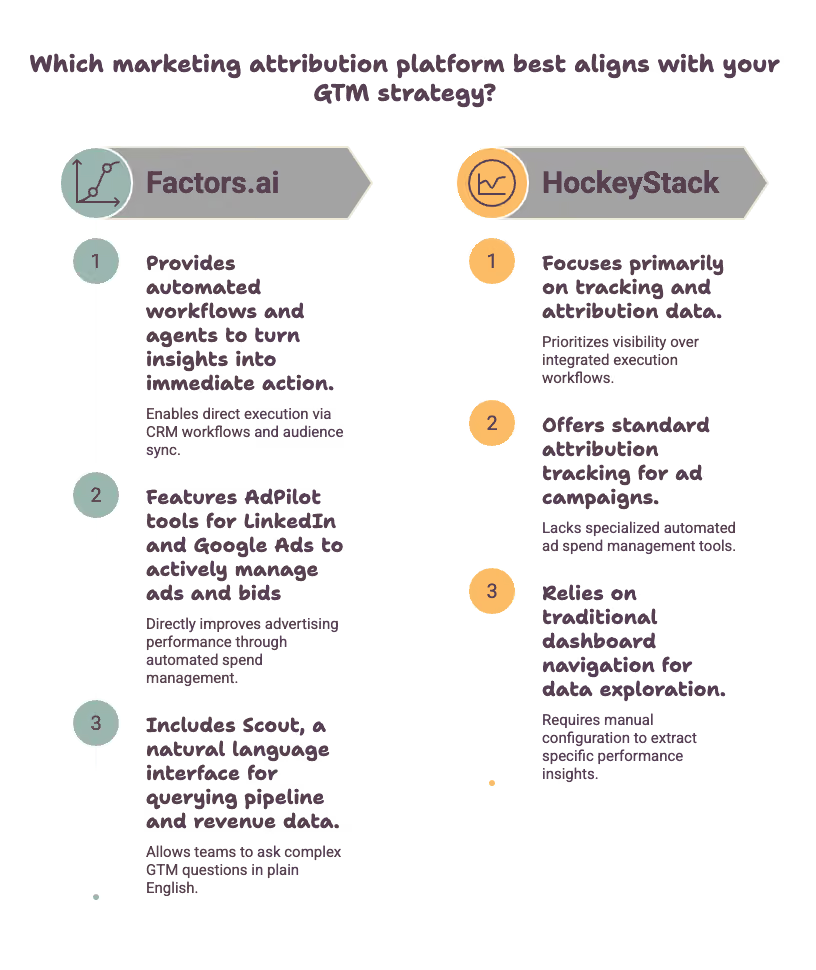
What customers don't like about Factors.ai
- Factors.ai can feel technical for first-time users. Learning how its reports, segments, account timelines, and attribution models work may take time, particularly for people who do not regularly use analytics tools.
- Reporting flexibility is another area where some customers want more control, particularly around demographic reporting and search-term-level analysis.
Customer results
- Sprinklr improved LinkedIn spend efficiency. Factors.ai helped the company connect LinkedIn engagement to enterprise account journeys and pipeline. Sprinklr attributed 15% of its enterprise pipeline to LinkedIn-influenced accounts and saved $205,000 in ad spend by controlling excessive impressions.
- Cacheflow improved attribution and reactivated closed-lost accounts. After UTMs, cookies, and offline conversion tracking still left 30% to 40% of lead sources unidentified, Factors.ai connected LinkedIn view-through engagement with activity across the buying journey. Cacheflow reported a 30% improvement in LinkedIn Ads attribution and used account alerts to recover five to seven closed-lost opportunities worth approximately $20,000 in ACV each month.
- AudienceView used intent data to prioritize accounts. The company discovered that 10% of its target accounts were receiving nearly 90% of its advertising impressions. After adjusting its campaigns and sales outreach using Factors.ai, AudienceView generated 15% of its Q4 2024 pipeline through the platform. It also identified and closed a $45,000 deal in 15 days, compared with its typical sales cycle of more than 100 days.
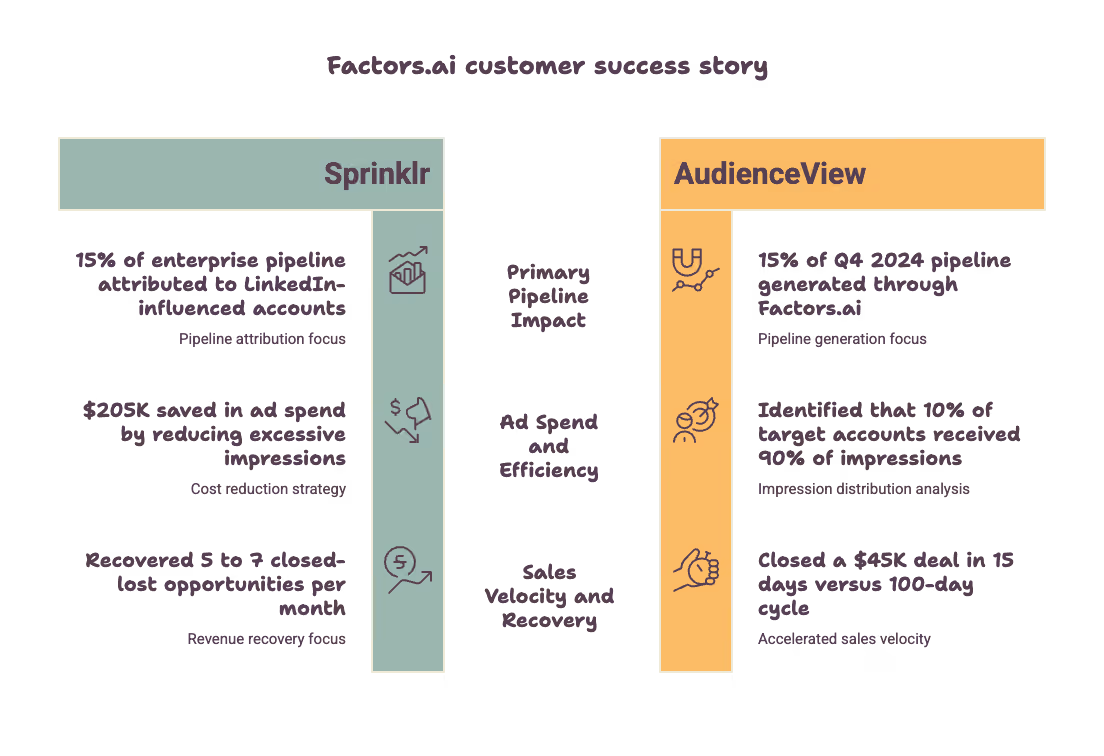
My take
Factors.ai is worth considering when you need HockeyStack’s attribution and account-intelligence capabilities but want more emphasis on advertising and sales activation. It also has a lower published entry price than many enterprise ABM platforms.
Read our side-by-side breakdowns if you are looking to compare Factors.ai vs HockeyStack.
3. Usermaven
G2: 4.8/5, ~95 reviews
Pricing: 14-day free trial available; Scale starts at $199/month
Usermaven is a marketing attribution platform for B2B SaaS teams and agencies that need to measure the full customer journey, from the first campaign touchpoint to pipeline, revenue, product use, retention, and LTV.
It covers HockeyStack’s core attribution use case without expanding into a full ABM, intent-data, or sales-engagement platform. That makes it a better fit for teams that want clear answers about what is driving pipeline and revenue, without implementing a broader GTM system.
Key features of Usermaven
- Multi-touch revenue attribution: Connect channels, campaigns, ads, content, and landing pages to conversions, pipeline, and revenue. Compare multiple attribution models to understand more than the final touch before a deal.
- CRM, product, and retention analysis: Bring HubSpot or Salesforce pipeline and revenue data together with website activity, product behavior, customer journeys, and retention cohorts. This shows whether a source creates customers who activate, stay, and expand.
- Ad-platform attribution and conversion sync: Analyze Google, Meta, and LinkedIn Ads alongside CRM outcomes, then send qualified conversions back to ad platforms to improve optimization.
- Maven AI and MCP: Ask questions about attribution, CAC, LTV, pipeline, and revenue in plain language. MCP also lets approved AI agents create or update analytics inside Usermaven.
- Measurement Trust Center: Identify tracking gaps and data-quality issues before they distort attribution and reporting.
What customers like about Usermaven
- G2 reviewers frequently mention the clean interface, fast setup, and ability to find useful answers without extensive analytics expertise.
- Customers value seeing marketing attribution, website activity, product behavior, and customer journeys in one place.
- Reviewers also highlight multi-touch attribution, real-time reporting, and support when moving away from more complex analytics tools.
- The published $199/month starting price and self-serve trial make evaluation more predictable than platforms with custom-only pricing.
What customers dislike about Usermaven
- The attribution features most comparable to Hockeystack are available on the $199/month Scale plan, rather than the $84/month Growth plan.
- Teams that require third-party intent data, large-scale account identification, or sales-engagement workflows will need a dedicated ABM or sales tool alongside Usermaven.
- Some reviewers want more documentation, customization, or deeper controls in specific areas of the platform.
My take
Usermaven can be a strong HockeyStack alternative when your central question is, “Which marketing creates revenue and long-term customers?” It covers the measurement journey from acquisition to retention, adds product analytics and tracking diagnostics, and gives teams transparent starting pricing.
Choose HockeyStack if you specifically want one platform for attribution, account intelligence, intent, and GTM execution. Choose Usermaven if you want more complete marketing measurement without making your GTM stack more complex.
4. CaliberMind
G2: 4.5/5, ~186 reviews
Pricing: Pricing is not transparent, as it's hidden behind a demo with their sales team.
CaliberMind is more like a GTM data platform with attribution built on top. That makes it especially relevant for companies with mature marketing operations and data teams.
Key features
- CaliberMind uses a composable data architecture with more than 170 connectors for online and offline GTM data.
- It supports chain-based and machine-learning attribution models for teams that want more flexibility than predefined attribution rules.
- Buying-group reporting shows how multiple stakeholders inside one account engage across a long B2B deal.
- Ask Cal lets users query GTM data using natural language instead of writing SQL for every question.
- Role-based dashboards give CMOs, RevOps teams, and sales teams different views of the same underlying data.
What customers like
- Reviewers frequently praise the visibility CaliberMind gives them into buying groups and individual stakeholders.
- Teams with non-standard CRM and data setups like the flexibility to configure the platform around their existing architecture.
- Reviewers also mention that the product team is responsive to feature requests and platform improvements.
What customers don’t like
- Setup takes real effort because the data model, attribution logic, and dashboards need proper configuration. A few also have occasional concerns about data accuracy.
- G2 comparison data shows weaker ease-of-setup and ease-of-admin scores than several alternatives in this list.
- A few reviewers mention Pricing starts firmly in enterprise territory, and the implementation fee adds another cost before the platform is fully running.
My take
- CaliberMind is a strong choice if your company already thinks in terms of warehouses, data models, and custom GTM infrastructure.
- If HockeyStack’s complexity is the reason you are leaving, though, I would not assume CaliberMind will automatically feel easier.
5. 6sense
G2: 4.3/5, ~1,300 reviews
Pricing: Enterprise custom pricing. Few Vendr reports and Reddit threads suggest it can be $15K/year (entry Team tier) to $300K+/year (full Enterprise), with a median around $55K–$63K/year.
6sense is the biggest step up from HockeyStack on this list. You are no longer buying an attribution platform, but you are buying a broader ABM and revenue intelligence platform that combines intent data, predictive scoring, account orchestration, sales intelligence, and analytics.
Key features
- 6sense combines first-party behavior with third-party intent data to identify accounts that may be entering an active buying cycle.
- Predictive scoring helps sales and marketing prioritize accounts based on likelihood to buy rather than firmographics alone.
- Account orchestration lets teams trigger marketing and sales actions based on intent and engagement signals.
- The broader platform includes sales intelligence and marketing automation alongside revenue analytics.
What customers like
- Reviewers frequently say that intent and predictive signals help sales teams prioritize accounts more effectively.
- Deep Salesforce integration is a recurring positive because it keeps sales and marketing working from the same account data.
- Reviewers also like the platform’s ability to scale once it's fully implemented.
What customers don’t like
- The learning curve is steep, even for customers who ultimately like the product.
- Several reviewers describe the interface as clunky or difficult to navigate.
- Implementation can stretch from six to twelve months for larger deployments.
- Cost and operational complexity can make the platform difficult to justify for smaller or mid-market teams.
My take
- 6sense makes sense if you want to go beyond attribution and build a much broader ABM operating system.
- If your complaint about HockeyStack is that it already feels too complicated, 6sense will complicate it further.
- Plus, 6sense is way pricier than HockeyStack.
6. RevSure
G2: 4.7/5, ~40 reviews
Pricing: Starts at $4,000/month. Enterprise plan has custom pricing.
RevSure’s biggest differentiator is predictive pipeline forecasting layered on top of attribution. Most tools in this category tell you what happened. RevSure tries to answer what is likely to happen next.
Key features
- RevSure combines advertising, website, CRM, and opportunity data inside a full-funnel attribution model.
- Predictive forecasting uses that underlying attribution data to estimate future pipeline performance.
- Native integrations cover Salesforce, HubSpot, Marketo, LinkedIn, Meta, and Google Ads.
- Account de-anonymization is included alongside attribution and forecasting rather than requiring a separate product.
What customers like
- Reviewers like being able to follow performance across the full funnel rather than analyzing isolated marketing and sales stages.
- Predictive forecasting is the feature customers most often point to as different from traditional attribution platforms.
- G2’s review themes also show Customer Support and Analytics among the most frequently mentioned positives.
What customers don’t like
- The review base is small, so I would not treat the 4.7 rating with the same confidence as a score backed by hundreds of reviews.
- Customers still mention a learning curve despite generally positive feedback.
- Implementation can take several weeks even for relatively straightforward deployments.
- RevSure is younger and smaller than most of the other vendors in this shortlist, which adds more vendor risk.
My take
- RevSure is worth evaluating if forecasting is one of the main reasons you are looking beyond HockeyStack.
- I'd compensate for the smaller customer base by asking for more customer references before signing a long-term contract.
15 more HockeyStack alternatives worth considering
The remaining tools do not replace HockeyStack’s full scope as cleanly, but they can still make sense depending on the problem you are trying to solve.
Enterprise ABM and revenue platforms
7. Demandbase One
G2: 4.4/5, ~1,935 reviews
Pricing: Pricing is not transparent; you have to request a demo to get a quote
Demandbase combines account identification, intent data, advertising, orchestration, and analytics inside a full ABM platform.
What customers like
- Reviewers like having sales and marketing activity unified around accounts instead of disconnected leads.
- Intent data helps teams prioritize which accounts deserve attention.
- Salesforce and HubSpot integrations help keep account activity connected to existing GTM workflows.
What customers don’t like
- Setup and onboarding can be complex enough that some teams need external help.
- The interface contains a lot of functionality and can take time to understand.
- Pricing sits firmly in enterprise territory.
My take
- Demandbase makes sense when you want ABM execution and analytics together.
- If attribution is your only problem, it is probably more platform than you need.
8. ZoomInfo
G2: 4.5/5, 9,000+ reviews
Pricing: ZoomInfo pricing is not disclosed publicly. However, Reddit users report it costs $14,995 a year for the Professional plan, while the Elite plan is priced from roughly $35,995 and can go beyond $40,000 with add-ons. Read more about this on the ZoomInfo pricing blog.
ZoomInfo has grown far beyond contact data and now covers sales, marketing, operations, intent, and account intelligence.
What customers like
- Reviewers value the size and breadth of ZoomInfo’s company and contact database.
- Its integration marketplace covers most of the common tools used by modern GTM teams.
- Customer support is frequently described as proactive.
What customers don’t like
- Data accuracy can be weaker outside the US and in less-covered industries.
- Pricing, auto-renewals, and contract terms come up repeatedly in negative reviews.
- The platform can feel cluttered until users become familiar with it.
My take
- Choose ZoomInfo if your actual bottleneck is data quality and account intelligence.
- I wouldn't choose it if you simply need better attribution.
9. DemandScience (previously known as Terminus)
G2: 4.4/5, ~763 reviews
Pricing: I searched everywhere I could, but I did not find their pricing page. According to G2, the costs are anywhere between $10,000 and $61,000 per year
DemandScience, previously known as Terminus, combines account-based advertising, chat, email-signature marketing, and measurement in one ABM platform.
What customers like
- Reviewers like having several ABM engagement channels available inside one platform.
- Measurement Studio helps teams connect account activity to pipeline and win rates.
- The platform makes sense for teams already committed to an ABM operating model.
What customers don’t like
- Pricing is premium and largely undisclosed.
- Some campaign workflows are described as slow or clunky.
- Certain routine tasks still require support from the Terminus team.
My take
Terminus is useful if you want attribution built directly into ABM execution.
10. Adobe Marketo Measure
G2: 4.7/5, ~147 reviews
Pricing: Bundled with Marketo Engage. Pricing not publicly available. You will need to request a demo for a custom quote.
Formerly Bizible, Marketo Measure is designed for enterprise B2B attribution across online and offline channels.
What customers like
- Native Salesforce integration is a major advantage for teams already using Salesforce heavily.
- Reviewers like its every-touch and multi-touch attribution capabilities.
- Support is generally described as knowledgeable and available.
What customers don’t like
- The product makes the most sense inside the Adobe and Marketo ecosystem.
- Field mapping and UTM configuration can be difficult to get right.
- Some reviewers mention performance issues and tracking problems around manual imports.
My take
It is an obvious shortlist option for Marketo and Salesforce-heavy teams. Outside that ecosystem, I would look elsewhere.
11. Full Circle Insights
G2: 4.0/5, ~135 reviews
Pricing: According to their pricing calculator, the plan starts from $20,000. But one needs to book a demo to get the correct pricing.
Full Circle Insights provides Salesforce-native funnel reporting and marketing performance measurement.
What customers like
- Reviewers find the attribution logic relatively easy to understand.
- Closed-loop reporting helps marketing and sales work from the same funnel data.
- Campaign-member reporting provides more control than standard Salesforce reporting in some areas.
What customers don’t like
- Reporting flexibility is still limited by Salesforce’s underlying reporting model.
- Account-level and ABM reporting is weaker than the more specialized platforms in this list.
- Some reviewers feel product development has slowed.
My take
It works well for straightforward Salesforce-native reporting and is not a full replacement for HockeyStack’s account journey capabilities.
12. Ruler Analytics
G2: 4.6/5, ~30 reviews
Pricing: The base plan starts at €269 per month, and the advanced plan starts at €1349 per month.
Ruler Analytics connects website visits, forms, calls, and live chat to CRM opportunities and revenue.
What customers like
- Dynamic number insertion and call tracking are useful for businesses with a large volume of phone conversions.
- CRM integrations help connect offline activity back to revenue.
- Customer support scores well across the relatively small review pool.
What customers don’t like
- The G2 review base is small, so the 4.6 rating needs to be treated carefully.
- The interface is less modern than some of the newer tools in this category.
- The product is not designed around multi-stakeholder B2B account journeys.
My take
Ruler is worth considering if phone and offline conversions make up a meaningful part of your pipeline.
13. Attributionapp.com
G2: 4.5/5, ~51 reviews
Pricing: The base plan starts at $399 per month. You will need to request a demo for custom pricing.
Attribution.com focuses on straightforward single-touch and multi-touch attribution.
What customers like
- Reviewers frequently describe setup as simple compared with larger attribution platforms.
- Multi-touch modeling works well for teams that primarily need channel-level ROI.
- Customer support gets consistently positive feedback.
What customers don’t like
- Some integrations lack keyword-level advertising data.
- Reviewers occasionally mention leads appearing without attribution data.
- Performance can slow down when working with larger data sets.
My take
This is a reasonable option if you realize HockeyStack’s account-level functionality was more than you actually needed.
14. SegmentStream
G2: 4.7/5, ~26 reviews
Pricing: The base plan starts at $800 per month for the basic version. The enterprise plan starts at $10,000 per month (pro version). However, pricing depends on the plan and whether you choose the pro or basic version.
SegmentStream combines attribution, incrementality testing, and automated budget optimization.
What customers like
- Reviewers like the clean interface and relatively simple navigation.
- Customer support is frequently described as fast and helpful.
- Incrementality testing goes beyond what many traditional attribution platforms offer.
What customers don’t like
- The 26-review sample is too small to lean heavily on the 4.7 rating.
- Some reviewers mention slower loading times.
- The platform is built as much for ecommerce and performance marketing as it is for B2B.
My take
SegmentStream is more interesting if incrementality is the problem you are trying to solve.
Signal and execution tools
15. Warmly.ai (Now acquired by HubSpot)
G2: 4.6/5, ~250 reviews
Pricing: Pricing is subject to change after the HubSpot acquisition.
Warmly focuses on real-time website visitor identification and outbound triggers.
What customers like
- Reviewers like knowing which companies are actively visiting the website.
- HubSpot integration gets positive feedback.
- Setup is generally described as approachable for smaller teams.
What customers don’t like
- Visitor identification accuracy can vary.
- Some reviewers feel pricing is high for an SMB-focused product.
- Integrations can feel limited once teams need more advanced workflows.
My take
- Warmly solves a different problem from HockeyStack. I would pair it with analytics rather than use it as a replacement.
- The HubSpot acquisition can make existing contracts tricky, and costs may increase in the future.
16. Metadata.io
G2: 4.6/5, ~297 reviews
Pricing: Pricing is not publicly available. You need to take a demo to get custom pricing. However, according to Capterra, pricing starts at $5650.
Metadata.io focuses on B2B campaign execution and optimization across LinkedIn, Meta, and Google.
What customers like
- Campaign automation reduces manual work for paid media teams.
- The platform gives marketers one place to manage performance across several advertising channels.
- Audience targeting includes firmographic, technographic, and intent-based criteria.
What customers don’t like
- Editing live campaigns can still require work across different interfaces.
- Setup and configuration take time.
- Pricing is frequently described as high and inflexible.
My take
Metadata is better viewed as an execution tool than an analytics replacement.
17. HubSpot Marketing Hub
G2: ~4.4/5, ~14,925+ reviews
Pricing: HubSpot marketing starts at $15/month, and Enterprise starts at $3600 a month. It is highly unlikely that the price would remain in the same range as you add extra credits.
HubSpot combines CRM, marketing automation, content tools, and attribution inside one ecosystem.
What customers like
- Reviewers consistently praise the overall ease of use.
- CRM and marketing data already live together for teams that use HubSpot heavily.
- Attribution can connect marketing activity directly to influenced deals.
What customers don’t like
- Multi-touch attribution sits behind higher-priced tiers.
- Pricing increases quickly as contact volume grows.
- The product is not specifically designed around long, multi-stakeholder B2B journeys.
My take
HubSpot makes sense if most of your GTM stack already lives there. I would definitely not buy it solely to replace HockeyStack. As someone who uses HubSpot every day as a CRM tool, there is a high chance that your deal may get wrongly attributed.
18. LeanData
G2: 4.6/5, ~1,000 reviews
Pricing: The pricing is unavailable on their website. According to G2, their pricing varies between $18k and $58k per year.
LeanData is a Salesforce-native revenue orchestration platform focused on routing and buying groups.
What customers like
- Native Salesforce integration keeps routing logic close to existing RevOps workflows.
- Customer success receives positive feedback during onboarding.
What customers don’t like
- Setup takes time, particularly for complicated routing logic.
- Large routing graphs can become slow or difficult to manage.
- Pricing across modules remains relatively opaque.
My take
LeanData solves an important RevOps problem, but it is not an attribution platform.
19. InfiniGrow
G2: 4.7/5, ~54 reviews
Pricing: The base plan starts at $1500 per month; the growth plan starts at $4500 per month. The enterprise pricing is custom, and you need to book a demo first.
InfiniGrow combines attribution, budget forecasting, planning, and reporting.
What customers like
- Reviewers like the normalized data model and the trust it gives them in reporting.
- Flexible filters make it easier to analyze journeys without relying only on predefined dashboards.
What customers don’t like
- Data can load slowly in more complicated reports.
- Complex setups still involve a meaningful learning curve.
My take
InfiniGrow is worth a look if you prefer building your own reporting logic rather than working inside highly structured dashboards.
20. Google Analytics
G2: 4.5/5, ~6,700 reviews
GA4 remains the default analytics tool for many companies because it is free, familiar, and tightly integrated with Google Ads.
What customers like
- GA4 is free and already connected to the wider Google advertising ecosystem.
- Its event-based model gives teams detailed website interaction data.
- Most marketers already know how to use at least the basics.
What customers don’t like
- GA4 does not naturally roll multiple people and sessions into one B2B account journey.
- Standard data retention is too short for some longer B2B sales cycles.
- Attribution is not designed around the same account-level model as purpose-built B2B tools.
My take
GA4 is a classic and default tool for many. Once you need to answer 'which accounts?' instead of 'which sessions?', you need something else.
21. Klipfolio
G2: 4.5/5, ~255 reviews
Pricing: Starts at $140 per month; enterprise is at $690 per month
Klipfolio is a general-purpose dashboard and BI platform, not a GTM-specific analytics product.
What customers like
- Reviewers like the relatively intuitive dashboard-building experience.
- The connector library supports a wide range of common data sources.
What customers don’t like
- Visualization options are more limited than platforms such as Power BI, Looker, or Tableau.
- Data refresh frequency depends on the pricing tier.
- Your team has to build the attribution logic and account-level models itself.
My take
Klipfolio is cheap if you just need a dashboard. It can become expensive in analyst time if you expect it to behave like a purpose-built GTM analytics platform.
FAQs (Sourced from r/SaaS & RevOps Circles)
Q1. What are the best HockeyStack alternatives?
Some of the best HockeyStack alternatives for B2B teams include Factors.ai, Dreamdata, Adobe Marketo Measure, Callibermind, etc
Q2. What is a cheaper alternative to HockeyStack?
If budget is a major factor, tools such as Factors.ai's lower-tier plans or Ruler Analytics can offer a more affordable starting point, depending on your traffic and attribution needs.
Q3. What should B2B teams look for in a HockeyStack competitor?
Look for attribution accuracy, CRM integrations, implementation effort, pricing transparency, and the ability to tie activity to pipeline and revenue.
Q4. How does HockeyStack compare with Dreamdata and Factors.ai?
HockeyStack is often evaluated for attribution and GTM visibility, Dreamdata for multi-touch revenue reporting, and Factors.ai for account intelligence and multi-touch attribution.
Q5. Are all HockeyStack alternatives direct replacements?
No. Some tools, such as Dreamdata, Factors.ai, Ruler Analytics, and Adobe Marketo Measure, are closer attribution replacements. Others, such as 6sense, Demandbase, UserGems, and MadKudu, solve adjacent GTM or account-intelligence problems that may still be relevant depending on your use case.
Q6: Why do teams actively migrate away from HockeyStack?
It usually comes down to a mismatch in user personas. HockeyStack is built on its Blueprint framework, which is fantastic for analyzing sales rep activities and deal velocity. But if you are a marketing or demand gen leader trying to optimize live ad budgets on LinkedIn or unmask anonymous traffic in real time, the platform can feel over-engineered for your daily workflow.
Q7: How does Factors.ai avoid the "black box" intent scoring problem?
Most platforms hide their intent calculation behind a vague "Account Score: 82" text label. Factors.ai keeps things completely transparent. It shows you the exact underlying logs, which page they hit, what keywords they searched on G2, or which LinkedIn post they engaged with, and allows you to configure your own custom weight thresholds.
Q8: Can I run multi-touch attribution without an in-house data analyst?
If you are using enterprise tools like Bizible or CaliberMind, honestly, no, you will need dedicated ops support. But if you use an agile alternative like Factors.ai or Dreamdata, the reporting builders use a visual drag-and-drop interface that a growth marketer can easily master in an afternoon.
Q9: Does Dreamdata completely replace HockeyStack's capabilities?
From a pure historical attribution and revenue data stitching standpoint, absolutely. They diverge on actionability: HockeyStack leans toward post-sale rep tracking, whereas Dreamdata focuses purely on macro journey logs. If you want something that bridges both data worlds and includes live ad automation, look at Factors.ai
Q10: Is a free tier like GA4 enough to track B2B pipeline attribution?
No way. GA4 tracks independent anonymous web sessions, not accounts or linear pipelines. It has no native concept of a “Salesforce Opportunity” or a “HubSpot Deal Stage Change.” To tie marketing clicks to actual closed revenue dollars, you need a dedicated B2B attribution engine.

How to go about Search Engine Optimization (SEO)
Learn more about search engine optimization for your website with our comprehensive SEO guide. From Ranking algorithm to keyword research

Search Engine Optimization
It is reported that 75% of users never visit the second page on their search results. As search results become increasingly concise and filtered, it’s easy to forget how ruthless and saturated search engine rankings can be. Hence, it isn’t an understatement that the accessibility of your page on a search engine should be an integral precursor for your marketing value proposition. Accordingly, marketers are prioritising SEO as part of their inbound efforts. This post expands upon the theory, practice, and importance of SEO in an ever-growing digital marketplace.
What is SEO?
SEO, or search engine optimization, refers to the process of increasing the likelihood of your website, content, product, etc. appearing close to the top of your SERP — search engine results page. The objective is to direct more traffic to your webpage by increasing its ranking on a user’s search engine index, either organically or with minimal monetary investment.
Search engine results page or SERP is a constantly evolving geography. Search results — especially those pertaining to inquiries now feature quick answers and knowledge panels that direct clicks away from low-ranked domains. For instance, if you were to google ‘marketing attribution’, you would be presented with a quick answer in the form of a short description directly below. Additionally, other relevant, consolidated information is presented on the right within knowledge panels. Note that Google and many other search engines prioritise having their users spend more time on their SERP without having them navigate away as much. This is why marketers need to capitalise on their rich results and SERP ranking.
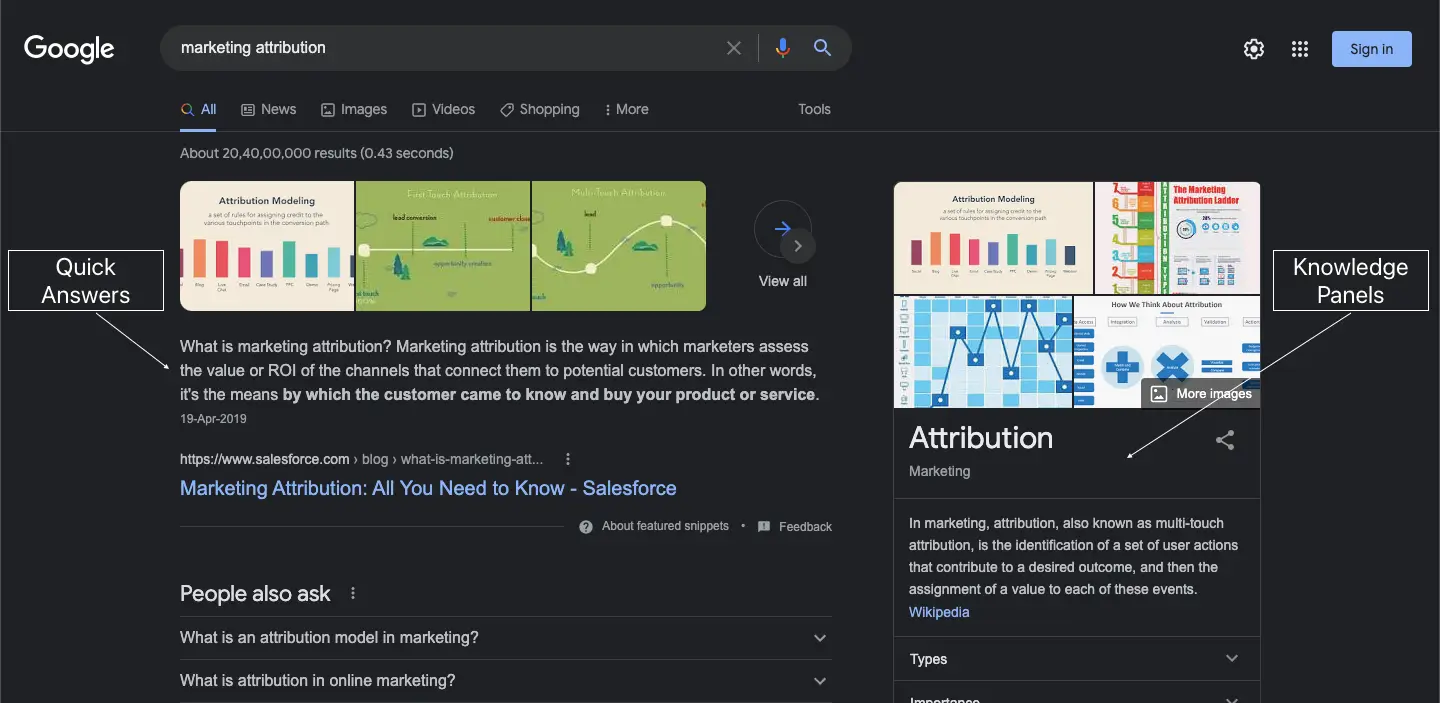
CRAWLABILITY AND INDEXING
Before we look at what your search engine prioritizes when ranking, it’s well worth understanding what crawlers are and how search engine indexing works:
Crawling is the process of your search engine sending out crawlers, which are bots that are used to discover new web pages. The crawlers start by following a certain number of web pages followed by then routinely navigating content and new links within these web pages. Thereby discovering a series of new web pages which it reports back to its respective server. A website’s crawlability thus refers to a crawler’s viability in a website or web page. More on increasing crawlability below.
All this information that the crawlers obtain is then stored in a database known as a search engine index. The data is then organised, analysed, and prepped for retrieval on a search engine results page — this process is known as search engine indexing.
{{INLINE_TOFU}}
The Ranking Algorithm: PageRank
Before indexed information is retrieved into a search engine results page, it is ranked by several factors in order to obtain the most relevant sources of information. While this piece will cover some critical success factors for your SEO, it is important to understand that Google ranks their websites based on relevancy and an algorithm. Understanding the algorithm is fairly complicated as it is continually evolving. That being said, PageRank is an algorithm that is still being used by Google to rank websites and will help provide an idea of how the ranking algorithm works.
PageRank uses an algorithm that helps rank web pages based on their relative importance. It does this by estimating how many times a web page is visited or linked from other web pages and also measures the quality of these links. For example, your web page is more likely to be ranked higher if it is linked by relatively important web pages — like Forbes or the NYT — than it is if it was linked by many less "relevant" web pages — like The Onion or ArticleIFY.
The importance of a web page is assessed using a random surfer model and a damping factor that estimates how many times a web page is visited by a random surfer and assigns a percentage to all web pages visited. All you need to know is that the model and damping factor helps eliminate any way in which people can artificially inflate their web page’s importance.
SEO CSF — CRITICAL SUCCESS FACTORS
This segment will explain a few critical success factors for your SEO in the form of good keyword practices, indexing and crawlability, and more:
Keyword CSFs
Keywords play a surprisingly significant role when it comes to SERP ranking. Certain niche keywords could be the reason your web page is ranked higher in a SERP. But what keywords should you use? Before you choose your keywords, you need to establish your search intent. Understanding your web traffic, and what they’re looking for is key when it comes to search intent. Ask yourself what people would specifically search for and what words or phrases they’d use — for instance, 8% of all search queries are in the form of questions.
Once you have an idea of some appropriate keywords, it would help to know what their search volume is. You could administer the help of a keyword research tool — like Jaaxy, GrowthBar, SEMrush, Google Keyword Planner, etc., which are tools that help gauge how popular/relevant certain keywords are. They could even compare and recommend other related keywords.
The largest barrier here is the competition of high volume and short-tail keywords — or search phrases consisting of only one or two words. Industry-leading brands are often ranked higher for short-tailed keywords due to their relative importance. However, there are some advantages in using long-tail keywords (i.e. search phrases that are longer with three to five words). The consensus is that, while high volume and short-tail keywords tend to involve highly-competitive broad search queries, long-tail keywords account for more convertible traffic as their search phrases are specific. Hence, you’re likely to garner more traffic with niche low volume, long-tail keywords than if you were to compete using high volume keywords. For example, you’re more likely to earn traffic from a search phrase like ‘Accounts receivable automation software’ than you do for ‘Accounting software’. Remember, if your keywords are too obscure, you risk losing your spot on a SERP.
LSI or latent semantic indexing keywords may also be useful. LSI is a tool used by Google to understand synonyms and can contextualize keywords by linking them with relevant ones. This means that a synonym does not necessarily have to be an LSI keyword, and can be anything relevant in the context of your content. For instance, Googling ‘demand generation’ would have related searches for strategies and comparisons with lead generations. LSI has helped Google in identifying and contextualizing content on web pages better, which is a win when it comes to SEO.

Crawlability and Indexing CSFs
It is essential to know what affects your crawlability. The first is your site and internal link structure. It is imperative to make your search engine’s job of locating your site as easy as possible. For this, you must ensure that your site structure has an appealing UI and makes navigating across different pages intuitive. This way, crawlers will not find it difficult to get by. For the crawlers to do a comprehensive search on your website, ensure that a fair amount of internal link resources are prevalent for the crawlers to fully cover your website. It is also important to block crawlers’ access to irrelevant pages to avoid saturating the context of your content.
Besides your site and internal structure, making sure that other interferences such as slow site loading speeds are resolved as they add to the crawlability of your website. If you are unsure about your site’s visibility on a SERP, using tools like Google Search Console will help monitor your site’s presence on Google SERP.
Other Important CSFs
Recalling the mechanics of Google’s PageRank algorithm, you will know that your web pages’ networking with other pages is of paramount importance. Having external links from other sites that link to your site — especially higher quality links that come from important sites — along with understanding your competitors’ backlinks and utilizing them will help improve your ranking.
Rich results is a feature that showcases information that is not only important in giving a brief description to a user but also helps crawlers identify your site and the purpose of the content because of its metadata. Rich results have a title, meta description, favicon — and depending on what the page is about it could even show pricing, specifications, and a rating. All of which aid in the crawlability and a user’s understanding of the web page.
Another simple but effective factor is the quality of the content on your page. The use of unique, engaging, and informational content with ample visual representations in the form of high-quality images and video. Google prefers sites with content, and good content at that. The better the quality of the content is, the more favorable you become in Google’s algorithm.
With these factors in place, you’re one step ahead in your SEO journey. When it comes to SEO, being consistent, putting out new content, and following good practices will be sure to help out in the long run. Just remember that SEO is always changing, and if you want to take the bull by the horns — keep updating your methods, and stay ahead of the status quo.

How to Fix Declining Paid Search Performance And Stop Marketing From Crashing Out
Struggling with plummeting paid search results? Learn why traffic, conversions, and CPCs are shifting, and how 100+ B2B teams are turning it around with smarter strategy.

TL;DR
- Search traffic is down (but not dead). Top-funnel traffic has shifted to AI tools like ChatGPT, cutting volume but concentrating buyer intent.
- Conversion rates dropped because buyers already know who they want. Most B2B buyers have vendors in mind before they ever search.
- Your paid search fails when it ignores brand. Brand-driven demand fuels better conversion. LinkedIn awareness campaigns now shape paid search outcomes.
- Winning teams measure pipeline, not MQLs. The smartest marketers focus on closed-won deals and account-level signals, not form fills.
Your paid search dashboard stats resemble a control panel in a disaster movie. There’s lots of warning lights flashing, alarms are incessantly dinging in your ear, and everything is going downward, fast. Houston, we have a problem.
Traffic down 25%. Conversion rates down 20%. Cost per click up 24%. And your performance marketing manager is in your office explaining that it's "definitely not their fault," and "the algorithm just changed," and "maybe we need a bigger budget?"
Cool. Cool cool cool.
Here's what's actually happening: paid search isn't broken. The world around it has changed. And if you keep trying to fix modern problems with an old playbook, you're going to keep bleeding budget while your competitors figure out what’s working, and move forward.
Our report, with data from 100+ B2B marketing teams, paints a pretty grim picture. But it also reveals exactly what separates the winners from the losers. It's not about bid strategies, keyword match types, or any of the tactical nonsense marketing influencers are ranting about.
But How Bad Is Paid Search Really?
Let's get real about the scale of the problem.
Paid search traffic grew just 4.9% overall, but that number masks uneasy waters underneath. The median change in paid search traffic was -25.2%. The bottom quartile saw declines of -58.9%.
Companies at the 25th percentile lost nearly 60% of their paid search traffic year-over-year.
But wait, there's more.
65% of companies analyzed are showing declining conversion rates from paid search. The aggregate conversion rate dropped 8%. The median conversion rate change was -20%.
Oh, and cost per click increased by a median of 24%.
So you're paying more, getting less traffic, and that traffic is converting at lower rates. It's the perfect storm of paid search pain.
If you're experiencing this, you're not alone. You're not bad at your job. The game has just changed. And the sooner you accept that, the sooner you can fix it.
Why This Is Happening (It's Not Google's Fault)
Three shifts are converging to break paid search as we knew it:
1. LLMs Ate Your Top-of-Funnel Traffic
89% of B2B buyers now use generative AI in their purchasing process, according to Forrester research.
Think about what that means for search behavior. All those informational queries that used to drive traffic? "What is account-based marketing?" "How to choose marketing automation software?" "Best practices for demand generation."
They're gone. Not to a competitor. To ChatGPT.
Buyers aren't Googling for education anymore. They're using LLMs to get synthesized answers, comparison tables, and decision frameworks without ever clicking a search result.
The searches that remain are high-intent, vendor-specific queries. Which is actually good news, except there are way fewer of them. That explains the drop in traffic.
2. Buyers Decided Before They Searched
According to Forrester, 92% of B2B buyers start their journey with at least one vendor in mind. 41% have already selected their preferred vendor before formal evaluation even begins.
This fundamentally breaks the paid search model.
Traditional paid search assumes you're catching buyers during their research phase. You show up for "marketing analytics software," they click, they learn about you, et voilà, they convert.
But if 92% already have a vendor in mind when they start searching, you're not educating. You're validating. They've already formed preferences through LinkedIn, peer recommendations, G2 reviews, and conversations with their favorite bot.
By the time they search, the game is largely over.
3. The Algorithm Optimized for the Wrong Thing
Google's machine learning has gotten really, really good at finding people who will click your ads. Unfortunately, "people who click ads" and "people who buy your B2B product" are only a small crossover on a Venn diagram.
Google optimizes for engagement. You care about revenue. That misalignment creates expensive traffic that doesn't convert.
Your CPC goes up (because, competition), your volume goes down (because, LLMs), and your conversion rate tanks (because the traffic quality deteriorated).
Fun times.
{{INLINE_TOFU}}
Fix #1: Accept Lower Volume and Optimize for Quality
Sorry, but you're not getting that traffic back.
The informational searches are gone. They moved to LLM platforms, and they're not coming back. Stop trying to recapture 2023 traffic levels. It's not happening.
Instead, optimize aggressively for the high-intent traffic that remains.
This means:
- Shift budget from broad match to exact match and phrase match
- Focus on branded searches and high-intent keywords (pricing, demo, vs competitor, etc.)
- Ruthlessly cut keywords that drive traffic but not pipeline
- Accept that your traffic graphs will look sad (but your pipeline graphs won't, so, chill)
The top quartile companies in the benchmark data saw paid search traffic growth of 44.8%, while the median was -25.2%. What separates them? They're not chasing volume. They're chasing accounts that convert.
Fix #2: Build Brand Before You Buy Search
Here's the stat that changes everything: ICP accounts exposed to LinkedIn ads show 46% higher paid search conversion rates.
Your paid search performance isn't just about your paid search strategy. It's about whether buyers already know who you are when they search.
The fix:
- Allocate 30-40% of your paid budget to LinkedIn brand awareness campaigns
- Target your exact ICP with thought leadership, not just ads
- Build mental availability so when buyers do search, they already recognize you
- Measure the lift in search conversion rates for accounts exposed to brand campaigns
Search isn't dead. But search as a standalone demand generation engine? That's over. Search is now a capture mechanism for buyers who were influenced elsewhere.
Fix #3: Retarget High-Intent Search Visitors on LinkedIn
Analysis shows that 14.3% of paid search leads originally started their journey on LinkedIn. But here's what's more interesting: traffic converts at significantly higher rates.
Flip this insight around. If LinkedIn makes search traffic better, use search traffic to identify accounts for LinkedIn retargeting.
The workflow:
- Someone from Acme Corp visits your website via paid search
- They check out your pricing page and product features
- They leave without converting (as most do)
- You capture them as a matched audience in LinkedIn
- You retarget them with account-specific messaging, including other stakeholders at Acme Corp
This is where the magic happens. You're not just retargeting the individual who searched. You're using that search intent signal to unlock the entire buying committee at that account.
Fix #4: Stop Measuring MQLs, Start Measuring Pipeline
If you're still judging paid search success on cost per lead or MQL volume, you're measuring the wrong thing.
The traffic quality has changed. The buyer journey has changed. Your success metrics need to change too.
What to measure instead:
- Cost per demo booked (demos are up 17.4% median, this is what actually matters)
- Cost per pipeline generated
- Cost per closed-won deal
- Conversion rate from visit to opportunity (not visit to form fill)
When you shift to pipeline metrics, you'll make very different decisions. You'll stop celebrating 1,000 leads that go nowhere. You'll start optimizing for 50 accounts that turn into real deals.
Demo requests are growing (9.5% overall, 17.4% median) even as search traffic declines. That's because bottom-funnel intent is actually fine. It's just concentrated among fewer, higher-quality prospects.
Fix #5: Combine Search with Account Intelligence
Here's where modern paid search diverges from traditional paid search: you need to know which accounts are searching, not just how many people.
Traditional search tracking tells you:
- 500 people visited from paid search
- 50 filled out a form
- 10% conversion rate
Account-level search tracking tells you:
- 87 ICP accounts visited from paid search
- 12 are in active deals in your CRM
- 23 are showing intent across multiple channels
- 8 are competitors (exclude these obviously)
- 44 are net-new, high-fit accounts worth pursuing
That second view changes everything about how you optimize.
When you identify that an account from your tier-1 target list just visited your pricing page via search, you can:
- Alert the account owner in your CRM
- Add them to a LinkedIn retargeting campaign
- Suppress them from expensive keyword campaigns
- Track their full journey across channels
This is the difference between search as a lead generation tool and search as an account intelligence signal.
Fix #6: Embrace Branded Search, Even If It Feels Weird
Branded search feels like cheating. They already know who you are! Why pay for that click?
Because 92% of buyers start with a vendor already in mind. If you're not showing up at the top for your own brand terms, you're losing deals to competitors who bid on your brand.
More importantly, branded search volume is one of the few search metrics that's still growing for successful companies. It's a lagging indicator of your brand work paying off.
The fix:
- Own all your branded terms (obviously)
- Bid on competitor brand terms strategically
- Create brand + problem combination terms ("Company Name analytics," "Company Name attribution")
- Use branded campaigns to control the message and landing page experience
Your branded search performance tells you whether all your other marketing is working. If branded search is declining, you have a brand awareness problem, not a search problem.
Fix #7: Reduce Friction for High-Intent Visitors
This one's simple but most companies still screw it up.
If someone searches for "your product demo" or "your product pricing," don't make them fill out a form to see basic information. Don't make them wait for a BDR to call them. Don't send them to a generic landing page.
Give them exactly what they searched for, immediately. There is almost nothing as annoying as being directed to fill out a form or being sent to some random page when you’ve asked a specific question. Don’t gate keep, don’t send customers on a merry-go-round.
The companies in the top quartile (28% conversion rate growth) are winning because they removed friction for high-intent visitors. The companies in the bottom quartile (-43% conversion rate decline) are still trying to "capture" leads.
High-intent search visitors don't need to be captured. They need to be served what they asked for in the first place.
Search Isn't Dead, But It's Different
Paid search performance is declining for 65% of companies. Traffic is down. Conversion rates are down. Costs are up.
But the top quartile is seeing 44.8% traffic growth and 28% conversion rate improvement. The difference isn't luck. It's strategy.
The winners are:
- Accepting lower volume at the top of the funnel and instead optimizing for quality
- Building a brand on LinkedIn to lift search performance (46% higher conversion rates)
- Using search as an account intelligence signal, not just a lead source
- Measuring pipeline and revenue, not MQLs
- Combining search with retargeting and account-based plays
- Reducing friction for high-intent visitors
- Owning their brand terms and controlling their narrative
The losers are:
- Chasing 2023 traffic levels that aren't coming back
- Running search in isolation from brand investment
- Measuring form fills instead of pipeline
- Treating all traffic equally instead of prioritizing ICP accounts
- Adding friction in the name of "lead capture"
Paid search isn't broken. But if you're still running it the way you did three years ago, you're going to keep seeing performance decline.
The fix isn't more budget. It's a completely different approach that acknowledges how buyers actually research and make decisions in 2025.
If you want to see which ICP accounts are visiting from paid search and track their complete journey across channels, Factors.ai provides account-level analytics that turns paid search from a lead gen tool into an account intelligence signal, helping you identify high-intent accounts and orchestrate the right follow-up across LinkedIn, sales outreach, and more.
Your move.
FAQs for Fixing Declining Paid Search Performance
Q. Why is paid search performance declining across B2B teams?
Because buyer behavior has shifted dramatically, informational queries now go to AI tools, not search engines, and most buyers choose vendors before they even search.
Q. Is Google’s algorithm to blame for poor conversion rates?
Not entirely. Google's algorithm favors engagement, not revenue. It’s optimized to find clickers, not buyers, making traffic more expensive and less qualified.
Q. Should I stop investing in paid search?
No, but you should radically change your approach. Focus on high-intent keywords, integrate brand campaigns, and use account-level data to drive smarter follow-up.
Q. What metrics should I use instead of MQLs?
Track cost per demo, cost per pipeline, and conversion rates to opportunity. These metrics align better with revenue and signal real buyer intent.
Q. How does LinkedIn improve paid search performance?
Accounts exposed to LinkedIn branding convert 46% better via paid search. Building brand familiarity raises your odds when buyers search with intent.

How to Choose The Best Sales Intelligence Tool in 2026?
Looking for the best sales intelligence tool? Learn how to choose the right platform for better lead targeting, engagement, and decision-making.
TL;DR
- Sales intelligence tools improve lead targeting, engagement, and decision-making.
- Different types serve various needs, from data enrichment to predictive analytics.
- Key selection factors include data accuracy, integrations, analytics, and usability.
- Implementation requires team training, data migration, and clear success metrics.
- Measuring ROI involves tracking lead quality, conversion rates, and sales cycle efficiency.
- Future-proofing ensures adaptability to emerging AI and compliance trends.
- Choosing the right tool means balancing features, costs, and vendor support.
Understanding Sales Intelligence Tools
Sales intelligence tools are now essential for sales teams. They change how businesses learn and connect with potential customers. These tools gather and analyze data to help salespeople make smart choices.
The sales intelligence market is booming, with predictions pointing to a whopping $9 billion by 2034. But it's not just about big numbers. This surge highlights a significant shift in how companies tackle sales.
Sales intelligence tools collect data about prospects, companies, and market trends. They offer real-time insights into buyer behavior, company news, and industry changes. This helps sales teams find and focus on the best leads. For instance, Factors.ai's Account Intelligence provides insights into conversion rates and user journeys, enabling better decision-making.
By the end of 2025, sales intelligence will have grown with the help of artificial intelligence and machine learning. These tools now offer predictive analytics and smart lead scoring. They can study communication patterns, predict buying intentions, and suggest next steps for sales reps.
The true benefit is in removing guesswork from sales. Sales teams can base their decisions on solid data, leading to better conversion rates and quicker sales. This proactive approach is key to staying ahead in today's fast-paced market.
Types of Sales Intelligence Solutions
At their heart, Sales Intelligence tools perform three key tasks: gathering crucial customer data, analyzing buying patterns, and dishing out actionable insights. Picture this: It's like having a crystal ball that tells you exactly when a prospect is ready to make a purchase. That's the magic of top-notch sales intelligence.
Modern sales tools come in different types, each meeting specific sales needs. Data enrichment tools fill in missing details about prospects and companies, saving time on research. They gather data from many sources to create complete customer profiles, similar to what Factors.ai's Workflow Automation offers.
Predictive analytics platforms use AI to predict future buying habits and find patterns in past data. These tools help sales teams focus on leads likely to convert, making resource use better.
Lead scoring tools rank prospects based on their chance to buy, considering factors like company size and recent actions. This helps sales teams target the best opportunities first, as seen in Factors.ai's Intent Capture.
Competitive intelligence tools track competitor moves, price changes, and market positions. This helps sales teams position their offers better and handle objections well.
Customer engagement tools track how prospects interact with your content, emails, and website. They give insights into buyer behavior and help tailor sales approaches for better outcomes.
Each type meets different needs, and many companies use a mix of these tools for a complete sales intelligence setup. And the perks? Sales teams using these tools report up to a 35% increase in close rates and much shorter sales cycles.
{{INLINE_TOFU}}
Key Features to Consider While Buying Sales Intelligence Tools in 2026
Choosing the right sales intelligence tool in 2025 is like picking out your dream car—there are some features you can't compromise on. First and foremost, start with data quality and coverage. Ensure the tool gives accurate, current information for your target markets and industries.
Next on the list is how well the tool integrates with what you're already using. Your sales intelligence tool should get along with your current tech setup, especially your CRM. Whether you're using Salesforce, HubSpot, or another system, smooth integration is a time-saver and helps avoid those pesky data silos. For example, our Integrations page outlines how Factors.ai connects seamlessly with popular CRM systems.
Next, look for strong analytics and reporting features. They should offer customizable dashboards and real-time insights to track sales performance, pipeline health, and team productivity.
The user interface is important. A simple, straightforward design helps your sales team use the tool quickly and often. Mobile access is essential—sales reps need data on the go.
AI and machine learning features make modern tools stand out. Seek out predictive lead scoring, automated data enrichment, and smart recommendations to improve decision-making.
Don't forget about compliance and security. With data privacy laws tightening up, it's crucial your tool comes equipped with built-in compliance features to keep everything above board.
The best features match your specific needs. Avoid being distracted by flashy features that don't support your main business goals.
Top Sales Intelligence Tools in 2026
A few standout tools are really making waves. Thanks to its massive B2B database and smart AI insights, ZoomInfo is still a big player. And if you're all about building professional connections, LinkedIn Sales Navigator is still your go-to.
Here are a few other stars worth mentioning:
- Factors.ai: The only Sales Intelligence platform that deeply connects LinkedIn advertising with Web Analytics, CRM, Marketing Automation, and other tools in the GTM stack. It’s the one sales intelligence tool you need to run connected campaigns across your entire GTM stack.
- 6sense: It's all about predictive analytics and nailing account-based marketing.
- Cognism: Gets a thumbs up for its GDPR-compliant data and the ability to verify mobile numbers.
- Apollo.io: It is loved for its all-in-one platform that mixes prospecting with engagement tools.
Prices can vary quite a bit:
- For basic tools, you’re looking at around $50-100 per user each month.
- Mid-range options bump up to $150-300 per user monthly.
- If you’re going for enterprise-level, expect custom pricing, often starting at $500 per user.
When it comes to user feedback, ZoomInfo (4.4/5), Apollo.io (4.8/5), and Cognism (4.6/5) consistently get high ratings. But remember, the best tool for you really depends on what your team needs, how big it is, and what your budget is.
Selection Framework For Choosing The Best Sales Intelligence Platform
Start by assessing your business needs—document specific problems, workflow issues, and growth goals that the tool should address. Consider team size, sales processes, and current technology.
Think about the budget beyond the initial cost. Include implementation, training, and customization expenses. Some vendors charge per user, while others base pricing on database size or features.
Scalability is essential for growing businesses. Ensure the tool can handle more data, users, and complex workflows without issues. Check if you can easily upgrade plans or add features.
Security and compliance are key. Verify the vendor's data protection measures, especially if you work in regulated industries. Look for SOC 2 compliance, GDPR adherence, and regular security checks.
For vendor evaluation, consider their reputation, financial stability, and customer support. Ask for references from similar companies in your industry. Review their product roadmap to ensure it aligns with your long-term needs.
Best Practices To Implement Sales Intelligence Tool
To successfully implement a sales intelligence tool, follow a strategic approach. Begin with thorough team training. Create training modules for each role and offer hands-on practice. Appoint power users to help their colleagues during the transition.
For data migration, plan how to move customer information without disrupting daily work. Clean and standardize data before migration to ensure accuracy in the new system.
Integrate the tool with your current tech setup. Work closely with your IT team and the vendor's support to connect it with your CRM, marketing tools, and other key platforms.
Set clear performance metrics from the start. Define success, whether it's less research time, higher conversion rates, or better lead quality. These benchmarks will help you measure the tool's impact.
Implement a change management plan to address resistance and ensure adoption. Regular check-ins, progress tracking, and celebrating early wins can help maintain momentum. Create feedback channels for team members to report issues or suggest improvements.
Measuring ROI For Your Sales Intelligence Tool
To measure the return on investment for your sales intelligence tool, use a clear approach focused on specific metrics. Track key performance indicators like reduced research time per lead, increased contact accuracy, and improved conversion rates.
Regularly compare the tool's total cost (including subscription, training, and maintenance) against revenue gains. Consider both direct benefits (increased sales) and indirect benefits (time saved, improved team efficiency).
Define success metrics that match your business goals:
- Improvement in lead quality
- Shorter sales cycle
- Growth in average deal size
- Number of new opportunities
- Response rates to outreach
For long-term value, watch trends over quarters and years. Consider:
- Changes in customer lifetime value
- Sales team retention
- Market penetration
- Database growth and quality
- Pipeline speed
Some benefits may take time to appear. Set realistic timeframes for different metrics and adjust expectations based on your industry's typical sales cycles.
The Checklist For Choosing The Best Sales Intelligence Tool
Staying ahead means choosing a sales intelligence tool that can adapt to future challenges. Consider these key aspects for long-term success:
Emerging Trends
- AI-driven predictive analytics become standard
- Integration of voice and natural language processing
- Real-time intent data capture
- Stronger privacy compliance features
Scalability Considerations
- Flexible user limits
- Expandable data storage
- API call capacity
- Potential for use across departments
Innovation Roadmap
- Vendor's product development schedule
- Upcoming feature releases
- Integration with new technologies
- Investment in research and development
Vendor Partnership Evaluation
- Financial health
- Position in the market
- A track record of customer success
- Adaptation to market changes
- Growth in support infrastructure
Choose vendors who commit to innovation while staying stable. Look for those with clear upgrade plans and a history of adapting to market changes. The right partner should be transparent about their development plans and willing to include customer feedback in their evolution.
Choosing the right sales intelligence tool needs a clear plan. Here's how to decide:
Comparison Checklist
- Check if the features meet your must-have needs.
- Compare pricing and total costs.
- Look at how well it works with your current tools.
- Check security and compliance.
- Evaluate vendor support quality.
Pilot Program Guidelines
- Try it for 30 days with a small team.
- Test key features in real situations.
- See if it meets your expectations.
- Get feedback from users.
- Note any technical issues and how long they take to fix.
Contract Negotiation Tips
- Lock in pricing for several years.
- Ensure free training and onboarding.
- Include performance guarantees.
- Set clear exit terms.
- Negotiate flexible user licenses.
Implementation Timeline
- Plan a phased rollout.
- Set achievable milestones.
- Allow extra time for surprises.
- Plan for data transfer.
- Schedule team training.
Remember, the best tool isn't always the priciest or most feature-packed – it's the one that fits your organization's needs and growth plans best.
Conclusion and Next Steps
Choosing the right sales intelligence tool isn’t just about ticking off features or comparing price tags—it’s about giving your sales process a real boost. By 2025, with AI and machine learning getting even smarter, these tools aren’t just nice-to-haves—they’re must-haves if you want to stay ahead of the game.
So, how do you pick the perfect one? It’s all about finding a tool that fits your unique needs, meshes well with what you already use, and shows a clear return on investment. Whether you’re a startup just dipping your toes into lead generation or a big company needing deep market insights, there’s a tool out there just for you.
Here’s your action plan:
- Jot down the features you can’t live without.
- Set a budget that makes sense.
- Book demos with your top three picks.
- Gather feedback from your team.
- Kick things off with a pilot program.
The world of sales intelligence is always changing, but making a smart choice now sets your team up for success down the road. Take your time—find the tool that’s just right for your organization’s needs. For more insights on enhancing your sales strategies, explore Factors for B2B Sales and Intent-Based Outreach.

How to do B2B account scoring
Learn how to effectively score B2B accounts and prioritize sales efforts with Factors.ai's comprehensive guide. Improve your sales pipeline today!
The following blog is an overview of account scoring. It goes over the basic steps in creating a scoring scheme as well as the various functions of an ICP (Ideal Client Profile). It also distinguishes account scoring from ABM (Account-Based Marketing) and assesses how lead scoring and account scoring deal with different B2B clients.
Catch our previous piece on lead scoring models explained here!
What is account scoring, and how is it different from account based marketing?
You might have heard that account scoring is somewhat analogous to ABM (Account-Based Marketing). This isn’t far from the truth. Think of account scoring more as a means to improving ABM. In that sense, they are consubstantial. ABM is a broader approach to marketing that targets key accounts or accounts that are most likely to convert and generate the most revenue. This is based on using an ICP (Ideal Client Profiles) which states the attributes of those target accounts. ABM also deals with compartmentalizing those key accounts, designing the method of engagement, and collaborating with other departments.
Meanwhile, account scoring is a method of ranking and sorting your target accounts based on a scoring scheme. Just like in ABM, account scoring uses an ICP as a filter to identify your target accounts. By scoring your target accounts you can better ascertain the value of organizations, on which you can expend your limited resources on. Account scoring is comprehensive with its scoring schemes by prioritizing unique attributes of target accounts.
Steps to create account scoring:
1) Ideal Client Profile: Your ICP in account scoring has two functions. The first is to use your ICP to make target accounts or rather filter out a range of target accounts before scoring them. The second function of ICP acts like an explicit scoring model as in lead scoring. This means using your ICP as a benchmark while scoring organizational traits, like the size of the company, ACV, location, etc. This becomes an inevitable part of your scoring scheme.
2) Creating a Scoring Scheme: A scoring scheme is nothing but the basis of assigning a score to a target account. As mentioned in the previous step, your ICP has the role of designing your explicit scoring. With that sorted, you can establish some implicit scoring criteria. Such as rewarding points based on email engagement, content download, and web analytics. For example, an organization visiting a review page could earn 3 points, while traffic generated through PPC could earn 7 points. The value of certain touch points and engagements can be determined by using a revenue attribution tool.
3) Customisation: A scoring scheme is never linear. All elements within a scheme might not apply to every organization. Different organizations and stakeholders might have different uses for your services and different valuations for their touch points. Hence, it is important to measure the relative impact of the scoring scheme on your target accounts. It is also crucial to revise your ICP, rearrange their permutations, create several ICPs, and compare them.
{{INLINE_TOFU}}
Account scoring vs lead scoring
One could argue that both these scoring methods are somewhat similar. Both their scoring models have an implicit and explicit element to them. So, is it just a matter of what they’re called? The most important distinction here is that account scoring deals with organizations while lead scoring deals with individual leads.
Account scoring views a client as an organization with several decision makers involved. While lead scoring is better suited for dealing with a single decision maker. This is why lead scoring is the better choice for clients with a lower ACV, this implies a low level of decision making involved, with only one or few decision makers. And because of its individualistic nature, lead scoring has a stronger emphasis on engagement.
Account scoring on the other hand is better suited for high ACV organizations with more decision makers. This necessitates the need to create key accounts for an organization rather than scrutinizing an individual lead. It also works better with ABM and account-based engagements. The use of ICP has more prominence in organizations and takes the number of stakeholders and ACV into account.

How to Choose the Right Website Visitor Identification Tool
Insider tips on picking the right website visitor identification tool: learn about data accuracy, cost control through filtering, and must-have features.

TL;DR
- Choose a tool with reliable data sources and high accuracy for visitor identification.
- Focus on high-intent pages and regions to manage costs effectively.
- Ensure the tool integrates with your CRM, ads, and sales tools for actionable insights.
- Pick a vendor that offers strong support and privacy-focused solutions.
I’m often asked about website visitor identification tools. At Factors, we’ve worked with nearly every player in this space—6Sense, Clearbit, Snitcher, Bombora, Demandbase, and more. Through this experience, I’ve learned what truly matters when choosing the right solution. Here’s what you should focus on.
Start with the Data
The first question to ask is: Where does their data come from? Some vendors build their own datasets, while others rely on partners. This is critical because the quality of their data directly impacts how accurate their website visitor identification will be. At Factors, we work with multiple providers to ensure the best possible results—but no matter which tool you choose, make sure you fully understand their data sources.
To understand how visitor identification works and how it uncovers anonymous website traffic, check out our in-depth guide How Does Website Visitor Identification Technology Work?.
Evaluate Accuracy and Identification Rates
You need to know two key things:
- What percentage of your traffic can they identify?
- How accurate is that identification?
For example, if you get 500 visitors and the tool identifies 100 companies, that’s great—but how many of those 100 are actually correct? Don’t hesitate to ask vendors for their accuracy reports and test results. After all, this is your time and money at stake.
Find out the key metrics that measure the effectiveness of visitor identification. Read more about this on Website Visitor Identification Metrics: What to Track
{{INLINE_TOFU}}
Ensure Technical Compatibility
The tool must integrate seamlessly with your website. Look for:
- Lightweight JavaScript that loads asynchronously to avoid slowing down your site.
- Use of first-party cookies instead of local storage or third-party cookies.
- Minimal impact on website performance.
Use Smart Filtering to Control Costs
Here's something people often miss: you probably don't need to identify every single visitor. If you're getting 100,000 visitors, identifying all of them could cost a ton of money.
Focus on high-value traffic by narrowing your scope to:
- High-intent pages (like pricing, case studies, and demo requests)
- Regions that align with your go-to-market strategy
- Other criteria that are specific to your business goals.
This ensures you’re investing in data that matters while keeping costs under control.
Look for Reporting and Segmentation Features
Raw data isn't enough; you need tools that can turn it into actionable insights. Ensure the solution allows you to:
- Create detailed reports based on visitor behavior.
- Segment traffic (e.g., companies that viewed the pricing page 3+ times in 10 days).
- Integrate website visitor data with CRM data to refine segments (e.g., accounts lost last quarter).
Making the Data Useful
Visitor identification data is only valuable if you can use it across your tools. Ensure the solution integrates with the following:
- Google Ads and LinkedIn Ads or targeted campaigns.
- Sales tools like Apollo or Outreach
- Your CRM (Salesforce, HubSpot) to align marketing and sales efforts.
Don't Forget About Vendor Support
Here's what most people miss: website visitor identification isn't just a tool you buy - it's a shift in how you do business. Choose a vendor that provides:
- Help with setup and onboarding.
- Best practices from other customers’ success stories.
- Ongoing support and guidance to maximize your results.
Final Thoughts
You need a vendor who'll help you succeed with the whole program, not just sell you some software.
I've seen companies get this right and wrong, and the difference usually comes down to thinking through these points carefully. Take your time, ask tough questions, and make sure you're getting what you actually need.
Also read, Privacy and Legal Compliance in Website Visitor Identification to ensure compliance with GDPR, CCPA, and best practices for data privacy.

How to Build ABM Marketing Campaigns: 8-Step Guide
Learn how to build effective ABM marketing campaigns with our step-by-step guide. It covers team alignment, account selection, and solutions to common challenges.
TL;DR
- ABM marketing campaigns focus on high-value B2B accounts using personalized, multichannel strategies rather than broad lead generation.
- Align sales and marketing teams with shared goals, clear metrics, and a well-defined Ideal Customer Profile (ICP).
- Segment accounts by revenue potential and prioritize quality to maximize impact.
- Conduct thorough account research and tailor your value proposition to each account’s specific needs and decision-makers.
- Begin with a pilot campaign, utilizing essential ABM tools to track engagement and conversions.
- Continuously measure, optimize, and scale your approach based on real data.
- Avoid common pitfalls like skipping research, over-investing in technology too soon, or neglecting personalized outreach.
Are you struggling to succeed with traditional B2B marketing? Many companies invest heavily in broad campaigns but see little interest from key accounts. This approach often wastes resources and causes teams to work at cross purposes, missing revenue targets. Sales and marketing may end up with different goals, and important prospects can slip away.
ABM marketing campaign is the right solution. By focusing on a select group of high-potential accounts and creating tailored experiences, ABM aligns your teams and boosts ROI. This step-by-step guide will show you how to build your first ABM marketing campaign from team alignment and account selection to campaign execution and measurement, so you can win the accounts that drive real growth.
What are ABM Marketing Campaigns in B2B?
ABM marketing campaigns focus on a B2B strategy where sales and marketing teams collaborate to target a select group of high-value accounts. Instead of aiming for many leads, ABM targets companies that fit your ideal customer profile (ICP) and have high revenue potential. Each account is treated as its own market, with tailored outreach and content for decision-makers within that organization.
This approach builds stronger relationships, increases engagement, and provides measurable ROI. According to IDG, 96% of B2B marketers use ABM strategies, and 87% report increased ROI. ABM is particularly effective for businesses with long sales cycles, complex deals, and multiple stakeholders in purchasing decisions.
{{INLINE_CTA_A}}
Is Your Business Ready for ABM Marketing Campaigns?
Before starting ABM marketing campaigns, assess the following checklist to see if your business is ready.
- B2B Focus: ABM is ideal for B2B companies, especially those selling complex solutions where multiple stakeholders are involved in buying decisions.
- Long Sales Cycles: If your average sales cycle is 6 months or more, ABM helps nurture relationships and drive engagement over time.
- High Contract Values: ABM is best suited when deal sizes exceed $30,000, making the time and resource investment worthwhile.
- Narrow Target Market: Works well if you’re targeting a specific list of accounts (typically < 1,000 companies) rather than casting a wide net.
- Cross-Functional Buy-In: Success in ABM depends on alignment between sales and marketing. Both teams must be committed and collaborative.
- Ideal Customer Profile (ICP): You should have a well-defined ICP with clarity on industries, roles, company size, and pain points.
- Dedicated ABM Resources: Ensure you have a team or designated individuals to run account-specific campaigns, track performance, and adjust strategies.
- Tailored Messaging & Value Proposition: Be ready to customize messaging and content for different personas, roles, or industries.
- Aligned Technology Stack: Having tools like CRM, intent data platforms, and analytics helps streamline targeting and measurement.
How to Build ABM Marketing Campaigns?
Building a successful Account-Based Marketing (ABM) campaign requires a structured, strategic approach. By following these 8 steps, you can create campaigns that effectively engage high-value accounts, align sales and marketing teams, and ultimately drive revenue growth.
Step 1: Aligning Teams and Setting Clear ABM Goals
Before launching any ABM marketing campaign, aligning both your sales and marketing teams is essential for success. This ensures that everyone is working towards the same goals with a shared understanding of the target audience and messaging.
Actionable Tips:
- Set Shared KPIs: Define common objectives such as pipeline growth, engagement rates, or closed deals, which both teams will work toward.
- Regular Communication: Hold joint meetings regularly to review progress and share insights, ensuring alignment at every stage of the campaign.
- Collaborative Goal Setting: Involve both teams in setting ABM goals to foster ownership and accountability.
Bonus Tip: Use project management tools (like Asana or Monday.com) to keep everyone on the same page and track progress in real-time.
Step 2: Defining Your Ideal Customer Profile (ICP) and Account Segmentation
The next step is to define your Ideal Customer Profile (ICP) - the types of companies that would benefit the most from your solution. This is essential for targeting the right accounts with tailored marketing efforts.
Actionable Tips:
- Analyze Existing Customers: Look at your best customers to identify patterns that define your ICP (industry, company size, location, etc.).
- Segment Accounts: Once you've defined your ICP, segment your accounts based on attributes such as industry, revenue size, and decision-making process to create highly targeted campaigns.
- Buyer Persona Development: Create detailed buyer personas for each key decision-maker within the target accounts.
Bonus Tip: Use AI-powered tools like predictive analytics to identify potential high-value accounts that may not be obvious initially.
Step 3: Building and Qualifying Your Target Account List
With your ICP and segmentation in place, you now need to create a list of accounts to target. This list should be qualified and relevant to your business’s current goals.
Actionable Tips:
- Use Data Enrichment: Leverage third-party data providers to enrich your target account list and gather critical insights.
- Create a Tiered Account List: Group accounts into different tiers (e.g., high, medium, and low priority) based on potential value and readiness to buy.
- Sales and Marketing Collaboration: Ensure that both sales and marketing teams are involved in refining and qualifying the account list for better targeting.
Bonus Tip: Use lead-scoring models to prioritize accounts based on factors such as engagement level, firmographics, and past interactions.
Step 4: Deep Account Research and Value Proposition Mapping
In an ABM marketing campaign, personalized messaging is critical. Therefore, understanding each target account’s pain points, goals, and unique challenges is essential.
Actionable Tips:
- Conduct Account-Specific Research: Review publicly available data, news, and social media to gather insights on each account’s needs and challenges.
- Map Out Custom Value Propositions: Develop tailored messaging for each account, aligning your offering with their specific business challenges and goals.
- Involve Sales: Sales teams, being on the front lines, can provide invaluable insights into accounts’ pain points and needs.
Bonus Tip: Use intent data to identify accounts showing interest in topics relevant to your product or service to refine your value propositions.
{{INLINE_CTA_A}}
Step 5: Crafting Your Multichannel ABM Playbook
Your ABM strategy should leverage a variety of marketing channels to engage target accounts, from email and social media to paid ads and direct mail. A multichannel playbook ensures consistent messaging across all touchpoints.
Actionable Tips:
- Define Engagement Channels: Select the most effective channels based on your target accounts’ behavior, such as LinkedIn for B2B targeting, or retargeting ads on websites.
- Tailor Messaging by Channel: Customize your messaging to suit the channel (e.g., personalized emails, LinkedIn InMail messages, or content-targeted ads).
- Coordinate Efforts: Ensure that both marketing and sales teams are aligned on messaging and outreach across all channels.
Bonus Tip: Experiment with video content or webinars to create more engaging, personalized experiences for high-value accounts.
Step 6: Selecting the Right ABM Tools and Technology Stack
ABM campaigns require specialized tools and technology to automate tasks, track engagement, and measure results. Selecting the right tech stack will streamline the process and enhance campaign performance.
Actionable Tips:
- CRM Integration: Choose the right ABM marketing tools that integrate seamlessly with your CRM to keep track of all interactions and account engagement.
- Marketing Automation Tools: Leverage marketing automation platforms to manage and execute targeted campaigns at scale.
- Analytics and Reporting: Use tools that provide in-depth analytics to measure the performance of your ABM campaigns and make data-driven decisions.
Bonus Tip: Invest in AI and machine learning-based tools for smarter lead scoring and segmentation, as well as predictive analytics to anticipate account behavior.
Step 7: Launching and Managing Your ABM Pilot Campaign
Once everything is in place, it's time to launch your pilot campaign. A small-scale pilot allows you to test your strategy before scaling it across your entire target list.
Actionable Tips:
- Set Clear Metrics for Success: Define key metrics such as engagement rates, pipeline growth, and conversion rates before launching.
- Test Different Approaches: Try out different types of content, messaging, and channels to see what resonates best with your target accounts.
- Regular Monitoring: Track the performance of the pilot campaign in real-time and make adjustments based on feedback.
Bonus Tip: Use A/B testing for emails, ads, and landing pages to fine-tune your approach and maximize engagement.
Step 8: Measuring, Optimizing, and Scaling Your ABM Efforts
After the pilot campaign, measure your results, optimize based on the learnings, and then scale your efforts to include more accounts or expand across multiple regions.
Actionable Tips:
- Review Key Metrics: Analyze metrics such as engagement rates, pipeline acceleration, and deal velocity to gauge the success of the campaign.
- Optimize Based on Insights: Use data from the pilot campaign to refine your messaging, targeting, and approach for better results.
- Scale Gradually: Expand your ABM efforts by adding more high-value accounts or increasing your outreach efforts once your pilot shows successful results.
Bonus Tip: Create a feedback loop where sales teams provide input on lead quality and conversion, allowing marketing to fine-tune targeting strategies.
By following these steps, you’ll be able to create a focused, data-driven ABM campaign that not only engages the right accounts but also aligns sales and marketing efforts for maximum impact.
{{INLINE_CTA_A}}
Common Pitfalls in ABM Marketing Campaigns and How to Avoid Them
Here's a breakdown of commonly faced challenges in implementing ABM marketing campaigns and how to effectively address them:
1. Treating ABM as a Simple Lead Generation Effort
ABM campaign isn’t just about gathering leads; it's a strategic approach to targeting high-value accounts and creating personalized experiences to drive long-term relationships.
Solution: Shift from a lead generation mindset to one of engagement and nurturing. ABM requires a personalized, high-touch strategy where marketing and sales teams collaborate to address the specific needs of target accounts..
2. Creating Wish Lists Without Intent Data
Many teams make the mistake of building a list of target accounts based on vague assumptions or hopes, without considering intent data or signals that indicate a true potential for engagement.
Solution: Use intent data, such as online activity, search behavior, and interactions with your brand, to build a list of accounts that are showing signs of interest or readiness to engage.
3. Skipping In-Depth Account Research
Insufficient research can lead to generic, irrelevant messaging that fails to connect with the target accounts, reducing the chances of success.
Solution: Invest time in understanding the specific needs, pain points, and business context of each target account. Use tools like account profiling, social listening, and stakeholder mapping to gather relevant insights.
4. Not Aligning Sales and Marketing on Goals
If sales and marketing teams are not aligned, there can be confusion about what qualifies as a lead or a successful outcome, leading to wasted effort and missed opportunities.
Solution: Establish joint goals and KPIs that reflect both sales and marketing objectives. These should include metrics such as pipeline growth, engagement, and revenue generation, ensuring that both teams are working toward the same end goals.
5. Failing to Personalize Outreach
Generic outreach that lacks personalization is a major stumbling block for ABM marketing campaigns, leading to disengaged or uninterested prospects.
Solution: Ensure that every touchpoint is personalized based on the account’s needs, challenges, and preferences. Tailor your messaging, content, and engagement strategies to each account’s specific situation.
6. Not Tracking Engagement at the Account Level
Without proper tracking, it's difficult to understand how engaged target accounts are, leading to missed opportunities or wasted efforts on accounts that aren’t showing real interest.
Solution: Implement account-level tracking to measure engagement across all touchpoints and channels. Use tools like CRM systems, marketing automation, and analytics platforms to gather insights on account behavior.
By avoiding these common pitfalls and following a more strategic, data-driven approach, you can improve the effectiveness of your ABM campaigns, maximize your resources, and achieve measurable success in building meaningful relationships with high-value accounts.
Launch Your ABM Marketing Campaign With Factors
Starting your first ABM marketing campaign is a significant step for any B2B company aiming to win important accounts and boost revenue. Follow a clear plan: align your team, define your ideal customer, research accounts deeply, and launch a focused pilot.
Start small, focus on key metrics, and grow carefully. With the right tools, clear goals, and a willingness to learn, you can fully benefit from ABM campaigns and build stronger, more profitable customer relationships. Begin your ABM marketing campaign today and lead your market.
Factors is a revenue attribution and ABM analytics platform built to help growth teams finally get clarity on what’s working, and what’s not.
- We bring together everything you need to plan, execute, and measure high-intent, high-conversion ABM campaigns:
- Website de-anonymization to reveal which accounts are actually visiting (and which ones bounced off your pricing page)
- Advanced account analytics to track influence, deal acceleration, and pipeline contribution across campaigns
- Sales alerts and Slack notifications the moment your ICP accounts show intent
- Privacy-compliant tracking without cookies or hacks
No guesswork. No silos. Just clean, actionable visibility from first touch to closed won.
Join growth-stage and enterprise teams already using Factors to cut through the noise and run ABM the way it should be: precise, efficient, and revenue-focused.
9 Best Heap Alternatives: Key Features, Pricing, and More
Discover the top heap alternatives. We compare each tool’s key features, pricing, and more to find the perfect solution for your data-driven business needs.

Marketing analytics tools have become an integral part of B2B companies. Analytics tools help marketers understand how their target audience interacts with the website, various campaigns, and other touchpoints across the customer journey.
Advanced analytics tools can track and analyze granular metrics such as website engagement and omni-channel conversion. This, in turn, helps teams reduce friction and optimize marketing ROI by scaling campaigns and initiatives that drive results. One such tool is Heap analytics.

Heap is a digital analytics platform that automatically captures and tracks user interactions on a website or app. The tool provides many features, including automatic event tracking, retroactive data capture, and real-time reporting.
But like every other tool, Heap comes with its limitations.
We evaluated the customer reviews and found that poor customer support, insufficient data integrations, and a steep learning curve are some of its most prominent limitations.
This blog will discuss the limitations of Heap and list some comprehensive alternatives for you to choose from. Let us evaluate each alternative, its features, customer reviews, and more in detail below.
Why do users look for a Heap alternative?
To better understand a tool’s pros and cons, customer reviews are the best place to start. We have analyzed review platforms such as G2, Capterra, and Trustradius and found the following about Heap.
1. Poor customer support
Customer support is at the heart of great customer experience. Quick, relevant responses and solutions help users get the most out of the product. Unfortunately, according to reviews, customers find Heap's customer support to be lacking.

{{INLINE_CTA_A}}
2. Manual implementation
There are several cons to manually implementing a marketing analytics tool. Two downsides are a higher risk of errors and increased time consumption.

3. Heap has limited analytics functionality
While Heap is great at what it does, its overall functionality seems to be limited as compared to other alternatives. This results in skewed analysis and misleading insights.


4. Poor data integrations
Limited integration can lead to siloed data and inconsistent reporting across platforms and departments. Heap offers relatively few integrations as compared to other alternatives in the market. This results in the inability to accurately measure and analyze the success of marketing performance.

5. Steep learning curve
The usability of the tool can critically impact the tool’s user adoption and engagement. As you can see from the review given below, the user praises the functionality of the tool but, at the same time, disliked the complexity.


6. Very expensive
Expensive marketing analytics tools put a strain on businesses’ budgets, making it difficult to invest in all necessary tools for them to grow.

The above customer reviews provide an overview of Heap’s limitations. These limitations have led marketers to look for an alternative that best fits their business.
Top 9 Heap alternatives
We have conducted thorough research and compiled a list of analytics tools that best fit as Heap alternatives. Go through each tool to see which is the right choice for you.
1. Factors.ai
Factors.ai is a marketing analytics tool that is purpose-built for B2B companies. Factors helps B2B teams optimize GTM efforts across campaigns, website, and offline events.
It is easy to use and implement and offers no-code integrations with ad platforms, CRMs, MAPs, and CDPs
Its dashboard is intuitive and customizable, helping users to include all crucial customer data in one place. This lets users easily track and analyze all data and generate insights to optimize campaigns.
Factors can help demand generation teams -
- Understand each stage of the customer journey
- Track funnel performance at each stage
- And identify factors that help drive conversion
It can automatically track and analyze content performance and provide insight into what’s working and what’s not.
Key features
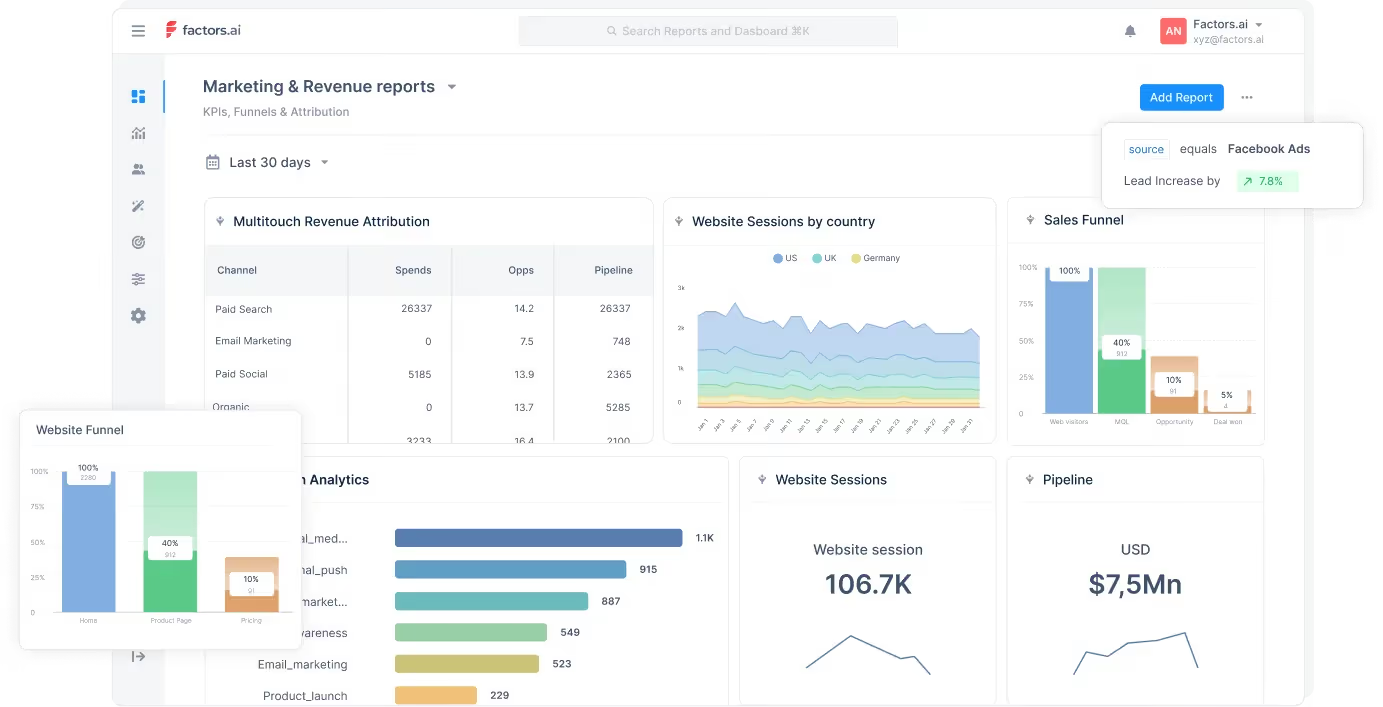
1. Event tracking
Factors can automatically track events online and offline. Offline events may include meetings, sales calls, and webinars, which tools like Heap don’t track. Factors also offers retroactive data capturing.
2. User Segmentation
The level of segmentation depends on the customer data available in the tool. With robust integrations with CRM software, Factors can collect more data than other tools and provide efficient user segmentation.
3. User Timeline
The feature helps track and visualize all user interactions and engagements with the website. Factors can track offline touchpoints and incorporate them to provide a detailed timeline on both the user-level and account-level.
4. AI-Powered Insights
The ‘Explain’ feature of Factors uses AI technology to identify the elements that are working in favor of a defined goal and those that aren’t.
5. Multi-Touch Attribution
Factors allows marketers to compare and choose between attribution models that best fit their business. Also, marketers can attribute conversion to the most influential channels by tracking and analyzing all essential touchpoints
6. Account Identification
Factors empowers IP-lookup to identify anonymous companies visiting your website You can get insights into high-intent accounts including where they come from, the industry, and the revenue range, and can use the information to segment qualified traffic from the rest.
7. Path Analysis
Visualize the customer journey at account-level and identify the influential path throughout the journey. With Factors, you can keep track of customers who convert and understand their customer journey in depth.
Integrations
- Hubspot
- Facebook Ads
- LinkedIn Ads
- Google Ads
- Salesforce
- Segment
- Bing Ads
- Rudderstack
- Marketo
- 6Sense
- Clearbit
- Leadsquared
- Drift
- Google Search Console
- Slack
- Google spreadsheet
Customer reviews
Pricing
Factors provides 3 services and the pricing plans are as follows.
Analytics & Attribution
- Starter plan for Early-Stage team – $399 per month.
- Growth plan for High-Growth Marketers – $799 per month.
- Custom and Agency – Contact for a quote.
{{INLINE_CTA_A}}
2. Plausible Analytics
Plausible Analytics is a cookieless, open-source web analytics tool. The tool’s script size is smaller than 1KB, ensuring that website loading time remains the same.
The tool is easy to use and complies with GDPR, CCPA, and PECR privacy laws. It provides a range of features to help facilitate web analytics, which we discuss in the next section.
Key features
1. Traffic Segmentation
The feature enables marketers to segment their visitors with metrics like country, region, city, and entry and exit pages. This allows marketers to understand their visitors and content performance better. Marketers can also create custom events to track and collect the necessary information.
2. Shareable Dashboard
In Plausible Analytics, the dashboard and reports are set to private by default. It also allows users to share the dashboards with the team to facilitate collaboration across departments.
3. Email and Slack Notifications
Get real-time notifications through email and Slack channels about changes in website traffic. Notifications can be set to weekly or monthly and shared with multiple recipients.
Integrations
- Bubble.io
- Carrd
- Hubspot
- Google Data Studio
- Google Search Console
Customer review

Pricing

The tool provides a free trial, and the paid plans start from just $9 per month for 10K visitors. Furthermore, users can get a 2-month free subscription if they bill annually.
3. Matomo (Piwik)
Matomo, formerly Piwik, is third on the list of our Heap alternatives. The tool is one of the leading open-source web analytics platforms available in the market.
The tool focuses on providing pristine customer privacy and complete data ownership. It provides 2 different hosting options, cloud-based and on-premise. While the cloud option makes installation hassle-free, the on-premise option offers more flexibility.
The tool is easy to use and allows users to create custom dashboards, reports, and widgets to suit their needs.
Key features
1. Multi-Touch Attribution
Matomo provides marketing attribution solutions that enable marketers to identify the channels or campaigns that drive more conversions.
2. Event tracking
This feature enables marketers to understand visitor behavior within the website. Marketers can also create custom events to analyze visitor behavior and identify hush-quality leads.
3. Custom Reports
This feature allows marketers to generate reports including all essential metrics they want to track and get valuable insights.
Integrations
- WordPress
- Magento
- MailChimp
- WooCommerce
Customer review

Pricing

The On-Premise hosting is free. Users can download and host it on their servers. A drawback of the on-premise version is that its features are limited, and the users will have to pay additional fees for each feature.
For Cloud, the pricing starts from $23 per month for 50K traffic.
{{INLINE_CTA_A}}
4. Amplitude
Amplitude is a digital analytics platform providing product analytics and web analytics. Though it offers both services, the tool is primarily used for product analytics.
It provides a range of features that help businesses keep track of key metrics like user retention, conversion rates, etc. Amplitude also allows marketers to create cohorts and track performance across different campaigns. Amplitude enables easy setup of funnels and conversion charts.
Key features
1. User Profiling
This feature offers detailed information about individual users, such as behavior, demographic, and more. Marketers can leverage this information to create more personalized campaigns and increase the likelihood of conversions.
2. Website Analytics
With Amplitude, businesses can track all user interactions and understand how they engage with their products. These insights help marketers identify the content and campaigns that resonate with the users and contribute to conversion.
3. User Survey
Amplitude provides a survey option to gather real-time feedback from users. Marketers can use this feedback to optimize their websites and improve customer experience.
Integrations
- Segment
- Slack
- Salesforce
- Optimizely
Customer review

Pricing

Amplitude offers a free Starter plan with limited features. Details about the paid plans Growth and Enterprise are available upon request.
5. Mixpanel
Mixpanel is another analytics tool like Heap and Amplitude. The tool’s primary focus is on product analytics. It can track and analyze customer interactions across different platforms. This helps businesses optimize their products and improve their customer experience.
It offers both coded and codeless implementation depending on the user’s preference. According to their website, it takes a minimum of 30 minutes to implement the tool. Also, you will need the help of some tech experts to implement the coded version.
Key feature
1. Behavioral Analytics
The feature allows user segmentation based on users’ behavior and interactions with the product. The feature further provides data that help marketers personalize their campaigns to drive conversion.
2. Custom Alerts
Get alerts in real-time when defined goals are reached. For example, you can set alerts to get notified whenever a visitor turns into a lead or whenever there is a decrease in traffic. By doing so, marketers can analyze their data and find the factors that are causing these changes.
3. Data Export
Mixpanel allows you to export its data to other tools. Therefore marketers can combine Mixpanel data with other analytics tools' data to get a complete picture of their users’ behavior and preferences.
Integrations
- Google Cloud
- Salesforce
- Zendesk
- Slack
- Hubspot
Customer review

Pricing

The tool offers a free version for 20M events per month. There are two paid plans.
- Growth - starting from $20 up to 300M events per month
- Enterprise - starting from $1667 for 1B + events per month
Contact the Mixpanel team for more details about their plans.
6. Google Analytics

Google Analytics is a website analytics tool that businesses can use to track and analyze their website traffic and user behavior. There is another version specifically for enterprises as well - Google Analytics 360.
Users can add GA's code to their website to get insights into how visitors interact with your website. The key metrics provided by GA include;
- Page views
- Bounce rate
- Session duration
- Conversion rate
With GA, users can learn about visitors' demographics, behavior, and traffic sources. This information can be used to optimize the website and campaigns to improve performance.
Key Note: GA-4, the latest version of Google Analytics, has replaced the previous Universal Analytics.
Key features
1. Real-Time Analytics Data
The tool provides real-time data on website traffic. The data includes but is not limited to, the number of visitors, their location, and the pages they view. Businesses can use this data to better understand the sources that generate high-intent visitors and how they engage.
2. eCommerce Tracking
GA provides features for eCommerce businesses allowing them to keep track of sales and revenue.
3. Custom Reporting
Track the metrics that matter most with custom reports and dashboards. In doing so, marketers can quickly and easily access and analyze the data and make decisions on improving the website and marketing campaigns.
Integrations
- Salesforce
- Zoho
- Hubspot
- Mailchimp
- Campaign Monitor
Customer review

Pricing

Although Google Analytics is free for businesses, Google Analytics 360 is paid and the pricing starts at $150,000 per year.
{{INLINE_CTA_A}}
7. Kissmetrics

Kissmetrics is an analytics tool that helps track and analyze user behavior on websites and mobile apps. The tool provides data into how users interact with their site, which includes;
- Pages users visit
- Sessions per page
- Actions users take
Marketers can use this information to make data-driven decisions on improving user engagement, conversion rates, and overall user experience.
Key features
1. Customer Segmentation
With Kissmetrics, businesses can group users based on shared characteristics. This enables marketers to create targeted campaigns for each segment and improves user engagement.
2. Cohort Analysis
This feature helps track and analyze user behavior by cohorts and identify trends and patterns. For example, it could help businesses determine whether users signed in a particular month will continue to the next month.
3. A/B Testing
Test and compare pages and choose the one that performs better. Therefore the feature helps marketers optimize the user experience and improve conversion rates.
Integrations
- Hubspot
- Magento Go
- Marketo
- Optimizely
- Convert
- Mailchimp
Customer review

Pricing

The pricing plan of Kissmetrics is as follows:
- Silver - $299 per month for 10K visitors
- Gold - $499 per month for 25K visitors
They also offer a custom option. Contact the Kissmetrics team for more information.
8. Contentsquare

Contentsquare is a digital analytics platform that helps businesses understand customer interaction with the website and app. The tool can track and analyze customer behavior and provide information about customer engagement.
By analyzing user behavior and engagement data, the tool helps marketers optimize their websites or apps and improves user experience and drives business growth. In addition, it offers an intuitive user interface and can be used by businesses of all sizes and industries.
Key feature
1. Consumer Behavior
The tool tracks all user interactions and micro-gestures to understand what visitors are doing and why they are doing it. These can help align future marketing efforts with customer needs and goals, improving user experience and conversion rates.
2. Surface Insights
This feature helps pinpoint issues faced by users at any stage of the customer journey. It also helps identify the root problems through session replays and quantify their impact on the brand.
Integrations
- Salesforce
- Google Analytics
- Adobe Analytics
- InMoment
- AWS
Customer review

Pricing

The tool does not provide information about their pricing plans. Contact the Contentsquare team for more details.
{{INLINE_CTA_A}}
9. FullStory

The last in the list of Heap alternatives is FullStory.
FullStory is a digital analytics tool that helps understand user interactions on websites, apps, or digital products.
The tool's conversion report pinpoints user friction and quantifies its impact on KPIs. FullStory also allows a customizable dashboard to visualize all key metrics at a glance.
Key features
1. Funnel Conversions
Automatically tracks all user interactions to see how customers move down the sales funnel. It also helps identify areas of high engagement and areas where users drop off.
2. Website Analytics
Track all key metrics in real-time to understand how your users interact with the website or app. The metrics can include engagement time, clicks, scrolls, and more. It analyzes these metrics and reveals opportunities to improve your efforts.
Integrations
- Salesforce
- Google Analytics
- Optimizely
- Google Optimize
- Olark
Customer review

Pricing

FullStory offers three paid plans
- Enterprise
- Advanced
- Business
The details of the plans are available upon request.
FullStory also provides a 14-day free trial.
Top Product Analytics Tools
Product analytics tools help businesses optimize user experiences and improve product performance by providing in-depth insights into user behavior.
1. Top Platforms: Amplitude, Mixpanel, FullStory, Pendo, and PostHog.
2. Key Features:
- Amplitude: Advanced segmentation, funnel analysis, retention tracking, and powerful data analysis tools.
- Mixpanel: Custom event tracking, detailed funnel analysis, and insights into user engagement across web and mobile platforms.
- FullStory: Session replay, heatmaps, and conversion funnels for understanding user behavior.
- Pendo: Product analytics combined with user feedback and in-app messaging, feature usage tracking, and NPS surveys.
- PostHog: Autocapture, session replay, visual event labeling, feature flags, and surveys with an open-source approach.
3. Strategic Benefits:
- Gain deeper insights into user behavior and product engagement.
- Improve product adoption and customer retention through enhanced data analysis.
- Streamline decision-making with real-time analytics and user feedback integration.
Implementing product analytics tools helps businesses optimize user experiences, refine product strategies, and drive greater product performance.
Takeaway
To conclude, if you are looking for a Heap alternative, there are several options available. The tool you select will depend on your business requirements and goal.
For example, if you are looking to improve your digital product’s performance and user experience, then consider tools like Mixpanel and Amplitude. On the other hand, if you want to improve your marketing efforts, then consider tools like Factors.ai, Google Analytics, and Matomo.
Make use of the free trials offered by each tool to see which is the best fit for your business.
{{INLINE_CTA_A}}

How To Build Your Ideal Customer Profile In 15 Steps For 2026
Learn how to create and implement an effective Ideal Customer Profile (ICP) for ICP marketing success. Follow our proven 15-step framework.
TL;DR
- Develop a clear Ideal Customer Profile for B2B marketing success.
- ICP marketing enables targeting of high-value accounts, accelerates sales, and improves lead quality.
- Analyze top customers, collect data from all teams, and identify firmographic, technographic, and behavioral traits.
- Regularly update your ICP using customer feedback and market shifts.
- Align sales and marketing with your ICP for efficient resource use and better ROI.
Struggling to find the right leads or dealing with a sales pipeline filled with unsuitable accounts? You're not alone. Investing time and money in the wrong prospects can hinder growth and frustrate your teams. The solution lies in crafting an Ideal Customer Profile (ICP) that clearly identifies the companies that will benefit most from your solution. By focusing on these high-value targets, you can increase conversions, shorten sales cycles, and improve your marketing ROI.
In this guide, let’s see how to build an ideal customer profile for your ICP Marketing.
Why ICP Marketing is Critical for B2B Success?
Identifying and targeting the right leads remains a significant challenge for many B2B organizations. Sales pipelines are often filled with accounts that are not a strong fit, leading to wasted time, misaligned efforts, and reduced ROI. This is where ICP marketing becomes essential. A clearly defined Ideal Customer Profile helps you focus resources on companies that are most likely to benefit from your solution.
Here’s why it’s critical:
- Filters out poor-fit leads: Ensures your marketing and sales teams engage only with accounts that align with your value proposition.
- Improves sales team efficiency: Enables sales representatives to concentrate on accounts with a higher probability of conversion.
- Enhances conversion rates: Targeted messaging and outreach resonate more with companies that match your ICP criteria.
- Reduces sales cycle length: Engaging well-aligned prospects leads to quicker decision-making and faster closures.
- Maximizes marketing ROI: Resources are directed toward initiatives with higher chances of success and measurable outcomes.
- Drives internal alignment: Ensures sales, marketing, product, and customer success teams are focused on the same high-value customer segments.
15 Steps to Build an Ideal Customer Profile for ICP Marketing
Here are the 15 proven steps to build your ideal customer profile for ICP marketing:
Step 1: Analyze Your Best Existing Customers
Begin by examining your current customers to identify those who bring the most value. Focus on those with the highest revenue, longest retention, or strongest support for your brand. Identify patterns in their industry, company size, location, and buying habits. These top customers illustrate what makes an ideal fit for your business. Use metrics like revenue and deal size, along with feedback from customer interviews, to create a clear profile. This foundation guides the next steps in your marketing strategy.
Step 2: Gather and Validate Data Across Teams
Collect data from all relevant teams, including sales, marketing, and customer support. Validate this information to ensure accuracy and consistency. This comprehensive data collection helps in understanding the full scope of your ideal customer, providing a solid base for your ICP marketing.
Step 3: Identify Key Firmographic Attributes
Determine the firmographic attributes that define your ideal customer, such as industry, company size, and location. These characteristics help in narrowing down the list of potential high-value targets, ensuring your marketing efforts are focused and effective.
Step 4: Map Technographic and Environmental Factors
Understand the technology stack and environmental factors that influence your ideal customer's operations. This knowledge allows you to tailor your solutions to meet their specific needs and challenges, enhancing your value proposition.
Step 5: Understand Customer Buying Processes
Gain insights into the buying processes of your target companies. Knowing how decisions are made and who the key decision-makers are will help you align your sales and marketing strategies to effectively engage with these accounts.
Step 6: Pinpoint Pain Points and Business Goals
Identify the main challenges your target companies face and the business outcomes they seek. Look beyond obvious issues to uncover what hinders their growth, efficiency, or profits. Use customer interviews, support tickets, and sales feedback to spot common problems. Then, connect these issues to the goals your solution addresses, like cutting costs, boosting revenue, or streamlining workflow. This clarity ensures your marketing speaks directly to what matters most to your ideal customers.
Step 7: Conduct Deep-Dive Customer Interviews
Engage with your ideal customers to uncover insights that data alone cannot provide. Ask about their decision-making processes, daily challenges, and reasons for choosing your solution. Focus on their motivations, frustrations, and desired outcomes. These conversations reveal patterns in needs and actions, helping you refine your ICP marketing plan. Aim for at least ten interviews to identify common themes and validate your assumptions, ensuring your ICP is grounded in real customer experiences.
Step 8: Segment and Prioritize Target Accounts
After gathering insights, group potential customers into segments based on shared traits like industry, company size, or growth stage. Prioritize these segments by assessing which ones best match your marketing goals and offer the most value. Use criteria like revenue potential, likelihood to buy, and strategic fit. This focused method ensures your marketing and sales teams use resources effectively, leading to better conversion rates and long-term growth.
Step 9: Build Empathy Maps for Decision Makers
Empathy maps help you understand what decision-makers in your target accounts think, feel, say, and do during the buying process. By mapping their motivations, frustrations, and daily challenges, you learn about their real needs and concerns. This helps you create messages and content that connect on a personal level, boosting your chances of engagement. Use interviews, surveys, and feedback to make accurate empathy maps, ensuring your marketing efforts are relevant and effective.
Step 10: Document and Visualize Your ICP
After gathering insights, organize your Ideal Customer Profile in a clear document. Use tables, charts, or visuals to show key traits like industry, company size, location, pain points, and buying processes. Visualizing your ICP helps marketing and sales teams understand and use the profile easily. This clarity ensures everyone targets the same high-value accounts and tailors outreach well, leading to better alignment and consistent results in your B2B organization.
Step 11: Integrate ICP Insights into Marketing and Sales
Once you have your ICP, use these insights in every part of your marketing and sales. Shape your messages, campaigns, and outreach to meet the needs and goals of your ideal customers. Use the ICP to guide content creation, ad targeting, and sales pitches. This helps your teams focus on high-potential accounts, improving lead quality and conversion rates. Consistent use of ICP insights aligns efforts and boosts your B2B marketing impact.
Step 12: Develop Lead Scoring Based on ICP Fit
Lead scoring helps you focus on prospects that match your Ideal Customer Profile (ICP). Assign points to leads based on how well they fit your ideal company type, technology use, and behavior. This way, your sales team can concentrate on valuable accounts and avoid spending time on poor-fit leads. Review and update your scoring model regularly as you collect more data. By incorporating ICP-based lead scoring into your CRM, you streamline qualification, boost conversion rates, and enhance your B2B marketing and sales efforts.
Step 13: Test, Measure, and Refine Your ICP
After creating your ICP, test it in real-world campaigns. Track key metrics like lead conversion rates, sales cycle length, and customer lifetime value. This will show how well your ICP matches actual results. Gather feedback from your sales and marketing teams about lead quality and account fit. Use these insights to adjust your ICP criteria, ensuring it stays relevant as your market and offerings change. Continuous refinement keeps your ICP marketing strategy effective and competitive.
Step 14: Align Sales and Marketing Around the ICP
To maximize the benefits of ICP marketing, sales and marketing must work together. Share your ICP documents with both teams and use them for planning campaigns, qualifying leads, and outreach. Hold regular meetings to review results and gather feedback. When both teams focus on the same ideal accounts, you reduce wasted effort, improve lead quality, and create a seamless buyer journey. This approach accelerates pipeline growth and increases revenue.
Step 15: Keep Your ICP Dynamic and Evolving
Your ICP should evolve over time. As markets and industries shift and your business grows, update your ICP regularly. Analyze new customer data, review lost deals, and gather feedback from sales and marketing to identify emerging trends. This ongoing update keeps your ICP relevant and effective for targeting important accounts. By keeping your ICP dynamic, you can quickly adapt to market changes, stay aligned across teams, and continue to achieve strong results from your ICP marketing efforts.
{{INLINE_TOFU}}
Common Mistakes to Avoid in ICP Marketing
Creating an Ideal Customer Profile is a foundational step in B2B marketing, but it’s easy to get it wrong if you're not careful. Avoiding these common mistakes can help ensure your ICP stays accurate, relevant, and actionable.
1. Confusing ICP with Buyer Personas: While both are important, they serve different purposes. An ICP focuses on company-level characteristics such as industry, size, and technology stack. A buyer persona, on the other hand, zeroes in on the individual decision-makers within those companies. Mixing the two can dilute your targeting efforts and lead to misaligned messaging.
2. Using Assumptions Instead of Data: Building your ICP on assumptions or anecdotal evidence can misguide your strategy. Instead, base your profile on hard data pulled from CRM systems, sales reports, closed-won deals, and customer interviews. This ensures you're targeting companies that have already shown a proven fit.
3. Failing to Keep the ICP Updated: Markets shift, products evolve, and customer needs change. If your ICP remains static, it can quickly become outdated. Set a regular review schedule, quarterly or biannually, to update your ICP based on new insights and performance data.
4. Excluding Cross-Functional Input: Relying solely on the marketing team to build the ICP can result in blind spots. Sales, customer success, and product teams have valuable frontline insights into customer behavior, objections, and usage patterns. Their input is critical to creating a well-rounded ICP.
5. Copying Competitors’ ICPs: Your ICP should reflect your unique value proposition and go-to-market strategy. Copying what your competitors are doing might seem efficient, but it can lead you to target the wrong types of companies. Focus on who benefits most from your solution, not just who’s buying similar products elsewhere.
6. Over-Specifying or Over-Generalizing: Being too narrow can limit your total addressable market and stifle growth, while being too broad makes it difficult to prioritize leads. Strike a balance by identifying key non-negotiables and flexible qualifiers based on customer success patterns.
Avoiding these pitfalls helps ensure your ICP serves as a strong foundation for your entire go-to-market motion, from lead generation to sales enablement and customer retention.
Enhance Your ICP Marketing with Actionable Steps
A strong Ideal Customer Profile is key to successful ICP marketing and sales. By following these 15 steps, you ensure your ICP is data-driven, actionable, and aligned with your business goals. This clarity helps your teams target, engage, and convert the right accounts, boosting ROI and shortening sales cycles. Remember, an ICP evolves as your market and customers change. With a solid ICP, your marketing efforts become more focused, efficient, and effective.

HockeyStack Pricing, Overview & Comparison
Researching HockeyStack pricing? See current reported starting costs, plan details, pros and cons, reviews, and the best HockeyStack alternatives for B2B teams.

Looking into HockeyStack pricing? Here’s what you should know: HockeyStack no longer shows public dollar amounts on its pricing page, so most buyers have to book a demo for an exact quote. Based on current third-party sources including comparison and review pages from Usermaven, Docket, and SalesHive, reported starting prices range from about $1,399/month for the base GTM Intelligence tier to roughly $2,200/month for higher-tier access and add-ons. In this guide, we’ll break down what HockeyStack does, what its plans include, who it’s best for, and which alternatives are worth comparing before you buy.
What does HockeyStack do?
HockeyStack is a B2B revenue analytics and attribution platform built for go-to-market teams. It pulls together data from your website, CRM, ad channels, and sales tools so you can understand which campaigns, touchpoints, and accounts actually influence pipeline and revenue. Its core use cases include multi-touch attribution, buyer journey analytics, account-level reporting, account scoring, and AI-assisted GTM analysis.
HockeyStack Pricing
HockeyStack now uses a quote-based pricing model, so exact plan pricing is not published on its website. However, current third-party sources consistently place the reported entry point around $1,399/month for smaller-volume access, while some comparison sites cite pricing closer to $2,200/month depending on tier, feature access, and tracked-user volume.
Reported pricing snapshot
TierReported starting priceWhat it typically includesGTM Intelligence~$1,399/moMulti-touch attribution, reporting, Odin AI analyst, scoring, audience sync, enrichmentGTM Execution / expanded access~$2,200/mo+Everything in GTM Intelligence plus broader AI agents, workflow automation, and custom setup optionsEnterpriseCustom quoteHigher tracked-user volumes, custom support, security reviews, and contract-specific terms
What actually affects your quote
- Monthly tracked users or visitor volume
- Number of seats
- Data history requirements
- AI agent and workflow needs
- Contract length and onboarding scope
The key takeaway: HockeyStack pricing is best understood as premium, quote-driven B2B attribution pricing rather than transparent self-serve SaaS pricing.
Is HockeyStack worth the price?
HockeyStack is usually worth the price for B2B teams with complex attribution needs, longer sales cycles, and enough pipeline value to justify a premium analytics platform. It tends to be a stronger fit for mid-market and enterprise GTM teams that need account-level visibility, AI-assisted analysis, and multi-touch reporting in one place.
It may be harder to justify if you are an early-stage company, have a low average contract value, or mainly want simple web analytics with transparent self-serve pricing. In those cases, lower-cost alternatives can often cover the essentials with less setup effort.
{{INLINE_CTA_A}}
HockeyStack reviews: what users like and dislike
Public reviews and comparison pages paint a fairly consistent picture of HockeyStack.
What users like
- Strong multi-touch attribution and buyer journey visibility
- Flexible dashboards and no-code reporting for GTM teams
- Helpful onboarding and responsive customer success
- Useful account intelligence and AI-assisted analysis
Common complaints
- Pricing is not transparent before the sales process
- The platform can have a learning curve for smaller teams
- Setup can take time if your CRM and ad data need cleanup
- Some buyers want clearer data export and API expectations
Overall, HockeyStack tends to score well with mature B2B revenue teams, but smaller teams often question whether the complexity and pricing are justified.
Best HockeyStack alternatives of 2026
If your top priority is pricing transparency, Dreamdata and Factors.ai are usually the most natural starting points. To know more about the alternatives, check out Hockeystack alternatives and competitors for B2B marketers blog.
HockeyStack Comparison: Why Factors.ai Over HockeyStack
HockeyStack is great at what it does. It provides robust attribution functionality, a wide range of customizations and integrations, and well-reviewed customer support. That being said, when compared to a similarly priced attribution product like Factors, HockeyStack seems to fall short in terms of features, usability, and cost-effectiveness.
Accordingly, here are three reasons why Factors may make more sense for you:
1. Product features
In addition to the standard attribution and analytics features shared by both solutions, Factors delivers a wide range of features to help GTM teams refine customer journeys and drive conversions. Mainly:
1. LinkedIn and G2 Intent signals: While both tools offer IP-based account identification, Factors captures intent signals across website, LinkedIn impressions, AND G2 engagement. This means that you can identify anonymous accounts and track their cross-channel engagement more holistically.

In addition, Factors integrates with MAPs, LinkedIn, and more via Webhooks to activate trigger-based actions. This includes automated LinkedIn matched audience list building, automated mail sequence activation based on engagement and intent signals & more.
{{INLINE_CTA_A}}
2. Path analysis for aggregated customer journey mapping

3. Account scoring Factors empower tailor-made account scoring configurations based on engagement across website, LinkedIn impressions, and G2 so teams can qualify and prioritize high-intent accounts accurately.

4. Anomaly detection and real-time alerts via mail, Slack or MS Teams

2. Usability
Factors and HockeyStack are both among the most customizable B2B attribution solutions out there. The ability to customize KPIs, properties, dashboards, and events is extremely valuable for teams looking to tailor their reporting for their business-specific requirements.
That being said, users find Factors to be user-friendly and conducive to self-service. Fortunately, both solutions provide comprehensive onboarding support and customer success management, so you should still be able to derive great value from either one. Still, user experience and product usability is something to keep in mind when making a purchase decision.
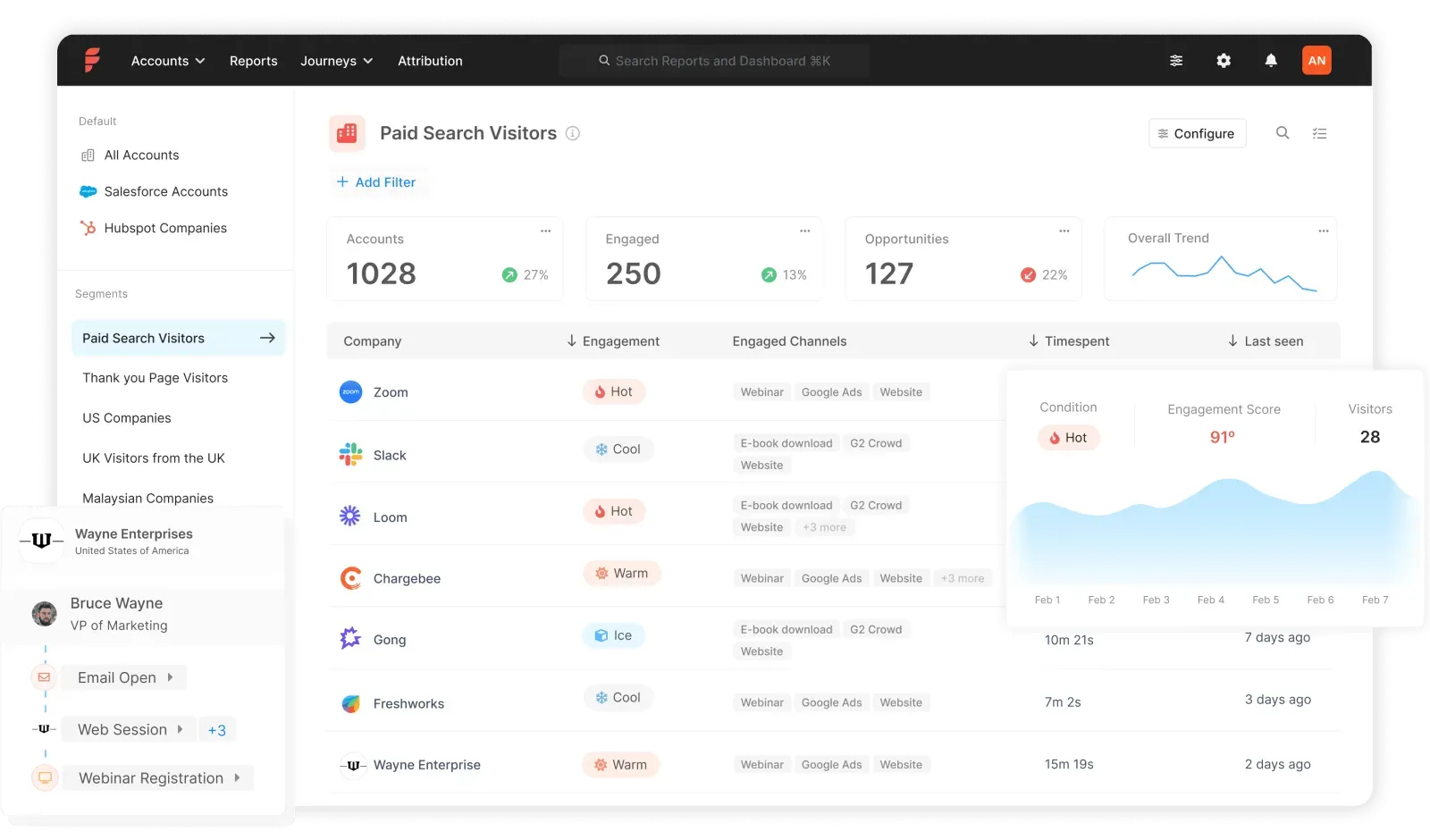
3. Cost-effectiveness
Finally, we arrive at cost. While HockeyStack plans start at $950 [As of Dec 2023, HockeyStack pricing has been revised to $1399/mo] for up to 10,000 monthly visitors, Factors offers a much lower barrier to entry with paid plans starting as low as $99/mo. Moreover, Factors provides a free plan to get you started with our basic offerings.
Learn more about Factors pricing here: www.factors.ai/pricing
Overall, Factors is the more cost-effective option for early-stage teams looking to start out their marketing analytics and attribution journey. Given the additional features discussed above, it's more bang for your buck than other alternatives, including HockeyStack.
Looking to see if Factors would make the right fit for your attribution needs? Book a demo with us today!
{{INLINE_CTA_A}}
FAQs about HockeyStack pricing
Does HockeyStack show pricing on its website?
No. HockeyStack currently uses a quote-based sales process, so buyers usually need a demo to get an exact price.
What are the disadvantages of HockeyStack?
The most common drawbacks are pricing opacity, setup complexity, and a learning curve for smaller teams.
What companies use HockeyStack?
HockeyStack is mainly used by B2B SaaS and revenue teams that need attribution, buyer journey analytics, and account-level GTM reporting.
What are the best HockeyStack alternatives?
The most common alternatives include Factors.ai, Dreamdata, CaliberMind, and Adobe Marketo Measure, depending on your budget and use case.
Final verdict
HockeyStack is a strong option for B2B teams that need serious attribution, buyer journey analytics, and account-level GTM intelligence. The main tradeoff is pricing opacity: you can estimate the range from third-party sources, but you will still need a demo for an exact quote. If you want premium functionality and can support the setup effort, HockeyStack can make sense. If you want faster onboarding or clearer pricing, it is smart to compare it against alternatives like Factors.ai and Dreamdata before making a decision.
%2520Work.%2520And%2520What%2520Marketers%2520Should%2520Actually%2520Know.avif)
How Large Language Models (LLMs) Work. And What Marketers Should Actually Know
Learn how Large Language Models function and discover practical LLM use cases. From sentiment analysis to digital twins, that will turn your AI from a toy into a teammate
TL;DR
- LLMs predict, they don't "think": These models are statistical engines that guess the most likely next piece of a sentence based on patterns they learned from massive amounts of data.
- The "secret sauce" is context: Using Transformers and Self-Attention, LLMs can analyze every word in your prompt at once to understand the specific meaning behind your request.
- Prompting is the new coding: To get high-quality results, you need a structured framework like COSTAR, providing context, objectives, and clear constraints rather than just generic "write a blog" commands.
- Marketers are the orchestrators: While the AI handles the heavy lifting of data analysis and drafting, humans remain essential for the strategic nuance, fact-checking, and final brand "soul".
Imagine you’re at your desk, coffee in hand, staring at a blank content brief that’s due in 30 minutes (we’ve all been there). You open up a Large Language Model (LLM) like ChatGPT or Claude, and bam, you get a usable first draft.
It feels like magic, doesn't it? Spoiler alert: It’s not.
There’s solid math, smart engineering, and (surprise!) human psychology under the hood. Understanding how LLMs work isn’t just nerd talk; it’s how you get reliable results when you ask for that perfect paragraph or a catchy ad headline.
In this article, I’m breaking down the complex, geeky, and technical process into a friendly, usable blog. Ready? Let’s go.
Why understanding ‘how LLMs work’ actually matters
For us marketers, understanding the "how" isn't about becoming a data scientist (thank goodness, because I still struggle with advanced Excel formulas). It’s about predictability and control.
When you understand the mechanics, you stop treating LLMs like magic and start treating them like a highly sophisticated statistical engine. This shift helps you:
- Debug bad outputs: Instead of getting frustrated when a prompt fails, you’ll know exactly which "lever" to pull to fix it.
- Scale your creativity: You’ll find ways to automate the boring stuff (like content repurposing) while keeping the human "soul" in your brand.
- Future-proof your career: In 2026, the best marketers aren't the ones who write the fastest; they’re the ones who orchestrate the best AI workflows.
And before you ask the next question... Will AI take my job? No, they won’t. Please read more about this in the article "Will AI replace marketers?"
So…what is an LLM, anyway?
So, a Large Language Model (LLM) is a type of artificial intelligence trained on massive amounts of text data (books, articles, websites) to predict the next word in a sequence, but because it’s learned patterns at scale, it can generate coherent responses, answer questions, translate languages, summarize content, and more.
Imagine the autocomplete on your phone. You type "How are," and it suggests "you." An LLM does the same thing, but it has read roughly 10% of the entire internet to do it. It doesn't "know" facts the way a human does; it calculates the statistical probability of which word (or part of a word) should come next based on the patterns it learned during training.
The term “large” refers to two things:
- Lots of data it learned from, and
- Lots of parameters, like the internal knobs the model uses to make decisions about language.
{{INLINE_TOFU}}
How does an LLM actually work?
When you type a prompt into an LLM, it doesn't just "think" and reply. It goes through a very specific, multi-step assembly line.
Step 1: The training phase
Training an LLM involves feeding it text so it can learn language patterns. These models use an architecture called a transformer, with an attention mechanism that helps the model figure out which words matter most in a sentence, no matter where they are.
Step 2:Tokenization (The shredder)
The model can’t read "sentences." It breaks your text into smaller chunks called tokens. A token can be a whole word, a prefix like ‘un-’, or even just a few letters.
Fun fact: This is why LLMs sometimes struggle with spelling words backwards; they see the "token" as a single unit, not a collection of individual letters.
Step 3: Embeddings (The map)
Each token is turned into a list of numbers called an embedding. These numbers act like coordinates on a massive, multi-dimensional map. Words with similar meanings (like "marketing" and "advertising") are placed close together on this map, while unrelated words (like "marketing" and "elephant") are miles apart.

Step 4: The transformer & self-attention (The context king)
This is the "secret sauce." Most modern LLMs use a Transformer architecture. The "Self-Attention" mechanism allows the model to look at every word in your prompt simultaneously and decide which ones are most important for the context.
For example, if you say "The bank was closed because of the flood," the model knows you mean a river bank, not a place where you keep your money, because it pays attention to the word "flood".
Step 5: The prediction
Finally, the model looks at all that context and predicts the next token. It doesn't just pick one; it creates a list of likely candidates with percentages attached.
"B2B marketing is..."
- ...crucial (40%)
- ...evolving (30%)
- ...hard (10%)
It picks one (usually the most likely, but sometimes a slightly "random" one to stay creative) and repeats the process until the answer is done.
Step 6: Prompting (This is where we come in)
Your prompt acts like instructions for the model; the clearer you make them, the better the output will be. LLMs don’t inherently understand goals; they follow patterns you specify. So instead of “write a blog,” you get better results with “write a 600-word blog about X with subtitles and examples.”
In simple terms, think of it like digital clay; you’re the one who has to mold it into something useful.
Popular LLM Tools that marketers can use today
Now that we’ve got the science sorted, let’s talk shop.
Different LLMs are best at different things. If you only use one tool, you’re like a chef with only a microwave. Sure, you can make dinner, but it won't be a masterpiece.
Here is the "dream team" of tools that B2B marketers are actually using:
The "Big Three":
- ChatGPT (OpenAI): Now powered by GPT-5.1, it is surprisingly flexible for everything from brainstorming LinkedIn posts to analyzing a screenshot of your funnel to find where you're losing users.
- Claude (Anthropic): Claude feels more "human" and is the gold standard for technical accuracy and clean, well-documented code. It uses a feature called Artifacts to let you build interactive interfaces or documents right in the sidebar.
- Gemini (Google): It lives inside your Google Docs and Sheets, making it the best choice for teams who need real-time search data to validate their content.
The Specialists:
- Perplexity: Think of it as a search engine that talks back. It is essential for product discovery and research because it cites its sources as it goes, no more wondering if the AI just made up a statistic.
- Jasper: Built specifically for high-volume marketing teams. It can learn your specific Brand Voice by scanning your website, ensuring your blog posts actually sound like you and not a generic robot.
- Surfer SEO: The Search General. It doesn't just write; it uses NLP (Natural Language Processing) to tell you exactly which keywords and headings you need to outrank your competitors.
The "Wait, AI does that?" tools
- Clay: It allows you to build custom ICP filters and enrichment workflows that turn a static list into a living, breathing lead engine.
- Synthesia: It lets you produce high-quality videos without a camera or crew, making it perfect for scaling personalized sales demos.
- ElevenLabs: Need to turn a blog post into a podcast? It generates natural, studio-quality audio in seconds.
- Zapier AI Agents: You describe a workflow (like "summarize new leads in Slack"), and it builds the automation for you, connecting tools that never used to speak the same language.
Looking for more alternatives to your Clay tool? Read this blog on Clay alternatives for GTM teams to know more.
LLM use cases for marketers: What can you do with LLMs?
If you’re only using LLMs to "write a blog post about SEO," you’re using the sharpest knife from Japan to open a bag of chips. It’ll get the job done, sure, but you’re missing out on its capabilities. In 2026, the coolest B2B teams are using these models for tasks that would have taken a human team weeks to finish.
Here’s how B2B teams are actually using them in 2026:
- The "Vibe Check" at Scale (Sentiment Analysis): Imagine feeding 500 G2 reviews or 1,000 Slack community messages into an LLM. Instead of reading them one by one (ouch), you ask the model to "Identify the top three things people hate about our onboarding". It acts like a high-speed detective, spotting patterns in seconds that a human might miss after their third cup of coffee.
- The "Digital Twin" (Synthetic Personas): Ever wish you could interview your ICP (Ideal Customer Profile) at 2 AM? You can. Create a synthetic persona by giving the LLM your customer data. Ask it: "You are a CTO at a mid-market SaaS company. What part of this landing page makes you want to close the tab?" (Warning: It might be brutally honest).
- The Content Shape-Shifter (Intelligent Repurposing): Don't just copy and paste. Give the LLM a 45-minute webinar transcript and tell it to "Extract five spicy takes for LinkedIn, three 'how-to' points for a newsletter, and one executive summary for a C-suite email". It’s like having a content chef who can turn one giant turkey into a seven-course meal.
- "Spy vs. Spy" (Sales Enablement): Feed the model your competitor's latest feature announcement. Ask it to "Generate a 'Battle Card' for our sales team, highlighting exactly where our product still wins". It turns dry technical updates into ammunition for your next discovery call.
- The Anti-Groupthink Partner: Stuck in a creative rut? Ask the LLM to "Give me 10 marketing campaign ideas for a cloud security product, but make them themed around 1920s noir detective novels". Most will be weird, but one might just be the creative spark you needed to stand out in a sea of corporate blue.
Now that we know what these models can do, let's talk about the "control" you use to drive them.
Master the prompt: The marketer’s "code."
Ever prompted ChatGPT for a "blog post" and received something that read like a toaster's instruction manual?
We’ve all been there, staring at a screen, wondering why the magic feels so... beige.
To get those high-tier, "wow-I-can-actually-use-this" outputs, you need to move past the "Hey AI, write an SEO blog" stage. You need a framework.
The COSTAR framework
- C - Context: Who are we and what’s the backstory?. If you don’t tell the LLM you’re a scrappy B2B fintech startup, it might assume you’re a 100-year-old insurance firm (and write like one).
- O - Objective: What is the actual mission?. Instead of "write an email," try "Write an email to re-engage leads who ghosted us after the demo".
- S - Style: What's the vibe?. Do you want "High-energy startup" or "Trusted industry veteran"? (Pick one, or it might try to be both, which is just awkward) .
- T - Tone: This is the emotional quality. For a budget-related email, you’d want to be empathetic to their constraints, not sounding like a pushy car salesman.
- A - Audience: Who are we talking to?. Writing for an Operations Manager is a world away from writing for a Gen Z TikTok creator. Use the language they actually speak.
- R - Response: What should the final product look like?. Tell it to "Use bullet points and keep it under 150 words" so you don’t get a sprawling essay you have to hack apart later.
Pro-Tip: Treat the LLM Like a Junior Intern. Stop thinking of the LLM as an all-knowing God and start treating it like a very smart, very literal junior intern. If you wouldn't give a vague instruction to a human intern, don't give it to the LLM.
Few-Shot Prompting: This is just a fancy way of saying "Give it examples". Show it a paragraph you actually like, and say, "Write like this".
The Second Draft: Don't be afraid to give feedback! If the first version is too "corporate," tell it: "This is great, but make it 20% punchier and remove the word 'leverage'".
The community POV ( What you all loveee..AKA: Reddit)
I decided to "scrape" (mentally, mostly) what the community is actually saying about all this. On subreddits like r/DigitalMarketing and r/PromptEngineering, these things are clear:
- Prompt Engineering is becoming "Workflow Engineering": Redditors are moving away from single prompts and toward building "chains" of actions. So, this might be a better time to master prompt engineering to get “Wow, I can use these kinds of results.”
- The "Human-in-the-Loop" is non-negotiable: The general consensus? AI is great at the first 80%, but that last 20% (the fact-checking, the specific brand wit, the strategic nuance) still requires a human brain. So, again, for the last time, here is your answer to the 1B$ question: AI won’t replace marketers.
- Specialization is key: General models are great, but the real "gold" lies in small, specialized models trained on industry-specific data. So, it is time to build your own MCPs.
Don't just use LLMs; understand them
The "black box" of AI feels a lot less like a spooky mystery once you realize it’s just a glorified pattern-matching machine on speed. (It doesn’t “know” things, it’s just very good at sounding like it does.)
By getting cozy with tokens, transformers, and the art of structured prompts, you’re doing something big. You’re moving from being a passive observer to an active orchestrator of your marketing engine.
Because at the end of the day, the LLM isn't the marketer, you are. It doesn't have your gut instinct, your specific brand wit, or your deep understanding of why your customers actually buy.
It’s simply the most powerful pen you’ve ever held. It’s time to stop poking the box and start driving the machine. Now, go write something legendary.
FAQs on how LLMs work
Q1. Will LLMs eventually replace my entire marketing team?
No. (Breathe a sigh of relief).
It won't replace marketers, but it will absolutely replace marketers who refuse to use it. LLMs are incredible at the first 80%, the research, the drafting, the data-crunching, but they lack the "soul". They don’t have your gut instinct, your specific brand wit, or that weirdly specific understanding of why your customers actually buy. You are the orchestrator; the AI is just the (very fast) violin.
Q2. If an LLM doesn't actually 'know' things, how can I trust it?
You shouldn't, at least not blindly! (Psst! This is why fact-checking is still in your job description.)
Remember, an LLM is a statistical engine, not a database of facts. It calculates the probability of the next word. If you ask it for an obscure statistic, it might "hallucinate" a number that sounds right but is total fiction. Always treat its output like a first draft from a very confident, very sleep-deprived intern.
Q3. What’s the secret to making my AI-written content not look like... well, AI?
Stop giving it boring instructions! If you ask for a "blog post on SEO," you’re going to get "In the ever-evolving landscape of digital marketing..." (cringe). Use the COSTAR framework to give it a personality. Tell it to "be punchy," "avoid corporate jargon," or "write like a witty professor". Better yet, use Few-Shot Prompting: show it a paragraph you’ve actually written and tell it, "Copy this vibe".
Q4. Is it better to use one 'big' LLM or a bunch of small ones?
In 2026, the trend is moving toward specialization. While the "Big Three" (ChatGPT, Claude, Gemini) are great for general tasks, the real gold lies in specialized tools trained on specific data. For example, use Surfer SEO for search optimization or Jasper for keeping your brand voice consistent at scale. It’s about building a "workflow" where each tool handles what it’s best at, rather than asking one bot to do everything.
Q5. What is a 'token' and why should I care?
Think of tokens as the currency of AI. The model doesn't read words; it shreds them into chunks called tokens. This matters to you because most LLMs have a "context window”, a limit on how many tokens they can "remember" at one time. If you feed it a 100-page whitepaper and then ask a question about the first page, it might have already "forgotten" the beginning. Understanding tokens helps you keep your prompts concise and effective.

How Factors.AI Enhances Website Analytics With Custom Domains
Discover how Factors.AI revolutionizes website analytics with custom domains. Unlock advanced insights and optimize your online presence for better growth.
Custom domains: the importance and implementation of custom tracking domains
A whopping 43% of internet users worldwide use ad-blockers (The Global State of Digital 2022). Combine this with the number of users with privacy-shields, and we find that nearly HALF the internet enforces a barrier against personalized-advertising and unsolicited data sharing. No doubt, this is a step in the right direction for secure internet usage. But an inadvertent consequence of ad blockers is that it also affects privacy-first marketers and the quality of their marketing analytics. Despite being a first-party platform with GDPR, CCPA, PECR & SOC2 II compliance, Factors.ai tends to get caught in the crossfire. Of course, in cases where users decline to accept cookies, tracking cannot and should not take place. But due to the way in which ad blockers work, first-party website visitor data is unintentionally blocked, even in cases where the visitor accepts cookies. This ultimately leads to incomplete website data, which in turn leads to incomplete analytics, insights, and marketing decisions.
To overcome this issue, Factors.ai has introduced Custom Tracking Domain. The following article discusses the challenge posed by ad-blockers to B2B marketers, especially those from developer-focused organizations. It also highlights the benefit of Custom Tracking Domain in tracking 100% of permitting visitors across the domain.
The challenge with ad-blockers for B2B marketers
The website is at the heart of B2B SaaS marketing. Virtually every B2B marketing effort — ad campaigns, social media, SEO, webinars and events — is executed with the objective of driving high-intent website traffic to capture leads through demo forms or sign ups. It’s safe to say that tracking and optimizing website performance — which buttons, pages, and content is converting — is of great significance to marketers. This analysis requires a lot of, if not all, relevant visitor data. As previously mentioned, the tracking of a website visitor is usually limited by Ad blockers & Privacy-shields.
Here’s how:
When a website (say, acme.com) is opened, the ad blocker identifies all the SDKs that are being loaded in the background. If the ad blocker detects that the website is attempting to access an external, server-side SDK, say from domain “sdk.factors.ai” as opposed to “sdk.factors.acme.com”, it will misconstrue and block the SDK from making the network call. This results in an inability to track the user, even though the external SDK is unrelated to ads or malicious data mining. Given how popular ad blockers are, it’s safe to assume that a significant proportion of visitor data is blocked from being tracked. And as aforementioned, missing data tends to lead to suboptimal analysis and decision making.
The challenge is exacerbated for Dev-focused organizations
It’s well documented that a significant proportion of professionals utilize ad-blockers. Even the most conservative estimates find that 5-6% of customer success professionals use ad-blockers, more than 10% of marketing and sales professionals use ad-blockers, while as much as 55% of developers/engineers use blockers. This essentially means that, without a solution in place, organizations that market to developers are missing out on an entire quarter of user data for their marketing analysis and insights.
Ad-blocker usage by professional role (Stack Overflow Developer Survey Results)
- Customer Success: 5-6%
- Sales/Marketing: 10-12%
- Developers/Engineers: 50-55%
What makes this all the more perilous is that, in the case of B2B SaaS deals, developers are often the most enterprising, high-intent leads and decision makers. This is more reason to ensure you’re tracking their website behavior comprehensively.
What is a custom domain?
In simple terms, custom tracking domain bypasses misguided ad blockers by routing the tracking calls through the first party domain as opposed to an external domain.
That is, instead of the client-SDK (client tracking code) making a call on the Factors.ai domain (sdk.xyz.factors.ai), it will make a call on the client's own domain (factors.asdk.xyz.com). This redirects the ad blocker to enable the network call and permit visitor data (sessions, clicks, time-spent, etc) to be tracked with ease.
Ultimately custom domains open up a new world of analysis that was previously impossible due to missing data. Not only does this improve the quantity of data available (by revealing ad blocker users) for analysis, but the quality of data as well. This is because the most enterprising, high-intent users in B2B SaaS – developers, engineers, and other technical professionals – have a skewed propensity to employ ad blockers and privacy-shields. Using a Custom Tracking Domain with Factors empowers deep insight into the users you care most about.
How to implement a custom domain?
As Factors.ai is a well known analytics solution, it can get categorized under “tracking” by most adblockers. As previously mentioned, this results in the ad blocker blocking API calls that rely on our external domain (api.factors.ai/track). To solve for this, users can use custom domains (faisdkapi.customerdomain/track). Here’s the two-step implementation process:
Step 1: Add a DNS entry pointing https://faisdkapi.customerdomain.com to our IP.
Step 2: Use a modified script (which uses customer domain) on the website.
.png)
Note: Management of SSL certificate (for HTTPs of customer domain) is automatically configured from our end. Don’t worry about it!
Final result
Before implementation of custom domain, Factors would use https://api.factors.ai/track for tracking. After implementation Factors would use the customer provided domain for tracking, (EG: https://faisdkapi.customerdomain.com/track)
{{INLINE_TOFU}}
Does a custom domain affect your website?
Absolutely not. As a custom domain is a subdomain only, it has no effect on your original website. Page load time, SEO, downtime, and all other functions remain unaffected. Again, note that rather than impacting xyz.com, a custom domain will work on something like factors.xyz.com.
We highly recommend customers to set up custom domains to ensure they collect 100% of privacy-compliant traffic from visitors – regardless of whether or not they use ad-blockers. Learn more about capturing 100% of website data on Factors.ai. Schedule a demo here.

How Does Website Visitor Identification Technology Work?
Learn how website visitor identification reveals anonymous traffic, enhances sales and marketing workflows, and ensures GDPR compliance for your business.
TL;DR
- Website visitor identification reveals which companies visit your site by analyzing IP addresses and engagement data.
- It turns anonymous traffic into actionable insights, helping B2B teams focus on high-intent accounts.
- The technology integrates seamlessly with sales and marketing workflows for targeted outreach.
- It ensures compliance with GDPR and privacy laws, protecting user data while boosting ROI.
Let me explain how website visitor identification works and why it’s such a game-changer for B2B companies. It’s a technology that reveals which companies are visiting your website by analyzing IP addresses and digital footprints—even if visitors don’t fill out any forms. By matching anonymous traffic with company databases, it provides valuable details like company name, size, industry, and engagement patterns.
This is incredibly powerful because it can identify up to 50% of the anonymous visitors on your website, turning what would otherwise be lost traffic into qualified sales leads. You can also evaluate how successful this strategy can be by evaluating these 8 Essential Website Visitor Identification Metrics.
Here’s how it works: there are two main sources for this data.
- The first is publisher networks, where users provide an email ID to access content.
- The second is email service providers, which map IP addresses to business domains based on email engagement.
As I often say, 'This technology isn’t just about basic analytics—it’s about delivering actionable insights. It helps sales and marketing teams focus on high-intent accounts. Instead of just looking at generic traffic data, you’ll know which organizations are genuinely interested in your products or services. That clarity allows you to take targeted, personalized actions that drive real results.'
This is how you go from just collecting data to turning it into meaningful revenue opportunities.
Website visitor id plays a crucial role in intent scoring. Visiting high intent pages like product and pricing pages are one of the first and strongest buying intent signal. Read more about this on Intent scoring via website visitor identification.
The Technology Behind Visitor Identification: A Deep Dive
Let me break down how website visitor identification works. It’s powered by two key data sources:
1. Publisher Networks
Think of the magazines and content syndication platforms you’ve likely come across, where users provide their email IDs to access content. Here’s how it works:
- When a user gives their email ID, it gets tied to a cookie.
- That cookie data is collected across thousands of websites.
- Through cookie-sharing systems, other websites can recognize the domain or even link cookies back to email IDs.
A good example here is Bombora. They started with a large publisher network to collect third-party intent data and then used that foundation to launch their visitor identification solution.
2. Email Service Providers
This one is all about leveraging email engagement. When users open or click links in emails, their activity helps map IP addresses to specific email IDs.
- Platforms like Apollo use this approach effectively.
- They handle millions of daily emails, which gives them the data to launch visitor identification services.
Why This Matters
Here’s the catch: each of these data sources maps only part of the market. Nobody has 100% coverage. That’s where Factors takes a different approach.
We work with 4 to 5 visitor identification solutions in what we call a waterfall model. This setup combines multiple data sources to ensure unmatched reach in identifying companies from your website traffic. As I like to say, it’s about filling in the gaps others leave behind.
The Critical Importance of Visitor Identification
Let’s talk about when website visitor identification becomes essential. It really depends on your business model and growth stage. Here’s how it plays out:
For SMB-focused businesses primarily relying on search advertising, visitor identification might not feel like a top priority at first. If your strategy is capturing high-intent leads through search ads, you’re already tapping into interested buyers.
But here’s the challenge: as your search ad budgets grow, they’ll start becoming less efficient and more expensive. That’s when visitor identification begins to make a real difference. It’s particularly crucial when you:
- Start moving upmarket to target larger accounts.
- Invest in word-of-mouth marketing to drive inbound interest.
- Engage in brand advertising to build awareness.
- Need to measure marketing channels that are otherwise hard to track.
Visitor identification is essential for running successful ABM campaigns as it can be used to build data-driven ABM lists by analyzing historical engagement and firmographics.
As I like to say, “These channels are very hard to measure. The beauty of visitor identification is that no matter how people hear about you—whether through word of mouth, ads, or referrals—they usually end up on your homepage or searching for you online. If they’re interested, they’ll visit your website.”
That’s why visitor identification is so powerful. It helps you complete the loop on otherwise unmeasurable B2B marketing and advertising efforts, turning anonymous interest into actionable insights. However, we know that to justify the investment, businesses need to measure and maximize ROI on Website visitor identification software based on their growth stage and objectives.
{{INLINE_TOFU}}
Key Components and Workflow Integration
The success of visitor identification technology lies in how well it integrates with your workflows. Intent data is not worth anything unless you're able to act on it. Taking action usually happens in two ways:
- Running marketing campaigns targeted at identified accounts.
- Enabling sales outreach to those companies.
While marketing campaigns are relatively simple to execute using CRM-to-LinkedIn integrations, sales workflows can be more complex. Every sales team works differently, and their preferences vary. Some might use:
- Slack alerts to stay updated in real-time.
- Google Sheets for tracking accounts.
- HubSpot tasks for structured follow-ups.
- CRM notes to document interactions.
- Email notifications for quick updates.
At Factors, we recognize that no two teams work the same way. That’s why we address these varying needs by offering:
- Native capabilities to create complex workflows tailored to your business.
- A dedicated customer success team that helps design customized workflows using tools like Make or Zapier.
- Flexibility to integrate seamlessly with your existing processes so your team doesn’t have to change the way they work.
The goal isn’t just to provide data—it’s to ensure your team can use it effectively, whether for marketing or sales, without disrupting their workflows.
Check out, Integrate Website Visitor ID with Your CRM: Complete Guide to know more about seamlessly integrating your CRM with website visitor id tool.
Types of Information Collected
Website visitor identification technology collects and processes four main categories of data:
Company-Level Data:
- Organization name
- Domain information
- Company size
- Annual revenue
- Corporate hierarchy
Firmographic Information:
- Industry sector
- Technologies used
- Market segment
- Company maturity
- Funding status
Engagement Metrics:
- Pages viewed
- Time spent on site
- Button clicks
- Form interactions
- Download activities
- Return visits frequency
Geographic Data:
- Country location
- Regional office details
- Time zone
- Network provider
- Connection type
Operating Website Visitor Identification Within Legal Boundaries
Website visitor identification must comply with strict legal frameworks to protect user privacy and ensure compliance. For example, under GDPR regulations, businesses can only collect company-level data—not individual user information—without explicit consent.
Best Practices for Compliance:
- Maintain transparent privacy policies that clearly explain data usage.
- Use cookie consent banners to obtain user approval.
- Store data on GDPR-compliant servers to meet regional regulations.
- Establish regular data purging schedules to avoid retaining unnecessary information.
- Document all data processing activities for accountability and audits.
Here’s a practical example: if a pharmaceutical company visits your website, you can identify their organization but cannot track individual employee details unless explicit permission is granted. This approach keeps you compliant while still delivering valuable business intelligence.
Key Legal Considerations:
- Data storage location: Ensure servers meet regional requirements.
- Data transfer regulations: Follow cross-border data-sharing rules.
- User consent management: Respect consent preferences and ensure opt-out options.
- Right to be forgotten requests: Implement processes to delete user data upon request.
- Data breach protocols: Set up notification systems to comply with breach reporting laws.
To stay compliant, organizations must regularly audit their visitor identification systems to align with evolving privacy regulations and standards. By following these practices, you can ensure legal compliance while leveraging visitor identification effectively.
Benefits for Business
Website visitor identification transforms anonymous traffic into actionable business intelligence, offering significant advantages for B2B organizations. By choosing the right visitor identification tool, your business can convert traffic into sales pipeline.
Here's how businesses benefit:
Lead Generation Opportunities:
- Instantly identifies high-intent accounts visiting your website
- Converts anonymous traffic into qualified leads
- Enables proactive outreach to interested companies
Sales Pipeline Enhancement:
- Provides real-time alerts when target accounts visit
- Reveals visitor engagement patterns and interests
- Helps prioritize sales efforts based on visitor behavior
Marketing Strategy Optimization:
- Tracks campaign effectiveness through visitor identification
- Enables content personalization based on visitor profiles
- Measures content engagement at a company level
ROI Measurement:
- Quantifies website traffic value
- Tracks conversion paths from visit to sale
- Demonstrates marketing campaign effectiveness
- Shows which channels drive quality traffic
This technology typically delivers 2-3x better conversion rates than traditional lead generation methods, making it a valuable tool for modern B2B companies.
Turning Anonymous Traffic into Actionable Insights
Website visitor identification is a B2B technology that reveals which companies visit your website by analyzing IP addresses and digital footprints. By matching anonymous traffic with company databases, it provides details like company name, industry, and engagement patterns, turning unknown visitors into actionable leads.
Powered by publisher networks and email service providers, it helps sales and marketing teams identify high-intent accounts. The technology integrates seamlessly with workflows to optimize campaigns and enable targeted outreach. Operating within legal boundaries, it ensures compliance with GDPR and other regulations while providing significant lead generation, sales, and marketing benefits.
With Factors, you can go beyond just identifying visitors. Our platform integrates seamlessly with your workflows, enabling targeted outreach, optimized marketing campaigns, and real-time insights into high-intent accounts. By leveraging data from multiple sources in a waterfall model, Factors ensures unmatched accuracy and reach.
Website visitor identification technology helps B2B teams uncover the identities behind anonymous traffic by analyzing IP addresses and digital footprints. This data is matched with company databases to reveal firmographic details like company name, size, and industry—turning unknown visitors into high-value leads.
The technology often pulls data from publisher networks and email service providers, allowing businesses to spot high-intent accounts and tailor their outreach accordingly. This not only sharpens targeting but also boosts alignment between sales and marketing teams.
Factors.ai amplifies these capabilities by offering real-time insights, seamless CRM and marketing tool integrations, and built-in GDPR compliance. The result? Anonymous website visits become actionable opportunities that drive conversions and revenue.
Heap vs Mixpanel: Which One Should Your SaaS Choose in 2026?
Heap vs Mixpanel - A broad comparison to help you decide which analytics tool is the best for your SaaS in 2026
Several analytical solutions are available for B2B marketers to track and analyze data for their businesses. Two of the most popular choices are Heap and Mixpanel. Though both tools share significant similarities, they also distinguish themselves with unique features and capabilities.
In this article, we introduce both tools, explain how they are set up, and share key features and limitations to help you make an informed purchase decision.
Without any delay, let’s delve into it.
What is Heap?
Heap is a unique digital analytics platform that automatically captures customers’ interactions, analyzes them, and generates actionable insights to improve customer experience, retention, and conversions.
Heap can track user interactions on websites and mobile apps, allowing businesses to analyze their customer's behaviors and generate data-driven insights.
The tool has a wide range of features, including automatic event tracking, retroactive data capture, and real-time reporting. Heap also allows businesses to segment their data by users, sessions, and events, making it easier to identify trends and patterns.
Heap’s key features include
- Customer 360 analytics captures all user interactions and actions on your website and/or mobile app and sends data to your data warehouse to get a comprehensive understanding of the customers' journeys.
- Funnel optimization helps remove friction and optimize the customer journey to increase conversion rates.
- Intuitive dashboards help track your critical business metrics and coordinate insights-driven action across the organization.
- Integrates with 50+ sources/websites ranging from CRM and attribution platforms to marketing automation and user onboarding & adoption platforms.
- Usage Tracking/Analytics, allows detailed tracking and analysis of users' interactions within your website and/or mobile app.
What is Mixpanel?
Mixpanel is a product analytics platform that helps businesses improve user experience by tracking and analyzing user interactions with their website or mobile app
Mixpanel equips businesses with insightful reports surrounding user interactions, monitoring the growth of key user cohorts and even comparing current trends with earlier ones.
The tool also illustrates the user flow within your website/mobile app, discovering the paths taken by users before they make a purchase. Moreover, the flow helps businesses locate friction in the user journey.
Some of the key features of Mixpanels are
- KPI monitoring, keeping track of the status of previously identified performance measurements.
- Data integration, integrating or connecting with different sources/apps for analysis and dashboard preparation
- Customer journey mapping, visualizing every interaction made by the user with the business
- Funnel analysis, mapping the user flow to a set of funnel steps that results in conversion [achieve desired results in general]
- Customer segmentation, segmenting users based on attributes, cohorts or actions to uncover engagement drivers.
Getting started with Heap
Heap is easy to implement as it does not require extensive coding, removing the dependency on software developers.
To set Heap up, you need to sign up for an account, add a tracking code to your website, and adjust your settings. The time taken to complete the set-up process may vary depending on the complexity of your website and the type of data you want to track.
Also, after the installation, Heap will automatically track data retroactively.
{{INLINE_BOFU}}
Setting up Mixpanel
As for the time needed for implementation, the Mixpanel team assures that the entire process will take less than 15 minutes, but it depends on the complexity of the website and the tech stack used. They are also providing codeless implementation by partnering with Freshpaint, in which case, they say the time taken will stretch to 30 minutes.
The tool's main downside is its lack of codeless automation for retroactive tracking, but recently, they have partnered with Freshpaint to allow users to choose between codeless or coded tracking.
Heap vs Mixpanel: Deep Dive
Heap and Mixpanel are both popular digital analytics tools with unique features and capabilities. So it's essential to understand their key differences before deciding which is the best fit for your business needs.
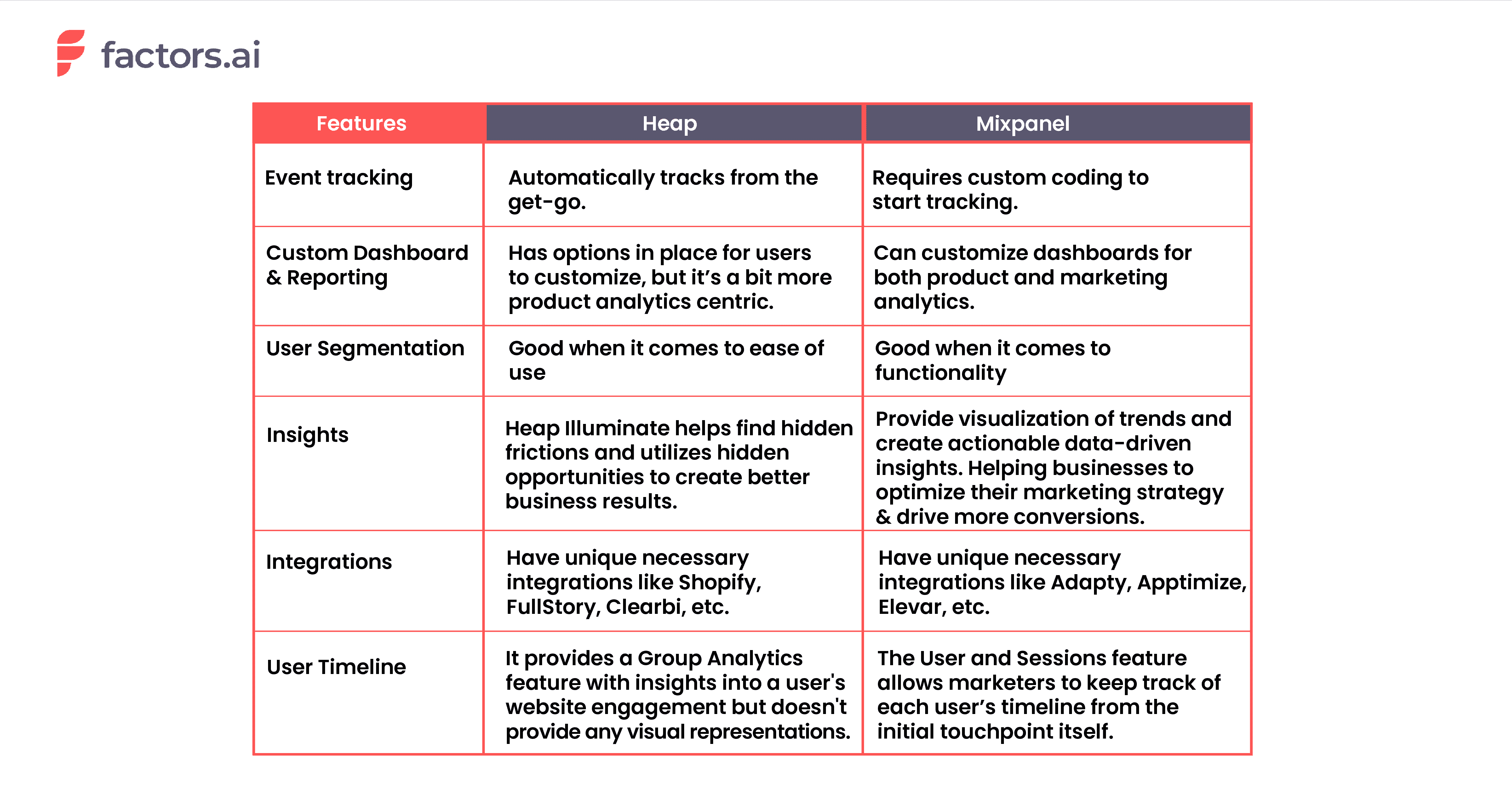
1. How Event Tracking Works in Heap vs. Mixpanel
The capability to monitor events, such as individual user actions like button clicks, form submissions, page views, etc., and is an essential feature for all marketing analytics tool. Luckily both Heap and Mixpanel provides this functionality. The only difference is that Heap automatically tracks them, while Mixpanel requires you to instrument custom code on the website to start tracking events.
Even though Heap tracks events automatically throughout the website, they also deliver a custom option for users to manually track and enrich their dataset with flexible APIs that capture clients and server-side events.
As for Mixpanel, like Heap, a tracking code must be installed on the website or mobile app. Once that's done, businesses can set up events to track. This can be done using the Mixpanel JavaScript library, which provides a simple way to track events and send data to Mixpanel.
Mixpanel's wide-range of APIs offers businesses an alternate approach to tracking events across servers, mobile apps, and other sources.
But the real problem with event tracking is when it comes to tracking non-website events.
Marketing is not just about the things that happen on the website. In a typical B2B customer journey, touchpoints such as webinars, gated content, meetings, sales calls, field events, and so on play a crucial role in moving the customer down the funnel. This function is absent in both of the tools, which limits their applicability in a B2B context.
This is where marketing analytics tools like Factors come into play. The tool can help businesses track both website and non-website events and overcome the said limitation.
2. Custom Dashboards and Reporting
A good dashboard requires the ability to customize dashboards with the data you want to track. This helps to provide an overall insight without jumping tabs.
Dashboards in Mixpanel and Heap are customizable, and users can create multiple ones for the KPIs you want to track. They provide options for filtering charts, categorizing dashboards, and so on.
Following are examples of how each of their dashboards looks like.
Heap:
Mixpanel:
But even though both tools make these arguments, the most common issues related to them are their slow customer support, the requirement for basic technical knowledge for usage, their limited documentation, etc.
According to reviews on platforms like G2, TrustRadius, and Capterra, when it comes to dashboarding and reporting, the users have found
- The dashboard’s functionality to be limiting as they can’t add certain types of reports,
- The intuitive UI is found to be confusing and not so easy to use.
- Creation of dashboards to be time-consuming.
- There is a lack of more explicit filters in the dashboard
The above-mentioned are a few of the many suggestions and cons in their users’ reviews.
While both Heap and Mixpanel are working to address their limitations, there are other options available in the market that may also meet the needs of users. Factors is one such example.

Factors provide visualization of every bit of information, data-driven insights, and emphasizes any fluctuations or changes from the ordinary, and all are available within a single dashboard.
3. User Segmentation
Both Heap and Mixpanel offer user segmentation features that allow businesses to group users based on their characteristics and behavior. However, this feature's functionality and ease of use differs between the tools.
Based on Functionality
Heap's Segments feature allows businesses to create custom segments based on events, properties, and time. On top of that, it also allows businesses to track user behavior retroactively.
On the other hand, Mixpanel's segmentation feature allows businesses to segment data by user, session, and event; and create custom reports and dashboards. And based on the segments, the tool allows businesses to conduct A/B testing and in-app messaging as well.
Based on Ease of Use
Heap's Segments feature is comparatively simple, with a dedicated "Segments" option that makes creating and managing segments easy.
Whereas in Mixpanel, its user segmentation feature is also easy to use though it may take some time to learn how to navigate through the different options to undertake cohort analysis and custom segmentation.
The crucial aspect to keep in mind is that the ability to segment users relies on the data that the analytics tool has about them. Unfortunately, Heap and Mixpanel lack robust integrations with CRM systems to bring in CRM data for segmentation.
Though both platforms have integration with HubSpot (or, equivalently, Salesforce) for the purpose, Heap only pulls in two data sets from Hubspot, Email Interactions and Contact Properties. And, Mixpanel's integration with Hubspot is even more limiting and only syncs user properties with none of the CRM event objects.
But both platforms do not provide options for other valuable data sets such as Company Properties, Deal Properties, and Deal Progression, as well as Events recorded in CRM such as Form Submissions, List Additions, Sales Calls, and Meetings, which are critical for B2B companies.
However, Factors excels in this regard as it supports CRM integration with HubSpot and Salesforce and can help B2B businesses in tracking contact, account, and opportunity properties as well as all events, campaigns, and activities recorded in the CRM.
4. Insights
This is a unique feature Mixpanel has over Heap. The main focus of this feature is to visualize trends and compositions in the acquired data. It allows users to analyze events and user profiles, compare current data with previous data, create custom events, and more.
Using the insight feature, a business can track and analyze the performance of different UTM sources and identify which source generates more conversions or any desired results. This would further help businesses optimize their marketing strategy and drive more conversions.
In insights, the metrics calculated across the entire time period will be visualized in simple bar graphs, stacked bar graphs, or pie charts. Following is an example of the pie chart.
And for the metrics calculated for segmented time, the feature uses a line chart or stacked line chart for visualization. The following is a stacked line graph for reference.

On the other hand, Heap has the Illuminate feature. It utilizes a data science layer to analyze a dataset and automatically identifies insights that lead to significant business results, even for events that weren't tracked previously. Also, the tool can uncover insights that would be missed by other tools, leading to better business results.
Though this feature is limited compared to Mixpanel's Insights, it helps businesses to find hidden opportunities and frictions and understand whether the user behavior is hurting or helping with conversions.

5. Integrations
Heap and Mixpanel offer integration capabilities with over 50 tools, allowing businesses to combine data from different sources.
The Heap Connect in Heap allows businesses to bring user data into data warehouses such as Snowflake and Redshift.
Mixpanel allows integration with tools like AWS, Google Cloud, and Microsoft Azure.
Though they both provide integration with common sources like Zendesk, HubSpot, Salesforce, and Segment, the tools also provide some unique integrations as well.
Some unique integrations with Heap are
- Shopify
- FullStory
- Clearbit
- RedShift
- Eloqua
Some unique integrations with Mixpanel are
- Slack
- Adapty
- Apptimize
- Elevar
- Microsoft Azure
6. User Timeline
A user timeline refers to the visual representation of a specific user’s actions and behavior over time within and outside a website. It shows each user’s visits to a website, downloads, engagement with emails, and other activities in touchpoints. It is essential to gain insights into the user’s interests, preferences, and behavior, which further helps marketers customize their campaigns.
The Group Analytics feature is the closest thing Mixpanel has to a user timeline. Though it doesn’t necessarily provide a timeline, the feature enables marketers to track each target account’s engagement within the website. It also allows marketers to identify upsell opportunities and churn risks.

Heap, however, has a User & Session View feature that enables marketers to see granular, user-level data on how each user interacts with the website/app. It also presents a list of users in reverse chronological order based on their most recent activities.
The timeline of this activity can be adjusted from the last 7 days to the date the user first interacted with the website/app.

Both Heap’s and Mixpanel’s features do not account for offline touchpoints of the users/accounts or provide an extensive view of the user timeline.
So if you are looking for a tool that can empower businesses with a detailed account of each user’s timeline and engagement with the website, then Factors would be a good choice.
With Factors.ai, a business can get an account-level timeline as well as user-level timelines through deanonymization. Also, the tool brings in all key touchpoints, including meetings, calls, web data, app data, etc., whereas the others [Heap and Mixpanel] focus only on the web and app data.
Following is a view of the account-level timeline in Factors.

Following is a view of the user-level timeline in Factors.
Heap vs Mixpanel: Pricing
The pricing plans of these tools differ based on the features that come with each plan.
Given below is the pricing plan of Heap. And from it, you can see that there is a lack of transparency in the plans, and you have to contact them to get an idea of the overall expenditure.
On top of the free plan, they also allow a “7-day free trial”.
Mixpanel provides a free option with limited features and a pricing of $25 per month for the basic plan. But like Heap, Mixpanel also requires prospects to contact the team to upgrade the plan and get estimated pricing for their enterprise plan.
Recap
Heap and Mixpanel are both great analytics platforms with their own pros and cons. To give you an overview of both tools’ strengths and weaknesses, please take a look at the following tables.
Heap: Pros and Cons
Pros
- Automatic retroactive tracking
- Customizable dashboard
- Rapid implementation [codeless]
- Provide necessary integrations
- Can create custom segments based on different metrics
Cons
- Does not provide deeper insights into trends compared to Mixpanel’s Insight feature.
- Though the dashboard is customizable, it is more product analytics oriented.
Mixpanel: Pros and Cons
Pros
- Can track both event-level, and user-level data
- The insights feature helps visualize trends and compositions in data
- Provide necessary integrations
- Allows customization of dashboards
- Can compute retroactive tracking
Cons
- Requires dedicated developers to implement.
- Even though they allow codeless implementation with Freshpaint, the implementation can consume more time.
- Has intuitive dashboards but is complex from a marketing point of view.
- Doesn’t have automatic retroactive tracking.
- Since it requires codes, continuous tag maintenance is required.
Limitations of Heap and Mixpanel
Both these tools provide options for both product and marketing analytics. But at the present day, these tools are best used and known for product analytics. And so, the features they both provide tends to focus more on the product. It means a marketing professional trying to use these tools will need help getting around the tool.
Also, non-website event tracking is absent in both tools, which limits the data acquired surrounding a business’s users. Considering that every insight made by these tools is based on these data, it’s safe to say that they are not the perfect fit for marketing analytics.
Top Digital Analytics Platforms
Digital analytics platforms help businesses track user behavior, optimize customer experiences, and drive data-driven decisions.
1. Top Platforms: Heap, Mixpanel, and Factors.ai.
2. Key Features:
- Heap: Automatic event tracking, intuitive dashboards, over 50 integrations.
- Mixpanel: Manual event tracking, granular user behavior analysis, trend visualization.
- Factors.ai: Combines automatic event tracking and in-depth analysis, seamless integrations.
3. Strategic Benefits:
- Heap: Quick implementation, retroactive data analysis.
- Mixpanel: Detailed user insights and performance monitoring.
- Factors.ai: Comprehensive solution, easy-to-use, robust analytics without complexities.
Implementing these platforms provides powerful insights, enhances user behavior tracking, and supports smarter business decisions.
Still on the Fence? Complete Your Analytics Stack with Factors
In conclusion, Heap and Mixpanel are both popular analytics tools that provide businesses with powerful features for tracking and measuring user interactions and behavior. They both offer a wide range of features, helping businesses with event tracking, event reports, identifying UTM sources, and more.
Heap and Mixpanel are known for focusing on products rather than marketing analytics. So, it's worth considering other options that may better align with your business needs and goals, particularly when it comes to marketing analytics.
Factors is a marketing analytics tool built for B2B and SaaS marketers with a focus on account-based analytics and robust CRM integrations. The tool is purpose-built for marketers and has an advanced multi-touch attribution feature at an account level covering website and offline touchpoints.
Its UI is simple and easy to use, and it takes about 15-20 minutes to set it up. You can sign up for FREE and learn how Factors can transform your marketing operations.
FAQs
1. What data does Heap collect?
Heap collects user interactions and user behavior data on a website or mobile app. It includes data on events such as button clicks, form submissions, page views, and user properties such as device type and location.
2. Where does Heap io store data?
The collected data is stored on secure cloud-based servers. Heap also uses Heap connect to connect with data warehouses like Redshift and snowflake for the purpose too.
3. What is the use of Mixpanel?
The primary use of Mixpanel is to track and measure user interactions and user behaviors on a website or mobile app. It allows businesses to understand how customers engage with their products/services and generate actionable insights to improve their UX.
4. Does Mixpanel require coding?
Yes, it does require coding, which is, in fact, a downside of using Mixpanel. You will need tech support to create/write codes that can help track events. However, recently, Mixpanel has partnered with Freshpaint to make the codeless implementation available for their users.

We don’t just write about demand gen. We deliver it.
Our AI Agents help you uncover high-intent accounts, run campaigns that actually convert, and keep your GTM motion in sync.
1000+ GTM teams have already scaled their pipeline with Factors.
*Includes built-in peace of mind. And fewer late-night funnel audits.


.svg)



.avif)

