

Good Reads
Fix pipeline pains. Solve GTM puzzles. Read strategic brain dump.
Written for marketers who want real solutions to a leaking pipeline (and their dark circles).
Want to read more from us?


I’m looking for…
A Guide to Intent Data Platforms: Features, Benefits & Best Tools In 2026
Learn how intent data platforms help B2B companies capture buying signals, improve targeting, and drive pipeline growth. Know more about the benefits, key features, and top tools to drive smarter outreach.

TL;DR
- Focus on Active Buyers: Only 5% of B2B prospects are in-market—intent data helps identify and prioritize them.
- Types of Intent Data Matter: First-party (owned), second-party (partnered), and third-party (external) data serve different use cases and levels of accuracy.
- Top Platform Features: Look for AI analytics, real-time scoring, CRM integrations, and privacy compliance for maximum utility.
- Implementation Strategy: Define goals, choose the right provider, train teams, segment data effectively, and track KPIs to optimize success.
Imagine this: Your sales and marketing teams spend months chasing leads, only to realize most of them were never interested in buying.
Sounds frustrating, right?
Traditional lead generation methods rely on guesswork, leading to wasted time, effort, and budget.
Here’s the hard truth—only 5% of B2B buyers are actively in-market at any given time. That means 95% of your outreach may be falling on deaf ears.
This is where intent data platforms change the game. Tracking real-time buyer signals helps you focus on high-intent accounts—those actively searching for solutions like yours.
In this guide, we’ll explore how intent data works, its benefits, and how to choose the right platform for your business.
What is Intent Data & Why is It Important?
Intent data refers to the digital signals and behavioral insights that indicate a prospect’s interest in a specific product, service, or topic. These signals come from various online activities, such as:
- Search queries related to your industry.
- Website visits to competitor pages or solution-related content.
- Content downloads like whitepapers and eBooks.
- Social media engagement with industry topics.
- Event participation, such as webinars or conferences.
When collected and analyzed, intent data helps businesses understand who is actively researching their solutions and how far along they are in the buying journey. Instead of reaching out to cold prospects, sales and marketing teams can prioritize leads who are already in-market and ready to engage.
Buyers are silently researching, comparing vendors, and evaluating options before they ever fill out a form or book a demo. Intent data helps businesses:
- Identify high-intent prospects before competitors do.
- Deliver personalized content based on what buyers are searching for.
- Shorten the sales cycle by engaging prospects at the right time.
- Improve marketing you can move away from mass outreach and guesswork and shift towards a more data-driven, personalized approach to engaging potential buyers.
What are the types of Intent Data?
Intent data platforms gather various types of data to understand buyer behavior. Here are the main types:
1. First-Party Intent Data (Owned Data)
First-party intent data is collected directly from your digital assets—your website, emails, CRM, and product interactions. Since it comes from your platforms, it’s highly reliable and accurate.
Examples:
- Website visits and page views (e.g., a prospect frequently visits your pricing page)
- Blog and content engagement (e.g., downloading an eBook or webinar registration)
- Email interactions (e.g., high email open and click-through rates)
- Product usage data (e.g., free trial or demo activity)
2. Second-Party Intent Data (Partnered Data)
Second-party intent data is someone else's first-party data shared through partnerships. This data is typically acquired from trusted publishers, review sites, or industry networks that collect user intent signals.
Examples:
- Leads who engage with sponsored content on industry websites.
- Users reading product comparison reviews on G2, Capterra, or TrustRadius. Read more about this on Turn G2 Buyer Intent into Revenue with Factors.ai.
- Shared audience insights from strategic partners (e.g., co-marketing efforts)
3. Third-Party Intent Data (External Data)
Third-party intent data is collected from a wide range of external sources across the web. This data is gathered by intent data providers who monitor millions of online activities to identify companies that are researching specific topics.
Examples:
- Searches for industry-related keywords across the internet.
- Engagement with content on multiple third-party websites.
- Activity on B2B forums and LinkedIn discussions. To know how to gather this using Factors.ai, read our article on LinkedIn Intent Data.
- Participation in industry events and webinars.
{{INLINE_MOFU}}
What Are The Key Components of Intent Data Platforms?
Intent data platforms have key parts that provide useful insights. They find patterns, predict behavior, and group audiences by their actions. Now, let’s break down the essential elements every intent data platform should have.
1. Advanced Data Collection Methods
A strong intent data platform gathers information from multiple sources to track buyer behavior accurately. The best platforms collect and aggregate:
- Website activity (page views, session duration, content downloads)
- Search behavior (keywords related to your product or industry)
- Third-party signals (activity on review sites, forums, and publications). Read more about this on B2B Intent Signals.
- Social engagement (interactions on LinkedIn, Twitter, and other platforms)
- Ad engagement (clicks, impressions, and retargeting behavior)
Why It Matters?
- Provides a comprehensive picture of buyer intent across different channels.
- Helps identify prospects before they even engage with your brand.
- Allows for early-stage targeting when prospects begin their research.
2. AI-Driven Analytics and Processing
Once the platform collects data, AI and machine learning algorithms analyze user behavior patterns to identify intent-driven accounts. The best platforms use:
- Natural Language Processing (NLP): Understands content consumption patterns.
- Predictive Scoring Models: Assigns scores based on engagement level.
- Behavioral Pattern Recognition: Detects trends and buying readiness.
- Competitive Intelligence: Identifies prospects engaging with competitor content.
Why It Matters?
- Eliminates guesswork by providing data-driven insights.
- Prioritizes high-intent accounts most likely to convert.
- Helps predict future buying behavior before a prospect reaches out.
3. Seamless CRM and Marketing Automation Integration
Intent data is only valuable if it can be easily used by your sales and marketing teams. A strong platform integrates smoothly with:
- CRM systems (Salesforce, HubSpot, Microsoft Dynamics, etc.)
- Marketing automation tools (Marketo, Pardot, Eloqua, etc.)
- ABM platforms (Demandbase, 6sense, Terminus, etc.)
- Sales engagement tools (Outreach, Salesloft, LinkedIn Sales Navigator, etc.)
Why It Matters?
- Ensures sales and marketing teams work with real-time data.
- Automates lead nurturing and personalized outreach.
- Reduces manual effort and improves data accuracy.
4. Real-Time Alerts & Lead Scoring
Not all leads are equally valuable. The best intent data platforms offer real-time alerts when a high-intent prospect engages with relevant content, along with lead scoring to prioritize outreach.
- Real-time notifications when a prospect engages with high-value content.
- Custom intent scoring models based on engagement levels.
- Segmentation tools to categorize leads by industry, company size, and behavior.
Why It Matters?
- Helps sales teams strike when the interest is high.
- Ensures marketing efforts focus on the best-fit leads.
- Improves efficiency by avoiding cold outreach.
5. Robust Reporting and Data Visualization
Data is only useful if it’s easy to understand. Intent data platforms offer dashboards and reports that provide clear insights into:
- Which accounts are surging in intent activity
- Which marketing channels drive the most engagement
- How intent data impacts pipeline growth and revenue.
- What content or keywords trigger the most interest
Why It Matters?
- Provides a clear, data-backed strategy for sales and marketing.
- Helps refine targeting and optimize future campaigns.
- Ensures executives and stakeholders see the impact of intent data.
6. Privacy-First Data Compliance
With increasing data privacy regulations (GDPR, CCPA, etc.), intent data platforms must ensure ethical data collection and usage. Look for platforms that:
- Follow strict data privacy regulations (GDPR, CCPA, etc.)
- Use consent-based tracking methods.
- Offer data anonymization and encryption for security.
- Provide clear data source transparency.
Why It Matters?
- Reduces legal risks and ensures compliance with regulations.
- Builds trust with prospects and protects brand reputation.
- Ensures long-term sustainability of intent data usage.
What are the Benefits of Intent Data Platforms?
Intent data platforms offer several key benefits that change how businesses handle marketing and sales. Here are the main advantages:
1. Enhanced Lead Generation
Intent data helps you identify accounts that are actively researching solutions like yours. Instead of relying on cold outreach, you engage high-intent prospects who are already showing buying signals.
2. Improved Customer Targeting
By tracking which content, keywords, and topics prospects engage with, intent data platforms help businesses craft hyper-personalized marketing campaigns that resonate with potential buyers. For example, Factor’s Account Intelligence helps in segmenting and scoring accounts effectively.
3. Better ROI on Marketing Campaigns
Traditional marketing casts a wide net, but intent data refines targeting so that ad spend, content efforts, and email campaigns focus on high-intent buyers. This reduces wasted budget and maximizes return on investment (ROI).
4. Sales and Marketing Alignment
Intent data platforms connect sales and marketing teams by sharing insights about prospect behavior, creating a unified view of the customer journey, and enabling coordinated follow-up actions.
5. Shorter Sales Cycle
Intent data reveals which stage of the buyer’s journey a prospect is in. Instead of spending months nurturing cold leads, sales teams can engage with buyers who are actively considering a purchase.
6. Higher Customer Retention
Intent data isn’t just for new customer acquisition—it also helps with customer retention. By monitoring customer activity and engagement, businesses can identify signs of churn before it happens.
7. Smarter Account-Based Marketing
Intent data supercharges ABM campaigns by helping businesses focus on high-value accounts and actively researching solutions. Instead of relying on static account lists, ABM teams get real-time insights into account engagement.
These benefits lead to a more efficient, data-driven approach to B2B marketing and sales, resulting in higher conversion rates and better customer relationships.
How to Choose the Right Intent Data Platform?
When you choose an intent data platform, consider key factors to make the right choice. Here’s a step-by-step guide to help you choose the best intent data platform for your business:
1. Define Your Business Goals and Use Cases
Before evaluating platforms, identify why you need intent data and how you plan to use it. Different businesses have different priorities:
- Lead generation – Identify accounts actively searching for solutions like yours.
- Account-based marketing (ABM) – Prioritize high-intent accounts for personalized campaigns.
- Sales enablement – Equip sales teams with insights into buying signals.
- Competitive intelligence – Track when prospects engage with competitors.
- Customer retention – Identify customers at risk of churning and re-engage them.
2. Assess the Type and Source of Intent Data
Not all intent data is created equal. The accuracy and reliability of insights depend on where the data comes from. Look for platforms that provide a mix of first-party, second-party, and third-party intent data:
Pro Tip: Platforms that rely only on third-party data can be less accurate due to privacy restrictions and outdated cookies. Look for first-party and second-party data capabilities to future-proof your strategy.
3. Evaluate Data Accuracy and Freshness
Some platforms update intent signals daily or weekly, while others provide real-time insights. Ensure the platform filters out false positives and bot traffic to maintain accuracy. Look for an Intent data platform that offers:
- Real-time or frequently updated data to ensure relevance.
- Machine learning-driven intent scoring to filter noise.
- Granular insights on company-level and contact-level engagement.
Pro Tip: Avoid platforms that only offer vague industry-level insights without account-level details. You need to know which companies are actively researching your solution—not just general trends.
4. Check Integration with Your Tech Stack
Your intent data platform should seamlessly integrate with your existing tools, such as:
- CRM (Salesforce, HubSpot, Microsoft Dynamics, etc.)
- Marketing automation (Marketo, Pardot, HubSpot, etc.)
- Advertising platforms (LinkedIn, Google Ads, Demandbase, etc.)
- Sales intelligence tools (ZoomInfo, Apollo.io, Clearbit, etc.)
Pro Tip: Ask vendors for API documentation and integration case studies to confirm compatibility with your tools.
5. Prioritize Privacy Compliance and Ethical Data Sourcing
With GDPR, CCPA, and other privacy laws tightening, you must ensure your intent data platform is ethically sourced and legally compliant.
Pro Tip: If a platform doesn’t clearly disclose how it sources its data, it’s a red flag. Choose vendors that are transparent about their data collection methods.
6. Compare Pricing and ROI Potential
Look for an intent data platform with the following:
- Transparent pricing with no hidden fees.
- Flexible plans that scale with your business needs.
- Trial or demo options to test the platform before committing.
Pro Tip: The cheapest platform isn’t always the best—focus on ROI potential rather than just upfront cost.
7. Look for Strong Reporting and Visualization Features
A good intent data platform should offer clear, actionable insights through dashboards and reports. Look for:
- Real-time dashboards with engagement trends.
- Account scoring and segmentation for better targeting.
- Campaign performance tracking to measure marketing effectiveness.
Before deciding, request demos from several providers and involve key people from sales, marketing, and IT. This ensures the platform meets all needs and aligns with your goals and budget.
5 Best Intent Data Platforms
Choosing the right intent data platform is critical for optimizing lead generation and improving sales conversions. Here are five top intent data platforms that offer advanced capabilities:
1. Factors.ai – AI-Driven Intent Data for Smarter B2B Targeting

Key Features:
- Intent Capture: Uncover up to 64% of anonymous website visitors through advanced IP resolution, merging behavioral signals from your website, CRM, marketing tools, LinkedIn activity, and G2 interactions into a single, actionable view.
- Workflow Automation: Streamline repetitive processes across your CRM and marketing automation stack, freeing your team to focus on high-impact, strategic initiatives rather than manual tasks.
- Account Intelligence: Leverage advanced segmentation and scoring driven by firmographic and engagement data to surface high-potential accounts and prioritize outreach with precision.
- LinkedIn AdPilot: Maximize LinkedIn ad performance with smart capabilities like frequency capping, view-through attribution, and direct Conversion API (CAPI) integration for deeper campaign visibility.
Refer to this pricing page to learn about advanced plans.
2. Bombora – Industry-Leading Third-Party Intent Data

Key Features:
- Extensive third-party intent data from 5,000+ publishers.
- Company Surge® scoring to rank intent strength.
- Seamless integration with ABM platforms like Demandbase and 6sense.
- Advanced analytics for campaign optimization.
- Public pricing is not available.
3. 6Sense – AI-Powered Predictive Intelligence

Key Features:
- AI-driven account identification and prioritization.
- Multi-touch attribution and predictive analytics.
- Real-time engagement tracking and insights.
- CRM and MAP integrations for a unified sales and marketing approach.
- Public pricing is not available.
4. Demandbase – Comprehensive ABM & Intent Data Platform

Key Features:
- AI-powered account-based advertising and personalization.
- Integration with Salesforce, HubSpot, and Marketo.
- Deep analytics on website visitor behavior and content consumption.
- Account intelligence for precise lead targeting.
- Public pricing is not disclosed.
5. Clearbit – Real-Time Intent & Enrichment Data

Key Features:
- Real-time firmographic and technographic data enrichment.
- Visitor intelligence for identifying anonymous website traffic.
- Intent-based lead scoring for better conversion rates.
- Integration with CRMs like HubSpot and Salesforce.
- Pricing is not publicly disclosed.
Best Practices to Implement an Intent Data Platform
Implementing an intent data platform needs careful planning. Follow these steps for the best outcome:
1. Define Clear Goals and Use Cases
Before integrating an intent data platform, ask yourself:
- What business objectives do we aim to achieve with intent data?
- How will marketing, sales, and customer success teams use this data?
- What KPIs will measure success?
Some of the common use cases are:
- Account-Based Marketing (ABM).
- Lead Scoring & Prioritization.
- Sales Enablement.
- Personalized Content Strategy.
2. Choose the Right Intent Data Platform
Selecting the best intent data provider is key to implementation success. Consider:
- Type of Intent Data.
- Data Accuracy & Freshness.
- Integration Capabilities.
- Compliance & Privacy.
3. Set Up Data Collection & Segmentation Rules
Intent data is only useful if it’s well-organized and structured. Setting up segmentation rules helps refine targeting and outreach. Here’s how you do it:
- Segment by Buying Stage.
- Prioritize High-Intent Accounts.
- Use Custom Scoring Models.
- Filter Out Irrelevant Traffic.
4. Train Teams for Data-Driven Decision-Making
For successful implementation, marketing, sales, and customer success teams must know how to interpret and act on intent signals. Some of the key training areas are:
- Understanding buyer signals and their meaning.
- Using intent insights for relevant conversations.
- Differentiating between casual browsers and serious buyers.
- Understanding ROI metrics related to intent-driven campaigns.
5. Develop Intent-Driven Marketing and Sales Strategies
Marketing Strategies:
- Target prospects with relevant content based on their interests.
- Offer blog posts, whitepapers, and case studies aligned with intent topics.
- Run LinkedIn ads and display ads for high-intent accounts.
Sales Strategies:
- Focus on accounts showing strong buying intent.
- Engage prospects at the moment they’re actively researching.
- Address prospect needs based on their search behavior.
6. Monitor Performance and Optimize
Tracking the impact of intent data ensures you refine strategies for better results. Some of the key metrics to measure are:
- Lead Conversion Rates.
- Sales Cycle Length.
- Marketing ROI.
- Customer Engagement.
As we move forward, intent data platforms will offer deeper insights while keeping privacy a priority. Organizations that adapt to these trends will be better positioned to use intent data for an edge in the digital world.
How to Evaluate the Success of Intent Data Platforms?
Measuring the effectiveness of an intent data platform is crucial to ensure you're getting the most value from your investment. Here’s how you can track and measure success:
1. Key Performance Indicators (KPIs)
KPIs help determine if your intent data platform is improving marketing and sales efforts. Track these essential metrics:
- Lead Conversion Rates – Are more intent-driven leads turning into customers?
- Sales Cycle Acceleration – Is the platform helping close deals faster?
- Marketing-Qualified Accounts (MQAs) – How many high-intent accounts move through your pipeline?
- Sales-Accepted Leads (SALs) – Are sales teams engaging more with intent-identified leads?
2. ROI Tracking
To justify your investment, measure how much revenue intent data contributes to your business. Calculate:
- Revenue Influenced by Intent Data – How many deals originated from intent signals?
- Customer Acquisition Cost (CAC) – Are you spending less to acquire high-intent customers?
- Pipeline Growth – Has the volume of qualified leads increased?
- Marketing Spend Efficiency – Are campaigns more cost-effective with intent targeting?
3. Performance Metrics
Beyond the financial impact, assess the operational success with:
- Content Engagement – Are intent-identified accounts consuming more content?
- Account Engagement Scores – How frequently are high-intent accounts interacting with your brand?
- Email Open and Response Rates – Are personalized outreach efforts performing better?
- Website Traffic from Target Accounts – Are high-intent accounts visiting your site more often?
By consistently tracking these metrics, businesses can fine-tune their intent data strategy, improve lead quality, and maximize revenue impact.
Intent Data Platforms: What to Know and How to Choose
B2B sales and marketing teams often spend months pursuing leads that never had purchase intent in the first place. Intent data platforms flip this equation by identifying which accounts are actively researching solutions, allowing businesses to prioritize high-interest prospects with precise, personalized engagement. This guide demystifies how intent data works, the distinctions between first-, second-, and third-party data, and which core platform features truly move the needle—like real-time alerts, predictive scoring, and seamless CRM integration.
For organizations ready to shift from guesswork to precision targeting, the guide offers a clear path to implementation, from defining goals to measuring ROI. Privacy, data accuracy, and integration flexibility emerge as non-negotiable factors. Whether the objective is account-based marketing, competitive monitoring, or churn prevention, intent data becomes the difference between outreach and meaningful engagement.
%2520(1).avif)
The Beginner’s Guide to Account-Based Selling (Tips for 2026)
Learn about Account-Based Selling (ABS). Understand how to target customers, personalize messaging, lower acquisition costs & more

TL;DR;
- Account-Based Selling (ABS) treats each company as a unique market, focusing on multiple stakeholders. It's ideal for B2B with complex sales cycles
- Benefits of ABS include greater control over your sales pipelines, personalized messaging, lower acquisition costs, and aligning sales and marketing teams
- Tools like Factors enhance ABS with account intelligence, journey mapping, and attribution
- Assess resources, tech, market, differentiation, and executive buy-in to determine if ABS fits
- ABS offers a more informed, strategic approach vs. hunch-based calling or generic pitching
Cold calls that lead nowhere. Generic pitches that fall flat. And data overload with no clear strategy. We’ve all been there.
But what if you could truly know your target customers, connect with them on a human level and win their business with precision and care?
That’s Account-Based Selling (ABS).
In this guide, we'll explore ABS and why it's reshaping sales, especially for new SaaS companies. We'll also look at account intelligence tools like Factors that are making this targeted approach possible.
Sound good? Let's dive in.
What Is Account-Based Selling?
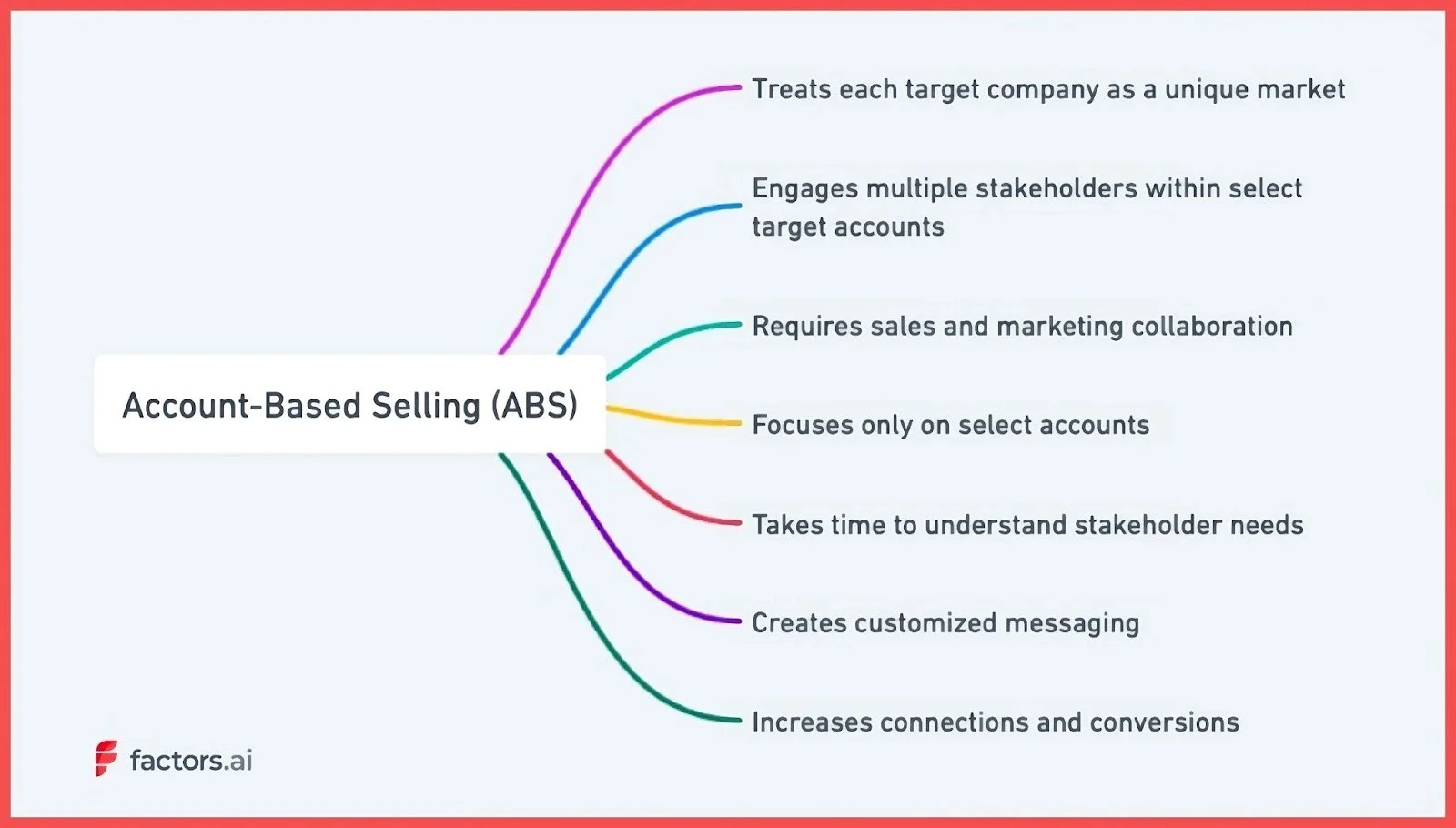
Account-based selling (ABS) and account-based marketing (ABM) are quite similar.
The main difference—ABS focuses on sales while ABM focuses on marketing.
Account-based selling treats each target company as a unique market. Unlike traditional sales methods that focus on individual leads, ABS focuses on an entire account or business. This means you consider all the possible stakeholders and decision-makers when performing outreach and creating your messaging.
Here's how ABS works:
- Sales and marketing select target accounts that fit the ideal customer profile. This process is called account scoring. These are the companies most likely to benefit from the offering.
- Buyer personas are created to understand the various stakeholders' needs within each account.
- Personalized content is then developed to appeal to the interests of each stakeholder.
- Sales representatives conduct personalized outreach to each stakeholder using tailored content.
- The goal is to nurture and guide stakeholders through the buyer's journey by resonating with their specific needs and interests.
ABS takes time to understand stakeholder needs and creates customized messaging. It's like tailoring a bespoke suit, instead of a premade piece.
Let’s consider Trello—a project management tool. Suppose they want to target mid-sized companies since those have fewer employees managing multiple functions—a project management tool is perfect. Within those companies, they would create and send the project managers content about efficiency, the IT staff content about integration, and the executives content about ROI.
This approach, while more intensive, talks directly to the audience and covers a broad range of pain points. The more stakeholders learn about your product, the easier it becomes to get your target accounts to adopt your products.
But is it only applicable to B2B or would ABS also work for B2C businesses?
Is Account-Based Selling Better Suited to B2B or B2C?
Account-based selling is a more targeted and meticulous approach to selling.
You need time and resources to understand an account’s needs, who the buyer is, what are the pain points, and how the product can be tailored to satisfy those needs.
The B2C market may not be the right fit for such a high-commitment approach to sales. Let’s look at how ABS suits B2B vs B2C.
| B2B Approach | B2C Approach | |
|---|---|---|
| Decision Makers | Multiple stakeholders influencing the buying process | Individual consumers based on personal interests/needs |
| Product Complexity | Complex, customized solutions | Simpler, off-the-shelf offerings |
| Relationship Focus | Long-term relationships, recurring revenue | One-time transactions |
| Sales Cycle Length | A longer, more patient approach focused on penetrating accounts | Shorter, quick attention-grabbing |
| Financial Commitment and Risk | High financial commitment and risk, consultative experience | Smaller-ticket items, lower financial commitment |
| Approach | Tailored, consultative, trust-building | Mass marketing, product-focused |
Account-Based Selling for B2B
B2B involves higher commitment and longer sales cycles including multiple decision makers.
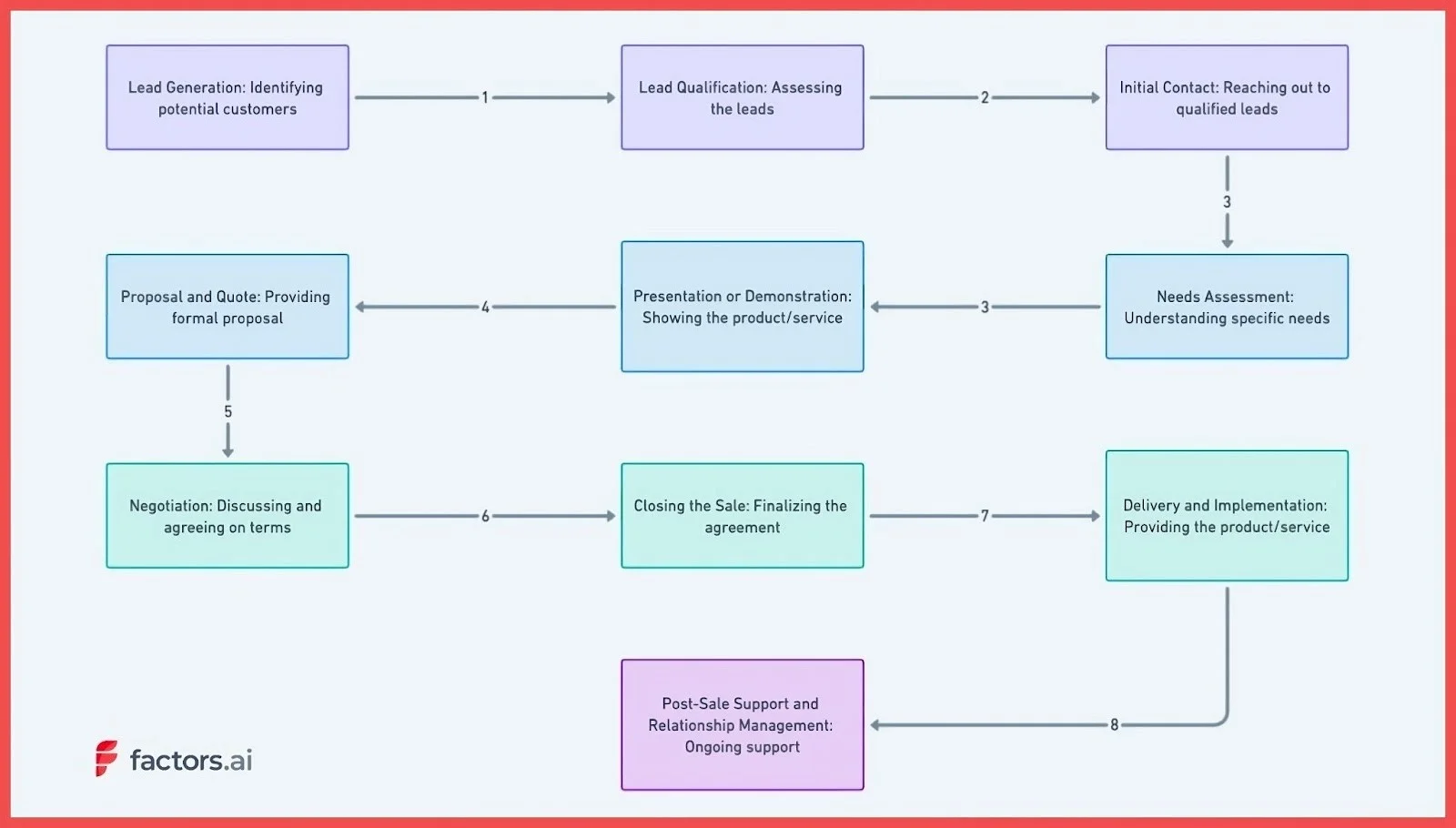
- Deals with multiple decision-makers and stakeholders within an organization who influence the buying process. ABS allows sales teams to identify each stakeholder, understand their specific interests and pain points, and tailor messaging to resonate with each person.
- Products and services tend to be highly complex and customized. ABS enables sales reps to take time to deeply understand a client's unique business challenges and craft tailored solutions.
- The focus is on long-term customer relationships versus one-time transactions. Account-based selling nurtures relationships over months or years and emphasizes recurring revenue versus individual sales.
- Sales cycles are longer due to multiple stakeholders and complex products. It is a patient approach focused on carefully penetrating accounts versus rapid product pushing.
- Purchases involve high financial commitment and risk for the client. This approach builds trust to provide a consultative experience and gives clients confidence in major decisions.
However, this complex B2B buyer journey also translates to higher revenue per client compared to a B2C audience.
Account-Based Selling for B2C
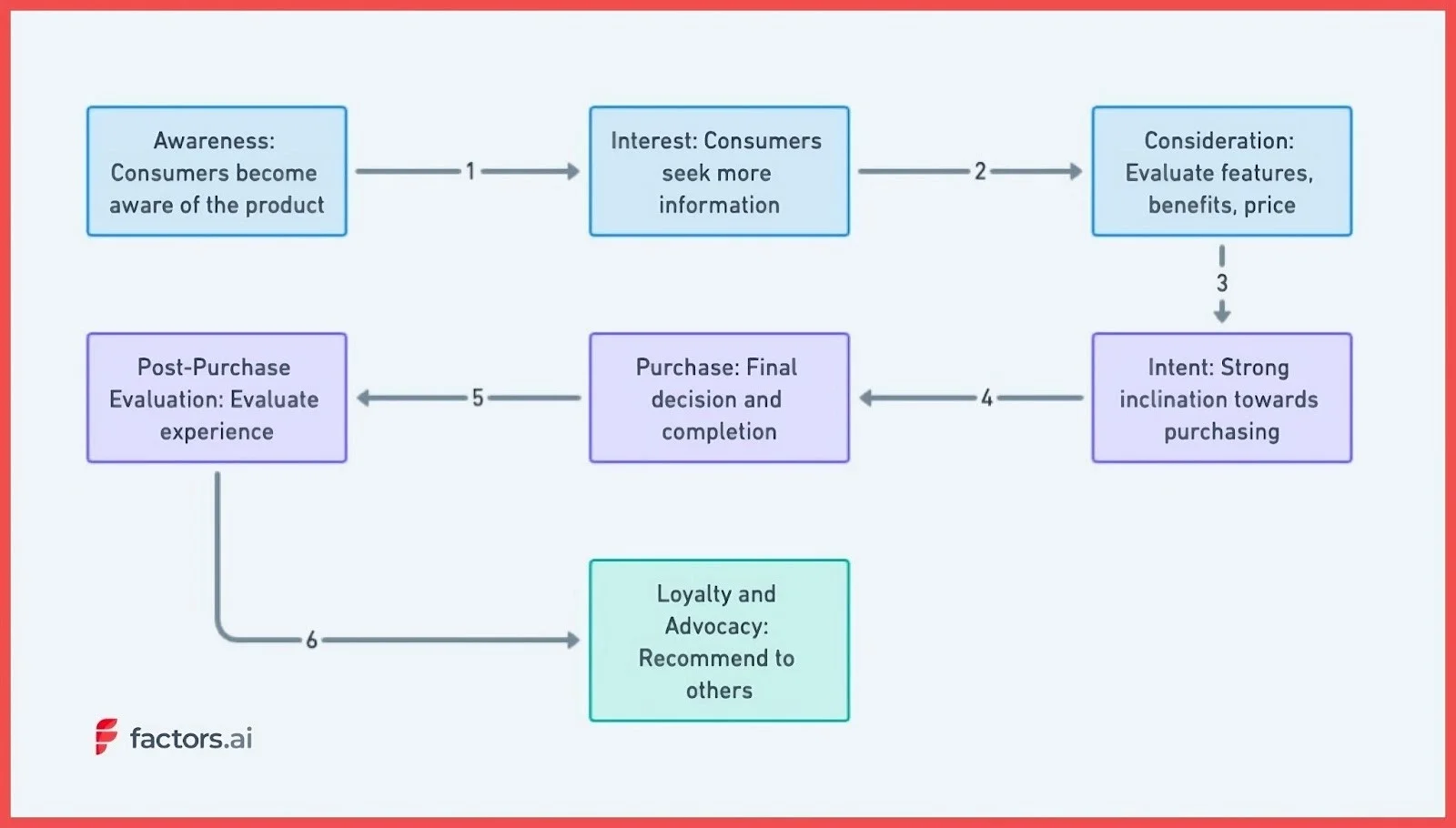
B2C is a numbers game—the more people see your product, the more conversions you have. You can always go deeper within a niche and personalize content for your users. But the ROI on that effort would be much lower than B2B. Here’s why:
- Individual consumers make purchases based on personal interests/needs versus organizational fit. A mass marketing, product-focused approach may resonate more than account-based selling.
- Products tend to be simpler, off-the-shelf offerings requiring little customization or explanation of features/benefits. Less need for a highly tailored, consultative sales approach.
- The focus is on one-time transactions versus building relationships and recurring purchases over time. Account-based selling is inefficient when one sale is the primary goal.
- Sales cycles are typically much shorter and involve little risk for the buyer. Quickly grab attention versus meticulously building account awareness over an extended period.
- Purchases are smaller-ticket items involving lower financial commitment. There’s less need to build a case for purchase through account-based selling techniques.
Because of the higher commitment and upfront cost, ABS may not make financial sense for B2C businesses.
{{INLINE_TOFU}}
Benefits of Account-Based Selling
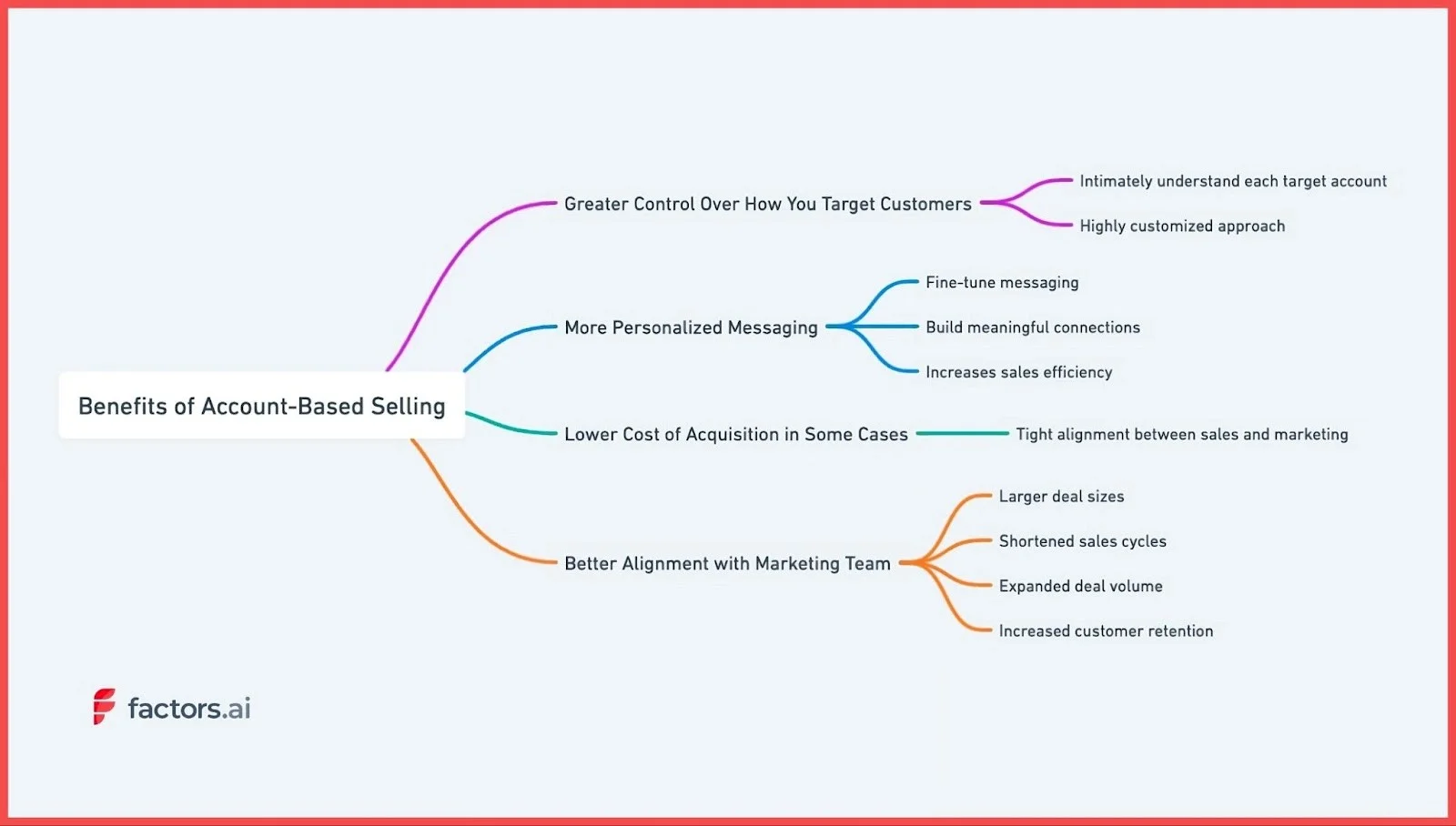
Account-based selling represents a seismic shift in how many organizations approach sales and marketing. This approach offers several key advantages.
1. Greater Control Over How You Target Customers
Account-based selling allows sales teams to intimately understand each target account. Treating each account as a unique market, your sales reps can dive deep into the specific needs, challenges, and decision-making dynamics within each organization.
For example, a software company selling to hospitals may devote resources to understanding the typical procurement cycles, IT infrastructure, and patient billing workarounds within a large healthcare system. Equipped with this insight, the sales team can craft resonating proposals for each stakeholder group within the hospital.
2. More Personalized Messaging
This ability to fine-tune messaging also fosters greater personalization. Because sales have rich buyer personas for each decision-maker within an account, they can speak directly to individual priorities and pain points. Instead of generic messaging, account-based selling enables highly personalized outreach.
This personalization, in turn, helps build meaningful connections and increases sales efficiency. Sales teams no longer waste time cold calling or emailing broad prospect lists. Every communication is targeted and purposeful. Consequently, sales cycles are often shorter, and conversion rates are higher with account-based selling.
3. Can Lower Cost of Acquisition
Account-based selling also fosters tight alignment between sales and marketing teams. Marketing gains critical insights from sales on customer needs that inform campaigns and content creation. And sales leverages marketing outreach to penetrate and engage target accounts. This unified strategy amplifies results and ensures both teams are working toward the same goals.
When a company leverages ABS, every dollar spent on advertising and content creation is targeted to a single entity. You’re more likely to convert your account with this approach here compared to using a mass appeal approach.
Also, because you’re targeting a very small set of untapped users, the advertising costs are likely to be lower than your traditional marketing. And with that, you reduce your acquisition costs over time.
4. Better Alignment with Marketing Team
While account-based selling requires more upfront research and coordination, the payoff can be huge. Companies report larger deal sizes, shortened sales cycles, expanded deal volume, and increased customer retention from the approach.
And this is one of the few strategies where the marketing and sales teams have to collaborate to create successful strategies. You will notice this based on the roles in an ABM team.
For instance, if you’re targeting a mid-sized B2B company, your marketing team can identify all the pages and resources visitors from the target account have consumed. With that data, the sales team can create sales collateral like battle cards and pitch decks that better speak to the pain points of the client.
Account-based selling could very well represent the future of B2B sales and marketing for organizations selling complex, high-value solutions. But is this the right approach for your business?
How to Decide if Account-Based Selling Is For You?
Account-based selling can be a highly effective sales strategy but requires careful evaluation to determine if it aligns with your organization's resources, market landscape, and overall objectives.
When assessing the viability, here are some of the key factors to analyze:
1. Sales Team Expertise and Bandwidth
Implementing ABS requires sales reps with the skills to thoroughly research target accounts, craft customized messaging, and build relationships wiith multiple stakeholders.
Assess whether your team is ready for this shift or if extensive training is needed. Also evaluate if reps have the bandwidth to dedicate time to fewer, high-value accounts.
2. Investment in Technology
Account-based selling relies heavily on technology to coordinate account data, optimize touchpoints, and track progress. Your tech stack needs robust integration, analytics, and automation capabilities to enable a streamlined ABS workflow.
If current systems are lacking, you may want to look for better tools. Tools like Factors can be instrumental in this process. It provides user journey mapping to understand the customer's path and identify key touchpoints. They can also help you understand your audience better through account intelligence and custom reporting features.
3. Understanding Your Total Addressable Market
ABS works best when tightly focused on a clearly defined market segment. Carefully analyze your TAM to identify niche opportunities and pockets of high-value accounts to pursue. Take a selective and strategic approach to mapping your target accounts.
Suppose you have created a plugin for Shopify store owners that costs $10/month. In this case, it may make more sense to reach as many stores as possible instead of targeting one. That’s because the maximum revenue will be $10/month. Unless you have higher, more expensive tiers, ABS may simply end up requiring too many resources for negligible returns.
But flip the script with higher pricing— say $2500/month—and you now have every reason to identify target accounts from your existing website visitors, double down on creating targeted messaging, and make your marketing as personalized as possible.
4. Competitive Differentiation
In saturated markets, ABS can help differentiate you, but analyze whether your product/service offers enough unique value in the eyes of your chosen accounts. Talk to prospects and gauge interest levels and identify areas where you can provide superior solutions.
The more you understand about your product from your prospects and customers, the better it is for your marketing messaging. Through these demo calls, you could even find multiple use cases that you never really thought of!
5. Executive Buy-In and Patience
Gaining access to and winning over executive-level decision-makers takes time. Ensure leadership understands the longer sales cycles required for ABS success. Sustained commitment to chosen accounts is vital.
The integration of advanced analytics tools like Factors, with its relevant features such as account intelligence, user journey mapping, and marketing attribution, can help you gain deeper insights and improve your ABS processes.
Account-based selling brings strategic focus to sales. But it requires organizational realignment, thorough market analysis, and executive patience. So you may want to consider these points when making your decision about ABS.
Ready to Take the Obvious Next Step in B2B Sales?
Look, I get it. Traditional sales feel comfortable. It's what we've always done—call a lot of prospects, pitch to anyone who will listen, cross your fingers, and hope something sticks.
But that scattershot approach is starting to feel outdated. Sales have evolved, and it's time to get strategic and targeted, especially if you’re in the B2B space.
Account-based selling helps you play a winning game.
You research accounts, understand their needs, and craft tailored solutions—making your approach about quality over quantity—finding the right fit instead of throwing spaghetti at the wall.
And tools like Factors make this process so much smoother. You get the intel and insights you need to map accounts, attribute success, and turn sales into a science.
ABS is already here. So why keep playing by the old rules? Book a call with Factors to start your account-based selling journey today.
Account-Based Selling (ABS) is a strategic B2B methodology that treats each target company as a unique market, focusing on engaging multiple stakeholders within the organization. Unlike traditional sales methods that prioritize individual leads, ABS emphasizes personalized outreach and messaging tailored to the specific needs and challenges of each account.
This approach fosters deeper relationships, aligns sales and marketing efforts, and often leads to shorter sales cycles and higher conversion rates. Tools like Factors.ai enhance ABS by providing valuable account intelligence, journey mapping, and multi-touch attribution, enabling sales teams to engage more effectively with high-value accounts.
.avif)
Guide to Customer Segmentation: How to Get Started in 2026
Discover the top 7 customer segmentation tools of 2025. Expert reviews & tips to help you pick the best for targeted marketing.

In today's hyper-competitive SAAS landscape, generic marketing approaches are becoming a silent killer. They drain budgets, weaken engagement, and often miss the mark entirely, leaving SAAS marketers frustrated and puzzled.
The days where you could cast a wide net and expect results are over.
The primary challenge?
Connecting with diverse audiences who have varied needs and interests.
Think of your last campaign. Did it resonate with all your potential customers? Or did some feel it was too general or irrelevant?
If you’re nodding, you’re not alone.
The aftermath?
Lost potential sales, dwindling engagement rates, and plummeting ROI. And as the SAAS industry grows more crowded, these challenges only intensify.
This is where Customer Segmentation becomes your lifeline. By breaking your audience into distinct, manageable groups based on their behaviors, needs, and preferences, you can tailor your marketing messages with pinpoint precision.
The 2023 toolkit for segmentation is powerful, leveraging AI and advanced analytics to make this process seamless and hyper-accurate. With this guide, you'll get a comprehensive view of how to harness these tools, ensuring you’re not just another voice in the crowd, but the voice your potential customers need and want to hear.
Forge ahead and redefine your SAAS marketing strategy. Dive into this guide, and empower yourself to communicate effectively, resonate deeply, and drive conversions like never before.
The future of your SAAS marketing starts with understanding and implementing advanced customer segmentation.
Let's embark on this journey together.
What is Customer Segmentation?
Customer Segmentation, at its core, is the practice of dividing a company's target audience into distinct groups based on shared characteristics. These characteristics can range from demographic data, such as age or income, to behavioral traits and purchasing patterns.
The ultimate goal of this segmentation is to tailor marketing and sales strategies to resonate deeply with each specific group, optimizing engagement, and conversion rates. In the SAAS world, understanding these segments means better product positioning, more relevant communication, and ultimately, a more successful marketing strategy.
If you've ever felt the need to fine-tune your messaging to appeal to different users' unique needs, you're already recognizing the importance of customer segmentation.
Reasons You Need to Know Why Customer Segmentation is Important?
In today's saturated SAAS marketplace, having a top-tier product isn't enough. It's about delivering the right message to the right audience at the right time. Without a deep understanding of why customer segmentation is crucial, even the most compelling marketing campaigns can fall flat. Not only are you risking financial resources on misaligned efforts, but you're also potentially alienating the very customers you aim to attract.
Personalized Engagement
One-size-fits-all messages rarely captivate. Segmentation allows for tailored communication that speaks directly to an individual's needs and pain points.
Enhanced ROI
By targeting segments more likely to convert, you optimize your marketing budget, ensuring every dollar spent yields a better return.
Improved Product Development
Understanding specific customer groups can guide product enhancements, ensuring you meet genuine market needs.
Increased Customer Loyalty
When customers feel understood and catered to, they're more likely to stay loyal to your brand.
Better Data Utilization
Segmentation makes sense of the vast amounts of data SAAS companies collect, transforming it into actionable insights.
In a world where consumers are bombarded with endless marketing messages, standing out requires a deep, nuanced understanding of your audience. My method, which delves into the intricacies of customer segmentation, positions you at the forefront of this understanding. Adopting this approach not only gives your SAAS company a competitive edge but also paves the way for sustained growth and success.
Step-by-Step Instructions to Start Customer Segmentation
Embarking on the journey of customer segmentation may seem daunting, but with the right steps, it becomes a systematic and enlightening process. We've developed a unique process that prioritizes understanding, actionable insights, and practical application. This method not only segments your audience but also offers a road map to engage them effectively.
Steps to Start Customer Segmentation
- Data Collection: Amass and organize all available customer data.
- Segmentation Strategy: Define the criteria for segmenting your customers.
- Analytical Adventure: Dive deep into analytics to identify patterns and behaviors.
- Persona Painting: Create vivid, detailed personas for each segment.
- Tailored Tactics: Develop marketing strategies tailored to each segment.
With these steps as your guide, you're set to navigate the nuances of customer segmentation with confidence. We'll dive deeper into the first three steps below, ensuring you have a firm grasp on the foundation before we tackle the full tutorial.
Step 1: Data Collection
To segment effectively, you need a wealth of data. Begin by collecting all available customer data from diverse sources - CRMs, sales records, customer feedback, website analytics, and social media insights. Ensure that this data is organized, cleaned, and stored in an easily accessible format. The more comprehensive and accurate your data, the more insightful your segmentation will be.
Step 2: Segmentation Strategy
Before diving into the data, outline the criteria you'll use to segment your customers. Will it be demographic, based on age or location? Behavioral, reflecting usage patterns? Or psychographic, considering lifestyles and attitudes? A combination of criteria often provides the most nuanced insights. Establish clear categories and ensure they align with your broader business objectives.
Step 3: Analytical Adventure
With your data in place and your criteria set, it's time to plunge into the analytics. Use tools like Google Analytics, customer journey analysis, and even AI-powered segmentation tools to uncover patterns and behaviors within your data. This step will highlight groups within your customer base and offer initial insights into their preferences and pain points. Remember, the goal is to unearth actionable insights that guide your subsequent strategies.
With a foundation in understanding the initial steps, you're poised to dive into the intricacies of persona creation and tailored strategies, which we'll tackle in the next segment of our tutorial.
Step 4: Tailored Tactics
In the vast realm of segmented marketing, it's crucial to craft strategies that resonate with each unique group. Consider the varied preferences, needs, and behaviors of your segments. Are they driven by educational content, or do they gravitate towards interactive engagement? Maybe they respond best to personalized offers or consistent community interactions? Delve into these intricacies, ensuring that each tactic not only addresses their primary needs but also aligns seamlessly with your overarching business vision.
Step 5: Persona Painting
As you transition from data to actionable strategies, it's essential to humanize and understand your segments deeply. Picture them: Are they young tech-savvy professionals, or are they seasoned experts in their field? Maybe they're budget-conscious startup founders or luxury-chasing corporate leaders? Flesh out these images, painting vivid personas that not only encapsulate their demographic details but also breathe life into their aspirations, pain points, and motivations. Such detailed portraits act as the foundation for any targeted engagement, ensuring genuine resonance with your audience.
Key Practices For Successfully Segmenting your Audience using your CRM & Email Marketing Tool
Diving into the vast sea of customer data can be overwhelming. When blending the capabilities of a CRM with an email marketing tool, certain subtleties can elevate your segmentation game, making it sharper and more impactful. Here are a few insights to enhance your approach:
Data Hygiene
An oft-overlooked aspect is the cleanliness of your data. Regularly scrub your CRM data to remove duplicates, correct errors, and update outdated information. Ensure to create a email marketing checklist so you follow all the action points and maintain accurate data.
Behavioral Triggers
Beyond the static data points, your CRM can provide insights into customer behaviors and patterns. When these behaviors (like a recent purchase or product inquiry) trigger specific email campaigns, it amplifies the relevancy of your communication, making your audience feel genuinely understood.
Segmented Feedback Loop
As you deploy segmented email campaigns, establish a mechanism to loop this feedback directly back into your CRM. Whether it's tracking open rates, click-through rates, or direct responses, integrating this feedback refines your understanding of each segment and paves the way for more personalized future engagements.
Marrying the power of a CRM with an email marketing tool isn't just about the tools themselves but about the strategies that bring their combined capabilities to life. These additional insights ensure that you're always one step ahead, resonating deeply and effectively with your diverse audience.
Taking it to the Next Level: How frequently should you segment your audience?
The dynamic nature of markets and customer preferences means that segmentation isn't a one-time task. As your business evolves and as customer behaviors shift, so too should your segmentation strategies. But how often should you revisit these segments?
Quarterly Check-ins
A general best practice is to assess your audience segments every quarter. This timeline often aligns with typical business review cycles and allows for adjustments based on seasonal trends, product launches, or market changes.
After Major Business Events
If your business undergoes significant changes - such as launching a new product, entering a new market, or undergoing a merger - it's prudent to re-evaluate your segments. These events can attract new types of customers or alter the behavior of existing ones.
Continual Data Monitoring
While formal re-segmentation might happen quarterly or bi-annually, always have an eye on your CRM and email metrics. Anomalies or sudden shifts can indicate changes in customer behavior, signifying a need for segment adjustments.
In the ever-changing world of digital marketing, flexibility and adaptability are key. While this tutorial provides a solid foundation, true mastery comes from continuously refining your approach, staying attuned to your audience's pulse, and being ready to pivot your strategies based on newfound insights.
{{INLINE_TOFU}}
To Sum Up and My Experience with Customer Segmentation
Navigating the intricate web of customer segmentation might seem daunting, but with the right approach and tools, it's a game-changer for any SAAS marketer. Throughout this tutorial, I've delved deep into the nuts and bolts of effective segmentation, intertwining it seamlessly with a robust email marketing strategy.
Drawing from my own experience, I've witnessed firsthand the transformational power of adept segmentation within the context of an email marketing strategy. From crafting razor-sharp messaging to achieving unprecedented engagement rates, the benefits are manifold. My journey through countless campaigns and iterative refinements has refined this art, and the results have always underscored the importance of truly understanding your audience.
If there's one thing I'd like you to take away, it's this: Customer segmentation isn't just a strategy; it's a commitment to genuinely connecting with your audience. And when done right, it not only elevates your email marketing efforts but also fosters lasting relationships built on trust, relevance, and value.
Here's to forging deeper, more meaningful connections with your audience!
How to Integrate Website Visitor ID with Your CRM: Complete Guide
Learn how to properly integrate website visitor identification with your CRM. Expert guide covering new vs existing accounts, contact strategies, and common pitfalls to avoid.

TL;DR
- Decide if the integration targets new companies, existing accounts, or both.
- Capture essential data for new companies and update records for existing ones.
- Use company data for marketing and validated contacts for sales workflows.
- Ensure clean data, avoid duplicates, and automate thoughtfully for effective insights.
Let's talk about something that sounds simple but can get surprisingly complex: integrating website visitor identification with your CRM. After helping hundreds of companies set this up, we’ve learned there are a few right ways and about a dozen wrong ways to do it. Here's everything you need to know to do it right.
The First Big Decision: What Are You Trying to Accomplish?
Before you write a single line of integration code, you need to answer two fundamental questions:
- Are you focusing on identifying new companies, or do you also want to enrich existing accounts with visitor intelligence?
- Is this integration primarily for marketing automation, or are you building a sales workflow?
Let me walk you through why these questions matter and how to handle each scenario.
Handling New vs. Existing Companies
Here's a common scenario: Your CRM has 5,000 accounts. Your visitor identification software spots 1,000 companies on your website. 500 are already in your CRM, and 500 are new. You need different strategies for each group.
For New Companies (Not in Your CRM):
Capture essential information, including:
- Company name
- Source (set as ‘website visitor identification’)
- First visit date
- Pages viewed
- Time spent on site
- Session count
- Key page visits (product pages, pricing, case studies)
For Existing Companies:
Avoid creating duplicate records (trust me, bad CRM hygiene will come back to haunt you). Instead:
- Update existing records with new intent data
- Track first and last visit dates
- Log anonymous browsing activity
- Record key page visits
- Update total time spent and session counts
{{INLINE_TOFU}}
The Contact Strategy Dilemma
This is where things get interesting. Do you just need company records, or do you need contacts too? It depends on your use case:
For Marketing-Only Use Cases:
- Company name is often sufficient.
- Push accounts to LinkedIn for targeted advertising.
- Less complexity in integration.
For Sales Use Cases:
Don't just hand over company names to your sales team. Instead:
- Automatically fetch relevant contacts from tools like Apollo.
- Validate email addresses (using tools like NeverBounce).
- Add validated contacts to the CRM for immediate sales action.
Special Cases That Trip People Up
For Companies You've Engaged Before:
- Don't just focus on the original contact instead build out the full buying group.
- Include colleagues and decision-makers for better sales activation.
For Active Deals:
- Check if there's an existing deal in the CRM.
- Prevent random SDR outreach if there's an active opportunity.
- Route intent data as alerts to the assigned Account Executive (AE).
- Create tasks in your CRM (like HubSpot) for the right AE.
For Unassigned Accounts:
- Implement round-robin assignment to SDRs.
- Enable prospecting workflows.
- Maintain clean territory management.
Implementation Best Practices for CRM Integration
To ensure seamless integration between your CRM and website visitor identification tool, follow these best practices:
- Set Up Data Flow Rules
- Define what data should be created vs. updated in your CRM.
- Establish clear field mapping to maintain consistency.
- Document your update triggers to ensure accuracy and transparency.
- Establish Governance
- Create rules for who can contact specific accounts to avoid conflicts.
- Set up territory management to streamline account ownership.
- Define escalation paths for handling intent signals or high-priority accounts.
- Automate Wisely
- Begin with manual processes to validate your integration rules.
- Automate in phases as processes are refined.
- Keep human oversight for critical decisions and exceptions.
Common Pitfalls to Avoid
- Duplicate Creation
- Always check for existing records before creating new ones
- Use robust matching logic
- Consider fuzzy matching for company names
- Over-Automation
- Don't automatically create tasks for every website visit.
- Set meaningful thresholds for task creation.
- Consider intent scoring to prioritize high-value accounts.
- Poor Data Hygiene
- Regularly clean up stale data to maintain accuracy.
- Assign clear ownership of records to avoid overlaps.
- Use consistent naming conventions for better organization.
Finally
The key to successful CRM integration isn't just about pushing data - it's about creating actionable intelligence. Your sales team shouldn't have to dig through data to figure out what to do next. The integration should tell them: "Here's a qualified company, here are the right contacts, and here's what they're interested in."
Remember: The goal isn't just to collect data - it's to make your sales team more effective and your marketing more precise. Every integration decision should serve that end goal.
Have you integrated visitor identification with your CRM? I'd love to hear about your experiences and challenges over on Linkedin.
Explore related topics to better understand website visitor identification, intent scoring, and LinkedIn ad targeting:
Website Visitor Identification
- How Website Visitor Identification Works – An overview of visitor identification technology.
- Website Visitor Identification Metrics – Key performance indicators to track.
- Website Visitor Identification and Privacy – Compliance with GDPR, CCPA, and other regulations.
- Choosing a Website Visitor Identification Tool – What to consider when selecting a tool.
- Implementation Guide for Website Visitor Identification – Steps to integrate visitor identification on your site.
Using Visitor Data for Sales and Marketing
- Website Visitor Identification for ABM – How visitor identification supports account-based marketing.
- ROI of Website Visitor Identification – Measuring the business impact of visitor identification.
Intent Scoring and LinkedIn Ads
- Intent Scoring via Website Visitor Identification – How to rank and prioritize high-intent accounts.
- Targeting B2B Audiences with LinkedIn Ads – Improving LinkedIn ad performance with visitor data.

Zapier vs Make vs n8n: Which Workflow Automation Tool Fits GTM Engineering Best?
Compare Zapier, Make and n8n for GTM engineering workflows — pros, cons, and use-cases to help marketing & ops teams pick the right automation tool.

TL;DR
- Zapier, Make, and n8n all solve GTM and sales automation problems, but they’re built for very different use cases.
- Zapier is best for simple, high-speed automations with minimal setup. Make supports more complex, multi-step workflows where visibility and control matter. n8n is designed for autonomy, complex logic, and flexibility at scale.
- Choosing the best tool depends on your team structure, workflow complexity, signal volume, cost sensitivity, and how much control you need over your GTM automation.
Every growing GTM team eventually hits this wall. Automations break mid-workflow; simple tasks require complex workarounds; your team spends more time maintaining workflows than doing their actual job; what worked for 50 leads isn't working for 500… The signs are everywhere: you have outgrown your current GTM system.
So you start looking for something better and quickly narrow it down to three names that keep coming up everywhere: Zapier, Make, and n8n.
So, you go online to figure out which one fits your needs, and find this:
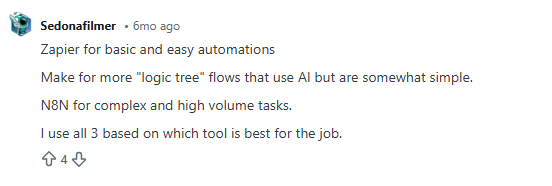
Fair enough. But what does that actually mean for you?
So you scroll a bit more and find another take.

Okay… still vague and doesn’t address your concerns. You find one opinion that says, “It depends on your use case.”:
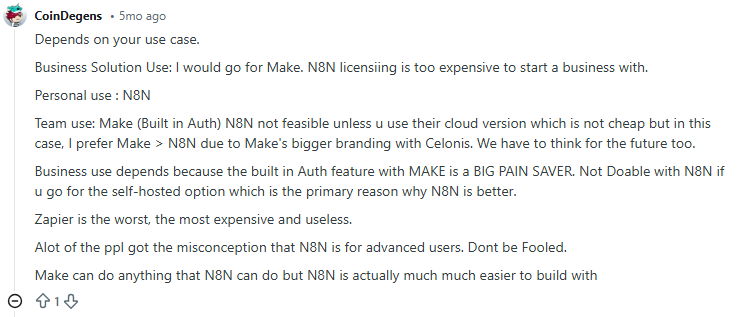
And this:
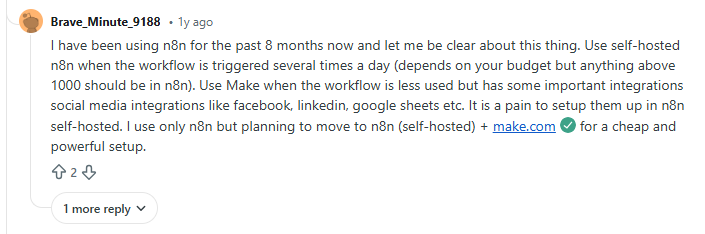
You keep digging, and now you’re seeing completely opposite opinions:
Zapier is useless or the best thing to ever happen to GTM teams
Make is the only serious option, or it’s a joke.
n8n is either overkill or the best thing ever, depending on who you ask.
At this point, you are ready to… give up!
You started this search looking for clarity. Somehow, you’re more confused than when you began. Here’s the thing: These answers aren’t wrong. They just don’t reflect where your GTM system actually is today. Or why you are looking for a replacement in the first place.
This guide exists for that exact moment.
Instead of hot takes, I’ll break Zapier, Make, and n8n down based on:
- How do GTM workflows run (practically)?
- What fits your current GTM motion?
- What breaks as volume grows?
- Where does control start to matter?
- And why most teams don’t really ‘switch’ tools so much as they evolve how they use them.
If you’re trying to decide what makes sense for your GTM system today, this guide will help you make that call with confidence.
Quick Overview for GTM Engineering: Zapier, Make, and n8n at a Glance
Zapier, Make, and n8n all do the same thing, which is: connecting automation tools, moving data, and automating repetitive tasks. But once you start using them for your GTM workflows, they feel very different.
But if I had to see these three from a bird’s eye view, it’d be this:
- Zapier is best for small to mid-sized GTM teams that need quick, no-friction automation. It’s commonly used for simple automated workflows, such as form submissions to CRM updates, basic lead notifications, and early-stage marketing efforts tied to Go-to-Market experiments.
- Make works well for RevOps and growth teams that have outgrown basic automations. It’s typically used for workflows with branching logic, conditional routing, and multi-step data handling, like lead enrichment checks or multi-tool handoffs that need more control but not full engineering support.
- n8n is suited for technical GTM or growth engineering teams that want full ownership. It’s often used for high-volume workflows, custom integrations, self-hosted setups, and advanced pipelines like large-scale enrichment, programmatic SEO, or bespoke activation logic where control and cost at scale matter most.
At a glance, the distinction is simple. Which one works best depends less on features and more on how your GTM system is built and how much complexity you’re ready to manage.
Key Comparison Factors of Zapier vs Make vs n8n for GTM Engineering
(How I evaluated automation tools for real GTM systems)
If you look up automation comparisons, most of them jump straight into features.
That’s usually where things go wrong.
When automation is so closely tied to revenue, feature lists don’t tell you much. What matters is how systems behave under pressure:
- When signal volume spikes.
- When routing logic gets messy.
- When one small change eventually breaks three workflows downstream.
So before comparing any automation tools, I took a step back and asked a simpler question: What actually causes GTM automation to fail in practice?
Trying to test every possible workflow wasn’t realistic. A single end-to-end GTM flow signals, enrichment, routing, CRM writes, alerts, and re-tries can take hours to design and validate. Doing that across multiple tools would take weeks (and if you are anything like me, you know this is not a feasible option).
Instead, I focused on the failure points I’ve seen in real Go-to-Market setups, where systems gradually fall out of alignment.
That’s how these six practical points became my framework for evaluation:
- Ease of use and learning curve
This was the first thing I looked at because ease of ownership is important.
It’s great if someone can build an initial workflow quickly. But in a B2B setup, dynamics change quickly. It’s critical that your team can understand these workflows at a later stage, pick them up from their last drop, change them safely, and fix them when something goes wrong. GTM automation lives longer than most people expect, and complexity compounds quickly across core sales processes.
- Integration ecosystem and connectors
Next came coverage.
Every missing connection creates friction, especially when GTM teams rely on niche tools alongside mainstream platforms. It adds to setup time, maintenance work, and cognitive load. As GTM tech stacks grow, the ability to integrate with existing automation tools cleanly and reliably is as important as convenience.
- Flexibility and customization
This is where most systems start to strain.
High-volume go-to-market workflows are rarely linear. They branch. They check conditions. They retry. They fail and recover. Any automation layer needs to handle that without becoming a mess to manage.
Flexibility matters only if your workflows reflect how revenue really flows.
- Pricing and scalability
This one hides in plain sight.
Automation often looks affordable at low volume. But when signals grow, costs rise exponentially. Evaluating pricing without considering scale creates a false sense of security and leads to poor automation investments over time.
So, it is equally important to consider your tool’s cost-effectiveness when workflows run hundreds or thousands of times a day.
- Data control, security, and hosting
Where data lives and how it moves matters more than it used to.
As GTM systems touch more sensitive data and internal tools, control and compliance stop being abstract concerns. Even teams that start with simple setups often run into these questions later.
- Team structure and skill level required
This is the factor most people overlook.
Some systems work best when non-technical teams can operate independently. Others assume technical expertise and ongoing ownership. Neither is better by default. Problems show up when the tool expects a different team structure than the one you actually have.
These are the lenses I’ll use in the sections that follow to help you decide which tool is ideal for your organization.
{{INLINE_BOFU}}
When to Use Zapier (Best for simplicity and speed)
Zapier is like ordering a driverless, pre-programmed car when you just need to get somewhere quickly. You don’t need to worry about the engine or plan the route. You trust the system to handle the basics and get moving fast.
In GTM terms, Zapier works best when workflows are mostly straightforward, even if they include some light decision-making along the way. You connect tools, define a trigger, add actions, and you’re live. For small to mid-sized GTM teams, that speed matters.
Zapier isn’t limited to a single straight line anymore. Features like multi-step Zaps, Filters, and Paths let teams add basic conditional logic. For example, you can route leads differently based on form inputs, firmographic fields, or deal stages. Webhooks allow data to move in and out of tools that aren’t natively supported, and Code by Zapier makes it possible to run small JavaScript or Python snippets when needed.
That said, the logic stays intentionally constrained. Paths work well for simple if-this-then-that decisions, but once workflows start branching deeply or looping, they become harder to reason about. Zapier prioritizes approachability over architectural control.
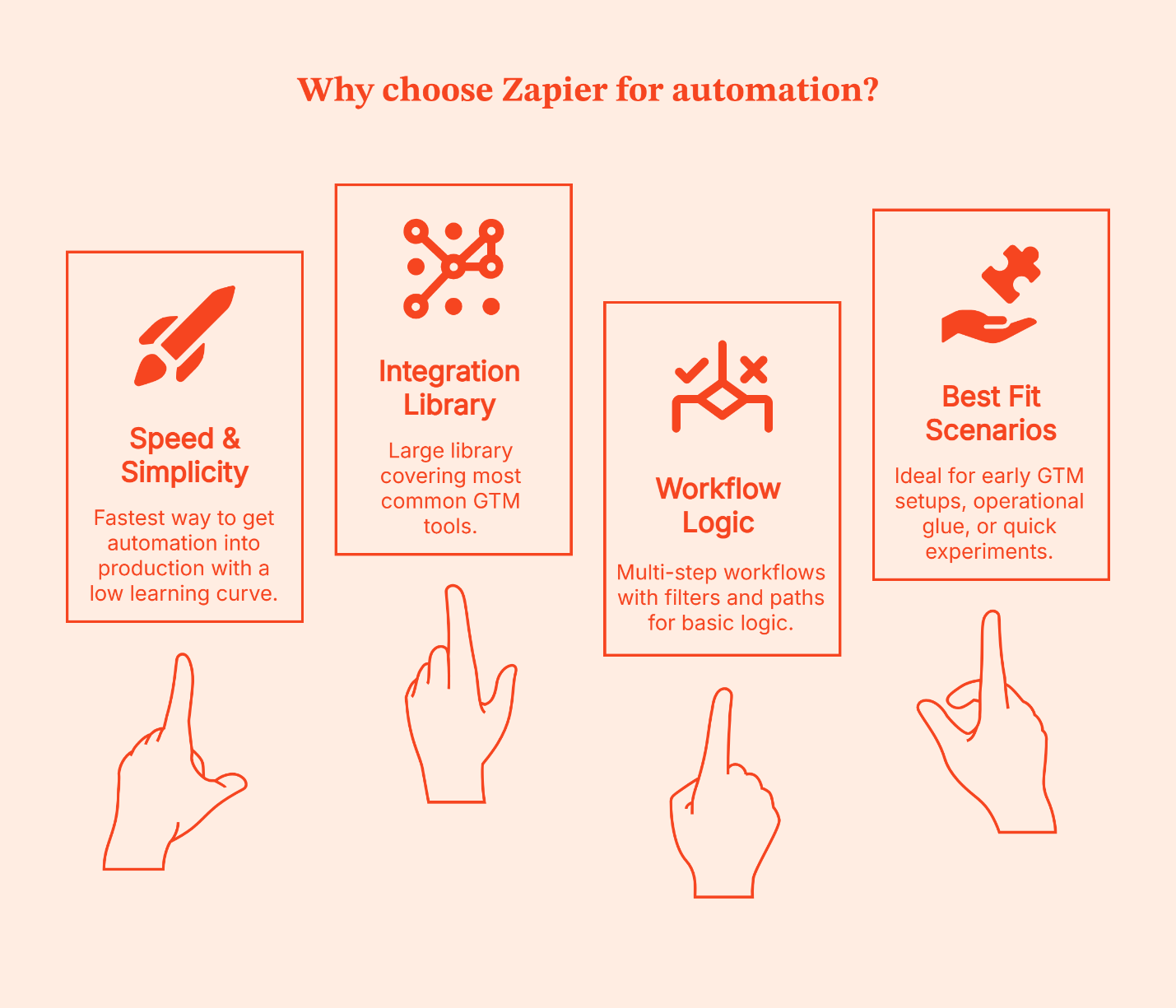
Why teams choose it
- Fastest way to get automation into production
- Large integration library covering the most common GTM tools
- Multi-step workflows with Filters and Paths for basic logic
- Very low learning curve for non-technical business users
Where it fits best
- Mostly linear workflows with light conditional routing
- Low to moderate signal volume
- Early GTM setups, operational glue, or quick experiments
I’ve seen Zapier work best in two situations:
- Early-stage teams that want momentum, and
- Established teams that are testing new ideas.
It’s especially useful for proving whether a workflow is worth investing in before involving engineering or committing to a more complex system.
The disadvantage is the same as that of a driverless car.
- You get speed and convenience, but limited control.
- Once workflows grow deeper, volumes increase, or logic starts to resemble a decision tree, Zapier feels restrictive.
When to Use Make (Balance of power and usability)
If Zapier is a driverless, pre-programmed car, Make is like driving yourself with dynamic GPS and extra controls on the dashboard. You’re still moving at a good clip, but now you can take smarter turns, handle detours, and adjust mid-route without needing a mechanic. Ideal for teams that still want visibility and speed but also want to choose the route.
Make gives you a visual workflow canvas where you can see how data flows, plug in conditions, branch paths, and bring different tools together with clarity. It still avoids full coding, but it doesn’t force you into oversimplified logic either.
Make is preferred by GTM teams that want control without taking on full engineering complexity. If your workflows need more than a straight line – like lookup checks, enrichment steps, conditional assignments, or parallel actions – Make lets you build those in a way that’s easier to reason about.
It also brings some helpful, modern features into play:
- Visual builder with drag-and-drop logic: This lets you literally see each step of the journey
- Agentic automation: It can handle tasks with more autonomy (once rules are defined)
- AI-assisted steps: Useful for handling things like text manipulation or classification
- Prebuilt integration capabilities across GTM and analytics tools: Lets you weave them together without code
- Modular architectures: It makes scaling workflows less messy (like reusable subflows)
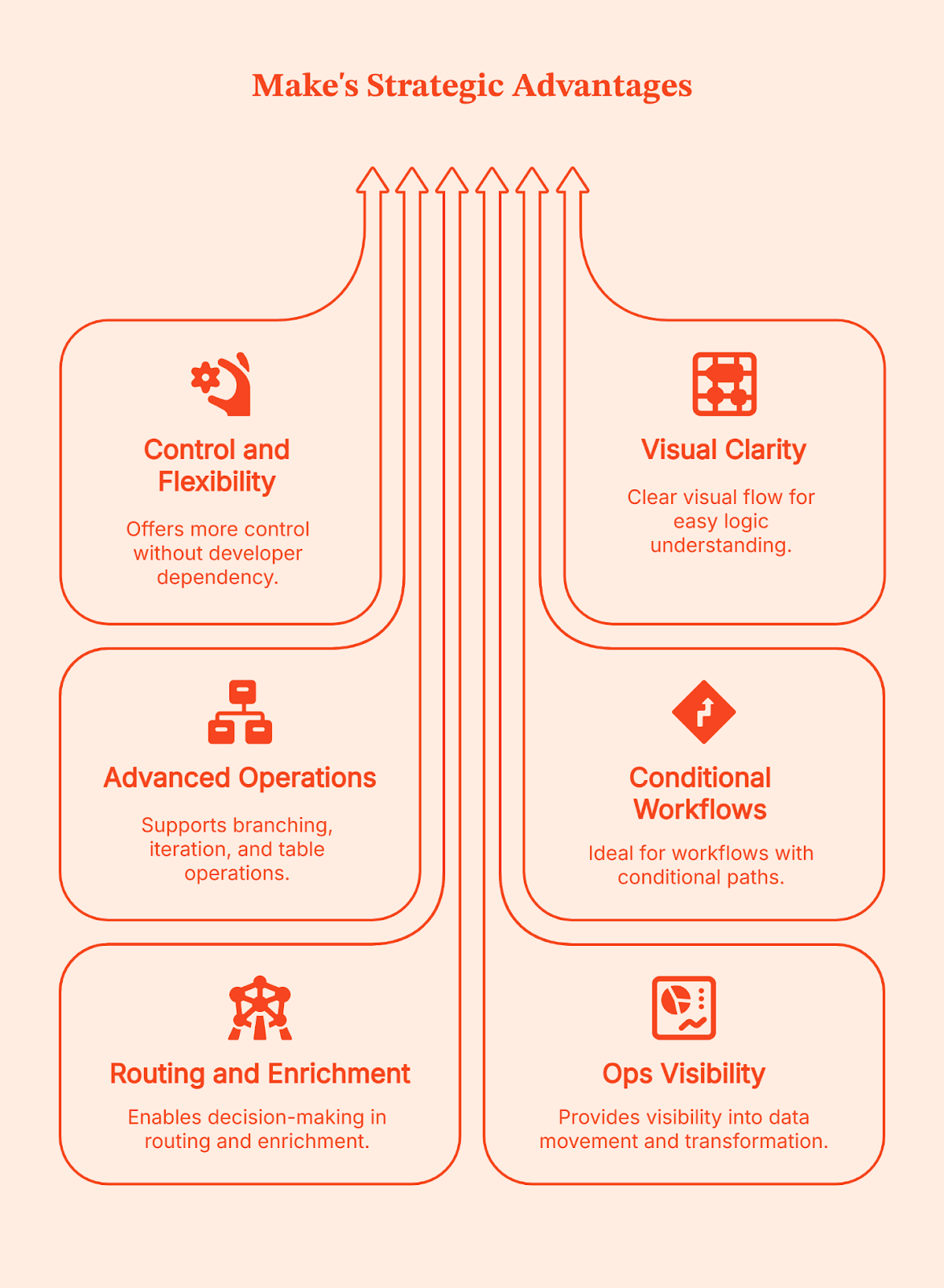
Why teams prefer it
- More control than basic automation tools, without needing a developer for every change
- Clear visual flow that helps teams understand and debug logic
- Strong support for branching, iteration, and table-style data operations
Where it fits best
- Workflows with conditional paths and multi-step logic
- Routing and enrichment sequences that require decisions mid-flow
- Ops teams that want visibility into how data moves and transforms
I’ve seen Make become a go-to choice for teams when Zapier starts feeling like a good start but not a long-term solution. Make gives you more control than basic no-code tools, but doesn’t demand full engineering ownership. If your team wants power without committing to building and maintaining everything from scratch, this is often the right balance.
Simply put: Make is your BFF if your routing moves beyond ‘if this then that,’ to ‘if this, do X; if that, do something else; and log everything along the way.’ This is usually the ceiling for non-technical ops teams before engineering needs to step in.
When to Use n8n (Best for custom, scalable, and self-hosted workflows)
Forget about pre-programmed cars or even driving a car yourself. With n8n, you build your own vehicle from the ground up. You get to choose the engine, the route system, and how it all runs. It gives you full ownership over how your automation works, how it’s hosted, and how far it can scale.
n8n works best once your GTM workflows go beyond basic tool connections. It gives you the control to reshape data, add complex and detailed logic, build custom integrations, or control how and where automations run. You don’t opt for n8n because it’s simple. You choose it when you want complete control to handle complexity on your own terms.
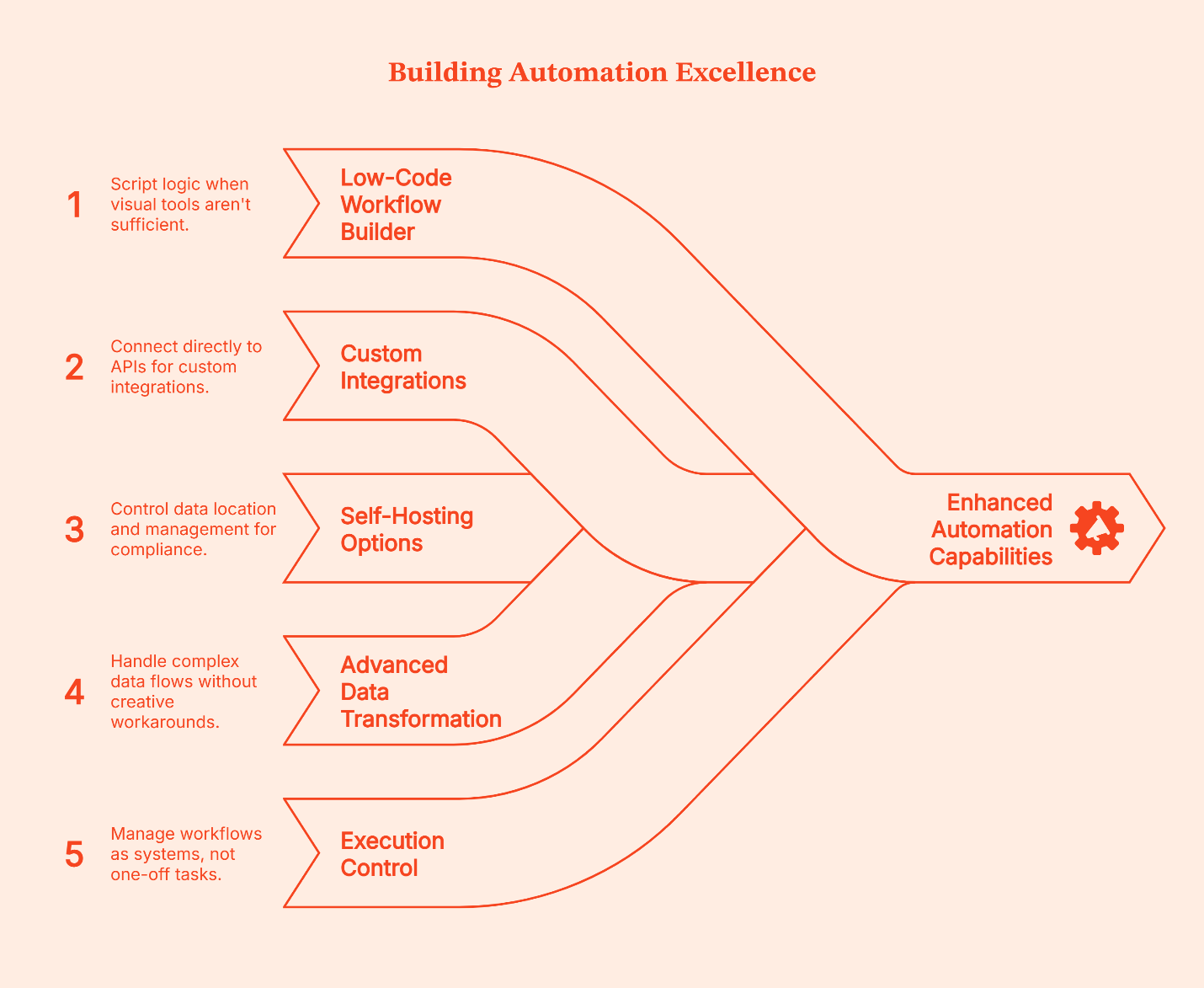
Here’s what n8n brings to the table:
- Low-code workflow builder: It lets you script logic when visual tools aren’t enough
- Native support for custom integrations: It lets you connect directly to APIs when ready-made connectors don’t exist or don’t go far enough
- Self-hosting options: You control where data lives and how it’s managed, great for compliance, sensitive data, and internal systems
- Advanced data transformation logic: Lets you handle loops, branches, and complex flows without creative workarounds
- Execution control and error handling: Let's you retry, audit, and manage workflows as systems, not one-off tasks
Why teams choose n8n
- Full control over complex workflows beyond basic connectors
- Ability to write and customize logic when visual tools fall short
- Self-hosting for data privacy, compliance, and cost control
- Support for building custom integrations that don’t exist out-of-the-box
- Designed for automation that runs as core infrastructure, not a side tool
- Built for teams that care about reliability, scale, and execution control
Where it fits best
- High-volume workflows that run day in and day out
- Custom GTM pipelines that link internal systems, warehouses, CRM, CMS, analytics, and activation systems
- Teams with engineering capacity or dedicated Go-to-Market engineers who can maintain and evolve these workflows
- Setups where data privacy, hosting control, and compliance matter
Self-hosting is often the deciding factor here:
- Usually, cloud-hosting is enough, but for teams dealing with sensitive data, stricter compliance requirements, and owning where data lives (which means better control, less convenience), self-hosting is the only choice.
- You’re in charge of uptime, security, and maintenance.
The tradeoff is also obvious:
- You get power and control, but you also own the vehicle. You’re responsible for infra, updates, and reliability.
- It matters less who can use it on day one and more who can maintain it six months later, especially given the steeper learning curve.
For teams with the skill and appetite for that level of ownership, it’s often worth it.
GTM Engineering Workflow Examples (What these tools are actually used for)
Instead of talking about these automation platforms in abstract terms, it helps to see how teams use them practically in the real world.
A Zapier-style workflow
Let’s say a lead submits a form. This is how a typical Zapier workflow handles it:
- Step 1: Zapier creates or updates the contact in the CRM.
- Step 2: The same trigger sends a transactional or welcome email.
- Step 3: The contact is tagged or logged for reporting.
- Step 4: The workflow is completed.
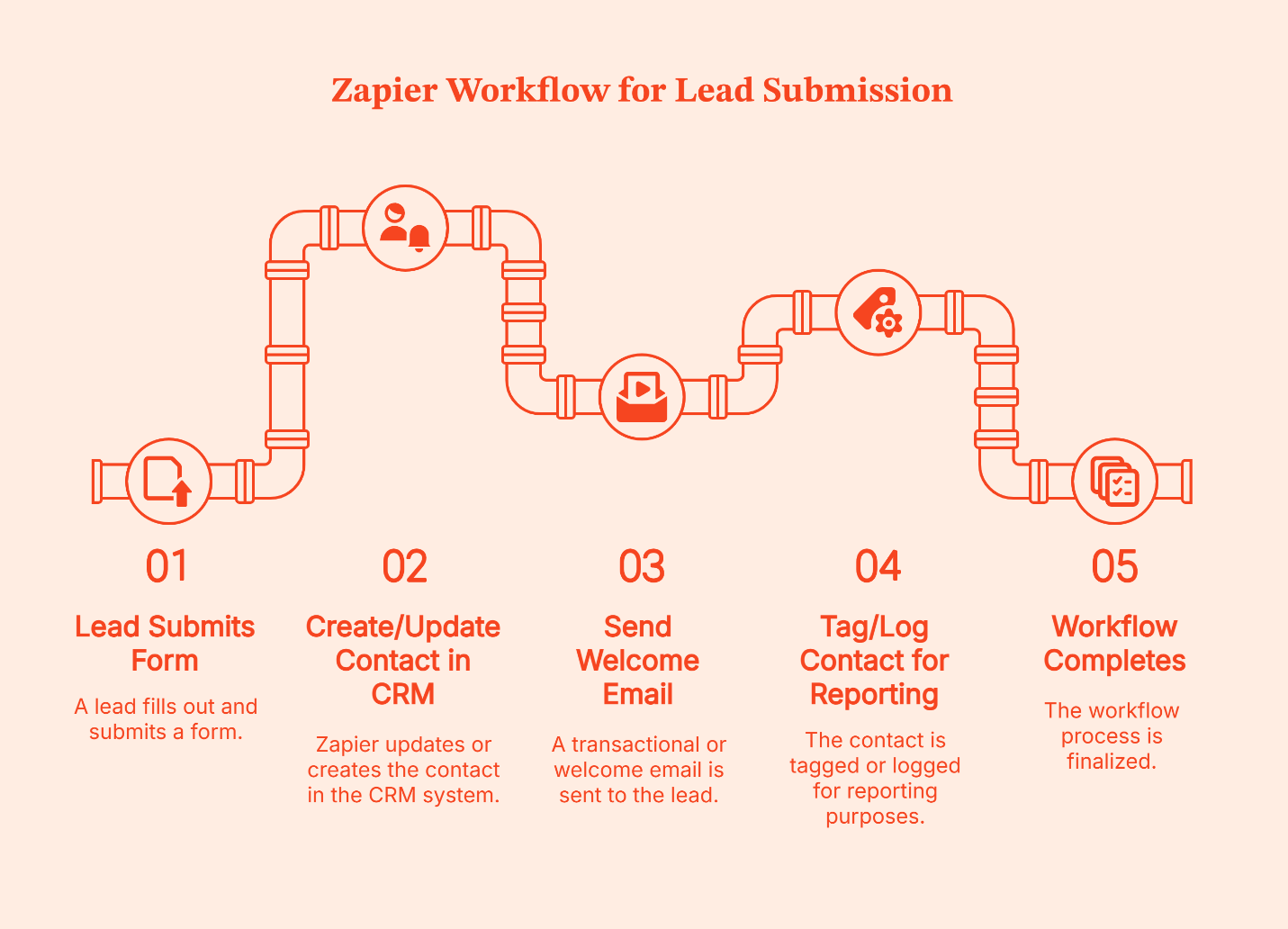
Zapier treats this like a lightweight pipe. Data enters at one end, flows through a few clear steps, and exits at the other.
If something goes wrong, say the CRM step fails or an email tool times out, the usual response isn’t to build elaborate recovery logic. Instead, teams open the Zap, fix the step, and re-enable it. The pipe gets adjusted, and the flow resumes.
That’s how Zapier is designed. It’s a trade-off Zapier makes intentionally to keep setup fast and workflows easy to maintain.
A Make-style workflow
Let’s take the same example: a new lead submits a form.
Here’s how that typically looks in Make:
- Step 1: The form submission creates or updates a CRM record.
- Step 2: That record moves to an enrichment step inside the same pipeline.
- Step 3: The returned data is evaluated before anything else happens.
- Step 4: The workflow branches based on what it finds.
- If required fields are present, the lead is scored or routed to sales.
- If data is missing or incomplete, the lead is held back or sent down a different path.
- Step 5: Notifications fire only after these checks are complete.
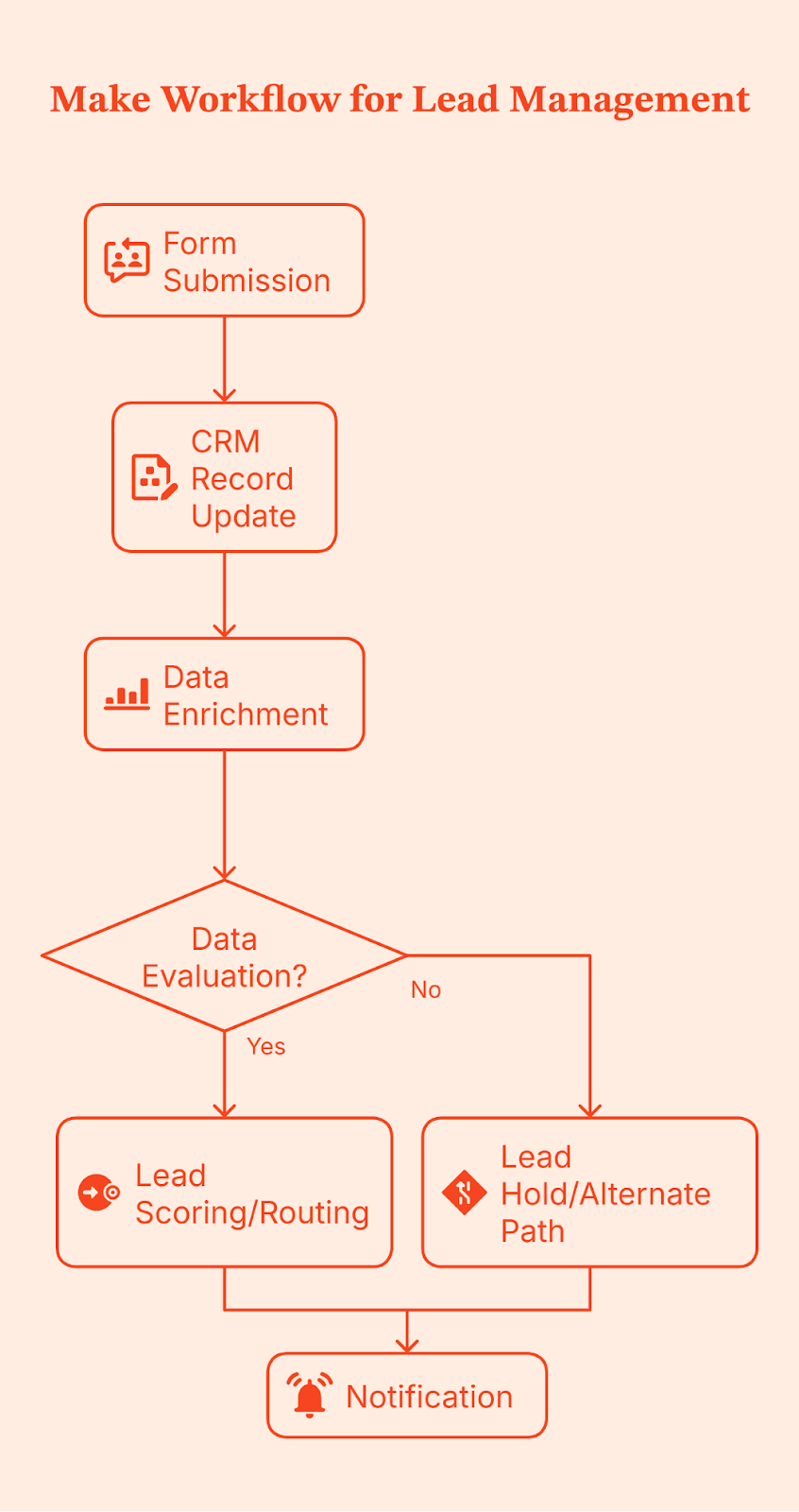
Notice the difference in execution control? Make doesn’t just move data from one place to another; it gives teams control over branching, filtering, and transformation logic before data is routed downstream.
Because this logic is modeled visually, it’s easier to see where things break, adjust conditions, and handle edge cases without rewriting the entire workflow. This becomes especially valuable as volume increases and sales cycles grow more complex, making data quality issues harder to ignore.
An n8n-style workflow
When you use n8n, you design the full workflow in advance.
That includes:
- What triggers the workflow (a form submission, webhook, schedule, etc.)?
- Every validation, check, branch, retry, and fallback
- What happens when something fails halfway through?
- Where is the data written, and when should it NOT be written?
- How is the execution state handled?
In most setups, this workflow is also self-hosted, so the team controls where it runs, how it’s monitored, and how execution is handled.
Once this is designed and deployed, every time a lead submits a form, n8n runs that exact flow from top to bottom.
Let’s use the same form submission as an example.
- Step 1: A lead submits a form, which triggers the workflow.
- Step 2: The incoming data is validated and normalized. Required fields are checked. Formats are cleaned.
- Step 3: Enrichment runs, often across multiple sources, with explicit handling for missing or partial data.
- Step 4: The workflow evaluates outcomes.
- If enrichment succeeds, the lead moves forward.
- If not, it follows a defined fallback path instead of blindly continuing.
- Step 5: Updates are written deliberately to one or more systems, such as a CRM and an internal database, only after upstream checks pass.
- Step 6: Execution state is tracked so failures can retry or resume instead of restarting the entire flow.
- Step 7: Notifications and analytics updates take place at the end, once the system knows the workflow was completed correctly.
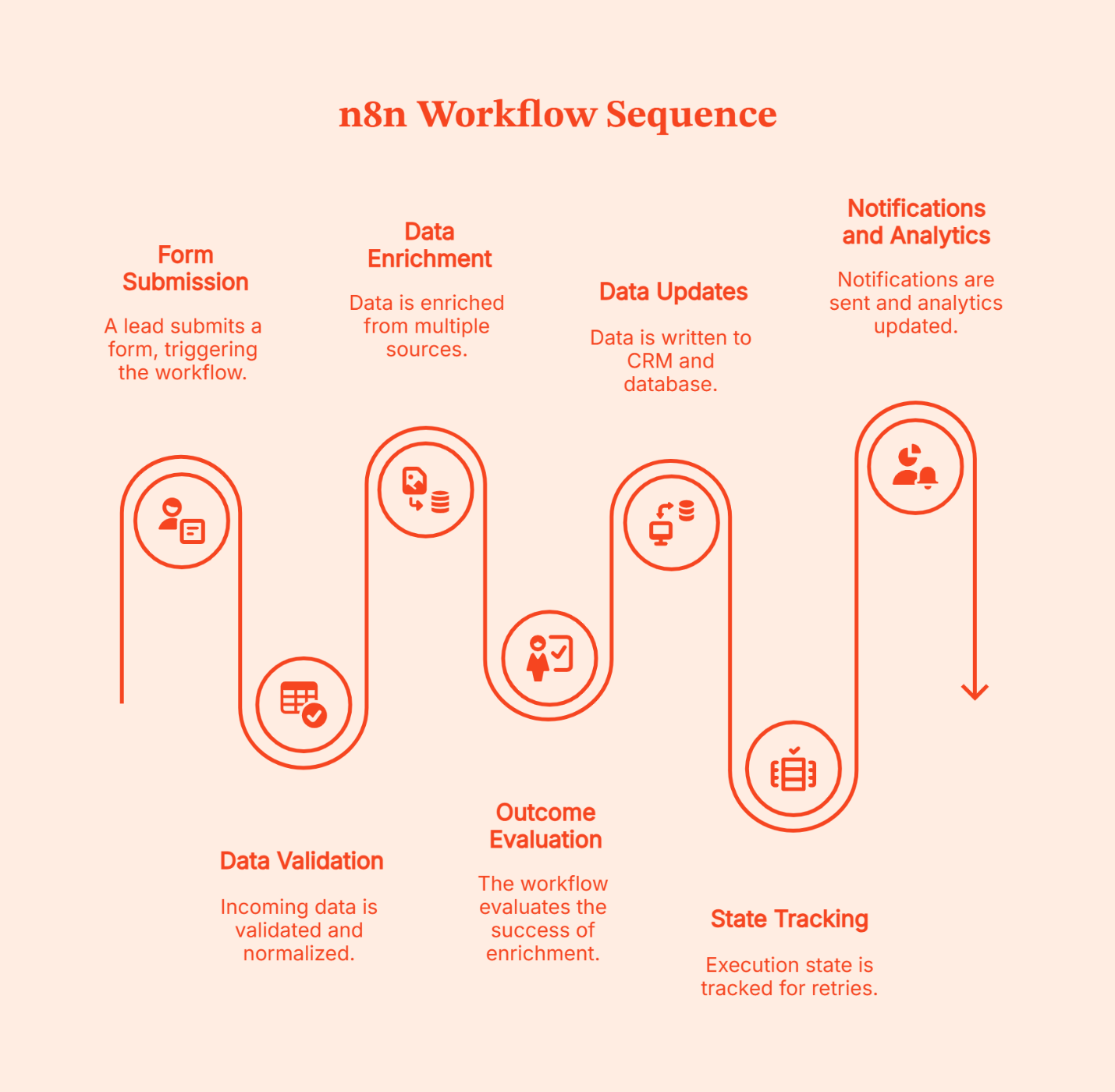
The complexity of the design is a chosen tradeoff for intentional control. That’s why n8n workflows are better known as infrastructures instead of automations.
Decision Matrix: How to Choose the Right Automation Layer for Your B2B Marketing Stack
| Your context | Zapier | Make | n8n |
|---|---|---|---|
| Team size | Small to mid-sized teams | Mid-sized GTM or RevOps teams | Larger teams or dedicated GTM engineering |
| Who builds workflows | Marketing or Ops, no engineering help | Ops-led, occasional technical support | Engineers or technical GTM teams |
| Technical comfort | Low | Medium | High |
| Workflow complexity | Simple, mostly linear flows with clean and light conditions | Branching logic, multi-step workflows | Custom, system-level, and complex workflows |
| Signal volume | Low to moderate | Moderate | High |
| Data transformation needs | Minimal | Moderate (conditions, scoring, validation) | Heavy (custom logic, pipelines, retries) |
| Integration needs | Common SaaS tools | Common + some custom API work | Any system via APIs or custom nodes |
| Cost sensitivity at scale | Can get expensive as volume grows (task-based pricing) | More predictable with careful design (operations/credits model) | Often cheapest at scale if self-hosted; cloud version priced per workflow execution, not per action |
| Data control & compliance | Cloud-hosted, limited control | Cloud-hosted with some enterprise options | Full control with self-hosting |
| Best used when | Speed and simplicity matter most | You need control without full engineering | You need ownership, scale, and flexibility |
A quick reminder: Most teams don’t stick with one tool forever or switch automation overnight. Instead, the common practice is to layer them. Simple workflows stay where they already work; New or more complex ones get built elsewhere. Ideally, teams pilot tools using free or low-cost tiers, identify where friction arises, and standardize only after patterns are clear. Hybrid setups make the most sense and are usually the most practical way to evolve GTM systems without breaking what already works.
Implementation and Governance Tips for GTM Automation
GTM issues arise from unclear ownership, undocumented workflows, and changes no one remembers making. Following a structured framework upfront to avoid these issues saves a lot of clean-ups later.
Here’s how to put GTM automation in place without losing control as things scale.
<Add a line here saying here are the tips for doing XYZ>
- Start with naming and documentation
Name workflows like you’re explaining them to someone new on day one. Add a short note on what triggers them, which systems they touch, and what ‘done’ actually means. Once workflows span CRM, enrichment, ads, and internal tools, memory stops working.
- Be clear about ownership
One person building everything doesn’t work at scale. But neither does letting everyone create automations on their own. Assign clear ownership and define key responsibilities about who can build workflows, who checks changes, and who fixes things when something breaks. This matters even more when you’re using both cloud tools and self-hosted systems.
- Version and test before changing live flows
GTM workflows age fast. When something needs updating, don’t tweak it live. Clone it. Test it with sample data. Then roll it out. Treat changes like system updates, not quick edits made in a hurry.
- Keep an eye on cost and usage
It is easy to lose sight of rising automation costs. Keep an eye on how often workflows run, how many steps they execute, and which ones drive most of the usage. It helps you control spend and design smarter flows early.
- Audit data flows regularly
Know where data enters, where it’s transformed, and where it ends up. This is especially important if you handle sensitive data or self-host anything. A simple check every few months saves bigger problems later.
FAQs for Zapier vs Make vs n8n
Q. Is a no-code tool like Zapier enough for enterprise-level GTM workflows?
It can work for simple, well-defined workflows, but most enterprise teams outgrow it as volume, logic, and data control needs increase.
Q. When does it make sense to self-host with n8n instead of using cloud-hosted Zapier or Make?
Self-hosting makes sense when data control, compliance, or cost at high volume matters more than setup convenience.
Q. How steep is the learning curve for Make compared to n8n or Zapier?
Zapier is the easiest, Make takes some learning but stays visual, and n8n usually requires technical comfort or engineering support.
Q. Can we start with Zapier and migrate to n8n later without too much disruption?
Yes. Most teams don’t migrate everything at once. They keep simple workflows on Zapier and move complex ones gradually.
Q. What are the typical cost implications as workflows scale?
Zapier charges per task, Make charges per operation, and n8n charges per execution or infrastructure, which changes the math at scale.
Q. Which tool handles complex branching and arrays better?
Make is strong with visual branching and iterators, n8n handles complex logic and error paths well, and Zapier relies on Paths or Code for advanced cases.
Q. Which is cheaper at scale for GTM workflows?
Self-hosted n8n is usually cheapest at high volume, while Zapier and Make are easier early but cost more as usage grows.
%2520(1).avif)
GTM Metrics: 10 Go-to-Market KPIs B2B Teams Track in 2026
The GTM (go-to-market) metrics modern B2B and SaaS teams track in 2026 — including CAC, NRR, Rule of 40, and CAC payback — with formulas, benchmarks, and FAQs.

TL;DR:
- GTM metrics are the KPIs B2B and SaaS teams use to measure how efficiently their go-to-market motion converts spend and effort into revenue.
- The 10 foundational metrics: CAC, CPL, Sales Cycle Length, Conversion Rate, CLTV, Churn Rate, Customer Retention Rate, NPS, Revenue Growth Rate, Market Penetration Rate.
- The 5 modern operator-grade metrics: NRR (>100%), GRR (>85%), Rule of 40, CAC Payback (<18 months), GTM Efficiency Ratio (>0.75).
- Group your dashboards by Acquisition / Retention / Efficiency — board members and CFOs read GTM data in this structure.
Whether you’re launching a new product or planning to expand in a new market, a great GTM strategy is your key to success.
However, a strategy is only as good as the metrics used to measure it. Tracking the right GTM metrics can provide actionable insights into customer acquisition, retention, and overall business growth.
In this guide, we’ll explore the top GTM metrics you should track, explain why they matter, and provide actionable examples to help you apply these insights.
GTM Metrics: Go-to-Market, Not Google Tag Manager
The acronym “GTM” has two meanings — and they’re often confused. Google Tag Manager (GTM) is a tag-management tool used for analytics and event tracking. Go-to-Market (GTM) is the strategy a company uses to bring a product to market and grow revenue. This guide covers Go-to-Market metrics — the KPIs your revenue, marketing, sales, and CS teams use to measure how efficiently your business turns market opportunity into pipeline and ARR.
What Is a Go-to-Market (GTM) Strategy?
A go-to-market (GTM) strategy is the structured plan a company uses to introduce a product to a market, reach target customers, and grow revenue efficiently. It spans five pillars: product analysis, product messaging, sales proposition, marketing strategy, and sales strategy.
Modern GTM strategies are also defined by their motion — the dominant way the company acquires customers. The seven common GTM motions are inbound, outbound, product-led, channel-led, event-led, community-led, and ecosystem-led. Each motion has different metric benchmarks. A product-led GTM measures activation and expansion; an outbound GTM measures meetings booked and SDR productivity.
GTM metrics measure the efficiency of whichever motion you’ve chosen — and tell you when to invest, optimize, or pivot.
Why Are GTM Metrics Important?
GTM metrics are critical because they provide quantifiable insights into how well your GTM strategy is performing. These metrics allow businesses to:
- Identify areas for improvement in marketing, sales, and distribution.
- Align cross-functional teams with shared goals and performance indicators.
- Predict future performance and make informed decisions.
- Justify investments and budget allocations based on data-driven insights.
Tracking these metrics ensures that your GTM strategy is on the right path and helps you pivot when necessary.
Top 10 GTM Metrics by Category
Acquisition & Sales Efficiency
1. Customer Acquisition Cost (CAC)
CAC measures the cost of acquiring a new customer. It includes all marketing and sales expenses divided by the number of new customers acquired during a specific period. A high CAC can indicate inefficiencies in your GTM strategy, while a low CAC suggests that you’re acquiring customers cost-effectively.
Suppose your marketing expenses for Q1 were $100,000, and your sales expenses were $50,000, totaling $150,000. If you acquired 300 new customers in Q1, your CAC would be $500. By tracking this, you can evaluate whether your acquisition channels are efficient or need optimization.
Benchmark: B2B SaaS median blended CAC ranges $1,000–$5,000 per customer; enterprise deals 5–10× higher (Source: First Page Sage 2024 B2B CAC report; ProfitWell SaaS benchmarks).
2. Cost Per Lead (CPL)
CPL measures the cost of generating a new lead. It’s a vital metric for understanding the efficiency of your marketing efforts. A high CPL might suggest that your marketing channels are not cost-effective, while a low CPL indicates efficient lead generation.
If you spend $10,000 on a campaign that generates 500 leads, your CPL is $20. You can allocate your budget to the most efficient sources by comparing CPL across different channels.
Benchmark: B2B SaaS CPL averages $50–$200 across paid channels; outbound-heavy and ABM motions land higher (Source: HubSpot State of Marketing; First Page Sage CPL benchmarks).
3. Sales Cycle Length
The sales cycle length measures the time it takes to convert a lead into a paying customer. A shorter sales cycle means you’re efficiently moving prospects through the pipeline, while a longer cycle may indicate friction points in your process.
Track the average time from the first interaction (e.g., demo request) to the closed sale. If the average sales cycle is 60 days, but top competitors close within 30 days, you should refine your sales approach.
Benchmark: B2B SaaS median sales cycle is ~84 days; enterprise deals average 6+ months (Source: HubSpot Sales Trends Report; CSO Insights).
4. Conversion Rate
The conversion rate measures the percentage of leads or prospects that convert into paying customers. This metric is essential because it directly impacts revenue and highlights the effectiveness of your GTM strategy.
If you generate 1,000 leads from a campaign and convert 100 into customers, your conversion rate is 10%. Analyzing conversion rates at different stages of the funnel can help you identify bottlenecks and improve your process.
Benchmark: B2B SaaS lead-to-customer conversion averages 2–5%; product-led motions can reach 10%+ (Source: HubSpot State of Marketing; OpenView 2024 PLG Index).
Retention & Customer Value
5. Customer Lifetime Value (CLTV)
CLTV estimates the total revenue a customer will generate during their relationship with your company. Compared to CAC, it gives insight into the profitability of your GTM strategy. A higher CLTV suggests that customers find value in your product, leading to longer relationships and more revenue.
If a customer spends $200 monthly for 24 months, the CLTV is $4,800. If your CAC is $500, your customer is providing nearly 10× return on your acquisition cost, signaling a healthy business model.
Benchmark: Healthy LTV:CAC ratio is 3:1 or higher; below 1:1 indicates an unsustainable acquisition motion (Source: David Skok / For Entrepreneurs SaaS Metrics 2.0; Bessemer State of the Cloud).
6. Churn Rate
The churn rate measures the percentage of customers who stop using your product or service during a given period. A high churn rate can indicate problems with product-market fit, customer satisfaction, or customer support. Reducing churn should be a priority in any GTM strategy.
If you start with 1,000 customers in January and lose 100 by the end of the month, your churn rate is 10%. By tracking churn, you can implement strategies to improve retention, such as personalized onboarding or enhanced customer support.
Benchmark: Best-in-class monthly logo churn < 1%; healthy < 2%; concerning > 5% (Source: Recurly Research SaaS churn benchmarks; ChartMogul SaaS Benchmarks Report).
7. Customer Retention Rate
The retention rate measures the percentage of customers who continue to use your product over time. A high retention rate indicates customer satisfaction and loyalty, while a low rate may signal that your product or service isn’t meeting customer needs.
If you have 1,000 customers at the start of the month and 950 by the end, your retention rate is 95%. Tracking this metric helps you identify patterns and implement strategies to retain customers, such as loyalty programs or regular check-ins.
Benchmark: Best-in-class annual logo retention > 95%; healthy > 85% (Source: KeyBanc Capital Markets SaaS Survey; ChartMogul SaaS Benchmarks).
8. Net Promoter Score (NPS)
NPS measures customer loyalty and satisfaction by asking customers how likely they are to recommend your product or service to others. A high NPS indicates strong customer advocacy, while a low score suggests room for improvement in your product or customer experience.
After a customer purchases, send out an NPS survey. If your score is below industry benchmarks, you may need to re-evaluate your GTM strategy, focusing on enhancing customer satisfaction and loyalty.
Benchmark: B2B SaaS median NPS is ~36; world-class teams hit 50+ (Source: Retently 2024 NPS Benchmarks; Bain & Company NPS data).
Growth & Market Position
9. Revenue Growth Rate
The revenue growth rate is a key indicator of your company’s financial health and the effectiveness of your GTM strategy. It shows how quickly your revenue increases over time, which is crucial for long-term sustainability.
If your revenue grew from $1 million to $1.2 million in a year, your growth rate is 20%. Analyzing this metric alongside other GTM metrics can help identify the drivers behind your revenue growth.
Benchmark: Public SaaS median YoY growth is 18–25%; growth-stage private companies target 40%+ (Source: Bessemer State of the Cloud 2024; Meritech Public SaaS Index).
10. Market Penetration Rate
This metric measures the percentage of your target market that you’ve captured. Understanding how well your product is performing in the market and how much growth potential remains is essential.
If you’re targeting a market of 100,000 potential customers and have acquired 10,000, your penetration rate is 10%. Tracking this over time helps you assess the effectiveness of your GTM strategy and identify new growth opportunities.
Benchmark: 10% penetration is a strong early indicator; 25%+ signals category leadership (Source: Gartner B2B Buying & Selling Benchmarks; McKinsey B2B Pulse).
{{INLINE_TOFU}}
5 Modern GTM Metrics Every Operator Should Add
The 10 metrics above are foundational. The metrics below separate competent operators from elite ones — and they’re what board members, VCs, and CFOs increasingly ask for.
11. Net Revenue Retention (NRR)
Formula: ((Starting MRR + Expansion − Downgrades − Churn) / Starting MRR) × 100
Benchmark: Best-in-class SaaS > 120%; healthy > 100%; concerning < 90%.
NRR measures how much existing customer revenue grows or shrinks over time, ignoring new logos. It’s the single most predictive metric of long-term SaaS efficiency.
12. Gross Retention Rate (GRR)
Formula: ((Starting MRR − Downgrades − Churn) / Starting MRR) × 100
Benchmark: Best-in-class > 95%; healthy > 85%.
Unlike NRR, GRR ignores expansion — exposing pure churn risk.
13. Rule of 40
Formula: Revenue Growth Rate (%) + Profit Margin (%)
Benchmark: >= 40 indicates a balanced growth/profitability profile that public markets reward.
The single most cited efficiency benchmark in modern SaaS investing.
14. CAC Payback Period
Formula: CAC / Monthly Gross Profit per Customer
Benchmark: Best-in-class < 12 months; healthy < 18 months; concerning > 24 months.
How quickly each new customer pays back what it cost to acquire them — a survival-level metric for any growth-stage company.
15. GTM Efficiency Ratio (Magic Number)
Formula: Net New ARR (quarter) / S&M Spend (prior quarter)
Benchmark: >= 0.75 indicates efficient growth; 1.0+ is elite; < 0.5 means S&M is over-spent.
Used by ICONIQ Growth and most B2B SaaS boards as the headline efficiency metric.
How to Effectively Track GTM Metrics
Now that you know the top GTM metrics to track, let’s discuss how to track them effectively:
- Set Clear Goals: Begin by defining what success looks like for each metric. For example, if your goal is to reduce CAC, determine a specific target, such as lowering CAC by 15% within six months.
- Use the Right Tools: Build a layered measurement stack: (a) Web/event analytics — Google Analytics 4, Mixpanel, Amplitude. (b) CRM — Salesforce, HubSpot, Pipedrive — for pipeline and conversion. (c) Attribution & GTM analytics — Factors, Bizible, Dreamdata — to connect marketing spend to revenue. (d) SaaS metrics & board reporting — ChartMogul, ProfitWell, Maxio — for NRR, GRR, Rule of 40, and CAC payback. (e) Visualization — Looker, Tableau, Sigma — for dashboards.
- Regular Reporting: Real-time for leading indicators (pipeline, MQLs, conversion); weekly for funnel pacing; monthly for retention and CAC payback; quarterly for board-level efficiency metrics (Rule of 40, NRR).
- Focus on Actionable Insights: Metrics alone won’t drive success. You need to derive actionable insights from them. For instance, if your churn rate is high, look into customer feedback to understand why and implement changes accordingly.
- Align Metrics with Business Objectives: Ensure the GTM metrics align with your business goals. For example, if your objective is to grow market share, focus on metrics like market penetration rate and revenue growth.
GTM Metrics FAQ
- What are GTM metrics? GTM (go-to-market) metrics are the KPIs that measure how efficiently a company brings a product to market and converts that effort into revenue. They span acquisition (CAC, CPL, conversion rate), retention (CLTV, churn, NRR, GRR), and efficiency (Rule of 40, CAC payback, GTM efficiency ratio).
- What are the 5 pillars of a GTM strategy? The five common pillars are: (1) Product analysis — what you’re selling and why it wins; (2) Product messaging — how you describe value; (3) Sales proposition — pricing, packaging, segmentation; (4) Marketing strategy — channels and demand generation; (5) Sales strategy — motion, capacity, and pipeline targets. Metrics align to each pillar.
- What are the 7 GTM motions? Inbound, outbound, product-led, channel/partner, event-led, community-led, and ecosystem-led. Each motion has its own efficiency profile — CAC, sales cycle, and conversion benchmarks vary materially across them.
- What’s the difference between GTM metrics and GTM KPIs? KPIs are a subset of metrics — the small set that directly tracks strategic objectives. CAC is a metric; “reduce CAC by 20% in two quarters” is a KPI. Most boards review 5–8 KPIs out of dozens of underlying metrics.
- How often should GTM metrics be reviewed? Real-time dashboards for leading indicators (pipeline, MQLs, conversion). Weekly for funnel and pacing. Monthly for retention and CAC payback. Quarterly for Rule of 40, NRR, and board-level reporting.
- What’s a healthy NRR for B2B SaaS? Best-in-class teams report > 120%, healthy is > 100%, concerning is < 90%. NRR is the single most predictive metric of long-term SaaS efficiency because it isolates expansion and churn from new-logo growth.
Measure your GTM efforts with Factors
Tracking the right GTM metrics is crucial for the success of your Go-to-Market strategy. By focusing on metrics like CAC, CLTV, churn rate, and conversion rates, you can gain valuable insights into your strategy’s effectiveness and make data-driven decisions to optimize performance.
Remember, metrics are not just numbers; they are the pulse of your business. Regularly tracking and analyzing these GTM metrics will help you stay ahead of the competition, drive growth, and ultimately achieve your business objectives.
Book a demo to find out how Factors can help you effectively streamline your GTM strategy.
Key Takeaways
- GTM metrics ≠ Google Tag Manager metrics. This guide covers go-to-market metrics — the KPIs that measure revenue efficiency.
- Foundational 10: CAC, CPL, Sales Cycle Length, Conversion Rate, CLTV, Churn, Retention, NPS, Revenue Growth, Market Penetration.
- Modern 5: NRR, GRR, Rule of 40, CAC Payback, GTM Efficiency Ratio (Magic Number) — the metrics boards and CFOs ask for.
- Group dashboards by Acquisition / Retention / Efficiency for clarity in board decks and revenue reviews.
- Match metrics to motion: product-led GTM measures activation; outbound GTM measures SDR productivity. Don’t track the wrong metric for your motion.
- Cadence matters: real-time for leading indicators; weekly for funnel; monthly for retention; quarterly for efficiency.

GTM Engineering vs. RevOps: Why They’re Not the Same Job (Even If LinkedIn Really Wants Them to Be)
Find the key differences between GTM Engineering and RevOps and why confusing the two can derail your growth and lead to costly hiring mistakes.

TL;DR
- RevOps = alignment and execution; GTM Engineering = automation and scale, confusing the two causes costly hiring mistakes.
- GTM Engineers need firsthand sales experience and build systems from scratch; RevOps optimizes what already exists.
- Roles differ in compensation, tooling, and team alignment. RevOps works across functions, and GTM Engineering sits closer to Product and Data.
- Your growth stage determines who to hire: RevOps for order, GTM Engineering for leverage, never the other way around.
Picture this.
You’re in a meeting, someone brings up hiring a “GTM Engineer,” and suddenly half the room nods like they understand… while the other half quietly panics and starts questioning all their life choices.
Did we miss something?
Is this a real role?
Is everyone hiring them except us?
Yeah. That’s the vibe around GTM Engineering right now.
The truth?
RevOps and GTM Engineering are connected, but they’re not interchangeable.
And if you treat them like the same job, you’ll end up hiring someone amazing… for the wrong thing.
So let’s break this down in a way that actually makes sense.
Related read: Top GTM engineering tools for marketing and sales teams.
First, let’s get our definitions straight
Before we stir the pot, here's the quick, no-nonsense version:
RevOps = alignment + process + predictability.
They make sure Sales, Marketing, and CS are speaking the same language, running the same playbook, and not tripping over one another.
GTM Engineering = automation + architecture + technical GTM execution.
They build AI-powered workflows, scripts, agents, and automations that create revenue leverage at scale.
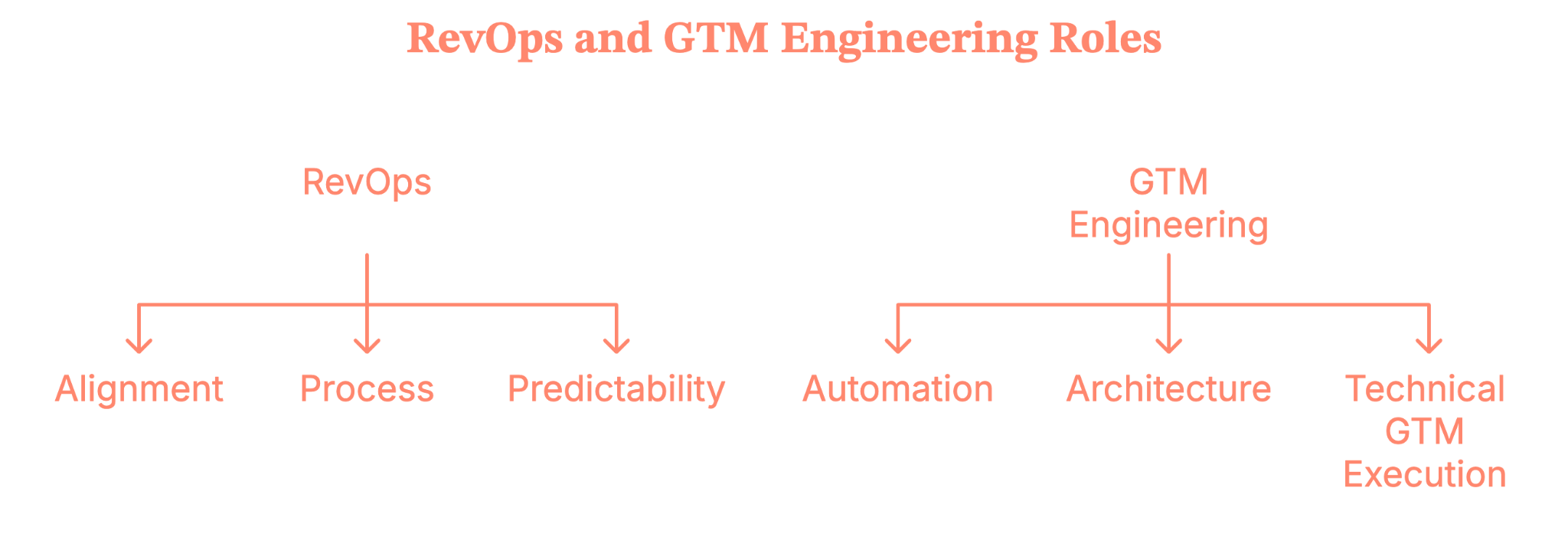
Both roles touch tools.
Both touch data.
Both help you grow.
But they’re not interchangeable, and treating them like they are is how you end up hiring a Zapier power-user when you needed someone who understands pipeline governance (or vice versa).
Related read: Website visitor to warm outbound play using GTM engineering
What RevOps actually does (No, it’s not just dashboards)
Now imagine this, you’ve hit that awkward growth stage where:
- Data stops making sense,
- Your CRM becomes a black hole,
- Teams debate whose pipeline number is “right.”
- Someone sincerely suggests, “Maybe we need another field.”
This is the moment RevOps becomes real.
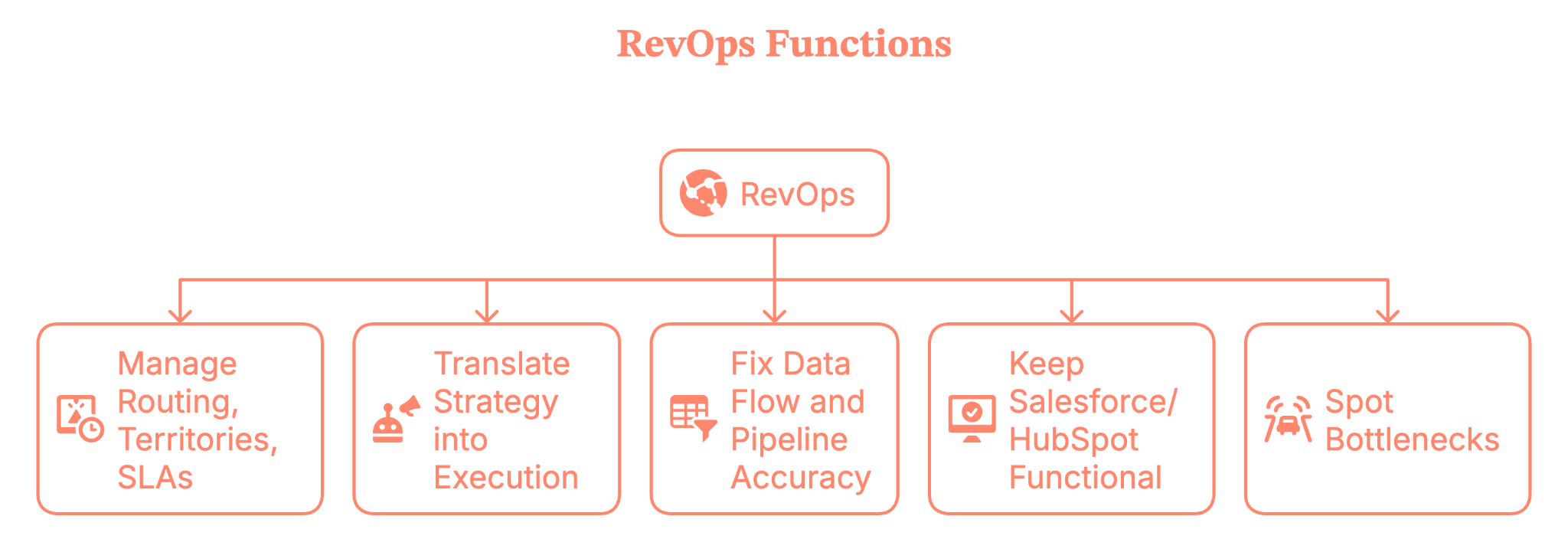
RevOps is the function that:
- Manage routing, territories, SLAs, and your GTM governance
- Translate strategy (CEO/CRO/CMO) into execution
- Fix data flow and pipeline accuracy
- Keep Salesforce/HubSpot and the entire stack functional
- Spot bottlenecks before they sabotage your quarter
If GTM is the engine, RevOps is the person making sure the wheels don’t fall off while everyone else is yelling “faster!”
{{INLINE_BOFU}}
Okay… So what’s a GTM engineer then?
Here’s where the waters get muddy.
Some people say “GTM Engineer” and mean:
- Building prospect lists
- Scraping contacts
- Automating outbound with Clay, n8n, Make, or Zapier
- Wiring together tools for faster outreach
Is it useful work? Absolutely.
But is it a new role? Not really. That’s classic Sales Ops with modern toys.
But true GTM Engineering is something else entirely.
A real GTM Engineer:
- Builds net-new automation using AI, APIs, and scripts
- Creates automated workflows that actually touch prospects
- Works closely with Product, Data, and Platform teams
- Turns GTM ideas into executable systems
- Helps scale motions that humans can’t keep up with manually
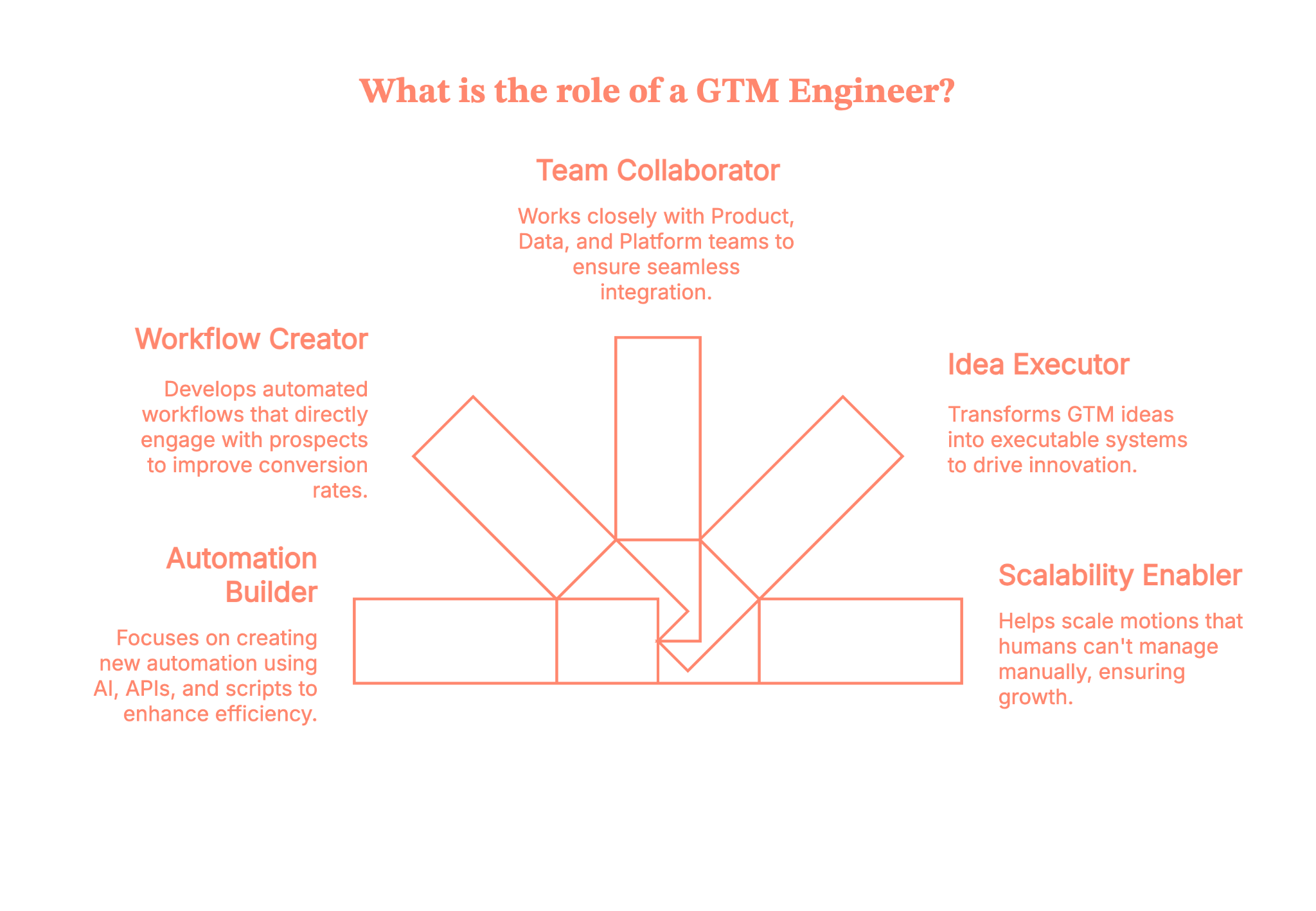
Where RevOps operates inside the existing system, GTM Engineering builds the systems that don’t exist yet.
This is not “run Clay better.” This is “architect GTM like an engineer.”
And it belongs in the category of “new job family created by the AI-native GTM era.”
Why GTM Engineering isn’t just revOps with a trendy title
According to Brendan Short, the founder of The Signal (.club), there are eight reasons why GTM Engineer is not just RevOps rebranded.
Let’s lay this out clearly, because this is where companies make expensive hiring mistakes.
1. The experience factor
A strong RevOps leader doesn’t need SDR or AE experience.
A strong GTM Engineer almost always does, because they automate messaging, outreach, enrichment, tiering, and buyer interactions.
You simply cannot automate what you don’t understand firsthand.
2. The incentives are different
RevOps is compensated like an operations role.
GTM Engineering should be compensated like a revenue role, with pay tied to outcomes rather than task completion.
Different incentives create different behaviors, which ultimately create different results.
3) They build new infrastructure; they don’t patch old workflows
RevOps focuses on optimizing existing systems such as Salesforce and HubSpot.
GTM Engineers build entirely new systems using LLMs, APIs, microservices, agents, and data pipelines.
These require completely different technical skills.
4) They are not responsible for classic RevOps work
GTM engineers do not manage comp plans, forecast models, territory logic, or admin-heavy tasks. Those responsibilities belong to RevOps.
5) Their work touches customers, even if indirectly
GTM Engineers automate actions that reach real buyers, not just internal reports. This raises the stakes and lowers the margin for error.
6) They sit closer to Product and Data than to Sales or CS
GTM engineers need access to internal APIs, event systems, and warehouse infrastructure — areas RevOps rarely works in.
7) They are built for a post-SaaS, AI-native GTM world
Buyer behavior changes quickly, volume is high, and speed matters. GTM Engineers help teams operate at a pace humans alone can’t maintain.
8) Their output is leverage, not insights
RevOps provides clarity through reporting and structured processes. Whereas GTM Engineering provides scalable automation that compounds over time.
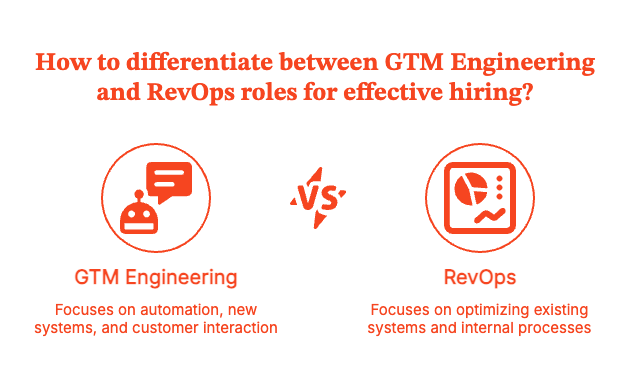
Together, they’re powerful, but confusing them makes hiring far more difficult.
So, why is everyone confused right now?
Well, the short answer is LinkedIn hype cycles.
The long answer is,
- Tools like Clay and n8n make GTM feel more “technical.”
- Influencers start rebranding their workflows as “GTM Engineering.”
- Founders worry they’re behind.
- Operators assume they need a deeply technical hire instead of a strategic one.
- Titles start driving decisions instead of needs
It’s like when Excel wizards started calling themselves “financial engineers.”
Yes... same energy, but a different decade.
Where teams get this wrong (and create their own chaos)
A little tough love:
Using Clay doesn’t make you a GTM strategist. And knowing n8n doesn’t make you a GTM leader.
Tools are not a strategy.
If you let “GTM Engineers” define your GTM… you end up with a tool-driven motion instead of a customer-driven one.
And that’s how companies burn cycles chasing clever automations while ignoring why customers buy them in the first place.
What you actually need, based on your growth stage
Let’s make this simple enough to tape to your founder’s desk.
Pre-$1M ARR
You need:
- Clear ICP
- Simple repeatable processes
- Low-maintenance tools you can manage (Notion, Clay, ChatGPT)
No RevOps yet and definitely no GTM Engineering. You need clarity, discipline, and direct customer learning.
$1M – $5M ARR
This is where a Sales Ops or RevOps generalist becomes essential. You need someone to
- Build dashboards
- Build your CRM
- Clean your data
- Build early GTM processes
- Prevent operational chaos
Their value comes from judgment and prioritization, not advanced tooling.
$5M+ ARR
Now things get fun.
Once you reach this stage, complexity increases. You have:
- Multiple motions
- More channels
- Large teams
- More data
- Rising automation needs
This is when RevOps evolves into a strategic function and when GTM Engineering finally becomes relevant.
You bring these roles in not because LinkedIn says so, but because your business genuinely requires them.
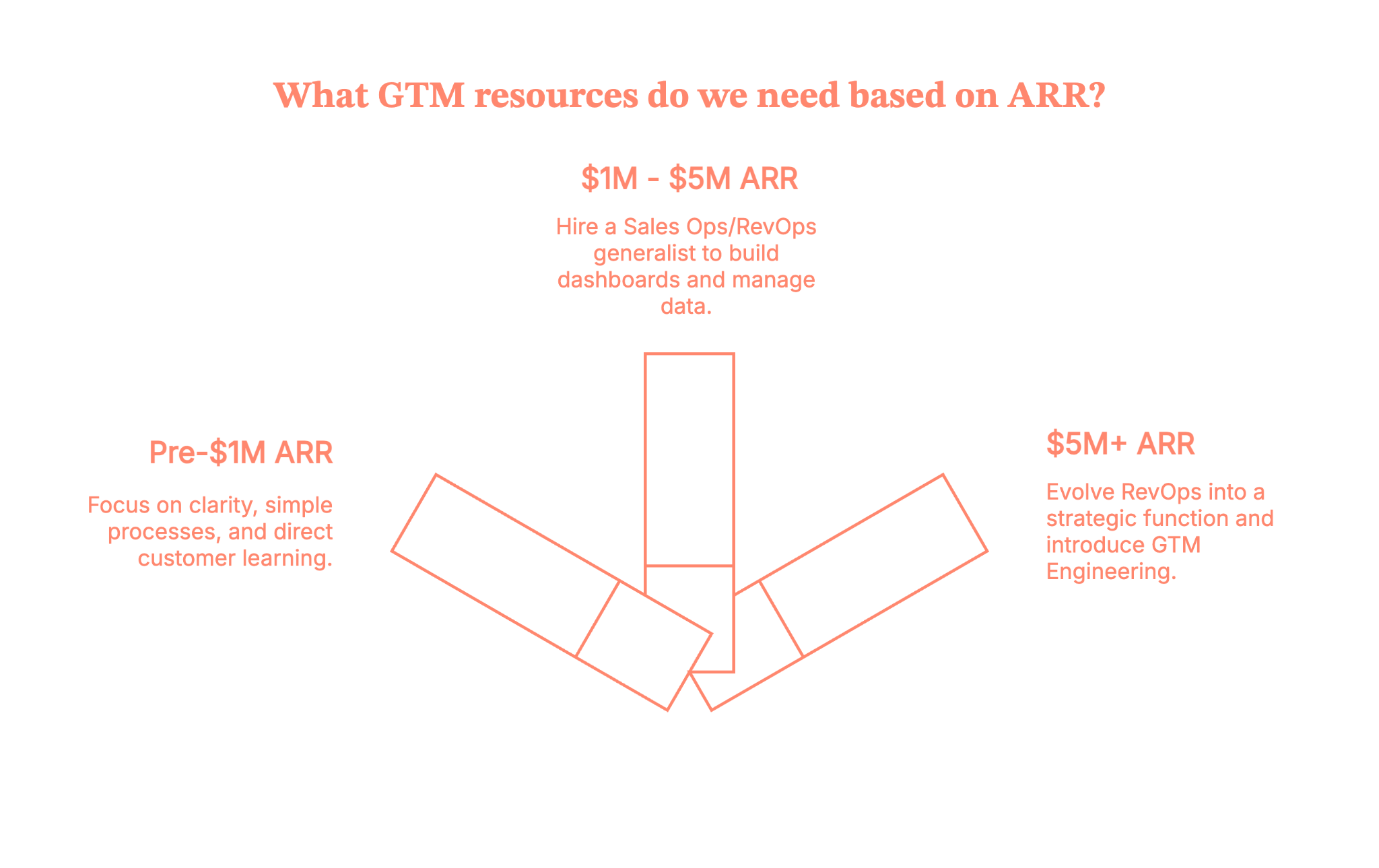
So… which one should you hire first?
The rule is simple, and it rarely fails.
If your business needs alignment, you should hire RevOps first. On the other hand, if your business needs scale, you should hire GTM Engineering first.
When companies confuse the two, they hire the wrong person and unintentionally build the wrong GTM motion.
Unfortunately, this mistake shows up on LinkedIn every single week.
Wrapping this up (Before another new job title drops)
Let’s call things what they are.
- Founders are responsible for setting the strategy.
- RevOps is responsible for turning that strategy into predictable and aligned systems.
- GTM Engineering is responsible for building the technical automation that scales those systems.
Buzzwords will change, titles will trend, and tools like Clay will continue to inspire new job names, but the fundamentals remain the same.
Revenue still needs to be operated. Buyers still need to be understood. And GTM still needs real people who know how to make the motion work.
So do not hire based on hype; hire based on what your business genuinely needs right now.
When you get the roles right, the entire GTM engine runs smoother and grows faster.
Flip your GTM from “nice reports” to “net new revenue” with Factors.ai GTM engineering
With Factors’ GTM engineering services, your tools finally start acting like one smart revenue system instead of a messy pile of apps. You’ll identify up to 75% of accounts visiting your website, enrich the right buyers with verified emails, and hand reps ready-to-send outreach in minutes.
Instead of copy-pasting across tabs, your team runs in a tight loop: detect → enrich → prioritize → alert → execute → write-back. Everyone’s working from the same context, nobody’s asking “Who owns this?”, and intent isn’t cooling off while ops cleans up spreadsheets.
Want to see it on your data? Book a demo and watch the full flow in action. It is configured around how your outbound team actually works (we’ll even bring sample plays you can steal and ship).
How we work
- Done-with-you: we co-build flows with your RevOps team (hands on the keyboard, full enablement).
- Done-for-you: we design, implement, and document; your team just runs the machine day-to-day.
Ready to tighten your loop and let the system do the busywork?
FAQs on GTM Engineering vs. RevOps
Q. What does a GTM Engineer actually do, and how is that different from RevOps?
A GTM Engineer designs and builds revenue systems: AI-powered workflows, data pipelines, automations, enrichment flows, and outbound engines that touch real prospects and customers. Their work lives in tools like Clay, CRMs, APIs, event streams, and data warehouses, turning go-to-market ideas into working automation.
RevOps, by contrast, owns process, governance, and cross-functional alignment: routing, territories, SLAs, forecasting structure, CRM architecture, and reporting. RevOps keeps the machine reliable and consistent; GTM Engineering builds new “engines” that extend what that machine can do.
Q. Is “GTM Engineer” a real job or just a hyped-up title?
Some Redditors argue that “GTM Engineer” is mostly branding on top of Growth/RevOps work, especially when the role is just Clay/Zapier automation with light strategy. Others see it as an emerging specialty: a hybrid of sales, marketing, ops, and technical automation that deserves its own label, especially as AI tooling becomes more central.
Q. When should a company hire RevOps vs. a GTM Engineer?
If you’re fighting messy data, misaligned teams, unclear ownership, or broken handoffs, you’re in RevOps territory. You need someone to define the process, own the CRM, standardize reporting, and keep Sales, Marketing, and CS marching together.
A GTM Engineer makes more sense once you already have basic revenue operations in place and now need scale: higher outbound volume, complex routing/enrichment, AI-driven workflows, or sophisticated multi-tool automations that your existing team can’t maintain.
Early-stage companies usually start with RevOps (or RevOps-ish generalists) and add GTM Engineering as motion complexity and automation demand increase.
Q. Does a GTM Engineer need to know how to code or come from sales?
Here are the two patterns we observed:
- Many GTM Engineers come from sales, SDR, or RevOps and later pick up technical skills. That background helps them automate outreach, qualification, and follow-up in a way that actually matches how reps work.
- Technical depth varies: some roles lean heavily on low-code tools; others expect scripting, API work, and basic data engineering.
Pure software-engineering ability without go-to-market experience often underperforms. You can’t automate a motion you don’t really understand from the front lines.
.avif)
Top 7 GTM Engineering Tools For 2026
Find and compare the best GTM engineering tools and platforms for B2B teams.
.avif)
TL;DR
- GTM engineering is the next evolution of growth. It connects your entire revenue stack, so data, signals, and actions flow seamlessly instead of living in silos.
- A strong GTM platform becomes the command center for your go-to-market motion: it identifies who’s showing intent, enriches that data, prioritizes the right accounts, and triggers timely, personalized outreach.
- Tools like Factors.ai, along with Clay, Apollo, Warmly, N8N, Jason AI, and Make, each solve a piece of that puzzle, from account identification and enrichment to orchestration and automation.
- Together, they turn intent into action: your teams respond faster, outreach becomes more relevant, and your revenue motion scales without adding more headcount.
- This guide breaks down how these platforms work, how to choose the right mix for your team, and how to design GTM workflows that are faster, smarter, and built to grow.
If you’ve been anywhere near B2B marketing or revenue ops lately, you’ve probably heard the term GTM Engineering being thrown around a lot.
And if you’re anything like me, you’ve wondered,
“Is this just another fancy way of saying automation?”
Not quite.
The truth is, GTM engineering is quietly becoming the backbone of modern growth teams, the part that connects data, systems, and strategy into one seamless motion.
And while the role of a GTM engineer is still evolving, the tools behind them are already reshaping how revenue teams operate.
From intent data orchestration to workflow automation to AI-powered buyer mapping, GTM engineering tools are the new growth stack every RevOps and marketing leader needs to know about.
Let’s break it all down, what GTM engineering really means, why it matters, and which platforms are setting the standard.
Read on for the full breakdown, tool comparisons, and practical frameworks you can start using today.
What is GTM Engineering (and why everyone’s talking about it)
At its simplest, GTM (Go-To-Market) engineering is the art (and science) of connecting your growth stack so your marketing, sales, and product data actually talk to each other.
It’s what happens when your Google Ads, LinkedIn, CRM, and product analytics stop behaving like separate universes and start functioning like a single ecosystem.
If marketing automation gave us ‘if this, then that,’
GTM engineering gives us:
“If this exact ICP account did this action on our site, send this message through Slack, sync this data to Salesforce, and adjust this campaign on LinkedIn.”
It’s smarter, faster, and infinitely more contextual.
A GTM engineer is the operator behind that curtain, the person who builds, automates, and optimizes those connections so nothing slips through the cracks.
They’re automating busywork while turning data into real revenue motion.
Why you need a GTM Engineering platform
Every growth team hits the same wall at some point.
You have great data AND great tools. But none of it feels connected.
You’ve basically built a tech stack that looks like a group chat where everyone’s talking, but no one’s listening.
- Your LinkedIn ads generate clicks, but sales never sees them.
- Your CRM is overflowing with contacts, but no one knows who’s actually ready to buy.
- Your intent signals look great in dashboards, but there’s no system to trigger real action.
That’s where a GTM engineering platform comes in.
Think of it as the central hub where every part of your GTM stack finally works together..
When done right, it gives your entire revenue team:
- Speed: instant alerts, faster follow-ups
- Visibility: unified funnel and journey analytics
- Precision: real intent data guiding campaigns
- Scalability: one logic powering every motion
Or in simpler terms:
Also read: Factors.ai vs Cognism: The GTM Platform Breakdown
A GTM engineering platform helps your tech stack operate with more intelligence and purpose.
Want to see how intent-driven platforms beat traditional lead generation? Read here: Intent Data Platforms vs Traditional Lead Generation
The tool everyone’s talking about: Factors
Let’s start with the one that’s quietly setting a new benchmark for GTM orchestration.
1. Factors.ai
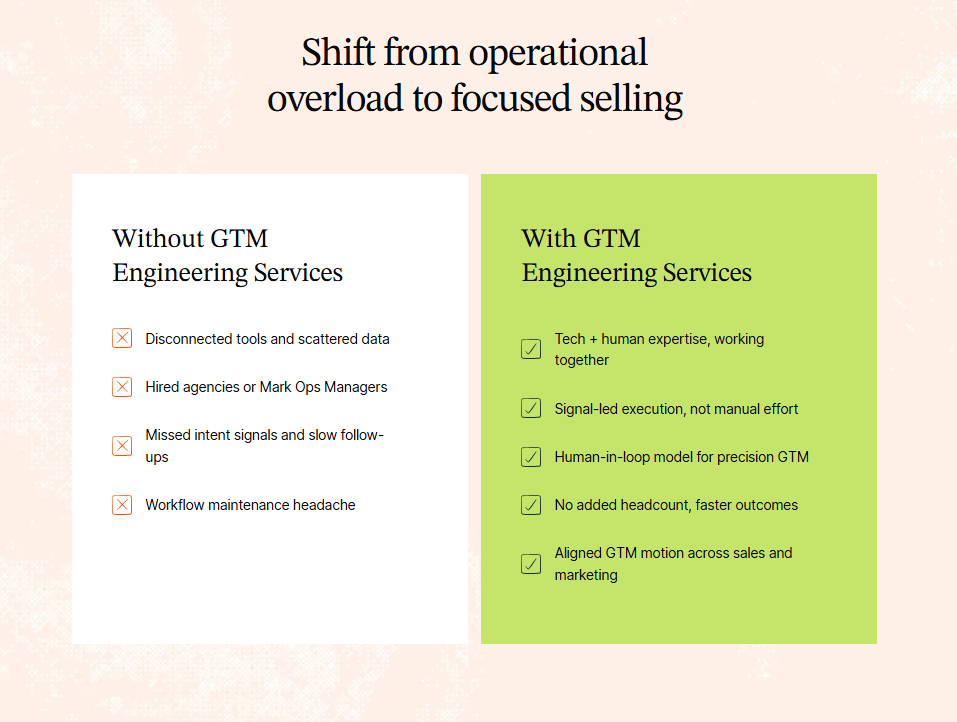
Most teams already have intent data. You’re tracking site visits, ad clicks, G2 activity, it’s all there. But knowing who’s showing intent is only step one. Acting on it fast, smart, and at scale, is where the dough really starts rolling in.
Here’s how it works
- Identify ICP Accounts Instantly
Factors identifies up to 75% of website visitors (vs. the usual 8–10%) using a waterfall enrichment model that pulls from multiple data vendors.
It combines first-party signals (website visits, CRM data, ad clicks) with external intent from G2, LinkedIn, and product usage, giving you a single source of truth on who’s ready to buy. - Pinpoint the Right Contacts
Using geo + role triangulation, Factors surfaces the actual decision-makers inside those companies, the ones most likely visiting your site.
You’ll know who to reach, why they’re relevant, and what they care about, without another round of guesswork. - Automate the Follow-Up (Without the Chaos)
This is where GTM engineering truly comes to life, when insights turn into action.
Factors doesn’t stop at sending alerts; it executes follow-up sequences across your GTM stack with precision.
- Sends real-time Slack or Teams alerts when high-intent accounts engage
- Auto-enriches contacts through Clay and Apollo.io, updating your CRM instantly
- Prioritizes accounts with tiering logic based on job changes, funding, and ICP fit
- Triggers context-based outreach via email, LinkedIn, or ads at the right time
- Keep Humans in the Loop
Every alert includes context that matters, the account journey, pages viewed, contacts to reach, and suggested openers.
No more playing 20 questions with alerts like: ‘someone from a ‘company of interest’ visited.’
Instead, you get detailed alerts like this:
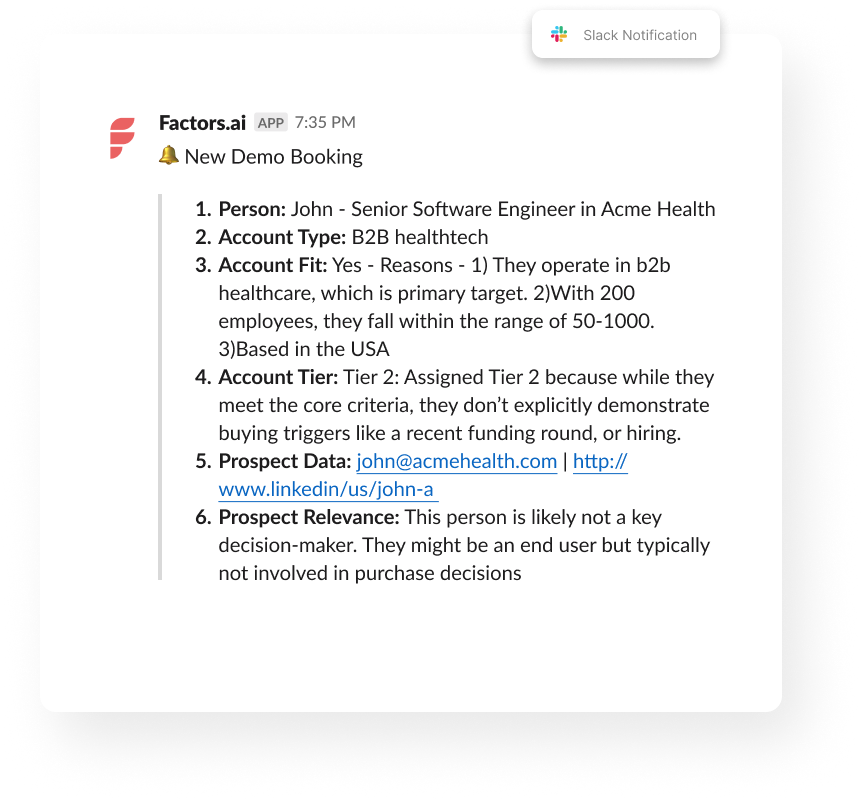
That’s exactly what Factors.ai does.
It’s a GTM engineering platform that turns your intent signals into instant, contextual action across your funnel, from detection to outreach to follow-up (just like a private detective).
Meet Your GTM Engineering Agents: Factors’ AI Agents
Each “agent” inside Factors automates a piece of your go-to-market puzzle:
Agent
What It Does
Outcome
Website Visitor Identification Agent
Detects companies visiting your site and infers likely users
Real-time visibility into ICP engagement
Contact Relevance Agent
Surfaces the right people within buying committees
Context-rich contacts, ranked by relevance
Account Tiering Agent
Scores and classifies accounts using external signals (hiring, funding, job changes, etc.)
Also read: 10 Best Visitor Queue Alternatives For B2B Teams
Smart prioritization
Advanced Enrichment (Clay/Bitscale)
Cleans and validates contact data before writing to CRM
Reliable, high-accuracy data
Account Map Agent
Identifies the buying committee and maps relationships
Multi-threaded outreach
Meeting Assist Agent
Tracks post-meeting engagement and next best actions
Contextual sales follow-up
Closed-Lost Account Alert
Detects when old deals resurface on your site
Re-engagement opportunities
Together, these agents run autonomously, enriching, prioritizing, and activating leads so your reps spend time where it actually counts.
Here’s why growth teams choose factors
- Contact-Level Precision: Go beyond account ID; find who’s behind the visit with person-level identification (up to 30%) using geo + role inference
- Custom Workflows: Built for your SDR motion, tech stack, and AI-curated messaging based on buyer stage, role, and company context
- Fully Managed Setup: Done-for-you GTM engineering; no ops bandwidth needed.
- Higher Coverage: Identify up to 75% of accounts vs. the 10% industry average.
- Tool-Agnostic Integration: Works with your existing CRM, ad stack, and orchestration tools (HubSpot, Salesforce, Clay, Smartlead, HeyReach, Trigify, etc.).
- Real-time account alerts in Slack or CRM
- Cross-platform audience syncs (LinkedIn + Google)
- Full-funnel journey analytics tying campaigns to revenue
Whether you want a done-for-you setup or a done-with-you model, Factors helps you bring structure to your GTM motion, so your sales process finally runs on intent, not instinct.
If you’re a demand-gen leader trying to align marketing and sales, this is the stack you wish existed five years ago.
💡Want to see how Apollo integrate with Factors.ai? Check out our guide: How to integrate Apollo with Factors
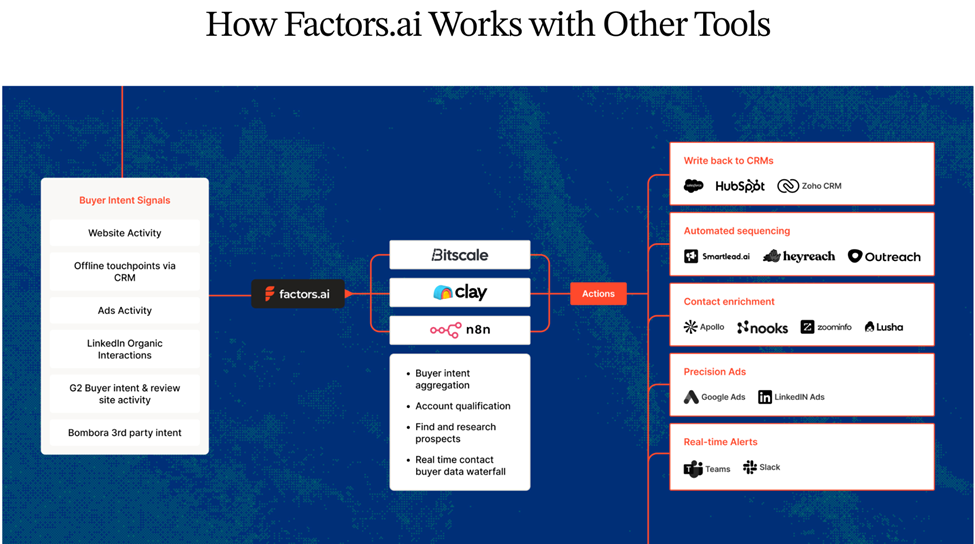
{{INLINE_MOFU}}
Other top GTM Engineering tools
Now let’s look at the broader GTM engineering ecosystem, the tools that GTM engineers, RevOps leaders, and growth teams are relying on to automate, orchestrate, and personalize their motions.
2. Clay
Clay is the platform that first put GTM engineering on the map.
It’s like having a data scientist, automation builder, and API whisperer all rolled into one sleek UI.
With Clay, you can build custom data enrichment workflows that pull, clean, and connect data from hundreds of sources, automatically.
Best for
Teams that need hyper-personalized prospecting or data-driven outbound workflows.
Also read: Top 5 6sense alternatives and competitors for B2B GTM teams in 2026
Why it’s powerful
- Enrich data from 150+ sources in real-time
- Visual workflow builder (no-code + API-level depth)
- Integrates with HubSpot and Apollo
- Ideal for “growth engineers” who live in Airtable and Notion but want more horsepower
If your GTM engine is powered by data enrichment and personalization, Clay is your control tower.
(Curious how Clay stacks up against other tools? Check out our post: Top 5 Clay Alternatives to Improve Sales Outbound)
3. N8N

For technical GTM engineers who want absolute control, N8N is the open-source orchestration tool of choice.
It lets you design deeply complex, multi-step workflows that can connect virtually anything with an API, and customize every trigger, condition, and loop.
Best for
Technical GTM teams and RevOps engineers building custom automations at scale.
Why it’s great
- 400+ integrations (Salesforce, HubSpot, Slack, Google Ads, you name it)
- Self-hostable (ideal for teams that care about data privacy)
N8N is the kind of tool that rewards creativity. It’s not plug-and-play; it’s build-and-own.
4. Apollo.io
Apollo is the perfect blend of data + delivery.
It’s one of the few platforms that lets GTM teams access millions of verified contacts, run automated sequences, and analyze performance, all in one place.
Best for
Outbound sales, SDR, and RevOps teams looking for integrated engagement and enrichment.
Why it works
- Massive contact database with verified data
- Integrated email and LinkedIn sequencing
- Enrichment APIs for custom GTM workflows
- Strong fit with other GTM orchestration tools like Factors and Clay
For many GTM engineers, Apollo is the source of truth for people data, the starting point of every automated workflow.
5. Madkudu
MadKudu helps GTM teams turn data signals into smarter prospecting. It combines firmographic, behavioural, intent and product-usage signals to surface which leads and accounts are most likely to convert. The platform integrates with tools like Salesforce, Gong, Outreach and others so sellers and RevOps can act on prioritised prospects and accounts within their existing workflows.
Best for
Sales, RevOps and GTM teams that want to focus on high-conversion prospects and accounts using AI-driven scoring.
Why it works
- Unifies fit (e.g., firmographics) and intent/usage (e.g., website visits, product activity) data into dynamic lead/account profiles.
- Uses AI to build predictive models based on your past conversion and revenue history, so sellers see which leads/accounts matter most.
- Surfaces that intelligence directly in CRM or sales engagement platforms, enabling faster, more meaningful outreach.
Things to keep in mind
- Works best when your underlying data is clean and well-structured.
- Setup (including modelling, testing and integration) can take time, especially for complex GTM motions.
- Pricing is enterprise-oriented, varying by seats, scoring models and usage.
6. Jason AI SDR (Reply.io)
Think of Jason as your AI-powered GTM assistant.
Built by Reply.io, this tool learns from your outreach patterns and automatically builds and optimizes your multi-channel cadences.
Best for
Teams running scaled personalization across email and LinkedIn.
Why it’s unique
- AI-generated sequences that adapt to buyer behavior
- Auto-optimization of timing, tone, and follow-up
- Integrates with CRMs and GTM orchestration tools for real-time triggers
- Saves SDRs hours of manual follow-up
The magic here is personalization at scale, something that’s been “impossible” until now.
7. Make (Integromat)
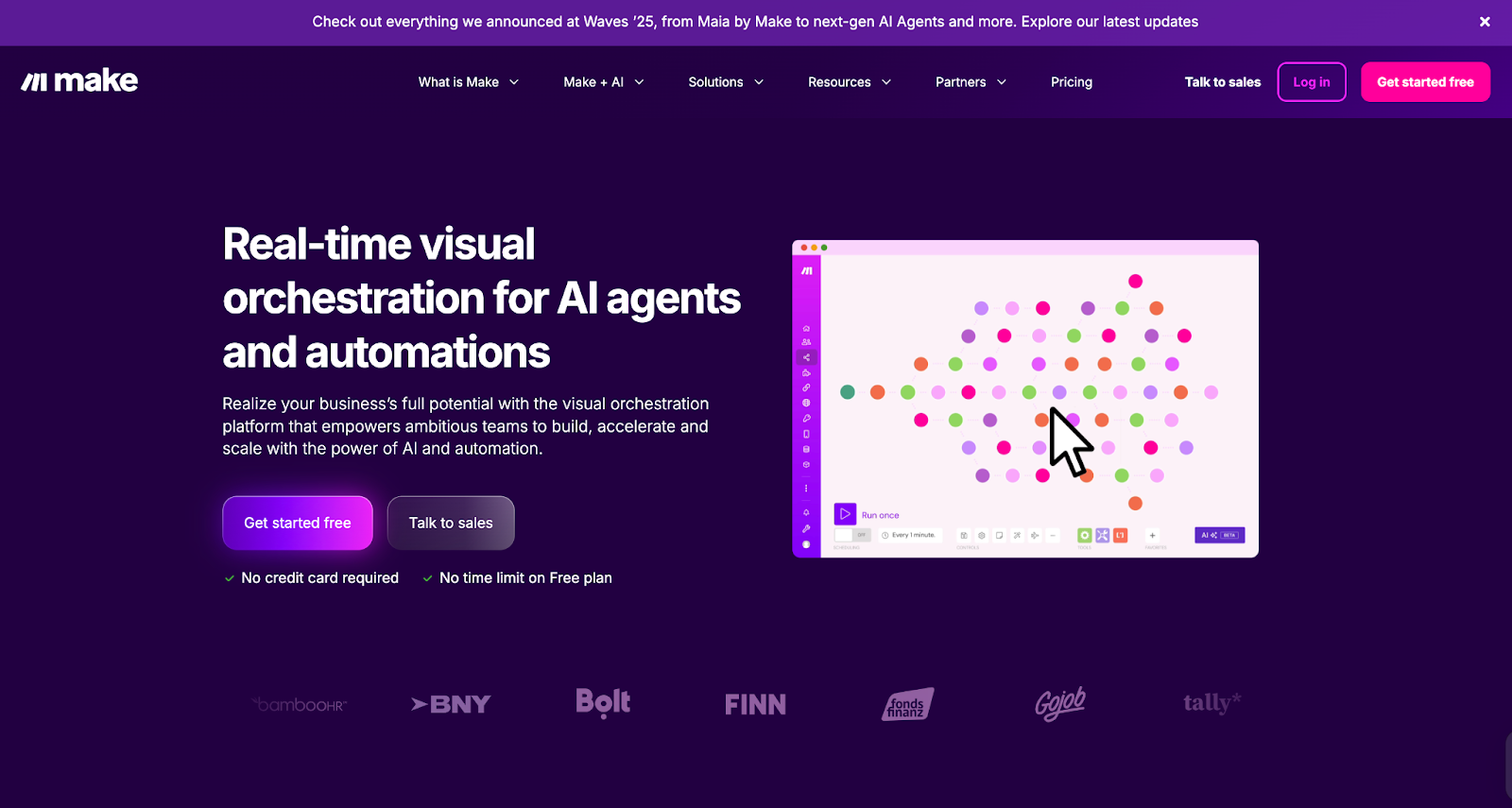
Make (previously Integromat) is a visual automation builder that gives non-technical GTM teams the power to connect and automate across platforms without a single line of code.
Best for
Startups and SMBs building flexible GTM stacks without engineering dependency.
Why it’s useful
- Intuitive drag-and-drop workflow builder
- Pre-built GTM templates (e.g., lead routing, lead scoring, lead enrichment)
- Integrates with almost all major CRMs, ad platforms, and analytics tools
- Great for teams that need speed over complexity
It’s the friendly, lightweight cousin to N8N, perfect for smaller teams who still want orchestration superpowers.
The magic comes when you turn intent signals into outreach automatically.
(Read more in: The Step-by-Step Guide to Turning Signals into Sales Conversations)
Compare Best GTM Engineering Tools For SaaS and RevOps teams
| Agent | What It Does | Outcome |
|---|---|---|
| Website Visitor Identification Agent | Detects companies visiting your site and infers likely users | Real-time visibility into ICP engagement |
| Contact Relevance Agent | Surfaces the right people within buying committees | Context-rich contacts, ranked by relevance |
| Account Tiering Agent | Scores and classifies accounts using external signals (hiring, funding, job changes, etc.) | Smart prioritization |
| Advanced Enrichment (Clay/Bitscale) | Cleans and validates contact data before writing to CRM | Reliable, high-accuracy data |
| Account Map Agent | Identifies the buying committee and maps relationships | Multi-threaded outreach |
| Meeting Assist Agent | Tracks post-meeting engagement and next best actions | Contextual sales follow-up |
| Closed-Lost Account Alert | Detects when old deals resurface on your site | Re-engagement opportunities |
How to choose the right GTM Engineering tool
If you’re reading this thinking, “Okay, but where do I even start?”, here’s the simple answer:
- Start with your pain point.
- Struggling to unify data? → Go with Factors or Clay.
- Too many manual handoffs? → Try N8N or Make.
- Need to activate intent data fast? → Combine Warmly + Factors.
- Scaling outreach? → Add Apollo or Jason AI SDR.
- Then map your workflow.
Sketch out what you want to happen from the moment an account shows intent to when sales takes action.
Your GTM tool should fit that flow, not the other way around.
Also read: Top 10 Warmly.AI Alternatives and Competitors In 2026-Compare Pros, Cons & Pricing
And finally, don’t aim for perfection on day one.
Start small, automate one motion, measure the impact, and scale from there.
Best practices for GTM Engineering implementation
Implementing GTM tools is about designing for flow.
Here’s what works in the real world that’s powered by two large espresso shots:
- Start with impact, not complexity. Automate high-ROI motions first (like inbound routing or deal alerts).
- Build transparency. Document every workflow and make sure sales and marketing teams understand it.
- Monitor constantly. Add error alerts, dashboards, and rollback logic.
- Don’t skip data hygiene. Even the smartest automation fails on messy inputs.
- Iterate monthly. Treat your GTM stack like a product, improve it every sprint.
Future trends in GTM Engineering Tools
Here’s what’s next for GTM engineering:
- AI-generated workflows - Describe your intent (‘Alert me when a CMO from ICP Tier 1 engages on LinkedIn’), and the system builds the logic automatically
- Self-healing automation - Workflows that fix themselves when an API fails or a field changes.
- Cross-channel attribution baked in - True end-to-end visibility across web, ads, and CRM.
- Natural language builders - Create entire GTM flows by chatting with your tool.
- Hybrid human + AI orchestration - The engineer becomes the strategist, the AI runs the ops.
The next wave is about the intelligent connection between tools that matter.
In a nutshell…
GTM engineering is how modern revenue teams will operate, blending data, intent, and automation into one fluid system.
And honestly? It’s about time.
Because the problem was never a lack of data, it was a lack of connection. The right GTM engineering tools bring speed, clarity, and cohesion to your entire go-to-market plan.
If you’re leading marketing, RevOps, or growth, this is your cue:
Also read: ZoomInfo Alternatives: Top 6 ZoomInfo Competitors In 2026
Stop fighting your stack, start orchestrating it.
FAQs on GTM Engineering Tools
Q1. What are GTM engineering tools?
A. They’re platforms that connect marketing, sales, and product systems through data, automation, and workflows, enabling faster, smarter revenue motions.
Q2. Do GTM engineering tools replace RevOps or sales ops?
A. No. They augment them. RevOps typically builds stable infrastructure; GTM engineers build the growth experiments, workflows, and iteration layer.
Q3. Are they different from RevOps tools?
A. Yes. RevOps organizes. GTM engineering builds and automates.
Q4. Do you need engineers for GTM engineering?
A. Not always. Tools like Factors are designed for non-technical ops and marketing users.
Q5. How long does it take to adopt a GTM engineering tool?
A. Small workflows can launch in days or weeks; full-stack rollout may take months, depending on complexity.
Q6. What’s the ideal GTM tool stack?
A. A mix of Factors (orchestration), Clay (enrichment), Warmly (intent), and Apollo.io (engagement), optionally supported by N8N or Make for custom automations.
Q7. What qualifies as a ‘GTM engineering tool’?
A. Any platform or software that enables you to design, orchestrate, trigger, branch, and monitor growth workflows that bridge marketing, sales, and product.
Q8. What’s a ballpark budget for these tools?
A. Depends on users, workflow volumes, data operations, ranges from low 5-figure USD annually to mid 6-figure for enterprise.
Q9. Can I build my own vs buy a commercial tool?
A. Building gives flexibility but demands maintenance and time. Buying gives support, updates, and often better UI/UX. The tradeoffs depend on your team’s capacity.

GTM Engineering Trends 2026: What the Fastest-Growing Teams Are Doing
Explore the top GTM engineering trends shaping 2026 – AI automation, workflows, signal-based selling, and revenue efficiency for modern B2B teams.
TL;DR
• GTM Engineering is now the backbone of high-growth teams. It connects tools, data, and workflows so revenue scales without adding more headcount.
• Signal-based selling is replacing cold outbound. Unified data, AI workflows, and smart LinkedIn automation make your GTM motion faster and more accurate.
• Buyer journeys are now non-linear and multi-threaded, which means clean signals and shared systems matter more than ever. Teams that consolidate their stacks see better alignment and lower CAC.
• The winning GTM stack for 2026 is simple. One clean CRM, one signal layer, one outbound engine, and one ads layer working together with tight workflows and strong AI automation.
There’s a typical (and an oddly familiar) rhythm to a B2B setup:
- An SDR is on Slack asking why yesterday’s demo request never reached Salesforce.
- A rep is confused about why an email sequence sent the wrong opening message.
- Marketing is trying to understand which campaign drove yesterday’s spike in traffic.
- Sales says an account is showing intent, but no one knows where that signal came from.
Everyone is busy, but nothing feels coordinated. These problems are minor on their own, but cumulatively, they slow down the entire revenue engine.
That’s the gap GTM Engineering fills. It connects your tools, data, and workflows so all the activities run in sync. It is just like an automated traffic system that keeps everything moving instead of humans directing the traffic by hand.
SDRs used to handle most of this through manual research and outreach. But that doesn’t match how quickly or non-linearly buyers move today. Today, B2B buyers respond better to contextual outreach that meets them halfway through their buying journeys. This is why high-growth teams are bringing in the best GTM Engineers before adding more SDRs to their sales team. They believe in opting for one strong builder who can set up workflows that dozens of reps can optimize on.
And that’s exactly what Factors.ai delivers. It unifies signals from ads, product usage, website activity, and the CRM, then turns them into actions your workflows can run automatically.
Why GTM Engineering is Critical for Revenue
Talk to any B2B sales team today, and they’ll unanimously agree: acquiring customers is getting more expensive. The 2025 Benchmarkit report backs this up. Companies are now spending about $2 in Sales and Marketing to earn $1 of new ARR, a 14% jump from 2024.
The buying cycle isn’t helping either. Intent shows up across channels, SDRs chase spikes, content teams build for micro segments, and ad budgets shift overnight. It feels like solving a jigsaw puzzle that keeps changing shape.
The same report also points out a 10% higher blended CAC ratio than in 2022, which means teams are spending more to earn each dollar of revenue. The only sustainable way to reverse that trend is to rely more on automation and less on headcount. Adding more sales reps won’t fix the math.
Leaders see this clearly. That’s why efficiency is a top priority for 2026. They want clean handoffs, faster reactions to signals, and workflows that don’t need constant babysitting. GTM Engineering gives them that path. It connects tools and signals, turns scattered behavior into clear actions, and helps teams grow without adding more seats.
Related read: Top GTM engineering tools
Trend 1: Signal-Based Selling Replaces Traditional Outbound
When was the last time you replied to a cold message? My guess is you’d have ignored most of them because either their timing was off or they didn’t match your discovery journey. Your prospects respond the same way. They skip your messages because they didn’t match their intent.
But what if you could ride shotgun on their buying journey? Instead of guessing, you react to what they actually do. For example:
- Someone visits your pricing page.
- Someone reads three articles back-to-back.
- Someone compares you with a competitor.
- Someone clicks a LinkedIn ad but doesn’t fill out a form.
These moments show you who is warming up. That’s the core of signal-based outreach. GTM Engineering makes it possible by pulling these signals together, adding context, qualifying them, and triggering the right action at the right moment.
ClearFeed learned this firsthand. Their team struggled with anonymous traffic, false positives, and SDRs reaching out without knowing which accounts were truly evaluating them. They needed a clearer view of the buyer’s journey, so they brought Factors.ai into their GTM engine.
Once they did, they finally saw real signals, like pricing visits, repeat content sessions, and team-level activity. Their sales assistants stopped volume-based outreach and started acting on behavior, giving them a real competitive advantage. Meetings went up, and the entire outbound motion felt sharper and more human.
Related read: Website visitor to warm outbound play using GTM engineering services.
{{INLINE_TOFU}}
Trend 2: Unified GTM Data Infrastructure Becomes the Default
Apart from the outreach problem, ClearFeed also struggled with scattered data. Ads, website analytics, and CRM details were spread across different systems. Their demand gen team worked with partial information, and marketers had to optimize campaigns without a full view of the account journey.
They aren’t alone. Most B2B stacks still run in silos, but that's starting to change. Teams are pulling all their GTM data closer to the CRM so ad data, web intent, product usage, and attribution sit in one place. The result is simple: cleaner data, faster cycles, better targeting, and lower CAC. The stack doesn’t shrink. It just behaves like one system instead of ten AI tools stitched together. Once everything lives in one place, you finally get real data activation that sends enriched, real-time intent data into every system that needs it.
ClearFeed did the same. They consolidated their data through Factors.ai. Website activity was mapped to accounts, firmographic and behavioral data were enriched and unified inside the CRM, and LinkedIn AdPilot tied ad spend directly to pipeline.
Trend 3: AI Workflows Automate Most of The Daily Go-to-Market Tasks
Follow-ups, enrichment checks, quick research, sorting priorities, refreshing audiences, managing exclusions, sending multi-touch messages. Notice how these tiny tasks steal hours of your GTM team’s time?
AI workflows now handle this layer. They take care of the repetitive work, so your team can focus on what matters. Once you set the logic and strategy, the system takes over: follow-ups, filtering low-quality leads, logging research spikes, and sending the right personalized message all happen automatically.
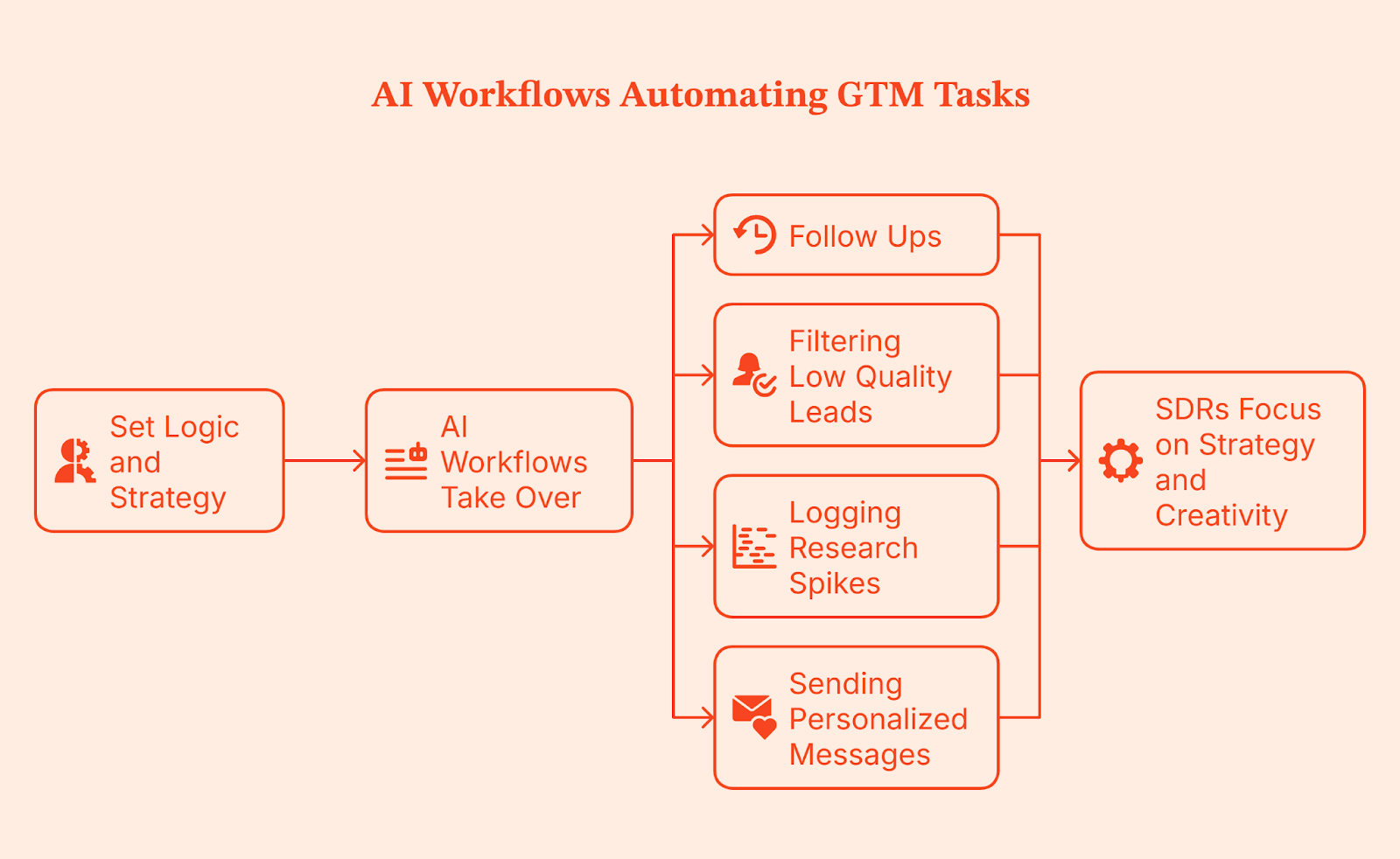
This gives your SDRs room to think. They spend less time clicking through small tasks and more time focusing on strategy and creativity. This is the same layer many teams now call AI SDR or agentic outbound, where automated agents handle research, prioritization, and first-touch tasks so humans can focus on the conversations that actually require judgment.
Trend 4: Marketing and Sales Systems Finally Converge
Raise your hand ✋ if you’ve seen this play out in your organization: Marketing calls an account warm, sales checks their tools, and sees nothing. Both sides are convinced they’re right because they’re looking at different dashboards and different definitions. This misalignment is caused by disconnected systems.
In 2026, GTM teams are moving toward shared dashboards, shared definitions, and shared signals. Website intent, ad clicks, and CRM updates show up for everyone at the same time. Data quality shifts too. It’s no longer a reactive cleanup task. Guardrails, routing rules, and automation keep the CRM clean from the start.
When this happens, the whole revenue operations motion feels lighter. Marketing, Demand-gen, and Sales teams operate from the same source of truth, handoffs become smoother, and the old back-and-forth disappears.
Trend 5: LinkedIn Ad Automation Emerges as the GTM Engine
There’s no debating it: LinkedIn keeps outperforming Google in B2B, and it has become the backbone of most GTM stacks. The catch is that LinkedIn ads can get too expensive too fast. Read more about this on our B2B LinkedIn Ads Benchmark Report.
This is why companies are layering their LinkedIn with AI tools like LinkedIn AdPilot. AdPilot uses the intent and engagement signals from your GTM systems to keep your LinkedIn audiences updated, so your ads run on live data instead of static lists. It does this by pulling in real engagement signals such as pricing page visits, content sessions, and account-level activity, then updating your LinkedIn audiences as those accounts heat up.

Running LinkedIn as one connected GTM engine gives you the upper hand with clear advantages:
- Audiences refresh automatically, so you don’t spend on outdated segments.
- You avoid burning your ad budget by showing the same ad to the same person repeatedly.
- Your CRM stays in sync through clean server-side tracking.
- Retargeting becomes smarter with real intent signals.
This makes your paid, organic, and outbound finally behave like one cohesive system.
Trend 6: Buyer Journeys Become Nonlinear and Multi-Threaded
That new client you signed on yesterday? They didn’t follow a sales funnel. Someone found you on LinkedIn. Another checked a blog. Someone else saw your name in a Slack thread. They might’ve even searched for you on Google, got curious, and showed up at a webinar without ever talking to your team.
Same company. Multiple people with multiple marketing touchpoints. That’s how most B2B buying happens now.
People jump between channels based on what they need. They ask colleagues, check communities, click ads, browse your site, and read emails. No single person carries the deal. Stakeholders step in and out as they learn, compare, and validate, and some stay invisible until the very end.
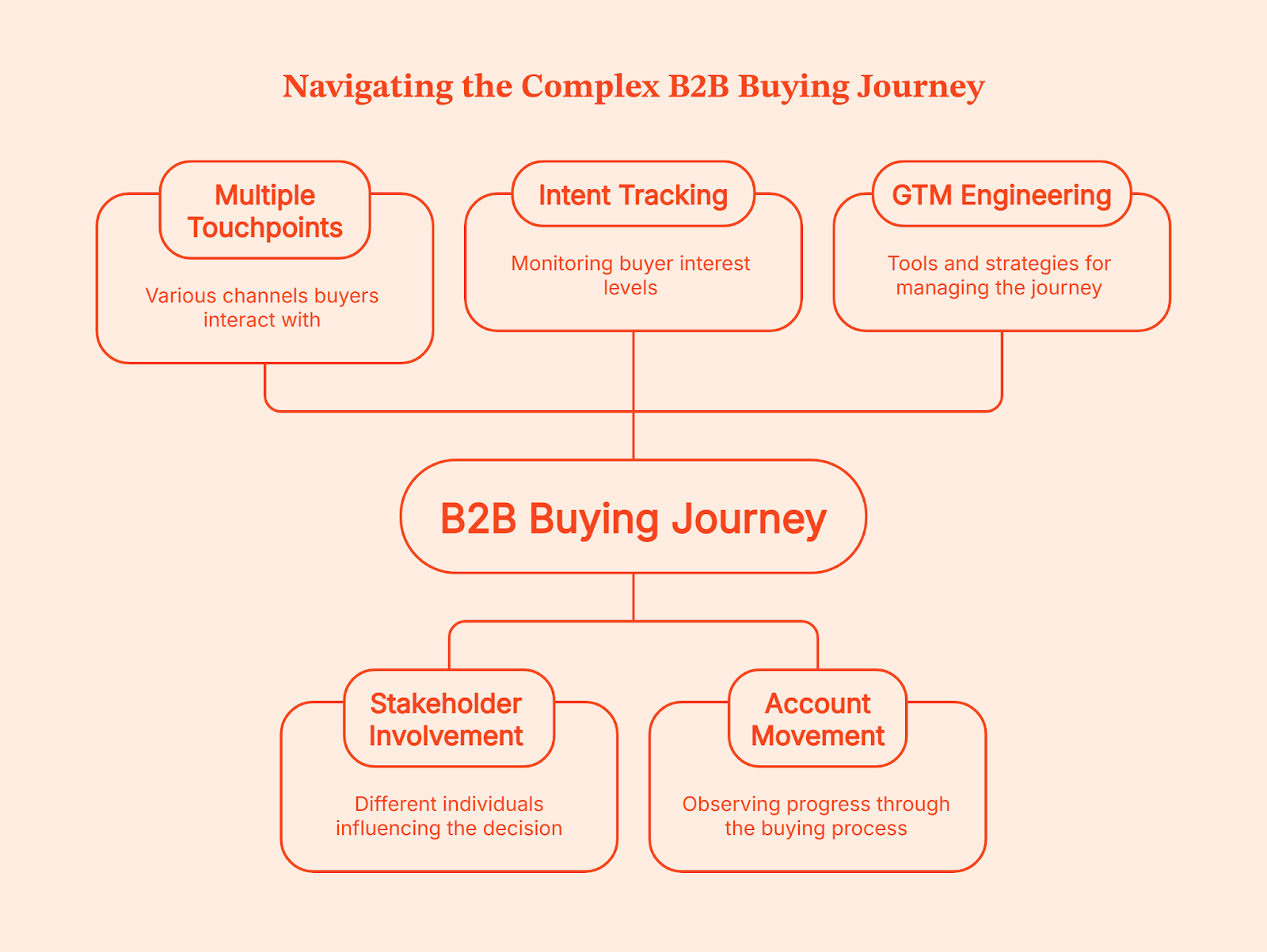
The challenge lies in connecting each touchpoint so you can see how an account is moving. This is where GTM Engineering helps. You see when intent rises, when it drops, who joins the process, and what triggered the next step. And once you have the full picture, multi-threaded selling becomes far easier and more predictable.
Trend 7: GTM Teams Shift from Tools to Platforms
Think about how you shop. If you can grab groceries, baby clothes, a new hoodie, and school supplies in one Walmart visit, you are not driving to Williams Sonoma for pots, Carter’s for onesies, Zara for fashion, and Staples for stationery. One place simply makes life easier.
GTM teams want that same experience.
Right now, most stacks look like five different stores on opposite ends of town. One tool gives you analytics. Another handles outreach. A third manages intent. A fourth stores contacts. A fifth tries to glue everything together. By the time you click through all of them, your buyer has already taken three new steps you did not see.
Teams are tired of that. They are trimming their tech stacks and cutting tools that only do one tiny job. No one wants ten vendors with ten logins and ten different versions of ‘what’s really happening’.
Platforms are winning because they bring analytics, activation, and signals into one place. You get the full picture and the action in the same view without the patchwork. Your teams spend less time managing tools and more time moving revenue. That is the shift happening across modern GTM teams, and it is only speeding up.
Trend 8: CAC Reduction Through Workflow Automation
A missed follow-up, a slow reaction, the wrong account in sequence, a campaign running longer than it should. These slip-ups look small, but they slowly inflate your customer acquisition cost. You see the same pattern in most GTM teams.
Scrut faced it firsthand: Too many tools, scattered data, no clear view of how buyers engaged. The gaps slowed everything down and created the kind of waste that makes acquisition more expensive than it should be.
Workflow automation fixes this. It follows the same idea as Toyota’s Just-in-Time system: remove waste, keep work moving, and let the system carry the load so people can focus on work that actually matters.
Time to touch goes down because the GTM system reacts the moment a qualified buyer shows up. Signal-based campaigns waste less budget because they only engage accounts that are warming up. Auto prioritization removes guesswork and lifts performance. All of this reduces CAC without adding headcount.
And with boards tracking CAC more closely than ever, cleaner workflows are no longer optional. They’re the only way to run a GTM engine that doesn’t leak time, budget, or opportunities.
Related read: GTM engineering vs RevOps
The GTM Engineering Stack for 2026
Instead of adding more tools to your GTM stack, focus on a small set that works well together. Think of this stack as your GTM development environment, where signals, activation layers, and automation run side by side instead of pulling teams in different directions.
Here’s a stack most high-performing teams are moving toward:
| Layer | Recommended Tools | What This Layer Does |
|---|---|---|
| CRM | HubSpot or Salesforce | Your central system of record. Everything flows in and out of here. Clean CRM, clean GTM. |
| Data unification and signals | Factors.ai | Pulls all journeys into one place. Captures website intent, ad engagement, product usage, form fills, and CRM activity. Triggers the right downstream actions. |
| Marketing automation | Factors.ai, HubSpot or Marketo | Handles email nurturing, lifecycle workflows and campaign management. Works best on top of clean signal data. |
| Outbound | Apollo or Clay | Helps reps research, enrich, prioritize and automate manual steps. More powerful when signals tell them who deserves attention. |
| Ads and activation | LinkedIn + Factors.ai | Factor’s LinkedIn AdPilot refreshes audiences automatically, controls ad exposure and uses CRM intent for smarter retargeting. Turns LinkedIn into a GTM engine, not a siloed channel. |
| Enrichment and routing | Clearbit or OpenAI agents | Fills missing data and ensures the right accounts reach the right rep quickly. Keeps routing accurate and clean. |
| Reporting | Factors.ai, Looker, Tableau, Power BI, or a revenue intelligence tool like Clari | Helps teams analyze performance, understand deal movement and make decisions across the GTM motion. |
Once these layers start working in sync, your GTM motion feels like an ecosystem instead of a bunch of tools bolted together.
How Factors.ai Enables GTM Engineering Services
By now, you know a strong GTM engine depends on three things: clean data, reliable signals, and workflows that move without friction. Factors.ai supports this foundation by designing and running GTM engineering services that ensure every part of your stack sees the same data and reacts at the right moment.
Here’s how it fits into the system.
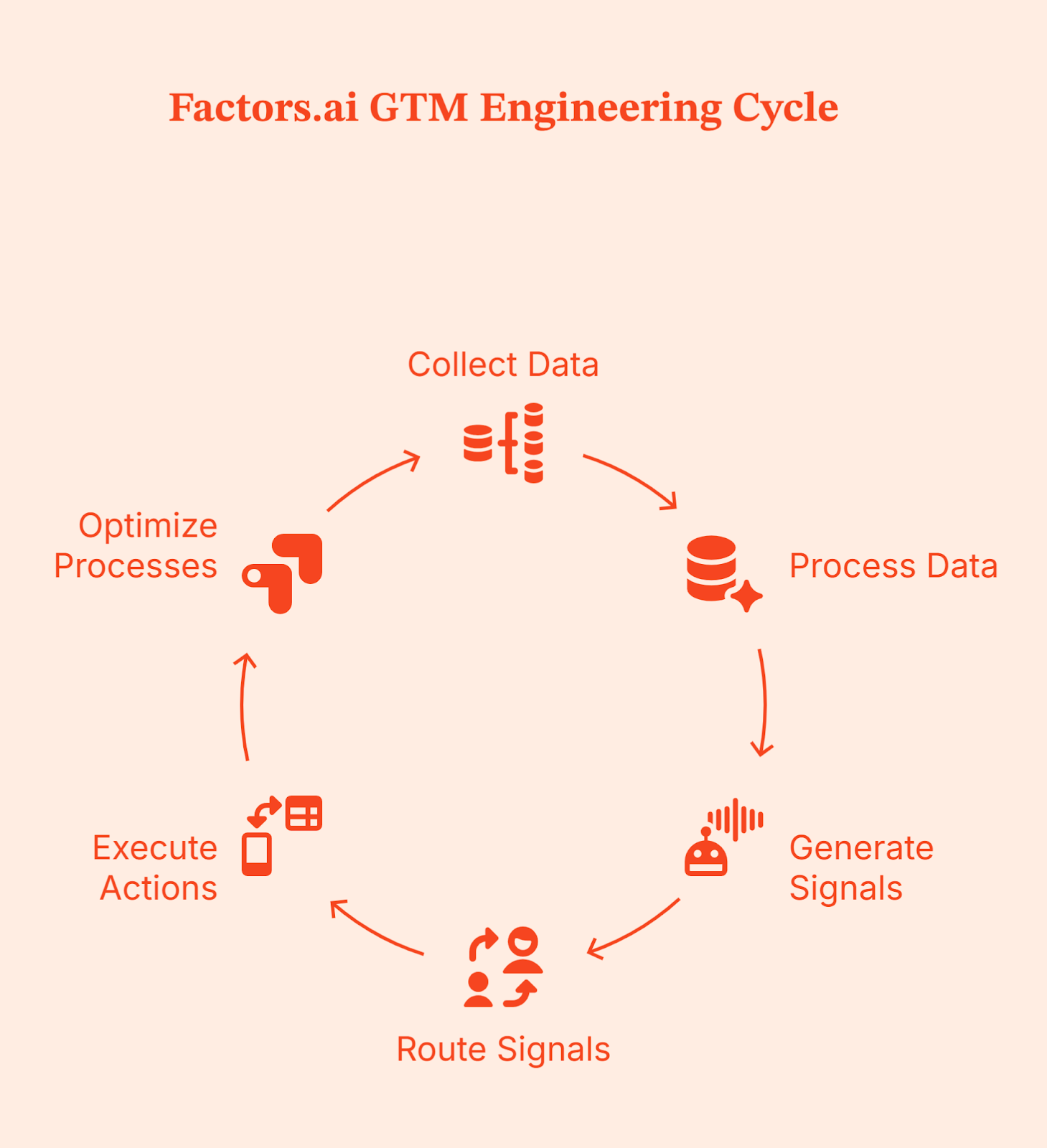
End-to-end workflow automation
Factors’ GTM engineering team builds and runs the workflows that connect your CRM, intent signals, outreach tools, and ad platforms. Instead of your ops team managing integrations and scripts, Factors handles the setup so your sales and marketing teams can act on clean signals automatically.
Signal-led insights and alerts
Factors helps you understand real buyer activity into clear signals your team can act on. When an account shows intent, your reps see why it matters and what to do next, with follow-ups triggered automatically across email, LinkedIn, or CRM tasks.
Personalized outreach at scale
Outreach is triggered by behavior. Factors sets up workflows that send the right message through the right channel based on what an account is actually doing, without your team needing to manage it manually.
AI-assisted research and prioritization
Factors uses AI to enrich accounts, summarize activity, and highlight which accounts deserve attention first. Sales reps get full context quickly so they spend less time researching and more time having meaningful conversations.
Works with your existing tools
Factors integrates with the tools you already use, like LinkedIn Ads, your CRM, email platforms, Slack, and enrichment tools. Data flows smoothly between systems so your GTM stack works like one connected platform.
A delivery model that fits your team
You can choose how you work with Factors. Either the team builds everything and hands it over to you, or they stay involved to maintain and improve workflows as your GTM motion evolves.
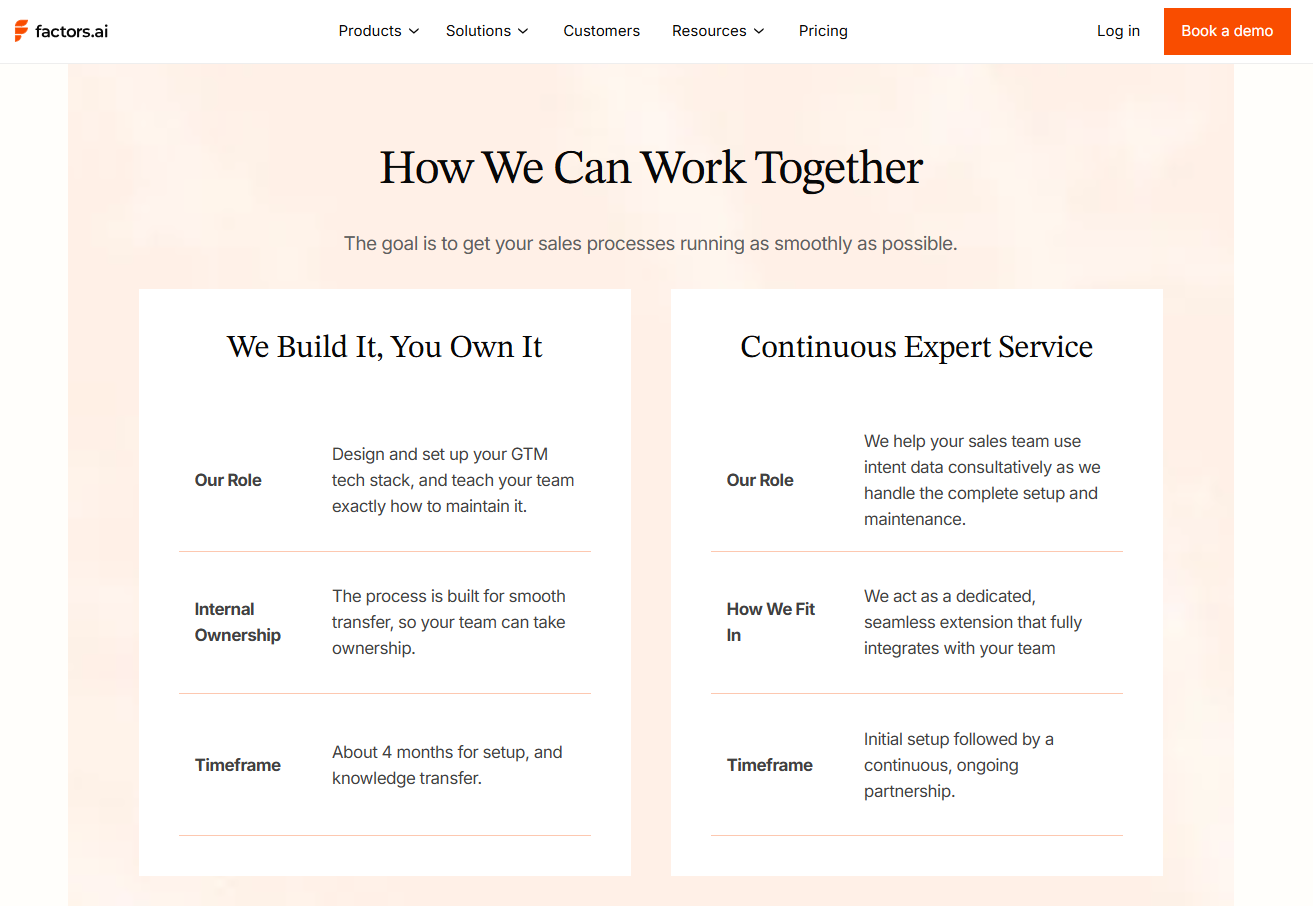
This turns Factors.ai into your GTM system of action, where accurate data drives immediate execution across ads, outreach, and CRM workflows.
Factors.ai doesn’t replace your team. It simply makes their work easier by bringing signals together and automating the steps reps shouldn’t be doing manually.
Final Recommendations
If you’re updating your GTM engine for 2026, start here. These moves consistently outperform everything else.
Step 1: Start signal-based selling early
To make outreach easier by following real buyer behavior instead of guessing.
Step 2: Unify your GTM data
To pull signals, CRM, ads, and product data into one place so that your teams see the same information consistently.
Step 3: Use AI agents for repeatable work
Let the system handle follow-ups, enrichment, and prioritization so reps can focus on real conversations.
Step 4: Build a GTM Engineering function
Instead of populating your team, opt for one strong builder who understands data and automation and reshapes the entire engine.
Step 5: Tighten your revenue stack
Choose tools that work well together and maintain data hygiene as it moves downstream.
Step 6: Invest in LinkedIn automation
LinkedIn is still the strongest B2B demand gen channel. Automation keeps spend efficient and targeting aligned with real intent.
FAQs on GTM Engineering Trends
Is GTM Engineering replacing SDR teams in 2026?
Not entirely. GTM Engineering reduces the need for heavy outbound headcount by automating research, prioritization, and early touchpoints. SDRs still matter, but their work becomes more strategic.
Which technical skills does a GTM Engineer need?
Strong workflow design, automation logic, CRM mastery, API familiarity, basic data modelling, and a good understanding of how revenue teams operate day to day.
How can small teams start with GTM Engineering?
Begin with the essentials. Unify your data, set up simple automated workflows, use low-code integrations, and start capturing intent signals. You do not need a full team on day one.
What’s the difference between a GTM Engineer and Rev Ops?
A GTM Engineer connects data, tools, and signals into workflows that run the GTM motion. RevOps handles reporting, forecasting, and process consistency. One engineers the system; the other operates it.
What channels work best for GTM Engineering?
LinkedIn for targeted reach, intent-based outbound sales for warm conversations, and AI-supported nurturing for mid-funnel engagement.
How does GTM Engineering impact CAC?
It cuts waste by speeding up reactions, improving prioritization, and reducing manual work. When the system moves faster, your cost to acquire a customer naturally drops.

How GTM Engineering Is Replacing SDR Teams with AI-Powered Automation
Learn how GTM engineering is replacing SDR teams with AI workflows, signal-based outbound, and agentic automation. Data-backed, B2B-focused guide.
TL;DR
- Outbound is struggling because buyers research silently, reply rates are declining, and sales teams spend most of their time on admin instead of real conversations.
- GTM Engineering replaces manual SDR work with signal-based workflows and agentic outbound that reacts instantly to buying signals.
- An advanced GTM stack runs on a simple flow: it captures signals, turns them into the right messages, runs workflows automatically, and keeps the CRM and pipeline accurate.
- Factors.ai powers this motion by using GTM engineering services. It helps by unifying signals from your website, product, CRM, LinkedIn, and ads so outreach happens at the right moment with the right context.
If you talk to any B2B sales rep, they’ll say, “outreach today feels like shouting in a stadium full of prospects while they have their headphones on.” And they are not wrong; the crowd is there, but no one’s listening anymore.
A 2025 benchmark study reports that average cold-email reply rates declined from 6.8% in 2023 to 5.8% in 2024. And when you look at open rates, the gap is even more striking. Woodpecker report says advanced personalization drives roughly 17% open rate, while emails with no personalization drop to around 7%.
Meanwhile, outbound volume keeps rising. Companies are sending more messages trying to beat the noise.
But are the buyers even listening? According to a recent Gartner survey, 61% of B2B buyers prefer a fully rep-free buying experience.
Which raises the question: when buyers aren’t even listening, how do you reach them? This is where GTM Engineering steps in. It uses signals, automation, and timing to scale in a way manual teams can’t match. You reach your prospects with a system guided by intent and real-time data, almost like speaking straight into their headphones right when they are ready to hear from you.
What GTM Engineering Actually Is (And Why It Matters Now)
GTM engineering focuses on fixing and smoothing outbound ‘system’ processes instead of solving them by hiring more reps. It intersects where product, data, marketing, RevOps, and growth engineering overlap, and builds autonomous workflows that act on their own.
These workflows detect a buying signal, choose the right personalized message, run the right sequence, and update the CRM without waiting for human intervention.
Traditional SDR teams rely heavily on people. They depend on manual research, manual outreach, and a lot of repetitive work. In contrast, GTM engineering leans on workflows and automation to remove the repetitive labor that normally slows sales teams down. So, instead of relying on people to research, follow up, and update tools all day, the system handles the busywork so teams can focus on real conversations and real pipeline.
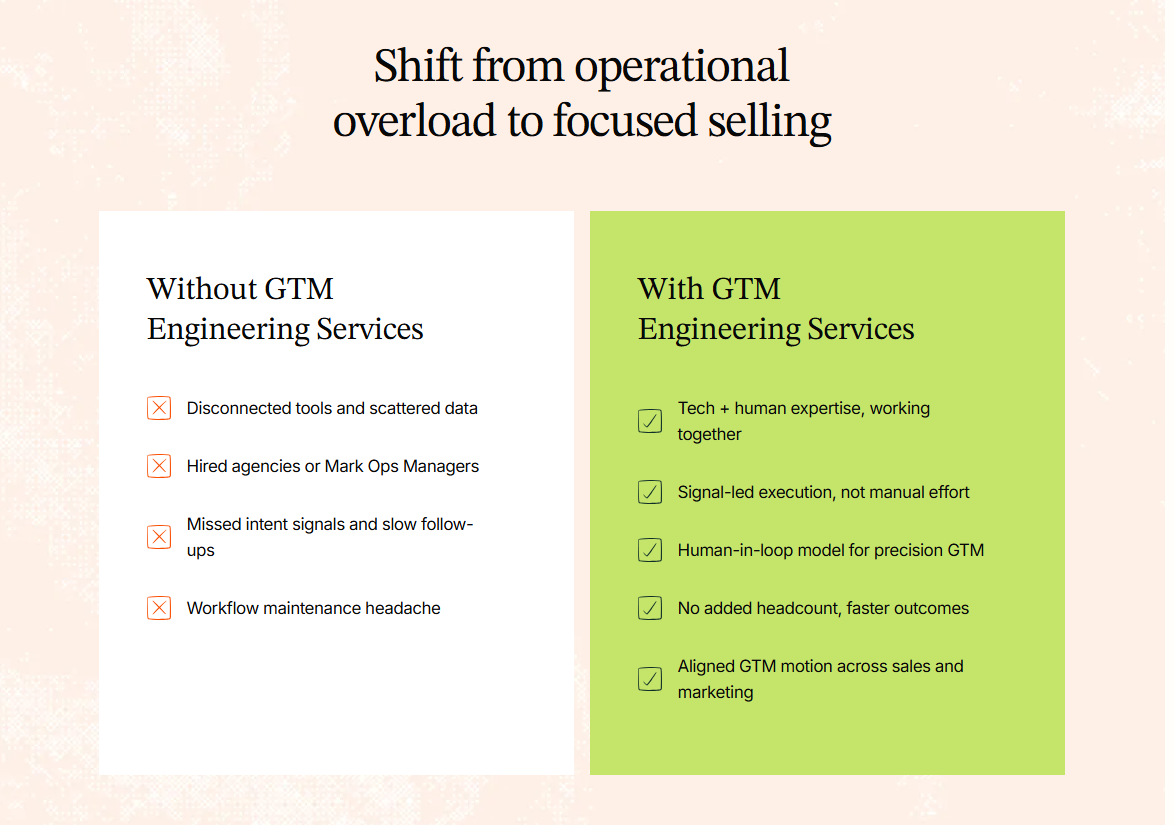
Because SDR outreach is packed with manual work, it has grown more expensive while delivering less impact. That’s why more teams are moving away from people-driven processes and turning to scalable workflows that run at the speed of data. This shift is what’s pushing GTM Engineering into the spotlight as a core revenue function, rather than just a support arm.
The Shift: From Manual SDR Outreach to AI SDR Agentic Outbound
Picture this: A prospect visits your pricing page at 11.47 pm. No one from your team is online, but your AI SDR notices the signal and gets moving. It picks the right message based on who the visitor is, launches a short sequence, logs every step in the CRM, and keeps following up until the thread reaches a natural close. No one had to press a button or upload a list. Neither did the system wait for instructions. It just acted.
This is called “agentic” outbound, a system that doesn’t wait for inputs. It notices what’s happening, decides what to do next, and takes action in real time.
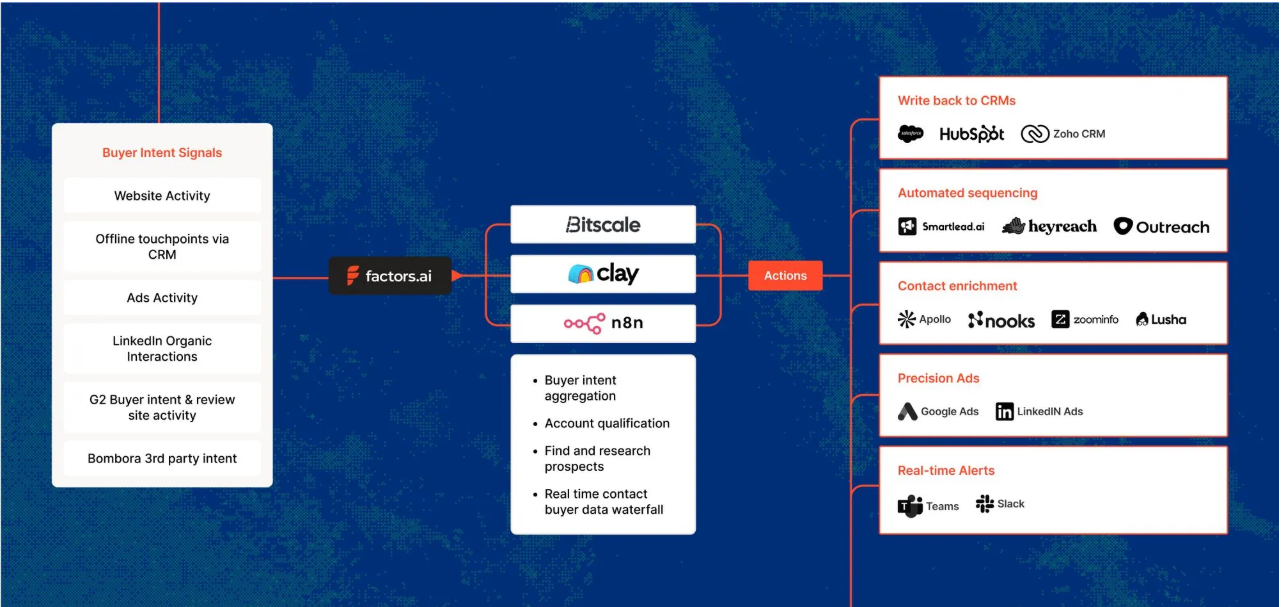
The upside to this approach is huge:
- You reach prospects faster because nothing sits in the queue.
- You get consistently high accuracy because machines don’t get tired or cut corners.
- It runs around the clock, so timing never gets in the way.
- It stays compliant because the logic is inbuilt into the workflow, instead of depending on your sales team to remember the rules.
Related read: Website visitors to warm outbound play using GTM engineering.
Why Manual SDR Outbound Is Breaking (Data + Behavior Trends)
Look around, and you’ll notice outbound doesn’t work the way it used to. Most buyers ignore cold emails until after they’ve done their own research, which means your message often hits them at the wrong moment. AI filters also make things tougher (like screening and deprioritizing cold emails). Low-quality messages are flagged or auto-deleted before an SDR has a chance.
Then there’s the human side. SDR turnover lies anywhere between 39 to 60 percent, depending on the report you read. Ramp times are long, and quotas keep rising. The actual job of prospecting has slowly turned into admin work and copy-paste tasks across five different tools. SDRs spend more time updating fields than writing meaningful messages. At the same time, outbound volume keeps climbing while results keep sliding. It’s a treadmill that gets faster every year, but the output stays flat. That’s why teams are rethinking the fundamentals of how outbound campaigns should work.
{{INLINE_TOFU}}
The New Standard: Signal-Based Outbound Workflows
Signal-based outbound is simple. Instead of blasting a long list, you wait for signs that a prospect is actually interested. These signs show up everywhere. A visit to your pricing page. A spike in product usage. A string of blog reads. A LinkedIn Ad interaction. Even fresh enrichment data in the CRM. Each one hints that an account is warming up.
When a signal fires, it triggers an outbound motion. The AI pulls context, picks the right message, sends it at the right moment, and updates the CRM on its own. No guesswork. No heavy research. No long queues. It’s outbound-driven by real behavior rather than cold lists.
Drivetrain’s journey captures this shift perfectly. Before Factors, their team spent hours doing Tier 1 and Tier 2 research just to figure out who to contact. They were casting a wide net and hoping the right accounts would surface. But without visibility into intent signals, many high-potential accounts slipped by unnoticed.
Once they adopted a signal-based workflow, everything changed. Factors pulled signals from their website, G2, LinkedIn, and CRM data. When a company showed meaningful intent, the workflow kicked in instantly. SDRs didn’t need to dig through spreadsheets or click into endless profiles. They got real-time alerts, clear prioritization, and context-rich insights. Outreach became sharper, faster, and far more relevant.
The result: Just in a few months, Drivetrain saw a 6% drop in CAC, 3x-ed its sales outreach engagement, and saved 60+ hours/week for its sales team.
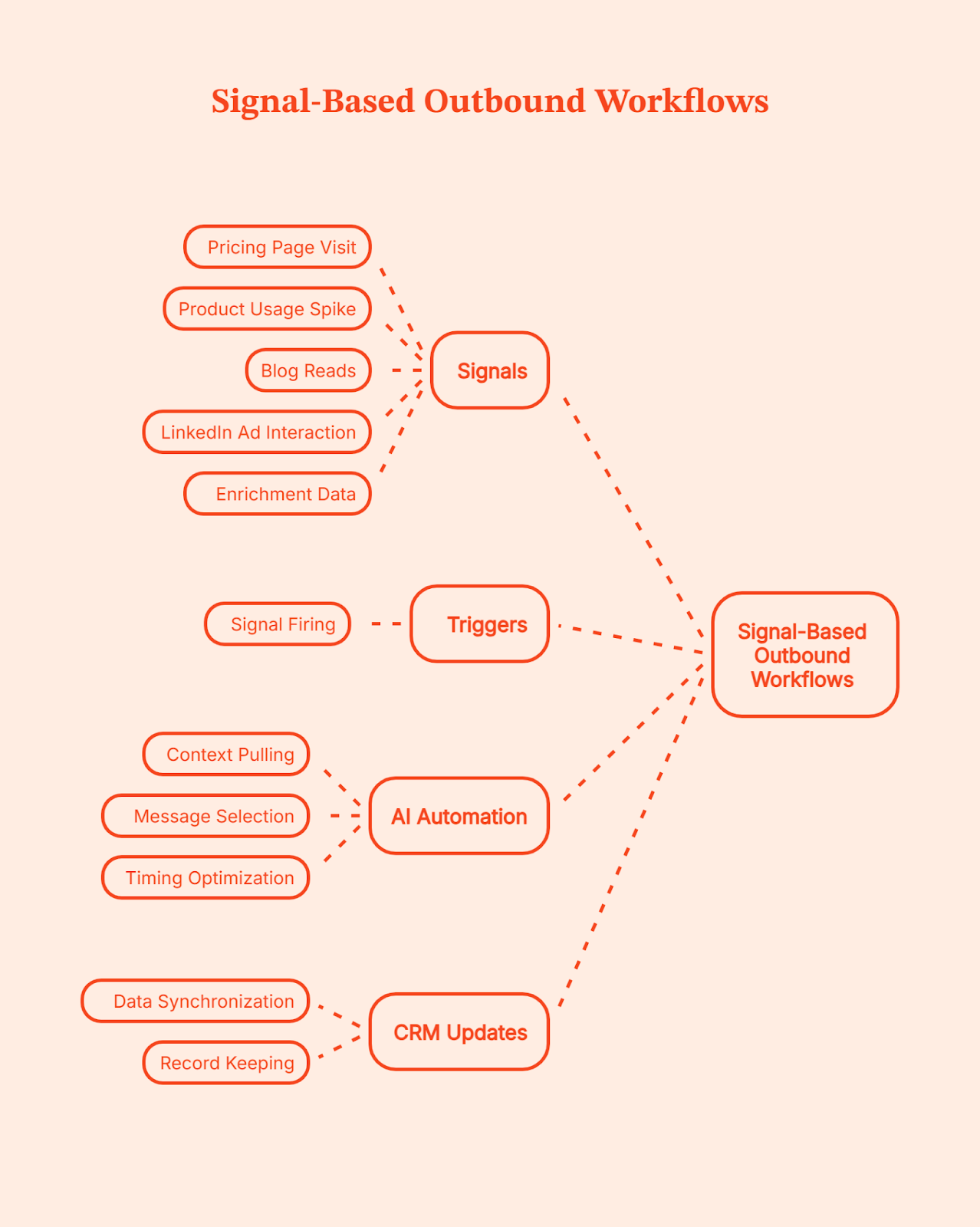
💡Want to know more about B2B intent signals and their importance? Here’s a quick guide: An Introduction To B2B Intent Signals
How AI Helps Scale Personalized Outbound
AI has changed what personalization actually means. It no longer stops at first names or simple ‘mail merge’ fields. Today’s systems can create hyper-specific messages that feel like they were written after a full research session. AI can pull a quote from a blog the prospect read, mention a buying committee member who viewed a key page, reference a spike in product usage, or weave in insights from LinkedIn activity. It connects signals across your website, CRM, and social data to understand what the account cares about right now.
Instead of surface-level personalization, the AI stitches context into a short narrative around the prospect’s journey and uses it to write messages that feel relevant instead of generic. You keep the human tone, but the system does the heavy lifting, so every message lands with the right context. That’s how you get automated personalized messages at scale.
The GTM Engineering Stack: What You Need to Replace SDR Ops
A solid GTM Engineering setup helps you avoid tool fatigue. If you’ve ever juggled ten tabs while building a sequence, you know the pain. The whole point here is to build a simple system where every part talks to the next:
- Signal Layer: Factors (This is where buying intent shows up)
This is where everything starts. Factors.ai captures buying signal across your website, product, content, G2, LinkedIn, and CRM. This way, you know exactly who is showing intent and what triggered it. Every downstream action depends on this layer being accurate and timely.
- Enrichment: Clearbit or Apollo (This is where signals are turned into usable records)
A signal alone isn’t enough. You still need clean, usable data to act on it. Enrichment tools fill in missing details like job title, role, company size, and firmographics. They also keep records fresh over time. This prevents workflows from breaking and keeps sales from wasting time on half-complete or outdated leads.
- Sequencing: Outreach, Instantly, or Apollo (This is where outreach is executed)
This is the execution layer. Once a signal is confirmed and enriched, sequencing tools handle the actual outreach. They send emails, manage follow-ups, track replies, and pause or stop when someone responds. These tools don’t decide who to contact or why. They simply execute the sequence they’re given, quickly and consistently.
- AI Content Engine: LLM-powered messaging (This is where messages are personalized at scale)
This layer handles personalization at scale. Instead of sales reps copying templates and tweaking lines by hand, the system generates messages using the signal, CRM context, and account details. The goal is to send the right message, to the right account, at the right moment, without manual effort.
- CRM + Routing: HubSpot or Salesforce (This keeps ownership and flow clean)
The CRM is the system of record. It assigns ownership, logs activity, tracks deals, and keeps everyone aligned. Routing rules make sure leads go to the right sales rep automatically, without manual handoffs. The goal is that nothing should get lost and everything is routed to the right person.
- Analytics Layer: Attribution + Conversion Tracking (This is where you get to know what’s working)
This layer tells you what actually works. It shows which signals turned into demos, which workflows created pipeline, and which actions didn’t move the needle. Without this visibility, teams just scale their activities instead of outcomes. With it, decisions get sharper over time.
- Automation Layer: Factors Workflows + Agentic Outbound (This is where system reacts without intervention)
This ties the entire system together. When a signal appears, workflows kick off enrichment, sequencing, routing, and follow-ups automatically. Agentic outbound takes the next step without waiting for someone to notice or click a button. The system reacts in real time, instead of someone stepping up to do the job.
Think of this GTM engineering stack as a clean relay. Each layer passes the baton to the next without slowing down. Signals guide the timing, enrichment fills the gaps, sequencing sends the message, and the AI engine shapes the context.
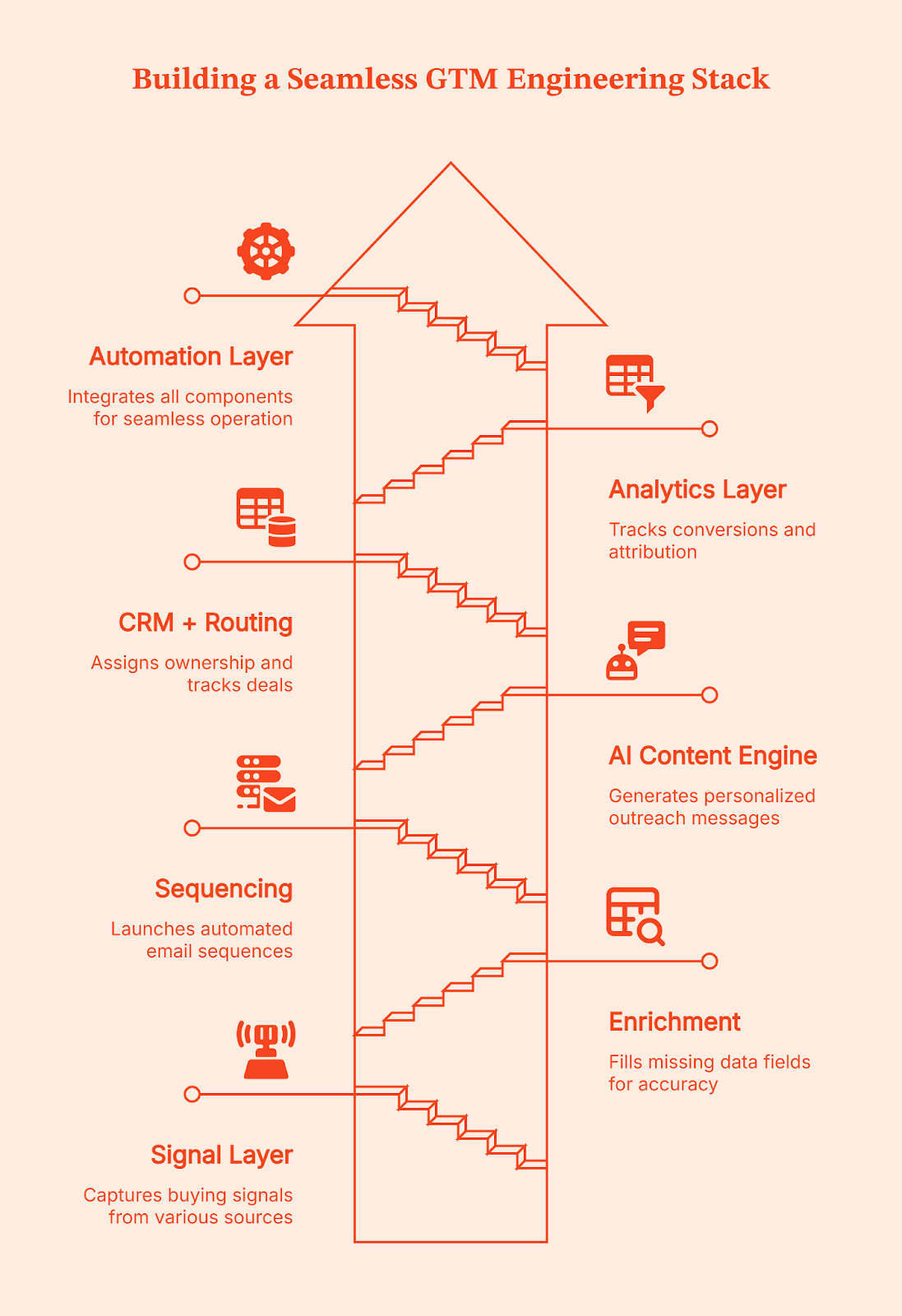
Where Factors.ai Fits In: Signals, Automation, and Unified GTM Ops
Have you ever run into musicians playing on the street? A guitarist in one corner, a singer a few steps ahead, a flutist around the bend. Each sounds good on their own, but the magic only happens when they play in sync.
That’s how most GTM teams operate today. Signals live in different places across the website, product, CRM, LinkedIn, and ads. Useful on their own, but disconnected.
Factors.ai works as the orchestra conductor here. It brings every buying signal into one coordinated view so you can see which accounts are active, what they are looking at, and how close they might be to buying. With LinkedIn conversions data flowing in, the picture gets sharper and clearer.
This is where Factors’ GTM Engineering Services kick in. The service team takes these unified signals and designs the workflows around them. They decide when outreach should trigger, what context should be pulled in, how routing should work, and which actions should happen next.
Once those workflows are set up and signals show up, Factors.ai takes the step for you. They trigger real actions across your existing stack. An email can start, a rep can be notified on Slack, an update can be pushed into the CRM, or a LinkedIn touchpoint can fire. SDRs don’t have to hunt for context or jump between tools because Company Intelligence gives them a clean, account-level view they can act on immediately.
The real win is how everything starts to connect. Marketing gets a clearer picture of what’s working, sales can spot the people who are leaning in, and RevOps finally sees the system moving the way it should. When this kind of clarity clicks, teams rely less on large SDR crews and more on workflows that run reliably in the background. Factors turns a scattered GTM motion into one steady, unified system built through engineering without adding headcount.
Real-World Results from Signal-Driven GTM with Factors
All this is good. But, unless you see the practical implementation of GTM Engineering, should you even bother? That’s what Fyle felt too until they tried it on their own setup.
Here’s what prompted them to try Factors: Their marketing team ran a warm outbound campaign, but most visitors left before booking a demo, and manual research slowed everything down. But once they plugged Factors into their workflow, things changed fast. They saw:
- 75 percent of demo requests coming from Factors-sourced signals
- 20 percent conversion from demo drop-off alerts
- Email response rates rising from under 5 percent to 20–30 percent
It felt like they suddenly had a bigger SDR team without hiring anyone new.
Squadcast had a similar experience. They were getting good website traffic but not enough insight into who was actually interested. After switching to intent signals from Factors, their SDRs said sales calls felt smoother because they met prospects at their journey points. The company reported:
- 30 percent increase in average deal size
- 25 percent decrease in prospecting time
- Noticeably less resistance in sales conversations
Using intent signals from Factors, SDRs can step right into the buyer’s discovery moment, which makes each call feel more useful and less like a cold pitch. The outcome was SDRs making better use of their time.
That’s the pattern you see across teams using GTM automation well.
The system handles detection, enrichment, prioritization, and timing. SDRs handle conversations, nuance, and closing. So, it really isn’t automation versus people, it’s opting for automation so people can do the work that actually matters.
How to Transition From SDR Teams to a GTM Engineering Model
Shifting from a manual SDR-heavy setup to a GTM Engineering model doesn’t have to be disruptive. Listed below is a simple, step-by-step path that helps smoothen your transition.
Step 1: Map your buying signals
List out every action that shows interest, such as website visits, product usage spikes, LinkedIn activity, ad engagement, and CRM updates.
Step 2: Build a unified account graph
Combine those signals into a single view so you can see which accounts are warming up and how they’re moving through the journey.
Step 3: Set up agentic workflows
Let workflows react to signals automatically. If an account hits a key page, the system should decide the next step and take action.
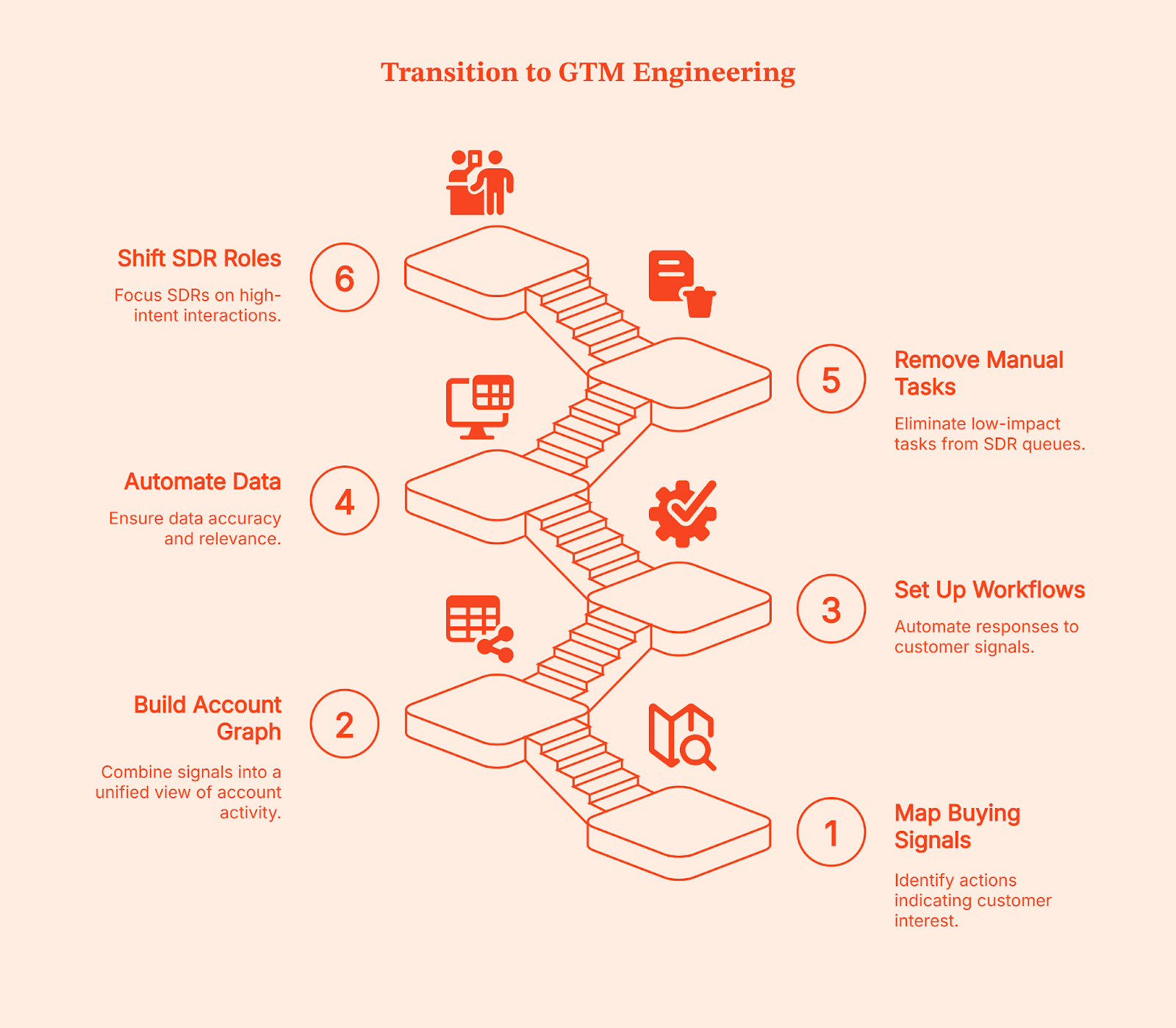
Step 4: Automate enrichment and classification
Keep account data clean by automating enrichment, tagging, and ICP checks. It removes the guesswork for reps.
Step 5: Remove manual tasks from SDR queues
Move research, list-building, and administrative work into automated workflows. This frees the team from low-impact tasks.
Step 6: Shift SDRs to high-intent roles
Let reps focus only on demos, qualification, and real conversations with accounts showing clear intent. The system handles the rest.
💡Related read: How to effectively target B2B prospects on LinkedIn based on their job title
Common Mistakes When Implementing AI Outbound
Even if you follow every step perfectly, most teams run into the same problems when they first adopt AI for outbound. The good news is they’re easy to avoid.
- Over-automating without signal logic: Automation alone doesn’t work. You need signals (remember the traffic signal?) that tell the system when to act.
- Buying AI tools without a unified GTM layer: If your tools don’t talk to each other, the workflow breaks and outreach becomes inconsistent.
- Creating robotic outbound: AI should stitch context, not send generic templates. Relevance matters more than volume.
- Not measuring incremental pipeline: Track how much pipeline comes from signals, not just activity metrics.
- Keeping legacy SDR KPIs: If you’re still measuring dials and email volume, you’ll push your reps toward the wrong behavior in an AI-driven model.
The Future of GTM Teams: Small SDR Pods, Big Automation Engines
It’s not hard to see how outbound is changing. GTM teams of the future won’t be built around large SDR floors. Instead, they’ll run on small SDR pods supported by a strong layer of GTM engineers, RevOps specialists, and always-on AI workflows.
Related read: GTM Engineering vs RevOps
Most of the heavy lifting, like research, prioritization, message generation, and first-touch outreach, will run in the background while your team focuses on relevant conversations. It’s not unrealistic to expect that nearly 70% of outbound will run without human intervention.
SDRs won’t be judged on dials or volume anymore. They’ll act as conversation specialists who jump in when an account is already warmed up. Their job becomes simpler and more meaningful because the system handles the noise. And at the center of that system sits signal intelligence. Factors.ai already plays this role today, and it’s quietly shaping how GTM teams evolve behind the scenes.
What This Means for Modern GTM Teams
Speed is now your competitive advantage.
For most B2B teams, outbound stopped working because systems became slower than buyers. By the time a sales rep researches an account, enriches data, and queues a sequence, the buying moment has often passed.
GTM Engineering helps to remove that delay. Signals are captured as they happen, workflows decide the next step, and outreach launches while intent is still fresh. SDRs enter only when the account is already leaning in, not when interest has to be manufactured.
This is why teams adopting GTM Engineering don’t scale by adding more SDRs. They scale by reducing reaction time. The system handles detection, prioritization, and first touch. People handle conversations and judgment.
It’s simple: The gap between buyer intent and seller action is where deals are won or lost. Teams that engineer their GTM shrink that gap. Teams that don’t keep hiring to chase it.
FAQs on GTM Engineering is Replacing SDR Teams
Q. Is GTM Engineering replacing SDR teams?
Not entirely. It’s replacing the manual, repetitive parts of SDR work so reps can focus on qualified conversations instead of admin and cold lists.
Q. What is AI SDR agentic outbound?
It’s outbound that acts on its own. The system notices a buying signal, picks the right message, runs the sequence, and updates the CRM without waiting for human input.
Q. Does AI outbound convert as well as humans?
Yes, as long as it runs on real intent signals. When outreach lands at the right moment with the right context, it often converts better because it’s consistent and instant.
Q. What tools do I need for signal-based outbound?
You need a signal layer, enrichment, sequencing, an AI messaging engine, a CRM, analytics, and an automation layer. Together, they form a simple, connected outbound system.
Q. How do SDRs and AI workflows coexist?
AI handles the busywork. SDRs jump in when an account is warm and ready to talk. It turns them into conversation specialists instead of task managers.
Q. What role does Factors.ai play in GTM engineering?
Factors.ai sits at the center. It captures signals, unifies account activity, and triggers workflows so outbound happens at the right time with the right context.
Q. Can automation replace human personalization?
It can replace the research and context-gathering, but humans still add tone, nuance, and relationship-building. Both work best together.
Q. What should I automate first in outbound?
Start with the repetitive stuff: signal alerts, enrichment, list building, and first-touch outreach. These give you the biggest lift with the least disruption.

What Is GTM Engineering Integration? (And Why Your Stack Will Breathe a Sigh of Relief)
Discover how GTM engineering integration connects your sales, marketing, and ops tools, turning signals into outbound in minutes. Boost speed, clarity, and pipeline.
TL;DR
- GTM integrations connect siloed tools, allowing data to flow automatically from web visits to outbound sequences.
- It delivers real-time alerts with enriched contacts and tailored context, right where reps work.
- This also reduces manual work by syncing enrichment, CRM updates, and outreach steps.
- Prioritize the right accounts using AI-enabled predictive account scoring, rule-based filters, and territory routing to optimize your sales strategy.
Ever feel like your GTM tools are in five different group chats, all ignoring each other? Marketing sees intent. Sales wants contacts. Ops wants a clean CRM. Meanwhile, your buyer is doing 80% of their research before they ever talk to you (and clicking away while you copy and paste between tabs). Sound familiar?
If only there were a way to make your apps talk, move, and act like one team… Good news, there is.
GTM engineering integration connects your external apps, including Factors.ai (account ID and journeys), Apollo (contacts), HubSpot/Salesforce (CRM), Slack/Teams (alerts), and orchestration layers like Make.com, Zapier, and Clay, so data flows automatically and outbound triggers fire at the right moment.
Yes, even when you’re not staring at the dashboard.
The 30-second version: from signal to conversation
A high-intent account hits your pricing page:
- Detects the visit (Factors)
- Enriches likely buyers (Apollo)
- Prioritizes with rules/AI (OpenAI)
- Alerts the right rep (Slack/Teams)
- Writes cleanly to CRM (HubSpot/Salesforce)
- Launches email/LinkedIn plays (Apollo/Smartlead, HeyReach/Trigify)
Result: Reps receive context, contacts, and copy while the intent is still warm (ideally piping hot).
To read more about the process, check our Website visitor to warm outbound play using GTM engineering services page.
Why GTM engineering integration matters
Every modern GTM team runs multiple point tools (identification, enrichment, sequencing, chat, ads, analytics). Left unintegrated, they create data silos and slow handoffs. Meanwhile, buyers conduct most of their research before speaking with sales teams.
Translation: speed + context is everything.
- Break silos so everyone works from the same, current account intel
- Automate handoffs end-to-end (detect → enrich → outreach)
- Ground outreach in context, not guesswork
- Use AI for summaries, prioritization, and drafting—based on trusted data
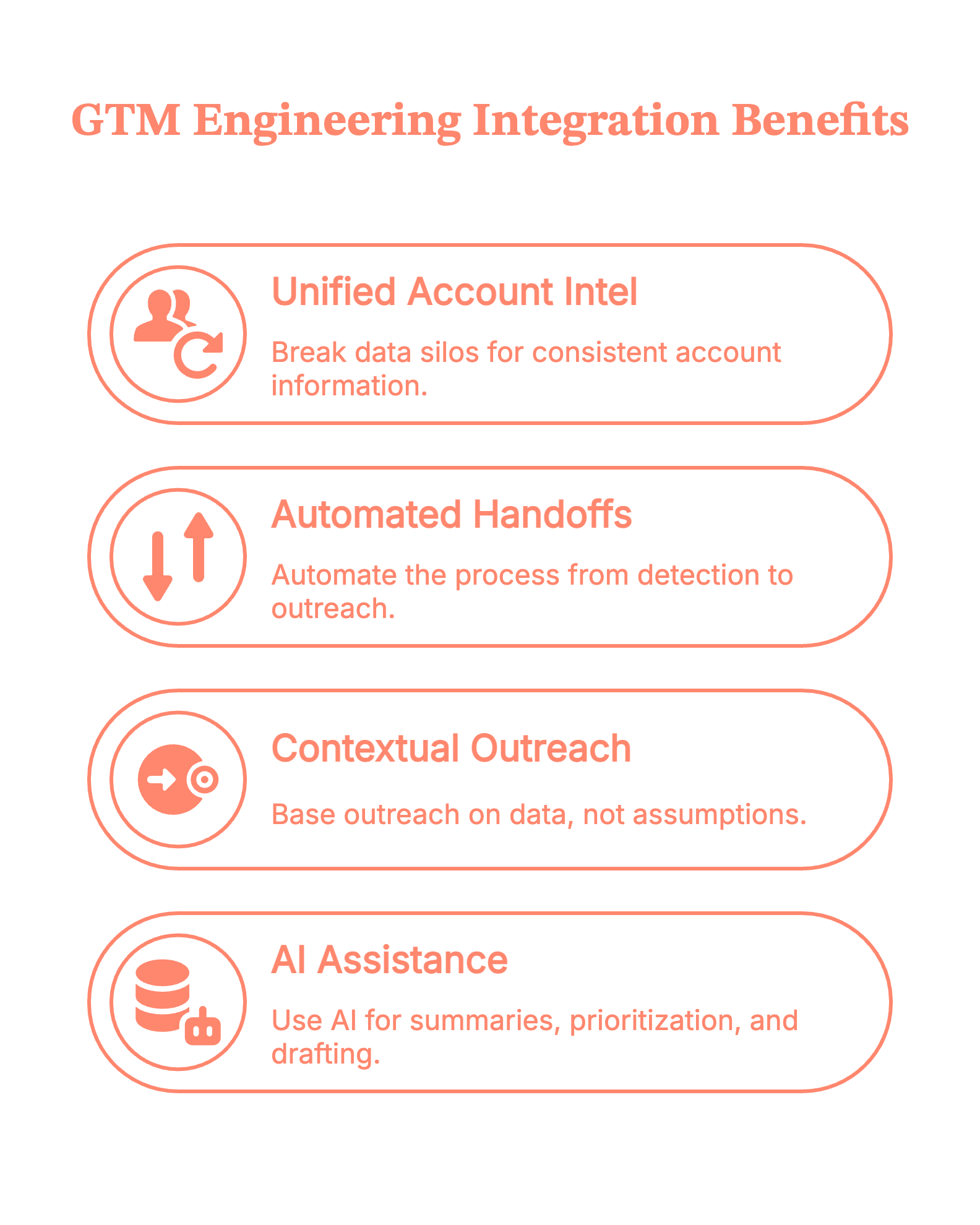
Psst! Teams identify up to ~75% of visiting accounts with Factors.ai and reach verified decision-makers faster via Apollo.
{{INLINE_TOFU}}
5 types of GTM engineering integrations
- Data & detection: Factors.ai for website visitor identification, customer journeys (last 30 days), and signals from LinkedIn/Google Ads, G2, and product activity.
- Orchestration: Make.com (primary)/N8N, plus Zapier/Clay.
- Enrichment & research: Apollo API (contacts vs. people, verified work emails, employment history).
- CRM, storage & collaboration: HubSpot/Salesforce (de‑dupe, create/update, tasks/ownership). Google Sheets/Docs (working tables; research + outreach drafts).
- Activation & comms: Slack/Teams (territory‑aware alerts with deep links to Factors journeys). Apollo/Smartlead (email sequences), HeyReach/Trigify (LinkedIn), ad platforms (retargeting).
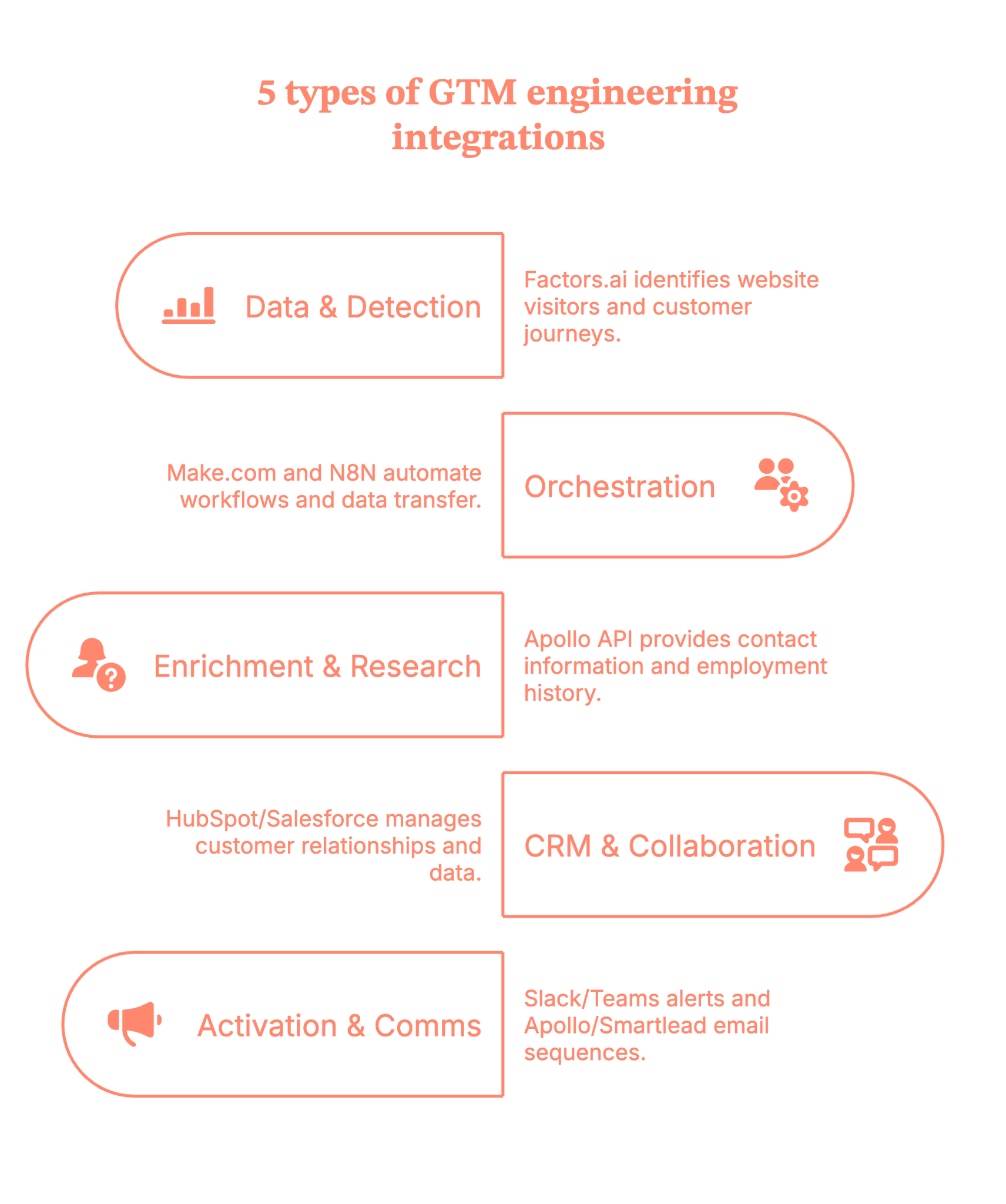
7 practical steps to make the GTM engineering integration live in your stack
Step 1: Map your signals in Factors (what happened, and when)
Define your ICP and intent rules inside Factors.ai. Pull in journeys for the last 30 days and connect signals from LinkedIn/Google Ads, G2, and product activity.
Tip: Start with pricing pages, docs, and comparison pages. That’s where intent gets loud.
Step 2: Orchestrate the flow with Make.com/N8N (your switchboard)
Use Make.com/N8N as the primary runner (Zapier/Clay as needed). Trigger on the Factors.ai event (the customer journey).
Guardrail: Keep a ‘companies processed’ list separately so you don’t re-enrich the same account every hour (your API credits will thank you).
Step 3: Enrich the right people via Apollo (contacts, not just ‘people’)
Call the Apollo API to retrieve details based on titles/regions/seniority, and capture verified work emails, as well as employment history.
Pro move: Filter for role relevance (e.g., ‘Director+ in RevOps/Marketing/Sales in-region') so reps don’t wade through noise.
Step 4: Keep the record of truth clean (CRM hygiene)
Upsert into HubSpot/Salesforce with de-dupe logic, set ownership, and create tasks only when the signal meets your threshold.
Little thing, big win: Tag contacts as new vs. existing so reps instantly see context (and don’t have to introduce themselves again, awkwardly).
Step 5: Prioritize with AI (what’s hot vs. merely warm)
Utilize AI to deduplicate URLs, count occurrences, segment users, and score contacts according to your rules. For example:
- Known user in the product? ★★★★★
- Same city/region as the assigned rep? ★★★★☆
- One random homepage visit? ★☆☆☆☆
Outcome: Reps start at the top of the list, and it’s the right list.
Step 6: Alert where reps live (Slack/Teams)
Send an alert to Slack/Teams with the following details:
- Account + segment
- Journey highlights (pages, recency)
- Top contacts (emails + LinkedIn)
- A draft opener
Deep link to the Factors.ai journey
(Because nobody wants to hunt for links in a maze of folders.)
With Factors.ai, your alert will look something like this.
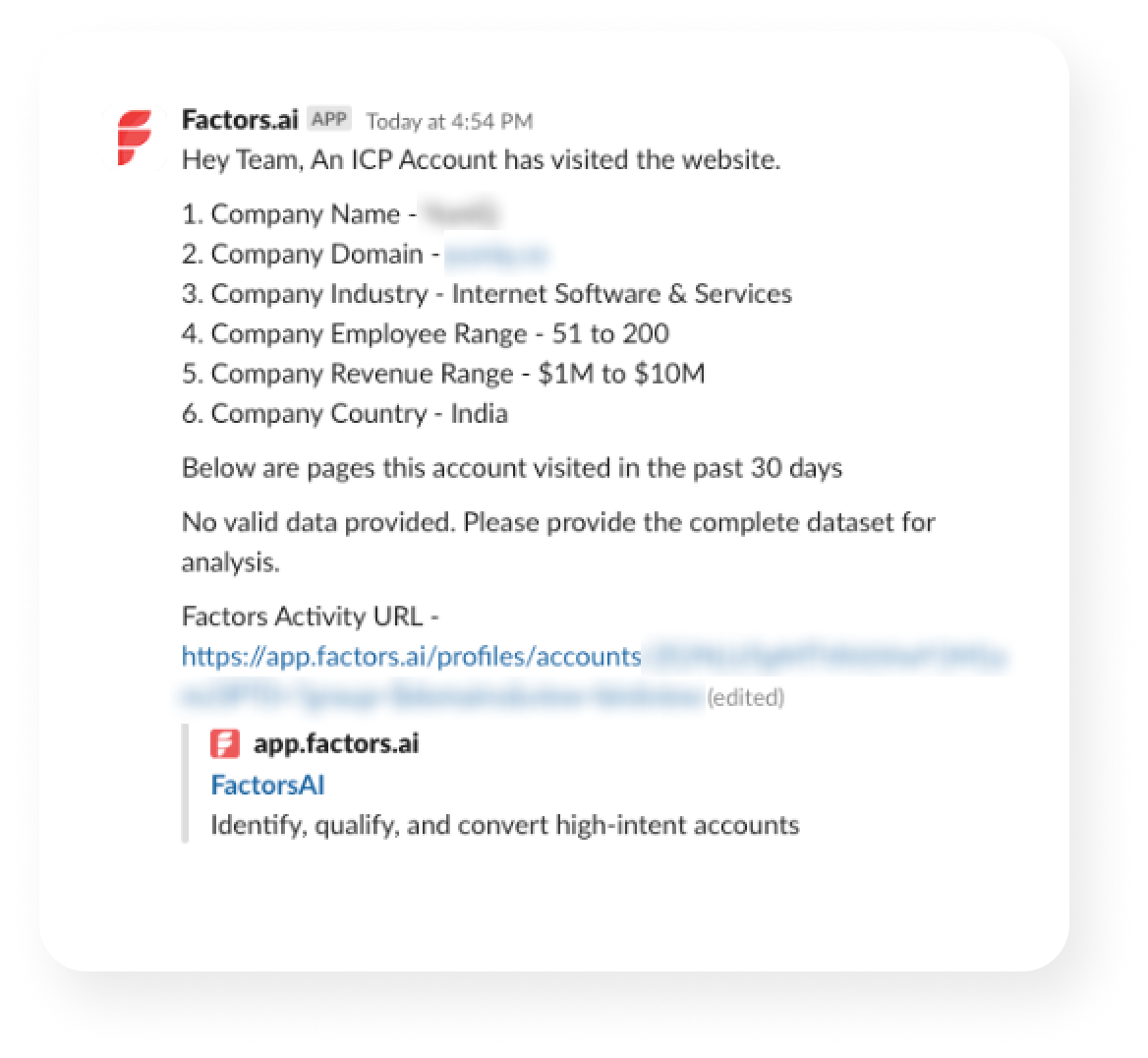
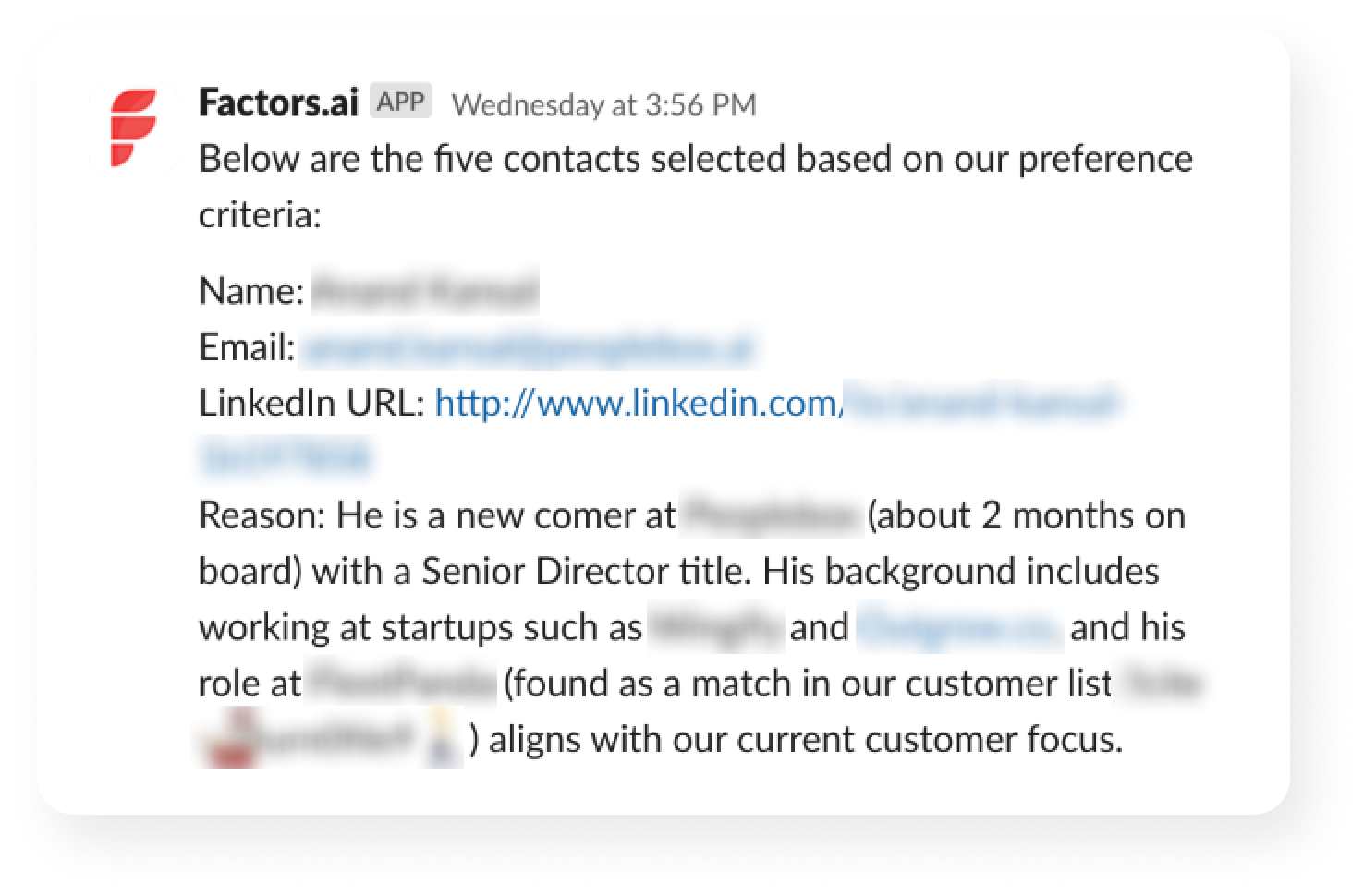
Step 7: Execute and write back (so your loop stays tight)
SDR tweaks the copy and sends via Apollo/Smartlead, adds a LinkedIn touch (HeyReach/Trigify), and the system writes back to CRM.
Why it matters: Outreach, CRM, and analytics now agree on what happened and what’s next.
No he-said-she-said across tools.
5 benefits you’ll get from GTM Engineering integrations
1) Faster time‑to‑touch
Real-time alerts and pre-enriched contacts enable reps to respond in minutes when intent is at its highest.
2) Cleaner data, fewer manual tasks
Automated enrichment (Apollo), deduplication, and CRM updates keep data accurate and eliminate ‘copy-paste operations.’
3) Higher coverage & precision
With Factors identifying up to 75% of visiting accounts and Apollo returning verified work emails, reps reach the right people sooner.
4) Smarter prioritization
Account & contact tiering (rules + AI) focuses reps on Tier‑1 opportunities.
5) Coordinated multichannel
Email (Apollo/Smartlead), LinkedIn (HeyReach/Trigify), and precision retargeting line up behind the same signal, so every touch feels timely and relevant.
Guardrails that keep your GTM engineering integrations smooth
- Add a 4-5 min sleep so alerts land after enrichment finishes
- Route by territory/geo in Slack
- Maintain exclusions (e.g., ignore losses in the last 60 days)
- Standardize card + doc templates for speed and consistency
- Log steps to a Sheet for easy QA (spreadsheets are the unsung heroes)
GTM engineering integration: The master checklist
Here is a getting-started checklist for your GTM plays.
- ICP + signals: define ICP; watch pricing/docs/comparison, G2, product usage
- First GTM plays: High-Intent ICP; Closed-Lost Revisit
- Connect apps: Factors → Make.com → Apollo → HubSpot/Salesforce → Slack/Teams → Sheets/Docs
- CRM rules: upsert by email + domain; fields: Intent_Score, Last_Intent_Source, Journey_URL; default owner
- Flow (Make.com): Trigger (Factors) → Journey API → Sheets → Enrich (Apollo) → Upsert CRM → Score (AI) → Alert (Slack/Teams) → Write-back → Sleep 4–5m
- Alert card must include: account/segment, last pages, top 2–3 contacts (email + LinkedIn), draft opener, links (Journey / Doc / CRM)
- Safeguards: exclude recent losses (60d), competitors, personal domains; ≤1 alert/account/24h; ≤3 contacts/alert; quiet hours
- QA: 5–10 test events; verify routing, links, dedupe; run a negative test (homepage-only = no alert)
- Go-live: ship copy packs; 15-min enablement; monitor first 48h; set escalation path
- Weekly metrics: Signals→Alerts→Replies→Meetings→SQLs→Pipeline; time-to-first-touch; contactability; coverage
- Iterate (weeks 2–4): tighten filters/scoring; add Form-Fill Drop-Offs + Research Pack; expand routing; add retargeting
- Definition of done: live alert with ≥2 verified contacts; outreach sent; auto CRM write-back; median TTF touch ≤30 min; meeting booked or learnings applied
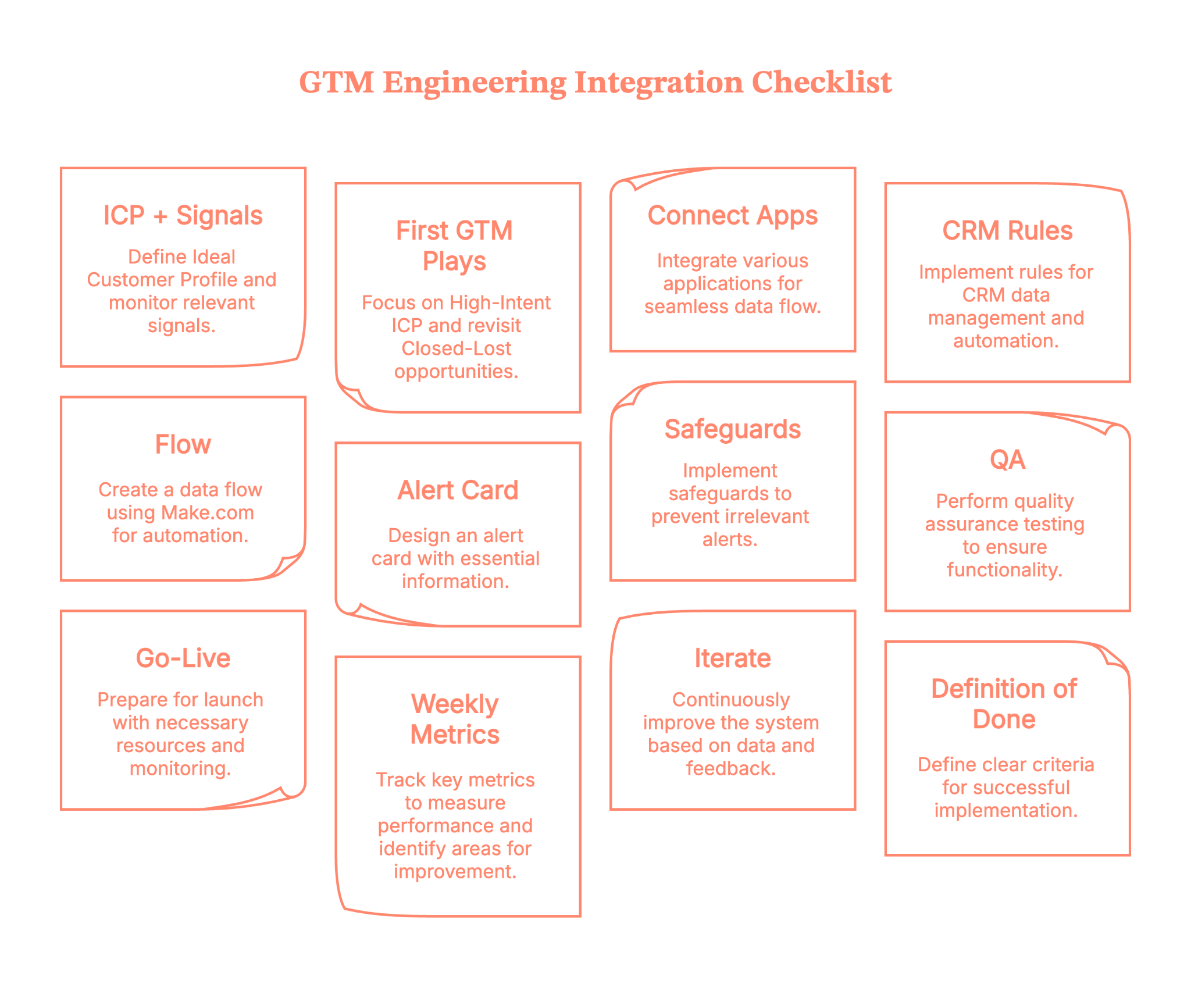
Plug in, switch on, and multiply your pipeline with Factors.ai GTM engineering services
With Factors' GTM engineering services, your stack stops acting like separate apps and starts operating like a coordinated revenue system. You’ll identify up to 75% of visiting accounts, enrich the right buyers with verified emails, and deliver ready-to-send outreach to the right rep in minutes.
Instead of copy-pasting between tabs, your team moves in a tight loop: detect → enrich → prioritize → alert → execute → write-back. Everyone sees the same context; nobody asks, ‘Who owns this?’; and intent doesn’t go cold while ops wrangles spreadsheets.
Want to see it on your data? Book a demo with us and watch the end-to-end flow—detection to Slack to CRM to outreach, run exactly the way your outbound team needs (and yes, we’ll bring sample plays you can keep).
How we work:
- Done-with-you: we co-build flows with your RevOps team (hands-on keys, full enablement).
- Done-for-you: we design, implement, and document; your team runs it day-to-day.
Ready to tighten your loop?
GTM Engineering Integration: Turning Signal into Revenue Without the Copy-Paste
GTM engineering integration is the connective tissue that transforms scattered go-to-market tooling into a synchronized, responsive revenue engine. By linking platforms like Factors.ai, Apollo, HubSpot, Salesforce, Slack, and orchestration tools such as Make.com or Zapier, teams gain the ability to act in real-time, with no swivel-chair operations or delays.
This approach captures high-intent signals, enriches accounts and contacts with verified data, writes contextually clean entries into the CRM, and triggers personalized outreach while buyer interest is still at its peak. Whether identifying buyers on a pricing page or alerting reps in Slack with enriched leads and ready-to-send copy, the system ensures nothing slips through the cracks.
The integration isn’t just about speed; it’s about precision. With AI scoring, deduplication, territory-aware routing, and built-in quality checks, GTM teams reduce manual tasks, shorten response time, and increase meeting conversion. The outcome? Outreach that’s accurate, timely, and aligned, without relying on reps to connect the dots manually.
FAQs on GTM engineering integrations
Q1. What exactly is GTM engineering integration?
GTM engineering integration is the technical process of connecting your go‑to‑market (GTM) stack, like your CRM, ads account, intent data, enrichment tools, and sequencing platforms. This helps the data and workflows move automatically between them. It bridges strategy and execution, applying engineering discipline (e.g., data pipelines, APIs, automation) to your revenue operations systems.
In short, rather than having isolated tools (marketing, sales, ops) each doing their own thing, integration ensures they all work as part of a unified system.
Q2. What are the common pitfalls when implementing GTM engineering integrations?
Some of the most frequent challenges include:
- Misalignment across teams: Sales, marketing, and ops often have differing definitions, goals, and tool preferences, which makes integration harder.
- Over‑engineering: Building overly complex custom workflows or automation before you’ve nailed the core processes can create fragility.
- Poor data hygiene: If your CRM/enrichment data is incorrect, no amount of integration will fix the root problem.
- Lack of measurement and feedback loops: Without metrics, you can’t know whether your integration is delivering value.
Recognizing these early helps ensure you build a sustainable system, not just a one‑off technical fix.
Q3. Which tools and integrations typically feature in a GTM engineering stack?
A solid GTM integration capability often involves:
- Intent signal tools (e.g., website tracking, pricing page visits)
- Enrichment platforms (to get verified contacts, firmographics)
- CRM systems (e.g., HubSpot, Salesforce) for record‑keeping and routing
- Orchestration/workflow automation tools (e.g., Make.com, Zapier, n8n) to build the flows
- Communication/sequencing platforms (e.g., email/LinkedIn tools, Slack/Teams alerts)
- Dashboards & analytics to monitor flow/impact
This mix enables the flow of detect → enrich → route → alert → execute.

Boosting Marketing Efficiency with GTM Engineering
Learn how GTM engineering improves marketing efficiency by automating lead routing, enrichment, and attribution across sales and marketing systems
TL;DR:
- Lead scoring assigns numerical values to prospects based on firmographic fit (company size, industry, tech stack) and behavioral signals (page visits, content downloads).
- Clay centralizes data enrichment from 100+ providers and automates scoring with formula columns.
- Pair it with a visitor identification tool like Factors.ai to capture anonymous website traffic at the account level, then let Clay find the new contacts and route them based on score.
- Start with five to seven scoring attributes, set threshold bands for routing, and refine quarterly based on conversion data.
Think of a campaign you recently launched and generated fifty qualified leads from. The emails synced to your CRM, and that was it.
Sales leaders say the inbound leads are ‘low quality.’ Marketing says Sales isn't following up fast enough. The ops team is stuck in the middle, trying to fix broken zaps and CSV uploads.
This is the standard state of affairs for many B2B companies, from early-stage companies to established enterprises. We throw more money at the problem, hoping for different results. But the problem isn't usually the ad copy or the sales script. It's the pipes.
The connection between your systems is broken. That is where GTM engineering comes in to fix the mess and drive GTM engineering marketing efficiency.
First, What is GTM Engineering in B2B Marketing?
GTM engineering is the practice of using code, data, and automation to build scalable revenue infrastructure. The goal is simple: make data flow seamlessly across the entire customer lifecycle without human intervention.
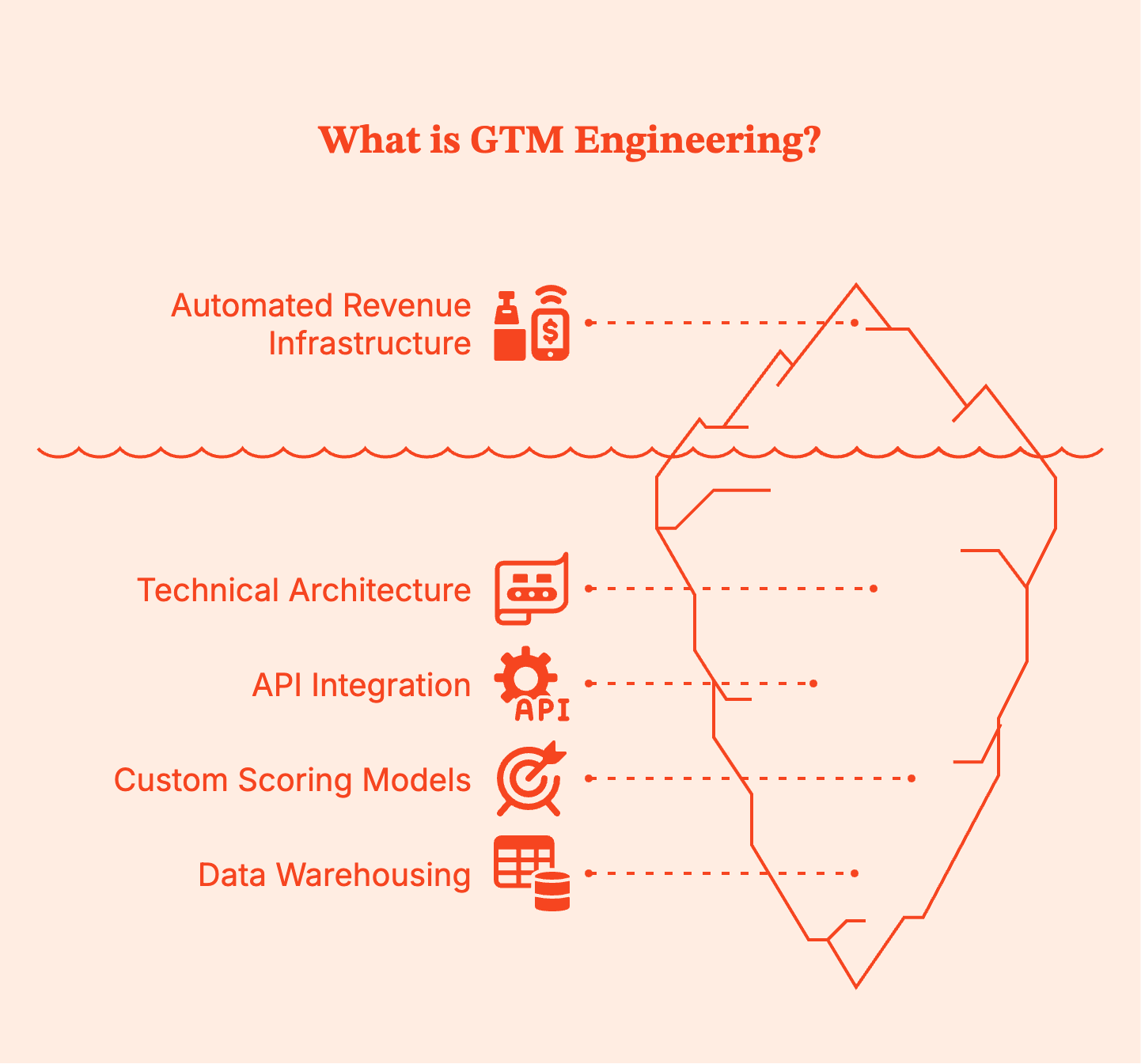
People often confuse GTM engineering with Revenue Operations (RevOps) or Marketing Operations. But there’s a difference:
- RevOps often focuses on process, gtm strategy, and tool administration.
- Marketing Ops manages the platforms, such as setting up email campaigns or configuring the CRM.
- GTM Engineering goes deeper. It involves using technical skills to write scripts to connect APIs, building custom scoring models, and architecting data warehouses that feed operational tools.
To put this in perspective, let’s consider an example. A marketer decides to target a specific vertical. In this case, a RevOps pro maps out the sales stages, but the GTM engineer builds the full automation system that identifies those vertical-specific visitors, enriches their data, and routes them to the correct email sequences instantly.
Why Does Marketing Efficiency Break Without GTM Engineering?
Efficiency drops when data hits a wall. In most B2B setups, you have a CRM, a marketing automation platform (MAP), ad networks, and sales engagement tools. They all live in their own little bubbles.
Here is where the money leaks in your funnels:
- Leads sitting un-routed: Leads frequently wait hours or days before reaching the right person because old territory rules in lead routing systems don't work anymore. A prospect fills out a form, but instead of going to a rep, they sit in a general queue. Every hour of delay hurts your chance of converting them.
- Enrichment happening too late: Reps often receive just a name and an email. They have to stop selling to research potential customers on LinkedIn, guess the company size, or look for buying committees. This manual work kills sales efficiency.
- Attribution stuck at last-click: Demand gen teams typically rely on what their ad platforms report. Google claims credit for the last click, but this ignores the months of blog posts and webinars that actually built the trust throughout complex buyer journeys.
These problems get worse when your systems operate in silos.
- Systems operate in silos: Your CRM, marketing automation platform, and ad tools often live in different worlds. Marketing might keep nurturing existing accounts that Sales is already closing. The left hand doesn't know what the other half is doing.
- Why more spend doesn’t fix broken workflows? If your bucket has a hole, pouring in more water won't fill it. Increasing your ad budget when your lead routing is broken just creates more waste, not more revenue for the business. You have to fix the connections first.
{{INLINE_TOFU}}
How GTM Engineering Improves Marketing Efficiency?
GTM engineering improves marketing efficiency by removing friction from the funnel. It replaces ‘people doing robot work’ with actual robots. When you engineer your sales motion, you stop relying on Google Sheets and manual reminders and instead build workflows that run 24/7.
- Automation reduces manual effort. Scripts instantly check every incoming lead against icp criteria. Bad leads get filtered out before they clog the CRM. Good leads get flagged for immediate attention.
- Enrichment becomes automatic. You do not ask buyers for their company size or tech stack on a form. That creates friction. Instead, you ask for an email. The engineering layer calls an enrichment API, retrieves firmographic data, and appends it to the record.
- Workflows scale. Adding more salespeople to handle more leads is linear and expensive. Improving the code that manages those leads provides exponential leverage. A robust routing script handles 10 leads or 10,000 leads with the same speed and accuracy.
Automating Lead Routing and Scoring at Scale
To truly scale, you must automate lead routing and scoring beyond simple "if/then" rules. This is table stakes for modern B2B teams.
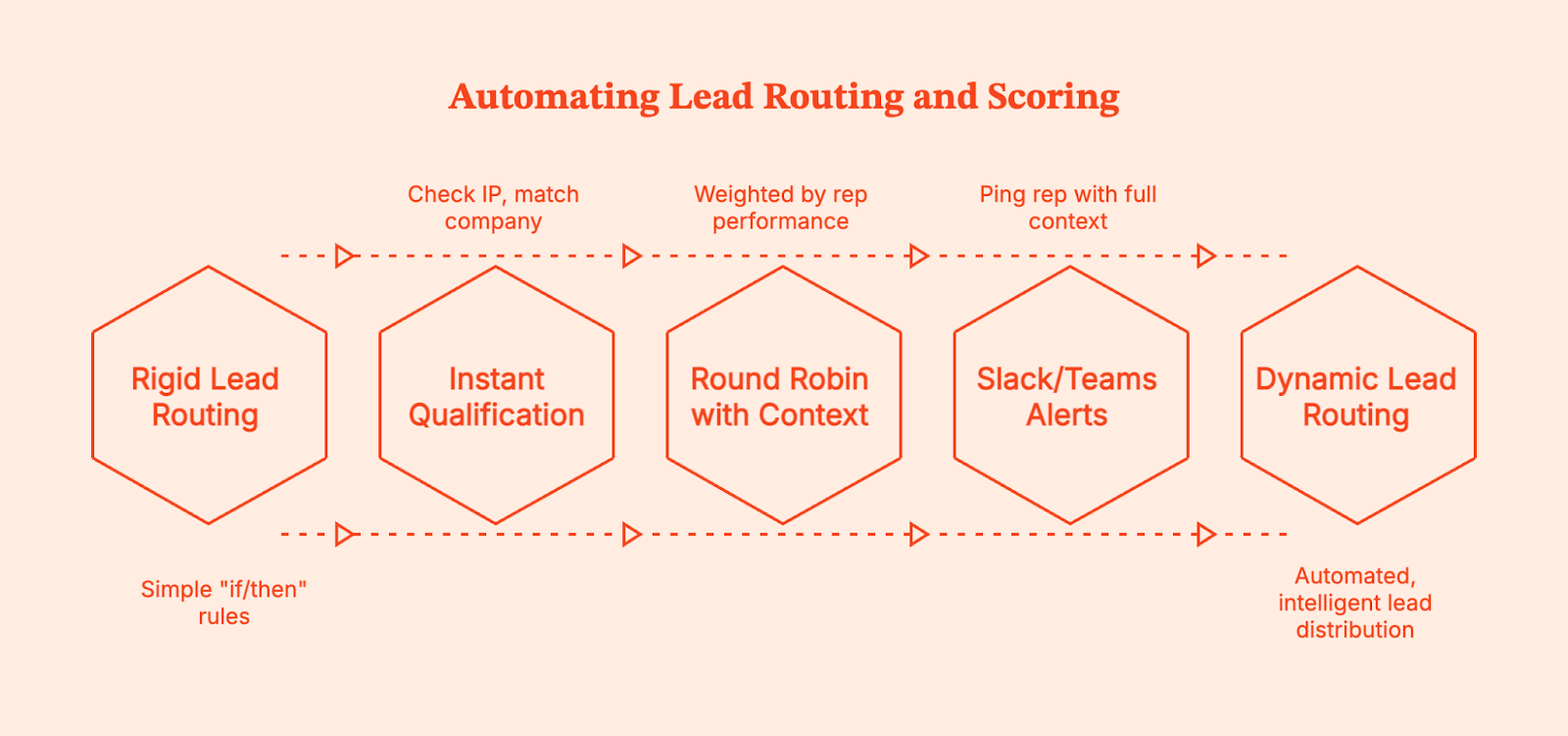
Traditional routing is often too rigid. It usually looks like: ‘If region equals North America, assign to John.’ But what if John is on vacation? What if the lead is a massive enterprise account that implies a higher potential deal size, meaning it should go to Sarah, your senior rep, regardless of region?
GTM engineering allows for dynamic logic:
- Instant Qualification: A lead hits the site. The system checks their IP, matches the company, checks the CRM to see if they are existing customers, scores them based on intent signals, and routes them instantly.
- Round Robin with Context: Leads are distributed fairly, but weighted by rep performance or availability.
- Slack/Teams Alerts: The moment a high-score lead takes action, the rep gets a ping with full context to automate outreach.
Connecting Marketing and Sales Systems End-to-End
The goal is to connect marketing and sales teams so they share a single data source. While many think this is a nice-to-have, it's essential for pipeline health.
Point-to-point integrations (like a basic Zapier connection) are often brittle because if one field changes, the whole thing breaks.
GTM engineering builds a unified data layer instead. Meaning:
- Website data (pages visited, time on site) flows into the CRM.
- CRM data (deal stage, revenue value) flows back into Ad Platforms for better targeting.
- Sales activity (calls, emails) is visible to Marketing for campaign optimization.
When the systems are connected end-to-end, the handoff becomes a continuous flow. Sales knows exactly what the prospect read before they hop on the call. Marketing knows exactly which campaigns drove the highest win rate.
Turning Anonymous Website Visitors into Warm Outbound Plays
Most B2B websites convert at 2% or 3%. That means 97% of your traffic leaves without saying a word. This is wasted potential for any sales-led or plg companies.
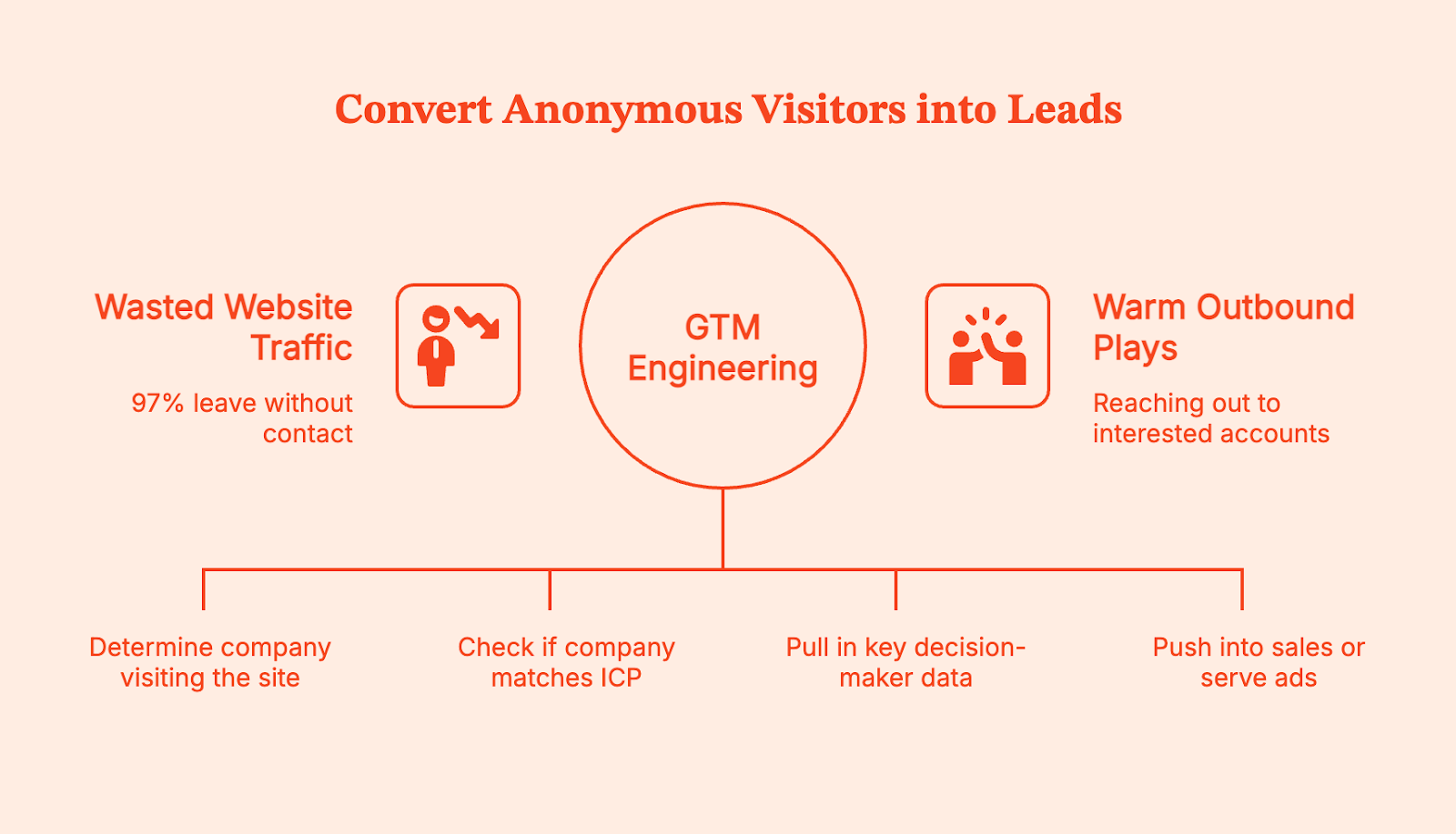
GTM engineering helps you turn a website visitor to warm outbound play. Here is the deep dive into the workflow:
- Identify: Use a tool (like Factors.ai) to identify the company visiting your site, even if they don't fill out a form.
- Filter: Automatically check if they match your Ideal Customer Profile (ICP)
- Enrich: Pull in contact data for key decision-makers at that company.
- Activate: If they showed high intent (e.g., visited the pricing page), automatically push them into a sales sequence or serve them a specific LinkedIn ad.
With this setup, you’re no longer cold-calling prospects. You are reaching out to accounts that are already looking at you, ultimately beating the competition.
Reducing CAC with GTM Automation and Better Targeting
Inefficiency is expensive. Every hour a rep spends researching a lead is money down the drain. Every ad dollar spent on an account that is already a customer is a waste.
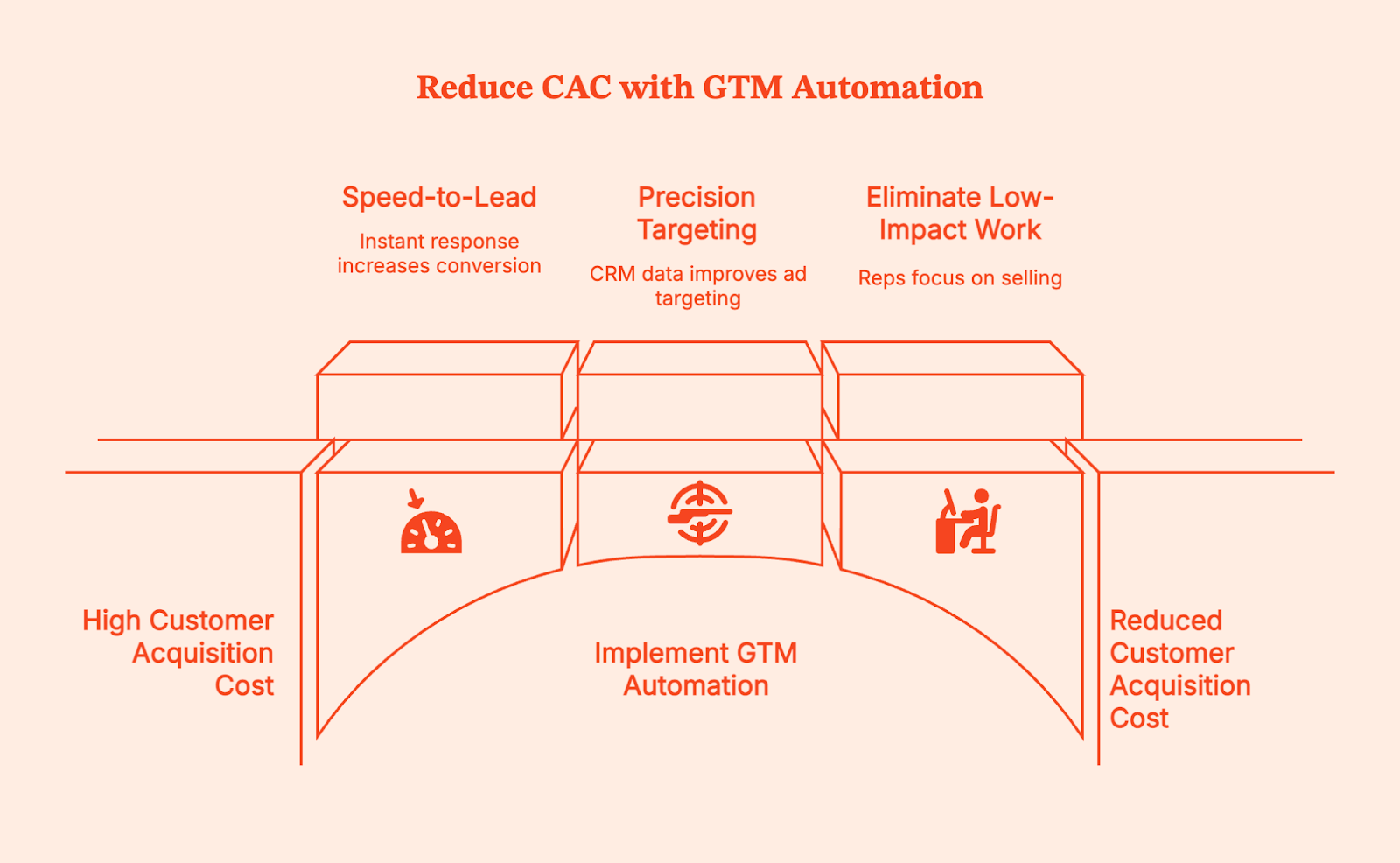
Fortunately, you can reduce CAC with GTM automation by focusing your resources where they matter.
- Speed-to-Lead: Responding within five minutes leads to higher conversion rates. GTM Engineering makes this instant.
- Precision Targeting: By feeding CRM data back into ad platforms, you stop bidding on bad fits.
- Eliminating Low-Impact Work: Reps spend time selling, not on data entry.
When you cut out the waste and increase the conversion rate through speed and context, your acquisition costs naturally drop, and your success becomes predictable.
Attribution and Revenue Visibility with GTM Engineering
Attribution is usually a mess because standard tools only see part of the picture. Google Analytics sees the click; Salesforce sees the close. They rarely agree on what happened in between.
GTM engineering stitches these identities together using AI tools and data science. It enables multi-touch attribution that tracks influence across the entire long sales cycles. You stop looking at vanity metrics and start seeing revenue drivers. You can see which blog posts actually influence closed deals, or how outbound calls interact with inbound marketing efforts.
This visibility changes how you spend money. You might find that a specific LinkedIn campaign has a high Cost Per Lead but a very low Customer Acquisition Cost. This allows you to create feedback loops that refine your demand generation.
GTM Engineering Use Cases for B2B SaaS Teams
When you implement this correctly, the benefits ripple across the entire organization, including post sales and self-serve motions.
- Marketing teams get cleaner data and better targeting. They stop fighting with Sales about lead quality because the definition of a ‘qualified lead’ is codified in the system logic.
- Sales teams get more meetings and better context. They spend less time doing admin work in the CRM and more time selling. They know why a lead was routed to them, which helps them frame the conversation.
- RevOps teams transition from being support tickets to being architects. They stop spending their days fixing broken data and develop skills to build systems that run themselves.
How Factors.ai Enables GTM Engineering for Marketing Teams
Factors functions as the intelligence layer for your GTM engineering stack. Having the right tools is the first step to doing your job effectively.
We start by de-anonymizing your traffic, then identify the companies visiting your site, and tell you exactly what they are doing. But we go further by combining the data with your CRM and ad platforms to create a unified account timeline.
Then, we help you act on it. You can set up automated workflows that push this data where you need it. If a high-intent prospect visits your pricing page, we can Slack your Account Executive immediately. If an ICP account engages with your top-of-funnel content, we can push them into a specific LinkedIn retargeting audience.
Factors gives you the building blocks to engineer a marketing machine that is efficient, automated, and revenue-focused for any early-stage or growth company.
FAQs for Boosting Marketing Efficiency with GTM Engineering
Q: What does GTM engineering mean in marketing?
A: It is the technical process of connecting your data, tools, and workflows using automation to make your Go-To-Market strategy run efficiently without manual work.
Q: Is GTM engineering only for large B2B companies?
A: No. Even small teams benefit from automation. If anything, small teams need it more because they have fewer people to do the manual work.
Q: How does GTM engineering improve marketing efficiency?
A: It automates repetitive tasks like lead routing and data entry, ensuring leads are handled instantly and data is always accurate, allowing for a human touch where it matters most.
Q: Can GTM engineering reduce CAC?
A: Yes. By improving conversion rates through faster follow-ups and better targeting, you lower the cost required to acquire each customer.
Q: How is GTM engineering different from RevOps?
A: RevOps is the strategy and process alignment; GTM engineering is the technical execution and automation that makes that strategy work.
Q: What tools are required to implement GTM engineering?
A: You typically need a CRM (like Salesforce or HubSpot), a data enrichment tool, and an orchestration/intelligence layer like Factors.ai to connect the dots.

Understanding Google’s New Guidelines for Bulk Email Senders
Read our blog to understand Gmail's new guidelines for bulk email senders in 2024 — and how you can ensure your cold emails don’t land in the spam folder.
Are you tired of unsolicited, spammy emails in your inbox? Well, all that will (to an extent) end in February 2024 as Google implements new guidelines for bulk email senders to make your inbox safer and spam-free.
Google will require bulk email senders (people who send over 5,000 emails per day to Gmail inboxes) to follow certain best practices requiring strong authentication, easy unsubscription, and lower spam rates.
"It's clear that email has become an essential part of daily communication. And whether you're submitting a job application or staying in touch with a loved one, your emails should be safe and secure." – Neil Kumaran Group Product Manager, Gmail Security & Trust
Let's dive into understanding these best practices and what these new policies mean for your cold outreach strategy in 2024.
What Practitioners Have Learned Since These Rules Took Effect
Google's guidelines laid out the technical requirements. But since they took effect, email practitioners have learned that compliance is just the starting line. Here's what actually determines whether your emails reach the inbox.
1. Authentication Is Table Stakes, Not a Silver Bullet
Perfect SPF, DKIM, and DMARC setup does not guarantee inbox placement. Multiple practitioners report landing in spam despite all authentication checks passing. Why? Because inbox providers now run engagement-based spam models. They watch whether recipients open, click, reply, or forward your emails. If engagement is low, authentication won't save you.
2. Microsoft Now Enforces Matching Requirements
Google wasn't the only one tightening the rules. Microsoft announced similar sender requirements for Outlook in early 2025. The good news: if you already comply with Gmail's guidelines, you're mostly covered. The bad news: many senders still have broken DNS setups they don't know about — duplicate SPF records, overlapping IPs, or misconfigured DMARC policies.
3. Engagement Beats Every Technical Fix
This is the uncomfortable truth most deliverability guides skip. ISPs are running their own engagement algorithms now. They track whether people open, click, reply to, or forward your emails — and all of it factors into whether you get the inbox or spam folder. One practitioner put it simply: "You can have perfect SPF/DKIM and still rot in spam if no one opens or replies. Treating emails like real conversations — not broadcasts — is usually the turning point."
Also read: AI marketing automation pricing comparison: what B2B teams should actually pay for
4. Shared IPs Can Tank Your Reputation
If you're sending from a shared SMTP server or IP pool (common with budget hosting providers), your neighbors' sending behavior directly affects your deliverability. Even with perfect DNS configuration, a shared IP with poor reputation will drag your emails into spam. Consider a dedicated IP or a reputable email service provider with strong IP hygiene.
5. Domain Warmup Takes Longer Than You Think
New sending domains need at least 14 to 30 days of warmup before sending at volume. Practitioners who rush this step or skip it entirely see immediate deliverability problems. Start with small batches sent to your most engaged subscribers, then gradually increase volume as reputation builds.
6. Use a Sending Subdomain to Protect Your Brand
Experienced senders use a subdomain (like mail.yourdomain.com) or a secondary domain for marketing and cold outreach. This way, if something goes wrong — a spike in complaints, a misconfigured campaign — your primary domain reputation stays clean. Cold email practitioners typically use domains like trycompany.com or getcompany.com to shield their main brand.
7. List Hygiene Is the Unsexy Fix That Actually Works
Double opt-in cuts signups by roughly 30%, but improves every downstream metric — open rates, click rates, and sender reputation. Vanity subscriber counts mean nothing if inactive contacts are killing your reputation. Practitioners recommend ruthlessly removing subscribers who haven't engaged in 60 to 90 days, and checking your domain regularly through Google Postmaster Tools — the most underused deliverability diagnostic available.
Summary of Bulk Email Sender Guidelines
Here is a quick gist of Google's email sender guidelines and the best practices they recommend for bulk email senders:
1. Requirements for Authentication
Ensure email authentication for each of your sending domains at your domain provider by settling up the following:
- SPF (Sender Policy Framework): This basic authentication method verifies if an email was sent from an authorized server. Bulk senders need to configure their domain to use SPF.
- DKIM (Domain Keys Identified Mail): This adds a digital signature to each email, allowing Gmail to verify the email's authenticity and integrity.
- DMARC (Domain-based Message Authentication, Reporting & Conformance): This builds on SPF and DKIM by providing reporting and enforcement mechanisms. Bulk senders must publish a DMARC policy that states what Gmail should do with emails that fail authentication.
- ARC(Authenticated Received Chain): it shows the previous authentication status of forwarded messages and previously failed authentication. Senders must use ARC authentication if they forward emails regularly.
Google recommends always using the same domain for email authentication and hosting your public website. Senders must have valid forward and reverse DNS records for these sending domains and IP addresses.
Also read: Generative AI marketing use cases: what actually works for B2B teams
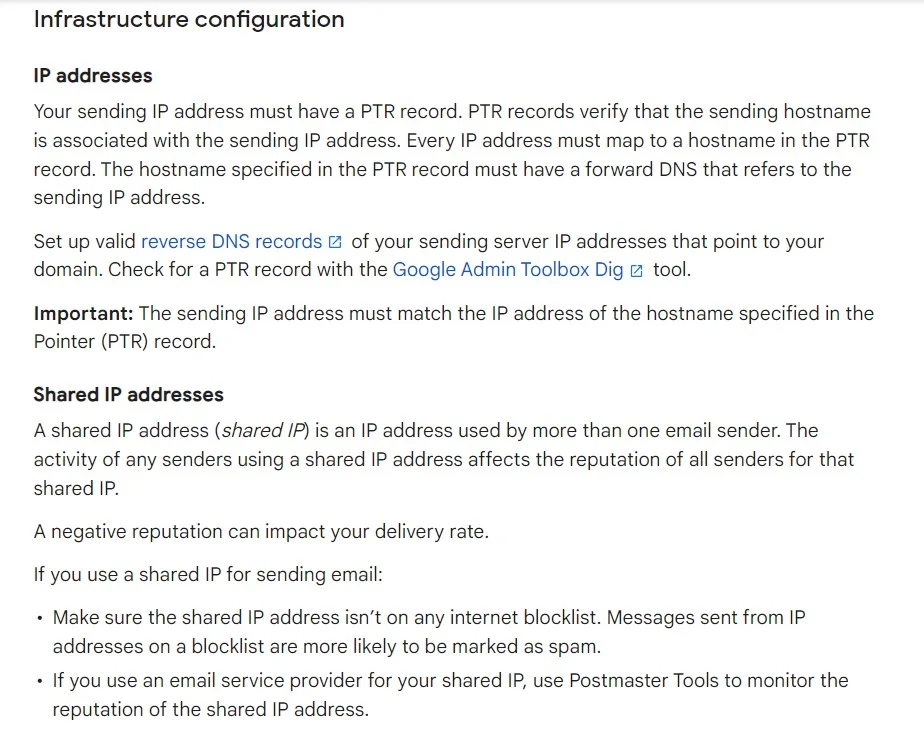
2. Requirements for Easy Unsubscription
If you send over 5,000 marketing and sales emails daily, your marketing and subscribed messages must support one-click unsubscribe.
- Unsubscribe links: Every email must contain a clear and readily available unsubscribe link. This link should be placed in a prominent location, such as the footer of the email.
- Preference centers: Bulk senders can offer preference centers where users can manage their subscription preferences and easily unsubscribe from specific email lists.
- Confirmation process: Unsubscribe requests should be confirmed promptly, and users should not receive further emails after opting out.

Google suggests that you only send emails to people who want to get your messages, so they're less likely to report messages from your domain as spam.
3. Spam Rate Monitoring
You can track your spam rate using Postmaster tools. Ensure it stays below 0.10%, and avoid reaching a spam rate of 0.30% or higher.
Here are a few tips to avoid having your emails land in your receiver's spam:
- Don't mix different types of content in the same message.
- Don't impersonate other domains or senders without permission.
- Don't purchase email addresses from other companies.
- Some countries and regions restrict automatic opt-in. Before you opt-in users automatically, check the laws in your region.
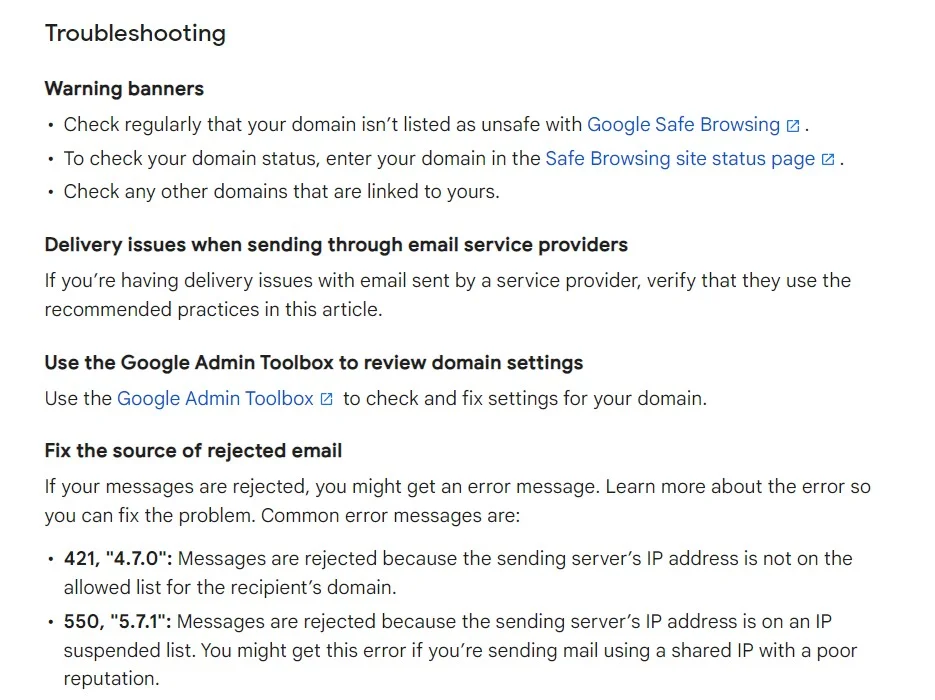
Bulk senders who fail to comply with the guidelines may face various consequences, including reduced deliverability rates, warnings, suspension of email-sending privileges, or even legal action.
Also read: How to build a fully agentic AI ABM workflow that runs itself
How Does This Affect Your Cold Email Strategy?
Even if your sales/marketing team has these parameters in place, Google's refreshed bulk email sender guidelines signal that mass mailing prospects may slowly be on the decline. While this may sound like not-so-good news for your outbound marketing efforts, here's why this may actually be a blessing in disguise.
Email marketing, if implemented correctly, can continue to be one of the best B2B sales channels in your GTM strategy. The key, however, will be to adopt a systematic, intent-based approach as opposed to spray-and-pray tactics.
Let's say you're selling software that streamlines candidate assessment, and your buyer personas are hiring managers and CHROs.
Also read: Best generative AI tools for marketing
If your sales team sends out emails to thousands of CHROs at random — without any insight into whether or not they're in-market for your product, you're bound to receive replies, if any, such as: "Sorry, we're not currently looking to buy" or worse still, "unsubscribe."
Not only does this high-volume approach result in little result from lots of effort, but cold outreach may also leave a bad taste in the mouth of prospects who may be looking to buy down the road.
What's the alternative to this? Intent-based, account-level outreach, of course!
On average, only 4% of website visitors convert via sign-ups, but what if you could identify, qualify, and target the remaining 96% of anonymous website traffic with outreach based on intent? What if you could carefully research engagement amongst high-intent buyers and send them personalized cold emails highlighting exactly how your tool can meet their requirements?
Our experience working with hundreds of B2B teams finds that this results in far more conversions with far fewer emails.
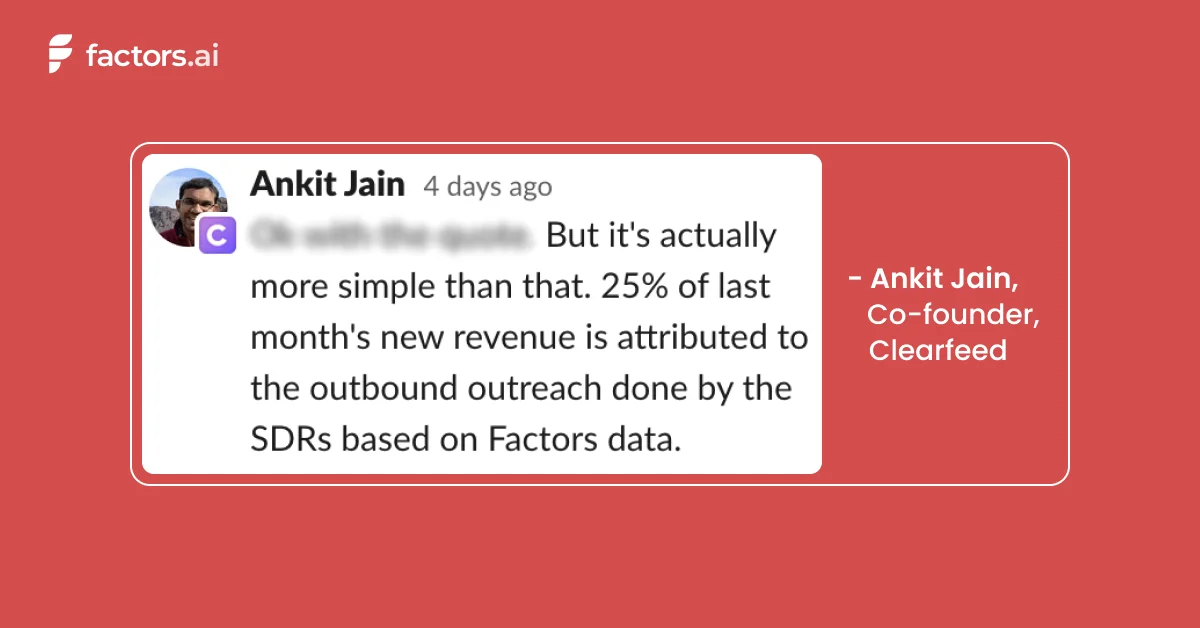
Factors is an IP-based account intelligence and activation platform that:
- Identifies anonymous accounts visiting your website, viewing your LinkedIn, or interacting with your G2 pages
- Qualifies high-intent ICP accounts based on firmographics and cross-channel engagement
- Enriches sales-ready accounts with Apollo-fuelled contact data before activating outreach by integrating with your marketing automation platform.
Here's a little about how it works:
Also read: AI orchestration in marketing workflows: the missing layer in modern B2B marketing
First, our account intelligence feature allows you to uncover anonymous traffic with IP-based intelligence & enrichment.
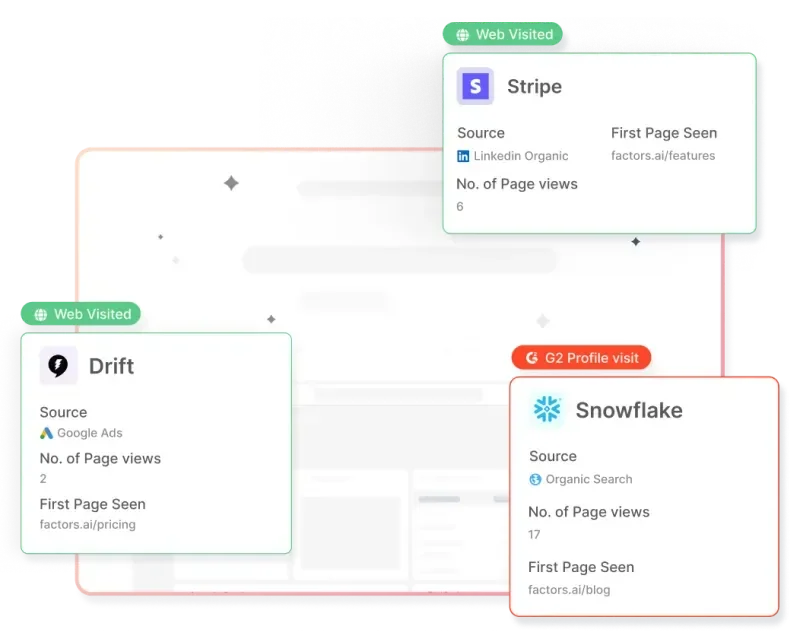
Next, you can qualify ICP buyers based on their firmographics and score accounts based on their engagement across the website, G2, and LinkedIn intent signals.
Finally, create a list of accounts ready to buy and send emails with a compelling pitch to win sales-ready accounts over in no time. Want to learn the basics of account scoring?
▶️Check out our guide: An Introduction To B2B Account Scoring

{{INLINE_TOFU}}
Wrapping Up
Google has taken a much-needed step to establish these bulk email sender guidelines. Whether you're executing cold outreach or email marketing campaigns, you must monitor your bulk emails and ensure basic email hygiene to create a secure email ecosystem.
If you want to ditch the cookie-cutter bulk email strategy and want to restructure your cold outreach efforts by focusing on high-intent buyers, book a demo with us today!
%2520(1).avif)
Growth Marketing vs Demand Generation: A Comprehensive Analysis
Growth Marketing vs Demand Generation: A Comprehensive Analysis
TL;DR
- Growth marketing focuses on long-term, sustainable growth by optimizing the customer lifecycle, prioritizing customer retention, and using data-driven strategies.
- Demand generation aims at immediate demand creation through targeted tactics that drive short-term lead generation and conversions.
- Growth marketing emphasizes long-term relationships, while demand generation focuses on quick results.
- Understanding both strategies is essential for developing effective marketing plans that align with evolving consumer behaviors and business goals.
As marketers, we face a barrage of new terminology, and it can be confusing to truly understand the nuances of each concept.
Two such terms popping up are “Demand Generation” and “Growth Marketing.”. But how would you differentiate between the two?
Here’s a detailed comparison of growth marketing vs demand generation and how you can implement it for your GTM motion ⬇️
Definition of Growth Marketing
Growth marketing is a strategic approach focused on achieving long-term sustainable growth for a business. It emphasizes the entire customer lifecycle, from awareness and acquisition to activation, retention, and referral. Unlike traditional marketing, growth marketing prioritizes data-driven strategies and continuous experimentation to optimize results and drive business growth.
Definition of Demand Generation
Demand generation, conversely, is centered around creating immediate demand for products or services. It primarily focuses on short-term lead generation and sales, utilizing targeted marketing tactics to generate interest and drive conversions. Demand generation strategies often involve creating compelling and targeted content to engage potential customers and prompt them to take action.
Importance of Understanding These Concepts in Modern Marketing
Businesses must adapt to changing consumer behaviors and market trends. Understanding growth marketing and demand generation is essential for developing effective marketing strategies that align with business goals and drive tangible results. By comprehending these concepts, businesses can tailor their marketing efforts to meet the evolving needs of their target audience and achieve sustainable growth.
3 Core Concepts of Growth Marketing
Focus on Long-term Sustainable Growth
Growth marketing prioritizes long-term sustainable growth over short-term gains. It involves building a comprehensive customer journey that focuses on nurturing and retaining customers, ultimately maximizing their lifetime value to the business.

Data-driven Strategies
Data is central to growth marketing, guiding decision-making processes and enabling continuous optimization. By leveraging analytics and customer insights, businesses can identify opportunities for growth and tailor their marketing strategies to engage their target audience effectively.
Emphasis on Customer Retention and Lifetime Value
In growth marketing, customer retention and lifetime value are paramount. The focus extends beyond acquiring new customers to nurturing existing ones, fostering long-term relationships, and maximizing the value derived from each customer over time.
{{INLINE_BOFU}}
3 Core Concepts of Demand Generation
Focus on Short-term Lead Generation and Sales
Demand generation strategies are geared towards generating immediate interest and driving short-term lead generation and sales. The primary objective is to create immediate demand for products or services and prompt potential customers to make a purchase decision.

Targeted Marketing Tactics
Demand generation relies on targeted marketing tactics to reach potential customers at the right time with the right message. This may involve personalized content marketing, social media advertising, and other targeted approaches to capture the attention of the target audience.
Emphasis on Creating Immediate Demand for Products or Services
Unlike growth marketing, demand generation strongly emphasizes creating immediate demand for products or services, driving conversions, and capitalizing on short-term opportunities to generate revenue.
3 Practical Applications of Growth Marketing
Building a Comprehensive Customer Journey
Growth marketing involves mapping a comprehensive customer journey encompassing every stage of the customer lifecycle. By understanding customers' needs and behaviors at each touchpoint, businesses can effectively tailor their marketing efforts to guide prospects through the sales funnel.
Implementing Personalized Marketing Strategies
Personalization is key in growth marketing. It allows businesses to deliver tailored experiences that resonate with individual customers. By leveraging customer data and behavioral insights, businesses can create personalized marketing campaigns that drive engagement and foster long-term loyalty.
Leveraging Analytics and Data for Continuous Improvement
Analytics and data serve as the backbone of growth marketing, enabling businesses to measure their marketing efforts' performance and identify areas for improvement. Businesses can optimize their marketing initiatives by continuously analyzing data and iterating on strategies to achieve sustainable growth.
3 Practical Applications of Demand Generation
Creating Compelling and Targeted Content
Demand generation relies on creating compelling, targeted content that resonates with the target audience. Whether through blog posts, videos, or social media content, businesses must craft messaging that captures attention and prompts action.
Utilizing Various Marketing Channels for Lead Generation
To effectively generate demand, businesses must leverage various marketing channels, including social media, email marketing, search engine optimization, and paid advertising. By diversifying their approach, companies can reach a wider audience and drive interest in their products or services.
Implementing Effective Sales Strategies to Convert Leads into Customers
Demand generation strategies extend beyond lead generation to encompass the conversion of leads into customers. This involves implementing effective sales strategies, nurturing leads through the sales process, and ultimately driving conversions to capitalize on the demand generated.
3 Key Differences Between Growth Marketing and Demand Generation
Timeframe for Results
One key difference between growth marketing and demand generation is the timeframe for results. While demand generation focuses on immediate results and short-term gains, growth marketing prioritizes sustainable growth over time.
Focus on Customer Relationship
Growth marketing strongly emphasizes building and nurturing long-term customer relationships, focusing on customer retention and lifetime value. In contrast, demand generation is more transactional, aiming to create immediate demand and drive quick conversions.
Metrics for Measuring Success
The metrics used to measure success also differ between growth marketing and demand generation. Growth marketing focuses on customer retention, lifetime value, and overall business growth metrics. At the same time, demand generation metrics are as follows:

Wrapping up
Understanding the nuances of growth marketing and demand generation is essential for navigating the complex landscape of modern marketing. By grasping these strategies' core concepts and practical applications, businesses can develop targeted marketing initiatives that align with their goals and drive tangible results. As the marketing landscape continues to evolve, the integration of growth marketing and demand generation will play a crucial role in shaping the future of marketing, enabling businesses to adapt to changing consumer behaviors and achieve sustained growth in an increasingly competitive environment.

7 Full Circle Insights Alternatives and Competitors
Here are 7 Full Circle Insights alternatives, their pricing, reviews, and features. Read more to evaluate and select the best one.

Full Circle Insights is a marketing attribution tool that provides a detailed overview of your campaigns. It lets you identify top-performing channels and touchpoints that are more likely to generate and convert leads.
The tool provides seamless integration with Salesforce and other marketing automation tools. It can capture data across various channels, such as ad platforms, social media, etc., and use them to attribute revenue accurately. Though the tool provides these benefits, it also has some limitations. These include the absence of a support team, lack of flexibility, etc.
All these matters have led users to look for alternatives and competitors.
In this article, we will take you through some of the Full Circle Insights alternatives and help you select the best one based on your requirements.
Why do users search for Full Circle Insights alternatives and competitors?
Following are some of the most common challenges users face with Full Circle Insights.
Time-consuming:
Though the tool is good for understanding customer journeys, it’s highly time-consuming. In fact, it takes over 20 hours to rebuild attribution models.

Difficult to Implement:
Even users who are full of praise for Full Circle Insights seem to have issues with its implementation process. In addition, this tool is technically complicated and requires developers’ intervention, even for minor changes to dashboards.
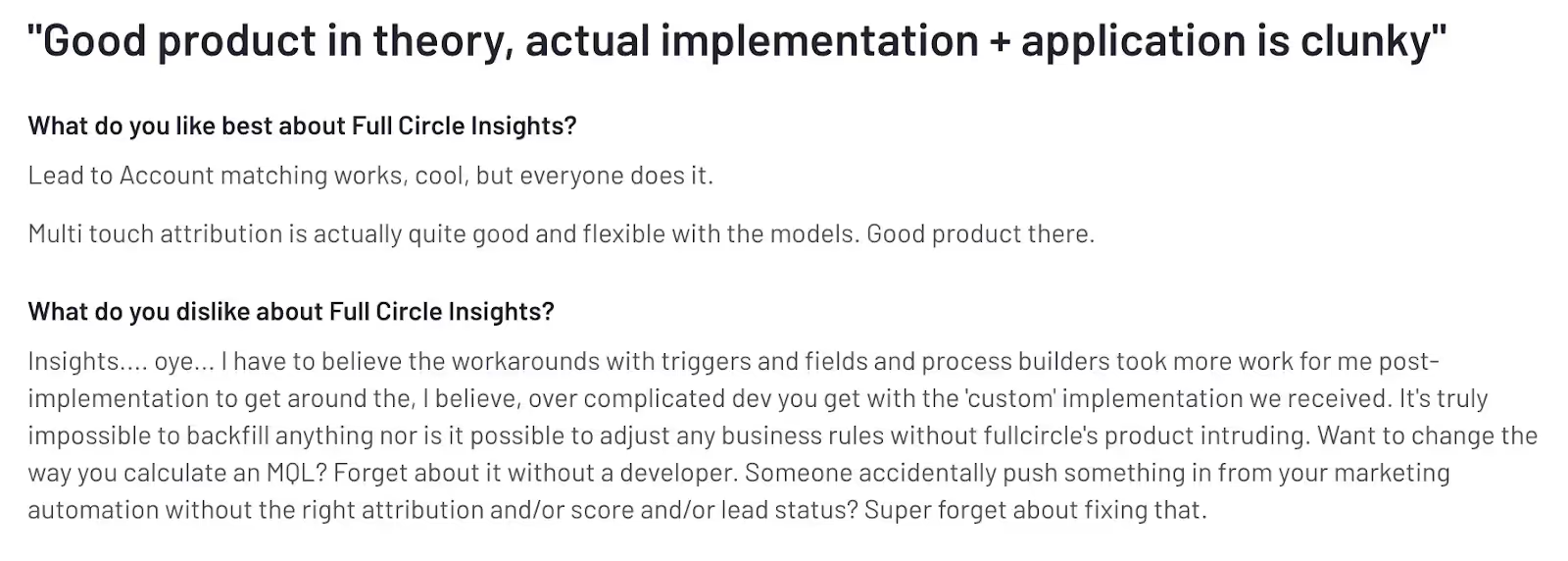
Absence of an Account Management Team:
The absence of an account management or support team makes Full Circle Insights a difficult tool to use. It’s imperative that users receive the necessary guidance and support to adopt the tool and fully reap its benefits. But without a support team, users will feel lost and unable to utilize the tool’s full potential.

The drawbacks mentioned above are some of the major factors driving users to look for an alternative.
We have created a list of the top 7 Full Circle Insights alternatives to simplify your search.
{{INLINE_CTA_A}}
7 Full Circle Insights alternatives for businesses in 2025
Here is a list of the 7 best alternatives and competitors to help marketers and sales professionals in 2023. Explore each tool to understand how it can improve your marketing performance.
1. Factors.ai

Factors is an AI-powered revenue attribution and marketing analytics tool designed for B2B sales and marketing teams. This tool enables B2B teams, irrespective of size, to attribute conversions to various marketing efforts across the buyer’s journey.
Sales and marketing teams can use insights from the platform to find effective channels and campaigns that drive awareness and conversions, and generate revenue. In addition, it allows them to make data-driven decisions and optimize budget allocation to increase the campaign's performance further and boost ROI.
With Factors, Marketing ops can
- Gain complete insights into their campaign initiative, current pipeline as well as MQL coverage.
- Track and analyze all KPIs in one place using a customizable dashboard.
- Ensure that marketing goals are in sync with business objectives
Also, content teams get real-time insights into how the content is performing and its impact on generating MQLs. Factors can automatically collect data and analyze it to identify the content pieces that are working and those that aren’t.
Features

Multi-Touch Attribution:
The tool provides a range of attribution models and allows marketers to compare and choose the right one for their business. It can track and identify online and offline touchpoints and help attribute revenue to the most influential channels.
AI-Powered Insights:
Factors' AI feature “Explain” can provide automated insights for a defined goal. If the goal is to understand what prompts the customers to reach the pricing page, this feature can identify what’s helping and hurting to achieve it.
Account Identification:
Factors also has a account identification capability powered by 6Sense. This feature allows SaaS businesses to deanonymize companies engage with the website, reviews, ads, and more.
Marketing Analytics:
Factors enables businesses to analyze campaign data, website traffic, sales and marketing funnel, and the buyer journey in a single platform.
LinkedIn Tracking:
This feature allows you to find out which companies viewed your LinkedIn campaigns. With this information, marketers can identify and select the most effective campaign and track its effect on pipeline.
Customer Reviews

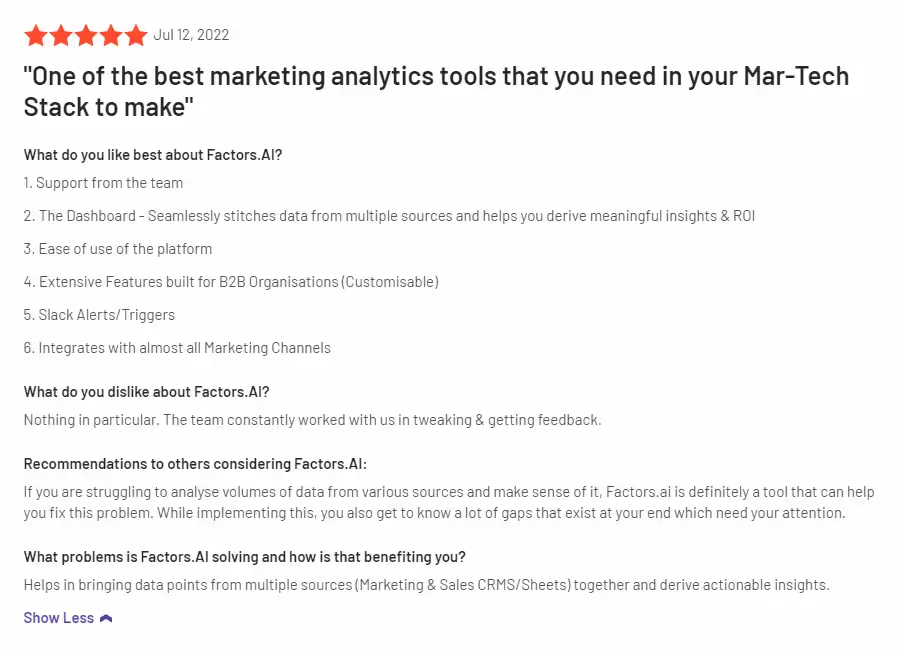
Integrations
Factors can seamlessly integrate with the following list of tools and softwares.
- Hubspot
- Facebook Ads
- LinkedIn Ads
- Google Ads
- Salesforce
- Segment
- Bing Ads
- Rudderstack
- Marketo
- 6Sense
- Clearbit
- Leadsquared
- Drift
- Google search console
- Slack
- Google spreadsheet
Pricing

Factors offers three services, and each has its own pricing patterns:
Analytics & Attribution:
Factors offers website analytics, events and form tracking, multi-touch attribution, and more. The pricing for this is as follows.
- Starter – $399/Month.
- Growth – $799/Month.
- Custom and Agency – Contact for a quote.
Deanonymization:
The tool allows you to identify anonymous website visitors, analyze user behavior, and generate high-intent leads.
- Starter – $99/Month.
- Professional – $149/Month.
- Growth – $499/Month.
- Enterprise – Contact for a quote.
Professional Services:
Factors also provides expert analytics, consulting, and technical support tailor-made for B2B marketing teams. The pricing plan for the service is as follows.
- Tier 1 – $500 for 10 hrs/Month.
- Tier 2 – $900 for 20 hrs/Month.
- Tier 3 – $1200 for 30hrs/Month.

2. Adobe Marketo Measure [Bizible]
Bizible or Adobe Marketo Measure provides one of the best enterprise-level attribution solutions. It helps marketers visualize the different stages of the B2B customer journey with granular insights across multiple channels.
Even though the tool is one of the front runners in attribution solutions, users have found some drawbacks, such as limited integrations, longer implementation periods, and higher pricing.
Features
Multi-touch Attribution:
Bizible offers various attribution models and allows marketers to customize them. The feature can track touchpoints across multiple channels and attribute revenue to the most influential campaigns.
Advanced Journey Analytics:
This feature helps users get an in-depth understanding of their prospects at each stage of the customer lifecycle. It allows marketers to identify the user interactions and frictions at each stage and improve them to enhance the conversion rate.
Customer Review

Integrations
- Salesforce
- Microsoft Dynamics
- Adobe Marketo Engage
- SnapEngage
- Google Ads
Pricing

Marketo Measure comes as a part of Marketo Engage. Pricing is available on request.
3. HockeyStack
HockeyStack is another analytics and attribution tool for B2B marketers. They provide easy implementation and no-code integrations with CRM, marketing automation, and other relevant tools. With HockeyStack, you can identify high-quality leads and make better use of these datasets to scale faster.
It offers a range of features that help marketers track user behavior, gather feedback and analyze data to improve their marketing efforts.
Features
Attribution:
The tool’s multi-touch attribution feature allows users to track touchpoints across different channels. It can identify and attribute revenue to the campaign that’s driving more high-quality leads.
Account-level Journeys:
The feature automates data collection from different touchpoints to enhance visibility into the pre- and post-conversion journeys of users. HockeyStack also helps visualize the customer journey and the customer interactions at each stage, helping marketers better understand the customer journey.
Funnel Analysis:
This feature provides a comprehensive picture of the sales funnel. Marketers can observe and track the success rate of each stage. It lets marketers understand how customers move through the sales funnel and make essential improvements to drive them down the funnel faster.
LinkedIn Tracking:
HockeyStack helps marketers identify companies that viewed the campaigns on LinkedIn. This allows marketers to choose the best-performing campaign and track how it impacts the pipeline.
Customer Review

Integrations
- HubSpot
- Pipedrive
- 6sense
- Albacross
- Mailchimp
Pricing

The pricing for HockeyStack starts from $949 for 10K visitors per month and 10 users. The tool also provides a free trial and a live demo.
{{INLINE_CTA_A}}
4. LeadsRx

Poor or inaccurate attribution is a critical issue for marketers, and LeadsRX aims to solve that. LeadsRX helps revenue generation and marketing teams ace their marketing campaigns with on-point analytics and attribution. The best part is that it can perform attribution for digital and offline channels. You can use LeadsRX’s attribution across organic and paid digital channels, radio, television, and more.
Features
Radio and Television Attribution:
LeadsRx can also attribute conversions from radio and television. The tool’s multi-touch attribution capabilities help radio and television advertisers optimize their spending and make data-backed decisions.
Podcast, Audio Streaming, and Video Streaming Attribution:
This feature supports multi-touch attribution for various streaming platforms like podcasts, OTT and CTV. The accurate attribution and analytics help these platforms earn higher ROAS from an optimized spend.
Customer Review

Integrations
- HubSpot
- Salesforce
- Optimizely
- AppsFlyer
- Webhook
Pricing

Pricing is available on request.
5. Attribution

Attribution is one of the popular Full Circle Insights alternatives, helping marketing teams to make data-driven decisions. It offers 360-degree visibility into marketing campaigns and is highly affordable. Also, it helps you with a complete tech stack to run successful campaigns.
Features
Multi-Touch Attribution:
This feature provides customizable attribution models to track all relevant touchpoints and attribute revenue to the most influential campaigns.
Multiple Built-in Integrations:
This tool has multiple built-in integrations with various CRM and advertising platforms and other marketing tools.
Delivers Actionable Insights:
Attribution's dashboard is easy to use and understand. It analyzes data constantly to find trends and patterns to improve campaigns.
Customer Review

Integration
- Heap
- Hubspot
- Salesforce
- Shopify
- Zendesk
Pricing
Pricing is available on request.
{{INLINE_CTA_A}}
6. Ruler Analytics

Ruler Analytics, another Full Circle Insights alternative, helps businesses bridge the gap between marketing and revenue with advanced attribution insights. With Ruler Analytics by their side, marketers can effortlessly create multiple reports simultaneously. The tool also provides an automatic attribution. It tracks each visitor throughout their journey and automatically attributes revenue to the most influential touchpoint.
Features
Data-Driven Attribution:
It provides an accurate view of the buyer’s journey and consolidates data silos to align the marketing and sales team. Also, the insights provided can help marketers optimize campaigns and maximize success.
Offline Conversion Tracking:
Ruler Analytics allows marketers to track and identify the offline touchpoints that contribute to conversions. This means that if you hosted an in-person event or meet someone in-person and see a spike in traffic immediately after, Ruler Analytics will be able to attribute traffic to the right touchpoint.
Predictive Analytics:
By leveraging statistical models and applying machine learning to historical data, the feature helps forecast business outcomes. This allows businesses to optimize their marketing campaigns and scale faster.
Customer Review

Integrations
- HubSpot
- Facebook Ads
- Google Analytics
- Webhooks
- Zapier
Pricing
There are four plans, and below are the details:
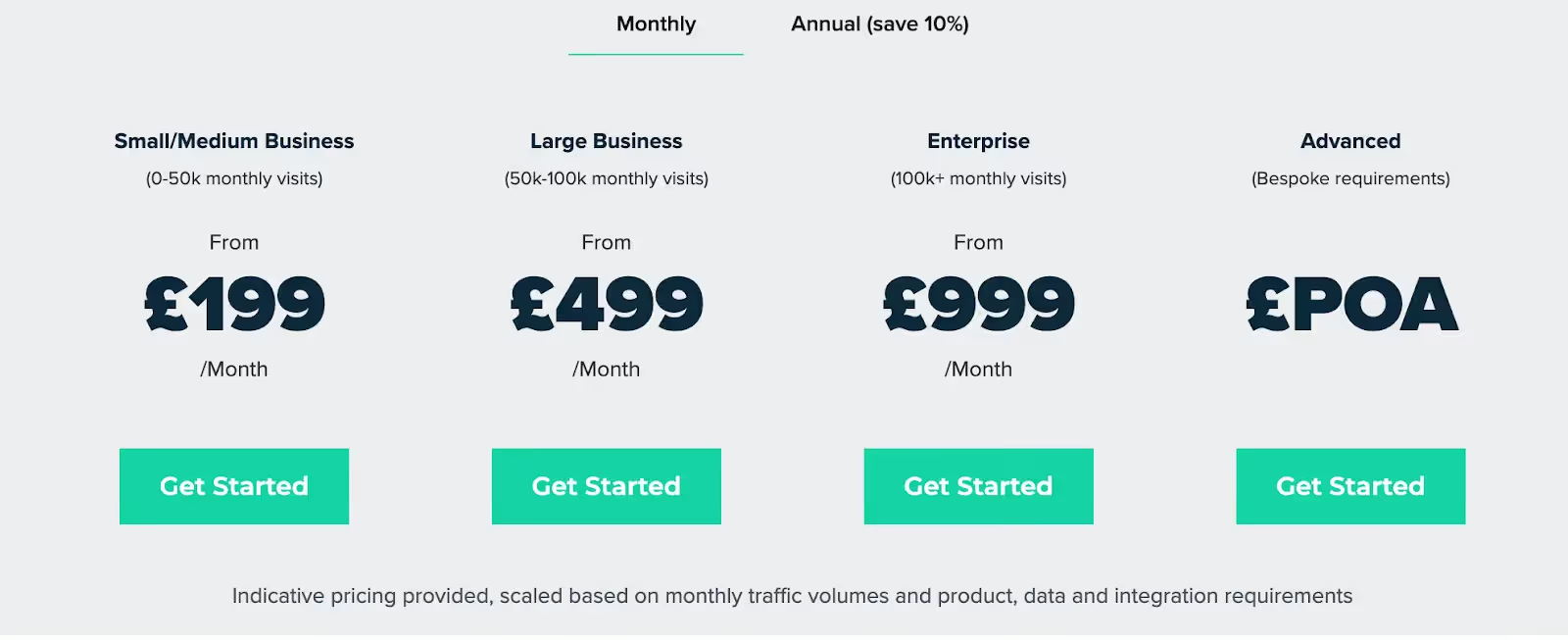
7. Rockerbox
This tool is a game-changer for early-stage startups with limited marketing budgets. With Rockerbox, businesses can identify their most effective marketing channels and allocate budgets to close more deals.
Features
Attribution:
The tool offers various attribution models to track touchpoints across multiple channels and attribute revenue to high-performing channels.
Cross-device tracking:
This feature enables marketers to track the customer journey across other devices, such as TV (linear and OTT), podcast ads, and direct mail.
Customer Review
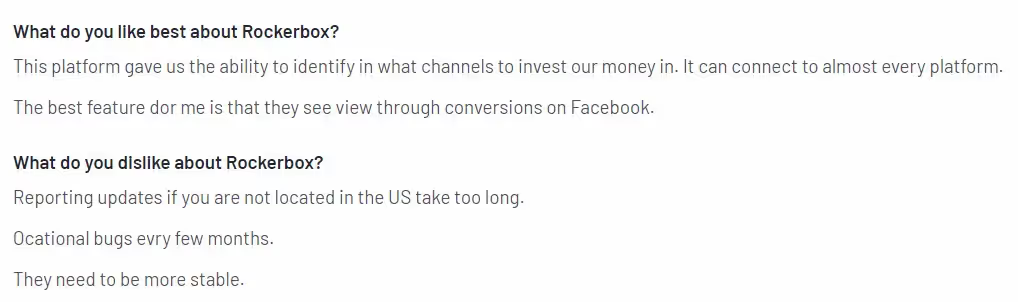
Integrations
- Antvoice
- Pepperjam
- Artsai
- Audacy
- Digital Remedy
Pricing
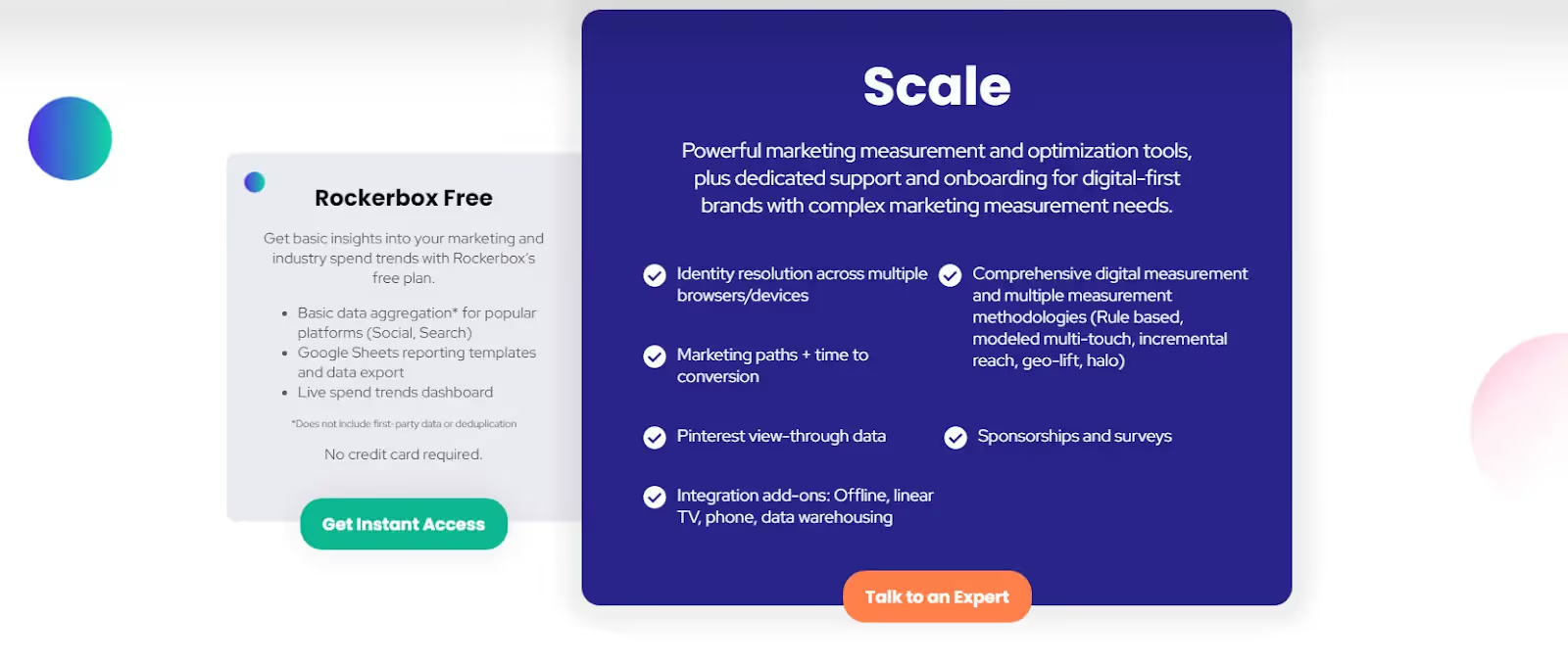
Rockerbox offers free and paid versions. The pricing details are available upon request.
For organizations exploring alternatives to Full Circle Insights, this article presents seven viable options. Each offers unique features such as advanced attribution modeling, real-time analytics, and seamless CRM integrations. Evaluating these alternatives can help businesses choose a solution that best aligns with their goals and technology stack.
Final words
As discussed in the blog, each attribution tool has its benefits and drawbacks. If you are still unsure of which tool to choose, then consider the following factors to narrow your search.
Budget:
Determine your budget and look for a tool that fits within the range.
Features:
Select the tool that offers the specific features you need. For example, do you want multi-touch attribution, cross-device attribution, or customer analytics?
Integrations:
Evaluate each tool and understand whether they provide appropriate integrations or not.
User Interface:
Look for a tool that is easy to use and navigate through.
Customer Support:
Check whether the attribution tool offers quality customer support on time.
Data Accuracy:
Consider the attribution tool that delivers more accurate data.
Customization:
Evaluate each tool and see if these tools are customizable and can meet your business needs and goals.
To conclude, if you are looking for a Full Circle Insights alternative, you have several great options to choose from. Each tool we discussed has its own pros and cons, so you should assess your business's unique needs and goals to see which tool would work best.
Remember, while 'Tool A' might be a good choice for a business, it might not be the same for yours.
That’s why we suggest you use the free trial or version to see which tool provides more value to your business and select the one that best fits your business.
{{INLINE_CTA_A}}

Google Analytics Visitor Identification Explained
Find out how Google Analytics visitor identification works and how you can improve user identification with analytics tools.

Google Analytics is the most-used analytics tool in the world, in large part due to its standard version being free. The tool offers businesses ease in terms of usage, expense, and setup. But there have been growing concerns related to privacy and effectiveness about the way Google Analytics identifies users and stores their data.

Here’s everything you need to know about visitor identification in Google Analytics.
Visitor identification in Google Analytics: How does it work?
It’s no secret that users on the internet want anonymity as they browse through websites. Analytics tools have to follow stringent laws and country-specific data protection acts. These laws prevent cybersecurity threats and illegal user tracking.
However, it is imperative for businesses to identify prospective clients. You can then understand gaps in the market and specific pain points in order to increase their consumer bases. So Google Analytics identifies users as “new” or “returning.” It can tell you the number of visitors your website receives. But it cannot let you know who your users are, since it isn’t equipped with de-anonymization features.
De-anonymization is a critical part of analytics and reporting. Tools like Factors use reverse IP lookup. This shows you which businesses have visited your website through matching IP addresses. For every visitor, Factors would be able to identify the company domain, company name and other relevant information. This includes number of employees, annual revenue, industry category, and company headquarters. And yes–it’s in full compliance with privacy regulations, since it uses data from your own website and publicly available company data.
Let’s say that you visit Factors’ website twice in the month of February 2023. For this time period, Google Analytics would classify you as both a new user from the first time you used it, and as a returning user for the second time. This can lead to confusion. But, Factors’ extensive database would allow your IP address to be identified. Each touchpoint would be recorded as a stage in your consumer journey.
Google Analytics client ID vs user ID: What’s the difference?
Say you’re using the standard version of Google Analytics and receive a website visitor. The tool stores a cookie containing a random ID number, which is the client ID. The client ID tracks the user across the website for the session. If the user uses the same device and IP address, they’ll be tracked with the same cookie and client ID.

However, if a returning user uses incognito mode, clears their cache, or uses a proxy or VPN to access your website, Google Analytics will classify them as a new user. This leads to a miscalculation in the number of unique visitors your website receives within a specified period of time. You are likely to think you have more visitors than you actually do. Unless a user logs into your website, you won’t be able to track the user; you’ll be tracking their session instead. A user ID can only be created if your website features a way of allowing clients to create an account and log in.

B2B companies using Google Analytics have to comply with the platform’s user protection policies. These policies require you to remove any personally identifiable information (PII) before the data is sent to Google. Even if visitors to your website enter any PII into forms themselves, this data cannot be stored in Google Analytics due to Google’s terms of service. PII includes social security numbers, email addresses, and phone numbers. Some PII is crucial to lead generation and nurturing. Your customer relationship management (CRM) software needs to store this information.
Imagine that your B2B marketing team obtains a high-value lead. You'd only be able to recognize this user by their email. To see their full journey, you need them to enter their email (say marc@salesforce.com) to login each time. Otherwise Google Analytics would show you a string of alphanumeric text. It would be difficult for a marketer to interpret and recognize this string as Marc.
B2B companies also need specialized analytics tools that integrate seamlessly with their CRM. This helps you get a comprehensive understanding of the buyer journey. Google Analytics does not offer CRM integration capabilities, which proves a drawback to a SaaS business. You won’t be able to integrate client data across email, social media platforms, and your website using Google Analytics.
Multi-touch attribution analysis helps marketers optimize their marketing investments. Solutions like Factors score over Google Analytics. They bring in spend data from ad platforms such as LinkedIn, Bing and Facebook. They also pull data from non-digital marketing activities such as webinars, e-books and field events. Google Analytics cannot provide the same level of analysis. Moreover, Factors automatically sorts through your CRM data. It provides you with the metrics you decide are important for your sales and marketing teams. These include monthly revenue growth, customer churn, retention rate, and customer lifetime value. You can form personalized sales and marketing strategies around these metrics. These measures will help you attract and retain more clients. Consider, for instance, you’re able to understand which stage of the funnel prospects usually churn at. You then have deeper insight into their pain points, and can develop solutions accordingly.
Google Analytics can offer your business a user-based view. But its privacy concerns, terms of service, and its limited integrations are a drawback. They render it incapable of offering you a holistic, account-based analytical overview. Since it doesn’t integrate with your CRM, you also won’t be able to gain insight into end-to-end customer journeys. These journeys are critical to understanding which website features lead to client satisfaction.

Account-based analytics and reporting are becoming increasingly important for SaaS businesses today. User identification at the initial stages is invaluable. It helps you map out each user’s journey through the sales funnel, as well as what causes prospects to churn. Account-based analytics pull data from your website, email, social media platforms, and interactions. They provide you with a full overview of each potential or current client’s unique journey.
You’ll also be able to make more accurate projections for your business with account-based analytics. These can provide you with insights such as how many touchpoints typically lead to a sale. Factors’ account-based analytics features include cohort analysis. You can segment prospects according to intent and priority. This enables you to personalize offers for priority prospects. You can then create sales and marketing strategies that drive more conversions.

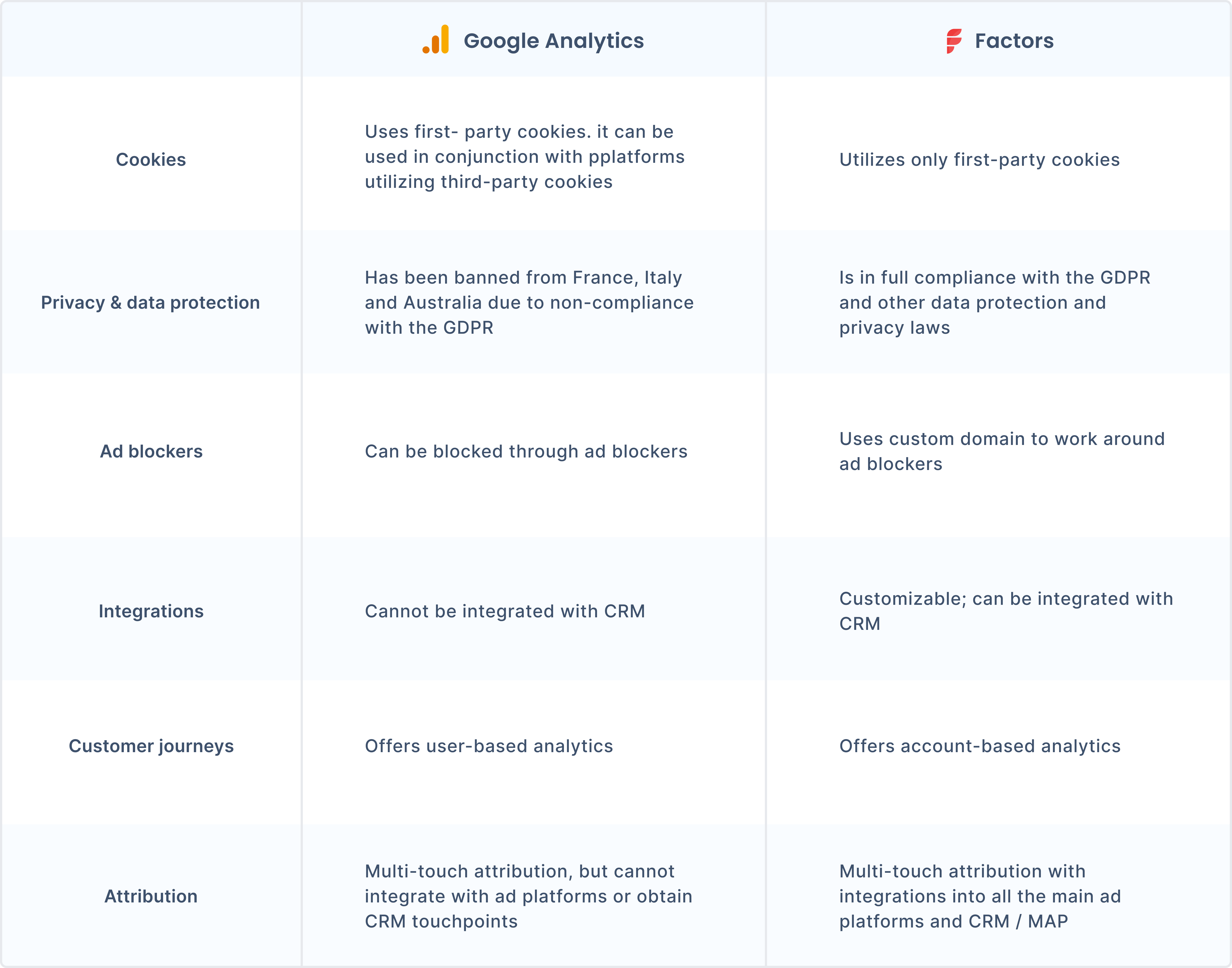
What are the challenges of visitor identification in Google Analytics?
Visitor identification is especially necessary in a B2B context. B2B software and solutions are highly specialized towards a particular segment of the industry. Thus, analytics tools need to offer B2B companies efficient and effective user identification. The following factors make visitor identification challenging with Google Analytics:
- Ad blockers: Over a quarter of all internet users from the US use some form of ad blocker. Privacy concerns have led to Google Analytics being automatically or manually blocked through the use of ad blockers. B2B companies need analytics and attribution tools that can work around ad blockers. They also need to be compliant with the GDPR and other applicable regulations and laws. Factors offers custom domains. These work even with the use of ad blockers and prevent IP tracking while. They are also compliant with local and international data protection regulations.
- Inadequate information. Google Analytics cannot provide B2B businesses with dedicated reporting on key metrics. This is due to its tracking and privacy limitations
- User ID tracking: Google Analytics does not allow you to store any PII, making it difficult to recognize users.
{{INLINE_TOFU}}
But wait … isn’t Google Analytics illegal?
There are two types of cookies: first-party and third-party. First-party cookies are put in place by the domain of the website a user is looking through to track browsing activity across the site. But third-party cookies can track user activity across other websites as well. They are created by a different domain name than the user can see in their browser bar. Thus, users consider third-party cookies an infringement of privacy.
Although Google Analytics uses first-party cookies, it integrates with Google Ad Manager. The latter relies on third-party cookies for advertising. The use of multiple cookies makes Google Analytics a heavier script, leading to slower processing. Moreover, Google Analytics is banned in multiple European countries. France, Austria, and Italy have banned it due to its violations of the General Data Protection Regulation (GDPR). These bans came into being due to Google Analytics’ storing of unique user features–such as IP addresses–which is illegal under the GDPR. Google Analytics also uses third-party cookies in order to scrape referral data. Many websites using the tool also use third-party cookies to track user activity across the web. Businesses using Google Analytics are increasingly concerned about privacy regulations and obsoletion.
So, is Google Analytics not enough for visitor identification?
B2B businesses must know about their users and their needs so that they can target users with the right messaging at each stage of the funnel. The analytics tool you use is crucial in capturing this information for you. You can optimize your website according to which aspects of it drive conversions, and which hamper your chances of obtaining a new client. De-anonymization boosts marketing and sales efforts. You can create better pitches and optimize marketing with visitor identification.
But if you’re not looking for specific information about the companies that are visiting your website, Google Analytics can be a useful tool. New businesses often use Google Analytics’ free version to get valuable insights. You’ll also be able to understand what kind of content works for your audience, and view your website visitors in segments.
Get a complete picture of your users with Factors
Analytics and reporting tools for B2B companies enable automatic website visitor identification. Factors’ automated button tracking and custom domain tracking help you map out a website visitor’s journey. It also works around ad blockers and is compliant with data protection policies. Book a demo today and find out how Factors can help your business grow.
FAQs:
Why is it important to identify website visitors?
Identifying website visitors is integral to understanding potential clients’ unique journeys and needs. B2B businesses especially need this information to address prospects' pain points and optimize their strategies. You won’t be able to see which particular individual has visited your website. But with tools like Factors, you’ll know which company the IP address belongs to.
How do ad blockers affect tracking?
Ad blockers can block Google Analytics from tracking user activity across the websites they use. B2B analytics solutions like Factors use custom domains and reverse IP lookup to automate visitor tracking. They are also compliant with local and international regulations.
How do account-based analytics help businesses?
Account-based analytics can help you track overall metrics, as well as each client’s particular journey. These metrics enable you to create marketing and sales strategies that are more personalized and effective. Using account-based analytics can increase your ROI.
Google Search Ads - The More (Data), The Merrier
Search ads are great. Here’s how you can make them even better with traffic-level conversion tracking.

The Challenge With Google Search Ads
Search advertising has established itself as the go-to channel for B2B marketers to capture low-hanging demand — and it’s easy to see why. As a marketer for an account intelligence product such as Factors.ai, it makes sense for me to bid on product keywords such as “ABM software” or “visitor identification tools” and competitor keywords such as “leadfeeder alternatives”, so I can attract relevant, in-market customers based on searcher intent.
That being said, a closer look at the numbers reveals that conversions from search ads can actually be pretty disappointing (and expensive). For context, the average click-through rate (CTR) for search ads across industries is only about 3.17%. It’s even slimmer in the technology industry, at a meager 2.09% (Wordstream). Out of the few ad impressions that do translate into clicks, the average landing page conversion rate (sign-ups, demo form submissions, etc) is around 6% (HubSpot). And of the handful of visitors who do convert, only a fraction go on to become SQLs, opportunities, and ultimately, customers.
Even the most optimistic benchmarks find that:
- Only around 30% of Leads become SQLs
- Out of which, 40% of SQLs become opportunities
- Out of which, 30% of opportunities become customers

There are countless reasons for such significant drop-offs along the sales funnel:
- Most lead that land on your website, won’t sign-up
- Leads that do sign-up, may not schedule a meeting
- Leads that do schedule a meeting, may not show up
- Leads that do show up, may not be qualified (non-ICP)
- Leads that are qualified, may not be sales-ready (timing, budget, etc)
- Leads that are sales-ready, may choose to go with an alternate solution
All these factors suggest that to earn a single customer from search ads, you’d need more than 500 paid clicks (of course, this number varies widely based on category). That’s a lot of clicks…and a lot of money.
To solve for this, marketers typically rely on three levers:
- Improve ad performance by optimizing keywords, budgets, etc
- Improve website conversions with conversion rate optimization (CRO)
- Improve quality of clicks via Google Click ID (GLCID) and conversion feedback
In this article, we’ll be exploring the latter of the three. Specifically, we’ll highlight an improved approach to training Google Ads to find the right clicks and traffic for your business via GCLID and conversion tracking. But first, let’s briefly discuss the current approach to Google conversion tracking — and its limitations.
Google Conversion Tracking & GCLID: As It Stands
As a B2B marketer, you’re probably familiar with how conversion tracking and GCLID work to share conversion feedback with Google, but here’s a quick refresher:
Not all ad clicks are equal. A buyer that matches your ideal client profile is probably more valuable to your business than a student looking for an internship. However, to Google and other ad platforms, a paid ad click, regardless of whether it's by a buyer, a student, or a competitor, is a paid ad click.
To avoid the risk of burning through budgets on irrelevant paid engagement, Google supports the ability to digest feedback on the quality of clicks based on Google Click ID (GCLID) and preconfigured conversion actions. Via GCLID, Google assigns each click with a unique identifier. If the user behind a specific click goes on to perform a favorable action, marketers can flag that click to Google as a “high-quality lead”. Google’s algorithm then harnesses countless factors and historical records from its own database to surface your search ads to other audiences that match this criteria for a “high-quality lead”. Marketers typically tag sign-ups, MQLs, SQLs, and opportunities as favorable conversion actions. This lead-level feedback improves the quality of audience that receive your ads, which in turn, improves conversions.
In theory, ad optimization with conversion tracking and GCLID sounds fantastic — a feedback loop between advertiser and advertising platform to continually improve ad performance and conversions. That being said, there are two challenges with Google Conversion Tracking and GCLID as it stands today:
- Limited data: Google Ads recommends at least 30 conversions in 30 days for its algorithms to take effect in understanding what’s valuable and what’s not. In fact, for minimum CPA fluctuation and a quick learning period, Google suggests a whopping 500 conversions in 30 days. For early and mid-stage companies that are yet to hit these volumes of conversions, this lack of data can be a limiting factor.
- Lagging metrics: B2B sales cycles are notoriously lengthy and non-linear. After a visitor submits a demo form, for example, it might be a couple of days before their demo call, a few weeks before they become an opportunity, and more than a month before the deal is closed. Given that most marketers prefer quick iterations and experiments to squeeze the most ROI out of their campaigns, these extended periods between conversions lengthens the feedback loop when sending lead-level data back to Google. This lagging lead metrics is another limiting factor.

With bids and cost per clicks becoming increasingly expensive as a result of growing competition, we need a fresh approach to overcome limitations with lead-level conversion tracking. Our hypothesis? Leverage traffic-level conversions to ensure sufficient, leading data availability for Google to work with.
Traffic-level Conversion Tracking: A Better Approach
Most marketers typically use sign-ups, M/SQLs, or other lead-level conversions as their conversion action goals. However, as noted earlier, only about 6% of visitors typically submit a form, with fewer still converting down funnel, after a delay. This results in small, lagging data sets for Google to work with.
Rather than sending back lagging conversion data for 6 out of a 100 visitors on your paid landing pages, what if you could send leading data for 60? This is exactly what Traffic-level conversion tracking seeks to achieve via IP-based account enrichment, engagement tracking, workflow automations, and GCLID.
Here’s how it works
Even though only a fraction of the traffic on your paid landing pages will sign-up, there’s still variable value in the remaining ninety something percent of visitors that are yet to convert. Say that 10 visitors land on your website from a search ad. Out of these 10, 2 are in-market ICP buyers that immediately sign up. 5 are ICP buyers that would make a good fit for your business, but decide that now is not the best time for a demo, so they drop off without submitting a form. And 3 are non-ICP visitors: a student, a job seeker, and a competitor — who also drop off without submitting a form.
%25252C%252520ICP%252520not%252520converted%252520(50%252525)%25252C%252520Non-ICP%252520(30%252525).webp)
The typical approach suggests sending the 2 ICP visitors that converted back to Google Ads as feedback. While this is helpful, it doesn’t encapsulate the full extent of data collected here. It fails to acknowledge the 5 clicks (50%!) that albeit didn’t convert but matched our ideal client profile. While these clicks may not be as valuable as the 2 ICP clicks that converted, they’re certainly more valuable than the Non-ICP clicks. If ICP converted is worth $20, ICP not converted could be worth $10, while Non-ICP could be worth $2. This is valuable data for Google to make sense of ad clicks, even in cases where an explicit “conversion action" may not have taken place. By supplying Google with a larger set of relevant data, its algorithms will have a better understanding of what kind of visitors you value most. This data needn’t be limited to ICP data (firmographic) alone; it may be based on engagement (time-spent, scroll%) as well.
Accordingly, traffic-level conversion tracking seeks to identify, qualify, and feed Google with a larger volume of granular, leading data by de-anonymizing website traffic and engagement at an account-level. This is where an account intelligence tool (*ahem* Factors.ai) comes into the picture.
{{INLINE_TOFU}}
How Factors Fits In: Your Data + Our Data = Ad Magic
The process we’re exploring here involves identifying website traffic, qualifying that traffic based on their firmographics (for ICP fit) and engagement (for intent fit), and pushing that data back to Google as feedback to attract better, more relevant audiences that *we hope* improves conversions and pipeline. Accordingly, we’ll need the following:
- An IP-based intelligence tool to identify and enrich landing page traffic at an account-level
- Assign conversion value to incoming traffic based on your ICP and engagement criteria
- Automate a workflow that pushes this traffic-level conversion data to Google
As luck would have it, Factors.ai supports all three requirements with industry-leading account identification, engagement scoring, and workflow automations. Here’s an example of what a Factors-powered Search ads conversion tracking process could look like:
- Identify up to 64% of anonymous companies landing on your website via search ads but are yet to convert
- Qualify and segment identified companies based on firmographics (industry, size, etc) and engagement (time-spent, scroll-depth, etc)
- Push traffic-level conversion action data (along with lead-level data) back to Google automatically with the likes of Make, Zapier etc
- Google leverages a larger set of leading data to improve the quality of clicks and traffic
- Improved audience quality results in better conversions and cost-effectiveness

Interested to see it in action? We’d be more than happy to set up a similar process for you over a trail with Factors.ai.

Google Search Marketing in 2026: Keyword Matching
Learn about the different types of keyword matching on Google Ads. Understand how each type works to improve your targeting and optimize your ad spend.
Search marketing with Google Ads is kinda cool. It helps users who are looking for specific information, products, or services connect with businesses looking to sell specific information, products or services — all through a wonderfully powerful, complex search engine. But how does search marketing work? More specifically, how does keyword matching work in the latest iteration of Google Ads? Let’s find out…
How does keyword matching work on Google Ads?
There are 7 steps involved in Google Search Ads to connect the right audience with the right message using keyword matching. Here’s how it works:
1. First, a user types a search query into Google. Google then processes this text against spell-checks, synonyms, and related terms to form what’s called the “retrieval query”. This retrieval query wrangles all relevant search ad keywords that could be served into a set.
2. From this set of keywords from the retrieval query, Google verifies eligibility based on keyword match type, campaign, ad group, etc. This is performed using advanced machine learning and natural language tech to understand and optimize matching for intent and relevance. Other factors considered by Google are budget, geo, negative keywords, creatives, landing page, time of day, etc.
3. When choosing from multiple eligible keywords from the same account (For example, if company X bids on both “B2B marketing analytics tools” and “B2B marketing analytics software”), Google will prioritize those keywords that are closer to being an exact match to the search term. So if a user searches “marketing analytics software”, they will receive the former search ad. Once filtered down, Google has its set of ad groups with eligible, relevant keywords.
4. With this set of ad groups containing eligible keywords, Google’s responsive search ads creative system will automatically rally the “best performing creative — including headline and description” for the user based relevance.
5. Next, we arrive at the stage wherein bids are calculated using Ad Rank. Ad Rank is a scoring system that assigns value to ads to determine if or not your ad will be presented to the audience. Of course, your bid amount is an important factor in determining Ad Rank as well.
6. Here, Google Ads chooses the optimal combination of ad relevance and ad rank. Once again, Google’s algorithm is looking for landing page quality and keywords in an ad group. The latter implies it’s highly important to group keywords by theme, to ensure favorability.
7. The final step is straightforward. Once Google Ads processes all the aforementioned information, each advertiser enters into auction and those advertisements with the highest Ad Rank (including and especially bid amounts) are displayed for your audience to see.
Keyword match types on Google Ads
As the name suggests, keyword matching matches words and phrases from the search ads you bid on to terms that people actually use when searching. Hence, it’s crucial to bid on the relevant keywords to ensure your ads align with what your audience is looking for. Google Ads offers three match types. The accuracy with which the keyword needs to match a user’s search query will be determined based on match type you choose:
1. [Exact match]
As you may have guessed, [Exact match] types require an exact match between the keyword and the search query. For example, if the keyword is “B2B marketing analytics”, only search queries that mean the same, like: “B2B marketing analytics software” or “B2B marketing analytics tools” will trigger the search ad.
2. “Phrase match”
Phrase matching is marginally less rigid than [Exact match] types. It essentially considers all searches wherein the primary keyword is part of a larger string of search text (i.e. a phrase). For example: “Best software for B2B marketing analytics”
3. Broad match
Broad match provides the most loose matching out of the three match types. It considers the exact keyword, phrases around the keyword and all related terms around the keyword. For example, Google may trigger an ad for the search term “B2B marketing attribution” because it's somewhat related to “marketing analytics” as well.
Note: In short, Exact match keywords are a subset of Phrase match keywords. And Phrase match keywords are a subset of Broad match keywords.
{{INLINE_TOFU}}
Broad Keyword Matching on Google Ads
Google Ads have increasingly been pushing Broad match types as their AI-algorithms continue to improve their understanding of language, intent, relevance, etc. In recent year, keyword matching on Google Ads has evolved from a pure syntax-matching system (wherein a user’s search query text simply matches an advertisers search ad keyword) to a semantics based system (wherein broadly related themes and topics are recognized as relevant enough inquiries to warrant the display of an indirectly relevant search ad). Here are some signals that broad match takes into consideration (in addition to exact keyword and phrases):
1. Other keywords in the ad group: Arguably the most important signal is relevance of other keywords within a specific ad group. For example, if the search term is “salmon sweaters” and your ad group consists of the keywords “orange sweaters”, “red sweaters” and “blue sweaters”, Google Ads will understand that in this case, salmon refers to the colour and not the fish.
2. Previous searches: Google Ads also takes into account a user's previous search when deciding what ad to present. For example, let’s say a user previously searches for “manchester city vs liverpool football score”. Google uses this historical data in the future so that simply searching “man city vs liverpool” will retrieve the football score without mention of either word.
3. User location: This one is straightforward. Google analyses user location to personalize search results. Eg: B2B SaaS marketing agencies based in New York vs B2B SaaS marketing agencies near me. This may or may not be as relevant to your marketing efforts depending on the type of product you’re selling. Still quite handy to be aware of.
4. Landing page: Last but most definitely not least is an ads landing page. Does the landing page contain relevant keywords? Does it contain quality content — including images and creatives, to ensure a valuable experience for the visitor? These are questions to keep in mind when constructing and improving upon your landing pages.
And there you have it! An overview into how keyword matching works on Google Ads.
Curious to learn how Google Analytics compares to Factors.ai? Read on here
Google’s 2022 update on keyword matching changes the way marketers approach search campaigns, with smarter targeting now essential for success.
1. Key Changes: Updates in keyword matching rules for more accurate targeting and better campaign structure.
2. Strategic Benefits: Enhanced targeting leads to smarter campaigns, better ROI, and more efficient ad spending.
3.Actionable Insight: Adapting to the new rules allows marketers to maintain performance and take advantage of improved match strategies.
By understanding and adjusting to these changes, marketers can optimize their search campaigns and boost overall returns.

We don’t just write about demand gen. We deliver it.
Our AI Agents help you uncover high-intent accounts, run campaigns that actually convert, and keep your GTM motion in sync.
1000+ GTM teams have already scaled their pipeline with Factors.
*Includes built-in peace of mind. And fewer late-night funnel audits.


.svg)



.avif)

