

Good Reads
Fix pipeline pains. Solve GTM puzzles. Read strategic brain dump.
Written for marketers who want real solutions to a leaking pipeline (and their dark circles).
Want to read more from us?


I’m looking for…
Amplitude Vs. Factors.ai: What’s The Right Choice In 2026
Compare Amplitude vs Factors.ai to see which event-based analytics solution is the right choice for you in 2026

Amplitude Vs. Factors.ai: What’s The Right Tool For You In 2026
B2B go-to-market teams are increasingly relying on marketing and website analytics tools to track and optimize performance. In response to this growing demand, established product analytics tools like Amplitude and Mixpanel are attempting to introduce their own versions of website analytics, marketing funnels, and multi-touch attribution.
There’s no doubt that Amplitude is great at what it does. In fact, it’s rated as one of best product analytics solutions in the market today. But how does a tool that specializes in product analytics fare against a purpose-built marketing analytics solution like Factors.ai? And more importantly, what’s the better choice for your use-case?
This blog compares Amplitude vs Factors.ai. Here’s what we’ll be covering:
- Marketing Analytics vs Product Analytics
- Comparing Common Features
- What Amplitude Does, That Factors Doesn’t
- What Factors Does, That Amplitude Doesn't
- What’s The Right Tool For You?
- Comparison Table
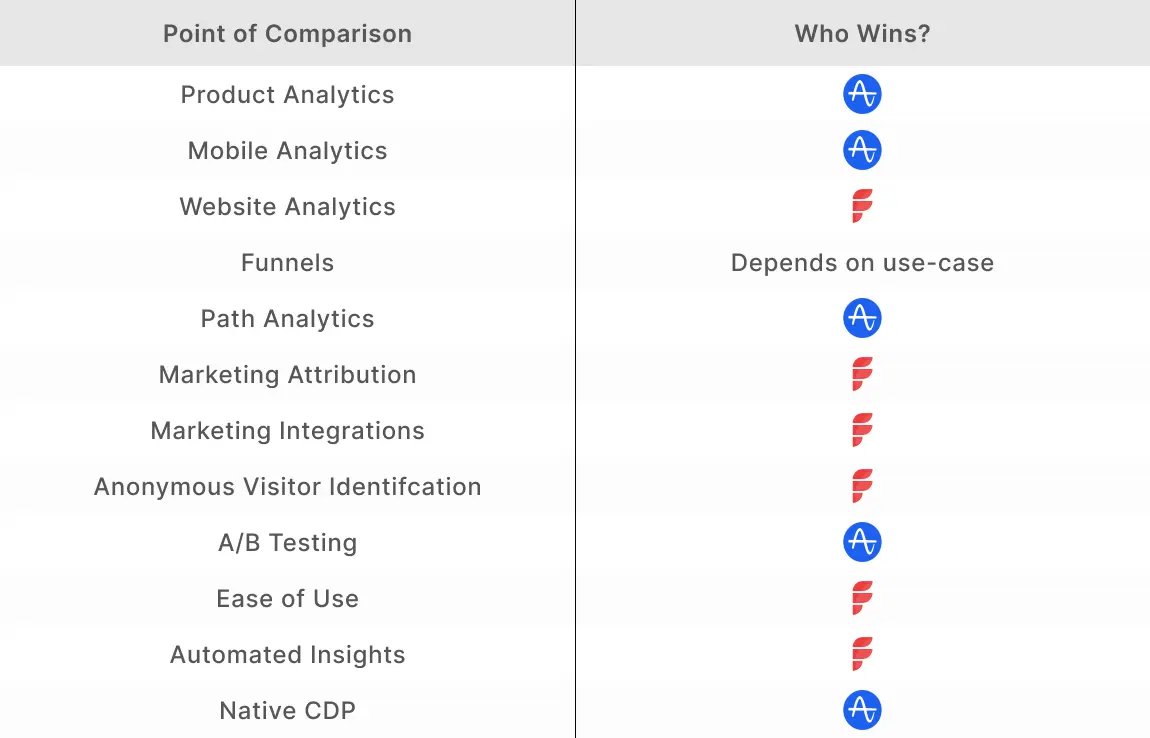
tl;dr:
Marketing Analytics vs Product Analytics
Before diving into the comparison between Amplitude and Factors.ai, it’s worth highlighting the difference between marketing analytics and product analytics.
Marketing analytics tools are geared towards tracking and optimizing performance across campaigns, website, and CRM. Popular marketing analytics tools you may have heard of include Google Analytics, Factors.ai, and Adobe Analytics. Marketing analytics can help answer questions such as:
- Which marketing efforts drive the most ROI and pipeline?
- Which campaigns should be scaled or cut to optimize budgets?
- What marketing channels attract high-quality accounts to the website?
- How are visitors engaging with the website? What’s helping and hurting conversions?
- What is the impact of content on pipeline? Which blogs resonate most with visitors?
Product analytics tools like Amplitude, Mixpanel, and Heap are better suited to tracking event-based data within web and mobile products. These tools help understand how customers use specific features within a product. Product analytics can help answer questions like:
- Which product features are most popular? How does usage vary by customer type?
- How long do customers spend using a specific feature every week?
- Which customers are most likely to convert to higher tier plans?
- Which customers are most likely to churn based on engagement?
- How can the product road map be finetuned based on product usage?
Needless to say, marketing analytics tools are better suited to marketing & sales teams while product analytics tools are more helpful to product teams. Here’s a quick brief about Amplitude and Factors.
About Amplitude
Amplitude is an established product analytics platform that works with commercial and enterprise-level companies like Atlassian, Dropbox, and Adidas. The platform is divided into three products:
- Amplitude Analytics
- Amplitude Experiment
- Amplitude CDP.
{{INLINE_BOFU}}
About Factors
Factors is an AI-fueled marketing analytics and attribution platform that works with SME and mid-market B2B companies like Razorpay, Chargebee and Clickhouse. The platform is divided into 4 broad categories:
- Marketing and website analytics
- Marketing attribution
- Journeys analytics
- Visitor identification.
As Amplitude begins to dip its toes into website analytics, it makes sense to compare the two solutions. Here's a breakdown of thei common features:
Amplitude vs Factors.ai: Comparing Common Features
1. Website Analytics
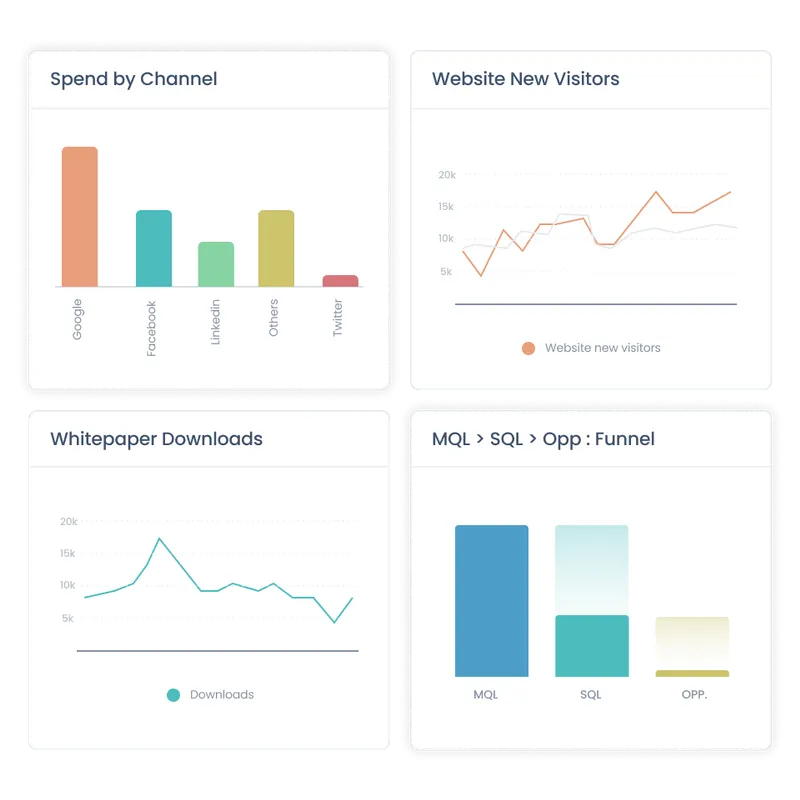
As discussed, Amplitude is primarily a product analytics platform while Factors.ai specializes in marketing and web analytics. However, since both solutions rely on event-based analytics, a comparison makes sense.
1. Data
On paper, Amplitude offers a wider range of integrations than Factors. That being said, most of these integrations are geared towards product analytics use-cases.
As a result, Amplitude’s integration with ad platforms (Google, Linkedin, etc) and CRMs (HubSpot, SalesForce, etc) tends to be limited. In turn, Amplitude’s functionality as a website analytics platform comes into question.
For instance, Amplitude cannot stitch website data with CRM data such as lead stages (MQLs, SQLs, etc), offline events (sales calls, emails, etc), or revenue figures (deal size, LCV, etc). Instead, Amplitude users are limited to website analytics that’s in isolation to the rest of the buyer journey. As B2B marketing teams become increasingly responsible for driving bottom line metrics, siloed website data is a serious limitation.
Factors integrates with ad platforms, CRMs, and CDPs. As a result, it’s capable of linking website touchpoints, campaign data, and CRM events for holistic analytics and reporting.
2. Metrics & KPIs
Businesses rely on a wide range of metrics to measure website performance and guide the decision-making process. Standard metrics like bounce rates and monthly visitors are available on both Factors and Amplitude. However, granular metrics like scroll depth or engagement rates become tedious to configure on the latter.
Given that Factors.ai is designed for B2B website analytics, it offers the ability to track a wide range of KPIs and metrics out-of-the-box. Furthermore, creating custom KPIs is easier on Factors, involving zero developer dependency.

Overall, both Amplitude and Factors do a good job of basic website analytics and reporting. But if you’re really trying to identify visitor behavior, track top-performing content, and drive BoFu conversions — Factors is probably the better choice.
2. Funnels
In short, a funnel is a sequence of steps taken by users across campaigns, website, CRM, and product. Here’s a funnel of prospects visiting the pricing page, submitting a demo form, qualifying as an SQL, creating an opportunity, and closing the deal:
Even before trying its hand at marketing and website analytics, Amplitude delivered powerful funnels for product analytics. With Amplitude, product teams can learn how to improve onboarding, see how customers progress from free plans to paid ones & more.
Amplitude is now offering a similar, event-based funnel feature for websites. At the moment, Amplitude provides more room for funnel configurations and breakdowns as compared to Factors.
Factors is on par with Amplitude for most B2B funnel use-cases. That being said, Amplitude offers a few advanced functionalities that Factors doesn’t. For example only Amplitude can exclude specific events between funnel steps and compare multiple events at a single step.
Note that while Amplitude’s funnel capability is more flushed out than Factors, it is unable to bring in CRM data. As a result, Amplitude cannot create funnels across website and CRM events.
For instance, Amplitude and Factors can create the following funnel:
Homepage -> Pricing page -> Features page -> Newsletter signup -> Demo request
But only Factors can create a funnel to visualize this journey:
Homepage -> Demo request -> Opportunity created -> Deal created -> Deal won
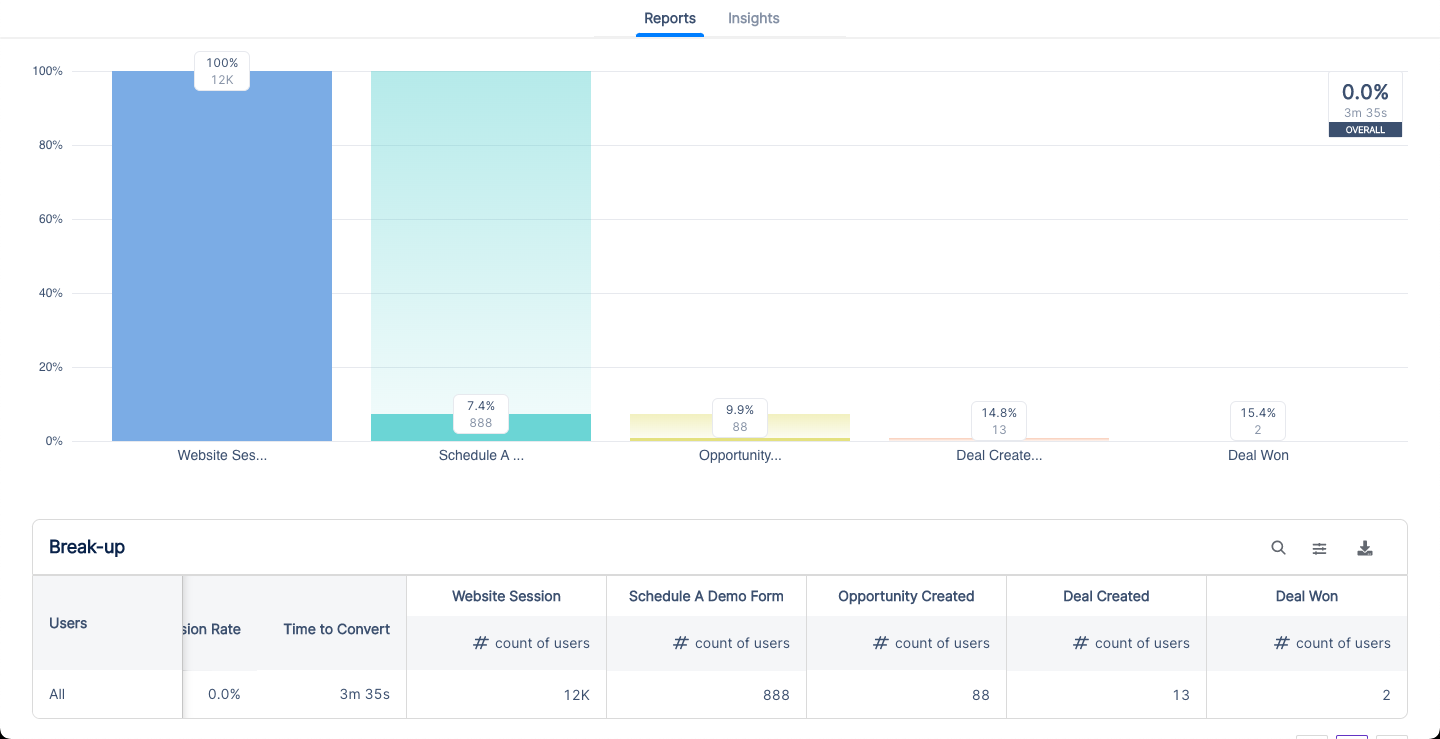
Amplitude’s funnel is mature and better suited to product teams. Factors’ funnel showcases the wider picture and is better suited to GTM teams.
3. Path Analysis
In short, path analysis or Pathfinder helps track aggregated customer flows across website and product. It helps map out events fired by users as well as the sequence of those events taken by users within a specific time period.

Pathfinder is a core feature in Amplitude. As a result, it's currently better than Factors’ path analysis in terms of refinement and functionality. Given that path analysis is a recent feature on Factors, it’s a matter of time before both tools are on par with each other.
4. Marketing Attribution
In short, B2B marketing attribution is an analytics technique that measures the influence of various marketing touchpoints on desired conversion goals such as demos, pipeline, and revenue using a range of multi-touch attribution models.
While Amplitude is a well-established brand in product analytics, it’s only just entering the marketing attribution space. Unlike Amplitude, marketing attribution has always been a cornerstone feature for Factors.ai. Given that this is Factors’ expertise, it outperforms Amplitude comprehensively when it comes to marketing attribution.
Here are a few limitations with Amplitude’s marketing attribution that Factors solves for:
- Limited conversion milestones: As previously discussed, Amplitude cannot integrate with CRM data for marketing attribution. As a result, conversion milestones are limited to website events such as page views or form submissions. It is not possible to attribute marketing’s influence on key metrics like SQLs, pipeline, or deals using Amplitude. This makes for highly ineffective attribution for B2B marketing teams that are looking to prove their impact on revenue.
- No revenue attribution: Continuing with the previous point, Amplitude cannot attribute marketing touchpoints to revenue/spend metrics like ad spends, deals closed, deal size, etc. Given that a major use-case for B2B marketers is to measure ROI and improve resource allocation, this limitation hinders Amplitude’s attribution functionality in B2B settings.
- No account-level attribution: Amplitude’s attribution is at a user-level as opposed to at an account-level. Unlike B2C transactions, B2B deals involve lengthy sales cycles and several stakeholders from a single buying account. Naturally, it makes sense to attribute marketing touch-points at an account level rather than by individual users. Since Amplitude does not support account-level analytics, its attribution tool remains largely ineffective for B2B teams.
- Limited granularity: At the moment, Amplitude can attribute marketing channels and campaigns to website events. No doubt, having high level data at a channel and campaign level is helpful. However, in order to really optimize marketing ROI and scale the right efforts, it’s essential to have granular attribution at an ad group and keyword level as well. Currently, this is not supported by Amplitude.
- Limited touchpoints: Currently, Amplitude’s attribution modeling only considers paid ads and digital marketing touchpoints. Factors has the ability to attribute conversions to offline touchpoints such as events, webinars, and sales calls. This is a crucial piece of the puzzle for B2B marketers.
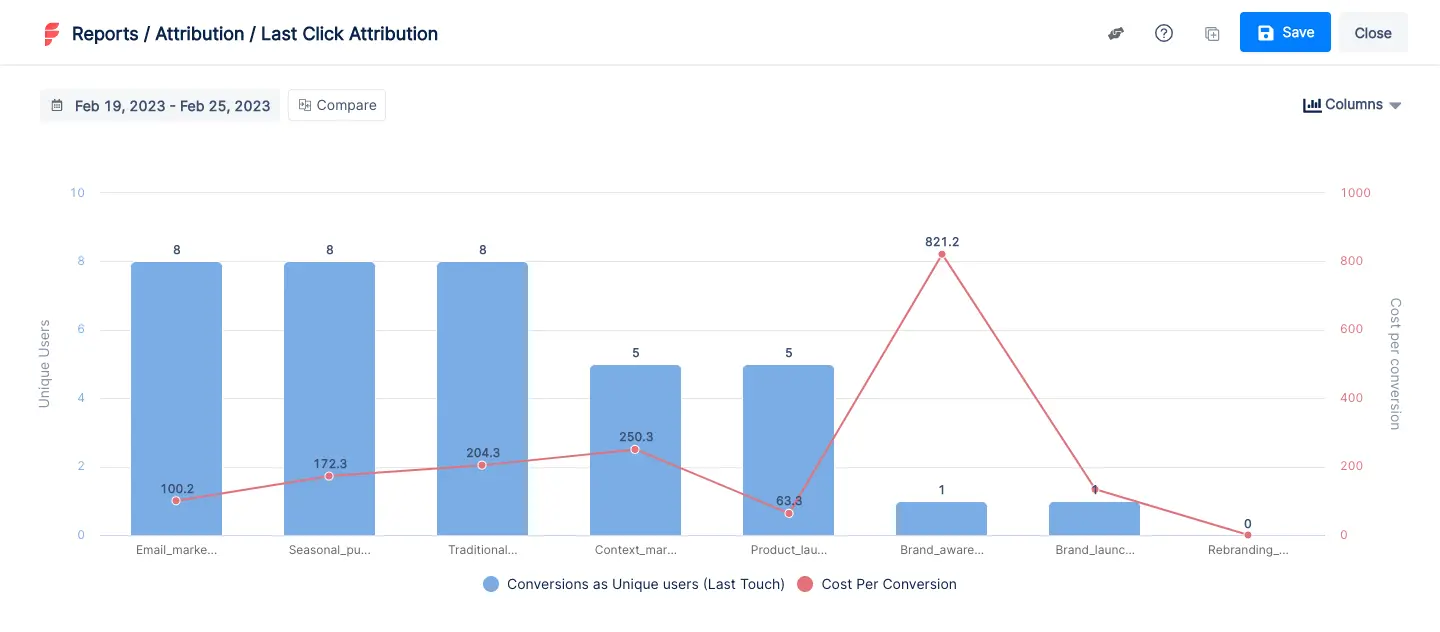
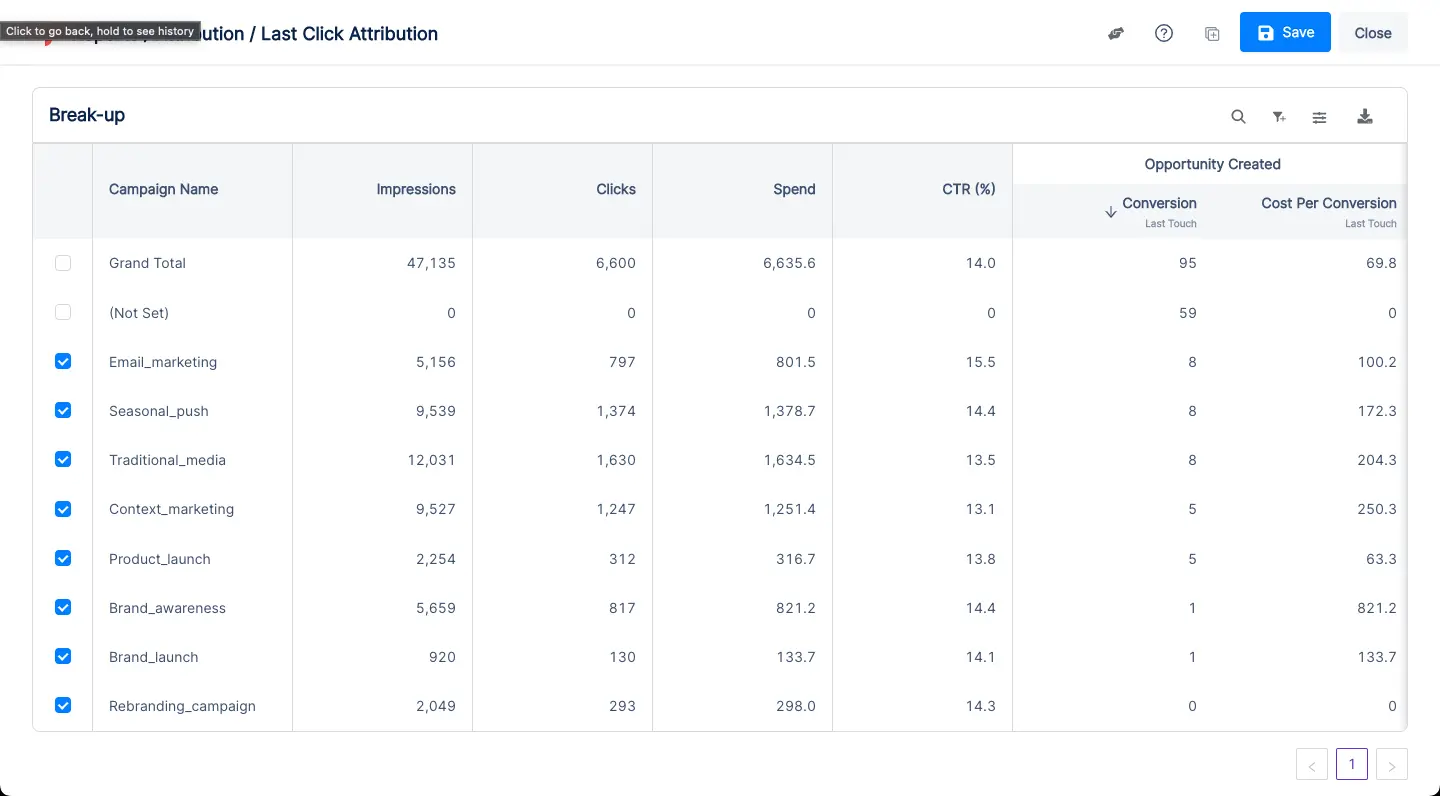
Factors counters each of these limitations by delivering multi-touch attribution across keywords, ad groups, campaigns, channels, website, and CRM events at an account-level. All in all, Factors is the better choice when it comes to B2B marketing attribution.
So what’s the right tool for you? The answer depends on what you’re looking for. To break it down further, here are a few pointers on what each platform does that the other doesn’t.
What Amplitude Does, That Factors Doesn't
- Product analytics: As discussed at the top of the article, Amplitude is a leading product analytics tool with exceptional retention analytics and cohort analytics. If these use-cases are important to you, look no further than Amplitude.
- Mobile analytics: Amplitude is capable of tracking event-level data on mobile (app-based) products as well. Since Factors focuses on web-based event analytics, it cannot analyze mobile events whatsoever.
- Experiments (A/B testing): Amplitude offers Amplitude Experiments to conduct A/B testing within the product and website. This is a valuable feature for product and design teams to test hypotheses on messaging, product features, and design.
- CDP: Amplitude provides a native customer data platform. The CDP helps improve data quality, identify new audiences, and connect behavioral data. At the moment, Factors can integrate with third-party CDPs like Segment for similar use-cases.

What Factors Does, That Amplitude Doesn’t
- Integrates marketing, CRM, and revenue data: This point has been discussed multiple times in this blog but it’s worth highlighting again. Unlike Amplitude, Factors can easily integrate data across ad campaigns, website, and CRM. This empowers holistic marketing analytics, funnels, and attribution rather than siloed web and product analytics.
- Intuitive UI & low-lift implementation: Any analytics tool involves a learning curve. That being said, Factors is significantly easier to implement and use as compared to Amplitude. Onboarding takes minutes as opposed to weeks or months. The platform is far more user-friendly for non-technical GTM teams to create relevant reports and dashboards.
- Anonymous visitor identification (IP-lookup): A stand-out feature offered by Factors.ai is anonymous visitor identification. In short, Factors uses reverse IP-lookup technology to identify companies visiting your website without requiring the visitor to submit contact information. This is especially valuable to B2B companies looking to identify, track, and convert high-intent accounts that are already visiting the site.
- Automated AI-fueled insights: Factors’ AI-algorithm works to provide intuitive automated insights into what’s helping and hurting custom conversion goals. With Explain and Weekly Insights, teams can drill down into how keywords, campaigns, channels, website content, and offline events are influencing objectives such as increasing traffic, booking demos, ramping up newsletter subscriptions, or driving pipeline.

So What’s the Right Tool For You?
This is the primary consideration when deciding between Amplitude and Factors — are you looking to monitor and improve your product? If so, Amplitude is the better choice. Are you a B2B team looking to monitor and optimize GTM performance? If so, Factors probably makes more sense.
In summary...
Still on the fence about which tool may be better suited to you? See Factors in action over a quick demo
Compare Factors.ai with other tools:
Both platforms deliver powerful insights but serve different analytical needs.
1. Amplitude: Focuses on product analytics, tracking in-app user behavior and engagement.
2. Factors: Specializes in marketing analytics, with features for campaign tracking and revenue attribution.
3. Strategic Fit: Choose based on whether your priority is product usage insights or marketing performance optimization.
Understanding your team’s goals helps select the platform that drives actionable, data-driven decisions.
.avif)
Amplitude vs. Heap: How to Pick the Best Web Analytics Tool?
Amplitude and Heap are both analytics tools that can help your business understand user data. Learn which is better for your company.

TL;DR
- Amplitude is allowing data leaders to experiment with their data through a product called Amplitude Experiment.
- Amplitude provides granular user segmentation and greater event tracking flexibility compared to Heap.
- ContentSquare, a leading digital market analytics company, signed a contract to acquire Heap in September 2023.
- Heap has notable attributes such as a user-friendly interface and automatic event tracking that allow for easy and quick implementations, making it attractive to many B2B companies.
Amplitude has been around since 2012 and has thus been a pioneer in the product analytics market. Its biggest selling point is that it allows companies to track user flows and journeys. It is also easy to use, so any employee can easily note the behavioral patterns of a company’s website users.
Heap is also a similar tool to Amplitude. However, the major advantage of Heap is that it can readily capture user actions through automatic event tracking. It allows for a better understanding of user behavior without a dedicated understanding of background coding for companies. This article helps you decide which tool is better in aiding your company to achieve its goals for growth.
In this article, you’ll find out whether Amplitude–with its personalization capabilities–is the better option for your company compared to Heap, which is much more user-friendly.
CRM integrations
All B2B companies use CRM tools, so it’s necessary that your company’s operating web analytics tools also integrate with the CRM tools you’re used to. These integrations allow you to have all the necessary data in one platform so that you can work seamlessly. CRM integrations offer cross-collaborations that increase the scalability of your processes and make client work much more methodical.
Amplitude’s notable CRM integrations include Customer.io and Salesforce. Heap has more integrations; in addition to Salesforce, it also integrates seamlessly with Hubspot and Zendesk.
Third-party integrations
B2B companies use a variety of third-party tools for email marketing, e-commerce, and marketing. It’s essential that your web analytics tool integrates with all these tools in order to pull data from them as required.
Amplitude’s third-party integrations include:
- Extole
- Facebook Ads
- Apptimize
- Slack
- Segment
- Optimizely
Heap’s integration offerings are sizable, and comprise:
- Zapier
- Braze
- Cordial
- Shopify
- Mailchimp
- Marketo
{{INLINE_BOFU}}
Pricing
Amplitude’s pricing model isn’t transparent, but it does have a basic free version with which your company can enjoy many of its features. In the free plan, you can access data planning tools core analytic charts. However, if you want much more specific information–such as behavioral reports or analytics–then the shift from the free plan to the growth plan is quite steep, starting at $995/month. The Enterprise plan is for data-led businesses that require much more detailed insights and begins at $2000/month for companies that require it.

Heap has four pricing plans: Free, Growth, Pro and Premier. The free plan encompasses up to 10K monthly sessions. Similar to Amplitude’s basic plan, it also provides core analytic charts. Heap’s Growth plan is quite inexpensive compared to Amplitude’s. It starts at roughly about $3600/Year or $300/Month, making it much more accessible to small businesses wishing to scale. Heap does not offer transparent pricing for its Pro and Premier plans, and instead charge per session. Overall, Heap seems to have more cost flexibility in its pricing models simply because there are more models available.

Ease of installation
Both Amplitude and Heap don’t require you to install anything on your desktop. If you want to set up Amplitude or Heap, all you have to do is go to their respective websites and sign up for the plan you want.
In Amplitude, once you have signed up and chosen a plan, you can then login and access the dashboard. To use Amplitude effectively, you must add Amplitude’s tracking code and install the SDK to the codebase. You also have to set up tracking within the app so that it can gather the data as per your requirements. Heap also follows the same procedures; the two analytics tools are quite similar in this aspect.

Event tracking
Event tracking is among the most important features that most companies use web analytics tools for. Both Amplitude and Heap allow your company to track events. However, the advantages that they serve are different. Amplitude is more flexible and provides easily customizable event tracking. Your company has a lot to gain from custom event tracking as it captures unique customer actions that help detail more specific date insights.
Heap, on the other hand, records everything from the moment that you start using it for your website. This feature is termed Automatic Event Tracking, which records everything without coding or any manual code tagging. It can also collect historical data from the past, leading users to analyze data from the past without any extra tracking. However, users also claim that it’s difficult to set up an event correctly, and matching it to the coding can be complicated.

Data privacy
Data privacy and protection are of utmost importance for users and companies alike. Therefore, data collection has become an extremely complicated landmine that companies have to navigate around and Amplitude is no different. However, Amplitude has had quite a responsible stance on data privacy and protection since 2018 when the GDPR was passed.
The company has made updates so that it may fall in line with the General Data Protection Act, including product updates such as single and bulk user data deletion which allows users to delete all their data from the platform. The Email Monitoring update lets users track their request so deletion is successful. The company is also ISO 27001-certified for secured governance.
Heap has privacy built into its design. The company states that its focus remains on creating a tool that aligns with data privacy. Still, to comply with GDPR, Heap has taken the following steps:
- Third-Party Audits: These audits helped the company conduct any gap analysis regarding their GDPR readiness.
- Data Protection Act: The company has rewritten its Data Protection Act to comply with data subject rights.
How Can You Pick the Best Web Analytics Tool?
Web Analytics tools are instrumental in helping you understand user demographics and tracking customer activity. Hence, it’s necessary to pick a tool that’s reliable and trustworthy. You can judge how well your web analytics tool will perform by considering the following factors:
1. Business Objectives
Every business has its own objectives; knowing these can help you better manage your company’s expectations and outcomes.
2. Pricing
We have mentioned this before, but you should pick a web analytics tool that is sustainable as per your business model. Be aware of the hidden fees and growth fees that you will have to pay so you can budget accordingly.
3. Data Privacy Compliance
Data Protection Laws protect clients and companies alike. You should opt for tools that follow these laws. Using a tool that is GDPR-compliant informs your customers that your company is conscious regarding data collection and security.
4. User Interface and Visualization
There’s no point in web analytics tools that lend more complications to your company’s data. Pick a tool that is easy to use and has dashboards for immediate data visualization. Data visualization simplifies data so non-technical personnel can also understand it.

5. Run Trials
If the web analytics tools you’re opting for have the option for a free demo, opt for it and notice how your workflow changes. Make sure you have metrics in place for these trials so they are effective.
Deciding on a Web Analytics Tool
Choosing the right web analytics tool changes your workflow for the better and generates actionable insights that you can implement to grow your business exponentially. While no tool can be perfect, Factors is a comprehensive analytics and attribution tool that offers you:
- Marketing impact measurement
- Conversion rate optimization
- Granular visibility
- Funnel conversion optimization
- Customer journey analysis
- Points of inflection identification for B2B sales
- AI-automated Insights
- Account level timelines
- Tailor-made reports and data visualization
If you’re looking for ways to get more out of your company, then Factors provides some of the best marketing solutions for a B2B SaaS venture.
Customers using Factors testify to its reliability. It has a 4.7 out of 5 score on G2. Companies that have worked with Factors have seen an uncovering of 64% of the anonymous companies on their websites, which has helped them close more than 20,000 deals. All in all, client satisfaction for Factors’ services is high.

For more information or to set up a demo, contact the Factors’ team today and learn how to utilize the tool to fulfill your company’s objectives. Not sure about Factors? Sign up for a free trial and decide if Factors is the best option for your company.
Top Web Analytics Tools
Web analytics tools help businesses track user behavior, improve user experiences, and make data-driven decisions.
1. Top Platforms: Amplitude, Heap, and ContentSquare.
2. Key Features:
- Amplitude: Granular user segmentation, flexible event tracking, user journey analysis, and "Amplitude Experiment" for data experimentation.
- Heap: Automatic event tracking, comprehensive user behavior capture, CRM system integrations (Salesforce, HubSpot), and a user-friendly interface.
- ContentSquare: Advanced digital market analytics, user behavior tracking, and comprehensive data analysis.
3. Strategic Benefits:
- Track and analyze user behavior with minimal manual effort.
- Gain deep insights into user journeys and segmentations for improved targeting.
- Leverage seamless integrations with CRM tools to enhance data accuracy and decision-making.
Implementing these web analytics tools optimizes tracking, boosts user engagement, and drives strategic business growth.
.avif)
Amplitude vs. Google Analytics: Which One Should Your Business Use?
GA4’s data limitations and privacy concerns drive users toward Amplitude and Factors. Explore the pros, cons, and best analytics platform for your business.

TL;DR
- Google announced that Universal Analytics would stop processing new data beginning July 1st, 2023, and encouraged current users to switch to GA4.
- Universal Analytics 360 users can only extend their usage until July 2024.
- GA4 does not support historical data migration, while Amplitude allows seamless data transfer.
- GA4 offers extensive integrations but has a steep learning curve; Amplitude retains traditional metrics and prioritizes privacy.
- Pricing for both platforms follows a usage-based model, with Amplitude providing a free starter plan.
The end of GA’s Universal Analytics 360 model has prompted many GA users to find other analytics tools that better suit their needs. Universal Analytics ceased to process new data as of July 2023, and had to begin the transition to GA4 or find an alternative analytics services provider.
Amplitude is among these alternative analytics solutions. Google Analytics was popular due to its basic version being free and its former setup’s ease of use; these aspects are set to change with GA4. Many users are opting to switch to Amplitude since it offers migration of historical data, while GA4 does not. Here’s what you need to know about GA4 and Amplitude to understand which is better for your company.
Read on to understand what you can expect from Google Analytics’ and Amplitude’s services.
Data migration from Universal Analytics
If you’re a Universal Analytics user, GA4’s big disadvantage is the loss of historical data. Since Universal Analytics 360’s tracking code is so different from GA4’s, there’s no path to migrate historical data from the former to the latter. While you will not, of course, lose the ability to access your Universal Analytics data, you cannot compare it with data that you gather through GA4. You can only begin collecting data through a new GA4 property once you add its tracking code to your company’s website.
If you want to keep using your Universal Analytics property, you can keep doing so until July 2024. In order to obtain as much historical data as possible on GA4, you can switch to a dual tagging configuration. This will enable you to collect data into both properties. You can use Universal Analytics’ data points and reports while also building up a few months’ worth of historical data in GA4.
On the other hand, Amplitude offers users a unified platform wherein they can migrate their data from Universal Analytics. It utilizes the same data elements and a similar tracking model to Universal Analytics. Current Universal Analytics users can immediately switch to Amplitude and compare historical data with present data.
Integrations
Companies require analytics tools that integrate seamlessly with their CRMs and third-party tools. Your analytics tool should be compatible with any online workspaces, e-commerce tools, and advertising platforms that your company and employees utilize frequently.
GA4’s list of integrations is extensive for CRMs, email marketing tools, artificial intelligence, e-commerce platforms, and sales and marketing/advertising platforms. Its integrations include Facebook Ads, ChatGPT, Microsoft Excel, Calendly, Hubspot, and Dubsado via Zapier.
Integrations are not currently Amplitude’s strong suit. While it does offer some strong CRM and online workspace integrations–including Salesforce, Adobe Analytics, Notion, and Slack–it does not integrate with many of the tools that GA4 does. It also does not offer integrations with lesser-known CRMs.
{{INLINE_BOFU}}
Data models
GA4’s data model is very different from Universal Analytics. That’s not an understatement; not only is it impossible to migrate data, it’s also impossible to measure certain data points that you’ve gotten used to with Universal Analytics. You might be able to collect these data points in different ways, but they may not be labeled in ways you’re familiar with. For example, GA4 does not measure the bounce rate of webpages.
Amplitude allows you to use data points that GA4 has rendered redundant on its platform. It will measure data points such as bounce rates and compare it with historically available information imported from your Universal Analytics account.
Pricing
GA4’s new pricing marks a significant shift from UA’s fixed price model. As a Universal Analytics user, you would be charged a set price of US $150,000 every year. The rate of data collection wouldn’t usually affect this price. Data collection limits were extensive, so businesses only incurred extra costs when the data collection would increase significantly.
GA 4’s usage-based model means that users will be charged according to the amount of data they collect. GA4 also offers a free version, known as GA4 Standard.

Amplitude also utilizes a usage-based model. It offers three pricing tiers: Starter (which is free), Growth, and Enterprise. The Growth and Enterprise plans’ prices are available on request. In addition, Amplitude also offers certain startups one year of their Growth plan for free if the startups are early stage or have Black co-founders.
Although Amplitude does not disclose its price publicly, TrustRadius states that the Growth plan begins at US $995 per month. Verified users also state that Amplitude’s basic plan offers a good variety of features and allows first-time users to check whether the tool is compatible with their business for free.

Data protection and privacy
Data protection experts have complained about Google Analytics’ non-compliance of privacy laws numerous times in many different countries. The adoption of the EU-U.S. Data Privacy Framework by the European Commission lifted the ban on GA in the middle of this year. Before that, GA was banned in Austria and France, with various other European countries raising concerns about the ways Google stores and utilizes consumer data. Sweden’s privacy protection authority, the IMY, has raised questions about GA’s compliance with the GDPR.
Companies using GA have to be extra careful about data storage and usage. The Data Privacy Framework requires companies to follow a multitude of policies that protect user data. GA4’s efforts to comply wholly with privacy laws such as the GDPR allow users to opt out of cookies. Machine learning fills the gaps created through these opt-outs. If enough users opt out, this data could therefore become unreliable.
Amplitude’s privacy disclosure on how it uses consumer data is extensive and easy to understand for users. Clients can change or retract their data at any time. They can also opt out of cookies. Your clients can ask for a copy of their personal data at any time to verify which personal information Amplitude has access to. Amplitude is fully compliant with the CCPA, and takes privacy petitions seriously.
Features
Amplitude’s intuitive dashboards enable you to understand how prospective clients interact with the content on your website. You’ll be able to access crucial insights into client behavior and drive conversions through a better understanding of prospects’ pain points. Amplitude also offers users the option to design surveys for their clients. These feedback surveys are customizable and can be used to target certain segments of users. Real-time feedback allows you to increase client satisfaction and trust in your company.

There is a significant learning curve involved in switching from Universal Analytics to GA4. While a variety of learning material is available for GA4, the importance of dedicated, immediate customer support cannot be understated.
However, GA4’s extensive integrations allow it to be a widely implementable tool. While it is true that GA4 is notoriously difficult to set up, it offers robust analytics and tracking information.
Choosing the Right Analytics Tool for Your Business
Finding the right analytics tool can be a long, tricky endeavor. We’ll help you find an indispensable tool on the first try, instead of letting you go down the trial-and-error route.
With the phase-out of Universal Analytics 360 in July 2023, businesses must carefully evaluate their analytics needs before selecting a new platform. The right analytics tool depends on several key factors.
First, consider data continuity. Some platforms may not allow you to migrate historical data, which can disrupt long-term analysis. Privacy and data protection should also be a priority, especially for companies operating in regions with strict regulations like GDPR and CCPA.
Next, assess ease of use. Tools with steep learning curves or complex setups can slow down adoption across teams. Seamless integration with your existing CRM, marketing platforms, and other third-party tools is crucial for maintaining workflow efficiency. Pricing structures also vary; some platforms charge based on usage, which can lead to unexpected costs as your data volume grows.
Finally, reliable customer support ensures quick resolution of issues, minimizing disruptions.
Selecting an analytics solution involves balancing privacy, scalability, ease of use, data flexibility, integrations, and support to align with your company’s growth and data strategy.
In a nutshell, the most important features are:
- Privacy. The tool you use should be in full compliance with the GDPR and CCPA or other local privacy laws.
- Scalability. Will your analytics tool accommodate greater influxes of information as you grow, and indeed, help you grow?
- Ease of installation and use. You don’t want a tool that requires a dedicated team of experts to decipher. An analytics tool should be easy to use across all the teams that require access to it, and ideally come with a no-code setup.
- Extensive analytics and reporting options
- Seamless integration with other tools, and
- Dedicated, quick customer support.
If we had to pick…
We would pick Factors. While no analytics tool has the full package, Factors comes close with its:
- Customizable reports and dashboards
- Compliance with privacy laws,
- Attribution across multiple channels
- De-anonymization
- Quick, codeless setup
- Ease of implementation
- CRM integrations
Factors was created to help your B2B company reach its goals by allowing you to make the most of your web content. Its competitive pricing options also set it ahead of other tools with similar capabilities. The paid tiers are priced between US $99 to US $1499.
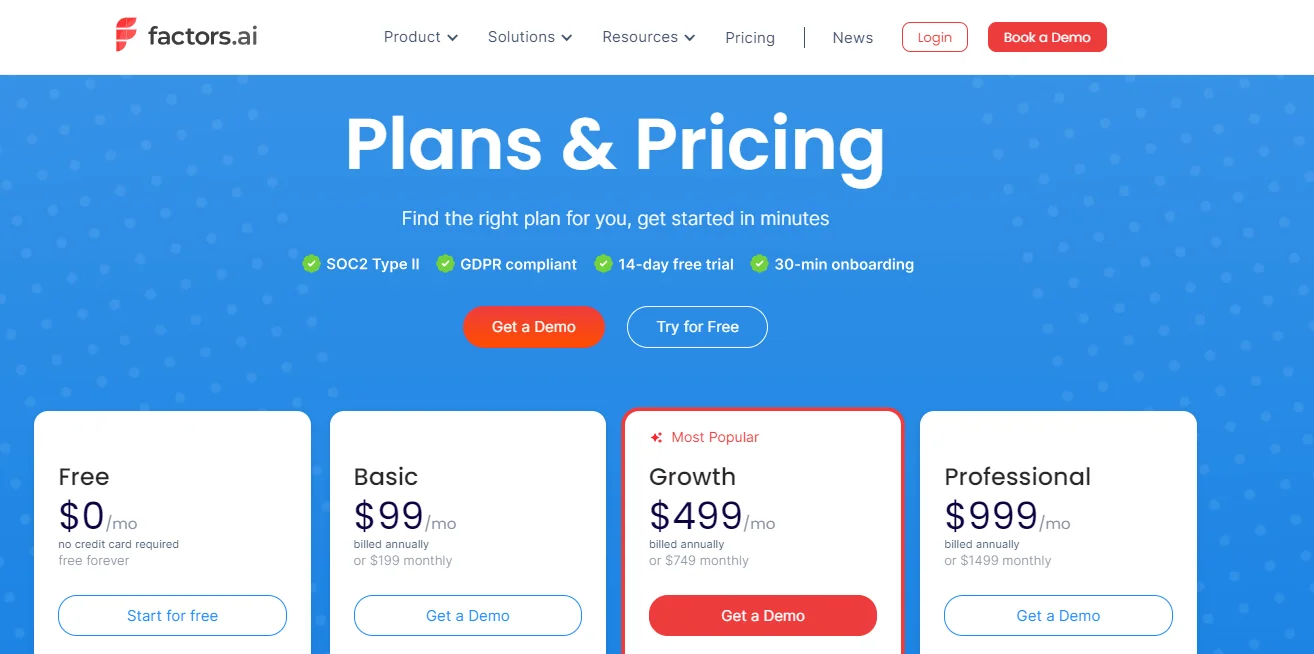
You can also check out Factors’ features for free using their trial option, or contact them for a plan custom-built for your business.
Anonymous Website Visitor Identification: 2026 Complete Guide
98% of website visitors stay anonymous. Learn 6 proven, privacy-safe ways to identify them — with person-level (5–40%) and company-level (30–65%) match rates. GDPR/CCPA compliant.

TL;DR
- 97–98% of website traffic stays anonymous — form-fill conversion alone leaves the vast majority of intent invisible.
- Company-level identification matches 30–65% of B2B visitors via IP intelligence and reverse IP lookup, surfacing target accounts even without forms.
- Person-level identification matches 5–40% of visitors (realistic 5–20%) via identity graphs and pixel-based tracking — names, emails, and titles delivered to your CRM.
- Six privacy-safe methods exist: IP resolution, first-party behavioral analytics, identity resolution platforms, CDPs, pixel-based intent, and AI-powered enrichment.
- GDPR/CCPA-compliant when paired with consent, opt-out, and company-level focus — fines reach €20M or 4% of global revenue if not.
Understanding Anonymous Website Visitors
97–98% of B2B website visitors leave without filling out a form. That's not a funnel problem — it's a visibility problem. Modern visitor identification turns that anonymous traffic into named accounts (30–65% match rate) and named contacts (5–20% match rate) without violating GDPR or CCPA. This guide covers the six methods that actually work in 2026, how they compare on accuracy and cost, and how to pick the right approach for your stack.
Anonymous website visitors are those who visit your site without giving any details like their name, email, or company. They might spend time on your site, read blog posts, or check prices, but decide not to fill out forms or use chat options. This anonymity makes it tough to understand potential customers and their buying path.
The main reason visitors stay anonymous is their concern about privacy and data security. A study by Pew Research shows that 79% of Americans worry about how companies use their personal data. Also, privacy-focused browsers, VPNs, and cookie blockers make tracking harder.
This anonymity affects business growth by:
- Losing sales from interested visitors
- Making it hard to personalize content
- Making it tough to measure marketing success
- Reducing the ability to retarget interested visitors
- Limiting understanding of the customer journey
Modern technology can help identify these website visitors while respecting privacy rules. With advanced tracking and data tools, businesses can learn more about their visitors, like company information and buying intent. This helps in better marketing and allows sales teams to focus on promising prospects.
Tracking vs Identification: What's the Difference?
These two terms get used interchangeably but mean different things.
Visitor tracking records what happened on your site — pages viewed, time on page, scroll depth, button clicks. It's behavior data, attached to anonymous session IDs. Google Analytics, Hotjar, and most analytics tools do this.
Visitor identification answers who is doing it — the company name (account-level) or person (contact-level) behind that anonymous session. This requires identity resolution, IP intelligence, or pixel-based matching against external databases.
You need both: tracking tells you what's interesting, identification tells you who to call.
Person-Level vs Account-Level Identification
Not all visitor identification is the same. The two dominant approaches in 2026 differ on what they reveal, how they match, and what they cost.
Account-level (company) identification matches a visitor's IP address to a B2B company in a firmographic database. You learn that Acme Corp visited your pricing page — not who at Acme. Match rates run 30–65%, GDPR/CCPA compliance is straightforward, and tools like Leadfeeder, Dealfront, Albacross, and Clearbit Reveal lead this category.
Person-level (contact) identification uses identity graphs — large databases linking devices, IPs, hashed emails, and behavior — to surface a visitor's name, work email, title, and LinkedIn. Match rates are realistically 5–20% (vendors often advertise 40–70%). Tools like RB2B, Bullseye, Warmly, and Visitor InSites lead, mostly US-only because EU/UK identity-graph data is restricted.
Bottom line: start with account-level if you sell to mid-market or enterprise B2B and want broad coverage; layer in person-level for the top 10–20% of accounts where you need named decision-makers.
Methods to Identify Anonymous Website Visitors
Businesses can use several methods to identify and track anonymous website visitors. Each method has its own strengths and works best when combined with others for a complete view of visitors.
1. IP-based identification looks at visitor IP addresses to find their company and location. This is useful for B2B companies, as it shows which organizations are interested in your products or services. It may not work well with remote workers or shared networks.
2. Browser fingerprinting creates unique IDs based on browser settings, plugins, screen resolution, and other details. This method works even if cookies are off, making it more reliable than traditional tracking. Studies show it can identify returning visitors with up to 90% accuracy.
3. Cookie tracking, despite privacy concerns, helps understand visitor behavior over time. First-party cookies are more privacy-friendly than third-party ones and help track user preferences and session data.
Behavioral analytics looks at how visitors use your site, such as:
- Pages viewed
- Time spent on each page
- Navigation patterns
- Download activities
- Form interactions
Reverse IP lookup enhances IP-based identification by linking IP addresses to detailed company information, including:
- Company name and size
- Industry and revenue
- Location and contact details
- Technology stack
- Social media profiles
Together, these methods create a strong system for identifying and understanding anonymous visitors while staying privacy compliant.
Read our guide on how does website visitor identification technology work to know more around this technology.
Advanced Identification Technologies
Modern visitor identification has advanced beyond basic tracking, using smart technologies that give deeper insights while respecting privacy.
AI-powered visitor tracking uses machine learning to study visitor behavior and predict their intent. These systems can spot high-value prospects by comparing current behavior with past successful conversions. Studies show AI systems can improve lead qualification accuracy by up to 85%.
Learn more about this in our Intent Capture section.
Data enrichment tools add detailed company and contact information to basic visitor data. For example, when a company visitor is identified, the system can provide:
- Company revenue and employee count
- Technology stack details
- Recent company news
- Key decision-makers
- Social media presence
Real-time identification systems alert sales teams when high-value prospects visit your website. These tools can:
- Send instant notifications
- Track visitor engagement
- Identify return visitors
- Monitor specific page visits
- Flag urgent sales opportunities
CRM integration ensures visitor data flows smoothly into your current sales and marketing systems. Modern platforms can:
- Automatically update contact records
- Sync visitor activity history
- Score leads based on engagement
- Trigger workflows
- Enable personalized follow-ups
These advanced technologies create a complete visitor identification system that balances effectiveness with privacy, helping businesses make informed decisions while respecting user privacy.
Read our how to Implement Website Visitor Identification guide to understand more about the process and best practices.
Cookieless and First-Party Identification
Google's third-party cookie phaseout (now broadly rolled out across Chrome) and Apple's ITP have made cookie-based identification unreliable. The 2026 stack is cookieless:
- First-party pixels fire on your domain only — unaffected by browser blocking.
- Server-side tracking moves identification logic out of the browser entirely, bypassing ad-blockers.
- Identity graphs stitch sessions across devices using hashed, consented identifiers — not third-party cookies.
- Pixel-based intent tracking (Bombora-style) uses opt-in publisher networks instead of browser cookies.
If a vendor still depends on third-party cookies in 2026, your identification rate is going to drop month over month — ask about their cookieless roadmap before signing.
Legal and Privacy Considerations
Privacy rules matter when tracking website visitors. Here's how to stay on the right side of the law and protect your business.
GDPR Compliance:
- Get clear consent before collecting personal data. Tell users exactly what data you're collecting and why, in plain language.
- Explain how you collect data. Write clear privacy statements that show your specific tracking methods.
- Let users opt out of tracking. Make it simple for visitors to stop tracking with easy-to-find settings.
- Store data securely in the EU or approved places. Keep sensitive information in safe, legal data storage locations.
- Keep detailed records of data activities. Document every step of your data collection and storage.
CCPA Requirements:
- Tell California residents about data collection. Clearly explain what data you gather and how you use it.
- Offer ways to opt out of data sales. Give California residents a straightforward way to stop their data from being sold.
- Answer data access requests in 45 days. Set up a system to quickly handle data requests within the legal timeframe.
- Delete data when requested. Have a process ready to completely remove individual data when asked.
- Keep privacy policies updated. Review and refresh your policies to match current laws.
Data Protection Best Practices:
- Use encryption for stored data. Protect visitor data with strong security that prevents unauthorized access.
- Conduct regular security checks. Test your data collection and storage systems often.
- Train staff on data protection. Keep your team up to date on privacy rules and best practices.
- Document data handling steps. Create a clear record of how you handle visitor information.
- Update security measures regularly. Stay ahead of new threats and technological changes.
Ethical Considerations:
- Be open about tracking methods. Explain your visitor tracking clearly and honestly.
- Avoid collecting unnecessary information. Gather only the data you truly need for your business.
- Focus on company-level data for B2B. Prioritize insights that protect individual privacy.
- Respect user privacy choices. Create a system that truly listens to and follows user preferences.
- Use data responsibly for business. Balance your business needs with people's privacy rights.
Non-compliance can lead to fines up to €20 million or 4% of global revenue under GDPR.
Implementing Visitor Identification
Building an effective visitor identification system requires strategic planning and smart technology choices.
Choosing the Right Tools:
- Pick tools that fit your business and budget. Don't get trapped by expensive solutions. Find platforms that match your company's size, goals, and financial constraints.
- Find solutions that offer real-time identification. Speed matters. Select tools that provide instant visitor insights to help your team act quickly.
- Make sure they work with your current systems. Avoid tech headaches by choosing platforms that seamlessly integrate with your existing marketing and sales software.
- Check for strong data security. Prioritize tools with robust encryption, access controls, and compliance certifications.
- Ensure they comply with privacy laws. Your tracking solution must meet GDPR, CCPA, and other regional data protection requirements.
Setting Up Tracking Systems:
- Add tracking code to your website. Install lightweight, efficient tracking scripts that don't slow down site performance.
- Set up IP tracking. Configure IP identification to capture company-level visitor information.
- Enable reverse IP lookup. Transform numeric IP addresses into actionable company insights.
- Use browser fingerprinting if needed. Implement additional tracking methods to improve identification accuracy.
- Test tracking accuracy on all pages. Verify that your tracking works consistently across your entire website.
Data Collection and Analysis:
- Decide what data to collect. Focus on meaningful signals that indicate genuine buying intent.
- Set up data filters. Create smart filters to separate high-value prospects from casual browsers.
- Create visitor groups. Develop segmentation strategies that help prioritize and score potential accounts.
- Plan how to store data. Design a secure, compliant data storage strategy that protects visitor information.
- Set up automated reports. Build dashboards that deliver actionable insights directly to your team.
Integration with Existing Systems:
- Connect to your CRM, such as Salesforce or HubSpot. Ensure seamless data transfer between your visitor identification tool and customer relationship management platform.
- Sync with marketing tools. Link your tracking system with email marketing, advertising, and campaign management software.
- Link to sales software. Give your sales team instant access to visitor data and engagement signals.
- Ensure data flows between systems. Create a unified data ecosystem that breaks down departmental silos.
- Create unified reports. Develop comprehensive dashboards that show the full customer journey across all platforms.
Your visitor identification strategy should be a precision instrument: powerful, flexible, and focused on driving meaningful business insights.
Start with a pilot program on key pages before full rollout. Check system performance often and adjust as needed. Train your team on using the tools and understanding the data.
Document all steps and create standard procedures for ongoing management. Regular audits will keep the system effective and compliant with privacy laws.
At Factors, we suggest starting with basic tracking features and expanding as needed.
High-Impact Use Cases (Sales, Marketing, CS)
1. Sales — Real-time alerts on target accounts. Sales reps get a Slack ping the moment an account in their territory hits the pricing page. First-touch outreach within 5 minutes converts 8× better than 24-hour follow-up.
2. Marketing — ABM activation. Identified visitors trigger paid retargeting on LinkedIn or display, lifting account-level reach 3–5× vs cold ABM lists.
3. Marketing — Anonymous visitor personalization. Swap CTAs, hero copy, and case studies by industry or company size based on identified firmographics. Lifts on-site conversion 15–40%.
4. RevOps — Pipeline attribution. Tie identified visits back to multi-touch journeys, surfacing which campaigns drive sourced and influenced revenue.
5. Customer Success — Churn signals. Existing accounts viewing competitor comparison or pricing pages — a known churn precursor — trigger CSM playbooks.
Maximizing Identified Visitor Data
Once you know who your visitors are, use that information to gain insights. Here's how to get the most from your identified visitor data:
Lead Scoring and Qualification:
- Score visitors based on their actions, like page views and time spent.
- Give higher scores to those who show interest in buying.
- Flag top prospects for quick follow-up.
- Keep track of return visits to update scores.
Personalized Marketing Strategies:
- Group visitors by industry, company size, and behavior.
- Create specific content for each group.
- Tailor landing pages to match visitor profiles.
- Craft personalized emails for each company.
Sales Outreach Optimization:
- Focus outreach on the most engaged visitors.
- Equip sales teams with detailed visitor information.
- Time your contact efforts based on visitor activity.
- Use data to tailor sales pitches.
Converting Visitors to Customers:
- Offer deals based on what visitors like.
- Set up automatic actions for visitors who show strong interest.
- Create custom paths to nurture different visitor types.
- Use retargeting based on visitor data.
Regularly review and update your strategies based on their performance. Balance between quick follow-ups and respectful engagement. At Factors, we see the best results with well-timed, personalized outreach based on behavior.
By using visitor data effectively, you can boost conversion rates, shorten the sales cycle, and build stronger relationships with potential customers.
Measuring Success
Tracking the right website visitor id metrics helps your visitor identification efforts deliver real business value. Here's how to measure and improve your success:
Key Performance Indicators (KPIs):
- Visitor identification rate (percent of total visitors identified)
- Lead quality score (based on visitor engagement and company fit)
- Time to first contact after identification
- Engagement rates with personalized content
- Conversion rates from identified visitors vs. anonymous
Conversion Tracking:
- Follow the journey from first identification to sale
- Track which content leads to the most conversions
- Measure response rates to personalized outreach
- Calculate the cost per identified lead
- Analyze conversion patterns by industry and company size
ROI Analysis:
- Compare investment in identification tools against revenue generated
- Calculate customer acquisition costs for identified visitors
- Measure sales cycle length for identified vs. anonymous leads
- Track the lifetime value of customers acquired through identification
- Assess resource allocation efficiency
Optimization Strategies:
- Test different identification methods
- Refine lead scoring models based on conversion data
- Adjust outreach timing based on response patterns
- Optimize content strategy using visitor behavior data
- Improve integration with sales and marketing tools
We recommend reviewing these metrics monthly and making data-driven changes to your strategy. Focus on metrics that directly impact revenue and customer acquisition. Regular optimization ensures your visitor identification program continues to deliver increasing value over time. For more insights on optimizing your marketing efforts, visit our Marketing ROI page.
How to Identify Anonymous Website Visitors in 2026
In an era when nearly 97% of website traffic vanishes without engagement, understanding who's visiting, without forcing form fills, is crucial for modern B2B marketing. This guide lays out practical, privacy-aware methods for identifying and activating anonymous visitors to transform passive interest into pipeline-ready opportunities.
Anonymous visitors, largely driven by data privacy concerns, often explore content, pricing, and services yet never self-identify. However, today's technologies make it possible to decode intent signals and company-level identifiers without crossing privacy boundaries. From IP-based discovery and reverse lookups to AI-driven behavior analysis, businesses now have smarter ways to detect high-fit accounts in real time.
The article explores actionable identification strategies—from browser fingerprinting and first-party cookie tracking to CRM integration and real-time sales alerts—showing how each layer adds value. It also emphasizes data stewardship through GDPR and CCPA compliance, outlining how to implement, integrate, and optimize these systems for legal, ethical, and financial gain. Finally, readers learn how to turn collected data into lead scores, tailored outreach, and measurable ROI.
Frequently Asked Questions on website visitor identification
Is website visitor tracking illegal?
No — visitor tracking and identification are legal in every major jurisdiction when you follow the rules. The rules differ by region:
- GDPR (EU/UK): requires lawful basis (consent or legitimate interest), a clear privacy notice, and an opt-out path. Person-level identification of EU residents typically requires explicit consent; company-level identification via business IP is generally treated as B2B and falls under legitimate interest.
- CCPA/CPRA (California): requires disclosure, a 'Do Not Sell or Share' link, and 45-day response to data requests.
- Most other US states: tracking is permissible with disclosure.
What is illegal: collecting personal data without notice, ignoring opt-outs, or selling identified visitor data without an explicit notice. Pick a vendor that's SOC 2 plus GDPR/CCPA compliant and you're covered.
Can someone tell who visits their website?
With the right tools, yes — but the answer depends on the visitor.
- B2B visitors on a corporate network: the website owner can match the IP to a company name in 30–65% of cases.
- B2B visitors with an identity-graph match: name, email, and title can be revealed in 5–20% of cases (US-only for most tools).
- B2C visitors on home/mobile networks: identification is much harder and increasingly restricted by privacy law.
- Visitors on VPNs or privacy browsers (Brave, Tor): generally cannot be identified.
No tool achieves 100% identification — that's a vendor red flag, not a feature.
Is identifying anonymous website visitors legal?
Yes, when done correctly. You must follow privacy laws like GDPR and CCPA, obtain proper consent, provide clear opt-out mechanisms, and focus on company-level data rather than individual personal information.
How accurate are anonymous visitor identification methods?
Accuracy varies by method. IP-based identification can be 70-80% accurate for B2B companies, while browser fingerprinting can identify returning visitors with up to 90% accuracy. Combining multiple methods increases overall reliability.
What types of data can I collect about anonymous visitors?
For B2B tracking, you can typically collect:
- Company name and industry
- Company size and location
- Pages visited
- Time spent on site
- Interaction patterns
- Potential buying signals
How much does visitor identification technology cost?
Prices range from $50 to $1,000 per month, depending on:
- Number of tracked visitors
- Features needed
- Size of your business
- Complexity of integration
Can small businesses benefit from visitor identification?
Absolutely. Even with limited budgets, small businesses can use basic tracking tools to:
- Understand website traffic
- Identify potential leads
- Improve marketing targeting
- Optimize content strategy
How do I protect visitor privacy while tracking?
Key privacy protection strategies include:
- Getting clear consent
- Using anonymized data
- Providing opt-out options
- Securing data with encryption
- Following regional privacy regulations
- Focusing on company-level insights
Which industries benefit most from visitor identification?
B2B industries see the highest value, including:
- Technology
- SaaS companies
- Professional services
- Enterprise software
- Consulting
- Marketing and advertising
How does Factors compare to RB2B, Warmly, and Leadfeeder?
- vs. RB2B: RB2B is US-only and person-level. Factors covers account-level globally and adds person-level for US visitors, plus full ABM, journey analytics, and CRM attribution.
- vs. Warmly: Warmly is signal-driven and person-level. Factors layers identification on top of multi-touch attribution and account journey analytics, so identified visits roll up to pipeline impact.
- vs. Leadfeeder/Dealfront: Leadfeeder is account-only. Factors gives both account and person identification plus the analytics layer Leadfeeder lacks.
The practical difference: most identification tools stop at 'who visited.' Factors connects 'who visited' to 'which campaigns drove them' and 'how much pipeline they generated.'
How quickly can I see results from visitor identification?
Most businesses start seeing actionable insights within:
- 30-60 days of initial implementation
- 3-6 months for comprehensive data patterns
- Continuous improvement over time
What's the difference between first-party and third-party tracking?
- First-party tracking: Data collected directly on your website
- Third-party tracking: Data collected by external platforms. First-party tracking is more privacy-friendly and increasingly preferred by regulations.
Can visitor identification help improve my marketing return on investment (ROI)?
Yes. By providing:
- More precise targeting
- Better lead qualification
- Personalized marketing strategies
- Insights into customer behavior
- Improved sales and marketing alignment
- Businesses typically see 2- 3x improvement in marketing efficiency and lead conversion rates.

AI Tools for Marketing: What Actually Works and How to Build Your Stack
Build an AI marketing stack with the best tools for analytics, automation, content, ads, and personalization, plus learn how to build a stack that actually drives revenue.

TL;DR
- AI is now the backbone of marketing, spanning analytics, automation, content, creative, ads, email, and CRO.
- The best stacks start with AI marketing tools that provide a strong intelligence layer and extend into agents, content tools, creative generators, and personalization platforms.
- Free and freemium AI marketing tools are great for pilots, but long-term value comes from tools that integrate deeply and drive measurable pipeline impact. Consider paid plans for advanced features
- Use the 12-point checklist to evaluate any AI marketing tool before purchasing: data privacy, integrations, model flexibility, guardrails, and ROI proof matter most.
- Build your stack intentionally, starting with real business problems, not hype
The ‘AI revolution’ in marketing isn't coming, it's here, and it's shaking up how marketing teams work across every channel and industry. (And yes, it's doing more than just making your LinkedIn posts sound like they were written by an overly enthusiastic intern.)
We're in the middle of a remarkable shift. AI tools are no longer experimental add-ons; they're becoming the core infrastructure of modern marketing operations. The question isn't "Should we use AI capabilities?" anymore. It's "Which tools actually deliver measurable results, whether that's pipeline growth, conversion lift, or content efficiency, and how do we build a stack that works together?" (Spoiler: Not every tool with ‘AI’ in its name deserves a spot in your stack. Looking at you, ‘AI-powered’ email subject line generators that just add emojis.)
Let’s help you build a practical AI marketing stack that improves quality, efficiency, and measurable ROI across B2B, DTC, e-commerce, and beyond. No theory, just real tools, real integrations, real results.
The Marketing AI Stack by Job-to-Be-Done
1. Intelligence & Analytics
What you need: Real-time data dashboards, marketing mix modeling (MMM), attribution, and social listening that goes beyond surface-level sentiment.
A) Factors: AI-Powered B2B Demand Generation Platform
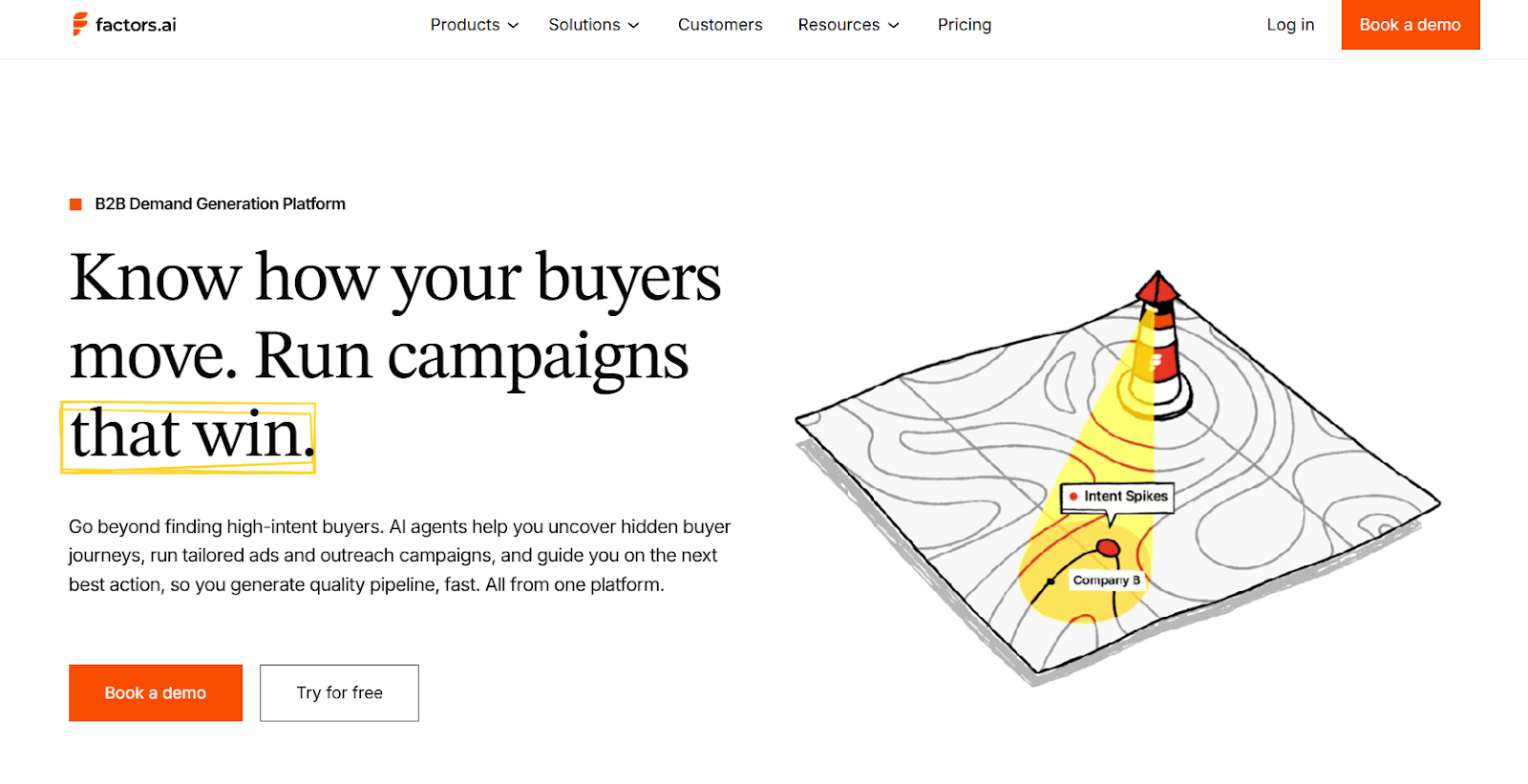
- Best for: B2B teams looking to identify anonymous site visitors, managing multi-channel campaigns who need to prove ROI and prioritise high-intent accounts, understand full buyer journeys, and clearly show marketing’s impact on the pipeline.
- Factors goes beyond traditional dashboards that make you guess which touchpoint actually mattered. Its AI agents help uncover the entire puzzle piece called the buyer journey, recommend next steps, and activate targeted ads and outreach, all from one place. Think of it as your marketing intelligence layer that finally ties everything together.
- Why Factors stands out:
- Account identification at scale: Uses a waterfall model (6sense, Clearbit, Demandbase, and Snitcher) to match up to 75% of anonymous traffic. Identify the companies visiting your site along with revenue, headcount, industry, and more, so you know who’s exploring before they engage.
- Unified account intelligence: Centralizes intent signals from your website, CRM, LinkedIn, and G2 in one window. No more piecing together the customer journey from multiple tabs, everything is integrated and enriched with AI.
- Multi-touch attribution: Understand exactly which ads, blogs, emails, and pages influence progression from visitor to customer. Factors' account identification technology, allows marketers to map the complete customer journey at an account level.
- LinkedIn Ads Intelligence: No one clicks on LinkedIn ads, but we all see them. Factors analyzes all the campaigns your audience viewed or engaged with and discovers how they influenced activities from website visits to demo bookings to deal closures.
- Predictive account scoring: Prioritize the right accounts in sales outreach and ad campaigns using predictive scores based on intent, engagement, and fit. Stay top of mind for highly engaged accounts and stop chasing accounts that aren't serious. Your SDRs will thank you for not making them call another company that was "just researching."
- Sales Intelligence: Find high-intent accounts, get instant alerts when key accounts engage, or show signals that indicate they're ready to buy. The platform allows you to see engagement history, automatically updates CRM, and triggers follow-ups. This gives AEs a complete view of their accounts, and provides next-step recommendations so they can multi-thread effectively and move deals faster.
- Pricing: Start with free trial and move to higher packages as you grow or connect for custom pricing!
- Key integrations: Salesforce, HubSpot, LinkedIn Ads, Google Ads, G2, Slack
B) Reddit Community Intelligence
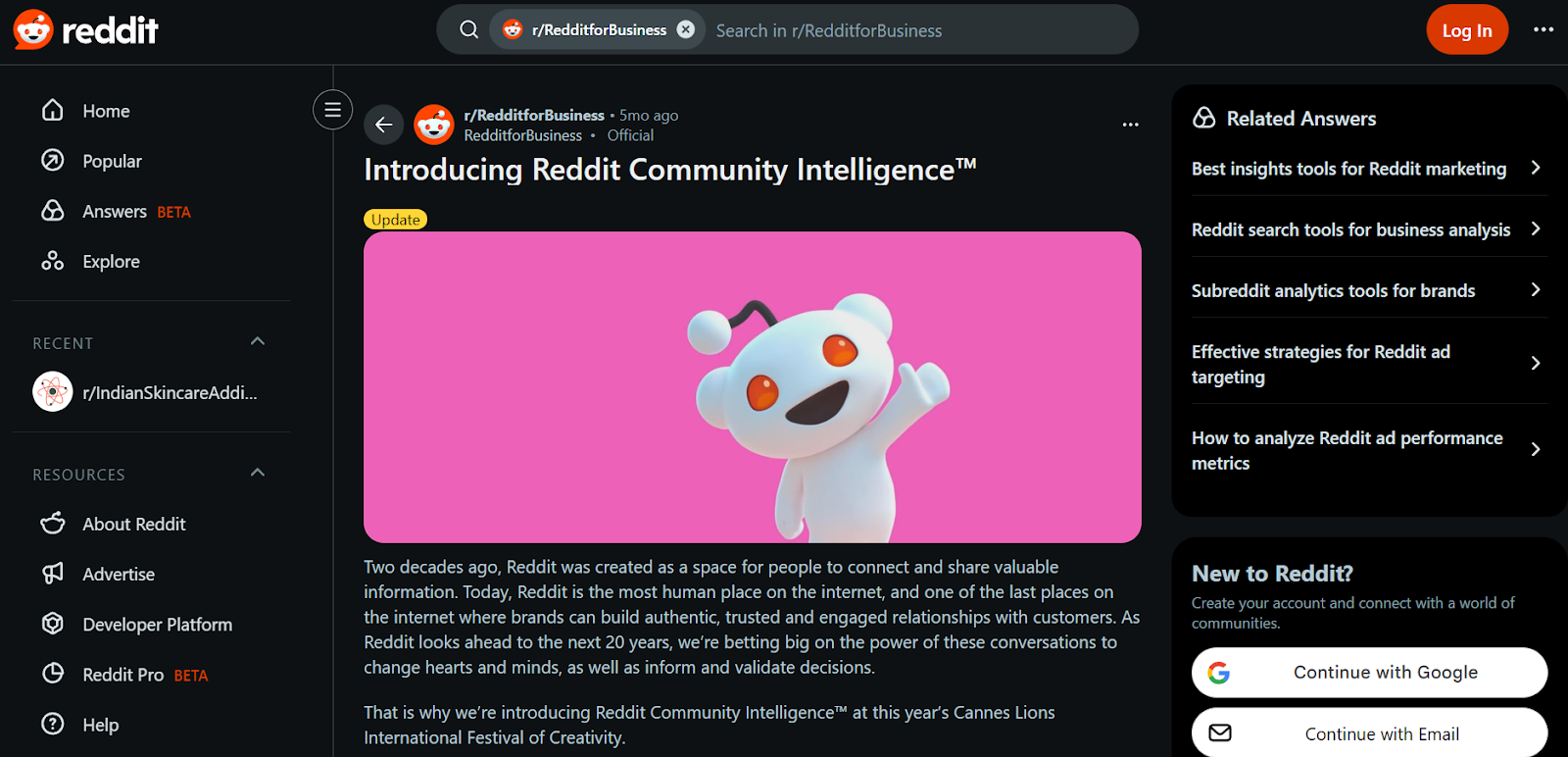
- Best for: Brands seeking authentic consumer insights and sentiment analysis.
- Reddit’s new intelligence layer converts organic discussions into actionable trends. Marketing agencies like Publicis Groupe already use it to guide audience targeting for major brands. Their conversation summary add-ons can also surface positive community sentiment directly under ads.
- Pricing: Custom
- Integration: Native to Reddit Ads Manager
C) Google Analytics 4 + Looker Studio

- Best for: Cross-channel analytics with no extra spend.
- GA4 provides anomaly detection and automated insights. Looker Studio transforms the data into clean dashboards. Simple, reliable, and free.
- Pricing: Costs will vary based on the type of user and their permissions within the Looker (Google Cloud core) platform.
- Integration: Google Stack, BigQuery
2. Automation & AI Agents
What you need: Tools that reduce manual effort, automate multi-step workflows and repetitive marketing tasks, and keep real-time data flowing seamlessly.
A) Factors: AI Agents for GTM Automation and Outreach at scale
- Best for: Growth, paid-media, RevOps and marketing teams that want to turn analytics into live campaigns and outreach triggers without juggling five disconnected platforms.
While Factors shines as an intelligence platform, its automation layer is equally powerful. Here, Factors transforms from a reporting tool into an execution engine, using AI agents to interpret buyer behavior in real time and activate GTM workflows without manual intervention. It turns insight into immediate action. It doesn’t just show you which accounts are warming up, it also helps you automatically reach out, alert reps, and trigger next steps across your stack. - Why Factors stands out:
- AI agents that trigger actions in real time
These agents continuously evaluate account activity, intent signals, channel engagement, and CRM status. Once a meaningful event occurs, like pricing page visits, return traffic spikes, or high-fit engagement, they automatically trigger next steps such as:- Notifying the right rep
- Launching ABM sequences
- Adjusting retargeting audiences
- Updating CRM fields
- Creating tasks or Slack alerts
- Your system becomes responsive and adaptive
- LinkedIn AdPilot: Build precise audiences, run intent-driven campaigns, send quality conversion signals, and track true influence and ROI. Auto-updated intent-based audience lists that sync directly to LinkedIn, so you're not manually updating campaign lists like it's 2015.
- Google AdPilot: Skip wasted spend and random leads. Run campaigns that target the right accounts, train Google to optimize for ICP accounts, and track real impact.
- AI-Enabled GTM engineering: Factors' team helps automate your entire GTM operations by helping build AI-powered workflows integrating tools like Clay, n8n, and Claude and OpenAI, handling data enrichment, real-time alerts, account research, and personalized outreach.
- AI agents that trigger actions in real time
- Pricing: Start with free trial and move to higher packages as you grow or connect for custom pricing.
- Key integrations: Clay, HeyReach, n8n, HubSpot, Salesforce, Slack, LinkedIn Ads, Lusha, Apollo
B) Adobe Experience Platform Agent Orchestrator
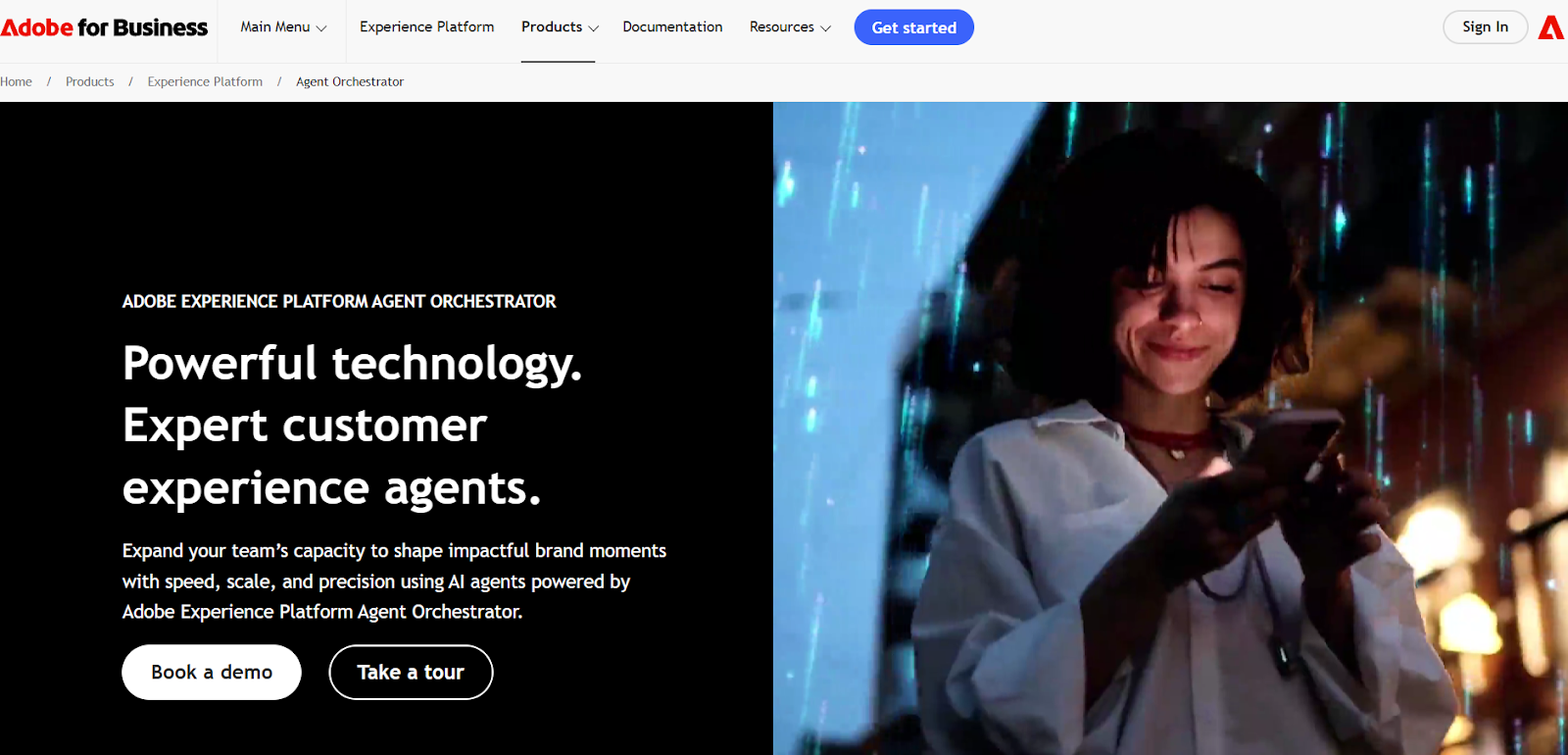
- Best for: Enterprise teams building omnichannel experiences.
- AEP’s Agent Orchestrator uses a reasoning engine to understand natural-language prompts and activate specialized agents for segmentation, journeys, experimentation, and analytics. It enables data-driven customer journeys by using consumer data and behavioral insights to enhance personalization and engagement.
- Pricing: Custom
Integration: Adobe Experience Cloud ecosystem
C) Salesforce Agentforce 360
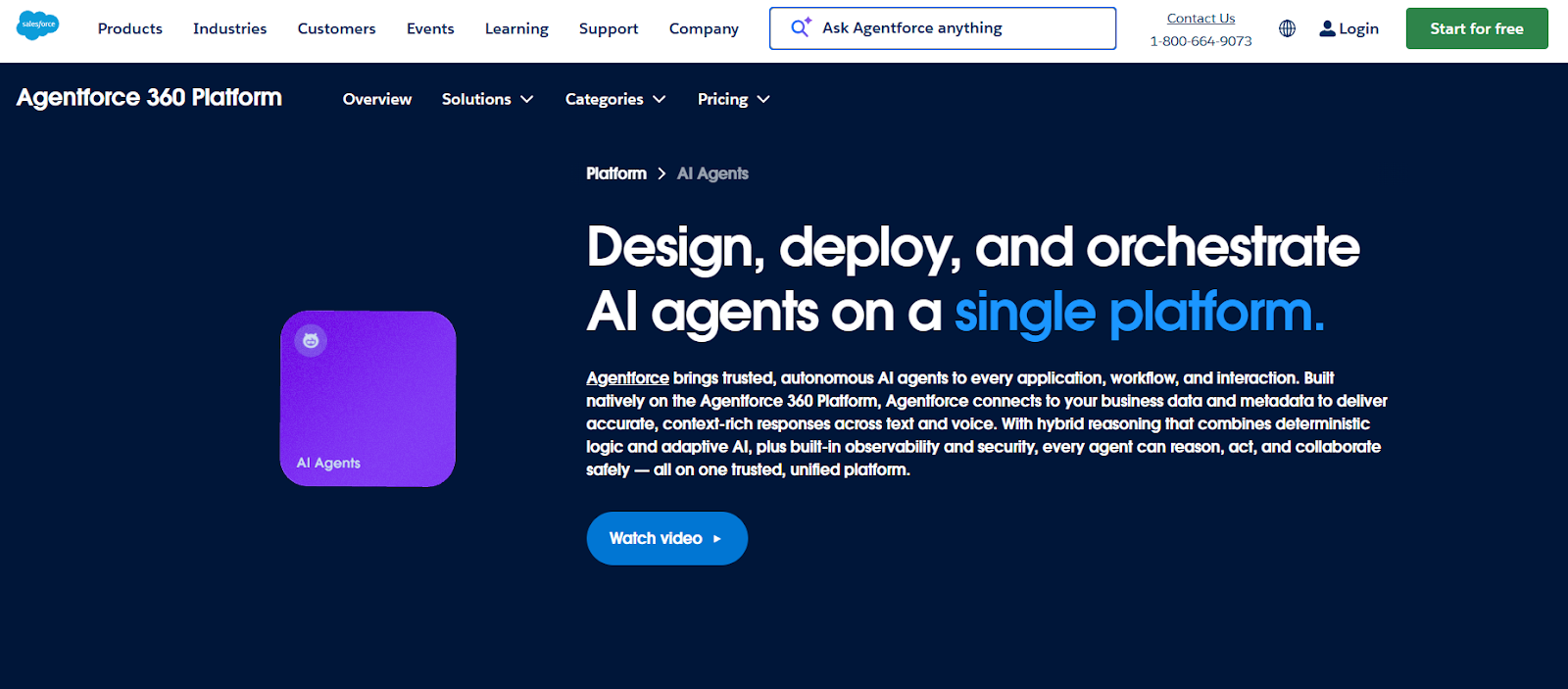
- Best for: CRM-first teams.
- Salesforce Agentforce 360 automates lead scoring, triggers workflows, and provides next-best actions, while keeping human oversight where needed.
- Pricing: $125 per user
- Integration: Native Salesforce
D) Zapier AI
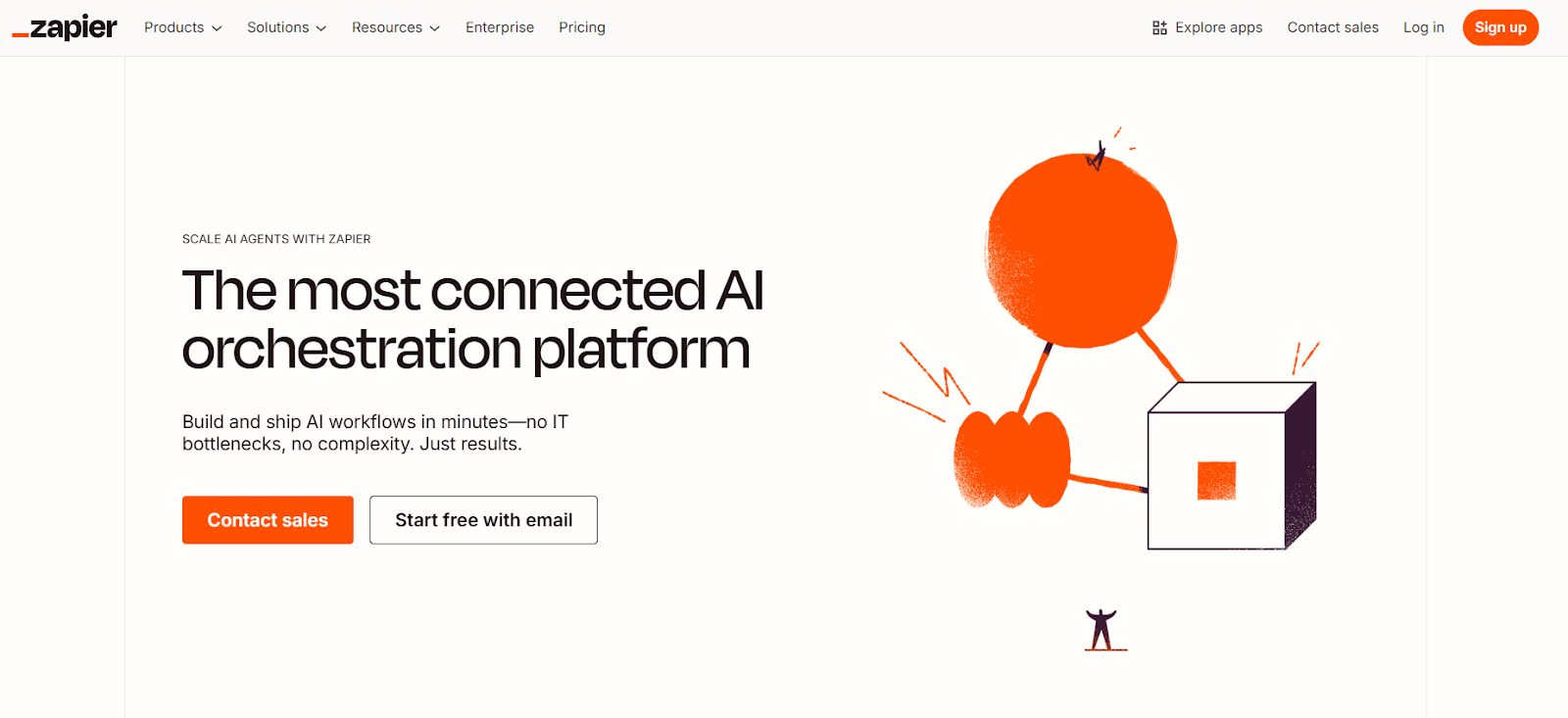
- Best for: No-code automation across any tech stack.
- Describe a workflow in plain English and Zapier builds it. Connects 6,000+ tools and is ideal for fast experimentation.
- Pricing: Free plan; paid from $29.99/mo
- Integration: Nearly any app with an API
3. Content & SEO
What you need: AI-powered tools to streamline the process of content creation: research, briefs, drafts and search engine optimization. End-to-end content ops to produce high-quality and on-brand blogs, social media posts, landing pages etc.
A) Narrato
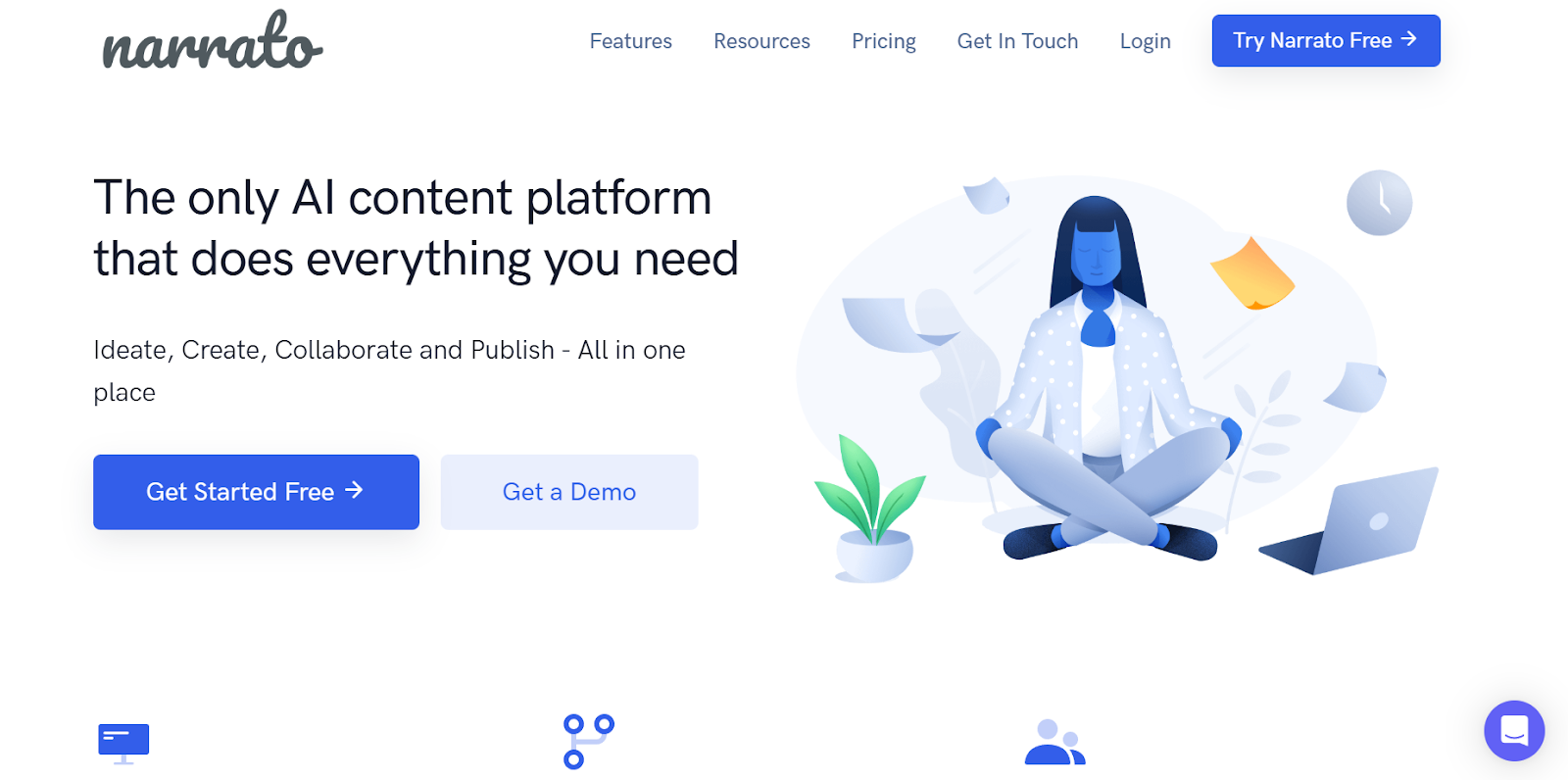
- Best for: End-to-end content operations.
- Narrato is an AI content platform which helps in ideating briefs, drafting, workflows, and SEO scoring, ideal for teams producing content at scale.
- Pricing: Free; paid from $36/mo
- Integration: WordPress, Google Docs
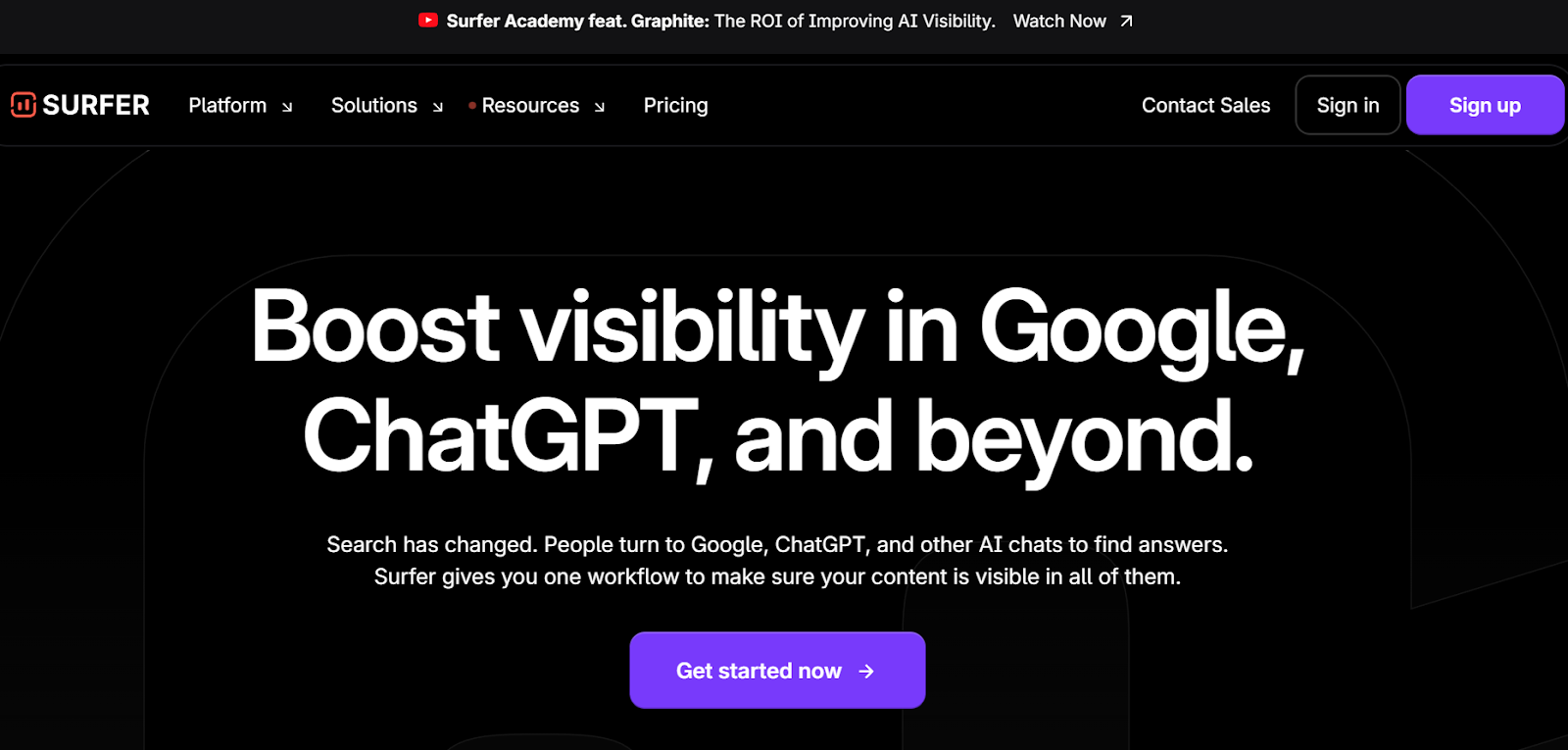
B) Clearscope / Surfer SEO
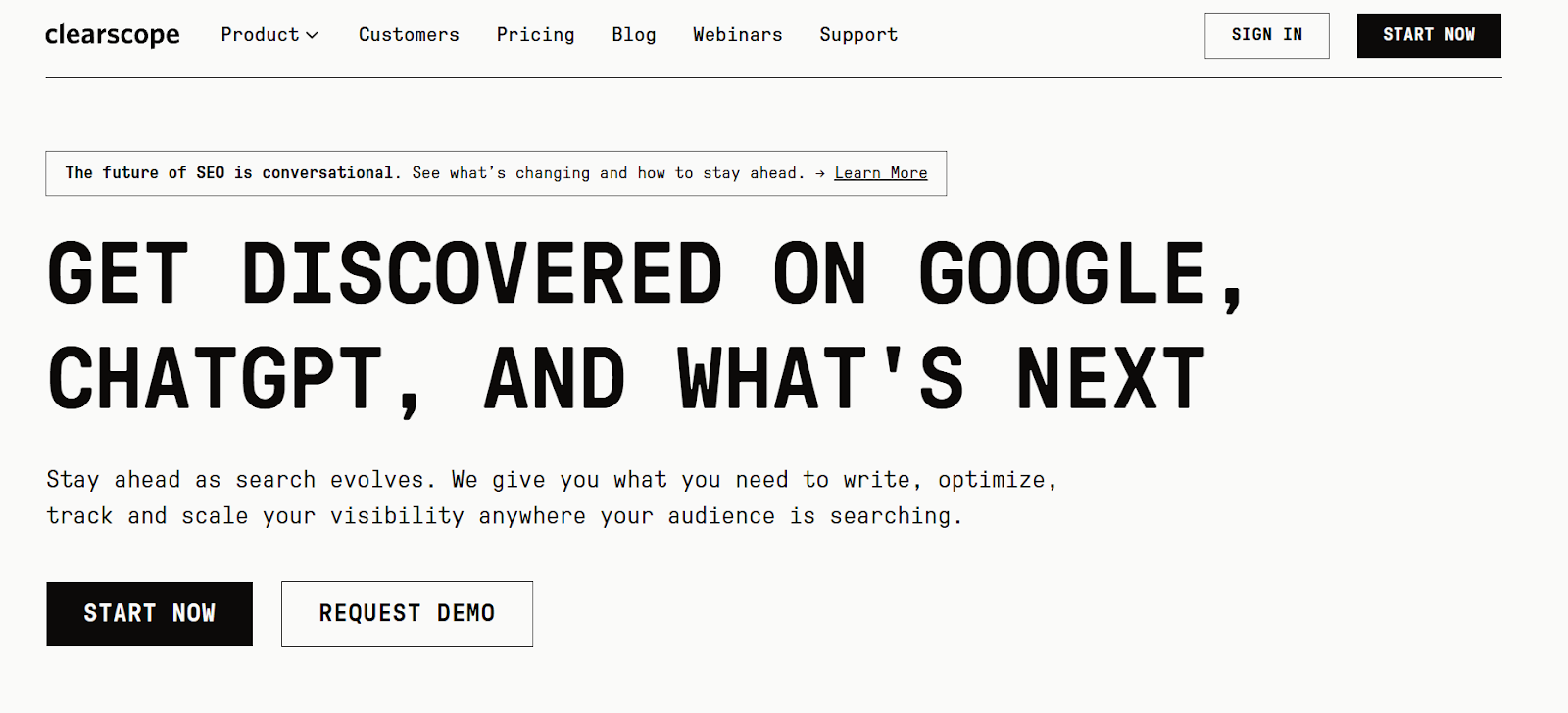
- Best for: Optimization to improve rankings.
- Clearscope and Surfer SEO analyze top-ranking pages and suggest keywords, topics, and readability improvements before you publish.They can also be used to optimize landing pages, helping improve conversions and search visibility.
- Pricing: Clearscope $129/mo; Surfer $79/mo
- Integration: Google Docs, WordPress
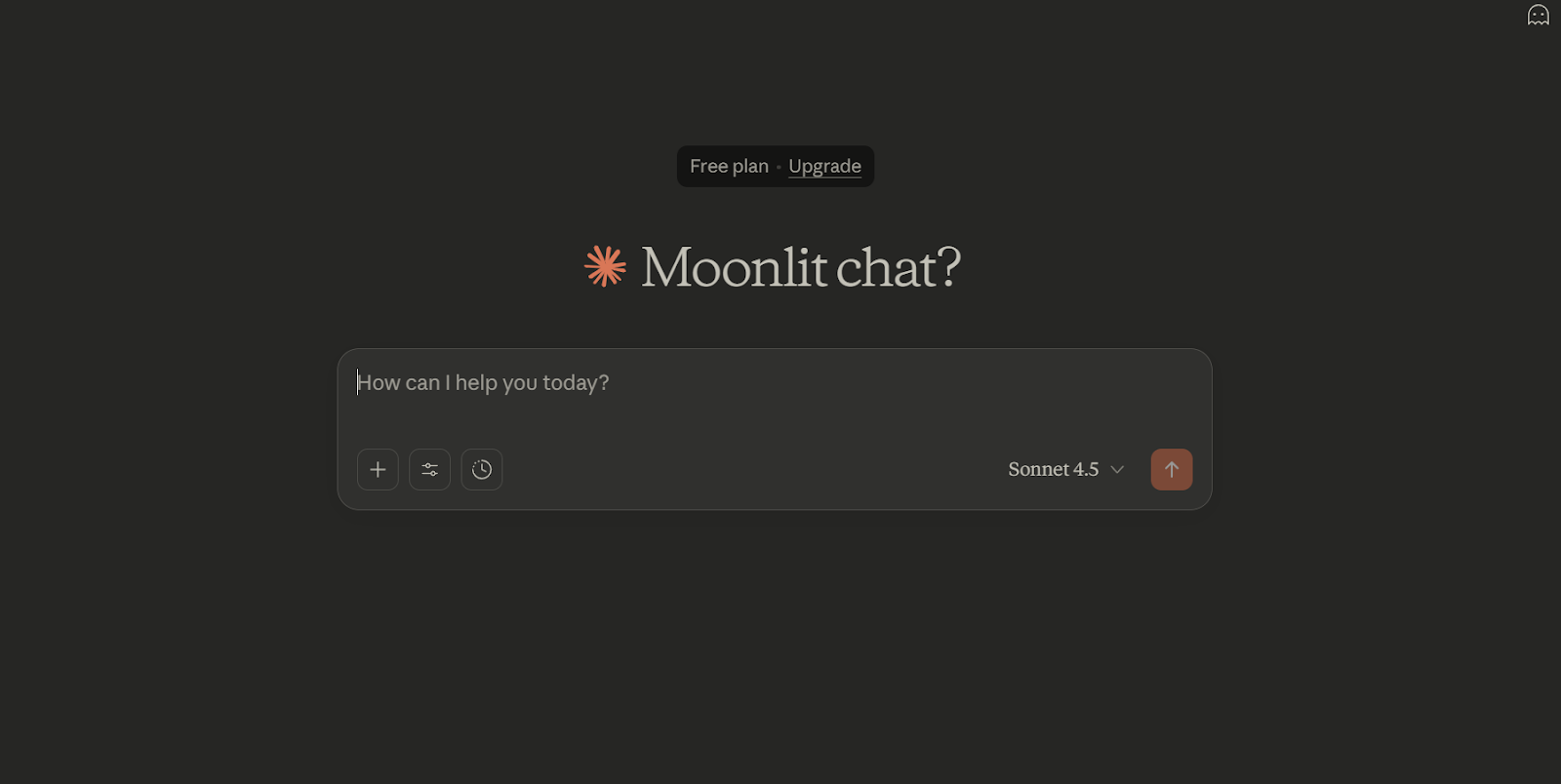
C) ChatGPT / Claude

- Best for: Ideation and outlines.
- ChatGPT and Claude are highly effective for brainstorming, reframing content like a marketing copy, and eliminating blank-page paralysis.
- Pricing: Free; Pro tiers available
- Integration: Export or API
4. Creative (Image, Video, Audio)
What you need: High-quality asset generation that ensures consistent brand voice.
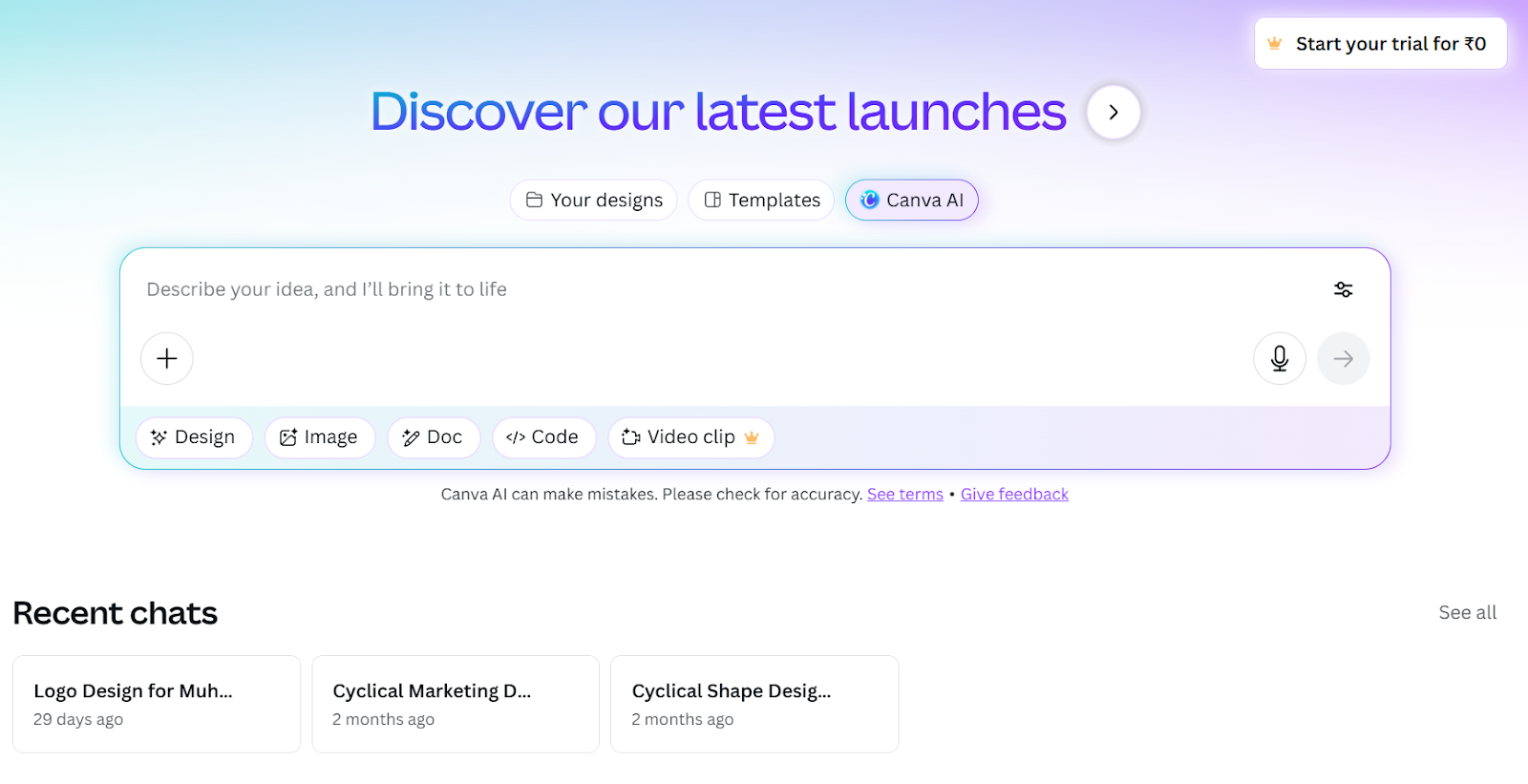
A) Canva Magic Studio
- Best for: Social visuals, quick edits, and lightweight brand design.
- Canva offers a suite of AI-powered tools like Magic Write, Text-to-Image, and collaboration tools that make it ideal for fast content creation.
- Pricing: Free; Pro from $14.99/mo
- Integration: Cloud storage platforms
B) Runway Gen-3 Alpha

- Best for: Short-form AI video.
- Runway Gen-3 Alpha generates 5–10 second clips with impressive motion quality,great for creative concepting.
- Pricing: Free credits; paid from $12/mo
- Integration: API
C) Adobe Firefly

- Best for: Organizations that need licensed, brand voice-approved assets.
- Adobe Firefly is built into Photoshop, Illustrator, and Express. It is generative AI toolkit enabling text-to-image synthesis, intelligent image completion, and video clip extension for advanced content workflows.
- Pricing: Free tier; CC from $54.99/mo
- Integration: Adobe Creative Cloud
D) Amazon AI Video Generator (2025)
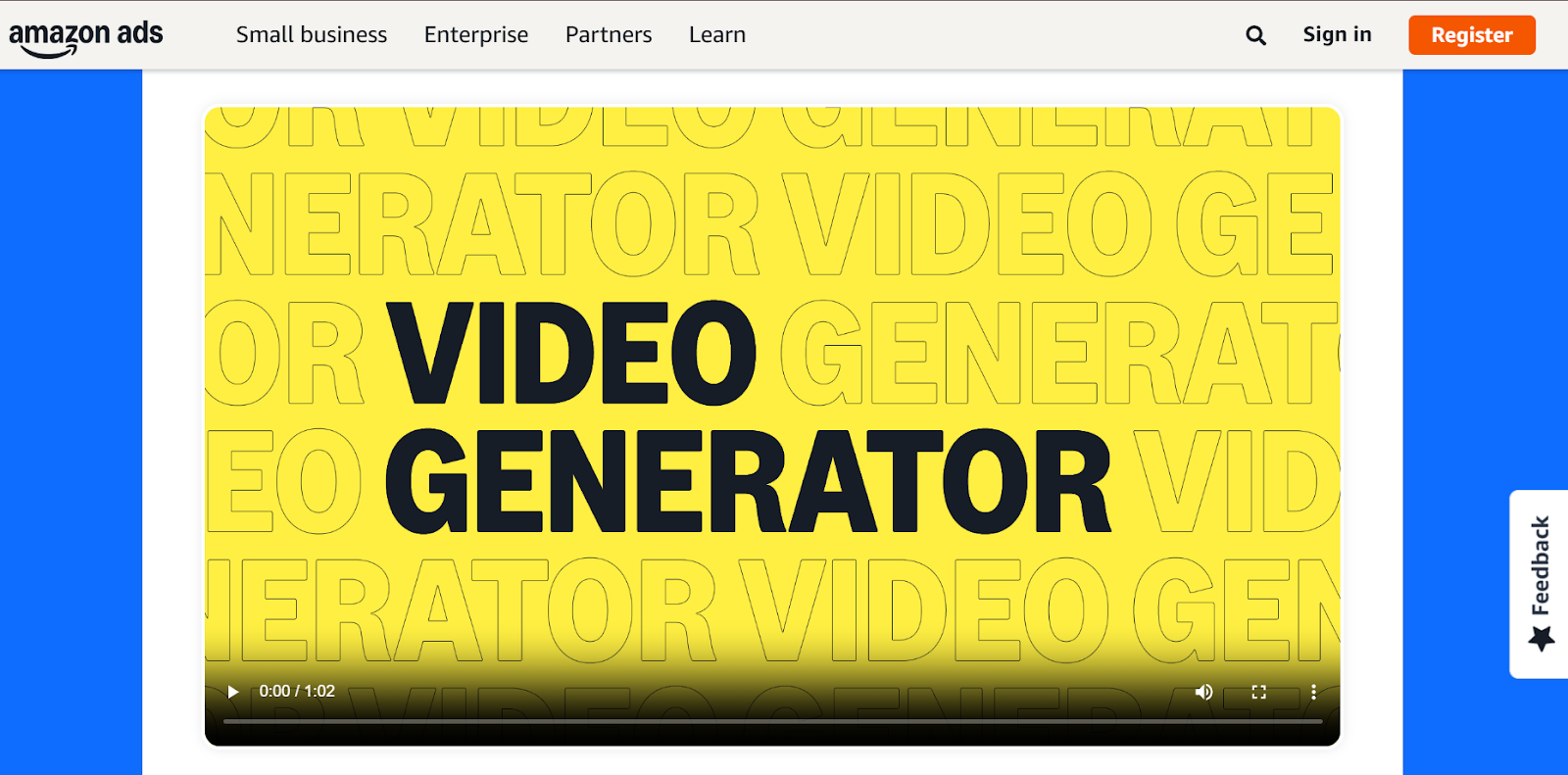
- Best for: E-commerce sites producing product ads quickly.
- Amazon AI video generator transforms product images into digital advertising assets such as multi-scene videos with text and music in under five minutes.
- Pricing: Free for Amazon sellers
Integration: Amazon Ads dashboard
5. Social & Community
What you need: Planning, scheduling, engagement insights, and lightweight listening.
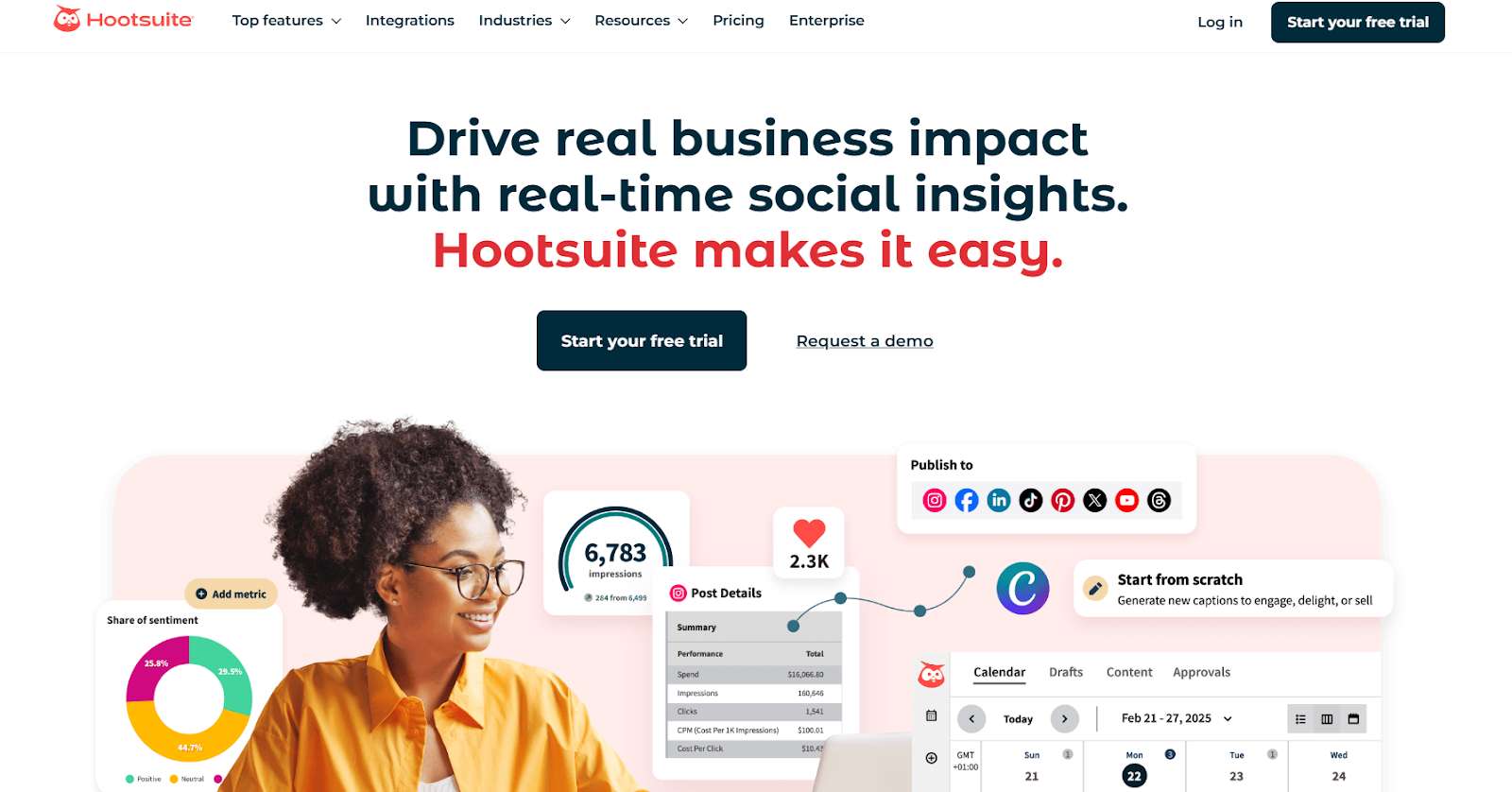
A) Buffer / Hootsuite
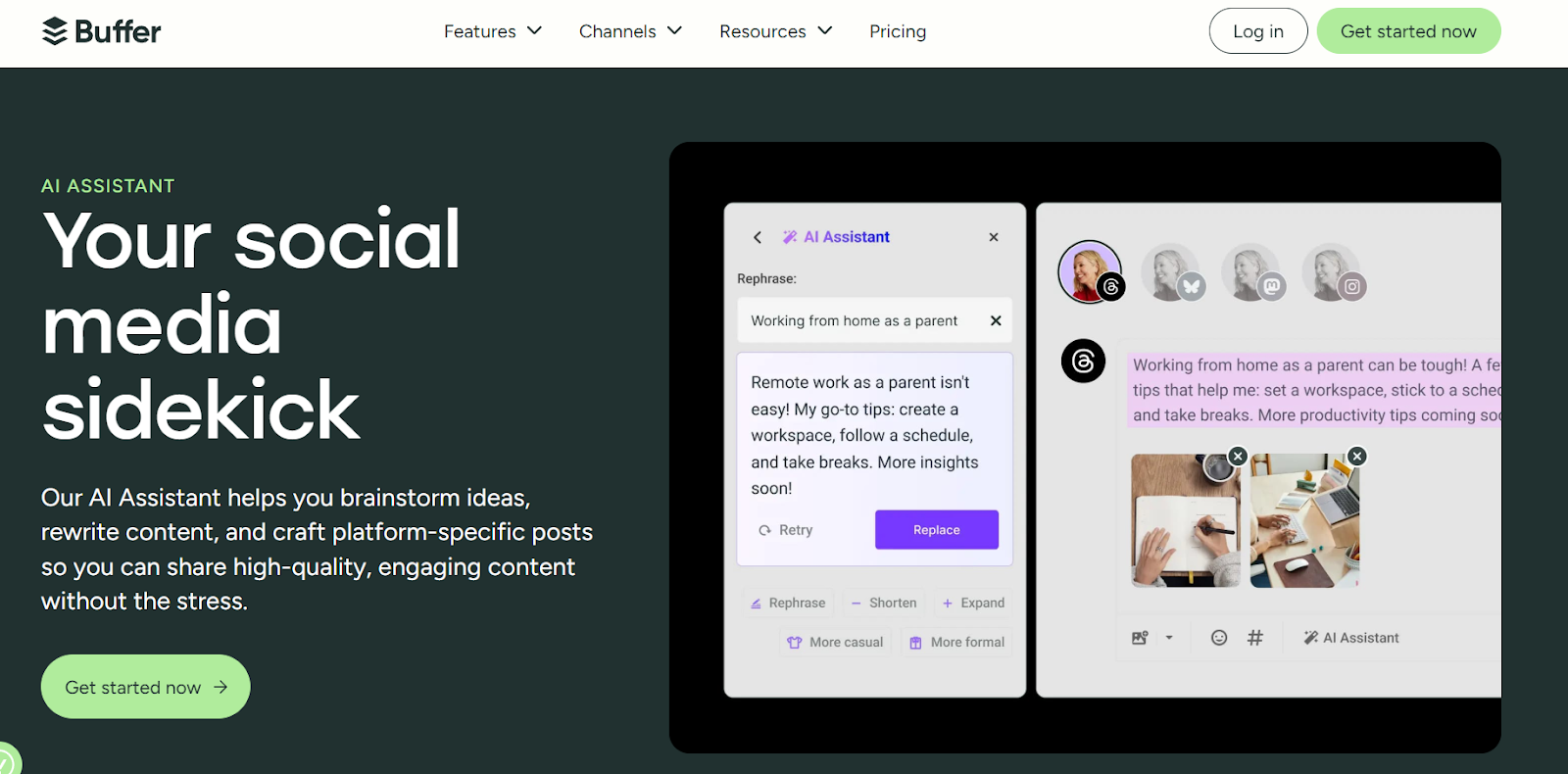
- Best for: Scheduling with integrated analytics.
- Buffer is simpler and more affordable; Hootsuite offers deeper listening and reporting.
- Pricing: Buffer $6/mo; Hootsuite $99/mo
- Integration: Major social platforms
B) Lately.ai
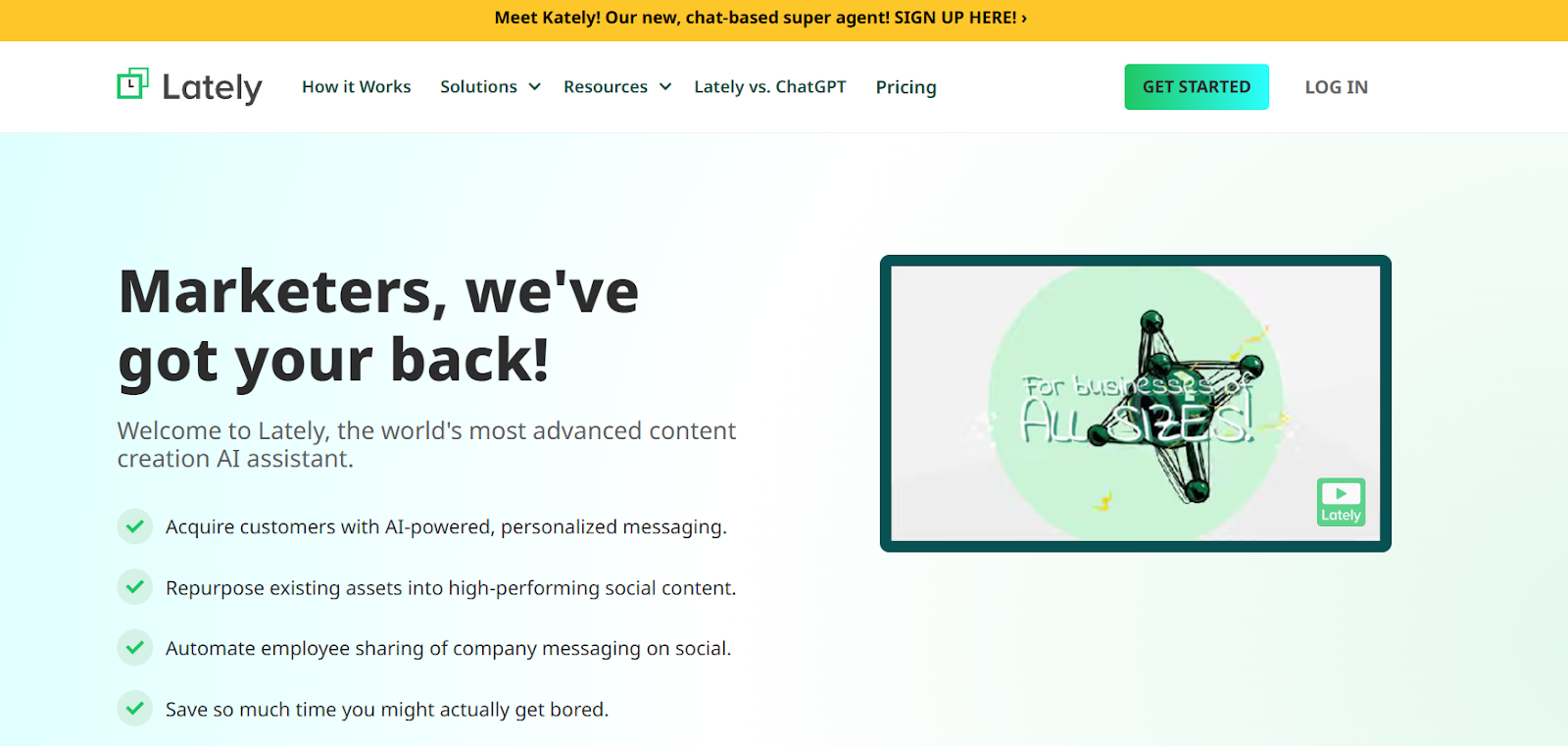
- Best for: Turning long-form content into social-ready snippets.
- Lately.ai supports robust content strategy. Upload your content → receive dozens of on-brand social media content.
- Pricing: From $99/mo
- Integration: LinkedIn, Twitter, Facebook
6. Email & Lifecycle Marketing
What you need: AI-powered email marketing platforms can help you create targeted, personalized campaigns that improve engagement and enhance customer retention.
A) Lindy.ai
- Best for: Teams drowning in inbox management and email workflows
- Overview: Lindy provides AI agents that triage inbox, pre-draft responses in your voice, research senders, and schedule meetings.
- Pricing: Free trial; Pro $49/mo
- Integrations: Gmail, Outlook, HubSpot, Salesforce, and Slack
B) Customer.io
- Best for: Product-led companies needing behavior-driven lifecycle messaging
- Overview: Customer.io is an AI-powered platform for personalized journeys across email, push, SMS, in-app messages fueled by first-party data.
- Pricing: Starts with essentials package at $100/mo (5K profiles, 1M emails)
- Integrations: Snowflake, BigQuery, Segment, Google/Facebook Ads, webhooks and reverse ETL for data warehouses
7. Ads & Paid Media
What you need: AI-powered platforms that help create, scale, and optimize every aspect of a marketing campaign, from generating variations of an ad creative and copy copy and multimedia content to performance prediction, and automated testing.
A) Google Pomelli (Public Beta 2025)

- Best for: Fast, brand voice-aligned campaigns.
- Google Pomelli reads your website, builds a brand DNA profile, and generates social content and assets.
- Pricing: Free (beta)
- Integration: Google Ads, Meta Business Suite
B) Pencil
- Best for: Paid social creative testing for DTC brands.
- Pencil’s generative AI helps create ad variations, predicts outcomes, and speeds experimentation.
- Pricing: From $59/mo
- Integration: Meta, TikTok
C) Smartly.io
- Best for: Enterprise creative ad automation across platforms.
- Smartly.io includes dynamic creative optimization of campaigns, automated testing, and unified analytics.
- Pricing: Custom
- Integration: Meta, Google, TikTok, Snapchat, Pinterest
8. Personalization & CRO
What you need: Serve the right experience, variant, or content to the right user at the right time, boosting conversion rates, fit, and pipeline quality.
A) Optimizely
- Best for: Enterprise teams with high-traffic websites (250k+ monthly visitors) running sophisticated personalization programs.
- Overview: Optimizely is an AI-powered platform with Opal AI for content supply chain acceleration, experimentation, personalization, and content orchestration.
- Pricing: Custom
- Integrations: Google Analytics 360, Adobe Analytics, Salesforce, Segment, Snowflake
B) Insider
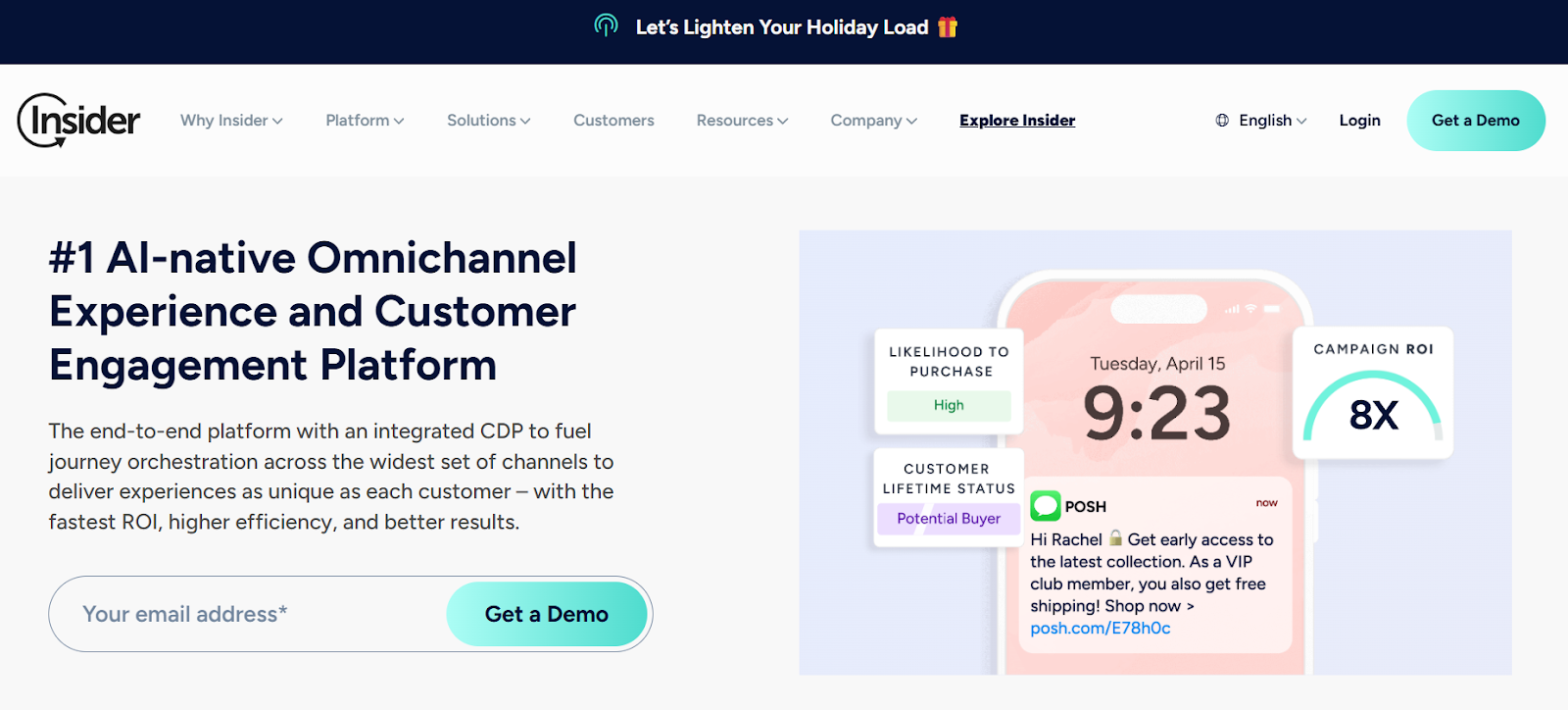
- Best for: Mid-market to enterprise brands needing omnichannel personalization across 12+ channels
- Overview: Insider is an AI-native omnichannel experience and customer engagement platform with integrated CDP. Agent One uses specialized AI agents to create more humanlike customer interactions and automated decision-making. With generative AI, Sirius AI slashes manual effort by turning weeks of CX work into minutes, speeding up segmentation, journey orchestration, and automated copywriting.Covers email, SMS, WhatsApp, web push, mobile apps, site search from one platform
- Pricing: Custom
- Integrations: Shopify Plus, Salesforce, Segment, Google Ads, Meta, TikTok, Snowflake, BigQuery, AppsFlyer, Adjust.
Quick glimpse of all the AI marketing tools listed above:
| Category | Tool | Best For | What It Does (Short) | Pricing | Key Integrations |
|---|---|---|---|---|---|
| Intelligence & Analytics | Factors | B2B teams needing account identification, attribution, and full-funnel visibility | Identifies anonymous visitors, unifies intent signals, runs account-level attribution, scores accounts, and delivers sales intelligence | Free trial; tiered/custom pricing | Salesforce, HubSpot, LinkedIn Ads, Google Ads, G2, Slack |
| Intelligence & Analytics | Reddit Community Intelligence | Authentic consumer sentiment insights | Converts Reddit discussions into trends and actionable audience data | Custom | Native Reddit Ads |
| Intelligence & Analytics | GA4 + Looker Studio | Cross-channel analytics at low/no cost | Provides anomaly detection & insights; Looker turns it into dashboards | Varies by permissions | Google Stack, BigQuery |
| Automation & AI Agents | Factors – AI Agents | Growth, RevOps & GTM teams needing automated outreach & campaign triggers | Real-time AI agents trigger GTM workflows: alerts, campaigns, CRM updates, retargeting & outreach | Free trial; tiered/custom pricing | Clay, HeyReach, n8n, HubSpot, Salesforce, Slack, LinkedIn Ads, Lusha, Apollo |
| Automation & AI Agents | Adobe AEP Agent Orchestrator | Enterprise omnichannel experience builders | Activates segmentation, journeys & analytics agents via natural-language prompts | Custom | Adobe Experience Cloud |
| Automation & AI Agents | Salesforce Agentforce 360 | CRM-first marketing & sales teams | Automates scoring, workflows, and next-best actions in CRM | $125/user | Salesforce |
| Automation & AI Agents | Zapier AI | No-code automation across 6,000+ apps | Builds workflows from plain-English instructions | Free; from $29.99/mo | 6000+ API apps |
| Content & SEO | Narrato | End-to-end content ops | Generates briefs, drafts, workflows & SEO scoring | Free; from $36/mo | WordPress, Google Docs |
| Content & SEO | Clearscope / Surfer SEO | SEO content optimization | Suggests keywords, topics & readability improvements | Clearscope $129/mo; Surfer $79/mo | Google Docs, WordPress |
| Content & SEO | ChatGPT / Claude | Ideation & rewriting | Eliminates blank-page paralysis, generates outlines & drafts | Free; Pro tiers available | API/export |
| Creative | Canva Magic Studio | Social visuals & quick design | AI design tools for text-to-image, Magic Write & brand assets | Free; Pro $14.99/mo | Cloud storage |
| Creative | Runway Gen-3 Alpha | Short AI video generation | Creates 5–10s clips with realistic motion | Free credits; from $12/mo | API |
| Creative | Adobe Firefly | Enterprise creative asset production | Text-to-image, image completion & video extension | Free tier; CC from $54.99/mo | Adobe Creative Cloud |
| Creative | Amazon AI Video Generator (2025) | Fast e-commerce product videos | Turns product images into multi-scene video ads | Free for Amazon sellers | Amazon Ads |
| Social & Community | Buffer / Hootsuite | Scheduling & engagement analytics | Schedule posts & manage engagement; Hootsuite adds deeper listening | Buffer $6/mo; Hootsuite $99/mo | Major social platforms |
| Social & Community | Lately.ai | Repurposing long-form into social posts | Converts long content into dozens of social-ready snippets | From $99/mo | LinkedIn, Twitter/X, Facebook |
| Email & Lifecycle | Lindy.ai | Inbox-heavy teams | AI agents triage inbox, draft replies & schedule meetings | Free trial; Pro $49/mo | Gmail, Outlook, HubSpot, Salesforce, Slack |
| Email & Lifecycle | Customer.io | Behavior-driven lifecycle messaging | Automated personalized journeys across email, SMS, push & in-app | From $100/mo | Snowflake, BigQuery, Segment, Meta/Google Ads |
| Ads & Paid Media | Google Pomelli (2025) | Fast, brand-aligned campaigns | Reads site, learns brand DNA & generates campaign assets | Free (beta) | Google Ads, Meta |
| Ads & Paid Media | Pencil | Paid social creative testing | Generates ad variations & predicts performance | From $59/mo | Meta, TikTok |
| Ads & Paid Media | Smartly.io | Enterprise creative automation | Dynamic creative optimization & automated testing | Custom | Meta, Google, TikTok, Snapchat, Pinterest |
| Personalization & CRO | Optimizely | Enterprise experimentation & personalization | AI-driven CRO, content orchestration & personalization | Custom | GA360, Adobe Analytics, Salesforce, Segment, Snowflake |
| Personalization & CRO | Insider | Omnichannel personalization across 12+ channels | AI-native CX with CDP, Agent One AI agents & Sirius AI automation | Custom | Shopify Plus, Salesforce, Segment, Google/Meta Ads, TikTok, Snowflake |
Free & Freemium Options Worth Trying First
Before investing heavily, it’s often smart to validate needs with free AI tools. Many platforms offer a free version with limited features, making them ideal for beginners or those testing before upgrading to paid plans. These are excellent for pilots:
- ChatGPT / Claude: Research, drafting, brainstorming
- Canva Free: Content generation like social graphics and simple videos
- Google Pomelli (Beta): Brand-aligned content generation
- Amazon Video Generator: Free for Amazon sellers
- Buffer Free: Connecting up to 3 channels
- HubSpot Free CRM: Contact management, email tracking
- GA4: Web analytics (steep learning curve, but powerful)
- Zapier Free: 100 automation tasks/month
- Factors: Identify companies visiting your website, analyze website traffic, set up Slack/MS Team alerts
Heads up: Free plans have rate limits, watermarks, or restricted features. But they're perfect for testing before you scale.
💡Also Read: Building a Sales Intelligence Tech Stack
{{INLINE_MOFU}}
How to Choose the Right AI Marketing Tool: A 12-Point Checklist
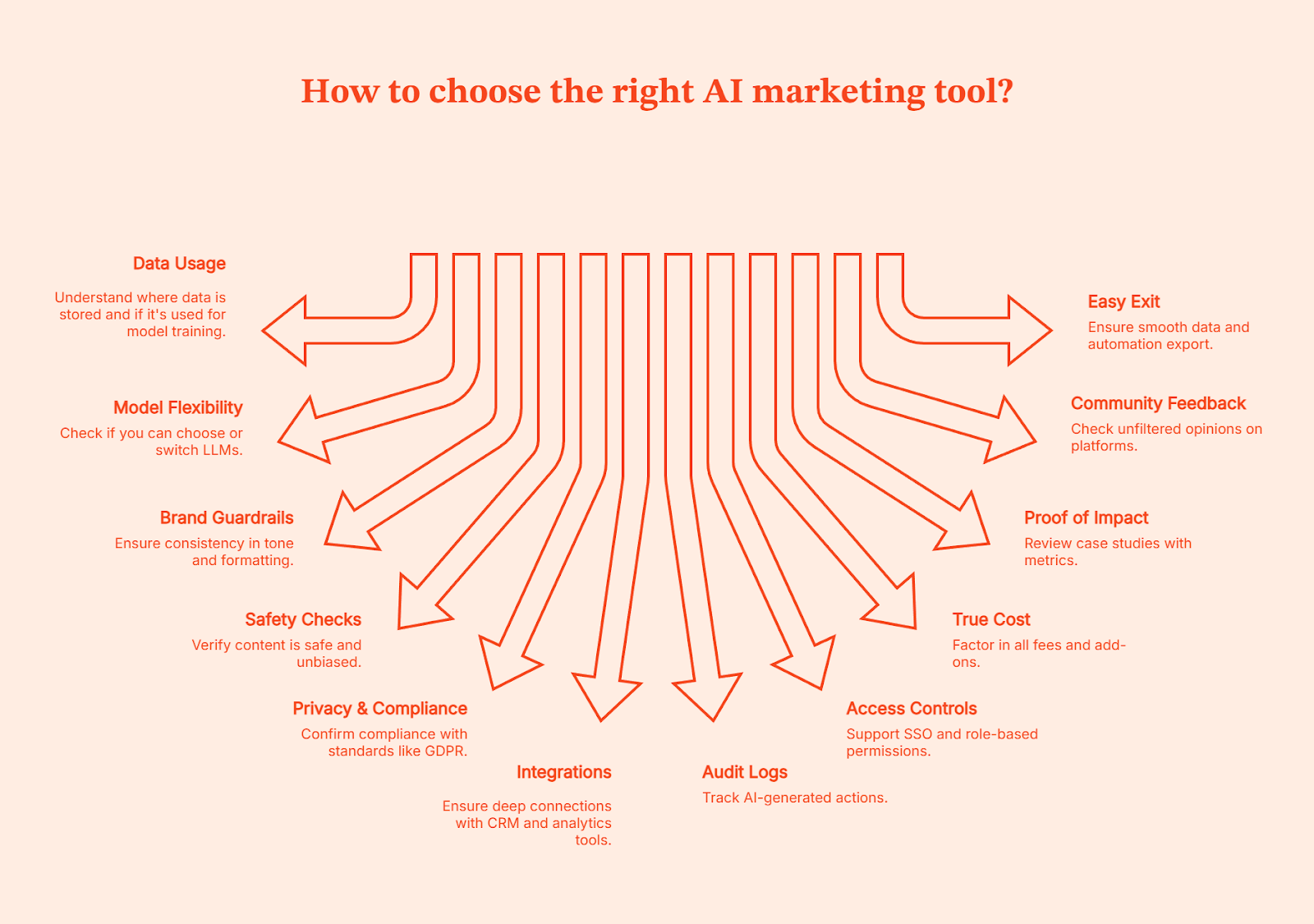
Before you commit to a new platform, run through these essentials:
- Data usage: Where is your data stored, and is it ever used to train the vendor’s models?
- Model flexibility: Can you choose the underlying LLM (GPT-4, Claude, Gemini, etc.) or switch as needed?
- Brand guardrails: Is there a way to lock in tone, voice, and formatting so outputs stay consistently on-brand?
- Safety checks: Does the tool flag risky, biased, or inappropriate content before it goes live?
- Privacy & compliance: Does it meet standards like GDPR, CCPA, and SOC 2?
- Integration capabilities: Does it offer robust integration capabilities to connect deeply, and ideally bi-directionally, with your CRM, analytics tools, or data warehouse?
- Audit logs: Can you track every AI-generated action back to a user, time or workflow?
- Access controls: Does it support SSO and role-based permissions so teams only see what they’re meant to?
- True cost: Factor in credits, consumption fees, and any “premium” add-ons that aren’t obvious upfront.
- Proof of pipeline impact: Can the vendor show real case studies with SQL or pipeline metrics and revenue generation?
- Community feedback: Look at G2, Reddit, and Product Hunt for unfiltered opinions.
- Easy exit: If you decide to leave, can you export your content, data, and automations without friction?
Friendly advice: Always ask for a 30-day pilot with clear, measurable goals before committing to an annual contract.
Best AI Marketing Tool Marketplaces & Directories
If you’re searching for reliable AI marketing tools, start here. These directories are also valuable resources for market research, allowing marketers to discover and evaluate new AI tools, compare features, and identify solutions that best fit their strategic needs:
- Futurepedia: Broad, categorized AI platforms directory with filters for pricing, features, and user ratings.
- Product Hunt: Best for finding new launches, ranked by user engagement
- G2 (Marketing Category): Trusted ratings, detailed user feedback, and category awards
- There’s an AI for that: Massive directory, helps discover solutions tailored to the specific problems you’re trying to solve.
And yes, always cross-check tools on Reddit or G2 before committing.
The Bottom Line
AI marketing tools have moved from experimental to essential. These tools will keep evolving, the features will keep expanding, and yes, there will always be one new “game-changing AI” every Tuesday. But the advantage won’t come from chasing shiny objects, it’ll come from building a stack that quietly works in the background while you focus on the stuff humans are good at: strategy, creativity, judgment, and occasionally convincing sales that “brand awareness” is not a mythical creature.
So take a breath. Start where the impact is real:
- Pick 3-5 tools that address your biggest pipeline gaps or time sinks.
- Run 30-day pilots with clear KPIs (pipeline $, hours saved, conversion lift).
- Prove lift on one workflow before expanding.
- Build governance: Set guardrails for brand voice, and audit trails.
- Scale what works, kill what doesn't.
For B2B teams specifically, start with account intelligence. Tools like Factors help you identify sales-ready accounts, decode customer journeys, and drive go-to-market performance so you can maximize pipeline with minimum spend. Then layer in content, creative, and automation tools that integrate cleanly with your core stack.
The marketers winning with AI aren't the ones with the longest tool lists. They're the ones who ruthlessly measure impact and integrate deeply. Remember, the best AI stack isn’t the one with the most logos, it’s the one that lets you close your laptop at 6 PM without wondering what you forgot to do.
Now go build your stack!
FAQs for AI Tools for Marketing: What actually works and how to build your stack
Q. What are the best AI tools for marketers right now?
Depends on the job. Factors for B2B intelligence and attribution. Narrato or Clearscope for content and SEO. ChatGPT/Claude for ideation. Canva for creatives. Zapier for automation. The key is building a stack where tools complement each other.
Q. Are there free AI marketing tools worth trying?
Absolutely. Buffer, Hubspot and Factors’ trial are all excellent for testing workflows before upgrading.
Q. How should small businesses start with AI in marketing?
Pick one or two high-impact use cases—content batching, social assets, or identifying site visitors. Prove ROI on one workflow before expanding. The best stacks are built iteratively, not all at once.
Q. Which tools help with ad creatives?
Canva for social graphics, Amazon’s AI Video Generator for product videos, Pencil for performance-driven creative testing.
Q. What’s the best AI marketing tool for B2B?
No single "best", you need a stack. Factors covers account identification and attribution. Layer in Narrato for content, Mutiny for personalization, and Zapier for automation.
Q. How do you evaluate AI marketing tools?
Use the 12-point checklist: data privacy, integrations, guardrails, true cost, and proof of pipeline impact. Check G2 and Reddit for real feedback. Avoid AI marketing softwares that don’t offer real case studies.
Q. What's the difference between AI analytics and AI automation tools?
Analytics tools show what's happening: who's visiting, what's converting. Automation tools act on it: triggering alerts, syncing audiences, updating CRMs. Factors does both: intelligence plus automation
Q. Where can I find a current list of AI marketing tools?
Futurepedia for breadth. Product Hunt for new launches. G2 for verified reviews. "There's an AI for That" for problem-specific searches. Always cross-check on Reddit before committing.
Q. How do I build an AI marketing stack without overcomplicating it?
Start with your biggest bottleneck. Pick 3–5 AI marketing softwares that solve real problems. Run 30-day pilots. Scale what works. The best stacks are the ones that integrate deeply and show results beyond the vanity.
.avif)
AI Sales Tools: What Actually Helps Reps Sell (Not Just Click Around)
AI sales tools promise a lot. This guide shows what actually works, how teams use AI in practice, and how to avoid costly mistakes.

TL;DR
- AI delivers the most value when it takes work off a rep’s plate and helps them focus on the right deals. It is NOT a replacement salesperson.
- The most reliable wins from AI come from practical uses like automatic call summaries, cleaner CRM data, intent-based account prioritization, and better coaching inputs for managers.
- Teams will get burned if they use AI to scale outbound too fast or stack multiple tools that all basically do the same thing.
- AI signals are most effective when they start better conversations in pipeline reviews and 1:1s. Don't treat AI responses as final answers or hard decisions.
- In practice, a small number of tools with clearly defined jobs will outperform a crowded sales stack full of overlapping “smart” features.
I'm in marketing, but the nature of my job requires me to speak with sales leaders about twice a week. They've all been saying something to this end lately, “We have AI in our stack… but I’m not sure it’s actually helping us close more deals.”
There are so many options for AI sales tools available now, but discernment is a challenge. What's good? What fits your needs?
So I wrote this guide. Hopefully, it'll help you make a practical decision that breaks your budget. I've tried to go beyond a typical ‘27 tools you must try’ list, and tell you what these tools do well, where they fall short, and how they can boost pipeline velocity, rep productivity, and forecast accuracy.
What are AI sales tools?
AI sales tools use machine learning and automation protocols to study sales data and suggest/initiate necessary actions across the sales pipeline. This covers prospecting, outreach, deal management, forecasting, and coaching.
Traditional sales tools just record the data, but sales AI tools can actually interpret it. The best AI tools can:
- Suggest who a sales rep should contact for a specific conversation
- Suggest conversational topics and notes based on the deal context
- Flag any deal showing signs of risk
- Take over grunt work: note-taking, follow-ups, and data logging
Your AI sales assistant can use intent. They can turn raw data into intelligence and guidance.
For instance, Factors.ai can analyze existing account engagement and intent signals to surface which accounts are heating up, which ones are stalling, and where sales teams should focus next.
Why is AI in sales now?
AI can significantly change how sales professionals operate, as well as data density and workflow maturity. It can impact sales performance by evaluating data across:
- Emails, calls, meetings, demos
- CRM activity across every stage
- Intent signals and engagement history
In fact, Salesforce’s sixth State of Sales report found that 83% of sales teams with AI saw revenue growth vs. 66% without AI.
Mainstream tools like Pipedrive and Salesforce have recognized AI's efficacy, and are configuring AI integration capabilities into their stacks. They now ship with built-in native AI assistants.
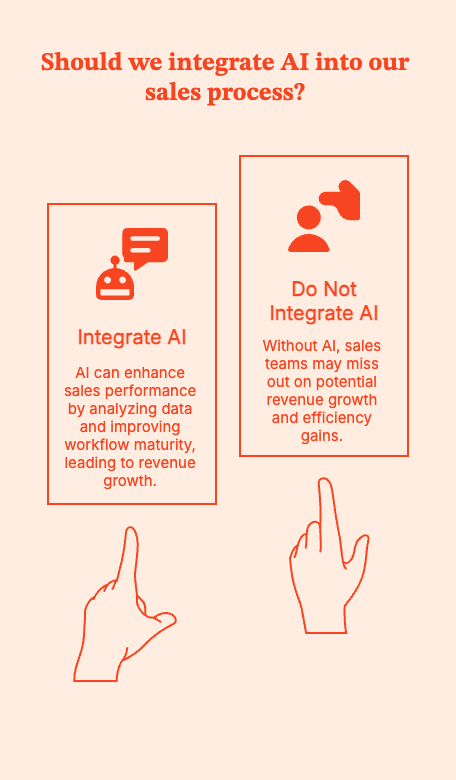
{{INLINE_MOFU}}
Core AI sales use cases across the funnel
Don't just jump into a list of tools. Start by figuring out where reps lose time, focus, or momentum.
Now look for tools where AI addresses these gaps.
Here's how AI can help sales teams across the funnel:
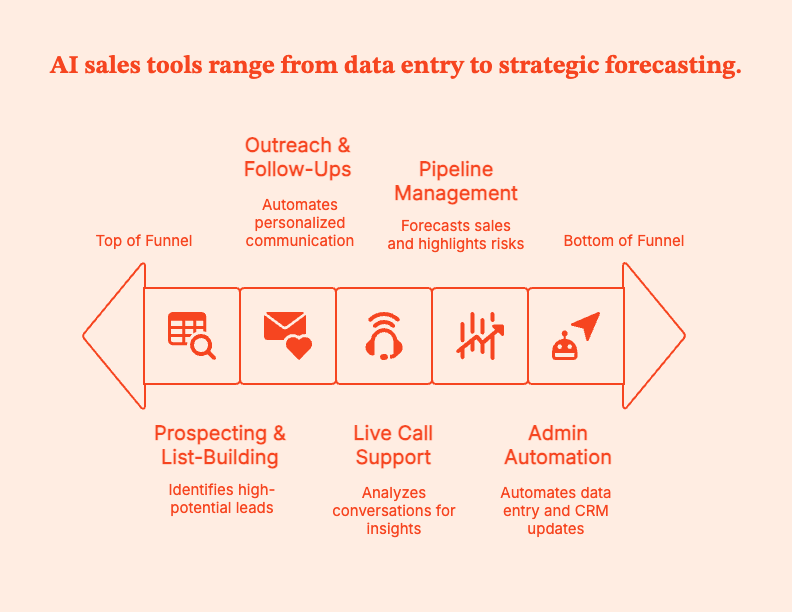
- Prospecting & list-building
At the top of the funnel, AI works by answering: “Who is worth a rep’s time today?”
AI tools can analyze and deliver data-driven insights by:
- Finding accounts similar to already won customers, rather than just firmographics
- Pay attention to leads by studying intent signals, engagement history, and past outcomes
- Enrich contact data automatically, so reps have everything they need to do their job
AI tools turn static lead lists into dynamic prioritization.
For instance, Factors.ai can flag which target accounts are actively researching, engaging with content, or signaling buying intent, so reps focus on where momentum already exists rather than guessing.
- Outreach & follow-ups
At this stage, AI can shine (or fail) by:
- Creating first drafts of emails or suggesting conversation insights or call openers
- Recommending the best follow-up times based on engagement patterns
- Summarizing account context before each call so reps stay up to date.
AI helps with closing deals by compressing prep time, cutting down repetitive tasks, and keeping reps up to date.
- Live call support & conversation intelligence
AI tools are most obviously beneficial at this stage by:
- Recording and analyzing calls
- Highlighting objections, competitor mentions, and decision criteria
- Gauge talk ratios, pacing, and engagement
- Pick up any coachable moments for managers
Reps sell. AI listens. Managers coach with evidence instead of anecdotes. Over time, you find out what winning calls sound like, where deals die, and which behaviors likely move opportunities forward.
- Pipeline management & predictive sales AI
Honestly, I'm convinced that sales forecasting emerged straight from hell. The right predictive sales AI tool can make hell much less hot.
Give AI historical test data and real-time activity. Then it can:
- Forecast close dates.
- Read-line deals that look acceptable on the surface but lack momentum
- Highlight opportunities that may be slipping without notice.
For RevOps and sales leaders, AI gives early warnings so forecast conversations become strategic, not reactive. For example, Factors.ai points out which opportunities and target accounts are showing rising or declining activity, giving reps additional context before deals quietly slip.
See for yourself. Book a demo.
- Admin automation & CRM hygiene
Modern sales assistants can go a long way in:
- Logging calls, emails, and meetings. No more human grunt work.
- Update CRM fields based on activity
- Sum up meetings and suggest next steps
Reps can be spared the drudgery of manual data entry. AI-powered tools can keep CRMs accurate and let humans focus on improving pipeline hygiene and forecast reliability. They can also help achieve the valuable but hard to attain B2B sales And marketing alignment.
Types of AI sales tools
It's hard to pick an AI sales tool when there’s a new one popping out every week. Vendors invent new labels. Analysts redraw the map every year.
Sales teams often end up comparing tools that don't even solve the same problem.
To clear the confusion, let's try putting these tools into buckets: five functional categories, to be precise.
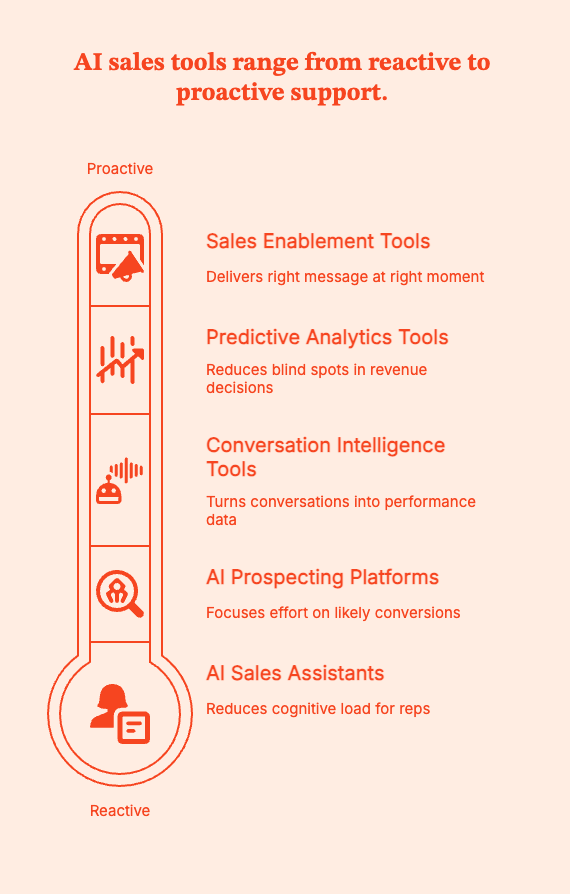
1. AI sales assistants/copilots
Mental model: “Reduce cognitive load for reps.”
AI features have quickly popped up within existing tools: emails, calendars, and CRMs. Their goal is to handle the small, repetitive decisions that don't need human intelligence but drain human effort.
In practice, the AI assistant can:
- Summarize calls and meetings, so reps don't have to
- Recommend next actions based on deal activity
- Glean relevant content or context without forcing reps to search through old conversations
When choosing tools in this bucket, check if the AI assistant requires reps to change how they sell or check a separate dashboard. You need friction removal, not more work.
2. AI prospecting & enrichment platforms
Mental model: “Focus human effort where it’s most likely to convert.”
AI tools in this bucket combine large datasets, intent signals, and AI ranking models to flag which accounts and contacts are actually worth pursuing at each moment.
These tools can:
- Surface lookalike accounts based on past deal wins
- Top-rank the right leads based on behavioral and intent data
- Enrich contact records automatically
AI tools for prospecting and enrichment are perfect for SDR teams working with high volumes. It saves time spent on researching, which can be spent talking to the right people.
3. Conversation intelligence & coaching tools
Mental model: “Turn conversations into performance data.”
Conversation intelligence tools record and analyze sales calls to pull up the actual valuable insights that will move deals forward.
These tools can:
- Underline objections, competitor mentions, and buying signals
- Find the talk tracks that helped with closing deals
- Alert on risky patterns that led to losses
- Speed up onboarding
Pattern recognition is the key value these tools bring to your table. It will give managers real-time coaching on what to say, what to talk up, deal reviews, and training.
4. Predictive analytics & forecasting tools
Mental model: “Reduce blind spots in revenue decisions.”
Forecasting tools powered by AI are mostly used by RevOps and sales leadership. They evaluate historical deals, pipeline behavior, and real-time engagement to:
- Score deal risk on more data
- Predict revenue and possible close dates
- Call attention to trends at the rep, territory, or segment level
When used carefully, these insights can turn opinion-based debates into informed discussions.
5. Sales enablement & content recommendation tools
Mental model: “Deliver the right message at the right moment.”
AI-powered enablement tools work to minimize guesswork during live deals.
These tools can:
- Suggesting the deck or case study to use at a given funnel stage
- Recommending content based on deal context or buyer behavior
- Tracking the content actually impacting deal progression
Tools in this bucket improve pipeline consistency and prevent message drift. The result is better deal health and eventual revenue growth.
Pro-Tip: Pick one or two categories that map directly to their biggest constraints: rep time, pipeline visibility, or message consistency.
How sales teams actually use AI: what sticks vs. what does not
What works:
| What sticks | Why it works | Evidence / example | How to implement |
|---|---|---|---|
| Call summaries & action items | Removes note taking and reliably captures next steps. Reps can hand off work without losing context. Managers get objective coaching material. | Conversation intelligence vendors report measurable uplifts in win rates from pattern-based coaching (WIRED). | Enable auto-transcripts and action-item capture for one team. Ask reps to confirm summaries before pushing to CRM. Track time saved per rep and actions completed. |
| Automated follow-up reminders | Prevents deals from going cold. Turns intent signals into action without relying on memory. | Automated follow-ups lead to faster response times and higher qualification and meeting rates (Artisan). | Trigger reminders based on email opens or site visits. Compare meeting conversion for automated vs manual follow-ups. |
| Prospect research acceleration | Reduces prep time by enriching contacts and prioritizing accounts. Improves meeting quality. | Lookalike modeling and intent scoring improve meeting-to-opportunity ratios (Warmly). | Auto-enrich new leads. Surface only the top three data points for reps. Avoid noisy profiles. |
| Conversation intelligence for coaching | Turns calls into teachable moments used in 1:1s and deal reviews. | Teams using call insights in coaching see faster ramp and higher win rates (AssemblyAI). | Send a weekly coaching digest with two clips per rep. Tie each clip to one behavior to improve. |
| CRM hygiene & auto-logging | Creates quiet but consistent improvements in pipeline quality and forecast accuracy. | Auto-logging drives cleaner pipelines and more reliable forecasting (Warmly). | Auto-log calls and emails for a pilot group. Allow reps to edit entries within 24 hours. |
What does not work:
| What does not stick | Why it fails | Evidence / example | How to avoid / guardrail |
|---|---|---|---|
| “Spray and pray” AI email blasts | Destroys trust and deliverability. Damages domain reputation and lowers response quality over time. | High-volume, low-relevance AI emails are more likely to hit spam filters and generate poor conversion rates (LinkedIn). | Mandate personalization at scale. Restrict automated outreach volumes. A/B test messaging continuously. Tie emails to verified intent signals. |
| Assistants that only generate notifications | If an assistant only adds more alerts without solving a real problem, reps tune it out. | Passive notifications have low adoption and create alert fatigue (Forbes). | Consolidate alerts into a single prioritized digest. Focus notifications on clear next actions, not just information. |
| Tools that require reps to change how they already sell | High adoption friction. If reps must switch tools or follow new rituals, usage drops quickly. | In-workflow tools see significantly higher adoption than standalone dashboards (Salesforce). | Embed AI directly into the CRM or email client. Track real usage, not licenses. Make the easiest path the default behavior. |
Pro-Tip: Practical guidance and guardrails:
- Pilot one use case at a time. Focus on the smallest, highest-friction win. Example: reduce admin time for SDRs by automating meeting notes and follow-up tasks for 30 days.
- Keep humans in the loop. Require quick rep confirmation for AI-suggested emails and CRM updates in the first 30 days.
- Track adoption, time saved, meeting conversion, and CRM completeness. Keep dashboards simple.
- No mass automation. Limit sequence scale and require contextual signals before broad email sends.
How to choose the best AI sales tools: buyer checklist
If you’re evaluating AI sales tools, the goal isn’t to find the smartest AI. It’s to find the tool that solves a specific sales problem without creating new ones.
Use this checklist to keep evaluations grounded, avoid shiny-object purchases, and don’t pick tools that solve specific problems without creating new ones.
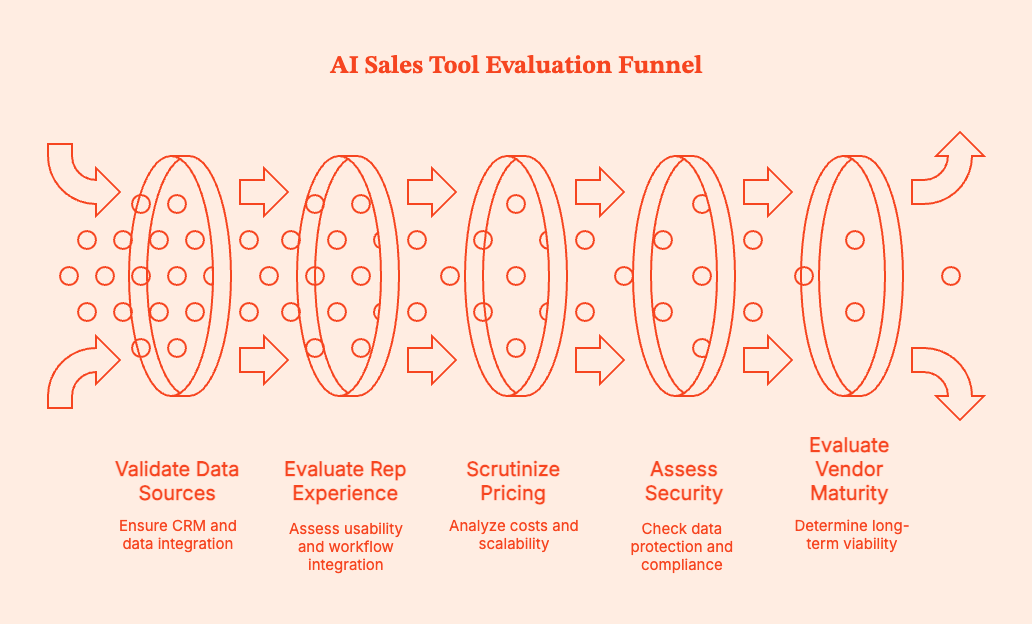
1. Clearly define the job you’re hiring the tool for
Ask:
- What outcome do you want to improve?
- Is the tool for prospecting, pipeline visibility, rep coaching, forecasting, or admin reduction?
- Which part of the sales funnel is broken or inefficient?
- What metric should move if this works?
Stay away from tools that promise to do everything.
2. Validate data sources and CRM integrations
AI tools are only as good as the data they can access. Check:
- Native integrations with your CRM
- Read and write access (No read-only dashboards)
- Connections to email, calendar, dialer, and call recording tools
Toss out any tools that require reps to manually copy insights from one system to another.
3. Evaluate the rep experience in real workflows
Judge the tool from the sales rep's point of view. Ask:
- Does the tool live inside the CRM, inbox, or calendar?
- Does it reduce clicks?
- Can a rep understand why the tool works under 60 seconds?
Any tool needing too much formal training will slow down your reps.
4. Scrutinize pricing and expansion costs
Pay close attention to pricing in scenarios where tool usage scales. Double-check:
- Per-seat vs flat-fee pricing
- AI add-ons being priced separately from core licenses
- Usage-based limits on transcripts, emails, or analyses
5. Assess security, compliance, and data ownership
How does the AI sales tool store and expose your call recording, email analysis, and AI training data?
Double-check the following:
- Where data is stored and how long it’s retained
- Whether customer data is used to train shared models
- Compliance with SOC 2, GDPR, and consent requirements
- Clear opt-out or redaction controls
6. Evaluate vendor maturity and long-term viability
Don't look at AI sales tools that are too early-stage or experimental.
Assess:
- The tool's product roadmap after the next quarter
- The brand's financial backing and customer base
- Support quality and response times
- Clear positioning and history of pivots
7. Run a time-boxed pilot with real success criteria
Demand proof before purchase. Pilot the tool with a small, representative group. Define 2–3 success metrics in advance, and track them in a 30–90 day evaluation window.
Your chosen AI tool should remove friction, sharpen focus, and help sales teams make better decisions without changing how they sell.
Implementing AI in your sales org (60–90 day playbook)
| Phase | Primary goal | What to do (step by step) | Who owns it | What to measure | Common mistakes to avoid |
|---|---|---|---|---|---|
| Month 1: Diagnose | Identify where AI will actually help, not where it looks impressive | Map the current sales process end to end, including prospecting, outreach, calls, CRM updates, and forecasting. Interview 5–10 reps and 2–3 managers to understand where time is wasted and where deals stall. Review CRM data quality and forecast accuracy from the last 2–3 quarters. Narrow focus to 2–3 friction points such as admin time, follow-up gaps, or forecast slippage. | RevOps lead with VP Sales input | Top 3 friction points clearly documented. Baseline metrics captured, including admin hours, meeting conversion rates, and forecast variance. | Letting vendors define the problem. Trying to fix too many issues at once. Skipping rep input and relying only on leadership assumptions. |
| Month 2: Pilot | Validate value with minimal disruption | Select one AI sales assistant and one tool tied to pipeline visibility or prospecting. Pilot with a small but representative group, typically 10–20 percent of reps. Define success metrics before rollout. Set guardrails such as human review for emails, editable CRM updates, and no automated outbound at scale. Hold weekly check-ins to gather feedback. | RevOps runs the pilot, with frontline managers reinforcing usage | Time saved per rep. Meetings booked or follow-up completion rate. Forecast accuracy. Rep adoption and sentiment. | Rolling out to the whole team too early. Measuring vanity metrics like “AI usage.” Allowing AI to run without review. |
| Month 3: Standardize | Turn successful pilots into repeatable habits | Document clear “how we use AI” workflows with examples. Train managers on using AI insights in 1:1s, deal reviews, and coaching conversations. Update enablement materials and onboarding to include AI-supported workflows. Decide what to scale, pause, or stop based on pilot results. Communicate clearly how AI supports performance and protects rep autonomy. | Sales leadership with enablement and RevOps | Consistent usage across the pilot group. Measurable improvement versus baseline. Reduced manual CRM updates. Manager adoption of AI insights in coaching. | Using AI insights for performance scoring. Failing to document workflows. Scaling tools without training managers. |
Risks, limits, and common mistakes
AI is a multiplier. It expands what's already working (and not working) in your sales funnel.
If teams ask AI to solve the wrong problem, deploy it too broadly, or trust it more than is reasonable, it will make existing problems worse.
- Over-automating outbound and losing trust
Do not let AI scale outbound before its relevance is proven.
AI can send more emails, faster, to more people. But volume doesn't work if messages aren't grounded in real context. If teams automate first-touch and follow-ups without close control and review, they'll get lower reply rates, burned domains, and prospects who tune out.
- Buying too many overlapping tools and creating noise
Avoid AI tool sprawl. Don't get one tool for call summaries, another for emails, another for forecasting. You'll end up with six tools, each with its own alerts, dashboards, and workflows.
Eventually, reps just stop trusting any open signal because everything is "important".
Consolidate tools ruthlessly. Pick a few that integrate deeply.
- Blindly trusting AI scores without context
AI engines will generate deal risk scores, lead rankings, and forecast predictions based on historical patterns. They are useful, but don't take them as gospel truth.
AI will miss a last-minute executive escalation, a political blocker, or customer relationships outside the CRM. Treat the insights it offers as prompts for conversation, not decisions.
If a model flags a deal as at risk, ask why and dig deeper.
- Ignoring consent, compliance, and data ethics
Call recordings and email analysis, and AI training data raise real questions about consent, data ownership, and regulatory exposure. And no, not all vendors will handle this for you by default.
Get clear answers to basic questions: where data is stored, who can access it, how long it is retained, and whether it is used to train shared models.
- Forgetting that AI reflects your existing sales motion
AI will not fix broken fundamentals. If your ICP is fuzzy, your messaging is generic, or your CRM data is unreliable, AI will simply scale those flaws faster.
Set clear qualification standards. Start with already decent outbound volume. Expect managers to help the AI engine learn, too.
Get AI to do more so you get more done
AI sales tools are no longer experimental. They are also no longer competitive on their own.
Sales teams win by intentionally picking which tools to use. They have clear problems to solve, applied AI with restraint, and built habits around exactly that.
Pro-Tip: The most effective AI tools will probably feel understated. Factors.ai focuses on clarity and prioritization rather than volume, so your conversation intelligence is data-backed and relevant. No fluff.
Pick fewer tools with sharp jobs. Ideally, your AI models live inside existing workflows instead of getting reps to choose new ones. More ideally, it delivers insights that make managers better coaches, not better micromanagers.
Don’t buy AI to feel modern. Buy it to remove friction.
Summary: AI Sales Tools
AI sales tools have gone from “nice to have” to “hard to ignore.” But just having AI in your sales stack won't close more deals. You need intent.
The best-performing sales orgs use AI to solve very specific problems like reducing admin work, spotting buying intent earlier, and improving pipeline visibility. They do not expect AI to magically fix broken processes or replace human judgment.
AI sales tools do certain things realistically well, fall short in others, and succeed/fail based on how they are used in the field. The most reliable wins come from getting AI to do the grunt work, such as call summaries, CRM hygiene, intent-driven prioritization, and early warning signals for deals about to stall.
The biggest failures come from over-automated outbound, too many overlapping tools, and treating AI scores as accurate without context.
Teams should evaluate AI sales tools based on the job-to-be-done. Prospecting, coaching, forecasting, and admin reduction require different types of AI and different levels of human oversight.
Tools like Factors.ai use AI where it returns more value: interpreting engagement and intent signals so reps and managers can focus on the right accounts at the right time.
Buy AI to remove friction, not to feel modern.
Frequently Asked Questions for AI Sales Tools
Q. What are AI sales tools?
AI sales tools utilize artificial intelligence to enable sales teams to work more productively and profitably. They actively analyze patterns across leads, deals, and customer interactions to suggest actions, surface risks, and reduce manual work.
Q. What is an AI sales assistant?
An AI sales assistant is a virtual intern or helper adept at handling mundane routine tasks such as logging, summarizing calls, and suggesting next steps. These tools work to save time and mental space for reps so they can focus on selling.
Q. How does AI help in sales?
AI can study, interpret, and evaluate large volumes of sales data that humans simply cannot process on their own. It points out leads worth the attention, deals that are at risk, and where reps should focus for maximum productivity and forecast confidence.
Q. What is predictive sales AI?
Predictive sales AI uses historical deal data and real-time engagement signals to make informed predictions about sales outcomes, eg, close likelihood and timing. While it cannot replace human judgment, AI here can provide early warnings.
Q. Which are the best AI tools for sales?
You won't find one "best" AI sales tool. Most teams combine a few tools, like AI sales assistants, prospecting or intent platforms, conversation intelligence tools, and forecasting or RevOps software...all tailored to their particular needs.
Q. Can small businesses use AI sales tools?
Absolutely. Most well-known CRMs and SMB-focused tools have already incorporated AI features like call summaries, email suggestions, and basic forecasting. Prices, too, are more affordable. Small teams might see value faster because AI removes admin work and cuts staffing costs that they can't afford.
Q. Can AI replace sales reps?
Absolutely not. AI works great at handling data-heavy and repetitive tasks. But all complex deals depend on human judgment, trust, and relationships. AI cannot do what humans do, but it can help humans do it better.
Q. How much do AI sales tools cost?
Pricing varies depending on brand and features. AI-enhanced CRMs often start around $15–$50 per user per month. Advanced platforms can cost much more depending on features, add-ons, and usage limits.
Q. Can AI sales tools integrate with Salesforce and HubSpot?
Yes, most modern AI sales tools are built to integrate with popular CRMs like Salesforce and HubSpot. Tools can connect to your existing stack, read and update data, so they fit naturally into existing sales workflows.

AI SEO Tools: What Really Works (and What’s Just Hype)
Which AI SEO tools are worth using in 2026? How to build a lean tech stack, and where automation helps, without sacrificing quality or strategy, this guide will answer
TL;DR
- AI tools shine in structure, not strategy: They speed up keyword clustering, content briefs, and on-page fixes, but don’t make judgment calls.
- Most AI SEO suites are overkill: SEOs report real gains from focused tools in research, writing support, and reporting, not all-in-one dashboards.
- Keep stacks lean and useful: The best results come from 1–2 tools per workflow stage that integrate well with your CMS and analytics setup.
- AI content still needs a human finish: Raw outputs must be edited for tone, facts, and audience fit, especially in YMYL or branded content.
AI SEO tools are everywhere right now. Open Reddit, LinkedIn, or that SEO Slack channel you’re in, and someone’s always asking: “Which AI SEO tools actually work?”
And honestly, it's a fair question.
Between AI Overviews, Google’s AI mode, AI-powered search (ChatGPT, Perplexity, Gemini, etc.), and Google constantly tweaking what shows up above the fold, SEO teams are under pressure. They are expected to do faster research, smarter content planning and strategy, and more frequent optimization with the same (or smaller) resources. That’s where the AI SEO tools come in. These tools promise to automate everything from keyword clustering to content briefs to technical SEO audits.
But do they really work… or are they just fancy tools that spin out the same old content?
That’s what this guide is here to clear up.
In this article, we’ll:
- Clarify what AI SEO tools really do (and what they don’t)
- Show where they actually help in a day-to-day SEO workflow
- Recommend a lean, practical tool stack you can actually use weekly, not just admire in a Loom demo
Grab a coffee. Let’s make sense of the chaos.
Related read: What is Search Engine Optimization
What are AI SEO tools (and what they’re not)?
Let’s keep this simple. AI SEO tools are tools that use machine learning and natural language processing to automate or speed up pieces of your SEO workflow.
Practically, that usually means help with:
- Keyword research & clustering – discovering keywords, grouping them into clusters, understanding search intent
- Content planning & optimization – briefs, outlines, semantic keyword suggestions, content scoring
- Technical & on-page – audits, meta tags, internal link suggestions, cannibalization checks
- Reporting & forecasting – turning raw GSC/GA data into dashboards, alerts, and trend insights
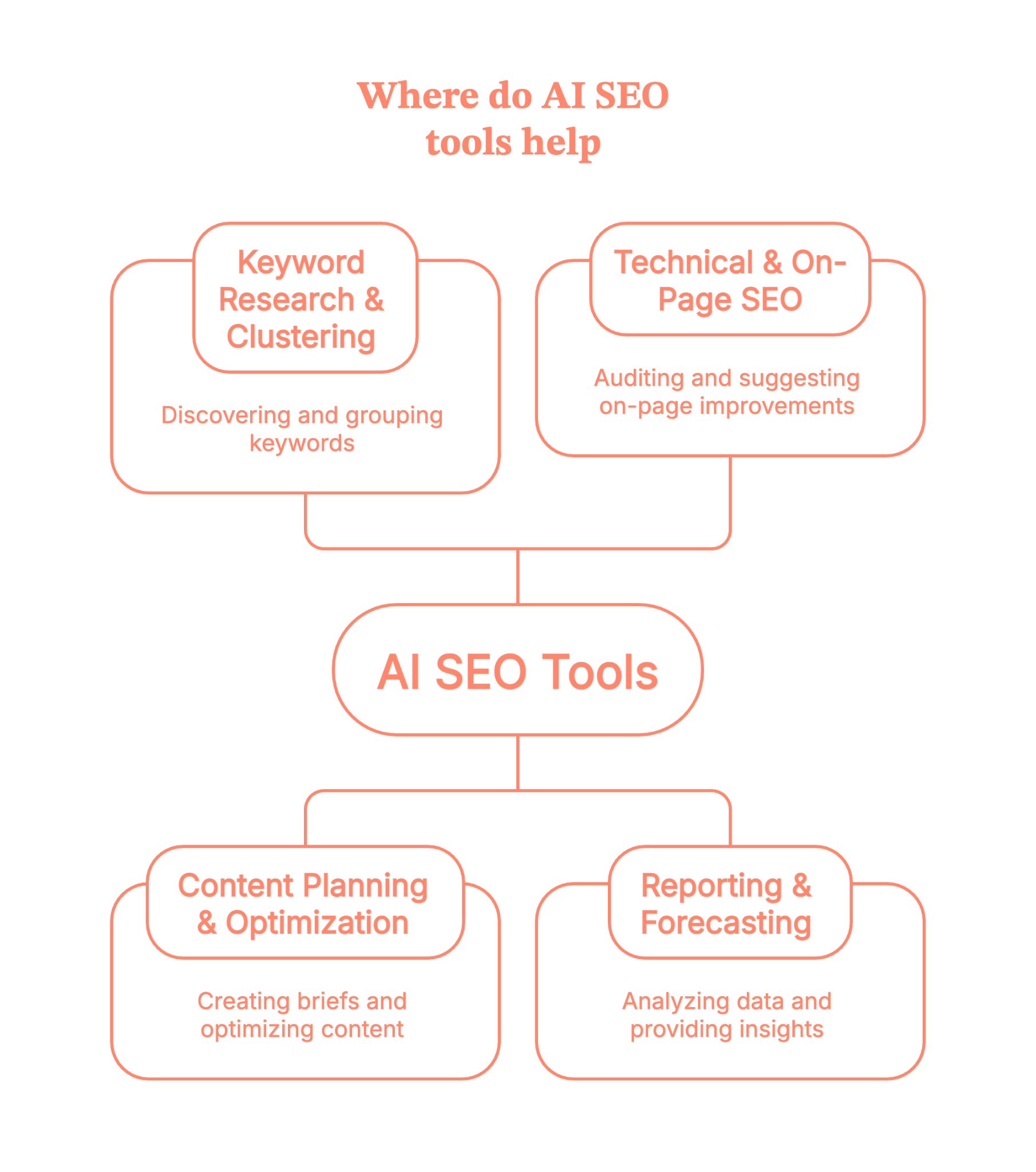
So when we say AI tools for SEO, we’re not just talking about “write me a blog post” tools. We’re talking about anything that uses AI to:
- Analyze SERPs at scale
- Spot patterns in search data
- Suggest optimizations based on those patterns
Here’s the most important boundary: AI SEO tools support SEO. They don’t do SEO for you end-to-end.
They won’t:
- Decide your positioning
- Build a content strategy from thin air
- Replace human judgment on quality, brand voice, or E-E-A-T
Think of AI SEO tools as very fast, very literal assistants. Powerful, yes. But they still need you to be the strategist.
Related read: SEO benchmarking guide
How AI SEO tools fit into a modern SEO workflow
Instead of thinking “Which is the best SEO AI tool?” it’s more useful to ask, “Where in my workflow can AI save time without wrecking quality?”
Let’s walk through a realistic flow.
1. Research & strategy
You start with keyword and topic research:
- Use tools like Semrush or AHREFS for keyword data and competitor analysis.
- Layer in AI-powered clustering tools like Keyword Insights to group keywords by SERP similarity and search intent, so you’re building topic clusters, not random one-offs.
- Use the AlsoAsked section to pull People Also Ask questions and map related questions people are actually typing into Google.
Suddenly, you’re not just staring at a spreadsheet of keywords; you’re looking at intents and clusters.
2. Content briefing & writing
Next, you move into content planning:
- Tools like Surfer and Clearscope analyze the SERP and suggest headings, entities, semantic terms, and approximate word counts so you can build a strong brief in minutes.
- AI writing tools like Jasper or its alternatives can draft intros, outlines, FAQs, and variations on headings so writers aren’t starting from a blank page.
- Platforms like Slate - AI SEO Tool take it a step further by automating the entire organic growth loop: generating SEO-optimised content, refreshing existing pages, and tracking your brand's visibility across Google and AI search results.
- LLMs (like ChatGPT) are great for first drafts, restructuring sections, or turning a rough outline into something readable, as long as a human does the final editing, fact-checking, and brand voice alignment.
3. On-page & technical
Then comes optimization and technical:
- AI-powered audit/automation platforms like Alli AI and OTTO SEO can suggest or even deploy fixes for meta tags,canonicals, and other on-page issues at scale, often via a single script or integration.
These tools are particularly handy when you’re managing big sites or multiple clients and can’t manually tweak every template.
4. Reporting & iteration
Finally, reporting:
- Tools like Whatagraph pull in data from Google Search Console, Analytics, and other SEO tools, then turn them into visual dashboards and reports your team and stakeholders can actually read.
The ‘AI’ part here is less hype, more practicality it is anomaly detection, auto-summaries like “here’s what changed this month”, and suggestions on where to focus next.
So the big picture:
You move from research → briefs → writing → optimization → reporting, and a handful of AI SEO tools quietly compress the time spent at each stage.
{{INLINE_MOFU}}
Types of AI SEO tools (with examples)
Let’s break the ecosystem down into clear buckets and tuck specific tools into each.
1. Research & keyword clustering tools
In the age of LLM SEO, AI search, and AI Overviews, Google increasingly rewards topical coverage, not just one-off keywords.
Clustering helps you:
- Avoid cannibalization
- Build topic hubs
- Map informational vs transactional intent
Good fit for this
- Keyword Insights – SERP-based keyword clustering and topical mapping, with AI features for briefs and drafts.
- AlsoAsked – pulls live People Also Ask data and maps related questions visually, giving you long-tail ideas and FAQ structures in one go.
- Mangools – not ‘AI-only,’ but increasingly layered with smart SERP analysis and keyword discovery features, especially helpful for smaller teams.
Use these when you’re doing AI-driven keyword research and building topic clusters instead of chasing isolated terms.
2. Content briefs & optimization tools
These are the “make this content competitive” tools.
What they typically do:
- Analyze top-ranking pages
- Suggest semantic terms, headings, FAQs, and PAA questions
- Give you a content score based on coverage and on-page signals
Good fit for this
- Surfer – AI-assisted briefs, content editor with NLP suggestions, and audits that show which pages to improve first.
- Clearscope – well-known for simple content grading, term suggestions, and smooth integrations with Google Docs and WordPress.
You’d use these for AI content optimization, especially when you’re trying to keep quality high while scaling content velocity.
3. AI writing & “humanizing” tools
This is where things get… debatable.
Most teams use:
- Drafting tools – ChatGPT or Jasper for first drafts, outlines, FAQ ideas, and rewriting.
- Humanizers – tools like GPTHuman (and similar) to rephrase machine-y outputs so they feel less robotic and more “human.”
A key point to note here is that these are starting points, not publishing pipelines.
Best practice here:
- Use them heavily for structure, ideation, and rewrites
- Layer brand voice, proprietary examples, and nuance manually
- Run fact checks, especially on stats, medical, financial, or legal content
AI writing tools are great and are free to test, but they’re not a replacement for a writer who understands your audience.
4. Technical & automation tools
This is basically the ‘robots do the crawling, we do the fixing’ stage.
Alli AI and tools like OTTO SEO typically help with:
- On-page SEO automation (meta tags, headings, canonicals)
- Rules-based optimization across many pages
- Detecting duplicate content and technical SEO issues
You’d use these when you:
- Manage large sites or many client sites
- Can’t easily ship fixes via dev sprints
- Need AI seo audits / technical seo audits that don’t sit in a PDF forever.
Think of them as a bridge between your SEO strategy and your CMS/dev reality.
5. Reporting & insight tools
Finally, the “what’s working and what should we do next?” layer.
Whatagraph is a good example:
- Connects GSC, GA, Ahrefs/Semrush, and more
- Automates SEO dashboards and client-ready reports
- Increasingly uses AI to summarize trends and surface insights (“these pages lost visibility”, “these keywords spiked”).
You can pair this with your rank tracker of choice and get AI-powered seo tools that tell you where to look instead of dumping another CSV.
What real SEOs say about AI SEO tools (from a community POV)
If you lurk long enough on Reddit threads and SEO communities, a few themes show up again and again (usually accompanied by mild swearing):

1. A few tools are game-changers; most are “meh.”
SEOs consistently say that clustering tools, PAA mapping tools, and content optimizers save hours per week. But many “AI SEO suites” feel like rebranded content spinners with a dashboard slapped on.
2. “One-click SEO” is a fantasy
Many users report disappointment with tools promising traffic boosts from auto-generated posts or instant optimization. What actually works is: AI for ideation and structure + humans for editing, strategy, and final quality control.
3. People lean on AI most for repetitive or tedious tasks.
Think about all the recurring BORING tasks like outlines, FAQ ideas, internal link suggestions, title/description variations, and clustering. Not final copy. Teams often keep a “do not outsource” list, like brand pages, high-stakes product content, thought leadership, or anything with nuanced expertise.
4. The happiest users keep stacks small and intentional.
Common advice from community threads:
- Start with 2–3 tools per stage max (e.g., 1 for research, 1 for content, 1 for reporting)
- Don’t buy tools you can’t use weekly.
- Test new tools against a known baseline (e.g., “Does this actually reduce time-to-brief?”)
Of all the threads, this would be our personal favorite.
Back to business, if you’re feeling FOMO from every “Top 50 AI SEO tools” list, you can relax. Most experienced SEOs are quietly running on a lean stack, not hoarding every shiny new app.
How to choose the best AI SEO tools for your team
Here’s a simple framework to keep you from buying yet another tool you never log into.
1. Fit first, features second
The important question to ask is “Does this plug into my existing stack?”.
- GSC / GA / Looker Studio
- Your CMS (WordPress, Webflow, custom, etc.)
- Your current SEO suite or rank tracker
If getting data in or out is painful, that tool will quietly die in month two.
2. Data quality & transparency
For tools doing AI-driven keyword research or PAA scraping, ask the following questions.
- Where do they get SERP/PAA data from?
- How often is it updated?
- Is it using live SERP data or stale internal datasets?
You don’t need perfection, but you do need to know what you’re trusting.
3. Control & guardrails
Look for the following:
- Customizable briefs and templates
- Tone and style controls
- Limits on keyword density / spammy recommendations
- Easy exports (Docs, CMS, CSV, API)
If a tool tries to lock everything inside its own editor, that’s friction your writers will resent.
4. Pricing vs actual usage
AI SEO tools love credit systems and per-seat pricing. So, check the following:
- How many briefs, articles, or reports do you really create per month?
- Is it per-user, per-workspace, or per-output?
- Can you clearly tie cost to time saved or traffic gained?
5. Support & roadmap
AI search is evolving fast. Look for:
- Evidence of active development (recent changelog, docs, blog)
- Support that understands AI Overviews/LLM SEO, not just “10 blue links” SEO
- A roadmap that includes SERP changes, AI Overview tracking, etc.
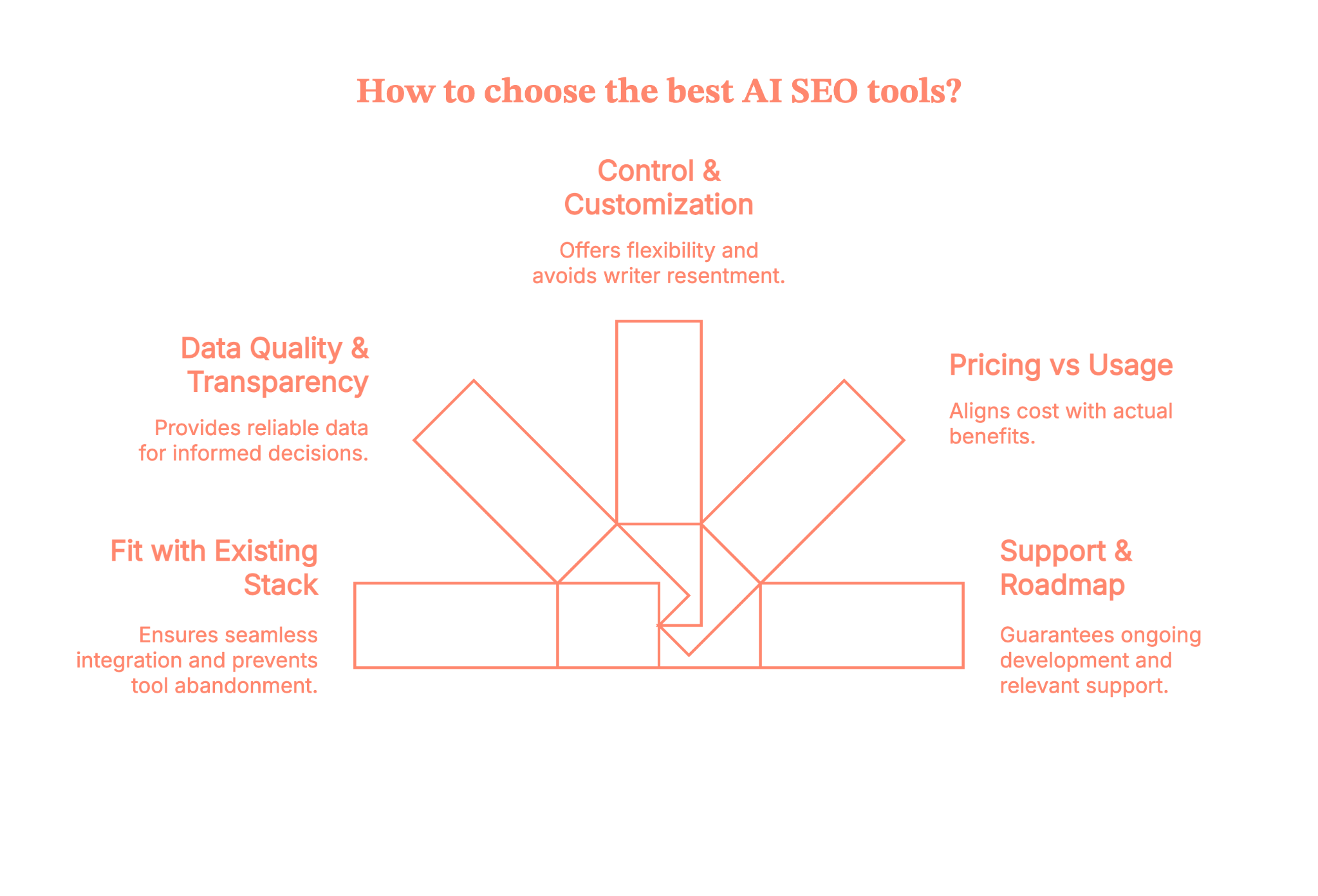
Quick checklist before you buy your next AI SEO tool
Here is a bunch of questions that you must ask before the purchase
- Does this integrate with my core analytics/SEO tools?
- Do I know where its data comes from?
- Can I customize outputs and keep the brand voice intact?
- Will at least one person on my team use this weekly?
- Can I justify the cost with a clear “this saves X hours or grows Y traffic” story?
If you can’t tick most of these, keep looking.
Example AI SEO stacks (by use-case)
Let’s turn all of this into concrete “starter stacks.”
1. Solo blogger/creator
- Goal: move faster without losing authenticity.
- Research & clustering: Mangools (KWFinder) + Keyword Insights
- Content optimization: Surfer or Clearscope (pick one)
- Writing: ChatGPT + Jasper for drafts and rewrites
- Basic tracking: GSC + a simple rank tracker
That gives you AI tools for seo without overwhelming you with dashboards.
2. In-house SEO team
- Goal: collaborate across content, dev, and leadership.
- Core suite: Semrush for keyword research, site audit, and competitor intel
- Content optimization: Surfer or Clearscope for briefs and on-page
- Technical automation: Alli AI for on-page rules and internal link suggestions
- Reporting: Whatagraph for cross-channel SEO reports & dashboards
Here, the focus is on shared visibility and making it easier to prioritize sprints and content roadmaps.
3. Agency
- Goal: keep delivery scalable and client-friendly.
- Research & clustering: Keyword Insights + AlsoAsked for topic maps and FAQ ideas
- Content optimization: Surfer or Clearscope (standardized across writers)
- Technical & automation: Alli AI or OTTO to roll out changes across many client sites
- Reporting: Whatagraph for white-label-friendly, automated reports
Pair this with strong internal SOPs so AI outputs are always human-reviewed before clients ever see them.
Risks, limitations, and best practices while using AI SEO tools
Let’s talk about the parts people regret.
Risks & limitations
1. Generic content everywhere
If you follow tool recommendations blindly, you end up with the same headings, entities, and examples as everyone else. That’s a fast track to “meh” content.
2. Over-optimization
Chasing a content score can push you into keyword stuffing, awkward headings, and bloated, unhelpful articles. Google’s helpful content and spam updates are not kind to that.
3. E-E-A-T & brand voice still matter
AI doesn’t know your internal data, your customer stories, or your lived experience. It also happily hallucinates facts.
Best practices
To stay on the right side of things:
- Use AI to shortlist ideas and structure (outlines, clusters, FAQs)
- Layer in proprietary insights, data, screenshots, and examples
- Keep a “do not automate” list (YMYL content, thought leadership, product pages)
- Treat AI scores as signals, not goals
- Regularly compare AI-optimized content against real performance and adjust
In short: Let AI do the repetitive lifting; keep humans in charge of originality and truth.
So… are AI SEO tools worth it?
Short answer..YES
But
AI SEO tools aren’t going to “do SEO” for you… but they can make a big, very real difference when you use them on your terms, not theirs.
The win isn’t in stacking 15 tools. It’s in knowing where you’re slow, where you’re guessing, and where AI can take the heavy lifting off your plate like research, clustering, briefs, audits, reporting, so your team can focus on thinking, not tab-wrangling.
So start small, pick 1–2 tools per stage, plug them into your existing workflow, and track what actually changes (time saved, content shipped, traffic gained).
Treat AI as your copilot, keep humans in charge of quality and strategy, and you’ll move from
“AI SEO tools = hype” to “AI SEO tools = unfair advantage” a lot faster than you think.
FAQs on AI SEO tools
1. What are AI SEO tools, and how are they different from traditional SEO tools?
AI SEO tools use machine learning and natural language processing to analyze search data, content, and technical issues and then suggest what to do next.
Traditional tools mainly report what’s happening (keywords, rankings, errors), while AI tools try to interpret patterns and generate ideas, clusters, or drafts for you.
2. What are the best AI SEO tools to use right now (for small businesses, agencies, or WordPress sites)?
There’s no single ‘best’ tool, but most winning stacks include one for keyword research/clustering, one for content optimization, and one for reporting.
Small businesses often favour simple, affordable all-in-ones; agencies lean towards tools with collaboration, white-label reporting, and automation.
3. Can SEO be done by AI, or will AI SEO tools replace human SEOs and content writers?
AI can handle a lot of the grunt work: clustering keywords, generating outlines, suggesting internal links, and even drafting rough content. But it can’t replace strategy, brand voice, deep subject expertise, or the judgment needed to decide what actually deserves to rank.
So no, it won’t replace SEOs or writers; it just changes their job from “do everything” to “direct and refine.”
4. Is AI-generated content safe for SEO, or can using AI SEO tools hurt my Google rankings and E-E-A-T?
AI-generated content is not automatically bad for SEO; what matters is whether it’s helpful, accurate, and genuinely valuable to users.
If you publish raw AI output that’s generic, spammy, or wrong, you absolutely can hurt your rankings and perceived E-E-A-T.
Use AI for drafts and structure, then add human editing, original insight, and fact-checking before anything goes live.
5. How do I choose the right AI SEO tools and build a simple AI SEO stack that actually fits my goals and budget?
Start from your workflow, not the tool. Here is what you have to do:
- List where you’re losing the most time (research, briefs, writing, audits, reporting).
- Then pick one tool per major stage, checking for data quality, integrations (GSC/GA/CMS), and pricing that matches how often you’ll really use it.
If you can’t explain how a tool will save hours or help ship better content, it probably doesn’t belong in your stack.

AI Sales Platforms: Buyer's Guide For Enterprises (Updated 2026)
Explore this ultimate guide on Enterprise AI Sales Platforms to learn the features, benefits, and top providers to boost sales efficiency and ROI.

TL;DR
- Prioritize ROI-Driven Platforms: Look for automation, predictive insights, and flexible pricing that directly impact conversion rates and sales efficiency.
- Evaluate Vendor Strengths: Assess credibility, integration support, and innovation trajectory—don't just compare features.
- Address Real-World Barriers: From integration issues to compliance and adoption, success depends on planning beyond tech specs.
- Top Platforms to Watch: Oracle, AWS SageMaker, IBM Watsonx.ai, and DataRobot lead in performance, scale, and usability across industries.
Choosing the right AI sales platform for your business can feel overwhelming. Many options are available, each claiming to boost your sales process. This can lead to confusion and sticking with outdated methods that don't fully use AI's potential.
Picking the wrong platform can waste time and money. It might not work well with your current systems or provide the insights you need to boost sales. This can cause frustration and financial loss.
But there is a way forward. By learning about the main features of AI sales platforms and how to evaluate them, you can make smart choices for your business. This guide will help you understand what to look for in these platforms and how to assess different vendors. With the correct information, you can use AI to improve your sales strategies and engage customers better.
What are Enterprise AI Sales Platforms
Enterprise AI sales platforms help businesses streamline B2B sales processes using technologies like machine learning and data analytics. They assist in lead generation, customer management, and sales forecasting by analyzing data from various sources such as CRM systems, customer interactions, and market trends.
These platforms offer predictive analytics to forecast customer behavior and sales outcomes. They also automate routine tasks, helping sales teams focus on high-priority activities. AI sales platforms provide practical tools to improve decision-making, increase efficiency, and support better customer engagement across the sales cycle.
How AI Sales Platforms Boost Your Enterprise ROI?
1. Boosts Sales Efficiency
AI automates repetitive tasks such as lead scoring, email follow-ups, and data entry. This allows sales reps to focus on high-value activities like closing deals and increasing overall productivity without growing headcount.
2. Enhances Lead Quality and Conversion Rates
AI platforms use predictive analytics and intent data to identify high-potential leads. By prioritizing the right prospects, your team spends less time on low-quality leads and more time converting the right ones.
3. Improves Forecast Accuracy
AI models analyze historical and real-time data to deliver precise sales forecasts. Accurate forecasting leads to better resource planning, quota setting, and revenue predictability—all of which protect and grow your margins.
4. Reduces Customer Acquisition Costs (CAC)
By streamlining the sales process, targeting the right audience, and personalizing outreach, AI reduces wasted ad spend and unproductive calls. This lowers your CAC and improves cost-efficiency.
5. Increases Customer Retention and Lifetime Value (LTV)
AI helps track post-sale engagement, detect churn signals, and suggest the next best actions. Proactively managing customer relationships leads to longer customer retention and more upsell and cross-sell opportunities.
6. Shortens Sales Cycles
AI provides real-time insights on buyer behavior and optimal engagement timing, helping sales reps act faster and move deals through the pipeline more quickly.
7. Optimizes Marketing and Sales Alignment
By sharing data and insights across departments, AI platforms ensure marketing brings in better leads and sales follows up more effectively, reducing friction and maximizing ROI from both teams.
{{INLINE_MOFU}}
Key Features of AI Sales Platforms
AI sales platforms come with a range of features designed to improve sales efficiency and support business growth. Here are the key capabilities:
1. Data Aggregation and Integration
These platforms collect and unify data from various sources, such as CRM systems, emails, social media, call logs, and website visitor activity. By centralizing this data, sales teams gain a comprehensive view of each customer’s journey and preferences. This holistic view helps tailor outreach, identify bottlenecks, and make better strategic decisions.
2. Predictive Analytics and Sales Insights
Using historical data and machine learning models, AI platforms forecast future customer behavior, lead quality, and revenue trends. This helps in:
- Identifying high-value leads.
- Personalizing outreach based on likely outcomes.
- Optimizing pricing and product positioning.
- Reducing sales cycle uncertainty.
With data-backed forecasts, sales teams can shift from reactive to proactive decision-making.
3. Automation and Workflow Optimization
AI automates repetitive tasks like:
- Lead scoring and routing
- Email sequencing and follow-ups
- Data entry and record updates
- Meeting scheduling
This not only saves time but ensures consistency and faster response rates. Workflow automation also reduces manual errors, helping reps focus more on relationship-building and deal-closing activities.
4. Scalability and Flexibility
Modern AI sales platforms are designed to scale with your business needs. Whether you're expanding your team, customer base, or sales operations, these platforms:
- Handle increasing data volumes without performance drops.
- Support integrations with new tools and systems.
- Adapt to changing sales strategies and market conditions.
This flexibility ensures the platform continues to deliver value as the business evolves.
5. Real-Time Reporting and Dashboards
Most AI sales platforms include customizable dashboards that provide real-time insights into pipeline health, deal progress, team performance, and customer engagement. These reports support quick decisions and better sales forecasting.
How to Evaluate the Right AI Sales Platform for Enterprise?
Choosing the right AI sales platform requires a careful look at factors that impact both short-term performance and long-term value. Here are the core areas to focus on:
1. Vendor Evaluation Criteria
Start by assessing the vendor's credibility and track record. Key things to look for:
- Experience in the sales tech or AI space.
- Case studies or success stories from similar businesses.
- Client references and reviews.
- Ongoing support and training offerings.
- Product roadmap and innovation updates.
Vendors that demonstrate stability, responsiveness, and consistent product improvement are often more reliable partners.
2. ROI and Cost Considerations
Evaluate the platform’s potential impact on your bottom line by considering:
- Expected increase in sales productivity and conversions.
- Time saved through automation.
- Cost of onboarding, licenses, and any add-ons.
- Scalability of pricing as your team or data needs grow.
Look for platforms that provide ROI metrics or offer a pilot program so you can test value before committing.
3. Security and Compliance
Data security is critical, especially when handling customer information and sales intelligence. Ensure the platform includes:
- Compliance with relevant regulations (e.g., GDPR, CCPA)
- Encryption of data in transit and at rest.
- Role-based access controls and audit logs.
- Regular security updates and third-party certifications.
These safeguards help protect your business and maintain customer trust.
4. System Integration and Compatibility
The platform should integrate easily with your existing tools and workflows, such as:
- CRM platforms (e.g., Salesforce, HubSpot)
- Marketing automation tools.
- Email, calling, and calendar apps.
- Business intelligence and reporting tools.
Seamless integration ensures a smoother implementation and maximizes platform adoption by your team.
By considering these factors, you can choose an AI sales platform that meets your needs now and supports your future growth.
Top AI Sales Platform Providers in the Market
When evaluating AI sales platforms, understanding the strengths of major players and rising contenders helps you make an informed decision. These providers offer enterprise-grade solutions, robust infrastructures, and extensive experience in AI integration:
- Oracle: Known for its powerful data management and predictive analytics tools, Oracle’s AI capabilities support complex enterprise needs, especially for companies focused on large-scale CRM and ERP data.
- AWS (Amazon SageMaker): SageMaker provides scalable machine learning tools within the AWS ecosystem, ideal for businesses already using AWS services. It supports custom models and rapid deployment at scale.
- IBM (watsonx.ai): Offers advanced natural language processing (NLP) and machine learning capabilities. IBM is a strong choice for enterprises seeking AI solutions that focus on personalization, conversation AI, and intelligent automation.
These platforms provide innovation, simplicity, and faster time to value, especially for mid-sized or growing businesses:
- Alibaba Cloud (PAI Platform for AI): Offers end-to-end AI capabilities with strong cloud-native infrastructure. It's gaining traction for businesses looking to expand in Asian markets or adopt a hybrid cloud model.
- DataRobot: Popular for its user-friendly interface and automated machine learning (AutoML) capabilities. DataRobot empowers sales teams with actionable insights without needing deep technical expertise.
When choosing a provider, think about what you need, like integration, scalability, and support. Picking the right platform means balancing these needs with your goals, ensuring the investment fits your long-term plans and operational needs.
To study further, explore this guide on the best sales intelligence tools and how to choose the best sales intelligence tools.
Common Challenges Enterprises Face with AI Sales Technology
While AI sales platforms offer valuable capabilities, businesses must navigate several challenges to implement them effectively:
1. High Data Processing and Infrastructure Costs
AI platforms require substantial computing resources to process large volumes of sales and customer data. This can increase operational expenses, particularly for enterprises managing complex sales pipelines or using real-time analytics.
Solution: Opt for cloud-based, scalable platforms that let you pay only for what you use. Also, look for tools that offer model optimization and efficient resource utilization.
2. Talent and Skill Gaps
Successfully deploying AI tools often demands expertise in data science, machine learning, and AI operations. However, there’s a notable shortage of skilled professionals, which limits the speed and effectiveness of AI adoption for many organizations.
Solution: Invest in upskilling internal teams and explore platforms designed with no-code or low-code AI capabilities to lower the technical barrier.
3. System Integration Complexity
Legacy CRM or ERP systems may not integrate easily with modern AI platforms. This creates potential for workflow disruptions, delays in implementation, and the need for custom development or middleware solutions to bridge the gap.
Solution: Choose platforms with robust integration support, such as APIs and connectors, and adopt a phased implementation approach to ensure compatibility and minimize downtime.
4. Data Governance and Compliance
As regulatory frameworks like the EU AI Act or GDPR evolve, businesses must ensure their AI platforms comply with privacy laws and ethical standards. This includes transparent AI decision-making, secure data handling, and maintaining audit trails.
Solution: Establish a clear data governance strategy, work with platforms that support compliance requirements, and regularly audit data use and AI outcomes.
5. User Adoption and Change Management
Beyond technology, successful implementation depends on user adoption. Sales teams may resist new tools or lack training, which can limit the platform’s value. Strong onboarding programs and clear communication are essential to overcome internal resistance.
Solution: Focus on user-friendly tools, provide role-specific training, demonstrate early wins, and involve end-users in the platform onboarding process to increase buy-in.
To tackle these challenges, businesses need careful planning, invest in training, and focus on strong integration strategies to get the most out of AI sales platforms.
In a Nutshell
When choosing an AI sales platform for your business, it’s important to know the key parts and find the right match for your needs. These platforms can change how you work, from gathering data and predicting trends to automating tasks and growing with your business. By using these tools, companies can boost their sales processes, work more efficiently, and connect better with customers.
In the future, trends like generative AI and better data management will shape the industry. Businesses that keep up with these trends and adjust their strategies will use AI to gain an edge.
As you consider adding an AI sales platform to your business, think about how it can change your sales operations. These platforms use data and automation to boost your sales team's efficiency. Now is the time to make smart choices that will help your business grow. Explore what Factors can do and transform your sales operations today.

AI Paraphrasers To Improve Marketing Content
Learn all about leveraging AI paraphrasers to make the most your content marketing efforts

Brands require marketing content to promote their products. This is the content that can convince prospects to purchase the product or service. However, it can be quite hard to create marketing content that is up to the mark.
This is probably the reason why most brands hire a dedicated writer for this. However, with AI becoming increasingly smart, many tools have become available that use artificial intelligence to help the user in writing something.
They can also be used to improve an already existing write-up. One particular type of tool that uses AI and can be used for this purpose is the AI paraphrasers.
If you own a brand, then this can be good news for you as you won’t have to hire a copywriter to create marketing content anymore.
You can write the marketing content yourself and use an AI paraphraser to improve it and increase its creativity.
If you want to learn more about it, then keep reading as we’re about to discuss how you can use an AI paraphraser to improve your marketing content. Before we get into that though, let us start by telling you what an AI paraphraser really is.
What is an AI paraphraser?
An AI paraphraser is a tool that uses artificial intelligence to understand the text given by the user and rephrase it. It rephrases the text by swapping out some of its words with their suitable alternatives, altering the structure of sentences where it is needed, and breaking and joining sentences.
You can find many of them on the internet. However, not all of them are worth your time as some can generate inaccurate results. Try finding one that is free to use and provides accurate results. One such tool that we found online is the AI Paraphraser by Editpad. It provides multiple paraphrasing modes to its users and the majority of them are free. Here’s what it looks like when you open it.

Now that you know what an AI paraphraser is, let us move on to discuss how it can help improve your marketing content.
How does an AI paraphraser help improve your marketing content?
1. By quickly increasing its clarity and readability
Clarity and readability are needed in marketing content since the content has to be read by casual audiences. If it is complex and isn’t clear in its meaning, there are chances that it will never be able to convert prospects into customers because it would be difficult for them to comprehend.
Whether it’s a promotional email, a product description, or a blog post, these qualities are needed.
Issues of clarity and readability occur when the marketing content has too many overly complex words and phrases along with information that isn’t needed.
To make sure they don’t occur in your write-up, you can use simple words that are used in everyday life. Besides this, try to keep the marketing short so you don’t add fluff to it. If you’re struggling to do this while writing content, you can always proofread it once it's written.
And if you’re someone who’s not good at proofreading, you can always get help from an AI paraphrasing tool. These tools rephrase the text to replace complex words and phrases with simpler alternatives and remove fluff from it in almost an instant.
Once you’ve run the marketing content through an AI paraphrasing tool, its readability and clarity will be enhanced. This is just one of the ways an AI paraphraser helps improve your marketing content.
To support our point, here’s a screenshot of the same AI paraphrasing tool we mentioned above.

2. By bringing variety to it and increasing its engagement
Marketing content often has to be creative. One way to make it creative is to bring some variety to your content. This variety can be of ideas, words, or phrases. If the marketing content is creative, it’s obvious that it’ll be more engaging for the users than a dull and boring one.
Besides this, you have to figure out how you can bring some variety to your marketing content so you can have an edge over the competition.
You simply can’t keep telling the prospects to buy something, they’ll surely get tired of listening to it. You have to use a variety of words that can convince them to make a purchase rather than saying the same one.
This is one of the reasons why copywriters are needed, they are good with their words. If you want to create marketing content yourself, this can be a bit hard. But this is exactly where an AI paraphraser can help you. Tools like these can introduce some variety in your marketing content. They do that by offering alternative ways to express ideas.
AI paraphrasing tools can help make your marketing material more engaging and prevent it from being monotonous.
These tools rephrase the given marketing content and use engaging words that can set you apart from the competition and increase conversions. Here’s a quick demonstration with the same tool that we used before.

3. By maintaining a consistent tone throughout it
Having a consistent tone in your marketing content is important since marketing content has to align with your brand voice. Your brand voice can be fun, witty, witty, serious, formal, or whatever you’ve chosen.
Most big brands have a formal brand voice as they like to give their consumers a sense of luxury with their products. If you choose to go with a formal brand voice, then that’s fine.
But what’s usually the problem for most people is that they are not able to write the whole marketing content in a single tone.
It requires extreme focus and sometimes, you might switch tones while writing. If you’re unsure that you have written the entire content in a single tone, you can get help from an AI paraphrasing tool. Most of them offer the user multiple paraphrasing modes to choose from. Each mode rephrases the given content in a different tone.
This way, you can simply write the marketing content without worrying about tone consistency and then run it through an AI paraphrasing tool.
Fortunately, the paraphrasing tool we’ve chosen for demonstrations offers multiple modes and one of them is for formal paraphrasing.
This will make it easier for us to provide you with a demonstration of this point. Here’s a screenshot showing the AI paraphraser by Editpad rephrasing a piece of marketing content to a single formal tone.
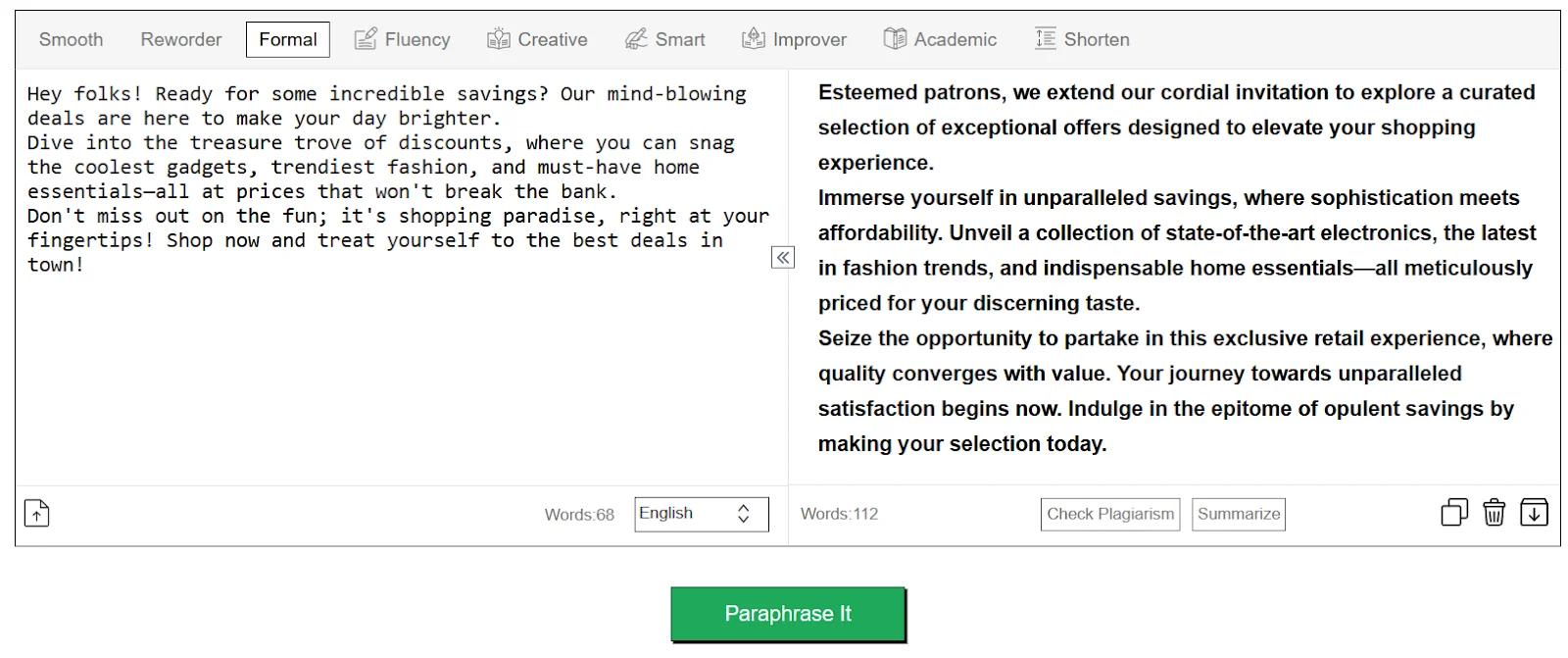
4. By removing any chances of plagiarism
Plagiarism is considered a serious offense in the world of marketing content. If plagiarism occurs in your content, it can mean that it was copied from somewhere and the original author might go as far as to take legal action.
Even if you didn’t deliberately copy someone’s marketing content, plagiarism can still occur in the one you wrote.
This is because there is so much marketing content available on the internet and the one you wrote can be similar to one that’s already present. This is called “Accidental Plagiarism” and it can happen to anyone.
Therefore, it is important to check your marketing content for plagiarism once you’re done writing it.
If it includes some plagiarized text, then you can get help from a paraphrasing tool. Since the tool rephrases the given content, its uniqueness increases and any similarities it has with other content gets eliminated.
Of course, you can do this yourself but using an AI paraphraser is just quicker and more effective.
With that being said, these are some of the ways AI paraphrasers help in improving your marketing content while saving you time and effort.
{{INLINE_TOFU}}
To conclude
AI paraphrasing can prove to be quite helpful in improving the quality of your marketing content.
If you’re skeptical about using them for your content, then this article might change your views. We’ve discussed some of the ways an AI paraphrasing tool improves your marketing content.
AI-Powered Sales Intelligence: A B2B Guide For 2026
Learn how sales intelligence platforms use data analytics and AI to optimize lead scoring, customer profiling, and sales forecasting for better results.
TL;DR
- AI-powered sales intelligence improves B2B sales by analyzing customer data and predicting buying signals.
- Key features include predictive lead scoring, customer behavior tracking, and real-time market insights.
- AI automates lead generation, sales forecasting, and pipeline management to optimize efficiency.
- Successful implementation requires data quality, seamless integration, user training, and ROI tracking.
Understanding AI-Powered Sales Intelligence
Sales intelligence platforms use data analytics, machine learning, and automation to change how B2B sales teams find and close deals with customers. These systems analyze large amounts of data from company websites, social media, industry databases, and customer interactions to give useful insights to sales teams.
Modern sales intelligence tools do more than provide basic contact information. They track buying signals, watch digital behavior, and find patterns that show when someone might be ready to buy. For example, if a potential customer visits a website more often, downloads certain content, or shows interest in competitors, the system marks these as buying signals.
Sales teams using these platforms get real-time updates about prospects, such as leadership changes, funding news, technology updates, and expansion plans. This helps salespeople reach out at the right time and adjust their approach based on the prospect's situation.
The technology also removes the need for manual research. Instead of spending hours gathering information, sales representatives can quickly access detailed profiles with firmographic data, technographic details, and engagement history. This efficiency lets them focus on building relationships and closing deals, not on collecting data.
Key Components of Modern Sales Intelligence
Modern sales intelligence relies on four key components that create a complete sales system:
- Data Analytics and Processing is the core. It turns raw data into useful insights. The system gathers information from CRM data, social media, website visits, and industry databases to form a full view of potential customers.
- Predictive Lead Scoring uses AI to rank prospects by their chance to convert. By looking at past data patterns, it finds which traits and actions lead to successful sales and highlights the best leads.
- Customer Behavior Analysis monitors how prospects interact with your company. It tracks email engagement, content downloads, website navigation, and social media to understand buying intent and preferences.
- Real-time Market Insights update the sales team on changes in target accounts and the industry. This includes alerts about company growth, new funding, leadership changes, or new technology. These insights help sales teams time their outreach well and tailor their approach to the prospect's current situation.
{{INLINE_TOFU}}
Transforming Sales Operations with AI
AI is changing how sales teams work every day in four main ways.
First, automated lead generation finds and qualifies prospects without manual effort. AI scans various data sources, identifies companies that fit the ideal customer profile, and ranks them by purchase likelihood. This saves hours once spent on research and list building.
Intelligent customer profiling automatically creates detailed buyer personas. The system analyzes past successful deals, current customer behaviors, and market signals to build accurate profiles. These profiles help sales teams understand prospects better and tailor their approach.
Sales forecasting is more accurate with AI analyzing historical performance data, current pipeline status, and market conditions. This helps teams predict quarterly results and adjust strategies early if needed. AI spots patterns humans might miss, like seasonal changes or industry trends that affect buying decisions.
Pipeline management is smoother with AI tracking deal progress and flagging risks. The system monitors prospect engagement, identifies stalled deals, and suggests next steps. It also predicts which deals are likely to close, helping sales managers focus their coaching efforts where they are needed most.
Advanced Features of Sales Intelligence Platforms
Modern sales intelligence platforms have four key features that make them valuable for sales teams. Natural Language Processing (NLP) helps these platforms understand customer conversations, emails, and support tickets. This gives sales reps insights from every customer interaction, not just the ones they record.
Machine Learning lets platforms improve over time. They learn from successful deals, failed attempts, and market changes to give better recommendations. The system gets smarter with each interaction, helping sales teams make better decisions based on past success.
CRM integration ensures that sales intelligence works smoothly with existing tools. Data moves automatically between systems, keeping customer records updated without extra work. Sales reps can access insights directly in their CRM, making it easy to use.
Customizable analytics dashboards let teams track what matters most to them. Whether it's lead conversion rates, deal speed, or customer engagement, teams can create views showing their key metrics. These dashboards update in real time, giving sales leaders the information they need to make quick decisions and adjust strategies as needed.
Implementing Sales Intelligence Solutions
Start with a strong data setup. Your system needs clean, organized data from CRM, email, call records, and social media sources. This ensures your AI tools have quality information.
Team training is key but often missed. Sales reps need to see how these tools help them sell better. Show them examples of how sales intelligence saves time and closes more deals. Begin with a small group of early adopters who can help convince others of the benefits.
When adding new tools, keep the workflow simple. Your sales intelligence solution should fit naturally with current processes. Choose platforms that connect easily with your tech stack and don't make reps switch between systems.
Measure ROI to justify the investment and find areas for improvement. Track metrics like:
- Time saved on research and data entry
- Increase in qualified leads
- Higher conversion rates
- Shorter sales cycles
- Growth in deal size
Start small, measure results, and expand based on what works. This approach helps manage costs while proving the value of sales intelligence to stakeholders.
Best Practices for Sales Intelligence
Focus on data quality first. Bad data quality leads to wrong decisions. Schedule regular data cleaning, remove duplicates, and update old information. Train your team to enter data correctly and consistently.
When handling customer data, follow privacy rules like GDPR and CCPA. Get proper consent, store data securely, and be transparent about how you use the information. Document your compliance processes and update them as laws change.
Make your AI systems learn from wins and losses. Feedback is real, so your tools get smarter. Tag successful deals and note what worked to help the system spot similar chances.
Monitor your sales intelligence tools daily. Set up alerts for unusual patterns or drops in accuracy. Track key metrics like:
- Prediction accuracy
- Data freshness
- System usage rates
- Time savings
- Lead quality scores
Keep your team informed about system performance. Share wins and address concerns quickly. When people see real benefits, they are more likely to use the tools properly and help improve them.
Future Trends in Sales Intelligence
Sales intelligence will move from looking at past data to more accurately predicting future outcomes. Systems will detect market changes and buying signals before humans can, giving sales teams an edge.
AI will start making basic decisions on its own. It will qualify leads, schedule follow-ups, and adjust prices based on current market conditions. Sales reps will focus on complex negotiations and building relationships while AI handles routine tasks.
Personalization will become very precise. Instead of grouping customers broadly, AI will create unique plans for each prospect. This includes:
- Custom pricing
- Tailored product suggestions
- Personalized timing for communication
- Individual content creation
Systems will work smoothly across all platforms and tools. Data will automatically move between CRM, email, social media, and analytics tools. This integration will provide a complete view of customer interactions and remove the need for manual data entry.
The future also includes voice-enabled sales intelligence tools. Sales reps will receive real-time coaching during calls and meetings through earpieces. AI will analyze customer tone and sentiment, offering responses and strategies instantly.
Teams that embrace these trends early will gain strong advantages in their markets.
Overcoming Implementation Challenges
Sales teams face four main challenges when using sales intelligence tools:
Data security is the biggest concern. Companies need to protect customer and sales data. To do this, they should:
- Use strong encryption.
- Conduct regular security audits.
- Set clear data policies.
- Follow industry standards.
- Train employees on security.
User adoption can slow things down. Sales reps may resist tools that change their work habits. To succeed, companies need:
- Step-by-step training
- Clear benefits shown.
- Early wins to build trust.
- Support from leaders.
- Regular feedback.
System integration can be tricky. New tools must work with current CRM systems, email, and analytics. Solutions include:
- API-first design.
- Professional integration help.
- Regular testing.
- Backup systems.
- Clear documentation.
Cost management needs careful planning. AI tools can bring returns, but the initial cost is high. Companies should:
- Start with small projects.
- Track clear results.
- Scale slowly.
- Budget for training.
- Plan for upkeep costs.
By tackling these challenges early, companies see quicker returns on their sales intelligence tools.
Measuring Success with Sales Intelligence
Companies need clear metrics to track how well their sales intelligence tools work. Here are the key areas to measure:
Key Performance Indicators (KPIs):
- Lead conversion rates.
- Sales cycle length.
- Deal win rates.
- Revenue per sales rep.
- Customer acquisition costs
ROI Tracking:
- Initial investment vs returns.
- Time saved per task.
- Cost savings from automation.
- Revenue increase.
- Customer lifetime value.
Team Performance Metrics:
- Number of qualified leads.
- Meetings scheduled.
- Response times.
- Follow-up effectiveness.
- Sales activity levels.
Customer Success Metrics:
- Customer satisfaction scores.
- Retention rates.
- Upsell/cross-sell success.
- Engagement levels.
- Net Promoter Score.
For best results, companies should:
- Set baseline measurements before implementation.
- Track metrics monthly.
- Compare results across teams.
- Adjust strategies based on data.
- Share success stories.
Regular measurement helps teams see what's working and fix what isn't. This data-driven approach ensures continuous improvement and supports further investment in sales intelligence tools.
Check out our Intent Capture and Workflow Automations pages for more insights on enhancing your sales strategies. Additionally, learn how to improve your Account Intelligence and explore our Integrations for seamless data management. If you're interested in boosting your Marketing ROI, our resources can guide you through effective strategies.
Don't forget to explore our LinkedIn AdPilot to optimize your advertising efforts!

AI Sales Strategy for Better Research, Outreach, and Follow-Up
Learn how to build an AI sales strategy for B2B teams, from choosing the right use case and checking your data to testing workflows and measuring results.

TL;DR
- Pick one sales decision to improve and record how your team handles it today.
- Decide which data AI needs, what it should produce, and what a rep will do with the result.
- Test the workflow with a small group. Measure the quality of its recommendations and the sales outcomes, as well as time saved.
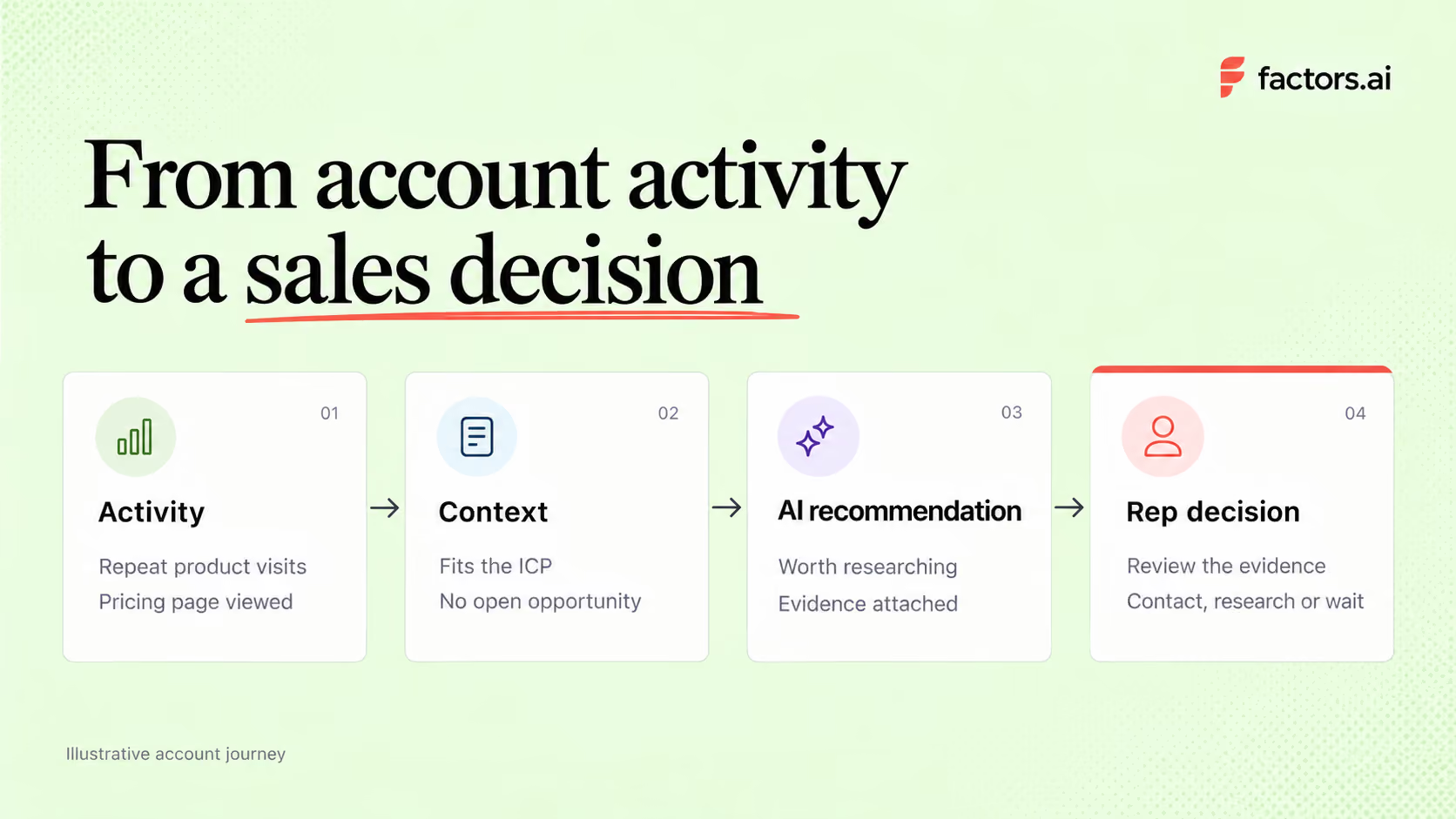
An AI sales strategy is a plan for using AI to improve a specific sales decision or task. For a B2B team, that could mean finding the accounts worth calling this week, preparing for a meeting, or spotting a deal that needs another stakeholder involved. The plan should say what information AI uses, what it produces, what a rep does with the result, and how the team will tell whether it helped.
Start with a decision your team already makes often and struggles to make consistently. Take account prioritization. If reps can research only a few companies each day, which should they choose? The same approach can improve meeting preparation, deal reviews, and follow-up once you know it works.
What an AI sales strategy looks like in practice
Imagine a sales team with hundreds of target accounts and time to research only a few each day. One account fits its ideal customer profile, has returned to the pricing page, and has been active on other relevant channels. Another visited a blog once but falls outside the team’s target segment. A list of recent visitors might put both in front of a rep. A useful strategy helps the team spend more time on the first account and explains why.
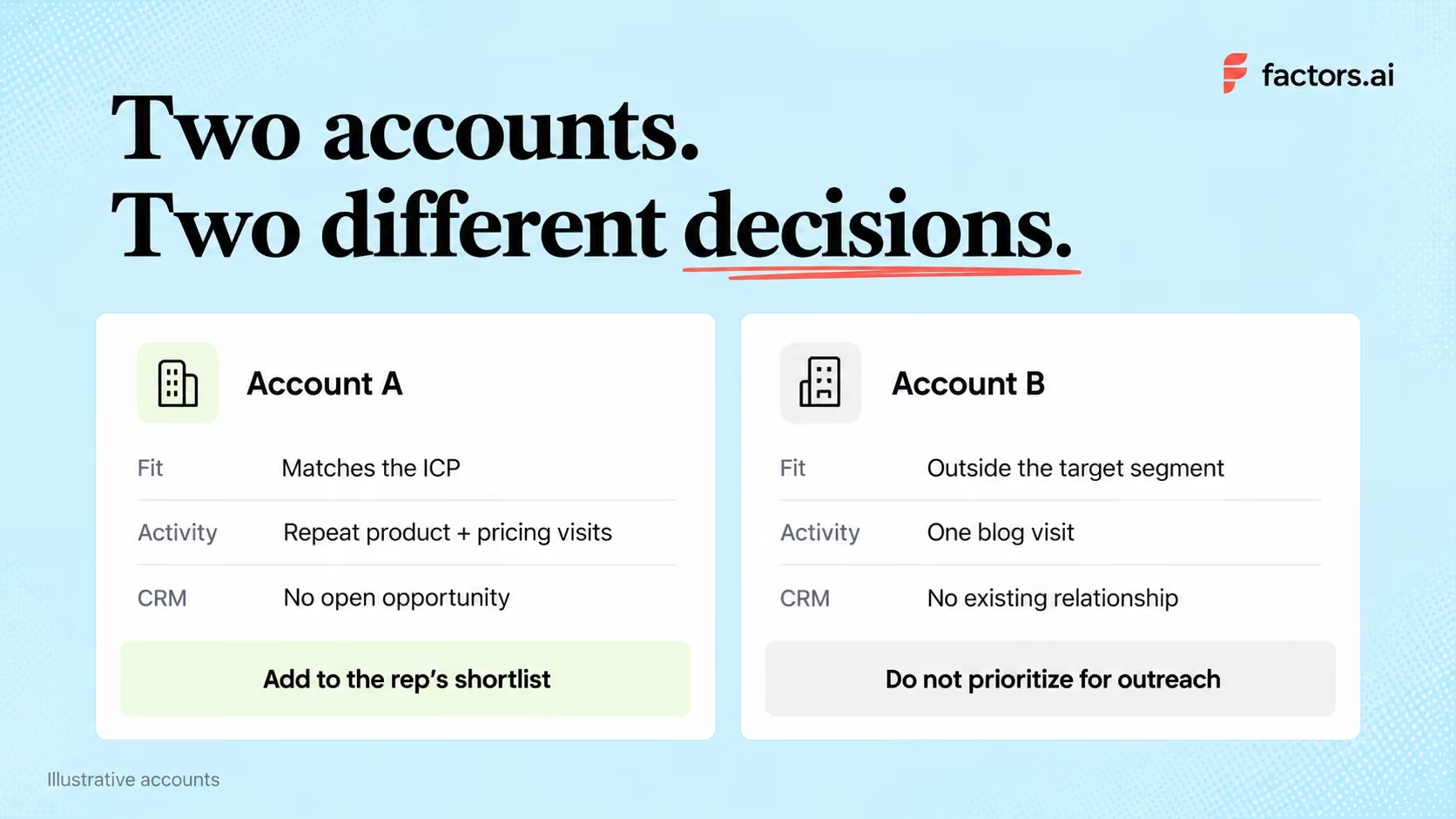
There are three judgments in that decision.
Fit tells you whether an account is worth pursuing. Engagement helps you judge whether its interest has changed. CRM history tells you whether someone on your team already has a relationship with it. AI can process those inputs for account scoring or summarize what has happened. The rep checks the evidence and decides whether to contact an existing buyer, research another person, or wait.
The distinction between AI and automation matters here. A rule that alerts sales when a target account visits the pricing page is automation. A model that estimates the account’s likelihood of reaching a chosen milestone is predictive AI. A system that summarizes activity or suggests what to investigate is generative AI. Those jobs can work together, but they need different data and different checks before you trust their output.
Account activity can begin well before a form fill or an open opportunity. In Factors.ai’s analysis of B2B deals, sustained LinkedIn engagement began 124 days before deal creation in the CRM. That describes the deals analyzed; it is not a timeline for every buyer. It does give teams a reason to look beyond newly created leads when deciding which accounts deserve attention.
Where should you use AI in the sales process?
Choose a use case based on a problem you can observe in your B2B sales process. If reps already know which accounts to work but spend an hour preparing for every meeting, another prioritization score will do little for them.
The data requirements change with the job. Account prioritization needs reliable company matches and, for predictive models, past outcomes. Meeting preparation needs a trustworthy record of previous conversations. Pick the problem before deciding which type of AI to use.
Recommended read: How to use AI to manage your pipeline
How to build your first AI sales workflow
1. Pick one bottleneck and record the current result
“We need more AI in sales” cannot guide a pilot. “Our SDRs review 80 target accounts a week, but rarely know which ones have become more engaged” gives you a decision to improve.
Look at how the team handles that decision now. How many accounts does a rep review? How long does it take? How many lead to a useful conversation? Ask reps which signals they trust and which alerts they ignore. Record the baseline before changing the process, including your lead qualification criteria and how you will count meetings.
2. Check the data behind the decision
For account prioritization, start with your ideal customer profile for sales and CRM records. Then inspect the activity you can reliably associate with an account, such as visits to relevant pages, product usage, past conversations, or third-party research. A pricing-page visit can be interesting. It should not outweigh poor fit or an active deal a rep is already managing.
Alexander Goodwin, Director of Demand Generation at Fingerprint, talks about this in detail. The team does not prioritize an account simply because it belongs to a target industry. It checks whether the company has a problem Fingerprint can solve and estimates the potential value of the opportunity. Recent activity can then inform how the team approaches the account. That's the kind of judgment your data should support before you ask a model to rank thousands of companies.
Steve Armenti, founder of Howdy 1-1 ABM, makes a similar point. He recommends inspecting a small group of contacts, their CRM history, and existing outreach before using signals across the whole go-to-market program. This exercise can expose missing fields, duplicate records, and other CRM data hygiene problems. It also gives sales and marketing a chance to agree on what a promising account looks like.
You do not need predictive scoring on day one. Start with a rule your team understands. For example, a target account with repeat visits to product and pricing pages, no open opportunity, and a named account owner. Test whether reps find those accounts worth researching.
Predictive scoring becomes useful when you have enough trustworthy historical outcomes to build and assess a model. Factors.ai’s predictive-scoring documentation, for example, describes a data check before a model can be built and lets a team choose the event it wants to predict. If the data check fails, change the target or improve the data. A confident score cannot compensate for missing evidence.
Recommended read: Predictive account scoring vs. manual account scoring
3. Decide what the system produces and what a sales rep does next
A recommendation should reach the rep with enough context to assess it. “Account score of 90” leaves them to reconstruct the story. “This target account returned to the integration and pricing pages, has two active contacts, and has no open opportunity” gives them something to check. The underlying activity should be available too. Otherwise, an incorrect company match or stale CRM record can turn a convincing summary into bad advice.
Agree on the action in advance. An SDR might identify an appropriate contact, while an AE might follow up with someone already involved in a deal. Marketing may decide the account needs more education before sales reaches out. Each action depends on the relationship you already have, as well as the new signal.
When the handoff crosses systems, sales automation workflows can move account context into the CRM or a rep’s existing tools. Set clear conditions for accounts with open or recently lost deals.
4. Run a small pilot before widening it
Choose a defined set of accounts, a few reps, and a review period long enough to see an immediate outcome. Keep the existing process running for a comparable group if you can. At the end of each week, review accepted and rejected recommendations with the reps who received them.
You may discover that the model favors high-traffic accounts that never buy, or that alerts reach an SDR after an AE has already spoken with the company. Fix those problems before adding more signals or automation. You can then evaluate AI sales tools against the job your pilot has shown to be useful.
Recommended read: A step-by-step guide to turning signals into sales conversations
How do you know whether the AI sales strategy is working?
For account prioritization, start with recommendation quality. Of the accounts flagged, how many did a rep judge worth pursuing? How many were wrong matches or duplicates? Among those pursued, how many led to a relevant reply, a meeting, or an opportunity?
Compare those figures with accounts handled under your existing process, while allowing for differences in segment, account quality, and rep coverage. Track whether reps use the recommendations and ask why they reject them.
Time saved is useful, but it is not the entire result. If an assistant cuts research from 20 minutes to five while producing generic outreach that earns fewer replies, the workflow needs work.
Keep following meetings and opportunities as deals mature. For workflows aimed at moving existing deals forward, track pipeline velocity as well. A short pilot may be too small to support a revenue claim, even if its early signs are promising.
What tends to break an AI sales strategy?
A common mistake is treating individual buying signals as a complete reason to contact someone. A page view, funding announcement, or job change may be worth investigating, but it rarely tells a rep enough to write a credible message.
Fit, recent behavior, and the account’s history need to make sense together. If sales sees only a score, reps cannot tell you which part of the recommendation is wrong.
Another risk is letting AI supply details nobody checked. Steve Armenti describes having someone validate every source, signal, and message used in his team’s tailored outreach. This matters when a summary refers to a person’s priorities, a company initiative, or an earlier conversation. A false claim sent to a buyer is still your team’s claim, however confidently the software wrote it.
Watch what the pilot rewards as well. More alerts and more emails can look like progress while making it harder for reps to focus. If a recommendation is consistently ignored, find out why. The answer may be a bad account match, poor timing, or a suggested action that does not fit the relationship.
Recommended read: ABM metrics to track from account engagement to pipeline
How Factors.ai supports your AI sales strategy
Factors.ai gives sales teams context from website activity, CRM records, ad engagement, and third-party intent. Scout, its AI copilot, helps teams research accounts, prepare for conversations, review deals, and decide what to do next.
The platformsupports several practical uses across the sales process.
- Research accounts and prepare for meetings: Scout can assemble company research, stakeholder engagement, recent signals, and deal history into a briefing with suggested talking points. Reps can use it to understand what has changed before entering a conversation.
- Find gaps in the buying committee. An active contact does not mean the whole buying group is engaged. Scout can examine engagement across seniority levels and flag where executive coverage is missing.
- Review pipeline and next steps. Sales teams can ask Scout questions about pipeline changes and outbound performance. Its agents can also identify buying signals, warning signs, and missing information, then recommend actions for individual accounts.
- Make outreach more relevant. Factors surfaces account activity and relevant contacts to help reps shape their approach. Interest in a particular product, competitor comparison, or recent interaction gives the rep a more useful starting point for a message.
- Follow up when account activity changes. Teams can monitor engagement after meetings and alert the account owner when a previously lost account returns. That context helps reps decide whether to reopen a conversation and what to address.
- Prioritize accounts using your own criteria. Custom engagement scoring lets teams decide which signals matter and how much weight they receive. Predictive scoring ranks accounts for a chosen outcome, such as submitting a form or becoming an opportunity.
Teams can deliver agent outputs through Slack and CRM workflows, giving reps access to the research and recommendations where they already work. Start with the use case that addresses your team’s biggest bottleneck, then assess whether it improves preparation, conversations, or deal progression.

AI Market Research Tools: From Hype Threads to 10 Tools Worth Using
Explore 10 AI market research tools that go beyond buzz, curated to fit real workflows. Learn where ChatGPT, Delve AI, SparkToro, and others actually help.
TL;DR
- AI tools are most helpful with speed, framing, and synthesis, rather than providing final answers.
- Use synthetic personas and digital twins as thinking tools, not decision-makers.
- Map tools to questions, not the other way around; start with the business decision first.
- Real competitive edge lies in combining AI acceleration with human interpretation.
AI market research tools help teams collect, analyze, and summarize research faster using capabilities like survey automation, social listening, transcript analysis, competitive intelligence, and predictive analytics.
The best tools do different jobs well—some are better for research synthesis, some for audience intelligence, and others for synthetic personas or reporting.
This guide breaks down 10 of the best AI market research tools, where each fits, and how to choose the right one for your workflow.
Best AI Market Research Tools at a Glance
| Tool | Best for | Core strength | Watch-out |
|---|---|---|---|
| ChatGPT | Research framing and synthesis | Fast ideation, summarization, draft analysis | Can hallucinate facts |
| Perplexity | Source-backed desk research | Cited answers and fast market scans | Still needs source validation |
| Delve AI | Personas and digital twins | Data-driven personas and synthetic users | Best with strong input data |
| Synthetic Users | Early concept testing | Fast simulated interviews and feedback | Not a replacement for real users |
| GWI Spark | Survey-based audience insights | Natural-language access to large consumer datasets | Best for teams needing quantified audience data |
| SparkToro | Audience research | Reveals what audiences read, watch, and follow | Not built for primary research interviews |
| Crayon | Competitive intelligence | Tracks competitor messaging and changes | Narrower than full research stacks |
| Quantilope | End-to-end research workflows | Survey automation and reporting | Better for structured studies than open web research |
| Displayr | Analysis and reporting | Strong quant analysis and dashboards | Requires cleaner input data |
| Remesh | Qual at scale | Large-group conversational research | Best when you already know what to test |
If you want a simple default starting stack, use ChatGPT or Perplexity for framing, SparkToro or GWI Spark for audience intelligence, and Quantilope or Remesh when you need structured research output.
What the internet really says about AI tools for market research
If you scroll through Reddit threads about AI tools for market research or ChatGPT for market research, three big patterns show up:
1. Hope: “This could save me weeks.”
Researchers, founders, and marketers love the idea that:
- Desk research that once took two weeks now happens in a day
- You can spin up personas, competitor lists, and trend scans in a few prompts
- AI can help non-researchers think like an analyst
Blogs and tools lists echo this – many teams report that AI tools for market research let them ramp up on a market or category in a fraction of the time.
2. Frustration: “Most tools are just wrappers.”
On the flip side, you see posts like on Reddit like:
“Most of these AI market research tools are just fancy wrappers around search results. You get lists and summaries, but not the kind of insight that changes how you think about a market.”
And more bluntly from some marketers: when they try to use AI for niche B2B or local markets, ChatGPT confidently makes things up, or misses key players they know from the field.
3. Confusion: “Where do I even start?”
There are:
- Listicles with ‘8 free AI tools for market research’ (ChatGPT, Perplexity, Claude, Elicit, etc.)
- Deep dives with ‘12 best AI market research tools by use case’ (synthetic users, AI persona tools, ad testing, conversational surveys)
- Articles ranking ‘7 best AI tools for market research,’ including Clay and SparkToro for audience analysis
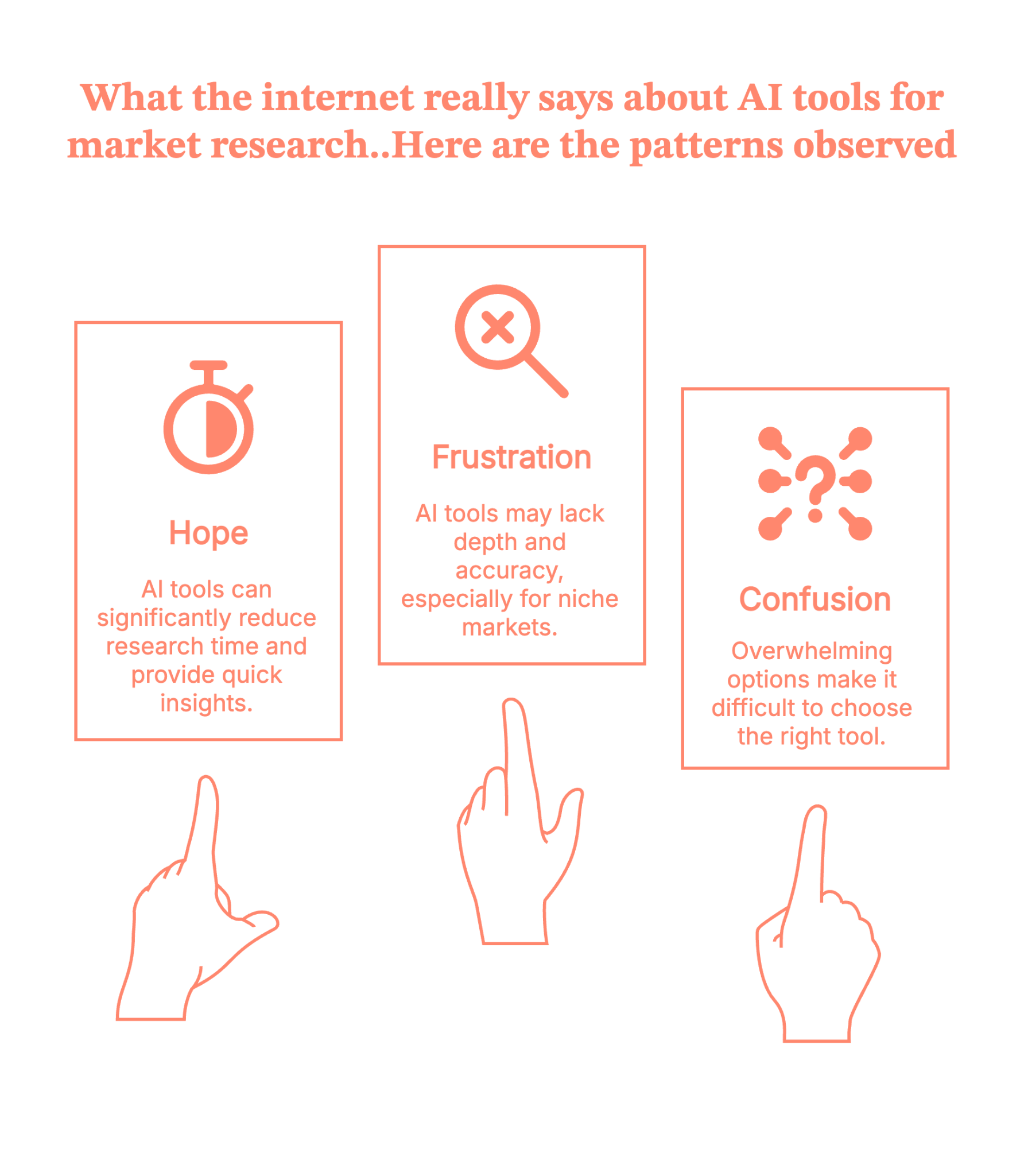
And then the ‘There is an AI for that’ website and similar directories that list hundreds of tools for every imaginable use case. They’ve become a go-to discovery channel, but also a source of overwhelm – like an app store with no curation.
So communities are basically saying:
“AI is clearly powerful, but I don’t want 50 tools. I want a handful that actually change how I work.”
Let’s map the chaos into something more useful.
Also, read Top GTM engineering tools for 2026.
The three big jobs of AI market research tools
If you strip away the branding, AI tools for market research mostly fall into three jobs:
- Desk research copilots – tools like ChatGPT, Claude, Gemini, and Perplexity that help you think, synthesize, and outline.
- Synthetic audiences – tools that build synthetic personas or digital twins so you can ‘ask the market’ questions without running a survey every time.
- Audience & signal intelligence – tools that crawl the web, enrich leads, or aggregate behavior (Clay, SparkToro, competitor/trend tools, etc.).
{{INLINE_MOFU}}
How to Use AI for Market Research
The easiest way to use AI for market research is to map tools to the job you need done. Use research copilots like ChatGPT or Perplexity to frame questions and summarize findings. Use audience intelligence tools like SparkToro, GWI Spark, or Crayon to understand competitors, channels, and market signals. Use synthetic persona tools like Delve AI or Synthetic Users to pressure-test ideas before you invest in campaigns. Then use platforms like Quantilope, Displayr, or Remesh when you need structured analysis, reporting, or stakeholder-ready output.
In practice, AI works best as an accelerator for collection, synthesis, and prioritization—not as a replacement for real customers or expert judgment.
Those three jobs usually show up in two different ways of using AI in market research
- Oracle mode – you type a question into a large language model and hope the answer isn’t hallucinated.
- Proxy mode – you use synthetic personas, digital twins, or AI-powered panels to simulate how real people might respond.
HBR’s recent piece on ‘The AI Tools That Are Transforming Market Research’ describes this proxy shift clearly, especially around synthetic personas and digital twins:
- Synthetic personas – AI-simulated segments built from demographic, behavioral, or psychographic data.
- e.g., you can ask, “As a college-aged male gamer who spends $50/month on in-app purchases, how would you react to…?”
- Digital twins – AI models of real individuals calibrated on their survey answers, behavior, and traits.
- Your panel becomes a set of digital twins you can re-ask questions without pinging the human every time.
- Your panel becomes a set of digital twins you can re-ask questions without pinging the human every time.
In academic tests, digital twins reached about 88% relative accuracy in reproducing their human counterparts’ responses, which is impressive. However, they still only captured around half of the experimental effects you see in real humans. Translation: promising, not perfect.
Communities are reacting in a pretty balanced way:
- Excited about speed
- Wary about bias and ‘AI respondents’ that sound more polite and optimistic than actual customers
- Confused by overlapping vendor language – synthetic users vs digital twins vs synthetic data
So the smart teams are asking:
“Where can AI safely speed things up – and where do we still need humans in the loop?”
Let’s look at how ChatGPT for market research fits into that picture first.
ChatGPT for market research: what it’s good for (and where it breaks)
Reddit is full of people asking, “How do I use ChatGPT for market research?” and hitting one of two walls:
- It’s either too generic
- Or it fabricates very specific facts about local markets, niche B2B spaces, or real company counts.
The pattern that’s emerging in communities and practitioner blogs is, use ChatGPT as a thinking partner, not a database.
Where ChatGPT is great:
- Clarifying your brief
- e.g., Turn this vague idea into 3 concrete research questions.
- Designing instruments
- e.g., Draft interview guides, screener questions, and survey items you can later refine.
- Summarizing messy qualitative data
- e.g., Cluster open-ended responses into themes, highlight quotes, suggest segment-specific insights.
- Role-playing synthetic personas (lightweight)
- e.g,. Answer as a 28-year-old founder of a B2B SaaS in logistics – how would you react to this pricing?
Where people get burned:
- Treating model output as live market data (‘What’s the exact current market share of X in Germany?’).
- Asking for exhaustive local lists (small vendors, niche communities, local competitors).
So yes, compared to most market research AI tools, ChatGPT (and its peers) are a fantastic thinking companion. But they’re not a replacement for panels, CRM data, or real customers.
Now, instead of dumping 50 tools on you like a directory, let’s focus on 10 AI tools for market research that keep popping up in serious discussions, and explain where in your workflow they actually help.
How to choose the right AI market research tool
- Data source: Does it rely on web data, survey panels, proprietary datasets, or your own transcripts?
- Research job: Is it best for synthesis, audience intelligence, competitive monitoring, surveys, or synthetic testing?
- Output: Do you need summaries, dashboards, transcripts, survey analysis, or decision-ready reports?
- Reliability: Can you trace the insight back to a source, transcript, or quantified dataset?
- Workflow fit: Does it plug into the way your team already runs research?
The best AI market research tool is the one that fits your question, data quality requirements, and team workflow—not the one with the longest feature list.
10 best AI tools for market research (and where they fit)
I’ll group these into four buckets:
- Research copilots
- Synthetic personas & twins
- Audience & signal intelligence
- Data & insight platforms

Research copilots
1. ChatGPT – the generalist research brain
Best for: Framing research questions, summarizing interviews, and turning messy notes into usable themes.
Why it stands out: It is flexible, fast, and accessible for teams that need a thinking partner before they invest in heavier tooling.
Watch-outs: It should not be treated as a live market database, especially for niche, local, or highly specific competitive facts.
We’ve already seen where ChatGPT shines in research. As a tool in your stack, here’s how to put it to work.
- Great for: framing research questions, drafting guides/surveys, summarizing interviews, generating hypotheses.
- Why people like it: it’s flexible, fast, and good at turning chaos into structured thinking – as long as you fact-check any hard numbers.
Use it to:
- Turn stakeholder brain-dumps into clear research objectives
- Draft multiple versions of stimuli, concepts, and landing page copy to test
- Summarize qual transcripts into ‘What we’re really hearing’ narratives
2. Perplexity – research with receipts
Best for: Source-backed desk research, fast competitor scans, and secondary market analysis.
Why it stands out: It gives cited answers quickly, which makes it useful for early landscape work and hypothesis building.
Watch-outs: Citations help, but you still need to validate sources and separate current facts from weak references.
- Perplexity leans into grounded answers with citations and a ‘Deep Research’ mode that runs dozens of searches and synthesizes them into a report.
- Great for: competitive intel, scanning adjacent markets, gathering secondary insights you can then interpret.
Use it to:
- Quickly map existing players, business models, and common value props in a new space
- Pull together a sourced landscape doc you can annotate with your own POV
Synthetic personas & digital twin tools
3. Delve AI – personas, digital twins, synthetic users in one place
Best for: Building data-driven personas and stress-testing campaigns with synthetic users.
Why it stands out: It connects persona creation, digital twins, and marketing recommendations in one workflow.
Watch-outs: Output quality depends heavily on the depth and quality of the customer or behavioral data you feed it.
Delve AI positions itself as AI market research + marketing software:
- Generates data-driven personas, digital twins of customers, and synthetic users from analytics, CRM, competitor, or social data.
- Lets you chat with these virtual customers, run synthetic research, and get channel-specific recommendations.
Best for:
- Teams that already have a decent amount of traffic/customer data and want to:
- Turn that into living personas
- Run ‘what if?’ scenarios before committing to big campaigns
It’s basically a commercial implementation of the synthetic persona / digital twin ideas HBR and academics are exploring – but with marketing outputs attached.
4. Synthetic Users – instant ‘interviews’ with AI participants
Best for: Early concept testing and rehearsal before you spend time recruiting real participants.
Why it stands out: It lets teams pressure-test ideas quickly with simulated interviews and follow-up probing.
Watch-outs: It is best used for hypothesis generation, not as a replacement for real customer feedback on high-stakes decisions.
Synthetic Users focuses on AI-generated research participants:
- You define the profile; the platform generates synthetic participants who can answer interview questions or surveys.
- Supports follow-up probing and auto-generated insight reports.
Best for:
- Early-stage exploration when recruiting real participants is hard, or when you want to rehearse research before going live.
Important caveat (echoing UX and MR experts): treat synthetic users as rehearsal and hypothesis tools, not replacements for real users – especially for emotionally loaded or high-stakes topics.
Audience & signal intelligence
5. GWI Spark – AI on top of real global survey data
Best for: Fast audience insights grounded in large-scale survey data.
Why it stands out: It combines natural-language querying with quantified consumer data across many markets.
Watch-outs: It is strongest when your question fits its survey coverage, not when you need open-web or highly niche local intelligence.
GWI Spark is an AI assistant sitting on top of a massive, global survey dataset (nearly a million consumers across 50+ markets).
- You type natural-language questions (‘How do Gen Z in the US discover new skincare brands?’)
- Spark responds with actual survey-based insights, not scraped web guesses.
Best for:
- Brand, product, or strategy teams that need trusted, quantitative, fast, and don’t have time for custom fieldwork on every question.
6. SparkToro – where your audience actually hangs out
Best for: Audience research, channel discovery, and influencer or media planning.
Why it stands out: It shows what your audience reads, watches, follows, and listens to in a highly actionable way.
Watch-outs: It is not designed to replace primary interviews, surveys, or deeper attitudinal research.
SparkToro is an audience research tool that tells you:
- Which sites, podcasts, YouTube channels, Subreddits, and social accounts your audience pays attention to.
It’s not an AI respondent tool; it’s a behavioral mirror:
- Great for:
- Media planning
- Influencer selection
- Positioning and content ideas based on real audience affinities
Think of it as: ‘Stop guessing which channels your persona uses. Here’s what they actually consume.’
7. Crayon – AI-powered competitive intelligence
Best for: Monitoring competitor messaging, packaging, pricing, and go-to-market changes.
Why it stands out: It helps teams spot meaningful competitive shifts without manually checking every rival source.
Watch-outs: It is narrower than a full research stack, so pair it with audience or survey tools for broader market context.
Crayon is a competitive intelligence platform that continuously monitors competitor sites, pricing, messaging, and other signals.
- AI helps flag meaningful changes and surface insights for sales, product, and marketing.
Best for:
- Product marketers and strategy teams who’d love a full-time “competitive analyst” but don’t have headcount.
Use it to:
- Track shifts in competitor positioning, packaging, and feature launches
- Feed that intel back into your research questions: “What does this market move mean for our segment X?”
Data & insight platforms
8. Quantilope – end-to-end AI-powered consumer intelligence
Best for: Structured survey-based studies such as concept tests, pricing research, and usage and attitudes work.
Why it stands out: It compresses the path from study design to analysis and stakeholder-ready reporting.
Watch-outs: It is better for planned research workflows than open-ended web exploration or lightweight brainstorming.
Quantilope is a consumer intelligence platform that blends survey automation with AI-based analysis and reporting.
- Built for: concept tests, pricing studies, U&A, etc.
- AI helps with survey setup, analysis, and storyboard/visualization.
Best for:
- Teams already comfortable with survey-based research who want to compress the study → insight → deck cycle without losing methodological rigor.
9. Displayr – AI for survey analysis & reporting
Best for: Turning large, messy quantitative datasets into usable analysis and dashboards.
Why it stands out: It helps research teams clean data, code responses, analyze patterns, and package insights faster.
Watch-outs: It works best when your input data is well structured enough to support strong downstream analysis.
Displayr is an AI-powered analysis and reporting suite popular with MR pros:
- Cleans and weights data, runs analyses, codes open-ended responses, and auto-builds dashboards.
Think of it as:
- Your quant ‘insight factory’ – AI does the heavy lifting, you stay in control of what the story actually means.
Best for:
- Teams drowning in data who need to turn large, messy datasets into usable stories faster.
10. Remesh – AI-boosted qual at quantitative scale
Best for: Large-scale qualitative conversations, message testing, and concept feedback.
Why it stands out: It combines qualitative depth with broad participation and real-time AI-assisted synthesis.
Watch-outs: It works best when you already know what you want to test and need scale rather than fully exploratory discovery.
Remesh is a platform for live, large-scale qualitative conversations:
- You can run online focus groups with up to ~1,000 participants at once.
- Participants respond, vote on each other’s answers; AI organizes and analyzes the open text in real time.
Best for:
- When you want qualitative depth + quantitative reach: message testing, concept reactions, early product feedback.
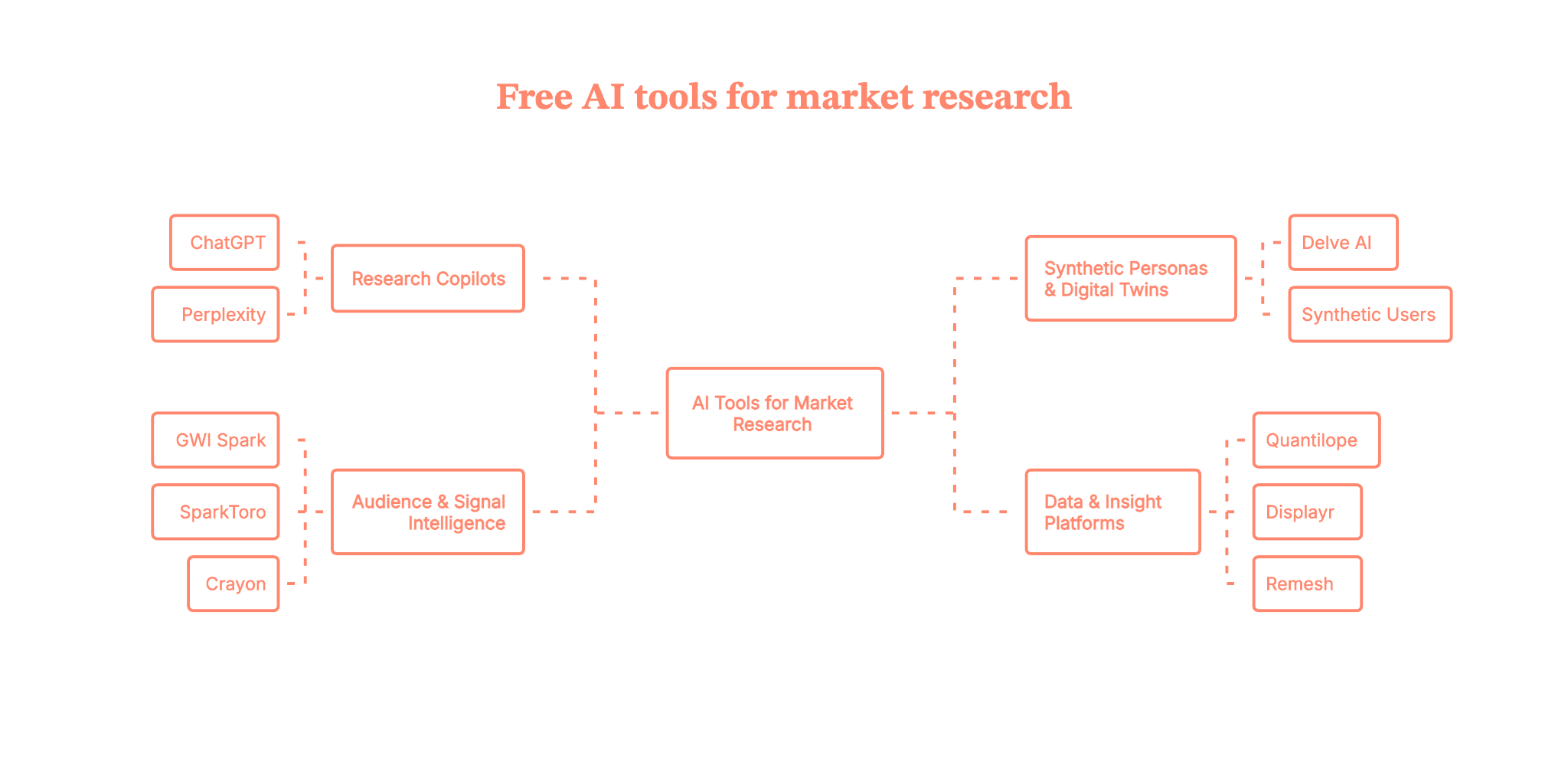
How to actually use these tools without losing the plot (and your mind)
With all of these, it’s tempting to go tool-first. Instead, borrow a page from the HBR guidance on synthetic personas and digital twins and flip it:
- Start with the decision, not the tool.
- ‘We need to decide: launch this feature now vs next quarter.’
- ‘We need to repackage pricing for segment X.’
- Decide what evidence would change your mind.
- X% of target customers see this as a ‘must have.’
- Clear list of top 3 objections by segment
- Map tools to questions, not the other way around.
- Use ChatGPT / Perplexity to sharpen the brief and outline methods.
- Use GWI Spark / SparkToro / Crayon for fast, top-down market reading.
- Use Delve AI / Synthetic Users to rehearse concepts or stress-test scripts.
- Use Quantilope / Remesh / Displayr when you’re ready for structured, defensible data.
- Benchmark synthetic against real.
This is straight out of the digital twin research playbook, run small human samples in parallel and compare.
Don’t just ask ‘Is it accurate?’ – ask:
- Would we have made the same decision using only the synthetic data?
- Keep humans in the high-leverage loops.
Let AI compress the painful parts (collection, summarization, first-pass analysis), but keep humans for:- Prioritization
- Interpretation
- Ethics and ‘Should we do this?’ calls
Forget the hype. Here’s where AI market research tools actually work
AI market research tools are everywhere, but most discussions online echo the same confusion: “What’s real, what’s noise, and where do I even begin?”
Rather than chasing bloated tool directories, focus on ten standout platforms that users keep returning to: tools like ChatGPT and Perplexity for framing and synthesizing, Delve AI and Synthetic Users for lightweight persona modeling, and behavioral data engines like SparkToro and Crayon.
But the key takeaway isn’t tool selection, it’s methodology. The smartest teams are blending AI’s speed with human insight, mapping tools to decisions, not the other way around. Whether you're streamlining research workflows or pressure-testing campaigns before launch, the value lies in matching the tool to the job, not replacing judgment with automation. AI won’t replace your research team, but it will challenge you to think faster, ask sharper questions, and stay closer to real-world signals.
In other words, you don’t need fifteen market research AI tools to be ‘doing AI’.
You need a clear question, a handful of tools you trust, and a process that blends synthetic speed with human judgment.
Because the real competitive advantage over the next few years won’t be “We used AI.”
It’ll be:
“We used AI to ask better questions, faster – and still cared enough to talk to actual people.”
Key Takeaways
- AI market research tools are best used by job: synthesis, audience intelligence, competitor tracking, synthetic testing, or structured reporting.
- The strongest stacks combine an AI copilot with a source-backed audience or competitive intelligence tool.
- Synthetic personas can speed up early thinking, but high-stakes decisions still need real customer evidence.
- If you’re just getting started, pick one generalist tool and one specialist tool rather than buying a full stack at once.
PS: Got intent data and AI insights? Here’s how to turn them into pipeline
If you’re already playing with AI market research tools, you’re probably sitting on a growing pile of signals:
- Accounts visiting high-intent pages
- Prospects engaging with content or ads
- Closed-lost deals quietly coming back to your site
The real question becomes: “Now what?”
That’s exactly the gap GTM Engineering by Factors is built to close.
Instead of just telling you which accounts are warm, Factors connects your website, CRM, ad platforms, and enrichment tools, then turns all those signals into clear actions for sales and marketing:
- “Here are this week’s highest-intent accounts and the 2–3 people to contact in each.”
- “This closed-lost account is back on your pricing page. Here’s what they’re looking at.”
- “These accounts fit your ICP, are hiring in key roles, and just spiked on product pages.”
Behind the scenes, Factors builds and maintains GTM workflows that:
- Score and tier accounts based on fit and behavior
- Trigger real-time alerts in Slack/Teams
- Orchestrate outbound, nurture, and remarketing across tools you already use
So instead of adding ‘yet another AI tool,’ you’re adding a GTM automation layer that turns research and intent data into meetings and pipeline.
If your next question is, “How do we connect all this AI insight to actual revenue?” GTM Engineering by Factors is a very solid first step.
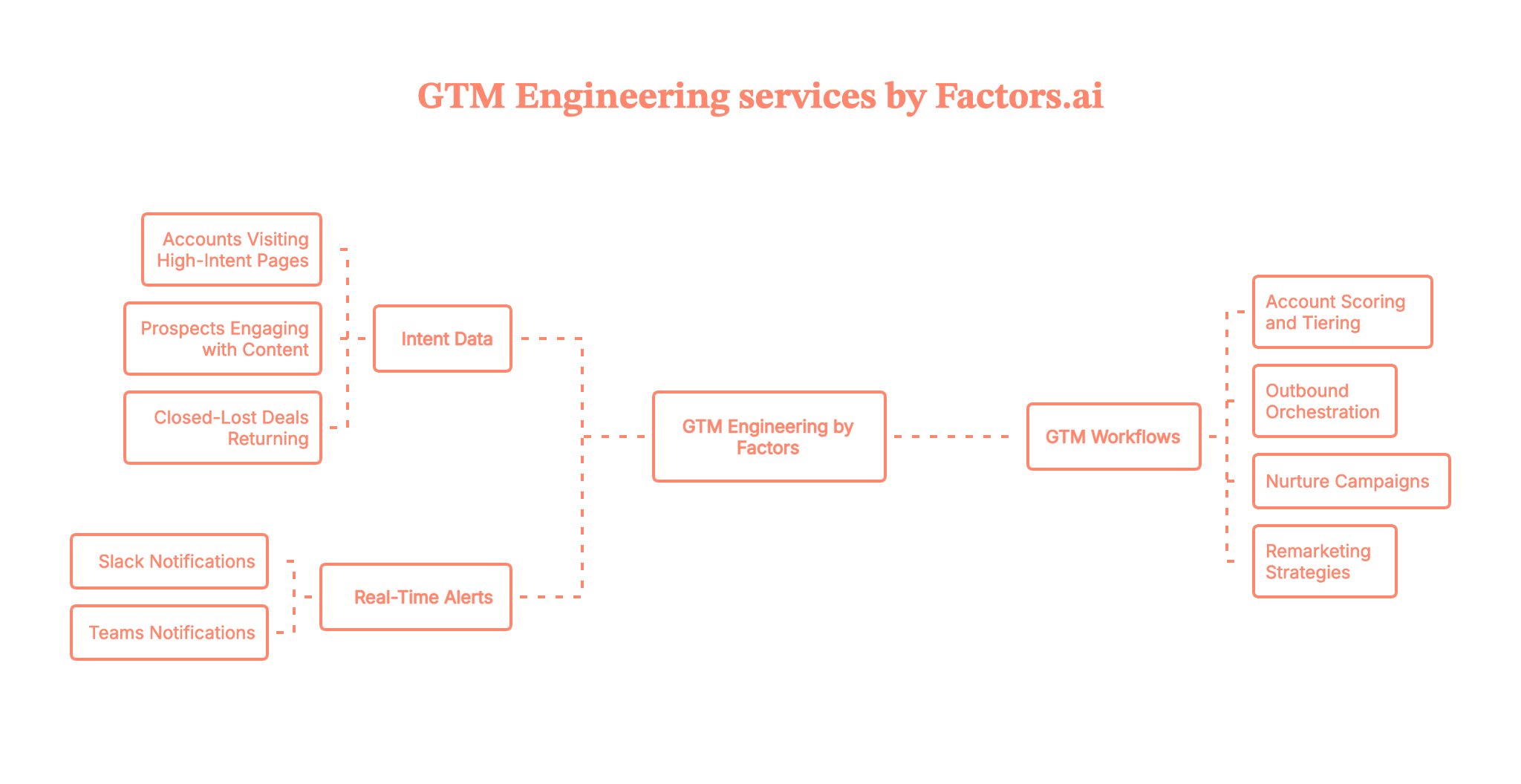
Curious what this could look like on your stack, with your accounts and intent signals?
Book a demo with the Factors team, and we’ll walk you through a live GTM Engineering setup end-to-end.
To learn more, also read our blog on website visitors to warm outbound plays with GTM engineering.
FAQs on AI market research tools
Q.1 The best AI for market research?
Most people often mix LLMs (ChatGPT/Claude) with research assistants like Perplexity for discovery, then validate with domain tools.
Q.2 AI surveys that have conversations instead of static questions — useful or overthinking?
Conversational/AI-moderated surveys can increase depth and speed; the value depends on the guardrails and the reliability of the analysis.
Q.3 How many AI market research tools do I actually need to get started?
You can do a lot with a lean stack: one LLM copilot (ChatGPT/Claude), one research assistant with citations (Perplexity), and one or two audience/insight tools (like SparkToro, GWI Spark, or your platform of choice). The win comes from your workflow, not from collecting logos.
Q.4 Can AI replace my research agency or in-house team?
Not yet (and probably not for a while). AI is brilliant for speed, like drafting guides, summarizing data, and stress-testing ideas. But you still need humans for sampling, methodology, interpretation, and the “So what do we do now?” decisions.
Q.5 Can ChatGPT do market research?
Yes—ChatGPT can help with research framing, transcript summarization, hypothesis generation, and first-pass analysis. But it should not be treated as a live source of market facts. It works best as a synthesis and ideation layer alongside verified sources, customer interviews, or structured data tools.
Q.6 What is the best AI tool for market research?
There is no single best tool for every team. ChatGPT and Perplexity are strong for synthesis and desk research, SparkToro and GWI Spark are useful for audience intelligence, and Quantilope or Remesh fit structured research workflows. The right choice depends on whether you need speed, source-backed research, quantified survey data, or reporting.
Q.7 Are AI market research tools accurate?
They can be very useful, but accuracy depends on the underlying data source and the job you ask the tool to do. Tools grounded in surveys, transcripts, or verified sources tend to be more reliable than open-ended generative outputs alone. The safest workflow is to use AI to accelerate analysis, then validate important decisions with real customer or market evidence.

Marketing Optimization Solutions: AI Strategies That Drive Real ROI
See how AI-driven marketing optimization helps B2B teams make faster, smarter decisions that align with pipeline impact.
.avif)
TL;DR
- Most marketing ‘optimization’ focuses on activity, not outcomes, leading to performance that looks good on dashboards but fails to drive the pipeline.
- AI enables real-time decision-making, pattern detection, and signal prioritization that human teams can’t scale, transforming optimization from reactive to predictive.
- True optimization happens at the system level, across channels, funnel stages, and regions, not in isolation or post-mortem analysis.
- The strongest results come from operationalizing AI, using it to inform decisions, shift budgets dynamically, and align marketing with revenue, without adding tool sprawl.
Most marketing teams aren’t short on optimization… in fact, they’re drowning in it.
Ads are optimized. Emails are optimized. Landing pages are optimized. There’s even a dashboard somewhere proving that everything has been optimized veryyyy efficiently.
And yet, the same questions… that refuse to go away.
Why did this campaign get attention but not pipeline?
Why is one region printing results while another is doing absolutely nothing?
Why does every quarter cost more but feel less predictable?
Why? Why? WHY?
I’ve lived this (for the lack of a better word… nightmare). The dashboards look good, everyone sounds confident in meetings, and still… no one is fully sure which decisions actually moved revenue.
That’s because most marketing optimization focuses on activity rather than outcomes. We improve channels in isolation, lock budgets early, and analyze results after the window to act has already closed. By the time insights show up… they raise interest but remain useless.
This is where marketing optimization solutions actually matter. Not as another tool or report (nooo… please), but as a way to make better decisions while money is still being spent. Decisions are tied to pipeline, regions, and real buying behavior.
In this guide, I’ll break down what marketing optimization solutions really mean in B2B, how AI is changing things, and how teams move from reactive tweaks to consistent ROI. If optimization has ever felt busy but not effective… you’re in the right place.
First up… why does optimization in marketing feel ‘broken’ today?
Let me paint a very familiar picture.
Monday morning. Someone shares a dashboard. CTR is up. CPC is down. Open rates look healthy. There is a brief, polite nodding ceremony in the meeting. Someone says, “Good numbers this week.”
Then someone else asks the most annoying question of the century...“So… did this actually move the pipeline?”
Silence. Awkward scrolling. Someone promises to check and circle back.
This is not because marketers are bad at their jobs. It is because marketing optimization has gone off track.
- The first crack in the system is our obsession with channel-level metrics.
Clicks, impressions, opens, and engagement are easy to measure and as comforting as chicken soup when you have the flu. They make us feel ✨productive ✨. But in B2B, these metrics are often faaar away from revenue. A campaign can look like an absolute rockstar on LinkedIn and still attract accounts that were never going to buy.
- The second issue is the way our marketing tools are set up.
Each tool does its own job well, but none of them talk to each other the way B2B teams think. CRM tells one story. Ad platforms tell another. Website analytics sits somewhere in the middle like a confused mediator. When insights are fragmented, optimization decisions become educated guesses dressed up as strategy (and Chinese whispers).
- At number three, there’s timing.
Most optimization happens after the damage is done. We launch campaigns, spend dollars, wait for reports, and then optimize in hindsight. By the time we learn what worked, the quarter is over, and the learnings go into a slide deck that no one opens again.
- And finally, there is the blind faith in ‘best practices.’
What works for a simple, transactional funnel does not survive a long (non-linear) B2B buying journey. Multiple stakeholders, regional differences, non-linear paths, and sales cycles that stretch forever do not care about your neatly packaged playbook.
The result is a strange paradox. Marketing teams are working harder than ever, tracking more data than ever, and still feeling less confident about their decisions.
This is why marketing optimization solutions cannot be about fixing one channel or improving one metric. The problem is structural. Optimization needs to happen at the system level, while money is being spent, and with revenue as the anchor.⚓
Before we get into marketing optimization solutions, we need to first see what we really mean by optimization in a B2B context.
What does ‘marketing optimization solutions’ actually mean in B2B?
Look, this phrase gets thrown around a lot, and half the time everyone in the room is picturing something different… as different as apples and New York baked cheesecake. (I’d prefer the latter, just saying.)
When most teams say ‘optimization,’ they usually mean small tweaks.
Like… changing the headline… pausing the underperforming ad… increasing the budget on what worked last week… and making the logo a little bigger.
That is not wrong… but it’s incomplete.
In B2B, marketing optimization solutions are about continuous decision-making, not one-time improvements (systems… remember?). The goal is NOT to make a channel look better. The goal is to make revenue more predictable. Techniques like marketing mix modeling and predictive analytics play an important role in supporting ongoing campaign optimization by enabling data-driven adjustments, forecasting outcomes, and optimizing budget allocation across channels.
Optimization is not one thing. It happens at three levels.
- Channel optimization
This is where most teams start and often stop.
Examples:
- Lowering CPC on paid ads
- Improving email open or reply rates
- Increasing landing page conversion
Optimizing across different marketing channels, such as digital, social, email, and offline platforms, can significantly improve overall effectiveness by allowing strategic allocation of budgets and more personalized engagement for each channel.
Useful, but limited. Channel optimization answers the question:
Is this tactic working in isolation?
- Funnel optimization
This looks at how buyers move across stages.
Examples:
- Are the right accounts entering the funnel?
- Are engaged accounts actually progressing?
- Are we retargeting based on behavior or just time?
This level starts connecting dots, but it still does not guarantee revenue impact.
- Revenue optimization
This is where marketing optimization solutions earn their name.
Examples:
- Which accounts are most likely to convert right now?
- Where should the budget shift this week to influence pipeline?
- Which signals should sales act on immediately?
Revenue optimization answers the only question that really matters:
Are our marketing decisions helping deals move forward?
Why does this matter specifically in B2B?
Multiple stakeholders enter and exit B2B buying journeys. Research happens across days, levels, and buyers often oscillate between stages. Intent spikes and cools down. Regional behavior varies wildly.
Trying to optimize this manually, or with channel-level metrics alone, is like steering a ship by watching just one compass needle.
This is why modern marketing optimization solutions are inseparable from AI.
Not because AI is trendy, but because continuous, revenue-tied decision-making at scale is not humanly possible without it.
Once we understand what optimization actually means, the next question becomes obvious.
What role does AI realistically play in making this work?
{{INLINE_MOFU}}
The role of AI in modern marketing optimization
Let’s address the elephant in the room before it starts knocking things over.
For the 100th time… AI is not here to replace marketers. It is also not your strategy team, your brand brain, or your customer whisperer. If anyone sold it to you like that, I’m sorry. You were lied to.
But… AI is very good at the boring, overwhelming, impossible-to-scale parts of optimization that humans avoid (or mess up). For example, machine learning algorithms can analyze customer behavior across multiple channels, using historical data to generate predictive insights that help marketers optimize campaigns and anticipate future trends for more effective marketing optimization solutions.
Here is where AI actually earns its seat at the table.
What AI does well in marketin optimization
- Pattern detection at scale
B2B marketing data is noisy. Thousands of data points across ads, web behavior, CRM activity, intent signals, and regions. Humans tend to cherry-pick patterns that confirm their gut. AI does not get emotionally attached to a campaign you worked hard on. Analyzing performance data is crucial for identifying trends and opportunities that drive more effective marketing optimization solutions. - Signal prioritization
Not every click, visit, or account is weighted similarly. AI helps separate weak signals from strong buying signals, so teams stop chasing activity and start focusing on intent. - Real-time decision making
This is the BIG shift. Instead of waiting for weekly or monthly reports, AI enables optimization while campaigns are live. Budgets, audiences, and priorities can change based on what is happening now, not what already happened.
What AI does not do (and should not be asked to)
AI does not understand context on its own. It does not know your ICP nuances, your sales motion, your market politics, or why a deal stalled for reasons that never show up in data.
Strategy, positioning, and judgment still need humans.
Think of AI as a very fast and honest analyst who never gets tired and never pretends to know more than the data allows.
How AI changes optimization in marketing
Before AI, optimization was mostly reactive, and looked like this: Launch. Measure. Analyze. Fix.
- With AI, optimization has become proactive, and looks like this: Detect. Predict. Adjust. Learn.
Real-time analysis of campaign data enables marketers to track key performance indicators (KPIs) across campaigns, allowing for faster adjustments and better alignment with business objectives, which leads to improved outcomes.
This shift matters because B2B windows are short and expensive. Missing the moment when an account is actively researching is far more costly than improving CTR by 0.5%.
| A quick word on older optimization tools Many older tools rely on rules. If X happens, do Y. These systems work until behavior changes, which it always does. Marketing automation tools can support marketing optimization solutions by automating personalized messages and leveraging customer data, but they often lack the adaptability and learning capabilities of AI-driven solutions. AI adapts. It learns from outcomes and updates decisions based on new patterns. That is why it is better suited for complex, long-cycle B2B journeys. |
Once AI’s role is clear, the next logical step is to build a tech stack that leverages it effectively without making your setup expensive.
How to build an AI tech stack that optimizes for revenue?
This is usually where the question comes up: “So… what tools do we need?” And suddenly, everyone is five minutes away from adding another platform to the stack.
Most teams respond to optimization problems by buying more tools (NOOO 😭). One for attribution. One for intent. One for analytics. One more because someone saw a LinkedIn post about it. Suddenly, your stack looks impressive (but you still can’t answer basic revenue questions).
Reminder: A strong AI tech stack is not about volume. It is about flow.
Marketing automation platforms play a key role here by centralizing and integrating first-party data from sources such as CRMs and website analytics, making it easier to activate targeted, personalized marketing campaigns.
The three layers every revenue-first AI tech stack needs
I want to keep this skimmable because I know you’re a busy 🐝, so let’s think about this in layers.
- Data ingestion
This is the non-negotiable foundation.
You need clean, consistent inputs from:
- CRM data
- Ad platforms
- Website behavior
- Intent sources
To enable effective marketing optimization solutions, it’s crucial to collect all the data needed for accurate optimization and decision-making. If your data is scattered or inconsistent here, no amount of AI will fix it later.
- Signal unification
This is where most stacks fall apart.
Signals need to be connected at the account level, not just at the user or session level. AI helps unify these signals and surface what actually matters. Not everything deserves attention. Some signals are just noise wearing a fancy chart.
- Activation and optimization loops
Insights are useless if they do not change behavior.
This layer is about:
- Shifting budgets while campaigns are live
- Prioritizing accounts for sales follow-up
- Adjusting messaging and targeting based on intent
If insights live only in dashboards, you don’t have an optimization stack. You have a RePoRtiNg stack.
One more reminder: More tools ≠ better optimization
I know I’ve already said this BUT this is worth repeating because it is VERY expensive to learn the hard way.
Adding tools increases complexity. Complexity slows decisions. Slow decisions kill optimization. And the WHOLE point of this article is to help you… optimize.
A common mistake is confusing automation with optimization. NO… automation follows rules, but optimization learns and adapts.
| Where platforms like Factors.ai fit in Factors.ai focuses on unifying signals, connecting them to pipeline, and enabling action. The value is not in hogging more data, but in helping teams make faster, better decisions. That is the difference between an AI tech stack that looks smart and one that actually drives ROI. Once the stack is in place, the real work begins. Note: Optimization has to happen across the funnel, not in isolated pockets. |
Let’s look at optimization strategies across the B2B funnel
One of the fastest ways to sabotage optimization is to treat the entire funnel like one big blob.
I have seen teams celebrate ‘overall performance improvements’ while ignoring the fact that top-of-funnel is attracting the wrong accounts, mid-funnel is leaking intent, and bottom-of-funnel is starved of sales-ready signals.
To drive results, you need to monitor campaign performance at each funnel stage. This helps identify and address bottlenecks, ensuring that optimization efforts are targeted and effective.
Optimization works only when it respects how B2B funnels actually act…
- Top-of-funnel: Optimize for who, not how many
At this stage, volume is tempting… but it is also misleading.
What actually matters here:
- Are we reaching accounts that match our ICP?
- Are certain regions showing early research behavior?
- Are we spending money in markets that are not ready yet?
AI helps here by analyzing audience quality, early intent, and geo-relevance, rather than just reach and impressions. Fewer, better accounts entering the funnel beat more traffic every single time.
- Mid-funnel: Optimize for intent (not just engagement)
This is where most funnels break.
Content gets consumed. Pages get visited. Retargeting runs on autopilot. But no one asks whether this engagement signals buying intent or casual curiosity.
Optimization strategies at this stage should focus on:
- Depth of engagement across assets
- Repeat behavior from the same accounts
- Smarter retargeting based on intent strength
AI helps separate meaningful signals from polite browsing, so teams stop overvaluing activity that never converts.
- Bottom-of-funnel: optimize for momentum
At this stage, optimization has very little to do with marketing vanity metrics.
What matters:
- Which accounts are showing late-stage behavior?
- Are sales teams seeing these signals in time?
- Is follow-up happening when intent is still hot?
AI helps connect marketing signals with sales action, improving time-to-deal and reducing stalled opportunities.
So, why does funnel-specific optimization matter?
One-size-fits-all optimization strategies break down in B2B environments. Each stage has different goals, signals, and decision criteria.
When optimization is clearly mapped to funnel stages, teams stop arguing over metrics and start aligning on outcomes.
Geo search, Geo-ranking data, and regional performance optimization
Sometimes, a campaign performs brilliantly in one region and flops in another. Same creatives. Same budgets. Same targeting logic. The post-mortem usually ends with vague conclusions such as ‘market maturity’ or ‘sales execution issues’... then everyone closes the tabs and moves on.
Understanding market trends can reveal why certain regions respond differently, informing more effective regional marketing optimization solutions.
What does geo search actually mean in B2B?
Geo search in B2B has very little to do with local SEO or office locations.
It’s about understanding where demand is forming, how intent manifests differently by region, and which markets are ready to convert now.
In some regions, buyers research for months. In others, intent spikes fast and drops just as quickly. In some markets, competitors dominate mindshare. In other cases, education is still required before conversion is possible.
Treating all regions the same is one of the fastest ways to… waste budget.
How does geo-ranking data change optimization decisions?
Geo-ranking data helps answer questions most dashboards never surface:
- Which regions are showing early-stage intent before pipeline appears?
- Where are high-intent accounts currently concentrated?
- Which geographies deserve more budget this week, not next quarter?
- Where does messaging need to change because market maturity is different?
Instead of allocating spend evenly or based on last quarter’s performance, teams can optimize dynamically based on real demand signals.
Why do identical campaigns behave differently across regions?
Regional performance varies because:
- Buying committees differ by market
- Awareness levels vary wildly
- Competitive pressure is not evenly distributed
- Economic and regulatory contexts shape urgency
AI helps surface these patterns quickly. Without it, most teams notice regional differences only after revenue misses targets.
Where does AI make the biggest difference?
Manual geo analysis is slow and biased because people often look only where they expect problems.
AI continuously monitors regional signals and highlights changes early. That allows marketing teams to:
- Shift budget before performance drops
- Prioritize sales outreach by region
- Adjust messaging without restarting campaigns
PS: Geo-driven optimization is not a ‘nice to have.’ It is one of the clearest ways marketing optimization solutions drive measurable ROI.
The five marketing strategies AI optimizes best
Not every marketing strategy needs AI. Some things still benefit from human instinct, creativity, and good old-fashioned common sense.
But there are a few strategies where AI does what humans simply cannot do consistently. These are the areas where I have seen the most repeatable ROI from marketing optimization solutions. AI-driven optimization enhances digital advertising, online advertising, and social media marketing strategies by enabling smarter targeting, better budget allocation, and continuous performance improvement.
Let’s break them down without overcomplicating things:
- Account-based targeting and prioritization
In B2B, even if all accounts look similar on paper (which they rarely do), they are 100% not equal.
AI helps identify which accounts are actively researching, which ones are warming up, and which ones are unlikely to move anytime soon. This allows marketing teams to focus their spend and effort where it matters most, rather than spreading attention too thin.
The relief this brings to sales teams is very real.
- Budget reallocation across channels in real time
Most budgets are still locked in monthly or quarterly cycles. By the time teams realize something is underperforming, the money is already gone.
AI enables dynamic budget shifts based on live signals. If a channel or region shows stronger intent, spend can be moved there immediately. If performance cools off, budgets pull back before waste piles up.
This is one of the fastest ways to improve ROI without increasing spend.
- Content and message performance optimization
Content optimization usually stops at engagement metrics and sounds like:
Which post got more clicks?
Which asset had better completion rates?
AI connects content performance to downstream behavior, changing it to:
Which messages correlate with intent spikes?
Which narratives show up repeatedly in deals that convert?
Using SEO tools like Ahrefs and Semrush, along with Google Ads, teams can improve visibility, track keyword performance, and optimize campaigns for better results.
This helps teams make each content piece work harder.
- Retargeting and frequency optimization
Retargeting is where good intentions go to hibernate.
Without AI, teams rely on time-based rules and gut feel. Some accounts get spammed. Others disappear from view just as interest peaks.
AI adjusts frequency and sequencing based on behavior. The result is relevance without fatigue and persistence without annoyance.
- Sales and marketing alignment through shared signals
This one is underrated.
When marketing and sales operate from different data sets, alignment meetings become philosophical debates. AI creates a shared view of account behavior, intent, and priority.
Instead of arguing about lead quality, teams focus on timing and action.
| Why do these strategies benefit most from AI? Each of these strategies involves:
|
Now that we know what to optimize, the next question is… which tools actually help, and which ones make things worse?
Marketing tools: What to keep (and what to replace)?
This is your cue sigh a little before reading on….
Because if I’m being honest, a lot of us are tired. Tired of logins and passwords. Tired of dashboards. Tired of tools that promised clarity and delivered… another weekly report. BO-oops-I’m-yawning-RING!
While marketing software and marketing automation tools can streamline processes, automate repetitive tasks, and improve efficiency, the problem is not that marketing teams lack tools (let’s not even get started on that). We rarely ask what each tool actually helps us decide.
- Audit before you acquire
Most teams operate in acquisition mode. New problem? New tool. New metric? New platform.
Optimization requires an audit mindset.
For every tool in your stack, there are only two questions that matter:
- Does this tool influence a real decision?
- Does it help us move revenue forward faster?
If the answer is no, it is not part of your optimization system. It is just noise.
- Marketing tools still matter
Some tools are foundational… they are not exciting, but they are important.
- CRM tools
This remains the system of record. Without clean CRM data, revenue optimization collapses quickly. - Ad platforms
These are execution engines. They will not optimize for you, but they are where decisions get applied. - Core marketing automation
Email, workflows, and basic lifecycle logic still matter. They support motion, not insight.
While these tools are necessary, they cannot optimize on their own.
⚠️Caution: Tools that break optimization
This includes tools that:
- Generate lots of charts, but no actions
- Track metrics disconnected from pipeline
- Create more alerts than decisions
If a tool increases reporting time without improving decision quality, it is actively working against optimization.
The role of AI and marketing automation in the tools conversation
AI should not become another silo. Its job is to connect systems, unify signals, and guide action. Think of AI as the layer that enables your existing tools to operate as a system rather than a collection.
| When does a search optimization agency make sense? There are moments when external help is valuable. Execution-heavy SEO work, large-scale audits, or specialized projects can benefit from a search optimization agency. What should stay internal is the optimization strategy. Decisions about where to invest, what to prioritize, and how to align with revenue should be driven by your data and your team. Once the tools are right-sized, the real challenge appears… people and process. |
How do marketing teams operationalize optimization? (people + process)
This is the unglamorous part of it all. (Also, the part that decides whether everything we have talked about so far actually works or dies out in a shared folder.)
A key factor in successful marketing optimization solutions is data transparency, which ensures effective collaboration and trust within marketing teams.
Most optimization initiatives fail here. Not because the strategy is wrong or the tools are bad, but because no one truly owns optimization as a function.
Why does optimization collapse without ownership?
Across many teams, optimization is everyone’s job and therefore… no one’s job.
Campaign managers optimize creatives. Demand gen optimizes channels. RevOps looks at pipeline. Analytics builds reports. Sales has opinions. Leadership wants results.
Without a clear owner, optimization turns into a game of passing insights and praying to the Heavens that someone acts on them.
Revenue optimization needs a single accountable owner or a very clearly defined shared ownership model.
Here are some roles marketing teams need to rethink
You don’t always need new hires, just new mandates.
- RevOps
Not just reporting and hygiene. RevOps should own signal integrity and how marketing and sales decisions connect to pipeline. - Growth Marketing
This role works best when it owns experimentation and learning velocity, not just acquisition targets. - Analytics
Analytics should enable decisions, not just explain past performance. If insights do not change behavior, something is broken.
The key shift is moving these roles from support functions to decision drivers.
What do optimization workflows look like?
- Weekly workflows
- Review account-level signals and intent changes
- Adjust budgets, audiences, and priorities while campaigns are live
- Surface high-intent accounts for sales immediately
- Monthly workflows
- Evaluate funnel movement and drop-offs
- Review regional performance shifts
- Refine optimization strategies based on outcomes, not opinions
The goal is to make optimization a routine… not something you do as a reaction.
How does AI change day-to-day marketing work?
AI removes the busywork that’s been draining your team. (Can you hear your team popping champagne at the back? Because I can.)
Less time:
- Pulling reports
- Explaining why numbers changed
- Defending channel performance
More time:
- Deciding where to invest next
- Collaborating with sales on timing
- Improving strategy based on real signals
When optimization is operationalized well, marketing teams stop feeling like they are constantly ‘catching up’ and start feeling in control.
There is one final piece left. Proving that all of this actually drives ROI.
Measuring real ROI and Customer Lifetime Value from optimization efforts (because that’s all that you care about, I know)
This is where all the clever strategy, AI-powered decisions, and beautifully aligned workflows either hold up (or fall apart).
Measuring marketing performance is crucial to ensure your marketing optimization solutions effectively drive results and help you achieve business goals.
Because at some point, someone is going to ask the most dreaded question… “Is this actually working?”
And if your answer relies on twenty slides of charts followed by ‘it’s complicated,’ you’ve already lost.
Why isn’t attribution enough?
Let’s get this out of the way NOW.
Attribution tells you who touched what; it does not tell you what to do next.
In B2B, attribution models struggle because:
- Multiple stakeholders engage at different times
- Deals stretch across months
- Offline influence and sales effort matter more than clicks
Attribution is a useful context, but not proof of optimization success.
Here are some metrics that actually indicate optimization is working
When marketing optimization solutions are doing their job, the signal shows up in a few very specific places.
- Pipeline influenced
Not just leads created, but accounts that meaningfully moved forward because marketing activity aligned with intent. - Cost per qualified account
This is far more honest than cost-per-lead. It forces teams to prioritize quality over volume. Ongoing campaign optimization through continuous data analysis and strategic adjustments improves pipeline efficiency and reduces costs by ensuring campaigns are consistently aligned with business objectives and performance metrics. - Time-to-deal
Shorter sales cycles are one of the clearest signs that marketing and sales are aligned around timing and relevance.
These metrics answer a far more important question than “Did this campaign perform?” They answer, “Did our decisions improve outcomes?”
Moving from reporting ROI to driving ROI
Reporting ROI looks backward, but driving ROI looks forward.
Good optimization dashboards do not just summarize performance.
They highlight:
- Where intent is increasing
- Which regions are heating up
- Which accounts need immediate action
- Where budget should move next
If your dashboard does not change your plans for tomorrow, it is not an optimization tool. It is a history lesson.
Here’s what strong optimization measurement actually feels like
This part is hard to quantify, but teams know it when they feel it.
- Fewer debates about lead quality
- Faster agreement on where to focus
- More confidence in budget decisions
- Less scrambling at the end of the quarter
That is what real ROI looks like before it ever shows up in revenue numbers.
Marketing optimization solutions work when they help teams make better decisions earlier. Effective optimization provides a competitive edge by enabling faster, more informed decisions that keep you ahead of the competition. Revenue follows clarity. Not the other way around.
In a nutshell…
If there is one thing I hope this guide has made clear, it is this.
Marketing optimization solutions are not about doing more. They are about deciding better. Effective marketing optimization is the process of making data-driven decisions that maximize ROI and business impact.
Better about where to spend. better about which accounts deserve attention… better about when to act and when to wait.
In B2B, optimization breaks down when teams chase activity instead of outcomes. When tools multiply but decisions slow down. When insights arrive after the moment to act has already passed.
AI changes this not by being clever, but by being consistent. It helps teams see patterns earlier, prioritize with confidence, and adjust while it still matters. Used well, it turns optimization from a post-mortem exercise into a daily advantage.
The winning teams are not the ones with the biggest budgets or the most tools. They are the ones who treat optimization as a system. One that connects data, people, and process around revenue, not vanity metrics.
If you are just starting out, start small. Clean up your signals. Question your metrics. Tie every optimization decision back to pipeline movement.
If you are already deep in the weeds, pause and audit. Look at what actually influences decisions today and what just fills slides.
Real optimization begins when marketing stops asking, “How did this perform?” and starts asking, “What should we do next?”
FAQs for Marketing Optimization Solutions: AI Strategies That Drive ROI
Q. What are marketing optimization solutions in B2B?
Marketing optimization solutions in B2B are systems, tools, and processes that help teams continuously make better decisions across channels, regions, and funnel stages with pipeline and revenue as the end goal. They go beyond improving individual metrics and focus on aligning spend, messaging, and prioritization to real buying behavior.
If a solution only tells you what happened but does not help you decide what to do next, it is not an optimization solution. It is reporting.
Q. How does AI improve optimization in marketing?
AI improves optimization by doing three things humans struggle with at scale.
First, it detects patterns across large, fragmented datasets without bias.
Second, it prioritizes signals so teams focus on accounts and actions that actually matter.
Third, it enables real-time decisioning instead of post-campaign analysis.
AI does not replace strategy. It strengthens execution by making optimization faster, more consistent, and more closely tied to outcomes.
Q. Which optimization strategies deliver the highest ROI?
In B2B, the highest ROI comes from optimization strategies that reduce wasted effort and improve timing.
These include:
- Account-based targeting and prioritization
- Dynamic budget reallocation across channels and regions
- Content and messaging optimization tied to intent
- Smarter retargeting and frequency control
- Sales and marketing alignment through shared signals
These strategies work because they directly influence who you engage, when you engage them, and how relevant that engagement is.
Q. What should a modern AI tech stack for marketing include?
A modern AI tech stack should be built around decision flow, not tool count.
At a minimum, it should include:
- Unified data ingestion from CRM, ads, web, and intent sources
- Signal unification at the account level
- Activation loops that turn insights into budget shifts, prioritization, and sales action
The goal of the stack is not visibility… it is velocity.
Q. How do marketing teams measure optimization success beyond attribution?
Teams should look beyond attribution models and focus on metrics that reflect movement and momentum.
The most reliable indicators include:
- Pipeline influenced by marketing activity
- Cost per qualified account instead of cost per lead
- Time-to-deal and deal progression speed
When optimization is working, teams spend less time defending numbers and more time acting on them. That shift is often the earliest sign of success.

AI Keyword Generators: What's Useful and What's Hype for Keywords and Traffic
Read how AI keyword generators truly help B2B SEO, where the hype breaks, and how to align AI keywords with real search intent for lasting traffic impact.
TL;DR
- AI tools help generate variations, cluster topics, and outline content faster, but can’t decide which keywords drive revenue or intent.
- Over-reliance on AI leads to low-volume keywords, traffic without conversions, and internal keyword cannibalization.
- True performance comes when keywords align with actual B2B problems, buyer stages, and account-level behavior, not just search volume.
- Use AI for execution, but validate with sales insights, engagement data, and revenue attribution to ensure keywords convert, not just rank.
Every time a new AI keyword generator drops, LinkedIn behaves like Apple just launched a new iPhone.
Screenshots everywhere… neatly grouped keyword clusters… captions screaming “SEO just got EASY.”
And every time, like clockwork, a few weeks later, I get a DM that starts very confidently and ends very confused.
“We’re getting traffic… but… nothing is converting. What are we missing???”
This is the B2B version of ordering a salad and wondering why you’re still hungry.
Look, I’ve been on both sides of this conversation. I’ve shipped content. I’ve let out ecstatic screams on seeing traffic bumps. BUT I’ve also sat through pipeline reviews where SEO looked a-mazing on a slide and completely irrelevant in real-life. (and made this face ☹️)
Which is exactly why this blog… exists.
AI keyword generators, powered by artificial intelligence, are not scams, but they’re also NOT Marvel-level superheroes.
They don’t save bad strategy; they just make it faster.
If your SEO thinking is sharp, AI helps you scale it; if your SEO thinking is fuzzy, AI will sweetly help you scale the fuzz (and that’s not a good look).
We’ll break down what an AI keyword generator actually does, where it genuinely helps, why users are drawn to the promise of easy keyword generation, where the hype quietly falls apart, and how B2B teams should think about AI traffic, intent, and keywords that sales teams don’t roll their eyes at.
Note: This guide is a reality check, not a takedown.
If you’re new to SEO, this will give you clarity. If you’ve been burned before, this will feel… comforting.
Why AI keyword generators are everywhere
AI keyword generators have become popular for a very simple reason. As ‘keyword tools’, they make keyword research feel accessible again.
For years, SEO research meant spreadsheets, exports from multiple tools, and a lot of manual judgment calls (brb… I’m starting to feel tired by just typing this out). And… for busy B2B teams, that often meant keyword work got rushed or pushed aside (God… NO!).
BUT AI changed that experience almost overnight.
Today, an AI keyword generator promises:
- Faster keyword research without heavy SEO expertise
- Large keyword lists generated in seconds
- Clean clustering around a seed topic
- A sense of momentum that feels data-backed
These tools help users find keywords relevant to their business, making the process more efficient and targeted.
I see why… I’ve used these tools while planning content calendars, revamping old blogs, and trying to make sense of a messy topic space. They remove friction, and make starting feel easy.
Where things get interesting for B2B is why teams adopt them so quickly.
Most B2B marketers are under pressure to show activity. Traffic is visible. Keyword growth is easy to report. Using the right keywords can drive traffic to the website. And AI keyword tools slot neatly into this whole scene because they produce outputs that look measurable and scalable.
Until someone in a GTM meeting asks this sweat-inducing question that nobody is prepared for.
“Are these keywords actually bringing the right companies?”
Now, this is where the gap shows up. Content velocity goes up. Traffic graphs look healthy. Pipeline influence stays… confusing.
At Factors.ai, we see this pattern constantly. The issue is almost never effort. It’s alignment.
In B2B, keywords only matter when they connect to:
- Real buying problems
- Real accounts
- Real moments in the funnel
My point is… AI keyword generators are everywhere because they solve the speed problem. What they do not solve on their own is the intent and relevance problem. And that distinction matters if SEO is expected to contribute beyond traffic.
Understanding this context is the first step to using AI keywords well, instead of just using them more.
Where AI keyword tools genuinely help
When used with intent and direction, AI keyword tools are genuinely useful and can significantly support a more effective content strategy. The problem is not the tools themselves. It is expecting them to make strategic decisions they were never designed to make.
In B2B SEO workflows, AI keyword generators shine in execution-heavy moments, especially when teams already know what they want to talk about and need help scaling how they do it.
Here are the scenarios where I have seen AI keyword tools add real value.
1. Expanding keyword variations without manual grunt work
Once a core topic is clear, AI keyword generators are great at:
- Expanding long-tail variations and providing relevant long tail keywords
- Surfacing alternate phrasing buyers might use
- Grouping semantically related queries together
This is especially helpful when your audience includes marketers, RevOps, founders, and sales leaders who all describe the same pain differently.
2. Building cleaner topic clusters faster
Structuring clusters manually can be slow and subjective. AI helps by:
- Identifying related keywords to optimize topic clusters for better SEO
- Creating a more complete view of how a topic can be broken down
- Supporting internal linking decisions at scale
The key thing here is direction. Humans decide the “what.” AI fills in the “also consider.”
3. Supporting long-form content and TOC planning
I often use AI keyword tools while outlining guides and pillar pages. Not to decide the topic, but to sanity-check coverage.
They help answer questions like:
- Are we missing an obvious sub-question?
- Are there adjacent concepts worth addressing in the same piece?
- Can this be structured more clearly for search and readability?
- Are there additional keyword suggestions that could help cover all relevant subtopics?
AI works well as a second brain here… not the first one (because that one is yours).
4. Refreshing and scaling existing content libraries
For mature blogs and documentation-heavy sites, AI keyword tools are helpful for:
- Updating older posts with new variations
- Improving the description of existing content to include relevant keywords, making it more discoverable in search results
- Expanding internal linking opportunities
- Identifying where multiple pages can be better aligned to a single theme
This is where speed makes a HUGE difference and AI does not disappoint.
5. Supporting content ops, not replacing strategy
At their best, AI keyword generators act as operational support. They reduce manual effort, streamline content creation, accelerate research cycles, and help teams move faster without lowering quality.
What they do not do is decide which keywords matter most for revenue.
This is where GTM context becomes essential. At Factors.ai, we see that keywords perform very differently once you look beyond rankings and into company-level engagement and pipeline movement. AI helps scale content, but intent and GTM signals decide what deserves that scale.
Used with that clarity, AI keyword tools become reliable assistants in a B2B SEO workflow, not shortcuts that create noise.
{{INLINE_TOFU}}
Where the hype breaks (...and traffic dies)
AI keyword tools start to fall apart when they are treated as decision-makers instead of inputs.
Relying solely on AI keyword tools can undermine effective search engine optimization if the keywords chosen are not aligned with how search engines analyze and evaluate content. Most of the issues I see are not dramatic failures. They are slow, quiet problems that only show up a few months later, usually during a revenue or pipeline review.
Some common patterns show up again and again.
1. Keywords that technically exist but do not pull real demand
AI keyword generators are very good at producing plausible-sounding queries, including trending keywords that reflect current search patterns. What they cannot always verify is whether those queries represent meaningful, sustained search behavior, especially in terms of search volume.
The result is content that ranks for:
- Extremely low-volume terms (targeting keywords with low search volume can dilute SEO efforts)
- One-off phrasing with no repeat demand
- Keywords that look niche but are not actually searched
On dashboards, these pages look harmless. In reality, they quietly dilute crawl budget, internal links, and editorial focus.
2. Pages that rank but never convert
Let me just take a deep breathe before I get into this…
Hmm… AI-generated keyword clusters often skew informational. They attract readers who are curious, researching broadly, or learning terminology. That is not bad, but it becomes a problem when teams expect those pages to influence buying decisions.
You end up with:
- High page views
- Low engagement depth
- No meaningful downstream activity
This often happens because the content fails to reach the target audience most likely to convert, resulting in lots of traffic but few actual
3. Intent flattening and keyword cannibalization
AI tends to group keywords based on linguistic similarity, not buying intent (because that’s what you and I need to do).
That often leads to multiple pages targeting:
- Slight variations of the same early-stage query
- Overlapping SERP intent (a challenge also seen in YouTube SEO, where multiple videos compete for the same keywords)
- Different problems forced into one cluster
Over time, this creates internal competition. Pages steal visibility from each other instead of building authority together.
4. ‘AI traffic’ that looks good but stalls in reviews
This is where the disconnect becomes obvious.
In weekly or monthly dashboards, AI-driven traffic looks healthy. In quarterly revenue reviews, it becomes hard to explain what that traffic actually influenced.
From a B2B lens, this is the real issue. SEO success depends on relevance, timing, and intent lining up. AI keyword tools do not evaluate timing. They do not understand sales cycles. They do not see account-level behavior.
Using the right keywords can help videos rank higher in search results, especially on platforms like YouTube where titles, descriptions, and tags matter. However, without matching user intent, the impact of those keywords is limited.
At Factors.ai, this is where teams start asking better questions. Not about rankings, but about which keywords bring in the right companies, at the right stage, with the right signals.
The hype breaks when AI keywords are expected to carry strategy. Traffic stalls when intent is treated as optional.
Once that distinction is clear, AI becomes much easier to use without disappointment.
AI traffic vs real SEO traffic
One of the biggest reasons AI keyword strategies disappoint in B2B is that all traffic gets treated as equal.
On most dashboards, a session is a session. A ranking is a ranking. But when you zoom out and look at how buyers actually move, the difference between AI traffic and real SEO traffic becomes very clear. Using the right keywords not only targets the appropriate audience but also leads to more visibility and better alignment with business goals.
What ‘AI traffic’ usually looks like
AI-driven keyword strategies tend to surface pattern-based queries. These keywords often:
- Match existing SERP language
- Sit at the informational or exploratory stage
- Attract individual readers, not buying teams
This traffic is not useless. It is often curious, early, and research-oriented. But it rarely shows immediate commercial intent.
In analytics tools, this traffic:
- Inflates top-line numbers
- Has shorter engagement loops
- Rarely maps cleanly to revenue
What real SEO traffic looks like in B2B
Real SEO traffic behaves differently because it comes from intent, not just phrasing.
It typically:
- Comes from companies that fit your ICP, especially when you target keywords with high search volume
- Engages with multiple pages over time
- Shows up again during evaluation or comparison
This is the traffic that sales teams recognize later. Not because it spikes, but because it aligns with active deals.
What B2B teams should track instead
If SEO is expected to support growth, traffic alone is not enough.
More useful signals include:
- Which companies are engaging with content
- How content consumption changes over time
- Whether content touches accounts that move deeper into the funnel
- Whether data-driven keyword suggestions are helping teams focus on keywords that support growth
This is where many teams realize their visibility gap. They can see traffic, but not impact.
From a Factors.ai lens, this is the difference between content that looks busy and content that quietly supports pipeline. AI keywords can bring visitors in. Real SEO traffic earns attention from the right accounts.
Understanding that difference changes how you evaluate every keyword decision that follows.
AI keywords for YouTube vs B2B search
AI keyword tools often blur the line between platforms, which is where many B2B SEO strategies start to go off course (towards the South, most likely).
When optimizing YouTube videos, focus on video SEO by using relevant tags in your titles, descriptions, and content. Tags help improve discoverability and search rankings on both YouTube and Google Search.
YouTube keyword generators and B2B search keyword tools are built for very different discovery systems. Treating them the same usually leads to mismatched expectations.
How YouTube keyword generators actually work
YouTube keyword tools are optimized for:
- Algorithmic discovery
- Engagement velocity
- Short-term visibility
They prioritize keywords that trigger clicks, watch time, and quick engagement. These tools also emphasize including targeted keywords in the video title and using relevant tags, as both are critical for helping the algorithm understand and serve your content to the right audience. By generating keyword suggestions for your video title and relevant tags, these tools improve your video's discoverability and search ranking. That works well for content designed to be consumed fast and shared widely.
This is why YouTube keyword generators are popular for:
- Brand awareness campaigns
- Founder-led videos
- Thought leadership snippets
- Educational explainers meant to reach broad audiences
Why this logic breaks for B2B SEO
B2B buyers do not discover solutions the way YouTube audiences discover videos.
Search behavior in B2B is:
- Slower and more deliberate
- Spread across multiple sessions
- Influenced by role, urgency, and internal buying cycles
- Requires targeting specific buyer intent and audience segments
A keyword that performs well on YouTube often reflects curiosity, not intent. Applying that logic to B2B SEO leads to content that attracts attention but rarely supports evaluation or decision-making, because it fails to target the right audience and search intent.
When YouTube keyword generators do make sense for B2B teams
They are useful when the goal is visibility, not conversion. Strategic keyword use is a key factor for YouTube success, as selecting the right keywords can significantly impact your video's visibility and viewer engagement on the platform.
Use them for:
- Top-of-funnel awareness
- Personal brand or founder content
- Narrative-driven explainers
- Distribution-led video strategies
Just keep the separation clear. Platform SEO works best when each channel is treated on its own terms.
For B2B teams, the mistake is not using YouTube keyword generators. The mistake is expecting them to solve B2B search intent.
How to get fresh SEO keywords with AI
Most teams say they want fresh SEO keywords, but what they actually mean is “keywords that are not already saturated and still have a chance to perform.”
Fresh keywords are not just new combinations of old phrases. They usually come from shifts in how buyers think, talk, and search.
In B2B, those shifts show up long before they appear in keyword tools. By leveraging advanced AI technology and keyword research tools, teams can discover fresh SEO keywords that are relevant and less competitive, giving them a strategic advantage.
Here’s what ‘fresh SEO keywords’ actually means
Fresh keywords typically reflect:
- New or emerging problems buyers are trying to solve, often requiring fresh SEO keywords that are also relevant keywords aligned with changing buyer needs
- Changing language around existing problems
- New evaluation criteria introduced by the market
These are not always high-volume queries. In fact, many of them start small and grow over time as awareness increases.
This is where relying only on AI-generated keyword lists can feel limiting.
Smarter ways to use AI for keyword discovery
AI becomes far more useful when it is grounded in real GTM inputs.
Instead of prompting AI with only a seed keyword, layer it over:
- Sales call transcripts
- CRM notes and deal objections
- Website engagement data
- Support tickets or onboarding questions
Then ask AI to surface patterns in how buyers describe problems, not just how they search.
This is how AI helps you catch emerging intent early.
Why keyword freshness does not come from tools alone
Keyword tools reflect what is already visible in search behavior. They lag behind the market.
Fresh keywords come from:
- Conversations happening in sales calls
- Questions buyers ask during demos
- Pages companies read before they ever fill a form
AI helps connect those dots faster, but the signal still comes from the market.
When teams use AI this way, keyword research stops being a volume chase and starts becoming a listening exercise. That shift is what makes SEO feel relevant again in B2B
A smarter B2B workflow: AI + Intent + GTM signals
AI works best in B2B when it is part of a system, not the system itself.
A modern SEO workflow needs three things working together: speed, prioritization, and validation. This is where AI, intent data, and GTM signals each play a clear role, and their combination leads to enhanced accuracy in keyword targeting.
How this workflow actually works in practice
A smarter B2B setup looks something like this:
- AI for speed and scale
AI keyword tools help expand ideas, structure content, and reduce research time. They make content operations more efficient without lowering quality. - Intent data for prioritization
Intent signals help teams decide which topics matter now. Not every keyword deserves attention at the same time. Intent data surfaces accounts that are actively researching problems related to your solution. - GTM analytics for validation
GTM signals close the loop. They show whether content is reaching the right companies, influencing engagement, and supporting pipeline movement.
This combination prevents teams from over-investing in keywords that look good but go nowhere.
Where Factors.ai fits into this workflow
This is where many SEO stacks fall short. They stop at traffic.
Factors.ai connects content performance to real GTM outcomes by:
- Identifying high-intent company activity across channels
- Showing how accounts engage with content over time
- Connecting keywords and pages to downstream funnel movement
- Integrating real-time traffic data to further improve the accuracy of performance tracking
This makes it easier to see which AI-generated keywords are worth scaling and which ones quietly drain attention.
Why AI keywords should follow intent
When AI keywords lead strategy, teams chase volume… and when intent leads strategy, AI helps execute faster.
That ordering matters. In B2B, keywords are most powerful when they are grounded in buyer behavior, not just search patterns.
AI accelerates the workflow. Intent keeps it honest. GTM signals make it measurable.
When to use AI keywords (and when not to)
AI keyword generators are most effective when expectations are clear. They are execution tools, not decision-makers. Used in the right places, such as generating descriptive keywords to enhance content discoverability, they can significantly improve speed and consistency. Used in the wrong places, they create noise that is hard to unwind later.
Use AI keyword generators when you are:
- Scaling content production without expanding headcount
- Supporting an existing SEO strategy with additional coverage
- Filling top-of-funnel gaps where discovery matters more than precision, by identifying what users are searching for
- Refreshing older content with new variations and internal links
In these cases, AI helps teams move faster without compromising structure or quality.
Be cautious about relying on AI keywords when you are:
- Creating bottom-of-funnel or comparison-heavy content
- Targeting ICP-specific, high-stakes categories
- Expecting keywords alone to signal buying intent
- Measuring success purely through traffic growth
These situations demand deeper context, stronger intent signals, and closer alignment with sales.
The takeaway B2B teams should remember
Keywords by themselves do not convert.
What converts is relevance, timing, and context coming together. AI keyword tools can support that process, but they cannot replace it.
When AI keywords follow intent and GTM signals, SEO becomes a growth lever. When they lead without context, SEO becomes a reporting exercise.
That distinction is what separates busy content programs from effective ones.
FAQs for AI keyword generator
Q. Are AI keyword generators accurate for B2B SEO?
AI keyword generators are accurate in identifying language patterns and related queries. They are useful for understanding how topics are commonly phrased in search. What they do not assess is business relevance or buying intent. For B2B SEO, accuracy needs to be paired with context around ICPs, funnel stage, and timing. Without that layer, even accurate keywords can attract the wrong audience.
Q. Can AI keywords actually drive qualified traffic?
Yes, but only in specific scenarios. AI keywords can drive qualified traffic when they support a clearly defined topic, align with real buyer problems, and sit at the right stage of the funnel. On their own, AI-generated keywords tend to attract early-stage or exploratory traffic. Qualification improves when those keywords are validated against intent signals and company-level engagement.
Q. What’s the difference between AI traffic and organic intent traffic?
AI traffic usually comes from pattern-matched keywords that reflect informational search behavior. It often looks strong in volume but weak in downstream impact. By analyzing comprehensive traffic data, you can distinguish between AI-driven and organic intent traffic. Organic intent traffic comes from searches tied to active evaluation or problem-solving. This traffic tends to engage deeper, return multiple times, and influence pipeline over longer buying cycles.
Q. Are YouTube keyword generators useful for B2B marketers?
They are useful for awareness and visibility, especially for founder-led content, explainers, and thought leadership videos. However, YouTube keyword generators are optimized for engagement and algorithmic discovery, not B2B buying journeys. They should be used as part of a video distribution strategy, not as a substitute for B2B search keyword research.
Q. How do I find fresh SEO keywords without chasing volume?
Fresh SEO keywords come from listening to the market. Sales calls, CRM notes, onboarding questions, and website engagement patterns often surface new language before it appears in keyword tools. AI becomes more effective when prompted with these real inputs, helping identify emerging problems and shifts in buyer intent rather than just high-volume terms.
Q. Should AI keyword tools replace traditional keyword research?
No. AI keyword tools work best as a layer on top of traditional research, not as a replacement. They speed up execution and expand coverage, but strategic decisions still require human judgment, intent analysis, and GTM visibility. The strongest B2B SEO strategies combine AI assistance with real-world buyer data and performance validation.

AI in Marketing and Sales: Marketing Automation Examples
Discover how AI in marketing and sales boosts efficiency, automates workflows, and drives conversions. Find real examples, tools & strategies inside.
TL;DR
- AI now predicts intent, personalizes outreach, and adapts to campaigns in real time.
- It connects every stage of the buyer journey, so no one falls into the abyss between MQL and SQL.
- Platforms like Factors.ai, HubSpot, Marketo, Salesforce, and ActiveCampaign unify data and intelligence.
- Predictive analytics and cross-channel visibility will shape the next wave.
- Teams using AI-powered automation move faster, waste less, and convert more.
Ever looked at your old marketing tools and wished they would just grow a brain?
Good news... they did. And then they grew a personality, a memory, and an oddly accurate sense of buyer intent.
What used to be simple ‘send email at 9am’ automation has turned into systems that pull in signals from everywhere, personalize every touchpoint, and basically run half your GTM motion while you’re still opening your laptop.
And obviously, it’s all because of AI. It helps teams think ahead and ties awareness, engagement, and revenue together into one continuous story. And it finally gives us marketers something we rarely get ✨clarity✨.
Okay, enough talk, now let’s get into how automation actually works, what AI is enabling, and where platforms like Factors.ai fit into this whole glow-up.
How is AI reshaping modern marketing strategies?
AI has flipped automation from reactive to proactive.
It’s the difference between ‘someone downloaded an ebook, send email 2’ and ‘someone’s showing intent across paid, organic, and your website, here’s the next best action.’
Think Netflix recommending a show you didn’t even know you wanted to binge. Same vibe, just with B2B buyers who aren’t as cute as baby Yoda but behave just as predictably.
Some of the biggest shifts:
- Hyper-personalization: AI analyzes browsing behavior, content engagement, firmographic context, and even historical CRM activity. The result: outreach that feels human, not mass-produced.
- Intent-based engagement: Instead of guessing, marketers respond to clear signals. If an account is researching pain points that map to your product, AI helps push the right content at the right moment.
- Predictive recommendations: AI identifies the next best step, whether it’s an ad, an email, a conversation, or nothing. Yess… sometimes the best action is ‘calm down, they’re not ready.’
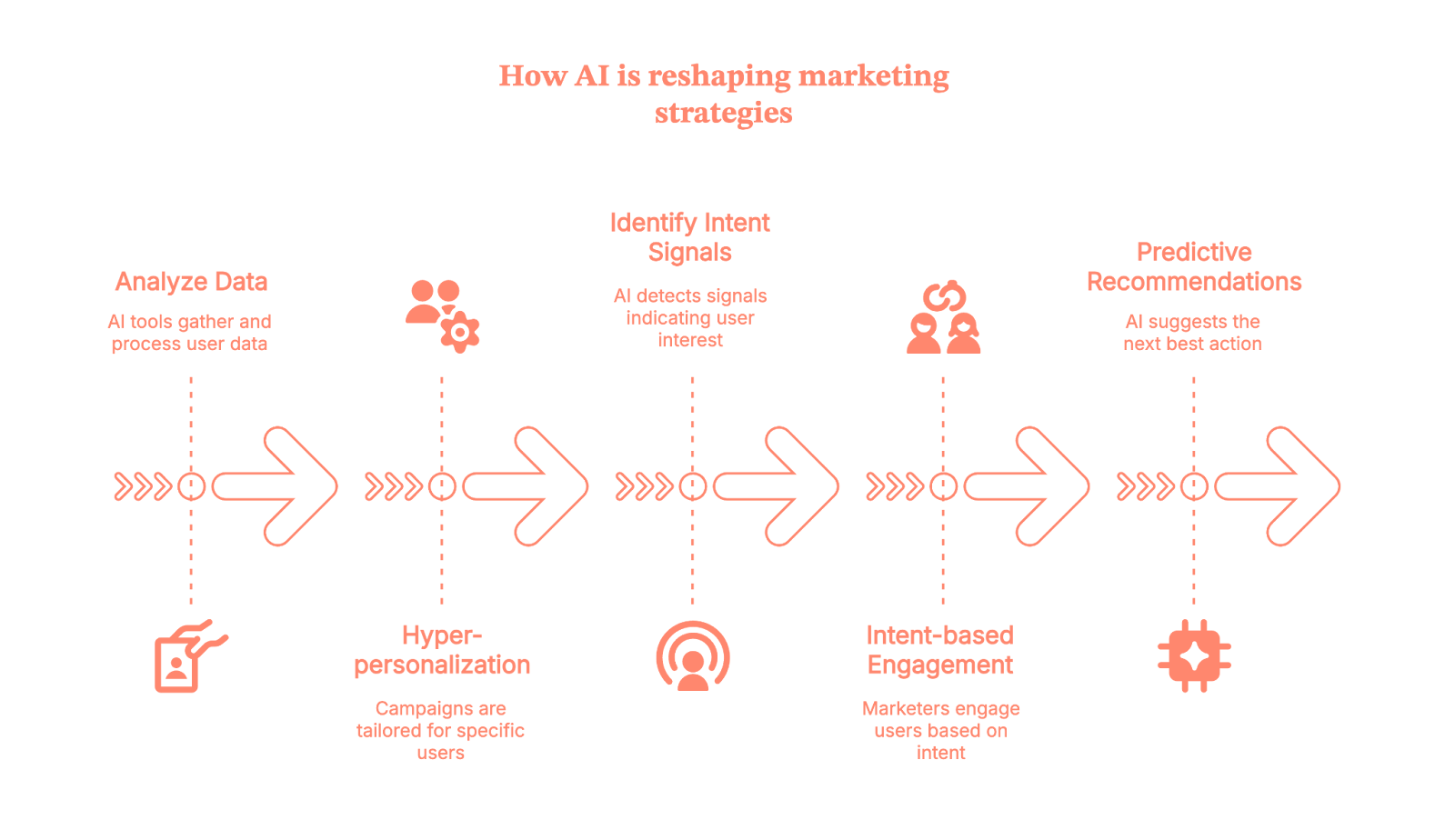
Platforms like Factors.ai help here by combining website behavior, CRM activity, and ad interactions into a unified view of account intent. When teams can see who is active and why, targeting becomes intentional instead of accidental.
Key trends shaping the future of automation
Here’s what every senior marketer should keep an eye on:
- Predictive analytics: AI-powered forecasting helps teams identify which campaigns, audiences, and channels are most likely to convert. This shifts planning from random guesswork to evidence-backed prioritization, so budgets move toward impact instead of noise.
- Full-funnel visibility: Modern tools now connect data across every stage of the journey, showing how accounts progress from awareness to decision. This eliminates blind spots and helps teams understand which touchpoints actually influence revenue.
- Cross-functional automation: Marketing and sales get to operate from the same set of insights. Outreach, follow-ups, and content delivery stay aligned because all teams are responding to the same buyer signals in real time.
- Autonomous campaign execution: AI agents will increasingly adjust budgets, optimize content variations, and trigger outreach based on performance and buyer behavior. This reduces manual intervention and keeps campaigns evolving as conditions change.
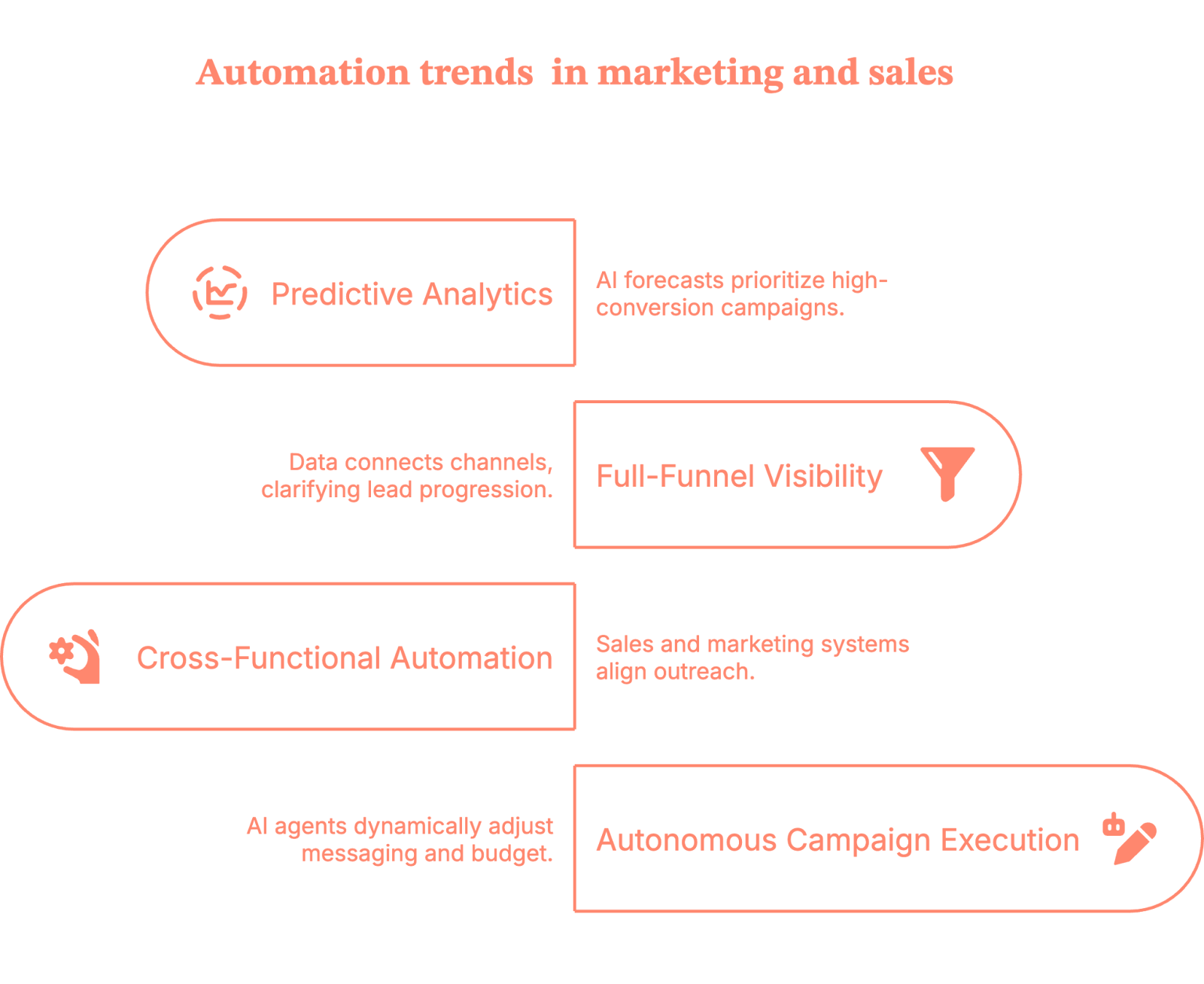
Together, these trends move automation from static rule-based workflows to a dynamic GTM system that continually learns, adapts, and improves results.
Related read: Guide to retention in customer journey
{{INLINE_TOFU}}
Benefits of marketing automation
Marketing automation is all about precision, scale, and making your GTM engine less topsy-turvy.
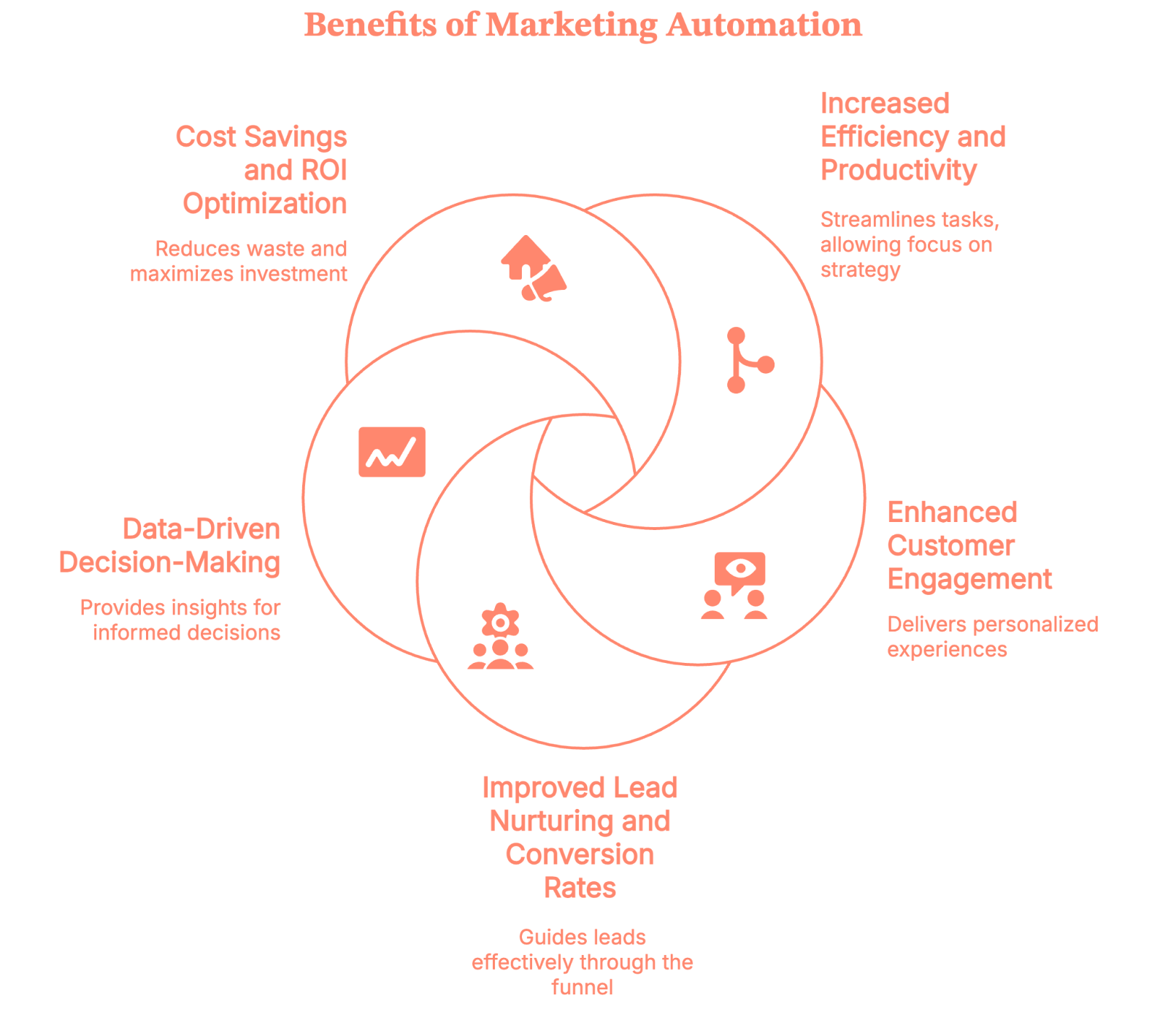
1. Efficiency that actually frees up humans
Repetitive tasks disappear so marketing can finally focus on creativity, messaging, and strategy. Workflows fire automatically in response to triggers, data updates, or buyer behavior. (So no more anxiety driven by thoughts like “did the sequence go out?”)
2. Personalization that doesn’t feel robotic
AI uses real interaction patterns to shape email content, ads, website experiences, and nurture flows. With that, prospects get experiences that feel relevant to their buyer journey, which is great because no one wants to feel like Contact #34298.
3. Decisions powered by real data
Modern tools analyze cross-channel signals at a scale humans humanly can’t. Real-time dashboards and AI recommendations show what’s working, what’s not, and where to double down. Factors.ai goes deeper with attribution, journey mapping, and account-level intent.
4. Lead nurturing that converts
Behavior-based automation pushes the right content at the right moment, guiding buyers through the funnel without manual effort. This tightens sales cycles and reduces the need to ask, “where did this lead even come from?”
5. Cost savings and ROI you can defend
When you target high-intent audiences and personalize at scale, wasted spend drops quickly. And your ROI obviously climbs because your budget finally follows the data rather than wishful thinking.
| Benefit | Outcome |
|---|---|
| Efficiency | Fewer manual tasks, more team bandwidth |
| Personalization | Better engagement and higher relevance |
| Lead nurturing | Faster movement through the funnel |
| Data insights | Clearer decisions, fewer surprises |
| ROI | More pipeline from the same budget |
Examples of Automation (that are actually working right now)
Note: This is where the ‘grow a brain’ part comes in.
1. AI-powered email sequences
Emails now adapt based on buyer behavior.
- Subject lines adjust in real time
- Content blocks shift based on interest
- Send time optimizes per individual
For example, if someone downloads a pricing guide, they’ll get pointed to a relevant webinar, case study, or product comparison.
2. Chatbots and conversational AI
Chatbots aren’t FAQ parrots anymore (thank the Lord). They qualify leads, offer recommendations, and collect data that refines future campaigns.
Also, they work 24/7, no PTO, and 30-minute smoke breaks.
3. Predictive analytics for ads
Predictive targeting helps ads land in front of high-potential accounts instead of low-intent audiences. AI models evaluate firmographics, engagement patterns, and intent signals to map out who’s most likely to convert.
Factors.ai builds on this with account scoring powered by website behavior, campaign activity, and third-party intent, giving teams a clear path for targeted spend.
4. Automated social media management
Tools optimize posting times, monitor engagement, and even recommend responses in real time. Some can also detect trending topics before they take off, so your brand doesn’t look like it's late to the party.
5. Workflow AI for seamless GTM
This is where it gets fun.
Let me give you an example:
An account shows high intent on your website.
Automation triggers a warm LinkedIn sequence, emails, and alerts the right rep.
All synced across CRM, ad platforms, and analytics.
With Factors.ai’s GTM engineering workflows, teams can unify visitor data, intent signals, and outreach so everything moves in sync instead of feeling like a disjointed group project.
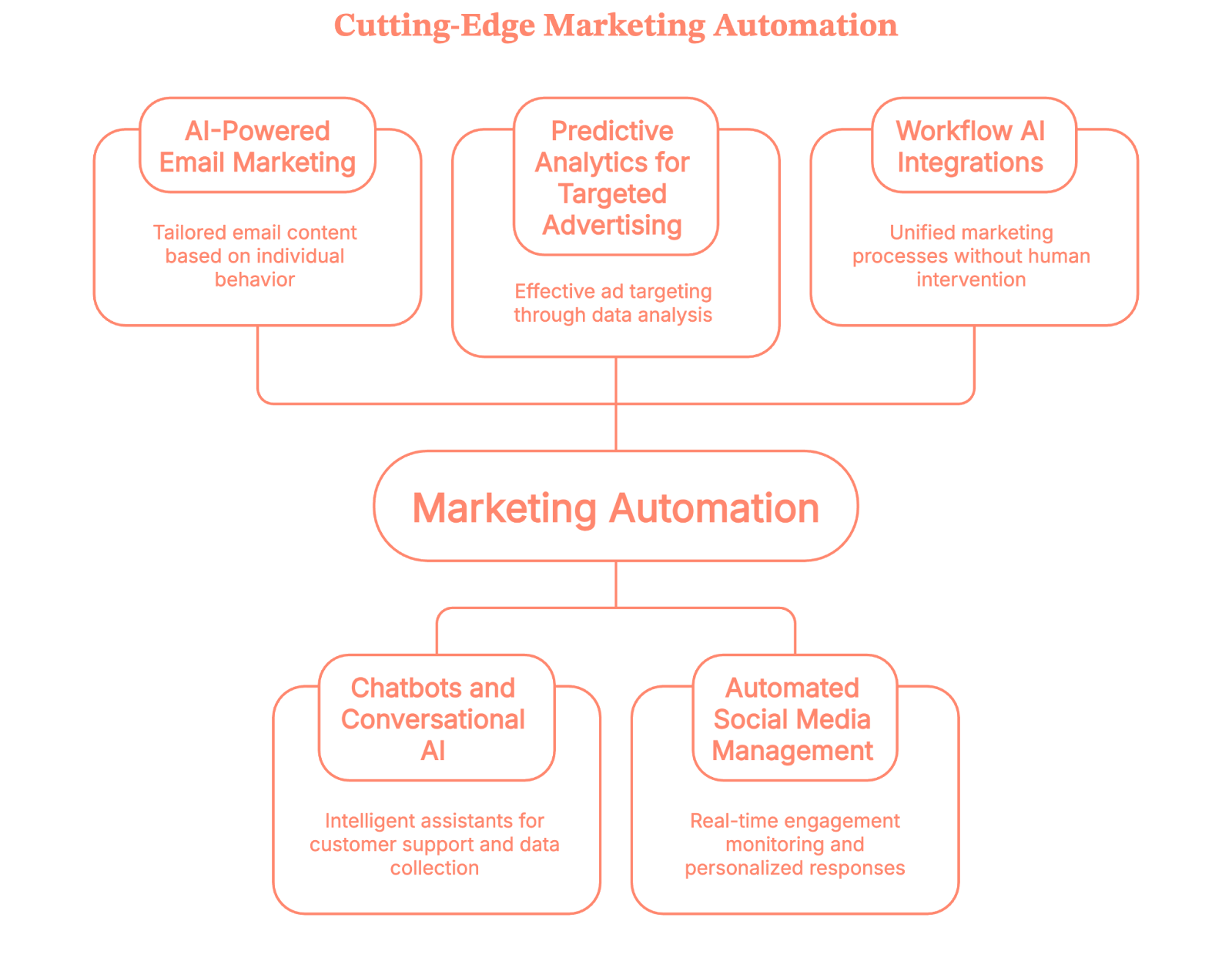
Top Marketing Automation Platforms (and what they do)
There are lots of tools in martech, but a few players consistently show up in B2B stacks, here they are:
- Factors.ai (obviously!)
Built for B2B teams that need ABM, intent capture, attribution, and targeted advertising with LinkedIn AdPilotg and Google AdPilot, powered by unified account-level insights. - HubSpot
Great for inbound. HubSpot offers user-friendly automation, CRM, and reporting tools that help growing teams manage campaigns without complexity. - Marketo Engage
A favorite among enterprise power users. Marketo excels in segmentation, lead scoring, and large-scale cross-channel orchestration. - Salesforce Marketing Cloud
Strongest for teams deeply tied to the Salesforce ecosystem. It delivers robust automation across email, mobile, and CRM-integrated journeys. - ActiveCampaign
Ideal for SMBs that want advanced automation without enterprise overhead. ActiveCampaign stands out for journey mapping and email intelligence at a friendly price point.
Key capabilities these tools usually offer
| Feature | Tool Name | Description |
|---|---|---|
| Intent detection | Factors.ai | Identifies high-intent accounts across website, ads, and CRM data. Factors.ai stands out with unified account-level intent from multiple sources. |
| Personalization | HubSpot, ActiveCampaign | Dynamic messaging and content variations built around audience segments, behaviors, and lifecycle stages. |
| Lead scoring | Marketo Engage, Factors.ai | AI models that prioritize accounts based on engagement patterns, fit, and intent signals. Helps teams focus on high-probability buyers. |
| Omnichannel orchestration | Salesforce Marketing Cloud, Marketo Engage, Factors.ai | Coordinates experiences across email, ads, mobile, and website to deliver consistent journeys across the funnel. |
| Attribution | Factors.ai | Provides clear visibility into what influences pipeline and revenue with multi-touch attribution across paid, organic, and sales interactions. |
How to optimize sales workflows with AI?
Sales teams live under SO much pressure, almost like they’re inside a pressure cooker… getting ready to get cooked (Get it? Get it?). So, they’d obviously kill for shorter cycles, more deals, and less time to achieve ALL of this. *cue to Paradise by Coldplay*.
Now, this is where automation becomes a bridge to the said paradise.
- Designing efficient workflows
AI handles the grunt work:- Lead routing
- Task scheduling
- Stage updates
- Meeting reminders
Everything stays timely and consistent.
- Smart lead scoring
AI looks beyond job titles or company size. It studies behavior, intent, and engagement patterns to decide who’s worth a rep’s time.
- Automating follow-ups
Triggers fire automatically when a lead shows interest.- Viewed pricing page?
- Downloaded a case study?
- Watched 50% of a webinar?
The system knows what to do next.
Oh and Factors.ai helps identify which accounts actually deserve this level of energy so reps stop chasing leads that aren’t ready.
- Better revenue outcomes
Teams that combine automation and AI typically see:- Shorter sales cycles
- Higher conversions
- Better forecasting
- Less time wasted
- Better sleep
I mean… it’s literally the definition of working smarter.
Workflows: The superglue that sticks the GTM motion together
Workflow AI is the connective tissue that ties marketing and sales activities together.
It ensures:
- Tools talk to each other
- Data flows correctly
- Actions fire at the right time
- Teams stay aligned
Where workflow apps shine (bright like diamonds)
| Tool Type | Use Case | Impact |
|---|---|---|
| CRM automation | Updates records, assigns tasks | Better accuracy |
| Marketing automation | Triggered campaigns | Higher engagement |
| Sales enablement | Next-step recommendations | Faster deal velocity |
| Analytics automation | Performance insights | Smarter decisions |
Factors.ai pulls several of these pieces into one system by unifying intent data, outreach triggers, and revenue analytics.
In A Nutshell
AI has fundamentally redefined marketing and sales automation, from static workflows to intelligent, responsive systems that fuel pipeline progression. Today, tools observe, interpret, and act. Platforms like Factors.ai integrate CRM activity, web behavior, and ad signals to offer precision targeting and real-time personalization that mirrors buyer behavior with uncanny accuracy.
Rather than reacting to form fills, AI-enabled platforms anticipate needs, recommend actions, and sync marketing and sales with shared intelligence. Campaigns adapt on their own, creative shifts in-flight, and intent signals guide next steps across the entire funnel. Predictive analytics shape budgets and messaging, while workflow automation eliminates lag between buyer action and team response.
And brands that lean into automation:
- Engage smarter
- Convert faster
- Waste less budget
- Understand their buyer journeys clearly
Sales teams gain clarity on who to pursue and when, while marketers can scale relevance without feeling robotic. Tools like HubSpot, Salesforce Marketing Cloud, and ActiveCampaign bring this automation to teams of all sizes, while Factors.ai anchors deeper use cases with unified account intelligence.
The future isn’t AI replacing marketers… it’s AI doing the repetitive tasks so humans can do what they were always meant to do… strategic thinking.
FAQs for AI in marketing and sales: Marketing automation examples
Q1. How does AI in marketing and sales improve collaboration between teams?
AI bridges the gap between marketing and sales by providing shared insights into buyer intent, engagement, and readiness. Instead of working from separate data sets, both teams operate from a unified view of the customer journey. This alignment helps marketing hand off better-qualified leads and enables sales to prioritize accounts more effectively.
Q2. What’s the difference between traditional automation and AI-powered automation?
Traditional automation executes predefined rules, like sending an email when someone fills out a form. AI-powered automation, on the other hand, learns from behavior and context. It predicts what action should happen next, adapts in real time, and continuously optimizes results based on new data.
Q3. Can small and mid-sized businesses benefit from AI-driven marketing automation?
Absolutely. AI in marketing and sales isn’t just for enterprises anymore. Modern tools are scalable and easy to integrate, helping smaller teams personalize outreach, score leads, and manage campaigns more efficiently. Even a few well-implemented automations can save hours of manual effort and lead to measurable growth.
Q4. How does AI ensure better customer experiences through automation?
AI makes automation more human by using data to understand what customers actually care about. It tailors content, timing, and communication channels to each user’s preferences, so interactions feel relevant instead of repetitive. This creates smoother experiences that build trust and brand loyalty over time.
Q5. What kind of data fuels AI in marketing and sales automation?
AI relies on a mix of behavioral, demographic, and firmographic data, things like website visits, ad interactions, purchase history, and CRM records. The richer and cleaner the data, the smarter the automation becomes. That’s why modern platforms emphasize unified data pipelines that connect marketing, sales, and analytics.
Q6. Are there any challenges in adopting AI for marketing and sales automation?
Yes, while the benefits are significant, challenges include data silos, integration complexity, and the learning curve for teams new to AI tools. Success depends on aligning strategy with technology, ensuring clean data, and training teams to interpret and act on AI insights effectively.

AI in B2B Marketing: Real Use Cases, Trends, and What AI Still Can’t Do
Explore real AI use cases in B2B marketing, key trends, where AI falls short, how teams turn insights into action by combining AI with GTM orchestration

TL;DR
- AI in B2B marketing works best when it improves both execution and decisions.
- Most teams struggle with turning signals received from their AI tools into action.
- AI is most effective when applied at the account and workflow level, instead of isolated tasks.
- Generative AI speeds things up, but human judgment still decides what matters.
- Best impact comes from combining AI insights with clear GTM orchestration.
When AI walked into B2B marketing, it came with big promises to ‘revolutionize’ the space and bigger fears… replace teams, automate thinking, and outpace humans at every turn.
Both didn’t happen. What has happened is something more complicated.
AI is everywhere now, yet most B2B teams still struggle to connect it to real GTM decisions. They have a bunch of insights from various AI marketing tools, but knowing what to do with them – and actually doing it – is still difficult.
This article talks about that gap. It looks at how AI is currently being used in B2B marketing today, where it helps, where it lags, and how strong teams utilize it to get optimal value from AI without letting it run the show.
What does AI in B2B marketing actually mean?
When people talk about AI in B2B marketing, they often conflate very different things. That’s where confusion starts.
At its core, AI in B2B marketing means using machine learning to process signals faster than humans can, to improve marketing decisions.
In practice, AI does four things B2B teams struggle to do manually at scale:
- Analyze behavior across systems
AI pulls together signals from CRM data, website activity, ad engagement, email interactions, product usage, and sales notes. This is important because B2B journeys are fragmented, and without AI, you won’t see the full picture.
- Predict intent and likelihood to act
Instead of treating all leads or accounts equally, AI looks for patterns that historically led to conversions, pipeline movement, or churn. This helps your teams move from reactive marketing to prioritized action.
- Personalize customer experiences without hand-building everything
AI adapts messaging, timing, and content based on behavior and context. It personalizes beyond “Hi, John!” by adjusting what is sent, when it is sent, and to whom, based on how an account behaves in real time.
- Optimize decisions early on
With insights from AI, you can spot issues early. Instead of reviewing what went wrong later, you can adjust spend, outreach, routing, or messaging in real-time.
| Misconceptions about AI in B2B Marketing: It’s not just one tool; neither is it autopilot marketing; it’s definitely not a replacement for strategy or human judgment. If your decision is unclear, AI will just help your team move faster in the wrong direction. |
Most B2B teams use AI across three layers.
- Generative AI: The generative AI layer helps create. It’s mostly used for creating drafts for ads and emails. Beyond that, it also helps with topic ideation, content outlines, message variants, sales enablement drafts, customer interaction call summaries, and content repurposing. It’s great at speed, but it has no sense of context on its own.
- Predictive and analytical AI: This layer helps in decision-making. It handles lead and account scoring, intent detection, win-loss analysis, forecasting, and performance evaluation.
- Orchestration and workflow AI: Finally, this layer helps in action-taking. It routes accounts, triggers outreach, syncs systems, and turns insights into movement.
Most teams stop at creation and wonder why results feel underwhelming. Once you run these layers together, you end up utilizing artificial intelligence for what it’s meant to do: help you make better decisions consistently.
Where AI is used in B2B marketing today
Now that you understand AI works in layers, let’s see how it is used practically in B2B marketing for better decision-making and reducing repetitive tasks.
- Content generation and content strategy:
People think AI helps in creating content fast, but its real value lies in helping you decide what deserves to be written in the first place.
AI, here, looks at how people actually search and what already exists on the internet. It analyzes search queries, groups related keywords into themes, and compares your content against competitors to spot gaps. It also suggests outlines based on how top-performing pages are structured and flags older content that needs updating or better internal linking.
Also read: AI Market Research Tools: From Hype Threads to 10 Tools Worth Using
You still decide the voice, angle, and point of view. AI helps narrow down the field so you don’t spend weeks on a content creation process that was never going to rank or convert.
- Paid media and performance marketing:
The thing about paid marketing is that it moves fast, but feedback often comes too late.
AI helps your team react earlier. It generates creative variations of ad copies based on what’s already working, tags marketing campaigns that are likely to fatigue, and recommends budget shifts so that you don’t end up spending more on inefficient campaigns. When performance dips, it can correlate creative, audience, and timing signals to show where the problem might be.
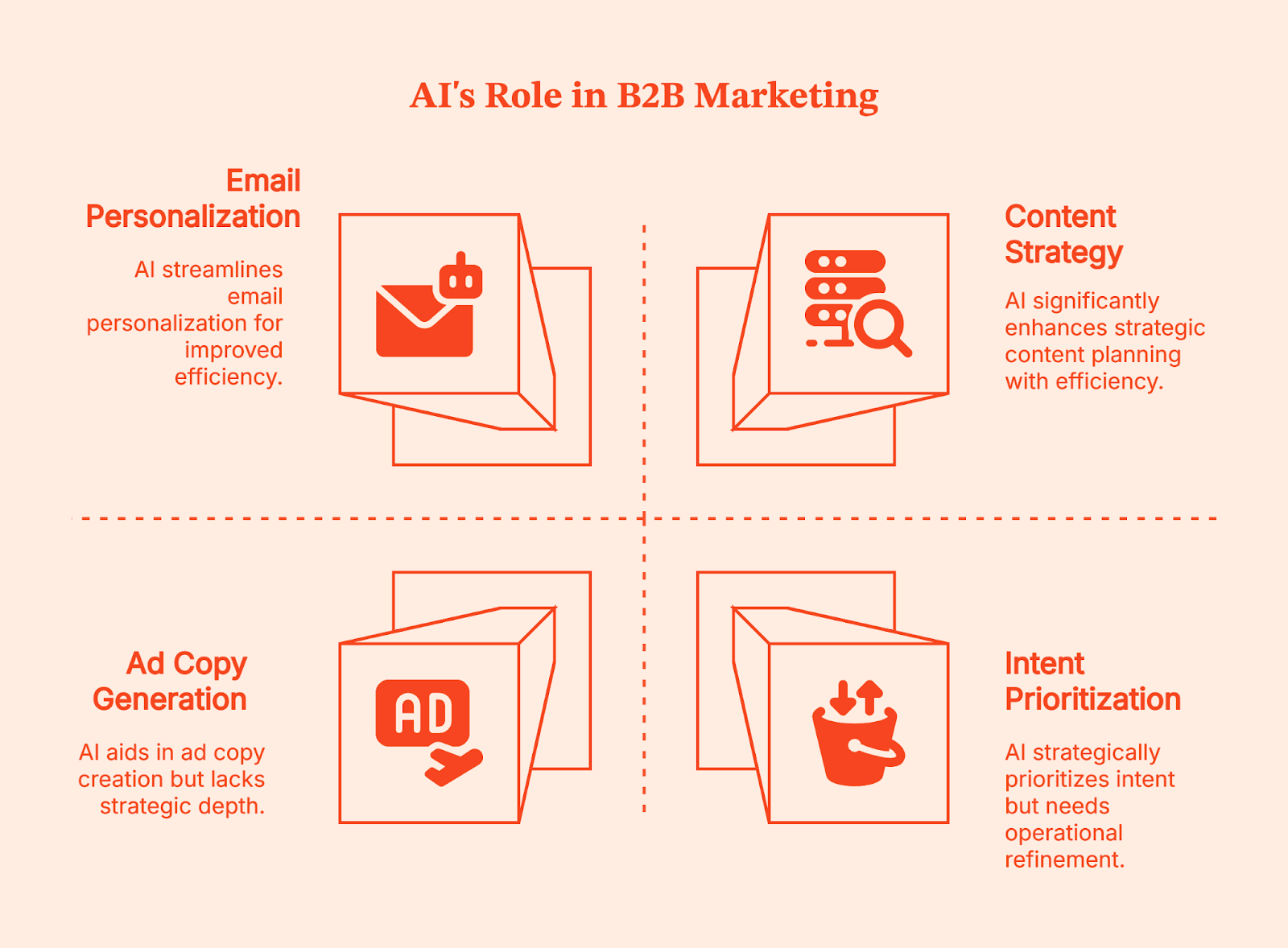
- Email, lifecycle, and personalization:
People think the challenge here is scale – but the real challenge is relevance. AI continuously tests subject lines and previews text, triggers messages based on real behavior, and adjusts outreach at the account level based on engagement. It can even hold back messages when signals suggest someone isn’t ready yet. This way, you end up sending fewer, more targeted emails with better timing and higher response rates.
- Intent, scoring, and prioritization:
This is where AI starts to influence revenue decisions. It analyzes behavior across channels to identify which accounts are warming up, enabling your team to prioritize outreach. It updates scores as buying groups grow or stall and helps align ABM efforts with real-time intent signals.
Across all these areas, AI works best as your intern. It gathers information, spots patterns in customer journeys, and brings you options. But it still needs direction, review, and a final call from someone who understands the business.
{{INLINE_TOFU}}
Real AI marketing examples in B2B
Theoretically, it all makes sense. But seeing how AI works in very specific moments inside everyday B2B workflows and influences GTM decisions makes it easy to understand.
- Demand generation: reallocating spend based on intent
The most difficult decision your demand generation must make is to take a call about when to shift focus. AI makes this easier for your team by looking for intent signals like website behavior across pages and sessions, ad engagement by account, content consumption patterns over time, and CRM activity.
With this, AI helps you answer practical questions:
|
When AI is utilized optimally in demand gen, it leads to very concrete actions that result in campaign optimization by pausing low-intent marketing campaigns early, reallocating spend toward high-intent accounts, and coordinating ads and outbound for the same buying group.
- Product marketing: refining messaging using win-loss signals
Now, let’s look at the product marketing team. Their decisions are often based on opinions that aren’t backed by evidence. AI steps in here as a pattern detector. It helps your team by consolidating win-loss notes and call transcripts, objection patterns tied to deal outcomes, feature usage and adoption data, and competitor messaging changes over time.
This helps product marketers see patterns in lost deals:
- Certain phrases appear repeatedly either before deals move forward or right before deals fall apart.
- Some features are mentioned constantly but are barely used, while others slowly drive retention.
This obviously helps your team in making smart decisions like removing or reframing weak messaging, updating sales enablement based on real buyer language, aligning positioning with actual product usage, etc.
- RevOps: connecting multi-touch journeys for attribution
RevOps feels the pain of disconnected data more than anyone. Long B2B buying cycles make attribution messy, and it’s difficult to pin down what worked (in case of a win) and what didn’t (in case the deal is lost).
For this segment, AI connects long, messy, and chaotic buyer journeys. It analyzes every touchpoint across ads, content, emails, demos, and sales interactions over weeks or months and highlights which sequences consistently moved the deals forward and which didn’t.
Armed with these data-driven insights, your team can adjust routing, scoring, and handoffs. You also get cleaner reporting, better alignment between marketing and sales teams, and smarter investment decisions.
AI marketing tools for B2B: ownership matters more than features
By now, most B2B teams have tried AI marketing tools, and yet they are still scratching their heads about why it isn’t working the way they expected.
In my experience, the problem isn’t tool-specific. It's more to do with who owns the decisions and which decisions it influences.
If you look at your tech stack, you’ll realize your team already has a bunch of tools they are barely using. Some were meant to 10X your content output, others (predictive analytics tools) promised to transform decisions. Initially, your teams got excited about these tools, but by the third month, they forget their existence.
| In a G2 AI adoption survey, 75% of companies report using two to five AI features, while only about 17% have integrated more advanced AI across their operations. This clearly indicates that most teams have AI marketing tools, but they aren’t deeply embedded into their core processes. |
It’s a common scenario:
- Your generative AI creates 50 email variants, but who decides which three to test?
- Your intent platform flags 40 accounts showing buying signals, but who follows up within 24 hours?
- Your attribution model shows mid-funnel content drives pipeline, but who has the authority to shift the budget based on that?
Without clear ownership, every insight remains an insight rather than a direction.
Strong teams work backwards from decisions. They don't ask "which AI marketing tool should we buy?" Instead, they ask, "What decision needs to happen faster?" Then they assign one owner, create one ritual, and close the loop.
For example, say a Series B SaaS company had 6sense, but their wasn't changing their behaviour/processes based on the insights from 6sense. Every account got equal treatment, and the pipeline was erratic. To refine the process, they need to clearly define:
- Which decision does it influence? Identify accounts sales must prioritize this week
- How does the tool help? Score accounts based on intent.
- Who’s accountable? RevOps updates scoring monthly, and sales lead identifies accounts weekly.
- How to build it into a habit? For example, Monday morning, review top 20, pick 10, no debate until next week.
Before buying another AI tool, ask your team:
|
If you can't answer these questions clearly, you're just adding another tool to your tech stack.
Remember: Teams winning with AI use fewer tools and exercise greater discipline. They've built the structure to turn insights into action before they go stale.
💡Check out our guide on how to interpret correlated data in B2B marketing
Artificial Intelligence (AI) in product marketing (B2B context)
Product marketing decisions suffer from too many partial truths. When sales, marketing, and product teams see a different reality (that tells them only one part of the story), it’s time for you to bring in AI.
Implementing AI in product marketing is like using a synthesizer, where four different elements come together:
- Persona analysis:
Traditionally, persona analysis relies on interviews and surveys on customer behavior that age quickly. AI changes this by analyzing inputs and customer data that product marketers come across every day:
- transactional sales call transcripts
- demo notes
- onboarding behavior
- feature usage
- churn reasons
- support tickets
Instead of asking "who is our buyer?" once a year, AI tells your team how different buyer groups actually behave over time.
- Messaging validation:
Product marketers test messaging across landing pages, emails, sales decks, outbound sequences, ad copy, in-app prompts, onboarding flows, help documents, pricing pages, etc. AI analyzes which phrases correlate with pipeline movement and which ones stall deals.
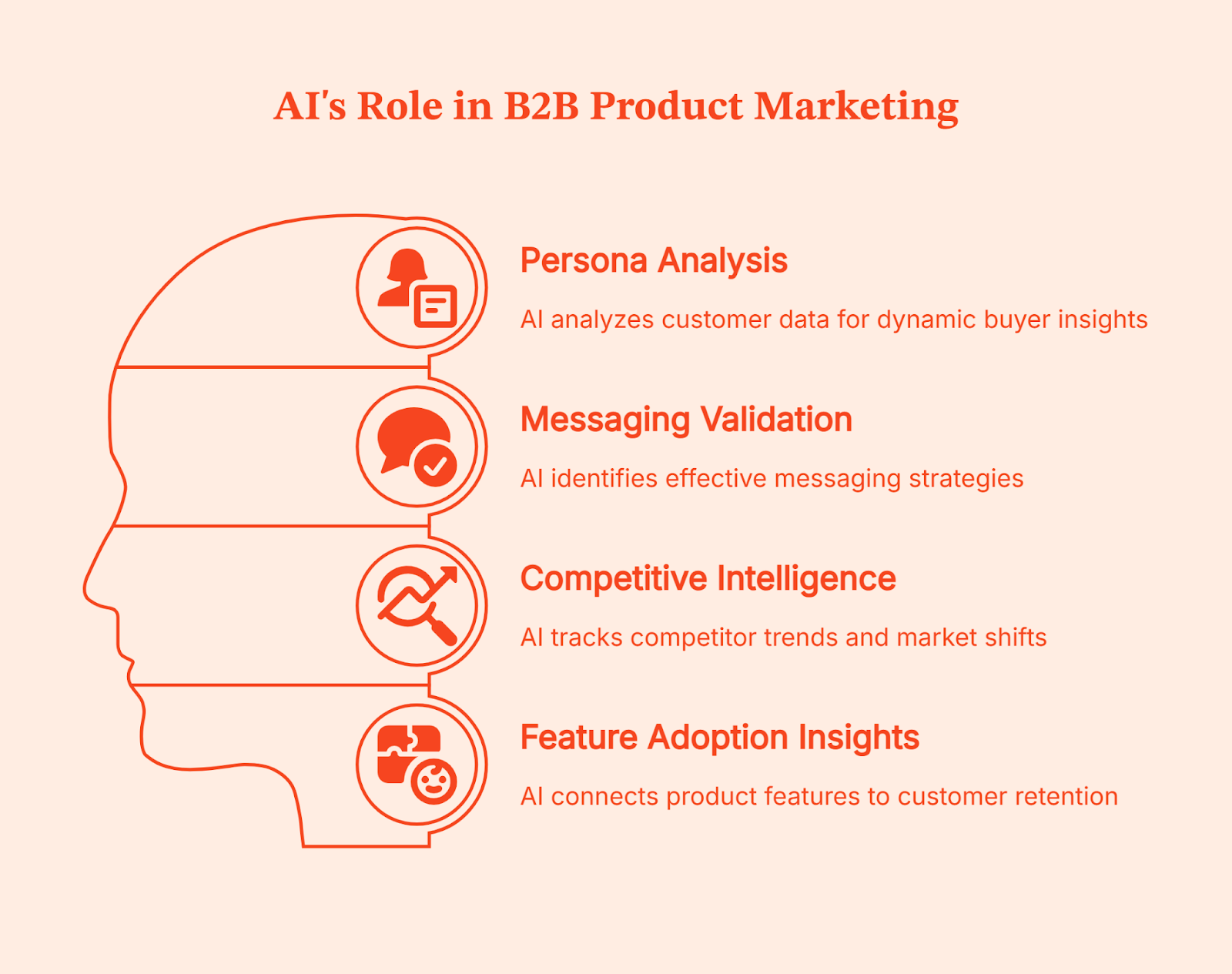
- Competitive intelligence:
Competitive intelligence shifts the burden from manual monitoring to pattern recognition. AI here tracks how competitors talk about themselves over time, indicating when certain claims become table stakes and when a category narrative starts shifting. From this, AI also helps in deciding whether you should opt into the differentiation factor or reinforce credibility.
- Feature adoption insights:
The feature adoption insights help in connecting brand positioning to product reality. AI highlights which features correlate with retention, expansion, or early drop-off. Product marketers use this to decide what to emphasize, what to scale-down, and where messaging overpromises. This bridges the classic gap between what you promised on the roadmap and the actual customer experience.
💡Creating a framework for product-led growth is so easy. Check this guide.
Limitations of AI tools in B2B Marketing
While AI can help automate a lot of B2B processes, it comes with a set of limitations too:
- It has no business context:
AI doesn’t know your positioning, why deals fall through, or what trade-offs your sales team is making. It works on patterns, not marketing strategy. So, without clear context, the output might sound fine but is most likely to miss the mark.
- It hallucinates with confidence:
AI will fabricate stats, examples, or references if the data is weak or unclear. If your data is messy, AI will confidently amplify the mess.
- It breaks on edge cases:
Complex buying journeys, niche markets, or unusual sales motions are often not accounted for by this model, so it generates random patterns that don’t apply.
- Over-automation hurts brand trust:
Buyers easily notice and disengage from templated messages. AI can scale bad messaging just as fast as good messaging.
- Fragmented tools create chaos:
Conflicting signals, mismatched attribution, and dashboards full of “insights” with no clear next step only add to the confusion.
5 key trends shaping AI in B2B marketing
These AI trends are already changing the way B2B teams work. Teams are shifting from ‘just experimenting’ to using AI in significant decision-making processes.
- Decision intelligence is replacing task-level automation
AI is moving beyond basic task automation and into decision support. According to a survey, 62% of teams use AI-powered search and insights, showing a clear shift toward using AI to interpret data and guide actions.
- Account-level thinking is becoming the default
B2B marketers are focusing on whole accounts instead of single leads. This is visible in adoption patterns, too. 43% of organizations already use predictive analytics or recommendation systems, which rely on aggregated signals across accounts rather than single leads.
- AI embedded inside GTM workflows
AI is becoming part of core GTM workflows. It’s now embedded in lead and account scoring, intent detection, routing and assignment, outbound sequencing, attribution, and pipeline forecasting.
- Attribution and signal quality are rising priorities
As more teams rely on AI for insights, data quality is becoming a real bottleneck. 23% of organizations say poor data quality or data silos are a major barrier to getting value from AI, directly affecting attribution and signal accuracy
- Expectations for human marketers are rising
Marketing continues to lead AI adoption within organizations. 53% of companies say marketing teams are the primary drivers of AI use, raising expectations for strategy, judgment, and interpretation over raw execution.
How AI changes B2B marketing roles
As AI automates repetitive tasks such as content drafting, analysis, and basic optimization, marketers have more time to focus on strategy. Marketing roles have shifted from repetitive tasks to system design. Instead of pulling reports, teams are busy interpreting signals, building systems, defining rules, and streamlining workflows.
This also pulls Marketers closer to Sales, Product, and RevOps teams. Decisions are no longer isolated by channel; they cut across the funnel and require shared context. The value is shifting to judgment, prioritization, sequencing, and trade-offs. Knowing what to ignore is becoming just as important as knowing what to act on.
Where Factors fits: AI-enabled GTM engineering for B2B
At this point, you are already familiar with the ‘isolated data’ problem while working with various AI tools. Your team already has insights from the AI tools, yet someone asks, “So what should we do next?” because human guidance is still needed to steer them in the right direction.
This is what most B2B teams struggle with - a lack of connection.
But what if you could automate this, too? Impossible, right? Especially since we discussed that AI can’t decide on its own (for the entire length of this article). That’s the problem the GTM engineering system solves. It automates workflows so that you don’t have to make the same kind of decisions for ten different customers.
To automate the decision-making process, GTM engineering treats AI as one part of a larger system rather than a standalone tool/feature. With the help of AI, the GTM engineering system collects and interprets signals across website behavior, ads, CRM, and sales outreach, and then applies the rules your team has defined when those signals line up.
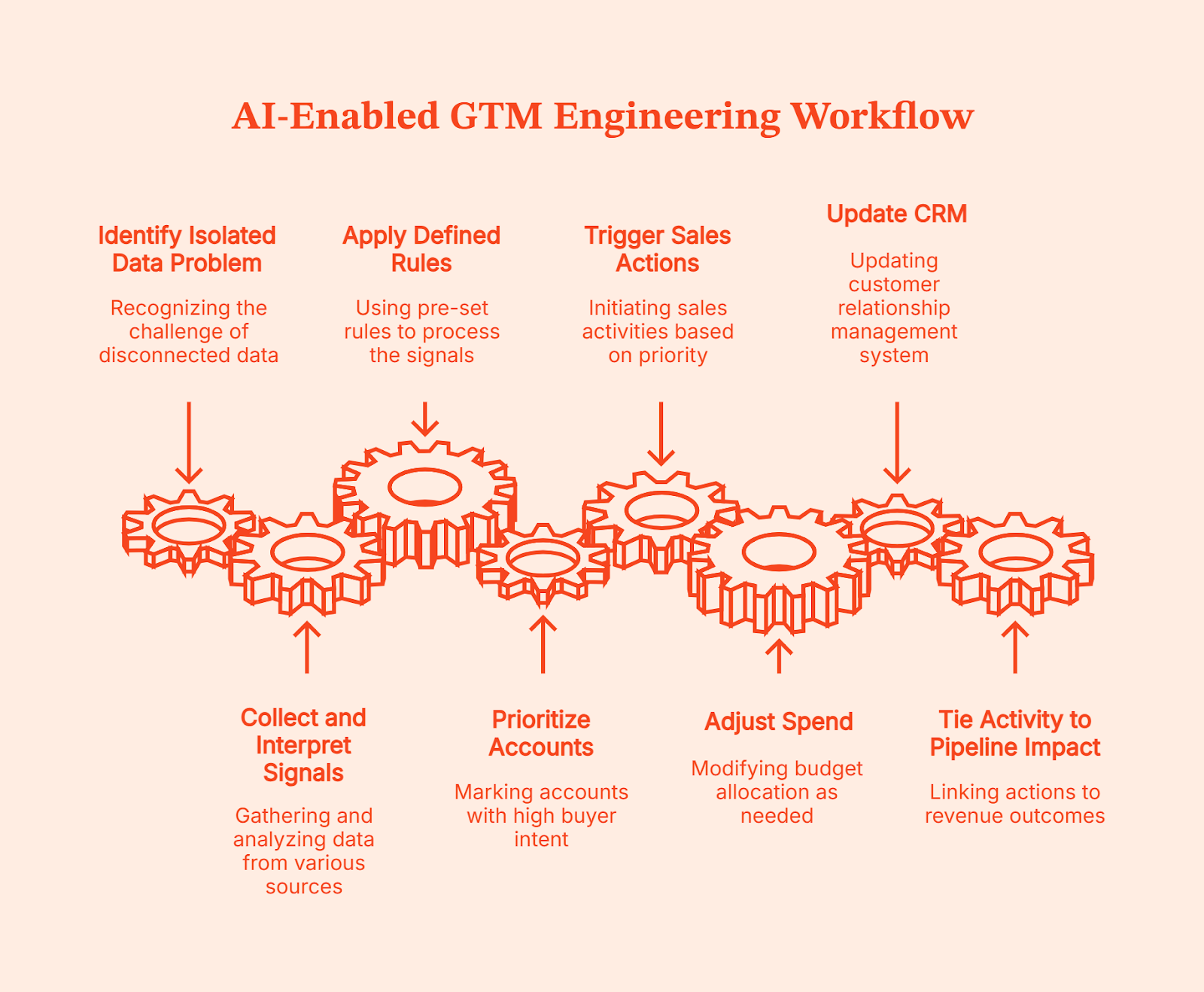
That’s what Factors.ai does. Factors.ai is an AI-enabled GTM system that unifies buying signals at the account level and helps teams act on them. When an account starts showing real buyer intent, it marks it as ‘high priority’ and executes the workflows your teams have already defined. Basically, Factors.ai’s GTM system will follow the process you’ve set:
- Accounts get prioritized
- Sales actions are triggered
- Spend is adjusted,
- CRM gets updated, and
- Activity is tied back to pipeline impact
Once these workflows are set, your team can work unilaterally without manual handoffs, following a clear path from signal to revenue.
Consensus: How to optimize AI in B2B marketing
Using AI in B2B marketing is more about optimizing those AI tools to enhance your decision-making rather than adding more to the tech stack.
Content marketers see the real impact of these AI tools when they use AI as a strategic partner, not as a replacement for thinking. They combine three things deliberately:
- AI handles speed, pattern recognition, and scale
- Human intelligence is responsible for judgment, context, and trade-offs, and
- GTM orchestration ensures insights actually turn into action across teams
When one of these is missing, AI either feels underwhelming or creates more chaos than clarity.
The future definitely isn’t about replacing marketing teams with AI. It’s about AI-powered content marketers focusing their time on critical judgments, deciding what matters, and what to do next.
FAQs on AI in B2B Marketing
Q. What is AI in B2B marketing?
AI in B2B marketing refers to using machine learning to analyze buyer behavior, predict intent, personalize experiences, and support better marketing and GTM decisions at scale, not to replace human strategy.
Q. How are B2B companies actually using AI today?
Most B2B companies use AI for content and search engine optimization (SEO) support, intent detection, lead and account prioritization, performance analysis, and workflow automation, mainly to improve focus and timing rather than fully automate marketing.
Q. What are the biggest limitations of AI in B2B marketing?
AI lacks business context, struggles with edge cases, and can produce confident but incorrect outputs, especially when data is fragmented or workflows aren’t clearly defined.
Q. How does AI support account-based marketing?
AI supports ABM by identifying in-market accounts, tracking buying group behavior, prioritizing outreach, and helping teams coordinate ads, content, and sales actions for the same group of target companies.
Q. How do you measure ROI from AI in B2B marketing?
ROI is measured by improvements in decision speed, pipeline quality, conversion rates, and time-to-pipeline, not by how much content AI produces or how many tools are deployed.
.avif)
B2B Account Scoring Guide: Models, Process & Best Practices (2026)
Account scoring is a B2B data-driven methodology that ranks organizations based on ICP fit and intent. Learn how to score intent and close target accounts. Master B2B account scoring with proven models, step-by-step processes, and scoring frameworks. Learn ICP-based fit scoring, intent signals, and tier systems to prioritize high-value accounts.
TL;DR
- Account scoring is a B2B data-driven methodology that assigns numerical values to companies based on their fit, engagement, and intent to rank their likelihood to purchase
- A well-defined ideal customer profile (ICP) is the backbone of effective account scoring, without it, you're scoring blind
- Unlike lead scoring (individual contacts), account scoring evaluates entire organizations, making it ideal for complex B2B buying committees
- Four scoring models to choose from: point-based, weighted formula, tiered, and predictive ML-based
- Combine three scoring dimensions: ICP fit (firmographics), engagement (behavioral data), and intent signals (1st and 3rd party)
- Traditional lead scoring tracks individual clicks; account scoring evaluates entire buying committees. If you are selling into enterprise or mid-market spaces, treating a company like a single isolated human is an easy way to miss the deal entirely.
- A good scoring system must combine three critical dimensions: ICP fit (firmographics), engagement (behavioral data), and intent signals (first-party and third-party web footprints).
- Most models fail because of score decay, buyer behavior cools off, but the static score stays high. The best-performing growth teams audit and recalibrate their thresholds at least once a quarter.
- Tools like Factors.ai completely eliminate manual RevOps overhead by unifying your CRM data, website traffic, G2 intent spikes, and LinkedIn ad engagement into a single automated scoring canvas.
Picture this: You're standing in a room full of potential customers, but you only have the resources to engage a few. How do you decide who to approach? You identify those with the highest conversion and revenue potential for your business.
That's account scoring.
Account scoring is a B2B data-driven methodology that assigns numerical values to potential customer accounts based on their firmographic fit, behavioral engagement, and purchase intent — ranking them by likelihood to convert and deliver revenue.
Account scoring, a part of account-based marketing, helps you rank potential customers from the most to the least valuable. It's like a compass that helps you navigate the complex world of B2B sales and marketing, guiding you to accounts with the highest potential.
Businesses that use lead and account scoring models, see a 77% boost in lead generation ROI compared to those that do not.
In this article, we'll delve deep into account scoring, help you understand its importance, how it differs from lead scoring, and how to do it right.
What is account scoring?
Account scoring is a process of ranking potential customer accounts based on their estimated value. This value is determined by the account's proximity to the ideal customer profile (ICP) — which represents the perfect-fit persona for a company's product or service.
Account scoring is not just a fancy term in ABM—it guides you toward the most promising opportunities.
But why is account scoring so integral to ABM?
Well, ABM focuses marketing efforts on a select few high-value accounts. And to identify these accounts, you need a reliable scoring system.
Account scoring helps you sift through a sea of potential customers and zero in on those that are most likely to convert and bring the highest value.
In the following sections, we'll delve deeper into the intricacies of account scoring, including how to nail your ICP for effective scoring, the difference between account scoring and lead scoring, and a step-by-step guide to the account scoring process. So, stay tuned and get ready to become an account-scoring pro!
Why do you need to nail your ICP for effective account scoring?
The Ideal Customer Profile (ICP) serves as a blueprint for sales targeting. It represents the type of customer who derives the most value from your product or service, making them highly likely to convert and bring the highest value.
Scoring accounts without a well-defined ICP is like trying to hit a target with your eyes closed
Your ICP is a detailed description of who uses and buys your product, and who needs your product, dialed in by firmographic data (company size, geography, revenue, industry).
Here are some key reasons and benefits of nailing the ICP for effective account scoring:
- Focused approach: Knowing your ICP keeps your marketing and sales teams focused. Instead of wasting resources on accounts that are unlikely to convert, you can concentrate your efforts on those that align with your ICP.
- Consistent messaging: An ICP helps you create a persona in the minds of your marketing and sales team. Every piece of content that's created is talking to that one person—so the message you convey starts becoming consistent across your content.
- Personalization: When the entirety of your marketing team understands the ICP, it becomes easier to identify where your target audience is most likely to hang out, and the problems they experience, and then reach them through highly personalized and relevant content.
- Revenue: Accounts that match your ICP are not just more likely to convert—they're also more likely to bring in higher revenue. These are the accounts that will see the most value in your offering and be willing to pay for it.
To put this in perspective, suppose you're a B2B SaaS company offering project management software. Your ICP could be mid-sized tech companies with a remote workforce. If you focus your marketing and sales efforts on these companies, you're likely to see a higher conversion rate than if you were targeting small brick-and-mortar retailers.
{{INLINE_TOFU}}
What's the difference between account scoring and lead scoring?
Account scoring and lead scoring are both used to prioritize potential customers but there's a slight difference in the approach for both.
Lead scoring is used to rank individual leads based on their perceived value to the company. This value is typically determined by a lead's behavior, such as their interactions with your website or email campaigns, and demographic information. The goal of lead scoring is to identify the leads that are most likely to convert into customers.
Also read: 5 Customer Journey Stages Explained (2026 Guide)
Account scoring takes a more holistic approach. Instead of focusing on individual leads, it considers the potential value of entire organizations. This value is determined by various factors, including the organization's size, industry, and fit with your Ideal Customer Profile (ICP). A powerful analytics tool like Factors can help you de-anonymize website traffic at an account-level.
Here's a quick comparison:
| Lead Scoring | Account Scoring | |
|---|---|---|
| Focus | Individual leads | Entire organizations |
| Purpose | Identify leads most likely to convert | Identify accounts likely to bring the highest value |
| Scoring Criteria | Interactions with your website or email campaigns, demographic information | Proximity to the ideal customer profile (ICP), organizational attributes like size, industry, revenue, etc. |
| Outcome | Prioritize leads for individual follow-ups | Prioritize accounts for targeted marketing and sales strategies |
| Best Used For | Businesses with a high volume of leads, B2C businesses | B2B businesses, especially those with long sales cycles or high-value contracts |
When to Use Both Lead Scoring and Account Scoring Together
In practice, the most effective B2B teams don't choose one over the other — they use both. Account scoring identifies which companies to prioritize, while lead scoring identifies which people within those companies to engage first.
Here's how they work together:
- Account scoring first: Score and tier all accounts based on ICP fit, engagement, and intent
- Lead scoring within top accounts: For Tier A and B accounts, score individual contacts based on their role (decision-maker vs. influencer), engagement level, and buying signals
- Prioritize outreach: Your SDRs contact the highest-scored leads within the highest-scored accounts — maximizing both account potential and contact receptivity
This combined approach is especially powerful for enterprise B2B sales where buying committees typically involve 6-10 stakeholders.
Let's now dive into the process of scoring accounts for your business.
A step-by-step guide to account scoring
Account scoring is not a one-size-fits-all process. It varies based on your business model, target audience, and the tools you use. But, there are some common steps that most businesses follow when scoring accounts.
1. Define your Ideal Customer Profile (ICP)
Your ICP is a description of the company that's a perfect fit for your product or service. This could include factors like industry, company size, and revenue. For example, your ICP might be a mid-sized tech company in the SaaS industry with a revenue of over $5 million.
To define your ICP, you need to:
- conduct interviews, surveys, etc.(primary research)
- read reviews for your and your competitor's products, watch customer interviews, etc. (secondary research)
Segment your target audience based on their motivations, frustrations, and needs. Identify their goals and assess where their needs/motivations and the benefits of your product/service intersect.
2. Identify key account attributes
Key account attributes are the characteristics that make an account valuable to your business. They could include factors like the account's potential to purchase, its lifetime value, or its strategic importance to your business.
For instance, a key attribute might be a company's use of a competitor's product, indicating a potential to switch to your product.
The key attributes of an account can be identified by understanding your customer's journey and touchpoints in your funnel. Ask questions like:
- How do your customers find you?
- How do you generate leads?
- Which channels do you use?
- What is the first interaction point?
- How long does it take to convert leads?
- What are the channels that bring the highest number of closed deals?
These will help you add more detail and personality to your ICP.
3. Collect data on the identified attributes
Once you have a well-defined ICP, it's time to move to data collection. This is where a tool like Factors.ai can come in handy.
Factors unifies data across marketing, sales, and social media platforms under one roof, allowing you to collect holistic data on your accounts.
This could include your CRM data, third-party data (social, advertisements, website), and intent data from platforms like G2 and LinkedIn.
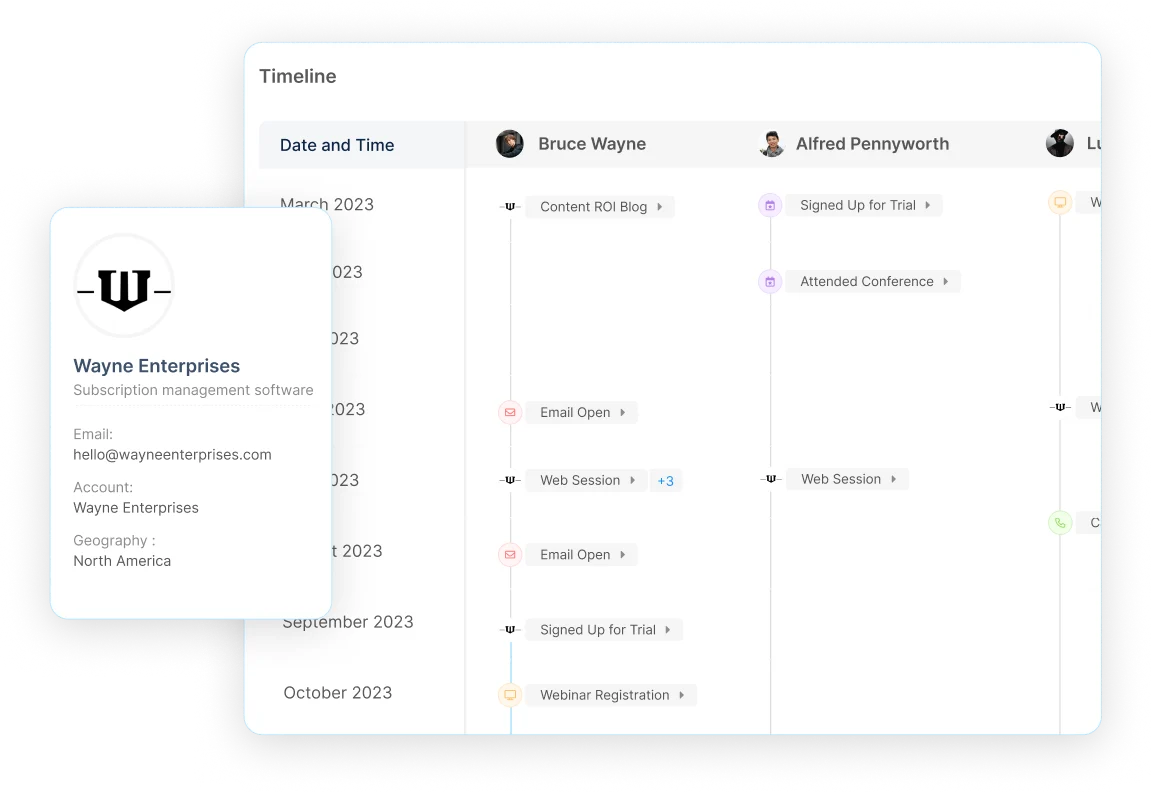
When it all comes together, you see a clear picture of how accounts that closely resemble your ICP behave across platforms and what type of messaging resonates with them.
To improve further, keep track of your ICP accounts and the conversion rates. You need to determine what are the common attributes of your highest converting accounts.
3b. Incorporate Intent Data Signals
Intent data reveals which accounts are actively researching solutions like yours — even before they visit your website. There are two types to leverage:
First-party intent signals come from your own channels:
- Repeated visits to pricing or product pages
- Downloading bottom-of-funnel content (case studies, ROI calculators)
- Attending webinars or requesting demos
- Engaging with sales emails (opens, replies, link clicks)
Third-party intent signals come from external sources:
- Researching your product category on review sites like G2 or TrustRadius
- Consuming content related to your solution on industry publications
- Hiring for roles that indicate a need for your product (e.g., hiring a RevOps lead)
- Surges in keyword searches related to your solution area
Why this matters: An account with strong ICP fit but no intent signals may not be ready to buy. Conversely, a moderate-fit account showing strong intent signals might convert faster. Tools like Factors combine first-party website data with G2 intent data and LinkedIn engagement to give you a unified view of account intent.
4. Assign a score to each attribute
Based on the data you collected and the attributes you identify as high-value, begin assigning an importance score.

If mid-size companies convert better for you, the company size attribute should be given a high score. Assign the scores for each of your ICP's attributes between 1-10 or 1-100 as preferred. Then, when the total score for an attribute goes beyond a set threshold, the account can be considered sales-ready.
Let's consider an example:
Let's assume you identify that mid-size companies with $5+ million in revenue convert best for you, after their 5th interaction with your content.
The important attributes here are company size, revenue, and engagements.
Based on this, here's how we can score the attributes on a scale of 1-10, 10 being the highest importance:
- Company revenue - 10
- Company size - 8
- Number of engagements - 7
Now, if another one of your accounts has an annual revenue of $7 million, is small-to-midsize, and has interacted with more than 5 of your content pieces, the score will be 25.
This means that account meets all the criteria. In fact, since the account exceeds the $5 million revenue mark, you can assign a higher score to it.
For simplicity, we'll set the sales-ready threshold to 25.
Whenever an account reaches this score, your sales team can be automatically notified to reach out and make contact.
5. Prioritize accounts based on their scores
Once you've scored your accounts, you can prioritize them based on their scores. Accounts with higher scores are more likely to convert and should be given priority for outreach or ABM targeting.
Factors offers AI-fueled insights that can help you prioritize accounts by understanding what interactions they've had with your website and across different platforms. It can help you visualize the user timeline giving you a view of how a specific account has interacted with your content since the first touchpoint.
Remember, this is a basic process of account scoring. But it isn't the whole picture. Account scoring needs to be customized according to your sales cycle, ICP, and approach.
Account Scoring Models and Methodologies
There are several approaches to account scoring, each with different levels of complexity and accuracy. The right model depends on your data maturity, team resources, and sales cycle.
1. Point-Based (Additive) Scoring
The simplest approach: assign fixed point values to each attribute and sum them up. For example, +10 for matching industry, +8 for company size fit, +5 for each content download. Easy to implement but doesn't capture how signals interact.
2. Weighted Formula Scoring
Similar to point-based but applies multipliers to different scoring dimensions. For example: Total Score = (Fit Score × 0.4) + (Engagement Score × 0.3) + (Intent Score × 0.3). This lets you emphasize the dimensions that matter most for your business.
3. Tiered Scoring
Assigns accounts to tiers (A, B, C, D) based on combined scores across dimensions. Tier A accounts get immediate sales outreach, Tier B enters targeted nurture campaigns, and Tier C/D are monitored for future engagement spikes.
4. Predictive (ML-Based) Scoring
Uses machine learning to analyze historical win/loss data and identify patterns humans might miss. Predictive models continuously learn and adjust, making them ideal for teams with large datasets and longer sales cycles. Tools like Factors use AI to surface scoring signals across website, CRM, and intent data.
Setting Scoring Thresholds: The Tier System
A scoring model is only useful if it drives action. Define clear thresholds that trigger specific responses from your sales and marketing teams:
| Tier | Score Range | Criteria | Action |
|---|---|---|---|
| Tier A (Hot) | 80-100 | Strong ICP fit + high engagement + active intent signals | Immediate sales outreach within 24 hours |
| Tier B (Warm) | 50-79 | Good ICP fit + moderate engagement OR strong intent | Targeted ABM campaign + SDR sequence |
| Tier C (Nurture) | 25-49 | Partial ICP fit + low engagement | Add to nurture program, monitor for score changes |
| Tier D (Monitor) | 0-24 | Poor fit OR no engagement | Passive monitoring only, no active outreach |
Pro tip: Align your tiers with your CRM stages. When an account crosses from Tier C to Tier B, automatically create a task for your SDR team. This removes guesswork and ensures no high-potential account slips through the cracks.
Score Decay: Why Your Scoring Model Needs Regular Maintenance
Score decay is the gradual loss of scoring accuracy over time as market conditions, buyer behaviors, and your product evolve. A scoring model built 6 months ago may already be misdirecting your sales team.
Common signs your scoring model has decayed:
- Tier A accounts are converting at the same rate as Tier B
- Sales teams are ignoring scores because they don't match reality
- Win rates haven't improved despite scoring implementation
- High-scoring accounts churn shortly after closing
How to prevent score decay:
- Quarterly reviews: Compare scoring predictions against actual outcomes (wins, losses, deal size)
- Time-based weighting: Recent engagement signals should carry more weight than actions from 90+ days ago. A website visit last week is more predictive than one from 6 months ago
- Feedback loops: Collect input from sales on whether scores align with their pipeline experience
- Recalibrate thresholds: If 70% of your accounts are Tier A, your thresholds are too generous — tighten them
Bottom line: Treat your scoring model like a living system, not a set-and-forget tool. The best-performing teams review and adjust their models at least once per quarter.
How to Measure Account Scoring Effectiveness
Implementing a scoring model is only half the battle. You need to track whether it's actually improving your sales and marketing outcomes. Here are the key metrics to monitor:
- Win rate by tier: Tier A accounts should close at a significantly higher rate than Tier B or C. If they don't, your scoring criteria need adjustment
- Average contract value (ACV) by tier: Higher-tier accounts should correlate with larger deal sizes
- Sales cycle length: Properly scored accounts should move through the pipeline faster because sales is engaging the right accounts at the right time
- Pipeline contribution by tier: What percentage of your pipeline comes from each tier? Ideally, Tier A accounts should represent the majority of qualified pipeline
- Score-to-close correlation: Track whether accounts that closed-won actually had higher scores at the time of first sales engagement
- Sales adoption rate: Are reps actually using scores to prioritize? Low adoption signals a trust problem — revisit your model accuracy
Bottom line: Review these metrics monthly for the first quarter after implementation, then quarterly once your model stabilizes. If win rates for Tier A accounts aren't at least 2x higher than Tier C, your scoring model needs recalibration.
5 Common Account Scoring Mistakes to Avoid
Even well-intentioned scoring models can fail. Here are the most common pitfalls and how to sidestep them:
- Over-relying on firmographic data alone: Company size and industry are important, but they don't tell you if an account is actively looking to buy. Always combine fit data with engagement and intent signals
- Making the model too complex: A model with 50+ scoring attributes is hard to maintain and difficult for sales to trust. Start with 8-12 high-impact attributes and expand gradually
- Ignoring negative scoring: Not all actions indicate buying intent. Visiting your careers page, unsubscribing from emails, or having a competitor domain should reduce an account's score
- Setting it and forgetting it: Markets shift, buyer behaviors evolve, and your product changes. A scoring model that isn't reviewed quarterly will degrade (see Score Decay section above)
- Not involving sales in the process: If your sales team doesn't trust the scores, they won't use them. Include sales leaders in defining scoring criteria and share win/loss data that validates the model
Important questions to ask for effective account scoring
Account scoring requires constant evaluation and refinement to ensure that it remains effective. Here are some additional questions you should ask to make your account scoring more effective:
1. What is the potential revenue from this account?
If an account can bring in more revenue due to its size, assign a higher score. These will offer higher ROI for the same amount of marketing and sales effort.
For instance, an enterprise account requesting a custom plan might have a higher potential deal size than a small business account.
2. How engaged is this account with our brand?
Engagement is a strong indicator of an account's interest in your product or service.
Accounts that visit your website frequently or engage with your emails can be assigned higher scores. You should also determine the type of engagement before assigning higher scores.
3. What is the account's purchase intent?
Purchase intent is essentially little signals that tell if a visitor is interested in your products or services or not.
For instance, if a visitor goes and downloads one of your industry-focused resources like a trends report, or an ebook, they show higher purchase intent than someone who only reads your blog content.
4. How well does this account fit into our long-term strategic plans?
An account's fit with your strategic plans can also influence its score.
Suppose you plan to target the martech industry—an account from that industry should receive a higher score than an equally qualified account from another industry.
That's because it aligns with your long-term strategic plans and represents a potential growth opportunity.
5. What is the level of competition for this account?
With ABM and account scoring, you're prioritizing accounts that show the highest potential for conversions and ROI with lower effort.
If you're going after an account that's already targeted by your competitors, it might be more challenging to win. In such a case, you need to decide if it is worth pursuing the account or does it make more sense to prioritize another one with lower competition.
Frequently Asked Questions About Account Scoring
What is account scoring?
Account scoring is a B2B data-driven methodology that assigns numerical values to potential customer accounts based on their fit with your ideal customer profile (ICP), engagement with your brand, and purchase intent signals. It helps sales and marketing teams prioritize accounts most likely to convert and deliver the highest revenue.
What is the difference between account scoring and lead scoring?
Lead scoring evaluates individual contacts based on their behavior and demographics. Account scoring evaluates entire organizations by combining signals from multiple contacts, firmographic data, and intent indicators. Account scoring is better suited for B2B companies with complex buying committees where multiple stakeholders influence the purchase decision.
What are the different types of account scoring models?
The four main types are: (1) Point-based/additive scoring, which assigns fixed values to attributes; (2) Weighted formula scoring, which applies multipliers to different dimensions; (3) Tiered scoring, which groups accounts into action-based tiers (A/B/C/D); and (4) Predictive ML-based scoring, which uses machine learning to identify patterns from historical data.
How often should you update your account scoring model?
Review your scoring model at least once per quarter. Compare scoring predictions against actual outcomes (win rates, deal sizes, sales cycle length) and adjust criteria and thresholds accordingly. More frequent reviews are recommended during the first 3 months after implementation.
What is the Einstein account score?
Einstein Account Score is Salesforce's AI-powered scoring feature within their Account-Based Marketing tools. It uses machine learning to analyze account data and predict which accounts are most likely to convert based on historical patterns in your Salesforce CRM data.
Leverage account scoring, the secret sauce to successful ABM
Account scoring is not just a tool, it's a game-changer. It's the secret sauce that guides your ABM efforts toward the accounts that are likely to convert and can bring in significant revenue.
It demands precision, understanding, and constant refinement — all of which may seem time-consuming. But when done right, account scoring can make your marketing more targeted, efficient, and ultimately, successful.
What if there was an easy way? What if a tool could help you identify accounts with ease and give you a holistic view of your audience — across all platforms?
That's Factors.
Factors helps you discover anonymous companies visiting your website and brings together data from social media, website analytics, G2, and advertising platforms giving you all the information on a single convenient dashboard.
So, as you venture into account scoring, remember this: account scoring is more than assigning numbers; it's about understanding value.
And with Factors, you're always one step ahead in this game. Get ready to use this secret sauce for your ABM campaigns. Because with Factors, the game is always in your favor.
Account Scoring: The Key to Smarter B2B Targeting
Account scoring helps B2B companies prioritize the right potential customers by ranking accounts based on their revenue potential and alignment with business goals. It is a data-driven approach that enables marketing and sales teams to focus their efforts on accounts most likely to convert and drive high returns.
The foundation of effective account scoring is a well-defined Ideal Customer Profile (ICP). This profile captures company traits like size, industry, and revenue, ensuring that resources are directed toward accounts that best match business objectives. Unlike lead scoring, which evaluates individual prospects, account scoring evaluates entire organizations, making it ideal for account-based marketing (ABM) strategies.
The process involves defining the ICP, identifying key account attributes, collecting data on those attributes, assigning scores based on importance, and ranking accounts. This system enables teams to streamline their outreach, improve marketing precision, and increase revenue potential.
Continuous refinement is essential. Businesses must adjust their scoring models as markets shift and customer behaviors evolve. Implementing a robust account scoring framework positions companies to pursue the right accounts with confidence, maximizing both efficiency and ROI.

Six LinkedIn ads hacks that most B2B marketers learn the expensive way
Discover 6 expert LinkedIn ads hacks, from bidding strategies to ABM pitfalls, that can dramatically reduce your cost per lead.

TL;DR
- LinkedIn’s default campaign settings (geography, audience expansion, audience network, and bidding) can sometimes lead to higher costs if they aren’t adjusted intentionally.
- If you're running ABM campaigns, roughly 25% of your target accounts are consuming 95% of your impressions. Companies like Microsoft, Google, and Salesforce eat your entire budget before smaller accounts ever see an ad.
- Uploading company lists with LinkedIn company page URLs instead of relying on native industry filters dramatically improves match rates and targeting accuracy.
- LinkedIn's Conversions API (CAPI) is becoming critical for campaign optimization. Capture the LinkedIn fat ID parameter on every click to guarantee a 100% match rate on conversion data sent back to the platform.
- The website visits objective is often a more flexible choice than the brand awareness objective for many B2B campaigns. Even for awareness plays, the website visits objective with manual CPC bidding will give you better data, cheaper clicks, and more meaningful engagement signals.
I’ve spent an unreasonable number of hours inside LinkedIn Campaign Manager, thinking everything was set up correctly, only to realize that I wasn’t using the platform’s settings to my advantage. It was a bit like driving with the parking brake slightly on. Technically, everything still works… just not quite as smoothly as you’d expect.
This became especially clear during a conversation between AJ Wilcox, founder of B2Linked and a person who has spent over $200 million on LinkedIn ads across 14 years, and Praveen from Factors.ai. What emerged wasn't a generic "optimize your campaigns" talk. It was a specific, data-backed breakdown of exactly how LinkedIn’s default settings can shape campaign performance and spend efficiency, why most B2B marketers don't catch it, and what to do instead.
The six hacks they covered are the kind of operational fixes that, once implemented, make you wonder how you ever ran campaigns without them. If you're spending any meaningful budget on LinkedIn, even a few thousand dollars a month, at least one of these is likely affecting your campaign efficiency right now.
Let's walk through each one.
The geography setting that's targeting the wrong continent
Before I tell you more, just know that this mistake is very easy to make. You set your campaign to target the United States, you see leads coming in, and everything looks normal. Then, sometime around September, your sales team starts flagging leads from the Philippines, Europe, and Africa. You double-check your targeting. It still says United States. So what happened?
LinkedIn's default geography setting is "Recent or Permanent." That sounds reasonable until you learn what ‘recent’ really means: six months. If someone from India traveled to the US in April for a conference and updated their location or simply connected to a US network, LinkedIn will happily serve your ads to them through October. They're back home, scrolling LinkedIn from Mumbai, and your budget is paying for those impressions.
The fix is almost insultingly simple. When you're setting up your campaign geography, there's a dropdown that most people never click. Change it from "Recent or Permanent" to "Permanent" only. With this setting, the only way someone enters your geographic audience is if their LinkedIn profile explicitly states they live in that location.
This isn't about lead quality in the traditional sense. The people you're reaching aren't "bad" leads. They're just not in the geography you're targeting for a reason, whether that's sales territory alignment, regional product availability, or compliance requirements. You chose that geography deliberately, and LinkedIn’s default setting may not always align with how advertisers intend to target geography.
AJ mentioned this issue surfaces predictably every year after summer, when international travel peaks. If you've ever had a mysteriously international batch of leads from a US-only campaign, now you know why.
Why should you always uncheck audience expansion?
Here's the philosophical question at the heart of LinkedIn advertising: if you're paying a premium for precise professional targeting, why would you broaden that precision?
That's exactly what LinkedIn's Audience Expansion checkbox does. It's enabled by default, tucked into your campaign settings, and it allows LinkedIn to show your ads to people outside your defined target audience who the algorithm thinks might be similar. The algorithm making this decision, by the way, is the same one that powered LinkedIn's lookalike audiences. LinkedIn shut down lookalikes last year because they weren't performing well. But the same logic still runs quietly through this checkbox.
AJ’s take was pretty direct: audience expansion can make targeting less controlled than many advertisers expect. I know that sounds dramatic, but the point stands. You can't even see what percentage of your engagement came from expanded audiences versus your actual target. So you're flying blind on a feature that's actively spending your budget on people you didn't choose to target.
The percentage of budget that goes to expanded audiences seems to sit between 5% and 15%. That might sound small, but consider this: if your budget is sized to reach your target audience, or if it's even slightly under what you need, yo're now diverting a chunk of that budget to people who weren't qualified enough to be in your original targeting. There's no scenario where that math works in your favor.
The one edge case where expansion might theoretically make sense is if your audience is extremely small and you're struggling to spend your budget at all. But even then, LinkedIn offers predictive audiences and other options that give you more control. Audience expansion as a default is a legacy setting that may not fit every advertiser’s targeting strategy today.
Uncheck it (every time, on every campaign).
{{INLINE_TOFU}}
What to know before enabling LinkedIn Audience Network
The LinkedIn Audience Network, or LAN, is LinkedIn's version of showing your ads to your target audience while they browse other websites and apps outside of LinkedIn. On paper, this sounds fantastic. LinkedIn users don't spend much time on the platform compared to other social networks, so reaching them across the broader internet should extend your reach efficiently.
However, AJ's experience across hundreds of accounts tells a consistent story: you might pay one-tenth the cost per click on LAN traffic compared to on-platform LinkedIn traffic. But your conversion rates drop by roughly 90%. The math cancels itself out, and you're left with a bunch of cheap clicks that never turn into pipeline.
The quality issues go deeper than just low conversion rates. Some advertisers report inconsistent traffic quality within parts of the LAN ecosystem. AJ described situations where advertisers accidentally left LAN enabled and watched their entire daily budget disappear in 20 minutes, consumed by two Android apps with suspiciously high 3% click-through rates and $1 CPCs. The numbers looked great in the dashboard, but the results weren’t as good because some of the traffic was from bots.
If you still want to use LAN, and there are some legitimate use cases for retargeting, the approach is to use a block list. AJ released a free block list on one of his LinkedIn Ad Show podcast episodes that you can upload to LinkedIn. It essentially tells the platform to only show your ads on pre-approved, high-quality publications like the New York Times and Business Insider, while blocking the low-quality inventory that generates bot traffic.
One interesting nuance came up during the discussion with AJ. Many B2B marketers are comfortable running display advertising through programmatic exchanges via ABM platforms or DSPs, which often serve ads on very similar inventory to what LAN uses. The argument that "people are spending on display elsewhere, so LAN should be equivalent" has some logic to it. But the difference is that those other platforms often layer on retargeting or intent signals that LAN doesn't provide. On LinkedIn, you're paying a premium for professional targeting precision. Letting that precision leak into unverified display inventory defeats the purpose.
The default for LAN is on. It's buried under the "Placements" section of your campaign setup. Go find it and turn it off, or at minimum, upload a block list before you let it run.
How do ABM campaigns spend budget on the wrong accounts?
If you're running account-based marketing campaigns on LinkedIn, this section might be the most expensive lesson in this entire article. Not because the fix is costly, but because the problem has likely been draining your budget for months without you noticing.
Here's the pattern. You build a target account list of, say, 1,000 companies. You've aligned with sales. You've carefully curated the list. You upload it to LinkedIn, launch your campaigns, and start spending. Everything looks fine in the dashboard. Budget is being consumed, impressions are rolling in, and you feel good about the reach you're building across your target accounts.
Then you pull the demographic reports.
AJ shared his own experience with this. When B2Linked was running ABM campaigns targeting enterprise ad spenders, their list included around 400 companies. After analyzing LinkedIn's demographics data, they found that three companies, Google, Facebook, and Twitter, were consuming 96% of all impressions. The other 397 companies on the list were essentially invisible. The campaign budget was being heavily concentrated by massive organizations with thousands of employees who matched the targeting criteria, leaving nothing for the smaller companies that were actually better prospects.
This isn't an edge case. Factors.ai shared data from their customer base that paints a similar picture across the board. Before implementing controls, the top 25% of accounts on a target list typically consume around 95% of impressions. For the remaining 75% of accounts, the ad exposure is so minimal it might as well not exist.
Think about what that means for your ABM strategy. Your sales team is reaching out to 1,000 accounts, expecting LinkedIn advertising to have warmed them up. In reality, 750 of those accounts haven’t really registered your brand. Your SDR may be reaching accounts that received far less ad exposure than expected, but they have no idea who you are.
The usual suspects are predictable. Microsoft regularly consumes 5-10% of a campaign's budget on its own. Salesforce takes another significant chunk. Google, Meta, Amazon, and other tech giants with enormous LinkedIn employee bases round out the top of the list. These companies have so many employees matching common B2B targeting criteria that LinkedIn's auction naturally gravitates toward them.
What can you actually do about this?
Manually managing this is technically possible but, practically, a little insane. You could go into Campaign Manager every day, check which accounts are over-indexing, temporarily exclude them, and add them back later. But if you're running 50 campaigns across multiple audiences, that's a full-time job (that nobody wants).
Factors.ai built a feature called Smart Reach that automates this process. It monitors impression distribution across your target accounts in near real-time and caps how many impressions any single account can consume. When a heavy hitter like Microsoft hits its daily threshold, it gets temporarily removed from the audience, and the budget flows to accounts that haven't been reached yet.
The results from customers using Factors.ai’s Smart Reach tell a clear story:
| Metric | Before Smart Reach | After Smart Reach |
|---|---|---|
| Accounts consuming 95% of impressions | Top 25% of list | More evenly distributed |
| Accounts seeing fewer than 20 impressions/month | 77% of accounts | Significantly reduced |
| Accounts visiting website post-ad exposure | ~600 accounts | Nearly doubled |
| Average CPM | Higher (concentrated spend) | Lower (distributed spend) |
The CPM decrease is a nice bonus, but it's not the main point. The main point is that your ABM campaign is actually doing what you designed it to do: building awareness across your entire target list, not just the three biggest tech companies on it.
Why do native LinkedIn filters need help, and what to use instead?
There's a meaningful difference between telling LinkedIn "show my ads to companies in the software industry" and uploading a curated list of specific companies you want to reach. The difference mostly comes down to how LinkedIn categorizes companies.
LinkedIn's industry targeting relies on how each company categorizes itself on its own company page. This sounds reasonable until you realize that the classifications are often set by whoever created the company page years ago and might not reflect reality. AJ and Praveen shared several examples that illustrate the problem.
Spotify is categorized under something related to "Musicians." Airbnb shows up as "Software Development" rather than a marketplace. ADP, clearly a technology company, is classified under "Human Resource Services." If you're targeting the technology industry on LinkedIn, you'll miss ADP entirely. If you're targeting software companies, you might accidentally include Airbnb while missing companies that should obviously be in your audience.
The better approach is building your company list outside of LinkedIn using data sources you trust, whether that's your CRM, a data provider like ZoomInfo, or a custom research process. Once you have a clean list, upload it directly to LinkedIn as a matched audience.
The match rate problem and how to solve it
Uploading a company list sounds straightforward, but there's a catch. LinkedIn's match rates on company names can be frustratingly low. If your list has "I.B.M." and LinkedIn's database has "IBM," that might not match. Abbreviations, alternate spellings, and DBA names all create gaps.
The solution is to include LinkedIn company page URLs in your upload. When LinkedIn sees its own URL format, the match is guaranteed. It's their data, and they recognize it immediately. Match rates jump to near 100% when you include this field.
Getting those URLs is the annoying part. AJ mentioned a resource called Free People Labs that publishes a massive company data set (well over a million rows) that includes LinkedIn URLs. It requires some technical work to filter and match against your list, but it's free. Some people in the discussion also mentioned using Fiverr freelancers for smaller lists, which is a pragmatic option if your target list is a few hundred companies.
Factors.ai handles this automatically for customers using their audience sync features, matching company domains to LinkedIn URLs and pushing updated lists into LinkedIn daily. But regardless of how you solve it, the principle is the same: bring your own list, include LinkedIn URLs, and don't trust native industry filters for precision targeting.
Layer intent signals on top of your company lists
A company list tells LinkedIn who to target. Intent data tells you when to target them. Most people on LinkedIn aren't actively buying software on any given day. They're scrolling through posts, reading articles, and occasionally updating their profiles. If you can identify which accounts on your list are showing buying signals right now, you can prioritize your budget toward the accounts most likely to convert.
Intent signals can come from multiple sources. Website visits are the most obvious: if someone from a target account just spent time on your pricing page, that's a strong signal. Third-party intent data from platforms like G2 or review sites adds another layer. Factors.ai customers who start using intent-based audiences typically see a 30-40% improvement in campaign performance, which makes intuitive sense. You're concentrating spend on accounts that are already in some stage of a buying journey rather than spray-and-praying across your entire list.
This approach also serves as a better alternative to LinkedIn's native website retargeting, which brings us to a problem that's only getting worse.
The limitations of cookie-based retargeting
LinkedIn's website visits retargeting is built on cookies. Someone visits your website, the LinkedIn Insight Tag drops a cookie, and when they return to LinkedIn, the platform checks for that cookie to decide if they belong in your retargeting audience. The system works well in some cases, but browser privacy changes have made it less reliable over time.
The problem is that cookies are increasingly unreliable. Apple devices and Safari browsers either block or delete third-party cookies almost immediately. Firefox does the same. Even on Chrome, cookie consent banners mean many visitors never get tagged in the first place because they decline or ignore the prompt.
The result is what AJ described as a leaky bucket. You invest in driving traffic to your website to build retargeting audiences, but those audiences drain faster than you can fill them. Someone visits your site on Monday, gets cookied, and by Thursday their browser has already tossed the cookie. When they're back on LinkedIn, the platform doesn't see a match, and they fall out of your retargeting pool. For many B2B companies, especially those with lower traffic volumes, the audience never gets large enough to run a campaign against.
The alternative approach is to shift from cookie-based retargeting to company-level identification. When someone visits your website, tools like Factors.ai identify what company they represent through IP intelligence and other signals, not cookies. That company gets added to a dynamic audience list that syncs with LinkedIn. Since the identification happens at the company level and lives in Factors' system rather than in a browser cookie, it can't be erased by privacy settings or browser updates.
You do lose individual-level precision with this approach, since you're pushing a company name rather than a specific person. But you can layer job function and seniority targeting on top of the company list in LinkedIn to narrow down to the right buying committee members within each account. It's not a perfect 1:1 replacement for cookie-based retargeting, but it's a retargeting mechanism that actually works reliably in a post-cookie world. And that's a trade-off worth making.
The conversions API is about to become non-negotiable
LinkedIn's Conversions API, or CAPI, has been available for a while now, but it's about to become significantly more important. LinkedIn is investing heavily in using CAPI signals for campaign optimization, which means the advertisers who send the richest conversion data back to LinkedIn will get the best algorithmic optimization in return.
The concept is straightforward. Instead of relying solely on the LinkedIn Insight Tag (a cookie-based pixel) to track conversions, CAPI lets you send conversion data directly from your server or CRM to LinkedIn. This fills in the gaps where cookie tracking fails, giving LinkedIn a more complete picture of which ad interactions actually led to conversions.
The email match rate problem
There's a catch, though, and it's a significant one. Most B2B form fills collect professional email addresses. That's what sales wants, and it's the right thing to collect. But when you pass those professional emails back to LinkedIn through CAPI, LinkedIn tries to match them against user profiles. The problem is that most people log into LinkedIn with personal email addresses, not work ones. The result is a match rate of around 30%.
So you're in this awkward situation where your pixel-based conversion tracking is missing maybe 20-30% of conversions due to cookie issues, and your CAPI implementation is only matching 30% of what you send back. There's overlap between what each system catches, and neither is complete on its own.
LinkedIn fat ID fix that gets you to 100% match rate
This is the single most actionable tip in this entire article, and it came directly from AJ.
Every time someone clicks a LinkedIn ad, the destination URL contains a parameter called `li_fat_id`. This is LinkedIn's own user identifier. It's a unique number that represents exactly who clicked that ad. If you can capture this parameter when someone lands on your website, store it, and then include it when you send conversion data back through CAPI, LinkedIn will match it with 100% accuracy.
It doesn't matter if the person's name is misspelled in your form data. It doesn't matter if you have their work email instead of their personal one. LinkedIn issued that ID themselves, and they'll always recognize it.
Here's the implementation path:
- Capture the `li_fat_id` parameter when someone lands on your site from a LinkedIn ad. Store it in a hidden form field, a cookie (yes, ironically), or your analytics system.
- Associate it with the form submission when the visitor converts. Your form handler needs to pass this ID along with the conversion data.
- Send it back to LinkedIn via CAPI along with whatever other conversion data you have (email, name, conversion type, conversion value).
- LinkedIn matches on the fat ID first, falling back to email and name matching only when the ID isn't available.
Send conversion values, not just conversion events
One additional recommendation that came up: don't just send binary "conversion happened" signals. Send conversion values. The way many teams do this is by assigning a value based on ICP tiering. If a converted user comes from a Tier 1 account, the conversion value is higher than one from a Tier 3 account. This gives LinkedIn's algorithm a signal about which conversions are more valuable, which in turn helps it optimize toward higher-quality outcomes.
LinkedIn automatically deduplicates conversions between pixel tracking and CAPI, so you don't need to worry about inflated numbers if both systems catch the same conversion. It'll count it once.
Whether you implement CAPI through Google Tag Manager, a direct integration, or a platform like Factors.ai that handles both website and CRM data piping, the important thing is to get it running now. LinkedIn's optimization algorithms are increasingly going to favor accounts that provide richer conversion signals. Early adopters will have a meaningful advantage.
LinkedIn’s bidding system is designed to balance delivery and competition across advertisers
Now we arrive at the hack that AJ literally said he'd shout from the rooftops until the day he dies. If you've ever set up a LinkedIn campaign and accepted the default bidding recommendation, there’s a good chance you may have paid more than necessary for some clicks.
Maximum Delivery for getting traffic on LinkedIn
LinkedIn's default bidding option is called "Maximum Delivery." It's a CPM-based bid where LinkedIn charges you for impressions, not clicks. You pay every time your ad is shown, regardless of whether anyone engages with it. For the average LinkedIn campaign with a typical click-through rate, this means your effective cost per click ends up being roughly double what you'd pay with manual CPC bidding.
The alternative, manual CPC bidding, is hidden. LinkedIn shows two bidding options by default and buries a third behind a "show me more options" link. That third option is manual CPC bidding, and it's where you should start 90% of the time.
LinkedIn's suggested bid ranges
When you select manual CPC bidding, LinkedIn auto-fills a suggested bid and shows a "competitive range." Something like: "Your competitors are bidding between $4.40 and $90 per click. We suggest $18." These suggested ranges can sometimes feel significantly higher than what many advertisers actually end up paying. AJ ran three separate tests totaling over $100,000 in spend, deliberately bidding high, low, and in the middle, tracking lead quality across all three.
The result: there was zero correlation between bid level and lead quality. Bidding higher did not get you access to better prospects. Bidding lower did not mean you were scraping the bottom of the barrel. The quality of leads was statistically identical across all bid levels.
This differs from some commonly shared bidding guidance. Some reps genuinely believe that higher bids unlock "premium inventory" or "higher quality members." AJ's advice: push back and ask for data. Because the data from $100K+ in testing doesn't support that claim.
The optimal bidding strategy, step by step:
Here's the approach that AJ uses, and it's the methodology that consistently drops costs by an average of 57% when B2Linked takes over existing accounts:
- Start low. For North American audiences, begin with a $7 CPC bid. This feels uncomfortably low compared to LinkedIn's suggestions, and that's fine.
- Wait 2-3 days. If your campaign barely spends and gets very few impressions, your bid was too low. That's useful information, not a failure.
- If you're spending your full daily budget at $7, you've found a strong starting point. But you might be able to go even lower.
- Set your daily budget about 30% higher than your actual target. This lets you distinguish between "I'm spending my budget because my bid is just right" and "I'm spending my budget because I hit the cap early in the day and could have bid less."
- Decrease your bid in small increments ($0.50 or $1 at a time) if you're consistently hitting budget. Find the floor.
- Increase your bid gradually if you're under-spending. But don't jump to LinkedIn's suggested ranges. Go up by $0.50-$1 and wait another 2-3 days.
- Segment campaigns by seniority level. Run separate campaigns for C-level, VP, Director, and Manager audiences. This lets you see the minimum bid required for each tier and adjust independently.
The beauty of bid adjustments is that they take effect immediately. You can change your bid multiple times per day if you need to, though AJ recommends not making changes more than once every few days so you can actually learn what's working. Budget changes, by contrast, don't take effect until the end of the day (midnight UTC).
When does maximum delivery actually make sense?
There is one scenario where the math flips in favor of CPM-based maximum delivery bidding, and it's worth understanding why.
AJ shared a graph showing the relationship between click-through rate and effective cost per click under both bidding models. The crossover point is around a 0.8-1.2% link click-through rate. Below that threshold, which is where the vast majority of LinkedIn ads fall (the benchmark is around 0.4-0.46%), CPC bidding is significantly cheaper. Above that threshold, CPM bidding starts to win because you're paying a fixed price per impression while getting a disproportionate number of clicks.
| Scenario | Recommended bidding model | Why |
|---|---|---|
| Link CTR below 0.8% (most campaigns) | Manual CPC | CPM bidding at average CTR costs roughly 2x more per click |
| Link CTR above 1% (exceptional creative) | Maximum Delivery (CPM) | Fixed impression cost with high click volume = cheaper effective CPC |
| Very small audiences (1,000-5,000) | Maximum Delivery | Manual bids may need to be extremely high to win auctions in small pools |
| Short-duration campaigns (2-3 days) | Maximum Delivery | Not enough time to optimize manual bids |
| CTV ad format | Maximum Delivery | Only available bidding option for CTV |
The rule of thumb: start every campaign on manual CPC. If you discover that a particular ad is performing exceptionally well with a link click-through rate above 1%, consider switching that specific campaign to maximum delivery to capitalize on the high engagement. You can always switch back.
When is the ‘website visits’ objective a better fit than brand awareness?
This one came through with genuine passion from AJ, and it deserves its own section even though it's closely related to bidding strategy.
LinkedIn's brand awareness objective limits you to CPM-based bidding only, either maximum delivery or manual CPM. We've already established that CPM bidding can often be less cost-efficient for traffic-focused campaigns. But the problem goes beyond cost.
When your campaign objective is brand awareness, the only metric you can really optimize toward is impressions and CPM. That tells you almost nothing about whether your ads are actually resonating. You can get a million impressions with a terrible ad. Impressions don't measure engagement, recall, or intent. They measure that your ad appeared on someone's screen, potentially for a fraction of a second while they scrolled past.
Even if your actual marketing goal is brand awareness, which is a perfectly valid goal, you're better off running that campaign under the website visits objective with manual CPC bidding. Here's why:
You still get all the impressions. Your ads still appear in feeds and build familiarity. But now you're also measuring which ads people actually click on, giving you a real engagement signal. The clicks you pay for are landing page clicks only, meaning all the other interactions (hashtag clicks, "see more" expansions, profile clicks) are free. And your effective CPM will likely be lower because manual CPC bidding is more cost-efficient for campaigns with standard click-through rates.
The only exception AJ mentioned is Connected TV (CTV) ads, which require the brand awareness objective because LinkedIn doesn't offer other objectives for that format. For everything else, including thought leader ads and standard sponsored content, the website visits objective with manual CPC bidding is the better choice.
Someone in the audience asked what a good CPM to aim for is when running awareness campaigns. The answer isn't really a CPM target. It's to reframe the question entirely. Instead of asking "what CPM should I aim for," ask "what cost per engaged click am I paying, and is the engagement meaningful?" That's a much better measure of whether your awareness campaign is actually building awareness.
Building follower audiences without burning ad budget
One last topic that came up during the Q&A: how to grow LinkedIn company page followers efficiently. This isn't strictly an "ads hack," but it's relevant to anyone investing in LinkedIn as a channel.
LinkedIn offers a dynamic ad format called Follower Ads that appears in the right rail on desktop. It's purpose-built for growing followers, with a single call-to-action and very limited text (around 30-40 characters). It works, but it's not the most cost-effective approach.
The approach AJ recommends instead costs nothing. Every super admin on your company page gets approximately 250 follower invitations per month. These are direct invitations that appear in the recipient's network notifications tab. The acceptance rate is surprisingly high because it feels personal rather than promotional.
The tactic: temporarily grant admin access to two or three people in your company. Have each person send their 250 monthly invitations to people in your target industry or ICP. That's potentially 750 free follower invitations per month from three people. Once you've burned through the invitations, you can revoke the admin access if needed.
You can't customize the invitation message, which is a limitation. It's a standard LinkedIn notification that says the company page invited them to follow. But for a zero-cost tactic, the results are meaningful. Layer follower ads on top if you want to accelerate the growth, but start with the free invitations first.
In a nutshell
Six things. That's all it takes to meaningfully change how much value you're getting from LinkedIn ads. Change your geography setting to "Permanent" and stop paying for travelers who left the country six months ago. Uncheck audience expansion on every single campaign. Disable the LinkedIn Audience Network or use a block list to filter out bot traffic. Switch from maximum delivery to manual CPC bidding and ignore LinkedIn's inflated suggested ranges. If you're running ABM campaigns, audit your impression distribution because a handful of large companies are almost certainly eating your entire budget. And set up CAPI with the LinkedIn fat ID capture so your conversion data is actually complete.
AJ's methodology of taking over existing accounts and applying these changes produces an average cost reduction of 57%. That's not a rounding error. That's the difference between a LinkedIn channel that "kind of works but is expensive" and one that generates pipeline efficiently enough to justify scaling.
The recurring theme across all six hacks is the same: LinkedIn’s default settings are designed to work broadly across advertisers, but they may not always align with every campaign’s specific performance goals. Many default settings prioritize delivery and scale, which may not always match an advertiser’s efficiency goals. Your job is to methodically override each one with settings that align with your actual goals. None of these fixes require advanced technical skills. They require awareness, and now you have it.
Frequently asked questions about LinkedIn ads hacks
Q1. What is the single most impactful change I can make to reduce LinkedIn ad costs?
Switch from maximum delivery bidding to manual CPC bidding and start with a bid well below LinkedIn's suggested range. For North American audiences, try starting at $7 per click and adjust from there. This single change can cut your effective cost per click in half, and AJ's data across $100K+ in testing shows it doesn't affect lead quality.
Q2. Should I ever use the brand awareness objective on LinkedIn?
In almost all cases, no. The brand awareness objective restricts you to CPM-based bidding, which is the most expensive way to pay for traffic. Even if your goal is genuinely building awareness, use the website visits objective with manual CPC bidding instead. You'll still get impressions and visibility, but you'll also get engagement data and pay less per interaction. The only exception is CTV ads, which require the brand awareness objective.
Q3. How do I fix the ABM impression distribution problem without a tool like Factors?
The manual approach is to regularly check LinkedIn's demographics reports to see which companies are consuming the most impressions. When you spot heavy hitters like Microsoft or Google dominating your budget, temporarily exclude them from your campaign's company targeting. This is time-consuming and doesn't scale well across many campaigns, but it works as a stopgap until you implement an automated solution.
Q4. What is the LinkedIn fat ID and why does it matter for conversions API?
The `li_fat_id` is a unique user identifier that LinkedIn appends to the URL every time someone clicks on a LinkedIn ad. If you capture this parameter when the user lands on your website and send it back to LinkedIn through the Conversions API when that user converts, LinkedIn can match the conversion with 100% accuracy. Without it, CAPI relies on email matching, which typically achieves only about 30% match rates because people use personal emails for LinkedIn but submit professional emails on forms.
Q5. What's the minimum audience size for a LinkedIn campaign to perform well?
For standard top-of-funnel campaigns, aim for an audience between 20,000 and 100,000 members. Audiences under 20,000 can still work, but you'll likely need to bid higher to win auctions, and maximum delivery bidding may be necessary to ensure consistent impression delivery. Very small audiences of 1,000-5,000 members are common in ABM and retargeting scenarios. They're worth running, but expect higher CPMs and adjust your bidding strategy accordingly.
Q6. How often should I adjust my manual CPC bids on LinkedIn?
Check your campaigns every 2-3 days and make small adjustments of $0.50-$1 at a time. Changing bids more frequently than that makes it difficult to isolate what's actually affecting performance. Unlike budget changes, which don't take effect until midnight UTC, bid changes are immediate. This gives you flexibility but also means you need discipline to avoid over-optimizing based on insufficient data.
LinkedIn’s suggested bid ranges aren’t always the most cost-efficient benchmark to follow.

We don’t just write about demand gen. We deliver it.
Our AI Agents help you uncover high-intent accounts, run campaigns that actually convert, and keep your GTM motion in sync.
1000+ GTM teams have already scaled their pipeline with Factors.
*Includes built-in peace of mind. And fewer late-night funnel audits.


.svg)



.avif)

