
Good Reads
Fix pipeline pains. Solve GTM puzzles. Read strategic brain dump.
Written for marketers who want real solutions to a leaking pipeline (and their dark circles).
Want to read more from us?


I’m looking for…
.avif)
Total Addressable Market - TAM Definition, Measurement & More
Learn how to calculate your Total Addressable Market (TAM) using top-down, bottom-up, and value-theory approaches to fuel business growth.

TL;DR
- TAM estimates the maximum revenue opportunity for a business based on market size and customer spending.
- Common calculation methods include top-down (industry data), bottom-up (internal revenue trends), and value-theory (customer-perceived value).
- TAM analysis supports market entry decisions, product development, and revenue forecasting.
- SaaS companies benefit from tools that reveal in-market website visitors, helping capture a larger portion of their TAM.
You're a SaaS company looking to build and sell great products. But how many potential buyers are out there? How many ideal clients are currently in-market? And what sort of revenue can you expect to generate from this market?
Measuring your Total Addressable Market is the first step in answering these questions and building a sustainable business. This article highlights everything you need to know about TAM: what it is, how to measure it, and how to analyze it for optimized growth.
What is Total Addressable Market?
Total Addressable Market (TAM) refers to a company’s maximum potential revenue opportunity. It’s the total amount of sales that can possibly be done by a business based on the market for a product.
At a high-level, TAM can be calculated using the formula: TAM = total number of possible customers in the market x annual contract value of each customer
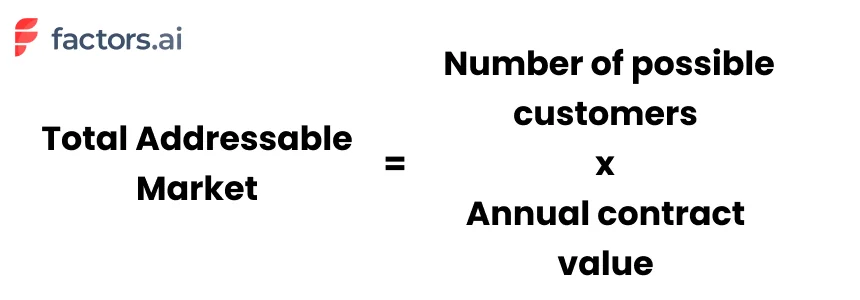
For example, let’s take a project management software tool for small and medium-sized businesses (SMBs). Given that there are 2 million SMBs in the world, and each one spends $1000 a year on project management tools, the Total Addressable Market for this product would be 2M X $1000, or $2 billion.
In other words, TAM represents the revenue generated by the company if it captures 100% of the market share. Of course, this is just an estimate of the size of the market, without accounting for competitors, economic conditions, and countless other factors that will affect revenue generation. Yet, as the next section explains, TAM provides important directional insights to help your business grow.
Why is TAM analysis important?
Calculating the total addressable market can serve different purposes at different stages of growth. At the ideation stage of a business, calculating the TAM helps assess the size and viability of the market for your product. If, for example, your TAM is only about $1 million, you’ll likely hit a ceiling for revenue growth within a few short years.
As the company grows, understanding your total addressable market can support the direction of your company road map. TAM helps evaluate the size of your market when considering new product features, priorities, channels and revenue streams over time. Whether it’s geographic expansion, product development, or forward integrations, TAM helps project growth in later stages of your startup’s journey.
At any point in your company’s growth, knowing your total addressable market will help evaluate how much of the market share you’ve successfully captured. It helps create healthy expectations and achievable benchmarks for your team and your company.
{{INLINE_TOFU}}
A Step-By-Step Guide on How to Calculate TAM
There are three popular methods to calculate TAM: the top-down approach, the bottom-up approach, and the value theory approach. Each method is uniquely helpful based on the scenario.
- Top-down approach: This is best suited for early-stage teams looking for a preliminary assessment of the viability of entering a market.
- Bottom-up approach: This is best suited for high-growth startups that can leverage insights from historical customer data and revenue trends.
- Value-theory approach: A third TAM analysis that considers the potential value that customers derive from a product and service, and it helps back-calculate the total addressable market accordingly.
Top-Down Approach
In this method, the initial consideration revolves around estimating the price for the product. This value is subsequently multiplied by the total number of prospective customers.
A company that is looking to evaluate the need for their product can rely on this approach to estimate market share. It is also a great way to establish a profitable business model when looking for investor funding.
To illustrate this concept, let's take the example of a SaaS CRM product targeting small and medium-sized businesses (SMBs). Here is a simplified version of the top-down approach when calculating TAM:
Step 1: Define the Parameters
Market Definition: The market we're interested in is the CRM software market for SMBs.
Market Size Data: Research indicates that there are approximately 30 million SMBs.
Average Annual Spend: On average, SMBs spend around $1,000 per year on CRM software.
Step 2: Calculate TAM
Now, we can calculate the TAM using the top-down approach:
TAM = Total Number of Potential Customers × Average Annual Spend per Customer
TAM = 30 million SMBs × $1,000 per year
TAM = $30 billion per year
Step 3: Interpretation
The TAM for this SaaS CRM product for SMBs is approximately $30 billion per year. This figure represents the maximum market potential without any constraints. It indicates that if the SaaS company could capture 100% of this market, its annual revenue potential could reach $30 billion.

Bottom-Up Approach
The bottom-up approach involves defining your target customers, estimating revenue per customer, and then extrapolating this revenue across your entire target market to calculate TAM. It's a detailed and customer-focused method that can be valuable for SaaS companies looking to assess their market potential with a high degree of specificity.
Using the same example,
Step 1: Identify Your Target Customer Base
In the bottom-up approach, you start by identifying your target customer base precisely. For a CRM company, even though its ideal target audience is SMBs, it may not be suitable for certain industries, where the sales cycle is very short and there are no repeat purchases. Hence, we might boil down the customer base to SMB B2B companies alone.
Step 2: Calculate the Average Revenue per Customer
Next, calculate the average revenue per customer. You might consider factors such as pricing tiers, subscription models, and any additional services or upsells. Let's assume the SaaS company offers three pricing tiers for its CRM software:
- Basic Tier: $20 per user per month
- Standard Tier: $50 per user per month
- Premium Tier: $100 per user per month
Assuming an average of 10 users per SMB subscribing to the CRM software, we can calculate the average monthly revenue per customer:
Average Monthly Revenue per Customer = [(Number of Basic Tier Customers × $20) + (Number of Standard Tier Customers × $50) + (Number of Premium Tier Customers × $100)] / Total Number of Customers
Step 3: Estimate the Number of Potential Customers
Now, estimate the number of potential customers in your target market. For this example, let's say there are approximately 5 million B2B SMBs to target:
Step 4: Calculate TAM
With the average monthly revenue per customer and the estimated number of potential customers, you can calculate TAM for the CRM software:
TAM = Average Monthly Revenue per Customer × Number of Potential Customers × 12 (to get the annual figure)
TAM = [(Number of Basic Tier Customers × $20) + (Number of Standard Tier Customers × $50) + (Number of Premium Tier Customers × $100)] / Total Number of Customers × Number of Potential Customers × 12
Value Theory Approach
In the value theory approach, you are essentially calculating TAM by assessing the value proposition of your SaaS product to different customer segments and estimating their willingness to pay based on the perceived value. This approach provides a more customer-centric and value-focused perspective on market potential, allowing you to tailor your pricing and marketing strategies to different customer segments based on varying needs and expectations.
Using the same example,
Step 1: Identify Customer Segments and Their Needs
Begin by identifying different customer segments within your target market and understanding their specific needs. For our SaaS CRM software, customer segments might include small businesses, medium-sized businesses, and startups.
Step 2: Quantify the Value Delivered
For each customer segment, assess the value your CRM software provides. This value could be quantified in various ways, such as increased productivity, improved customer relationships, time savings, or cost reductions. For example:
Small businesses may value the CRM software for streamlining their sales processes, resulting in increased sales and revenue.
Medium-sized businesses may value the software for better customer data management, leading to more effective marketing campaigns and customer retention.
Step 3: Estimate the Willingness to Pay
Determine how much customers in each segment are willing to pay for your CRM software. This can involve conducting surveys, market research, or analyzing competitors' pricing strategies. Let's assume that small businesses are willing to pay an average of $50 per user per month for the CRM software, while medium-sized businesses are willing to pay $100 per user per month.
Step 4: Calculate TAM
Now, calculate the TAM for each customer segment by multiplying the number of potential customers in that segment by the average monthly revenue per customer:
TAM for Small Businesses = Number of Small Businesses × Average Monthly Revenue per Customer for Small Businesses
TAM for Medium-sized Businesses = Number of Medium-sized Businesses × Average Monthly Revenue per Customer for Medium-sized Businesses
Sum up the TAMs for all customer segments to get the overall TAM for your CRM software:
TAM = TAM for Small Businesses + TAM for Medium-sized Businesses
Challenges with TAM Analysis
Calculating TAM using the bottom-up approach and the value theory approach is nuanced and relies heavily on historical data and a deep understanding of customer behavior. The analysis can present certain challenges, mainly:
Limited Data Availability
Gathering accurate data on the number of potential customers, their segmentation, and willingness to pay can be challenging, especially if there's limited market research available or if the industry is highly fragmented.
Pricing Complexity
Determining the right pricing strategy and accurately estimating the average revenue per customer can be complex. It may require considering different pricing tiers, discounts, and the potential impact of competitors' pricing.
Inaccurate Customer Segmentation
Identifying and categorizing different customer segments with precision can be difficult. Overlooking or misclassifying segments tend to lead to inaccurate TAM calculations.
Changing Market Dynamics
Markets are dynamic, and customer preferences, needs, and behaviors will change over time. Keeping up-to-date data and adapting to evolving market conditions is easier said than done.
Data Bias
Data collection may suffer from bias, especially if the company relies on its own internal data, which might not capture the full spectrum of customer opinions and experiences, which is required to carry out a value theory analysis.
And there you have it!
Needless to say, in an incredibly competitive SaaS environment, even the most successful companies capture the attention of only a fraction of their TAM. And an even smaller subset of these accounts actually become customers. In fact, even the most optimistic benchmarks find that only 4% of website traffic converts through sign-ups. Factors helps identify, qualify, and convert the remaining 96% of anonymous accounts visiting your website — so you can capture more of your TAM, than ever before.
Understanding and Measuring Total Addressable Market (TAM)
Total Addressable Market (TAM) represents the maximum revenue opportunity available for a product or service if a company were to achieve 100% market share. Calculating TAM is crucial for startups and growing businesses to assess market potential, secure funding, and shape long-term strategies.
TAM can be estimated using three methods:
- Top-Down Approach: Uses industry data to estimate the overall market size, suitable for early-stage assessments.
- Bottom-Up Approach: Relies on internal sales data and pricing models to project market potential, often preferred by growing companies.
- Value-Theory Approach: Estimates TAM based on the perceived value a product delivers to different customer segments, helpful for innovative or disruptive products.
Accurate TAM analysis informs product development, market expansion, and revenue forecasting. However, challenges such as data limitations, pricing variability, and market shifts can complicate the process. Combining multiple approaches often yields the most reliable insights.
For SaaS businesses, identifying and engaging the right segment of TAM is key, as only a small percentage of potential customers convert. Tools that reveal in-market, anonymous website visitors can bridge this gap, unlocking more opportunities within your TAM.

Translucent Touchpoints: How to go about attributing your Audio/Video content
Learn all about the audio & video metrics and KPIs you'll need to effectively measure the performance of your marketing efforts across platforms.

Podcasts are bigger than ever. The number of series worldwide have shot up from an already sizeable 500,000 in 2018 to a whopping 2 million in 2021. Unsurprisingly, podcast consumption has also been rising steadily over the past 15 years. In fact, nearly 60% of all American adults report that they’ve listened to at least one episode this year.
And Videos? They're bigger still. A third of all online sessions are spent consuming videos — everything from sleep talking cats to educational/explainer videos. To sit down and watch every single one published over the past month alone would require approximately 5 million years. And the best part? Nearly all of this is available on the internet for free. As a result, audio/visual content is more accessible, and hence, more popular than ever before.
The opportunistic folk that we are, B2B marketers have taken little time to capitalize on this wave. I can’t remember the last time I scrolled through my Linkedin feed without stumbling across a post for a friend’s friend’s colleague’s boss’s brand new B2B SaaS RevOps podcast. In fact, upwards of 85% of businesses today produce audio/video content as part of their marketing efforts. They are by far the fastest growing marketing channels out there.
And why not?
Just like any other marketing channel, podcasts and videos can be effective mediums to communicate a specific message to a specific set of people. They are relatively easy to ideate, produce, and distribute. They require little investment from either the supplier or the consumer. And they’re far more palatable than a 20-page white paper.
Yet, while audio/video content can be valuable assets, marketers face one glaring issue when it comes to identifying and measuring their ROI in terms of conversions — trackability. As is the case with any marketing activity, marketers are keen to understand how their content is performing. However, since anyone can listen to a podcast, or watch a YouTube video anonymously through any device, it becomes nearly impossible to accurately track how your content is contributing to pipeline and revenue.
How then must a marketer go about gauging their content's performance?
While there is no perfect solution to this quandary yet, here are a few tips to indirectly optimize your attribution process:
1. Unique URLs
Create a unique URL for every podcast/video you produce. Drive all your marketing efforts (social media posts, emails, etc) towards that URL. And use that URL as a proxy to track detailed information on who’s landing on your page. Once this data is consolidated, it can be stitched onto the remainder of your customer journey (ads, website, CRM, etc) using Factors.AI. Ultimately, this will indirectly provide insights into your content's pipeline contribution.
2. Distinct promo codes
Along similar lines as the previous point, it might be worth employing distinct promo codes for each piece of content you release. The logic behind this is that when a prospect enters a specific code, it provides an immediate signal as to where they’re coming from. This information can then be accounted for in your CRM for further analyses. That being said, a few issues may occur if listeners/viewers refer the promo codes to their networks. As there’s no automated method to verify the same, one may run the risk of corrupting their datasets and insights.
3. Don’t forget your Guests
Speaking of recording contact data into your CRM, always ensure you do the same with your guests as well. More often than not, guests are invited to marketing podcasts for two of two reasons — one; they’re experienced professionals with vast knowledge on the topic of discussion. And two; they themselves fit the Ideal Client Profile (ICP) that the host company is going after. Inviting a guest onto a podcast is often simply a wind-about route to securing a demo call. With this in mind, it’s important to account for your guests. This way, if they do eventually close a deal with you, the podcast is present as a definite touchpoint.
{{INLINE_TOFU}}
4. Just ask!
Audio/Visual content attribution is a real challenge. There are only so many behind-the-scenes steps you can take to optimize for an accurate customer journey. That being said, one sure shot approach to tackling this evasive phenomenon is to simply ask your customer about their journey to purchase. Maybe a friend told them about it, maybe they read a positive review on ProductHunt, or maybe, just maybe; they loved that one demo video you released last week! Either way, it doesn’t hurt to ask.
And there we have it!
Though they’re far from perfect, we’ve covered a few simple tricks to track customers who become customers as a result of a degree of influence by your AV content. Listen/View counts and geographical metrics are decent metrics to gauge content performance. But drilling down into who is sliding down the funnel as a result of your content is pivotal. Using unique URLs and Promo codes, and making a habit of accounting for your guests are great ways to grasp a high-level understanding of your content's contribution to revenue and pipeline. And if it comes down to it, just asking your customer about their journey will also be fruitful .
Top 10 LinkedIn Automation Tools
Discover the top 10 LinkedIn automation tools that help B2B marketers scale outreach, automate lead generation, and close deals faster. Understand how to select the right automation tool.

TL;DR
- LinkedIn automation tools help B2B marketers and sales teams scale outreach, generate leads, and close meaningful deals.
- Top tools like Factors, Expandi, Dripify, HeyReach and Waalaxy simplify LinkedIn outreach with smart automation and built-in analytics.
- Automation enhances efficiency in areas such as sending personalized messages, nurturing leads, and tracking engagement automatically.
- Choose ethical LinkedIn automation tools that ensure safety, CRM integration, and measurable ROI.
- The right automation tools help you reach more decision-makers, personalize at scale, and track what drives results.
- Factors’ AdPilot connects LinkedIn Ads with revenue insights, showing how every impression drives B2B pipeline growth.
If you’ve clicked on this blog, chances are you’ve already fallen into the LinkedIn automation rabbit hole. Good move. You’ve taken a step in the right direction, and you’re definitely not alone. 89% of B2B marketers use LinkedIn for lead generation, and 62% say it actually delivers. LinkedIn is now the backbone of B2B marketing, with over a billion users across 200 countries.
Let's be honest, manual outreach (I call it the fax machine of marketing) at scale is a one-way ticket to burnout. Used smartly, automation doesn’t replace the human touch. It amplifies it. This guide cuts through the noise and helps you spot the 10 best LinkedIn automation tools that are actually worth your time.
💡Also read: Top 22 Account-Based Marketing (ABM) Tools
Understanding LinkedIn Automation Tools
What are LinkedIn Automation Tools?
LinkedIn automation tools handle the stuff that eats up your day. Think of them as your behind-the-scenes assistant sending connection requests, following up with leads, nurturing prospects through sequences, and tracking who's engaging and who's ghosting you. They never forget a follow-up, never get tired, and never let a hot lead go cold because you were stuck in back-to-back meetings.
When used right, no lead slips through the cracks, every move gets tracked, and you know exactly what's working. You can then double down on wins, spot what's not working out, and figure out how to turn those losses around before you waste another week on the wrong message.
Why they matter:
- Connect with decision-makers without stalking their LinkedIn all day
- Follow up smart, charm your leads, skip the awkward vibes
- Spot who’s just window-shopping, who’s curious, and who’s ready to sign on the dotted line
- Build pipelines that don’t ghost you, with repeatable, data-backed systems.
- Run personalized campaigns at scale and still sound human (because yes, people notice)
- Stop wasting time on dead ends and double down on the leads that actually move
- Escape the copy-paste hamster wheel and spend your energy on real conversations that close deals

Top 10 LinkedIn Automation Tools
1. Factors
Overview:
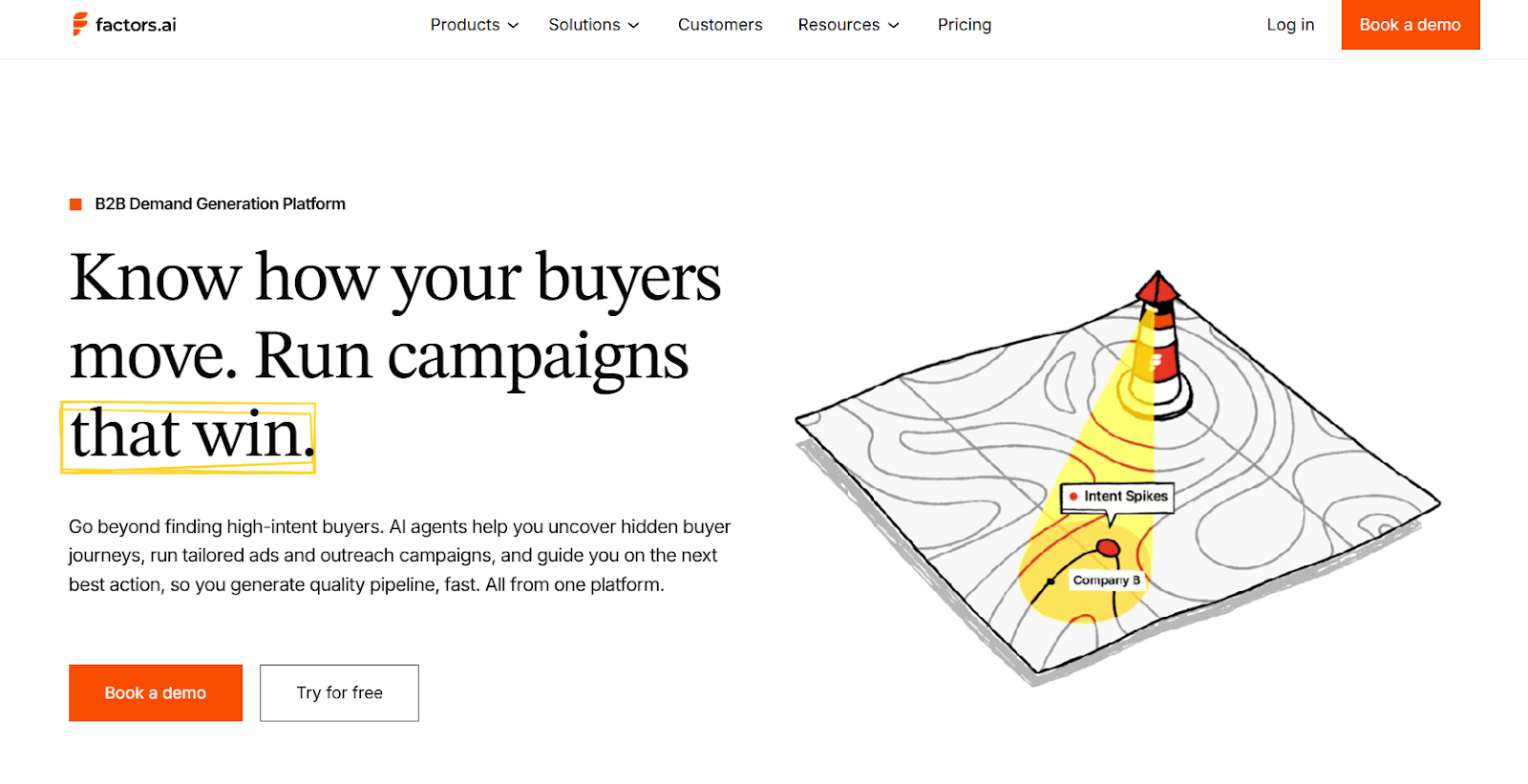
Factors is an AI-powered B2B account intelligence platform. It integrates with LinkedIn to track engagement signals like profile visits, content interactions, and ad activity to show which accounts are most ready to engage. With its AdPilot feature GTM and demand generation teams can prioritize high-intent accounts, build dynamic lists using firmographics and behavioral filters, and optimize LinkedIn campaigns for better engagement and conversions.
In essence, Factors transforms LinkedIn automation from a siloed activity into a part of a unified revenue engine. By combining analytics, attribution, and outreach, it empowers teams to prioritize high-intent accounts and personalize outreach at scale.
Key Features:
- Captures high-intent leads by tracking LinkedIn activity, website visits, CRM data, and third-party signals in one place.
- Automatically syncs these high-value audiences to LinkedIn for laser-focused ad targeting and smarter campaign optimization.
- Helps gain a unified view of each account with a 360-degree timeline of buyer activity, including organic LinkedIn engagement.
- Prioritizes outreach effortlessly using AI-driven account scoring and segmentation based on engagement and firmographics.
- AI-powered analytics handle reporting, delivering actionable insights to boost LinkedIn ad performance and conversions
Pros:
- Real-time account insights enable timely, relevant outreach.
- Multi-touch attribution links marketing directly to pipeline results.
- Predictive analytics helps anticipate account engagement and prioritize high-intent targets.
Cons:
Lacks user-level data without a third-party enrichment integration.
Pricing: Custom; based on usage and integrations.
2. Expandi
Overview:
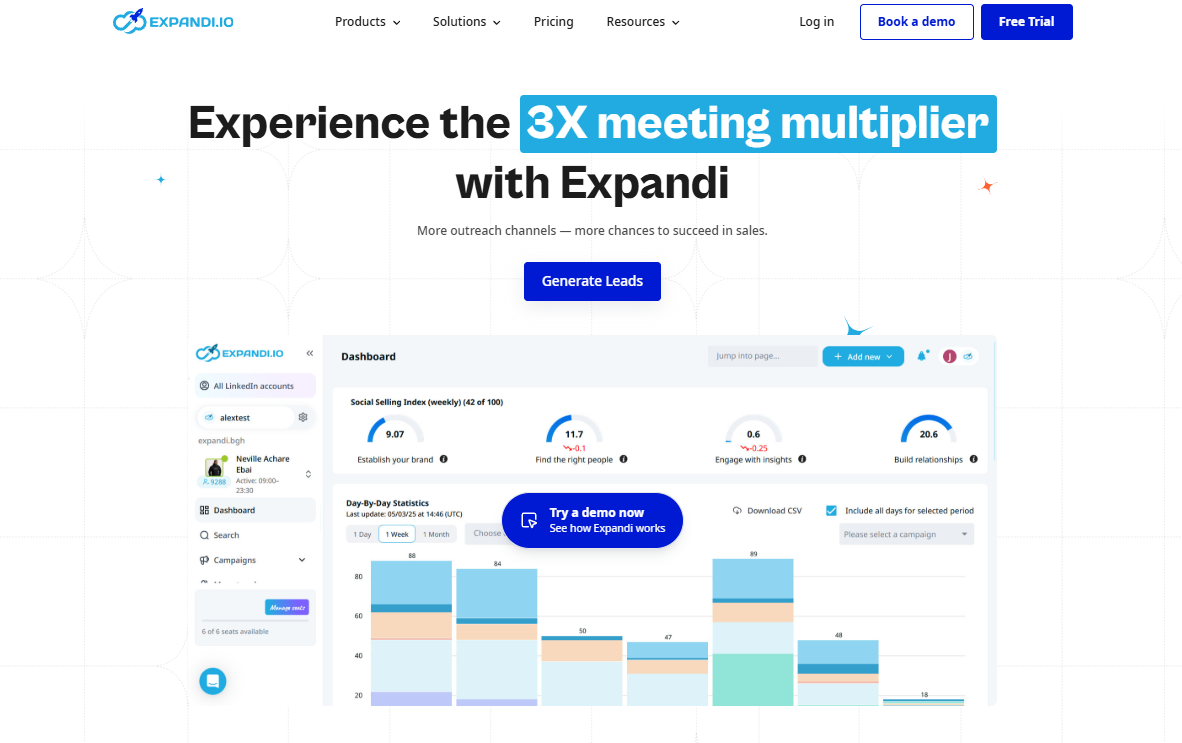
Expandi is a cloud-based LinkedIn automation platform for scaling lead generation and outreach. It automates personalized connection requests, follow-ups, and event invites while staying compliant with LinkedIn’s activity limits. With A/B testing, dynamic personalization, and CRM integrations, it helps B2B teams manage outreach efficiently across multiple accounts from one dashboard.
Key Features:
- A/B testing for message optimization.
- Dual-channel outreach via LinkedIn and email.
- Integrations with Hyperise, Pipedrive, and Zapier.
Pros:
- Simple setup and fast campaign deployment.
- Personalization at scale with multimedia support.
- Centralized campaign management with Workspaces.
Cons:
- Limited native CRM integrations.
- Interface can feel clunky for new users.
Pricing: $99/month per seat with 7 day free trial
3. Dripify
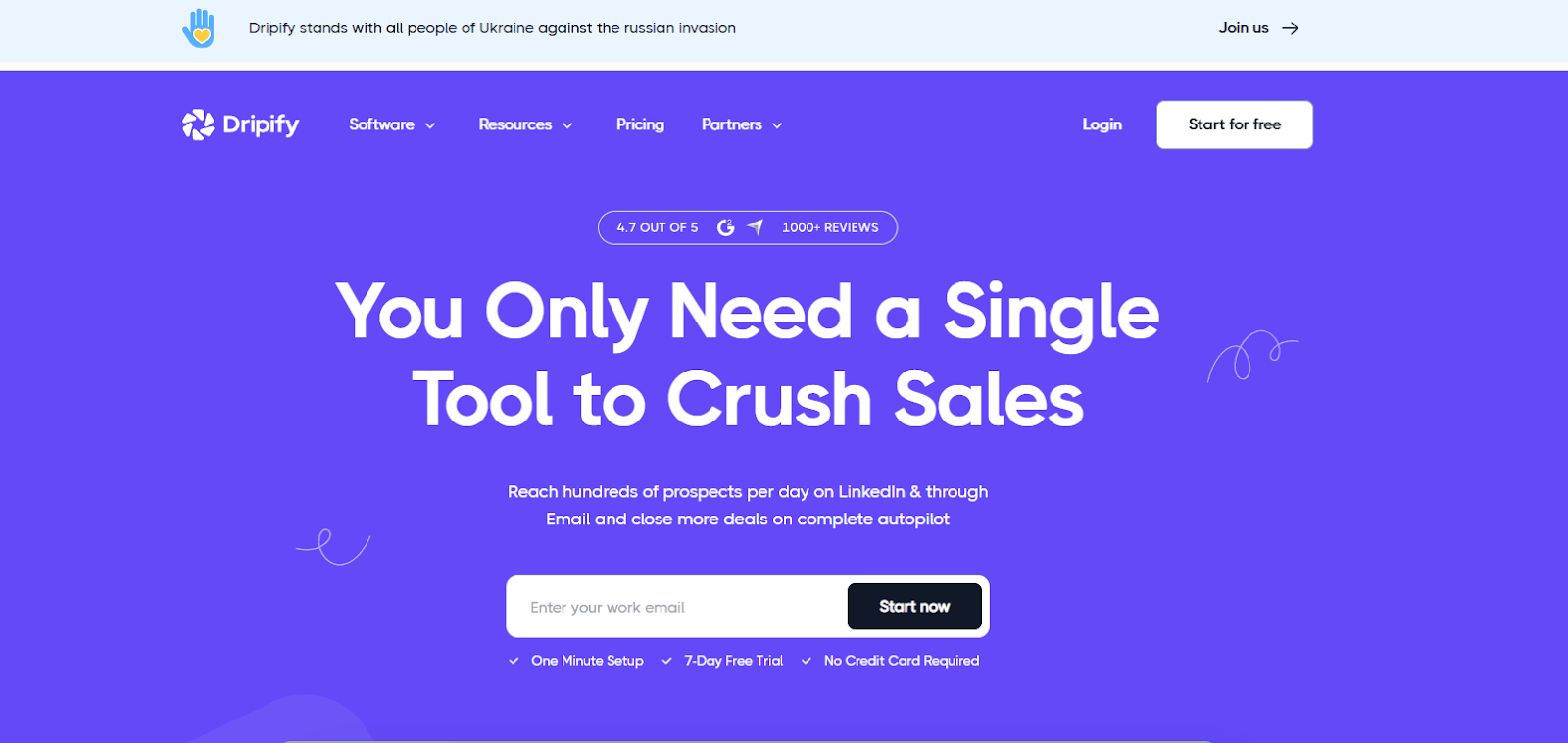
Dripify focuses on simplified, data-driven outreach automation for LinkedIn. Its clean interface allows users to set up drip campaigns that replicate real, human-like sequences, ideal for nurturing B2B leads over time. Dripify integrates with CRMs like HubSpot and Salesforce through Zapier, helping teams align marketing and sales data.
Key Features:
- Automate personalized follow-ups with multi-step drip campaigns
- Track engagement and manage conversations in one place with analytics and smart inbox
- Sync leads seamlessly with HubSpot, Salesforce, or Zoho
Pros:
- Simplified LinkedIn outreach with an intuitive, easy-to-use interface
- Automation with strong personalization for better engagement
- Efficient lead extraction while remaining affordable
Cons:
- No custom API for tailored integrations
- Limited customization restricts outreach flexibility
Pricing: Starts at $59/month per user, with advanced plans up to $99/month
4. PhantomBuster
Overview:
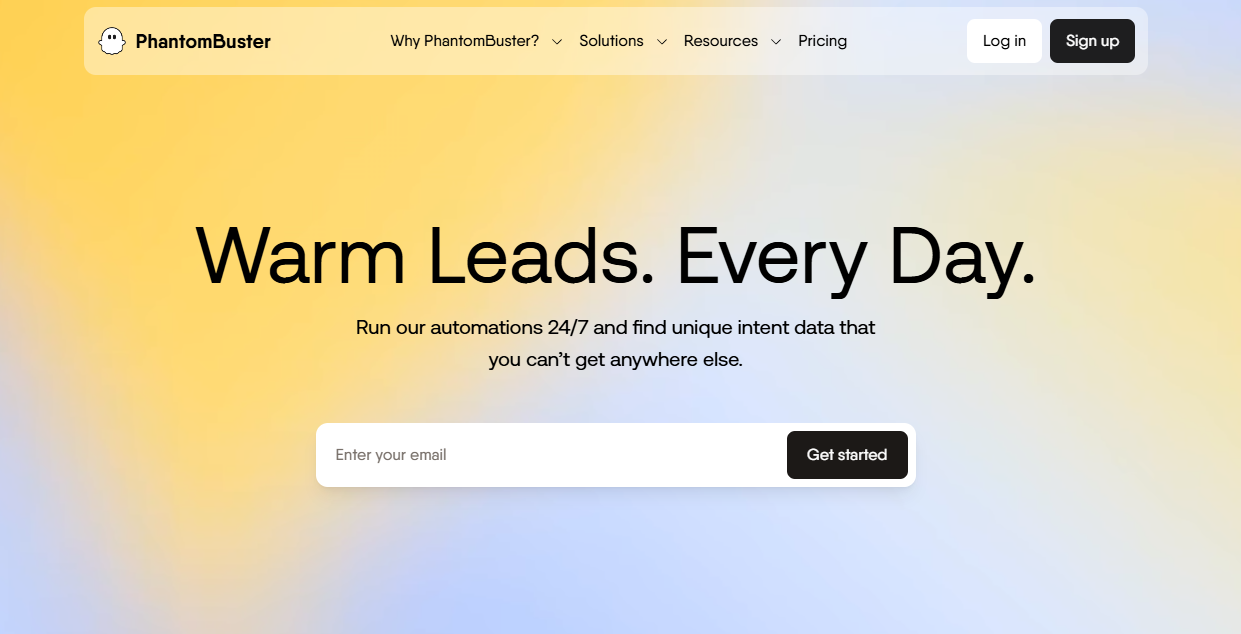
PhantomBuster automates lead extraction and enrichment from LinkedIn, and other platforms using pre-built “Phantoms”(ready- to-use automations) and workflows. It pulls contacts from Sales Navigator, tracks profile and job changes, and feeds fresh data directly into your CRM for targeted outreach. Beyond lead collection, it monitors engagement, triggers outreach via HubSpot integrations, all without coding. For sales teams and marketers, PhantomBuster turns manual prospecting into a scalable, customizable workflow that keeps outreach smart and up to date.
Key Features:
- Access full API to build custom workflows and track results
- Use a visual workflow builder to schedule and streamline tasks
- Boost LinkedIn outreach and safety with the Chrome extension while syncing leads to CRMs.
Pros:
- Identify warm, high-intent leads from real-time LinkedIn data
- Track engagement and response rates to optimize outreach
- No-code, user-friendly setup for basic campaigns and workflows
Cons:
- Limited phantom slots and execution time hinder large-scale campaigns
- Complex workflows have a steep learning curve for setup and management
Pricing: Free trial; paid plans start at $69/month and can go upto $439/month
5. Waalaxy
Overview:
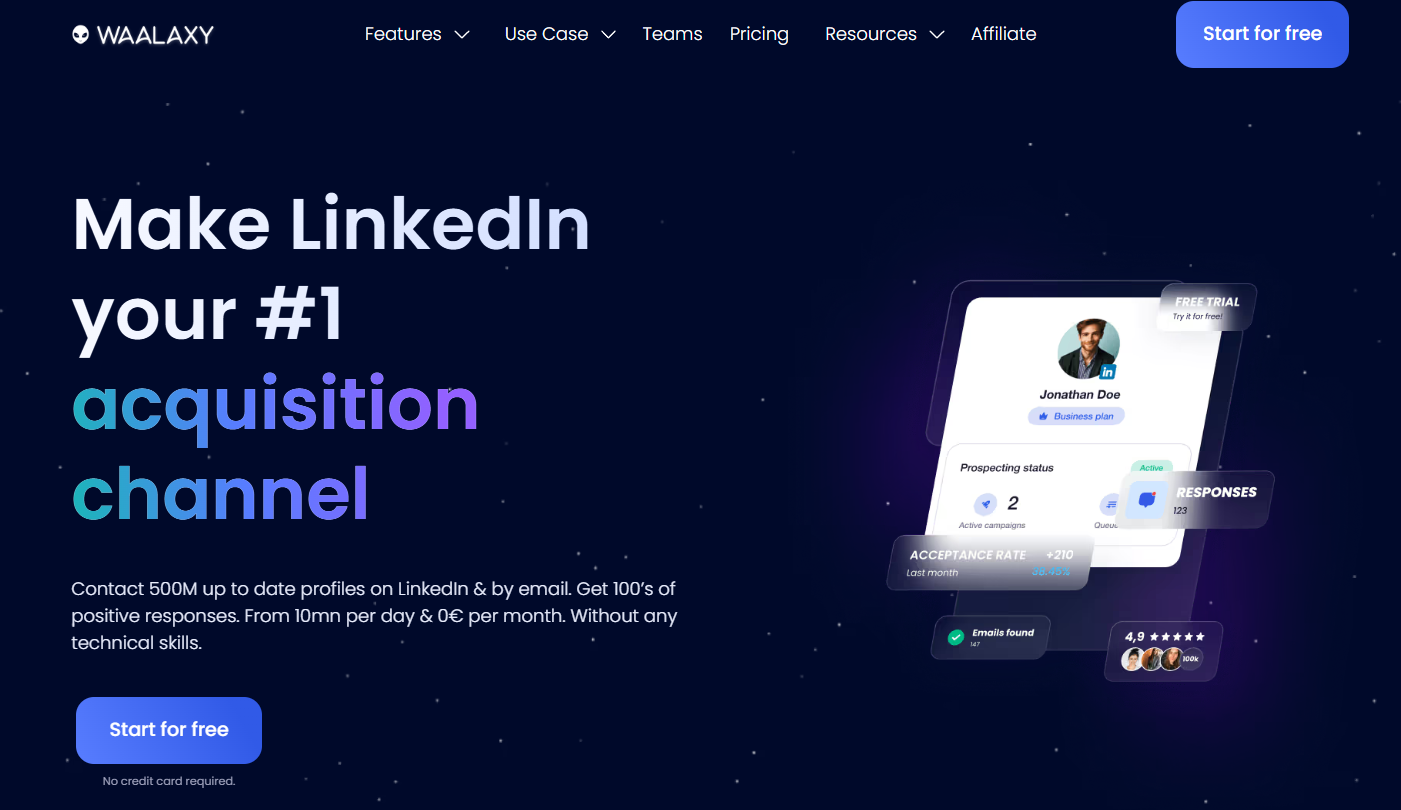
Waalaxy combines LinkedIn and email outreach into a single platform, automating connection requests, follow-ups, and multichannel campaigns with verified, GDPR-compliant contacts. Its drag-and-drop interface makes campaign building easy, while the built-in CRM keeps all interactions organized. Advanced search filters, Sales Navigator integration, and performance analytics help users identify high-quality leads, optimize engagement, and manage multiple campaigns efficiently.
Key Features:
- Automate multichannel outreach in a single workflow.
- Centralized dashboard and optional LinkedIn inbox to manage multiple accounts
- Coordinate team outreach and monitor campaign performance
Pros:
- Automates LinkedIn outreach with an intuitive, user-friendly interface
- Supports multichannel campaigns, including email finding and enrichment
- Integrates natively with CRMs for efficient lead management and streamlined workflows
Cons:
- Browser-based setup requires system and extension to stay active for campaigns to run
- Setting up complex campaigns can be challenging
Pricing: Free trial available; Pro package $21/mo to Elite package $273/mo
6. Meet Alfred
Overview:
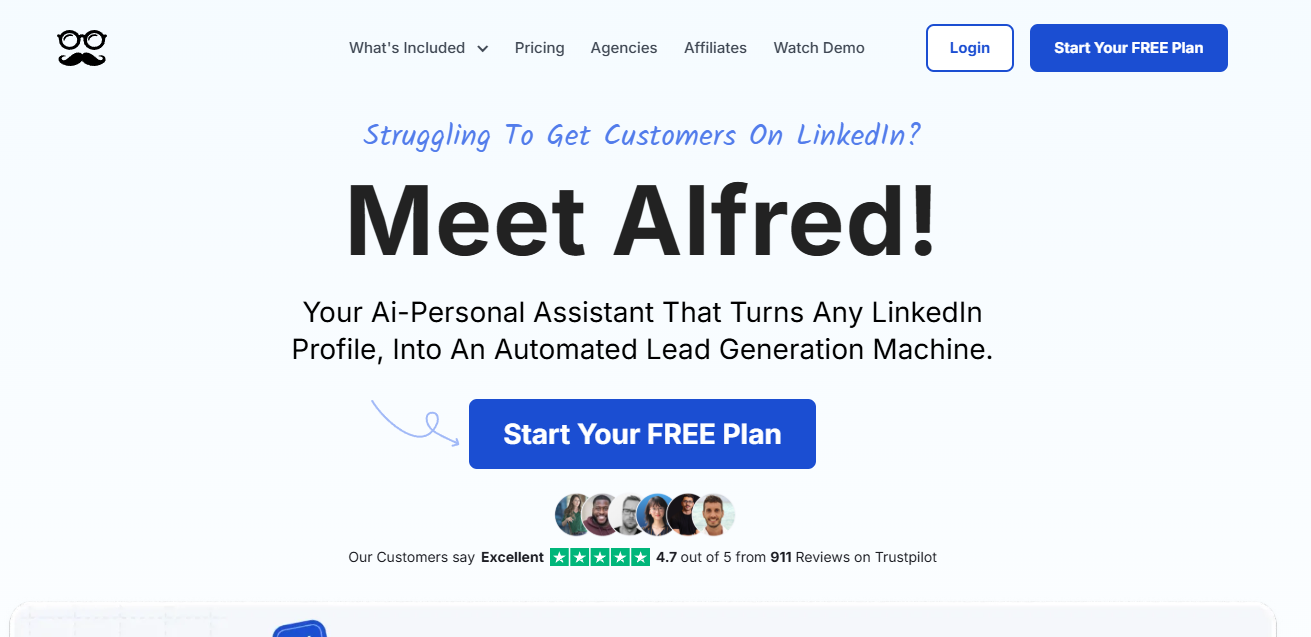
Meet Alfred is a LinkedIn-focused automation platform that goes beyond single-channel outreach. It lets users orchestrate multi-channel sales pipelines across LinkedIn, email, and Twitter, automating connection requests, follow-ups, and engagement while staying within LinkedIn’s best practices. Its built-in CRM and Zapier integrations help manage leads, sync contacts, and maintain structured outreach. With dynamic personalization, AI-assisted message suggestions, and sequential messaging, Meet Alfred enables teams to scale outreach efficiently, nurture leads, and track performance across multiple channels from a centralized dashboard
Key Features:
- Run multi-channel outreach on LinkedIn, email, and Twitter.
- Personalize messages with dynamic tags and attachments
- Built-in CRM and analytics provide structured lead management and real-time performance insights.
Pros:
- Simplifies complex workflows into easy, actionable steps for prospecting.
- Improves engagement and responses with automated, personalized follow-ups.
- Provides straightforward performance reports for smarter outreach decisions
Cons:
- Aggressive automation may trigger LinkedIn account restrictions.
- Lacks a central inbox for managing messages in shared campaigns.
Pricing: Free trial available. Basic $59/mo, Pro $99/mo, Teams $79/mo per user (min. 3)
7. HeyReach
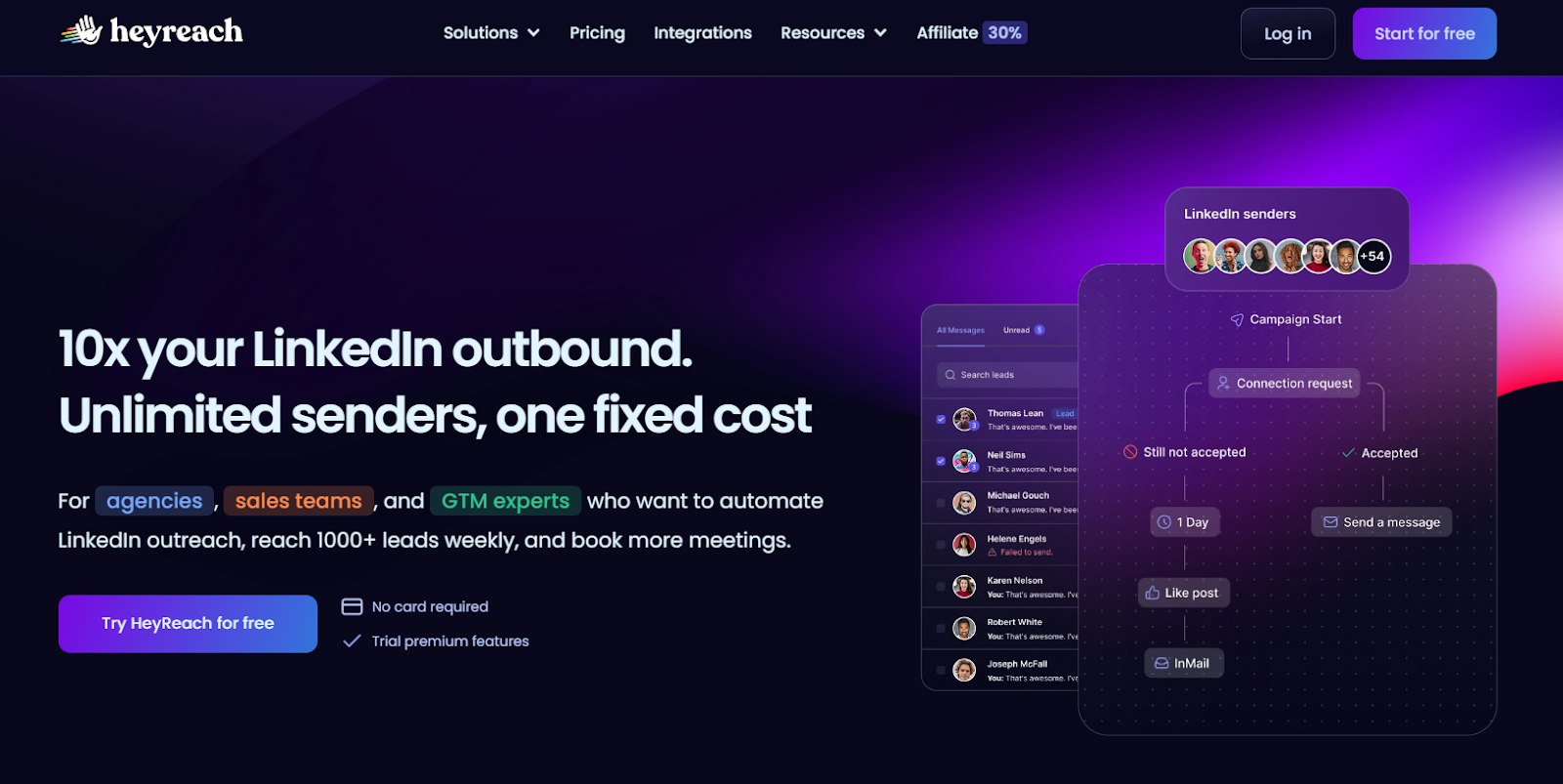
HeyReach is a LinkedIn outreach automation platform that scales lead generation safely using multiple accounts. It offers account rotation, multi-user dashboards, and safety controls, while team collaboration features help marketers and SDRs coordinate campaigns efficiently. A unified inbox centralizes conversations, and CRM integrations (HubSpot, Pipedrive, Zapier, Apollo) provide reporting to track and optimize outreach.
Key Features:
- Manage multiple LinkedIn accounts with a unified inbox to scale outreach.
- Track performance with advanced reporting and dashboard exports (CSV, PNG, SVG).
- Ensure account safety using proxies and automated action limits.
Pros:
- Syncs smoothly with top CRMs and sales tools to boost your pipeline.
- Enables outreach to decision-makers on autopilot.
- Lets you design advanced, multi-step outreach flows with ease
Cons:
- Limited to LinkedIn; requires other tools for multichannel campaigns
- Lacks AI-driven features like lead scoring and predictive insights
Pricing: Starts at $79/month for Starter, with Agency at $999/month and Unlimited at $1,999/month.
8. Zopto
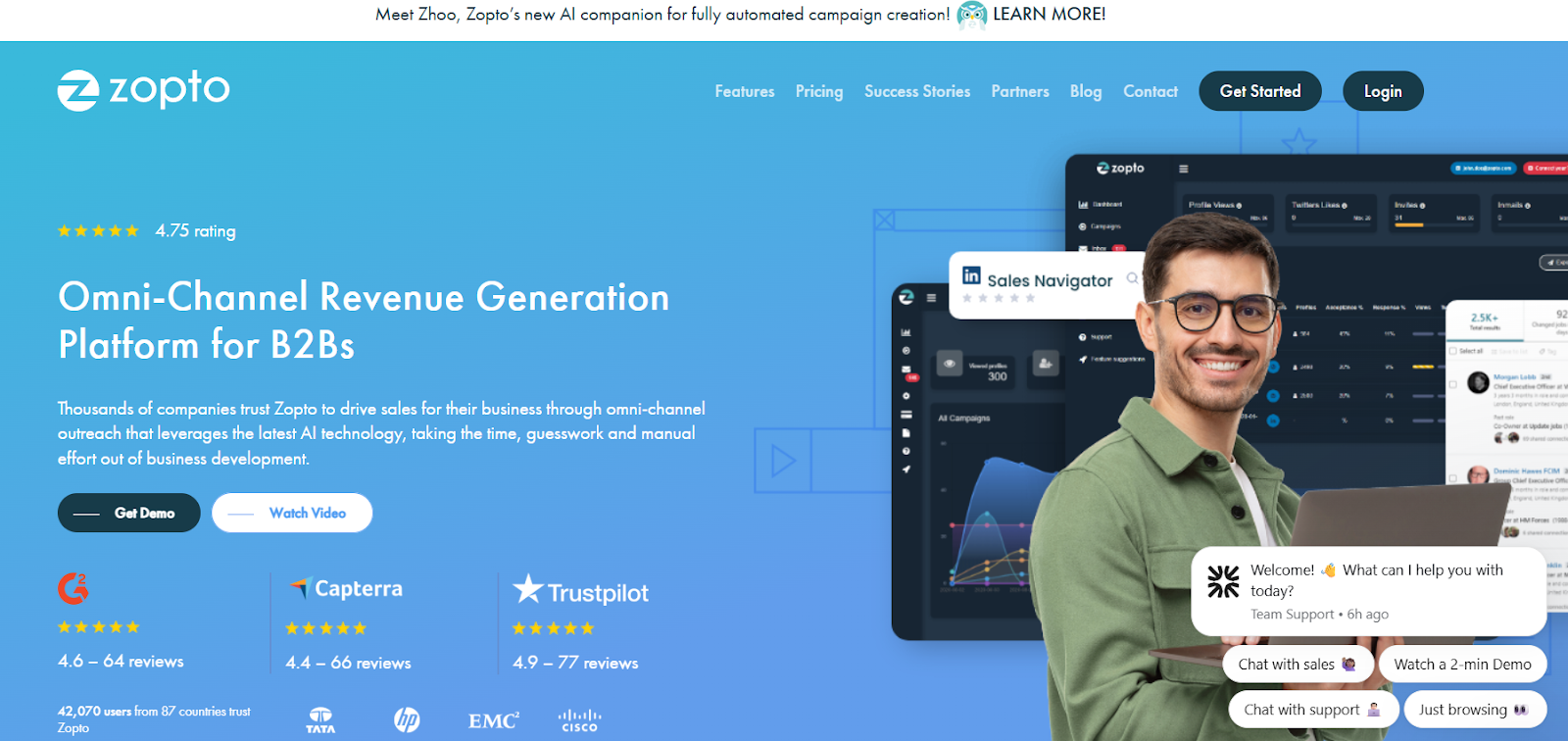
Zopto is a cloud-based LinkedIn automation tool built for startups, sales teams, and agencies to scale outreach without losing personalization. It combines advanced targeting, multi-account management, and time zone–based scheduling to run tailored campaigns at scale. With features like CSV lead imports, campaign segmentation, A/B testing, and Zapier integrations, Zopto gives teams a centralized hub to track performance, refine messaging, and convert prospects efficiently.
Key Features:
- Message generation via ChatGPT to craft personalized LinkedIn messages..
- Run hyper-targeted campaigns with filters like company size, job title, and location.
- Automate multi-account management, A/B testing, and analytics on a cloud-based platform.
Pros:
- Hyper-precise targeting to reach the most relevant prospects.
- Reliable support that helps ensure campaigns hit their goals.
- Effortlessly scalable for growing teams and agencies.
Cons:
- Expensive for smaller teams and startups.
- Campaigns can run slower than competing platforms.
Pricing: starts at $197/month for Basic, $297/month for Pro, and from $156/month per user for Agency & Enterprise plans.
9. Linked Helper
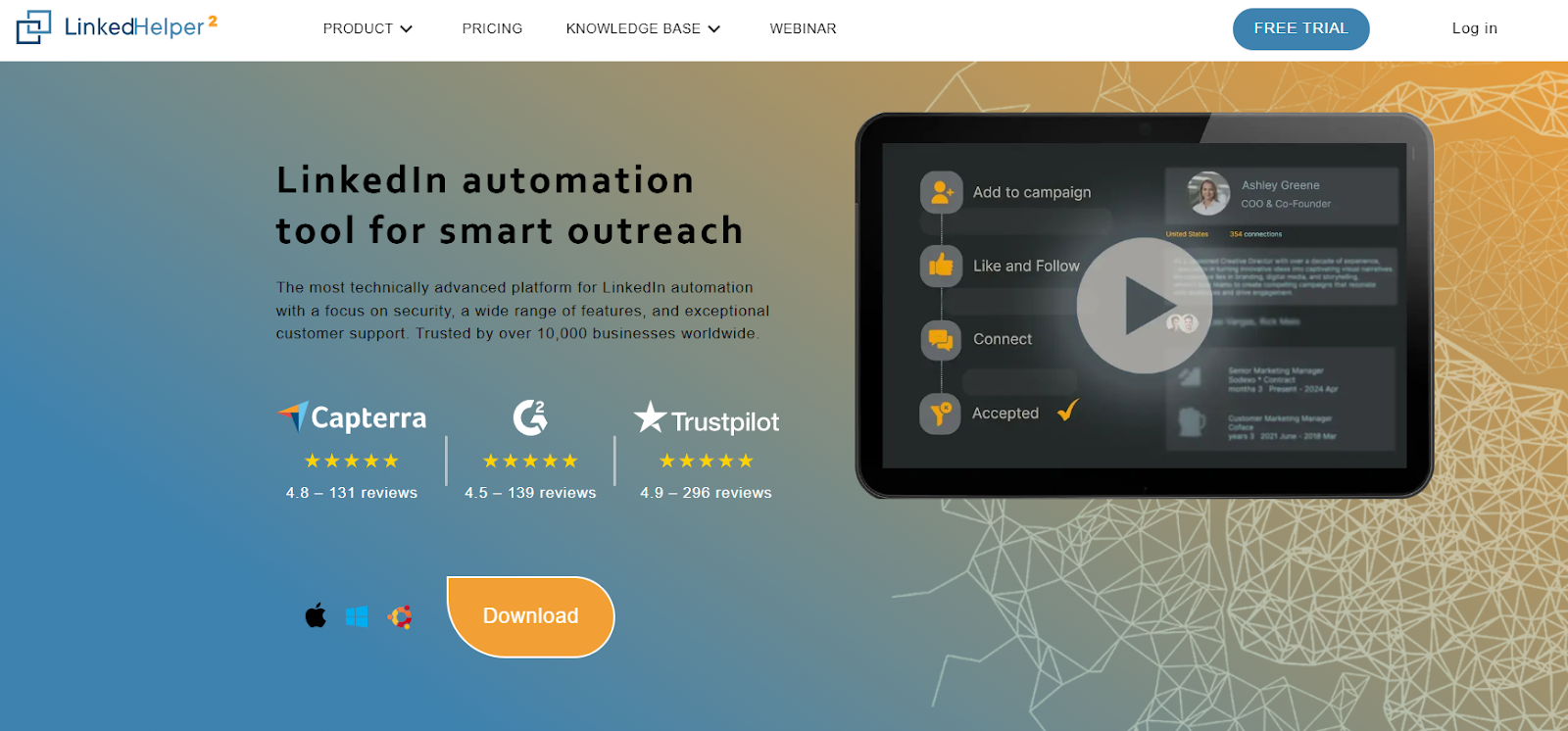
Linked Helper is a desktop-based LinkedIn automation tool that streamlines lead generation and outreach. It automates connection requests, follow-ups, InMails, and profile visits while managing leads through a built-in CRM. With customizable workflows, triggers, and data scraping, it’s ideal for sales teams, marketers, and recruiters looking to scale LinkedIn campaigns efficiently and securely.
Key Features:
- Desktop automation for full control over speed, timing, and security
- Visual campaign builder with smart reply detection to pause sequences automatically
- Built-in LinkedIn CRM with tagging, notes, and lead history for organized and personalized outreach
Pros:
- Operates offline locally for full control without browser or cloud dependence
- Supports all LinkedIn tiers: Basic, Sales Navigator, and Recruiter
- Affordable, reliable, and backed by responsive customer support
Cons:
- LinkedIn-only automation with no email or multichannel support
- Outdated, less intuitive UI can be tough for beginners
Pricing: Starts with a 14-day free trial, followed by Standard at $15/month and Pro at $45/month for advanced LinkedIn automation.
10. Clay
Clay is a workflow automation tool that connects with enrichment platforms to streamline personalized outreach. It helps teams build targeted lists, enrich contact data, craft tailored messages, and trigger emails, all while leveraging AI to optimize lead generation and outreach at scale - without being a CRM or database.
Key Features:
- Real-time waterfall data enrichment keeps lead data accurate and complete
- Spreadsheet-style interface enables custom workflows for list building, enrichment, and outreach
- AI-powered personalization (Claygent + GPT integration) crafts tailored messages and formulas at scale
Pros:
- Non-technical GTM teams can build and deploy customized workflows and automation templates
- Flexible workflows let technical users customize outreach.
- Slack community support aids troubleshooting and optimization.
Cons:
- Handles only lead prep and enrichment, requiring an external CRM for pipeline management.
- Displays data as provided by sources and cannot correct errors.
Pricing: Uses a credit-based model with plans from Free to Pro ($0–$720/month) and custom Enterprise pricing.
{{INLINE_MOFU}}
Selecting the Right LinkedIn Automation Tool
| Criterion | Why It Matters | What to Look For |
|---|---|---|
| Safety & Compliance | Prevents account restrictions | Cloud hosting, randomized actions |
| Ease of Use | Reduces training time | Clean dashboards, guided onboarding |
| CRM Integrations | Enables full-funnel visibility | Native HubSpot/Salesforce support |
| Analytics & Reporting | Measures ROI and engagement | Campaign-level performance insights |
| Scalability | Supports future team growth | Multi-user and multi-account access |
Practical Tips for Maximizing Results
A master carpenter doesn't just own great tools, they know exactly when to use each one, how much pressure to apply, and when to step back and let the work breathe. LinkedIn automation is no different. Here's how to use your tools like a pro:
- Segment smartly: Target by role, company size, industry and other relevant filters
- Personalize with context: Reference shared interests, mutual connections, or recent activity.
- Align marketing and sales: Sync campaigns with CRM data for smoother handoffs.
- Monitor key metrics: Track acceptance, reply, conversion rates, booked demo calls etc
- Use automation for nurturing: Send content, case studies, or invites to webinars to add value.
How can Factors simplify LinkedIn Automation?
Think of it like walking into a networking event already knowing who's interested in what you're selling, instead of awkwardly pitching everyone at the table. Factors helps B2B teams generate, qualify, and convert leads faster while measuring the true revenue impact of every campaign.
Factors’ LinkedIn Adpilot helps you reach the right people without all the manual work. It updates audience lists automatically, shows more ads to accounts that matter most, and gives you a clear picture of how your ads influence actions like website visits, content downloads or demo requests.
Key features:
- Auto-updated intent-based audience lists
- Control impressions and clicks per account
- Show more ads to high-intent, sales-ready accounts
- Track how ads impact website visits, demos, and deals
- Optimize campaigns in real time with LinkedIn Conversion API
Make LinkedIn Ads work for you: LinkedIn AdPilot by Factors
When it comes to LinkedIn ad automation, most tools focus on scheduling or reporting. But what really matters is automating the decisions that make your ads perform better. That’s exactly what Factors’ LinkedIn AdPilot helps you do.
1. Build audience lists without guesswork
Manually updating campaign lists takes forever, and usually leaves you chasing the wrong accounts. AdPilot automatically creates and syncs intent-based audience lists so your ads reach the right prospects every time.
2. Take control of your LinkedIn spend
The top 10% of accounts often eat up 80% of your impressions. With AdPilot’s Smart Reach, you can control impressions and clicks per account, ensuring your budget covers more of your ICP instead of just a few over-served companies.
3. Show more ads to the right accounts
AdPilot aligns marketing and sales by letting you prioritize sales-ready accounts and deliver more impressions to those most likely to convert, keeping your brand top of mind when it matters most.
4. Uncover the true impact of LinkedIn Ads on revenue
Not every buyer clicks, but everyone sees. AdPilot tracks view-through influence to show how LinkedIn ads contribute to the pipeline, from first impression to closed deal.
5. Optimize campaigns at scale with LinkedIn CAPI
Finally, you can sync online and offline data directly to LinkedIn, send back conversion signals, and scale campaigns, without relying on third-party cookies.
With AdPilot, automation doesn’t just make LinkedIn Ads easier to manage, it makes them smarter, more accountable, and infinitely more efficient.
What makes Factors different is that it looks at the bigger picture. It connects LinkedIn activity with other touchpoints, emails, website visits, and outreach, so you can see how everything works together.
To encapsulate this lengthy blog
When it comes to LinkedIn outreach, think fine dining, not an all-you-can-eat buffet. Less is more. You don't need to blast 500 people a day. You need the right message, to the right person, at the right time. That's it.
Tools like Factors, Expandi, and Dripify handle the repetitive stuff requests, follow-ups, sequences while keeping it personal. They sync with your CRM and ad platforms so marketing and sales don't act like Batman and Bane. Factors goes further with AdPilot, connecting LinkedIn activity to actual revenue, not just vanity metrics.
LinkedIn automation isn't replacing human connection. It's making sure you don't ghost the person you swore you'd "circle back with" three weeks ago.
FAQs
1. What are the best LinkedIn automation tools for B2B lead generation?
Tools like Factors, Expandi, Dripify, Waalaxy, and HeyReach are among the top performers. They offer automation for outreach, analytics, and personalization while staying compliant with LinkedIn’s limits.
2. How can automation improve LinkedIn marketing for B2B companies?
Automation helps teams scale outreach, nurture leads with personalized messages, and analyze campaign performance all while maintaining human-like interaction and data accuracy.
3. What should I look for in a LinkedIn automation tool?
Key factors include safety, CRM integrations, reporting features, and the ability to segment audiences for tailored campaigns.
4. How does Factors simplify LinkedIn automation?
With its AdPilot feature, Factors connects LinkedIn ads, audience data, and conversion tracking, helping marketers target high-intent accounts and measure true revenue impact.
5. Is LinkedIn automation safe for marketers?
Yes, when used within LinkedIn’s limits and with cloud-based tools that mimic human behavior, automation can safely enhance outreach without violating LinkedIn policies.
6. Can LinkedIn automation replace human interaction?
No. The best results come from combining automation for scale and data with genuine human engagement that builds trust and closes deals.

LLMs Comparison: Top Models, Companies, and Use Cases
Read about LLM comparisons with rankings, top LLM companies, key use cases, and how B2B teams choose models for GTM, analytics, and automation.
.avif)
I’ve lost count of how many B2B meetings I’ve sat in where someone confidently says:
“We should just plug an LLM into this.”
This usually happens right after:
- someone pulls up a dashboard no one fully trusts
- attribution turns into a philosophical debate
- sales says marketing insights are “interesting” but not usable
The assumption is always the same.
LLMs are powerful, advanced AI models, so surely they can ✨magically✨ fix decision-making.
They cannot.
What they can do very well is spot patterns, compress complexity, and help humans think more clearly. What they are terrible at is navigating the beautiful chaos of B2B reality, where context is scattered across tools, teams, timelines, and the occasional spreadsheet someone refuses to let go of.
That disconnect is exactly why most LLM comparison articles feel slightly off. They obsess over which model is smartest in isolation, instead of asking a far more useful question: which model actually survives production inside a B2B stack?
This guide is written for people choosing LLMs for:
- GTM analytics
- marketing and sales automation
- attribution and funnel analysis
- internal decision support
It is a B2B-first LLM comparison, grounded in how teams actually use these models once the meeting ends and real work begins.
What is a Large Language Model (LLM)?
An LLM, or large language model, is a system trained to understand and generate language by learning patterns from large volumes of text… specifically, vast amounts of text data. Access to this extensive text data is crucial for enabling LLMs to develop advanced language capabilities.
That definition is accurate and also completely useless for business readers like you (and me).
So, let me give you the version that’s actually helpful.
An LLM is a reasoning layer that can take unstructured inputs and turn them into structured outputs that humans can act on.
You give it things like:
- questions
- instructions
- documents
- summaries of data
- internal notes that are not as clear as they should be
It gives you:
- explanations
- summaries
- classifications
- recommendations
- drafts
- analysis that looks like thinking
For B2B teams, this matters because most business problems are not data shortages. They are interpretation problems. The data exists, but no one has the time or patience to connect the dots across systems.
Why the LLM conversation changed for business teams
A while ago, the discussion around LLMs revolved around intelligence. Everyone wanted to know which model could reason better, write better, answer trickier questions, and code really really well.
Now… that phase passed quickly. This shift in conversation has been enabled by ongoing advancements in AI research, which continue to drive improvements in large language models and their practical applications.
Once LLMs moved from demos into daily workflows, new questions took over (obviously):
- Can this model work reliably inside our systems?
- Can we control what data it sees?
- Can legal and security sign off on it?
- Can finance predict what it will cost when usage grows?
- Can teams trust the outputs enough to act on them?
This shift changed how LLM rankings should be read. Raw intelligence stopped being the main deciding factor. Operational fit started to matter more.
The problem (most) B2B teams run into
Here’s something I’ve seen repeatedly. Most LLM failures in B2B are NOT because of the LLMs they use.
They are context failures.
Let’s see how… your CRM has partial data. Your ad platforms tell a different story. Product usage lives somewhere else. Revenue data arrives late. Customer conversations are scattered across tools. When an LLM is dropped into this whole situation, it does exactly what it is designed to do. It fills gaps with confident language.
That is why teams say things like:
- “The insight sounded right but was not actionable”
- “The summary missed what actually mattered”
- “The recommendation did not match how we run our funnel”
Look… the model was not broken, but the inputs sure were incomplete.
Understanding this is critical before you compare types of LLM, evaluate top LLM companies, or decide where to use these models inside your stack.
LLMs amplify whatever system you already have. If your data is clean and connected, they become powerful decision aid. If your context is fragmented, they become very articulate guessers.
Integrating external knowledge sources can mitigate context failures by providing LLMs with more complete information.
That framing will matter throughout this guide.
Types of LLMs you’ll see…
Most explanations for ‘types of LLM’ sound like they were written for machine learning engineers. That is not helpful when you are a marketer, revenue leader, or someone who prefers normal English… trying to choose tools that will actually work within your stack.
This section breaks down LLMs by how B2B teams actually encounter them in practice. Many of these are considered foundation models because they serve as the base for a wide range of applications, enabling scalable and robust AI systems.
- General-purpose LLMs
These are the models most people meet first. They are designed to handle a wide range of tasks without deep specialization.
In practice, B2B teams use them for:
- Drafting emails and content
- Summarizing long documents
- Answering ad hoc questions
- Structuring ideas and plans
- Basic analysis and explanations
They are flexible and easy to start with. That is why they show up in almost every early LLM comparison.
The trade-off becomes apparent when teams try to scale usage. Without strong guardrails and context, outputs can vary across users and teams. One person gets a great answer… another gets something vague… and consistency becomes the biggest problem.
General-purpose models work best when they sit behind structured workflows rather than free-form chat windows.
- Domain-tuned LLMs
Domain-tuned LLMs are optimized for specific industries or functions. Instead of trying to be good at everything, they focus on narrower problem spaces.
Common domains include:
- Finance and risk
- Healthcare and life sciences
- Legal and compliance
- Enterprise sales and GTM workflows
B2B teams turn to these models when accuracy and terminology matter more than creativity. For example, a Sales Ops team analyzing pipeline stages does not want flowery language; they want outputs that match how their business actually runs.
The limitation is flexibility. These models perform well inside their lane, but they can feel rigid when asked to step outside it. They also depend heavily on how well the domain knowledge is maintained over time.
- Multimodal LLMs
Multimodal LLMs can process data beyond just text. Depending on the setup, they can process images, charts, audio, and documents alongside written input.
This shows up in places like:
- Reviewing slide decks and dashboards
- Analyzing screenshots from tools
- Summarizing call recordings
- Extracting insights from PDFs and reports
This category matters more than many teams expect. Real business data is rarely clean text. It lives in decks, spreadsheets, recordings, and screenshots shared over chat.
Multimodal models reduce the friction of converting all that into text before analysis. The tradeoff is complexity. These models require more careful setup and testing to ensure outputs stay grounded.
- Embedded LLMs inside tools
This is the category most teams end up using the most, even if they do not think of it as ‘choosing’ an LLM.
You don’t go out and buy a ‘model’, you use:
- A CRM with AI assistance
- An analytics platform with AI insights
- A GTM tool with built-in agents
- A support system with automated summaries
Here, the LLM is embedded inside a product that already controls:
- Data access
- Permissions
- Workflows
- Context
For B2B teams, this often delivers the fastest value. The model already knows where to look and what rules to follow. The downside is reduced visibility into which model is used and how it is configured.
P.S.: This is also why many companies do not realize they are consuming multiple LLMs at the same time through different tools.
- Open-source vs proprietary LLMs
This distinction cuts across all the categories above.
Open-source LLMs give teams more control over deployment, tuning, and data governance. They appeal to organizations with strong engineering teams and strict compliance needs.
Proprietary LLMs offer managed performance, easier onboarding, and faster iteration. They appeal to teams that want results without owning infrastructure.
Most mature teams end up with a mix… they might use proprietary models for speed and open-source models where control matters more. I will break down this decision later in the guide.
| Type of LLM | How it shows up in B2B teams | Typical use case |
|---|---|---|
| General-purpose LLMs | Chat and APIs | Drafting, summaries, planning, internal enablement |
| Domain-tuned LLMs | Specialized copilots | Compliance workflows, domain-heavy analysis |
| Multimodal LLMs | Text plus visuals or audio | Call analysis, slide review, document extraction |
| Embedded LLMs | Inside GTM and analytics tools | CRM assistance, insights, workflow automation |
| Open-source or proprietary | Deployment choice | Control, governance, or speed depending on needs |
Understanding these categories makes the rest of this LLM comparison easier. When people ask which model is best, the only answer is that It ALL depends on which type they actually need.
How we’re comparing LLMs in this guide
If you read a few LLM ranking posts back to back, you will notice a pattern. Most of them assume the reader is an individual user chatting with a model in a blank window.
That assumption breaks down completely in B2B.
When LLMs move into production, they stop being toys and start behaving like infrastructure. They touch customer data, influence decisions, and sit inside workflows that multiple teams rely on. That changes how they should be evaluated.
So before we get into LLM rankings, it is important to be explicit about how this comparison works and what it is designed to help you decide.
This evaluation focuses explicitly on each model's advanced capabilities, including its ability to handle complex tasks and meet sophisticated business requirements.
- Reasoning and output quality
The first thing most teams test is whether a model sounds smart. That is necessary, but it’s not enough.
For business use, output quality shows up in quieter ways:
- Does the model follow instructions consistently?
- Can it handle multi-step reasoning without drifting?
- Does it stay aligned to the same logic across repeated runs?
- Can it work with structured inputs like tables, stages, or schemas?
In GTM and analytics workflows, consistency matters more than clever phrasing. A model that gives slightly less polished language but a predictable structure is usually easier to operationalize.
- Data privacy and compliance readiness
This is where many promising pilots quietly die.
B2B teams need clarity on:
- How data is stored
- How long it is retained
- Whether it is used for training
- Who can access outputs
- How permissions are enforced
Models that work fine for individual use often stall here. Legal and security teams do not want assurances. They want documented controls and clear answers.
In real LLM comparisons, this criterion quickly narrows the shortlist.
- Integration and API flexibility
Most serious LLM use cases do not live in a chat window.
They live inside:
- CRMs
- Data warehouses
- Ad platforms
- Analytics tools
- Internal dashboards
That makes integration quality critical. B2B teams care about:
- Stable APIs
- Function calling or structured outputs
- Support for agent workflows
- Ease of connecting to existing systems
A model that cannot integrate cleanly becomes a bottleneck, no matter how strong it looks in isolation.
- Cost predictability at scale
Almost every LLM looks affordable in a demo.
Things change when:
- Usage becomes daily
- Multiple teams rely on it
- Automation runs continuously
- Data volumes increase
For B2B teams, cost predictability matters more than headline pricing. Finance teams want to know what happens when usage doubles or triples. Product and ops teams want to avoid sudden spikes that force them to throttle workflows.
This is why cost shows up as a first-class factor in this LLM comparison, not an afterthought.
- Enterprise adoption and ecosystem
Some LLM companies are building entire ecosystems around their models. Others focus narrowly on model research or open distribution.
Ecosystem strength affects:
- How easy it is to hire talent
- How quickly teams can experiment
- How stable tooling feels over time
- How much community knowledge exists
For B2B teams, this often matters more than raw model capability. A slightly weaker model with strong tooling and adoption can outperform a technically superior one in production.
- Suitability for analytics, automation, and decision-making
This is the filter that matters most for this guide.
Many models can write. Fewer models can:
- Interpret business signals
- Explain how they arrived at a recommendation
- Support repeatable decision workflows
- Work reliably with imperfect real-world data
Since this guide focuses on LLM use cases tied to GTM and analytics, models are evaluated on how well they support reasoning that leads to action, not just answers that sound good.
| What this comparison is not This is not:
With that framework in place, the rankings will make a lot more sense. |
Large Language Models Rankings: Top LLM Models
Before we get into specific models, one thing needs to be said clearly.
There is no single best LLM for every B2B team.
Every LLM comparison eventually lands at this exact point. What matters is how a model behaves once it is exposed to real data, real workflows, real users, and real constraints. The rankings below are based on how these powerful models perform across analytics, automation, and decision-making use cases, not how impressive they look in isolation. Each company's flagship model is evaluated for its strengths, versatility, and suitability for complex business tasks.
Note: Think of this as a practical map, not a trophy list.
- GPT models (GPT-4.x, GPT-4o, and newer tiers)
Best at:
Structured reasoning, instruction following, agent workflows
Why B2B teams use it:
GPT models are often the easiest starting point for production-grade workflows. They handle complex instructions well, follow schemas reliably, and adapt across a wide range of tasks without breaking. For GTM analytics, pipeline summaries, account research, and workflow automation, this reliability matters.
Next, GPT-4o, one of the most advanced LLMs and a widely used model, is available via the API and ChatGPT, offering strong multimodal capabilities and serving as OpenAI's flagship model.
I’ve seen teams trust GPT-based systems for recurring analysis because outputs remain consistent across runs. That makes it easier to build downstream processes that depend on the model behaving predictably.
Where it struggles:
Costs can scale quickly once usage becomes embedded across teams. Without strong context control, outputs can still sound confident while missing internal nuances. This model performs best when wrapped inside systems that tightly manage inputs and permissions.
- Claude models (Claude 3.x and above)
Best at:
Long-context understanding, careful reasoning, document-heavy tasks
Why B2B teams use it:
Claude shines when the input itself is complex. Long internal documents, policies, contracts, and knowledge bases are handled with clarity. Teams that care about document analysis make it a preferred choice for teams needing thoughtful summaries and clear explanations for internal decision support and enablement.
Its tone tends to be measured, which helps in environments where explainability and caution are valued.
Where it struggles:
In automation-heavy GTM workflows, Claude can feel slower to adapt. It sometimes requires more explicit instruction to handle highly structured logic or aggressive agent behavior. For teams pushing high-volume automation, this becomes noticeable.
- Gemini models (Gemini 1.5 and newer)
Best at:
Multimodal reasoning and ecosystem-level integration
Why B2B teams use it:
Gemini performs well when text needs to interact with charts, images, or documents.
Its ability to handle multimodal tasks makes it helpful in reviewing dashboards, analyzing slides, and working with mixed-media inputs. Teams already invested in the Google ecosystem often benefit from smoother integration and deployment.
For analytics workflows that include visual context, this is a meaningful advantage.
Where it struggles:
Outside tightly integrated environments, setup and tuning can require more effort. Output quality can vary unless prompts are carefully structured. Teams that rely on consistent schema-driven outputs may need additional validation layers.
- Llama models (Llama 3 and newer)
Best at:
Controlled deployment and customization
Why B2B teams use it:
Llama models appeal to organizations that want ownership. Being open-source, they can be deployed internally, fine-tuned for specific workflows, and governed according to strict compliance requirements. These highly customizable models allow teams to adapt the LLM to their unique needs and industries. For teams with strong engineering capabilities, this control is valuable.
In regulated environments, this flexibility often outweighs raw performance differences.
Where it struggles:
Out-of-the-box performance may lag behind proprietary models for complex reasoning tasks. The real gains appear only after investment in tuning, infrastructure, and monitoring. Without that, results can feel inconsistent.
- Mistral models
Best at:
Efficiency and strong performance relative to size
Why B2B teams use it:
Mistral has built a reputation for delivering capable models that balance performance and efficiency. For teams experimenting with open deployment or cost-sensitive automation, this balance matters. Mistral models often achieve strong results compared to larger models, offering efficiency without the overhead of extensive models.
Where it struggles:
Ecosystem maturity is still evolving. Compared to larger top LLM companies, tooling, documentation, and enterprise support may feel lighter, which affects rollout speed for larger teams.
- Cohere Command
Best at:
Enterprise-focused language understanding
Why B2B teams use it:
Cohere positions itself clearly around enterprise needs. Command models are often used in analytics, search, and internal knowledge workflows where clarity, governance, and stability matter. Teams building decision support systems appreciate the emphasis on business-friendly deployment.
Where it struggles:
It may not match the creative or general flexibility of broader models. For teams expecting one model to do everything, this can feel limiting.
- Domain-specific enterprise models
Best at:
Narrow, high-stakes workflows
Why B2B teams use them:
Some vendors build models specifically tuned for finance, healthcare, legal, or enterprise GTM. These models excel where accuracy and domain alignment are more important than breadth. In certain workflows, they outperform general-purpose models simply because they speak the same language as the business.
Where they struggle:
They are rarely flexible. Using them outside their intended scope often leads to poor results. They also depend heavily on the quality of the underlying domain knowledge.
| How to read these rankings If you are scanning LLM rankings to pick a winner, you are asking the wrong question. The better question is: Which model aligns with how my team works, how my data is structured, and how decisions are made? Most teams end up using more than one model, either directly or indirectly through tools.Understanding strengths and limitations helps you design systems that play to those strengths rather than fighting them. |
{{INLINE_BOFU}}
Top LLM Companies to Watch
When people talk about LLM adoption, they often frame it as a model decision. In practice, B2B teams are also choosing a company strategy.
Some vendors are building horizontal platforms. Some are going deep into enterprise workflows. Others are shaping ecosystems around open models and engaging with the open source community. Understanding this helps explain why two teams using ‘LLMs’ can have wildly different experiences.
Below, I’ve grouped LLM companies by how they approach the market, (not by hype or popularity).
Platform giants you know already (but let’s get to know them better)
These companies focus on building general-purpose models with broad applicability, then surrounding them with infrastructure, tooling, AI tools and ecosystems.
- OpenAI
OpenAI’s strength lies in building models that generalize well across tasks. Many B2B teams start here because the models are adaptable and the tooling ecosystem is mature. You will often see OpenAI models embedded inside analytics platforms, GTM tools, and internal systems rather than used directly.
OpenAI also provides APIs and AI tools that enable the development of generative AI applications across industries. - Google
Google’s approach leans heavily into integration. For teams already using Google Cloud, Workspace, or related infrastructure, this can reduce friction. Their focus on multimodal capabilities also makes them relevant for analytics workflows that involve charts, documents, and visual context.
Google offers AI tools like the PaLM API, which support building generative AI applications for content creation, chatbots, and more. - Anthropic
Positions itself around reliability and responsible deployment. Their models are often chosen by teams that prioritize long-context reasoning and careful outputs, in enterprise environments where trust and explainability matter, this positioning resonates.
Like other major players, Anthropic invests in developing its own LLMs for both internal and external use.
These companies tend to set the pace for the broader ecosystem. Even when teams do not use their models directly, many tools and generative AI applications are built on top of them.
Enterprise-first AI companies
Some vendors focus less on general intelligence and more on how LLMs behave inside business systems.
- Cohere
Cohere has consistently leaned into enterprise use cases like search, analytics, and internal knowledge systems. Their messaging and product design are oriented toward teams that want LLMs to feel like dependable infrastructure rather than experimental tech.
Enterprise-first AI companies often provide custom machine learning models tailored to specific business needs, enabling organizations to address unique natural language processing challenges.
This category matters because enterprise adoption is rarely about novelty. It is about governance, stability, and long-term usability.
Open-source leaders
Open-source LLMs shape a different kind of adoption curve. They give teams control, at the cost of convenience.
- Meta
Meta’s Llama models have become a foundation for many internal deployments. Companies that want to host models themselves, fine-tune them, or tightly control data flows often start here. Open-source Llama models provide access to the model weights, allowing teams to re-train, customize, and deploy the models on their own infrastructure. - Mistral AI
The Mistral ecosystem has gained attention for efficient, high-quality open models. These are often chosen by teams that want strong performance without committing to fully managed platforms. Mistral’s open models also provide model weights, giving users full control for training and deployment.
Some open-source models, such as Google’s Gemma, are built on the same research as their proprietary counterparts (like Gemini), sharing the same foundational technology and scientific basis.
Open-source leaders rarely win on ease of use. They win on flexibility. For B2B teams with engineering depth, that tradeoff can be worth it.
Vertical AI companies building LLM-powered systems
A growing number of companies are not selling models at all. They are selling systems.
These vendors build solutions tailored for various industries, such as:
- sales intelligence platforms
- marketing analytics tools
- support automation systems
- financial analysis products
LLMs sit inside these tools as a reasoning layer, but customers never interact with the model directly. This is where many B2B teams actually use LLMs day-to-day.
It is also why comparing top LLM companies purely at the model level can be misleading. The value often derives from how well the model is implemented within a product.
A reality check for B2B buyers
Most B2B teams do not wake up and decide to ‘buy an LLM.’
They buy:
- A GTM platform
- An analytics tool
- A CRM add-on
- A support system
A key factor B2B buyers consider is seamless integration with their existing platforms, ensuring new tools work efficiently within their current workflows.
And those tools make LLM choices on their behalf.
Understanding which companies power your stack helps you ask better questions about reliability, data flow, and long-term fit. It also explains why two teams using different tools can produce very different outcomes, even if their underlying models appear similar.
LLM use cases that matter for B2B teams
If you look at how LLMs are marketed, you would think their main job is writing content faster.
That is rarely why serious B2B teams adopt them.
In real GTM and analytics environments, LLMs are used when human attention is expensive, and context is distributed. Beyond content generation, LLMs are also used for a range of natural language processing tasks, including text generation, question answering, translation, and classification. The value shows up when they help teams see patterns, reduce manual work, and make better decisions with the data they already have.
Below are the LLM use cases that consistently matter in B2B, especially once teams move past experimentation.
- GTM analytics and signal interpretation
This is one of the most underestimated use cases.
Modern GTM teams are flooded with signals:
- Website visits
- Ad engagement
- CRM activity
- Pipeline movement
- Product usage
- Intent data
The problem is with interpretation (not volume).
LLMs help by:
- Summarizing account activity across channels
- Explaining why a spike or drop happened
- Grouping signals into meaningful themes
- Translating raw data into plain-language insights
- Enabling semantic search to improve information retrieval and understanding from large sets of GTM signals
I’ve often seen teams spend hours debating dashboards when an LLM-assisted summary could have surfaced the core insight in minutes. The catch is context. Without access to clean, connected signals, the explanation quickly becomes generic.
- Sales and marketing automation
This is where LLMs save you lots of time (trust me).
Instead of hard-coded rules, teams use LLMs to:
- Draft outreach based on account context
- Customize messaging using recent activity
- Summarize sales calls and hand off next steps
- Prioritize accounts based on narrative signals, not just scores
- Assist with coding tasks such as automating scripts or workflows
Generating text for outreach and communication is a core function of LLMs in sales and marketing automation, enabling teams to produce coherent, contextually relevant content for various applications.
The strongest results appear when automation is constrained. Free-form generation looks impressive in demos but breaks down at scale. LLMs perform best when they work inside structured workflows with clear boundaries.
- Attribution and funnel analysis
Attribution is one of those things everyone cares about, but no one fully trusts.
LLMs help by:
- Explaining how different touchpoints influenced outcomes
- Summarizing funnel movement in human language
- Identifying patterns across cohorts or segments
- Answering ad hoc questions without pulling a new report
Note: This does NOT replace quantitative models… it complements them. Teams still need defined attribution logic. LLMs make the outputs understandable and usable across marketing, sales, and leadership.
- Customer intelligence and segmentation
Customer data lives across tools that refuse to talk to each other. LLMs step in as the stitching layer that brings everyone into the same conversation.
Common use cases include:
- Summarizing account histories
- Identifying common traits among high-performing customers
- Grouping accounts by behavior rather than static fields
- Surfacing early churn or expansion signals
- Performing document analysis to extract insights from customer records
This is especially powerful when paired with first-party data. Behavioral signals provide the model with real data to reason about, rather than relying on assumptions.
- Internal knowledge search and decision support
Ask any B2B team where knowledge lives, and you will get a nervous laugh. Policies, playbooks, decks, and documentation exist, but finding the right answer at the right time is painful.
LLMs help by:
- Answering questions grounded in internal documents
- Summarizing long internal threads
- Guiding new hires through existing knowledge
- Supporting leaders with quick, contextual explanations
Retrieval augmented generation techniques can further improve the accuracy and relevance of answers by enabling LLMs to access and incorporate information from external data sources, such as internal knowledge bases.
This use case tends to gain trust faster because the outputs can be traced back to known sources.
LLMs are most useful when they are paired with:
That difference explains why some teams swear by LLMs while others roll them back after a few months. |
Open-Source vs Closed LLMs: What should you choose?
This question shows up in almost every LLM conversation…
“Should we use an open-source LLM or a closed, proprietary one?”
There is no universal right answer here. What matters is how much control you need, how fast you want to move, and how much operational responsibility your team can realistically handle.
Open-source LLMs offer greater control for developers and businesses, particularly for deployment, customization, and handling sensitive data. They can also be fine-tuned to meet specific business needs or specialized tasks, providing flexibility that closed models may not offer.
Here’s what open-source models offer
Open-source LLMs appeal to teams that want ownership.
With open models, you can:
- Deploy the model inside your own infrastructure
- Control exactly where data flows
- Fine-tune behavior for specific workflows
- Build customizable and conversational agents tailored to your needs
- Meet strict internal governance requirements
This makes a world of difference in regulated environments or companies with strong engineering teams. When legal or security teams ask uncomfortable questions about data handling, open-source setups often make those conversations easier.
But with great open-source models… comes great responsibility.
You own:
- Hosting and scaling
- Monitoring and evaluation
- Updates and improvements
- Performance tuning over time
If you don’t have the resources to maintain this properly, results can degrade quickly.
Now… here’s what closed LLMs offer
Closed or proprietary LLMs optimize for speed and convenience.
They typically provide:
- Managed infrastructure
- Fast iteration cycles
- Strong default performance
- Minimal setup effort
- State-of-the-art performance out of the box
For many B2B teams, this is the fastest path to value. You can test, deploy, and scale without becoming an AI operations team overnight.
The trade-off is control. You rely on the vendor’s policies, pricing changes, and roadmap. Data handling is governed by contracts and configurations rather than full ownership.
For teams that prioritize execution speed, this is often an acceptable compromise.
| Security, compliance, and governance in practice This is where the decision becomes all about practicality. B2B teams need to think about:
Neither approach is inherently unsafe.What matters is alignment with your internal risk tolerance and compliance posture. Regardless of model type, both open and closed models must be managed to minimize harmful outputs, ensuring AI systems remain safe and compliant. |
Why many B2B teams go hybrid
In real-world deployments, pure strategies and use-cases are very rare.
Many companies:
- Use proprietary LLMs for experimentation and general workflows
- Deploy open-source models for sensitive or regulated use cases
- Consume LLMs indirectly through tools that abstract these choices away
This hybrid approach allows teams to balance speed and control. It also reduces risk. If one model or vendor becomes unsuitable, the system does not collapse. Additionally, hybrid strategies enable teams to incorporate generative AI capabilities from both open and closed models, enhancing flexibility and innovation.
A simple decision framework
If you are deciding between open-source and closed LLMs, start here:
- Early-stage or lean teams:
Closed models are usually the right choice. Speed matters more than control. - Mid-sized teams with growing data maturity:
A mix often works best. Use managed models for general tasks and explore open options where governance matters. - Large enterprises or regulated industries:
Open-source models or tightly governed deployments become more attractive. - Teams with specific requirements:
Customizable models allow you to fine-tune large language models for your use case, industry, or domain, improving performance and relevance.
The goal is NOT to pick a side. The goal is to CHOOSE what supports your workflows without creating unnecessary operational drag.
Choosing the right LLM for your GTM stack
This is where most LLM discussions break down with looouuuud thuds.
Teams spend weeks debating models, only to realize later that the model was never the bottleneck… the bottleneck was everything around it.
When choosing the right LLM for your GTM stack, understanding the LLM development process can help teams make more informed decisions about which model best fits their needs.
I’ve seen GTM teams plug really useful LLMs into their stack and still walk away… frustrated. Not because the model was weak… but because it was operating all by itself. No shared context, clean signals, or agreement on what ‘good’ even looks like.
Here’s why model quality alone does not fix GTM problems
Most GTM workflows resemble toddlers eating by themselves… well-intentioned, wildly messy, and in need of supervision.
Your data lives across:
- CRM systems
- Ad platforms
- Website analytics
- Product usage tools
- Intent and enrichment providers
LLMs process natural-language inputs from sources such as CRM, analytics, and other tools, but often only see fragments rather than complete journeys. They can summarize what they see, but they cannot infer what was never shown.
This is why teams say things like:
- The insight sounds right, but I cannot act on it
- The summary misses what sales actually cares about
- The recommendation does not align with how our funnel works
The issue is not intelligence. It is missing context.
What actually makes LLMs useful for GTM teams
In practice, LLMs become valuable when three things are already in place. The effectiveness of an LLM for GTM teams also depends on its context window, which determines how much information the model can consider at once. A larger context window allows the model to process longer documents or more complex data, improving its ability to deliver relevant insights.
- Clean data
If your CRM stages are inconsistent or your account records are outdated, the model will amplify that confusion. Clean inputs do not mean perfect data, but they do mean data that follows shared rules.
- Cross-channel visibility
GTM decisions rarely depend on one signal. They depend on patterns across ads, website behavior, sales activity, and product usage. LLMs work best when they can reason across these signals instead of reacting to one slice of the story.
- Contextual signals
Numbers alone don’t tell the full story. Context comes from sequences, timing, and intent. An account that visited three times after a demo request means something very different from one that bounced once from a blog post. LLMs need that narrative layer to reason correctly.
Why embedding LLMs inside GTM platforms changes everything
This is where many teams breathe a sigh of relief and FINALLLY see results.
When LLMs are embedded inside GTM and analytics platforms, they inherit:
- Structured data
- Defined business logic
- Permissioned access
- Consistent context across teams
Instead of guessing, the model works with known signals and rules. Outputs become more explainable… recommendations become easier to trust… and teams stop arguing about whether the insight is real and start acting on it.
(This is also where LLMs move from novelty to infrastructure.)
Where Factors.ai fits into this picture
Tools like Factors.ai approach LLMs differently from generic AI wrappers.
The focus is not on exposing a chat interface or swapping one model for another. The focus is on building a signal-driven system where LLMs can reason over:
- Account journeys
- Intent signals
- CRM activity
- Ad interactions
- Funnel movement
In this setup, LLMs are not asked to invent insights, they are asked to interpret what’s actually going on (AKA the reality).
Now, this distinction matters A LOT because it is the difference between an assistant that sounds confident and one that actually helps teams make better decisions.
How to think about LLM choice inside your GTM stack
If you are evaluating LLMs for GTM, start with these questions:
- Do we have connected, trustworthy data?
- Can the model see full account journeys?
- Are outputs grounded in real signals?
- Can teams trace recommendations back to source activity?
If the answer to these is no, switching models will NOT fix the problem. Instead, focus on building the right system around the model.
Where LLMs fall short (and why context still wins)
Once LLMs move beyond demos and into daily use, teams start noticing patterns that are hard to ignore.
The outputs sound confident… language is fluent… and reasoning feels plausible.
BUT something still feels off.
One key limitation is that LLMs' problem solving abilities are constrained by the quality and completeness of the context provided. Without sufficient or accurate context, their advanced reasoning and step-by-step problem solving can fall short, especially for complex tasks.
This section exists because most LLM comparison articles stop right before this point. But for B2B teams, this is where trust is won or lost.
- Hallucinations and confidence without grounding
The most visible limitation is hallucination. But the issue is not ONLY that models get things wrong.
It is that they get things wrong confidently. (*let’s out HUGE sigh*)
In GTM and analytics workflows, this shows up as:
- Explanations that ignore recent pipeline changes
- Recommendations based on outdated assumptions
- Summaries that smooth over important exceptions
- Confident answers to questions that should have been flagged as incomplete
Hallucinations can also erode trust in the model's advanced reasoning abilities… making users question whether the LLM can reliably perform complex, multi-step problem-solving.
In isolation, these mistakes are easy to miss. At scale, they erode trust. Teams stop acting on insights because they are never quite sure whether the output reflects reality or pattern-matching.
- Lack of real-time business context
Most LLMs do not have direct access to live business systems by default.
They do not know:
- Which accounts just moved stages
- Which campaigns were paused this week
- Which deals reopened after going quiet
- Which product events matter more internally
Without this context, the model reasons over snapshots or partial inputs. That is fine for general explanations, but it breaks down when decisions depend on timing, sequence, and recency.
This is why teams often say the model sounds smart but feels… behind.
- Inconsistent outputs across teams
Another big problem is inconsistency.
Two people ask similar questions.
They get slightly different answers.
But both sound reasonable and correct.
In B2B environments, this creates friction. Sales, marketing, and leadership need shared understanding. When AI outputs vary too much, teams spend time debating the answer instead of acting on it.
Now, I’m not saying consistency is not about forcing identical language, but it IS about anchoring outputs to shared logic and shared data.
Why decision-makers still hesitate to trust AI outputs
At the leadership level, the question is never, “Is the model intelligent?”
It is:
- Can I explain this insight to someone else?
- Can I trace it back to real activity?
- Can I justify acting on it if it turns out wrong?
LLMs struggle when they cannot show their work. Decision-makers are comfortable with imperfect data if it is explainable. They are uncomfortable with polished answers that feel opaque.
This is where many AI initiatives stall. Not because the technology failed, but because trust was never fully earned.
| Why context changes everything Across all these limitations, one theme keeps resurfacing… CONTEXT. Because context reduces risk. When LLMs operate with:
Note: Context does NOT make LLMs perfect, but it makes them usable. That difference is what separates short-lived experiments from systems that actually support decision-making. |
The Future of LLMs in B2B Decision-Making
The most important shift around LLMs is not about bigger models or better benchmarks.
It is about where they live and what they are allowed to do.
Generative language models are at the core of this evolution, enabling LLMs to move beyond simple answer engines. In B2B, the future of LLMs includes the development of next-generation AI assistants with more advanced, assistant-like capabilities. These models are becoming decision copilots that operate inside real systems, with real constraints.
- From answers to decisions
Early LLM use focused on responses… you ask a question… and get an answer.
That works for exploration, but does not scale for execution.
The next phase is about:
- Recommending next actions
- Explaining trade-offs
- Flagging risk and opportunity
- Summarizing complex situations for faster decisions
To truly support complex business decisions, LLMs will need to enable advanced problem solving, handling multi-step tasks and detailed reasoning across various domains.
This only works when LLMs understand business context, not just language. The models are already capable, and the systems around them are catching up.
- Agentic workflows and advanced reasoning tasks tied to real data
Another visible shift is the rise of agentic workflows.
Instead of one-off prompts, teams are building systems where LLMs:
- Monitor signals continuously
- Trigger actions based on conditions
- Coordinate across tools
- Update outputs as new data arrives
These agentic workflows often involve customizable and conversable agents that can interact dynamically with business systems.
In GTM environments, this looks like agents that watch account behavior, interpret changes, and surface insights before humans ask for them.
The key difference is grounding. These agents are not reasoning in a vacuum… they are tied to live data, defined rules, and permissioned access.
- Fewer standalone chats (and more embedded intelligence)
Standalone chat interfaces are useful for learning. They are less useful for running a business.
The real future of LLMs in B2B is ‘embedded intelligence’ (oohh that’s a fancy word, isn’t it?!). But what I’m saying is… models sit inside:
- Dashboards
- Workflows
- CRM views
- Analytics reports
- Planning tools
LLMs can also assist with software development tasks within business platforms, automating coding, debugging, and streamlining development workflows.
In this case, the user does not think about which model is running. They care about whether the insight helps them act faster and with more confidence.
This shift also explains why many B2B teams will never consciously choose an LLM. They will choose platforms that have already made those decisions well.
Here’s what B2B leaders should prioritize next
If you are responsible for GTM, analytics, or revenue systems, the priorities are becoming clearer.
Focus on:
- Connecting first-party data across systems
- Defining shared business logic
- Making signals explainable
- Embedding LLMs where decisions already happen
Leaders should also consider the scalability and deployment of large scale AI models to support business growth.
Model selection still matters, but it is no longer the main lever. Context, integration, and trust are.
Teams that get this right will spend less time debating insights and more time acting on them.
FAQs for LLM Comparison
Q. What is the best LLM for B2B teams?
There is no single best option. The right choice depends on your data maturity, compliance needs, and how deeply the model is embedded into workflows. Many B2B teams use more than one model, directly or indirectly, through tools.
Q. How do LLM rankings differ for enterprises vs individuals?
Individual rankings often prioritize creativity or raw intelligence. Enterprise rankings prioritize consistency, governance, integration, and cost predictability. What works well for personal use can break down in production.
Q. Are open-source LLMs safe for enterprise use?
They can be, when deployed and governed correctly. Open-source models offer control and transparency, but they also require operational ownership. Safety depends more on implementation than on licensing.
Q. Which LLM is best for analytics and data analysis?
Models that handle structured reasoning and long context tend to perform better for analytics. Large language models (LLMs) are built on advanced neural networks, which enable their strong performance in analytics and data analysis.The bigger factor is access to clean, connected data. Without that, even strong models produce shallow insights.
Q. How do companies actually use LLMs in GTM and marketing?
Most companies use LLMs for interpretation rather than creation. However, LLMs can also generate code based on natural language input, enabling automation of marketing and GTM workflows. Common use cases include summarizing account activity, explaining funnel changes, prioritizing outreach, and supporting decision-making across teams.
Q. Do B2B teams need to choose one LLM or multiple?
Most teams end up using multiple models, often without realizing it. Different tools in the stack may rely on different LLMs, especially when addressing needs across multiple domains.
A hybrid approach reduces dependency and increases flexibility.
Q. How important is data quality when using LLMs?
It is foundational. LLMs amplify whatever data they are given. Clean, connected data leads to useful insights. Fragmented data leads to confident but shallow outputs.
Top LinkedIn Agencies in North America
Explore the leading LinkedIn marketing agencies in North America.
LinkedIn is a cornerstone platform for professionals and businesses across North America. It offers unparalleled professional networking opportunities, facilitating connections with industry peers, potential employers, and thought leaders. LinkedIn showcases individuals’ skills, experiences, and achievements like a digital resume, bolstering their career prospects and professional growth.
With a user base exceeding 200 million in North America alone, LinkedIn is an invaluable hub where professionals and businesses converge to exchange insights, forge strategic alliances, and cultivate meaningful connections. Below, we highlight a selection of leading LinkedIn Agencies in North America:
- B2Linked in Lehi, Utah, USA
- LeadCookie in St. Louis, Missouri, USA
- 310 Creative in Los Angeles, USA
- Sculpt in Iowa City, IA, USA
- Cleverly in Los Angeles, CA, USA
- Hey Digital in Tallinn, Estonia
- New North in Frederick, Maryland, USA
What is LinkedIn Marketing?
LinkedIn Marketing involves leveraging the platform to engage with a professional audience, enhance brand visibility, generate leads, nurture business relationships, and drive website traffic. Capitalizing on LinkedIn's unique role as a professional networking site facilitates direct engagement between businesses and professionals.
Key Components of LinkedIn Marketing:
- Company Page:
A LinkedIn Company Page is the cornerstone of a business’s LinkedIn presence. It offers comprehensive information about the company, showcases products or services, and disseminates updates.
- Content Marketing:
Publishing relevant content such as articles, blog posts, videos, and infographics fosters audience engagement, establishes thought leadership, and stimulates meaningful interactions.
- LinkedIn Ads:
Paid advertising options like sponsored content, sponsored InMail, Text Ads, and Dynamic Ads enable businesses to target specific demographics and expand their reach effectively.
- LinkedIn Groups:
Participation in or creating groups focused on specific industries or interests fosters community building, facilitates knowledge sharing, and enhances brand visibility.
- Employee Advocacy:
Encouraging employees to share company content and professional achievements amplifies brand reach and credibility within their networks.
- Analytics:
Leveraging LinkedIn Analytics provides crucial insights into post performance and audience demographics and enables refined marketing strategies based on data-driven decisions.
Importance of LinkedIn in B2B Marketing and Professional Networking
A. B2B Marketing:
- Lead Generation: LinkedIn is a powerful tool for generating high-quality leads due to its professional user base and targeted advertising capabilities.
- Brand Awareness: By sharing valuable content and engaging with the audience, businesses can enhance their brand visibility and establish authority in their industry.
- Networking: LinkedIn facilitates connections with industry peers, potential clients, and business partners, fostering long-term professional relationships.
- Thought Leadership: Companies can position themselves as industry leaders by consistently sharing insightful content and participating in relevant discussions.
{{INLINE_MOFU}}
Trends in LinkedIn Usage in North America
- LinkedIn's user base in North America has seen consistent growth as of 2023.
- LinkedIn has approximately 220M+ members in North America.
- North America has the second-largest user base globally.
LinkedIn’s popularity among different industries and sectors
- Technology and IT:
LinkedIn is highly popular among professionals in the technology and IT sectors, who use it for networking, job hunting, and sharing industry insights.
- Healthcare:
The healthcare industry leverages LinkedIn for professional development, industry news, and connecting with peers.
- Finance:
Financial professionals use LinkedIn to network, stay updated on market trends, and explore career opportunities.
- Education:
Educators and academic institutions use LinkedIn to connect with alumni, share research, and recruit students and staff.
By understanding these aspects of LinkedIn Marketing and its significance, businesses can effectively leverage the platform for growth and professional networking, especially in the B2B space.
Criteria for Selecting Top LinkedIn Agencies
Here are some criteria to remember if you’re looking to onboard a LinkedIn agency:
- Experience and Expertise
Years in operation
- We should look at companies that have been operational for about 5 to 10 years. These companies will be reliable and up-to-date with the latest technology and LinkedIn marketing.
Specialization in LinkedIn marketing
- Select agencies that specialize in LinkedIn rather than those that offer generic social media marketing services. Agencies with focused expertise in LinkedIn will likely provide advanced strategies and insights tailored to LinkedIn’s professional audience.
- Client Portfolio
Types and sizes of clients served
- Review the agency’s client portfolio to see the diversity and scale of their clientele. Top agencies often work with clients across various industries, from small startups to large enterprises. This indicates their ability to adapt their strategies to different business needs.
Case studies and success stories
- Look for detailed case studies and success stories demonstrating the agency’s ability to achieve measurable results. Successful case studies often include specific metrics such as lead generation numbers, engagement rates, and ROI.
- Range of Services
Content creation
- Ensure the agency provides comprehensive content creation services, including article writing, post creation, and multimedia content like videos and infographics, tailored for LinkedIn’s professional audience.
Ad campaign management
- Top agencies should offer robust ad campaign management services, including creating, monitoring, and optimizing LinkedIn Ads. They should also be adept at targeting specific demographics and industries.
Profile optimization
- The agency should offer services to optimize LinkedIn profiles for businesses and individuals. This includes enhancing profile sections, effectively utilizing keywords, and making profiles more attractive to potential clients and employers.
Lead generation
- Effective lead-generation strategies are crucial. The agency should demonstrate a proven track record of generating high-quality leads through LinkedIn.
- Reputation and Reviews
Client testimonials
- Positive client testimonials and reviews strongly indicate an agency’s reliability and performance.
Industry awards and recognitions
- Awards and recognitions from reputable industry organizations can testify to the agency’s excellence and expertise.
List of Top LinkedIn Agencies
Location
- Los Angeles, USA
Background
- Founded in 2003, it evolved from a web design firm to a full-service marketing agency.
Key Services
- LinkedIn Marketing
- Inbound Marketing
- Content Marketing
- SEO
- PPC
- Web Development
Notable Clients and Case Studies/Accomplishments
- They have worked with clients like IBM, PayPal, and Xerox, delivering significant improvements in lead generation and online visibility.
USPs
- Their expertise creates highly targeted LinkedIn campaigns that drive quality leads and significant ROI. They combine data-driven strategies with creative content to maximize engagement.
Testimonials
- “310 Creative helped us redefine our LinkedIn strategy, resulting in a 200% increase in qualified leads within six months.” -
Marketing Director, IBM.
Best for
- Their SEO and HubSpot integration might be the best fit for businesses needing integrated marketing solutions.
Location
- Iowa City, IA, USA
Background
- Founded to help B2B marketing and business leaders acquire and delight customers, Sculpt uses social media to stay top-of-mind online. They emphasize building relationships with customers through robust analytics and targeted content.
Key Services
- Social media strategy and consulting
- Social media community management
- Paid social campaigns
Notable Clients and Case Studies/Accomplishments
- Sculpt has worked with Blend.com, helping distribute long-form content pieces effectively during various campaign ramp-ups. Their collaboration led to elevated campaigns outperforming baseline ones on CPC and CPL against ABM target accounts, achieving up to a 50% higher CTR.
USPs
- Sculpt is known for its ability to repurpose pillar content into high-production-value creative that results in impactful campaigns. It is designed for established enterprise B2B brands.
Testimonials
- “Sculpt’s ability to repurpose content and deliver high-quality creative for impactful campaigns is unmatched.”
- Blend.com
Best for
- Comprehensive LinkedIn advertising and tailored content strategies.
Location
- Los Angeles, CA, USA
Background
- Cleverly focuses on LinkedIn lead generation and paid advertising, catering to a diverse client base. They offer LinkedIn lead generation services, including content marketing, creation, paid advertising, and recruiting.
Key Services
- LinkedIn lead generation
- LinkedIn paid advertising
- LinkedIn candidate recruiting
- White-label lead generation
Notable Clients and Case Studies/Accomplishments
- Cleverly helped Bambee, a dedicated HR service provider, by crafting clear, persuasive messaging and using proprietary software to connect with thousands of LinkedIn users. This strategy generated 307 leads, 49 deals closed, and $100K in revenue in just 90 days.
USPs
- Cleverly is renowned for its personalized outreach campaigns, profile optimization, and data-driven strategies.
Testimonials
- “Cleverly’s strategy and execution resulted in many leads and deals closing quickly.”
- Bambee
Best for
- Offers strong lead-generation services with personalized approaches.
Location
- Tallinn, Estonia
Background
- Founded by Dylan Hey in 2019, Hey Digital focuses on helping B2B SaaS companies grow through paid media and conversion rate optimization.
Key Services
- Google Ads Management
- LinkedIn Ads Management
- Facebook Ads Management
- Conversion Rate Optimization (CRO)
- PPC Campaign Management
Notable Clients and Case Studies/Accomplishments
- With their tailored strategy, Hey Digital helped Swipesum achieve impressive results. Within three months, Hey Digital helped them save $5,400 from fraudulent clicks, increase conversions by 500%, and decrease ad spend by 17%. The company now benefits from more efficient ad campaigns and significantly improved conversion rates.
USPs
- Specialization in B2B SaaS companies
- Comprehensive paid media strategies
- Proven track record of significant ROI improvements
- Tailored CRO strategies to maximize conversions
Testimonials
- “The quantifiable ROI from working with Hey Digital for us was an enormous decrease in Cost Per Lead. It was 4x the amount before we hired Hey Digital.”
- Claire Peña, VP of Marketing at Stream.
- “I would definitely recommend Hey Digital to any SaaS marketers. They have a great understanding of metrics and can help with new campaigns and refreshing old ones.”
- Ellen Kraemer, Marketing Manager at Cord.
Location
- Frederick, Maryland, USA
Background
- New North was established to assist B2B technology companies in achieving their marketing goals through innovative strategies and personalized services.
Key Services
- Account-Based Marketing (ABM)
- Content Creation (blogs, podcasts, videos)
- Paid Media Campaigns (PPC, display ads, social media)
- Comprehensive Reporting and Analytics
Notable Clients and Case Studies/Accomplishments
- With their tailored strategy, New North helped Swipesum achieve impressive results. Within three months, New North helped them save $5,400 from fraudulent clicks, increase conversions by 500%, and decrease ad spend by 17%. The company now benefits from more efficient ad campaigns and significantly improved conversion rates.
USPs
- Focus on B2B tech marketing
- Customizable service mix to meet specific client needs
- Transparent and collaborative approach with 24/7 client portal access
- Experienced team with a blend of in-house and agency backgrounds
Testimonials
- “New North transformed our digital advertising and demand generation efforts, exceeding expectations with its clean processes and smart strategies.”
- Toby Phillips, VP at Kolbe Corp
Location
- Cape Coral, Florida
Background
- Impactable, founded in 2016, specializes in LinkedIn advertising. Known for its expertise in LinkedIn Ads, Impactable helps businesses optimize their LinkedIn advertising strategies to drive growth and improve ROI. The agency is recognized for its data-driven approach and innovative techniques in the LinkedIn Ads space.
Key Services
- LinkedIn Ads Account Management
- LinkedIn Ads Strategy and Consulting
- Advanced Bidding Techniques
- Audience Targeting and Segmentation
- A/B Testing and Optimization
- Ad Scheduling and Campaign Management
Notable Clients and Case Studies/Accomplishments
- Successfully improved lead generation and conversion rates for clients across various industries.
- Achieved significant cost efficiencies and high ROI for LinkedIn advertising campaigns.
- Known for scaling LinkedIn ad programs and enhancing overall campaign performance.
USPs
- Specialized focus on LinkedIn advertising
- Extensive experience with LinkedIn Ads campaigns
- Data-driven strategies and proprietary tools
- Proven track record of optimizing ad performance and achieving high ROI
Testimonials
- We were pleased with every facet of the services provided. - James Vetrano
Location
- Lehi, Utah, USA
Background
- Founded by AJ Wilcox in 2014, B2Linked specializes exclusively in LinkedIn advertising. AJ Wilcox has been recognized as a LinkedIn Ads expert and created the agency to help businesses leverage LinkedIn Ads effectively.
Key Services
- LinkedIn Ads Account Management
- Consulting
- Advanced bidding techniques
- Audience micro-segmentation
- A/B testing strategies
- Ad scheduling
Notable Clients and Case Studies/Accomplishments
- Improved user acquisition efficiency
- Achieved a 10X ROI through optimized campaigns
- Scaled LinkedIn ad programs effectively
USPs
- Exclusive focus on LinkedIn advertising
- LinkedIn Certified Partner
- Extensive experience managing large accounts
- Proprietary tools for ad management and scheduling
Testimonials
- “B2Linked is a really good investment. Acquiring their services made our business a lot more efficient.” - Bistra Angeuelova, Digital Marketing & User Acquisition at Hired.
- “The time invested upfront with the B2Linked team significantly cut down costs in the long run, resulting in a 10X ROI for our business” - Megan Nivens-Tannett, Founder & CEO at Flourish.
Best for
- Comprehensive LinkedIn advertising and tailored content strategies.
Location
- St. Louis, Missouri, USA
Background
- LeadCookie specializes in LinkedIn lead generation. Founded to help businesses generate quality leads through LinkedIn, it has developed a reputation for its systematic approach to outreach and engagement.
Key Services
- LinkedIn lead generation
- Profile optimization
- Personalized outreach strategies
- Email follow-up campaigns
Notable Clients and Case Studies/Accomplishments
- The agency has helped numerous B2B companies increase their lead generation by up to 300%.
USPs
- Systematic approach to LinkedIn lead generation
- Focus on building genuine connections and nurturing leads
- Proven methods to increase lead generation efficiency
Testimonials
- “Clients appreciate LeadCookie's thorough approach to lead generation and ability to deliver consistent results, highlighting significant increases in lead quality and quantity.”
Best for
- Offers strong lead-generation services with personalized approaches.
Comparative Analysis in a Snapshot
| Agency | Pricing | Offerings | Notable Features | Website |
|---|---|---|---|---|
| 310 Creative | Custom pricing based on needs | LinkedIn content creation, ad management, SEO, HubSpot integration | Comprehensive marketing solutions including content and SEO; HubSpot Platinum Partner | Visit Site |
| Sculpt | Starts at $2,500/month | LinkedIn advertising, content creation, social media strategy | Focus on B2B SaaS companies; emphasizes tailored content strategies | Visit Site |
| Hey Digital | Get in touch with them to get a quote | LinkedIn Marketing Services, Paid Media, CRO | -Specialization in B2B SaaS companies; comprehensive paid media strategies -Proven track record of significant ROI improvements -Tailored CRO strategies to maximize conversions | Visit Site |
| New North | Get in touch with them to get a quote | LinkedIn Marketing Services | -Focus on B2B tech marketing -Customizable service mix to meet specific client needs -Transparent and collaborative approach with 24/7 client portal access -Experienced team with a blend of in-house and agency backgrounds | Visit Site |
| Impactable | Custom pricing based on needs | Comprehensive LinkedIn advertising strategies; Campaign management and optimization; Detailed performance reporting; Strategic consulting | Specialized focus on LinkedIn Ads; Extensive experience and expertise; Data-driven strategies; Proprietary tools for campaign management and analysis | Visit Site |
In a nutshell
Partnering with a specialized LinkedIn agency can significantly enhance your business’s presence and effectiveness on the platform. These agencies bring expertise, proven strategies, and a track record of success, making them valuable allies in achieving your LinkedIn marketing goals. Whether your objective is to increase brand visibility, generate leads, or recruit top talent, leveraging the services of a top LinkedIn agency can provide a competitive edge in the dynamic North American market.
While agencies can boost your LinkedIn presence, Factors introduces LinkedIn AdPilot—a revolutionary tool designed to harness data-driven insights for precise targeting and rapid ROI enhancement. Experience the transformation yourself by joining our beta program today and see how AdPilot can elevate your marketing strategy.

Top LinkedIn Agencies in Middle East
Explore the leading LinkedIn marketing agencies in the Middle East. These agencies leverage advanced strategies and innovative approaches to help businesses maximize their LinkedIn ads to achieve their marketing goals.
TL;DR
LinkedIn is an indispensable platform for business growth and professional networking in the Middle East, mainly due to its alignment with the region's economic diversification and digital transformation goals. Professionals and businesses in the UAE, Saudi Arabia, and other GCC countries use LinkedIn for industry insights, networking, and exploring business opportunities. LinkedIn marketing strategically uses the platform for brand awareness, lead generation, and targeted advertising. Top LinkedIn marketing agencies in the Middle East, such as Nexa Digital, Ubrik Media, Prism Digital, Red Berries, and Spider Works, offer specialized services to enhance LinkedIn presence and engagement. Partnering with these agencies ensures businesses leverage LinkedIn’s full potential, driving growth and maximizing ROI.
As the world's largest professional network, LinkedIn boasts over 830 million members globally, with a substantial and rapidly expanding user base in the Middle East. This platform transcends traditional social media by cultivating a professional environment where businesses and individuals can connect, network, and grow.
LinkedIn allows companies to maintain business continuity, engage with customers, and recruit talent despite physical constraints. It provides professionals opportunities to stay connected, share insights, and pursue career advancements in a rapidly changing job market.

Here’s why LinkedIn is a valued social media channel in the Middle East
LinkedIn's features, such as job postings, professional groups, and thought leadership content, align perfectly with the Middle East’s focus on economic diversification and innovation. As businesses and professionals navigate the new normal, LinkedIn stands out as a critical tool for sustaining and enhancing professional growth and business development in a digitally driven world.
In the Middle East, LinkedIn's importance is amplified due to the region's scale of economic activities and entrepreneurial spirit. The platform fosters knowledge sharing and collaboration across borders, contributing to a more integrated, growth-oriented, innovative business environment. Professionals in the UAE, Saudi Arabia, and other Gulf Cooperation Council (GCC) countries use LinkedIn to stay abreast of industry trends, engage in thought leadership, and explore new business opportunities. This regional vision is reflected in business partnerships, such as the India-GCC Business Partnership, which includes a database of over 1.8 billion people, offering both parties a vast customer base and market potential.
- Economic Growth:
The Middle East is experiencing rapid economic diversification and digital transformation, making LinkedIn an essential tool for business growth and professional networking.
- Professional Development:
Professionals in the UAE, Saudi Arabia, and other GCC countries use LinkedIn to stay ahead of industry trends, engage in thought leadership, and explore new business opportunities.
- Strategic Partnerships:
The platform facilitates knowledge sharing and collaboration across borders, fostering a more integrated and innovative business environment.
LinkedIn for Business
LinkedIn allows companies to establish a formidable online presence, share industry insights, and engage with a targeted audience. Through LinkedIn, businesses can showcase their products and services to an extensive professional network, boosting brand awareness and nurturing customer relationships. LinkedIn's advanced advertising solutions also allow precise targeting, ensuring marketing efforts reach the most relevant and high-value prospects.
{{INLINE_MOFU}}
But wait, what is LinkedIn Marketing?
LinkedIn marketing refers to the strategic use of LinkedIn as a platform for promoting a business, building brand awareness, and engaging with a professional audience. As a powerful tool in digital marketing, LinkedIn marketing includes a range of activities designed to exploit the platform's unique capabilities fully.
Key components of LinkedIn marketing through LinkedIn agencies in the Middle East:
- Profile Optimization
Ensuring personal and company profiles are professionally crafted to reflect brand identity and key messages. A well-optimized profile is a digital business card, making a solid first impression and enhancing credibility.
- Content Marketing
Creating and sharing valuable content, such as articles, posts, and videos, that engages the audience and establishes thought leadership. Consistent and relevant content keeps the audience engaged, drives traffic, and positions the business as an industry leader.
- Advertising Campaigns
Utilizing LinkedIn's targeted advertising options, including Sponsored Content, Sponsored InMail, and Text Ads, to reach specific professional demographics. These campaigns ensure that marketing efforts reach the right audience, maximizing ROI.
- Networking and Engagement
Building connections with industry professionals, participating in groups, and engaging with followers to foster relationships and drive business conversations. Active engagement helps build a robust professional network and opens doors for collaboration and business opportunities.
- Lead Generation
LinkedIn's tools and features, such as Lead Gen Forms and Sales Navigator, can be used to identify and connect with potential business leads. Effective lead generation strategies convert connections into customers, driving business growth.
LinkedIn’s popularity across different industries and sectors
- Technology & IT
Professionals and companies in IT and tech use LinkedIn to hire top talent, share innovations, and network with global tech communities.
Benefits: LinkedIn helps these companies stay at the forefront of industry developments and connect with key influencers.
- Oil & Gas
Given the Middle East's significant role in the oil and gas sector, LinkedIn is vital for networking opportunities, recruitment, and business development.
Benefits: Companies can engage with a global audience, highlight their contributions, and attract skilled professionals.
- Education
Universities and educational institutions use LinkedIn for outreach, alumni networking, and promoting educational programs.
Benefits: LinkedIn facilitates connections with prospective students, alumni, and academic peers, enhancing the institution's visibility and reputation.
- Healthcare and Pharmaceuticals
Professionals use LinkedIn to stay updated with industry advancements, share research, and connect with peers.
Benefits: The platform supports professional development and collaboration, driving innovation and sharing best practices.
- Finance and Banking
This sector utilizes LinkedIn for insights into market trends, recruitment, and establishing thought leadership through industry-related content.
Benefits: LinkedIn enables finance professionals to network with industry leaders, stay informed about financial news, and enhance their professional profiles.
Criteria for selecting top LinkedIn agencies in the Middle East
- Experience and Expertise
- Years in Operation
Agencies with a longer track record often possess extensive knowledge and experience in LinkedIn marketing. Longevity indicates stability and a proven ability to adapt to the dynamic media world.
- Specialization in LinkedIn Marketing
Agencies specializing in LinkedIn marketing demonstrate a deeper understanding of the platform's nuances. Unlike general digital marketing agencies, these specialists can provide more targeted and effective strategies.
- Client Portfolio
- Types and Sizes of Clients Served
A diverse client portfolio, including businesses of various sizes and industries, showcases the agency’s ability to cater to different needs. This versatility indicates adaptability and a broad skill set.
- Case Studies and Success Stories
Success stories and case studies provide evidence of an agency's impact and capabilities. They offer insights into the agency’s strategic approach, creativity, and effectiveness in achieving client goals.
- Range of Services
- Content Creation
Agencies proficient in content creation can develop engaging articles, posts, videos, and graphics tailored to the target audience. High-quality content is essential for building a strong LinkedIn presence and driving engagement.
- Ad Campaign Management
Effective LinkedIn ad campaigns require strategic planning, precise targeting, and continuous optimization. Agencies skilled in ad campaign management can maximize ROI and reach the desired audience.
- Profile Optimization
Ensuring client profiles are polished, professional, and optimized for visibility and engagement is crucial. Optimized profiles enhance credibility and attract more business opportunities.
- Lead Generation
Agencies with robust lead generation strategies and tools can help clients identify and nurture leads efficiently. Effective lead generation is critical for business growth and sales success.
- Reputation and Reviews
- Client Testimonials
Positive feedback from satisfied clients highlights an agency’s competence and reliability. Testimonials demonstrate the agency’s ability to deliver results and maintain strong client relationships.
- Industry Awards and Recognitions
Awards and recognitions validate an agency's capabilities and standing within the marketing community. These accolades are a testament to the agency’s excellence and industry leadership.
Why partner with a specialized LinkedIn marketing agency?
- Expertise and Experience: Specialized agencies deeply understand LinkedIn's unique features and can craft strategies specifically designed for professional networking and B2B marketing.
- Targeted Campaigns: These agencies can create highly targeted ad campaigns, ensuring your marketing efforts reach the most relevant and high-value prospects.
- Content Optimization: They provide expert content creation and profile optimization services that enhance your brand's visibility and credibility on LinkedIn.
- Lead Generation: With advanced tools and techniques, these agencies can effectively identify and nurture leads, driving business growth.
Here’s a list of the Top LinkedIn Agencies in the Middle East
- Location: Dubai, UAE
- Background: Established in 2005, Nexa is a leading digital marketing agency headquartered in Dubai, with additional offices in New York and Manchester. Nexa has gained recognition as a top provider of digital marketing solutions in the Middle East, particularly excelling in strategic LinkedIn marketing initiatives.
- Key Services
- LinkedIn Marketing
- Content Creation
- SEO and SEM
- Lead Generation
- Notable Clients and Case Studies: Nexa has collaborated with major brands such as Audi, Aramex, and Bosch. Their campaigns have significantly improved brand engagement and lead generation through targeted LinkedIn strategies.
- USPs:
- Nexa is a Diamond-tier HubSpot Partner, showcasing its proficiency in inbound marketing techniques, including LinkedIn marketing.
- It is also recognized as a Google Premier Partner, underscoring its expertise in Google Ads campaigns that complement LinkedIn's strategies.
- Nexa's LinkedIn marketing strategies are carefully data-driven, ensuring optimal results and ROI for clients.
- Industries: B2B Marketing, Education, Automotive, Healthcare, Hospitality, Real Estate, E-commerce.
- Location: Dubai, UAE
- Background: Ubrik Media was established to help businesses navigate the digital world effectively. The agency has grown to become a leader in digital marketing in Dubai, with a strong emphasis on results.
- Key Services:
- LinkedIn marketing and advertising
- Generation of traffic and leads
- Converting leads into customers
- Quantifying ROI for marketing activities
- Pacing with global market trends
- Increase in competition
- Retention of existing customers
- USP:
- Comprehensive digital marketing solutions with a focus on LinkedIn
- Proven track record of delivering high ROI by helping over 200+ brand
- Industries: Education & Direct Manufacturers.
- Location: Dubai, UAE
- Background: Founded over a decade ago, Prism Digital has consistently ranked among Dubai's top digital marketing agencies. They pride themselves on staying ahead of digital trends and delivering creative, result-driven campaigns.
- Key Services:
- LinkedIn marketing and advertising
- SEO and content marketing
- Social media marketing
- Web design and development
- Email marketing
- Notable Clients and Case Studies: Prism Digital has handled LinkedIn marketing for major UAE-based clients, significantly increasing their engagement and inquiries.
- USPs:
- Award-winning digital marketing strategies
- Expertise in leveraging LinkedIn for B2B marketing
- Strong focus on creative and innovative solutions
- Helps connect directly with industry decision-makers
- Industries: Hospitality, Real Estate, Pharmaceuticals.
- Location: Dubai, UAE
- Background: Red Berries was established in 2004 and has evolved from a creative agency into a full-service digital marketing firm. It is known for its customized and innovative digital marketing strategies.
- Key Services:
- LinkedIn marketing and advertising
- SEO and SEM
- Ad campaigns
- Content marketing
- Notable Clients and Case Studies: Red Berries has implemented successful LinkedIn campaigns for clients in multiple sectors, driving significant engagement and brand recognition improvements.
- USPs:
- Customized LinkedIn advertising plans
- Experts to help you
- Extensive experience in managing LinkedIn advertising campaigns
- Industries: Real Estate, Pharmaceuticals, Hospitality.
- Location: Dubai, UAE
- Background: SpiderWorks has established itself as a top LinkedIn marketing agency in Dubai. They focus on creating and managing effective LinkedIn marketing strategies that drive business growth.
- Key Services:
- LinkedIn marketing and advertising
- Content creation and management
- SEO strategy
- Analytics and optimization
- Notable Clients and Case Studies: SpiderWorks has successfully executed LinkedIn campaigns for clients in various sectors, leading to enhanced brand authority and increased lead generation.
- USPs:
- Precision targeting with LinkedIn marketing and outreach campaigns
- Expertise in crafting compelling LinkedIn content and building connections
- A data-driven approach to continuous improvement using consistent analysis and refinement
- Industries: Real Estate, Hospitality, Finance.
Selecting the right LinkedIn marketing agency can be crucial for businesses aiming to maximize their online presence and drive growth. That said, the necessity of partnering with a specialized LinkedIn marketing agency cannot be overstated. These agencies enable businesses and professionals to leverage LinkedIn's vast capabilities with precision and expertise. Companies can optimize outcomes and maximize return on investment (ROI) by prioritizing data-driven strategies.
Here’s how you can take a pick
Conducting thorough research into an agency's background, client portfolio, and industry recognition is the first step to making an informed decision. Here are some steps to consider:
- Review Client Portfolios: Look at the types and sizes of clients the agency has served. A diverse portfolio indicates the agency’s capability to cater to different needs.
- Examine Case Studies: Success stories and case studies provide insight into the agency’s strategies and their effectiveness in achieving client goals.
- Check Testimonials: Positive feedback from satisfied clients highlights the agency’s competence and reliability.
- Evaluate Industry Recognition: Awards and recognitions validate an agency's capabilities and standing within the marketing community.
Agencies specializing in LinkedIn marketing offer tailored services that maximize the platform's potential, from profile optimization to targeted advertising and lead generation.
LinkedIn remains a vital conduit for professional development and business innovation as the region participates in digital transformation.
While these agencies will help you up your LinkedIn game, we at Factors are launching LinkedIn AdPilot. This tool will help you unlock the power of data-driven insights to precisely target the correct accounts and rapidly enhance your LinkedIn ROI. Don’t just take our word for it; join our beta program today and discover how AdPilot can revolutionize your marketing strategy.
LinkedIn has become a key platform for B2B marketing in the Middle East, aligning with the region's economic diversification and digital transformation.
1. Leading Agencies: Nexa Digital, Ubrik Media, Prism Digital, Red Berries, and SpiderWorks.
2. Services Offered: Profile enhancement, content marketing, and targeted advertising.
3. Strategic Benefits: Effective engagement with professional audiences, enhanced brand visibility, and business growth in the competitive Middle Eastern market.
Partnering with specialized agencies can optimize LinkedIn strategies and drive success in this region.
Top 15 Intent Data Platforms to Boost Your B2B Sales in 2026
Explore the top 15 intent data platforms, their features, and pricing. Choose the one that fits your budget and business goals.

TL;DR
- Real-time buying signals help prioritize outreach and improve conversion rates.
- Top platforms include Factors, Cognism, Bombora, and ZoomInfo, offering features like AI scoring, LinkedIn integration, and journey mapping.
- Success hinges on choosing tools with accurate data, CRM compatibility, and compliance safeguards.
- Factors.ai stands out for its strong analytics suite, automation tools, and competitive entry-level pricing.
Most B2B sales teams struggle with cold leads, wasted ad spending, and missed opportunities. Relying on outdated or incomplete data means reaching out too late—or to the wrong people altogether. This results in low engagement, long sales cycles, and lost revenue.
This is where intent data platforms give you a competitive edge. By tracking real-time buying signals, they help you identify high-intent prospects, personalize outreach, and close deals faster. This guide will explore the top 15 intent data platforms to help you turn buyer intent into revenue.
What are Intent Data Platforms?
Intent data platforms help track and analyze digital actions that show buying interest. These platforms gather signals from online activities like website visits, content downloads, product reviews, forum chats, and research habits. They use this data to find companies wanting to buy specific products or services.
For instance, if a company's employees read many articles on cloud security or download papers on cybersecurity, intent data platforms note this as a buying signal. This helps sales teams focus on interested accounts and reach out with the right message at the right time.
Why is Intent Data Important for B2B Sales?
Intent data is vital for B2B sales because it identifies who is ready to buy. With 67% of the buyer's journey now happening online, traditional methods struggle to find potential customers.
Intent data aids sales teams in three main ways:
- Timing: Sales teams can reach out when prospects are actively researching solutions. This boosts response rates and speeds up sales cycles.
- Prioritization: Focusing on accounts with high intent means sales teams target those most likely to convert. Companies using intent data see conversion rates triple.
- Personalization: Knowing what content prospects engage with allows for more relevant conversations. If a prospect explores specific features, sales teams can discuss those directly.
{{INLINE_MOFU}}
How to Choose the Right Intent Data Platform?
1. Identify Your Business Goals
Before selecting an intent data platform, define what you want to achieve:
- Are you looking to improve lead generation?
- Do you want to align marketing and sales teams with data-driven insights?
- Are you focusing on account-based marketing (ABM) strategies?
- Do you need better predictive analytics to forecast sales opportunities?
Understanding your objectives helps you choose a platform that aligns with your business needs.
2. Evaluate Data Sources and Accuracy
Not all intent data is created equal. Some platforms focus on first-party intent data, such as website visits and email engagement, while others specialize in third-party data, including research activity across the web. Consider:
- Data variety: Does the platform provide both first-party and third-party intent signals?
- Data freshness: Is the intent data updated in real-time or batch-processed on a weekly or monthly basis?
- Data accuracy: Does the platform use AI and machine learning to eliminate false positives?
- Global reach: Does the platform provide global intent signals if you operate internationally?
A platform with high-quality, real-time intent data ensures your sales and marketing teams target the right prospects at the right time.
3. Assess Integration Capabilities
An intent data platform should seamlessly integrate with your existing sales and marketing tech stack. Check for compatibility with:
- CRM Systems
- Marketing Automation Platforms
- ABM Tools
- Business Intelligence Software
Seamless integration ensures intent data flows across your organization, making it actionable for sales and marketing teams.
4. Look for Advanced Analytics and Reporting
A strong intent data platform should offer deep insights rather than just raw data. Key features to look for:
- Custom intent scoring to prioritize high-intent accounts.
- Real-time dashboards to track engagement trends.
- Multi-touch attribution to measure marketing effectiveness.
- Predictive analytics to forecast future buying behavior.
These features allow teams to make data-driven decisions and optimize outreach efforts.
5. Ensure Privacy and Compliance
With increasing data privacy regulations, it’s essential to choose a platform that follows compliance guidelines, including:
- GDPR and CCPA compliance to protect customer data.
- Transparent data sourcing to avoid unethical data collection.
- Opt-in tracking mechanisms to ensure data is collected legally.
A compliant platform minimizes legal risks and builds trust with prospects.
6. Compare Pricing and ROI Potential
Intent data platforms use different pricing models based on:
- Number of accounts monitored
- Data usage volume
- Features included (basic vs. advanced analytics)
Consider the total cost of ownership, including setup fees, training costs, and add-on charges. A platform should deliver measurable ROI, such as:
- Higher conversion rates
- Shorter sales cycles
- Better marketing efficiency
Request a trial or demo before committing to a platform to ensure it meets your needs.
7. Check Customer Support and Training Options
A reliable intent data platform should offer strong customer support and training to maximize usage. Look for:
- Dedicated account managers for onboarding and optimization.
- 24/7 support availability via chat, email, or phone.
- Training resources such as webinars, help centers, and community forums.
A well-supported platform ensures teams can quickly adopt and use intent data effectively.
Top 15 Intent Data Platforms
1. Factors.ai
Factors.ai is the best intent data platform designed to help businesses identify high-intent companies, decode customer journeys, and measure marketing ROI.
By capturing intent signals from various sources, it provides a unified view of customer engagement, enabling marketing and sales teams to build better audiences and execute intent-based campaigns.

Product Features:
- Account Identification–Matches anonymous website visitors to their companies, identifying high-intent accounts.
- Account Intelligence– Enhances firmographic and technographic data for a complete customer view.
- Customer Journey Mapping–Visualizes touchpoints across the buyer journey to optimize engagement.
- Marketing Analytics–Tracks campaign performance, content engagement, and visitor behavior.
- Workflow Automation–Automates go-to-market tasks, improving efficiency for marketing and sales teams.
- LinkedIn AdPilot–Syncs audiences with LinkedIn for precise targeting and improved ad performance.
- Multi-Touch Attribution–Identifies which marketing efforts drive conversions with AI-powered insights.
Pricing:
It has a free plan. The paid plan starts at $399 per month.
2 Cognism
With its real-time intent data, verified contact information, and AI-driven insights, Cognism enables sales and marketing teams to target the right accounts at the right time. The platform ensures compliance with GDPR and other global regulations, making it a reliable choice for businesses looking to leverage intent data for prospecting and revenue growth.

Product Features:
- Intent-Driven Lead Generation – Identify companies showing buying intent with Bombora-powered intent data.
- Real-Time Contact Data – Access verified phone numbers and emails to reach decision-makers instantly.
- AI-Powered Data Enrichment – Automatically update and enrich CRM records with fresh, accurate intent data.
- Sales Companion Extension – Find and engage with high-intent leads while browsing LinkedIn or company websites.
- Advanced Filtering & Segmentation – Prioritize prospects based on intent signals, industry, and firmographics.
Pricing:
Public pricing is not available.
3 Bombora
Bombora is a pioneer in B2B intent data, providing businesses with insights into which companies are actively researching their products or services. The platform integrates with top CRM, marketing automation, and sales intelligence tools, ensuring businesses can act on intent data seamlessly.

Product Features:
- Company Surge Intent Data – Identifies businesses researching specific topics, signaling buying intent.
- Data Cooperative Model – Gathers intent signals from a proprietary network of B2B websites.
- Customizable Topic Tracking – Monitors intent signals across more than 12,000 industry-specific topics.
- Scoring & Prioritization – Ranks accounts based on the intensity of their intent signals.
- Multi-Channel Activation – Enables targeted outreach via email, advertising, and sales engagement tools.
Pricing:
Public pricing is not disclosed.
4 Lead Forensics
Lead Forensics is an intent data platform that helps B2B businesses identify anonymous website visitors, providing actionable insights to convert them into sales opportunities. By tracking visitor behavior and uncovering company details, this software enables sales and marketing teams to engage high-intent prospects at the right time.
Product Features:
- Visitor Identification – Reveals company names, key decision-makers, and contact details of website visitors.
- Custom Alerts & Notifications – Notifies sales teams instantly when high-intent prospects visit the website.
- Advanced Filtering & Segmentation – Organizes website visitors by industry, location, and engagement patterns.
- Multi-User Access – Allows sales and marketing teams to collaborate on lead engagement strategies.
Pricing:
Public pricing is not available.
Factors is a better alternative to Lead Forensics, read the blog out to understand why.
5. Demandbase
Demandbase is a leading intent data platform designed to help B2B businesses identify, engage, and convert high-intent buyers. It enables sales and marketing teams to focus on accounts that are actively researching solutions by leveraging AI-driven account intelligence and real-time behavioral data.

Product Features:
- Multi-Source Intent Data – Aggregates first-party, third-party, and partner intent data to create a complete view of account behavior.
- Engagement-Based Account Scoring – Prioritizes accounts based on their likelihood to convert, helping sales teams focus on the right prospects.
- Cross-Channel Engagement – Enables personalized marketing and ad campaigns based on intent signals.
- Sales Intelligence & Alerts – Notifies sales teams when high-intent accounts are showing active buying interest.
Pricing:
Pricing is not available publicly.
6. ZoomInfo
ZoomInfo is a comprehensive intent data platform that provides businesses with deep insights into buyer behavior. With a vast B2B database, AI-driven insights, and seamless integrations, ZoomInfo enables organizations to prioritize high-intent accounts and accelerate conversions.

Product Features:
- Real-Time Buyer Intent Signals – Identifies prospects showing active buying interest by tracking online searches, content engagement, and firmographic data.
- AI-Powered Lead Scoring – Prioritizes accounts based on predictive analytics and behavioral insights.
- Comprehensive B2B Data – Provides access to an extensive database of company and contact-level information to refine targeting.
- Multi-Source Intent Data – Aggregates data from first-party and third-party sources for a holistic view of prospect behavior.
Pricing:
Public pricing is not available.
7. Lead Onion
Lead Onion is an AI-powered buyer intent platform designed to help B2B organizations identify and engage with in-market buyers. By consolidating 20 unique sources of buyer intent data, it provides a comprehensive view of potential customers actively researching products or services. This enables sales and marketing teams to prioritize high-intent leads and engage them ahead of competitors.

Product Features:
- Multi-Source Intent Data Aggregation: Combines first, second, and third-party intent data within a single platform, offering a holistic view of buyer behavior.
- AI-Powered Buyer Identification: Utilizes artificial intelligence to scan billions of signals, identifying in-market buyers, predicting their purchasing stages, and recommending optimal engagement strategies.
- Real-Time Data Updates: Ensures access to the most current information, allowing businesses to respond promptly to emerging opportunities.
- Advanced Segmentation and Filtering: Enables precise targeting by segmenting prospects based on various criteria, such as industry, company size, and engagement level.
Pricing:
Public pricing is not published.
8. 6Sense
6sense is another best intent data platform that empowers B2B organizations to identify and engage potential buyers demonstrating active interest. It provides actionable insights into buyer behavior, enabling sales and marketing teams to prioritize high-intent accounts and tailor their outreach effectively.

Product Features:
- Predictive Analytics: Utilizes AI-driven models to predict buying stages, assisting teams in engaging prospects at optimal times.
- Audience Building: Facilitates the creation of dynamic audiences using over 80 filters for segmentation and activation across channels.
- Advertising Integration: Enables targeted advertising campaigns across display, video, retargeting, and social platforms.
- Conversational Email: Leverages AI to craft personalized emails that qualify and convert accounts at scale.
Pricing:
It has a free plan. Paid plan pricing is not publicly disclosed.
9. DemandScience
DemandScience is a prominent intent data platform that enables B2B marketers to identify and engage with potential buyers exhibiting active interest. By leveraging advanced data analytics and artificial intelligence, it delivers actionable insights, enabling sales and marketing teams to target high-intent accounts effectively.

Product Features:
- Comprehensive Intent Data: Aggregates and analyzes buyer intent signals to reveal businesses expressing interest in specific topics, allowing for timely and targeted engagement.
- PurePredict Intent Engine: Combines intent signals from multiple sources to assess a company's likelihood to purchase, enabling precise segmentation and prioritization.
- Self-Serve Platform: Offers an intuitive interface for building campaigns, uploading creative assets, and segmenting data, simplifying campaign management.
- Targeted Email Campaigns: Enables reaching the right audience with precision-targeted email strategies, enhancing engagement rates.
Pricing:
Public pricing is not available.
10. Leadfeeder
Leadfeeder is a B2B intent data platform that specializes in identifying companies visiting your website and transforming anonymous traffic into actionable leads. By analyzing visitor behavior, this software enables sales and marketing teams to engage with potential customers demonstrating interest in their products or services.

Product Features:
- Behavioral Analytics: Tracks visitor interactions on your site, helping prioritize leads based on engagement levels.
- Lead Scoring and Filtering: Automatically scores and filters visitors using over 50 behavioral and firmographic filters to identify high-potential leads.
- Contact Information Retrieval: Provides access to a database of decision-makers, allowing users to find and connect with the right contacts within identified companies.
- Customizable Reporting: Offers tailored reports and dashboards to monitor website traffic, lead generation efforts, and sales performance.
Pricing:
It has a free version. Paid plan starts at €99 per month.
11. IntentData.io
IntentData.io is a specialized intent data platform that provides detailed, contact-level intent data, enabling businesses to identify individuals who demonstrate an active interest in products or services. This software provides precise insights, enabling sales and marketing teams to focus on high-potential leads and refine their outreach strategies.

Product Features:
- Contact-Level Intent Data: Unlike many providers that offer account-level data, IntentData.io delivers insights at the individual contact level, facilitating more personalized and effective engagement.
- GDPR Compliance: Ensures that all data collection and processing adhere to data protection regulations, maintaining high standards of privacy and security.
- Transparent Data Sourcing: Provides clear insights into data origins and collection methodologies, fostering trust and reliability in the data provided.
Pricing:
Pricing is not publicly available.
12. Datarade
Datarade is a comprehensive data marketplace platform that connects businesses with a vast network of over 2,000 data providers, facilitating the discovery and acquisition of diverse datasets, including B2B intent data.

Product Features:
- Extensive Data Provider Network: Access to a wide array of data categories such as geospatial data, commerce data, financial data, company data, and more, allows businesses to find the precise data they need.
- B2B Intent Data Sourcing: Facilitates the procurement of B2B intent data, helping marketers engage with quality leads by understanding purchasing intent through tracking company behavior and signals.
- Data Provider Comparisons: Enables users to compare different data providers, ensuring they select the most suitable sources for their specific requirements.
- Data Request Posting: Allows businesses to post specific data requests, inviting data providers to offer tailored solutions, thereby streamlining the data acquisition process.
- Marketplace for Data Providers: Offers data providers a platform to list their datasets, reaching a global audience and tapping into qualified budgets for data.
Pricing:
Public pricing is not available.
13. Lusha
Lusha is a prominent B2B sales intelligence platform that assists sales, marketing, and recruitment teams in connecting with their ideal prospects by providing accurate contact information and company details.

Product Features:
- Prospecting: Create tailored prospecting lists using advanced filters such as job title, industry, company size, and more.
- Buyer Intelligence: Target potential buyers based on intent data, identifying companies actively searching for solutions like yours.
- API Integration: Enrich data in various databases, systems, or applications seamlessly.
- Browser Extension: Access contact information directly from LinkedIn and other web pages using Lusha's Chrome extension.
- Engagement Tools: Connect with prospects directly from Lusha, utilizing AI-powered recommendations and automated outreach features.
Pricing:
It has a free plan. Paid plan starts at $14.95 per month.
14. Foundry ABM
Foundry ABM is a comprehensive B2B intent data platform that enables marketing and sales teams to effectively identify and engage with in-market buyers. By capturing and analyzing intent signals from various sources, Foundry provides actionable insights to drive revenue growth.

Product Features:
- Contact-Level Intent Data: Provides detailed insights at the individual contact level, enabling personalized engagement strategies.
- ABM Software Integration: Combines intent data with account-based marketing tools, facilitating targeted campaigns and improved conversion rates.
- Sales Acceleration Tools: Equips sales teams with the necessary data and assets within their existing CRM systems to expedite conversions.
Pricing:
Pricing is not publicly available.
15. G2
G2 is a leading B2B software review and intent data platform that helps businesses identify in-market buyers by leveraging authentic user-generated reviews and real-time intent signals. By analyzing buyer behavior across its platform, G2 provides actionable insights to sales and marketing teams, helping them engage prospects more effectively.

Product Features:
- G2 Buyer Intent Data: Tracks when businesses research software categories and vendors, providing insights into in-market buyers.
- Review-Based Intent Signals: Identifies prospects evaluating competitors or software in the same category.
- G2 Stack Integration: Offers visibility into the tech stack of potential customers, helping businesses tailor their outreach.
- Competitive Benchmarking: Provides insights into competitor positioning and customer perception.
- Audience Targeting for Ads: Enables businesses to run ad campaigns targeting specific G2 visitors with intent signals.
Pricing:
Public pricing is not available.
The Best Intent Data Platforms to Accelerate B2B Growth
Finding the right buyers at the right time is one of the biggest challenges in B2B sales. Modern B2B sales hinge on timing, relevance, precision, and intent data platforms offer all three. Instead of relying on static lead lists or generic campaigns, sales and marketing teams can now act on real-time behavioral signals from high-intent prospects. These platforms monitor online research behavior across websites, content hubs, and search activity to surface buying interest early.
Without clear intent signals, sales teams waste time on unqualified leads, and marketing efforts miss the mark. Intent data platforms solve this by identifying companies actively researching solutions like yours, allowing for precise and timely engagement.
This curated list of the top 15 intent data platforms covers both market leaders and agile newcomers. You’ll find options offering everything from advanced account identification and multi-touch attribution to CRM integrations and AI-powered lead scoring. Whether you're optimizing an ABM strategy or refining outreach cadences, these tools help shorten sales cycles and elevate targeting accuracy.
Key considerations such as pricing models, compliance standards, integration depth, and signal accuracy are broken down to support decision-making. With the right platform, your team can confidently engage buyers before the competition does—and with far more relevance.
Top Inbound Marketing Software for Business Growth
Discover the top inbound marketing software like HubSpot, Marketo, Salesforce, and more. Learn how these tools help businesses and how Factors.ai enhances inbound strategies.
TL;DR
- Inbound marketing software helps businesses attract, engage, and convert leads by streamlining content creation, email marketing, social media management, lead nurturing, and analytics.
- Popular platforms like HubSpot, Marketo, Salesforce, MailChimp, and Google Analytics offer various tools for CRM integration, marketing automation, personalized content, and detailed performance tracking.
- Each platform caters to different aspects of the inbound marketing funnel, allowing businesses to efficiently manage and measure their campaigns.
- Factors plays a key role in enhancing inbound marketing by providing in-depth analytics for funnel tracking, helping businesses optimize content, and driving conversions through a better understanding of customer behavior.
- This allows marketers to align efforts more closely with business objectives, ultimately improving ROI.
Unlike the old-school tactics that shove products in people's faces, inbound marketing is all about creating content that's so valuable and engaging that your audience can't help but be drawn to you. It’s like having a party where everyone’s invited because they’re genuinely excited about what’s happening!
But to throw this epic inbound marketing party, you need the right tools to manage the guest list, keep track of the fun, and ensure smooth operation.
This blog will explore the top inbound marketing software that can make your marketing efforts go from good to great.
What is Inbound Marketing Software?

Inbound marketing software refers to tools that help businesses attract potential customers, engage them with valuable content, and nurture relationships to convert them into paying customers. The key components of inbound marketing software include features such as:
- Content Management (for blogs, social media, landing pages)
- Lead Generation (forms, calls-to-action, pop-ups)
- Customer Relationship Management (CRM) (tracking interactions, sales pipeline)
- Marketing Automation (email campaigns, workflows)
- Analytics & Reporting (measuring campaign performance, ROI)
Types of Inbound Marketing Software
A. Marketing Automation Platforms
Marketing automation platforms allow businesses to streamline repetitive tasks, such as email follow-ups, lead nurturing, and segmentation, while delivering personalized content to leads at the right time. Some of the leading platforms are:
1. Marketo by Adobe

- Marketing Automation: Marketo Engage offers end-to-end marketing automation solutions that enable personalized engagement across multiple channels, including email, social, and mobile.
- Lead Management: This includes lead nurturing, lead scoring, and real-time personalization to help businesses effectively target and convert their leads.
- Account-Based Marketing (ABM): Marketo supports ABM strategies, allowing teams to target specific accounts with personalized content and experiences.
- Analytics & Reporting: Comprehensive reporting and analytics tools to measure ROI and track campaign effectiveness.
- Integration: Seamless integration with other Adobe products like Adobe Experience Cloud for cohesive marketing strategies.
2. HubSpot CMS

- Content Management: HubSpot’s CMS Hub allows users to create and optimize web content with SEO recommendations, drag-and-drop editing, and adaptive testing.
- Personalization: Offers personalized content experiences based on visitor data and behavior, improving user engagement.
- Integrated CRM: Integrates natively with HubSpot CRM to provide data-driven insights and a seamless customer experience.
- Security & Performance: Built-in SSL, global CDN, and website protection for optimal performance.
- Flexibility: No coding knowledge required, with flexible templates for marketers and developers alike.
3. Brevo
· Marketing Automation: Brevo provides robust automation tools for email, SMS, and chat campaigns, enabling businesses to streamline communication strategies.
· Contact Management: Centralized contact management with advanced segmentation to deliver highly targeted messages.
· Transactional Messaging: Seamlessly integrates transactional email and SMS into marketing workflows for a unified customer experience.
· Personalization: Offers dynamic content and personalized messaging based on user behavior and preferences.
· Analytics: Comprehensive analytics for tracking campaign performance, open rates, and customer engagement in real-time.
B. CRM Platforms
CRM systems are essential for tracking interactions with leads and customers, providing businesses with a detailed view of their sales pipeline. Here are some top CRM platforms:
1. Salesforce CRM

- Sales Cloud: Salesforce’s CRM offers lead and opportunity management, task automation, and pipeline tracking.
- Customer 360: Provides a unified view of customer interactions across sales, service, and marketing.
- AI Integration: Built-in AI (Einstein) offers predictive insights to improve sales performance.
- Mobile App: Full-featured mobile CRM app for managing sales on the go.
- Extensive Integrations: Supports integration with thousands of apps, including marketing automation tools.
2. Insightly
- CRM Features: Insightly offers robust tools for contact management, lead tracking, and project management tailored for small and mid-sized businesses.
- Marketing Automation: Includes features for email campaigns, customer journey mapping, and personalized content delivery.
- Project Management: Combines CRM with project tracking, enabling teams to manage post-sale projects seamlessly.
- Custom Dashboards: Provides customizable dashboards and reporting tools to monitor sales performance and project progress.
- Integrations: Supports integrations with popular apps like G Suite, Microsoft 365, and Slack for enhanced productivity.
- Mobile App: Access CRM and project management tools on the go with Insightly’s intuitive mobile app.
3. Pipedrive

- Sales Pipeline: Pipedrive is a highly visual sales pipeline management tool that easily tracks deal and leads progress.
- Customization: Customizable fields and workflows to suit business-specific sales processes.
- Automation: Automates repetitive tasks like follow-ups, reminders, and data entry.
- Integration: Integrates with email and other third-party apps to streamline communication.
- Reporting & Insights: Detailed insights into sales activities and performance metrics.
C. Email Marketing Platforms
Email marketing remains one of the most effective channels in inbound marketing. Specialized platforms help manage email lists, automate campaigns, and track performance:
1. MailChimp

- Email Marketing: MailChimp specializes in email campaign automation, offering customizable templates and drag-and-drop editors.
- Website Builder: Provides a website-building tool with SEO and mobile optimization features.
- Audience Segmentation: Advanced segmentation tools help target specific groups within a mailing list.
- Reporting: Offers detailed insights into campaign performance, including open rates, clicks, and conversion data.
2. Constant Contact

- Email Campaigns: Constant Contact is a user-friendly platform for creating email campaigns with pre-designed templates.
- List Management: Easy list-building tools and audience segmentation for personalized campaigns.
- Automation: Supports autoresponders and scheduled email campaigns for automated marketing.
- Social Media Integration: Allows users to integrate social media channels with email marketing campaigns.
- Analytics: Offers real-time tracking and reporting on email engagement.
3. Loops

- Email Campaigns: Loops offers intuitive email marketing tools for creating personalized, automated email campaigns.
- Customer Segmentation: Advanced segmentation features allow for targeted email delivery based on user behavior, preferences, and demographics.
- Automation Workflows: Automate customer journeys with behavior-triggered emails, including welcome sequences, follow-ups, and re-engagement campaigns.
- A/B Testing: Built-in A/B testing tools to optimize email subject lines, content, and send times for better performance.
- Analytics & Reporting: Detailed analytics track open rates, click-through rates, and conversions to measure campaign effectiveness.
- Integrations: Seamlessly integrates with other platforms, including CRMs and e-commerce tools, to enhance marketing efforts.
D. Social Media Management Platforms
Social media is an essential part of any inbound marketing strategy. Managing multiple platforms efficiently requires specialized tools:
1. Hootsuite

- Social Media Management: Hootsuite allows scheduling and managing posts across multiple social media platforms from one dashboard.
- Monitoring: Users can track brand mentions, keywords, and engagement metrics.
- Collaboration: Supports team collaboration with different access levels for account managers, writers, and social media coordinators.
- Analytics: Offers detailed social media performance analytics to track campaign effectiveness.
- Integrations: Integrates with popular platforms like Facebook, Instagram, Twitter, and LinkedIn.
2. Buffer
- Simple Scheduling: Buffer is known for its intuitive interface for scheduling posts across platforms like Twitter, Facebook, Instagram, and LinkedIn.
- Analytics: Offers post-performance analytics and insights into audience engagement.
- Post Queue: Users can create a content queue to automate posting at optimal times.
- Team Collaboration: Supports multiple user access for collaboration on social media strategy.
E. Landing Page Builders
Landing pages are critical for converting visitors into leads, and specialized software can help design, A/B test, and optimize them:
1. Unbounce

- Landing Page Builder: Unbounce specializes in creating high-conversion landing pages with a drag-and-drop builder.
- A/B Testing: Allows users to A/B test different versions of landing pages to optimize performance.
- Lead Capture: Includes built-in forms and pop-ups for capturing leads directly from landing pages.
- Customization: No coding knowledge required; provides highly customizable templates.
2. Semrush Landing Page Builder

- Drag-and-Drop Builder: Create high-converting landing pages easily with an intuitive drag-and-drop editor, with no coding required.
- Templates: Offers customizable templates optimized for various goals like lead generation, product promotion, and event registration.
- SEO Optimization: Built-in SEO tools to help optimize your landing pages for better search engine rankings and visibility.
- A/B Testing: Run A/B tests to evaluate page designs, copy, and calls-to-action to improve conversion rates.
- Analytics & Reporting: Track page performance with detailed reports on visitor behavior, conversions, and traffic sources.
- Integrations: Integrates with other Semrush tools, CRM platforms, and email marketing services for streamlined workflows.
F. Website Analytics Platforms
Measuring the success of inbound marketing efforts is essential, and analytics platforms help track key metrics such as traffic, conversions, and user behavior:
1. Google Analytics

- Website Traffic Insights: Google Analytics provides an in-depth analysis of website traffic, user behavior, and acquisition channels.
- Conversion Tracking: Allows businesses to track conversions and measure the success of marketing campaigns.
- Custom Reports: Users can create custom reports to focus on specific metrics and KPIs.
- Real-Time Data: Provides real-time data on user activity, helping businesses optimize marketing strategies.
2. Adobe Analytics

- Real-Time Analytics: Provides real-time insights into customer behavior, enabling businesses to make data-driven decisions instantly.
- Advanced Segmentation: Offers robust segmentation tools to analyze customer journeys and tailor marketing strategies.
- Customizable Dashboards: Create personalized dashboards to track KPIs, conversions, and other metrics relevant to your business goals.
- Predictive Analytics: Leverages AI to forecast trends and customer behaviors, helping businesses plan future strategies.
- Cross-Channel Insights: Collect data across various channels, including web, mobile, and social media, for a comprehensive view of customer interactions.
- Integrations: Easily integrates with other Adobe products and third-party tools to enhance your marketing and analytics capabilities.
{{INLINE_MOFU}}
Factors for Inbound Marketing
Factors.ai plays a critical role in helping businesses optimize their inbound marketing efforts. While traditional inbound platforms like HubSpot, Salesforce, or Google Analytics provide a range of tools for content creation, CRM, and marketing automation, Factors.ai specializes in offering deep insights into the inbound marketing funnel, such as customer behavior patterns, conversion drivers, and touchpoint effectiveness.
By leveraging AI and machine learning, Factors.ai tracks how leads engage across different channels, identifies friction points in the customer journey, and predicts future behaviors. It also provides detailed attribution models, helping marketers understand the contribution of each interaction in the conversion process. These actionable insights allow businesses to optimize their campaigns in real-time, adjust strategies based on performance data, and prioritize high-impact touchpoints for better ROI
Here’s how Factors.ai can help with inbound marketing:
● Funnel Optimization
Factors provides businesses with a detailed view of their marketing funnel, helping identify where leads drop off and how to improve conversion rates.
For example, if you're a SaaS marketer at a company like TechCo launching a new product, "Product X," Factors can pinpoint the exact stage where leads tend to abandon their journey—during sign-up, onboarding, or post-trial follow-up. By identifying these friction points, you can tweak your content or workflows to guide leads seamlessly through the funnel.
● Predictive Analytics
By analyzing historical data, Factors can predict future trends, helping businesses make data-driven decisions that improve the efficiency of their inbound campaigns.
For instance, TechCo could use predictive analytics to forecast which marketing channels (e.g., webinars, email, or organic search) are likely to generate the most leads for "Product X." This allows the marketing team to prioritize high-performing channels and allocate budget more effectively.
● Real-time Insights
Factors offers real-time insights into the performance of various inbound strategies, enabling businesses to adjust and optimize their marketing efforts for better results.
Imagine you're running an email campaign for "Product X," and seeing unexpectedly low open rates. With Factors’ real-time insights, you can quickly test and adjust subject lines, sending times, or content to improve engagement in the current campaign rather than waiting for a full campaign analysis after the fact.
● Personalization
The platform also allows businesses to personalize their inbound marketing strategies based on the data it collects, ensuring that content and campaigns are tailored to the needs of individual prospects.
For example, if TechCo targets small business owners for "Product X," Factors can analyze their website behavior and previous interactions to deliver personalized content. This could be a targeted case study on how "Product X" helped a similar-sized business, which can increase the likelihood of conversion.
For businesses looking to refine their inbound marketing strategy, Factors.ai is an essential tool for maximizing results and ensuring that every stage of the marketing funnel is optimized for conversion.
In a Nutshell
Inbound marketing is a powerful approach for businesses looking to attract and engage customers non-intrusively. With the right tools, companies can automate tasks, manage customer relationships, analyze data, and optimize every stage of the marketing funnel. Whether you’re a small business or an enterprise, platforms like HubSpot, Salesforce, and Factors provides the essential tools to succeed in inbound marketing. Businesses can see significant improvements in lead generation, customer retention, and overall ROI by using the right software and continuously optimizing strategies.
%2520(1).avif)
Top LinkedIn Agencies in Europe: Choose the Right Partner
Want to leverage LinkedIn for marketing? Discover how to choose the right linkedin ad agency for your B2B company.

Running LinkedIn ads isn’t everyone’s cup of tea. With the ever-changing algorithms and new updates, it can be hard for even the best marketing professionals to understand how to optimize their ads. Plus, targeting ads in Europe, where there is a wide range of linguistic barriers and time differences, can be complicated.
That’s where LinkedIn ad agencies come in. But how do you choose the right agency for your business needs?
Not to worry; we’ve come up with a list of the top LinkedIn agencies in Europe that you can evaluate and partner with, to take your ad campaigns to the next level 📈
What to look for before investing in a LinkedIn ad agency
Before diving into the list, it's crucial to understand what makes a LinkedIn ad agency stand out. Here are some key factors to consider:
1. Proven Expertise in LinkedIn Ads
Look for agencies that specialize in LinkedIn advertising rather than offering it as part of a broader suite of services. Search for certifications, case studies, and client testimonials demonstrating their expertise.
2. Industry Experience
Different industries require different approaches on LinkedIn. Agencies with experience in your specific sector will better understand your target audience, messaging, and campaign strategies.
3. Customizable Service Offerings
A good LinkedIn ad agency should offer tailored solutions rather than one-size-fits-all packages. Flexibility is key when you need full campaign management or specific services like creative design or A/B testing.
4. Transparent Reporting
Transparency is essential in digital marketing. Ensure the agency provides detailed, easy-to-understand reports that track key metrics like CTR, conversion rates, and ROI.
5. Innovative Approach
LinkedIn’s advertising landscape is constantly evolving. Agencies that stay ahead of the curve by adopting new features, ad formats, and strategies will give your campaigns a competitive edge.
6. Client Communication
Effective communication is crucial for a successful partnership. The agency should be responsive, easy to reach, and proactive in providing updates and recommendations.
Top LinkedIn Agencies in Europe
Now that you know what to look for, here’s our curated list of the top LinkedIn agencies in Europe, along with insights into their services and specializations:
Searched 6 sites
Here's a detailed review of five LinkedIn ad agencies in Europe, specifically focusing on their LinkedIn services and why B2B companies might consider partnering with them. This should help you understand what each offers and make a more informed decision.
1. Getuplead
Website: Getuplead
Overview: Getuplead is a digital marketing agency focused on driving B2B lead generation through various platforms, with a strong emphasis on LinkedIn. They offer a comprehensive approach to LinkedIn advertising, from account audits to detailed targeting and content strategies.
Why Choose Them: Getuplead's service is tailored for B2B companies looking to leverage LinkedIn's professional network to generate high-quality leads. They excel in creating customized ad campaigns that resonate with specific target audiences. Their methodical approach to campaign management ensures that every ad dollar is maximized for ROI.
Pricing: Specific pricing is not listed on their website, but they offer consultations to discuss potential campaigns and costs.
2. Eskimoz
Website: Eskimoz
Overview: Eskimoz is a leading LinkedIn Ads agency that focuses on helping B2B companies reach highly qualified audiences. Their services include precise targeting, ad creation, and continuous optimization of campaigns to ensure maximum ROI.
Why Choose Them: Eskimoz is known for its expert handling of LinkedIn's various ad formats, including Sponsored Messaging, Video Ads, and Dynamic Ads. They bring a deep understanding of LinkedIn's algorithms and targeting capabilities, making them a strong partner for companies aiming to improve their brand awareness and lead generation on the platform.
Pricing: Pricing details are not openly available, but they focus on providing value through performance-driven campaigns.
3. Fill My Funnel
Website: Fill My Funnel
Overview: Fill My Funnel is a specialized LinkedIn marketing agency dedicated to B2B businesses. Their services cover every aspect of LinkedIn advertising, from initial audits and strategy development to ongoing optimization and reporting.
Why Choose Them: Led by Tom Tigwell, one of the top 30 LinkedIn Ads experts globally, Fill My Funnel stands out for its deep expertise and proven track record in driving growth for B2B companies. They employ a holistic approach, integrating LinkedIn ads seamlessly into broader marketing strategies.
Pricing: They offer free consultations to discuss potential strategies and pricing based on the specific needs of your business.
4. LinkedIst
Website: Linkedist
Overview: Linkedist is a B2B LinkedIn marketing agency, offering content creation, personal branding, lead generation, advertising, ambassador workshops, and optimization for AI search (GEO / AEO) for worldwide brands. Their proven strategies help brands and executives scale their digital authority and visibility across LinkedIn and AI-driven platforms.
Why Choose Them: Linkedist is a B2B LinkedIn marketing agency that provides services including content creation, personal branding, lead generation, LinkedIn advertising, ambassador workshops, and optimization for AI search (GEO / AEO) for brands operating worldwide. The agency focuses on helping both companies and executives strengthen their visibility and authority across LinkedIn and AI-driven discovery platforms. In 2025, Linkedist secured top positions in the TechBehemoths Awards across categories such as Content Marketing, Personal Branding, and Advertising. Their hybrid approach is designed to support engagement, employee advocacy, and measurable reach, with reported outcomes and clients seeing data-backed growth.
Pricing: Specific pricing is not listed on their website, but they offer tailored packages for brands of all sizes, with flexible pricing for projects or ongoing campaigns.
5. Coseom
Website: Coseom
Overview: Coseom is a digital marketing agency with a strong emphasis on LinkedIn advertising for B2B companies. They provide end-to-end services, from strategy formulation to campaign management, with a focus on generating high-quality leads.
Why Choose Them: Coseom is particularly suited for companies looking for a comprehensive approach to LinkedIn marketing. They combine their expertise in digital marketing with a focus on LinkedIn’s unique strengths to create campaigns that drive engagement and conversions.
Pricing: Pricing information is typically discussed during consultations, tailored to the specific requirements of each campaign.
6. DGTL Base
Website: DGTL Base
Overview: DGTL Base is a digital marketing agency that offers specialized LinkedIn advertising services. They focus on creating targeted campaigns that help B2B companies reach their ideal audience on LinkedIn.
Why Choose Them: DGTL Base is known for its data-driven approach to LinkedIn advertising, ensuring that every aspect of a campaign is optimized for the best possible performance. Their expertise in managing LinkedIn’s ad formats and targeting options makes them a valuable partner for businesses aiming to enhance their LinkedIn presence.
Pricing: DGTL Base provides custom quotes based on the scope and objectives of the campaign.
{{INLINE_MOFU}}
Want to run ads in-house? AdPilot to the rescue
Choosing the right LinkedIn ad agency can significantly impact your marketing success. Whether you’re looking for a data-driven approach, creative excellence, or specialized industry expertise, the agencies listed above offer some of the best LinkedIn advertising services in Europe. Take the time to assess your specific needs, review each agency’s strengths, and select the partner that aligns best with your business goals.
However, if you want to take things in-house, look no further than Factors LinkedIn AdPilot! From intent based impression control to automated campaign management, AdPilot can help you save ad spend while doubling your LinkedIn ROI! Book a demo today to see how AdPilot can be a game-changer for your LinkedIn campaigns.

Top LinkedIn Ads Agencies
Discover top LinkedIn ads agencies: HeyDigital, Impactable, B2Linked, TripleDart, and New North. Get insights and optimize your LinkedIn with Factors.ai.
LinkedIn has emerged as a crucial platform for B2B marketing, enabling businesses to reach a professional audience with targeted advertising. With the right strategy, LinkedIn ads can drive significant growth, leads, and conversions. To take advantage of LinkedIn's full potential, many businesses turn to something known as a LinkedIn ads agency.

The Importance of LinkedIn Agencies
LinkedIn has become a powerful tool for B2B marketing, offering unparalleled access to a professional audience. However, running successful LinkedIn ad campaigns requires a deep understanding of the platform, its targeting capabilities, and best ad creation and optimization practices. This is where LinkedIn ad agencies come in. These agencies specialize in maximizing the effectiveness of LinkedIn advertising, helping businesses to:
- Reach Targeted Audiences: Agencies leverage LinkedIn's advanced targeting features to ensure the most relevant audiences see ads.
- Optimize Ad Spend: By continuously monitoring and adjusting campaigns, agencies ensure that ad spend is used efficiently, maximizing ROI.
- Create Compelling Ads: Experienced agencies know how to create ads that capture attention and drive engagement.
- Analyze and Report: Agencies provide detailed analytics and reporting, allowing businesses to understand the impact of their campaigns and make informed decisions.

Here Are Some Of The Top LinkedIn Ads Agencies
1. HeyDigital

Overview:
HeyDigital is a leading LinkedIn ads agency known for its expertise driving growth for SaaS and B2B companies. They offer a comprehensive range of services including LinkedIn ad management, conversion rate optimization, and landing page design. Founded in 2019, HeyDigital has quickly built a reputation for delivering high-quality client results by focusing on data-driven strategies and creative ad development.
Key Features:
- Specialized in SaaS and B2B Companies: HeyDigital focuses on SaaS and B2B companies, providing tailored strategies that align with industry-specific goals.
- Comprehensive Ad Management and Optimization: They handle every aspect of LinkedIn ad campaigns, from initial setup to ongoing management and optimization.
- Conversion-Focused Landing Page Design: HeyDigital creates custom landing pages to maximize conversions and drive more leads.
- In-Depth Reporting and Analytics: They provide detailed reports and analytics to track campaign performance and inform strategic decisions.
Pros:
- Expertise in SaaS and B2B Sectors: Their specialization ensures a deep understanding of these industries' unique challenges and opportunities.
- Proven Track Record of Success: HeyDigital has a history of delivering impressive client results, and numerous case studies showcase its success.
- Detailed and Transparent Reporting: Clients appreciate HeyDigital's transparency and detail in reporting, which helps them understand their campaigns' ROI.
Cons:
- May Be Cost-Prohibitive for Smaller Businesses: HeyDigital's services are premium, which might be beyond the budget of smaller companies.
- Limited to Certain Industries: Their focus on SaaS and B2B sectors may not be the best fit for companies outside these areas.
Pricing:
- Custom pricing based on the scope of the project. HeyDigital tailors its pricing to match each client's specific needs and goals, ensuring a personalized approach.
2. Impactable

Overview:
Impactable is dedicated to helping businesses achieve their advertising goals through targeted LinkedIn campaigns. They provide full-service LinkedIn ad management, from strategy to execution and optimization. Impactable focuses on creating highly effective LinkedIn ads that drive meaningful engagement and conversions.
Key Features:
- Full-Service LinkedIn Ad Management: Impactable handles every aspect of LinkedIn advertising, ensuring a seamless and effective campaign from start to finish.
- Detailed Audience Targeting and Segmentation: They use advanced targeting techniques to reach the most relevant audiences for their clients.
- Advanced Analytics and Reporting: Impactable provides comprehensive analytics and reporting to track the performance and impact of LinkedIn ad campaigns.
- A/B Testing for Continuous Improvement: They regularly conduct A/B tests to refine ad strategies and improve results over time.
Pros:
- Focused Expertise on LinkedIn Ads: Impactable's sole focus on LinkedIn advertising ensures they stay up-to-date with the latest trends and best practices.
- Robust Targeting Capabilities: Their advanced targeting methods help clients reach the right audience more effectively.
- Strong Emphasis on Data-Driven Results: Impactable prioritizes data and analytics to drive decision-making and campaign improvements.
Cons:
- Services Can Be Expensive for Small Businesses: Like many specialized agencies, Impactable's services come at a premium.
Pricing:
- Custom pricing based on advertising spend and service requirements. Impactable works with clients to develop a pricing plan that aligns with their budget and advertising goals.
3. B2Linked
Overview:
B2Linked specializes in LinkedIn advertising and offers services designed to maximize ROI for its clients. Its focus is on high-precision targeting, campaign management, and continuous optimization. Founded by AJ Wilcox, a recognized expert in LinkedIn advertising, B2Linked brings a wealth of knowledge and experience to its clients.
Key Features:
- Precision Targeting and Segmentation: B2Linked uses LinkedIn's targeting capabilities to reach specific professional audiences.
- Comprehensive Campaign Management: They manage every aspect of LinkedIn ad campaigns, from setup to ongoing management and optimization.
- Continuous Optimization and A/B Testing: B2Linked conducts regular tests and optimizations to ensure the best possible performance.
- In-Depth Performance Tracking and Reporting: They provide detailed reports and analytics to help clients understand the impact of their campaigns.
Pros:
- Highly Specialized in LinkedIn Ads: B2Linked's focus on LinkedIn advertising allows them to develop deep expertise in this area.
- Excellent Targeting Capabilities: Their precise targeting methods help clients reach the most relevant audiences.
- Transparent and Detailed Reporting: Clients appreciate the detailed and transparent reporting provided by B2Linked.
Cons:
- May Not Offer Services Beyond LinkedIn: B2Linked's specialization means they do not provide broader digital marketing services.
- Pricing Can Be High for Startups: Their premium services might be out of reach for smaller companies or startups.
Pricing:
- B2Linked offers custom pricing based on client needs and campaign complexity. It works with clients to create a pricing structure that aligns with their goals and budget.
4. TripleDart

Overview:
TripleDart offers a holistic approach to LinkedIn advertising, focusing on creating compelling ads that drive engagement and conversions. They provide end-to-end LinkedIn ad management services tailored to meet specific business goals. TripleDart's team brings a wealth of experience in digital marketing, ensuring comprehensive support for LinkedIn campaigns.
Key Features:
- End-to-End LinkedIn Ad Management: TripleDart manages every aspect of LinkedIn ad campaigns, from strategy development to execution and optimization.
- Creative Ad Design and Development: They focus on creating visually appealing and engaging ads that capture attention and drive action.
- Data-Driven Targeting and Optimization: TripleDart uses data and analytics to refine targeting and optimize ad performance.
- Performance Analytics and Reporting: They provide detailed reports and insights to help clients understand campaign performance and ROI.
Pros:
- Comprehensive Service Offering: TripleDart offers a full range of LinkedIn ad services, from strategy to execution and optimization.
- Focus on Creative Ad Development: Their emphasis on creative ad design helps clients stand out on LinkedIn.
- Data-Driven Approach: TripleDart uses data and analytics to inform its strategies and optimize performance.
Cons:
- May Require Higher Budgets for Optimal Results: Their comprehensive services require a higher budget to achieve the best results.
- Some Services May Be Outsourced: Depending on the project's scope, some services might be outsourced to third-party providers.
Pricing:
- Custom pricing based on campaign scope and objectives. TripleDart works with clients to develop a pricing plan for their budgets and goals.
5. New North

Overview:
New North is a digital marketing agency that offers specialized LinkedIn advertising services. They focus on creating and managing LinkedIn campaigns that align with broader marketing strategies to drive business growth. New North combines strategic planning with creative execution to deliver impactful LinkedIn ads.
Key Features:
- Integrated Marketing Strategy: New North ensures LinkedIn ad campaigns are aligned with overall marketing strategies to maximize impact.
- Targeted LinkedIn Ad Campaigns: They create and manage campaigns that effectively reach and engage the target audience.
- Continuous Campaign Monitoring and Optimization: New North monitors and optimizes campaigns to ensure optimal performance.
- Comprehensive Reporting and Analysis: They provide detailed reports and analysis to track campaign performance and inform strategic decisions.
Pros:
- Strategic Integration with Overall Marketing Plans: Their approach ensures LinkedIn ads are part of a broader, cohesive marketing strategy.
- Expert Campaign Management: New North's team brings experience managing LinkedIn ad campaigns, ensuring high-quality execution and results.
- Emphasis on Continuous Improvement: Their focus on monitoring and optimizing ensures campaigns always perform at their best.
- Detailed Reporting and Insights: Clients receive comprehensive reports that provide valuable insights into campaign performance.
Cons:
- Potentially Higher Costs: Their integrated and comprehensive approach might come with higher costs than more specialized agencies.
- Broader Focus Might Mean Less Specialization: While their integrated approach is beneficial, they are less specialized in LinkedIn ads than agencies focusing solely on this platform.
Pricing:
- Custom pricing based on client needs and campaign scope. New North works with clients to develop a pricing structure that aligns with their marketing budgets and goals.
Criteria for Selecting the Right LinkedIn Ads Agency
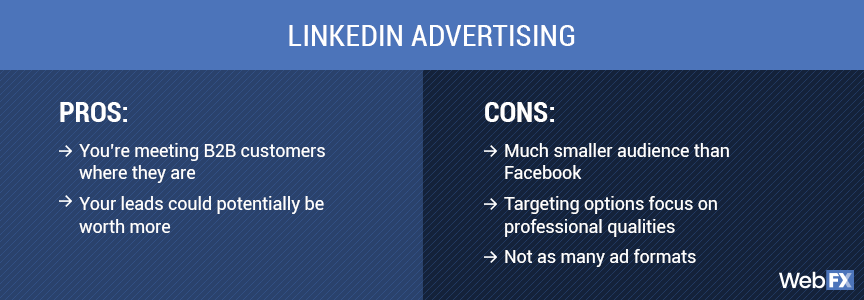
Choosing the right LinkedIn ads agency is critical to the success of your campaigns. Here are some key factors to consider:
- Industry Experience
Look for agencies with experience in your specific industry. Specialized knowledge can significantly impact understanding your audience and crafting effective campaigns.
- Proven Track Record
Review case studies, client testimonials, and success stories to gauge an agency's effectiveness. A strong track record indicates their ability to deliver results.
- Service Offering
Ensure the agency offers your services, from strategy development to execution and optimization. Comprehensive services can simplify management and improve campaign cohesion.
- Customization
The best agencies tailor their services to meet your specific needs and goals. Avoid one-size-fits-all solutions.
- Budget
Understand the pricing structure and ensure it aligns with your budget. Consider the return on investment (ROI) potential rather than just the cost.
- Communication and Transparency
Effective communication and transparency are crucial for a successful partnership. Ensure the agency provides regular updates and detailed reports.
- Expertise and Innovation
Look for agencies that stay current with the latest LinkedIn trends and innovations. Their ability to adapt and innovate can keep your campaigns ahead of the competition.
- Cultural Fit
Ensure the agency's values and work style align with your own. A good cultural fit can enhance collaboration and overall satisfaction.
{{INLINE_MOFU}}
Step-by-Step Approach to Help You Choose the Perfect LinkedIn Ads Agency

Choosing the perfect LinkedIn ads agency involves a detailed evaluation of potential partners. Here’s a step-by-step guide to help you make the right choice:
- Define Your Goals
Clearly outline your advertising goals. Are you looking to increase brand awareness, generate leads, or drive conversions? Knowing your objectives will help you find an agency that aligns with your vision.
- Research and Shortlist
Conduct thorough research to identify potential agencies. Use directories, read reviews, and seek recommendations. Shortlist agencies that specialize in LinkedIn advertising and have a strong reputation.
- Evaluate Experience and Expertise
Look into the agency's experience with LinkedIn ads. Check their expertise in your industry and their understanding of your target audience.
- Request Case Studies and References
Ask for case studies demonstrating their success with similar campaigns. Contact references to get firsthand insights into their performance and client satisfaction.
- Assess Their Approach
Understand their strategy for LinkedIn advertising. Do they conduct thorough market research? How do they create and optimize ads? Ensure their approach aligns with your expectations.
- Analyze Reporting and Analytics
Effective reporting and analytics are crucial for tracking performance. Ensure the agency provides detailed, transparent reports that help you understand the impact of your campaigns.
- Discuss Pricing and ROI
Clarify the agency's pricing structure and ensure it fits your budget. Discuss the agency's approach to maximizing ROI and how it measures success.
- Test Communication and Responsiveness
Effective communication is key to a successful partnership. During the initial interactions, evaluate their responsiveness and willingness to address your concerns.
- Consider a Trial Period
Start with a smaller project or a trial period. This allows you to assess their performance and compatibility before committing to a long-term partnership.
Choosing the right LinkedIn ads agency can significantly impact your advertising success. Considering factors such as industry experience, service offerings, budget, and communication, you can find an agency that aligns with your goals and maximizes your LinkedIn advertising potential. The top agencies mentioned in this guide have proven track records and specialized expertise, making them excellent choices for businesses leveraging LinkedIn for growth and networking. Whether you choose HeyDigital, Impactable, B2Linked, TripleDart, or New North, you can be confident in their ability to deliver impactful LinkedIn ad campaigns that drive results.
However, managing LinkedIn ads efficiently also requires robust analytics and performance tracking.
Factors’ LinkedIn AdPilot
This is where our LinkedIn AdPilot comes into play. AdPilot enables marketers to double down on their LinkedIn ROI with capabilities such as Smart Reach, Audience Builder, Campaign Automation, View-Through Attribution, and Factors’ CAPI integration, enabling marketers to up their LinkedIn Ads game.
Make the most of your LinkedIn ad campaigns with the perfect combination of expert agency services and powerful analytics from Factors.ai.
Also Read: Top LinkedIn Agencies in North America
Also Read: Top LinkedIn Agencies in Middle East
These top agencies specialize in LinkedIn ad strategies to drive targeted B2B campaigns, optimizing ad spend and performance.
1. HeyDigital: Experts in SaaS and B2B, offering ad management, conversion rate optimization, and landing page design.
2. Impactable: Focuses on LinkedIn ads and marketing for B2B growth with dedicated ad specialists.
3. B2Linked: Over $150M in ad spend experience, known for pioneering principles to maximize LinkedIn Ads ROI.
4. TripleDart: Specializes in enhancing ad performance and lead generation through LinkedIn.
5. New North: Aims to optimize LinkedIn ad strategies for driving growth in B2B companies.
These agencies help businesses leverage LinkedIn Ads to achieve targeted B2B marketing success.
.avif)
Top 9 Intent-Based Marketing Tools for B2B Companies
Compare the best intent-based marketing tools for B2B, including Factors.ai, Bombora & 6sense. Features, pricing & integrations to boost your ROI.
TL;DR
- Intent-based marketing tools empower B2B teams to identify and engage with prospects who are actively seeking solutions, thereby enhancing conversion rates and accelerating sales.
- Key considerations include data accuracy, integration, compliance, analytics, and pricing.
- Select a tool that aligns with your business goals, technical infrastructure, and target audience.
- These platforms enable a focus on high-intent accounts, personalized outreach, and improved ROI.
- Success requires aligning sales and marketing teams and integrating smoothly with your CRM. Reliable intent data is essential for B2B growth and competitiveness.
Struggling to convert website visitors into leads? You're not alone. Many B2B marketers find that traditional campaigns attract prospects who aren't ready to buy, leading to wasted resources and missed sales targets. Sales teams often chase cold leads while genuine buyers slip away. The solution? Intent-based marketing tools. These platforms track digital signals, such as content downloads, keyword searches, and website visits, to identify companies actively seeking solutions like yours. By targeting high-intent accounts, you can boost engagement, shorten sales cycles, and drive revenue.
This guide lists the top 9 intent-based marketing tools for B2B, detailing their features, strengths, and optimal uses. Whether refining your ABM strategy or enhancing lead generation, this curated list will help you select the right platform to grow your business.
Why B2B Companies Need Intent-Based Marketing Tools?
Here’s why B2B companies need intent-based marketing tools:
- Targets Active Buyers: Intent-based tools identify companies actively researching your solution, reducing wasted outreach to disinterested prospects.
- Leverages Behavioral Data: Tracks signals like website visits, content downloads, and keyword searches to detect buying intent.
- Enables Personalized Outreach: Equips teams to tailor messaging and campaigns based on real-time intent signals for greater relevance.
- Improves Lead Prioritization: Helps prioritize high-intent accounts, ensuring sales teams focus on prospects most likely to convert.
- Shortens Sales Cycles: Timely follow-ups with in-market buyers accelerate deal progression and reduce time to close.
- Boosts ROI: Resources are spent more efficiently, leading to higher conversion rates and better return on marketing investment.
- Aligns Sales and Marketing: Fosters collaboration between sales and marketing through shared, intent-based goals and data-driven lead strategies.
Top 10 Intent-Based Marketing Tools
Choosing the right intent-based marketing tool can significantly enhance your B2B pipeline. Here's a snapshot of the top 10 platforms:
1. Factors

Factors is built for B2B teams focused on marketing intelligence and attribution. It unifies behavioral signals to identify high-intent accounts. Lead scoring, multi-touch attribution, and journey visualization are all part of its offering. The platform integrates with major CRMs and requires no coding to set up. It’s designed to speed up sales readiness with real-time alerts and workflow automations. A strong choice for data-driven, product‑led teams.
Key Features:
- Unified Scoring Engine: Merges CRM, ad, web, and intent data into a single scoring model.
- Sales‑Ready Detection: Flags accounts showing strong buying signals for rapid sales action.
- PQL Identification: Tracks product-qualified leads via app usage and workflow triggers.
- Intent Alerts: Sends real-time alerts to sales reps based on intent and behavior.
- No‑Code Deployment: Quick setup with configurable rules, no developer needed.
- CRM Integration: Bi‑directional syncing with Salesforce, HubSpot, and others.
- Multi‑Touch Attribution: Maps the contribution of each channel to revenue outcomes.
- Journey Visualization: Displays a timeline of account actions from initial contact to conversion.
- Slack & Email Alerts: Immediate notifications enable faster outreach.
Pricing:
Factors offers a forever-free plan. The paid plan starts at $ 5,000 per year.
2. Bombora

Bombora is a leading intent data provider offering a comprehensive view of account behavior based on the Bombora Data Co‑op, which collects privacy-compliant intent signals from thousands of business-related websites. It helps B2B teams identify accounts showing increased research on specific topics, with seamless integrations across CRMs and marketing platforms. Trusted by marketers for its "Company Surge" score, Bombora surfaces accounts actively exploring relevant solutions, enabling early, targeted outreach.
Key Features:
- Company Surge Intent Data: Indicates when account-level interest in a topic exceeds the baseline.
- Data Co‑op Source: Covers millions of websites in a privacy-compliant data exchange.
- Custom Topic Tracking: Monitors intent around more than 12,000 specific market topics.
- Scoring & Prioritization: Ranks accounts based on the intensity and recency of intent signals.
- Sales & Marketing Integration: Pushes data into platforms like Salesforce, Marketo, and DSPs.
- Campaign Optimization: Helps target high-intent audiences in ads and email campaigns.
- Churn & Expansion Signals: Identifies when existing customers show new buying interest.
Pricing:
Public pricing is not available.
3. Cognism
Cognism combines rich B2B contact data with intent signals to give revenue teams precise buyer insights. Its platform aggregates firmographic and technographic info, real-time hiring, funding, and intent alerts. With integrated search, data enrichment, and mobile verification, teams can uncover decision-makers and engage them proactively. Cognism is ideal for sales and marketing operations seeking rapid pipeline generation and compliance-ready outreach.
Key Features:
- Signal-Based Buy Triggers: Detect hiring trends, funding rounds, and executive changes to time outreach.
- Firmographic & Technographic Filters: Segment contacts by industry, company size, and tech stack for precise targeting.
- Bombora Intent Integration: Surface account-level buying signals across topics of interest.
- Phone-Verified Mobile Data: Includes manually verified mobiles to reach prospects instantly.
- AI-Powered Prospect Search: Enables natural-language queries to find ICP-fit accounts quickly.
- CRM & Outreach Sync: Bi-directional integrations with Salesforce, HubSpot, Salesloft, etc.
- Sales Companion Extension: Access contact data and signals directly from social platforms.
Pricing:
Pricing details are available upon request.
4. 6sense

6sense is an AI-driven platform that delivers intent insights, predictive scoring, and account orchestration. It captures vast intent data across web and third-party sources, leverages AI (6AI) to predict buying stages, and enables real-time engagement across marketing and sales channels. Designed for full-funnel orchestration, 6sense helps revenue teams uncover in-market accounts, personalize outreach, and boost ROI, all within a compliance-first framework.
Key Features:
- AI-Powered Intent Scoring: Real-time analysis of intent trends to flag in-market accounts.
- Web Deanonymization: Maps anonymous web behavior to known accounts across sessions.
- Keyword & Topic Tracking: Monitor unlimited intent topics and auto-generate keyword suggestions.
- Predictive Account Prioritization: Uses AI to rank accounts based on likelihood to buy.
- Multi-Channel Orchestration: Enables coordinated campaigns across email, ads, and sales outreach.
- Shared Dashboards & Alerts: Surface key intent trends via Slack or custom dashboards.
- Third-Party Integrations: Includes Bombora, G2, TrustRadius, TechTarget, and CRM platforms
Pricing:
It has a free plan with basic features. Public pricing is not available.
5. Demandbase

Demandbase is an AI-powered account intelligence platform that combines firmographic data, intent signals, and web visitor identification to help B2B marketers discover and engage in-market accounts. It offers deep insights into account activities, enabling personalized outreach and optimized ABM campaigns. With comprehensive CRM and ad platform integrations, Demandbase supports coordinated orchestration across teams while ensuring data compliance.
Key Features:
- Intent-Based Account Targeting: Identifies accounts showing real-time purchase signals.
- Company Visitor Identification: Matches anonymous website traffic to active accounts.
- Custom Account Segments: Build dynamic account lists based on behavior, ICP, and intent.
- B2B Advertising Insights: Targets and optimizes ads based on account intent.
- Personalized Web Experiences: Dynamically adapt website content per account or segment.
- Engagement Analytics: Monitors account-level activities and campaign results.
- CRM & MarTech Integration: Syncs data bidirectionally with Salesforce, HubSpot, and more.
Pricing:
It has a free plan with limited features. Paid plan details are not publicly available.
6. ZoomInfo

ZoomInfo provides a comprehensive B2B intelligence suite with contact enrichment, intent signals, and data-driven workflows. It helps teams identify, prioritize, and reach the right accounts using verified contact details and in-market signals. With adaptable segmentation and CRM automation, ZoomInfo simplifies pipeline growth and ensures clean, compliant data.
Key Features:
- Verified Contact Enrichment: Delivers accurate firmographic and technographic data.
- Intent Signal Alerts: Alerts when accounts show buying behavior in your industry.
- Target Account Recommendations: Suggests ICP-fit accounts to pursue.
- Workflow Automation: Syncs directly with Salesforce, HubSpot, and outreach tools.
- Advanced Account Search: Use flexible filters to build custom prospect lists.
- Email Campaign Integration: Launch personalized outreach from the platform.
- Data Compliance Management: Ensures GDPR, CCPA, and ISO-standard adherence.
Pricing:
Public pricing is not available.
7. Lead Forensics

Lead Forensics reveals the identities and behavior of anonymous website visitors, delivering insight-driven alerts to sales and marketing teams. It helps organizations identify hidden prospects and understand their engagement patterns in real time. With CRM integration and focused reports, Lead Forensics supports better prioritization and timely follow-up.
Key Features:
- Anonymous Visitor Identification: Matches IP signals to recognizable companies.
- Behavioral Heatmaps: Tracks pages and timing to understand visitor interest.
- Custom Lead Alerts: Sends real-time alerts when target pages are visited.
- CRM Sync: Updates Salesforce or Dynamics with new lead info.
- Priority Lead Lists: Filters accounts based on engagement level and firmographics.
- Lead Scoring Integration: Adds engagement-based scores to CRM records.
Pricing:
It has a free trial. Paid plan details aren’t publicly available.
8. Leadfeeder

Leadfeeder turns website traffic into actionable sales leads by identifying company visits and tracking engagement. It helps B2B teams spot in-market behaviors and push data to CRMs or automation tools. By delivering transparent reports and custom alerts, Leadfeeder simplifies funnel acceleration.
Key Features:
- Company Identification: Detects which businesses visit your site.
- Behavioral Tagging: Labels pages like Pricing, Blog, and Solution for intent insights.
- Lead Alerts: Notify teams when high-value accounts show interest.
- CRM & Automation Integration: Pushes leads to HubSpot, Pipedrive, or Google Sheets.
- Segmented Lists: Enable targeting of repeat or high-intent visitors.
Pricing:
It has a free plan. The paid plan starts at € 99 per month.
9. Lusha

Lusha enriches CRM data with real-world email and phone contacts while layering in intent signals indicating active interests or hires. Designed for streamlined outreach, Lusha gives revenue teams confidence in their prospect database and the timing of interactions. It helps users stay compliant while scaling personalized engagement.
Key Features:
- Fresh Contact Enrichment: Adds accurate email and mobile details.
- Intent Data Overlay: Flags when enriched contacts show buying behavior.
- Chrome Extension Access: Pull prospect data directly from LinkedIn.
- CRM Integration: Syncs with Salesforce, HubSpot, and other CRMs.
- Export and Sharing: Bulk export for ABM and outreach campaigns.
- Compliance Filters: Ensures data meets GDPR/CCPA regulations.
Pricing:
Lusha offers a free plan.
Each platform has unique strengths, from data range to predictive analytics. Select one that aligns with your goals, technology stack, and compliance requirements for optimal B2B results.
{{INLINE_MOFU}}
How to Choose the Right Intent-Based Marketing Tool for Your Business?
To select the right intent-based marketing tool for your B2B company, start by
- Define Your Goals: Clarify whether your focus is lead generation, ABM, or accelerating existing opportunities.
- Evaluate Data Quality: Look for tools that offer fresh, accurate, and real-time intent signals, such as Factors.ai or Bombora.
- Check Integration Compatibility: Ensure the tool integrates seamlessly with your CRM, MAP, and sales platforms to unify your data.
- Ensure Compliance: Select a solution that complies with GDPR, CCPA, and other relevant privacy regulations to safeguard your business.
- Review Analytics & Scoring Capabilities: Opt for platforms with robust reporting, AI-driven lead scoring, and actionable insights.
- Compare Pricing vs. Value: Balance features, support, and scalability with cost. Use free trials or demos to validate fit.
- Assess Vendor Support: Strong onboarding, documentation, and customer service can significantly impact long-term success.
Wrapping Up: Choose the Tool that Aligns with your Goals
Intent-based marketing tools are essential for B2B companies to identify, engage, and convert high-intent prospects. These tools leverage real-time buying signals to help sales and marketing teams focus their efforts, tailor messages, and accelerate sales cycles. However, each tool offers different strengths and data sources. Your choice should align with your goals, current tech setup, and compliance needs.
Carefully evaluate key features such as analytics, CRM compatibility, and privacy standards. Success also depends on team collaboration and proper training to utilize these insights effectively. With the right tool, your team can focus on what matters and drive growth. Choose wisely to harness the full potential of intent data for your B2B strategy.
Top 25 B2B Contact Database Tools for 2026
Compare the top 25 B2B contact database tools for 2026. See pricing, key features, and which database is best for your sales and marketing team.
When it comes to business-to-business (B2B) marketing and sales, having access to accurate and comprehensive contact databases is crucial. Generally, a B2B contact database empowers businesses to identify, connect with, and build relationships with potential clients and partners. These tools are indispensable for streamlining outreach efforts, personalizing marketing campaigns, and driving growth. In fact, the global business-to-business e-commerce market size was estimated at USD 18,665.95 billion in 2025 and is projected to grow at a compound annual growth rate (CAGR) of 18.2% from 2024 to 2030. With the right B2B contact database, companies can ensure their marketing and sales teams have high-quality leads and valuable insights.
A B2B contact database is a structured repository of verified business contact information — including names, email addresses, phone numbers, job titles, and company details — used by sales and marketing teams for targeted outreach and lead generation. The best B2B contact databases offer advanced filters, CRM integration, real-time verification, and compliance with GDPR and CCPA regulations.
Having a correct B2B contact database is crucial, as a lack of it can often adversely affect sales. According to Experian, on average, U.S. organizations believe 32 percent of their data is inaccurate, a 28 percent increase over last year's figure of 25 percent. This high degree of inaccurate information causes 91 percent of respondents to believe revenue is affected by inaccurate data in terms of wasted resources, lost productivity, or wasted marketing and communications spend.
Criteria for Selection
When evaluating B2B contact database providers, it is essential to consider several key criteria:
- Accuracy of Data: The database should provide up-to-date and precise information to ensure effective communication.
- Range of Features: A comprehensive suite of features, such as CRM integration, data enrichment, and analytics, can enhance the tool's usability.
- User-Friendliness: The platform should have an intuitive interface and be easy to navigate, ensuring efficiency in its usage.
- Pricing: The cost of the service should align with the budget while offering good value for money.
- Customer Reviews: Feedback from current and past users can provide insights into the tool's performance and reliability.
Did you know?
Inaccurate B2B contact data wastes 27.3% of sales reps' time. That's 546 hours a year per full-time inside sales rep. So it only makes sense to ensure the factual validity of this data.
Quick Comparison: Top 10 B2B Contact Databases
| Tool | Database Size | Key Strength | Starting Price | Best For |
|---|---|---|---|---|
| ZoomInfo | 321M+ contacts | Most comprehensive data + intent signals | ~5K/year | Enterprise sales teams |
| Apollo.io | 230M+ contacts | All-in-one prospecting + generous free tier | Free / 9/mo | Growing teams, startups |
| Cognism | 400M+ profiles | Human-verified phones, GDPR-compliant | Custom pricing | European markets |
| LinkedIn Sales Navigator | 900M+ profiles | Native LinkedIn access + InMail | 9/mo | LinkedIn-first prospecting |
| Lusha | 150M+ contacts | Chrome extension, quick enrichment | Free / 9/mo | Individual reps, small teams |
| UpLead | 160M+ contacts | 95% accuracy guarantee | 9/mo | Data accuracy priority |
| Seamless.AI | 157M+ contacts | AI-powered real-time verification | Free / Custom | High-volume prospecting |
| Lead411 | 450M+ contacts | Verified emails + intent data included | 9/mo | Intent-driven outreach |
| RocketReach | 700M+ profiles | Broad coverage across industries | 3/mo | Recruiting + sales |
| Hunter.io | 100M+ emails | Email finding + domain search | Free / 9/mo | Email-first outreach |
Top 25 B2B Contact Database Companies/Tools
1. ZoomInfo

Overview
ZoomInfo is a leading business intelligence and data software platform that provides comprehensive contact and company information to help businesses enhance their marketing and sales efforts. It offers a robust B2B contact database with detailed profiles of companies and professionals, making it easier for organizations to identify and connect with potential leads.
Key Features
- Extensive Database: Access to millions of business contacts and company profiles.
- Data Enrichment: Enhances existing customer data with additional information.
- Lead Scoring: Identifies high-potential leads based on specific criteria.
- Integrations: Seamless integration with popular CRM and marketing automation platforms.
- Sales Automation: Tools to automate and streamline sales workflows.
Pros:
- Comprehensive and up-to-date B2B contact database.
- Powerful search capabilities and filtering mechanisms.
- Integration with extensive CRM systems.
- Useful for both small and large businesses.
Cons:
- Higher cost compared to some competitors.
- Learning curve for newer users.
- Occasional data inaccuracies.
Pricing
- ZoomInfo offers customized pricing based on the specific needs and size of the organization.
- Interested users need to contact ZoomInfo for a personalized quote.
2. Clearbit

Overview
Clearbit is a data enrichment platform that helps businesses optimize their marketing and sales efforts by providing real-time intelligence on companies and individuals. Clearbit enhances the quality and accuracy of customer data, enabling more effective targeting and engagement.
Key Features
- Data Enrichment: Enhances customer records with detailed company and contact information.
- Lead Scoring: Identifies and prioritizes high-value leads.
- API Access: Real-time data access through powerful APIs.
- Prospecting Tools: Helps find and connect with the right contacts.
- Integration: Compatible with various CRM and marketing automation tools.
Pros:
- Real-time data enrichment.
- Easy integration with preexisting systems.
- Comprehensive and accurate data.
- User-friendly interface.
Cons:
- Pricing can be high for smaller businesses.
- Limited free features.
- Some data may still require manual verification.
Pricing
- Clearbit offers a range of pricing plans, starting with a free plan for basic usage.
- Users must explore the paid plans for more advanced features and higher usage limits.
- Specific pricing details are available on the Clearbit website.
3. LinkedIn Sales Navigator

LinkedIn Sales Navigator is a premium sales tool that helps sales professionals target the right prospects, understand key insights, and engage with personalized outreach. It leverages LinkedIn's vast professional network to provide actionable insights and advanced search capabilities.
Key Features
- Advanced Search: Find and connect with prospects using advanced filtering options.
- Lead Recommendations: Personalized lead recommendations based on user preferences.
- Real-time Updates: Receive updates on saved leads and accounts.
- InMail Messages: Send direct messages to any LinkedIn user outside your network.
- CRM Integration: Syncs with CRM systems to streamline workflows.
Pros:
- Access to LinkedIn's extensive professional network.
- Advanced search and filtering capabilities.
- Real-time updates and insights.
- Direct messaging with InMail.
Cons:
- Expensive for individual users.
- Only limited features are available in the basic plan.
- Requires active LinkedIn usage.
Pricing
- LinkedIn Sales Navigator offers several pricing tiers: Professional, Team, and Enterprise.
- The Professional plan starts at $79.99 every month for the year.
- Team and Enterprise plans offer more advanced features and require a custom quote.
4. UpLead

Overview
UpLead is a B2B contact database and company data platform designed to help businesses identify and connect with high-quality prospects. It provides verified data, ensuring sales and marketing teams can reach the right contacts with accurate information.
Key Features
- Data Accuracy: Verified contact and company data.
- Lead Generation: Advanced search and filtering options to find prospects.
- Data Enrichment: Enhance existing data with additional insights.
- CRM Integration: Seamless integration with popular CRM systems.
- Email Verification: Ensures email addresses are valid and active.
Pros:
- High accuracy of data.
- Easy-to-use interface.
- Flexible pricing plans.
- Email verification feature.
Cons:
- Limited B2B contact database size compared to some competitors.
- Occasional data gaps.
- Higher tiers are needed for full feature access.
Pricing
- Free Trial
- Essentials ($99/month)
- Plus ($199/month)
- Professional ($399/month)
- Enterprise (custom pricing)
5. Lusha

Overview
Lusha is a sales intelligence platform that provides accurate contact information for B2B sales and marketing teams. It offers a browser extension and API access to help users find and connect with potential leads quickly and efficiently.
Key Features
- Contact Information: Access to direct dials, email addresses, and company data.
- Browser Extension: Quickly find contact details while browsing LinkedIn or other sites.
- CRM Integration: Sync data with major CRM platforms.
- API Access: Integrate Lusha data into custom applications.
- Data Accuracy: Regularly updated and verified data.
Pros:
- Easy to use and integrate.
- High accuracy of contact information.
- Useful browser extension.
- Cost-effective compared to some competitors.
Cons:
- Limited data on certain industries or regions.
- Higher usage limits require premium plans.
- Occasional discrepancies in data.
Pricing
- Free plan
- Pro plan ($29/month)
- Premium plan ($51/month)
- Custom pricing for Enterprise plans
6. Hunter.io

Overview
Hunter.io is a leading email finder tool that helps users find and verify professional email addresses. It is widely used for lead generation and email outreach.
Key Features
- Email Finder: Quickly find email addresses associated with a domain.
- Email Verifier: Verify the accuracy and deliverability of email addresses.
- Domain Search: Discover all email addresses related to a specific domain.
- Bulk Tasks: Perform bulk email searches and verifications.
- Chrome Extension: Can find email addresses easily while browsing the internet.
Pros:
- User-friendly interface
- High accuracy in email finding and verification
- Integration with CRM tools and other applications
- Generous free tier
Cons:
- Limited features in the free plan
- Pricing can be high for small businesses
Pricing
- Free: 25 searches per month
- Starter: $49/month for 500 searches
- Growth: $99/month for 2,500 searches
- Pro: $199/month for 10,000 searches
7. Lead411

Overview
Lead411 provides comprehensive business and contact data to enhance sales and marketing efforts. It includes verified email addresses, phone numbers, and company insights.
Key Features
- Verified Contacts: Access to accurate and up-to-date contact information.
- Sales Trigger Events: Alerts for job changes, funding announcements, and more.
- Lead Scoring: Prioritize leads based on predefined criteria.
- CRM Integration: Easy and smooth integration with famous CRM platforms.
- Mobile App: Access leads on the go with the mobile application.
Pros:
- Extensive B2B contact database with high-quality leads
- Real-time sales triggers
- Customizable lead scoring
Cons:
- Higher price point for advanced features
- The interface can be complex for new users
Pricing
- Starter: $99/month for basic access
- Pro: Custom pricing based on features and number of users
- Enterprise: Custom pricing for large teams and advanced needs
8. AeroLeads

Overview
AeroLeads is a powerful prospect generation tool that helps users find email addresses and phone numbers from professional networking sites like LinkedIn.
Key Features
- Prospect Generation: Find email addresses, phone numbers, and other contact details.
- Data Export: Export data to CRM tools like Salesforce and HubSpot.
- Chrome Extension: Easily find prospects while browsing LinkedIn.
- Bulk Upload: Import data and enrich it with contact details.
Pros:
- Easy integration with CRM tools
- Real-time data extraction
- Affordable pricing for small teams
Cons:
- Limited search filters
- The accuracy of contact details can vary
Pricing
- Take Off: $49/month for 1,000 credits
- Climb: $149/month for 4,000 credits
- Cruise: $499/month for 15,000 credits
- Enterprise: Custom pricing for large teams
9. RocketReach

Overview
RocketReach is a comprehensive tool for finding professionals' email addresses, phone numbers, and social media profiles across various industries.
Key Features
- Email Lookup: Find and verify professional email addresses.
- Phone Lookup: Access direct phone numbers.
- API Access: Integrate RocketReach with other applications.
- Bulk Lookups: Perform bulk searches for large lists.
Pros:
- Extensive B2B contact database with high accuracy
- User-friendly interface
- Integration with CRM and email marketing tools
Cons:
- Limited features in the most basic plans
- Occasional discrepancies in data accuracy
Pricing
- Essentials: $39/month for 125 lookups
- Pro: $99/month for 300 lookups
- Ultimate: $249/month for 833 lookups
10. Adapt.io

Overview
Adapt.io offers a robust B2B contact database of business contacts and company information designed to support sales and marketing teams in their outreach efforts.
Key Features
- Lead Builder: Create targeted lead lists with advanced search filters.
- Email Verification: Ensure email addresses are accurate and deliverable.
- Data Export: Export data to various CRM and marketing tools.
- Sales Alerts: Get notified about company events and news.
Pros:
- Comprehensive B2B contact database
- User-friendly interface
- Customizable search filters
Cons:
- Limited integration options
- It can be pricey for small businesses
Pricing
- Basic: $39/month for individual users
- Plus: $79/month for enhanced features
- Pro: Custom pricing for teams and enterprises
11. LeadIQ

Overview
LeadIQ streamlines lead generation by helping users find and capture contact information from professional networking sites.
Key Features
- Lead Capture: Easily capture leads from LinkedIn and other sites.
- CRM Integration: Sync leads with your CRM system.
- Email Finder: Discover and verify email addresses.
- Data Enrichment: Enrich your leads with additional contact details.

Pros:
- Simple and intuitive interface
- Excellent CRM integrations
- Accurate contact information
Cons:
- Premium features cost higher
- Limited features in the basic plan
Pricing
- Basic: $75/month per user
- Pro: $150/month per user
- Enterprise: Custom pricing for large teams
12. InsideView

Overview
InsideView provides comprehensive market intelligence and data solutions to help sales and marketing teams identify and engage with the right prospects.
Key Features
- Market Intelligence: Access to detailed company and contact information.
- Data Enrichment: Enhance your existing data with accurate contact details.
- CRM Integration: Seamless integration with various other CRM platforms.
- Sales Insights: Receive insights and alerts about key events and changes.
Pros:
- Extensive and accurate B2B contact database
- Powerful search and filtering options
- Real-time sales alerts
Cons:
- High cost for advanced features
- New users find the interface complicated
Pricing
- Basic: Custom pricing based on features and number of users
- Pro: Custom pricing for advanced features and large teams
- Enterprise: Custom pricing for enterprise needs
13. FullContact

Overview
FullContact is a contact management platform that helps businesses manage and enhance their contact data, providing a 360-degree view of customers.
Key Features
- Contact Management: Centralize and organize contact information.
- Data Enrichment: Enrich contact data with additional details.
- Identity Resolution: Resolve duplicate and incomplete contact records.
- API Access: Integrate FullContact with other tools and applications.
Pros:
- Comprehensive contact enrichment
- Easy integration with various tools
- Effective identity resolution
Cons:
- Pricing is a lot for small businesses
- Technical expertise necessary for some features
Pricing
- Starter: $99/month for basic access
- Premium: Custom pricing for advanced features
- Enterprise: Custom pricing for large organizations
14. SalesIntel

Overview
SalesIntel provides accurate and human-verified B2B contact data to support sales and marketing efforts, ensuring high-quality leads and insights.
Key Features
- Human-Verified Data: Access to verified contact information.
- Technographics: Information about the technology stack of companies.
- Intent Data: Identify prospects with purchase intent.
- CRM Integration: Seamlessly integrate with CRM and marketing tools.
Pros:
- High accuracy of contact data
- Comprehensive technographic and intent data
- Excellent customer support
Cons:
- Higher pricing compared to some competitors
- Limited features in the basic plan
Pricing
- Basic: Custom pricing based on features and number of users
- Pro: Custom pricing for advanced features
- Enterprise: Custom pricing for large teams
15. Datanyze

Overview
Datanyze provides technographic data and sales intelligence to help businesses identify and engage with potential customers based on their technology usage.
Key Features
- Technographics: Access detailed information about the technology stack of companies.
- Contact Data: Find and verify contact information.
- Lead Generation: Identify and prioritize high-potential leads.
- Data Enrichment: Enhance your existing data with additional insights.
Pros:
- Detailed technographic data
- User-friendly interface
- Effective lead generation features
Cons:
- Pricing can be high for smaller businesses
- Limited CRM integration options
Pricing
- Basic: Custom pricing based on features and number of users
- Pro: Custom pricing for advanced features
- Enterprise: Custom pricing for large organizations
16. Seamless.AI

Overview
Seamless.AI is an advanced sales automation and lead generation platform designed to help sales professionals find accurate contact information quickly. It leverages artificial intelligence to search for and verify email addresses, phone numbers, and social media profiles.
Key Features
- AI-Powered Search: Uses AI to find and verify contact information.
- Real-Time Data: Provides up-to-date contact details.
- Lead Management: Organize and manage leads efficiently.
- CRM Integration: Syncs with major CRM systems for seamless data flow.
- Email Finder: Identifies email addresses with high accuracy.

Pros:
- High accuracy due to AI verification.
- Real-time updates and data accuracy.
- User-friendly interface.
Cons:
- Limited features in the free plan.
- Pricing is a little steep for the advanced features.
Pricing
- Free: Basic access with limited features.
- Pro: $147/month per user for full access.
- Enterprise: Custom pricing for large teams.
17. Cognism

Overview
Cognism is a sales intelligence platform that provides B2B contact data and lead generation tools to help businesses enhance their sales and marketing efforts. It offers GDPR-compliant data, ensuring privacy and security.
Key Features
- GDPR-Compliant Data: Ensures data privacy and security.
- Prospect Database: Extensive database of business contacts.
- Sales Triggers: Alerts on company events and updates.
- CRM Integration: Seamless integration with CRM platforms.
- Email Finder: Accurate email finding and verification.
Pros:
- GDPR-compliant and secure data.
- Extensive contact database.
- Real-time triggers and alerts for sales
Cons:
- Higher cost for advanced features.
- Occasional data inaccuracies.
Pricing
- Basic: $1,200/year for individual users.
- Advanced: Custom pricing for additional features and team access.
- Enterprise: Custom pricing for large organizations.
18. LeadGenius

Overview
LeadGenius is a B2B lead generation and data enrichment platform that combines human intelligence with machine learning to provide high-quality contact data. It focuses on delivering customized lead lists and detailed company insights.
Key Features
- Human and AI-Powered: Combines human intelligence with AI for data accuracy.
- Custom Lead Lists: Tailored lead lists based on specific criteria.
- Data Enrichment: Enhances existing customer data with additional information.
- Market Insights: Provides detailed insights into target markets.
- CRM Integration: Syncs with popular CRM systems.
Pros:
- High accuracy and customized lead lists.
- Combines human intelligence and AI.
- Detailed market insights.
Cons:
- Higher pricing compared to some competitors.
- Lead list customization may take time.
Pricing
- Custom pricing based on specific needs and requirements.
19. LeadIQ

Overview
LeadIQ, now part of ZoomInfo, is a comprehensive sales and marketing intelligence platform that provides detailed contact and company information. It helps businesses identify, connect, and engage with potential customers effectively.
Key Features
- Comprehensive Database: Extensive contact and company information.
- Data Enrichment: Enhances customer data with additional insights.
- Sales Triggers: Alerts for job changes, funding, and other events.
- CRM Integration: Seamless integration with major CRM systems.
- Lead Scoring: Prioritizes high-potential leads
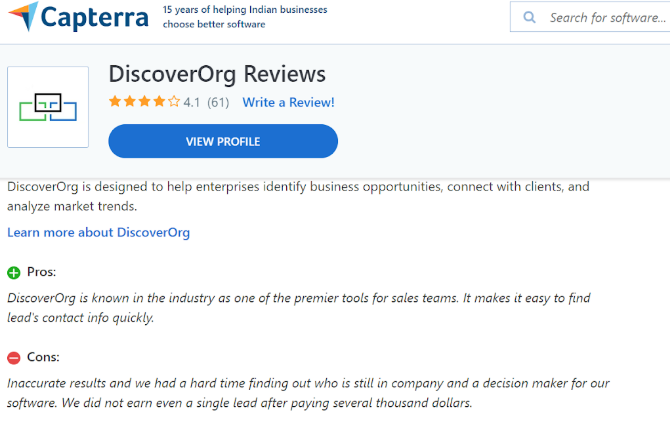
Pros:
- Extensive and detailed database.
- Ability to get real-time sales alerts and triggers.
- Integration with CRM systems.
Cons:
- Higher cost for advanced features.
- Requires some learning curve for newer users.
Pricing
- Custom pricing based on features and organizational needs.
20. Apollo.io

Overview
Apollo.io is a leading sales intelligence platform that provides comprehensive B2B contact data, lead generation tools, and CRM integration to empower sales and marketing teams. It offers detailed insights into companies and professionals, facilitating targeted outreach and improving conversion rates.
Key Features
- Comprehensive B2B contact database with detailed company profiles.
- Lead generation tools for generating, qualifying, and nurturing leads.
- Seamless CRM integration with popular platforms like Salesforce and HubSpot.
- Advanced prospecting tools for effective outreach and engagement.
- Data enrichment capabilities to enhance existing customer data.
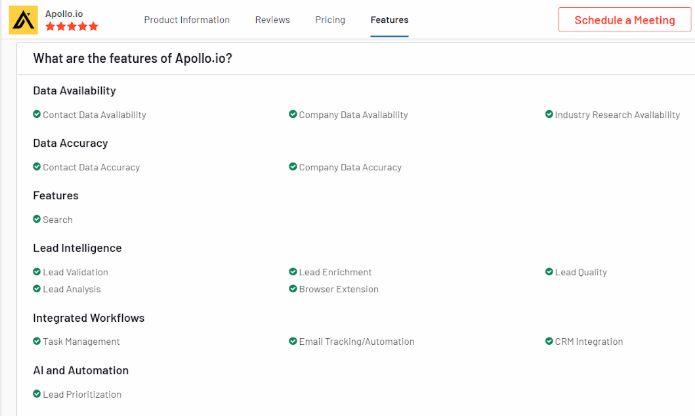
Pros:
- Vast database with detailed contact information.
- Powerful lead generation and prospecting tools.
- Seamless integration with major CRM systems.
- Customizable solutions tailored to specific needs.
- Data enrichment for improved targeting and segmentation.
Cons:
- Higher pricing compared to some competitors.
- Learning curve for new users.
- Requires active management for optimal use.
- Limited features in the basic plan.
Pricing
- Custom pricing based on features and organizational needs.
- Contact Apollo.io for personalized pricing quotes and plans.
21. Ampliz Salesbuddy

Overview
Ampliz Salesbuddy provides a B2B contact database with features to improve sales and marketing efficiency. It offers data enrichment and CRM integration.
Key Features
- Lead Generation and Enrichment: Helps acquire and enhance lead data.
- CRM Integration: Syncs with CRM systems for seamless data management.
- Advanced Search Filters: Allows users to search for leads based on specific criteria.
- Data Accuracy and Compliance: Ensures data is accurate and compliant with regulations.
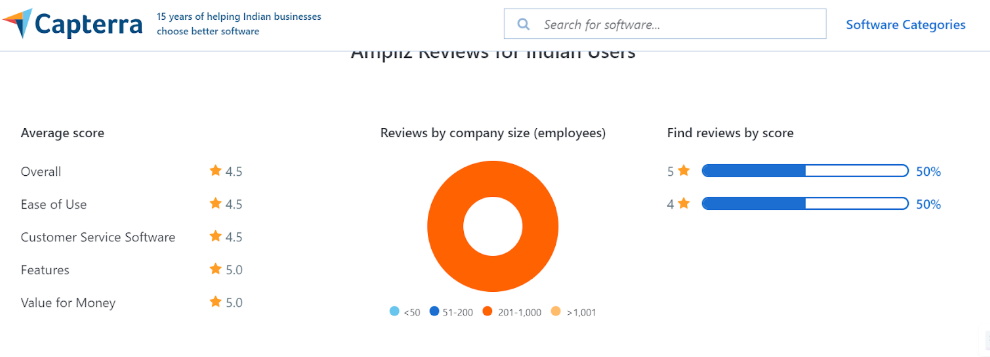
Pros:
- Effective lead generation and enrichment
- Integration with CRM systems
- Accurate and compliant data
Cons:
- Limited features in the basic plans
- Slightly costly for smaller teams
Pricing
- Ampliz Salesbuddy offers various pricing plans based on the number of users and features.
- Reach out to them for pricing details.
22. DemandScience

Overview
DemandScience provides a B2B contact database focused on data-driven sales and marketing solutions. It offers tools for lead generation and data enrichment.
Key Features
- Data-Driven Insights: Leverages data to provide actionable insights for sales and marketing.
- Lead Generation and Enrichment: Helps identify and enhance lead information.
- CRM Integration: Connects with CRM systems for efficient data management.
- Advanced Search Filters: Offers detailed search options based on various criteria.
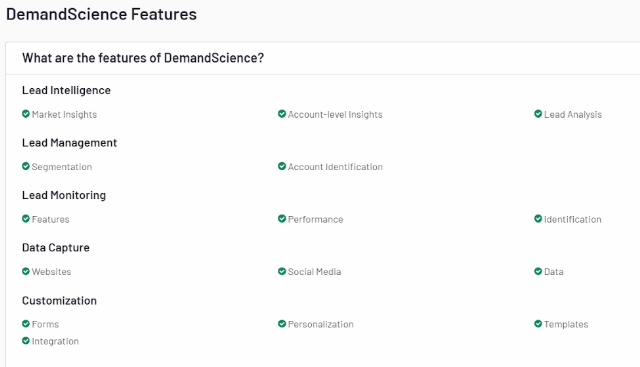
Pros:
- Data-driven approach for effective insights
- Comprehensive lead generation tools
- CRM integration
Cons:
- Advanced features are available only at higher prices
- Limited details on lower-tier plans
Pricing
- DemandScience's pricing is customized based on client needs and features.
- Specific details are available upon request.
23. Kaspr

Overview
Kaspr is a dynamic B2B contact database tool to streamline lead generation and data enrichment. It is tailored to help businesses find and connect with potential prospects effectively.
Key Features
- Real-Time Email and Phone Verification: Ensures that contact information is accurate and up-to-date.
- LinkedIn Integration: Allows users to extract contact details directly from LinkedIn profiles.
- Data Enrichment: Enhances contact data with additional company and industry information.
- Customizable Search Filters: Provides detailed search options to find specific leads based on various criteria.
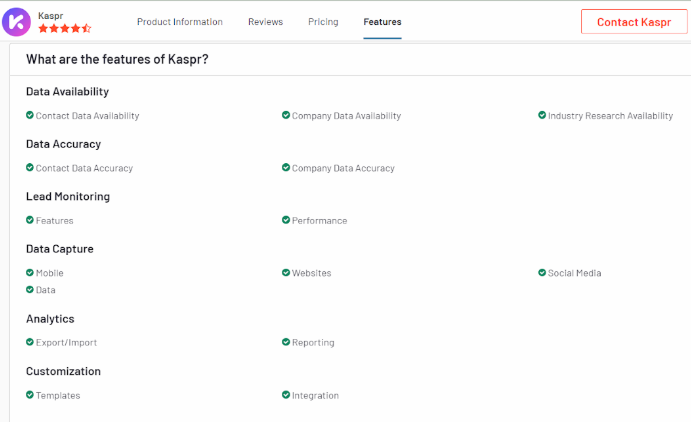
Pros:
- High accuracy in contact data
- Seamlessly integrates with LinkedIn
- User-friendly interface that aids navigation
Cons:
- Advanced plans cost more
- Limited features in lower-tier subscriptions
Pricing
- Kaspr offers tiered pricing plans based on the required credits and features.
- Pricing details are available upon request.
24. Snov.io

Overview
Snov.io provides a B2B contact database focused on lead generation, email verification, and automation. It is designed to help businesses find and manage leads effectively.
Key Features
- Lead Generation allows users to find and collect leads based on various criteria, including company and job title.
- Email Verification ensures that email addresses are valid and deliverable.
- Automation Tools offers tools for automating email outreach and follow-ups.
- CRM Integration integrates with CRM systems for efficient data management and tracking.
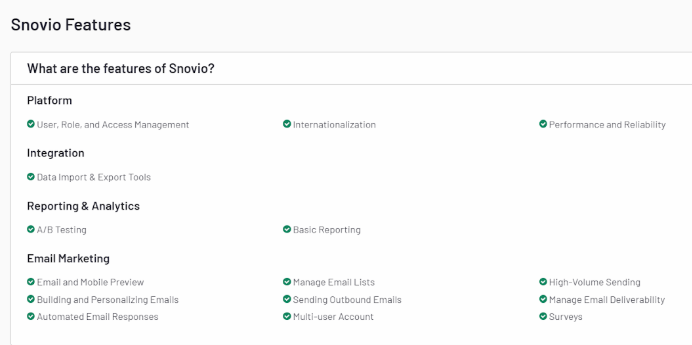
Pros:
- Effective lead generation and email verification
- Automation tools for outreach
- CRM integration
Cons:
- Limited features in basic plans
- Can be expensive for high-volume use
Pricing
- Snov.io offers tiered pricing plans based on features and number of users.
- Specific pricing details are available on their website.
25. Outreach

Overview
Outreach offers a comprehensive B2B contact database tool for sales engagement and automation. It focuses on improving sales productivity through advanced features and integrations.
Key Features
- Sales Engagement provides tools for managing and automating sales interactions, including email and call sequencing.
- Analytics and Reporting offers detailed analytics and reporting to track sales performance and optimize strategies.
- CRM Integration seamlessly integrates with popular CRM systems to streamline data management and enhance sales processes.
- Automated Workflows automates repetitive tasks to increase efficiency and reduce manual effort.
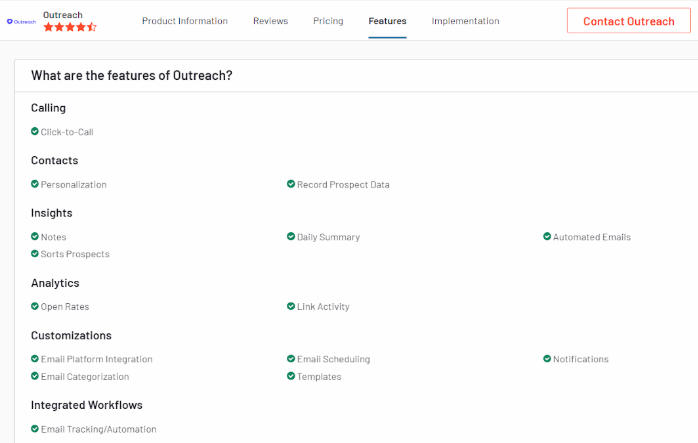
Pros:
- Advanced sales engagement and automation features
- Detailed analytics and reporting
- Effective CRM integration
Cons:
- Higher cost for extensive use
- Can be complex for new users
Pricing
- Outreach's pricing is based on the number of users and features.
- For specific pricing details, you can contact their sales team or visit their website.
{{INLINE_MOFU}}
What Real Users Say About B2B Contact Databases
Based on discussions across Reddit (r/SaaS, r/B2BSaaS, r/coldemail) and sales communities:
The consensus: No single B2B contact database has perfect data. Most experienced sales teams use 2-3 tools together through waterfall enrichment — trying one source first, then falling back to others for missing data.
Apollo vs. ZoomInfo: Apollo is praised for value (free tier + affordable plans), but users report declining data quality. ZoomInfo remains the enterprise standard but is cost-prohibitive for startups at 5K+/year.
The emerging approach: Tools like Clay and Airscale let you combine multiple data sources (Apollo + LinkedIn + Clearbit) in a single workflow, dramatically improving accuracy rates.
Key advice from practitioners: "I tested 6 B2B data providers — no single tool is perfect, combine them." Start with Apollo or LinkedIn Sales Navigator, then layer enrichment tools on top.
Here's How Factors.AI Can Help
- AI-Driven Accuracy: Factors.ai uses advanced AI algorithms to provide accurate and up-to-date contact information, ensuring that your data remains reliable.
- Data Enrichment: The platform offers real-time data enrichment to enhance the quality and completeness of your contact records.
- Seamless Integration: Factors.ai integrates smoothly with existing CRM systems, improving data management and facilitating better lead generation.
- Predictive Analytics: The tool includes features that help you make data-driven decisions and refine your marketing strategies.
How to Choose the Right B2B Contact Database
Accurate data is key to successful marketing and sales.
Top Tools:
1. ZoomInfo, Clearbit, LinkedIn Sales Navigator: Advanced lead generation and prospecting.
2. UpLead & Lusha: Reliable data enrichment and verification.
3. Factors: Captures cross-channel intent signals, automates workflows, and provides account intelligence to segment and score high-intent accounts.
Why Factors.ai?
It unifies GTM data, ensuring marketing and sales teams access high-quality leads and insights. This drives optimized performance and efficient decision-making.
How to Build a B2B Contact Database
If you prefer building your own database rather than purchasing one, follow these steps:
- Define your Ideal Customer Profile (ICP): Identify target industries, company sizes, job titles, and geographic regions.
- Use data platforms: Leverage tools like Apollo.io or LinkedIn Sales Navigator to source initial contacts matching your ICP.
- Capture inbound leads: Use lead magnets (whitepapers, webinars, free tools) to collect contact data through web forms.
- Enrich and verify: Use enrichment tools like Clearbit or Clay to fill gaps, and verification tools like NeverBounce to validate email addresses.
- Maintain data hygiene: Schedule quarterly data audits to remove bounced emails, update job titles, and refresh company information. B2B data decays at ~30% per year.
In a nutshell
Selecting the right B2B contact database can significantly enhance your business's outreach and growth efforts. You can find a tool that best meets your needs by considering data accuracy, range of features, user-friendliness, pricing, and customer reviews. Tools like ZoomInfo, Clearbit, LinkedIn Sales Navigator, UpLead, and Lusha each offer unique strengths and can serve as valuable assets for any B2B contact database marketing and sales strategy.
When choosing a B2B contact database tool, it is crucial to align your selection with your business goals and processes. If available, take advantage of free trials or demos to assess the tool's functionality and usability. Prioritize features to enhance your sales and marketing efforts and ensure the tool integrates seamlessly with your existing systems for maximum efficiency.
On average, data decays about 2% per month, which means more than 20% of your data will become unusable in a year. The only way to prevent this is to audit and append your data regularly. Following these steps will make selecting the right B2B contact database a cakewalk.
Explore how Factors.ai can help — get started today!
Frequently Asked Questions on Contact Database Tools
Q1. What is a B2B contact database?
A B2B contact database is a centralized repository of verified business contact information — including names, email addresses, phone numbers, job titles, and company details — that sales and marketing teams use for prospecting, outreach, and lead generation.
Q2. How do I choose the right B2B contact database?
Consider data accuracy rates, database size and coverage, pricing structure (per-seat vs. per-credit), CRM integrations (Salesforce, HubSpot), compliance with GDPR/CCPA, and whether you need intent data or enrichment features.
Q3. How much does a B2B contact database cost?
Prices range from free (Apollo.io free tier, Hunter.io) to 9-9/month for mid-tier tools (Lusha, UpLead, Lead411) to 5K-5K+/year for enterprise platforms like ZoomInfo. Most tools offer per-user or per-credit pricing.
Q4. What is the difference between a B2B contact database and a CRM?
A B2B contact database provides raw contact data for prospecting and lead generation. A CRM (like Salesforce or HubSpot) manages ongoing relationships with those contacts — tracking interactions, deals, and pipeline. They work together: the database feeds new leads into the CRM.
Q5. Can I get a free B2B contact database?
Yes. Several providers offer free tiers: Apollo.io (limited credits), Hunter.io (25 searches/month), LinkedIn (basic search), and Lusha (5 credits/month). These are suitable for individual reps or testing before committing to a paid plan.
Q6. How often should I update my B2B contact database?
Every 3-6 months at minimum. B2B data decays at approximately 30% per year due to job changes, company restructuring, and email address changes. Regular verification and enrichment ensures your outreach stays effective.
Q7. Are B2B contact databases GDPR compliant?
Reputable providers like Cognism, ZoomInfo, and Apollo.io comply with GDPR and CCPA. However, compliance also depends on how you use the data. Always ensure you have a legitimate basis for processing, offer opt-out mechanisms, and follow data minimization principles.
.avif)
Top 5 Apollo.io Alternatives for B2B Sales and GTM Teams
Explore the top 5 Apollo.io competitors for B2B sales and GTM teams. Compare ZoomInfo, Cognism, Lusha, Clearbit & UpLead with real pros and cons.
TL;DR
- Apollo.io is a popular all-in-one sales intelligence platform offering prospecting data, enrichment, and engagement tools.
- Despite its strengths, teams explore Apollo alternatives due to challenges with support, data accuracy, feature gaps, and pricing scalability.
- Common comparisons include Apollo vs ZoomInfo, but other strong options are Cognism, Lusha, Clearbit, and UpLead, each with unique strengths and trade-offs.
- Key factors when evaluating alternatives: data coverage and accuracy, ease of use, engagement features, pricing flexibility, and reliability.
- Beyond data tools, modern GTM teams look for AI-driven demand generation platforms like Factors.ai, which adds buyer journey insights, intent signals, and revenue-focused automation.
Apollo.io has quickly emerged as one of the most widely adopted Sales SaaS tools for outbound teams. Positioned as an end-to-end Apollo sales intelligence platform, it combines prospecting data, enrichment, and engagement into a single workspace. For many sales leaders, it feels like the all-in-one solution that simplifies workflows and boosts efficiency. Still, as with any rapidly scaling platform in the sales tools and intelligence category, experiences can vary, and some teams begin evaluating an Apollo alternative to meet their unique needs better.
Apollo.io Platform Overview and Key Offerings
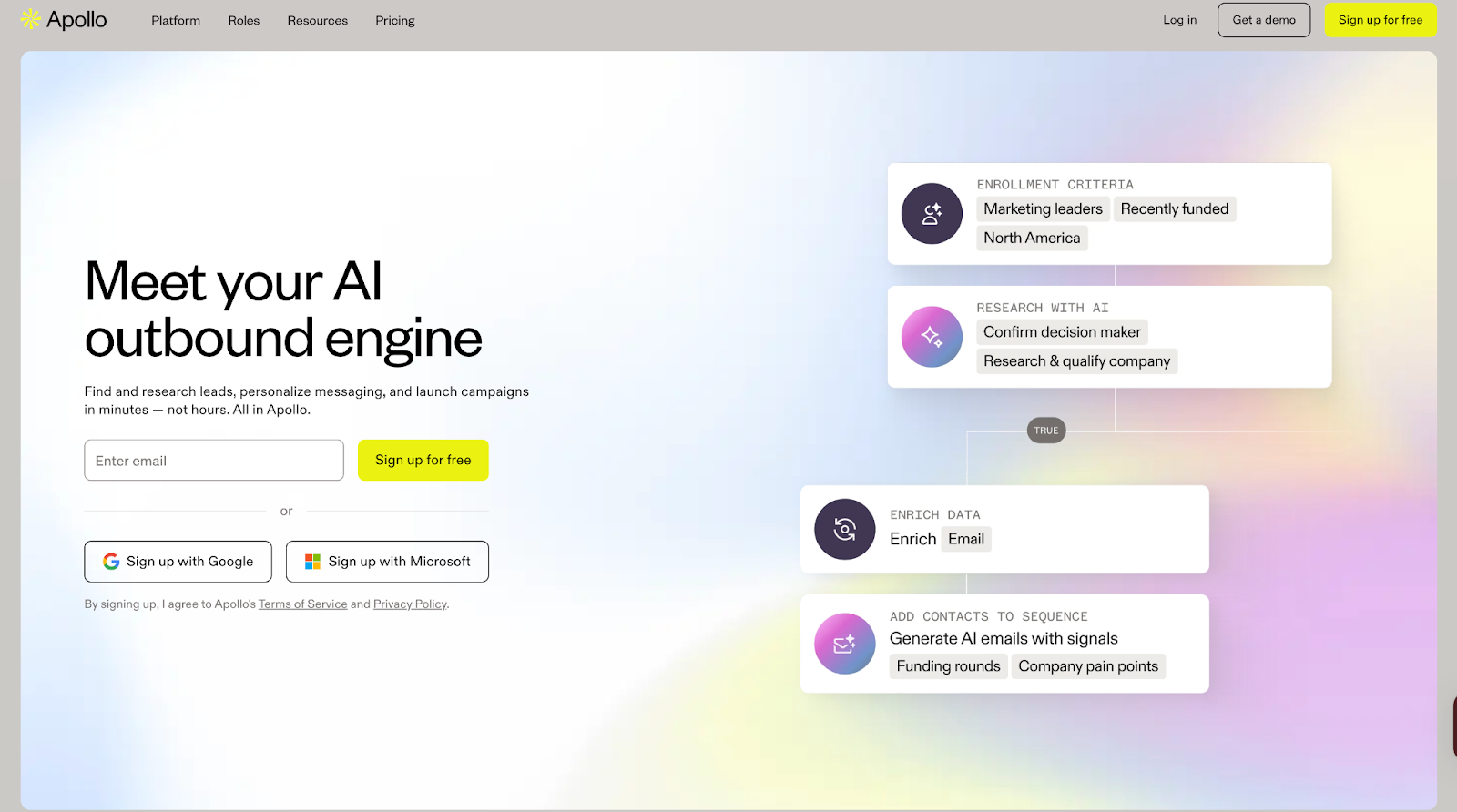
Apollo.io goes beyond being just another Apollo CRM. It offers:
- Access to a B2B database of 210M+ verified contacts
- Data enrichment to keep records accurate and up to date
- Engagement features such as email sequencing, calling, and pipeline tracking
This mix of data and outreach positions Apollo as a core player in the sales tools and intelligence landscape, providing a centralized workspace that can often replace multiple point solutions.
Why look for an Apollo.io alternative?
While Apollo offers strong value, feedback from users highlights a few recurring challenges:
1. Intent Data: Reviewers mention that intent signals don’t always deliver the precision needed for certain markets.

2. Reliability and Features: Teams have reported occasional downtime and gaps in advanced features compared to specialized competitors.
3. Data Quality and Credits: A few users point out concerns around data freshness and limitations with available credits for scaling outreach.

These points don’t diminish Apollo’s strengths but explain why some organizations evaluate other options to ensure the best fit for their workflows.
Apollo.io Pricing
Apollo.io offers a range of pricing plans designed to support different team sizes and outreach goals, from individuals just starting out to large sales organizations.
{{INLINE_BOFU}}
What to look for in an Apollo.io alternative
When exploring an Apollo alternative, it helps to step back and consider what really matters in a modern sales tools and intelligence stack. Every team’s priorities are slightly different, but based on user feedback and market comparisons, here are the factors worth evaluating:
- Data Coverage and Accuracy: A strong database is the backbone of any sales intelligence platform. Look for alternatives that not only match Apollo’s scale but also maintain freshness and reliability across regions.
- Ease of Use and Integration: Whether it’s with Salesforce, HubSpot, or your CRM, seamless integration is critical to keeping workflows smooth.
- Engagement Features: Many companies compare Apollo vs ZoomInfo and other competitors based on whether outreach tools like sequencing, calling, and automation are built in or require third-party add-ons.
- Pricing and Scalability: While Apollo pricing is competitive for smaller teams, some organizations outgrow credit limits or need more flexible renewal options. Evaluate whether alternatives provide a better fit for long-term growth.
- Support and Reliability: A responsive support team and consistent platform uptime can make a big difference, especially for fast-moving sales orgs.
The right Apollo sales intelligence alternative will depend on how well it supports your team’s workflows, scales with your outbound needs, and fits within your budget.
Now, let’s take a closer look at some of the most popular Apollo alternatives in the market today.
ZoomInfo
Among the most well-known names in the sales tools and intelligence space, ZoomInfo is often the first platform sales teams consider when evaluating an Apollo alternative. Recognized as a leader in multiple categories on G2 and Forrester, ZoomInfo provides go-to-market teams with a blend of B2B data, buyer intent signals, and AI-driven automation to help accelerate pipeline growth.
Core offerings
- Extensive B2B Database: Clean, accurate, and compliant company and contact data to expand TAM and reach decision-makers faster.
- Buyer Intent Data: Identify in-market accounts and prioritize outreach based on real-time signals.
- AI-Powered Account Intelligence: Surface insights like org changes, pain points, and usage trends to guide deal progression.
- Data Enrichment and Automation: Keep CRM and sales systems updated with fresh, enriched data while automating repetitive workflows.
- Seamless Integrations: Connects with CRMs and sales engagement tools,including Salesforce, HubSpot, Outreach, and more.
With its scale and focus on data precision, ZoomInfo is frequently compared during Apollo vs ZoomInfo evaluations, especially for teams seeking deeper market coverage and more advanced intent capabilities.
What it lacks
- Users report that contracts can feel restrictive, with tools often underperforming, frequent bugs, and accuracy levels not meeting expectations.

- Some customers faced technical issues during signup, such as forms freezing or welcome emails not being delivered.

- Many feel the platform is overpriced, particularly for smaller or early-stage companies, with alternative tools offering similar value at a lower cost.

ZoomInfo Pricing
ZoomInfo pricing is not available upfront. Plans are divided across Sales, Marketing, and Talent solutions, and businesses must request a custom quote based on their needs.
💡Also Read: ZoomInfo Alternatives - Top 5 ZoomInfo Competitors
💡Also Read: Factors vs ZoomInfo Pros and Cons: Detailed Comparison
Cognism
Another strong player in the sales intelligence category, Cognism is often considered when exploring an Apollo alternative, especially for teams focused on European markets. With its GDPR-compliant database and emphasis on accuracy, Cognism equips sales, marketing, and revenue teams with the data they need to connect confidently with decision-makers and fuel predictable pipeline growth.
Core offerings
- European Market Coverage: Unrivalled access to millions of verified B2B contacts across the UK and EMEA, helping companies sell into complex regional markets.
- Diamond Data®: Phone-verified, human-validated mobile numbers that significantly improve connect rates for SDRs and reduce wasted time.
- Decision-Maker Intelligence: Accurate, senior-level contact data (VP and above) enriched and continuously refreshed for confident prospecting.
- Sales Companion Tool: Prospect directly from LinkedIn and corporate websites while syncing data seamlessly into CRMs like Salesforce, HubSpot, and Pipedrive.
- Data-as-a-Service and Enrichment: Keep databases clean, compliant, and actionable while aligning revenue teams with accurate information.
Trusted by over 4,000 businesses globally, Cognism positions itself as more than just a database provider, it’s a sales SaaS tool that combines compliance, data accuracy, and user-friendly integrations to help sales teams spend less time researching and more time selling.
What it lacks
- Several users highlight outdated data, with records of people who left roles years ago and very low connection rates, even with premium data.

- Customers mention concerns around business practices, such as auto-renewals without clear communication and a lack of dedicated account support.

- Some reviews express strong dissatisfaction overall, describing the platform as unreliable and not worth recommending.

Cognism Pricing
Cognism pricing is not displayed publicly. Instead, it offers two plans, Grow and Elevate, with different levels of access to demographic, firmographic, and signals data. Businesses need to book a demo to get a customized quote based on their needs.
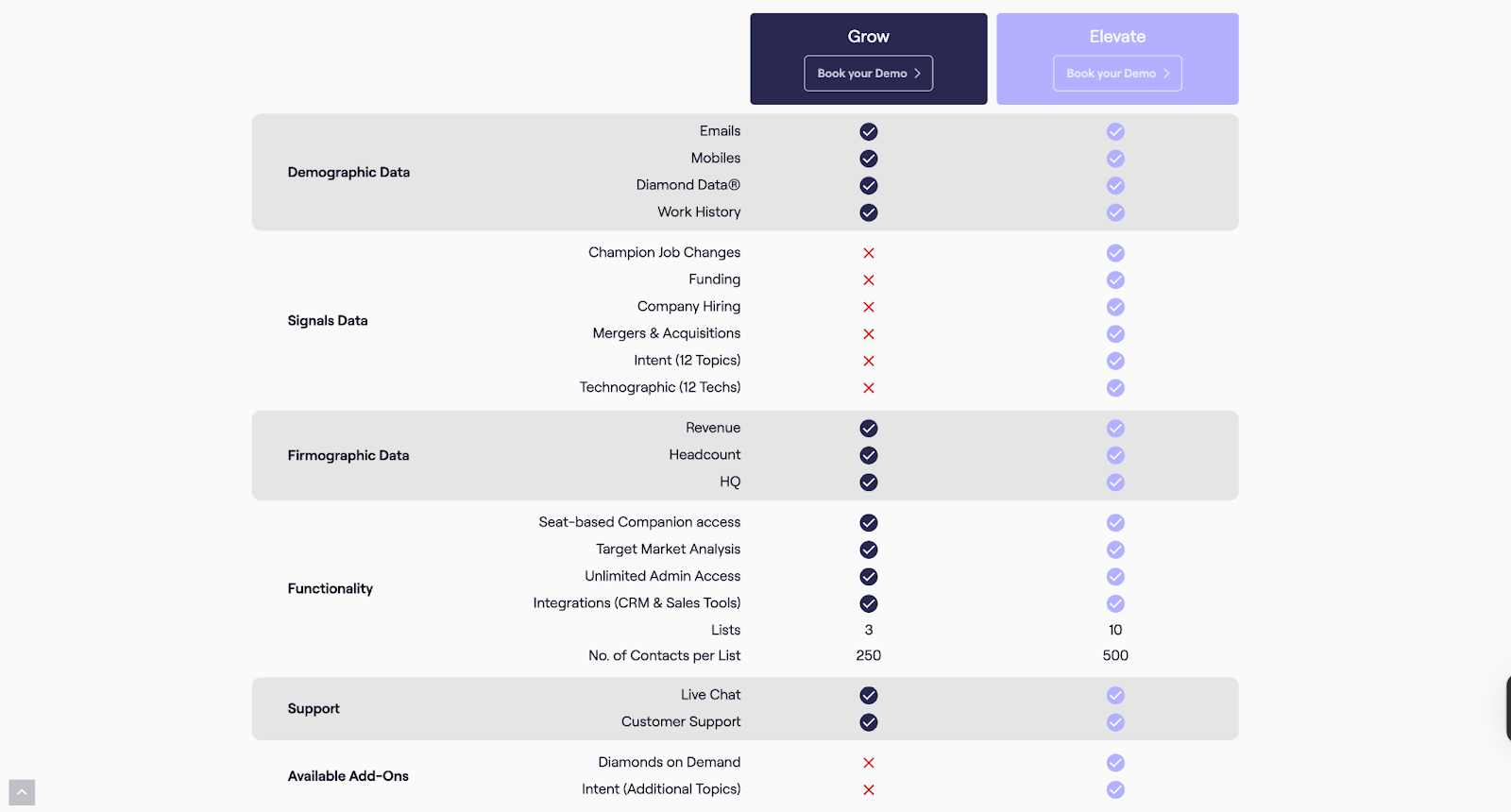
Lusha
Lusha positions itself as a lean, AI-powered sales intelligence platform built to ‘just let you sell.’ It combines prospecting, enrichment, intent data, and outreach into one streamlined ecosystem, cutting out the noise and giving sales teams verified contacts, buying signals, and instant list-building. With a focus on accuracy, compliance, and automation, Lusha helps organizations turn cold outreach into predictable pipeline growth.
Core offerings
- Verified B2B Database: Access 280M+ global contacts with high accuracy (85%+ for phone, 98% for email).
- Buyer Intelligence: Spot buying signals instantly and target prospects who are ready to engage.
- Prospecting Tools: Chrome extension, CRM sync, and automated list building to keep pipelines moving.
- Integrations and APIs: Enrich and sync directly with Salesforce, HubSpot, Outreach, Slack, and automation platforms like Zapier and n8n.
- Multi-team Utility: Sales, RevOps, Marketing, and even Recruiting teams can use Lusha for growth.
By blending automation with reliable, compliant data, Lusha ensures sales teams can focus on conversations that convert, making it a practical, lightweight alternative in the sales intelligence space.
What it lacks
- Users report outdated contact details, with phone numbers or emails linked to companies prospects haven’t worked at in years, and fewer available addresses compared to larger databases.

- The lead search feature is considered useful but lacks the depth of filters and advanced options offered by competitors.

- Some customers highlight issues with credits not being honored as promised, along with unhelpful support when raising concerns.

Lusha Pricing
Lusha offers flexible pricing plans designed to fit sales teams of every size, from individuals getting started with prospecting to large GTM organizations scaling outreach globally. Additionally, Lusha’s pricing is based on a credit system, meaning each contact reveal or data export consumes credits. Businesses with high-volume outreach requirements often explore whether competitors like Apollo or Cognism offer better scalability or bundled data credits at similar price points.
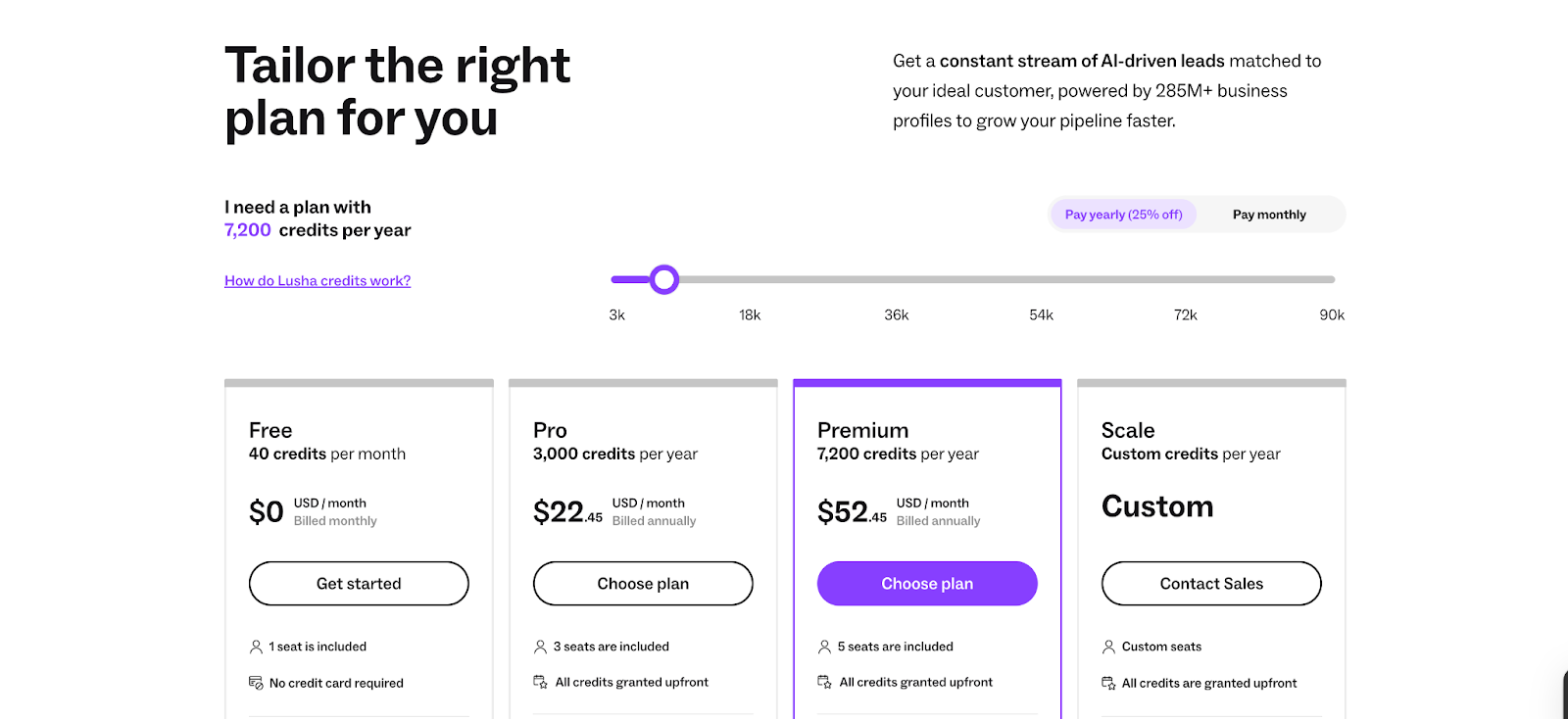
Clearbit (by HubSpot)
Clearbit, now part of HubSpot, positions itself as a data-first foundation for B2B go-to-market teams. The platform combines proprietary sources, public web data, and advanced AI/LLMs to deliver standardized, accurate, and enriched insights across leads, contacts, and accounts. By turning fragmented information into structured intelligence, Clearbit enables companies to act on data quickly and effectively.
Core offerings
- Comprehensive Data Enrichment: Provides global coverage and enriches records for leads, contacts, and accounts with precise and standardized details.
- Real-Time Lead Scoring and Routing: Instantly scores and routes inbound leads based on fit, industry, corporate hierarchy, and seniority.
- Granular Industry and Role Mapping: Leverages deep categorization (NAICS, GICS, SIC) and standardized roles/seniority to align with ideal customer profiles.
- Buyer Intent and Website Reveal: Transforms anonymous website traffic into actionable buying intent signals through advanced IP intelligence.
- Form Optimization: Uses dynamic form shortening to boost conversions by auto-enriching data from just an email address.
Clearbit strengthens sales and marketing operations with a clean, reliable data layer that reduces friction and helps GTM teams focus on the most promising opportunities.
What it lacks
- Users note recurring issues with data accuracy and duplication, which affect the overall reliability of the platform.

- Several reviews mention that the quality of enriched contact data can fall short, limiting its effectiveness for teams.

- Customers suggest that Clearbit’s contact enrichment capabilities need further refinement to deliver more consistent results.

Clearbit Pricing
Clearbit doesn’t provide standalone pricing information publicly, as it’s now integrated into HubSpot’s platform. Businesses interested in Clearbit’s data solutions might have to reach out to HubSpot sales for tailored pricing details.
UpLead
UpLead is a prospecting and sales intelligence platform built around one promise: data accuracy. With a 95%+ guarantee on verified contacts, the platform enables sales teams to generate reliable prospect lists in real-time and plug them directly into their outreach tools and CRMs. Positioned as a cost-effective alternative to larger platforms, UpLead emphasizes quality, affordability, and speed in lead generation.
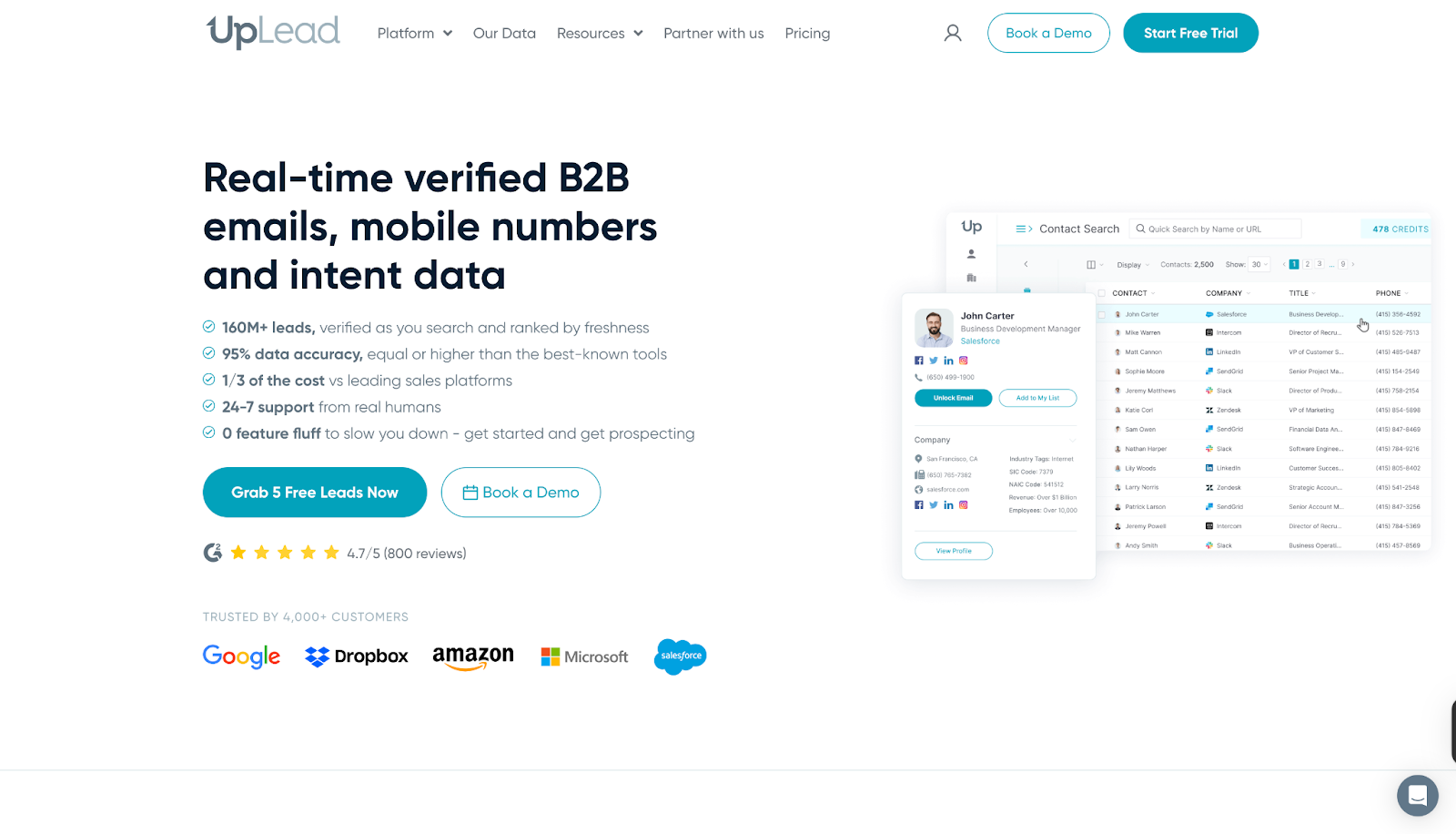
Core offerings
- Prospector Tool: Use 50+ search filters to identify leads that match your buyer profile.
- Real-Time Email Verification: Guarantees high deliverability by validating emails before export.
- Data Enrichment and Bulk Lookup: Enrich CRM records with up-to-date data or process thousands of leads at once.
- Direct Dials and Intent Data: Access mobile and direct numbers alongside buying intent signals for faster connections.
- Integrations and API: Sync data seamlessly with CRMs and scale prospecting workflows with robust API support.
By combining accuracy, affordability, and breadth of features, UpLead helps sales teams start more conversations and close deals faster without the overhead of complex sales stacks.
What it lacks
- Some users report that the database doesn’t always include the accounts or contacts they need, and customer support has not been responsive in such cases.

- Reviews mention gaps in data accuracy, with missing phone numbers and incorrect information leading to frustration for sales teams.

- Customers also highlight dissatisfaction with the credit system, stating that unused credits become inaccessible without maintaining an active paid plan.

UpLead Pricing
UpLead offers flexible pricing options built to suit everyone. Like most data-driven platforms, UpLead uses a credit-based model, meaning each contact reveal consumes a credit. Teams with large-scale prospecting needs often compare UpLead with Apollo or Lusha to evaluate which platform provides better accuracy and flexibility per credit.
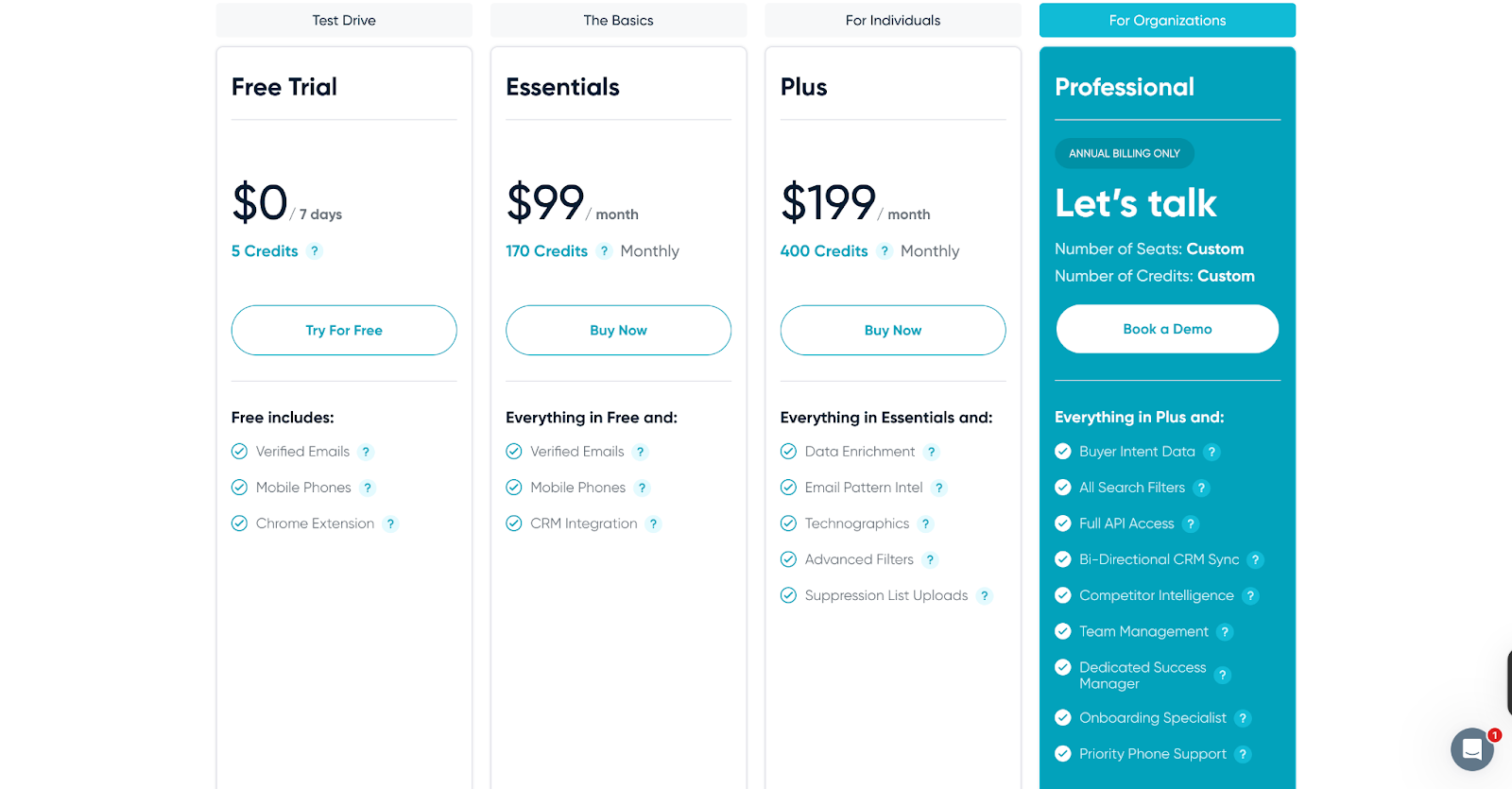
📝Important Note:
The shortcomings we’ve highlighted are drawn from a small number of user reviews and experiences. They do not represent the complete picture of any tool. In fact, many users on G2 have also praised these platforms for their strengths and value. You can explore those reviews as well. Our intent is simply to provide a balanced perspective as you evaluate your options.
Where Factors fits in
While Apollo.io and its alternatives primarily focus on data accuracy and prospecting, modern B2B teams need more than just contact lists. They need visibility into intent signals, buyer journeys, and campaign performance and that’s where Factors.ai comes in. Factors offers full-funnel ABM visibility, website identification, and account-level scoring. It connects intent signals, ad performance, and buyer journeys into one unified view, helping GTM teams prioritize the right accounts, automate follow-ups, and directly tie marketing efforts to revenue.
Factors.ai is a B2B demand generation platform that helps GTM teams identify high-intent accounts, automate campaigns, and measure what truly drives revenue.
What Factors offers:
- GTM Engineering: AI Agents that surface account research, revive closed-lost deals, and alert reps the moment buyers show intent. Factors integrates seamlessly with your existing GTM stack, Salesforce, HubSpot, Google, Meta, Bing, LinkedIn, and more, to automate sales workflows, sync audiences, and ensure your teams always act on the right signals at the right time.
- AI Alerts and Ad Syncs: Get real-time notifications on high-intent accounts, auto-sync audiences across Google and LinkedIn, and trigger personalized campaigns instantly, so no opportunity slips through the cracks.
- Milestones and Account 360: Get complete funnel visibility with analytics that map every marketing and sales touchpoint. From first click to closed deal, visualize how accounts move through the pipeline and uncover what’s truly driving conversions.
To explore the full breadth of Factors’ AI-powered GTM capabilities, Book a Demo!
In a nutshell…
Finding the right sales intelligence platform comes down to what aligns best with your GTM strategy, budget, and growth stage. Apollo remains a popular choice, but as we’ve seen, every platform, whether it’s Apollo CRM, ZoomInfo, Lusha, or others, comes with trade-offs. That’s why many modern B2B teams are turning to Sales SaaS tools like Factors.ai, which not only addresses common gaps in enrichment and intent data but also brings AI-driven automation into demand generation.
The bottom line:
Whether you’re comparing Apollo vs ZoomInfo or evaluating multiple Apollo alternatives, take the time to align the platform’s strengths with your business goals. And if you want to go beyond static data and turn intent into revenue, Factors.ai could be the smarter addition to your stack.
FAQs on Apollo Alternatives and Competitors
Q. What is Apollo pricing like?
A. Apollo offers a Free plan at $0 with 1,200 credits per user per year. It includes 2 sequences, Gmail and Salesforce extensions for prospecting, and access to basic filters. Paid tiers unlock more credits, advanced features, and higher limits.
Q. Is ZoomInfo better than Apollo?
A. It depends on your goals, Apollo vs ZoomInfo often comes down to budget, data coverage, and workflow fit. ZoomInfo is broader, while Apollo offers affordability and ease of use.
Q. Can small teams or startups use Apollo affordably?
A. Yes. Apollo’s Free or Basic tiers are designed with startups/smaller businesses in mind, giving access to core features. But as you scale, costs rise because usage-based limits bite
Q. Does Apollo function as a CRM?
A. Yes, Apollo CRM provides basic pipeline and contact management, though many businesses still integrate it with Salesforce, HubSpot, or other CRMs for advanced needs.
Q. Are Apollo’s sales intelligence tools enough for scaling teams?
A. Apollo’s tools work well for prospecting and outreach, but fast-growing teams often layer in other Sales SaaS tools to handle intent data, ABM, and deeper analytics.
Q. Where does Factors.ai fit in this comparison?
A. Factors.ai isn’t a direct Apollo competitor, it complements your stack by adding AI-powered demand generation, account intelligence, and GTM automation.
Q. What are some alternatives to Apollo for prospecting?
A. Many reps suggest tools like ZoomInfo, Cognism, and UpLead depending on whether you prioritize firmographic depth or contact accuracy. Try free tiers to validate match rates before committing.
Q. Looking for an Apollo.io alternative that actually works?
A. Community feedback frequently names ZoomInfo for data quality (costly), with advice to bundle verification (e.g., NeverBounce) to control bounces.
Q. What’s the best free Apollo alternative?
A. Lusha is often cited for a generous free tier.
Q. How does Factors.ai fit with Apollo and Apollo’s competitors?
A. Factors.ai complements data tools by turning intent signals into revenue-related actions. Factors’ AI agents help you understand more about buyer journeys, run tailored ads and outreach campaigns, while guiding you on the next best action, so you generate quality pipeline, fast. Keep your data provider; add Factors to prioritize, route, retarget, and measure revenue impact.
Q. Why switch from Apollo.io? What problems are people actually facing?
A. Frequent pain points include data freshness, deliverability without warmup, and credit/pricing constraints; teams test focused tools to plug those gaps.
![Top 10 Common Room Alternatives in 2026 [Compared]](https://cdn.prod.website-files.com/6898fdb2a8e6d57199082db3/698c667808785f749c808b00_66d740b8c513e11cbc11689d_Common%2520Room%2520Alternatives.avif)
Top 10 Common Room Alternatives in 2026 [Compared]
Discover the best alternatives to Common Room for signal detection and GTM strategy, including Demandbase, Factors.ai, Enrich, and more. Compare features, pricing, and benefits.
TL;DR
Common Room is great for aggregating community signals, but it's not the only option. If you need better anonymous visitor ID, lower pricing, or tighter outbound execution, consider alternatives like Factors.ai (full-funnel GTM analytics), Apollo.io (free all-in-one), 6sense (enterprise ABM), or Koala (PLG signals). Scroll down for the full comparison table and detailed breakdowns.
Common Room is a B2B customer intelligence and signal aggregation platform that unifies data from Slack, Discord, GitHub, Twitter, and other community channels into a single dashboard. It helps GTM teams identify buying signals and engage prospects through community-driven insights.
But Common Room isn't the right fit for every team — whether it's the $625+/month price tag, limited anonymous visitor identification, or the gap between signal detection and outbound execution. In this guide, we compare 10 Common Room alternatives for 2026, with side-by-side pricing, features, and match rates to help you choose the best platform for your GTM strategy.
Quick Comparison: Common Room Alternatives at a Glance
Here's how the top Common Room alternatives stack up:
What Is Common Room?

Overview:
Common Room is a customer intelligence and community engagement platform designed to help businesses consolidate and analyze signals from various sources. Its primary goal is to provide actionable insights from community interactions, social media, and other digital touchpoints, enhancing customer understanding and engagement.
Key Features:
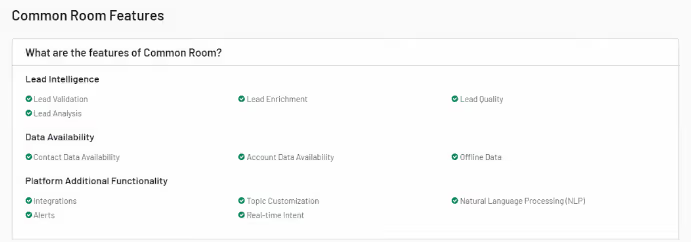
- Unified Dashboard:
Common Room provides a comprehensive view of customer interactions and community data through a user-friendly dashboard. This feature integrates data from multiple sources, making analyzing and acting on customer signals easier.
- Customer Segmentation:
The platform allows businesses to group customers based on various factors such as behavior, engagement levels, and sentiment. This segmentation helps tailor marketing strategies and improve customer interactions.
- Sentiment Analysis:
Utilizing AI, Common Room analyzes customer sentiment to provide insights into how customers feel about your brand or products. This feature helps understand customer perceptions and make data-driven decisions.
- Integrations:
Common Room integrates seamlessly with popular tools like Slack, GitHub, and Twitter, enabling businesses to consolidate their data and streamline operations.
Pros:
- Comprehensive Insights:
This service offers a range of insights into customer behavior and sentiment, helping businesses make informed decisions.
- Ease of Integration:
Integrates well with various tools, making it easier to incorporate into existing workflows.
- AI-Powered Analysis:
Advanced sentiment analysis provides valuable insights into customer attitudes.
Cons:
- Complexity for Small Businesses:
The platform's extensive features and capabilities may overwhelm small businesses or startups.
- Cost:
Pricing can be high, which might be a barrier for companies with limited budgets.
Pricing:
Common Room's pricing starts at $625/month (billed annually) for the Team plan. Enterprise pricing is custom and typically higher. Note that Common Room also offers a free Community tier with limited features for small communities. For comparison, alternatives like Apollo.io and Koala offer free tiers, while dedicated visitor ID tools like Leadpipe ($147/mo) and RB2B ($149/mo) come in at a fraction of the cost.
{{INLINE_CTA_A}}
Why Look for Common Room Alternatives?
Despite its strengths, Common Room may not be the perfect fit for every organization. Factors such as specific business needs, budget constraints, and the focus of your GTM strategy might necessitate exploring alternatives. Here are a few reasons why you might need an alternative:
- Specialized Needs: If your business requires more specialized functionalities or focuses on different aspects of customer engagement and signal analysis, other tools offer better alignment.
- Budget Constraints: The cost of Common Room might be prohibitive for smaller businesses or startups. Alternatives might provide similar functionalities at a lower price point.
- Feature Set: Depending on your needs, you might require features that are not available in Common Room or that are better supported by other platforms.
Exploring alternatives ensures that you find a tool that perfectly fits your business requirements and offers features that align with your GTM goals and budget.
What Real Users Say About Common Room
Based on community discussions across Reddit and G2 reviews, here's what B2B teams are saying:
What users like:
- Excellent signal aggregation from Slack, Discord, GitHub, and social channels
- Strong for developer-focused and community-led growth motions
- Useful unified dashboard for cross-channel insights
Common frustrations:
- "Signals don't close deals. SDRs close deals." — Many teams find Common Room gives them the 'who' but not the 'what to do next'
- Limited anonymous website visitor identification compared to dedicated tools
- At $625+/month, smaller teams find better value in tools like Apollo.io (free tier) or RB2B ($149/mo)
- DIY stacks with Clay + Apollo + Instantly can be more flexible for specific workflows
Most-mentioned alternatives in communities: Clay (for flexible signal workflows), UserGems (job change tracking), Apollo.io (budget all-in-one), and Pocus (PLG signals).
Things to Keep in Mind While Choosing a Common Room Alternative
When evaluating alternatives to Common Room, consider the following factors to ensure you select the best tool for your needs:
- Signal Collection Capabilities
Assess the platform's ability to capture and analyze the specific types of signals relevant to your business. This includes customer interactions, intent data, and engagement metrics.
- GTM Alignment
Ensure the tool aligns well with your GTM strategy and provides features that support your sales, marketing, and customer success efforts.
- Ease of Use
The platform should be user-friendly and integrate seamlessly with your existing tools and processes. A steep learning curve can hinder adoption and productivity.
- Scalability
Choose a solution that can grow with your business. The platform should be flexible enough to accommodate increasing data volumes and evolving needs.
- Pricing
Consider the pricing structure to ensure it fits within your budget. Look for tools that meet your feature requirements while offering good value for money.
{{INLINE_CTA_A}}
Common Room Alternatives for Enterprise Teams
Enterprise teams managing large user communities have specific requirements that Common Room may not fully address — including advanced role-based access, SOC 2 compliance, dedicated support, and the ability to handle millions of signals at scale.
For enterprise-grade alternatives, consider:
- 6sense — Purpose-built for enterprise ABM with predictive analytics and orchestration across channels.
- Demandbase — Full-suite ABM with advertising, personalization, and intent data for large GTM teams.
- Factors.ai — Scalable GTM analytics with account deanonymization, G2 intent data, and LinkedIn AdPilot for enterprise marketing teams.
These platforms offer the depth of integrations, data volume handling, and security certifications that enterprise organizations require.
Top 10 Common Room Alternatives in 2026
1. Demandbase

Overview:
Demandbase is an account-based marketing (ABM) platform designed to help businesses target high-value accounts and optimize their marketing efforts. It focuses on capturing intent data and signals to enhance marketing and sales strategies.
Key Feature
- ABM Platform: Specializes in account-based marketing, allowing businesses to tailor their marketing efforts to specific high-value accounts.
- Intent Data: Collects and analyzes signals to identify accounts showing buying intent, helping prioritize sales efforts.
- Personalized Marketing: Enables highly personalized marketing campaigns based on account insights and intent data.
- Sales Intelligence: Provides actionable insights to sales teams, enhancing their ability to engage with potential customers effectively.
Pros:
- Focused ABM Capabilities: Ideal for businesses looking to implement account-based marketing strategies.
- Strong Intent Data Analysis: Helps identify and target high-value accounts based on intent signals.
- Integration with CRM Tools: Seamlessly integrates with CRM and marketing automation platforms, streamlining operations.
Cons:
- Primarily B2B Focus: Best suited for B2B businesses, with less relevance for B2C companies.
- High Learning Curve: The platform's advanced features may require time to master, particularly for users new to ABM.
Pricing:
Demandbase offers custom pricing based on business needs and scale. It typically caters to enterprise-level budgets.
2. 6sense
Overview:
6sense is an AI-powered revenue intelligence platform that uses intent data, predictive analytics, and account identification to help B2B teams prioritize high-value accounts. It's one of the most frequently cited Common Room alternatives for enterprise ABM.
Key Features:
- Intent Data Engine: Captures buying signals across the web to identify accounts in-market for your solution.
- Predictive Analytics: AI models predict which accounts are most likely to convert, enabling prioritized outreach.
- Account Identification: Deanonymizes website visitors at the company level using proprietary data.
- Orchestration: Coordinates multi-channel campaigns across ads, email, and sales outreach.
Pros:
- Industry-leading intent data and predictive scoring
- Deep CRM and MAP integrations
- Strong for enterprise-scale ABM strategies
Cons:
- Expensive — typically $50K+/year
- Complex implementation requiring dedicated resources
- Overkill for SMBs or early-stage companies
Pricing:
6sense offers custom enterprise pricing, typically starting at $50,000+/year depending on features and account volume.
3. Factors.ai

Overview:
Factors is a GTM analytics platform that provides deep insights into customer journeys and marketing performance. It analyzes marketing data and signals to optimize campaigns and drive growth.
Key Features:

- Customer Journey Mapping: Visualizes the entire customer journey across various touchpoints, helping understand customer interactions and behaviors.
- Advanced Analytics: Offers in-depth analysis of marketing performance, enabling data-driven decision-making.
- Signal Detection: Identifies key signals influencing customer behavior, providing actionable insights for marketing strategies.
- AdPilot: Double down on your LinkedIn Ads ROI with Factors' LinkedIn AdPilot, a platform that offers capabilities such as campaign automation, build audience lists based on intent,view-through attribution, smart reach and Factors' conversions API integration.
- G2 Intent: Factors integrates G2 intent data to help businesses identify which accounts are actively researching their product category. This feature enables users to prioritize high-intent accounts, allowing for more targeted marketing and sales efforts, ultimately increasing the likelihood of conversion.
- Account Deanonymyzation: Factors offers an account deanonymization feature, which allows companies to identify and gain insights into anonymous website visitors. This includes gathering firmographic details such as company name, industry, and size, empowering businesses to tailor their outreach and optimize their marketing strategies.
- Custom Workflows: Factors provides customizable workflow automation, enabling marketing and sales teams to streamline processes across CRM systems and campaign management platforms. These workflows can be tailored to meet specific business needs, improving operational efficiency and ensuring alignment across go-to-market teams.
Also Read: Set Up Sales Automation Workflows Using Factors
Pros:
- Comprehensive Analytics: Provides detailed insights into marketing performance and customer behavior.
- AI-Driven Optimization: Automates campaign adjustments for improved results.
- User-Friendly Interface: Designed to be intuitive, making it accessible for users with varying levels of expertise.
Cons
- Learning Curve: It may require some time to fully understand and utilize all features.
- Cost: Higher pricing may be a consideration for smaller businesses or startups.
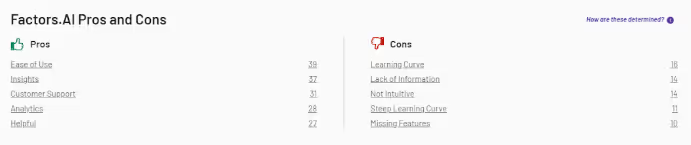
Pricing:
Factors offers customized pricing based on your business's specific needs and scale.
{{INLINE_CTA_A}}
4. Apollo.io
Overview:
Apollo.io is an all-in-one B2B sales intelligence and engagement platform with a database of 270M+ contacts. It's a popular Common Room alternative for teams that want lead data, outreach automation, and engagement tracking in a single tool — at a fraction of the cost.
Key Features:
- Contact Database: Access to 270M+ contacts with verified emails and phone numbers.
- Intent Signals: Tracks buyer intent data to surface accounts actively researching your category.
- Sequences: Built-in email and call sequencing for automated outreach.
- Enrichment: Enriches CRM records with firmographic and technographic data.
Pros:
- Generous free tier with core features
- Easier admin and usability than Common Room (per G2 reviews)
- All-in-one: data + outreach + analytics
Cons:
- Less focus on community signals compared to Common Room
- Data accuracy can vary by region
- Email deliverability challenges at scale
Pricing:
Apollo.io offers a free tier with limited credits. Paid plans start at $49/user/month, making it one of the most affordable options.
5. Pocus
Overview:
Pocus is a revenue data platform purpose-built for product-led growth (PLG) companies. While Common Room focuses on community signals, Pocus prioritizes product usage data and buying signals to help sales teams identify and act on the highest-intent users.
Key Features:
- Product Usage Signals: Surfaces users showing high engagement patterns that indicate buying intent.
- Playbook Builder: Create automated workflows that route signals to the right reps.
- CRM Integration: Syncs insights directly into Salesforce and HubSpot.
- AI Scoring: Prioritizes accounts and users based on propensity to convert.
Pros:
- Purpose-built for PLG — strongest product signal analysis
- Easier to set up than Common Room (per G2)
- Strong scoring and prioritization features
Cons:
- Less useful for sales-led or outbound-heavy teams
- Pricing can be higher than Common Room
- Narrower signal sources (product-focused)
Pricing:
Pocus offers custom pricing based on usage and team size. Generally positioned at mid-market to enterprise price points.
6. Enrich

Overview:
Enrich is a customer data platform that enhances CRM systems with enriched customer profiles. It provides valuable customer signals and data to improve sales and marketing strategies.
Key Features:
- Data Enrichment: Adds valuable context to existing customer data, providing a more comprehensive view of your customers.
- Signal Collection: Captures and analyzes key customer signals to inform sales and marketing efforts.
- CRM Integration: Seamlessly integrates with popular CRM platforms, enhancing your existing systems with enriched data.
- Custom Segmentation: Allows for detailed segmentation based on enriched customer profiles.
Pros:
- Enhanced CRM Data: Improves the quality and depth of customer data within your CRM system.
- Effective Signal Analysis: Provides valuable insights into customer behavior and engagement.
- Easy Integration: Integrates smoothly with existing CRM systems, minimizing disruption.
Cons:
- Limited Scope: Focuses primarily on data enrichment, with less emphasis on broader marketing or GTM features.
- Best for CRM Users: Most effective for businesses with established CRM system.

Pricing:
Enrich offers flexible pricing plans based on usage and features. Details are available upon request.
7. Koala

Overview:
Koala is a customer engagement platform that focuses on gathering customer feedback and signals to improve product and service offerings. It's particularly useful for SaaS companies looking to enhance customer experience.
Key Features

- Feedback Collection: Gathers customer feedback through various channels, including surveys and direct interactions.
- Signal Analysis: Analyzes feedback signals to identify trends, issues, and opportunities for improvement.
- Customer Segmentation: Segments customers based on feedback and behavior to tailor engagement strategies.
- Integration: Integrates with tools like Slack, Intercom, and Zendesk to streamline feedback management.
Pros:
- Focus on Feedback: Excellent for gathering and analyzing customer feedback to improve products and services.
- Integration with Customer Service Tools: Enhances feedback management and customer interactions.
- User-Friendly Interface: Easy to use, even for teams without extensive technical expertise.
Cons:
- Limited to Feedback: Primarily focused on feedback and engagement, with less emphasis on broader marketing or sales features.
- SaaS Focus: Best suited for SaaS companies, with less relevance for other industries.

Pricing:
Koala offers a free tier with basic features, with paid plans starting at $29/month for additional features and higher usage limits.
8. Warmly

Overview:
Warmly is a platform that enhances virtual meetings and customer interactions by providing valuable context and insights. It helps businesses engage more effectively during virtual interactions.
Key Features:
- Meeting Context: Provides detailed information and context about meeting participants, improving the quality of interactions.
- Signal Detection: Analyzes signals from virtual meetings to identify engagement levels and areas for improvement.
- Integration: Works with popular video conferencing tools like Zoom and Microsoft Teams.
- Personalization: Allows for personalized engagement based on participant data and insights.
Pros:
- Enhanced Virtual Interactions: Improves the quality of virtual meetings through detailed participant insights.
- Integration with Video Tools: Seamlessly integrates with major video conferencing platforms.
- User-Friendly: Easy to use and navigate, even for non-technical users.
Cons:
- Limited to Virtual Meetings: Focuses primarily on virtual meeting interactions, with less emphasis on broader marketing or sales features.
- Newer Tool: May have fewer features compared to more established platforms.
Pricing:
Warmly offers a range of pricing plans starting from $10/month per user, with additional features available in higher-tier plans.
{{INLINE_CTA_A}}
9. UnifyGTM

Overview:
UnifyGTM is a GTM platform designed to help businesses streamline their go-to-market strategies through data-driven insights and integrations. It aligns sales, marketing, and product efforts to drive growth.
Key Features:
- GTM Strategy Alignment: Provides tools to align marketing, sales, and product teams with your GTM strategy.
- Data Integration: Integrates with various data sources to provide a unified view of your GTM efforts.
- Performance Tracking: Tracks the performance of your GTM initiatives and provides actionable insights.
- Customizable Dashboards: Customizable dashboards are offered to monitor key metrics and KPIs.
Pros:
- Comprehensive GTM Tools: Provides tools for aligning and optimizing GTM strategies.
- Integration with Data Sources: Offers robust data integration capabilities.
- Customizable Reporting: Allows for detailed reporting and performance tracking.
Cons:
- Complex Setup: Initial setup and configuration may require a learning period.
- Cost: Pricing may be on the higher side for smaller businesses.

Pricing:
UnifyGTM offers custom pricing based on business needs and scale, with details available upon request.
10. HockeyStack

Overview:
HockeyStack is an analytics and attribution platform designed to help businesses understand the impact of their marketing efforts and optimize their strategies. It focuses on collecting and analyzing signals to improve marketing ROI.
Key Features:

- Marketing Attribution: Provides insights into how different marketing channels contribute to conversions and sales.
- Signal Collection: Collects and analyzes signals from various marketing activities to improve strategy.
- Custom Reports: Allows to create custom reports and dashboards to track performance.
- Integration: Integrates with popular marketing and CRM tools to consolidate data.
Pros:
- Strong Attribution Capabilities: Helps understand the impact of marketing efforts across channels.
- Detailed Analytics: Provides in-depth analysis and reporting on marketing performance.
- Integration with Tools: Works well with existing marketing and CRM systems.
Cons:
- Niche Focus: Primarily focused on marketing attribution, with less emphasis on broader customer engagement features.
- Learning Curve: May require some time to understand and utilize the platform fully.

Pricing:
HockeyStack offers a tiered pricing model. Basic features start at $199/month, with higher tiers available for more advanced functionalities.
Here's Why Factors.ai is Your Best Option
Factors stands out as a top choice for businesses seeking a comprehensive GTM solution among the alternatives. Its advanced analytics and AI-driven features make it well-suited for optimizing marketing strategies and improving customer engagement.
Here's what Factors has in store for you:
- Customer Journey Mapping: Provides a clear view of customer interactions and behaviors, helping businesses tailor their marketing efforts.
- Signal Detection: Identifies key signals influencing customer decisions, enabling targeted marketing strategies.
- AdPilot: Automates campaign optimization, ensuring your marketing messages reach the right audience effectively.
Factors's blend of detailed analytics, signal detection, and AI-driven optimization makes it a powerful tool for businesses to enhance their GTM strategy and drive growth.
{{INLINE_CTA_A}}
Frequently Asked Questions on Common Room Alternatives
Q1. What is Common Room used for?
Common Room is a B2B customer intelligence platform that aggregates signals from community channels (Slack, Discord, GitHub, Twitter), product usage, and website visits into a unified dashboard. It helps GTM teams identify high-intent accounts and engage prospects through community-driven insights.
Q2. Is Common Room worth the price?
At $625+/month (billed annually), Common Room delivers strong value for teams with active developer communities and community-led growth motions. However, if your primary need is anonymous visitor identification or outbound execution, alternatives like Leadpipe ($147/mo), Apollo.io (free tier), or Factors.ai may offer better ROI.
Q3. What is the best free alternative to Common Room?
Apollo.io offers the most feature-rich free tier among Common Room alternatives, including contact data, email sequencing, and basic intent signals. Koala also offers a free plan with product-led growth signal tracking.
Q4. How does Common Room compare to 6sense?
Common Room focuses on community signals and social engagement, while 6sense is an enterprise ABM platform built around predictive intent data. 6sense is better for large-scale account targeting ($50K+/yr), whereas Common Room is more suited for community-driven GTM ($625+/mo).
Q5. Can Common Room identify anonymous website visitors?
Common Room provides some level of account-level website visitor identification, but its match rates are generally lower than dedicated visitor identification tools like Leadpipe (30-40% match rate) or RB2B (5-20% match rate). If visitor ID is your primary use case, consider a specialized tool.
Q6. What are the best Common Room alternatives for enterprise teams?
For enterprise-grade alternatives, 6sense, Demandbase, and Factors.ai are the top choices. They offer advanced intent data, predictive analytics, account deanonymization, and the security certifications (SOC 2, GDPR) that enterprise teams require.
The Bottom Line
Selecting the right tool for signal collection and GTM strategy is crucial for achieving business success. While Common Room offers robust features, exploring alternatives like Demandbase, Factors, Enrich, Koala, Warmly, UnifyGTM, and HockeyStack can provide more tailored solutions. Each tool offers unique capabilities that align with your business needs and goals.
Factors.ai, in particular, offers a compelling combination of advanced analytics, signal detection, and AI-driven insights, making it a standout choice for optimizing your GTM strategy. Evaluate your specific requirements and budget to choose the tool that best supports your business objectives and drives growth.

Top 12 Marketing Attribution Tools in 2026 (Compared)
Compare the top 12 marketing attribution tools for 2026. Detailed pricing, features, pros & cons, and a side-by-side comparison table to find the best fit for your B2B stack.

TL;DR
- Top picks: Factors.ai for AI-powered ABM and attribution, HubSpot for all-in-one CRM attribution, HockeyStack for B2B revenue attribution, Triple Whale for e-commerce
- Attribution tools range from free (GA4, HubSpot free tier, Dreamdata free) to $949+/month for enterprise solutions
- MTA vs MMM — multi-touch attribution for campaign-level insights, marketing mix modeling for strategic budget allocation
- B2B companies with long sales cycles benefit most from multi-touch, account-level attribution that connects marketing activity to pipeline and revenue
What are marketing attribution tools?
Marketing attribution tools are software platforms that track and analyze customer touchpoints across multiple channels to determine which marketing efforts drive conversions and revenue. They assign credit to specific campaigns, ads, content, or interactions — helping marketers understand what's working, optimize spend, and prove ROI.
Attribution tools range from simple single-touch models (first-click or last-click) to sophisticated multi-touch attribution (MTA) and AI-driven approaches that weight every interaction across the buyer journey. For B2B SaaS companies with long sales cycles and multiple decision-makers, these tools are essential for connecting marketing activity to pipeline and closed revenue.
Why do SaaS companies need marketing attribution tools?
SaaS companies use attribution tools to find the most effective ways to acquire customers. These tools enable marketers to precisely identify the platforms that contribute to revenue, and then work on strategies to get the most out of the top-performing touchpoints.
However, measuring the impact of various marketing channels on customer acquisition and revenue is easier said than done. B2B buyer journeys increasingly involve lengthy sales cycles, multiple touchpoints, and extensive buying committees.
Attribution tools are designed to help B2B companies identify these touchpoints and analyze the effectiveness of their marketing efforts. According to Forrester, companies that adopt advanced attribution models see a 15-30% improvement in marketing ROI. Similarly, a study by Google found that companies using data-driven attribution models see a 10% increase in conversions on average.
With growing competition and the rise of AI-driven attribution, using marketing attribution tools is no longer optional for SaaS enterprises. It gives your company a huge potential to grow its B2B SaaS market share by simply leveraging touchpoint insights.
All you need is the right marketing attribution tool… and we've got the best ones for you right here.
{{INLINE_BOFU}}
MTA vs MMM: Understanding attribution model types
Before choosing a tool, it's important to understand the two main approaches to marketing attribution:
Multi-Touch Attribution (MTA)
MTA tracks individual user interactions across channels and assigns weighted credit to each touchpoint. It works at the user/account level and is ideal for digital-heavy B2B campaigns where you need to know exactly which touchpoints influenced a deal.
Best for: B2B SaaS with digital sales cycles, account-based marketing, campaign-level optimization.
Marketing Mix Modeling (MMM)
MMM uses statistical analysis of aggregate data to measure the impact of marketing channels on business outcomes. It works at the channel level and can account for offline media, seasonality, and external factors that MTA can't capture.
Best for: Enterprises with significant offline spend, brand marketing measurement, budget allocation across channels.
AI-Driven / Hybrid Attribution
Emerging tools combine MTA and MMM with machine learning to provide both granular touchpoint data and big-picture channel effectiveness. These tools can process larger datasets, identify non-obvious patterns, and adapt models in real-time.
Best for: Data-mature organizations seeking the most complete attribution picture.
Which approach do you need? Most B2B SaaS companies start with MTA for campaign-level insights. As marketing spend grows and includes offline channels, adding MMM or a hybrid approach provides a more complete picture.
Top 12 marketing attribution tools for 2026: Quick comparison
ToolBest ForAttribution ModelStarting PriceFree Tier?Factors.aiAI ABM and AttributionMulti-touch + other modelsCustomFree forever planHubSpotAll-in-one CRM + attributionMulti-touch$45/moYesHockeyStackB2B revenue attributionMulti-touch$949/moNoTriple WhaleE-commerce attributionMulti-touch + AICustomNoDreamdataB2B pipeline attributionMulti-touch$999/moYes (individual)Adobe Marketo MeasureEnterprise attributionMulti-touchCustomNoCometlyAI ad attributionAI-drivenCustomNoRockerboxCross-channel + offlineMTA + MMMCustomNoNorthbeamML-based attributionAI/MLCustomNoRuler AnalyticsLead tracking + attributionMulti-touch$199/moNoFull Circle InsightsSalesforce-native attributionMulti-touchCustomNoAttribution AppHolistic ROI trackingMulti-touchCustomNo
Top 12 marketing attribution tools for 2026
1. Factors.ai

Factors is an AI-powered ABM and multi-touch attribution platform that helps B2B go-to-market teams identify high-intent accounts, measure marketing impact on pipeline, and optimize campaign spend across channels.
Factors saves time and effort by empowering a consolidated view of the customer journey across the website, ad platforms, MAP and CRM. Such a unified view of your marketing metrics enables you to identify customer journeys with incredible detail.
Factors provides you with data about each and every touchpoint that users interacted with. This allows you to measure each touchpoint's performance, optimize them accordingly, reduce customer acquisition costs in the process, and generate more revenue.
Key features
AI-Powered Account Scoring: Leverage AI to identify and prioritize high-intent accounts based on engagement signals across your website, ads, and CRM.
Visitor Identification: Identify anonymous traffic, track visitor behavior, and target high-intent accounts
ABM Analytics: Track your marketing campaigns, spends, and KPIs under one roof.
Journey Analytics: Visualize aggregated user paths and generate automated insights into what's helping and hurting conversions.
Revenue Attribution: Credit marketing touch-points to conversions and bottom line metrics with a range of multi-touch attribution models.
Account Timelines: Map out customer engagement at a user and account level. See how prospects interact with your brand and progress through the sales funnel.
Integrations
- HubSpot
- Segment
- Salesforce
- LeadSquared CRM
- Google Ads
- Clearbit
- Facebook Ads
- Marketo Engage
- Drift
- Microsoft Advertising
- Google Search Console
Factors.ai pros
- Free forever plan available to get started
- AI-powered account scoring and ABM analytics
- A powerful, yet intuitive tool that offers a unified view of data from all touchpoints
- Advanced Event Analytics architecture with the flexibility to run User level or Account level reports
- It pulls the CRM data and makes it available for reporting in a chronological order
- Highly accurate in tracking user engagement metrics
- Extremely helpful customer support
Factors.ai cons
- The UI can use a bit more polish, but the team is shipping improvements rapidly
Pricing
Factors offers a free forever plan to get started, with custom pricing for advanced tiers based on your company's needs and scale. Contact sales for detailed pricing.
Reviews
- Best customer support I have seen for a SaaS product - The team helps build any reports we require.
- Loved the accuracy of marketing attribution to channels for lead generation of websites.
2. Adobe Marketo Measure (formerly Bizible)
Bizible is a multi-touch attribution tool that identifies the pipeline and revenue generated by each channel and campaign.
The tool attributes revenue streams with specific marketing channels, content, or cross-platform campaigns.
You can use Adobe Marketo to highlight the performance of each marketing campaign and accurately identify your most high-performing touchpoints.
It provides a holistic view of the marketing funnel which allows you to measure the impact of your marketing efforts, allocate budget to the right channels, and align marketing and sales teams using unified data.
Key features
Cross-channel engagement: You can target customers based on their current stage in the buying journey to keep them engaged through personalized social media messages, impactful emails, and more.
Connect sales and marketing: Centralize data such as prioritized leads and relevant customer insights to enable your sales and marketing teams to collaborate for better conversion.
Identify real-time behavior: Use data-rich profiles and AI to identify customer preferences and deliver personalized experiences
Integrations
You can integrate Adobe Marketo with:
- Salesforce
- Eloqua
- Pardot
- HubSpot
- Google Analytics
- Bing Ads
- Facebook Ads
- LinkedIn Ads
- Twitter Ads
- AdRoll
- DoubleClick by Google
- Kenshoo
- Marin Software
Adobe Marketo pros
- Choose from a wide range of attribution models based on the nature of your business
- Report and visualize data across marketing channels and campaigns
- Tap into real-time customer behavioral insights
Adobe Marketo cons
- Filtering data within the dashboard can be tricky
- Limited integration options
- Cannot see user activity on the account level
Pricing
Adobe Marketo offers 4 different subscription packages, each of which varies depending upon the size of your database. Each plan also comes with unique features starting from basic marketing attribution features (Growth package) to full-fledged automation and attribution insights (Ultimate package).
Reviews
- Bizible was great for creating our multi-touch attribution model and allowed our marketing team to gain real insight into our online and offline marketing efforts.
- For us, it wasn't the perfect tool only because we tended to look at the activity at the account level in Salesforce, but we could only view activity at the contact level within Bizible so there was a bit of a mismatch there.
3. Dreamdata

Dreamdata is a B2B revenue attribution tool that offers actionable revenue analysis by tapping into both online and offline touchpoints.
Dreamdata integrates with multiple data sources to provide a comprehensive view of the customer journey from initial engagement to final conversion. This enables you to optimize your business's marketing strategies and drive growth.
This attribution software uses advanced algorithms and machine learning to credit different marketing channels and touchpoints along the customer journey. This helps identify the impact of each marketing touchpoint on revenue generation.
Key features
Web analytics: track engagement by drilling into each URL's performance
No-code integrations: a user-friendly plug-and-play integration setup that doesn't require a single line of code
Content analytics: Identify the top content pieces which influence leads and customers
Integrations
- CRM: Salesforce, HubSpot, Pipedrive, Close, Zendesk Sell, Zoho CRM, and Microsoft Dynamics.
- Marketing automation: Marketo, HubSpot, and Pardot
- Ad platforms: Google Ads, LinkedIn Ads, Facebook Ads, Bing Ads, Twitter Ads, Capterra, G2, Drift, and AdRoll
- Customer Success: Intercom
- Sales tools: Outreach
- Website tracking: Segment, analytics.js, Zapier, and Snowplow
- Data Warehouse: BigQuery, Amazon Redshift, and Snowflake
- BI tools: Google Data Studio, Tableau, Power BI, Metabase, Zendesk Sell, and Looker
- Reverse ETL: Hightouch, and Census
Dreamdata pros
- Easy to configure
- Provides accurate content marketing insights
- Stays competitive by swiftly rolling out new features
Dreamdata cons
- Limited flexibility
- The UI/UX is not user-friendly
- Onboarding is a hassle with minimal training material available
Pricing
The base plan of Dreamdata is free for individuals. Pricing starts at $999 for a team, while businesses with multiple teams can get a customized plan made to fit their requirements.
Reviews
- The way the team works with us to customize our specific needs to the numbers we get back around marketing attribution. It has taken time, but the insights we have access to are very powerful.
- The dashboard can be quite buggy & really isn't structured to help drill down on the top-level numbers to gather more granular insights on what is helping us succeed or which campaigns are performing well for us.
4. HockeyStack

HockeyStack is a no-code revenue attribution tool that unites data from different touchpoints to identify account-based intent at different stages of the buying journey.
HockeyStack allows you to highlight the channels that are driving high-quality leads so you can allocate marketing efforts in the right direction to increase ROI. It gives you a deeper understanding of your website's visitors' behavior, coupled with advanced tracking and analytics features.
HockeyStack also allows you to track clicks, form submissions, views, bounce rates, session timelines, and more, all of which can be filtered by geographic, demographic, and behavioral attributes for clearer analysis.
Key features
LinkedIn impression tracking: Track all your LinkedIn views, campaign impressions, and engagement at the account level and identify the social media platform's influence on your pipeline.
Attribution analysis: Collect data from all touchpoints including pre- and post-conversion journeys and view them in a unified visual dashboard
Unified tracking: Execute a single code for setup and attribute each CRM field with revenue within minutes
Integrations
- CRM: HubSpot CRM, Salesforce, Pipedrive, Close, Microsoft Dynamics
- Ads: Google Ads, LinkedIn Ads, Twitter Ads, Facebook Ads, Capterra Ads, TikTok Ads
- Account-based marketing: 6sense, Rollworks, Albacross
- Marketing Automation: Mailchimp, Pardot, Marketo, HubSpot Marketing Hub
HockeyStack pros
- Cookieless analytics
- Minimal code implementation in minutes
- Customizable dashboard
HockeyStack cons
- No content heatmaps
- Limited integration options and requests take several days to a week to build
- Limited alerts and notifications
Pricing
You can purchase HockeyStack's subscription for $949/month. This base package is offered with a 30-day refund policy and can be used to identify 10 seats and up to 10k users.
Reviews
- We used HubSpot before and we couldn't see what happened before the lead filled out a form or before we went outbound. HockeyStack showed the hidden touchpoints before the person ever became a lead.
- We noticed data accuracy problems a few times. I believe their responsive team is working hard on the product and trying to improve the quality.
5. Ruler Analytics

Ruler Analytics is a marketing attribution and lead-tracking solution that maps your user journeys and credits the channels that bring in leads.
This tool allows you to identify leads and leverage reverse engineering to map out the entire journey of that lead. It also uses this data to predict how similar prospects would behave, allowing you to take proactive action by setting up campaigns to target such customers at different stages within the pipeline.
Ruler Analytics comes with various tracking features and multi-touch attribution that allows your business to measure the effectiveness of each campaign. However, unlike most other alternatives, Ruler Analytics gets to work only after a lead is converted, which means you won't get any insights from abandoned visitors.
Key features
Form tracking: separate leads that converted from form submissions, and track their journey to identify why these converted and others didn't.
Predictive analysis: identify potential risks by analyzing historical data to predict future business outcomes and take proactive measures accordingly.
Revenue analytics: identify which campaigns, channels, and keywords brought the lead in.
Integrations
- Google Ads
- Salesforce
- Google Analytics
- Bespoke
- Capsule
- HubSpot
- Insightly
- Microsoft Dynamics
- Pipedrive
- Sugar CRM
- Unbounce
- Zoho
- Microsoft (Bing) Ads
Ruler Analytics pros
- Allows you to track live chats, web forms, and calls from different marketing channels
- Comes with a large set of pre-built integrations
- Can be used to track offline events
Ruler Analytics cons
- The learning curve is bigger due to a cluttered dashboard
- Limited integration capabilities with some tools
- Dashboard often takes time to load
- Doesn't offer account-level analytics which is a must-have for B2B companies
Pricing
Ruler Analytics offers 4 different subscription models starting at $199/month for SMEs with traffic of up to 50,000 visits. You can also opt for a fully customized plan to meet your particular attribution needs.
Reviews
- Great customer support. Easy implementation. Powerful online and offline tracking capabilities.
- The functionality to compare data from different time periods isn't present within the dashboard.
6. Full Circle Insights

Full Circle Insights is a multi-touch attribution tool best fit for marketing performance management.
Full Circle Insights helps businesses understand the entire customer journey by combining data from marketing automation, CRMs, and ad platforms. It tracks each touchpoint to gain relevant insights about activities that are driving the most revenue.
Key features
Salesforce Integration: tie your marketing campaigns directly to revenue and track the ROI of each campaign.
Digital Source Tracker: identify marketing offers across channels that drive conversions and pipeline.
Data Cleansing and Enrichment: ensure the accuracy of marketing data to amplify your marketing efforts.
Integrations
Full Circle Insights doesn't provide integrations of its own, but you can link it with other apps like Workato, which will enable Full Circle Insights to integrate with 1000+ SaaS apps.
Full Circle Insights Pros
- Easy to understand the data and attribution model
- Flexibility in curating how you want to track your business' funnel(s)
- Accurate tracking and visibility into lead-initiated activity
Full Circle Insights Cons
- Implementation can be daunting without Salesforce admin knowledge
- Since FCI is native to Salesforce, non-Salesforce users cannot use this platform
- Any issue outside of the tool's own configuration panel almost always requires an SFDC admin
Pricing
Full Circle Insights offers 5 different pricing options. Contact their sales team for accurate pricing details.
Reviews
- Since the model is built into SFDC, you can leverage custom reporting fairly easily.
- The implementation is extremely time-consuming and you definitely need a dedicated SFDC Admin internally.
7. Attribution App
Attribution App is a multi-touch attribution tool that shows your revenue, visits, conversions, and ROI through a single holistic dashboard.
Attribution App offers attribution at the user and account level, enabling users to truly understand the buyer journey and credit touchpoints that drive ROI. Attribution also offers affiliate tracking to help you compare affiliate channels within a single window.
Key features
Multi-touch attribution: analyze interactions across channels and accounts and set up intuitive workflows for complete reporting flexibility.
Affiliate tracking: invest in affiliate marketing with confidence, track all your partner campaigns, and consolidate all that data within the attribution dashboard for analysis.
Data export tool: automatically or manually export Attribution App's data for reporting and analysis.
Integrations
- AdRoll
- Bing Ads
- Facebook Ads
- Google Ads
- Heap
- HubSpot
- Magento
- Marketo
- Outbrain
- Pipedrive
- Salesforce
- Segment
- Shopify
- Stripe
- Twitter Ads
- Woocommerce
- Zendesk
Attribution Pros
- Easily build custom attribution models from click data
- Powerful multi-touch attribution platform
- Centralized dashboard with great visualizations
Attribution Cons
- High page load times
- Keyword-level data from AdWords isn't passed into the Attribution App
- Limited customizations
Pricing
No pricing information is available on the website.
Reviews
- Incredible multi-touch attribution platform with outstanding support.
- We are not allowed to customize reporting views on the dashboard.
8. HubSpot Marketing Attribution
HubSpot Marketing Hub includes built-in multi-touch attribution reporting that connects marketing activity to revenue — all within the same CRM your sales team already uses.
HubSpot's attribution reporting is available in the Marketing Hub Professional and Enterprise tiers. It allows you to track how contacts interact with your marketing before converting, giving credit to the channels, campaigns, and content that influenced deals.
Key features
Multi-touch revenue attribution: See which marketing interactions influenced closed-won deals across all channels
Contact create attribution: Understand which touchpoints are generating new leads and contacts
Native CRM integration: No data syncing issues — attribution data lives alongside sales data in one platform
Custom attribution models: Choose from first-touch, last-touch, linear, U-shaped, W-shaped, and full-path models
Integrations
- Google Ads
- Facebook Ads
- LinkedIn Ads
- Salesforce
- Google Analytics
- WordPress
- Shopify
- Zapier
- 1,000+ apps via HubSpot App Marketplace
HubSpot pros
- Free CRM tier with basic first/last-touch attribution
- Seamless integration between marketing, sales, and service data
- Easy to set up and use — no developer required
- Massive app marketplace for integrations
HubSpot cons
- Advanced attribution only available on Professional ($800/mo) and Enterprise tiers
- Attribution reporting can be less granular than dedicated tools
- Limited to HubSpot-tracked interactions — may miss touchpoints outside the ecosystem
Pricing
HubSpot Marketing Hub starts at $45/month (Starter). Multi-touch attribution reporting requires the Professional plan at $800/month or Enterprise at $3,600/month.
Reviews
- Love having attribution data in the same platform as our CRM. Makes it easy to connect marketing activity to revenue without switching tools.
- The attribution reports are helpful but not as detailed as standalone attribution platforms. For complex B2B journeys, you may need something more specialized.
9. Triple Whale
Triple Whale is an AI-powered attribution and analytics platform built primarily for e-commerce brands. It provides real-time ROAS tracking, creative analytics, and multi-touch attribution across paid and organic channels.
Triple Whale is particularly popular among DTC and e-commerce brands that need to understand the true impact of their paid media spend. Its server-side tracking and first-party data approach help overcome iOS privacy limitations.
Key features
Triple Attribution: First-party pixel tracking that captures the full customer journey from ad click to purchase
Creative Analytics: See which ad creatives are driving the most revenue, not just clicks
AI-powered insights: Automated recommendations for budget allocation and campaign optimization
Real-time ROAS: Live dashboard showing return on ad spend by channel, campaign, and creative
Integrations
- Shopify
- Google Ads
- Facebook Ads
- TikTok Ads
- Snapchat Ads
- Pinterest Ads
- Klaviyo
- Recharge
- Amazon Ads
Triple Whale pros
- Best-in-class for e-commerce attribution
- Server-side tracking overcomes iOS privacy changes
- Excellent creative-level analytics
- AI recommendations for budget optimization
Triple Whale cons
- Primarily designed for e-commerce — not ideal for B2B SaaS
- Can be expensive for smaller brands
- Steeper learning curve for the full feature set
Pricing
Triple Whale offers custom pricing based on your annual revenue and needs. Contact their team for a quote.
Reviews
- Game-changer for understanding true ROAS after iOS 14. We finally have confidence in our ad spend data.
- Great for e-commerce but if you're B2B, look elsewhere. It's really built for DTC brands.
10. Cometly
Cometly is an AI-driven marketing attribution platform that uses server-side tracking to provide accurate, real-time attribution data — even in a cookieless world.
Cometly focuses on helping marketers track conversions accurately across paid channels by sending attribution data directly back to ad platforms, improving their machine learning optimization.
Key features
Server-side tracking: Bypass browser limitations and ad blockers with direct server-to-server attribution
AI-powered attribution: Machine learning models that adapt to your buyer journey complexity
Ad platform feedback loop: Send accurate conversion data back to Google, Meta, and TikTok to improve their optimization algorithms
Cookieless attribution: Privacy-first approach that doesn't rely on third-party cookies
Integrations
- Google Ads
- Facebook/Meta Ads
- TikTok Ads
- Snapchat Ads
- HubSpot
- Salesforce
- Shopify
- Stripe
Cometly pros
- Excellent ad platform integration with conversion feedback loops
- Privacy-first, cookieless tracking
- Real-time attribution data
- Improves ad platform optimization by sending accurate data back
Cometly cons
- Newer platform — less established than legacy tools
- More focused on paid media than full-funnel attribution
- Pricing not publicly available
Pricing
Cometly offers custom pricing. Contact their sales team for details.
Reviews
- The server-side tracking is incredibly accurate. We saw immediate improvements in our Meta ad optimization once we fed Cometly data back to the platform.
- Still maturing as a product. Some features feel early-stage compared to more established tools.
11. Rockerbox
Rockerbox is a multi-touch attribution and marketing mix modeling platform that provides cross-channel measurement including offline channels like TV, direct mail, and billboards.
Rockerbox is particularly strong for mid-market companies that need to understand the impact of both digital and traditional media. Their unified measurement approach combines MTA and MMM for a complete picture.
Key features
Unified measurement: Combines multi-touch attribution with marketing mix modeling in one platform
Offline attribution: Track the impact of TV, radio, direct mail, billboards, and other offline channels
Cross-channel analytics: Holistic view of all marketing channels in a single dashboard
Incrementality testing: Measure true incremental lift of campaigns beyond correlation
Integrations
- Google Ads
- Facebook Ads
- TikTok Ads
- Snapchat Ads
- Shopify
- Salesforce
- HubSpot
- TV/OTT platforms
- Direct mail platforms
Rockerbox pros
- Strong offline attribution capabilities (rare among competitors)
- Combines MTA + MMM in one platform
- Incrementality testing for true causal measurement
- Good for mid-market companies
Rockerbox cons
- Expensive for smaller companies
- Can be complex to set up fully
- Some features still maturing
Pricing
Rockerbox offers custom pricing based on company size and needs. Contact their team for a quote.
Reviews
- The offline attribution for billboards and traditional media is actually decent. One of the few tools that does this well.
- Solid for mid-market but expensive. Make sure you have the budget and data volume to justify the investment.
12. Northbeam
Northbeam is a machine learning-powered marketing attribution platform that provides privacy-first, cross-channel measurement with incrementality testing built in.
Northbeam uses proprietary ML models to attribute conversions across channels, providing both real-time dashboards and forward-looking predictions for budget optimization.
Key features
ML-powered attribution: Machine learning models that adapt to your specific buyer journey patterns
Incrementality testing: Built-in experiments to measure true incremental impact of channels
Cross-channel optimization: AI recommendations for reallocating budget across channels
Privacy-first: First-party data approach that works without third-party cookies
Integrations
- Google Ads
- Facebook/Meta Ads
- TikTok Ads
- Snapchat Ads
- Pinterest Ads
- Shopify
- Amazon Ads
- Klaviyo
Northbeam pros
- Sophisticated ML models for accurate attribution
- Incrementality testing provides causal insights
- Privacy-first approach future-proofs the tool
- Strong budget optimization recommendations
Northbeam cons
- Primarily e-commerce focused
- High price point for smaller brands
- Requires sufficient data volume for ML models to be effective
Pricing
Northbeam offers custom pricing. Contact their team for details.
Reviews
- The incrementality testing is what sets Northbeam apart. We finally know which channels are truly driving growth vs. just taking credit.
- Requires a significant data volume to get accurate results. Not ideal for early-stage companies.
What should you look for in an attribution tool?
Not all marketing attribution software is made equal. That's why you need to consider several factors before searching for the right attribution tool for your business, such as:
Integrations
It is essential to see if an attribution software can integrate with your existing marketing technology stack. This means that it should seamlessly connect with your email marketing software, your social media platforms, CRM, and any other tool you use for marketing. In addition, you should also be able to integrate your tool with ad platforms and websites for a holistic view of your pipeline.
Pricing
You need to find a fine line between the features offered by an attribution tool and the subscription models it offers. Compare different tools to find the most competitive pricing and don't overpay for features you may not need.
Ease of use
Your attribution tool will be the heart of all your marketing, analysis, and reporting activities, which means you will be utilizing it for several hours every week. That's why it needs to have a simple and user-friendly UI/UX so there are no hiccups in onboarding or operations.
Additional considerations
Your attribution tool should be able to align content, lead gen, marketing, and sales teams by having answers to all of their potential questions about each channel.
Remember: an attribution tool is not a magic wand that can resolve all your pipeline concerns independently. You need to have a robust marketing technology stack that can align with your attribution software to direct your marketing team's efforts.
What real users say about attribution tools
Attribution tools promise clear ROI visibility — but what do practitioners actually experience? Here's what marketers are saying:
On Rockerbox:
"Rockerbox is solid for mid market but expensive. Their offline attribution for billboards and traditional media is actually decent though." — r/digital_marketing
Common themes from community discussions:
- No tool is 100% accurate — treat attribution as directional guidance, not absolute truth
- Integration quality matters more than features — the best tool is the one that connects cleanly to your existing stack
- Start simple — begin with first/last-touch in your CRM before investing in a dedicated platform
- B2B attribution is harder than B2C — longer cycles and multiple stakeholders make accurate tracking more complex
Bottom line: Choosing the right marketing attribution tool in 2026
Marketing attribution is no longer optional for B2B SaaS companies — it's the foundation of data-driven marketing. Here's how to choose:
- For AI-powered ABM and attribution: Factors.ai offers multi-touch attribution with account-level insights, visitor identification, and a free forever plan to get started.
- For all-in-one CRM + attribution: HubSpot Marketing Hub is hard to beat for teams already in the HubSpot ecosystem, with a free tier for basic attribution.
- For B2B revenue attribution: HockeyStack and Dreamdata specialize in connecting marketing touchpoints to pipeline and closed-won revenue.
- For e-commerce: Triple Whale leads with real-time ROAS tracking and AI-powered multi-touch attribution.
- For enterprise scale: Adobe Marketo Measure provides deep analytics for complex, multi-channel enterprise environments.
- For AI-driven ad attribution: Cometly and Northbeam use machine learning for cookieless, privacy-first attribution.
Start with your existing tools (GA4 or CRM-native attribution), identify gaps, then invest in a dedicated platform when your marketing complexity demands it.
Factors is one multi-touch marketing attribution tool that checks all the boxes to become the perfect fit for your business. Don't take our word for it: take a free demo here.
Or sign up with Factors now to change the way you leverage account journeys forever.
FAQs On Marketing Attribution Models
Q1. What are marketing attribution tools?
Marketing attribution tools are software platforms that track customer interactions across marketing channels and assign credit to the touchpoints that drive conversions and revenue. They help marketers understand which campaigns, ads, and content are generating ROI — enabling smarter budget allocation and strategy optimization.
Q2. What's the difference between MTA and MMM?
Multi-Touch Attribution (MTA) tracks individual user journeys and assigns credit to specific touchpoints at the user level. Marketing Mix Modeling (MMM) uses aggregate statistical analysis to measure channel-level impact including offline media. MTA is better for campaign-level optimization; MMM is better for strategic budget allocation across all channels.
Q3. Are there free marketing attribution tools?
Yes. Google Analytics 4 (GA4) offers basic attribution and conversion path reporting for free. HubSpot's free CRM tier includes first/last-touch attribution. Dreamdata offers a free plan for individuals. For most B2B companies, these free tools provide a starting point before investing in a dedicated attribution platform.
Q4. What is the best marketing attribution tool for B2B SaaS?
For B2B SaaS, the top choices are Factors.ai (AI-powered ABM and multi-touch attribution), HockeyStack (revenue attribution with account-level tracking), and Dreamdata (B2B pipeline attribution). The best fit depends on your tech stack, sales cycle complexity, and whether you need account-level or user-level insights.
Q5. How do you measure marketing attribution?
You can measure marketing attribution through different models such as:
- First-touch attribution
- Last-touch attribution
- Multi-touch attribution
Each of these models uses different metrics to identify the efforts involved in marketing, cost incurred, and revenue generated. You can use an attribution tool with one or a mix of different models to effectively measure your marketing attribution.
Q6. What attribution model should I use?
Different attribution models use different parameters to measure marketing attribution. First-touch gives credit to the very first touchpoint. Last-touch gives credit to the last touchpoint before conversion. Multi-touch distributes credit across all touchpoints in the journey. The right model depends on your sales cycle length, channel mix, and what business questions you need to answer. Most B2B companies benefit from starting with multi-touch attribution for a balanced view.
Top 5 CANDDi Alternatives & Competitors in 2026
Explore the best CANDDi alternatives to enhance your business's lead tracking and customer insights. Compare top tools and find the perfect fit.
TL;DR
- Factors.ai is an AI-powered ABM and analytics tool. The features include visitor identification, AI-powered analytics, custom dashboards, lead scoring, and predictive account scoring. Factors offers advanced analytics, AI-driven insights, and customizable dashboards. However, it might be slightly more complex and priced higher.
- Leadfeeder focuses on company-level data. Offers features such as company identification, behavior tracking, CRM integration, and email alerts. The tool is user-friendly, CRM integration. However, it has limited individual tracking and relies on Google Analytics data.
- Albacross helps with B2B lead generation and website tracking. Features include company identification, lead generation, CRM integration, and custom reporting. Albacorss offers detailed company insights, a lead generation focus, and custom reporting but has limited individual tracking and pricing transparency issues.
- Clearbit is a data enrichment and lead generation tool. The features include data enrichment, company identification, CRM integration, API access, and lead scoring. It offers comprehensive data and scalable, robust integration but may be expensive and has a steep learning curve.
- Lead Forensics offers real-time visitor identification and lead generation. Features include visitor identification, real-time alerts, CRM integration, lead scoring, and custom reporting. While the tool provides detailed lead data, real-time engagement, and comprehensive CRM integration, it is expensive and has data overload issues.
Understanding customer behavior online is key to business success, so companies are turning to sophisticated tools to monitor website traffic, identify leads, and customize interactions. CANDDi (Customer Analytics and Digital Data Insights) has become popular for its effective visitor tracking and lead identification features. It enables businesses to gain insights into who visits their website, what interests them, and how to convert them into customers.
Although CANDDi is a powerful tool, there may be better fits for some businesses. Factors like cost, feature preferences, or unique business needs prompt companies to consider other options. This blog explores various alternatives to CANDDi, offering a detailed comparison of tools that could better suit your specific requirements.
Understanding A Little More About CANDDi
CANDDi, short for Campaign and Digital Data Insights, is a visitor tracking and lead identification tool designed to help businesses understand who is visiting their website, what they are doing there, and how to engage them effectively. The tool provides in-depth insights into visitor behavior, allowing businesses to tailor their marketing and sales strategies accordingly.
Features of CANDDi
- Visitor Identification
- Data Segmentation
- Lead Scoring
- CRM Integration
- Email Tracking
- Real-Time Alerts
Pros of CANDDi:
- Detailed Visitor Insights
- Lead Scoring
- Real-Time Alerts
Cons of CANDDi:
- Complexity
- Pricing
- Limited Customization
Pricing
CANDDi offers a tiered pricing model. The basic package generally starts at around £150 per month, with pricing increasing based on the number of identified visitors and additional features. Customized plans are available for larger enterprises with more extensive needs.
Ideal User Base
CANDDi is ideal for B2B companies, particularly those in sales-driven industries such as technology, finance, and professional services. It is most beneficial for businesses that need detailed insights into who is visiting their website and how to convert those visitors into customers.
Why Consider CANDDi Alternatives?
While CANDDi offers robust visitor tracking and lead identification capabilities, some businesses may have better solutions. Here are some reasons why you might consider exploring alternatives:
1. Pricing Constraints:
While CANDDi’s pricing may be justified by its feature set, it may be prohibitive for small businesses or startups. Exploring alternatives is wise if you're looking for a more budget-friendly option.
2. Feature Overload:
CANDDi’s extensive features may be more than necessary for businesses that require only basic visitor tracking, leading to unnecessary complexity and cost.
3. Customization Needs:
If your business requires specific customization options or a different way of viewing and segmenting data, other tools offer more flexibility than CANDDi.
4. Integration Requirements:
While CANDDi integrates with popular CRM systems, your business might use less standard tools that require more seamless integration capabilities than other platforms offer.
5. Scalability:
As your business grows, you may need a tool that scales more effectively or offers more advanced features for enterprise-level operations. Some CANDDi alternatives better meet these needs.
Top CANDDi Alternatives
1. Factors.ai

Overview
Factors is a relatively new entrant into the visitor tracking and analytics space but has quickly gained traction due to its focus on advanced data analytics and AI-driven insights. Unlike traditional visitor tracking tools, Factors offers a more comprehensive approach by combining visitor tracking with powerful analytics and predictive modeling capabilities, making it a solid alternative to CANDDi.
Features

- Visitor Identification: Factors identifies website visitors and provides detailed information about their behavior, including the pages they visit and the time they spend on each page.
- AI-Powered Analytics: The platform leverages AI to analyze visitor data and generate insights that can help you optimize your marketing strategies.
- Custom Dashboards: Create customizable dashboards to track key metrics and KPIs, providing a clear view of your marketing performance.
- Lead Scoring and Segmentation: Automatically score and segment leads based on their behavior, ensuring that your sales team focuses on the most promising prospects.
- CRM and Marketing Automation Integration: Seamless integration with popular CRM systems and marketing automation platforms allows smooth data flow and enhanced lead management.
- Predictive Modeling: Use predictive modeling to forecast future behavior and trends, enabling more informed decision-making.
Pros

- Advanced Analytics: Factors stands out for its advanced analytics capabilities, which go beyond simple visitor tracking and offer deeper insights into visitor behavior.
- AI-Driven Insights: Using AI-driven data analysis to generate insights helps businesses optimize their marketing efforts and improve conversion rates.
- Customizable Dashboards: The ability to create custom dashboards allows businesses to focus on the metrics that matter most to them.
Cons

- Complexity: Factors’ advanced features may require a learning curve, particularly for users unfamiliar with AI-driven tools.
- Pricing: Factors’ advanced features come at a cost, which may be higher than some simpler alternatives.
Pricing
Factors offers customized pricing based on your business's specific needs. The cost typically varies depending on the number of visitors tracked, the features required, and the level of service. Businesses interested in Factors are encouraged to request a quote for accurate pricing information.
Ideal User Base
Factors is best suited for data-driven businesses that want to optimize their marketing efforts beyond basic visitor tracking and leverage advanced analytics. It is beneficial for companies in industries like SaaS, e-commerce, and digital marketing that need detailed insights and predictive modeling to drive growth.
{{INLINE_CTA_A}}
2. Leadfeeder

Overview
Leadfeeder is a popular web analytics tool that identifies companies visiting your website, showing you how they found you and what they’re interested in. It integrates seamlessly with Google Analytics and CRM systems, making it a go-to choice for B2B companies seeking to generate more website traffic leads.
Features

- Company Identification: Leadfeeder identifies companies visiting your website and provides details like company name, industry, and contact information.
- Behavior Tracking: Tracks visitor behavior, showing which pages were viewed and how long the visitor stayed on your site.
- CRM Integration: Direct integration with CRM systems such as Salesforce, HubSpot, and Pipedrive for easy lead management.
- Email Alerts: Get notified when a high-value lead visits your website, similar to CANDDi’s real-time alerts.
- Custom Feeds: Set up custom feeds to filter visitors by criteria such as location, industry, or pages viewed.
Pros

- Easy to Use: Leadfeeder is known for its user-friendly interface, which makes it accessible even to users with minimal technical knowledge.
- CRM Integration: Seamless CRM integration ensures your sales team has the latest lead information.
- Scalable: Suitable for both small businesses and large enterprises due to its flexible pricing and feature set.
Cons

- Limited Data on Individuals: Unlike CANDDi, which can sometimes identify individual visitors, Leadfeeder focuses primarily on company-level data.
- Dependency on Google Analytics: Leadfeeder’s insights rely heavily on Google Analytics data, which might limit its accuracy if your Analytics setup is not optimal.
Pricing
Leadfeeder offers a free version with limited features and a paid version starting at €79 per month, depending on the number of leads identified and additional features required.
Ideal User Base
Leadfeeder is ideal for B2B companies, particularly those in SaaS, consulting, and digital marketing industries. It’s a great option for businesses that want to enhance their lead-generation efforts without investing heavily in a complex tool.
Also Read: Leadfeeder [Dealfront] vs. Factors
3. Albacross

Overview

Albacross is a lead generation and website tracking tool designed to help B2B companies identify website visitors and turn them into leads. It provides detailed insights into the companies visiting your site and enables you to engage them with targeted marketing campaigns.
Features
- Company Identification: Albacross identifies the companies visiting your website and provides key details such as industry, size, and contact information.
- Lead Generation: The tool helps you generate leads by tracking visitor behavior and identifying those who are most likely to convert.
- CRM Integration: Seamless integration with popular CRM systems to streamline lead management.
- Custom Reporting: Create custom reports to analyze visitor data based on criteria such as location, industry, or behavior.
- Targeted Campaigns: Use Albacross's insights to run targeted marketing campaigns for specific companies or industries.
Pros

- Detailed Company Insights: Albacross provides extensive information on visiting companies, helping you tailor your marketing efforts effectively.
- Lead Generation Focus: The tool is designed specifically for lead generation, making it a strong alternative for businesses focused on converting website traffic into leads.
- Custom Reporting: The ability to create custom reports allows for deeper analysis and more targeted marketing strategies.
Cons

- Limited Individual Tracking: Like Leadfeeder, Albacross focuses on company-level data, which may need to be improved for businesses looking to track individual visitor behavior.
- Pricing Transparency: Albacross’s pricing structure is not as transparent as some competitors, requiring potential customers to request a quote.
Pricing
Albacross offers customized pricing based on your business's needs. The cost typically depends on the number of visitors tracked and the required features.
Ideal User Base
Albacross best suits B2B companies looking to enhance their lead generation efforts. It’s useful for businesses in industries like technology, finance, and professional services that need detailed insights into who is visiting their website.
Also Read: Leadfeeder vs. Albacross
{{INLINE_CTA_A}}
4. Clearbit

Overview
Clearbit is a robust data enrichment and lead generation tool that provides detailed insights into your website visitors. It gathers extensive information about visitors, including company details, job roles, and contact information, which can be leveraged for more personalized marketing and sales outreach. Clearbit is known for its data accuracy and is often used by companies to enrich their CRM databases.
Features

- Data Enrichment: Clearbit enriches your existing data by adding valuable information about leads, such as company size, industry, job title, and contact details.
- Company Identification: Identify which companies visit your website and gain insights into their interests based on browsing behavior.
- CRM Integration: Seamlessly integrates with CRMs like Salesforce, enabling you to update your lead records with enriched data automatically.
- API Access: Clearbit provides robust API access, allowing businesses to integrate its data into their existing tools and workflows.
- Lead Scoring: Helps prioritize leads by scoring them based on their engagement and fit with your target customer profile.
Pros

- Comprehensive Data: Clearbit’s extensive database ensures that you have access to detailed information about your website visitors, enhancing your ability to tailor marketing efforts.
- Scalable: Suitable for small and large businesses, with the ability to handle large volumes of data.
- Integration Capabilities: Clearbit’s API and CRM integrations make it easy to incorporate into your existing sales and marketing stack.
Cons

- Cost: Clearbit can be expensive, particularly for smaller businesses or startups with limited budgets.
- Complexity: While powerful, Clearbit’s extensive feature set and customization options may require a steeper learning curve and dedicated resources to utilize fully.
Pricing
Clearbit offers various pricing tiers based on usage, with the starting price for basic access typically around $99 per month. Pricing can increase significantly depending on the volume of data and additional features required, and enterprise solutions are often custom-priced.
Ideal User Base
Clearbit is ideal for data-driven businesses that need detailed, enriched information about their leads. It is popular among SaaS companies, digital marketing agencies, and large enterprises that require accurate and comprehensive data to drive their sales and marketing strategies.
5. Lead Forensics

Overview
Lead Forensics is another tool in visitor tracking and lead generation. It provides real-time information about the companies visiting your website, allowing your sales team to engage potential leads proactively. Lead Forensics is particularly well-regarded for its ability to reveal detailed information about otherwise anonymous visitors.
Features

- Visitor Identification: Lead Forensics identifies website visitors and provides detailed information about their company, including contact details for decision-makers.
- Real-Time Alerts: Receive notifications when a high-value lead visits your website, enabling immediate follow-up.
- CRM Integration: Syncs with your existing CRM, ensuring your sales team has up-to-date information on all leads.
- Lead Scoring: Automatically score leads based on their behavior on your website, helping you prioritize the most promising prospects.
- Custom Reporting: Create and export custom reports to analyze visitor data and measure the effectiveness of your marketing campaigns.
Pros

- Detailed Lead Data: Lead Forensics provides in-depth information about visiting companies, making it easier to target key decision-makers.
- Real-Time Engagement: The tool’s real-time alerts allow immediate follow-up, increasing the chances of converting leads into customers.
- Comprehensive CRM Integration: Seamless integration with CRM systems helps streamline the lead management process.
Cons

- High Cost: Lead Forensics is on the higher end of the pricing spectrum, which might be prohibitive for smaller businesses.
- Focus on B2B: The tool is specifically designed for B2B businesses, so it may not be suitable for B2C companies.
- Data Overload: The sheer volume of data provided can be overwhelming, particularly for smaller teams without dedicated analytics resources.
Pricing
Lead Forensics offers custom pricing based on the size of your business and the number of website visitors. Depending on the features and level of service required, the cost can range from a few hundred to several thousand dollars per month.
{{INLINE_CTA_A}}
Ideal User Base
Lead Forensics is best suited for B2B companies that rely on proactive sales efforts and need detailed information about their website visitors to drive lead generation. It is particularly useful for technology, manufacturing, and professional services.
Also Read: Top 10 Lead Forensics Alternatives
Why Factors.ai is the Perfect CANDDi Alternative
Factors emerges as a compelling alternative to CANDDi for several reasons. Here’s why it could be the ideal choice for your business:
1. Advanced Analytics and AI Integration:
- Predictive Modeling: Factors uses AI to analyze visitor data and predict future trends. This allows businesses to make data-driven decisions and anticipate customer needs more accurately than CANDDi.
- In-depth Insights: The advanced analytics capabilities provide deeper insights into visitor behavior, enabling more precise targeting and personalized marketing strategies.
2. Customizable Dashboards
- Tailored Reporting: With customizable dashboards, Factors lets you focus on the metrics that matter most to your business. This flexibility is crucial for effectively adapting to specific business goals and tracking performance.
3. Comprehensive Lead Management
- Lead Scoring and Segmentation: Factors’s lead scoring and segmentation features help prioritize high-value leads and tailor follow-up strategies. This ensures that your sales team can focus on the most promising prospects, similar to CANDDi’s lead scoring capabilities but with added flexibility.
4. Seamless Integration
- CRM and Marketing Automation: Factors integrates well with popular CRM systems and marketing automation tools, facilitating smooth data flow and enhancing lead management. This is essential for businesses that rely on an integrated tech stack for their sales and marketing efforts.
5. Affordable and Scalable
- Custom Pricing: Factors offers customized pricing, meaning you only pay for the needed features. This can be more cost-effective compared to CANDDi, especially for businesses looking to scale their use of visitor tracking tools without overspending.
6. LinkedIn AdPilot
- Maximize LinkedIn Ads ROI: Factors has launched a LinkedIn AdPilot platform designed to optimize your LinkedIn advertising spend. With capabilities such as Campaign Automation, Smart Reach, View-through Attribution, Audience Sync, and Factors’ CAPI integration, AdPilot ensures that every dollar spent on LinkedIn Ads contributes to meaningful business outcomes. This platform also sets Factors apart from CANDDi by providing dedicated tools for LinkedIn ad management, enhancing the overall value proposition for businesses investing in LinkedIn ads.
Looking for a Canddi alternative? There are several strong options.
1. Top Platforms: Factors, Leadfeeder, and Albacross.
2. Key Features: Visitor tracking, lead generation, and analytics tailored to your needs.
3. Strategic Benefits: Choose based on your business goals, budget, and feature requirements.
These alternatives provide flexible solutions to enhance lead tracking and marketing efforts.
In a nutshell
Choosing the right visitor tracking and lead generation tool is crucial for optimizing your sales and marketing efforts. While CANDDi offers robust features for visitor identification and lead scoring, some businesses may be better suited to it due to pricing and complexity.
Exploring alternatives like Leadfeeder, Albacross, Clearbit, Lead Forensics, Visitor Queue, and Factors can help you find a tool that better meets your specific needs. Each alternative has its strengths and considerations, and the best choice will depend on your budget, feature requirements, and integration needs.
Factors, in particular, stands out as a solid alternative to CANDDi due to its advanced analytics, AI-driven insights, and customizable reporting. Its flexible pricing and innovative approach make it an appealing option for businesses leveraging cutting-edge technology for improved lead generation and marketing effectiveness.
As you consider your options, weigh each tool's features, pricing, and benefits to make an informed decision that aligns with your business goals. Try demo versions, request quotes, and gather feedback from other users to ensure you select the best solution. Reach out to us at Factors.AI for any further details.
Top 6 Lead Magic Alternatives for Enhanced Marketing Analytics
Explore the best Lead Magic alternatives, including Factors.AI, Dealfront, Lead Forensics, Snitcher, Visitor Queue, and Lift AI. Compare features, pricing, and benefits to find the perfect tool for your marketing needs.
TL;DR
- Why consider Lead Magic alternatives? Feature Requirements, Cost Considerations, Customization Needs, User Experience, Data Privacy
- Factors.AI: Specializes in behavioral analytics and lead generation using anonymized data and focuses on data privacy.
- Dealfront (formerly Echobot): Provides lead scoring, visitor insights, and CRM integration for comprehensive lead generation.
- Lead Forensics: Focuses on identifying and tracking website visitors, offering detailed company information and automated lead generation.
- Snitcher: Offers visitor tracking and lead generation at a cost-effective price, suitable for small to medium businesses.
- Visitor Queue: Identifies website visitors and provides detailed insights for affordable lead generation and marketing automation.
- Lift AI: Combines advanced behavioral analytics with anonymized data to ensure privacy compliance.
It’s a known fact that the lead generation and marketing analytics tools you choose can make or break your business. Lead Magic has made its mark, offering robust features for identifying and analyzing leads, but is it the perfect fit for your needs? Let’s take a look.
This blog will introduce Lead Magic and its alternatives: Leadfeeder, Factors.AI, Dealfront, Lead Forensics, Snitcher, Visitor Queue, and Lift. We’ll discuss why you might want to consider these alternatives and break down what makes each tool shine, from features and benefits to pricing and limitations.
About Lead Magic

Lead Magic is a lead generation and marketing analytics tool that uses automated processes to identify and track potential leads. It offers a range of features designed to provide insights into visitor behavior and enhance lead management.
Key Features:
- Lead Identification: Automates identifying potential leads visiting your website, providing detailed information about them.
- Behavioral Analytics: Analyzes how visitors interact with your site, offering insights into their interests and behaviors.
- CRM Integration: Seamlessly integrates with major CRM systems, facilitating efficient lead management and follow-ups.
Why Lead Magic is a Good Option:
- Comprehensive Lead Identification: It provides accurate and reliable lead information, crucial for effective lead generation and nurturing.
- Actionable Insights: The behavioral analytics feature offers valuable insights into visitor interactions, helping tailor marketing strategies.
Limitations:
- Cost: Lead Magic’s pricing may be higher than some competitors, potentially making it less accessible for smaller businesses.
- Customization Options: The dashboard and reporting features offer limited customization, which might only meet some user preferences.
Pricing:
Lead Magic’s pricing information is not publicly available. Prospective users are encouraged to contact their sales team for a customized quote.
Why You Need Lead Magic Alternatives
Lead Magic has been a reliable tool for many businesses, but there are several reasons you might seek alternatives:
- Feature Requirements:
Depending on your business's specific needs, you might require features that Lead Magic does not offer. Alternatives provide more advanced analytics, better integration options, or additional functionalities that better align with your objectives.
- Cost Considerations:
Lead Magic might be more expensive compared to other solutions. If budget constraints are a concern, exploring alternatives with more flexible pricing could provide similar benefits at a lower cost.
- Customization Needs:
Different businesses have varying needs for customization. Alternatives might offer more tailored solutions or better integration with existing systems, providing a more personalized experience.
- User Experience:
Some users might find Lead Magic’s interface less intuitive or harder to navigate than other tools. Exploring alternatives can improve user experience and streamline workflows.
- Data Privacy and Compliance:
With growing concerns around data privacy, alternatives like Factors emphasize anonymized data, which might be crucial for businesses needing stringent compliance with data protection regulations.
{{INLINE_BOFU}}
Let’s Look At Some Alternatives
1. Factors

Factors specializes in marketing automation and analytics, using anonymized data to offer precise insights into visitor behavior and lead potential.
Key Features:
- Behavioral Analytics: Uses anonymized data to analyze visitor behavior and predict lead potential accurately.
- Lead Generation: Automates lead generation and nurturing processes based on detailed visitor insights.
- Data Privacy: Ensures compliance with data protection regulations by utilizing anonymized data and addressing privacy concerns.

Why Factors is a Good Lead Magic Alternative:
- Advanced Analytics with Privacy Focus: Provides advanced behavioral analytics while emphasizing data privacy, making it suitable for businesses with strict compliance needs.
- Scalable Solutions: Offers solutions that scale with your business, accommodating various sizes and industries.
Limitations:
- Cost: May be relatively expensive, especially for smaller businesses or startups.
- Learning Curve: The platform may have a learning curve for users unfamiliar with advanced analytics features.
Pricing:
Factors offers customized pricing based on business size and needs. It is recommended that you contact their sales team for specific details.
2. Dealfront

Dealfront, formerly known as Echobot, provides comprehensive lead generation and marketing automation with detailed visitor tracking and analytics.
Key Features:
- Lead Scoring: Uses advanced algorithms to score and prioritize leads based on their interactions and behaviors.
- Visitor Insights: Provides in-depth information about website visitors, including their company details and engagement levels.
- CRM Integration: Integrates with various CRM systems to streamline lead management and follow-ups.

Why Dealfront is a Good Lead Magic Alternative:
- Comprehensive Lead Scoring: Offers advanced lead scoring capabilities, helping businesses prioritize leads more effectively.
- Detailed Visitor Information: Delivers insights into visitor behavior and company details, enhancing lead targeting.
Limitations:
- Higher Pricing: It can be relatively expensive, which might be a point of consideration for smaller businesses.
- Complex Setup: Initial setup and customization may be complex and time-consuming.
Pricing:
Dealfront’s pricing varies based on features and business size. It is recommended that you contact their sales team for specific pricing details.
3. Lead Forensics

Lead Forensics focuses on providing detailed visitor insights and automating lead generation through comprehensive tracking and analytics.
Key Features:
- Visitor Identification: Identifies and provides detailed information about companies visiting your website.
- Lead Generation: Automates lead generation processes based on visitor data and engagement metrics.
- CRM Integration: Integrates with various CRM and marketing tools for efficient lead management.
Why Lead Forensics is a Good Lead Magic Alternative:
- Accurate Visitor Identification: Provides reliable visitor identification with detailed company information, crucial for effective lead generation.
- Automation Features: Offers robust automation capabilities for lead generation and management.

Limitations:
- Higher Pricing: The cost may be on the higher side, particularly for smaller businesses or startups.
- Complex Setup: Some users may find the platform’s setup and customization process complex.
Pricing:
Lead Forensics offers customized pricing based on business needs and size. For specific details, contacting their sales team is recommended.
4. Snitcher

Snitcher provides visitor tracking and lead generation capabilities, focusing on detailed insights and automation.
Key Features:
- Visitor Tracking: Identifies companies visiting your website and provides detailed information about their behavior and engagement.
- Lead Generation: Automates lead generation using visitor data and insights.
- CRM Integration: Integrates with CRM systems for efficient lead management and follow-ups.
Why Snitcher is a Good Lead Magic Alternative:
- Cost-Effective Solution: Offers an affordable pricing model suitable for small to medium-sized businesses.
- Detailed Visitor Insights: Provides accurate visitor tracking and company information, which helps in targeting leads effectively.

Limitations:
- Complex Setup: Initial setup and customization may be complex and time-consuming.
- Limited Advanced Analytics: Basic analytics might not meet the needs of larger enterprises or those requiring in-depth insights.
Pricing:
Snitcher offers a range of pricing plans, starting at approximately $39 monthly. Detailed pricing information is available on their website.
5. Visitor Queue

Visitor Queue identifies website visitors and provides detailed information to facilitate lead generation and marketing automation.
Key Features:
- Visitor Identification: Tracks and identifies companies visiting your website, offering detailed insights into their behavior and engagement.
- Lead Generation: Automates lead generation processes by analyzing visitor data and interactions.
- CRM Integration: Integrates with major CRM systems to streamline lead management and follow-ups.

Why Visitor Queue is a Good Lead Magic Alternative:
- Affordable Pricing: Provides a cost-effective solution for lead generation with pricing plans suited for small to medium-sized businesses.
- Detailed Visitor Insights: Offers comprehensive information about visiting companies, helping businesses better understand their audience and tailor their marketing strategies.
Limitations:
- Basic Analytics: May need more advanced analytics features found in more expensive tools.
- Limited Customization: The platform may offer fewer customization options than other alternatives.
Pricing:
Visitor Queue offers pricing plans starting at approximately $29 per month. For detailed pricing and feature information, it is recommended that you visit their website or contact their sales team.
6. Lift

Lift provides advanced marketing analytics and automation using anonymized data to ensure data privacy and compliance.
Key Features:
- Behavioral Analytics: Uses anonymized data to analyze visitor behavior and predict lead potential accurately.
- Lead Generation: Automates lead generation processes based on detailed visitor insights and behavioral data.
- Data Privacy: Ensures compliance with data protection regulations by using anonymized data, addressing privacy concerns effectively.
Why Lift is a Good Lead Magic Alternative:
- Advanced Analytics with Privacy Focus: This product offers sophisticated behavioral analytics while prioritizing data privacy, making it an excellent choice for businesses with stringent compliance requirements.
- Scalable Solutions: Provides solutions that scale with your business, accommodating various sizes and industries.

Limitations:
- Higher Cost: The platform can be relatively expensive for smaller businesses or startups.
- Learning Curve: The advanced features may require a learning curve for users unfamiliar with complex analytics tools.
Pricing:
Lift offers customized pricing based on business needs and size. It is recommended that you contact their sales team for specific pricing details.
Here's Why Factors is the Best Lead Magic Alternative
When it comes to choosing the best alternative to Lead Magic, Factors stands out for several key reasons:
- Advanced Behavioral Analytics: Factors excels at providing detailed insights into visitor behavior using anonymized data. This feature ensures precise analytics while maintaining compliance with privacy regulations like GDPR.
- Strong Data Privacy: In an era where data privacy is crucial, Factors’ focus on using anonymized data sets it apart. Data privacy, particularly GDPR compliance, is a critical focus of Factors. The platform uses anonymized data to protect user privacy while providing valuable insights.
- Customizable and Scalable Solutions: Whether your business is small or rapidly growing, Factors offers scalable solutions that adapt to your needs. Its customizable features cater to various industries, ensuring you receive relevant and actionable data.
- Positive User Feedback: Users consistently praise Factors for its reliable performance and robust data privacy measures. This positive feedback underscores its effectiveness as a lead generation and marketing analytics tool.
Factors provides a comprehensive and reliable solution for lead generation and marketing analytics, making it a top choice for businesses seeking advanced features, privacy compliance, and scalability.
Businesses looking beyond Lead Magic can choose from a range of tools tailored to different marketing needs.
1. Top Alternatives: Factors, Dealfront, Lead Forensics, Snitcher, Visitor Queue, and Lift AI.
2. Platform Highlights: Factors emphasizes behavioral analytics and privacy; others offer CRM sync, visitor tracking, or budget-friendly plans.
3. Strategic Fit: Tool selection should align with analytics depth, compliance needs, and integration goals.
Choosing the right platform ensures better lead insights, targeted engagement, and improved marketing performance.
In a nutshell
While Lead Magic has been a prominent player, exploring alternatives like Leadfeeder, Factors, Dealfront, Lead Forensics, Snitcher, Visitor Queue, and Lift can provide valuable options tailored to different needs and budgets.
Each tool offers unique features and benefits, from advanced analytics and privacy focus to cost-effective solutions and scalable options. By evaluating these alternatives, you can make an informed decision that aligns with your business goals and enhances your lead generation and marketing efforts.
Top 5 B2B Data Enrichment Tools to Boost Data Accuracy
Discover the best B2B data enrichment tools to enhance business intelligence, improve targeting, and drive better decision-making. Explore top solutions now.
TL;DR
- Data enrichment tools enhance B2B marketing and sales by transforming raw data into actionable insights, leading to more effective strategies.
- These tools clean, validate, and update data, ensuring it is accurate, comprehensive, and relevant, which leads to more informed decision-making.
- Popular Tools for B2B Data Enrichment:
- Factors.AI – Offers real-time updates, firmographic and technographic insights, and CRM integration.
- Clearbit – Provides access to over 85 data points and integrates with Salesforce, Marketo, and HubSpot.
- ZoomInfo – Uses AI and machine learning for accurate data, with tailored solutions for sales and marketing.
- InsideView – Provides detailed market intelligence and CRM integration.
- Lusha – Focuses on accurate contact information with an easy-to-use interface.
When it comes to B2B marketing and sales, data accuracy is your secret weapon. Think of it as the magic ingredient that makes your strategies sizzle, your sales soar, and your business decisions spot-on. In a market where staying ahead means everything, having the right data at your fingertips is key—and that’s where B2B data enrichment tools come in.
These tools are like superheroes for your data, taking basic, raw information and transforming it into powerful, actionable insights. They gather, validate, and update your data, ensuring you’re always familiar with the freshest and most relevant details about your prospects and clients. By pulling in data from various sources, these tools give you a 360-degree view of your potential customers, helping you understand what makes them tick.
Why does data enrichment matter so much?
Raw data is often messy—it can be inaccurate, duplicated, or missing crucial details. That’s where data enrichment steps in, cleaning up the mess and filling in the gaps. The result? A pristine dataset that drives smarter strategies and uncovers golden opportunities.

With enriched data, you can slice and dice your audience like a pro, crafting marketing messages that hit the bullseye and sales pitches that speak directly to each prospect. You’ll be able to create campaigns that truly resonate, boosting engagement and conversions. Plus, your sales team can zero in on the hottest leads, making the most of every opportunity.
The bottom line is that B2B data enrichment tools are game-changers. They ensure your data is top-notch, giving you the insights you need to supercharge your marketing and sales efforts. By using these tools, you’ll make smarter decisions, fine-tune your strategies, and watch your business thrive.
Benefits of B2B Data Enrichment Tools
- Improved Customer Segmentation:
- Accurate Data: Enriched data allows for precise customer segmentation, enabling businesses to classify their audience based on specific attributes.
- Tailored Marketing Efforts: With better segmentation, marketing campaigns can be more personalized, addressing each segment's unique needs and preferences.
- Increased Relevance: Targeted messages resonate more with recipients, leading to higher engagement and conversion rates.
- Enhanced Sales Productivity:
- Salesforce Study Insights: According to a Salesforce study, businesses that utilize data enrichment tools experience a 28% increase in sales productivity.
- Streamlined Processes: Thanks to enriched data, sales teams spend less time searching for information and more time engaging with prospects.
- Better Lead Scoring: Accurate data helps identify high-quality leads, allowing sales teams to focus on prospects with the highest potential.
- Higher Marketing ROI:
- Marketing Efficiency: The same Salesforce study highlights a 25% rise in marketing ROI for businesses using data enrichment tools.
- Optimized Campaigns: Enriched data helps design marketing strategies that are more likely to succeed, reducing wasteful spending.
- Improved Targeting: Accurate customer data ensures marketing efforts reach the right audience, enhancing the return on investment.
- Reduced Bounce Rates:
- Accurate Contact Information: Data enrichment tools ensure up-to-date contact information, significantly lowering the chances of emails bouncing.
- Enhanced Deliverability: Clean and accurate data improve email deliverability rates, ensuring marketing messages reach their intended recipients.
- Higher Engagement: Email campaigns with valid contact details are more effective, leading to better engagement metrics.
- Effective Email Campaigns:
- Up-to-date Information: Enriched data keeps contact details current, enhancing the relevance and timeliness of email content.
- Personalized Content: Accurate data enables personalized email marketing, increasing the likelihood of positive responses.
- Better Metrics: Enhanced data quality leads to improved open and click-through rates, making email campaigns more successful.
- Comprehensive Customer Profiles:
- 360-Degree View: Data enrichment provides a complete view of customers, integrating various data points to build comprehensive profiles.
- Informed Decision-Making: Businesses can make better-informed decisions regarding product development and marketing strategies with detailed customer insights.
- Customer Relationship Management: Enriched data helps maintain strong customer relationships by better understanding their needs and preferences.
- Competitive Advantage:
- Market Insights: Enriched data offers valuable insights into market trends and competitor activities.
- Strategic Planning: Businesses can leverage these insights to devise strategic plans that outperform competitors.
- Proactive Approach: Accurate and timely data allows businesses to anticipate market changes and respond proactively.
Using B2B data enrichment tools, businesses can significantly enhance their operational efficiency, marketing effectiveness, and overall market competitiveness.
{{INLINE_MOFU}}
Key Features of Effective B2B Data Enrichment Tools
Effective B2B data enrichment tools offer several key features that enhance their utility and efficiency:
- Real-time Data Updating:
- Ensures Data is Always Current: Real-time updates guarantee the information is always up-to-date, reducing the risk of using outdated or incorrect data. This is critical for maintaining accurate customer profiles and making informed business decisions.
- Enhanced Decision Making: Access to the latest data enables businesses to make timely and more accurate decisions, improving overall strategy and operations.
- Integration with CRM Systems:
- Seamless Integration: These tools integrate effortlessly with popular CRM systems like Salesforce and HubSpot, ensuring that enriched data is readily accessible within existing workflows.
- Improved Data Consistency: Integration ensures that all team members have access to the same updated information, which promotes consistency and accuracy across the organization.
- Efficiency and Automation: This feature streamlines processes by automating data entry and updates, freeing up time for sales and marketing teams to focus on strategic activities.
- Customizable Data Fields:
- Tailored to Specific Needs: Customizable fields allow businesses to define and prioritize the data points most relevant to their needs and industry requirements.
- Enhanced Data Relevance: Ensures that the data collected and enriched aligns perfectly with the business objectives, enhancing its relevance and usability.
- Scalability: As business needs evolve, the ability to customize data fields ensures that the tool can scale and adapt to changing requirements without major overhauls.
- Comprehensive Data Sources:
- Diverse Data Inputs: Effective tools pull data from various sources, including social media, financial records, and public databases, ensuring a holistic view of each customer or prospect.
- Increased Data Accuracy: Combining multiple data sources reduces the likelihood of errors and enhances the overall accuracy of the information.
- Data Compliance and Security:
- User-Friendly Interface:
- Ease of Use: The tool's user-friendly interface ensures that all team members can use it efficiently, regardless of their technical expertise.
- Reduced Training Time: An intuitive design reduces the time and resources required for training, enabling quicker adoption and usage.
Popular B2B Data Enrichment Tools
When it comes to enhancing B2B data, several B2B Data Enrichment tools stand out due to their robust features and reliability. Here are some of the most popular options:
- Factors AI

Factors.AI uses AI-driven analytics to improve B2B data quality by offering actionable insights and predictive analytics, helping businesses make informed decisions and refine their data strategies.
- Extensive Data Coverage: Factors.AI provides comprehensive data enrichment by offering detailed firmographic, technographic, and behavioral insights to enhance your B2B data.
- Real-Time Updates: The platform ensures your data is continuously updated with real-time information, keeping your insights accurate and relevant.
- Integration Capabilities: Factors.ai integrates smoothly with popular CRM and marketing automation tools like Salesforce and HubSpot, allowing seamless data synchronization.
- Customizable Insights: Factors.ai offers customizable analytics and reporting features, enabling businesses to tailor data views and insights to their specific needs.
- Pricing: Pricing information for Factors.ai is available upon request, with options designed to cater to various business requirements.
- Clearbit

Clearbit provides B2B data enrichment solutions that integrate seamlessly with CRM and marketing systems. These solutions deliver enriched customer profiles and real-time insights to enhance targeted outreach and lead quality.
- Extensive Data Coverage: Clearbit offers access to over 85 data points, including firmographics, technographics, and social profiles.
- Real-Time Updates: The tool provides real-time data enrichment, ensuring your information is always current.
- Integration Capabilities: Clearbit integrates seamlessly with platforms like Salesforce, Marketo, and HubSpot.
- Pricing: Plans start at $99/month for basic features.
- ZoomInfo

ZoomInfo offers B2B data enrichment through its extensive database and advanced AI capabilities, helping businesses identify key prospects, improve lead quality, and streamline sales and marketing efforts.
- Detailed Company Profiles: ZoomInfo offers in-depth company and contact information, including revenue, employee count, and key decision-makers.
- AI and Machine Learning: Utilizes advanced AI and machine learning algorithms to provide accurate and up-to-date data.
- Sales and Marketing Intelligence: Tailored solutions for sales and marketing teams to identify and connect with potential leads.
- Pricing: Pricing is customized based on the size and needs of the business.
- InsideView

InsideView, now part of Demandbase, InsideView delivers powerful B2B data enrichment tools that gather and analyze market intelligence, aiding businesses in understanding their target audience and refining their sales and marketing strategies.
- Comprehensive Market Intelligence: InsideView provides a deep market understanding with detailed industry data, news, and trends.
- CRM Integration: Seamlessly integrates with major CRM systems like Salesforce, Microsoft Dynamics, and SugarCRM.
- Targeted Prospecting: Helps businesses identify and target the right prospects with precise market segmentation.
- Pricing: Offers a free version with limited features; premium plans start at $99/month.
- Lusha

Lusha focuses on B2B data enrichment by providing accurate contact information and company insights, enhancing lead generation and sales prospecting with its user-friendly platform and extensive database.
- Contact Information Accuracy: Lusha specializes in providing highly accurate contact information, including email addresses and phone numbers.
- User-Friendly Interface: Easy-to-use interface that simplifies the data enrichment process.
- Browser Extension: Offers a browser extension for quick access to data while browsing LinkedIn or company websites.
- Pricing: Free plan available; premium plans start at $75/month.
How to Choose the Right B2B Data Enrichment Tool

According to a study by Dun & Bradstreet, businesses that leverage data enrichment experience a 28% increase in lead conversion. That is why, when selecting a data enrichment tool, consider the following factors:
- Business Needs: Align the tool's capabilities with your specific requirements. Identify the data type to enrich and ensure the tool meets these needs. For example, if you focus on improving sales and marketing data, look for tools specializing in those areas. Understanding your goals will help narrow down your choices and ensure the tool adds value to your operations.
- Data Sources and Accuracy: Ensure the tool sources data from reliable and accurate databases. High-quality data sources are crucial for effective data enrichment. Verify the credibility of the data providers and check for consistency and accuracy in the data they supply. According to a report by Experian, 75% of companies believe that inaccurate data impacts their ability to deliver an excellent customer experience.
- Integration Capabilities: Check if the tool integrates seamlessly with your existing CRM and other systems. Smooth integration is essential for maintaining workflow efficiency and ensuring data consistency across platforms. Tools that offer robust API support or native integrations with popular CRMs like Salesforce, HubSpot, or Microsoft Dynamics can significantly streamline your processes.
- Pricing: Evaluate the cost in relation to the features offered. It's important to balance your budget with the tool's capabilities. Consider the ROI by assessing how the tool's features can drive your business objectives. Some tools offer tiered pricing models or custom quotes based on your specific needs, which can be advantageous for growing businesses.
- User Experience and Support: Assess the tool’s user interface and the quality of customer support. A user-friendly interface can significantly reduce the learning curve, while responsive customer support can help resolve issues promptly, ensuring minimal disruption to your business.
Implementation and Best Practices
An article by Forbes mentions that data-driven businesses are 23 times more likely to acquire customers and 19 times more likely to be profitable. That is why, implementing a B2B data enrichment tool involves several crucial steps to ensure optimal performance and accuracy. Here’s a detailed guide:
- Integration:
- Connect the Tool with Your CRM: Ensure seamless integration between the data enrichment tool and your CRM system. This connection allows for automatic data updates and minimizes manual data entry.
- Integration with Other Data Management Systems: In addition to the CRM, integrate the tool with other relevant data management systems, such as marketing automation platforms and sales tools, to streamline data flow and maintain consistency.
- Utilize API Integrations: Use API integrations to facilitate real-time data updates. This ensures that your system always has the most current and accurate information.
- Data Mapping:
- Customize Data Fields: Tailor the data fields within the tool to match your specific business requirements. This customization helps capture relevant data points crucial for your operations.
- Standardize Data Formats: Ensure that all data is standardized to avoid inconsistencies. This includes formats for phone numbers, addresses, and other critical data fields.
- Create Data Mapping Templates: Develop templates for data mapping to simplify the process and ensure consistency across different datasets.
- Ongoing Maintenance:
- Regular Data Updates: Schedule regular updates to your data to keep it accurate and relevant. This can be automated to ensure consistency and reduce manual efforts.
- Data Cleaning: Periodically clean your data to remove duplicates, correct errors, and update outdated information. This helps in maintaining the overall health of your database.
- Monitor Data Quality: Implement monitoring tools to track data quality. This includes checking the data's accuracy, completeness, and relevance.
- Best Practices:
- Define Clear Objectives: Before implementation, clearly define your goal with the data enrichment tool. This will help you select the right tool and set measurable goals.
- Involve Key Stakeholders: Engage stakeholders from different departments to ensure the tool meets cross-functional needs.
- Continuous Training: Provide ongoing training to your team on how to use the tool effectively. This includes regular updates on new features and best practices.
- Measure ROI: Continuously measure the tool's return on investment (ROI) to ensure it delivers value. Use metrics such as data accuracy improvements and time saved in data management.
Implementing a B2B data enrichment tool effectively can significantly enhance data quality and overall business efficiency.
Top B2B Data Enrichment Tools
Data enrichment tools help businesses transform basic information into comprehensive insights, leading to more effective targeting and decision-making in B2B marketing and sales.
1. Top Platforms: Factors.AI, Clearbit, ZoomInfo, InsideView, and Lusha.
2. Key Features:
- Factors.AI: AI-driven analytics, firmographic and technographic insights, real-time updates, and seamless CRM integration.
- Clearbit: 85+ data points for customer profiles, smooth integrations with platforms like Salesforce, Marketo, and HubSpot.
- ZoomInfo: AI and machine learning-powered, accurate and up-to-date data, tailored for sales and marketing teams.
- InsideView: Detailed market intelligence, industry trends, and CRM integration.
- Lusha: Accurate contact information, user-friendly interface, and lead generation focus.
3. Strategic Benefits:
- Improve targeting and segmentation with enhanced data accuracy.
- Optimize marketing and sales efforts with real-time data updates.
- Leverage AI-driven insights to drive better decision-making and campaign performance.
Implementing these data enrichment tools helps refine marketing strategies, boost lead generation, and support data-driven sales efforts for enhanced ROI.
In a nutshell
B2B data enrichment tools are essential for maintaining data accuracy and driving effective marketing and sales strategies. By enriching data, businesses can gain deeper insights into their target audience, enabling more personalized and effective marketing campaigns. Accurate data helps identify potential leads, understand customer needs, and enhance customer relationships.
Data enrichment tools continue to play a crucial role in helping businesses stay competitive. These tools are continually updated to incorporate new data sources and advanced analytics, ensuring businesses have the most relevant and up-to-date information. Staying ahead in the competitive market requires choosing the right tool that fits your business needs and goals.
Select a tool that offers comprehensive data coverage, ease of integration, and scalability. Implement best practices such as regular data audits, data cleansing, and adherence to data privacy regulations to ensure data quality. Utilize insights from data enrichment to refine marketing strategies, improve customer targeting, and increase sales efficiency.
By following these steps and best practices, businesses can leverage data enrichment tools to their fullest potential, ensuring accurate and actionable data that drives informed decision-making.


We don’t just write about demand gen. We deliver it.
Our AI Agents help you uncover high-intent accounts, run campaigns that actually convert, and keep your GTM motion in sync.
1000+ GTM teams have already scaled their pipeline with Factors.
*Includes built-in peace of mind. And fewer late-night funnel audits.

.svg)










.png)